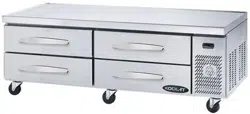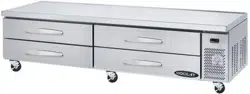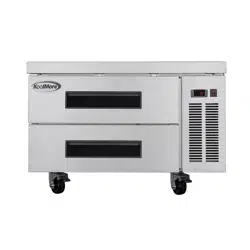
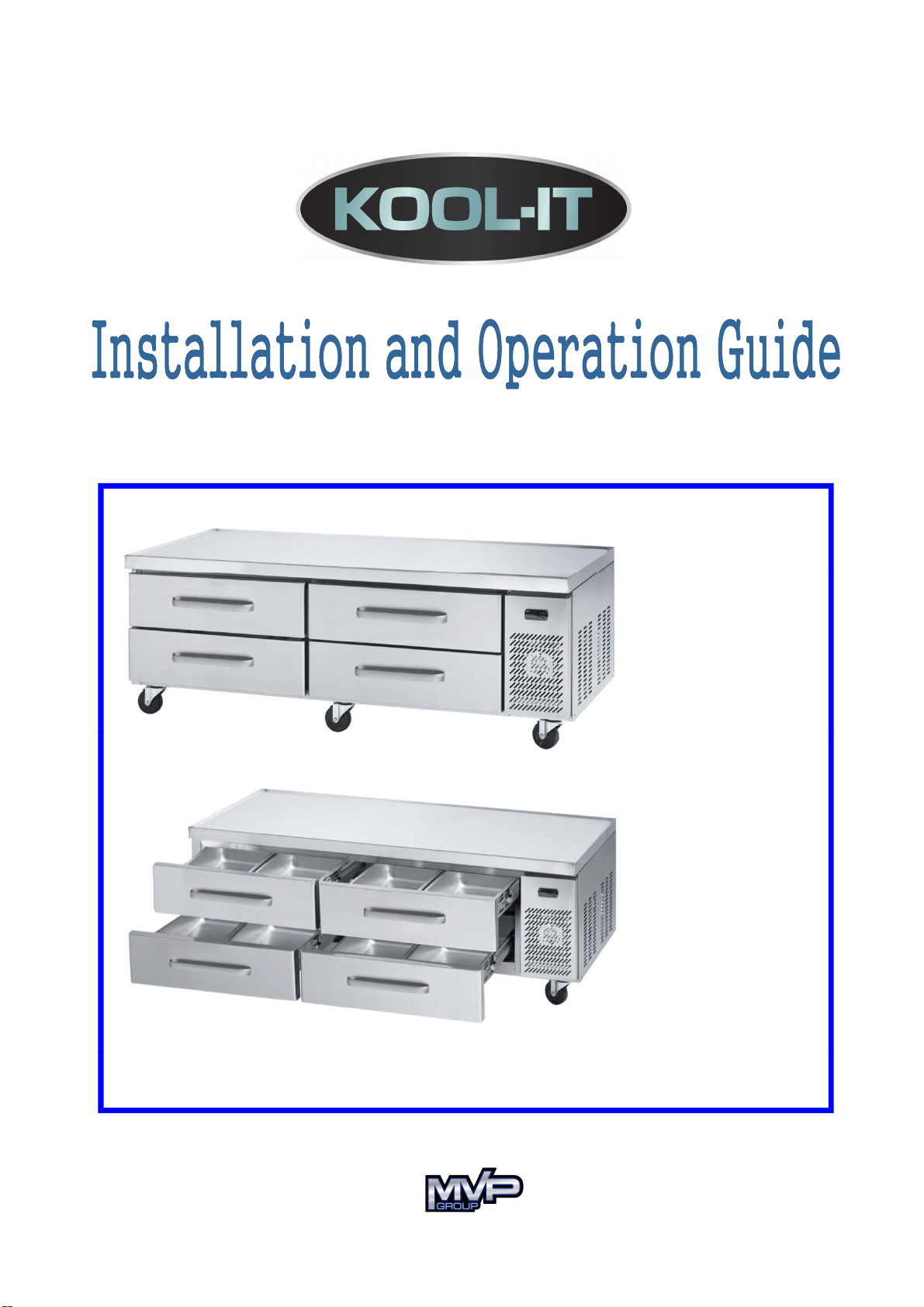
Chef Bases
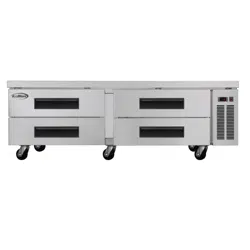
KCB-53-2M
KCB-60-2M
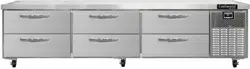
KCB-74-4M
KCB-83-4M
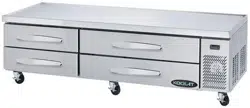
KCB-96-4M
Visit us on the web at www.mvpgroupcorp.com
5
659 Royalmount Ave.
Montreal,QC H4P2P9
1
2000 Biscayne Blvd. Ste 108
Miami,FL 33181

Contents
♦ Specifications ………………………………....
♦ Installation …………………………………….
3
4
♦ Maintenance & cleaning ……………………..
♦ Operation & Installing Castors ………….....
4
5
♦ Trouble-Shooting ……………………………..
6
Visit us on the web at www.mvpgroupcorp.com

Pdt
Specifications
P
ro
d
uc
t
ChCheff BBases
Model
KCB-53-2M KCB-60-2M KCB-74-4M KCB-83-4M
Capacity (cu.ft) 9.8
9.8
14.3 17.2
21.4
W
52 8
83 3
Exterior Dimensions
(Including 4” Casters)
[in]
W
52
.
8
60 74
83
.
3
96.1
D
30.5 30.5 30.5 30.5 30.5
H
25.1
(25.5)
25.1
(25.5)
25.1
(25.5)
25.1
(25.5)
25.1
(25.5)
NtWiht(lb)
236
304
342
N
e
t
W
e
i
g
ht
(lb
s
)
236
262
304
342
363
Rated Voltage
AC115V /60Hz
Type of Power Cord
NEMA 5-15P
Amps 3.3 3.3 3.3 6.0 6.0
Compressor (HP) 1/5 HP 1/5 HP 1/5 HP 3/8 HP 3/8 HP
Drawers 2
2
444
Vessel - Pan Quantity
(Full size pan)
6
6
8 10
12
Refrigerant R-134a
Range of Temperature 32~40°F
♦ Specifications and Designs are subject to change without notice.
♦
The name plate (including Serial No.) is located on the upper left side of the cabinet interior.
♦
The
name
plate
(including
Serial
No.)
is
located
on
the
upper
left
side
of
the
cabinet
interior.
3
Visit us on the web at www.mvpgroupcorp.com
KCB-96-4M

Installation
1. INDOOR USE ONLY
•
This
unit is intended for indoor use only.
2. FOR
LOCATION
•
Be sure that the location is strong enough to support the total weights of the unit and the content.
•
Keep the unit away from sunlight and other heat generating equipment.
•
The minimum clearance between the back of the unit and the wall should be 7 inches at least.
3. INSTALLING CASTORS
3. INSTALLING
CASTORS
•
Be sure that castors with brake should be installed in front.
4. LEVELING
•
The unit s
hould be leveled to provide adequate drainage.
5. ELECTRICAL
CONNECTION
•
The unit should be plugged into a 115V/60Hz, grounded wall receptacle to
prevent electrical shock and fire hazards.
•
Do not plug other electrical units into same wall receptacle this unit is plugged into
Maintenance & Cleaning
•
Do
not
plug
other
electrical
units
into
same
wall
receptacle
this
unit
is
plugged
into
.
•
Do not use an extension cord.
•
Compressor warranties are void if the compressor burns out due to low voltage.
Maintenance & Cleaning
1. To maintain proper refrigeration performance, the condenser fins should be
checked monthly and clean with a soft brush or vacuum cleaner as
needed.
2.
Wait at least 6mimutes after unplugging the unit before plugging in.
3. The interior and exterior of the unit can be cleaned using plugging in water.
•
Do
not use an abrasive cleaners to avoid scratches on the surfaces
.
4.
The door-gasket should be cleaned to avoid maintain proper sealing.
4
Visit us on the web at www.mvpgroupcorp.com

Operation
1. The tem
p
erature controller
(
thermostat
)
is located on the u
pp
er
p() pp
left of the back side of the cabinet interior.
2. The controller has been preset "NORMAL" position at the
factory.
3.
Set the control-knob toward "COOL" for higher temperature and
"COLD" for lower temperatur
e.
4.
The thermostat controls compressor's ON/OFF by sensing inside
temperatures of cabinet
temperatures
of
cabinet
.
5.
The unit is equipped with an off-cycle defrost .
Installin
g
Caster
s
g
1. Remove the outer packing.
2. Install the castors in the area.
3Mk h ihb k h ldb i lldi f
3
.
M
a
k
er sure t
h
at castors w
i
t
h
b
ra
k
es s
h
ou
ld
b
e
i
nsta
ll
e
d
i
n
f
ront.
5
Visit us on the web at www.mvpgroupcorp.com

Troubleshooting
Problem Possible Cause Action
Compressor
will not start
Power connection failure. Check Power Cord and plug it in.
Power switch is in off position. Change it on position.
Temperature
set
point
is
too
high
.
Correct
temperature
set
point
.
The unit does not
refrigerate well
Temperature
set
point
is
too
high
.
Correct
temperature
set
point
.
The door is opened too frequently.
Do not open the door
Frequently.
Loading of too much warm or
moist product.
Do not load warm or
moist product.
Move
the
unit
in
a
well
Not enough ventilation.
Move
the
unit
in
a
well
ventilated place with at least 7
inches of clearance on all sides.
Condenser is clogged. Clean it.
Condensation
on cabinet exterior
High moisture air can produce
dews during the rainy season.
Wipe with cloth.
※ The following is not an indication of problem or malfunction;
A
water-flowing sound can be heard when the unit is operating.
This is the sound of refrigerant flowing.
6
Visit us on the web at www.mvpgroupcorp.com

MEMO
Visit us on the web at www.mvpgroupcorp.com

MVP GROUP CORPORATION
5659 Royalmount Ave.
Montreal, QC, Canada
Montreal, QC, Canada
H4P 2P9
Telephone : (514) 737-9701
Toll Free Telephone : (888) 275-4538
FFax : (514) 342ax : (514) 342-38543854
Toll Free Fax : (877) 453-8832
Email : s
ervice@mvpgroupcorp.com
Website : www.mvpgroupcorp.com
Visit us on the web at www.mvpgroupcorp.com
MVP GROUP CORPORATION
12000 Biscayne Blvd. Ste 108
Miami,FL USA
33181