
For household
Use Only
1-800-898-3002
homelabs.com/help
© 2018 hOmeLabs LLC
37 East 18 Street, 7th Floor
New York, NY 10003
All rights reserved, hOme
™
. Printed in China.
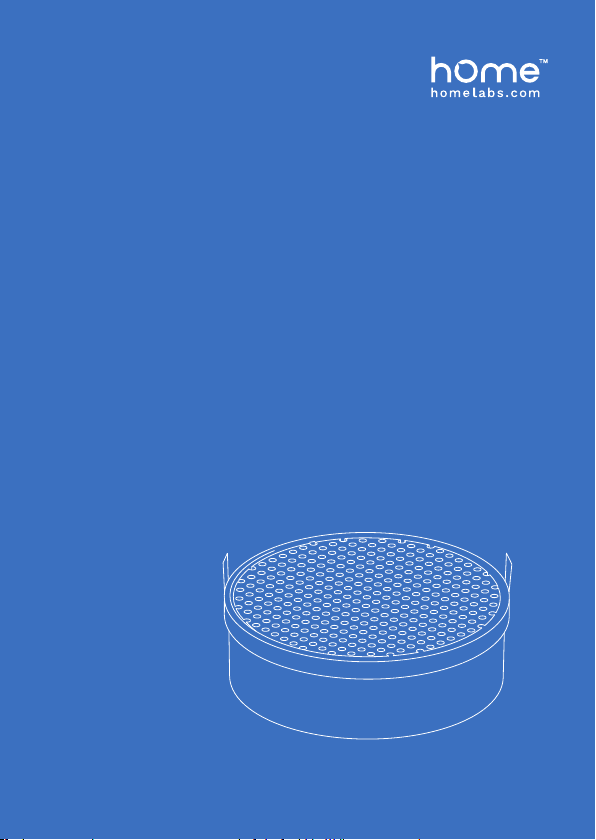
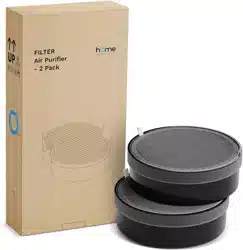
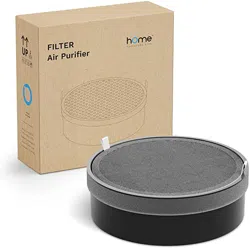
FILTER
Compact Air Purier
Before using your FILTER, please read this manual.
HME020271N
HME020272N

REPLACING YOUR FILTER
1. Press the On/Off Button to turn OFF your appliance.
2. Make sure to unplug the appliance from the outlet.
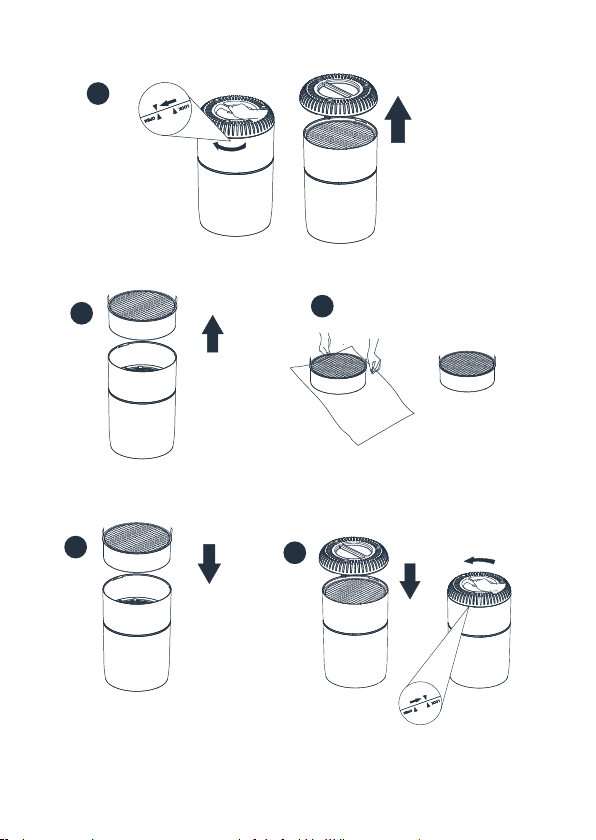
3. Flip the unit upside down, turn the Filter Cover handle clockwise
to the “OPEN” position and remove the cover (Fig 1).
4. Remove the Multifunctional Filter from the purifier (Fig 2).
5. Remove the Multifunctional Filter from the plastic bag (Fig 3).
6. Install the Multifunctional Filter with the tabs face up and
outward (Fig 4).
7. Place the Filter Cover on the bottom of the air purifier, aligning
the arrows to twist the handle clockwise to the “LOCK” position
to secure the filters (Fig 5).
8. After replacing the filter, turn the appliance on. Press and hold
the Light button for 3 seconds. The indicator light will turn out.
The filter is now successfully reset.
If you have any further questions, please contact the
hOme™ Customer Support hotline at 1-800-898-3002 or
visit homelabs.com to chat with a customer support agent.
WARNING: Always make sure the appliance is
turned off and unplugged before replacing your filter.
2
4
5
3
1