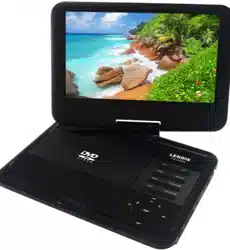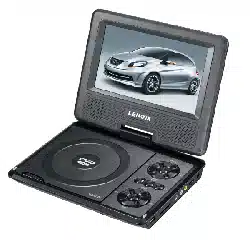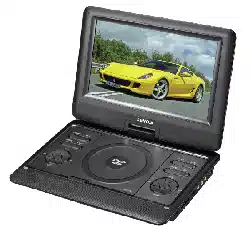
PDVD1300
delect
'
off
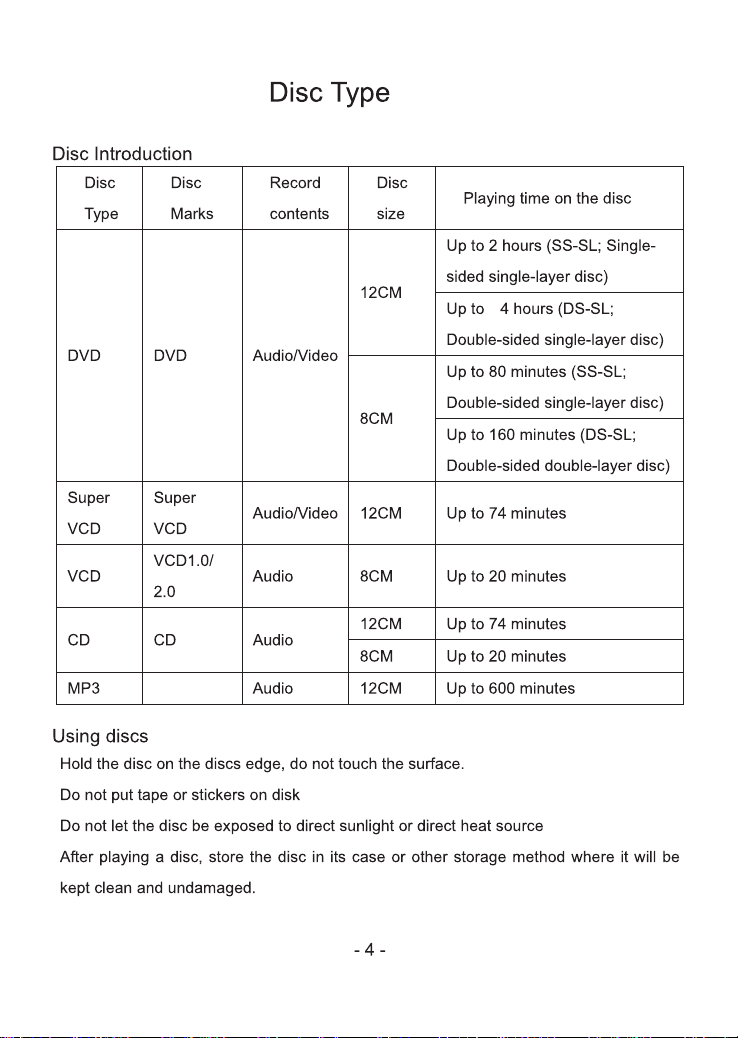
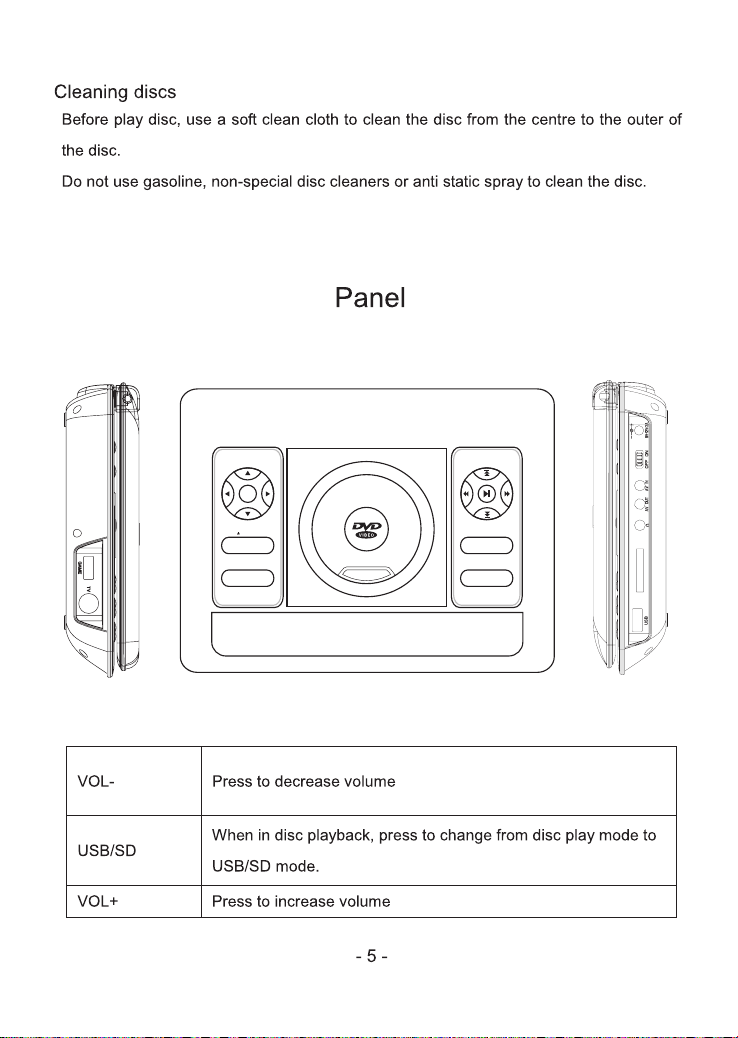
8)First opening pictnre is loading under blue backgrade
when open DVD player
CA RD
CA RD
PDVD1300
LCD
MENU
CH+
CH-
MENU
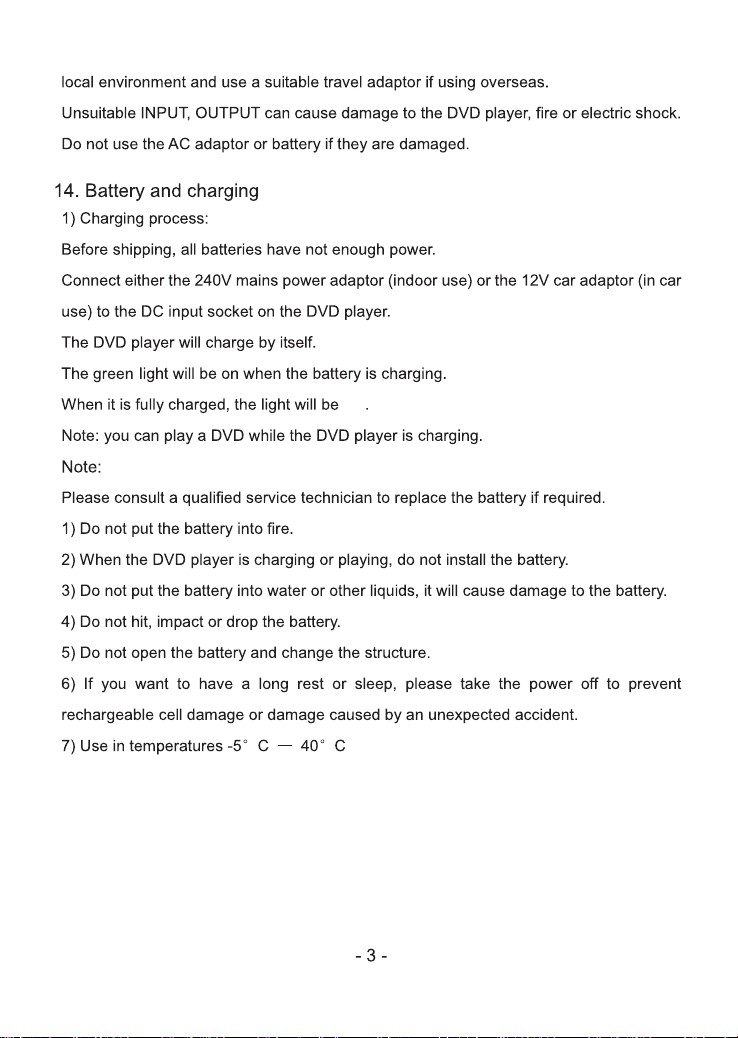
COPY
VOL+VOL-
R/L
LCD/
SETUP
MODE
STOP
USB/SD
NEXT
REV
FWD
PREV
Audio
Audio
DC
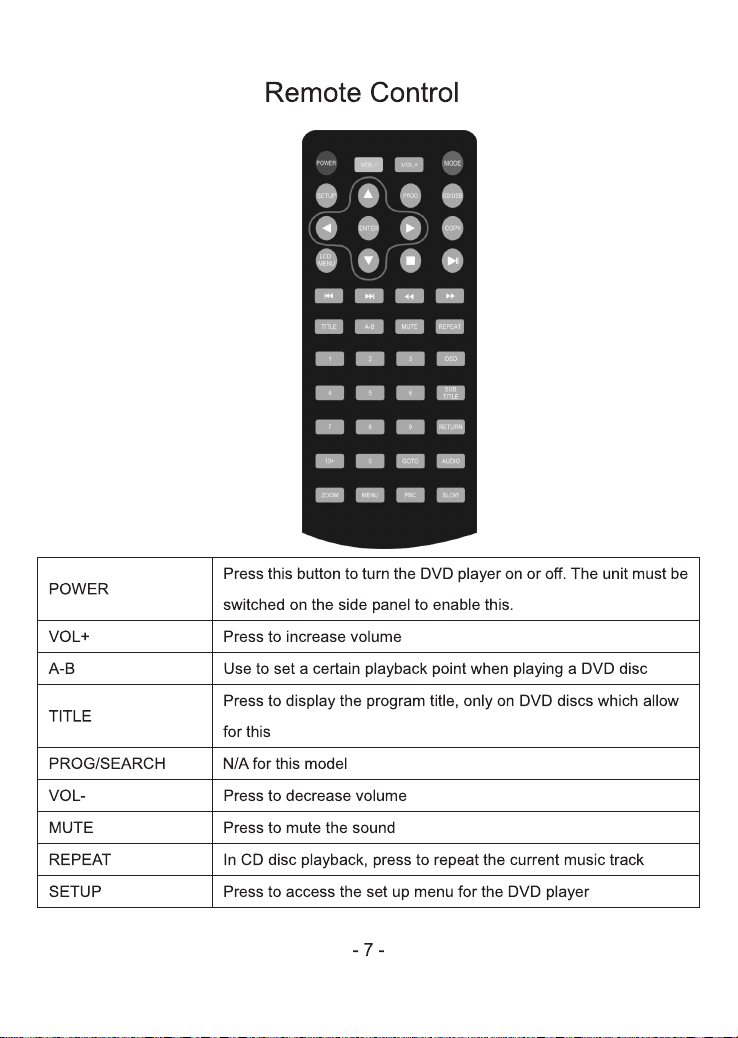
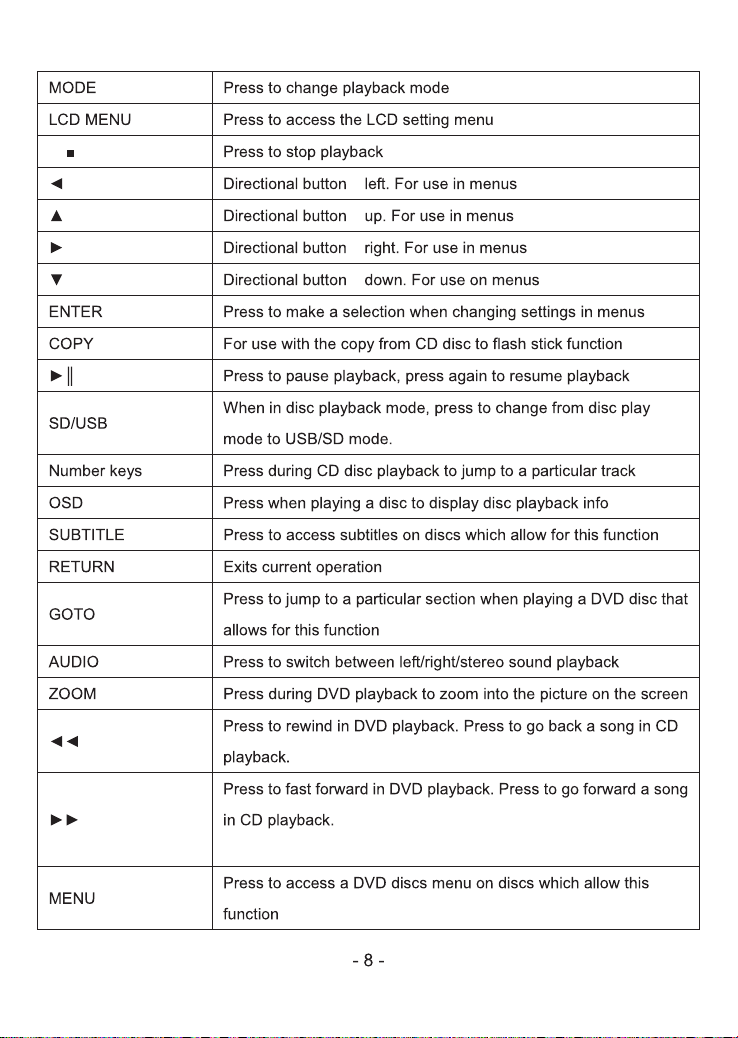
.For sub-file switching and selection
-
-
-
-
NO.:7
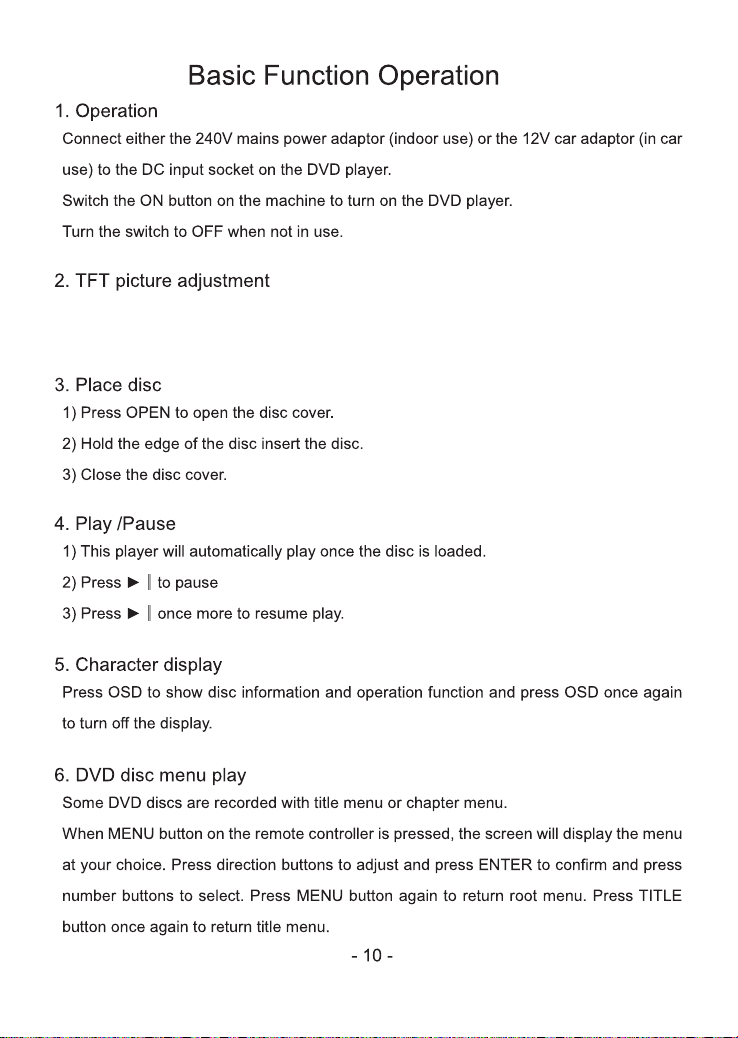
Press setup use directiong key to move to picture for adjusting TFT pictcne
suchas brightness,contrast,saturation,sharpness,Hue color temp.
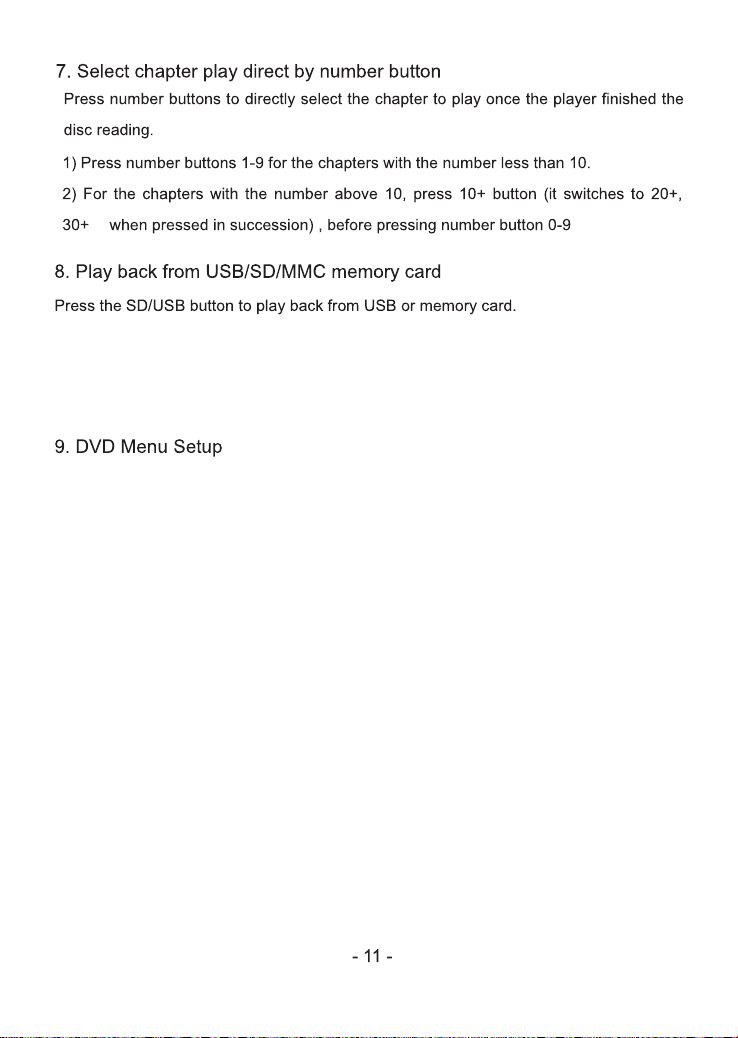
Press USB/CARD to cooperate USB/CARD. Press Return for file type selection
page during reading, it has included in AUDIO / VIDEO / PICTURE / TEXT / GAME.
Press Direction and Enter key to switch between diffirent file.
1. Player setup
A. TV system: NTSC & PAL & QUTO
B. Resume: on & off
C. Screen Save: on & off
D. Password
E. Down mix: LT/RT, STEREO, VSS,
F. Audio language: English, Chinese, German, Spanish, French, Portuguese,
Italian, Russian
2. System setup
A. Language:
B. OSD duration: Never, 5 seconds, 30 seconds, 60 seconds
C. DVD AV output: On & OFF
D. Aspect Ratio: Full, 16:9, 4:3 PS, 4:3 LB
E. Reset: Yes & No
English, Chinese, German, Spanish, French, Portuguese, Italian, Russian
…
20
20
1/3
1/4 1/5 1/6 1/71/
2
“ ”
tracks
“sta t”,r
coping.
tracks
“sta t”,r
coping.
U
-