PACKAGE CONTENTS
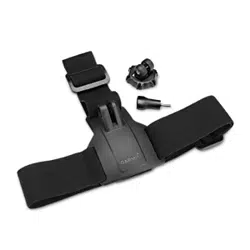
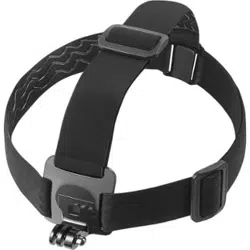
• Head Strap for GoPro
• Thumb screw
• Quick Setup Guide
FEATURES
• Compatible with most GoPro cameras
• Allows easy, hands-free recording
• Perfect for skiing, mountain biking, or other
activities where you want to take videos
Before using your new product, please read these instructions to prevent any damage.
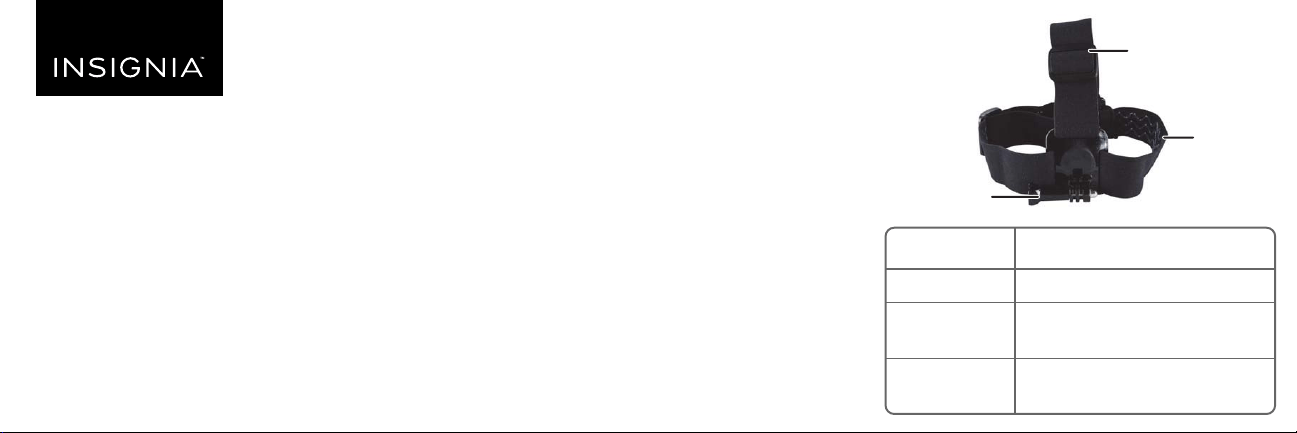
ITEM
Head strap
Adjustable
buckle
Thumb screw
DESCRIPTION
Non-slip material for a secure t
Adjust to change the length of
the strap
Secures your GoPro camera to
the head strap
Head strap
Thumb screw
Adjustable buckle
QUICK SETUP GUIDE
Head Strap for
GoPro™
NS-DGPHS10 / NS-DGPHS10-C
USING YOUR HEAD STRAP
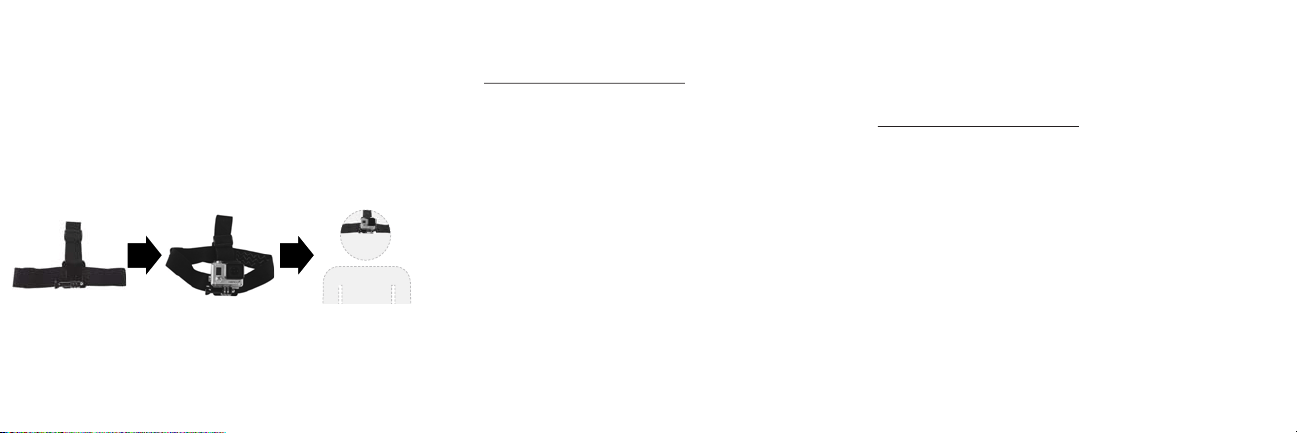
MOUNT
1 Secure your GoPro camera to the head strap
mount using the thumb screw.
2 Place the head strap mount on your head and
begin taking videos.
ONEYEAR LIMITED WARRANTY
Visit www.insigniaproducts.com for details.
CONTACT INSIGNIA:
For customer service, call 1-877-467-4289 (U.S. and
Canada) or 01-800-926-3000 (Mexico)
www.insigniaproducts.com
GOPRO, HERO, the GOPRO logo, and the GoPro Be a Hero logo are trademarks or registered
trademarks of GoPro, Inc.
INSIGNIA is a trademark of Best Buy and its aliated companies
Distributed by Best Buy Purchasing, LLC
7601 Penn Ave South, Richeld, MN 55423 U.S.A.
©2017 Best Buy. All rights reserved.
Made in China
V2 ENGLISH 17-0945