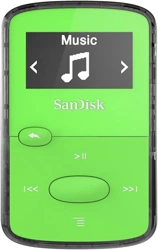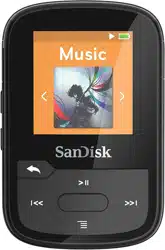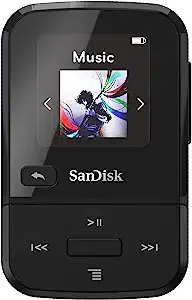
To prevent possible hearing damage, do not listen to high volume
levels for long periods.
Fully understand user manual before use.
Ensure your player is at low volume levels or power off when not
in use.
For more information on safety, go to:
http://kb.sandisk.com/app/answers/detail/a_id/16879/
1
1
1
2
2
2
2
2
3
5
6
6
6
6
7
8
8
8
8
8
8
8
9
9
10
10
10
10
11
11
12
14
18
18
18
18
19
19
19
19
20
20
22
22
22
23
23
23
29
29
30
31
31
31
32
32
Safety Tips, Cleaning & Instructions
1
SanDisk Clip Jam MP3 Player Overview
2
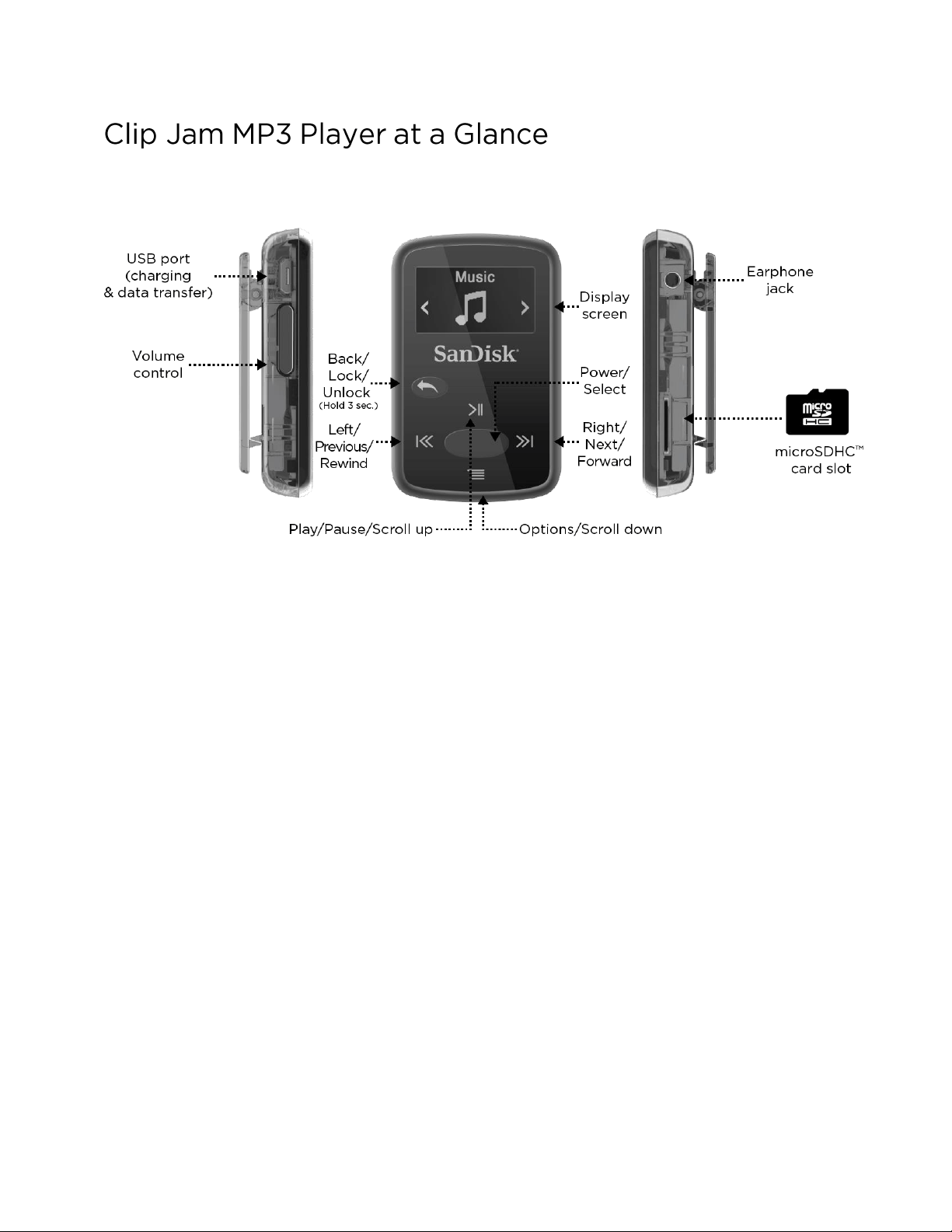
SanDisk Clip Jam MP3 Player Overview
3
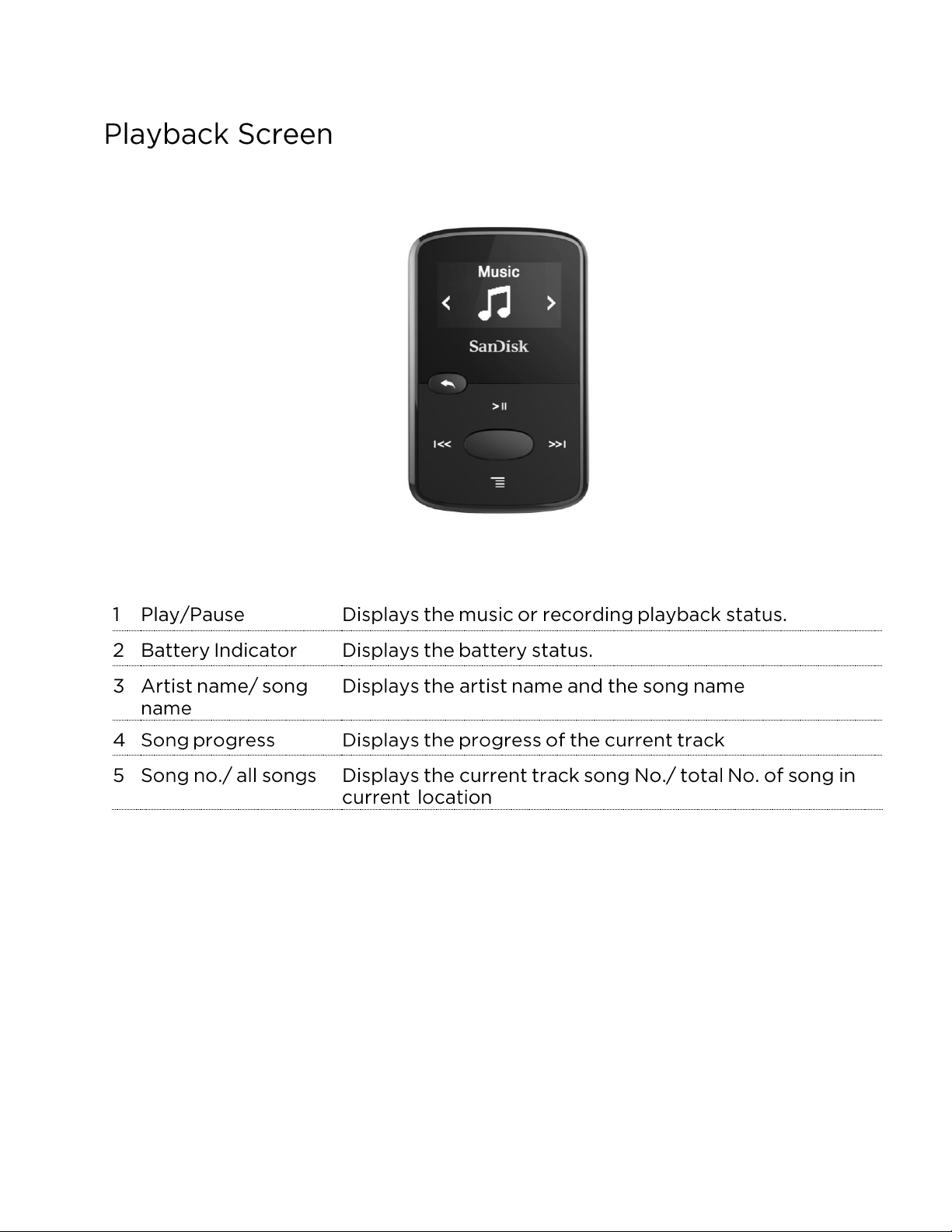
SanDisk Clip Jam MP3 Player Overview
4
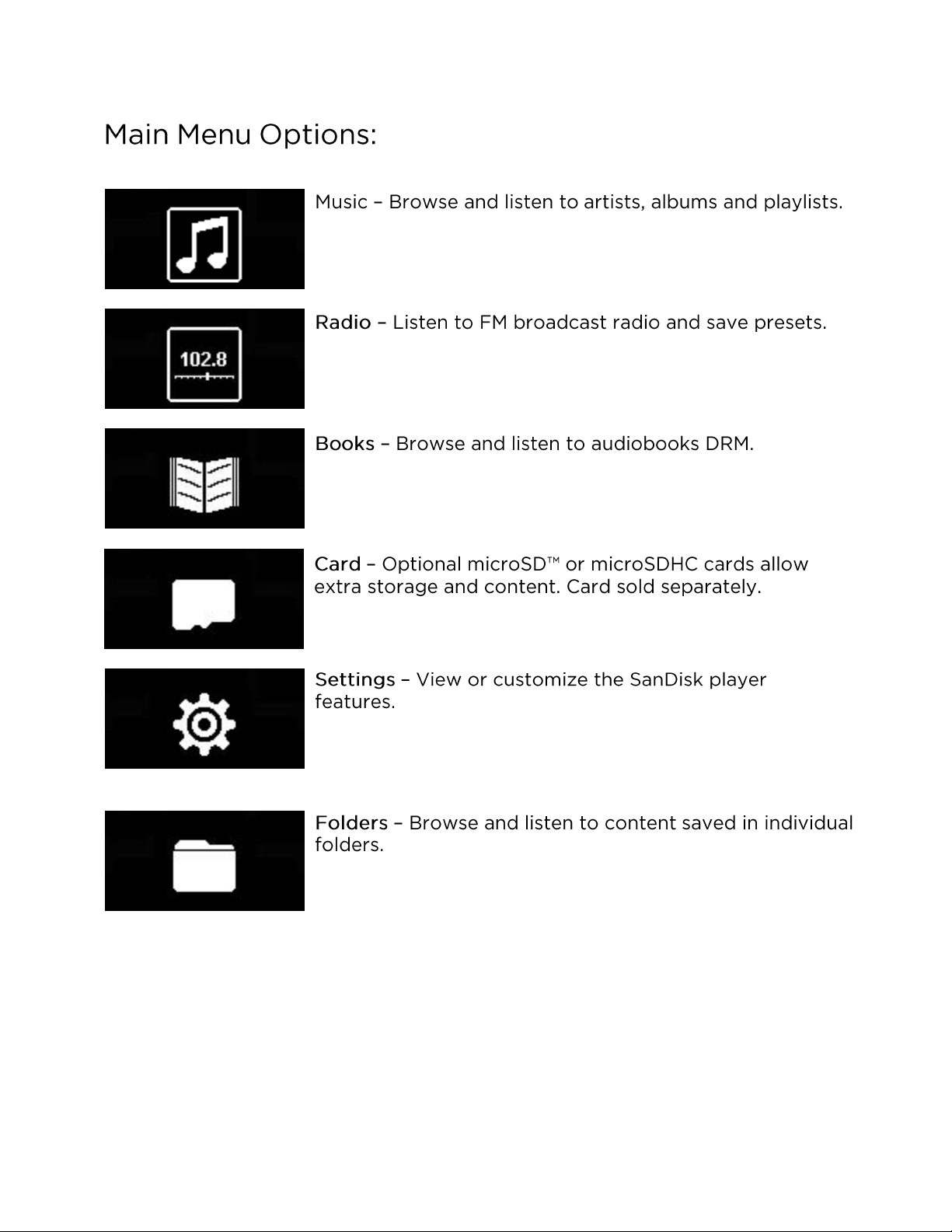
SanDisk Clip Jam MP3 Player Overview
5
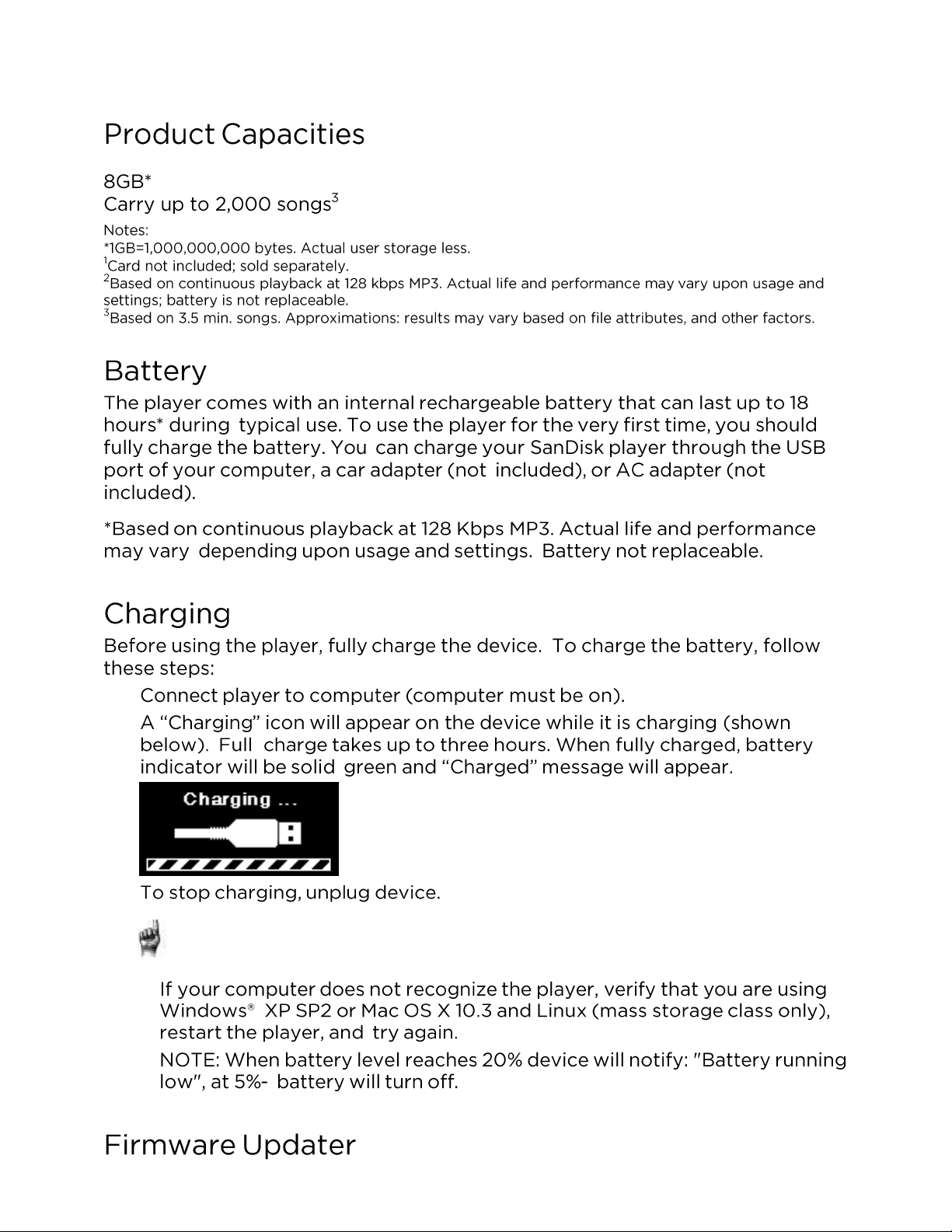
SanDisk Clip Jam MP3 Player Overview
6
Quick Tips: The battery CANNOT be overcharged.
1.
2.
3.
Basic Operation
8
Basic Operation
9
CAUTION: Do not disconnect the player while it is transferring data.
Disconnecting the player from the computer during data transfer may damage
the device.
CAUTION: Do not disconnect the player while it is transferring data.
Disconnecting the player from the computer during data transfer may damage
the device.
Music
11
1.
2.
3.
4.
5.
Quick Tips: Remember to eject the removable disk using the Windows or Mac
eject
before disconnecting the player.
Quick Tips: Under artists, songs, playlists, and albums pressing “Shuffle” will shuffle
all
songs in music library, not just the songs under specific selected category of
artists, songs,
playlists, or albums. In order to shuffle a single album, select one
specific album title and
press select, then select Shuffle.
Music
12
Quick Tips: Clearing the music GoList does not delete songs from the device. It merely
clears
the content from the playlist that was saved locally to the device.
Music
13
1.
2.
3.
1.
2.
3.
1.
2.
1.
2.
1.
2.
3.
Music
14
Music
15
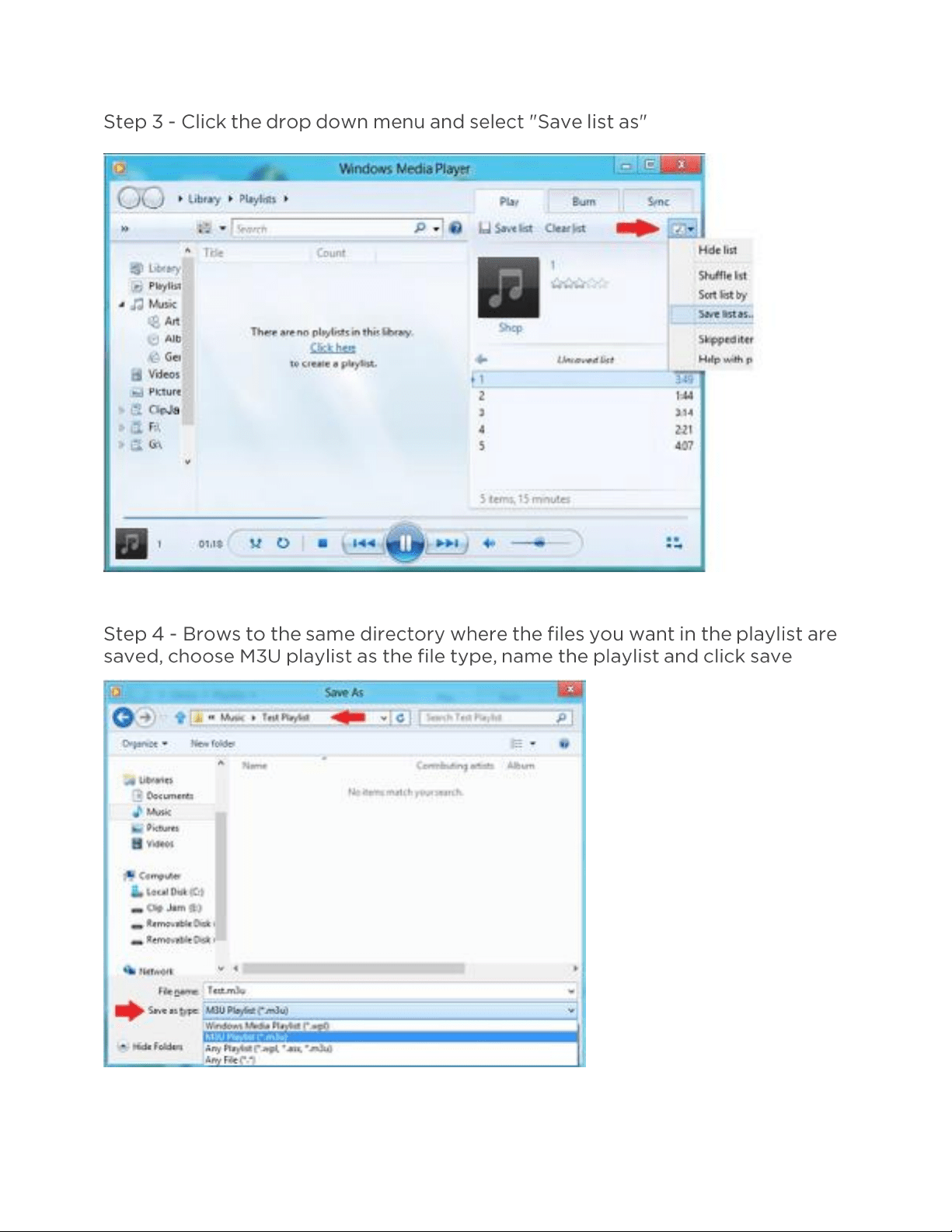
Music
16
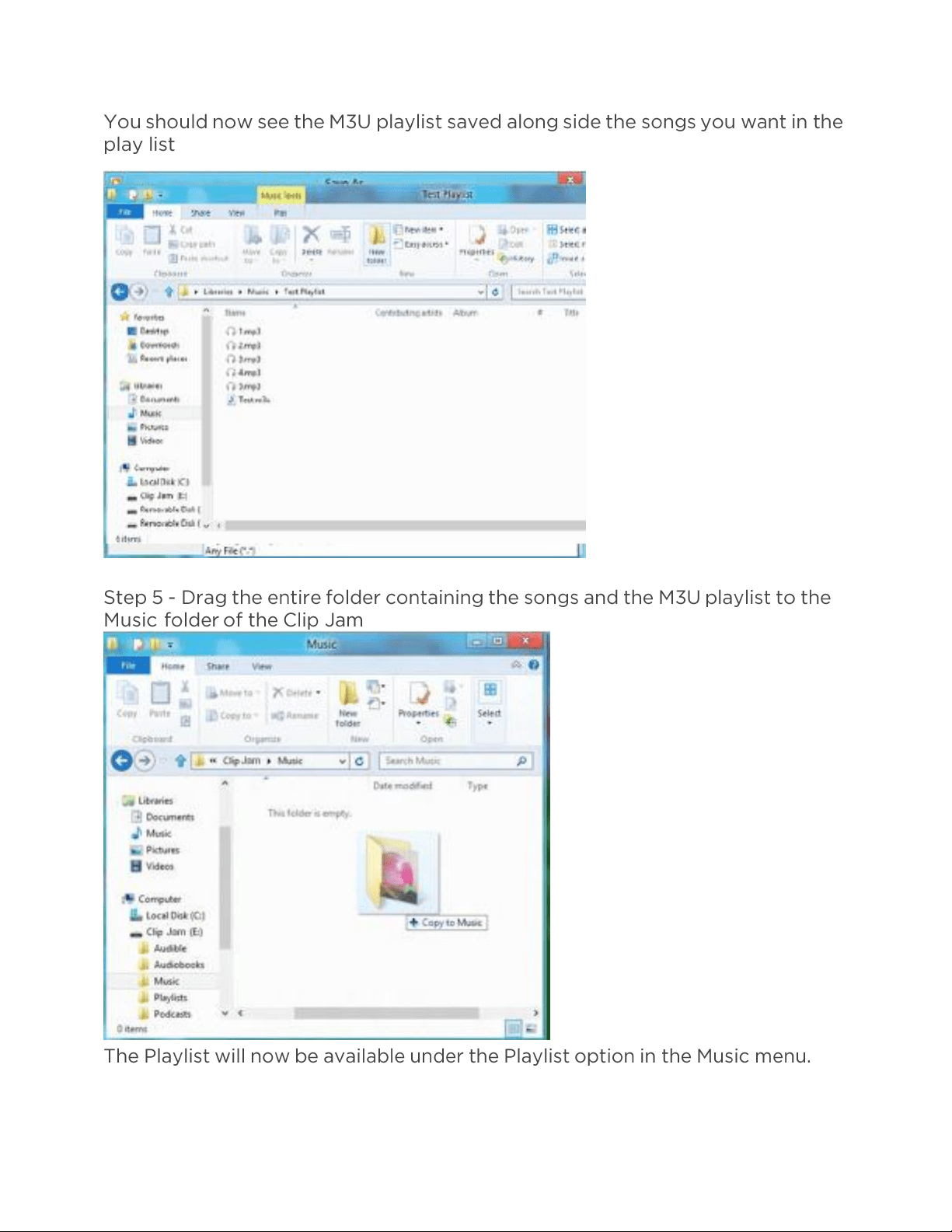
Music
17
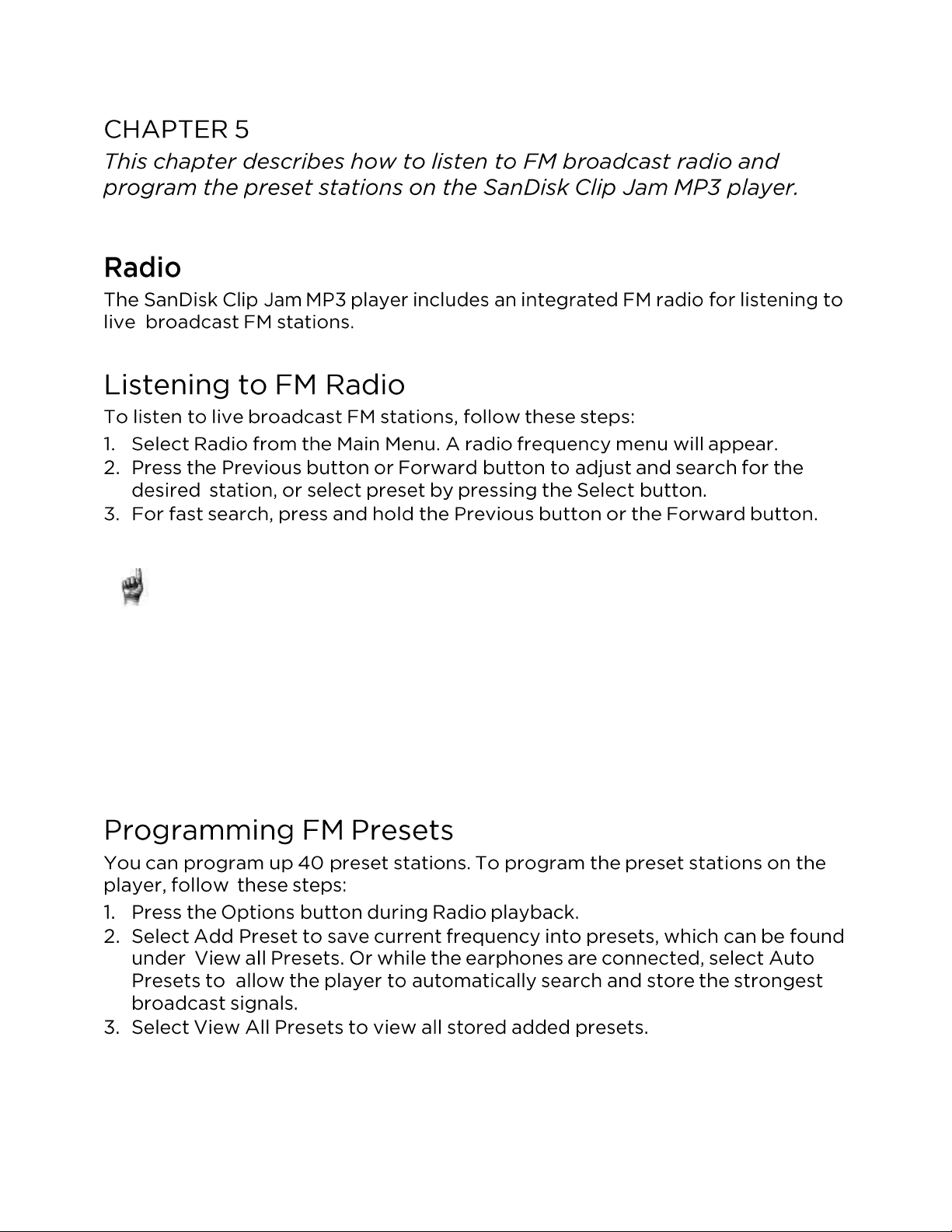
Radio
18
Quick Tips:
1.
Your headphones are the antenna for your device. For best reception or
maximizing the
number of presets your device can find, extend the
headphone cord as much as possible to
increase the antenna length
and therefore, reception.
2.
Pressing play/pause during a radio broadcast is the equivalent of
muting the radio. There is
no dynamic, live pausing capability on the
SanDisk Clip Jam MP3 player.
Books
19
Quick Tips: Remember to eject the removable disk before disconnecting the player.
Books
21
Quick Tips: if you stop playing an audiobook before it finishes, your
player will create a .pos file,
it is to save the resume point and it is not a
playable file. This file will be seen only under folder view.
Quick Tips: to ensure files sorter correctly, file should not exceed 16
characters long or use
ID3 tags. Also, to make sure your book seen
under audible section, place your audiobook
under the audiobook
folder.
Card
22
Note: You can access your card content from
the card menu.
Quick Tips: The microSDHC logo on the actual card (sold
separately) will appear upside-
down when properly oriented for
inserting into the microSDHC card slot.
Quick Tips: For higher capacity of content, the device will take longer to load.
Player Settings
23
Player Settings
24
1.
2.
3.
1.
2.
3.
1.
2.
3.
Player Settings
25
1.
2.
3.
4.
1.
2.
1.
2.
3.
Player Settings
26
Quick Tips: European users be aware of the Europeans limits of volume
within the laws and
regulations of the European Union.
Quick Tips: For more information, please visit:
http://kb.sandisk.com/app/answers/detail/a_id/430
Quick Tips: The date format will be set according to your initial device
regional settings. For
the Americas region, date will show
month/day/year. For other regions, date will show
day/month/year.
Player Settings
27
1.
2.
3.
1.
2.
Player Settings
28
1.
2.
3.
4.
1.
2.
3.
CAUTION: This option will delete all the files stored on the
player. Ensure that you back up all the media files on the
player before formatting the device. All media files will have to
re-transferred the device after you have formatted it.
CAUTION: This option will delete all customized settings from the player.
Player Settings
29
Quick Tips: While on shuffle mode, Forward and Backwards will randomly select a song.
Quick Tips: If music is currently playing, the Options Menu can be accessed by
pressing the
Options button when the playback screen is open. Music options
include: Add Song to
GoList, Remove Song from GoList, Repeat, Shuffle, Music EQ,
Delete Song, and Track Info.
Please refer to Chapter 4 for more details.
Player Settings
30