PACKAGE CONTENTS
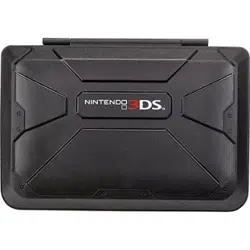
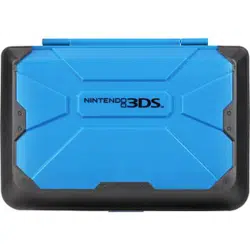
• Vault case
• Quick Setup Guide
FEATURES
• Protects your 3DS or 3DS XL from damage
• Holds your games, SD cards, and stylus
• Easy to install and remove
INSERTING YOUR 3DS OR 3DS XL
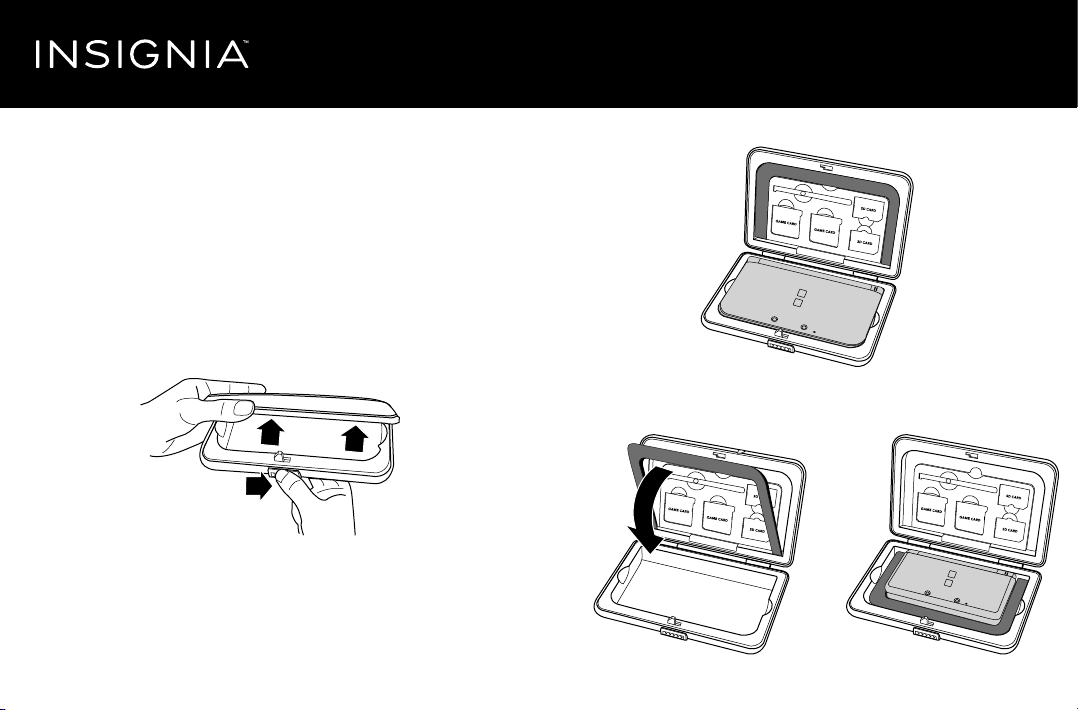
1 Slide the latch, then lift the cover to open the case.
2 If you have a 3DS XL, insert it into the case as shown below.
OR
If you have a 3DS, move the padding in the lid to the bottom of the
case, then insert your 3DS as shown below.
3 Close the lid until you hear a click.
Quick Setup Guide
NS-G3DSVC101 / NS-G3DSVC101-C / NS-G3DSVC102 / NS-G3DSVC102-C
3DS XL Vault Case
Before using your new product, please read these instructions to prevent any damage.
STORING YOUR GAMES AND ACCESSORIES
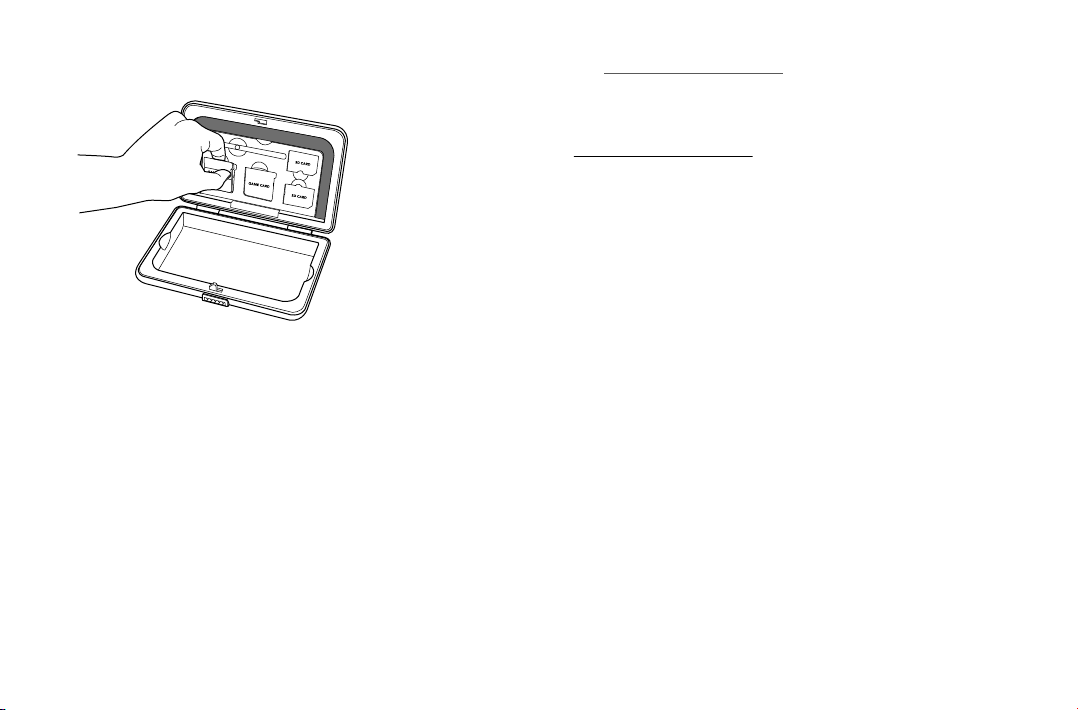
• Gently push your games, SD cards, and stylus into the slots until you
hear a click.
ONE-YEAR LIMITED WARRANTY
Visit www.insigniaproducts.com for details.
CONTACT INSIGNIA:
For customer service, call 1-877-467-4289 (U.S. and Canada)
www.insigniaproducts.com
INSIGNIA is a trademark of Best Buy and its aliated companies.
Registered in some countries.
Distributed by Best Buy Purchasing, LLC
7601 Penn Ave South, Richeld, MN 55423 U.S.A.
©2014 Best Buy. All rights reserved.
Made in China
V2 ENGLISH 14-0884