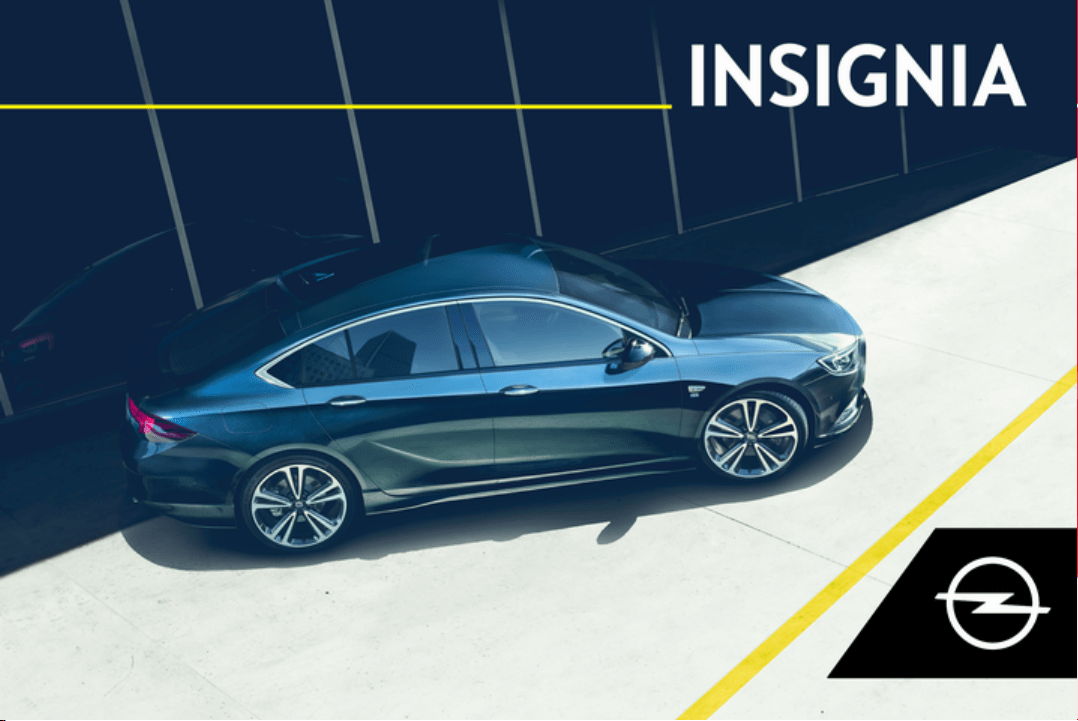
Owner's Manual


Introduction .................................... 2
In brief ............................................ 6
Keys, doors and windows ............ 20
Seats, restraints ........................... 44
Storage ........................................ 72
Instruments and controls ............. 87
Lighting ...................................... 135
Climate control ........................... 149
Driving and operating ................. 161
Vehicle care ............................... 238
Service and maintenance .......... 284
Technical data ........................... 288
Customer information ................ 307
Index .......................................... 316
Contents
2 Introduction
Introduction

Introduction 3
Vehicle specific data
Please enter your vehicle's data on
the previous page to keep it easily
accessible. This information is
available in the sections "Service and
maintenance" and "Technical data"
as well as on the identification plate.
Introduction
Your vehicle is a designed
combination of advanced technology,
safety, environmental friendliness
and economy.
This Owner's Manual provides you
with all the necessary information to
enable you to drive your vehicle
safely and efficiently.
Make sure your passengers are
aware of the possible risk of accident
and injury which may result from
improper use of the vehicle.
You must always comply with the
specific laws and regulations of the
country that you are in. These laws
may differ from the information in this
Owner's Manual.
Disregarding the description given in
this manual may affect your warranty.
When this Owner's Manual refers to a
workshop visit, we recommend your
Opel Service Partner. For gas
vehicles, we recommend an Opel
Repairer authorised for servicing gas
vehicles.
All Opel Service Partners provide
first-class service at reasonable
prices. Experienced mechanics
trained by Opel work according to
specific Opel instructions.
The customer literature pack should
always be kept ready to hand in the
vehicle.
Using this manual
● This manual describes all options
and features available for this
model. Certain descriptions,
including those for display and
menu functions, may not apply to
your vehicle due to model
variant, country specifications,
special equipment or
accessories.
● The "In brief" section will give you
an initial overview.
● The table of contents at the
beginning of this manual and
within each section shows where
the information is located.
● The index will enable you to
search for specific information.
● This Owner's Manual depicts left-
hand drive vehicles. Operation is
similar for right-hand drive
vehicles.
● The Owner's Manual uses the
engine identifier code. The
corresponding sales designation
and engineering code can be
found in the section "Technical
data".
● Directional data, e.g. left or right,
or front or back, always relate to
the direction of travel.
● Displays may not support your
specific language.
● Display messages and interior
labelling are written in bold
letters.

4 Introduction
Danger, Warnings and
Cautions
9 Danger
Text marked 9 Danger provides
information on risk of fatal injury.
Disregarding this information may
endanger life.
9 Warning
Text marked 9 Warning provides
information on risk of accident or
injury. Disregarding this
information may lead to injury.
Caution
Text marked Caution provides
information on possible damage to
the vehicle. Disregarding this
information may lead to vehicle
damage.
Symbols
Page references are indicated with 3.
3 means "see page".
Chronological order to select menu
entries in the vehicle personalisation
is indicated with I.
Page references and index entries
refer to the indented headings given
in the section table of content.
We wish you many hours of
pleasurable driving.
Adam Opel GmbH

Introduction 5
6 In brief
In brief
Initial drive information
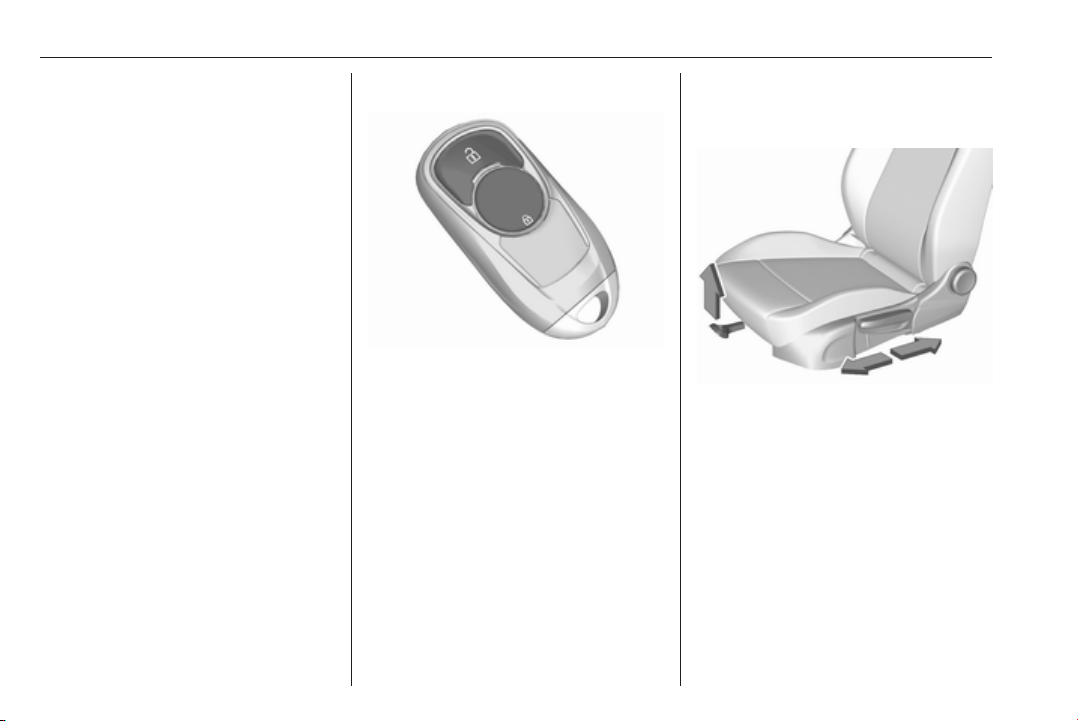
Vehicle unlocking
Press
c to unlock the doors and load
compartment. Open the doors by
pulling the handles. To open the
tailgate, push the brand emblem and
open the tailgate.
Electronic key system 3 20, Central
locking system 3 22, Load
compartment 3 28.
Seat adjustment
Longitudinal adjustment
Pull handle, slide seat, release
handle. Try to move the seat back and
forth to ensure that the seat is locked
in place.
Seat position 3 46, Manual seat
adjustment 3 47, Power seat
adjustment 3 49.
In brief 7
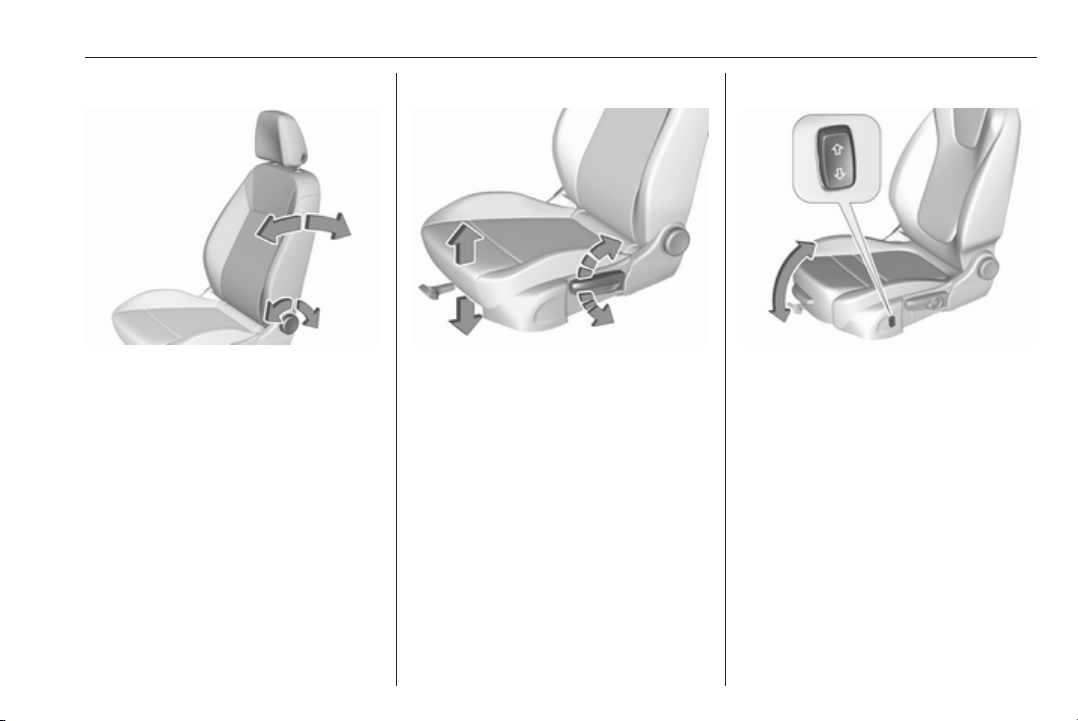
Backrest inclination
Turn handwheel. Do not lean on
backrest when adjusting.
Seat position 3 46, Manual seat
adjustment 3 47, Power seat
adjustment 3 49.
Seat height
Lever pumping motion
up : seat higher
down : seat lower
Seat position 3 46, Manual seat
adjustment 3 47, Power seat
adjustment 3 49.
Seat inclination
Press switch
top : front end higher
bottom : front end lower
Seat position 3 46, Manual seat
adjustment 3 47, Power seat
adjustment 3 49.
8 In brief
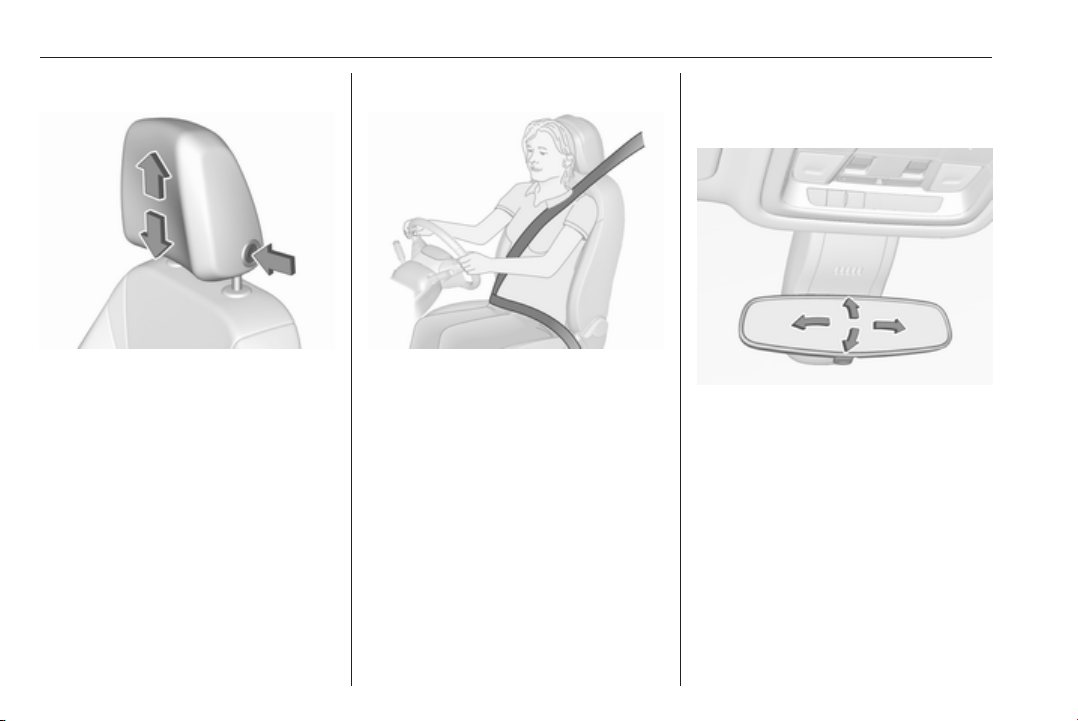
Head restraint adjustment
Press release button, adjust height,
engage.
Head restraints 3 44.
Seat belt
Pull out the seat belt and fasten in belt
buckle. The seat belt must not be
twisted and must fit close against the
body. The backrest must not be tilted
back too far (maximum approx. 25°).
To unfasten belt, press red button on
belt buckle.
Seat position 3 46, Seat belts
3 55, Airbag system 3 57.
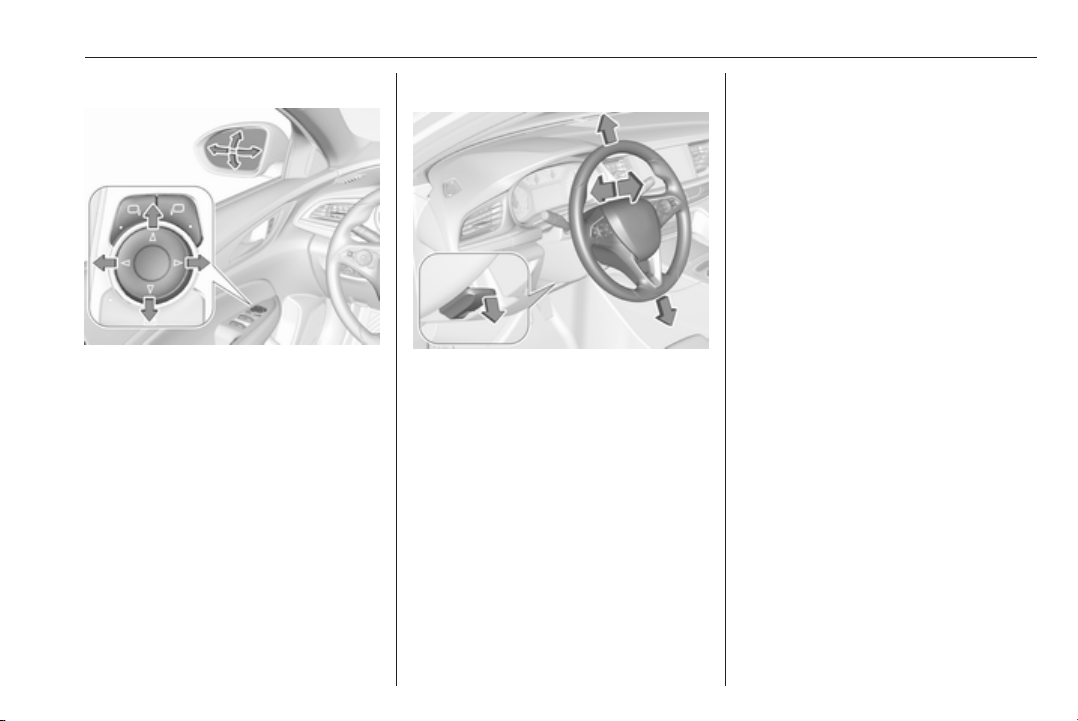
Mirror adjustment
Interior mirror
To adjust the mirror, move the mirror
housing in the desired direction.
Manual anti-dazzle interior mirror
3 38, Automatic anti-dazzle interior
mirror 3 39.
In brief 9
Exterior mirrors
Select the relevant exterior mirror by
pushing left or right mirror button.
LED in button indicates the selection.
Then swivel the control to adjust the
mirror.
Convex exterior mirrors 3 36,
Electric adjustment 3 36, Folding
exterior mirrors 3 37, Heated
exterior mirrors 3 38.
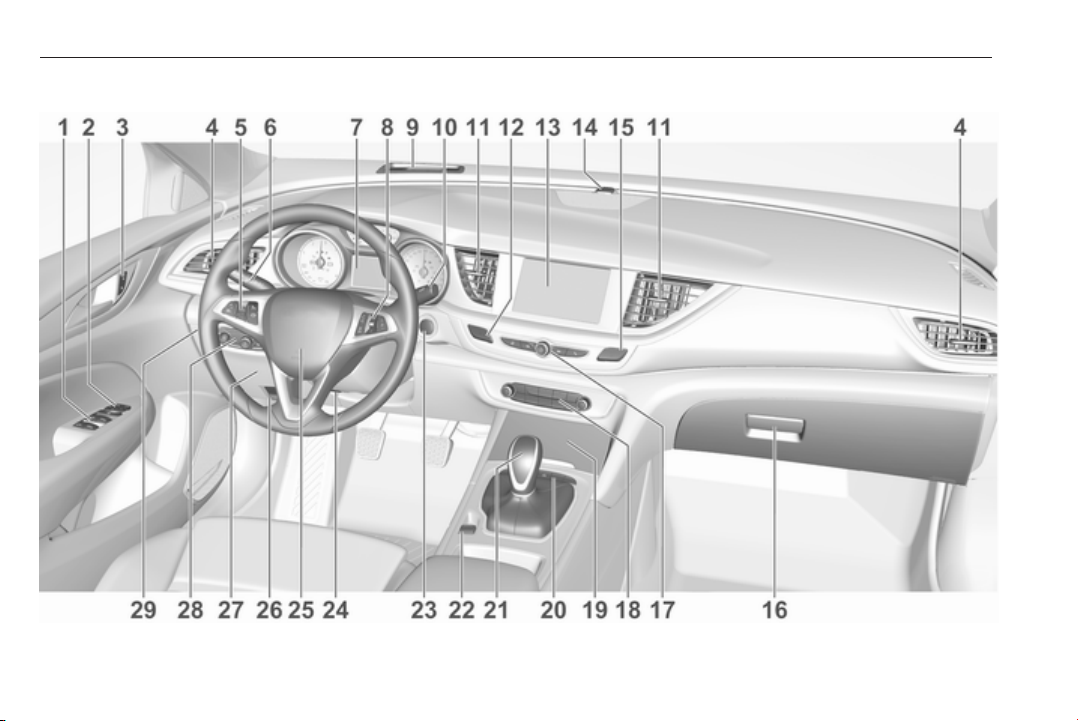
Steering wheel adjustment
Unlock lever, adjust steering wheel,
then engage lever and ensure it is
fully locked. Do not adjust steering
wheel unless vehicle is stationary and
steering wheel lock has been
released.
Airbag system 3 57.
10 In brief
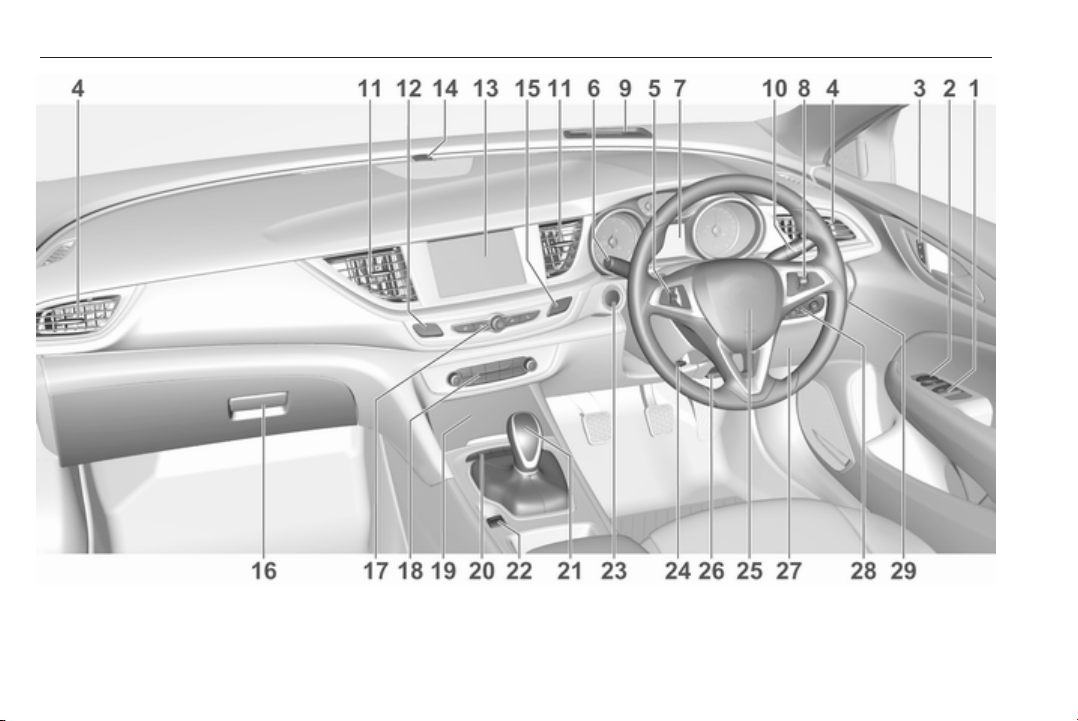
Instrument panel overview

In brief 11
1 Power windows ..................... 39
2 Exterior mirrors ..................... 36
3 Central locking system .......... 22
4 Side air vents ...................... 158
5 Cruise control ..................... 187
Speed limiter ....................... 189
Adaptive cruise control ....... 190
Forward collision alert ......... 198
6 Turn and lane-change
signals, headlight flash,
low/high beam, high beam
assist ................................... 142
Exit lighting ......................... 146
Parking lights ...................... 143
Buttons for Driver
Information Centre .............. 113
7 Instruments ........................ 102
Driver Information Centre .... 113
8 Buttons for Driver
Information Centre .............. 113
9 Head-up display .................. 122
10 Windscreen wiper and
washer, headlight washer,
rear wiper and washer ......... 89
11 Centre air vents .................. 158
12 Hazard warning flashers .... 142
13 Info-Display ........................ 120
14 Anti-theft alarm system
status LED ........................... 33
15 Electronic Stability Control . 183
Traction Control system ..... 182
16 Glovebox .............................. 72
17 Controls for Info-Display
operation ............................. 120
18 Climate control system ........ 149
19 Storage ................................. 72
20 Sport/Tour mode ................ 184
Parking assist/Advanced
parking assist ..................... 207
Lane keep assist ................ 229
Eco button for stop-start
system ................................. 166
21 Manual transmission .......... 178
Automatic transmission ...... 174
22 Electric parking brake ......... 180
23 Power switch ....................... 163
24 Steering wheel adjustment ..88
25 Horn ..................................... 89
26 Bonnet release lever .......... 240
27 Fuse box ............................ 260
28 Light switch ........................ 135
Headlight range
adjustment ......................... 138
Front/rear fog lights ............ 143
Instrument illumination ....... 144
29 Head-up display .................. 122
12 In brief
In brief 13
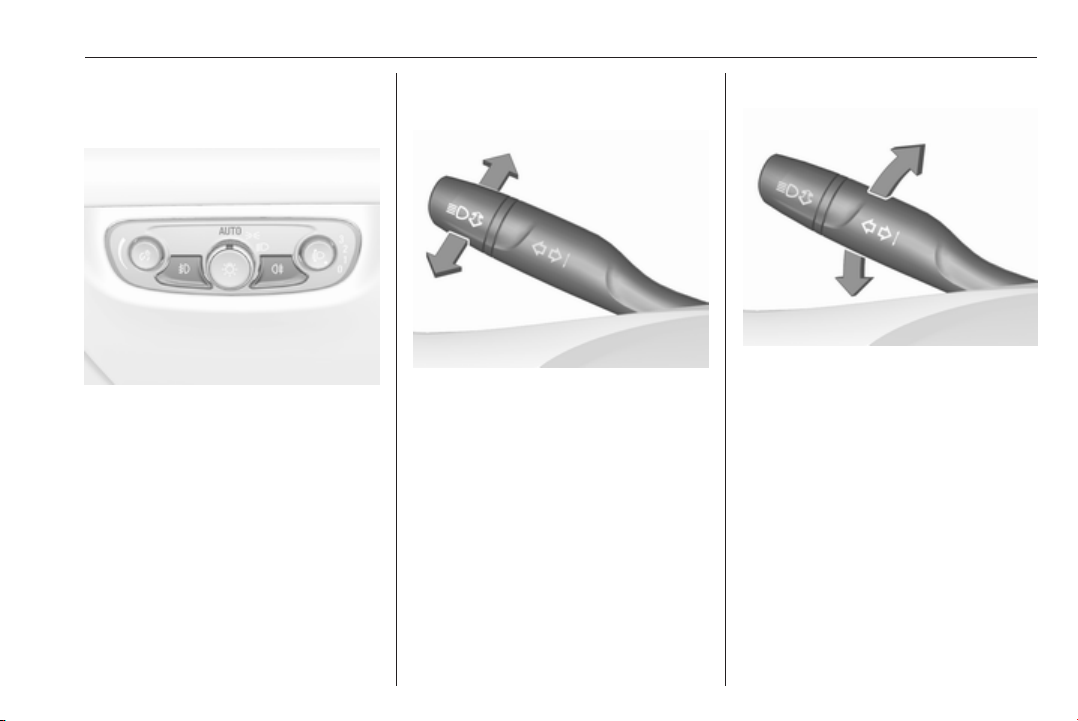
Exterior lighting
Automatic light control
AUTO : automatic light control
switches automatically
between daytime running
light and headlight
8
: sidelights
9
: headlights
Automatic light control 3 136.
Fog lights
>
: front fog lights
r
: rear fog light
Headlight flash, high beam and
low beam
headlight flash : pull lever
high beam : push lever
low beam : push or pull lever
High beam 3 136.
Headlight flash 3 138.
LED headlights 3 139.
High beam assist 3 139.
Turn and lane-change signals
lever up : right turn signal
lever down : left turn signal
Turn and lane-change signals
3 142, Parking lights 3 143.
14 In brief
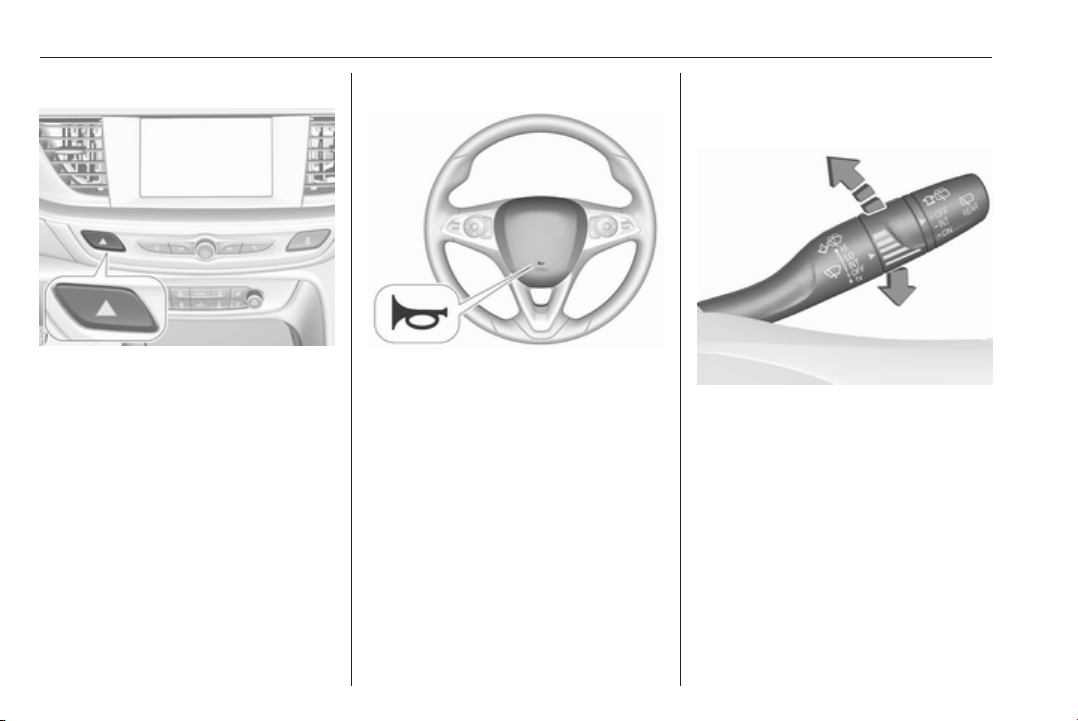
Hazard warning flashers
Operated by pressing ¨.
Hazard warning flashers 3 142.
Horn
Press j.
Washer and wiper systems
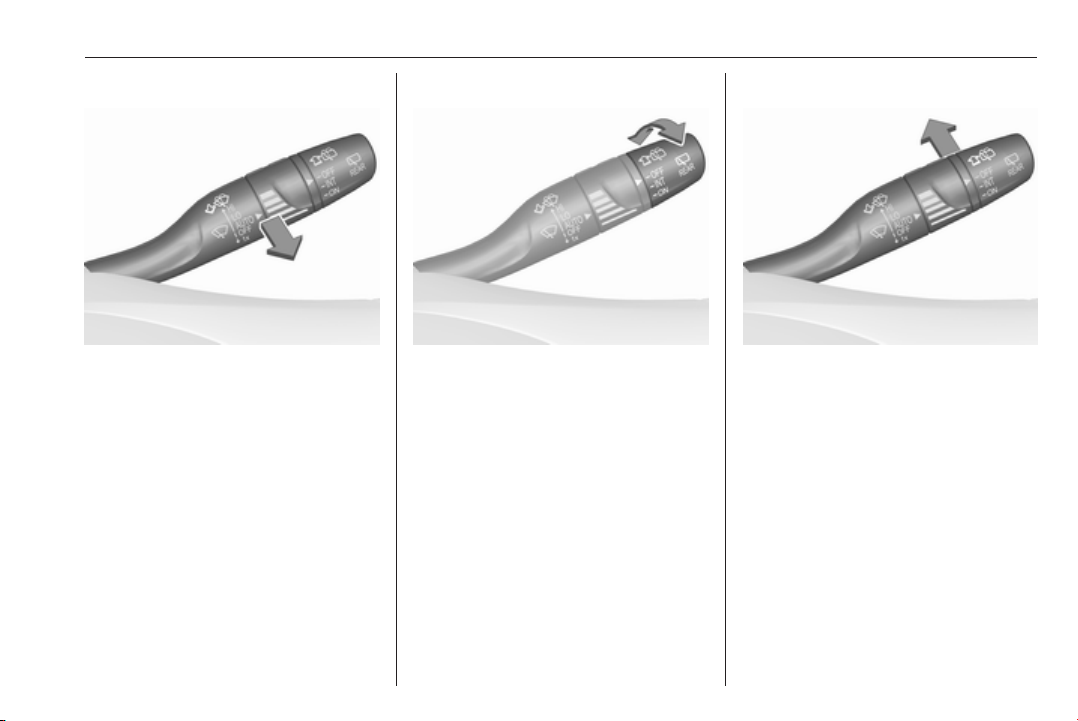
Windscreen wiper
HI : fast
LO : slow
INT : interval wiping or automatic
wiping with rain sensor
OFF : off
For a single wipe when the
windscreen wiper is off, press the
lever down to position 1x.
Windscreen wiper 3 89, Wiper
blade replacement 3 245.
In brief 15
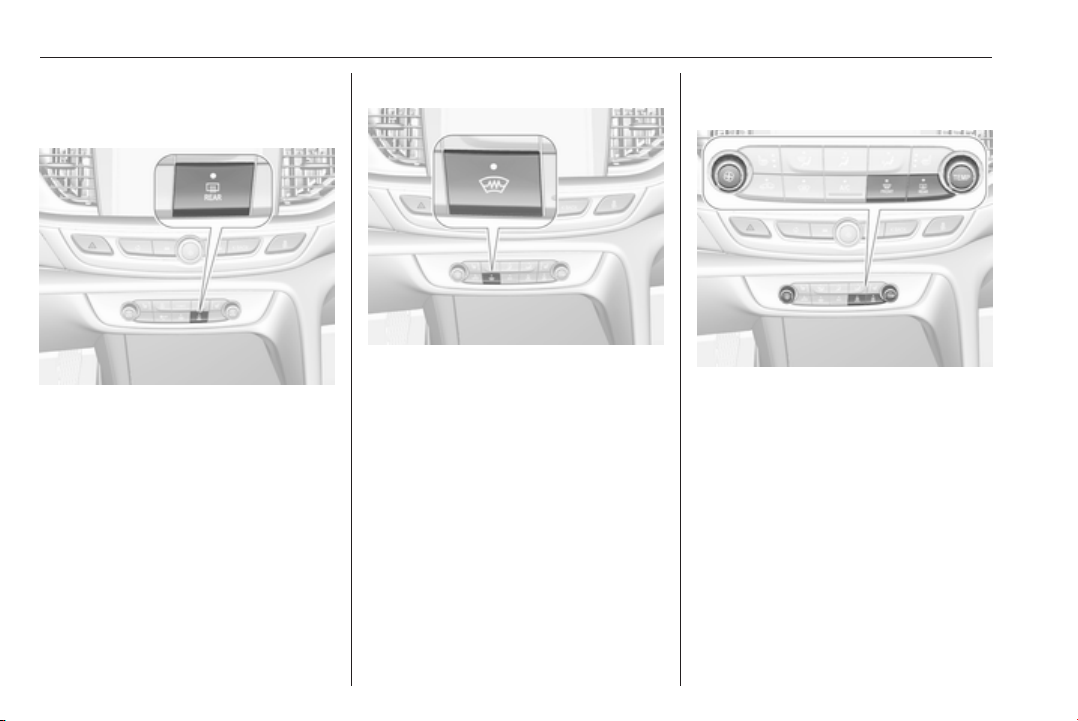
Windscreen washer
Pull lever.
Windscreen and headlight washer
system 3 89, Washer fluid 3 243.
Rear window wiper
Turn outer cap to activate the rear
window wiper:
OFF : off
INT : intermittent operation
ON : continuous operation
Rear window washer
Push lever.
Washer fluid is sprayed on the rear
window and the wiper wipes a few
times.
Rear window wiper/washer 3 91.
16 In brief
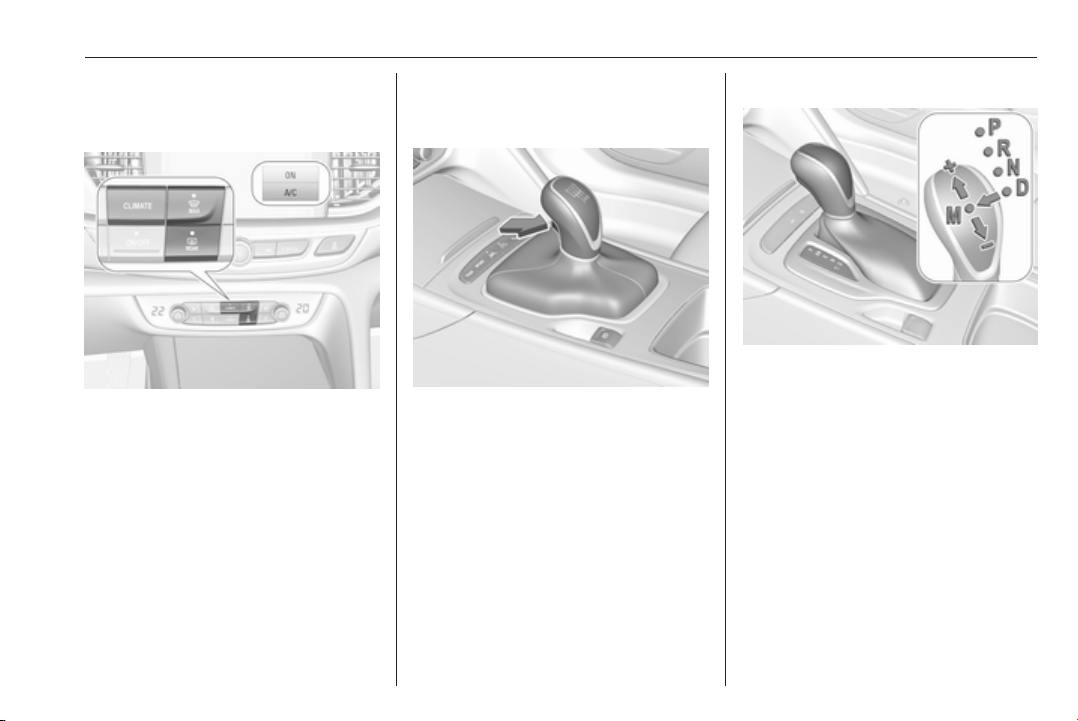
Climate control
Heated rear window
Heating is operated by pressing b.
Heated rear window 3 41.
Heated windscreen
Heating is operated by pressing ,.
Heated windscreen 3 42.
Heated exterior mirrors
Pressing b also activates the heated
exterior mirrors.
Heated exterior mirrors 3 38.
Demisting and defrosting the
windows, air conditioning system
● Press á: fan automatically
switches to higher speed, the air
distribution is directed towards
the windscreen.
● Set temperature control to
warmest level.
● Switch on air conditioning A/C if
required.
● Switch on heated rear window b.
● Open side air vents as required
and direct them towards the door
windows.
Air conditioning system 3 149.
In brief 17
Demisting and defrosting the
windows, electronic climate
control
● Press à. Temperature and air
distribution are set automatically
and the fan runs at high speed.
● Switch on air conditioning
A/C ON in Climate setting menu
by pressing CLIMATE, if
required.
● Switch on heated rear window b.
Electronic climate control system
3 152.
Transmission
Manual transmission
Reverse: with the vehicle stationary,
depress clutch pedal, press the
release button on the selector lever
and engage the gear.
Manual transmission 3 178.
Automatic transmission
P : park position
R : reverse
N : neutral mode
D : automatic mode
M : manual mode
<
: upshift
]
: downshift
The selector lever can only be moved
out of P when the ignition is on and
the brake pedal is applied. To engage
P or R, press the release button.
Automatic transmission 3 174.
18 In brief
Starting off
Check before starting off
● Tyre pressure and condition
3 263, 3 301.
● Engine oil level and fluid levels
3 241.
● All windows, mirrors, exterior
lighting and number plates are
free from dirt, snow and ice and
are operational.
● Proper position of mirrors, seats,
and seat belts 3 36, 3 46,
3 56.
● Brake function at low speed,
particularly if the brakes are wet.
Starting the engine
● Manual transmission: operate
clutch and brake pedal.
● Automatic transmission: operate
brake pedal and move selector
lever to P or N.
● Do not operate accelerator pedal.
● Press Engine Start/Stop briefly.
● The engine starts after a short
delay.
Starting the engine 3 164.
Stop-start system
If the vehicle is at a low speed or at a
standstill and certain conditions are
fulfilled, an Autostop is activated.
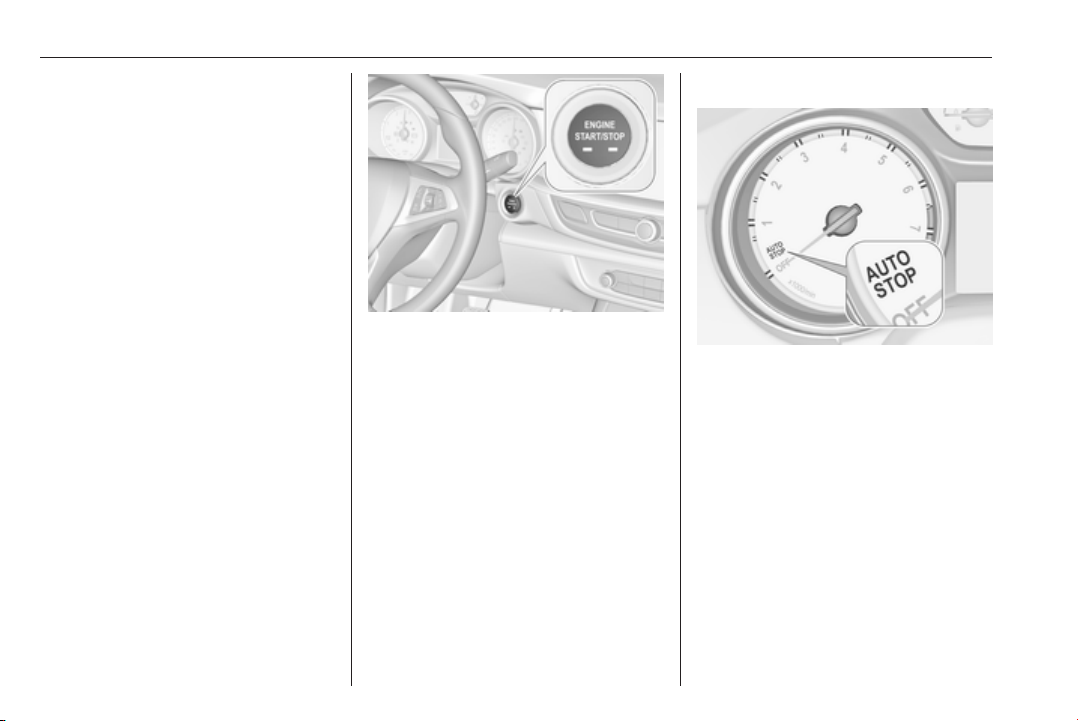
An Autostop is indicated by the
needle at the AUTOSTOP position in
the tachometer.
A restart is indicated by the needle at
the idle speed position in the
tachometer.
Stop-start system 3 166.

In brief 19
Parking
9 Warning
● Do not park the vehicle on an
easily ignitable surface. The
high temperature of the
exhaust system could ignite the
surface.
● Always apply the parking
brake. Pull switch m for
approx. one second and check
if the control indicator m
illuminates.
The electric parking brake is
applied when control indicator
m illuminates 3 108.
● Switch off the engine.
● If the vehicle is on a level
surface or uphill slope, engage
first gear or set the selector
lever to position P before
switching off ignition. On an
uphill slope, turn the front
wheels away from the kerb.
If the vehicle is on a downhill
slope, engage reverse gear or
set the selector lever to position
P before switching off ignition.
Turn the front wheels towards
the kerb.
● Close the windows and the
sunroof.
● Switch off ignition with power
button. Turn the steering wheel
until the steering wheel lock is
felt to engage.
● Lock the vehicle by pressing the
button on the door handle.
Activate the anti-theft alarm
system 3 33.
● The engine cooling fans may run
after the engine has been
switched off 3 240.
Caution
After running at high engine
speeds or with high engine loads,
operate the engine briefly at a low
load or run in neutral for
approx. 30 seconds before
switching off, in order to protect
the turbocharger.
Electronic key system 3 20, Laying
the vehicle up for a long period of time
3 239.
20 Keys, doors and windows
Keys, doors and
windows
Keys, locks ................................... 20
Electronic key system ................ 20
Memorised settings ................... 22
Central locking system .............. 22
Automatic locking ...................... 26
Child locks ................................. 27
Doors ........................................... 28
Load compartment .................... 28
Vehicle security ............................ 33
Anti-theft locking system ........... 33
Anti-theft alarm system .............. 33
Immobiliser ................................ 36
Exterior mirrors ............................ 36
Convex shape ........................... 36
Electric adjustment .................... 36
Folding mirrors .......................... 37
Heated mirrors ........................... 38
Automatic dimming .................... 38
Parking assist ............................ 38
Interior mirrors ............................. 38
Manual anti-dazzle .................... 38
Automatic anti-dazzle ................ 39
Windows ...................................... 39
Windscreen ............................... 39
Power windows ......................... 39
Heated rear window .................. 41
Heated windscreen .................... 42
Sun visors .................................. 42
Roof ............................................. 42
Sunroof ...................................... 42
Keys, locks
Electronic key system
Enables a keyless operation of the
following functions:
● central locking system 3 22
● switching on ignition and starting
the engine 3 164
Keys, doors and windows 21
The electronic key simply needs to be
on the driver's person.
Additionally, the electronic key
includes the functionality of the radio
remote control:
● central locking system
● anti-theft alarm system
● power windows
The hazard warning flashers confirm
operation.
Handle the device with care, protect
from moisture and high temperatures
and avoid unnecessary operation.
Note
Do not put the electronic key in the
load compartment.
Replacing battery in electronic
key
Replace the battery as soon as the
system no longer operates properly
or the range is reduced. The need for
battery replacement is indicated by a
message in the Driver Information
Centre 3 124.
Batteries do not belong in household
waste. They must be disposed of at
an appropriate recycling collection
point.
To replace:
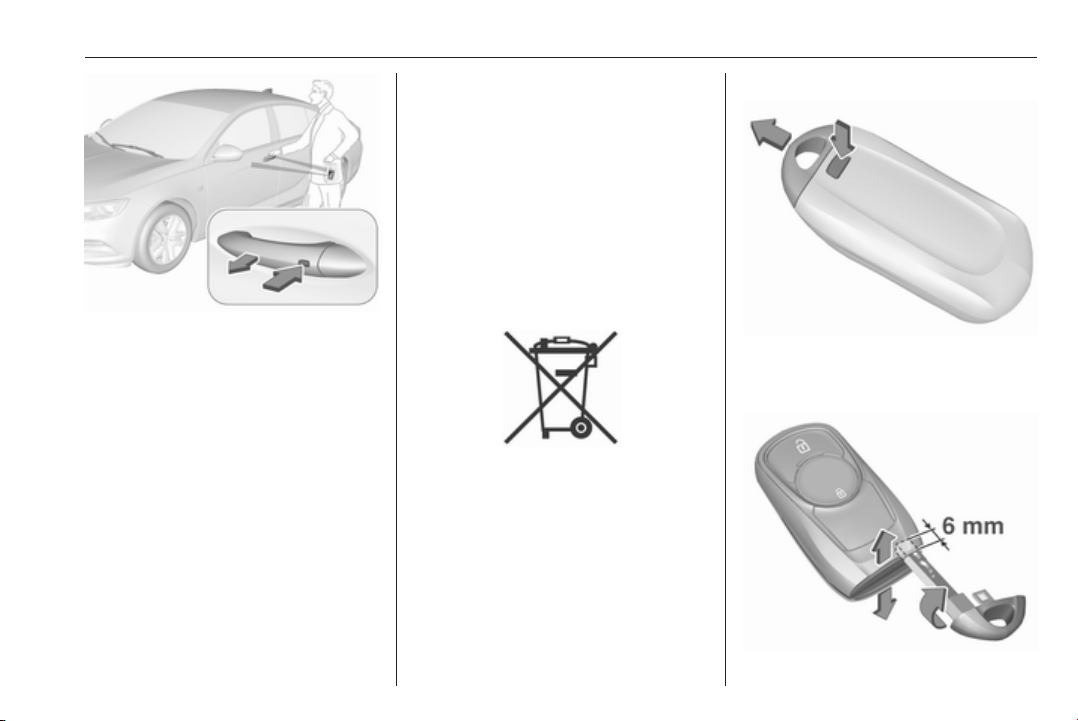
1. Press button at the back of the
electronic key unit and extract the
key blade from the housing.

22 Keys, doors and windows
2. Insert the key blade again for
approx. 6 mm and turn the key to
open the housing. Further
insertion of the key blade can
damage the housing.
3. Remove and replace battery. Use
CR 2032 or equivalent battery.
Pay attention to the installation
position.
4. Close the housing and insert key
blade.
Batteries do not belong in household
waste. They must be disposed of at
an appropriate recycling collection
point.
Fault
If the central locking cannot be
operated or the engine cannot be
started, the cause may be one of the
following:
● Fault in electronic key.
● Electronic key is out of reception
range.
● The battery voltage is too low.
● Overload of the central locking
system by operating at frequent
intervals, the power supply is
interrupted for a short time.
● Interference from higher-power
radio waves from other sources.
To rectify the cause of the fault,
change the position of the electronic
key.
Manual unlocking 3 22.
Memorised settings
Whenever the ignition is switched off,
the following settings are
automatically memorised by the
electronic key:
● automatic climate control
● lighting
● Infotainment system
● central locking system
● Sport mode settings
● comfort settings
The saved settings are automatically
used the next time the ignition is
switched on with the memorised
electronic key 3 20.
A precondition is that Personalisation
by Driver is activated in the personal
settings of the Info-Display. This must
be set for each electronic key which is
used. The status change is available
only after locking and unlocking the
vehicle.
The assigned memory position of the
power seat is automatically recalled
when switching on ignition and Auto
Memory Recall is activated in the
Info-Display for the memorised
electronic key.
Power seat 3 49.
Vehicle personalisation 3 126.
Central locking system
Unlocks and locks doors, load
compartment and fuel filler flap.
A pull on an interior door handle
unlocks the respective door. Pulling
the handle once more opens the door.
Note
In the event of an accident in which
airbags or belt pretensioners are
deployed, the vehicle is
automatically unlocked.

Keys, doors and windows 23
Note
A short time after unlocking with the
electronic key, the doors are being
locked automatically if no door has
been opened. A precondition is that
the setting is activated in the vehicle
personalisation 3 126.
Electronic key system operation
The electronic key must be outside
the vehicle, within a range of approx.
one metre of the relevant door side.
Unlocking
Press the button on the respective
exterior door handle and pull the
handle.
Unlocking mode can be set in the
vehicle personalisation menu in the
Info-Display. Two settings are
selectable:
● All doors, load compartment and
fuel filler flap will be unlocked by
pressing the button on any
exterior handle once.
● Only the driver's door, load
compartment and fuel filler flap
will be unlocked by pressing the
button on the driver's door
exterior handle once. To unlock
all doors, press button twice.
The setting can be changed in the
menu Settings in the Info-Display.
Vehicle personalisation 3 126.
Locking
Press the button on any exterior door
handle.
All doors, load compartment and fuel
filler flap will be locked.
24 Keys, doors and windows
The system locks if any of the
following occurs:
● It has been more than
five seconds since unlocking.
● The button on an exterior handle
has been pressed twice within
five seconds to unlock the
vehicle.
● Any door has been opened and
all doors are now closed.
If the driver's door is not closed
properly, the electronic key remains in
the vehicle or the ignition is not off,
locking will not be permitted.
If there have been two or more
electronic keys in the vehicle and the
ignition was on once, the doors will be
locked even if just one electronic key
is taken out of the vehicle.
Unlocking and opening the tailgate
The tailgate can be unlocked and
opened handsfree via moving the foot
below the rear bumper or by pushing
the touchpad switch under the brand
emblem when the electronic key is in
range. The doors remain locked.
Load compartment 3 28.
Operation with buttons on the
electronic key
The central locking system can also
be operated with the buttons on the
electronic key.
Unlocking
Press c.
Unlocking mode can be set in the
vehicle personalisation menu in the
Info-Display. Two settings are
selectable:
● All doors, load compartment and
fuel filler flap will be unlocked by
pressing c once.
● Only the driver's door and fuel
filler flap will be unlocked by
pressing c once. To unlock all
doors, press c twice.
Select the relevant setting in Settings,
I Vehicle in the Info-Display.
Info-Display 3 120.
Vehicle personalisation 3 126.
The setting can be saved for the key
being used. Memorised settings
3 22.
Locking
Close doors, load compartment and
fuel filler flap.
Press e.
If the driver's door is not closed
properly, the central locking system
will not work.
Keys, doors and windows 25
Passive locking
Automatic locking 3 26.
Confirmation
Operation of central locking system is
confirmed by the hazard warning
flashers. A precondition is that the
setting is activated in the vehicle
personalisation 3 126.
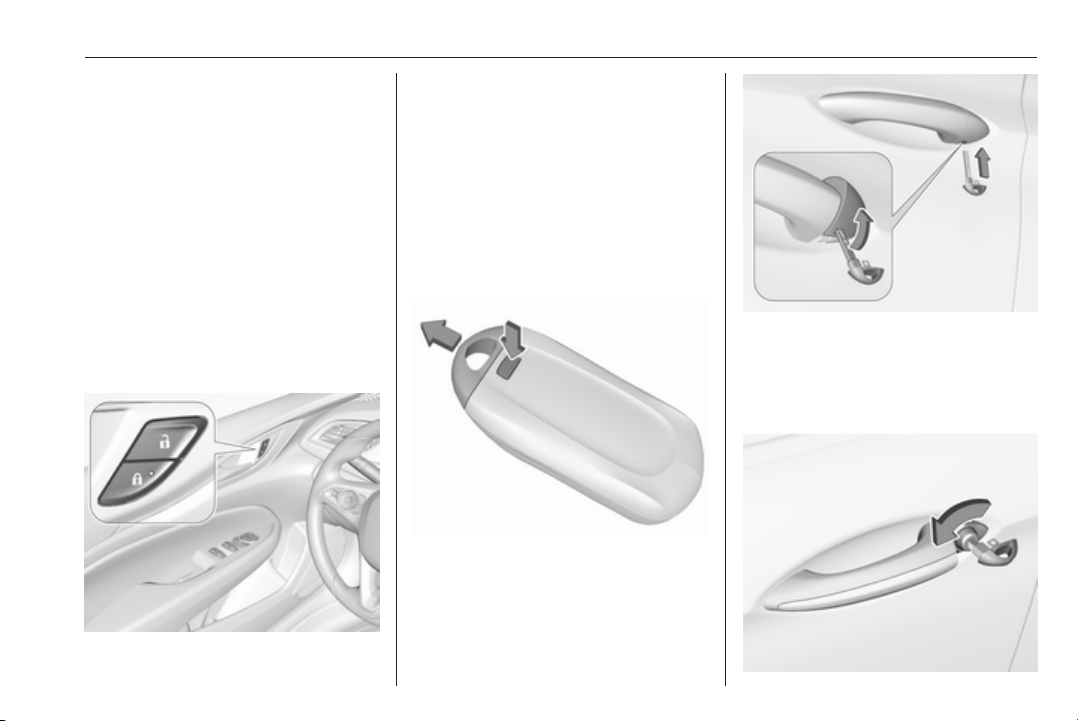
Central locking buttons
Locks or unlocks all doors, the load
compartment and fuel filler flap from
the passenger compartment via a
switch in the driver's door panel.
Press e to lock. LED in button
illuminates.
Press c to unlock.
Operation with the key in case of
a central locking system fault
In case of a fault, e.g. vehicle battery
or electronic key battery is
discharged, the driver's door can be
locked or unlocked with the key blade.
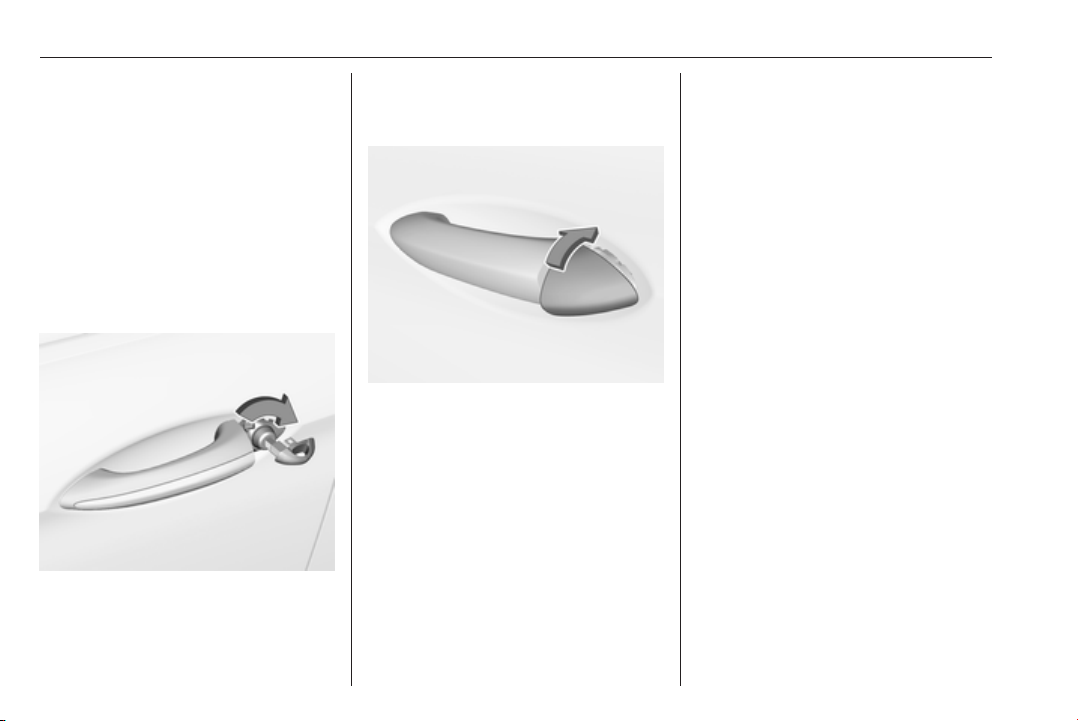
Push the button on the electronic key
and pull out the key blade.
The lock cylinder in the driver's door
is covered by a cap.
Insert the key blade into the recess at
the bottom of the cap and swivel the
key upward.
Manual unlocking
26 Keys, doors and windows
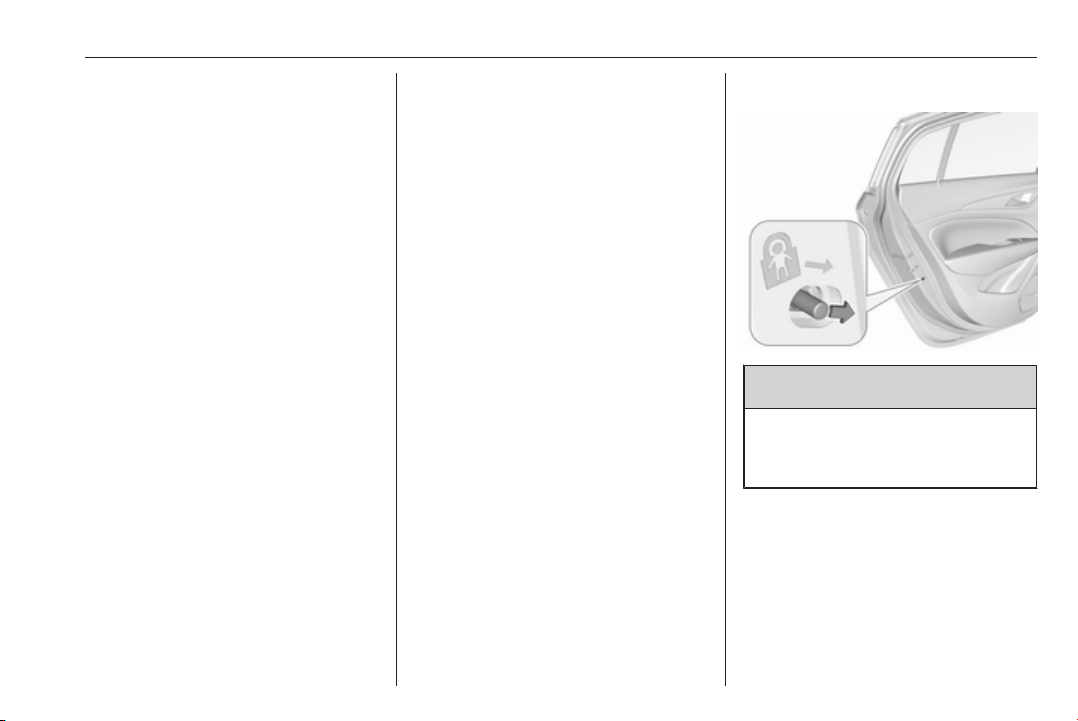
Manually unlock the driver's door by
inserting and turning the key blade in
the lock cylinder.
The other doors can be opened by
pulling the interior handle twice or by
pressing c in the driver's door panel.
The load compartment and fuel filler
flap will possibly not be unlocked.
By switching on the ignition, the anti-
theft locking system is deactivated.
Manual locking
Push inside locking knob of all doors
except driver's door or press e in the
driver's door panel. Then close the
driver's door and lock it from the
outside by turning the key in the lock
cylinder. The fuel filler flap and
tailgate are possibly not locked.
After locking, cover the lock cylinder
with the cap: insert the cap with the
lower side in the recesses, swivel and
push the cap until it engages at the
upper side.
Automatic locking
Automatic locking after driving off
This security feature can be
configured to automatically lock all
doors, load compartment and fuel
filler flap after driving off and
exceeding a certain speed.
When at a standstill after driving, the
vehicle will be unlocked automatically
as soon as the key is removed from
the ignition switch, or with electronic
key system when the ignition is
switched off.
Activation or deactivation of
automatic locking can be set in the
menu Settings, I Vehicle in the Info-
Display.
Info-Display 3 120.
Vehicle personalisation 3 126.
The setting can be saved for each
electronic key being used 3 22.
Automatic relock after unlocking
This feature can be configured to
automatically lock all doors, load
compartment and fuel filler flap a
Keys, doors and windows 27
short time after unlocking with the
remote control or electronic key,
provided no door has been opened.
Activation or deactivation of
automatic relock can be set in the
menu Settings, I Vehicle in the Info-
Display.
Info-Display 3 120.
Vehicle personalisation 3 126.
The setting can be saved for each
electronic key being used 3 22.
Passive locking
This feature locks the vehicle
automatically after several seconds if
an electronic key has been
recognised previously inside the
vehicle, all doors have then been
closed and the electronic key does
not remain within the vehicle.
If the electronic key remains in the
vehicle or the ignition is not off,
passive locking will not be permitted.
If there have been two or more
electronic keys in the vehicle and the
ignition was on once, the feature
locks the vehicle if just one electronic
key is taken out of the vehicle.
To prevent passive locking of the
vehicle e.g. when refuelling or if
passengers remain in the vehicle, the
system must be disabled.
To disable the system, press the
central locking button c for a few
seconds while one door is open. An
acoustic signal sounds three times to
confirm deactivation. The function
remains disabled until the central
locking button e is pressed or the
ignition is switched on.
Activation or deactivation of passive
locking can be set in the menu
Settings, I Vehicle in the Info-Display.
Info-Display 3 120.
Vehicle personalisation 3 126.
The setting can be saved for each
electronic key being used 3 22.
Child locks
9 Warning
Use the child locks whenever
children are occupying the rear
seats.
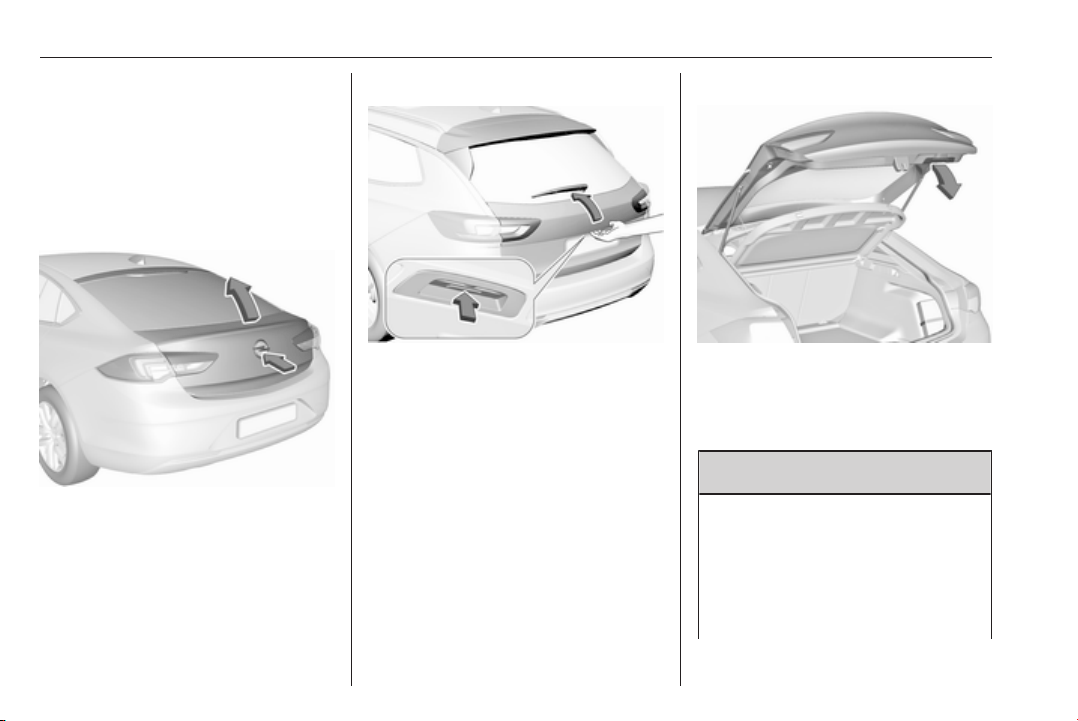
Move the pin in the rear door to the
front position. The door cannot be
opened from the inside.
To deactivate, move the pin to the
rear position.
28 Keys, doors and windows
Doors
Load compartment
Tailgate
Opening
Grand Sport
After unlocking, push the brand
emblem and open the tailgate.
Sports Tourer, Country Tourer
After unlocking, push the touchpad
switch under the tailgate moulding
and open the tailgate manually.
Central locking system 3 22.
Closing
Use the interior handle.
Central locking system 3 22.
Power tailgate
9 Warning
Take care when operating the
power tailgate. Risk of injury,
particularly to children.
Keep a close watch on the
movable tailgate when operating.
Ensure that nothing becomes

Keys, doors and windows 29
trapped during operating and no
one is standing within the moving
area.
The power tailgate can be operated
by:
● Pressing X twice on the
electronic key. To prevent
unintended opening of the
tailgate, X must be pressed
longer than during locking or
unlocking.
● Handsfree operation with motion
sensor below the rear bumper.
● The touchpad switch under the
exterior tailgate moulding and
C in the open tailgate.
● The switch C on the inside of
the driver's door.
On vehicles with automatic
transmission, the tailgate can only be
operated when the vehicle is
stationary and with selector lever in P.
The turn signal lights flash and a
chime sounds when the power
tailgate is operating.
Note
Operating the power tailgate does
not operate the central locking
system. To open the tailgate with the
button on the electronic key, or with
the touchpad switch under the
tailgate moulding or via handsfree
operation, it is not necessary to
unlock the vehicle. A precondition is
that the electronic key is outside the
vehicle, within a range of approx.
one metre of the tailgate.
Do not leave the electronic key in the
load compartment.
Lock the vehicle after closing if it was
unlocked previously.
Central locking system 3 22.
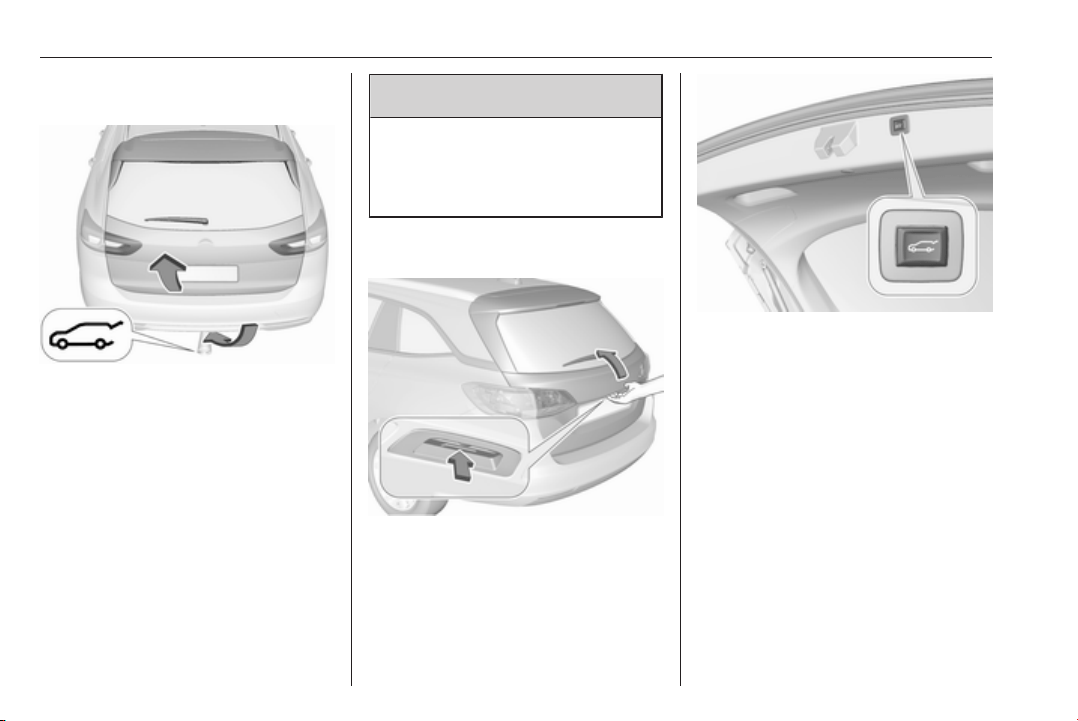
Operation with the electronic key
Press X twice to open or close the
tailgate. To prevent unintended
opening of the tailgate, X must be
pressed longer than during locking or
unlocking.
30 Keys, doors and windows
Handsfree operation with motion
sensor below the rear bumper
To open or close the tailgate, move
the foot below the rear bumper back
and forth in the area where the
hologram is projected on the ground.
Do not hold the foot longer or move
too slow below the bumper. The
electronic key must be outside the
vehicle, within a range of approx.
one metre of the tailgate. When foot
motion is being detected by the
sensor, the system actuates the
tailgate after a short delay.
9
Danger
Do not touch any vehicle parts
below the vehicle during
handsfree operation. There is a
risk of injury from hot engine parts.
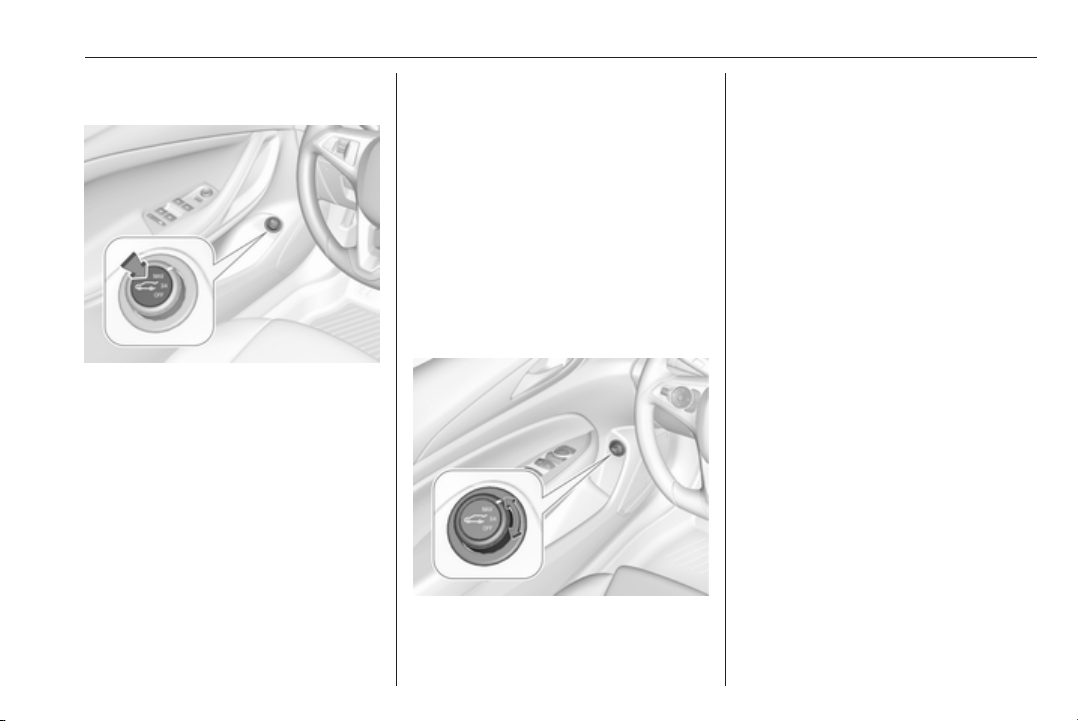
Operation with the touchpad switch
under the exterior tailgate moulding
To open the tailgate, press the
touchpad switch under the tailgate
moulding until the tailgate starts to
move. If the vehicle is locked, the
electronic key must be outside the
vehicle, within a range of approx.
one metre of the tailgate.
To close, press C in the open
tailgate until the tailgate starts to
move.
Keys, doors and windows 31
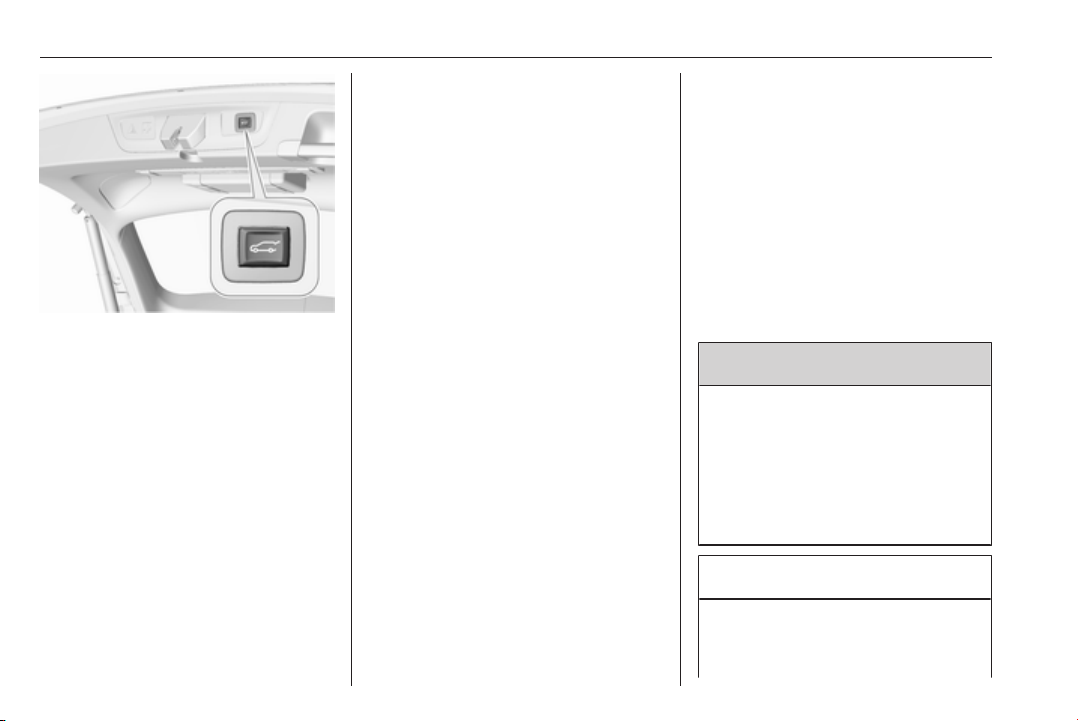
Operation with the switch on the
inside of the driver's door
Press C on the inside of the driver's
door until the tailgate starts to open or
close.
Stop or change direction of
movement
To stop movement of the tailgate
immediately:
● press X once on the electronic
key, or
● press the touchpad switch under
the exterior tailgate moulding, or
● press C on the open tailgate,
or
● press C on the inside of the
driver's door.
Pressing one of the switches again
will reverse the direction of
movement.
Operation modes
The power tailgate has three modes
of operation, which are controlled by
the switch C in the driver's door. To
change the mode, turn the switch:
● Normal mode MAX: Power
tailgate opens to full height.
● Intermediate mode 3/4: Power
tailgate opens to a reduced
height that can be adjusted.
● Mode Off: Tailgate can only be
operated manually.
Adjust reduced opening height in
intermediate mode
1. Turn operation mode switch to
3/4.
2. Open power tailgate with any
operation switch.
3. Stop movement at the desired
height by pressing any operation
switch. If required, manually move
the stopped tailgate to the desired
position.
32 Keys, doors and windows
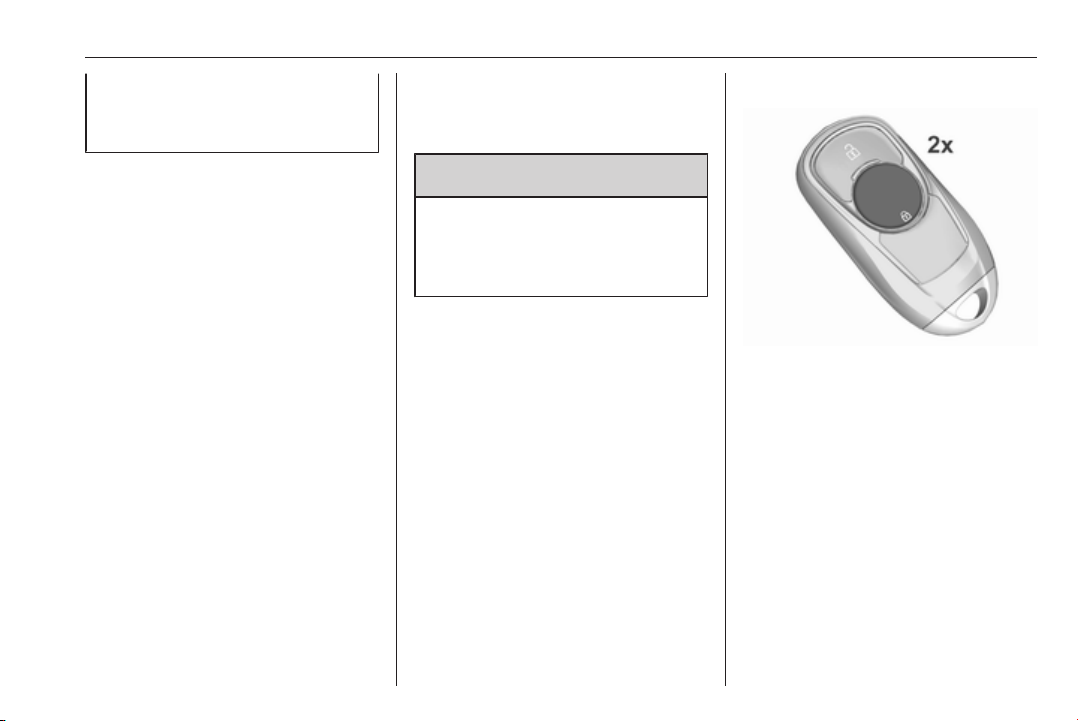
4. Press and hold the button C on
the inside of the open tailgate for
three seconds.
Note
Adjusting opening height should be
programmed at ground level.
A chime sound indicates the new
setting and the turn signal lights will
flash. The reduced height can only set
at an opening angle of above 30°.
When turning the adjuster wheel in
the driver's door to intermediate mode
3/4, the power tailgate will stop
opening at the newly set position.
The tailgate can only be held open if
a minimum height is exceeded
(minimum opening angle from 30°).
The opening height cannot be
programmed below that height.
Safety function
If the power tailgate encounters an
obstacle during opening or closing,
the direction of movement will
automatically be reversed slightly.
Multiple obstacles in one power cycle
will deactivate the function. In this
case, close or open the tailgate
manually.
The power tailgate has pinch sensors
on the side edges. If the sensors
detect obstacles between tailgate and
chassis, the tailgate will open, until it
is activated again or closed manually.
The safety function is indicated by a
warning chime.
Remove all obstacles before
resuming normal power operation.
If the vehicle is equipped with factory-
fitted towing equipment and a trailer
is electrically connected, the power
tailgate can only be opened with the
touchpad switch or closed with G in
the open tailgate. Ensure that there
are no obstacles in the moving area.
Overload
If the power tailgate is repeatedly
operated at short intervals, the
function is disabled for some time.
Move tailgate manually into end
position to reset the system.
General hints for operating
tailgate
9 Danger
Do not drive with the tailgate open
or ajar, e.g. when transporting
bulky objects, since toxic exhaust
gases, which cannot be seen or
smelled, could enter the vehicle.
This can cause unconsciousness
and even death.
Caution
Before opening the tailgate, check
overhead obstructions, e.g. a
garage door, to avoid damage to
Keys, doors and windows 33
the tailgate. Always check the
moving area above and behind the
tailgate.
Note
The installation of certain heavy
accessories onto the tailgate may
affect its ability to remain open.
Note
The operation of the power tailgate
is disabled under low vehicle battery
conditions. In this case, the tailgate
may not even be manually operable.
Note
With the power tailgate disabled and
all doors unlocked, the tailgate can
only be operated manually. In this
event, manually closing the tailgate
requires significantly greater force.
Note
At low outside temperatures the
tailgate may not open fully by itself.
In this event, lift the tailgate manually
to its normal end position.
Vehicle security
Anti-theft locking system
9 Warning
Do not use the system if there are
people in the vehicle! The doors
cannot be unlocked from the
inside.
The system deadlocks all the doors.
All doors must be closed otherwise
the system cannot be activated.
Unlocking the vehicle disables the
mechanical anti-theft locking system.
This is not possible with the central
locking button.
Activating
Press e on the electronic key twice
within five seconds.
Anti-theft alarm system
The anti-theft alarm system is
combined with the anti-theft locking
system.
It monitors:
● doors, tailgate, bonnet
● passenger compartment
including adjoining load
compartment
34 Keys, doors and windows
● vehicle inclination, e.g. if it is
raised
● ignition
Activation
All doors must be closed and the
electronic key of the electronic key
system must not remain in the
vehicle. Otherwise the system cannot
be activated.
● self-activated 30 seconds after
locking the vehicle by pressing
the button on any exterior door
handle.
●
directly by pressing e twice within
five seconds.
● with passive locking enabled:
briefly activated after passive
locking occurs.
Note
Changes to the vehicle interior such
as the use of seat covers, and open
windows or sunroof, could impair the
function of passenger compartment
monitoring.
Activation without monitoring of
passenger compartment and
vehicle inclination
Switch off the monitoring of
passenger compartment and vehicle
inclination when animals are being
left in the vehicle, because of high
volume ultrasonic signals or
movements triggering the alarm. Also
switch off when the vehicle is on a
ferry or train.
1. Close tailgate, bonnet, windows
and sunroof.
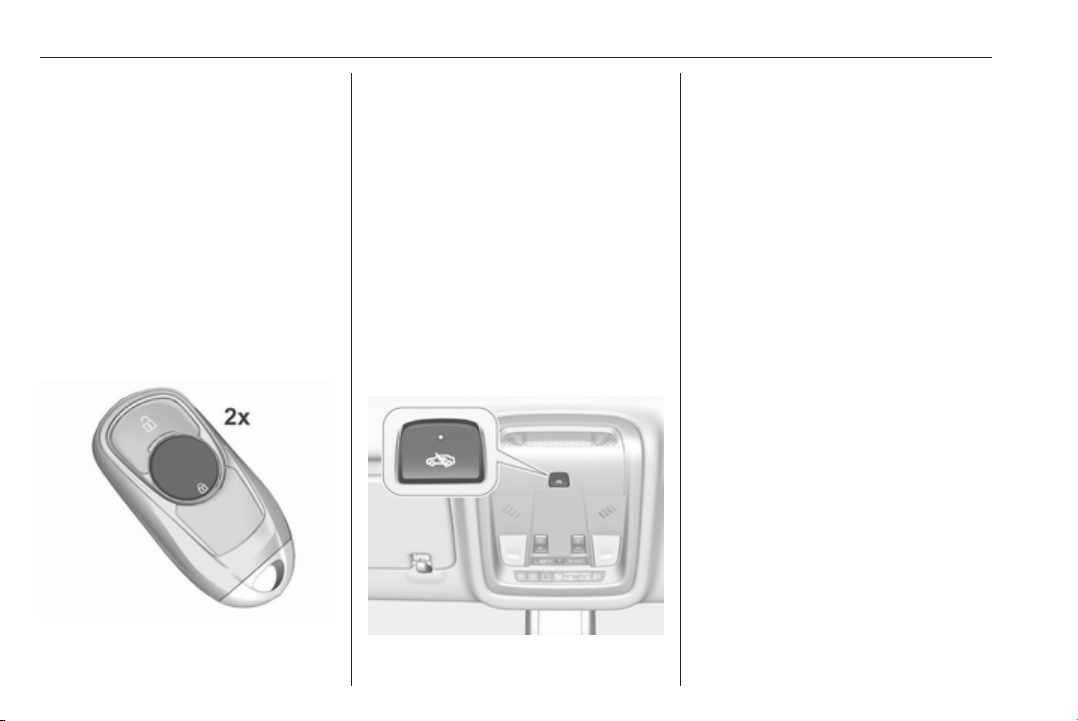
2. Press o. LED in the button o
illuminates for a maximum of
ten minutes.
3. Close doors.
4. Activate the anti-theft alarm
system.
Status message is displayed in the
Driver Information Centre.
Keys, doors and windows 35
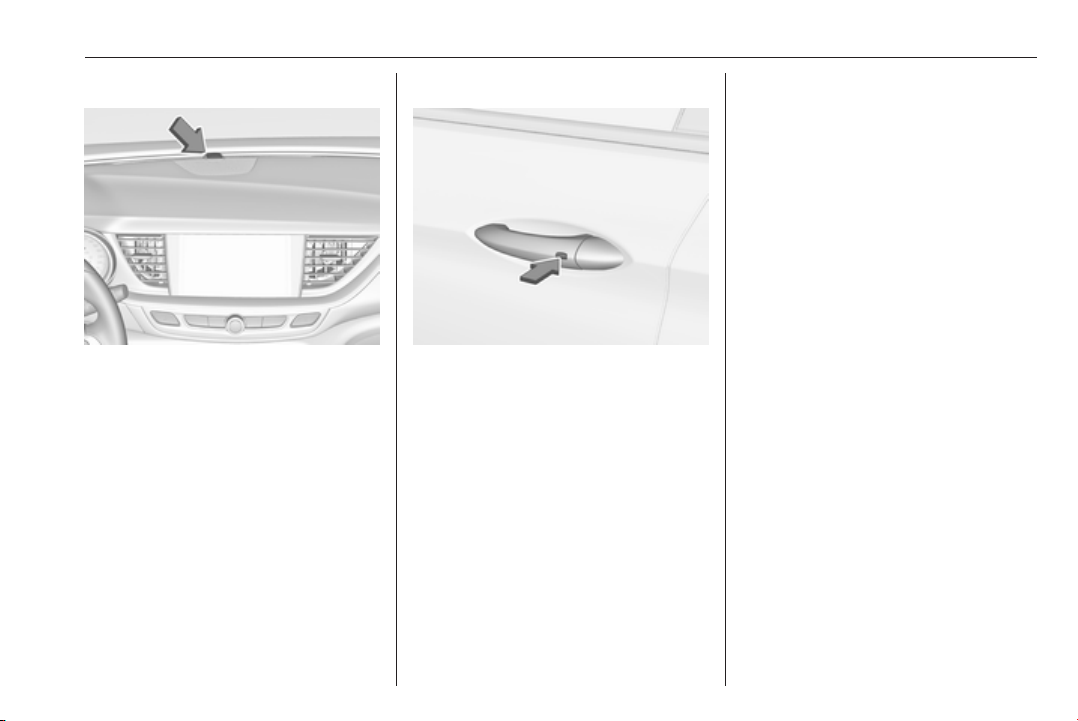
Status LED
Status LED is integrated in the sensor
on top of the instrument panel.
Status during the first 30 seconds of
anti-theft alarm system activation:
LED illuminates : test, arming delay
LED flashes
quickly
: doors, tailgate or
bonnet not
completely closed,
or system fault
Status after system is armed:
LED flashes
slowly
: system is armed
Seek the assistance of a workshop in
the event of faults.
Deactivation
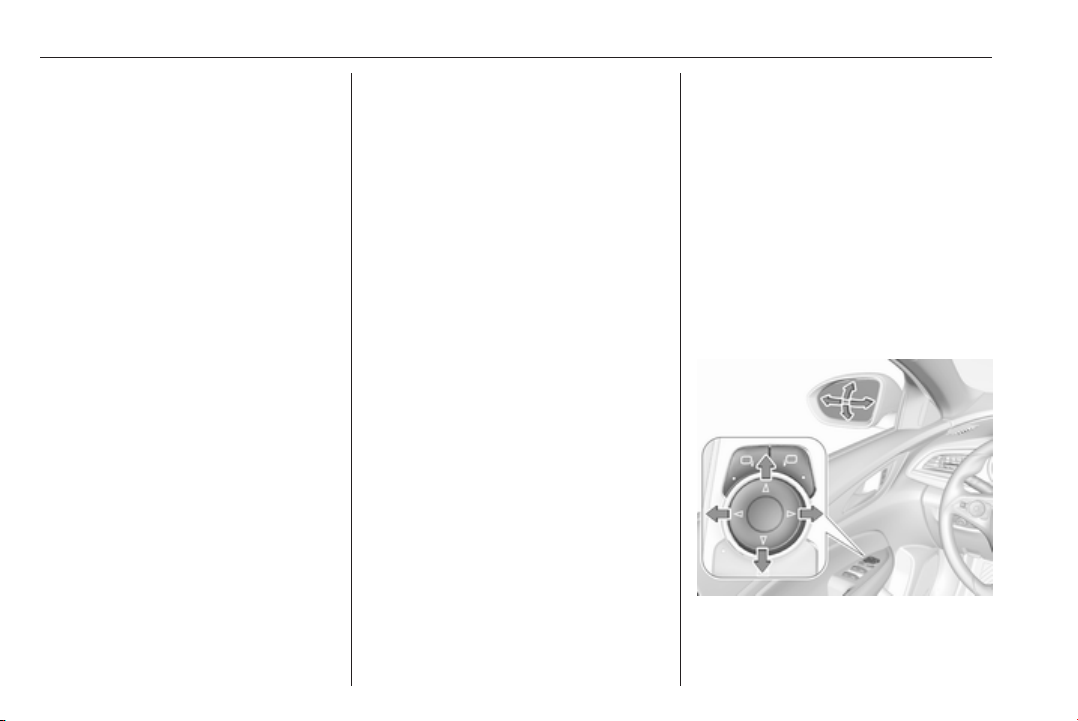
Unlocking the vehicle by pressing the
button on any exterior door handle
deactivates the anti-theft alarm
system.
The electronic key must be outside
the vehicle, within a range of approx.
one metre of the relevant door side.
The system is not deactivated by
unlocking the driver's door with the
key or with the central locking button
in the passenger compartment.
Alarm
When triggered, the alarm horn
sounds and the hazard warning lights
flash simultaneously. The number
and duration of alarm signals are
stipulated by legislation.
The anti-theft alarm system can be
deactivated by pressing c, by
pressing the switch on the door
handle with electronic key system or
switching on the ignition.
A triggered alarm, which has not been
interrupted by the driver, will be
indicated by the hazard warning
lights. They will flash quickly three
times the next time the vehicle is
unlocked with the electronic key.
Additionally, a warning message is
displayed in the Driver Information
Centre after switching on the ignition.
Vehicle messages 3 124.
If the vehicle's battery is to be
disconnected (e.g. for maintenance
work), the alarm siren must be
deactivated as follows: switch the
ignition on then off, then disconnect
the vehicle's battery within
15 seconds.
36 Keys, doors and windows
Immobiliser
The immobiliser is activated
automatically.
If the control indicator d flashes when
the ignition is on, there is a fault in the
system; the engine cannot be started.
Switch off the ignition and repeat the
start attempt. Retry with the key in the
transmitter pocket. Operation on
vehicles with electronic key system in
case of failure 3 163.
If the control indicator d continues
flashing, attempt to start the engine
using the spare key.
Seek the assistance of a workshop.
Note
Radio Frequency Identification
(RFID) tags may cause interference
with the key. Do not have it placed
near the key when starting the
vehicle.
Note
The immobiliser does not lock the
doors. You should always lock the
vehicle after leaving it and switch on
the anti-theft alarm system 3 22,
3 33.
Control indicator d 3 111.
Exterior mirrors
Convex shape
The convex exterior mirror on the
driver's side contains an aspherical
area and reduces blind spots. The
shape of the mirror makes objects
appear smaller, which will affect the
ability to estimate distances.
Side blind zone assistant 3 215.
Electric adjustment
Keys, doors and windows 37
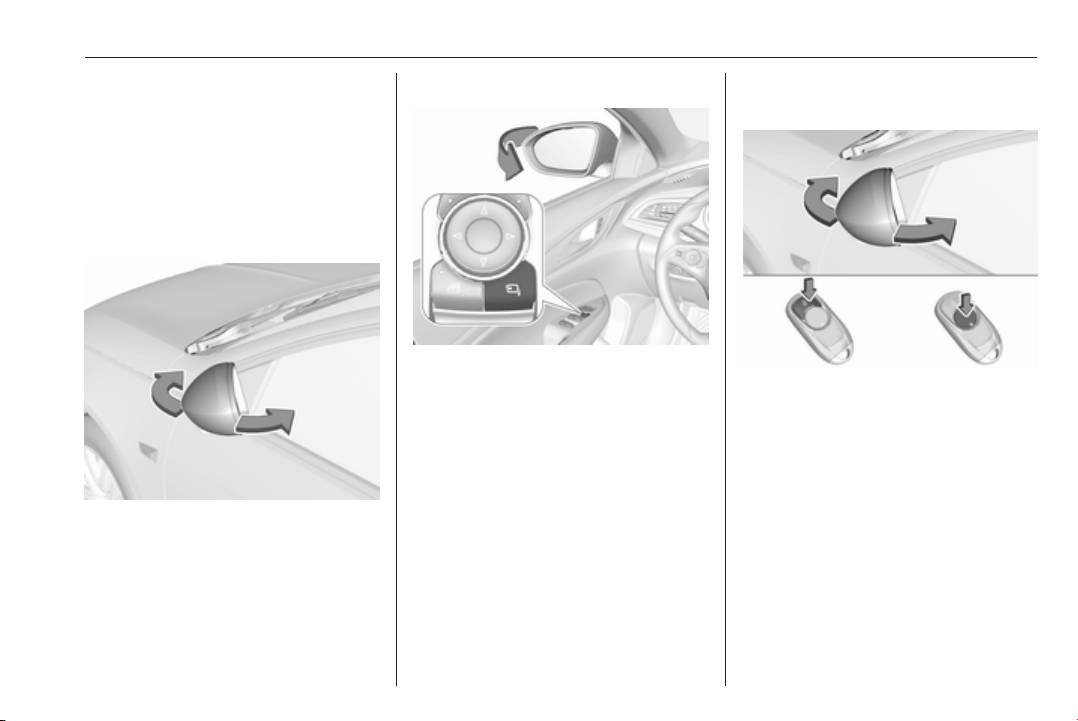
Select the relevant exterior mirror by
pushing í for left mirror or ì for right
mirror. LED in button indicates the
selection.
Then swivel the control to adjust the
mirror.
Folding mirrors
For pedestrian safety, the exterior
mirrors will swing out of their normal
mounting position if they are struck
with sufficient force. Reposition the
mirror by applying slight pressure to
the mirror housing.
Electric folding
Push n. Both exterior mirrors will
fold.
Push n again to return both exterior
mirrors to their original position.
If an electrically folded mirror is
manually extended, pushing n will
only electrically extend the other
mirror.
Folding mirrors with electronic
key
Press e again after locking for
one second to fold in mirrors.
Press c again after unlocking for
one second to fold out mirrors.
This function can be activated or
deactivated in the Vehicle
personalisation.
Vehicle personalisation 3 126.
The settings are automatically stored
for the key being used 3 22.
38 Keys, doors and windows
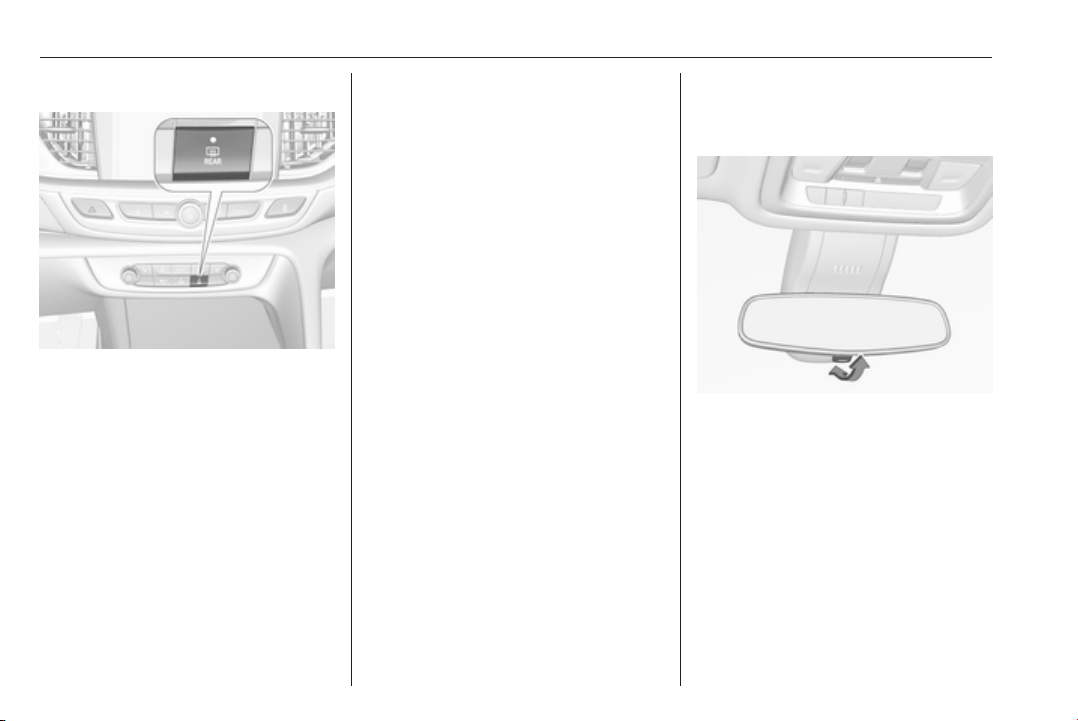
Heated mirrors
Operated by pressing b together with
heated rear window. LED in button
illuminates.
Heating works with the engine
running and is switched off
automatically after a short time.
Automatic dimming
Dazzling by following vehicles at night
is automatically reduced by dimming
the exterior mirror on the driver's side.
Parking assist
For mirrors with position memory, the
exterior mirrors are automatically
aimed at the rear tyres as a parking
aid when reverse gear is selected,
except during trailer operation.
Position memory 3 49.
Activation or deactivation of this
function can be changed in vehicle
personalisation.
Vehicle personalisation 3 126.
Interior mirrors
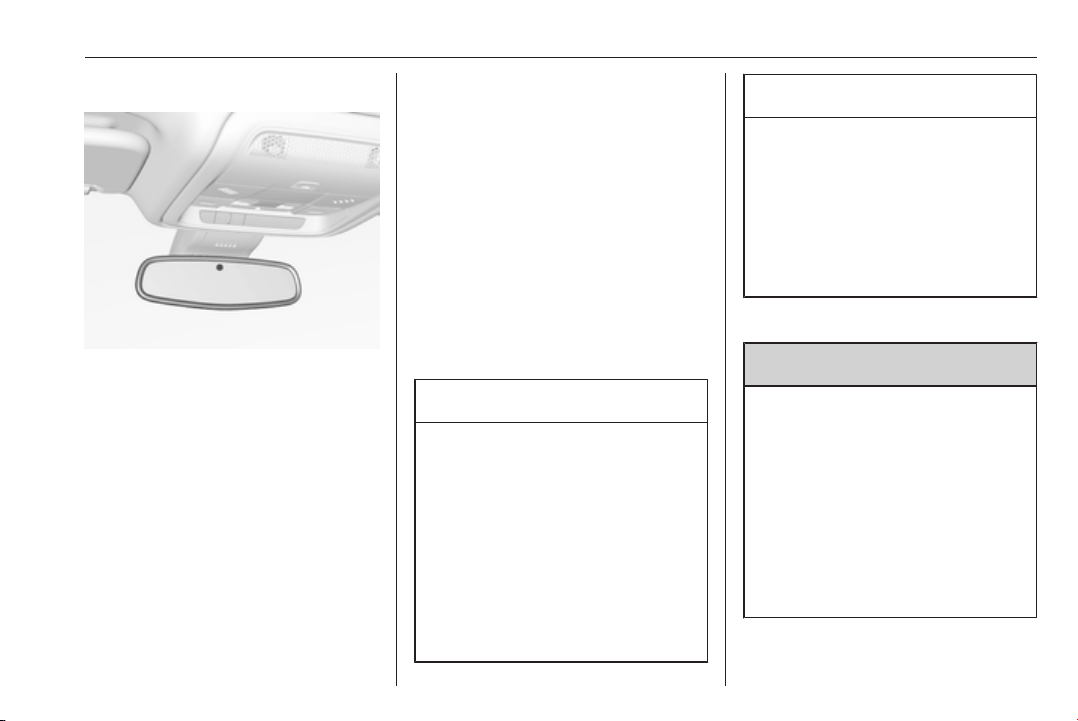
Manual anti-dazzle
To reduce dazzle, adjust the lever on
the underside of the mirror housing.
Keys, doors and windows 39
Automatic anti-dazzle
Dazzle from following vehicles at
night is automatically reduced.
Windows
Windscreen
Windscreen stickers
Do not attach stickers such as toll
road stickers or similar on the
windscreen in the area of the interior
mirror. Otherwise the detection zone
of the sensor and the view area of the
camera in the mirror housing could be
restricted.
Windscreen replacement
Caution
If the vehicle has a front-looking
camera sensor for the driver
assistance systems, it is very
important that any windscreen
replacement is performed
accurately according to Opel
specifications. Otherwise, these
systems may not work properly
and there is a risk of unexpected
behaviour and/or messages from
these systems.
Caution
If the vehicle is equipped with a
Head-up display, it is very
important that any windscreen
replacement is performed
accurately according to Opel
specifications. Otherwise, the
system may not work properly and
the image may look out of focus.
Power windows
9 Warning
Take care when operating the
power windows. Risk of injury,
particularly to children.
If there are children on the rear
seats, switch on the child safety
system for the power windows.
Keep a close watch on the
windows when closing them.
Ensure that nothing becomes
trapped in them as they move.
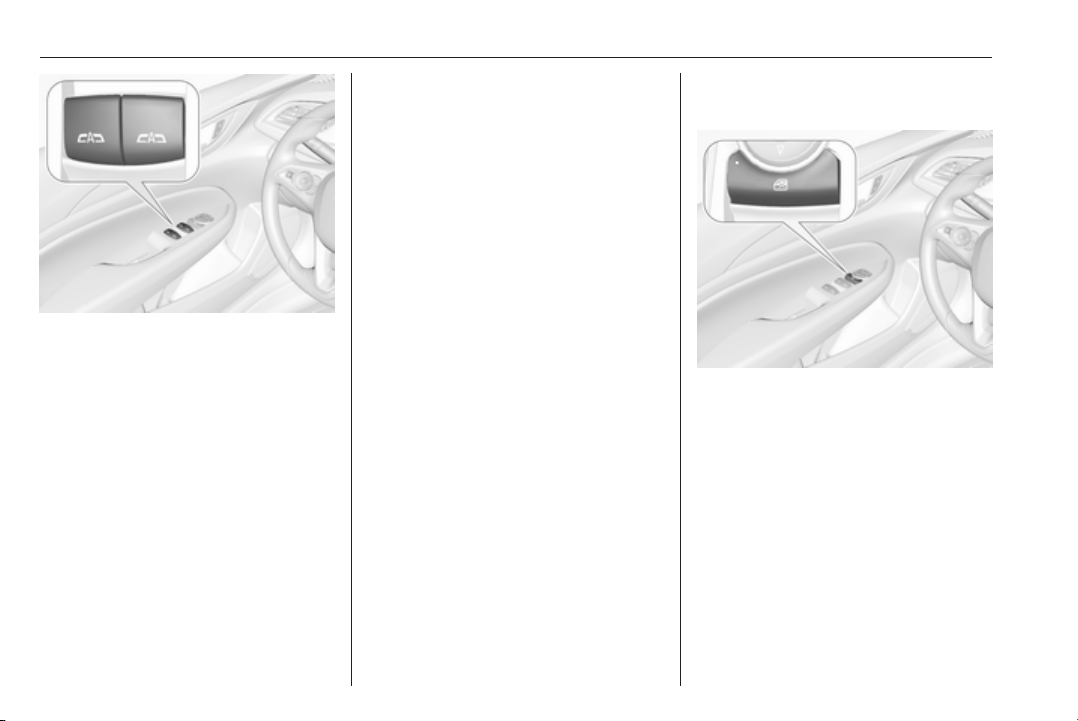
Switch on ignition to operate power
windows. Retained power off 3 164.
40 Keys, doors and windows
Operate # for the respective
window by pushing to open or pulling
to close.
Pushing or pulling gently to the first
detent: window moves up or down as
long as the switch is operated.
Pushing or pulling firmly to the second
detent then releasing: window moves
up or down automatically with safety
function enabled. To stop movement,
operate the switch once more in the
same direction.
Safety function
If the window glass encounters
resistance above the middle of the
window during automatic closing, it is
immediately stopped and opened
again.
Override safety function
In the event of closing difficulties due
to frost or the like, switch on the
ignition, then pull the switch to the first
detent and hold. The window moves
up without safety function enabled.
To stop movement, release the
switch.
Child safety system for rear
windows
Press V to deactivate rear door
power windows; the LED illuminates.
To activate, press V again.
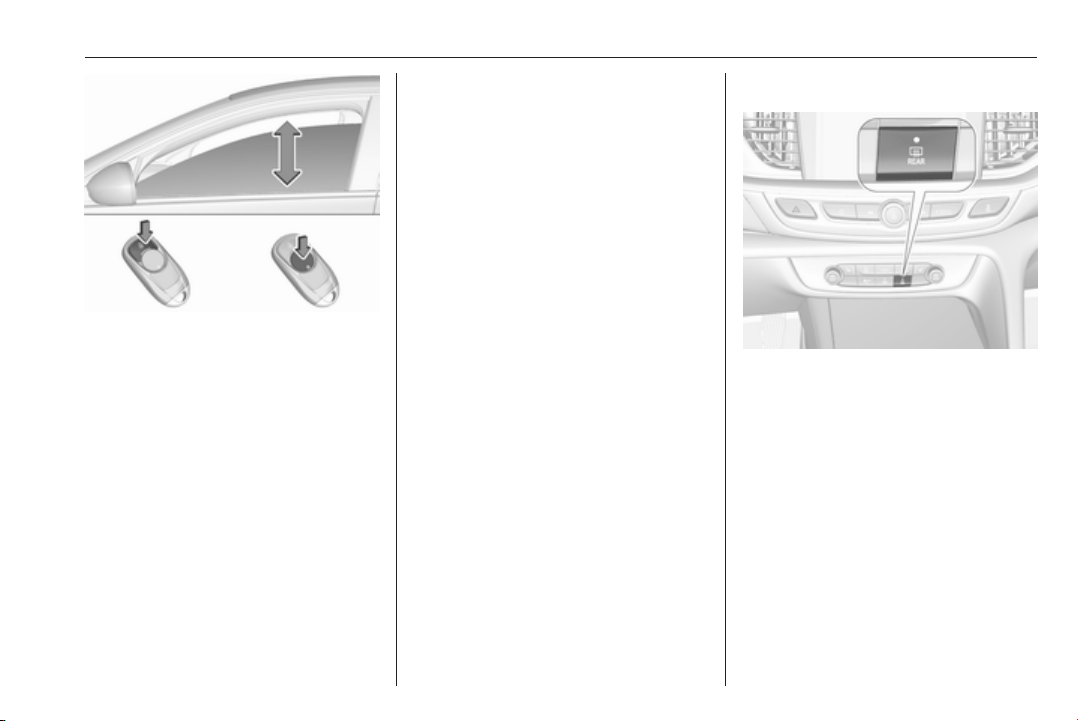
Operating windows from outside
The windows can be operated
remotely from outside the vehicle.
Keys, doors and windows 41
Press and hold c for more than two
seconds to open windows.
Press and hold e for more than two
seconds to close windows.
Release button to stop window
movement.
If the windows are fully opened or
closed, the hazard warning lights will
flash twice.
Overload
If the windows are repeatedly
operated within short intervals, the
window operation is disabled for
some time.
Initialising the power windows
If the windows cannot be closed
automatically (e.g. after
disconnecting the vehicle battery), a
warning message is displayed in the
Driver Information Centre.
Vehicle messages 3 124.
Activate the window electronics as
follows:
1. Close doors.
2. Switch on ignition.
3. Pull the switch until the window is
closed and keep pulling for
additional two seconds.
4. Push the switch until the window
is completely open and keep
pushing for additional
two seconds.
5. Repeat for each window.
Heated rear window
Operated by pressing b together with
heated exterior mirrors. LED in button
illuminates.
Heating works with the engine
running and is switched off
automatically after a short time.
42 Keys, doors and windows
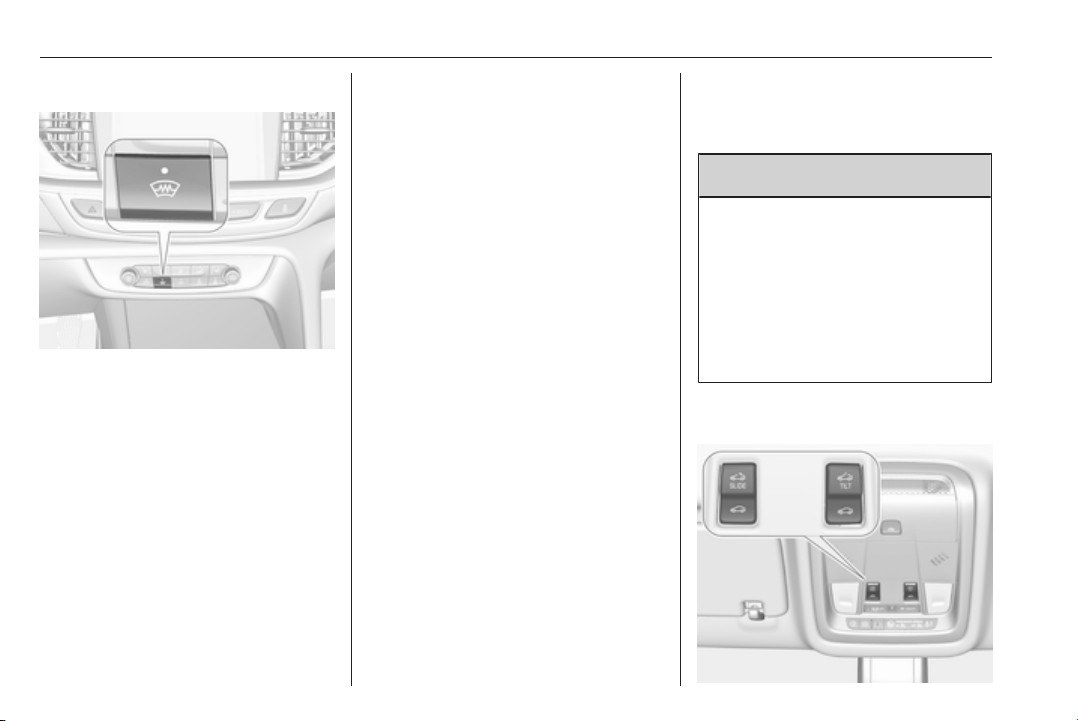
Heated windscreen
Operated by pressing ,. LED in
button illuminates.
Heating works with the engine
running and is switched off
automatically after a short time.
Pressing , once more during the
same ignition cycle allows the heating
to operate for another three minutes.
Sun visors
The sun visors can be folded down or
swivelled to the side to prevent
dazzling.
The covers of the mirrors should be
closed when driving.
A ticket holder is located on the
backside of the sun visor.
Roof
Sunroof
9 Warning
Take care when operating the
sunroof. Risk of injury, particularly
to children.
Keep a close watch on the
movable parts when operating
them. Ensure that nothing
becomes trapped in them as they
move.
Switch on ignition to operate the
sunroof.
Keys, doors and windows 43
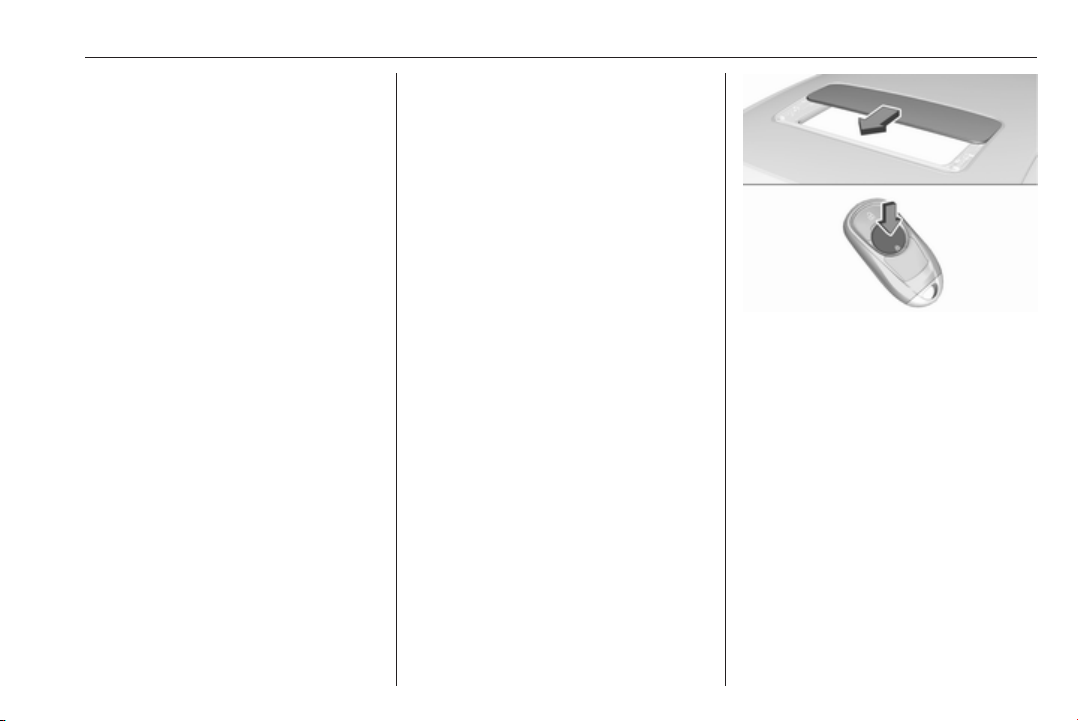
Open or close
Press * or r gently to the first
detent: sunroof is opened or closed
as long as the switch is operated.
Press * or r firmly to the second
detent then release: the sunroof is
opened or closed automatically.
During closing the safety function is
enabled. To stop movement, operate
the switch once more.
Raise or close
Press + or r: sunroof is raised or
closed automatically. During closing
the safety function is enabled.
Sunblind
The sunblind is manually operated.
Close or open the sunblind by sliding.
When the sunroof is open, the
sunblind is always open.
General hints
Safety function
If the sunroof encounters resistance
during automatic closing, it is
immediately stopped and opened
again.
Override safety function
In the event of closing difficulties, e.g.
due to frost, hold the switch r
pressed to the second detent. The
sunroof closes with safety function
disabled. To stop movement, release
the switch.
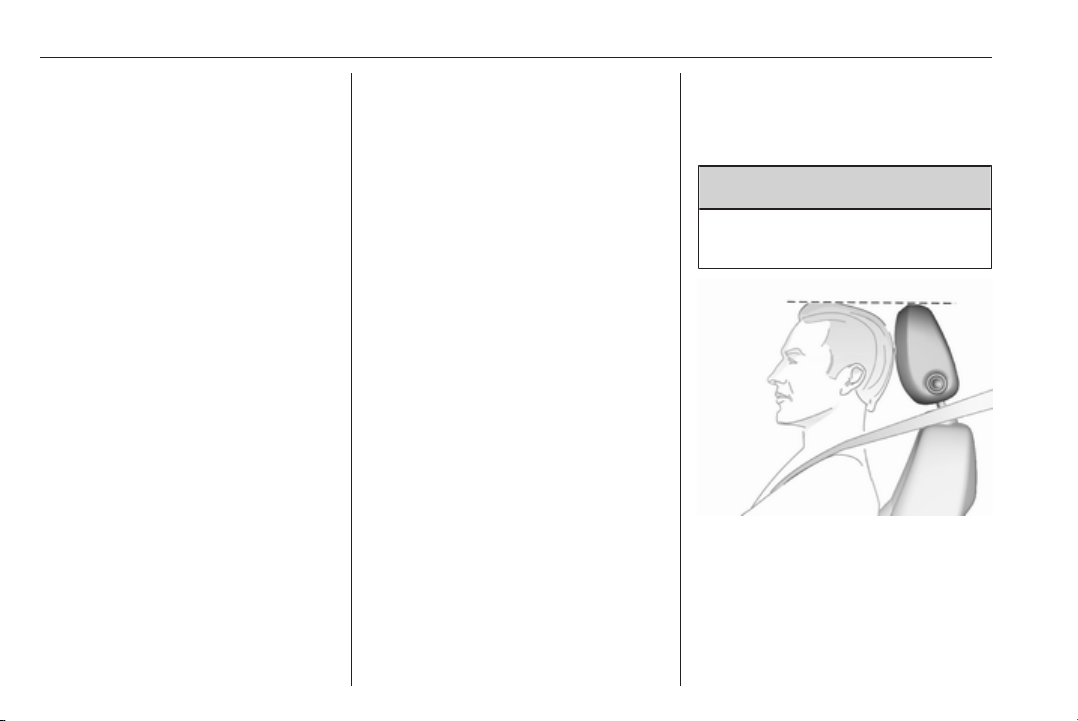
Closing sunroof from outside
The sunroof can be closed remotely
from outside the vehicle.
Press and hold e for more than two
seconds to close the sunroof.
Release the button to stop the
movement.
Initialising after a power failure
After a power failure, it may only be
possible to operate the sunroof to a
limited extent. Have the system
initialised by your workshop.
44 Seats, restraints
Seats, restraints
Head restraints ............................ 44
Front seats ................................... 46
Seat position .............................. 46
Manual seat adjustment ............ 47
Power seat adjustment .............. 49
Armrest ...................................... 52
Heating ...................................... 53
Ventilating .................................. 53
Massage .................................... 54
Rear seats ................................... 54
Armrest ...................................... 54
Heating ...................................... 54
Seat belts ..................................... 55
Three-point seat belt ................. 56
Airbag system .............................. 57
Front airbag system ................... 60
Side airbag system .................... 61
Curtain airbag system ............... 61
Airbag deactivation .................... 62
Child restraints ............................. 63
Child restraint systems .............. 63
Child restraint installation
locations ................................... 66
Pedestrian protection system ...... 70
Active bonnet ............................. 70
Head restraints
Position
9 Warning
Only drive with the head restraint
set to the proper position.
The upper edge of the head restraint
should be at upper head level. If this
is not possible for extremely tall
people, set to highest position, and
set to lowest position for small people.

Seats, restraints 45
Adjustment
Head restraints on front seats
Height adjustment
Press release button, adjust height,
engage.
Horizontal adjustment
Press release button, pull bolster of
head restraint forwards slowly. It
engages in several positions.
Head restraints on rear seats
Height adjustment
Pull the head restraint upwards or
press the catch to release and push
the head restraint downwards.
Removal of rear head restraints
E.g. for load compartment extension
3 74.
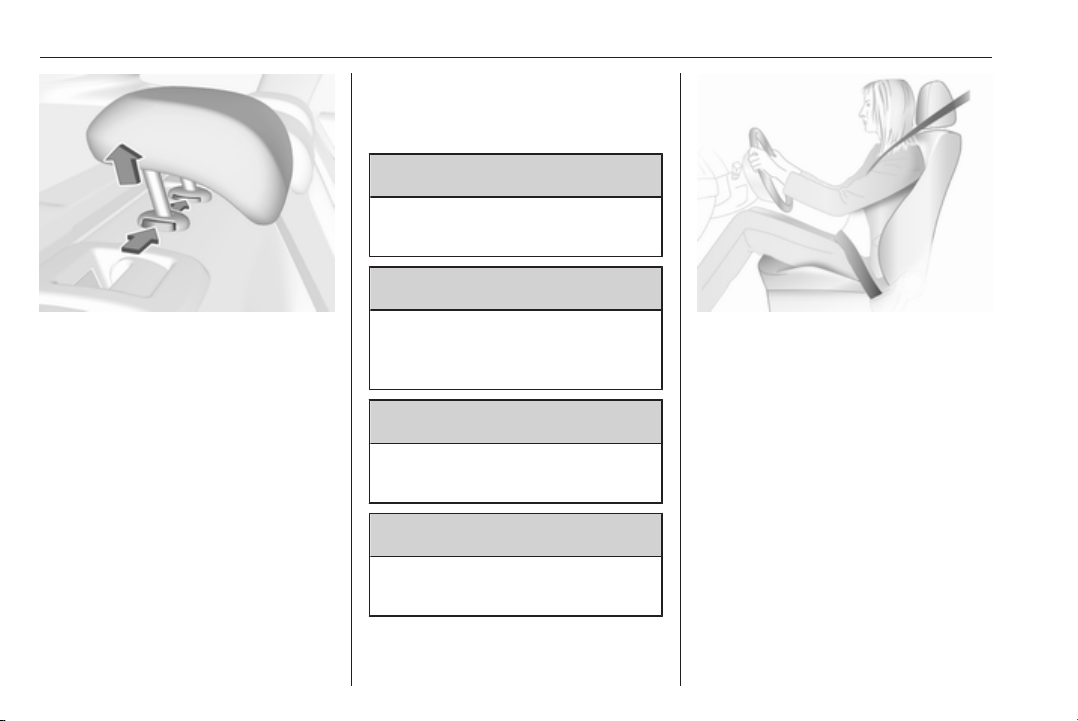
46 Seats, restraints
Press both catches, pull the head
restraint upwards and remove.
Front seats
Seat position
9 Warning
Only drive with the seat correctly
adjusted.
9 Danger
Do not sit closer than 25 cm to the
steering wheel, to permit safe
airbag deployment.
9 Warning
Never adjust seats while driving as
they could move uncontrollably.
9 Warning
Never store any objects under the
seats.
● Sit with buttocks as far back
against the backrest as possible.
Adjust the distance between the
seat and the pedals so that legs
are slightly angled when fully
pressing the pedals. Slide the
front passenger seat as far back
as possible.
● Set seat height high enough to
have a clear field of vision on all
sides and of all display
instruments. There should be at
least one hand of clearance
between head and the roof
frame. Your thighs should rest
lightly on the seat without
pressing into it.
Seats, restraints 47
● Sit with shoulders as far back
against the backrest as possible.
Set the backrest rake so that it is
possible to easily reach the
steering wheel with arms slightly
bent. Maintain contact between
shoulders and the backrest when
turning the steering wheel. Do
not angle the backrest too far
back. We recommend a
maximum rake of approx. 25°.
● Adjust seat and steering wheel in
a way that the wrist rests on top
of the steering wheel while the
arm is fully extended and
shoulders on the backrest.
● Adjust the steering wheel 3 88.
● Adjust the head restraint 3 44.
● Adjust the thigh support so that
there is a space approx. two
fingers wide between the edge of
the seat and the hollow of the
knee.
● Adjust the lumbar support so that
it supports the natural shape of
the spine.
Manual seat adjustment
Drive only with engaged seats and
backrests.
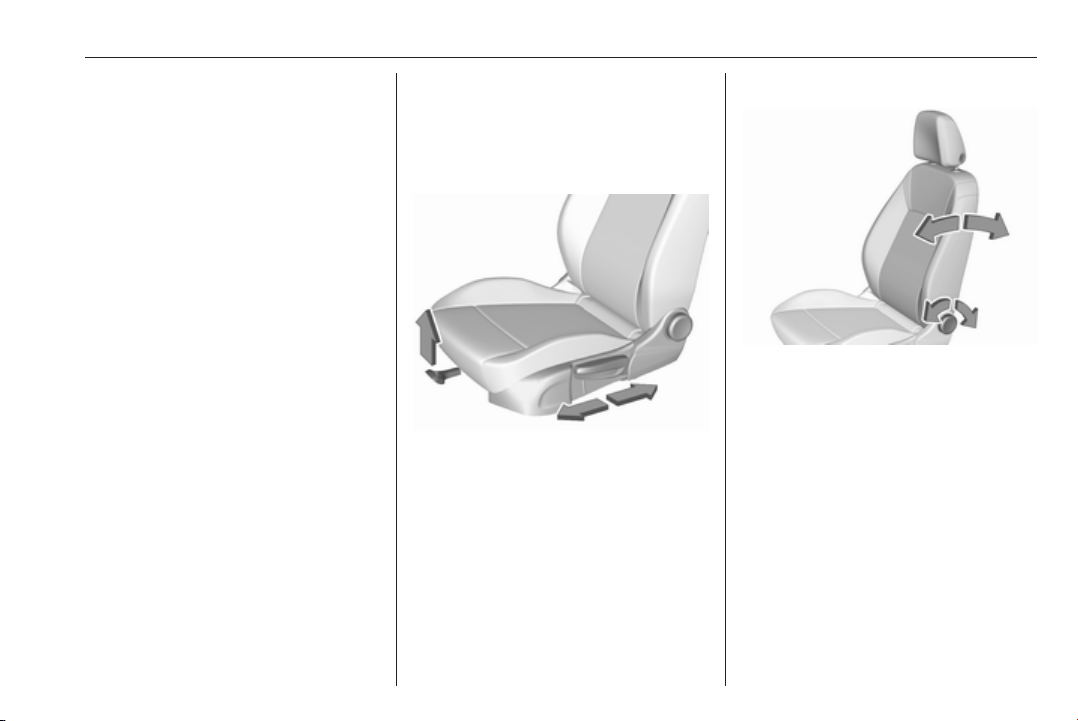
Longitudinal adjustment
Pull handle, slide seat, release
handle. Try to move the seat back and
forth to ensure that the seat is locked
in place.
Backrest inclination
Turn handwheel. Do not lean on
backrest when adjusting.
48 Seats, restraints
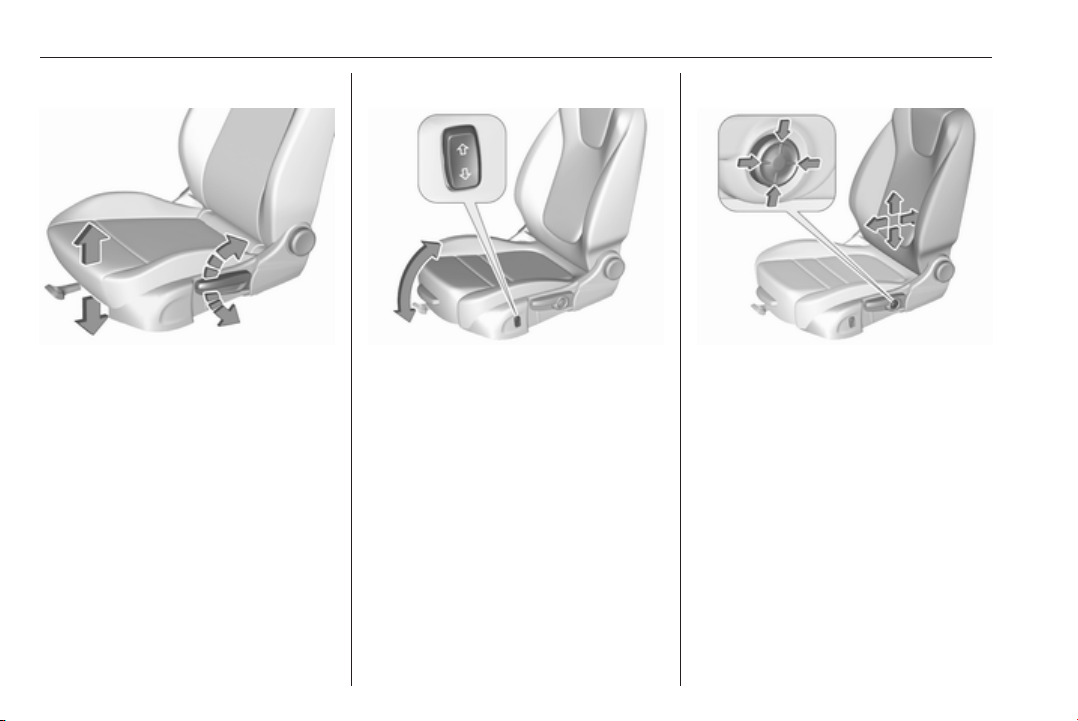
Seat height
Lever pumping motion
up : seat higher
down : seat lower
Seat inclination
Press switch
top : front end higher
bottom : front end lower
Lumbar support
Adjust lumbar support using the four-
way switch to suit personal
requirements.
Moving support up and down: push
switch up or down.
Increasing and decreasing support:
push switch forwards or backwards.
Seats, restraints 49
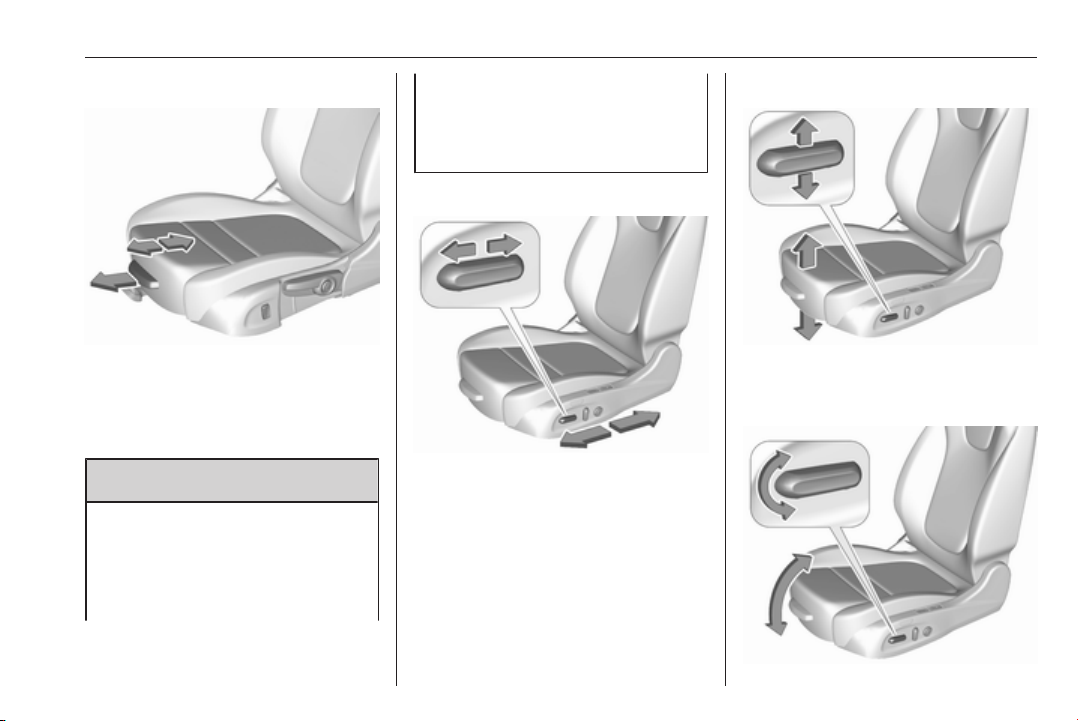
Adjustable thigh support
Pull the lever and slide the thigh
support.
Power seat adjustment
9 Warning
Care must be taken when
operating the power seats. There
is a risk of injury, particularly for
children. Objects could become
trapped.
Keep a close watch on the seats
when adjusting them. Vehicle
passengers should be informed
accordingly.
Longitudinal adjustment
Move switch forwards/backwards.
Seat height
Move switch upwards/downwards.
Seat inclination
50 Seats, restraints
Tilt front of switch upwards/
downwards.
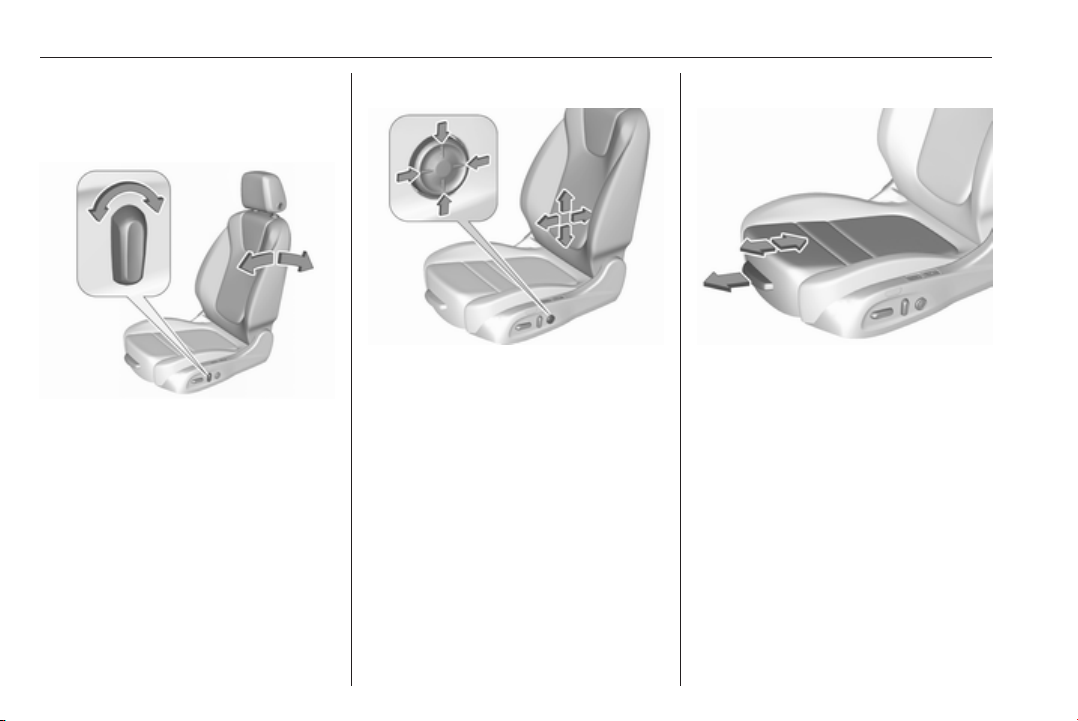
Backrest inclination
Tilt switch forwards/backwards.
Lumbar support
Adjust lumbar support using the
four-way switch to suit personal
requirements.
Moving support up and down: push
switch up or down.
Increasing and decreasing support:
push switch forwards or backwards.
Adjustable thigh support
Pull the lever and slide the thigh
support.
Seats, restraints 51
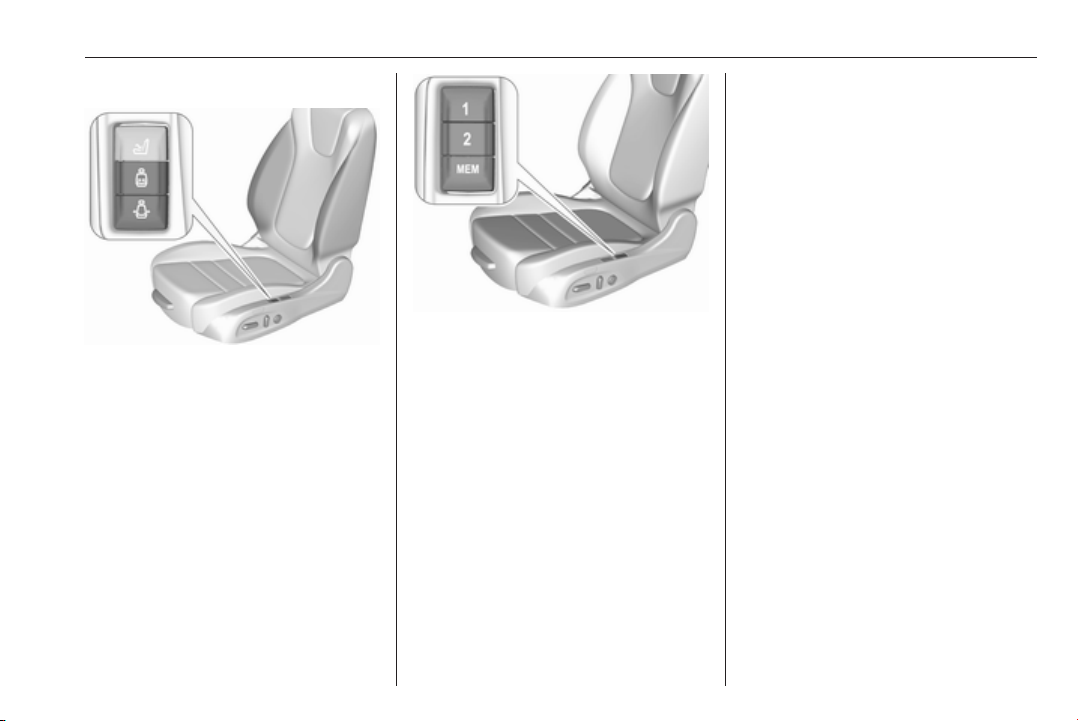
Side bolster
Adjust seat backrest width to suit
personal requirements.
Press e to reduce backrest width.
Press d to increase backrest width.
Memory function for power seat
adjustment and exterior mirrors
Two different driver's seat and
exterior mirror settings can be stored.
Memorised settings 3 22, Vehicle
personalisation 3 126.
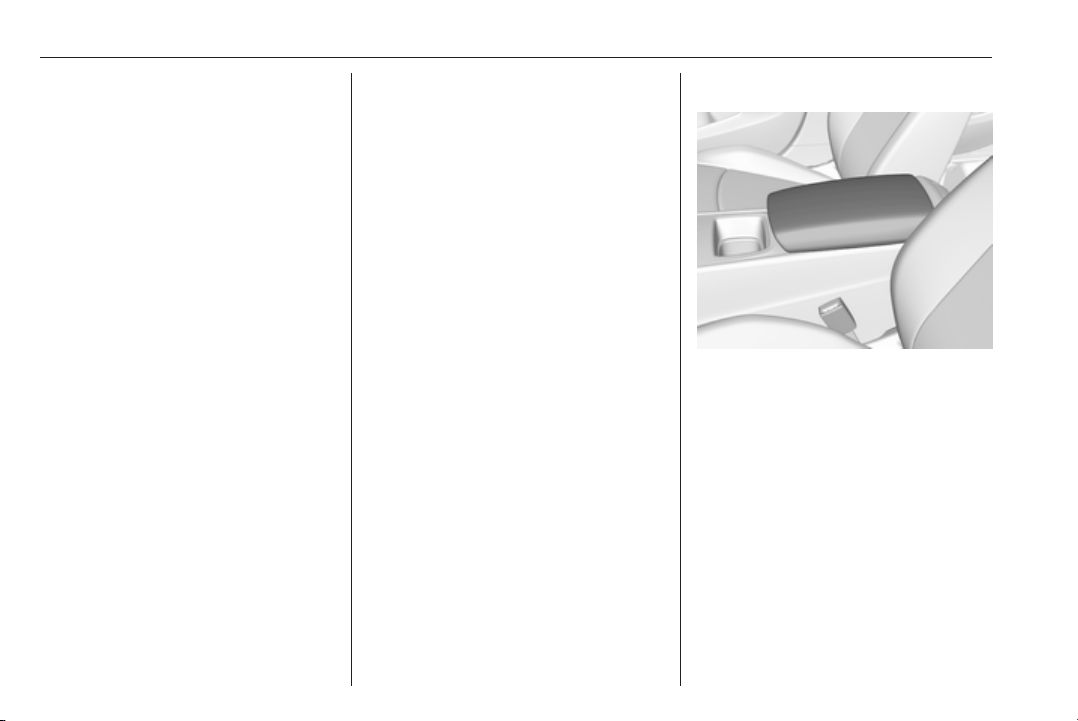
Storing memory position
● Adjust driver's seat and then
adjust exterior mirrors to desired
positions.
● Press and hold MEM and 1 or 2
simultaneously until a chime
sounds.
Recall of memory positions
Press and hold button1 or 2 until the
stored seat and exterior mirror
positions have been reached.
Releasing the button during seat
movement cancels the recall.
Automatic recall of memory positions
Memory positions are assigned to the
driver (1 or 2) using the respective key
and are automatically recalled when
the ignition is switched on. In addition,
a message in the Driver Information
Centre indicates the driver number,
identified by the used key. If the
ignition is switched on more than
three subsequent times with the
same key, the message will not be
displayed again until another key is
being used.
To stop recall movement, press one
of the memory-, power mirror- or
power seat controls.
Precondition is that Personalization
By Driver and Auto Memory Recall is
activated in the personal settings of
the Info-Display.
This function can be activated or
deactivated in the vehicle
personalisation.
Select the relevant setting in the
Vehicle menu in the Info-Display.
Info-Display 3 120.
Vehicle personalisation 3 126.
52 Seats, restraints
Easy exit function
For a convenient exit out of the
vehicle, the power driver seat moves
rearwards when vehicle is stationary.
To activate the easy exit function:
● set selector lever to position P
(automatic transmission)
● apply parking brake (manual
transmission)
● switch off ignition
● remove key from the ignition
switch
● open the driver's door
If the door is already open, switch off
ignition to activate easy exit.
To stop movement, press one of the
memory or power seat controls.
This function can be activated or
deactivated in the vehicle
personalisation.
Select the relevant setting in the
Vehicle menu in the Info-Display.
Info-Display 3 120.
Vehicle personalisation 3 126.
Safety function
If the driver's seat encounters
resistance during movement, the
recall may stop. After removing the
obstruction, press and hold the
appropriate memory position button
for two seconds. Try recalling the
memory position again. If the recall
does not operate, consult a
workshop.
Overload
If the seat setting is electrically
overloaded, the power supply is
automatically cut-off for a short time.
Note
After an accident in which airbags
have been deployed, the memory
function for each position button will
be deactivated.
Armrest
Push button and fold armrest
upwards. Under the armrest there is
a storage compartment and an
inductive charger.
Inductive charging 3 95.

Seats, restraints 53
Heating
Adjust heating to the desired setting
by pressing ß for the respective seat
one or more times. The control
indicator in the button indicates the
setting.
Prolonged use of the highest setting
for people with sensitive skin is not
recommended.
The seat heating will be reduced
automatically from highest level to
medium level after 30 minutes.
Seat heating is operational when
engine is running and during an
Autostop.
Stop-start system 3 166.
Automatic seat heating
Depending on the equipment, the
automatic seat heating can be
enabled in the vehicle personalisation
menu in the Info-Display.
Vehicle personalisation 3 126.
When enabled, the heating of the
seats will be activated automatically
at vehicle start. The activation is
based on several parameters such as
vehicle interior temperature, intensity
and direction of the sun and
temperature setting of the electronic
climate control system for the driver
and passenger side.
As the vehicle’s interior warms up, the
seat heating level will be reduced
automatically until it finally goes off.
The seat heating level being provided
during the automatic operation is
shown by heated seat indicator lights.
If the passenger seat is unoccupied,
the automatic seat heating feature will
not activate the seat heating for that
seat.
The seat heating buttons can be
pressed at any time to exit the
automatic seat heating for the
respective seat and control the seat
heating manually instead.
Ventilating
Adjust ventilation to the desired
setting by pressing A for the
respective seat one or more times.
The control indicator in the button
indicates the setting.
Ventilated seats are operational when
engine is running and during an
Autostop.
Stop-start system 3 166.
54 Seats, restraints
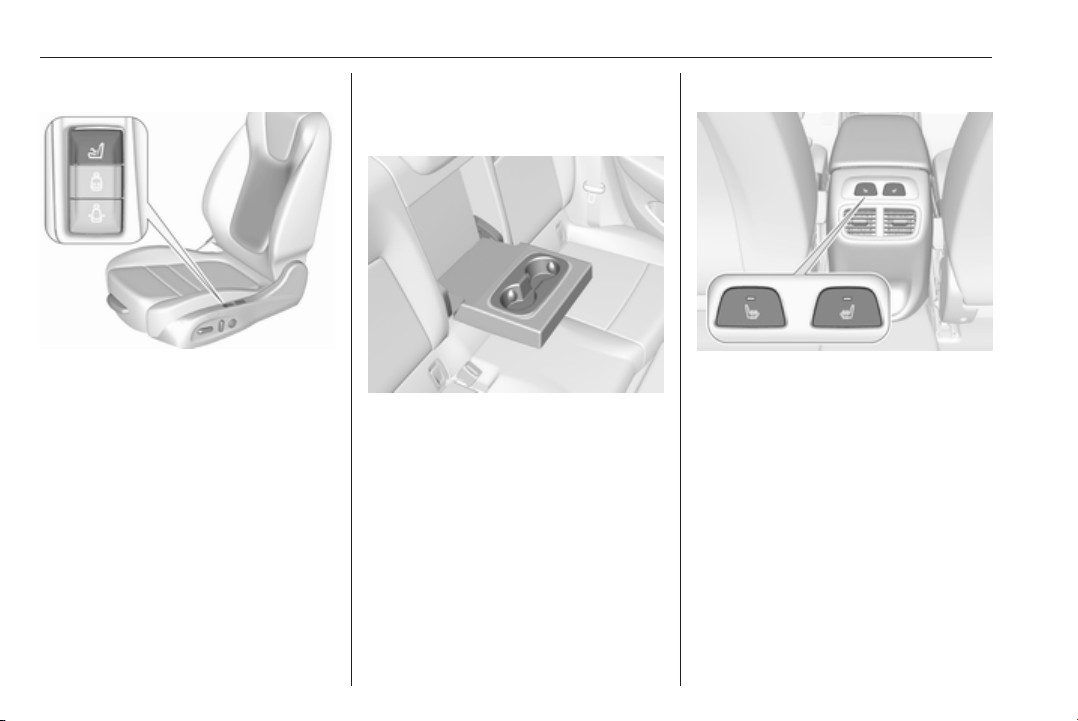
Massage
Press c to switch on the back
massage function.
To switch off, press c again. The
current massage procedure will be
ended, this may take a few seconds.
After ten minutes the massage
function is switched off automatically.
Rear seats
Armrest
Fold armrest down. The armrest
contains cupholders.
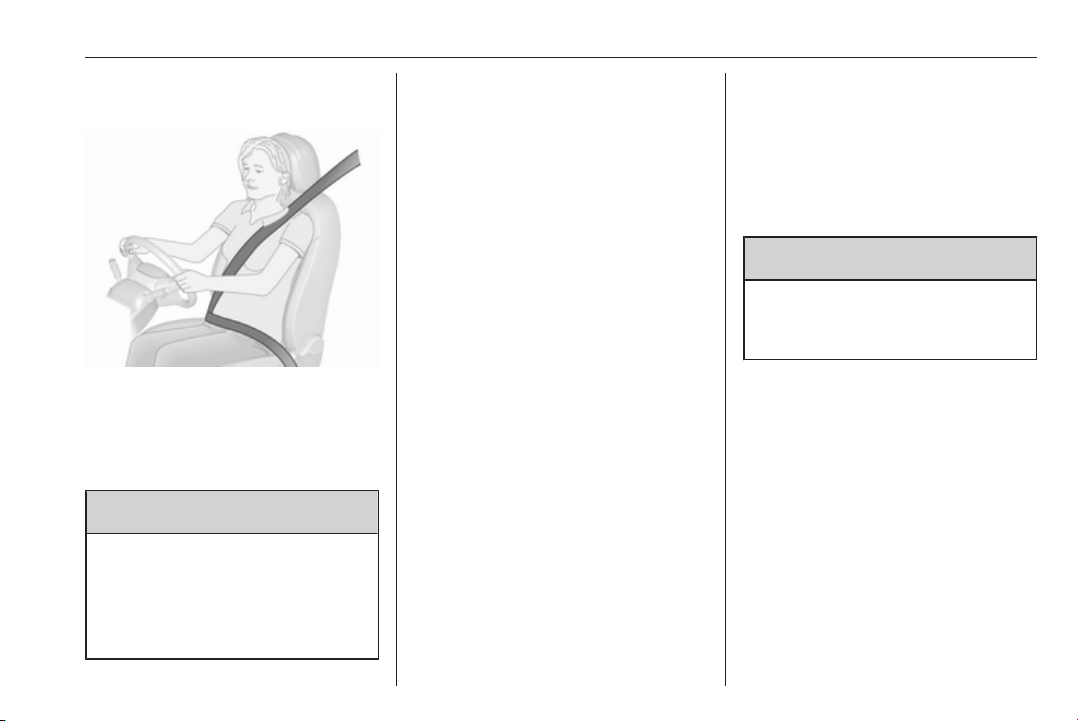
Heating
Activate seat heating by pressing ß
for the respective rear outer seat.
Activation is indicated by the LED in
the button.
Press ß once more to deactivate seat
heating.
Prolonged use for people with
sensitive skin is not recommended.
Seat heating is operational when
engine is running and during an
Autostop.
Stop-start system 3 166.
Seats, restraints 55
Seat belts
The seat belts are locked during
heavy acceleration or deceleration of
the vehicle, holding the occupants in
the seat position. Thereby the risk of
injury is considerably reduced.
9 Warning
Fasten seat belt before each trip.
In the event of an accident, people
not wearing seat belts endanger
their fellow occupants and
themselves.
Seat belts are designed to be used by
only one person at a time. Child
restraint system 3 63.
Periodically check all parts of the belt
system for damage, soiling and
proper functionality.
Have damaged components replaced
by a workshop. After an accident,
have the belts and triggered belt
pretensioners replaced by a
workshop.
Note
Make sure that the belts are not
damaged by shoes or sharp-edged
objects or trapped. Prevent dirt from
getting into the belt retractors.
Seat belt reminder
Each seat is equipped with a seat belt
reminder, indicated for front seats by
control indicators X and k, or for rear
seats by the symbol X in the Driver
Information Centre 3 106.
Belt force limiters
Stress on the body is reduced by the
gradual release of the belt during a
collision.
Belt pretensioners
In the event of a head-on, rear-end or
side-on collision of a certain severity,
the front and rear seat belts are
tightened. The front seat belts and the
outer rear seat belts are tightened by
one pretensioner per seat.
9 Warning
Incorrect handling (e.g. removal or
fitting of belts) can trigger the belt
pretensioners.
Deployment of the belt pretensioners
is indicated by continuous illumination
of control indicator v 3 107.
Triggered belt pretensioners must be
replaced by a workshop. Belt
pretensioners can only be triggered
once.
Note
Do not affix or install accessories or
other objects that may interfere with
the operation of the belt
pretensioners. Do not make any
modifications to belt pretensioner
components as this will invalidate
the operating permit of your vehicle.
56 Seats, restraints
Three-point seat belt
Fasten
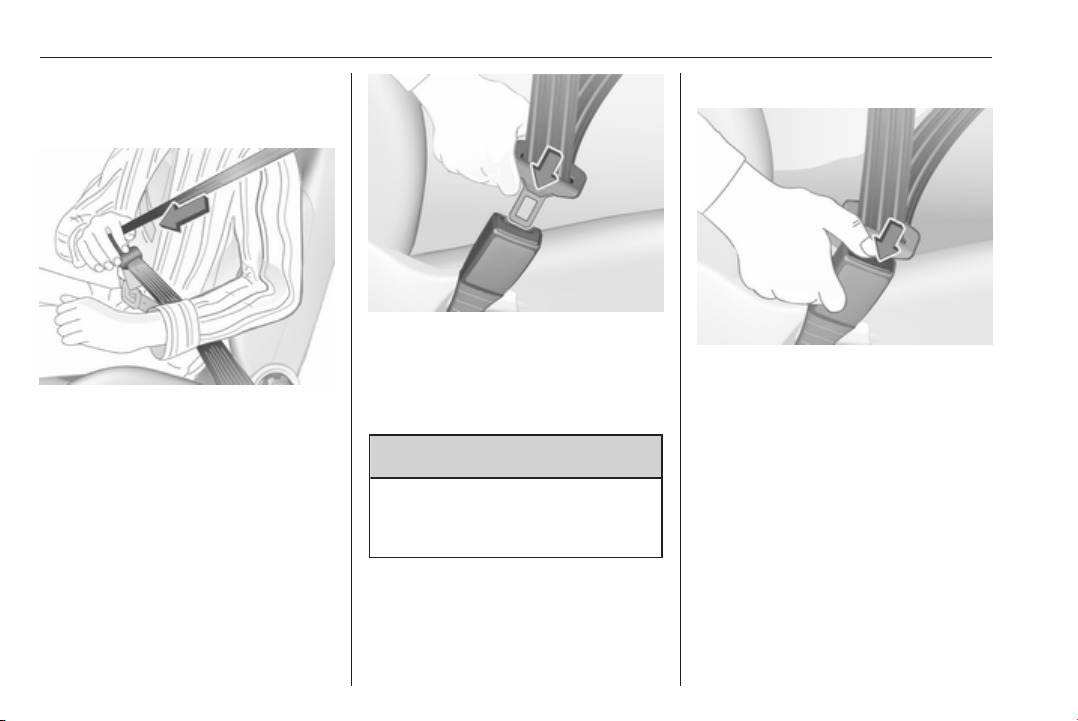
Withdraw the belt from the retractor,
guide it untwisted across the body
and insert the latch plate into the
buckle. Tighten the lap belt regularly
whilst driving by pulling the shoulder
belt.
Loose or bulky clothing prevents the
belt from fitting snugly. Do not place
objects such as handbags or mobile
phones between the belt and your
body.
9 Warning
The belt must not rest against hard
or fragile objects in the pockets of
your clothing.
Seat belt reminder X, k 3 106.
Unfasten
To release belt, press red button on
belt buckle.
Seats, restraints 57
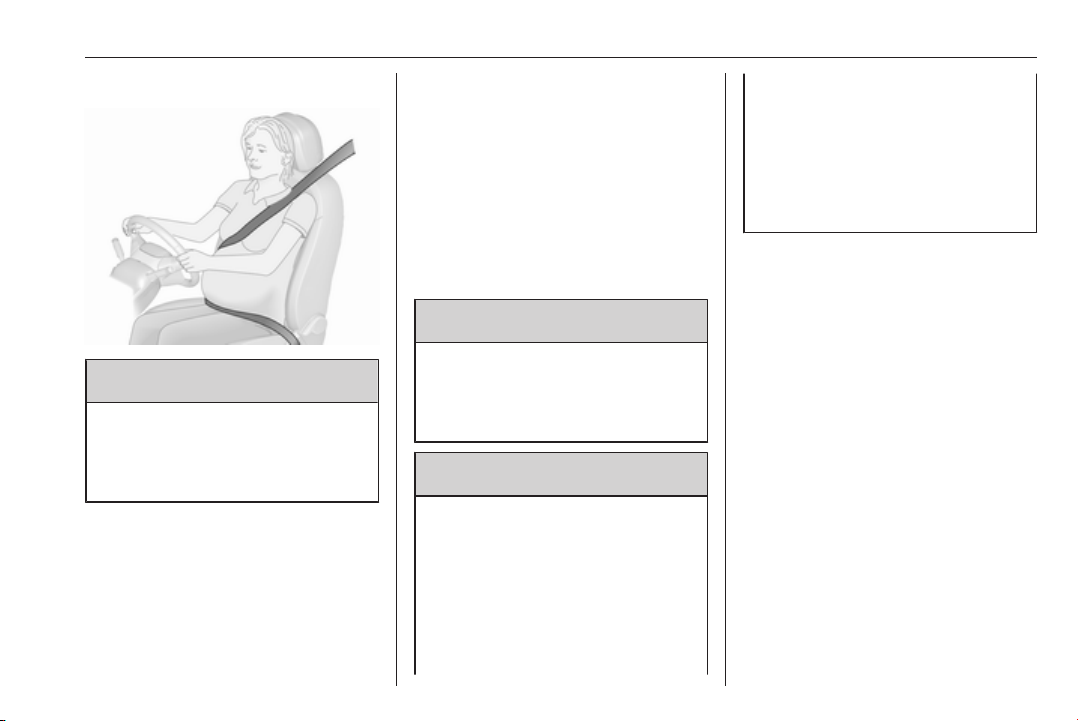
Using the seat belt while pregnant
9 Warning
The lap belt must be positioned as
low as possible across the pelvis
to prevent pressure on the
abdomen.
Airbag system
The airbag system consists of a
number of individual systems
depending on the scope of
equipment.
When triggered, the airbags inflate
within milliseconds. They also deflate
so quickly that it is often unnoticeable
during the collision.
9 Warning
The airbag system deploys in an
explosive manner, repairs must be
performed by skilled personnel
only.
9 Warning
Adding accessories that change
the vehicle's frame, bumper
system, height, front end or side
sheet metal, may keep the airbag
system from working properly. The
operation of the airbag system can
also be affected by changing any
parts of the front seats, seat belts,
airbag sensing and diagnostic
module, steering wheel,
instrument panel, inner door seals
including the speakers, any of the
airbag modules, ceiling or pillar
trim, front sensors, side impact
sensors or airbag wiring.
Note
The airbag systems and belt
pretensioner control electronics are
located in the centre console area.
Do not put any magnetic objects in
this area.
Do not affix any objects onto the
airbag covers and do not cover them
with other materials. Have damaged
covers replaced by a workshop.
Each airbag is triggered only once.
Have deployed airbags replaced by
a workshop. Furthermore, it may be
necessary to have the steering
wheel, the instrument panel, parts of
the panelling, the door seals,
handles and the seats replaced.
58 Seats, restraints
Do not make any modifications to
the airbag system as this will
invalidate the vehicle operating
permit.
Control indicator v for airbag systems
3 107.
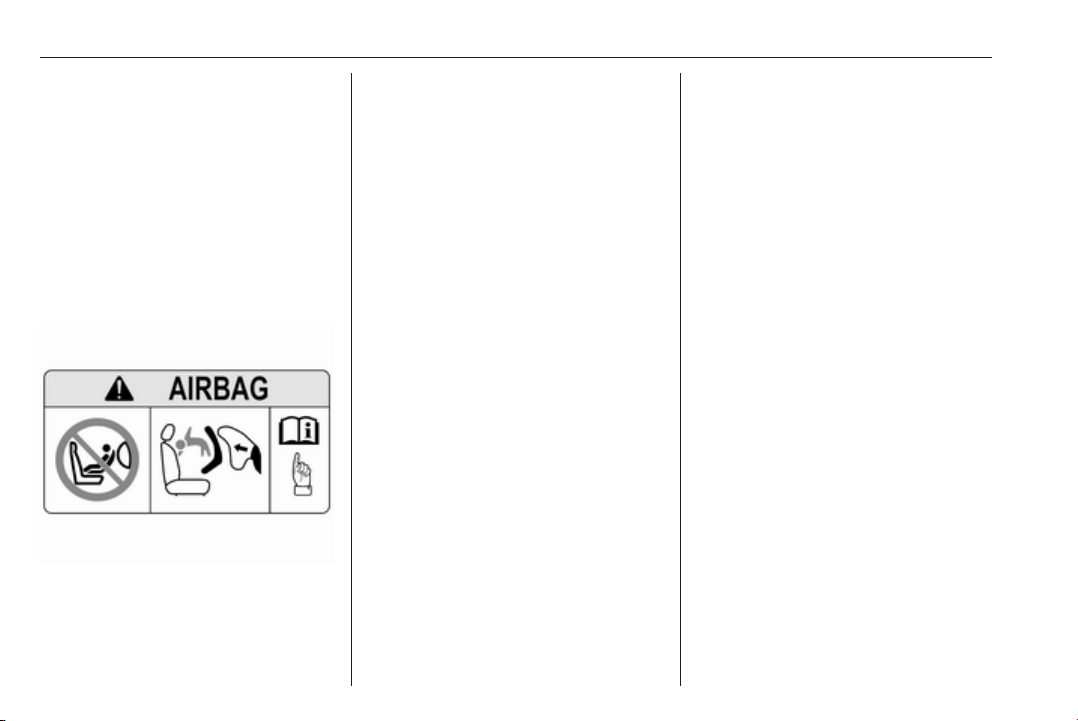
Child restraint systems on front
passenger seat with airbag
systems
Warning according to ECE R94.02:
EN: NEVER use a rearward-facing
child restraint on a seat protected by
an ACTIVE AIRBAG in front of it;
DEATH or SERIOUS INJURY to the
CHILD can occur.
DE: Nach hinten gerichtete
Kindersitze NIEMALS auf einem Sitz
verwenden, der durch einen davor
befindlichen AKTIVEN AIRBAG
geschützt ist, da dies den TOD oder
SCHWERE VERLETZUNGEN DES
KINDES zur Folge haben kann.
FR: NE JAMAIS utiliser un siège
d'enfant orienté vers l'arrière sur un
siège protégé par un COUSSIN
GONFLABLE ACTIF placé devant lui,
sous peine d'infliger des
BLESSURES GRAVES, voire
MORTELLES à l'ENFANT.
ES: NUNCA utilice un sistema de
retención infantil orientado hacia
atrás en un asiento protegido por un
AIRBAG FRONTAL ACTIVO. Peligro
de MUERTE o LESIONES GRAVES
para el NIÑO.
RU: ЗАПРЕЩАЕТСЯ
устанавливать детское
удерживающее устройство лицом
назад на сиденье автомобиля,
оборудованном фронтальной
подушкой безопасности, если
ПОДУШКА НЕ ОТКЛЮЧЕНА! Это
может привести к СМЕРТИ или
СЕРЬЕЗНЫМ ТРАВМАМ
РЕБЕНКА.
NL: Gebruik NOOIT een achterwaarts
gericht kinderzitje op een stoel met
een ACTIEVE AIRBAG ervoor, om
DODELIJK of ERNSTIG LETSEL van
het KIND te voorkomen.
DA: Brug ALDRIG en bagudvendt
autostol på et forsæde med AKTIV
AIRBAG, BARNET kan komme i
LIVSFARE eller komme ALVORLIGT
TIL SKADE.
SV: Använd ALDRIG en bakåtvänd
barnstol på ett säte som skyddas med
en framförvarande AKTIV AIRBAG.
DÖDSFALL eller ALLVARLIGA
SKADOR kan drabba BARNET.
FI: ÄLÄ KOSKAAN sijoita taaksepäin
suunnattua lasten turvaistuinta
istuimelle, jonka edessä on
AKTIIVINEN TURVATYYNY, LAPSI
VOI KUOLLA tai VAMMAUTUA
VAKAVASTI.
NO: Bakovervendt
barnesikringsutstyr må ALDRI brukes
på et sete med AKTIV
KOLLISJONSPUTE foran, da det kan

Seats, restraints 59
føre til at BARNET utsettes for
LIVSFARE og fare for ALVORLIGE
SKADER.
PT: NUNCA use um sistema de
retenção para crianças voltado para
trás num banco protegido com um
AIRBAG ACTIVO na frente do
mesmo, poderá ocorrer a PERDA DE
VIDA ou FERIMENTOS GRAVES na
CRIANÇA.
IT: Non usare mai un sistema di
sicurezza per bambini rivolto
all'indietro su un sedile protetto da
AIRBAG ATTIVO di fronte ad esso:
pericolo di MORTE o LESIONI
GRAVI per il BAMBINO!
EL: ΠΟΤΕ μη χρησιμοποιείτε παιδικό
κάθισμα ασφαλείας με φορά προς τα
πίσω σε κάθισμα που προστατεύεται
από μετωπικό ΕΝΕΡΓΟ ΑΕΡΟΣΑΚΟ,
διότι το παιδί μπορεί να υποστεί
ΘΑΝΑΣΙΜΟ ή ΣΟΒΑΡΟ
ΤΡΑΥΜΑΤΙΣΜΟ.
PL: NIE WOLNO montować fotelika
dziecięcego zwróconego tyłem do
kierunku jazdy na fotelu, przed
którym znajduje się WŁĄCZONA
PODUSZKA POWIETRZNA.
Niezastosowanie się do tego
zalecenia może być przyczyną
ŚMIERCI lub POWAŻNYCH
OBRAŻEŃ u DZIECKA.
TR: Arkaya bakan bir çocuk emniyet
sistemini KESİNLİKLE önünde bir
AKTİF HAVA YASTIĞI ile
korunmakta olan bir koltukta
kullanmayınız. ÇOCUK ÖLEBİLİR
veya AĞIR ŞEKİLDE
YARALANABİLİR.
UK: НІКОЛИ не використовуйте
систему безпеки для дітей, що
встановлюється обличчям назад,
на сидінні з УВІМКНЕНОЮ
ПОДУШКОЮ БЕЗПЕКИ, інакше це
може призвести до СМЕРТІ чи
СЕРЙОЗНОГО ТРАВМУВАННЯ
ДИТИНИ.
HU: SOHA ne használjon hátrafelé
néző biztonsági gyerekülést előlről
AKTÍV LÉGZSÁKKAL védett ülésen,
mert a GYERMEK HALÁLÁT vagy
KOMOLY SÉRÜLÉSÉT okozhatja.
HR: NIKADA nemojte koristiti sustav
zadržavanja za djecu okrenut prema
natrag na sjedalu s AKTIVNIM
ZRAČNIM JASTUKOM ispred njega,
to bi moglo dovesti do SMRTI ili
OZBILJNJIH OZLJEDA za DIJETE.
SL: NIKOLI ne nameščajte otroškega
varnostnega sedeža, obrnjenega v
nasprotni smeri vožnje, na sedež z
AKTIVNO ČELNO ZRAČNO
BLAZINO, saj pri tem obstaja
nevarnost RESNIH ali SMRTNIH
POŠKODB za OTROKA.
SR: NIKADA ne koristiti bezbednosni
sistem za decu u kome su deca
okrenuta unazad na sedištu sa
AKTIVNIM VAZDUŠNIM
JASTUKOM ispred sedišta zato što
DETE može da NASTRADA ili da se
TEŠKO POVREDI.
MK: НИКОГАШ не користете детско
седиште свртено наназад на
седиште заштитено со АКТИВНО
ВОЗДУШНО ПЕРНИЧЕ пред него,
затоа што детето може ДА ЗАГИНЕ
или да биде ТЕШКО ПОВРЕДЕНО.
BG: НИКОГА не използвайте
детска седалка, гледаща назад,
върху седалка, която е защитена
чрез АКТИВНА ВЪЗДУШНА
ВЪЗГЛАВНИЦА пред нея - може да
се стигне до СМЪРТ или
СЕРИОЗНО НАРАНЯВАНЕ на
ДЕТЕТО.
60 Seats, restraints
RO: Nu utilizaţi NICIODATĂ un scaun
pentru copil îndreptat spre partea din
spate a maşinii pe un scaun protejat
de un AIRBAG ACTIV în faţa sa;
acest lucru poate duce la DECESUL
sau VĂTĂMAREA GRAVĂ a
COPILULUI.
CS: NIKDY nepoužívejte dětský
zádržný systém instalovaný proti
směru jízdy na sedadle, které je
chráněno před sedadlem AKTIVNÍM
AIRBAGEM. Mohlo by dojít k
VÁŽNÉMU PORANĚNÍ nebo ÚMRTÍ
DÍTĚTE.
SK: NIKDY nepoužívajte detskú
sedačku otočenú vzad na sedadle
chránenom AKTÍVNYM AIRBAGOM,
pretože môže dôjsť k SMRTI alebo
VÁŽNYM ZRANENIAM DIEŤAŤA.
LT: JOKIU BŪDU nemontuokite atgal
atgręžtos vaiko tvirtinimo sistemos
sėdynėje, prieš kurią įrengta AKTYVI
ORO PAGALVĖ, nes VAIKAS GALI
ŽŪTI arba RIMTAI SUSIŽALOTI.
LV: NEKĀDĀ GADĪJUMĀ
neizmantojiet uz aizmuguri vērstu
bērnu sēdeklīti sēdvietā, kas tiek
aizsargāta ar tās priekšā uzstādītu
AKTĪVU DROŠĪBAS SPILVENU, jo
pretējā gadījumā BĒRNS var gūt
SMAGAS TRAUMAS vai IET BOJĀ.
ET: ÄRGE kasutage tahapoole
suunatud lapseturvaistet istmel, mille
ees on AKTIIVSE TURVAPADJAGA
kaitstud iste, sest see võib
põhjustada LAPSE SURMA või
TÕSISE VIGASTUSE.
MT: QATT tuża trażżin għat-tfal li
jħares lejn in-naħa ta’ wara fuq sit
protett b’AIRBAG ATTIV quddiemu;
dan jista’ jikkawża l-MEWT jew
ĠRIEĦI SERJI lit-TFAL.
GA: Ná húsáid srian sábháilteachta
linbh cúil RIAMH ar shuíochán a
bhfuil mála aeir ag feidhmiú os a
chomhair. Tá baol BÁIS nó GORTÚ
DONA don PHÁISTE ag baint leis.
Beyond the warning required by
ECE R94.02, for safety reasons a
forward-facing child restraint system
must only be used subject to the
instructions and restrictions in the
table 3 66.
The airbag label is located on both
sides of the front passenger sun visor.
Airbag deactivation 3 62.
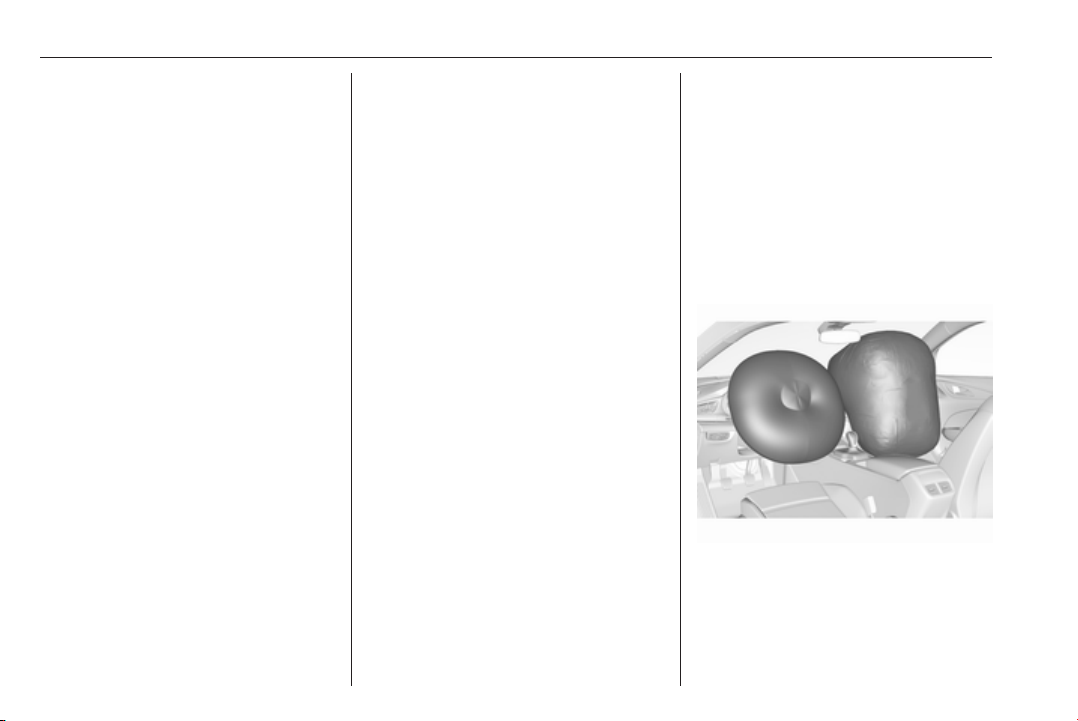
Front airbag system
The front airbag system consists of
one airbag in the steering wheel and
one in the instrument panel on the
front passenger side. These can be
identified by the word AIRBAG.
The front airbag system is triggered in
the event of a front-end impact of a
certain severity. The ignition must be
switched on.
The inflated airbags cushion the
impact, thereby reducing the risk of
injury to the upper body and head of
the front seat occupants
considerably.
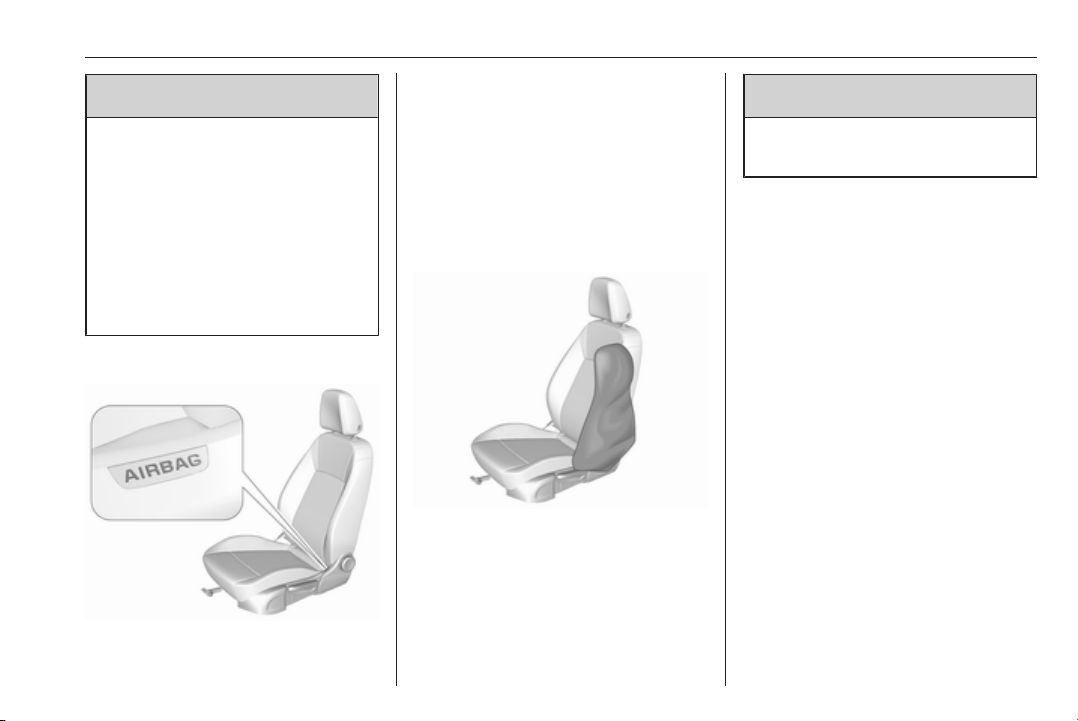
Seats, restraints 61
9 Warning
Optimum protection is only
provided when the seat is in the
proper position.
Seat position 3 46.
Keep the area in which the airbag
inflates clear of obstructions.
Fit the seat belt correctly and
engage securely. Only then is the
airbag able to protect.
Side airbag system
The side airbag system consists of an
airbag in each front seat backrest and
in the rear outboard seat backrests.
This can be identified by the word
AIRBAG.
The side airbag system is triggered in
the event of a side impact of a certain
severity. The ignition must be
switched on.
The inflated airbags cushion the
impact, thereby reducing the risk of
injury to the upper body and pelvis in
the event of a side-on collision
considerably.
9
Warning
Keep the area in which the airbag
inflates clear of obstructions.
Note
Only use protective seat covers that
have been approved for the vehicle.
Be careful not to cover the airbags.
Curtain airbag system
The curtain airbag system consists of
an airbag in the roof frame on each
side. This can be identified by the
word AIRBAG on the roof pillars.
The curtain airbag system is triggered
in the event of a side-on impact of a
certain severity. The ignition must be
switched on.
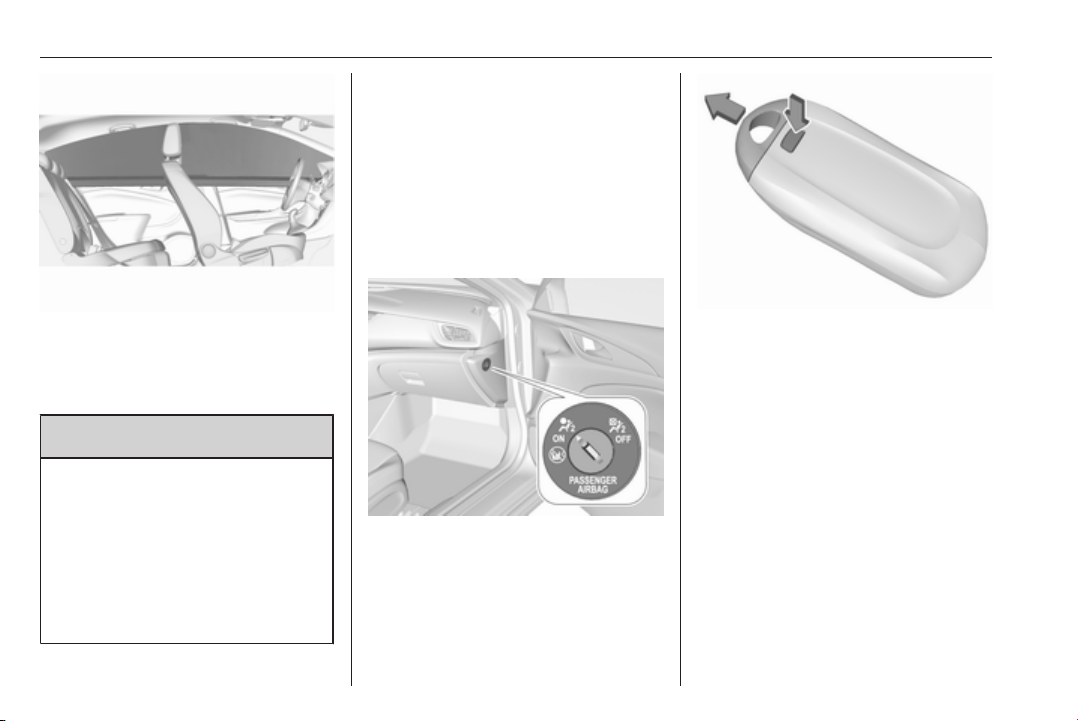
62 Seats, restraints
The inflated airbags cushion the
impact, thereby reducing the risk of
injury to the head in the event of a
side-on impact considerably.
9 Warning
Keep the area in which the airbag
inflates clear of obstructions.
The hooks on the handles in the
roof frame are only suitable for
hanging up light articles of
clothing, without coat hangers. Do
not keep any items in these
clothes.
Airbag deactivation
The front passenger airbag system
must be deactivated for child restraint
system on the passenger seat
according to the instructions in the
table 3 66. The side airbag and
curtain airbag systems, the belt
pretensioners and all driver airbag
systems will remain active.
The front passenger airbag system
can be deactivated via a key-
operated switch on the passenger
side of the instrument panel.
Use the key blade, located in the
electronic key, to choose the position:
*
OFF
: front passenger airbag is
deactivated and will not
inflate in the event of a
collision. Control indicator
* OFF illuminates
continuously in the centre
console
V
ON
: front passenger airbag is
active
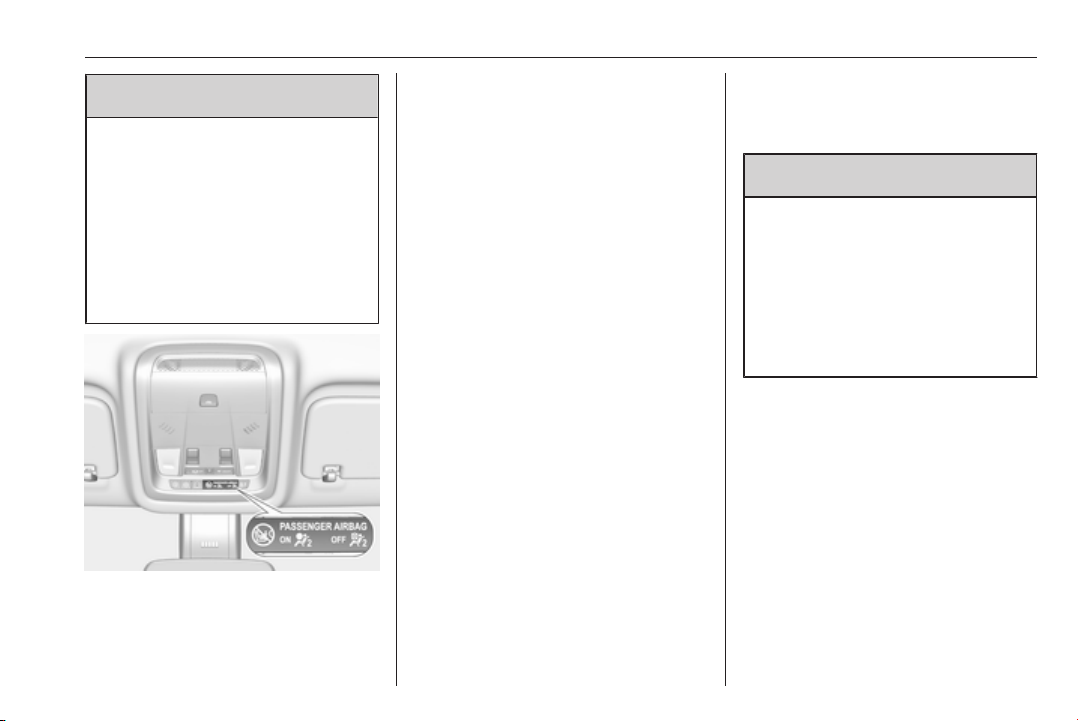
Seats, restraints 63
9 Danger
Deactivate passenger airbag only
in combination with the use of a
child restraint system, subject to
the instructions and restrictions in
the table 3 66.
Otherwise, there is a risk of fatal
injury for a person occupying a
seat with a deactivated front
passenger airbag.
If the control indicator V illuminates
for approx. 60 seconds after the
ignition is switched on, the front
passenger airbag system will inflate
in the event of a collision.
If the control indicator
* illuminates
after the ignition is switched on, the
front passenger airbag system is
deactivated. It stays on while the
airbag is deactivated.
If both control indicators are
illuminated at the same time, there is
a system failure. The status of the
system is not discernible, therefore
no person is allowed to occupy the
front passenger seat. Contact a
workshop immediately.
Consult a workshop immediately if
neither of the two control indicators
are illuminated.
Change status only when the vehicle
is stopped with the ignition off.
Status remains until the next change.
Control indicator for airbag
deactivation 3 107.
Child restraints
Child restraint systems
9 Danger
If using a rear-facing child restraint
system on the front passenger
seat, the airbag system for the
front passenger seat must be
deactivated. This also applies to
certain forward-facing child
restraint systems as indicated in
the tables 3 66.
Airbag deactivation 3 62, Airbag label
3 57.
We recommend a child restraint
system which is tailored specifically to
the vehicle. For further information,
contact your workshop.
When a child restraint system is being
used, pay attention to the following
usage and installation instructions
and also those supplied with the child
restraint system.

64 Seats, restraints
Always comply with local or national
regulations. In some countries, the
use of child restraint systems is
forbidden on certain seats.
Child restraint systems can be
fastened with:
● Three-point seat belt
● ISOFIX brackets
● Top-tether
Three-point seat belt
Child restraint systems can be
fastened by using a three-point seat
belt. Depending on the size of the
used child restraint systems, up to
three child restraint systems can be
attached to the rear seats 3 66.
ISOFIX brackets
Fasten vehicle-approved ISOFIX
child restraint systems to the ISOFIX
brackets. Specific vehicle ISOFIX
child restraint system positions are
marked in the ISOFIX table 3 66.
ISOFIX brackets are indicated by a
label on the backrest.
An i-size child restraint system is an
universal ISOFIX child restraint
system according UN Regulation No.
129.
All i-size child restraint systems can
be used on any vehicle seat suitable
for i-size, i-size table 3 66.
Either a Top-tether strap or a support
leg must be used in addition to the
ISOFIX brackets.
i-size child seats and vehicle seats
with i-size approval are marked with
i-size symbol, see illustration.
Top-tether anchors
Top-tether anchors are marked with
the symbol : for a child seat.

Seats, restraints 65
In addition to the ISOFIX mounting
brackets, fasten the Top-tether strap
to the Top-tether anchors.
ISOFIX child restraint systems of
universal category positions are
marked in the table by IUF 3 66.
Selecting the right system
The rear seats are the most
convenient location to fasten a child
restraint system.
Children should travel facing
rearwards in the vehicle as long as
possible. This makes sure that the
child's backbone, which is still very
weak, is under less strain in the event
of an accident.
Suitable are restraint systems that
comply with valid UN ECE
regulations. Check local laws and
regulations for mandatory use of child
restraint systems.
The following child restraints are
recommended for the following
weight classes:
Maxi Cosi Cabriofix for children up to
13 kg for group 0, group 0+ and Duo
Plus for children from 13 kg to 18 kg
in group I.
Ensure that the child restraint system
to be installed is compatible with the
vehicle type.
Ensure that the mounting location of
the child restraint system within the
vehicle is correct, see following
tables.
Allow children to enter and exit the
vehicle only on the side facing away
from the traffic.
When the child restraint system is not
in use, secure the seat with a seat belt
or remove it from the vehicle.
Note
Do not affix anything on the child
restraint systems and do not cover
them with any other materials.
A child restraint system which has
been subjected to stress in an
accident must be replaced.

66 Seats, restraints
Child restraint installation locations
Permissible options for fastening a child restraint system with a three-point seat belt
Weight class
On front passenger seat
On rear outboard seats On rear centre seatactivated airbag deactivated airbag
Group 0: up to 10 kg X
U
1,2
U/L
3
U
Group 0+: up to 13 kg X
U
1,2
U/L
3
U
Group I: 9 to 18 kg X
U
1,2
U/L
3,4
U
4
Group II: 15 to 25 kg
U
1,2
X
U/L
3,4
U
4
Group III: 22 to 36 kg
U
1,2
X
U/L
3,4
U
4
U : universal suitability in conjunction with three-point seat belt
L : suitable for particular child restraint systems of the 'specific-vehicle', 'restricted' or 'semi-universal' categories. The
child restraint system must be approved for the specific vehicle type (refer to the vehicle type list of the child restraint
system)
X : no child restraint system permitted in this weight class
1
: move seat forwards as far as necessary and adjust seat backrest as far as necessary to a vertical position to ensure
that the belt runs forwards from the upper anchorage point
2
: move seat upwards as far as necessary and adjust seat backrest as far as necessary to a vertical position to ensure
that the belt is tight on the buckle side
3
: move the respective front seat ahead of the child restraint system forwards as far as necessary
4
: adjust the respective headrest as necessary or remove if required

Seats, restraints 67
Permissible options for fitting an ISOFIX child restraint system with ISOFIX brackets
Weight class Size class Fixture
On front passenger seat
On rear outboard
seats
On rear centre
seatactivated airbag deactivated airbag
Group 0: up to 10 kg G ISO/L2 X X X X
F ISO/L1 X X X X
E ISO/R1 X X
IL
3
X
Group 0+: up to 13 kg E ISO/R1 X X
IL
3
X
D ISO/R2 X X
IL
3
X
C ISO/R3 X X
IL
3
X
Group I: 9 to 18 kg D ISO/R2 X X
IL
3,4
X
C ISO/R3 X X
IL
3,4
X
B ISO/F2 X X
IL, IUF
3,4
X
B1 ISO/F2X X X
IL, IUF
3,4
X
A ISO/F3 X X
IL, IUF
3,4
X
Group II: 15 to 25 kg X X
IL
3,4
X
Group III: 22 to 36 kg X X
IL
3,4
X

68 Seats, restraints
IL : suitable for particular ISOFIX restraint systems of the 'specific-vehicle', 'restricted' or 'semi-universal' categories.
The ISOFIX restraint system must be approved for the specific vehicle type (refer to the vehicle type list of the child
restraint system)
IUF : suitable for ISOFIX forward-facing child restraint systems of universal category approved for use in this weight class
X : no ISOFIX child restraint system approved in this weight class
1
: move seat forwards as far as necessary and adjust seat backrest inclination as far as necessary to a vertical position
to ensure that the belt runs forwards from the upper anchorage point
2
: move seat height adjustment upwards as far as necessary and adjust seat backrest inclination as far as necessary
to a vertical position to ensure that the belt is tight on the buckle side
3
: move the respective front seat ahead of the child restraint system forwards as far as necessary
4
: adjust the respective headrest as necessary or remove if required
ISOFIX size class and seat device
A – ISO/F3 : forward-facing child restraint system for children of maximum size in the weight class 9 to 18 kg
B – ISO/F2 : forward-facing child restraint system for smaller children in the weight class 9 to 18 kg
B1 – ISO/F2X : forward-facing child restraint system for smaller children in the weight class 9 to 18 kg
C – ISO/R3 : rear-facing child restraint system for children of maximum size in the weight class up to 18 kg
D – ISO/R2 : rear-facing child restraint system for smaller children in the weight class up to 18 kg
E – ISO/R1 : rear-facing child restraint system for young children in the weight class up to 13 kg
F– ISO/L1 : left lateral facing position child restraint system (carry-cot)
G – ISO/L2 : right lateral facing position child restraint system (carry-cot)
Permissible options for fitting an i-Size child restraint system with ISOFIX brackets
On front passenger seat
On rear outboard seats On rear centre seatactivated airbag deactivated airbag
i-Size child restraint systems X X i - U X

Seats, restraints 69
i - U : suitable for i-Size 'universal' forward and rearward facing child restraint systems
X : seating position not suitable for i-Size 'universal' child restraint systems
70 Seats, restraints
Pedestrian protection
system
Active bonnet
Pedestrian protection system can
help to reduce the injury of
pedestrians in case of a front
collision.
When the sensors in the front bumper
detect a certain impact within the
speed range of 25 km/h to 50 km/h,
the rear part of the bonnet will be lifted
to reduce pedestrians head injuries.
In addition the front bumper is
designed to reduce leg injuries of
pedestrians.
The active bonnet can be triggered
only once and remains in the raised
position. A message is displayed in
the Driver Information Centre.
Seek the assistance of a workshop as
soon as possible, thereby adapting
the driving style, to have the
actuators, hinges and bonnet
replaced.
9
Warning
Do not drive with the bonnet
raised.
9 Warning
After any frontal accident the front
bumper may appear to be intact,
however, the sensors may be
damaged. Consult a workshop to
verify proper functionality of the
sensors.
The system may not trigger under the
following conditions:
● The impact is out of sensor
range.
● The sensors are damaged or
blocked by accessory parts.
● The bonnet is blocked by snow or
ice.
● The vehicle speed is not within
the range.
● The object is too small.
Manually bonnet lowering
9 Warning
After the system has triggered, the
hinges of the bonnet are hot. Do
not touch.
To manually lower the triggered
bonnet for driving to the next
workshop:
1. Pull the bonnet release lever.
2. Push the safety catch to left
vehicle side.
3. Open the bonnet approx. 20 cm
and lower it slowly without
engaging.
4. Push down bonnet with both
hands at rear corners in small
steps alternating between right
and left side.
9 Warning
Be sure to keep away from the
edge of the bonnet to prevent
injuries.

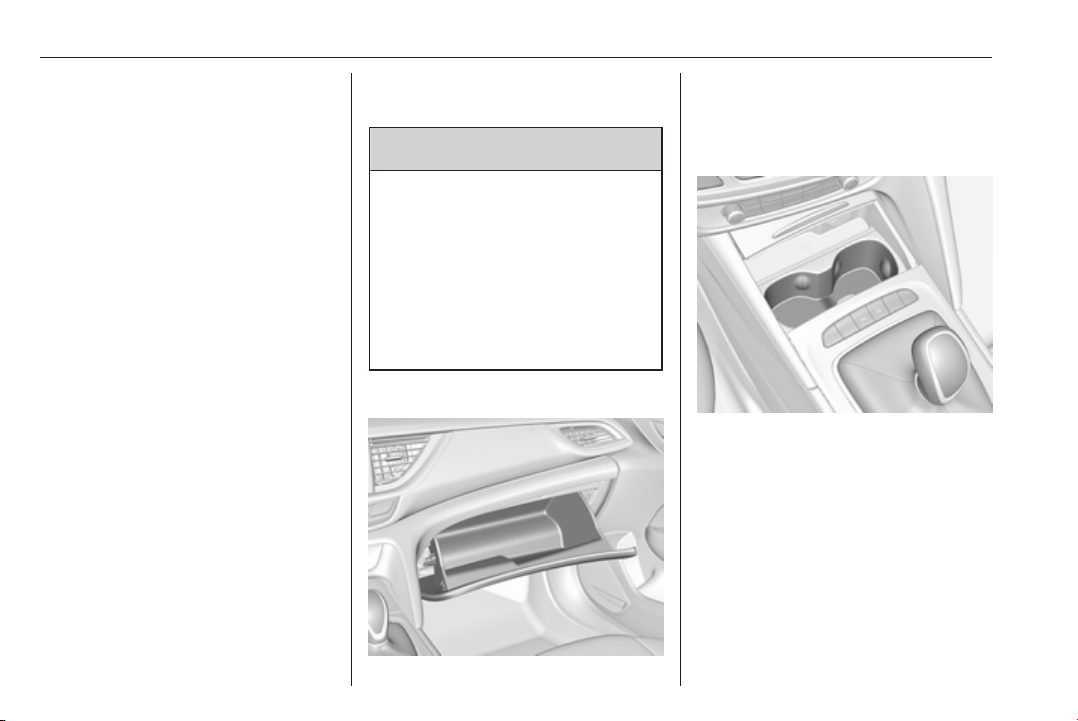
72 Storage
Storage
Storage compartments ................ 72
Glovebox ................................... 72
Cupholders ................................ 72
Front storage ............................. 73
Sunglasses storage ................... 73
Armrest storage ......................... 73
Centre console storage ............. 73
Load compartment ....................... 74
Load compartment cover ........... 77
Rear floor storage cover ............ 79
Rear storage .............................. 79
Lashing eyes ............................. 80
Cargo management system ...... 80
Safety net .................................. 80
Warning triangle ........................ 83
First aid kit ................................. 83
Roof rack system ......................... 84
Roof rack ................................... 84
Loading information ..................... 85
Storage compartments
9 Warning
Do not store heavy or sharp
objects in the storage
compartments. Otherwise, the
storage compartment lid could
open and vehicle occupants could
be injured by objects being thrown
around in the event of hard
braking, a sudden change in
direction or an accident.
Glovebox
The glovebox should be closed whilst
driving.
Cupholders
Cupholders are located in the centre
console behind a cover. Open the
cover.
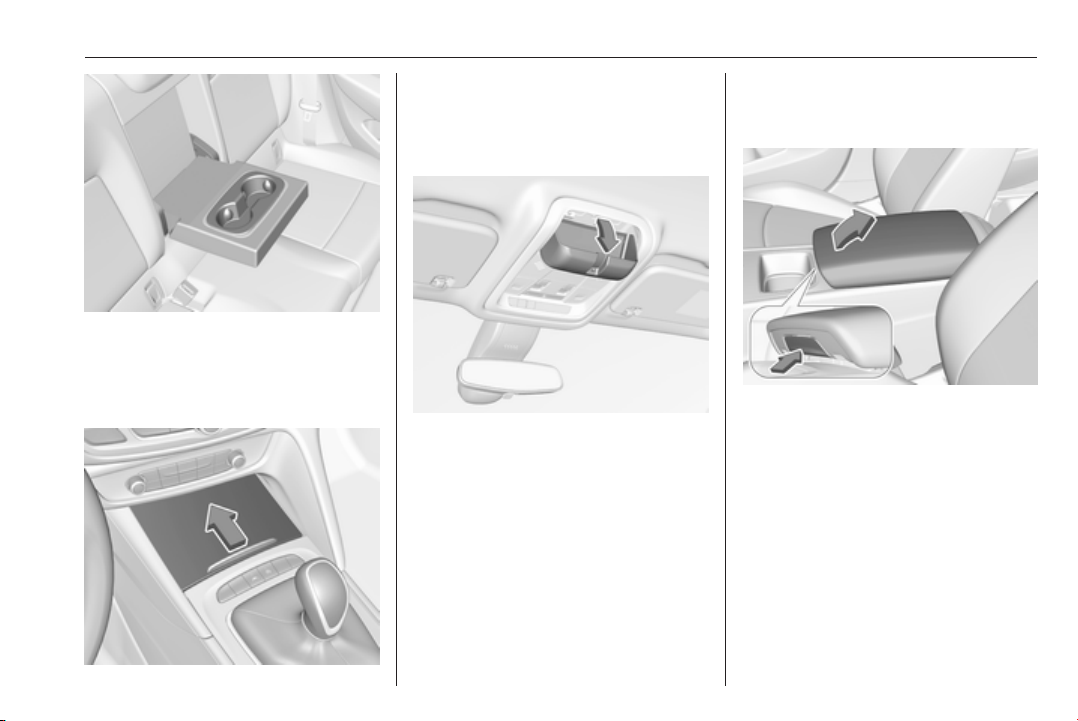
Storage 73
Additional cupholders are located in
the rear armrest. Fold down armrest.
Front storage
A storage box is located in the centre
console. Push cover to the front.
Sunglasses storage
Fold down and open.
Do not use for storing heavy objects.
Armrest storage
Storage in the front armrest
Push button to fold up the armrest.
Centre console storage
The storage container can be used to
store small items.
Depending on the version, the
storage compartment is located
under a cover.
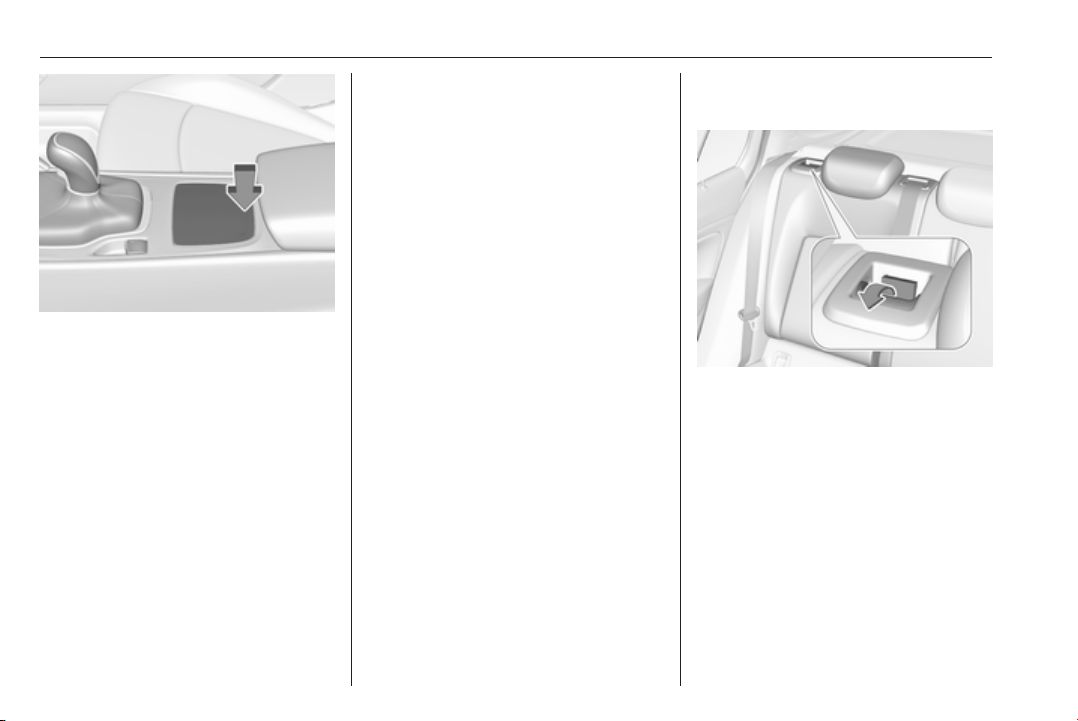
74 Storage
Press cover at the rear to open.
Load compartment
Depending on the equipment, the
rear seat backrest is divided into two
or three parts. All parts can be folded
down.
Before folding rear seat backrests,
execute the following if necessary:
● Remove the load compartment
cover 3 77.
● Press and hold the catch to push
the head restraints down 3 44.
● Remove the rear head restraints
to have the backrests fully rest on
the seat cushions 3 44.
Load compartment extension
(two-part rear seat backrest)
● Pull the release lever on one or
both outer sides and fold down
the backrests onto the seat
cushion.
● To fold up, raise the backrests
and guide them into an upright
position until they engage
audibly. Make sure that the belts
are positioned correctly and stay
clear of the folding area.
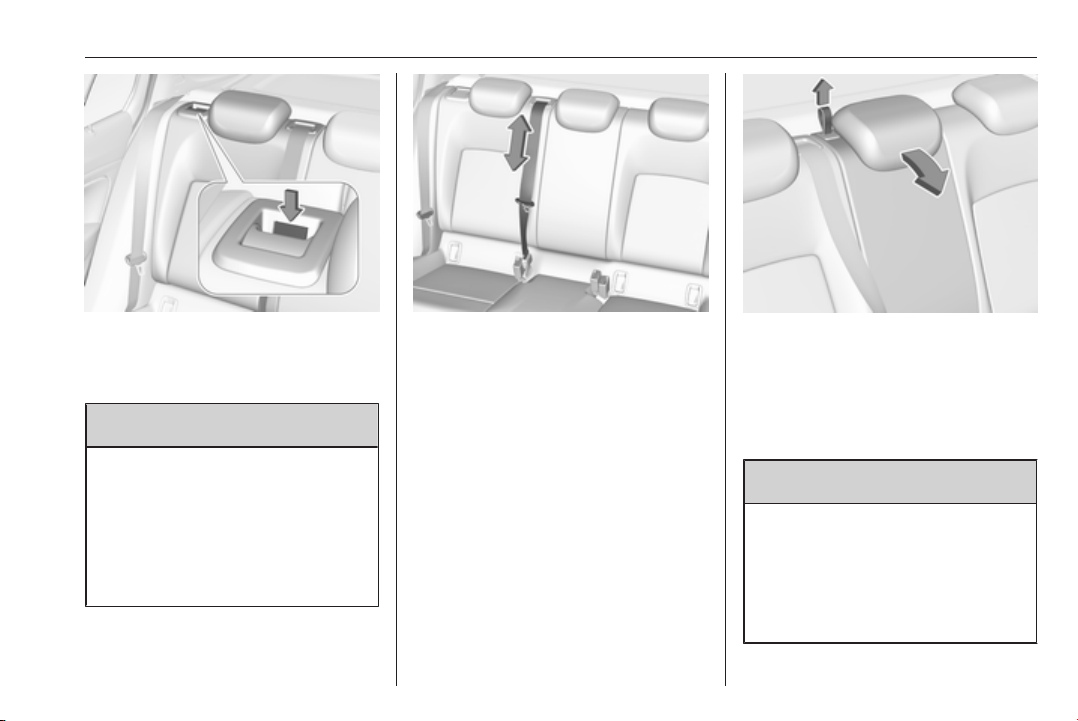
Storage 75
The backrests are properly
engaged when the red mark near
the release lever is no longer
visible.
9 Warning
When folding up, ensure that
backrests are securely locked in
position before driving. Failure to
do so may result in personal injury
or damage to the load or vehicle in
the event of hard braking or a
collision.
The seat belt of the centre seat could
be blocked when the backrest is
folded up too quickly. To unlock the
retractor, push in the seat belt or pull
it out by approx. 20 mm then release.
Load compartment extension
(three-part rear seat backrest)
● Fold up the rear armrest.
● Pull the loop and fold down the
backrest of the centre seat.
● Pull the release lever on one or
both outer sides and fold down
the backrests onto the seat
cushion.
9 Warning
Take care when folding down the
right outer seat backrest if the
centre seat backrest is already
folded down. Risk of injury due to
bolt protruding from the inner side
of the backrest.
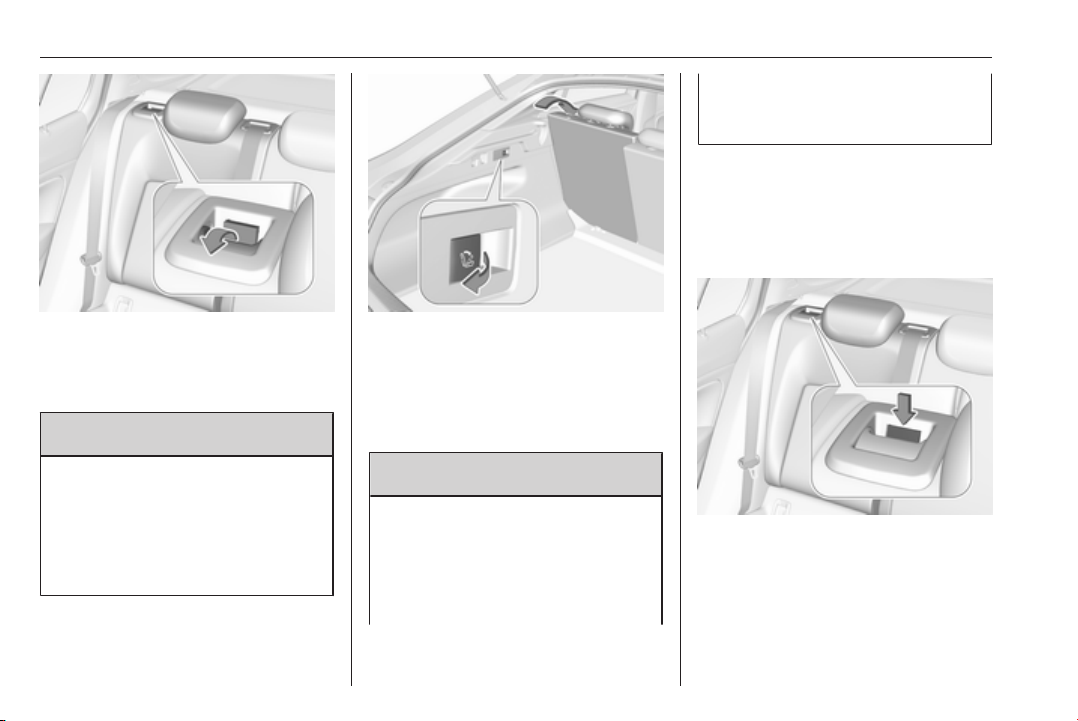
76 Storage
● Pull the release lever on one or
both outer sides and fold down
the backrests onto the seat
cushion.
9 Warning
Take care when folding down the
right outer seat backrest if the
centre seat backrest is already
folded down. Risk of injury due to
bolt protruding from the inner side
of the backrest.
● Alternatively fold seat backrests
from the load compartment: pull
switch on left or right sidewall of
the load compartment to fold the
corresponding part of the rear
seat backrest.
9 Warning
Take care when operating the rear
backrests from the load
compartment. The backrest is
folded with considerable force.
Risk of injury, particularly to
children.
Ensure that nothing is attached to
the rear seats or located on the
seat cushion.
● To fold up, raise the backrests
and guide them into an upright
position until they engage
audibly. Make sure that the belts
are positioned correctly and stay
clear of the folding area.
The backrests are properly
engaged when the red mark near
the release lever is no longer
visible.
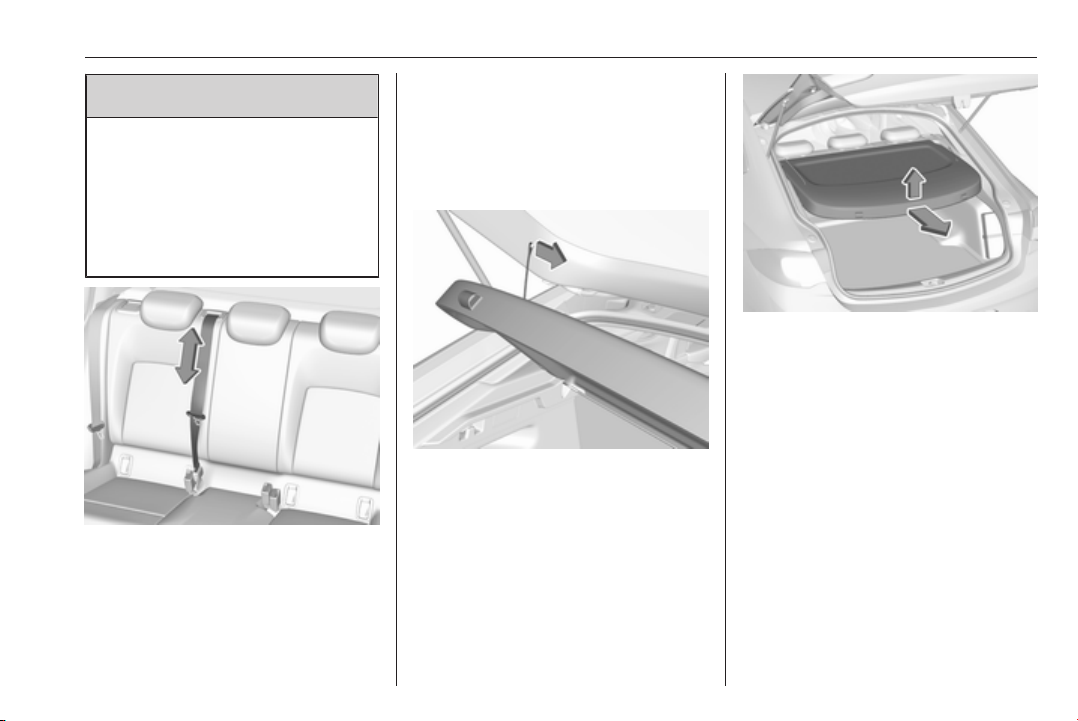
Storage 77
9 Warning
When folding up, ensure that
backrests are securely locked in
position before driving. Failure to
do so may result in personal injury
or damage to the load or vehicle in
the event of hard braking or a
collision.
The seat belt of the centre seat could
be blocked when the backrest is
folded up too quickly. To unlock the
retractor, push in the seat belt or pull
it out by approx. 20 mm then release.
Load compartment cover
Do not place any objects on the cover.
Grand Sport
Removing cover
Unhook retaining straps from tailgate.
Lift cover at the rear and at the front.
Remove the cover.
Fitting cover
Engage cover in side guides and fold
downwards. Attach the retaining
straps to the tailgate.
Sports Tourer, Country Tourer
Closing roller blind
Pull the roller blind using the handle
towards the rear and upwards until it
engages in the sideward retainers.
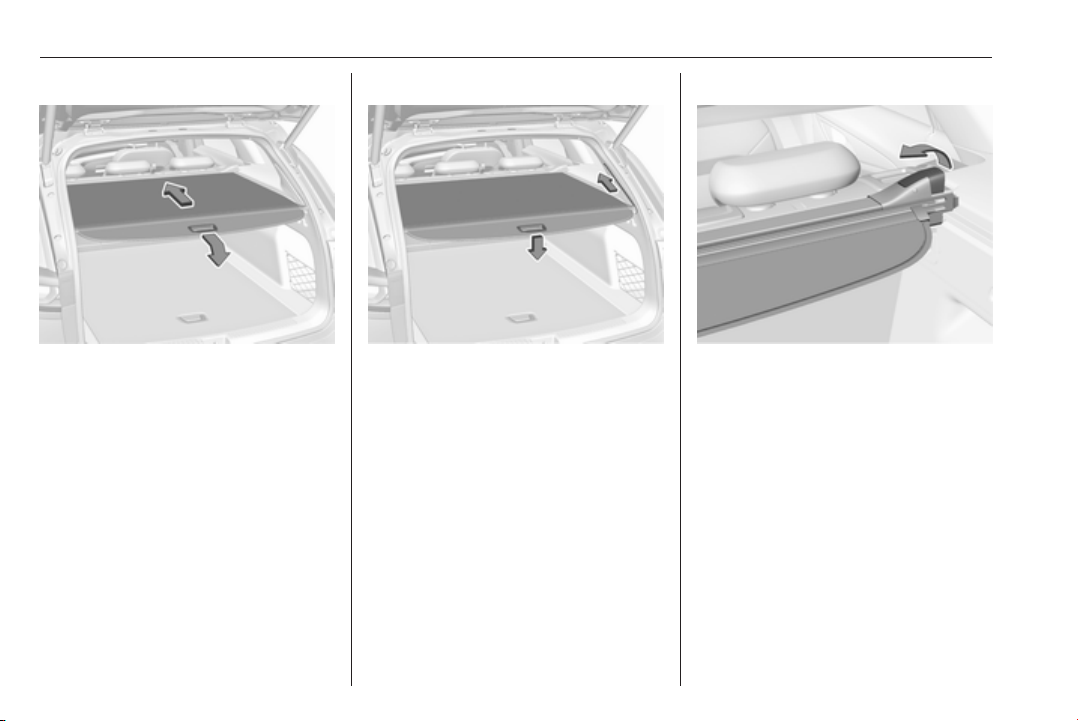
78 Storage
Opening roller blind
Pull the roller blind handle to the rear
and downwards. It rolls up
automatically.
Opening roller blind in load position
Press the roller blind handle.
The rear of the roller blind is guided
upwards automatically.
Removing roller blind
Open the roller blind.
Pull the release lever on the right side
up an hold it. Lift the roller blind first
on the right side and remove from
retrainers.
Installing roller blind
Insert the left side of the roller blind in
recess, then pull release lever up.
Hold and insert the right side of the
roller blind in recess and engage.
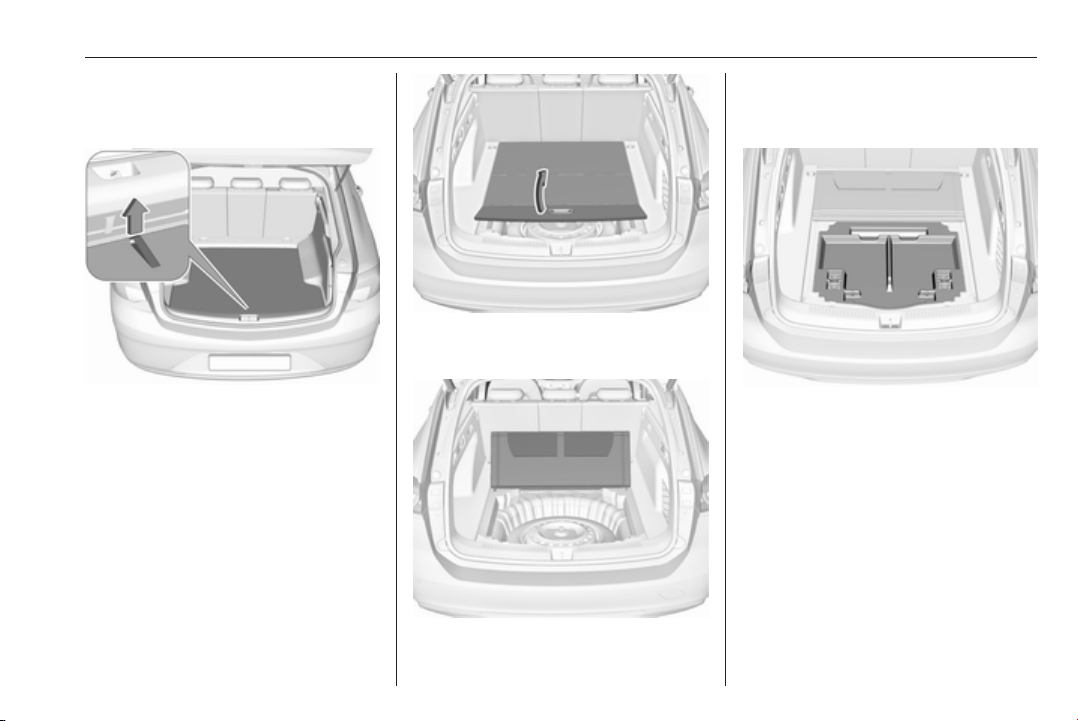
Storage 79
Rear floor storage cover
Grand Sport
The rear floor cover can be removed.
Raise cover at the loop and remove.
Sports Tourer, Country Tourer
The rear floor cover can be removed.
Raise cover at the loop and remove.
Pull the handle and fold the rear part
of the cover forward.
Set up the folded cover upright behind
the rear seat backrests.
Rear storage
Storage box
A storage box is located in the load
compartment. Remove the cover to
gain access to the storage box.
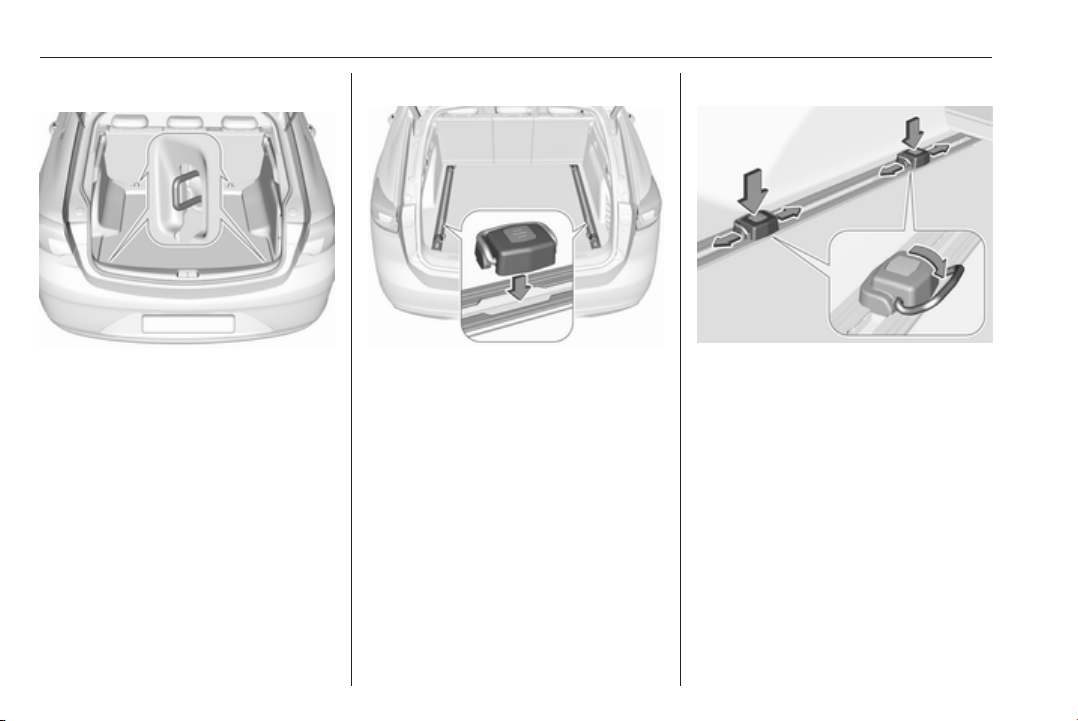
80 Storage
Lashing eyes
The lashing eyes are designed to
secure items against slippage, e.g.
using lashing straps or luggage net.
Cargo management system
The cargo rail system is a movable
system to secure items at the the load
compartment floor against slippage.
Mounting carriages in the rail
Insert carriages into the rails at the
load compartment floor. Thereby use
the recess in the rail and press the
button on the carriage while inserting
it.
Using the lashing eyes
Press the button on a carriage and
slide it to the required position. Fold
up the lashing eyes to use them.
Removing
Fold down the lashing eyes. Press the
button of a carriage and remove it
fromt the rail via recess.
Safety net
The safety net can be installed behind
the rear seats. If the rear seat
backrests are folded the safety net
can be installed behind the front
seats.
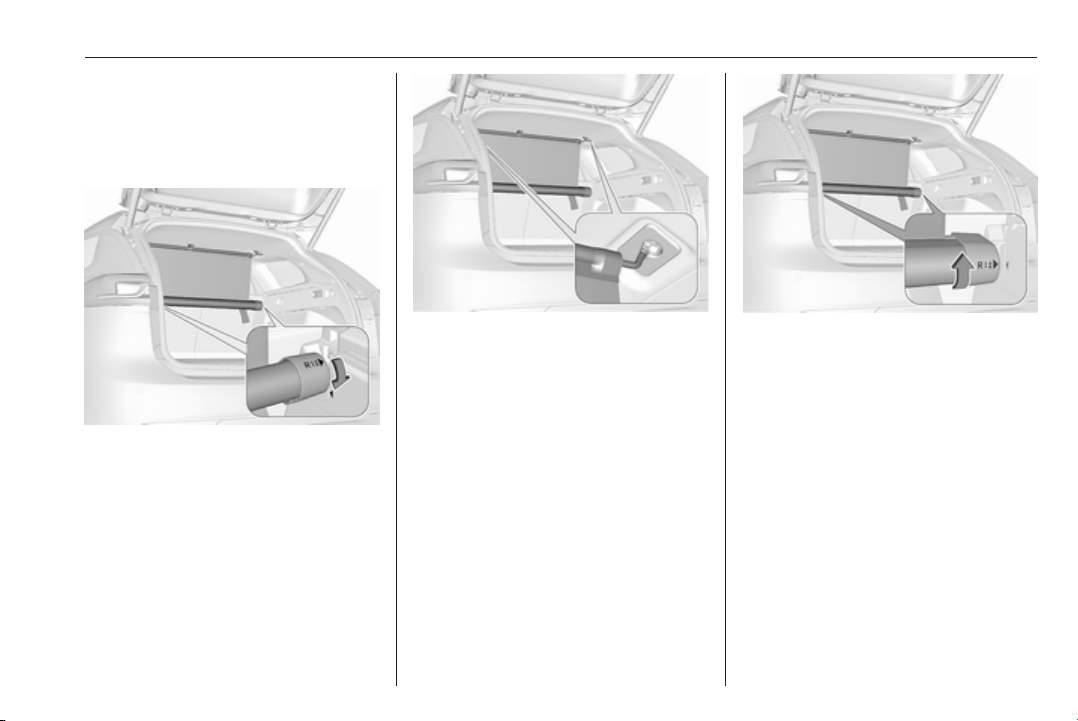
Storage 81
Passengers must not be transported
behind the safety net.
Behind the rear seats
Installation
● Insert the cassette into retainers
on left and right side. Note the
signs L (left side) and R (right
side) on the cassette as an
installation hint.
Turn cassette slightly forward
until the arrows face each other,
to lock the cassette.
● Pull safety net rod out of
cassette. Suspend and engage
safety net rod into installation
opening on one side of the roof
frame. Compress rod and
suspend and engage at the other
side.
Remove load compartment cover
3 77
Removal
● Remove and compress one side
of safety net rod from installation
opening. Remove other side of
safety net rod from installation
opening.
● Roll up safety net.
● Turn cassette slightly backwards
to unlock and remove from
retainers.
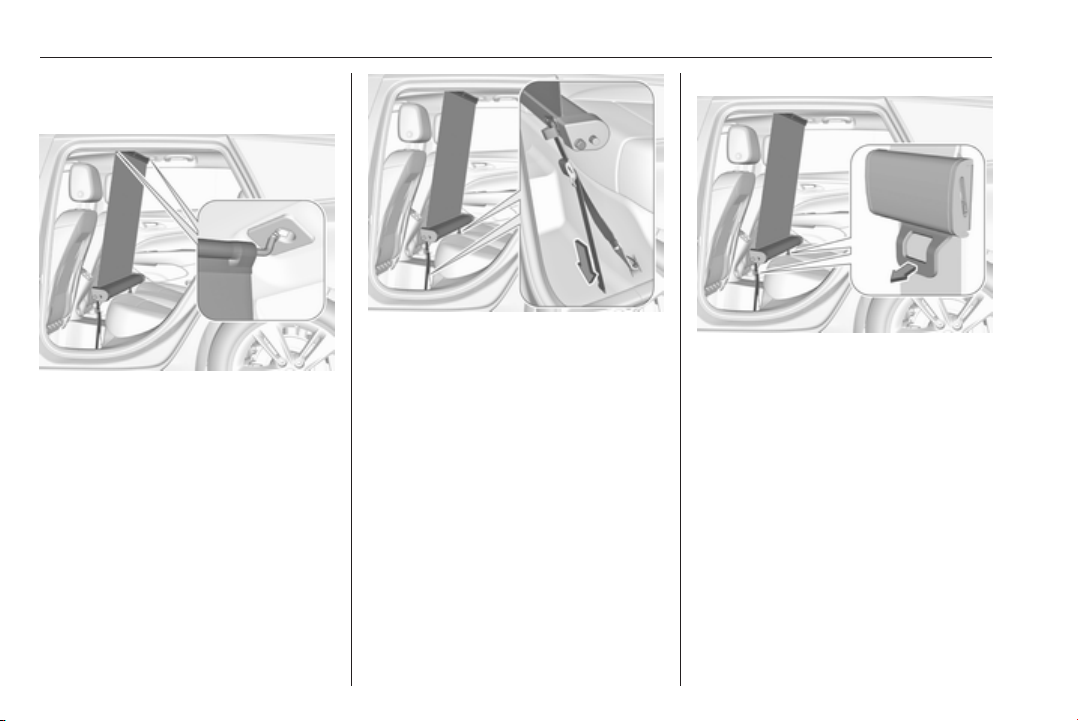
82 Storage
Behind the front seats
Installation
● Suspend and engage safety net
rod into installation opening on
one side of the roof frame.
Compress rod, suspend and
engage at the other side. Pull
safety net rod out of cassette.
● Attach hooks of safety net
cassette to lashing eyes in the
floor in front of rear seats. To get
access to the lashing eyes, push
hooks in the perforated parts in
the floor cover on both sides.
● Tension both straps by pulling at
the loose end.
● Push down head restraints and
fold down rear seat backrests
3 74.
Removal
● Pull the flap at the tightener on
both sides to release the straps.
● Remove and compress one side
of safety net rod from installation
opening. Remove other side of
safety net rod from installation
opening.
● Roll up safety net.
● Detach hooks from the lashing
eyes.
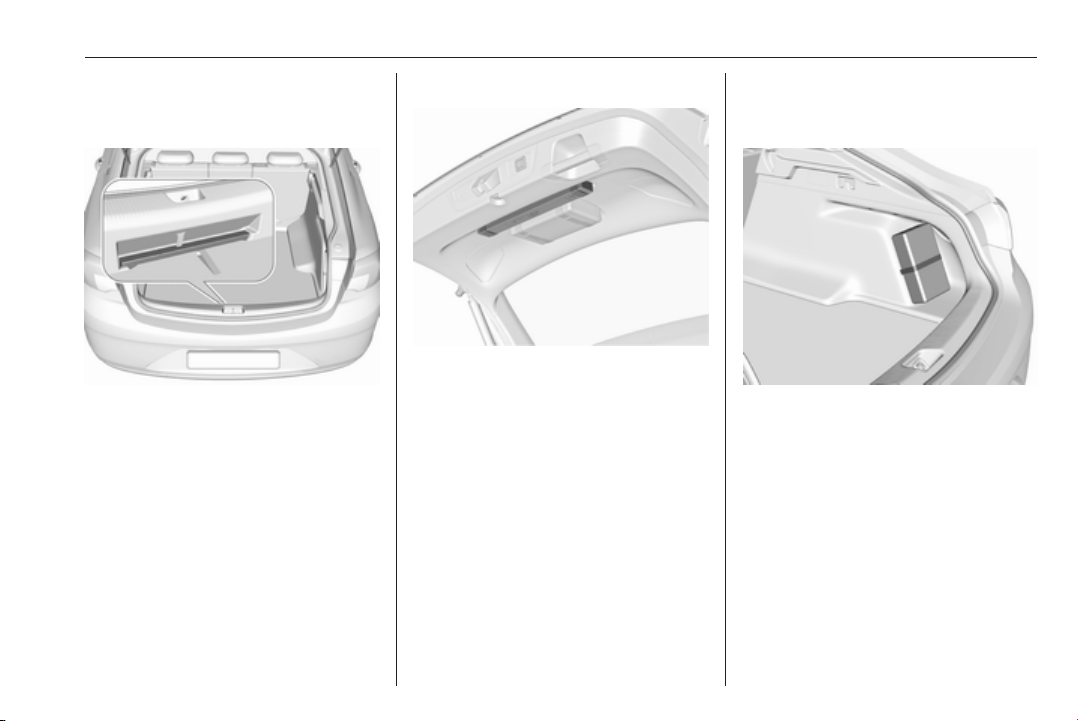
Storage 83
Warning triangle
Grand Sport
Stow the warning triangle in the space
at the rear of the load compartment.
Sports Tourer, Country Tourer
Stow the warning triangle with the
retaining straps of the tailgate inner
panelling.
First aid kit
Grand Sport
Stow the first aid kit on the right side
of the load compartment and secure
it with the strap.
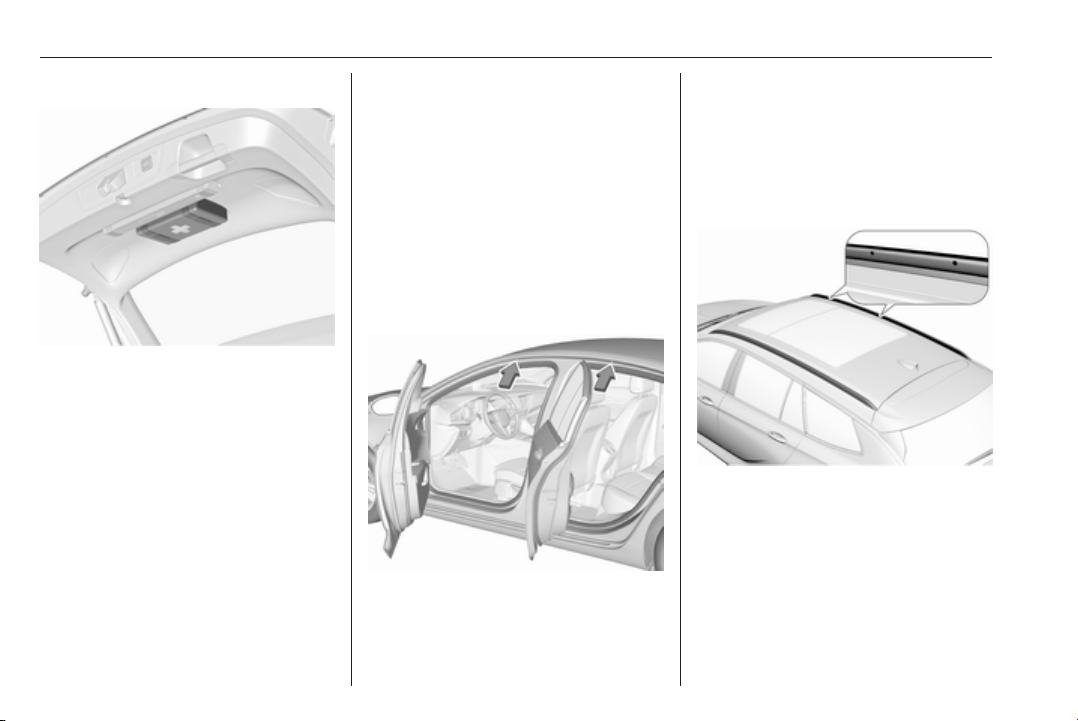
84 Storage
Sports Tourer, Country Tourer
Stow the first aid kit with the retaining
straps of the tailgate inner panelling.
Roof rack system
Roof rack
For safety reasons and to avoid
damage to the roof, the vehicle
approved roof rack system is
recommended. For further
information, contact your workshop.
Mounting roof rack
Grand Sport
Open all doors.
Mounting points are located in each
door frame of the vehicle body.
Fasten the roof rack according to the
installation instructions delivered with
the roof rack.
Remove the roof rack when not in
use.
Sports Tourer, Country Tourer
Mounting points are located in each
roof railing.
Fasten the roof rack on the first two
mounting points according to the
installation instructions delivered with
the roof rack.
Remove the roof rack when not in
use.
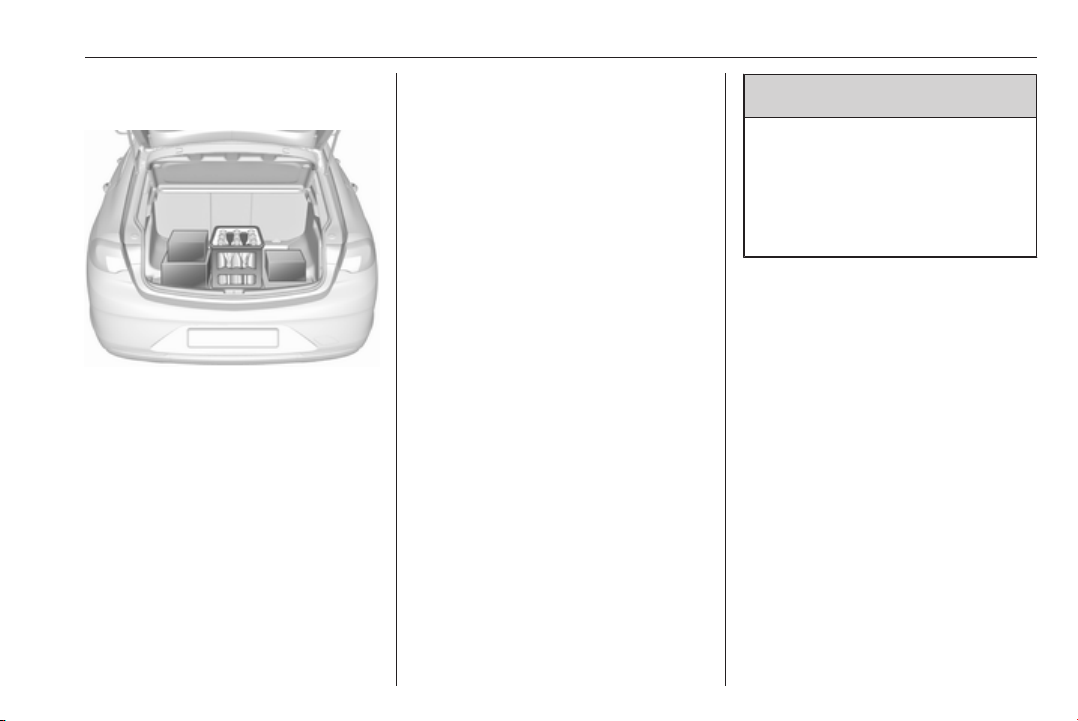
Storage 85
Loading information
● Heavy objects in the load
compartment should be placed
against the seat backrests. Make
sure that the backrests are
securely engaged, i.e. no longer
showing the red markings on the
side near the release lever. If
objects can be stacked, heavier
objects should be placed at the
bottom.
● Secure objects with lashing
straps attached to lashing eyes
3 80.
● Secure loose objects in the load
compartment to prevent from
sliding.
● When transporting objects in the
load compartment, the backrests
of the rear seats must not be
angled forward.
● Do not allow the load to protrude
above the upper edge of the
backrests.
● Do not place any objects on the
load compartment cover or the
instrument panel, and do not
cover the sensor on top of the
instrument panel.
● The load must not obstruct the
operation of the pedals, parking
brake and gear selector, or
hinder the freedom of movement
of the driver. Do not place any
unsecured objects in the interior.
● Do not drive with an open load
compartment.
9 Warning
Always ensure that the load in the
vehicle is securely stowed.
Otherwise objects can be thrown
around inside the vehicle and
cause personal injury or damage
to the load or vehicle.
● The payload is the difference
between the permitted gross
vehicle weight (see identification
plate 3 288) and the EC kerb
weight.
To calculate the payload, enter
the data for your vehicle in the
weights table at the front of this
manual.
The EC kerb weight includes
weights for the driver (68 kg),
luggage (7 kg) and all fluids (fuel
tank 90% full).
Optional equipment and
accessories increase the kerb
weight.
● Driving with a roof load increases
the sensitivity of the vehicle to
cross-winds and has a

86 Storage
detrimental effect on vehicle
handling due to the vehicle's
higher centre of gravity.
Distribute the load evenly and
secure it properly with retaining
straps. Adjust the tyre pressure
and vehicle speed according to
the load conditions. Check and
retighten the straps frequently.
Do not drive faster than 120 km/
h.
The permissible roof load is
100 kg. The roof load is the
combined weight of the roof rack
and the load.

Instruments and controls 87
Instruments and
controls
Controls ....................................... 88
Steering wheel adjustment ........ 88
Steering wheel controls ............. 88
Heated steering wheel ............... 89
Horn ........................................... 89
Windscreen wiper/washer ......... 89
Rear window wiper/washer ....... 91
Outside temperature .................. 92
Clock ......................................... 92
Power outlets ............................. 94
Inductive charging ..................... 95
Ashtrays .................................... 96
Warning lights, gauges and indi‐
cators ........................................... 97
Instrument cluster ...................... 97
Speedometer ........................... 102
Odometer ................................ 103
Trip odometer .......................... 103
Tachometer ............................. 104
Fuel gauge .............................. 104
Engine coolant temperature
gauge ..................................... 105
Service display ........................ 105
Control indicators .................... 106
Turn signal ............................... 106
Seat belt reminder ................... 106
Airbag and belt tensioners ....... 107
Airbag deactivation .................. 107
Charging system ..................... 108
Malfunction indicator light ........ 108
Brake and clutch system ......... 108
Electric parking brake .............. 108
Electric parking brake fault ...... 108
Antilock brake system (ABS) ... 109
Gear shifting ............................ 109
Following distance ................... 109
Lane keep assist ..................... 109
Electronic Stability Control off . 109
Electronic Stability Control and
Traction Control system ......... 109
Traction Control system off ..... 110
Engine coolant temperature .... 110
Preheating ............................... 110
AdBlue ..................................... 110
Tyre pressure monitoring
system .................................... 110
Engine oil pressure .................. 110
Low fuel ................................... 111
Immobiliser .............................. 111
Exterior light ............................ 111
High beam ............................... 111
High beam assist ..................... 111
LED headlights ........................ 111
Fog light ................................... 111
Rear fog light ........................... 112
Cruise control .......................... 112
Adaptive cruise control ............ 112
Vehicle detected ahead ........... 112
Pedestrian detection ................ 112
Speed limiter ........................... 112
Traffic sign assistant ................ 112
Door open ................................ 112
Information displays ................... 113
Driver Information Centre ........ 113
Info display .............................. 120
Head-up display ...................... 122
Vehicle messages ...................... 124
Warning chimes ....................... 125
Battery voltage ........................ 125
Vehicle personalisation .............. 126
Telematics service ..................... 130
OnStar ..................................... 130
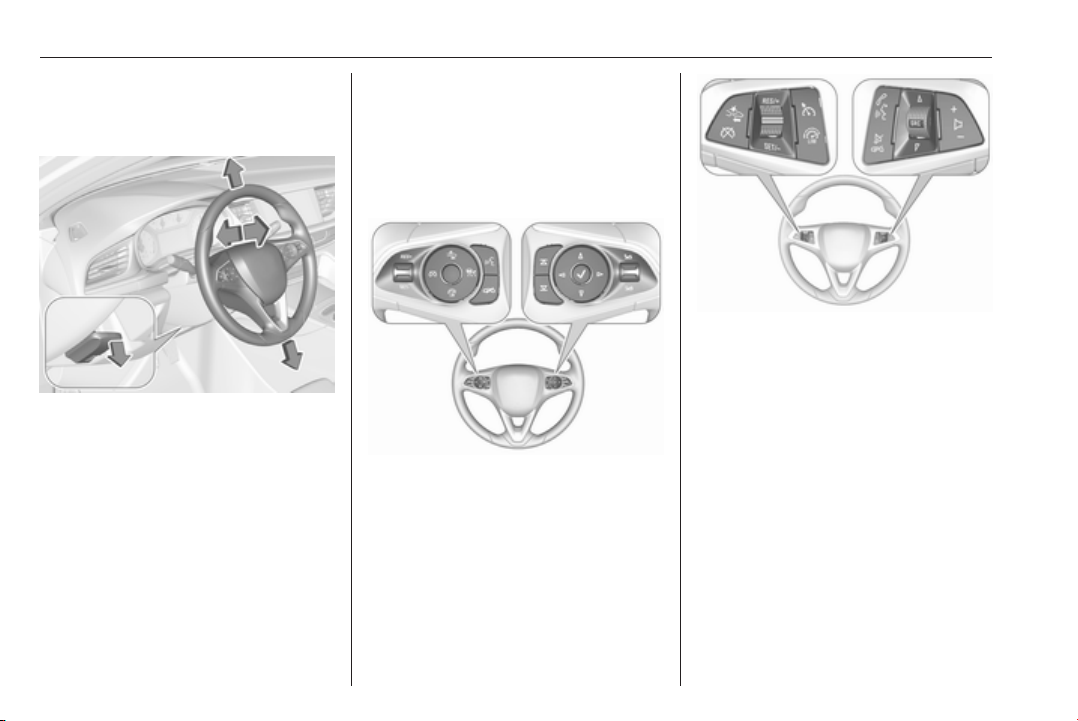
88 Instruments and controls
Controls
Steering wheel adjustment
Unlock lever, adjust steering wheel,
then engage lever and ensure it is
fully locked.
Do not adjust steering wheel unless
vehicle is stationary and steering
wheel lock has been released.
Steering wheel controls
Driver Information Centre, some
driver assistance systems,
Infotainment system and a connected
mobile phone can be operated via the
controls on the steering wheel.
The illustrations show different
versions.
Driver Information Centre 3 113.
Driver assistance systems 3 187.
Further information is available in the
Infotainment manual.
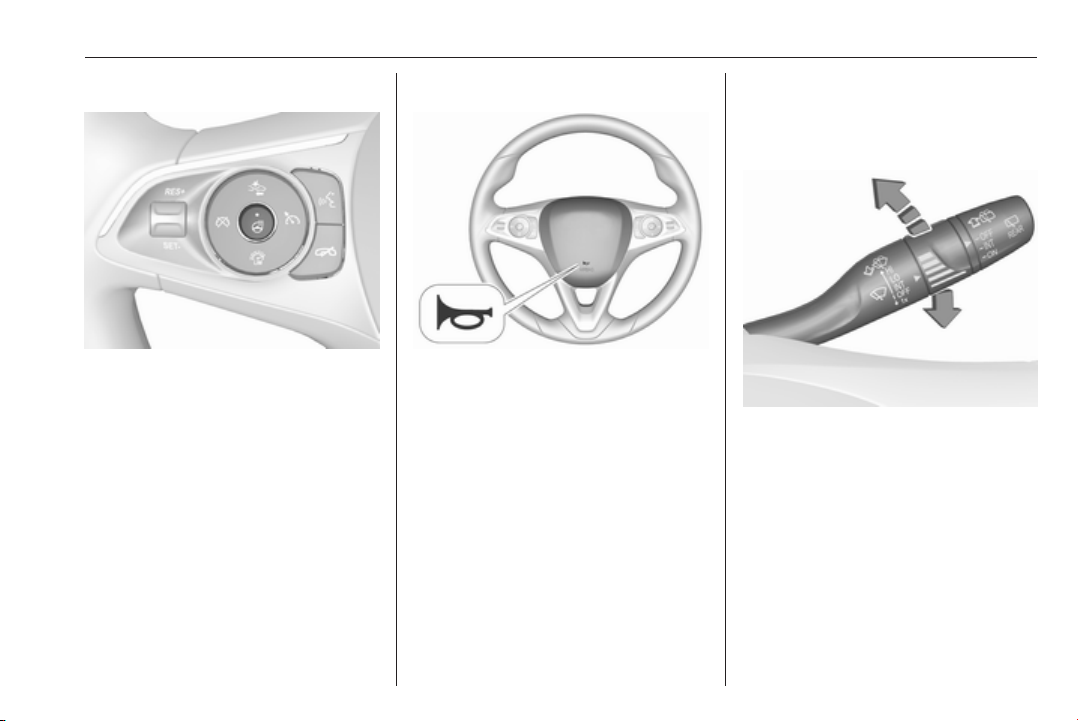
Instruments and controls 89
Heated steering wheel
Activate heating by pressing *.
Activation is indicated by the LED in
the button.
Heating is operational when the
engine is running and during an
Autostop.
Stop-start system 3 166.
Horn
Press j.
Windscreen wiper/washer
Windscreen wiper with adjustable
wiper interval
HI : fast
LO : slow
INT : interval wiping
OFF : off
For a single wipe when the
windscreen wiper is off, press the
lever downwards to position 1x.
Do not use if the windscreen is frozen.
Switch off in car washes.
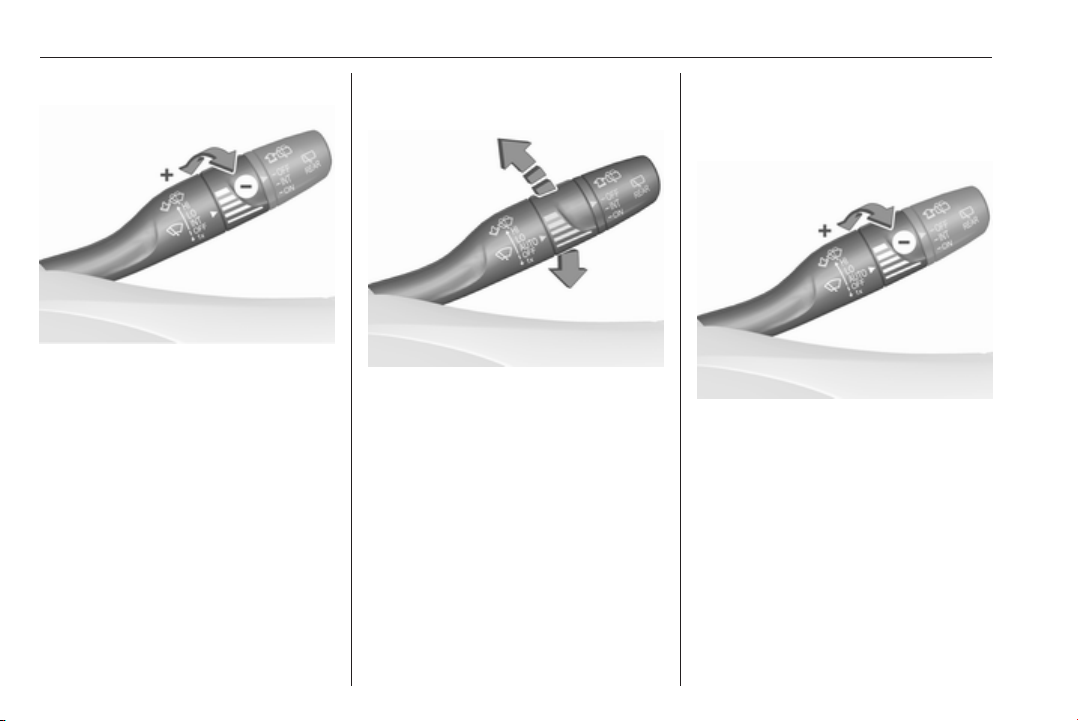
90 Instruments and controls
Adjustable wiper interval
Wiper lever in position INT.
Turn the adjuster wheel to adjust the
wiping frequency.
Windscreen wiper with rain
sensor
HI : fast
LO : slow
AUTO : automatic wiping with rain
sensor
OFF : off
In AUTO position, the rain sensor
detects the amount of water on the
windscreen and automatically
regulates the frequency of the
windscreen wiper.
For a single wipe when the
windscreen wiper is off, press the
lever downwards to position 1x.
Do not use if the windscreen is frozen.
Switch off in car washes.
Adjustable sensitivity of the rain
sensor
Wiper lever in position AUTO.
Turn the adjuster wheel to adjust the
sensitivity of the rain sensor.
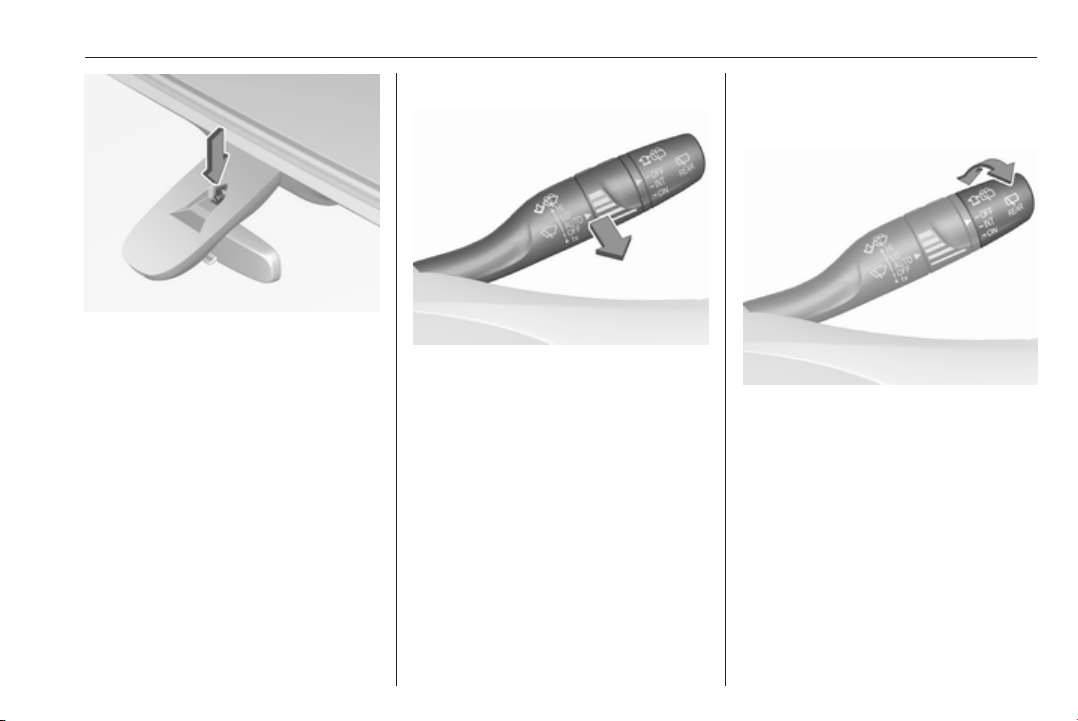
Instruments and controls 91
Keep the sensor free from dust, dirt
and ice.
Rain sensor function can be activated
or deactivated in the Vehicle
personalisation.
Select the relevant setting in Settings,
I Vehicle in the Info-Display.
Info-Display 3 120.
Vehicle personalisation 3 126.
Windscreen washer
Pull lever. Washer fluid is sprayed
onto the windscreen and the wiper
wipes a few times.
Washer fluid 3 243.
Rear window wiper/washer
Rear window wiper
Turn outer cap to activate the rear
window wiper:
OFF : off
INT : intermittent operation
ON : continuous operation
Do not use if the rear window is
frozen.
Switch off in car washes.
The rear window wiper comes on
automatically when the windscreen
wiper is switched on and reverse gear
is engaged.
92 Instruments and controls
Activation or deactivation of this
function can be changed in the menu
Settings in the Info-Display.
Vehicle personalisation 3 126.
Rear window washer
Push lever.
Washer fluid is sprayed onto the rear
window and the wiper wipes a few
times.
The rear window washer system is
deactivated when the fluid level is
low.
Washer fluid 3 243.
Outside temperature
A drop in temperature is indicated
immediately and a rise in temperature
after a time delay.
Illustration shows an example.
If outside temperature drops to 3 °C,
a warning message is displayed in the
Driver Information Centre.
9 Warning
The road surface may already be
icy even though the display
indicates a few degrees above
0 °C.
Clock
Date and time are shown in the
Info-Display.
Info-Display 3 120.
Instruments and controls 93
7'' Colour-Info-Display
Press ; and then select Settings.
Select Time and Date to display the
respective submenu.
Set Time Format
To select the desired time format,
touch the screen buttons 12 h or 24 h.
Set Date Format
To select the desired date format,
select Set Date Format and choose
between the available options in the
submenu.
Auto Set
To choose whether time and date are
to be set automatically or manually,
select Auto Set.
For time and date to be set
automatically, select On - RDS.
For time and date to be set manually,
select Off - Manual. If Auto Set is set
to Off - Manual, the submenu items
Set Time and Set Date become
available.
Set time and date
To adjust the time and date settings,
select Set Time or Set Date.
Touch + and - to adjust the settings.
8'' Colour-Info-Display
Press ; and then select the
Settings icon.
Select Time and Date.
Set time
Select Set Time to enter the
respective submenu.
Select Auto Set at the bottom of the
screen. Activate either On - RDS or
Off - Manual.
If Off - Manual is selected, adjust
hours and minutes by touching n or
o.
Touch 12-24 Hr on the right side of the
screen to select a time mode.
If 12-hour mode is selected, a third
column for AM and PM setting is
displayed. Select the desired option.
Set date
Select Set Date to enter the
respective submenu.
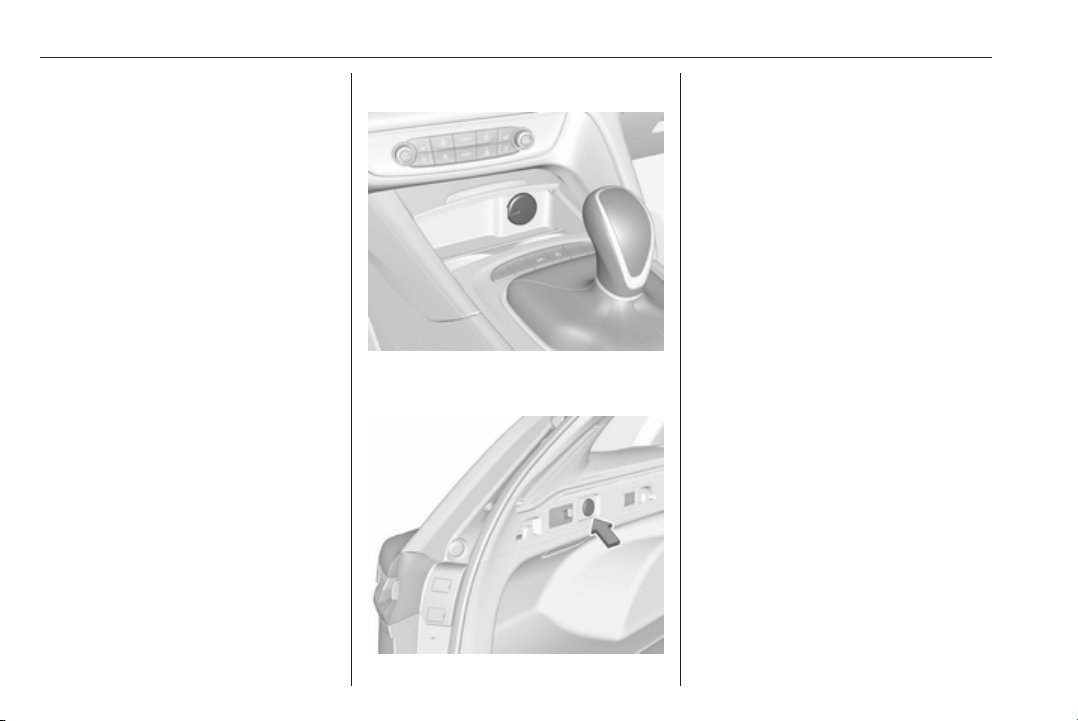
94 Instruments and controls
Note
If date information is automatically
provided, this menu item is not
available.
Select Auto Set at the bottom of the
screen. Activate either On - RDS or
Off - Manual.
If Off - Manual is selected, adjust the
date by touching n or o.
Clock display
Select Clock Display to enter the
respective submenu.
To turn off the digital clock display in
the menus, select Off.
Power outlets
A 12 Volt power outlet is located in the
centre console.
Sports Tourer, Country Tourer: A
12 Volt power outlet is located at the
left sidewall in the load compartment.
Do not exceed the maximum power
consumption of 120 watts.
With ignition off, the power outlet is
deactivated. Additionally, the power
outlet is deactivated in the event of
low vehicle battery voltage.
Electrical accessories that are
connected must comply with the
electromagnetic compatibility
requirements laid down in
DIN VDE 40 839.
Do not connect any current-delivering
accessories, e.g. electrical charging
devices or batteries.
Do not damage the outlets by using
unsuitable plugs.
Stop-start system 3 166.
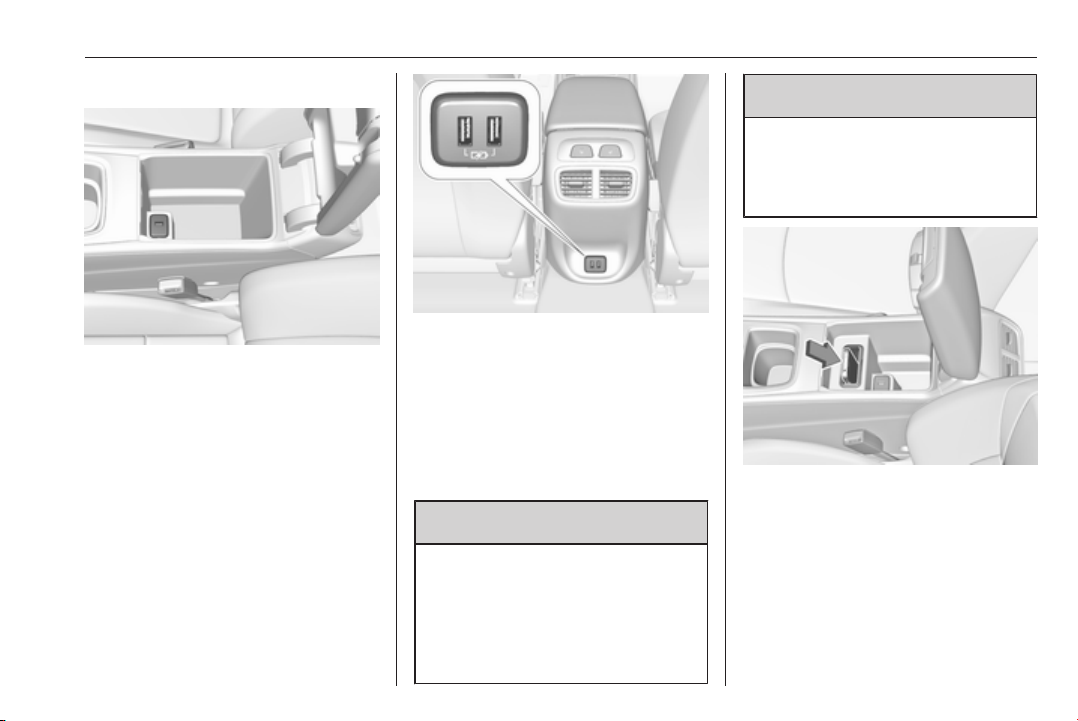
Instruments and controls 95
USB charging port
An USB port for charging devices is
located below the foldable armrest.
The USB port has also a data
connection to the Infotainment
system. For further information, see
Infotainment manual.
Two USB ports for charging devices
only are located in the back of the
centre console.
Note
The sockets must always be kept
clean and dry.
Inductive charging
9 Warning
Inductive charging can affect the
operation of implanted
pacemakers or other medical
devices. If applicable, seek
medical advice before using the
inductive charging device.
9
Warning
Remove any metal objects from
the charging device before
charging a mobile phone, as these
objects could become very hot.
To charge a device, the ignition must
be switched on.
The charging slot is located below the
front armrest.
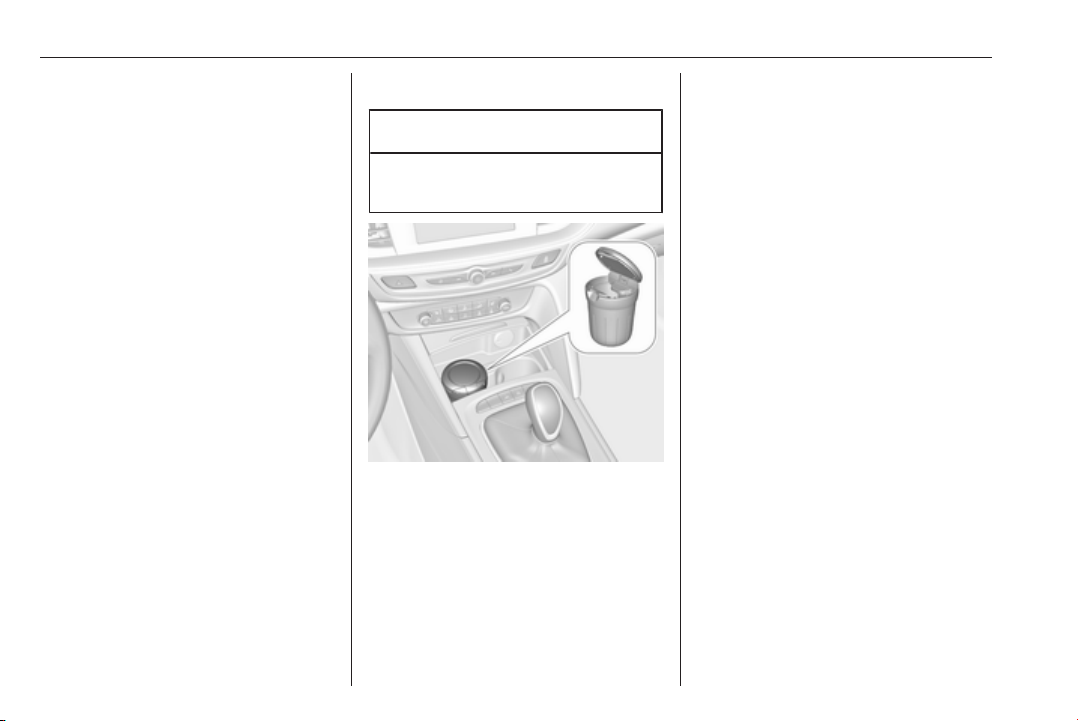
96 Instruments and controls
To charge a mobile device:
1. Remove all objects from the
charging slot otherwise the
system may not charge.
2. Insert the mobile device with the
display facing to the rear in the
charging slot. Charging status is
indicated in the Info display 0 and
shows if mobile device is properly
positioned.
If 0 is not displayed, remove mobile
device from the slot. Turn mobile
device 180 degrees and wait three
seconds before inserting mobile
device again.
PMA or Qi compatible mobile devices
can be charged inductively.
A back cover with an integrated coil
(e.g. Samsung 4 and 5) or a jacket
(e.g. some iPhone models) may be
required to charge a mobile device
The mobile device must be smaller
than 8 cm in width and 15 cm in length
to fit into the charging device.
Protective cover for the mobile phone
could have impact on the inductive
charging.
Ashtrays
Caution
To be used only for ash and not for
combustible rubbish.
A portable ashtray can be placed in
the cupholders.

Instruments and controls 97
Warning lights, gauges
and indicators
Instrument cluster
Depending on the version, three
instrument clusters are available:
● Baselevel
● Midlevel
● Uplevel
Uplevel instrument cluster can be
displayed as Sport mode or Tour
mode.
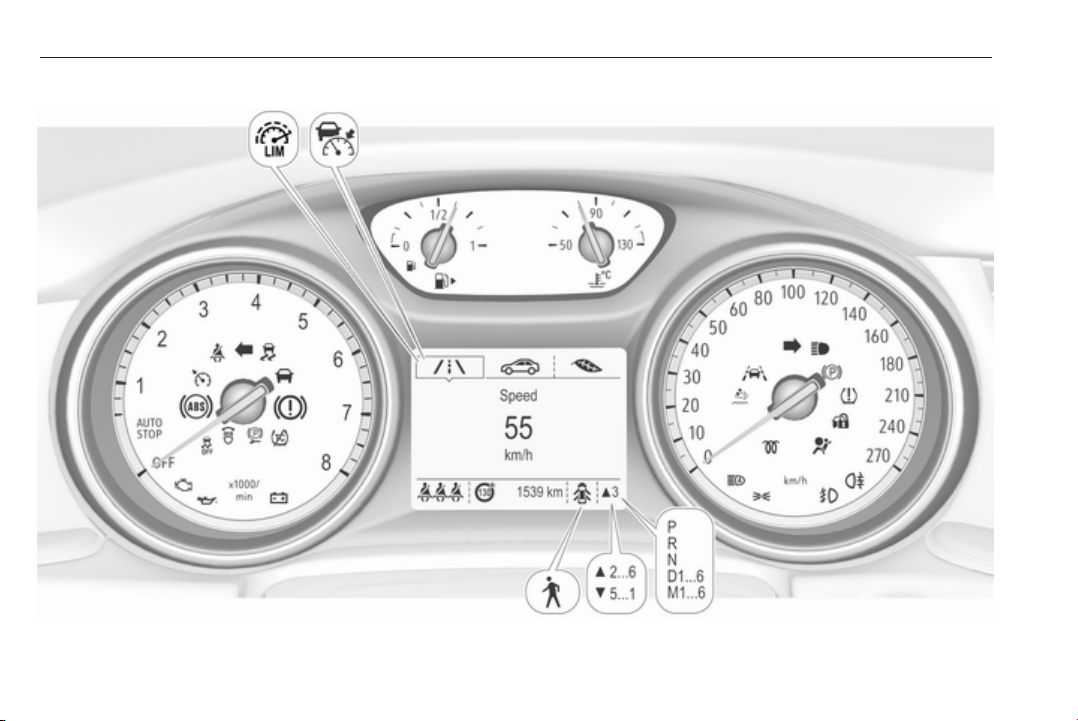
98 Instruments and controls
Baselevel instrument cluster
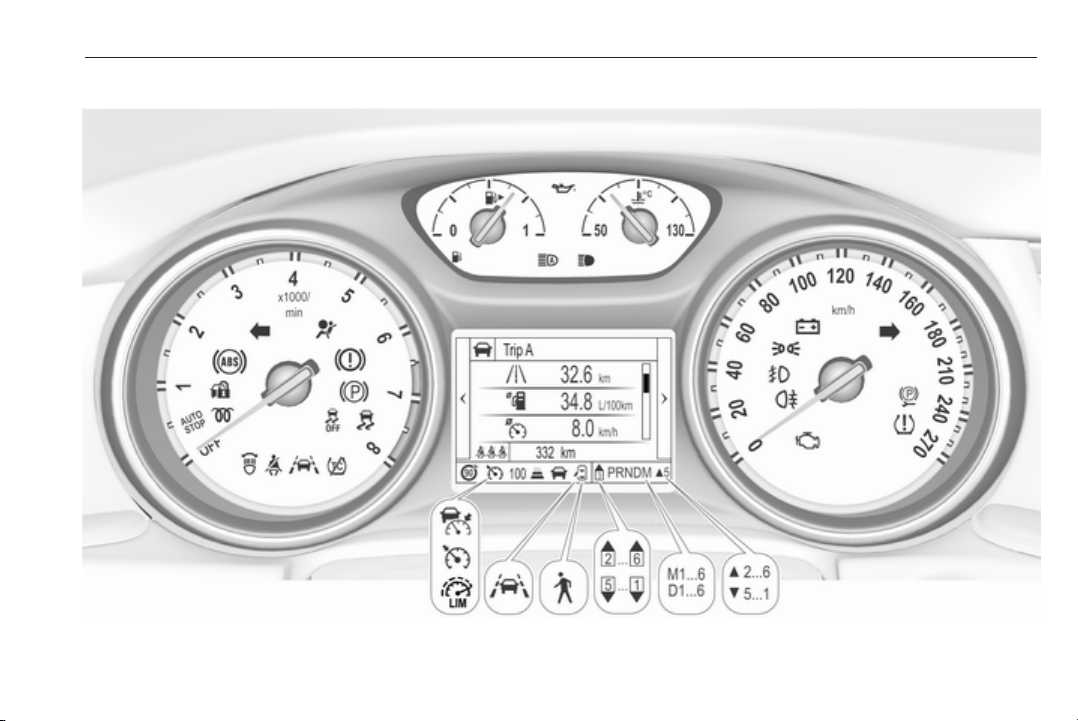
Instruments and controls 99
Midlevel instrument cluster
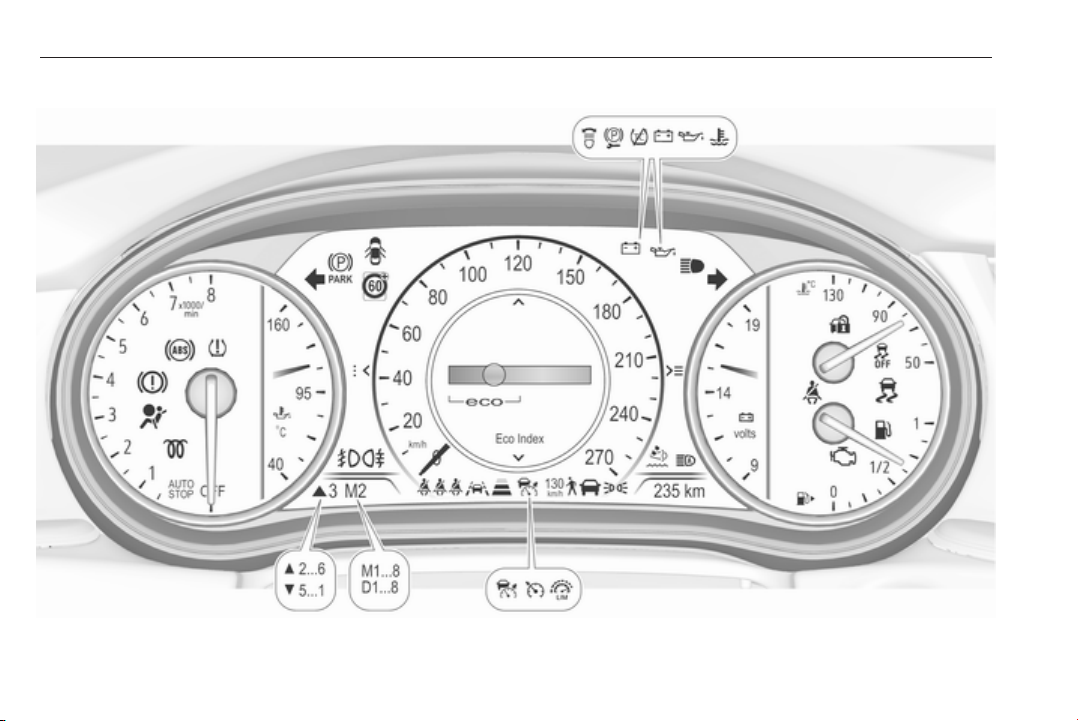
100 Instruments and controls
Uplevel instrument cluster, Sport mode
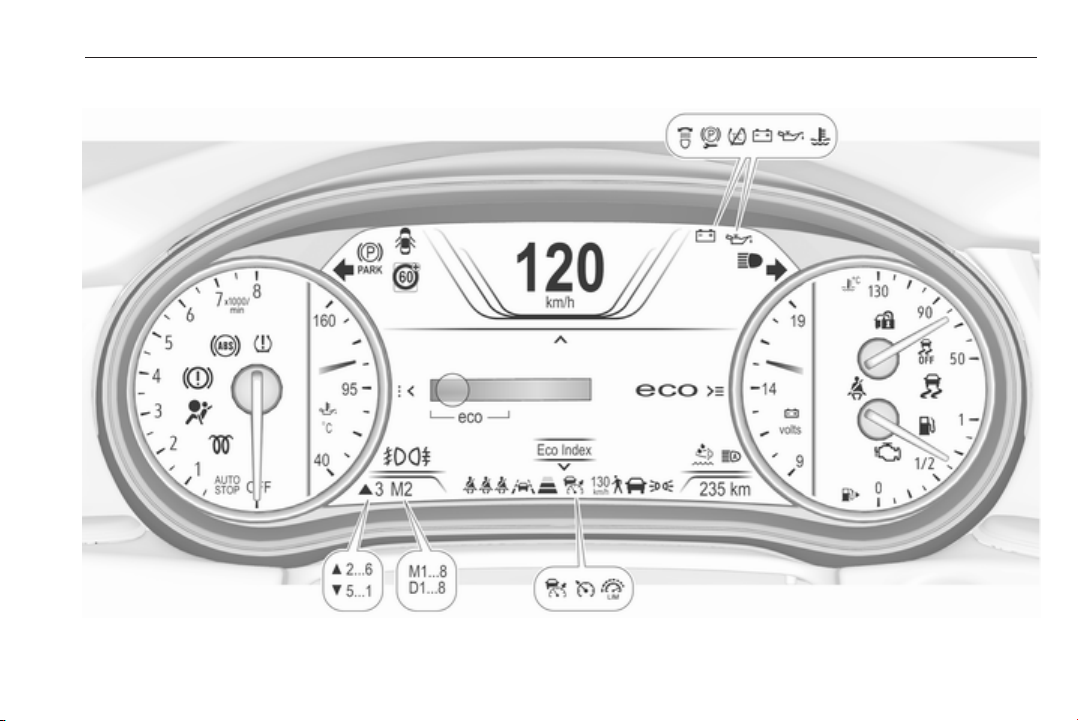
Instruments and controls 101
Uplevel instrument cluster, Tour mode
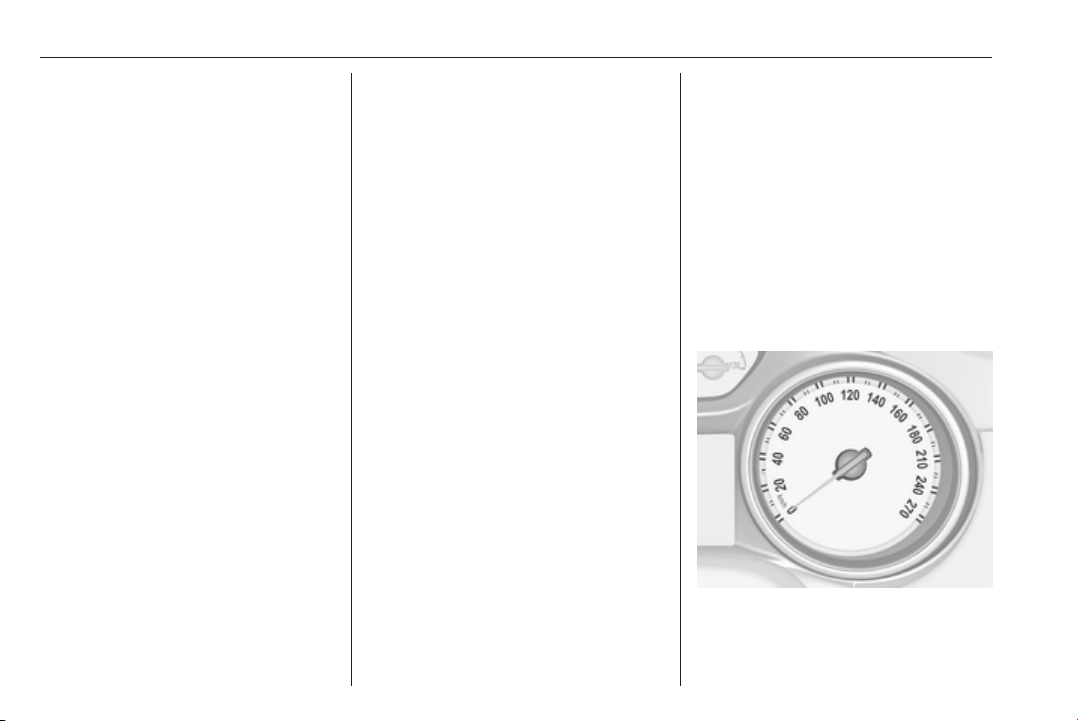
102 Instruments and controls
Overview
O
Turn signal 3 106
X
Seat belt reminder 3 106
v
Airbag and belt tensioners
3 107
V
Airbag deactivation 3 107
p
Charging system 3 108
Z
Malfunction indicator light
3 108
R
Brake and clutch system 3 108
m
Electric parking brake 3 108
j
Electric parking brake fault
3 108
u
Antilock brake system (ABS)
3 109
R
Gear shifting 3 109
E
Following distance 3 109
a
Lane keep assist 3 109
n
Electronic Stability Control off
3 109
b
Electronic Stability Control and
Traction Control system 3 109
k
Traction Control system off
3 110
W
Engine coolant temperature
3 110
!
Preheating 3 110
Y
AdBlue 3 110
w
Tyre pressure monitoring
system 3 110
I
Engine oil pressure 3 110
Y
Low fuel 3 111
d
Immobiliser 3 111
8
Exterior light 3 111
C
High beam 3 111
f
High beam assist 3 111
f
LED headlights 3 111
>
Fog light 3 111
r
Rear fog light 3 112
m
Cruise control 3 112
C
Adaptive cruise control 3 112
A
Vehicle detected ahead 3 112
7
Pedestrian detected ahead
3 205
L
Speed limiter 3 112
L
Traffic sign assistant 3 112
h
Door open 3 112
Speedometer
Indicates vehicle speed.
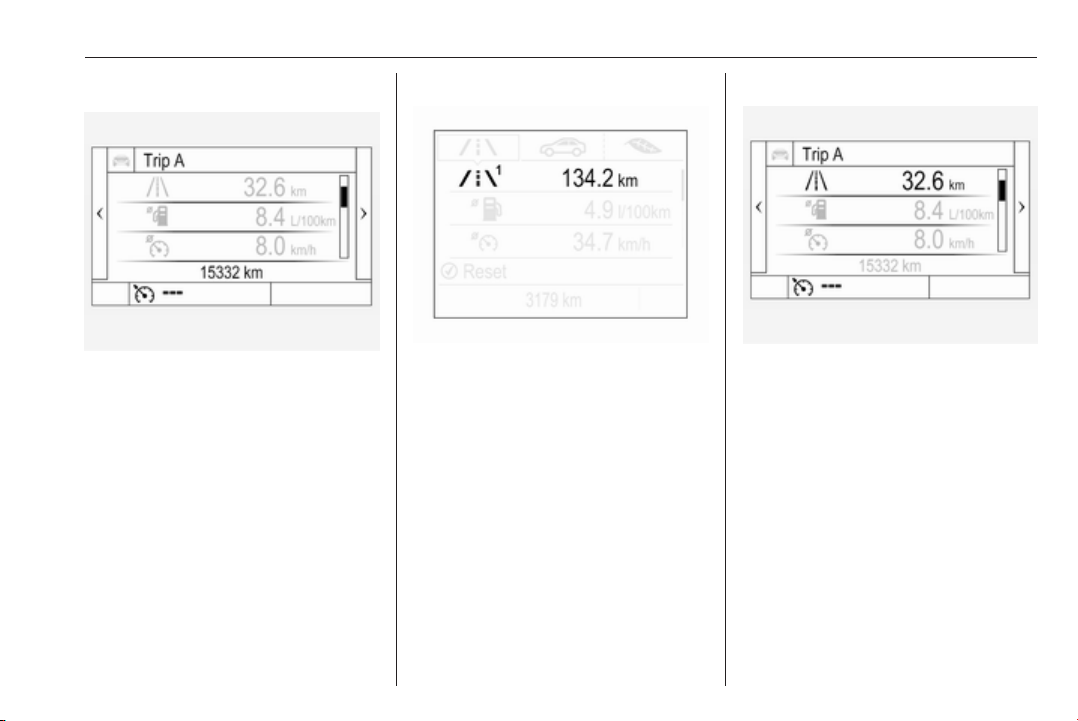
Instruments and controls 103
Odometer
The total recorded distance is
displayed in km.
Trip odometer
The recorded distance since the last
reset is displayed on the trip computer
page.
Trip odometer counts up to
9,999 km and then restarts at 0.
Two trip odometer pages are
selectable for different trips.
Baselevel instrument cluster
Select ; by pressing Menu on the
turn signal lever. Turn adjuster wheel
on turn signal lever and select ;1
or ;2. Each trip odometer page can
be reset separately by pressing
SET/CLR on the turn signal lever for
a few seconds on the respective
menu.
Midlevel instrument cluster
Select Info page J on main menu.
Choose page Trip A or Trip B by
pressing o on the steering wheel.
Each trip odometer can be reset
separately when ignition is on: select
respective page, press >. Confirm by
pressing 9.
Driver Information Centre 3 113.
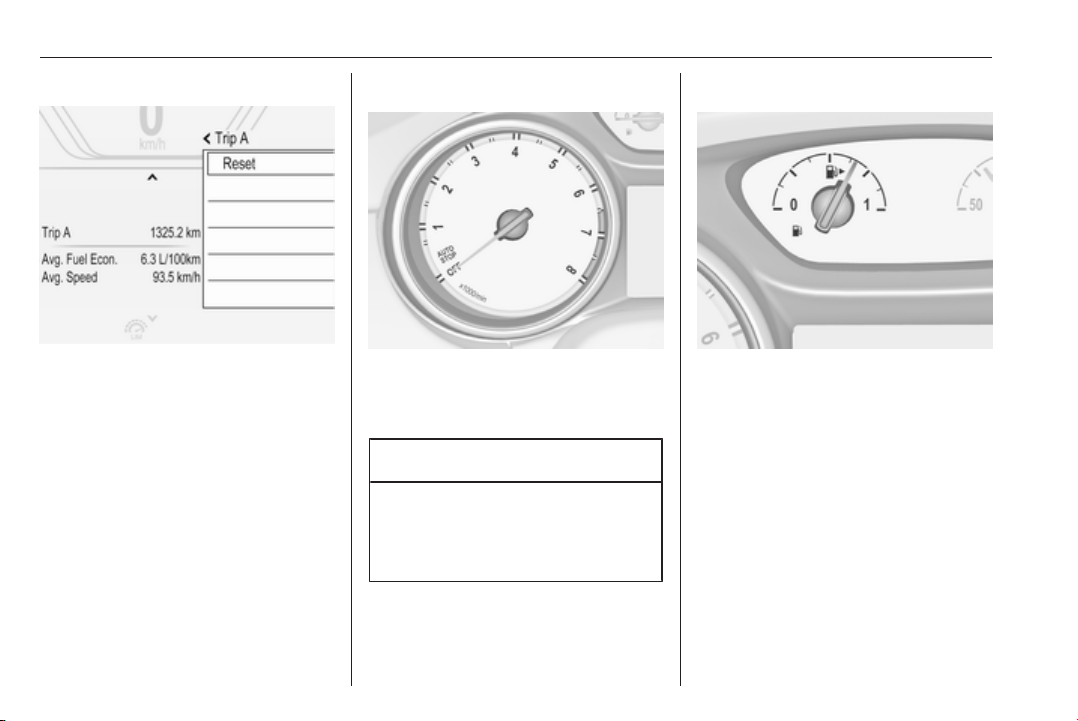
104 Instruments and controls
Uplevel instrument cluster
Select Info page on main menu.
Choose page Trip A or Trip B by
pressing o on the steering wheel.
Each trip odometer can be reset
separately when ignition is on: select
respective page, press >. Confirm by
pressing 9.
Tachometer
Displays the engine speed.
Drive in a low engine speed range for
each gear as much as possible.
Caution
If the needle is in the red warning
zone, the maximum permitted
engine speed is exceeded. Engine
at risk.
Fuel gauge
Displays the level in the fuel tank.
The arrow indicates the vehicle side
where the fuel filler flap is located.
Control indicator Y illuminates if the
level in the tank is low. Refuel
immediately if it flashes.
Never run the fuel tank dry.
Because of the fuel remaining in the
tank, the top-up quantity may be less
than the specified fuel tank capacity.

Instruments and controls 105
Engine coolant temperature
gauge
Displays the coolant temperature.
50° : engine operating
temperature not yet
reached
90°
(central
area)
: normal operating
temperature
130° : temperature too high
Note
If engine coolant temperature is too
high, stop vehicle, idle engine.
Danger to engine. Check coolant
level.
Service display
The engine oil life system informs
when to change the engine oil and
filter. Based on driving conditions, the
interval at which an engine oil and
filter change will be indicated can vary
considerably.
The remaining oil life duration menu
is displayed in the Driver Information
Centre 3 113.
On Baselevel display select ? by
pressing MENU on the turn signal
lever. Turn the adjuster wheel to
select the Remaining Oil Life page.
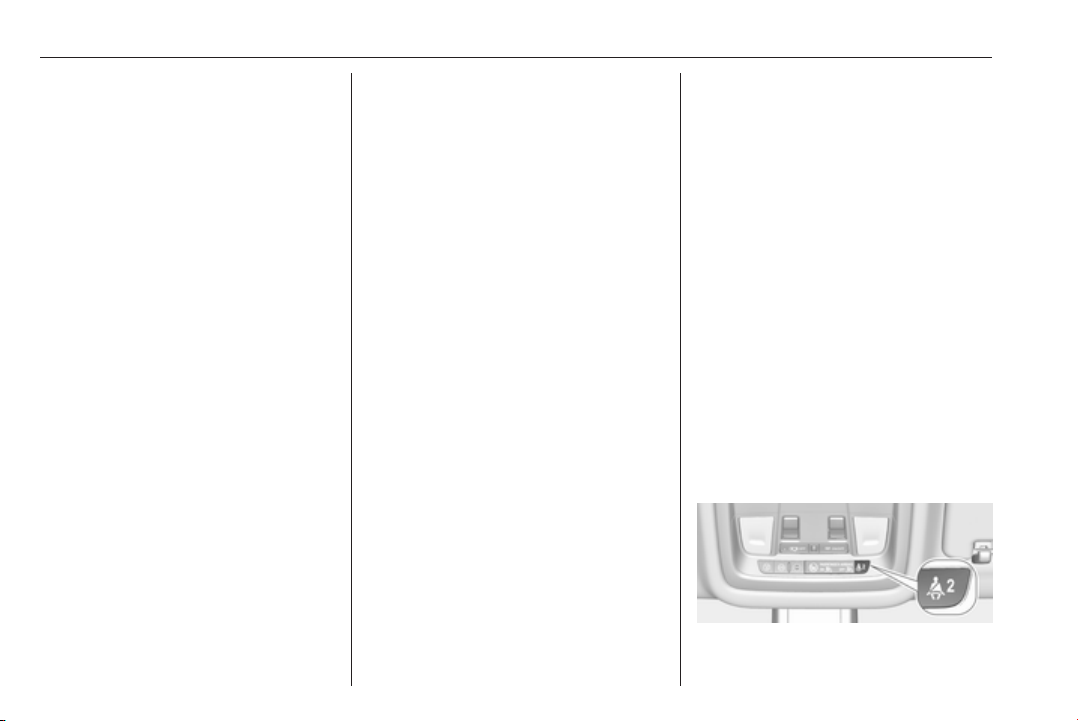
106 Instruments and controls
On Mid- and Uplevel display select
Info Menu by pressing è on steering
wheel. Press å to select Remaining
Oil Life page.
Remaining oil life duration is indicated
in percentage.
Reset
On Baselevel display press
SET/CLR on turn signal lever for
several seconds to reset. The ignition
must be switched on but engine not
running.
On Mid- and Uplevel display press
é on steering wheel to open the
subfolder. Select Reset and confirm
by pressing 9 for several seconds.
The ignition must be switched on but
engine not running.
The system must be reset every time
the engine oil is changed to allow
proper functionality. Seek the
assistance of a workshop.
Next service
When the system has calculated that
engine oil life has been diminished,
Change Engine Oil Soon appears in
the Driver Information Centre. Have
engine oil and filter changed by a
workshop within one week or
500 km (whichever occurs first).
Service information 3 284.
Control indicators
The control indicators described are
not present in all vehicles. The
description applies to all instrument
versions. Depending on the
equipment, the position of the control
indicators may vary. When the
ignition is switched on, most control
indicators will illuminate briefly as a
functionality test.
The control indicator colours mean:
red : danger, important reminder
yellow : warning, information, fault
green : confirmation of activation
blue : confirmation of activation
white : confirmation of activation
See all control indicators on different
instrument clusters 3 97.
Turn signal
O illuminates or flashes green.
Illuminates briefly
The parking lights are switched on.
Flashes
A turn signal or the hazard warning
flashers are activated.
Rapid flashing: failure of a turn signal
light or associated fuse, failure of turn
signal light on trailer.
Bulb replacement 3 246, Fuses
3 256.
Turn signals 3 142.
Seat belt reminder
Seat belt reminder on front seats
X for driver's seat illuminates or
flashes red in the instrument cluster.
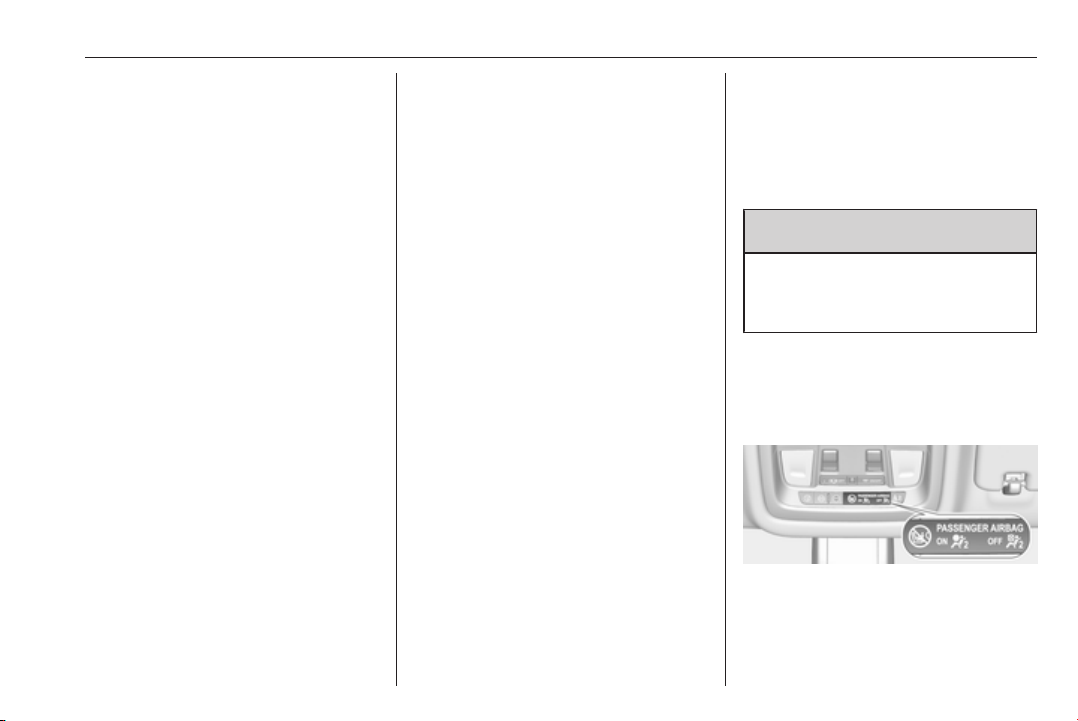
Instruments and controls 107
k for front passenger seat illuminates
or flashes red in the roof console,
when seat is occupied.
Illuminates
After the ignition has been switched
on until the seat belt has been
fastened.
Flashes
After having started the engine for a
maximum of 100 seconds until the
seat belt has been fastened.
Seat belt status on rear seats
(vehicles with Baselevel display)
X illuminates or flashes white or grey
in the Driver Information Centre, after
having started the engine.
Illuminates white
Seat belt is unfastened.
Illuminates grey
Seat belt has been fastened.
Flashes white or grey
Fastened seat belt has been
unfastened.
Fastening the seat belt 3 56.
Seat belt status on rear seats
(vehicles with Mid- or Uplevel
display)
X illuminates green or grey or flashes
yellow in the Driver Information
Centre, after having started the
engine.
Illuminates grey
Seat belt is unfastened.
Illuminates green
Seat belt has been fastened.
Flashes yellow
Fastened seat belt has been
unfastened.
Fastening the seat belt 3 56.
Airbag and belt tensioners
v illuminates red.
When the ignition is switched on, the
control indicator illuminates for
approx. four seconds. If it does not
illuminate, does not go out after
four seconds or illuminates whilst
driving, there is a fault in the airbag
system. Seek the assistance of a
workshop. The airbags and belt
pretensioners may fail to trigger in the
event of an accident.
Deployment of the belt pretensioners
or airbags is indicated by continuous
illumination of v.
9 Warning
Have the cause of the fault
remedied immediately by a
workshop.
Belt pretensioners, airbag system
3 55, 3 57.
Airbag deactivation
V illuminates yellow.
The front passenger airbag is
activated.
* illuminates yellow.
108 Instruments and controls
The front passenger airbag is
deactivated.
Airbag deactivation 3 62.
Charging system
p illuminates red.
Illuminates when the ignition is
switched on and extinguishes shortly
after the engine starts.
Illuminates when the engine is
running
Stop, switch off engine. Vehicle
battery is not charging. Engine
cooling may be interrupted. The
brake servo unit may cease to be
effective. Seek the assistance of a
workshop.
Malfunction indicator light
Z illuminates or flashes yellow.
Illuminates when the ignition is
switched on and extinguishes shortly
after the engine starts.
Illuminates when the engine is
running
Fault in the emission control system.
The permitted emission limits may be
exceeded.
On diesel engines, the cleaning
process of the diesel particle filter is
potentially not possible.
Seek the assistance of a workshop
immediately.
Flashes when the engine is
running
Fault that could lead to catalytic
converter damage. Ease up on the
accelerator until the flashing stops.
Seek the assistance of a workshop
immediately.
Brake and clutch system
R illuminates red.
The brake and clutch fluid level is too
low.
9 Warning
Stop. Do not continue your
journey. Consult a workshop.
Electric parking brake
m illuminates or flashes red.
Illuminates
Electric parking brake is applied
3 180.
Flashes
Electric parking brake is not fully
applied or released. Depress the
brake pedal and attempt to reset the
system by first releasing then
applying the electric parking brake. If
m remains flashing, do not drive and
seek the assistance of a workshop.
Electric parking brake fault
j illuminates or flashes yellow.
Illuminates
Electric parking brake is operating
with degraded performance 3 180.

Instruments and controls 109
Flashes
Electric parking brake is in service
mode. Stop vehicle, apply and
release the electric parking brake to
reset.
9 Warning
Have the cause of the fault
remedied immediately by a
workshop. Avoid parking on
inclines until the cause of the fault
has been remedied.
Antilock brake system
(ABS)
u illuminates yellow.
Illuminates for a few seconds after the
ignition is switched on. The system is
ready for operation when the control
indicator extinguishes.
If the control indicator does not go out
after a few seconds, or if it illuminates
while driving, there is a fault in the
ABS. The brake system remains
operational but without ABS
regulation.
Antilock brake system 3 179.
Gear shifting
R or S with the number of a higher or
lower gear is indicated, when up- or
downshifting is recommended for fuel
saving reasons.
Following distance
E indicates the following distance
setting of the alert timing sensitivity
for the forward collision alert using
filled distance bars.
Forward collision alert 3 198.
Lane keep assist
a illuminates green or yellow, or
flashes yellow.
Illuminates green
The system is switched on and ready
to operate.
Illuminates yellow
The system approaches a detected
lane marking without using the turn
signal in that direction.
Flashes yellow
The system recognizes that the lane
is departed significantly.
Lane keep assist 3 229
Electronic Stability Control
off
t illuminates yellow.
The system is deactivated.
Electronic Stability Control
and Traction Control system
b illuminates or flashes yellow.
Illuminates
A fault in the system is present.
Continued driving is possible. Driving
stability, however, may deteriorate
depending on road surface
conditions.

110 Instruments and controls
Have the cause of the fault remedied
by a workshop.
Flashes
The system is actively engaged.
Engine output may be reduced and
the vehicle may be braked
automatically to a small degree.
Electronic Stability Control 3 183,
Traction Control system 3 182.
Traction Control system off
k illuminates yellow.
The system is deactivated.
Engine coolant temperature
W illuminates red.
Illuminates when the engine is
running
Stop, switch off engine.
Caution
Coolant temperature too high.
Check coolant level immediately
3 242.
If there is sufficient coolant, consult a
workshop.
Preheating
! illuminates yellow.
Preheating of Diesel engine is
activated. Only activates when
outside temperature is low. Start the
engine when control indicator
extinguishes.
AdBlue
Y flashes yellow.
AdBlue level is low. Refill AdBlue
soon to avoid prevention of the
engine start.
AdBlue 3 171.
Tyre pressure monitoring
system
w illuminates or flashes yellow.
Illuminates
Tyre pressure loss. Stop immediately
and check tyre pressure.
Flashes
Fault in system or tyre without
pressure sensor mounted (e.g. spare
wheel). After 60 to 90 seconds the
control indicator illuminates
continuously. Consult a workshop.
Engine oil pressure
I illuminates red.
Illuminates when the ignition is
switched on and extinguishes shortly
after the engine starts.
Illuminates when the engine is
running
Caution
Engine lubrication may be
interrupted. This may result in
damage to the engine and/or
locking of the drive wheels.

Instruments and controls 111
1. Depress clutch.
2. Select neutral gear.
3. Move out of the flow of traffic as
quickly as possible without
impeding other vehicles.
4. Switch off ignition.
9 Warning
When the engine is off,
considerably more force is needed
to brake and steer.
During an Autostop, the brake
servo unit will still be operational.
Do not remove key until vehicle is
stationary, otherwise the steering
wheel lock could engage
unexpectedly.
Check oil level before seeking
assistance of a workshop 3 241.
Low fuel
Y illuminates or flashes yellow.
Illuminates
Level in fuel tank is too low.
Flashes
Fuel used up. Refuel immediately.
Never run the tank dry.
Refuelling 3 232.
Catalytic converter 3 170.
Bleeding the diesel fuel system
3 245.
Immobiliser
d flashes yellow.
Fault in the immobiliser system. The
engine cannot be started.
Immobiliser 3 36.
Exterior light
8 illuminates green.
The exterior lights are on 3 135.
High beam
C illuminates blue.
Illuminated when high beam is on or
during headlight flash 3 136.
High beam assist
f illuminates green.
The high beam assist is activated,
see LED headlights 3 139.
LED headlights
f illuminates or flashes yellow.
Illuminates
Fault in the system.
Seek the assistance of a workshop.
Flashes
System is switched to symmetrical
low beam.
Control indicator f flashes for approx.
four seconds after the ignition is
switched on as a reminder for
symmetrical headlight 3 138.
Fog light
> illuminates green.
The front fog lights are on 3 143.

112 Instruments and controls
Rear fog light
ø illuminates yellow.
The rear fog light is on 3 143.
Cruise control
m illuminates white or green.
Illuminates white
The system is on.
Illuminates green
Cruise control is active. Set speed is
indicated in the Driver Information
Centre.
Cruise control 3 187.
Adaptive cruise control
C illuminates in the Driver
Information Centre.
C illuminates white
The system is on.
C illuminates green
Adaptive cruise control is active.
Adaptive cruise control 3 190.
Vehicle detected ahead
A illuminates green or yellow.
Illuminates green
A vehicle ahead is detected in the
same lane.
Illuminates yellow
The distance to a preceding moving
vehicle gets too small or when
approaching another vehicle too
rapidly.
Adaptive cruise control 3 190,
Forward collision alert 3 198.
Pedestrian detection
7 illuminates yellow.
A pedestrian ahead is detected.
Speed limiter
L illuminates white or green.
Illuminates white
The system is on.
Illuminates green
Speed limiter is active. Set speed is
indicated near L symbol.
Speed limiter 3 189.
Traffic sign assistant
L displays detected traffic signs as
control indicator.
Traffic sign assistant 3 224.
Door open
h illuminates red.
A door or the tailgate is open.
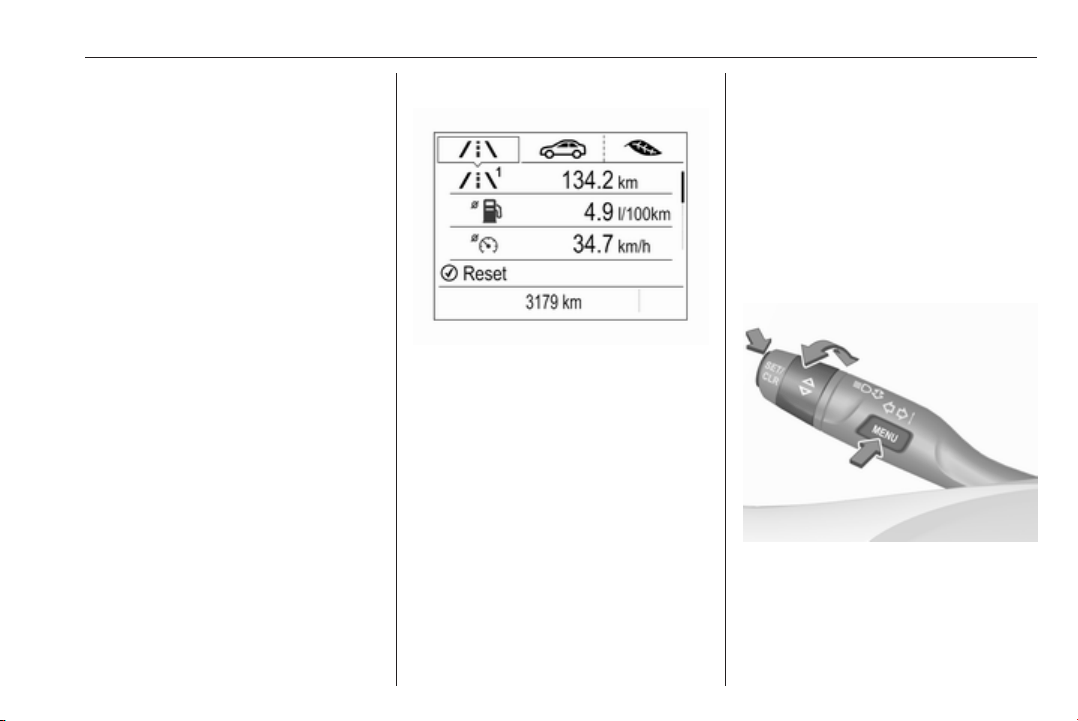
Instruments and controls 113
Information displays
Driver Information Centre
The Driver Information Centre is
located in the instrument cluster.
Depending on the version and the
instrument cluster, the Driver
Information Centre is available as
Baselevel display, Midlevel display or
Uplevel display.
Driver Information Centre indicates
depending on the equipment:
● overall and trip odometer
● vehicle information and settings
● trip/fuel information
● driving economic information
● driver assistance alerts
● warning messages
● audio and infotainment
information
● phone information
● navigation information
Baselevel display
Depending on the version, the menu
pages of the Baselevel display are
selected by pressing:
● MENU on the turn signal lever
or
● è and å on the steering wheel.
Main menu symbols are indicated in
the top line of the display:
● Trip/fuel information, displayed
by ;, see description below.
● Vehicle information, displayed
by ?, see description below.
● Eco information, displayed by
@, see description below.
Some of the displayed functions differ
when the vehicle is being driven or at
a standstill. Some functions are only
available when the vehicle is being
driven.
Selecting menus and functions
Turn signal lever with MENU button
The menus and functions can be
selected via the buttons on the turn
signal lever.
Press MENU to switch between the
main menus or to return from a
submenu to the next higher menu
level.
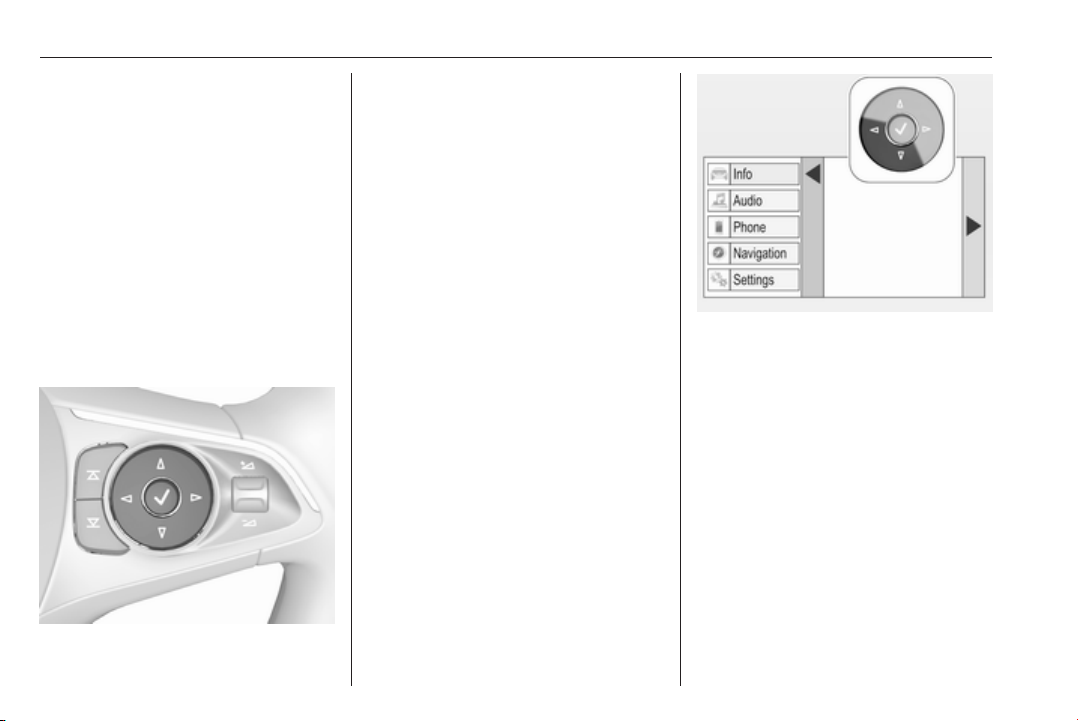
114 Instruments and controls
Turn the adjuster wheel to select a
submenu of the main menu or to set
a numeric value.
Press SET/CLR to select and confirm
a function.
Vehicle and service messages are
popped-up in the Driver Information
Centre when required. Confirm
messages by pressing SET/CLR.
Vehicle messages 3 124.
Steering wheel controls
The menus and functions can be
selected via the buttons on the right
side of the steering wheel.
Press è or é to switch between the
main menus or to return from a
submenu to the next higher menu
level.
Press å or ä to select a submenu of
the main menu or to set a numeric
value.
Press 9 to select and confirm a
function.
Vehicle and service messages are
popped-up in the Driver Information
Centre if required. Confirm messages
by pressing 9. Vehicle messages
3 124.
Midlevel display
Menu pages are selected by pressing
è and å on the steering wheel.
Main menus are:
● Trip/fuel information, displayed
by Info, see description below.
● Audio information, displayed by
Audio, see description below.
● Phone information, displayed by
Phone, see description below.
● Navigation information,
displayed by Navigation, see
description below.
● Vehicle information, displayed by
Options, see description below.
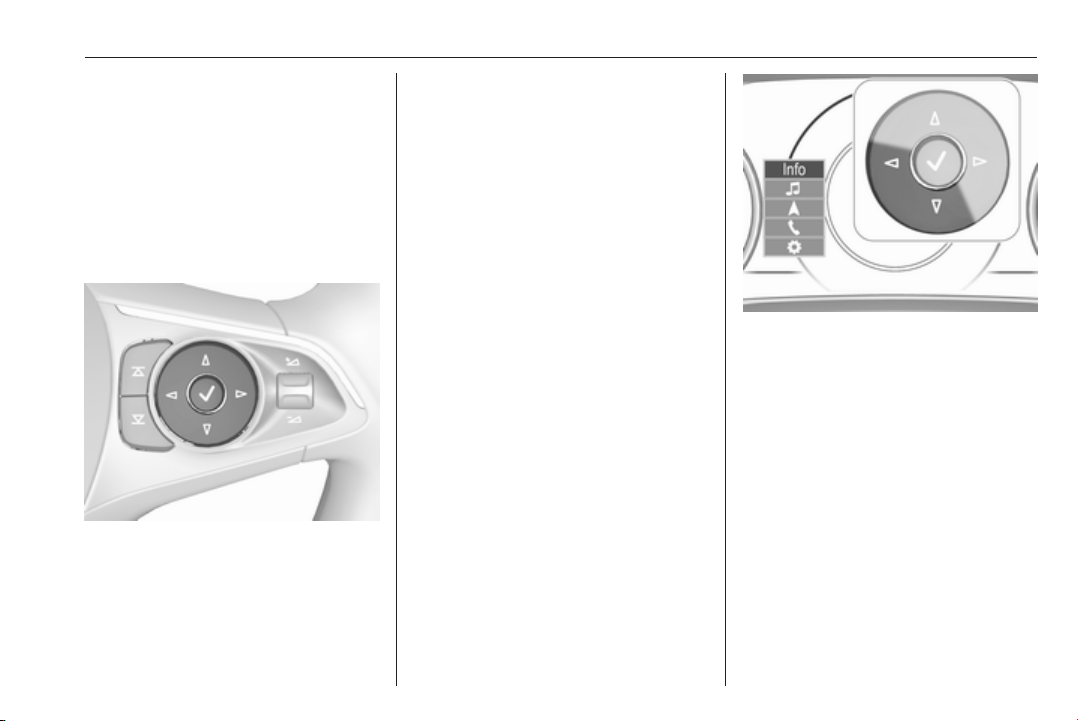
Instruments and controls 115
Some of the displayed functions differ
when the vehicle is being driven or at
a standstill and some functions are
only active when the vehicle is being
driven.
Selecting menus and functions
The menus and functions can be
selected via the buttons on the right
side of the steering wheel.
Press è to open main menu page.
Select a main menu page with ä or å.
Confirm a main menu page with 9.
Once a main menu page is selected,
press ä or å to select subpages.
Press é to open a next folder of the
selected subpage.
Press ä or å to select functions or to
set a numeric value, if required.
Press 9 to select and confirm a
function.
Once a main menu page is selected,
this selection remains stored until
another main menu page is selected.
Subpages are changed by pressing
å or ä.
Vehicle and service messages are
popped-up in the Driver Information
Centre if required. Confirm messages
by pressing 9. Vehicle messages
3 124.
Uplevel display
Menu pages are selected by pressing
è and å on the steering wheel.
Main menus are:
● Trip/fuel information, displayed
by Info, see description below.
● Audio information, displayed by
Audio, see description below.
● Phone information, displayed by
Phone, see description below.
● Navigation information,
displayed by Navigation, see
description below.
● Vehicle information, displayed by
Options, see description below.
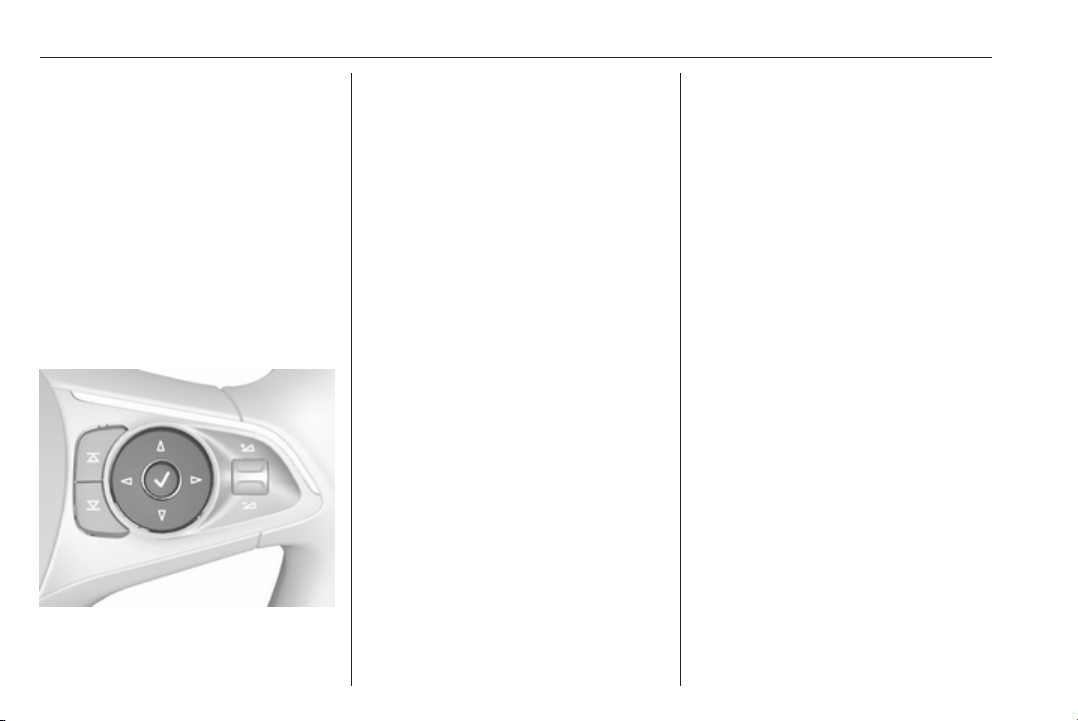
116 Instruments and controls
Some of the displayed functions differ
when the vehicle is being driven or at
a standstill and some functions are
only active when the vehicle is being
driven.
Uplevel instrument cluster can be
displayed as Sport mode or Tour
mode. See below: Settings Menu,
Display Themes.
Selecting menus and functions
The menus and functions can be
selected via the buttons on the right
side of the steering wheel.
Press è to open main menu page.
Select a main menu page with ä or å.
Confirm a main menu page with 9.
Once a main menu page is selected,
press ä or å to select subpages.
Press é to open the next folder of the
selected subpage.
Press ä or å to select functions or to
set a numeric value, if required.
Press 9 to select and confirm a
function.
Once a main menu page is selected,
this selection remains stored until
another main menu page is selected.
Subpages are changed by pressing
å or ä.
Vehicle and service messages are
popped-up in the Driver Information
Centre if required. Confirm messages
by pressing 9. Vehicle messages
3 124.
Trip/fuel information menu, ;
or Info
The following list contains all possible
Info Menu pages. Some may not be
available for your particular vehicle.
Depending on the display some
functions are symbolised.
Turn the adjuster wheel or press ä or
å to select a page:
● trip odometer 1 or A
average fuel consumption 1 or A
average speed 1 or A
● trip odometer 2 or B
average fuel consumption 2 or B
average speed 2 or B
● digital speed
● fuel range
● instantaneous fuel consumption
● remaining oil life
● tyre pressure
● timer
● traffic sign assistant
● following distance
● blank page
On Baselevel display, the pages
Remaining Oil Life, Tyre Pressure,
Traffic Sign Assistant and Following
Distance are displayed in the Vehicle
information menu, select ? by
pressing MENU.

Instruments and controls 117
Trip odometer 1/A or 2/B
Trip odometer displays the current
distance since a certain reset.
Trip odometer counts up to a distance
of 9,999 km then restarts at 0.
To reset on Baselevel display, press
SET/CLR for a few seconds, on
Midlevel and Uplevel display, press
é and confirm with 9.
The information of trip odometer page
1 and 2 can be reset separately for
odometer, average consumption and
average speed while the respective
display is active.
Average fuel consumption 1/A or 2/B
Display of average consumption. The
measurement can be reset at any
time and starts with a default value.
To reset on Baselevel display, press
SET/CLR for a few seconds, on
Midlevel and Uplevel display, press
é and confirm with 9.
Average speed 1/A or 2/B
Display of average speed. The
measurement can be reset at any
time.
To reset on Baselevel display, press
SET/CLR for a few seconds, on
Midlevel and Uplevel display, press
é and confirm with 9.
Digital speed
Digital display of the instantaneous
speed.
Fuel range
Range is calculated from current fuel
tank level and current consumption.
The display shows average values.
After refuelling, the range is updated
automatically after a brief delay.
When the fuel level in the tank is low,
a message appears on the display
and control indicator Y in the fuel
gauge illuminates.
When the tank must be refuelled
immediately, a warning message
appears and remains on the display.
Additionally, control indicator Y in the
fuel gauge flashes 3 111.
Instantaneous fuel consumption
Display of the instantaneous
consumption.
Remaining oil life
Indicates an estimate of the oil's
useful life. The number in % means
the remaining of current oil life 3 105.
Tire pressure
Checks tyre pressure of all wheels
during driving 3 264.
Timer
To start and stop press 9. To reset,
press é and confirm Reset.
Traffic sign assistant
Displays the detected traffic signs for
the current route section 3 224.
Following distance
Displays the distance in seconds to a
preceding moving vehicle 3 201. If
Adaptive cruise control is active this
page shows the following distance
setting instead.
Blank page
A blank page can be selected when
no DIC information is requested.
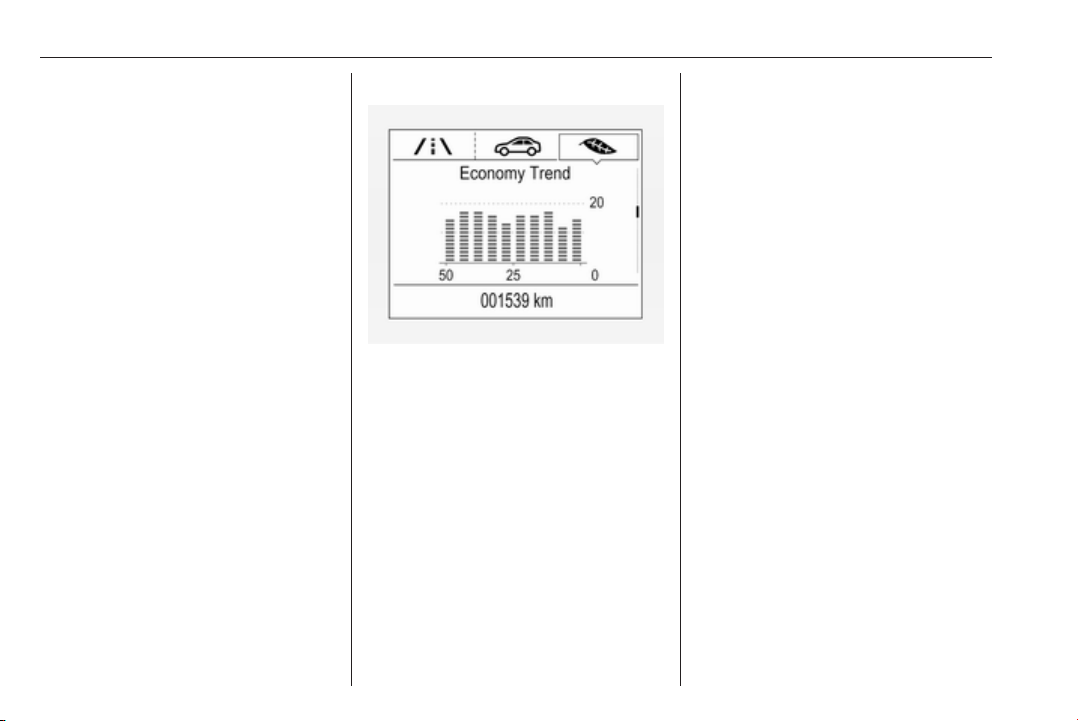
118 Instruments and controls
Eco information menu, @
● Top consumers
● Economy trend
● Eco index
On Mid- and Uplevel display the
pages Top Consumers, Economy
Trend and Eco index, are displayed in
the Trip/fuel information menu, select
Info.
Top Consumers
List of top comfort consumers
currently switched on is displayed in
descending order. Fuel saving
potential is indicated.
During sporadic driving conditions,
the engine will activate the heated
rear window automatically to increase
the engine load. In this event, the
heated rear window is indicated as
one of the top consumers, without
activation by the driver.
Economy Trend
Displays the average consumption
development over a distance of
50 km. Filled segments display the
consumption in 5 km steps and shows
the effect of topography or driving
behaviour on fuel consumption.
Economy index
The current fuel consumption is
indicated on an economic scale. For
economical driving, adapt driving
style to keep the filled segments
within the Eco area. The more
segments are filled, the higher the
fuel consumption.
Simultaneously the average
consumption value is indicated.
Audio menu
Audio menu enables browsing for
music, selecting from favourites or
changing the audio source.
See Infotainment manual.
Phone menu
Phone menu enables managing and
performing of phone calls, scrolling
through contacts or operating
handsfree phoning.
See Infotainment manual.
Navigation menu
Navigation menu enables route
guidance.
See Infotainment manual.
Vehicle information menu, ? or
Options
The following list contains all possible
Options Menu pages. Some may not
be available for your particular
vehicle. Depending on the display
some functions are symbolised.
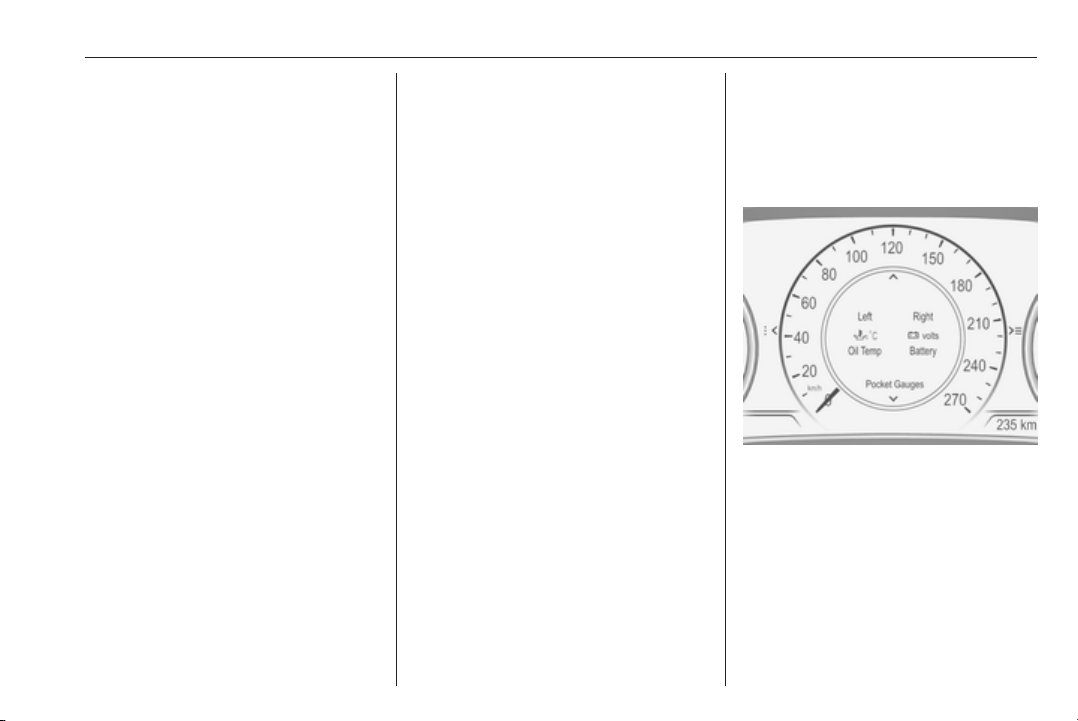
Instruments and controls 119
Turn the adjuster wheel or press ä or
å to select a page and follow the
instructions given in the submenus:
● units
● display themes
● info pages
● speed warning
● tyre loading
● pocket gauges
● software information
Units
Press é while units page is
displayed. Select imperial or metric
units by pressing 9.
Display themes
Press é while display themes is
displayed. Select Sport or Touring
mode by pressing 9. Sport mode
includes more vehicle information,
Tour mode includes more media
information.
This setting is only available with
Uplevel display.
Info pages
Press é while Info pages is
displayed. A list of all items in the Info
Menu is displayed. Select the
functions to be displayed in the Info
page by pressing 9. Selected pages
have a 9 in a checkbox. Non
viewable functions have a blank
checkbox. See Info Menu above.
Speed warning
The speed warning display allows
you to set a speed that you do not
want to exceed.
To set the speed warning, press é
while the page is displayed. Press ä
or å to adjust the value. Press 9 to
set the speed. Once the speed is set,
this feature can be turned off by
pressing 9 while viewing this page. If
the selected speed limit is exceeded,
a pop-up warning is displayed with a
chime.
Tyre loading
The tyre pressure category according
to the actual tyre inflation pressure
can be selected 3 264.
Pocket gauges
Depending on vehicle equipment,
pocket gauges can be displayed in
the outer left and right edges near the
speedometer. Different gauge types
can be configured.
Press é while pocket gauges is
displayed. Select left or right pocket
by pressing é or è. Choose gauge
type for each pocket by pressing å.
Confirm with 9.
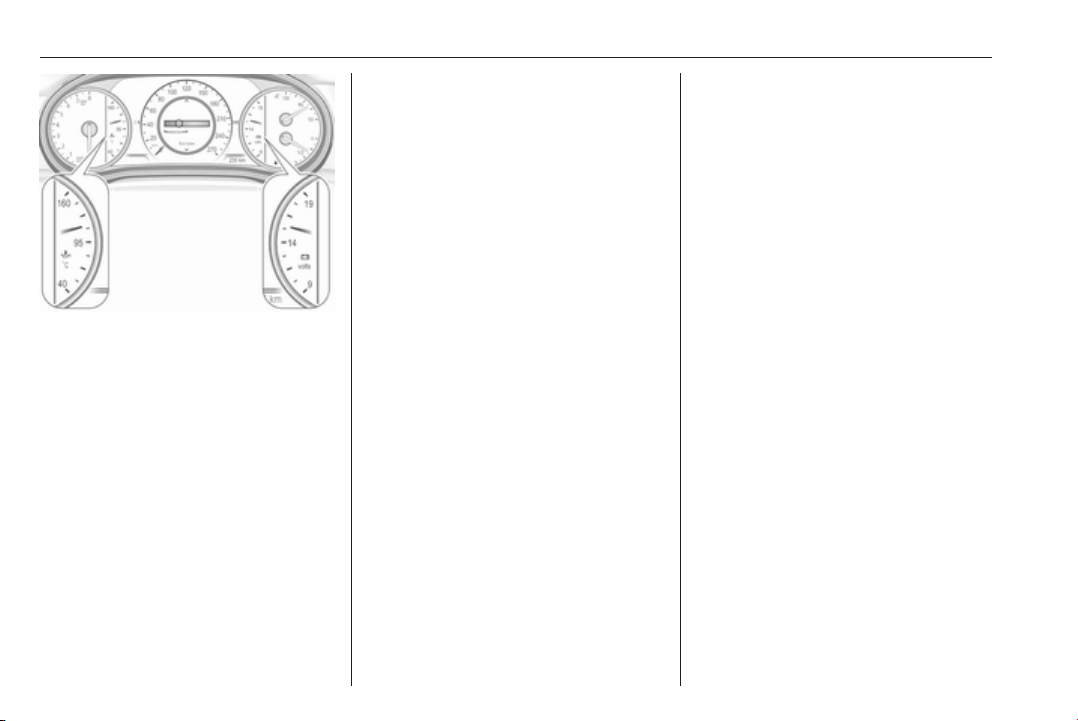
120 Instruments and controls
Selectable gauge types are:
● Battery voltage
Displays the vehicle battery
voltage (V). During engine
running voltage can vary
between 12V and 15,5V.
Temporary voltage below 12V is
possible when high electrical
load is used.
● Oil temperature
Displays oil temperature in
degrees Celsius.
● Oil pressure
Displays oil pressure in kPa.
● Engine boost
Displays boost of the turbo
charger in kPa.
Pocket gauges is only available with
Uplevel display.
Software information
Displays the open source software
information.
Info display
The Info-Display is located in the
instrument panel near the instrument
cluster.
Depending on the vehicle
configuration the vehicle has a
● 7'' Colour-Info-Display with
touchscreen functionality
or
● 8'' Colour-Info-Display with
touchscreen functionality
The Info displays can indicate:
● time 3 92
● outside temperature 3 92
● date 3 92
● Infotainment system, see
description in the Infotainment
manual
● climate control settings 3 152
● rear view camera 3 221
● panoramic view system 3 219
● parking assist instructions
3 207
● rear cross traffic 3 223
● Flex Ride visualisation menu
3 184
● navigation, see description in the
Infotainment manual
● system messages
● settings for vehicle
personalisation 3 126
7'' Colour-Info-Display
Selecting menus and settings
Menus and settings are accessed via
the display.
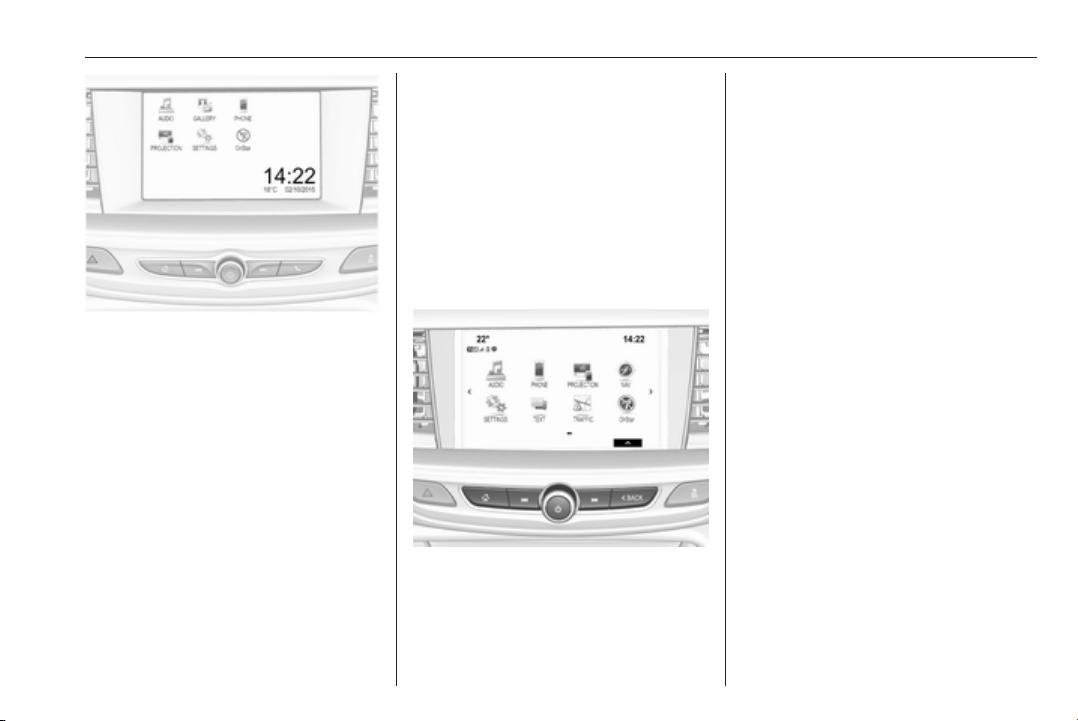
Instruments and controls 121
Press X to switch on the display.
Press ; to display the homepage.
Touch required menu display icon
with the finger.
Touch a respective icon to confirm a
selection.
Touch 9 to return to the next higher
menu level.
Press ; to return to the homepage.
For further information, see
Infotainment manual.
Vehicle personalisation 3 126.
8'' Colour-Info-Display
Selecting menus and settings
There are three options to operate the
display:
● via buttons below the display
● by touching the touchscreen with
the finger
● via speech recognition
Button operation
Press X to switch on the display.
Press ; to display the homepage.
Press BACK to exit a menu without
changing a setting.
For further information, see
Infotainment manual.
Touchscreen operation
Display must be switched on by
pressing X. Press ; to select
homepage.
Touch required menu display icon or
select a function with the finger.
Scroll a longer submenu list with the
finger up or down.
Confirm a required function or
selection by touching.
Touch q on the display to exit a
menu without changing a setting.
Press ; to return to the homepage.
For further information, see
Infotainment manual.
Speech recognition
Description see Infotainment manual.
Vehicle personalisation 3 126.
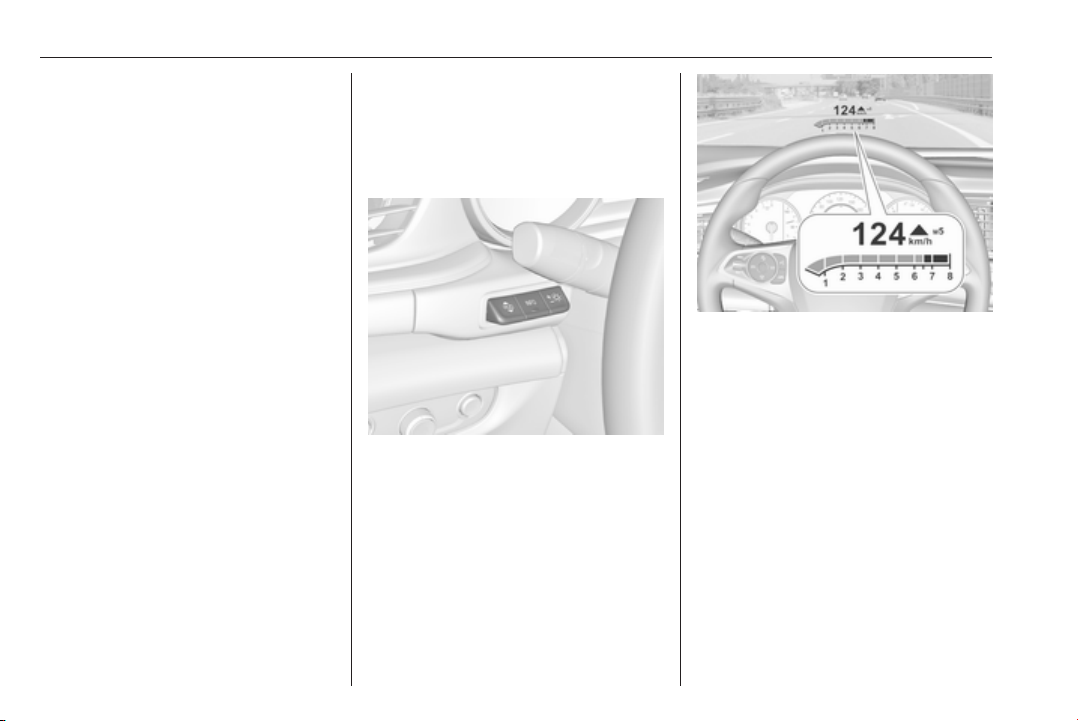
122 Instruments and controls
Valet mode
Some functions of the Driver
Information Centre and the Info-
Display can be limited for some
drivers. The load compartment is
being locked and cannot be unlocked.
For more information, see
Infotainment manual.
Head-up display
The head-up display shows driver
information concerning the
instrument cluster onto the
windscreen on the driver's side.
The information appears as an image
projected from a lense in the
instrument panel onto the windscreen
directly ahead in driver's view. The
image appears focused out toward
the front of the vehicle.
Depending on the equipment head-
up display can indicate:
● general driving information
● alerts from driver assistance
systems
● automatic transmission selector
lever position
● gear shift indication
● audio/phone information
● turn-by-turn navigation
information if equipped with
navigation infotainment.
There are three controls above the
light switch to operate the head-up
display.
Display views
Different views are selectable in the
head-up display by pressing /
button. Each press will change the
display view.
Speed view
Indicates
● speedometer: digital indication of
speed
● traffic signs: indication of speed
limits
Performance View
Indicates
● speedometer: digital indication of
speed
● tachometer: engine speed in
round per minute
● automatic transmission: selector
lever position

Instruments and controls 123
● manual/automatic transmission:
gear shift indication
● auto stop indication
Audio view
Indicates
● speedometer: digital indication of
speed
● actual audio playing information
Navigation view
Indicates
● speedometer: digital indication of
speed
● turn-by-turn navigation
information
Active safety control indicators
On all views control indicators of
following Driver assistance systems
are indicated in the top line of the
display
● vehicle detected ahead A:
vehicle recognition
● lane keep assist a: status and
warning
● adaptive cruise control Õ: set
speed and status
● pedestrian detected ahead 7:
pedestrian recognition
Pop-up alerts
The following list contains just an
extract of possible alerts. Some may
not be available for your particular
vehicle, others can appear depending
on vehicle configuration.
Alerts pop-up on each page if
required
● pedestrian protection alert
● forward collision alert
● up-/downshift alert
● incoming call
Alerts with lower priority can be reset
by pressing G, high priority alerts
appear as long as danger continues.
System messages or vehicle
warnings may require immediately
action. Seek the assistance of a
workshop.
Adjust position of head-up display
image
1. Adjust the driver's seat.
2. Start the engine.
3. Press down or lift up button . to
centre the image. It can only be
adjusted up and down, not side to
side.
9 Warning
If the head-up display image is too
bright or too high in your field of
view, it may obstruct your view
when it is dark outside. Be sure to
keep the head-up display image
dim and placed low in your field of
view.
Adjust brightness
The head-up display image will
automatically dim and brighten to
compensate for outside lighting.
Brightness can also be adjusted
manually as needed:
Lift up & and hold to brighten the
display. Press down and hold to dim
the display.
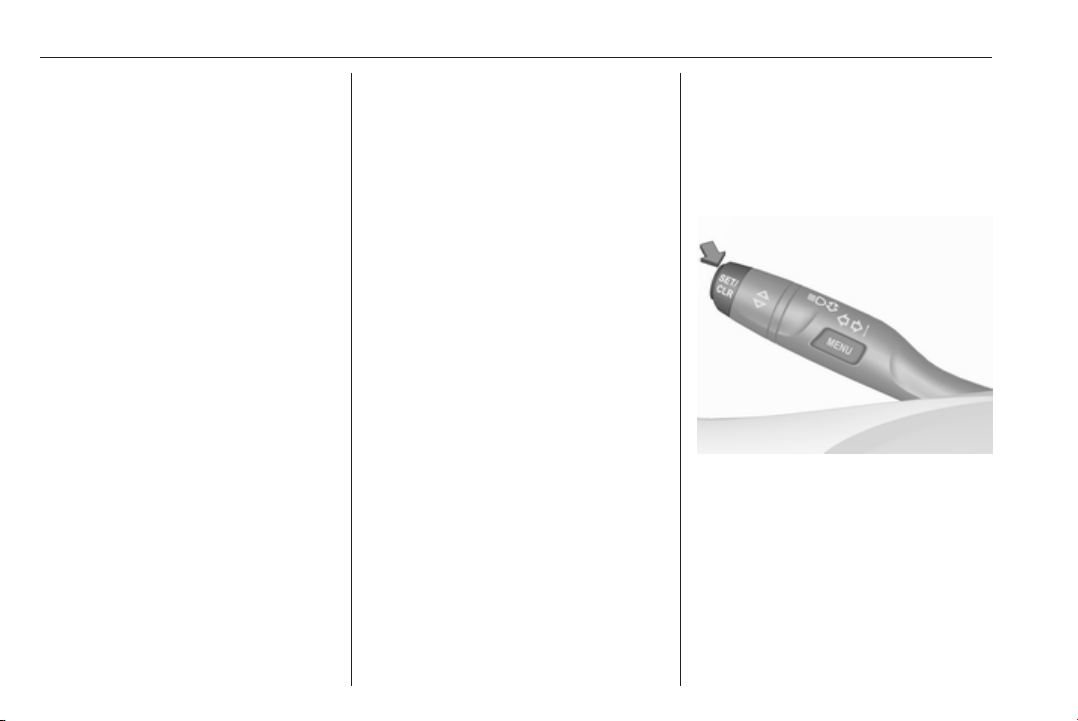
124 Instruments and controls
The image can temporarily light up
depending on angel and position of
sunlight.
Switching off
Hold down & to turn the head-up
display off.
Language
Preferred language can be set in
vehicle personalisation menu 3 126.
Units
Units can be changed in the settings
menu of the Driver Information Centre
3 113.
Care of head-up display
Clean the inside of the windscreen as
needed to remove any dirt or film that
could reduce the sharpness or clarity
of the head-up image.
Clean the head-up display lens in the
instrument panel with a soft cloth
sprayed with glass cleaner. Wipe the
lens gently, then dry it.
System limitations
Head-up display may not operate
properly when:
● The lens in the instrument panel
is covered by objects or
windscreen and lens are not
clean.
● Display brightness is too dim or
bright.
● Image is not adjusted to the
proper height.
● The driver wears polarised
sunglasses.
If the head-up image is not correct for
other reasons, contact a workshop.
The windscreen is part of the head-up
display system. Windscreen
replacement 3 39.
Vehicle messages
Messages are indicated in the Driver
Information Centre, in some cases
together with a warning and signal
buzzer.
On Baselevel display press
SET/CLR on the turn signal lever to
confirm a message.
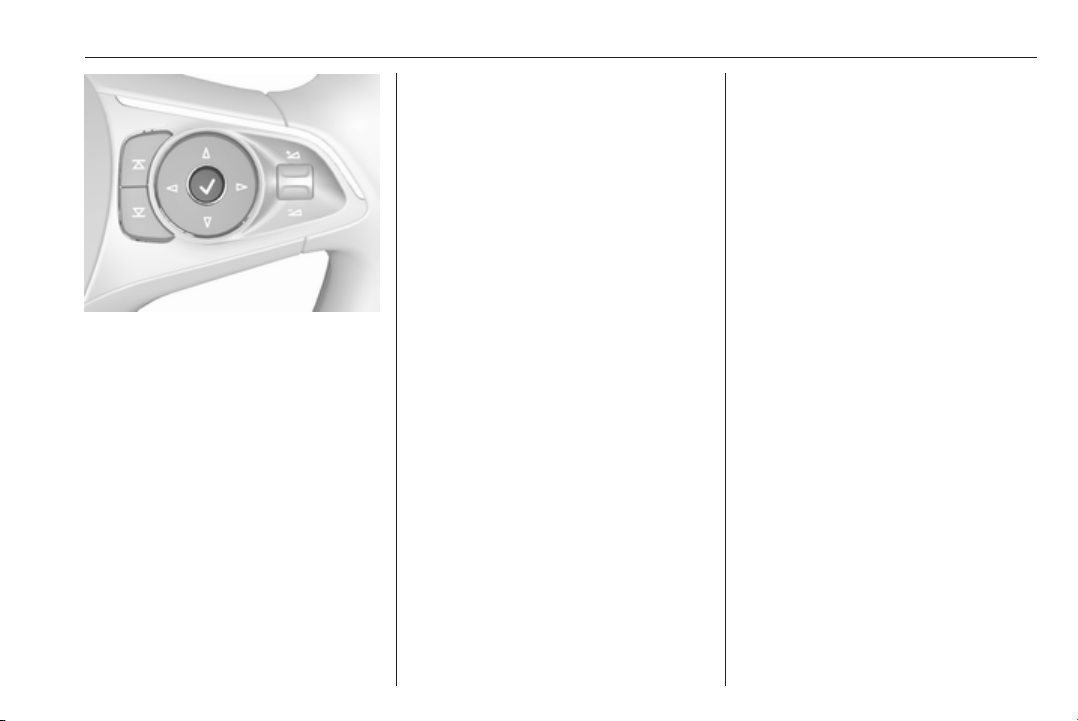
Instruments and controls 125
On Midlevel and Uplevel display,
press 9 to confirm a message.
Vehicle and service messages
The vehicle messages are displayed
as text. Follow the instructions given
in the messages.
Messages in the
Colour-Info-Display
Some important messages may
appear additionally in the
Colour-Info-Display. Press the
multifunction knob to confirm a
message. Some messages only pop-
up for a few seconds.
Warning chimes
When starting the engine or whilst
driving
Only one warning chime will sound at
a time.
The warning chime regarding not
fastened seat belts has priority over
any other warning chime.
● If seat belt is not fastened.
● If a door or the tailgate is not fully
closed when starting off.
● If a certain speed is exceeded
with parking brake applied.
● If adaptive cruise control
deactivates automatically.
● If approaching a vehicle ahead
too closely.
● If approaching a pedestrian
ahead too closely.
● If a programmed speed or speed
limit is exceeded.
● If a warning message appears in
the Driver Information Centre.
● If the electronic key is not in the
passenger compartment.
● If the parking assist detects an
object.
● If an unintended lane change
occurs.
● If the diesel particle filter has
reached the maximum filling
level.
When the vehicle is parked and/or
the driver's door is opened
● With exterior lights on.
● If the trailer hitch is not engaged.
During an Autostop
● If the driver's door is opened.
● If any condition for an Autostop is
not fulfilled.
Battery voltage
When the vehicle battery voltage is
running low, a warning message will
appear in the Driver Information
Centre.
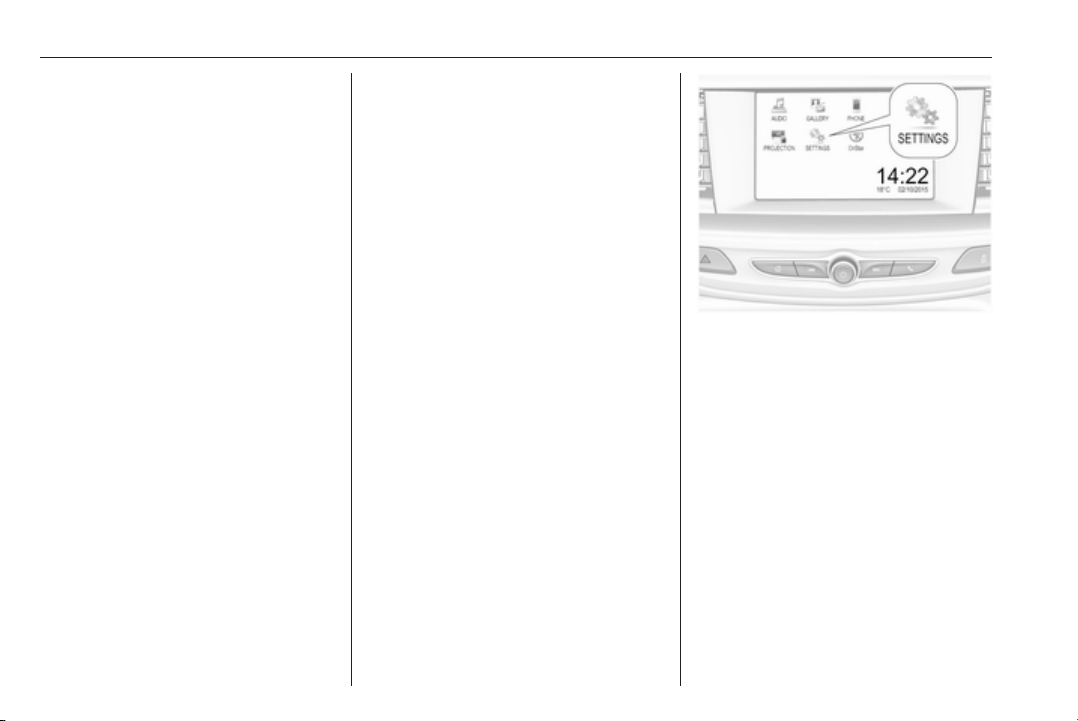
126 Instruments and controls
1. Switch off any electrical
consumers which are not required
for a safe ride, e.g. seat heating,
heated rear window or other main
consumers.
2. Charge the vehicle battery by
driving continuously for a while or
by using a charging device.
The warning message will disappear
after the engine has been started
twice without a voltage drop.
If the vehicle battery cannot be
recharged, have the cause of the fault
remedied by a workshop.
Vehicle personalisation
The vehicle's behaviour can be
personalised by changing the settings
in the Info-Display.
Some of the personal settings for
different drivers can be memorised
individually for each vehicle key.
Memorised settings 3 22.
Depending on vehicle equipment and
country-specific regulations some of
the functions described below may
not be available.
Some functions are only displayed or
active when the engine is running.
Personal settings
7" Colour-Info-Display
Press ;, select Settings and then
Vehicle on the touch-screen.
In the corresponding submenus the
following settings can be changed:
Vehicle
● Climate & Air Quality
Auto Fan Max Speed: Modifies
the level of the cabin airflow of the
climate control in automatic
mode.
Auto Heated Seats:
Automatically activates the seat
heating.
Auto Defog: Supports
windscreen dehumidification by
automatically selecting the
necessary settings and
automatic air conditioning mode.

Instruments and controls 127
Auto Rear Defog: Automatically
activates heated rear window.
● Collision / Detection Systems
Forward Collision Alert :
Activates or deactivates forward
collision alert.
Auto Collision Preparation:
Activates or deactivates the
automatic brake functionality of
the vehicle in the event of
imminent collision danger. The
following is selectable: the
system will take over brake
control, warn by chimes only or is
deactivated completely.
Forward Collision System:
Changes the settings of forward
collision alert.
Front pedestrian protection:
Activates or deactivates and
changes the settings of the front
pedestrian protection.
Rear Cross Traffic Alert:
Activates or deactivates rear
cross traffic alert.
Park Assist: Activates or
deactivates the ultrasonic
parking assist. Activation is
selectable with or without
attached trailer coupling.
Go Notifier: Activates or
deactivates the reminder to drive
off when the adaptive cruise
control holds the vehicle at
standstill.
Side Blind Zone Alert: Activates
or deactivates side blind zone
alert.
● Comfort and Convenience
Auto Memory Recall : Changes
the settings to the recall of
memorised settings for power
seat adjustment.
Easy Exit Driver Seat: Activates
or deactivates easy exit function
of the power seat.
Chime Volume: Changes the
volume of warning chimes.
Reverse Tilt Mirror: Activates or
deactivates the parking assist
function of the exterior mirrors.
Auto Mirror Folding: Activates or
deactivates folding of the exterior
mirrors with the remote control.
Personalization By Driver:
Activates or deactivates the
personalisation function.
Rain Sense Wipers: Activates or
deactivates automatic wiping
with rain sensor.
Auto Wipe in Reverse Gear:
Activates or deactivates
automatic switching on of the
rear window wiper when reverse
gear is engaged.
● Lighting
Vehicle Locator Lights: Activates
or deactivates the entry lighting.
Exit Lighting: Activates or
deactivates and changes the
duration of exit lighting.
Left or Right Hand Traffic :
Changes between lighting for left
or right-hand traffic.
Adaptive Forward Lighting :
Changes the settings of the
functions of the LED headlights.
● Power Door Locks
Unlocked Door Anti Lock Out:
Activates or deactivates the door
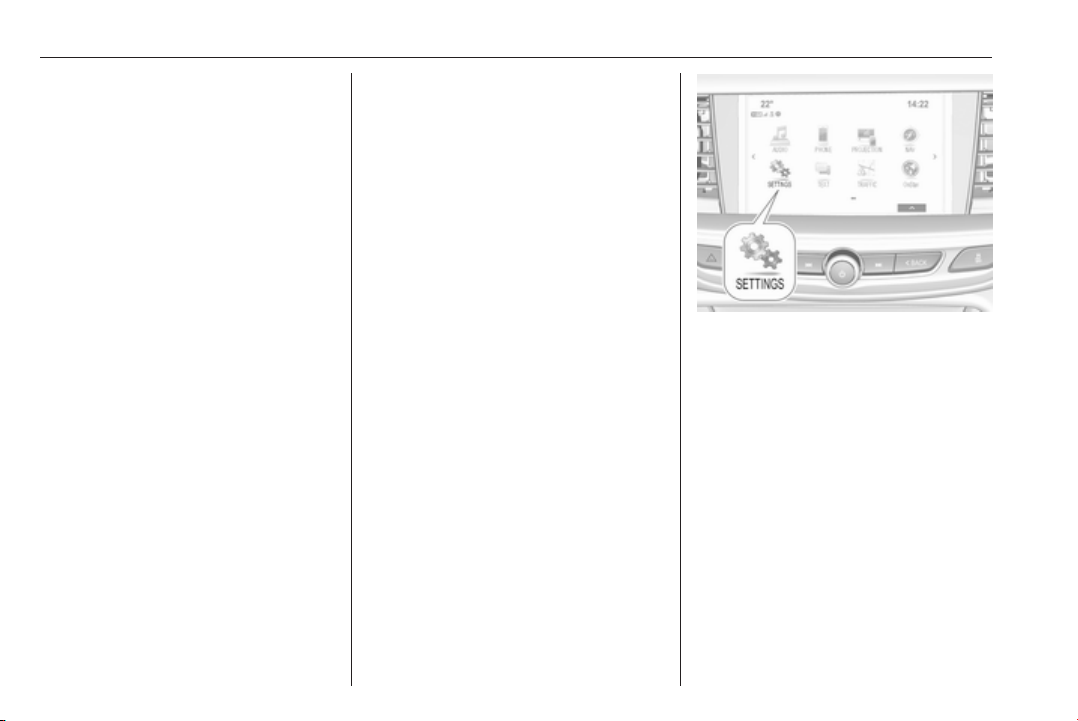
128 Instruments and controls
locking function while a door is
open.
Auto Door Lock: Activates or
deactivates the automatic door
locking function after switching
on ignition.
Delayed Door Lock: Activates or
deactivates the delayed door
locking function. This feature
delays the actual locking of the
doors until all doors are closed.
● Remote Lock, Unlock, Start
Remote Unlock Light Feedback:
Activates or deactivates the
hazard warning flasher feedback
whilst unlocking.
Remote Lock Feedback:
Changes what kind of feedback
is given when locking the vehicle.
Remote Door Unlock: Changes
the configuration to unlock only
the driver's door or the whole
vehicle whilst unlocking.
Relock Remotely Unlocked
Doors: Activates or deactivates
the automatic relock function
after unlocking without opening
the vehicle.
Remote Window Operation:
Activates or deactivates the
operation of power windows with
electronic key.
Passive Door Unlock: Changes
the configuration to unlock only
the driver's door or the whole
vehicle whilst unlocking.
Passive Door Lock : Activates or
deactivates the passive locking
function. This feature locks the
vehicle automatically after
several seconds if all doors have
been closed and an electronic
key has been removed from the
vehicle.
Remote Left in Vehicle Alert:
Activates or deactivates the
warning chime when the
electronic key remains in the
vehicle.
Personal settings
8" Colour-Info-Display
Press ; then select the SETTINGS
icon.
In the corresponding submenus the
following settings can be changed:
Vehicle
● Climate and Air Quality
Auto Fan Speed: Modifies the
level of the cabin airflow of the
climate control in automatic
mode.
Auto Heated Seats:
Automatically activates the seat
heating.
Auto Demist: Supports
windscreen dehumidification by
automatically selecting the
necessary settings and
automatic air conditioning mode.

Instruments and controls 129
Auto Rear Demist: Automatically
activates heated rear window.
● Collision / Detection Systems
Forward Collision Alert: Activates
or deactivates forward collision
alert.
Auto Collision Preparation:
Activates or deactivates the
automatic brake functionality of
the vehicle in the event of
imminent collision danger. The
following is selectable: the
system will take over brake
control, warn by chimes only or is
deactivated completely.
Forward Collision System:
Changes the settings of forward
collision alert.
Front pedestrian protection:
Activates or deactivates and
changes the settings of the front
pedestrian protection.
Rear Cross Traffic Alert:
Activates or deactivates rear
cross traffic alert.
Park Assist: Activates or
deactivates the ultrasonic
parking assist. Activation is
selectable with or without
attached trailer coupling.
Go Notifier: Activates or
deactivates the reminder function
of the adaptive cruise control.
Side Blind Zone Alert: Activates
or deactivates side blind zone
alert.
● Comfort and Convenience
Auto Memory Recall: Changes
the settings to the recall of
memorised settings for power
seat adjustment.
Easy Exit Driver Seat: Activates
or deactivates easy exit function
of the power seat.
Chime Volume: Changes the
volume of warning chimes.
Reverse Tilt Mirror: Activates or
deactivates the parking assist
function of the exterior mirrors.
Auto Mirror Folding: Activates or
deactivates folding of the exterior
mirrors with the remote control.
Personalisation by Driver:
Activates or deactivates the
personalisation function.
Rainsense Wipers: Activates or
deactivates automatic wiping
with rain sensor.
Auto Wipe in Reverse Gear:
Activates or deactivates
automatic switching on of the
rear window wiper when reverse
gear is engaged.
● Lighting
Vehicle Locator Lights: Activates
or deactivates the entry lighting.
Exit Lighting: Activates or
deactivates and changes the
duration of exit lighting.
Left or Right Hand Traffic:
Changes between lighting for left
or right-hand traffic.
Adaptive Forward Lighting:
Changes the settings of the
functions of the LED headlights.
● Power Door Locks
Unlocked Door Anti-Lockout:
Activates or deactivates the door
locking function while a door is
open.
Auto Door Lock: Activates or
deactivates the automatic door

130 Instruments and controls
locking function after switching
on ignition.
Delayed Door Lock: Activates or
deactivates the delayed door
locking function. This feature
delays the actual locking of the
doors until all doors are closed.
● Remote Lock, Unlock, Start
Remote Unlock Light Feedback:
Activates or deactivates the
hazard warning flasher feedback
whilst unlocking.
Remote Lock Feedback:
Changes what kind of feedback
is given when locking the vehicle.
Remote Door Unlock: Changes
the configuration to unlock only
the driver's door or the whole
vehicle whilst unlocking.
Relock Remote Unlocked Doors:
Activates or deactivates the
automatic relock function after
unlocking without opening the
vehicle.
Remote Window Operation:
Activates or deactivates the
operation of power windows with
electronic key.
Passive Door Unlock: Changes
the configuration to unlock only
the driver's door or the whole
vehicle whilst unlocking.
Passive Door Lock: Activates or
deactivates the passive locking
function. This feature locks the
vehicle automatically after
several seconds if all doors have
been closed and an electronic
key has been removed from the
vehicle.
Remote Left in Vehicle Alert:
Activates or deactivates the
warning chime when the
electronic key remains in the
vehicle.
Telematics service
OnStar
OnStar is a personal connectivity and
service assistant with integrated
Wi-Fi hotspot. The OnStar service is
available 24 hours a day, seven days
a week.
Note
OnStar is not available for all
markets. For further information,
contact your workshop.
Note
In order to be available and
operational, OnStar needs a valid
OnStar subscription, functioning
vehicle electrics, mobile service and
GPS satellite link.
To activate the OnStar services and
set up an account, press Z and speak
with an advisor.
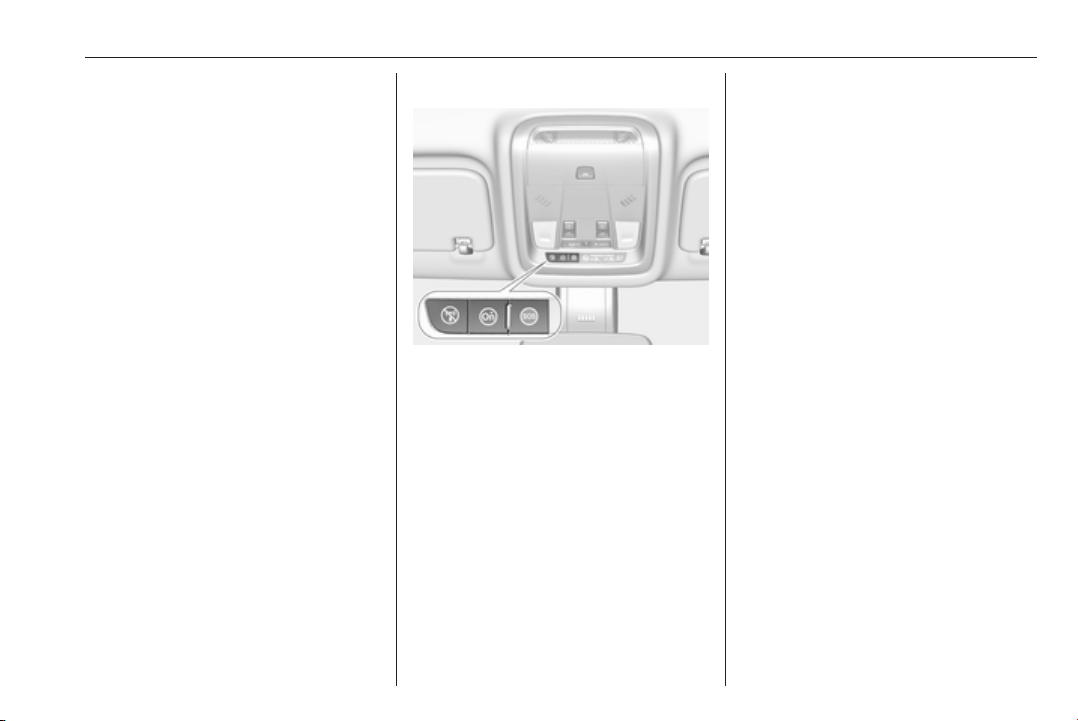
Instruments and controls 131
Depending on the equipment of the
vehicle, the following services are
available:
● Emergency services and support
in the case of a vehicle
breakdown
● Wi-Fi hotspot
● Smartphone application
● Remote control, e.g. location of
the vehicle, activation of horn and
lights, control of central locking
system
● Stolen vehicle assistance
● Vehicle diagnostics
● Destination download
Note
The OnStar module of the vehicle is
deactivated after ten days without an
ignition cycle. Functions requiring a
data connection will be available
again after switching on the ignition.
OnStar buttons
Privacy button
Press and hold j until a message is
heard to activate or deactivate the
transmission of the vehicle location.
Press j to answer a call or to end a
call to an advisor.
Press j to access the Wi-Fi settings.
Service button
Press Z to establish a connection to
an advisor.
SOS button
Press [ to establish a priority
emergency connection to a specially
trained emergency advisor.
Status LED
Green: The system is ready with
activated transmission of the vehicle
location.
Green flashing: The system is on a
call.
Red: A problem arose.
Off: The system is ready with
deactivated transmission of the
vehicle location or the system is in
standby mode.
Red / green flashing for a short period
of time: The transmission of the
vehicle location has been
deactivated.
OnStar services
General services
If you need any information e.g.
opening hours, points of interest and
destinations or if you need any
support e.g. in the case of a vehicle

132 Instruments and controls
breakdown, a flat tyre and empty fuel
tank, press Z to establish a
connection to an advisor.
Emergency services
In the case of an emergency situation,
press [ and talk to an advisor. The
advisor then contacts emergency or
assistance service providers and
directs them to your vehicle.
In the case of an accident with
activation of airbags or belt
tensioners, an automatic emergency
call is established. The advisor is
immediately connected to your
vehicle to see whether help is
needed.
Note
Establishing an emergency call may
not be possible in areas without
sufficient network availability or due
to hardware damage during an
accident.
Wi-Fi hotspot
The Wi-Fi hotspot of the vehicle
provides internet connectivity with a
maximum speed of 4G/LTE.
Note
The Wi-Fi hotspot functionality is not
available for all markets.
Up to seven devices may be
connected.
To connect a mobile device with the
Wi-Fi hotspot:
1. Press j and then select Wi-Fi
settings on the Info-Display. The
settings displayed include the Wi-
Fi hotspot name (SSID),
password and connection type.
2. Start a Wi-Fi network search on
your mobile device.
3. Select your vehicle hotspot
(SSID) when listed.
4. When prompted, enter the
password on your mobile device.
Note
To change the SSID or password,
press Z and talk to an advisor or log
in to your account.
To switch off the Wi-Fi hotspot
functionality, press Z to call an
advisor.
Smartphone app
With the myOpel smartphone app,
some vehicle functions can be
operated remotely.
The following functions are available:
● Lock or unlock vehicle.
● Honk horn or flash lights.
● Check fuel level, engine oil life
and tyre pressure (only with tyre
pressure monitoring system).
● Send navigation destination to
the vehicle, if equipped with a
built-in navigation system.
● Locate vehicle on a map.
● Manage Wi-Fi settings.
To operate these functions, download
the app from App Store
®
or
Google Play™ Store.
Remote control
If desired, use any phone to call an
advisor, who can remotely operate
specific vehicle functions. Find the
respective OnStar phone number on
our country-specific website.

Instruments and controls 133
The following functions are available:
● Lock or unlock vehicle.
● Provide information on the
vehicle location.
● Honk horn or flash lights.
Stolen vehicle assistance
If the vehicle is stolen, report the theft
to the authorities and request OnStar
stolen vehicle assistance. Use any
phone to call an advisor. Find the
respective OnStar phone number on
our country-specific website.
OnStar can provide support in
locating and recovering the vehicle.
Theft alert
When the anti-theft alarm system is
triggered, a notification is sent to
OnStar. You are then informed about
this event by text message or email.
Restart prevention
By sending remote signals, OnStar
can prevent the vehicle from
restarting once it has been turned off.
On-demand diagnostics
At any time e.g. if the vehicle displays
a vehicle message, press Z to
contact an advisor and ask to
complete a real-time diagnostic check
to directly determine the issue.
Depending on the results, the advisor
will provide further support.
Diagnostic report
The vehicle automatically transmits
diagnostic data to OnStar which
sends a monthly email report to you
and your preferred workshop.
Note
The workshop notification function
can be disabled in your account.
The report contains the status of key
operating systems of the vehicle like
engine, transmission, airbags, ABS,
and other major systems. It also
provides information on possible
maintenance items and tyre pressure
(only with tyre pressure monitoring
system).
To look at the information in greater
detail, select the link within the email
and log in to your account.
Destination download
A desired destination can be directly
downloaded to the navigation system.
Press Z to call an advisor and
describe the destination or point of
interest.
The advisor can look up any address
or point of interest and directly send
the destination to the built-in
navigation system.
OnStar settings
OnStar PIN
To have full access to all OnStar
services, a four-digit PIN is required.
The PIN has to be personalised when
first talking to an advisor.
To change the PIN, press Z to call an
advisor.
Account data
An OnStar subscriber has an account
where all the data is stored. To
request a change of the account
information, press Z and talk to an
advisor or log in to your account.

134 Instruments and controls
If the OnStar service is used on
another vehicle, press Z and request
that the account be transferred to the
new vehicle.
Note
In any case, if the vehicle is disposed
of, sold or otherwise transferred,
immediately inform OnStar about
the changes and terminate the
OnStar service on this vehicle.
Vehicle location
The vehicle location is transmitted to
OnStar when service is requested or
triggered. A message on the Info-
Display informs about this
transmission.
To activate or deactivate the
transmission of the vehicle location,
press and hold j until an audio
message is heard.
The deactivation is indicated by the
status light flashing red and green for
a short period of time and each time
the vehicle is started.
Note
If the transmission of the vehicle
location is deactivated, some
services are no longer available.
Note
The vehicle location always remains
accessible to OnStar in the case of
an emergency.
Find the privacy policy in your
account.
Software updates
OnStar may remotely carry out
software updates without further
notice or consent. These updates are
to enhance or maintain safety and
security or the operation of the
vehicle.
These updates may concern privacy
issues. Find the privacy policy in your
account.
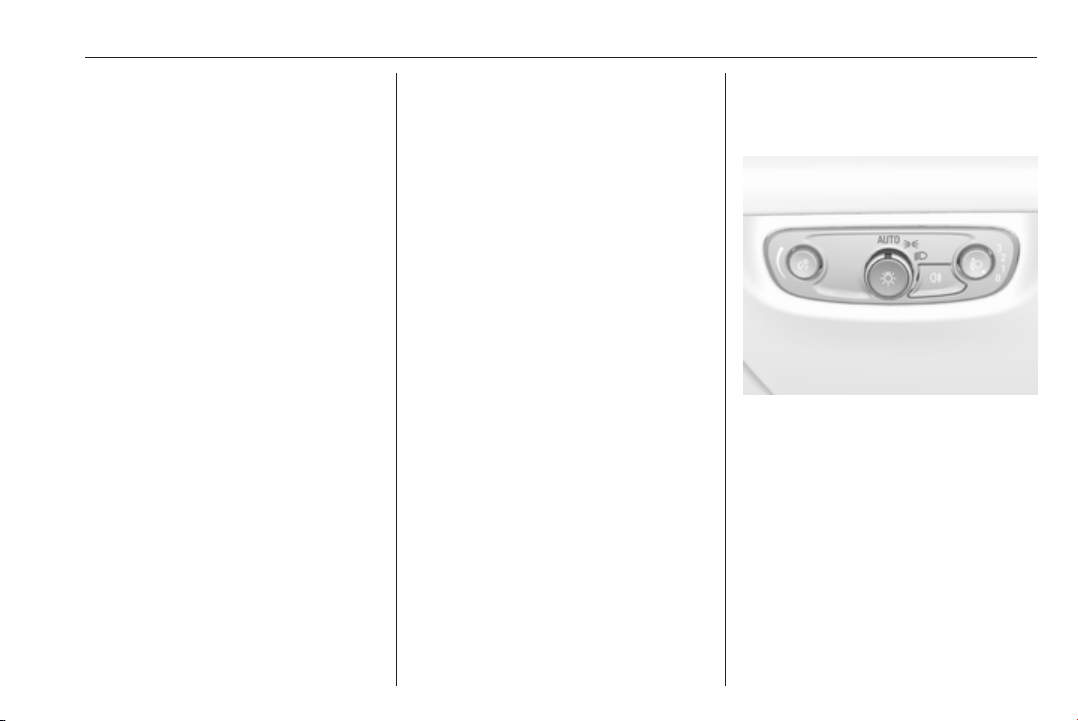
Lighting 135
Lighting
Exterior lighting .......................... 135
Light switch .............................. 135
Automatic light control ............. 136
High beam ............................... 136
High beam assist ..................... 136
Headlight flash ......................... 138
Headlight range adjustment ....138
Headlights when driving
abroad .................................... 138
Daytime running lights ............. 139
LED headlights ........................ 139
Hazard warning flashers .......... 142
Turn and lane-change signals . 142
Front fog lights ......................... 143
Rear fog light ........................... 143
Parking lights ........................... 143
Reversing lights ....................... 144
Misted light covers ................... 144
Interior lighting ........................... 144
Instrument panel illumination
control ..................................... 144
Interior lights ............................ 144
Reading lights .......................... 145
Sunvisor lights ......................... 146
Lighting features ........................ 146
Centre console lighting ............ 146
Entry lighting ............................ 146
Exit lighting .............................. 146
Battery discharge protection .... 147
Exterior lighting
Light switch
Turn light switch:
AUTO : automatic light control
switches automatically
between daytime running
light and headlight
8
: sidelights
9
: headlights
When switching on the ignition,
automatic light control is active.
Control indicator 8 3 111.
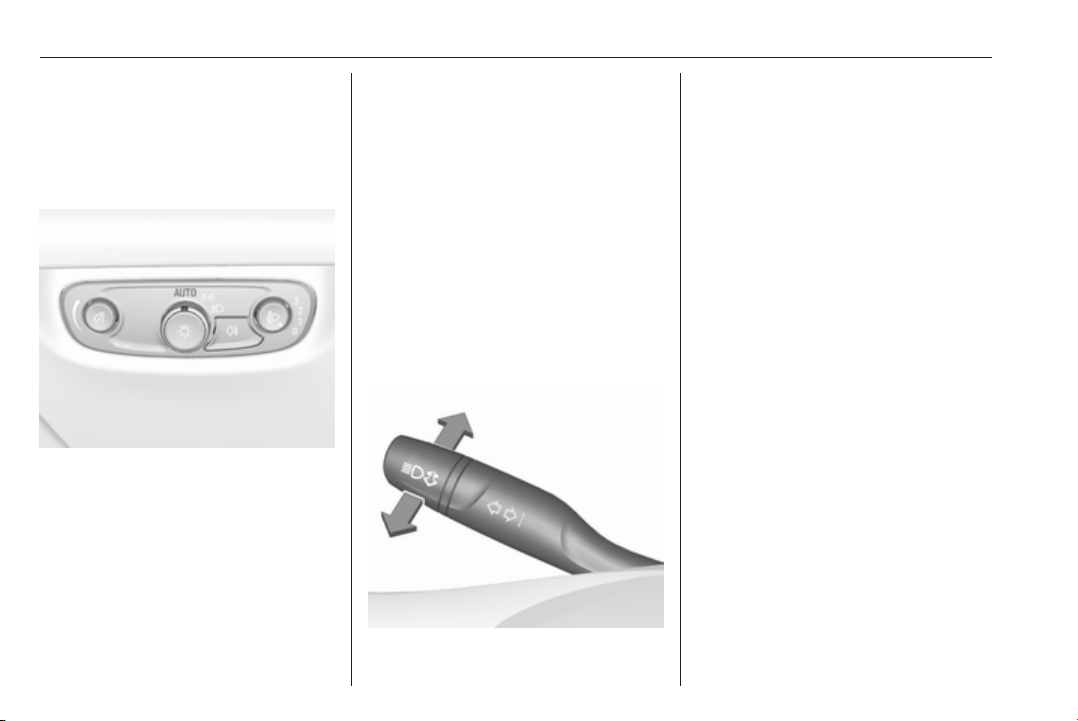
136 Lighting
Tail lights
Tail lights are illuminated together
with low/high beam and sidelights.
Automatic light control
When the automatic light control
function is switched on and the
engine is running, the system
switches between daytime running
lights and headlights automatically
depending on the external lighting
conditions and information given by
the wiper system.
Daytime running light 3 139.
Automatic headlight activation
During poor lighting conditions
headlights are switched on.
Additionally, headlights are switched
on if the windscreen wipers have
been activated for several wipes.
LED headlights 3 139.
Tunnel detection
When a tunnel is entered, headlights
are switched on immediately.
High beam
Push lever to switch from low to high
beam.
Pull lever to deactivate high beam.
High beam assist 3 139.
High beam assist
Description for version with halogen
headlights. High beam assist with
LED headlights 3 139.
This feature allows the high beam to
function as the main driving light at
night and when vehicle speed is
faster than 40 km/h.
It switches automatically to low beam
when:
● A sensor detects the lights of
oncoming or preceding vehicles.
● Driving in urban areas.
● The vehicle speed is slower than
20 km/h.
● It is foggy or snowy.
● Front or rear fog lights are
switched on.
If there are no restrictions detected,
the system switches back to high
beam.
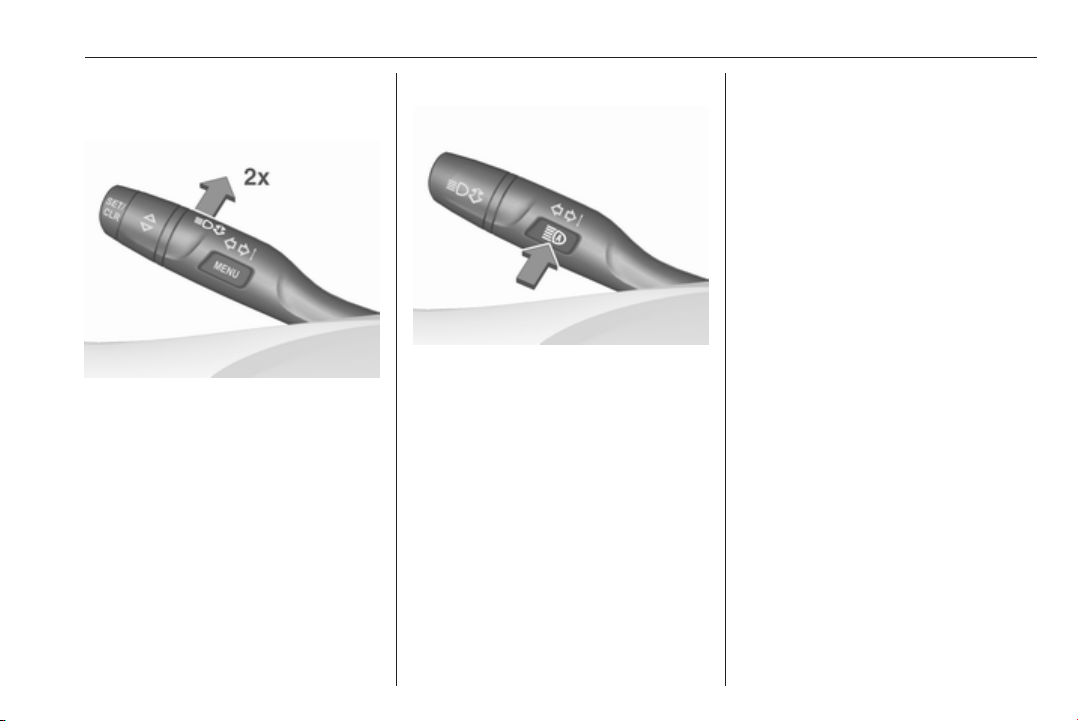
Lighting 137
Activation
Turn signal lever with MENU button
The high beam assist is activated by
pushing the turn signal lever twice at
a speed above 40 km/h.
Turn signal lever with f button
The green control indicator f
illuminates continuously when the
assist is activated, the blue one 7
illuminates when high beam is on.
Control indicator f 3 111.
Deactivation
With high beam on, pull the turn signal
lever once to deactivate high beam
assist. If a headlight flash is activated
when the high beam is off, the high
beam assist will remain activated.
Pushing the indicator lever to activate
manual high beam will deactivate
high beam assist. It is also
deactivated when fog lights are
switched on.
Turn signal lever with MENU button:
when high beam is off, push indicator
lever twice to deactivate high beam
assist.
Turn signal lever with f button:
press f once to deactivate high
beam assist.
The latest setting of the high beam
assist is being stored and remains set
when the ignition is switched on
again.
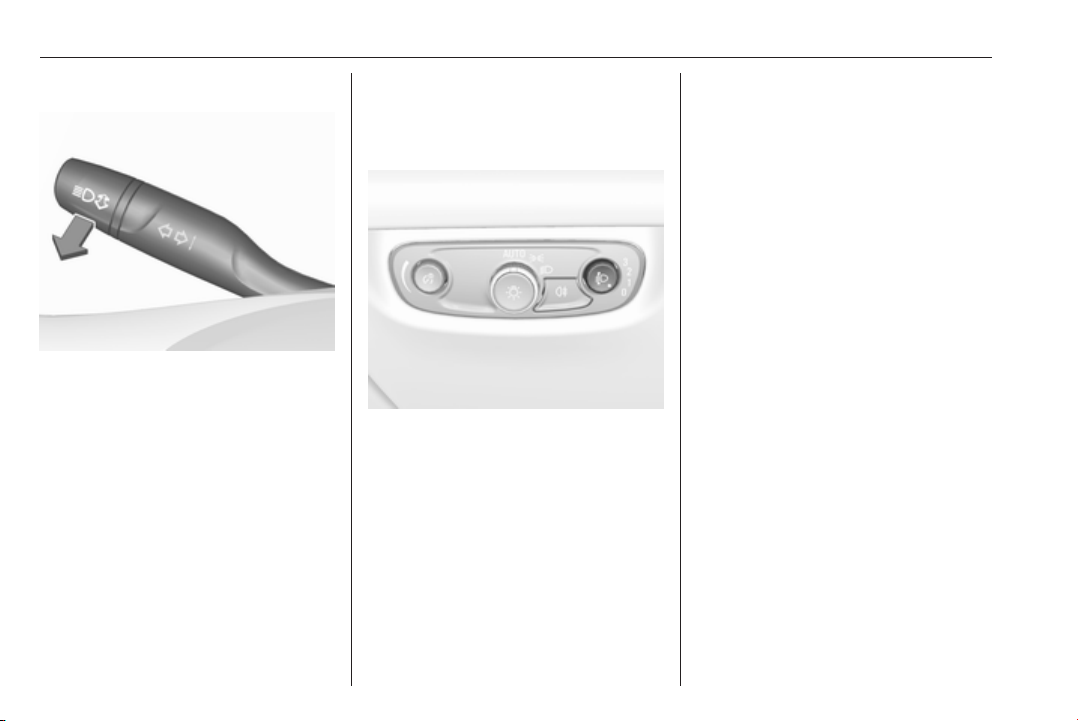
138 Lighting
Headlight flash
To activate the headlight flash, pull
lever.
Pulling lever deactivates high beam.
LED headlights 3 139.
Headlight range adjustment
Manual headlight range
adjustment
To adapt headlight range to the
vehicle load to prevent dazzling: push
and then turn ? to required position.
0 : front seats occupied
1 : all seats occupied
2 : all seats occupied and load
compartment laden
3 : driver's seat occupied and load
compartment laden
Dynamic automatic headlight
levelling 3 139.
Headlights when driving
abroad
The asymmetrical headlight beam
extends visibility at the edge of the
road at the passenger side.
However, when driving in countries
where traffic drives on the opposite
side of the road, adjust the headlights
to prevent dazzling of oncoming
traffic.
Vehicles with halogen headlight
system
The headlights do not have to be
adjusted.
Vehicles with LED headlight
Headlights can be set for driving on
the opposite side of the road in the
vehicle personalisation menu via the
Info-Display.
Select the relevant setting in Settings,
I Vehicle.
Info-Display 3 120.
Vehicle personalisation 3 126.
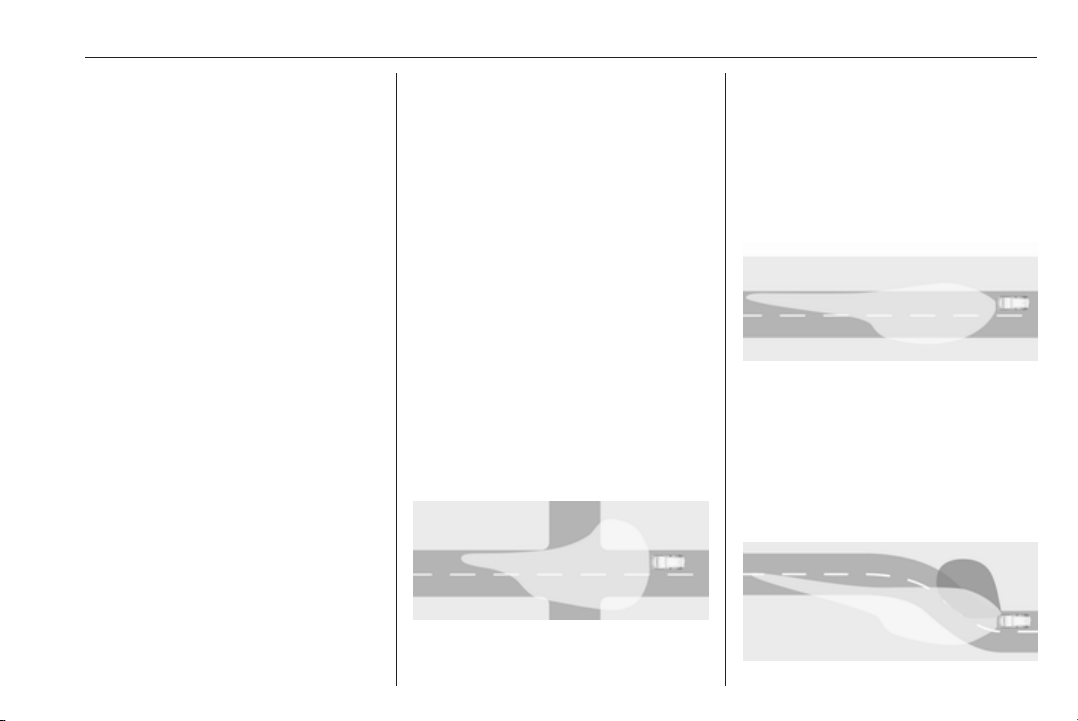
Lighting 139
Every time the ignition is switched on,
f flashes for approx. four seconds as
a reminder.
To deactivate, use the same
procedure as described above. f will
not flash when function is
deactivated.
Control indicator f 3 111.
Daytime running lights
Daytime running lights increase
visibility of the vehicle during daylight.
They are switched on automatically
during daytime when engine is
running.
The system switches between
daytime running lights and headlights
automatically, depending on the
lighting conditions. Automatic light
control 3 136.
LED headlights
LED headlight system contains a
variety of particular LEDs in each
headlight which enables the control of
different lighting programs.
Light distribution and intensity of light
are variably triggered depending on
the lighting conditions, road type and
driving situation. The vehicle adapts
the headlights automatically to the
situation to enable optimal light
performance for the driver.
Some functions of the LED headlights
can be deactivated or activated in the
vehicle personalisation menu. Select
the relevant setting in Settings, I
Vehicle in the Info-Display. Vehicle
personalisation 3 126.
High beam assist can not be
deactivated.
The following lighting functions are
available with light switch in position
AUTO or 9.
Town light
Activated automatically at a speed up
to approx. 55 km/h and in situations
with exterior ambient light. The light is
wide and symmetrical. A special
beam pattern is designed to avoid
glare for other road users.
Country light
Activated automatically at a speed
above approx. 55 km/h when driving
in rural areas. The illumination of the
current lane and the side of the road
is improved. Oncoming and
preceding vehicles are not dazzled.
Curve light
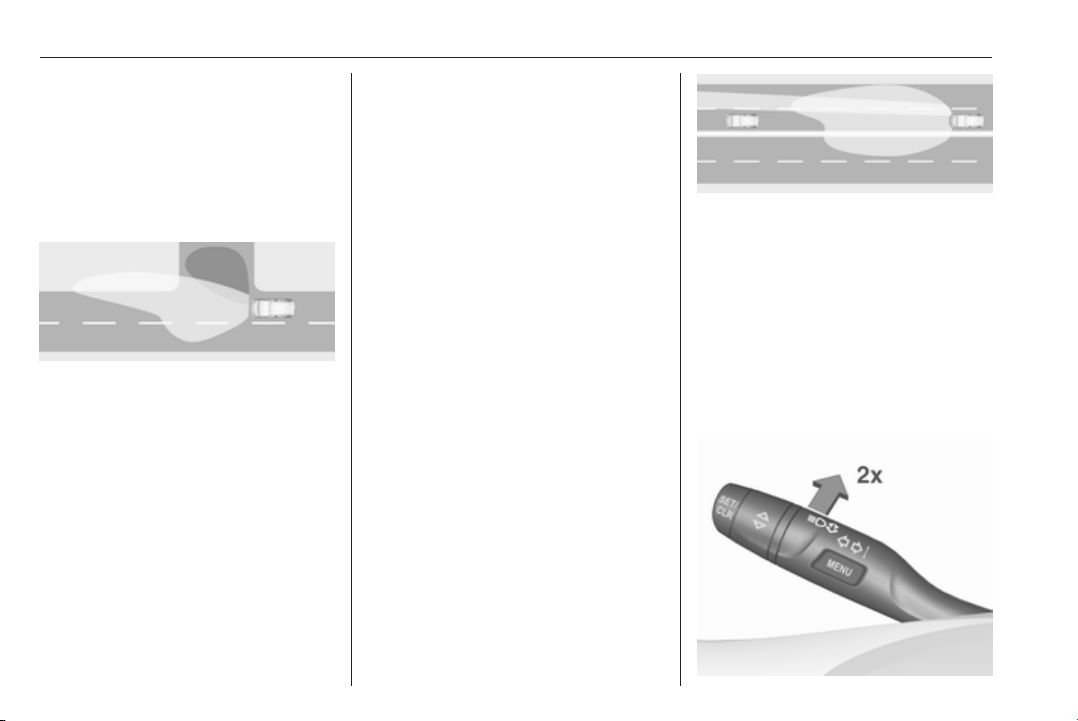
140 Lighting
Particular LEDs, based on steering
angle and speed, are additionally
triggered to improve lighting in
curves. This function is activated at
speeds from 40 km/h to 70 km/h and
reacts to steering angle.
Corner light
When turning off, depending on the
steering angle and the turn signal
light, particular LEDs are triggered
which illuminate the direction of
travel. It is activated up to a speed of
40 km/h.
Reverse parking function
To assist driver's orientation when
parking, both corner lights and
reversing light illuminate when
headlights are on and reverse gear is
engaged. They remain illuminated for
a short time after disengaging reverse
gear or until driving faster than
7 km/h in a forward gear.
High beam assist
This feature allows the high beam to
function as main driving light at night.
The camera in the windscreen
detects the lights of oncoming or
preceding vehicles. Each LED on
right or left side can be triggered or
faded out particularly according to the
traffic situation. This gives the best
light distribution without dazzling
other road users. Once activated,
high beam assist remains active and
switches high beam on and off
depending on surrounding
conditions. The latest setting of the
high beam assist will remain after the
ignition is switched on again.
High beam assist includes a special
motorway mode. When driving faster
than 115 km/h on motorways, the light
beam becomes smaller to avoid
dazzling of oncoming traffic. When
following vehicles ahead or passing,
mirror dazzling for these vehicles is
reduced.
Activation
Indicator lever with MENU button
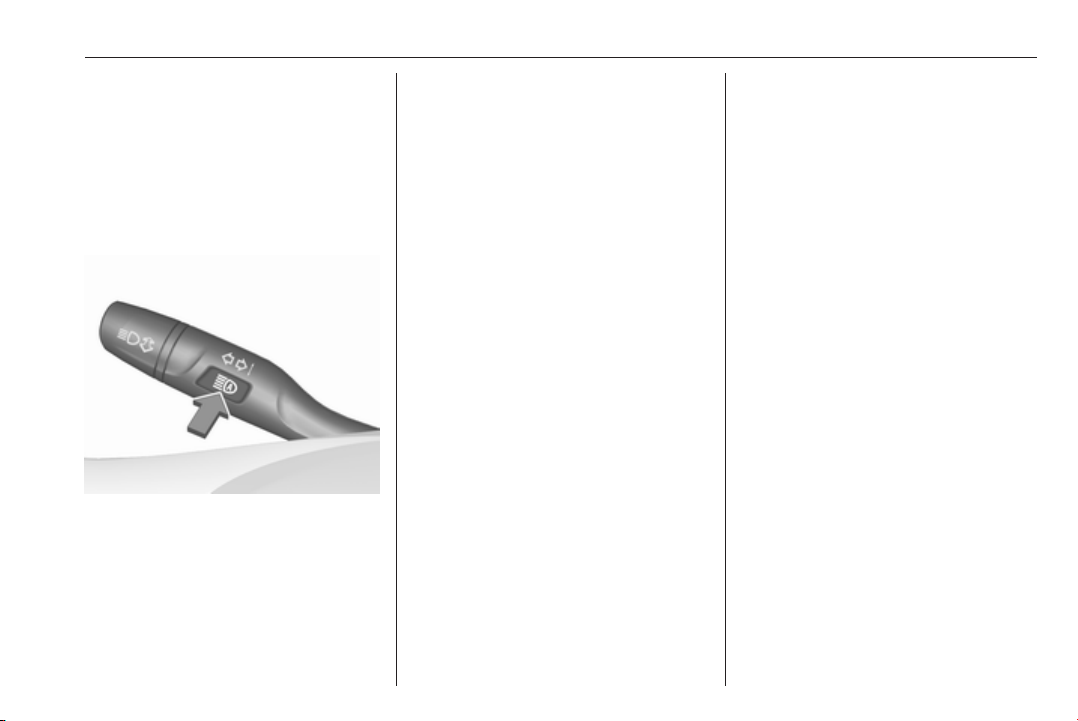
Lighting 141
Activate high beam assist by pushing
the indicator lever twice. High beam is
switched on automatically at a speed
above 50 km/h. High beam is
switched off at a speed below
35 km/h, but high beam assist
remains active.
Indicator lever with f button
Activate high beam assist by pressing
f once. High beam is switched on
automatically at a speed above
50 km/h. High beam is switched off at
a speed below 35 km/h, but high
beam assist remains active.
The green control indicator f
illuminates continuously when the
high beam assist is activated, the blue
one 7 illuminates when high beam is
on.
Control indicator f 3 111, 7
3 111.
Pressing indicator lever once
switches on manual high beam
without high beam assist.
High beam assist switches
automatically to low beam when:
● Driving in urban areas.
● Camera detects heavy fog.
● Front or rear fog lights are
switched on.
If there are no restrictions detected,
the system switches back to high
beam.
Deactivation
Indicator lever with or without MENU
button
If high beam assist is active and high
beam is on, pull indicator lever once
to deactivate high beam assist.
If high beam assist is active and high
beam is off, push indicator lever twice
to deactivate high beam assist.
Pushing the indicator lever to activate
manual high beam will also
deactivate high beam assist.
Indicator lever with f button
If high beam assist is active and high
beam is on, press f once or pull
indicator lever once to deactivate high
beam assist.
If high beam assist is active and high
beam is off, press f once to
deactivate high beam assist.
Pushing the indicator lever to activate
manual high beam will also
deactivate high beam assist.
Headlight flash in conjunction with
high beam assist
Headlight flash by pulling indicator
lever once will not deactivate high
beam assist when high beam is off.
Headlight flash by pulling indicator
lever once deactivates high beam
assist when high beam is on.
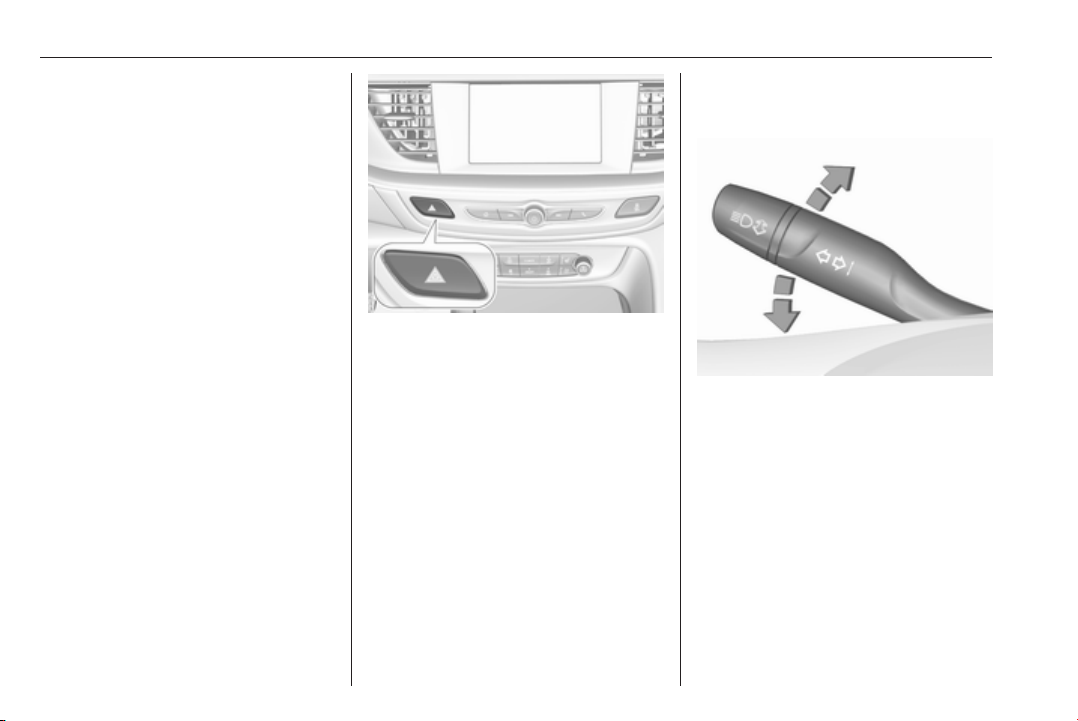
142 Lighting
Dynamic automatic headlight
levelling
To prevent oncoming traffic from
being dazzled, headlight levelling is
automatically adjusted based on
inclination information measured by
front and rear axle, acceleration or
deceleration and vehicle speed.
Headlights when driving abroad
3 138.
Fault in LED headlight system
When the system detects a failure in
the LED headlight system, it selects a
preset position to avoid dazzling of
oncoming traffic. A warning is
displayed in the Driver Information
Centre.
Hazard warning flashers
Operated by pressing ¨.
In the event of an accident with airbag
deployment, the hazard warning
flashers are activated automatically.
Turn and lane-change
signals
lever up : right turn signal
lever down : left turn signal
A resistance point can be felt by
moving the lever.
Constant flashing is activated when
the lever is being moved beyond the
resistance point. It is deactivated
when the steering wheel is moved in
the opposite direction or lever is
manually moved back to its neutral
position.
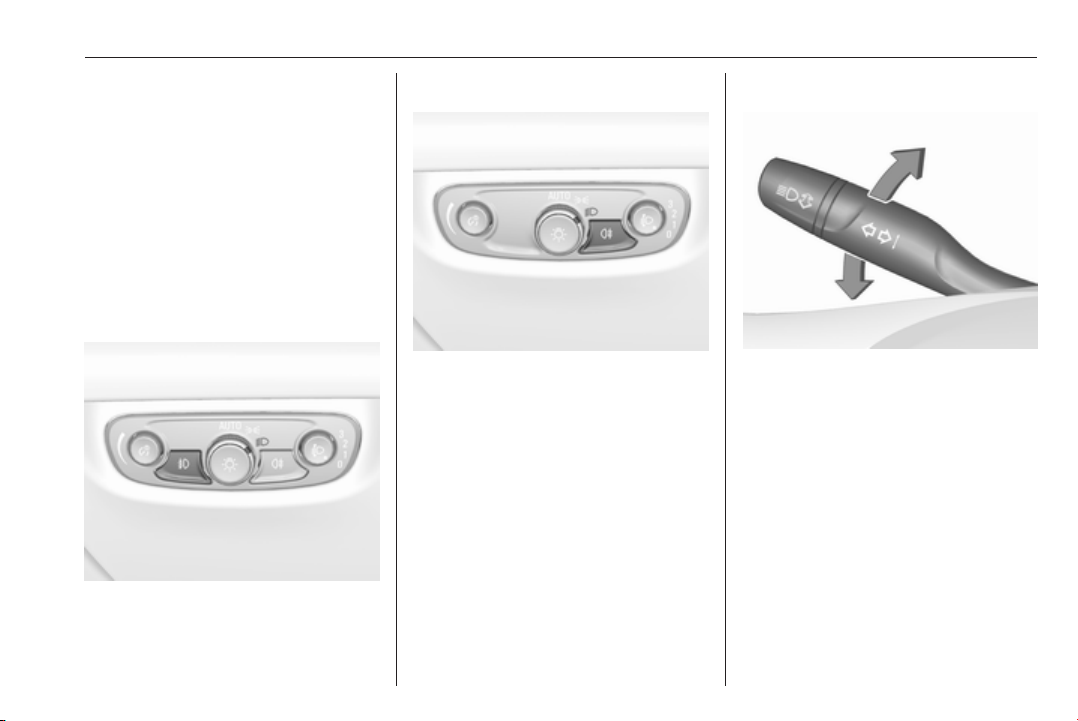
Lighting 143
Activate temporary flashing by
holding the lever just before the
resistance point. Turning lights will
flash until lever is being released.
To activate three flashes, tap the
lever briefly without passing the
resistance point. With a trailer
connected, the turn signal flashes
six times and tone frequency
changes.
Front fog lights
Operated by pressing >.
Light switch in position AUTO:
switching on front fog lights will switch
headlights on automatically.
Rear fog light
Operated by pressing ø.
Light switch in position AUTO:
switching on rear fog light will switch
headlights on automatically.
Light switch in position 8: rear fog
light can only be switched on with
front fog lights.
The vehicle rear fog light is
deactivated when towing a trailer or a
plug is connected with the socket, e.
g. when a bicycle carrier is used.
Parking lights
When the vehicle is parked, the
parking lights on one side can be
activated:
1. Switch off ignition.
2. Move turn signal lever all the way
up (right parking lights) or down
(left parking lights).
Confirmed by a signal and the
corresponding turn signal control
indicator.
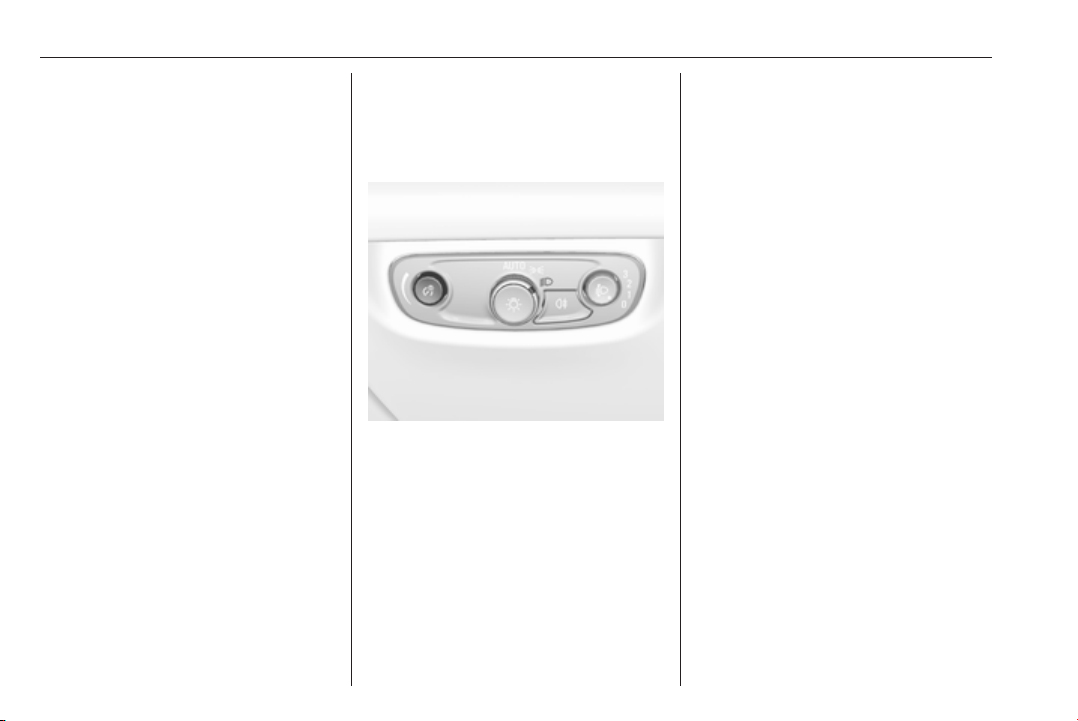
144 Lighting
Reversing lights
The reversing light comes on when
the ignition is on and reverse gear is
selected.
Misted light covers
The inside of the light housing may
mist up briefly in poor, wet and cold
weather conditions, in heavy rain or
after washing. The mist disappears
quickly by itself; to help switch on the
headlights.
Interior lighting
Instrument panel
illumination control
Brightness of the following lights can
be adjusted in position AUTO when
the light sensor detects night
conditions, or in position 8 or 9.
● instrument panel illumination
● Info-Display
● illuminated switches and
operation elements
Push and then turn A until the desired
brightness is obtained.
Interior lights
During entry and exit of the vehicle,
the front and rear courtesy lights
automatically switch on and then off
after a delay.
Note
In the event of an accident with
airbag deployment the courtesy
lights are turned on automatically.
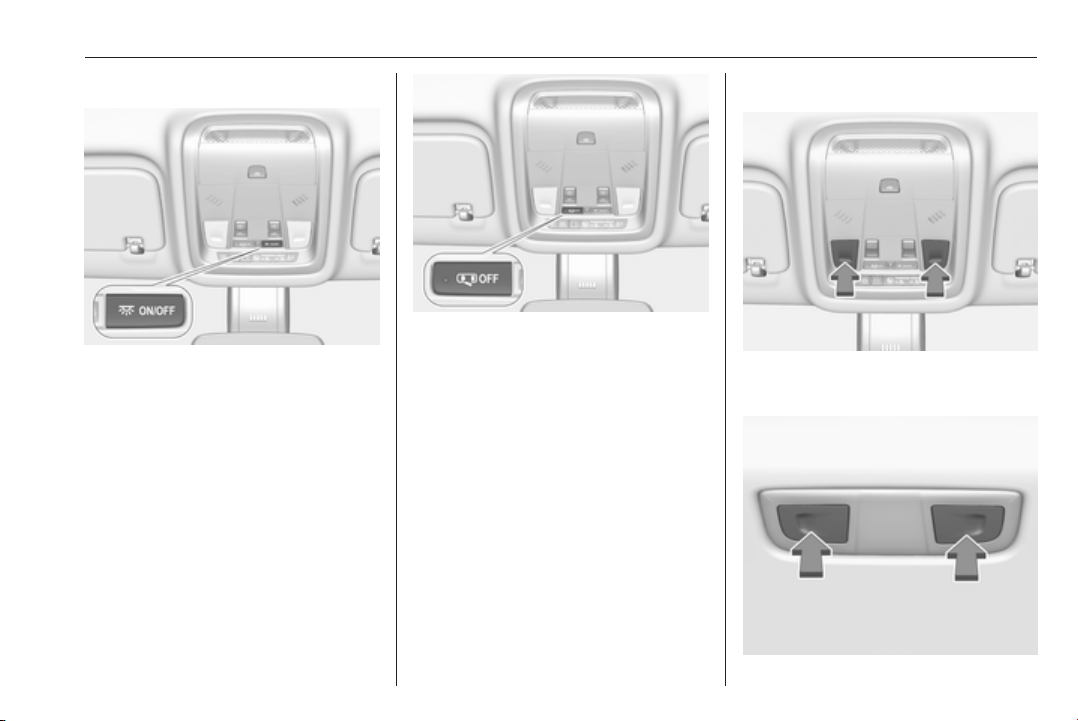
Lighting 145
Front courtesy light
press
-
: interior lights are
switched on or off
manually
press
%
: interior lights are not
automatically switched
on when a door is
opened. Deactivation is
indicated by a LED in the
switch.
Rear courtesy lights
Illuminate in conjunction with the front
courtesy light.
Reading lights
Operated by pressing the respective
reading light.

146 Lighting
Illustration shows rear reading light.
Sunvisor lights
Illuminates when the cover is opened.
Lighting features
Centre console lighting
Spotlight incorporated in the interior
lighting comes on when headlights
are switched on.
Entry lighting
Welcome lighting
The following lights are switched on
for a short time by unlocking the
vehicle with the electronic key:
● headlights
● puddle lights in both outside
mirrors
● tail lights
● number plate lights
● instrument panel light
● interior lights
Some functions are only operable
when it is dark outside to facilitate
locating the vehicle.
The lighting switches off immediately
when the ignition is switched on.
Starting off 3 18.
This function can be activated or
deactivated in the vehicle
personalisation.
Select the relevant setting in Settings,
I Vehicle in the Info-Display.
Info-Display 3 120.
Vehicle personalisation 3 126.
The settings can be saved for the key
being used 3 22.
The following lights will additionally
switch on when the driver's door is
opened:
● illumination of some switches
● Driver Information Centre
● door pocket lights
Exit lighting
The following lights will switch on
when the ignition is switched off:
● interior lights
● instrument panel light
● puddle lights in both outside
mirrors
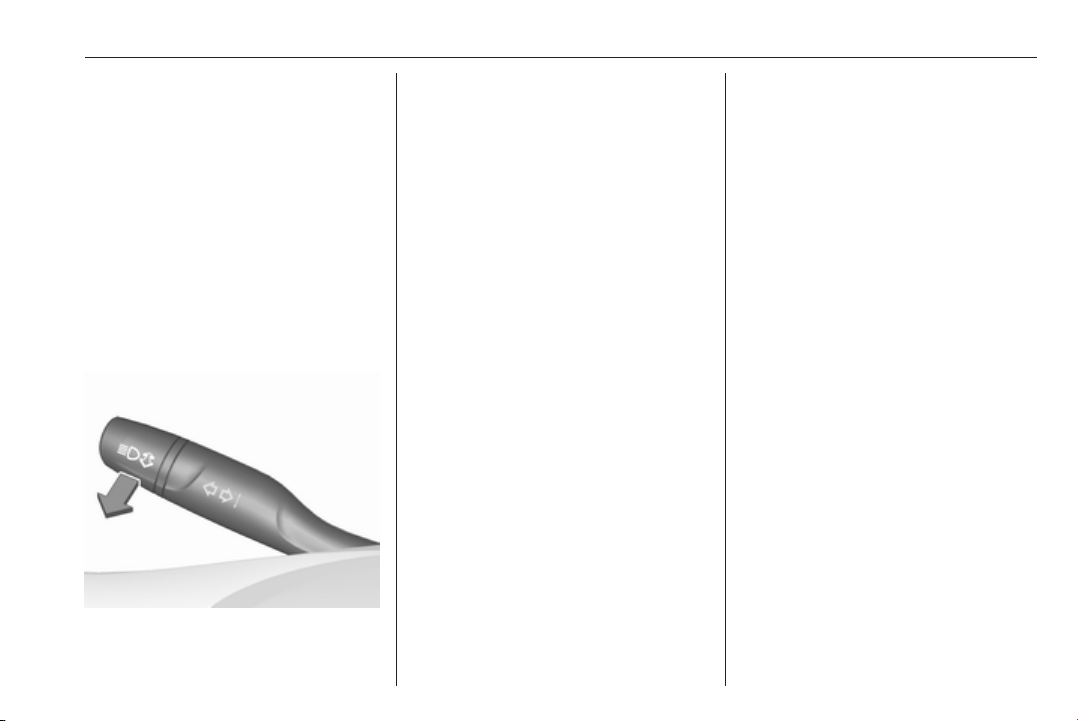
Lighting 147
They will switch off automatically after
a delay. This function works only in
the dark. Theatre lighting is activated
if the driver's door is opened during
this time.
Path lighting
Headlights, tail lights and number
plate lights illuminate the surrounding
area for an adjustable time after
leaving the vehicle.
Activating
Halogen headlights
1. Switch off the ignition.
2. Open the driver's door.
3. Pull the turn signal lever.
4. Close the driver's door.
If the driver's door is not closed, the
lights switch off after two minutes.
Exit lighting is switched off
immediately if the turn signal lever is
pulled while the driver's door is open.
LED headlights
Path lighting is activated, when the
ignistion is switched off and the
driver's door is opened.
This function can be activated or
deactivated in the vehicle
personalisation.
Select the relevant setting in Settings,
I Vehicle in the Info-Display.
Info-Display 3 120.
Vehicle personalisation 3 126.
The settings can be saved for the key
being used 3 22.
Battery discharge protection
Vehicle battery state of charge
function
The function guarantees longest
vehicle battery life via a generator
with controllable power output and
optimised power distribution.
To prevent discharge of the vehicle
battery when driving, the following
systems are reduced automatically in
two stages and finally switched off:
● auxiliary heater
● heated rear and front window
● heated steering wheel
● heated mirrors
● heated seats
● fan
In the second stage, a message
which confirms the activation of the
vehicle battery discharge protection
will be displayed in the Driver
Information Centre.

148 Lighting
Switching off electric lights
To prevent discharge of the vehicle
battery when the ignition is switched
off, some interior lights are switched
off automatically after some time.
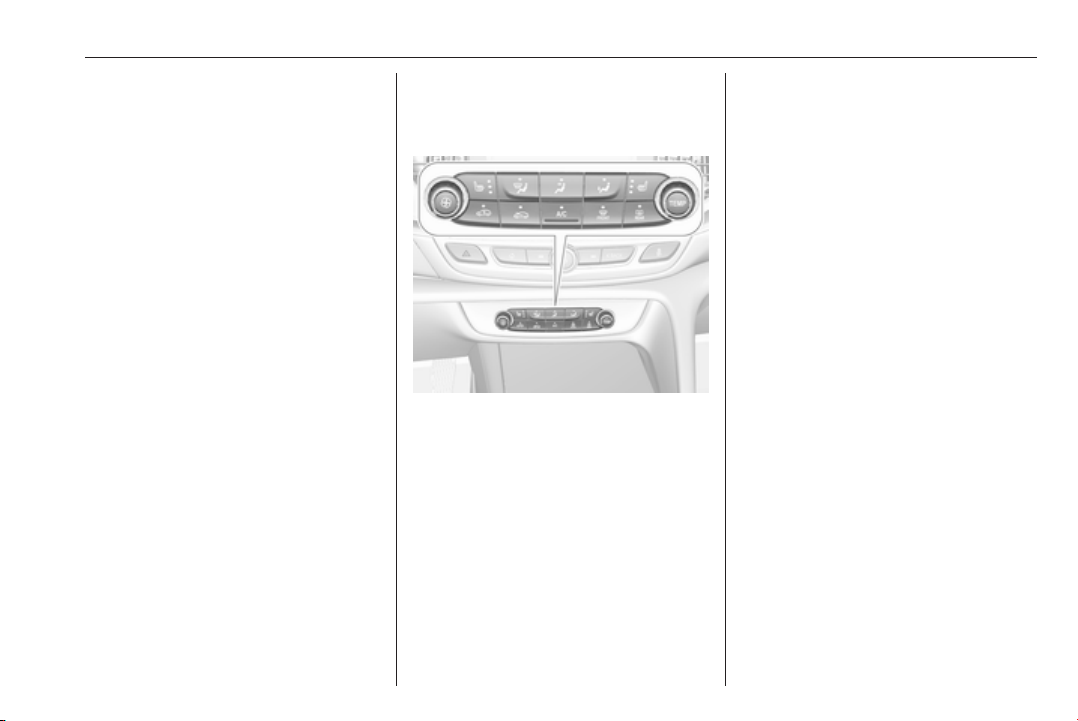
Climate control 149
Climate control
Climate control systems ............. 149
Air conditioning system ........... 149
Electronic climate control
system .................................... 152
Auxiliary heater ........................ 158
Air vents ..................................... 158
Adjustable air vents ................. 158
Fixed air vents ......................... 159
Maintenance .............................. 159
Air intake ................................. 159
Air conditioning regular
operation ................................ 160
Service .................................... 160
Climate control systems
Air conditioning system
Illustration shows functions which
may not be available for your
particular vehicle.
Controls for:
●
Fan speed E
● Temperature TEMP
●
Air distribution w, x and y
● Air conditioning A/C
● Demisting and defrosting á
●
Air recirculation n
●
External air 5
● Heated rear window and exterior
mirrors b
● Heated windscreen ,
●
Heated seats ß
Some changes of settings are
indicated briefly in the Info-Display.
Activated functions are indicated by
the LED in the respective button.
Fan speed E
Adjust the air flow by turning Z to the
desired speed.
clockwise : increase
anti-clockwise : decrease
Temperature TEMP
Adjust the temperature by turning
TEMP to the desired temperature.
red area : warmer
blue area : colder
Heating will not be fully effective until
the engine has reached normal
operating temperature.
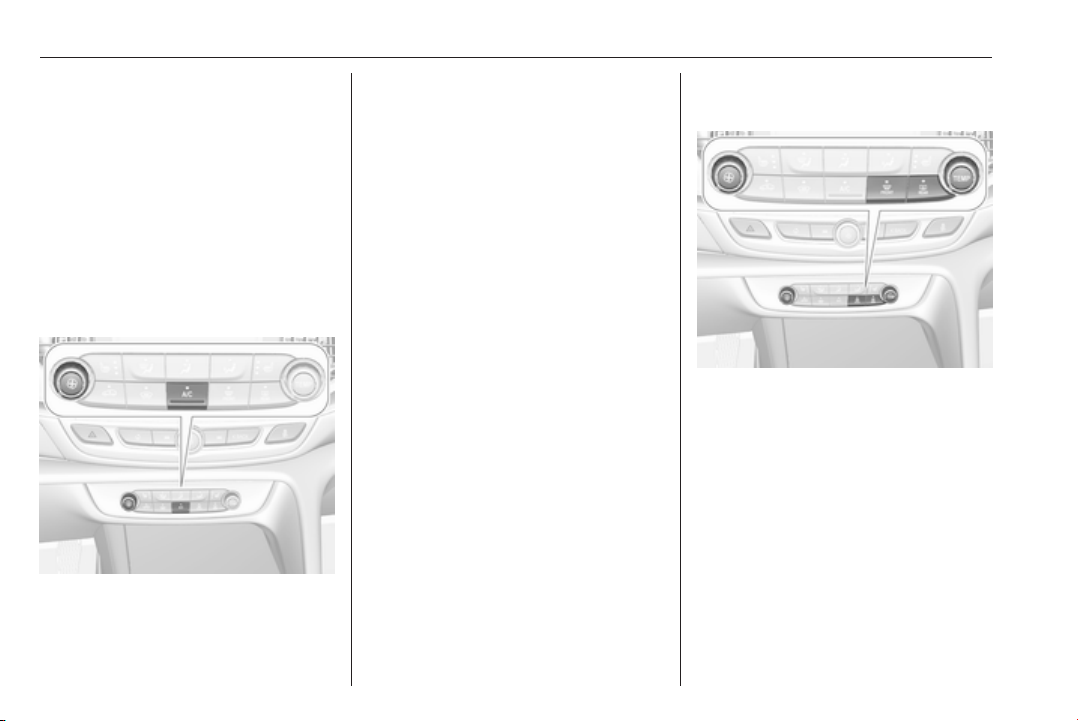
150 Climate control
Air distribution w x y
Press:
w
: to windscreen and front door
windows
x
: to head area and rear seats via
adjustable air vents
y
: to front and rear foot well and
windscreen
Combinations are possible.
Air conditioning A/C
Press A/C to switch on cooling.
Activation is indicated by the LED in
the button. Cooling is only functional
when the engine is running and
climate control fan is switched on.
Press A/C again to switch off cooling.
The air conditioning system cools and
dehumidifies (dries) as soon as the
outside temperature is slightly above
the freezing point. Therefore
condensation may form and drip from
under the vehicle.
If no cooling or drying is required,
switch off the cooling system for fuel
saving reasons.
Activated cooling may inhibit
Autostops. Stop-start system 3 166.
Demisting and defrosting the
windows á
● Press á: fan automatically
switches to higher speed, the air
distribution is directed towards
the windscreen.
● Set temperature controller
TEMP to warmest level.
● Switch on air conditioning A/C if
required.
● Switch on heated rear window b.
● Switch on heated
windscreen , if available.
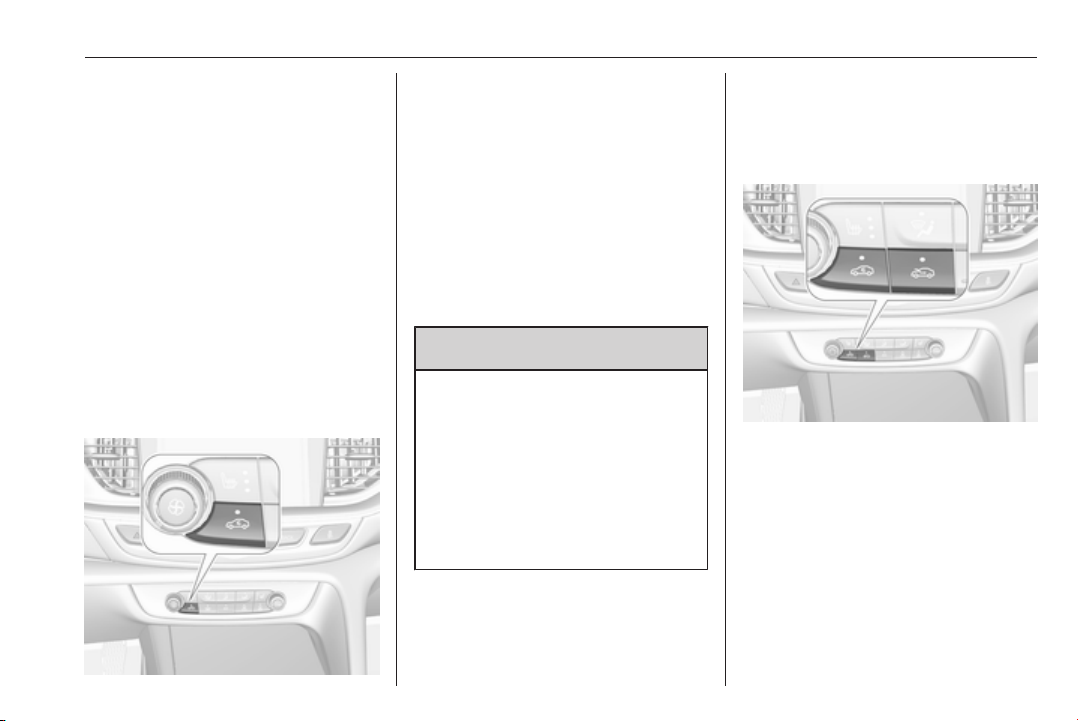
Climate control 151
● Open side air vents as required
and direct them towards the door
windows.
● For maximum demisting and
defrosting set fan speed to
highest level.
Note
If á is pressed while the engine is
running, an Autostop will be inhibited
until á is pressed again.
If á is pressed while the engine is in
an Autostop, the engine will restart
automatically.
Stop-start system 3 166.
Air recirculation system n
Press n to activate air recirculation
mode, LED is indicated.
Select air recirculation to assist in
cooling the interior or in blocking
outside odours or exhaust.
Press n again to deactivate air
recirculation mode.
On version without heated
windscreen, press 5 to deactivate
air recirculation. External air mode is
activated.
9 Warning
The exchange of fresh air is
reduced in air recirculation mode.
In operation without cooling the air
humidity increases, so the
windows may mist up from inside.
The quality of the passenger
compartment air deteriorates,
which may cause the vehicle
occupants to feel drowsy.
In warm and very humid ambient air
conditions, the windscreen may mist
up from outside when cold air is
directed towards it. If windscreen
mists up from outside, activate
windscreen wiper and deactivate w.
External air mode 5
Press 5 to activate external air
mode, LED is indicated.
Press n to activate air recirculation
mode. External air mode is
deactivated.
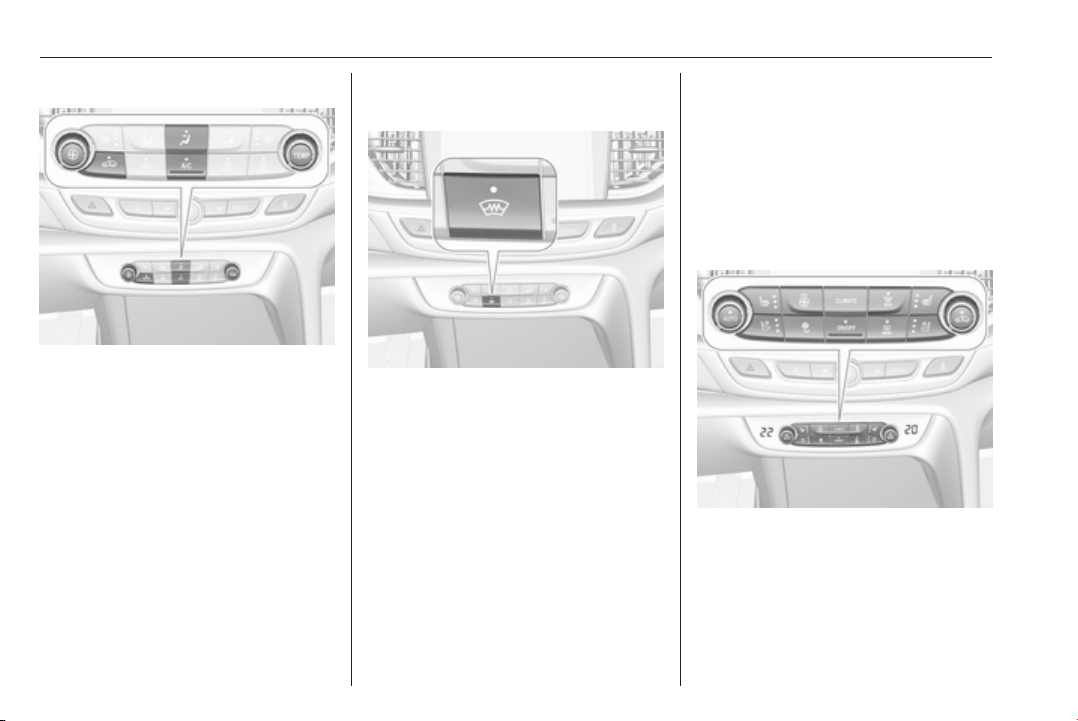
152 Climate control
Maximum cooling
Briefly open the windows so that hot
air can disperse quickly.
● Switch on air conditioning A/C.
●
Press n for air recirculation
system on.
●
Press x for air distribution.
● Set temperature control TEMP to
coldest level.
●
Set fan speed E to highest level.
● Open all vents.
Version with heated
windscreen ,
If the vehicle is equipped with heated
windscreen, button 5 is replaced by
button ,.
Heated rear window and exterior
mirrors b
3 41
Heated windscreen ,
3 42.
Heated seats q
3 53.
Electronic climate control
system
The dual zone climate control allows
different temperatures for driver side
and front passenger side.
In automatic mode, temperature, fan
speed and air distribution are
regulated automatically.
Illustration shows functions which
may not be available for your
particular vehicle.
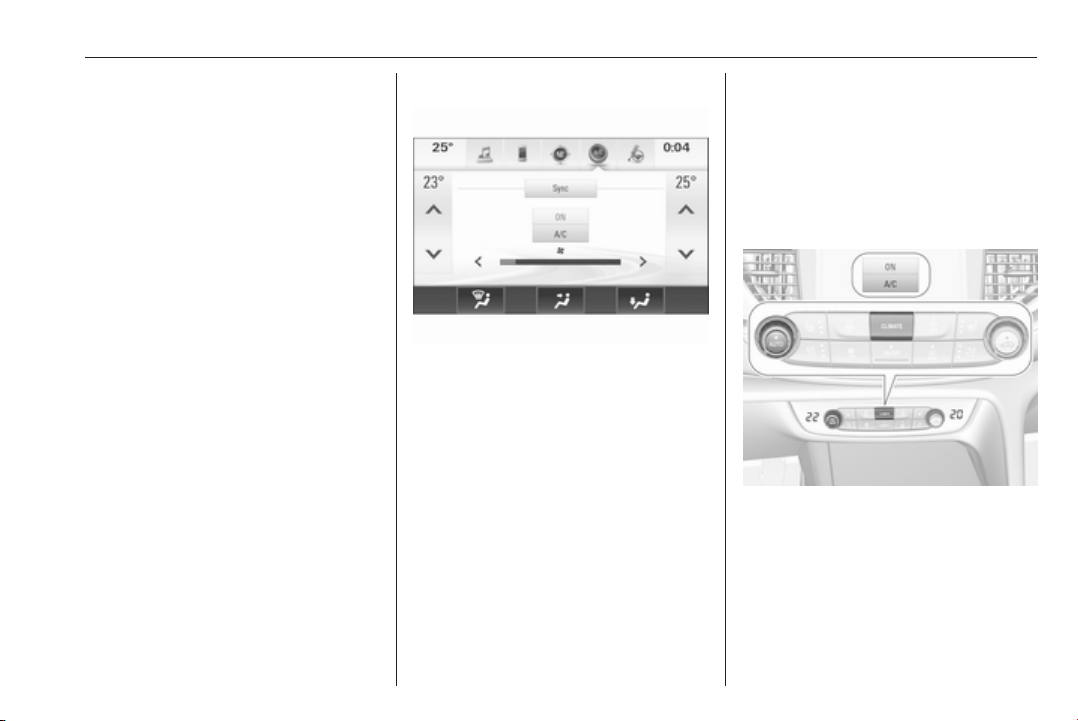
Climate control 153
Controls for:
● Control dial for temperature on
driver side
● Control dial for temperature on
passenger side
● CLIMATE enters the Climate
setting menu in the Info-Display
● Fan speed increase ( and
decrease )
● Climate control ON/OFF or â
● Automatic mode AUTO
●
Manual air recirculation n
● Demisting and defrosting à
● Heated rear window and exterior
mirrors b
● Heated windscreen ,
●
Heated seats q
●
Ventilated seats r
Activated functions are indicated by
the LED in the respective control.
The electronic climate control system
is only fully operational when the
engine is running.
Climate setting menu CLIMATE
Settings for
●
Air distribution w, x, y
●
Fan speed E
● Temperature for driver and
passenger side 23°/25°
● Dual zone temperature
synchronisation SYNC
● Air conditioning ON/OFF
can be triggered manually in the
Climate setting menu. Press
CLIMATE to enter the menu and
follow the touch buttons.
Climate setting menu can also be
displayed by touching button ã in the
Info-Display 3 120.
Changes of settings via the controls
are indicated as pop up in the
Info-Display.
Automatic mode AUTO
Basic settings for automatic control
with maximum comfort:
● Press AUTO, the air distribution
and fan speed are regulated
automatically.
● Open all air vents to allow
optimised air distribution in
automatic mode.
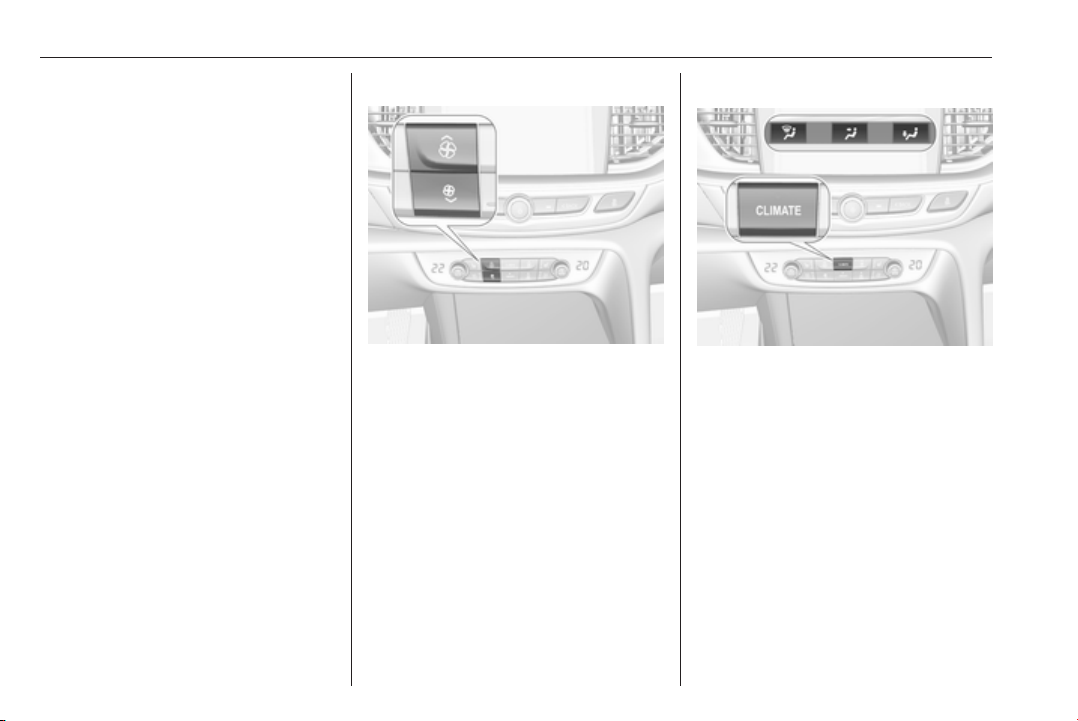
154 Climate control
● Cooling must be activated in the
climate setting menu for optimal
cooling and demisting. Press
Climate to enter the menu and
follow the touch button to switch
on air conditioning A/C.
● Set the preselected
temperatures separately for
driver and front passenger using
the left and right control dials.
Recommended temperature is
22 °C. Temperature is indicated
briefly in displays beside the
control dials and in the climate
setting menu.
●
Air recirculation mode n should
be deactivated. When
deactivated the LED in the button
is not illuminated.
Manual settings
Climate control system settings can
be changed by activating the
following functions as described
below.
Fan speed ( )
Press upper button ( to increase or
lower button ) to decrease fan speed.
The fan speed is indicated as pop-up
in the Info Display. Fan speed can
also be changed by touch buttons in
the climate setting display. Press
Climate to enter the menu.
Pressing the lower button ) for longer:
fan and cooling are switched off.
To return to automatic mode press
AUTO.
Air distribution w, x, y
Press Climate to enter the menu.
Touch:
w
: to windscreen and front door
windows
x
: to head area and rear seats via
adjustable air vents
y
: to front and rear foot well and
windscreen
To return to automatic air distribution
press AUTO.
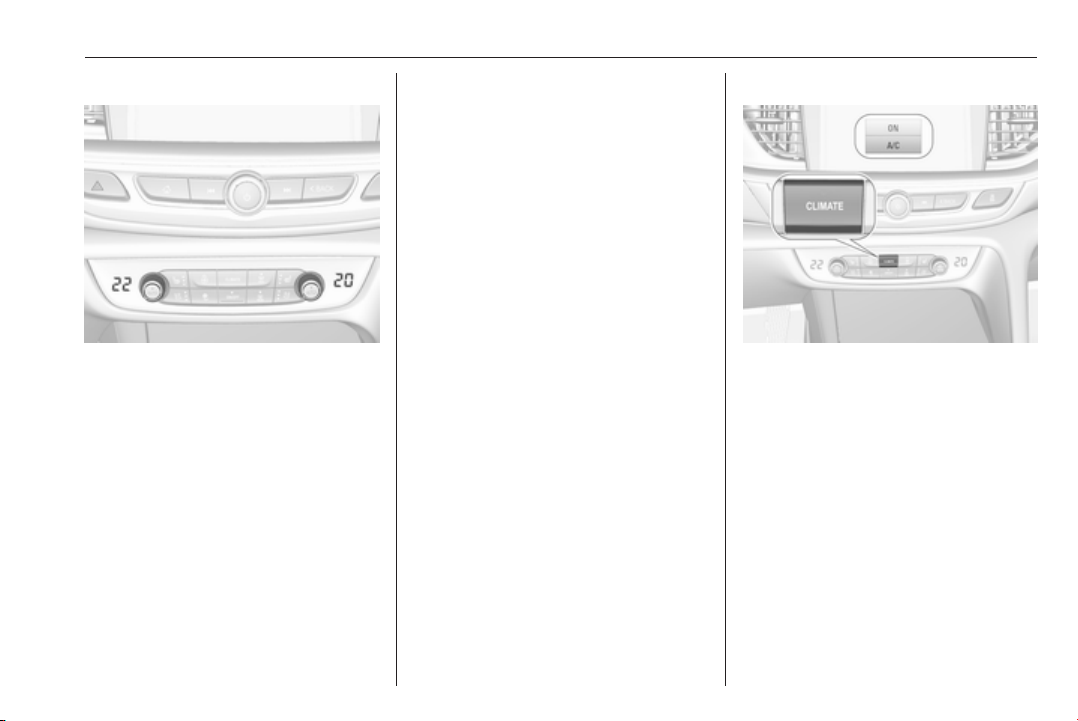
Climate control 155
Temperature preselection
Set the preselected temperatures
separately for driver and front
passenger to the desired value using
the left and right control dials. The
knob on the passenger side changes
the temperature for the passenger
side. The knob on the driver's side
changes the temperature for the
driver's side or for both sides
depending on activation of
synchronisation SYNC.
Recommended temperature is 22 °C.
Temperature is indicated in displays
beside the control dials and as pop-
up in the Info-Display.
If the minimum temperature Lo is set,
the climate control system runs at
maximum cooling, if cooling A/C is
switched on.
If the maximum temperature Hi is set,
the climate control system runs at
maximum heating.
Note
If A/C is switched on, reducing the
set cabin temperature can cause the
engine to restart from an Autostop or
inhibit an Autostop.
Stop-start system 3 166.
Dual zone temperature
synchronisation SYNC
Press Climate to enter the menu.
Touch SYNC to link passenger side
temperature setting to the driver side.
When passenger side control dial will
be adjusted, synchronisation is
deactivated.
Air conditioning A/C
Press Climate to enter the menu and
follow the touch button to switch air
conditioning A/C ON or A/C OFF.
Cooling is only functional when the
engine is running and climate control
fan is switched on.
The air conditioning system cools and
dehumidifies (dries) when outside
temperature is above a specific level.
Therefore condensation may form
and drip from under the vehicle.
If no cooling or drying is required,
switch off the cooling system for fuel
saving reasons.
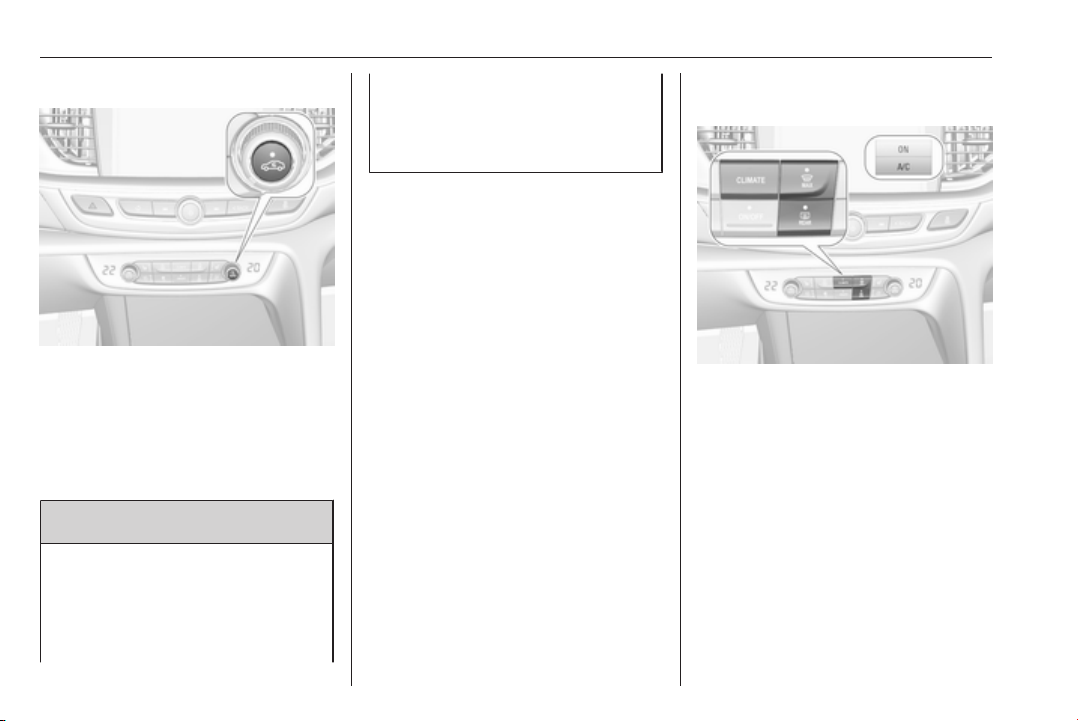
156 Climate control
Manual air recirculation n
Press n to activate the air
recirculation mode. The LED in the
button illuminates to indicate
activation.
Press n again to deactivate
recirculation mode.
9 Warning
The exchange of fresh air is
reduced in air recirculation mode.
In operation without cooling the air
humidity increases, so the
windows may mist up from inside.
The quality of the passenger
compartment air deteriorates,
which may cause the vehicle
occupants to feel drowsy.
In warm and very humid ambient air
conditions, the windscreen may mist
up from outside, when cold air is
directed towards it. If windscreen
mists up from outside, activate
windscreen wiper and deactivate w.
Automatic air recirculation
An air humidity sensor switches
automatically to external air if internal
air humidity is too high.
Demisting and defrosting the
windows à
● Press à. The LED in the button
illuminates to indicate activation.
● Temperature and air distribution
are set automatically and the fan
runs at high speed.
● Switch on air conditioning
A/C ON in Climate setting menu
by pressing Climate, if required.
● Switch on heated rear window b.
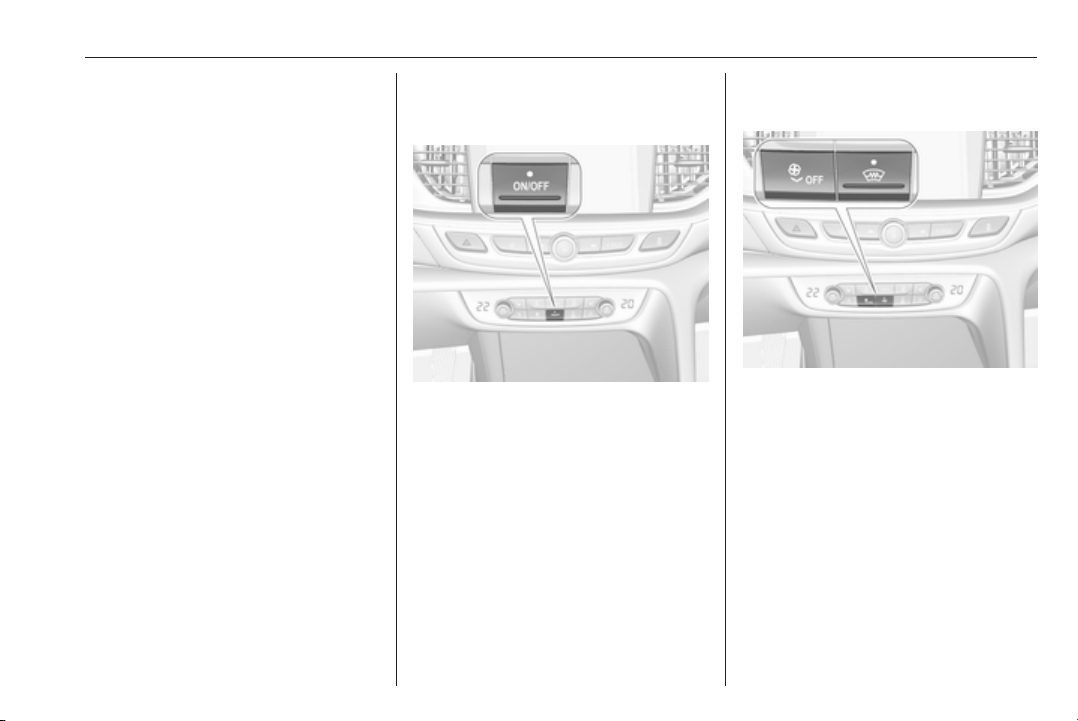
Climate control 157
● Switch on heated
windscreen , if available.
● To return to previous mode press
à again, to return to automatic
mode press AUTO.
Note
If à is pressed while the engine is
running, an Autostop will be inhibited
until à is pressed again.
If à is pressed while the engine is in
an Autostop, the engine will restart
automatically.
Stop-start system 3 166.
Deactivation or activation of
Electronic climate control system
ON/OFF
Cooling, fan and automatic mode can
be switched off by pressing ON/OFF.
When the system is deactivated, the
LED in the button ON/OFF is not
illuminated.
Activation by pressing ON/OFF again
or AUTO. The LED in the button
illuminates to indicate activation.
Version with heated
windscreen ,
If the vehicle is equipped with heated
windscreen, button ON/OFF is
replaced by button ,.
Climate control system will then
switched off by button â. Switch on
by pressing (.
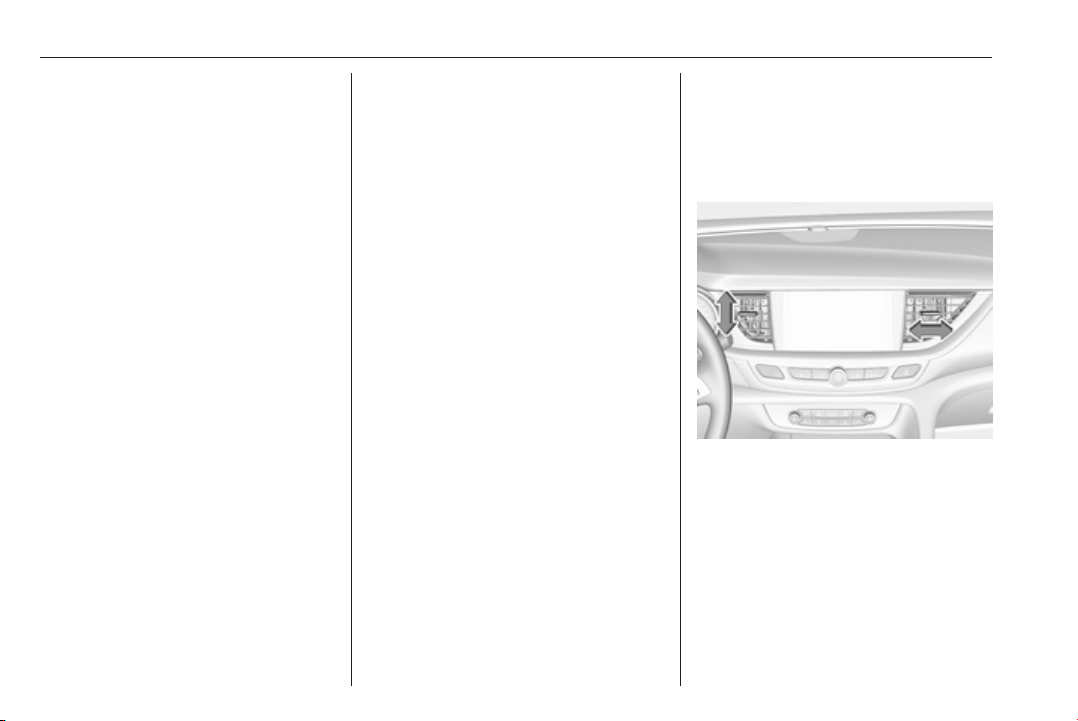
158 Climate control
Basic settings
Following settings can be changed in
the Personalisation menu in the
Info-Display:
● fan speed regulation in automatic
mode.
● settings of automatic rear window
heating.
● settings of automatic windscreen
dehumidification
● settings of automatic seat
heating
Vehicle personalisation 3 126.
Heated rear window and exterior
mirrors b
3 41
Heated windscreen ,
3 42.
Heated seats q
3 53.
Ventilated seats r
3 53
Auxiliary heater
Air heater
Quickheat is an electric auxiliary air
heater which automatically warms up
the passenger compartment more
quickly.
Air vents
Adjustable air vents
At least one air vent must be open
while cooling is on.
Illustration shows centre air vents in
instrument panel.

Climate control 159
Illustration shows outer air vents in
instrument panel.
Illustration shows air vents for rear
passenger.
Direct the flow of air by tilting and
swivelling the slats.
To close the vent, swivel the slat
sideways.
9 Warning
Do not attach any objects to the
slats of the air vents. Risk of
damage and injury in case of an
accident.
Fixed air vents
Additional air vents are located
beneath the windscreen and door
windows and in the foot wells.
Maintenance
Air intake
The air intake in front of the
windscreen in the engine
compartment must be kept clear to
allow air intake. Remove any leaves,
dirt or snow.
Cabin air filter
Change filter regulary for maximum
effect.

160 Climate control
Air conditioning regular
operation
In order to ensure continuously
efficient performance, cooling must
be operated for a few minutes once a
month, irrespective of the weather
and time of year. Operation with
cooling is not possible when the
outside temperature is too low.
Service
For optimal cooling performance, it is
recommended to annually check the
climate control system, starting
three years after initial vehicle
registration, including:
● functionality and pressure test
● heating functionality
● leakage check
● check of drive belts
● cleaning of condenser and
evaporator drainage
● performance check
● cabin air filter check

Driving and operating 161
Driving and
operating
Driving hints ............................... 162
Control of the vehicle ............... 162
Steering ................................... 162
Starting and operating ............... 162
New vehicle running-in ............ 162
Power button ........................... 163
Retained power off .................. 164
Starting the engine .................. 164
Overrun cut-off ........................ 165
Stop-start system .................... 166
Parking .................................... 168
Engine exhaust .......................... 169
Diesel particle filter .................. 169
Catalytic converter ................... 170
AdBlue ..................................... 171
Automatic transmission .............. 174
Manual transmission .................. 178
Drive systems ............................ 179
All-wheel drive ......................... 179
Brakes ........................................ 179
Antilock brake system ............. 179
Parking brake .......................... 180
Brake assist ............................. 181
Hill start assist ......................... 182
Ride control systems ................. 182
Traction Control system .......... 182
Electronic Stability Control ...... 183
Interactive driving system ........ 184
Driver assistance systems ......... 187
Cruise control .......................... 187
Speed limiter ........................... 189
Adaptive cruise control ............ 190
Forward collision alert ............. 198
Following distance indication ... 201
Active emergency braking ....... 202
Front pedestrian protection ..... 205
Parking assist .......................... 207
Side blind zone assistant ......... 215
Lane change alert .................... 217
Panoramic view system ........... 219
Rear view camera ................... 221
Rear cross traffic alert ............. 223
Traffic sign assistant ................ 224
Lane keep assist ..................... 229
Fuel ............................................ 231
Fuel for petrol engines ............. 231
Fuel for diesel engines ............ 232
Refuelling ................................ 232
Trailer hitch ................................ 234
General information ................. 234
Driving characteristics and
towing tips .............................. 235
Trailer towing ........................... 235
Towing equipment ................... 236
Trailer stability assist ............... 237

162 Driving and operating
Driving hints
Control of the vehicle
Never coast with engine not
running
Many systems will not function in this
situation (e.g. brake servo unit, power
steering). Driving in this manner is a
danger to yourself and others.
All systems function during an
Autostop.
Stop-start system 3 166.
Idle boost
If charging of the vehicle battery is
required due to battery condition, the
power output of the generator must
be increased. This will be achieved by
an idle boost which may be audible.
A message appears in the Driver
Information Centre.
Pedals
To ensure the pedal travel is
uninhibited, there must be no mats in
the area of the pedals.
Use only floor mats, which fit properly
and are fixed by the retainers on the
driver side.
Steering
If power steering assist is lost
because the engine stops or due to a
system malfunction, the vehicle can
be steered but may require increased
effort.
Starting and operating
New vehicle running-in
Do not brake unnecessarily hard for
the first few journeys.
During the first drive, smoke may
occur because of wax and oil
evaporating off the exhaust system.
Park the vehicle in the open for a
while after the first drive and avoid
inhaling the fumes.
During the running-in period, fuel and
engine oil consumption may be
higher.
Additionally, the cleaning process of
the diesel particle filter may take
place more often.
Diesel particle filter 3 169.
Autostop may be inhibited to allow for
charging of the vehicle battery.
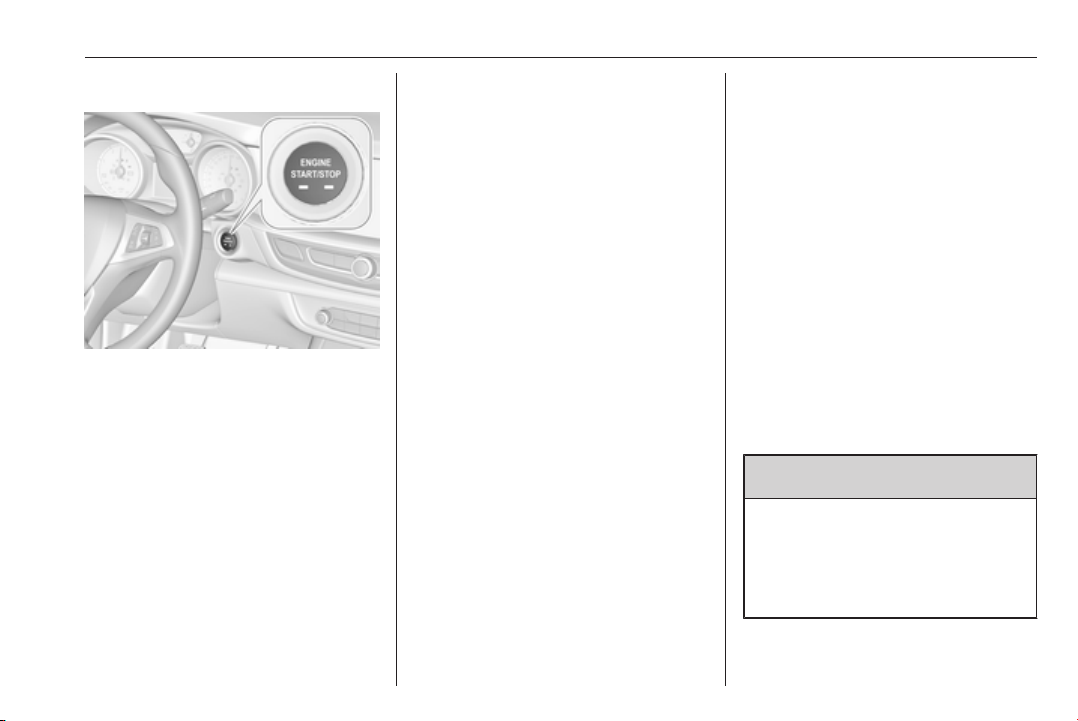
Driving and operating 163
Power button
Electronic key must be inside the
vehicle.
Accessory power mode
Press Engine Start/Stop once without
operating clutch or brake pedal. The
yellow LED in the button illuminates.
Steering wheel lock is released and
some electrical functions are
operable, ignition is off.
Ignition on power mode
Press and hold Engine Start/Stop for
six seconds without operating clutch
or brake pedal. The green LED in the
button illuminates, diesel engine is
preheating. Control indicators
illuminate and most electrical
functions are operable.
Engine start
Press Engine Start/Stop briefly while:
● manual transmission: operating
clutch pedal,
● automatic transmission:
operating brake pedal with
selector lever in P or N.
Starting the engine 3 164.
Ignition off
Press Engine Start/Stop briefly when
Autostop is activated or when engine
is running and vehicle is stationary.
Automatic transmission: apply the
parking brake and engage P.
Press Engine Start/Stop briefly
without operating clutch or brake
pedal when in ignition on power
mode.
Some functions remain active until
driver's door is opened, provided the
ignition was on previously.
Emergency engine shut off during
driving
Press Engine Start/Stop for more
than two seconds or press twice
briefly within five seconds 3 164.
Steering wheel lock
The steering wheel lock activates
automatically when:
● The vehicle is stationary.
● The ignition has been switched
off.
● The driver's door is opened.
To release steering wheel lock, open
and close driver's door and switch on
accessory mode or start the engine
directly.
9 Warning
If the vehicle battery is discharged,
the vehicle must not be towed,
tow-started or jump-started as the
steering wheel lock cannot be
disengaged.
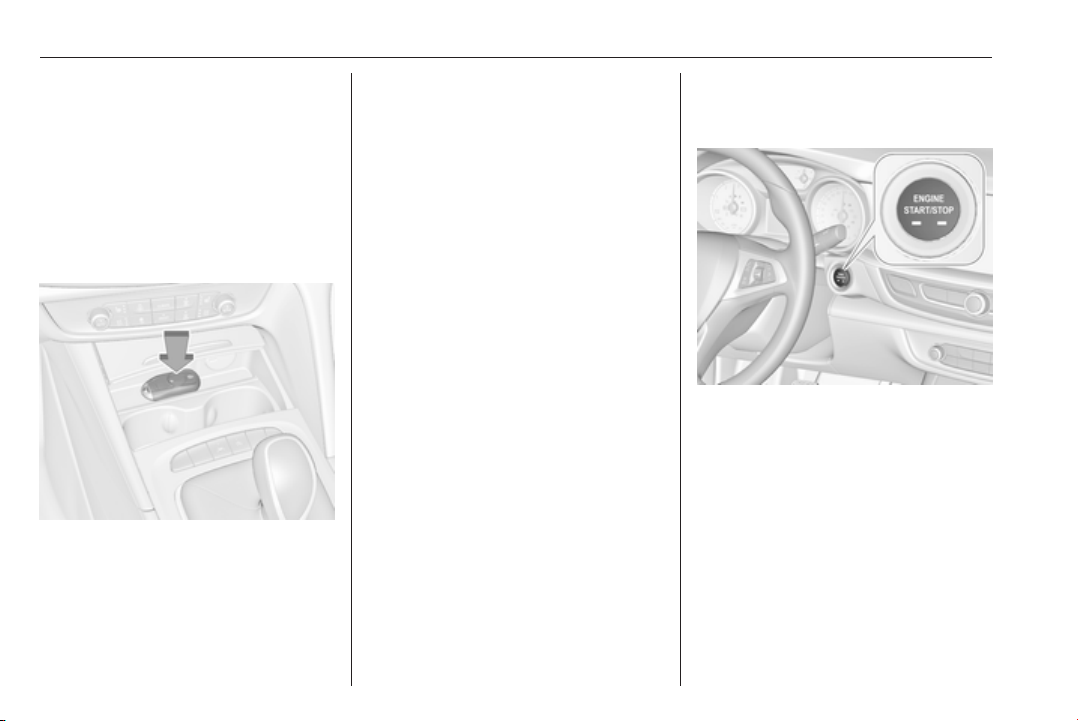
164 Driving and operating
Operation on vehicles with
electronic key system in case of
failure
If either the electronic key fails or the
battery of the electronic key is weak,
the Driver Information Centre may
display No Remote Detected or
Replace Battery in Remote Key when
you try to start the vehicle.
Open the cover of the centre console
in front of the gear shift lever. Place
the electronic key across with buttons
upside in the transmitter pocket
beside the power outlet, as shown in
the illustration.
Other objects, e.g. other keys,
transponder, tags, coins etc. must be
removed from the pocket.
Depress the clutch pedal (manual
transmission) or the brake pedal
(automatic transmission) and press
Engine Start/Stop.
To switch off the engine, press
Engine Start/Stop again. Remove the
electronic key from the transmitter
pocket.
This option is intended for
emergencies only. Replace the
electronic key battery as soon as
possible 3 20.
For unlocking or locking the doors,
see fault in electronic key system
3 22.
Retained power off
The following electronic systems can
work until the driver's door is opened
or for 10 minutes after the ignition is
switched off:
● power windows
● sunroof
● power outlets
Starting the engine
Vehicles with power button
Manual transmission: operate clutch
and brake pedal.
Automatic transmission: operate
brake pedal and move selector lever
to P or N.
Do not operate accelerator pedal.
Press Engine Start/Stop briefly: an
automatic procedure operates the
starter with a short delay until the
engine is running.

Driving and operating 165
To switch off the engine when vehicle
is stationary, press
Engine Start/Stop briefly. Automatic
transmission: apply the parking brake
and engage P.
Manual transmission: during an
Autostop, the engine can be started
by depressing the clutch pedal
3 166.
Automatic transmission: during an
Autostop, the engine can be started
by releasing the brake pedal 3 166.
Emergency engine shut off during
driving
If the engine needs to be switched off
during driving in case of emergency,
press Engine Start/Stop for more than
two seconds or press twice briefly
within five seconds.
9 Danger
Switching off the engine during
driving may cause loss of power
support for brake and steering
systems. Assistance systems and
airbag systems are disabled.
Lighting and brake lights will
extinguish. Therefore power down
the engine and ignition while
driving only when required in case
of emergency.
Starting the vehicle at low
temperatures
Starting the engine without additional
heaters is possible down to -25 °С for
diesel engines and -30 °C for petrol
engines. Required is an engine oil
with the correct viscosity, the correct
fuel, performed services and a
sufficiently charged vehicle battery.
With temperatures below -30 °C the
automatic transmission requires a
warming phase of approx.
five minutes. The selector lever must
be in position P.
Automatic Starter Control
This function controls the engine
starting procedure. The driver does
not need to hold Engine Start/Stop
pressed. Once applied, the system
will go on starting automatically until
the engine is running. Because of the
checking procedure, the engine starts
running after a short delay.
Possible reasons for a non-starting
engine:
● Clutch pedal not operated
(manual transmission).
● Brake pedal not operated or
selector lever not in P or N
(automatic transmission).
● Timeout occurred.
Turbo engine warm-up
Upon start-up, engine available
torque may be limited for a short time,
especially when the engine
temperature is cold. The limitation is
to allow the lubrication system to fully
protect the engine.
Overrun cut-off
The fuel supply is automatically cut off
during overrun, i.e. when the vehicle
is driven with a gear engaged but
accelerator pedal is released.
Depending on driving conditions, the
overrun cut-off may be deactivated.
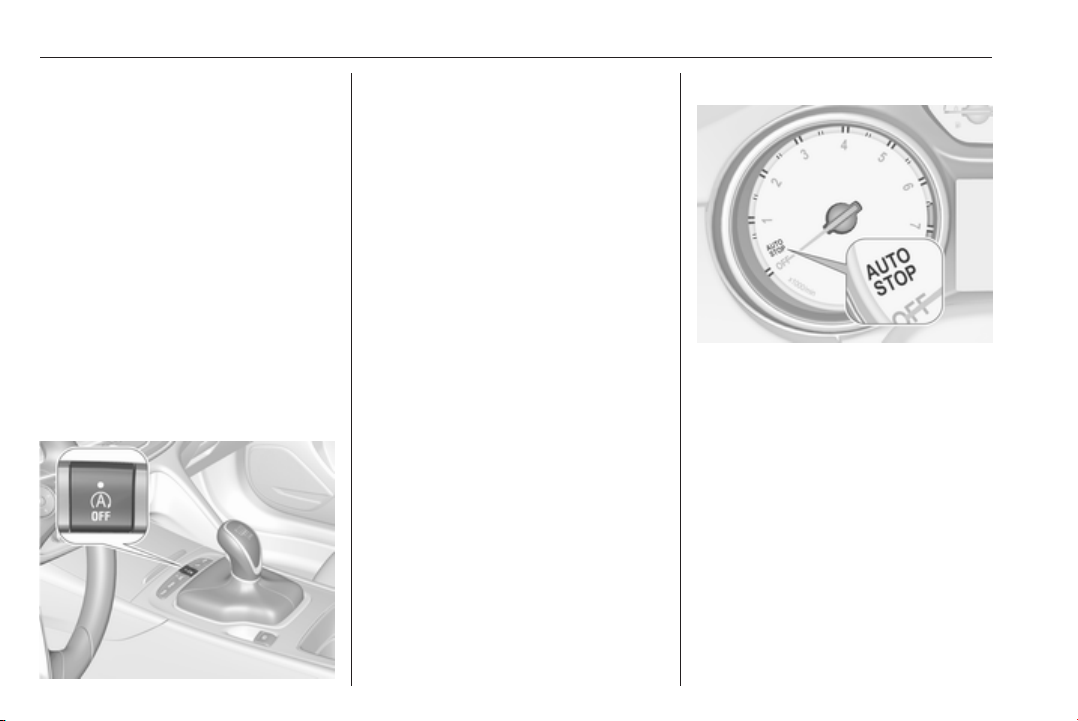
166 Driving and operating
Stop-start system
The stop-start system helps to save
fuel and to reduce the exhaust
emissions. When conditions allow, it
switches off the engine as soon as the
vehicle is at a low speed or at a
standstill, e.g. at a traffic light or in a
traffic jam.
Activation
The stop-start system is available as
soon as the engine is started, the
vehicle starts-off and the conditions
as stated below in this section are
fulfilled.
Deactivation
Deactivate the stop-start system
manually by pressing Ò. Deactivation
is indicated when the LED in the
button illuminates.
Autostop
Vehicles with manual transmission
An Autostop can be activated at a
standstill or at a low speed up to
14 km/h.
Activate a conventional Autostop as
follows:
● Depress the clutch pedal.
● Set the lever to neutral.
● Release the clutch pedal.
The engine will be switched off while
the ignition stays on.
Indication
An Autostop is indicated by the
needle at the AUTOSTOP position in
the tachometer.
After restarting, the idle speed is
indicated.
During an Autostop, the heating and
brake performance will be
maintained.
Conditions for an Autostop
The stop-start system checks if each
of the following conditions is fulfilled.
● The stop-start system is not
manually deactivated.
● The bonnet is fully closed.

Driving and operating 167
● The driver's door is closed or the
driver's seat belt is fastened.
● The vehicle battery is sufficiently
charged and in good condition.
● The engine is warmed up.
● The engine coolant temperature
is not too high.
● The engine exhaust temperature
is not too high, e.g. after driving
with high engine load.
● The ambient temperature is
above -5 °C.
● The climate control system
allows an Autostop.
● The brake vacuum is sufficient.
● The self-cleaning function of the
diesel particle filter is not active.
● The vehicle was driven at least at
walking speed since the last
Autostop.
Otherwise an Autostop will be
inhibited.
Certain settings of the climate control
system may inhibit an Autostop. See
Climate control chapter for more
details 3 149.
Immediately after motorway driving,
an Autostop may be inhibited.
New vehicle running-in 3 162.
Vehicle battery discharge protection
To ensure reliable engine restarts,
several battery discharge protection
features are implemented as part of
the stop-start system.
Power saving measures
During an Autostop, several electrical
features e.g. auxiliary electric heater
or heated rear window are disabled or
switched to a power saving mode.
The fan speed of the climate control
system is reduced to save power.
Restart of the engine by the driver
Vehicles with manual transmission
Conventional restart
All engines have conventional restart.
Depress the clutch pedal without
depressing the brake pedal to restart
the engine.
On engines with late restart a
conventional restart is only possible
without depressed brake pedal.
Late restart
All engines have late restart in
addition to conventional restart. Late
restart is only active on gradients up
to 5%.
● Depress the brake pedal.
● Depress the clutch pedal.
● Select first gear.
● Release the brake pedal to
restart the engine.
Vehicles with automatic transmission
Release the brake pedal or move
selector lever out of D into N or P to
restart the engine.
Restart of the engine by the stop-
start system
The selector lever must be in neutral
to enable an automatic restart.
If one of the following conditions
occurs during an Autostop, the
engine will be restarted automatically
by the stop-start system:
● The stop-start system is
manually deactivated.
● The bonnet is opened.
168 Driving and operating
● The driver's seat belt is
unfastened and the driver's door
is opened.
● The engine temperature is too
low.
● The charging level of the vehicle
battery is below a defined level.
● The brake vacuum is not
sufficient.
● The vehicle is driven at least at
walking speed.
● The climate control system
requests an engine start.
● The air conditioning is manually
switched on.
If the bonnet is not fully closed, a
warning message is displayed in the
Driver Information Centre.
If an electrical accessory, e.g. a
portable CD player, is connected to
the power outlet, a brief power drop
during the restart might be noticeable.
Parking
9 Warning
● Do not park the vehicle on an
easily ignitable surface. The
high temperature of the
exhaust system could ignite the
surface.
● Always apply the parking
brake. Pull switch m for
approx. one second and check
if the control indicator m
illuminates.
The electric parking brake is
applied when control indicator
m illuminates 3 108.
● Switch off the engine.
● If the vehicle is on a level
surface or uphill slope, engage
first gear or set the selector
lever to position P before
switching off ignition. On an
uphill slope, turn the front
wheels away from the kerb.
If the vehicle is on a downhill
slope, engage reverse gear or
set the selector lever to position
P before switching off ignition.
Turn the front wheels towards
the kerb.
● Close the windows and the
sunroof.
● Switch off ignition with power
button. Turn the steering wheel
until the steering wheel lock is
felt to engage.
● Lock the vehicle with button on
the door handle.
Activate the anti-theft alarm
system 3 33.
● The engine cooling fans may run
after the engine has been
switched off 3 240.
Caution
After running at high engine
speeds or with high engine loads,
operate the engine briefly at a low
load or run in neutral for
approx. 30 seconds before
switching off, in order to protect
the turbocharger.

Driving and operating 169
Note
In the event of an accident with
airbag deployment, the engine is
turned off automatically if the vehicle
comes to a standstill within a certain
time.
Engine exhaust
9 Danger
Engine exhaust gases contain
poisonous carbon monoxide,
which is colourless and odourless
and could be fatal if inhaled.
If exhaust gases enter the interior
of the vehicle, open the windows.
Have the cause of the fault
rectified by a workshop.
Avoid driving with an open load
compartment, otherwise exhaust
gases could enter the vehicle.
Diesel particle filter
Automatic cleaning process
The diesel particle filter system filters
harmful soot particles out of the
exhaust gases. The system includes
a self-cleaning function that runs
automatically during driving without
any notification. The filter is cleaned
by periodically burning off the soot
particles at high temperature. This
process takes place automatically
under set driving conditions and may
take up to 25 minutes. Typically it
needs between seven and twelve
minutes. Autostop is not available
and fuel consumption may be higher
during this period. The emission of
smells and smoke during this process
is normal.
System requires cleaning process
Under certain driving conditions, e.g.
short distances, the system cannot
clean itself automatically.
If cleaning of the filter is required and
if previous driving conditions did not
enable automatic cleaning, it will be

170 Driving and operating
indicated by illumination of% and a
warning message in the Driver
Information Centre.
% illuminates along with a warning
message illuminates when diesel
particle filter is full. Start cleaning
process as soon as possible.
% flashes along with a warning
message when diesel particle filter
has reached the maximum filling
level. Start cleaning process
immediately to avoid damage to the
engine.
Activate self-cleaning process
To activate cleaning process,
continue driving, keep engine speed
above 2000 rpm. Shift down if
necessary. Diesel particle filter
cleaning is then started.
Cleaning takes place quickest at high
engine speeds and loads.
Control indicator % extinguishes as
soon as the self-cleaning operation is
complete. Keep on driving until self-
cleaning operation is complete.
Caution
If possible, do not interrupt
cleaning process. Drive until
cleaning is completed to avoid the
need for service or repair by a
workshop.
Cleaning process not possible
If cleaning is not possible for any
reasons, control indicator Z
illuminates and a warning message
appears in the Driver Information
Centre. Engine power may be
reduced. Seek the assistance of a
workshop immediately.
Catalytic converter
The catalytic converter reduces the
amount of harmful substances in the
exhaust gases.
Caution
Fuel grades other than those listed
on pages 3 231, 3 293 could
damage the catalytic converter or
electronic components.
Unburnt petrol will overheat and
damage the catalytic converter.
Therefore avoid excessive use of
the starter, running the fuel tank
dry and starting the engine by
pushing or towing.
In the event of misfiring, uneven
engine running, a reduction in engine
performance or other unusual
problems, have the cause of the fault
rectified by a workshop as soon as
possible. In an emergency, driving
can be continued for a short period,
keeping vehicle speed and engine
speed low.

Driving and operating 171
AdBlue
General information
The selective catalytic reduction
(BlueInjection) is a method to
substantially reduce the nitrogen
oxides in the exhaust emission. This
is achieved by injecting a Diesel
Exhaust Fluid (DEF) into the exhaust
system. The ammonia released by
the fluid reacts with nitrous gases
(NO
x
) from the exhaust and turns it
into nitrogen and water.
The designation of this fluid is AdBlue
®
. It is a non-toxic, non-flammable,
colourless and odourless fluid which
consists of 32% urea and 68% water.
9 Warning
Avoid contact of your eyes or skin
with AdBlue.
In case of eye or skin contact,
rinse off with water.
Caution
Avoid contact of the paintwork with
AdBlue.
In case of contact, rinse off with
water.
AdBlue freezes at a temperature of
approx. -11 °C. As the vehicle is
equipped with an AdBlue pre-heater,
the emissions reduction at low
temperatures is ensured. The AdBlue
pre-heater works automatically.
The typical AdBlue consumption is
approx. two litres per 1000 km, but
can also be higher depending on
driving behaviour (e.g. high load or
towing).
AdBlue tank
At a remaining volume of approx.
five litres, there is a liquid level switch.
Warning messages are displayed
only below that threshold. Tank
volume 3 300.
Level warnings
Depending on the calculated range of
AdBlue, different messages are
displayed in the Driver Information
Centre. The messages and the
restrictions are a legal requirement.
The first possible warning is AdBlue
Range: 2400 km.
This warning will show up once briefly
with the calculated range. Driving is
possible without any restrictions.
The next warning level is entered with
a range below 1750 km. The
message with the current range will
always be displayed when ignition is
switched on and needs to be
confirmed 3 113. Refill AdBlue before
entering the next warning level.
At an AdBlue range below 900 km,
the following warning messages are
alternately displayed and cannot be
dismissed:
● AdBlue Low Refill Now
● Engine Restart Prevented in 900
km.
Additionally, control indicator Y
flashes continuously.

172 Driving and operating
Note
In case of high AdBlue consumption,
the Driver Information Centre may
display this warning without the
previous warning stages.
The last warning level is entered
when the AdBlue tank is empty.
Restart of the engine is not possible.
The following warning messages are
alternately displayed and cannot be
dismissed:
● AdBlue Empty Refill Now
● Engine Will Not Restart.
Additionally, control indicator Y
flashes continuously.
With active prevention of an engine
start, the following message will be
displayed:
Refill AdBlue To Start Vehicle.
The tank must be refilled completely
with AdBlue, otherwise restarting of
the engine is not possible.
High emission warnings
If the exhaust emission rises above a
certain value, warnings similar to the
range warnings will be displayed in
the Driver Information Centre.
Requests to have the exhaust system
checked and finally the
announcement of the prevention of
an engine restart are displayed.
These restrictions are a legal
requirement.
Consult a workshop for assistance.
Refilling AdBlue
Caution
Only use AdBlue that complies
with European standards
DIN 70 070 and ISO 22241-1.
Do not use additives.
Do not dilute AdBlue.
Otherwise the selective catalytic
reduction system could be
damaged.
Note
Whenever a filling pump with a
nozzle for passenger cars is not
available at a filling station, use only
AdBlue bottles or canisters with a
sealed refill adapter for refilling, to
prevent splashback and overspill,
and in order to ensure that the fumes
from the tank are captured and do
not emerge. AdBlue in bottles or
canisters is available in many filling
stations and can be purchased e.g.
at Opel dealers and other retail
outlets.
Since AdBlue has a limited
durability, check the date of expiry
before refilling.
Note
The refilling of AdBlue is only
detected by the system when the
above mentioned liquid level switch
in the tank is activated.
In case AdBlue refill is not
successfully detected:
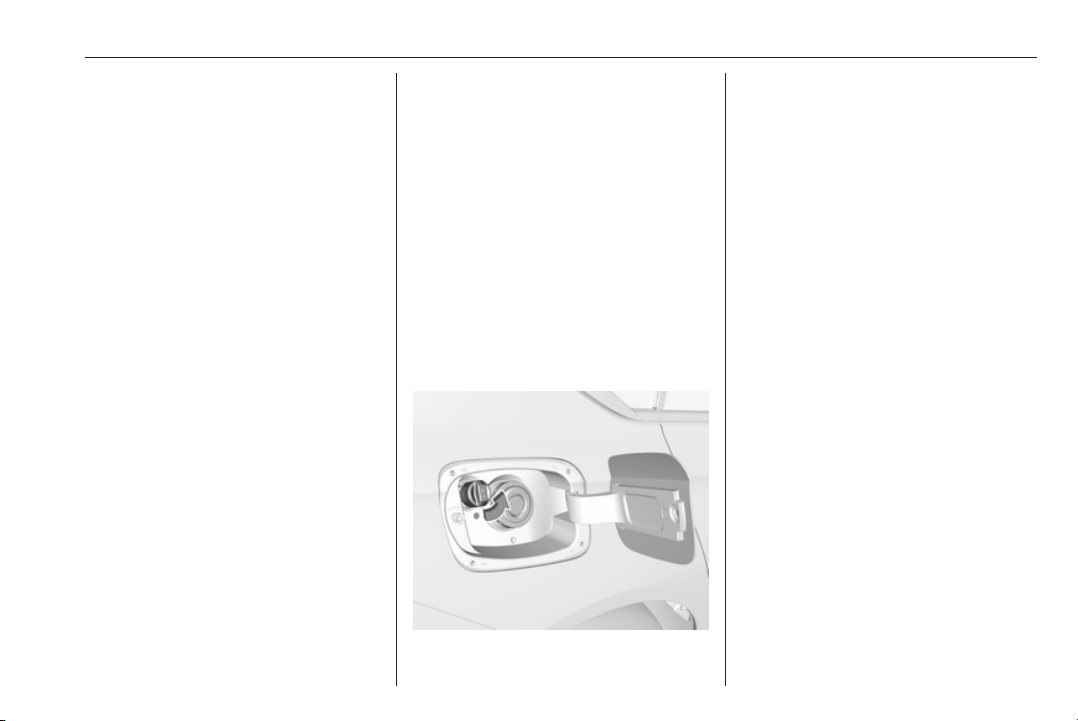
Driving and operating 173
1. Continuously drive the vehicle
for 10 minutes making sure that
vehicle speed is always higher
than 20 km/h.
2. If AdBlue refill is detected
successfully, AdBlue supply-
driven limitations will disappear.
If AdBlue refill is still not detected,
seek the assistance of a workshop.
If AdBlue must be refilled at
temperatures below -11 °C, the
refilling of AdBlue may not be
detected by the system. In this
event, park the vehicle in a space
with a higher ambient temperature
until AdBlue is liquefied.
Note
When unscrewing the protective cap
from the filler neck, ammonia fumes
may emerge. Do not inhale as the
fumes have a pungent smell. The
fumes are not harmful by inhalation.
The AdBlue tank should be filled
completely. This must be done if the
warning message regarding
prevention of an engine restart is
already displayed.
The vehicle must be parked on a level
surface.
The filler neck for AdBlue is located
behind the fuel filler flap, which is
located at right rear side of the
vehicle.
The fuel filler flap can only be opened
if the vehicle is unlocked.
1. Remove key from ignition switch.
2. Close all doors to avoid ammonia
fumes entering the interior of the
vehicle.
3. Release the fuel filler flap by
pushing the flap 3 232.
4. Unscrew protective cap from the
filler neck.
5. Open AdBlue canister.
6. Mount one end of the hose on the
canister and screw the other end
on the filler neck.
7. Lift the canister until it is empty, or
until the flow from the canister has
stopped. This can take up to
five minutes.
8. Place the canister on the ground
to empty the hose, wait
15 seconds.
9. Unscrew the hose from the filler
neck.
10. Mount the protective cap and turn
clockwise until it engages.
Note
Dispose of AdBlue canister
according to environmental
requirements. Hose can be reused
after flushing with clear water before
AdBlue dries out.
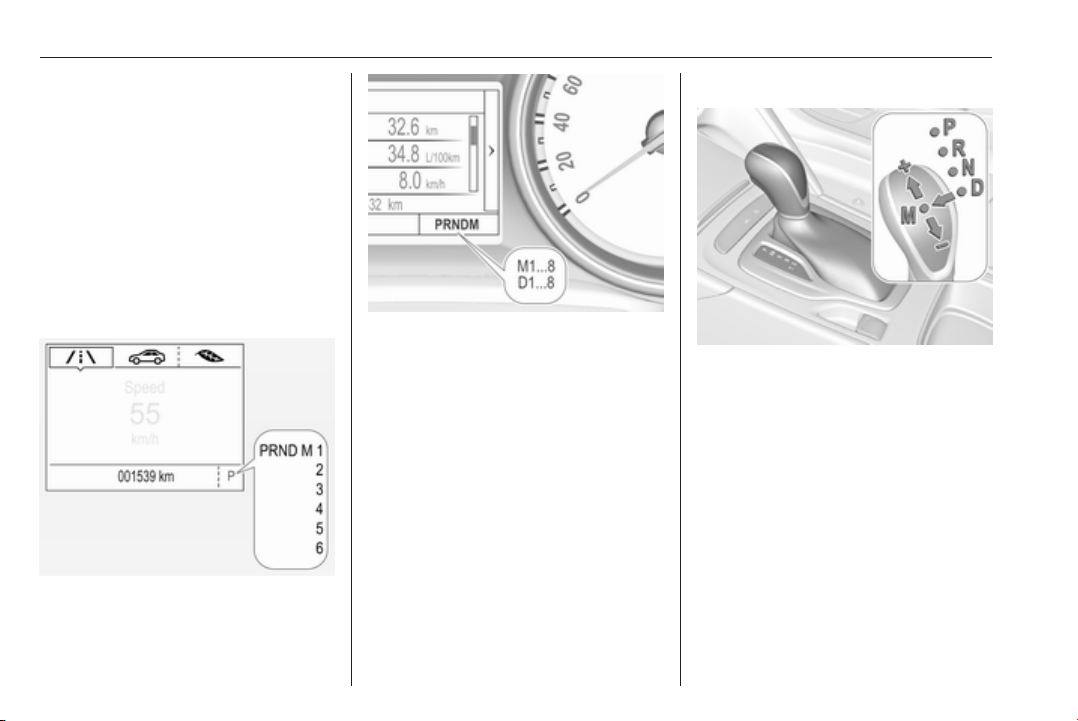
174 Driving and operating
Automatic transmission
The automatic transmission permits
automatic gear shifting (automatic
mode) or manual gear shifting
(manual mode).
Manual shifting is possible in manual
mode by tapping the selector lever to
+ or - or pulling the steering wheel
paddles.
Transmission display
Illustrations show different versions.
The mode or selected gear is shown
in the Driver Information Centre.
In automatic mode, the driving
programme is indicated by D.
In manual mode, M and the number
of the selected gear is indicated.
R indicates reverse gear.
N indicates neutral position.
P indicates park position.
Selector lever
P : park position, wheels are locked,
engage only when the vehicle is
stationary
R : reverse gear, engage only when
the vehicle is stationary
N : neutral
D : automatic mode
M : manual mode
<
: upshift in manual mode
]
: downshift in manual mode
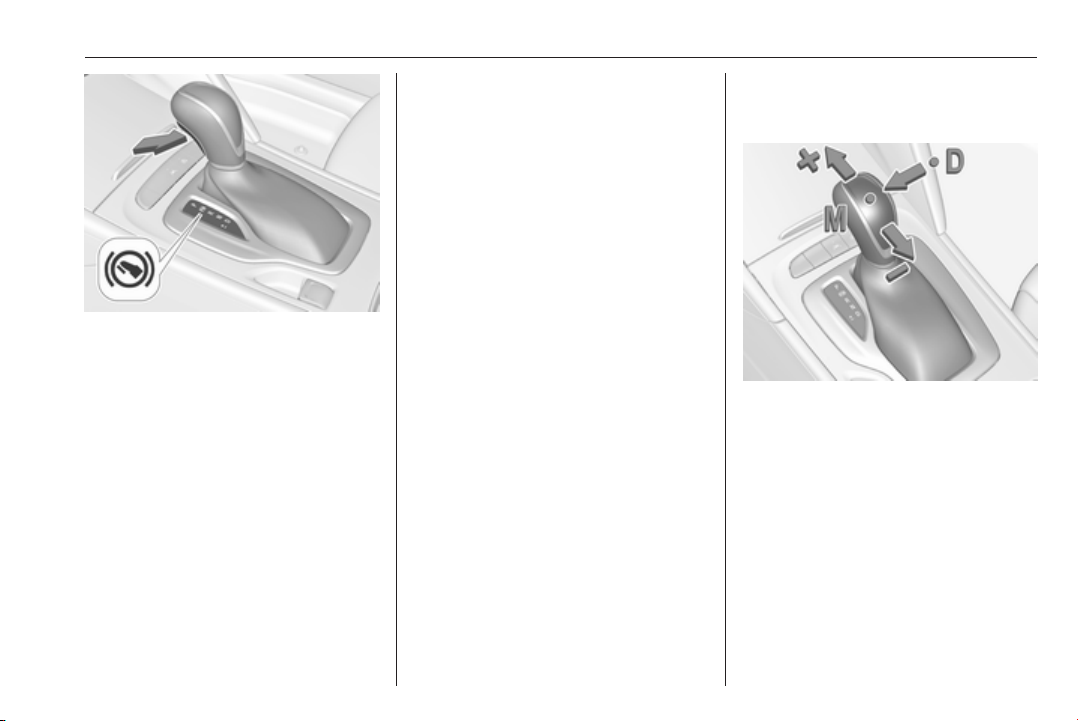
Driving and operating 175
The selector lever is locked in P and
can only be moved when the ignition
is on, the release button on the
selector lever is pushed and the brake
pedal is applied.
Without brake pedal applied, control
indicator j illuminates.
If the selector lever is not in P when
the ignition is switched off, control
indicator j flashes.
To engage P or R, press the release
button.
The engine can only be started with
lever in position P or N. When position
N is selected, press brake pedal or
apply parking brake before starting.
Do not accelerate while engaging a
gear. Never depress the accelerator
pedal and brake pedal at the same
time.
When a gear is engaged, the vehicle
begins to creep when the brake is
released.
Engine braking
To utilise the engine braking effect,
select a lower gear in good time when
driving downhill, see manual mode.
Rocking the vehicle
Rocking the vehicle is only
permissible if the vehicle is stuck in
sand, mud or snow. Move the selector
lever between D and R in a repeat
pattern. Do not race the engine and
avoid sudden acceleration.
Parking
Apply the parking brake and engage
P.
Manual mode
Selector lever
Move selector lever out of position D
towards the left in position M.
Manual mode M can be activated
from position D in each driving
situation and speed.
Tap selector lever upwards + to shift
to a higher gear.
Tap the selector lever downwards - to
shift to a lower gear.
The selected gear is indicated in the
instrument cluster.
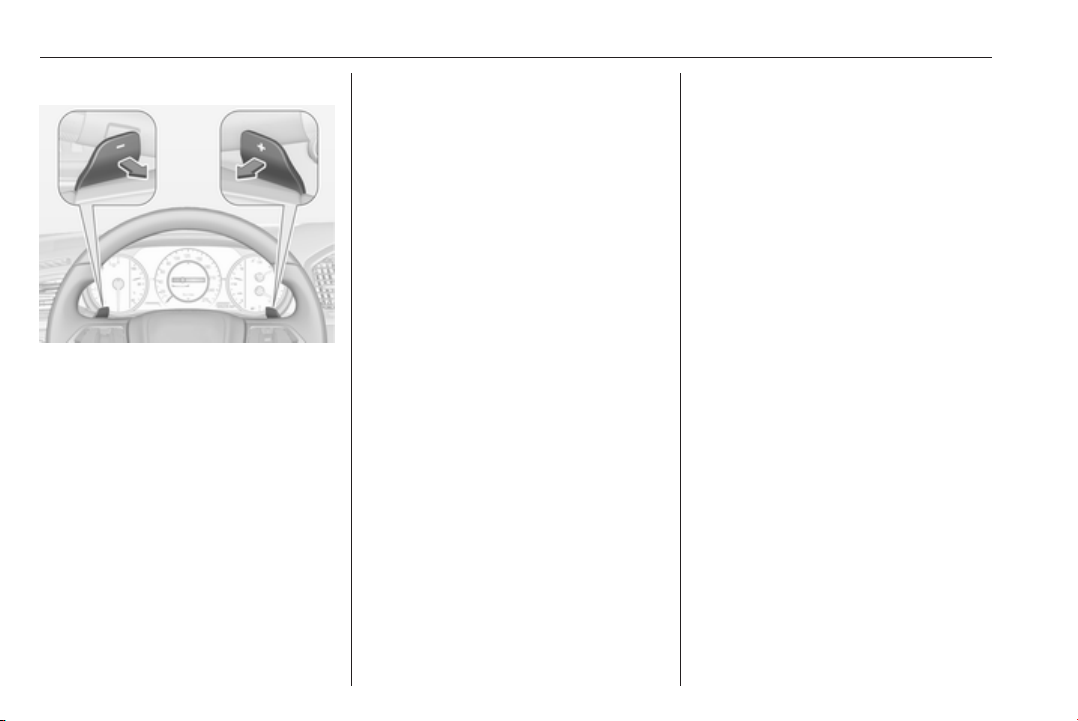
176 Driving and operating
Steering wheel paddles
Move selector lever out of position D
towards the left in position M.
Manual mode M can be activated
from position D in each driving
situation and speed.
Pull steering wheel paddles to select
gears manually.
Pull right paddle + to shift to a higher
gear.
Pull left paddle - to shift to a lower
gear.
Multiple pulls allow gears to be
skipped.
The selected gear is indicated in the
instrument cluster.
Temporary manual mode in drive
mode D
Manual paddle shifting is also
possible in automatic mode D. Upon
completion of manual shifting
operation, transmission changes to
automatic mode D after a defined
time.
To interrupt manual mode and return
to D, do one of the following:
● Press + paddle for 1 second.
● Move selector lever towards the
left to manual mode and back to
position D.
If the vehicle is at a standstill and
engine is idling, the transmission will
remain in temporary manual mode. It
changes to automatic mode when
accelerator pedal is operated for a
defined time, and no paddle shifting
at the steering wheel is performed.
General
If a higher gear is selected when
vehicle speed is too low, or a lower
gear when vehicle speed is too high,
the shift is not executed. This can
cause a message in the Driver
Information Centre.
In manual mode, no automatic
shifting to a higher gear takes place
at high engine revolutions, except
activating the kickdown function.
Gear shift indication
The symbol R or S with a number
beside it is indicated when gear
shifting is recommended for fuel
saving reasons.
Shift indication appears only in
manual mode.
Electronic driving programmes
● Following a cold start, the
operating temperature
programme increases engine
speed to quickly bring the
catalytic converter to the required
temperature.
● When SPORT mode is engaged,
the vehicle shifts at higher engine
speeds (unless cruise control is
on). SPORT mode 3 184.
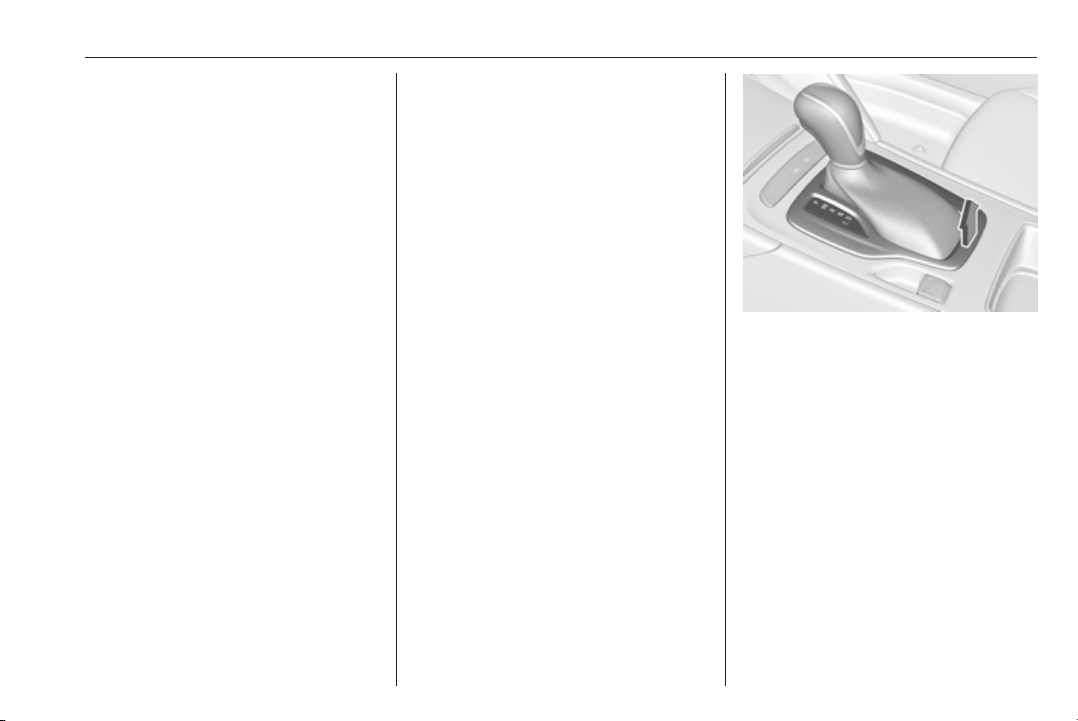
Driving and operating 177
● Special programmes
automatically adapt the shifting
points when driving up inclines or
down hills.
● In snowy or icy conditions or on
other slippery surfaces, the
electronic transmission control
enables the driver to manually
select first, second or third gear
for starting off.
Kickdown
Pressing down the accelerator pedal
beyond the kickdown detent will lead
to maximum acceleration even in
manual mode. The transmission
shifts to a lower gear depending on
engine speed and shifts to a higher
gear at high engine revolutions.
Overheat protection
In the event of transmission-
overheating due to high outside
temperatures or sporty driving style,
the torque and the maximum speed of
the engine can be temporarily
reduced.
Fault
In the event of a fault a vehicle
message is displayed in the Driver
Information Centre. Vehicle
messages 3 124.
6-gear automatic transmission:
electronic transmission control
enables only fourth gear; 8-gear
automatic transmission: electronic
transmission control enables only
third gear. The transmission no
longer shifts automatically.
Have the cause of the fault remedied
by a workshop.
Interruption of power supply
In the event of an interruption of
power supply, the selector lever
cannot be moved out of the P
position. The ignition key cannot be
removed from the ignition switch.
If the vehicle battery is discharged,
start the vehicle using jump leads
3 277.
If the vehicle battery is not the cause
of the fault, release the selector lever.
1. Apply parking brake.
2. Release the selector lever trim
from the centre console. Poke
with a finger into the leather
socket below the selector lever
and push the trim upwards.
Rotate trim to the left.
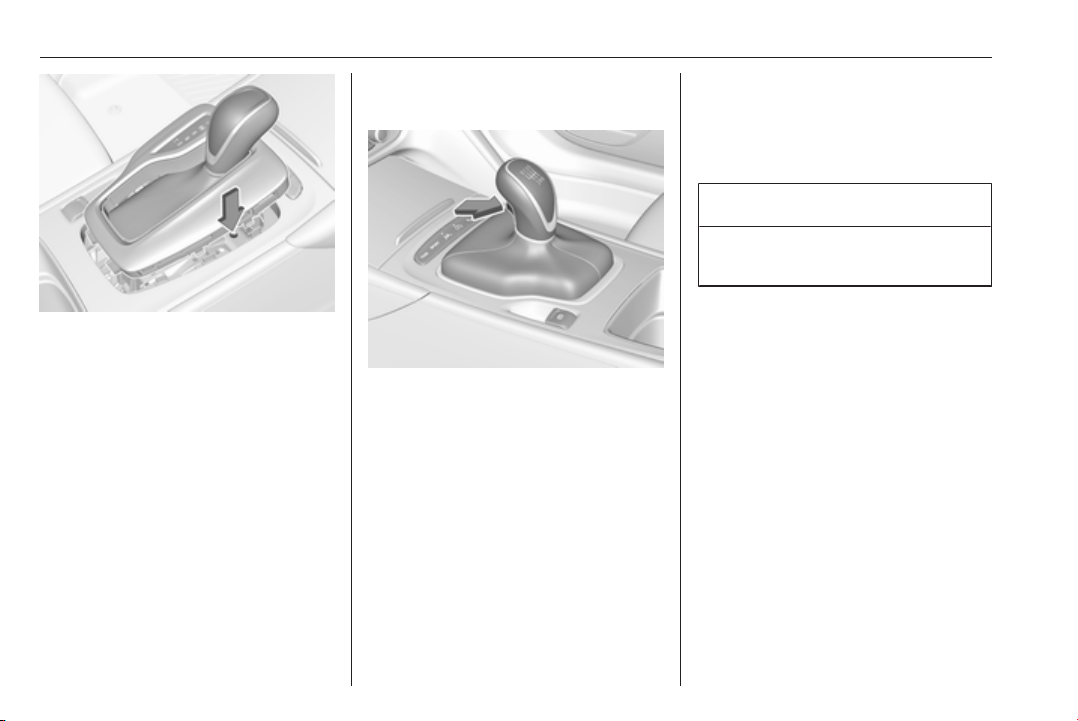
178 Driving and operating
3. Insert a small stick (e.g. a pen or
screwdriver) into the opening near
the selector lever. Push down the
stick vertically and move the
selector lever out of P. If this
position is engaged again, the
selector lever will be locked again.
Have the cause of the power
supply interruption remedied by a
workshop.
4. Mount the selector lever trim onto
the centre console and refit.
Manual transmission
To engage reverse, depress the
clutch pedal and then press the
release button on the selector lever
and engage the gear.
If the gear does not engage, set the
lever to neutral, release the clutch
pedal and depress again; then repeat
gear selection.
Do not slip the clutch unnecessarily.
When operating, depress the clutch
pedal completely. Do not use the
pedal as a foot rest.
When clutch slip is detected for a
specific time, the engine power will be
reduced. A warning is displayed in the
Driver Information Centre. Release
the clutch.
Caution
It is not advisable to drive with the
hand resting on the selector lever.
Gear shift indication 3 109.
Stop-start system 3 166.

Driving and operating 179
Drive systems
All-wheel drive
The All-wheel drive system enhances
driving characteristics and stability,
and helps to achieve the best
possible driveability regardless of
ground surface. The system is always
active and cannot be deactivated.
The torque is distributed steplessly
between the wheels of the front and
rear axle up to a torque split of 50%
to 50%. Depending on the driving
conditions, i.e. steady state driving,
All wheel drive system transfers a
minimum amount of torque for fuel
efficiency. Additionally the torque
vectoring between the rear wheels is
distributed depending on the vehicle
dynamic and surface.
This is possible because the All wheel
drive system operates with two
clutches, one on each side.
For optimum system performance,
the vehicle's tyres should not have
varying degrees of wear.
If a service message is displayed in
the Driver Information Centre, the
system may have limited functionality
(or be completely disabled in some
cases, i.e. the vehicle switches to
Front-wheel drive). Seek the
assistance of a workshop.
Towing the vehicle 3 278.
Brakes
The brake system comprises two
independent brake circuits.
If a brake circuit fails, the vehicle can
still be braked using the other brake
circuit. However, braking effect is
achieved only when the brake pedal
is depressed firmly. Considerably
more force is needed for this. The
braking distance is extended. Seek
the assistance of a workshop before
continuing the journey.
When the engine is not running, the
support of the brake servo unit
disappears once the brake pedal has
been depressed once or twice.
Braking effect is not reduced, but
braking requires significantly greater
force. It is especially important to bear
this in mind when being towed.
Control indicator R 3 108.
Active emergency braking 3 202.
Antilock brake system
Antilock brake system (ABS)
prevents the wheels from locking.
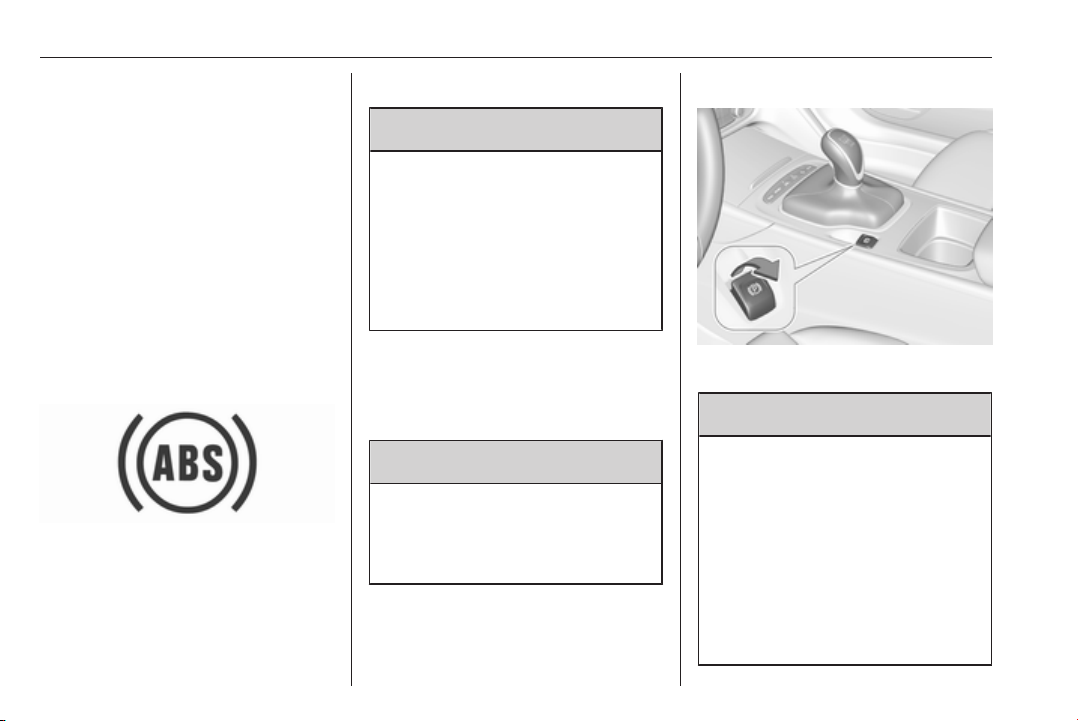
180 Driving and operating
ABS starts to regulate brake pressure
as soon as a wheel shows a tendency
to lock. The vehicle remains
steerable, even during hard braking.
ABS control is made apparent
through a pulse in the brake pedal
and the noise of the regulation
process.
For optimum braking, keep the brake
pedal fully depressed throughout the
braking process, despite the fact that
the pedal is pulsating. Do not reduce
the pressure on the pedal.
After starting off, the system performs
a self-test which may be audible.
Control indicator u 3 109.
Adaptive brake light
During full braking, all three brake
lights flash for the duration of ABS
control.
Fault
9 Warning
If there is a fault in the ABS, the
wheels may be liable to lock due
to braking that is heavier than
normal. The advantages of ABS
are no longer available. During
hard braking, the vehicle can no
longer be steered and may
swerve.
Have the cause of the fault remedied
by a workshop.
Parking brake
9 Warning
Before leaving the vehicle, check
parking brake status. Control
indicator m must illuminate
constantly.
Electric parking brake
Applying when vehicle is stationary
9 Warning
Pull switch m for a minimum of
one second until control indicator
m illuminates constantly and
electric parking brake is applied
3 108. The electric parking brake
operates automatically with
adequate force.
Before leaving the vehicle, check
the electric parking brake status.
Control indicator m 3 108.

Driving and operating 181
The electric parking brake can always
be activated, even if the ignition is off.
Do not operate electric parking brake
system too often without engine
running as this will discharge the
vehicle battery.
Releasing
Switch on ignition. Keep foot brake
pedal depressed and then push
switch m.
Drive away function
Vehicles with manual transmission:
Depressing the clutch pedal and then
slightly releasing the clutch pedal and
slightly depressing the accelerator
pedal releases the electric parking
brake automatically. This is not
possible when switch m is pulled at
the same time.
Vehicles with automatic transmission:
Engaging D and then depressing the
accelerator pedal releases the
electric parking brake automatically.
This is not possible when switch m is
pulled at the same time.
Dynamic braking when vehicle is
moving
When the vehicle is moving and the
switch m is kept pulled, the electric
parking brake system will decelerate
the vehicle, but will not apply
statically.
As soon as the switch m is released,
dynamic braking will be stopped.
Automatic applying
If the vehicle is equipped with
automatic transmission and adaptive
cruise control is active, electric
parking brake is applied automatically
when vehicle is stopped by the
system for more than two minutes.
Parking brake releases automatically
after moving off.
Functionality check
When the vehicle is not moving, the
electric parking brake might be
applied automatically. This is done to
check the system.
Fault
Failure mode of electric parking brake
is indicated by a control indicator j
and by a vehicle message which is
displayed in the Driver Information
Centre. Vehicle messages 3 124.
Apply electric parking brake: pull and
hold the switch m for more than
five seconds. If control indicator m
illuminates, electric parking brake is
applied.
Release electric parking brake: push
and hold the switch m for more than
two seconds. If control indicator m
extinguishes, electric parking brake is
released.
Control indicator m flashes: electric
parking brake is not fully applied or
released. When continuously
flashing, release electric parking
brake and retry applying.
Brake assist
If brake pedal is depressed quickly
and forcefully, maximum brake force
is automatically applied.
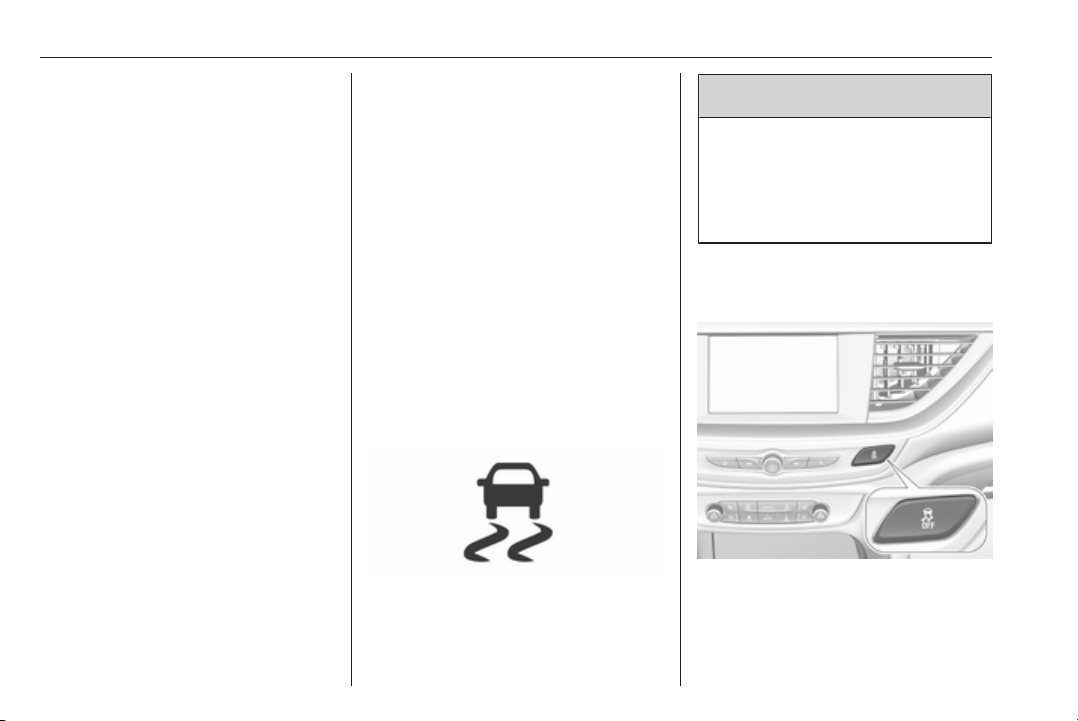
182 Driving and operating
Operation of brake assist might
become apparent by a pulse in the
brake pedal and a greater resistance
when depressing the brake pedal.
Maintain steady pressure on the
brake pedal as long as full braking is
required. Maximum brake force is
automatically reduced when brake
pedal is released.
Hill start assist
The system helps prevent unintended
movement when driving away on
inclines.
When releasing the brake pedal after
stopping on an incline, brakes remain
on for further two seconds. The
brakes release automatically as soon
as the vehicle begins to accelerate.
Ride control systems
Traction Control system
The Traction Control system (TC) is a
component of the Electronic Stability
Control (ESC).
TC improves driving stability when
necessary, regardless of the type of
road surface or tyre grip, by
preventing the drive wheels from
spinning.
As soon as the drive wheels starts to
spin, engine output is reduced and
the wheel spinning the most is braked
individually. This considerably
improves the driving stability of the
vehicle on slippery road surfaces.
TC is operational after each engine
start as soon as the control indicator
b extinguishes.
When TC operates b flashes.
9
Warning
Do not let this special safety
feature tempt you into taking risks
when driving.
Adapt speed to the road
conditions.
Control indicator b 3 109.
Deactivation
TC can be switched off when spinning
of drive wheels is required: press t
briefly.
Driving and operating 183
Control indicator k illuminates.
A status message appears in the
Driver Information Centre when TC is
deactivated.
When TC is deactivated, ESC
remains active but with higher control
threshold.
TC is reactivated by pressing t again.
A status message pops up in the
Driver Information Centre when TC is
reactivated.
TC is also reactivated the next time
the ignition is switched on.
Fault
If there is a fault in the system the
control indicator b illuminates
continuously and a message appears
in the Driver Information Centre. The
system is not operational.
Have the cause of the fault remedied
by a workshop.
Electronic Stability Control
Electronic Stability Control (ESC)
improves driving stability when
necessary, regardless of the type of
road surface or tyre grip.
As soon as the vehicle starts to
swerve (understeer/oversteer),
engine output is reduced and the
wheels are braked individually.
ESC operates in combination with the
Traction Control system (TC). It
prevents the drive wheels from
spinning.
Torque distribution is a special
feature that allocates the torque to the
drive wheels before the ESC
intervenes. When cornering, the
wheels on the inner curve are braked
individually. Additionally, engine
torque will be delivered to the drive
wheel on the outer curve. This
reduces the tendency of
understeering and improves traction
when cornering fast.
ESC is operational after each engine
start as soon as the control indicator
b extinguishes.
When ESC operates b flashes.
9 Warning
Do not let this special safety
feature tempt you into taking risks
when driving.
Adapt speed to the road
conditions.
Control indicator b 3 109.
184 Driving and operating
Deactivation
ESC and TC can be deactivated:
● hold t pressed for a minimum of
five seconds: ESC and TC are
both deactivated. k and t
illuminate and status messages
appear in the Driver Information
Centre.
● To deactivate only Traction
control system press button t
briefly: TC is inactive but ESC
remains active, k illuminates. A
status message appears in the
Driver Information Centre when
TC is deactivated.
ESC is reactivated by pressing the t
button again. If the TC system was
previously disabled, both TC and
ESC are reactivated. k and t
extinguishes when TC and ESC are
reactivated.
ESC is also reactivated the next time
the ignition is switched on.
Fault
If there is a fault in the system the
control indicator b illuminates
continuously and a message appears
in the Driver Information Centre. The
system is not operational.
Have the cause of the fault remedied
by a workshop.
Interactive driving system
Flex Ride
Flex Ride driving system allows the
driver to select between three driving
modes:
● SPORT mode: press SPORT,
LED illuminates.
● TOUR mode: press TOUR, LED
illuminates.
● AUTO mode: neither SPORT nor
TOUR is pressed, no LED
illuminates.
Deactivate SPORT mode or TOUR
mode by pressing corresponding
button once more.
In each driving mode Flex Ride
adjusts the following electronic
systems:
● electronic damping control
● accelerator pedal control
● electronic power steering control
● automatic transmission
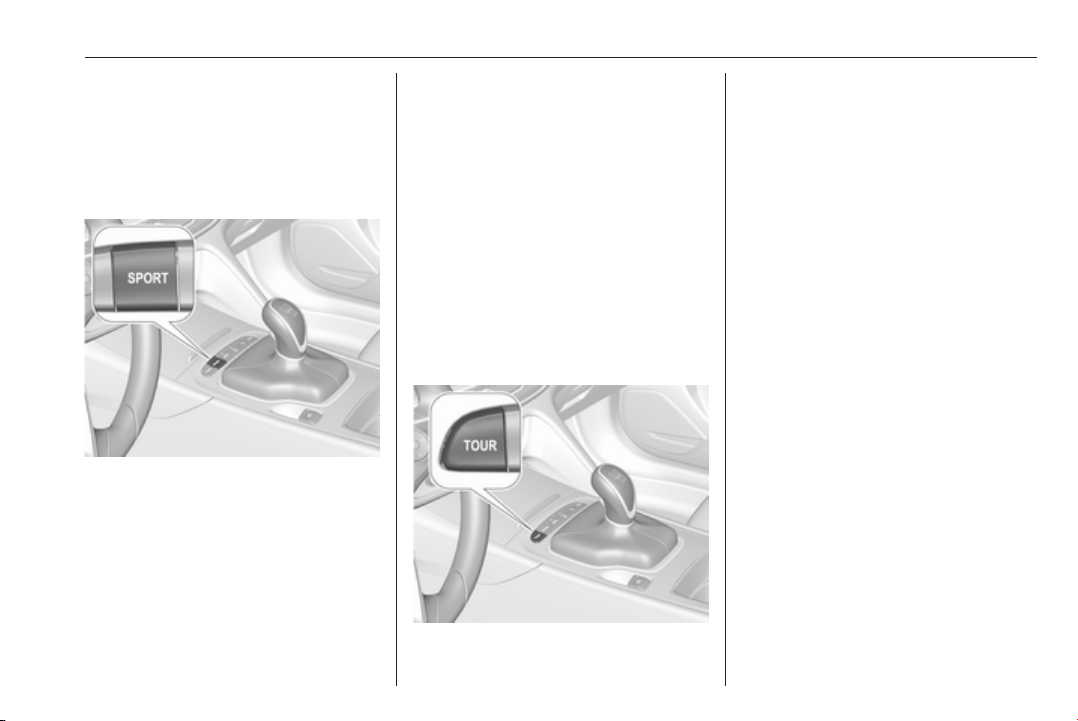
Driving and operating 185
● adaptive cruise control
● all-wheel drive
● engine sound enhancement
● instrument cluster theme
SPORT mode
The settings of the systems are
adjusted for a sportier driving style:
● Damping of shock absorbers is
set up for increased handling and
agility.
● The engine reacts more quickly
to accelerator pedal changes.
● Steering support is sportier.
● Automatic transmission shift
points optimised for sporty
driving.
● Adaptive cruise control is
adjusted for a sportier driving
style.
● All-wheel drive supports active
sporty driving of the vehicle.
● Engine sound enhancement
intensifies interior engine sound
in a sporty manner.
● Cluster theme changes to sport.
TOUR mode
TOUR mode adjusts the settings of
the systems for a comfortable driving
style.
● Damping of shock absorbers is
adapted for increased driving
comfort.
● Steering efforts are reduced.
● Adaptive cruise control is
adjusted for a more relaxed
driving style.
AUTO mode
All settings of the systems are preset
to standard values optimised for daily
driving (default mode). This is the fully
adaptive mode, adjusting systems to
both comfort and sport settings
depending on driving style and driving
situation.
Adaptive drive mode control
Within each manually selected driving
mode SPORT, TOUR or AUTO, Drive
Mode Control (DMC) detects and
analyses continuously the driving
situation and the driver's driving style.
If necessary, DMC automatically
adjusts damping and steering for the
duration of the occuring situation.
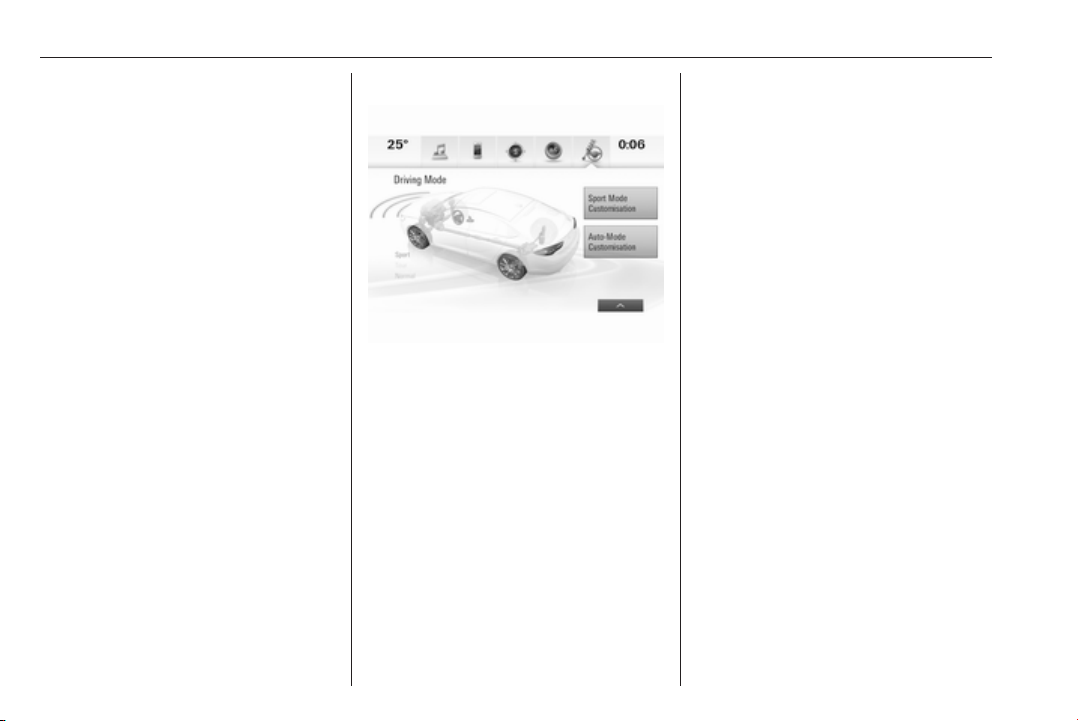
186 Driving and operating
If, for example, normal settings are
active in AUTO mode and DMC
detects a sporty driving behaviour, it
automatically changes systems into
sporty settings unless the driver
deselects sporty damping or steering
in the Sport Mode Customisation.
If, for another example, comfort
settings are active in TOUR mode
and whilst driving on a winding road a
sudden hard brake is necessary,
DMC will detect the dynamic vehicle
condition and changes the settings
for suspension back to normal
(default) setting to enhance vehicle
stability.
When the driving characteristic or the
dynamic vehicle state returns to the
former state, DMC will change to
preselected settings.
Flex Ride visualisation menu
On 8" Info Display a Flex Ride
visualisation menu can be displayed
by touching ê on the screen. On this
page the selected drive mode and
active setup are displayed.
System settings are highlighted in red
for sport, blue for comfort and yellow
for normal.
Additionally the personalisation of
adaptive AUTO mode sensitivity as
well as the personalisation of Sport
mode functions can be displayed in
the visualisation menu by selecting
the respective button on the Info
display.
Personalisation of AUTO mode
sensitivity
The driver can change the sensitivity
of adaptive AUTO mode in three
steps via the Flex Ride visualisation
menu.
● Normal: default setting.
● Sport sensitive: systems change
to sport settings faster while
driving sporty.
● Comfort sensitive: systems
change to comfort settings faster
while cruising.
Additionally any drive mode control
adaption can be deactivated.
Flex Ride visualisation menu will be
displayed by touching ê on the 8"
Info display.
Select Auto-Mode Customisation and
change the relevant settings.
The settings can also be changed in
the personalisation menu in the Info
display, I Settings 3 126.
Info display 3 120.
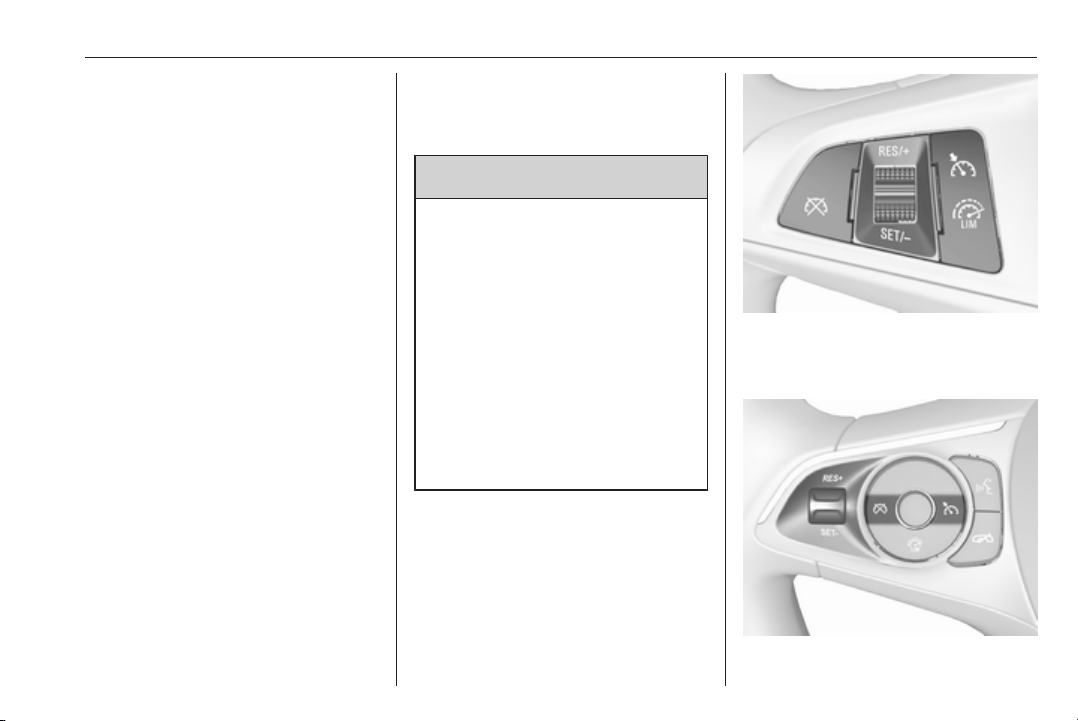
Driving and operating 187
Personalisation of Sport mode
settings
The driver can customise the settings
of the SPORT mode via the Flex Ride
visualisation menu.
Flex Ride visualisation menu will be
displayed when SPORT mode is
selected or by touching ê on the 8"
Info display.
Select Sport Mode Customisation
and select the relevant settings.
The settings can also be changed in
the personalisation menu in the Info
Display, I Settings 3 126.
Info display 3 120.
Driver assistance
systems
9 Warning
Driver assistance systems are
developed to support the driver
and not to replace the driver's
attention.
The driver stays in full control of
the vehicle and accepts full
responsibility when driving the
vehicle.
When using driver assistance
systems, always take care
regarding the current traffic
situation and follow applicable
traffic rules.
Cruise control
The cruise control can store and
maintain speeds of approx. 30 km/h
to maximum vehicle speed.
Deviations from the stored speeds
may occur when driving uphill or
downhill.
Activating in first gear is not possible.
Do not use the cruise control if it is not
advisable to maintain a constant
speed.
Illustrations show different versions.
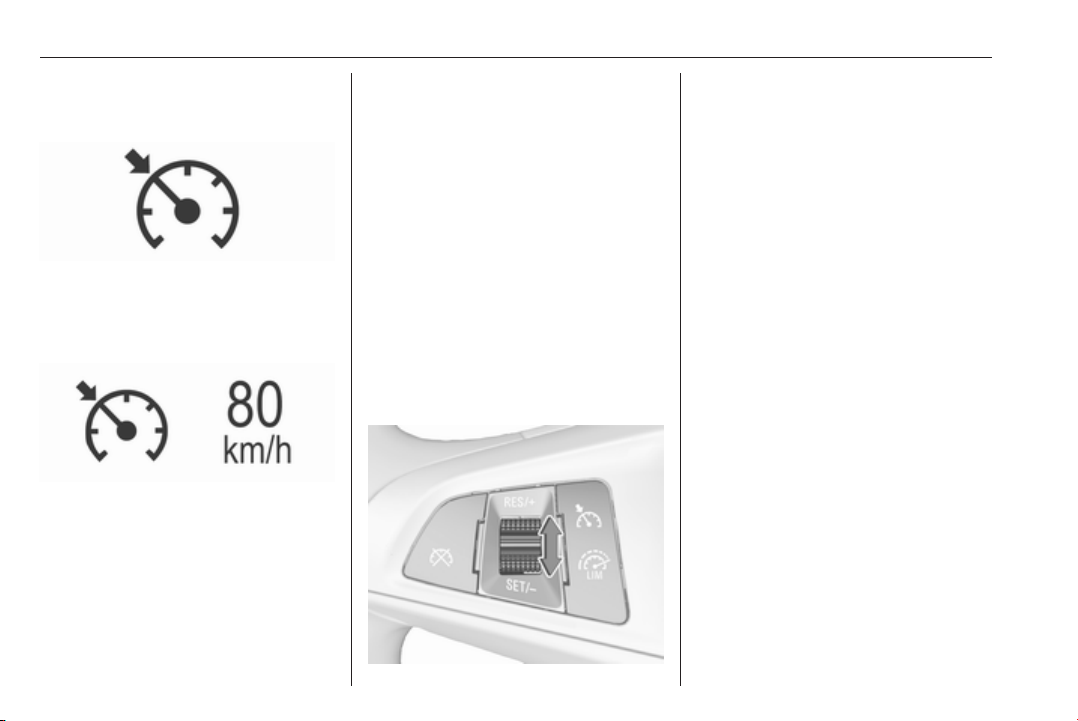
188 Driving and operating
Control indicator m 3 112.
Switching on
Press m; control indicator m in
instrument cluster illuminates white.
Activation
Accelerate to the desired speed and
turn thumb wheel to SET/-, the
current speed is stored and
maintained. Control indicator m in
instrument cluster illuminates green.
On Mid- and Uplevel display m
illuminates green and set speed is
indicated. Accelerator pedal can be
released.
Vehicle speed can be increased by
depressing the accelerator pedal.
When the accelerator pedal is
released, the previously stored speed
is resumed.
Cruise control remains activated
while gearshifting.
Increase speed
With cruise control active, hold thumb
wheel turned to RES/+ or briefly turn
to RES/+ repeatedly: speed
increases continuously or in small
increments.
Alternatively accelerate to the desired
speed and store by turning to SET/-.
Reduce speed
With cruise control active, hold thumb
wheel turned to SET/- or briefly turn to
SET/- repeatedly: speed decreases
continuously or in small increments.
Deactivation
Press y; control indicator m in
instrument cluster illuminates white.
On Mid- or Uplevel display m
changes to white.
Cruise control is deactivated, but not
switched off. Last stored speed
remains in memory for later speed
resume.
Automatic deactivation:
● Vehicle speed is below approx.
30 km/h.
● Vehicle speed drops more than
25 km/h below the set speed.
● The brake pedal is depressed.
● The clutch pedal is depressed for
a few seconds.
● The selector lever is in N.
● Engine speed is in a very low
range.
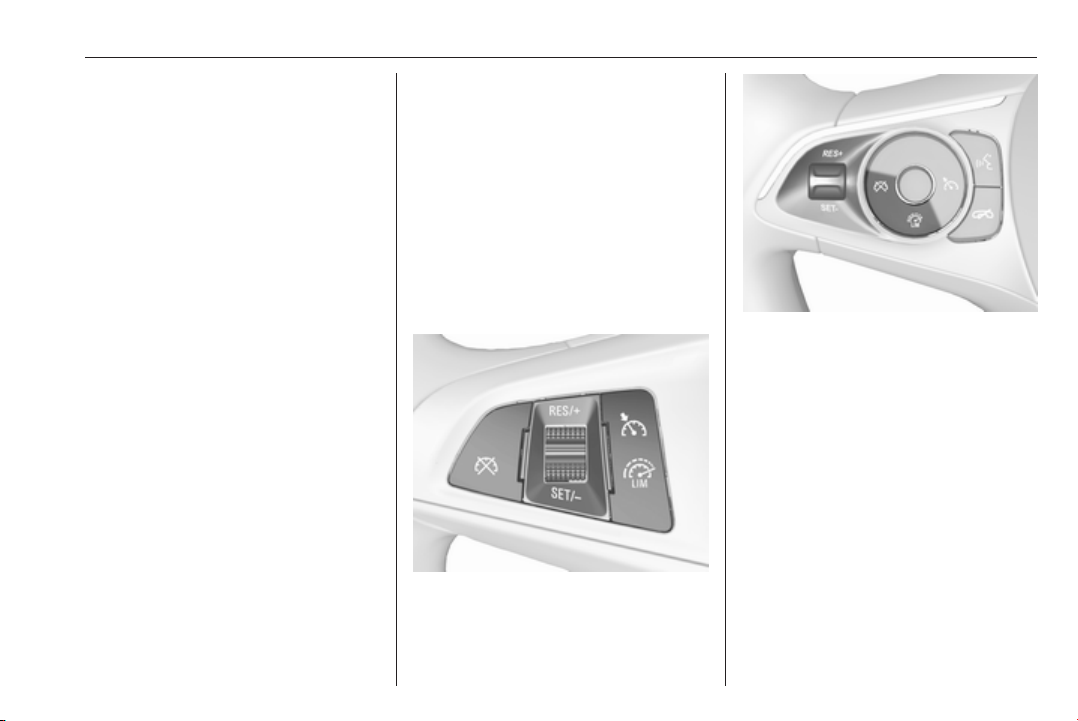
Driving and operating 189
● The Traction Control system or
Electronic Stability Control is
operating.
● Parking brake is applied.
● Simultaneous pressing RES/+
and brake pedal deactivates
cruise control and will delete
stored speed.
Resume stored speed
Turn thumb wheel to RES/+ at a
speed above 30 km/h. The stored
speed will be obtained.
Switching off
Press m, control indicator m in
instrument cluster extinguishes. The
stored speed is deleted.
Pressing L to activate the speed
limiter or switching off the ignition also
switches off cruise control and
deletes the stored speed.
Speed limiter
The speed limiter prevents the
vehicle exceeding a preset maximum
speed.
The maximum speed can be set at
speeds above 25 km/h up to
200 km/h.
The driver can only accelerate up to
the preset speed. Deviations from the
limited speed may occur when driving
downhill.
The preset speed limit is displayed in
the Driver Information Centre when
the system is active.
Activation
Illustrations show different versions.
Press L, symbol L illuminates in the
Driver Information Centre.
If cruise control has been activated
before, it is switched off when speed
limiter is activated and the control
indicator m extinguishes.
Set speed limit
Accelerate to the desired speed and
briefly turn thumb wheel to SET/-: the
current speed is stored as maximum
speed.
On Baselevel display L and the
speed limit is displayed.

190 Driving and operating
On Mid- and Uplevel display L
changes to green.
Change speed limit
With speed limiter active, hold or
briefly turn thumb wheel to RES/+ to
increase or SET/- to decrease the
desired maximum speed.
Exceeding the speed limit
When exceeding the limited speed
without driver input, the speed will
flash in the Driver Information Centre
and a chime sounds during this
period.
In the event of an emergency, it is
possible to exceed the speed limit by
depressing the accelerator pedal
firmly nearly to the final point. In this
case no chime appears.
Release the accelerator pedal and
the speed limiter function is
reactivated once a speed lower than
the limit speed is obtained.
Deactivation
Press y: speed limiter is deactivated
and the vehicle can be driven without
speed limit.
On Baselevel display the stored
limited speed is indicated in brackets.
On Mid- or Uplevel display L
changes to white.
Additionally, a corresponding
message appears.
Speed limiter is deactivated, but not
switched off. Last stored speed
remains in memory for later speed
resume.
Resume limit speed
Turn thumb wheel to RES/+. The
stored speed limit will be obtained
and is indicated without brackets in
the Driver Information Centre.
Switching off
Press L, the speed limit indication
extinguishes in the Driver Information
Centre. The stored speed is deleted.
By pressing m to activate cruise
control or adaptive cruise control,
speed limiter is also deactivated and
the stored speed is deleted.
By switching off the ignition, speed
limiter is also deactivated, but the
speed limit will be stored for next
speed limiter activation.
Adaptive cruise control
Adaptive cruise control is an
enhancement to conventional cruise
control with the additional feature of
maintaining a certain distance behind
the vehicle ahead.
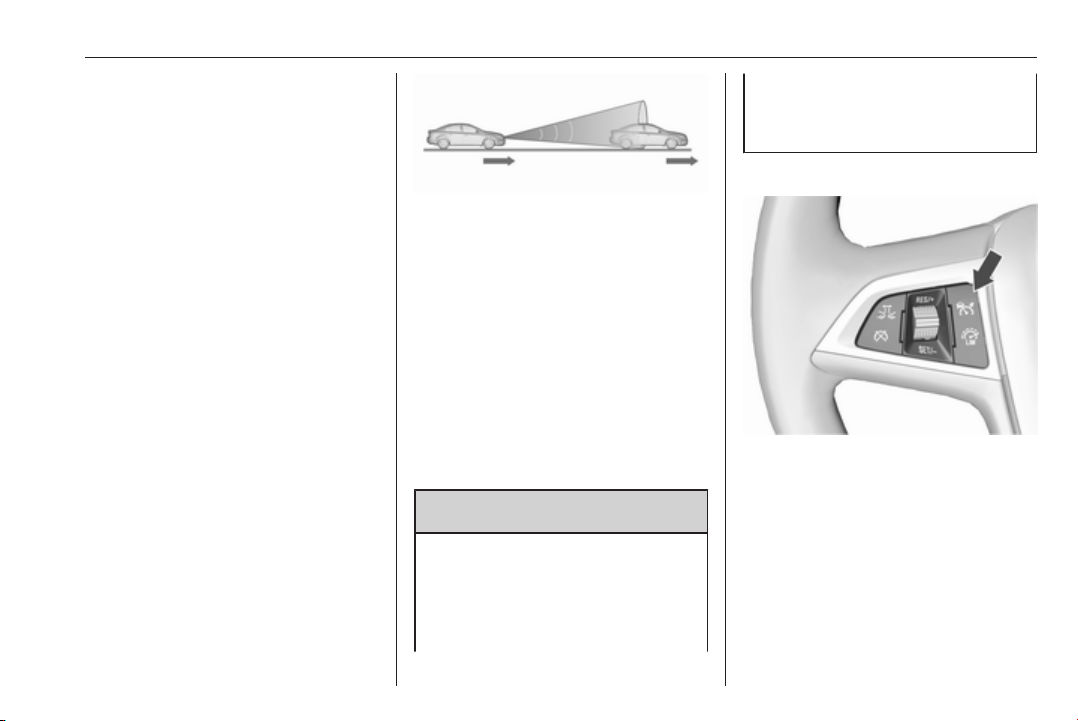
Driving and operating 191
Adaptive cruise control automatically
decelerates the vehicle when
approaching a slower moving vehicle.
It then adjusts the vehicle speed to
follow the vehicle ahead at the
selected following distance. The
vehicle speed increases or decreases
to follow the vehicle in front, but will
not exceed the set speed. It may
apply limited braking with activated
brake lights.
To facilitate overtaking a vehicle on
the motorway, the activation of the
turn signal reduces the following
distance for a short time. This function
is implemented only on the respective
driver's side depending on left or right
hand drive vehicle configuration.
The adaptive cruise control can store
set speed over 30 km/h for manual
transmission. On vehicles with
automatic transmissions the system
can brake until a full stop and drive off
from a stop.
Adaptive cruise control uses radar
and camera sensors to detect the
vehicles ahead. If no vehicle is
detected in the driving path, the
adaptive cruise control will behave
like a conventional cruise control.
Adaptive cruise control is mainly
advised to be used on long straight
roads like highways or country roads
with steady traffic. Do not use the
system if it is not advisable to
maintain a constant speed.
Control indicator A 3 112, C 3 112.
9 Warning
The complete driver attention is
always required while driving with
adaptive cruise control. The driver
stays fully in control of the vehicle
because the brake pedal, the
accelerator pedal and the cancel
switch have priority over any
adaptive cruise control operation.
Switching on
Illustrations show different versions.
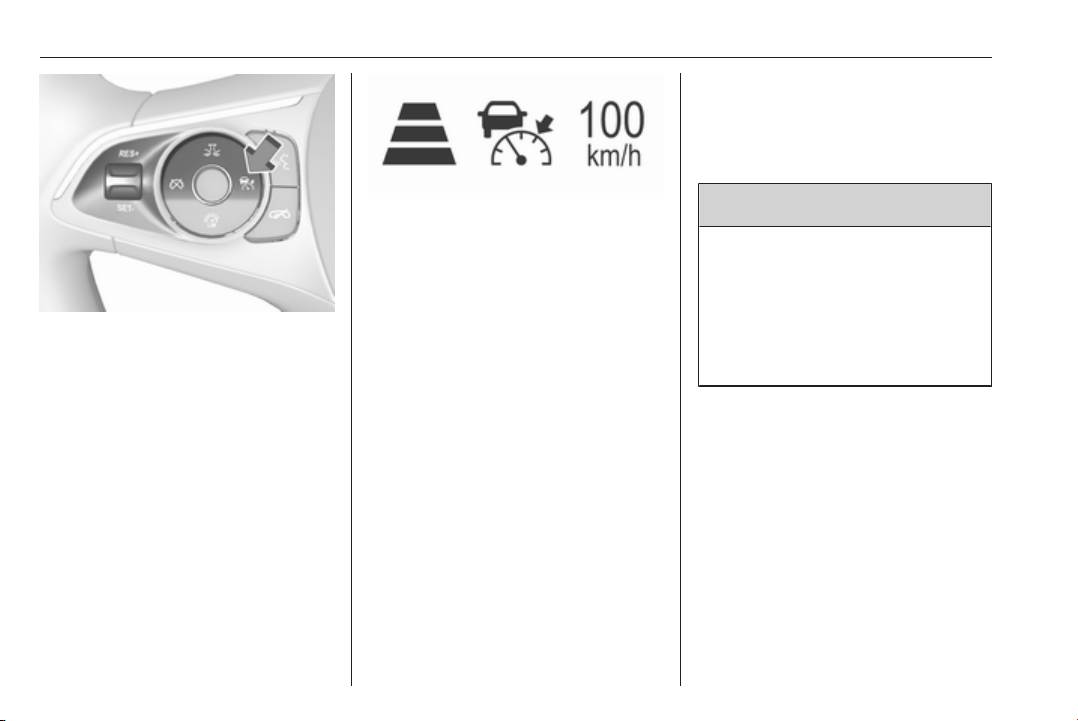
192 Driving and operating
Press C to switch on adaptive cruise
control. C appears in the Driver
Information Centre.
Activation by setting the speed
Adaptive cruise control can be
activated at speeds above 25 km/h on
vehicles with automatic transmission
or 30 km/h on vehicles with manual
transmission. The upper speed limit is
180 km/h.
Accelerate to the desired speed and
turn thumb wheel to SET/-, the
current speed is stored and
maintained.
The adaptive cruise control symbol
C, the following distance setting and
set speed are indicated in the Driver
Information Centre.
The accelerator pedal can be
released. Adaptive cruise control
remains activated during gear
shifting.
Overriding set speed
It is always possible to drive faster
than the selected set speed by
depressing the accelerator pedal.
When the accelerator pedal is
released, the vehicle returns to the
desired distance if a slower vehicle is
ahead. Otherwise it returns to the
stored speed.
Once the system is activated,
adaptive cruise control decelerates or
brakes if it detects a vehicle ahead,
which is slower or closer than the
desired following distance.
9 Warning
Accelerating by the driver
deactivates automatic braking by
the system. This is indicated as a
pop-up warning in the Driver
Information Centre or by the
adaptive cruise control symbol
turning blue.
Take over current speed
If the accelerator pedal is pressed,
the current vehicle speed is taken
over as stored speed. This is also
valid, if the current vehicle speed is
lower than the Set Speed.
Increase speed
With adaptive cruise control active,
hold RES/+ to increase speed
continuously. Push RES/+ repeatedly
to increase speed in small
increments.
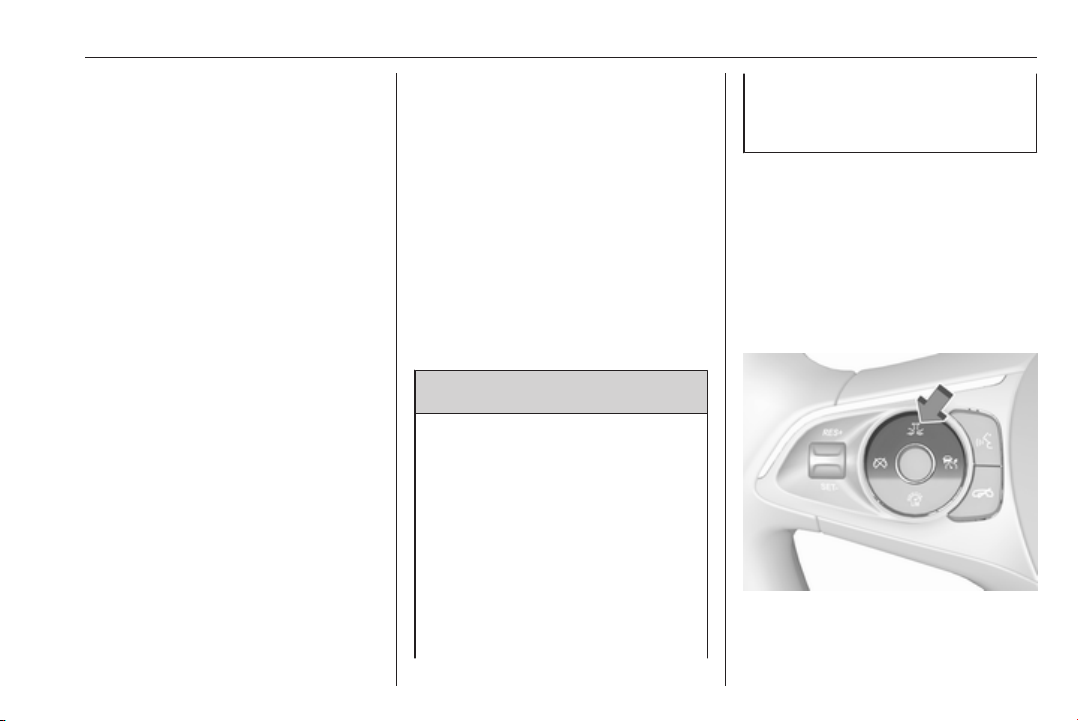
Driving and operating 193
Reduce speed
With adaptive cruise control active,
hold SET/- to decrease speed
continuously. Push SET/- repeatedly
to decrease speed in small
increments.
Resume stored speed
If a speed was stored before and
system is switched on but inactive,
turn thumb wheel to RES/+ at a speed
above 5 km/h (with Automatic
Transmission) or above 30 km/h (with
manual transmission) to resume the
stored speed.
Full speed range adaptive cruise
control on vehicles with automatic
transmission
Full speed range adaptive cruise
control will maintain a following
distance behind a detected vehicle
and slow your vehicle to a stop behind
that vehicle.
When the vehicle ahead accelerates
after a brief stop, the adaptive cruise
control will drive off automatically
without driver action. If necessary,
press RES/+ or the accelerator pedal
to resume adaptive cruise control.
Pressing the accelerator pedal allows
more control over the acceleration
after driving off. Note that automatic
braking is disabled during usage of
the accelerator pedal.
If the stopped vehicle ahead stands
for a longer time and then begins to
move forward, the green illuminated
vehicle ahead control indicator A will
flash and a warning chime will sound
as a reminder to check traffic before
resuming.
9 Warning
When full speed range adaptive
cruise control is deactivated or
cancelled, the vehicle will no
longer be held at a stop and can
start moving. Always be prepared
to manually apply the brake pedal
to hold the vehicle stationary.
Do not leave the vehicle while it is
being held at a stop by the full
speed range adaptive cruise
control. Always move selector
lever to park position P and switch
off the ignition before leaving the
vehicle.
Setting the following distance
When adaptive cruise control detects
a slower moving vehicle in the driving
path, it will adjust the vehicle speed to
maintain the following distance
selected by the driver.
The following distance can be set to
near, medium or far.
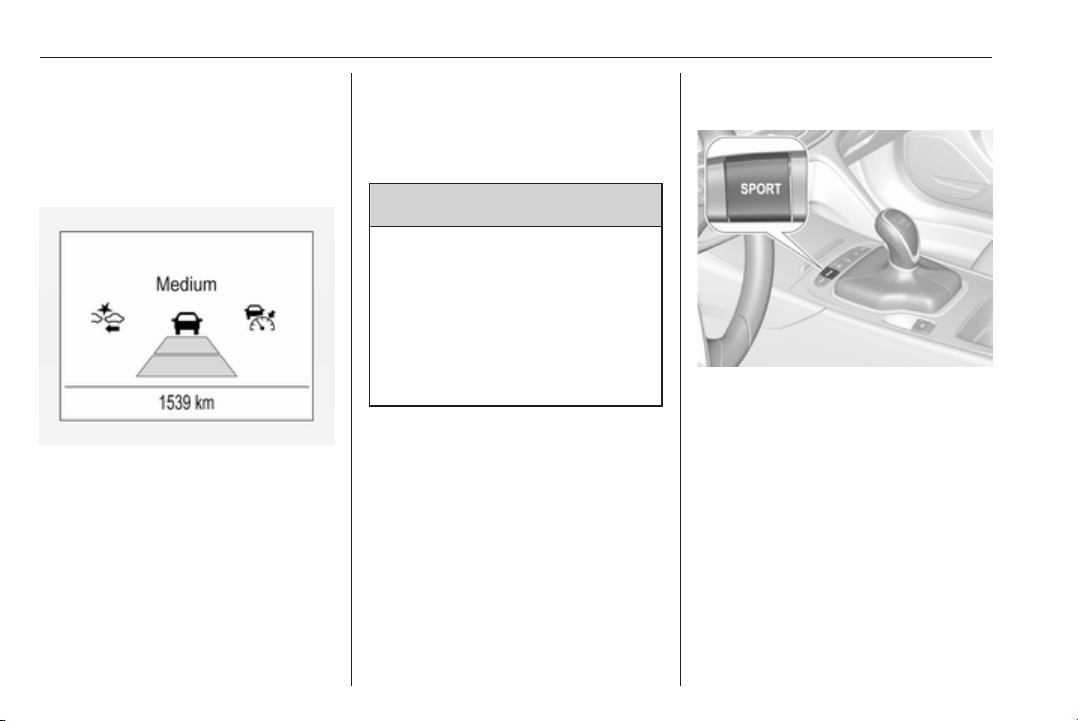
194 Driving and operating
Press E, the current setting is shown
in the Driver Information Centre.
Press E again to change the
following distance. The setting is also
displayed in the Driver Information
Centre.
The selected following distance is
indicated by filled distance bars in the
adaptive cruise control page.
Note that the following distance
setting is shared with the sensitivity
setting of forward collision alert
3 198.
Example: If setting 3 (far) is selected,
then the driver is warned sooner
before a possible collision, also if
adaptive cruise control is inactive or
switched off.
9 Warning
The Driver accepts full
responsibility to drive with the
appropriate following distance
based on traffic, weather, visibility
and regional regulation. Following
distance must be adjusted or the
system switched off when required
by the prevailing conditions.
Adaptive cruise control in Sport
mode
On vehicles with Flex Ride driving
modes, the driver can slightly
increase the Adaptive cruise control
acceleration when Sport mode is
selected. This function can be
deactivated in the Flex Ride
visualisation menu 3 184

Driving and operating 195
Detecting the vehicle ahead
The green illuminated vehicle ahead
control indicator A is displayed when
the system detects a vehicle in the
driving path. The range of the sensors
is between 25 and 150 metres
depending on vehicle speed.
Forward collision alert 3 198.
If this symbol does not display, or
displays briefly, adaptive cruise
control will not respond to vehicles
ahead.
Deactivation
Adaptive cruise control is deactivated
by the driver when:
● y is pressed.
● Brake pedal is applied.
● Clutch pedal is depressed for
more than four seconds.
● Selector lever of automatic
transmission is moved to N.
The system is also automatically
deactivated when:
● Vehicle speed accelerates above
190 km/h or slows down below
25 km/h, on vehicles with
automatic transmission it slows
down to a stop without
deactivating within five minutes.
● The Traction Control system is
deactivated or operating.
● The Electronic Stability Control is
deactivated or operating.
● There is no traffic and nothing
detected on the road sides for
approx. one minute. In this case
there are no radar echoes and
the sensor may report that it is
blocked.
● The active emergency braking
system is applying the brakes.
● Driving on steep inclines.
● The radar sensor is blocked by
an ice or water film.
● A fault is detected in the radar,
camera, engine or brake system.
● The brakes need to cool down.
Additionally, the system is
automatically deactivated on vehicles
with automatic transmission (full
speed range adaptive cruise control)
when:
● The incline uphill or downhill is
greater than 20 %.
● The electric parking brake is
applied.
● The vehicle is being held to a stop
by the system for more than
five minutes.
● The vehicle stops, the driver's
seat belt is unbuckled and the
driver's door is opened.
When adaptive cruise control is
deactivated, the control indicator m
changes from green to white and a
pop-up message is displayed in the
Driver Information Centre.
The stored speed is maintained.
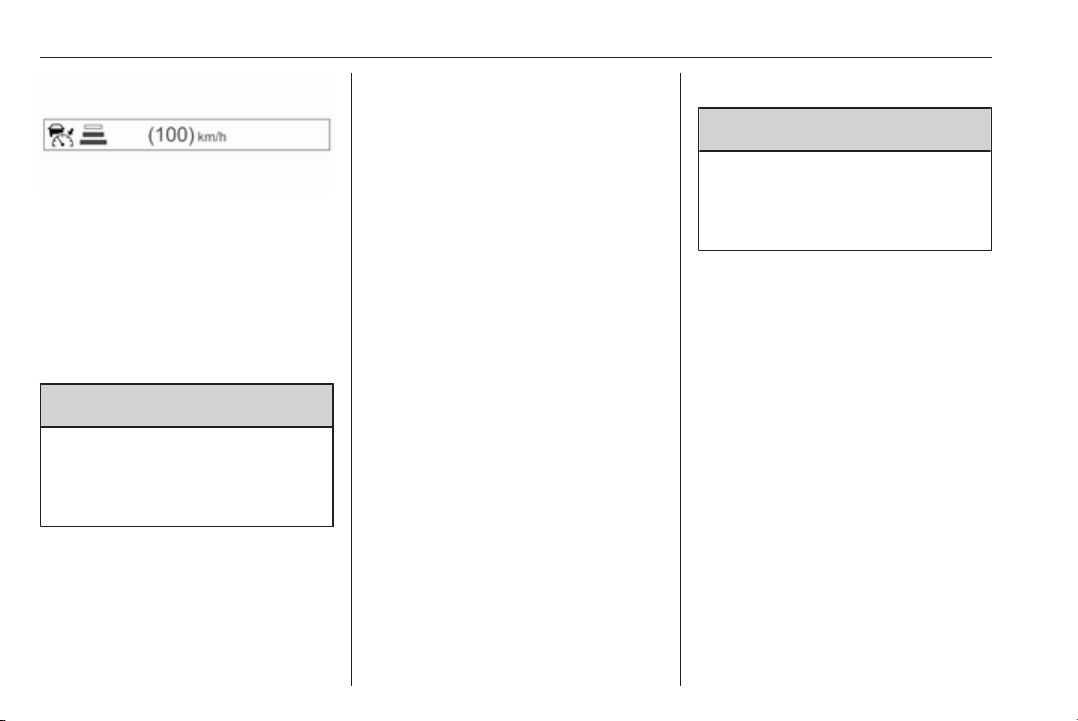
196 Driving and operating
On Midlevel display, the stored speed
is indicated in brackets in the Driver
Information Centre when the system
is deactivated but not switched off.
On Uplevel display, the adaptive
cruise control symbol C changes
from green to white when the system
is deactivated but not switched off.
9 Warning
When adaptive cruise control is
deactivated, the driver must take
over full brake and engine control
immediately.
Switching off
Press C to switch off adaptive cruise
control. The control indicator C in the
Driver Information Centre
extinguishes. The stored speed is
deleted.
Switching off the ignition also
switches off adaptive cruise control
and deletes the stored speed.
Driver's attention
● Use adaptive cruise control
carefully on bends or mountain
roads, as it can lose the vehicle
ahead and needs time to detect it
again.
● Do not use the system on
slippery roads as it can create
rapid changes in tyre traction
(wheel spinning), so that you
could lose control of the vehicle.
● Do not use adaptive cruise
control during rain, snow or
heavy dirt, as the radar sensor
can be covered by a water film,
dust, ice or snow. This reduces or
suppresses completely the
visibility. In case of sensor
blockage, clean the sensor
cover.
System limits
9 Warning
The system's automatic brake
force does not permit hard braking
and the braking level may not be
sufficient to avoid a collision.
● After a sudden lane change, the
system needs a certain time to
detect the next preceding
vehicle. So if a new vehicle is
detected, the system may
accelerate instead of braking.
● Adaptive cruise control does
ignore the oncoming traffic.
● Adaptive cruise control does not
consider pedestrians and
animals for braking and driving
off.
● Adaptive cruise control considers
stopped vehicles only at low
speed.
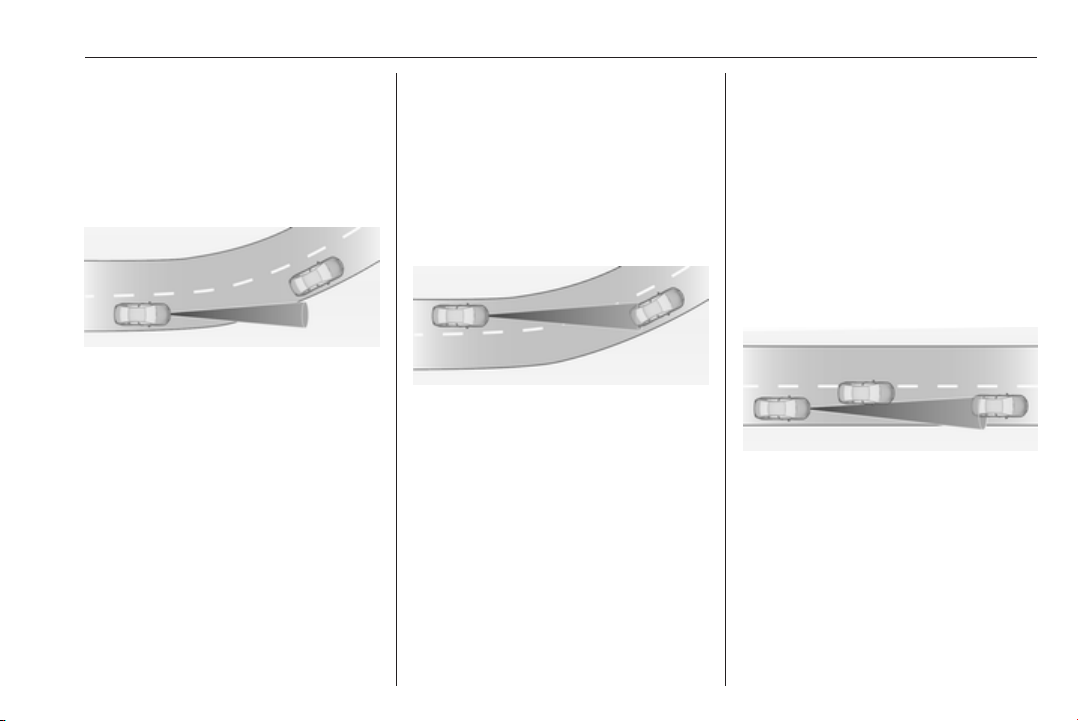
Driving and operating 197
● Do not use adaptive cruise
control when towing a trailer.
● Do not use adaptive cruise
control on roads with an incline of
more than 10%.
Bends
The adaptive cruise control calculates
a predicted path based on the
centrifugal force. This predicted path
considers the current bend
characteristic, but cannot consider a
future bend change. The system may
lose the current vehicle ahead or
consider a vehicle which is not in the
actual lane. This can happen when
entering or exiting a bend or if the
bend gets stronger or weaker. The
camera applies a certain correction
based on the detectable lane
markings. The control indicator A will
extinguish, if a vehicle ahead is no
longer detected.
If the centrifugal force is too high in a
bend, the system slows down the
vehicle slightly. This braking level is
not designed to avoid spinning-off the
bend. The driver is responsible for
reducing the selected speed before
entering a bend and in general to
adapt the speed to the road type and
to existing speed limits.
Motorways
On motorways, adapt the set speed
to the situation and the weather.
Always consider that adaptive cruise
control has a limited visibility range, a
limited braking level and a certain
reaction time to verify if a vehicle is on
the driving path or not. Furthermore,
Adaptive cruise control was designed
to brake as late as possible to allow
changing the lane before the
automatic braking. Adaptive cruise
control may not be able to brake the
vehicle in time to avoid a collision with
a much slower vehicle or after a lane
change.This is particularly true while
driving fast or if the visibility is
reduced due to weather conditions.
While entering or exiting a motorway,
adaptive cruise control may lose the
vehicle ahead and accelerate up to
the set speed. For this reason,
decrease the set speed before the
exit or before the entry.
Vehicle path changes
If another vehicle enters your driving
path, adaptive cruise control will first
consider the vehicle when it is
completely in your path. Be ready to
take action and depress the brake
pedal, if you need to brake more
quickly.
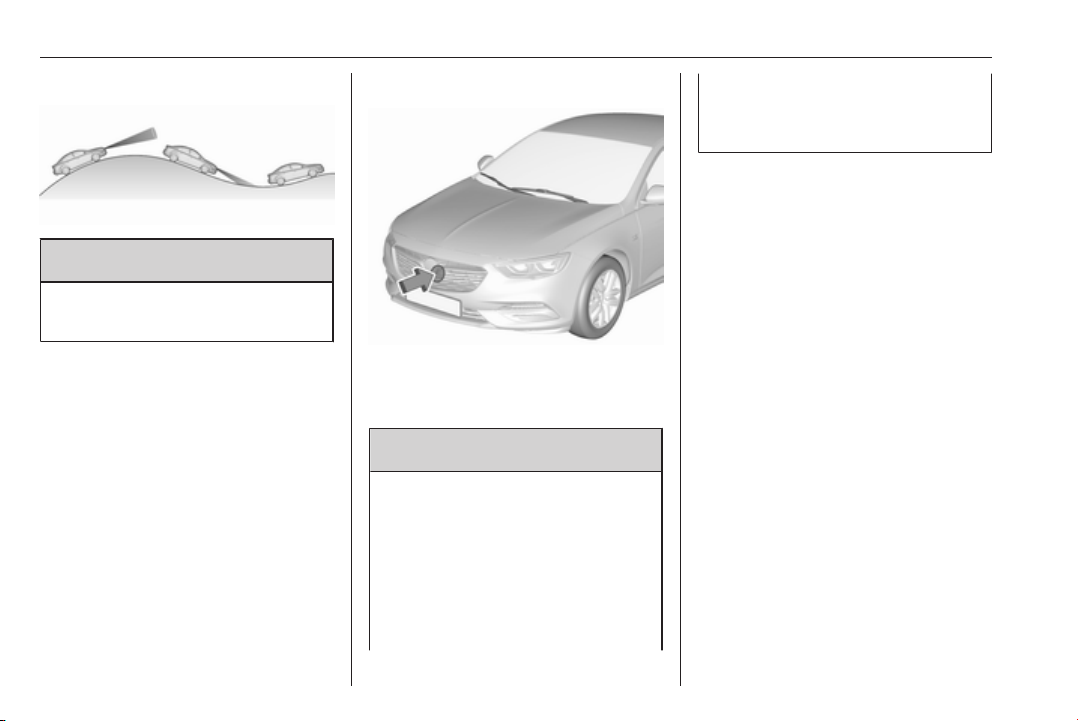
198 Driving and operating
Hill and trailer considerations
9 Warning
Do not use adaptive cruise control
on steep hill roads.
System performance on hills depends
on vehicle speed, vehicle load, traffic
conditions and the road gradient. It
may not detect a vehicle in your path
while driving on hills. Full speed range
adaptive control is deactivated
automatically, as the vehicle is
stopping uphill on an incline greater
than 10%. In this condition, be
prepared to take control of the
vehicle.
Note that applying the brake
deactivates the system.
Radar unit
The radar unit is mounted behind the
radiator grille behind or below the
brand emblem.
9 Warning
The radar unit was aligned
carefully during manufacture.
Therefore, in the event of a front-
end impact, do not use the system.
The front bumper may appear to
be intact, however the sensor
behind can be out of position and
react incorrectly. After an
accident, consult a workshop to
verify and adjust the radar unit
position.
Settings
Settings can be changed in the
vehicle personalisation menu in the
Info-Display.
Select the relevant setting in Settings,
I Vehicle in the Info-Display.
Info-Display 3 120.
Vehicle personalisation 3 126.
Fault
If the adaptive cruise control does not
work due to temporary conditions
(e.g. blockage by ice, overheated
brakes or low speed manoeuvres) or
if there is a permanent system error,
a message is displayed in the Driver
Information Centre.
Vehicle messages 3 124.
Forward collision alert
The forward collision alert may help to
avoid or reduce the harm caused by
front-end crashes.
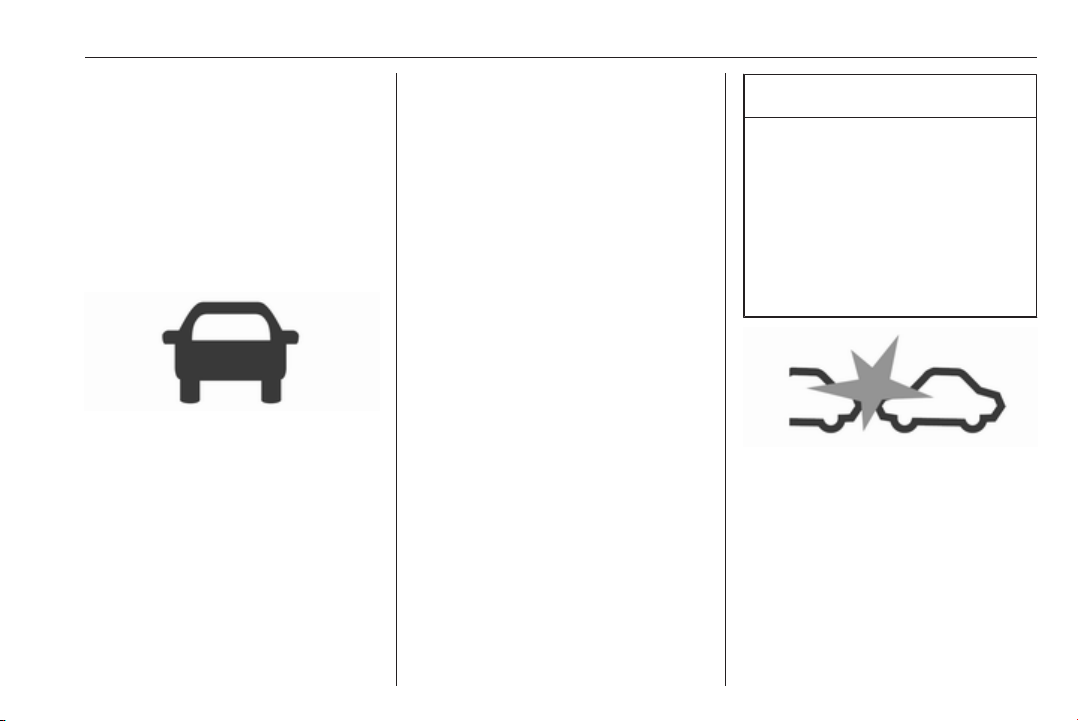
Driving and operating 199
If the vehicle is equipped with
conventional cruise control, the
forward collision alert uses the front
camera in the windscreen to detect a
vehicle directly ahead, in your path.
If the vehicle is equipped with
adaptive cruise control, the forward
collision alert uses the radar sensor
and front camera to detect a vehicle
directly ahead, in your path.
A vehicle ahead is indicated by the
control indicator A.
If a vehicle directly ahead is
approached too quickly, a warning
chime and alert in the Driver
Information Centre is provided.
Additionally the driver gets notified by
a flashing red LED stripe or a pop up
symbol in the head-up display which
is projected on the windscreen in the
driver's field of view.
A precondition is that forward collision
alert in the vehicle personalisation
menu is not deactivated 3 126.
Activation
Forward collision alert with front
camera detects vehicles to distances
of approximately 60 metres and
operates automatically at all speeds
above walking speed.
Forward collision alert with radar
sensor detects vehicles to distances
of approximately 150 metres and
operates automatically at all speeds
above walking speed.
Alerting the driver
The vehicle ahead control indicator
A illuminates green in the instrument
cluster when the system has detected
a vehicle in the driving path. On
vehicles with head-up display, A is
projected on the windscreen.
The control indicator A changes to
yellow when the distance to a
preceding moving vehicle gets too
small.
Caution
The colour lighting of this control
indicator does not correspond to
local traffic laws on following
distance. The driver bears full
responsibility for maintaining safe
following distance according to
applicable traffic rules, weather
and road conditions etc. at all
times.
When the time to a potential collision
with a vehicle in front gets too small
and a collision is imminent, the
collision alert symbol pops-up in the
Driver Information Centre and the
driver gets notified by a flashing red
LED stripe or the pop-up symbol in
the head-up display which is
projected on the windscreen in the
driver's field of view.
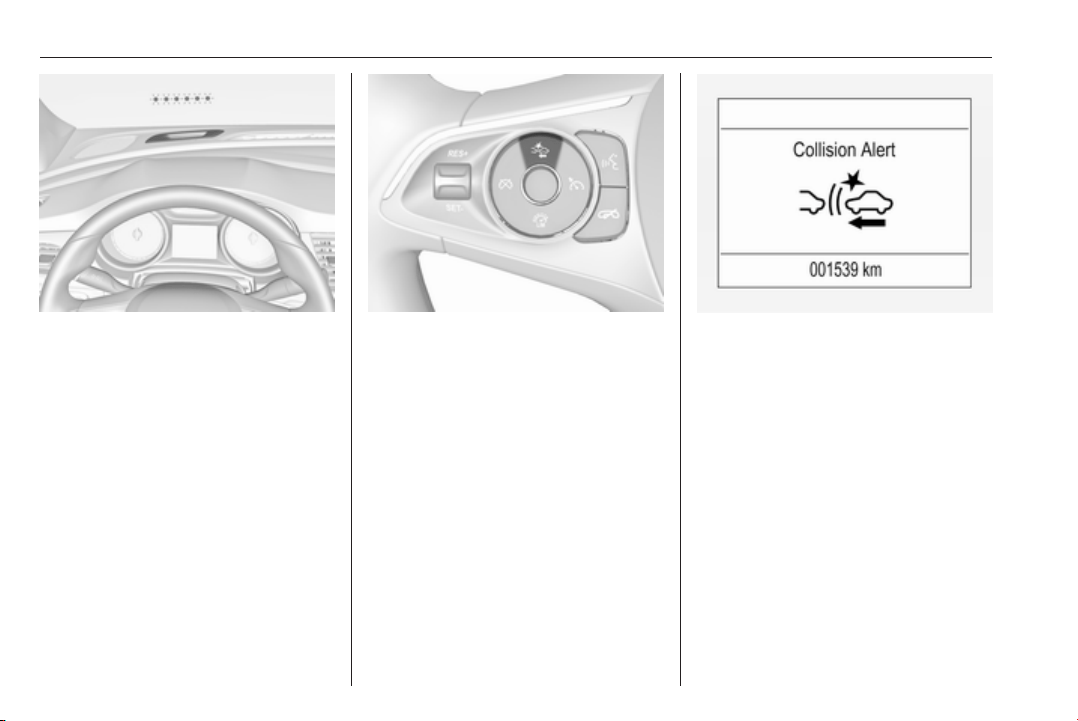
200 Driving and operating
Simultaneously a warning chime
sounds. Depress the brake pedal and
steer the vehicle, if it is required by the
situation.
Selecting the alert sensitivity
Press K to set the alert sensitivity to
near, medium or far.
The first button press shows the
current setting on the Driver
Information Centre. Additional button
presses will change this setting. The
chosen setting will remain until it is
changed. The alert timing will vary
based on vehicle speed. The faster
the vehicle speed, the farther away
the alert will occur. Consider traffic
and weather conditions when
selecting the alert timing.
Note that the alert timing sensitivity
setting is shared with the following
distance setting of the adaptive cruise
control. So changing the alert timing
sensitivity changes the adaptive
cruise control following distance
setting.
Deactivation
The system can be deactivated in the
personalisation menu, 3 126.
If the forward collision alert was
deactivated, alert sensitivity is set to
"medium" when ignition is switched
on next time.
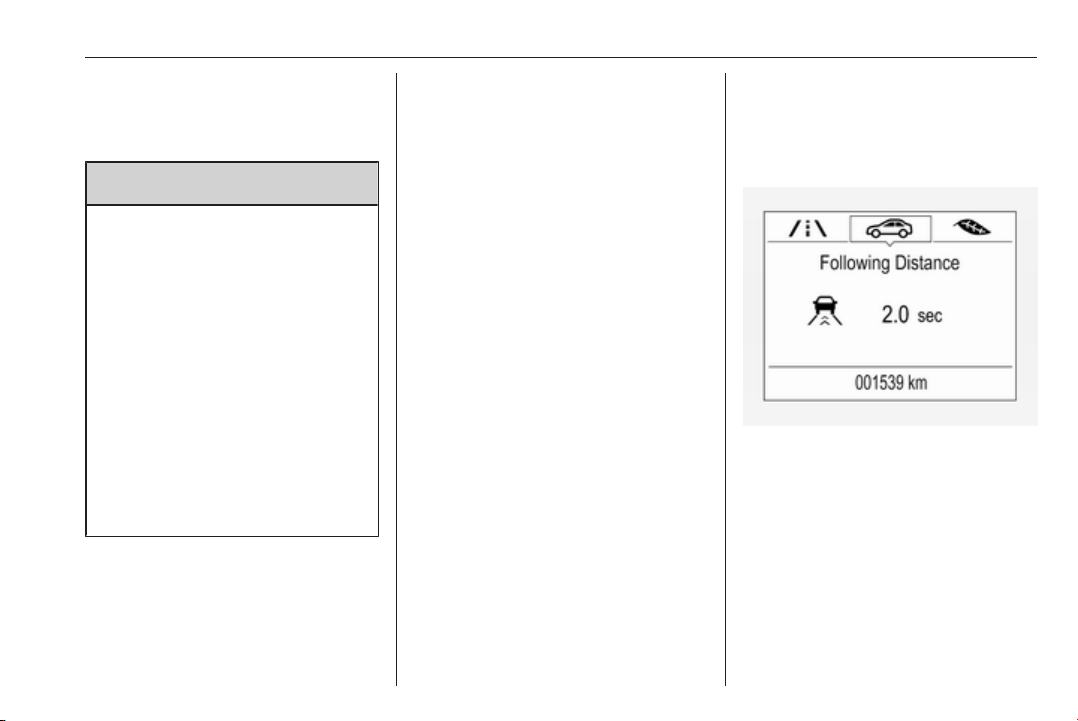
Driving and operating 201
The last selected setting will be stored
when the ignition is switched off.
General information
9 Warning
Forward collision alert is just a
warning system and does not
apply the brakes. When
approaching a vehicle ahead too
rapidly, it may not provide you
enough time to avoid a collision.
The driver accepts full
responsibility for the appropriate
following distance based on traffic,
weather and visibility conditions.
The complete attention of the
driver is always required while
driving. The driver must always be
ready to take action and apply the
brakes.
System limitations
Forward collision alert is designed to
warn on vehicles only, but may react
also to other objects.
In the following cases, Forward
collision alert may not detect a vehicle
ahead or sensor performance is
limited:
● Driving on winding or hilly roads.
● During nighttime driving.
● Weather limits visibility, such as
fog, rain, or snow
● The sensor in the windscreen is
blocked by snow, ice, slush, mud,
dirt, windscreen damage or
affected by foreign items, e.g.
stickers.
Following distance
indication
The following distance indication
displays the distance to a preceding
moving vehicle. The front camera in
the windscreen is used to detect the
distance of a vehicle directly ahead in
the vehicle's path. It is active at
speeds above 40 km/h.
When a preceding vehicle is detected
ahead, the distance is indicated in
seconds, displayed on a page in the
Driver Information Centre.
On Baselevel display, choose Info
Menu ? via MENU on the turn
signal lever and turn the adjuster
wheel to choose following distance
indication page,3 113
On Mid- and Uplevel display, select
Info menu via steering wheel buttons
and press å to select following
distance indication 3 113.
The minimum indicated distance is
0.5 seconds.
If there is no vehicle ahead or the
vehicle ahead is out of range, two
dashes will be displayed: -.- sec.
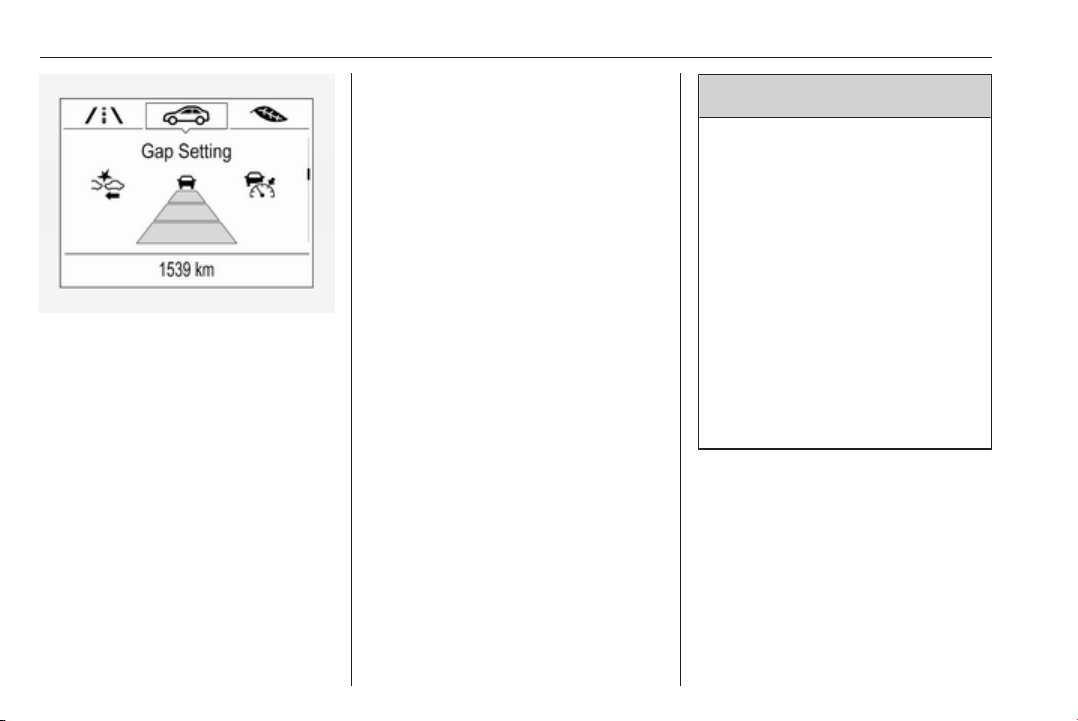
202 Driving and operating
If Adaptive cruise control is active,
this page shows the alert sensitivity
setting instead of following distance
setting. 3 190.
System limitations
In the following cases, following
distance indication sensor
performance is limited:
● Driving on winding or hilly roads.
● During nighttime driving.
● Weather limits visibility, such as
fog, rain, or snow.
● The sensor is blocked by snow,
ice, slush, mud, dirt, windscreen
damage or affected by foreign
items, e.g. stickers.
Active emergency braking
Active emergency braking can help to
reduce the damage and injury from
crashes with vehicles, pedestrians
and obstacles directly ahead, when a
collision can no longer be avoided
either by manual braking or by
steering. Before the active
emergency braking applies, the driver
is warned by the Forward collision
alert 3 198 or the Front pedestrian
protection alert 3 205.
The feature uses various inputs (e.g.
camera sensor, radar sensor, brake
pressure, vehicle speed) to calculate
the probability of a frontal collision.
9 Warning
This system is not intended to
replace the driver responsibility for
driving the vehicle and looking
ahead. Its function is limited to
supplemental use only to reduce
the vehicle speed before a
collision.
The system may not react to
animals. After a sudden lane
change, the system needs a
certain time to detect the next
preceding vehicle.
The driver must always be ready
to take action and apply the brakes
and steer to avoid collisions.
Functionality
If equipped only with front camera the
active emergency braking operates in
forward gear above walking speed up
to 85 km/h.
With radar sensor active emergency
braking operates in forward gear
above walking speed at all speeds.

Driving and operating 203
A precondition is that forward collision
alert with front camera system is not
deactivated in the vehicle
personalisation menu 3 126.
The system includes:
● brake preparation system
● emergency automatic braking
● forward looking brake assist
● intelligent brake assist (only with
radar sensor)
● front pedestrian protection
system
Brake preparation system
When approaching a vehicle ahead
or a pedestrian so quickly that a
collision is likely, the brake
preparation system slightly
pressurizes the brakes. This reduces
the response time, when a manual or
automatic braking is requested.
The brake system is prepared so that
braking can occur more rapidly.
If equipped only with front camera the
system operates up to a speed of 80
km/h.
Emergency automatic braking
After activation of brake preparation
system and just before the imminent
collision, this function automatically
applies limited braking to reduce the
impact speed of the collision or
prohibit a crash. Depending on the
situation, the vehicle may
automatically brake moderately or
hard. This front automatic braking can
only occur if a vehicle ahead is
detected, indicated by the vehicle
ahead indicator A 3 198. On vehicles
with front pedestrian protection, front
automatic braking can also occur
when a pedestrian ahead is detected,
indicated by the pedestrian ahead
indicator 7.
If equipped only with front camera the
system operates up to a speed of 80
km/h.
Below a speed of 40 km/h the system
can apply full braking.
Emergency automatic braking may
slow the vehicle to a complete stop to
try to avoid a potential crash. If this
happens, emergency automatic
braking may engage the electric
parking brake to hold the vehicle at a
stop. To release press the electric
parking brake button or firmly press
the accelerator pedal.
9 Warning
Emergency automatic braking is
an emergency crash preparation
feature and is not designed to
avoid crashes. Do not rely on the
system to brake the vehicle.
Emergency automatic braking will
not brake outside of its operating
speed range and only responds to
detected vehicles and
pedestrians.
Forward looking brake assist
In addition to the brake preparation
system and emergency automatic
braking, the forward looking brake
assist function makes the brake assist
more sensitive. Therefore, pressing
the brake pedal less strongly results
in immediate hard braking. This
function helps the driver brake
quicker and harder before the
imminent collision.

204 Driving and operating
If equipped only with front camera the
system operates up to a speed of 85
km/h.
9 Warning
Active emergency braking is not
designed to apply hard
autonomous braking or to
automatically avoid a collision. It is
designed to reduce the vehicle
speed before a collision. It may not
react to animals. After a sudden
lane change, the system needs a
certain time to detect the next
preceding vehicle.
The complete attention of the
driver is always required while
driving. The driver must always be
ready to take action and apply the
brakes and steer to avoid
collisions.
The system is designed to work with
all occupants wearing their seat belts.
Intelligent Brake Assist
If the vehicle is equipped with radar
sensor Intelligent brake assist may
activate when the brake pedal is
applied quickly by providing a boost
to braking based on the speed of
approach and distance to a vehicle
ahead.
Minor brake pedal pulsations or pedal
movement during this time is normal
and the brake pedal should continue
to be applied as needed. Intelligent
brake assist will automatically
disengage only when the brake pedal
is released.
9 Warning
Intelligent brake assist may
increase vehicle braking in
situations when it may not be
necessary. You could block the
flow of traffic. If this occurs, take
your foot off the brake pedal and
then apply the brakes as needed.
Front pedestrian protection
3 205.
Deactivation
Active emergency braking can be
deactivated in the personalisation
menu 3 126. If deactivated a
message is displayed in the Driver
Information Centre.
System limitations
In some cases, the active emergency
braking system may provide an
automatic braking in situations that
seem to be unnecessary, for instance
in parking garages, due to traffic signs
in a curve or due to vehicles in
another lane. This is normal
operation, the vehicle does not need
service. Firmly apply the accelerator
pedal to override the automatic
braking if the situation and the
surroundings permit.
In the following cases, Active
emergency braking performance is
limited:
● Driving on winding or hilly roads.
● Detecting all vehicles, especially
vehicles with a trailer, tractors,
muddy vehicles, etc.

Driving and operating 205
● Detecting a vehicle when
weather limits visibility, such as in
fog, rain, or snow.
● During nighttime driving.
● Weather limits visibility, such as
fog, rain, or snow.
● The sensor in the windscreen is
blocked by snow, ice, slush, mud,
dirt, windscreen damage or
affected by foreign items, e.g.
stickers.
To avoid malfunction keep the areas
of the camera sensor in the
windscreen and the radar sensor in
the radiator grille always clean from
dirt, dust, ice and snow.
Complete attention is always required
while driving, and you should be
ready to take action and apply the
brakes and/or steer the vehicle to
avoid crashes.
Fault
In case the system requires a service,
a message is displayed in the Driver
Information Centre.
If the system does not work as it
should do, vehicle messages are
displayed in the Driver Information
Centre.
Vehicle messages 3 124.
Front pedestrian protection
Front pedestrian protection may help
to avoid or reduce the harm caused
by front-end crashes with nearby
pedestrians when driving in a forward
gear.
The system uses the front camera in
the windscreen to detect a pedestrian
directly ahead, in your path.
Front pedestrian protection can
detect and alert to pedestrians in a
forward gear at speeds between 8
km/h and 80 km/h. Additionally Front
pedestrian protection can provide a
boost to braking or automatically
brake the vehicle.
During daytime driving, the system
detects pedestrians up to a distance
of approximately 40 metres. During
nighttime driving, system
performance is limited.
Front pedestrian protection can be
set to Off, Alert, or Alert & Brake in
vehicle personalisation 3 126.
9 Danger
Front pedestrian braking does not
provide an alert or automatically
brake the vehicle, unless it detects
a pedestrian.
The system may not detect
pedestrians, including children,
when the pedestrian is not directly
ahead, not fully visible, not
standing upright, or when part of a
group.
Front pedestrian protection includes:
● detecting front pedestrian ahead
● front pedestrian alert
● automatic braking
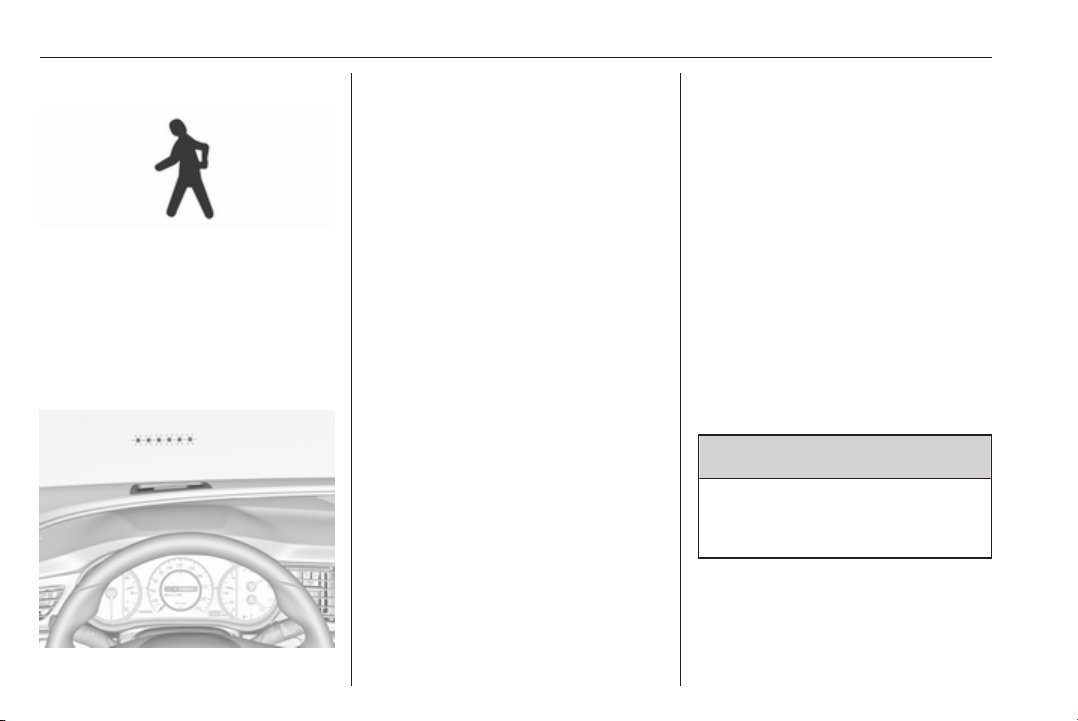
206 Driving and operating
Detecting front pedestrian ahead
A pedestrian ahead up to a distance
of approximately 40 m is indicated by
the control indicator 7 in the
instrument cluster. On vehicles with
head-up display, 7 is projected on the
windscreen.
Front pedestrian alert
When approaching a detected
pedestrian too quickly, a red flashing
LED alert or the pop-up symbol 7 in
the head-up display is projected on
the windscreen in the driver's field of
view. A warning chime is provided.
The brake system may prepare for
driver braking to occur more rapidly
which can cause a brief, mild
deceleration. Continue to apply the
brake pedal as required.
Cruise control or Adaptive cruise
control may be disengaged when the
Front pedestrian alert occurs.
Automatic braking
If a crash into a pedestrian directly
ahead is imminent, and the brakes
have not been applied, Automatic
braking may automatically brake
moderately or brake hard. This can
help to avoid some very low speed
pedestrian crashes or reduce
pedestrian injury.
Automatic braking levels may be
reduced under certain conditions,
such as higher speeds.
If this happens, automatic braking
may engage the Electric parking
brake to hold the vehicle at a stop.
Release the parking brake. A firm
press of the accelerator pedal will
also release Automatic braking and
Electric parking brake 3 180.
This system includes Intelligent brake
assist, and the Emergency automatic
braking system may also respond to
pedestrians. See Active emergency
braking 3 202.
Automatic braking can be disabled in
the vehicle personalisation menu
3 126.
General information
9 Warning
The driver must always be ready
to take action and apply the brakes
and steer to avoid collisions.

Driving and operating 207
9 Warning
Front pedestrian braking may alert
or automatically brake the vehicle
suddenly in situations where it is
unexpected and undesired. It
could falsely alert or brake for
objects similar in shape or size to
pedestrians, including shadows.
This is normal operation and the
vehicle does not need a service.
To override Automatic braking,
firmly depress the accelerator
pedal, if it is safe to do so.
9 Warning
Using the Front pedestrian braking
system while towing a trailer could
cause loss of vehicle control and
crash. Turn the system to Alert or
Off in the vehicle personalisation
when towing a trailer. Vehicle
personalisation 3 126.
System limitations
In the following cases, front
pedestrian protection may not detect
a pedestrian ahead or sensor
performance is limited:
● Vehicle speed is out of range
from 8 km/h to 80 km/h in forward
gear.
● The distance to an pedestrian
ahead is more than 40 metres.
● Driving on winding or hilly roads.
● During nighttime driving.
● Weather limits visibility, such as
fog, rain, or snow.
● The sensor in the windscreen is
blocked by snow, ice, slush, mud,
dirt, windscreen damage or
affected by foreign items, e.g.
stickers.
Parking assist
General information
When the trailer hitch is attached,
change the configuration settings in
the vehicle personalisation menu in
the Info-Display. Vehicle
personalisation 3 126.
When attaching a trailer or bike
carrier to the trailer hitch, the parking
assist is deactivated.
Rear parking assist
9 Warning
It is the driver who bears full
responsibility for the parking
manoeuvre.
Always check the surrounding
area while reversing and using the
rear parking assist system.
The rear parking assist makes
parking easier by measuring the
distance between the vehicle and
rear obstacles. It informs and warns
the driver by giving acoustic signals
and display indication.
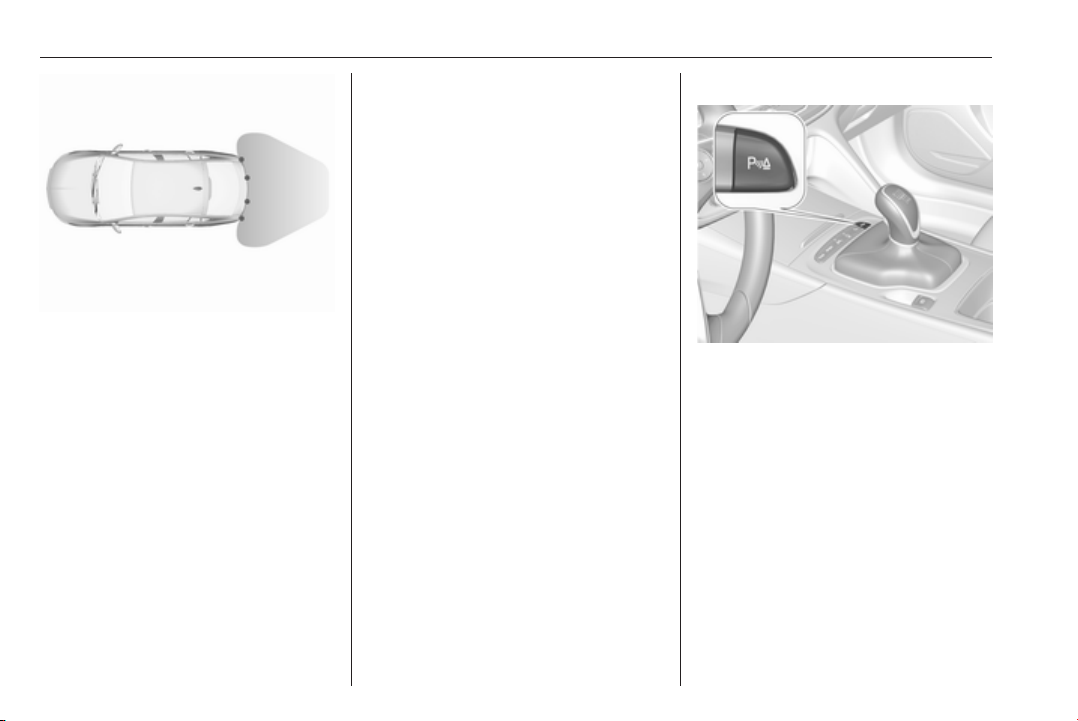
208 Driving and operating
The system has four ultrasonic
parking sensors in the rear bumper.
Activation
After ignition is switched on, the rear
parking assist is activated.
An illuminated LED in the parking
assist button r indicates that the
system is ready to operate.
Indication
The system warns the driver with
acoustic signals against potentially
hazardous obstacles behind the
vehicle in a distance range up to
50 cm while a forward gear is
engaged, respectively up to
1.5 metres while reverse gear is
engaged.
Depending on which side of the
vehicle is closer to an obstacle, you
will hear acoustic warning signals in
the vehicle on the respective side.
The interval between the sounds
becomes shorter as the vehicle gets
closer to that obstacle. When the
distance is less than approx. 30 cm,
the sound is continuous.
Additionally, the distance to rear
obstacles is displayed by changing
distance lines in the Driver
Information Centre 3 113.
The distance indication can be
inhibited by vehicle messages with a
higher priority. After dismissing the
message distance indication appears
again.
Deactivation
Press parking assist button r to
deactivate, the LED in the button
extinguishes.
Fault
In the event of a fault or if the system
does not work temporarily, e.g.
because of high external noise level
or other interference factors, the LED
in the button flashes for
three seconds and then extinguishes.
A message is indicated in the Driver
Information Centre.
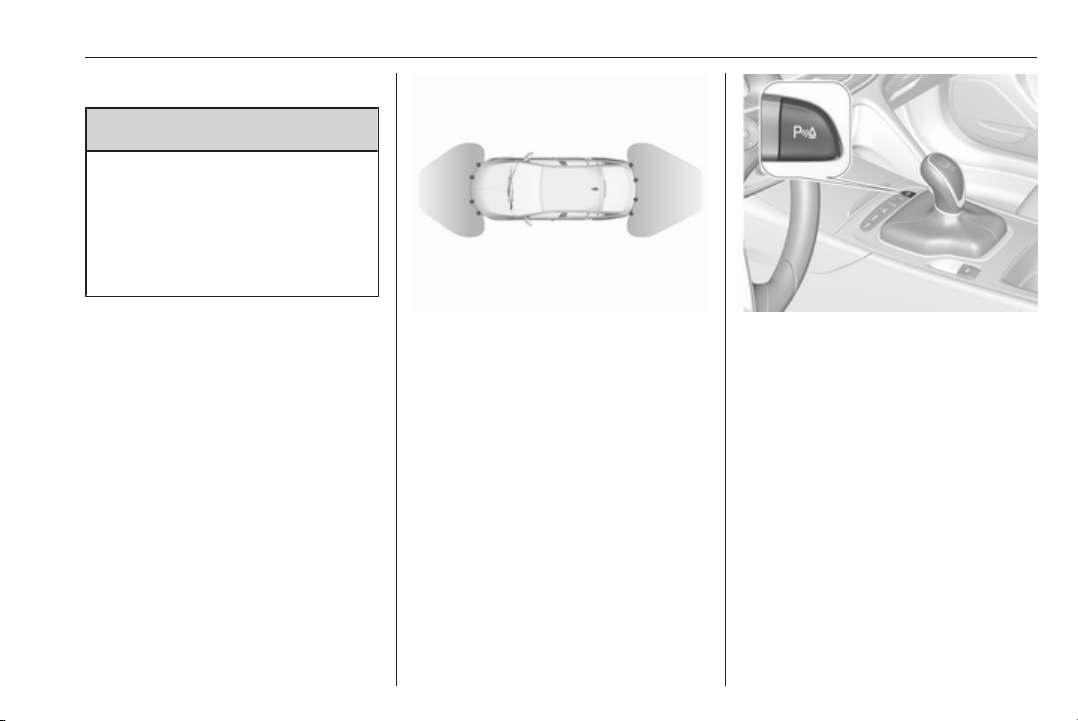
Driving and operating 209
Front-rear parking assist
9 Warning
The driver bears full responsibility
for the parking manoeuvre.
Always check the surrounding
area when driving backwards or
forwards while using parking
assist system.
The front-rear parking assist
measures the distance between the
vehicle and obstacles in front and
behind the vehicle. It informs and
warns the driver by giving acoustic
signals and display indication.
It uses two different acoustic warning
signals for the front and rear
monitoring areas, each with a
different tone frequency.
The system has four ultrasonic
parking sensors each in the rear and
front bumper.
Activation
The system is activated automatically
at a speed up to 11 km/h.
An illuminated LED in the parking
assist button r indicates that the
system is ready to operate.
If r is switched off within an ignition
cycle, the front parking assist is
deactivated. If vehicle speed has
exceeded 25 km/h beforehand,
parking assist will be reactivated
when speed drops below 11 km/h.
When the system is deactivated, the
LED in the button extinguishes and
Park Assist Off pops-up in the Driver
Information Centre.
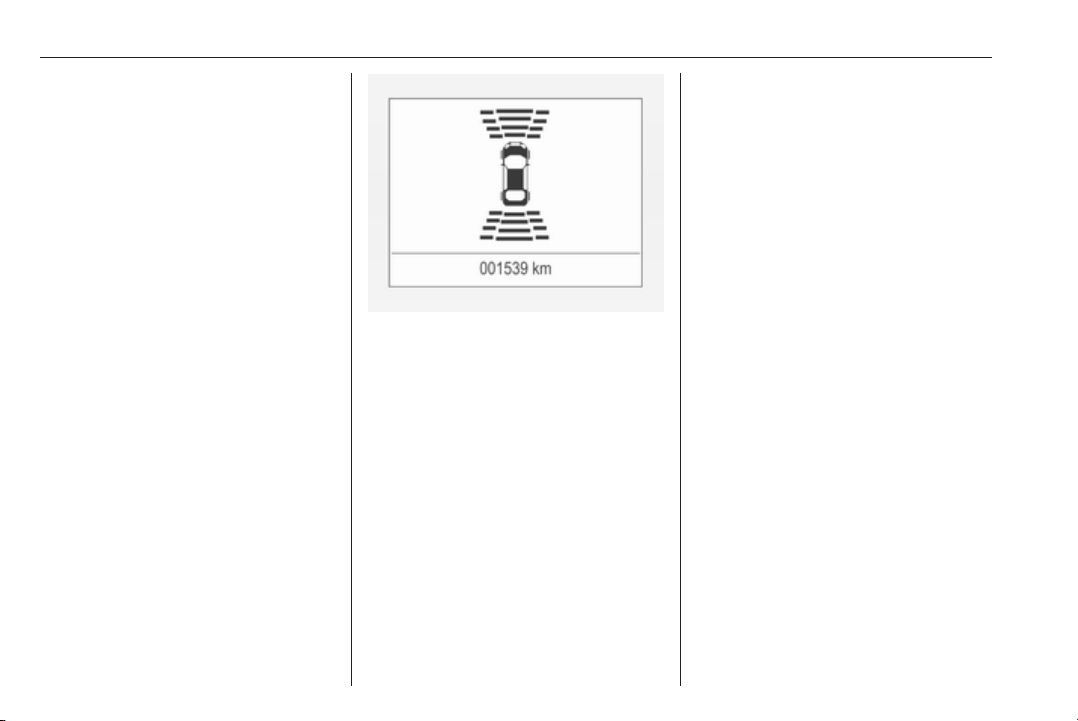
210 Driving and operating
Indication
The system warns the driver with
acoustic signals against potentially
hazardous obstacles in front of the
vehicle in a distance range up to 80
cm and against potentially hazardous
obstacles behind the vehicle in a
distance range up to 50 cm while a
forward gear is engaged, or up to 1.5
m while reverse gear is engaged.
Depending on which side of the
vehicle is closer to an obstacle, you
will hear acoustic warning signals in
the vehicle on the respective side.
The interval between the sounds
becomes shorter as the vehicle gets
closer to that obstacle. When the
distance is less than approx. 30 cm,
the sound is continuous.
Additionally, the distance to rear and
front obstacles is displayed by
changing distance lines in the Driver
Information Centre 3 113 or,
depending on the version, on the Info-
Display 3 120.
The distance indication can be
inhibited by vehicle messages with a
higher priority. After dismissing the
message distance indication appears
again.
Acoustic signal is muted when
parking brake is engaged or the
selector lever of automatic
transmission is in N.
Deactivation
The system is deactivated
automatically when vehicle speed
exceeds 11 km/h.
Manual deactivation is also possible
by pressing the parking assist button
r.
When the system is deactivated
manually, the LED in the button
extinguishes and Park Assist Off
pops-up in the Driver Information
Centre.
After a manual deactivation, the front-
rear parking assist is activated again
if r is pressed or if reverse gear is
engaged.
The complete system can be
manually deactivated in the vehicle
personalisation menu in the
Info-Display. It remains deactivated
during the ignition cycle or until
activation in personalisation menu
again. Vehicle personalisation 3 126.
Fault
In the event of a fault or if the system
does not work temporarily, e.g.
because of high external noise level
or other interference factors, a
message pops-up in the Driver
Information Centre.
Vehicle messages 3 124.

Driving and operating 211
Advanced parking assist
9 Warning
The driver bears full responsibility
for accepting the parking slot
suggested by the system and the
parking manoeuvre.
Always check the surrounding
area in all directions when using
the advanced parking assist.
The advanced parking assist
measures a suitable parking slot
while passing, calculates the
trajectory and automatically steers
the vehicle into a parallel or
perpendicular parking slot.
Instructions are given in the Driver
Information Centre 3 113 or,
depending on the version, on the Info-
Display 3 120, supported by acoustic
signals.
In vehicles with manual transmission,
the driver must control acceleration,
braking and gear shifting, while
steering is done automatically.
In vehicles with automatic
transmission, the driver must control
acceleration and gear shifting, while
braking and steering is done
automatically.
Advanced parking assist is always
combined with front-rear parking
assist. Both systems use the same
sensors in the front and rear bumper.
The system has six ultrasonic parking
sensors each in both the rear and
front bumper.
Activation of advanced parking assist
Advanced parking assist can only be
activated when driving forwards.
When searching for a parking slot, the
system is ready to operate with a
short press of (.
The system recognises and
memorises ten metres for parallel
parking slots or six metres for
perpendicular parking slots in the
parking assist mode.
The system can only be activated at
a speed up to 30 km/h and the system
searches for a parking slot at a speed
up to 30 km/h.
The maximum allowed parallel
distance between the vehicle and a
row of parked cars is 1.8 metres for
parallel parking and 2.5 metres for
perpendicular parking.

212 Driving and operating
Functionality
Parking slot searching mode,
indication in the Driver Information
Centre
Select parallel or perpendicular
parking slot in Driver Information
Centre by long press on (.
The system is configured to detect
parking slots by default on the
passenger side. To detect parking
slots on the driver side, switch on turn
signal indicator on the driver side.
When a slot is detected, a visual
feedback in the Driver Information
Centre and an acoustic signal is
given.
Indication in the Colour-Info-Display
Select parallel or perpendicular
parking slot by tapping the respective
icon on the display.
Select parking side by tapping the
respective icon on the display.
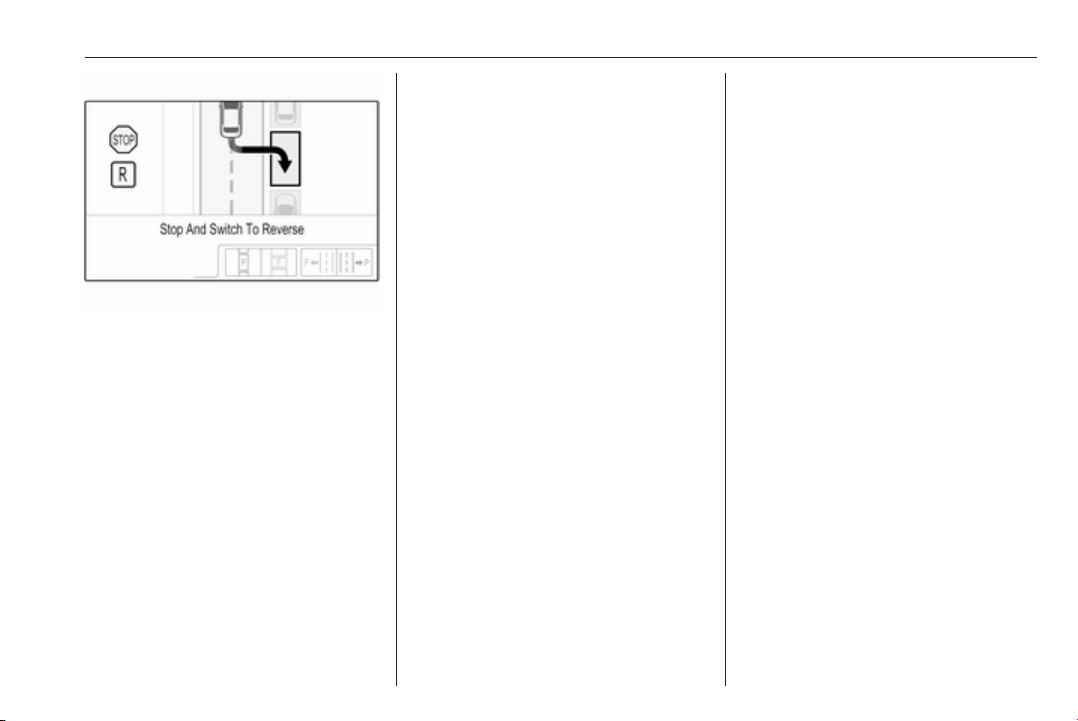
Driving and operating 213
When a slot is detected, a visual
feedback on the Colour-Info-Display
and an acoustic signal is given.
If the driver does not stop the vehicle
after a parking slot is proposed, the
system starts to search for another
suitable parking slot.
Park guiding mode
The parking slot suggestion of the
system is accepted when the vehicle
is stopped by the driver within ten
metres for parallel parking slots or
six metres for perpendicular parking
slots after the Stop message is given.
The system calculates the optimal
path into the parking slot.
A brief vibration in the steering wheel
after engaging reverse gear indicates
that the steering is controlled by the
system. Then the vehicle with manual
transmission is steered into the slot
automatically by giving the driver
detailed instructions for braking,
accelerating and gear shifting. With
automatic transmission the vehicle is
steered into the slot automatically by
giving the driver detailed instructions
for accelerating and shifting forward
or reversing. The driver must keep
hands away from the steering wheel.
During park guiding mode the
manoeuvring speed is limited.
Always pay attention to the sound of
the front-rear parking assist.
Continuous sound indicates that the
distance to an obstacle is less than
approx. 30 cm.
If, for any reason, the driver must take
over control of the steering, hold the
steering wheel only at the outer edge.
Automatic steering is cancelled in this
event.
Display indication
The instructions on the display show:
● General hints and warning
messages.
● A hint when driving faster than
30 km/h during parking slot
searching mode.
● The demand to stop the vehicle,
when a parking slot is detected.
● The direction of driving during the
parking manoeuvre.
● The demand to shift into reverse
or first gear, or R or D with
automatic transmission.
● The demand to stop or to drive
slowly.
● For some of the instructions a
progress bar is shown in the
Driver Information Centre.
● The successful completion of the
parking manoeuvre indicated by
a pop-up symbol and a chime.
● The cancelling of a parking
manoeuvre.

214 Driving and operating
Display priorities
Advanced parking assist indication in
the Driver Information Centre can be
inhibited by vehicle messages with a
higher priority. After approving the
message by pressing SET/CLR on
the turn signal lever or 9 on the
steering wheel, advanced parking
assist instructions appear again and
the parking manoeuvre can be
continued.
Deactivation
The system is deactivated by:
● a short press of (
● parking manoeuvre successfully
ended
● driving faster than 30 km/h during
parking slot search
● driving faster than 8 km/h during
parking guidance
● driver interference on steering
wheel detected
● exceeding maximum number of
gear changes: eight cycles when
parallel parking or five cycles
when perpendicular parking
● switching off the ignition
Deactivation by the driver or by the
system during manoeuvring will be
indicated by Parking Deactivated on
the display. Additionally, an acoustic
signal sounds.
Fault
A message appears when:
● There is a fault in the system.
● The driver did not successfully
complete the parking
manoeuvre.
● The system is not operational.
● Any of the deactivation reasons
described above apply.
If an object is detected during parking
instructions, Stop is indicated on the
display. Removing the object will
resume the parking manoeuvre. If the
object is not removed, the system will
be deactivated. A long press of ( will
activate the system and search for a
new parking slot.
Basic notes on parking assist
systems
9 Warning
Under certain circumstances,
various reflective surfaces on
objects or clothing as well as
external noise sources may cause
the system to fail to detect
obstacles.
Special attention must be paid to
low obstacles which can damage
the lower part of the bumper.
Caution
Performance of the system can be
reduced when sensors are
covered, e.g. by ice or snow.
Performance of the parking assist
system can be reduced due to
heavy loading.
Special conditions apply if there
are taller vehicles in the vicinity
(e.g. off-road vehicles, mini vans,
vans). Object identification and

Driving and operating 215
correct distance indication in the
upper part of these vehicles
cannot be guaranteed.
Objects with a very small reflection
cross-section, e.g. objects of
narrow size or soft materials, may
not be detected by the system.
Parking assist systems do not
detect objects outside the
detection range.
Note
It is possible that the sensor detects
a non-existing object caused by
echo disturbance from external
acoustic noise or mechanical
misalignments (sporadic false
warnings may occur).
Make sure that the front number
plate is properly mounted (not bent
and no gaps to the bumper on the left
or right side) and the sensors are
firmly in place.
Advanced parking assist system
may not respond to changes in the
available parking space after
initiating a parking manoeuvre. The
system may recognize an entry, a
gateway, a courtyard or even a
crossing as a parking slot. After
selecting reverse gear the system
will start a parking manoeuvre. Take
care regarding the availability of the
suggested parking slot.
Low curbs and surface irregularities,
e.g. on construction zones, are not
detected by the system. The driver
accepts responsibility.
Note
New vehicles require a calibration
during first use. For optimal parking
guidance, a driving distance of at
least 10 km, including a number of
bends, is required.
System is calibrated to factory-fitted
wheels. Parking performance is
altered with other tyre or wheels
sizes.
Side blind zone assistant
The side blind zone alert system
detects and reports objects on either
side of the vehicle, within a specified
"blind spot" zone. The system
displays a visual alert in each exterior
mirror, when detecting objects that
may not be visible in the interior and
exterior mirrors.
Radar sensors for side blind zone
alert are located in the rear bumper.
9 Warning
Side blind zone alert does not
replace driver vision.
The system does not detect:
● vehicles outside the side blind
zones which may be rapidly
approaching
● pedestrians, cyclists or animals
Before changing a lane, always
check all mirrors, look over the
shoulder and use the turn signal.
When the system detects a vehicle in
the side blind zone while driving
forwards, either while passing a
vehicle or being passed, the yellow
warning symbol B will illuminate in
the relevant exterior mirror. If the
driver then activates the turn signal,
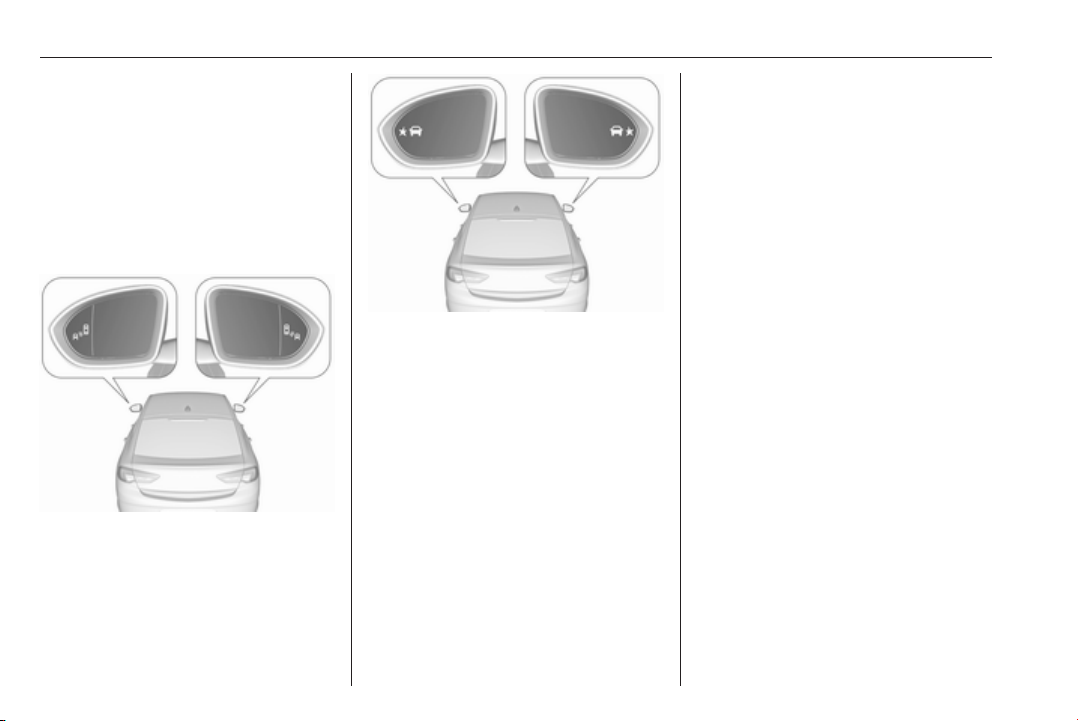
216 Driving and operating
the warning symbol B starts flashing
yellow as a warning not to change
lanes.
Note
If the overtaking vehicle is at least
10 km/h faster than the vehicle being
overtaken, the warning symbol B in
the relevant exterior mirror may not
illuminate.
When the vehicle is started, both
exterior mirror displays will briefly
illuminate to indicate that the system
is operating.
If the vehicle is equipped with lane
change alert 3 217, the symbol F
is displayed in the mirrors.
Deactivation
Activation or deactivation of the Side
blind zone alert can be set in the
vehicle personalisation menu in the
Info-Display.
Vehicle personalisation 3 126.
Info-Display 3 120.
Deactivation is indicated by a
message in the Driver Information
Centre.
Detection zones
The detection zones start at the rear
bumper and extend approx.
three metres rearwards and to the
sides. The height of the zone is
approx. between half a metre and
two metres off the ground.
The system is deactivated if the
vehicle is towing a trailer or if a bike
carrier is attached.
Side blind zone alert is designed to
ignore stationary objects such as
guardrails, posts, curbs, walls and
beams. Parked vehicles or oncoming
vehicles are not detected.
System limitations
Occasional missed alerts can occur
under normal circumstances and will
increase in wet conditions.
The system may not operate properly
when:
● Ice, snow, mud, stickers,
magnets, metal plates, or
anything else covers the sensors.
● Driving in heavy rainstorms.
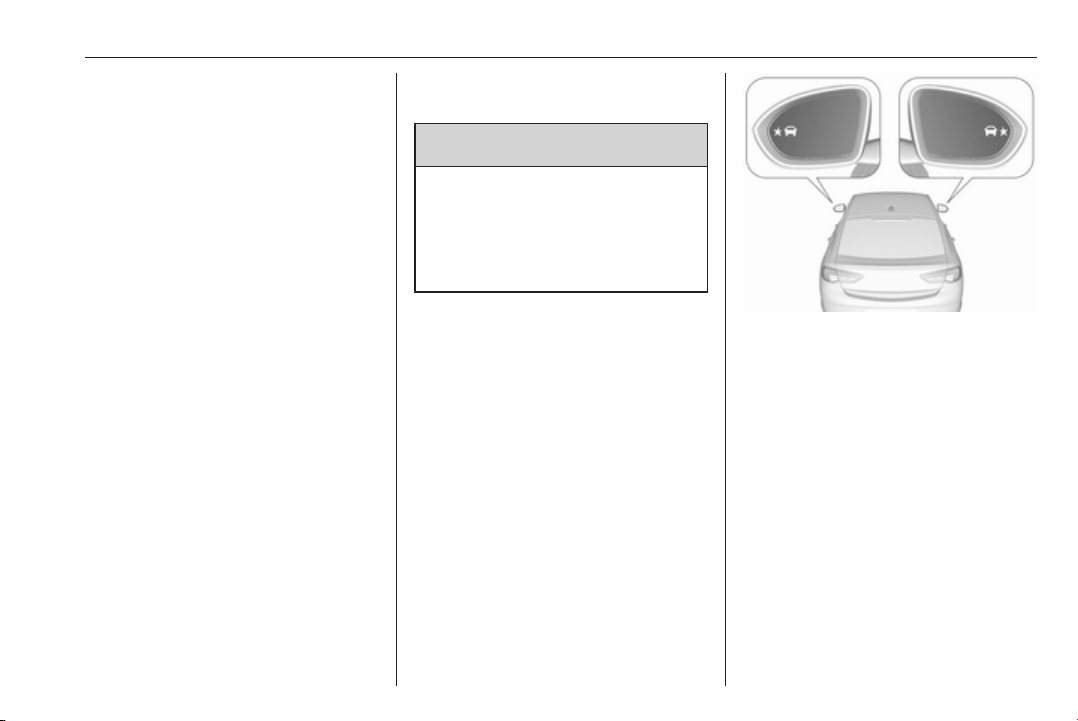
Driving and operating 217
● The vehicle had an accident or if
the area surrounding the
detection sensor is damaged or
not properly repaired.
● There are extreme temperature
changes.
● The vehicle is towing a trailer
In the event of a fault in the system or
if the system does not work due to
temporary conditions, the symbols in
the mirrors will be permanently
illuminated and a message is
displayed in the Driver Information
Centre. Seek the assistance of a
workshop.
Lane change alert
Additional to the side blind zone
assist 3 215, lane change alert
recognizes rapidly approaching
vehicles from behind on parallel lanes
next to your vehicle.
If the vehicle has lane change alert,
then side blind zone alert is always
included.
The system alerts visually in each
exterior mirror when detecting rapidly
approaching vehicles from behind.
The radar distance sensors are
located in the rear bumper.
9 Warning
Lane change alert does not
replace driver vision.
Before changing a lane, always
check all mirrors, look over the
shoulder and use the turn signal.
When the system detects an
approaching vehicle from behind
which drives considerably faster, the
yellow warning symbol F will
illuminate in the relevant exterior
mirror. If the driver then activates the
turn signal, the warning symbol F
starts flashing yellow as a warning not
to change lanes.
Lane change alert is active at all
speeds.
When the vehicle is started, both
exterior mirror displays will briefly
come on to indicate that the system is
operating.
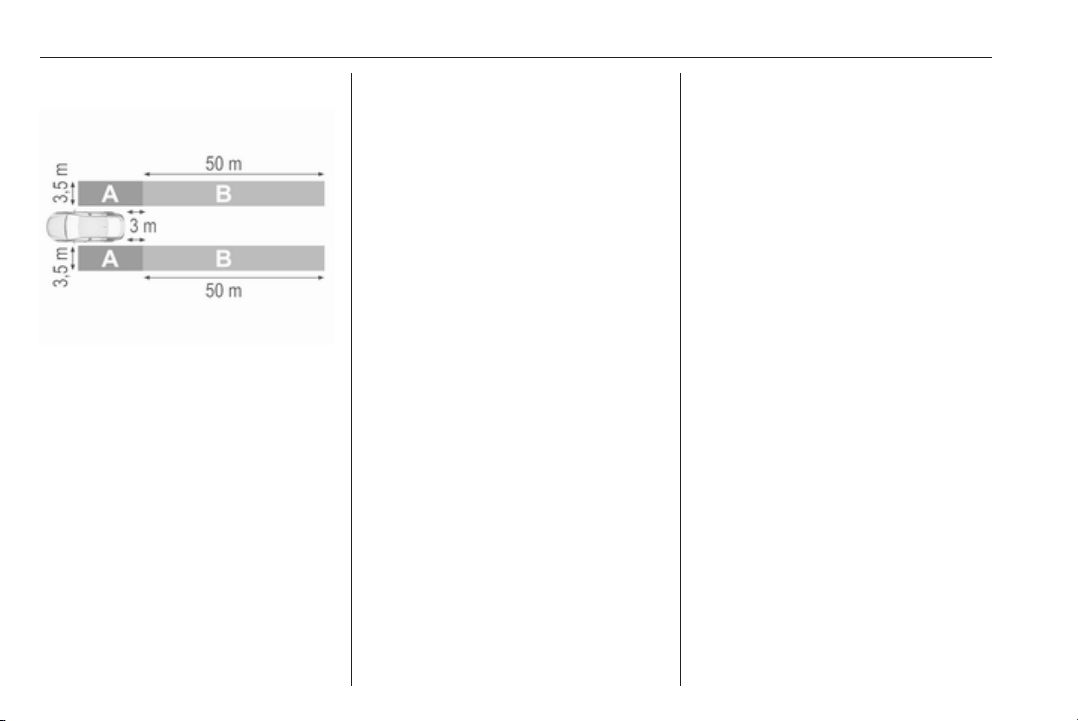
218 Driving and operating
Detection zones
The system sensors cover a zone of
approx. 3.5 metres parallel on both
vehicle sides and approx. 3 metres
rearwards on side blind zone alert
(A) and approx. 50 metres rearwards
on lane change alert (B) on parallel
lanes. The zones start at each
exterior mirror. The height of the zone
is approx. between 0.5 metres and
2 metres off the ground.
Deactivation
Activation or deactivation of the lane
change alert can be set in the vehicle
personalisation menu in the Info-
Display.
Vehicle personalisation 3 126.
Info-Display 3 120.
The system is deactivated if the
vehicle is towing a trailer.
Deactivation is indicated by a
message in the Driver Information
Centre.
System limitations
Occasional missed alerts can occur
under normal circumstances or in
sharp curves. The system can
temporarily alert of objects in the blind
spot at specific weather conditions
(rain, hail etc). Driving on a wet road
or in the transitions from a dry area to
a wet area can cause the control
indicator F to light up, as water
splash can be interpreted as an
object. Otherwise the control indicator
F may illuminate due to guardrails,
signs, trees, shrubs or other immobile
objects. This is normal operation and
the system does not need to be
serviced.
The system may not operate properly
when:
● Ice, snow, mud, stickers,
magnets, metal plates, or
anything else covers the sensors.
● Driving in heavy rainstorms.
● The vehicle had an accident or if
the area surrounding the
detection sensor is damaged or
not properly repaired.
● There are extreme temperature
changes.
● The vehicle is towing a trailer
In the event of a fault in the system or
if the system does not work due to
temporary conditions, a message is
displayed in the Driver Information
Centre. Seek the assistance of a
workshop.
Note
After production, the system
requires a calibration. For optimal
performance, drive as soon as
possible on a straight highway road
with roadside objects, e.g. guardrails
and barriers for some distance.

Driving and operating 219
Panoramic view system
This system allows views of the
vehicle's surroundings to be
displayed as a nearly 360° picture in
the Info Display, like a bird's eye view.
The system uses four cameras:
● rear camera, installed in the
tailgate
● front camera, installed in the front
grill below the emblem
● side cameras, located at the
bottom of both exterior mirrors.
The screen in the Info Display is
divided into two parts: on the left there
is a view from above the vehicle, and
on the right there is the view from front
or the rear displayed, according to the
gear engaged. The parking sensors
complete the information on the view.
Activation
Panoramic view system is activated:
● engaging reverse gear
● touching the camera icon ë in
the Info Display
● approaching too close to an
object ahead
Functionality
Rear view
Rear view displays an image of the
area behind the vehicle on the right
part of the screen when reverse gear
is engaged.
A warning triangle 9 may be
displayed on the screen when
obstacles are detected by the rear
sensors of the parking assist. This
triangle changes from yellow to red
and increases in size the closer the
object gets.
The previous content of the Info
Display appears when the vehicle is
shifted out of reverse gear after a
short delay. To return to the previous
display content sooner, press the
camera icon in the Info Display.
Driving faster than 11 km/h in a
forward gear will deactivate the
panoramic system also.
Surround view
Surround view displays an image of
the area surrounding the vehicle from
above, along with the front or rear
camera views in the Info Display.
Front view
Front view displays an image of the
area in front of the vehicle on the right
part of the screen. The view displays
after shifting from reverse gear to a
forward gear, or by touching the
camera icon in the Info Display. Front
view also displays objects
automatically detected within 30 cm.
The front view is only displayed up to
a speed of 11 km/h in a forward gear.
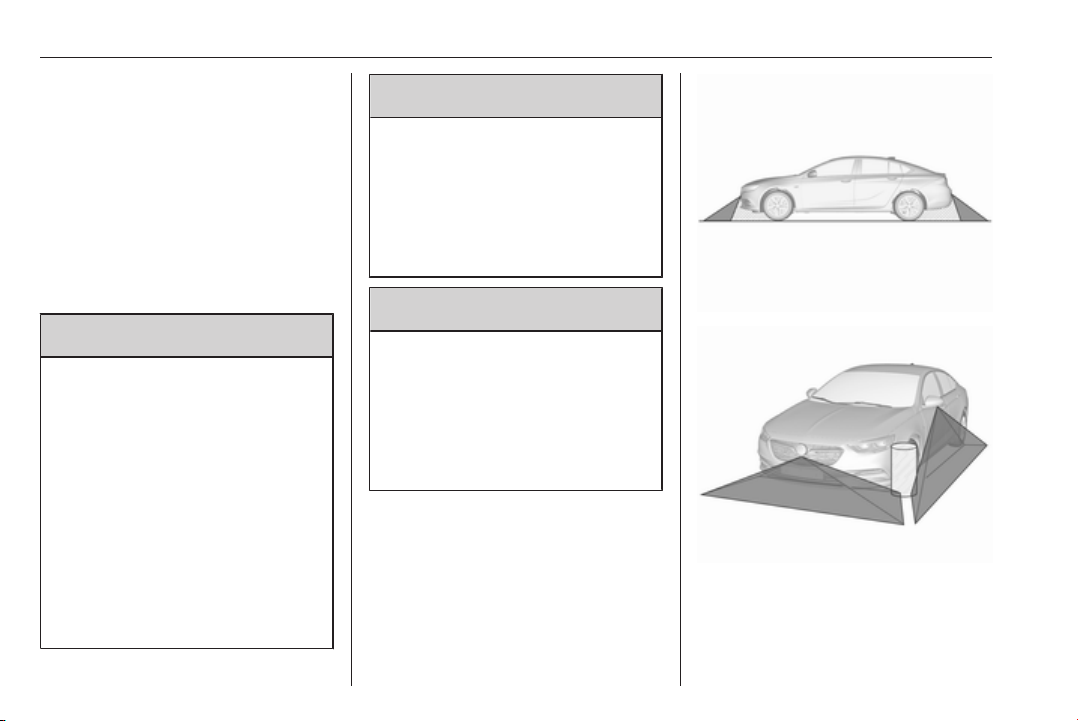
220 Driving and operating
Deactivation
Panoramic view system is
deactivated:
● driving faster than 11 km/h
● touching the camera icon ë in
the Info Display
● shifting into neutral or P with
automatic transmission.
General information
9 Warning
The panoramic view system does
not replace driver vision. It will not
display children, pedestrians,
cyclists, crossing traffic, animals,
or any other objects outside of the
camera view areas, e. g. below the
bumper, or underneath the
vehicle.
Do not drive or park the vehicle
using only the panoramic view
system.
Always check the surrounding of
the vehicle before driving.
9
Warning
Displayed images may be further
or closer than they appear. The
area displayed is limited and
objects that are close to either
edge of the bumper or under the
bumper are not displayed on the
screen.
9 Warning
The panoramic view cameras
have blind spot areas and will not
display all objects near the edges
of the vehicle. Folding side mirrors
that are out of position will not
display the panoramic view
correctly.
Blind spots are represented as
hatched areas in the illuminations.
Dark areas show the views displayed
by the panoramic view system.
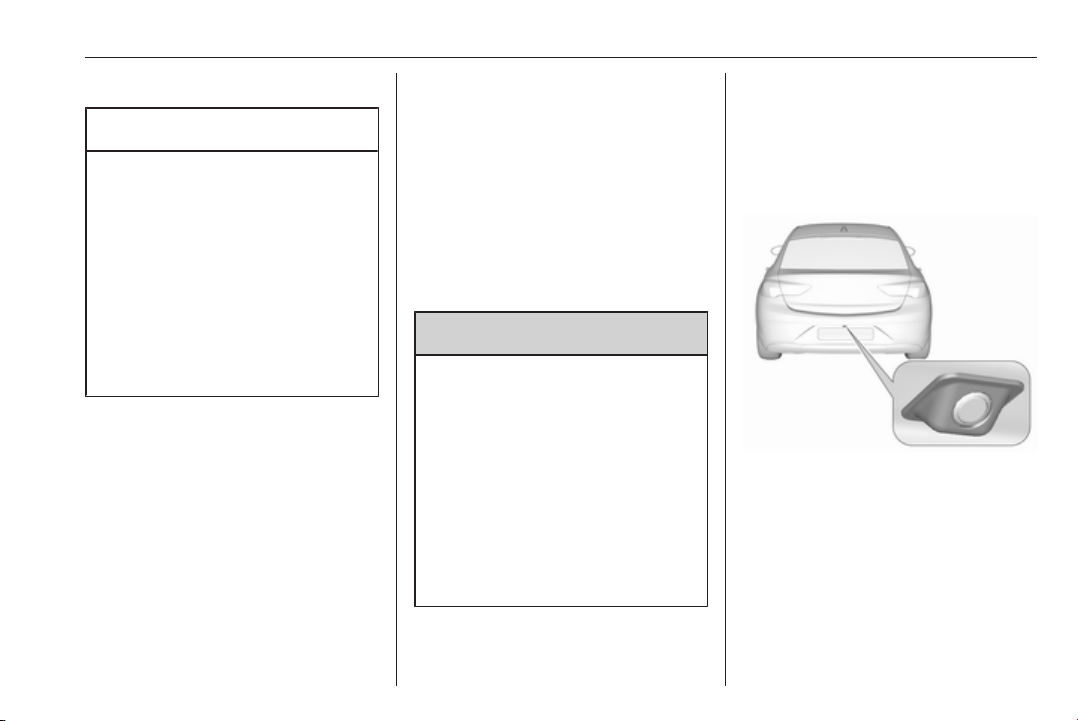
Driving and operating 221
System limitations
Caution
For optimal operation of the
system, it is important to keep the
lenses of the cameras in the front
grille, the housings of outside
mirrors and in the tailgate between
the number plate lights always
clean. Rinse the lenses with water
and wipe with a soft cloth.
Do not clean the lenses with a
steam-jet or high-pressure jet
cleaner.
The panoramic view system may not
operate properly when:
● The surrounding is dark.
● The sun or the beam of
headlights is shining directly into
the camera lenses.
● During nighttime driving.
● Weather limits visibility, such as
fog, rain, or snow.
● The camera lenses are blocked
by snow, ice, slush, mud, dirt.
● The vehicle is towing a trailer.
● The vehicle had an accident.
● There are extreme temperature
changes.
Rear view camera
The rear view camera assists the
driver when reversing by displaying a
view of the area behind the vehicle.
The view of the camera is displayed
in the Info-Display.
9 Warning
The rear view camera does not
replace driver vision. Note that
objects that are outside the
camera's field of view and the
parking assist sensors, e.g. below
the bumper or underneath the
vehicle, are not displayed.
Do not reverse or park the vehicle
using only the rear view camera.
Always check the surrounding of
the vehicle before driving.
Activation
Rear view camera is automatically
activated when reverse gear is
engaged.
Functionality
The camera is mounted between the
number plate lights.
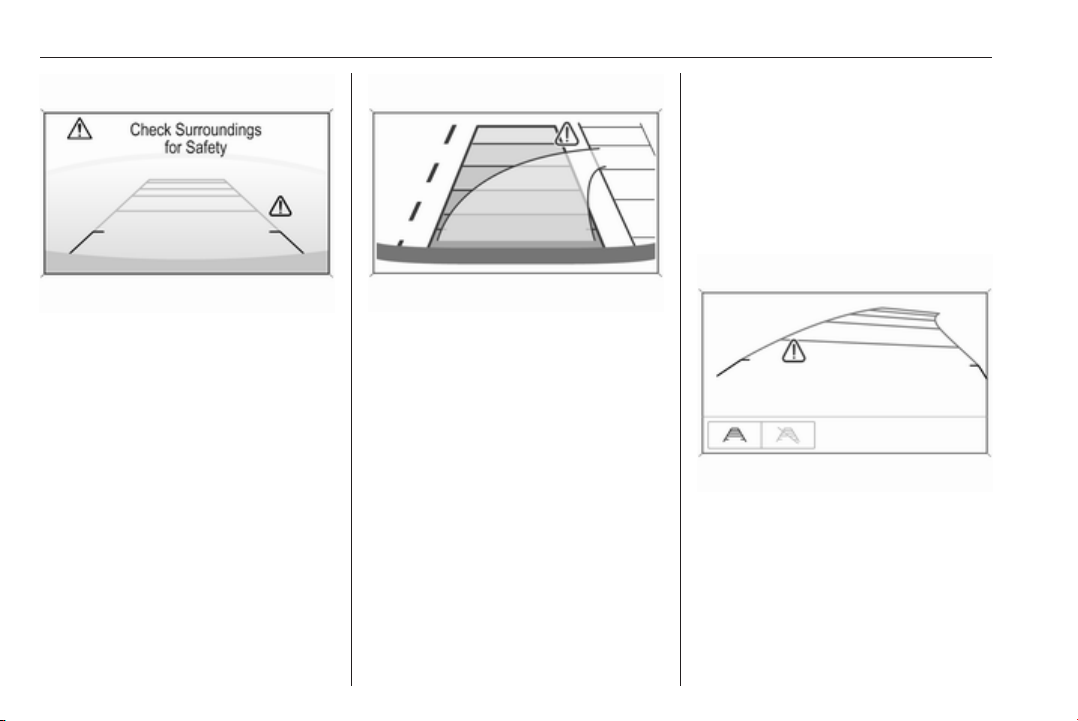
222 Driving and operating
The area displayed by the camera is
limited. The distance of the image that
appears on the display differs from
the actual distance.
Guiding lines
Dynamic guiding lines are horizontal
lines at one metre intervals projected
onto the picture to define the distance
to displayed objects.
Trajectory lane of the vehicle is
shown in accordance with the
steering angle.
Warning symbols
Warning symbols are indicated as
triangles 9 on the picture, which show
obstacles detected by the rear
sensors of the advanced parking
assist.
Additionally 9 appears on the top line
of the Info-Display with the warning to
check the vehicle surrounding.
Deactivation
The camera is switched off when a
certain forward speed is exceeded or
if reverse gear is not engaged for
approx. 10 seconds.
Deactivation of guiding lines and
warning symbols
7'' Colour-Info-Display: Activation or
deactivation of the visual guiding lines
and the warning symbols can be
changed via touch buttons in the
lower zone of the display.
8'' Colour-Info-Display: Activation or
deactivation of the visual guiding lines
and the warning symbols can be

Driving and operating 223
changed in the Settings menu in the
Info-Display. Select the relevant
setting in Settings, I Rear Camera.
Info-Display 3 120.
Vehicle personalisation 3 126.
System limitations
The rear view camera may not
operate properly when:
● The surrounding is dark.
● The sun or the beam of
headlights is shining directly into
the camera lenses.
● During nighttime driving.
● Weather limits visibility, such as
fog, rain, or snow.
● The camera lenses are blocked
by snow, ice, slush, mud, dirt.
Clean the lense, rinse with water,
and wipe with a soft cloth.
● The vehicle is towing a trailer.
● The vehicle had a rear end
accident.
● There are extreme temperature
changes.
Fault messages are displayed with a
9 on the top line of the Info-Display.
Rear cross traffic alert
Additional to the rear view camera
3 221, rear cross traffic alert warns of
cross traffic from left or right side
when driving rearwards. When cross
traffic is recognized and the rear view
camera is activated, a warning
triangle with a direction arrow K
appears on the Colour-Info-Display,
showing the direction of the traffic.
Furthermore, three beeps will sound
from the speaker on the respective
side.
The radar distance sensors are
located in the rear bumper.
9 Warning
The rear cross traffic alert does not
replace driver vision. Note that
objects that are outside sensors,
e.g. below the bumper or
underneath the vehicle, are not
displayed.
Pedestrians, children or animals
are not detected.
Do not reverse the vehicle by only
looking at the Info-Display and
check the surrounding behind and
around the vehicle before
reversing.
Activation
Rear cross traffic alert is
automatically activated together with
the rear view camera when reverse
gear is engaged.
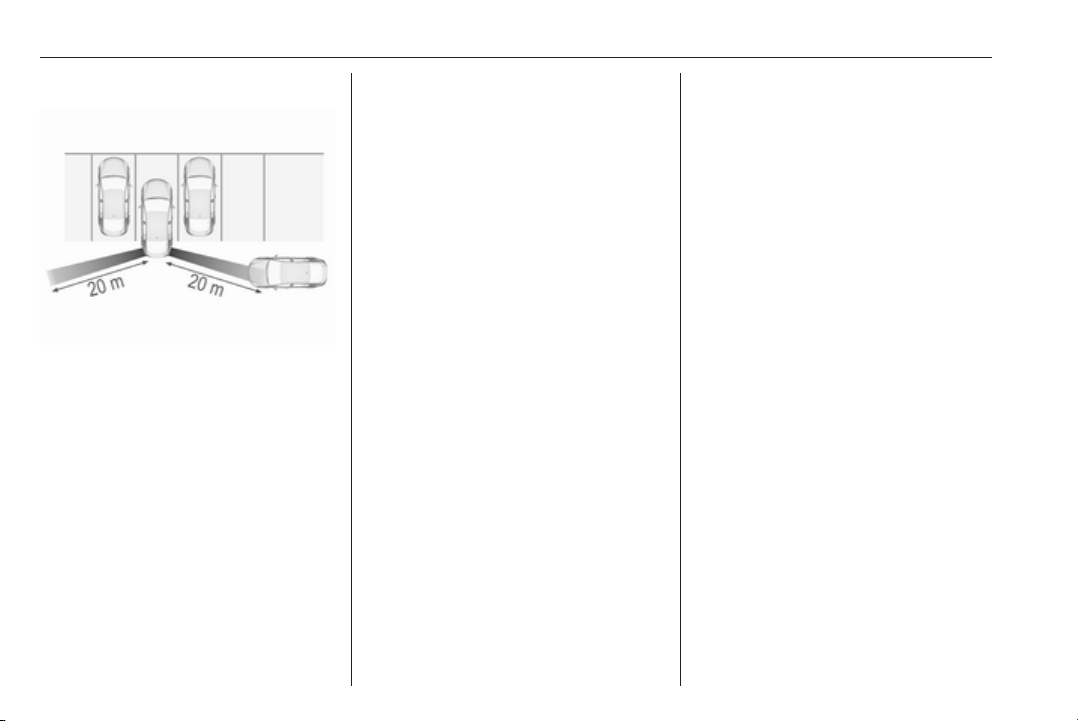
224 Driving and operating
Detection zones
The system sensors cover a zone of
approx. 20 metres at 90° to the left or
right side behind the vehicle. Rear
cross traffic alert is active up to 10 km/
h and issues alerts within cross traffic
travelling between 0 and 36 km/h.
Deactivation
Rear cross traffic alert is deactivated
together with the rear view camera
when a certain forward speed is
exceeded or if reverse gear is not
engaged for approx. 10 seconds.
Activation or deactivation of the rear
cross traffic alert can be set in the
vehicle personalisation menu in the
Info-Display.
Vehicle personalisation 3 126.
Info-Display 3 120.
The system is deactivated if the
vehicle is towing a trailer.
Deactivation is indicated by a
message in the Driver Information
Centre.
System limitations
The system may not operate properly
when:
● Ice, snow, mud, stickers,
magnets, metal plates, or
anything else covers the sensors.
● Driving in heavy rainstorms.
● The vehicle had an accident or if
the area surrounding the
detection sensor is damaged or
not properly repaired.
● There are extreme temperature
changes.
● The vehicle is towing a trailer
In the event of a fault in the system or
if the system does not work due to
temporary conditions, a message is
displayed in the Driver Information
Centre. Seek the assistance of a
workshop.
Traffic sign assistant
Functionality
Traffic sign assistant detects
designated traffic signs via a front
camera and displays them in the
Driver Information Centre.
If the vehicle is equipped with an
embedded navigation system, traffic
signs from data maps may be
included additionally.
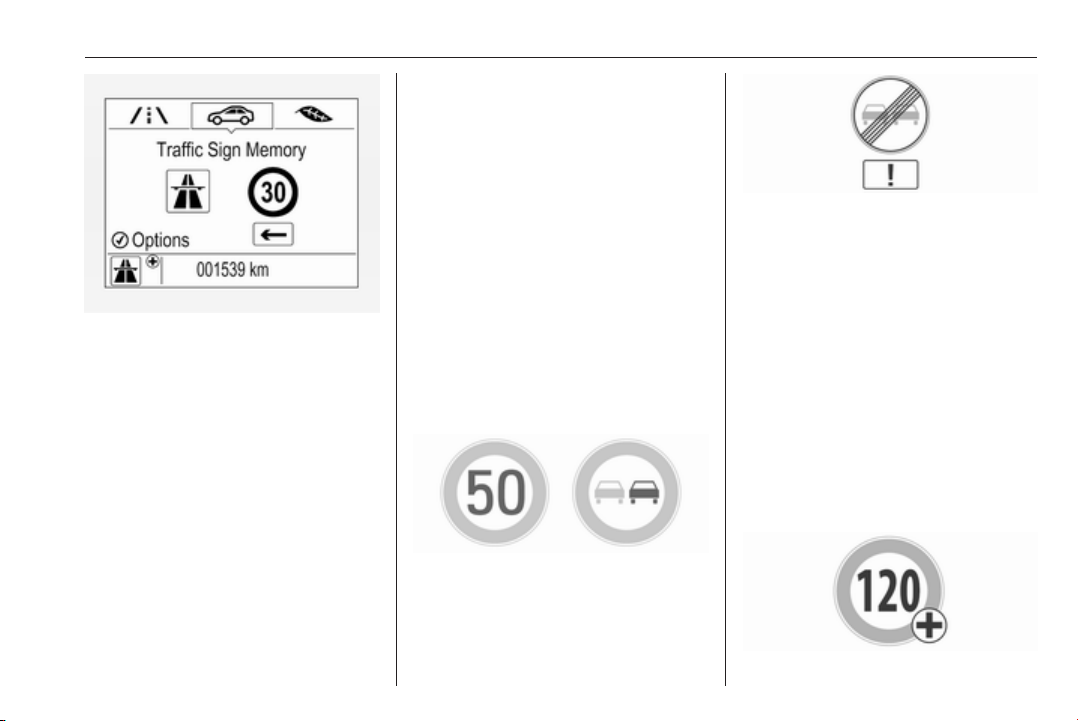
Driving and operating 225
Traffic signs, which will be detected,
are:
Limit and no passing signs
● speed limit
● no passing
● end of speed limit
● end of no passing
Road signs
Beginning and end of:
● city regions (country-specific)
● motorways
● A-roads
● play streets
Add on signs
● additional hints to traffic signs
● restriction of trailer towing
● tractor constraints
● wet warning
● ice warning
● time constraints
● distance constraints
● direction arrows
Speed limit signs and no passing
signs are displayed in the Driver
Information Centre until the next
speed limit sign or end of speed limit
is detected or up to a defined sign
timeout.
Indication of multiple signs on the
display is possible.
An exclamation mark in a frame
indicates that there is an additional
sign detected which cannot be clearly
identified by the system.
The system operates without loss of
performance up to a speed of
200 km/h depending on the lighting
conditions. At night the system is
active up to a speed of 160 km/h.
Display indication
Information about the currently valid
traffic signs is available on the
designated traffic sign assistant page
in the Driver Information Centre.
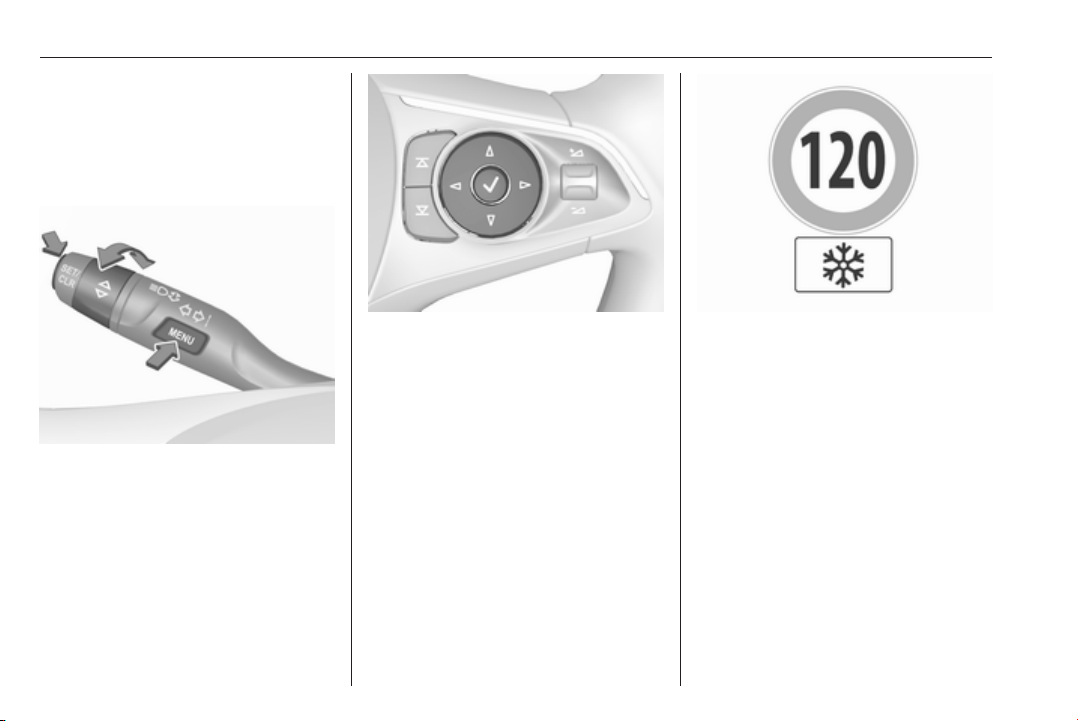
226 Driving and operating
Additionally, the currently valid speed
limit is displayed permanently in the
lower line of the Driver Information
Centre. In case a speed limit with add
on sign is available, a + symbol is
displayed in this area.
On Baselevel display, choose Info
Menu ? via MENU and select
traffic sign assistant page with the
adjuster wheel on the turn signal lever
3 113.
On Mid- or Uplevel display, choose
Info Menu via right steering wheel
buttons and press å or ä to select
traffic sign assistant page 3 113.
When another page on the Driver
Information Centre menu was
selected and then traffic sign
assistant page is chosen again, the
last recognised traffic sign will be
displayed.
Alert function
The alert function can be activated or
deactivated in the setting menu of the
traffic sign assistant page.
Once activated and when the traffic
sign detection page is currently not
displayed, newly detected speed limit
and no passing signs are displayed
as pop-up alerts in the Driver
Information Centre.
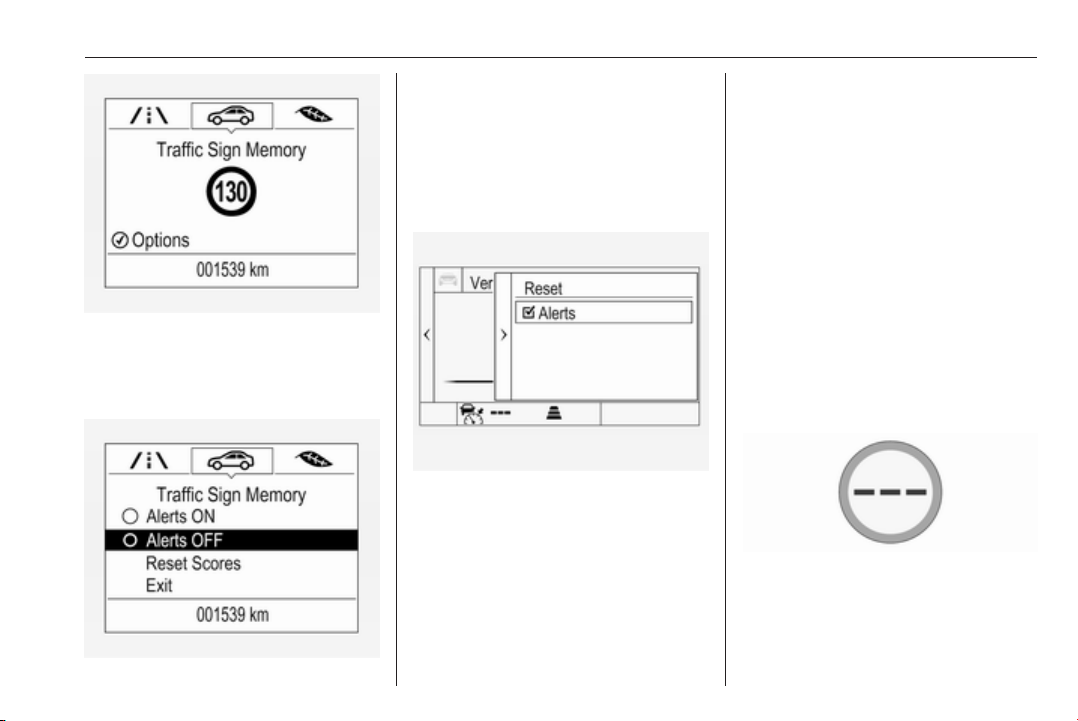
Driving and operating 227
On Baselevel Display, when traffic
sign assistant page is displayed,
press SET/CLR on the turn signal
lever.
Select Alerts ON or Alerts OFF by
turning the adjuster wheel and press
SET/CLR.
On Mid- or Uplevel Display, when
traffic sign assistant page is
displayed, press é on the steering
wheel controls.
Activate alerts by setting J,
deactivate alerts by setting I via
button 9.
Pop-up alert is displayed for approx.
eight seconds in the Driver
Information Centre.
System reset
The content of the traffic sign display
can be cleared in the setting menu of
the traffic sign assistant page by
selecting Reset and confirm by
pressing SET/CLR on the turn signal
lever or 9 on the steering wheel
controls.
Alternatively, SET/CLR or 9 can be
pressed for three seconds to clear the
content of the page.
Upon successful reset, a chime will
sound and the following “Default
Sign” is indicated until the next traffic
sign is detected or provided by map
data of the navigation system.
In some cases, traffic sign assistant is
cleared up automatically by the
system.

228 Driving and operating
Clearing of traffic signs
There are different scenarios that
lead to clearing the currently
displayed traffic signs. After clearing,
the “Default Sign” or a sign from
navigation map data is displayed in
the Driver Information Centre.
Reasons for signs being cleared:
● A predefined distance was driven
or time has elapsed (differs for
each sign type)
● Vehicle drives through a turn
● If no navigation map data is
available and speed drops below
52 km/h (city entry detection)
● If navigation map data is
available and a city entry/exit was
detected due to map data change
Traffic sign detection in
conjunction with navigation
system
If the vehicle is equipped with a
navigation system, the currently
displayed sign can either originate
from optical sign detection or from the
map data.
If the currently displayed sign
originates from map data and the map
information changes, a new sign will
be displayed. This may lead to
detection of a new sign although no
sign on the road may have been
passed.
System limitations
Traffic sign assistant may not operate
properly when:
● Vehicle speed is faster than 200
km/h.
● Driving on winding or hilly roads.
● During nighttime driving.
● Weather limits visibility, such as
fog, rain, or snow.
● The sensor in the windscreen is
blocked by snow, ice, slush, mud,
dirt, windscreen damage or
affected by foreign items, e.g.
stickers.
● The sun is shining directly into
the camera lens.
● Traffic signs are completely or
partially covered or difficult to
discern.
● Traffic signs are incorrectly
mounted or damaged.
● Traffic signs do not comply with
the Vienna Convention on Road
Signs and Signals (Wiener
Übereinkommen über
Straßenverkehrszeichen).
Caution
The system is intended to help the
driver within a defined speed
range to discern certain traffic
signs. Do not ignore traffic signs
which are not displayed by the
system.
The system does not discern any
other than the conventional traffic
signs that might give or end a
speed limit.
Do not let this special feature
tempt you into taking risks when
driving.
Always adapt speed to the road
conditions.
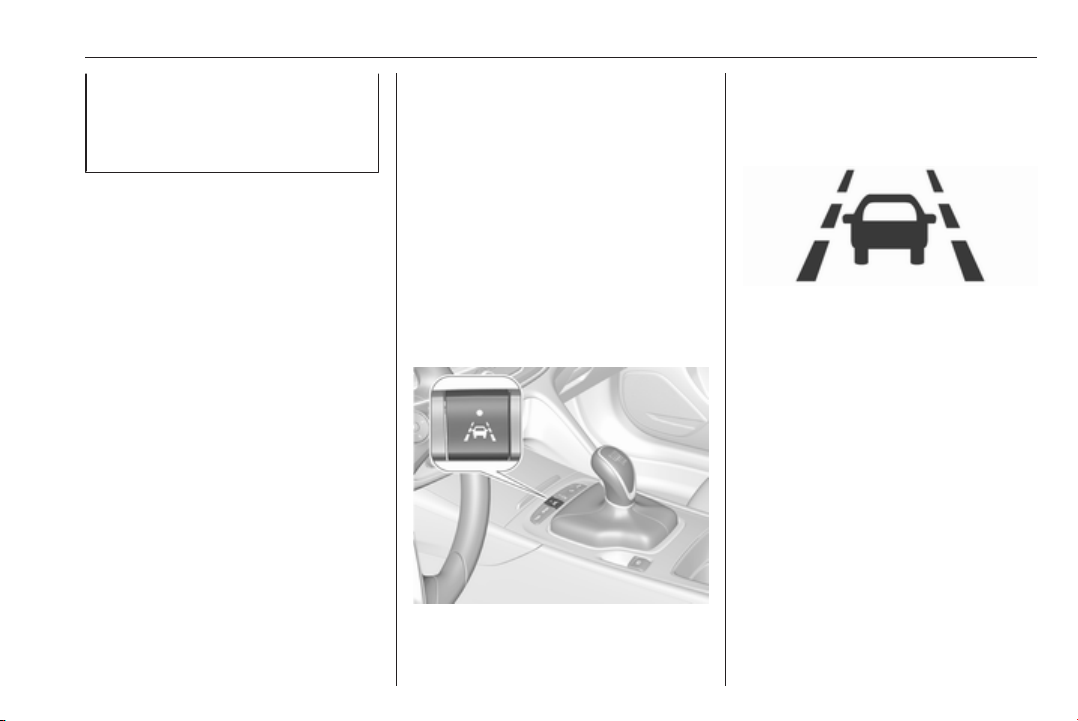
Driving and operating 229
The driver assistance systems do
not relieve the driver from full
responsibility for vehicle
operation.
Lane keep assist
Lane keep assist helps to avoid
crashes due to unintentional lane
departures. The front camera
observes the lane markings between
which the vehicle is driving. If the
vehicle approaches a lane marking,
the steering wheel is gently turned to
position the vehicle back into the lane.
Turn steering wheel in same
direction, if system steering is not
sufficient. Turn steering wheel gently
into opposite direction, if lane change
is intended.
When crossing a lane marking
significantly, lane keep assist starts a
visual and acoustic warning.
Unintended lane departure is
assumed
● without using turn signal
● using the turn signal in the
opposite direction of the lane
departure
● without braking
● without acceleration
● without active steering.
Note
The system is switched off during
detection of ambiguous lane
markings, e.g. in construction areas.
Note
The system may be switched off if it
detects lanes which are too narrow,
too wide or too curved.
Activation
The lane keep assist is activated by
pressing a. The LED in the button
illuminates to indicate that the system
is switched on.
When the control indicator a in the
instrument cluster or in the head-up
display illuminates green, the system
is ready to assist.
The system is operational at vehicle
speeds between 60 km/h and
180 km/h and if lane markings are
available.
The system gently turns the steering
wheel and the control indicator a
changes to yellow, if the vehicle
approaches a detected lane marking
without using the turn signal in that
direction.
The system alerts by flashing a
together with three chimes, from the
respective direction, if the lane is
departed significantly.

230 Driving and operating
The system is only operable when a
lane marking is detected.
If the system only detects lane
markings on one side of the road, it
will only assist for this side.
Lane keep assist detects hands-free
driving. In this case a message in the
Driver Information Centre pops-up
and a chime sounds as long as lane
keep assist detects hands-free
driving.
Deactivation
The system is deactivated by
pressing a; the LED in the button
extinguishes.
The system is deactivated
automatically when a trailer is
detected.
System limitations
The system performance may not
operate properly when:
● Vehicle speed is out of range
from 60 to 180 km/h.
● Driving on winding or hilly roads.
● During nighttime driving.
● Weather limits visibility, such as
fog, rain, or snow.
● The sensor in the windscreen is
blocked by snow, ice, slush, mud,
dirt, windscreen damage or
affected by foreign items, e.g.
stickers.
● The sun is shining directly into
the camera lens.
● Close vehicles ahead
● Banked roads
● Road edges
● Roads with poor lane markings
● Sudden lighting changes
● Vehicle modifications, e.g. tyres.
Switch off the system if the system is
disturbed by tar marks, shadows,
road cracks, temporary or
construction lane markings, or other
road imperfections.
9 Warning
Always keep your attention on the
road and maintain proper vehicle
position within the lane, otherwise
vehicle damage, injury or death
could occur.
Lane keep assist does not
continuously steer the vehicle.
The system may not keep the
vehicle in the lane or give an alert,
even if a lane marking is detected.
The steering of the lane keep
assist may not be sufficient to
avoid a lane departure.
The system may not detect hands-
off driving due to external
influences (road condition and
surface, weather etc). The driver
has full responsibility to control the
vehicle and is always required to
keep the hands on the steering
wheel while driving.
Using the system while towing a
trailer or on slippery roads could
cause loss of control of the vehicle
and a crash. Switch the system off.

Driving and operating 231
Fuel
Fuel for petrol engines
Only use unleaded fuel that complies
with European standard EN 228 or
equivalent.
The engine is capable of running with
fuel that contains up to 10% ethanol
(e.g. named E10).
Use fuel with the recommended
octane rating. A lower octane rating
can reduce engine power and torque
and slightly increases fuel
consumption.
Caution
Do not use fuel or fuel additives
that contain metallic compounds
such as manganese-based
additives. This may cause engine
damage.
Caution
Use of fuel that does not comply to
EN 228 or equivalent can lead to
deposits or engine damage.
Caution
Use of fuel with a lower octane
rating than the lowest possible
rating could lead to uncontrolled
combustion and engine damage.
The engine specific requirements
regarding octane rating are given in
the engine data overview 3 293. A
country-specific label at the fuel filler
flap can supersede the requirement.
Fuel additives outside Europe
Fuel should contain detergent
additives that help prevent engine
and fuel system deposits from
forming. Clean fuel injectors and
intake valves will allow the emission
control system to work properly.
Some fuel does not contain sufficient
quantities of additive to keep fuel
injectors and intake valves clean.
To make up for this lack of
detergency, add Fuel System
Treatment PLUS to the fuel tank at
every engine oil change or every
15,000 km, whichever occurs first. It
is available at your workshop.
Fuels containing oxygenates such as
ethers and ethanol, as well as
reformulated fuel, are available in
some cities. If these fuels comply with
the previously described
specification, then they are
acceptable to use. However, E85
(85% ethanol) and other fuels
containing more than 15% ethanol
must be used only in FlexFuel
vehicles.
Caution
Do not use fuel containing
methanol. It can corrode metal
parts in the fuel system and also
damage plastic and rubber parts.
This damage would not be
covered by the vehicle warranty.

232 Driving and operating
Some fuels, mainly high octane
racing fuels, can contain an octane
enhancing additive called
methylcyclopentadienyl manganese
tricarbonyl (MMT). Do not use fuels or
fuel additives with MMT as they can
reduce spark plug life and affect
emission control system
performance. The malfunction
indicator light Z may turn on 3 108.
If this occurs, seek the assistance of
a workshop.
Fuel for diesel engines
Only use diesel fuel that complies
with EN 590 and which has a sulphur
concentration of max. 10 ppm.
Fuels with a biodiesel (compliant with
EN 14214) content of max. 7% by
volume may be used (e.g. named
B7).
If travelling in countries outside the
European Union occasional use of
Euro-Diesel fuel with a sulphur
concentration below 50 ppm is
possible.
Caution
Frequent usage of diesel fuel
containing more than 15 ppm
sulphur will cause severe engine
damage.
Caution
Use of fuel that does not comply to
EN 590 or similar can lead to
engine powerloss, increased wear
or engine damage and may affect
your warranty.
Do not use marine diesel oils, heating
oils, Aquazole and similar diesel-
water emulsions. Diesel fuels must
not be diluted with fuels for petrol
engines.
Low temperature operation
At temperatures below 0° C, some
diesel products with biodiesel blends
may clog, freeze or gel, which may
affect the fuel supply system. Starting
and engine operation may not work
properly. Make sure to fill winter
grade diesel fuel at ambient
temperatures below 0°C.
Arctic grade diesel fuel can be used
in extreme cold temperatures below
-20° C. Using this fuel grade in warm
or hot climates is not recommended
and may cause engine stalling, poor
starting or damage on the fuel
injection system.
Refuelling
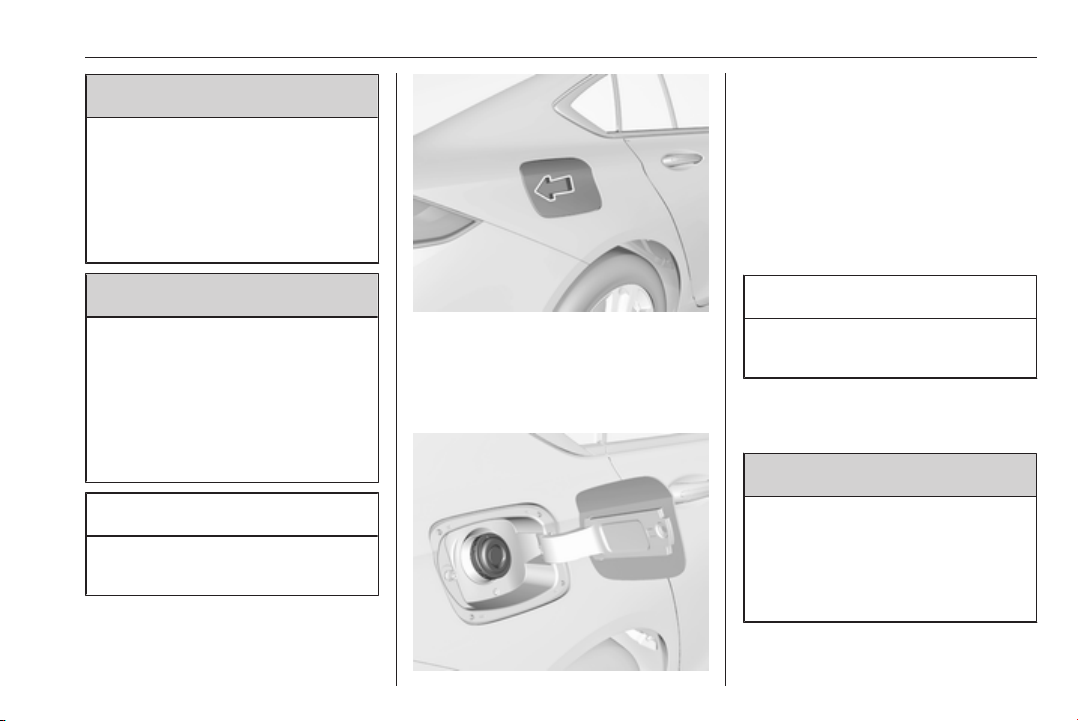
Driving and operating 233
9 Danger
Before refuelling, switch off
ignition and any external heaters
with combustion chambers.
Follow the operating and safety
instructions of the filling station
when refuelling.
9 Danger
Fuel is flammable and explosive.
No smoking. No naked flames or
sparks.
If you can smell fuel in your
vehicle, have the cause of this
remedied immediately by a
workshop.
Caution
In case of misfuelling, do not
switch on ignition.
Fuel filler flap is located at right rear
side of vehicle.
The fuel filler flap can only be opened
if the vehicle is unlocked. Release the
fuel filler flap by pushing the flap.
Petrol and Diesel refuelling
Place the nozzle in straight position to
the filler neck and press with slight
force to insert.
To refuel, fully insert the pump nozzle
and switch it on.
After the automatic cut-off, the tank
can be topped up by operating the
pump nozzle a maximum of two more
times.
Caution
Wipe off any overflowing fuel
immediately.
Close the flap and allow it to engage.
Misfuel inhibitor
9 Warning
Do not try to open the flap of the
fuel filler neck manually on
vehicles with misfuel inhibitor.
Disregarding this could lead to
trapping of the fingers.
All vehicles are equipped with a
misfuel inhibitor.
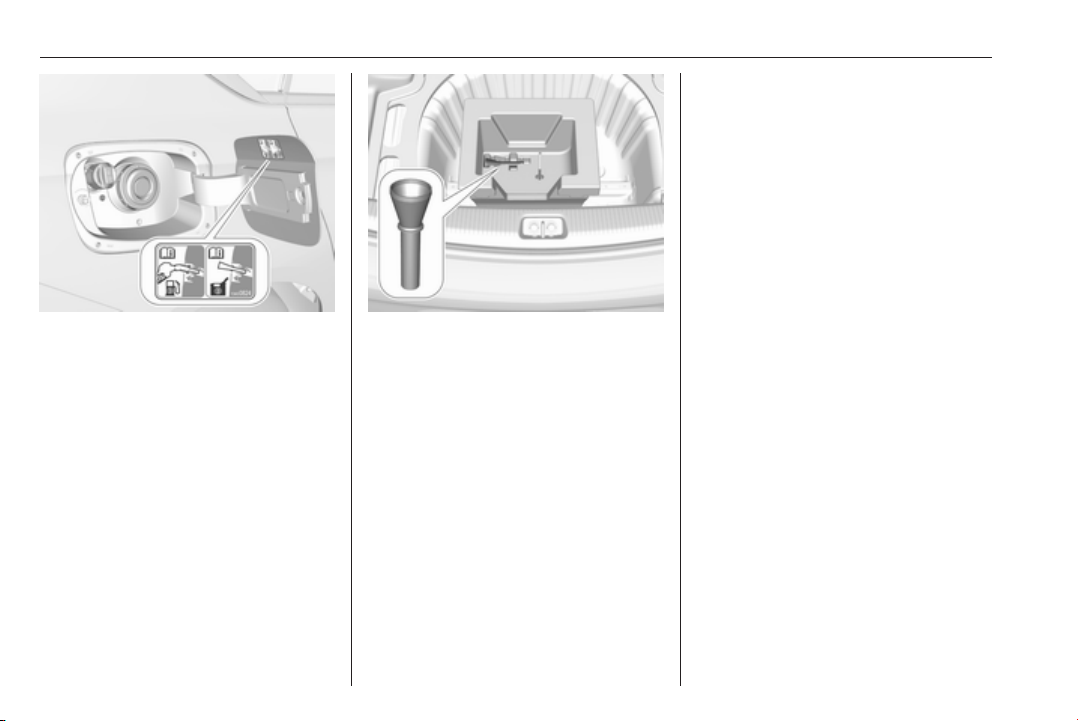
234 Driving and operating
The misfuel inhibitor ensures that the
flap of the fuel filler neck can only be
opened by using the suitable fuel
nozzle or a funnel for emergency
refilling.
In case of an emergency, refill with a
canister. A funnel must be used to
open the cap of the filler neck.
The funnel is stowed in the load
compartment.
Place the funnel in straight position to
the filler neck and press with slight
force to insert.
Use the funnel to fill in the fuel into the
filler neck.
After topping-up, stow the funnel in
the load compartment.
Trailer hitch
General information
The factory-fitted towing equipment is
folded up under the rear bumper
fascia.
Entrust retrofitting of towing
equipment to a workshop. It may be
necessary to make changes that
affect the cooling system, heat
shields or other equipment. Only use
towing equipment that has been
approved for your vehicle.
To avoid vehicle damage, the power
tailgate cannot be operated with the
electronic key when a trailer is
electrically connected.
The bulb outage detection function for
trailer brake light cannot detect a
partial bulb outage, e.g. in case of four
times five watt bulbs, the function only
detects lamp outage when only a
single five Watt lamp remains or none
remain.
Fitting of towing equipment could
cover the opening of the towing eye.
If this is the case use the coupling ball
bar for towing.

Driving and operating 235
Driving characteristics and
towing tips
Before attaching a trailer, lubricate
the coupling ball. However, do not do
so if a stabiliser, which acts on the
coupling ball, is being used to reduce
snaking movements.
During trailer towing do not exceed a
speed of 80 km/h. A maximum speed
of 100 km/h is only appropriate if an
oscillation damper is used and the
permissible gross trailer weight does
not exceed the vehicle’s kerb weight.
For trailers with low driving stability
and caravan trailers, the use of an
oscillation damper is strongly
recommended.
If the trailer starts snaking, drive more
slowly, do not attempt to correct the
steering and brake sharply if
necessary.
When driving downhill, drive in the
same gear as if driving uphill and
drive at a similar speed.
Adjust tyre pressure to the value
specified for full load 3 301.
Trailer towing
Trailer loads
The permissible trailer loads are
vehicle and engine-dependent
maximum values which must not be
exceeded. The actual trailer load is
the difference between the actual
gross weight of the trailer and the
actual coupling socket load with the
trailer coupled.
The permissible trailer loads are
specified in the vehicle documents. In
general, they are valid for gradients
up to 12%.
The permissible trailer load applies
up to the specified incline and at sea
level. Since engine power decreases
as altitude increases due to the air
becoming thinner, therefore reducing
climbing ability, the permissible gross
train weight also decreases by 10%
for every 1000 metres of altitude. The
gross train weight does not have to be
reduced when driving on roads with
slight inclines (less than 8%, e.g.
motorways).
The permissible gross train weight
must not be exceeded. This weight is
specified on the identification plate
3 288.
Vertical coupling load
The vertical coupling load is the load
exerted by the trailer on the coupling
ball. It can be varied by changing the
weight distribution when loading the
trailer.
The maximum permissible vertical
coupling load of 60 kg
(engines B20DTH / B20NFT: 90 kg) is
specified on the towing equipment
identification plate and in the vehicle
documents. Always aim for the
maximum load, especially in the case
of heavy trailers. The vertical coupling
load should never fall below 25 kg.
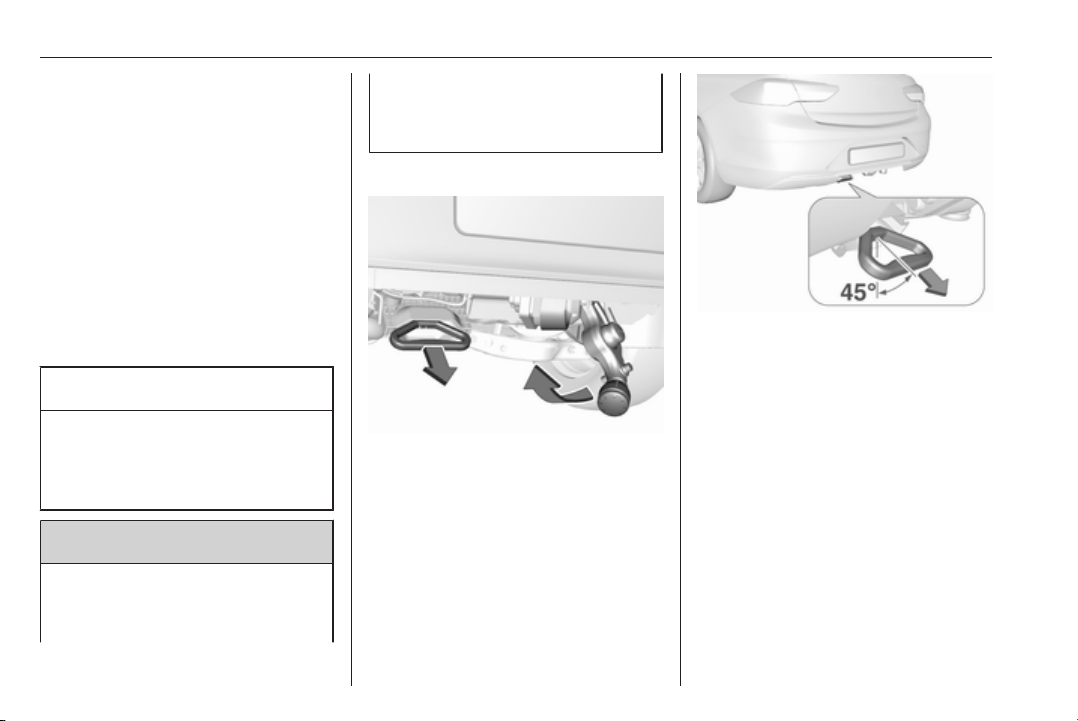
236 Driving and operating
Rear axle load
When the trailer is coupled and the
towing vehicle fully loaded, the
permissible rear axle load (see
identification plate or vehicle
documents) may be exceeded by
70 kg (engines B20DTH: 80 kg), the
gross vehicle weight rating must not
be exceeded. If the permissible rear
axle load is exceeded, a maximum
speed of 100 km/h applies.
Towing equipment
Caution
The folding coupling ball bar
cannot be removed from the
vehicle. When driving without a
trailer, fold in the coupling ball bar.
9 Warning
Make sure that no one is in the
pivot zone of the coupling ball bar.
Risk of body injury.
When releasing the stowed
coupling ball bar, make sure to
stand left of the grip.
Release stowed coupling ball bar
Pull the grip located left to the number
plate under the rear bumper fascia at
an angle of approx. 45° to the ground.
A buzzing tone sounds as a warning
when the release handle is pulled out
and the ball neck is disengaged.
Take the released coupling ball bar
and raise it up until it engages.
Ensure the coupling ball bar is
correctly engaged and the released
handle is guided back to its hidden
initial position, otherwise the buzzing
tone will not stop.
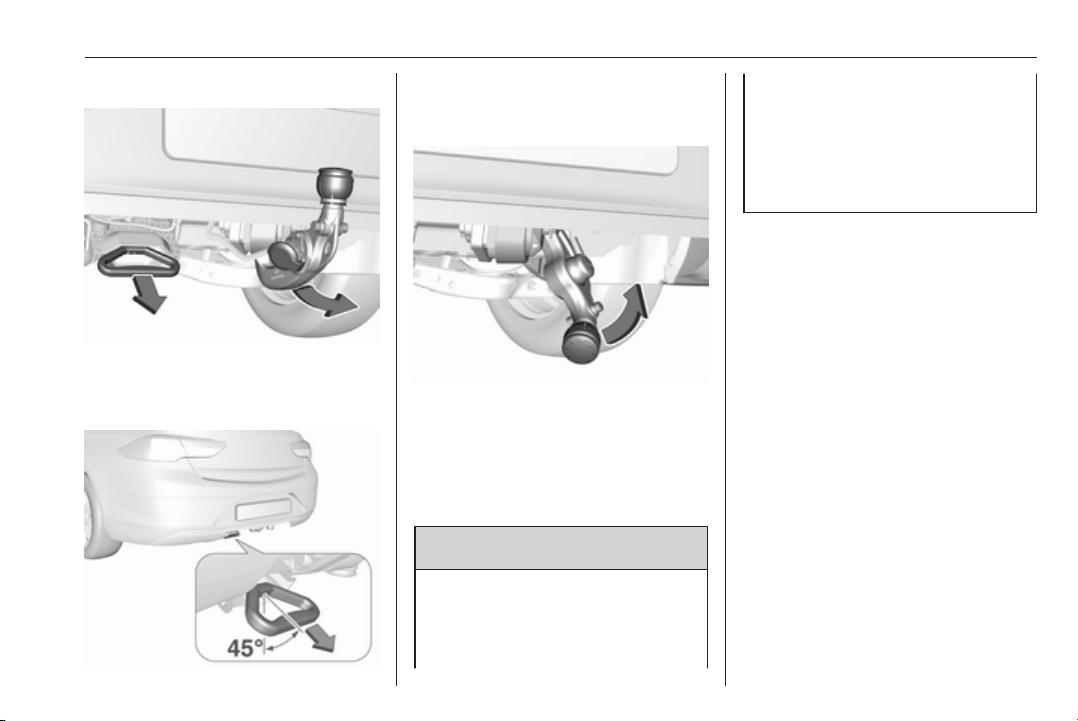
Driving and operating 237
Stow/hide coupling ball bar
Pull the grip located left of the number
plate under the rear bumper fascia at
an angle of approx. 45° to the ground.
A buzzing tone sounds as a warning
when the release handle is pulled out
and the ball neck is disengaged.
With the flat of the hand, swivel the
released coupling ball bar to the right
until it engages under the floor. Make
sure that the release handle is back in
its hidden initial position, otherwise
the buzzing tone will not stop.
9 Warning
Towing a trailer is permitted only
when the coupling ball bar is fitted
correctly. If the coupling ball bar
does not engage correctly or if the
release handle is impossible to
guide to its hidden initial position in
the housing or if the buzzing tone
sounds after engaging the
coupling ball bar, seek the
assistance of a workshop.
Eye for break-away stopping cable
Attach break-away stopping cable to
eye.
Trailer stability assist
If the system detects snaking
movements, engine power is reduced
and the vehicle/trailer combination is
selectively braked until the snaking
ceases. While the system is working
keep steering wheel as still as
possible.
Trailer stability assistant is a function
of the Electronic Stability Control
3 183.

238 Vehicle care
Vehicle care
General Information ................... 238
Accessories and vehicle
modifications .......................... 238
Vehicle storage ........................ 239
End-of-life vehicle recovery ..... 239
Vehicle checks ........................... 240
Performing work ...................... 240
Bonnet ..................................... 240
Engine oil ................................. 241
Engine coolant ......................... 242
Washer fluid ............................ 243
Brakes ..................................... 243
Brake fluid ............................... 243
Vehicle battery ......................... 244
Diesel fuel system bleeding ..... 245
Wiper blade replacement ........ 245
Bulb replacement ....................... 246
Halogen headlights .................. 246
LED headlights ........................ 248
Fog lights ................................. 248
Tail lights ................................. 250
Side turn signal lights .............. 255
Number plate light ................... 256
Interior lights ............................ 256
Instrument panel illumination ... 256
Electrical system ........................ 256
Fuses ....................................... 256
Engine compartment fuse box . 257
Instrument panel fuse box ....... 260
Vehicle tools .............................. 261
Tools ........................................ 261
Wheels and tyres ....................... 262
Winter tyres ............................. 262
Tyre designations .................... 263
Tyre pressure .......................... 263
Tyre pressure monitoring
system .................................... 264
Tread depth ............................. 266
Changing tyre and wheel size . 267
Wheel covers ........................... 267
Tyre chains .............................. 267
Tyre repair kit .......................... 268
Wheel changing ....................... 272
Spare wheel ............................ 275
Jump starting ............................. 277
Towing ....................................... 278
Towing the vehicle ................... 278
Towing another vehicle ........... 279
Appearance care ....................... 280
Exterior care ............................ 280
Interior care ............................. 282
General Information
Accessories and vehicle
modifications
We recommend the use of genuine
parts and accessories and factory
approved parts specific for your
vehicle type. We cannot assess or
guarantee reliability of other products
- even if they have a regulatory or
otherwise granted approval.
Any modification, conversion or other
changes made to standard vehicle
specifications (including, without
limitation, software modifications,
modifications of the electronic control
units) may invalidate the warranty
offered by Opel. Furthermore, such
changes may impact fuel
consumption, CO
2
emissions and
other emissions of the vehicle and
cause the vehicle to no longer
conform to the operating permit,
impacting the validity of your vehicle
registration.

Vehicle care 239
Caution
When transporting the vehicle on
a train or on a recovery vehicle, the
mud flaps might be damaged.
Vehicle storage
Storage for a long period of time
If the vehicle is to be stored for several
months:
● Wash and wax the vehicle.
● Have the wax in the engine
compartment and underbody
checked.
● Clean and preserve the rubber
seals.
● Fill up fuel tank completely.
● Change the engine oil.
● Drain the washer fluid reservoir.
● Check the coolant antifreeze and
corrosion protection.
● Adjust tyre pressure to the value
specified for full load.
● Park the vehicle in a dry, well
ventilated place. Engage first or
reverse gear or set selector lever
to P. Prevent the vehicle from
rolling.
● Do not apply the parking brake.
● Open the bonnet, close all doors
and lock the vehicle.
● Disconnect the clamp from the
negative terminal of the vehicle
battery. Beware that all systems
are not functional, e.g. anti-theft
alarm system.
Putting back into operation
When the vehicle is to be put back into
operation:
● Connect the clamp to the
negative terminal of the vehicle
battery. Activate the electronics
of the power windows.
● Check tyre pressure.
● Fill up the washer fluid reservoir.
● Check the engine oil level.
● Check the coolant level.
● Fit the number plate if necessary.
End-of-life vehicle recovery
Information on end-of-life vehicle
recovery centres and the recycling of
end-of-life vehicles is available on our
website, where legally required. Only
entrust this work to an authorised
recycling centre.
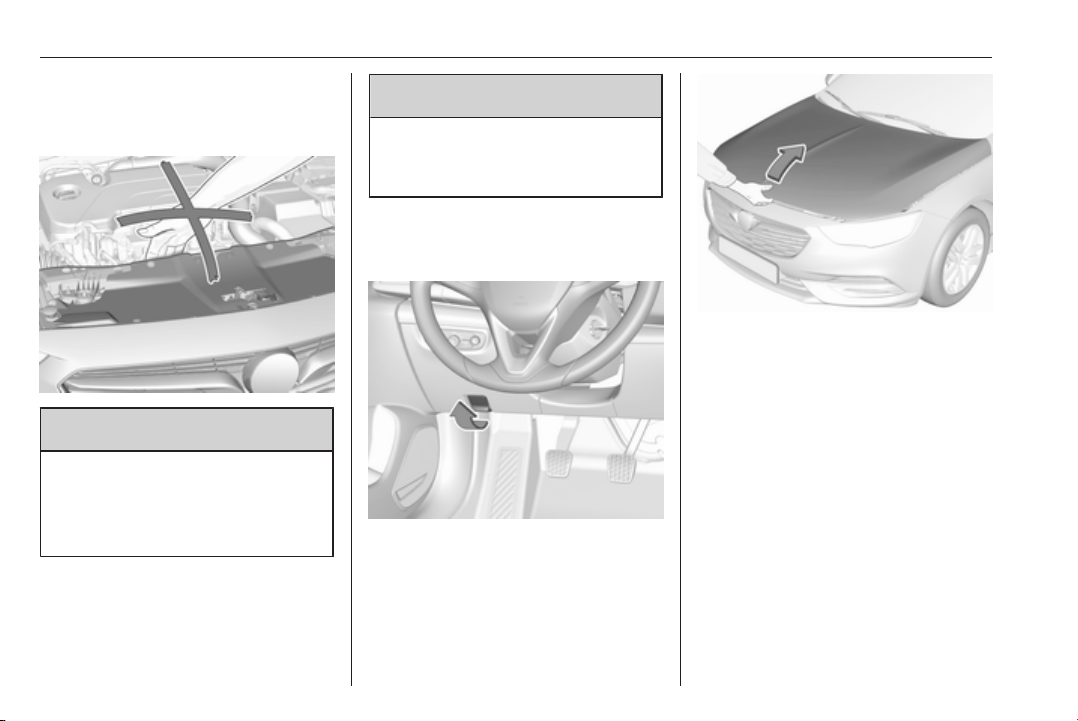
240 Vehicle care
Vehicle checks
Performing work
9 Warning
Only perform engine compartment
checks when the ignition is off.
The cooling fan may start
operating even if the ignition is off.
9 Danger
The ignition system uses
extremely high voltage. Do not
touch.
Bonnet
Opening
Pull the release lever and return it to
its original position.
Move the safety catch sideways to the
left vehicle side and open the bonnet.
The bonnet is held open
automatically.
If the bonnet is opened during an
Autostop, the engine will be restarted
automatically for safety reasons.
Stop-start system 3 166.
Closing
Lower the bonnet and let it fall into the
latch. Check that the bonnet is
engaged.
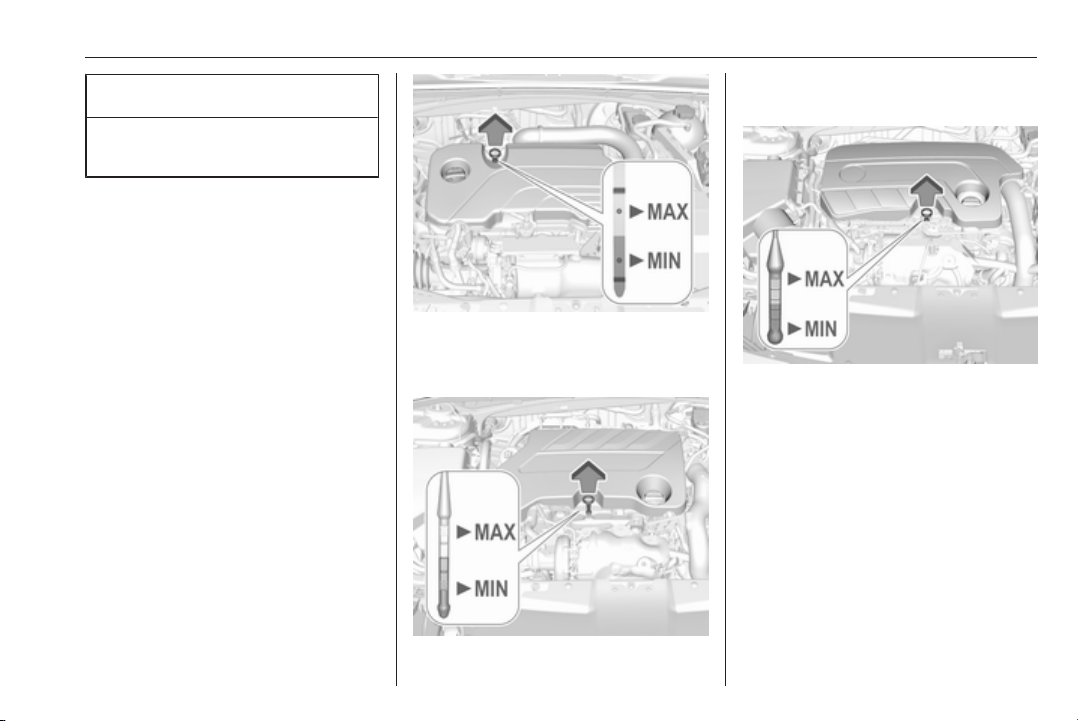
Vehicle care 241
Caution
Do not press the bonnet into the
latch to avoid dents.
Active bonnet 3 70.
Engine oil
Check the engine oil level manually
on a regular basis to prevent damage
to the engine. Ensure that the correct
specification of oil is used.
Recommended fluids and lubricants
3 285.
The maximum engine oil
consumption is 0.6 litres per
1000 km.
Check with the vehicle on a level
surface. The engine must be at
operating temperature and switched
off for at least five minutes.
Pull out the dipstick, wipe it clean,
reinsert fully, pull out and read the
engine oil level.
Different dipsticks are used
depending on engine variant.
We recommend the use of the same
grade of engine oil that was used at
last change.
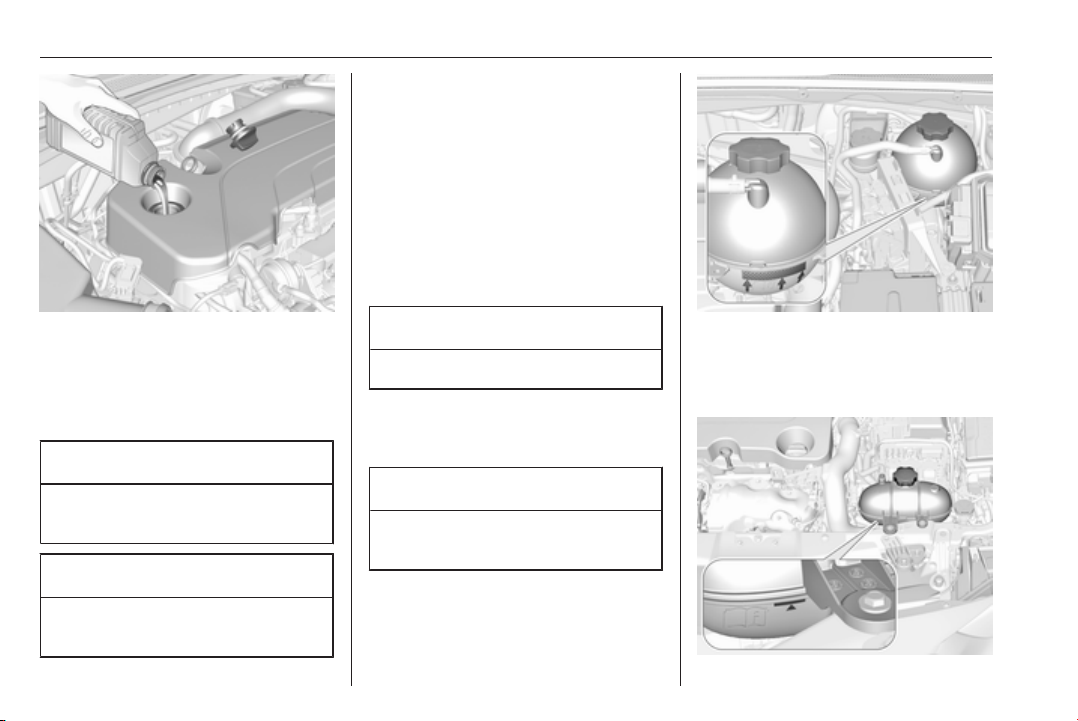
242 Vehicle care
When the engine oil level has
dropped to the MIN mark, top up
engine oil.
The engine oil level must not exceed
the MAX mark on the dipstick.
Caution
Wipe off any spilled engine oil
immediately.
Caution
Overfilled engine oil must be
drained or suctioned out.
Capacities 3 300.
Fit the cap on straight and tighten it.
Engine coolant
The coolant provides freeze
protection down to approx. -28 °C. In
cold regions with very low
temperatures, the factory filled
coolant provides frost protection
down to approx. -37 °C.
Caution
Only use approved antifreeze.
Coolant and antifreeze 3 285.
Coolant level
Caution
Too low a coolant level can cause
engine damage.
If the cooling system is cold, the
coolant level should be above the
filling line mark. Top up if the level is
low.
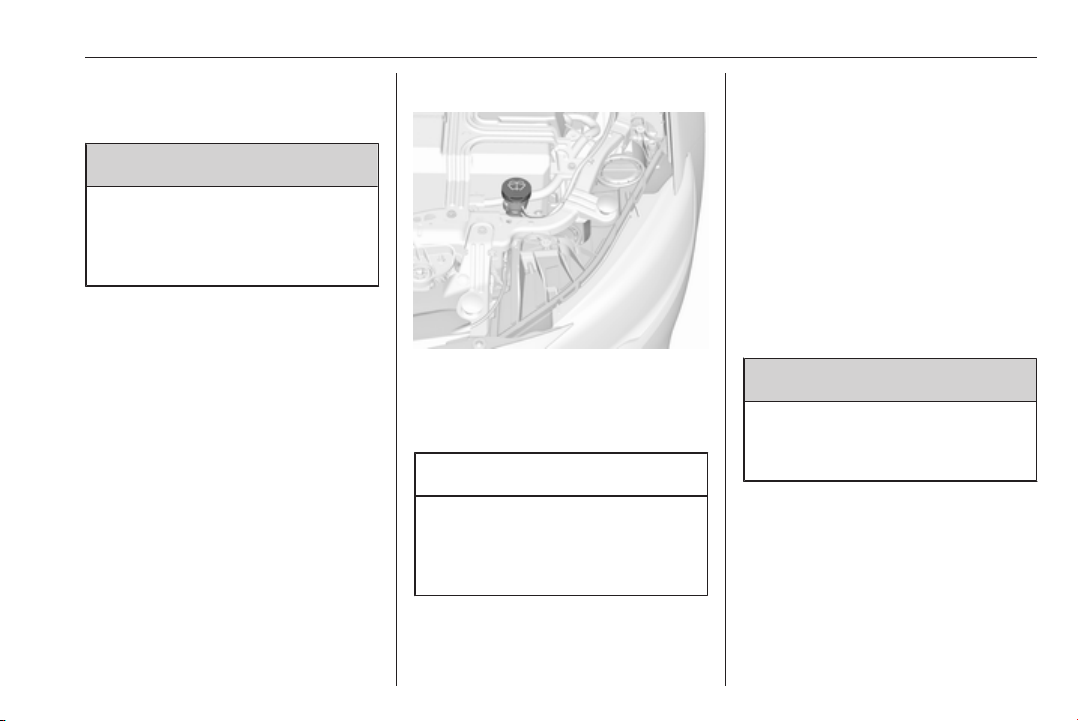
Vehicle care 243
Depending on the engine, the
position of the coolant container may
be different.
9 Warning
Allow the engine to cool before
opening the cap. Carefully open
the cap, relieving the pressure
slowly.
To top up, use a 1:1 mixture of
released coolant concentrate mixed
with clean tap water. If no coolant
concentrate is available, use clean
tap water. Install the cap tightly. Have
the coolant concentration checked
and have the cause of the coolant
loss remedied by a workshop.
Washer fluid
Fill with clean water mixed with a
suitable quantity of approved
windscreen washer fluid which
contains antifreeze.
Caution
Only washer fluid with a sufficient
antifreeze concentration provides
protection at low temperatures or
a sudden drop in temperature.
Washer fluid 3 285.
Brakes
In the event of minimum thickness of
the brake lining, a squealing noise
sounds during braking.
Continued driving is possible but
have the brake lining replaced as
soon as possible.
Once new brake linings are installed,
do not brake unnecessarily hard for
the first few journeys.
Brake fluid
9 Warning
Brake fluid is poisonous and
corrosive. Avoid contact with eyes,
skin, fabrics and painted surfaces.
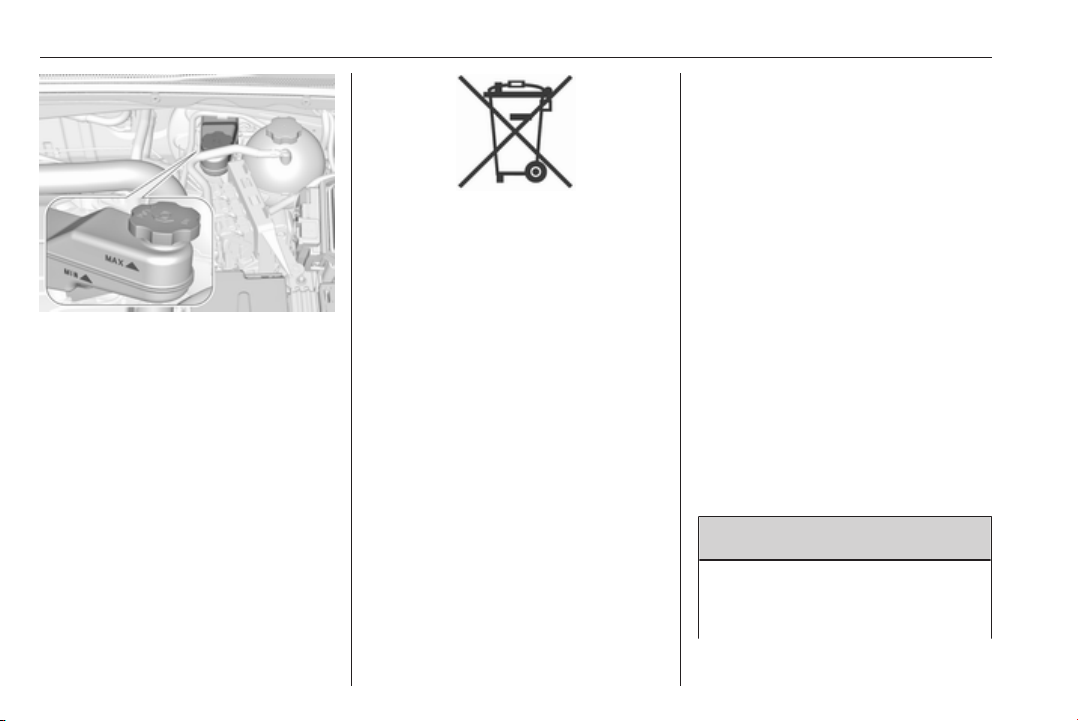
244 Vehicle care
The brake fluid level must be between
the MIN and MAX marks.
If fluid level is below MIN seek the
assistance of a workshop.
Brake and clutch fluid 3 285.
Vehicle battery
The vehicle battery is maintenance-
free provided that the driving profile
allows sufficient charging of the
battery. Short-distance-driving and
frequent engine starts can discharge
the battery. Avoid the use of
unnecessary electrical consumers.
Batteries do not belong in household
waste. They must be disposed of at
an appropriate recycling collection
point.
Laying up the vehicle for more than
four weeks can lead to battery
discharge. Disconnect the clamp from
the negative terminal of the vehicle
battery.
Ensure the ignition is switched off
before connecting or disconnecting
the vehicle battery.
Battery discharge protection 3 147.
Disconnecting the battery
If the vehicle's battery is to be
disconnected (e.g. for maintenance
work), the alarm siren must be
deactivated as follows: Switch the
ignition on then off, then disconnect
the vehicle's battery within
15 seconds.
Replacing the vehicle battery
Note
Any deviation from the instructions
given in this section may lead to
temporary deactivation or
disturbance of the stop-start system.
When the vehicle battery is being
replaced, please ensure that there
are no open ventilation holes in the
vicinity of the positive terminal. If a
ventilation hole is open in this area, it
must be closed off with a dummy cap,
and the ventilation in the vicinity of the
negative terminal must be opened.
We recommend that you have the
vehicle battery replaced by a
workshop.
Stop-start system 3 166.
Charging the vehicle battery
9 Warning
On vehicles with stop-start
system, ensure that the charging
potential does not exceed

Vehicle care 245
14.6 volts when using a battery
charger. Otherwise the vehicle
battery might be damaged.
Jump starting 3 277.
Warning label
Meaning of symbols:
● No sparks, naked flames or
smoking.
● Always shield eyes. Explosive
gases can cause blindness or
injury.
● Keep the vehicle battery out of
reach of children.
● The vehicle battery contains
sulphuric acid which could cause
blindness or serious burn
injuries.
● See the Owner's Manual for
further information.
● Explosive gas may be present in
the vicinity of the vehicle battery.
Diesel fuel system bleeding
If the tank has been run dry, the diesel
fuel system must be bled. Switch on
the ignition three times for
15 seconds at a time. Then crank the
engine for a maximum of
40 seconds. Repeat this process after
no less than five seconds. If the
engine fails to start, seek the
assistance of a workshop.
Wiper blade replacement
Lift the wiper arm until it stays in the
raised position. Lift retaining clip to
disengage the wiper blade and
remove.
Attach the wiper blade slightly angled
to the wiper arm and push until it
engages.
Lower wiper arm carefully.
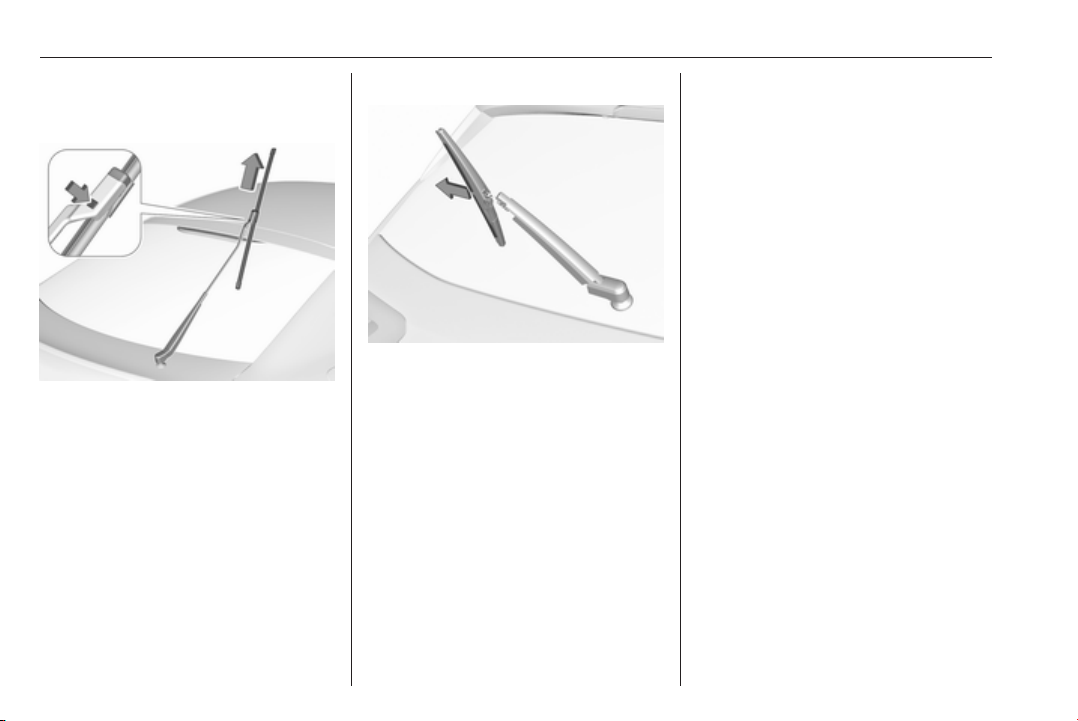
246 Vehicle care
Wiper blade on the rear window
Grand Sport
Lift the wiper arm until it stays in the
raised position, press button to
disengage the wiper blade and
remove.
Attach the wiper blade slightly angled
to the wiper arm and push until it
engages.
Lower wiper arm carefully.
Sports Tourer, Country Tourer
Lift wiper arm. Disengage wiper blade
as shown in illustration and remove.
Attach the wiper blade slightly angled
to the wiper arm and push until it
engages.
Lower wiper arm carefully.
Bulb replacement
Switch off the ignition and switch off
the relevant switch or close the doors.
Only hold a new bulb at the base. Do
not touch the bulb glass with bare
hands.
Use only the same bulb type for
replacement.
Replace headlight bulbs from within
the engine compartment.
Bulb check
After a bulb replacement switch on
the ignition, operate and check the
lights.
Halogen headlights
Halogen headlights with separate
bulbs for low beam and high beam.
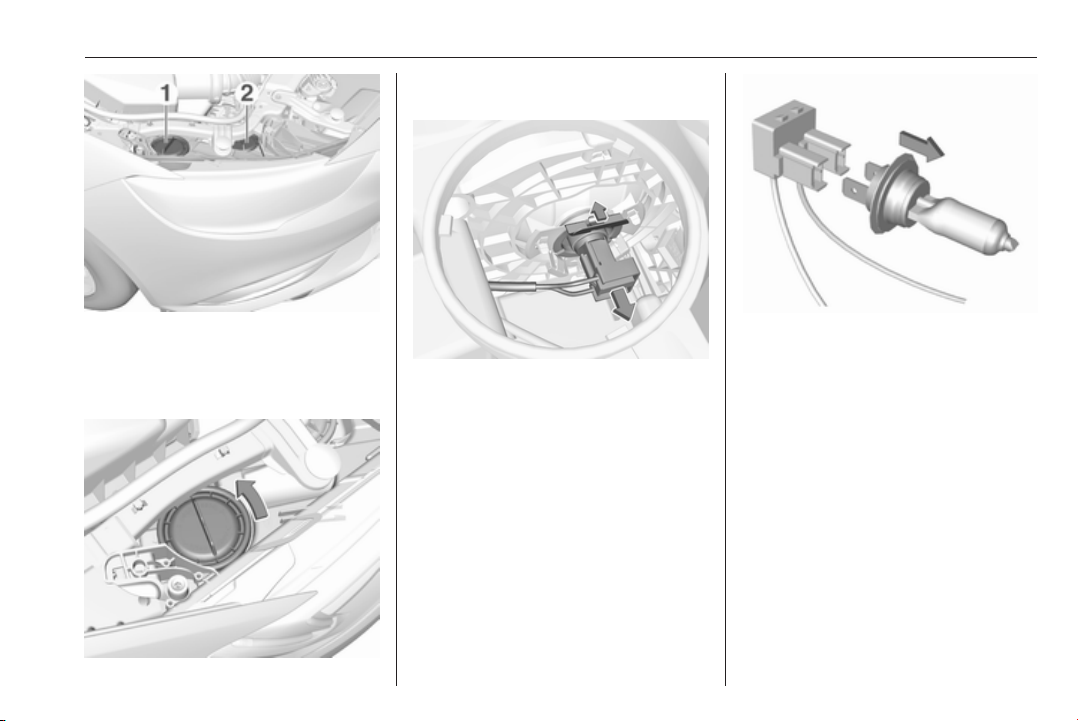
Vehicle care 247
Low beam (1) outer bulb.
High beam (2) inner bulb.
Low beam (1)
1. Rotate the cap anticlockwise and
remove it.
2. Disengage bulb holder by
pressing the retainer to the front.
Withdraw the bulb holder from the
reflector housing.
3. Detach the bulb from the bulb
holder and replace the bulb.
4. Insert the bulb holder.
5. Fit the cap and rotate clockwise.
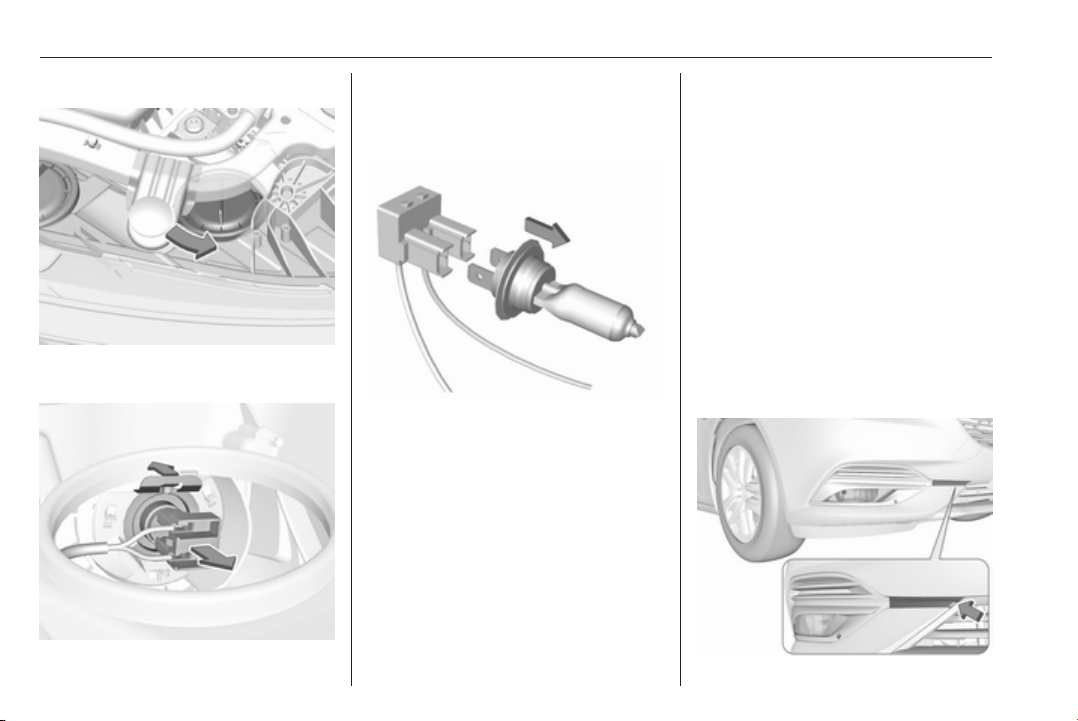
248 Vehicle care
High beam (2)
1. Rotate the cap anticlockwise and
remove it.
2. Disengage bulb holder by
pressing the retainer to the front.
Withdraw the bulb holder from the
reflector housing.
3. Detach the bulb from the bulb
holder and replace the bulb.
4. Insert the bulb holder.
5. Fit the cap and rotate clockwise.
Front turn signal light
In case of defective LEDs, have them
replaced by a workshop.
Side light
In case of defective LEDs, have them
replaced by a workshop.
Daytime running light
In case of defective LEDs, have them
replaced by a workshop.
LED headlights
Headlights for low and high beam,
sidelights, daytime running lights and
turn signal lights are designed as
LEDs and cannot be changed.
Have lights repaired by a workshop in
case of failure.
Fog lights
1. Grand Sport, Sports Tourer
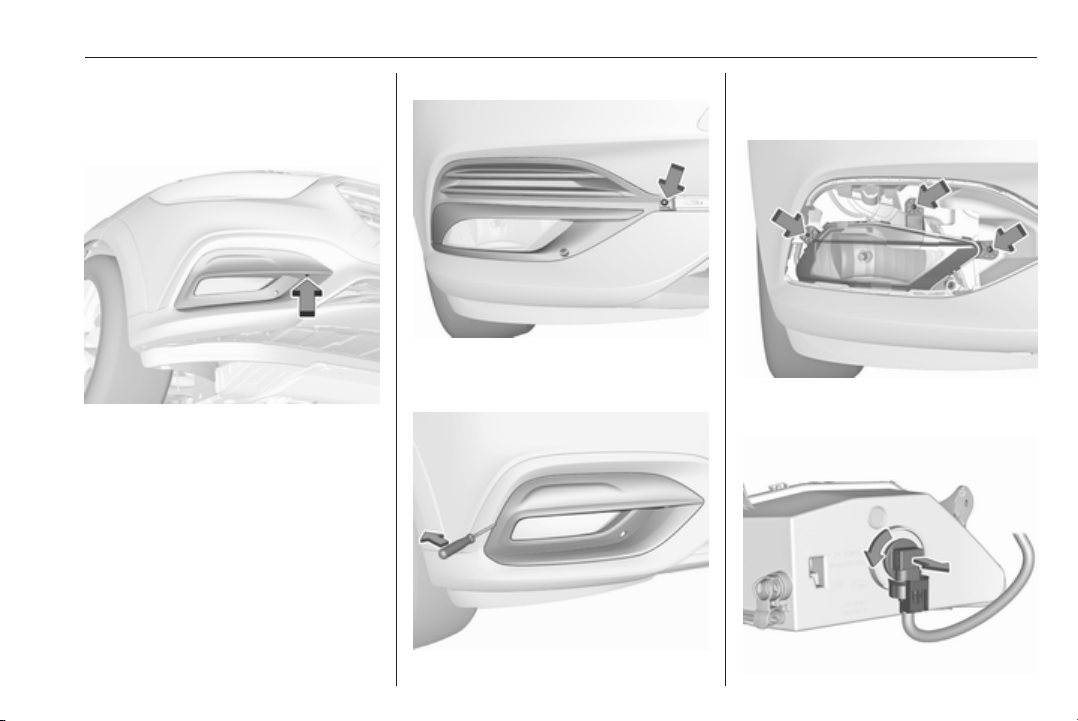
Vehicle care 249
Disengage the cover with a
screwdriver in the recess and
remove the cover.
Country Tourer
Undo the screw.
2. Grand Sport, Sports Tourer
Undo screw and remove the
faceplate.
Country Tourer
Lever out the faceplate with a
screwdriver in the recess and
remove the faceplate.
3. Undo three screws and remove
the light assembly to the front.
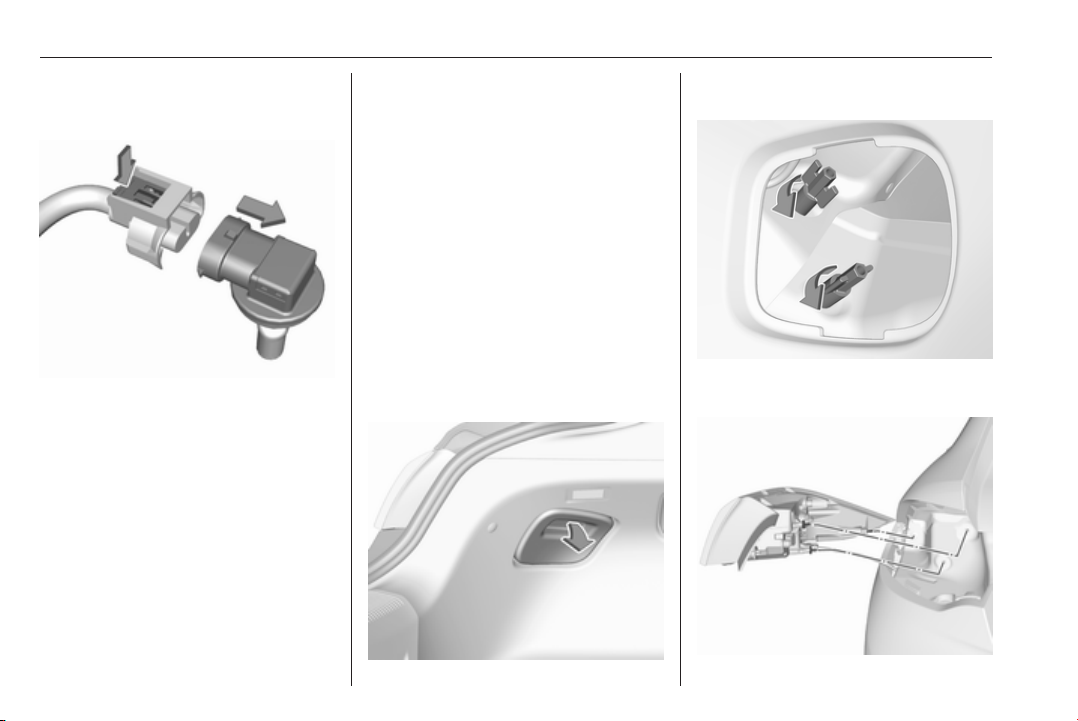
250 Vehicle care
4. Turn the bulb socket
anticlockwise and remove it from
the light assembly.
5. Disengage the plug connector by
pressing the retaining lug.
6. Remove and replace the bulb unit
and attach the plug connector.
Note that the bulb and the socket
are one unit and have to be
changed together.
7. Insert the bulb socket into the light
assembly by turning clockwise
and engage.
8. Mount the light assembly by
tightening the three screws.
9. Attach the faceplate and tighten
the screw.
10. Grand Sport, Sports Tourer
Attach and engage the cover.
Tail lights
Tail lights and brake lights are
designed as LEDs. In case of failure,
have LEDs replaced by a workshop.
Turn signal lights, rear fog lights and
reverse lights are designed for bulbs
and can be changed as follows.
Grand Sport
Light assembly in the body
1. Remove the cover on the
respective side.
2. Unscrew the two plastic securing
nuts from the inside by hand.

Vehicle care 251
3. Carefully withdraw tail light
assembly from recess and
remove. Take care that the cable
duct remains in position.
4. Turn the turn signal light bulb
socket anticlockwise and remove
it from the light assembly.
5. Remove and replace the turn
signal light bulb.
6. Attach the bulb socket to the light
assembly.
7. Attach the light assembly to the
vehicle body and tighten the
securing nuts from the inside of
the load compartment. Attach
cover.
Light assembly in the tailgate
1. Release the cover in the tailgate
and remove it.
2. Unscrew the plastic securing nut
by hand.
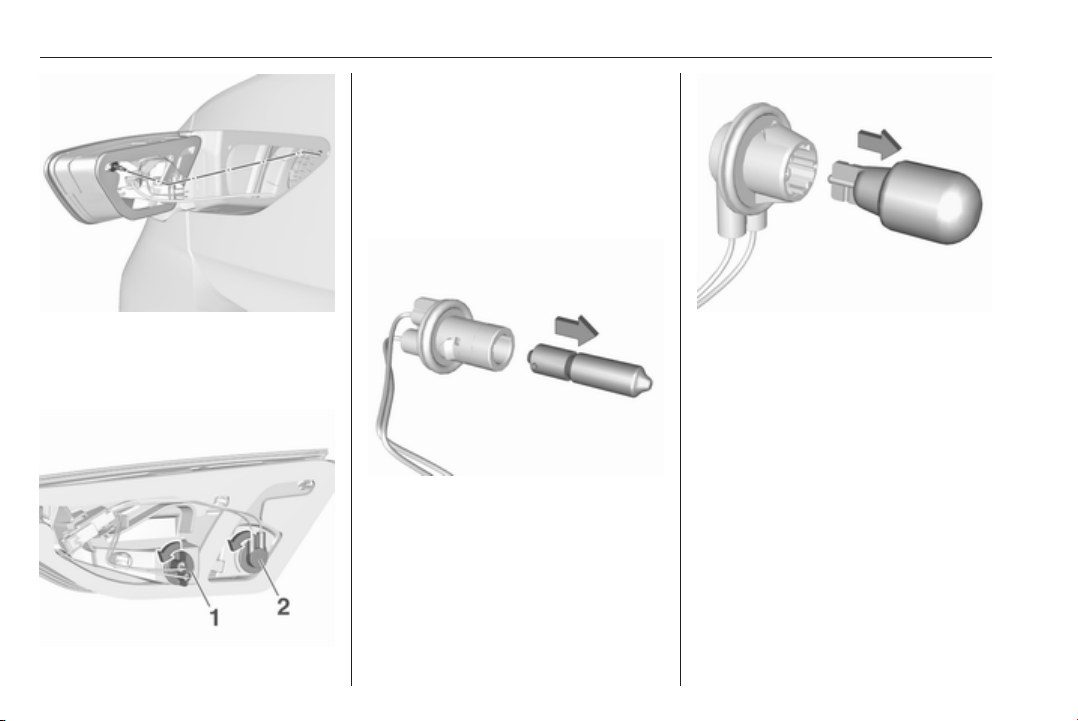
252 Vehicle care
3. Carefully withdraw the light
assembly from the recesses and
remove. Take care that the cable
duct remains in position.
4. Turn the bulb socket
anticlockwise and remove it from
the light assembly.
Rear fog light (1)
Reverse light (2)
5. Detach the bulb from the bulb
socket and replace the bulb.
Rear fog light
Reverse light
6. Insert the bulb socket into the tail
light assembly. Fit light assembly
on the tailgate and tighten the
screw from the inside. Attach
cover.
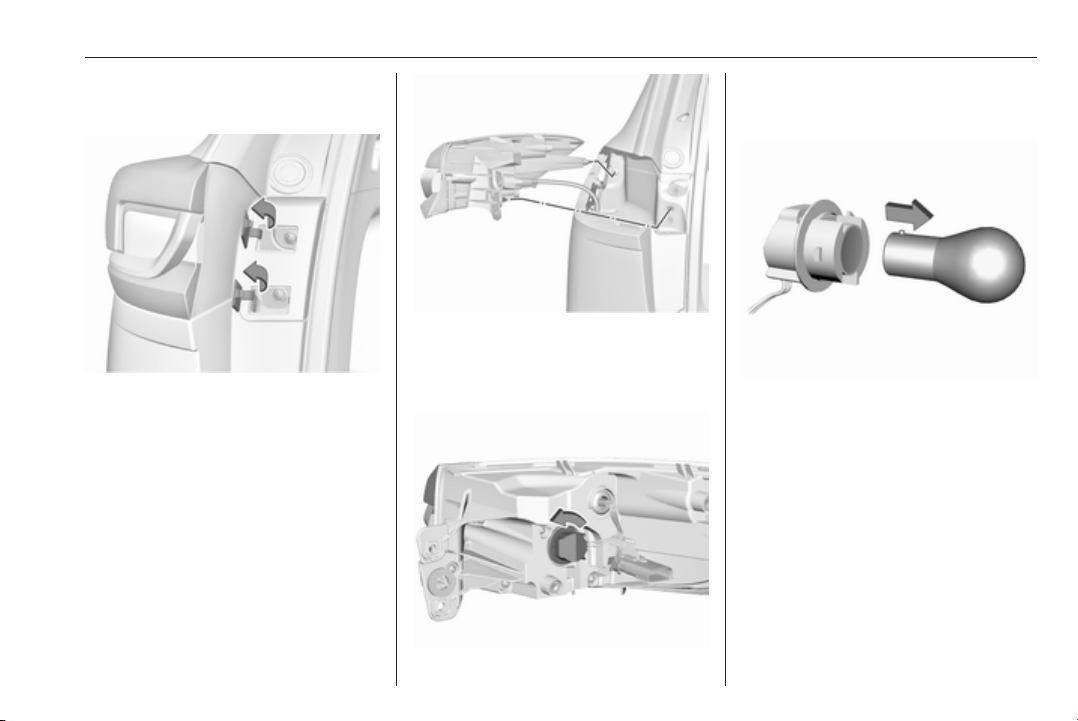
Vehicle care 253
Sports Tourer, Country Tourer
Light assembly in the body
1. Open the covers with screwdriver.
Unscrew and remove both
screws.
2. Carefully withdraw tail light
assembly from recess and
remove. Take care that the cable
duct remains in position.
3. Turn the turn signal light bulb
socket anticlockwise and remove
it from the light assembly.
4. Detach the bulb from the bulb
socket and replace the turn signal
light bulb.
5. Attach the bulb socket to the light
assembly.
6. Attach the light assembly to the
vehicle body and tighten the
screws. Close covers.
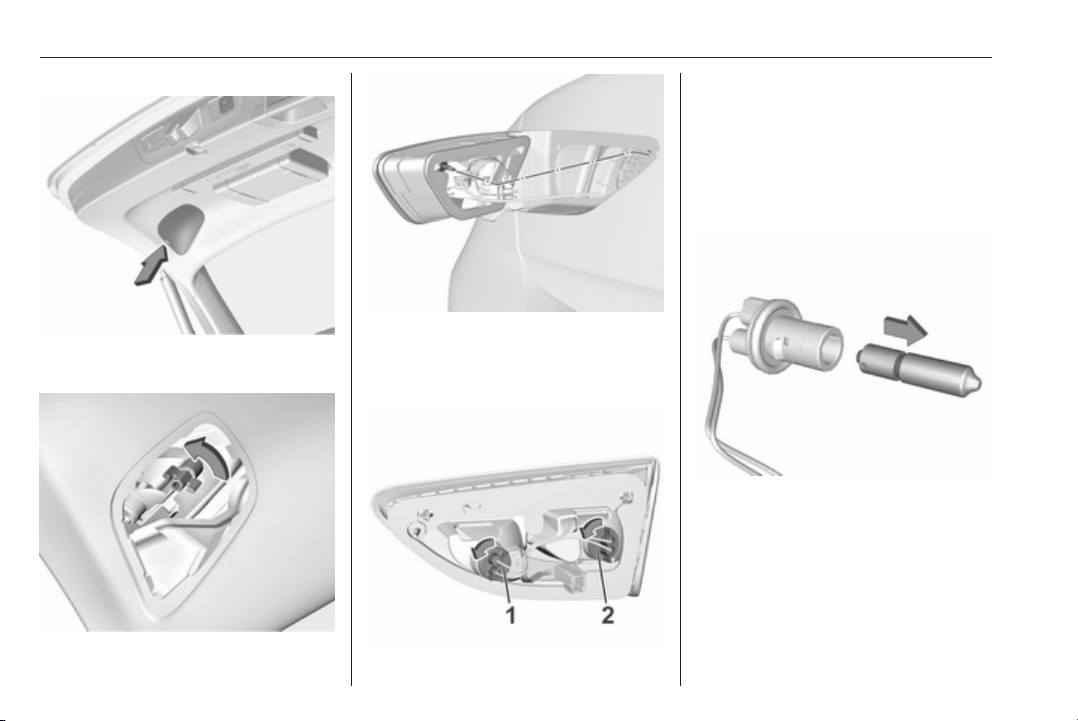
254 Vehicle care
Light assembly in the tailgate
1. Release the cover in the tailgate
and remove it.
2. Unscrew the plastic securing nut
by hand.
3. Carefully withdraw the light
assembly from the recesses and
remove. Take care that the cable
duct remains in position.
4. Turn the bulb socket
anticlockwise and remove it from
the light assembly.
Rear fog light (1)
Reverse light (2)
5. Detach the bulb from the bulb
socket and replace the bulb.
Rear fog light
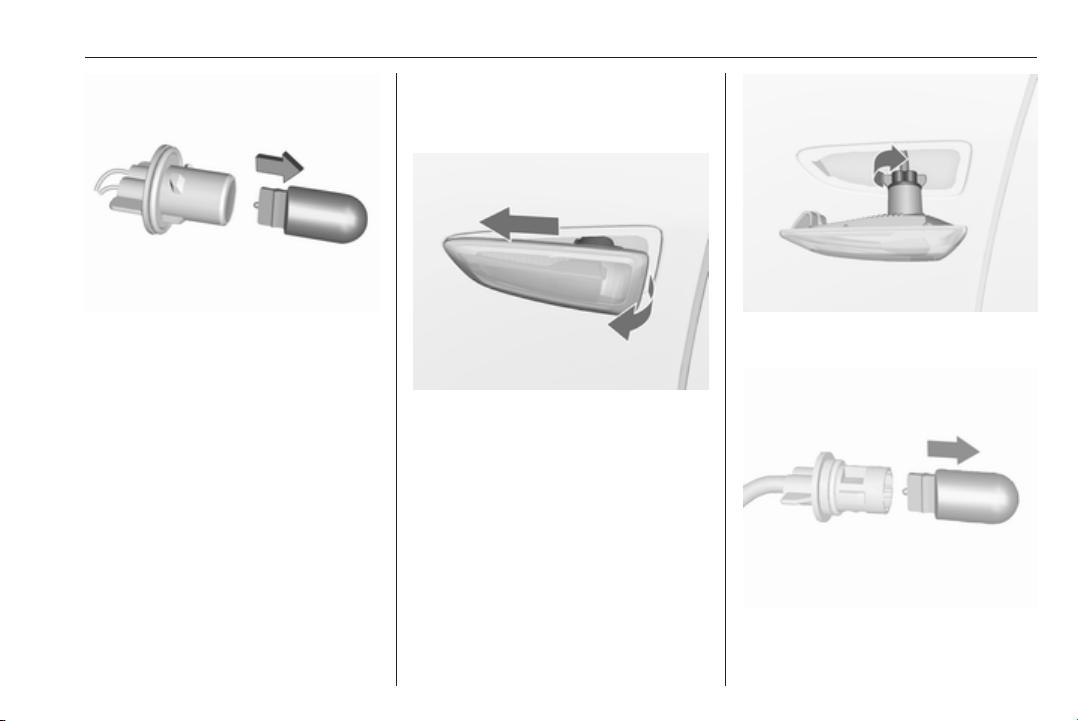
Vehicle care 255
Reverse light
6. Insert the bulb socket into the tail
light assembly. Fit light assembly
on the tailgate and tighten the
screw from the inside. Attach
cover.
Side turn signal lights
To replace bulb, remove lamp
housing:
1. Slide lamp to its left side and
remove with its right end.
2. Turn bulb holder anticlockwise
and remove from housing.
3. Pull bulb from bulb holder and
replace it.
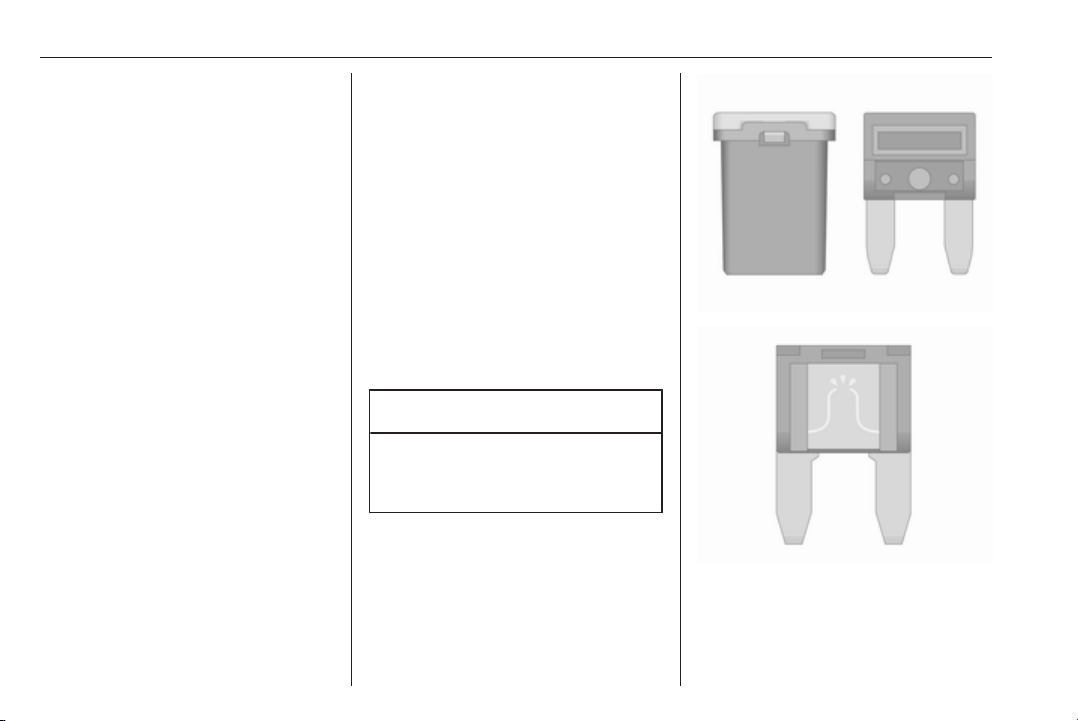
256 Vehicle care
4. Insert bulb holder and turn
clockwise.
5. Insert left end of the lamp, slide to
the left and insert right end.
Number plate light
The number plate light is designed as
LEDs and can not be changed. In
case of defective LEDs, have them
replaced by a workshop.
Interior lights
Courtesy light, reading lights
Have bulbs replaced by a workshop.
Load compartment light
Have bulbs replaced by a workshop.
Instrument panel
illumination
Have bulbs replaced by a workshop.
Electrical system
Fuses
Data on the replacement fuse must
match the data on the defective fuse.
There are three fuse boxes in the
vehicle:
● engine compartment
● instrument panel
Before replacing a fuse, turn off the
respective switch and the ignition.
A blown fuse can be recognised by its
melted wire.
Caution
Do not replace the fuse until the
cause of the fault has been
remedied.
Some functions are protected by
several fuses.
Fuses may also be inserted without
existence of a function.
Fuse extractor
A fuse extractor may be located in the
fuse box in the engine compartment.

Vehicle care 257
Place the fuse extractor on the
various types of fuse from the top or
side, and withdraw fuse.
Engine compartment fuse
box
The fuse box is in the front left of the
engine compartment.
Disengage the cover and remove it.

258 Vehicle care
No. Circuit
1 –
2 –
3 ABS
4 –
5 –
6 Tailgate
7 Fog light
8 Memory module
9 Heated windscreen
10 Seat lumbar
11 DC/DC battery
12 Heated rear window
13 Heated mirror
14 –
15 –
16 Front wiper
17 Power seat, passenger
No. Circuit
18 Sunblind
19 Power seat, driver
20 –
21 Sunroof
22 Rear wiper/Airbag
23 Adaptive forward lighting
24 –
25 –
26 Transmission control module
27 Ignition/Instrument panel
28 –
29 Rear view camera/Air vent
30 Malfunction indicator light/
Trailer
31 –
32 Camera
33 Seat heat front
34 Seat heat rear
No. Circuit
35 Damping/All-wheel drive
36 Fuel system
37 –
38 –
39 –
40 Steering wheel lock
41 –
42 –
43 Heated steering wheel
44 Headlight range adjustment
45 –
46 Engine control module
47 –
48 DC/DC converter/Air vent/E-
Boost
49 Rear door control module
50 –
51 –

Vehicle care 259
No. Circuit
52 –
53 –
54 –
55 –
56 Starter
57 –
58 –
59 Left headlight (LED)
60 Cooling fan
61 –
62 –
63 –
64 –
65 Climate control
66 –
67 –
68 –
No. Circuit
69 Right high beam (Halogen)/
Right headlight (LED)
70 Left high beam (Halogen)
71 –
72 Starter
73 –
74 Transmission control module
75 Engine control module
76 Exhaust reduction system
77 –
78 Horn
79 Washer system
80 –
81 Engine control module
82 –
83 Ignition coil
84 Ignition coil
85 Powertrain
No. Circuit
86 –
87 Diesel fuel heating
88 Air shutter
89 –
90 –
91 –
92 After boil pump
93 Electronic key system
94 –
95 Coolant pump
96 Diesel fuel heating
97 –
98 –
99 Coolant pump
After having changed defective fuses,
close the fuse box cover and press
until it engages.
If the fuse box cover is not closed
correctly, malfunction may occur.

260 Vehicle care
Instrument panel fuse box
In left-hand drive vehicles, the fuse
box is behind a cover in the
instrument panel.
Disengage cover at the side and
remove.
In right-hand drive vehicles, the fuse
box is located behind a cover in the
glovebox. Open the glovebox and
remove the cover.
No. Circuit
1 Left power window
2 Right power window
3 Body control module
4 Climate control fan
5 Body control module
6 Trailer provisions
7 Rear seat power folding
8 Body control module
9 Engine control module
10 Head-up display
11 NO
x
reduction/Pipe heater
12 NO
x
reduction/Soot sensor
13 UREA module
14 Heated steering wheel
15 Transmission control module
16 Amplifier
17 Alarm
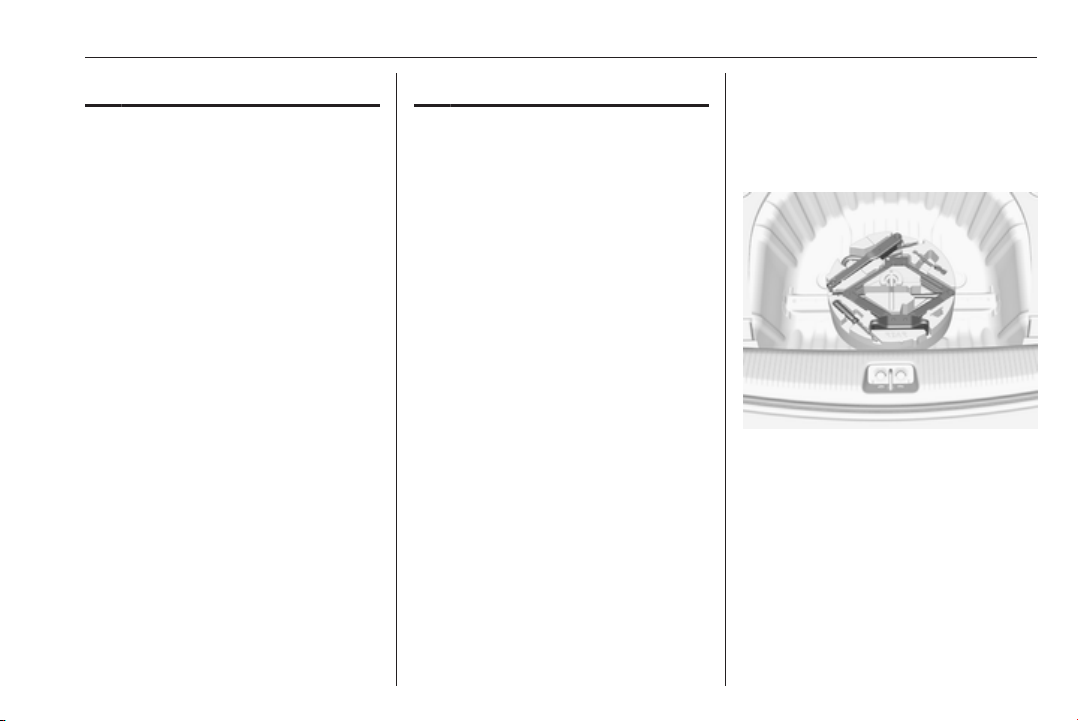
Vehicle care 261
No. Circuit
18 Body control module
19 UREA module
20 Body control module
21 Body control module
22 Body control module
23 Electric steering wheel lock
24 Airbag
25 Diagnostic connector
26 Power outlet load compartment
27 EBCM valve
28 Police provision
29 –
30 –
31 Steering wheel controls
32 Ignition switch
33 Climate control
34 Central gateway module
No. Circuit
35 AUX/USB connector
36 Wireless charger
37 Rear wiper
38 Onstar
39 Display
40 Parking assist
41 Overhead console
42 Radio
Vehicle tools
Tools
Vehicles with spare wheel
The jack with wheel wrench, the tools,
an extension bolt for securing a
damaged wheel and the towing eye
are placed in the tool box below the
spare wheel in the load compartment.
Spare wheel 3 275.
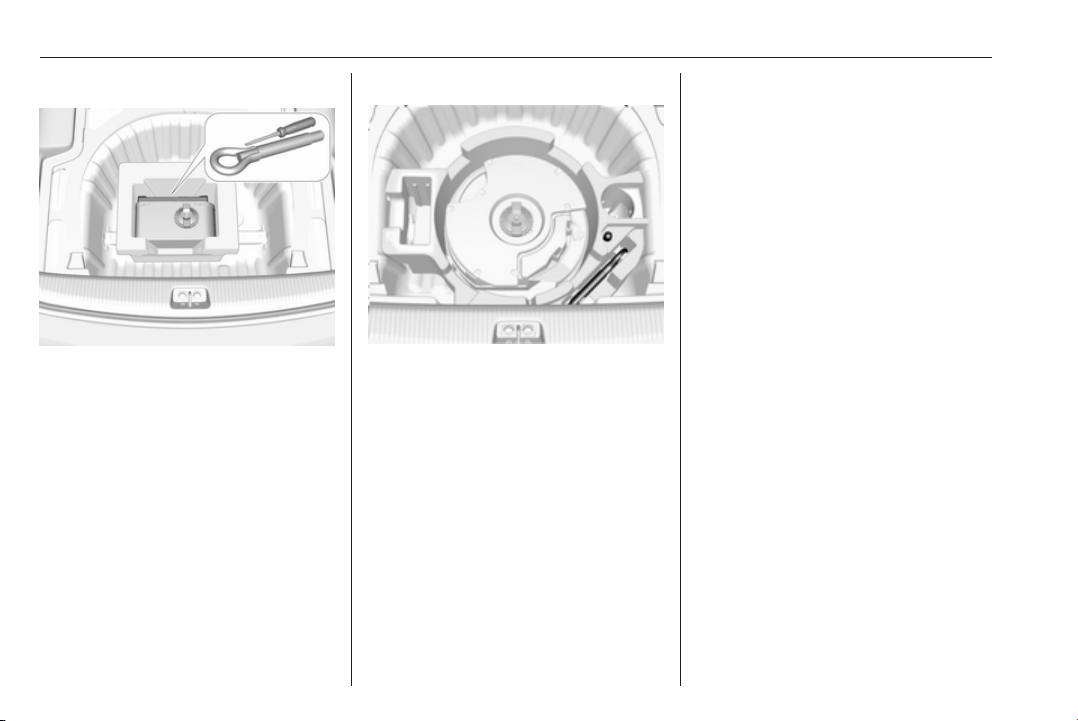
262 Vehicle care
Vehicles without spare wheel
The screwdriver and the towing eye
are located in a box below the floor
cover in the load compartment.
Tyre repair kit 3 268.
Vehicles with audio speaker system
The screwdriver and the towing eye
are located below the floor cover in
the load compartment, beside the
round speaker system component.
Tyre repair kit 3 268.
Wheels and tyres
Tyre condition, wheel condition
Drive over edges slowly and at right
angles if possible. Driving over sharp
edges can cause tyre and wheel
damage. Do not trap tyres on the kerb
when parking.
Regularly check the wheels for
damage. Seek the assistance of a
workshop in the event of damage or
unusual wear.
Winter tyres
Winter tyres improve driving safety at
temperatures below 7 °C and should
therefore be fitted on all wheels.
In accordance with country-specific
regulations, affix the speed sticker in
the driver's field of view.
All tyre sizes are permitted as winter
tyres 3 301.
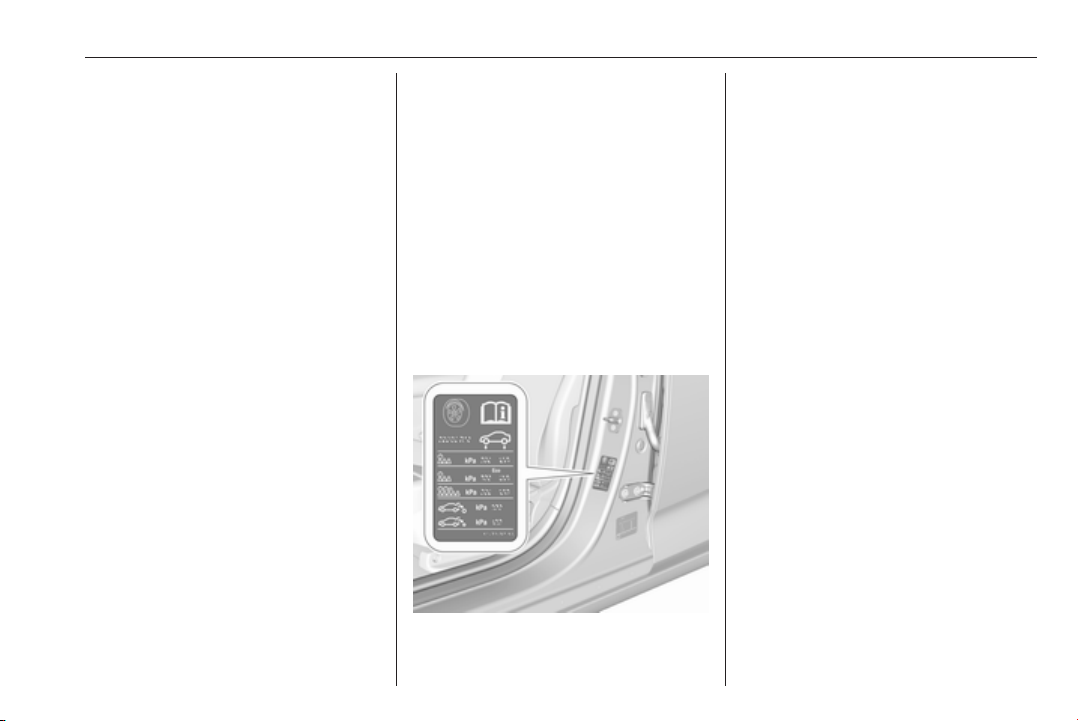
Vehicle care 263
Tyre designations
E.g. 215/60 R 16 95 V
215 : tyre width, mm
60 : cross-section ratio (tyre height
to tyre width), %
R : belt type: Radial
RF : type: RunFlat
16 : wheel diameter, inches
95 : load index e.g. 95 is equivalent
to 690 kg
V : speed code letter
Speed code letter:
Q : up to 160 km/h
S : up to 180 km/h
T : up to 190 km/h
H : up to 210 km/h
V : up to 240 km/h
W : up to 270 km/h
Choose a tyre appropriate for the
maximum speed of your vehicle.
The maximum speed is achievable at
kerb weight with driver (75 kg) plus
125 kg payload. Optional equipment
could reduce the maximum speed of
the vehicle.
Performance 3 294.
Directional tyres
Directional tyres should be mounted
so that they rotate in the correct
direction. The proper rotation
direction is indicated by a symbol
(e.g. an arrow) on the sidewall.
Tyre pressure
Check the pressure of cold tyres at
least every 14 days and before any
long journey. Do not forget the spare
wheel. This also applies to vehicles
with tyre pressure monitoring system.
Tyre pressure 3 301.
The tyre pressure information label
on the left door frame indicates the
original equipment tyres and the
correspondent tyre pressures.
The tyre pressure data refers to cold
tyres. It applies to summer and winter
tyres.
Always inflate the spare tyre to the
pressure specified for full load.
The ECO tyre pressure serves to
achieve the smallest amount of fuel
consumption possible.
Make sure tyre loading setting
matches the current tyre pressure.
Tyre loading 3 264.
Incorrect tyre pressures will impair
safety, vehicle handling, comfort and
fuel economy and will increase tyre
wear.
Tyre pressures differ depending on
various options. For the correct tyre
pressure value, follow the procedure
below:
1. Identify drive axle and body style.
2. Identify the engine identifier code.
Engine data 3 293.
3. Identify the respective tyre.

264 Vehicle care
The tyre pressure tables show all
possible tyre combinations 3 301.
For the tyres approved for your
vehicle, refer to the EEC Certificate of
Conformity provided with your vehicle
or other national registration
documents.
The driver is responsible for correct
adjustment of tyre pressure.
9 Warning
If the pressure is too low, this can
result in considerable tyre warm-
up and internal damage, leading to
tread separation and even to tyre
blow-out at high speeds.
9 Warning
For specific tyres the
recommended tyre pressure as
shown in the tyre pressure table
may exceed the maximum tyre
pressure as indicated on the tyre.
Never exceed the maximum tyre
pressure as indicated on the tyre.
After adjusting tyre pressure, select
the according tyre loading setting on
the page Tyre load in the Driver
Information Centre, 3 113.
Temperature dependency
The tyre pressure depends on the
temperature of the tyre. During
driving, tyre temperature and
pressure increase. Tyre pressure
values provided on the tyre
information label and tyre pressure
chart are valid for cold tyres, which
means at 20 °C.
The pressure increases by nearly
10 kPa for a 10 °C temperature
increase. This must be considered
when warm tyres are checked.
The tyre pressure value displayed in
the Driver Information Centre shows
the real tyre pressure. A cooled down
tyre will show a decreased value,
which does not indicate an air leak.
Tyre pressure monitoring
system
The tyre pressure monitoring system
checks the pressure of all four wheels
once a minute when vehicle speed
exceeds a certain limit.
Caution
Tyre pressure monitoring system
warns just about low tyre pressure
condition and does not replace
regular tyre maintenance by the
driver.
All wheels must be equipped with
pressure sensors and the tyres must
have the prescribed pressure.
Note
In countries where the tyre pressure
monitoring system is legally
required, the use of wheels without
pressure sensors will invalidate the
vehicle operating permit.
Select the Tyre pressure monitoring
page under the Info Menu in the
Driver Information Centre 3 113.
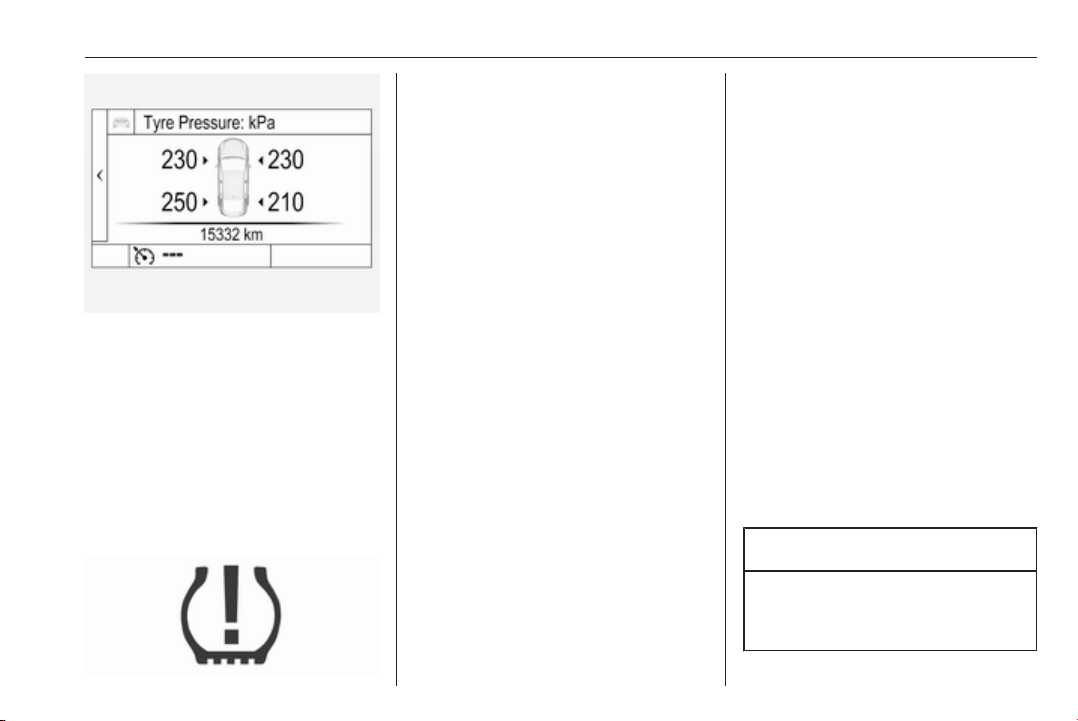
Vehicle care 265
System status and pressure warnings
are displayed by a message
indicating the corresponding tyre in
the Driver Information Centre.
The system considers the tyre
temperature and the tyre loading
setting for the warnings.
Tyre loading setting, see below in this
chapter.
Temperature dependency 3 263.
A detected low tyre pressure
condition is indicated by the control
indicator w 3 110.
If w illuminates, stop as soon as
possible and inflate the tyres as
recommended 3 301.
Ensure that vehicle loading status
matches selected tyre pressure.
Vehicle loading status, see below in
this chapter.
After inflating, some driving may be
required to update the tyre pressure
values in the Driver Information
Centre. During this time w may
continue to illuminate.
If w illuminates at lower temperatures
and extinguishes after some driving,
this could be an indicator for
approaching a low tyre pressure
condition. Check tyre pressure.
Vehicle messages 3 124.
Only mount wheels with pressure
sensors, otherwise the tyre pressure
will not be displayed and w
illuminates continuously.
A spare wheel or temporary spare
wheel is not equipped with pressure
sensors. The tyre pressure
monitoring system is not operational
for these wheels. Control indicator w
illuminates. For the further three
wheels the system remains
operational.
The use of commercially available
liquid tyre repair kits can impair the
function of the system. Factory-
approved repair kits can be used.
Operating electronic devices or being
close to facilities using similar wave
frequencies could disrupt the tyre
pressure monitoring system.
Each time the tyres are replaced tyre
pressure monitoring system sensors
must be dismounted and serviced.
For the screwed sensor replace valve
core and sealing ring, for clipped
sensor replace complete valve stem.
Use only original plastic valve caps to
protect valve on any damage.
Caution
Do not use metal valve caps as
they lead to valve oxidation and
damage.
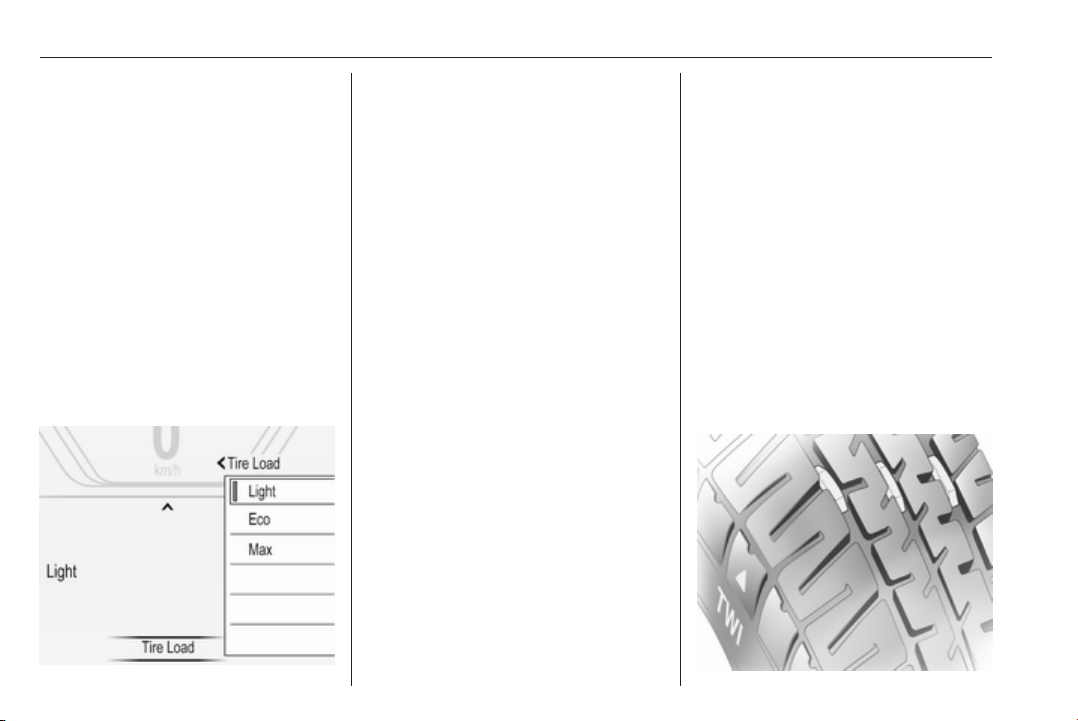
266 Vehicle care
Vehicle loading status
Adjust tyre pressure to load condition
according tyre information label or
tyre pressure chart 3 301, and select
the appropriate setting in the Tyre
loading page under the Settings
menu in the Driver Information Centre
3 113. This setting determines the
reference pressures for the tyre
pressure warnings.
Depending on the display, the menu
Tyre loading only appears if the
vehicle is at a standstill and the
parking brake is applied. On vehicles
with automatic transmission the
selector lever must be in P.
Select:
● Light for comfort pressure up to
3 people.
● Eco for Eco pressure up to
3 people.
● Max for full loading.
Auto learn function
After changing wheels or wheel
positions the vehicle must be
stationary for approx. 20 minutes,
before the system recalculates. The
following relearn process takes up to
10 minutes of driving in a speed range
of 40 to 100 km/h. Avoid to drive
outside of this range for a longer time.
If possible, use a country road or
similar which allows continuous
driving. During relearn process $
can be displayed or pressure values
can swap in the Driver Information
Centre.
If problems occur during the relearn
process, a failure message is
displayed in the Driver Information
Centre. w will flash for 60 seconds
and then illuminate continuously.
If this happens, repeat learning
process. Keep your vehicle stationary
for approx. 20 minutes and then drive
again for 10 minutes as described
above.
Tread depth
Check tread depth at regular
intervals.
Tyres should be replaced for safety
reasons at a tread depth of 2-3 mm
(4 mm for winter tyres).
For safety reasons, it is
recommended that the tread depth of
the tyres on one axle should not vary
by more than 2 mm.

Vehicle care 267
The legally permissible minimum
tread depth (1.6 mm) has been
reached when the tread has worn
down as far as one of the tread wear
indicators (TWI). Their position is
indicated by markings on the
sidewall.
If there is more wear at the front than
the rear, swap round front wheels and
rear wheels periodically. Ensure that
the direction of rotation of the wheels
remains the same.
Tyres age, even if they are not used.
We recommend tyre replacement
every 6 years.
Changing tyre and wheel
size
If tyres of a different size than those
fitted at the factory are used, it may be
necessary to reprogramme the
speedometer as well as the nominal
tyre pressure and make other vehicle
modifications.
After converting to a different tyre
size, have the label with tyre
pressures replaced and the tyre
deflation detection system
reinitialised. 3 264
9 Warning
The use of unsuitable tyres or
wheels may lead to accidents and
will invalidate the vehicle
operating permit.
Wheel covers
Wheel covers and tyres that are
factory approved for the respective
vehicle and comply with all of the
relevant wheel and tyre combination
requirements must be used.
If the wheel covers and tyres used are
not factory approved, the tyres must
not have a rim protection ridge.
Wheel covers must not impair brake
cooling.
9 Warning
Use of unsuitable tyres or wheel
covers could lead to sudden
pressure loss and thereby
accidents.
Vehicles with steel wheels: When
using locking wheel nuts, do not
attach wheel covers.
Tyre chains
Tyre chains are only permitted on the
front wheels.
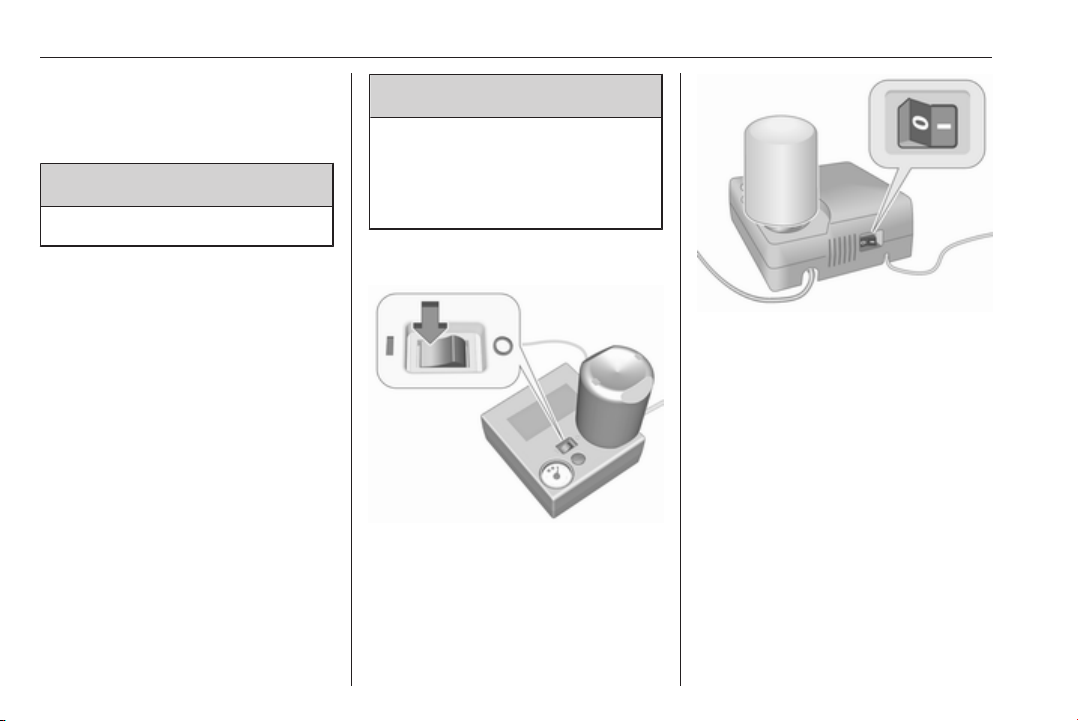
268 Vehicle care
Always use fine mesh chains that add
no more than 10 mm to the tyre tread
and the inboard sides (including chain
lock).
9 Warning
Damage may lead to tyre blowout.
Tyre chains are only permitted on
tyres of size 215/60 R16, 215/55 R17,
225/55 R17 and 235/45 R18.
Temporary spare wheel
The use of tyre chains is not permitted
on the temporary spare wheel.
Tyre repair kit
Minor damage to the tyre tread can be
repaired with the tyre repair kit.
Do not remove foreign bodies from
the tyres.
Tyre damage exceeding 4 mm or that
is at tyre's side wall cannot be
repaired with the tyre repair kit.
9 Warning
Do not drive faster than 80 km/h.
Do not use for a lengthy period.
Steering and handling may be
affected.
Two types of tyre repair kit are
available:
● Type 1 indicated by the on/off
switch at the top of the
compressor.
● Type 2 indicated by the on/off
switch at the side of the
compressor.
If vehicle has a flat tyre:
Apply the parking brake and engage
first gear, reverse gear or P.
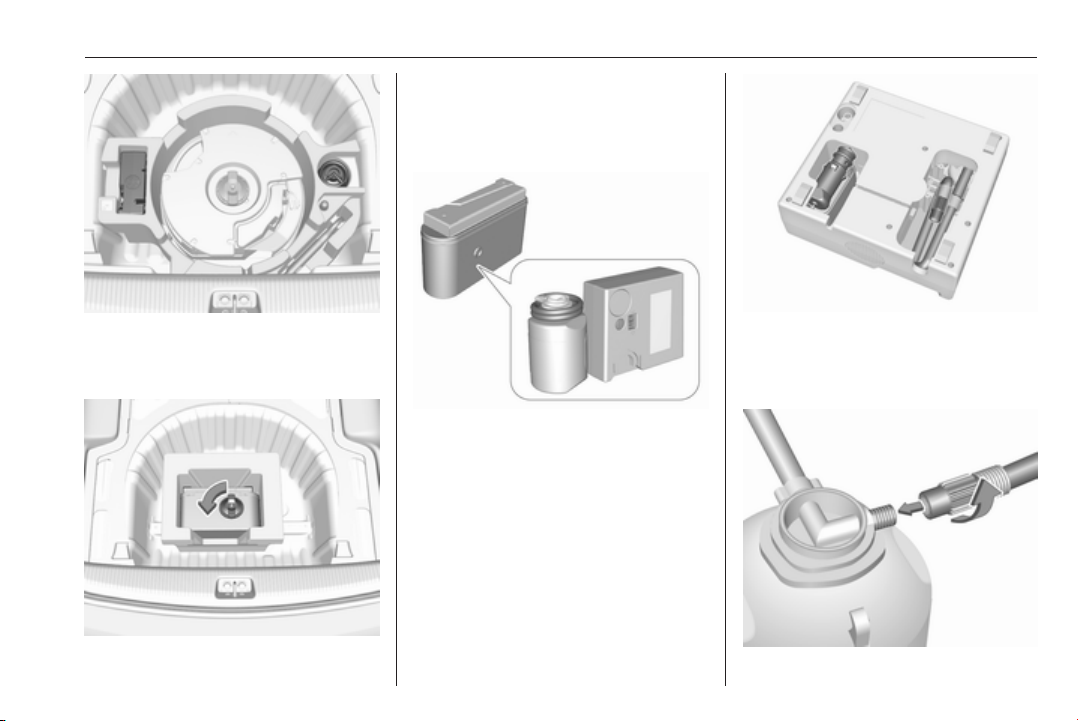
Vehicle care 269
On vehicles with audio speaker
system, the tyre repair kit is stowed
together with the tools.
On other versions, the tyre repair kit
is stored in a bag.
Loosen the screw and remove the
bag.
Take the sealant bottle and the
compressor out of the box.
1. Remove the electrical connection
cable and air hose from the
stowage compartments on the
underside of the compressor.
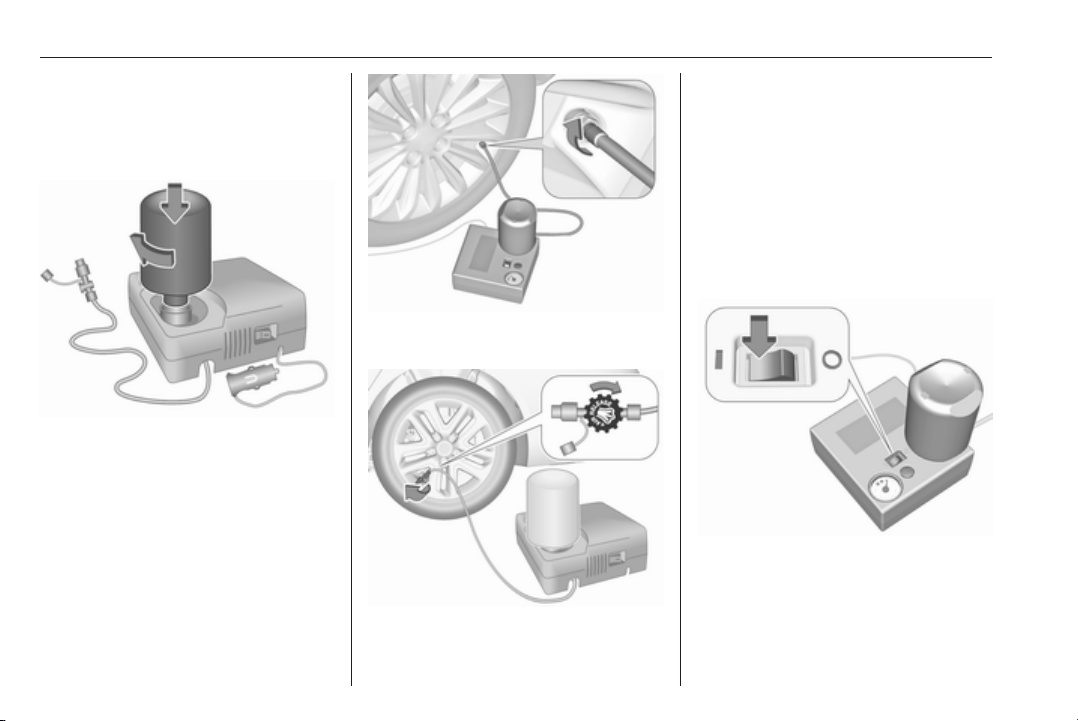
270 Vehicle care
2. Type 1: screw the compressor air
hose to the connection on the
sealant bottle and fit the sealant
bottle into the retainer on the
compressor.
Type 2: remove screw plug from
the compressor and from the
sealant bottle. Screw the bottle on
the compressor without removing
the tinfoil from the bottle.
3. Set the compressor near the tyre
in such a way that the sealant
bottle is upright.
4. Unscrew valve cap from defective
tyre.
5. Type 1: screw the filler hose to the
tyre valve.
Type 2: remove protection cap
from filler hose and screw the filler
hose to the tyre valve. The air
release valve must be closed (turn
clockwise).
6. The switch on the compressor
must be set to J.
7. Connect the compressor plug to
the power outlet or cigarette
lighter socket.
To avoid discharging the battery,
we recommend running the
engine.
8. Set the rocker switch on the
compressor to I. The tyre is filled
with sealant.
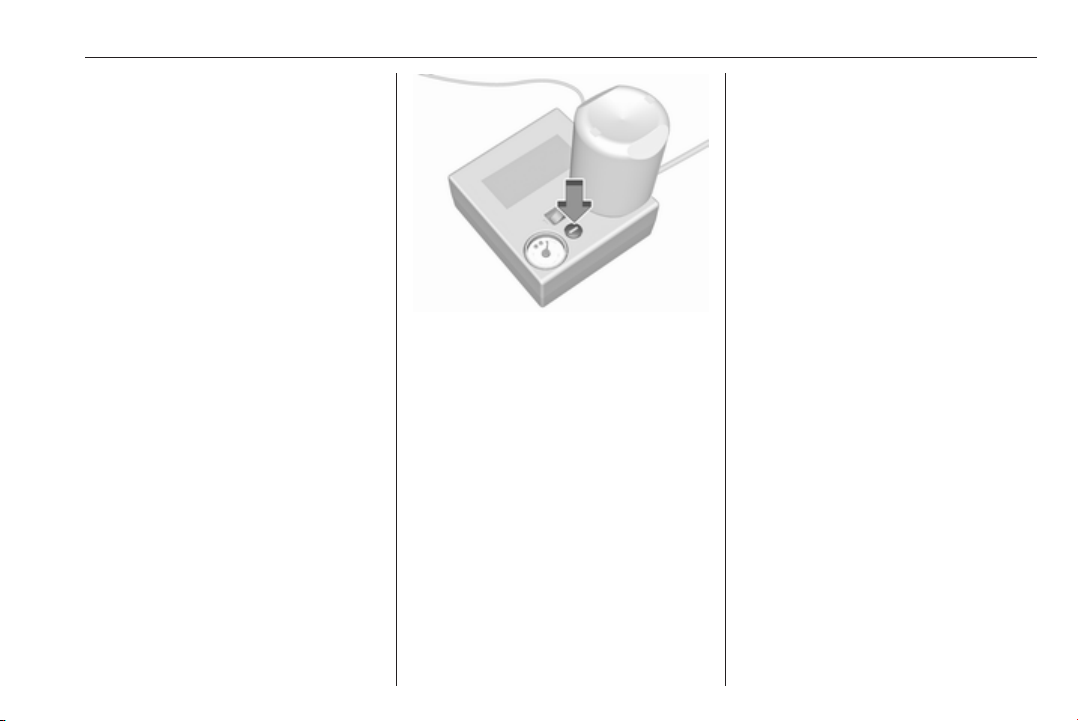
Vehicle care 271
9. The compressor pressure gauge
briefly indicates up to 6 bar whilst
the sealant bottle is emptying
(approx. 30 seconds). Then the
pressure starts to drop.
10. All of the sealant is pumped into
the tyre. Then the tyre is inflated.
11. The prescribed tyre pressure
should be obtained within
10 minutes. Tyre pressure
3 301. When the correct pressure
is obtained, switch off the
compressor.
Do not run the compressor longer
than 10 minutes.
Type 1: if the tyre pressure is not
obtained within 10 minutes,
remove the tyre repair kit. Move
the vehicle one tyre rotation.
Reattach the tyre repair kit and
continue the filling procedure for
10 minutes. Check tyre pressure
once more. If the prescribed tyre
pressure is still not obtained, the
tyre is too badly damaged. Seek
the assistance of a workshop.
If the pressure is obtained within
10 minutes, correct to the
prescribed tyre pressure by using
the compressor to increase or
decrease with the button over the
pressure indicator.
Type 2: remove tyre repair kit and
drive immediately up to 10 km, but
not longer than 10 minutes. Check
tyre pressure once more. If the
tyre pressure is not obtained,
reattach the tyre repair kit and
continue the filling procedure for
10 minutes. If the prescribed tyre
pressure is still not obtained, the
tyre is too badly damaged. Seek
the assistance of a workshop.
If the pressure is obtained, correct
to the prescribed tyre pressure by
using the compressor to increase
or decrease by opening the air
release valve (turn anticlockwise)
at the air filler hose.
12. Detach the tyre repair kit.
Type 1: push catch on bracket to
remove sealant bottle from
bracket. Screw tyre inflation hose
to the free connection of sealant
bottle. This prevents sealant from
escaping.
Type 2: Sealant bottle can not be
removed from the compressor.
Have the sealant bottle replaced
by your workshop.
13. Stow tyre repair kit in the load
compartment.
14. Remove any excess sealant
using a cloth.
15. Take the label indicating
maximum permitted speed from
the sealant bottle and affix in the
driver's field of view.
16. Continue driving immediately so
that sealant is evenly distributed
in the tyre. After driving approx.

272 Vehicle care
10 km (but no more than
10 minutes), stop and check tyre
pressure. Screw compressor air
hose directly onto tyre valve.
If tyre pressure is more than
1.3 bar, set it to the correct value.
Repeat the procedure until there
is no more loss of pressure.
If the tyre pressure has fallen
below 1.3 bar, the vehicle must
not be used. Seek the assistance
of a workshop.
17. Stow away tyre repair kit in the
box.
18. Fix the box with the screw.
Note
The driving characteristics of the
repaired tyre is severely affected,
therefore have this tyre replaced.
If unusual noise is heard or the
compressor becomes hot, turn
compressor off for at least 30
minutes.
The built-in safety valve opens at a
pressure of 7 bar.
Note the expiry date of the kit. After
this date its sealing capability is no
longer guaranteed. Pay attention to
storage information on sealant
bottle.
Replace the used sealant bottle.
Dispose of the bottle as prescribed
by applicable laws.
The compressor and sealant can be
used from approx. -30 °C.
The adapters supplied can be used
to pump up other items e.g.
footballs, air mattresses, inflatable
dinghies etc. They are located on the
underside of the compressor. To
remove, screw on compressor air
hose and withdraw adapter.
Wheel changing
Some vehicles are equipped with a
tyre repair kit instead of a spare wheel
3 268.
Make the following preparations and
observe the following information:
● Park the vehicle on a level, firm
and non-skid surface. The front
wheels must be in the straight-
ahead position.
● Apply the parking brake and
engage first gear, reverse gear or
P.
● Remove the spare wheel 3 275.
● Never change more than one
wheel at once.
● Use the jack only to change
wheels in case of puncture, not
for seasonal winter or summer
tyre change.
● The jack is maintenance-free.
● If the ground on which the vehicle
is standing is soft, a solid board
(max. 1 cm thick) should be
placed under the jack.
● Take heavy objects out of the
vehicle before jacking up.

Vehicle care 273
● No people or animals may be in
the vehicle when it is jacked-up.
● Never crawl under a jacked-up
vehicle.
● Do not start the vehicle when it is
raised on the jack.
● Clean wheel nuts and thread with
a clean cloth before mounting the
wheel.
9 Warning
Do not grease wheel bolt, wheel
nut and wheel nut cone.
1. Disengage wheel nut caps with a
screwdriver and remove.
Steel wheels with cover: Pull off
the wheel cover.
Alloy wheels: Disengage wheel
nut caps with a screwdriver and
remove. To protect the wheel,
place a soft cloth between the
screwdriver and the alloy wheel.
2. Fold out the wheel wrench and
install ensuring that it locates
securely and loosen each wheel
nut by half a turn.
The wheels might be protected by
locking wheel nuts. To loosen
these specific nuts, first attach the
adapter for the locking wheel nuts
onto the head of the nut before
installing the wheel wrench. The
adapter is located in the glovebox.
3. Ensure the jack is correctly
positioned under the relevant
vehicle jacking point.
Some versions have sill
panellings with covered vehicle

274 Vehicle care
jacking points: pull out the cover
at the respective jacking point
firstly.
4. Set the jack to the necessary
height. Position it directly below
the jacking point in a manner that
prevents it from slipping.
Attach wheel wrench and with the
jack correctly aligned rotate wheel
wrench until wheel is clear of the
ground.
5. Unscrew the wheel nuts.
6. Change the wheel. Spare wheel
3 275.
7. Screw on the wheel nuts.
8. Lower vehicle.
9. Install the wheel wrench ensuring
that it is located securely and
tighten each nut in a crosswise
sequence. Tightening torque is
125 Nm.
10. Align the valve hole in the wheel
cover with the tyre valve before
installing.
Install wheel nut caps.
11. Install vehicle jacking point cover.
12. Stow and secure the replaced
wheel 3 275, the vehicle tools
3 261 and the adapter for the
locking wheel nuts 3 72.
13. Check the tyre pressure of the
installed tyre and the wheel nut
torque as soon as possible.
Have the defective tyre renewed or
repaired as soon as possible.
Jacking position for lifting platform
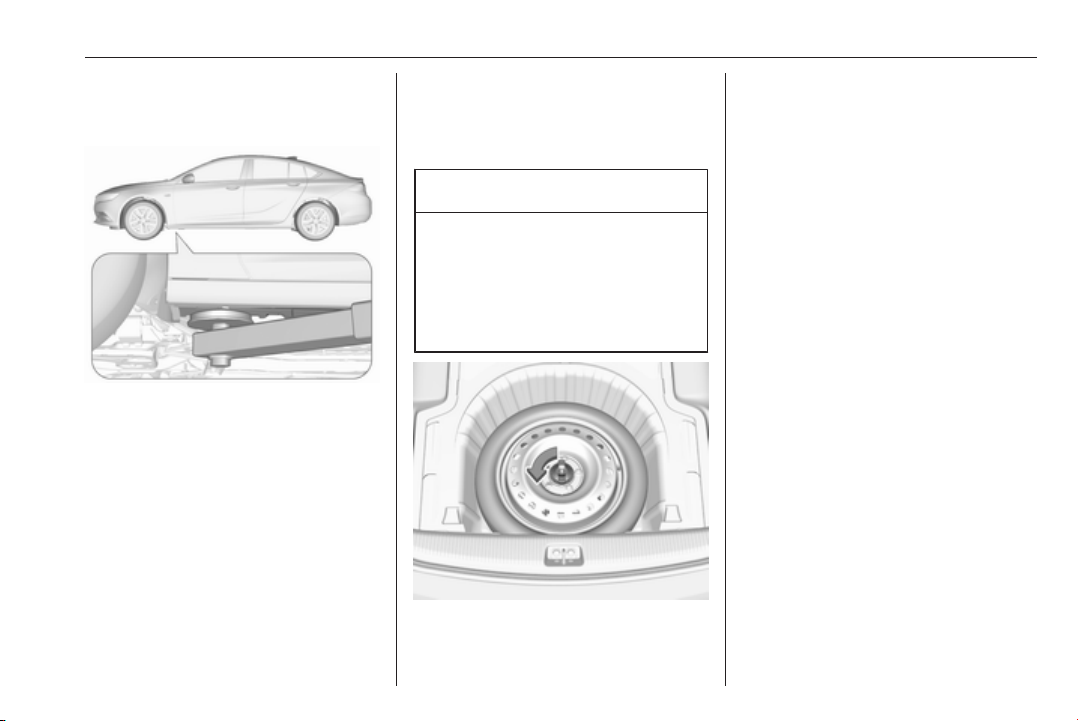
Vehicle care 275
Rear arm position of the lifting
platform centrically under the relevant
vehicle jacking point.
Front arm position of the lifting
platform centrically under the relevant
vehicle jacking point.
Spare wheel
Some vehicles are equipped with a
tyre repair kit instead of a spare
wheel.
If mounting a spare wheel, which is
different from the other wheels, this
wheel might be classified as a
temporary spare wheel and the
corresponding speed limits apply,
even though no label indicates this.
Seek the assistance of a workshop to
check the applicable speed limit.
The spare wheel has a steel rim.
Caution
The use of a spare wheel that is
smaller than the other wheels or in
combination with winter tyres
could affect driveability. Have the
defective tyre replaced as soon as
possible.
The spare wheel is located in the load
compartment beneath the floor
covering.
To remove:
1. Open the floor cover.
2. The spare wheel is secured with a
wing nut. Turn wing nut
anticlockwise and remove the
spare wheel.
Under the spare wheel there is the
box with vehicle tools.
3. When, after a wheel change, no
wheel is placed in the spare wheel
well, secure the tool box by
turning right back the wing nut and
close the floor cover.
4. After wheel change back to full
size wheel, place the spare wheel
outside up in the well and secure
with the wing nut.
Stowing the replaced full size
wheel in the spare wheel well
Secure a damaged full size wheel
facing upwards with the wing nut in
the spare wheel well after mounting
an extension bolt on the thread bolt.
The extension bolt is stowed with the
vehicle tools 3 261. To secure the
wheel:
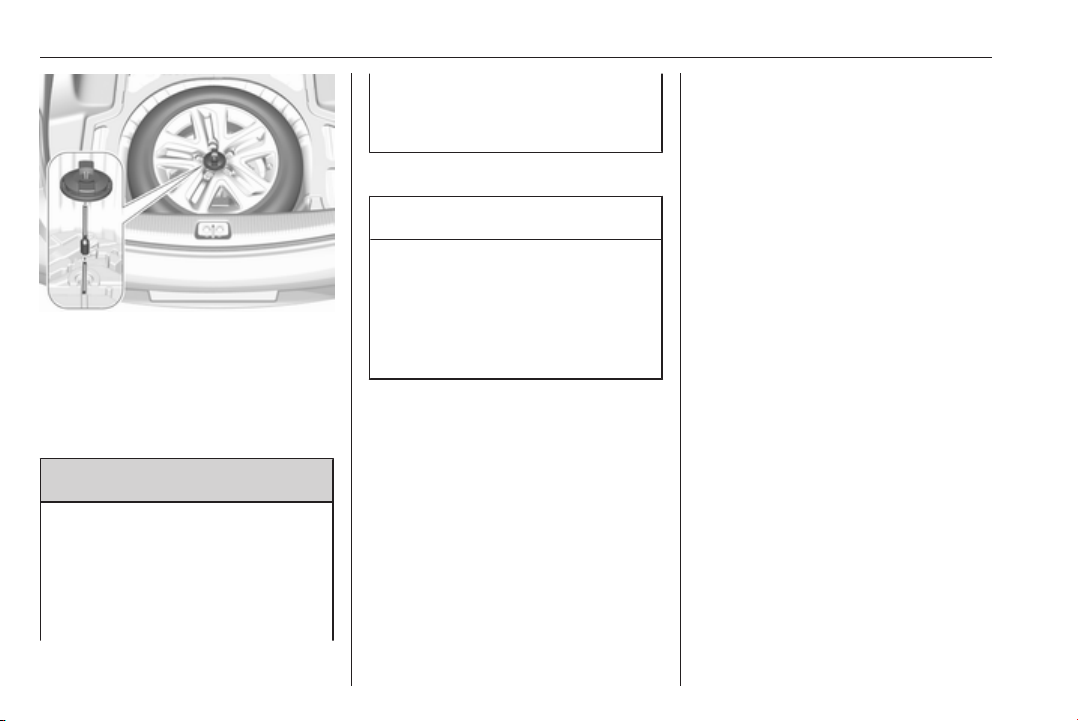
276 Vehicle care
1. Stick the extension bolt onto the
thread bolt.
2. Store the damaged wheel outside
up in the spare wheel well and
secure it by turning the wing nut
clockwise on the extension bolt.
9 Warning
Storing a jack, a wheel or other
equipment in the load
compartment could cause injury if
they are not fixed properly. During
a sudden stop or a collision, loose
equipment could strike someone.
Store wheel, jack and tools always
in the original storage location and
secure them by fixing.
Temporary spare wheel
Caution
The use of a spare wheel that is
smaller than the other wheels or in
combination with winter tyres
could affect driveability. Have the
defective tyre replaced as soon as
possible.
Only mount one temporary spare
wheel. Do not drive faster than
80 km/h. Take curves slowly. Do not
use for a long period of time.
If your vehicle gets a flat tyre on the
rear while towing another vehicle,
mount the temporary spare wheel in
the front and the full tyre in the rear.
Tyre chains 3 267.
Spare wheel with directional tyre
Fit directional tyres such that they roll
in the direction of travel. The rolling
direction is indicated by a symbol
(e.g. an arrow) on the sidewall.
The following applies to tyres fitted
opposing the rolling direction:
● Driveability may be affected.
Have the defective tyre renewed
or repaired as soon as possible
and fit it instead of the spare
wheel.
● Drive particularly carefully on wet
and snow-covered road
surfaces.
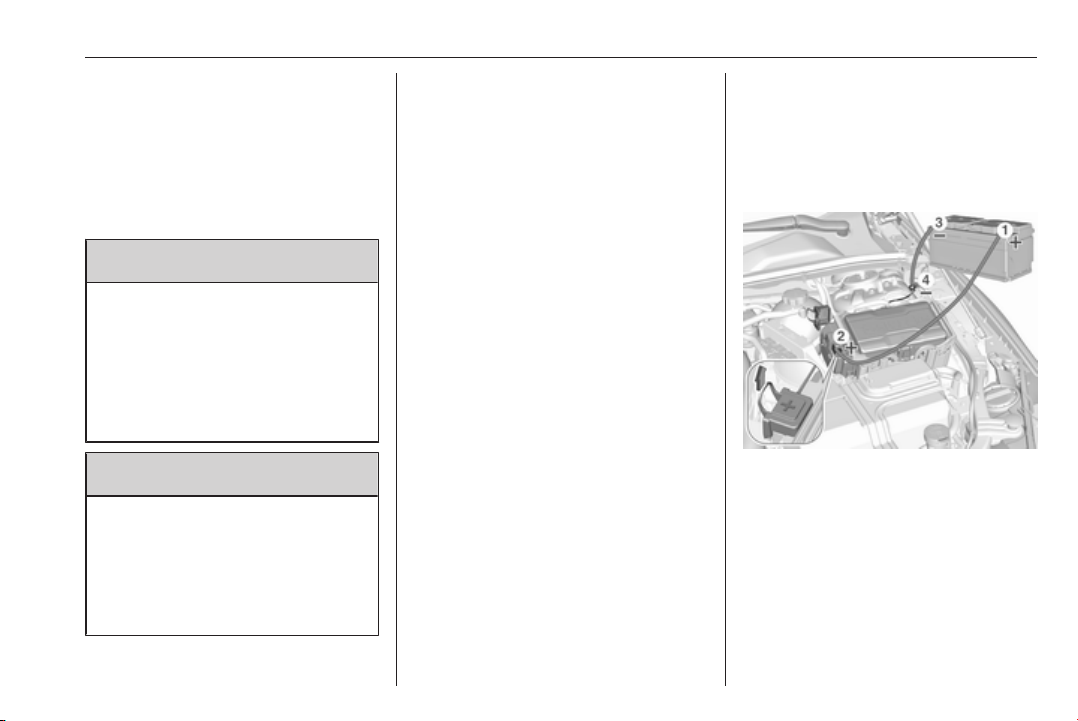
Vehicle care 277
Jump starting
Do not start with quick charger.
A vehicle with a discharged vehicle
battery can be started using jump
leads and the vehicle battery of
another vehicle.
9 Warning
Be extremely careful when starting
with jump leads. Any deviation
from the following instructions can
lead to injuries or damage caused
by battery explosion or damage to
the electrical systems of both
vehicles.
9 Warning
Avoid contact of the battery with
eyes, skin, fabrics and painted
surfaces. The fluid contains
sulphuric acid which can cause
injuries and damage in the event
of direct contact.
● Never expose the vehicle battery
to naked flames or sparks.
● A discharged vehicle battery can
already freeze at a temperature
of 0 °C. Defrost the frozen battery
before connecting jump leads.
● Wear eye protection and
protective clothing when
handling a battery.
● Use a booster battery with the
same voltage (12 Volts). Its
capacity (Ah) must not be much
less than that of the discharged
vehicle battery.
● Use jump leads with insulated
terminals and a cross section of
at least 16 mm
2
(25 mm
2
for
diesel engines).
● Do not disconnect the discharged
vehicle battery from the vehicle.
● Switch off all unnecessary
electrical consumers.
● Do not lean over the vehicle
battery during jump starting.
● Do not allow the terminals of one
lead to touch those of the other
lead.
● The vehicles must not come into
contact with each other during
the jump starting process.
● Apply the parking brake,
transmission in neutral,
automatic transmission in P.
Open the positive terminal protection
caps of both vehicle batteries.
Lead connection order:
1. Connect the red lead to the
positive terminal of the booster
battery.
2. Connect the other end of the red
lead to the positive terminal of the
discharged battery.
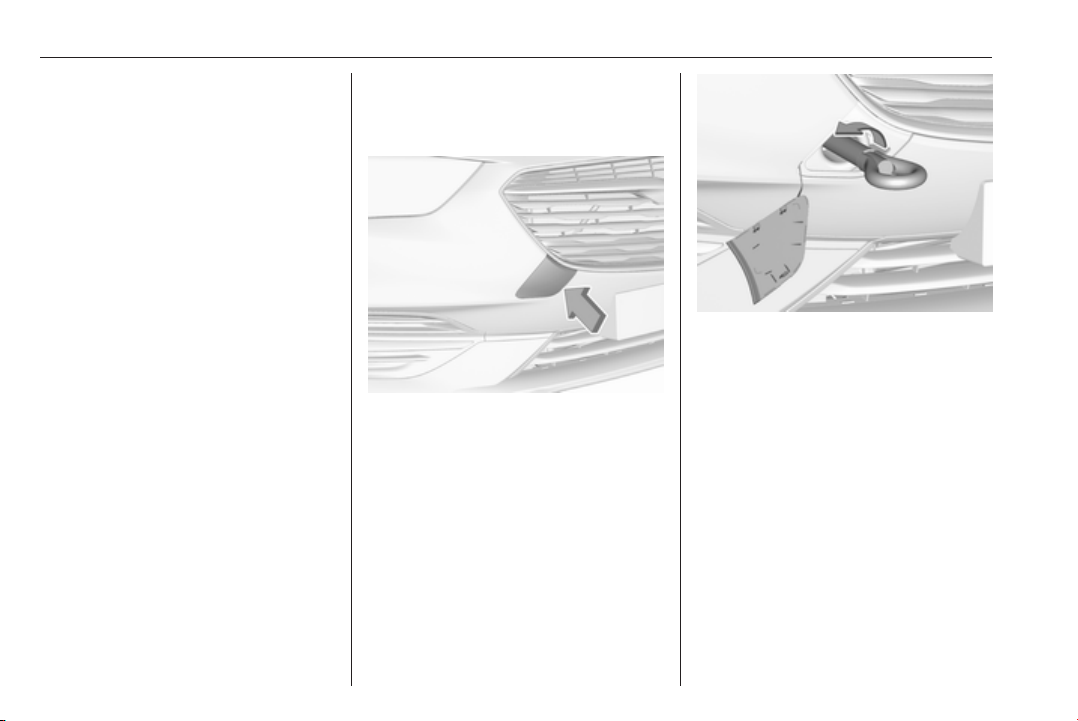
278 Vehicle care
3. Connect the black lead to the
negative terminal of the booster
battery.
4. Connect the other end of the black
lead to a vehicle grounding point
of your vehicle in the engine
compartment.
Route the leads so that they cannot
catch on rotating parts in the engine
compartment.
To start the engine:
1. Start the engine of the vehicle
providing the jump.
2. After five minutes, start the other
engine. Start attempts should be
made for no longer than
15 seconds at an interval of one
minute.
3. Allow both engines to idle for
approx. three minutes with the
leads connected.
4. Switch on electrical consumers
(e.g. headlights, heated rear
window) of the vehicle receiving
the jump start.
5. Reverse above sequence exactly
when removing leads.
Towing
Towing the vehicle
Disengage cap at slot and remove
downwards.
The towing eye is stowed with the
vehicle tools 3 261.
Screw in the towing eye as far as it will
go until it stops in a horizontal
position.
Attach a tow rope – or better still a tow
rod – to the towing eye.
The towing eye must only be used for
towing and not for recovering the
vehicle.
Switch on ignition to release steering
wheel lock and to permit operation of
brake lights, horn and windscreen
wiper.
Switch the selector lever to neutral.
Release the parking brake.
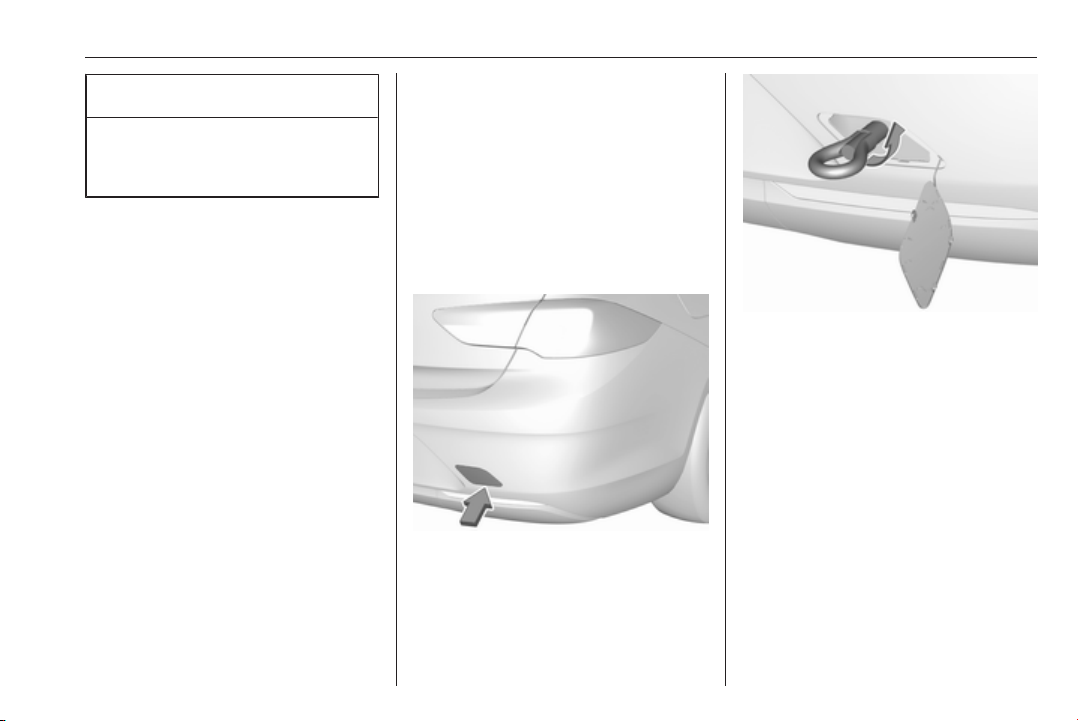
Vehicle care 279
Caution
Drive slowly. Do not drive jerkily.
Excessive tractive force can
damage the vehicle.
When the engine is not running,
considerably more force is needed to
brake and steer.
To prevent the entry of exhaust gases
from the towing vehicle, switch on the
air recirculation and close the
windows.
Vehicles with manual transmission
and All-wheel drive: If the vehicle is
towed with all four wheels on the
ground then there are no technical
limitations for speed and distance. If
only one axle has been raised, the
maximum speed is 50 km/h. There is
no distance limitation.
Vehicles with automatic transmission
and All-wheel drive: The vehicle must
be towed facing forwards. If the
vehicle is towed with all four wheels
on the ground, the maximum speed is
50 km/h and for a maximum of
50 km. If the front axle has been
raised, the maximum speed is
50 km/h. There is no distance
limitation.
Seek the assistance of a workshop.
After towing, unscrew the towing eye.
Iinsert cap with the outer flange into
the recess and fix cap by pushing.
Towing another vehicle
Disengage cap at bottom and remove
downwards.
The towing eye is stowed with the
vehicle tools 3 261.
Screw in the towing eye as far as it will
go until it stops in a horizontal
position.
The lashing eye at the rear
underneath the vehicle must never be
used as a towing eye.
Attach a tow rope – or better still a tow
rod – to the towing eye.
The towing eye must only be used for
towing and not for recovering a
vehicle.

280 Vehicle care
Caution
Drive slowly. Do not drive jerkily.
Excessive tractive force can
damage the vehicle.
After towing, unscrew the towing eye.
Insert cap with the upper flange into
the recess and fix cap by pushing.
Appearance care
Exterior care
Locks
The locks are lubricated at the factory
using a high quality lock cylinder
grease. Use a de-icing agent only
when absolutely necessary, as this
has a degreasing effect and impairs
lock function. After using a de-icing
agent, have the locks regreased by a
workshop.
Washing
The paintwork of your vehicle is
exposed to environmental influences.
Wash and wax your vehicle regularly.
When using automatic vehicle
washes, select a programme that
includes waxing.
Bird droppings, dead insects, resin,
pollen and the like should be cleaned
off immediately, as they contain
aggressive constituents which can
cause paint damage.
If using a vehicle wash, comply with
the vehicle wash manufacturer's
instructions. The windscreen wiper
and rear window wiper must be
switched off. Remove antenna and
external accessories such as roof
racks etc.
If you wash your vehicle by hand,
make sure that the insides of the
wheel housings are also thoroughly
rinsed out.
Wax painted parts of the vehicle
regularly.
Clean edges and folds on opened
doors and the bonnet as well as the
areas they cover.
Clean bright metal mouldings with a
cleaning solution approved for
aluminium to avoid damages.
Caution
Always use a cleaning agent with
a pH value of four to nine.
Do not use cleaning agents on hot
surfaces.

Vehicle care 281
Do not clean the engine compartment
with a steam-jet or high-pressure jet
cleaner.
Thoroughly rinse and leather-off the
vehicle. Rinse leather frequently. Use
separate leathers for painted and
glass surfaces: remnants of wax on
the windows will impair vision.
Have the door hinges of all doors
greased by a workshop.
Do not use hard objects to remove
spots of tar. Use tar removal spray on
painted surfaces.
Exterior lights
Headlight and other light covers are
made of plastic. Do not use any
abrasive or caustic agents, do not use
an ice scraper, and do not clean them
dry.
Polishing and waxing
Wax the vehicle regularly (at the
latest when water no longer beads).
Otherwise, the paintwork will dry out.
Polishing is necessary only if the paint
has become dull or if solid deposits
have become attached to it.
Paintwork polish with silicone forms a
protective film, making waxing
unnecessary.
Plastic body parts must not be treated
with wax or polishing agents.
Windows and windscreen wiper
blades
Use a soft lint-free cloth or chamois
leather together with window cleaner
and insect remover.
When cleaning the rear window from
inside, always wipe in parallel to the
heating element to prevent damage.
For mechanical removal of ice, use a
sharp-edged ice scraper. Press the
scraper firmly against the glass so
that no dirt can get under it and
scratch the glass.
Clean smearing wiper blades with a
soft cloth and window cleaner.
Remove dirt residues from smearing
wiper blades by using a soft cloth and
window cleaner. Also make sure to
remove any residues such as wax,
insect residues and similar from the
window.
Ice residues, pollution and continuous
wiping on dry windows will damage or
even destroy the wiper blades.
Sunroof
Never clean with solvents or abrasive
agents, fuels, aggressive media
(e.g. paint cleaner, acetone-
containing solutions etc.), acidic or
highly alkaline media or abrasive
pads. Do not apply wax or polishing
agents to the sunroof.
Wheels and tyres
Do not use high-pressure jet
cleaners.
Clean rims with a pH-neutral wheel
cleaner.
Rims are painted and can be treated
with the same agents as the body.
Paintwork damage
Rectify minor paintwork damage with
a touch-up pen before rust forms.
Have more extensive damage or rust
areas repaired by a workshop.

282 Vehicle care
Underbody
Some areas of the vehicle underbody
have a PVC undercoating while other
critical areas have a durable
protective wax coating.
After the underbody is washed, check
the underbody and have it waxed if
necessary.
Bitumen/rubber materials could
damage the PVC coating. Have
underbody work carried out by a
workshop.
Before and after winter, wash the
underbody and have the protective
wax coating checked.
Liquid gas system
9 Danger
Liquid gas is heavier than air and
can collect in sink points.
Take care when performing work
at the underbody in a pit.
For painting work and when using a
drying booth at a temperature above
60 °C, the liquid gas tank must be
removed.
Do not make any modifications to the
liquid gas system.
Towing equipment
Do not clean the coupling ball bar with
a steam-jet or high-pressure jet
cleaner.
Interior care
Interior and upholstery
Only clean the vehicle interior,
including the instrument panel fascia
and panelling, with a dry cloth or
interior cleaner.
Clean the leather upholstery with
clear water and a soft cloth. In case of
heavy soiling, use leather care.
The instrument cluster and the
displays should only be cleaned using
a soft damp cloth. If necessary use a
weak soap solution.
Clean fabric upholstery with a
vacuum cleaner and brush. Remove
stains with an upholstery cleaner.
Clothing fabrics may not be
colourfast. This could cause visible
discolourations, especially on light-
coloured upholstery. Removable
stains and discolourations should be
cleaned as soon as possible.
Clean seat belts with lukewarm water
or interior cleaner.
Caution
Close Velcro fasteners as open
Velcro fasteners on clothing could
damage seat upholstery.
The same applies to clothing with
sharp-edged objects, like zips or
belts or studded jeans.

Vehicle care 283
Plastic and rubber parts
Plastic and rubber parts can be
cleaned with the same cleaner as
used to clean the body. Use interior
cleaner if necessary. Do not use any
other agent. Avoid solvents and petrol
in particular. Do not use high-
pressure jet cleaners.

284 Service and maintenance
Service and
maintenance
General information ................... 284
Service information .................. 284
Recommended fluids, lubricants
and parts .................................... 285
Recommended fluids and
lubricants ................................ 285
General information
Service information
In order to ensure economical and
safe vehicle operation and to
maintain the value of your vehicle, it
is of vital importance that all
maintenance work is carried out at the
proper intervals as specified.
The detailed, up-to-date service
schedule for your vehicle is available
at the workshop.
Service display 3 105.
European service intervals
Maintenance of your vehicle is
required every 30,000 km or after
1 year, whichever occurs first, unless
otherwise indicated in the service
display.
A shorter service interval can be valid
for severe driving behaviour, e.g. for
taxis and police vehicles.
The European service intervals are
valid for the following countries:
Andorra, Austria, Belgium, Bosnia-
Herzegovina, Bulgaria, Croatia,
Cyprus, Czech Republic, Denmark,
Estonia, Finland, France, Germany,
Greece, Greenland, Hungary,
Iceland, Ireland, Italy, Latvia,
Liechtenstein, Lithuania,
Luxembourg, Macedonia, Malta,
Monaco, Montenegro, Netherlands,
Norway, Poland, Portugal, Romania,
San Marino, Serbia, Slovakia,
Slovenia, Spain, Sweden,
Switzerland, United Kingdom.
Service display 3 105.
International service intervals
Maintenance of your vehicle is
required every 15,000 km or after
1 year, whichever occurs first, unless
otherwise indicated in the service
display.
Severe operating conditions exist if
one or more of the following
circumstances occur frequently: Cold
starting, stop and go operation, trailer
operation, mountain driving, driving
on poor and sandy road surfaces,
increased air pollution, presence of
airborne sand and high dust content,

Service and maintenance 285
driving at high altitude and large
variations of temperature. Under
these severe operating conditions,
certain service work may be required
more frequently than the regular
service interval.
The international service intervals are
valid for the countries which are not
listed in the European service
intervals.
Service display 3 105.
Confirmations
Confirmation of service is recorded in
the Service and Warranty Booklet.
The date and mileage is completed
with the stamp and signature of the
servicing workshop.
Make sure that the Service and
Warranty Booklet is completed
correctly as continuous proof of
service is essential if any warranty or
goodwill claims are to be met, and is
also a benefit when selling the
vehicle.
Service interval with remaining
engine oil life duration
The service interval is based on
several parameters depending on
usage.
The service display lets you know
when to change the engine oil.
Service display 3 105.
Recommended fluids,
lubricants and parts
Recommended fluids and
lubricants
Only use products that meet the
recommended specifications.
9 Warning
Operating materials are
hazardous and could be
poisonous. Handle with care. Pay
attention to information given on
the containers.
Engine oil
Engine oil is identified by its quality
and its viscosity. Quality is more
important than viscosity when
selecting which engine oil to use. The
oil quality ensures e.g. engine
cleanliness, wear protection and oil
aging control, whereas viscosity
grade gives information on the oil's
thickness over a temperature range.

286 Service and maintenance
Dexos is the newest engine oil quality
that provides optimum protection for
petrol and diesel engines. If it is
unavailable, engine oils of other listed
qualities must be used.
Recommendations for petrol engines
are also valid for Compressed Natural
Gas (CNG), Liquified Petroleum Gas
(LPG) and Ethanol (E85) fuelled
engines.
Select the appropriate engine oil
based on its quality and on the
minimum ambient temperature
3 290.
Topping up engine oil
Caution
In case of any spilled oil, wipe it up
and dispose it properly.
Engine oils of different manufacturers
and brands can be mixed as long as
they comply with the required engine
oil quality and viscosity.
Use of engine oils for all petrol
engines with only ACEA quality is
prohibited, since it can cause engine
damage under certain operating
conditions.
Select the appropriate engine oil
based on its quality and on the
minimum ambient temperature
3 290.
Additional engine oil additives
The use of additional engine oil
additives could cause damage and
invalidate the warranty.
Engine oil viscosity grades
The SAE viscosity grade gives
information on the thickness of the oil.
Multigrade oil is indicated by two
figures, e.g. SAE 5W-30. The first
figure, followed by a W, indicates the
low temperature viscosity and the
second figure the high temperature
viscosity.
Select the appropriate viscosity grade
depending on the minimum ambient
temperature 3 290.
All of the recommended viscosity
grades are suitable for high ambient
temperatures.
Coolant and antifreeze
Use only organic acid type-long life
coolant (LLC) antifreeze approved for
the vehicle. Consult a workshop.
The system is factory filled with
coolant designed for excellent
corrosion protection and frost
protection down to approx. -28 °C. In
cold regions with very low
temperatures the factory filled coolant
provides frost protection down to
approx. -37 °C. This concentration
should be maintained all year round.
The use of additional coolant
additives that intend to give additional
corrosion protection or seal against
minor leaks can cause function
problems. Liability for consequences
resulting from the use of additional
coolant additives will be rejected.

Service and maintenance 287
Washer fluid
Use only washer fluid approved for
the vehicle to prevent damage of
wiper blades, paintwork, plastic and
rubber parts. Consult a workshop.
Brake and clutch fluid
Over time, brake fluid absorbs
moisture which will reduce braking
effectiveness. The brake fluid should
therefore be replaced at the specified
interval.
AdBlue
Only use AdBlue to reduce the
nitrogen oxides in the exhaust
emission 3 171.
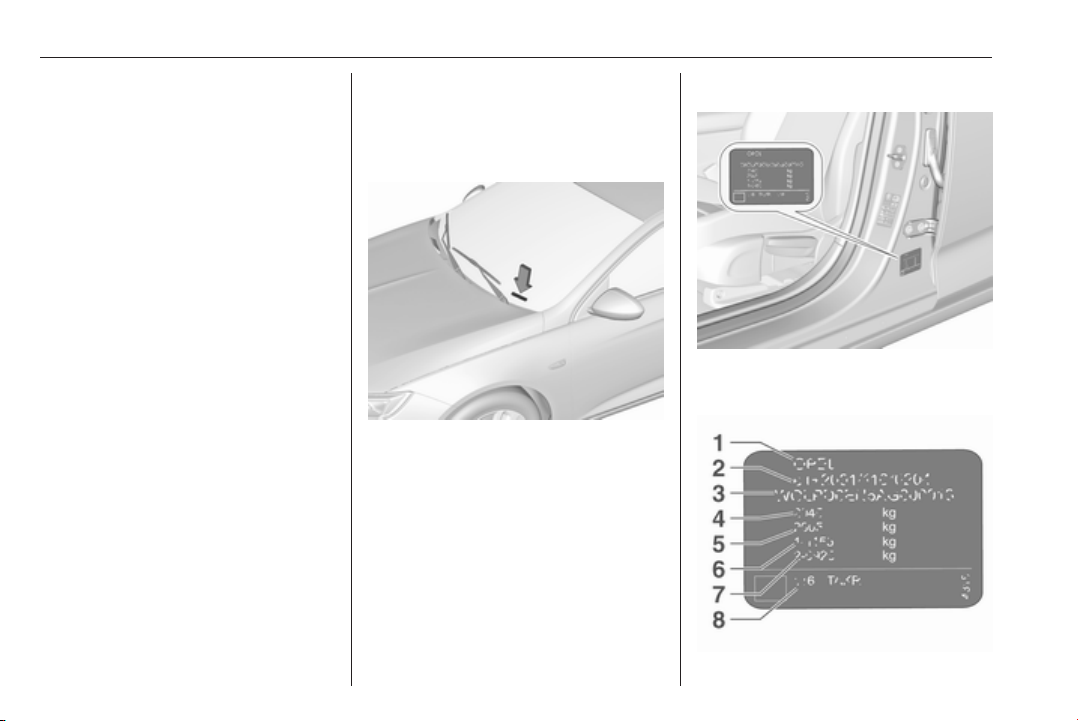
288 Technical data
Technical data
Vehicle identification .................. 288
Vehicle Identification Number .. 288
Identification plate ................... 288
Engine identification ................ 289
Vehicle data ............................... 290
Recommended fluids and
lubricants ................................ 290
Engine data ............................. 293
Performance ............................ 294
Vehicle weight ......................... 296
Vehicle dimensions ................. 299
Capacities ................................ 300
Tyre pressures ........................ 301
Towing hitch installation
dimensions ............................. 305
Vehicle identification
Vehicle Identification
Number
The Vehicle Identification Number is
visible through the windscreen.
The Vehicle Identification Number
may be stamped on the identification
plate and on the floor pan, under the
floor covering, visible under a cover,
or in the engine compartment on the
right body panel.
Identification plate
The identification label is located on
the front left or right door frame.

Technical data 289
Information on identification plate:
1 : manufacturer
2 : type approval number
3 : vehicle identification number
4 : permissible gross vehicle weight
rating in kg
5 : permissible gross train weight in
kg
6 : maximum permissible front axle
load in kg
7 : maximum permissible rear axle
load in kg
8 : vehicle-specific or country-
specific data, e.g. MY = model
year
The combined total of front and rear
axle loads must not exceed the
permissible gross vehicle weight. For
example, if the front axle is bearing its
maximum permissible load, the rear
axle can only bear a load that is equal
to the gross vehicle weight minus the
front axle load.
The technical data is determined in
accordance with European
Community standards. We reserve
the right to make modifications.
Specifications in the vehicle
documents always have priority over
those given in this manual.
Engine identification
The technical data tables use the
engine identifier code. The engine
data table additionally shows the
engineering code. Engine data
3 293.
To identify the respective engine,
refer to the EEC Certificate of
Conformity provided with your vehicle
or other national registration
documents.
The Certificate of Conformity shows
the engine identifier code, other
national publications may show the
engineering code. Check piston
displacement and engine power to
identify the respective engine.

290 Technical data
Vehicle data
Recommended fluids and lubricants
European service schedule
Required engine oil quality
All countries with European service interval 3 284
Engine oil quality Petrol engines
(including CNG, LPG, E85)
Diesel engines
dexos1 Gen2 ✔ –
dexos2 – ✔
Diesel engines only: In case dexos quality is unavailable, you may use max. one litre engine oil quality ACEA C3 once
between each oil change.
Engine oil viscosity grades
All countries with European service interval 3 284
Ambient temperature Petrol and diesel engines
down to -25 °C SAE 0W-30 or SAE 0W-40
SAE 5W-30 or SAE 5W-40
below -25 °C SAE 0W-30 or SAE 0W-40

Technical data 291
International service schedule
Required engine oil quality
All countries with international service interval 3 284
Engine oil quality Petrol engines
(including CNG, LPG, E85)
Diesel engines
dexos1 Gen2 ✔ –
dexos2 – ✔
In case dexos quality is unavailable you may use the oil qualities listed below:
All countries with international service interval 3 284
Engine oil quality Petrol engines
(including CNG, LPG, E85)
Diesel engines
ACEA A3/B4 – ✔
ACEA C3 – ✔
Engine oil viscosity grades
All countries with international service interval 3 284
Ambient temperature Petrol and diesel engines
down to -25 °C SAE 0W-30 or SAE 0W-40
SAE 5W-30 or SAE 5W-40


Technical data 293
Engine data
Engine identifier code B15XHL B15XHT B20NFT
Sales designation 1.5T 1.5T 2.0T
Engineering code B15XHT B15XHT B20NFT
Piston displacement [cm
3
]
1490 1490 1998
Engine power [kW] 103 121 191
at rpm 5600 5600 5500
Torque [Nm] 250 250 400
at rpm 2000-4100 2000-4500 3000-4000
Fuel type Petrol Petrol Petrol
Octane rating RON
2)
recommended 95 95 95
possible 98 98 98
possible 91 91 91
Additional fuel type – – –
2)
A country-specific label at the fuel filler flap can supersede the engine-specific requirement.

294 Technical data
Engine identifier code B16DTE B16DTH B20DTH B20DTR
Sales designation 1.6 1.6 2.0 2.0
Engineering code B16DTE B16DTH B20DTH B20DTR
Piston displacement [cm
3
]
1598 1598 1956 1956
Engine power [kW] 81 100 125
3)
at rpm 3500 3500-4000 3750
3)
Torque [Nm] 300 320 400
3)
at rpm 1750-2000 2000-2250 1750-2500
3)
Fuel type Diesel Diesel Diesel Diesel
3)
Not available at time of printing
Performance
Grand Sport
Engine B15XHL B15XHT B20NFT
Maximum speed [km/h]
Manual transmission 210/213 222/225 –
Automatic transmission – 218 250

Technical data 295
Engine
B16DTE B16DTH B20DTH
B20DTH
AWD
B20DTR
AWD
Maximum speed [km/h]
Manual transmission 202/205 211 226 223 –
Automatic transmission – 203 223 –
Sports Tourer, Country Tourer
Engine B15XHL B15XHT B20NFT
Maximum speed [km/h]
Manual transmission 207/210 218/221 –
Automatic transmission – 214 245
Engine
B16DTH B20DTH
B20DTH
AWD
B20DTR
AWD
Maximum speed [km/h]
Manual transmission 223 223 –
Automatic transmission 220 220

296 Technical data
Vehicle weight
Kerb weight, basic model without any optional equipment
Grand Sport Engine Manual transmission Automatic transmission
[kg] B15XHL
1440/1456
4)
–
B15XHT
1441/1472
4)
1472
B20NFT – 1649
[kg] B16DTE 1503 –
B16DTH 1503 1522
B20DTH 1582 –
B20DTH
AWD
5)
1683 –
4)
ECO
5)
All wheel drive
Optional equipment and accessories increase the kerb weight.
Loading information 3 85.

Technical data 297
Kerb weight, basic model without any optional equipment
Sports Tourer Engine Manual transmission Automatic transmission
[kg] B15XHL 1487 –
B15XHT
1487/1503
4)
1522
B20NFT – 1683
[kg] B16DTE 1522 –
B16DTH 1537 1567
B20DTH
1633/1716
5)
1666
B20DTR – 1772
4)
ECO
5)
All wheel drive
Optional equipment and accessories increase the kerb weight.
Loading information 3 85.
Kerb weight, basic model without any optional equipment
Country Tourer Engine Manual transmission Automatic transmission
[kg] B15XHL 1522 –
B15XHT 1522 1552
B20NFT – 1699


Technical data 299
Vehicle dimensions
Grand Sport Sports Tourer, Country Tourer
Length min.-max. [mm] 4897
4986-5004
7)
Width with folded exterior mirrors [mm] 1941 1941
Width with unfolded exterior mirrors [mm] 2093 2093
Height (without antenna) [mm] 1455
1550
8)
Vehicle height - Rear compartment open [mm] 2123 2065
Length of load compartment floor [mm] 1133 1178
Length of load compartment with folded rear seats [mm] 1940 2005
Load compartment width [mm] 1030 1030
Load compartment height [mm] 497 384
Wheelbase [mm] 2829 2829
Turning circle diameter [m] 11.75 11.75
7)
Minimum length for standard version, maximum length for Country Tourer version.
8)
Depending on body- and equipment variants.

300 Technical data
Capacities
Engine oil
Engine B15XHL B15XHT B20NFT
including Filter [l] 4.0 4.0 5.7
between MIN and MAX [l] 1.0 1.0 1.0
Engine B16DTE B16DTH B20DTH
including Filter [l] 5.0 5.0 5.25
between MIN and MAX [l] 1.0 1.0 1.0
Fuel tank
Petrol/diesel, refilling quantity [l] 61
AdBlue tank
AdBlue, refilling quantity [l] 15

Technical data 301
Tyre pressures
Tyre pressures differ depending on
the model variant. The order of the
listed car models is as follows:
● Vehicles with Front-wheel drive
● Vehicles with All-wheel drive
Refer to the table header to find the
correct tyre pressure for your model.

302 Technical data
Tyre pressures for vehicles with Front-wheel drive
Grand Sport, Sports Tourer, Country Tourer
Comfort with up to 3 people ECO with up to 3 people With full load
Engine Tyres front rear front rear front rear
[kPa/bar]
([psi])
[kPa/bar]
([psi])
[kPa/bar]
([psi])
[kPa/bar]
([psi])
[kPa/bar]
([psi])
[kPa/bar]
([psi])
B15XHL,
B15XHT,
B16DTE,
B16DTH
215/60 R16,
225/55 R17,
215/55 R17,
235/45 R18,
235/50 R18
9)
,
245/45 R18
220/2.2 (32) 220/2.2 (32) 270/2.7 (39) 270/2.7 (39) 240/2.4
(35)
270/2.7
(39)
B20DTH 225/55 R17,
235/50 R18
9)
,
245/45 R18
220/2.2 (32) 220/2.2 (32) 270/2.7 (39) 270/2.7 (39) 260/2.6
(38)
290/2.9
(42)
235/45 R18,
245/35 R20
230/2.3 (33) 230/2.3 (33) 270/2.7 (39) 270/2.7 (39) 260/2.6
(38)
290/2.9
(42)
All Temporary spare wheel
125/80 R16,
125/70 R17
420/4.2 (60) 420/4.2 (60) – – 420/4.2
(60)
420/4.2
(60)
9)
Country Tourer only

Technical data 303
Tyre pressures for vehicles with All-wheel drive
Grand Sport, Sports Tourer, Country Tourer
Comfort with up to 3 people ECO with up to 3 people With full load
Engine Tyres front rear front rear front rear
[kPa/bar]
([psi])
[kPa/bar]
([psi])
[kPa/bar]
([psi])
[kPa/bar]
([psi])
[kPa/bar]
([psi])
[kPa/bar]
([psi])
B20NFT 235/45 R18 250/2.5 (36) 250/2.5 (36) 270/2.7 (39) 270/2.7 (39) 260/2.6 (38) 290/2.9 (42)
245/45 R18,
235/50 R18
9)
245/35 ZR20
230/2.3 (33) 230/2.3 (33) 270/2.7 (39) 270/2.7 (39) 260/2.6 (38) 290/2.9 (42)
B20DTH 225/55 R17,
245/45 R18,
235/50 R18
9)
220/2.2 (32) 220/2.2 (32) 270/2.7 (39) 270/2.7 (39) 260/2.6 (38) 290/2.9 (42)
235/45 R18,
245/35 R20
230/2.3 (33) 230/2.3 (33) 270/2.7 (39) 270/2.7 (39) 260/2.6 (38) 290/2.9 (42)

304 Technical data
Comfort with up to 3 people ECO with up to 3 people With full load
Engine Tyres front rear front rear front rear
[kPa/bar]
([psi])
[kPa/bar]
([psi])
[kPa/bar]
([psi])
[kPa/bar]
([psi])
[kPa/bar]
([psi])
[kPa/bar]
([psi])
B20DTR 225/55 R17,
245/45 R18,
235/50 R18
9)
230/2.3 (33) 230/2.3 (33) 270/2.7 (39) 270/2.7 (39) 260/2.6 (38) 290/2.9 (42)
235/45 R18 250/2.5 (36) 250/2.5 (36) 270/2.7 (39) 270/2.7 (39) 260/2.6 (38) 290/2.9 (42)
245/35 R20 240/2.4 (35) 240/2.4 (35) 270/2.7 (39) 270/2.7 (39) 260/2.6 (38) 290/2.9 (42)
All Temporary spare wheel
125/80 R16,
125/70 R17
420/4.2 (60) 420/4.2 (60) – – 420/4.2 (60) 420/4.2 (60)
9)
Country Tourer only
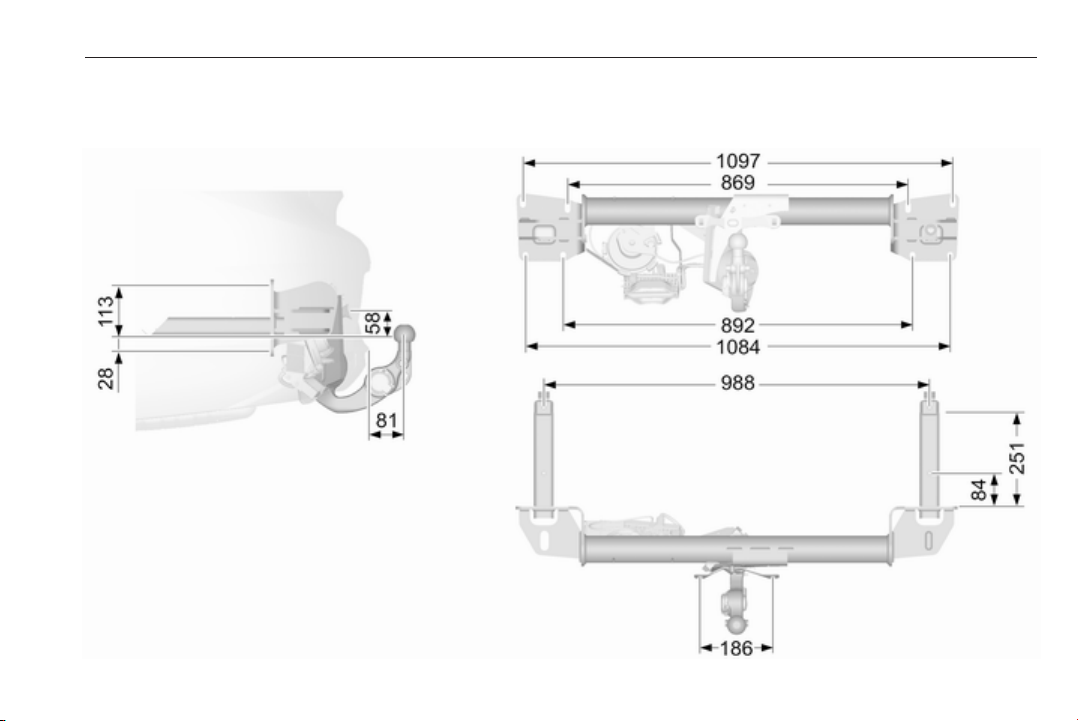
Technical data 305
Towing hitch installation dimensions
Grandsport

306 Technical data
Sports Tourer, Country Tourer

Customer information 307
Customer
information
Customer information ................ 307
Declaration of conformity ......... 307
REACH .................................... 311
Collision damage repair ........... 311
Software acknowledgement .... 312
Software update ...................... 313
Registered trademarks ............ 314
Vehicle data recording and pri‐
vacy ........................................... 314
Event data recorders ............... 314
Radio Frequency Identification
(RFID) ..................................... 315
Customer information
Declaration of conformity
Radio transmission systems
This vehicle has systems that
transmit and/or receive radio waves
subject to Directive 1999/5/EC or
2014/53/EU. These systems are in
compliance with the essential
requirements and other relevant
provisions of Directive 1999/5/EC or
2014/53/EU. The full text of the EU
declaration of conformity for each
system is available at the following
internet address: www.opel.com/
conformity
Importer is
Opel / Vauxhall, Bahnhofsplatz,
65423 Ruesselsheim am Main,
Germany.
Antenna
Laird
Daimlerring 31, 31135 Hildesheim,
Germany
Operation frequency: N/A
Maximum output: N/A
Antenna
Kathrein Automotive GmbH
Roemerring 1, 31137 Hildesheim,
Germany
Operation frequency: N/A
Maximum output: N/A
Electronic key receiver
Denso Corporation
Waldeckerstaße 11, 64546
Mörfelden-Walldorf, Germany
Operation frequency: 125 kHz
Maximum output: -0.14 dBm
Electronic key transmitter
Denso Corporation
1-1, Showa-cho, Kariya-shi, Aichi-
ken 448-8661, Japan
Operation frequency: 433.92 MHz
Maximum output: -5.88 dBm
Immobiliser
Robert Bosch GmbH
Robert Bosch Platz 1, 70839
Gerlingen, Germany
Operation frequency: 125 kHz

308 Customer information
Maximum output:
5.1 dBµA/m @ 10 m
Infotainment system R 4.0 IntelliLink
LGE
LG Electronics European Shared
Service Center B.V., Krijgsman 1,
1186 DM Amstelveen, The
Netherlands
Operation
frequency (MHz)
Maximum output
(dBm)
2400.0 - 2483.5 4
2400.0 - 2483.5 13
5725.0 - 5850.0 13
Infotainment system Navi 900
IntelliLink
Robert Bosch Car Multimedia GmbH
Robert-Bosch-Straße 200, 31139
Hildesheim, Germany
Operation
frequency (MHz)
Maximum output
(dBm)
2400.0 - 2480.0 10
2400.0 - 2480.0 20
Delphi Deutschland GmbH
42367 Wuppertal, Germany
Operation frequency: N/A
Maximum output: N/A
OnStar module
LGE
LG Electronics European Shared
Service Center B.V., Krijgsman 1,
1186 DM Amstelveen, The
Netherlands
Operation
frequency (MHz)
Maximum output
(dBm)
2402 - 2480 4
2412 - 2462 18
880 - 915 33
1710 - 1785 24
1850 - 1910 24
1920 - 1980 24
2500 - 2570 23
Parking heater remote control
receiver
Webasto Thermo & Comfort SE
Friedrichshafener Str. 9, 82205
Gilching, Germany
Operation frequency: N/A
Maximum output: N/A
Parking heater remote control
transmitter
Webasto Thermo & Comfort SE
Friedrichshafener Str. 9, 82205
Gilching, Germany
Operation frequency: 869.0 MHz
Maximum output: 14 dBm
Radar unit
Continental Automotive GmbH
ADC Automotive Distance Control
Systems GmbH, Peter-Dornier-
Strasse 10, 88131 Lindau, Germany
Operation frequency: 76-77 Ghz
Maximum output: 35 EIRP dBm
Radar unit
Hella KGaA Hueck & Co.
Rixbecker Straße 75, 59552
Lippstadt
Operation frequency:
24.05-24.25 Ghz

Customer information 309
Maximum output: 20 EIRP dBm
Radio remote control transmitter
Robert Bosch GmbH
Robert Bosch Platz 1, 70839
Gerlingen, Germany
Operation frequency: 433.92 MHz
Maximum output: -4 dBm
Radio remote control receiver
Robert Bosch GmbH
Robert Bosch Platz 1, 70839
Gerlingen, Germany
Operation frequency: N/A
Maximum output: N/A
Tyre pressure sensors
Schrader Electronics Ltd.
11 Technology Park, Belfast Road,
Antrim BT41 1QS, Northern Ireland,
United Kingdom
Operation frequency: 433.92 MHz
Maximum output: 10 dBm
310 Customer information
Jack
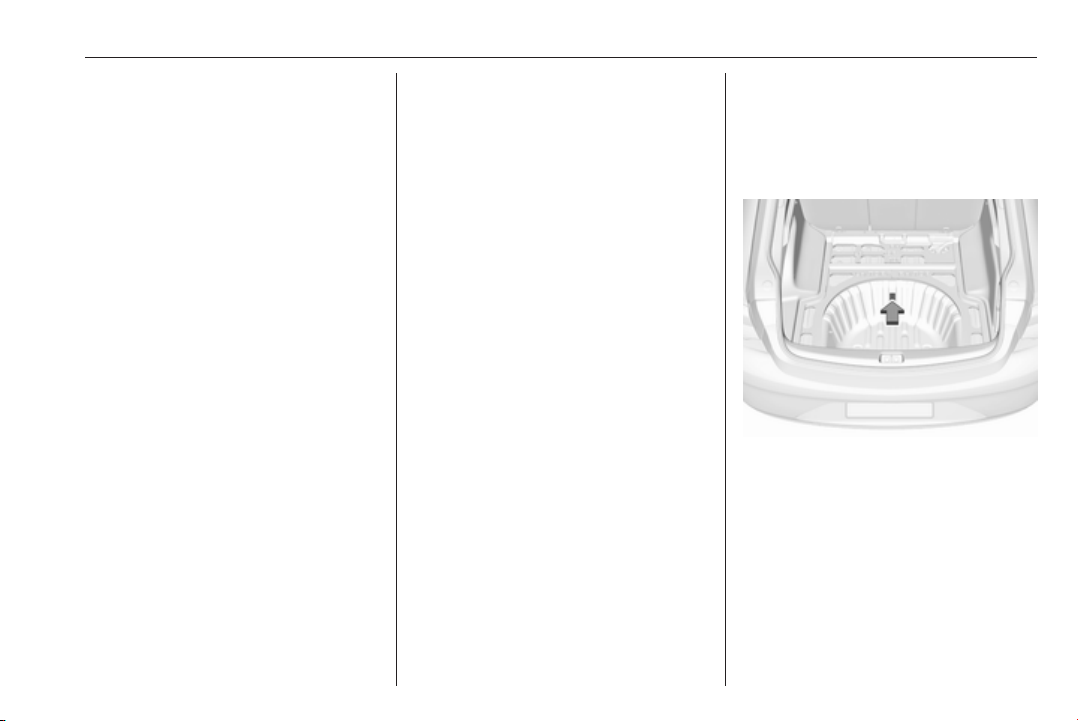
Customer information 311
Translation of the original declaration
of conformity
Declaration of conformity according
to EC Directive 2006/42/EC
We declare that the product:
Product designation: Scissor / screw
automotive jack
Type/GM part number: 13592351
scissor jack
is in compliance with the provisions of
Directive 2006/42/EC.
Applied technical standards:
GMW 14337 : standard equipment
jack – hardware tests
GMW15005 : standard equipment
jack and spare tire,
vehicle test
The person authorised to compile the
technical documentation is Hans-
Peter Metzger
Engineering Group Manager Chassis
& Structure
Adam Opel AG
D-65423 Rüsselsheim
signed by
Charu Hayes
Engineering Group Manager Tyre &
Wheel Systems
Warren, Michigan, 48090
GMNA, USA
26th June 2016
REACH
Registration, Evaluation,
Authorisation and Restriction of
Chemicals (REACH) is a European
Union regulation adopted to improve
the protection of human health and
the environment from the risks that
can be posed by chemicals. Visit
www.opel.com/reach for further
information and for access to the
Article 33 communication.
Collision damage repair
Opel Exclusive paint
Thickness of Opel Exclusive paints
may be higher than stock.
A sticker with information about the
individual Opel Exclusive paint
formula is placed in the spare wheel
well.

312 Customer information
Software acknowledgement
Certain OnStar components include
libcurl and unzip software and other
third party software. Below are the
notices and licenses associated with
libcurl and unzip and for other third
party software please see http://
www.lg.com/global/support/
opensource/index.
libcurl
Copyright and permission notice
Copyright (c) 1996 - 2010, Daniel
Stenberg, <[email protected]>.
All rights reserved.
Permission to use, copy, modify, and
distribute this software for any
purpose with or without fee is hereby
granted, provided that the above
copyright notice and this permission
notice appear in all copies.
The software is provided "as is",
without warranty of any kind, express
or implied, including but not limited to
the warranties of merchantability,
fitness for a particular purpose and
noninfringement of third party rights.
In no event shall the authors or
copyright holders be liable for any
claim, damages or other liability,
whether in an action of contract, tort
or otherwise, arising from, out of or in
connection with the software or the
use or other dealings in the software.
Except as contained in this notice, the
name of a copyright holder shall not
be used in advertising or otherwise to
promote the sale, use or other
dealings in this Software without prior
written authorization of the copyright
holder.
unzip
This is version 2005-Feb-10 of the
Info-ZIP copyright and license. The
definitive version of this document
should be available at ftp://ftp.info-
zip.org/pub/infozip/license.html
indefinitely.
Copyright (c) 1990-2005 Info-ZIP. All
rights reserved.
For the purposes of this copyright and
license, “Info-ZIP” is defined as the
following set of individuals:
Mark Adler, John Bush, Karl Davis,
Harald Denker, Jean-Michel Dubois,
Jean-loup Gailly, Hunter Goatley, Ed
Gordon, Ian Gorman, Chris Herborth,
Dirk Haase, Greg Hartwig, Robert
Heath, Jonathan Hudson, Paul
Kienitz, David Kirschbaum, Johnny
Lee, Onno van der Linden, Igor
Mandrichenko, Steve P. Miller, Sergio
Monesi, Keith Owens, George
Petrov, Greg Roelofs, Kai Uwe
Rommel, Steve Salisbury, Dave
Smith, Steven M. Schweda, Christian
Spieler, Cosmin Truta, Antoine
Verheijen, Paul von Behren, Rich
Wales, Mike White.
This software is provided “as is,”
without warranty of any kind, express
or implied. In no event shall Info-ZIP
or its contributors be held liable for
any direct, indirect, incidental, special
or consequential damages arising out
of the use of or inability to use this
software.
Permission is granted to anyone to
use this software for any purpose,
including commercial applications,
and to alter it and redistribute it freely,
subject to the following restrictions:

Customer information 313
1. Redistributions of source code
must retain the above copyright
notice, definition, disclaimer, and
this list of conditions.
2. Redistributions in binary form
(compiled executables) must
reproduce the above copyright
notice, definition, disclaimer, and
this list of conditions in
documentation and/or other
materials provided with the
distribution. The sole exception to
this condition is redistribution of a
standard UnZipSFX binary
(including SFXWiz) as part of a
self-extracting archive; that is
permitted without inclusion of this
license, as long as the normal
SFX banner has not been
removed from the binary or
disabled.
3. Altered versions--including, but
not limited to, ports to new
operating systems, existing ports
with new graphical interfaces, and
dynamic, shared, or static library
versions--must be plainly marked
as such and must not be
misrepresented as being the
original source. Such altered
versions also must not be
misrepresented as being Info-ZIP
releases--including, but not
limited to, labeling of the altered
versions with the names “Info-
ZIP” (or any variation thereof,
including, but not limited to,
different capitalizations), “Pocket
UnZip,” “WiZ” or “MacZip” without
the explicit permission of Info-ZIP.
Such altered versions are further
prohibited from misrepresentative
use of the Zip-Bugs or Info-ZIP e-
mail addresses or of the Info-ZIP
URL(s).
4. Info-ZIP retains the right to use
the names “Info-ZIP,” “Zip,”
“UnZip,” “UnZipSFX,” “WiZ,”
“Pocket UnZip,” “Pocket Zip,” and
“MacZip” for its own source and
binary releases.
Software update
The Infotainment system can
download and install selected
software updates over a wireless
connection.
Note
The availability of these over-the-air
vehicle software updates varies by
vehicle and country. Find more
information on our home page.
Internet connection
Downloading over-the-air vehicle
software updates requires internet
connectivity, which can be accessed
through the vehicle’s built-in OnStar
connection or another password-
protected Wi-Fi hotspot, e.g. provided
by a mobile phone.
To connect the Infotainment system
to a hotspot, select Settings on the
home screen, Wi-Fi and then Manage
Wi-Fi Networks. Select the desired
Wi-Fi network, and follow the on-
screen prompts.
Updates
The system will prompt for certain
updates to be downloaded and
installed. There is also an option to
check for updates manually.

314 Customer information
To manually check for updates, select
Settings on the home screen,
Software Information and then
System Update. Follow the on-screen
prompts.
Note
Steps for downloading and installing
updates may vary by vehicle.
Note
During the installation process, the
vehicle may not be operational.
Registered trademarks
Apple Inc.
Apple CarPlay™ is a trademark of
Apple Inc.
App Store
®
and iTunes Store
®
are
registered trademarks of Apple Inc.
iPhone
®
, iPod
®
, iPod touch
®
, iPod
nano
®
, iPad
®
and Siri
®
are registered
trademarks of Apple Inc.
Bluetooth SIG, Inc.
Bluetooth
®
is a registered trademark
of Bluetooth SIG, Inc.
DivX, LLC
DivX
®
and DivX Certified
®
are
registered trademarks of DivX, LLC.
EnGIS Technologies, Inc.
BringGo
®
is a registered trademark of
EnGIS Technologies, Inc.
Google Inc.
Android™ and Google Play™ Store
are trademarks of Google Inc.
Stitcher Inc.
Stitcher™ is a trademark of Stitcher,
Inc.
Verband der Automobilindustrie e.V.
AdBlue
®
is a registered trademark of
the VDA.
Vehicle data recording
and privacy
Event data recorders
Data storage modules in the
vehicle
A large number of electronic
components of your vehicle contain
data storage modules temporarily or
permanently storing technical data
about the condition of the vehicle,
events and errors. In general, this
technical information documents the
condition of parts, modules, systems
or the environment:
● operating conditions of system
components (e.g. filling levels)
● status messages of the vehicle
and its single components (e.g.
number of wheel revolutions /
rotational speed, deceleration,
lateral acceleration)
● dysfunctions and defects in
important system components

Customer information 315
● vehicle reactions in particular
driving situations (e.g. inflation of
an airbag, activation of the
stability regulation system)
● environmental conditions (e.g.
temperature)
These data are exclusively technical
and help identifying and correcting
errors as well as optimising vehicle
functions.
Motion profiles indicating travelled
routes cannot be created with these
data.
If services are used (e.g. repair
works, service processes, warranty
cases, quality assurance),
employees of the service network
(manufacturer included) are able to
read out this technical information
from the event and error data storage
modules applying special diagnostic
devices. If required, you will receive
further information at these
workshops. After an error has been
corrected, the data are deleted from
the error storage module or they are
constantly overwritten.
When using the vehicle, situations
may occur in which these technical
data related to other information
(accident report, damages on the
vehicle, witness statements etc.) may
be associated with a specific person -
possibly, with the assistance of an
expert.
Additional functions contractually
agreed upon with the client (e.g.
vehicle location in emergency cases)
allow the transmission of particular
vehicle data from the vehicle.
Radio Frequency
Identification (RFID)
RFID technology is used in some
vehicles for functions such as tyre
pressure monitoring and ignition
system security. It is also used in
connection with conveniences such
as radio remote controls and
electronic keys for door locking/
unlocking and starting, and in-vehicle
transmitters for garage door openers.
RFID technology in Opel vehicles
does not use or record personal
information or link with any other Opel
system containing personal
information.

316
Index
A
Accessories and vehicle
modifications .......................... 238
Active bonnet................................ 70
Active emergency braking.......... 202
Adaptive cruise control....... 112, 190
AdBlue................................ 110, 171
Adjustable air vents ................... 158
Airbag and belt tensioners ......... 107
Airbag deactivation .............. 62, 107
Airbag label................................... 57
Airbag system .............................. 57
Air conditioning regular
operation ................................ 160
Air conditioning system .............. 149
Air intake .................................... 159
Air vents...................................... 158
All-wheel drive ........................... 179
Antilock brake system ................ 179
Antilock brake system (ABS) ..... 109
Anti-theft alarm system ................ 33
Anti-theft locking system .............. 33
Appearance care........................ 280
Armrest................................... 52, 54
Armrest storage ........................... 73
Ashtrays ....................................... 96
Automatic anti-dazzle .................. 39
Automatic dimming ...................... 38
Automatic light control ............... 136
Automatic locking ........................ 26
Automatic transmission ............. 174
Autostop..................................... 166
Auxiliary heater........................... 158
B
Baselevel display........................ 113
Battery discharge protection ...... 147
Battery voltage ........................... 125
Belts.............................................. 55
BlueInjection............................... 171
Bonnet ....................................... 240
Brake and clutch fluid................. 285
Brake and clutch system ........... 108
Brake assist ............................... 181
Brake fluid .................................. 243
Brakes ............................... 179, 243
Breakdown.................................. 278
Bulb replacement ....................... 246
C
Capacities .................................. 300
Cargo management system ........ 80
Catalytic converter ..................... 170
Central locking system ................ 22
Centre console lighting .............. 146
Centre console storage ............... 73
Changing tyre and wheel size ...267
Charging system ........................ 108
Child locks ................................... 27
Child restraint installation
locations ................................... 66

317
Child restraints.............................. 63
Child restraint systems ................ 63
Climate control ............................. 16
Clock............................................. 92
Collision damage repair.............. 311
Control indicators........................ 106
Control of the vehicle ................. 162
Controls........................................ 88
Convex shape .............................. 36
Coolant and antifreeze............... 285
Cruise control .................... 112, 187
Cupholders .................................. 72
Curtain airbag system .................. 61
Curve lighting.............................. 139
D
Danger, Warnings and Cautions ...4
Daytime running lights ............... 139
Declaration of conformity............ 307
DEF............................................ 171
Diesel exhaust fluid.................... 171
Diesel fuel system bleeding ....... 245
Diesel particle filter .................... 169
Door open .................................. 112
Doors............................................ 28
Driver assistance systems.......... 187
Driver Information Centre........... 113
Driving characteristics and
towing tips .............................. 235
Driving hints................................ 162
E
Electric adjustment ...................... 36
Electrical system......................... 256
Electric parking brake......... 108, 180
Electric parking brake fault......... 108
Electronic climate control system 152
Electronic key system................... 20
Electronic Stability Control.......... 183
Electronic Stability Control and
Traction Control system.......... 109
Electronic Stability Control off..... 109
End-of-life vehicle recovery ....... 239
Engine compartment fuse box ... 257
Engine coolant ........................... 242
Engine coolant temperature ...... 110
Engine coolant temperature
gauge ..................................... 105
Engine data ............................... 293
Engine exhaust .......................... 169
Engine identification................... 289
Engine oil ................... 241, 285, 290
Engine oil pressure .................... 110
Entry lighting .............................. 146
Event data recorders.................. 314
Exit lighting ................................ 146
Exterior care .............................. 280
Exterior light ............................... 111
Exterior lighting .................... 13, 135
Exterior mirrors............................. 36
F
First aid kit ................................... 83
Fixed air vents ........................... 159
Fog light ..................................... 111
Fog lights ................................... 248
Folding mirrors ............................. 37
Following distance...................... 109
Following distance indication...... 201
Forward collision alert................. 198
Front airbag system ..................... 60
Front fog lights ........................... 143
Front pedestrian protection........ 205
Front seats.................................... 46
Front storage................................ 73
Fuel............................................. 231
Fuel for diesel engines .............. 232
Fuel for petrol engines ............... 231
Fuel gauge ................................. 104
Funnel......................................... 232
Fuses ......................................... 256
G
Gauges....................................... 102
Gear shifting............................... 109
General information ................... 234
Glovebox ..................................... 72
H
Halogen headlights .................... 246
Hand brake................................. 179
Hazard warning flashers ............ 142

318
Headlight flash ........................... 138
Headlight range adjustment ...... 138
Headlights................................... 135
Headlights when driving abroad 138
Head restraint adjustment ............. 8
Head restraints ............................ 44
Head-up display.......................... 122
Heated mirrors ............................. 38
Heated rear window ..................... 41
Heated steering wheel ................. 89
Heated windscreen....................... 42
Heating .................................. 53, 54
High beam ......................... 111, 136
High beam assist................ 111, 136
Hill start assist ........................... 182
Horn ....................................... 14, 89
I
Identification plate ..................... 288
Immobiliser .......................... 36, 111
Indicators.................................... 102
Inductive charging........................ 95
Info display................................. 120
Information displays.................... 113
Instrument cluster ........................ 97
Instrument panel fuse box ......... 260
Instrument panel illumination ..... 256
Instrument panel illumination
control .................................... 144
Instrument panel overview ........... 10
Interactive driving system........... 184
Interior care ............................... 282
Interior lighting............................ 144
Interior lights ...................... 144, 256
Interior mirrors.............................. 38
Introduction .................................... 3
J
Jump starting ............................. 277
K
Key, memorised settings.............. 22
L
Lane change alert....................... 217
Lane keep assist................ 109, 229
Lashing eyes ............................... 80
LED headlights........... 111, 139, 248
Lighting features......................... 146
Light switch ................................ 135
Load compartment ................ 28, 74
Load compartment cover ............. 77
Loading information ..................... 85
Low fuel ..................................... 111
M
Malfunction indicator light .......... 108
Manual anti-dazzle ...................... 38
Manual seat adjustment............... 47
Manual transmission .................. 178
Massage....................................... 54
Memorised settings...................... 22
Midlevel display.......................... 113
Mirror adjustment ........................... 8
Misted light covers ..................... 144
N
New vehicle running-in .............. 162
Number plate light ..................... 256
O
Object detection systems........... 207
Odometer ................................... 103
Oil, engine.......................... 285, 290
OnStar........................................ 130
Outside temperature .................... 92
Overrun cut-off ........................... 165
P
Panoramic view system.............. 219
Parking ................................ 19, 168
Parking assist ...................... 38, 207
Parking brake ............................ 180
Parking lights ............................. 143
Particulate filter........................... 169
Pedestrian detection................... 112
Performance .............................. 294
Performing work ........................ 240
Power button.............................. 163
Power outlets ............................... 94
Power seat adjustment ................ 49
Power windows ............................ 39

319
Preheating ................................. 110
Puncture..................................... 272
Q
Quickheat................................... 158
R
Radio Frequency Identification
(RFID)..................................... 315
REACH....................................... 311
Reading lights ............................ 145
Rear cross traffic alert................ 223
Rear floor storage cover .............. 79
Rear fog light ..................... 112, 143
Rear seats.................................... 54
Rear storage................................. 79
Rear view camera ...................... 221
Rear window wiper/washer .......... 91
Recommended fluids and
lubricants ........................ 285, 290
Refuelling ................................... 232
Registered trademarks............... 314
Retained power off..................... 164
Reversing lights ......................... 144
Ride control systems.................. 182
Roof.............................................. 42
Roof load...................................... 85
Roof rack ..................................... 84
S
Safety belts................................... 55
Safety net .................................... 80
Seat adjustment ............................. 6
Seat belt ........................................ 8
Seat belt reminder ..................... 106
Seat belts ..................................... 55
Seat heating
Seat heating, front..................... 53
Seat heating, rear..................... 54
Seat position ................................ 46
Selective catalytic reduction....... 171
Service ............................... 160, 284
Service display .......................... 105
Service information .................... 284
Side airbag system ...................... 61
Side blind zone assistant............ 215
Sidelights.................................... 135
Side turn signal lights ................ 255
Software acknowledgement....... 312
Software update......................... 313
Spare wheel ............................... 275
Speed limiter....................... 112, 189
Speedometer ............................. 102
Starting and operating................ 162
Starting off ................................... 18
Starting the engine .................... 164
Steering...................................... 162
Steering wheel adjustment ...... 9, 88
Steering wheel controls ............... 88
Stop-start system........................ 166
Storage......................................... 72
Storage compartments................. 72
Sunglasses storage ..................... 73
Sunroof ........................................ 42
Sunvisor lights ........................... 146
Sun visors .................................... 42
Symbols ......................................... 4
T
Tachometer ............................... 104
Tail lights ................................... 250
Three-point seat belt .................... 56
Tools .......................................... 261
Tow bar....................................... 234
Towing................................ 234, 278
Towing another vehicle ............. 279
Towing equipment ..................... 236
Towing hitch installation
dimensions ............................. 305
Towing the vehicle ..................... 278
Traction Control system ............. 182
Traction Control system off......... 110
Traffic sign assistant........... 112, 224
Trailer coupling........................... 234
Trailer stability assist ................. 237
Trailer towing ............................. 235
Transmission ............................... 17
Tread depth ............................... 266
Trip odometer ............................ 103

320
Turn and lane-change signals ... 142
Turn signal ................................. 106
Tyre chains ................................ 267
Tyre designations ...................... 263
Tyre pressure ............................ 263
Tyre pressure monitoring
system............................. 110, 264
Tyre pressures ........................... 301
Tyre repair kit ............................. 268
U
Ultrasonic parking assist............. 207
Upholstery.................................. 282
Uplevel display........................... 113
Using this manual .......................... 3
V
Valet mode................................. 120
Vehicle battery ........................... 244
Vehicle checks............................ 240
Vehicle data................................ 290
Vehicle data recording and
privacy..................................... 314
Vehicle detected ahead.............. 112
Vehicle dimensions .................... 299
Vehicle Identification Number .... 288
Vehicle jack................................ 261
Vehicle messages ..................... 124
Vehicle personalisation ............. 126
Vehicle security............................ 33
Vehicle specific data ...................... 3
Vehicle storage........................... 239
Vehicle tools............................... 261
Vehicle unlocking ........................... 6
Vehicle weight ........................... 296
Ventilating..................................... 53
W
Warning chimes ......................... 125
Warning lights............................. 102
Warning triangle .......................... 83
Washer and wiper systems ......... 14
Washer fluid ............................... 243
Wheel changing ......................... 272
Wheel covers ............................. 267
Wheels and tyres ....................... 262
Windows....................................... 39
Windscreen................................... 39
Windscreen wiper/washer ........... 89
Winter tyres ............................... 262
Wiper blade replacement .......... 245

www.opel.com
Copyright by ADAM OPEL GmbH, Rüsselsheim, Germany.
The information contained in this publication is effective as of the date indicated below. Adam Opel GmbH reserves the right to make changes to the technical specifications, features and
design of the vehicles relative to the information in this publication as well as changes to the publication itself.
Edition: September 2017, ADAM OPEL GmbH, Rüsselsheim.
Printed on chlorine-free bleached paper.
*ID-OINBOBSE1709-EN*
ID-OINBOBSE1709-en