Grand Caravan
OWNER’S MANUAL
2017
VEHICLES SOLD IN CANADA
With respect to any Vehicles Sold in Canada, the name FCA
US LLC shall be deemed to be deleted and the name FCA
Canada Inc. used in substitution therefore.
DRIVING AND ALCOHOL
Drunken driving is one of the most frequent causes of
accidents.
Your driving ability can be seriously impaired with blood
alcohol levels far below the legal minimum. If you are
drinking, don’t drive. Ride with a designated non-
drinking driver, call a cab, a friend, or use public trans-
portation.
WARNING!
Driving after drinking can lead to an accident.
Your perceptions are less sharp, your reflexes are
slower, and your judgment is impaired when you
have been drinking. Never drink and then drive.
This manual illustrates and describes the operation of
features and equipment that are either standard or op-
tional on this vehicle. This manual may also include a
description of features and equipment that are no longer
available or were not ordered on this vehicle. Please
disregard any features and equipment described in this
manual that are not on this vehicle.
FCA US LLC reserves the right to make changes in design
and specifications, and/or make additions to or improve-
ments to its products without imposing any obligation
upon itself to install them on products previously manu-
factured.
Copyright © 2016 FCA US LLC

TABLE OF CONTENTS
SECTION PAGE
1
INTRODUCTION ...................................................................3
2
THINGS TO KNOW BEFORE STARTING YOUR VEHICLE ......................................9
3
UNDERSTANDING THE FEATURES OF YOUR VEHICLE ......................................99
4
UNDERSTANDING YOUR INSTRUMENT PANEL ...........................................233
5
STARTINGANDOPERATING.........................................................339
6
WHATTODOINEMERGENCIES ......................................................421
7
MAINTAININGYOURVEHICLE .......................................................457
8
MAINTENANCE SCHEDULES .........................................................497
9
IF YOU NEED CONSUMER ASSISTANCE .................................................503
10
INDEX..........................................................................509
1
2
3
4
5
6
7
8
9
10



INTRODUCTION
Congratulations on selecting your new FCA US LLC ve-
hicle. Be assured that it represents precision workmanship,
distinctive styling, and high quality.
This Owner’s Manual has been prepared with the assis-
tance of service and engineering specialists to acquaint
you with the operation and maintenance of your vehicle.
It is supplemented by Warranty Information, and various
customer-oriented documents. Please take the time to read
these publications carefully. Following the instructions and
recommendations in this manual will help assure safe and
enjoyable operation of your vehicle.
NOTE: After reviewing the owner information, it should
be stored in the vehicle for convenient referencing, and
remain with the vehicle when sold.
When it comes to service, remember that your authorized
dealer knows your vehicle best, has factory-trained techni-
cians and genuine MOPAR® parts, and cares about your
satisfaction.
HOW TO USE THIS MANUAL
Consult the Table of Contents to determine which section
contains the information you desire.
Since the specification of your vehicle depends on the items
of equipment ordered, certain descriptions and illustra-
tions may differ from your vehicle’s equipment.
The detailed index at the back of this Owner’s Manual
contains a complete listing of all subjects.
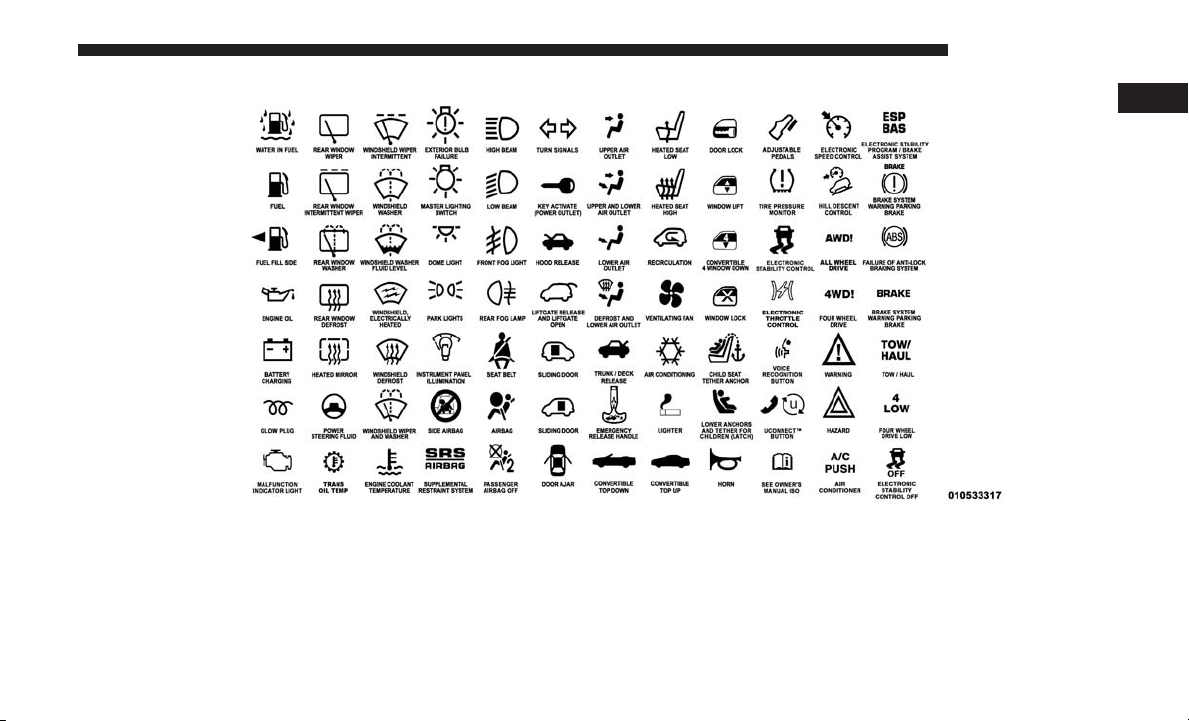
Consult the following table for a description of the symbols
that may be used on your vehicle or throughout this
Owner’s Manual:
4 INTRODUCTION
1
INTRODUCTION 5
WARNINGS AND CAUTIONS
This Owner’s Manual contains WARNINGS against oper-
ating procedures that could result in a collision, bodily
injury and/or death. It also contains CAUTIONS against
procedures that could result in damage to your vehicle.
If you do not read this entire Owner’s Manual, you may
miss important information. Observe all Warnings and
Cautions.
VEHICLE IDENTIFICATION NUMBER
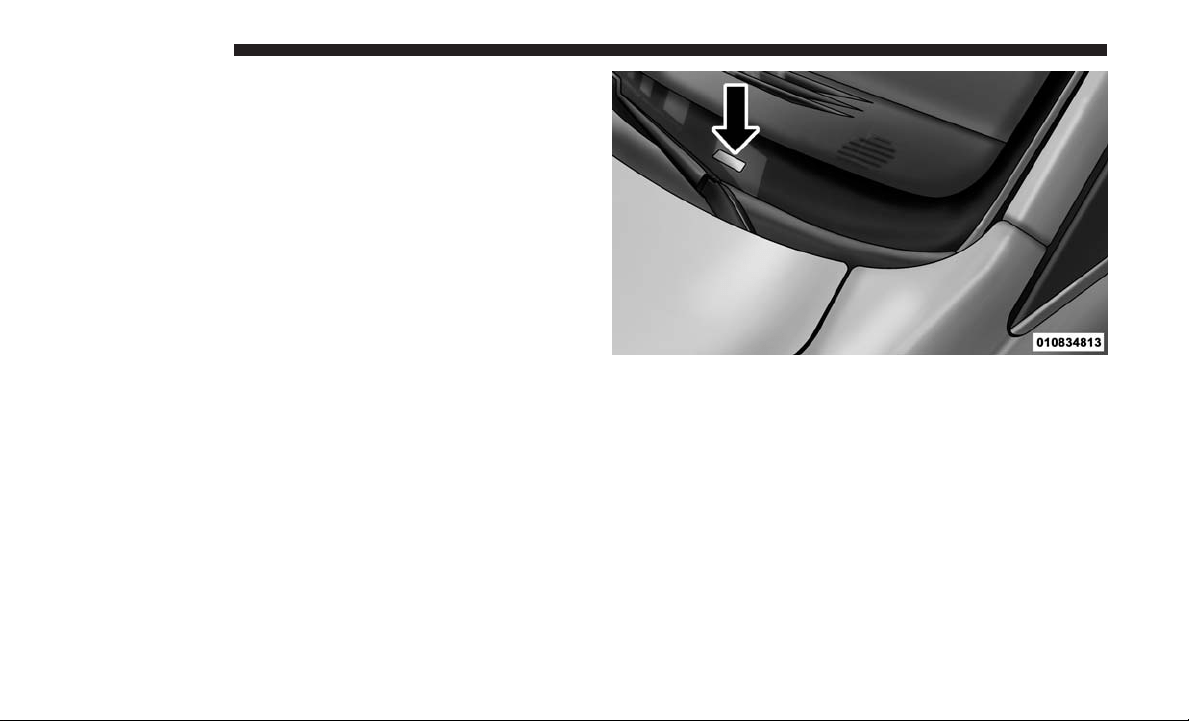
The Vehicle Identification Number (VIN) is found on the
left front corner of the instrument panel, visible through
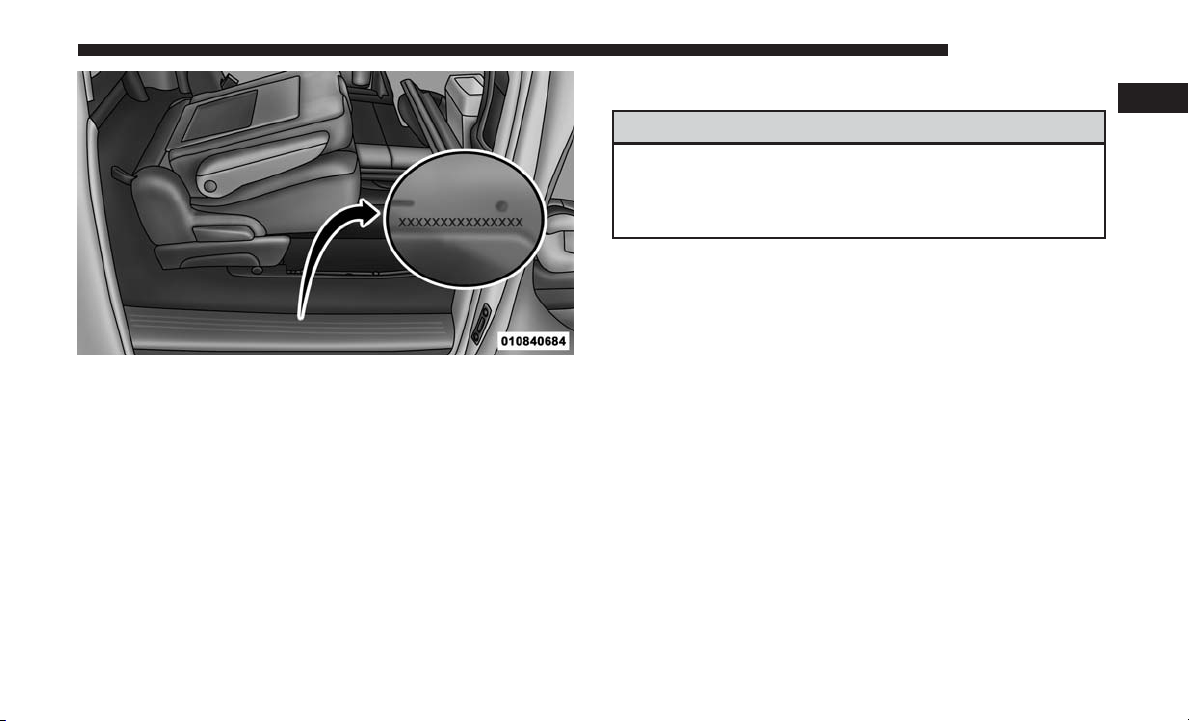
the windshield. This number also appears stamped on the
right sliding door sill under the sill moulding and printed
on the Automobile Information Disclosure Label affixed to
a window on your vehicle, the vehicle registration and title.
Vehicle Identification Number
6 INTRODUCTION
NOTE: It is illegal to remove or alter the VIN.
VEHICLE MODIFICATIONS/ALTERATIONS
WARNING!
Any modifications or alterations to this vehicle could
seriously affect its roadworthiness and safety and may
lead to a collision resulting in serious injury or death.
Stamped VIN Location
1
INTRODUCTION 7


THINGS TO KNOW BEFORE STARTING YOUR VEHICLE
CONTENTS
䡵 A WORD ABOUT YOUR KEYS ...............11
▫ Wireless Ignition Node (WIN) ...............11
▫ KeyFob..............................11
▫ Removing Key Fob From Ignition ............12
▫ Key-In-Ignition Reminder .................13
䡵 SENTRY KEY ...........................13
▫ Replacement Keys .......................14
▫ Customer Key Fob Programming ............14
▫ General Information .....................15
䡵 VEHICLE SECURITY ALARM — IF EQUIPPED . . .15
▫ Rearming Of The System ..................15
▫ To Arm The System ......................15
▫ To Disarm The System ....................16
▫ Tamper Alert...........................16
▫ Security System Manual Override ............16
䡵 ILLUMINATED APPROACH ................16
䡵 REMOTE KEYLESS ENTRY .................17
▫ Using The Key Fob ......................18
▫ Power Open/Close Power Liftgate —
If Equipped............................20
▫ Programming Additional Key Fobs ...........22
▫ Key Fob Battery Replacement ..............22
▫ General Information .....................24
䡵 REMOTE STARTING SYSTEM — IF EQUIPPED . . .24
▫ How To Use Remote Start..................24
▫ Remote Start Abort Messages ...............25
▫ To Enter Remote Start Mode ................25
▫ To Enter The Vehicle After Remote Start........26
2

▫ To Exit Remote Start Mode And Drive The
Vehicle ...............................26
▫ Cancel Remote Start......................26
▫ To Turn Off The Engine While In Remote
Start Mode ............................26
▫ When To Reset Remote Start ................27
▫ General Information .....................27
䡵 DOOR LOCKS ..........................27
▫ Manual Door Locks ......................27
▫ Power Door Locks — If Equipped ...........28
䡵 WINDOWS .............................30
▫ Power Vent Windows — If Equipped .........30
▫ Power Windows ........................31
䡵 SLIDING SIDE DOOR .....................34
▫ Power Sliding Side Door — If Equipped .......35
▫ Sliding Side Door Child Protection Lock .......38
䡵 LIFTGATE .............................40
▫ Power Liftgate — If Equipped ..............40
䡵 OCCUPANT RESTRAINT SYSTEMS ...........42
▫ Occupant Restraint Systems Features .........42
▫ Important Safety Precautions ...............43
▫ Seat Belt Systems .......................44
▫ Supplemental Restraint Systems (SRS) .........60
▫ Child Restraints ........................71
▫ Transporting Pets .......................94
䡵 ENGINE BREAK-IN RECOMMENDATIONS .....94
䡵 SAFETY TIPS ...........................95
▫ Transporting Passengers ...................95
▫ Exhaust Gas ...........................95
▫ Safety Checks You Should Make Inside The
Vehicle ...............................96
▫ Periodic Safety Checks You Should Make
Outside The Vehicle .....................98
10 THINGS TO KNOW BEFORE STARTING YOUR VEHICLE
A WORD ABOUT YOUR KEYS
Your vehicle uses a keyless ignition system. This system
consists of a Remote Keyless Entry (RKE) key fob and a
Wireless Ignition Node (WIN) with integral ignition. You
can insert the key fob into the ignition switch with either
side up.
Wireless Ignition Node (WIN)
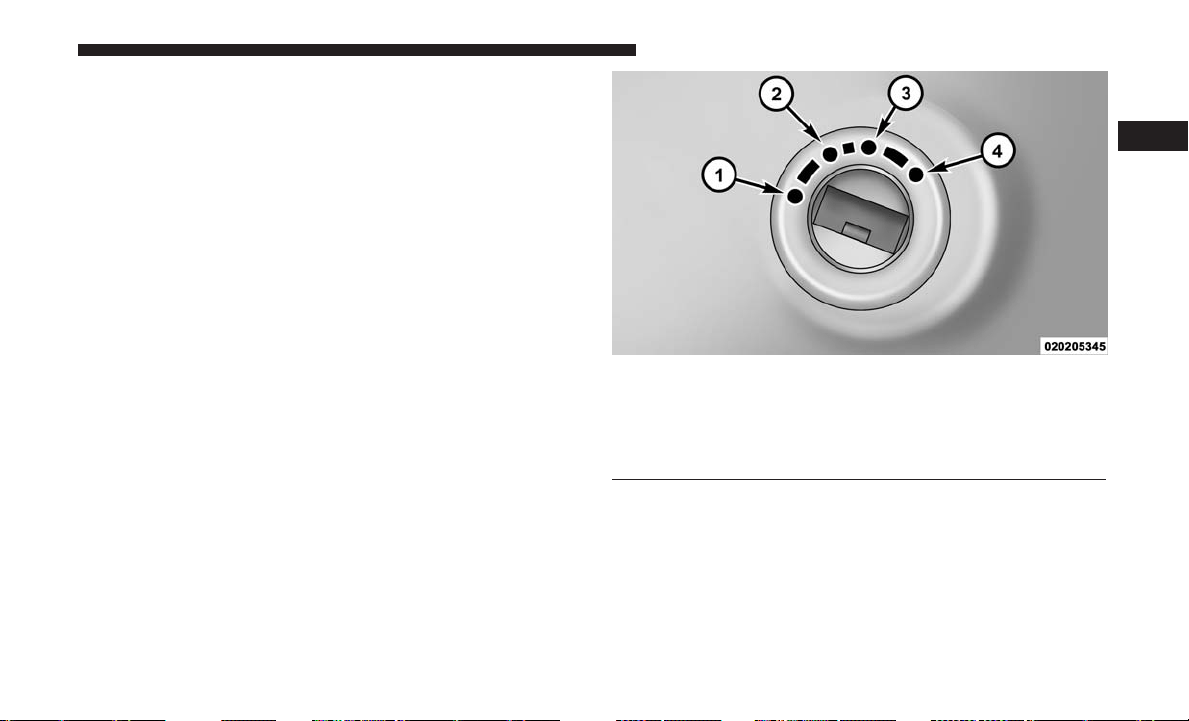
The Wireless Ignition Node (WIN) operates similarly to an
ignition switch. It has four operating positions, three with
detents and one that is spring-loaded. The detent positions
are OFF, ACC, and ON/RUN. The START position is a
spring-loaded momentary contact position. When released
from the START position, the switch automatically returns
to the ON/RUN position.
Key Fob
The key fob operates the ignition switch. Insert the square
end of the key fob into the ignition switch located on the
instrument panel and rotate to the desired position. It also
contains the key fob and an emergency key, which stores in
the rear of the key fob.
Wireless Ignition Node (WIN)
1—OFF
2 — ACCESSORY
3 — ON/RUN
4 — START
2
THINGS TO KNOW BEFORE STARTING YOUR VEHICLE 11
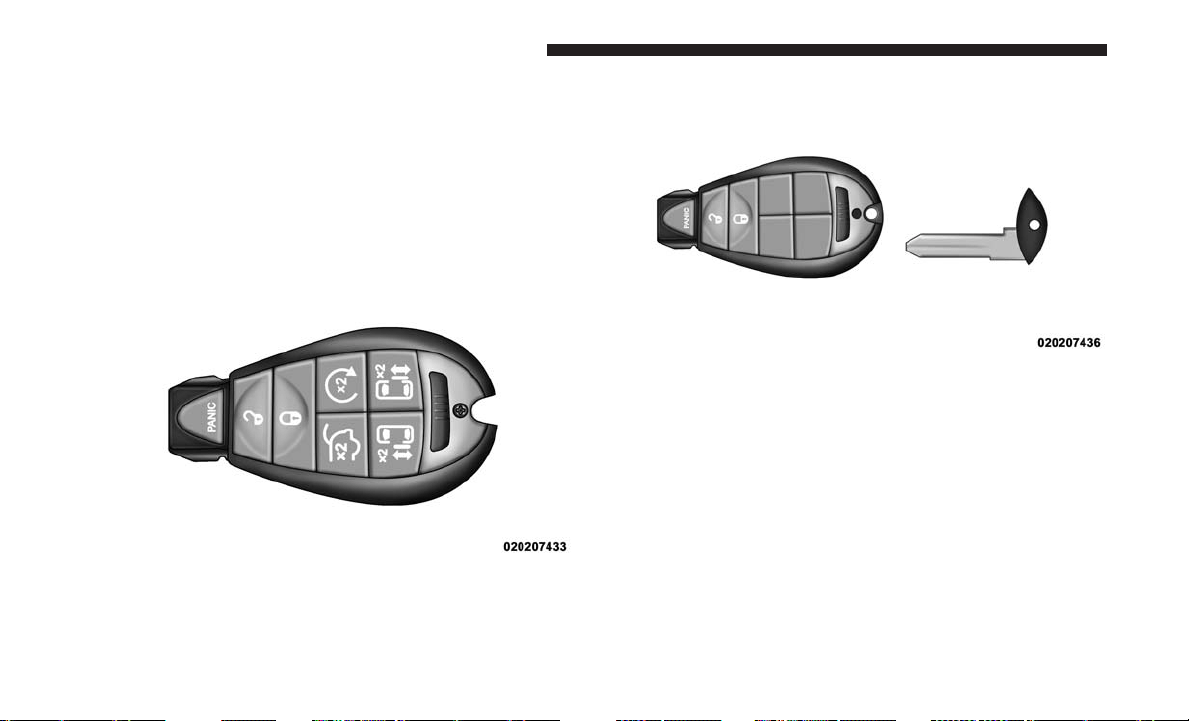
The emergency key allows for entry into the vehicle should
the battery in the vehicle or the key fob go dead. The
emergency key is also for locking the lower glove compart-
ment. You can keep the emergency key with you when
valet parking.
To remove the emergency key, slide the mechanical latch at
the top of the key fob sideways with your thumb and then
pull the key out with your other hand.
NOTE: You can insert the double-sided emergency key
into the lock cylinder with either side up.
Removing Key Fob From Ignition
Place the gear selector in PARK. Turn the key fob to the
OFF position and then remove the key fob.
NOTE: Power window switches will also remain active for
up to ten minutes after the ignition switch has been turned
to OFF, depending upon the accessory delay setting. Open-
ing the front door will cancel this feature.
Key Fob
Emergency Key Removal
12 THINGS TO KNOW BEFORE STARTING YOUR VEHICLE
WARNING!
• Before exiting a vehicle, always shift the automatic
transmission into PARK or the manual transmission
into FIRST gear or REVERSE, apply the parking
brake, turn the vehicle OFF, remove the key fobs
from the vehicle, and lock all doors.
•
Never leave children alone in a vehicle, or with access
to an unlocked vehicle. Leaving children in a vehicle
unattended is dangerous for a number of reasons. A
child or others could be seriously or fatally injured.
Children should be warned not to touch the parking
brake, brake pedal, or the gear selector.
• Allowing children to be in a vehicle unattended is
dangerous for a number of reasons. A child or others
could be seriously or fatally injured. Children
should be warned not to touch the parking brake,
brake pedal or the gear selector.
• Do not leave the key fob in or near the vehicle, or in
a location accessible to children. A child could oper-
ate the power windows, other controls, or move the
vehicle.
• Do not leave children or animals inside parked
vehicles in hot weather. Interior heat build-up may
cause serious injury or death.
CAUTION!
An unlocked vehicle is an invitation. Always remove
the key from the ignition and lock all doors when
leaving the vehicle unattended.
Key-In-Ignition Reminder
Opening the driver’s door when the key fob is in the
ignition and the ignition switch position is OFF or ACC, a
chime will sound to remind you to remove the key.
NOTE: The Key-In-Ignition reminder only sounds when
the key fob is placed in the OFF or ACC ignition position.
SENTRY KEY
The Sentry Key Immobilizer system prevents unauthorized
vehicle operation by disabling the engine. The system does
not need to be armed or activated. Operation is automatic,
regardless of whether the vehicle is locked or unlocked.
The system uses key fob with factory-mated Remote Key-
less Entry key fob and Wireless Ignition Node (WIN) to
prevent unauthorized vehicle operation. Therefore, only
key fobs that are programmed to the vehicle can be used to
2
THINGS TO KNOW BEFORE STARTING YOUR VEHICLE 13
start and operate the vehicle. The system will shut the
engine off in two seconds if an invalid key fob is used to
start the engine.
After turning the ignition switch to the ON/RUN position,
the vehicle security light will turn on for three seconds for
a bulb check. If the light remains on after the bulb check, it
indicates that there is a problem with the electronics. In
addition, if the light begins to flash after the bulb check, it
indicates that someone used an invalid key fob to start the
engine. Either of these conditions will result in the engine
being shut off after two seconds.
If the vehicle security light turns on during normal vehicle
operation (vehicle running for longer than 10 seconds), it
indicates that there is a fault in the electronics. Should this
occur, have the vehicle serviced as soon as possible by an
authorized dealer.
CAUTION!
The Sentry Key Immobilizer system is not compatible
with some aftermarket remote starting systems. Use of
these systems may result in vehicle starting problems
and loss of security protection.
All of the key fobs provided with your new vehicle have
been programmed to the vehicle electronics.
Replacement Keys
NOTE: Only key fobs that are programmed to the vehicle
electronics can be used to start and operate the vehicle.
Once a key fob is programmed to a vehicle, it cannot be
reprogrammed to any other vehicle.
CAUTION!
Always remove the key fobs from the vehicle and lock
all doors when leaving the vehicle unattended.
Duplication of key fobs may be performed at an authorized
dealer, this procedure consists of programming a blank key
fob to the vehicle electronics. A blank key fob is one that
has never been programmed.
NOTE: When having the Sentry Key Immobilizer system
serviced, bring all vehicle key fobs with you to the autho-
rized dealer.
Customer Key Fob Programming
Programming key fobs may be performed at an authorized
dealer.
14 THINGS TO KNOW BEFORE STARTING YOUR VEHICLE

General Information
The following regulatory statement applies to all radio
frequency (RF) devices equipped in this vehicle:
This device complies with Part 15 of the FCC Rules and
with Industry Canada license-exempt RSS standard(s).
Operation is subject to the following two conditions:
1. This device may not cause harmful interference, and
2.
This device must accept any interference received,
including interference that may cause undesired operation.
NOTE: Changes or modifications not expressly approved
by the party responsible for compliance could void the
user’s authority to operate the equipment.
VEHICLE SECURITY ALARM — IF EQUIPPED
The vehicle security alarm monitors the vehicle doors for
unauthorized entry and the ignition switch for unauthor-
ized operation. When the alarm is activated, the interior
switches for door locks, power sliding doors and power
liftgate are disabled. The vehicle security alarm provides
both audible and visible signals. For the first three minutes,
the headlights will turn on, the park lamps and/or turn
signals will flash and vehicle security light will flash
repeatedly and the horn will sound. For an additional
15 minutes, only the headlights, park lamps and/or turn
signals and vehicle security light will flash.
Rearming Of The System
The vehicle security alarm will rearm itself after the 15
additional minutes of headlights and vehicle security light
flashing, if the vehicle security alarm has not been dis-
abled. If the condition which initiated the alarm is still
present, the vehicle security alarm will ignore that condi-
tion and monitor the remaining doors and ignition.
To Arm The System
Follow these steps to arm the vehicle security alarm:
1. Remove the key from the ignition system (refer to
⬙Starting Procedures⬙ in ⬙Starting And Operating⬙ for
further information).
• Make sure the vehicle ignition system is OFF and the key
is physically removed from the ignition.
2. Perform one of the following methods to lock the
vehicle:
• Push lock button on the interior power door lock switch
with the driver and/or passenger door open.
• Push the lock button on the key fob.
3. If any doors are open, close them.
2
THINGS TO KNOW BEFORE STARTING YOUR VEHICLE 15

To Disarm The System
The vehicle security alarm can be disarmed using any of
the following methods:
• Push the unlock button on the key fob.
• Cycle the vehicle ignition system out of the OFF posi-
tion. Insert a valid key into the ignition switch and turn
the key to the ON position.
NOTE:
• The driver’s door key cylinder and the liftgate button on
the key fob cannot arm or disarm the vehicle security
alarm.
• The vehicle security alarm remains armed during power
liftgate entry. Pushing the liftgate button will not disarm
the vehicle security alarm. If someone enters the vehicle
through the liftgate and opens any door, the alarm will
sound.
• When the vehicle security alarm is armed, the interior
power door lock switches will not unlock the doors.
The vehicle security alarm is designed to protect your
vehicle. However, you can create conditions where the
system will give you a false alarm. If one of the previously
described arming sequences has occurred, the vehicle
security alarm will arm regardless of whether you are in
the vehicle or not. If you remain in the vehicle and open a
door, the alarm will sound. If this occurs, disarm the
vehicle security alarm.
If the vehicle security alarm is armed and the battery
becomes disconnected, the vehicle security alarm will
remain armed when the battery is reconnected; the exterior
lights will flash, and the horn will sound. If this occurs,
disarm the vehicle security alarm.
Tamper Alert
If something has triggered the vehicle security alarm in
your absence, the horn will sound three times and the
exterior lights blink three times when you unlock the
doors. Check the vehicle for tampering.
Security System Manual Override
The vehicle security alarm will not arm if you lock the
doors using the manual door lock plunger.
ILLUMINATED APPROACH
The courtesy lights will turn on when you use the key fob
to unlock the doors or open any door.
16 THINGS TO KNOW BEFORE STARTING YOUR VEHICLE

This feature also turns on the approach lighting in the
outside mirrors (if equipped). Refer to “Mirrors” in “Un-
derstanding The Features Of Your Vehicle” for further
information.
The lights will fade to off after approximately 30 seconds,
or they will immediately fade to off once the ignition
switch is turned to ON/RUN from the OFF position.
The front courtesy overhead console and door courtesy
lights will not turn off if the dimmer control is in the
“Dome ON” position (rotate horizontal thumb wheel on
the bottom of the switch to the far right detent position).
The illuminated entry system will not operate if the
dimmer control is in the “Dome OFF” position (rotate
horizontal thumb wheel on the bottom of the switch to the
far left detent position).
NOTE: If your vehicle is equipped with illuminated ap-
proach lights under the outside mirrors, they can be turned
off by using the instrument cluster display controls or the
Uconnect radio (if equipped with a touchscreen radio).
Refer to “Instrument Cluster Display” or “Uconnect Set-
tings” in “Understanding Your Instrument Panel” for fur-
ther information.
REMOTE KEYLESS ENTRY
This system allows you to lock or unlock the doors and
liftgate, and activate the Panic Alarm, optional power
liftgate, left power sliding door, and right power sliding
door from distances up to approximately 66 ft (20 m) using
a handheld Remote Keyless Entry key fob. The key fob
does not need to be pointed at the vehicle to activate the
system.
NOTE: Inserting the key fob into the ignition switch
disables the system from responding to any button pushes
from that key fob. Driving at speeds 5 mph (8 km/h) and
above disables the system from responding to all key fob
buttons for all key fobs.
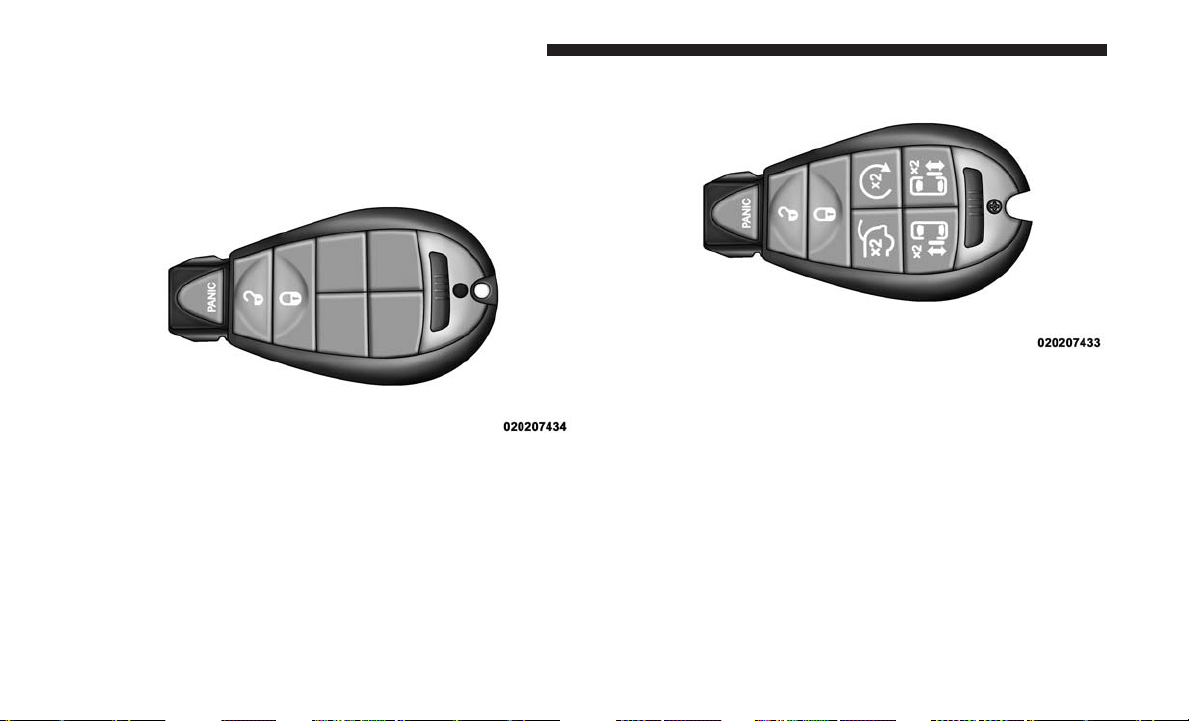
Two key fobs may be supplied with the vehicle. Vehicles
built without the powered options will be equipped from
the factory with three-button key fobs, and those built with
power options will be equipped with up to seven-button
key fobs.
2
THINGS TO KNOW BEFORE STARTING YOUR VEHICLE 17
Using The Key Fob
Three-button key fobs will provide basic unlock, lock and
PANIC functions.
Seven-button key fobs will provide functions that allow the
same basic operation as the three-button, but may also be
used to operate the power liftgate (optional), power sliding
doors, and Remote Start feature (optional). Some features
can be programmed to the customers preferences. For
example, lights flash, or sound horn on lock.
Remote Unlock Doors And Liftgate
Push and release the unlock button on the key fob once to
unlock the driver’s side or twice to unlock all doors and
liftgate. This will also turn on the Illuminated Entry
system.
Remote Key Unlock On First Press
This feature lets you program the system to unlock either
the driver’s side, or all doors, on the first push of the
unlock button on the key fob.
Three-Button Key Fob
Seven-Button Key Fob
18 THINGS TO KNOW BEFORE STARTING YOUR VEHICLE

NOTE:
• For vehicles equipped with an instrument cluster dis-
play, refer to “Instrument Cluster Display” in “Under-
standing Your Instrument Panel” for further informa-
tion.
• For vehicles not equipped with the instrument cluster
display, the Remote Unlock feature can be enabled or
disabled by performing the following steps:
1. Perform this operation while standing outside the ve-
hicle.
2. Push and hold the lock button on a programmed key fob
for at least four seconds, but no longer than ten seconds.
Then, push and hold the unlock button while still
holding the lock button.
3. Release both buttons at the same time.
4. Test the feature while outside of the vehicle by pushing
the lock/unlock buttons on the key fob with the ignition
switch in the OFF position and the key fob removed.
5. Repeat these steps if you want to return this feature to
its previous setting.
NOTE: Pushing the lock button on the key fob while you
are inside the vehicle will activate the vehicle security
alarm. Opening a door with the vehicle security alarm
activated will cause the alarm to sound. Push the unlock
button to deactivate the vehicle security alarm.
Remote Lock Doors And Liftgate
Push and release the lock button on the key fob to lock all
doors and liftgate. The turn signal lights will flash and the
horn will chirp to acknowledge the signal.
Sound Horn With Remote Lock
This feature will cause the horn to chirp when the doors are
locked with the key fob. This feature can be turned on or
turned off. To change the current setting, proceed as follows:
• For vehicles equipped with the instrument cluster dis-
play, refer to “Instrument Cluster Display” in “Under-
standing Your Instrument Panel” for further informa-
tion.
• For vehicles not equipped with the instrument cluster
display, perform the following steps:
1. Perform this operation while standing outside the ve-
hicle.
2
THINGS TO KNOW BEFORE STARTING YOUR VEHICLE 19

2. Push the lock button on a programmed key fob for at
least four seconds, but no longer than ten seconds. Then,
push the PANIC button while still holding the lock
button.
3. Release both buttons at the same time.
4. Test the feature while outside of the vehicle by pushing
the lock button on the key fob with the ignition switch
in the OFF position and the key fob removed.
5. Repeat these steps if you want to return this feature to
its previous setting.
NOTE: Pushing the lock button on the key fob while you
are in the vehicle will activate the vehicle security alarm.
Opening a door with the vehicle security alarm activated
will cause the alarm to sound. Push the unlock button to
deactivate the vehicle security alarm.
Using The Panic Alarm
To turn the Panic Alarm feature on or off, push and hold
the PANIC button on the key fob for at least one second
and release. When the Panic Alarm is on, the headlights
and park lights will flash, the horn will pulse on and off,
and the interior lights will turn on.
The Panic Alarm will stay on for three minutes unless you
turn it off by pushing the PANIC button a second time or
if the vehicle is driven above 5 mph (8 km/h).
NOTE:
• When you turn off the Panic Alarm by pushing the
PANIC button a second time, you may have to move
closer to the vehicle due to the Radio Frequency (RF)
noises of the system.
• The Panic Alarm cannot be activated if the engine is
running.
Power Open/Close Power Liftgate — If Equipped
Push the liftgate button twice on the key fob within five
seconds to open/close the power liftgate. If the button is
pushed while the liftgate is being power closed, the liftgate
will reverse to the full open position.
The power liftgate may also be opened and closed by
pushing the liftgate button located on the overhead con-
sole.
If equipped with a rear interior switch on the left rear pillar,
pushing this switch once will close the liftgate only. The
liftgate cannot be opened from this switch.
20 THINGS TO KNOW BEFORE STARTING YOUR VEHICLE

If the vehicle is locked and vehicle security alarm is armed,
using the key fob to open the power liftgate does not
unlock the vehicle or disarm the vehicle security alarm.
Power Open/Close Left Power Sliding Door —
If Equipped
Push the left power sliding door button twice on the key
fob within five seconds to power open/close the left power
sliding door. If the button on the key fob is pushed while
the door is being power-closed, the door will reverse to the
full open position.
If the vehicle is locked and the vehicle security alarm is
armed, pushing the left power sliding door button twice
unlocks the power sliding door and disarms the vehicle
security alarm.
Power Open/Close Right Power Sliding Door —
If Equipped
Push the right power sliding door button twice on the key
fob within five seconds to power open/close the right
power sliding door. If the button on the key fob is pushed
while the door is being power-closed, the door will reverse
to the full open position.
If the vehicle is locked and the vehicle security alarm is
armed, pushing the right power sliding door button twice
unlocks the power sliding door and disarms the vehicle
security alarm.
Turn Off Flash Lights With Remote Keyless Entry
Lock — If Equipped
This feature will cause the turn signal lights to flash when
the doors are locked or unlocked with the key fob. This
feature can be turned on or turned off. To change the
current setting, proceed as follows:
• For vehicles equipped with the instrument cluster dis-
play, refer to “Instrument Cluster Display” in “Under-
standing Your Instrument Panel” for further informa-
tion.
• For vehicles not equipped with the instrument cluster
display, perform the following steps:
1. Perform this operation while standing outside the ve-
hicle.
2. Push and hold the unlock button on a programmed key
fob for at least 4 seconds, but no longer than 10 seconds.
Then, push and hold the lock button while still holding
the unlock button.
2
THINGS TO KNOW BEFORE STARTING YOUR VEHICLE 21
3. Release both buttons at the same time.
4. Test the feature while outside of the vehicle by pushing
the lock/unlock buttons on the key fob with the ignition
switch in the OFF position and the key fob removed.
5. Repeat these steps if you want to return this feature to
its previous setting.
NOTE: Pushing the lock button on the key fob while you
are in the vehicle will activate the vehicle security alarm.
Opening a door with the vehicle security alarm activated
will cause the alarm to sound. Push the unlock button to
deactivate the vehicle security alarm.
Programming Additional Key Fobs
If you do not have a programmed key fob, contact your
authorized dealer for details.
Key Fob Battery Replacement
The recommended replacement battery is one CR2032
battery.
NOTE:
• Perchlorate Material — special handling may apply. See
www.dtsc.ca.gov/hazardouswaste/perchlorate.
• Do not touch the battery terminals that are on the back
housing or the printed circuit board.
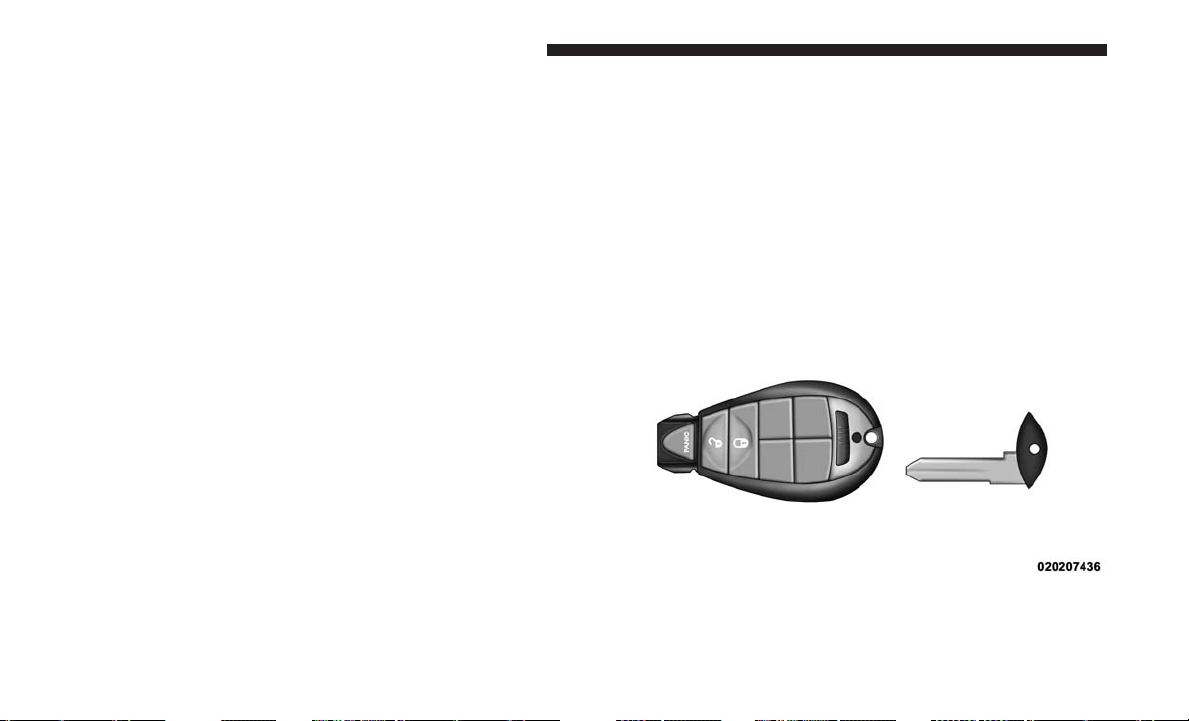
1. Remove the emergency key by sliding the mechanical
latch at the top of the key fob sideways with your thumb
and then pull the key out with your other hand.
Emergency Key Removal
22 THINGS TO KNOW BEFORE STARTING YOUR VEHICLE
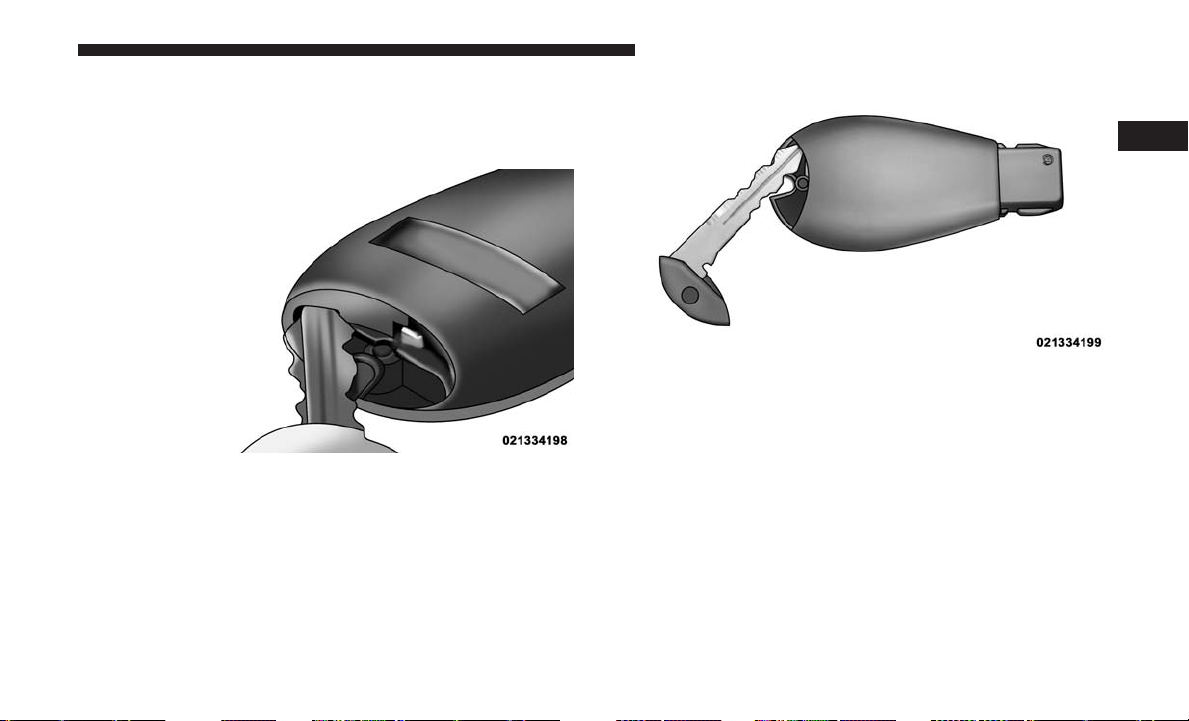
2. Insert the tip of the emergency key or a #2 flat blade
screwdriver into the slot and gently pry the two halves
of the key fob apart. Make sure not to damage the seal
during removal.
3. Remove and replace the battery. When replacing the
battery, match the + sign on the battery to the + sign on
the inside of the battery clip, located on the back cover.
Avoid touching the new battery with your fingers. Skin
oils may cause battery deterioration. If you touch a
battery, clean it with rubbing alcohol.
4. To assemble the key fob case, snap the two halves
together.
Inserting Key Into Key Fob Case Slot
Separating Key Fob Case
2
THINGS TO KNOW BEFORE STARTING YOUR VEHICLE 23

General Information
The following regulatory statement applies to all Radio
Frequency (RF) devices equipped in this vehicle:
This device complies with Part 15 of the FCC Rules and
with Industry Canada license-exempt RSS standard(s).
Operation is subject to the following two conditions:
1. This device may not cause harmful interference, and
2. This device must accept any interference received, in-
cluding interference that may cause undesired opera-
tion.
NOTE: Changes or modifications not expressly approved
by the party responsible for compliance could void the
user’s authority to operate the equipment.
REMOTE STARTING SYSTEM — IF EQUIPPED
This system uses the Remote Keyless Entry key fob
to start the engine conveniently from outside the
vehicle while still maintaining security. The sys-
tem has a range of approximately 300 ft (91 m).
NOTE:
• The vehicle must be equipped with an automatic trans-
mission to be equipped with Remote Start.
• Obstructions between the vehicle and the key fob may
reduce this range.
How To Use Remote Start
All of the following conditions must be met before the
engine will Remote Start:
• Gear selector in PARK
• Doors closed
• Hood closed
• Liftgate closed
• Hazard switch off
• Brake switch inactive (brake pedal not pushed)
• Ignition key removed from ignition switch
• Battery at an acceptable charge level
• PANIC button not pushed
• System not disabled from previous remote start event
24 THINGS TO KNOW BEFORE STARTING YOUR VEHICLE
• Vehicle security alarm not active
• Ignition in OFF position
WARNING!
• Do not start or run an engine in a closed garage or
confined area. Exhaust gas contains Carbon Monox-
ide (CO) which is odorless and colorless. Carbon
Monoxide is poisonous and can cause serious injury
or death when inhaled.
• Keep key fobs away from children. Operation of the
Remote Start System, windows, door locks or other
controls could cause serious injury or death.
Remote Start Abort Messages
The following messages will display in the instrument
cluster display if the vehicle fails to remote start or exits
remote start prematurely:
• Remote Start Aborted — Door Ajar
• Remote Start Aborted — Hood Ajar
• Remote Start Aborted — Fuel Low
• Remote Start Aborted — L/Gate Ajar
• Remote Start Disabled — Start Vehicle To Reset
The instrument cluster display message stays active until
the ignition is turned to the ON/RUN position.
To Enter Remote Start Mode
Push and release the Remote Start button on the key fob
twice within five seconds. The vehicle doors will lock,
the parking lights will flash, and horn will chirp twice (if
programmed). Then, the engine will start and the vehicle
will remain in the Remote Start mode for a 15-minute cycle.
NOTE:
• If your power door locks were unlocked, Remote Start
will automatically lock the doors.
• The park lights will turn on and remain on during
Remote Start mode.
• For security, power window and power sunroof opera-
tion (if equipped) are disabled when the vehicle is in the
Remote Start mode.
• The engine can be started two consecutive 15-minute
cycles with the key fob. However, the ignition switch
must be turned to the ON/RUN position.
2
THINGS TO KNOW BEFORE STARTING YOUR VEHICLE 25

To Enter The Vehicle After Remote Start
To enter the vehicle while the engine is running during a
remote start, you must first unlock the vehicle using the
unlock button on the key fob. After the vehicle is unlocked,
you can enter the vehicle, insert the key fob into the
ignition switch, and turn it to the ON/RUN position.
Otherwise, the engine will shut off at the end of 15-minute
cycle.
To Exit Remote Start Mode And Drive The Vehicle
Before the end of the 15-minute cycle, push and release the
unlock button on the key fob to unlock the doors and
disarm the vehicle security alarm (if equipped). Then, prior
to the end of the 15-minute cycle, insert the key fob into
the ignition switch and turn the switch to the ON/RUN
position.
NOTE:
• The ignition switch must be in the ON/RUN position in
order to drive the vehicle.
• The message “Remote Start Active — Key To Run” will
display in the instrument cluster display until you insert
and turn the key to ON/RUN position.
Cancel Remote Start
Remote Starting will also cancel if any of the following
occur:
• The engine stalls or engine speed exceeds 2500 rpm.
• Any engine warning lights come on.
• Low Fuel Light turns on.
• The hood is opened.
• The hazard switch is pushed.
• The gear selector is moved out of PARK.
• The engine is allowed to run for the entire 15-minute
cycle.
• The brake pedal is pushed.
To Turn Off The Engine While In Remote Start Mode
Push and release the remote start button one time or allow
the engine to run for the entire 15-minute cycle.
NOTE: To avoid unintentional shutdowns while in the
Remote Start Mode, the system will not allow the remote
start button to shut down the engine for two seconds after
receiving a valid remote start request.
26 THINGS TO KNOW BEFORE STARTING YOUR VEHICLE
When To Reset Remote Start
The vehicle can be started remotely up to a maximum of two
times. The vehicle is also allowed a maximum of one failed
start, where the remote starting sequence was initiated but
the engine stopped cranking without starting. After either of
these conditions, or if the vehicle security alarm system is
alarming, or if the PANIC button was pushed, the vehicle
must be reset. Insert the key fob into the ignition switch and
turn the switch to the ON/RUN position.
General Information
The following regulatory statement applies to all Radio
Frequency (RF) devices equipped in this vehicle:
This device complies with Part 15 of the FCC Rules and
with Industry Canada license-exempt RSS standard(s).
Operation is subject to the following two conditions:
1. This device may not cause harmful interference, and
2. This device must accept any interference received, in-
cluding interference that may cause undesired opera-
tion.
NOTE: Changes or modifications not expressly approved
by the party responsible for compliance could void the
user’s authority to operate the equipment.
DOOR LOCKS
Manual Door Locks
Lock the front doors by pushing down on the lock knobs
on each door trim panel.
If the lock knob is down when you shut either front door,
the door will lock. Make sure the keys are not inside the
vehicle before closing the door.
Manual Door Lock
2
THINGS TO KNOW BEFORE STARTING YOUR VEHICLE 27
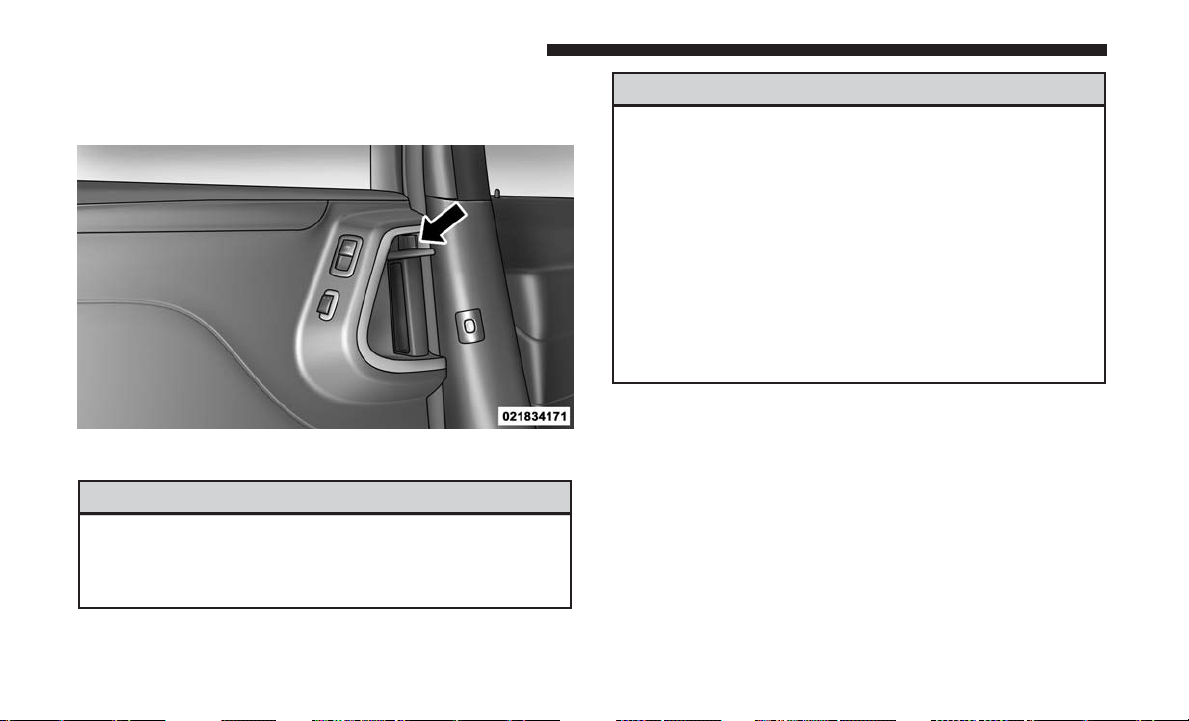
If the lock knob is rearward when you shut either side
sliding door, the door will lock. Make sure the keys are not
inside the vehicle before closing the door.
WARNING!
• For personal security and safety in the event of a
collision, lock the vehicle doors before you drive as
well as when you park and leave the vehicle.
(Continued)
WARNING! (Continued)
• Never leave children alone in a vehicle, or with
access to an unlocked vehicle. Allowing children to
be in a vehicle unattended is dangerous for a number
of reasons. A child or others could be seriously or
fatally injured. Children should be warned not to
touch the parking brake, brake pedal or the trans-
mission gear selector.
• Do not leave the key fob in or near the vehicle, or in
a location accessible to children. A child could oper-
ate power windows, other controls, or move the
vehicle.
Power Door Locks — If Equipped
Power door lock switches are located on each front door
trim panel. Use these switches to lock or unlock the doors.
Sliding Door Lock
28 THINGS TO KNOW BEFORE STARTING YOUR VEHICLE
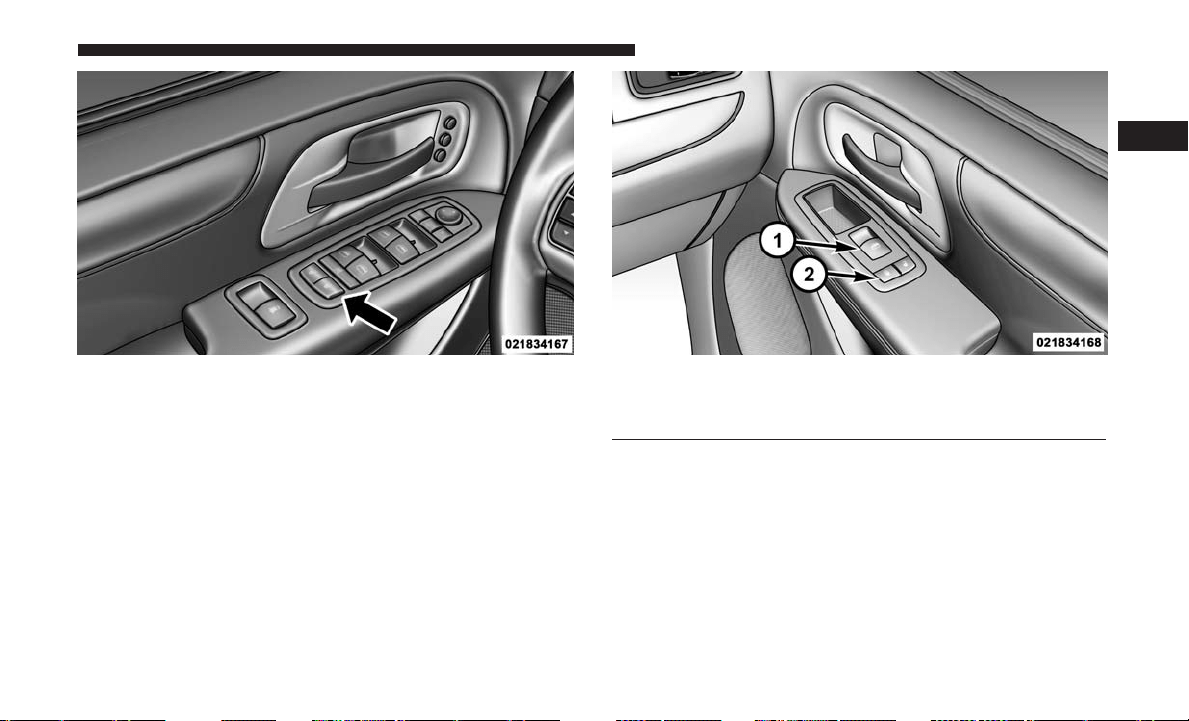
If you push the power door lock switch while the key fob
is in the ignition, and any front door is open, the power
locks will not operate. This prevents you from accidentally
locking your keys in the vehicle. Removing the key fob or
closing the door will allow the locks to operate. A chime
will sound if the key fob is in the ignition switch and a door
is open, as a reminder to remove the key fob.
If you push the power door lock switch while the sliding
door is open, the sliding door will lock.
Driver Power Door Lock Switches Front Passenger Power Door Switches
1 — Window Open/Close
2 — Power Door Locks
2
THINGS TO KNOW BEFORE STARTING YOUR VEHICLE 29
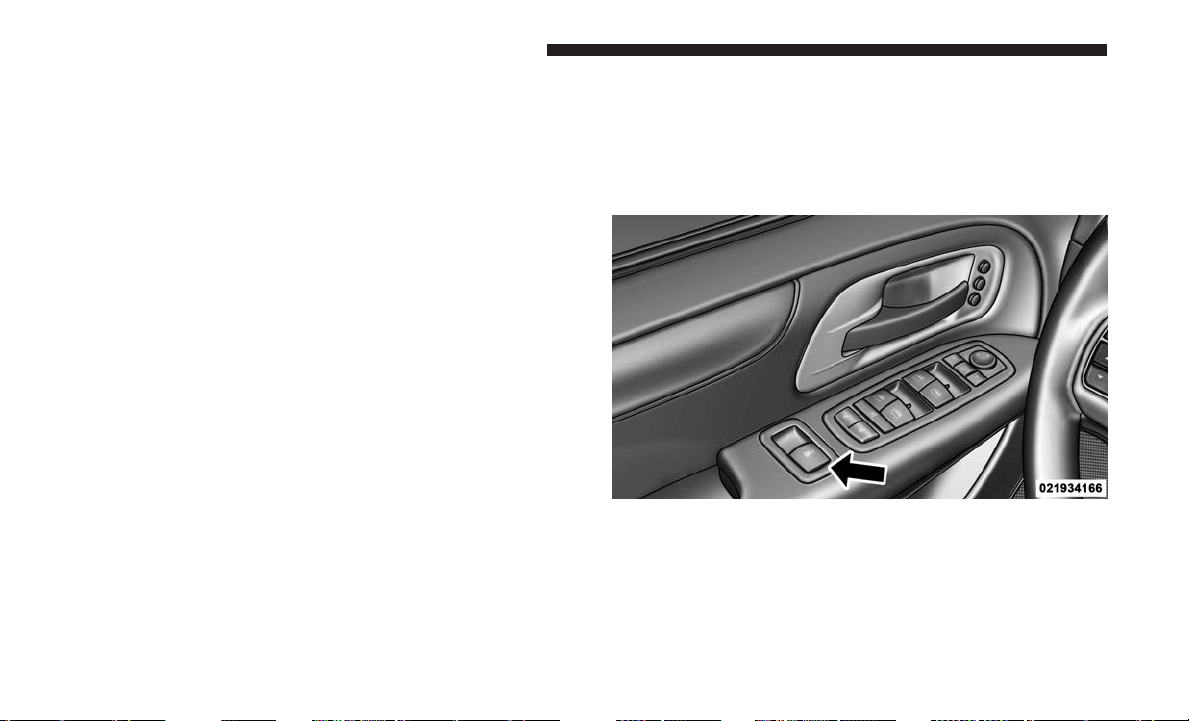
Automatic Door Locks — If Equipped
When enabled, the door locks will lock automatically when
the vehicle’s speed exceeds 15 mph (24 km/h). The auto
door lock feature can be enabled or disabled by your
authorized dealer per written request of the customer.
Please see your authorized dealer for service.
Unlock Doors Automatically On Exit — If Equipped
The Unlock Doors Automatically On Exit feature unlocks
all of the vehicle doors when any door is opened. This will
occur only after the gear selector has been placed into the
PARK position, after the vehicle has been driven (the gear
selector has been placed out of the PARK position and all
doors closed).
The Unlock Doors Automatically On Exit feature will not
operate if there is any manual operation of the power door
locks (lock or unlock).
On vehicles equipped with the optional instrument cluster
display, refer to “Instrument Cluster Display” in “Under-
standing Your Instrument Panel” for further information.
NOTE: Use the Automatic Door Locks at 15 mph
(24 km/h) and Unlock Doors Automatically On Exit fea-
tures in accordance with local laws.
WINDOWS
Power Vent Windows — If Equipped
The power vent window switch located on the driver’s
door trim panel allows the driver to operate the two vent
windows from the driver’s seat.
Power Vent Window Switch Open/Close
30 THINGS TO KNOW BEFORE STARTING YOUR VEHICLE
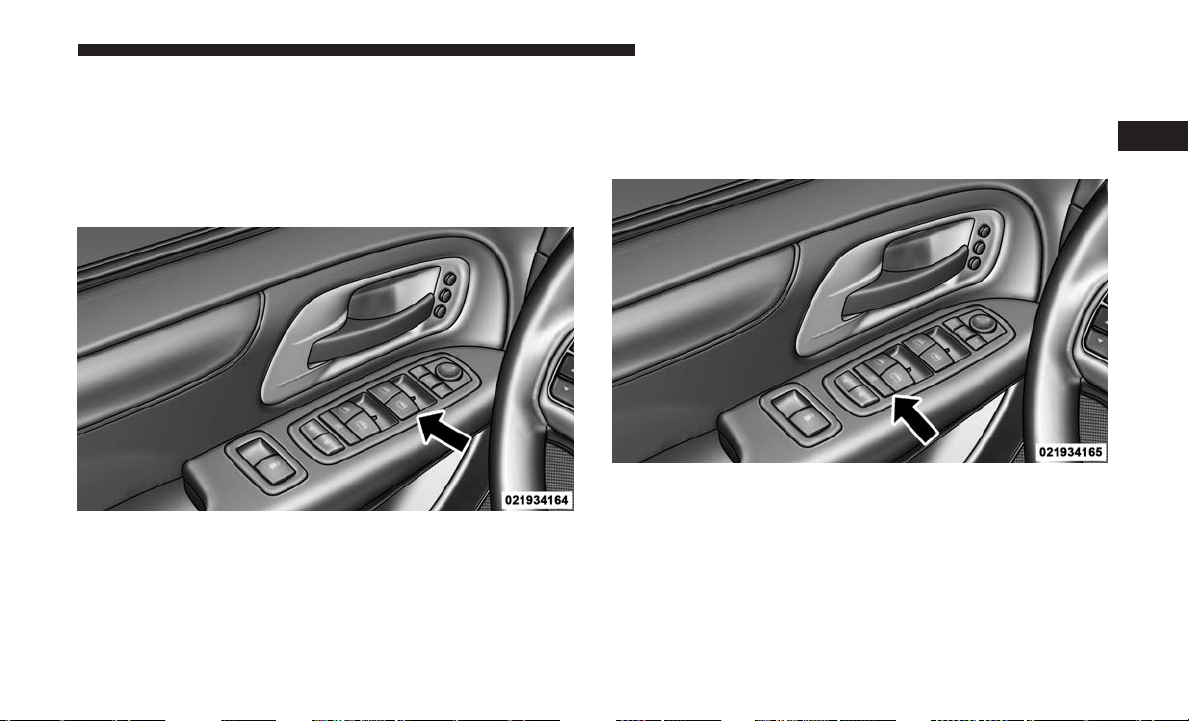
Power Windows
You can control either the front or rear windows using the
window switches located on the driver’s door trim panel.
The switches will operate only when the ignition switch is
in the ON/RUN or ACC position and during power
accessory delay.
NOTE: Power window switches will also remain active for
up to ten minutes after the ignition switch has been turned
to OFF, depending upon the accessory delay setting. Open-
ing a front door will cancel this feature.
Power Window Lockout Switch — If Equipped
The driver may lock out the rear power windows by
pushing the power window lockout switch just below the
power window switches.
Driver’s Power Window Switches
Power Window Lockout Switch
2
THINGS TO KNOW BEFORE STARTING YOUR VEHICLE 31
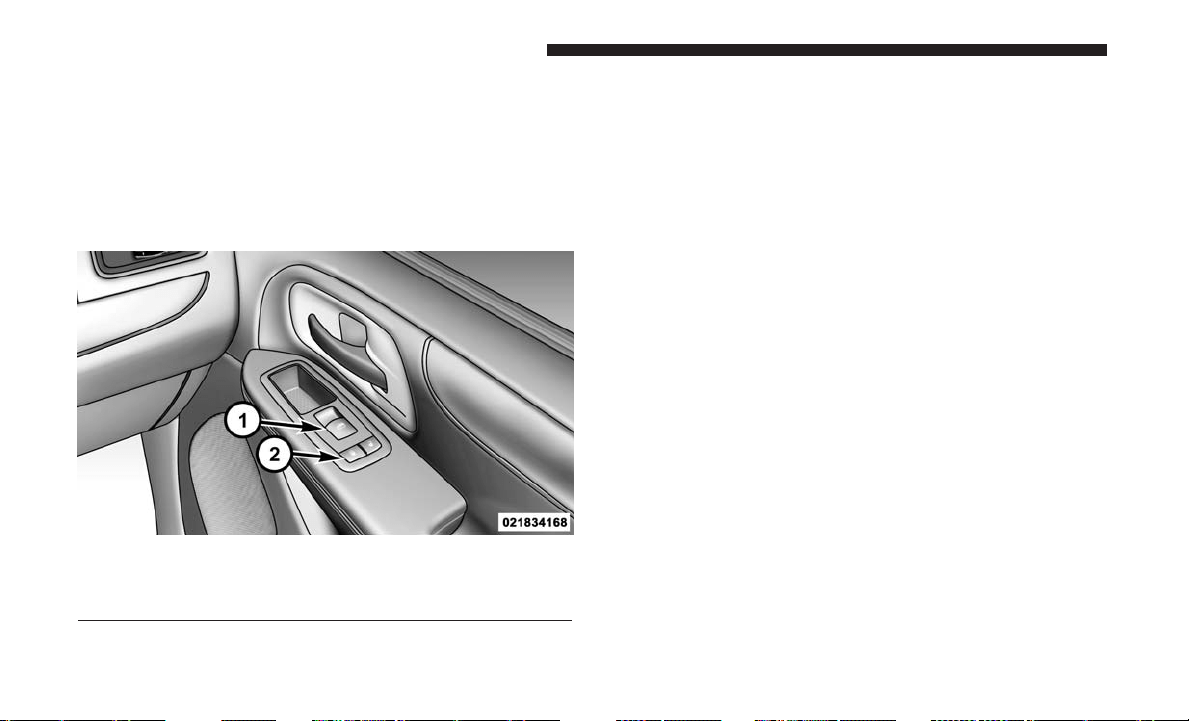
Front Passenger Power Window Switch
There is a single window switch on the front passenger’s
door trim panel which operates the passenger door win-
dow and a set of switches that lock and unlock all doors.
The switches will operate only when the ignition switch
is in the ON/RUN or ACC position and during power
accessory delay.
Auto-Down Feature — If Equipped
Both the driver and front passenger window switches have
an Auto-Down feature. Push the window switch past the
first detent, release, and the window will go down auto-
matically. To cancel the Auto-Down movement, operate the
window switch in either the up or down direction and
release the switch.
To partially open the window, push the window switch to
the first detent and release it when you want the window
to stop.
The power window switches remain active for up to ten
minutes (depending on the accessory delay setting) after
the ignition switch has been turned to OFF. Opening a
vehicle front door will cancel this feature.
Auto-Up Feature With Anti-Pinch Protection —
If Equipped
Lift the window switch fully upward to the second detent,
release, and the window will go up automatically.
To stop the window from going all the way up during the
Auto-Up operation, push down on the window switch briefly.
To partially close the window, lift the window switch to the
first detent and release when you want the window to stop.
Front Passenger Power Window And Door Switches
1 — Window Switch
2 — Power Door Locks
32 THINGS TO KNOW BEFORE STARTING YOUR VEHICLE
NOTE: If the window runs into any obstacle during
Auto-Up, it will reverse direction and then go back down.
Remove the obstacle and use the window switch again to
close the window. Any impact due to rough road condi-
tions may trigger the auto reverse function unexpectedly
during Auto-Up. If this happens, pull the window switch
lightly to the first detent and hold it to close the window
manually.
WARNING!
There is no anti-pinch protection when the window is
almost closed. Be sure to clear all objects from the
window before closing.
Auto-Up Reset — If Equipped
Should the Auto-Up feature stop working, the window
probably needs to be reset. To reset Auto-Up:
1. Pull the window switch up to close the window com-
pletely and continue to hold the window switch up for
an additional two seconds after the window is closed.
2. Push the window switch down firmly to the second
detent to open the window completely and continue to
hold the window switch down for an additional two
seconds after the window is fully open.
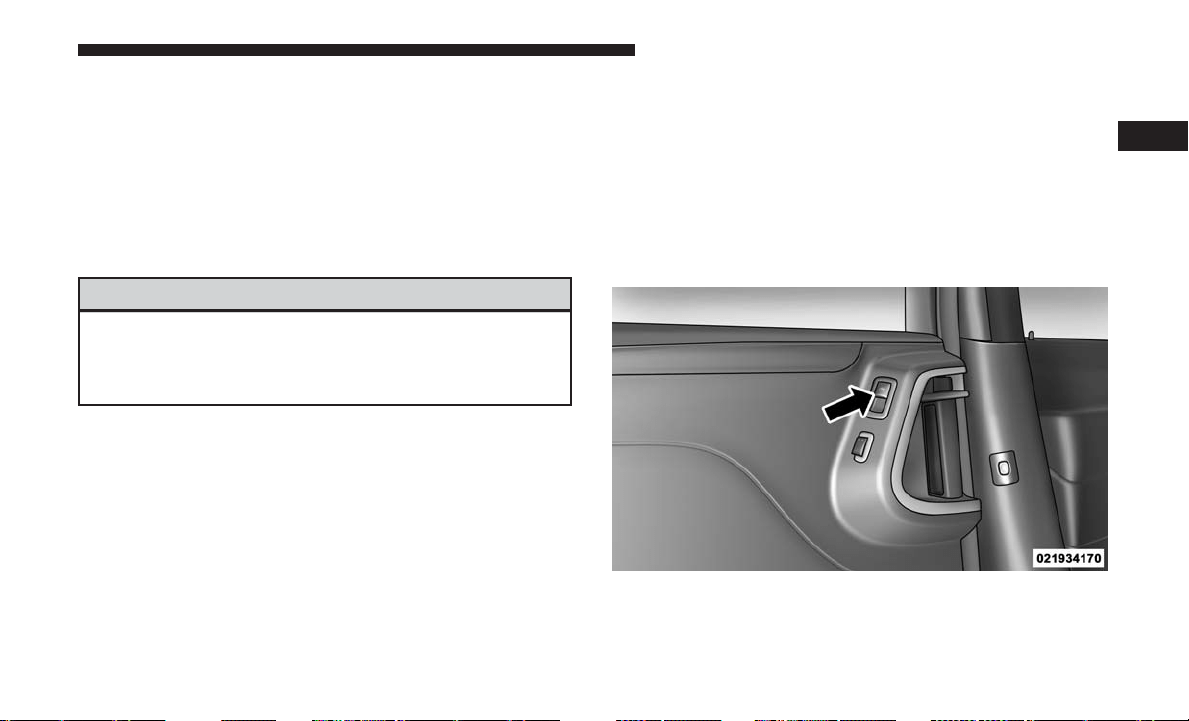
Sliding Side Door Power Window Switch — If
Equipped
Second row passengers may open and close the sliding
door window by a single window switch on the door
handle assembly.
The window switches will operate only when the ignition
switch is in the ON/RUN or ACC position and during
power accessory delay.
Sliding Door Power Window Switch
2
THINGS TO KNOW BEFORE STARTING YOUR VEHICLE 33

NOTE:
• The window switches will not operate if the driver has
activated the Power Window Lockout.
• The sliding door windows do not fully open, stopping
several inches above the window sill.
Wind Buffeting
Wind buffeting can be described as the perception of pres-
sure on the ears or a helicopter-type sound in the ears. Your
vehicle may exhibit wind buffeting with the windows down,
or the sunroof (if equipped) in certain open or partially open
positions. This is a normal occurrence and can be mini-
mized. If the rear windows are open and buffeting occurs,
open the front and rear windows together to minimize the
buffeting. If the buffeting occurs with the sunroof open,
adjust the sunroof opening to minimize the buffeting.
SLIDING SIDE DOOR
The sliding door may be opened from the inside or the
outside. Pull outward on the exterior handle to open the
sliding door. The sliding door inside handle functions by
rocking forward and back. Rocking the handle backwards
opens the door and rocking forward releases the hold open
latch in order to close the door.
To keep your door operating properly, observe the follow-
ing guidelines:
• Always open the door smoothly.
• Avoid high impacts against the door stop when opening
the door. This is very important when your vehicle is
parked on an incline as the door will slide faster in the
downhill direction.
• There is a hold-open latch that is activated when the
sliding door is fully opened. This latch will keep your
sliding door open on any incline. To close the sliding
door after the hold-open latch is activated, you must
rock the inside handle forward or pull outward on the
exterior handle.
Always make sure that the sliding door is fully latched
anytime the vehicle is in motion.
NOTE: The left side sliding door cannot be opened while
the fuel door is open. This feature operates only when the
sliding door is fully closed prior to opening the fuel door.
34 THINGS TO KNOW BEFORE STARTING YOUR VEHICLE
Power Sliding Side Door — If Equipped
The power sliding door may be opened or closed
manually or by using the buttons on the key fob,
overhead console switch, or rear door switch.
Pulling the inside or outside power sliding door
handle will also power open or close the power sliding
door.
NOTE: Pulling the outside power sliding door handle a
second time while the sliding door is power opening or
power closing will allow the sliding door to be opened or
closed manually.
Push the button on the key fob twice within five seconds to
open a power sliding door. When the door is fully open,
pushing the button twice within five seconds a second time
will close the door.
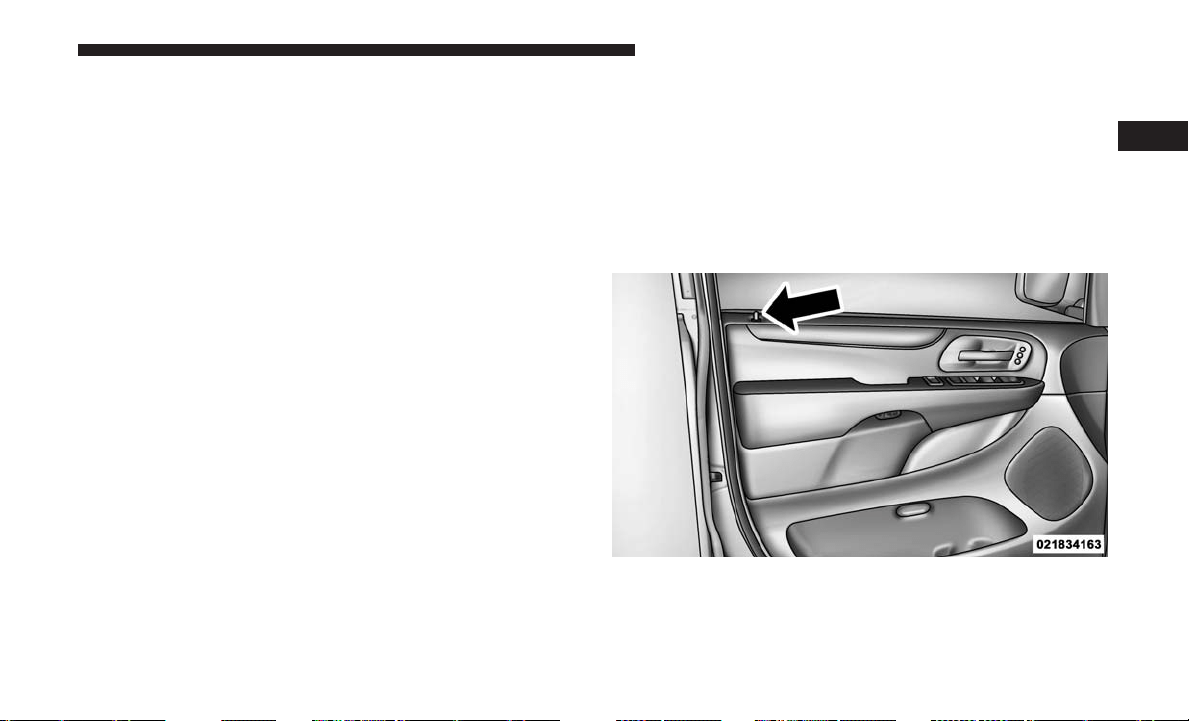
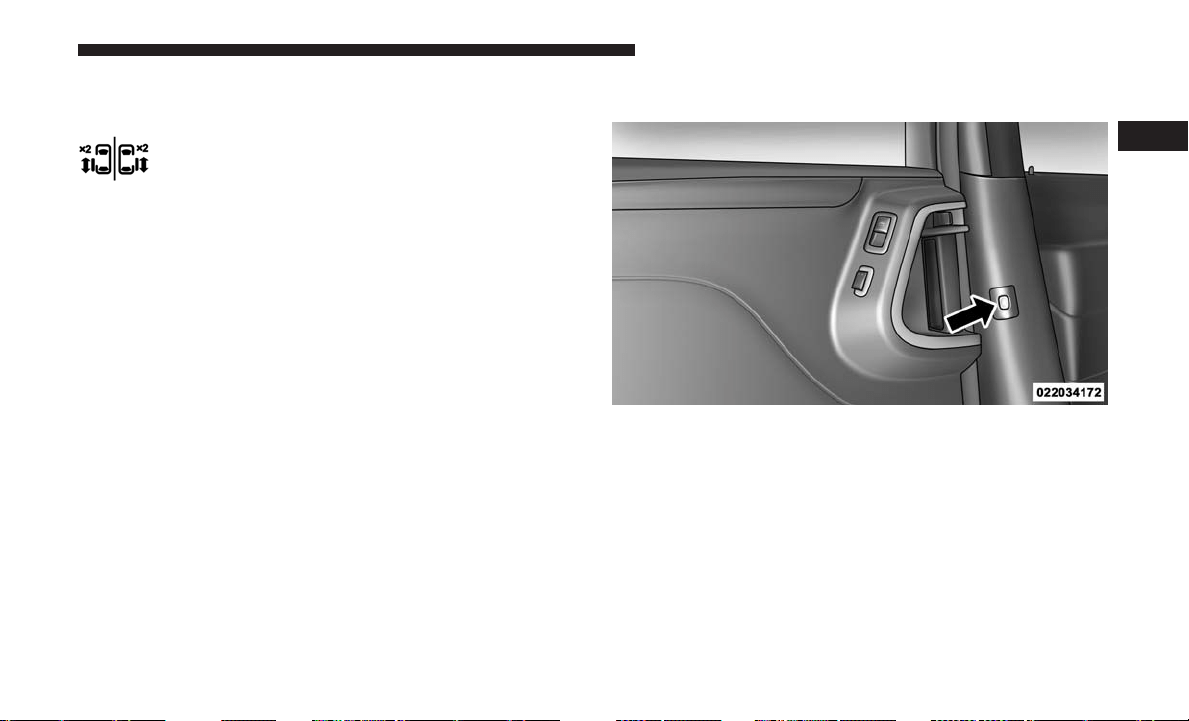
There are power sliding side door switches located on the
B-pillar trim panel, just in front of the power sliding door
for the rear seat passengers and in the overhead console for
the driver and passengers. Pushing the switch once will
open the power sliding door. If the switch is pushed while
the door is under a power cycle, the door will reverse
direction.
NOTE: The power sliding side door must be unlocked
before the power sliding door switches will operate.
If the inside or outside door handles are used while the
power sliding side door is activated, the power sliding
door feature will be canceled and will go into manual
mode.
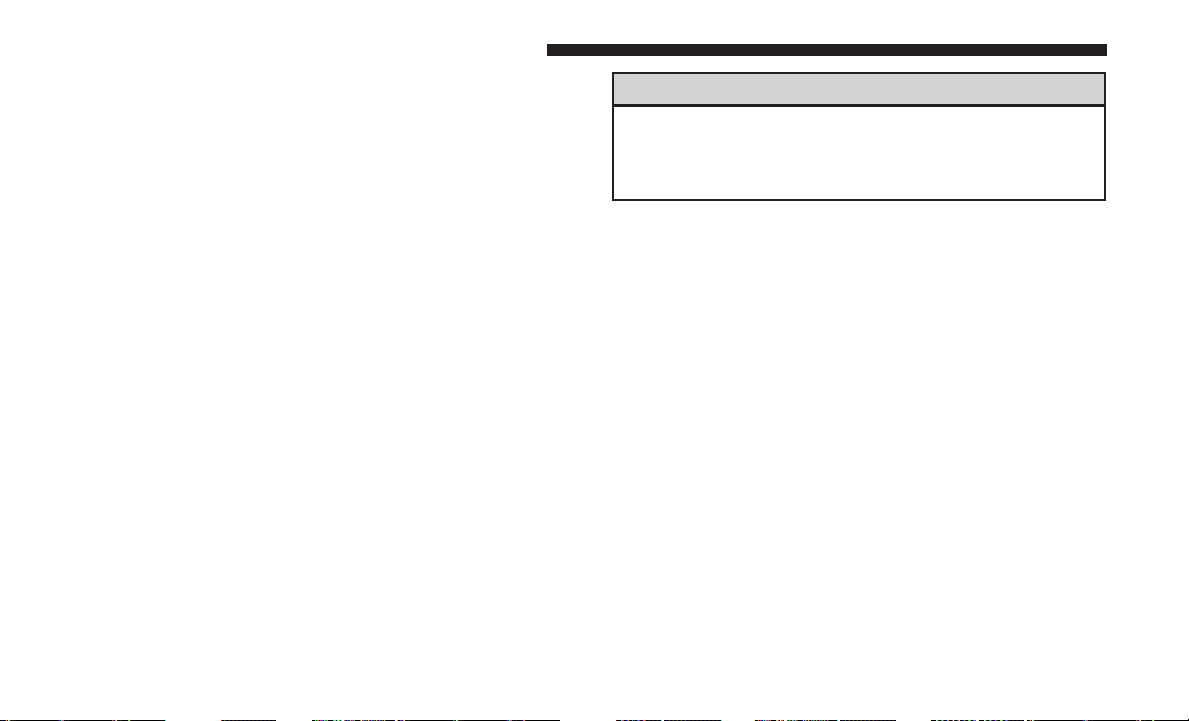
To avoid unintentional operation of the power sliding doors
from the rear seats, push the power sliding door master lock
button, located in the overhead console, to disable the
switches and handles for the rear seat passengers.
Power Sliding Door Switch
2
THINGS TO KNOW BEFORE STARTING YOUR VEHICLE 35
NOTE:
• The power sliding side door switches will not open the
power sliding door if the gear selector is in gear or the
vehicle speed is above 0 mph (0 km/h). To close the
power sliding door with the gear selector in gear and
vehicle speed at 0 mph (0 km/h), the brake must be
pushed.
• If anything obstructs the power sliding side door while
it is closing or opening, the door will automatically
reverse to the closed or open position, provided it meets
sufficient resistance.
• If the power sliding side door is not in the full open or
close position, it will fully open when a power sliding
door switch is pushed. To close the door, wait until it is
fully open and then push the switch again.
• If the power sliding door encounters multiple obstruc-
tions within the same cycle, the system will automati-
cally stop, the power sliding door motor will make a
clicking sound until the door has no further movement.
This clicking sound can be stopped by pulling the inside
or outside handle. If this condition occurs, no damage is
done to the power sliding door motor. The power sliding
door must be opened or closed manually.
WARNING!
You, or others, could be injured if caught in the path of
the sliding door. Make sure the door path is clear
before closing the door.
Power Sliding Side Door Open Flash
The left and right exterior hazard lights will flash for
12 seconds when either sliding door is opened. This will
alert other drivers in the area that passenger(s) could be
entering or exiting the vehicle.
The Sliding Side Door Open Flash can be enabled or
disabled by performing the following procedure:
1. Place the key fob in the ignition.
2.
Cycle the ignition from OFF to ON/RUN five times
ending in the ON/RUN position (do not start the engine).
36 THINGS TO KNOW BEFORE STARTING YOUR VEHICLE
3. Within 10 seconds of the final cycle, push the HAZARD
switch ON.
4. A single chime will sound to signify that you have
successfully completed the programming.
You can turn the feature back on by repeating the previous
procedure.
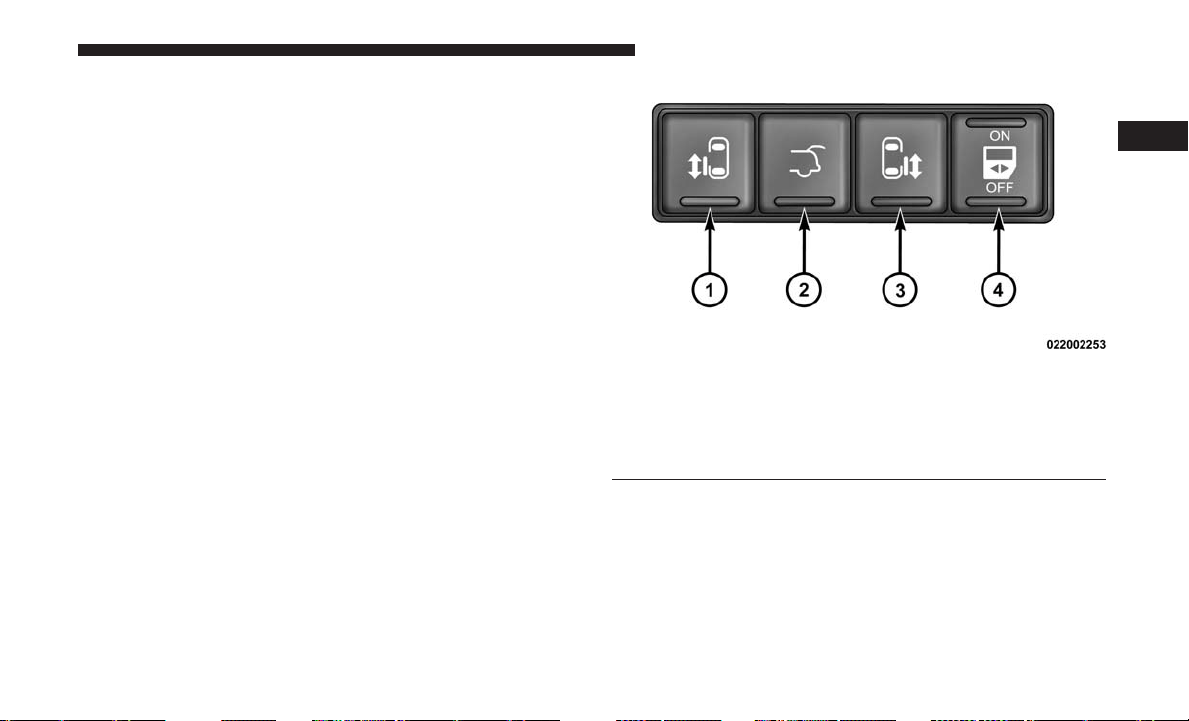
Power Sliding Side Door Power Switch
To provide a safer environment for small children riding in
the rear seats, the second row sliding door switches and
handles may be overridden by pushing the OFF side of the
Power Switch located in the front overhead console.
When the power sliding door power switch is in the OFF
position, the power sliding side door may not be opened or
closed by pushing the switch located on the B-pillar trim
panel, just in front of the sliding door or activating the
inside power sliding door handle.
Overhead Console Power Sliding Door Power Switch
1 — Left Sliding Door
2 — Liftgate
3 — Right Sliding Door
4 — Power Switch
2
THINGS TO KNOW BEFORE STARTING YOUR VEHICLE 37
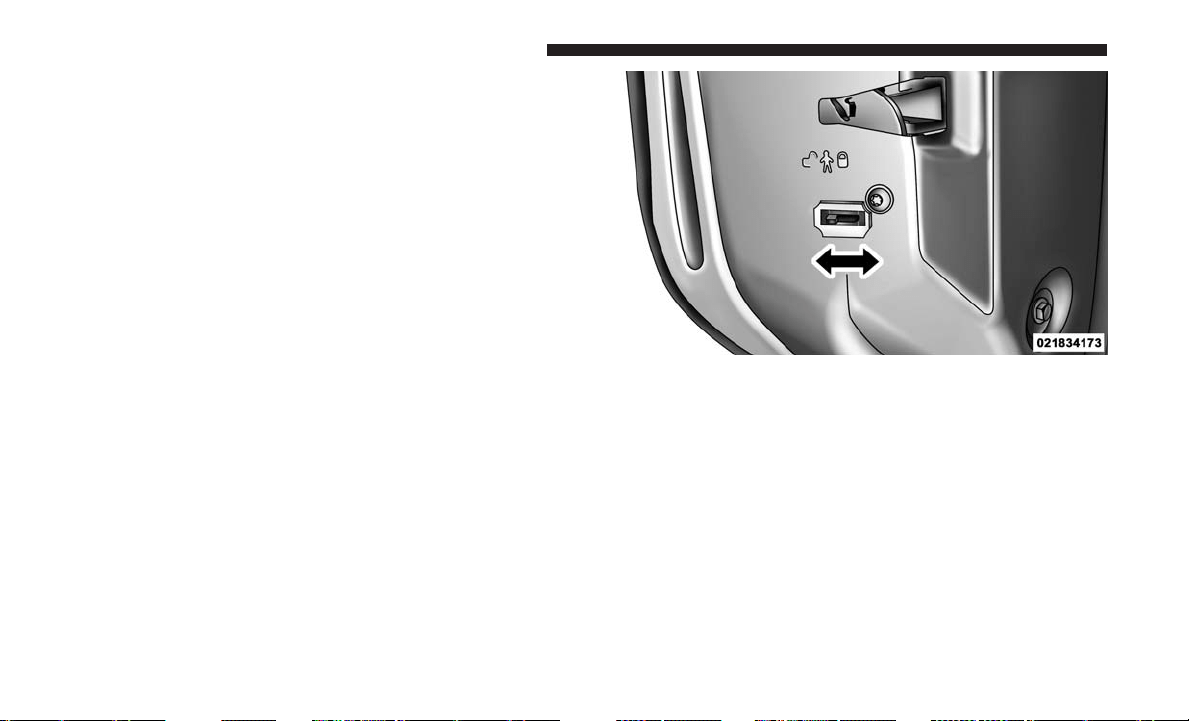
Sliding Side Door Child Protection Lock
To provide a safer environment for small children riding in
the rear seats, the sliding doors are equipped with a Child
Protection Door Lock system.
NOTE: When the Child Protection Door Lock system is
engaged, the door can be opened only by using the outside
door handle even though the inside door lock is in the
unlocked position.
To Engage The Child Protection Door Lock
1. Open the sliding side door.
2. Slide the Child Protection Door Lock control inward
(toward the vehicle) to engage the Child Protection Door
Lock.
3. Repeat Steps 1 and 2 on the opposite sliding door.
NOTE:
• After engaging the Child Protection Door Lock, always
test the door from the inside to make certain it is in the
desired position.
• When the Child Protection Door Lock system is en-
gaged, (even if the inside door lock is in the unlocked
position) the door can be opened only by using the
outside door handle, the key fob, the switches on the
overhead console or the switches located on the trim
panel just in front of the power sliding door.
Child Protection Door Lock
38 THINGS TO KNOW BEFORE STARTING YOUR VEHICLE
•
The power sliding side door will operate from the
switches located on the B-pillar trim panel, just in front of
the power sliding door, regardless of the Child Protection
Door Lock lever position. To avoid unintentional opera-
tion of the power sliding door from the rear seats, push
the “OFF” Master Lock Out Switch located in the front
overhead console, next to the driver.
WARNING!
Avoid trapping anyone in the vehicle in a collision.
Remember that the sliding doors can only be opened
from the outside door handle or the switches located
on the B-Pillar trim panel just in front of the power
sliding door when the Child Protection Door Locks are
engaged.
To Disengage The Child Protection Door Lock
1. Open the sliding side door.
2. Slide the Child Protection Door Lock control outward
(away from the vehicle) to disengage the Child Protec-
tion Door Lock.
3. Repeat Steps 1 and 2 on the opposite sliding door (if
equipped).
NOTE:
• After setting the Child Protection Door Lock system,
always test the door from the inside to make certain it is
in the desired position.
• The power sliding side door switches will not open the
power sliding doors if the vehicle is in gear or the
vehicle speed is above 0 mph (0 km/h).
• The power sliding door will operate from the outside
door handle, the key fob, the switches on the overhead
console, or the switches located on the B-pillar trim
panel, just in front of the power sliding door when the
gear selector is in PARK, regardless of the child lock
lever position.
2
THINGS TO KNOW BEFORE STARTING YOUR VEHICLE 39
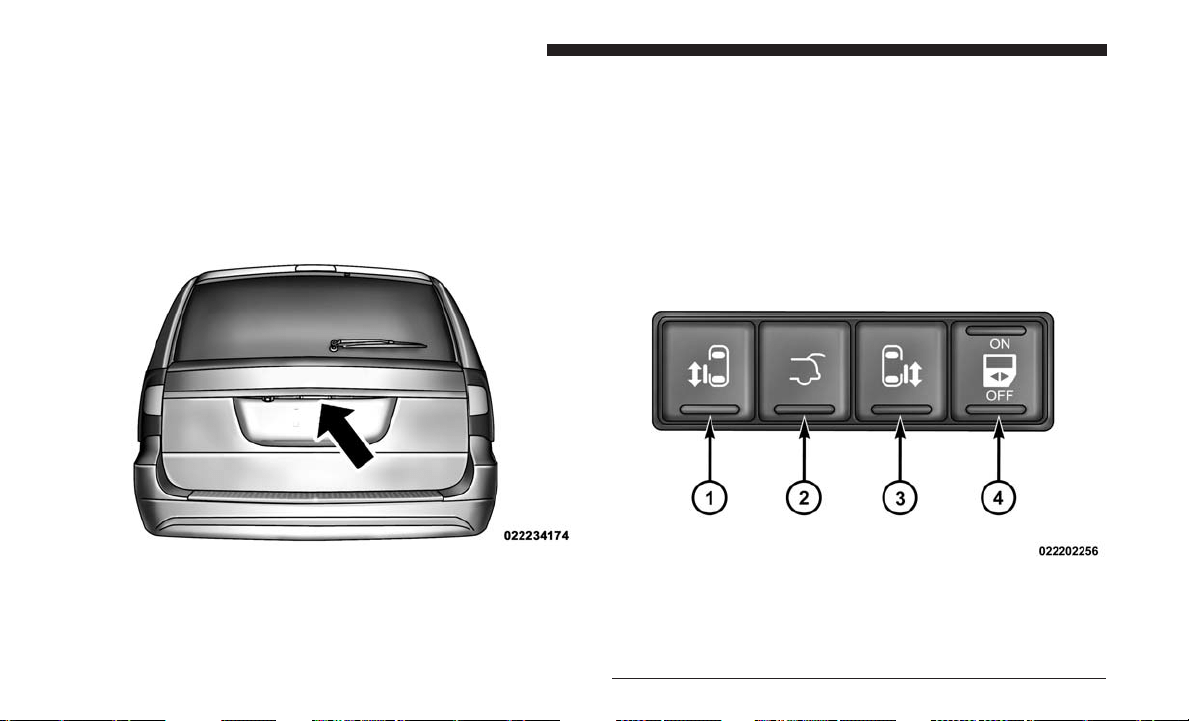
LIFTGATE
On vehicles equipped with power locks, the liftgate can be
unlocked using the key fob button, or by activating the
power door lock switches located on the front doors.
To open the liftgate, push the liftgate release handle located
on the underside of the license plate bar and pull the
liftgate open with one fluid motion.
Power Liftgate — If Equipped
The power liftgate may be opened manually or by using
the button on the key fob. Push the button on the key fob
twice within five seconds, to open the power liftgate. When
the liftgate is fully open, pushing the button twice within
five seconds, a second time, will close the liftgate.
The power liftgate may also be opened and closed by
pushing the button located on the overhead console.
Liftgate Handle Location
Overhead Console Master Power Switch
1 — Left Sliding Door
2 — Liftgate
3 — Right Sliding Door
4 — Power Switch
40 THINGS TO KNOW BEFORE STARTING YOUR VEHICLE
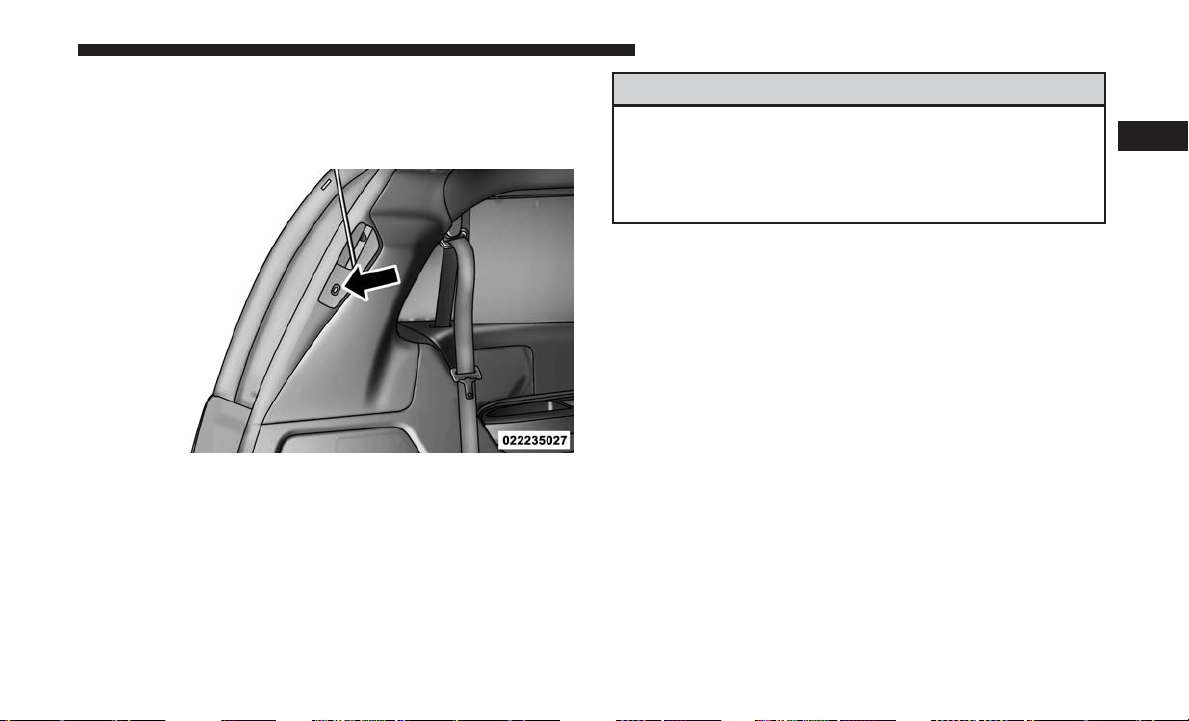
The power liftgate may be closed by pushing the button,
located in the upper left trim in the liftgate opening.
Pushing once will only close the liftgate. This button
cannot be used to open the liftgate.
When the key fob button is pushed and the Flash Lights
feature is enabled, the tail lights will flash and several
audible beeps will occur to signal that the liftgate is opening
or closing.
WARNING!
During power operation, personal injury or cargo
damage may occur. Ensure the liftgate travel path is
clear. Make sure the liftgate is closed and latched
before driving away.
NOTE:
• If anything obstructs the power liftgate while it is
closing or opening, the liftgate will automatically re-
verse to the closed or open position, provided it meets
sufficient resistance.
•
There are also pinch sensors attached to the side of the
liftgate opening. Light pressure anywhere along these
strips will cause the liftgate to return to the open position.
• During power operation, whether liftgate is fully open
or fully closed, the liftgate chime will beep several times
indicating power operation is in progress.
• The power liftgate must be in the full open or close
positions for any of the buttons to operate. If the liftgate
is not in the full open or close positions, it must be
opened or closed manually.
Rear Power Liftgate Switch
2
THINGS TO KNOW BEFORE STARTING YOUR VEHICLE 41
• If the liftgate release button is activated while the power
liftgate is closing, the liftgate will reverse to the full open
position.
• The power liftgate buttons will not operate if the gear
selector is in gear or the vehicle speed is above 0 mph
(0 km/h).
• The power liftgate will not operate in temperatures
below −12°F (−24°C) or temperatures above 143°F
(62°C). Be sure to remove any buildup of snow or ice
from the liftgate before pushing any of the power liftgate
buttons.
• If the power liftgate encounters multiple obstructions
within the same cycle, the system will automatically
stop and must be opened or closed manually.
• In the event of a power malfunction to the liftgate, an
emergency liftgate latch release can be used to open the
liftgate. The emergency liftgate latch release can be
accessed through a snap-in cover located on the liftgate
trim panel.
• If the liftgate is left open for an extended period of time,
the liftgate may need to be closed manually to reset
power liftgate functionality.
WARNING!
• Driving with the liftgate open can allow poisonous
exhaust gases into your vehicle. You and your pas-
sengers could be injured by these fumes. Keep the
liftgate closed when you are operating the vehicle.
• If you are required to drive with the liftgate open,
make sure that all windows are closed, and the
climate control blower switch is set at high speed.
Do not use the recirculation mode.
Gas props support the liftgate in the open position. How-
ever, because the gas pressure drops with temperature, it
may be necessary to assist the props when opening the
liftgate in cold weather.
OCCUPANT RESTRAINT SYSTEMS
Some of the most important safety features in your vehicle
are the restraint systems:
Occupant Restraint Systems Features
• Seat Belt Systems
• Supplemental Restraint Systems (SRS) Air Bags
42 THINGS TO KNOW BEFORE STARTING YOUR VEHICLE

• Supplemental Active Head Restraints
• Child Restraints
Some of the safety features described in this section may be
standard equipment on some models, or may be optional
equipment on others. If you are not sure, ask your autho-
rized dealer.
Important Safety Precautions
Please pay close attention to the information in this section.
It tells you how to use your restraint system properly, to
keep you and your passengers as safe as possible.
Here are some simple steps you can take to minimize the
risk of harm from a deploying air bag:
1. Children 12 years old and under should always ride
buckled up in a vehicle with a rear seat.
2. If a child from 2 to 12 years old (not in a rear-facing child
restraint) must ride in the front passenger seat, move the
seat as far back as possible and use the proper child
restraint (refer to “Child Restraints” in this section for
further information).
3. Children that are not big enough to wear the vehicle seat
belt properly (refer to “Child Restraints” in this section
for further information) should be secured in a vehicle
with a rear seat in child restraints or belt-positioning
booster seats. Older children who do not use child
restraints or belt-positioning booster seats should ride
properly buckled up in a vehicle with a rear seat.
4. Never allow children to slide the shoulder belt behind
them or under their arm.
5. You should read the instructions provided with your
child restraint to make sure that you are using it
properly.
6. All occupants should always wear their lap and shoul-
der belts properly.
7. The driver and front passenger seats should be moved
back as far as practical to allow the front air bags room
to inflate.
8. Do not lean against the door or window. If your vehicle
has side air bags, and deployment occurs, the side air
bags will inflate forcefully into the space between occu-
pants and the door and occupants could be injured.
9. If the air bag system in this vehicle needs to be modified
to accommodate a disabled person, refer to the “If You
Need Consumer Assistance” section for customer ser-
vice contact information.
2
THINGS TO KNOW BEFORE STARTING YOUR VEHICLE 43
WARNING!
• Never place a rear-facing child restraint in front of an
air bag. A deploying passenger front air bag can
cause death or serious injury to a child 12 years
or younger, including a child in a rear-facing child
restraint.
• Only use a rear-facing child restraint in a vehicle
with a rear seat.
Seat Belt Systems
Buckle up even though you are an excellent driver, even on
short trips. Someone on the road may be a poor driver and
could cause a collision that includes you. This can happen
far away from home or on your own street.
Research has shown that seat belts save lives, and they can
reduce the seriousness of injuries in a collision. Some of the
worst injuries happen when people are thrown from the
vehicle. Seat belts reduce the possibility of ejection and the
risk of injury caused by striking the inside of the vehicle.
Everyone in a motor vehicle should be belted at all times.
Enhanced Seat Belt Use Reminder System (BeltAlert)
Driver And Passenger BeltAlert — If Equipped
BeltAlert is a feature intended to remind the driver
and outboard front seat passenger (if equipped with
outboard front passenger seat BeltAlert) to buckle their
seat belts. The Belt Alert feature is active whenever the
ignition switch is in the START or ON/RUN position.
Initial Indication
If the driver is unbuckled when the ignition switch is first
in the START or ON/RUN position, a chime will signal for
a few seconds. If the driver or outboard front seat passen-
ger (if equipped with outboard front passenger seat
BeltAlert) is unbuckled when the ignition switch is first in
the START or ON/RUN position the Seat Belt Reminder
Light will turn on and remain on until both outboard front
seat belts are buckled. The outboard front passenger seat
BeltAlert is not active when an outboard front passenger
seat is unoccupied.
BeltAlert Warning Sequence
The BeltAlert warning sequence is activated when the
vehicle is moving above a specified vehicle speed range
44 THINGS TO KNOW BEFORE STARTING YOUR VEHICLE

and the driver or outboard front seat passenger is un-
buckled (if equipped with outboard front passenger seat
BeltAlert) (the outboard front passenger seat BeltAlert is
not active when the outboard front passenger seat is
unoccupied). The BeltAlert warning sequence starts by
blinking the Seat Belt Reminder Light and sounding an
intermittent chime. Once the BeltAlert warning sequence
has completed, the Seat Belt Reminder Light will remain on
until the seat belts are buckled. The BeltAlert warning
sequence may repeat based on vehicle speed until the
driver and occupied outboard front seat passenger seat
belts are buckled. The driver should instruct all occupants
to buckle their seat belts.
Change Of Status
If the driver or outboard front seat passenger (if equipped
with outboard front passenger seat BeltAlert) unbuckles
their seat belt while the vehicle is traveling, the BeltAlert
warning sequence will begin until the seat belts are buck-
led again.
The outboard front passenger seat BeltAlert is not active
when the outboard front passenger seat is unoccupied.
BeltAlert may be triggered when an animal or other items
are placed on the outboard front passenger seat or when
the seat is folded flat (if equipped). It is recommended that
pets be restrained in the rear seat (if equipped) in pet
harnesses or pet carriers that are secured by seat belts, and
cargo is properly stowed.
BeltAlert can be activated or deactivated by your autho-
rized dealer. FCA US LLC does not recommend deactivat-
ing BeltAlert.
NOTE: If BeltAlert has been deactivated and the driver or
outboard front seat passenger (if equipped with outboard
front passenger seat BeltAlert) is unbuckled the Seat Belt
Reminder Light will turn on and remain on until the driver
and outboard front seat passenger seat belts are buckled.
Lap/Shoulder Belts
All seating positions in your vehicle are equipped with
lap/shoulder belts.
The seat belt webbing retractor will lock only during very
sudden stops or collisions. This feature allows the shoulder
part of the seat belt to move freely with you under normal
conditions. However, in a collision the seat belt will lock
and reduce your risk of striking the inside of the vehicle or
being thrown out of the vehicle.
2
THINGS TO KNOW BEFORE STARTING YOUR VEHICLE 45
WARNING!
• Relying on the air bags alone could lead to more
severe injuries in a collision. The air bags work with
your seat belt to restrain you properly. In some
collisions, the air bags won’t deploy at all. Always
wear your seat belt even though you have air bags.
• In a collision, you and your passengers can suffer
much greater injuries if you are not properly buckled
up. You can strike the interior of your vehicle or
other passengers, or you can be thrown out of the
vehicle. Always be sure you and others in your
vehicle are buckled up properly.
• It is dangerous to ride in a cargo area, inside or
outside of a vehicle. In a collision, people riding in
these areas are more likely to be seriously injured or
killed.
• Do not allow people to ride in any area of your
vehicle that is not equipped with seats and seat belts.
• Be sure everyone in your vehicle is in a seat and
using a seat belt properly. Occupants, including the
driver, should always wear their seat belts whether
or not an air bag is also provided at their seating
(Continued)
WARNING! (Continued)
position to minimize the risk of severe injury or
death in the event of a crash.
• Wearing your seat belt incorrectly could make your
injuries in a collision much worse. You might suffer
internal injuries, or you could even slide out of the
seat belt. Follow these instructions to wear your seat
belt safely and to keep your passengers safe, too.
• Two people should never be belted into a single seat
belt. People belted together can crash into one an-
other in a collision, hurting one another badly. Never
use a lap/shoulder belt or a lap belt for more than one
person, no matter what their size.
WARNING!
• A lap belt worn too high can increase the risk of
injury in a collision. The seat belt forces won’t be at
the strong hip and pelvic bones, but across your
abdomen. Always wear the lap part of your seat belt
as low as possible and keep it snug.
•
A twisted seat belt may not protect you properly. In a
collision, it could even cut into you. Be sure the seat
(Continued)
46 THINGS TO KNOW BEFORE STARTING YOUR VEHICLE

WARNING! (Continued)
belt is flat against your body, without twists. If you
can’t straighten a seat belt in your vehicle, take it to
your authorized dealer immediately and have it fixed.
• A seat belt that is buckled into the wrong buckle will
not protect you properly. The lap portion could ride
too high on your body, possibly causing internal
injuries. Always buckle your seat belt into the
buckle nearest you.
• A seat belt that is too loose will not protect you
properly. In a sudden stop, you could move too far
forward, increasing the possibility of injury. Wear
your seat belt snugly.
• A seat belt that is worn under your arm is dangerous.
Your body could strike the inside surfaces of the
vehicle in a collision, increasing head and neck
injury. A seat belt worn under the arm can cause
internal injuries. Ribs aren’t as strong as shoulder
bones. Wear the seat belt over your shoulder so that
your strongest bones will take the force in a collision.
• A shoulder belt placed behind you will not protect
you from injury during a collision. You are more
likely to hit your head in a collision if you do not
(Continued)
WARNING! (Continued)
wear your shoulder belt. The lap and shoulder belt
are meant to be used together.
• A frayed or torn seat belt could rip apart in a collision
and leave you with no protection. Inspect the seat
belt system periodically, checking for cuts, frays, or
loose parts. Damaged parts must be replaced imme-
diately. Do not disassemble or modify the seat belt
system. Seat belt assemblies must be replaced after a
collision.
Lap/Shoulder Belt Operating Instructions
1. Enter the vehicle and close the door. Sit back and adjust
the seat.
2. The seat belt latch plate is above the back of the front
seat, and next to your arm in the rear seat (for vehicles
equipped with a rear seat). Grasp the latch plate and
pull out the seat belt. Slide the latch plate up the
webbing as far as necessary to allow the seat belt to go
around your lap.
2
THINGS TO KNOW BEFORE STARTING YOUR VEHICLE 47
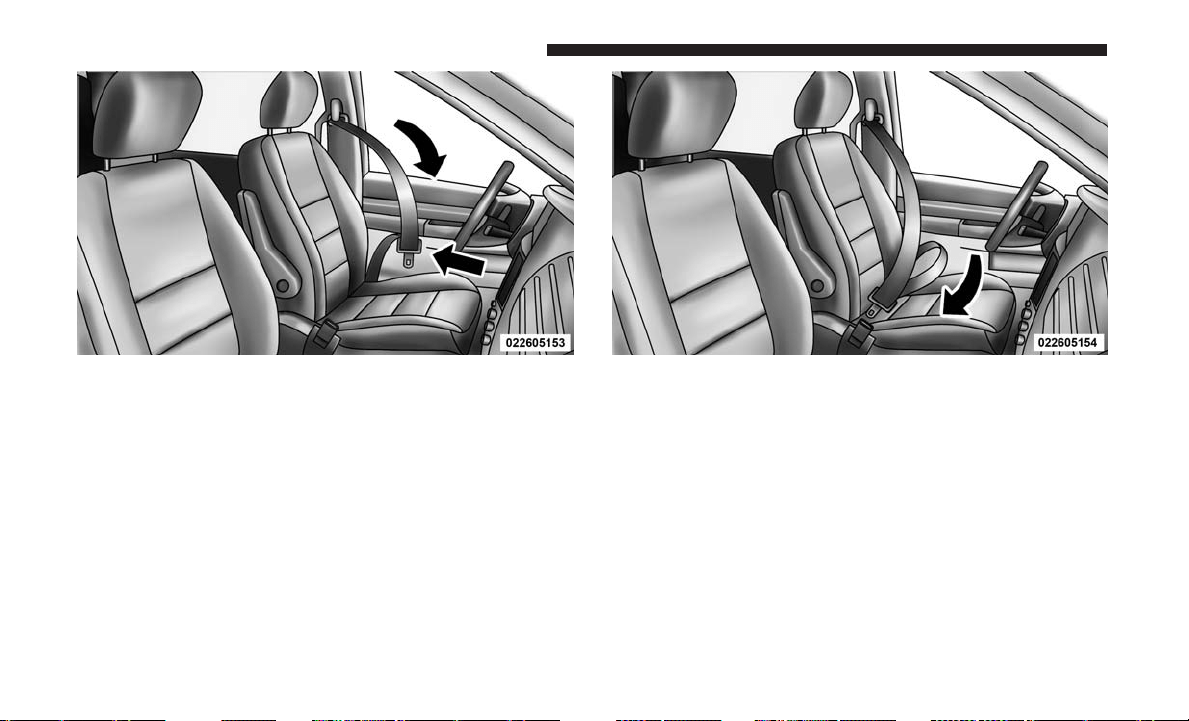
3. When the seat belt is long enough to fit, insert the latch
plate into the buckle until you hear a “click.”
4. Position the lap belt so that it is snug and lies low across
your hips, below your abdomen. To remove slack in the
lap belt portion, pull up on the shoulder belt. To loosen
the lap belt if it is too tight, tilt the latch plate and pull
on the lap belt. A snug seat belt reduces the risk of
sliding under the seat belt in a collision.
Pulling Out The Latch Plate Inserting Latch Plate Into Buckle
48 THINGS TO KNOW BEFORE STARTING YOUR VEHICLE
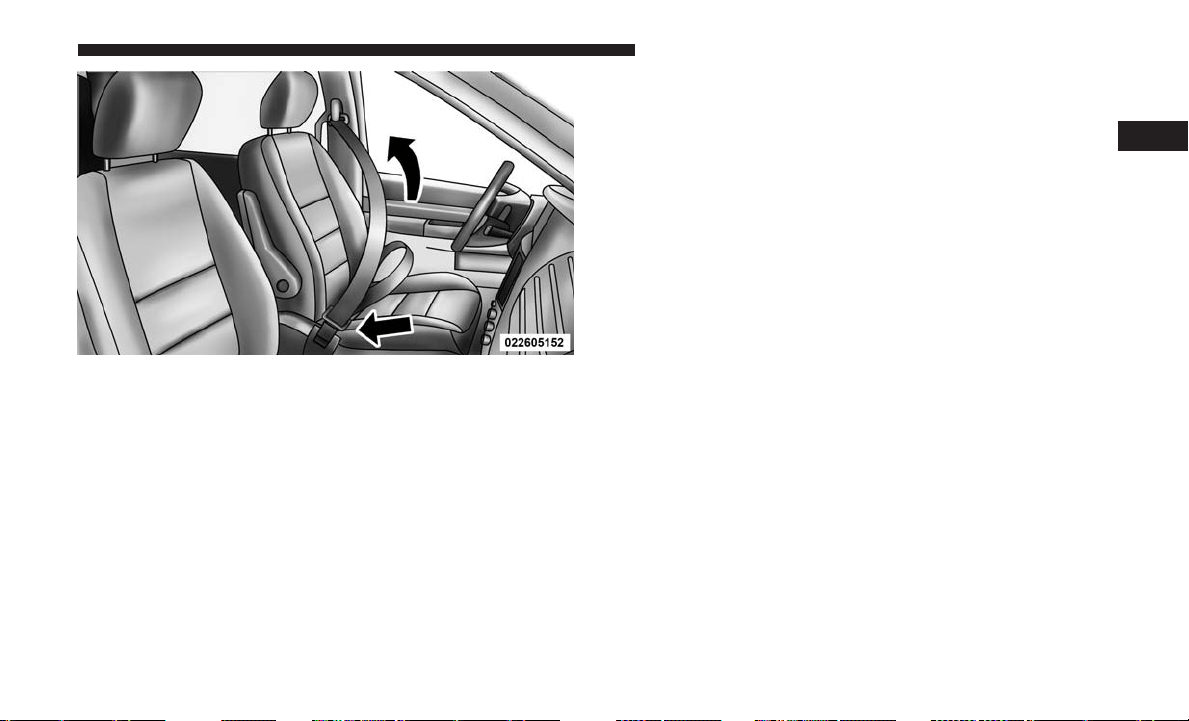
5. Position the shoulder belt across the shoulder and chest
with minimal, if any slack so that it is comfortable and
not resting on your neck. The retractor will withdraw
any slack in the shoulder belt.
6. To release the seat belt, push the red button on the
buckle. The seat belt will automatically retract to its
stowed position. If necessary, slide the latch plate down
the webbing to allow the seat belt to retract fully.
Lap/Shoulder Belt Untwisting Procedure
Use the following procedure to untwist a twisted lap/
shoulder belt.
1. Position the latch plate as close as possible to the anchor
point.
2. At about 6 to 12 inches (15 to 30 cm) above the latch
plate, grasp and twist the seat belt webbing 180 degrees
to create a fold that begins immediately above the latch
plate.
3. Slide the latch plate upward over the folded webbing.
The folded webbing must enter the slot at the top of the
latch plate.
4. Continue to slide the latch plate up until it clears the
folded webbing and the seat belt is no longer twisted.
Positioning The Lap Belt
2
THINGS TO KNOW BEFORE STARTING YOUR VEHICLE 49
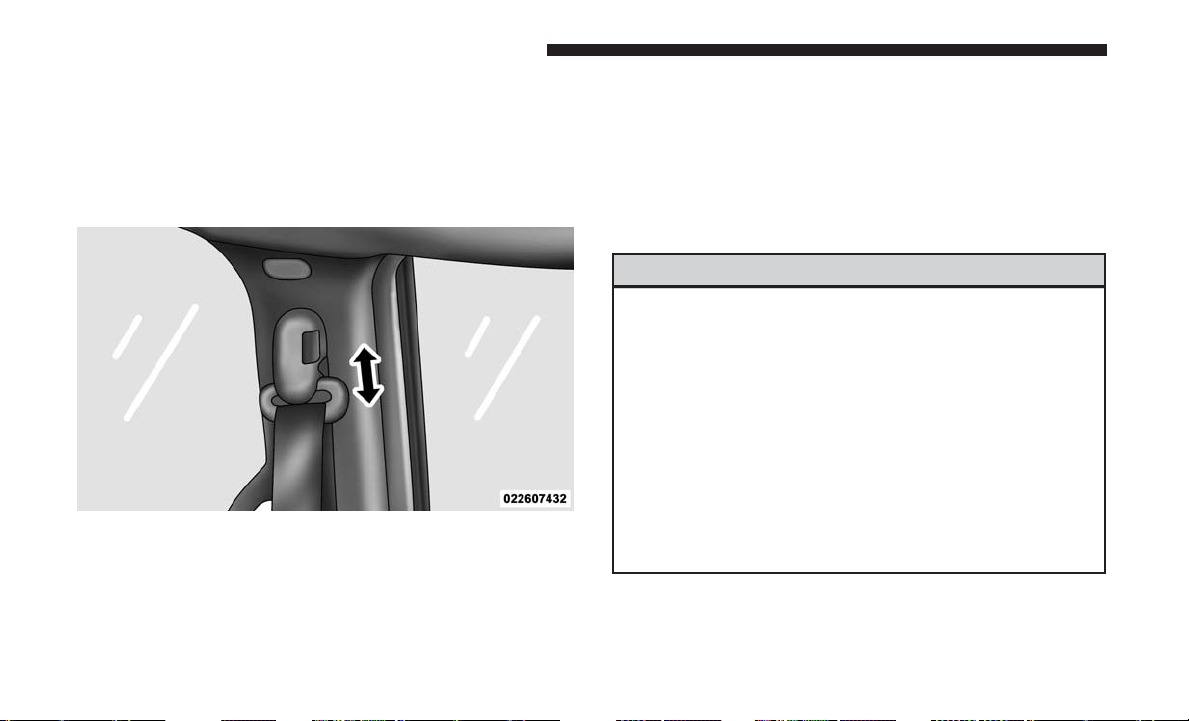
Adjustable Upper Shoulder Belt Anchorage
In the front and second row outboard seats the shoulder
belt can be adjusted upward or downward to position the
seat belt away from your neck. Push or squeeze the
anchorage button to release the anchorage, and move it up
or down to the position that serves you best.
As a guide, if you are shorter than average, you will prefer
the shoulder belt anchorage in a lower position, and if you
are taller than average, you will prefer the shoulder belt
anchorage in a higher position. After you release the
anchorage button, try to move it up or down to make sure
that it is locked in position.
NOTE: The adjustable upper shoulder belt anchorage is
equipped with an Easy Up feature. This feature allows the
shoulder belt anchorage to be adjusted in the upward
position without pushing or squeezing the release button.
To verify the shoulder belt anchorage is latched, pull
downward on the shoulder belt anchorage until it is locked
into position.
WARNING!
• Wearing your seat belt incorrectly could make your
injuries in a collision much worse. You might suffer
internal injuries, or you could even slide out of the
seat belt. Follow these instructions to wear your seat
belt safely and to keep your passengers safe, too.
• Position the shoulder belt across the shoulder and
chest with minimal, if any slack so that it is comfort-
able and not resting on your neck. The retractor will
withdraw any slack in the shoulder belt.
• Misadjustment of the seat belt could reduce the
effectiveness of the safety belt in a crash.
Adjustable Anchorage
50 THINGS TO KNOW BEFORE STARTING YOUR VEHICLE
Second Row Center (If Equipped) and Third Row
Center Seat Belt Operating Instructions
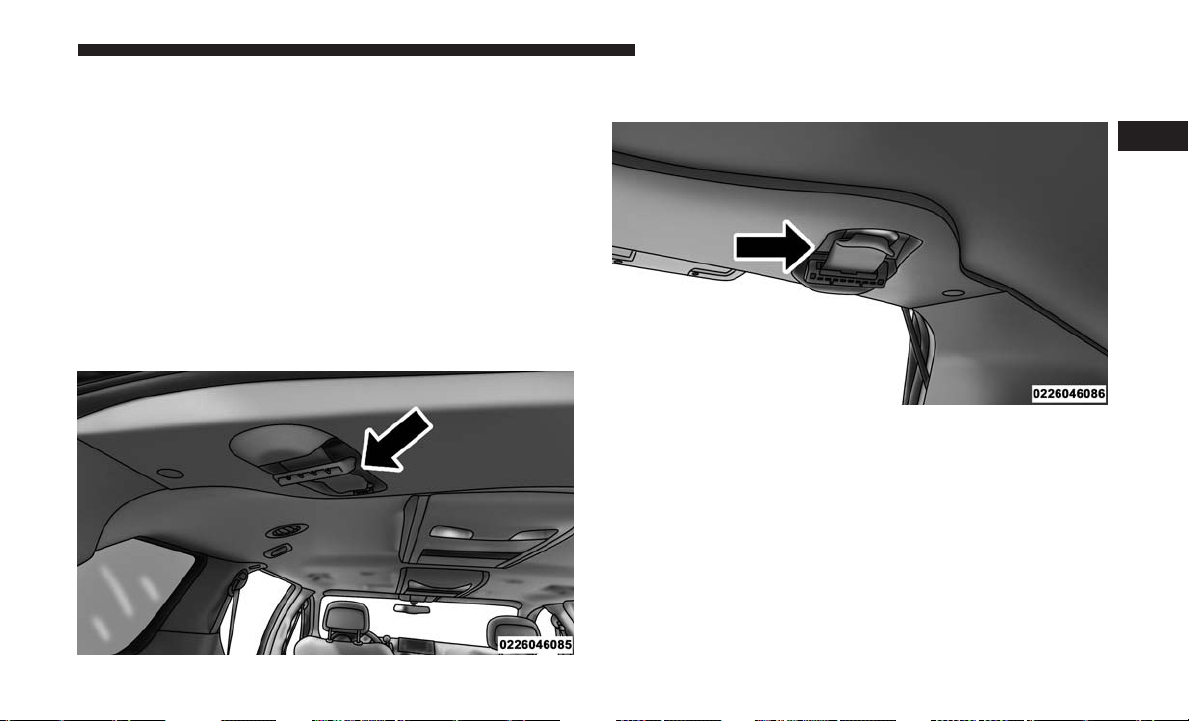
The second row center (if equipped) and third row center seat
belts features a seat belt with a mini-latch plate and buckle,
which allows the seat belt to detach from the lower anchor
when the seat is folded. The mini-latch plate and regular latch
plate can then be stored out of the way in the headliner for
added convenience to open up utilization of the storage areas
behind the front seats when the seat is not occupied.
1. Remove the mini-latch plate and regular latch plate
from its stowed position in the headliner slightly behind
the second or third row seat.
2. Grasp the mini-latch plate and pull the seat belt over the
seat.
Mini-Latch Stowage
Mini-Latch Stowage
2
THINGS TO KNOW BEFORE STARTING YOUR VEHICLE 51

3. Route the shoulder belt to the inside of the left head
restraint.
4. When the seat belt is long enough to fit, insert the
mini-latch plate into the mini-buckle until you hear a
“click.”
5. Sit back in seat. Slide the regular latch plate up the
webbing as far as necessary to allow the seat belt to go
around your lap.
Mini-Latch And Buckle Connected
Connect Mini-Latch To Buckle
52 THINGS TO KNOW BEFORE STARTING YOUR VEHICLE
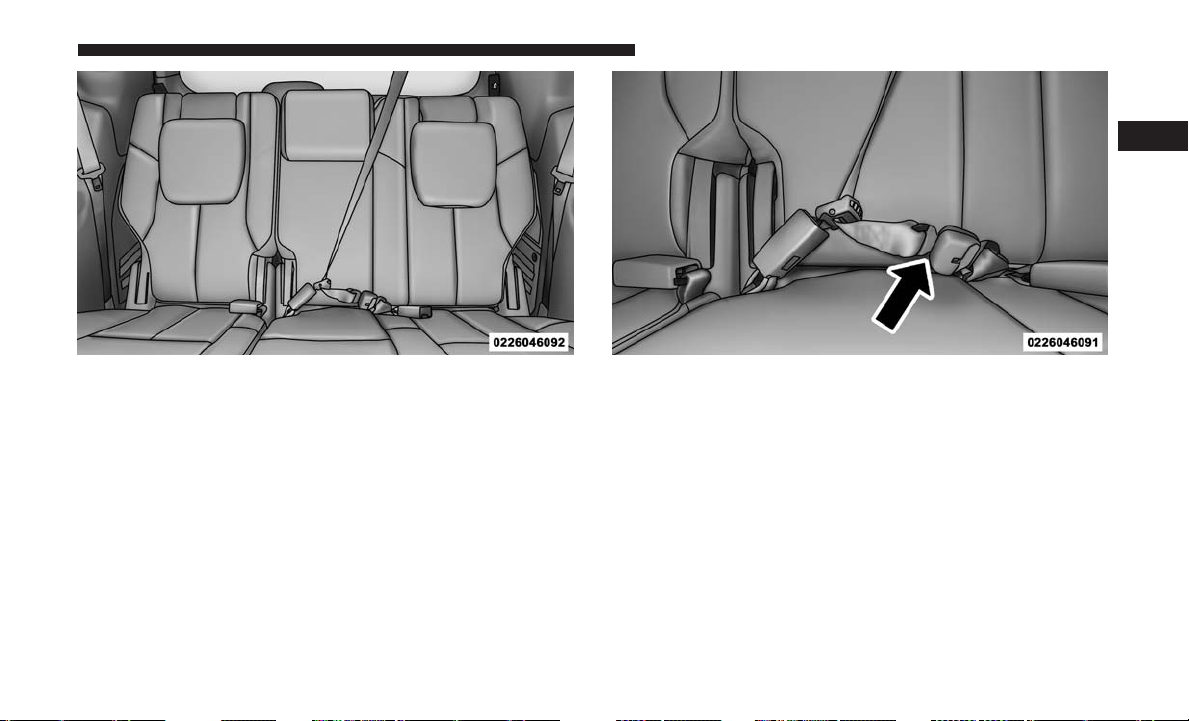
6. When the seat belt is long enough to fit, insert the latch
plate into the buckle until you hear a “click.”
7. Position the lap belt so that it is snug and lies low across
your hips, below your abdomen. To remove slack in the
lap belt portion, pull up on the shoulder belt. To loosen
the lap belt if it is too tight, pull on the lap belt. A snug
seat belt reduces the risk of sliding under the seat belt in
a collision.
8. Position the shoulder belt on your chest so that it is
comfortable and not resting on your neck. The retractor
will withdraw any slack in the seat belt.
Rear Center Seat Belt Buckled Rear Center Seat Belt Buckled
2
THINGS TO KNOW BEFORE STARTING YOUR VEHICLE 53
9.
To release the seat belt, push the red button on the buckle.
10. To disengage the mini-latch plate from the mini-buckle
for storage, insert the regular latch plate into the center
red slot on the mini-buckle. The seat belt will automati-
cally retract to its stowed position. If necessary, slide
the latch plate down the webbing to allow the seat belt
to retract fully. Insert the mini-latch plate and regular
latch plate into its stowed position.
WARNING!
• If the mini-latch plate and mini-buckle are not prop-
erly connected when the seat belt is used by an
occupant, the seat belt will not be able to provide
proper restraint and will increase the risk of injury in
a collision.
• When reattaching the mini-latch plate and mini-
buckle, ensure the seat belt webbing is not twisted.
If the webbing is twisted, follow the preceding
procedure to detach the mini-latch plate and mini-
buckle, untwist the webbing, and reattach the mini-
latch plate and mini-buckle.
Seat Belt Extender
If a seat belt is not long enough to fit properly, even when
the webbing is fully extended and the adjustable upper
shoulder belt anchorage (if equipped) is in its lowest
position, your authorized dealer can provide you with a
Seat Belt Extender. The Seat Belt Extender should be used
only if the existing seat belt is not long enough. When the
Seat Belt Extender is not required for a different occupant,
it must be removed.
WARNING!
• ONLY use a Seat Belt Extender if it is physically
required in order to properly fit the original seat belt
system. DO NOT USE the Seat Belt Extender if,
when worn, the distance between the front edge of
the Seat Belt Extender buckle and the center of the
occupant’s body is LESS than 6 inches.
• Using a Seat Belt Extender when not needed can
increase the risk of serious injury or death in a
collision. Only use the Seat Belt Extender when the
lap belt is not long enough and only use in the
recommended seating positions. Remove and store
the Seat Belt Extender when not needed.
54 THINGS TO KNOW BEFORE STARTING YOUR VEHICLE
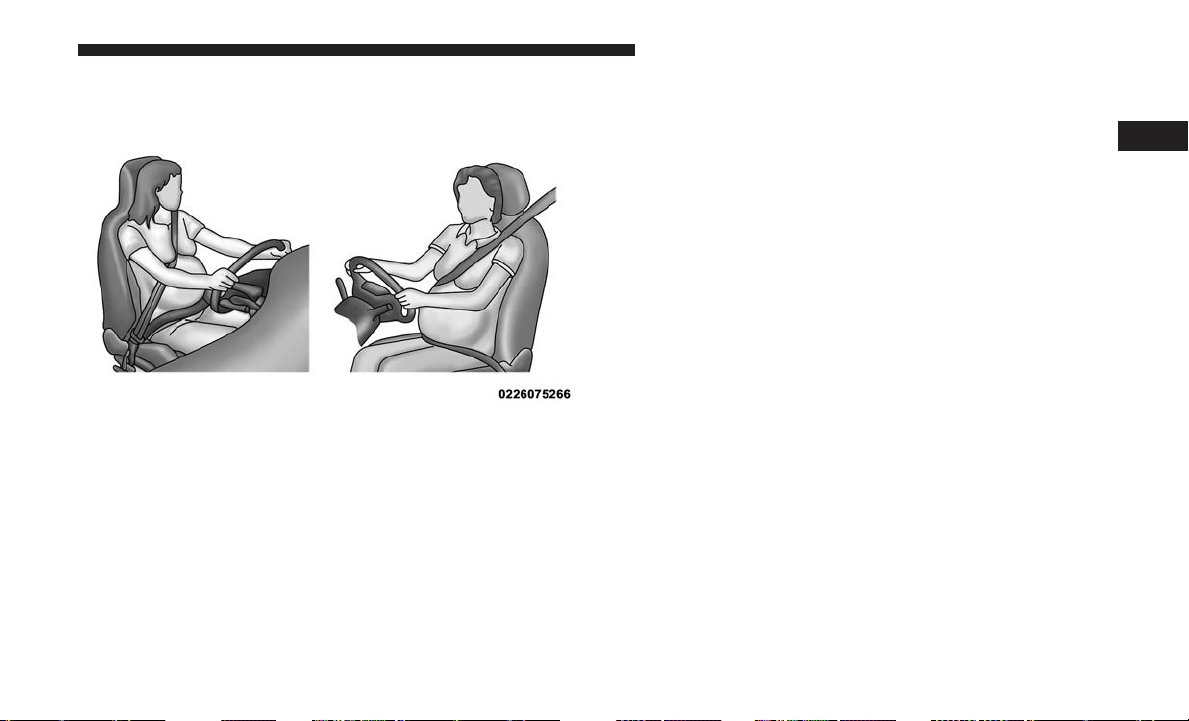
Seat Belts And Pregnant Women
Seat belts must be worn by all occupants including preg-
nant women: the risk of injury in the event of an accident
is reduced for the mother and the unborn child if they are
wearing a seat belt.
Position the lap belt snug and low below the abdomen and
across the strong bones of the hips. Place the shoulder belt
across the chest and away from the neck. Never place the
shoulder belt behind the back or under the arm.
Seat Belt Pretensioner
The front seat belt system is equipped with pretensioning
devices that are designed to remove slack from the seat belt
in the event of a collision. These devices may improve the
performance of the seat belt by removing slack from the
seat belt early in a collision. Pretensioners work for all size
occupants, including those in child restraints.
NOTE: These devices are not a substitute for proper seat
belt placement by the occupant. The seat belt still must be
worn snugly and positioned properly.
The pretensioners are triggered by the Occupant Restraint
Controller (ORC). Like the air bags, the pretensioners are
single use items. A deployed pretensioner or a deployed air
bag must be replaced immediately.
Energy Management Feature
The front seat belt system is equipped with an Energy
Management feature that may help further reduce the risk
of injury in the event of a collision. The seat belt system has
a retractor assembly that is designed to release webbing in
a controlled manner.
Pregnant Women And Seat Belts
2
THINGS TO KNOW BEFORE STARTING YOUR VEHICLE 55
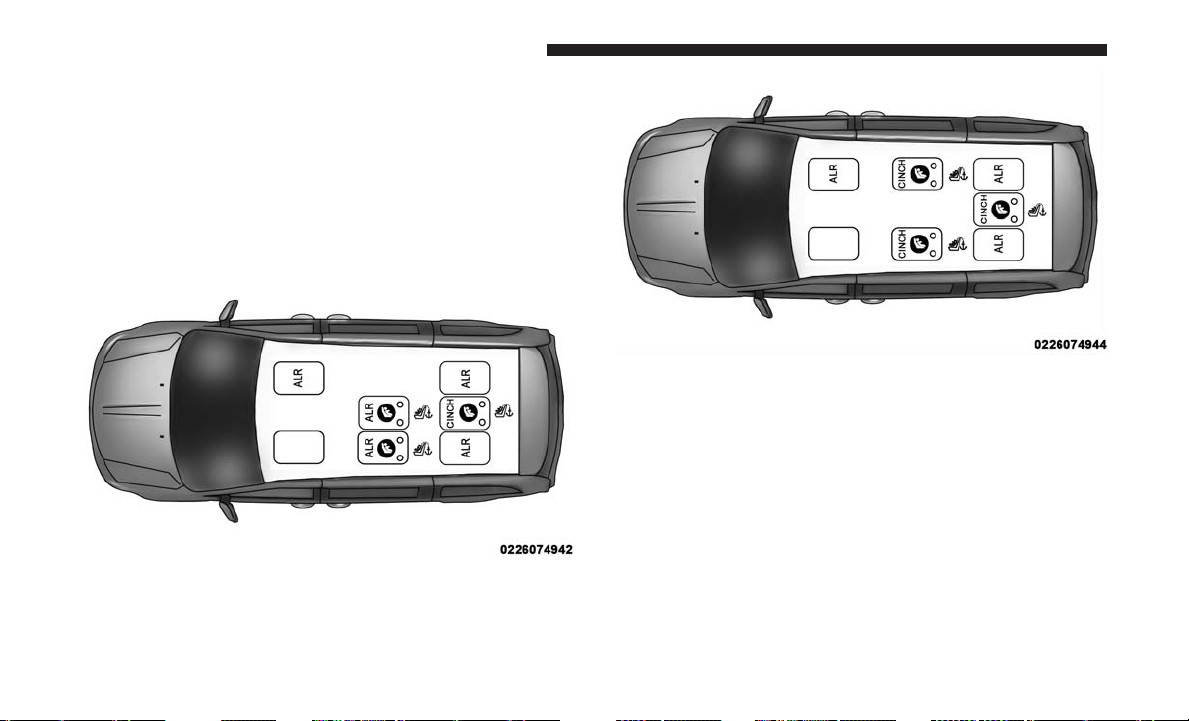
Switchable Automatic Locking Retractors (ALR)
The seat belts in the passenger seating positions are
equipped with a Switchable Automatic Locking Retractor
(ALR) which is used to secure a child restraint system. For
additional information, refer to “Installing Child Restraints
Using The Vehicle Seat Belt” under the “Child Restraints”
section of this manual. The figure below illustrates the
locking feature for each seating position.
If the passenger seating position is equipped with an ALR
and is being used for normal usage, only pull the seat belt
webbing out far enough to comfortably wrap around the
occupant’s mid-section so as to not activate the ALR. If the
ALR is activated, you will hear a clicking sound as the seat
belt retracts. Allow the webbing to retract completely in
this case and then carefully pull out only the amount of
webbing necessary to comfortably wrap around the occu-
pant’s mid-section. Slide the latch plate into the buckle
until you hear a ⬙click.⬙
ALR — Switchable Automatic Locking Retractor (2nd Row
Bench Seat – Non-Stow ‘n Go)
ALR — Switchable Automatic Locking Retractor (2nd Row
Quad Seating – Same For Stow ‘n Go And Non Stow ‘n
Go)
56 THINGS TO KNOW BEFORE STARTING YOUR VEHICLE

In Automatic Locking Mode, the shoulder belt is automati-
cally pre-locked. The seat belt will still retract to remove
any slack in the shoulder belt. Use the Automatic Locking
Mode anytime a child restraint is installed in a seating
position that has a seat belt with this feature. Children 12
years old and under should always be properly restrained
in a vehicle with a rear seat.
WARNING!
• Never place a rear-facing child restraint in front of an
air bag. A deploying passenger front air bag can
cause death or serious injury to a child 12 years or
younger, including a child in a rear-facing child
restraint.
• Only use a rear-facing child restraint in a vehicle
with a rear seat.
How To Engage The Automatic Locking Mode
1. Buckle the combination lap and shoulder belt.
2. Grasp the shoulder portion and pull downward until
the entire seat belt is extracted.
3. Allow the seat belt to retract. As the seat belt retracts,
you will hear a clicking sound. This indicates the seat
belt is now in the Automatic Locking Mode.
How To Disengage The Automatic Locking Mode
Unbuckle the combination lap/shoulder belt and allow it
to retract completely to disengage the Automatic Locking
Mode and activate the vehicle sensitive (emergency) lock-
ing mode.
WARNING!
• The seat belt assembly must be replaced if the
switchable Automatic Locking Retractor (ALR) fea-
ture or any other seat belt function is not working
properly when checked according to the procedures
in the Service Manual.
• Failure to replace the seat belt assembly could in-
crease the risk of injury in collisions.
•
Do not use the Automatic Locking Mode to restrain
occupants who are wearing the seat belt or children
who are using booster seats. The locked mode is only
used to install rear-facing or forward-facing child
restraints that have a harness for restraining the child.
2
THINGS TO KNOW BEFORE STARTING YOUR VEHICLE 57
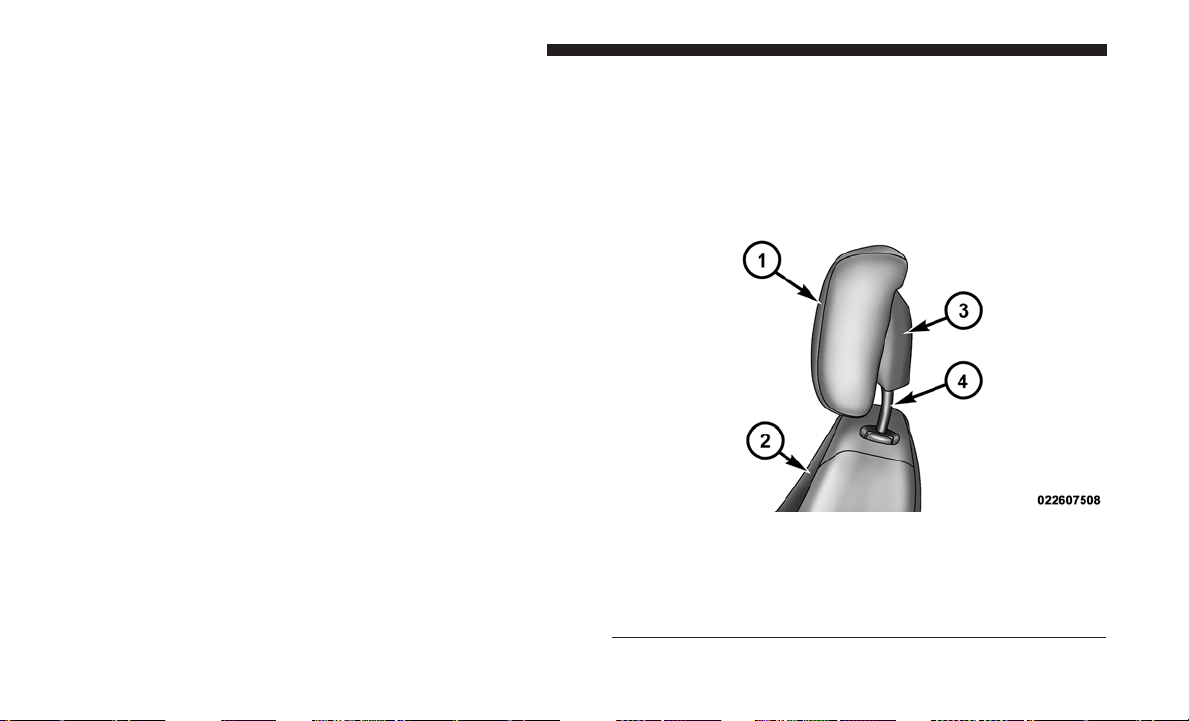
Supplemental Active Head Restraints (AHR)
These head restraints are passive deployable components,
and vehicles with this equipment cannot be readily iden-
tified by any markings, only through visual inspection of
the head restraint. The head restraint will be split in two
halves, with the front half being soft foam and trim, the
back half being decorative plastic.
How The Active Head Restraints (AHR) Work
The Occupant Restraint Controller (ORC) determines
whether the severity or type of rear impact will require the
Active Head Restraints (AHR) to deploy. If a rear impact
requires deployment, both the driver and front passenger
seat AHRs will be deployed.
When AHRs deploy during a rear impact, the front half of
the head restraint extends forward to minimize the gap
between the back of the occupant’s head and the AHR. This
system is designed to help prevent or reduce the extent of
injuries to the driver and front passenger in certain types of
rear impacts.
NOTE: The Active Head Restraints (AHR) may or may not
deploy in the event of a front or side impact. However, if
during a front impact, a secondary rear impact occurs, the
AHR may deploy based on the severity and type of the
impact.
Active Head Restraint (AHR) Components:
Active Head Restraint (AHR) Components
1 — Head Restraint Front Half (Soft Foam And Trim)
2 — Seatback
3 — Head Restraint Back Half (Decorative Plastic Rear Cover)
4 — Head Restraint Guide Tubes
58 THINGS TO KNOW BEFORE STARTING YOUR VEHICLE
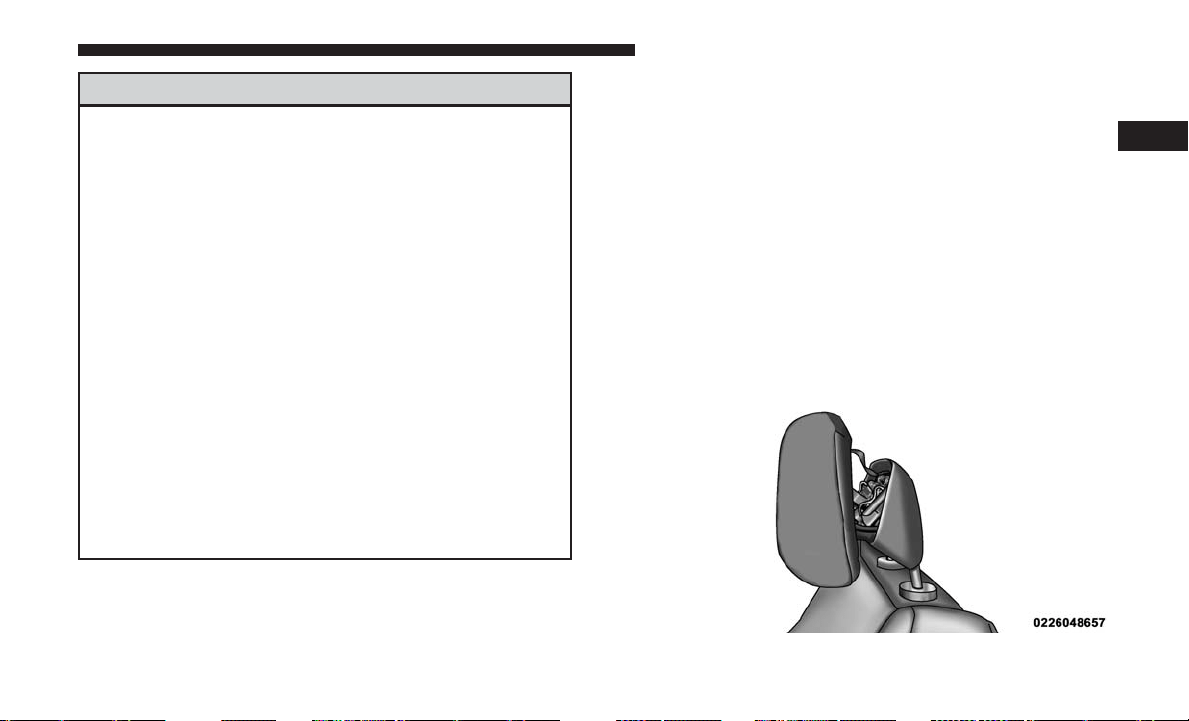
WARNING!
• All occupants, including the driver, should not oper-
ate a vehicle or sit in a vehicle’s seat until the head
restraints are placed in their proper positions in
order to minimize the risk of neck injury in the event
of a collision.
• Do not place items over the top of the Active Head
Restraint, such as coats, seat covers or portable DVD
players. These items may interfere with the opera-
tion of the Active Head Restraint in the event of a
collision and could result in serious injury or death.
• Active Head Restraints may be deployed if they are
struck by an object such as a hand, foot or loose
cargo. To avoid accidental deployment of the Active
Head Restraint, ensure that all cargo is secured, as
loose cargo could contact the Active Head Restraint
during sudden stops. Failure to follow this warning
could cause personal injury if the Active Head Re-
straint is deployed.
NOTE: For more information on properly adjusting and
positioning the head restraint, refer to “Supplemental
Active Head Restraints” in “Understanding The Features
Of Your Vehicle.”
Resetting Active Head Restraints (AHR)
If
the Active Head Restraints are triggered during a collision,
the front half of the head restraint will be extended forward
and separated from the rear half of the head restraint (see
image). Do not drive your vehicle after the AHRs have
deployed. The head restraint must be reset into the original
position to best protect the occupant for all types of colli-
sions. An authorized FCA US LLC dealer must reset the
AHRs on the driver’s and front passenger’s seat before
driving. Personally attempting to reset the AHRs may result
in damage to the AHRs that could impair their function.
Active Head Restraint (AHR) Triggered
2
THINGS TO KNOW BEFORE STARTING YOUR VEHICLE 59
WARNING!
Deployed AHRs are not able to best protect you in all
types of collisions. Have deployed AHRs reset by an
authorized dealer immediately.
Supplemental Restraint Systems (SRS)
Some of the safety features described in this section may be
standard equipment on some models, or may be optional
equipment on others. If you are not sure, ask your autho-
rized dealer.
The air bag system must be ready to protect you in a
collision. The Occupant Restraint Controller (ORC) moni-
tors the internal circuits and interconnecting wiring asso-
ciated with the electrical Air Bag System Components.
Your vehicle may be equipped with the following Air Bag
System Components:
Air Bag System Components
• Occupant Restraint Controller (ORC)
• Air Bag Warning Light
• Steering Wheel and Column
• Instrument Panel
• Knee Impact Bolsters
• Driver and Front Passenger Air Bags
• Supplemental Side Air Bags
• Supplemental Knee Air Bags
• Front and Side Impact Sensors
• Seat Belt Pretensioners
• Seat Track Position Sensors
• Seat Belt Buckle Switch
Air Bag Warning Light
The ORC monitors the readiness of the electronic
parts of the air bag system whenever the ignition
switch is in the START or ON/RUN position. If
the ignition switch is in the OFF position or in the
ACC position, the air bag system is not on and the air bags
will not inflate.
The ORC contains a backup power supply system that may
deploy the air bag system even if the battery loses power or
it becomes disconnected prior to deployment.
60 THINGS TO KNOW BEFORE STARTING YOUR VEHICLE
The ORC turns on the Air Bag Warning Light in the
instrument panel for approximately four to eight seconds
for a self-check when the ignition switch is first in the
ON/RUN position. After the self-check, the Air Bag Warn-
ing Light will turn off. If the ORC detects a malfunction in
any part of the system, it turns on the Air Bag Warning
Light, either momentarily or continuously. A single chime
will sound to alert you if the light comes on again after
initial startup.
The ORC also includes diagnostics that will illuminate the
instrument panel Air Bag Warning Light if a malfunction is
detected that could affect the air bag system. The diagnos-
tics also record the nature of the malfunction. While the air
bag system is designed to be maintenance free, if any of the
following occurs, have an authorized dealer service the air
bag system immediately.
• The Air Bag Warning Light does not come on during the
four to eight seconds when the ignition switch is first in
the ON/RUN position.
• The Air Bag Warning Light remains on after the four to
eight-second interval.
• The Air Bag Warning Light comes on intermittently or
remains on while driving.
NOTE: If the speedometer, tachometer, or any engine
related gauges are not working, the Occupant Restraint
Controller (ORC) may also be disabled. In this condition
the air bags may not be ready to inflate for your protection.
Have an authorized dealer service the air bag system
immediately.
WARNING!
Ignoring the Air Bag Warning Light in your instrument
panel could mean you won’t have the air bag system to
protect you in a collision. If the light does not come on
as a bulb check when the ignition is first turned on,
stays on after you start the vehicle, or if it comes on as
you drive, have an authorized dealer service the air bag
system immediately.
Front Air Bags
This vehicle has front air bags and lap/shoulder belts for
both the driver and front passenger. The front air bags are a
supplement to the seat belt restraint systems. The driver
front air bag is mounted in the center of the steering wheel.
The passenger front air bag is mounted in the instrument
panel, above the glove compartment. The words “SRS AIR-
BAG” or “AIRBAG” are embossed on the air bag covers.
2
THINGS TO KNOW BEFORE STARTING YOUR VEHICLE 61
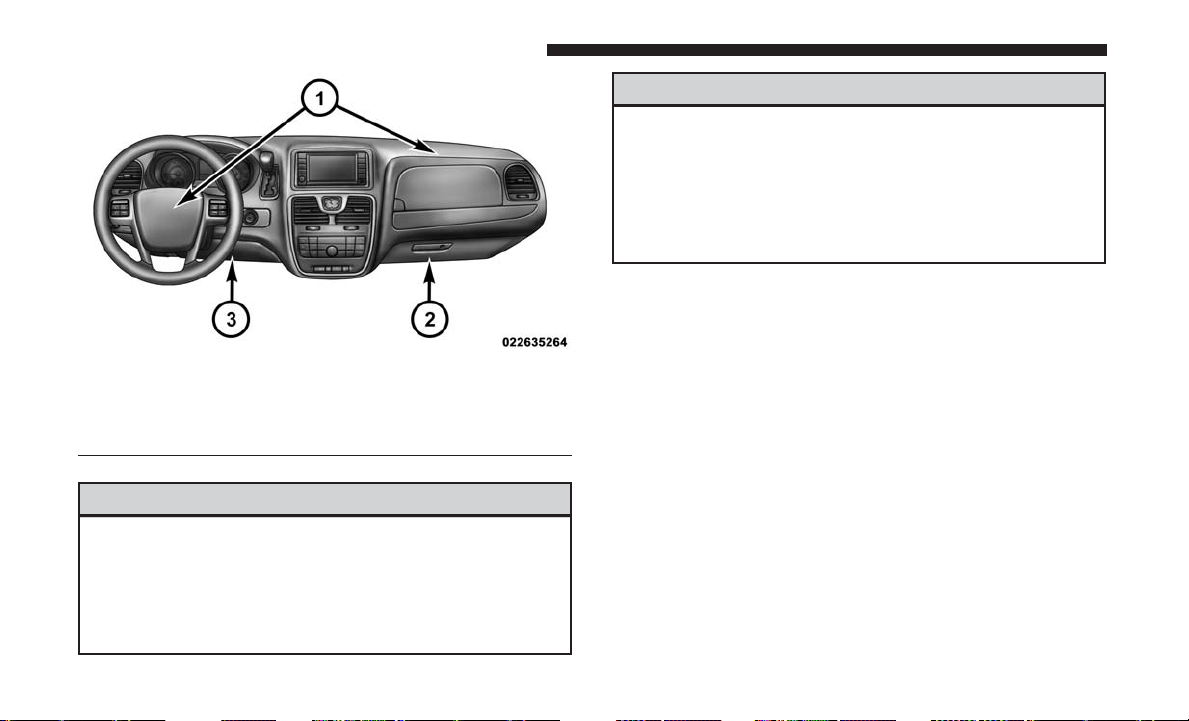
WARNING!
• Being too close to the steering wheel or instrument
panel during front air bag deployment could cause
serious injury, including death. Air bags need room
to inflate. Sit back, comfortably extending your arms
to reach the steering wheel or instrument panel.
(Continued)
WARNING! (Continued)
•
Never place a rear-facing child restraint in front of an
air bag. A deploying passenger front air bag can cause
death or serious injury to a child 12 years or younger,
including a child in a rear-facing child restraint.
•
Only use a rear-facing child restraint in a vehicle with
a rear seat.
Driver And Passenger Front Air Bag Features
The Advanced Front Air Bag system has multistage driver
and front passenger air bags. This system provides output
appropriate to the severity and type of collision as deter-
mined by the Occupant Restraint Controller (ORC), which
may receive information from the front impact sensors (if
equipped) or other system components.
The first stage inflator is triggered immediately during an
impact that requires air bag deployment. A low energy
output is used in less severe collisions. A higher energy
output is used for more severe collisions.
This vehicle may be equipped with a driver and/or front
passenger seat belt buckle switch that detects whether the
Front Air Bag/Knee Impact Bolster Locations
1 — Driver And Passenger Front Air Bags
2 — Passenger Knee Impact Bolster
3 — Driver Knee Impact Bolster/Supplemental Driver Knee Air Bag
62 THINGS TO KNOW BEFORE STARTING YOUR VEHICLE
driver or front passenger seat belt is buckled. The seat belt
buckle switch may adjust the inflation rate of the Ad-
vanced Front Air Bags.
This vehicle may be equipped with driver and/or front
passenger seat track position sensors that may adjust the
inflation rate of the Advanced Front Air Bags based upon
seat position.
WARNING!
•
No objects should be placed over or near the air bag on
the instrument panel or steering wheel because any
such objects could cause harm if the vehicle is in a
collision severe enough to cause the air bag to inflate.
• Do not put anything on or around the air bag covers
or attempt to open them manually. You may damage
the air bags and you could be injured because the air
bags may no longer be functional. The protective
covers for the air bag cushions are designed to open
only when the air bags are inflating.
• Relying on the air bags alone could lead to more
severe injuries in a collision. The air bags work with
your seat belt to restrain you properly. In some
collisions, air bags won’t deploy at all. Always wear
your seat belts even though you have air bags.
Front Air Bag Operation
Front Air Bags are designed to provide additional protec-
tion by supplementing the seat belts. Front air bags are not
expected to reduce the risk of injury in rear, side, or
rollover collisions. The front air bags will not deploy in all
frontal collisions, including some that may produce sub-
stantial vehicle damage — for example, some pole colli-
sions, truck underrides, and angle offset collisions.
On the other hand, depending on the type and location of
impact, front air bags may deploy in crashes with little
vehicle front-end damage but that produce a severe initial
deceleration.
Because air bag sensors measure vehicle deceleration over
time, vehicle speed and damage by themselves are not
good indicators of whether or not an air bag should have
deployed.
Seat belts are necessary for your protection in all collisions,
and also are needed to help keep you in position, away
from an inflating air bag.
When the ORC detects a collision requiring the front air
bags, it signals the inflator units. A large quantity of
non-toxic gas is generated to inflate the front air bags.
2
THINGS TO KNOW BEFORE STARTING YOUR VEHICLE 63
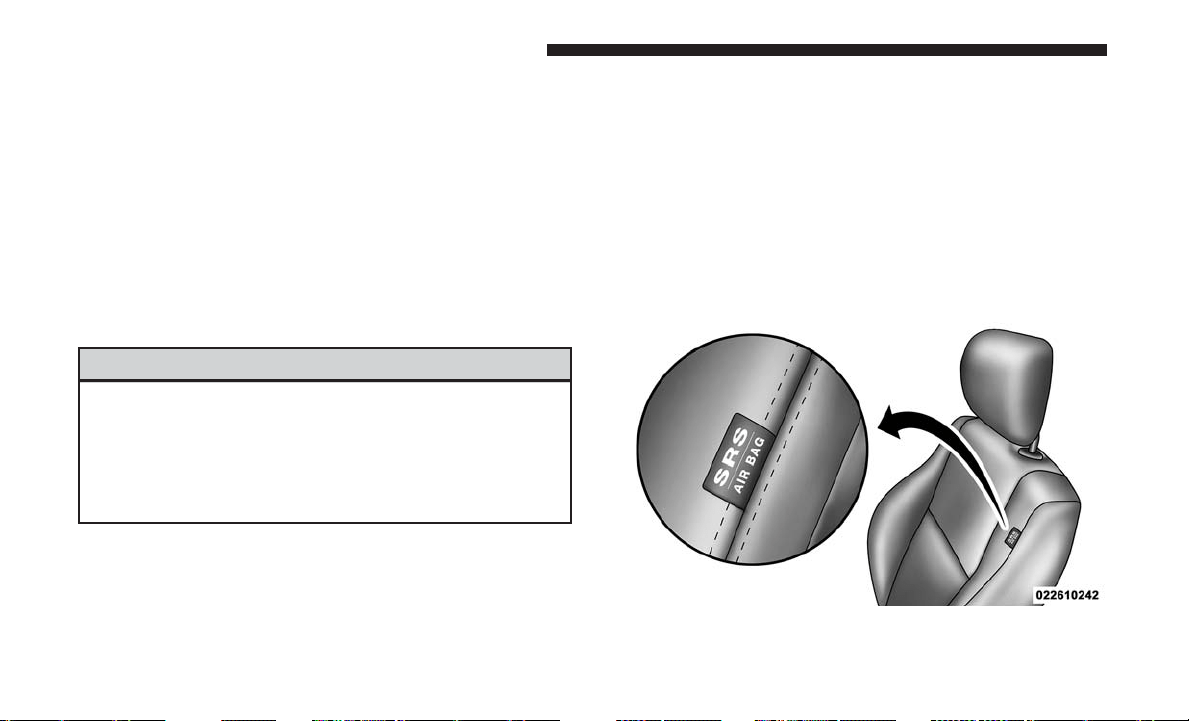
The steering wheel hub trim cover and the upper right side
of the instrument panel separate and fold out of the way as
the air bags inflate to their full size. The front air bags fully
inflate in less time than it takes to blink your eyes. The
front air bags then quickly deflate while helping to restrain
the driver and front passenger.
Knee Impact Bolsters
The Knee Impact Bolsters help protect the knees of the
driver and front passenger, and position the front occu-
pants for improved interaction with the front air bags.
WARNING!
• Do not drill, cut, or tamper with the knee impact
bolsters in any way.
• Do not mount any accessories to the knee impact
bolsters such as alarm lights, stereos, citizen band
radios, etc.
Supplemental Driver Knee Air Bag
This vehicle is equipped with a Supplemental Driver Knee
Air Bag mounted in the instrument panel below the
steering column. The Supplemental Driver Knee Air Bag
provides enhanced protection during a frontal impact by
working together with the seat belts, pretensioners, and
front air bags.
Supplemental Side Air Bags
Your vehicle is equipped with two types of side air bags:
1. Supplemental Seat-Mounted Side Air Bags (SABs):
Located in the outboard side of the front seats. The
SABs are marked with a “SRS AIRBAG” or “AIR-
BAG” label sewn into the outboard side of the seats.
Supplemental Seat-Mounted Side Air Bag Label
64 THINGS TO KNOW BEFORE STARTING YOUR VEHICLE
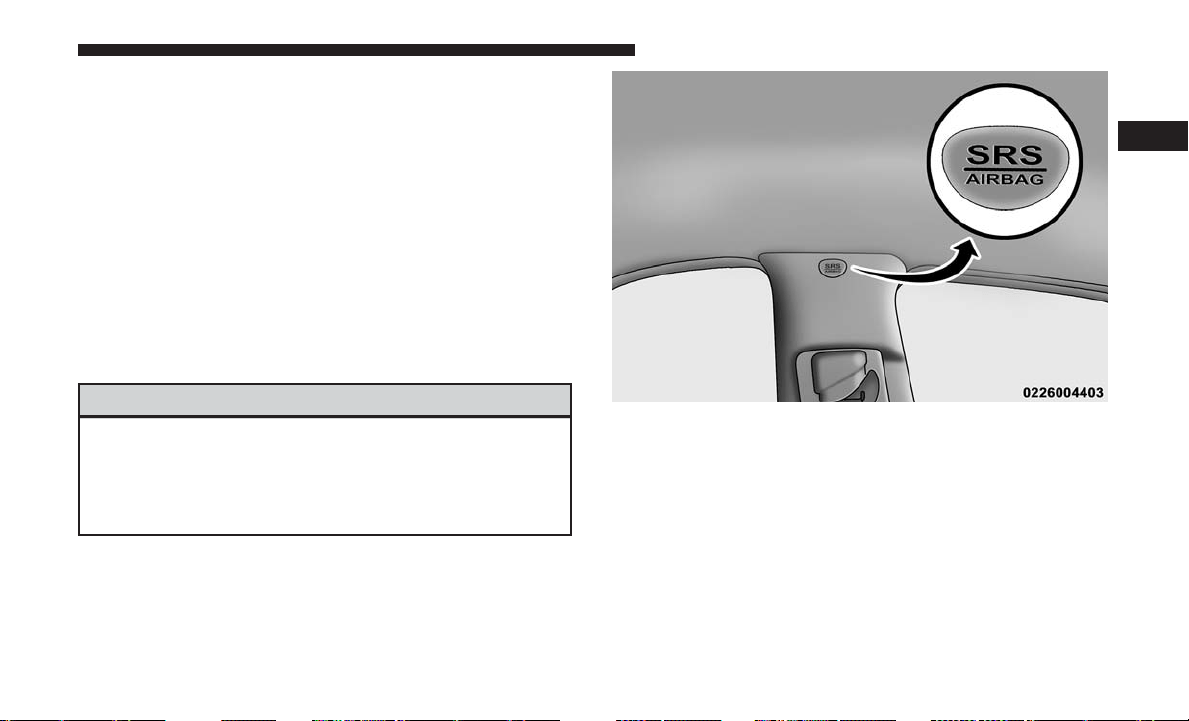
The SABs may help to reduce the risk of occupant injury
during certain side impacts and/or vehicle rollover events,
in addition to the injury reduction potential provided by
the seat belts and body structure.
When the SAB deploys, it opens the seam on the outboard
side of the seatback’s trim cover. The inflating SAB deploys
through the seat seam into the space between the occupant
and the door. The SAB moves at a very high speed and
with such a high force that it could injure occupants if they
are not seated properly, or if items are positioned in the
area where the SAB inflates. Children are at an even greater
risk of injury from a deploying air bag.
WARNING!
Do not use accessory seat covers or place objects
between you and the Side Air Bags; the performance
could be adversely affected and/or objects could be
pushed into you, causing serious injury.
2. Supplemental Side Air Bag Inflatable Curtains
(SABICs): Located above the side windows. The trim
covering the SABICs is labeled “SRS AIRBAG” or
“AIRBAG.”
SABICs may help reduce the risk of head or other injuries
to front and rear seat outboard occupants in certain side
impacts and/or vehicle rollover events, in addition to the
injury reduction potential provided by the seat belts and
body structure.
The SABICs deploy downward, covering the side win-
dows. An inflating SABIC pushes the outside edge of the
trim out of the way and covers the window. The SABICs
Supplemental Side Air Bag Inflatable Curtain (SABIC)
Label Location
2
THINGS TO KNOW BEFORE STARTING YOUR VEHICLE 65

inflate with enough force to injure occupants if they are not
belted and seated properly, or if items are positioned in the
area where the SABICs inflate. Children are at an even
greater risk of injury from a deploying air bag.
WARNING!
• Do not mount equipment, stack luggage or other
cargo up high enough to block the deployment of the
SABICs. The trim covering above the side windows
where the SABIC and its deployment path are lo-
cated should remain free from any obstructions.
• In order for the SABICs to work as intended, do not
install any accessory items in your vehicle which
could alter the roof. Do not add an aftermarket
sunroof to your vehicle. Do not add roof racks that
require permanent attachments (bolts or screws) for
installation on the vehicle roof. Do not drill into the
roof of the vehicle for any reason.
The SABICs and SABs (Side Air Bags) are designed to
activate in certain side impacts and certain rollover events.
The Occupant Restraint Controller (ORC) determines
whether the deployment of the Side Air Bags in a particular
side impact or rollover event is appropriate, based on the
severity and type of collision. Vehicle damage by itself is
not a good indicator of whether or not Side Air Bags should
have deployed.
Side Air Bags are a supplement to the seat belt restraint
system. Side Air Bags deploy in less time than it takes to
blink your eyes.
WARNING!
• Occupants, including children, who are up against or
very close to Side Air Bags can be seriously injured
or killed. Occupants, including children, should
never lean on or sleep against the door, side win-
dows, or area where the side air bags inflate, even if
they are in an infant or child restraint.
• Seat belts (and child restraints where appropriate)
are necessary for your protection in all collisions.
They also help keep you in position, away from an
inflating Side Air Bag. To get the best protection
from the Side Air Bags, occupants must wear their
seat belts properly and sit upright with their backs
against the seats. Children must be properly re-
strained in a child restraint or booster seat that is
appropriate for the size of the child.
66 THINGS TO KNOW BEFORE STARTING YOUR VEHICLE
WARNING!
• Side Air Bags need room to inflate. Do not lean
against the door or window. Sit upright in the center
of the seat.
• Being too close to the Side Air Bags during deploy-
ment could cause you to be severely injured or
killed.
• Relying on the Side Air Bags alone could lead to
more severe injuries in a collision. The Side Air Bags
work with your seat belt to restrain you properly. In
some collisions, Side Air Bags won’t deploy at all.
Always wear your seat belt even though you have
Side Air Bags.
NOTE: Air bag covers may not be obvious in the interior
trim, but they will open during air bag deployment.
Side Impacts
In side impacts, the side impact sensors aid the ORC in
determining the appropriate response to impact events.
The system is calibrated to deploy the Side Air Bags on the
impact side of the vehicle during impacts that require Side
Air Bag occupant protection. In side impacts, the Side Air
Bags deploy independently; a left side impact deploys the
left Side Air Bags only and a right side impact deploys the
right Side Air Bags only.
The Side Air Bags will not deploy in all side collisions,
including some collisions at certain angles, or some side
collisions that do not impact the area of the passenger
compartment. The Side Air Bags may deploy during
angled or offset frontal collisions where the front air bags
deploy.
Rollover Events
Side Air Bags are designed to activate in certain rollover
events. The ORC determines whether the deployment of
the Side Air Bags in a particular rollover event is appro-
priate, based on the severity and type of collision. Vehicle
damage by itself is not a good indicator of whether or not
Side Air Bags should have deployed.
The Side Air Bags will not deploy in all rollover events. The
rollover sensing-system determines if a rollover event may
be in progress and whether deployment is appropriate. A
slower-developing event may deploy the seat belt preten-
sioners on both sides of the vehicle. A faster-developing
event may deploy the seat belt pretensioners as well as the
Side Air Bags on both sides of the vehicle. The rollover
2
THINGS TO KNOW BEFORE STARTING YOUR VEHICLE 67

sensing-system may also deploy the seat belt pretension-
ers, with or without the Side Air Bags, on both sides of the
vehicle if the vehicle experiences a near rollover event.
The SABICs may help reduce the risk of partial or complete
ejection of vehicle occupants through side windows in
certain rollover or side impact events.
The Occupant Restraint Controller (ORC) monitors the
internal circuits and interconnecting wiring associated
with electrical Air Bag System Components listed below:
Air Bag System Components
• Occupant Restraint Controller (ORC)
• Air Bag Warning Light
• Steering Wheel and Column
• Instrument Panel
• Knee Impact Bolsters
• Driver and Front Passenger Air Bags
• Supplemental Side Air Bags
• Supplemental Knee Air Bags
• Front and Side Impact Sensors
• Seat Belt Pretensioners
• Seat Track Position Sensors
• Seat Belt Buckle Switch
If A Deployment Occurs
The front air bags are designed to deflate immediately after
deployment.
NOTE: Front and/or side air bags will not deploy in all
collisions. This does not mean something is wrong with the
air bag system.
If you do have a collision which deploys the air bags, any
or all of the following may occur:
• The air bag material may sometimes cause abrasions
and/or skin reddening to the occupants as the air bags
deploy and unfold. The abrasions are similar to friction
rope burns or those you might get sliding along a carpet
or gymnasium floor. They are not caused by contact with
chemicals. They are not permanent and normally heal
quickly. However, if you haven’t healed significantly
within a few days, or if you have any blistering, see your
doctor immediately.
•
As the air bags deflate, you may see some smoke-like
particles. The particles are a normal by-product of the
process that generates the non-toxic gas used for air bag
68 THINGS TO KNOW BEFORE STARTING YOUR VEHICLE

inflation. These airborne particles may irritate the skin,
eyes, nose, or throat. If you have skin or eye irritation,
rinse the area with cool water. For nose or throat irritation,
move to fresh air. If the irritation continues, see your
doctor. If these particles settle on your clothing, follow the
garment manufacturer’s instructions for cleaning.
Do not drive your vehicle after the air bags have deployed.
If you are involved in another collision, the air bags will
not be in place to protect you.
WARNING!
Deployed air bags and seat belt pretensioners cannot
protect you in another collision. Have the air bags, seat
belt pretensioners, and the seat belt retractor assem-
blies replaced by an authorized dealer immediately.
Also, have the Occupant Restraint Controller System
serviced as well.
NOTE:
• Air bag covers may not be obvious in the interior trim,
but they will open during air bag deployment.
• After any collision, the vehicle should be taken to an
authorized dealer immediately.
Enhanced Accident Response System
In the event of an impact, if the communication network
remains intact, and the power remains intact, depending
on the nature of the event, the ORC will determine whether
to have the Enhanced Accident Response System perform
the following functions:
• Cut off fuel to the engine.
• Flash hazard lights as long as the battery has power or
until the hazard light button is pressed. The hazard
lights can be deactivated by pressing the hazard light
button.
• Turn on the interior lights, which remain on as long as
the battery has power.
• Unlock the power door locks.
Enhanced Accident Response System Reset
Procedure
In order to reset the Enhanced Accident Response System
functions after an event, the ignition switch must be
changed from ignition START or ON/RUN to ignition OFF.
Carefully check the vehicle for fuel leaks in the engine
compartment and on the ground near the engine compart-
ment and fuel tank before resetting the system and starting
the engine.
2
THINGS TO KNOW BEFORE STARTING YOUR VEHICLE 69

Maintaining Your Air Bag System
WARNING!
• Modifications to any part of the air bag system could
cause it to fail when you need it. You could be
injured if the air bag system is not there to protect
you. Do not modify the components or wiring, in-
cluding adding any kind of badges or stickers to the
steering wheel hub trim cover or the upper right side
of the instrument panel. Do not modify the front
bumper, vehicle body structure, or add aftermarket
side steps or running boards.
• It is dangerous to try to repair any part of the air bag
system yourself. Be sure to tell anyone who works on
your vehicle that it has an air bag system.
• Do not attempt to modify any part of your air bag
system. The air bag may inflate accidentally or may
not function properly if modifications are made.
Take your vehicle to an authorized dealer for any air
bag system service. If your seat, including your trim
cover and cushion, needs to be serviced in any way
(including removal or loosening/tightening of seat
attachment bolts), take the vehicle to your authorized
(Continued)
WARNING! (Continued)
dealer. Only manufacturer approved seat accessories
may be used. If it is necessary to modify the air bag
system for persons with disabilities, contact your
authorized dealer.
Event Data Recorder (EDR)
This vehicle is equipped with an event data recorder
(EDR). The main purpose of an EDR is to record, in certain
crash or near crash-like situations, such as an air bag
deployment or hitting a road obstacle, data that will assist
in understanding how a vehicle’s systems performed.
The EDR is designed to record data related to vehicle
dynamics and safety systems for a short period of time,
typically 30 seconds or less. The EDR in this vehicle is
designed to record such data as:
• How various systems in your vehicle were operating;
• Whether or not the driver and passenger safety belts
were buckled/fastened;
• How far (if at all) the driver was depressing the accel-
erator and/or brake pedal; and,
• How fast the vehicle was traveling.
70 THINGS TO KNOW BEFORE STARTING YOUR VEHICLE

These data can help provide a better understanding of the
circumstances in which crashes and injuries occur.
NOTE:
EDR data are recorded by your vehicle only if a
non-trivial crash situation occurs; no data are recorded by the
EDR under normal driving conditions and no personal data
(e.g., name, gender, age, and crash location) are recorded.
However, other parties, such as law enforcement, could
combine the EDR data with the type of personally identify-
ing data routinely acquired during a crash investigation.
To read data recorded by an EDR, special equipment is
required, and access to the vehicle or the EDR is needed. In
addition to the vehicle manufacturer, other parties, such as
law enforcement, that have the special equipment, can read
the information if they have access to the vehicle or the
EDR.
Child Restraints
Everyone in your vehicle needs to be buckled up at all
times, including babies and children. Every state in the
United States, and every Canadian province, requires that
small children ride in proper restraint systems. This is the
law, and you can be prosecuted for ignoring it.
Children 12 years or younger should ride properly buckled
up in a rear seat, if available. According to crash statistics,
children are safer when properly restrained in the rear
seats rather than in the front.
WARNING!
In a collision, an unrestrained child can become a
projectile inside the vehicle. The force required to hold
even an infant on your lap could become so great that
you could not hold the child, no matter how strong you
are. The child and others could be badly injured or
killed. Any child riding in your vehicle should be in a
proper restraint for the child’s size.
There are different sizes and types of restraints for children
from newborn size to the child almost large enough for an
adult safety belt. Always check the child seat Owner’s
Manual to make sure you have the correct seat for your
child. Carefully read and follow all the instructions and
warnings in the child restraint Owner’s Manual and on all
the labels attached to the child restraint.
2
THINGS TO KNOW BEFORE STARTING YOUR VEHICLE 71

Before buying any restraint system, make sure that it has a
label certifying that it meets all applicable Safety Stan-
dards. You should also make sure that you can install it in
the vehicle where you will use it.
NOTE:
• For additional information, refer to www.safercar.gov/
parents/index.htm or call: 1–888–327–4236
•
Canadian residents should refer to Transport Canada’s
website for additional information: http://
www.tc.gc.ca/
eng/motorvehiclesafety/safedrivers-childsafety-index-53.htm
Summary Of Recommendations For Restraining Children In Vehicles
Child Size, Height, Weight or Age
Recommended Type of
Child Restraint
Infants and Toddlers Children who are two years old or
younger and who have not reached the
height or weight limits of their child
restraint
Either an Infant Carrier or a Convertible
Child Restraint, facing rearward in the
rear seat of the vehicle
Small Children Children who are at least two years old
or who have out-grown the height or
weight limit of their rear-facing child
restraint
Forward-Facing Child Restraint with a
five-point Harness, facing forward in the
rear seat of the vehicle
72 THINGS TO KNOW BEFORE STARTING YOUR VEHICLE
Child Size, Height, Weight or Age
Recommended Type of
Child Restraint
Larger Children
Children who have out-grown their
forward-facing child restraint, but are too
small to properly fit the vehicle’s seat belt
Belt Positioning Booster Seat and the
vehicle seat belt, seated in the rear seat of
the vehicle
Children Too Large for
Child Restraints
Children 12 years old or younger, who
have out-grown the height or weight
limit of their booster seat
Vehicle Seat Belt, seated in the rear seat of
the vehicle
Infant And Child Restraints
Safety experts recommend that children ride rear-facing in
the vehicle until they are two years old or until they reach
either the height or weight limit of their rear-facing child
restraint. Two types of child restraints can be used rear-
facing: infant carriers and convertible child seats.
The infant carrier is only used rear-facing in the vehicle. It
is recommended for children from birth until they reach
the weight or height limit of the infant carrier. Convertible
child seats can be used either rear-facing or forward-facing
in the vehicle. Convertible child seats often have a higher
weight limit in the rear-facing direction than infant carriers
do, so they can be used rear-facing by children who have
outgrown their infant carrier but are still less than at least
two years old. Children should remain rear-facing until
they reach the highest weight or height allowed by their
convertible child seat.
WARNING!
• Never place a rear-facing child restraint in front of an
air bag. A deploying passenger front air bag can
cause death or serious injury to a child 12 years or
younger, including a child in a rear-facing child
restraint.
• Only use a rear-facing child restraint in a vehicle
with a rear seat.
2
THINGS TO KNOW BEFORE STARTING YOUR VEHICLE 73
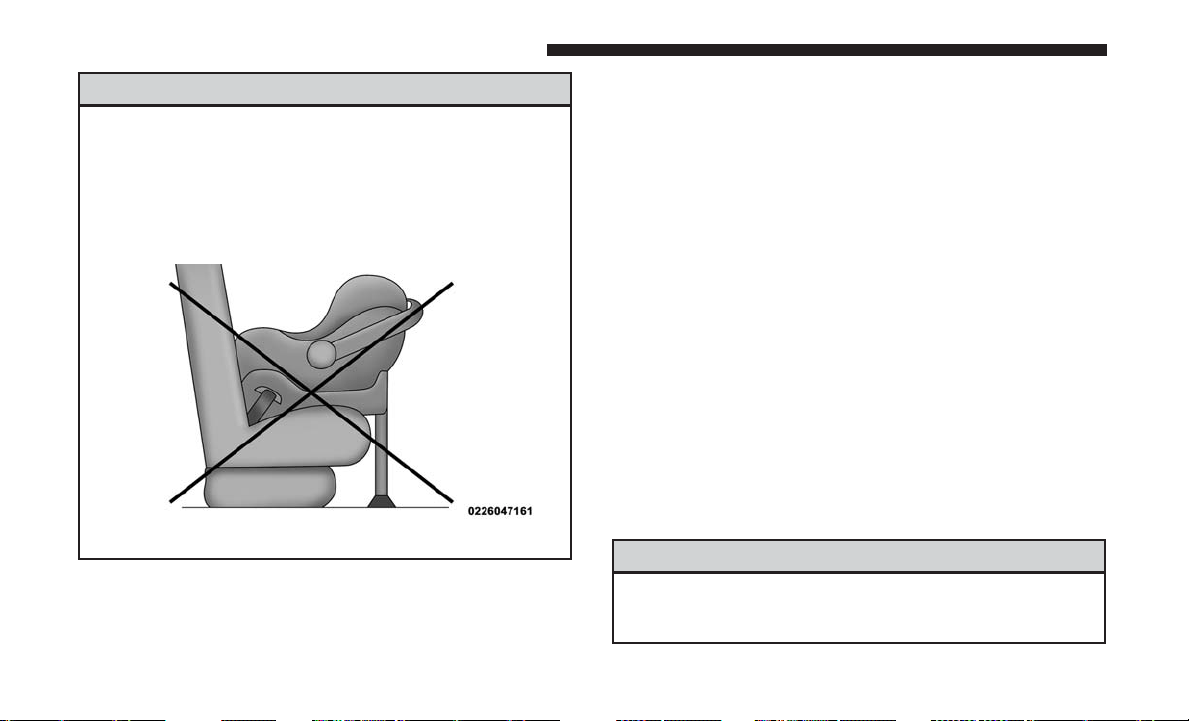
WARNING!
Do not install a rear-facing car seat using a rear support
leg in this vehicle. The floor of this vehicle is not
designed to manage the crash forces of this type of car
seat. In a crash, the support leg may not function as it
was designed by the car seat manufacturer, and your
child may be more severely injured as a result.
Older Children And Child Restraints
Children who are two years old or who have outgrown their
rear-facing convertible child seat can ride forward-facing in
the vehicle. Forward-facing child seats and convertible child
seats used in the forward-facing direction are for children
who are over two years old or who have outgrown the
rear-facing weight or height limit of their rear-facing convert-
ible child seat. Children should remain in a forward-facing
child seat with a harness for as long as possible, up to the
highest weight or height allowed by the child seat.
All children whose weight or height is above the forward-
facing limit for the child seat should use a belt-positioning
booster seat until the vehicle’s seat belts fit properly. If the
child cannot sit with knees bent over the vehicle’s seat
cushion while the child’s back is against the seatback, they
should use a belt-positioning booster seat. The child and
belt-positioning booster seat are held in the vehicle by the
seat belt.
WARNING!
• Improper installation can lead to failure of an infant
or child restraint. It could come loose in a collision.
(Continued)
74 THINGS TO KNOW BEFORE STARTING YOUR VEHICLE
WARNING! (Continued)
The child could be badly injured or killed. Follow
the child restraint manufacturer’s directions exactly
when installing an infant or child restraint.
• After a child restraint is installed in the vehicle, do
not move the vehicle seat forward or rearward be-
cause it can loosen the child restraint attachments.
Remove the child restraint before adjusting the ve-
hicle seat position. When the vehicle seat has been
adjusted, reinstall the child restraint.
• When your child restraint is not in use, secure it in
the vehicle with the seat belt or LATCH anchorages,
or remove it from the vehicle. Do not leave it loose in
the vehicle. In a sudden stop or accident, it could
strike the occupants or seatbacks and cause serious
personal injury.
Children Too Large For Booster Seats
Children who are large enough to wear the shoulder belt
comfortably, and whose legs are long enough to bend over
the front of the seat when their back is against the seatback,
should use the seat belt in a rear seat. Use this simple 5-step
test to decide whether the child can use the vehicle’s seat
belt alone:
1. Can the child sit all the way back against the back of the
vehicle seat?
2. Do the child’s knees bend comfortably over the front of
the vehicle seat – while they are still sitting all the way
back?
3. Does the shoulder belt cross the child’s shoulder be-
tween their neck and arm?
4. Is the lap part of the belt as low as possible, touching the
child’s thighs and not their stomach?
5. Can the child stay seated like this for the whole trip?
If the answer to any of these questions was “no,” then the
child still needs to use a booster seat in this vehicle. If the
child is using the lap/shoulder belt, check seat belt fit
periodically and make sure the seat belt buckle is latched.
A child’s squirming or slouching can move the belt out of
position. If the shoulder belt contacts the face or neck,
move the child closer to the center of the vehicle, or use a
booster seat to position the seat belt on the child correctly.
2
THINGS TO KNOW BEFORE STARTING YOUR VEHICLE 75
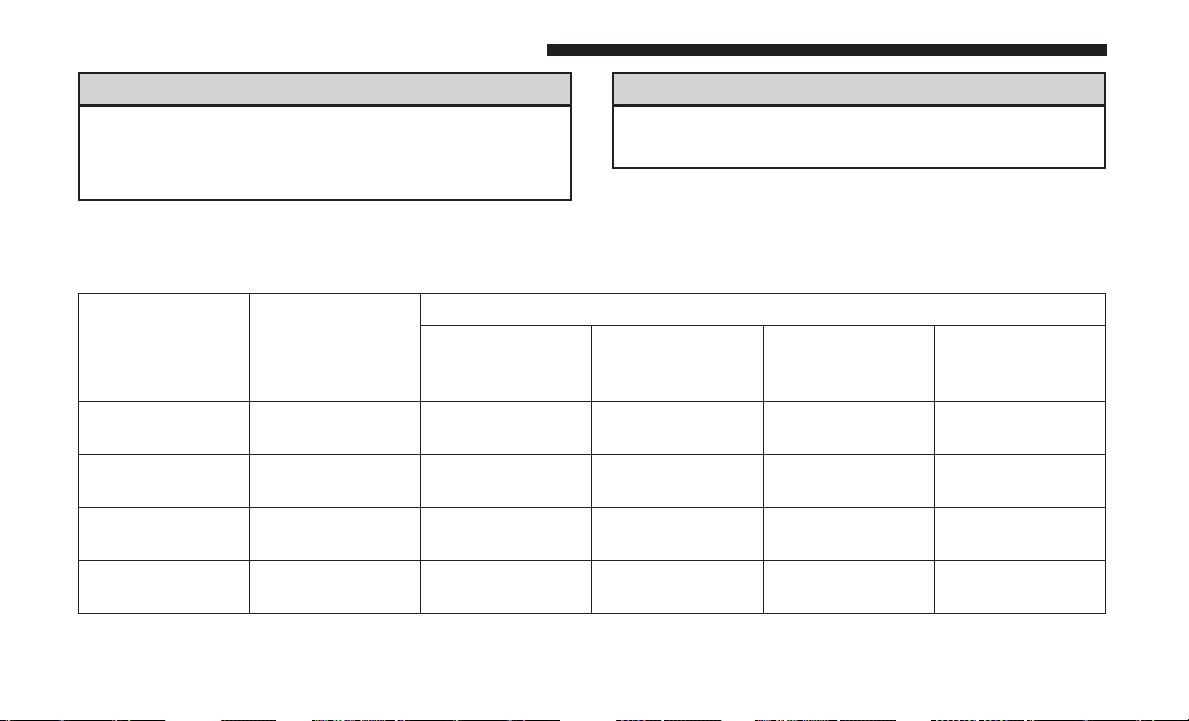
WARNING!
Never allow a child to put the shoulder belt under an
arm or behind their back. In a crash, the shoulder belt
will not protect a child properly, which may result in
(Continued)
WARNING! (Continued)
serious injury or death. A child must always wear both
the lap and shoulder portions of the seat belt correctly.
Recommendations For Attaching Child Restraints
Restraint Type Combined
Weight of the
Child + Child
Restraint
Use Any Attachment Method Shown With An “X” Below
LATCH – Lower
Anchors Only
Seat Belt Only LATCH – Lower
Anchors + Top
Tether Anchor
Seat Belt + Top
Tether Anchor
Rear-Facing
Child Restraint
Up to 65 lbs
(29.5 kg)
XX
Rear-Facing
Child Restraint
More than 65 lbs
(29.5 kg)
X
Forward-Facing
Child Restraint
Up to 65 lbs
(29.5 kg)
XX
Forward-Facing
Child Restraint
More than 65 lbs
(29.5 kg)
X
76 THINGS TO KNOW BEFORE STARTING YOUR VEHICLE
Lower Anchors And Tethers For CHildren (LATCH)
Restraint System
Your vehicle is equipped with the child restraint anchorage
system called LATCH, which stands for Lower Anchors
and Tethers for CHildren. The LATCH system has three
vehicle anchor points for installing LATCH-equipped child
seats. There are two lower anchorages located at the back
of the seat cushion where it meets the seatback and one
top tether anchorage located behind the seating position.
These anchorages are used to install LATCH-equipped
child seats without using the vehicle’s seat belts. Some
seating positions may have a top tether anchorage but no
lower anchorages. In these seating positions, the seat belt
must be used with the top tether anchorage to install the
child restraint. Please see the following table for more
information.
LATCH Label
2
THINGS TO KNOW BEFORE STARTING YOUR VEHICLE 77
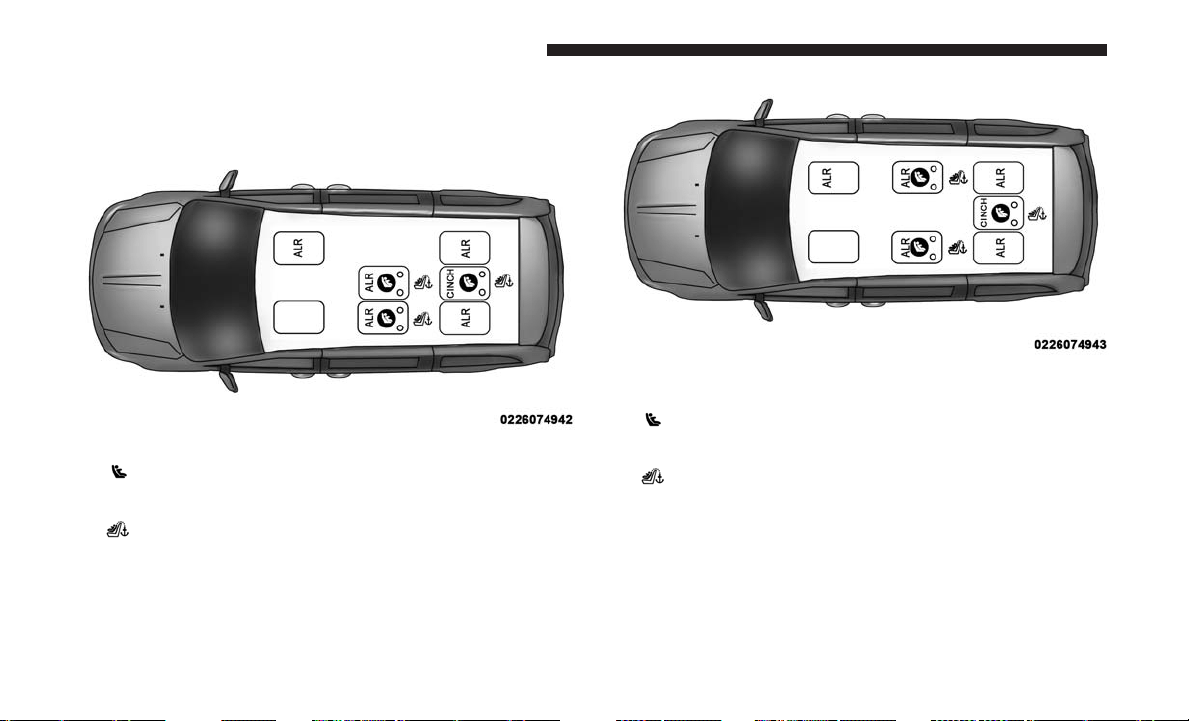
LATCH Positions For Installing Child Restraints In
This Vehicle
2nd Row Bench Seat – Non-Stow ‘n Go LATCH Positions
•
Lower Anchorage Symbol 2 anchorages per seat-
ing position
•
Top Tether Anchorage Symbol
2nd Row Quad Seating – Same For Stow ‘n Go And Non
Stow ‘n Go
•
Lower Anchorage Symbol 2 anchorages per seat-
ing position
•
Top Tether Anchorage Symbol
78 THINGS TO KNOW BEFORE STARTING YOUR VEHICLE

Frequently Asked Questions About Installing Child Restraints With LATCH
What is the weight limit (child’s weight +
weight of the child restraint) for using the
LATCH anchorage system to attach the
child restraint?
65 lbs (29.5 kg) Use the LATCH anchorage system until
the combined weight of the child and the
child restraint is 65 lbs (29.5 kg). Use the
seat belt and tether anchor instead of the
LATCH system once the combined weight
is more than 65 lbs (29.5 kg).
Can the LATCH anchorages and the seat
belt be used together to attach a rear-
facing or forward-facing child restraint?
No
Do not use the seat belt when you use the
LATCH anchorage system to attach a rear-
facing or forward-facing child restraint.
Booster seats may be attached to the
LATCH anchorages if allowed by the
booster seat manufacturer. See your
booster seat owner’s manual for more
information.
Can two child restraints be attached using
a common lower LATCH anchorage?
No Never “share” a LATCH anchorage with
two or more child restraints. If the center
position does not have dedicated LATCH
lower anchorages, use the seat belt to
install a child seat in the center position
next to a child seat using the LATCH
anchorages in an outboard position.
2
THINGS TO KNOW BEFORE STARTING YOUR VEHICLE 79
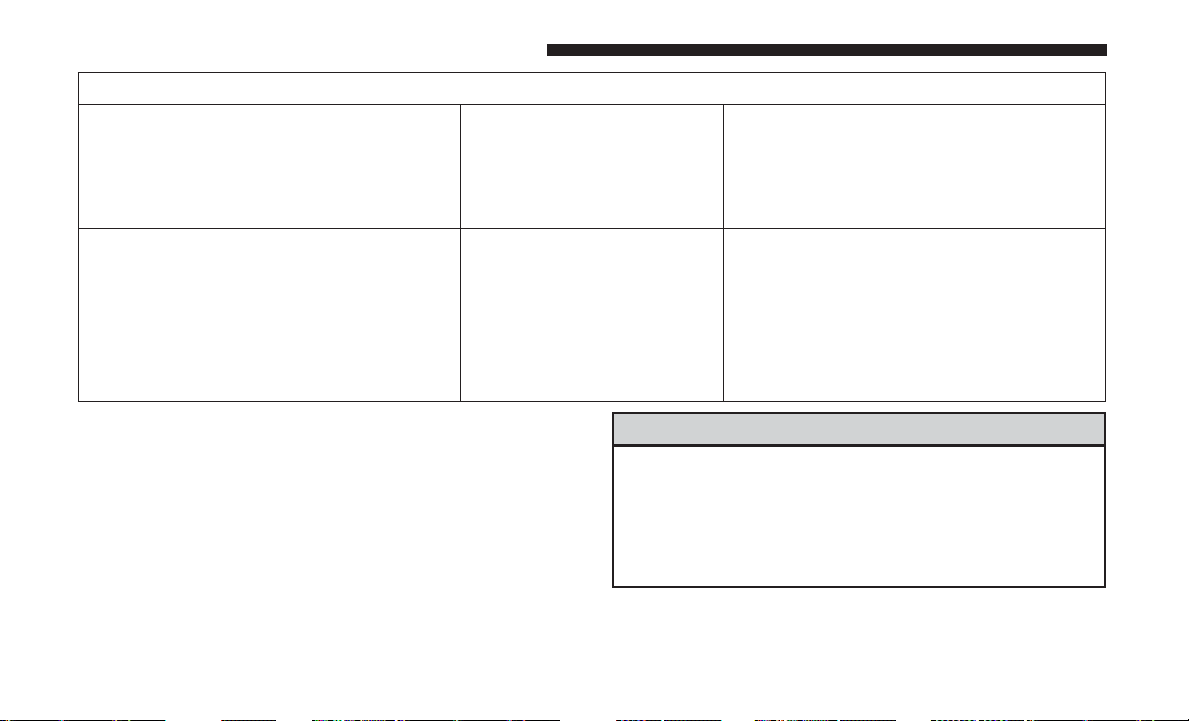
Frequently Asked Questions About Installing Child Restraints With LATCH
Can the rear-facing child restraint touch
the back of the front passenger seat?
Yes The child seat may touch the back of the
front passenger seat if the child restraint
manufacturer also allows contact.
See your child restraint owner’s manual
for more information.
Can the head restraints be removed? Yes The 2nd row head restraints on bench
and fixed quad seats are removable. 2nd
row outboard stow ’n go head restraints
are not removable. The 3rd row center
head restraint is removable in all vehicles,
but the 3rd row outboard head restraints
are not removable.
NOTE: If the folding, non-adjustable head restraint inter-
feres with the installation of the child restraint, the head
restraint may be folded and the child seat installed in front
of it.
WARNING!
Always make sure the head restraint is in its upright
position when the seat is to be used by an occupant
who is not in a child restraint. Sitting in a seat with the
head restraint in its lowered position could result in
serious injury or death in a collision.
80 THINGS TO KNOW BEFORE STARTING YOUR VEHICLE
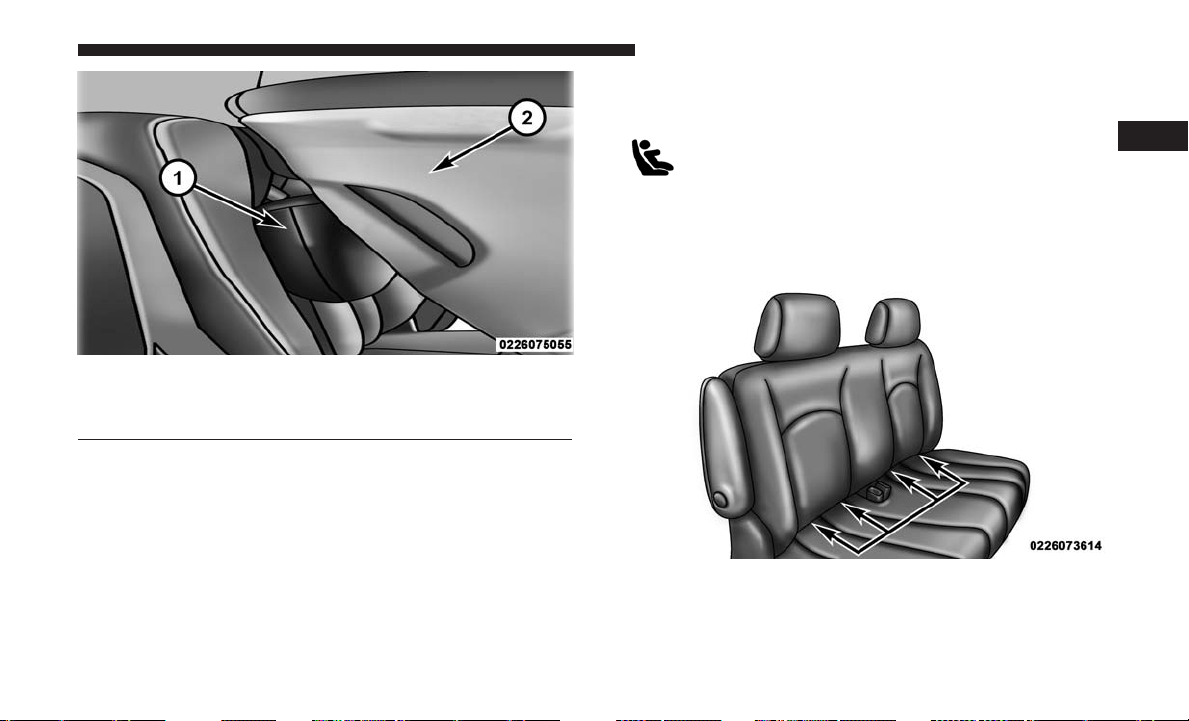
Locating The LATCH Anchorages
The lower anchorages are round bars that are
found at the rear of the seat cushion where it
meets the seatback. They are just visible when
you lean into the rear seat to install the child
restraint. You will easily feel them if you run your finger
along the gap between the seatback and seat cushion.
Car Seat With Head Restraint Folded
1 – Folded Headrest
2 – Child Restraint
2nd Row Bench Seat LATCH Lower Anchorages
2
THINGS TO KNOW BEFORE STARTING YOUR VEHICLE 81
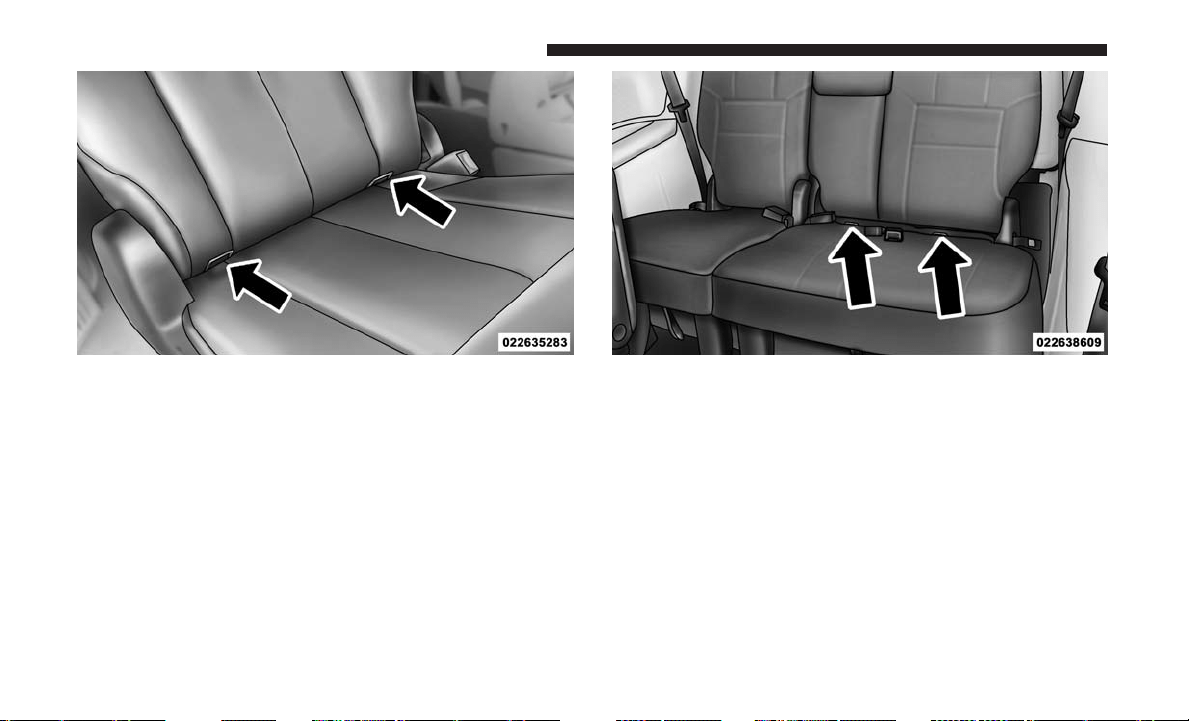
2nd Row Quad Seat LATCH Lower Anchorages 3rd Row 60/40 Seat LATCH Lower Anchorages
82 THINGS TO KNOW BEFORE STARTING YOUR VEHICLE
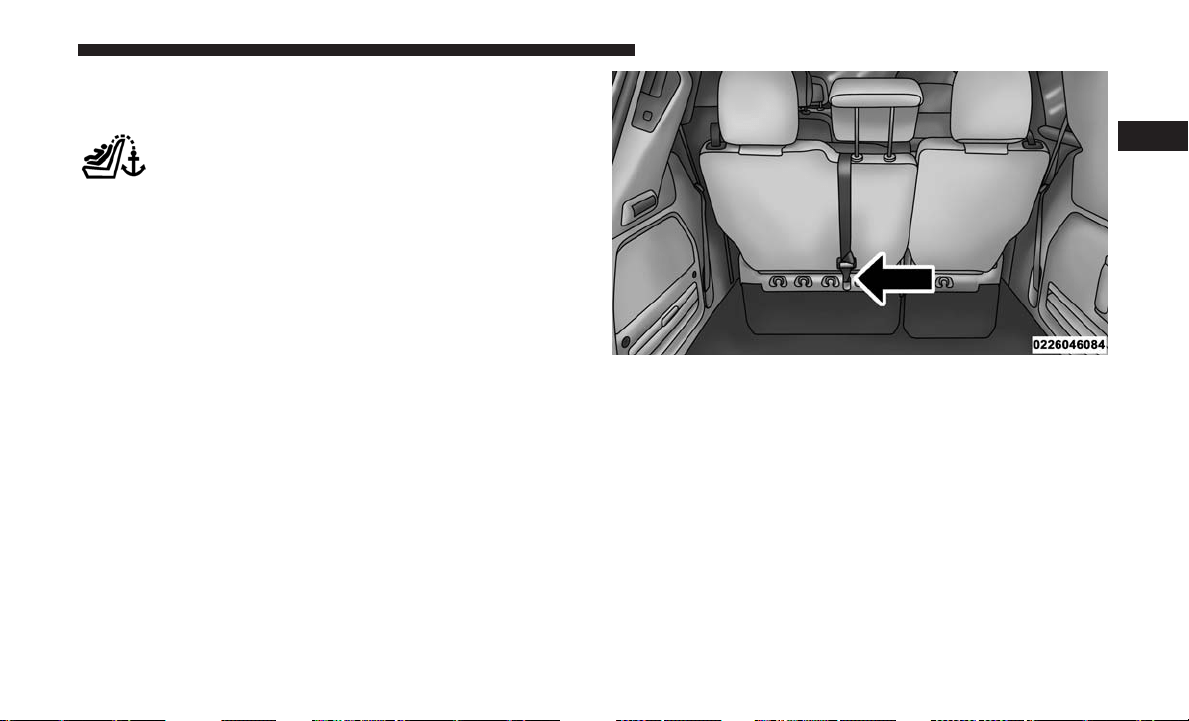
Locating The Upper Tether Anchorages
Bench Seat
There are tether strap anchorages behind each rear seating
position located on the back of the seat, near the floor.
Quad Seats
There are tether strap anchorages located behind the
second row seating positions and the third row center
seating position. The tether anchorages are located on the
back of the seat, near the floor.
LATCH-compatible child restraint systems will be
equipped with a rigid bar or a flexible strap on each side.
Each will have a hook or connector to attach to the lower
anchorage and a way to tighten the connection to the
anchorage. Forward-facing child restraints and some rear-
facing child restraints will also be equipped with a tether
strap. The tether strap will have a hook at the end to attach
to the top tether anchorage and a way to tighten the strap
after it is attached to the anchorage.
Tether Strap Anchorages (Third Row 60/40 Anchorage Shown)
2
THINGS TO KNOW BEFORE STARTING YOUR VEHICLE 83
Center Seat LATCH
If a child restraint installed in the center position blocks the
seat belt webbing or buckle for the outboard position, do
not use that outboard position. If a child seat in the center
position blocks the outboard LATCH anchors or seat belt,
do not install a child seat in that outboard position.
WARNING!
Never use the same lower anchorage to attach more
than one child restraint. Please refer to “To Install A
LATCH-Compatible Child Restraint” for typical instal-
lation instructions.
Always follow the directions of the child restraint manu-
facturer when installing your child restraint. Not all child
restraint systems will be installed as described here.
To Install A LATCH-Compatible Child Restraint
If the selected seating position has a Switchable Automatic
Locking Retractor (ALR) seat belt, stow the seat belt,
following the instructions below. See the section “Installing
Child Restraints Using The Vehicle Seat Belt” to check what
type of seat belt each seating position has.
1.
Loosen the adjusters on the lower straps and on the tether
strap of the child seat so that you can more easily attach
the hooks or connectors to the vehicle anchorages.
2. Place the child seat between the lower anchorages for
that seating position. For some second row seats, you
may need to recline the seat and/or raise the head
restraint to get a better fit. If the rear seat can be moved
forward and rearward in the vehicle, you may wish to
move it to its rear-most position to make room for the
child seat. You may also move the front seat forward to
allow more room for the child seat.
3. Attach the lower hooks or connectors of the child
restraint to the lower anchorages in the selected seating
position.
84 THINGS TO KNOW BEFORE STARTING YOUR VEHICLE
4. If the child restraint has a tether strap, connect it to the
top tether anchorage. See the section “Installing Child
Restraints Using The Top Tether Anchorage” for direc-
tions to attach a tether anchor.
5. Tighten all of the straps as you push the child restraint
rearward and downward into the seat. Remove slack in
the straps according to the child restraint manufactur-
er’s instructions.
6.
Test that the child restraint is installed tightly by pulling
back and forth on the child seat at the belt path. It should
not move more than 1 inch (25.4 mm) in any direction.
How To Stow An Unused Switchable-ALR (ALR)
Seat Belt:
When using the LATCH attaching system to install a child
restraint, stow all ALR seat belts that are not being used by
other occupants or being used to secure child restraints. An
unused belt could injure a child if they play with it and
accidentally lock the seat belt retractor. Before installing a
child restraint using the LATCH system, buckle the seat
belt behind the child restraint and out of the child’s reach.
If the buckled seat belt interferes with the child restraint
installation, instead of buckling it behind the child re-
straint, route the seat belt through the child restraint belt
path and then buckle it. Do not lock the seat belt. Remind
all children in the vehicle that the seat belts are not toys and
that they should not play with them.
WARNING!
• Improper installation of a child restraint to the
LATCH anchorages can lead to failure of the re-
straint. The child could be badly injured or killed.
Follow the child restraint manufacturer’s directions
exactly when installing an infant or child restraint.
• Child restraint anchorages are designed to withstand
only those loads imposed by correctly-fitted child
restraints. Under no circumstances are they to be
used for adult seat belts, harnesses, or for attaching
other items or equipment to the vehicle.
2
THINGS TO KNOW BEFORE STARTING YOUR VEHICLE 85
Installing Child Restraints Using The Vehicle Seat
Belt
Child restraint systems are designed to be secured in
vehicle seats by lap belts or the lap belt portion of a
lap/shoulder belt.
WARNING!
• Improper installation or failure to properly secure a
child restraint can lead to failure of the restraint. The
child could be badly injured or killed.
• Follow the child restraint manufacturer’s directions
exactly when installing an infant or child restraint.
The seat belts in the passenger seating positions are
equipped with either a Switchable Automatic Locking
Retractor (ALR) or a cinching latch plate or both. Both
types of seat belts are designed to keep the lap portion of
the seat belt tight around the child restraint so that it is not
necessary to use a locking clip. The ALR retractor can be
“switched” into a locked mode by pulling all of the
webbing out of the retractor and then letting the webbing
retract back into the retractor. If it is locked, the ALR will
make a clicking noise while the webbing is pulled back into
the retractor. Refer to the “Automatic Locking Mode”
description in “Switchable Automatic Locking Retractors
(ALR)” under “Occupant Restraint Systems” for additional
information on ALR. The cinching latch plate is designed to
hold the lap portion of the seat belt tight when webbing is
pulled tight and straight through a child restraint’s belt
path.
Please see the table below and the following sections for
more information.
86 THINGS TO KNOW BEFORE STARTING YOUR VEHICLE
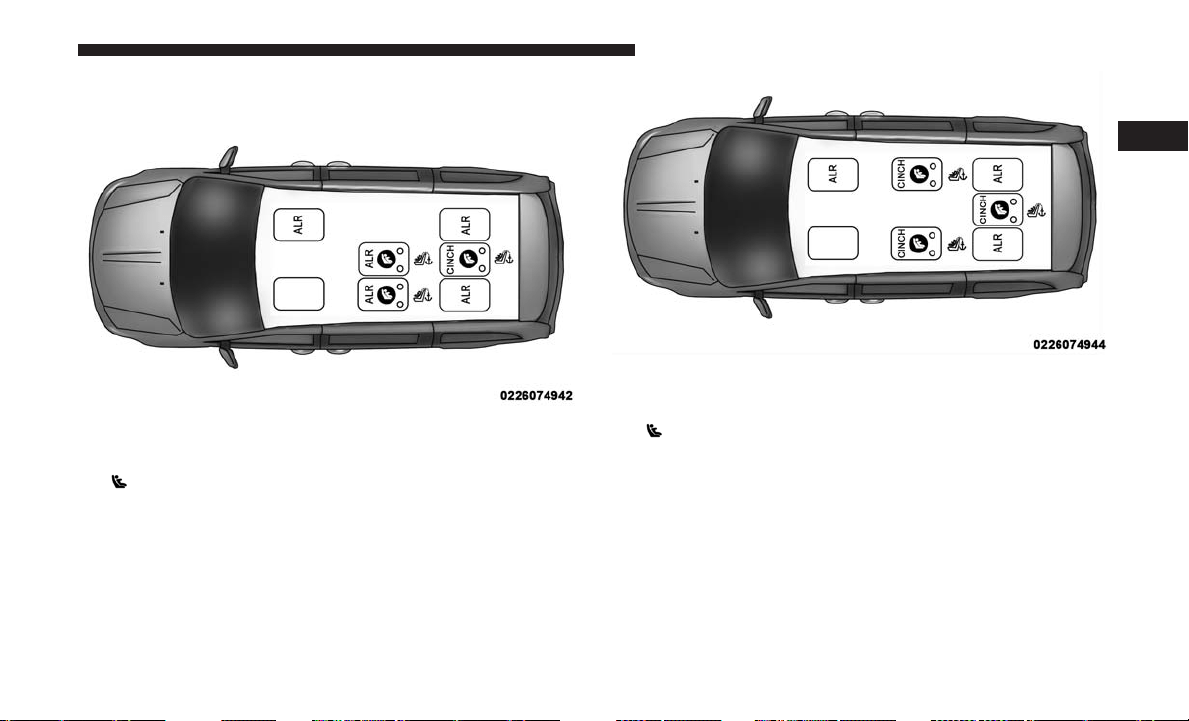
Lap/Shoulder Belt Systems For Installing Child
Restraints In This Vehicle
Second Row Bench Seat – Non-Stow ‘N Go
• ALR = Switchable Automatic Locking Retractor
•
Top Tether Anchorage Symbol
• Cinch = Cinching Latch Plate
Second Row Quad Seats
• ALR = Switchable Automatic Locking Retractor
•
Top Tether Anchorage Symbol
• Cinch = Cinching Latch Plate
2
THINGS TO KNOW BEFORE STARTING YOUR VEHICLE 87

Frequently Asked Questions About Installing Child Restraints With Seat Belts
What is the weight limit (child’s weight +
weight of the child restraint) for using the
Tether Anchor with the seat belt to attach
a forward facing child restraint?
Weight limit of the Child
Restraint
Always use the tether anchor when using
the seat belt to install a forward facing
child restraint, up to the recommended
weight limit of the child restraint.
Can the rear-facing child restraint touch
the back of the front passenger seat?
Yes Contact between the front passenger seat
and the child restraint is allowed, if the
child restraint manufacturer also allows
contact.
Can the head restraints be removed? Yes The 2nd row head restraints on bench
and fixed quad seats are removable. 2nd
row stow ’n go head restraints are not
removable. The 3rd row center head re-
straint is removable in all vehicles, but
the 3rd row outboard head restraints are
not removable.
Can the buckle stalk be twisted to tighten
the seat belt against the belt path of the
child restraint?
Yes In positions with cinching latch plates
(CINCH), the buckle stalk may be twisted
up to 3 full turns. Do not twist the buckle
stalk in a seating position with an ALR
retractor.
88 THINGS TO KNOW BEFORE STARTING YOUR VEHICLE
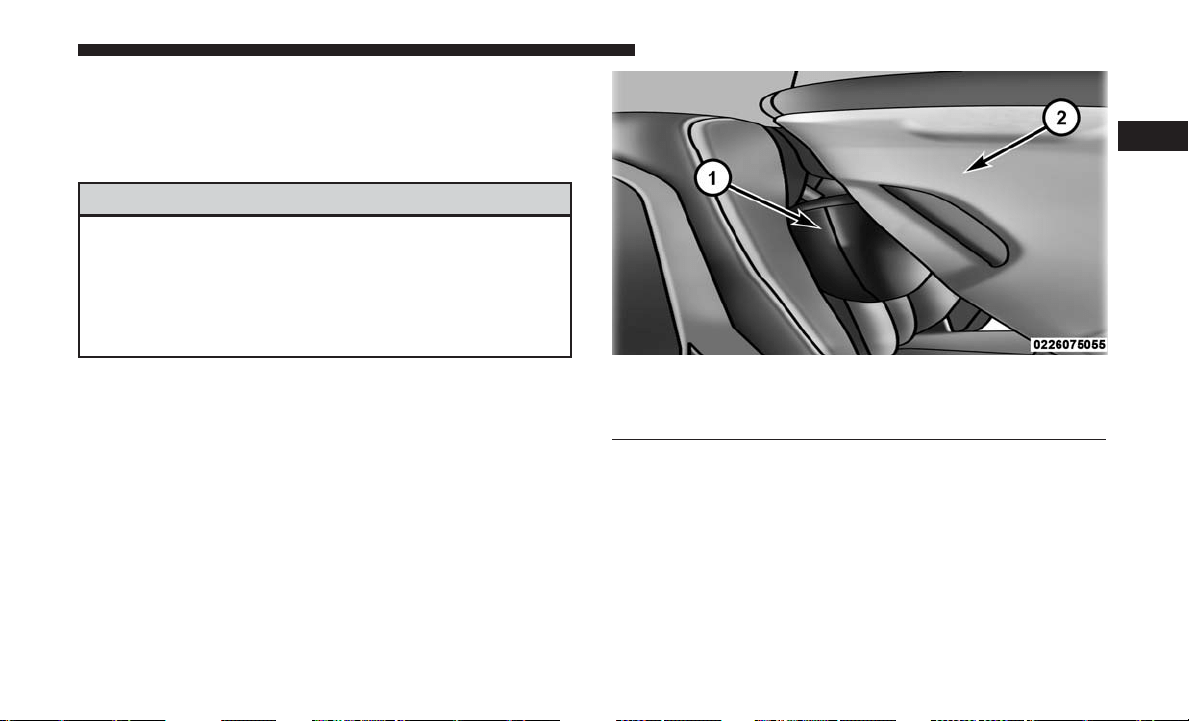
NOTE: If the folding, non-adjustable head restraint inter-
feres with the installation of the child restraint, the head
restraint may be folded and the child seat installed in front
of it.
WARNING!
Always make sure the head restraint is in its upright
position when the seat is to be used by an occupant
who is not in a child restraint. Sitting in a seat with the
head restraint in its lowered position could result in
serious injury or death in a collision.
Car Seat With Head Restraint Folded
1 – Folded Headrest
2 – Child Restraint
2
THINGS TO KNOW BEFORE STARTING YOUR VEHICLE 89
Installing A Child Restraint With A Switchable
Automatic Locking Retractor (ALR):
Child restraint systems are designed to be secured in
vehicle seats by lap belts or the lap belt portion of a
lap/shoulder belt.
WARNING!
• Improper installation or failure to properly secure a
child restraint can lead to failure of the restraint. The
child could be badly injured or killed.
• Follow the child restraint manufacturer’s directions
exactly when installing an infant or child restraint.
1. Place the child seat in the center of the seating position.
For some second row seats, you may need to recline the
seat and/or raise the head restraint to get a better fit. If
the rear seat can be moved forward and rearward in the
vehicle, you may wish to move it to its rear-most
position to make room for the child seat. You may also
move the front seat forward to allow more room for the
child seat.
2. Pull enough of the seat belt webbing from the retractor
to pass it through the belt path of the child restraint. Do
not twist the belt webbing in the belt path.
3. Slide the latch plate into the buckle until you hear a
“click.”
4. Pull on the webbing to make the lap portion tight
against the child seat.
5. To lock the seat belt, pull down on the shoulder part of
the belt until you have pulled all the seat belt webbing
out of the retractor. Then, allow the webbing to retract
back into the retractor. As the webbing retracts, you will
hear a clicking sound. This means the seat belt is now in
the Automatic Locking mode.
6. Try to pull the webbing out of the retractor. If it is
locked, you should not be able to pull out any webbing.
If the retractor is not locked, repeat step 5.
7. Finally, pull up on any excess webbing to tighten the lap
portion around the child restraint while you push the
child restraint rearward and downward into the vehicle
seat.
8. If the child restraint has a top tether strap and the
seating position has a top tether anchorage, connect the
tether strap to the anchorage and tighten the tether
strap. See the section “Installing Child Restraints Using
the Top Tether Anchorage” for directions to attach a
tether anchor.
90 THINGS TO KNOW BEFORE STARTING YOUR VEHICLE
9. Test that the child restraint is installed tightly by pulling
back and forth on the child seat at the belt path. It
should not move more than 1 inch (25.4 mm) in any
direction.
Any seat belt system will loosen with time, so check the
belt occasionally, and pull it tight if necessary.
Installing A Child Restraint With A Cinching Latch
Plate (CINCH) — If Equipped:
Child restraint systems are designed to be secured in
vehicle seats by lap belts or the lap belt portion of a
lap/shoulder belt.
WARNING!
• Improper installation or failure to properly secure a
child restraint can lead to failure of the restraint. The
child could be badly injured or killed.
• Follow the child restraint manufacturer’s directions
exactly when installing an infant or child restraint.
1. Place the child seat in the center of the seating position.
For some second row seats, you may need to recline the
seat and / or raise the head restraint to get a better fit.
If the rear seat can be moved forward and rearward in
the vehicle, you may wish to move it to its rear-most
position to make room for the child seat. You may also
move the front seat forward to allow more room for the
child seat.
2. Next, pull enough of the seat belt webbing from the
retractor to pass it through the belt path of the child
restraint. Do not twist the belt webbing in the belt path.
3. Slide the latch plate into the buckle until you hear a
“click.”
4. Finally, pull up on any excess webbing to tighten the lap
portion around the child restraint while you push the
child restraint rearward and downward into the vehicle
seat.
5. If the child restraint has a top tether strap and the
seating position has a top tether anchorage, connect the
tether strap to the anchorage and tighten the tether
strap. See the section “Installing Child Restraints Using
the Top Tether Anchorage” for directions to attach a
tether anchor.
2
THINGS TO KNOW BEFORE STARTING YOUR VEHICLE 91
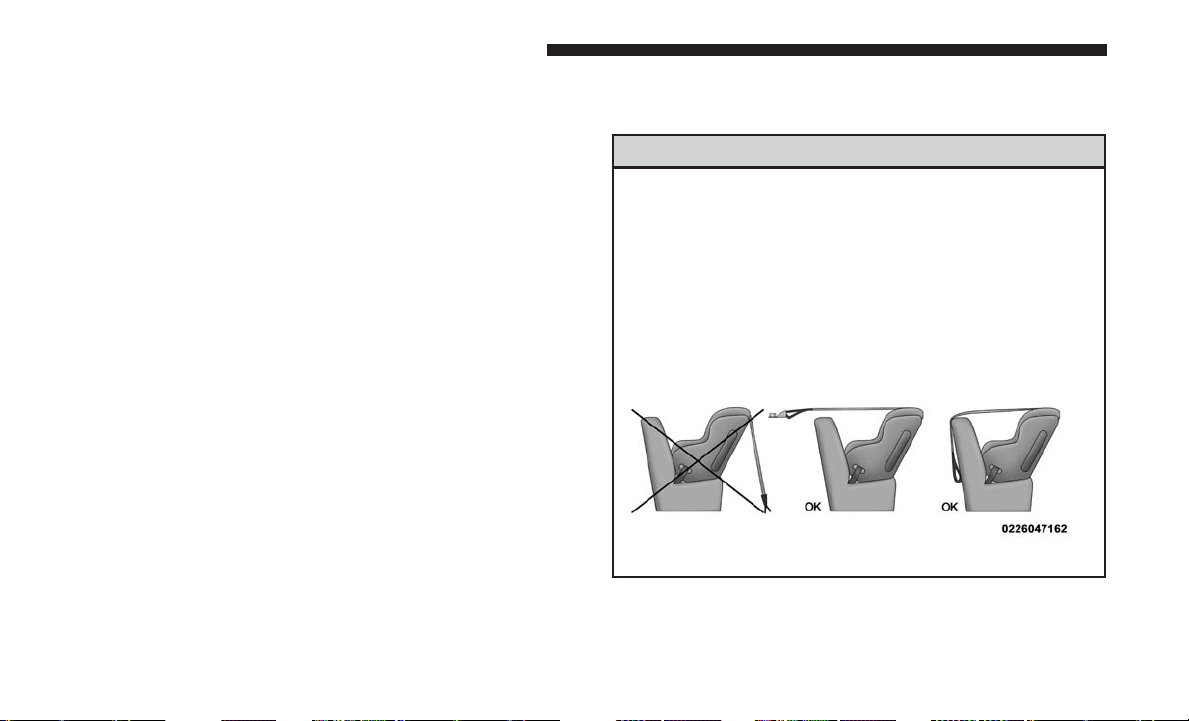
6. Test that the child restraint is installed tightly by pulling
back and forth on the child seat at the belt path. It
should not move more than 1 inch (25.4 mm) in any
direction.
Any seat belt system will loosen with time, so check the
belt occasionally, and pull it tight if necessary.
If the buckle or the cinching latch plate is too close to the
belt path opening of the child restraint, you may have
trouble tightening the seat belt. If this happens, disconnect
the latch plate from the buckle and twist the short buckle-
end belt up to three full turns to shorten it. Insert the latch
plate into the buckle with the release button facing out,
away from the child restraint. Repeat steps 4 to 6, above, to
complete the installation of the child restraint.
If the belt still cannot be tightened after you shorten the
buckle, disconnect the latch plate from the buckle, turn the
buckle around one half turn, and insert the latch plate into
the buckle again. If you still cannot make the child restraint
installation tight, try a different seating position.
Installing Child Restraints Using The Top Tether
Anchorage
WARNING!
Do not attach a tether strap for a rear-facing car seat to
any location in front of the car seat, including the seat
frame or a tether anchorage. Only attach the tether
strap of a rear-facing car seat to the tether anchorage
that is approved for that seating position, located
behind the top of the vehicle seat. See the section
“Lower Anchors and Tethers for CHildren (LATCH)
Restraint System” for the location of approved tether
anchorages in your vehicle.
92 THINGS TO KNOW BEFORE STARTING YOUR VEHICLE
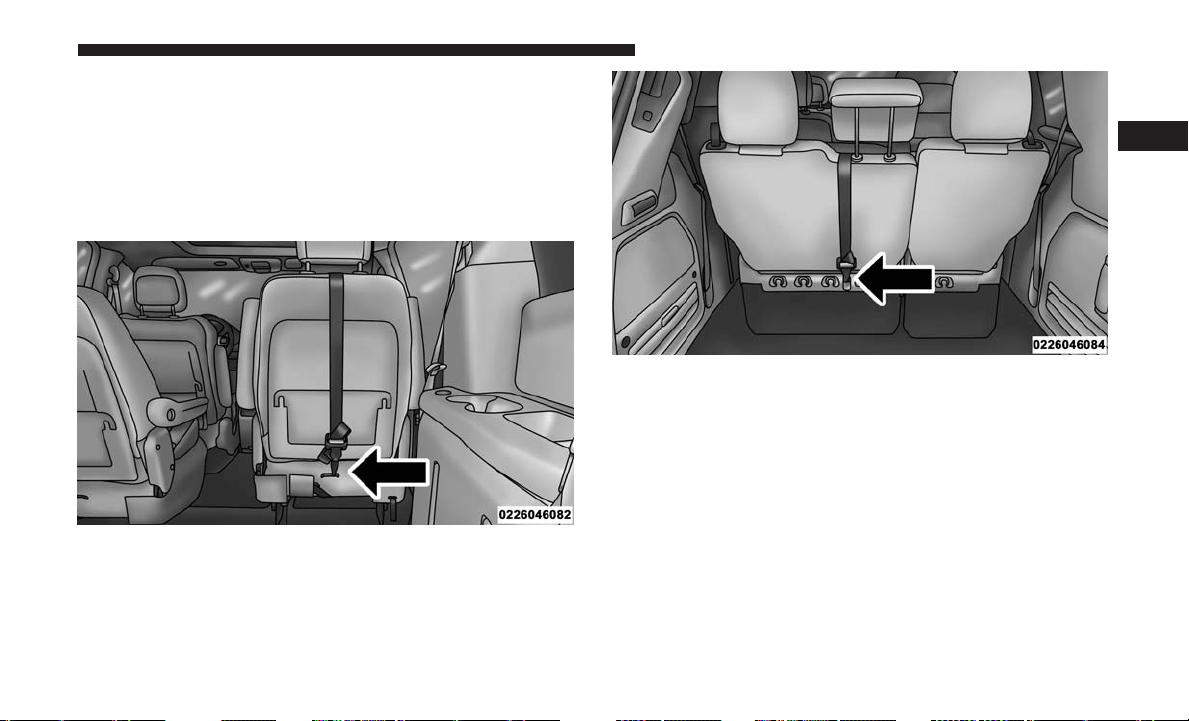
1. Look behind the seating position where you plan to
install the child restraint to find the tether anchorage.
You may need to move the seat forward to provide
better access to the tether anchorage. If there is no top
tether anchorage for that seating position, move the
child restraint to another position in the vehicle if one is
available.
2. Route the tether strap to provide the most direct path for
the strap between the anchor and the child seat. If your
vehicle is equipped with adjustable rear head restraints,
raise the head restraint, and where possible, route the
tether strap under the head restraint and between the
two posts. If not possible, lower the head restraint and
pass the tether strap around the outboard side of the
head restraint.
Rear Seat Tether Strap Mounting (Second Row Captains
Chair Anchorage Shown)
Tether Strap Anchorages (Third Row 60/40 Anchorage
Shown)
2
THINGS TO KNOW BEFORE STARTING YOUR VEHICLE 93
3. Attach the tether strap hook of the child restraint to the
top tether anchorage as shown in the diagram.
4. Remove slack in the tether strap according to the child
restraint manufacturer’s instructions.
WARNING!
• An incorrectly anchored tether strap could lead to
increased head motion and possible injury to the
child. Use only the anchorage position directly be-
hind the child seat to secure a child restraint top
tether strap.
• If your vehicle is equipped with a split rear seat,
make sure the tether strap does not slip into the
opening between the seatbacks as you remove slack
in the strap.
Transporting Pets
Air Bags deploying in the front seat could harm your pet.
An unrestrained pet will be thrown about and possibly
injured, or injure a passenger during panic braking or in a
collision.
Pets should be restrained in the rear seat in pet harnesses or
pet carriers that are secured by seat belts.
ENGINE BREAK-IN RECOMMENDATIONS
A long break-in period is not required for the engine and
drivetrain (transmission and axle) in your vehicle.
Drive moderately during the first 300 miles (500 km). After
the initial 60 miles (100 km), speeds up to 50 or 55 mph (80
or 90 km/h) are desirable.
While cruising, brief full-throttle acceleration within the
limits of local traffic laws contributes to a good break-in.
Wide-open throttle acceleration in low gear can be detri-
mental and should be avoided.
The engine oil installed in the engine at the factory is a
high-quality energy conserving type lubricant. Oil changes
should be consistent with anticipated climate conditions
under which vehicle operations will occur. For the recom-
mended viscosity and quality grades, refer to “Mainte-
nance Procedures” in “Maintaining Your Vehicle.”
CAUTION!
Never use Non-Detergent Oil or Straight Mineral Oil
in the engine or damage may result.
94 THINGS TO KNOW BEFORE STARTING YOUR VEHICLE

NOTE: A new engine may consume some oil during its
first few thousand miles (kilometers) of operation. This
should be considered a normal part of the break-in and not
interpreted as a problem. Please check your oil level with
the engine oil indicator often during the break in period.
Add oil as required.
SAFETY TIPS
Transporting Passengers
NOTE: Never transport passengers in the cargo area.
WARNING!
• Do not leave children or animals inside parked
vehicles in hot weather. Interior heat build-up may
cause serious injury or death.
• It is extremely dangerous to ride in a cargo area,
inside or outside of a vehicle. In a collision, people
riding in these areas are more likely to be seriously
injured or killed.
• Do not allow people to ride in any area of your
vehicle that is not equipped with seats and seat belts.
• Be sure everyone in your vehicle is in a seat and
using a seat belt properly.
Exhaust Gas
WARNING!
Exhaust gases can injure or kill. They contain carbon
monoxide (CO), which is colorless and odorless.
Breathing it can make you unconscious and can even-
tually poison you. To avoid breathing (CO), follow
these safety tips:
• Do not run the engine in a closed garage or in
confined areas any longer than needed to move your
vehicle in or out of the area.
• If you are required to drive with the trunk/liftgate/
rear doors open, make sure that all windows are
closed and the climate control BLOWER switch is set
at high speed. DO NOT use the recirculation mode.
• If it is necessary to sit in a parked vehicle with the
engine running, adjust your heating or cooling con-
trols to force outside air into the vehicle. Set the
blower at high speed.
The best protection against carbon monoxide entry into the
vehicle body is a properly maintained engine exhaust
system.
2
THINGS TO KNOW BEFORE STARTING YOUR VEHICLE 95

Whenever a change is noticed in the sound of the exhaust
system, when exhaust fumes can be detected inside the
vehicle, or when the underside or rear of the vehicle is
damaged, have a competent mechanic inspect the complete
exhaust system and adjacent body areas for broken, dam-
aged, deteriorated, or mispositioned parts. Open seams or
loose connections could permit exhaust fumes to seep into
the passenger compartment. In addition, inspect the ex-
haust system each time the vehicle is raised for lubrication
or oil change. Replace as required.
Safety Checks You Should Make Inside The Vehicle
Seat Belts
Inspect the seat belt system periodically, checking for cuts,
frays, and loose parts. Damaged parts must be replaced
immediately. Do not disassemble or modify the system.
Front seat belt assemblies must be replaced after a collision.
Rear seat belt assemblies must be replaced after a collision
if they have been damaged (i.e., bent retractor, torn web-
bing, etc.). If there is any question regarding seat belt or
retractor condition, replace the seat belt.
Air Bag Warning Light
The Air Bag Warning Light
will turn on for four to
eight seconds as a bulb check when the ignition is first
placed in the ON/RUN position. If the light is either not
on during starting, stays on, or turns on while driving,
have the system inspected at an authorized dealer as
soon as possible. This light will illuminate with a single
chime when a fault with the Air Bag Warning Light has
been detected, it will stay on until the fault is cleared.
If the light comes on intermittently or remains on while
driving, have an authorized dealer service the vehicle
immediately. Refer to “Occupant Restraints Systems”
for further information.
Defroster
Check operation by selecting the defrost mode and place the
blower control on high speed. You should be able to feel the
air directed against the windshield. See your authorized
dealer for service if your defroster is inoperable.
Floor Mat Safety Information
Always use floor mats designed to fit the footwell of your
vehicle. Use only floor mats that leave the pedal area
unobstructed and that are firmly secured so that they
96 THINGS TO KNOW BEFORE STARTING YOUR VEHICLE
cannot slip out of position and interfere with the pedals or
impair safe operation of your vehicle in other ways.
WARNING!
An improperly attached, damaged, folded, or stacked
floor mat, or damaged floor mat fasteners may cause
your floor mat to interfere with the accelerator, brake,
or clutch pedals and cause a loss of vehicle control.
To prevent SERIOUS INJURY or DEATH:
• ALWAYS securely attach
your floor mat using the
floor mat fasteners. DO NOT install your floor mat
upside down or turn your floor mat over. Lightly pull
to confirm mat is secured using the floor mat fasten-
ers on a regular basis.
• ALWAYS REMOVE THE EXISTING FLOOR MAT
FROM THE VEHICLE
before installing any other
floor mat. NEVER install or stack an additional floor
mat on top of an existing floor mat.
•
ONLY install floor mats designed to fit your vehicle.
NEVER install a floor mat that cannot be properly
attached and secured to your vehicle.
If a floor mat
needs to be replaced, only use a FCA approved floor mat
for the specific make, model, and year of your vehicle.
(Continued)
WARNING! (Continued)
•
ONLY use the driver’s side floor mat on the driver’s
side floor area. To check for interference, with the
vehicle properly parked with the engine off, fully
depress the accelerator, the brake, and the clutch pedal
(if present) to check for interference. If your floor mat
interferes with the operation of any pedal, or is not
secure to the floor, remove the floor mat from the
vehicle and place the floor mat in your trunk.
• ONLY use the passenger’s side floor mat on the
passenger’s side floor area.
• ALWAYS make sure objects cannot fall or slide into
the driver’s side floor area when the vehicle is
moving. Objects can become trapped under accelera-
tor, brake, or clutch pedals and could cause a loss of
vehicle control.
• NEVER place any objects under the floor mat (e.g.,
towels, keys, etc.). These objects could change the
position of the floor mat and may cause interference
with the accelerator, brake, or clutch pedals.
• If the vehicle carpet has been removed and re-
installed, always properly attach carpet to the floor
and check the floor mat fasteners are secure to the
(Continued)
2
THINGS TO KNOW BEFORE STARTING YOUR VEHICLE 97
WARNING! (Continued)
vehicle carpet. Fully depress each pedal to check for
interference with the accelerator, brake, or clutch
pedals then re-install the floor mats.
• It is recommended to only use mild soap and water
to clean your floor mats. After cleaning, always check
your floor mat has been properly installed and is
secured to your vehicle using the floor mat fasteners
by lightly pulling mat.
Periodic Safety Checks You Should Make Outside
The Vehicle
Tires
Examine tires for excessive tread wear and uneven wear
patterns. Check for stones, nails, glass, or other objects
lodged in the tread or sidewall. Inspect the tread for cuts
and cracks. Inspect sidewalls for cuts, cracks, and bulges.
Check the wheel nuts for tightness. Check the tires (includ-
ing spare) for proper cold inflation pressure.
Lights
Have someone observe the operation of brake lights and
exterior lights while you work the controls. Check turn
signal and high beam indicator lights on the instrument
panel.
Door Latches
Check for proper closing, latching, and locking.
Fluid Leaks
Check area under vehicle after overnight parking for fuel,
engine coolant, oil, or other fluid leaks. Also, if gasoline
fumes are detected or if fuel, power steering fluid (if
equipped), or brake fluid leaks are suspected. The cause
should be located and corrected immediately.
98 THINGS TO KNOW BEFORE STARTING YOUR VEHICLE

UNDERSTANDING THE FEATURES OF YOUR VEHICLE
CONTENTS
䡵 MIRRORS .............................104
▫ Inside Day/Night Mirror — If Equipped ......104
▫ Automatic Dimming Mirror — If Equipped . . . .104
▫ Outside Mirrors .......................105
▫ Driver’s Outside Automatic Dimming Mirror —
If Equipped ...........................105
▫ Outside Mirrors Folding Feature ............105
▫ Power Mirrors — If Equipped .............106
▫ Heated Mirrors — If Equipped .............106
▫ Power Folding Mirrors — If Equipped ........106
▫ Illuminated Vanity Mirrors — If Equipped . . . .107
䡵 BLIND SPOT MONITORING (BSM) —
IF EQUIPPED ...........................108
▫ Rear Cross Path (RCP) ...................112
▫ Modes Of Operation.....................113
▫ General Information .....................114
䡵 UCONNECT PHONE — IF EQUIPPED.........114
▫ Operation ............................116
▫ Phone Call Features .....................122
▫ Uconnect Phone Features .................124
▫ Advanced Phone Connectivity .............128
▫ Things You Should Know About Your
Uconnect Phone ........................129
▫ General Information ....................137
䡵 VOICE COMMAND — IF EQUIPPED .........137
▫ Voice Command System Operation ..........137
▫ Commands ...........................138
▫ Voice Training .........................141
3

䡵 SEATS................................142
▫ Power Seats — If Equipped ...............142
▫ Power Lumbar — If Equipped .............144
▫ Heated Seats — If Equipped ..............144
▫ Manual Front/Second Row Seat Adjuster .....146
▫ Manual Reclining Seats — If Equipped .......147
▫ Head Restraints .......................148
▫ Stow ’n Go Seating — If Equipped ..........151
▫ Quad Seats — If Equipped ................157
▫ Second Row Bench Seat — If Equipped .......160
▫ Third Row Power Recline — If Equipped ......161
▫ Third Row Power Folding Seat — If Equipped . .162
▫ Manually Folding Third Row Seats —
If Equipped ...........................164
▫ Plastic Grocery Bag Retainer Hooks ..........167
䡵 DRIVER MEMORY SEAT — IF EQUIPPED .....167
▫ Programming The Memory Feature ..........168
▫ Linking And Unlinking The Remote Keyless Entry
Key Fob To Memory.....................168
▫ Memory Position Recall ..................169
▫ Easy Entry/Exit Seat (Available With Memory
Seat Only) ............................169
䡵 TO OPEN AND CLOSE THE HOOD ..........170
䡵 LIGHTS ..............................172
▫ Headlight Switch ......................172
▫ Automatic Headlights — If Equipped ........172
▫ Headlights On With Wipers — If Equipped . . . .173
▫ Headlight Delay — If Equipped ............173
▫ Lights-On Reminder
....................173
▫ Daytime Running Lights — If Equipped ......174
▫ Front Fog Lights — If Equipped ............174
▫ Dimmer Controls ......................174
▫ Multifunction Lever ....................176
▫ Turn Signals ..........................176
▫ Lane Change Assist .....................176
100 UNDERSTANDING THE FEATURES OF YOUR VEHICLE

▫ High/Low Beam Switch .................177
▫ Flash-To-Pass .........................177
▫ Battery Protection ......................177
䡵 WINDSHIELD WIPER AND WASHERS ........177
▫ Intermittent Wiper System ................178
▫ Windshield Wiper Operation ...............178
▫ Windshield Washers .....................178
▫ Mist Feature ..........................178
▫ Rear Wiper And Washer ..................179
▫ Rain Sensing Wipers — If Equipped .........179
䡵 TILT/TELESCOPING STEERING COLUMN .....180
䡵 HEATED STEERING WHEEL — IF EQUIPPED . .181
䡵 SPEED CONTROL — IF EQUIPPED ..........182
▫ To Activate ...........................182
▫ To Set A Desired Speed...................183
▫ To Deactivate..........................183
▫ To Resume Speed ......................183
▫ To Vary The Speed Setting ................183
▫ To Accelerate For Passing .................184
䡵 PARKSENSE REAR PARK ASSIST —
IF EQUIPPED ..........................185
▫ ParkSense Sensors ......................185
▫ ParkSense Warning Display................185
▫ ParkSense Display ......................186
▫ Enabling/Disabling ParkSense..............189
▫ Service The ParkSense Rear Park Assist System. .190
▫ Cleaning The ParkSense System.............190
▫ ParkSense System Usage Precautions .........190
䡵 PARKVIEW REAR BACK UP CAMERA —
IF EQUIPPED ..........................192
䡵 OVERHEAD CONSOLES ..................193
▫ Front Overhead Console ..................193
▫ Courtesy/Interior Lighting ................194
▫ Sunglass Storage (Non-Sunroof Only) Sunglass
Storage ..............................194
3
UNDERSTANDING THE FEATURES OF YOUR VEHICLE 101

▫ Rear Courtesy/Reading Lights — If Equipped . .196
▫ Rear Overhead Consoles — If Equipped.......196
䡵 GARAGE DOOR OPENER — IF EQUIPPED . . . .197
▫ Before You Begin Programming HomeLink.....198
▫ Programming A Rolling Code ..............198
▫ Programming A Non-Rolling Code ..........200
▫ Canadian/Gate Operator Programming .......201
▫ Using HomeLink .......................203
▫ Security..............................203
▫ Troubleshooting Tips ....................203
▫ General Information .....................204
䡵 POWER SUNROOF — IF EQUIPPED .........204
▫ Opening Sunroof — Express ...............205
▫ Opening Sunroof — Manual Mode ..........205
▫ Closing Sunroof — Express ................205
▫ Closing Sunroof — Manual Mode ...........205
▫ Pinch Protect Feature ....................206
▫ Venting Sunroof — Express................206
▫ Sunshade Operation .....................206
▫ Wind Buffeting ........................206
▫ Sunroof Maintenance ....................206
▫ Ignition Off Operation ...................206
䡵 ELECTRICAL POWER OUTLETS —
IF EQUIPPED ..........................207
䡵 POWER INVERTER — IF EQUIPPED ..........210
䡵 CUPHOLDERS .........................211
▫ Instrument Panel Cupholders ..............211
▫
Super Console — If Equipped ..............212
▫ Premium Console Cupholders — If Equipped. . .213
▫ Interior Bottle Holders ...................213
▫ Smoker’s Package Kit — If Equipped ........214
䡵 STORAGE .............................214
▫ Glove Compartments ....................214
▫ Door Trim Panel Storage..................216
102 UNDERSTANDING THE FEATURES OF YOUR VEHICLE

▫ Driver Seatback Storage — If Equipped .......216
▫ Umbrella Holder .......................216
▫ Second Row Seat Storage Bins — If Equipped. . .216
▫ Storage Bin Safety Warning ................217
▫ Coat Hooks ..........................218
▫ Cargo Area Storage .....................219
䡵 CONSOLE FEATURES ....................219
▫ Basic Console..........................219
▫ Premium Console — If Equipped ...........220
▫ Super Console — If Equipped ..............223
䡵 REAR WINDOW FEATURES ...............225
▫ Rear Window Defroster ..................225
䡵 LOAD LEVELING SYSTEM — IF EQUIPPED . . . .226
䡵 ROOF LUGGAGE RACK — IF EQUIPPED ......226
▫ Deploying The Crossbars .................227
䡵 SUN SCREENS — IF EQUIPPED .............231
3
UNDERSTANDING THE FEATURES OF YOUR VEHICLE 103

MIRRORS
Inside Day/Night Mirror — If Equipped
A two-point pivot system allows for horizontal and vertical
adjustment of the mirror. Adjust the mirror to center on the
view through the rear window.
Headlight glare can be reduced by moving the small
control under the mirror to the night position (toward the
rear of the vehicle). The mirror should be adjusted while
set in the day position (toward the windshield).
Automatic Dimming Mirror — If Equipped
This mirror automatically adjusts for headlight glare from
vehicles behind you. You can turn the feature on or off by
pushing the button at the base of the mirror. The on/off
symbol on the button will illuminate when the auto-
dimming feature is enabled.
NOTE: This feature is disabled when the vehicle is moving
in REVERSE.
Manual Rearview Mirror
Automatic Dimming Mirror
104 UNDERSTANDING THE FEATURES OF YOUR VEHICLE
CAUTION!
To avoid damage to the mirror during cleaning, never
spray any cleaning solution directly onto the mirror.
Apply the solution onto a clean cloth and wipe the
mirror clean.
Outside Mirrors
To receive maximum benefit, adjust the outside mirror(s) to
center on the adjacent lane of traffic with a slight overlap of
the view obtained on the inside mirror.
WARNING!
Vehicles and other objects seen in an outside convex
mirror will look smaller and farther away than they
really are. Relying too much on side convex mirrors
could cause you to collide with another vehicle or other
object. Use your inside mirror when judging the size or
distance of a vehicle seen in a side convex mirror.
Driver’s Outside Automatic Dimming Mirror —
If Equipped
The driver’s outside mirror will automatically adjust for
glare from vehicles behind you. This feature is controlled
by the inside automatic dimming mirror and will automati-
cally adjust for headlight glare when the inside mirror
adjusts.
Outside Mirrors Folding Feature
All outside mirrors are hinged and may be moved either
forward or rearward to resist damage. The hinges have
three detent positions:
• Full forward position
• Full rearward position
• Normal position
3
UNDERSTANDING THE FEATURES OF YOUR VEHICLE 105
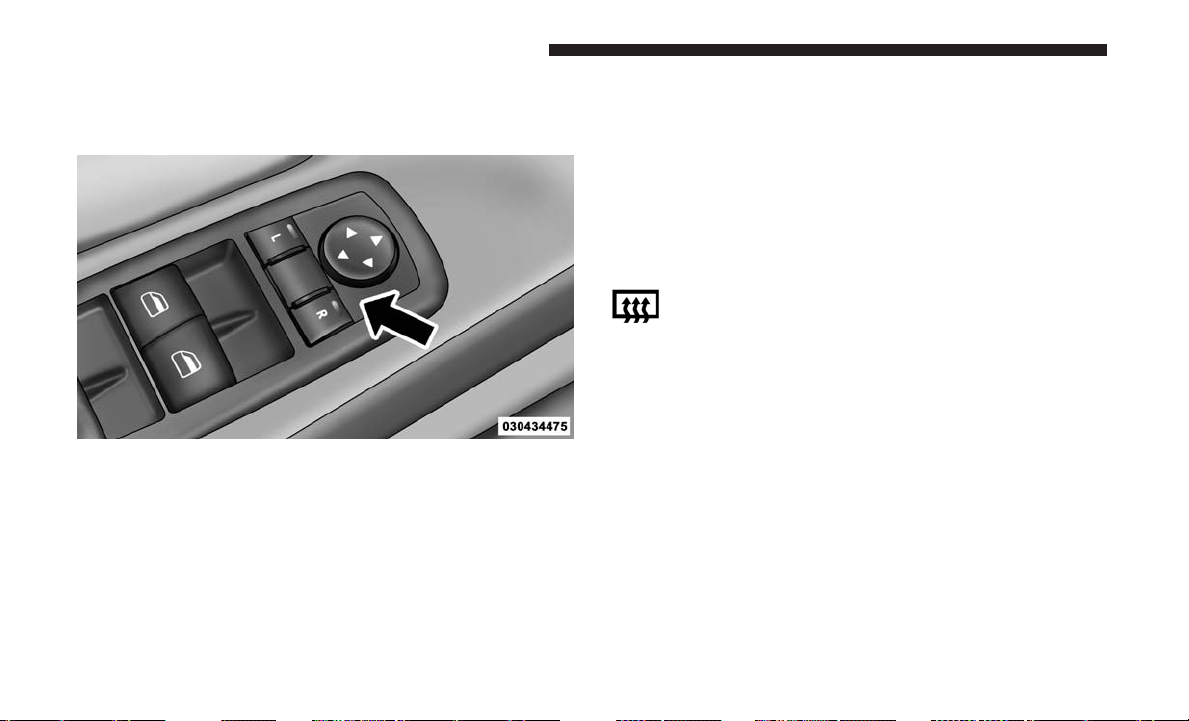
Power Mirrors — If Equipped
The power mirror controls are located on the driver-side
door trim panel.
The power mirror controls consist of mirror select buttons
and a four-way mirror control switch. To adjust a mirror,
push either the L (left) or R (right) to select the mirror that
you want to adjust.
NOTE: A light in the selected button will illuminate
indicating the mirror is activated and can be adjusted.
Using the mirror control switch, push on any of the four
arrows for the direction that you want the mirror to move.
Left and Right side power mirror preselected positions can
be controlled by the optional Driver Memory Seat Feature.
Refer to “Driver Memory Seat” in “Understanding The
Features Of Your Vehicle” for further information.
Heated Mirrors — If Equipped
These mirrors are heated to melt frost or ice. This
feature will be activated whenever you turn on the
rear window defroster (if equipped). Refer to “Rear Win-
dow Features” in “Understanding The Features Of Your
Vehicle” for further information.
Power Folding Mirrors — If Equipped
The switch for the power folding mirrors is located be-
tween the power mirror switches L (left) and R (right).
Push the switch once and the mirrors will fold in, pushing
the switch a second time will return the mirrors to the
normal driving position.
Power Mirror Controls
106 UNDERSTANDING THE FEATURES OF YOUR VEHICLE
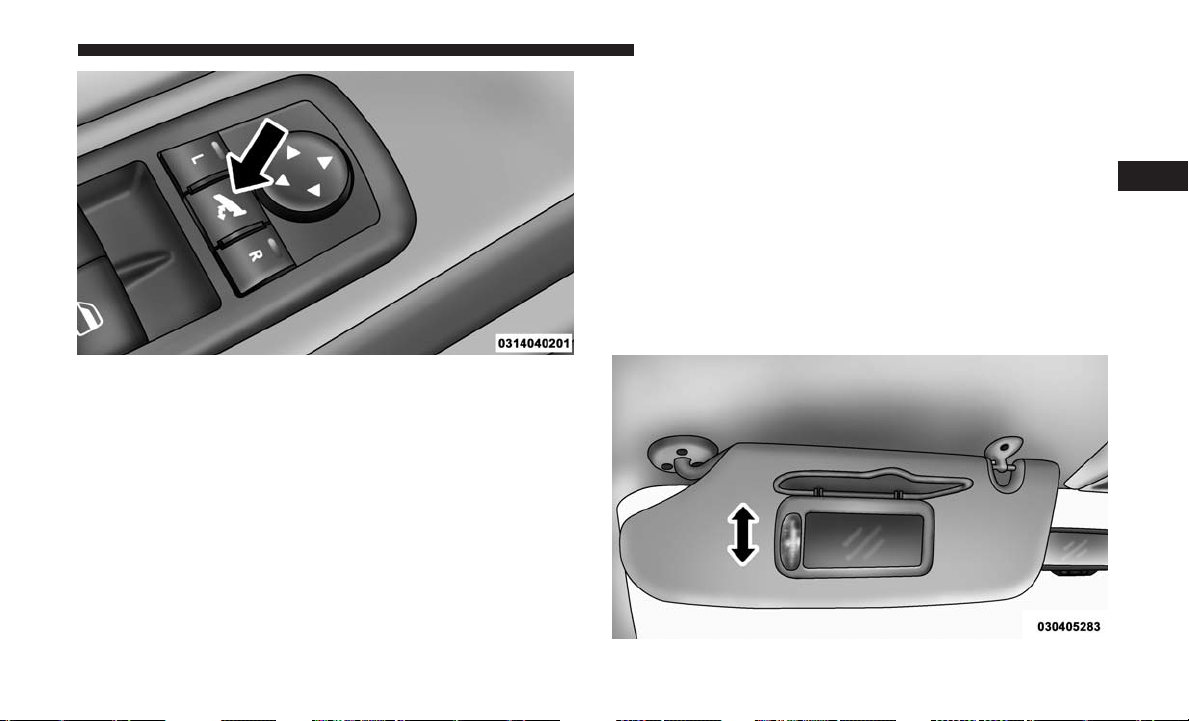
NOTE: If the vehicle speed is greater than 10 mph
(16 km/h), the folding feature will be disabled.
If the mirrors are in the folded position, and vehicle speed
is equal or greater than 10 mph (16 km/h), they will
automatically unfold.
Resetting The Power Folding Outside Mirrors
You may need to reset the power folding mirrors if the
following occurs:
• The mirrors are accidentally blocked while folding.
• The mirrors are accidentally manually folded/unfolded.
• The mirrors come out of the unfolded position.
• The mirrors shake and vibrate at normal driving speeds.
To reset the power folding mirrors: fold and unfold them
by pushing the button. (this may require multiple button
pushes). This resets them to their normal position.
Illuminated Vanity Mirrors — If Equipped
An illuminated vanity mirror is located on the sun visor. To
use the mirror, rotate the sun visor down and swing the
mirror cover upward. The lights turn on automatically.
Closing the mirror cover turns off the lights.
Power Folding Mirror Switch
Illuminated Mirror
3
UNDERSTANDING THE FEATURES OF YOUR VEHICLE 107
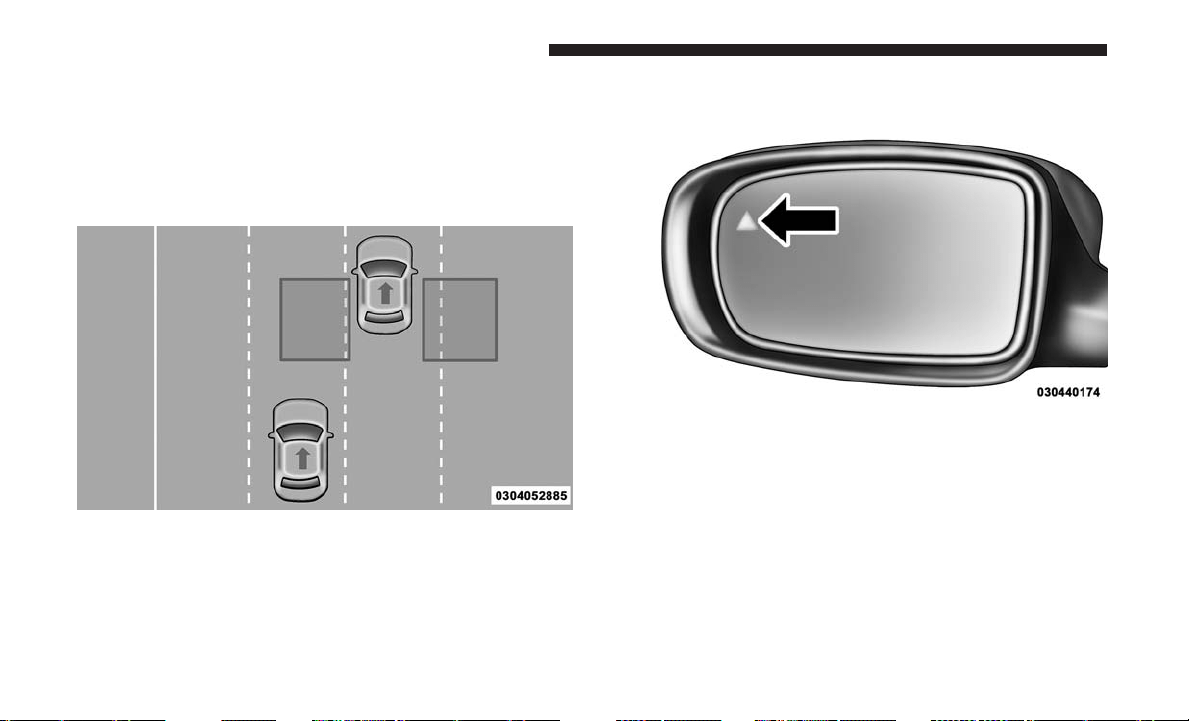
BLIND SPOT MONITORING (BSM) — IF EQUIPPED
The Blind Spot Monitoring (BSM) system uses two radar
sensors, located inside the rear bumper fascia, to detect
highway licensable vehicles (automobiles, trucks, motor-
cycles, etc.) that enter the blind spot zones from the
rear/front/side of the vehicle.
When the vehicle is started, the BSM warning light will
momentarily illuminate in both outside rear view mirrors
to let the driver know that the system is operational.
The BSM system sensors operate when the vehicle is in any
forward gear or REVERSE.
The BSM detection zone covers approximately one lane
width on both sides of the vehicle 12 ft (3.8 m). The zone
length starts at the outside rear view mirror and extends
approximately 10 ft (3 m) beyond the rear bumper of the
vehicle. The BSM system monitors the detection zones on
both sides of the vehicle when the vehicle speed reaches
approximately 6 mph (10 km/h) or higher and will alert
the driver of vehicles in these areas.
Rear Detection Zones
BSM Warning Light
108 UNDERSTANDING THE FEATURES OF YOUR VEHICLE
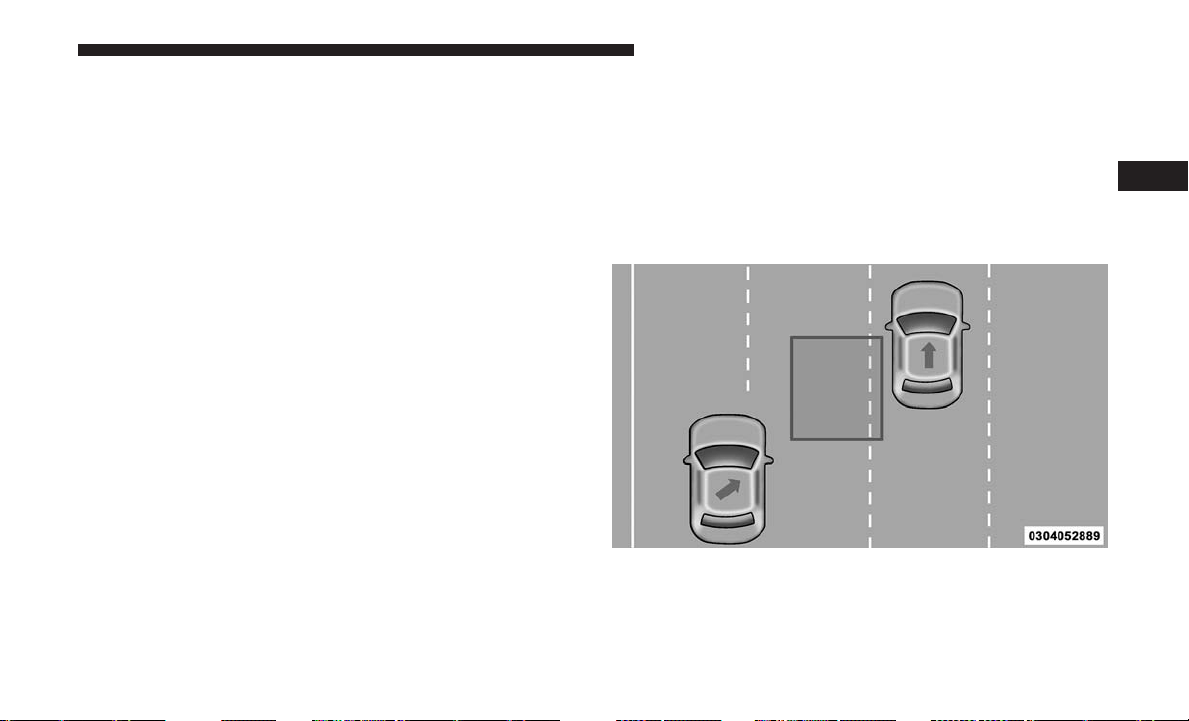
NOTE:
•
The BSM system does NOT alert the driver about rapidly
approaching vehicles that are outside the detection zones.
• The BSM system detection zone DOES NOT change if
your vehicle is towing a trailer. Therefore, visually verify
the adjacent lane is clear for both your vehicle and trailer
before making a lane change. If the trailer or other object
(i.e., bicycle, sports equipment) extends beyond the side
of your vehicle, this may result in the BSM warning light
remaining illuminated the entire time the vehicle is in a
forward gear.
The area on the rear fascia where the radar sensors are
located must remain free of snow, ice, and dirt/road
contamination so that the BSM system can function prop-
erly. Do not block the area of the rear fascia where the radar
sensors are located with foreign objects (bumper stickers,
bicycle racks, etc.).
The BSM system notifies the driver of objects in the
detection zones by illuminating the BSM warning light
located in the outside mirrors in addition to sounding an
audible (chime) alert and reducing the radio volume. Refer
to “Modes Of Operation” for further information.
The BSM system monitors the detection zone from three
different entry points (side, rear, front) while driving to see
if an alert is necessary. The BSM system will issue an alert
during these types of zone entries.
Entering From The Side
Vehicles that move into your adjacent lanes from either
side of the vehicle.
Side Monitoring
3
UNDERSTANDING THE FEATURES OF YOUR VEHICLE 109
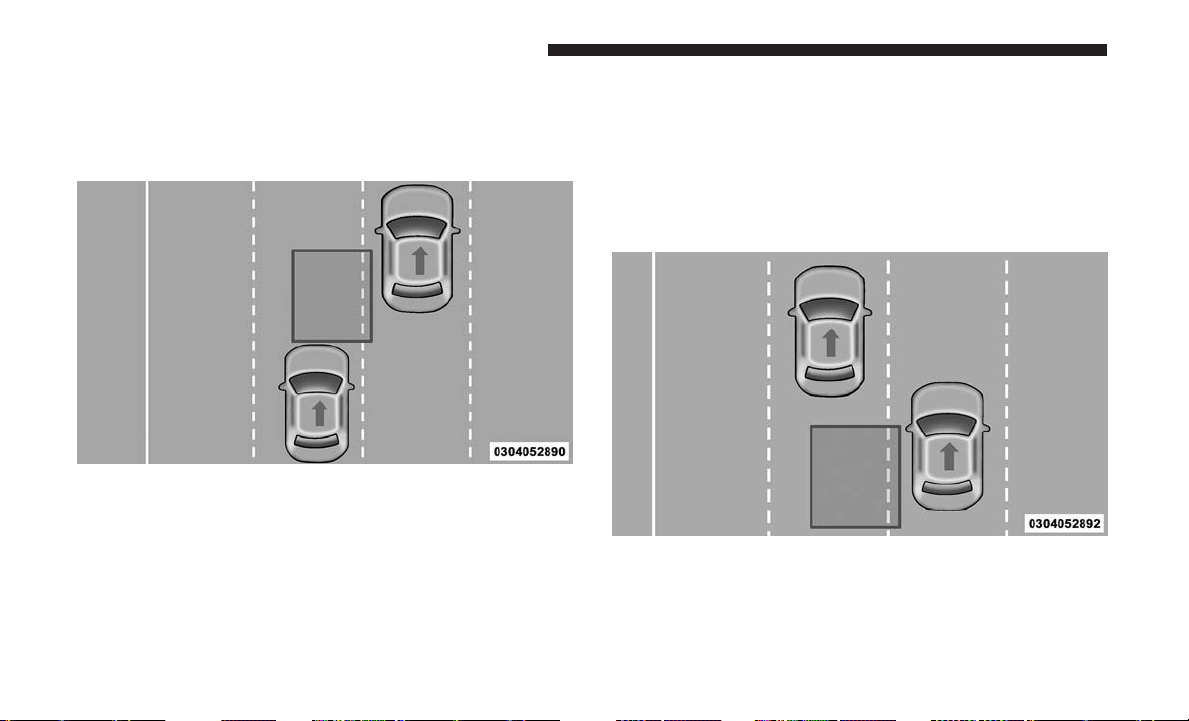
Entering From The Rear
Vehicles that come up from behind your vehicle on either
side and enter the rear detection zone with a relative speed
of less than 31 mph (50 km/h).
Overtaking Traffic
If you pass another vehicle slowly (with a relative speed of
less than 15 mph (24 km/h)) and the vehicle remains in the
blind spot for approximately 1.5 seconds, the warning light
will be illuminated. If the difference in speed between the
two vehicles is greater than 15 mph (24 km/h), the warning
light will not illuminate.
Rear Monitoring
Overtaking/Approaching
110 UNDERSTANDING THE FEATURES OF YOUR VEHICLE
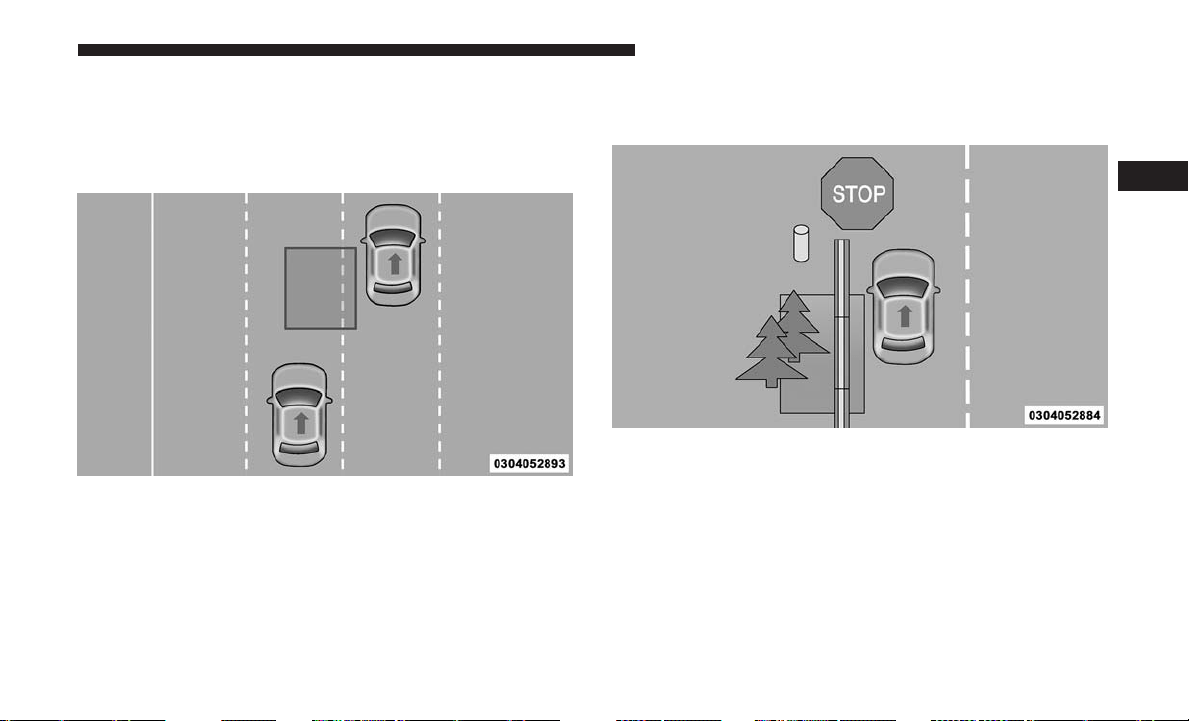
The BSM system is designed not to issue an alert on
stationary objects such as guardrails, posts, walls, foliage,
berms, etc. However, occasionally the system may alert on
such objects. This is normal operation and your vehicle
does not require service.
The BSM system will not alert you of objects that are
traveling in the opposite direction of the vehicle in adjacent
lanes.
Overtaking/Passing
Stationary Objects
3
UNDERSTANDING THE FEATURES OF YOUR VEHICLE 111
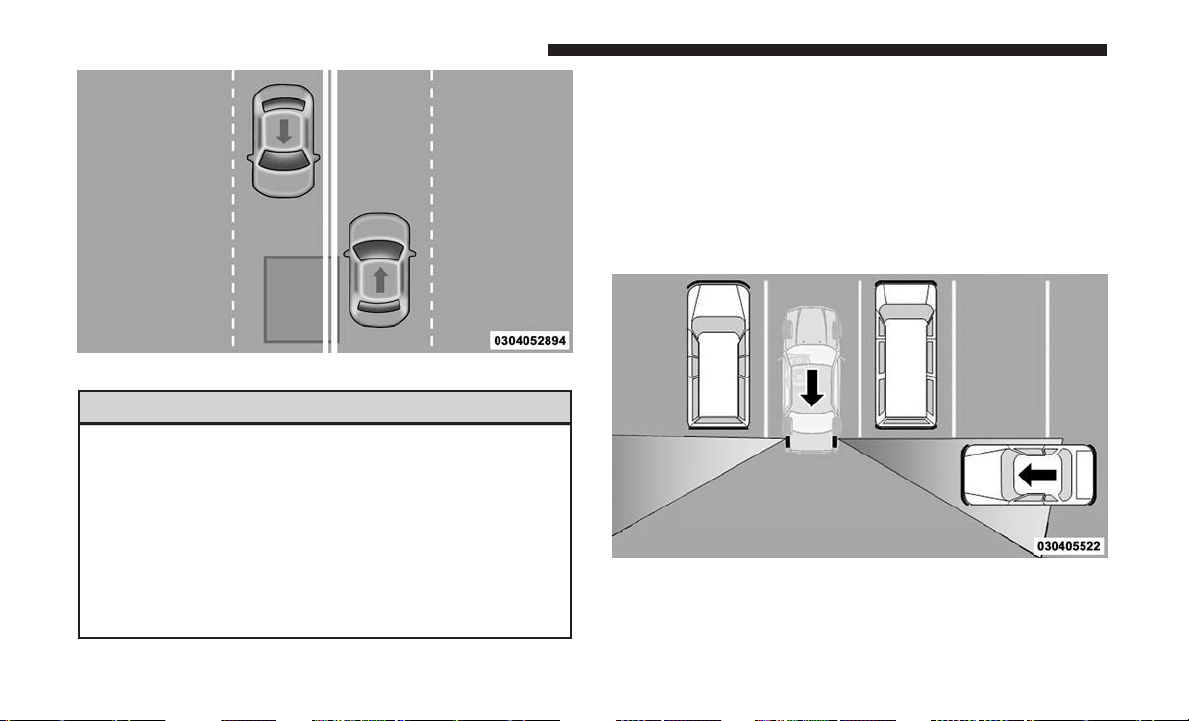
WARNING!
The Blind Spot Monitoring system is only an aid to
help detect objects in the blind spot zones. The BSM
system is not designed to detect pedestrians, bicyclists,
or animals. Even if your vehicle is equipped with the
BSM system, always check your vehicle’s mirrors,
glance over your shoulder, and use your turn signal
before changing lanes. Failure to do so can result in
serious injury or death.
Rear Cross Path (RCP)
The Rear Cross Path (RCP) feature is intended to aid the
driver when backing out of parking spaces where their
vision of oncoming vehicles may be blocked. Proceed
slowly and cautiously out of the parking space until the
rear end of the vehicle is exposed. The RCP system will
then have a clear view of the cross traffic and if an
oncoming vehicle is detected, alert the driver.
Opposing Traffic
RCP Detection Zones
112 UNDERSTANDING THE FEATURES OF YOUR VEHICLE

RCP monitors the rear detection zones on both sides of the
vehicle, for objects that are moving toward the side of the
vehicle with a minimum speed of approximately 3 mph
(5 km/h), to objects moving a maximum of approximately
20 mph (32 km/h), such as in parking lot situations.
NOTE: In a parking lot situation, oncoming vehicles can be
obscured by vehicles parked on either side. If the sensors
are blocked by other structures or vehicles, the system will
not be able to alert the driver.
When RCP is on and the vehicle is in REVERSE, the driver
is alerted using both the visual and audible alarms, includ-
ing reducing the radio volume.
WARNING!
RCP is not a back up aid system. It is intended to be
used to help a driver detect an oncoming vehicle in a
parking lot situation. Drivers must be careful when
backing up, even when using RCP. Always check
carefully behind your vehicle, look behind you, and be
sure to check for pedestrians, animals, other vehicles,
obstructions, and blind spots before backing up. Fail-
ure to do so can result in serious injury or death.
Modes Of Operation
Modes Of Operation With Instrument Cluster Display
Three selectable modes of operation are available in the
instrument cluster display. Refer to “Instrument Cluster
Display/Personal Settings (Customer-Programmable Fea-
tures)” in “Understanding Your Instrument Panel” for
further information.
Blind Spot Alert Lights Only
When operating in Blind Spot Alert mode, the BSM system
will provide a visual alert in the appropriate side view
mirror based on a detected object. However, when the
system is operating in RCP, the system will respond with
both visual and audible alerts when a detected object is
present. Whenever an audible alert is requested, the radio
volume is reduced.
Blind Spot Alert Lights/Chime
When operating in Blind Spot Alert Lights/Chime mode,
the BSM system will provide a visual alert in the appro-
priate side view mirror based on a detected object. If the
turn signal is then activated, and it corresponds to an alert
present on that side of the vehicle, an audible chime will
3
UNDERSTANDING THE FEATURES OF YOUR VEHICLE 113

also be sounded. Whenever a turn signal and detected
object are present on the same side at the same time, both
the visual and audio alerts will be issued. In addition to the
audible alert the radio (if on) volume will be reduced.
NOTE:
• Whenever an audible alert is requested by the BSM
system, the radio volume is reduced.
• If the hazard flashers are on, the system will request the
appropriate visual alert only.
When the system is in RCP, the system shall respond with
both visual and audible alerts when a detected object is
present. Whenever an audible alert is requested, the radio
volume is reduced. Turn/hazard signal status is ignored;
the RCP state always requests the chime.
Blind Spot Alert Off
When the BSM system is turned off there will be no visual
or audible alerts from either the BSM or RCP systems.
NOTE: The BSM system will store the current operating
mode when the vehicle is shut off. Each time the vehicle is
started the previously stored mode will be recalled and
used.
General Information
This vehicle has systems that operate on radio frequency
that comply with Part 15 of the Federal Communications
Commission (FCC) rules and with Industry Canada Stan-
dards RSS- GEN/210/220/310.
Operation is subject to the following two conditions:
1. The device may not cause harmful interference.
2. The device must accept any interference received, in-
cluding interference that may cause undesired operation
of the device.
Changes or modifications to any of these systems by other
than an authorized service facility could void authorization
to use this equipment.
UCONNECT PHONE — IF EQUIPPED
Uconnect Phone is a voice-activated, hands-free, in-vehicle
communications system. Uconnect Phone allows you to
dial a phone number with your mobile phone using simple
voice commands (e.g., “Call” ѧ “Mike” ѧ “Work” or “Dial”
ѧ “248-555-1212”). Your mobile phone’s audio is transmit-
ted through your vehicle’s audio system; the system will
automatically mute your radio when using the Uconnect
Phone.
114 UNDERSTANDING THE FEATURES OF YOUR VEHICLE
NOTE: The Uconnect Phone requires a mobile phone
equipped with the Bluetooth “Hands-Free Profile,” Version
0.96 or higher. See the Uconnect website for supported
phones.
For Uconnect Customer Support:
• U.S. residents - visit UconnectPhone.com or call 1-877-
855-8400.
• Canadian residents - visit UconnectPhone.com or call,
1-800-465-2001 (English) or 1-800-387-9983 (French).
Uconnect Phone allows you to transfer calls between the
system and your mobile phone as you enter or exit your
vehicle and enables you to mute the system’s microphone
for private conversation.
The Uconnect Phone is driven through your Bluetooth
“Hands-Free Profile” mobile phone. Uconnect features
Bluetooth technology - the global standard that enables
different electronic devices to connect to each other with-
out wires or a docking station, so Uconnect Phone works
no matter where you stow your mobile phone (be it your
purse, pocket, or briefcase), as long as your phone is turned
on and has been paired to the vehicle’s Uconnect Phone.
The Uconnect Phone allows up to seven mobile phones to
be linked to the system. Only one linked (or paired) mobile
phone can be used with the system at a time. The system is
available in English, Spanish, or French languages.
WARNING!
Any voice commanded system should be used only in
safe driving conditions following all applicable laws,
including laws regarding phone use. Your attention
should be focused on safely operating the vehicle.
Failure to do so may result in a collision causing
serious injury or death.
Uconnect Phone Button
The radio or steering wheel controls (if equipped)
will contain the two control buttons (Uconnect
Phone
button and Voice Command but-
ton) that will enable you to access the system.
When you push the button you will hear the word
Uconnect followed by a BEEP. The beep is your signal to
give a command.
Voice Command Button
Actual button location may vary with the radio.
The individual buttons are described in the
“Operation” section.
3
UNDERSTANDING THE FEATURES OF YOUR VEHICLE 115

The Uconnect Phone can be used with any Hands-Free
Profile certified Bluetooth mobile phone. See the Uconnect
website for supported phones. Refer to your mobile service
provider or the phone manufacturer for details.
The Uconnect Phone is fully integrated with the vehicle’s
audio system. The volume of the Uconnect Phone can be
adjusted either from the radio volume control knob or from
the steering wheel radio control (right switch), if so equipped.
The radio display will be used for visual prompts from the
Uconnect Phone such as “CELL” or caller ID on certain
radios.
Operation
Voice commands can be used to operate the Uconnect
Phone and to navigate through the Uconnect Phone menu
structure. Voice commands are required after most
Uconnect Phone prompts. You will be prompted for a
specific command and then guided through the available
options.
• Prior to giving a voice command, one must wait for the
beep, which follows the “Ready” prompt or another
prompt.
• For certain operations, compound commands can be
used. For example, instead of saying “Setup” and then
“Pair a Device,” the following compound command can
be said: “Pair a Bluetooth Device.”
• For each feature explanation in this section, only the
compound form of the voice command is given. You can
also break the commands into parts and say each part of
the command when you are asked for it. For example,
you can use the compound form voice command
“Phonebook New Entry,” or you can break the com-
pound form command into two voice commands:
“Phonebook” and “New Entry.” Please remember, the
Uconnect Phone works best when you talk in a normal
conversational tone, as if speaking to someone sitting a
few feet/meters away from you.
Voice Command Tree
Refer to “Voice Tree” in this section.
Help Command
If you need assistance at any prompt, or if you want to
know your options at any prompt, say “Help” following
the beep. The Uconnect Phone will play some of the
options at any prompt if you ask for help.
116 UNDERSTANDING THE FEATURES OF YOUR VEHICLE

To activate the Uconnect Phone, simply push the Phone
button and follow the audible prompts for direc-
tions. Uconnect Phone sessions begin with a push of the
Phone
button on the radio control head.
Cancel Command
At any prompt, after the beep, you can say “Cancel” and
you will be returned to the main menu. However, in a few
instances the system will take you back to the previous
menu.
Pair (Link) Uconnect Phone To A Mobile Phone
To begin using your Uconnect Phone, you must pair your
compatible Bluetooth enabled mobile phone.
To complete the pairing process, you will need to reference
your mobile phone Owner’s Manual. The Uconnect web-
site may also provide detailed instructions for pairing.
The following are general phone to Uconnect Phone pair-
ing instructions:
1. Enable Bluetooth on your mobile phone.
2. Push the Phone
button to begin.
3. After the “Ready” prompt and the following beep, say
“Device Pairing.”
4. When prompted, after the beep, say “Pair a Device” and
follow the audible prompts.
• You will be asked to say a four-digit Personal Identi-
fication Number (PIN), which you will later need to
enter into your mobile phone. You can enter any
four-digit PIN. You will not need to remember this PIN
after the initial pairing process.
• For identification purposes, you will be prompted to
give the Uconnect Phone a name for your mobile
phone. Each mobile phone that is paired should be
given a unique phone name.
• You will then be asked to give your mobile phone a
priority level between one and seven, with one being
the highest priority.
You can pair up to seven mobile phones to your Uconnect
Phone. However, at any given time, only one mobile phone
can be in use, connected to your Uconnect System. The
priority allows the Uconnect Phone to know which mobile
phone to use if multiple mobile phones are in the vehicle at
the same time. For example, if priority three and priority
five phones are present in the vehicle, the Uconnect Phone
will use the priority three mobile phone when you make a
3
UNDERSTANDING THE FEATURES OF YOUR VEHICLE 117

call. You can select to use a lower priority mobile phone at
any time (refer to “Advanced Phone Connectivity” in this
section for further information).
Dial By Saying A Number
To dial a number using Voice Command:
1. Push the Phone
button to begin.
2. After the “Ready” prompt and the following beep, say
“Dial.”
• The system will prompt you to say the number you
want to call. For example, you can say “234 567 8901.”
The Uconnect Phone will confirm the phone number and
then dial. The number will appear in the display of certain
radios.
Call By Saying A Name
To call a specific name using Voice Command:
1. Push the Phone
button to begin.
2. After the “Ready” prompt and the following beep, say
“Call.”
• The system will prompt you to say the name of the
person you want to call.
• For example, you can say “John Doe,” where John Doe
is a previously stored name entry in the Uconnect
phonebook or downloaded phonebook.
To learn how to store a name in the phonebook, refer to
“Add Names to Your Uconnect Phonebook.”
Phonebook Download — Automatic Phonebook
Transfer From Mobile Phone
If equipped and specifically supported by your phone,
Uconnect Phone automatically downloads names (text
names) and number entries from your mobile phone’s
phonebook. Specific Bluetooth Phones with Phone Book
Access Profile may support this feature. See Uconnect
website for supported phones.
• To call a name from the Uconnect Phonebook or down-
loaded Phonebook, follow the procedure in “Call by
Saying a Name” section.
• Automatic download and update, if supported, begins
as soon as the Bluetooth wireless phone connection is
made to the Uconnect Phone, for example, after you start
the vehicle.
• A maximum of 1,000 entries per phone will be down-
loaded and updated every time a phone is connected to
the Uconnect Phone.
118 UNDERSTANDING THE FEATURES OF YOUR VEHICLE

• Depending on the maximum number of entries down-
loaded, there may be a short delay before the latest
downloaded names can be used. Until then, if available,
the previously downloaded phonebook is available for
use.
• Only the phonebook of the currently connected mobile
phone is accessible.
• Either the mobile phone’s phonebook or the mobile
phone’s SIM card phonebook is downloaded.
•
This downloaded phonebook cannot be edited or deleted
on the Uconnect Phone. These can only be edited on the
mobile phone. The changes are transferred and updated to
Uconnect Phone on the next phone connection.
Add Names To Your Uconnect Phonebook
NOTE: Adding names to the Uconnect Phonebook is only
recommended when the vehicle is not in motion.
To add names to the Uconnect Phonebook using Voice
Command:
1. Push the Phone
button to begin.
2. After the “Ready” prompt and the following beep, say
“Phonebook New Entry.”
3. When prompted, say the name of the new entry.
• Use of long names helps the Voice Command and is
recommended. For example, say “Robert Smith” or
“Robert” instead of “Bob.”
4. When prompted, enter the number designation (e.g.,
“Home,” “Work,” “Mobile,” or “Other”).
• This will allow you to store multiple numbers for each
phonebook entry, if desired.
5. When prompted, recite the phone number for the
phonebook entry that you are adding.
After you are finished adding an entry into the phonebook,
you will be given the opportunity to add more phone
numbers to the current entry or to return to the main menu.
The Uconnect Phone will allow you to enter up to 32 names
in the phonebook with each name having up to four
associated phone numbers and designations. Each lan-
guage has a separate 32-name phonebook accessible only
in that language. In addition, if equipped and supported
by your phone, Uconnect Phone automatically downloads
your mobile phone’s phonebook.
3
UNDERSTANDING THE FEATURES OF YOUR VEHICLE 119

Edit Uconnect Phonebook Entries
NOTE:
• Editing names in the phonebook is only recommended
when the vehicle is not in motion.
• Automatic downloaded phonebook entries cannot be
deleted or edited.
To edit a Uconnect Phonebook entry using Voice Command:
1. Push the Phone
button to begin.
2. After the “Ready” prompt and the following beep, say
“Phonebook Edit Entry.”
• You will then be asked for the name of the phonebook
entry that you wish to edit.
3. Select the number designation (home, work, mobile, or
other) that you wish to edit.
4. When prompted, recite the new phone number for the
phonebook entry that you are editing.
After you are finished editing an entry in the phonebook,
you will be given the opportunity to edit another entry in
the phonebook, call the number you just edited, or return
to the main menu.
“Phonebook Edit Entry” can be used to add another phone
number to a name entry that already exists in the phone-
book. For example, the entry John Doe may have a mobile
and a home number, but you can add “John Doe’s” work
number later using the “Phonebook Edit Entry” feature.
Delete Uconnect Phonebook Entry
NOTE:
• Editing phonebook entries is only recommended when
the vehicle is not in motion.
• ONLY the phonebook entry in the current language is
deleted.
• Automatic downloaded phonebook entries cannot be
deleted or edited.
To delete a Uconnect Phonebook Entry using Voice Com-
mand:
1. Push the Phone
button to begin.
2. After the “Ready” prompt and the following beep, say
“Phonebook Delete.”
3.
After you enter the Phonebook Delete menu, you will
then be asked for the name of the entry that you wish to
delete. You can either say the name of a phonebook entry
that you wish to delete or you can say “List Names” to
120 UNDERSTANDING THE FEATURES OF YOUR VEHICLE

hear a list of the entries in the phonebook from which you
choose. To select one of the entries from the list, push the
Voice Command
button while the Uconnect Phone
is playing the desired entry and say “Delete.”
4. After you enter the name, the Uconnect Phone will ask
you which designation you wish to delete: home, work,
mobile, other, or all. Say the designation you wish to
delete.
Delete/Erase “All” Uconnect Phonebook Entries
NOTE:
• ONLY the phonebook in the current language is deleted.
• Automatic downloaded phonebook entries cannot be
deleted or edited.
To delete or erase all Uconnect phonebook entries using
Voice Command:
1. Push the Phone
button to begin.
2. After the “Ready” prompt and the following beep, say
“Phonebook Erase All.”
• The Uconnect Phone will ask you to verify that you
wish to delete all the entries from the phonebook.
3. After confirmation, the phonebook entries will be de-
leted.
List All Names In The Uconnect Phonebook
To list ALL names in the Uconnect Phonebook using voice
Command:
1. Push the Phone
button to begin.
2. After the “Ready” prompt and the following beep, say
“Phonebook List Names.”
• The Uconnect Phone will play the names of all the
phonebook entries, including the downloaded phone-
book entries, if available.
3. To call one of the names in the list, push the Voice
Command
button during the playing of the de-
sired name, and say “Call.”
• The user can also exercise “Edit” or “Delete” opera-
tions at this point.
4. The Uconnect Phone will then prompt you as to the
number designation you wish to call.
5. The selected number will be dialed.
3
UNDERSTANDING THE FEATURES OF YOUR VEHICLE 121

Phone Call Features
The following features can be accessed through the
Uconnect Phone if the feature(s) are available on your
mobile service plan. For example, if your mobile service
plan provides three-way calling, this feature can be ac-
cessed through the Uconnect Phone. Check with your
mobile service provider for the features that you have.
Answer Or Reject An Incoming Call — No Call
Currently In Progress
When you receive a call on your mobile phone, the Uconnect
Phone will interrupt the vehicle audio system, if on, and will
ask if you would like to answer the call. Push the Phone
button to accept the call. To reject the call, push and
hold the Phone
button until you hear a single beep,
indicating that the incoming call was rejected.
Answer Or Reject An Incoming Call — Call
Currently In Progress
If a call is currently in progress and you have another
incoming call, you will hear the same network tones for
call waiting that you normally hear when using your
mobile phone. Push the Phone
button to place the
current call on hold and answer the incoming call.
NOTE: The Uconnect Phone compatible phones in the
market today do not support rejecting an incoming call
when another call is in progress. Therefore, the user can
only answer an incoming call or ignore it.
Making A Second Call While Current Call Is In
Progress
To make a second call while you are currently on a call,
push the Voice Command
button and say “Dial” or
“Call” followed by the phone number or phonebook
entry you wish to call. The first call will be on hold
while the second call is in progress. To go back to the
first call, refer to “Toggling Between Calls” in this
section. To combine two calls, refer to “Conference Call”
in this section.
Place/Retrieve A Call From Hold
To put a call on hold:
1. Push the Phone
button until you hear a single
beep.
• This indicates that the call is on hold.
• To bring the call back from hold, push and hold the
Phone
button until you hear a single beep.
122 UNDERSTANDING THE FEATURES OF YOUR VEHICLE
Toggling Between Calls
If two calls are in progress (one active and one on hold),
push the Phone
button until you hear a single beep,
indicating that the active and hold status of the two calls
have switched. Only one call can be placed on hold at a
time.
Conference Call
When two calls are in progress (one active and one on
hold):
1. Push and hold the Phone
button until you hear a
double beep, indicating that the two calls have been
joined into one conference call.
Three-Way Calling
To initiate three-way calling, push the Voice Command
button while a call is in progress, and make a second
phone call, as described under “Making a Second Call
While Current Call is in Progress.” After the second call
has established, push and hold the Phone
button
until you hear a double beep, indicating that the two
calls have been joined into one conference call.
Call Termination
To end a call in progress:
1. Momentarily push the Phone
button.
• Only the active call(s) will be terminated and if there is
a call on hold, it will become the new active call. If the
active call is terminated by the phone far end, a call on
hold may not become active automatically. This is cell
phone-dependent.
2. To bring the call back from hold, push and hold the
Phone
button until you hear a single beep.
Redial
• Push the Phone
button to begin.
• After the “Ready” prompt and the following beep, say
“Redial.”
• The Uconnect Phone will call the last number that was
dialed from your mobile phone.
NOTE: This may not be the last number dialed from the
Uconnect Phone.
3
UNDERSTANDING THE FEATURES OF YOUR VEHICLE 123

Call Continuation
Call continuation is the progression of a phone call on the
Uconnect Phone after the vehicle ignition key has been
switched to OFF. Call continuation functionality available
on the vehicle can be any one of three types:
• After the ignition key is switched to OFF, a call can
continue on the Uconnect Phone either until the call
ends, or until the vehicle battery condition dictates
cessation of the call on the Uconnect Phone and transfer
of the call to the mobile phone.
• After the ignition key is cycled to OFF, a call can
continue on the Uconnect Phone for a certain duration,
after which the call is automatically transferred from the
Uconnect Phone to the mobile phone.
• An active call is automatically transferred to the mobile
phone after the ignition key is cycled to OFF.
Uconnect Phone Features
Language Selection
To change the language that the Uconnect Phone is using:
• Push the Phone
button to begin.
• After the “Ready” prompt and the following beep, say
the name of the language you wish to switch to English,
Espanol, or Francais.
• Continue to follow the system prompts to complete the
language selection.
After selecting one of the languages, all prompts and voice
commands will be in that language.
NOTE: After every Uconnect Phone language change
operation, only the language-specific 32-name phonebook
is usable. The paired phone name is not language-specific
and is usable across all languages.
Emergency Assistance
If you are in an emergency and the mobile phone is
reachable:
• Pick up the phone and manually dial the emergency
number for your area.
If the phone is not reachable and the Uconnect Phone is
operational, you may reach the emergency number as follows:
• Push the Phone
button to begin.
• After the “Ready” prompt and the following beep, say
“Emergency” and the Uconnect Phone will instruct the
124 UNDERSTANDING THE FEATURES OF YOUR VEHICLE
paired mobile phone to call the emergency number. This
feature is supported in the U.S., Canada, and Mexico.
NOTE:
• The emergency number dialed is based on the country
where the vehicle is purchased (911 for the U.S. and
Canada and 060 for Mexico). The number dialed may
not be applicable with the available mobile service and
area.
• If supported, this number may be programmable on
some systems. To do this, push the Phone
button and
say “Setup,” followed by “Emergency.”
• The Uconnect Phone does slightly lower your chances of
successfully making a phone call as to that for the
mobile phone directly.
WARNING!
To use your Uconnect Phone System in an emergency,
your mobile phone must be:
• Turned on.
• Paired to the Uconnect System.
• Have network coverage.
Roadside Assistance/Towing Assistance
If you need roadside assistance:
• Push the Phone
button to begin.
• After the “Ready” prompt and the following beep, say
“Towing Assistance.”
NOTE: You should program the desired Towing Assistance
phone number using the Voice Command system. To do
this, push the Phone
button and say “Setup,”
followed by “Towing Assistance.” When prompted say
1-800-521-2779 for U.S., 1-800-363-4869 for Canada,
say 55-14-3454 for Mexico City and 1-800-712-3040 for
outside Mexico City in Mexico.
Paging
To learn how to page, refer to “Working with Automated
Systems.” Paging works properly except for pagers of
certain companies, which time out a little too soon to work
properly with the Uconnect Phone.
Voice Mail Calling
To learn how to access your voice mail, refer to “Working
with Automated Systems.”
3
UNDERSTANDING THE FEATURES OF YOUR VEHICLE 125

Working With Automated Systems
This method is used in instances where one generally has
to press numbers on the mobile phone keypad while
navigating through an automated telephone system.
You can use your Uconnect Phone to access a voice mail
system or an automated service, such as a paging service or
automated customer service line. Some services require
immediate response selection. In some instances, that may
be too quick for use of the Uconnect Phone.
When calling a number with your Uconnect Phone that
normally requires you to enter in a touch-tone sequence on
your mobile phone keypad, you can push the Voice Com-
mand
button and say the sequence you wish to enter,
followed by the word “Send.” For example, if required
to enter your PIN followed with a pound, (3746#),you
can push the Voice Command
button and say, “3 7 4
6 # Send.” Saying a number, or sequence of numbers,
followed by “Send,” is also to be used for navigating
through an automated customer service center menu
structure, and to leave a number on a pager.
You can also send stored Uconnect phonebook entries as
tones for fast and easy access to voice mail and pager
entries. To use this feature, dial the number you wish to call
and then push the Voice Command
button and say
“Send.” The system will prompt you to enter the name
or number and say the name of the phonebook entry
you wish to send. The Uconnect Phone will then send
the corresponding phone number associated with the
phonebook entry, as tones over the phone.
NOTE:
• You may not hear all of the tones due to mobile phone
network configurations. This is normal.
• Some paging and voice mail systems have system time
out settings that are too short and may not allow the use
of this feature.
Barge In — Overriding Prompts
The “Voice Command” button can be used when you wish
to skip part of a prompt and issue your voice command
immediately. For example, if a prompt is asking “Would
you like to pair a phone, clear a...,” you could push the
Voice Command
button and say, “Pair a Phone” to
select that option without having to listen to the rest of
the voice prompt.
126 UNDERSTANDING THE FEATURES OF YOUR VEHICLE

Turning Confirmation Prompts ON/OFF
Turning confirmation prompts off will stop the system
from confirming your choices (e.g., the Uconnect Phone
will not repeat a phone number before you dial it).
• Push the Phone
button to begin.
• After the “Ready” prompt and the following beep, say
one of the following:
– “Setup Confirmation Prompts On”
– “Setup Confirmation Prompts Off”
Phone And Network Status Indicators
If available on the radio and/or on a premium display such
as the instrument panel cluster, and supported by your
mobile phone, the Uconnect Phone will provide notifica-
tion to inform you of your phone and network status when
you are attempting to make a phone call using Uconnect
Phone. The status is given for network signal strength,
phone battery strength, etc.
Dialing Using The Mobile Phone Keypad
You can dial a phone number with your mobile phone
keypad and still use the Uconnect Phone (while dialing via
the mobile phone keypad, the user must exercise caution
and take precautionary safety measures). By dialing a
number with your paired Bluetooth mobile phone, the
audio will be played through your vehicle’s audio system.
The Uconnect Phone will work the same as if you dial the
number using Voice Command.
NOTE: Certain brands of mobile phones do not send the
dial ring to the Uconnect Phone to play it on the vehicle
audio system, so you will not hear it. Under this situation,
after successfully dialing a number the user may feel that
the call did not go through even though the call is in
progress. Once your call is answered, you will hear the
audio.
Mute/Un-Mute (Mute ON/OFF)
When you mute the Uconnect Phone, you will still be able
to hear the conversation coming from the other party, but
the other party will not be able to hear you. To mute the
Uconnect Phone:
• Push the Voice Command
button.
• Following the beep, say “Mute.”
To un-mute the Uconnect Phone:
• Push the Voice Command
button.
• Following the beep, say “Mute off.”
3
UNDERSTANDING THE FEATURES OF YOUR VEHICLE 127

Advanced Phone Connectivity
Transfer Call To And From Mobile Phone
The Uconnect Phone allows ongoing calls to be transferred
from your mobile phone to the Uconnect Phone without
terminating the call. To transfer an ongoing call from your
Uconnect Phone paired mobile phone to the Uconnect
Phone or vice versa, push the Voice Command
button
and say “Transfer Call.”
Connect Or Disconnect Link Between The Uconnect
Phone And Mobile Phone
Your mobile phone can be paired with many different
electronic devices, but can only be actively “connected”
with one electronic device at a time.
If you would like to connect or disconnect the Bluetooth
connection between your mobile phone and the Uconnect
Phone System, follow the instructions described in your
mobile phone User’s Manual.
List Paired Mobile Phone Names
To list the paired mobile phone names using Voice Command:
1. Push the Phone
button to begin.
2. After the “Ready” prompt and the following beep, say
“Setup Phone Pairing.”
3. When prompted, say “List Phones.”
The Uconnect Phone will play the phone names of all
paired mobile phones in order from the highest to the
lowest priority. To “Select” or “Delete” a paired phone
being announced, push the Voice Command
button
and say “Select” or “Delete.” Also, see the next two
sections for an alternate way to “Select” or “Delete” a
paired phone.
Select Another Mobile Phone
This feature allows you to select and start using another
mobile phone paired with the Uconnect Phone.
To select another mobile phone using Voice Command:
1. Push the Phone
button to begin.
2. After the “Ready” prompt and the following beep, say
“Setup Select Phone” and follow the prompts.
• You can also push the Phone
button at any time
while the list is being played, and choose the phone
that you wish to select.
128 UNDERSTANDING THE FEATURES OF YOUR VEHICLE

The selected phone will be used for the next phone call. If
the selected phone is not available, the Uconnect Phone
will return to using the highest priority phone present in or
near (approximately within 30 ft [9 m]) the vehicle.
Delete Uconnect Phone Paired Mobile Phones
To delete Uconnect phone paired mobile phones using
Voice Command:
1. Push the Phone
button to begin.
2. After the “Ready” prompt and the following beep, say
“Setup Phone Pairing.”
3.
At the next prompt, say “Delete” and follow the prompts.
• You can also push the Phone
button at any time
while the list is being played, and then choose the
phone you wish to delete.
Things You Should Know About Your Uconnect
Phone
Uconnect Phone Tutorial
To hear a brief tutorial of the system features, push the
Phone
button and say “Uconnect Tutorial.”
Voice Training
For users experiencing difficulty with the system recogniz-
ing their voice commands or numbers, the Uconnect Phone
Voice Training feature may be used. To enter this training
mode, follow one of the two following procedures:
From outside the Uconnect Phone mode (e.g., from radio
mode):
• Push and hold the Voice Command
button for five
seconds until the session begins, or,
• Push the Voice Command
button and say the “Voice
Training,” “System Training,” or “Start Voice Train-
ing” command.
You can either push the Uconnect Phone button to restore
the factory setting or repeat the words and phrases when
prompted by the Uconnect Phone. For best results, the
Voice Training session should be completed when the
vehicle is parked with the engine running, all windows
closed, and the blower fan switched off.
This procedure may be repeated with a new user. The
system will adapt to the last trained voice only.
3
UNDERSTANDING THE FEATURES OF YOUR VEHICLE 129

Reset
To Reset all settings using Voice Command:
1. Push the Phone
button.
2. After the “Ready” prompt and the following beep, say
“Setup,” then “Reset.”
• This will delete all phone pairing, phone book entries,
and other settings in all language modes. The System
will prompt you before resetting to factory settings.
Voice Command
For best performance:
• Adjust the rearview mirror to provide at least ½ inch
(1 cm) gap between the overhead console (if equipped)
and the mirror.
• Always wait for the beep before speaking.
• Speak normally without pausing, just as you would
speak to a person sitting a few feet/meters away from
you.
• Make sure that no one other than you is speaking during
a Voice Command period.
Performance is maximized under:
• Low-to-medium blower setting
• Low-to-medium vehicle speed
• Low road noise
• Smooth road surface
• Fully closed windows
• Dry weather condition
NOTE:
• Even though the system is designed for users speaking
in North American English, French, and Spanish accents,
the system may not always work for some.
• When navigating through an automated system such as
voice mail, or when sending a page, at the end of
speaking the digit string, make sure to say “Send.”
• Storing names in the phonebook when the vehicle is not
in motion is recommended.
• It is not recommended to store similar sounding names
in the Uconnect Phonebook.
130 UNDERSTANDING THE FEATURES OF YOUR VEHICLE

• Phonebook (Downloaded and Uconnect Phone Local)
name recognition rate is optimized when the entries are
not similar.
• Numbers must be spoken in single digits. “800” must be
spoken “eight-zero-zero” not “eight hundred.”
• You can say “O” (letter “O”) for “0” (zero).
• Even though international dialing for most number
combinations is supported, some shortcut dialing num-
ber combinations may not be supported.
Far End Audio Performance
Audio quality is maximized under:
• Low-to-medium blower setting
• Low-to-medium vehicle speed
• Low road noise
• Smooth road surface
• Fully closed windows
• Dry weather conditions, and
• Operation from the driver’s seat.
NOTE:
• Performance, such as audio clarity, echo, and loudness
to a large degree rely on the phone and network, and not
the Uconnect Phone.
• Echo at the phone far end can sometimes be reduced by
lowering the in-vehicle audio volume.
• In a convertible vehicle, system performance may be
compromised with the convertible top down.
Recent Calls
If your phone supports “Automatic Phonebook Down-
load,” Uconnect Phone can list your Outgoing, Incoming
and Missed Calls.
SMS
Uconnect Phone can read or send new messages on your
phone.
Read Messages:
If you receive a new text message while your phone is
connected to Uconnect Phone, an announcement will be
made to notify you that you have a new text message.
3
UNDERSTANDING THE FEATURES OF YOUR VEHICLE 131

If you wish to hear the new message:
1. Push the Phone
button.
2. After the “Ready” prompt and the following beep, say
“SMS Read” or “Read Messages.”
•
Uconnect Phone will play the new text message for you.
After reading a message, you can “Reply” or “Forward”
the message using Uconnect Phone.
Send Messages:
You can send messages using Uconnect Phone. To send a
new message:
1. Push the Phone
button.
2. After the “Ready” prompt and the following beep, say
“SMS Send” or “Send Message.”
3. You can either say the message you wish to send or say
“List Messages.” There are 20 preset messages.
To send a message, push the Voice Command
button
while the system is listing the message and say “Send.”
Uconnect Phone will prompt you to say the name or
number of the person you wish to send the message to.
List of Preset Messages:
1. Yes
2. No
3. Where are you?
4. I need more direction
5. L O L
6. Why
7. I love you
8. Call me
9. Call me later
10. Thanks
11. See You in 15 minutes
12. I am on my way
13. I’ll be late
14. Are you there yet?
15. Where are we meeting?
16. Can this wait?
17. Bye for now
18. When can we meet?
19. Send number to call
20. Start without me
Turn SMS Incoming Announcement ON/OFF
Turning the SMS Incoming Announcement OFF will stop
the system from announcing the new incoming messages.
1. Push the Phone
button.
2. After the “Ready” prompt and the following beep, say
“Setup, SMS Incoming Message Announcement,” you
will then be given a choice to change it.
132 UNDERSTANDING THE FEATURES OF YOUR VEHICLE

Bluetooth Communication Link
Mobile phones have been found to lose connection to the
Uconnect Phone. When this happens, the connection can
generally be re-established by switching the phone off/on.
Your mobile phone is recommended to remain in Bluetooth
ON mode.
Power-Up
After switching the ignition key from OFF to either the ON
or ACC position, or after a language change, you must wait
at least 15 seconds prior to using the system.
3
UNDERSTANDING THE FEATURES OF YOUR VEHICLE 133
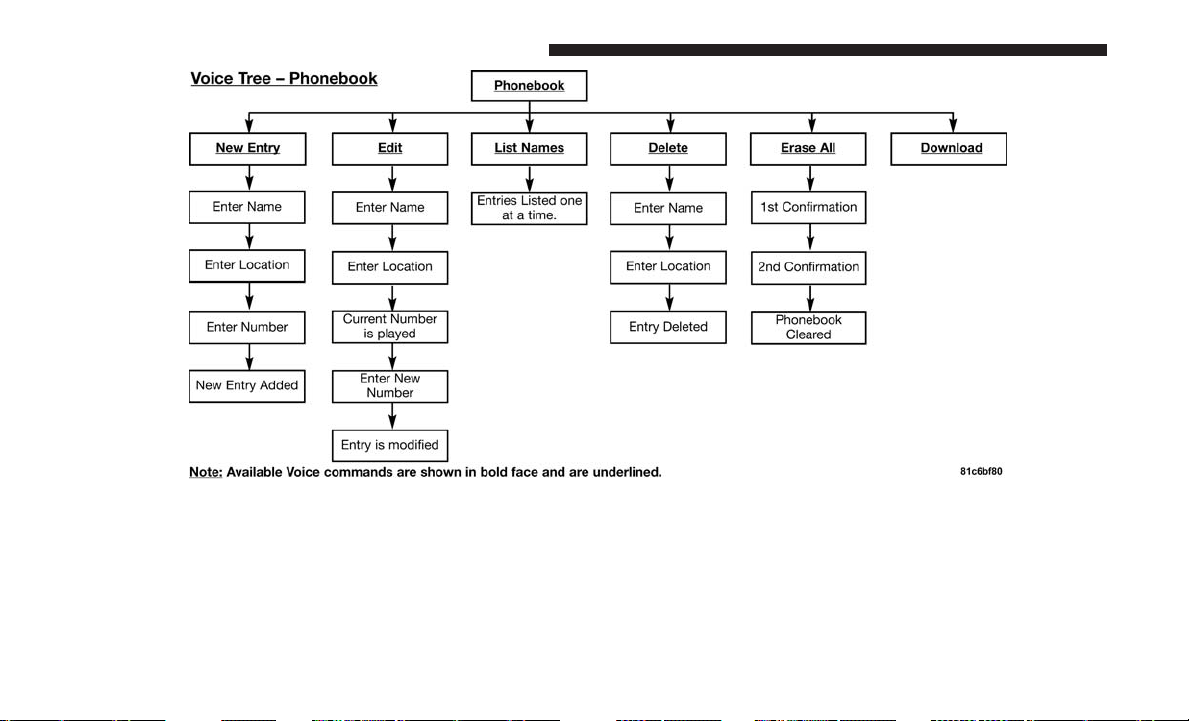
134 UNDERSTANDING THE FEATURES OF YOUR VEHICLE
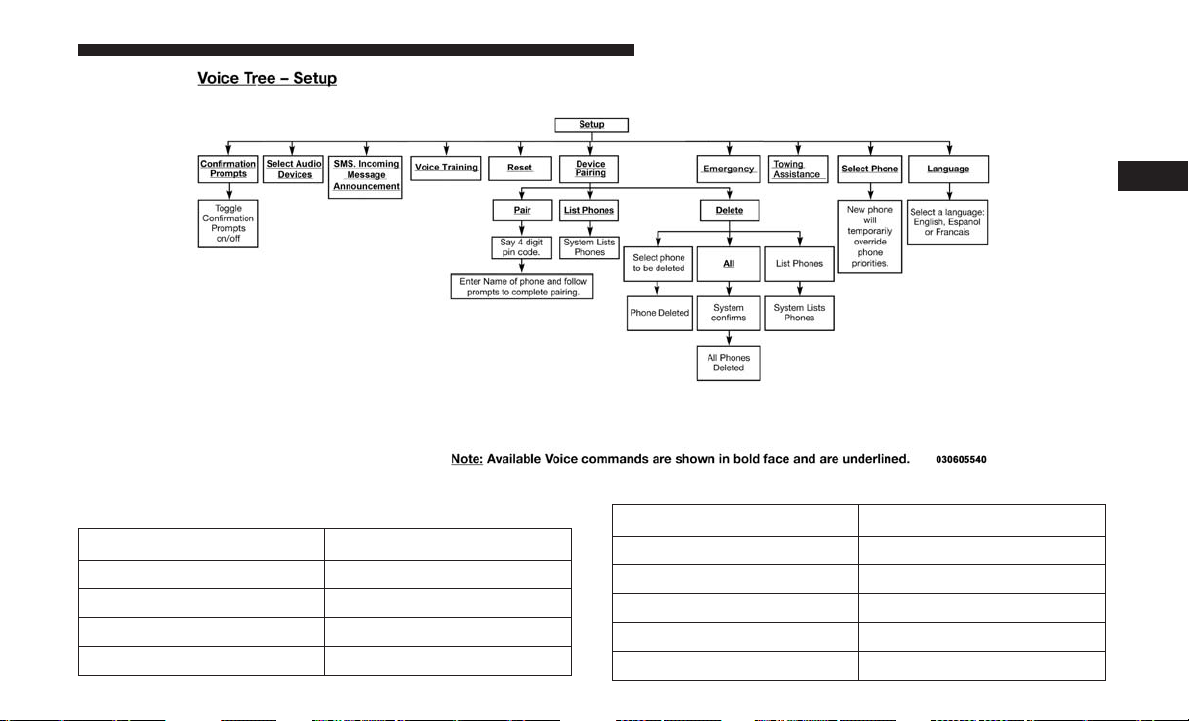
Voice Commands
Primary Alternate (s)
zero
one
two
three
Primary Alternate (s)
four
five
six
seven
eight
3
UNDERSTANDING THE FEATURES OF YOUR VEHICLE 135

Primary Alternate (s)
nine
star (*)
plus (+)
pound (#)
add location
all
call
cancel
confirmation prompts
continue
delete
dial
download
edit
emergency
English
erase all
Espanol
Francais
help
Primary Alternate (s)
home
language
list names
list phones
mobile
mute
mute off
new entry
no
other
pair a phone
phone pairing pairing
phonebook phone book
previous
record again
redial
return to main menu return or main menu
select phone select
send
136 UNDERSTANDING THE FEATURES OF YOUR VEHICLE
Primary Alternate (s)
set up phone settings or
phone set up
towing assistance
transfer call
Uconnect Tutorial
voice training
work
yes
General Information
The following regulatory statement applies to all Radio
Frequency (RF) devices equipped in this vehicle:
This device complies with Part 15 of the FCC Rules and
with Industry Canada license-exempt RSS standard(s).
Operation is subject to the following two conditions:
• This device may not cause harmful interference, and
•
This device must accept any interference received, includ-
ing interference that may cause undesired operation.
NOTE: Changes or modifications not expressly approved
by the party responsible for compliance could void the
user’s authority to operate the equipment.
VOICE COMMAND — IF EQUIPPED
Voice Command System Operation
The Uconnect Voice Command system allows
you to control your AM, FM radio, disk player,
USB mass storage class device, iPod family of
devices, Bluetooth Streaming Audio Device, sat-
ellite radio, and a memo recorder.
NOTE: Take care to speak into the Voice Interface System
as calmly and normally as possible. The ability of the Voice
Interface System to recognize user voice commands may be
negatively affected by rapid speaking or a raised voice
level.
WARNING!
Any voice commanded system should be used only in
safe driving conditions following all applicable laws,
including laws regarding phone use. Your attention
should be focused on safely operating the vehicle.
Failure to do so may result in a collision causing
serious injury or death.
When you push the Voice Command
button, you will
hear a beep. The beep is your signal to give a command.
3
UNDERSTANDING THE FEATURES OF YOUR VEHICLE 137

NOTE: If you do not say a command within a few seconds,
the system will present you with a list of options.
If you would like to interrupt the system while it lists
options, push the Voice Command
button, listen for
the beep, and say your command.
Pushing the Voice Command
button while the system
is speaking is known as “barging in.” The system will be
interrupted, and after the beep, you can add or change
commands. This will become helpful once you start to
learn the options.
NOTE: At any time, you can say the words “Cancel,”
“Help” or “Main Menu.”
These commands are universal and can be used from any
menu. All other commands can be used depending upon
the active application.
When using this system, you should speak clearly and at a
normal speaking volume.
The system will best recognize your speech if the windows
are closed, and the heater/air conditioning blower is set to
low.
At any point, if the system does not recognize one of your
commands, you will be prompted to repeat it.
To hear the first available Menu, push the Voice Command
button and say “Help” or “Main Menu.”
Commands
The Voice Command system understands two types of
commands, Universal commands and Local commands.
Universal commands are available at all times. Local
commands are available if the supported radio mode is
active.
Changing The Volume
1. Start a dialogue by pushing the Voice Command
but-
ton.
2. Say a command (e.g., “Help”).
3. Use the ON/OFF VOLUME rotary knob to adjust the
volume to a comfortable level while the Voice Com-
mand system is speaking. Please note the volume set-
ting for Voice Command is different than the audio
system.
Main Menu
Start a dialogue by pushing the Voice Command
button.
You may say “Main Menu” to switch to the main menu.
138 UNDERSTANDING THE FEATURES OF YOUR VEHICLE

In this mode, you can say the following commands:
• “Radio AM” (to switch to the radio AM mode)
• “Radio FM” (to switch to radio FM mode)
• “Sat” (to switch to Satellite radio mode)
• “Disc” (to switch to the disc mode)
• “USB” (to switch to USB mode)
• “Bluetooth Streaming” (to switch to Bluetooth Stream-
ing mode)
• “Memo” (to switch to the memo recorder)
• “System Setup” (to switch to system setup)
Radio AM
To switch to the AM band, say “AM” or “Radio AM.”
In this mode, you may say the following commands:
• “Frequency #” (to change the frequency)
• “Next Station” (to select the next station)
• “Previous Station” (to select the previous station)
• “Radio Menu” (to switch to the radio menu)
• “Main Menu” (to switch to the main menu)
Radio FM
To switch to the FM band, say “FM” or “Radio FM.” In this
mode, you may say the following commands:
• “Frequency #” (to change the frequency)
• “Next Station” (to select the next station)
• “Previous Station” (to select the previous station)
• “Menu Radio” (to switch to the radio menu)
• “Main Menu” (to switch to the main menu)
Satellite Radio
To switch to satellite radio mode, say “Sat” or “Satellite
Radio.” In this mode, you may say the following commands:
• “Channel Number” (to change the channel by its spoken
number)
• “Next Channel” (to select the next channel)
• “Previous Channel” (to select the previous channel)
• “List Channel” (to hear a list of available channels)
• “Select Name” (to say the name of a channel)
• “Menu Radio” (to switch to the radio menu)
• “Main Menu” (to switch to the main menu)
3
UNDERSTANDING THE FEATURES OF YOUR VEHICLE 139

Disc Mode
To switch to the disc mode, say “Disc.” In this mode, you
may say the following commands:
• “Track” (#) (to change the track)
• “Next Track” (to play the next track)
• “Previous Track” (to play the previous track)
• “Main Menu” (to switch to the main menu)
USB Mode
To switch to USB mode, say “USB.” In this mode, you may
say the following commands:
• “Next Track” (to play the next track)
• “Previous Track” (to play the previous track)
• “Play” (to play an Artist Name, Playlist Name, Album
Name, Track Name, etc.)
Bluetooth Streaming (BT) Mode
To switch to Bluetooth Streaming (BT) mode, say
“Bluetooth Streaming.” In this mode, you may say the
following commands:
• “Play” (to play the current track)
• “Pause” (to pause the current track)
• “Next Track” (to play the next track)
• “Previous Track” (to play the previous track)
Memo Mode
To switch to the voice recorder mode, say “Memo.” In this
mode, you may say the following commands:
• “New Memo” (to record a new memo) — During the
recording, you may push the Voice Command
but-
ton to stop recording. You proceed by saying one of
the following commands:
– “Save” (to save the memo)
– “Continue” (to continue recording)
– “Delete” (to delete the recording)
• “Play Memos” (to play previously recorded memos) —
During the playback you may push the Voice Command
button to stop playing memos. You proceed by
saying one of the following commands:
– “Repeat” (to repeat a memo)
– “Next” (to play the next memo)
– “Previous” (to play the previous memo)
– “Delete” (to delete a memo)
– “Delete All” (to delete all memos)
140 UNDERSTANDING THE FEATURES OF YOUR VEHICLE

Setup
To switch to system setup, you may say one of the following:
• “Change to setup”
• “Switch to system setup”
• “Main menu setup”
• “Switch to setup”
In this mode, you may say the following commands:
• “Language English”
• “Language French”
• “Language Spanish”
• “Tutorial”
• “Voice Training”
NOTE: Keep in mind that you have to push the Voice
Command
button first and wait for the beep before
speaking the “Barge In” commands.
Voice Training
For users experiencing difficulty with the system recogniz-
ing their voice commands or numbers the Uconnect Voice
“Voice Training” feature may be used.
1. Push the Voice Command
button, say “System
Setup” and once you are in that menu then say “Voice
Training.” This will train your own voice to the
system and will improve recognition.
2. Repeat the words and phrases when prompted by
Uconnect Voice. For best results, the “Voice Training”
session should be completed when the vehicle is parked,
engine running, all windows closed, and the blower fan
switched off. This procedure may be repeated with a
new user. The system will adapt to the last trained voice
only.
3
UNDERSTANDING THE FEATURES OF YOUR VEHICLE 141
SEATS
Seats are a part of the Occupant Restraint System of the
vehicle.
WARNING!
• It is dangerous to ride in a cargo area, inside or
outside of a vehicle. In a collision, people riding in
these areas are more likely to be seriously injured or
killed.
• Do not allow people to ride in any area of your
vehicle that is not equipped with seats and seat belts.
In a collision, people riding in these areas are more
likely to be seriously injured or killed.
• Be sure everyone in your vehicle is in a seat and
using a seat belt properly.
Power Seats — If Equipped
Some models may be equipped with eight-way power
seats for the driver and front passenger. The power seat
switches are located on the outboard side of the seat. The
switches control the movement of the seat cushion and the
seatback.
WARNING!
• Adjusting a seat while driving may be dangerous.
Moving a seat while driving could result in loss of
control which could cause a collision and serious
injury or death.
(Continued)
Driver Power Seat Switch
1 — Seat Switch 2 — Seatback Switch
142 UNDERSTANDING THE FEATURES OF YOUR VEHICLE
WARNING! (Continued)
• Seats should be adjusted before fastening the seat
belts and while the vehicle is parked. Serious injury
or death could result from a poorly adjusted seat belt.
• Do not ride with the seatback reclined so that the
shoulder belt is no longer resting against your chest.
In a collision, you could slide under the seat belt,
which could result in serious injury or death.
CAUTION!
Do not place any article under a power seat or impede
its ability to move as it may cause damage to the seat
controls. Seat travel may become limited if movement
is stopped by an obstruction in the seat’s path.
Adjusting The Seat Forward Or Rearward
The seat can be adjusted both forward and rearward. Push
the seat switch forward or rearward. The seat will move in
the direction of the switch. Release the switch when the
desired position has been reached.
Adjusting The Seat Up Or Down
The height of the seats can be adjusted up or down. Pull
upward or push downward on the seat switch, the seat will
move in the direction of the switch. Release the switch
when the desired position has been reached.
Tilting The Seat Up Or Down
The angle of the seat cushion can be adjusted in four
directions. Pull upward or push downward on the front or
rear of the seat switch, the front or rear of the seat cushion
will move in the direction of the switch. Release the switch
when the desired position has been reached.
Reclining The Seatback
The angle of the seatback can be adjusted forward or
rearward. Push the seatback switch forward or rearward,
the seat will move in the direction of the switch. Release the
switch when the desired position is reached.
WARNING!
• Adjusting a seat while driving may be dangerous.
Moving a seat while driving could result in loss of
control which could cause a collision and serious
injury or death.
• Seats should be adjusted before fastening the seat
belts and while the vehicle is parked. Serious injury
or death could result from a poorly adjusted seat belt.
(Continued)
3
UNDERSTANDING THE FEATURES OF YOUR VEHICLE 143
WARNING! (Continued)
• Do not ride with the seatback reclined so that the
shoulder belt is no longer resting against your chest.
In a collision, you could slide under the seat belt,
which could result in serious injury or death.
CAUTION!
Do not place any article under a power seat or impede
its ability to move as it may cause damage to the seat
controls. Seat travel may become limited if movement
is stopped by an obstruction in the seat’s path.
Power Lumbar — If Equipped
Vehicles equipped with power driver or passenger seats
may also be equipped with power lumbar. The power
lumbar switch is located on the outboard side of the power
seat. Push the switch forward to increase the lumbar
support. Push the switch rearward to decrease the lumbar
support.
Heated Seats — If Equipped
On some models, the front and rear seats may be equipped
with heaters located in the seat cushions and seat backs.
WARNING!
• Persons who are unable to feel pain to the skin
because of advanced age, chronic illness, diabetes,
spinal cord injury, medication, alcohol use, exhaus-
tion or other physical condition must exercise care
(Continued)
Power Lumbar Switch
144 UNDERSTANDING THE FEATURES OF YOUR VEHICLE
WARNING! (Continued)
when using the seat heater. It may cause burns even
at low temperatures, especially if used for long
periods of time.
• Do not place anything on the seat or seatback that
insulates against heat, such as a blanket or cushion.
This may cause the seat heater to overheat. Sitting in
a seat that has been overheated could cause serious
burns due to the increased surface temperature of the
seat.
Vehicles Equipped With Remote Start
On models that are equipped with remote start, the driv-
er’s heated seat can be programmed through the instru-
ment cluster display to come on during a remote start.
Refer to “Instrument Cluster Display” in “Understanding
Your Instrument Panel” for further information.
Front Heated Seats
There are two heated seat switches that allow the driver
and passenger to operate the seats independently. The
controls for each heater are located on the switch bank
below the climate controls.
You can choose from HI, LO or OFF heat settings. Amber
indicator lights in each switch indicate the level of heat in
use. Two indicator lights will illuminate for HI, one for LO
and none for OFF.
Push the switch once to select HI-level heating.
Push the switch a second time to select LO-level
heating. Push the switch a third time to shut the
heating elements off.
NOTE: Once a heat setting is selected, heat will be felt
within two to five minutes.
If the HI-level setting is selected, the system will automati-
cally switch to LO-level after approximately 60 minutes of
continuous operation. At that time, the display will change
from HI to LO, indicating the change. The LO-level setting
will turn off automatically after approximately 45 minutes.
Rear Heated Seats
On some models, the second row seats are equipped with
heaters. There are two heated seat switches that allow the
second row passengers to operate the seats independently.
The heated seat switches are located on the sliding side
door handle trim panels.
3
UNDERSTANDING THE FEATURES OF YOUR VEHICLE 145
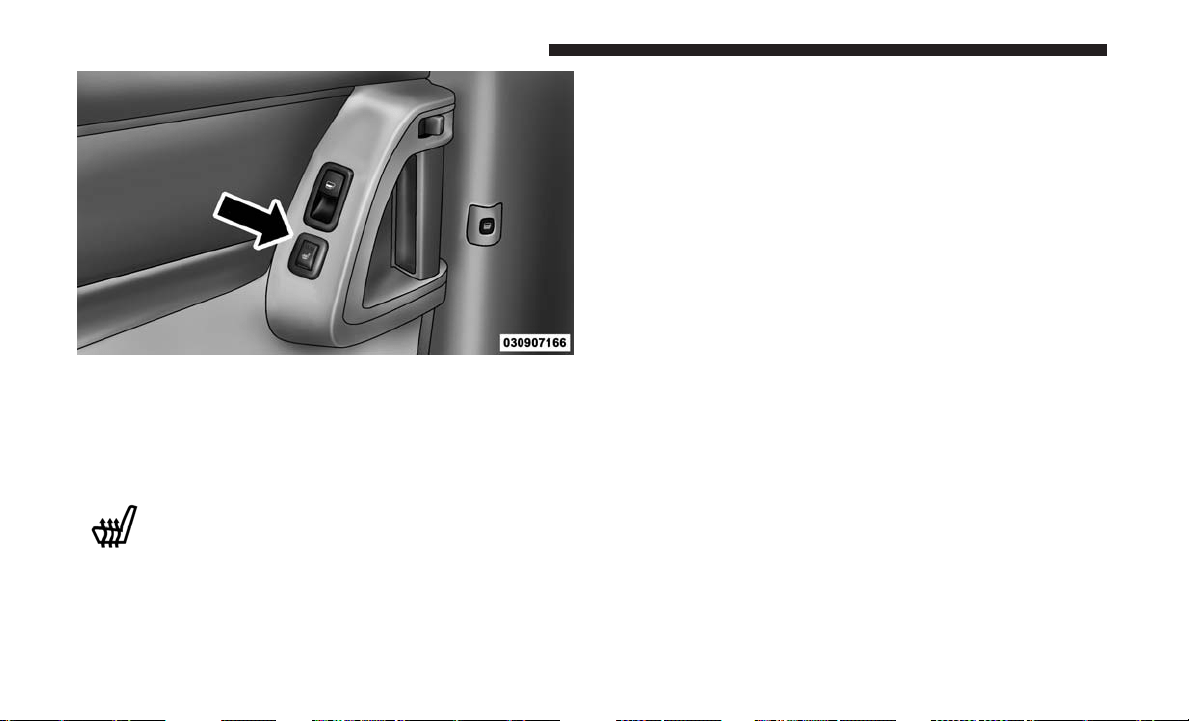
You can choose from HI, LO or OFF heat settings. Amber
indicator lights in each switch indicate the level of heat in
use. Two indicator lights will illuminate for HI, one for LO
and none for OFF.
Push the switch once to select HI-level heating.
Push the switch a second time to select LO-level
heating. Push the switch a third time to shut the
heating elements off.
NOTE: Once a heat setting is selected, heat will be felt
within two to five minutes.
When the HI-level setting is selected, the heater will
provide a boosted heat level during the initial stages of
operation. Then, the heat output will drop to the normal
HI-level. If the HI-level setting is selected, the system will
automatically switch to LO-level after approximately 60
minutes of continuous operation. At that time, the display
will change from HI to LO, indicating the change. The
LO-level setting will turn off automatically after approxi-
mately 45 minutes.
Manual Front/Second Row Seat Adjuster
Both front seats are adjustable forward or rearward. The
manual seat adjustment handle is located under the seat
cushion at the front edge of each seat.
Second Row Heated Seat Switch
146 UNDERSTANDING THE FEATURES OF YOUR VEHICLE
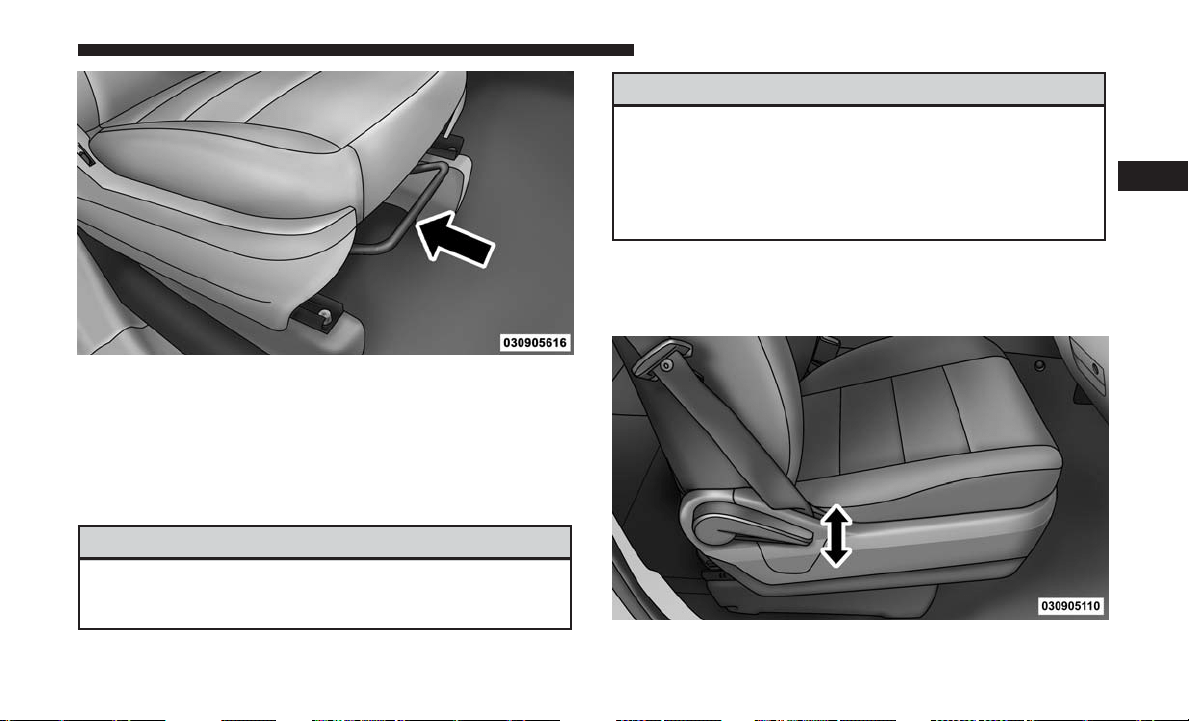
While sitting in the seat, pull up on the handle and slide the
seat forward or rearward. Release the bar once you have
reached the desired position. Then, using body pressure,
move forward and rearward on the seat to be sure that the
seat adjusters have latched.
WARNING!
• Adjusting a seat while driving may be dangerous.
Moving a seat while driving could result in loss of
(Continued)
WARNING! (Continued)
control which could cause a collision and serious
injury or death.
•
Seats should be adjusted before fastening the seat
belts and while the vehicle is parked. Serious injury or
death could result from a poorly adjusted seat belt.
Manual Reclining Seats — If Equipped
For models equipped with manual reclining seats, the
recline lever is located on the outboard side of the seat.
Manual Seat Adjuster
Manual Recline Lever
3
UNDERSTANDING THE FEATURES OF YOUR VEHICLE 147

To recline, lean forward slightly, lift the lever, then push
back to the desired position and release the lever. Lean
forward and lift the lever to return the seatback to its
normal position. Using body pressure, lean forward and
rearward on the seat to be sure the seatback has latched.
WARNING!
Do not ride with the seatback reclined so that the
shoulder belt is no longer resting against your chest. In
a collision, you could slide under the seat belt, which
could result in serious injury or death.
Head Restraints
Head restraints are designed to reduce the risk of injury by
restricting head movement in the event of a rear impact.
Head restraints should be adjusted so that the top of the
head restraint is located above the top of your ear.
WARNING!
• All occupants, including the driver, should not oper-
ate a vehicle or sit in a vehicle’s seat until the head
restraints are placed in their proper positions in
(Continued)
WARNING! (Continued)
order to minimize the risk of neck injury in the event
of a crash.
• Head restraints should never be adjusted while the
vehicle is in motion. Driving a vehicle with the head
restraints improperly adjusted or removed could
cause serious injury or death in the event of a
collision.
Supplemental Active Head Restraints — Front Seats
Active Head Restraints are passive, deployable compo-
nents, and vehicles with this equipment cannot be readily
identified by any markings, only through visual inspection
of the head restraint. The Active Head Restraints (AHR)
will be split in two halves, with the front half being soft
foam and trim, the back half being decorative plastic.
When AHRs deploy during a rear impact, the front half of
the head restraint extends forward to reduce the gap
between the back of the occupant’s head and the AHR. This
system is design to reduce the risk of injury to the driver or
front passenger in certain types of rear impacts. Refer to
“Occupant Restraints” in “Things To Know Before Starting
Your Vehicle” for further information.
148 UNDERSTANDING THE FEATURES OF YOUR VEHICLE
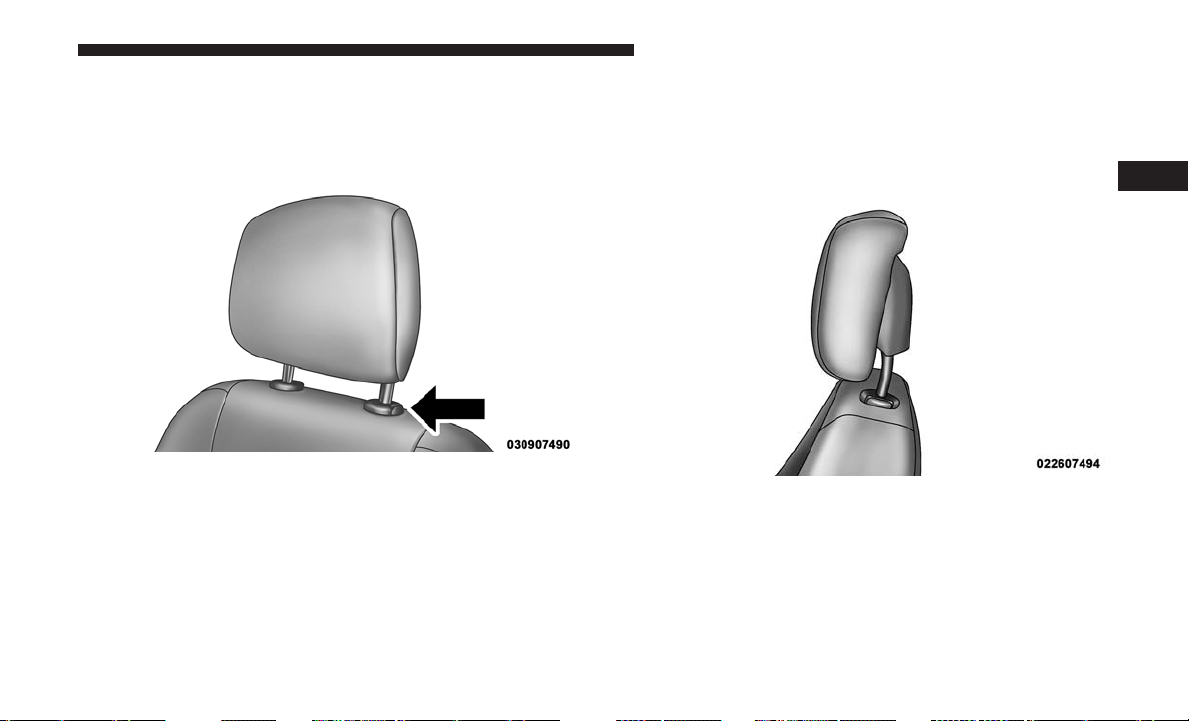
To raise the head restraint, pull upward on the head
restraint. To lower the head restraint, push the adjustment
button, located at the base of the head restraint, and push
downward on the head restraint.
For comfort the Active Head Restraints can be tilted
forward and rearward. To tilt the head restraint closer to
the back of your head, pull forward on the bottom of the
head restraint. Push rearward on the bottom of the head
restraint to move the head restraint away from your head.
Adjustment Button
Active Head Restraint (Normal Position)
3
UNDERSTANDING THE FEATURES OF YOUR VEHICLE 149
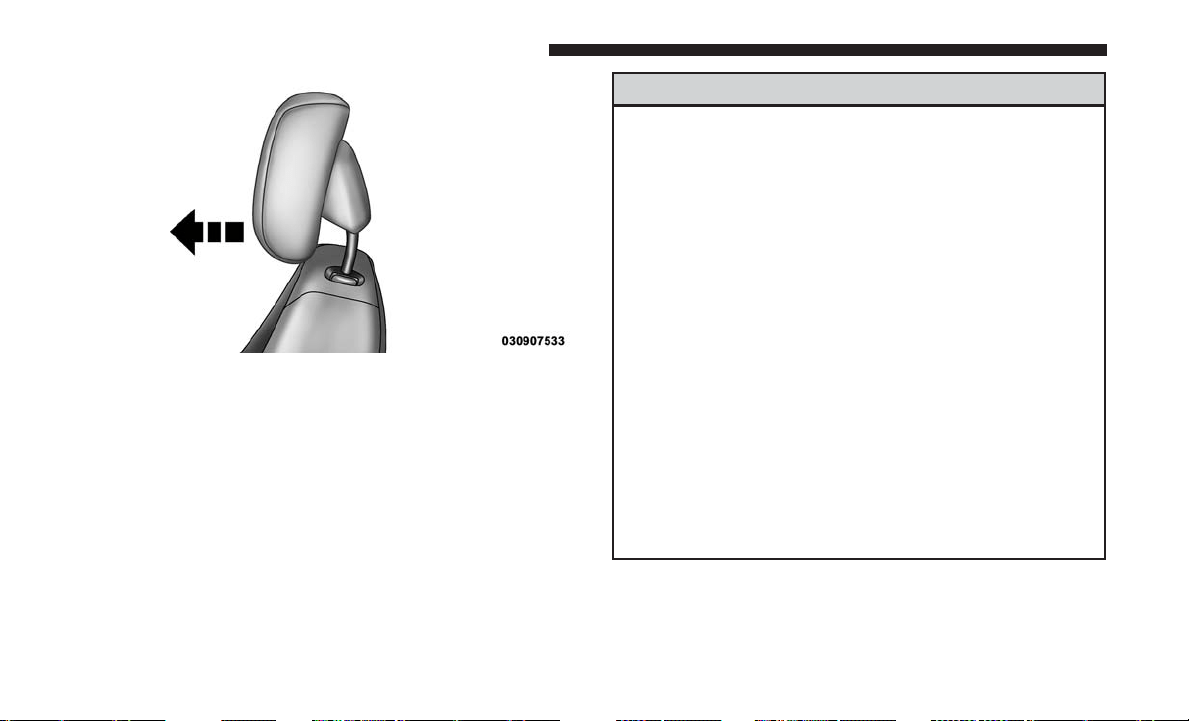
NOTE:
• The head restraints should only be removed by qualified
technicians, for service purposes only. If either of the
head restraints require removal, see your authorized
dealer.
• In the event of deployment of an Active Head Restraint,
refer to “Occupant Restraints/Resetting Active Head
Restraints (AHR)” in “Things To Know Before Starting
Your Vehicle” for further information.
WARNING!
• All occupants, including the driver, should not oper-
ate a vehicle or sit in a vehicle’s seat until the head
restraints are placed in their proper positions in
order to minimize the risk of neck injury in the event
of a collision.
• Do not place items over the top of the Active Head
Restraint, such as coats, seat covers or portable DVD
players. These items may interfere with the opera-
tion of the Active Head Restraint in the event of a
collision and could result in serious injury or death.
• Active Head Restraints may be deployed if they are
struck by an object such as a hand, foot or loose
cargo. To avoid accidental deployment of the Active
Head Restraint ensure that all cargo is secured, as
loose cargo could contact the Active Head Restraint
during sudden stops. Failure to follow this warning
could cause personal injury if the Active Head Re-
straint is deployed.
Active Head Restraint (Tilted)
150 UNDERSTANDING THE FEATURES OF YOUR VEHICLE
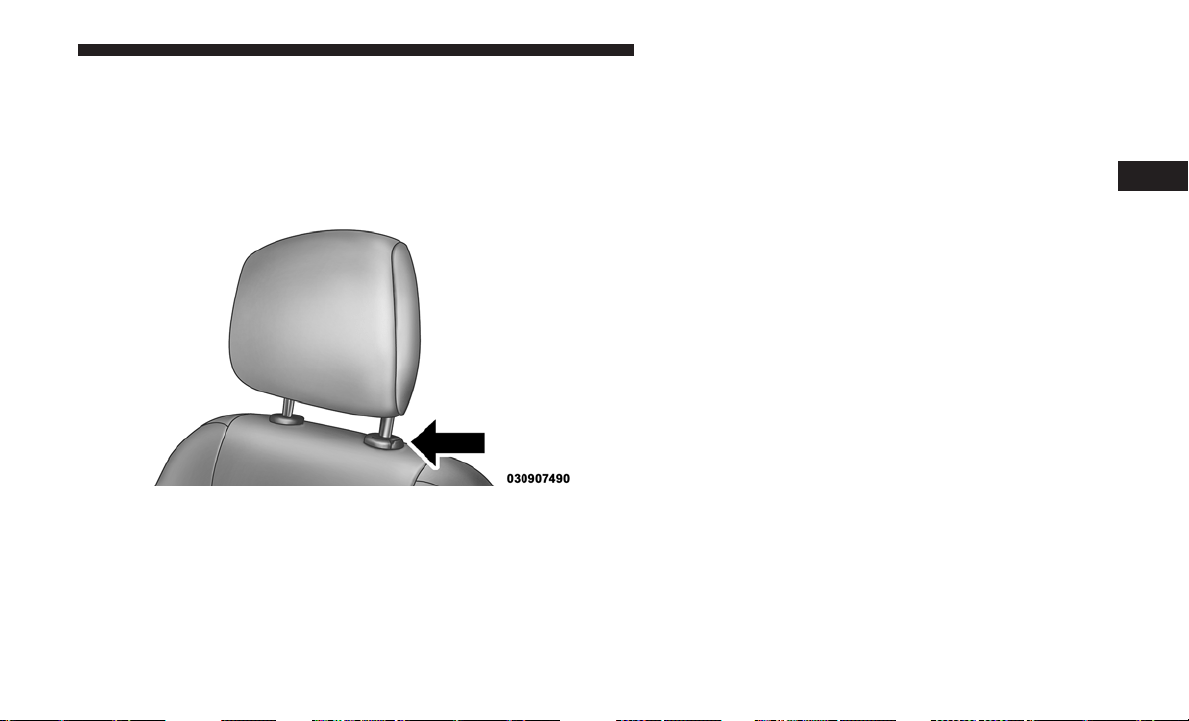
Head Restraints — Second Row Quad Seats
To raise the head restraint, pull upward on the head
restraint. To lower the head restraint, push the adjustment
button, located at the base of the head restraint, and push
downward on the head restraint.
Head Restraints — Second Row Bench
If your vehicle is equipped with a second row bench seat,
the head restraints are not adjustable.
Head Restraints — Third Row
The head restraint in the center position can be raised and
lowered for tether routing. Refer to “Occupant Restraints”
in “Things To Know Before Starting Your Vehicle” for
further information.
Stow ’n Go Seating — If Equipped
On vehicles equipped with Stow ’n Go seating, the second
and third row seats can be folded into the floor for
convenient storage.
Second Row Stow ’n Go
On vehicles equipped with Stow ’n Go seats, the seats will
fold and tumble in one motion.
1. Move the front seat fully forward.
2. Recline the front seatback fully forward.
3. Raise the armrests on the second row seat.
NOTE: Seat will not stow in the storage bin unless the
armrests are raised.
Adjustment Button
3
UNDERSTANDING THE FEATURES OF YOUR VEHICLE 151
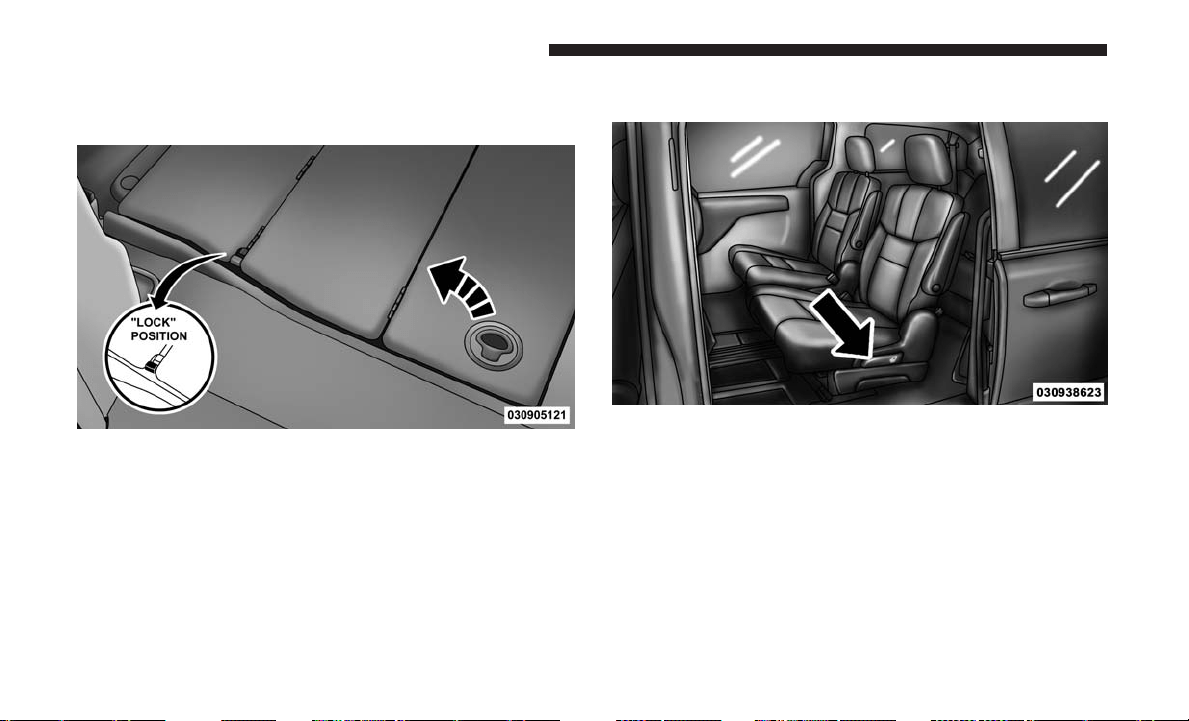
4. Slide the storage bin locking mechanism to the “lock”
position and then pull up on the storage bin latch to
open the cover.
5. Pull upward on the seatback recliner lever located on
the outboard side of the seat.
Storage Bin Cover Lock Release
Seatback Recliner Lever, Seat Tumble, And Head Restraint
Fold Lever
152 UNDERSTANDING THE FEATURES OF YOUR VEHICLE
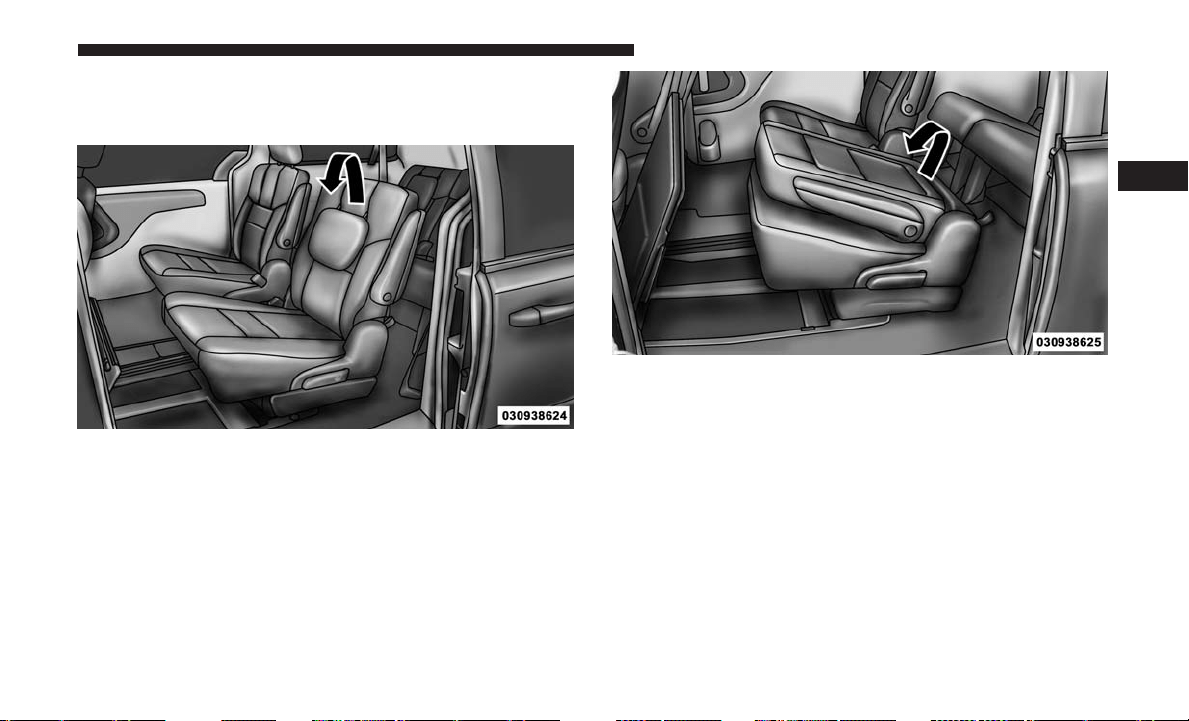
The non-adjustable head restraint and seatback will fold
automatically during the seat tumble. No additional actua-
tion is necessary.
Non-Adjustable Head Restraint
Automatic Folding Seatback
3
UNDERSTANDING THE FEATURES OF YOUR VEHICLE 153
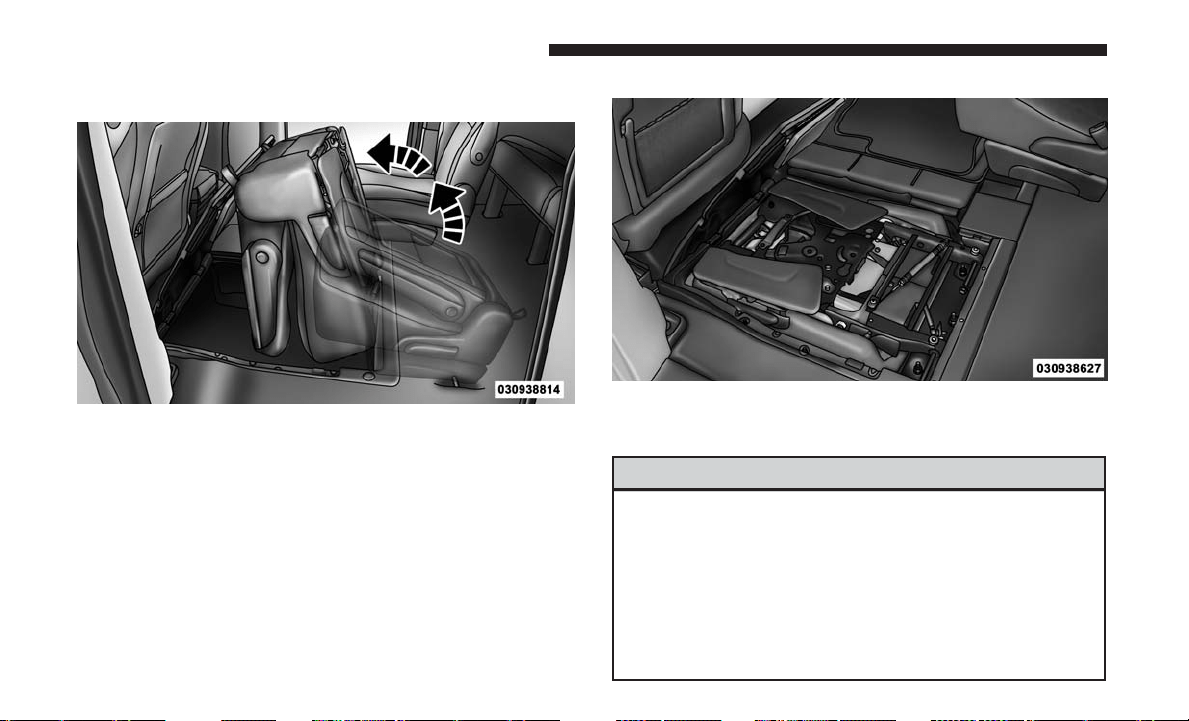
The seat will automatically tumble into position for easy
storage.
NOTE: You may experience deformation in the seat cush-
ion from the seat belt buckles if the seats are left folded for
an extended period of time. This is normal and by simply
opening the seats to the open position, over time the seat
cushion will return to its normal shape.
6. Push the seat into the storage bin.
7. Close the storage bin cover.
WARNING!
In a collision, serious injury could result if the seat
storage bin covers are not properly latched.
• Do not drive the vehicle with the storage bin covers
open.
• Keep the storage bin covers closed and latched while
the vehicle is in motion.
• Do not use a storage bin latch as a tie down.
Tumbled Second Row Seat
Seat In Storage Bin
154 UNDERSTANDING THE FEATURES OF YOUR VEHICLE
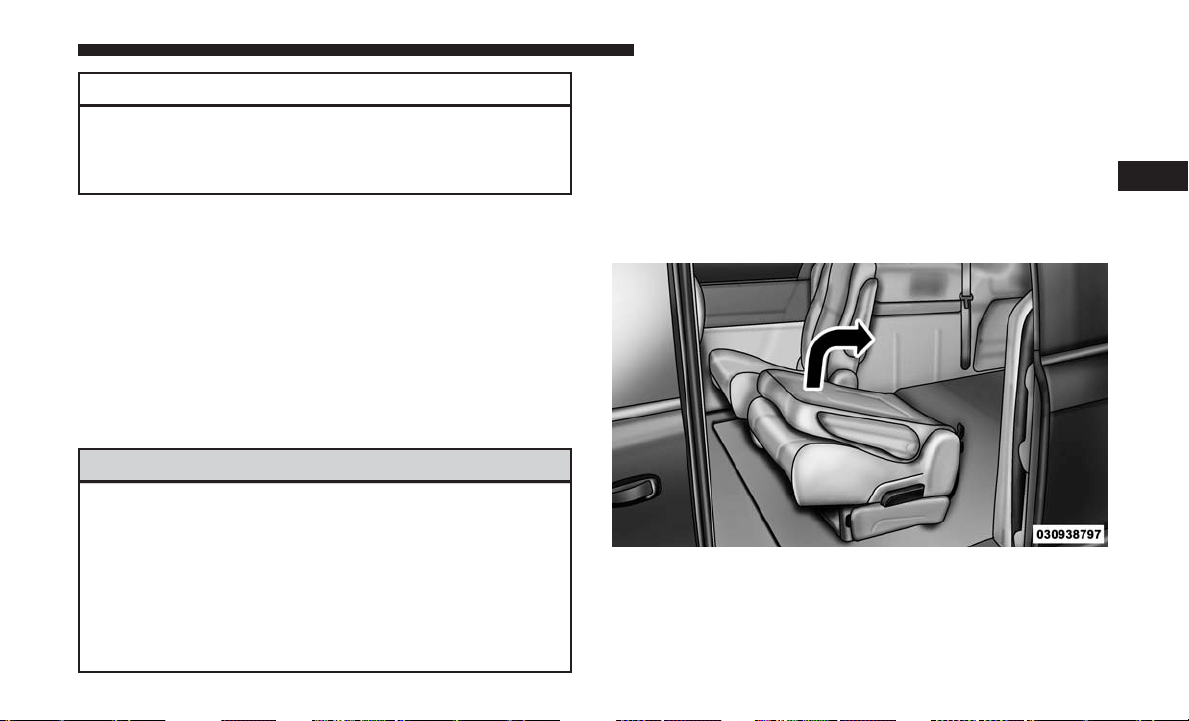
CAUTION!
The storage bin cover must be locked and flat to avoid
damage from contact with the front seat tracks, which
have minimal clearance to the cover.
To Unstow Second Row Seats
1. Pull up on the storage bin latch to open the cover.
2. Pull up on the strap to lift the seat out of the storage bin
and push the seat rearward to latch the seat anchors.
3. Lift the seatback to the full upright position.
4. Return the head restraint to its upright position, close
the storage bin cover and slide the storage bin locking
mechanism to the “unlocked” position.
WARNING!
•
In a collision, you or others in your vehicle could be
injured if seats are not properly latched to their floor
attachments. Always be sure the seats are fully latched.
•
Sitting in a seat with the head restraint in its lowered
position could result in serious injury or death in a
collision. Always make sure the head restraints are in
their upright positions when the seat is to be occupied.
Stow ’n Go Seat — Folded And Latched Position
To tumble or stow the seat from the folded and latched
position: return the seatback and head restraint to the
upright position. Then pull up on the seatback recliner
lever on the outboard side of the seat to fold head rest and
seatback and tumble seat forward.
1. Return the seatback to the upright position.
Raising The Seatback
3
UNDERSTANDING THE FEATURES OF YOUR VEHICLE 155
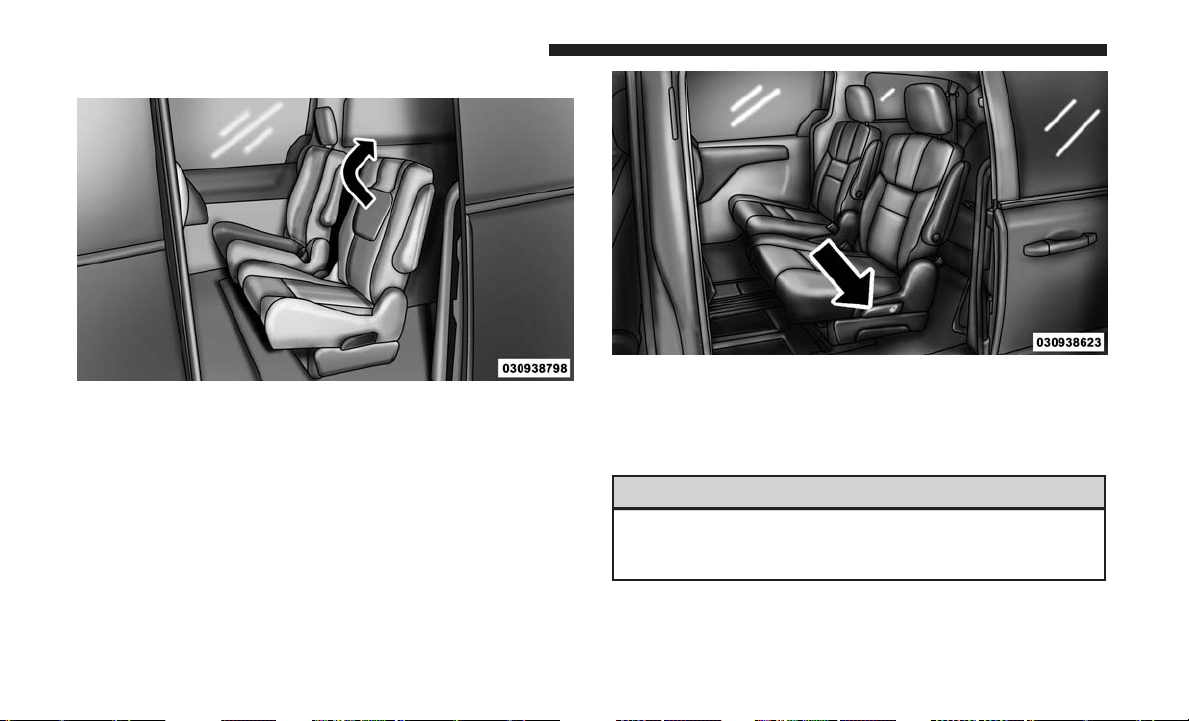
2. Return the head restraint to the upright position.
3. Pull up on the seatback recliner lever on the outboard
side of the seat to fold head rest and seatback and
tumble seat forward.
Easy Entry Second Row
The second row Stow ’n Go seats allow easy entry to the
third row seat or rear cargo area.
Pull up on the seatback recliner lever on the outboard side
of the seat.
The seat will automatically fold into position for easy entry
into the third row.
WARNING!
In the event of a collision, you could be injured if the
seat is not fully latched.
Raising The Head Restraint
Seatback Recliner Lever, Seat Tumble, And Head Restraint
Fold Lever
156 UNDERSTANDING THE FEATURES OF YOUR VEHICLE
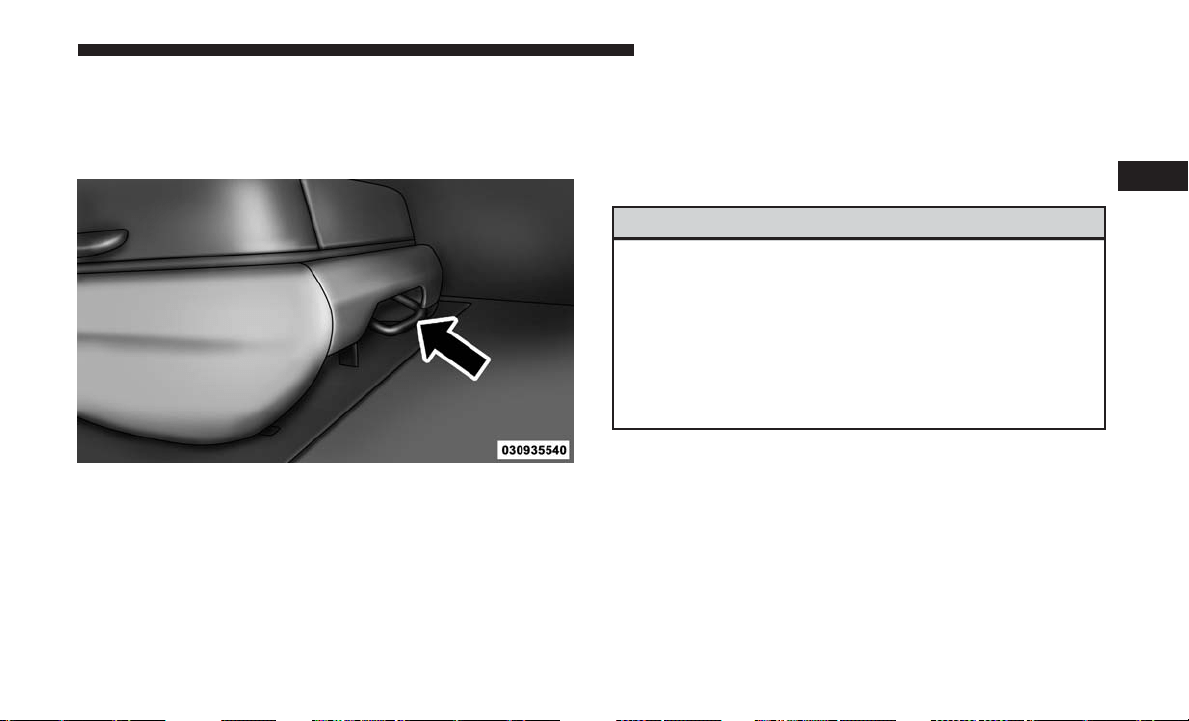
Quad Seats — If Equipped
Both Quad seats are adjustable forward or rearward. The
manual seat adjustment handle is located under the seat
cushion at the front edge of each seat.
While sitting in the seat, pull up on the handle and slide the
seat forward or rearward. Release the bar once you have
reached the desired position. Then, using body pressure,
move forward and rearward on the seat to be sure that the
seat adjusters have latched.
WARNING!
• Adjusting a seat while driving may be dangerous.
Moving a seat while driving could result in loss of
control which could cause a collision and serious
injury or death.
•
Seats should be adjusted before fastening the seat
belts and while the vehicle is parked. Serious injury or
death could result from a poorly adjusted seat belt.
Manual Seat Adjuster
3
UNDERSTANDING THE FEATURES OF YOUR VEHICLE 157
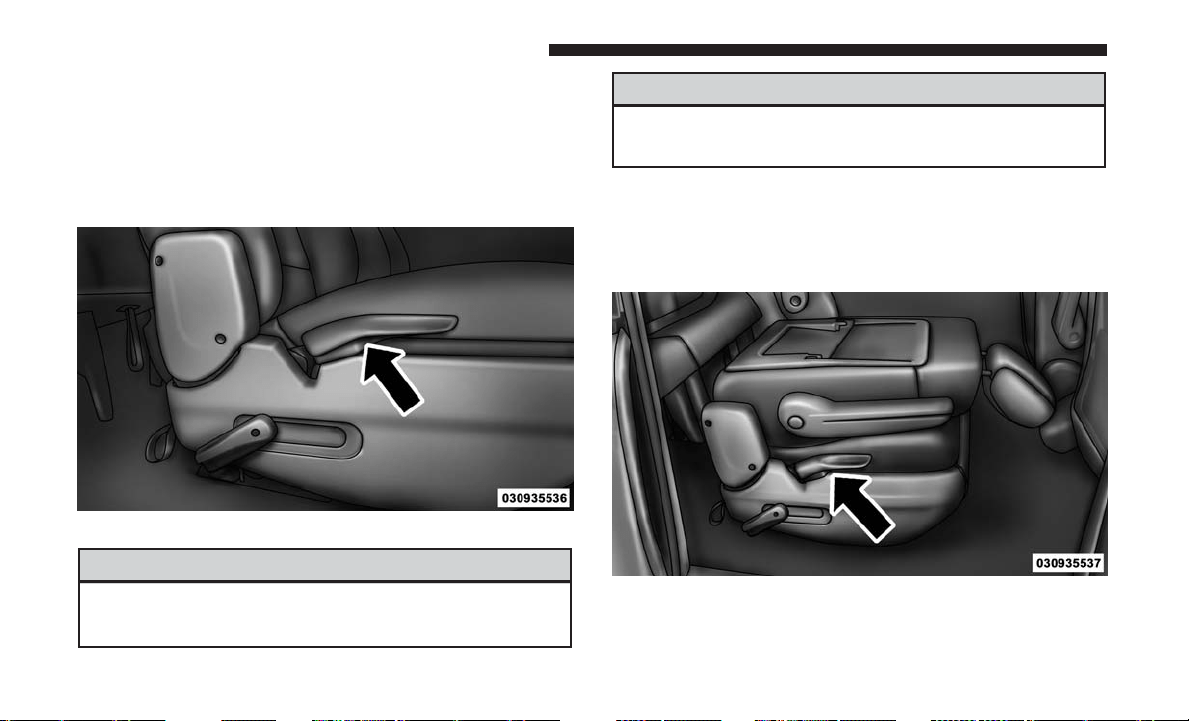
Manual Recline
To recline, lean forward slightly, lift the lever, then push
back to the desired position and release the lever. Lean
forward and lift the lever to return the seatback to its
normal position. Using body pressure, lean forward and
rearward on the seat to be sure the seatback has latched.
WARNING!
Do not ride with the seatback reclined so that the
shoulder belt is no longer resting against your chest.
(Continued)
WARNING! (Continued)
In a collision, you could slide under the seat belt,
which could result in serious injury or death.
Fold-Flat
To fold the seat, lift the recliner lever to the full upward
position and push the seatback forward until it rests on the
seat cushion.
Recline Lever
Fold-Flat Quad Seat
158 UNDERSTANDING THE FEATURES OF YOUR VEHICLE
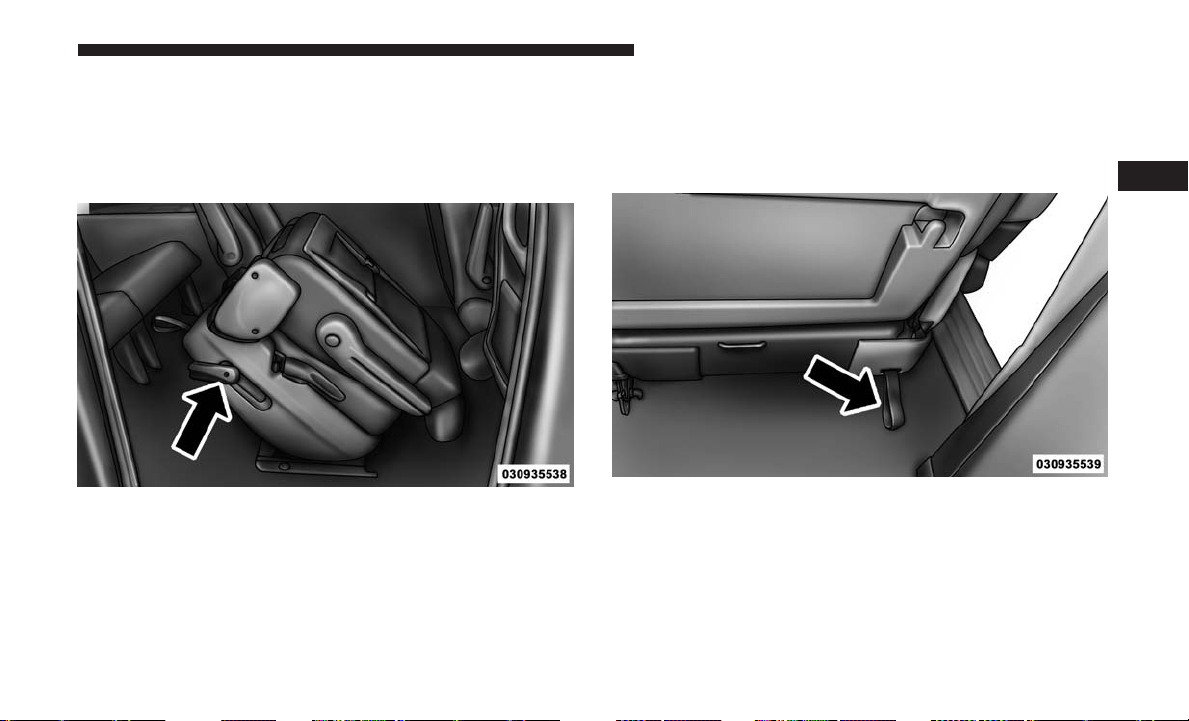
Easy Entry
The Quad seats can be tilted forward for easy entry into the
third row. With the Quad seat in the fold-flat position, lift
up on the easy entry lever located near the bottom of the
seat and lift the seat forward.
For passengers seated in the third row, there is a pull strap
located on the outboard side of the seat near the bottom of
the seat back. Third row passengers can pull on the strap
and push the Quad seat forward for folding the seatback
and accessing the easy entry lever.
Easy Entry Lever
Pull Strap For Third Row Passengers
3
UNDERSTANDING THE FEATURES OF YOUR VEHICLE 159
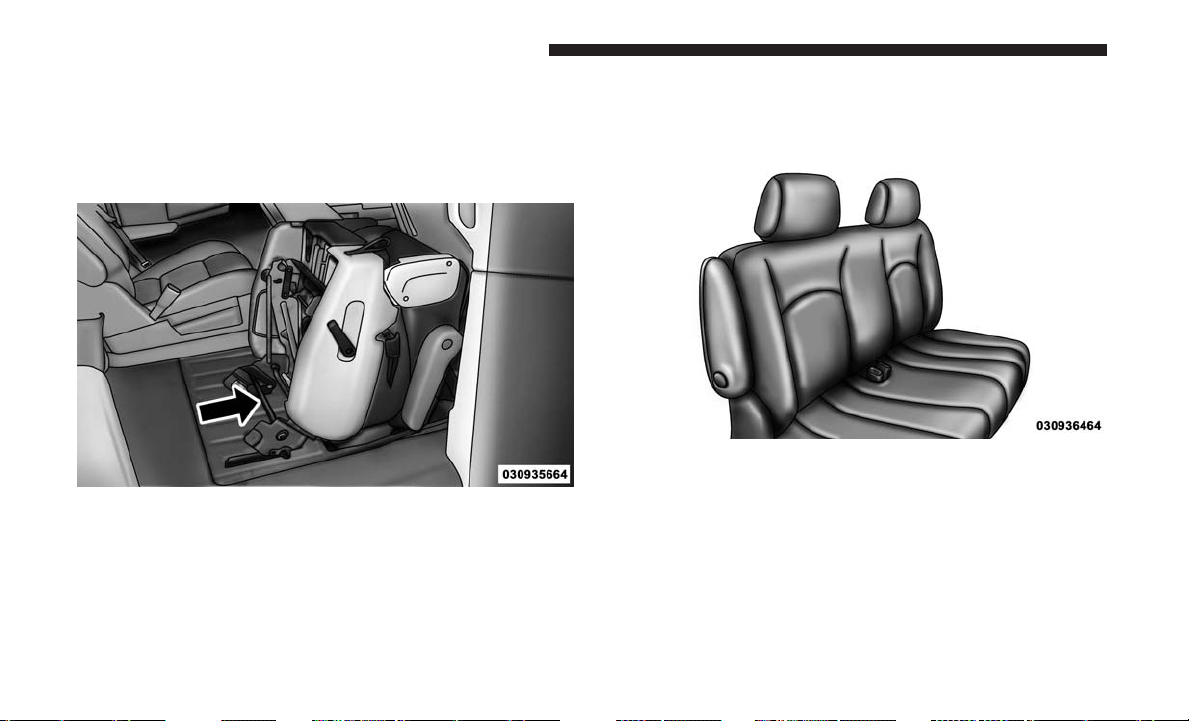
Removal
The Quad seats can be removed if additional storage is
needed. With the seat in the easy entry position, push the
cross beam forward and up to release the front anchor
latches.
Second Row Bench Seat — If Equipped
While the bench seat does not stow in the floor, it is
removable for added cargo space.
Release levers are located on the rear leg assemblies, near
the floor. To remove the seat, squeeze each release handle
and rotate downwards to deploy the wheels. A lock
indicator button pops up when the seat is unlocked. The
seat assembly can now be removed from the vehicle and
moved on its Easy Out Rollers.
Cross Beam For Seat Removal
Second Row Bench Seat
160 UNDERSTANDING THE FEATURES OF YOUR VEHICLE
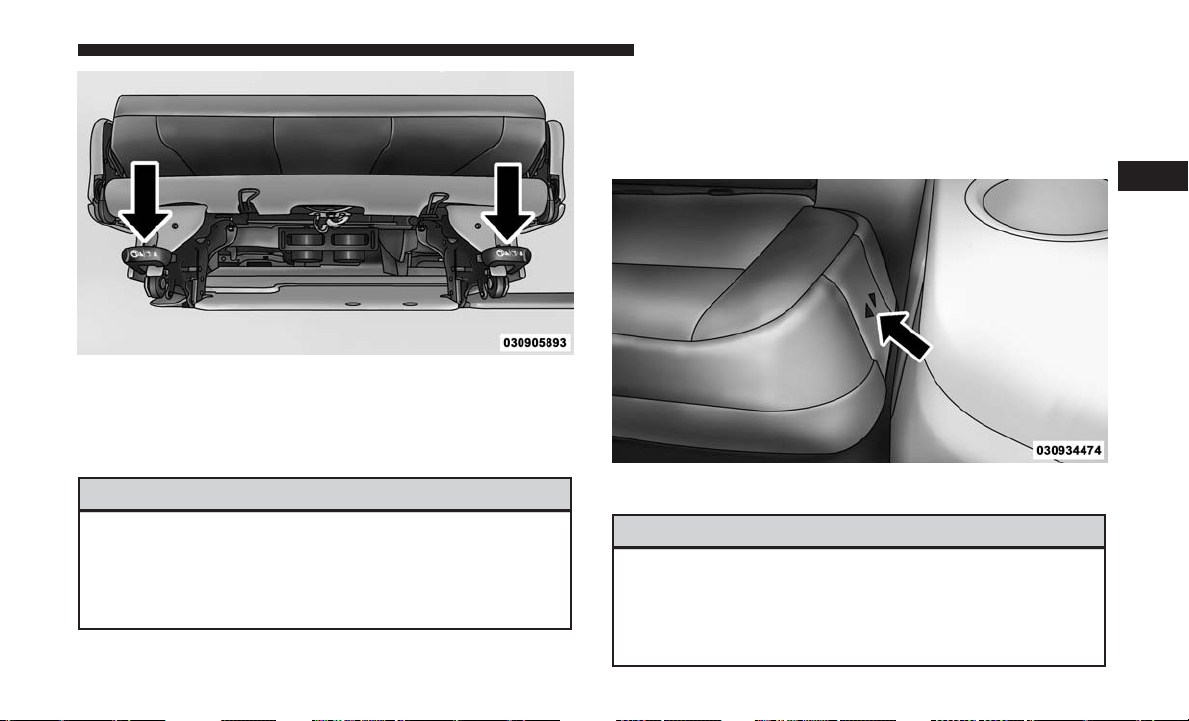
To reinstall the seat, align the seat into the detent positions
on the floor. Squeeze the release handle and rotate upward
until the lock indicator button returns into the handle.
WARNING!
If not properly latched, the bench seats could become
loose. Personal injuries could result. After reinstalling
these seats, be sure the red indicator button on the
release handles return into the handles.
Third Row Power Recline — If Equipped
The power recline feature, located on the side of the seat
cushion, adjusts the seatback angle forward/rearward for
occupant comfort.
WARNING!
Do not ride with the seatback reclined so that the
shoulder belt is no longer resting against your chest. In
a collision you could slide under the seat belt, which
could result in serious injury or death.
Release Handles
Third Row Power Seat Switch
3
UNDERSTANDING THE FEATURES OF YOUR VEHICLE 161
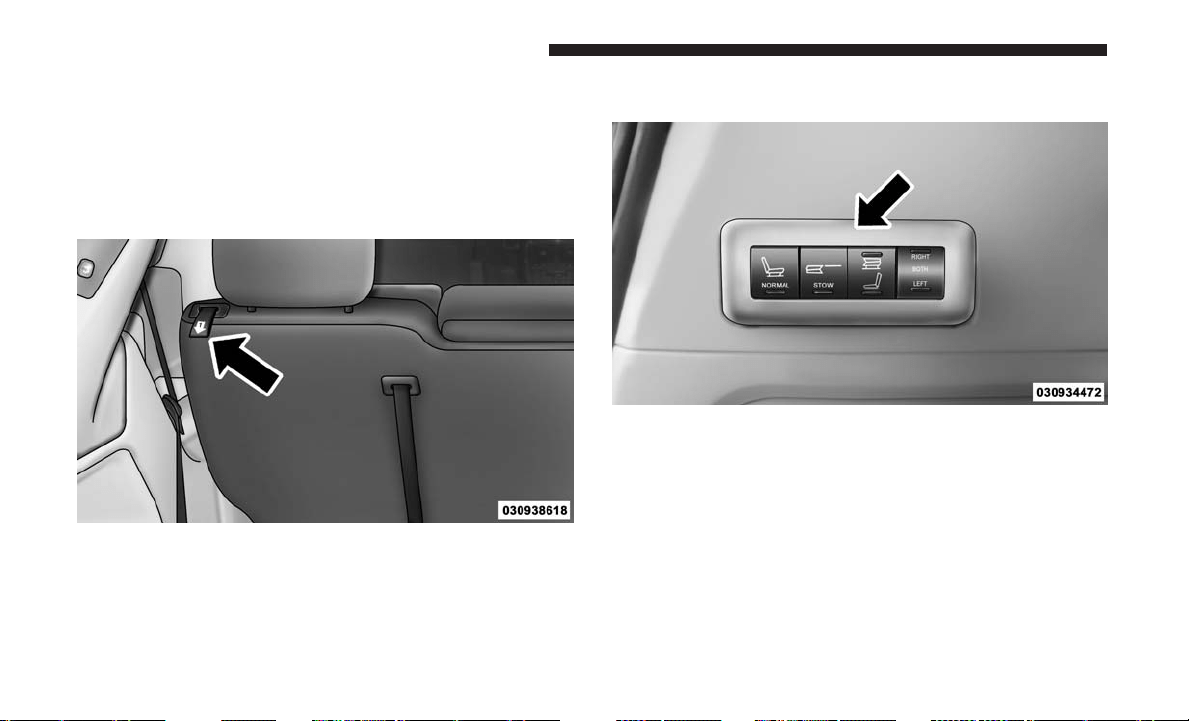
Third Row Power Folding Seat — If Equipped
A one-touch power folding seat switch is located in the left
rear trim panel as part of a switch bank.
NOTE: Lower the head restraint by pulling on the release
strap marked “1” located on the outboard side of the head
restraint.
The switch is only functional when the liftgate is open and
the vehicle is in PARK.
The rear switch bank allows multiple power folding and
unfolding positions for the third row seats.
Head Restraint Release Strap “1”
One Touch Folding Seat Third Row
162 UNDERSTANDING THE FEATURES OF YOUR VEHICLE
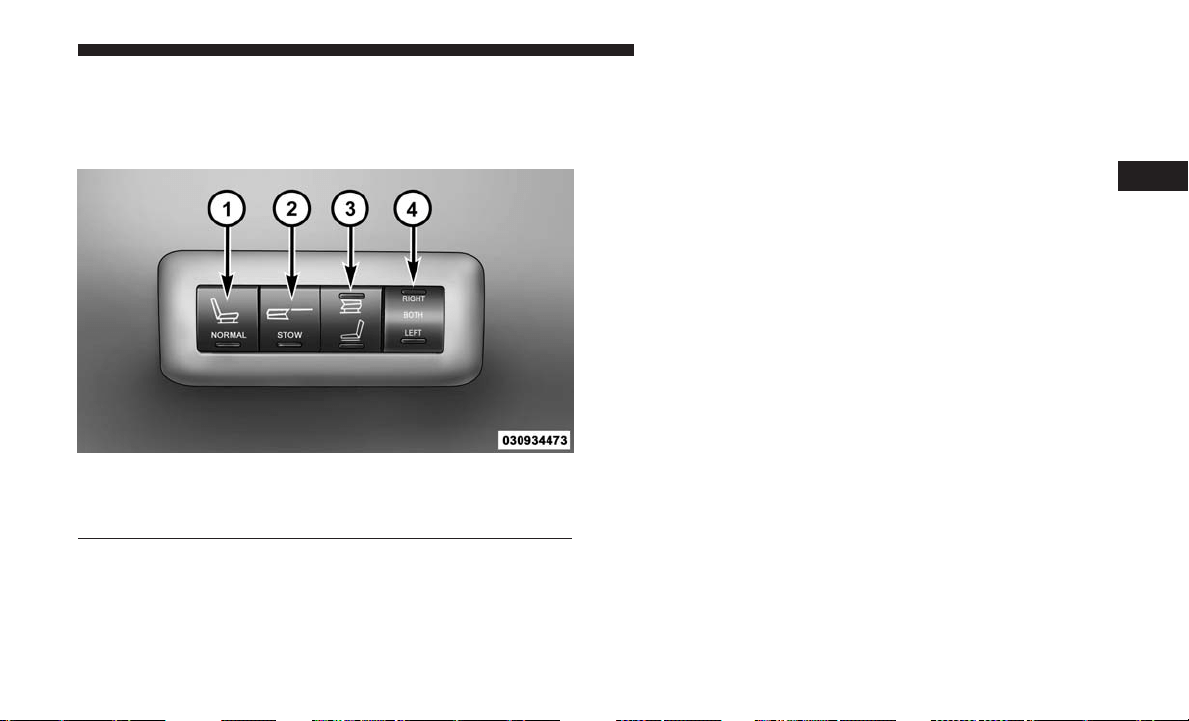
Left and right third row seats can be folded individually or
together. The third row power folding seat adjusts to the
following positions using the switch bank located on the
left rear trim panel:
NOTE:
• Disconnect the center shoulder belt from the small
buckle and lower the head restraints before attempting
to fold/stow the power third row seats.
• To abort seat operation while seat is in motion, push a
different seat position selector switch to stop the seat.
Once the seat stops moving, then the desired position
can be selected.
• The third row power seat system includes obstacle
detection for safe operation. When the system detects an
obstacle, the motors will stop and reverse the motion a
short distance to move the seat away from the obstacle.
Should this occur, remove the obstacle and push the
button again, for the desired position.
• You may experience deformation in the seat cushion
from the seat belt buckles if the seats are left folded for
an extended period of time. This is normal and by
simply opening the seats to the open position, over time
the seat cushion will return to its normal shape.
Rear Panel Power Switch Bank
1 — Open To Normal 3 — Tailgate/Fold Flat
2 — Stow 4 — Right/Left Seats/Both Seats
3
UNDERSTANDING THE FEATURES OF YOUR VEHICLE 163
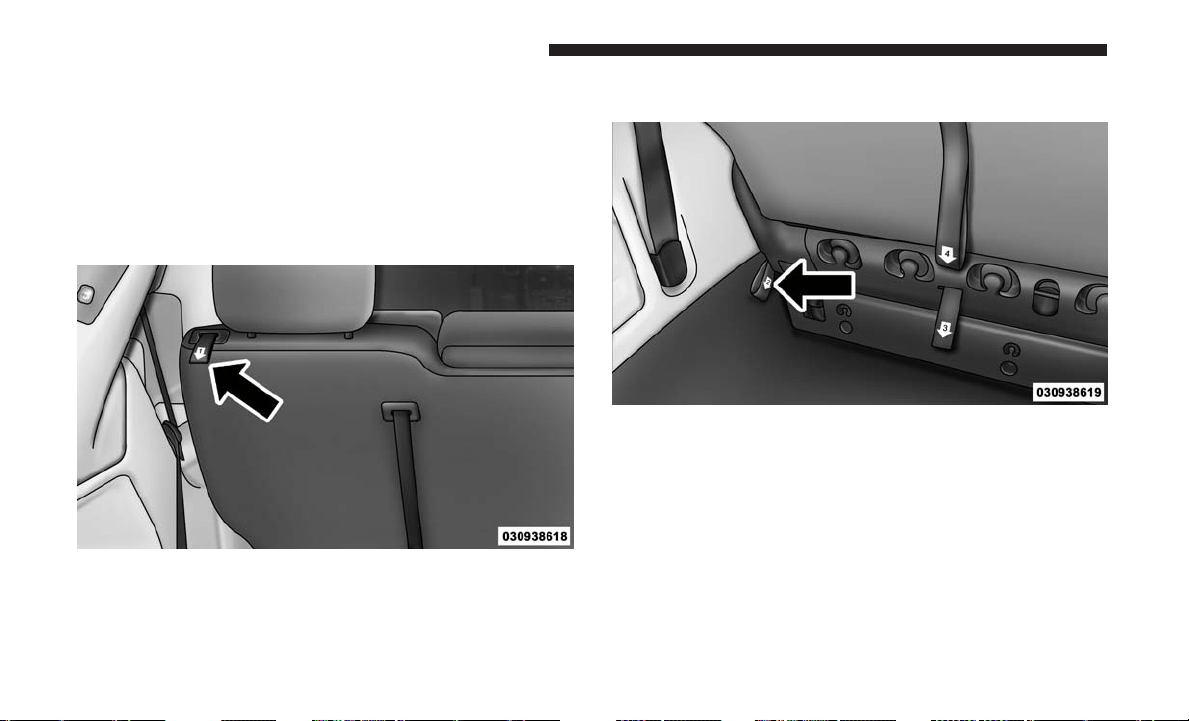
Manually Folding Third Row Seats — If Equipped
1. Lower the center head restraint down to the seatback by
pushing the button on the guide and pushing the head
restraint down.
2. Lower the outboard head restraints by pulling on the
release strap marked “1” located on the outboard side of
the head restraint.
3. Pull release strap marked “2” located on the rear of the
seat to lower the seatback.
Head Restraint Release Strap “1”
Release Strap “2”
164 UNDERSTANDING THE FEATURES OF YOUR VEHICLE
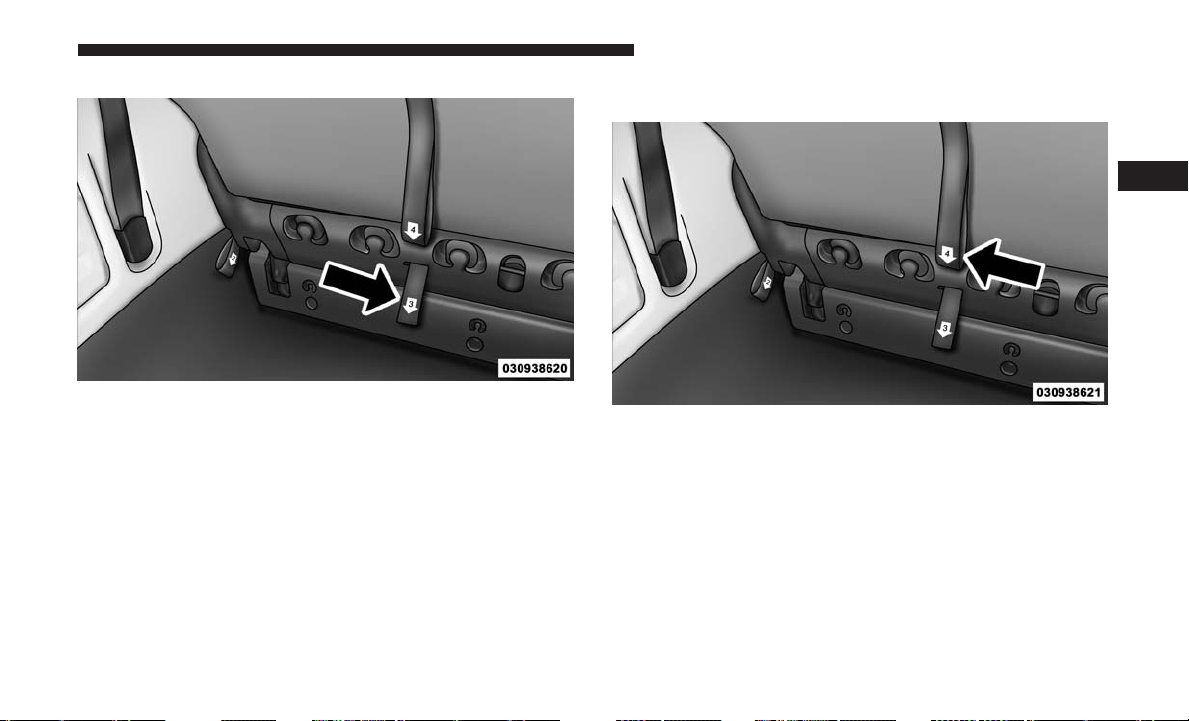
4. Pull release strap marked “3” to release the anchors. 5. Pull release strap marked “4” and tumble the seat
rearward into the storage bin.
Release Strap “3”
Release Strap “4”
3
UNDERSTANDING THE FEATURES OF YOUR VEHICLE 165
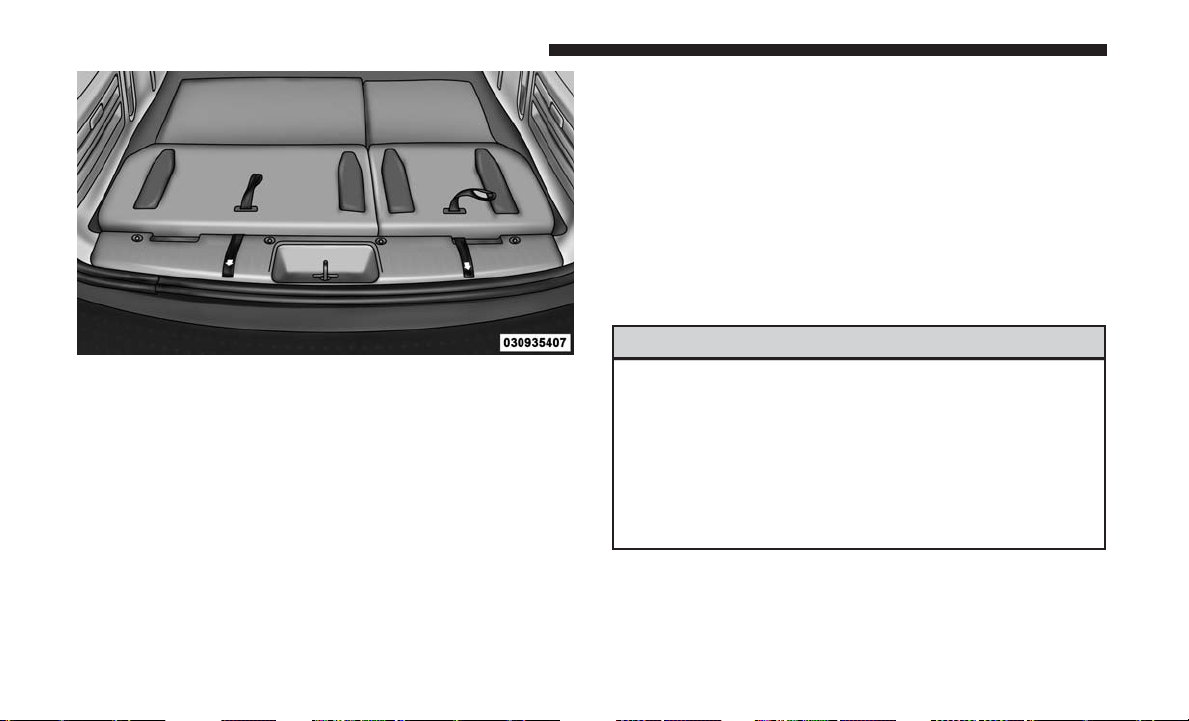
NOTE: You may experience deformation in the seat cush-
ion from the seat belt buckles if the seats are left folded for
an extended period of time. This is normal and by simply
opening the seats to the open position, over time the seat
cushion will return to its normal shape.
To Unfold Third Row Seats
1. Pull up on the assist strap to lift the seat out of the
storage bin and push the seat forward until the anchors
latch.
2. Pull release strap marked “2” to unlock the recliner.
3. Pulling strap “4” releases the seatback to return to its
full upright position.
4. Raise the head restraint to its upright position.
WARNING!
•
In a collision, you or others in your vehicle could be
injured if seats are not properly latched to their floor
attachments. Always be sure the seats are fully latched.
•
Sitting in a seat with the head restraint in its lowered
position could result in serious injury or death in a
collision. Always make sure the head restraints are in
their upright positions when the seat is to be occupied.
Stowed Third Row Seat
166 UNDERSTANDING THE FEATURES OF YOUR VEHICLE

Tailgate Mode
1. Pull release strap “3”, then pull release strap “4” to
rotate the entire seat rearward.
2. To restore the seat to its upright position, lift up on the
seatback and push forward until the anchors latch.
WARNING!
To avoid serious injury or death, never operate the
vehicle with occupants in the third row seat while in
the tailgate mode.
Plastic Grocery Bag Retainer Hooks
Retainer hooks which will hold plastic grocery bag handles
are built into the seatbacks of all rear seats and some front
seats. The floor supports the partial weight of the bagged
goods.
DRIVER MEMORY SEAT — IF EQUIPPED
The Memory Buttons (1) and (2) on the driver’s door panel
can be programmed to recall the driver’s seat, outside
mirrors, and radio station preset settings. Your remote
keyless entry key fob can also be programmed to recall the
same positions when the unlock button is pushed.
Your vehicle may have been delivered with two key fobs,
one key fob can be linked to each of the memory positions.
Driver Memory Switch
3
UNDERSTANDING THE FEATURES OF YOUR VEHICLE 167

Programming The Memory Feature
To create a new memory profile, perform the following:
1. Cycle the vehicle’s ignition to the ON/RUN position (do
not start the engine).
2. Adjust all memory profile settings to desired prefer-
ences (i.e., driver’s seat, outside mirrors, and radio
station presets).
3. Push and release the set (S) button on the memory
switch.
4. Within five seconds, push and release either of the
memory buttons (1) or (2). The instrument cluster dis-
play will display which memory position has been set.
NOTE:
• Memory profiles can be set without the vehicle in PARK,
but the vehicle must be in PARK to recall a memory
profile.
• To set a memory profile to your key fob, refer to
“Linking And Unlinking The Remote Keyless Entry Key
Fob To Memory” in this section.
Linking And Unlinking The Remote Keyless Entry
Key Fob To Memory
Your key fobs can be programmed to recall one of two
pre-programmed memory profiles by pushing the unlock
button on the key fob.
NOTE: Before programming your key fobs you must select
the “Remote Keyless Entry Linked To Memory” feature
through the instrument cluster display. Refer to “Instru-
ment Cluster Display” in “Understanding Your Instrument
Panel” for further information.
To program your key fobs, perform the following:
1. Cycle the vehicle’s ignition to the OFF position.
2. Select a desired memory profile 1 or 2.
NOTE: If a memory profile has not already been set, refer
to ⬙Programming The Memory Feature⬙ in this section for
instructions on how to set a memory profile.
3. Once the profile has been recalled, push and release the
set (S) button on the memory switch.
4. Push and release button (1) or (2) accordingly. “Memory
Profile Set” (1 or 2) will show in the instrument cluster
display.
168 UNDERSTANDING THE FEATURES OF YOUR VEHICLE

5. Push and release the lock button on the key fob within
10 seconds.
NOTE: Your key fobs can be unlinked to your memory
settings by pushing the set (S) button, and within 10
seconds, followed by pushing the unlock button on the key
fob.
Memory Position Recall
NOTE: The vehicle must be in PARK to recall memory
positions. If a recall is attempted when the vehicle is not in
PARK, a message will be displayed in the instrument
cluster display.
To recall the memory settings for driver one, push memory
button (1) on the driver’s door or the unlock button on the
key fob linked to memory position 1.
To recall the memory setting for driver two, push memory
button (2) on the driver’s door or the unlock button on the
key fob linked to memory position 2.
A recall can be cancelled by pushing any of the memory
buttons on the driver’s door during a recall (S, 1, or 2).
When a recall is cancelled, the driver’s seat stops moving.
A delay of one second will occur before another recall can
be selected.
NOTE: Pushing the mirror adjust switch will cancel the
memory mirror recall.
Easy Entry/Exit Seat (Available With Memory Seat
Only)
This feature provides automatic driver seat positioning to
enhance driver mobility when entering and exiting the
vehicle.
The distance the driver seat moves depends on where you
have the driver seat positioned when you remove the key
from the ignition switch.
• When you remove the key from the ignition switch, the
driver seat will move about 2.4 inches (60 mm) rearward
if the driver seat position is greater than or equal to
2.7 inches (67.7 mm) forward of the rear stop. The seat
will return to its previously set position when you insert
the key into the ignition switch and turn it out of the
OFF/LOCK position.
3
UNDERSTANDING THE FEATURES OF YOUR VEHICLE 169

•
When you remove the key from the ignition switch the
driver seat will move to a position 0.3 inches (7.7 mm)
forward of the rear stop if the driver seat position is
between 0.9 – 2.7 inches (22.7 – 67.7 mm) forward of the
rear stop. The seat will return to its previously set position
when you insert the key into the ignition switch and turn
it out of the OFF/LOCK position.
• The Easy Entry/Easy Exit feature is disabled when the
driver seat position is less than 0.9 inches (22.7 mm)
forward of the rear stop. At this position, there is no
benefit to the driver by moving the seat for Easy Exit or
Easy Entry.
Each stored memory setting will have an associated Easy
Entry and Easy Exit Position.
NOTE: The Easy Entry/Easy Exit feature can be enabled
or disabled through the programmable features in the
instrument cluster display. If your vehicle is not equipped
with an instrument cluster display, your dealership can
activate/deactivate this feature for you. For further infor-
mation, refer to “Instrument Cluster Display” in “Under-
standing Your Instrument Panel”.
TO OPEN AND CLOSE THE HOOD
To open the hood, two latches must be released.
1. Pull the hood release lever located on the instrument
panel, below the steering column.
Hood Release Lever
170 UNDERSTANDING THE FEATURES OF YOUR VEHICLE
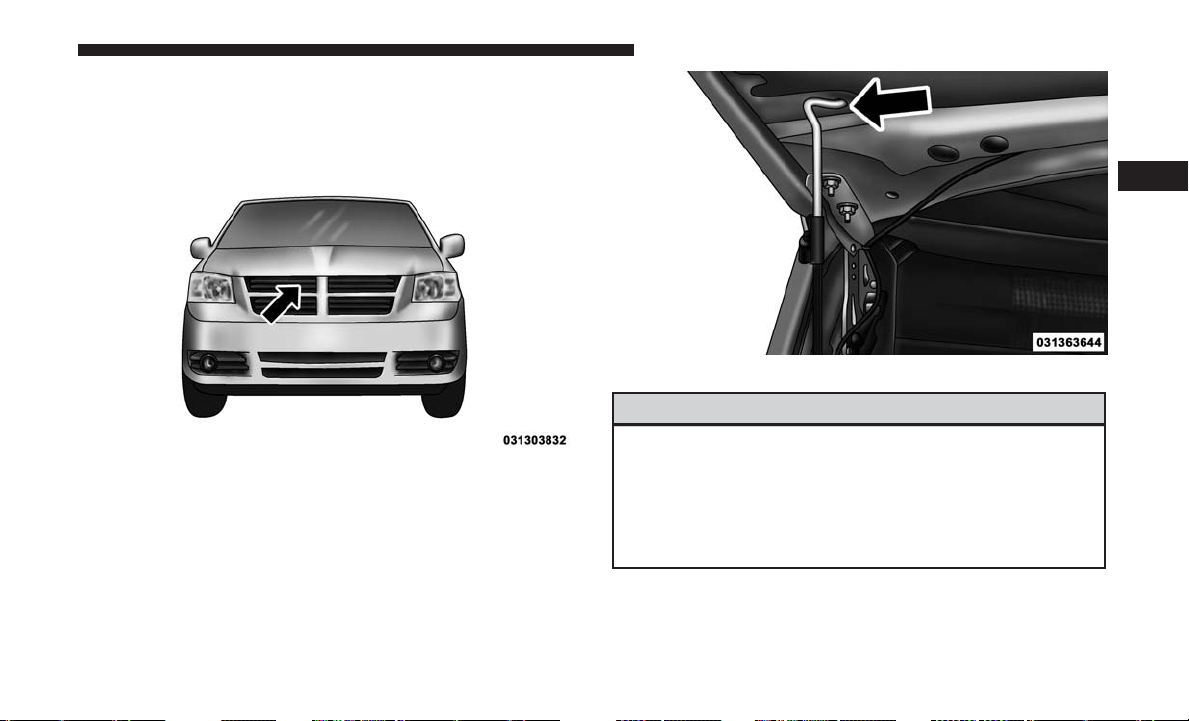
2. Move to the front of the vehicle and look inside the
center of the hood opening. Locate, then push the safety
catch downward while raising the hood at the same
time.
Use the hood prop rod to secure the hood in the open
position.
WARNING!
Be sure the hood is fully latched before driving your
vehicle. If the hood is not fully latched, it could open
when the vehicle is in motion and block your vision.
Failure to follow this warning could result in serious
injury or death.
Safety Lever Location
Hood Prop Rod
3
UNDERSTANDING THE FEATURES OF YOUR VEHICLE 171
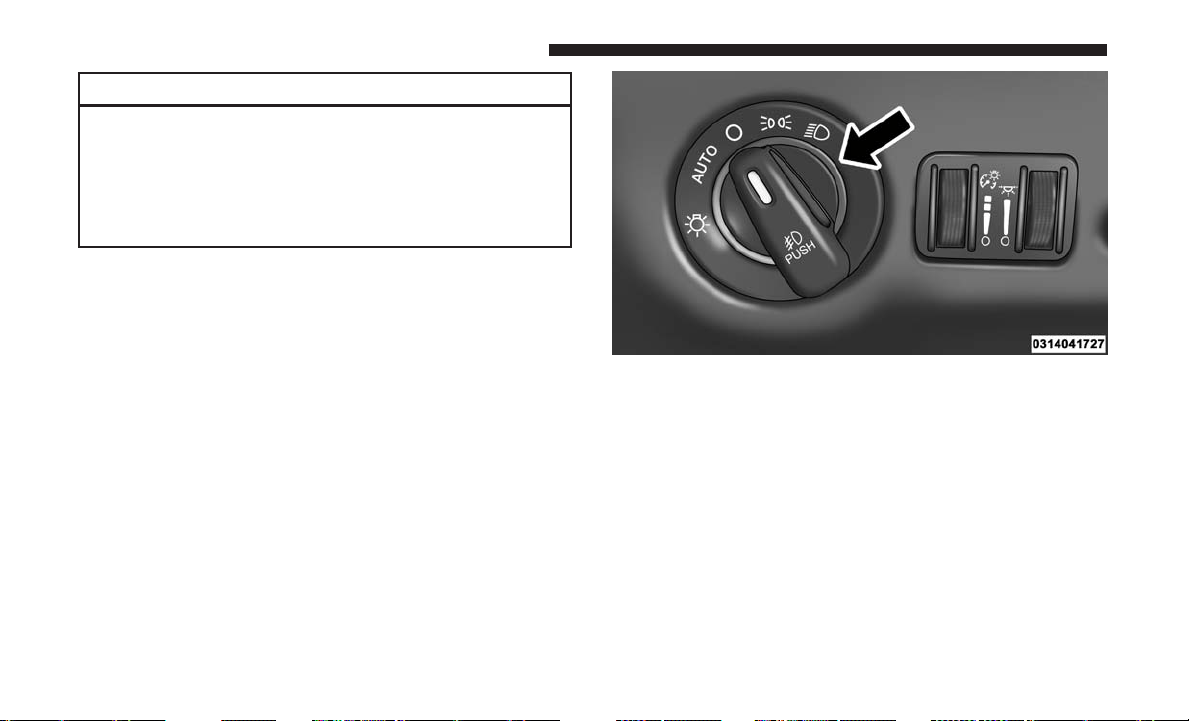
CAUTION!
To prevent possible damage, do not slam the hood to
close it. Lower hood to approximately 12 inches (30 cm)
and drop the hood to close. Make sure hood is fully
closed for both latches. Never drive vehicle unless
hood is fully closed, with both latches engaged.
LIGHTS
Headlight Switch
The headlight switch is located on the left side of the
instrument panel. The switch controls the operation of the
headlights, parking lights, instrument panel lights, interior
lights and the fog lights.
Rotate the headlight switch clockwise to the first detent for
parking light and instrument panel light operation. Rotate
the headlight switch to the second detent for headlight,
parking light and instrument panel operation.
Automatic Headlights — If Equipped
This system automatically turns your headlights on or off
based on ambient light levels. To turn the system on, turn
the headlight switch to the extreme counterclockwise po-
sition aligning the indicator with the AUTO on the head-
light switch. When the system is on, the Headlight Time
Headlight Switch With Halo Control
172 UNDERSTANDING THE FEATURES OF YOUR VEHICLE

Delay feature is also on. This means your headlights will
stay on for up to 90 seconds after you turn the ignition
switch OFF. To turn the Automatic System off, turn the
headlight switch clockwise to the O (off) position.
NOTE: The engine must be running before the headlights
will come on in the automatic mode.
Headlights On With Wipers — If Equipped
When your headlights are in the AUTO mode and the
engine is running, the headlights will automatically turn
on when the wiper system is also turned on. Headlights on
when windshield wipers are on may be found on vehicles
equipped with an automatic headlight system.
NOTE: The Headlights with Wipers feature can be turned
on or off through the instrument cluster display — if
equipped. Refer to “Instrument Cluster Display/Customer
Programmable Features” in “Understanding Your Instru-
ment Panel” for further information.
Headlight Delay — If Equipped
This feature provides the safety of headlight illumination
for up to 90 seconds after exiting your vehicle.
To activate the delay feature, turn OFF the ignition switch
while the headlights are still on. Then turn off the head-
lights within 45 seconds. The 90 second delay interval
begins when headlight switch is turned off. If the head-
lights or parking lights are turned back on or the ignition
switch is turned ON, the delay will be cancelled.
When exiting the vehicle the driver can choose to have the
headlights remain on for 30, 60 or 90 seconds or not remain
on. To change the timer setting, see your authorized dealer.
The headlight delay time is programmable on vehicles
equipped with an instrument cluster display. Refer to
“Instrument Cluster Display/Customer-Programmable
Features” in “Understanding Your Instrument Panel” for
further information.
If the headlights are turned off before the ignition, they will
turn off in the normal manner.
NOTE: The headlights must be turned off within 45 sec-
onds of turning the ignition OFF to activate this feature.
Lights-On Reminder
If the headlights or the parking lights are left on, or if the
dimmer control is in the extreme top position after the
ignition switch is turned OFF, a chime will sound when the
driver’s door is opened.
3
UNDERSTANDING THE FEATURES OF YOUR VEHICLE 173
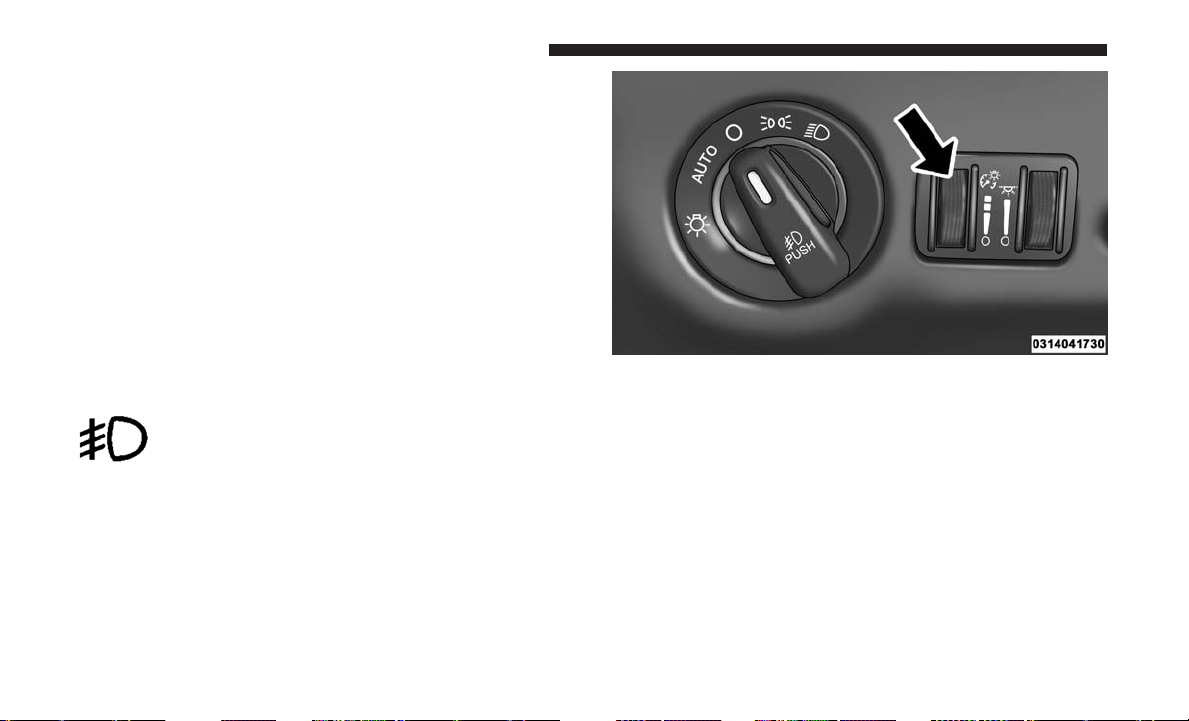
Daytime Running Lights — If Equipped
The headlights on your vehicle will illuminate when the
engine is started and the transmission is in any gear except
PARK. This provides a constant lights on condition until
the ignition is turned OFF. The lights illuminate at less than
50% of normal intensity. If the parking brake is applied, the
Daytime Running Lights (DRL) will turn off. Also, if a turn
signal is activated, the DRL lamp on the same side of the
vehicle will turn off for the duration of the turn signal
activation. Once the turn signal is no longer active, the DRL
lamp will illuminate.
Front Fog Lights — If Equipped
To activate the front fog lights, turn on the
parking lights or the low beam headlights and
push in the headlight switch control knob. Push-
ing the headlight switch control knob in a second time will
turn the front fog lights off.
Dimmer Controls
The dimmer switch is located next to the headlight switch.
With the parking lights or headlights on, rotating the
dimmer control upward will increase the brightness of the
instrument panel lights.
Interior Lighting On
Rotate the left dimmer control completely upward to the
second detent (extreme top position) to turn on the interior
lights. The interior lights will remain on when the dimmer
control is in this position.
Dimmer Control
174 UNDERSTANDING THE FEATURES OF YOUR VEHICLE
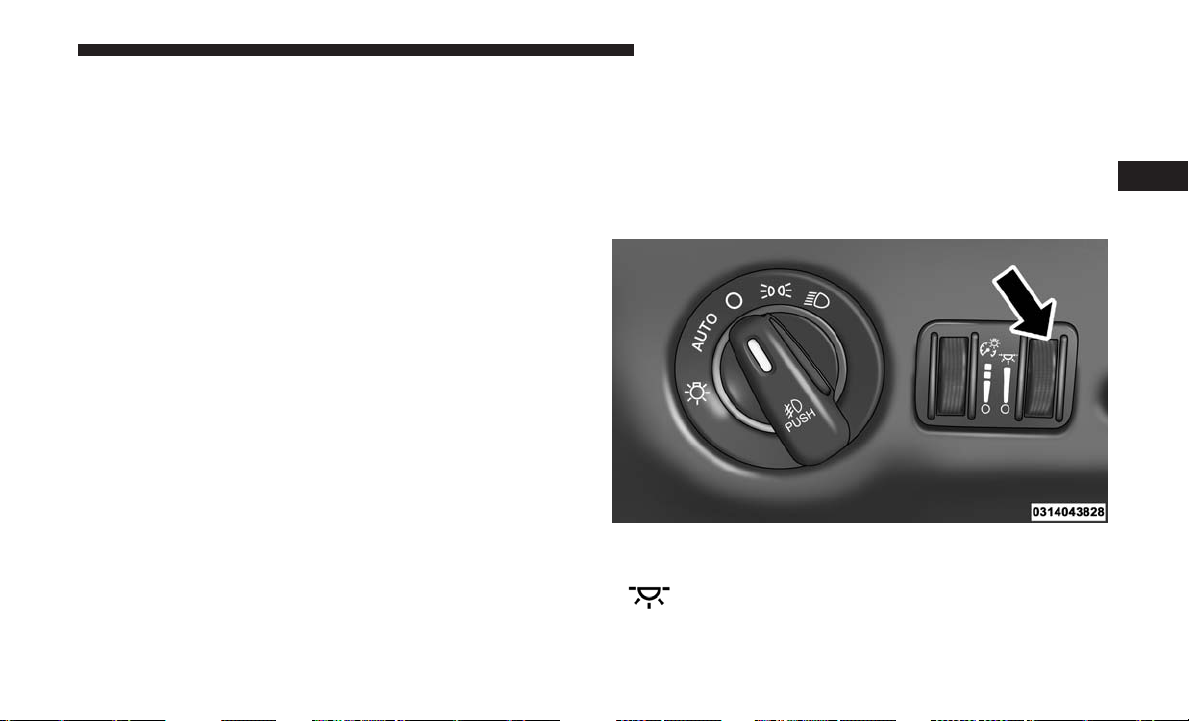
Interior lights are also turned on when a door or liftgate is
opened, the remote keyless entry key fob is activated, or
when the dimmer control is moved to the extreme top.
The interior lights will automatically turn off in approxi-
mately 10 minutes for the first activation and 90 seconds
every activation thereafter until the engine is started, if one
of the following occur:
• A door, sliding door or the liftgate is left open.
• Any overhead reading light is left on.
NOTE: The ignition must be cycled to the OFF position for
this feature to operate.
Interior Lighting Off
Rotate the left dimmer control to the off position (extreme
bottom). The interior lights will remain off when the doors
or liftgate are open.
Parade Mode (Daytime Brightness Feature)
Rotate the left dimmer control to the first detent. This
feature brightens the odometer, radio and overhead dis-
plays when the parking lights or headlights are on.
Halo Lights — If Equipped
Halo lights are strategically placed soft lighting that help to
illuminate specific areas to aid the occupants in locating
specific features while driving at night.
The Halo control switch is located to the right of the
dimmer switch.
To activate the Halo lights, rotate the Halo switch
control upward or downward to increase or
decrease the lighting.
Halo Control
3
UNDERSTANDING THE FEATURES OF YOUR VEHICLE 175
Multifunction Lever
The multifunction lever is located on the left side of the
steering column.
The multifunction lever controls the:
• Turn Signals
• Headlight Beams Low/High
• Flash-To-Pass
• Front and Rear Wipers — Washer Functions
Turn Signals
Move the multifunction lever up or down and the arrows
on each side of the instrument cluster display will flash to
show proper operation of the front and rear turn signal
lights.
NOTE: If either light remains on and does not flash, or
there is a very fast flash rate, check for a defective outside
light bulb. If an indicator fails to light when the lever is
moved, it would suggest that the indicator bulb is defec-
tive.
Turn Signal Warning
If the vehicle electronics sense that the vehicle has traveled
at over 18 mph (29 km/h) for about 1 mile (1.6 km) with the
turn signals on, a chime will sound to alert the driver.
Lane Change Assist
Tap the lever up or down once, without moving beyond
the detent, and the turn signal (right or left) will flash three
times. Then, the turn signal (right or left) will automatically
turn off.
Multifunction Lever
176 UNDERSTANDING THE FEATURES OF YOUR VEHICLE
High/Low Beam Switch
When the headlights are turned on, pushing the multifunc-
tion lever toward the instrument panel will switch from
low beams to high beams. Pulling back to the neutral
position returns the headlights to the low beam operation.
Flash-To-Pass
You can signal another vehicle with your headlights by
lightly pulling the multifunction lever toward you. This
will cause the headlights to turn on at high beam and
remain on until the lever is released.
Battery Protection
This feature provides battery protection to avoid wearing
down the battery if the headlights, parking lights, or front
fog lights are left on for extended periods of time when the
ignition switch is in the LOCK position. After eight min-
utes of the ignition switch being in the LOCK position and
the headlight switch in any position other than O (off) or
AUTO, the lights will turn off automatically until the next
cycle of the ignition switch or headlight switch.
The battery protection feature will be disabled if the
ignition switch is turned to any other position other than
LOCK during the eight minute delay.
WINDSHIELD WIPER AND WASHERS
The wipers and washers are operated by a switch within
the multifunction lever. Rotate the end of the multifunction
lever to select the desired wiper speed.
NOTE: Always remove any buildup of snow that prevents
the windshield wiper blades from returning to the off
position. If the windshield wiper switch is turned off and
the blades cannot return to the off position, damage to the
wiper motor may occur.
Washer And Wiper Controls
3
UNDERSTANDING THE FEATURES OF YOUR VEHICLE 177
WARNING!
Sudden loss of visibility through the windshield could
lead to a collision. You might not see other vehicles or
other obstacles. To avoid sudden icing of the wind-
shield during freezing weather, warm the windshield
with the defroster before and during windshield
washer use.
Intermittent Wiper System
Use the intermittent wiper when weather conditions make
a single wiping cycle with a variable pause between cycles
desirable. Rotate the end of the multifunction lever to the
first detent position, and then turn the end of the lever to
select the desired delay interval. There are five delay
settings, which allow you to regulate the wipe interval
from a minimum of one cycle every second to a maximum
of approximately 36 seconds between cycles. The delay
intervals will double in duration when the vehicle speed is
10 mph (16 km/h) or less.
Windshield Wiper Operation
Rotate the end of the lever upward, to the first detent past
the intermittent settings for low-speed wiper operation.
Rotate the end of the lever upward to the second detent
past the intermittent settings for high-speed wiper opera-
tion.
Windshield Washers
To use the Washer, push on the end of the lever to the
second detent and hold while spray is desired. If the lever
is pushed while on the intermittent setting, the wipers will
turn on and operate for several wipe cycles after the lever
is released, and then resume the intermittent interval
previously selected. If the lever is pushed while the wipers
are in the off position, the wipers will operate several wipe
cycles, then turn off.
Mist Feature
Push the end of the multifunction lever inward (toward the
steering column) to the first detent and release for a single
wiping cycle.
NOTE: The mist feature does not activate the washer
pump; therefore, no washer fluid will be sprayed on the
windshield. The wash function must be used in order to
spray the windshield with washer fluid.
178 UNDERSTANDING THE FEATURES OF YOUR VEHICLE

Rear Wiper And Washer
Rotating the rotary ring to the first detent activates the rear
intermittent wipers. To activate the washers, rotate the
rotary ring fully forward and the washers will spray until
the ring is released, and then resume the intermittent
interval.
NOTE: Rear window wipers function in the intermittent
wiper speed only.
Rain Sensing Wipers — If Equipped
This feature senses moisture on the windshield and auto-
matically activates the wipers for the driver. This feature is
especially useful for road splash or overspray from the
windshield washers of the vehicle ahead. Rotate the end of
the multifunction lever to one of the five intermittent wiper
sensitivity settings to activate this feature.
The sensitivity of the system is adjustable from the multi-
function lever. Wiper sensitivity position 3 has been cali-
brated for best overall wiping sensitivity. If the operator
desires more wiping sensitivity, they may select sensitivity
positions 4 or 5. If the operator desires less wiping sensi-
tivity, they may select sensitivity positions 2 or 1. Place the
multifunction lever in the O (off) position when not using
the system.
NOTE:
• The Rain Sensing feature will not operate when the
wiper speed is in the low or high position.
• The Rain Sensing feature may not function properly
when ice or dried saltwater is present on the windshield.
• Use of Rain-X or products containing wax or silicone
may reduce rain sensor performance.
• The Rain Sensing feature can be turned on and off
through the instrument cluster display (if equipped).
Refer to “Instrument Cluster Display/Personal Settings
(Customer-Programmable Features)” in “Understanding
Your Instrument Panel” for further information.
The Rain Sensing system has protective features for the
wiper blades and arms. It will not operate under the follow-
ing conditions:
• Low Temperature Wipe Inhibit — The Rain Sensing
feature will not operate when the ignition is first
switched ON, and the vehicle is stationary, and the
outside temperature is below 32°F (0°C), unless the
wiper control on the multifunction lever is moved, or the
vehicle speed becomes greater than 0 mph (0 km/h), or
the outside temperature rises above freezing.
3
UNDERSTANDING THE FEATURES OF YOUR VEHICLE 179
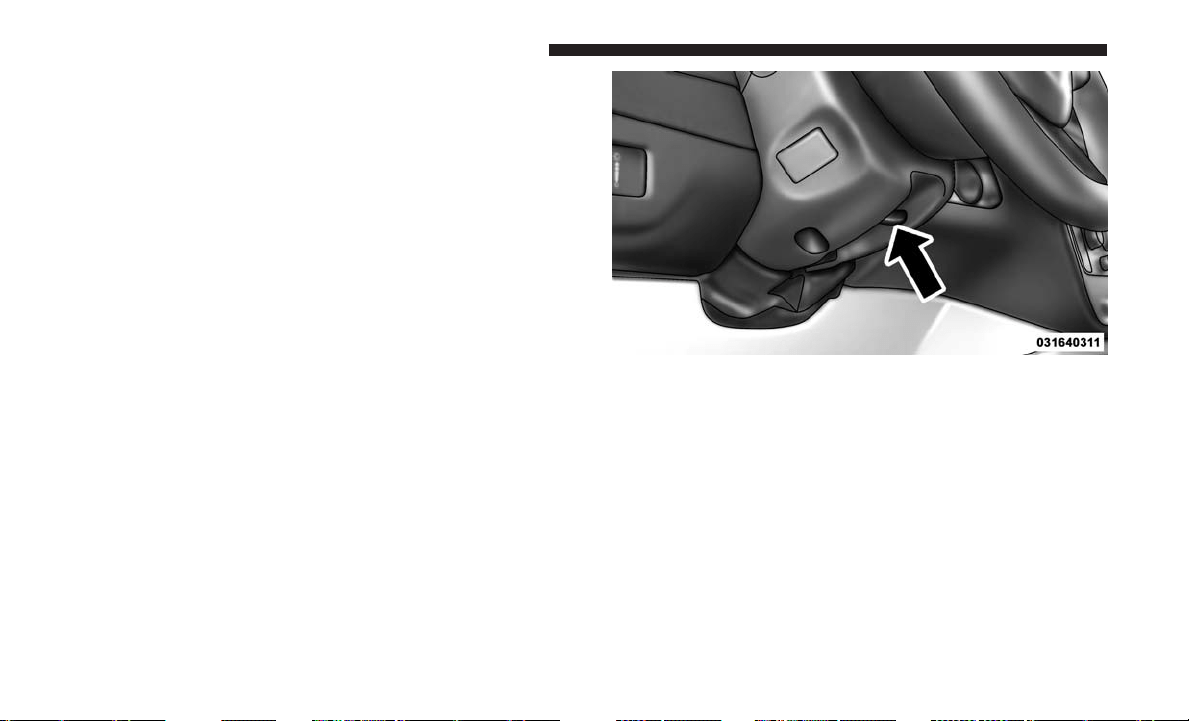
• Neutral Wipe Inhibit — The Rain Sensing feature will
not operate when the ignition is ON, and the transmis-
sion gear selector is in the NEUTRAL position, and the
vehicle speed is less than 5 mph (8 km/h), unless the
wiper control on the multifunction lever is moved or the
gear selector is moved out of the NEUTRAL position.
• Remote Start Mode Inhibit — On vehicles equipped
with Remote Starting system, Rain Sensing wipers are
not operational when the vehicle is in the remote start
mode. Once the operator is in the vehicle and has placed
the ignition switch in the RUN position, rain sensing
wiper operation can resume, if it has been selected, and
no other inhibit conditions (mentioned previously) exist.
TILT/TELESCOPING STEERING COLUMN
This feature allows you to tilt the steering column upward
or downward. It also allows you to lengthen or shorten the
steering column. The tilt/telescoping lever is located below
the steering wheel at the end of the steering column.
To unlock the steering column, push the lever downward
(toward the floor). To tilt the steering column, move the
steering wheel upward or downward as desired. To
lengthen or shorten the steering column, pull the steering
wheel outward or push it inward as desired. To lock the
steering column in position, push the lever upward until
fully engaged.
Tilt/Telescoping Lever
180 UNDERSTANDING THE FEATURES OF YOUR VEHICLE
WARNING!
Do not adjust the steering column while driving.
Adjusting the steering column while driving or driv-
ing with the steering column unlocked, could cause the
driver to lose control of the vehicle. Failure to follow
this warning may result in serious injury or death.
HEATED STEERING WHEEL — IF EQUIPPED
The steering wheel contains a heating element that helps
warm your hands in cold weather. The heated steering wheel
has only one temperature setting. Once the heated steering
wheel has been turned on it can operate for an average of 80
minutes before automatically shutting off. This time may
vary depending on the temperature of the environment. The
heated steering wheel can shut off early or may not turn on
when the steering wheel is already warm.
The heated steering wheel control button is located on the
center of the instrument panel below the climate controls.
• Push the heated steering wheel button
once to turn
the heating element on.
• Push the heated steering wheel button
a second time
to turn the heating element off.
NOTE: The engine must be running for the heated steering
wheel to operate.
Vehicles Equipped With Remote Start
On models that are equipped with remote start, the heated
steering wheel can be programed to come on during a
remote start. Refer to “Instrument Cluster Display” in
“Understanding Your Instrument Panel” for further infor-
mation.
WARNING!
• Persons who are unable to feel pain to the skin
because of advanced age, chronic illness, diabetes,
spinal cord injury, medication, alcohol use, exhaus-
tion, or other physical conditions must exercise care
when using the steering wheel heater. It may cause
burns even at low temperatures, especially if used
for long periods.
• Do not place anything on the steering wheel that
insulates against heat, such as a blanket or steering
wheel covers of any type and material. This may
cause the steering wheel heater to overheat.
3
UNDERSTANDING THE FEATURES OF YOUR VEHICLE 181
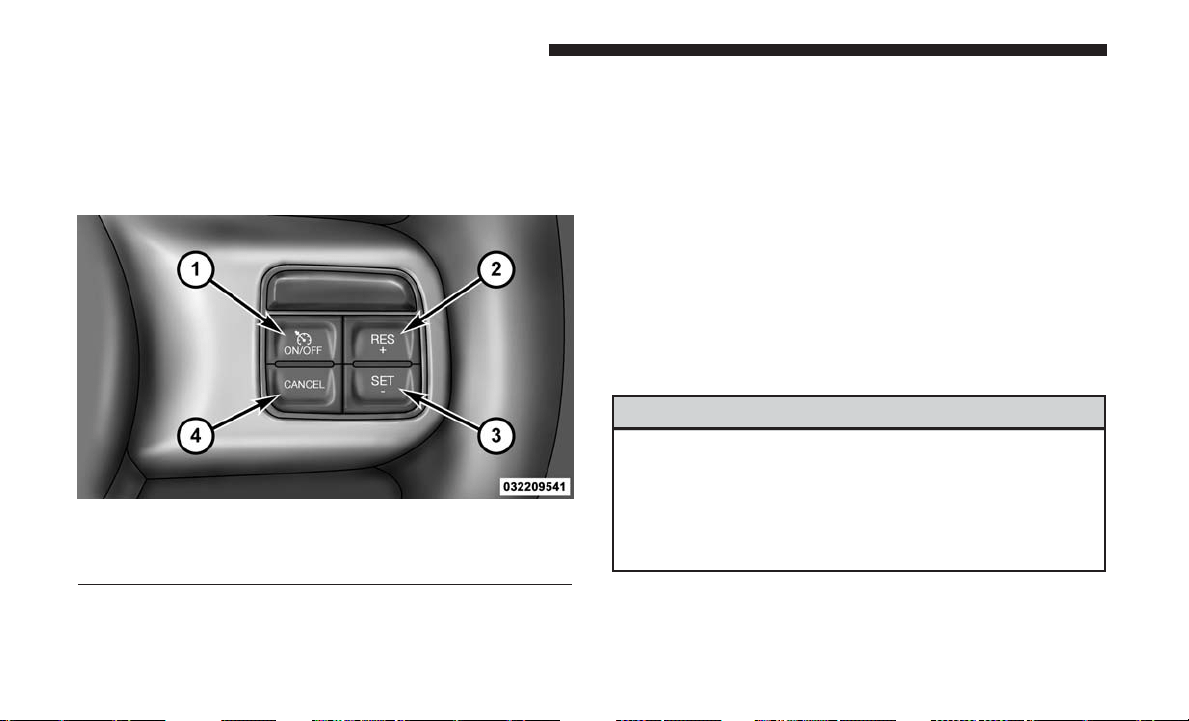
SPEED CONTROL — IF EQUIPPED
When engaged, the Speed Control takes over accelerator
operations at speeds greater than 25 mph (40 km/h).
The Speed Control buttons are located on the right side of
the steering wheel.
NOTE: In order to ensure proper operation, the Speed
Control System has been designed to shut down if multiple
Speed Control functions are operated at the same time. If
this occurs, the Speed Control System can be reactivated by
pushing the Speed Control on/off button and resetting the
desired vehicle set speed.
To Activate
Push the ON/OFF button. The cruise control indicator
light in the instrument cluster display will illuminate. To
turn the system off, push the ON/OFF button a second
time. The cruise control indicator light will turn off. The
system should be turned off when not in use.
WARNING!
Leaving the Speed Control system on when not in use
is dangerous. You could accidentally set the system or
cause it to go faster than you want. You could lose
control and have an accident. Always leave the system
off when you are not using it.
Speed Control Buttons
1 — ON/OFF 3 — SET -
2 — RES + 4 — CANCEL
182 UNDERSTANDING THE FEATURES OF YOUR VEHICLE

To Set A Desired Speed
Turn the Speed Control on. When the vehicle has reached
the desired speed, push the SET (-) button and release.
Release the accelerator and the vehicle will operate at the
selected speed.
NOTE: The vehicle should be traveling at a steady speed
and on level ground before pushing the SET (-) button.
To Deactivate
A soft tap on the brake pedal, pushing the CANCEL
button, or normal brake pressure while slowing the vehicle
will deactivate Speed Control without erasing the set speed
memory. Pushing the ON/OFF button or turning the
ignition switch OFF erases the set speed memory.
To Resume Speed
To resume a previously set speed, push the RES (+) button
and release. Resume can be used at any speed above
20 mph (32 km/h).
To Vary The Speed Setting
To Increase Speed
When the Speed Control is set, you can increase speed by
pushing the RES (+) button.
The driver’s preferred units can be selected through the
instrument panel settings if equipped. Refer to “Under-
standing Your Instrument Panel” for more information.
The speed increment shown is dependant on the chosen
speed unit of U.S. (mph) or Metric (km/h):
U.S. Speed (mph)
• Pushing the RES (+) button once will result in a 1 mph
increase in set speed. Each subsequent tap of the button
results in an increase of 1 mph.
• If the button is continually pushed, the set speed will
continue to increase until the button is released, then the
new set speed will be established.
Metric Speed (km/h)
• Pushing the RES (+) button once will result in a 1 km/h
increase in set speed. Each subsequent tap of the button
results in an increase of 1 km/h.
• If the button is continually pushed, the set speed will
continue to increase until the button is released, then the
new set speed will be established.
To Decrease Speed
When the Speed Control is set, you can decrease speed by
pushing the SET (-) button.
3
UNDERSTANDING THE FEATURES OF YOUR VEHICLE 183
The driver’s preferred units can be selected through the
instrument panel settings if equipped. Refer to “Under-
standing Your Instrument Panel” for more information.
The speed decrement shown is dependant on the chosen
speed unit of U.S. (mph) or Metric (km/h):
U.S. Speed (mph)
• Pushing the SET (-) button once will result in a 1 mph
decrease in set speed. Each subsequent tap of the button
results in a decrease of 1 mph.
• If the button is continually pushed, the set speed will
continue to decrease until the button is released, then the
new set speed will be established.
Metric Speed (km/h)
• Pushing the SET (-) button once will result in a 1 km/h
decrease in set speed. Each subsequent tap of the button
results in a decrease of 1 km/h.
• If the button is continually pushed, the set speed will
continue to decrease until the button is released, then the
new set speed will be established.
To Accelerate For Passing
Press the accelerator as you would normally. When the
pedal is released, the vehicle will return to the set speed.
Using Speed Control On Hills
The transmission may downshift on hills to maintain the
vehicle set speed.
NOTE: The Speed Control system maintains speed up and
down hills. A slight speed change on moderate hills is
normal.
On steep hills, a greater speed loss or gain may occur, it
may be preferable to drive without Speed Control.
WARNING!
Speed Control can be dangerous where the system
cannot maintain a constant speed. Your vehicle could
go too fast for the conditions, and you could lose
control and have an accident. Do not use Speed Control
in heavy traffic or on roads that are winding, icy,
snow-covered or slippery.
184 UNDERSTANDING THE FEATURES OF YOUR VEHICLE

PARKSENSE REAR PARK ASSIST — IF EQUIPPED
The ParkSense Rear Park Assist system provides visual and
audible indications of the distance between the rear fascia
and a detected obstacle when backing up, e.g. during a
parking maneuver. Refer to “ParkSense System Usage
Precautions” in this section for limitations of this system
and recommendations.
ParkSense will retain the last system state (enabled or
disabled) from the last ignition cycle when the ignition is
changed to the ON/RUN position.
ParkSense can be active only when the gear selector is in
REVERSE. If ParkSense is enabled at this gear selector
position, the system will remain active until the vehicle
speed is increased to approximately 7 mph (11 km/h) or
above. The system will become active again if the vehicle
speed is decreased to speeds less than approximately
6 mph (9 km/h).
ParkSense Sensors
The four ParkSense sensors, located in the rear fascia/
bumper, monitor the area behind the vehicle that is within
the sensors’ field of view. The sensors can detect obstacles
from approximately 12 inches (30 cm) up to 79 inches (200
cm) from the rear fascia/bumper in the horizontal direc-
tion, depending on the location, type and orientation of the
obstacle.
ParkSense Warning Display
The ParkSense Warning screen will only be displayed if
Sound and Display is selected from the Customer-
Programmable Features section of the instrument cluster
display. Refer to “Instrument Cluster Display/Personal
Settings (Customer- Programmable Features)” in “Under-
standing Your Instrument Panel” for further information.
3
UNDERSTANDING THE FEATURES OF YOUR VEHICLE 185
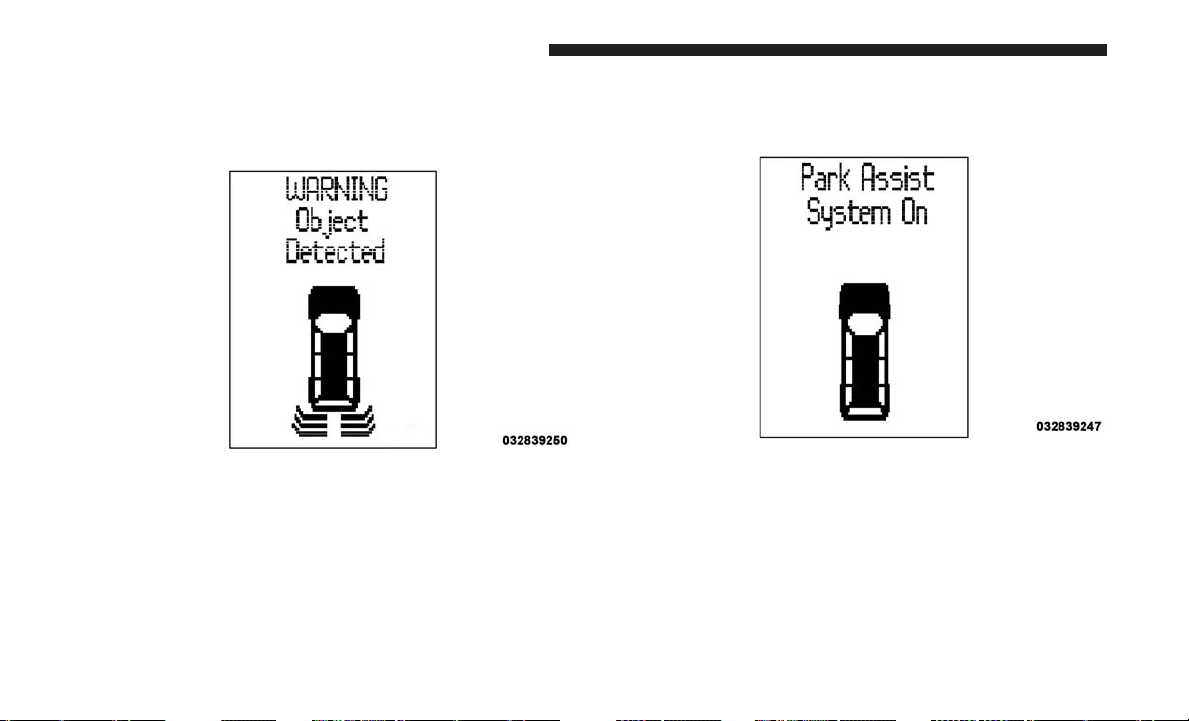
The ParkSense Warning Display is located in the instru-
ment cluster display. It provides both visual and audible
warnings to indicate the distance between the rear fascia/
bumper and the detected obstacle.
ParkSense Display
When the vehicle is in REVERSE, the warning display will
turn on indicating the system status.
ParkSense Warning Display
Park Assist System On
186 UNDERSTANDING THE FEATURES OF YOUR VEHICLE
The system will indicate a detected obstacle by showing
three solid arcs and will produce a one-half second tone. As
the vehicle moves closer to the object the instrument cluster
display will show fewer arcs and the sound tone will
change from slow, to fast, to continuous.
Park Assist System Off
Slow Tone
3
UNDERSTANDING THE FEATURES OF YOUR VEHICLE 187
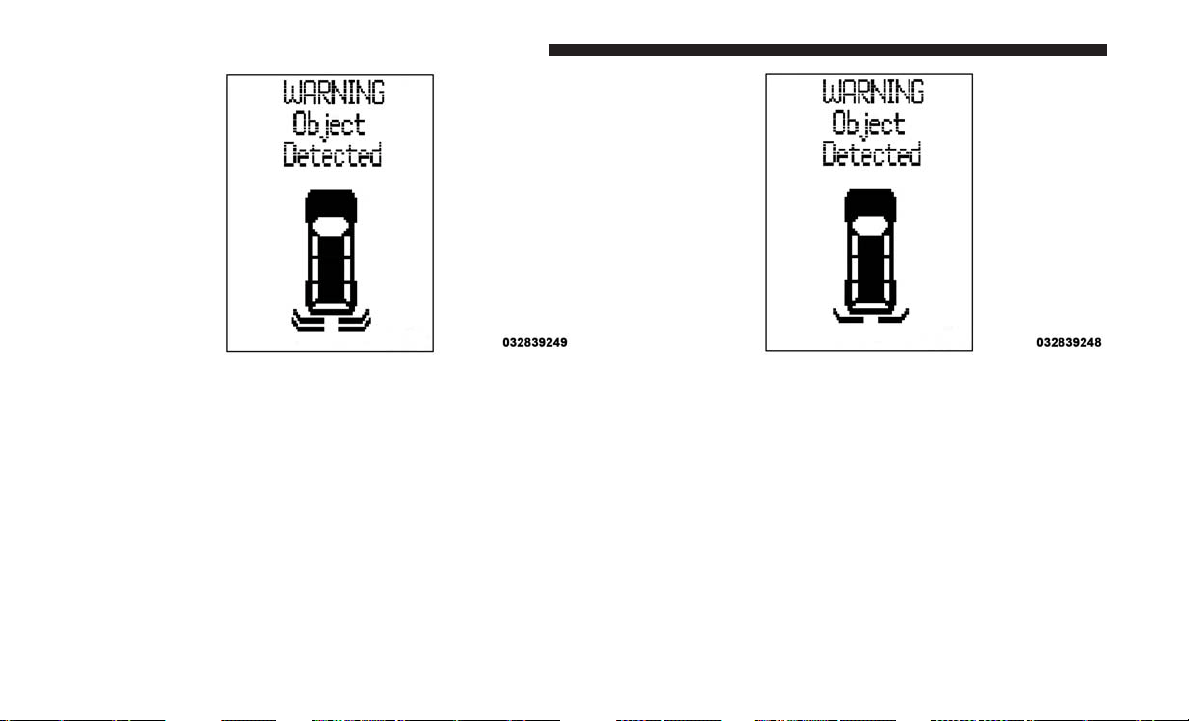
The vehicle is close to the obstacle when the instrument
cluster display shows one flashing arc and sounds a
continuous tone. The following chart shows the warning
alert operation when the system is detecting an obstacle:
Fast Tone Continuous Tone
188 UNDERSTANDING THE FEATURES OF YOUR VEHICLE
WARNING ALERTS
Rear Distance
(inches/cm)
Greater than
79 inches (200 cm)
79-39 inches
(200-100 cm)
39-25 inches
(100-65 cm)
25-12 inches
(65-30 cm)
Less than
12 inches (30 cm)
Audible Alert
Chime
None Single 1/2
Second Tone
Slow Fast Continuous
Arcs None 3 Solid
(Continuous)
3 Slow
Flashing
2 Slow
Flashing
1 Slow
Flashing
Radio Volume
Reduced
No Yes Yes Yes Yes
NOTE: ParkSense will reduce the radio volume, if on,
when the system is sounding an audio tone.
Enabling/Disabling ParkSense
ParkSense can be enabled and disabled through the
Customer-Programmable Features section of the instru-
ment cluster display. The available choices are: OFF, Sound
Only, or Sound and Display. Refer to “Instrument Cluster
Display/Personal Settings (Customer-Programmable Fea-
tures)” in “Understanding Your Instrument Panel” for
further information.
When ParkSense is disabled, the instrument cluster will
display the “PARK ASSIST SYSTEM OFF” message for
approximately five seconds. Refer to “Instrument Cluster
Display” in “Understanding Your Instrument Panel” for
further information. When the gear selector is moved to
REVERSE and the system is disabled, the instrument
cluster display will display the “PARK ASSIST SYSTEM
OFF” message for as long as the vehicle is in REVERSE.
3
UNDERSTANDING THE FEATURES OF YOUR VEHICLE 189

Service The ParkSense Rear Park Assist System
During vehicle start up, when the ParkSense Rear Park
Assist System has detected a faulted condition, the instru-
ment cluster will actuate a single chime, once per ignition
cycle, and it will display the “SERVICE PARK ASSIST
SYSTEM” message. Refer to “Instrument Cluster Display”
in “Understanding Your Instrument Panel” for further
information. When the gear selector is moved to REVERSE
and the system has detected a faulted condition, the
instrument cluster display will display the “SERVICE
PARK ASSIST SYSTEM” message for as long as the vehicle
is in REVERSE. Under this condition, ParkSense will not
operate.
If “SERVICE PARK ASSIST SYSTEM” appears in the in-
strument cluster display after making sure the rear fascia/
bumper is free from snow, ice, mud, dirt and debris, see
your authorized dealer.
Cleaning The ParkSense System
Clean the ParkSense sensors with water, car wash soap and
a soft cloth. Do not use rough or hard cloths. Do not scratch
or poke the sensors. Otherwise, you could damage the
sensors.
ParkSense System Usage Precautions
NOTE:
• Ensure that the rear bumper is free of snow, ice, mud,
dirt and debris to keep the ParkSense system operating
properly.
• Jackhammers, large trucks, and other vibrations could
affect the performance of ParkSense.
• When you turn ParkSense off, the instrument cluster
will display “PARK ASSIST SYSTEM OFF.” Further-
more, once you turn ParkSense off, it remains off until
you turn it on again, even if you cycle the ignition key.
• When you move the gear selector to the REVERSE
position and ParkSense is turned off, the instrument
cluster display will display “PARK ASSIST SYSTEM
OFF” message for as long as the vehicle is in REVERSE.
• ParkSense, when on, will reduce the radio volume when
it is sounding a tone.
• Clean the ParkSense sensors regularly, taking care not to
scratch or damage them. The sensors must not be
covered with ice, snow, slush, mud, dirt or debris.
Failure to do so can result in the system not working
properly. The ParkSense system might not detect an
190 UNDERSTANDING THE FEATURES OF YOUR VEHICLE
obstacle behind the fascia/bumper, or it could provide a
false indication that an obstacle is behind the fascia/
bumper.
• Ensure the ParkSense system is off if objects such as
bicycle carriers, trailer hitches, etc. are placed within
12 inches (30 cm) from the rear fascia/bumper. Failure to
do so can result in the system misinterpreting a close
object as a sensor problem, causing the “SERVICE PARK
ASSIST SYSTEM” message to be displayed in the instru-
ment cluster display.
WARNING!
• Drivers must be careful when backing up even when
using ParkSense. Always check carefully behind
your vehicle, look behind you, and be sure to check
for pedestrians, animals, other vehicles, obstructions,
and blind spots before backing up. You are respon-
sible for safety and must continue to pay attention to
your surroundings. Failure to do so can result in
serious injury or death.
• Before using ParkSense, it is strongly recommended
that the ball mount and hitch ball assembly is
disconnected from the vehicle when the vehicle is
(Continued)
WARNING! (Continued)
not used for towing. Failure to do so can result in
injury or damage to vehicles or obstacles because the
hitch ball will be much closer to the obstacle than the
rear fascia when the loudspeaker sounds the con-
tinuous tone. Also, the sensors could detect the ball
mount and hitch ball assembly, depending on its size
and shape, giving a false indication that an obstacle
is behind the vehicle.
CAUTION!
• ParkSense is only a parking aid and it is unable to
recognize every obstacle, including small obstacles.
Parking curbs might be temporarily detected or not
detected at all. Obstacles located above or below the
sensors will not be detected when they are in close
proximity.
•
The vehicle must be driven slowly when using
ParkSense in order to be able to stop in time when an
obstacle is detected. It is recommended that the driver
looks over his/her shoulder when using ParkSense.
3
UNDERSTANDING THE FEATURES OF YOUR VEHICLE 191
PARKVIEW REAR BACK UP CAMERA —
IF EQUIPPED
Your vehicle may be equipped with the ParkView Rear
Back Up Camera that allows you to see an on-screen image
of the rear surroundings of your vehicle whenever the gear
selector is put into REVERSE. The image will be displayed
on the touchscreen along with a caution note to “check
entire surroundings” across the top of the screen. After five
seconds this note will disappear. The ParkView Rear Back
Up Camera is located on the rear of the vehicle, above the
rear license plate.
When the vehicle is shifted out of REVERSE, the rear
camera mode is exited and the last selected touchscreen
appears again.
If your vehicle is equipped with the Camera Delay feature
and it is turned on, the rear camera image will be displayed
for up to 10 seconds when the vehicle is shifted out of
REVERSE unless the forward vehicle speed exceeds 8 mph
(13 km/h), the transmission is shifted into PARK or the
vehicle’s ignition is cycled to the OFF position.
NOTE: The programmable features of the Parkview Rear
Backup Camera can be selected through the touchscreen.
Refer to your “Uconnect Supplement Manual” for further
information.
When displayed, static grid lines will illustrate the width of
the vehicle while a dashed center-line will indicate the
center of the vehicle to assist with aligning to a hitch/
receiver. The static grid lines will show separate zones that
will help indicate the distance to the rear of the vehicle. The
following table shows the approximate distances for each
zone:
Zone Distance To The Rear Of
The Vehicle
Red 0 - 1 ft (0 - 30 cm)
Yellow 1 ft - 3 ft (30 cm - 1 m)
Green 3 ft or greater (1 m or
greater)
WARNING!
Drivers must be careful when backing up even when
using the ParkView Rear Back Up Camera. Always
check carefully behind your vehicle, and be sure to
check for pedestrians, animals, other vehicles, obstruc-
tions, or blind spots before backing up. You are re-
sponsible for the safety of your surroundings and must
continue to pay attention while backing up. Failure to
do so can result in serious injury or death.
192 UNDERSTANDING THE FEATURES OF YOUR VEHICLE
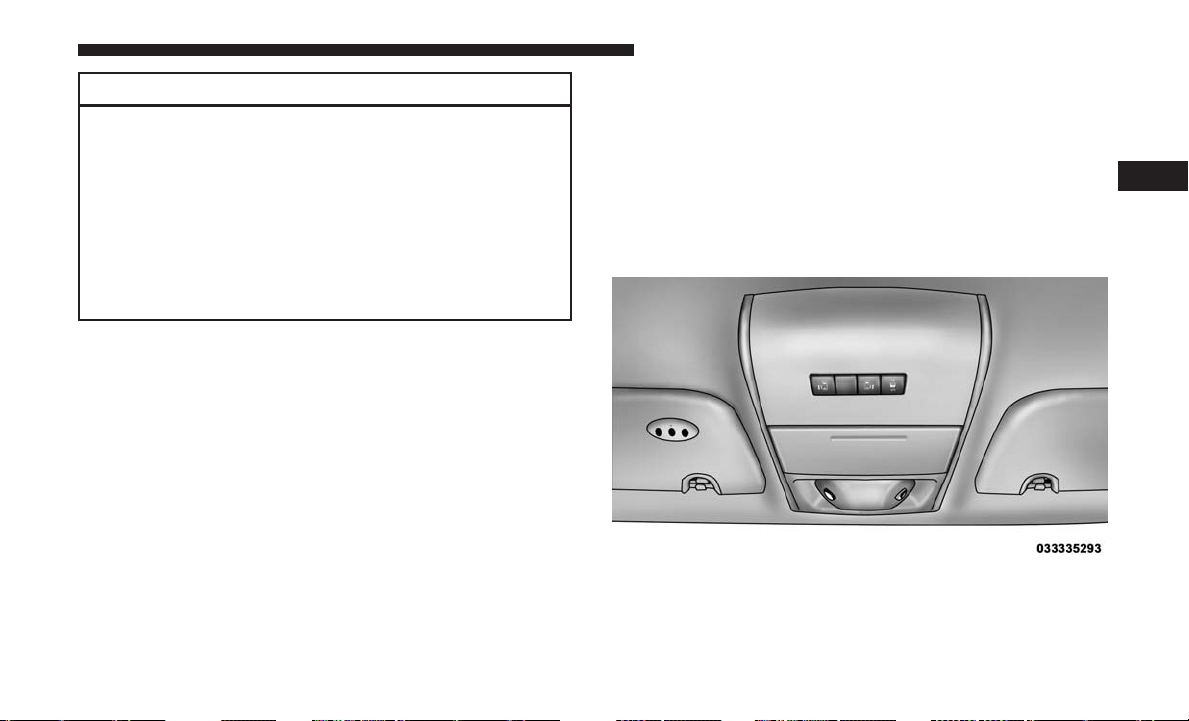
CAUTION!
•
To avoid vehicle damage, ParkView should only be
used as a parking aid. The ParkView camera is unable
to view every obstacle or object in your drive path.
• To avoid vehicle damage, the vehicle must be driven
slowly when using ParkView to be able to stop in
time when an obstacle is seen. It is recommended
that the driver look frequently over his/her shoulder
when using ParkView.
NOTE: If snow, ice, mud, or any foreign substance builds
up on the camera lens, clean the lens, rinse with water, and
dry with a soft cloth. Do not cover the lens.
OVERHEAD CONSOLES
Front Overhead Console
Two versions of the overhead console are available. The
base front overhead console model featured fixed incan-
descent courtesy/reading lights, flip-down sunglass stor-
age and conversation mirror. The premium front overhead
console model features a LED focused light that illumi-
nates the instrument panel cupholders, two swiveling LED
lights, flip-down sunglass storage, conversation mirror,
optional power sliding door switches and an optional
power liftgate switch.
NOTE: Premium sunroof console models include all of
above except sunglass storage.
Overhead Console
3
UNDERSTANDING THE FEATURES OF YOUR VEHICLE 193
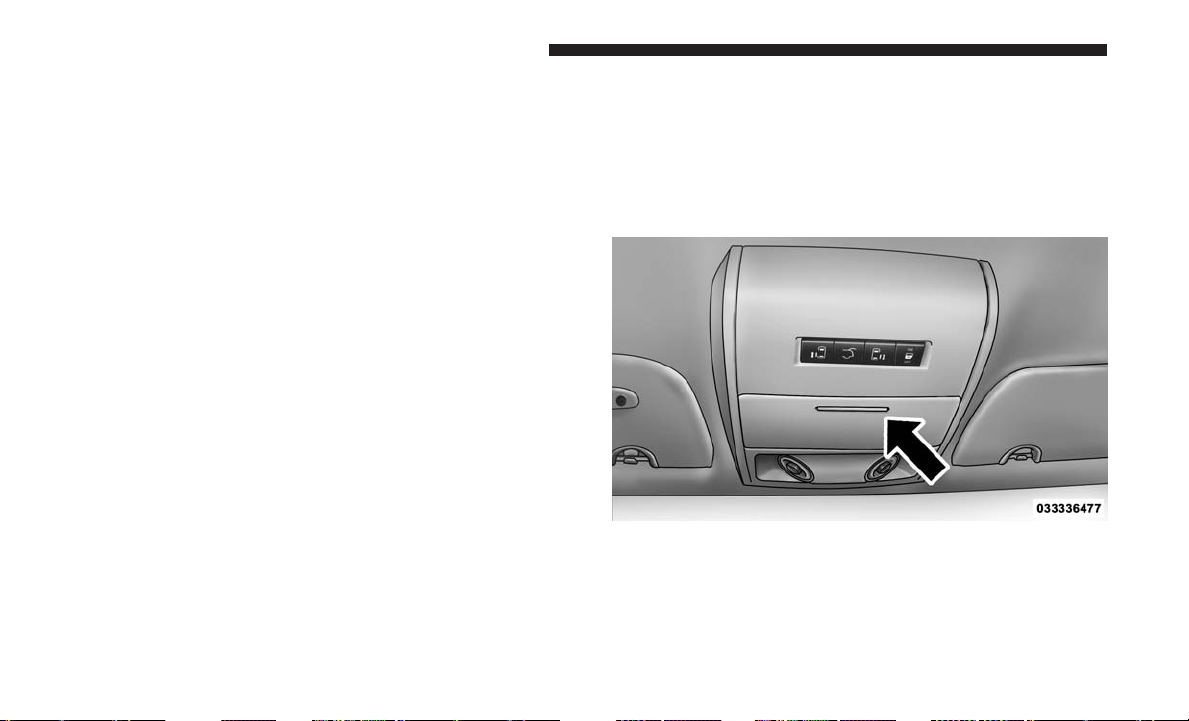
Courtesy/Interior Lighting
At the forward end of the console are two courtesy lights
(standard dome light has two buttons). The lights turn on
when a front door, a sliding door or the liftgate is opened.
If your vehicle is equipped with Remote Keyless Entry the
lights will also turn on when the unlock button on the key
fob is pushed.
The courtesy lights also function as reading lights. Push in
on each lens to turn these lights on while inside the vehicle.
Push a second time to turn each light off. You may adjust
the direction of these lights by pushing the outside ring,
which is identified with four directional arrows (LED
lamps only).
The area around the instrument panel cupholders is also
illuminated from a light in the overhead console (premium
console only). This light is turned on when the headlight
switch is on, and will adjust in brightness when the
dimmer control is rotated up or down.
Sunglass Storage (Non-Sunroof Only) Sunglass
Storage
At the front of the overhead console, a compartment is
provided for the storage of two pairs of sunglasses.
From the closed position, push the door latch to open the
compartment.
Over Door Latch
194 UNDERSTANDING THE FEATURES OF YOUR VEHICLE
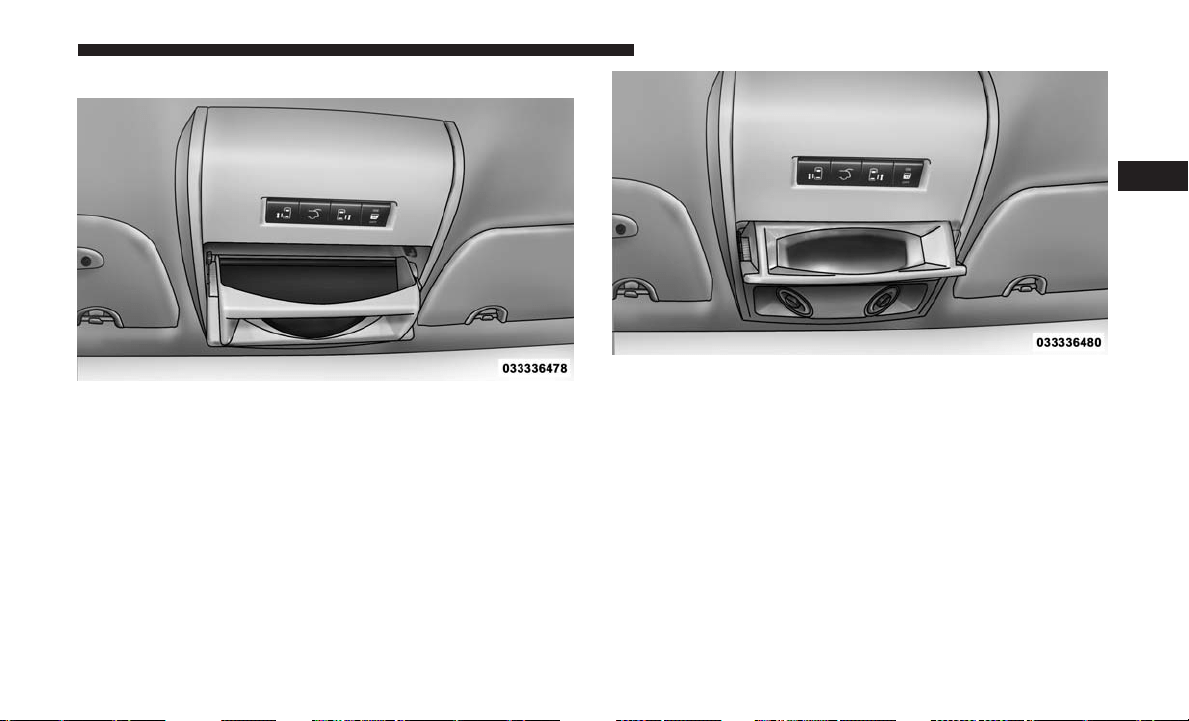
The door will slowly rotate to the full open position.
From this position, the door can be fully closed or, by
rotating upward about 3/4 of the way and releasing,
positioned for conversation mirror use.
NOTE: From the “conversation mirror” position, the door
can only be closed.
To return to the full open position, the door must first be
closed and then opened by pushing the latch again to
release.
Full Open Position
Conversation Mirror Position
3
UNDERSTANDING THE FEATURES OF YOUR VEHICLE 195
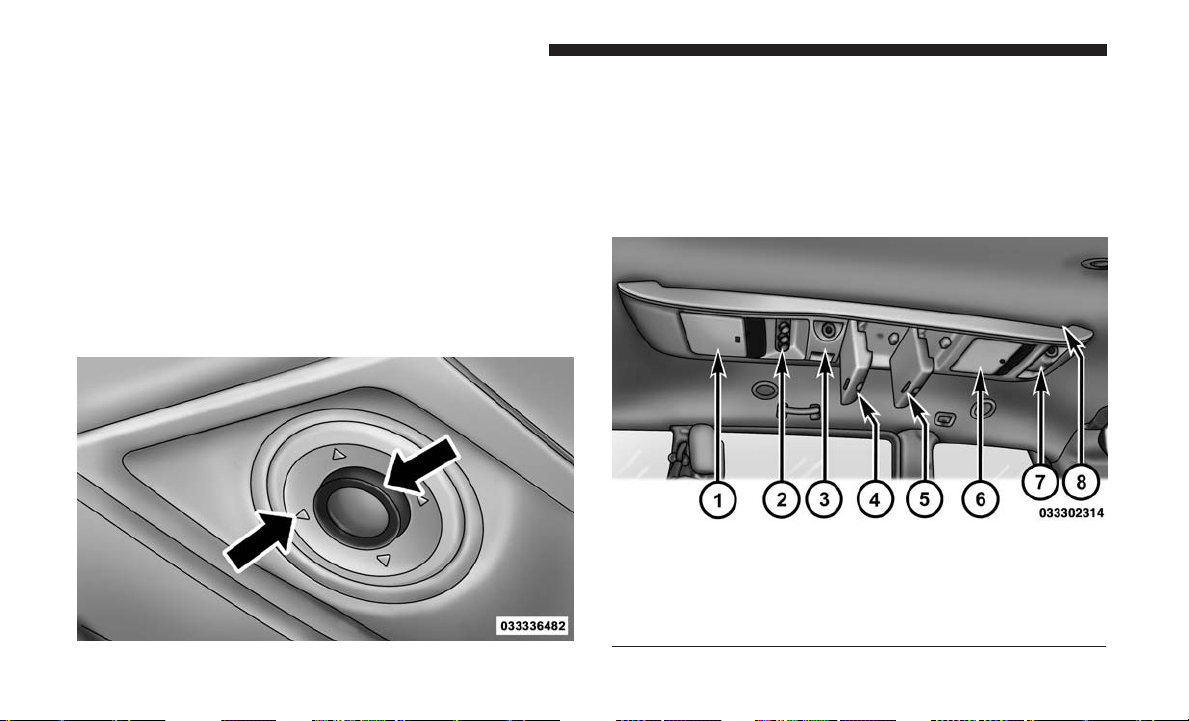
Rear Courtesy/Reading Lights — If Equipped
The overhead console has two sets of courtesy lights. The
lights turn on when a front door, a sliding door or the
liftgate is opened. If your vehicle is equipped with Remote
Keyless Entry the lights will also turn on when the unlock
button on the key fob is pushed.
The courtesy lights also function as reading lights. Push in
on each lens to turn these lights on while inside the vehicle.
Push the lens a second time to turn each light off. You may
adjust the direction of these lights by pushing the outside
ring, which is identified with four directional arrows.
Rear Overhead Consoles — If Equipped
The rear overhead storage system is available in two
versions: with or without sunroof.
An additional LED at the front of the rear console shines
down on the front foot-well area while in courtesy mode,
for added convenience.
Reading Lights
Overhead Compartment Features
1 — LCD Screen 5 — Storage
2 — Rear HVAC 6 — Storage
3 — Interior Lights 7 — Interior Lights
4 — Storage 8 — Halo Lighting
196 UNDERSTANDING THE FEATURES OF YOUR VEHICLE
Rear Console Halo Lighting
The rear overhead console has recessed halo lighting
around the perimeter of the console base. This feature
provides additional lighting options while traveling and is
controlled by the headlight switch. Refer to “Lights/Halo
Lights — If Equipped” in “Understanding the Features Of
Your Vehicle” for further information.
GARAGE DOOR OPENER — IF EQUIPPED
HomeLink replaces up to three remote controls (hand-held
transmitters) that operate devices such as garage door
openers, motorized gates, lighting or home security sys-
tems. The HomeLink unit operates off your vehicle’s
battery.
The HomeLink buttons, located on either the overhead
console, headliner or sunvisor, designate the three different
HomeLink channels. The HomeLink indicator is located
above the center button.
HomeLink Buttons/Overhead Consoles
3
UNDERSTANDING THE FEATURES OF YOUR VEHICLE 197
NOTE: HomeLink is disabled when the Vehicle Security
Alarm is active.
Before You Begin Programming HomeLink
Be sure that your vehicle is parked outside of the garage
before you begin programming.
For more efficient programming and accurate transmission
of the radio-frequency signal, it is recommended that a new
battery be placed in the hand-held transmitter of the device
that is being programmed to the HomeLink system.
To erase the channels, place the ignition in the ON/RUN
position and push and hold the two outside HomeLink
buttons (I and III) for up 20 seconds or until the red
indicator flashes.
NOTE:
• Erasing all channels should only be performed when
programming HomeLink for the first time. Do not erase
channels when programming additional buttons.
• If you have any problems, or require assistance,
please call toll-free 1-800-355-3515 or, on the Internet at
HomeLink.com for information or assistance.
Programming A Rolling Code
For programming garage door openers that were manufac-
tured after 1995:
These garage door openers can be identified by the
“LEARN” or “TRAIN” button located where the hanging
antenna is attached to the garage door opener. It is NOT the
button that is normally used to open and close the door.
The name and color of the button may vary by manufac-
turer.
HomeLink Buttons/Sunvisor/Headliner
198 UNDERSTANDING THE FEATURES OF YOUR VEHICLE
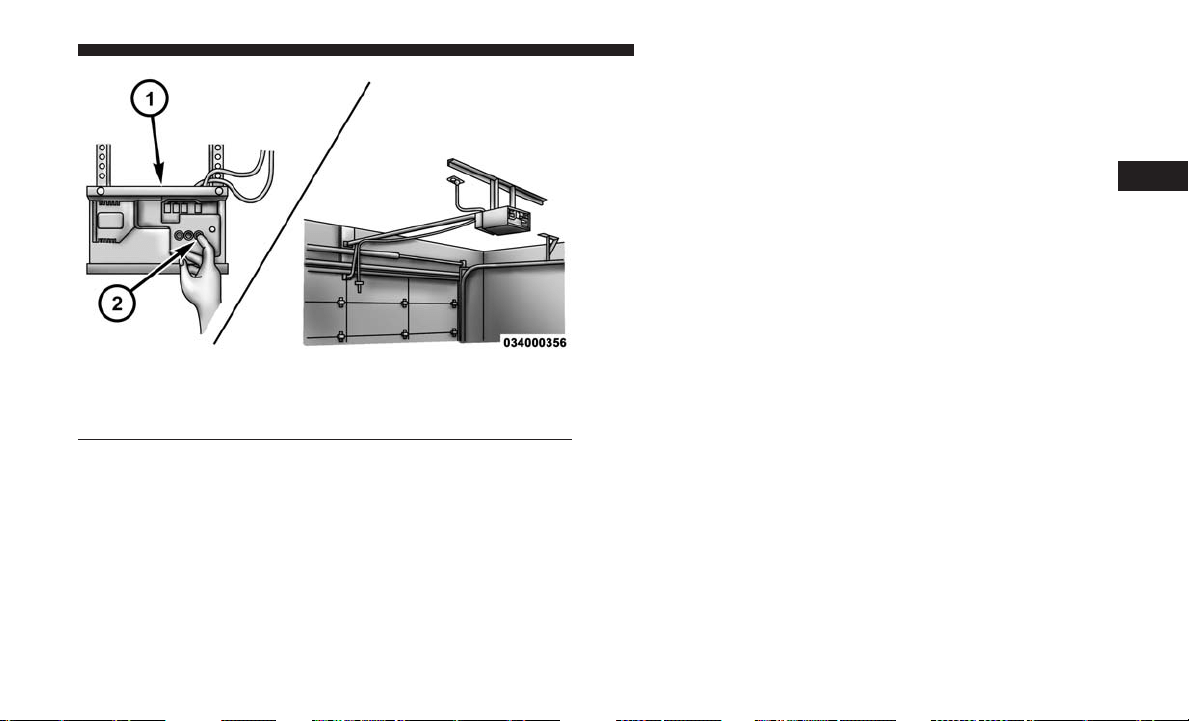
1. Place the ignition in the ON/RUN position.
NOTE: For vehicles equipped with Keyless Enter-N-Go,
place the ignition in the RUN position with the engine ON.
Make sure while programming HomeLink with the engine
ON that your vehicle is outside of your garage, or that the
garage door remains open at all times.
2. Place the hand-held transmitter 1 to 3 inches (3 to 8 cm)
away from the HomeLink button you wish to program
while keeping the HomeLink indicator light in view.
3. Push and hold the HomeLink button you want to
program while you push and hold the hand-held trans-
mitter button.
4. Continue to hold both buttons and observe the indicator
light. The HomeLink indicator will flash slowly and
then rapidly after HomeLink has received the frequency
signal from the hand-held transmitter. Release both
buttons after the indicator light changes from slow to
rapid.
5. At the garage door opener motor (in the garage), locate
the “LEARN” or “TRAINING” button. This can usually
be found where the hanging antenna wire is attached to
the garage door opener/device motor. Firmly push and
release the “LEARN” or “TRAINING” button. On some
garage door openers/devices there may be a light that
blinks when the garage door opener/device is in the
LEARN/TRAIN mode.
NOTE: You have 30 seconds in which to initiate the next
step after the LEARN button has been pushed.
Training The Garage Door Opener
1 — Door Opener
2 — Training Button
3
UNDERSTANDING THE FEATURES OF YOUR VEHICLE 199

6. Return to the vehicle and push the programmed
HomeLink button twice (holding the button for two
seconds each time). If the garage door opener/device
activates, programming is complete.
NOTE: If the garage door opener/device does not activate,
push the button a third time (for two seconds) to complete
the training.
To program the remaining two HomeLink buttons, repeat
each step for each remaining button. DO NOT erase the
channels.
Reprogramming A Single HomeLink Button (Rolling
Code)
To reprogram a channel that has been previously trained,
follow these steps:
1. Cycle the ignition to the ON/RUN position.
NOTE: For vehicles equipped with Keyless Enter-N-Go,
place the ignition in the RUN position with the engine ON.
Make sure while programming HomeLink with the engine
ON that your vehicle is outside of your garage, or that the
garage door remains open at all times.
2. Push and hold the desired HomeLink button until the
indicator light begins to flash after 20 seconds. Do not
release the button.
3. Without releasing the button, proceed with “Program-
ming A Rolling Code” step two and follow all remaining
steps.
Programming A Non-Rolling Code
For programming Garage Door Openers manufactured
before 1995:
1. Place the ignition in the ON/RUN position.
NOTE: For vehicles equipped with Keyless Enter-N-Go,
place the ignition in the RUN position with the engine ON.
Make sure while programming HomeLink with the engine
ON that your vehicle is outside of your garage, or that the
garage door remains open at all times.
2. Place the hand-held transmitter 1 to 3 inches (3 to 8 cm)
away from the HomeLink button you wish to program
while keeping the HomeLink indicator light in view.
3. Push and hold the HomeLink button you want to
program while you push and hold the hand-held trans-
mitter button.
200 UNDERSTANDING THE FEATURES OF YOUR VEHICLE

4. Continue to hold both buttons and observe the indicator
light. The HomeLink indicator will flash slowly and
then rapidly after HomeLink has received the frequency
signal from the hand-held transmitter. Release both
buttons after the indicator light changes from slow to
rapid.
5. Push and hold the programmed HomeLink button and
observe the indicator light.
• If the indicator light stays on constantly, programming
is complete and the garage door/device should acti-
vate when the HomeLink button is pushed.
• To program the two remaining HomeLink buttons,
repeat each step for each remaining button. DO NOT
erase the channels.
Reprogramming A Single HomeLink Button
(Non-Rolling Code)
To reprogram a channel that has been previously trained,
follow these steps:
1. Cycle the ignition to the ON/RUN position.
NOTE: For vehicles equipped with Keyless Enter-N-Go,
place the ignition in the RUN position with the engine ON.
Make sure while programming HomeLink with the engine
ON that your vehicle is outside of your garage, or that the
garage door remains open at all times.
2. Push and hold the desired HomeLink button until the
indicator light begins to flash after 20 seconds. Do not
release the button.
3. Without releasing the button, proceed with “Program-
ming A Non-Rolling Code” step two and follow all
remaining steps.
Canadian/Gate Operator Programming
For programming transmitters in Canada/United States
that require the transmitter signals to “time-out” after
several seconds of transmission:
Canadian radio frequency laws require transmitter signals
to time-out (or quit) after several seconds of transmission,
which may not be long enough for HomeLink to pick up
the signal during programming. Similar to this Canadian
law, some U.S. gate operators are designed to time-out in
the same manner.
3
UNDERSTANDING THE FEATURES OF YOUR VEHICLE 201

It may be helpful to unplug the device during the cycling
process to prevent possible overheating of the garage door
or gate motor.
1. Cycle the ignition to the ON/RUN position.
NOTE: For vehicles equipped with Keyless Enter-N-Go,
place the ignition in the RUN position with the engine ON.
Make sure while programming HomeLink with the engine
ON that your vehicle is outside of your garage, or that the
garage door remains open at all times.
2. Place the hand-held transmitter 1 to 3 inches (3 to 8 cm)
away from the HomeLink button you wish to program
while keeping the HomeLink indicator light in view.
3. Continue to push and hold the HomeLink button while
you push and release (“cycle”) your hand-held trans-
mitter every two seconds until HomeLink has success-
fully accepted the frequency signal. The indicator light
will flash slowly and then rapidly when fully trained.
4. Watch for the HomeLink indicator to change flash rates.
When it changes, it is programmed. It may take up to 30
seconds or longer in rare cases. The garage door may
open and close while you are programming.
5. Push and hold the programmed HomeLink button and
observe the indicator light.
NOTE:
• If the indicator light stays on constantly, programming
is complete and the garage door/device should acti-
vate when the HomeLink button is pushed.
• To program the two remaining HomeLink buttons,
repeat each step for each remaining button. DO NOT
erase the channels.
If you unplugged the garage door opener/device for
programming, plug it back in at this time.
Reprogramming A Single HomeLink Button
(Canadian/Gate Operator)
To reprogram a channel that has been previously trained,
follow these steps:
1. Cycle the ignition to the ON/RUN position.
NOTE: For vehicles equipped with Keyless Enter-N-Go,
place the ignition in the RUN position with the engine ON.
Make sure while programming HomeLink with the engine
ON that your vehicle is outside of your garage, or that the
garage door remains open at all times.
202 UNDERSTANDING THE FEATURES OF YOUR VEHICLE
2. Push and hold the desired HomeLink button until the
indicator light begins to flash after 20 seconds. Do not
release the button.
3.
Without releasing the button
, proceed with “Canadian/
Gate Operator Programming” step 2 and follow all
remaining steps.
Using HomeLink
To operate, push and release the programmed HomeLink
button. Activation will now occur for the programmed
device (i.e. garage door opener, gate operator, security
system, entry door lock, home/office lighting, etc.) The
hand-held transmitter of the device may also be used at
any time.
Security
It is advised to erase all channels before you sell or turn in
your vehicle.
To do this, push and hold the two outside buttons for 20
seconds until the red indicator flashes.
NOTE: All channels will be erased. Individual channels
cannot be erased.
The HomeLink Universal Transceiver is disabled when the
Vehicle Security Alarm is active.
Troubleshooting Tips
If you are having trouble programming HomeLink, here
are some of the most common solutions:
• Replace the battery in the Garage Door Opener hand-
held transmitter.
• Push the LEARN button on the Garage Door Opener to
complete the training for a Rolling Code.
• Did you unplug the device for programming and re-
member to plug it back in?
If you have any problems, or require assistance, please call
toll-free 1-800-355-3515 or, on the Internet at
HomeLink.com
for information or assistance.
WARNING!
• Vehicle exhaust contains carbon monoxide, a danger-
ous gas. Do not run your vehicle in the garage while
programming the transceiver. Exhaust gas can cause
serious injury or death.
• Your motorized door or gate will open and close
while you are programming the universal trans-
ceiver. Do not program the transceiver if people, pets
(Continued)
3
UNDERSTANDING THE FEATURES OF YOUR VEHICLE 203

WARNING! (Continued)
or other objects are in the path of the door or gate.
Only use this transceiver with a garage door opener
that has a “stop and reverse” feature as required by
Federal safety standards. This includes most garage
door opener models manufactured after 1982. Do not
use a garage door opener without these safety fea-
tures. Call toll-free 1-800-355-3515 or, on the Internet
at
HomeLink.com
for safety information or assistance.
General Information
The following regulatory statement applies to all Radio
Frequency (RF) devices equipped in this vehicle:
This device complies with Part 15 of the FCC Rules and
with Industry Canada license-exempt RSS standard(s).
Operation is subject to the following two conditions:
1. This device may not cause harmful interference, and
2.
This device must accept any interference received, includ-
ing interference that may cause undesired operation.
NOTE: Changes or modifications not expressly approved
by the party responsible for compliance could void the
user’s authority to operate the equipment.
POWER SUNROOF — IF EQUIPPED
The power sunroof switch is located between the sun
visors on the overhead console.
WARNING!
• Never leave children alone in a vehicle, or with
access to an unlocked vehicle. Never leave the key
fob in or near the vehicle or in a location accessible to
(Continued)
Power Sunroof Switch
204 UNDERSTANDING THE FEATURES OF YOUR VEHICLE
WARNING! (Continued)
children. Occupants, particularly unattended chil-
dren, can become entrapped by the power sunroof
while operating the power sunroof switch. Such
entrapment may result in serious injury or death.
• In a collision, there is greater risk of being thrown
from a vehicle with an open sunroof. You could also
be seriously injured or killed. Always fasten your
seat belt properly and make sure all passengers are
properly secured too.
• Do not allow small children to operate the sunroof.
Never allow your fingers, other body parts, or any
object to project through the sunroof opening. Injury
may result.
Opening Sunroof — Express
Push the switch rearward and release it within one-half
second. The sunroof and sunshade will open automatically
and stop when the full open position is reached. This is
called “Express Open.” During Express Open operation,
any other actuation of the sunroof switch will stop the
sunroof.
Opening Sunroof — Manual Mode
To open the sunroof, push and hold the switch rearward.
The sunroof will move rearward and automatically stop at
full open position. Any release of the switch will stop the
movement. The sunroof and sunshade will remain in a
partially opened condition until the sunroof switch is
pushed again.
Closing Sunroof — Express
Push the switch forward and release it within one-half
second and the sunroof will close automatically from any
position. The sunroof will close fully and stop automati-
cally. This is called “Express Close.” During Express Close
operation, any other actuation of the switch will stop the
sunroof.
Closing Sunroof — Manual Mode
To close the sunroof, push and hold the switch forward.
The sunroof will move forward and automatically stop at
full closed position. Any release of the switch will stop the
movement and the sunroof will remain in a partially closed
condition until the sunroof switch is pushed again.
3
UNDERSTANDING THE FEATURES OF YOUR VEHICLE 205

Pinch Protect Feature
This feature will detect an obstruction in the opening of the
sunroof during Express Close operation. If an obstruction
in the path of the sunroof is detected, the sunroof will
automatically retract. Remove the obstruction if this oc-
curs.
NOTE: If three consecutive sunroof close attempts result in
Pinch Protect reversals, Pinch Protect will disable and the
sunroof must be closed in Manual Mode.
Venting Sunroof — Express
Push and release the Vent button within one half second
and the sunroof will open to the vent position. This is
called “Express Vent” and it will occur regardless of
sunroof position. During Express Vent operation, any
movement of the switch will stop the sunroof.
Sunshade Operation
The sunshade can be opened manually. However, the
sunshade will open automatically as the sunroof opens.
NOTE: The sunshade cannot be closed if the sunroof is
open.
Wind Buffeting
Wind buffeting can be described as the perception of
pressure on the ears or a helicopter-type sound in the ears.
Your vehicle may exhibit wind buffeting with the windows
down, or the sunroof (if equipped) in certain open or
partially open positions. This is a normal occurrence and
can be minimized. If the buffeting occurs with the rear
windows open, open the front and rear windows together
to minimize the buffeting. If the buffeting occurs with the
sunroof open, adjust the sunroof opening to minimize the
buffeting or open any window.
Sunroof Maintenance
Use only a non-abrasive cleaner and a soft cloth to clean the
glass panel.
Ignition Off Operation
For Vehicles Not Equipped With The Instrument Cluster
Display
The power sunroof switch will remain active for 45 seconds
after the ignition switch is turned to the LOCK position.
Opening either front door will cancel this feature.
206 UNDERSTANDING THE FEATURES OF YOUR VEHICLE

For Vehicles Equipped With The Instrument Cluster
Display
The power sunroof switch will remain active for up to
approximately ten minutes after the ignition switch is
turned to the LOCK position. Opening either front door
will cancel this feature.
ELECTRICAL POWER OUTLETS — IF EQUIPPED
Two 12 Volt (13 Amp) power outlets are located on the
lower instrument panel, below the open storage bin. The
driver-side power outlet is controlled by the ignition
switch and the passenger-side power outlet is connected
directly to the battery. The driver-side power outlet will
also operate a conventional cigar lighter unit (if equipped
with an optional Smoker’s Package).
NOTE: To ensure proper operation a Mopar cigar knob and
element must be used.
CAUTION!
• Do not exceed the maximum power of 160 Watts
(13 Amps) at 12 Volts. If the 160 Watt (13 Amp) power
rating is exceeded the fuse protecting the system will
need to be replaced.
•
Power outlets are designed for accessory plugs only.
Do not insert any other object in the power outlets as
(Continued)
Instrument Panel Power Outlets
3
UNDERSTANDING THE FEATURES OF YOUR VEHICLE 207
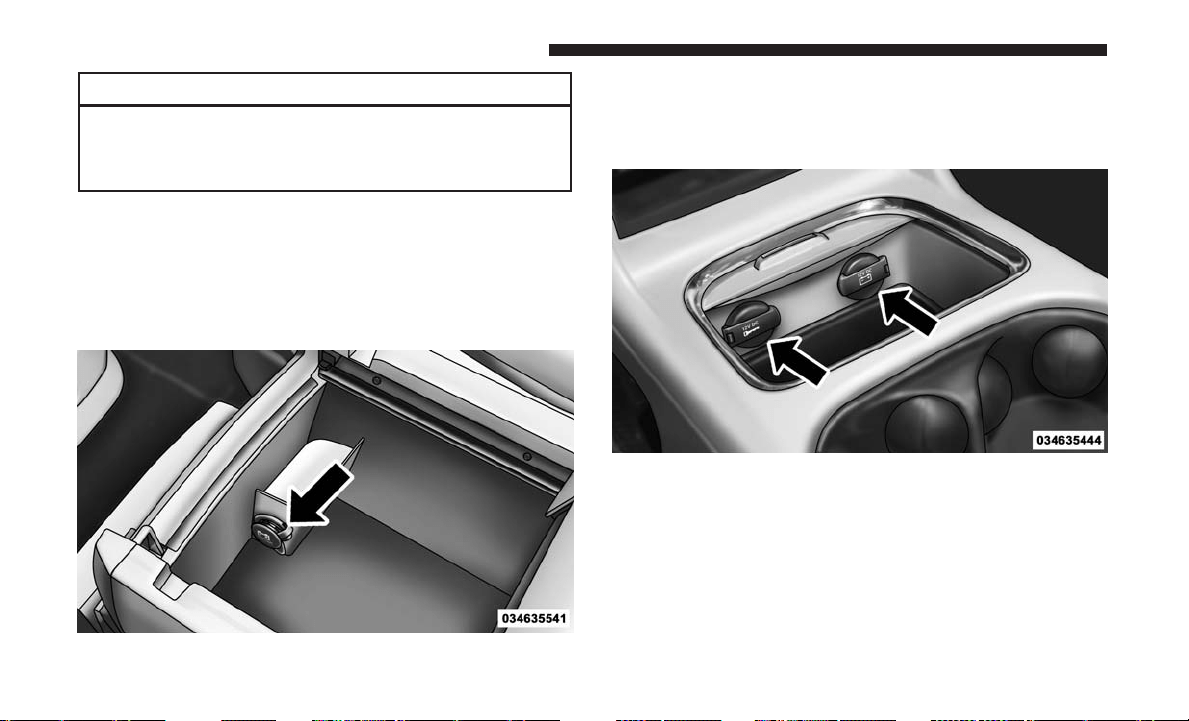
CAUTION! (Continued)
this will damage the outlet and blow the fuse. Im-
proper use of the power outlet can cause damage not
covered by your New Vehicle Limited Warranty.
One outlet in the removable floor console (if equipped)
shares a fuse with the lower outlet in the instrument panel
and is also connected to the battery. Do not exceed a
maximum power of 160 Watts (13 Amps) shared between
the lower panel outlet and the removable floor console
outlet.
On vehicles equipped with the Super Console the power
outlets are located under the retractable cover. To access the
power outlets push down on the cover and slide it toward
the instrument panel.
The outlet in the rear quarter panel near the liftgate and the
upper outlet in the instrument panel are both controlled by
the ignition switch. Each of these outlets can support
160 Watts (13 Amps). Do not exceed 160 Watts (13 Amps)
for each of these outlets.
Removable Console Power Outlet
Super Console Power Outlets
208 UNDERSTANDING THE FEATURES OF YOUR VEHICLE
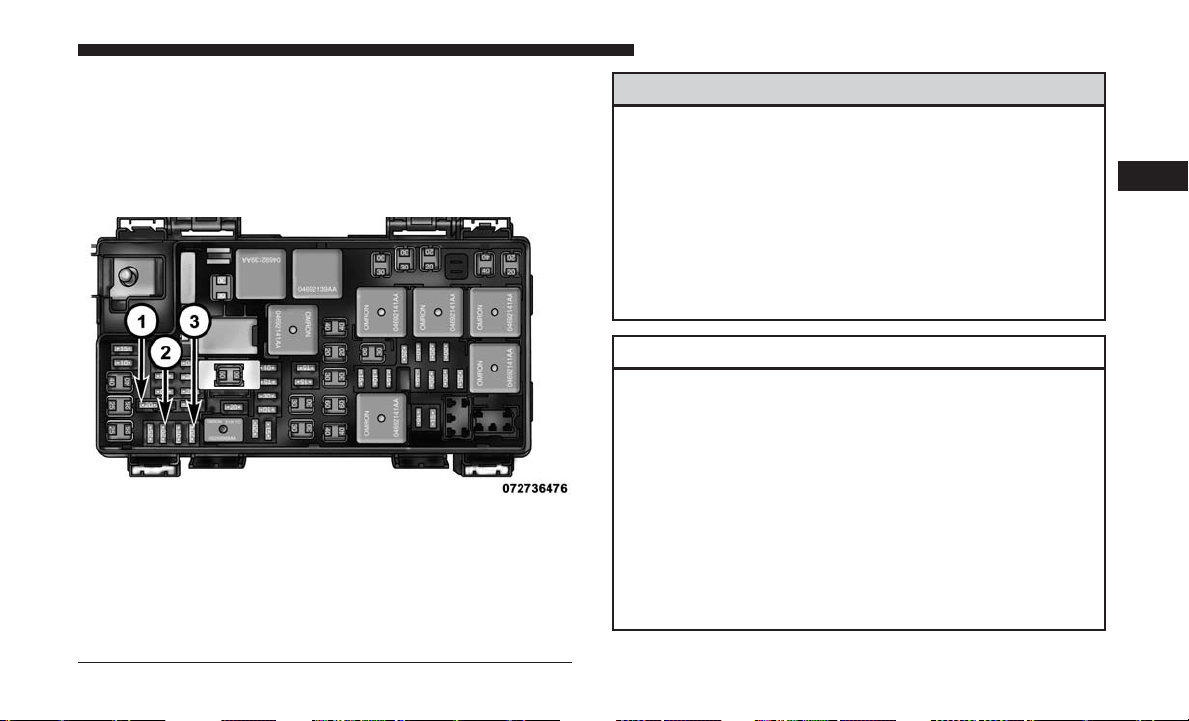
The power outlets include tethered caps, labeled with a key
or battery symbol indicating the power source. The power
outlet, located on the lower instrument panel, is powered
directly from the battery. Items plugged into this power
outlet may discharge the battery and/or prevent the engine
from starting.
WARNING!
To avoid serious injury or death:
• Only devices designed for use in this type of outlet
should be inserted into any 12 Volt outlet.
• Do not touch with wet hands.
• Close the lid when not in use and while driving the
vehicle.
• If this outlet is mishandled, it may cause an electric
shock and failure.
CAUTION!
• Many accessories that can be plugged in draw power
from the vehicle’s battery, even when not in use (i.e.,
cellular phones, etc.). Eventually, if plugged in long
enough, the vehicle’s battery will discharge suffi-
ciently to degrade battery life and/or prevent the
engine from starting.
• Accessories that draw higher power (i.e., coolers,
vacuum cleaners, lights, etc.), will degrade the bat-
tery even more quickly. Only use these intermit-
tently and with greater caution.
(Continued)
Power Outlet Fuses
1 — M7 Fuse 20 A Yellow Power Outlet Center Seat (Opt) Or With
Console Rear
2 — M6 Fuse 20 A Yellow Cigar Lighter Instrument Panel Or With
Console Front
3 — M36 Fuse 20 A Yellow Power Outlet Instrument Panel Or With
Console Center
3
UNDERSTANDING THE FEATURES OF YOUR VEHICLE 209
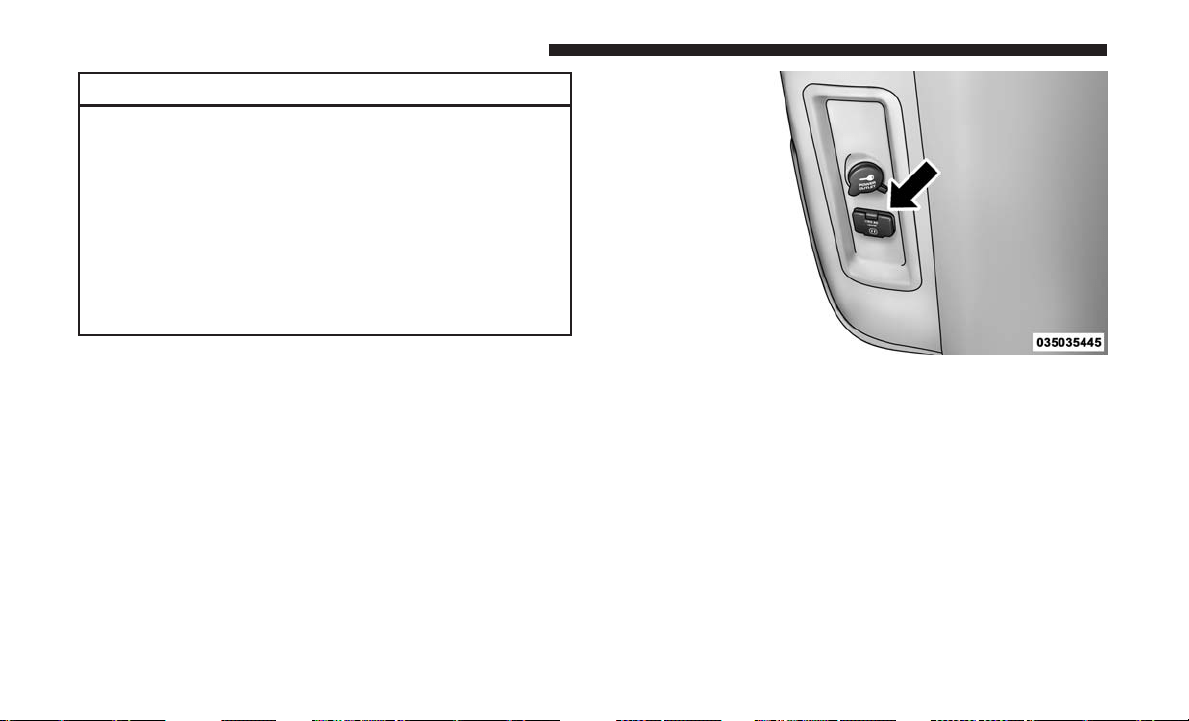
CAUTION! (Continued)
• After the use of high power draw accessories, or long
periods of the vehicle not being started (with acces-
sories still plugged in), the vehicle must be driven a
sufficient length of time to allow the alternator to
recharge the vehicle’s battery.
• Power outlets are designed for accessory plugs only.
Do not hang any type of accessory or accessory
bracket from the plug. Improper use of the power
outlet can cause damage.
POWER INVERTER — IF EQUIPPED
A 115 Volt, 150 Watt inverter outlet converts DC current to
AC current, and is located on the left rear trim panel
immediately behind the second row left passenger seat.
The power inverter switch is located on the instrument
panel below the climate controls.
To turn on the power outlet, push the switch once. Push the
switch a second time to turn the power outlet off.
This outlet can power cellular phones, electronics and
other low power devices requiring power up to 150 Watts.
Certain high-end video game consoles will exceed this
power limit, as will most power tools.
Power Inverter Outlet
210 UNDERSTANDING THE FEATURES OF YOUR VEHICLE
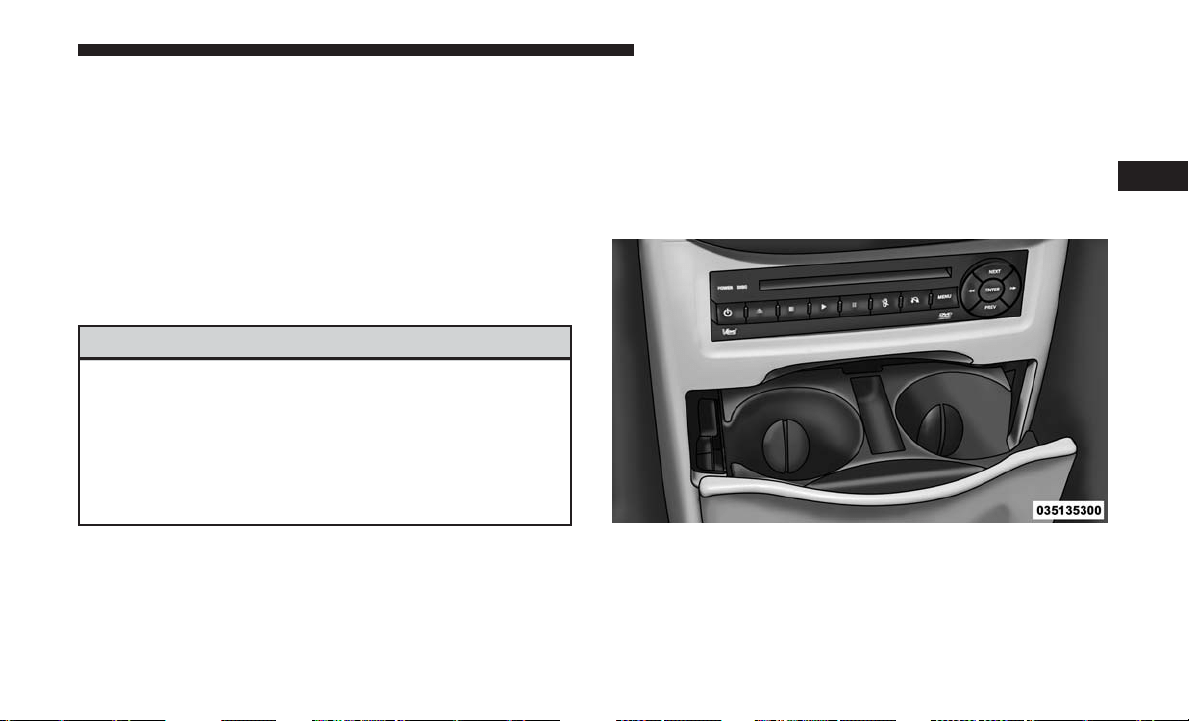
The power inverter is designed with built-in overload
protection. If the power rating of 150 Watts is exceeded, the
power inverter will automatically shut down. Once the
electrical device has been removed from the outlet, the
inverter should automatically reset. If the power rating
exceeds approximately 170 Watts, the power inverter may
have to be reset manually. To reset the inverter manually
push the power inverter button off and on. To avoid
overloading the circuit, check the power ratings on electri-
cal devices prior to using the inverter.
WARNING!
To avoid serious injury or death:
• Do not insert any objects into the receptacles.
• Do not touch with wet hands.
• Close the lid when not in use.
• If this outlet is mishandled, it may cause an electric
shock and failure.
CUPHOLDERS
There are cupholders located throughout the interior. All
liners are removable for cleaning. Pull the flexible liner
from the cupholder drawer or tray starting at one edge for
easy removal. Refer to “Cleaning The Instrument Panel
Cupholders” in “Maintaining Your Vehicle” for further
information.
Instrument Panel Cupholders
The instrument panel cupholders are located in a pull-out
drawer just above the lower storage bin.
Pull the drawer out firmly until it stops, and place the
container to be held in either one of the cupholder wells.
The cupholders are designed to accommodate a wide
variety of container types and sizes. Push down on the
container to engage the cupholder retention features.
Front Cupholders
3
UNDERSTANDING THE FEATURES OF YOUR VEHICLE 211
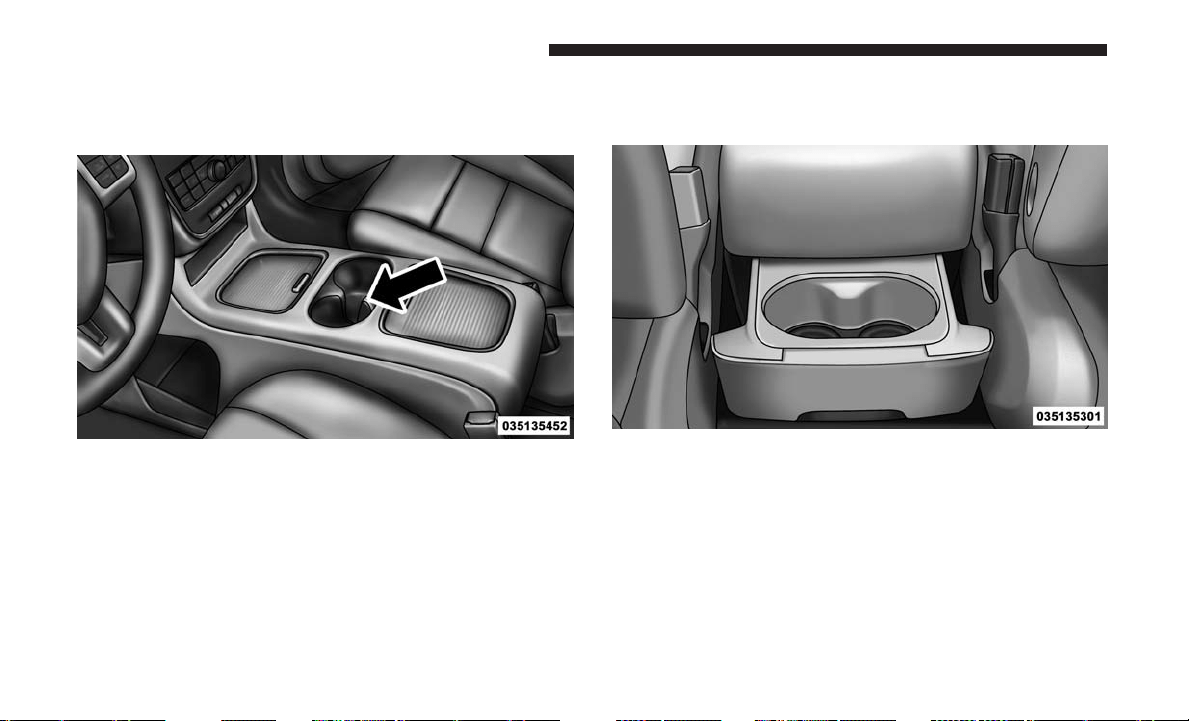
Super Console — If Equipped
On models equipped with the Super Console, there are two
cupholders located in the center of the console.
For rear passengers two cupholders are located in the pull-out
drawer, located in the back of the Super Console. Pull the
drawer out to the first position to use the cupholders.
Super Console Cupholders
Rear Cupholders
212 UNDERSTANDING THE FEATURES OF YOUR VEHICLE
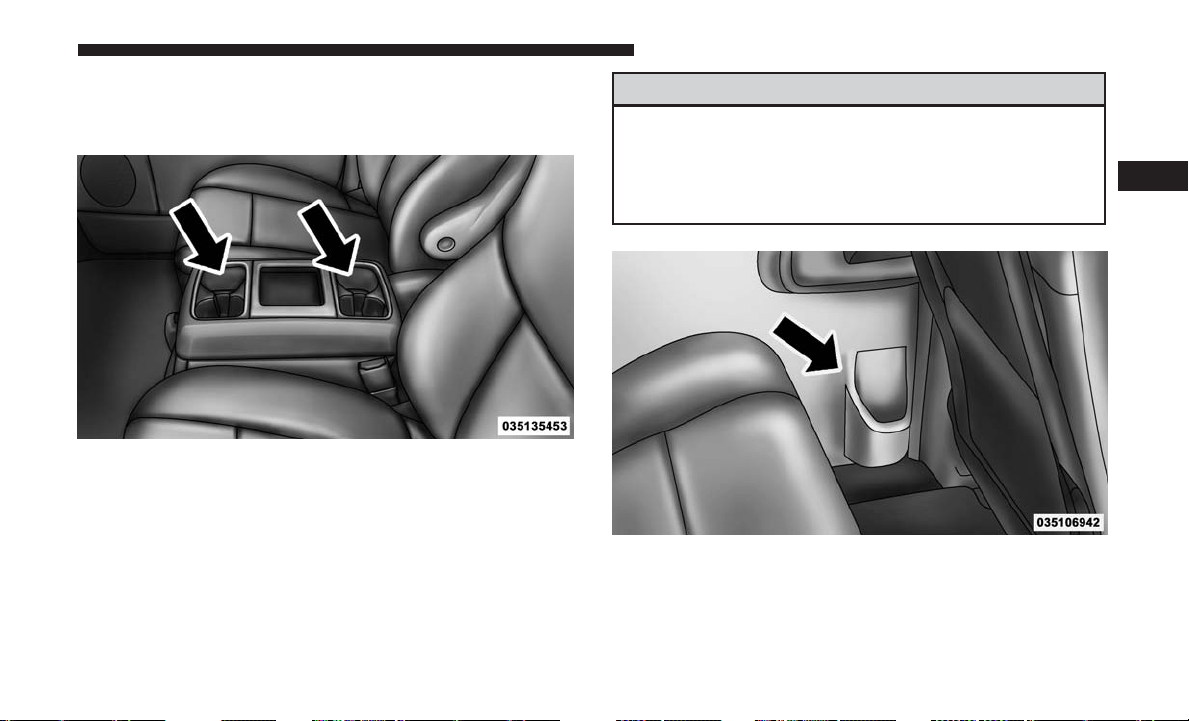
Premium Console Cupholders — If Equipped
On models equipped with premium center consoles, there
are four cupholders located on the top of the console.
Interior Bottle Holders
There are four bottle holders located in the interior. One
bottle holder is molded into each front interior door trim
panels, and one bottle holder is molded into each side
sliding interior door trim panel. Each holder accommo-
dates up to a 20 oz (.6 L) plastic bottle.
WARNING!
If containers of hot liquid are placed in the bottle
holder, they can spill when the door is closed, burning
the occupants. Be careful when closing the doors to
avoid injury.
Two outboard mesh pockets are on intermediate seating.
The mesh pockets are flexible enough to hold juice boxes,
toys, games or MP3 players, etc.
Premium Console Cupholders
Interior Bottle Holder
3
UNDERSTANDING THE FEATURES OF YOUR VEHICLE 213
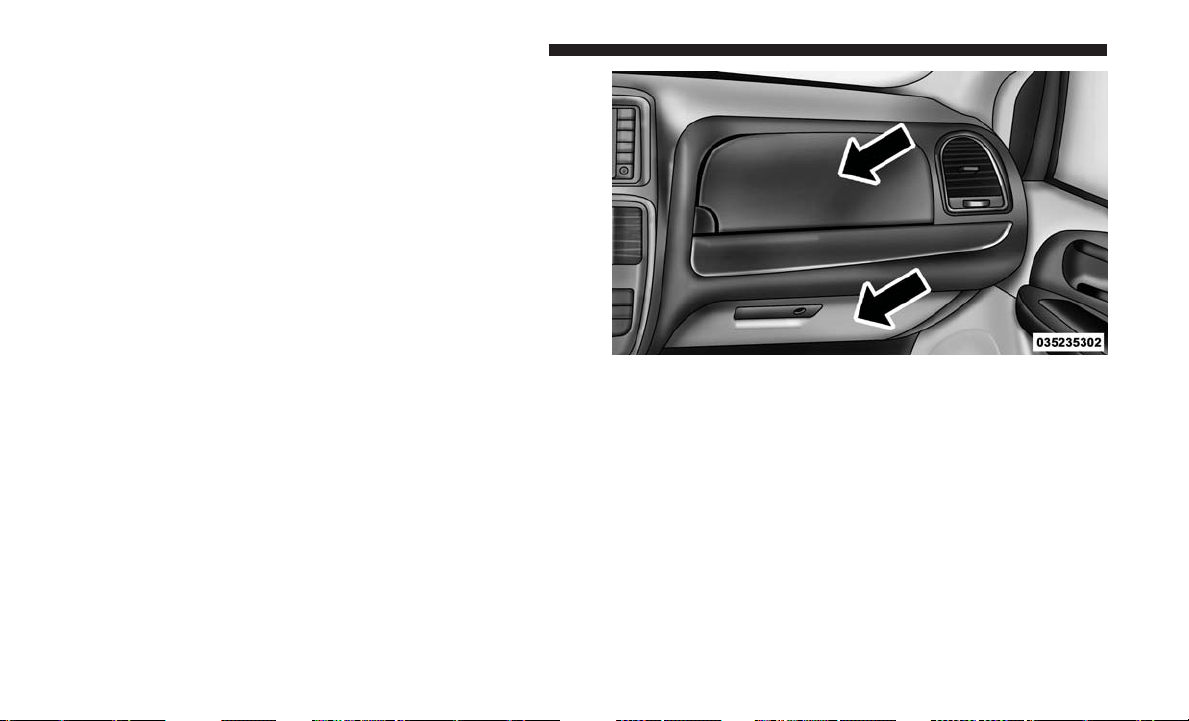
Smoker’s Package Kit — If Equipped
With the optional authorized dealer installed Smoker’s
Package Kit, a removable ash receiver is inserted into one
of the two cupholders in the center front instrument panel.
To install the ash receiver, align the receiver so the thumb
grip on the lid is facing rearward. Push the ash receiver
into either of the cup wells to secure. Pull upward on the
ash receiver to remove for cleaning and/or storage.
The left rear trim panel cupholder is designed to accom-
modate a second ash receiver, if desired.
STORAGE
Glove Compartments
The glove compartment is located on the passenger side of
the instrument panel and features both an upper and lower
storage area.
Upper Glove Compartment
To open the upper compartment, push in the button
located on the left side of the upper door. The door will
automatically open.
Upper And Lower Glove Compartments
214 UNDERSTANDING THE FEATURES OF YOUR VEHICLE
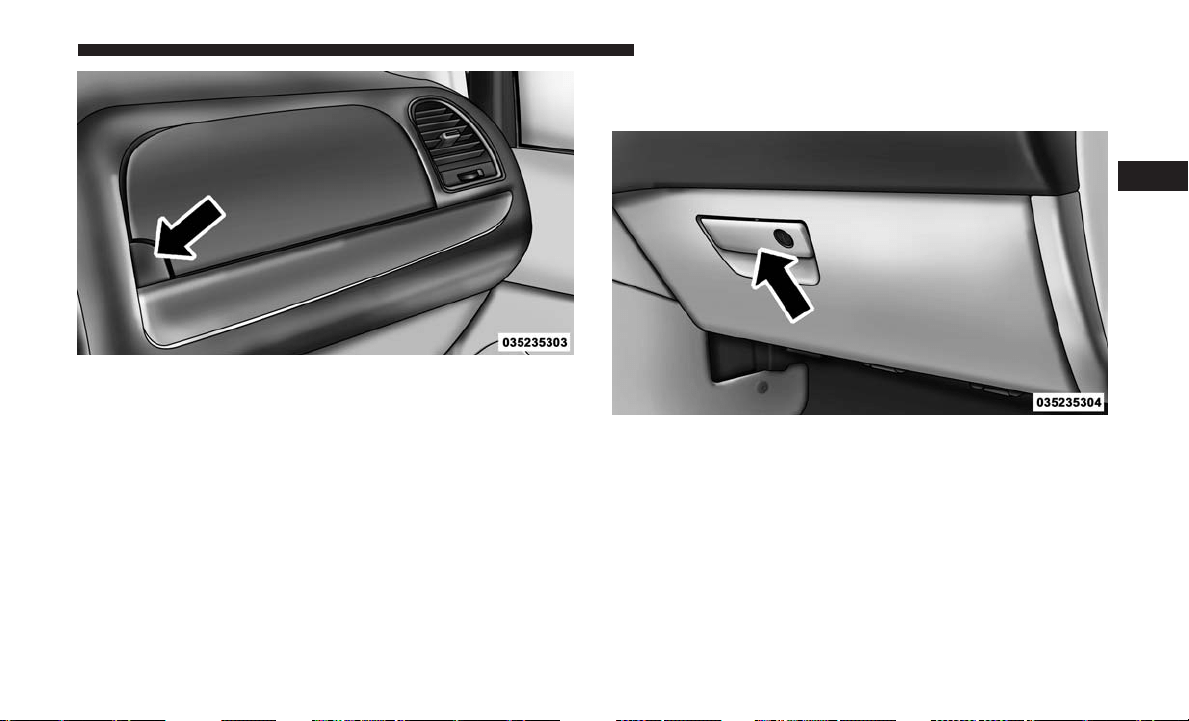
To close the compartment door, push downward on the
door’s surface to latch the door closed.
Lower Glove Compartment
To open the glove compartment, pull the release handle.
NOTE: The lower compartment is equipped with a lock
that is a part of the compartment handle.
Upper Compartment
Lower Compartment
3
UNDERSTANDING THE FEATURES OF YOUR VEHICLE 215
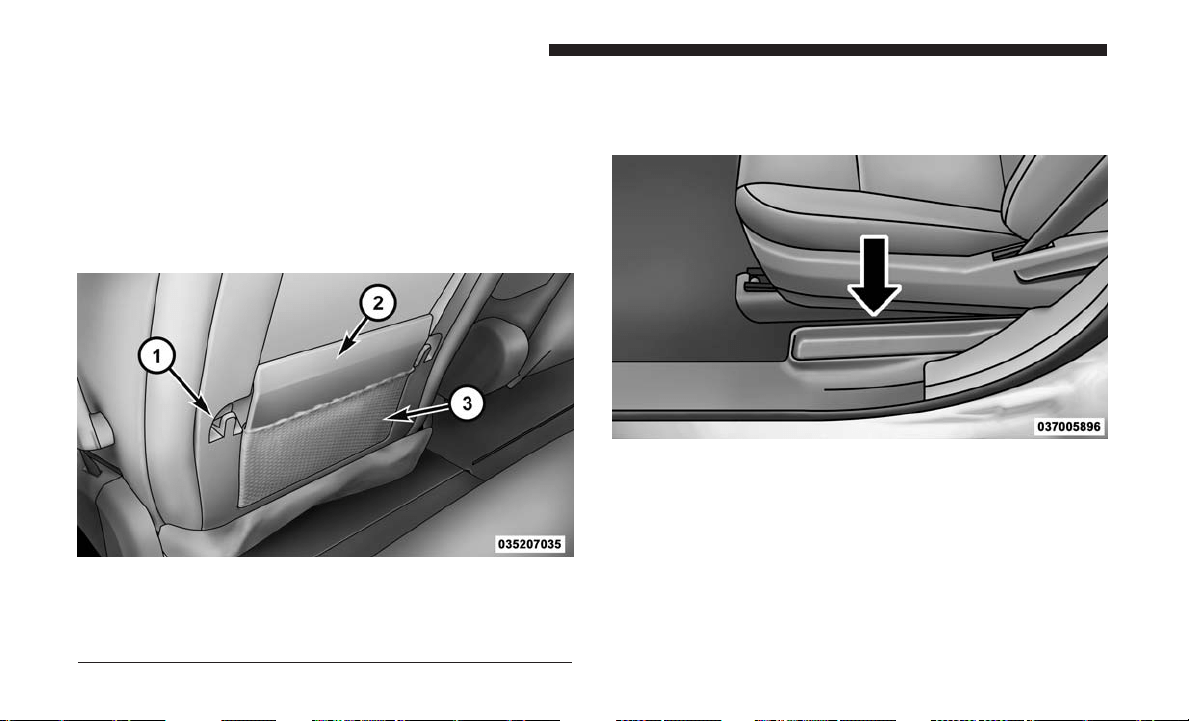
Door Trim Panel Storage
Front Door Storage
Both interior front door panels have multiple pockets for
storage.
Driver Seatback Storage — If Equipped
The driver’s seatback has a primary storage pocket on all
models and an optional secondary mesh pocket.
Umbrella Holder
An umbrella holder has been conveniently molded into the
left front door entry scuff molding.
Second Row Seat Storage Bins — If Equipped
The seat storage bins are located on the floor in front of the
second row seats. The area below the covers can be used for
storage when the second row seat is in the upright position.
Driver’s Seatback Storage
1 — Bag Holder
2 — Standard Pocket
3 — Mesh Pocket
Umbrella Holder
216 UNDERSTANDING THE FEATURES OF YOUR VEHICLE
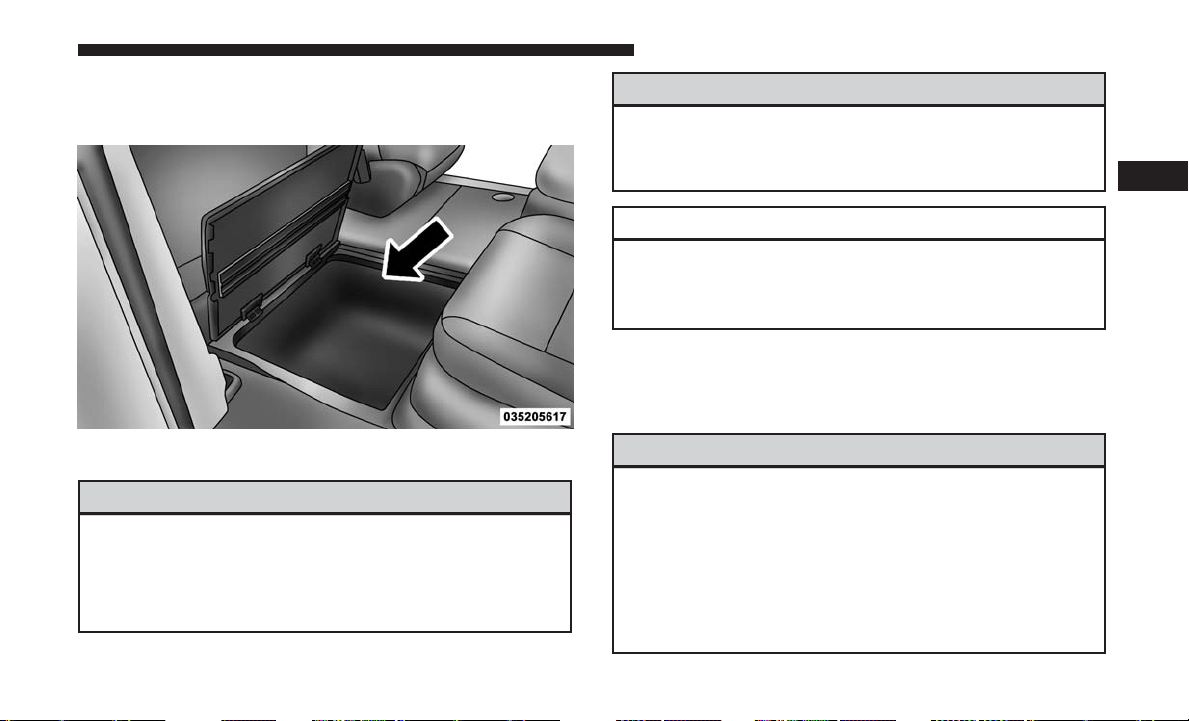
Pull up on the storage bin latch to open the cover. Slide the
storage bin locking mechanism to the ⬙lock⬙ position to
allow greater access to the storage bin.
WARNING!
In a collision, serious injury could result if the seat
storage bin covers are not properly latched.
• Do not drive the vehicle with the storage bin covers
open.
(Continued)
WARNING! (Continued)
• Keep the storage bin covers closed and latched while
the vehicle is in motion.
• Do not use a storage bin latch as a tie down.
CAUTION!
The storage bin cover must be locked and flat to avoid
damage from contact with the front seat tracks, which
have minimal clearance to the cover.
Storage Bin Safety Warning
Carefully follow these warnings to help prevent personal
injury or damage to your vehicle:
WARNING!
• Always close the storage bin covers when your
vehicle is unattended.
• Do not allow children to have access to the second
row seat storage bins. Once in the storage bin, young
children may not be able to escape. If trapped in the
storage bin, children can die from suffocation or heat
stroke.
(Continued)
Storage Bin
3
UNDERSTANDING THE FEATURES OF YOUR VEHICLE 217
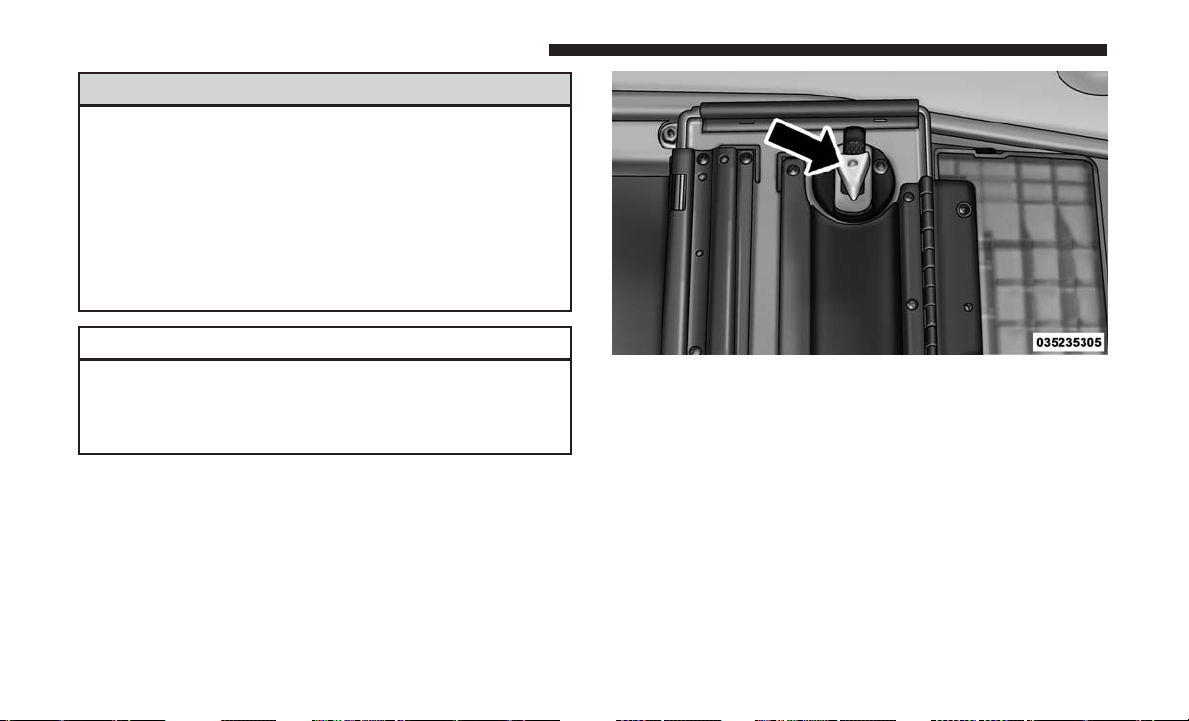
WARNING! (Continued)
• In a collision, serious injury could result if the seat
storage bin covers are not properly latched.
• Do not drive the vehicle with the storage bin covers
open. Keep the storage bin covers closed and latched
while the vehicle is in motion.
• Do not operate the storage bin covers while the
vehicle is in motion.
• Do not use a storage bin latch as a tie down.
CAUTION!
The storage bin cover must be flat and locked to avoid
damage from contact with the front seat tracks, which
have minimal clearance to the cover.
Seat Storage Bin Cover Emergency Release Lever
As a security measure, the Seat Storage Bin Cover has an
Emergency Release Lever built into the latching mecha-
nism.
NOTE: In the event of an individual being locked inside
the storage bin, the storage bin cover can be opened from
inside of the bin by pushing on the glow-in-the-dark lever
attached to the storage bin cover latching mechanism.
Coat Hooks
Coat hooks are located along the headliner for the second
and third row seating positions. The coat hook load limit
is 10 lbs (4.5 kg). Exceeding the recommended load limit
can cause the coat hooks to break or disengage from the
vehicle.
Storage Bin Cover Emergency Release Lever
218 UNDERSTANDING THE FEATURES OF YOUR VEHICLE
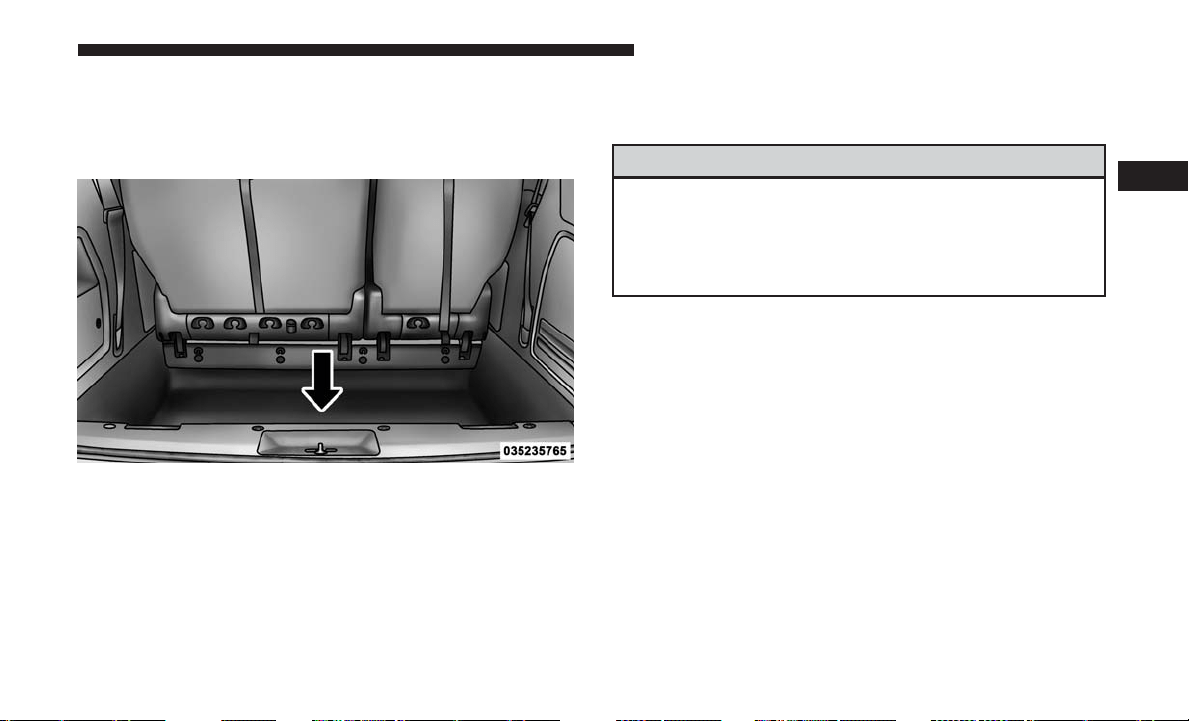
Cargo Area Storage
The liftgate sill plate has a raised line with the statement
“Load To This Line”. This line indicates how far rearward
cargo can be placed without interfering with liftgate closing.
NOTE: With all rear seats stowed or removed,4x8foot
sheets of building material will fit on the vehicle floor with
the liftgate closed. The front seats must be moved slightly
forward of the rearmost position.
CONSOLE FEATURES
There are three consoles available: Basic, Premium and Super.
WARNING!
Do not operate this vehicle with a console compart-
ment lid in the open position. Driving with the console
compartment lid open may result in injury in a colli-
sion.
Basic Console
Basic Console features consist of the following:
• The basic console profile allows vehicle occupants to
easily pass through the first row to the second.
• Four cupholders accept up to extra large size beverage
cups or 20 oz (.6 L) plastic bottles. Cupholders are
dishwasher safe for cleaning.
• The cupholders are removable to access a large storage
bin.
• The basic console is removable from the vehicle for
additional floor space by removing the cap and clip at
the console base.
Rear Cargo Area Loading Limit
3
UNDERSTANDING THE FEATURES OF YOUR VEHICLE 219

To Remove The Basic Floor Console
1. Remove the front anchor cup plug and clip.
2. Slide the console base forward while lifting slightly to
clear the rear load floor hook.
3. Remove the console.
To Reinstall The Basic Floor Console
1. Position the console at a slight angle (front slightly
higher than the rear).
2. Slide the console rearward into the floor bracket/hook.
3. Align the console until the front anchor cup plug hole is
centered on the winch hole.
4. Reinstall the clip first and then while pushing down-
ward on the console with slight pressure, reinstall the
cover plug.
5. Pull up on the console to be sure it is firmly latched.
WARNING!
In an accident, serious injury could result if the remov-
able floor console is not properly installed. Always be
sure the removable floor console is fully latched.
Premium Console — If Equipped
The three-compartment console with sliding storage bin,
sliding upper tray with storage and large console storage
bin offers multiple configurations.
• Four cupholders with dishwasher safe liners for clean-
ing. The cupholders can accept plastic bottles, large cups
or mugs with handles
• Top tray storage
• Upper storage bin can hold nine regular or 18 thin CDs
or other items
• Large console center storage will store headphones for
the available rear DVD entertainment system or other
items
• 12 Volt DC power outlet provides continuous power
inside the console for cell phones or other electronics
• Rear occupant accessible
• Multiple adjustments
• Removable from vehicle for additional floor space
220 UNDERSTANDING THE FEATURES OF YOUR VEHICLE
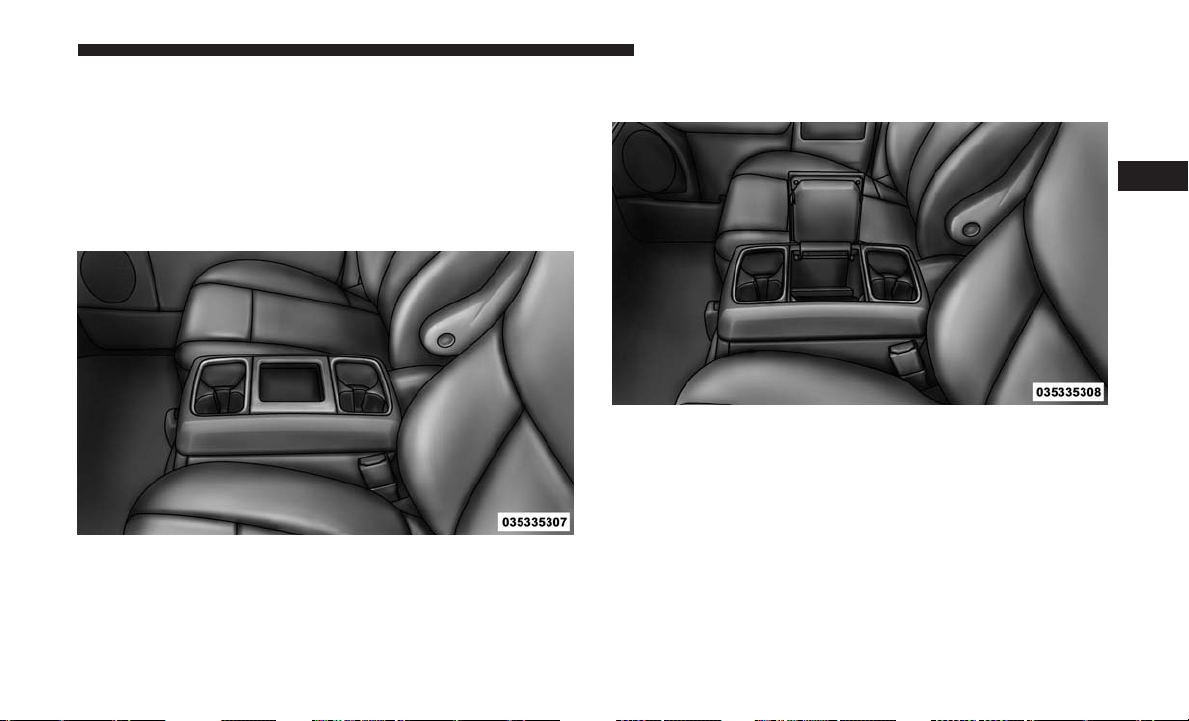
The top and center console sections slide forward and
rearward to provide added user comfort. A one-piece cup
holder insert for both cavities can easily be removed for
cleaning. The cupholders will also accommodate large size
cups and 20 oz (.6 L) bottles.
Position 1 shows the console closed with four cupholders
and a convenient storage tray.
Position 2 shows the raised storage tray revealing a large
storage area below.
Console Position 1
Console Position 2
3
UNDERSTANDING THE FEATURES OF YOUR VEHICLE 221
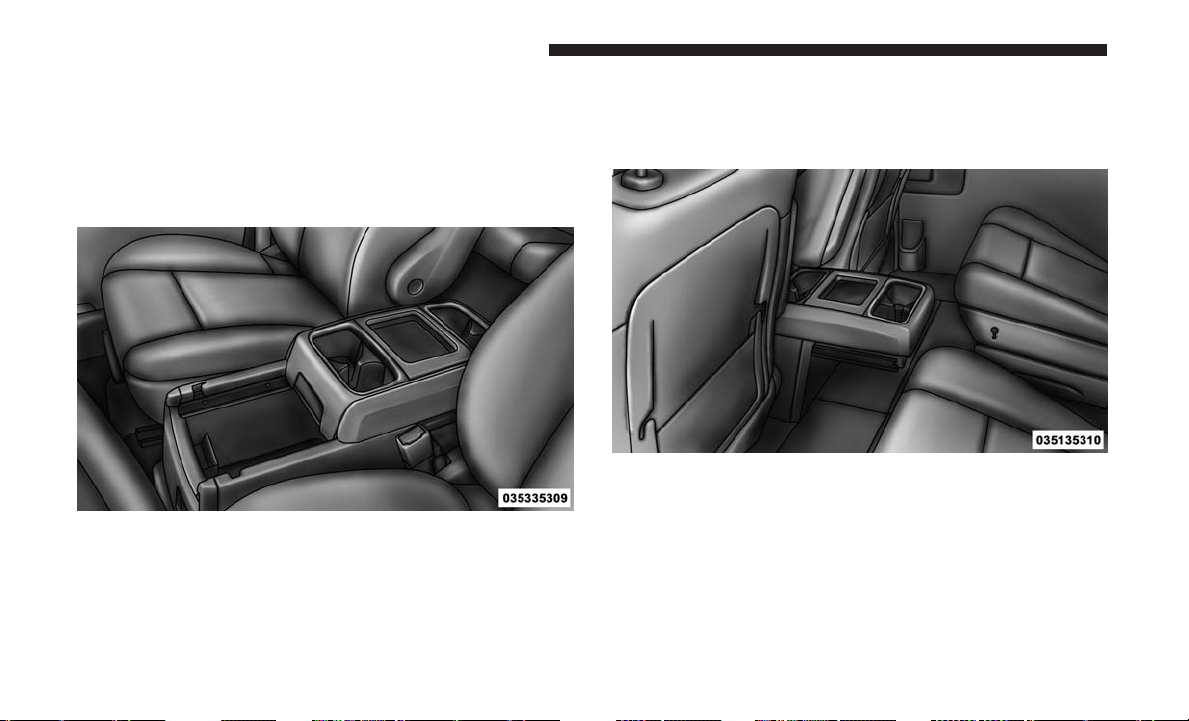
Dual Storage Bins
Position 3 shows the top portion of the console in a
rearward position. This is accomplished by lifting the
upper most latch at the front of the console. This provides
easy access to the storage area below and provides two of
the four cupholders for the second row passengers.
Position 4 shows the complete console in its rearmost
position. Again, lifting second latch handle at the front of
the console, allows complete access to a lower storage bin
and provides additional cupholders for rear passengers.
Console Position 3
Console Position 4
222 UNDERSTANDING THE FEATURES OF YOUR VEHICLE
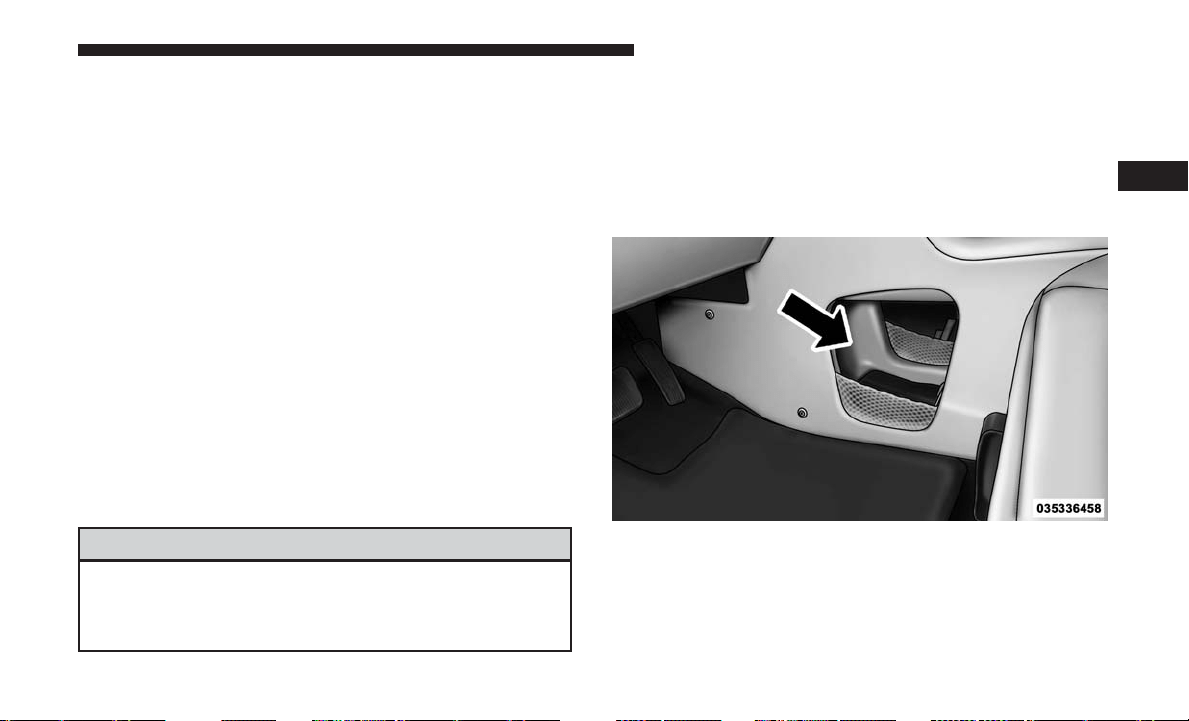
To Remove The Premium Floor Console
1. Pull up on the bottom release handle in the front of the
console.
2.
Lift the rear of the console up several inches/centimeters.
3.
Pull rearward to disengage from floor and remove console.
To Reinstall The Premium Floor Console:
1. Position the console at a slight angle (rear slightly higher
than the front).
2. Slide the console forward into the floor bracket.
3. Rotate the rear of the console down until it is resting on
the floor bracket.
4. Push down on the rear of the console until it is seated in
the rear floor bracket.
5. Pull up on the console to be sure it is firmly latched.
WARNING!
In an accident, serious injury could result if the remov-
able floor console is not properly installed. Always be
sure the removable floor console is fully latched.
Super Console — If Equipped
The Super Console contains multiple storage areas, front
lower pass through, top forward bin, top rearward bin and
rear pull out drawer.
The Super Console contains a pass through storage area
accessible for both the driver and front passenger.
Front Lower Pass Through
3
UNDERSTANDING THE FEATURES OF YOUR VEHICLE 223
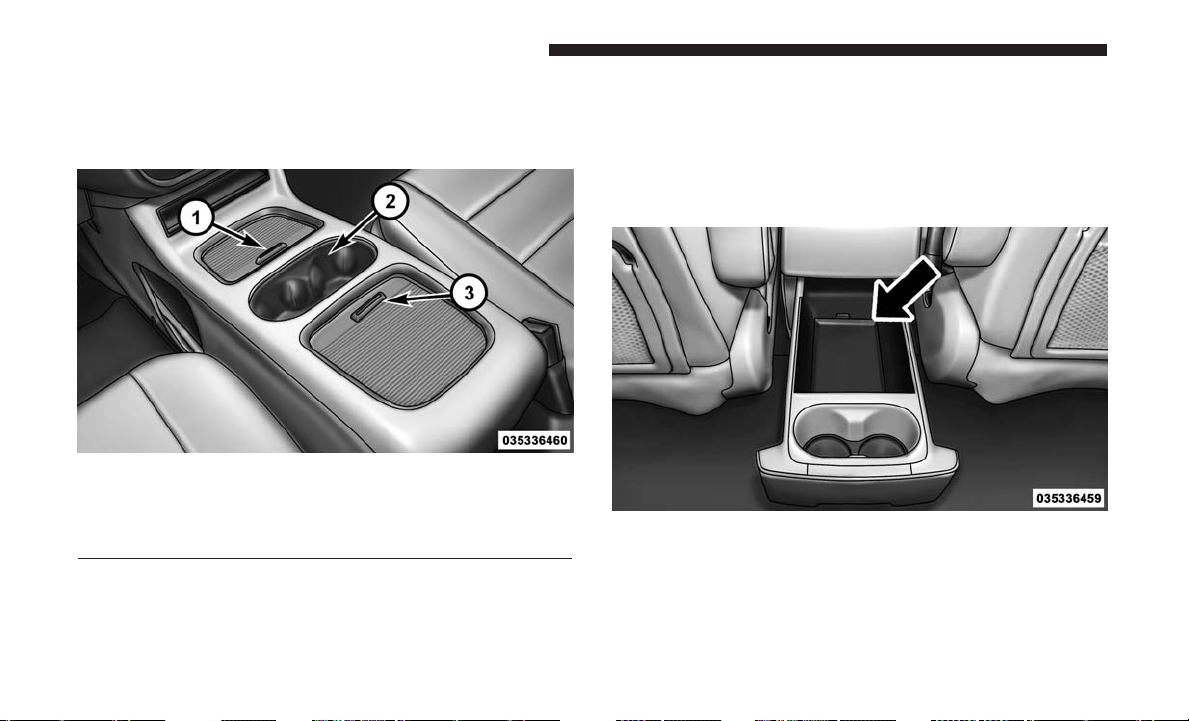
The Super Console tambour doors are opened by pushing
down on the finger tabs and sliding the door. The front
tambour door slides forward, the rear tambour door slides
rearward.
NOTE: The front cupholder light ring and pass through
lighting is controlled by a dimming switch located on the
instrument panel, refer to “Lights” in “Understanding The
Features Of Your Vehicle” for further information.
Located in the back of the Super Console is a storage
drawer and cupholders for the rear passengers.
Super Console
1 — Front Sliding Tambour Door
2 — Cupholder Light Ring
3 — Rear Sliding Tambour Door
Rear Drawer Storage
224 UNDERSTANDING THE FEATURES OF YOUR VEHICLE
REAR WINDOW FEATURES
Rear Window Defroster
The rear window defroster button is located on the
climate control (Mode) knob. Push this button to
turn on the rear window defroster and the heated outside
mirrors (if equipped). An indicator in the button will
illuminate when the rear window defroster is on. The rear
window defroster automatically turns off after approxi-
mately 10 minutes. For an additional five minutes of
operation, push the button a second time.
NOTE:
• You can turn off the heated mirror feature at anytime by
pushing the rear window defroster switch a second time.
• To prevent excessive battery drain, use the rear window
defroster only when the engine is operating.
CAUTION!
Failure to follow these cautions can cause damage to
the heating elements:
• Use care when washing the inside of the rear win-
dow. Do not use abrasive window cleaners on the
interior surface of the window. Use a soft cloth and a
mild washing solution, wiping parallel to the heat-
ing elements. Labels can be peeled off after soaking
with warm water.
• Do not use scrapers, sharp instruments, or abrasive
window cleaners on the interior surface of the win-
dow.
• Keep all objects a safe distance from the window.
3
UNDERSTANDING THE FEATURES OF YOUR VEHICLE 225
LOAD LEVELING SYSTEM — IF EQUIPPED
The automatic load leveling system will provide a level-
riding vehicle under most passenger and cargo loading
conditions.
A hydraulic pump contained within the shock absorbers
raises the rear of the vehicle to the correct height. It takes
approximately 1 mile (1.6 km) of driving for the leveling to
complete depending on road surface conditions.
If the leveled vehicle is not moved for approximately 15
hours, the leveling system will bleed itself down. The
vehicle must be driven to reset the system.
ROOF LUGGAGE RACK — IF EQUIPPED
The crossbars on your vehicle are delivered stowed within
the roof rack side rails. If adding cargo, deploy the cross-
bars. Distribute cargo weight evenly on the roof rack
crossbars, to maximum of 150 lbs (68 kg). The roof rack
does not increase the total load carrying capacity of the
vehicle. Be sure the total load of cargo inside the vehicle
plus that on the external rack does not exceed the maxi-
mum vehicle load capacity.
The crossbars and side rails are designed to carry weight
on vehicles equipped with a luggage rack. The load must
not exceed 150 lbs (68 kg), and should be uniformly
distributed over the luggage rack crossbars.
NOTE:
• Crossbars are error-proofed and cannot be deployed or
stowed in the incorrect positions.
• To help control wind noise, stow the crossbars in the side
rails when they are not in use.
Crossbar Stowed In Side Rail
226 UNDERSTANDING THE FEATURES OF YOUR VEHICLE
Deploying The Crossbars
To deploy the crossbars, completely loosen the thumb
screws at both ends of the crossbar and lift the crossbar
from its stowed position in the side rail. Repeat with
crossbar on the opposite side.
CAUTION!
Use care when removing and handling the crossbars to
prevent damage to the vehicle.
Bend the crossbar supports at each end, taking care to keep
hand clear of pivoting joint. Slide the thumb screw down.
Loosening Crossbars
Stowed Position
3
UNDERSTANDING THE FEATURES OF YOUR VEHICLE 227
Then, position the crossbars across the roof.
NOTE: The crossbars are identical and can be placed in
any two of the three deploy positions.
Deployed Position
Deploy Positions – Choose Two Of Three
228 UNDERSTANDING THE FEATURES OF YOUR VEHICLE
Make sure the directional arrows on the crossbars align
with the directional arrows on the side rails. Set the
crossbars into the deployed positions.
Once the crossbars are set into position, tighten the thumb
screws completely.
Crossbar To Side Rail Installation
Tightening Crossbar
3
UNDERSTANDING THE FEATURES OF YOUR VEHICLE 229
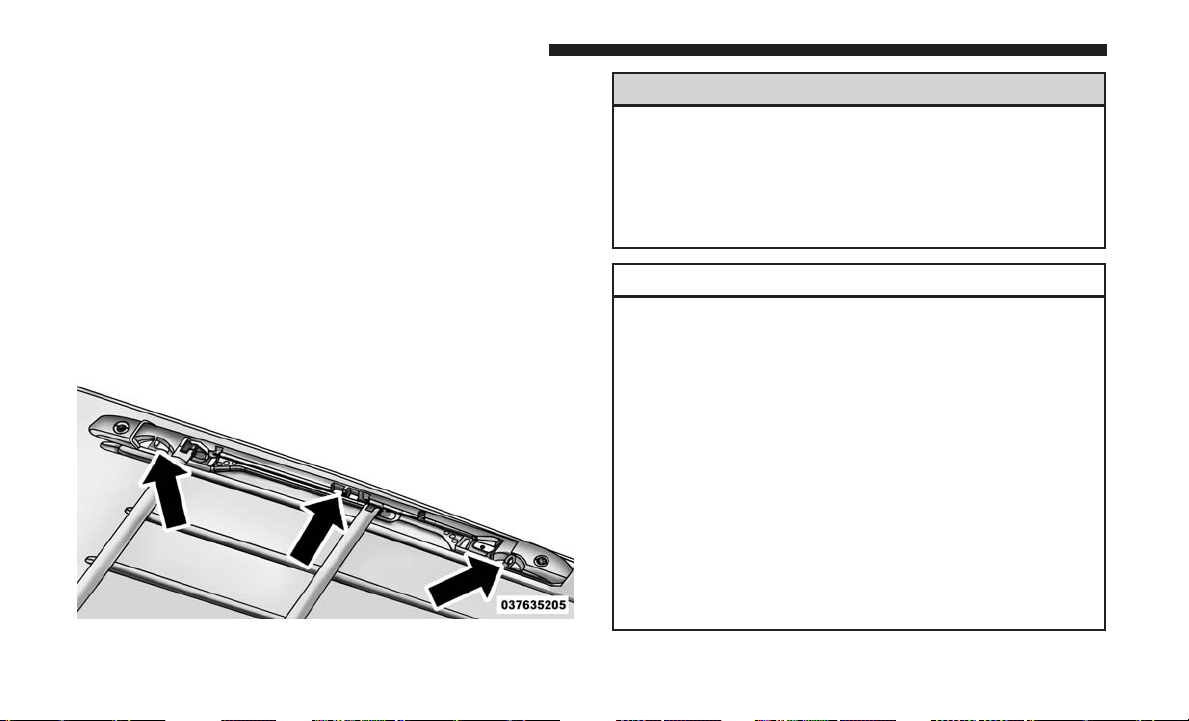
Stowing The Crossbars
Reverse the procedure to stow the crossbars, again, taking
care to keep hand clear of pivoting joint. Crossbars are
identical and can be stowed in either rail nest. Once the
crossbars are stowed, tighten the thumb screws completely.
NOTE: Load should always be secured to crossbars first,
with rail tie down loops used as additional securing points
if needed. Tie loops are intended as supplementary tie
down points only. Do not use ratcheting mechanisms with
the tie loops.
WARNING!
Cargo must be securely tied before driving your ve-
hicle. Improperly secured loads can fly off the vehicle,
particularly at high speeds, resulting in personal injury
or property damage. Follow the roof rack cautions
when carrying cargo on your roof rack.
CAUTION!
• Check deployed crossbars frequently and retighten
thumb screws as necessary.
• To avoid damage to the roof rack and vehicle, do not
exceed the maximum roof rack load capacity of 150 lb
(68 kg). Always distribute heavy loads as evenly as
possible and secure the load appropriately.
• To prevent damage to the roof of your vehicle, DO
NOT carry any loads on the roof rack without the
crossbars deployed.
•
The load should be secured and placed on top of the
crossbars, not directly on the roof. If it is necessary to
place the load on the roof, place a blanket or other
protective layer between the load and the roof surface.
(Continued)
Rail Tie Loops
230 UNDERSTANDING THE FEATURES OF YOUR VEHICLE
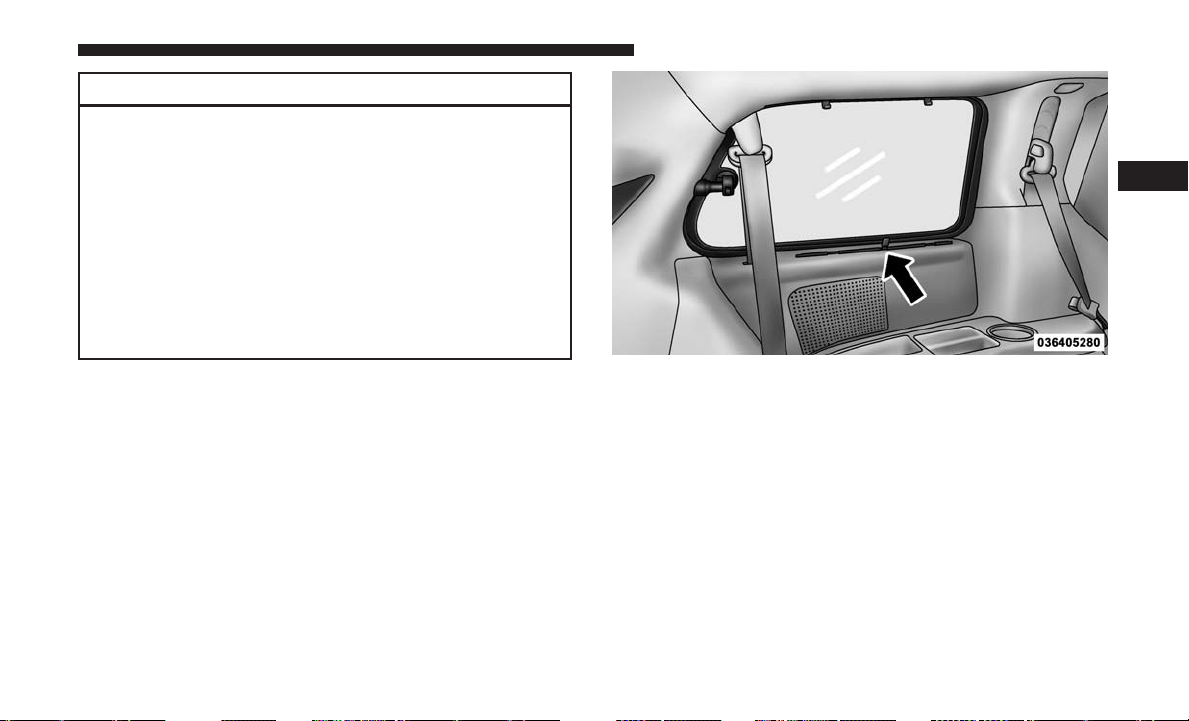
CAUTION! (Continued)
• Long loads which extend over the windshield, such
as wood panels or surfboards, or loads with large
frontal area should be secured to both the front and
rear of the vehicle.
• Travel at reduced speeds and turn corners carefully
when carrying large or heavy loads on the roof rack.
Wind forces, due to natural causes or nearby truck
traffic, can add sudden upward lift to a load. This is
especially true on large flat loads and may result in
damage to the cargo or your vehicle.
SUN SCREENS — IF EQUIPPED
Sun screens are available for second and third row seating
windows. The screens store in the sill trim panels, and the
tops of the windows are equipped with hooks that the sun
screens attach to when pulled out.
Gently pull up on the tab to raise the sun screen. Continue
pulling the sun screen until the tab is near the top of the
window.
Sun Screen Retracted
3
UNDERSTANDING THE FEATURES OF YOUR VEHICLE 231
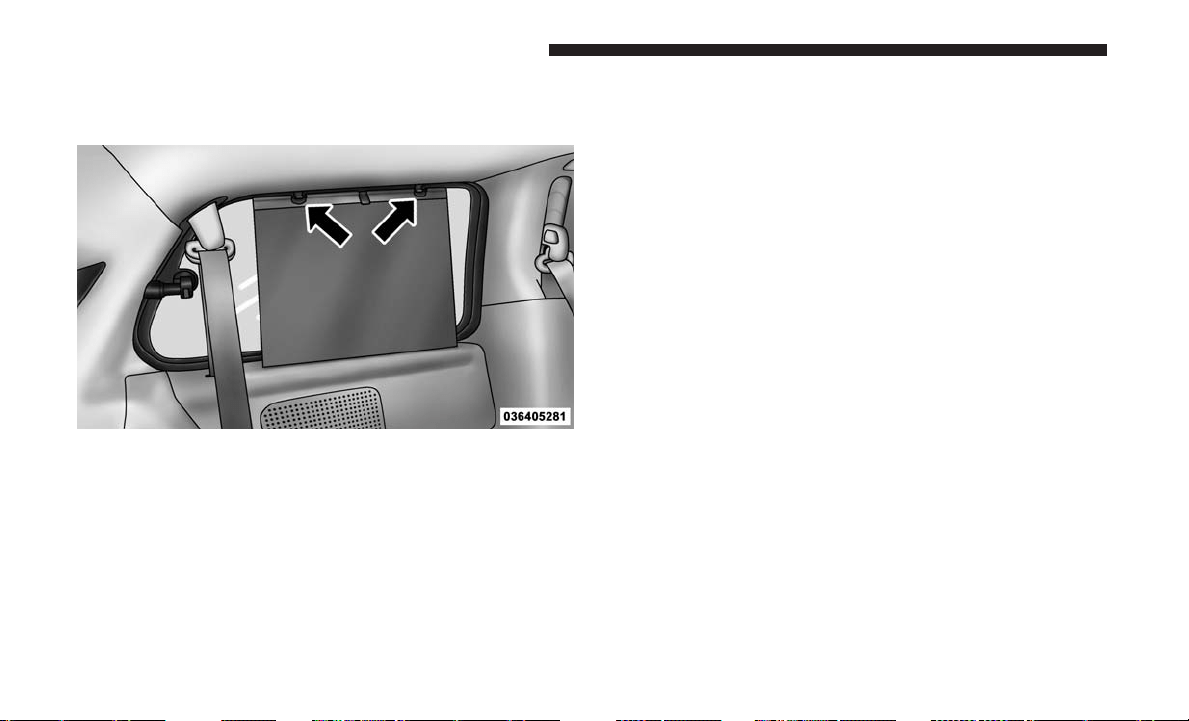
Once the screen is completely to the top of the window,
extend the top bar of the sun screen over the two hooks
attached to the top of the window.
To lower the sun screen, gently lift the tab upward to
disengage the hooks, and feed the screen back into the base
sill.
Sun Screen Extended
232 UNDERSTANDING THE FEATURES OF YOUR VEHICLE

UNDERSTANDING YOUR INSTRUMENT PANEL
CONTENTS
䡵 INSTRUMENT PANEL FEATURES ...........236
䡵 INSTRUMENT CLUSTER ..................237
䡵 WARNING AND INDICATOR LIGHTS ........241
▫ Red Telltale Indicator Lights ...............242
▫ Yellow Telltale Indicator Lights .............249
▫ Green Telltale Indicator Lights..............255
▫ Blue Telltale Indicator Lights ...............257
▫ White Telltale Indicator Lights..............257
䡵 INSTRUMENT CLUSTER DISPLAY—
IF EQUIPPED ..........................258
▫ Instrument Cluster Display ................260
▫ Oil Change Required ....................262
▫ Fuel Economy .........................263
▫ Vehicle Speed .........................264
▫ Trip Info .............................264
▫ Tire Pressure ..........................265
▫ Units................................265
▫ Vehicle Info (Customer Information Features) . . .265
▫ Messages # ...........................265
▫ Compass/Temperature Display ............266
▫ Turn Menu Off.........................268
▫ Customer-Programmable Features
(System Setup) ........................268
䡵 CYBERSECURITY ........................273
䡵 RADIO 430/430N CD/DVD/HDD/NAV —
IF EQUIPPED ..........................274
▫ Operating Instructions
(Voice Command System) — If Equipped ......274
▫ Operating Instructions (Uconnect Phone) —
If Equipped
...........................274
4

䡵 RADIO 130 ............................275
▫ Operating Instructions — Radio Mode .......275
▫ Operation Instructions — CD MODE For
CD And MP3 Audio Play .................277
▫ Notes On Playing MP3 Files ...............279
▫ Operation Instructions — Auxiliary Mode .....281
䡵 RADIO 130 WITH SATELLITE RADIO ........281
▫ Operating Instructions — Radio Mode ........281
▫ Operation Instructions — CD MODE For
CD And MP3 Audio Play .................286
▫ Notes On Playing MP3 Files ...............288
▫ LIST Button — CD Mode For MP3 Play .......289
▫ INFO Button — CD Mode For MP3 Play ......290
▫ Uconnect (Satellite Radio) — If Equipped .....290
▫ Operating Instructions (Uconnect Phone) —
If Equipped ...........................293
䡵 IPOD/USB/MP3 CONTROL — IF EQUIPPED . . .293
▫ Connecting The iPod Or External USB Device. . .294
▫ Using This Feature ......................294
▫ Controlling The iPod Or External USB Device
Using Radio Buttons.....................295
▫ Play Mode............................295
▫ List Or Browse Mode ....................296
▫ Bluetooth Streaming Audio (BTSA) ..........297
䡵 UCONNECT MULTIMEDIA — VIDEO
ENTERTAINMENT SYSTEM (VES) —
IF EQUIPPED ..........................298
▫ Getting Started ........................298
▫ Play Video Games ......................299
▫ Play A DVD Using The Touchscreen Radio . . . .301
▫ Play A DVD Using The VES Player —
If Equipped ...........................302
▫ VES Remote Control — If Equipped .........304
▫ Remote Control Storage ..................306
▫ Locking The Remote Control...............306
▫ Replacing The Remote Control Batteries .......306
234 UNDERSTANDING YOUR INSTRUMENT PANEL

▫ Headphones Operation ...................307
▫ Controls .............................307
▫ Replacing The Headphone Batteries ..........308
▫ Accessibility — If Equipped ...............308
▫ Unwired Stereo Headphone Lifetime Limited
Warranty .............................308
▫ System Information .....................309
䡵 STEERING WHEEL AUDIO CONTROLS —
IF EQUIPPED ..........................319
▫ Radio Operation........................320
▫ CD Player ............................320
䡵 CD/DVD/BLU-RAY DISC MAINTENANCE . . . .320
䡵 RADIO OPERATION AND MOBILE DEVICES . . .321
▫ General Information .....................321
䡵 CLIMATE CONTROLS ....................321
▫ Manual Heating And Air Conditioning System —
If Equipped ..........................321
▫ Rear Manual Climate Control — If Equipped . . .325
▫ Automatic Temperature Control (ATC) —
If Equipped ..........................327
▫ Operating Tips ........................335
4
UNDERSTANDING YOUR INSTRUMENT PANEL 235
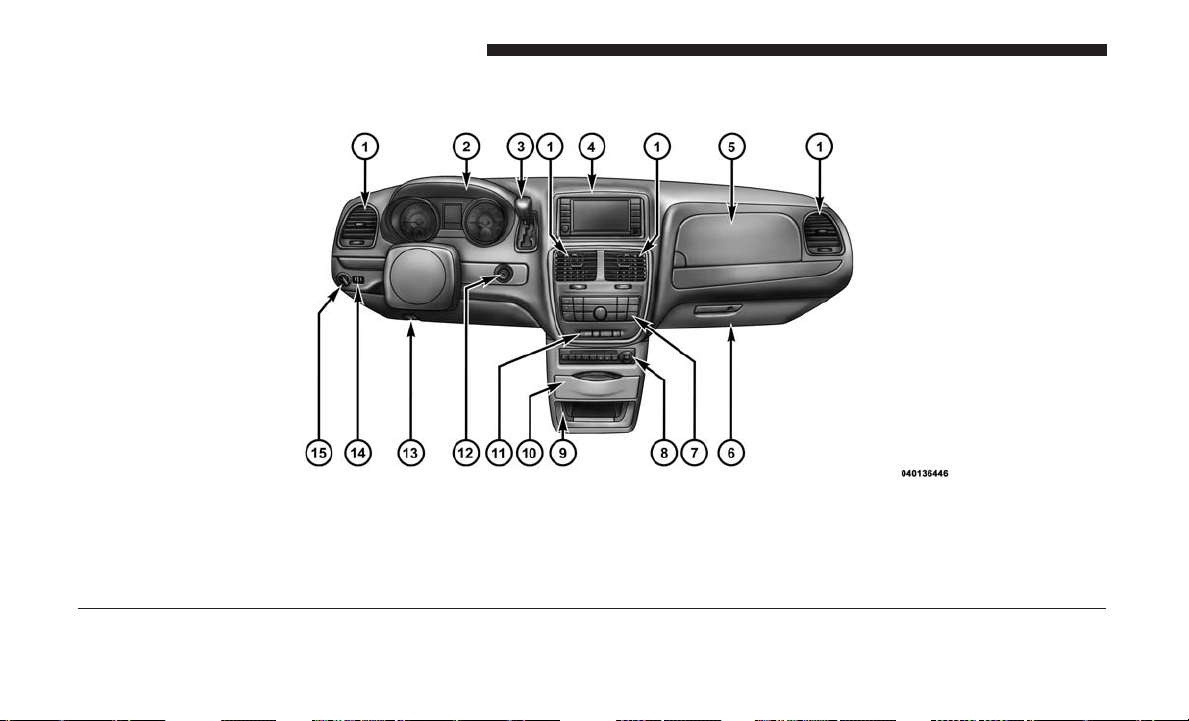
INSTRUMENT PANEL FEATURES
Instrument Panel
1 — Air Vents 5 — Upper Glove Compartment 9 — Storage Bin 13 — Hood Release
2 — Instrument Cluster 6 — Lower Glove Compartment 10 — Cup Holders 14 — Dimmer Switch
3 — Gear Selector 7 — Climate Controls 11 — Switch Bank 15 — Headlight Switch
4 — Radio 8 — DVD – If Equipped 12 — Ignition Switch
236 UNDERSTANDING YOUR INSTRUMENT PANEL
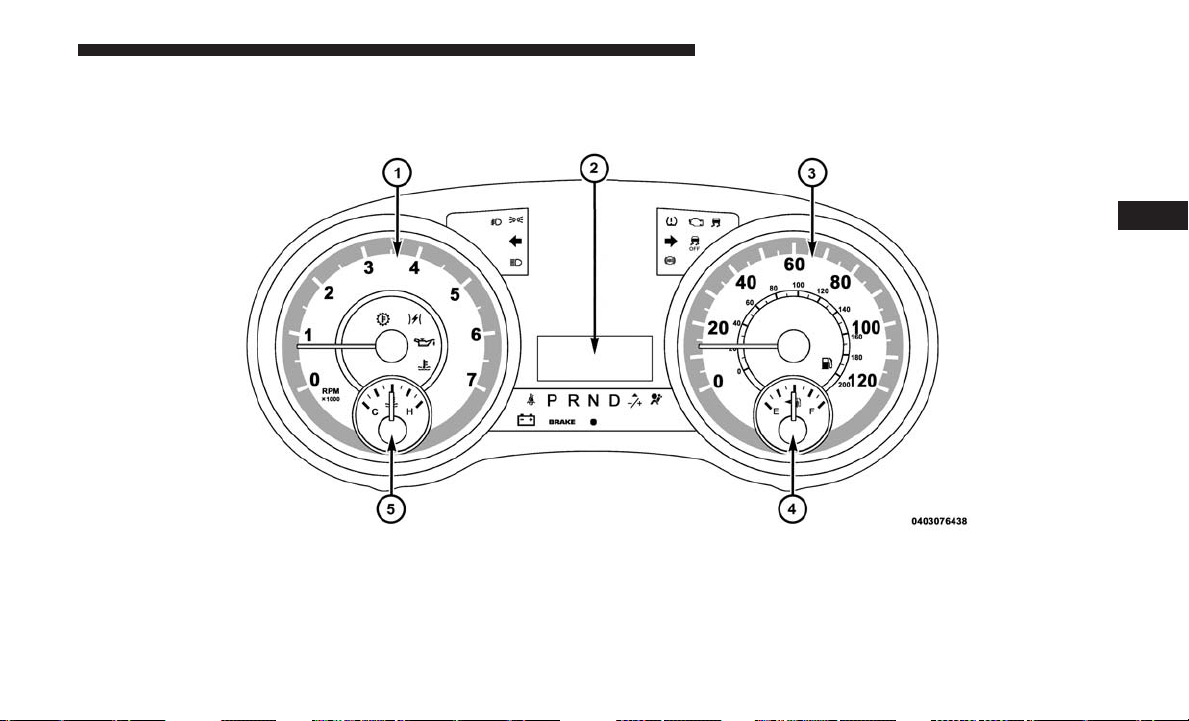
INSTRUMENT CLUSTER
Base Instrument Cluster
4
UNDERSTANDING YOUR INSTRUMENT PANEL 237
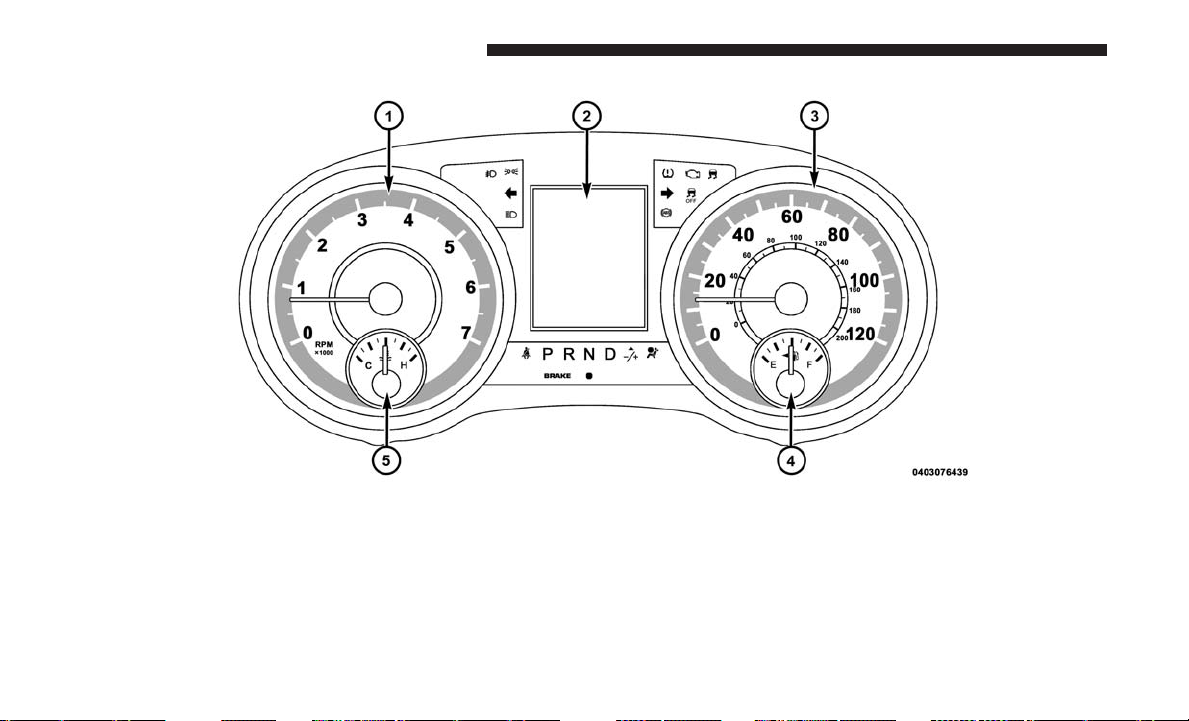
1. Tachometer
• This gauge measures engine revolutions per minute
(RPM x 1000). Before the pointer reaches the red area,
ease up on the accelerator to prevent engine damage.
2. Instrument Cluster Display— If Equipped / Odometer
Display / Trip Odometer Display
Premium Instrument Cluster
238 UNDERSTANDING YOUR INSTRUMENT PANEL

Instrument Cluster Display— If Equipped
The instrument cluster display features a driver-interactive
display that is located in the instrument cluster. Refer to
“Instrument Cluster Display” in this section for further
information.
Odometer Display / Trip Odometer Display The odom-
eter display shows the total distance the vehicle has been
driven.
U.S. Federal regulations require that upon transfer of
vehicle ownership, the seller certify to the purchaser the
correct mileage that the vehicle has been driven. If your
odometer needs to be repaired or serviced, the repair
technician should leave the odometer reading the same as
it was before the repair or service. If s/he cannot do so,
then the odometer must be set at zero, and a sticker must
be placed in the door jamb stating what the mileage was
before the repair or service. It is a good idea for you to
make a record of the odometer reading before the repair/
service, so that you can be sure that it is properly reset, or
that the door jamb sticker is accurate if the odometer must
be reset at zero.
This also displays Trip A and Trip B, DTE, MPG or
L/100km, OAT (Outside Air Temperature) information to
Base Cluster, use STEP and RESET button (on steering
wheel) to access or reset the display.
Message Display Area
When the appropriate conditions exist, the following
odometer messages will display:
door ..............................Door Ajar
gATE ............................Liftgate Ajar
LoW tirE .....................LowTirePressure
gASCAP ........................Fuel Cap Fault
noFUSE ...........................Fuse Fault
CHAngE OIL ................OilChange Required
LoCOOL .........................LowCoolant
NOTE: Some of the above warnings will be displayed in
the instrument cluster display area located in the instru-
ment cluster.
Refer to ”Instrument Cluster Display— If Equipped” in
this section for further information.
4
UNDERSTANDING YOUR INSTRUMENT PANEL 239

LoW tirE
When the appropriate condition exists, the odometer will
toggle between LoW and tirE for three cycles.
gASCAP
If the vehicle diagnostic system determines that the fuel
filler cap is loose, improperly installed, or damaged, a
“gASCAP” message will display in the odometer display
area. Tighten the fuel filler cap properly and push the STEP
button on the steering wheel to turn off the message. If the
problem continues, the message will appear the next time
the vehicle is started.
noFUSE
If the vehicle diagnostic system determines that the Ignition
Off Draw (IOD) fuse is improperly installed, or damaged, a
“noFUSE” message will display in the odometer display
area. Refer to “Fuses” in “Maintaining Your Vehicle” for
further information on fuses and fuse locations.
CHAngE OIL
Your vehicle is equipped with an engine oil change indi-
cator system. The odometer display will toggle between
CHAngE and Oil for approximately 12 seconds, after a
single chime has sounded, to indicate the next scheduled
oil change interval. The engine oil change indicator system
is duty cycle-based, which means the engine oil change
interval may fluctuate dependent upon your personal
driving style.
3. Speedometer
• Indicates vehicle speed.
4. Fuel Gauge
• The pointer shows the level of fuel in the fuel tank
when the ignition switch is in the ON/RUN position.
•
The fuel pump symbol points to the side of the
vehicle where the fuel door is located.
5. Temperature Gauge
• The temperature gauge shows engine coolant tem-
perature. Any reading within the normal range indi-
cates that the engine cooling system is operating
satisfactorily.
• The gauge pointer will likely indicate a higher tem-
perature when driving in hot weather or up mountain
grades. It should not be allowed to exceed the upper
limits of the normal operating range.
240 UNDERSTANDING YOUR INSTRUMENT PANEL
WARNING!
A hot engine cooling system is dangerous. You or
others could be badly burned by steam or boiling
coolant. You may want to call an authorized dealer for
service if your vehicle overheats. If you decide to look
under the hood yourself, see “Maintaining Your Ve-
hicle”. Follow the warnings under the Cooling System
Pressure Cap paragraph.
CAUTION!
Driving with a hot engine cooling system could dam-
age your vehicle. If the temperature gauge reads “H,”
pull over and stop the vehicle. Idle the vehicle with the
air conditioner turned off until the pointer drops back
into the normal range. If the pointer remains on the
“H,” turn the engine off immediately and call an
authorized dealer for service.
WARNING AND INDICATOR LIGHTS
The warning/indicator lights switch on in the instrument
panel together with a dedicated message and/or acoustic
signal when applicable. These indications are indicative
and precautionary and as such must not be considered as
exhaustive and/or alternative to the information contained
in the Owner’s Manual, which you are advised to read
carefully in all cases. Always refer to the information in this
chapter in the event of a failure indication.
All active telltales will display first if applicable. The
system check menu may appear different based upon
equipment options and current vehicle status. Some tell-
tales are optional and may not appear.
4
UNDERSTANDING YOUR INSTRUMENT PANEL 241
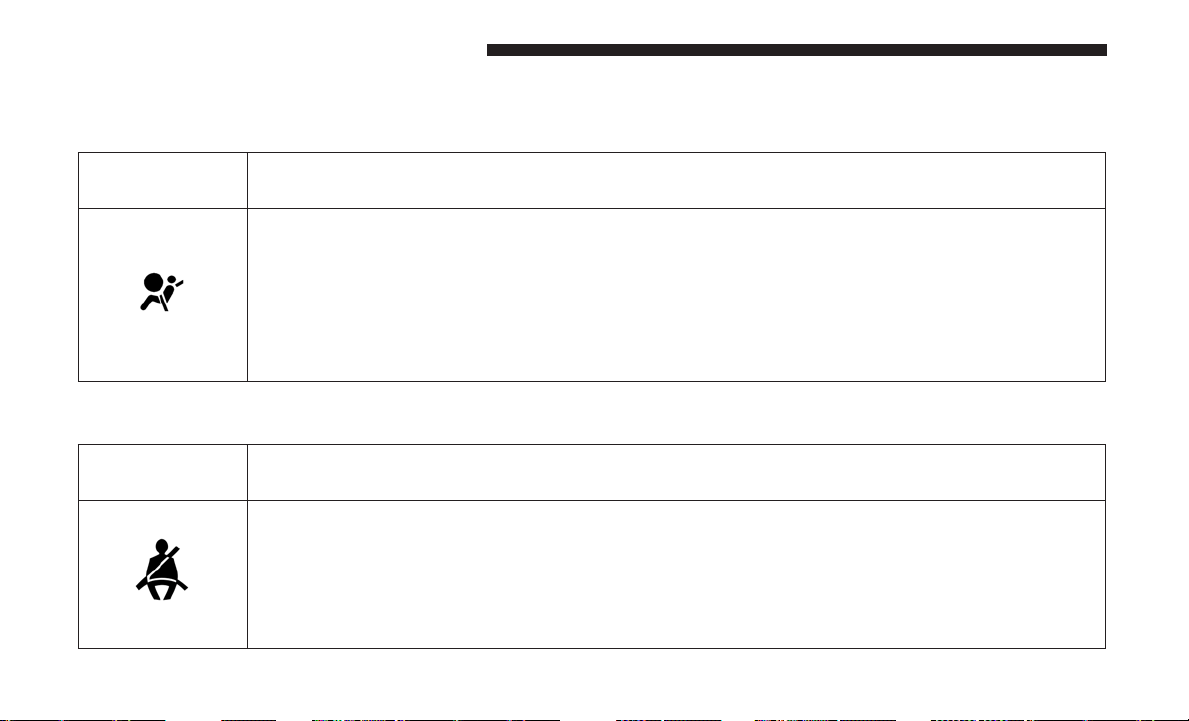
Red Telltale Indicator Lights
Air Bag Warning Light
Red Telltale
Light
What It Means
Air Bag Warning Light
This light will turn on for four to eight seconds as a bulb check when the ignition is placed in the
ON/RUN position. If the light is either not on during startup, stays on, or turns on while driving,
have the system inspected at an authorized dealer as soon as possible. This light will illuminate with
a single chime when a fault with the Air Bag Warning Light has been detected, it will stay on until
the fault is cleared. If the light comes on intermittently or remains on while driving, have an autho-
rized dealer service the vehicle immediately.
Seat Belt Reminder Warning Light
Red Telltale
Light
What It Means
Seat Belt Reminder Warning Light
When the ignition is first placed in the ON/RUN position, if the driver’s seat belt is unbuckled,
a chime will sound and the light will turn on. When driving, if the driver or front passenger seat
belt remains unbuckled, the Seat Belt Reminder Light will flash or remain on continuously and a
chime will sound. Refer to “Occupant Restraints Systems” in “Things To Know Before Starting
Your Vehicle” for further information.
242 UNDERSTANDING YOUR INSTRUMENT PANEL
Brake Warning Light
Red Telltale
Light
What It Means
Brake Warning Light
This light monitors various brake functions, including brake fluid level and parking brake appli-
cation. If the brake light turns on it may indicate that the parking brake is applied, that the brake
fluid level is low, or that there is a problem with the anti-lock brake system reservoir.
If the light remains on when the parking brake has been disengaged, and the fluid level is at the
full mark on the master cylinder reservoir, it indicates a possible brake hydraulic system malfunc-
tion or that a problem with the Brake Booster has been detected by the Anti-Lock Brake System
(ABS) / Electronic Stability Control (ESC) system. In this case, the light will remain on until the
condition has been corrected. If the problem is related to the Brake Booster, the ABS pump will
run when applying the brake, and a brake pedal pulsation may be felt during each stop.
NOTE: Brake Warning Light may illuminate due to excessive wear to brake pads.
The dual brake system provides a reserve braking capacity
in the event of a failure to a portion of the hydraulic
system. A leak in either half of the dual brake system is
indicated by the Brake Warning Light, which will turn on
when the brake fluid level in the master cylinder has
dropped below a specified level.
The light will remain on until the cause is corrected.
NOTE: The light may flash momentarily during sharp
cornering maneuvers, which change fluid level conditions.
The vehicle should have service performed, and the brake
fluid level checked.
4
UNDERSTANDING YOUR INSTRUMENT PANEL 243
If brake failure is indicated, immediate repair is necessary.
WARNING!
Driving a vehicle with the red brake light on is
dangerous. Part of the brake system may have failed. It
will take longer to stop the vehicle. You could have a
collision. Have the vehicle checked immediately.
Vehicles equipped with the Anti-Lock Brake System (ABS)
are also equipped with Electronic Brake Force Distribution
(EBD).
CAUTION!
In the event of an EBD failure, the Brake Warning
Light will turn on along with the ABS Light. Immedi-
ate repair to the ABS system is required.
Operation of the Brake Warning Light can be checked by
placing the ignition in the ON/RUN position. The light
should illuminate for approximately two seconds. The light
should then turn off unless the parking brake is applied or
a brake fault is detected. If the light does not illuminate,
have the light inspected by an authorized dealer.
The light also will turn on when the parking brake is
applied with the ignition placed in the ON/RUN position.
NOTE: This light shows only that the parking brake is
applied. It does not show the degree of brake application.
244 UNDERSTANDING YOUR INSTRUMENT PANEL
Battery Charge Warning Light
Red Telltale
Light
What It Means
Battery Charge Warning Light
This light illuminates when the battery is not charging properly. If it stays on while the engine is run-
ning, there may be a malfunction with the charging system. Contact your authorized dealer as soon
as possible. This indicates a possible problem with the electrical system or a related component.
Coolant Temperature Warning Light
Red Telltale
Light
What It Means
Coolant Temperature Warning Light
This light warns of an overheated engine condition. If the light turns on while driving, safely pull
over and stop the vehicle. If the A/C system is on, turn it off. Also, shift the transmission into
NEUTRAL and idle the vehicle. If the temperature reading does not return to normal, turn the
engine off immediately and call for service.
NOTE:
As the coolant temperature gauge approaches ⬙H,⬙ a Red Dot lamp located to the left of the “H”
will illuminate and a single chime will sound. Further overheating will cause the temperature
gauge to pass ⬙H.⬙ In this case, a continuous chime will sound until the engine is allowed to cool
or the 4 minute duration is expired, whichever comes first.
4
UNDERSTANDING YOUR INSTRUMENT PANEL 245
Electronic Throttle Control (ETC) Warning Light
Red Telltale
Light
What It Means
Electronic Throttle Control (ETC) Warning Light
This light informs you of a problem with the Electronic Throttle Control (ETC) system. If a prob-
lem is detected while the engine is running, the light will either stay on or flash depending on
the nature of the problem. Cycle the ignition key when the vehicle is safely and completely
stopped and the transmission is placed in the PARK position. The light should turn off. If the
light remains on with the engine running, your vehicle will usually be drivable; however, see an
authorized dealer for service as soon as possible.
If the light continues to flash when the engine is running, immediate service is required and you
may experience reduced performance, an elevated/rough idle, or engine stall and your vehicle
may require towing. The light will come on when the ignition is first placed in the ON/RUN and
remain on briefly as a bulb check. If the light does not come on during starting, have the system
checked by an authorized dealer.
Oil Pressure Warning Light
Red Telltale
Light
What It Means
Oil Pressure Warning Light
This light indicates low engine oil pressure. If the light turns on while driving, stop the vehicle
and shut off the engine as soon as possible. A chime will sound when this light turns on.
Do not operate the vehicle until the cause is corrected. This light does not indicate how much oil
is in the engine. The engine oil level must be checked under the hood.
246 UNDERSTANDING YOUR INSTRUMENT PANEL
Vehicle Security Warning Light — If Equipped
Red Telltale
Light
What It Means
Vehicle Security Warning Light — If Equipped
This light will flash at a fast rate for approximately 15 seconds when the vehicle security alarm is
arming, and then will flash slowly until the vehicle is disarmed.
Transmission Temperature Warning Light
Red Telltale
Light
What It Means
Transmission Temperature Warning Light
This light indicates that the transmission fluid temperature is running hot. This may occur with
severe usage. If this light turns on, safely pull over and stop the vehicle. Then, place the trans-
mission into NEUTRAL and run the engine at idle speed or apply light foot pressure to increase
the engine speed RPM until the Transmission Temperature light turns off.
WARNING!
If you continue operating the vehicle when the Trans-
mission Temperature Warning Light is illuminated you
could cause the fluid to boil over, come in contact with
hot engine or exhaust components and cause a fire.
CAUTION!
Continuous driving with the Transmission Tempera-
ture Warning Light illuminated will eventually cause
severe transmission damage or transmission failure.
4
UNDERSTANDING YOUR INSTRUMENT PANEL 247
Door Open Warning Light — If Equipped
Red Telltale
Light
What It Means
Door Open Warning Light
This indicator will illuminate when a door is ajar/open and not fully closed.
NOTE: If the vehicle is moving, there will also be a single chime.
Liftgate Open Warning Light — If Equipped
Red Telltale
Light
What It Means
Liftgate Open Warning Light
This indicator will turn when the liftgate is open.
248 UNDERSTANDING YOUR INSTRUMENT PANEL
Yellow Telltale Indicator Lights
Anti-Lock Brake (ABS) Indicator Light
Yellow Telltale
Light
What It Means
Anti-Lock Brake (ABS) Indicator Light
This light monitors the Anti-Lock Brake System (ABS). The light will turn on when the ignition
is placed in the ON/RUN position and may stay on for as long as four seconds.
If the ABS light remains on or turns on while driving, then the Anti-Lock portion of the brake
system is not functioning and service is required. However, the conventional brake system will
continue to operate normally if the brake warning light is not on.
If the ABS light is on, the brake system should be serviced as soon as possible to restore the
benefits of Anti-Lock Brakes. If the ABS light does not turn on when the ignition is placed in the
ON/RUN position, have the light inspected by an authorized dealer.
4
UNDERSTANDING YOUR INSTRUMENT PANEL 249
Electronic Stability Control (ESC) Indicator Light — If Equipped
Yellow Telltale
Light
What It Means
Electronic Stability Control (ESC) Indicator Light — If Equipped
The “ESC Indicator Light” in the instrument cluster will come on when the ignition is placed in
the ON/RUN position, and when ESC is activated. It should go out with the engine running.
If the “ESC Indicator Light” comes on continuously with the engine running, a malfunction has
been detected in the ESC system. If this light remains on after several ignition cycles, and the
vehicle has been driven several miles (kilometers) at speeds greater than 30 mph (48 km/h),
see your authorized dealer as soon as possible to have the problem diagnosed and corrected.
• The “ESC Off Indicator Light” and the “ESC Indicator Light” come on momentarily each
time the ignition is placed in the ON/RUN position.
• Each time the ignition is turned to ON/RUN, the ESC system will be on, even if it was turned
off previously.
• The ESC system will make buzzing or clicking sounds when it is active. This is normal; the
sounds will stop when ESC becomes inactive.
• This light will come on when the vehicle is in an ESC event.
250 UNDERSTANDING YOUR INSTRUMENT PANEL
Electronic Stability Control (ESC) OFF Indicator Light — If Equipped
Yellow Telltale
Light
What It Means
Electronic Stability Control (ESC) OFF Indicator Light — If Equipped
This light indicates the Electronic Stability Control (ESC) is off.
Loose Fuel Filler Cap Indicator Light — If Equipped
Yellow Telltale
Light
What It Means
Loose Fuel Filler Cap Indicator Light — If Equipped
This light will illuminate when the fuel filler cap is loose. Properly close the filler cap to disen-
gage the light. If the light does not turn off, please see your authorized dealer.
Low Fuel Indicator Light
Yellow Telltale
Light
What It Means
Low Fuel Indicator Light
When the fuel level reaches approximately 2 gal (7.5 L) this light will turn on, and remain on
until fuel is added.
4
UNDERSTANDING YOUR INSTRUMENT PANEL 251
Low Washer Fluid Indicator Light — If Equipped
Yellow Telltale
Light
What It Means
Low Washer Fluid Indicator Light — If Equipped
This indicator will illuminate when the windshield washer fluid is low.
Engine Check/Malfunction Indicator Light (MIL)
Yellow Telltale
Light
What It Means
Engine Check/Malfunction Indicator Light (MIL)
The Engine Check/Malfunction Indicator Light (MIL) is a part of an Onboard Diagnostic System
called OBD II that monitors engine and automatic transmission control systems. The light will
illuminate when the ignition is in the ON/RUN position before engine start. If the bulb does not
come on when turning the key from OFF to ON/RUN, have the condition checked promptly.
Certain conditions, such as a loose or missing gas cap, poor quality fuel, etc., may illuminate the
light after engine start. The vehicle should be serviced if the light stays on through several typical
driving styles. In most situations, the vehicle will drive normally and will not require towing.
When the engine is running, the MIL may flash to alert serious conditions that could lead to
immediate loss of power or severe catalytic converter damage. The vehicle should be serviced as
soon as possible if this occurs.
252 UNDERSTANDING YOUR INSTRUMENT PANEL
WARNING!
A malfunctioning catalytic converter, as referenced
above, can reach higher temperatures than in normal
operating conditions. This can cause a fire if you drive
slowly or park over flammable substances such as dry
plants, wood, cardboard, etc. This could result in death
or serious injury to the driver, occupants or others.
CAUTION!
Prolonged driving with the Malfunction Indicator
Light (MIL) on could cause damage to the vehicle
control system. It also could affect fuel economy and
driveability. If the MIL is flashing, severe catalytic
converter damage and power loss will soon occur.
Immediate service is required.
Tire Pressure Monitoring System (TPMS) Warning Light
Yellow Telltale
Light
What It Means
Tire Pressure Monitoring System (TPMS) Warning Light
The warning light switches on and a message is displayed to indicate that the tire pressure is
lower than the recommended value and/or that slow pressure loss is occurring. In these cases,
optimal tire duration and fuel consumption may not be guaranteed.
Should one or more tires be in the condition mentioned above, the display will show the indica-
tions corresponding to each tire in sequence.
4
UNDERSTANDING YOUR INSTRUMENT PANEL 253

CAUTION!
Do not continue driving with one or more flat tires as
handling may be compromised. Stop the vehicle, avoid-
ing sharp braking and steering. If a tire puncture occurs,
repair immediately using the dedicated tire repair kit
and contact your authorized dealer as soon as possible.
Each tire, including the spare (if provided), should be
checked monthly when cold and inflated to the inflation
pressure recommended by the vehicle manufacturer on the
vehicle placard or tire inflation pressure label. (If your
vehicle has tires of a different size than the size indicated on
the vehicle placard or tire inflation pressure label, you should
determine the proper tire inflation pressure for those tires.)
As an added safety feature, your vehicle has been
equipped with a tire pressure monitoring system (TPMS)
that illuminates a low tire pressure telltale when one or
more of your tires is significantly under-inflated. Accord-
ingly, when the low tire pressure telltale illuminates, you
should stop and check your tires as soon as possible, and
inflate them to the proper pressure. Driving on a signifi-
cantly under-inflated tire causes the tire to overheat and
can lead to tire failure. Under-inflation also reduces fuel
efficiency and tire tread life, and may affect the vehicle’s
handling and stopping ability.
Please note that the TPMS is not a substitute for proper tire
maintenance, and it is the driver’s responsibility to main-
tain correct tire pressure, even if under-inflation has not
reached the level to trigger illumination of the TPMS low
tire pressure telltale.
Your vehicle has also been equipped with a TPMS malfunc-
tion indicator to indicate when the system is not operating
properly. The TPMS malfunction indicator is combined
with the low tire pressure telltale. When the system detects
a malfunction, the telltale will flash for approximately one
minute and then remain continuously illuminated. This
sequence will continue upon subsequent vehicle start-ups
as long as the malfunction exists. When the malfunction
indicator is illuminated, the system may not be able to
detect or signal low tire pressure as intended. TPMS
malfunctions may occur for a variety of reasons, including
the installation of replacement or alternate tires or wheels
on the vehicle that prevent the TPMS from functioning
properly. Always check the TPMS malfunction telltale after
replacing one or more tires or wheels on your vehicle to
ensure that the replacement or alternate tires and wheels
allow the TPMS to continue to function properly.
254 UNDERSTANDING YOUR INSTRUMENT PANEL
CAUTION!
The TPMS has been optimized for the original equip-
ment tires and wheels. TPMS pressures and warning
have been established for the tire size equipped on
your vehicle. Undesirable system operation or sensor
damage may result when using replacement equip-
ment that is not of the same size, type, and/or style.
(Continued)
CAUTION! (Continued)
Aftermarket wheels can cause sensor damage. Using
aftermarket tire sealants may cause the Tire Pressure
Monitoring System (TPMS) sensor to become inoper-
able. After using an aftermarket tire sealant it is
recommended that you take your vehicle to an autho-
rized dealer to have your sensor function checked.
Green Telltale Indicator Lights
Turn Signal Indicator Lights
Green Telltale
Light
What It Means
Turn Signal Indicator Lights
The instrument cluster directional arrow will flash independently for the left or right turn signal
as selected, as well as the exterior turn signal lamp(s) (front and rear) as selected when the multi-
function lever is moved down (left) or up (right).
NOTE:
•
A continuous chime will sound if the vehicle is driven more than 1 mile (1.6 km) with either
turn signal on.
•
Check for an inoperative outside light bulb if either indicator flashes at a rapid rate.
4
UNDERSTANDING YOUR INSTRUMENT PANEL 255
Park/Headlight On Indicator Light
Green Telltale
Light
What It Means
Park/Headlight On Indicator Light
This indicator will illuminate when the park lights or headlights are turned on.
Front Fog Indicator Light — If Equipped
Green Telltale
Light
What It Means
Front Fog Indicator Light — If Equipped
This indicator will illuminate when the front fog lights are on.
256 UNDERSTANDING YOUR INSTRUMENT PANEL
Blue Telltale Indicator Lights
High Beam Indicator Light
Blue Telltale
Light
What It Means
High Beam Indicator Light
This indicator shows that the high beam headlights are on. Push the multifunction control lever
away from you to switch the headlights to high beam. Pull the lever toward you to switch the
headlights back to low beam. Pull the lever toward you for a temporary high beam on, ⬙flash to
pass⬙ scenario.
White Telltale Indicator Lights
Cruise Control Cancelled Light
White Telltale
Light
What It Means
Cruise Control Cancelled Light
This light will turn on when the cruise control has been cancelled by the driver. Refer to “Speed
Control” in “Understanding The Features Of Your Vehicle” for further information.
4
UNDERSTANDING YOUR INSTRUMENT PANEL 257
Cruise Control Ready Indicator Light
White Telltale
Light
What It Means
Cruise Control Ready Indicator Light
This light will turn on when the speed control is on, but not set.
INSTRUMENT CLUSTER DISPLAY— IF EQUIPPED
The instrument cluster display features a driver-interactive
display that is located in the instrument cluster.
The instrument cluster display menu items consists of the
following:
• Fuel Economy
• Vehicle Speed
• Trip Info
• Tire Pressure
• Vehicle Info
• Messages
• Units
• System Setup (Personal Settings)
• Turn Menu Off
Instrument Cluster Display
258 UNDERSTANDING YOUR INSTRUMENT PANEL
The system allows the driver to select information by
pushing the following buttons mounted on the steering
wheel:
• Up Button
Push and release the up button to scroll upward
through the main menu items (Fuel Economy,
Vehicle Info, Tire PSI, Cruise, Messages, Units,
System Setup).
• Down Button
Push and release the down button to scroll
downward through the main menu items.
• Right Button
The right button allows access to information in
instrument cluster display submenus, selects
some feature settings, and resets some instru-
ment cluster display features. The instrument
cluster display prompts the driver when the right button
can be used by displaying the right arrow graphic.
Once the right button has been selected for the desired
submenu list, follow the instrument cluster display
prompts to properly select the desired submenu instru-
ment cluster display features.
• BACK Button
Push and release the BACK button to scroll back
to a previous menu or sub-menu.
Instrument Cluster Display Steering Wheel Buttons
4
UNDERSTANDING YOUR INSTRUMENT PANEL 259

Instrument Cluster Display
The instrument cluster display consists of three sections:
1. The top line where compass direction and outside
temperature are displayed.
2. The main display area where the menus and pop up
messages are displayed.
3. The reconfigurable telltales section below the odometer
line.
The main display area will normally display the main menu
or the screens of a selected feature of the main menu. The
main display area also displays ⬙pop up⬙ messages that
consist of approximately 60 possible warning or information
messages. These pop up messages fall into several categories:
• Five Second Stored Messages
When the appropriate conditions occur, this type of mes-
sage takes control of the main display area for five seconds
and then returns to the previous screen. Most of the
messages of this type are then stored (as long as the
condition that activated it remains active) and can be
reviewed from the ⬙Messages⬙ main menu item. As long as
there is a stored message, an ⬙i⬙ will be displayed in the
instrument cluster display’s compass/outside temp line.
Examples of this message type are ⬙Right Front Turn Signal
Lamp Out⬙ and ⬙Low Tire Pressure.⬙
• Unstored Messages
This message type is displayed indefinitely or until the
condition that activated the message is cleared. Examples
of this message type are ⬙Turn Signal On⬙ (if a turn signal
is left on) and ⬙Lights On⬙ (if driver leaves the vehicle).
• Unstored Messages Until RUN
These messages deal primarily with the Remote Start
feature. This message type is displayed until the ignition is
in the RUN state. Examples of this message type are
⬙Remote Start Aborted - Door Ajar⬙ and ⬙Press Brake Pedal
and Push Button to Start.⬙
• Five Second Unstored Messages
When the appropriate conditions occur, this type of mes-
sage takes control of the main display area for five seconds
and then returns to the previous screen. Examples of this
message type are ⬙Memory System Unavailable - Not in
Park⬙ and ⬙Automatic High Beams On.⬙
260 UNDERSTANDING YOUR INSTRUMENT PANEL

The Reconfigurable Telltales section is divided into the
white telltales area on the right, amber telltales in the
middle, and red telltales on the left.
When the appropriate conditions exist, the instrument
cluster display displays the following messages:
• Key In Ignition
• Ignition Or Accessory On
• Remote Start Aborted — Door Ajar
• Remote Start Aborted — Hood Ajar
• Remote Start Aborted — L/Gate Ajar
• Remote Start Aborted — Fuel Low
• Remote Start Disabled — Start Vehicle To Reset
• Remote Start Active — Push Start Button
• Remote Start Active — Key To Run
• Wrong Key
• Damaged Key
• Key Not Programmed
• Vehicle Not In Park
• Key Left Vehicle
• Key Not Detected
• Press Brake Pedal And Push Button To Start
• Liftgate Ajar (Chime Will Sound When Vehicle Starts
Moving)
• Low Tire Pressure
• Service Tpm System (Refer To “Tire Pressure Monitoring
System” In “Starting And Operating”)
• Tire Pressure Screen With Low Tire(S) “Inflate Tire
To Xx”
• Turn Signal On
• Battery Low
• Service Keyless System
• Low Washer Fluid
• Oil Change Required
• Check Gascap
• Left Front Turn Signal Light Out
• Left Rear Turn Signal Light Out
4
UNDERSTANDING YOUR INSTRUMENT PANEL 261

• Right Front Turn Signal Light Out
• Right Rear Turn Signal Light Out
• Park Assist Disabled
• Service Park Assist System
• Personal Settings Not Available — Vehicle Not In Park
• Blind Spot System Off — This message is displayed
when the ignition is turned to ON to indicate the Blind
Spot System has been turned off.
•
Blind Spot System Not Available — This message is
displayed to indicate the Blind Spot Monitor (BSM) sys-
tem is temporarily unavailable due to sensor blockage,
electronic interference, or other ⬙temporary⬙ conditions.
When this message is displayed, both outside rear view
icons will be illuminated. If electronic interference is
present, the BSM system will illuminate the icon only on
the side of interference as long as interference is present.
•
Service Blind Spot System — This message is displayed to
indicate the Blind Spot Monitor (BSM) system is perma-
nently unavailable. The driver will receive an instrument
cluster display message and the BSM display warning in
both mirrors will be permanently illuminated. If this
message is present, see an authorized dealer.
Oil Change Required
Your vehicle is equipped with an engine oil change indi-
cator system. The Oil Change Required message will
display in the instrument cluster display for approximately
10 seconds, after a single chime has sounded, to indicate
the next scheduled oil change interval. The engine oil
change indicator system is duty-cycle based, which means
the engine oil change interval may fluctuate dependent
upon your personal driving style.
Unless reset, this message will continue to display each
time you turn the ignition to the ON/RUN position. To
turn off the message temporarily, push and release the
BACK button. To reset the oil change indicator system
(after performing the scheduled maintenance) refer to the
following procedure.
Vehicles Not Equipped With Keyless Enter-N-Go
1. Turn the ignition to the ON/RUN position (do not start
the engine).
2. Fully press the accelerator pedal, slowly, three times
within 10 seconds.
3. Turn the ignition to the OFF/LOCK position.
262 UNDERSTANDING YOUR INSTRUMENT PANEL
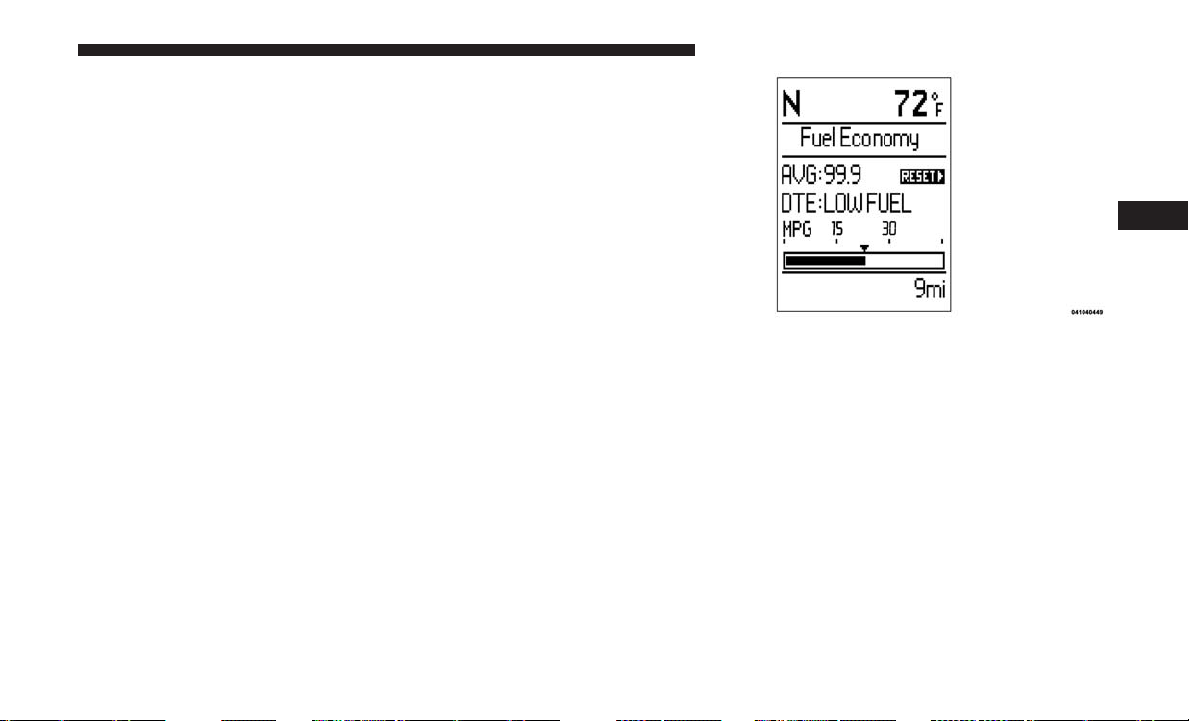
NOTE: If the indicator message illuminates when you start
the engine, the oil change indicator system did not reset. If
necessary, repeat these steps.
Fuel Economy
Push and release the up or down arrow button until “Fuel
Economy” displays highlighted in the instrument cluster
display and push the right arrow button. The following
Fuel Economy functions display in the instrument cluster
display:
• Average Fuel Economy (MPG or L/100 km)
• Distance To Empty (mi or km)
• Current Fuel Economy (MPG or L/100 km)
Average Fuel Economy
Shows the average fuel economy since the last reset. The
Average Fuel Economy can be reset by following the
prompt in the instrument cluster display to use the right
button. When the fuel economy is reset, the display will
read “zero” for two seconds. Then, the history information
will be erased, and the averaging will continue from the
last fuel average reading before the reset.
Distance To Empty (DTE)
Shows the estimated distance that can be traveled with the
fuel remaining in the tank. This estimated distance is
determined by a weighted average of the instantaneous
and average fuel economy, according to the current fuel
tank level. DTE cannot be reset through the right arrow
button.
NOTE: Significant changes in driving style or vehicle
loading will greatly affect the actual drivable distance of
the vehicle, regardless of the DTE displayed value.
Average Fuel Economy Display
4
UNDERSTANDING YOUR INSTRUMENT PANEL 263

When the DTE value is less than 30 miles (48 km) estimated
driving distance, the DTE display will change to a “LOW
FUEL” message. This display will continue until the ve-
hicle runs out of fuel. Adding a significant amount of fuel
to the vehicle will turn off the “LOW FUEL” message and
a new DTE value will display.
Current Fuel Economy (MPG or L/100 km)
This display shows the instantaneous MPG or L/100 km in
bar graph form while driving. This will monitor the gas
mileage in real-time as you drive and can be used to
modify driving habits in order to increase fuel economy.
Vehicle Speed
Push and release the up or down arrow button until
“Vehicle Speed” displays highlighted in the instrument
cluster display and push the right arrow button. Push and
release the right arrow button to display the current speed
in mph or km/h. Pushing the right arrow button a second
time will toggle the unit of measure between mph
or km/h.
NOTE: Changing the unit of measure in the Vehicle Speed
menu will not change the unit of measure in the instrument
cluster display.
Trip Info
Push and release the up or down arrow button until “Trip
Info” is highlighted in the instrument cluster display and
push the right button. Push and release the up or down
arrow button to highlight one of the following functions.
Trip A
• Shows the total distance traveled for Trip A since the last
reset.
• Shows the elapsed time traveled for Trip A since the last
reset.
Trip B
• Shows the total distance traveled for Trip B since the last
reset.
• Shows the elapsed time traveled for Trip B since the last
reset.
Elapsed Time
Shows the total elapsed time of travel since the last reset
when the ignition switch is in the ACC position. Elapsed
time will increment when the ignition switch is in the ON
or START position.
264 UNDERSTANDING YOUR INSTRUMENT PANEL

To Reset A Trip Function
Reset will only occur while a resettable function is selected
(highlighted). Push and hold the right arrow button to
clear the resettable function being displayed.
Tire Pressure
Push and release the up or down arrow button until “Tire
PSI:” displays highlighted in the instrument cluster dis-
play. Push and release the right arrow button to view a
graphic of the vehicle with a tire pressure value at each
corner of the graphic.
Units
Push and release the up or down arrow button until
“Units” displays highlighted in the instrument cluster
display and push the right arrow button. The instrument
cluster display, odometer, and navigation system (if
equipped) can be changed between English and Metric
units of measure. To make your selection, scroll up or
down until the preferred setting is highlighted, then push
and release the right arrow button until a check-mark
appears next to the setting, showing that the setting has
been selected.
Vehicle Info (Customer Information Features)
Push and release the up or down arrow button until
“Vehicle Info” displays in the instrument cluster display.
Then, push and release the right arrow button. Push and
release the up or down arrow button to scroll through the
available information displays, then push and release right
arrow button to display any one of the following choices.
• Coolant Temp
Displays the actual coolant temperature.
• Oil Temp
Displays the actual oil temperature.
• Oil Pressure
Displays the actual oil pressure.
• Engine Hours
Displays the number of hours of engine operation.
Messages #
Select from Main Menu using the up or down arrow
button. This feature shows the number of stored warning
messages (in the # place holder). Pushing the right arrow
button will allow you to see what the stored messages are.
4
UNDERSTANDING YOUR INSTRUMENT PANEL 265

Push and release the up or down arrow button if there is
more than one message to step through the remaining
stored messages. Pushing the BACK button takes you back
to the Main Menu.
Compass/Temperature Display
The compass readings indicate the direction the vehicle is
facing. The instrument cluster display will display eight or
fifteen compass readings and the outside temperature.
NOTE: The system will display the last known outside
temperature when starting the vehicle and may need to be
driven several minutes before the updated temperature is
displayed. Engine temperature can also affect the dis-
played temperature; therefore, temperature readings are
not updated when the vehicle is not moving.
Automatic Compass Calibration
This compass is self-calibrating, which eliminates the need
to manually reset the compass. When the vehicle is new,
the compass may appear erratic until it is calibrated. You
may also calibrate the compass by completing one or more
360–degree turns (in an area free from large metal or
metallic objects). The compass will now function normally.
NOTE: A good calibration requires a level surface and an
environment free from large metallic objects such as build-
ings, bridges, underground cables, railroad tracks, etc.
Manual Compass Calibration
If the compass appears erratic and the CAL indicator does
not appear in the instrument cluster display, you must put
the compass into the Calibration Mode manually, as follows:
1. Turn ON the ignition switch.
2. Push and release the up or down arrow button until the
System Setup (Customer-Programmable Features) menu
is reached, then push and release the right arrow button.
3. Push and release the down button until “Calibrate
Compass” is displayed in the instrument cluster display
then push and release the right button.
4. Push and release the right button to start the calibration.
The “CAL” indicator will be displayed in the instrument
cluster display.
5. Complete one or more 360–degree turns (in an area free
from large metal or metallic objects) until the “CAL”
indicator turns off. The compass will now function
normally.
266 UNDERSTANDING YOUR INSTRUMENT PANEL
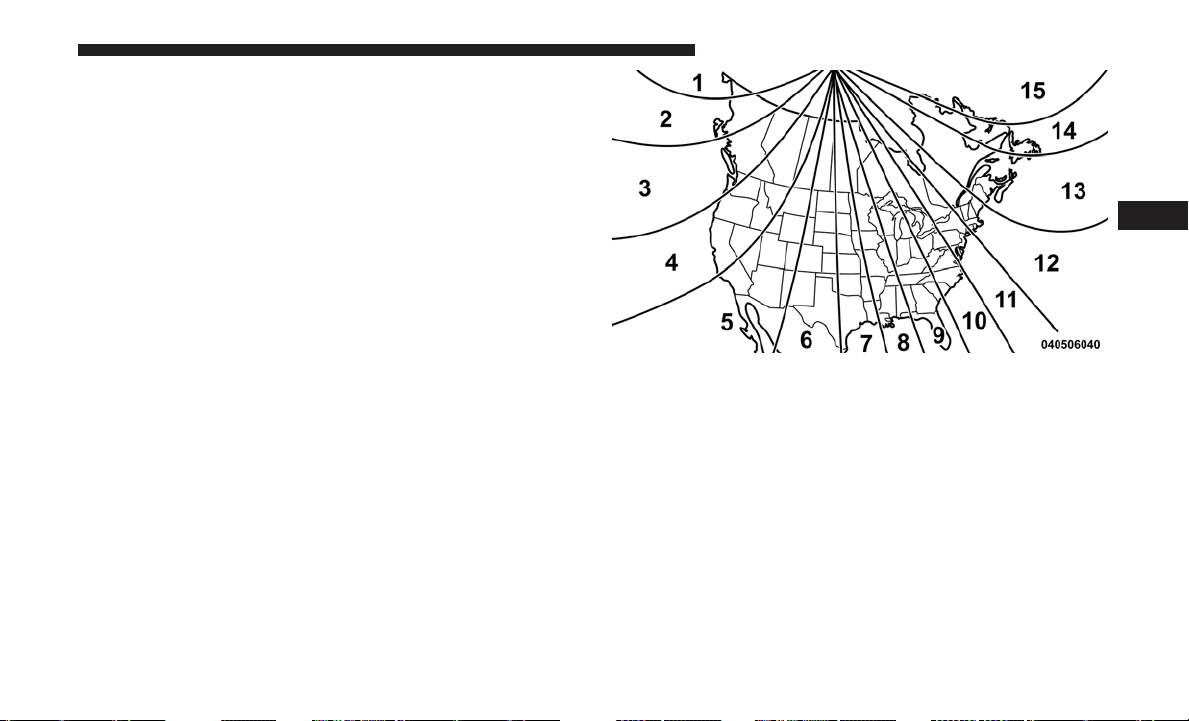
Compass Variance
Compass Variance is the difference between Magnetic
North and Geographic North. To compensate for the
differences the variance should be set for the zone where
the vehicle is driven, per the zone map. Once properly set,
the compass will automatically compensate for the differ-
ences, and provide the most accurate compass heading. For
the most accurate compass performance, the compass must
be set using the following steps.
NOTE: Keep magnetic materials away from the top of the
instrument panel, such as iPod’s, Mobile Phones, Laptops
and Radar Detectors. This is where the compass module is
located, and it can cause interference with the compass
sensor, and it may give false readings.
1. Turn the ignition switch ON.
2. Push and release the up or down arrow button until the
Setup (Customer-Programmable Features) menu is
reached, then push the right arrow button.
3. Push and release the down arrow button until the
“Compass Variance” message is displayed in the instru-
ment cluster display, then press the right arrow button.
The last variance zone number displays in the instru-
ment cluster display.
Compass Variance Map
4
UNDERSTANDING YOUR INSTRUMENT PANEL 267

4. Push and release the right arrow button until the proper
variance zone is selected, according to the map.
5. Push and release the RETURN button to exit.
Turn Menu Off
Push and release the right arrow button to turn the menu
off.
Customer-Programmable Features (System Setup)
Personal Settings allows you to set and recall features
when the transmission is in PARK. If the transmission is
out of PARK or the vehicle begins moving, a warning
message SYSTEM SETUP NOT AVAILABLE VEHICLE
NOT IN PARK displays when you try to select “System
Setup” from the main menu.
Push and release the up or down arrow button until
⬙System Setup⬙ is highlighted in the main menu of the
instrument cluster display. Then, push and release the
right arrow button to enter the System Setup sub-menu.
Push and release the up or down arrow button to select a
feature form the following choices.
Language
When in this display you may select one of three languages
for all display screens, including the trip functions and the
navigation system (if equipped). Push and release the up or
down arrow buttonn while in this display and scroll
through the language choices. Push and release the right
arrow button to select English, Spanish (Español), or
French (Français). Then, as you continue, the information
will display in the selected language.
Nav–Turn By Turn
When this feature is selected, the navigation system utilizes
voice commands, guiding you through the drive route mile
by mile, turn-by-turn, until the final destination is reached.
To make your selection, push and release the right arrow
button until a check-mark appears next to the feature
showing the system has been activated, or the check-mark
is removed showing the system has been deactivated.
Enable/Disable The Rear Park Assist System —
If Equipped
The Rear Park Assist system will scan for objects behind the
vehicle when the transmission is in the REVERSE position
and the vehicle speed is less than 11 mph (18 km/h). The
268 UNDERSTANDING YOUR INSTRUMENT PANEL

system can be enabled with Sound Only, Sound and Display,
or turned OFF through the instrument cluster display. To
make your selection, push and release the right arrow button
until a check-mark appears next to the feature showing the
system has been activated or the check-mark is removed
showing the system has been deactivated. Refer to “Rear
Park Assist System” in “Understanding The Features Of Your
Vehicle” for system function and operating information.
Auto Lock Doors
When selected, all doors will lock automatically when the
vehicle reaches a speed of 15 mph (24 km/h). To make your
selection, push and release the right arrow button until a
check-mark appears.
Auto Unlock Doors
When this feature is selected, all doors will unlock when
the vehicle is stopped and the transmission is in the PARK
or NEUTRAL position and the driver’s door is opened. To
make your selection, push and release the right arrow
button until a check-mark appears next to the feature
showing the system has been activated, or the check-mark
is removed showing the system has been deactivated.
Remote Unlock Sequence
When Unlock Driver Door Only On 1st Press is selected,
only the driver’s side doors will unlock on the first push of
the key fob unlock button. With Unlock Driver Door Only
On 1st Press, you must push the key fob unlock button
twice to unlock the passenger’s doors. When Unlock All
Doors On 1st Press is selected, all of the doors will unlock
on the first push of the key fob unlock button. To make
your selection, push and release the right arrow button
until a check-mark appears next to the feature showing the
system has been activated or the check-mark is removed
showing the system has been deactivated.
Linked To Memory- If Equipped
When this feature is selected, the memory seat, mirror, and
radio settings will return to the memory set position when
the key fob unlock button is pushed. If this feature is not
selected, then the memory seat, mirror, and radio settings
can only return to the memory set position using the door
mounted switch. To make your selection, push and release
the right arrow button until a check-mark appears next to
the feature showing the system has been activated or the
check-mark is removed showing the system has been
deactivated.
4
UNDERSTANDING YOUR INSTRUMENT PANEL 269

Remote Start Comfort Sys.
When this feature is selected and the remote start is
activated, the heated steering wheel and driver heated seat
features will automatically turn on in cold weather. These
features will stay on through the duration of remote start or
until the key is cycled to ON/RUN position. To make your
selection, push and release the right arrow button until a
check-mark appears next to the feature showing the system
has been activated or the check-mark is removed showing
the system has been deactivated.
Horn With Remote Lock
When this feature is selected, a short horn sound will occur
when the key fob lock button is pushed. To make your
selection, push and release the right arrow button until a
check-mark appears next to the feature showing the system
has been activated or the check-mark is removed showing
the system has been deactivated.
Flash Lamps With Lock
When selected, the front and rear turn signals will flash
when the doors are locked with the key fob. To make your
selection, push and release the right arrow button until a
check-mark appears next to the feature showing the system
has been activated or the check-mark is removed showing
the system has been deactivated.
Automatic High Beams — If Equipped
When this feature is selected, the high beam headlights will
deactivate automatically under certain conditions. To make
your selection, push and release the right arrow button
until a check-mark appears next to the feature showing the
system has been activated or the check-mark is removed
showing the system has been deactivated.
Headlamp Off Delay
When this feature is selected, the driver can choose to have
the headlights remain on for 0, 30, 60, or 90 seconds when
exiting the vehicle. To make your selection, scroll up or
down until the preferred setting is highlighted, then push
and release the right arrow button until a check-mark
appears next to the setting, showing that the setting has
been selected.
Headlamps With Wipers (Available With Auto
Headlights Only)
When ON is selected, and the headlight switch is in the
AUTO position, the headlights will turn on approximately
10 seconds after the wipers are turned on. The headlights
will also turn off when the wipers are turned off if they
270 UNDERSTANDING YOUR INSTRUMENT PANEL

were turned on by this feature. To make your selection,
push and release the right arrow button until a check-mark
appears next to the setting, showing that the setting has
been selected.
NOTE: Turning the headlights on during the daytime
causes the instrument panel lights to dim. To increase the
brightness, refer to “Lights” in “Understanding The Fea-
tures Of Your Vehicle.”
Intermittent Wiper Options — If Equipped
When ON is selected, the system will automatically acti-
vate the windshield wipers if it senses moisture on the
windshield. To make your selection, push and release the
right arrow button until a check-mark appears next to the
feature showing the system has been activated or the
check-mark is removed showing the system has been
deactivated. When the system is deactivated, the system
reverts to the standard intermittent wiper operation.
Key-Off Power Delay
When this feature is selected, the power window switches,
radio, Uconnect phone (if equipped), DVD video system (if
equipped), power sunroof (if equipped), and power outlets
will remain active for up to 10 minutes after the ignition
switch is turned OFF. Opening either front vehicle door
will cancel this feature. To make your selection, scroll up or
down until the preferred setting is highlighted, then push
and release the right arrow button until a check-mark
appears next to the setting, showing that the setting has
been selected.
Illuminated Approach
When this feature is selected, the headlights will activate
and remain on for up to 90 seconds when the doors are
unlocked with the key fob. To make your selection, scroll
up or down until the preferred setting is highlighted, then
push and release the right arrow button until a check-mark
appears next to the setting, showing that the setting has
been selected.
Hill Start Assist (HSA) — If Equipped
When on is selected, the HSA system is active. Refer to
“Electronic Brake Control System” in “Starting And Oper-
ating” for system function and operating information. To
make your selection, push and release the right arrow
button until “ON” or “OFF” appears.
Flashers With Sliding Door
When this feature is selected, the signal lamps activate
when power or manual sliding doors are in operation,
signaling other drivers that someone may be exiting or
4
UNDERSTANDING YOUR INSTRUMENT PANEL 271

entering the vehicle. To make your selection, push and
release the right arrow button until a check-mark appears
next to the feature showing the system has been activated
or the check-mark is removed, showing the system has
been deactivated.
Easy Exit Seat
This feature provides automatic driver seat positioning to
enhance driver mobility when entering and exiting the
vehicle. To make your selection, push and release the right
arrow button until a check-mark appears next to the feature
showing the system has been activated or the check-mark is
removed showing the system has been deactivated.
NOTE: The seat will return to the memorized seat location
(if Recall Memory with Remote Key Unlock is set to ON)
when the key fob is used to unlock the door. Refer to
“Driver Memory Seat” in “Understanding The Features Of
Your Vehicle” for further information.
Tilt Mirror In Reverse — If Equipped
When this feature is selected and the vehicle is placed in a
reverse gear, the driver’s side mirror will tilt downward to
allow the driver to see into the previous blind spot and
avoid objects in close proximity to the rear of the vehicle.
To make your selection, push and release the right arrow
button until a check-mark appears next to the feature
showing the system has been activated, or the check-mark
is removed showing the system has been deactivated.
Blind Spot Alert — If Equipped
There are three selections when operating Blind Spot Alert
(“Blind Spot Alert Lights,” “Blind Spot Alert Lights/
CHM,” and “Blind Spot Alert Off”). The Blind Spot Alert
feature can be activated in “Blind Spot Alert Lights” mode.
When this mode is selected, the Blind Spot Monitor (BSM)
system is activated and will only show a visual alert in the
outside mirrors. The Blind Spot Alert feature can be
activated in “Blind Spot Alert Lights/CHM” mode. In this
mode, the Blind Spot Monitor (BSM) will show a visual
alert in the outside mirrors as well as an audible alert when
the turn signal is on. When “Blind Spot Alert Off” is
selected, the Blind Spot Monitor (BSM) system is deacti-
vated.
To make your selection, push and release the right arrow
button until a check-mark appears next to the feature,
showing the system has been activated, or the check-mark
is removed, showing the system has been deactivated.
272 UNDERSTANDING YOUR INSTRUMENT PANEL
NOTE: If your vehicle has experienced any damage in the
area where the sensor is located, even if the fascia is not
damaged, the sensor may have become misaligned. Take
your vehicle to an authorized dealer to verify sensor
alignment. Having a sensor that is misaligned will result in
the BSM not operating to specification.
Calibrate Compass
Push the right arrow button to calibrate the compass.
Compass Variance
Refer to “Instrument Cluster Display” in “Understanding
Your Instrument Panel” for further information.
CYBERSECURITY
Your vehicle may be a connected vehicle and may be
equipped with both wired and wireless networks. These
networks allow your vehicle to send and receive informa-
tion. This information allows systems and features in your
vehicle to function properly.
Your vehicle may be equipped with certain security fea-
tures to reduce the risk of unauthorized and unlawful
access to vehicle systems and wireless communications.
Vehicle software technology continues to evolve over time
and FCA US LLC, working with its suppliers, evaluates
and takes appropriate steps as needed. Similar to a com-
puter or other devices, your vehicle may require software
updates to improve the usability and performance of your
systems or to reduce the potential risk of unauthorized and
unlawful access to your vehicle systems.
The risk of unauthorized and unlawful access to your
vehicle systems may still exist, even if the most recent
version of vehicle software (such as Uconnect software) is
installed.
WARNING!
•
It is not possible to know or to predict all of the possible
outcomes if your vehicle’s systems are breached. It may
be possible that vehicle systems, including safety related
systems, could be impaired or a loss of vehicle control
could occur that may result in an accident involving
serious injury or death.
•
ONLY insert media (e.g., USB, SD card, or CD) into
your vehicle if it came from a trusted source. Media of
unknown origin could possibly contain malicious soft-
ware, and if installed in your vehicle, it may increase
the possibility for vehicle systems to be breached.
(Continued)
4
UNDERSTANDING YOUR INSTRUMENT PANEL 273
WARNING! (Continued)
• As always, if you experience unusual vehicle behav-
ior, take your vehicle to your nearest authorized
dealer immediately.
NOTE:
• FCA or your dealer may contact you directly regarding
software updates.
•
To help further improve vehicle security and minimize the
potential risk of a security breach, vehicle owners should:
• Routinely check www.driveuconnect.com/software-
update to learn about available Uconnect software
updates.
• Only connect and use trusted media devices (e.g.
personal mobile phones, USBs, CDs).
Privacy of any wireless and wired communications cannot be
assured. Third parties may unlawfully intercept information
and private communications without your consent. For
further information, refer to “Onboard Diagnostic System
(OBD II) Cybersecurity” in “Maintaining Your Vehicle”.
RADIO 430/430N CD/DVD/HDD/NAV —
IF EQUIPPED
Refer to your Uconnect Owner’s Manual Supplement for
detailed operating instructions.
Operating Instructions (Voice Command System) —
If Equipped
Refer to “Voice Command” for further details.
Operating Instructions (Uconnect Phone) —
If Equipped
Refer to “Uconnect Phone” for further details.
274 UNDERSTANDING YOUR INSTRUMENT PANEL
RADIO 130
Operating Instructions — Radio Mode
NOTE: The ignition switch must be in the ON or ACC
position to operate the radio.
Power Switch/Volume Control (Rotary)
Push the ON/VOLUME control knob to turn on the radio.
Push the ON/VOLUME control knob a second time to turn
off the radio.
Electronic Volume Control
The electronic volume control turns continuously (360
degrees) in either direction, without stopping. Turning the
ON/VOLUME control knob to the right increases the
volume, and to the left decreases it.
When the audio system is turned on, the sound will be set
at the same volume level as last played.
SEEK Buttons
Push and release the SEEK buttons to search for the next
listenable station in AM/FM mode. Push the right switch
to seek up and the left switch to seek down. The radio will
remain tuned to the new station until you make another
selection. Holding either button will bypass stations with-
out stopping, until you release it.
TIME Button
Push the TIME button to alternate display of the time and
radio frequency.
Clock Setting Procedure
1. Push and hold the TIME button until the hours blink.
2. Adjust the hours by turning the right side TUNE/
SCROLL control knob.
Radio 130
4
UNDERSTANDING YOUR INSTRUMENT PANEL 275

3. After adjusting the hours, push the right side TUNE/
SCROLL control knob to set the minutes. The minutes
will begin to blink.
4. Adjust the minutes using the right side TUNE/SCROLL
control knob. Push the TUNE/SCROLL control knob to
save time change.
5. To exit, push any button/knob, or wait five seconds.
RW/FF
Pushing the RW (Rewind) or FF (Fast Forward) buttons
causes the tuner to search for the next frequency in the
direction of the arrows. This feature operates in either AM
or FM frequencies.
TUNE Control
Turn the rotary TUNE/SCROLL control knob clockwise to
increase or counterclockwise to decrease the frequency.
Setting The Tone, Balance And Fade
Push the rotary TUNE/SCROLL control knob and BASS
will display. Turn the TUNE/SCROLL control knob to the
right or left to increase or decrease the bass tones.
Push the rotary TUNE/SCROLL control knob a second
time and MID will display. Turn the TUNE/SCROLL
control knob to the right or left to increase or decrease the
mid-range tones.
Push the rotary TUNE/SCROLL control knob a third time
and TREBLE will display. Turn the TUNE/SCROLL control
knob to the right or left to increase or decrease the treble
tones.
Push the rotary TUNE/SCROLL control knob a fourth time
and BALANCE will display. Turn the TUNE/SCROLL
control knob to the right or left to adjust the sound level
from the right or left side speakers.
Push the rotary TUNE/SCROLL control knob a fifth time
and FADE will display. Turn the TUNE/SCROLL control
knob to the left or right to adjust the sound level between
the front and rear speakers.
Push the rotary TUNE/SCROLL control knob again to exit
setting tone, balance, and fade.
AM/FM Button
Push the buttons to select either AM or FM mode.
276 UNDERSTANDING YOUR INSTRUMENT PANEL

SET/RND Button — To Set The Pushbutton Memory
When you are receiving a station that you wish to commit
to pushbutton memory, push the SET/RND button. The
symbol SET 1 will now show in the display window. Select
the button (1 to 6) you wish to lock onto this station and
push and release that button. If a button is not selected
within five seconds after pushing the SET/RND button,
the station will continue to play but will not be stored into
pushbutton memory.
You may add a second station to each pushbutton by
repeating the above procedure with this exception: Push
the SET/RND button twice and SET 2 will show in the
display window. Each button can be set for SET 1 and SET
2 in both AM and FM. This allows a total of 12 AM and
12 FM stations to be stored into pushbutton memory. The
stations stored in SET 2 memory can be selected by
pushing the pushbutton twice.
Every time a preset button is used, a corresponding button
number will display.
Buttons1-6
These buttons tune the radio to the stations that you commit
to pushbutton memory (12 AM and 12 FM stations).
DISC Button
Pushing the DISC button will allow you to switch from
AM/FM modes to Disc modes.
Operation Instructions — CD MODE For CD And
MP3 Audio Play
NOTE:
• The ignition switch must be in the ON or ACC position
to operate the radio.
• This radio is capable of playing compact discs (CD),
recordable compact discs (CD-R), rewritable compact
discs (CD-RW), compact discs with MP3 tracks and
multisession compact discs with CD and MP3 tracks.
Inserting Compact Disc(s)
Gently insert one CD into the CD player with the CD label
facing up. The CD will automatically be pulled into the CD
player and the CD icon will illuminate on the radio display.
If a CD does not go into the slot more than 1 inch (2.5 cm),
a disc may already be loaded and must be ejected before a
new disc can be loaded.
4
UNDERSTANDING YOUR INSTRUMENT PANEL 277
If you insert a disc with the ignition ON and the radio ON,
the unit will switch from radio to CD mode and begin to
play when you insert the disc. The display will show the
track number, and index time in minutes and seconds. Play
will begin at the start of track 1.
CAUTION!
• This CD player will accept 4–3/4 inch (12 cm) discs
only. The use of other sized discs may damage the
CD player mechanism.
• Do not use adhesive labels. These labels can peel
away and jam the player mechanism.
• The Radio 130 is a single CD player. Do not attempt
to insert a second CD if one is already loaded.
• Dual-media disc types (one side is a DVD, the other
side is a CD) should not be used, and they can cause
damage to the player.
EJECT Button — Ejecting A CD
Push the EJECT button to eject the CD.
If you have ejected a disc and have not removed it within
10 seconds, it will be reloaded. If the CD is not removed,
the radio will reinsert the CD but will not play it.
A disc can be ejected with the radio and ignition OFF.
NOTE: Ejecting with the ignition OFF is not allowed on
convertible or soft-top models (if equipped.)
SEEK Button
Push the right SEEK button for the next selection on the
CD. Push the left SEEK button to return to the beginning of
the current selection, or return to the beginning of the
previous selection if the CD is within the first second of the
current selection. Pushing and holding the SEEK button
will allow faster scrolling through the tracks in CD and
MP3 modes.
TIME Button
Push this button to change the display from a large CD
playing time display to a small CD playing time display.
RW/FF
Push and hold the FF (Fast Forward) button and the CD
player will begin to fast forward until FF is released, or RW
or another CD button is pushed. The RW (Reverse) button
operates in a similar manner.
278 UNDERSTANDING YOUR INSTRUMENT PANEL

AM/FM Button
Push the button to select either AM or FM mode.
SET/RND Button (Random Play Button)
Push this button while the CD is playing to activate
Random Play. This feature plays the selections on the
compact disc in random order to provide an interesting
change of pace.
Push the right SEEK button to move to the next randomly
selected track.
Push the RND button a second time to stop Random Play.
Notes On Playing MP3 Files
The radio can play MP3 files; however, acceptable MP3 file
recording media and formats are limited. When writing
MP3 files, pay attention to the following restrictions.
Supported Media (Disc Types)
The MP3 file recording media supported by the radio are
CDDA, CD-R, CD-RW, MP3, and CDDA+MP3.
Supported Medium Formats (File Systems)
The medium formats supported by the radio are ISO 9660
Level 1 and Level 2 and includes the Joliet extension. When
reading discs recorded using formats other than ISO 9660
Level 1 and Level 2, the radio may fail to read files properly
and may be unable to play the file normally. UDF and
Apple HFS formats are not supported.
The radio uses the following limits for file systems:
• Maximum number of folder levels: 8
• Maximum number of files: 255
• Maximum number of folders. (The radio display of file
names and folder names is limited. For large numbers of
files and/or folders, the radio may be unable to display
the file name and folder name, and will assign a number
instead. With a maximum number of files, exceeding 20
folders will result in this display. With 200 files, exceed-
ing 50 folders will result in this display.)
Maximum number of characters in file/folder names:
• Level 1: 12 (including a separator ⬙.⬙ and a three-
character extension)
• Level 2: 31 (including a separator ⬙.⬙ and a three-
character extension)
Multi-session disc formats are supported by the radio.
Multi-session discs may contain combinations of normal
CD audio tracks and computer files (including MP3 files).
4
UNDERSTANDING YOUR INSTRUMENT PANEL 279

Discs created with an option such as ⬙keep disc open after
writing⬙ are most likely multi-session discs. The use of
multi-session for CD audio or MP3 playback may result in
longer disc loading times.
Supported MP3 File Formats
The radio will recognize only files with the *.MP3 exten-
sion as MP3 files. Non-MP3 files named with the *.MP3
extension may cause playback problems. The radio is
designed to recognize the file as an invalid MP3 and will
not play the file.
When using the MP3 encoder to compress audio data to an
MP3 file, the bit rate and sampling frequencies in the
following table are supported. In addition, variable bit
rates (VBR) are also supported. The majority of MP3 files
use a 44.1 kHz sampling rate and a 192, 160, 128, 96 or VBR
bit rate.
MPEG
Specification
Sampling Fre-
quency (kHz)
Bit Rate (kbps)
MPEG-1 Audio
Layer 3
48, 44.1, 32 320, 256, 224,
192, 160, 128,
112, 96, 80, 64,
56, 48, 40, 32
MPEG
Specification
Sampling Fre-
quency (kHz)
Bit Rate (kbps)
MPEG-2 Audio
Layer 3
24, 22.05, 16 160, 128, 144,
112, 96, 80, 64,
56, 48, 40, 32, 24,
16, 8
ID3 Tag information for artist, song title, and album title
are supported for version 1 ID3 tags. ID3 version 2 is not
supported by the radios.
Playlist files are not supported. MP3 Pro files are not
supported.
Playback Of MP3 Files
When a medium containing MP3 data is loaded, the radio
checks all files on the medium. If the medium contains a lot
of folders or files, the radio will take more time to start
playing the MP3 files.
Loading times for playback of MP3 files may be affected by
the following:
• Media - CD-RW media may take longer to load than
CD-R media
• Medium formats - Multisession discs may take longer to
load than non-multisession discs
280 UNDERSTANDING YOUR INSTRUMENT PANEL
• Number of files and folders - Loading times will increase
with more files and folders
To increase the speed of disc loading, it is recommended to
use CD-R media and single-session discs. To create a
single-session disc, enable the “Disc at Once” option before
writing to the disc.
Operation Instructions — Auxiliary Mode
The auxiliary (AUX) jack is an audio input jack, which
allows the user to plug in a portable device, such as an MP3
player, or iPod, and utilize the vehicle’s audio system to
amplify the source and play through the vehicle speakers.
Pushing the DISC/AUX button will change the mode to
auxiliary device if the AUX jack is connected.
NOTE: The AUX device must be turned on and the
device’s volume set to proper level. If the AUX audio is not
loud enough, turn the device’s volume up. If the AUX
audio sounds distorted, turn the device’s volume down.
TIME Button (Auxiliary Mode)
Push this button to change the display to time of day. The
time of day will display for five seconds (when ignition is
OFF).
RADIO 130 WITH SATELLITE RADIO
Operating Instructions — Radio Mode
NOTE: The ignition switch must be in the ON/RUN or
ACC position to operate the radio.
Power Switch/Volume Control (Rotary)
Push the ON/VOLUME control knob to turn on the radio.
Push the ON/VOLUME control knob a second time to turn
off the radio.
Radio 130
4
UNDERSTANDING YOUR INSTRUMENT PANEL 281

Electronic Volume Control
The electronic volume control turns continuously (360
degrees) in either direction, without stopping. Turning the
ON/VOLUME control knob to the right increases the
volume, and to the left decreases it.
When the audio system is turned on, the sound will be set
at the same volume level as last played.
SEEK Buttons
Push and release the SEEK buttons to search for the next
listenable station in AM/FM mode. Push the right switch
to seek up and the left switch to seek down. The radio will
remain tuned to the new station until you make another
selection. Holding either button will bypass stations with-
out stopping, until you release it.
Voice Command System (Radio) — If Equipped
Refer to “Voice Command” in “Understanding The Fea-
tures Of Your Vehicle.”
Voice Command Button Uconnect Phone —
If Equipped
Push this button to operate the Uconnect Phone feature (if
equipped). Refer to “Voice Command” for further details.
If your vehicle is not equipped with or this feature is not
available on your vehicle, a “Not Equipped With Uconnect
Phone” message will display on the radio screen.
Phone Button Uconnect Phone — If Equipped
Push this button to operate the Uconnect Phone feature
(if equipped). Refer to “Uconnect Phone” for further de-
tails.
If your vehicle is not equipped with or this feature is not
available on your vehicle, a “Not Equipped With Uconnect
Phone” message will display on the radio screen.
TIME Button
Push the TIME button to alternate display of the time and
radio frequency.
Clock Setting Procedure
1. Push and hold the TIME button until the hours blink.
2. Adjust the hours by turning the right side TUNE/
SCROLL control knob.
3. After adjusting the hours, push the right side TUNE/
SCROLL control knob to set the minutes. The minutes
will begin to blink.
282 UNDERSTANDING YOUR INSTRUMENT PANEL

4. Adjust the minutes using the right side TUNE/SCROLL
control knob. Push the TUNE/SCROLL control knob to
save time change.
5. To exit, push any button/knob or wait five seconds.
The clock can also be set by pushing the SETUP button. For
vehicles equipped with satellite radio, push the SETUP
button, use the TUNE/SCROLL control to select SET
CLOCK, and then follow the above procedure, starting at
step 2. For vehicles not equipped with satellite radio, push
the SETUP button and then follow the above procedure,
starting at step 2.
INFO Button
Push the INFO button for an RDS station (one with call
letters displayed). The radio will return a Radio Text
message broadcast from an FM station (FM mode only).
RW/FF
Pushing the RW (Rewind) or FF (Fast Forward) buttons
causes the tuner to search for the next frequency in the
direction of the arrows. This feature operates in either AM
or FM frequencies.
TUNE Control
Turn the rotary TUNE/SCROLL control knob clockwise to
increase or counterclockwise to decrease the frequency.
Setting The Tone, Balance And Fade
Push the rotary TUNE/SCROLL control knob and BASS
will display. Turn the TUNE/SCROLL control knob to the
right or left to increase or decrease the bass tones.
Push the rotary TUNE/SCROLL control knob a second
time and MID will display. Turn the TUNE/SCROLL
control knob to the right or left to increase or decrease the
mid-range tones.
Push the rotary TUNE/SCROLL control knob a third time
and TREBLE will display. Turn the TUNE/SCROLL control
knob to the right or left to increase or decrease the treble
tones.
Push the rotary TUNE/SCROLL control knob a fourth time
and BALANCE will display. Turn the TUNE/SCROLL
control knob to the right or left to adjust the sound level
from the right or left side speakers.
4
UNDERSTANDING YOUR INSTRUMENT PANEL 283
Push the rotary TUNE/SCROLL control knob a fifth time
and FADE will display. Turn the TUNE/SCROLL control
knob to the left or right to adjust the sound level between
the front and rear speakers.
Push the rotary TUNE/SCROLL control knob again to exit
setting tone, balance, and fade.
MUSIC TYPE Button
Pushing this button once will turn on the Music Type mode
for five seconds. Pushing the MUSIC TYPE button or
turning the TUNE/SCROLL control knob within five sec-
onds will allow the program format type to be selected.
Many radio stations do not currently broadcast Music Type
information.
Toggle the MUSIC TYPE button to select the following
format types:
Program Type
16-Digit Character
Display
No program type or
undefined
None
Adult Hits Adlt Hit
Classical Classicl
Program Type
16-Digit Character
Display
Classic Rock Cls Rock
College College
Country Country
Foreign Language Language
Information Inform
Jazz Jazz
News News
Nostalgia Nostalga
Oldies Oldies
Personality Persnlty
Public Public
Rhythm and Blues R & B
Religious Music Rel Musc
Religious Talk Rel Talk
Rock Rock
Soft Soft
Soft Rock Soft Rck
Soft Rhythm and Blues Soft R&B
Sports Sports
284 UNDERSTANDING YOUR INSTRUMENT PANEL
Program Type
16-Digit Character
Display
Talk Talk
Top 40 Top 40
Weather Weather
By pushing the SEEK button when the Music Type icon is
displayed, the radio will be tuned to the next frequency
station with the same selected Music Type name. The
Music Type function only operates when in the FM mode.
If a preset button is activated while in the Music Type
(Program Type) mode, the Music Type mode will be exited
and the radio will tune to the preset station.
SETUP Button
Pushing the SETUP button allows you to select between
the following items:
• Set Clock — Pushing the SELECT button will allow you
to set the clock. Adjust the hours by turning the TUNE/
SCROLL control knob. After adjusting the hours, push
the TUNE/SCROLL control knob to set the minutes. The
minutes will begin to blink. Adjust the minutes using the
right side TUNE/SCROLL control knob. Push the
TUNE/SCROLL control knob to save time change.
AM/FM Button
Push the button to select either AM or FM mode.
SET/RND Button — To Set The Pushbutton Memory
When you are receiving a station that you wish to commit
to pushbutton memory, push the SET/RND button. The
symbol SET 1 will now show in the display window. Select
the button (1–6) you wish to lock onto this station and push
and release that button. If a button is not selected within
five seconds after pushing the SET/RND button, the
station will continue to play but will not be stored into
pushbutton memory.
You may add a second station to each pushbutton by
repeating the above procedure with this exception: Push
the SET/RND button twice and SET 2 will show in the
display window. Each button can be set for SET 1 and SET
2 in both AM and FM. This allows a total of 12 AM and 12
FM stations to be stored into pushbutton memory. The
stations stored in SET 2 memory can be selected by
pushing the pushbutton twice.
Every time a preset button is used, a corresponding button
number will display.
4
UNDERSTANDING YOUR INSTRUMENT PANEL 285

Buttons1-6
These buttons tune the radio to the stations that you
commit to pushbutton memory (12 AM and 12 FM sta-
tions).
DISC/AUX Button
Pushing the DISC/AUX button will allow you to switch
from AM/FM modes to DISC/AUX mode.
Operation Instructions — CD MODE For CD And
MP3 Audio Play
NOTE:
• The ignition switch must be in the ON/RUN or ACC
position to operate the radio.
• This radio is capable of playing compact discs (CD),
recordable compact discs (CD-R), rewritable compact
discs (CD-RW), compact discs with MP3 tracks and
multisession compact discs with CD and MP3 tracks.
Inserting Compact Disc(s)
Gently insert one CD into the CD player with the CD label
facing up. The CD will automatically be pulled into the CD
player and the CD icon will illuminate on the radio display.
If a CD does not go into the slot more than 1.0 inch (2.5 cm),
a disc may already be loaded and must be ejected before a
new disc can be loaded.
If you insert a disc with the ignition ON/RUN and the
radio ON, the unit will switch from radio to CD mode and
begin to play when you insert the disc. The display will
show the track number, and index time in minutes and
seconds. Play will begin at the start of track 1.
CAUTION!
• This CD player will accept 4–3/4 inch (12 cm) discs
only. The use of other sized discs may damage the
CD player mechanism.
• Do not use adhesive labels. These labels can peel
away and jam the player mechanism.
• The Radio 130 is a single CD player. Do not attempt
to insert a second CD if one is already loaded.
• Dual-media disc types (one side is a DVD, the other
side is a CD) should not be used, and they can cause
damage to the player.
286 UNDERSTANDING YOUR INSTRUMENT PANEL

EJECT Button — Ejecting A CD
Push the EJECT button to eject the CD.
If you have ejected a disc and have not removed it within
10 seconds, it will be reloaded. If the CD is not removed,
the radio will reinsert the CD but will not play it.
A disc can be ejected with the radio and ignition OFF.
NOTE: Ejecting with the ignition OFF is not allowed on
convertible or soft-top models (if equipped.)
SEEK Button
Push the right SEEK button for the next selection on the
CD. Push the left SEEK button to return to the beginning of
the current selection, or return to the beginning of the
previous selection if the CD is within the first second of the
current selection. Pushing and holding the SEEK button
will allow faster scrolling through the tracks in CD and
MP3 modes.
TIME Button
Push this button to change the display from a large CD
playing time display to a small CD playing time display.
RW/FF
Push and hold FF (Fast Forward) and the CD player will
begin to fast forward until FF is released or RW or another
CD button is pushed. The RW (Reverse) button works in a
similar manner.
AM/FM Button
Push the button to select either AM or FM mode.
SET/RND Button (Random Play Button)
Push this button while the CD is playing to activate
Random Play. This feature plays the selections on the
compact disc in random order to provide an interesting
change of pace.
Push the right SEEK button to move to the next randomly
selected track.
Push the SET/RND button a second time to stop Random
Play.
4
UNDERSTANDING YOUR INSTRUMENT PANEL 287

Notes On Playing MP3 Files
The radio can play MP3 files; however, acceptable MP3 file
recording media and formats are limited. When writing
MP3 files, pay attention to the following restrictions.
Supported Media (Disc Types)
The MP3 file recording media supported by the radio are
CDDA, CD-R, CD-RW, MP3, and CDDA+MP3.
Supported Medium Formats (File Systems)
The medium formats supported by the radio are ISO 9660
Level 1 and Level 2 and includes the Joliet extension. When
reading discs recorded using formats other than ISO 9660
Level 1 and Level 2, the radio may fail to read files properly
and may be unable to play the file normally. UDF and
Apple HFS formats are not supported.
The radio uses the following limits for file systems:
• Maximum number of folder levels: 8
• Maximum number of files: 255
• Maximum number of folders. (The radio display of file
names and folder names is limited. For large numbers of
files and/or folders, the radio may be unable to display
the file name and folder name, and will assign a number
instead. With a maximum number of files, exceeding 20
folders will result in this display. With 200 files, exceed-
ing 50 folders will result in this display.)
Maximum number of characters in file/folder names:
• Level 1: 12 (including a separator ⬙.⬙ and a three-
character extension)
• Level 2: 31 (including a separator ⬙.⬙ and a three-
character extension)
Multi-session disc formats are supported by the radio.
Multi-session discs may contain combinations of normal
CD audio tracks and computer files (including MP3 files).
Discs created with an option such as ⬙keep disc open after
writing⬙ are most likely multi-session discs. The use of
multi-session for CD audio or MP3 playback may result in
longer disc loading times.
Supported MP3 File Formats
The radio will recognize only files with the *.MP3 exten-
sion as MP3 files. Non-MP3 files named with the *.MP3
extension may cause playback problems. The radio is
designed to recognize the file as an invalid MP3 and will
not play the file.
288 UNDERSTANDING YOUR INSTRUMENT PANEL

When using the MP3 encoder to compress audio data to an
MP3 file, the bit rate and sampling frequencies in the
following table are supported. In addition, variable bit
rates (VBR) are also supported. The majority of MP3 files
use a 44.1 kHz sampling rate and a 192, 160, 128, 96 or VBR
bit rates.
MPEG
Specification
Sampling Fre-
quency (kHz)
Bit Rate (kbps)
MPEG-1 Audio
Layer 3
48, 44.1, 32 320, 256, 224,
192, 160, 128,
112, 96, 80, 64,
56, 48, 40, 32
MPEG-2 Audio
Layer 3
24, 22.05, 16 160, 128, 144,
112, 96, 80, 64,
56, 48, 40, 32, 24,
16, 8
ID3 Tag information for artist, song title, and album title
are supported for version 1 ID3 tags. ID3 version 2 is not
supported by the radios.
Playlist files are not supported. MP3 Pro files are not
supported.
Playback Of MP3 Files
When a medium containing MP3 data is loaded, the radio
checks all files on the medium. If the medium contains a lot
of folders or files, the radio will take more time to start
playing the MP3 files.
Loading times for playback of MP3 files may be affected by
the following:
• Media - CD-RW media may take longer to load than
CD-R media
• Medium formats - Multisession discs may take longer to
load than non-multisession discs
• Number of files and folders - Loading times will increase
with more files and folders
To increase the speed of disc loading, it is recommended to
use CD-R media and single-session discs. To create a
single-session disc, enable the “Disc at Once” option before
writing to the disc.
LIST Button — CD Mode For MP3 Play
Pushing the LIST button will bring up a list of all folders on
the disc. Scrolling up or down the list is done by turning
the TUNE/SCROLL control knob. Selecting a folder by
4
UNDERSTANDING YOUR INSTRUMENT PANEL 289

pushing the TUNE/SCROLL control knob will begin play-
ing the files contained in that folder (or the next folder in
sequence if the selection does not contain playable files).
The folder list will time out after five seconds.
INFO Button — CD Mode For MP3 Play
Pushing the INFO button repeatedly will scroll through the
following TAG information: Song Title, Artist, File Name,
and Folder Name (if available).
Push the INFO button once more to return to ⬙elapsed
time⬙ priority mode.
Push and hold the INFO button for three seconds or more
and the radio will display song titles for each file.
Push and hold the INFO button again for three seconds to
return to ⬙elapsed time⬙ display.
Operation Instructions — Auxiliary Mode
The auxiliary (AUX) jack is an audio input jack which
allows the user to plug in a portable device such as an MP3
player and utilize the vehicle’s audio system to amplify the
source and play through the vehicle speakers.
Pushing the AUX button will change the mode to auxiliary
device if the AUX jack is connected.
NOTE: The AUX device must be turned on and the
device’s volume set to the proper level. If the AUX audio is
not loud enough, turn the device’s volume up. If the AUX
audio sounds distorted, turn the device’s volume down.
TIME Button (Auxiliary Mode)
Push this button to change the display to time of day. The
time of day will display for five seconds (when the ignition
is OFF).
Uconnect (Satellite Radio) — If Equipped
Satellite radio uses direct satellite-to-receiver broadcasting
technology to provide clear digital sound, coast to coast.
The subscription service provider is Sirius Satellite Radio.
This service offers over 130 channels of music, sports,
news, entertainment, and programming for children, di-
rectly from its satellites and broadcasting studios.
NOTE: Sirius service is not available in Hawaii and has
limited coverage in Alaska.
System Activation
Sirius Satellite Radio service is pre-activated, and you may
begin listening immediately to the one year of audio service
that is included with the factory-installed satellite radio
system in your vehicle. Sirius will supply a welcome kit that
290 UNDERSTANDING YOUR INSTRUMENT PANEL

contains general information, including how to setup your
on-line listening account. For further information, call the
toll-free number 888-539-7474, or visit the Sirius web site
at www.siriusxm.com, or at www.siriusxm.ca for Canadian
residents.
Electronic Serial Number/Sirius Identification
Number (ESN/SID)
Please have the following information available when call-
ing:
1. The Electronic Serial Number/Sirius Identification
Number (ESN/SID).
2. Your Vehicle Identification Number.
To access the ESN/SID, refer to the following steps:
ESN/SID Access
With the ignition switch in the ON/RUN or ACC position
and the radio on, push the SETUP button and scroll using
the TUNE/SCROLL control knob until Sirius ID is selected.
Push the TUNE/SCROLL control knob and the Sirius ID
number will display. The Sirius ID number display will
time out in two minutes. Push any button on the radio to
exit this screen.
Selecting Uconnect (Satellite) Mode
Push the SAT button until ⬙SAT⬙ appears in the display.
A CD may remain in the radio while in the Satellite radio
mode.
Satellite Antenna
To ensure optimum reception, do not place items on the
roof around the rooftop antenna location. Metal objects
placed within the line of sight of the antenna will cause
decreased performance. Larger luggage items such as bikes
should be placed as far rearward as possible, within the
loading design of the rack. Do not place items directly on
or above the antenna.
Reception Quality
Satellite reception may be interrupted due to one of the
following reasons:
• The vehicle is parked in an underground parking struc-
ture or under a physical obstacle.
• Dense tree coverage may interrupt reception in the form
of short audio mutes.
• Driving under wide bridges or along tall buildings can
cause intermittent reception.
• Placing objects over or too close to the antenna can cause
signal blockage.
4
UNDERSTANDING YOUR INSTRUMENT PANEL 291

Operating Instructions — Uconnect (Satellite) Mode
NOTE: The ignition switch must be in the ON/RUN or
ACC position to operate the radio.
SEEK Buttons
Push and release the SEEK buttons to search for the next
listenable station in AM/FM mode. Push the right switch
to seek up and the left switch to seek down. The radio will
remain tuned to the new station until you make another
selection. Holding either button will bypass stations with-
out stopping, until you release it.
SCAN Button
Pushing the SCAN button causes the tuner to search for the
next channel, pausing for eight seconds before continuing
to the next. To stop the search, push the SCAN button a
second time.
INFO Button
Pushing the INFO button will cycle the display informa-
tion between Artist, Song Title, and Composer (if avail-
able). Also, pushing and holding the INFO button for an
additional three seconds will make the radio display the
Song Title all of the time (push and hold again to return to
normal display).
RW/FF
Pushing the RW (Rewind) or FF (Fast Forward) buttons
causes the tuner to search for the next channel in the
direction of the arrows.
TUNE Control (Rotary)
Turn the rotary TUNE/SCROLL control knob clockwise to
increase or counterclockwise to decrease the channel.
MUSIC TYPE Button
Pushing this button once will turn on the Music Type mode
for five seconds. Pushing the MUSIC TYPE button or
turning the TUNE/SCROLL control knob within five sec-
onds will allow the program format type to be selected.
Toggle the MUSIC TYPE button again to select the music
type.
By pushing the SEEK button when the Music Type function
is active, the radio will be tuned to the next channel with
the same selected Music Type name.
If a preset button is activated while in the Music Type
(Program Type) mode, the Music Type mode will be exited
and the radio will tune to the preset channel.
292 UNDERSTANDING YOUR INSTRUMENT PANEL

SETUP Button
Pushing the SETUP button allows you to select the follow-
ing items:
•
Display Sirius ID number — Push the AUDIO/SELECT
button to display the Sirius ID number. This number is used
to activate, deactivate, or change the Sirius subscription.
SET Button — To Set The Pushbutton Memory
When you are receiving a channel that you wish to commit to
pushbutton memory, push the SET button. The symbol SET 1
will now show in the display window. Select the button (1-6)
you wish to lock onto this channel and push and release that
button. If a button is not selected within five seconds after
pushing the SET button, the channel will continue to play but
will not be stored into pushbutton memory.
You may add a second channel to each pushbutton by
repeating the above procedure with this exception: Push
the SET button twice and SET 2 will show in the display
window. Each button can be set for SET 1 and SET 2. This
allows a total of 12 Satellite channels to be stored into
pushbutton memory. The channels stored in SET 2 memory
can be selected by pushing the pushbutton twice.
Every time a preset button is used, a corresponding button
number will display.
Buttons1-6
These buttons tune the radio to the channels that you
commit to pushbutton memory (12 Satellite stations).
Operating Instructions (Uconnect Phone) —
If Equipped
Refer to “Uconnect Phone” for further details.
IPOD/USB/MP3 CONTROL — IF EQUIPPED
This feature allows an iPod or external USB device to be
plugged into the USB port, located in the glove compartment.
iPod control supports Mini, 4G, Photo, Nano, 5G iPod and
iPhone devices. Some iPod software versions may not fully
support the iPod control features. Please visit Apple’s
website for software updates.
NOTE:
• If the radio has a USB port, refer to the appropriate
Uconnect Owner’s Manual Supplement for iPod or
external USB device support capability.
• Connecting an iPod or consumer electronic audio device
to the AUX port located in the radio faceplate, plays
media, but does not use the iPod / MP3 control feature
to control the connected device.
4
UNDERSTANDING YOUR INSTRUMENT PANEL 293
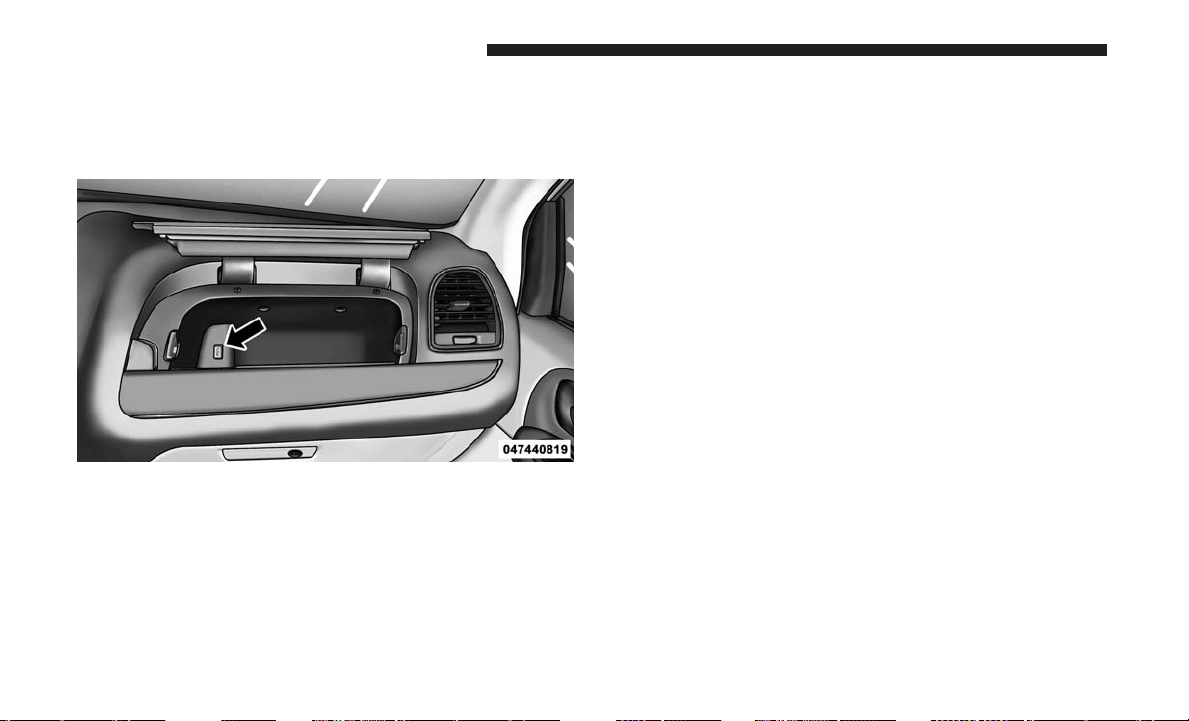
Connecting The iPod Or External USB Device
Use the connection cable to connect an iPod or external
USB device to the vehicle’s USB connector port which is
located in the glove compartment.
NOTE: The glove compartment will have a position where
the iPod or consumer electronic audio device cable can be
routed through without damaging the cable when closing
the lid. This allows routing of the cable without damaging
it while closing the lid. If a cut out is not available in the
glove compartment, route the cable away from the lid latch
and in a place that will allow the lid to close without
damaging the cable.
Once the audio device is connected and synchronized
to the vehicle’s iPod/USB/MP3 control system (iPod or
external USB device may take a few minutes to connect),
the audio device starts charging and is ready for use by
pushing radio switches, as described below.
NOTE: If the audio device battery is completely dis-
charged, it may not communicate with the iPod/USB/MP3
control system until a minimum charge is attained. Leav-
ing the audio device connected to the iPod/USB/MP3
control system may charge it to the required level.
Using This Feature
By using an external USB device to connect to the USB port:
• The audio device can be played on the vehicle’s sound
system, providing metadata (artist, track title, album,
etc.) information on the radio display.
• The audio device can be controlled using the radio
buttons to Play, Browse, and List the iPod contents.
• The audio device battery charges when plugged into the
USB connector (if supported by the specific audio de-
vice).
USB Port
294 UNDERSTANDING YOUR INSTRUMENT PANEL

Controlling The iPod Or External USB Device
Using Radio Buttons
To enter the AUX/USB/MP3 control mode and access a
connected audio device, either push the “AUX” button on
the radio faceplate or push the VR button and say ⬙USB⬙ or
⬙Switch to USB.⬙ Once in the AUX/USB/MP3 control
mode, audio tracks (if available from audio device) start
playing over the vehicle’s audio system.
Play Mode
When switched to AUX/USB/MP3 control mode, the iPod
or external USB device automatically starts Play mode. In
Play mode, the following buttons on the radio faceplate
may be used to control the iPod or external USB device and
display data:
• Use the TUNE control knob to select the next or previ-
ous track.
• Turning it clockwise (forward) by one click, while play-
ing a track, skips to the next track or push the VR button
and say ⬙Next Track.⬙
• Turning it counterclockwise (backward) by one click,
will jump to the previous track in the list or push the VR
button and say ⬙Previous Track.⬙
• Jump backward in the current track by pushing and
holding the << RW button. Holding the << RW button
long enough will jump to the beginning of the current
track.
• Jump forward in the current track by pushing and
holding the FF >> button.
• A single push backward << RW or forward FF >> will
jump backward or forward respectively, for five seconds.
• Use the << SEEK and SEEK >> buttons to jump to the
previous or next track. Pushing the SEEK >> button
during play mode will jump to the next track in the list,
or push the VR button and say ⬙Next or Previous Track.⬙
• While a track is playing, push the INFO button to see the
associated metadata (artist, track title, album, etc.) for
that track. Pushing the INFO button again jumps to the
next screen of data for that track. Once all screens have
been viewed, the last INFO button push will go back to
the play mode screen on the radio.
• Pushing the REPEAT button will change the audio
device mode to repeat the current playing track or push
the VR button and say ⬙Repeat ON⬙ or ⬙Repeat Off.⬙
4
UNDERSTANDING YOUR INSTRUMENT PANEL 295

• Push the SCAN button to use AUX/USB/MP3 device
scan mode, which will play the first ten seconds of each
track in the current list and then forward to the next
song. To stop SCAN mode and start playing the desired
track, when it is playing the track, push the SCAN
button again. During Scan mode, pushing the << SEEK
and SEEK >> buttons will select the previous and next
tracks.
• RND button (available on sales code RES radio only):
Pushing this button toggles between Shuffle ON and
Shuffle OFF modes for the iPod or external USB device,
or push the VR button and say ⬙Shuffle ON⬙ or ⬙Shuffle
Off.⬙ If the RND icon is showing on the radio display,
then the shuffle mode is ON.
List Or Browse Mode
During Play mode, pushing any of the buttons described
below, will bring up List mode. List mode enables scrolling
through the list of menus and tracks on the audio device.
TUNE control knob: The TUNE control knob functions in
a similar manner as the scroll wheel on the audio device or
external USB device.
• Turning it clockwise (forward) and counterclockwise
(backward) scrolls through the lists, displaying the track
detail on the radio display. Once the track to be played
is highlighted on the radio display, push the TUNE
control knob to select and start playing the track. Turn-
ing the TUNE control knob fast will scroll through the
list faster. During fast scroll, a slight delay in updating
the information on the radio display may be noticeable.
During all List modes, the iPod displays all lists in “wrap-
around” mode. So if the track is at the bottom of the list,
just turn the wheel backward (counterclockwise) to get to
the track faster.
In List mode, the radio PRESET buttons are used as
shortcuts to the following lists on the iPod or external USB
device:
• Preset 1 – Playlists
• Preset 2 – Artists
• Preset 3 – Albums
• Preset 4 – Genres
• Preset 5 – Audiobooks
• Preset 6 – Podcasts
Pushing a PRESET button will display the current list on
the top line and the first item in that list on the second line.
296 UNDERSTANDING YOUR INSTRUMENT PANEL
To exit List mode without selecting a track, push the same
PRESET button again to go back to Play mode.
LIST button: The LIST button will display the top level
menu of the iPod or external USB device.
• Turn the TUNE control knob to list the top-menu item to
be selected and push the TUNE control knob. This will
display the next sub-menu list item on the audio device,
then follow the same steps to go to the desired track in
that list. Not all iPod or external USB device sub-menu
levels are available on this system.
MUSIC TYPE button: The MUSIC TYPE button is another
shortcut button to the genre listing on your audio device.
WARNING!
Do not plug in or remove the iPod or external USB
device while driving. Failure to follow this warning
could result in an accident.
CAUTION!
•
Leaving the iPod or external USB device (or any
supported device) anywhere in the vehicle in extreme
(Continued)
CAUTION! (Continued)
heat or cold can alter the operation or damage the
device. Follow the device manufacturer’s guidelines.
• Placing items on the iPod or external USB device, or
connections to the iPod or external USB device in the
vehicle, can cause damage to the device and/or to the
connectors.
Bluetooth Streaming Audio (BTSA)
Music can be streamed from your cellular phone to the
Uconnect phone system.
Refer to the Uconnect Owner’s Manual Supplement for
further information on Bluetooth connectivity.
Controlling BTSA Using Radio Buttons
To enter BTSA mode, push either “AUX” button on the radio
or push the VR
button and say “Bluetooth Streaming
Audio.”
Play Mode
When switched to BTSA mode, some audio devices can
start playing music over the vehicle’s audio system, but
some devices require the music to be initiated on the device
first, then it will get streamed to the Uconnect phone
4
UNDERSTANDING YOUR INSTRUMENT PANEL 297
system. Seven devices can be paired to the Uconnect phone
system, but just one can be selected and played.
Selecting A Different Audio Device
1. Push the Phone
button to begin.
2. After the ⬙Ready⬙ prompt and following the beep, say
⬙Setup⬙, then say ⬙Select Audio Devices.⬙
3. Say the name of the audio device or ask the Uconnect
phone system to list the audio devices.
Next Track
Use the SEEK UP button, or push the VR
button on the
radio and say “Next Track,” to jump to the next music
track on your cellular phone.
Previous Track
Use the SEEK DOWN button, or push the VR
button on
the radio and say “Previous Track,” to jump to the
previous music track on your cellular phone.
Browse
Browsing is not available on a Bluetooth Streaming Audio
(BTSA) device. Only the current song that is playing will
display info.
UCONNECT MULTIMEDIA — VIDEO
ENTERTAINMENT SYSTEM (VES) — IF EQUIPPED
Your rear seat Video Entertainment System (VES) is de-
signed to give your family years of enjoyment. You can
play your favorite CDs or DVDs, listen to audio over the
wireless headphones, or plug and play a variety of stan-
dard video games or audio devices. Please review this
Owner’s Manual to become familiar with its features and
operation.
NOTE: The screen is located in the 2nd row overhead
console.
Getting Started
• Screen located in the overhead console: Unfold the
overhead LCD screen(s) by pushing the button on the
overhead console behind the screen(s).
• Cycle the ignition to the ON or ACC position.
• Turn on the Player by pushing the Power button, located
on the far left, or by pushing the button on the Remote
Control.
298 UNDERSTANDING YOUR INSTRUMENT PANEL
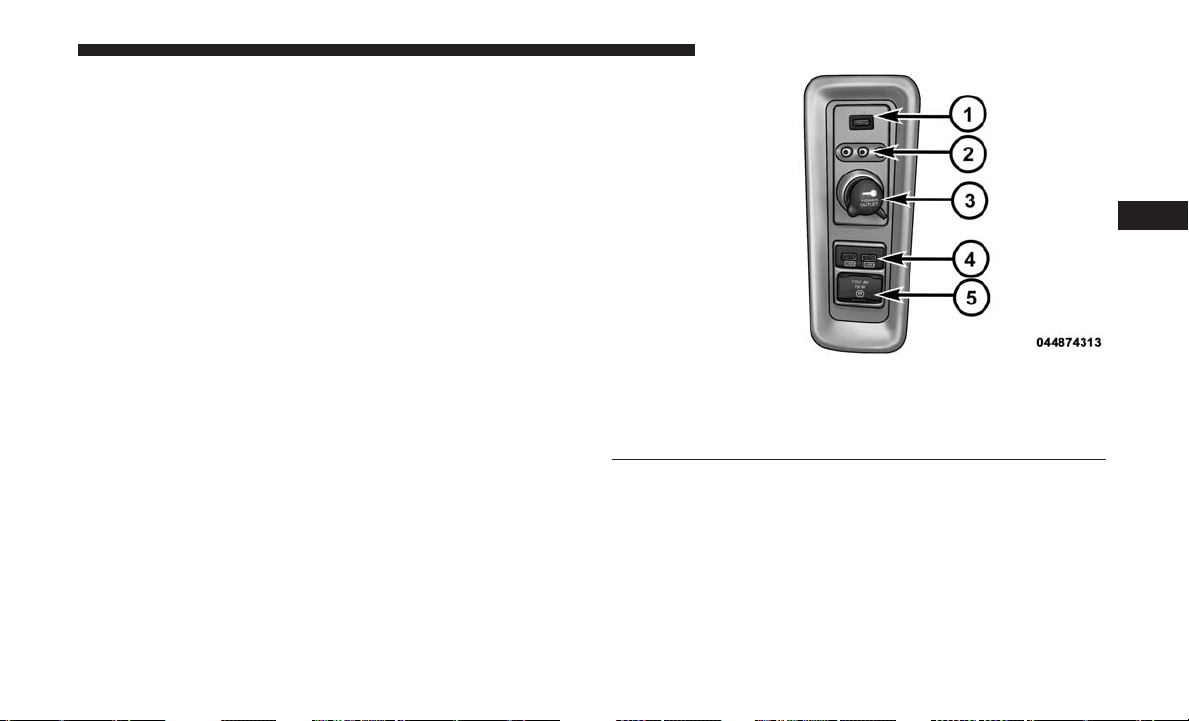
• When the video screen is open and a DVD is inserted
into the VES player, the screen turns on automati-
cally, the headphone transmitters turn on and playback
begins.
• The system can be controlled by the front seat occupants
using either the touchscreen radio, the DVD, or by the
rear seat occupants using the remote control.
Play Video Games
Connect the video game console to the Auxiliary RCA
input jacks or HDMI port, located on the left side behind
the second row seat.
When connecting an external source to the AUX input, be
sure to follow the standard color coding for the VES jacks:
NOTE: Certain high-end video game console will exceed
the power limit of the vehicle’s Power Inverter. Refer to
“Power Inverter — If Equipped” in “Understanding The
Features Of Your Vehicle” for more information.
RCA/HDMI/USB Inputs
1 — HDMI Port 4 — USB Ports (Charge Only)
2 — Audio/Video In 5 — Power Inverter
3 — Power Outlet
4
UNDERSTANDING YOUR INSTRUMENT PANEL 299
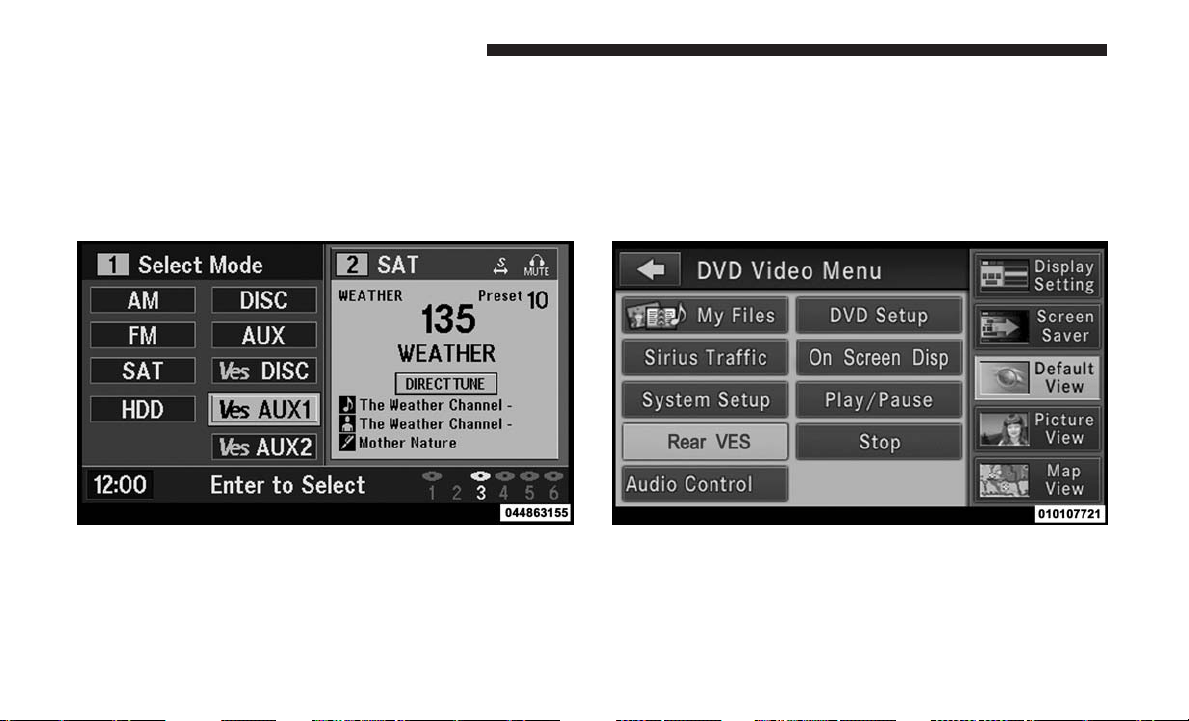
Using The Remote Control
1. Push the MODE button on the Remote Control.
2. While looking at the video screen, highlight VES AUX 1,
by either pushing Up/Down/Left/Right buttons or by
repeatedly pushing the MODE button, then push EN-
TER on the Remote Control.
Using The Touchscreen Radio Controls
1. Push the MENU button on the radio faceplate.
2. Press the Rear VES button on the touchscreen to display
the Rear VES Controls. If a channel list is displayed,
press the HIDE LIST button on the touchscreen to
display the Rear VES Controls screen.
3. Press the 1 button on the touchscreen and then press
either AUX 1 or AUX 2 in the VES column (depending
which AUX input is used). To exit press the back arrow
button at the top of the touchscreen.
Select VES AUX1 Mode On The VES Screen Rear VES Button On The Touchscreen
300 UNDERSTANDING YOUR INSTRUMENT PANEL
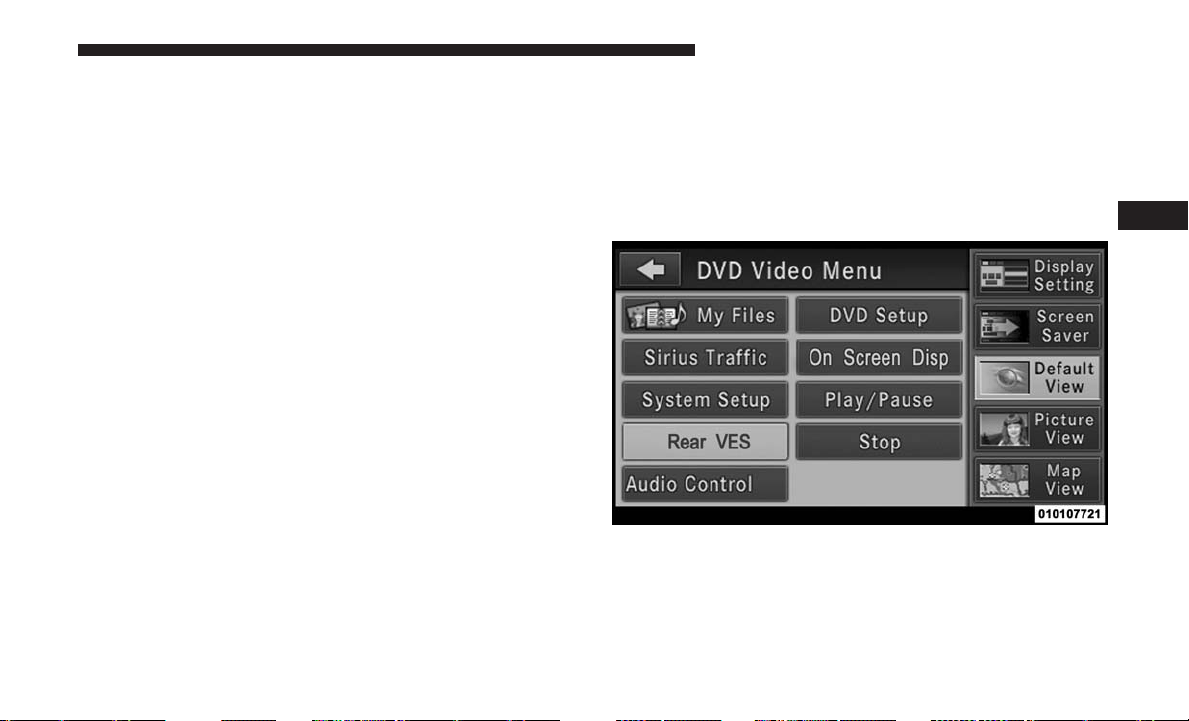
Play A DVD Using The Touchscreen Radio
NOTE: Headunit DVD player does not play Blu-ray Discs.
1. Push the OPEN/CLOSE or LOAD button on the radio
faceplate (Touchscreen).
2. Insert the DVD with the label facing up. The radio
automatically selects the appropriate mode after the disc
is recognized and displays the menu screen or starts
playing the first track.
Using The Remote Control
1. Push the SOURCE button on the Remote Control.
2. Highlight DISC by either pushing Up/Down/Left/
Right buttons or by repeatedly pushing the SOURCE
button, then push ENTER/OK.
NOTE: The VES will retain the last setting when turned off.
Using The Touchscreen Radio Controls
1. Push the MENU button on the radio faceplate.
2. Press the Rear VES button on the touchscreen to display
the Rear VES Controls. If a channel list is displayed,
press the HIDE LIST button on the touchscreen to
display the Rear VES Controls screen.
3. Press the DISC button on the touchscreen in the MEDIA
column. To exit press the back arrow button at the top
left of the screen.
Rear VES Button On The Touchscreen
4
UNDERSTANDING YOUR INSTRUMENT PANEL 301

NOTE:
• To view a DVD on the radio push the RADIO/MEDIA
button on the radio faceplate, then press the DISC tab
button on the touchscreen and then the VIEW VIDEO
button on the touchscreen.
• Viewing a DVD on the Touchscreen radio screen is not
available in all states/provinces. If available, the vehicle
must be stopped and the gear selector must be in the
PARK position for vehicles with an automatic transmis-
sion. In vehicles with a manual transmission the parking
brake must be engaged.
• Pressing the screen on a Touchscreen radio while a DVD
is playing brings up basic remote control functions for
DVD play such as scene selection, Play, Pause, FF, RW,
and Stop. Pressing the X in the upper corner will turn off
the remote control screen functions.
Play A DVD Using The VES Player — If Equipped
Insert the DVD with the label facing up. The VES player
automatically selects the appropriate mode after the disc is
recognized and starts playing the DVD.
NOTE: The VES player has basic DVD control function
such as Menu, Play, Pause, FF, RW and Stop.
Using The Remote Control
1. Push the SOURCE button on the Remote Control.
2. Highlight VES DISC by either pushing Up/Down/Left/
Right buttons or by repeatedly pushing the SOURCE
button, then push ENTER/OK on the Remote Control.
NOTE: The VES will retain the last setting when turned off.
302 UNDERSTANDING YOUR INSTRUMENT PANEL
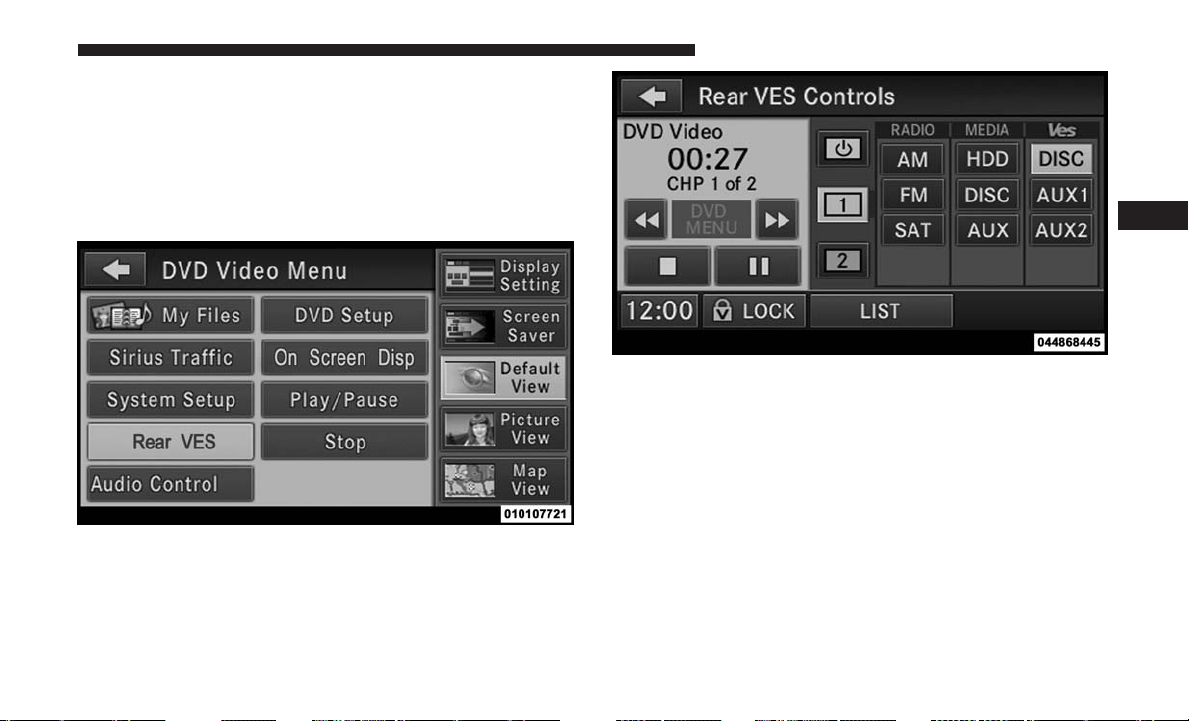
Using The Touchscreen Radio Controls
1. Push the MENU button on the radio faceplate.
2. Press the Rear VES button on the touchscreen to display
the Rear VES Controls. If a channel list is displayed,
press the HIDE LIST button on the touchscreen to
display the Rear VES Controls screen.
3. Press the DISC button on the touchscreen in the VES
column. To exit press the back arrow button on the
touchscreen at the top left of the screen.
NOTE:
• To view a DVD on the radio push the RADIO/MEDIA
button on the radio faceplate, then press the DISC tab
button on the touchscreen and then the VIEW VIDEO
button on the touchscreen.
• Viewing a DVD on the Touchscreen radio screen is not
available in all states/provinces. If available, the vehicle
must be stopped and the gear selector must be in the
PARK position for vehicles with an automatic transmis-
sion. In vehicles with a manual transmission the parking
brake must be engaged.
Rear VES Button On The Touchscreen
Select Channel/Screen 1 And DISC In The VES Column
4
UNDERSTANDING YOUR INSTRUMENT PANEL 303
VES Remote Control — If Equipped
Controls And Indicators
1. Power – Turns the screen and wireless headphone
transmitter for the selected Channel on or off. To hear
audio while the screen is closed, push the Power button
to turn the headphone transmitter on.
2. Channel Selector Indicators – When a button is pushed,
the currently affected channel or channel button is
illuminated momentarily.
3. Light – Turns the remote control backlighting on or off.
The remote backlighting turns off automatically after
five seconds.
4. Channel/Screen Selector Switch - Indicates which chan-
nel is being controlled by the remote control. When the
selector switch is in the Channel 1 position, the remote
controls the functionality of headphone Channel 1 (left
side of the screen). When the selector switch is in the
Channel 2, position the remote controls the functionality
of headphone Channel 2 (right side of the screen).
5. 䉴䉴 – In radio modes, push to seek the next tunable
station. In disc modes, push and hold to fast forward
through the current audio track or video chapter. In
menu modes use to navigate in the menu.
6. 䉲 / Prev – In radio modes, push to select to the previous
station. In disc modes, push to advance to the start of the
current or previous audio track or video chapter. In
menu modes, use to navigate in the menu.
7. POP UP/MENU – push to return to the main menu of a
DVD disc, or select playback modes (SCAN/RANDOM
for a CD).
8. 䉴 / 㥋 (Play/Pause) – Begin/resume or pause disc play.
VES Remote Control
304 UNDERSTANDING YOUR INSTRUMENT PANEL

9. ▪ (Stop) – Stops disc play.
10. PROG Up/Down / Rewind/skip back and fast fwd/
skip forward – When listening to a radio mode, push-
ing PROG Up selects the next preset and pushing
PROG Down selects the previous preset stored in the
radio. When listening to compressed audio on a data
disc, PROG Up selects the next directory and PROG
Down selects the previous directory. When listening to
a disc in a radio with a multiple-disc changer, PROG
Up selects the next disc and PROG Down selects the
previous disc.
11. MUTE – Push to mute the headphone audio output for
the selected channel.
12. SLOW – If Equipped – Push to slow playback of a DVD
disc. Push play (䉴) to resume normal play.
13. STATUS – If Equipped – Push to display the current
status.
14. MODE/SOURCE – Push to change the mode of the
selected channel. See the Mode Selection section of this
manual for details on changing modes.
15. SETUP – When in a video mode, push the SETUP
button to access the display settings (see the display
settings section) to access the DVD setup menu, select
the menu button on the radio. When a disc is loaded in
the DVD player (if equipped) and the VES mode is
selected and the disc is stopped, push the SETUP
button to access the DVD Setup menu. (see the DVD
Setup Menu of this manual.)
16. BACK
– When navigating in menu mode, push to return
to the previous screen. When navigating a DVDs disc
menu, the operation depends on the disc’s contents.
17. 䉳䉳 – In radio modes, push to seek to the previous
tunable station. In disc modes, push and hold to fast
rewind through the current audio track or video chap-
ter. In menu modes use to navigate in the menu.
18. ENTER/OK – Push to select the highlighted option in
a menu.
19. 䉱 / NEXT – In radio modes, push to select to the next
station. In disc modes, push to advance to the next
audio track or video chapter. In menu modes, use to
navigate in the menu.
4
UNDERSTANDING YOUR INSTRUMENT PANEL 305
Remote Control Storage
The video screen comes with a built in storage compart-
ment for the remote control which is accessible when the
screen is opened. To remove the remote, use your index
finger to pull and rotate the remote towards you. Do not try
to pull the remote straight down as it will be very difficult
to remove. To return the remote back into its storage area,
insert one long edge of the remote into the two retaining
clips first, and then rotate the remote back up into the other
two retaining clips until it snaps back into position.
Locking The Remote Control
All remote control functionality can be disabled as a
parental control feature.
• To disable the Remote Control from making any
changes, push the Video Lock button on the DVD player
(if equipped). If the vehicle is not equipped with a DVD
player, follow the radio’s instructions to turn Video Lock
on. The radio and the video screen(s) indicate when
Video Lock is active.
• Pushing the Video Lock again or turning the ignition
OFF turns Video Lock OFF and allows remote control
operation of the VES.
Replacing The Remote Control Batteries
The remote control requires two AAA batteries for opera-
tion. To replace the batteries:
1. Locate the battery compartment on the back of the
remote, then slide the battery cover downward.
2. Replace the batteries, making sure to orient them ac-
cording to the polarity diagram shown.
3. Replace the battery compartment cover.
VES Remote Control Storage
306 UNDERSTANDING YOUR INSTRUMENT PANEL
Headphones Operation
Front seat occupants receive some headphone audio cov-
erage to allow them to adjust the headphone volume for
the young rear seat occupants that may not be able to do so
for themselves.
If no audio is heard after increasing the volume control,
verify that the screen is turned on and in the down position
and that the channel is not muted. If audio is still not heard,
check that fully charged batteries are installed in the
headphones.
Controls
The headphone power indicator and controls are located
on the right ear cup.
NOTE: The rear video system must be turned on before
sound can be heard from the headphones. To conserve
battery life, the headphones will automatically turn off
approximately three minutes after the rear video system is
turned off.
VES Headphones
1 — Volume Control 3 — Channel Selection Switch
2 — Power Button 4 — Power Indicator
4
UNDERSTANDING YOUR INSTRUMENT PANEL 307

Replacing The Headphone Batteries
Each set of headphones requires two AAA batteries for
operation. To replace the batteries:
1. Locate the battery compartment on the left ear cup of
the headphones, and then slide the battery cover down-
ward.
2. Replace the batteries, making sure to orient them ac-
cording to the polarity diagram shown.
3. Replace the battery compartment cover.
Accessibility — If Equipped
The accessibility feature announces DVD functions prior to
performing them. For example, when activated, the acces-
sibility feature will announce that the “Play” button was
pressed the first time the “Play” button is pressed, and the
second time the “Play” button is pressed it will perform the
“Play” function. The accessibility feature can be turned on
and off in the settings of the radio.
NOTE: When the Accessibility feature is enabled, and the
remote control is used in the rear seats to control the Video
Entertainment System (VES), the DVD functions will be
announced in the headsets only. The DVD functions will be
announced through the vehicle’s sound system when the
Uconnect radio is being used to control the VES system.
These announcements will be in English only.
Unwired Stereo Headphone Lifetime Limited
Warranty
Who Does This Warranty Cover? This warranty covers the
initial user or purchaser (⬙you⬙ or ⬙your⬙) of this particular
Unwired Technology LLC (⬙Unwired⬙) wireless headphone
(⬙Product⬙). The warranty is not transferable.
How Long Does The Coverage Last? This warranty lasts
as long as you own the Product.
What Does This Warranty Cover? Except as specified
below, this warranty covers any Product that in normal use
is defective in workmanship or materials.
What Does This Warranty Not Cover? This warranty does
not cover any damage or defect that results from misuse,
abuse or modification of the Product other than by Un-
wired. Foam earpieces, which will wear over time through
normal use, are specifically not covered (replacement foam
is available for a nominal charge). UNWIRED TECHNOL-
OGY IS NOT LIABLE FOR ANY INJURIES OR DAMAGES
TO PERSONS OR PROPERTY RESULTING FROM THE
USE OF, OR ANY FAILURE OR DEFECT IN, THE PROD-
UCT, NOR IS UNWIRED LIABLE FOR ANY GENERAL,
308 UNDERSTANDING YOUR INSTRUMENT PANEL

SPECIAL, DIRECT, INDIRECT, INCIDENTAL, CONSE-
QUENTIAL, EXEMPLARY, PUNITIVE OR OTHER DAM-
AGES OF ANY KIND OR NATURE WHATSOEVER. Some
states and jurisdictions may not allow the exclusion or
limitation of incidental or consequential damages, so the
above limitation may not apply to you. This warranty gives
you specific legal rights. You may also have other rights,
which vary from jurisdiction to jurisdiction.
What Will Unwired Do? Unwired, at its option, will repair
or replace any defective Product. Unwired reserves the
right to replace any discontinued Product with a compa-
rable model. THIS WARRANTY IS THE SOLE WAR-
RANTY FOR THIS PRODUCT, SETS FORTH YOUR
EXCLUSIVE REMEDY REGARDING DEFECTIVE PROD-
UCTS, AND IS IN LIEU OF ALL OTHER WARRANTIES
(EXPRESS OR IMPLIED), INCLUDING ANY WARRANTY
OR MERCHANTABILITY OR FITNESS FOR A PARTICU-
LAR PURPOSE.
If you have any questions or comments regarding your
Unwired wireless headphones, please phone 1-888-293-3332
or email customersupport@unwiredtechnology.com.
You may register your Unwired wireless headphones by
phone at 1-888-293-3332.
System Information
Shared Modes
This allows the VES to output radio sources to the head-
phones and the radio to output VES sources to the vehicle
speakers.
If the radio functions (FM, AM, or SAT) are in the shared
mode with the VES, only the radio is able to control the
radio functions. In this case, VES can share the radio mode,
but not change stations until the radio mode is changed to
a mode that is different from the VES selected radio mode.
When shared, the radio has priority over the VES or all
radio modes (FM, AM, and SAT). The VES has the ability to
switch tuner (AM/FM), SEEK, SCAN, TUNE, and recall
presets in radio modes as long as it is not in shared mode.
When in shared disc mode both the radio and the VES have
control of the video functions. The VES has the ability to
control the following video modes:
1. CD: Ability to Fast Forward, Rewind, Scan, and Track
Up/Down.
2. CD Changer (in radio): Ability to Disk Up/Down and
program all listed CD controls (Fast Forward, Rewind,
Scan, and Track Up/Down).
4
UNDERSTANDING YOUR INSTRUMENT PANEL 309

The VES can even control radio modes or video modes
while the radio is turned off. The VES can access the radio
modes or disc modes by navigating to those modes on the
VES and activating a radio mode or disc mode.
Station List Menu
When listening to Satellite audio, pushing the remote
control’s POP UP/MENU button displays a list of all
available channels. Navigate this list using the remote
control’s navigation buttons (䉱, 䉲) to find the desired
station, push the remote control’s ENTER/OK
button to
tune to that station. To jump through the list more quickly,
navigate to the Page Up and Page Down icons on the screen.
Disc Menu
When listening to a CD Audio or CD Data disc, pushing
the remote control’s POP UP/MENU button displays a list
of all commands which control playback of the disc. Using
the options you can activate or cancel Scan play and
Random play.
Display Settings
When watching a video source (DVD Video with the disc
in Play mode, Aux Video, etc.), pressing the remote con-
trol’s SETUP button activates the Display Settings menu.
These settings control the appearance of the video on the
screen. The factory default settings are already set for
optimum viewing, so there is no need to change these
settings under normal circumstances.
To change the settings, press the remote control’s naviga-
tion buttons (䉱, 䉲) to select an item, then press the remote
control’s navigation buttons (䉴, 䉳) to change the value for
the currently selected item. To reset all values back to the
original settings, select the Default Settings menu option
and press the remote control’s ENTER/OK button.
Disc Features control the remote DVD settings of DVD
being watched in the remote player.
Listening To Audio With The Screen Closed
To listen to only audio portion of the channel with the
screen closed:
1. Set the audio to the desired source and channel.
2. Close the video screen.
3.
To change the current audio mode, push the remote
control’s MODE button. This will automatically select the
next available audio mode without using the MODE/
SOURCE Select menu.
310 UNDERSTANDING YOUR INSTRUMENT PANEL

If the screen is closed and there is no audio heard, verify
that the headphones are turned on (the ON indicator is
illuminated) and the headphone selector switch is on the
desired channel. If the headphones are turned on, push the
remote control’s power button to turn audio on. If audio is
still not heard, check that fully charged batteries are
installed in the headphones.
Disc Formats
The DVD player is capable of playing the following types
of discs (12 cm or 8 cm diameter):
• DVD-Video discs (MPEG-2 video compression) (see
notes about DVD Region Codes)
• DVD-Audio discs (2 channel audio output only)
• Audio Compact Discs (CDs)
• CD Data discs with MP3 and WMA compressed audio
format files
• Video CDs (MPEG-1 video compression)
DVD Region Codes
The DVD player and many DVD Discs are coded by
geographic region. These region codes must match in order
for the disc to play. If the region code for the DVD does not
match the region code for the player, the disc will stop
playing and a warning will be displayed.
DVD Audio Support
When a DVD-Audio disc is inserted in the DVD player, the
DVD-Audio title on the disc is played by default (most
DVD-Audio discs also have a Video title, but the Video title
is ignored). All multi - channel program material is auto-
matically mixed down to two channels, which may result
in a lowered apparent volume level. If you increase the
volume level to account for this change in level, remember
to lower the volume before changing the disc or to another
mode.
Recorded Discs
The DVD player will play CD-R and CD-RW discs re-
corded in CD-Audio or Video-CD format, or as a CD-ROM
containing MP3, WMA. The player will also play DVD-
Video content recorded to a DVD-R or DVD-RW disc.
DVD-ROM discs (either pressed or recorded) are not
supported.
If you record a disc using a personal computer, there may be
cases where the DVD player may not be able to play some or
the entire disc, even if it is recorded in a compatible format
4
UNDERSTANDING YOUR INSTRUMENT PANEL 311

and is playable on other players. To help avoid playback
problems, use the following guidelines when recording discs.
• Open sessions are ignored. Only sessions that are closed
are playable.
• For multi-session CDs that contain only multiple CD-
Audio sessions, the player will renumber the tracks so
each track number is unique.
• For CD Data (or CD-ROM) discs, always use the ISO-
9660 (Level 1 or Level 2), Joliet, or Romeo format. Other
formats (such as HFS, or others) are not supported.
• The player recognizes a maximum of 512 files and 99
folders per CD-R and CD-RW disc.
• Mixed media recordable DVD formats will only play the
Video_TS portion of the disc.
If you are still having trouble writing a disc that is playable
in the DVD player, check with the disc recording software
publisher for more information about burning playable
discs.
The recommended method for labeling recordable discs
(CD-R, CD-RW, and DVD-R) is with a permanent marker.
Do not use adhesive labels as they may separate from the
disc, become stuck, and cause permanent damage to the
DVD player.
Compressed Audio Files (MP3 / WMA and ACC)
The DVD is capable of playing MP3 (MPEG-1 Audio Layer
3) and WMA (Windows Media Audio) files from a CD Data
disc (usually a CD-R or CD-RW).
• The DVD player always uses the file extension to
determine the audio format, so MP3 files must always
end with the extension ⬙.mp3⬙ or ⬙.MP3⬙ and WMA files
must always end with the extension ⬙.wma⬙ or ⬙.WMA.⬙
AAC files must always end with the extension ⬙aac⬙ or
⬙AAC.⬙ To prevent incorrect playback, do not use these
extensions for any other types of files.
• For MP3 files, only version 1 ID3 tag data (such as artist
name, track title, album, etc.) are supported.
• Any file that is copy protected (such as those down-
loaded from many online music stores) will not play. The
DVD player will automatically skip the file and begin
playing the next available file.
312 UNDERSTANDING YOUR INSTRUMENT PANEL

• Other compression formats such as AAC, MP3 Pro, Ogg
Vorbis, and ATRAC3 will not play. The DVD player will
automatically skip the file and begin playing the next
available file.
• If you are creating your own files, the recommended
fixed bit rate for MP3 files is between 96 and 192 Kbps
and the recommended fixed bit rate for WMA files is
between 64 and 192 Kbps. Variable bit rates are also
supported. For both formats, the recommended sample
rate is either 44.1 kHz or 48 kHz.
• To change the current file, use the DVD player’s 䉱
button to advance to the next file, or the 䉲 button to
return to the start of the current or previous file.
• To change the current directory, use the remote control’s
PROG UP and Down buttons or Rewind/skip back and
fast fwd/skip forward.
Disc Errors
If the DVD player is unable to read the disc, a ⬙Disc Error⬙
message is displayed on the Radio display and the disc is
automatically ejected. A dirty, damaged, or incompatible
disc format are all potential causes for a ⬙Disc Error⬙
message.
If a disc has a damaged track which results in audible or
visible errors that persists for 2.0 seconds, the DVD player
will attempt to continue playing the disc by skipping
forward 1.0 to 3.0 seconds at a time. If the end of the disc
is reached, the DVD player will return to the beginning of
the disc and attempt to play the start of the first track.
The DVD player may shut down during extremely hot
conditions, such as when the vehicle’s interior temperature
is above 120° F (49° C). When this occurs, the DVD Player
will display ⬙High Temp⬙ and will shut off the display until
a safe temperature is reached. This shutdown is necessary
to protect the optics of the DVD.
4
UNDERSTANDING YOUR INSTRUMENT PANEL 313
Display
Other Language Setup
All of the Language settings have a special ⬙Other⬙ setting
to accommodate languages other than Japanese or English.
These languages are selected using a special four-digit
code.
To enter a new language code, activate the DVD Setup
Menu. To enter DVD Setup Menu stop the DVD, enter
radio disc mode, then DVD setup and follow these addi-
tional instructions:
• Using the remote control Up and Down cursor buttons,
highlight the Language item you want to edit, and then
push the remote control ENTER/OK button.
• Using the remote control Down cursor button, select the
⬙Other⬙ setting, then push the remote control’s Right
cursor button to begin editing the setting.
• Using the remote control Up and Down cursor buttons,
select a digit for the current position. After selecting the
digit, push the remote control’s Right cursor button to
select the next digit. Repeat this digit selection sequence
for all four digits.
• When the entire four-digit code is entered, push the
remote control’s ENTER/OK button. If the language
code is not valid, the numbers all change back to ⬙夡⬙.If
the digits are visible after this step, then the language
code is valid.
Here is an abbreviated list of language codes. For more
language codes, please contact the dealer where the vehicle
was purchased.
DVD Player Language Menu
314 UNDERSTANDING YOUR INSTRUMENT PANEL
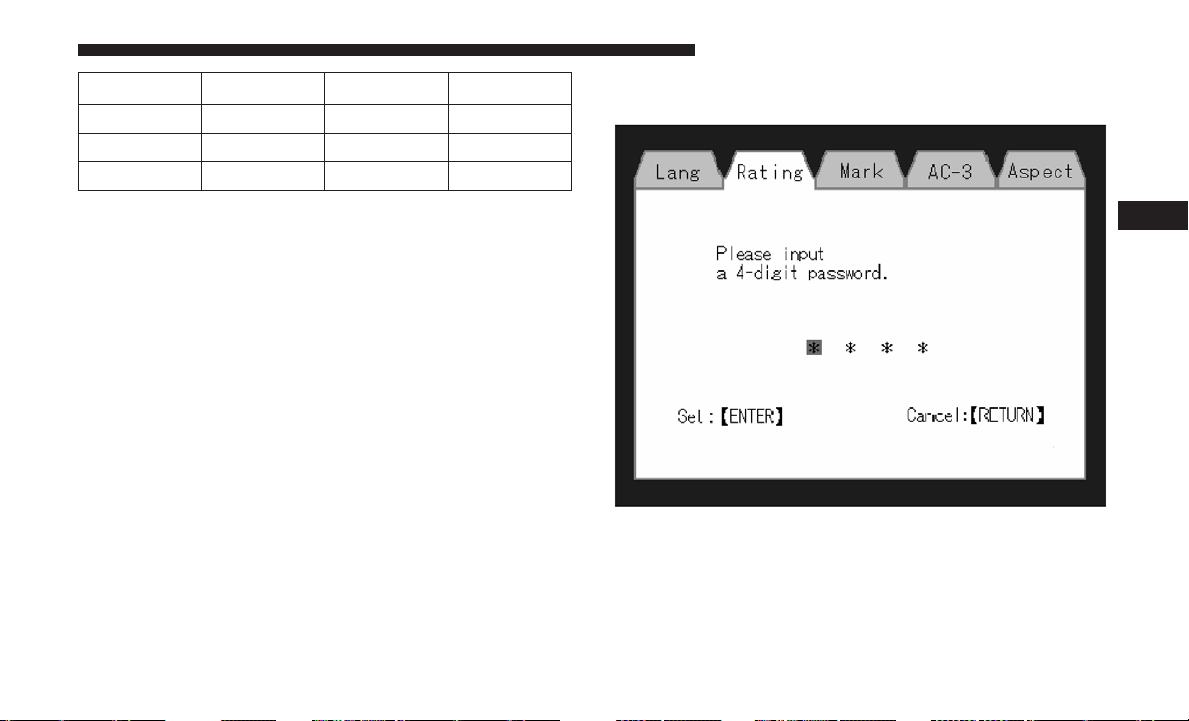
Language Code Language Code
Dutch 2311 French 1517
German 1304 Italian 1819
Portuguese 2519 Spanish 1418
Rating And Password Setup
The Rating and Password settings work together to control
the types of DVDs that your family watches. Most DVD-
Video discs have a rating (from 1 to 8) assigned to them
where lower numbers are designated for all audiences and
higher numbers are designated for more adult audiences.
When a DVD-Video disc is loaded, its rating is compared to
the setting in the DVD player. If the rating of the disc is
higher than the setting in the player, a Password screen is
displayed. In order to watch the disc, the rear passenger
must enter the correct password using the password entry
method described below.
To play all discs without requiring a password, set the
DVD player’s rating to Level 8. Setting the rating to Level
1 always requires the password to play any DVD disc. Not
all DVD discs encode a Rating, so it is still possible that
discs designed for adult audiences can still play without
requiring a password.
The default rating is Level 8 (play all discs without a
password) and the default password is 0000.
DVD Password Entry
4
UNDERSTANDING YOUR INSTRUMENT PANEL 315
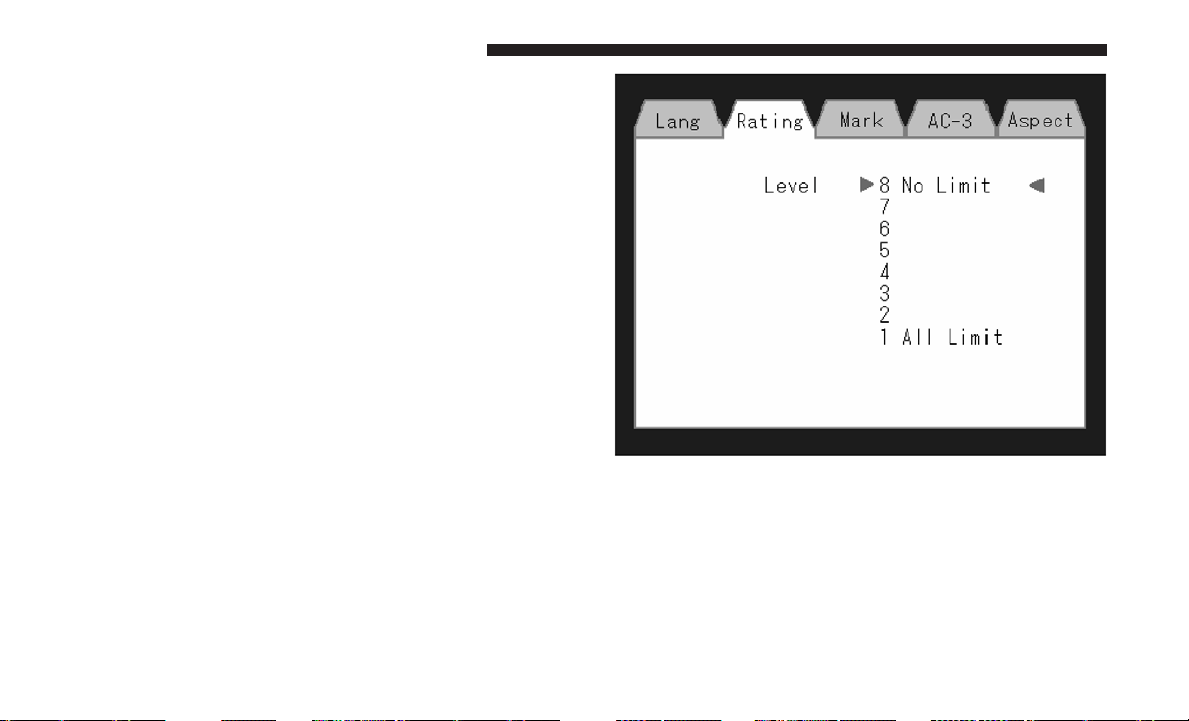
To set the password, activate the DVD Setup Menu and
follow these additional instructions:
• Using the remote control Left and Right cursor buttons,
select the Rating tab.
• Highlight ⬙Change Password⬙, and then push the remote
control’s ENTER/OK button.
• Enter the current password. Select a digit, use the remote
control Up and Down cursor buttons to set the value for
the current digit, and then push the remote control’s
Right cursor button to select the next digit. Repeat this
digit selection sequence for all four digits.
• After the four-digit password is entered, push the re-
mote control’s ENTER/OK button. If the password is
correct, the set password screen is displayed.
• Using the remote control’s Up and Down cursor buttons
to set the value for the current digit and the remote
control’s Right cursor button to select digits, enter the
new password.
• After the four-digit password is entered, push the re-
mote control’s ENTER/OK button to accept the change.
To set the rating, activate the DVD Setup Menu and follow
these additional instructions:
• Using the remote control’s Left and Right cursor but-
tons, select the Rating tab.
• Highlight ⬙Change Rating⬙, and then push the remote
control’s ENTER/OK button.
DVD Player Level Menu
316 UNDERSTANDING YOUR INSTRUMENT PANEL

• Enter the current password. Select a digit, use the remote
control’s Up and Down cursor buttons to set the value
for the current digit, and then push the remote control’s
Right cursor button to select the next digit. Repeat this
digit selection sequence for all four digits.
• After the four-digit password is entered, push the re-
mote control’s ENTER/OK button. If the password is
correct, the Rating Level menu is displayed.
• Using the remote control’s Up and Down cursor buttons,
select the new rating level, and then push the remote
control’s ENTER/OK button to accept the change.
Product Agreement
Software
This product contains software licensed under GNU Gen-
eral Public License (GPL) or GNU Lesser General Public
License (LGPL), etc. You have the right of acquisition,
modification, and distribution of the source code of the
GPL/LGPL software. You may download Source Code
from the following website at no charge.
http://www.embedded-carmultimedia.jp/linux/oss/
download/MP_632_34W821
The website provides the Source Code ⬙As Is⬙ and without
warranty of any kind. By downloading Source Code, you
expressly assume all risk and liability associated with
downloading and using the Source Code and complying
with the user agreements that accompany each Source
Code. Please note that we cannot respond to any inquiries
regarding the source code.
• THIS PRODUCT IS LICENSED UNDER THE AVC PAT-
ENT PORTFOLIO LICENSE FOR THE PERSONAL
AND NON-COMMERCIAL USE OF A CONSUMER TO
(i) ENCODE VIDEO IN COMPLIANCE WITH THE
AVC STANDARD (⬙AVC VIDEO⬙) AND/OR (ii) DE-
CODE AVC VIDEO THAT WAS ENCODED BY A CON-
SUMER ENGAGED IN A PERSONAL AND NON-
COMMERCIAL ACTIVITY AND/OR WAS OBTAINED
FROM A VIDEO PROVIDER LICENSED TO PROVIDE
AVC VIDEO. NO LICENSE IS GRANTED OR SHALL
BE IMPLIED FOR ANY OTHER USE. ADDITIONAL
INFORMATION MAY BE OBTAINED FROM MPEG
LA, L.L.C. SEE HTTP://WWW.MPEGLA.COM.
• THIS PRODUCT IS LICENSED UNDER THE VC-1
PATENT PORTFOLIO LICENSE FOR THE PERSONAL
AND NON-COMMERCIAL USE OF A CONSUMER TO
(i) ENCODE VIDEO IN COMPLIANCE WITH THE
4
UNDERSTANDING YOUR INSTRUMENT PANEL 317

VC-1 STANDARD (⬙VC-1 VIDEO⬙) AND/OR (ii) DE-
CODE VC-1 VIDEO THAT WAS ENCODED BY A
CONSUMER ENGAGED IN A PERSONAL AND NON-
COMMERCIAL ACTIVITY AND/OR WAS OBTAINED
FROM A VIDEO PROVIDER LICENSED TO PROVIDE
VC-1 VIDEO. NO LICENSE IS GRANTED OR SHALL
BE IMPLIED FOR ANY OTHER USE. ADDITIONAL
INFORMATION MAY BE OBTAINED FROM MPEG
LA, L.L.C. SEE HTTP://WWW.MPEGLA.COM.
Patents
Cinavia Notice
This product uses Cinavia technology to limit the use of
unauthorized copies of some commercially-produced film
and videos and their soundtracks. When a prohibited use
of an unauthorized copy is detected, a message will be
displayed and playback or copying will be interrupted.
More information about Cinavia technology is provided at
the Cinavia Online Consumer Information Center at
http://www.cinavia.com. To request additional informa-
tion about Cinavia by mail, send a postcard with your
mailing address to: Cinavia Consumer Information Center,
P.O. Box 86851, San Diego, CA, 92138, USA.
This product incorporates proprietary technology under
license from Verance Corporation and is protected by U.S.
Patent 7,369,677 and other U.S. and worldwide patents
issued and pending as well as copyright and trade secret
protection for certain aspects of such technology. Cinavia is
a trademark of Verance Corporation. Copyright 2004-2010
Verance Corporation. All rights reserved by Verance. Re-
verse engineering or disassembly is prohibited.
• This product incorporates copyright protection technol-
ogy that is protected by U.S. patents and other intellec-
tual property rights. Use of this copyright protection
technology must be authorized by Macrovision, and is
intended for home and other limited viewing uses only
unless otherwise authorized by Macrovision. Reverse
engineering or disassembly is prohibited.
• Manufactured under license under U.S. Patent #’s:
5,451,942; 5,956,674; 5,974,380; 5,978,762; 6,487,535 &
other U.S. and worldwide patents issued & pending.
DTS is a registered trademark and the DTS logos,
Symbol and DTS 2.0 Channel are trademarks of DTS,
Inc. © 1996-2007 DTS, Inc. All Rights Reserved.
• Manufactured under license from Dolby Laboratories.
Dolby and the double-D symbol are trademarks of
Dolby Laboratories.
318 UNDERSTANDING YOUR INSTRUMENT PANEL
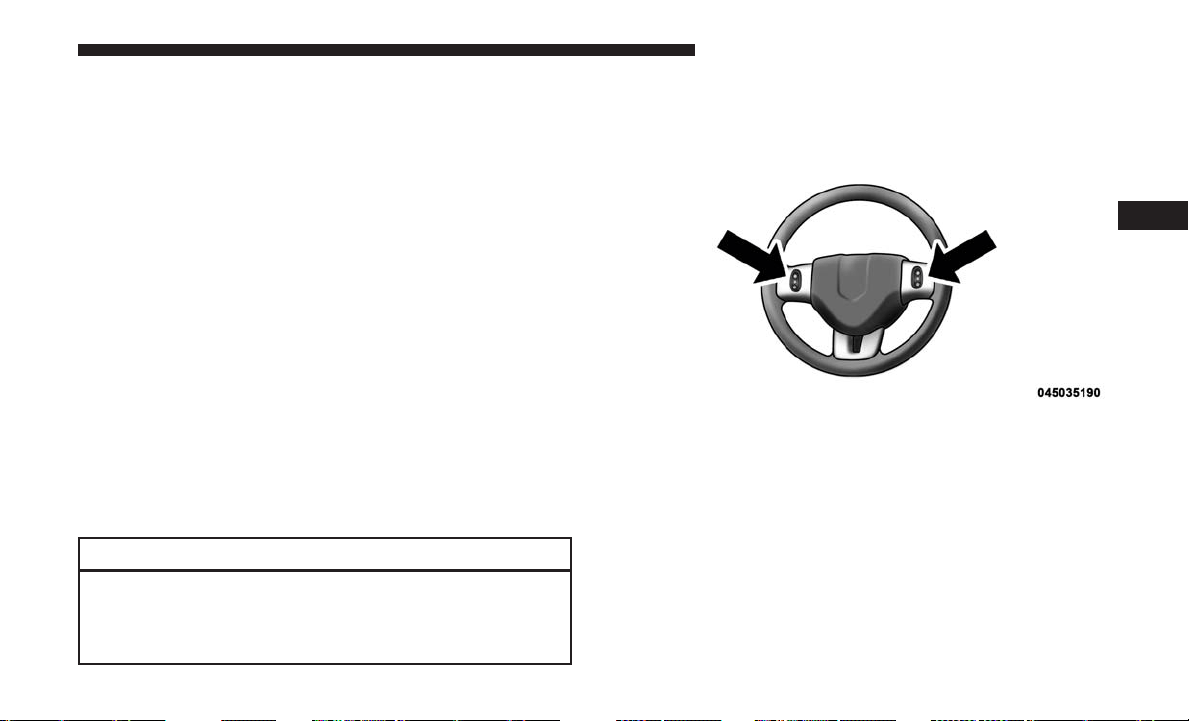
ABOUT DIVX VIDEO: DivX is a digital video format
created by DivX, LLC, a subsidiary of Rovi Corporation.
This is an official DivX Certified device that plays DivX
video. Visit divx.com for more information and software
tools to convert your files into DivX videos.
ABOUT DIVX VIDEO-ON-DEMAND: This DivX Certified
device must be registered in order to play purchased DivX
Video-on-Demand (VOD) movies. To obtain your registra-
tion code, locate the DivX VOD section in your device
setup menu. Go to vod.divx.com for more information on
how to complete your registration.
DivX, DivX Certified and associated logos are trademarks
of Rovi Corporation or its subsidiaries and are used under
license.
Trademark
• Java is a registered trademark of Oracle and/or its
affiliates.
CAUTION!
Use of controls or adjustments or performance of
procedures other than those specified herein may re-
sult in hazardous radiation exposure.
STEERING WHEEL AUDIO CONTROLS —
IF EQUIPPED
The remote sound system controls are located on the rear
surface of the steering wheel, at the three and nine o’clock
positions.
The right-hand rocker switch has a push-button in the
center, and controls the volume and mode of the sound
system. Pushing the top of the rocker switch will increase
the volume. Pushing the bottom of the rocker switch will
decrease the volume. Pushing the center button changes
Remote Sound System Controls (Back View Of
Steering Wheel)
4
UNDERSTANDING YOUR INSTRUMENT PANEL 319

the operation of the radio from AM to FM, or to CD mode,
depending on which radio is in the vehicle.
The left-hand rocker switch has a push-button in the center.
The function of the left-hand switch is different, depending
on which mode you are in.
The following describes the left-hand rocker switch opera-
tion in each mode.
Radio Operation
Pushing the top of the switch will SEEK up for the next
listenable station, and pushing the bottom of the switch
will SEEK down for the next listenable station.
The button located in the center of the left-hand switch will
tune to the next preset station that you have programmed
in the radio preset push-button.
CD Player
Pushing the top of the switch once will go to the next track
on the CD. Pushing the bottom of the switch once will go
to the beginning of the current track, or to the beginning of
the previous track if it is within one second after the
current track begins to play.
If you push the switch up or down twice it plays the
second track; three times, it will play the third, etc.
The button in the center of the left-hand switch has no
function in this mode.
CD/DVD/BLU-RAY DISC MAINTENANCE
To keep a CD/DVD/Blu-ray Disc in good condition, take
the following precautions:
1. Handle the disc by its edge; avoid touching the surface.
2. If the disc is stained, clean the surface with a soft cloth,
wiping from center to edge.
3. Do not apply paper or tape to the disc; avoid scratching
the disc.
4. Do not use solvents such as benzene, thinner, cleaners,
or anti-static sprays.
5. Store the disc in its case after playing.
6. Do not expose the disc to direct sunlight.
7. Do not store the disc where temperatures may become
too high.
NOTE: If you experience difficulty in playing a particular
disc, it may be damaged (i.e., scratched, reflective coating
removed, a hair, moisture or dew on the disc) oversized, or
have protection encoding. Try a known good disc before
considering disc player service.
320 UNDERSTANDING YOUR INSTRUMENT PANEL

RADIO OPERATION AND MOBILE DEVICES
Under certain conditions, an “on” mobile device in your
vehicle can cause erratic or noisy performance from your
radio. This condition may be lessened or eliminated by
relocating the mobile device antenna. This condition is not
harmful to the radio. If your radio performance does not
satisfactorily “clear” by the repositioning of the antenna, it
is recommended that the radio volume be turned down or
off during mobile device operation when not using
Uconnect (if equipped).
General Information
The following regulatory statement applies to all Radio
Frequency (RF) devices equipped in this vehicle:
This device complies with Part 15 of the FCC Rules and
with Industry Canada license-exempt RSS standard(s).
Operation is subject to the following two conditions:
1. This device may not cause harmful interference, and
2.
This device must accept any interference received, includ-
ing interference that may cause undesired operation.
Changes or modifications not expressly approved by the
party responsible for compliance could void the user’s
authority to operate the equipment.
CLIMATE CONTROLS
The Climate Control system allows you to regulate the
temperature, amount, and direction of air circulating
throughout the vehicle. The controls are located on the
instrument panel, below the radio.
Manual Heating And Air Conditioning System —
If Equipped
The controls for the manual system in this vehicle contain
a series of outer rotary dials and inner push knobs. These
comfort controls can be set to obtain desired interior
conditions.
With the Three-Zone Temperature Control system, each
front seat occupant can independently control the Heating,
Ventilation and Air Conditioning operations coming from
the outlets on their side of the vehicle.
The primary control for the rear blower is on the front
climate control unit located on the instrument panel. When
the front control is in any position other than rear, the front
control operates all the rear functions.
The rear airflow modes will mirror the front unit operation.
Rear Panel mode is automatically selected when the front
control is in the Panel mode. When the front unit is in
4
UNDERSTANDING YOUR INSTRUMENT PANEL 321
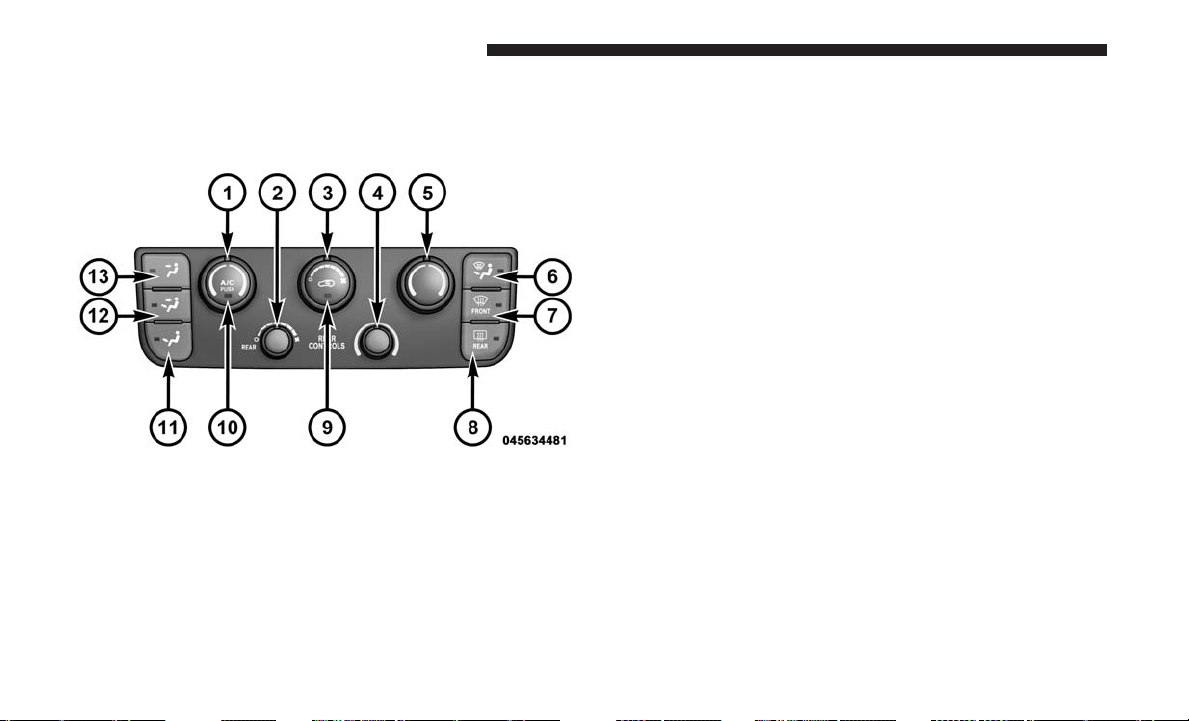
Bi-Level mode, airflow will be emitted from both the upper
and lower rear outlets. When the front control is in Floor,
Defrost, or Mix modes, airflow will be directed out of the
rear floor outlets.
1. Left Front Temperature Control
Provides left front seat occupant with independent tem-
perature control. Turn left for cooler or right for warmer
temperature settings.
2. Rear Blower Control — If Equipped
Use this control to regulate the amount of air forced
through the rear system in any mode you select. The rear
blower speed increases as you move the control to the right
from the “O” (Off) position. There are seven blower speeds.
To allow the rear overhead control, turn blower knob fully
to the left, past The ⬙O⬙ off position into the “REAR”
control position.
3. Front Blower Control
Use this control to regulate the amount of air forced
through the system in any mode you select. The blower
speed increases as you move the control to the right from
the “O” (Off) position. There are seven blower speeds.
4. Rear Temperature Control — If Equipped
Provides temperature control for the rear cabin. Turn left
for cooler or right for warmer temperature settings in the
rear cabin.
5. Right Front Temperature Control
Provides right front seat occupant with independent tem-
perature control. Turn left for cooler or right for warmer
temperature settings.
Manual Temperature Controls
322 UNDERSTANDING YOUR INSTRUMENT PANEL
6. Mix Mode
Air is directed through the floor, defrost and side
window demist outlets. This setting works best in
cold or snowy conditions that require extra heat at the
windshield. This setting is good for maintaining comfort,
while reducing moisture on the windshield.
7. Front Defrost Mode
Air is directed through the windshield and side
window demist outlets. Use Defrost mode with
maximum blower and temperature settings for best wind-
shield and side window defrosting.
NOTE:
The air conditioning compressor may operate in Mix
and Defrost, even if the A/C button is not pushed. This
dehumidifies the air to help dry the windshield. To improve
fuel economy, use these modes only when necessary.
8. Electronic Rear Window Defrost
Push this button to turn on the rear window de-
froster and the heated outside mirrors (if equipped).
An indicator in the button will illuminate when the rear
window defroster is on. The rear window defroster auto-
matically turns off after approximately ten minutes.
NOTE:
• You can turn off the heated mirror feature at anytime
by pushing the rear window defroster switch a second
time.
• To prevent excessive battery drain, use the rear win-
dow defroster only when the engine is operating.
CAUTION!
Failure to follow these cautions can cause damage to
the heating elements:
• Use care when washing the inside of the rear win-
dow. Do not use abrasive window cleaners on the
interior surface of the window. Use a soft cloth and a
mild washing solution, wiping parallel to the heat-
ing elements. Labels can be peeled off after soaking
with warm water.
• Do not use scrapers, sharp instruments, or abrasive
window cleaners on the interior surface of the win-
dow.
• Keep all objects a safe distance from the window.
4
UNDERSTANDING YOUR INSTRUMENT PANEL 323
9. Recirculation Control Button
Push this button to choose between outside air
intake or recirculation of the air inside the ve-
hicle. An indicator light will illuminate when
you are in Recirculation mode. Only use the
Recirculation mode to temporarily block out any outside
odors, smoke, or dust, and to cool the interior rapidly upon
initial start-up in very hot or humid weather.
NOTE:
• If the Recirculation button is pushed when the system
is in Defrost mode the Recirculation LED indicator will
flash three times to indicate Recirculation mode is not
allowed.
• Continuous use of the Recirculation mode may make
the inside air stuffy and window fogging may occur.
Extended use of this mode is not recommended.
• In cold or damp weather, the use of the Recirculation
mode will cause windows to fog on the inside because
of moisture buildup inside the vehicle. For maximum
defogging, select the outside air position.
• In order to prevent fogging, when the Recirculation
button is pushed and the mode control is set to Panel,
the A/C will engage automatically.
• The A/C can be deselected manually without disturb-
ing the mode control selection.
10. Air Conditioning (A/C) Button
Push and release to change the current setting.
The indicator illuminates when ON.
NOTE: If your air conditioning performance seems lower
than expected, check the front of the A/C condenser
(located in front of the radiator), for an accumulation of dirt
or insects. Clean with a gentle water spray from behind the
radiator and through the condenser. Fabric front fascia
protectors may reduce airflow to the condenser, reducing
air conditioning performance.
324 UNDERSTANDING YOUR INSTRUMENT PANEL

11. Floor Mode Button
Air is directed through the floor outlets with a small
amount through the defrost and side window de-
mist outlets.
12. Bi-Level Mode Button
Air is directed through the panel and floor outlets.
NOTE: There is a difference in temperature (in any condi-
tions other than full cold or full hot), between the upper
and lower outlets for added comfort. The warmer air goes
to the floor outlets. This feature gives improved comfort
during sunny but cool conditions.
13. Panel Mode Button
Air is directed through the outlets in the instrument
panel. These outlets can be adjusted for direction,
and turned on or off to control airflow.
NOTE: For maximum airflow to the rear, the center instru-
ment panel outlets can be directed toward the rear seat
passengers.
Economy Mode
If ECONOMY mode is desired, push the A/C button to
turn off the indicator light and the A/C compressor. Rotate
the temperature control knob to the desired temperature.
Also, make sure to select only Panel, Bi-Level or Floor
modes.
Max A/C
For maximum cooling use the A/C and Recirculation
mode buttons at the same time.
Rear Manual Climate Control — If Equipped
The Rear Manual Climate Control system has floor air
outlets at the rear of the right side sliding door, and
overhead outlets at each outboard rear seating position.
The unit provides warm or cool air through the floor and
upper outlets.
4
UNDERSTANDING YOUR INSTRUMENT PANEL 325
The rear blower and temperature controls for the rear seat
passengers are located in the headliner, near the center of
the vehicle.
Rear Blower Control
The primary control for the rear blower is on the front
climate control unit, located on the instrument panel.
Only when the front control for the rear blower is in the
REAR position do the second row seat occupants have
control of the rear blower speed.
The rear blower control, located in the rear overhead
console, has an off position and a range of blower speeds.
This allows the second row seat occupants to control the
volume of air circulated in the rear of the vehicle.
CAUTION!
Interior air enters the Rear Manual Climate Control
system through an intake grille, located in the right
side trim panel behind the third row seats. The heater
outlets are located in the right side trim panel, just
behind the sliding door. Do not block or place objects
directly in front of the inlet grille or heater outlets. The
electrical system could overload, causing damage to the
blower motor.
Rear Manual Climate Controls
1 — Rear Blower 3 — Rear Mode
2 — Rear Temperature 4 — Rear Climate Control Lock
326 UNDERSTANDING YOUR INSTRUMENT PANEL

Rear Temperature Control
The rear mode selection REAR, allows the settings to be
controlled by the rear mode control knob.
To change the temperature in the rear of the vehicle, rotate
the temperature control knob counterclockwise for cold air,
and clockwise for heated air.
When rear controls are locked by the front system, the lock
symbol on the temperature knob is illuminated, and the
rear overhead adjustments are inoperable.
Rear Mode Control
Headliner Mode
Air comes from the outlets in the headliner. Each of
these outlets can be individually adjusted to direct
the flow of air. Moving the air vanes of the outlets to one
side will shut off the airflow.
Bi-Level Mode
Air comes from both the headliner outlets and the
floor outlets.
NOTE: In many temperature positions, the Bi-Level mode
is designed to provide cooler air out of the headliner
outlets and warmer air from the floor outlets.
Floor Mode
Air comes from the floor outlets.
Automatic Temperature Control (ATC) —
If Equipped
• Front Three-Zone ATC allows both driver and front
passenger seat occupant, and rear seat occupants to
select individual comfort settings.
• When occupants in the vehicle select the AUTO mode
operation, a comfort temperature can be set by using the
temperature up and down buttons, and the auto blower
operation will be set automatically.
• The system can be controlled manually, if desired.
• SYNC feature links the controls for all three zones,
allowing one comfort setting (driver setting) for the
cabin, if desired.
4
UNDERSTANDING YOUR INSTRUMENT PANEL 327
The Three-Zone ATC system automatically maintains the
interior comfort level desired by the driver and all passen-
gers. The system automatically adjusts the air temperature,
the airflow volume, amount of outside air recirculation and
the airflow direction. This maintains a comfortable tem-
perature, even under changing conditions.
1. Air Conditioning (A/C) Button
Push and release to change the current Air Conditioning
(A/C) setting, the indicator illuminates when A/C is ON.
Performing this function will cause the ATC to switch into
manual mode.
2. Blower Control Display
This display shows the current Blower speed selection.
3. Left Front Seat Occupant Temperature Display
This display shows the temperature setting for the left front
seat occupant.
4. Mode Display
This display shows the current Mode selection (Panel,
Bi-Level, Floor, Mix).
5. Rear Temperature Control Display
This display shows the current Rear Temperature Control
settings.
6. Front Auto Indicator
This indicates when the system is in Front Auto mode.
7. Auto Indicator
This indicates when the system is in Auto mode.
8. Right Front Seat Occupant Temperature Display
This display shows the temperature setting for the right
front seat occupant.
Front ATC Panel
328 UNDERSTANDING YOUR INSTRUMENT PANEL

9. Front Defrost Button
Push and release to change the current setting, the indica-
tor illuminates when ON. Performing this function will
cause the ATC to switch into manual mode. The blower
will engage immediately if the Defrost mode is selected.
10. Passenger Temperature Control Up/Down Button
Provides the passenger with independent temperature
control. Push the top button for warmer temperatures or
the lower button for cooler temperature settings.
11. Rear Control Button
Provides toggle operation between front control screen and
rear control screen. Push the button to activate the rear
climate control screen and allow the front seat occupants
control over the rear climate settings.
12. Rear Window Defrost
Push this button to turn on the rear window defroster and
the heated outside mirrors (if equipped). An indicator in
the button will illuminate when the rear window defroster
is on. The rear window defroster automatically turns off
after approximately 10 minutes.
13. Rear Lock
Push and release the Rear Lock button on the front ATC
panel to lock and unlock the rear climate controls.
14. Auto Temperature Control Button
Controls airflow temperature, distribution, volume, and
the amount of air recirculation automatically. Push and
release to select. Refer to “Automatic Temperature Control
(ATC) Automatic Operation” for more information. Per-
forming this function will cause the ATC to switch between
manual mode and automatic modes.
15. Climate Control OFF Button
Push and release to turn the Climate Control OFF. If the
control is OFF, push any button to turn the control ON.
16. Blower Control
There are seven blower speeds, the blower speed increases
as you move the control to the right from the lowest blower
setting. Performing this function will cause the ATC to
switch into manual mode.
4
UNDERSTANDING YOUR INSTRUMENT PANEL 329

17. Mode Control Button
Push and release to select between Modes (Panel, Bi-Level,
Floor, Mix). Performing this function will cause the ATC to
switch into manual mode.
18. Recirculation Control Button
Push and release to change the current setting, the indica-
tor illuminates when ON.
19. SYNC Button
Push and release to control the temperature setting for all
three zones from the driver temperature control.
20. Driver Temperature Control Up/Down Button
Provides the driver with independent temperature control.
Push the top button for warmer temperatures or the lower
button for cooler temperature settings.
Automatic Temperature Control (ATC)
Automatic Operation
1. Push the AUTO button on the front ATC Panel and the
words Front Auto will illuminate in the front ATC
display, along with two temperatures for the driver and
front passenger. The system will then automatically
regulate the amount of airflow.
2. Next, adjust the temperature you would like the system
to maintain, by adjusting the driver, passenger, and rear
temperatures. Once the desired temperature is dis-
played, the system will achieve and automatically main-
tain that comfort level.
3. When the system is set up for your comfort level, it is
not necessary to change the settings. You will experience
the greatest efficiency by simply allowing the system to
function automatically.
NOTE:
• It is not necessary to move the temperature settings. The
system automatically adjusts the temperature, mode and
fan speed to provide comfort as quickly as possible.
330 UNDERSTANDING YOUR INSTRUMENT PANEL

• The temperature can be displayed in English or Metric
units by selecting the “Display Units of Measure in”
customer-programmable feature. Refer to “Instrument
Cluster Display” in this Section.
To provide you with maximum comfort in the automatic
mode, during cold start-ups, the blower fan will remain on
low until the engine warms up. The fan will engage
immediately if the Defrost mode is selected, or by changing
the front blower knob setting.
Manual Operation Override
This system offers a full complement of manual override
features. The AUTO symbol in the front ATC display will
be turned off when the system is being used in the manual
mode.
NOTE: The system will not automatically sense the pres-
ence of fog, mist or ice on the windshield. DEFROST mode
must be manually selected to clear the windshield and side
glass.
Air Conditioning (A/C)
The Air Conditioning (A/C) button allows the operator to
manually activate or deactivate the air conditioning sys-
tem. When in A/C mode with the ATC set to a cool
temperature, dehumidified air flows through the air out-
lets. If Economy mode is desired, push the A/C button to
turn off the A/C mode in the ATC display and deactivate
the A/C system.
NOTE:
• If the system is in Mix or Defrost Mode, the A/C can be
turned off, but the A/C system shall remain active to
prevent fogging of the windows.
• If not operating in AUTO mode, the system will not
automatically sense the presence of fog, mist or ice on
the windshield. DEFROST mode must be manually
selected to clear the windshield and side glass.
• If fog or mist appears on the windshield or side glass,
select Defrost mode and adjust blower speed if needed.
4
UNDERSTANDING YOUR INSTRUMENT PANEL 331
Controlling The Rear Climate Controls From The
Front ATC Panel
The Three-Zone ATC system allows for adjustment of the
rear climate controls from the front ATC panel.
To change the rear system settings:
• Push ⬙REAR⬙ button to change control to rear control
mode, Rear display (below) will appear. Control func-
tions now operate rear system.
• To return to Front screen, push ⬙REAR⬙ button again, or
it will revert to the Front screen after six seconds.
1. Mode Display
This display shows the current Mode selection.
2. Rear Temperature Display
This display shows the temperature setting for the rear seat
occupants.
3. Blower Control Display
This display shows the current Blower speed selection.
4. Rear Auto Indicator
This indicates when the system is in Rear Auto mode.
Rear Mode Control
Headliner Mode
Air comes from the outlets in the headliner. Each of
these outlets can be individually adjusted to direct
the flow of air. Moving the air vanes of the outlets to one
side will shut off the airflow.
Bi-Level Mode
Air comes from both the headliner outlets and the
floor outlets.
Front ATC Panel Rear Control Display
332 UNDERSTANDING YOUR INSTRUMENT PANEL
NOTE: In many temperature positions, the Bi-Level mode
is designed to provide cooler air out of the headliner
outlets and warmer air from the floor outlets.
Floor Mode
Air comes from the floor outlets.
Rear Automatic Temperature Control (ATC) —
If Equipped
The rear ATC system has floor air outlets at the rear of the
right side sliding door, and overhead outlets at each
outboard rear seating position. The system provides heated
air through the floor outlets or cool, dehumidified air
through the headliner outlets.
The rear system temperature control is on the front ATC
panel located on the instrument panel.
Pushing the Rear Temperature Lock button on the front
ATC panel, illuminates a lock symbol in the rear display.
The rear temperature and air source are controlled from the
front ATC panel.
Rear second row occupants can only adjust the rear ATC
control when the Rear Temperature Lock button is turned
off.
The rear ATC system is located in the headliner, near the
center of the vehicle.
Rear ATC Control Features
1 — Blower Speed 3 — Rear Mode
2 — Rear Temperature 4 — Rear Temperature Lock
4
UNDERSTANDING YOUR INSTRUMENT PANEL 333

1. Push the Rear Temperature Lock button on the front
ATC panel. This turns off the Rear Temperature Lock
icon in the rear temperature knob.
2. Rotate the Rear Blower, Rear Temperature and the Rear
Mode Control knobs to suit your comfort needs.
3. ATC is selected by adjusting the rear blower knob
counterclockwise to AUTO.
Once the desired temperature is displayed, the ATC System
will automatically achieve and maintain that comfort level.
When the system is set up for your comfort level, it is not
necessary to change the settings. You will experience the
greatest efficiency by simply allowing the system to func-
tion automatically.
NOTE:
• It is not necessary to move the temperature settings. The
system automatically adjusts the temperature, mode and
fan speed to provide comfort as quickly as possible.
• The temperature can be displayed in English or Metric
units by selecting the “Display Units of Measure in”
customer-programmable feature. Refer to the “Instru-
ment Cluster Display” in this Section.
Rear Blower Control
The rear blower control knob can be manually set to off, or
any fixed blower speed, by rotating the knob from low to
high. This allows the rear seat occupants to control the
volume of air circulated in the rear of the vehicle.
CAUTION!
Interior air enters the Rear Automatic Temperature
Control System through an intake grille, located in the
right side trim panel behind the third row seats. The
heater outlets are located in the right side trim panel,
just behind the sliding door. Do not block or place
objects directly in front of the inlet grille or heater
outlets. The electrical system could overload causing
damage to the blower motor.
Rear Temperature Control
To change the temperature in the rear of the vehicle, rotate
the temperature knob counterclockwise to lower the tem-
perature, and clockwise to increase the temperature. The
rear temperature settings are displayed in the front ATC
panel.
334 UNDERSTANDING YOUR INSTRUMENT PANEL

When rear controls are locked by the front system, the Rear
Temperature Lock symbol on the temperature knob is illu-
minated and any rear overhead adjustments are ignored.
Rear Mode Control
• Headliner Mode
Air comes from the outlets in the headliner. Each of
these outlets can be individually adjusted to direct
the flow of air. Moving the air vanes of the outlets to one
side will shut off the airflow.
• Bi-Level Mode
Air comes from both the headliner outlets and the
floor outlets.
NOTE: In many temperature positions, the Bi-Level mode
is designed to provide cooler air out of the headliner
outlets and warmer air from the floor outlets.
• Floor Mode
Air comes from the floor outlets.
Operating Tips
NOTE: Refer to the chart at the end of this section for
suggested control settings for various weather conditions.
Summer Operation
The engine cooling system must be protected with a
high-quality antifreeze coolant to provide proper corrosion
protection and to protect against engine overheating.
OAT coolant (conforming to MS.90032) is recommended.
Refer to “Maintenance Procedures” in “Maintaining Your
Vehicle” for proper coolant selection.
Winter Operation
To ensure the best possible heater and defroster perfor-
mance, make sure the engine cooling system is functioning
properly and the proper amount, type, and concentration
of coolant is used. Refer to “Maintenance Procedures” in
“Maintaining Your Vehicle” for proper coolant selection.
Use of the air Recirculation mode during Winter months is
not recommended, because it may cause window fogging.
4
UNDERSTANDING YOUR INSTRUMENT PANEL 335

Vacation/Storage
Before you store your vehicle, or keep it out of service (i.e.,
vacation) for two weeks or more, run the air conditioning
system at idle for about five minutes, in fresh air with the
blower setting on high. This will ensure adequate system
lubrication to minimize the possibility of compressor dam-
age when the system is started again.
Window Fogging
Vehicle windows tend to fog on the inside in mild, rainy
and/or humid weather. To clear the windows, select
Defrost or Mix mode and increase the front blower speed.
Do not use the Recirculation mode without A/C for long
periods, as fogging may occur.
Outside Air Intake
Make sure the air intake, located directly in front of the
windshield, is free of obstructions such as leaves. Leaves
collected in the air intake may reduce airflow, and if they
enter the plenum, they could plug the water drains. In
winter months, make sure the air intake is clear of ice,
slush, and snow.
A/C Air Filter
The climate control system filters out dust and pollen from
the air. Refer to “Air Conditioning” in “Maintaining Your
Vehicle” for filter replacement instructions.
336 UNDERSTANDING YOUR INSTRUMENT PANEL

Operating Tips Chart
4
UNDERSTANDING YOUR INSTRUMENT PANEL 337


STARTING AND OPERATING
CONTENTS
䡵 STARTING PROCEDURES .................342
▫ Automatic Transmission ..................342
▫ Normal Starting ........................342
▫
Extreme Cold Weather (Below –22°F Or −30°C)
. .343
▫ If The Engine Fails To Start ...............343
▫ After Starting..........................343
䡵 ENGINE BLOCK HEATER — IF EQUIPPED . . . .344
䡵 AUTOMATIC TRANSMISSION ..............344
▫ Key Ignition Park Interlock ................346
▫ Brake/Transmission Shift Interlock System . . . .346
▫ Fuel Economy (ECON) Mode ..............346
▫ Six-Speed Automatic Transmission ...........347
▫ Gear Ranges ..........................348
䡵 DRIVING ON SLIPPERY SURFACES ..........354
▫ Acceleration...........................354
▫ Traction .............................354
䡵 DRIVING THROUGH WATER ..............354
▫ Flowing/Rising Water ...................355
▫ Shallow Standing Water ..................355
䡵 POWER STEERING ......................356
▫ Power Steering Fluid Check ...............356
䡵 PARKING BRAKE .......................357
䡵 BRAKE SYSTEM ........................359
䡵 ELECTRONIC BRAKE CONTROL SYSTEM .....359
▫ Electronic Brake Force Distribution (EBD)......359
▫ Brake System Warning Light ...............360
▫ Anti-Lock Brake System (ABS) .............360
5

▫ Anti-Lock Brake Warning Light .............361
▫ Brake Assist System (BAS) ................361
▫ Hill Start Assist (HSA) ...................362
▫ Traction Control System (TCS) .............364
▫ Electronic Stability Control (ESC) ...........365
▫ Electronic Roll Mitigation (ERM) ............368
▫ Trailer Sway Control (TSC) ................368
䡵 TIRE SAFETY INFORMATION ..............369
▫ Tire Markings .........................369
▫ Tire Identification Number (TIN) ............371
▫ Tire Terminology And Definitions ...........373
▫ Tire Loading And Tire Pressure ............374
䡵 TIRES — GENERAL INFORMATION .........379
▫ Tire Pressure ..........................379
▫ Tire Inflation Pressures ..................380
▫ Tire Pressures For High Speed Operation .....381
▫ Radial Ply Tires ........................381
▫ Tire Types ............................382
▫ Run Flat Tires — If Equipped ..............383
▫ Spare Tires — If Equipped ................383
▫ Tire Spinning .........................386
▫ Tread Wear Indicators ...................386
▫ Life Of Tire ...........................387
▫ Replacement Tires ......................387
䡵 TIRE CHAINS (TRACTION DEVICES) .........388
䡵
TIRE ROTATION RECOMMENDATIONS ......389
䡵 DEPARTMENT OF TRANSPORTATION
UNIFORM TIRE QUALITY GRADES ..........390
▫ Treadwear ............................390
▫ Traction Grades ........................391
▫ Temperature Grades .....................391
䡵 TIRE PRESSURE MONITOR SYSTEM (TPMS) . . .391
▫ Base System...........................394
▫ Premium System .......................395
340 STARTING AND OPERATING

䡵 FUEL REQUIREMENTS ...................399
▫ 3.6L Engine ...........................399
▫ Reformulated Gasoline ..................399
▫ Gasoline/Oxygenate Blends ...............400
▫ E-85 Usage In Non-Flex Fuel Vehicles.........400
▫ CNG And LP Fuel System Modifications ......400
▫ MMT In Gasoline.......................401
▫ Materials Added To Fuel .................401
▫ Fuel System Cautions ....................401
▫ Carbon Monoxide Warnings ...............402
䡵 FLEXIBLE FUEL — IF EQUIPPED ............403
▫ E-85 General Information .................403
▫ Ethanol Fuel (E-85)......................403
▫ Fuel Requirements .....................403
▫ Selection Of Engine Oil For Flexible Fuel
Vehicles (E-85) And Gasoline Vehicles ........404
▫ Starting .............................404
▫ Cruising Range ........................404
▫ Replacement Parts ......................404
▫ Maintenance ..........................405
䡵 ADDING FUEL .........................405
▫ Fuel Filler Cap (Gas Cap) .................405
▫ Loose Fuel Filler Cap Message .............406
䡵 VEHICLE LOADING .....................407
▫ Vehicle Certification Label ................407
䡵 TRAILER TOWING ......................409
▫ Common Towing Definitions...............409
▫ Towing Tips ..........................417
䡵 RECREATIONAL TOWING (BEHIND
MOTORHOME, ETC.) ....................418
▫ Towing This Vehicle Behind Another Vehicle . . .418
▫ Recreational Towing — All Models ..........419
5
STARTING AND OPERATING 341
STARTING PROCEDURES
Before starting your vehicle, adjust your seat, adjust the
inside and outside mirrors, fasten your seat belt, and if
present, instruct all other occupants to buckle their seat belts.
WARNING!
• When leaving the vehicle, always remove the key fob
from the ignition and lock your vehicle.
• Never leave children alone in a vehicle, or with
access to an unlocked vehicle.
• Allowing children to be in a vehicle unattended is
dangerous for a number of reasons. A child or others
could be seriously or fatally injured. Children
should be warned not to touch the parking brake,
brake pedal or the gear selector.
•
Do not leave the key fob in or near the vehicle, or in a
location accessible to children. A child could operate
power windows, other controls, or move the vehicle.
• Do not leave children or animals inside parked
vehicles in hot weather. Interior heat build-up may
cause serious injury or death.
Automatic Transmission
The gear selector must be in the NEUTRAL or PARK
position before you can start the engine. Press the brake
pedal before shifting into any driving gear.
Normal Starting
1. Do not press the accelerator.
2. Use the fob with Integrated Key to briefly turn the
ignition switch to the START position and release it as
soon as the starter engages. The starter motor will
continue to run, and it will disengage automatically
when the engine is running.
3. If the engine fails to start, the starter will disengage
automatically in 10 seconds. If this occurs, turn the
ignition switch to the OFF position, wait 10 to 15
seconds, then repeat the “Normal Starting” procedure
(Steps 1–3 above).
NOTE: This vehicle is equipped with a transmission
shift interlocking system. The brake pedal must be
pressed to shift out of PARK.
342 STARTING AND OPERATING
Extreme Cold Weather (Below –22°F Or −30°C)
To ensure reliable starting at these temperatures, use of an
externally powered electric engine block heater (available
from your authorized dealer) is recommended.
If The Engine Fails To Start
WARNING!
• Never pour fuel or other flammable liquids into the
throttle body air inlet opening in an attempt to start
the vehicle. This could result in a flash fire causing
serious personal injury.
• Do not attempt to push or tow your vehicle to get it
started. Vehicles equipped with an automatic trans-
mission cannot be started this way. Unburned fuel
could enter the catalytic converter and once the
engine has started, ignite and damage the converter
and vehicle.
• If the vehicle has a discharged battery, booster cables
may be used to obtain a start from a booster battery
or the battery in another vehicle. This type of start
can be dangerous if done improperly. Refer to
“Jump-Starting” in “What To Do In Emergencies” for
further information.
If the engine fails to start after you have followed the
“Normal Starting” procedure, it may be flooded. Press the
accelerator pedal all the way to the floor and hold it there
while cranking the engine. This should clear any excess
fuel in case the engine is flooded.
CAUTION!
To prevent damage to the starter, DO NOT crank the
engine for more than 15 second intervals at one time.
Wait 10 to 15 seconds before trying again.
If the engine has been flooded, it may start to run, but not
have enough power to continue running when the key fob
is released. If this occurs, continue cranking with the
accelerator pedal pressed all the way to the floor. Release
the accelerator pedal and the key fob once the engine is
running smoothly.
If the engine shows no sign of starting after two 15-second
intervals of cranking with the accelerator pedal held to the
floor, the “Normal Starting” procedure should be repeated.
After Starting
The idle speed is controlled automatically, and it will
decrease as the engine warms up.
5
STARTING AND OPERATING 343
ENGINE BLOCK HEATER — IF EQUIPPED
The engine block heater warms the engine, and permits
quicker starts in cold weather. Connect the cord to a
standard 110-115 Volt AC electrical outlet with a grounded,
three-wire extension cord.
The engine block heater must be plugged in at least one
hour to have an adequate warming effect on the engine.
The engine block heater cord is routed under the hood on
the driver’s side of the vehicle. It has a removable cap that
is located on the driver side of the Integrated Power
Module.
WARNING!
Remember to disconnect the engine block heater cord
before driving. Damage to the 110-115 Volt electrical
cord could cause electrocution.
AUTOMATIC TRANSMISSION
WARNING!
• It is dangerous to shift out of PARK or NEUTRAL if
the engine speed is higher than idle speed. If your
foot is not firmly pressing the brake pedal, the
vehicle could accelerate quickly forward or in re-
verse. You could lose control of the vehicle and hit
someone or something. Only shift into gear when the
engine is idling normally and your foot is firmly
pressing the brake pedal.
• Unintended movement of a vehicle could injure
those in or near the vehicle. As with all vehicles, you
should never exit a vehicle while the engine is
running. Before exiting a vehicle, always come to a
complete stop, then apply the parking brake, shift
the transmission into PARK, turn the engine OFF,
and remove the key fob. When the ignition is in the
LOCK/OFF (key removal) position, (or, with Keyless
Enter-N-Go, when the ignition is in the OFF mode)
the transmission is locked in PARK, securing the
vehicle against unwanted movement.
(Continued)
344 STARTING AND OPERATING
WARNING! (Continued)
• When leaving the vehicle, always make sure the
ignition is in the OFF mode, remove the key fob from
the vehicle, and lock the vehicle.
• Never use the PARK position as a substitute for the
parking brake. Always apply the parking brake fully
when exiting the vehicle to guard against vehicle
movement and possible injury or damage.
• Your vehicle could move and injure you and others if
it is not in PARK. Check by trying to move the gear
selector out of PARK with the brake pedal released.
Make sure the transmission is in PARK before exit-
ing the vehicle.
• Never leave children alone in a vehicle, or with
access to an unlocked vehicle. Allowing children to
be in a vehicle unattended is dangerous for a number
of reasons. A child or others could be seriously or
fatally injured. Children should be warned not to
touch the parking brake, brake pedal or the trans-
mission gear selector.
(Continued)
WARNING! (Continued)
• Do not leave the key fob in or near the vehicle (or in
a location accessible to children), and do not leave
the ignition (in a vehicle equipped with Keyless
Enter-N-Go) in the ACC or ON/RUN mode. A child
could operate power windows, other controls, or
move the vehicle.
CAUTION!
Damage to the transmission may occur if the following
precautions are not observed:
• Shift into or out of PARK or REVERSE only after the
vehicle has come to a complete stop.
• Do not shift between PARK, REVERSE, NEUTRAL,
or DRIVE when the engine is above idle speed.
• Before shifting into any gear, make sure your foot is
firmly pressing the brake pedal.
NOTE: You must press and hold the brake pedal while
shifting out of PARK.
5
STARTING AND OPERATING 345
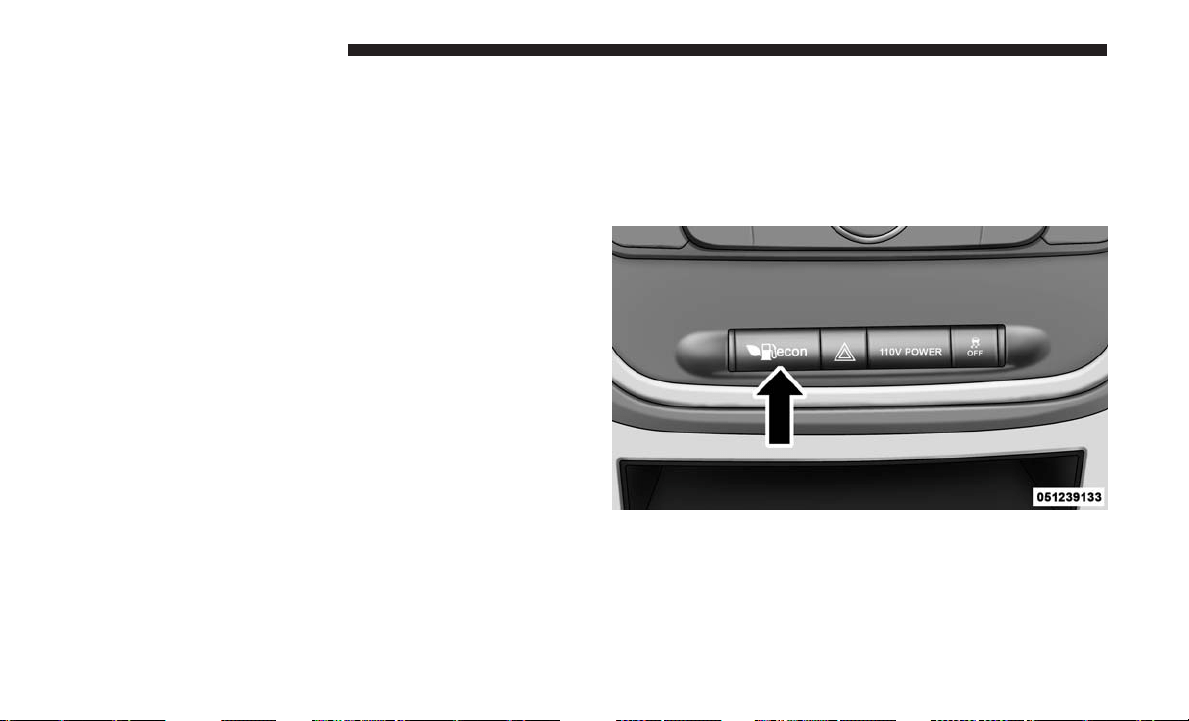
Key Ignition Park Interlock
This vehicle is equipped with a Key Ignition Park Interlock
which requires the transmission to be in PARK before the
ignition can be turned to the LOCK/OFF (key removal)
position. The key fob can only be removed from the
ignition when the ignition is in the LOCK/OFF position,
and the transmission is locked in PARK whenever the
ignition is in the LOCK/OFF position.
NOTE: If a malfunction occurs, the system will trap the key
fob in the ignition to warn you that this safety feature is
inoperable. The engine can be started and stopped but the
key fob cannot be removed until you obtain service.
Brake/Transmission Shift Interlock System
This vehicle is equipped with a Brake Transmission Shift
Interlock System (BTSI) that holds the transmission gear
selector in PARK unless the brakes are applied. To shift the
transmission out of PARK, the ignition must be turned to
the ON/RUN mode (engine running or not) and the brake
pedal must be pressed.
Fuel Economy (ECON) Mode
The Fuel Economy (ECON) mode can improve the vehi-
cle’s overall fuel economy during normal driving condi-
tions. Push the “econ” switch in the center stack of the
instrument panel and a green light will indicate the ECON
mode is engaged.
When the Fuel Economy (ECON) Mode is engaged, the
vehicle control systems will change the following:
•
The transmission will upshift sooner and downshift later.
• The transmission will skip select gears during shifts to
allow the engine to operate at lower speeds.
Fuel Economy Mode Switch
346 STARTING AND OPERATING
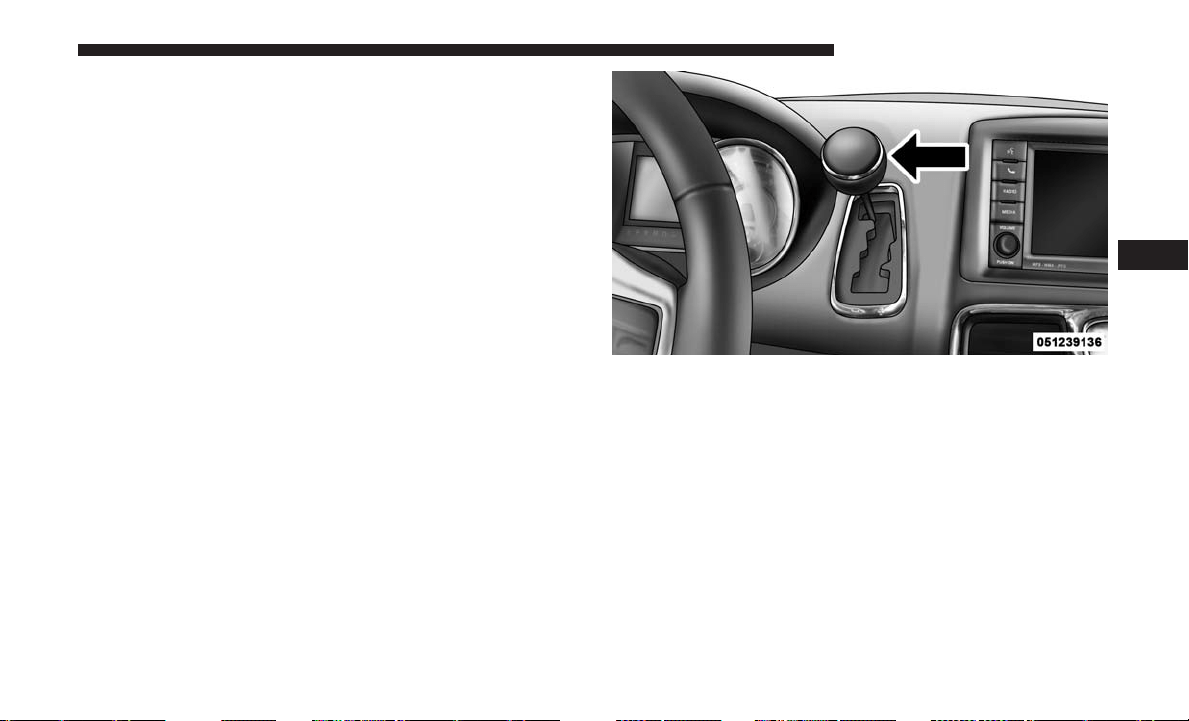
• The torque converter clutch may engage at lower engine
speeds and remain on longer.
• The engine idle speed will be lower.
• The overall driving performance will be more conserva-
tive.
• Some ECON mode functions may be temporarily inhib-
ited based on temperature and other factors.
Six-Speed Automatic Transmission
The transmission gear position display (located in the
instrument cluster) indicates the transmission gear range.
You must press the brake pedal to move the gear selector
out of PARK (Refer to “Brake/Transmission Shift Interlock
System” in this section). To drive, move the gear selector
from PARK or NEUTRAL to the DRIVE position.
The electronically-controlled transmission provides a pre-
cise shift schedule. The transmission electronics are self-
calibrating; therefore, the first few shifts on a new vehicle
may be somewhat abrupt. This is a normal condition, and
precision shifts will develop within a few hundred miles
(kilometers).
Only shift from DRIVE to PARK or REVERSE when the
accelerator pedal is released and the vehicle is stopped. Be
sure to keep your foot on the brake pedal when shifting
between these gears.
The transmission gear selector has only PARK, REVERSE,
NEUTRAL, and DRIVE shift positions. Manual downshifts
can be made using the Electronic Range Select (ERS) shift
control (refer to “Electronic Range Select (ERS) Operation”
in this section for further information). Moving the gear
Gear Selector
5
STARTING AND OPERATING 347
selector to the left or right (–/+) while in the DRIVE
position will select the highest available transmission gear,
and will display that gear in the instrument cluster as 1, 2,
3, etc.
Gear Ranges
DO NOT race the engine when shifting from PARK or
NEUTRAL into another gear range.
NOTE: After selecting any gear range, wait a moment to
allow the selected gear to engage before accelerating. This
is especially important when the engine is cold.
PARK (P)
This range supplements the parking brake by locking the
transmission. The engine can be started in this range.
Never attempt to use PARK while the vehicle is in motion.
Apply the parking brake when leaving the vehicle in this
range.
When parking on a level surface, you may shift the trans-
mission into PARK first, and then apply the parking brake.
When parking on a hill, apply the parking brake before
shifting the transmission to PARK, otherwise the load on
the transmission locking mechanism may make it difficult
to move the gear selector out of PARK. As an added
precaution, turn the front wheels toward the curb on a
downhill grade, and away from the curb on an uphill
grade.
When exiting the vehicle, always:
• Apply the parking brake.
• Shift the transmission into PARK.
• Turn the engine OFF.
• Remove the key fob.
WARNING!
• Never use the PARK position as a substitute for the
parking brake. Always apply the parking brake fully
when exiting the vehicle to guard against vehicle
movement and possible injury or damage.
• Your vehicle could move and injure you and others if
it is not in PARK. Check by trying to move the gear
selector out of PARK with the brake pedal released.
Make sure the transmission is in PARK before exit-
ing the vehicle.
(Continued)
348 STARTING AND OPERATING
WARNING! (Continued)
• It is dangerous to shift out of PARK or NEUTRAL if
the engine speed is higher than idle speed. If your
foot is not firmly pressing the brake pedal, the
vehicle could accelerate quickly forward or in re-
verse. You could lose control of the vehicle and hit
someone or something. Only shift into gear when the
engine is idling normally and your foot is firmly
pressing the brake pedal.
• Unintended movement of a vehicle could injure
those in or near the vehicle. As with all vehicles, you
should never exit a vehicle while the engine is
running. Before exiting a vehicle, always come to a
complete stop, then apply the parking brake, shift
the transmission into PARK, turn the engine OFF,
and remove the key fob. When the ignition is in the
LOCK/OFF (key removal) position (or, with Keyless
Enter-N-Go, when the ignition is in the OFF mode),
the transmission is locked in PARK, securing the
vehicle against unwanted movement.
• When leaving the vehicle, always make sure the
ignition is in the OFF mode, remove the key fob from
the vehicle, and lock the vehicle.
(Continued)
WARNING! (Continued)
• Never leave children alone in a vehicle, or with
access to an unlocked vehicle. Allowing children to
be in a vehicle unattended is dangerous for a number
of reasons. A child or others could be seriously or
fatally injured. Children should be warned not to
touch the parking brake, brake pedal or the trans-
mission gear selector.
• Do not leave the key fob in or near the vehicle (or in
a location accessible to children), and do not leave
the ignition (in a vehicle equipped with Keyless
Enter-N-Go) in the ACC or ON/RUN mode. A child
could operate power windows, other controls, or
move the vehicle.
The following indicators should be used to ensure that you
have engaged the transmission into the PARK position:
•
When shifting into PARK, firmly move the gear selector all
the way forward and to the left until it stops and is fully
seated.
• Look at the transmission gear position display and
verify that it indicates the PARK position (P).
• With brake pedal released, verify that the gear selector
will not move out of PARK.
5
STARTING AND OPERATING 349
CAUTION!
• Before moving the transmission gear selector out of
PARK, you must turn the ignition to the ON/RUN
mode, and also press the brake pedal. Otherwise,
damage to the gear selector could result.
• DO NOT race the engine when shifting from PARK
or NEUTRAL into another gear range, as this can
damage the drivetrain.
REVERSE (R)
This range is for moving the vehicle backward. Shift into
REVERSE only after the vehicle has come to a complete
stop.
NEUTRAL (N)
Use this range when the vehicle is standing for prolonged
periods with the engine running. The engine may be
started in this range. Apply the parking brake and shift the
transmission into PARK if you must leave the vehicle.
WARNING!
Do not coast in NEUTRAL and never turn off the
ignition to coast down a hill. These are unsafe practices
that limit your response to changing traffic or road
conditions. You might lose control of the vehicle and
have a collision.
CAUTION!
Towing the vehicle, coasting, or driving for any other
reason with the transmission in NEUTRAL can cause
severe transmission damage. Refer to “Recreational
Towing” in “Starting And Operating” and “Towing A
Disabled Vehicle” in “What To Do In Emergencies” for
further information.
DRIVE (D)
This range should be used for most city and highway
driving. It provides the smoothest upshifts and downshifts,
and the best fuel economy. The transmission automatically
upshifts through all forward gears. The DRIVE position
provides optimum driving characteristics under all normal
operating conditions.
350 STARTING AND OPERATING

When frequent transmission shifting occurs (such as when
operating the vehicle under heavy loading conditions, in
hilly terrain, traveling into strong head winds, or while
towing a heavy trailer), use the Electronic Range Select
(ERS) shift control (refer to ⬙Electronic Range Select (ERS)
Operation⬙ in this section for further information) to select
a lower gear range. Under these conditions, using a lower
gear range will improve performance and extend transmis-
sion life by reducing excessive shifting and heat buildup.
During cold temperatures, transmission operation may be
modified depending on engine and transmission tempera-
ture as well as vehicle speed. This feature improves warm
up time of the engine and transmission to achieve maxi-
mum efficiency. Engagement of the torque converter clutch
is inhibited until the transmission fluid is warm (refer to
the “Note” under “Torque Converter Clutch” in this sec-
tion). During extremely cold temperatures (-16°F [-27°C] or
below), operation may briefly be limited to third gear only.
Normal operation will resume once the transmission tem-
perature has risen to a suitable level.
Transmission Limp Home Mode
Transmission function is monitored electronically for abnor-
mal conditions. If a condition is detected that could result in
transmission damage, Transmission Limp Home Mode is
activated. In this mode, the transmission remains in third
gear regardless of which forward gear is selected. PARK,
REVERSE, and NEUTRAL will continue to operate. The
Malfunction Indicator Light (MIL) may be illuminated. Limp
Home Mode allows the vehicle to be driven to an authorized
dealer for service without damaging the transmission.
In the event of a momentary problem, the transmission can
be reset to regain all forward gears by performing the
following steps:
1. Stop the vehicle.
2. Shift the transmission into PARK.
3. Turn the ignition to the OFF position.
4. Wait approximately 10 seconds.
5. Restart the engine.
6. Shift into the desired gear range. If the problem is no
longer detected, the transmission will return to normal
operation.
5
STARTING AND OPERATING 351
NOTE: Even if the transmission can be reset, we recom-
mend that you visit your authorized dealer at your earliest
possible convenience. Your authorized dealer has diagnos-
tic equipment to determine if the problem could recur.
If the transmission cannot be reset, authorized dealer
service is required.
Electronic Range Select (ERS) Operation
The Electronic Range Select (ERS) shift control allows the
driver to limit the highest available gear when the trans-
mission is in DRIVE. For example, if you set the transmis-
sion gear limit to 4 (fourth gear), the transmission will not
shift above fourth gear (except to prevent engine over-
speed), but will shift through the lower gears normally.
You can switch between DRIVE and ERS mode at any
vehicle speed. When the gear selector is in the DRIVE
position, the transmission will operate automatically, shift-
ing between all available gears. Tapping the gear selector to
the left (-) will activate ERS mode, display the current gear
in the instrument cluster, and set that gear as the top
available gear. Once in ERS mode, tapping the gear selector
to the left (-) or right (+) will change the top available gear.
To exit ERS mode, simply hold the gear selector to the right
(+) until the gear limit display disappears from the instru-
ment cluster.
WARNING!
Do not downshift for additional engine braking on a
slippery surface. The drive wheels could lose their grip
and the vehicle could skid, causing a collision or
personal injury.
Transmission Gear Position Display
123456D
Actual Gear(s) Allowed 1 1–2 1–3 1–4 1–5 1–6 1–6
352 STARTING AND OPERATING

NOTE: To select the proper gear position for maximum
deceleration (engine braking), tap the gear selector to the
left (-) repeatedly as the vehicle slows. The transmission
will shift to the range from which the vehicle can best be
slowed down.
Overdrive Operation
The automatic transmission includes an electronically con-
trolled Overdrive (sixth gear). The transmission will auto-
matically shift into Overdrive if the following conditions
are present:
• The gear selector is in the DRIVE position.
• The transmission fluid has reached an adequate tem-
perature.
• The engine coolant has reached an adequate tempera-
ture.
• The vehicle speed is sufficiently high.
• The driver is not heavily pressing the accelerator.
Torque Converter Clutch
A feature designed to improve fuel economy has been
included in the automatic transmission on your vehicle. A
clutch within the torque converter engages automatically
at calibrated speeds. This may result in a slightly different
feeling or response during normal operation in the upper
gears. When the vehicle speed drops or during some
accelerations, the clutch automatically disengages.
NOTE: The torque converter clutch will not engage until
the transmission fluid and engine coolant are warm [usu-
ally after 1 to 3 miles (2 to 5 km) of driving]. Because the
engine speed is higher when the torque converter clutch is
not engaged, it may seem as if the transmission is not
shifting into Overdrive when cold. This is normal. Using
the Electronic Range Select (ERS) shift control, when the
transmission is sufficiently warm, will demonstrate that
the transmission is able to shift into and out of Overdrive.
5
STARTING AND OPERATING 353
DRIVING ON SLIPPERY SURFACES
Acceleration
Rapid acceleration on snow covered, wet, or other slippery
surfaces may cause the driving wheels to pull erratically to
the right or left. This phenomenon occurs when there is a
difference in the surface traction under the front (driving)
wheels.
WARNING!
Rapid acceleration on slippery surfaces is dangerous.
Unequal traction can cause sudden pulling of the front
wheels. You could lose control of the vehicle and
possibly have a collision. Accelerate slowly and care-
fully whenever there is likely to be poor traction (ice,
snow, wet, mud, loose sand, etc.).
Traction
When driving on wet or slushy roads, it is possible for a
wedge of water to build up between the tire and road
surface. This is known as hydroplaning, and may cause
partial or complete loss of vehicle control and stopping
ability. To reduce this possibility, the following precautions
should be observed:
• Slow down during rainstorms or when the roads are
slushy.
• Slow down if the road has standing water or puddles.
• Replace the tires when tread wear indicators first be-
come visible.
• Keep tires properly inflated.
• Maintain sufficient distance between your vehicle and
the vehicle in front of you to avoid a collision in a
sudden stop.
DRIVING THROUGH WATER
Driving through water more than a few inches/centimeters
deep will require extra caution to ensure safety and pre-
vent damage to your vehicle.
354 STARTING AND OPERATING
Flowing/Rising Water
WARNING!
Do not drive on or across a road or path where water is
flowing and/or rising (as in storm run-off). Flowing
water can wear away the road or path’s surface and
cause your vehicle to sink into deeper water. Further-
more, flowing and/or rising water can carry your ve-
hicle away swiftly. Failure to follow this warning may
result in injuries that are serious or fatal to you, your
passengers, and others around you.
Shallow Standing Water
Although your vehicle is capable of driving through shal-
low standing water, consider the following Cautions and
Warnings before doing so.
WARNING!
• Driving through standing water limits your vehicle’s
traction capabilities. Do not exceed 5 mph (8 km/h)
when driving through standing water.
(Continued)
WARNING! (Continued)
• Driving through standing water limits your vehicle’s
braking capabilities, which increases stopping dis-
tances. Therefore, after driving through standing
water, drive slowly and lightly press on the brake
pedal several times to dry the brakes.
• Failure to follow these warnings may result in inju-
ries that are serious or fatal to you, your passengers,
and others around you.
CAUTION!
• Always check the depth of the standing water before
driving through it. Never drive through standing
water that is deeper than the bottom of the tire rims
mounted on the vehicle.
• Determine the condition of the road or the path that
is under water and if there are any obstacles in the
way before driving through the standing water.
• Do not exceed 5 mph (8 km/h) when driving through
standing water. This will minimize wave effects.
(Continued)
5
STARTING AND OPERATING 355

CAUTION! (Continued)
• Driving through standing water may cause damage
to your vehicle’s drivetrain components. Always in-
spect your vehicle’s fluids (i.e., engine oil, transmis-
sion, axle, etc.) for signs of contamination (i.e., fluid
that is milky or foamy in appearance) after driving
through standing water. Do not continue to operate
the vehicle if any fluid appears contaminated, as this
may result in further damage. Such damage is not
covered by the New Vehicle Limited Warranty.
• Getting water inside your vehicle’s engine can cause
it to lock up and stall out, and cause serious internal
damage to the engine. Such damage is not covered by
the New Vehicle Limited Warranty.
POWER STEERING
The standard power steering system will give you good
vehicle response and increased ease of maneuverability in
tight spaces. The system will provide mechanical steering
capability if power assist is lost.
If for some reason the power assist is interrupted, it will
still be possible to steer your vehicle. Under these condi-
tions, you will observe a substantial increase in steering
effort, especially at very low vehicle speeds and during
parking maneuvers.
NOTE:
• Increased noise levels at the end of the steering wheel
travel are considered normal and do not indicate that
there is a problem with the power steering system.
• Upon initial start-up in cold weather, the power steering
pump may make noise for a short amount of time. This
is due to the cold, thick fluid in the steering system. This
noise should be considered normal, and it does not in
any way damage the steering system.
CAUTION!
Prolonged operation of the steering system at the end of
the steering wheel travel will increase the steering fluid
temperature and it should be avoided when possible.
Damage to the power steering pump may occur.
Power Steering Fluid Check
Checking the power steering fluid level at a defined service
interval is not required. The fluid should be checked at
every oil change if a leak is suspected, abnormal noises are
356 STARTING AND OPERATING
apparent, and/or the system is not functioning as antici-
pated. Coordinate inspection efforts through an authorized
dealer.
WARNING!
Fluid level should be checked on a level surface and
with the engine off to prevent injury from moving
parts and to ensure accurate fluid level reading. Do not
overfill. Use only manufacturer’s recommended power
steering fluid.
CAUTION!
Do not use chemical flushes in your power steering
system as the chemicals can damage your power steer-
ing components. Such damage is not covered by the
New Vehicle Limited Warranty.
If necessary, add fluid to restore to the proper indicated
level. With a clean cloth, wipe any spilled fluid from all
surfaces. Refer to “Fluids, Lubricants And Genuine Parts”
in “Maintaining Your Vehicle” for further information.
PARKING BRAKE
Before leaving the vehicle, make sure that the parking
brake is fully applied and place the gear selector in the
PARK position.
The foot operated parking brake is positioned below the
lower left corner of the instrument panel. To apply the park
brake, firmly push the park brake pedal fully. To release the
parking brake, press the park brake pedal a second time
and let your foot up as you feel the brake disengage.
Parking Brake
5
STARTING AND OPERATING 357
When the parking brake is applied with the ignition switch
in the ON position, the “Brake Warning Light” in the
instrument cluster will illuminate.
NOTE:
• When the parking brake is applied and the automatic
transmission is placed in gear, the “Brake Warning
Light” will flash. If vehicle speed is detected, a chime
will sound to alert the driver. Fully release the parking
brake before attempting to move the vehicle.
• This light only shows that the parking brake is applied.
It does not show the degree of brake application.
When parking on a hill, it is important to turn the front
wheels toward the curb on a downhill grade and away
from the curb on an uphill grade. For vehicles equipped
with an automatic transmission, apply the parking brake
before placing the gear selector in PARK, otherwise the
load on the transmission locking mechanism may make it
difficult to move the gear selector out of PARK. The
parking brake should always be applied whenever the
driver is not in the vehicle.
WARNING!
• When exiting the vehicle, always remove the key fob
from the ignition and lock your vehicle.
• Never leave children alone in a vehicle, or with
access to an unlocked vehicle.
• Allowing children to be in a vehicle unattended is
dangerous for a number of reasons. A child or others
could be seriously or fatally injured. Children
should be warned not to touch the parking brake,
brake pedal or the gear selector.
• Do not leave the key fob in or near the vehicle (or in
a location accessible to children), and do not leave
the ignition of a vehicle equipped with Keyless
Enter-N-Go in the ACC or ON/ RUN mode. A child
could operate power windows, other controls, or
move the vehicle.
• Be sure the parking brake is fully disengaged before
driving; failure to do so can lead to brake failure and
a collision.
• Always fully apply the parking brake when leaving
your vehicle, or it may roll and cause damage or
injury. Also be certain to leave the transmission in
PARK. Failure to do so may allow the vehicle to roll
and cause damage or injury.
358 STARTING AND OPERATING
CAUTION!
If the Brake System Warning Light remains on with the
parking brake released, a brake system malfunction is
indicated. Have the brake system serviced by an au-
thorized dealer immediately.
BRAKE SYSTEM
Your vehicle is equipped with dual hydraulic brake sys-
tems. If either of the two hydraulic systems loses normal
capability, the remaining system will still function. How-
ever, there will be some loss of overall braking effective-
ness. You may notice increased pedal travel during appli-
cation, greater pedal force required to slow or stop, and
potential activation of the “Brake System Warning Light”.
In the event power assist is lost for any reason (i.e.,
repeated brake applications with the engine off) the brakes
will still function. However, the effort required to brake the
vehicle will be much greater than that required with the
power system operating.
ELECTRONIC BRAKE CONTROL SYSTEM
Your vehicle is equipped with an advanced Electronic
Brake Control system (EBC). This system includes Elec-
tronic Brake Force Distribution (EBD), Anti-Lock Brake
System (ABS), Brake Assist System (BAS), Hill Start Assist
(HSA), Traction Control System (TCS), Electronic Stability
Control (ESC), and Electronic Roll Mitigation (ERM). These
systems work together to enhance both vehicle stability
and control in various driving conditions.
Your vehicle may also be equipped with Trailer Sway
Control (TSC).
Electronic Brake Force Distribution (EBD)
This function manages the distribution of the braking
torque between the front and rear axles by limiting braking
pressure to the rear axle. This is done to prevent overslip of
the rear wheels to avoid vehicle instability, and to prevent
the rear axle from entering ABS before the front axle.
5
STARTING AND OPERATING 359
Brake System Warning Light
The red “Brake System Warning Light” will turn on when
the ignition switch is turned to the ON position and may
stay on for as long as four seconds.
If the “Brake System Warning Light” remains on or comes
on while driving, it indicates that the brake system is not
functioning properly and that immediate service is re-
quired. If the “Brake System Warning Light” does not come
on when the ignition switch is turned to the ON position,
have the light repaired as soon as possible.
Anti-Lock Brake System (ABS)
The Anti-Lock Brake System (ABS) provides increased
vehicle stability and brake performance under most brak-
ing conditions. The system automatically prevents wheel
lock, and enhances vehicle control during braking.
The ABS performs a self-check cycle to ensure that the ABS
is working properly each time the vehicle is started and
driven. During this self-check, you may hear a slight
clicking sound as well as some related motor noises.
ABS is activated during braking when the system detects
one or more wheels begins to lock. Road conditions such as
ice, snow, gravel, bumps, railroad tracks, loose debris,
or panic stops may increase the likelihood of ABS activa-
tion(s).
You also may experience the following when ABS activates:
• The ABS motor noise (it may continue to run for a short
time after the stop).
• The clicking sound of solenoid valves.
• Brake pedal pulsations.
• A slight drop of the brake pedal at the end of the stop.
These are all normal characteristics of ABS.
WARNING!
• The ABS contains sophisticated electronic equip-
ment that may be susceptible to interference caused
by improperly installed or high output radio trans-
mitting equipment. This interference can cause pos-
sible loss of anti-lock braking capability. Installation
of such equipment should be performed by qualified
professionals.
(Continued)
360 STARTING AND OPERATING
WARNING! (Continued)
• Pumping of the Anti-Lock Brakes will diminish their
effectiveness and may lead to a collision. Pumping
makes the stopping distance longer. Just press firmly
on your brake pedal when you need to slow down or
stop.
• The ABS cannot prevent the natural laws of physics
from acting on the vehicle, nor can it increase brak-
ing or steering efficiency beyond that afforded by the
condition of the vehicle brakes and tires or the
traction afforded.
• The ABS cannot prevent collisions, including those
resulting from excessive speed in turns, following
another vehicle too closely, or hydroplaning.
• The capabilities of an ABS equipped vehicle must
never be exploited in a reckless or dangerous manner
that could jeopardize the user’s safety or the safety of
others.
ABS is designed to function with the OEM tires. Modifica-
tion may result in degraded ABS performance.
Anti-Lock Brake Warning Light
The yellow “Anti-Lock Brake Warning Light” will turn on
when the ignition switch is turned to the ON position and
may stay on for as long as four seconds.
If the “Anti-Lock Brake Warning Light” remains on or
comes on while driving, it indicates that the anti-lock
portion of the brake system is not functioning and that
service is required. However, the conventional brake sys-
tem will continue to operate normally if the “Brake System
Warning Light” is not on.
If the “Anti-Lock Brake Warning Light” is on, the brake
system should be serviced as soon as possible to restore the
benefits of anti-lock brakes. If the “Anti-Lock Brake Warn-
ing Light” does not come on when the ignition switch is
turned to the ON position, have the light repaired as soon
as possible.
Brake Assist System (BAS)
The BAS is designed to optimize the vehicle’s braking
capability during emergency braking maneuvers. The sys-
tem detects an emergency braking situation by sensing the
rate and amount of brake application and then applies
5
STARTING AND OPERATING 361
optimum pressure to the brakes. This can help reduce
braking distances. The BAS complements the anti-lock
brake system (ABS). Applying the brakes very quickly
results in the best BAS assistance. To receive the benefit of
the system, you must apply continuous braking pressure
during the stopping sequence, (do not “pump” the brakes).
Do not reduce brake pedal pressure unless braking is no
longer desired. Once the brake pedal is released, the BAS is
deactivated.
WARNING!
The Brake Assist System (BAS) cannot prevent the
natural laws of physics from acting on the vehicle, nor
can it increase the traction afforded by prevailing road
conditions. BAS cannot prevent collisions, including
those resulting from excessive speed in turns, driving
on very slippery surfaces, or hydroplaning. The capa-
bilities of a BAS-equipped vehicle must never be ex-
ploited in a reckless or dangerous manner, which could
jeopardize the user’s safety or the safety of others.
Hill Start Assist (HSA)
The HSA system is designed to mitigate roll back from a
complete stop while on an incline. If the driver releases the
brake while stopped on an incline, HSA will continue to
hold the brake pressure for a short period. If the driver
does not apply the throttle before this time expires, the
system will release brake pressure and the vehicle will roll
down the hill as normal.
The following conditions must be met in order for HSA to
activate:
• The feature must be enabled.
• The vehicle must be stopped.
• Park brake must be off.
• Driver door must be closed.
• The vehicle must be on a sufficient grade.
• The gear selection must match vehicle uphill direction
(i.e., vehicle facing uphill is in forward gear; vehicle
backing uphill is in REVERSE gear).
362 STARTING AND OPERATING
• HSA will work in REVERSE gear and all forward gears.
The system will not activate if the transmission is in
PARK or NEUTRAL. For vehicles equipped with a
manual transmission, if the clutch is pressed, HSA will
remain active.
WARNING!
There may be situations where the Hill Start Assist
(HSA) will not activate and slight rolling may occur,
such as on minor hills or with a loaded vehicle, or
while pulling a trailer. HSA is not a substitute for
active driving involvement. It is always the driver’s
responsibility to be attentive to distance to other ve-
hicles, people, and objects, and most importantly brake
operation to ensure safe operation of the vehicle under
all road conditions. Your complete attention is always
required while driving to maintain safe control of your
vehicle. Failure to follow these warnings can result in
a collision or serious personal injury.
Towing With HSA
HSA will also provide assistance to mitigate roll back while
towing a trailer.
WARNING!
• If you use a trailer brake controller with your trailer,
the trailer brakes may be activated and deactivated
with the brake switch. If so, there may not be enough
brake pressure to hold both the vehicle and the
trailer on a hill when the brake pedal is released. In
order to avoid rolling down an incline while resum-
ing acceleration, manually activate the trailer brake
or apply more vehicle brake pressure prior to releas-
ing the brake pedal.
• HSA is not a parking brake. Always apply the
parking brake fully when leaving your vehicle. Also,
be certain to leave the transmission in PARK.
• Failure to follow these warnings may cause the
vehicle to roll down the incline and could collide
with another vehicle, object or person, and cause
serious or fatal injury. Always remember to use the
parking brake while parking on a hill and that the
driver is responsible for braking the vehicle.
5
STARTING AND OPERATING 363

Disabling And Enabling HSA
This feature can be turned on or turned off. To change the
current setting, proceed as follows:
•
For vehicles equipped with the instrument cluster display,
refer to “Instrument Cluster Display” in “Understanding
Your Instrument Panel” for further information.
• If disabling HSA using Uconnect Settings, refer to
“Uconnect Settings” in “Understanding Your Instrument
Panel” for further information.
For vehicles not equipped with the instrument cluster
display, perform the following steps:
1.
Center the steering wheel (front wheels pointing straight
forward).
2. Shift the transmission into PARK.
3. Apply the parking brake.
4. Start the engine.
5. Rotate the steering wheel slightly more than one-half
turn to the left.
6. Push the “ESC Off” button located in the lower switch
bank below the climate control four times within twenty
seconds. The “ESC Off Indicator Light” should turn on
and turn off two times.
7. Rotate the steering wheel back to center and then an
additional slightly more than one-half turn to the right.
8. Turn the ignition switch to the OFF position and then
back to the ON position. If the sequence was completed
properly, the “ESC Off Indicator Light” will blink sev-
eral times to confirm HSA is disabled.
9. Repeat these steps if you want to return this feature to
its previous setting.
Traction Control System (TCS)
This system monitors the amount of wheel spin of each of
the driven wheels. If wheel spin is detected, the TCS may
apply brake pressure to the spinning wheel(s) and/or
reduce engine power to provide enhanced acceleration and
stability. A feature of the TCS, Brake Limited Differential
(BLD), functions similar to a limited slip differential and
controls the wheel spin across a driven axle. If one wheel
on a driven axle is spinning faster than the other, the
system will apply the brake of the spinning wheel. This
will allow more engine torque to be applied to the wheel
that is not spinning. BLD may remain enabled even if TCS
and ESC are in a reduced mode.
364 STARTING AND OPERATING
Electronic Stability Control (ESC)
This system enhances directional control and stability of
the vehicle under various driving conditions. ESC corrects
for oversteering or understeering of the vehicle by apply-
ing the brake of the appropriate wheel(s) to assist in
counteracting the oversteer or understeer condition. En-
gine power may also be reduced to help the vehicle
maintain the desired path.
ESC uses sensors in the vehicle to determine the vehicle
path intended by the driver and compares it to the actual
path of the vehicle. When the actual path does not match
the intended path, ESC applies the brake of the appropriate
wheel to assist in counteracting the oversteer or understeer
condition.
• Oversteer - when the vehicle is turning more than
appropriate for the steering wheel position.
• Understeer - when the vehicle is turning less than
appropriate for the steering wheel position.
The “ESC Activation/Malfunction Indicator Light” located
in the instrument cluster will start to flash as soon as the ESC
system becomes active. The “ESC Activation/Malfunction
Indicator Light” also flashes when the TCS is active. If the
“ESC Activation/Malfunction Indicator Light” begins to
flash during acceleration, ease up on the accelerator and
apply as little throttle as possible. Be sure to adapt your
speed and driving to the prevailing road conditions.
WARNING!
• Electronic Stability Control (ESC) cannot prevent the
natural laws of physics from acting on the vehicle,
nor can it increase the traction afforded by prevailing
road conditions. ESC cannot prevent accidents, in-
cluding those resulting from excessive speed in
turns, driving on very slippery surfaces, or hydro-
planing. ESC also cannot prevent accidents resulting
from loss of vehicle control due to inappropriate
driver input for the conditions. Only a safe, attentive,
and skillful driver can prevent accidents. The capa-
bilities of an ESC equipped vehicle must never be
exploited in a reckless or dangerous manner which
could jeopardize the user’s safety or the safety of
others.
• Vehicle modifications, or failure to properly main-
tain your vehicle, may change the handling charac-
teristics of your vehicle, and may negatively affect
the performance of the ESC system. Changes to the
(Continued)
5
STARTING AND OPERATING 365

WARNING! (Continued)
steering system, suspension, braking system, tire
type and size or wheel size may adversely affect ESC
performance. Improperly inflated and unevenly
worn tires may also degrade ESC performance. Any
vehicle modification or poor vehicle maintenance
that reduces the effectiveness of the ESC system can
increase the risk of loss of vehicle control, vehicle
rollover, personal injury and death.
ESC Operating Modes
NOTE: Depending upon model and mode of operation, the
ESC system may have multiple operating modes.
ESC On
This is the normal operating mode for the ESC. Whenever
the vehicle is started, the ESC system will be in this mode.
This mode should be used for most driving conditions.
Alternate ESC modes should only be used for specific
reasons as noted in the following paragraphs.
Partial Off
The “Partial Off” mode is intended for times when a more
spirited driving experience is desired. This mode may
modify TCS and ESC thresholds for activation, which
allows for more wheel spin than normally allowed. This
mode may be useful if the vehicle becomes stuck.
To enter the “Partial Off” mode, momentarily push the
“ESC Off” switch and the “ESC Off Indicator Light” will
illuminate. To turn the ESC on again, momentarily push
the “ESC Off” switch and the “ESC Off Indicator Light”
will turn off.
WARNING!
• When in “Partial Off” mode, the TCS functionality
of ESC, (except for the limited slip feature described
in the TCS section), has been disabled and the “ESC
Off Indicator Light” will be illuminated. When in
“Partial Off” mode, the engine power reduction
feature of TCS is disabled, and the enhanced vehicle
stability offered by the ESC system is reduced.
• Trailer Sway control (TSC) is disabled when the ESC
system is in the “Partial Off” mode.
366 STARTING AND OPERATING
NOTE: The Electronic Stability Control (ESC) cannot pre-
vent the natural laws of physics from acting on the vehicle,
nor can it increase the traction afforded by prevailing road
conditions. ESC cannot prevent all accidents, including
those resulting from excessive speed in turns, driving on
very slippery surfaces, or hydroplaning. ESC also cannot
prevent collisions.
ESC Activation/Malfunction Indicator Light and ESC
OFF Indicator Light
The “ESC Activation/Malfunction Indicator
Light” in the instrument cluster will come on
when the ignition switch is turned to the ON
position. It should go out with the engine run-
ning. If the “ESC Activation/Malfunction Indicator Light”
comes on continuously with the engine running, a mal-
function has been detected in the ESC system. If this light
remains on after several ignition cycles, and the vehicle has
been driven several miles (kilometers) at speeds greater
than 30 mph (48 km/h), see your authorized dealer as soon
as possible to have the problem diagnosed and corrected.
The “ESC Activation/Malfunction Indicator Light” (lo-
cated in the instrument cluster) starts to flash as soon as
the tires lose traction and the ESC system becomes active.
The “ESC Activation/Malfunction Indicator Light” also
flashes when TCS is active. If the “ESC Activation/
Malfunction Indicator Light” begins to flash during accel-
eration, ease up on the accelerator and apply as little
throttle as possible. Be sure to adapt your speed and
driving to the prevailing road conditions.
NOTE:
• The “ESC Activation/Malfunction Indicator Light” and
the “ESC OFF Indicator Light” come on momentarily
each time the ignition switch is turned ON.
• Each time the ignition is turned ON, the ESC system will
be ON even if it was turned off previously.
• The ESC system will make buzzing or clicking sounds
when it is active. This is normal; the sounds will stop
when ESC becomes inactive following the maneuver
that caused the ESC activation.
The “ESC OFF Indicator Light” indicates the
customer has elected to have the Electronic Sta-
bility Control (ESC) in a reduced mode.
5
STARTING AND OPERATING 367

Electronic Roll Mitigation (ERM)
This system anticipates the potential for wheel lift by
monitoring the driver’s steering wheel input and the speed
of the vehicle. When ERM determines that the rate of
change of the steering wheel angle and vehicle’s speed are
sufficient to potentially cause wheel lift, it then applies the
appropriate brake and may also reduce engine power to
lessen the chance that wheel lift will occur. ERM can only
reduce the chance of wheel lift occurring during severe or
evasive driving maneuvers; it cannot prevent wheel lift
due to other factors, such as road conditions, leaving the
roadway, or striking objects or other vehicles.
WARNING!
Many factors, such as vehicle loading, road conditions
and driving conditions, influence the chance that
wheel lift or rollover may occur. ERM cannot prevent
all wheel lift or roll overs, especially those that involve
leaving the roadway or striking objects or other ve-
hicles. The capabilities of an ERM-equipped vehicle
must never be exploited in a reckless or dangerous
manner which could jeopardize the user’s safety or the
safety of others.
Trailer Sway Control (TSC)
TSC uses sensors in the vehicle to recognize an excessively
swaying trailer and will take the appropriate actions to
attempt to stop the sway. TSC will become active automati-
cally once an excessively swaying trailer is recognized.
Note that TSC cannot stop all trailers from swaying.
Always use caution when towing a trailer and follow the
trailer tongue weight recommendations. Refer to “Trailer
Towing” in this section for further information. When TSC
is functioning, the “ESC Activation/Malfunction Indicator
Light” will flash, the engine power may be reduced and
you may feel the brakes being applied to individual wheels
to attempt to stop the trailer from swaying. TSC is disabled
when the ESC system is in the “Partial Off” modes.
WARNING!
If TSC activates while driving, slow the vehicle down,
stop at the nearest safe location, and adjust the trailer
load to eliminate trailer sway.
368 STARTING AND OPERATING
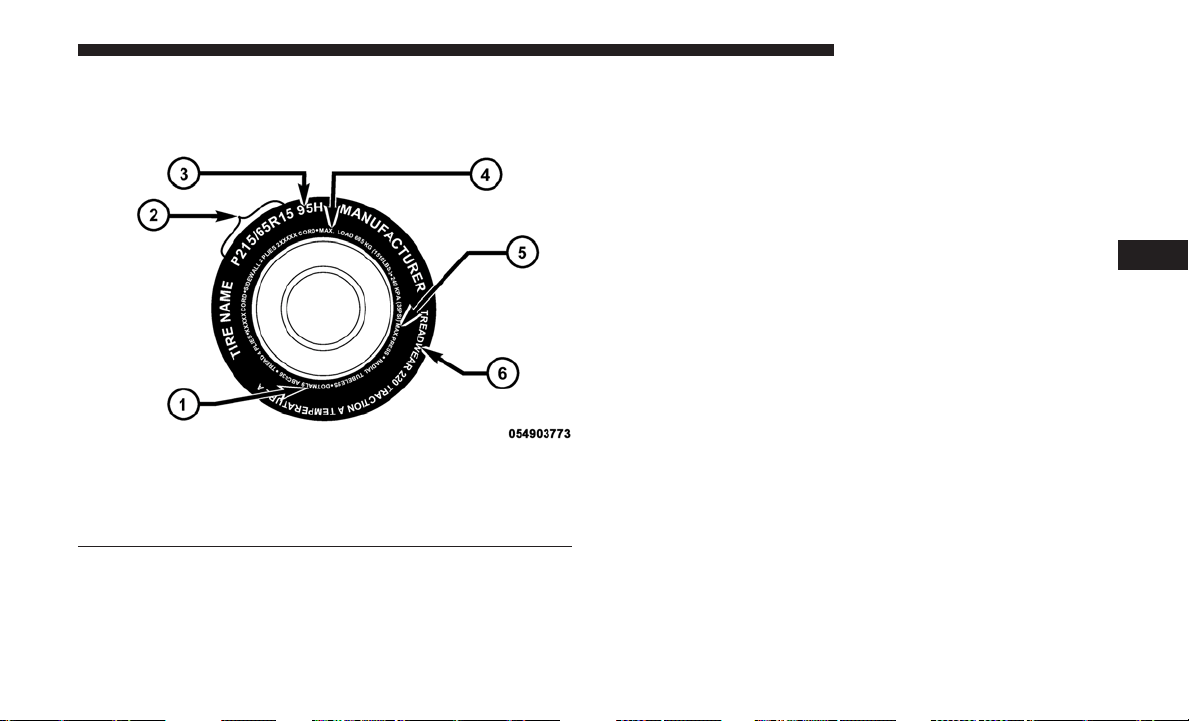
TIRE SAFETY INFORMATION
Tire Markings
NOTE:
• P (Passenger) — Metric tire sizing is based on U.S.
design standards. P-Metric tires have the letter “P”
molded into the sidewall preceding the size designation.
Example: P215/65R15 95H.
• European — Metric tire sizing is based on European
design standards. Tires designed to this standard have
the tire size molded into the sidewall beginning with the
section width. The letter ⬙P⬙ is absent from this tire size
designation. Example: 215/65R15 96H.
• LT (Light Truck) — Metric tire sizing is based on U.S.
design standards. The size designation for LT-Metric
tires is the same as for P-Metric tires except for the letters
“LT” that are molded into the sidewall preceding the
size designation. Example: LT235/85R16.
• Temporary spare tires are designed for temporary emer-
gency use only. Temporary high pressure compact spare
tires have the letter “T” or “S” molded into the sidewall
preceding the size designation. Example: T145/80D18
103M.
• High flotation tire sizing is based on U.S. design stan-
dards and it begins with the tire diameter molded into
the sidewall. Example: 31x10.5 R15 LT.
1 — U.S. DOT Safety
Standards Code (TIN)
4 — Maximum Load
2 — Size Designation
5 — Maximum Pressure
3 — Service Description
6 — Treadwear, Traction
and Temperature Grades
5
STARTING AND OPERATING 369

Tire Sizing Chart
EXAMPLE:
Example Size Designation: P215/65R15XL 95H, 215/65R15 96H, LT235/85R16C, T145/80D18 103M, 31x10.5 R15 LT
P = Passenger car tire size based on U.S. design standards, or
ⴖ....blank....ⴖ = Passenger car tire based on European design standards, or
LT = Light truck tire based on U.S. design standards, or
TorS= Temporary spare tire or
31 = Overall diameter in inches (in)
215, 235, 145 = Section width in millimeters (mm)
65, 85, 80 = Aspect ratio in percent (%)
–
Ratio of section height to section width of tire, or
10.5 = Section width in inches (in)
R = Construction code
–
⬙R⬙ means radial construction, or
–
⬙D⬙ means diagonal or bias construction
15, 16, 18 = Rim diameter in inches (in)
Service Description:
95 = Load Index
–
A numerical code associated with the maximum load a tire can carry
370 STARTING AND OPERATING

EXAMPLE:
H = Speed Symbol
–
A symbol indicating the range of speeds at which a tire can carry a load corresponding to its load index under cer-
tain operating conditions
–
The maximum speed corresponding to the speed symbol should only be achieved under specified operating condi-
tions (i.e., tire pressure, vehicle loading, road conditions, and posted speed limits)
Load Identification:
Absence of the following load identification symbols on the sidewall of the tire indicates a Standard Load (SL) tire:
• XL = Extra load (or reinforced) tire, or
• LL = Light load tire or
• C, D, E, F, G = Load range associated with the maximum load a tire can carry at a specified pressure
Maximum Load – Maximum load indicates the maximum load this tire is designed to carry
Maximum Pressure – Maximum pressure indicates the maximum permissible cold tire inflation pressure for this tire
Tire Identification Number (TIN)
The TIN may be found on one or both sides of the tire;
however, the date code may only be on one side. Tires with
white sidewalls will have the full TIN, including the date
code, located on the white sidewall side of the tire. Look for
the TIN on the outboard side of black sidewall tires as
mounted on the vehicle. If the TIN is not found on the
outboard side, then you will find it on the inboard side of
the tire.
5
STARTING AND OPERATING 371
EXAMPLE:
DOT MA L9 ABCD 0301
DOT = Department of Transportation
•
This symbol certifies that the tire is in compliance with the U.S. Department of Transportation tire safety standards
and is approved for highway use
MA = Code representing the tire manufacturing location (two digits)
L9 = Code representing the tire size (two digits)
ABCD = Code used by the tire manufacturer (one to four digits)
03 = Number representing the week in which the tire was manufactured (two digits)
•
03 means the 3rd week
01 = Number representing the year in which the tire was manufactured (two digits)
•
01 means the year 2001
•
Prior to July 2000, tire manufacturers were only required to have one number to represent the year in which the
tire was manufactured. Example: 031 could represent the 3rd week of 1981 or 1991
372 STARTING AND OPERATING

Tire Terminology And Definitions
Term Definition
B-Pillar The vehicle B-Pillar is the structural member of the body located
behind the front door.
Cold Tire Inflation Pressure Cold tire inflation pressure is defined as the tire pressure after the
vehicle has not been driven for at least three hours, or driven less
than 1 mile (1.6 km) after sitting for a minimum of three hours.
Inflation pressure is measured in units of PSI (pounds per square
inch) or kPa (kilopascals).
Maximum Inflation Pressure The maximum inflation pressure is the maximum permissible cold
tire inflation pressure for this tire. The maximum inflation pressure is
molded into the sidewall.
Recommended Cold Tire Inflation Pressure Vehicle manufacturer’s recommended cold tire inflation pressure as
shown on the tire placard.
Tire Placard A label permanently attached to the vehicle describing the vehicle’s
loading capacity, the original equipment tire sizes and the recom-
mended cold tire inflation pressures.
5
STARTING AND OPERATING 373
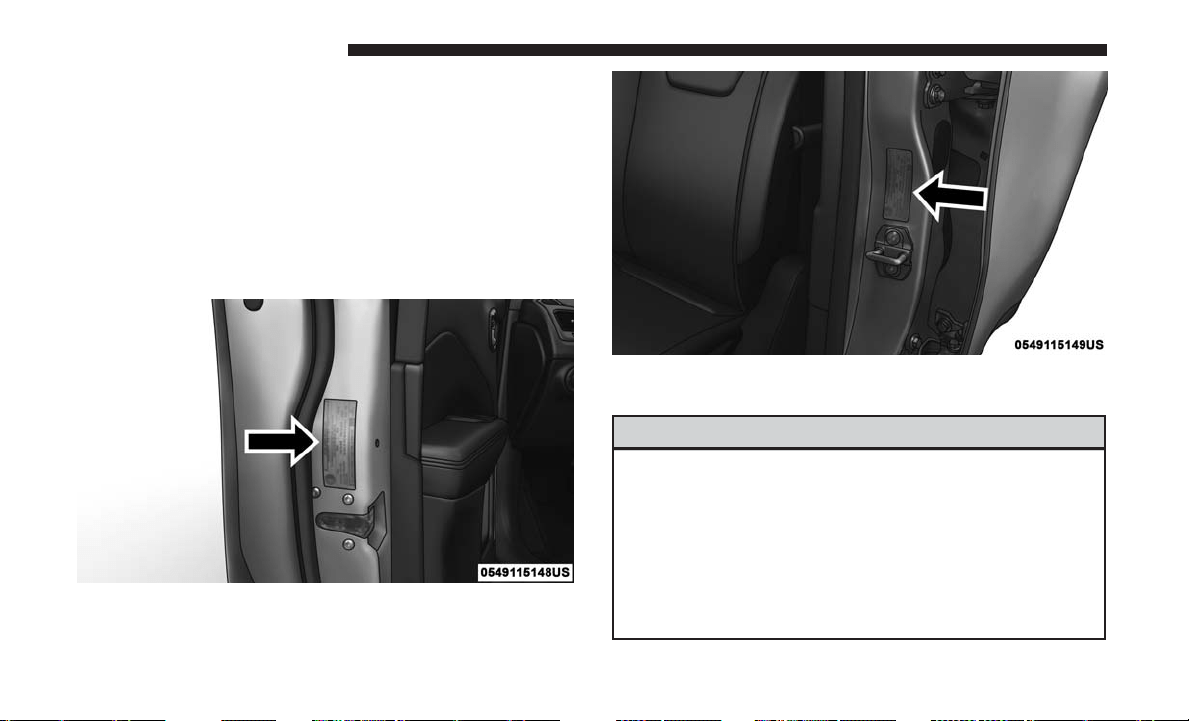
Tire Loading And Tire Pressure
Tire And Loading Information Placard Location
NOTE: The proper cold tire inflation pressure is listed on
the driver’s side B-Pillar or the rear edge of the driver’s
side door.
Check the inflation pressure of each tire, including the
spare tire (if equipped), at least monthly and inflate to the
recommended pressure for your vehicle.
WARNING!
• Overloading of your tires is dangerous. Overloading
can cause tire failure, affect vehicle handling, and
increase your stopping distance. Use tires of the
recommended load capacity for your vehicle. Never
overload them.
• Improperly inflated tires are dangerous and can
cause collisions.
(Continued)
Example Tire Placard Location (Door)
Example Tire Placard Location (B-Pillar)
374 STARTING AND OPERATING
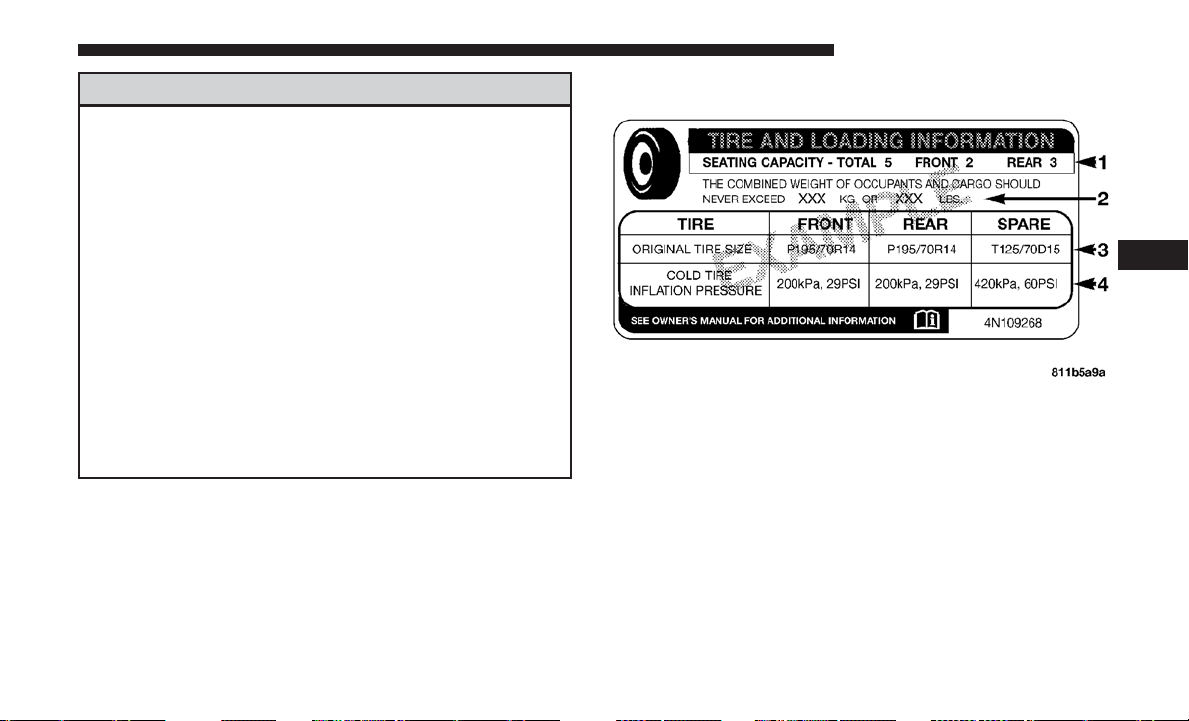
WARNING! (Continued)
• Under-inflation increases tire flexing and can result
in over-heating and tire failure.
• Over-inflation reduces a tire’s ability to cushion
shock. Objects on the road and chuck holes can cause
damage that results in tire failure.
• Unequal tire pressures can cause steering problems.
You could lose control of your vehicle.
• Unequal tire pressures from one side of the vehicle
to the other can cause the vehicle to drift to the right
or left.
• Over-inflated or under-inflated tires can affect ve-
hicle handling and can fail suddenly, resulting in
loss of vehicle control.
• Always drive with each tire inflated to the recom-
mended cold tire inflation pressure.
Tire And Loading Information Placard
This placard tells you important information about the:
1. Number of people that can be carried in the vehicle.
2. Total weight your vehicle can carry.
3. Tire size designed for your vehicle.
4. Cold tire inflation pressures for the front, rear, and spare
tires.
Tire And Loading Information Placard
5
STARTING AND OPERATING 375

Loading
The vehicle maximum load on the tire must not exceed the
load carrying capacity of the tire on your vehicle.
You will
not exceed the tire’s load carrying capacity if you adhere to
the loading conditions, tire size, and cold tire inflation
pressures specified on the Tire and Loading Information
placard in “Vehicle Loading” in “Starting And Operating”, or
the Tire Information Supplement, located in your Owner’s
Information kit.
NOTE:
Under a maximum loaded vehicle condition, gross
axle weight ratings (GAWRs) for the front and rear axles
must not be exceeded. Refer to “Vehicle Loading” in “Start-
ing And Operating”, or the Tire Information Supplement
located in your Owner’s Information kit, for further infor-
mation on GAWRs, vehicle loading, and trailer towing.
To determine the maximum loading conditions of your
vehicle, locate the statement “The combined weight of
occupants and cargo should never exceed XXX kg or
XXX lbs” on the Tire and Loading Information placard.
The combined weight of occupants, cargo/luggage and
trailer tongue weight (if applicable) should never exceed
the weight referenced here.
Steps For Determining Correct Load Limit—
(1) Locate the statement “The combined weight of
occupants and cargo should never exceed XXX kg or
XXX lbs.” on your vehicle’s placard.
(2) Determine the combined weight of the driver and
passengers that will be riding in your vehicle.
(3) Subtract the combined weight of the driver and
passengers from XXX kg or XXX lbs.
(4) The resulting figure equals the available amount of
cargo and luggage load capacity. For example, if “XXX”
amount equals 1400 lbs. and there will be five 150 lb
passengers in your vehicle, the amount of available
cargo and luggage load capacity is 650 lbs. (1400-750
(5x150) = 650 lbs.)
376 STARTING AND OPERATING

(5) Determine the combined weight of luggage and
cargo being loaded on the vehicle. That weight may not
safely exceed the available cargo and luggage load
capacity calculated in Step 4.
(6) If your vehicle will be towing a trailer, load from
your trailer will be transferred to your vehicle. Consult
this manual to determine how this reduces the available
cargo and luggage load capacity of your vehicle.
Metric Example For Load Limit
For example, if “XXX” amount equals 635 kg, and there
will be five 68 kg passengers in your vehicle, the amount
of available cargo and luggage load capacity is 295 kg
(635-340 (5x68) = 295 kg) as shown in step 4.
NOTE:
• If your vehicle will be towing a trailer, load from your
trailer will be transferred to your vehicle. The following
table shows examples on how to calculate total load,
cargo/luggage, and towing capacities of your vehicle
with varying seating configurations and number and
size of occupants. This table is for illustration purposes
only and may not be accurate for the seating and load
carry capacity of your vehicle.
•
For the following example, the combined weight of occu-
pants and cargo should never exceed 865 lbs (392 kg).
5
STARTING AND OPERATING 377
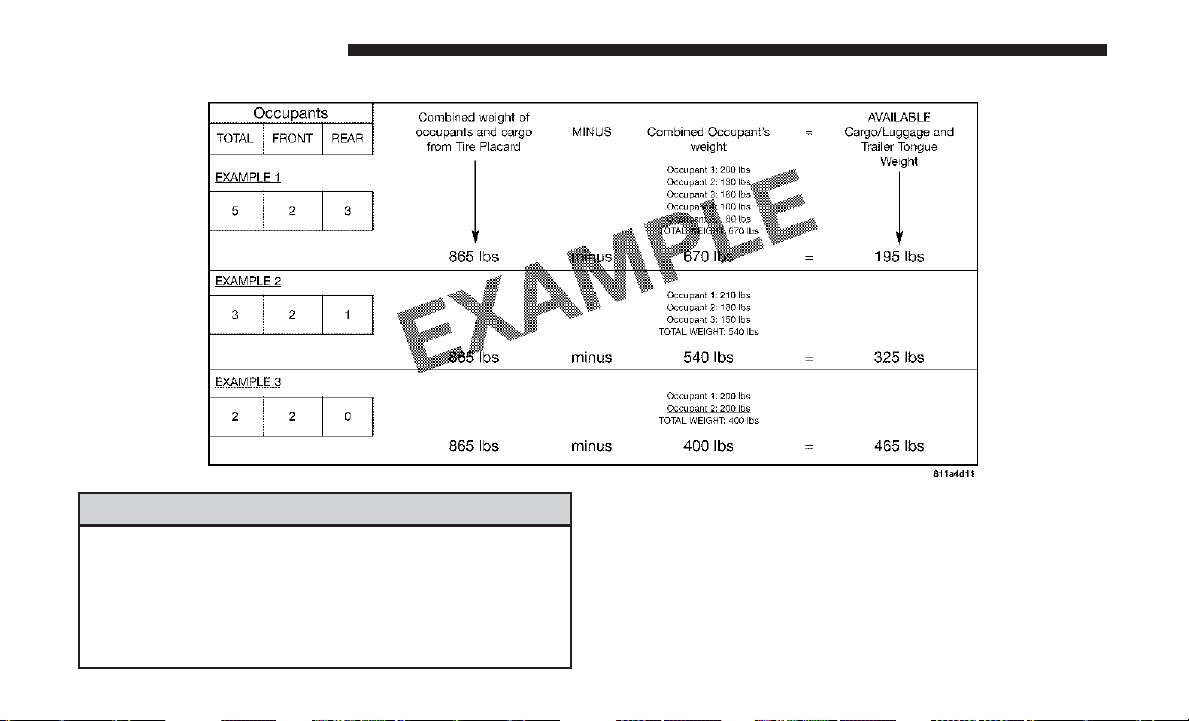
WARNING!
Overloading of your tires is dangerous. Overloading
can cause tire failure, affect vehicle handling, and
increase your stopping distance. Use tires of the rec-
ommended load capacity for your vehicle. Never over-
load them.
378 STARTING AND OPERATING
TIRES — GENERAL INFORMATION
Tire Pressure
Proper tire inflation pressure is essential to the safe and
satisfactory operation of your vehicle. Four primary areas
are affected by improper tire pressure:
• Safety and Vehicle Stability
• Economy
• Tread Wear
• Ride Comfort
Safety
WARNING!
• Improperly inflated tires are dangerous and can
cause collisions.
• Underinflation increases tire flexing and can result
in overheating and tire failure.
• Overinflation reduces a tire’s ability to cushion
shock. Objects on the road and chuckholes can cause
damage that result in tire failure.
(Continued)
WARNING! (Continued)
• Overinflated or underinflated tires can affect vehicle
handling and can fail suddenly, resulting in loss of
vehicle control.
• Unequal tire pressures can cause steering problems.
You could lose control of your vehicle.
• Unequal tire pressures from one side of the vehicle
to the other can cause the vehicle to drift to the right
or left.
• Always drive with each tire inflated to the recom-
mended cold tire inflation pressure.
Both under-inflation and over-inflation affect the stability
of the vehicle and can produce a feeling of sluggish
response or over responsiveness in the steering.
NOTE:
• Unequal tire pressures from side to side may cause
erratic and unpredictable steering response.
• Unequal tire pressure from side to side may cause the
vehicle to drift left or right.
5
STARTING AND OPERATING 379

Fuel Economy
Underinflated tires will increase tire rolling resistance
resulting in higher fuel consumption.
Tread Wear
Improper cold tire inflation pressures can cause abnormal
wear patterns and reduced tread life, resulting in the need
for earlier tire replacement.
Ride Comfort And Vehicle Stability
Proper tire inflation contributes to a comfortable ride.
Over-inflation produces a jarring and uncomfortable ride.
Tire Inflation Pressures
The proper cold tire inflation pressure is listed on the
driver’s side B-Pillar or rear edge of the driver’s side door.
At least once a month:
• Check and adjust tire pressure with a good quality
pocket-type pressure gauge. Do not make a visual
judgement when determining proper inflation. Tires
may look properly inflated even when they are under-
inflated.
• Inspect tires for signs of tire wear or visible damage.
CAUTION!
After inspecting or adjusting the tire pressure, always
reinstall the valve stem cap. This will prevent moisture
and dirt from entering the valve stem, which could
damage the valve stem.
Inflation pressures specified on the placard are always
“cold tire inflation pressure”. Cold tire inflation pressure is
defined as the tire pressure after the vehicle has not been
driven for at least three hours, or driven less than 1 mile
(1.6 km) after sitting for a minimum of three hours. The
cold tire inflation pressure must not exceed the maximum
inflation pressure molded into the tire sidewall.
Check tire pressures more often if subject to a wide range
of outdoor temperatures, as tire pressures vary with tem-
perature changes.
Tire pressures change by approximately 1 psi (7 kPa) per
12°F (7°C) of air temperature change. Keep this in mind
when checking tire pressure inside a garage, especially in
the Winter.
Example: If garage temperature = 68°F (20°C) and the
outside temperature = 32°F (0°C) then the cold tire inflation
380 STARTING AND OPERATING
pressure should be increased by 3 psi (21 kPa), which
equals 1 psi (7 kPa) for every 12°F (7°C) for this outside
temperature condition.
Tire pressure may increase from 2 to 6 psi (13 to 40 kPa)
during operation. DO NOT reduce this normal pressure
build up or your tire pressure will be too low.
Tire Pressures For High Speed Operation
The manufacturer advocates driving at safe speeds and
within posted speed limits. Where speed limits or condi-
tions are such that the vehicle can be driven at high speeds,
maintaining correct tire inflation pressure is very impor-
tant. Increased tire pressure and reduced vehicle loading
may be required for high-speed vehicle operation. Refer to
your authorized tire dealer or original equipment vehicle
dealer for recommended safe operating speeds, loading
and cold tire inflation pressures.
WARNING!
High speed driving with your vehicle under maximum
load is dangerous. The added strain on your tires could
cause them to fail. You could have a serious collision.
Do not drive a vehicle loaded to the maximum capacity
at continuous speeds above 75 mph (120 km/h).
Radial Ply Tires
WARNING!
Combining radial ply tires with other types of tires on
your vehicle will cause your vehicle to handle poorly.
The instability could cause a collision. Always use
radial ply tires in sets of four. Never combine them
with other types of tires.
Tire Repair
If your tire becomes damaged, it may be repaired if it meets
the following criteria:
• The tire has not been driven on when flat.
• The damage is only on the tread section of your tire
(sidewall damage is not repairable).
• The puncture is no greater thana¼ofaninch (6 mm).
Consult an authorized tire dealer for tire repairs and
additional information.
Damaged Run Flat tires, or Run Flat tires that have
experienced a loss of pressure should be replaced immedi-
ately with another Run Flat tire of identical size and service
description (Load Index and Speed Symbol).
5
STARTING AND OPERATING 381
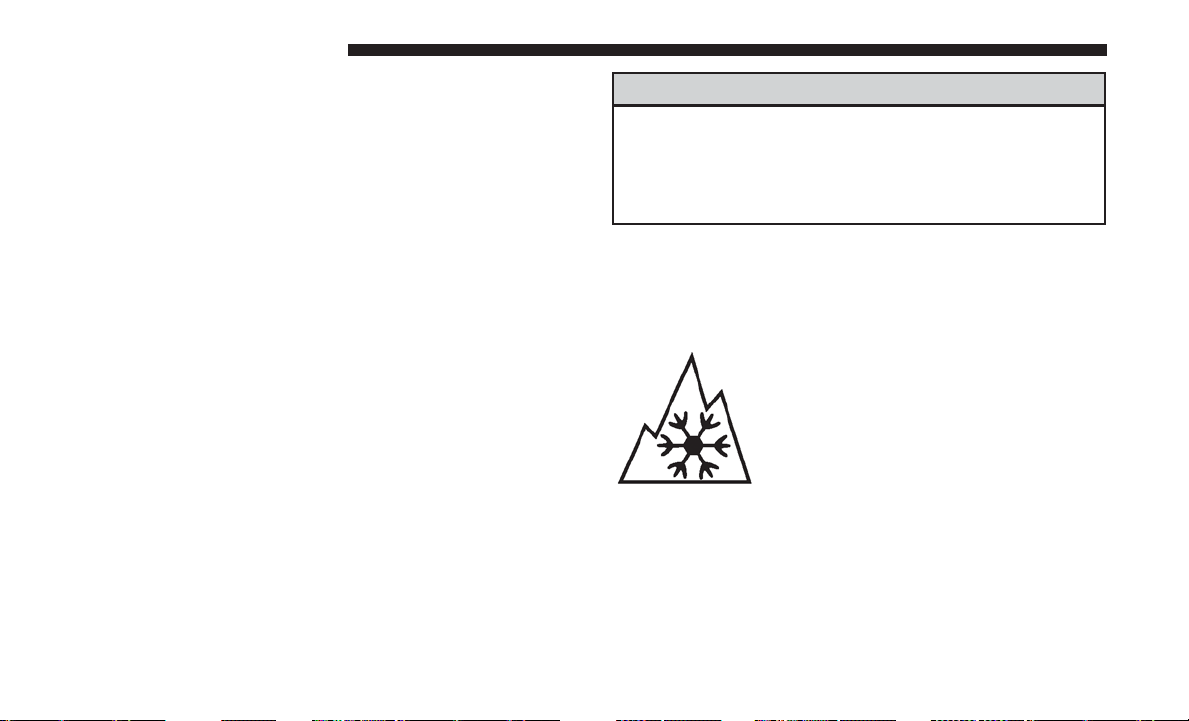
Tire Types
All Season Tires — If Equipped
All season tires provide traction for all seasons (Spring,
Summer, Fall and Winter). Traction levels may vary be-
tween different all season tires. All season tires can be
identified by the M+S, M&S, M/S or MS designation on the
tire sidewall. Use all season tires only in sets of four; failure
to do so may adversely affect the safety and handling of
your vehicle.
Summer Or Three Season Tires — If Equipped
Summer tires provide traction in both wet and dry condi-
tions, and are not intended to be driven in snow or on ice.
If your vehicle is equipped with Summer tires, be aware
these tires are not designed for Winter or cold driving
conditions. Install Winter tires on your vehicle when am-
bient temperatures are less than 40°F (5°C) or if roads are
covered with ice or snow. For more information, contact an
authorized dealer.
Summer tires do not contain the all season designation or
mountain/snowflake symbol on the tire sidewall. Use
Summer tires only in sets of four; failure to do so may
adversely affect the safety and handling of your vehicle.
WARNING!
Do not use Summer tires in snow/ice conditions. You
could lose vehicle control, resulting in severe injury or
death. Driving too fast for conditions also creates the
possibility of loss of vehicle control.
Snow Tires
Some areas of the country require the use of snow tires
during the Winter. Snow tires can be identified by a
“mountain/snowflake” symbol on the tire sidewall.
If you need snow tires, select tires
equivalent in size and type to the origi-
nal equipment tires. Use snow tires only
in sets of four; failure to do so may
adversely affect the safety and handling
of your vehicle.
Snow tires generally have lower speed ratings than what
was originally equipped with your vehicle and should not
be operated at sustained speeds over 75 mph (120 km/h).
For speeds above 75 mph (120 km/h), refer to original
equipment or an authorized tire dealer for recommended
safe operating speeds, loading and cold tire inflation
pressures.
382 STARTING AND OPERATING
While studded tires improve performance on ice, skid and
traction capability on wet or dry surfaces may be poorer
than that of non-studded tires. Some states prohibit stud-
ded tires; therefore, local laws should be checked before
using these tire types.
Run Flat Tires — If Equipped
Run Flat tires allow you the capability to drive 50 miles
(80 km) at 50 mph (80 km/h) after a rapid loss of inflation
pressure. This rapid loss of inflation is referred to as the
Run Flat mode. A Run Flat mode occurs when the tire
inflation pressure is of/or below 14 psi (96 kPa). Once a
Run Flat tire reaches the Run Flat mode, it has limited
driving capabilities and needs to be replaced immediately.
A Run Flat tire is not repairable.
It is not recommended to drive a vehicle loaded at full
capacity, or to tow a trailer while a tire is in the Run Flat
mode.
See the tire pressure monitoring section for more informa-
tion.
Spare Tires — If Equipped
NOTE: For vehicles equipped with Tire Service Kit instead
of a spare tire, please refer to the “Tire Service Kit” section
located in your Owner’s Information kit for further infor-
mation.
CAUTION!
Because of the reduced ground clearance, do not take
your vehicle through an automatic car wash with a
compact or limited use temporary spare installed.
Damage to the vehicle may result.
Spare Tire Matching Original Equipped Tire And
Wheel — If Equipped
Your vehicle may be equipped with a spare tire and wheel
equivalent in look and function to the original equipment
tire and wheel found on the front or rear axle of your
vehicle. This spare tire may be used in the tire rotation for
your vehicle. If your vehicle has this option, refer to an
authorized tire dealer for the recommended tire rotation
pattern.
5
STARTING AND OPERATING 383
Compact Spare Tire — If Equipped
The compact spare is for temporary emergency use only. You
can identify if your vehicle is equipped with a compact spare
by looking at the spare tire description on the Tire and
Loading Information Placard located on the driver’s side
door opening or on the sidewall of the tire. Compact spare
tire descriptions begin with the letter “T” or “S” preceding
the size designation. Example: T145/80D18 103M.
T, S = Temporary Spare Tire
Since this tire has limited tread life, the original equipment
tire should be repaired (or replaced) and reinstalled on
your vehicle at the first opportunity.
Do not install a wheel cover or attempt to mount a
conventional tire on the compact spare wheel, since the
wheel is designed specifically for the compact spare tire.
Do not install more than one compact spare tire and wheel
on the vehicle at any given time.
WARNING!
Compact and Collapsible spares are for temporary
emergency use only. With these spares, do not drive
(Continued)
WARNING! (Continued)
more than 50 mph (80 km/h). Temporary use spares
have limited tread life. When the tread is worn to the
tread wear indicators, the temporary use spare tire
needs to be replaced. Be sure to follow the warnings,
which apply to your spare. Failure to do so could result
in spare tire failure and loss of vehicle control.
Collapsible Spare Tire — If Equipped
The collapsible spare is for temporary emergency use only.
You can identify if your vehicle is equipped with a collaps-
ible spare by looking at the spare tire description on the
Tire and Loading Information Placard located on the
driver’s side door opening or on the sidewall of the tire.
Collapsible spare tire description example: 165/80-17 101P.
Since this tire has limited tread life, the original equipment
tire should be repaired (or replaced) and reinstalled on
your vehicle at the first opportunity.
Inflate collapsible tire only after the wheel is properly
installed to the vehicle. Inflate the collapsible tire using the
electric air pump before lowering the vehicle.
384 STARTING AND OPERATING
Do not install a wheel cover or attempt to mount a
conventional tire on the collapsible spare wheel, since the
wheel is designed specifically for the collapsible spare tire.
WARNING!
Compact and Collapsible spares are for temporary
emergency use only. With these spares, do not drive
more than 50 mph (80 km/h). Temporary use spares
have limited tread life. When the tread is worn to the
tread wear indicators, the temporary use spare tire
needs to be replaced. Be sure to follow the warnings,
which apply to your spare. Failure to do so could result
in spare tire failure and loss of vehicle control.
Full Size Spare — If Equipped
The full size spare is for temporary emergency use only.
This tire may look like the originally equipped tire on the
front or rear axle of your vehicle, but it is not. This spare
tire may have limited tread life. When the tread is worn to
the tread wear indicators, the temporary use full size spare
tire needs to be replaced. Since it is not the same as your
original equipment tire, replace (or repair) the original
equipment tire and reinstall on the vehicle at the first
opportunity.
Limited Use Spare — If Equipped
The limited use spare tire is for temporary emergency use
only. This tire is identified by a label located on the limited
use spare wheel. This label contains the driving limitations
for this spare. This tire may look like the original equipped
tire on the front or rear axle of your vehicle, but it is not.
Installation of this limited use spare tire affects vehicle
handling. Since it is not the same as your original equip-
ment tire, replace (or repair) the original equipment tire
and reinstall on the vehicle at the first opportunity.
WARNING!
Limited use spares are for emergency use only. Instal-
lation of this limited use spare tire affects vehicle
handling. With this tire, do not drive more than the
speed listed on the limit use spare wheel. Keep in-
flated to the cold tire inflation pressures listed on your
Tire and Loading Information Placard located on the
driver’s side B-Pillar or the rear edge of the driver’s
side door. Replace (or repair) the original equipment
tire at the first opportunity and reinstall it on your
vehicle. Failure to do so could result in loss of vehicle
control.
5
STARTING AND OPERATING 385
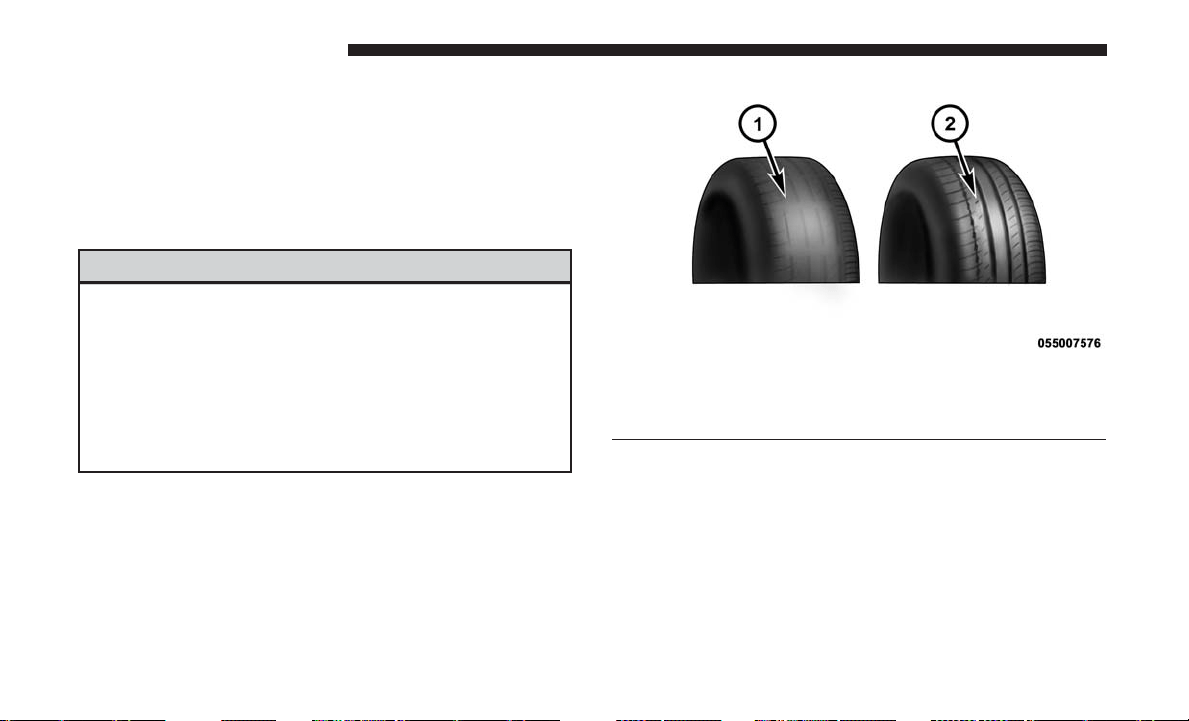
Tire Spinning
When stuck in mud, sand, snow, or ice conditions, do not
spin your vehicle’s wheels above 30 mph (48 km/h) or for
longer than 30 seconds continuously without stopping.
Refer to “Freeing A Stuck Vehicle” in “What To Do In
Emergencies” for further information.
WARNING!
Fast spinning tires can be dangerous. Forces generated
by excessive wheel speeds may cause tire damage or
failure. A tire could explode and injure someone. Do
not spin your vehicle’s wheels faster than 30 mph
(48 km/h) for more than 30 seconds continuously when
you are stuck, and do not let anyone near a spinning
wheel, no matter what the speed.
Tread Wear Indicators
Tread wear indicators are in the original equipment tires to
help you in determining when your tires should be re-
placed.
These indicators are molded into the bottom of the tread
grooves. They will appear as bands when the tread depth
becomes a 1/16 of an inch (1.6 mm). When the tread is
worn to the tread wear indicators, the tire should be
replaced. Refer to “Replacement Tires” in this section for
further information.
Tire Tread
1—WornTire
2—NewTire
386 STARTING AND OPERATING
Life Of Tire
The service life of a tire is dependent upon varying factors
including, but not limited to:
• Driving style.
• Tire pressure – Improper cold tire inflation pressures can
cause uneven wear patterns to develop across the tire
tread. These abnormal wear patterns will reduce tread
life, resulting in the need for earlier tire replacement.
• Distance driven.
• Performance tires, tires with a speed rating of V or
higher, and Summer tires typically have a reduced tread
life. Rotation of these tires per the vehicle maintenance
schedule is highly recommended.
WARNING!
Tires and the spare tire should be replaced after six
years, regardless of the remaining tread. Failure to
follow this warning can result in sudden tire failure.
You could lose control and have a collision resulting in
serious injury or death.
Keep dismounted tires in a cool, dry place with as little
exposure to light as possible. Protect tires from contact with
oil, grease, and gasoline.
Replacement Tires
The tires on your new vehicle provide a balance of many
characteristics. They should be inspected regularly for
wear and correct cold tire inflation pressures. The manu-
facturer strongly recommends that you use tires equivalent
to the originals in size, quality and performance when
replacement is needed. Refer to the paragraph on “Tread
Wear Indicator” in this section. Refer to the Tire and
Loading Information placard or the Vehicle Certification
Label for the size designation of your tire. The Load Index
and Speed Symbol for your tire will be found on the
original equipment tire sidewall.
See the Tire Sizing Chart example found in the “Tire Safety
Information” section of this manual for more information
relating to the Load Index and Speed Symbol of a tire.
It is recommended to replace the two front tires or two rear
tires as a pair. Replacing just one tire can seriously affect
your vehicle’s handling. If you ever replace a wheel, make
sure that the wheel’s specifications match those of the
original wheels.
5
STARTING AND OPERATING 387
It is recommended you contact your authorized tire dealer
or original equipment dealer with any questions you may
have on tire specifications or capability. Failure to use
equivalent replacement tires may adversely affect the
safety, handling, and ride of your vehicle.
WARNING!
• Do not use a tire, wheel size or rating other than that
specified for your vehicle. Some combinations of
unapproved tires and wheels may change suspen-
sion dimensions and performance characteristics,
resulting in changes to steering, handling, and brak-
ing of your vehicle. This can cause unpredictable
handling and stress to steering and suspension com-
ponents. You could lose control and have a collision
resulting in serious injury or death. Use only the tire
and wheel sizes with load ratings approved for your
vehicle.
• Never use a tire with a smaller load index or capacity,
other than what was originally equipped on your
vehicle. Using a tire with a smaller load index could
result in tire overloading and failure. You could lose
control and have a collision.
(Continued)
WARNING! (Continued)
• Failure to equip your vehicle with tires having ad-
equate speed capability can result in sudden tire
failure and loss of vehicle control.
CAUTION!
Replacing original tires with tires of a different size
may result in false speedometer and odometer read-
ings.
TIRE CHAINS (TRACTION DEVICES)
Use of traction devices require sufficient tire-to-body clear-
ance. Follow these recommendations to guard against
damage:
• Traction device must be of proper size for the tire, as
recommended by the traction device manufacturer.
• Install on front tires only.
• Due to limited clearance, a 225/65R17 tire with a Secu-
rity Chain Company (SCC) Super Z6 low profile traction
device or equivalent is recommended.
388 STARTING AND OPERATING
WARNING!
Using tires of different size and type (M+S, Snow)
between front and rear axles can cause unpredictable
handling. You could lose control and have a collision.
CAUTION!
To avoid damage to your vehicle or tires, observe the
following precautions:
• Because of restricted traction device clearance be-
tween tires and other suspension components, it is
important that only traction devices in good condi-
tion are used. Broken devices can cause serious
damage. Stop the vehicle immediately if noise occurs
that could indicate device breakage. Remove the
damaged parts of the device before further use.
• Install device as tightly as possible and then re-
tighten after driving about ½ mile (0.8 km).
• Do not exceed 30 mph (48 km/h).
• Drive cautiously and avoid severe turns and large
bumps, especially with a loaded vehicle.
•
Do not drive for a prolonged period on dry pavement.
(Continued)
CAUTION! (Continued)
• Observe the traction device manufacturer’s instruc-
tions on the method of installation, operating speed,
and conditions for use. Always use the suggested
operating speed of the device manufacturer’s if it is
less than 30 mph (48 km/h).
• Do not use traction devices on a compact spare tire.
TIRE ROTATION RECOMMENDATIONS
The tires on the front and rear of your vehicle operate at
different loads and perform different steering, driving, and
braking functions. For these reasons, they wear at unequal
rates.
These effects can be reduced by timely rotation of tires. The
benefits of rotation are especially worthwhile with aggres-
sive tread designs such as those on all season type tires.
Rotation will increase tread life, help to maintain mud,
snow and wet traction levels, and contribute to a smooth,
quiet ride.
5
STARTING AND OPERATING 389
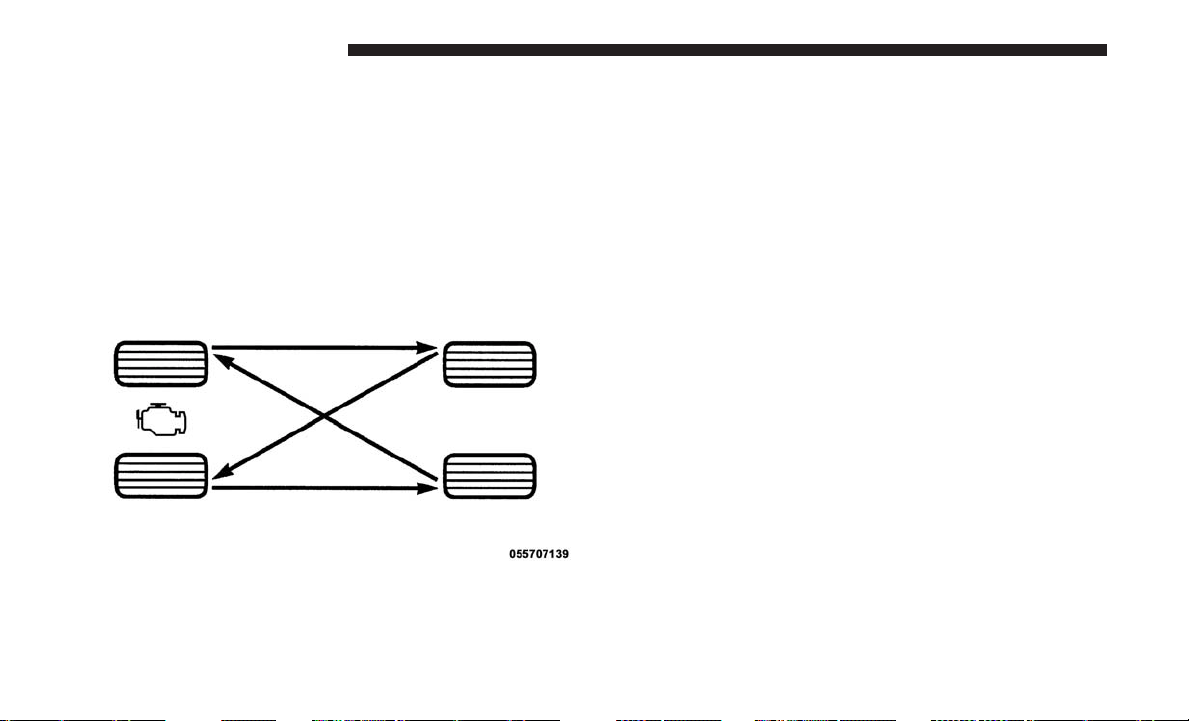
Refer to the “Maintenance Schedule” for the proper main-
tenance intervals. The reasons for any rapid or unusual
wear should be corrected prior to rotation being per-
formed.
The suggested rotation method is the “forward cross”
shown in the following diagram. This rotation pattern does
not apply to some directional tires that must not be
reversed.
DEPARTMENT OF TRANSPORTATION UNIFORM
TIRE QUALITY GRADES
The following tire grading categories were established
by the National Highway Traffic Safety Administration.
The specific grade rating assigned by the tire’s manu-
facturer in each category is shown on the sidewall of the
tires on your vehicle.
All passenger vehicle tires must conform to Federal
safety requirements in addition to these grades.
Treadwear
The Treadwear grade is a comparative rating, based on
the wear rate of the tire when tested under controlled
conditions on a specified government test course. For
example, a tire graded 150 would wear one and one-half
times as well on the government course as a tire graded
100. The relative performance of tires depends upon the
actual conditions of their use, however, and may depart
significantly from the norm due to variations in driving
habits, service practices, and differences in road charac-
teristics and climate.
Tire Rotation
390 STARTING AND OPERATING
Traction Grades
The Traction grades, from highest to lowest, are AA, A,
B, and C. These grades represent the tire’s ability to stop
on wet pavement, as measured under controlled condi-
tions on specified government test surfaces of asphalt
and concrete. A tire marked C may have poor traction
performance.
WARNING!
The traction grade assigned to this tire is based on
straight-ahead braking traction tests, and does not
include acceleration, cornering, hydroplaning, or
peak traction characteristics.
Temperature Grades
The temperature grades are A (the highest), B, and C,
representing the tire’s resistance to the generation of
heat and its ability to dissipate heat, when tested under
controlled conditions on a specified indoor laboratory
test wheel. Sustained high temperature can cause the
material of the tire to degenerate and reduce tire life,
and excessive temperature can lead to sudden tire
failure. The grade C corresponds to a level of perfor-
mance, which all passenger vehicle tires must meet
under the Federal Motor Vehicle Safety Standard No.
109. Grades B and A represent higher levels of perfor-
mance on the laboratory test wheel, than the minimum
required by law.
WARNING!
The temperature grade for this tire is established for
a tire that is properly inflated and not overloaded.
Excessive speed, under-inflation, or excessive load-
ing, either separately or in combination, can cause
heat buildup and possible tire failure.
TIRE PRESSURE MONITOR SYSTEM (TPMS)
The TPMS will warn the driver of a low tire pressure based
on the cold inflation tire placard pressure requirements
found on the tire placard label located on the driver’s-side
B-Pillar.
The tire pressure will vary with temperature by about 1 psi
(7 kPa) for every 12°F (6.5°C). This means that when the
outside temperature decreases, the tire pressure will de-
crease. Tire pressure should always be set based on cold
inflation tire pressure. This is defined as the tire pressure
after the vehicle has not been driven for at least three
hours, or driven less than 1 mile (1.6 km) after a three hour
5
STARTING AND OPERATING 391

period. The cold tire inflation pressure must not exceed the
maximum inflation pressure molded into the tire sidewall.
Refer to “Tires – General Information” in “Starting And
Operating” for information on how to properly inflate the
vehicle’s tires. The tire pressure will also increase as the
vehicle is driven - this is normal and there should be no
adjustment for this increased pressure.
The TPMS will warn the driver of a low tire pressure if the
tire pressure falls below the low pressure warning thresh-
old for any reason, including low temperature effects, or
natural air pressure loss through the tire.
The TPMS will continue to warn the driver of low tire
pressure as long as the condition exists, and will not turn
off until the tire pressure is at or above recommended cold
tire placard pressure. Once the low tire pressure warning
has been illuminated, the tire pressure must be increased to
the recommended cold tire placard pressure in order for
the “Tire Pressure Monitoring Telltale Light” to be turned
off.
NOTE: When filling warm tires, the tire pressure may need
to be increased up to an additional 4 psi (30 kPa) above the
recommended cold placard pressure in order to turn the
Tire Pressure Monitoring Telltale Light off.
The system will automatically update and the “Tire Pres-
sure Monitoring Telltale Light” will extinguish once the
updated tire pressures have been received.
NOTE: The vehicle may need to be driven for up to 20
minutes above 15 mph (24 km/h) to receive this informa-
tion.
For example, your vehicle may have a recommended cold
(parked for more than three hours) tire placard pressure of
35 psi (241 kPa). If the ambient temperature is 68°F (20°C)
and the measured tire pressure is 30 psi (207 kPa), a
temperature drop to 20°F (-7°C) will decrease the tire
pressure to approximately 26 psi (179 kPa). This tire
pressure is sufficiently low enough to turn on the “Tire
Pressure Monitoring Telltale Light.” Driving the vehicle
may cause the tire pressure to rise to approximately 30 psi
(207 kPa), but the “Tire Pressure Monitoring Telltale Light”
will still be on. In this situation, the “Tire Pressure Moni-
toring Telltale Light” will turn off only after the tires have
been inflated to the vehicle’s recommended cold tire plac-
ard pressure value.
392 STARTING AND OPERATING
CAUTION!
• The TPMS has been optimized for the original
equipment tires and wheels. TPMS pressures and
warnings have been established for the tire size
equipped on your vehicle. Undesirable system op-
eration or sensor damage may result when using
replacement equipment that is not of the same size,
type, and/or style. The TPM sensor is not designed
for use on aftermarket wheels and may contribute to
a poor overall system performance or sensor damage.
Customers are encouraged to use OEM wheels to
assure proper TPM feature operation. After using an
aftermarket tire sealant it is recommended that you
take your vehicle to an authorized dealership to have
your sensor function checked.
• After inspecting or adjusting the tire pressure always
reinstall the valve stem cap. This will prevent mois-
ture and dirt from entering the valve stem, which
could damage the TPMS sensor.
NOTE:
• The TPMS is not intended to replace normal tire care and
maintenance, or to provide warning of a tire failure or
condition.
• The TPMS should not be used as a tire pressure gauge
while adjusting your tire pressure.
• Driving on a significantly under-inflated tire causes the
tire to overheat and can lead to tire failure. Under-
inflation also reduces fuel efficiency and tire tread life,
and may affect the vehicle’s handling and stopping
ability.
• The TPMS is not a substitute for proper tire mainte-
nance, and it is the driver’s responsibility to maintain
correct tire pressure, using an accurate tire pressure
gage, even if under-inflation has not reached the level to
trigger illumination of the “Tire Pressure Monitoring
Telltale Light.”
• Seasonal temperature changes will affect tire pressure,
and the TPMS will monitor the actual tire pressure in the
tire.
5
STARTING AND OPERATING 393
Base System
The TPMS uses wireless technology with wheel rim
mounted electronic sensors to monitor tire pressure levels.
Sensors, mounted to each wheel as part of the valve stem,
transmit tire pressure readings to the Receiver Module.
NOTE: It is particularly important for you to check the tire
pressure in all of your tires regularly and to maintain the
proper pressure.
The Basic TPMS consists of the following components:
• Receiver Module
• Four Tire Pressure Monitoring Sensors
• TPMS Telltale Warning Light
Tire Pressure Monitoring Low Tire Pressure Warnings
The “Tire Pressure Monitoring Telltale Light”
will illuminate in the instrument cluster, a “LOW
TIRE PRESSURE” message will display in the
instrument cluster, and an audible chime will be
activated when one or more of the four active road tire
pressures are low. Should this occur, you should stop as
soon as possible, check the inflation pressure of each tire on
your vehicle, and inflate each tire to the vehicle’s recom-
mended cold tire placard pressure value (located on the
placard label on the driver’s-side B-Pillar).
NOTE: When filling warm tires, the tire pressure may
need to be increased up to an additional 4 psi (30 kPa)
above the recommended cold placard pressure in order to
turn the Tire Pressure Monitoring Telltale Light off.
The system will automatically update and the “Tire Pres-
sure Monitoring Telltale Light” will extinguish once the
updated tire pressures have been received.
NOTE: The vehicle may need to be driven for up to
20 minutes above 15 mph (24 km/h) to receive this
information.
SERVICE TPM SYSTEM
The “Tire Pressure Monitoring Telltale Light” will flash on
and off for 75 seconds, and remain on solid when a system
fault is detected. The system fault will also sound a chime.
If the ignition switch is cycled, this sequence will repeat,
providing the system fault still exists. The “Tire Pressure
Monitoring Telltale Light” will turn off when the fault
394 STARTING AND OPERATING

condition no longer exists. A system fault can occur with
any of the following scenarios:
• Jamming due to electronic devices or driving next to
facilities emitting the same radio frequencies as the
TPMS sensors.
• Installing some form of aftermarket window tinting that
affects radio wave signals.
• Accumulation of excessive snow and/or ice around the
wheels or wheel housings.
• Using tire chains on the vehicle.
• Using wheels/tires not equipped with TPMS sensors.
Vehicles With Compact Spare
• The compact spare tire (if equipped) does not have a
TPMS sensor. Therefore the TPMS will not monitor the
pressure in the compact spare tire.
•
If you install the compact spare tire in place of a road tire
that has a pressure below the low-pressure warning limit,
upon the next ignition switch cycle, a chime will sound, a
“LOW TIRE PRESSURE” message will be displayed and
the “Tire Pressure Monitoring Telltale Light” will turn on.
• After driving for up to 20 minutes above 15 mph
(24 km/h), the “Tire Pressure Monitoring Telltale Light”
will flash on and off for 75 seconds and then remain on
solid.
• For each subsequent ignition switch cycle, a chime will
sound, the “Tire Pressure Monitoring Telltale Light” will
flash on and off for 75 seconds and then remain on solid.
• Once you repair or replace the original road tire and
reinstall it on the vehicle in place of the compact spare
tire, the TPMS will automatically update, and the “Tire
Pressure Monitoring Telltale Light” will turn off as long
as no tire pressure is below the low-pressure warning
limit in any of the four active road tires.
NOTE: The vehicle may need to be driven for up to 20
minutes above 15 mph (24 km/h) for the TPMS to receive
this information.
Premium System
The TPMS uses wireless technology with wheel rim-
mounted electronic sensors to monitor tire pressure levels.
Sensors mounted to each wheel as part of the valve stem
transmit tire pressure readings to the Receiver Module.
5
STARTING AND OPERATING 395

NOTE: It is particularly important to regularly check and
maintain proper tire pressure in all the tires.
The Premium TPMS consists of the following components:
• Receiver Module
• Four TPMS Sensors
• Various TPMS messages, which display in the instru-
ment cluster, and graphics displaying tire pressures
• TPMS Telltale Warning Light
TPMS Low Pressure Warnings
The “Tire Pressure Monitoring Telltale Light” will illumi-
nate in the instrument cluster, and an audible chime will be
activated when one or more of the four active road tire
pressures are low. In addition, the instrument cluster will
display a “LOW TIRE” message and a graphic display of
the pressure value(s) with the low tire(s) flashing, high-
lighted or shown in a different color. An ⬙Inflate Tire to XX⬙
message will also be displayed.
Should a low tire condition occur on any of the four active
road tire(s), you should stop as soon as possible, and inflate
the low tire(s) that is flashing, highlighted or shown in a
different color on the graphic display to the vehicle’s
recommended cold tire pressure value as shown in the
⬙Inflate Tire to XX⬙ message.
NOTE: When filling warm tires, the tire pressure may
need to be increased up to an additional 4 psi (30 kPa)
above the recommended cold placard pressure in order to
turn the Tire Pressure Monitoring Telltale Light off.
The system will automatically update, the graphic display
of the pressure value(s) will stop flashing or return to their
original color and the “Tire Pressure Monitoring Telltale
Light” will extinguish once the updated tire pressure(s)
have been received.
NOTE: The vehicle may need to be driven for up to
20 minutes above 15 mph (24 km/h) to receive this
information.
SERVICE TPM SYSTEM Message
The “Tire Pressure Monitoring Telltale Light” will flash on
and off for 75 seconds, and remain on solid when a system
fault is detected. The system fault will also sound a chime.
The instrument cluster will display a “SERVICE TPM
SYSTEM” message for a minimum of five seconds. This
396 STARTING AND OPERATING

message is then followed by a graphic display, with --in
place of the pressure value(s) indicating which TPMS
Sensor(s) is not being received.
If the ignition switch is cycled, this sequence will repeat,
providing the system fault still exists. If the system fault no
longer exists, the “Tire Pressure Monitoring Telltale Light”
will no longer flash, the “SERVICE TPM SYSTEM” mes-
sage will not be present, and a pressure value will be
displayed instead of dashes. A system fault can occur by
any of the following scenarios:
• Jamming due to electronic devices or driving next to
facilities emitting the same radio frequencies as the
TPMS sensors.
• Installing some form of aftermarket window tinting that
affects radio wave signals.
• Accumulation of excessive snow and/or ice around the
wheels or wheel housings.
• Using tire chains on the vehicle.
• Using wheels/tires not equipped with TPMS sensors.
Vehicles With Compact Spare
• The compact spare tire (if equipped) does not have a
TPMS. Therefore, the TPMS will not monitor the pres-
sure in the compact spare tire.
•
If you install the compact spare tire in place of a road tire
that has a pressure below the low-pressure warning limit,
upon the next ignition switch cycle, the “Tire Pressure
Monitoring Telltale Light” will remain on, the “LOW
TIRE” message will be displayed, a chime will sound, and
the instrument cluster will still display a flashing, high-
lighted or different color pressure value and the ⬙Inflate
Tire to XX⬙ message in the graphic display.
• After driving the vehicle for up to 20 minutes above
15 mph (24 km/h), the “Tire Pressure Monitoring Tell-
tale Light” will flash on and off for 75 seconds and then
remain on solid. In addition, the instrument cluster will
display a “SERVICE TPM SYSTEM” message for a
minimum of five seconds and then display dashes (- -) in
place of the pressure value.
• For each subsequent ignition switch cycle, a chime will
sound, the “Tire Pressure Monitoring Telltale Light” will
flash on and off for 75 seconds and then remain on solid,
5
STARTING AND OPERATING 397

and the instrument cluster will display a “SERVICE
TPM SYSTEM” message for a minimum of five seconds
and then display dashes (- -) in place of the pressure
value.
• Once you repair or replace the original road tire, and
reinstall it on the vehicle in place of the compact spare,
the TPMS will update automatically. In addition, the
“Tire Pressure Monitoring Telltale Light” will turn off
and the graphic in the instrument cluster will display a
new pressure value instead of dashes (- -), as long no tire
pressure is below the low pressure warning limit in any
of the four active road tires.
NOTE: The vehicle may need to be driven for up to
20 minutes above 15 mph (24 km/h) in order for the TPMS
to receive this information.
TPMS Deactivation — If Equipped
The TPMS can be deactivated if replacing all four wheel
and tire assemblies (road tires) with wheel and tire assem-
blies that do not have TPMS Sensors, such as when
installing Winter wheel and tire assemblies on your ve-
hicle. To deactivate the TPMS, first, replace all four wheel
and tire assemblies (road tires) with tires not equipped
with Tire Pressure Monitoring (TPM) Sensors. Then, drive
the vehicle for 20 minutes above 15 mph (24 km/h). The
TPMS will chime, the “TPM Telltale Light” will flash on
and off for 75 seconds and then remain on and the
instrument cluster will display the “SERVICE TPM SYS-
TEM” message and then display dashes (--) in place of the
pressure values. Beginning with the next ignition switch
cycle, the TPMS will no longer chime or flash the TPM
telltale and display the “SERVICE TPM SYSTEM” message
in the instrument cluster display but dashes (--) will remain
in place of the pressure values.
To reactivate the TPMS, replace all four wheel and tire
assemblies (road tires) with tires equipped with TPM
sensors. Then, drive the vehicle for up to 20 minutes above
15 mph (24 km/h). The TPMS will chime, the “TPM Telltale
Light” will flash on and off for 75 seconds and then turn
off, and the instrument cluster will display the “SERVICE
TPM SYSTEM” message. The instrument cluster will also
display pressure values in place of the dashes. On the next
ignition switch cycle the “SERVICE TPM SYSTEM” mes-
sage will no longer be displayed as long as no system fault
exists.
398 STARTING AND OPERATING
General Information
The following regulatory statement applies to all radio
frequency (RF) devices equipped in this vehicle:
This device complies with Part 15 of the FCC Rules and
with Industry Canada license-exempt RSS standard(s).
Operation is subject to the following two conditions:
(1) This device may not cause harmful interference, and
(2) This device must accept any interference received,
including interference that may cause undesired operation.
NOTE: Changes or modifications not expressly approved
by the party responsible for compliance could void the
user’s authority to operate the equipment.
FUEL REQUIREMENTS
3.6L Engine
This engine is designed to meet all emis-
sions regulations and provide optimum
fuel economy and performance when
using high quality unleaded “Regular”
gasoline having a posted octane num-
ber of 87 as specified by the (R+M)/2
method. The use of higher octane “Premium” gasoline is
not required, as it will not provide any benefit over
“Regular” gasoline in these engines.
While operating on gasoline with an octane number of 87,
hearing a light knocking sound from the engine is not a
cause for concern. However, if the engine is heard making
a heavy knocking sound, see your dealer immediately. Use
of gasoline with an octane number lower than 87 can cause
engine failure and may void or not be covered by the New
Vehicle Limited Warranty.
Poor quality gasoline can cause problems such as hard
starting, stalling, and hesitations. If you experience these
symptoms, try another brand of gasoline before consider-
ing service for the vehicle.
Reformulated Gasoline
Many areas of the country require the use of cleaner
burning gasoline referred to as “Reformulated Gasoline”.
Reformulated gasoline contains oxygenates and are specifi-
cally blended to reduce vehicle emissions and improve air
quality.
5
STARTING AND OPERATING 399
The use of reformulated gasoline is recommended. Prop-
erly blended reformulated gasoline will provide improved
performance and durability of engine and fuel system
components.
Gasoline/Oxygenate Blends
Some fuel suppliers blend unleaded gasoline with oxygen-
ates such as ethanol.
CAUTION!
DO NOT use gasoline containing methanol or gasoline
containing more than 15% ethanol (E-15). Use of these
blends may result in starting and drivability problems,
damage critical fuel system components, cause emis-
sions to exceed the applicable standard, and/or cause the
“Malfunction Indicator Light” to illuminate. Please ob-
serve pump labels as they should clearly communicate if
a fuel contains greater than 15% ethanol (E-15).
Problems that result from using gasoline containing more
than 15% ethanol (E-15) or gasoline containing methanol are
not the responsibility of the manufacturer and may void or
not be covered under New Vehicle Limited Warranty.
E-85 Usage In Non-Flex Fuel Vehicles
Non-Flex Fuel Vehicles (FFV) are compatible with gasoline
containing up to 15% ethanol (E-15). Gasoline with higher
ethanol content may void the New Vehicle Limited War-
ranty.
If a Non-FFV vehicle is inadvertently fueled with E-85 fuel,
the engine will have some or all of these symptoms:
• Operate in a lean mode.
• OBD II “Malfunction Indicator Light” on.
• Poor engine performance.
• Poor cold start and cold drivability.
• Increased risk for fuel system component corrosion.
CNG And LP Fuel System Modifications
Modifications that allow the engine to run on compressed
natural gas (CNG) or liquid propane (LP) may result in
damage to the engine, emissions, and fuel system compo-
nents. Problems that result from running CNG or LP are
not the responsibility of the manufacturer and may void or
not be covered under the New Vehicle Limited Warranty.
400 STARTING AND OPERATING
MMT In Gasoline
Methylcyclopentadienyl Manganese Tricarbonyl (MMT) is
a manganese-containing metallic additive that is blended
into some gasoline to increase octane. Gasoline blended
with MMT provides no performance advantage beyond
gasoline of the same octane number without MMT. Gaso-
line blended with MMT reduces spark plug life and
reduces emissions system performance in some vehicles.
The manufacturer recommends that gasoline without
MMT be used in your vehicle. The MMT content of
gasoline may not be indicated on the gasoline pump,
therefore, you should ask your gasoline retailer whether
the gasoline contains MMT. MMT is prohibited in Federal
and California reformulated gasoline.
Materials Added To Fuel
Besides using unleaded gasoline with the proper octane
rating, gasolines that contain detergents, corrosion, and
stability additives are recommended. Using gasolines that
have these additives will help improve fuel economy,
reduce emissions, and maintain vehicle performance.
Designated TOP TIER Detergent Gaso-
line contains a higher level of deter-
gents to further aide in minimizing
engine and fuel system deposits. When
available, the usage of Top Tier Deter-
gent gasoline is recommended. Visit
www.toptiergas.com for a list of TOP
TIER Detergent Gasoline Retailers.
Indiscriminate use of fuel system cleaning agents should be
avoided. Many of these materials intended for gum and
varnish removal may contain active solvents or similar
ingredients. These can harm fuel system gasket and dia-
phragm materials.
Fuel System Cautions
CAUTION!
Follow these guidelines to maintain your vehicle’s
performance:
• The use of leaded gasoline is prohibited by Federal
law. Using leaded gasoline can impair engine perfor-
mance and damage the emissions control system.
(Continued)
5
STARTING AND OPERATING 401
CAUTION! (Continued)
• An out-of-tune engine or certain fuel or ignition
malfunctions can cause the catalytic converter to
overheat. If you notice a pungent burning odor or
some light smoke, your engine may be out of tune or
malfunctioning and may require immediate service.
Contact your authorized dealer for service assistance.
• The use of fuel additives, which are now being sold
as octane enhancers, is not recommended. Most of
these products contain high concentrations of metha-
nol. Fuel system damage or vehicle performance
problems resulting from the use of such fuels or
additives is not the responsibility of the manufac-
turer and may void or not be covered under the New
Vehicle Limited Warranty.
NOTE: Intentional tampering with the emissions control
system can result in civil penalties being assessed against
you.
Carbon Monoxide Warnings
WARNING!
Carbon monoxide (CO) in exhaust gases is deadly.
Follow the precautions below to prevent carbon mon-
oxide poisoning:
• Do not inhale exhaust gases. They contain carbon
monoxide, a colorless and odorless gas, which can
kill. Never run the engine in a closed area, such as a
garage, and never sit in a parked vehicle with the
engine running for an extended period. If the vehicle
is stopped in an open area with the engine running
for more than a short period, adjust the ventilation
system to force fresh, outside air into the vehicle.
• Guard against carbon monoxide with proper main-
tenance. Have the exhaust system inspected every
time the vehicle is raised. Have any abnormal condi-
tions repaired promptly. Until repaired, drive with
all side windows fully open.
402 STARTING AND OPERATING
FLEXIBLE FUEL — IF EQUIPPED
E-85 General Information
The information in this section is unique for Flexible Fuel
vehicles only. These vehicles can be identified by a unique
fuel filler door label that states Ethanol (E-85) or Unleaded
Gasoline Only and a yellow fuel cap. Please refer to the
other sections of this manual for information on features
that are common between Flexible Fuel and non-Flexible
Fuel powered vehicles.
CAUTION!
Only vehicles with the E-85 fuel filler door label or a
yellow gas cap can operate on E-85.
Ethanol Fuel (E-85)
E-85 is a mixture of approximately 85% ethanol and 15%
unleaded gasoline.
WARNING!
Ethanol vapors are extremely flammable and could
cause serious personal injury. Never have any smoking
(Continued)
WARNING! (Continued)
materials lit or products that can cause spark in or near
the vehicle when removing the fuel filler tube cap (gas
cap) or filling the tank. Do not use E-85 as a cleaning
agent and never use it near an open flame.
Fuel Requirements
If your vehicle is E-85 compatible, it will operate on
unleaded gasoline with any octane rating, or solely E-85
fuel, or any mixture of these fuels.
For best results, avoid fueling patterns alternating be-
tween E-85 and unleaded gasoline.
When switching fuel types:
• Add 5 gallons (19 liters) or more when refueling.
• Drive the vehicle immediately after refueling for at least
5 miles (8 km).
Observing these precautions will avoid possible hard start-
ing and/or driveability problems during warm up.
5
STARTING AND OPERATING 403

NOTE:
• Use seasonally adjusted E-85 fuel (ASTM D5798). With
non-seasonally adjusted E-85 fuel, hard starting and
rough idle following start up may be experienced even if
the above recommendations are followed, especially
when the ambient temperature is below 32°F (0°C).
• Some additives used in regular gasoline are not fully
compatible with E-85 and may form deposits in your
engine. To eliminate driveability issues that may be
caused by these deposits, a supplemental gasoline addi-
tive, such as Mopar Injector Cleanup or Techron may be
used.
Selection Of Engine Oil For Flexible Fuel Vehicles
(E-85) And Gasoline Vehicles
FFV vehicles operated on E-85 require specially formulated
engine oils. These special requirements are included in
Mopar engine oils, and in equivalent oils meeting FCA
Material Standard MS-6395. It is recommended that engine
oils that are API Certified and meet the requirements of
Material Standard MS-6395 be used. MS-6395 contains
additional requirements, developed during extensive fleet
testing, to provide additional protection to FCA US LLC
engines.
Starting
The characteristics of E-85 fuel make it unsuitable for use
when ambient temperatures fall below 0°F (-18°C). In the
range of 0°F (-18°C) to 32°F (0°C), an increase in the time it
takes for your engine to start may be experienced, and a
deterioration in driveability (sags and/or hesitations) until
the engine is fully warmed up. These issues may be
improved with the use of seasonally adjusted E-85 fuel.
NOTE: Use of the engine block heater (if equipped) may
improve engine start time when using E-85 fuel when the
ambient temperature is less than 32°F (0°C).
Cruising Range
Because E-85 fuel contains less energy per gallon/liter than
gasoline, an increase in fuel consumption will be experi-
enced. The miles per gallon (mpg)/kilometers per liter and
the driving range will decrease by approximately 30%,
compared to gasoline operation.
Replacement Parts
All fuel and engine components in your Flexible Fuel
Vehicle (FFV) are designed to be compatible with ethanol.
Ethanol compatible service components are required.
404 STARTING AND OPERATING
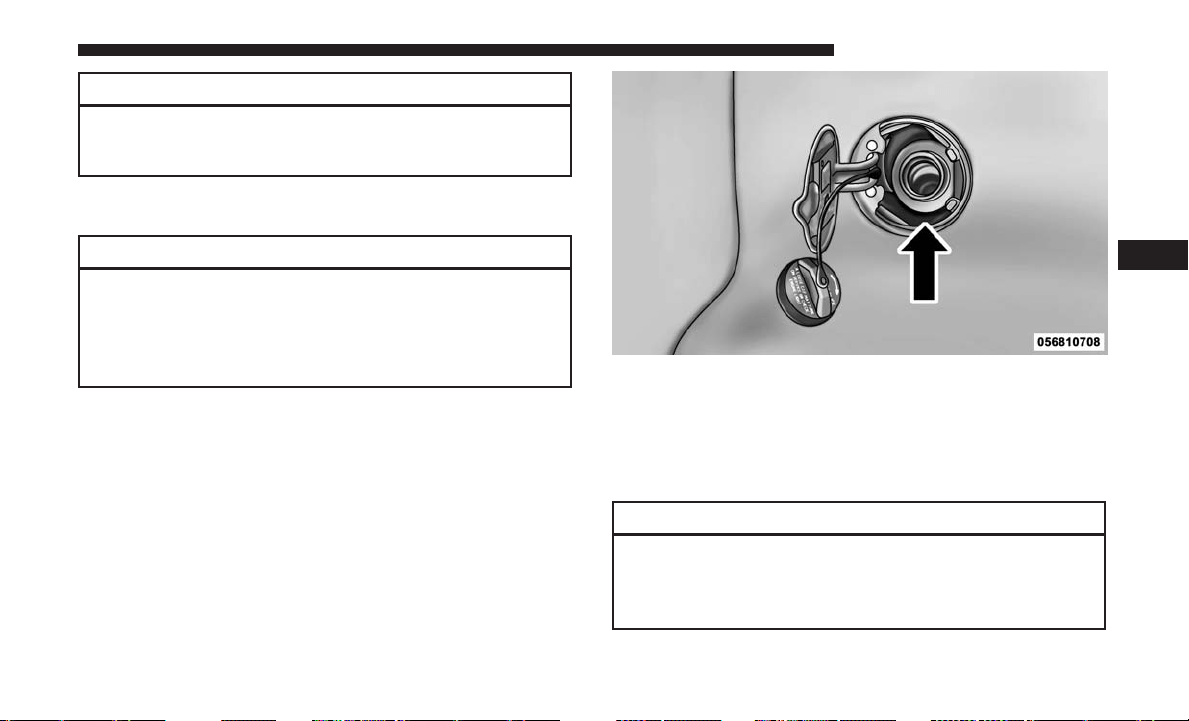
CAUTION!
Replacing fuel system components with non-ethanol
compatible components can damage your vehicle.
Maintenance
CAUTION!
Do not use ethanol mixtures greater than 85% in your
vehicle. It will make it more difficult for your engine to
start under cold conditions, may affect drivability, and
could cause engine damage.
ADDING FUEL
Fuel Filler Cap (Gas Cap)
The gas cap is located behind the fuel filler door on the left
side of the vehicle. If the gas cap is lost or damaged, be sure
the replacement cap is for use with this vehicle.
NOTE: The driver’s side sliding door cannot be opened
while the fuel door is open. This feature operates only
when the sliding door is fully closed prior to opening the
fuel door.
CAUTION!
• Damage to the fuel system or emissions control
system could result from using an improper fuel
tank filler tube cap. A poorly fitting cap could let
(Continued)
Fuel Filler Cap
5
STARTING AND OPERATING 405
CAUTION! (Continued)
impurities into the fuel system and may cause the
“Malfunction Indicator Light (MIL)” to turn on, due
to fuel vapors escaping from the system.
• To avoid fuel spillage and overfilling, do not “top
off” the fuel tank after filling.
WARNING!
• Never have any smoking materials lit in or near the
vehicle when the gas cap is removed or the tank is
being filled.
• Never add fuel when the engine is running. This is
in violation of most state and federal fire regulations
and may cause the MIL to turn on.
• A fire may result if gasoline is pumped into a
portable container that is inside of a vehicle. You
could be burned. Always place gas containers on the
ground while filling.
NOTE:
• When the fuel nozzle “clicks” or shuts off, the fuel tank
is full.
• Tighten the fuel filler cap until you hear a “clicking”
sound. This is an indication that the fuel filler cap is
properly tightened.
• If the gas cap is not tightened properly, the MIL may
come on. Be sure the gas cap is tightened every time the
vehicle is refueled.
Loose Fuel Filler Cap Message
If the vehicle diagnostic system determines that the fuel filler
cap is loose, improperly installed, or damaged, a “gASCAP”
message will display in the odometer or a “CHECK GAS-
CAP” message will be displayed in the instrument cluster.
Refer to “Instrument Cluster Display” in “Understanding
Your Instrument Panel” for further information. Tighten the
fuel filler cap until a “clicking” sound is heard. This is an
indication that the fuel filler cap is properly tightened. Refer
to “Onboard Diagnostic System” in “Maintaining Your Ve-
hicle” for further information.
If the problem continues, the message will appear the next
time the vehicle is started. See your authorized dealer as
soon as possible.
406 STARTING AND OPERATING
VEHICLE LOADING
As required by National Highway Traffic Safety Adminis-
tration regulations, your vehicle has a certification label
affixed to the driver’s side door or B-Pillar.
If seats are removed for carrying cargo, do not exceed the
specified GVWR and GAWR.
Vehicle Certification Label
Your vehicle has a Vehicle Certification Label affixed to the
drivers side B-Pillar or the rear of the driver’s door.
The label contains the following information:
• Name of manufacturer
• Month and year of manufacture
• Gross Vehicle Weight Rating (GVWR)
• Gross Axle Weight Rating (GAWR) front
• Gross Axle Weight Rating (GAWR) rear
• Vehicle Identification Number (VIN)
• Type of vehicle
• Month, Day, and Hour of manufacture (MDH)
The bar code allows a computer scanner to read the VIN.
Gross Vehicle Weight Rating (GVWR)
The GVWR is the total allowable weight of your vehicle.
This includes driver, passengers, and cargo. The total load
must be limited so that you do not exceed the GVWR.
Gross Axle Weight Rating (GAWR)
The GAWR is the maximum capacity of the front and rear
axles. Distribute the load over the front and rear axles
evenly. Make sure that you do not exceed either front or
rear GAWR.
WARNING!
Because the front wheels steer the vehicle, it is impor-
tant that you do not exceed the maximum front or rear
GAWR. A dangerous driving condition can result if
either rating is exceeded. You could lose control of the
vehicle and have a collision.
Tire Size
The tire size on the Vehicle Certification Label represents
the actual tire size on your vehicle. Replacement tires must
be equal to the load capacity of this tire size.
5
STARTING AND OPERATING 407

Rim Size
This is the rim size that is appropriate for the tire size
listed.
Inflation Pressure
This is the cold tire inflation pressure for your vehicle for
all loading conditions up to full GAWR.
Curb Weight
The curb weight of a vehicle is defined as the total weight
of the vehicle with all fluids, including vehicle fuel, at full
capacity conditions, and with no occupants or cargo loaded
into the vehicle. The front and rear curb weight values are
determined by weighing your vehicle on a commercial
scale before any occupants or cargo are added.
Overloading
The load carrying components (axle, springs, tires, wheels,
etc.) of your vehicle will provide satisfactory service as
long as you do not exceed the GVWR and the front and
rear GAWR.
The best way to figure out the total weight of your vehicle
is to weigh it when it is fully loaded and ready for
operation. Weigh it on a commercial scale to ensure that it
is not over the GVWR.
Figure out the weight on the front and rear of the vehicle
separately. It is important that you distribute the load
evenly over the front and rear axles.
Overloading can cause potential safety hazards and shorten
useful service life. Heavier axles or suspension components
do not necessarily increase the vehicle’s GVWR.
Loading
To load your vehicle properly, first figure out its empty
weight, axle-by-axle and side-by-side. Store heavier items
down low and be sure you distribute their weight as
evenly as possible. Stow all loose items securely before
driving. If weighing the loaded vehicle shows that you
have exceeded either GAWR, but the total load is within
the specified GVWR, you must redistribute the weight.
Improper weight distribution can have an adverse effect on
the way your vehicle steers and handles and the way the
brakes operate.
NOTE: Refer to the “Vehicle Certification Label” affixed to
the rear of the driver’s door for your vehicle’s GVWR and
GAWRs.
408 STARTING AND OPERATING
TRAILER TOWING
In this section you will find safety tips and information on
limits to the type of towing you can reasonably do with your
vehicle. Before towing a trailer, carefully review this infor-
mation to tow your load as efficiently and safely as possible.
To maintain the New Vehicle Limited Warranty coverage,
follow the requirements and recommendations in this
manual concerning vehicles used for trailer towing.
Common Towing Definitions
The following trailer towing related definitions will assist
you in understanding the following information:
Gross Vehicle Weight Rating (GVWR)
The GVWR is the total allowable weight of your vehicle. This
includes driver, passengers, cargo and tongue weight. The
total load must be limited so that you do not exceed the
GVWR. Refer to “Vehicle Loading/Vehicle Certification
Label” in “Starting And Operating” for further information.
Gross Trailer Weight (GTW)
The GTW is the weight of the trailer plus the weight of all
cargo, consumables and equipment (permanent or tempo-
rary) loaded in or on the trailer in its ⬙loaded and ready for
operation⬙ condition.
The recommended way to measure GTW is to put your
fully loaded trailer on a vehicle scale. The entire weight of
the trailer must be supported by the scale.
Gross Axle Weight Rating (GAWR)
The GAWR is the maximum capacity of the front and rear
axles. Distribute the load over the front and rear axles evenly.
Make sure that you do not exceed either front or rear GAWR.
Refer to “Vehicle Loading/Vehicle Certification Label” in
“Starting And Operating” for further information.
WARNING!
It is important that you do not exceed the maximum
front or rear GAWR. A dangerous driving condition
can result if either rating is exceeded.
Tongue Weight (TW)
The tongue weight is the downward force exerted on the
hitch ball by the trailer. You must consider this as part of
the load on your vehicle.
Frontal Area
The frontal area is the maximum height multiplied by the
maximum width of the front of a trailer.
5
STARTING AND OPERATING 409
Trailer Sway Control
The trailer sway control is supported by a mechanical
telescoping link that can be installed between the hitch
receiver and the trailer tongue that typically provides
adjustable friction associated with the telescoping motion
to dampen any unwanted trailer swaying motions while
traveling.
If equipped, the electronic Trailer Sway Control (TSC)
recognizes a swaying trailer and automatically applies
individual wheel brakes and/or reduces engine power to
attempt to eliminate the trailer sway.
Weight-Carrying Hitch
A weight-carrying hitch supports the trailer tongue weight,
just as if it were luggage located at a hitch ball or some other
connecting point of the vehicle. These kinds of hitches are the
most popular on the market today and they are commonly
used to tow small and medium sized trailers.
Weight-Distributing Hitch
A weight-distributing system works by applying leverage
through spring (load) bars. They are typically used for
heavier loads to distribute trailer tongue weight to the tow
vehicle’s front axle and the trailer axle(s). When used in
accordance with the manufacturer’s directions, it provides
for a more level ride, offering more consistent steering and
brake control thereby enhancing towing safety. The addi-
tion of a friction/hydraulic sway control also dampens
sway caused by traffic and crosswinds and contributes
positively to tow vehicle and trailer stability. Trailer sway
control and a weight distributing (load equalizing) hitch
are recommended for heavier Tongue Weights (TW) and
may be required depending on vehicle and trailer
configuration/loading to comply with Gross Axle Weight
Rating (GAWR) requirements.
WARNING!
• An improperly adjusted Weight Distributing Hitch
system may reduce handling, stability, braking per-
formance, and could result in a collision.
• Weight Distributing Systems may not be compatible
with Surge Brake Couplers. Consult with your hitch
and trailer manufacturer or a reputable Recreational
Vehicle dealer for additional information.
410 STARTING AND OPERATING
Trailer Hitch Classification
The following chart provides the industry standard for the
maximum trailer weight a given trailer hitch class can tow
and should be used to assist you in selecting the correct
trailer hitch for your intended towing condition.
Trailer Hitch Classification Definitions
Class Max. Trailer Hitch Industry Standards
Class I - Light Duty 2,000 lbs (907 kg)
Class II - Medium Duty 3,500 lbs (1,587 kg)
Class III - Heavy Duty 5,000 lbs (2,267 kg)
Class IV - Extra Heavy Duty 10,000 lbs (4,535 kg)
Refer to the “Trailer Towing Weights (Maximum Trailer Weight Ratings)” chart for the Maximum Gross Trailer Weight
(GTW) towable for your given drivetrain.
All trailer hitches should be professionally installed on your vehicle.
5
STARTING AND OPERATING 411

Trailer Towing Weights (Maximum Trailer Weight
Ratings)
The following chart provides the maximum trailer weight
ratings towable for your given drivetrain.
Engine/Transmission
GCWR
(Gross Combined
Weight Rating)
Frontal Area
Max. GTW (Gross
Trailer Weight)
Max. Tongue Weight
3.6L/Automatic 8,750 lbs (3 968 kg) 40 sq ft (3.72 sq m) Up to 2 persons &
Luggage 3,600 lbs
(1 632 kg)*
360 lbs (163 kg)
8,750 lbs (3 968 kg) 40 sq ft (3.72 sq m) 3 to 5 persons &
Luggage 3,350 lbs
(1 519 kg)*
335 lbs (151 kg)
8,750 lbs (3 968 kg) 40 sq ft (3.72 sq m) 6 to 7 persons &
Luggage 3,000 lbs
(1 360 kg)*
300 lbs (136 kg)
* For vehicles equipped with Fold-in-Floor seating, the Gross Trailer Weight must be reduced by 100 lbs (45 kg). Refer
to local laws for maximum trailer towing speeds.
NOTE: The trailer tongue weight must be considered as
part of the combined weight of occupants and cargo, and
should never exceed the weight referenced on the Tire and
Loading Information placard. Refer to “Tire Safety Infor-
mation” in “Starting and Operating” for further informa-
tion.
412 STARTING AND OPERATING
Trailer And Tongue Weight
Never exceed the maximum tongue weight stamped on
your bumper or trailer hitch.
Consider the following items when computing the weight
on the rear axle of the vehicle:
• The tongue weight of the trailer.
• The weight of any other type of cargo or equipment put
in or on your vehicle.
• The weight of the driver and all passengers.
NOTE: Remember that everything put into or on the
trailer adds to the load on your vehicle. Also, additional
factory-installed options or dealer-installed options must
be considered as part of the total load on your vehicle.
Refer to the “Tire And Loading Information” placard for
the maximum combined weight of occupants and cargo for
your vehicle.
Towing Requirements
To promote proper break-in of your new vehicle drivetrain
components, the following guidelines are recommended.
CAUTION!
• Do not tow a trailer at all during the first 500 miles
(805 km) the new vehicle is driven. The engine, axle
or other parts could be damaged.
• Then, during the first 500 miles (805 km) that a trailer
is towed, do not drive over 50 mph (80 km/h) and do
not make starts at full throttle. This helps the engine
and other parts of the vehicle wear in at the heavier
loads.
5
STARTING AND OPERATING 413
Perform the maintenance listed in the “Maintenance
Schedule”. Refer to “Maintenance Schedule” for the proper
maintenance intervals. When towing a trailer, never exceed
the GAWR or GCWR ratings.
WARNING!
Improper towing can lead to a collision. Follow these
guidelines to make your trailer towing as safe as pos-
sible:
• Make certain that the load is secured in the trailer
and will not shift during travel. When trailering
cargo that is not fully secured, dynamic load shifts
can occur that may be difficult for the driver to
control. You could lose control of your vehicle and
have a collision.
• When hauling cargo or towing a trailer, do not
overload your vehicle or trailer. Overloading can
cause a loss of control, poor performance or damage
to brakes, axle, engine, transmission, steering, sus-
pension, chassis structure or tires.
(Continued)
WARNING! (Continued)
• Safety chains must always be used between your
vehicle and trailer. Always connect the chains to the
hook retainers of the vehicle hitch. Cross the chains
under the trailer tongue and allow enough slack for
turning corners.
• Vehicles with trailers should not be parked on a
grade. When parking, apply the parking brake on the
tow vehicle. Put the tow vehicle transmission in
PARK. For four-wheel drive vehicles, make sure the
transfer case is not in NEUTRAL (N). Always block
or ⴖchockⴖ the trailer wheels.
• GCWR must not be exceeded.
• Total weight must be distributed between the tow
vehicle and the trailer such that the following four
ratings are not exceeded:
1. GVWR
2. GTW
3. GAWR
4. Tongue weight rating for the trailer hitch utilized.
414 STARTING AND OPERATING
Towing Requirements — Tires
• Do not attempt to tow a trailer while using a compact
spare tire.
• Proper tire inflation pressures are essential to the safe
and satisfactory operation of your vehicle. Refer to
“Tires – General Information” in “Starting And Operat-
ing” for proper tire inflation procedures.
• Check the trailer tires for proper tire inflation pressures
before trailer usage.
• Check for signs of tire wear or visible tire damage before
towing a trailer. Refer to “Tires – General Information”
in “Starting And Operating” for the proper inspection
procedure.
• When replacing tires, refer to “Tires – General Informa-
tion” in “Starting And Operating” for the proper tire
replacement procedures. Replacing tires with a higher
load carrying capacity will not increase the vehicle’s
GVWR and GAWR limits.
Towing Requirements — Trailer Brakes
• Do not interconnect the hydraulic brake system or
vacuum system of your vehicle with that of the trailer.
This could cause inadequate braking and possible per-
sonal injury.
• An electronically actuated trailer brake controller is
required when towing a trailer with electronically actu-
ated brakes. When towing a trailer equipped with a
hydraulic surge actuated brake system, an electronic
brake controller is not required.
• Trailer brakes are recommended for trailers over
1,000 lbs (453 kg) and required for trailers in excess of
2,000 lbs (907 kg).
WARNING!
• Do not connect trailer brakes to your vehicle’s hy-
draulic brake lines. It can overload your brake sys-
tem and cause it to fail. You might not have brakes
when you need them and could have a collision.
• Towing any trailer will increase your stopping dis-
tance. When towing you should allow for additional
space between your vehicle and the vehicle in front
of you. Failure to do so could result in a collision.
5
STARTING AND OPERATING 415
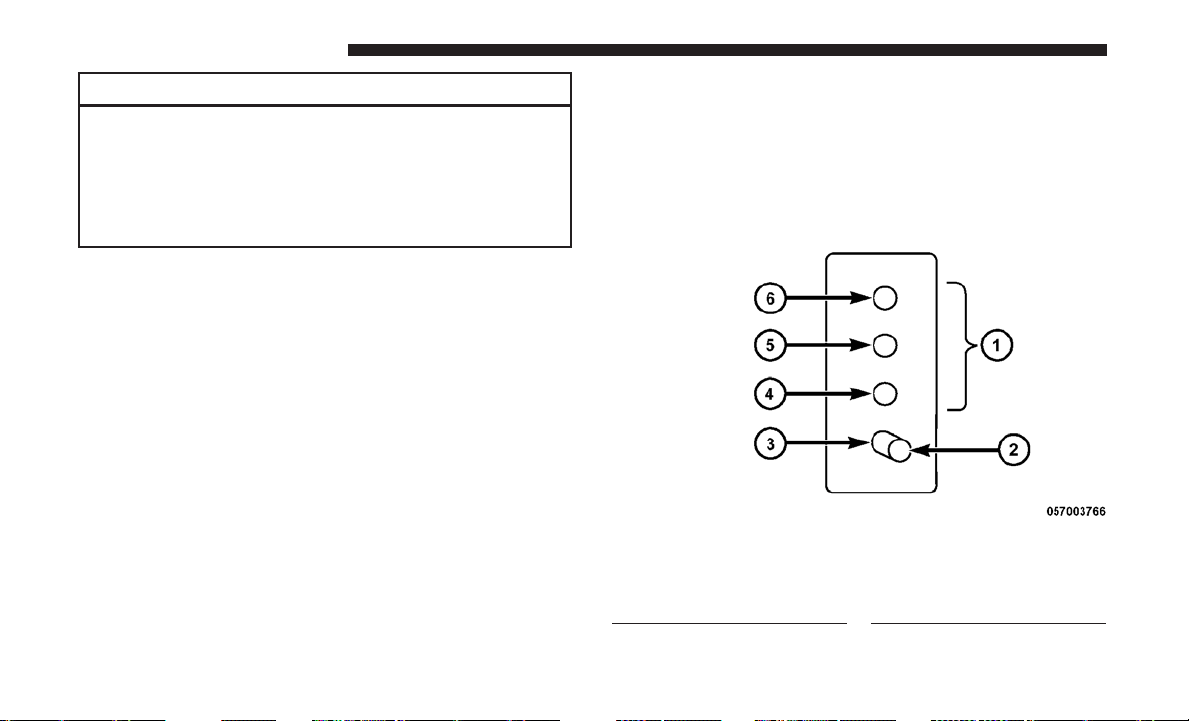
CAUTION!
If the trailer weighs more than 1,000 lbs (453 kg)
loaded, it should have its own brakes and they should
be of adequate capacity. Failure to do this could lead to
accelerated brake lining wear, higher brake pedal
effort, and longer stopping distances.
Towing Requirements — Trailer Lights And Wiring
(If Equipped)
Whenever you pull a trailer, regardless of the trailer size,
stoplights and turn signals on the trailer are required for
motoring safety.
The Trailer Tow Package may include a four- and seven-pin
wiring harness. Use a factory approved trailer harness and
connector.
NOTE: Do not cut or splice wiring into the vehicles wiring
harness.
The electrical connections are all complete to the vehicle
but you must mate the harness to a trailer connector. Refer
to the following illustrations.
NOTE:
• Disconnect trailer wiring connector from the vehicle
before launching a boat (or any other device plugged
into vehicle’s electrical connect) into water.
• Be sure to reconnect after clear from water area.
Four-Pin Connector
1 — Female Pins
2 — Male Pin
3 — Ground
4 — Park
5 — Left Stop/Turn
6 — Right Stop/Turn
416 STARTING AND OPERATING
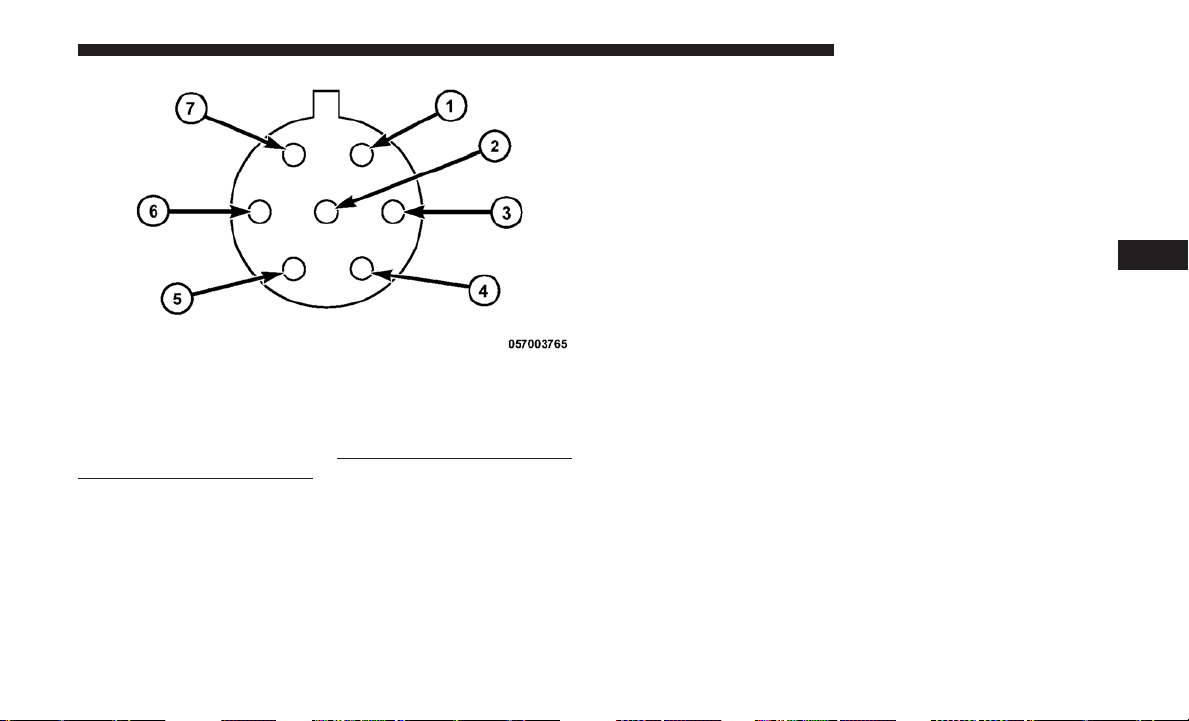
Towing Tips
Before setting out on a trip, practice turning, stopping, and
backing up the trailer in an area located away from heavy
traffic.
Automatic Transmission
The DRIVE range can be selected when towing. However, if
frequent shifting occurs while in DRIVE, use the Electronic
Range Select (ERS) shift control to select a lower gear range.
NOTE: Using a lower gear range while operating the
vehicle under heavy loading conditions will improve per-
formance and extend transmission life by reducing exces-
sive shifting and heat build up. This action will also
provide better engine braking.
If you REGULARLY tow a trailer for more than 45 minutes
of continuous operation, then change the transmission
fluid and filter as specified for “police, taxi, fleet, or
frequent trailer towing”. Refer to the “Maintenance Sched-
ule” for the proper maintenance intervals.
Speed Control — If Equipped
• Do not use in hilly terrain or with heavy loads.
• When using the speed control, if you experience speed
drops greater than 10 mph (16 km/h), disengage until
you can get back to cruising speed.
• Use speed control in flat terrain and with light loads to
maximize fuel efficiency.
Seven-Pin Connector
1 — Battery
2 — Backup Lamps
3 — Right Stop/Turn
4 — Electric Brakes
5 — Ground
6 — Left Stop/Turn
7 — Running Lamps
5
STARTING AND OPERATING 417
Cooling System
To reduce potential for engine and transmission overheat-
ing, take the following actions:
City Driving
When stopped for short periods, shift the transmission into
NEUTRAL and increase engine idle speed.
Highway Driving
Reduce speed.
Air Conditioning
Turn off temporarily.
RECREATIONAL TOWING (BEHIND MOTORHOME, ETC.)
Towing This Vehicle Behind Another Vehicle
Towing Condition Wheels OFF the Ground All Models
Flat Tow NONE NOT ALLOWED
Dolly Tow Front OK
Rear NOT ALLOWED
On Trailer ALL OK
NOTE: When towing your vehicle, always follow appli-
cable state and provincial laws. Contact state and provin-
cial Highway Safety offices for additional details.
418 STARTING AND OPERATING
Recreational Towing — All Models
Recreational towing is allowed ONLY if the front wheels
are OFF the ground. This may be accomplished using a tow
dolly or vehicle trailer. If using a tow dolly, follow this
procedure:
1. Properly secure the dolly to the tow vehicle, following
the dolly manufacturer’s instructions.
2. Drive the front wheels onto the tow dolly.
3. Firmly apply the parking brake. Place the transmission
in PARK.
4. Properly secure the front wheels to the dolly, following
the dolly manufacturer’s instructions.
5. Release the parking brake.
CAUTION!
• DO NOT flat tow this vehicle. Damage to the drive-
train will result. If this vehicle requires towing,
make sure the drive wheels are OFF the ground.
• Towing this vehicle in violation of the above require-
ments can cause severe transmission damage. Dam-
age from improper towing is not covered under the
New Vehicle Limited Warranty.
5
STARTING AND OPERATING 419


WHAT TO DO IN EMERGENCIES
CONTENTS
䡵 HAZARD WARNING FLASHERS ............422
䡵 IF YOUR ENGINE OVERHEATS .............422
䡵 TIRE SERVICE KIT — IF EQUIPPED ..........423
▫ Tire Service Kit Storage...................424
▫ Tire Service Kit Components And Operation . . .425
▫ Tire Service Kit Usage Precautions ..........426
▫ Sealing A Tire With Tire Service Kit .........428
䡵
WHEEL AND TIRE TORQUE SPECIFICATIONS . . .432
▫ Torque Specifications ....................432
䡵 JACKING AND TIRE CHANGING —
IF EQUIPPED ...........................433
▫ Jack Location .........................434
▫ Spare Tire Removal .....................434
▫ To Access Spare Tire Winch Drive Nut ........434
▫ Spare Tire Tools ........................436
▫ Spare Tire Removal Instructions.............437
▫ Preparations For Jacking .................439
▫ Jacking Instructions .....................439
▫ Securing The Compact Spare Tire ...........445
▫ Road Tire Installation ....................447
䡵 JUMP-STARTING ........................448
▫ Preparations For Jump-Start ...............449
▫ Jump-Starting Procedure ..................450
䡵 FREEING A STUCK VEHICLE ..............451
䡵 GEAR SELECTOR OVERRIDE ..............452
䡵 TOWING A DISABLED VEHICLE ............453
䡵 ENHANCED ACCIDENT RESPONSE
SYSTEM (EARS) ........................455
䡵 EVENT DATA RECORDER (EDR) ............455
6

HAZARD WARNING FLASHERS
The Hazard Warning flasher switch is located in the lower
center area of the instrument panel.
Push the switch to turn on the Hazard Warning
flasher. When the switch is activated, all directional
turn signals will flash on and off to warn oncoming traffic
of an emergency. Push the switch a second time to turn off
the Hazard Warning flashers.
This is an emergency warning system and it should not be
used when the vehicle is in motion. Use it when your
vehicle is disabled and it is creating a safety hazard for
other motorists.
When you must leave the vehicle to seek assistance, the
Hazard Warning flashers will continue to operate even
though the ignition is placed in the OFF position.
NOTE: With extended use, the Hazard Warning flashers
may wear down your battery.
IF YOUR ENGINE OVERHEATS
In any of the following situations, you can reduce the
potential for overheating by taking the appropriate action.
• On the highways — slow down.
• In city traffic — while stopped, place the transmission in
NEUTRAL, but do not increase engine idle speed.
NOTE: There are steps that you can take to slow down an
impending overheat condition:
• If your air conditioner (A/C) is on, turn it off. The A/C
system adds heat to the engine cooling system and
turning the A/C off can help remove this heat.
• You can also turn the temperature control to maximum
heat, the mode control to floor and the blower control to
high. This allows the heater core to act as a supplement
to the radiator and aids in removing heat from the
engine cooling system.
422 WHAT TO DO IN EMERGENCIES
WARNING!
You or others can be badly burned by hot engine
coolant (antifreeze) or steam from your radiator. If you
see or hear steam coming from under the hood, do not
open the hood until the radiator has had time to cool.
Never try to open a cooling system pressure cap when
the radiator or coolant bottle is hot.
CAUTION!
Driving with a hot cooling system could damage your
vehicle. If temperature gauge reads “H”, pull over and
stop the vehicle. Idle the vehicle with the air condi-
tioner turned off until the pointer drops back into the
normal range. If the pointer remains on the “H”, turn
the engine off immediately, and call for service.
TIRE SERVICE KIT — IF EQUIPPED
Small punctures up to 1/4 inch (6 mm) in the tire tread can
be sealed with Tire Service Kit. Foreign objects (e.g., screws
or nails) should not be removed from the tire. Tire Service
Kit can be used in outside temperatures down to approxi-
mately -4°F (-20°C).
This kit will provide a temporary tire seal, allowing you to
drive your vehicle up to 100 miles (160 km) with a
maximum speed of 55 mph (90 km/h).
6
WHAT TO DO IN EMERGENCIES 423
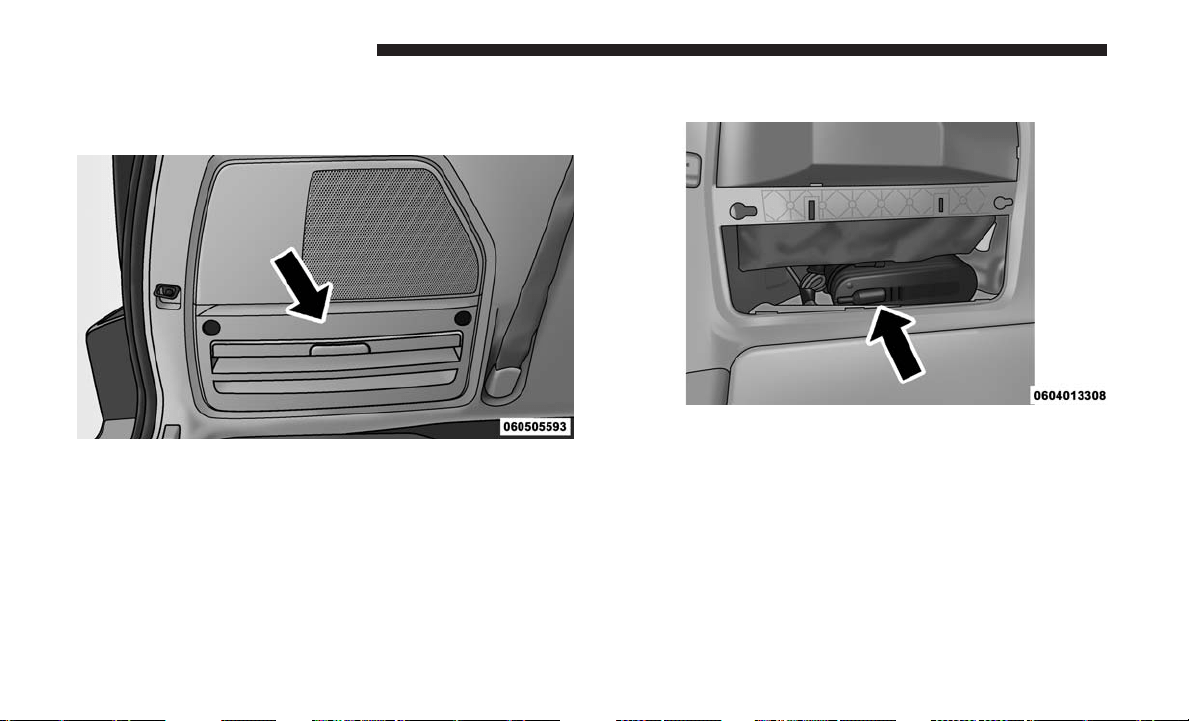
Tire Service Kit Storage
The Tire Service Kit is stowed behind the rear left side trim
panel in the rear cargo area.
1. Open the liftgate.
2. Turn the two rear left side trim panel latches to release
the trim panel.
Tire Service Kit Location
Tire Service Kit
424 WHAT TO DO IN EMERGENCIES
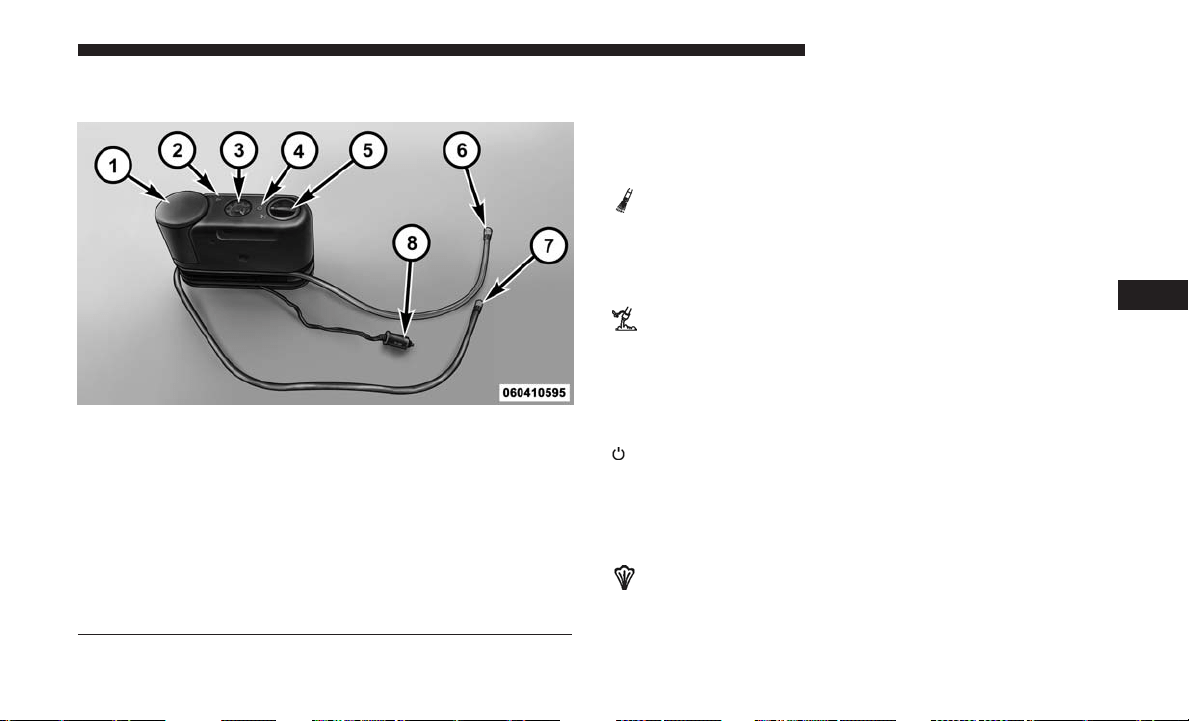
Tire Service Kit Components And Operation Using The Mode Select Knob And Hoses
Your Tire Service Kit is equipped with the following
symbols to indicate the air or sealant mode.
Selecting Air Mode
Push in the Mode Select Knob (5) and turn to this
position for air pump operation only. Use the Black
Air Pump Hose (7) when selecting this mode.
Selecting Sealant Mode
Push in the Mode Select Knob (5) and turn to this
position to inject the Tire Service Kit Sealant and to
inflate the tire. Use the Sealant Hose (clear hose) (6) when
selecting this mode.
Using The Power Button
Push and release the Power Button (4) once to turn
on the Tire Service Kit. Push and release the Power Button
(4) again to turn Off the Tire Service Kit.
Using The Deflation Button
Push the Deflation Button (2) to reduce the air
pressure in the tire if it becomes over-inflated.
Tire Service Kit Components
1 — Sealant Bottle 5 — Mode Select Knob
2 — Deflation Button 6 — Sealant Hose (Clear)
3 — Pressure Gauge 7 — Air Pump Hose (Black)
4 — Power Button 8 — Power Plug (located on the
bottom side of the Tire Service
Kit)
6
WHAT TO DO IN EMERGENCIES 425
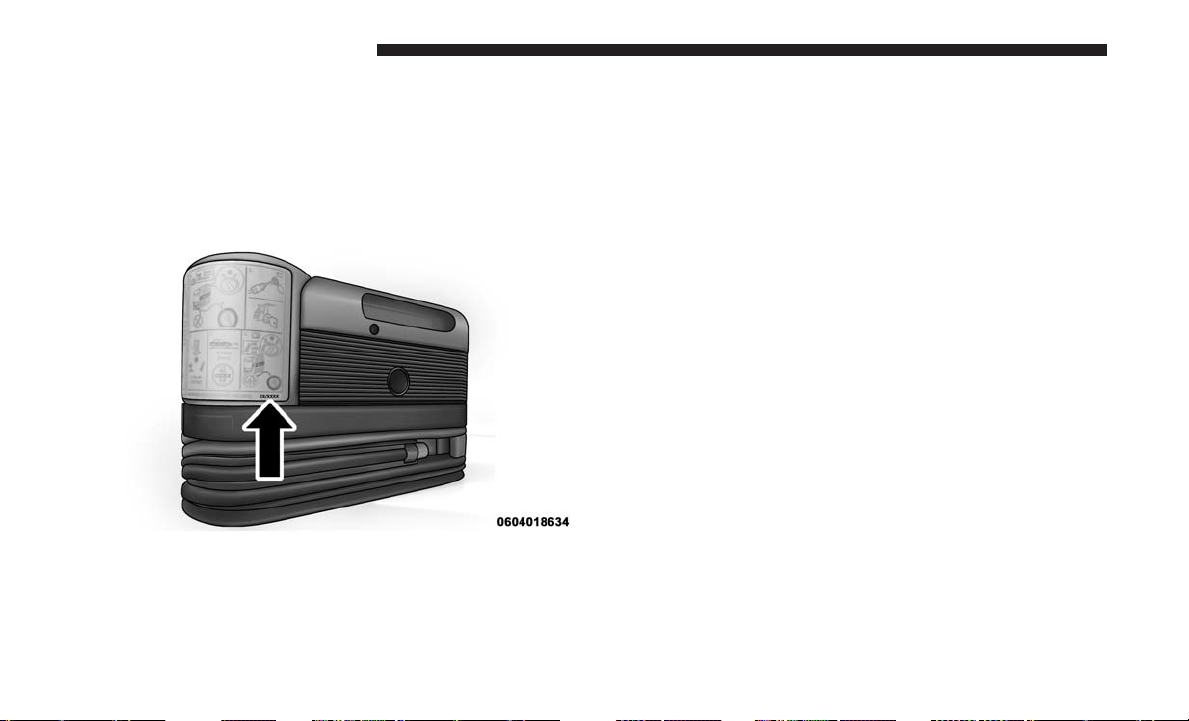
Tire Service Kit Usage Precautions
• Replace the Tire Service Kit Sealant Bottle (1) and Sealant
Hose (6) prior to the expiration date (printed at the
lower right hand corner on the bottle label) to assure
optimum operation of the system. Refer to “Sealing A
Tire With Tire Service Kit” section (F) “Sealant Bottle
And Hose Replacement”.
• The Sealant Bottle (1) and Sealant Hose (6) are a one tire
application use and need to be replaced after each use.
Always replace these components immediately at your
original equipment vehicle dealer.
• When the Tire Service Kit sealant is in a liquid form,
clean water, and a damp cloth will remove the material
from the vehicle or tire and wheel components. Once the
sealant dries, it can easily be peeled off and properly
discarded.
• For optimum performance, make sure the valve stem on
the wheel is free of debris before connecting the Tire
Service Kit.
• You can use the Tire Service Kit air pump to inflate
bicycle tires. The kit also comes with two needles,
located in the Accessory Storage Compartment (on the
bottom of the air pump) for inflating sport balls, rafts, or
similar inflatable items. However, use only the Air Pump
Hose (7) and make sure the Mode Select Knob (5) is in
the Air Mode when inflating such items to avoid inject-
ing sealant into them. The Tire Service Kit Sealant is only
intended to seal punctures less than 1/4 inch (6 mm)
diameter in the tread of your tire.
• Do not lift or carry the Tire Service Kit by the hoses.
Tire Service Kit Expiration Date Location
426 WHAT TO DO IN EMERGENCIES
WARNING!
• Do not attempt to seal a tire on the side of the vehicle
closest to traffic. Pull far enough off the road to avoid
the danger of being hit when using the Tire Service
Kit.
• Do not use Tire Service Kit or drive the vehicle under
the following circumstances:
• If the puncture in the tire tread is approximately
1/4 inch (6 mm) or larger.
• If the tire has any sidewall damage.
• If the tire has any damage from driving with
extremely low tire pressure.
•
If the tire has any damage from driving on a flat tire.
• If the wheel has any damage.
• If you are unsure of the condition of the tire or the
wheel.
• Keep Tire Service Kit away from open flames or heat
sources.
• A loose Tire Service Kit thrown forward in a collision
or hard stop could endanger the occupants of the
vehicle. Always stow the Tire Service Kit in the place
(Continued)
WARNING! (Continued)
provided. Failure to follow these warnings can result
in injuries that are serious or fatal to you, your
passengers, and others around you.
• Take care not to allow the contents of Tire Service Kit
to come in contact with hair, eyes, or clothing. Tire
Service Kit sealant is harmful if inhaled, swallowed,
or absorbed through the skin. It causes skin, eye, and
respiratory irritation. Flush immediately with plenty
of water if there is any contact with eyes or skin.
Change clothing as soon as possible, if there is any
contact with clothing.
• Tire Service Kit Sealant solution contains latex. In
case of an allergic reaction or rash, consult a physi-
cian immediately. Keep Tire Service Kit out of reach
of children. If swallowed, rinse mouth immediately
with plenty of water and drink plenty of water. Do
not induce vomiting! Consult a physician immedi-
ately.
6
WHAT TO DO IN EMERGENCIES 427

Sealing A Tire With Tire Service Kit
(A) Whenever You Stop To Use Tire Service Kit:
1. Pull over to a safe location and turn on the vehicle’s
Hazard Warning flashers.
2. Verify that the valve stem (on the wheel with the
deflated tire) is in a position that is near to the ground.
This will allow the Tire Service Kit Hoses (6) and (7) to
reach the valve stem and keep the Tire Service Kit flat on
the ground. This will provide the best positioning of the
kit when injecting the sealant into the deflated tire and
running the air pump. Move the vehicle as necessary to
place the valve stem in this position before proceeding.
3. Place the transmission in PARK (auto transmission) or in
Gear (manual transmission) and place the ignition in the
OFF position.
4. Apply the parking brake.
(B) Setting Up To Use Tire Service Kit:
1. Push in the Mode Select Knob (5) and turn to the Sealant
Mode position.
2. Uncoil the Sealant Hose (6) and then remove the cap
from the fitting at the end of the hose.
3. Place the Tire Service Kit flat on the ground next to the
deflated tire.
4. Remove the cap from the valve stem and then screw the
fitting at the end of the Sealant Hose (6) onto the valve
stem.
5. Uncoil the Power Plug (8) and insert the plug into the
vehicle’s 12 Volt power outlet.
NOTE: Do not remove foreign objects (e.g., screws or nails)
from the tire.
(C) Injecting Tire Service Kit Sealant Into The
Deflated Tire:
• Always start the engine before turning the Tire Service
Kit on.
• After pushing the Power Button (4), the sealant (white
fluid) will flow from the Sealant Bottle (1) through the
Sealant Hose (6) and into the tire.
NOTE: Sealant may leak out through the puncture in the
tire.
428 WHAT TO DO IN EMERGENCIES

If the sealant (white fluid) does not flow within
0 – 10 seconds through the Sealant Hose (6):
1. Push the Power Button (4) to turn Off the Tire Service
Kit. Disconnect the Sealant Hose (6) from the valve stem.
Make sure the valve stem is free of debris. Reconnect the
Sealant Hose (6) to the valve stem. Check that the Mode
Select Knob (5) is in the Sealant Mode position and not
Air Mode. Push the Power Button (4) to turn On the Tire
Service Kit.
2. Connect the Power Plug (8) to a different 12 Volt power
outlet in your vehicle or another vehicle, if available.
Make sure the engine is running before turning the Tire
Service Kit on.
3. The Sealant Bottle (1) may be empty due to previous
use. Call for assistance.
NOTE: If the Mode Select Knob (5) is on Air Mode and the
pump is operating, air will dispense from the Air Pump
Hose (7) only, not the Sealant Hose (6).
If the sealant (white fluid) does flow through the
Sealant Hose (6):
1. Continue to operate the pump until sealant is no longer
flowing through hose (typically takes 30 - 70 seconds).
As the sealant flows through the Sealant Hose (6), the
Pressure Gauge (3) can read as high as 70 psi (4.8 Bar).
The Pressure Gauge (3) will decrease quickly from
approximately 70 psi (4.8 Bar) to the actual tire pressure
when the Sealant Bottle (1) is empty.
2. The pump will start to inject air into the tire immedi-
ately after the Sealant Bottle (1) is empty. Continue to
operate the pump and inflate the tire to the pressure
indicated on the tire pressure label on the driver-side
latch pillar (recommended pressure). Check the tire
pressure by looking at the Pressure Gauge (3).
If the tire does not inflate to at least 26 psi (1.8 Bar)
pressure within 15 minutes:
• The tire is too badly damaged. Do not attempt to drive
the vehicle further. Call for assistance.
NOTE: If the tire becomes over-inflated, push the Defla-
tion Button to reduce the tire pressure to the recommended
inflation pressure before continuing.
6
WHAT TO DO IN EMERGENCIES 429
If the tire inflates to the recommended pressure or is at
least 26 psi (1.8 Bar) pressure within 15 minutes:
1. Push the Power Button (4) to turn off the Tire Service
Kit.
2. Remove the Speed Limit sticker from the top of the
Sealant Bottle (1) and place the sticker on the instrument
panel.
3.
Immediately disconnect the Sealant Hose (6) from the
valve stem, reinstall the cap on the fitting at the end of the
hose, and place the Tire Service Kit in the vehicle storage
location. Quickly proceed to (D) “Drive Vehicle.”
CAUTION!
• The metal end fitting from Power Plug (8) may get
hot after use, so it should be handled carefully.
• Failure to reinstall the cap on the fitting at the end of
the Sealant Hose (6) can result in sealant contacting
your skin, clothing, and the vehicle’s interior. It can
also result in sealant contacting internal Tire Service
Kit components which may cause permanent damage
to the kit.
(D) Drive Vehicle:
Immediately after injecting sealant and inflating the tire,
drive the vehicle 5 miles (8 km) or 10 minutes to ensure
distribution of the Tire Service Kit Sealant within the tire.
Do not exceed 55 mph (90 km/h).
WARNING!
Tire Service Kit is not a permanent flat tire repair. Have
the tire inspected and repaired or replaced after using
Tire Service Kit. Do not exceed 55 mph (90 km/h) until
the tire is repaired or replaced. Failure to follow this
warning can result in injuries that are serious or fatal
to you, your passengers, and others around you.
(E) After Driving:
Pull over to a safe location. Refer to “Whenever You Stop
To Use Tire Service Kit” before continuing.
1. Push in the Mode Select Knob (5) and turn to the Air
Mode position.
2. Uncoil the power plug and insert the plug into the
vehicle’s 12 Volt power outlet.
430 WHAT TO DO IN EMERGENCIES

3. Uncoil the Air Pump Hose (7) (black in color) and screw
the fitting at the end of hose (7) onto the valve stem.
4. Check the pressure in the tire by reading the Pressure
Gauge (3).
If tire pressure is less than 19 psi (1.3 Bar):
The tire is too badly damaged. Do not attempt to drive the
vehicle further. Call for assistance.
If the tire pressure is 19 psi (1.3 Bar) or higher:
1. Push the Power Button (4) to turn on Tire Service Kit
and inflate the tire to the pressure indicated on the tire
and loading information label on the driver-side door
opening.
NOTE: If the tire becomes over-inflated, push the Deflation
Button to reduce the tire pressure to the recommended
inflation pressure before continuing.
2. Disconnect the Tire Service Kit from the valve stem,
reinstall the cap on the valve stem and unplug from 12
Volt outlet.
3. Place the Tire Service Kit in its proper storage area in the
vehicle.
4. Have the tire inspected and repaired or replaced at the
earliest opportunity at an authorized dealer or tire
service center.
5. Remove the Speed Limit sticker from the instrument
panel after the tire has been repaired.
6. Replace the Sealant Bottle (1) and Sealant Hose (6)
assembly at your authorized dealer as soon as possible.
Refer to (F) “Sealant Bottle And Hose Replacement”.
NOTE: When having the tire serviced, advise the autho-
rized dealer or service center that the tire has been sealed
using the Tire Service Kit.
(F) Sealant Bottle And Hose Replacement:
1. Uncoil the Sealant Hose (6) (clear in color).
2. Locate the round Sealant Bottle release button in the
recessed area under the sealant bottle.
3. Push the Sealant Bottle release button. The Sealant Bottle
(1) will pop up. Remove the bottle and dispose of it
accordingly.
4. Clean any remaining sealant from the Tire Service Kit
housing.
6
WHAT TO DO IN EMERGENCIES 431
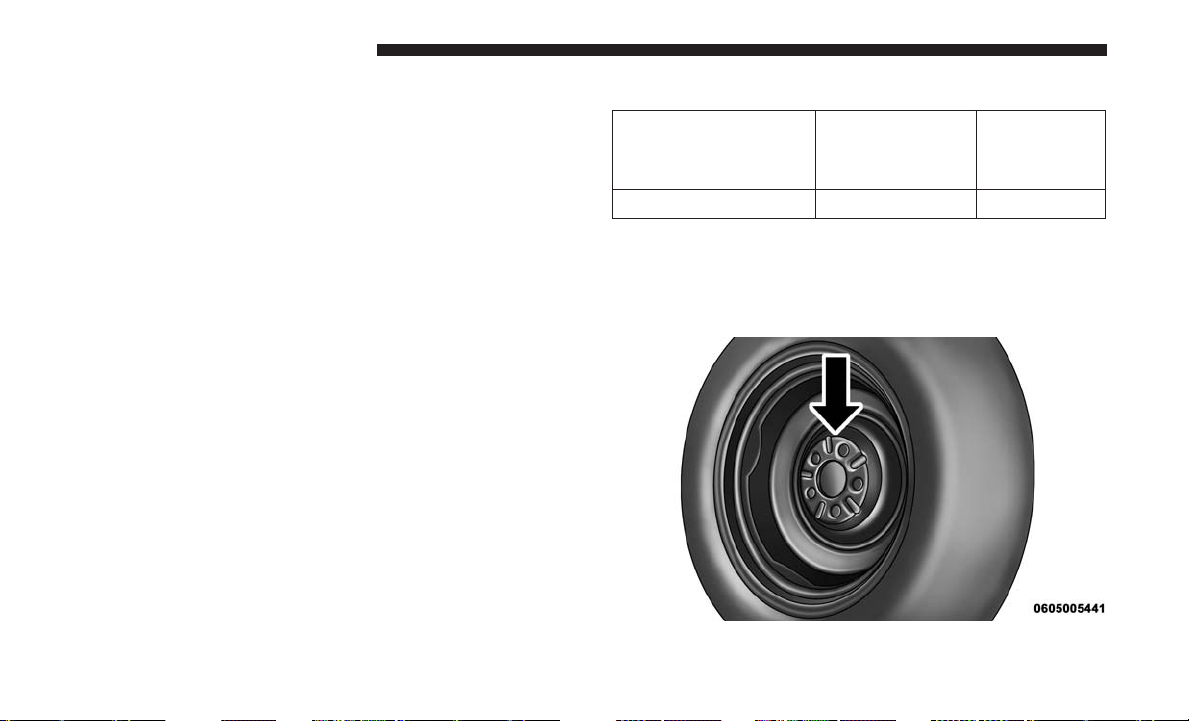
5. Position the new Sealant Bottle (1) in the housing so that
the Sealant Hose (6) aligns with the hose slot in the front
of the housing. Push the bottle into the housing. An
audible click will be heard indicating the bottle is locked
into place.
6. Verify that the cap is installed on the fitting at the end of
the Sealant Hose (6) and return the hose to its storage
area (located on the bottom of the air pump).
7. Return the Tire Service Kit to its storage location in the
vehicle.
WHEEL AND TIRE TORQUE SPECIFICATIONS
Proper lug nut/bolt torque is very important to ensure that
the wheel is properly mounted to the vehicle. Any time a
wheel has been removed and reinstalled on the vehicle, the
lug nuts/bolts should be torqued using a properly cali-
brated torque wrench using a six sided (hex) deep wall
socket.
Torque Specifications
Lug Nut/Bolt Torque **Lug Nut/Bolt
Size
Lug Nut/
Bolt Socket
Size
100 Ft-Lbs (135 N·m) M12 x 1.5 19 mm
**Use only your authorized dealer recommended lug nuts/
bolts and clean or remove any dirt or oil before tightening.
Inspect the wheel mounting surface prior to mounting the
tire and remove any corrosion or loose particles.
Wheel Mounting Surface
432 WHAT TO DO IN EMERGENCIES
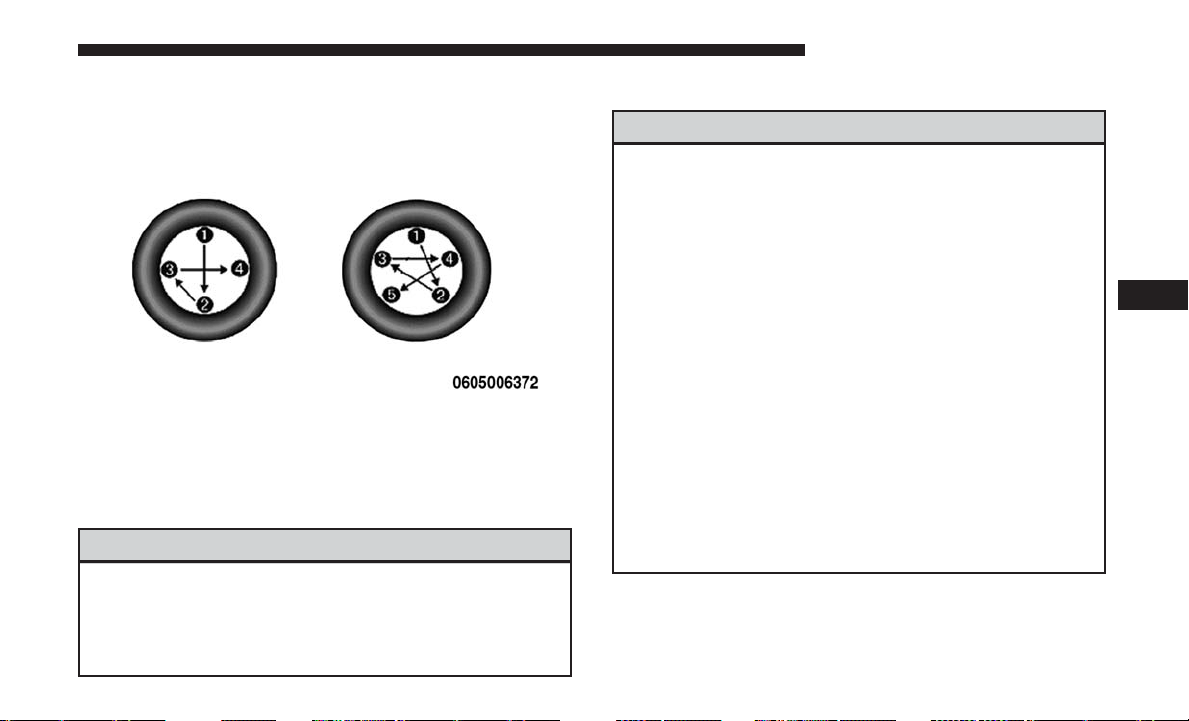
Tighten the lug nuts/bolts in a star pattern until each
nut/bolt has been tightened twice.
After 25 miles (40 km), check the lug nut/bolt torque to be
sure that all the lug nuts/bolts are properly seated against
the wheel.
WARNING!
To avoid the risk of forcing the vehicle off the jack, do
not tighten the lug nuts fully until the vehicle has been
lowered. Failure to follow this warning may result in
personal injury.
JACKING AND TIRE CHANGING — IF EQUIPPED
WARNING!
• Do not attempt to change a tire on the side of the
vehicle close to moving traffic. Pull far enough off
the road to avoid the danger of being hit when
operating the jack or changing the wheel.
• Being under a jacked-up vehicle is dangerous. The
vehicle could slip off the jack and fall on you. You
could be crushed. Never put any part of your body
under a vehicle that is on a jack. If you need to get
under a raised vehicle, take it to a service center
where it can be raised on a lift.
• Never start or run the engine while the vehicle is on
a jack.
• The jack is designed to be used as a tool for changing
tires only. The jack should not be used to lift the
vehicle for service purposes. The vehicle should be
jacked on a firm level surface only. Avoid ice or
slippery areas.
Torque Patterns
6
WHAT TO DO IN EMERGENCIES 433
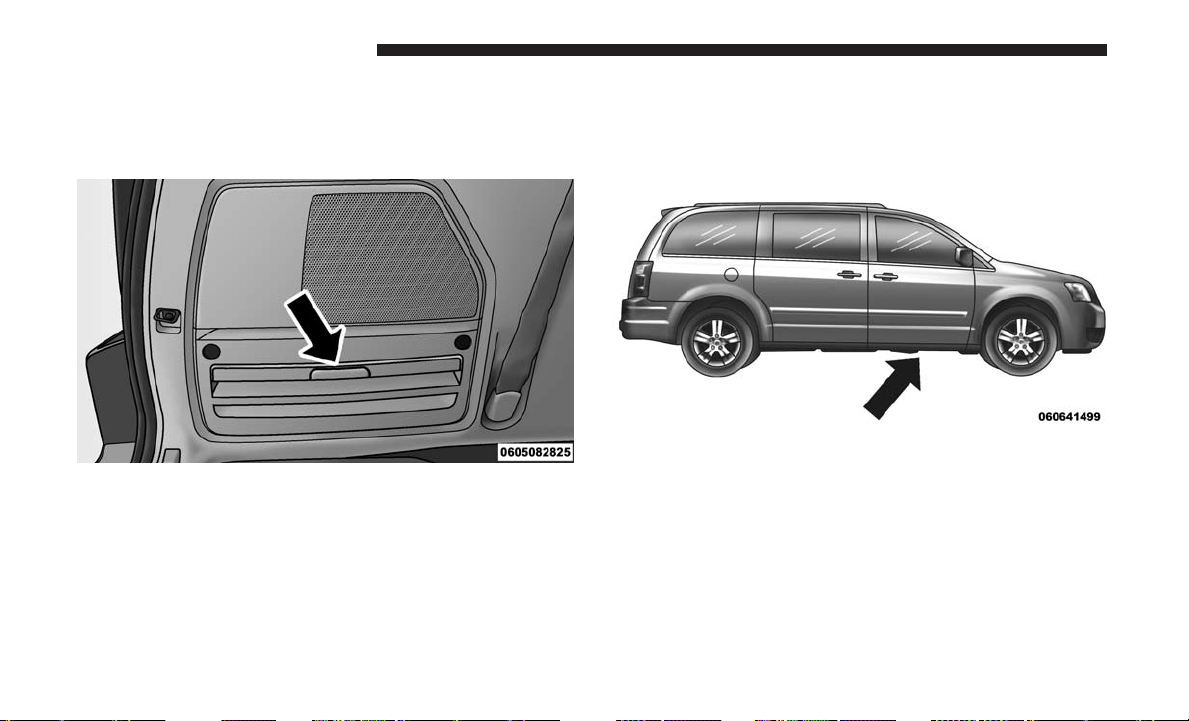
Jack Location
The jack, jack handle and winch handle tools are stowed
behind the rear left side trim panel in the rear cargo area.
Turn the two cover latches to release the cover.
Spare Tire Removal
The spare tire is stowed inside a protective cover located
under the center of the vehicle between the front doors by
means of a cable winch mechanism. The “spare tire drive”
nut is located on the floor, under a plastic cap at the front
of the floor console or under front super console forward
bin liner.
To Access Spare Tire Winch Drive Nut
To access the spare tire winch drive nut and lower the spare
tire, you will need to refer to one of the following center
console configurations.
Jack And Tool Location
Spare Tire Location
434 WHAT TO DO IN EMERGENCIES
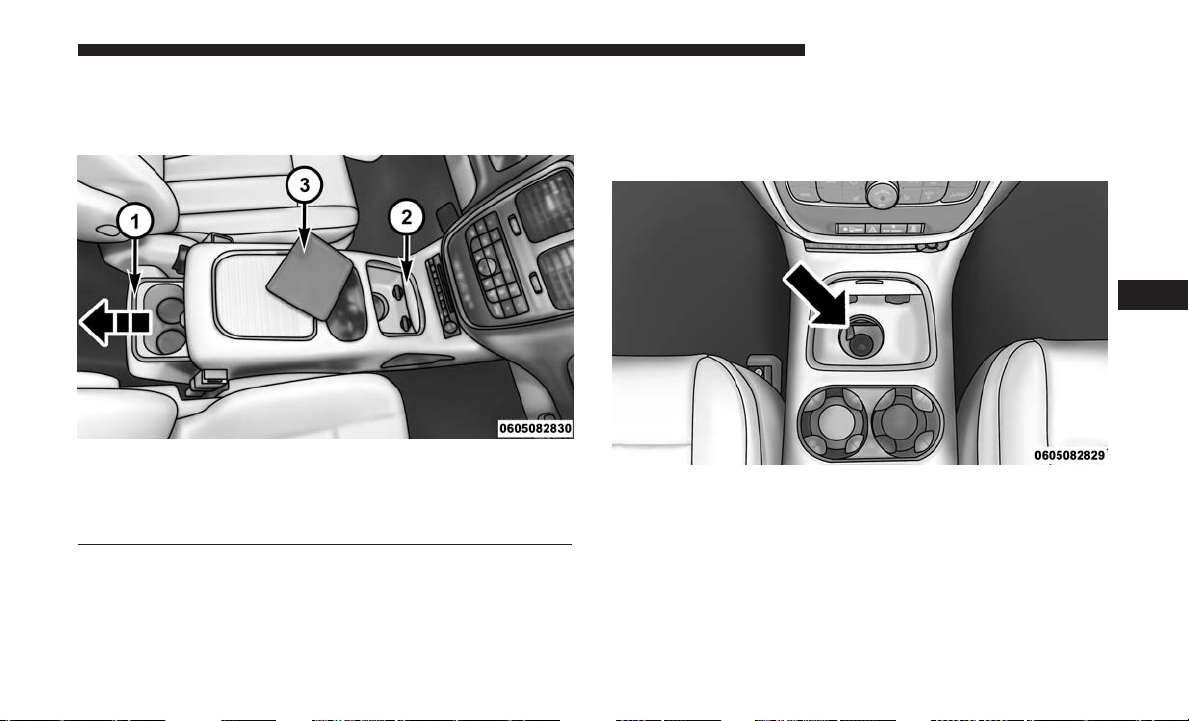
Super Console
For vehicles equipped with the Super Console, the spare tire
winch assembly drive nut is located beneath the console.
1. Pull the lower drawer out from the rear of the floor
console to gain clear access of the tire winch drive nut.
2. Open the front drawer to expose the storage compart-
ment.
3. Remove the liner from the console’s storage compart-
ment to access the spare tire winch drive nut.
Super Console
1 — Lower Drawer
2 — Front Drawer
3 — Front Drawer Liner
Drive Nut Access
6
WHAT TO DO IN EMERGENCIES 435
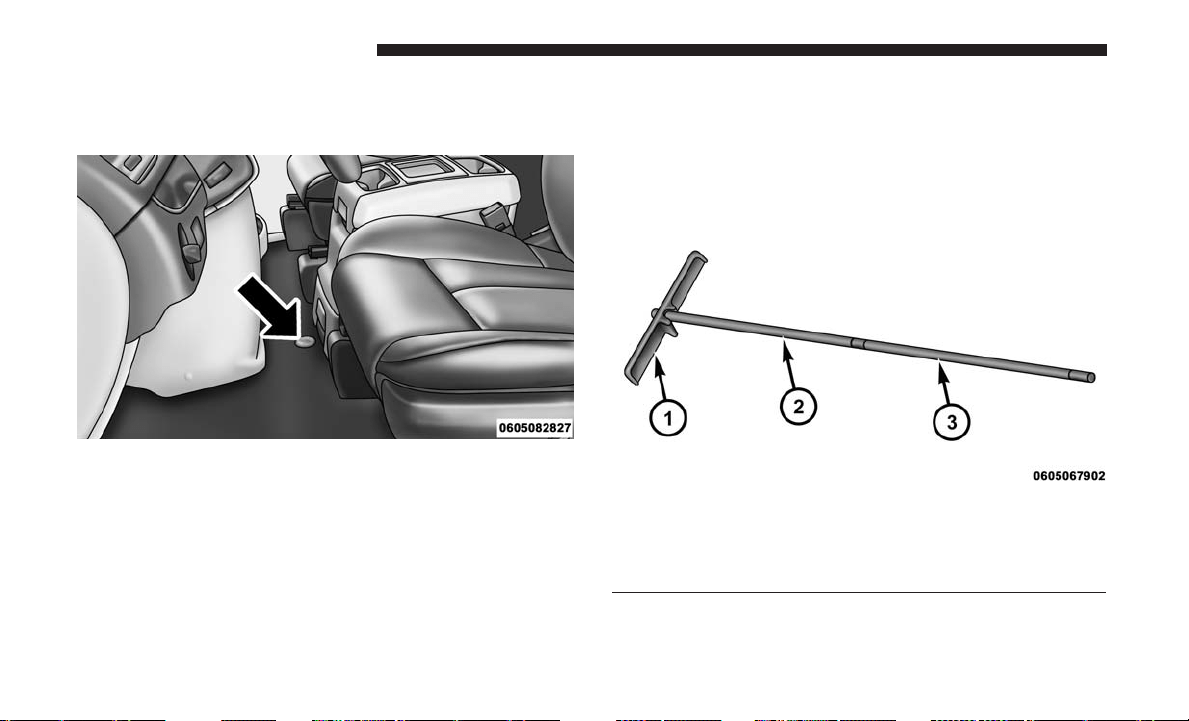
Premium/Base/Cargo Center Console
Pull the Winch Cover assembly plug (if equipped) to access
the winch drive nut.
Spare Tire Tools
The tool pouch contains three pieces and can be assembled
into a spare tire hook; to remove the compact spare tire/
cover assembly from under the vehicle, or a Winch T-handle;
to raise/lower the compact spare tire/cover assembly.
Winch Cover Assembly Plug (If Equipped)
Assembled T-handle
1 — Spare Tire Hook/T-handle
2 — Extension 1
3 — Extension 2
436 WHAT TO DO IN EMERGENCIES
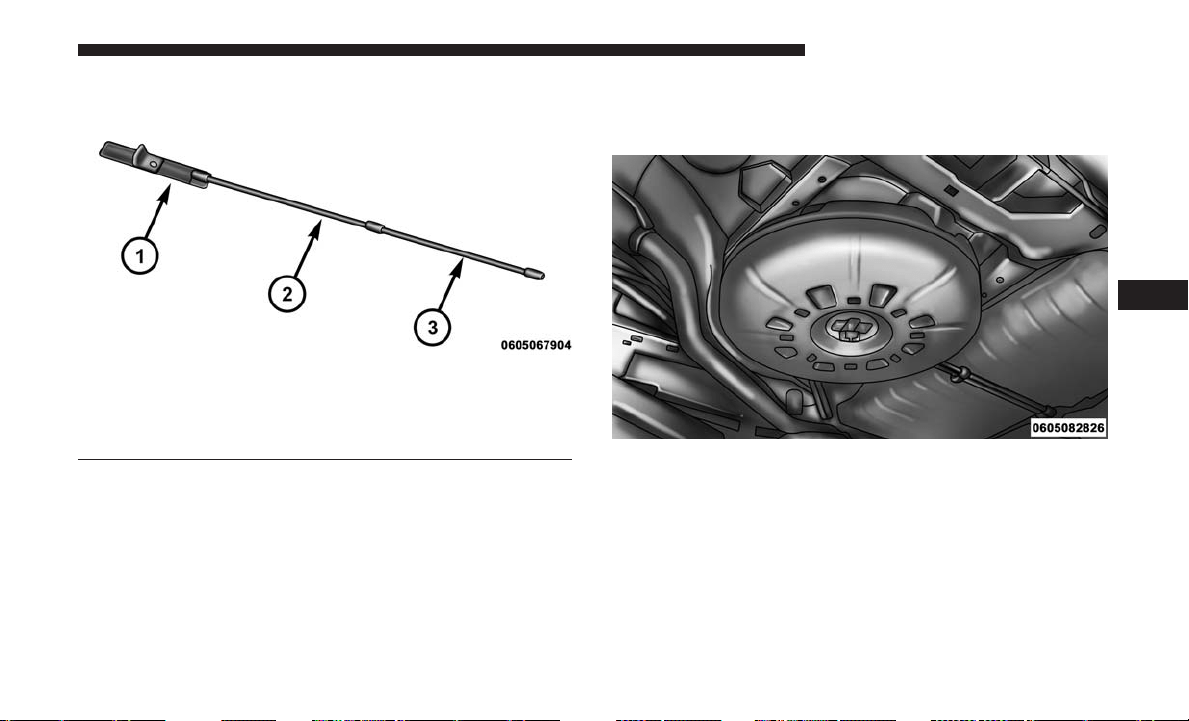
Spare Tire Removal Instructions
The spare tire is located under the vehicle beneath the
center console area.
1. Assemble the spare tire tools into a T-handle and place
the square end over the spare tire winch drive nut.
2. Rotate the nut to the left until the winch mechanism
stops turning freely. This will allow enough slack in the
cable to allow you to pull the spare tire out from
underneath the vehicle.
Assembling The Spare Tire Hook
1 — Spare Tire Hook/T-handle
2 — Extension 1
3 — Extension 2
Spare Tire And Cover
6
WHAT TO DO IN EMERGENCIES 437

CAUTION!
The winch mechanism is designed for use with the
winch T-handle only. Use of an air wrench or other
power tools is not recommended and can damage the
winch.
3. To remove the compact spare tire/cover assembly, as-
semble the winch T-handle extensions to form a spare
tire hook, and pull the spare tire out from under the
vehicle.
NOTE: If either front tire is flat it may be necessary to jack
up the vehicle to remove the compact spare tire/cover
assembly from under the vehicle.
4. Stand the tire/cover assembly upright and remove the
wheel spacer by squeezing the winch retaining tabs
together. Push the retainer through the spare tire to
release it from the wheel.
Pulling Spare Tire
Removing Wheel Spacer
438 WHAT TO DO IN EMERGENCIES
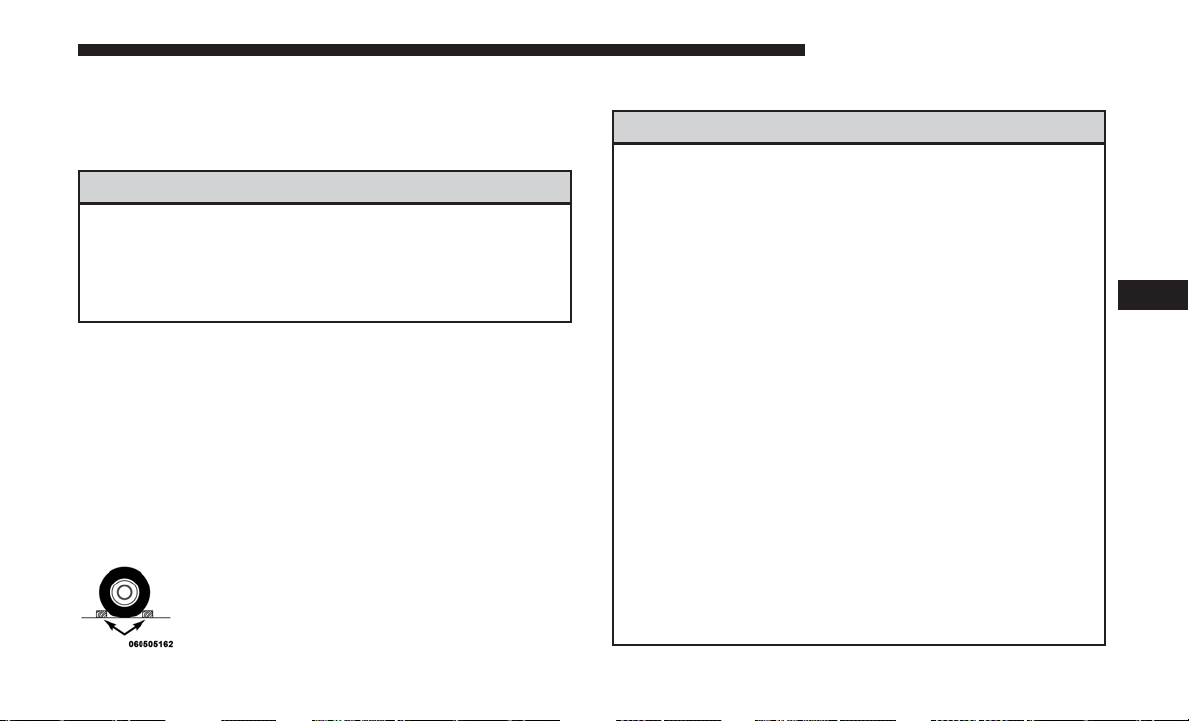
Preparations For Jacking
1. Park the vehicle on a firm, level surface. Avoid ice or
slippery areas.
WARNING!
Do not attempt to change a tire on the side of the
vehicle close to moving traffic, pull far enough off the
road to avoid being hit when operating the jack or
changing the wheel.
2. Turn on the Hazard Warning flasher.
3. Apply the parking brake.
4. Place the gear selector into PARK.
5. Turn OFF the ignition.
6. Block both the front and rear of the wheel diagonally
opposite of the jacking position. For example, if chang-
ing the right front tire, block the left rear wheel.
NOTE: Passengers should not remain in the
vehicle when the vehicle is being jacked.
Jacking Instructions
WARNING!
Carefully follow these tire changing warnings to help
prevent personal injury or damage to your vehicle:
• Always park on a firm, level surface as far from the
edge of the roadway as possible before raising the
vehicle.
• Turn on the Hazard Warning flasher.
• Block the wheel diagonally opposite the wheel to be
raised.
• Apply the parking brake firmly and set an automatic
transmission in PARK; a manual transmission in
REVERSE.
• Never start or run the engine with the vehicle on a
jack.
• Do not let anyone sit in the vehicle when it is on a
jack.
• Do not get under the vehicle when it is on a jack. If
you need to get under a raised vehicle, take it to a
service center where it can be raised on a lift.
• Only use the jack in the positions indicated and for
lifting this vehicle during a tire change.
(Continued)
6
WHAT TO DO IN EMERGENCIES 439
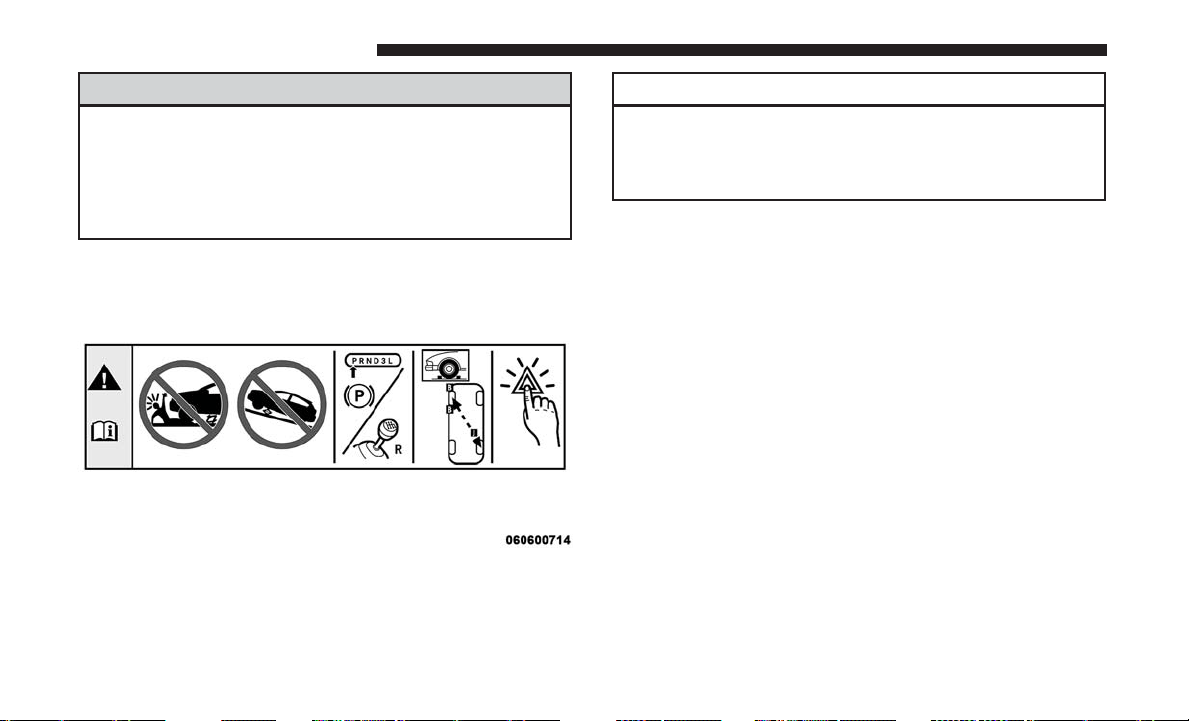
WARNING! (Continued)
• If working on or near a roadway, be extremely
careful of motor traffic.
• To assure that compact spare tires, flat or inflated, are
securely stowed, compact spares must be stowed
with the valve stem facing the ground.
CAUTION!
Do not attempt to raise the vehicle by jacking on
locations other than those indicated in the Jacking
Instructions for this vehicle.
NOTE: Refer to the “Compact Spare Tire” section of “Tires
– General Information” for information about the compact
spare tire, its use, and operation.
1. Loosen (but do not remove) the wheel lug nuts by
turning them to the left one turn while the wheel is still
on the ground.
2. There are two jack engagement locations on each side of
the vehicle body. These locations are on the sill flange of
the vehicle body.
Jack Warning Label
440 WHAT TO DO IN EMERGENCIES
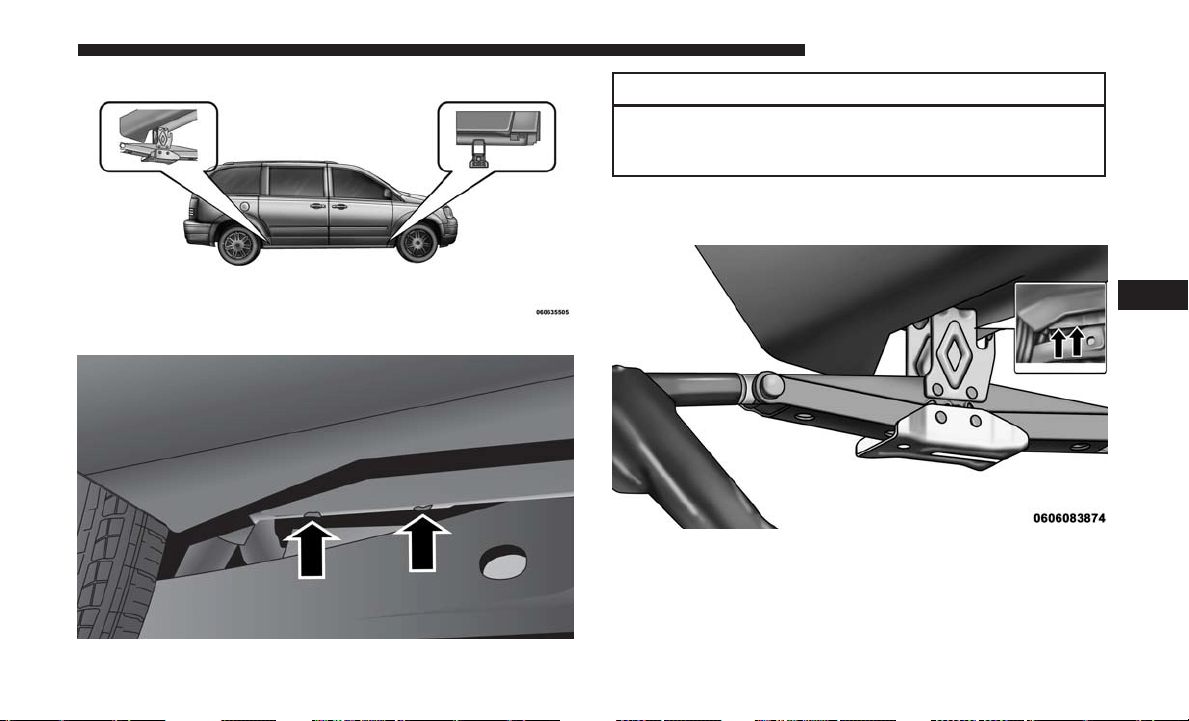
CAUTION!
Do not attempt to raise the vehicle by jacking on
locations other than those indicated.
Rear jack locations are between a pair of down-facing tabs
on the sill flange of the vehicle side body.
Jack Locations
Jack Location
Rear Jacking Locations
6
WHAT TO DO IN EMERGENCIES 441
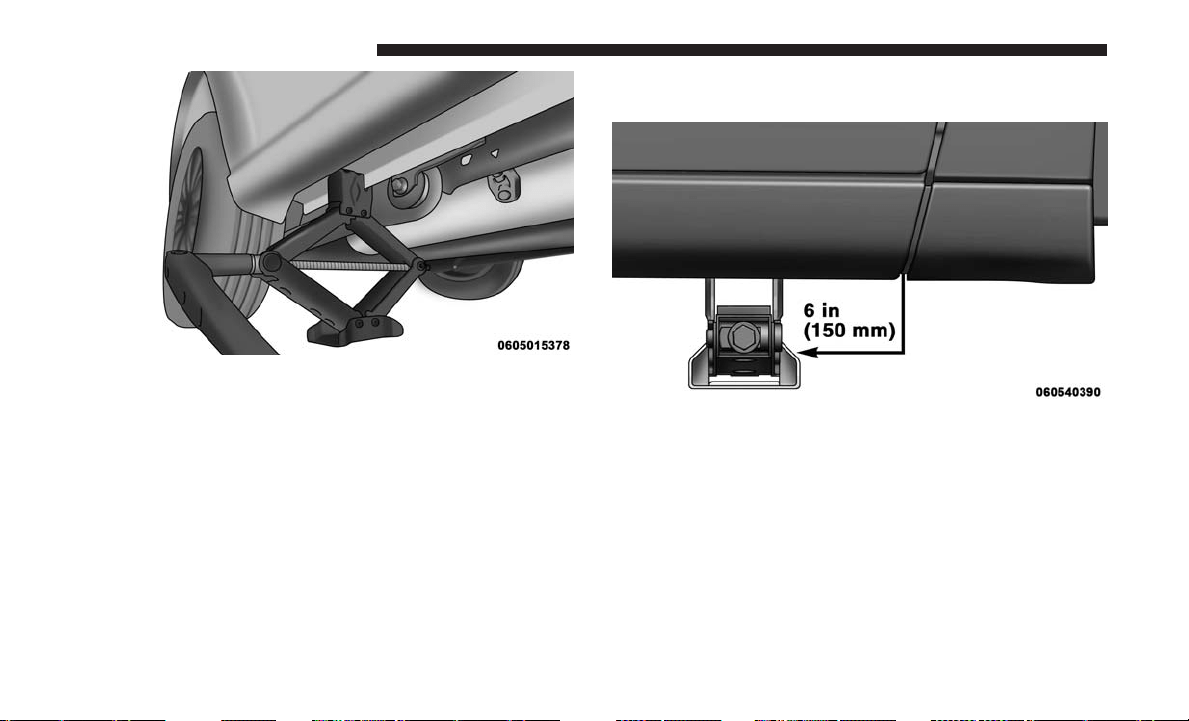
Front jack location is on the sill flange of the vehicle body
and is located 6 inches (150 mm) from door edge.
Rear Jack Engaged
Front Jack Locations
442 WHAT TO DO IN EMERGENCIES
NOTE: In some situations the jack may need to be placed
on its side in order to be pushed under the vehicle. Return
the jack to its correct orientation once it is under the
vehicle.
WARNING!
Being under a jacked-up vehicle is dangerous. The
vehicle could slip off the jack and fall on you. You
could be crushed. Never get any part of your body
(Continued)
WARNING! (Continued)
under a vehicle that is on a jack. If you need to get
under a raised vehicle, take it to a service center where
it can be raised on a lift.
3. Place the wrench on the jack screw and turn to the right
until the jack head is properly engaged in the described
location. Do not raise the vehicle until you are sure the
jack is securely engaged.
4. Raise the vehicle by turning the jack screw to the right,
using the swivel wrench. Raise the vehicle only until the
tire just clears the surface and enough clearance is
obtained to install the compact spare tire. Minimum tire
lift provides maximum stability.
WARNING!
Raising the vehicle higher than necessary can make the
vehicle less stable. It could slip off the jack and hurt
someone near it. Raise the vehicle only enough to
remove the tire.
Front Jack Engaged
6
WHAT TO DO IN EMERGENCIES 443
5.
Remove the wheel lug nuts, for vehicles with wheel
covers, remove the cover from the wheel by hand. Do not
pry the wheel cover off. Then pull the wheel off the hub.
6.
Install the compact spare tire. Lightly tighten the lug nuts.
CAUTION!
Be sure to mount the compact spare tire with the valve
stem facing outward. The vehicle could be damaged if
the compact spare tire is mounted incorrectly.
WARNING!
To avoid the risk of forcing the vehicle off the jack, do
not tighten the wheel nuts fully until the vehicle has
been lowered. Failure to follow this warning may
result in serious injury.
NOTE: Do not install the wheel cover on the compact
spare.
7. Lower the vehicle by turning the jack screw to the left.
8. Finish tightening the lug nuts. Push down on the
wrench while at the end of the handle for increased
leverage. Tighten the lug nuts in a star pattern until each
nut has been tightened twice. For correct lug nut torque
refer to Torque Specifications in this section. If in doubt
about the correct tightness, have them checked with a
torque wrench by your authorized dealer or at a service
station.
9. Lower the jack to its fully-closed position.
Mounting Compact Spare Tire
444 WHAT TO DO IN EMERGENCIES
WARNING!
A loose tire or jack thrown forward in a collision or
hard stop could endanger the occupants of the vehicle.
Always stow the jack parts and the spare tire in the
places provided. Have the deflated (flat) tire repaired
or replaced immediately.
10.
Place the deflated (flat) tire and compact spare tire cover
assembly in the rear cargo area. Do not stow the
deflated tire in the compact spare tire location.
Have the
full-sized tire repaired or replaced, as soon as possible.
11. Stow the cable and wheel spacer before driving the
vehicle. Reassemble the winch handle extensions to
form a “T” and fit the winch T-handle over the drive
nut. Rotate the nut to the right until the winch mecha-
nism clicks at least three times.
NOTE: Refer to the “Spare Tire Tools” section for instruc-
tions on assembling the T-handle.
12. Stow the jack, jack handle and winch handle tools back
in the stowage compartment.
13. Check the compact spare tire pressure as soon as
possible. Correct the tire pressure, as required.
Securing The Compact Spare Tire
1. Assemble the winch handle extensions to form a
T-handle and fit the winch T-handle over the drive nut.
Rotate the nut to the left until the winch mechanism
stops turning freely. This will allow enough slack in the
cable to allow you to pull the wheel spacer out from
under the vehicle.
WARNING!
A loose compact spare tire/cover assembly, thrown
forward in a collision or hard stop could endanger the
occupants of the vehicle. Always stow the compact
spare tire with the cover assembly in the place pro-
vided.
CAUTION!
The winch mechanism is designed for use with the
winch T-handle only. Use of an air wrench or other
power tools is not recommended and can damage the
winch.
6
WHAT TO DO IN EMERGENCIES 445
2. Assemble the winch handle extensions to form the spare
tire hook, and pull the wheel spacer from under the
vehicle.
3. Turn the compact spare tire so that the valve stem is
down, and place the tire into the compact spare tire/
cover assembly. Slide the wheel spacer through the
center of the wheel and compact spare tire/cover assem-
bly, so that the two retainer tabs snap out and engage the
compact spare tire cover on the opposite side.
WARNING!
Verify that both retainer tabs of the wheel spacer have
been properly extended through the center of the
wheel and compact spare tire/cover assembly. Failure
to properly engage both retainer tabs could result in
loss of the compact spare tire and cover assembly,
which will cause vehicle damage and may cause loss of
vehicle control and serious personal injury.
CAUTION!
The compact spare tire/cover assembly must be used
when the compact spare tire is stored. Failure to use
this cover could drastically reduce the life of the
compact spare tire.
4. Using the winch T-handle, rotate the drive nut to the
right until the compact spare tire/cover assembly is
drawn into place against the underside of the vehicle.
5. Continue to rotate the nut to the right until you hear the
winch mechanism click three times. It cannot be over-
tightened. Check under the vehicle to ensure the com-
pact spare tire/cover assembly is positioned correctly
against the underside of the vehicle.
CAUTION!
The winch mechanism is designed specifically to stow
a compact spare tire only. Do not attempt to use the
winch to stow the full size deflated tire, or any other
full-size tire, as the tire may not be held securely.
Vehicle damage may result.
446 WHAT TO DO IN EMERGENCIES
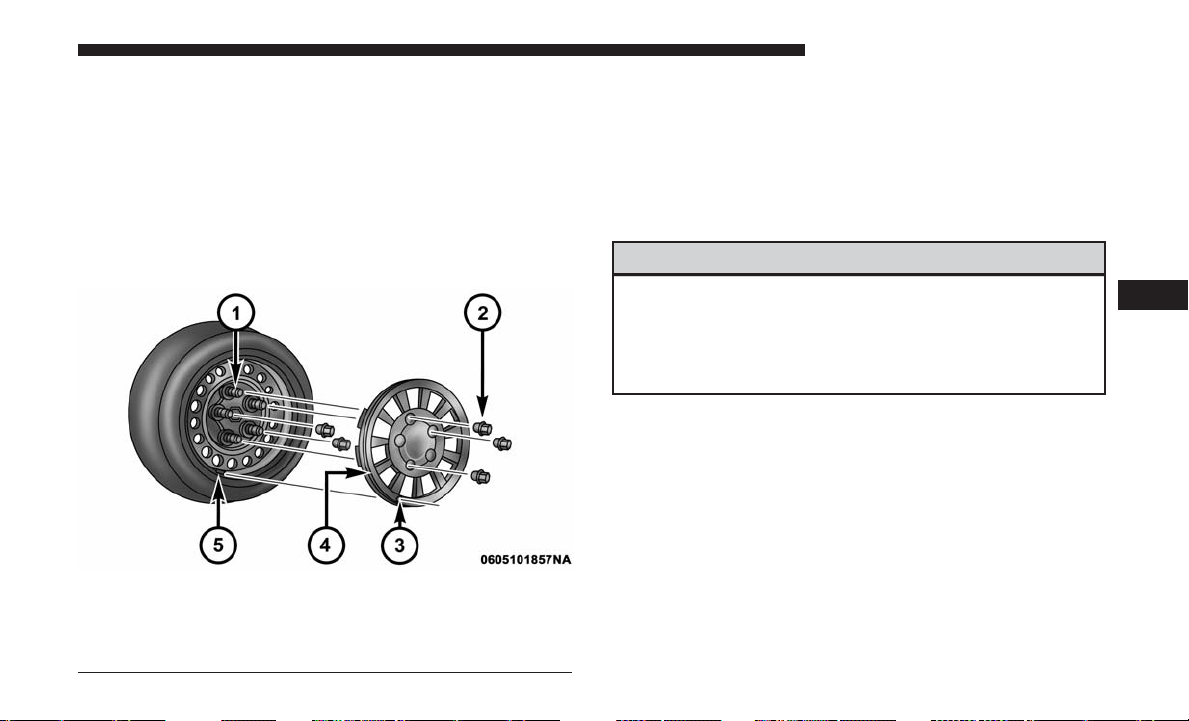
Road Tire Installation
Vehicles Equipped With Wheel Covers
1. Mount the road tire on the axle.
2. To ease the installation process for steel wheels with
wheel covers, install two lug nuts on the mounting
studs which are on each side of the valve stem. Install
the lug nuts with the cone shaped end of the nut toward
the wheel. Lightly tighten the lug nuts.
3. Align the valve notch in the wheel cover with the valve
stem on the wheel. Install the cover by hand, snapping
the cover over the two lug nuts. Do not use a hammer or
excessive force to install the cover.
4.
Install the remaining lug nuts with the cone shaped end of
the nut toward the wheel. Lightly tighten the lug nuts.
WARNING!
To avoid the risk of forcing the vehicle off the jack, do
not tighten the wheel nuts fully until the vehicle has
been lowered. Failure to follow this warning may
result in serious injury.
5. Lower the vehicle to the ground by turning the jack
handle counterclockwise.
6. Finish tightening the lug nuts. Push down on the
wrench while at the end of the handle for increased
leverage. Tighten the lug nuts in a star pattern until each
nut has been tightened twice. For correct lug nut torque
refer to Torque Specifications in this section. If in doubt
about the correct tightness, have them checked with a
torque wrench by your authorized dealer or at a service
station.
Tire And Wheel Cover Or Center Cap
1 — Mounting Stud 4 — Wheel Cover
2 — Wheel Lug Nut 5 — Valve Stem
3 — Valve Notch
6
WHAT TO DO IN EMERGENCIES 447
7. After 25 miles (40 km) check the lug nut torque with a
torque wrench to ensure that all lug nuts are properly
seated against the wheel.
Vehicles Without Wheel Covers
1. Mount the road tire on the axle.
2.
Install the remaining lug nuts with the cone shaped end of
the nut toward the wheel. Lightly tighten the lug nuts.
WARNING!
To avoid the risk of forcing the vehicle off the jack, do
not tighten the wheel nuts fully until the vehicle has
been lowered. Failure to follow this warning may
result in serious injury.
3. Lower the vehicle to the ground by turning the jack
handle counterclockwise.
4. Finish tightening the lug nuts. Push down on the
wrench while at the end of the handle for increased
leverage. Tighten the lug nuts in a star pattern until each
nut has been tightened twice. For correct lug nut torque
refer to Torque Specifications in this section. If in doubt
about the correct tightness, have them checked with a
torque wrench by your authorized dealer or at a service
station.
5. After 25 miles (40 km) check the lug nut torque with a
torque wrench to ensure that all lug nuts are properly
seated against the wheel.
JUMP-STARTING
If your vehicle has a discharged battery it can be jump-
started using a set of jumper cables and a battery in another
vehicle or by using a portable battery booster pack. Jump-
starting can be dangerous if done improperly so please
follow the procedures in this section carefully.
NOTE: When using a portable battery booster pack follow
the manufacturer’s operating instructions and precautions.
WARNING!
Do not attempt jump-starting if the battery is frozen. It
could rupture or explode and cause personal injury.
448 WHAT TO DO IN EMERGENCIES
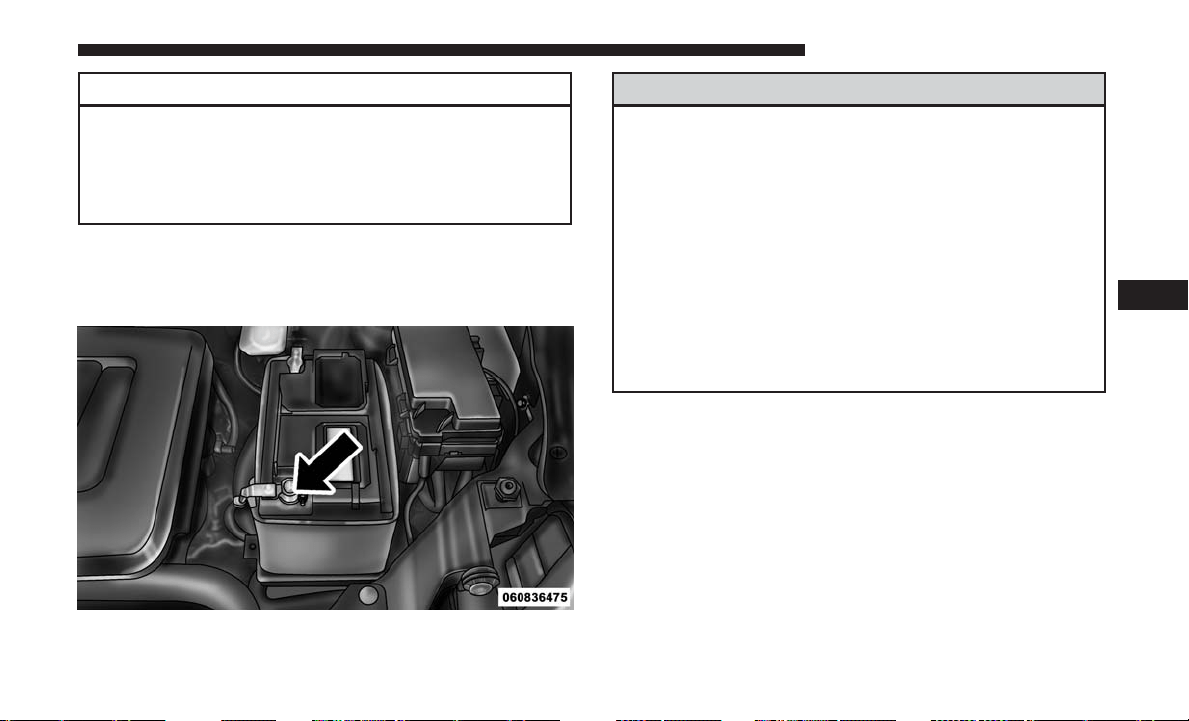
CAUTION!
Do not use a portable battery booster pack or any other
booster source with a system voltage greater than 12
Volts or damage to the battery, starter motor, alternator
or electrical system may occur.
Preparations For Jump-Start
The battery in your vehicle is located on the left side of the
engine compartment.
WARNING!
• Take care to avoid the radiator cooling fan whenever
the hood is raised. It can start anytime the ignition
switch is ON. You can be injured by moving fan
blades.
• Remove any metal jewelry such as rings, watch
bands and bracelets that could make an inadvertent
electrical contact. You could be seriously injured.
• Batteries contain sulfuric acid that can burn your
skin or eyes and generate hydrogen gas which is
flammable and explosive. Keep open flames or
sparks away from the battery.
1. Apply the parking brake, shift the automatic transmis-
sion into PARK and turn the ignition to OFF/LOCK.
2. Turn off the heater, radio, and all unnecessary electrical
accessories.
3. If using another vehicle to jump-start the battery,
park the vehicle within the jumper cables reach, set the
parking brake and make sure the ignition is in the
OFF/LOCK position.
Positive Battery Post
6
WHAT TO DO IN EMERGENCIES 449
WARNING!
Do not allow vehicles to touch each other as this could
establish a ground connection and personal injury
could result.
Jump-Starting Procedure
WARNING!
Failure to follow this jump-starting procedure could
result in personal injury or property damage due to
battery explosion.
CAUTION!
Failure to follow these procedures could result in
damage to the charging system of the booster vehicle
or the discharged vehicle.
Connecting The Jumper Cables
1. Connect the positive (+) end of the jumper cable to the
positive (+) post of the vehicle with the discharged
battery.
2. Connect the opposite end of the positive (+) jumper
cable to the positive (+) post of the booster battery.
3. Connect the negative (-) end of the jumper cable to the
negative (-) post of the booster battery.
4. Connect the opposite end of the negative (-) jumper
cable to a good engine ground (exposed metal part of
the discharged vehicle’s engine) away from the battery
and the fuel injection system.
WARNING!
Do not connect the jumper cable to the negative (-) post
of the discharged battery. The resulting electrical spark
could cause the battery to explode and could result in
personal injury. Only use the specific ground point, do
not use any other exposed metal parts.
450 WHAT TO DO IN EMERGENCIES
5. Start the engine in the vehicle that has the booster
battery, let the engine idle a few minutes, and then start
the engine in the vehicle with the discharged battery.
6. Once the engine is started, remove the jumper cables in
the reverse sequence:
Disconnecting The Jumper Cables
1. Disconnect the negative (-) end of the jumper cable from
the engine ground of the vehicle with the discharged
battery.
2. Disconnect the opposite end of the negative (-) jumper
cable from the negative (-) post of the booster battery.
3. Disconnect the positive (+) end of the jumper cable from
the positive (+) post of the booster battery.
4. Disconnect the opposite end of the positive (+) jumper
cable from the positive (+) post of the vehicle with the
discharged battery.
If frequent jump-starting is required to start your vehicle
you should have the battery and charging system in-
spected at your authorized dealer.
CAUTION!
Accessories plugged into the vehicle power outlets
draw power from the vehicle’s battery, even when not
in use (i.e., cellular devices, etc.). Eventually, if plugged
in long enough without engine operation, the vehicle’s
battery will discharge sufficiently to degrade battery
life and/or prevent the engine from starting.
FREEING A STUCK VEHICLE
If your vehicle becomes stuck in mud, sand or snow, it can
often be moved using a rocking motion. Turn the steering
wheel right and left to clear the area around the front
wheels. Then shift back and forth between DRIVE and
REVERSE while gently pressing the accelerator. Use the
least amount of accelerator pedal pressure that will main-
tain the rocking motion, without spinning the wheels or
racing the engine.
CAUTION!
Racing the engine or spinning the wheels may lead to
transmission overheating and failure. Allow the en-
gine to idle with the transmission in NEUTRAL for at
(Continued)
6
WHAT TO DO IN EMERGENCIES 451
CAUTION! (Continued)
least one minute after every five rocking-motion
cycles. This will minimize overheating and reduce the
risk of transmission failure during prolonged efforts to
free a stuck vehicle.
NOTE: Push the ⬙ESC Off⬙ switch, to place the Electronic
Stability Control (ESC) system in ⬙Partial Off⬙ mode before
rocking the vehicle. Refer to “Electronic Brake Control
System” in “Starting And Operating” for further informa-
tion. Once the vehicle has been freed, push the ⬙ESC Off⬙
switch again to restore ⬙ESC On⬙ mode.
WARNING!
Fast spinning tires can be dangerous. Forces generated
by excessive wheel speeds may cause damage, or even
failure, of the axle and tires. A tire could explode and
injure someone. Do not spin your vehicle’s wheels
faster than 30 mph (48 km/h) or for longer than 30
seconds continuously without stopping when you are
stuck and do not let anyone near a spinning wheel, no
matter what the speed.
CAUTION!
• When “rocking” a stuck vehicle by shifting between
DRIVE and REVERSE, do not spin the wheels faster
than 15 mph (24 km/h), or drivetrain damage may
result.
• Revving the engine or spinning the wheels too fast
may lead to transmission overheating and failure.
It can also damage the tires. Do not spin the wheels
above 30 mph (48 km/h) while in gear (no transmis-
sion shifting occurring).
GEAR SELECTOR OVERRIDE
If a malfunction occurs and the gear selector cannot be
moved out of the PARK position, you can use the following
procedure to temporarily move the gear selector:
1. Turn the engine OFF.
2. Firmly apply the parking brake.
3. Using a small screwdriver or similar tool, remove the
gear selector override access cover (located near the top
right of the gear selector in the instrument panel).
452 WHAT TO DO IN EMERGENCIES

4. Press and maintain firm pressure on the brake pedal.
5. Insert the screwdriver or similar tool into the access
hole, and push and hold the override release lever
forward.
6. Move the gear selector to the NEUTRAL position.
7. The vehicle may then be started in NEUTRAL.
8. Reinstall the gear selector override access cover.
TOWING A DISABLED VEHICLE
This section describes procedures for towing a disabled
vehicle using a commercial towing service.
Towing Condition Wheels OFF The Ground ALL MODELS
Flat Tow NONE If transmission is operable:
• Transmission in NEUTRAL
• 25 mph (40 km/h) max speed
• 15 miles (24 km) max distance
Wheel Lift Or Dolly Tow Rear
Front OK
Flatbed ALL BEST METHOD
Gear Selector Override Access Cover
6
WHAT TO DO IN EMERGENCIES 453
Proper towing or lifting equipment is required to prevent
damage to your vehicle. Use only tow bars and other
equipment designed for this purpose, following equipment
manufacturer’s instructions. Use of safety chains is man-
datory. Attach a tow bar or other towing device to main
structural members of the vehicle, not to bumpers or
associated brackets. State and local laws regarding vehicles
under tow must be observed.
If you must use the accessories (wipers, defrosters, etc.)
while being towed, the ignition must be in the ON/RUN
mode, not the ACC mode.
If the key fob is unavailable or the vehicle’s battery is
discharged, refer to ⬙Gear Selector Override⬙ in this section
for instructions on shifting the transmission out of PARK
for towing.
CAUTION!
• Do not use sling type equipment when towing.
Vehicle damage may occur.
• When securing the vehicle to a flatbed truck, do not
attach to front or rear suspension components. Dam-
age to your vehicle may result from improper towing.
(Continued)
CAUTION! (Continued)
• Do not push or tow this vehicle with another vehicle
as damage to the bumper fascia and transmission
may result.
The manufacturer recommends towing your vehicle with
all four wheels OFF the ground using a flatbed. If flatbed
equipment is not available, and the transmission is oper-
able, the vehicle may be flat towed (with all four wheels on
the ground) under the following conditions:
• The transmission must be in NEUTRAL.
• The towing distance must not exceed 15 miles (24 km).
• The towing speed must not exceed 25 mph (40 km/h).
If the transmission is not operable, or the vehicle must
be towed faster than 25 mph (40 km/h) or farther than
15 miles (24 km), it must be towed with the front wheels
OFF the ground (using a flatbed truck, or wheel lift
equipment with the front wheels raised).
454 WHAT TO DO IN EMERGENCIES
CAUTION!
• Towing faster than 25 mph (40 km/h) or farther than
15 mi (24 km) with front wheels on the ground can
cause severe transmission damage. Damage from
improper towing is not covered under the New
Vehicle Limited Warranty.
• Towing this vehicle in violation of the above require-
ments can cause severe transmission damage. Dam-
age from improper towing is not covered under the
New Vehicle Limited Warranty.
ENHANCED ACCIDENT RESPONSE SYSTEM
(EARS)
This vehicle is equipped with an Enhanced Accident
Response System.
Please refer to “Occupant Restraint Systems” in “Things To
Know Before Starting Your Vehicle” for further information
on the Enhanced Accident Response System (EARS) func-
tion.
EVENT DATA RECORDER (EDR)
This vehicle is equipped with an Event Data Recorder
(EDR). The main purpose of an EDR is to record, in certain
crash or near crash-like situations, such as an air bag
deployment or hitting a road obstacle, data that will assist
in understanding how a vehicle’s systems performed.
Please refer to “Occupant Restraint Systems” in “Things To
Know Before Starting Your Vehicle” for further information
on the Event Data Recorder (EDR).
6
WHAT TO DO IN EMERGENCIES 455


MAINTAINING YOUR VEHICLE
CONTENTS
䡵 ENGINE COMPARTMENT — 3.6L ...........459
䡵 ONBOARD DIAGNOSTIC SYSTEM — OBD II . . .460
▫ Onboard Diagnostic System (OBD II)
Cybersecurity .........................460
▫ Loose Fuel Filler Cap Message .............461
䡵 EMISSIONS INSPECTION AND MAINTENANCE
PROGRAMS ...........................461
䡵 REPLACEMENT PARTS ...................462
䡵 DEALER SERVICE .......................462
䡵 MAINTENANCE PROCEDURES .............463
▫ Engine Oil ...........................463
▫ Engine Oil Filter .......................465
▫ Engine Air Cleaner Filter .................466
▫ Exhaust System ........................466
▫ Maintenance-Free Battery .................468
▫ Air Conditioner Maintenance ..............468
▫ Body Lubrication ......................470
▫ Windshield Wiper Blades .................471
▫ Cooling System ........................472
▫ Brake System .........................476
▫ Automatic Transmission ..................478
▫ Appearance Care And Protection From
Corrosion ............................479
▫ Cleaning The Instrument Panel Cupholders . . . .484
䡵 FUSES ................................485
▫ Totally Integrated Power Module (Fuses) ......485
䡵 VEHICLE STORAGE .....................490
䡵 REPLACEMENT BULBS ...................491
7

䡵 BULB REPLACEMENT ....................491
▫ Headlamps ...........................492
▫ Front Park/Turn Signal Lamps .............492
▫ Fog Lamps ...........................492
▫ Rear Tail, Stop, Turn Signal, Side Marker And
Backup Lamps ........................493
▫ Center High-Mounted Stop Lamp (CHMSL) . . .494
▫ License Lamp .........................494
䡵 FLUID CAPACITIES ......................494
䡵
FLUIDS, LUBRICANTS, AND GENUINE PARTS . . .495
▫ Engine ..............................495
▫ Chassis .............................496
458 MAINTAINING YOUR VEHICLE
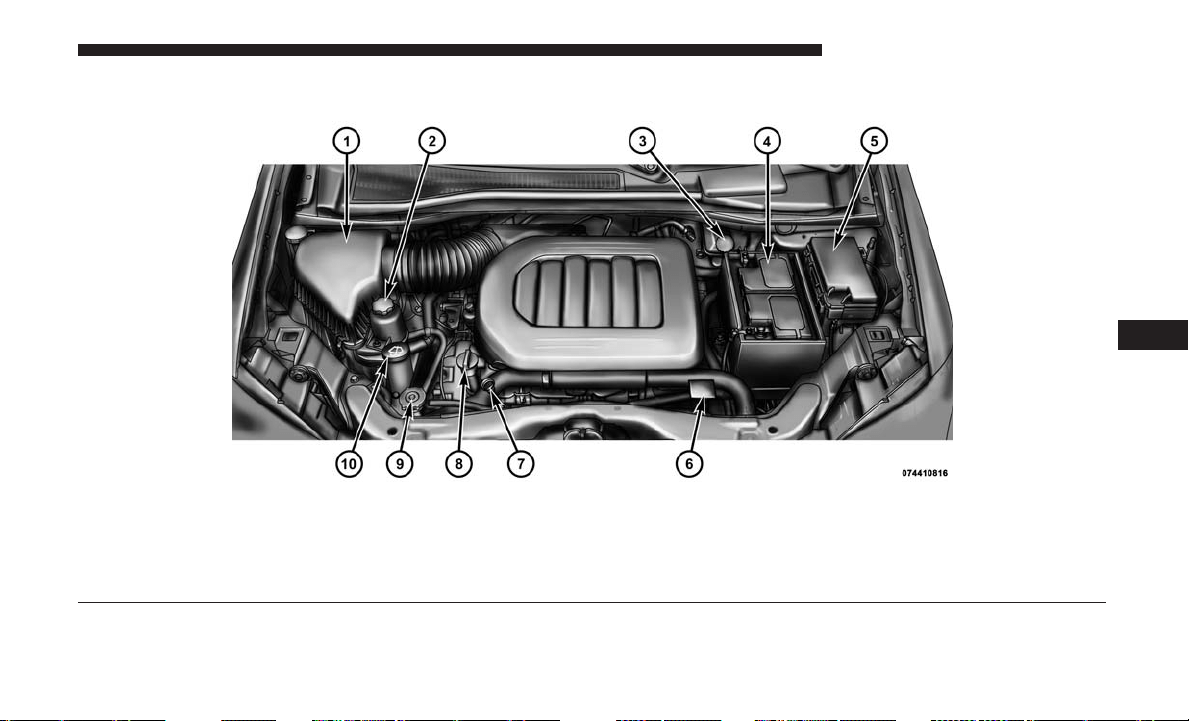
ENGINE COMPARTMENT — 3.6L
1 — Air Filter 6 — Engine Coolant Reservoir
2 — Power Steering Fluid Reservoir 7 — Engine Oil Dipstick
3 — Brake Fluid Reservoir 8 — Engine Oil Fill
4 — Battery 9 — Coolant Pressure Cap
5 — Totally Integrated Power Module (Fuses) 10 — Washer Fluid Reservoir
7
MAINTAINING YOUR VEHICLE 459
ONBOARD DIAGNOSTIC SYSTEM — OBD II
Your vehicle is equipped with a sophisticated Onboard
Diagnostic system called OBD II. This system monitors the
performance of the emissions, engine, and automatic trans-
mission control systems. When these systems are operating
properly, your vehicle will provide excellent performance
and fuel economy, as well as engine emissions well within
current government regulations.
If any of these systems require service, the OBD II system
will turn on the “Malfunction Indicator Light (MIL).”
It will also store diagnostic codes and other information to
assist your service technician in making repairs. Although
your vehicle will usually be drivable and not need towing,
see your authorized dealer for service as soon as possible.
CAUTION!
• Prolonged driving with the MIL on could cause
further damage to the emission control system. It
could also affect fuel economy and driveability. The
vehicle must be serviced before any emissions tests
can be performed.
• If the MIL is flashing while the engine is running,
severe catalytic converter damage and power loss
will soon occur. Immediate service is required.
Onboard Diagnostic System (OBD II) Cybersecurity
Your vehicle is required to have an Onboard Diagnostic
system (OBD II) and a connection port to allow access to
information related to the performance of your emissions
controls. Authorized service technicians may need to ac-
cess this information to assist with the diagnosis and
service of your vehicle and emissions system.
WARNING!
• ONLY an authorized service technician should con-
nect equipment to the OBD II connection port in
order to diagnose or service your vehicle.
• If unauthorized equipment is connected to the OBD
II connection port, such as a driver-behavior tracking
device, it may:
• Be possible that vehicle systems, including safety
related systems, could be impaired or a loss of
vehicle control could occur that may result in an
accident involving serious injury or death.
• Access, or allow others to access, information
stored in your vehicle systems, including personal
information.
For further information, refer to “Cybersecurity” in the
“Understanding Your Instrument Panel” section.
460 MAINTAINING YOUR VEHICLE
Loose Fuel Filler Cap Message
If the vehicle diagnostic system determines that the fuel
filler cap is loose, improperly installed, or damaged, a
“gASCAP” message will display in the odometer or a
“CHECK GASCAP” message will be displayed in the
instrument cluster display. Refer to “Instrument Cluster
Display” in “Understanding Your Instrument Panel” for
further information. Tighten the gas cap until a “clicking”
sound is heard. This is an indication that the gas cap is
properly tightened.
Push the odometer reset button to turn the message off.
If the problem persists, the message will appear the next
time the vehicle is started. This might indicate a damaged
cap. If the problem is detected twice in a row, the system
will turn on the MIL. Resolving the problem will turn the
MIL light off.
EMISSIONS INSPECTION AND MAINTENANCE
PROGRAMS
In some localities, it may be a legal requirement to pass an
inspection of your vehicle’s emissions control system.
Failure to pass could prevent vehicle registration.
For states that require an Inspection and Mainte-
nance (I/M), this check verifies the “Malfunction
Indicator Light (MIL)” is functioning and is not on
when the engine is running, and that the OBD II system is
ready for testing.
Normally, the OBD II system will be ready . The OBD II
system may not be ready if your vehicle was recently
serviced, or recently had a dead battery or a battery
replacement. If the OBD II system should be determined
not ready for the I/M test, your vehicle may fail the test.
Your vehicle has a simple ignition actuated test, which you
can use prior to going to the test station. To check if your
vehicle’s OBD II system is ready, you must do the follow-
ing:
1. Cycle the ignition to the ON mode, but do not crank or
start the engine.
NOTE: If you crank or start the engine, you will have to
start this test over.
2. As soon as you cycle the ignition to the ON mode, you
will see the “Malfunction Indicator Light (MIL)” symbol
come on as part of a normal bulb check.
7
MAINTAINING YOUR VEHICLE 461

3. Approximately 15 seconds later, one of two things will
happen:
• The MIL will flash for about 10 seconds and then return
to being fully illuminated until you cycle the ignition
OFF or start the engine. This means that your vehicle’s
OBD II system is not ready and you should not proceed
to the I/M station.
• The MIL will not flash at all and will remain fully
illuminated until you place the ignition in the off posi-
tion or start the engine. This means that your vehicle’s
OBD II system is ready and you can proceed to the I/M
station.
If your OBD II system is not ready, you should see your
authorized dealer or repair facility. If your vehicle was
recently serviced or had a battery failure or replacement,
you may need to do nothing more than drive your vehicle
as you normally would in order for your OBD II system to
update. A recheck with the above test routine may then
indicate that the system is now ready.
Regardless of whether your vehicle’s OBD II system is
ready or not, if the MIL is illuminated during normal
vehicle operation you should have your vehicle serviced
before going to the I/M station. The I/M station can fail
your vehicle because the MIL is on with the engine
running.
REPLACEMENT PARTS
Use of genuine Mopar parts for normal/scheduled main-
tenance and repairs is highly recommended to ensure the
designed performance. Damage or failures caused by the
use of non-Mopar parts for maintenance and repairs will
not be covered by the New Vehicle Limited Warranty.
DEALER SERVICE
Your authorized dealer has the qualified service personnel,
special tools, and equipment to perform all service opera-
tions in an expert manner. Service Manuals are available
which include detailed service information for your ve-
hicle. Refer to these Service Manuals before attempting any
procedure yourself.
NOTE: Intentional tampering with emissions control sys-
tems may void your warranty and could result in civil
penalties being assessed against you.
462 MAINTAINING YOUR VEHICLE
WARNING!
You can be badly injured working on or around a
motor vehicle. Only do service work for which you
have the knowledge and the proper equipment. If you
have any doubt about your ability to perform a service
job, take your vehicle to a competent mechanic.
MAINTENANCE PROCEDURES
The pages that follow contain the required maintenance
services determined by the engineers who designed your
vehicle.
Besides those maintenance items specified in the fixed
“Maintenance Schedule”, there are other components
which may require servicing or replacement in the future.
CAUTION!
• Failure to properly maintain your vehicle or perform
repairs and service when necessary could result in
more costly repairs, damage to other components or
negatively impact vehicle performance. Immediately
(Continued)
CAUTION! (Continued)
have potential malfunctions examined by an autho-
rized dealer or qualified repair center.
• Your vehicle has been built with improved fluids
that protect the performance and durability of your
vehicle and also allow extended maintenance inter-
vals. Do not use chemical flushes in these compo-
nents as the chemicals can damage your engine,
transmission, or air conditioning. Such damage is not
covered by the New Vehicle Limited Warranty. If a
flush is needed because of component malfunction,
use only the specified fluid for the flushing proce-
dure.
Engine Oil
Checking Oil Level
To assure proper engine lubrication, the engine oil must be
maintained at the correct level. Check the oil level at
regular intervals, such as every fuel stop. The best time to
check the engine oil level is about five minutes after a fully
warmed engine is shut OFF.
7
MAINTAINING YOUR VEHICLE 463
Checking the oil while the vehicle is on level ground will
improve the accuracy of the oil level readings. Maintain the
oil level within the SAFE crosshatch marking on the
dipstick. Adding one quart of oil when the reading is at the
bottom of the mark will result in reading the top of the
mark on these engines.
CAUTION!
Overfilling or underfilling will cause oil aeration, or
loss of oil pressure. This could damage your engine.
Change Engine Oil
The oil change indicator system will remind you that it is
time to take your vehicle in for scheduled maintenance.
Refer to the “Maintenance Schedule” for further informa-
tion.
NOTE: Under no circumstances should oil change inter-
vals exceed 10,000 miles (16,000 km), twelve months or 350
hours of engine run time, whichever comes first. The 350
hours of engine run or idle time is generally only a concern
for fleet customers.
Engine Oil Selection
For best performance and maximum protection under all
types of operating conditions, the manufacturer only rec-
ommends engine oils that are API Certified and meet the
requirements of FCA Material Standard MS-6395.
American Petroleum Institute (API) Engine Oil
Identification Symbol
This symbol means that the oil has been
certified by the American Petroleum In-
stitute (API). The manufacturer only rec-
ommends API Certified engine oils.
This symbol certifies 0W-20, 5W-20, 0W-
30, 5W-30 and 10W-30 engine oils.
CAUTION!
Do not use chemical flushes in your engine oil as the
chemicals can damage your engine. Such damage is not
covered by the New Vehicle Limited Warranty.
464 MAINTAINING YOUR VEHICLE

Engine Oil Viscosity (SAE Grade) — 3.6L Engine
Mopar SAE 5W-20 engine oil approved to FCA Material
Standard MS-6395 such as Pennzoil, Shell Helix or equiva-
lent is recommended for all operating temperatures. This
engine oil improves low temperature starting and vehicle
fuel economy.
The engine oil filler cap also shows the recommended
engine oil viscosity for your engine. For information on
engine oil filler cap location, refer to the “Engine Compart-
ment” illustration in this section.
NOTE: Mopar SAE 5W-30 engine oil approved to FCA
Material Standard MS-6395 such as Pennzoil, Shell Helix or
equivalent may be used when SAE 5W-20 engine oil
meeting MS-6395 is not available.
Lubricants which do not have both the engine oil certifi-
cation mark and the correct SAE viscosity grade number
should not be used.
Synthetic Engine Oils
You may use synthetic engine oils provided the recom-
mended oil quality requirements are met, and the recom-
mended maintenance intervals for oil and filter changes are
followed.
Synthetic engine oils which do not have both the engine oil
certification mark and the correct SAE viscosity grade
number should not be used.
Materials Added To Engine Oil
The manufacturer strongly recommends against the addi-
tion of any additives (other than leak detection dyes) to the
engine oil. Engine oil is an engineered product and its
performance may be impaired by supplemental additives.
Disposing Of Used Engine Oil And Oil Filters
Care should be taken in disposing of used engine oil and
oil filters from your vehicle. Used oil and oil filters,
indiscriminately discarded, can present a problem to the
environment. Contact your authorized dealer, service sta-
tion or governmental agency for advice on how and where
used oil and oil filters can be safely discarded in your area.
Engine Oil Filter
The engine oil filter should be replaced with a new filter at
every engine oil change.
Engine Oil Filter Selection
This manufacturer’s engines have a full-flow type oil filter.
Use a filter of this type for replacement. The quality of
replacement filters varies considerably. Only high quality
7
MAINTAINING YOUR VEHICLE 465
filters should be used to assure most efficient service.
Mopar engine oil filters are high quality oil filters and are
recommended.
Engine Air Cleaner Filter
Refer to the “Maintenance Schedule” for the proper main-
tenance intervals.
WARNING!
The air induction system (air cleaner, hoses, etc.) can
provide a measure of protection in the case of engine
backfire. Do not remove the air induction system (air
cleaner, hoses, etc.) unless such removal is necessary
for repair or maintenance. Make sure that no one is
near the engine compartment before starting the ve-
hicle with the air induction system (air cleaner, hoses,
etc.) removed. Failure to do so can result in serious
personal injury.
Engine Air Cleaner Filter Selection
The quality of replacement engine air cleaner filters varies
considerably. Only high quality filters should be used to
assure most efficient service. Mopar engine air cleaner
filters are a high quality filter and are recommended.
Exhaust System
The best protection against carbon monoxide entry into the
vehicle body is a properly maintained engine exhaust
system.
If you notice a change in the sound of the exhaust system;
or if the exhaust fumes can be detected inside the vehicle;
or when the underside or rear of the vehicle is damaged;
have an authorized technician inspect the complete ex-
haust system and adjacent body areas for broken, dam-
aged, deteriorated, or mispositioned parts. Open seams or
loose connections could permit exhaust fumes to seep into
the passenger compartment. In addition, have the exhaust
system inspected each time the vehicle is raised for lubri-
cation or oil change. Replace as required.
WARNING!
•
Exhaust gases can injure or kill. They contain carbon
monoxide (CO), which is colorless and odorless.
Breathing it can make you unconscious and can even-
tually poison you. To avoid breathing CO, refer to
“Safety Tips/Exhaust Gas” in “Things To Know Before
Starting Your Vehicle” for further information.
(Continued)
466 MAINTAINING YOUR VEHICLE
WARNING! (Continued)
• A hot exhaust system can start a fire if you park over
materials that can burn. Such materials might be
grass or leaves coming into contact with your exhaust
system. Do not park or operate your vehicle in areas
where your exhaust system can contact anything that
can burn.
CAUTION!
• The catalytic converter requires the use of unleaded
fuel only. Leaded gasoline will destroy the effective-
ness of the catalyst as an emissions control device
and may seriously reduce engine performance and
cause serious damage to the engine.
•
Damage to the catalytic converter can result if your
vehicle is not kept in proper operating condition. In the
event of engine malfunction, particularly involving
engine misfire or other apparent loss of performance,
have your vehicle serviced promptly. Continued opera-
tion of your vehicle with a severe malfunction could
cause the converter to overheat, resulting in possible
damage to the converter and vehicle.
Under normal operating conditions, the catalytic converter
will not require maintenance. However, it is important to
keep the engine properly tuned to assure proper catalyst
operation and prevent possible catalyst damage.
NOTE: Intentional tampering with emissions control sys-
tems can result in civil penalties being assessed against
you.
In unusual situations involving grossly malfunctioning
engine operation, a scorching odor may suggest severe and
abnormal catalyst overheating. If this occurs, stop the
vehicle, turn off the engine and allow it to cool. Service,
including a tune-up to manufacturer’s specifications,
should be obtained immediately.
To minimize the possibility of catalytic converter damage:
•
Do not shut off the engine or interrupt the ignition, when
the transmission is in gear and the vehicle is in motion.
• Do not try to start the engine by pushing or towing the
vehicle.
• Do not idle the engine with any spark plug wires
disconnected or removed, such as when diagnostic
testing, or for prolonged periods during very rough idle
or malfunctioning operating conditions.
7
MAINTAINING YOUR VEHICLE 467
Maintenance-Free Battery
Your vehicle is equipped with a maintenance-free battery.
You will never have to add water, nor is periodic mainte-
nance required.
WARNING!
• Battery fluid is a corrosive acid solution and can
burn or even blind you. Do not allow battery fluid to
contact your eyes, skin, or clothing. Do not lean over
a battery when attaching clamps. If acid splashes in
eyes or on skin, flush the area immediately with
large amounts of water. Refer to “Jump-Starting
Procedures” in “What To Do In Emergencies” for
further information.
• Battery gas is flammable and explosive. Keep flame
or sparks away from the battery. Do not use a booster
battery or any other booster source with an output
greater than 12 Volts. Do not allow cable clamps to
touch each other.
• Battery posts, terminals, and related accessories con-
tain lead and lead compounds. Wash hands after
handling.
CAUTION!
• It is essential when replacing the cables on the
battery that the positive cable is attached to the
positive post and the negative cable is attached to the
negative post. Battery posts are marked positive (+)
and negative (-) and are identified on the battery
case. Cable clamps should be tight on the terminal
posts and free of corrosion.
• If a “fast charger” is used while the battery is in the
vehicle, disconnect both vehicle battery cables before
connecting the charger to the battery. Do not use a
“fast charger” to provide starting voltage.
Air Conditioner Maintenance
For best possible performance, your air conditioner should
be checked and serviced by an authorized dealer at the
start of each warm season. This service should include
cleaning of the condenser fins and a performance test.
Drive belt tension should also be checked at this time.
468 MAINTAINING YOUR VEHICLE
WARNING!
•
Use only refrigerants and compressor lubricants ap-
proved by the manufacturer for your air conditioning
system. Some unapproved refrigerants are flammable
and can explode, injuring you. Other unapproved
refrigerants or lubricants can cause the system to fail,
requiring costly repairs. Refer to Warranty Information
Book for further warranty information.
• The air conditioning system contains refrigerant un-
der high pressure. To avoid risk of personal injury or
damage to the system, adding refrigerant or any
repair requiring lines to be disconnected should be
done by an experienced technician.
CAUTION!
Do not use chemical flushes in your air conditioning
system as the chemicals can damage your air condition-
ing components. Such damage is not covered by the
New Vehicle Limited Warranty.
Refrigerant Recovery And Recycling
R-134a Air Conditioning Refrigerant is a hydrofluoro-
carbon (HFC) that is an ozone-saving product. However,
the manufacturer recommends that air conditioning ser-
vice be performed by authorized dealer or other service
facilities using recovery and recycling equipment.
NOTE: Use only manufacturer approved A/C system PAG
compressor oil and refrigerants.
A/C Air Filter
Refer to the “Maintenance Schedule” in the “Maintenance
Schedules” chapter for the proper maintenance intervals.
WARNING!
Do not remove the cabin air filter while the vehicle is
running, or while the ignition is in the ACC or ON/
RUN mode. With the cabin air filter removed and the
blower operating, the blower can contact hands and
may propel dirt and debris into your eyes, resulting in
personal injury.
7
MAINTAINING YOUR VEHICLE 469
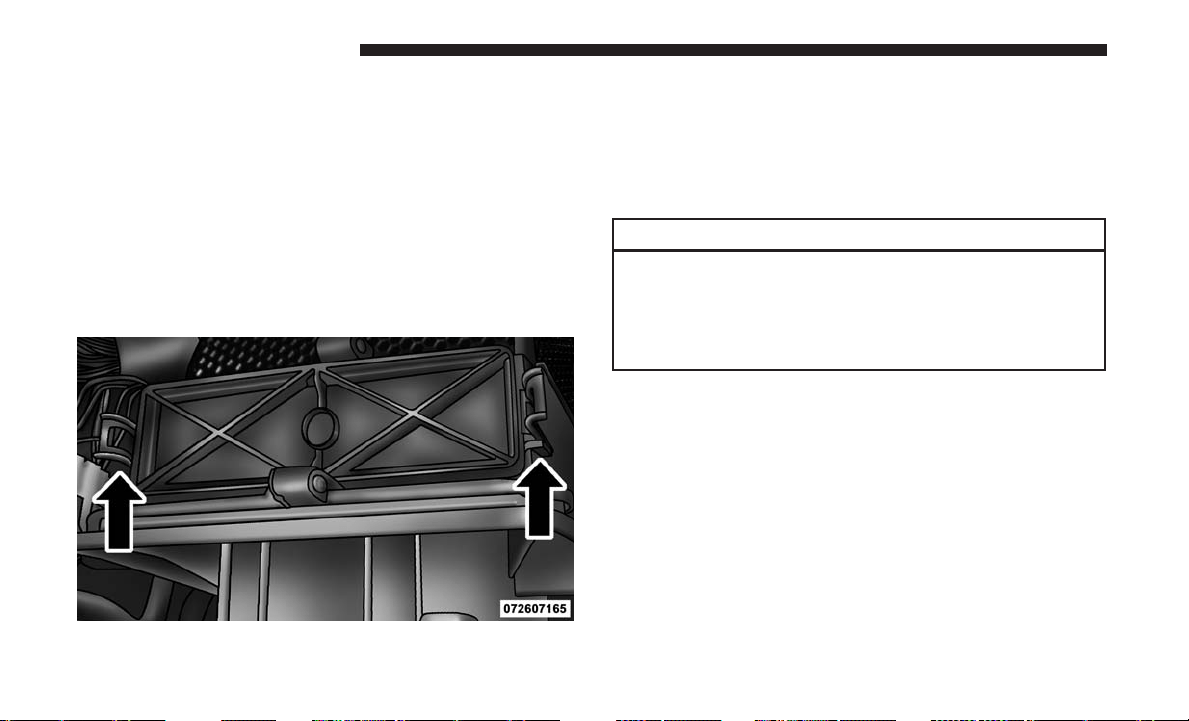
The A/C air filter is located in the fresh air inlet behind the
glove compartment. Perform the following procedure to
replace the filter:
1. Open the glove compartment and remove all contents.
2. Push in on the sides of the glove compartment, remove
tether and lower the door.
3. Pivot the glove compartment downward.
4. Disengage the two retaining tabs that secure the filter
cover to the HVAC housing, and remove the cover.
5. Remove the A/C air filter by pulling it straight out of
the housing.
6.
Install the A/C air filter with the arrow on the filter
pointing toward the floor. When installing the filter cover,
make sure the retaining tabs fully engage the cover.
CAUTION!
The cabin air filter is identified with an arrow to
indicate airflow direction through the filter. Failure to
properly install the filter will result in the need to
replace it more often.
7. Rotate the glove compartment door back into position
and reinstall tether.
Body Lubrication
Locks and all body pivot points, including such items as
seat tracks, door hinge pivot points and rollers, liftgate,
tailgate, decklid, sliding doors and hood hinges, should be
lubricated periodically with a lithium based grease, such as
Mopar Spray White Lube to assure quiet, easy operation
and to protect against rust and wear. Prior to the applica-
tion of any lubricant, the parts concerned should be wiped
A/C Air Filter Replacement
470 MAINTAINING YOUR VEHICLE
clean to remove dust and grit; after lubricating excess oil
and grease should be removed. Particular attention should
also be given to hood latching components to ensure
proper function. When performing other underhood ser-
vices, the hood latch, release mechanism and safety catch
should be cleaned and lubricated.
The external lock cylinders should be lubricated twice a
year, preferably in the Fall and Spring. Apply a small
amount of a high quality lubricant, such as Mopar Lock
Cylinder Lubricant directly into the lock cylinder.
Windshield Wiper Blades
Clean the rubber edges of the wiper blades and the
windshield periodically with a sponge or soft cloth and a
mild nonabrasive cleaner. This will remove accumulations
of salt or road film.
Operation of the wipers on dry glass for long periods may
cause deterioration of the wiper blades. Always use washer
fluid when using the wipers to remove salt or dirt from a
dry windshield.
Avoid using the wiper blades to remove frost or ice from
the windshield. Keep the blade rubber out of contact with
petroleum products such as engine oil, gasoline, etc.
NOTE: Life expectancy of wiper blades varies depending
on geographical area and frequency of use. Poor perfor-
mance of blades may be present with chattering, marks,
water lines or wet spots. If any of these conditions are
present, clean the wiper blades or replace as necessary.
Adding Washer Fluid
The fluid reservoir for the windshield washers and the rear
window washer is shared. It is located in the engine
compartment and should be checked at regular intervals.
Fill the reservoir with windshield washer solvent (not
radiator antifreeze) and operate the system for a few
seconds to flush out any residual water.
The washer fluid reservoir will hold a full gallon of fluid
when the Low Washer Fluid Light illuminates.
WARNING!
Commercially available windshield washer solvents
are flammable. They could ignite and burn you. Care
must be exercised when filling or working around the
washer solution.
7
MAINTAINING YOUR VEHICLE 471
After the engine has warmed, operate the defroster for a
few minutes to reduce the possibility of smearing or
freezing the fluid on the cold windshield. Mopar All
Weather Windshield Washer Solution or equivalent, used
with water as directed on the container, aids cleaning
action, reduces the freezing point to avoid line clogging,
and is not harmful to paint or trim.
Cooling System
WARNING!
• When working near the radiator cooling fan, discon-
nect the fan motor lead or turn the ignition switch to
the OFF position. The fan is temperature controlled
and can start at anytime the ignition switch is in the
ON position.
• You or others can be badly burned by hot engine
coolant (antifreeze) or steam from your radiator. If
you see or hear steam coming from under the hood,
do not open the hood until the radiator has had time
to cool. Never try to open a cooling system pressure
cap when the radiator is hot.
Coolant Checks
Check the engine coolant (antifreeze) protection every
12 months (before the onset of freezing weather, where
applicable). If the engine coolant (antifreeze) is dirty, the
system should be drained, flushed, and refilled with fresh
OAT coolant (conforming to MS.90032) only by an autho-
rized dealer. Check the front of the A/C condenser for any
accumulation of bugs, leaves, etc. If dirty, clean by gently
spraying water from a garden hose vertically down the face
of the condenser.
Check the coolant recovery bottle tubing for brittle rubber,
cracking, tears, cuts and tightness of the connection at the
bottle and radiator. Inspect the entire system for leaks. DO
NOT REMOVE THE COOLANT PRESSURE CAP WHEN
THE COOLING SYSTEM IS HOT.
Cooling System — Drain, Flush And Refill
NOTE: Some vehicles require special tools to add coolant
properly. Failure to fill these systems properly could lead to
severe internal engine damage. If any coolant is needed to
be added to the system, please contact your local autho-
rized dealer.
472 MAINTAINING YOUR VEHICLE
If the engine coolant (antifreeze) is dirty or contains visible
sediment, have an authorized dealer clean and flush with
OAT coolant (antifreeze) (conforming to MS.90032).
Refer to the “Maintenance Schedule” for the proper main-
tenance intervals.
Selection Of Coolant
Refer to “Fluids, Lubricants, And Genuine Parts” in “Main-
taining Your Vehicle” for further information.
CAUTION!
• Mixing of engine coolant (antifreeze) other than
specified Organic Additive Technology (OAT) en-
gine coolant (antifreeze), may result in engine dam-
age and may decrease corrosion protection. Organic
Additive Technology (OAT) engine coolant is differ-
ent and should not be mixed with Hybrid Organic
Additive Technology (HOAT) engine coolant (anti-
freeze) or any “globally compatible” coolant (anti-
freeze). If a non-OAT engine coolant (antifreeze) is
introduced into the cooling system in an emergency,
the cooling system will need to be drained, flushed,
(Continued)
CAUTION! (Continued)
and refilled with fresh OAT coolant (conforming to
MS.90032), by an authorized dealer as soon as pos-
sible.
• Do not use water alone or alcohol-based engine
coolant (antifreeze) products. Do not use additional
rust inhibitors or antirust products, as they may not
be compatible with the engine coolant and may plug
the radiator.
• This vehicle has not been designed for use with
propylene glycol-based engine coolant (antifreeze).
Use of propylene glycol-based engine coolant (anti-
freeze) is not recommended.
Adding Coolant
Your vehicle has been built with an improved engine
coolant (OAT coolant conforming to MS.90032) that allows
extended maintenance intervals. This engine coolant (anti-
freeze) can be used up to ten years or 150,000 miles
(240,000 km) before replacement. To prevent reducing this
extended maintenance period, it is important that you use
the same engine coolant (OAT coolant conforming to
MS.90032) throughout the life of your vehicle.
7
MAINTAINING YOUR VEHICLE 473

Please review these recommendations for using Organic
Additive Technology (OAT) engine coolant (antifreeze)
that meets the requirements of FCA Material Standard
MS.90032. When adding engine coolant (antifreeze):
• We recommend using Mopar Antifreeze/Coolant 10
Year/150,000 Mile Formula OAT (Organic Additive
Technology) that meets the requirements of FCA Mate-
rial Standard MS.90032.
• Mix a minimum solution of 50% OAT engine coolant
that meets the requirements of FCA Material Standard
MS.90032 and distilled water. Use higher concentrations
(not to exceed 70%) if temperatures below −34°F (−37°C)
are anticipated. Please contact your authorized dealer
for assistance.
• Use only high purity water such as distilled or deionized
water when mixing the water/engine coolant (anti-
freeze) solution. The use of lower quality water will
reduce the amount of corrosion protection in the engine
cooling system.
NOTE:
• It is the owner’s responsibility to maintain the proper
level of protection against freezing according to the
temperatures occurring in the area where the vehicle is
operated.
• Some vehicles require special tools to add coolant prop-
erly. Failure to fill these systems properly could lead to
severe internal engine damage. If any coolant is needed
to be added to the system, please contact your local
authorized dealer.
•
Mixing engine coolant (antifreeze) types is not recom-
mended and can result in cooling system damage. If
HOAT and OAT coolant are mixed in an emergency, have
a authorized dealer drain, flush, and refill with OAT
coolant (conforming to MS.90032) as soon as possible.
Cooling System Pressure Cap
The cap must be fully tightened to prevent loss of engine
coolant (antifreeze), and to ensure that engine coolant
(antifreeze) will return to the radiator from the coolant
recovery tank.
474 MAINTAINING YOUR VEHICLE
The cap should be inspected and cleaned if there is any
accumulation of foreign material on the sealing surfaces.
WARNING!
• Do not open hot engine cooling system. Never add
engine coolant (antifreeze) when the engine is over-
heated. Do not loosen or remove the cap to cool an
overheated engine. Heat causes pressure to build up
in the cooling system. To prevent scalding or injury,
do not remove the pressure cap while the system is
hot or under pressure.
• Do not use a pressure cap other than the one speci-
fied for your vehicle. Personal injury or engine
damage may result.
Disposal Of Used Engine Coolant
Used ethylene glycol-based engine coolant (antifreeze) is a
regulated substance requiring proper disposal. Check with
your local authorities to determine the disposal rules for
your community. To prevent ingestion by animals or
children, do not store ethylene glycol-based engine coolant
in open containers or allow it to remain in puddles on the
ground. If ingested by a child or pet, seek emergency
assistance immediately. Clean up any ground spills imme-
diately.
Coolant Level
The coolant bottle provides a quick visual method for
determining that the coolant level is adequate. With the
engine OFF and cold, the level of the engine coolant
(antifreeze) in the bottle should be between the ranges
indicated on the bottle.
The radiator normally remains completely full, so there is
no need to remove the radiator/coolant pressure cap
unless checking for engine coolant (antifreeze) freeze point
or replacing coolant. Advise your service attendant of this.
As long as the engine operating temperature is satisfactory,
the coolant bottle need only be checked once a month.
When additional engine coolant (antifreeze) is needed to
maintain the proper level, only OAT coolant that meets the
requirements of FCA Material Standard MS.90032 should
be added to the coolant bottle. Do not overfill.
7
MAINTAINING YOUR VEHICLE 475
Points To Remember
NOTE: When the vehicle is stopped after a few miles/
kilometers of operation, you may observe vapor coming
from the front of the engine compartment. This is normally
a result of moisture from rain, snow, or high humidity
accumulating on the radiator and being vaporized when
the thermostat opens, allowing hot engine coolant (anti-
freeze) to enter the radiator.
If an examination of your engine compartment shows no
evidence of radiator or hose leaks, the vehicle may be
safely driven. The vapor will soon dissipate.
• Do not overfill the coolant expansion bottle.
• Check the coolant freeze point in the radiator and in the
coolant expansion bottle. If engine coolant (antifreeze)
needs to be added, the contents of the coolant expansion
bottle must also be protected against freezing.
• If frequent engine coolant (antifreeze) additions are
required, the cooling system should be pressure tested
for leaks.
•
Maintain engine coolant (antifreeze) concentration at a
minimum of 50% OAT coolant (conforming to MS.90032)
and distilled water for proper corrosion protection of your
engine which contains aluminum components.
• Make sure that the coolant expansion bottle overflow
hoses are not kinked or obstructed.
• Keep the front of the radiator clean. If your vehicle is
equipped with air conditioning, keep the front of the
condenser clean.
• Do not change the thermostat for Summer or Winter
operation. If replacement is ever necessary, install ONLY
the correct type thermostat. Other designs may result in
unsatisfactory engine coolant (antifreeze) performance,
poor gas mileage, and increased emissions.
Brake System
In order to assure brake system performance, all brake
system components should be inspected periodically. Refer
to the “Maintenance Schedule” for the proper maintenance
intervals.
WARNING!
Riding the brakes can lead to brake failure and possi-
bly a collision. Driving with your foot resting or riding
on the brake pedal can result in abnormally high brake
temperatures, excessive lining wear, and possible
brake damage. You would not have your full braking
capacity in an emergency.
476 MAINTAINING YOUR VEHICLE
Master Cylinder — Brake Fluid Level Check
The fluid level in the master cylinder should be checked
when performing underhood services, or immediately if
the “Brake System Warning Light” indicates system failure.
Clean the top of the master cylinder area before removing
the cap. Add fluid to bring the level up to the top of the
“FULL” mark on the side of the master cylinder reservoir.
Overfilling of fluid is not recommended because it may
cause leaking in the system.
Add enough fluid to bring the level up to the requirements
described on the brake fluid reservoir. With disc brakes,
fluid level can be expected to fall as the brake pads wear.
However, low fluid level may be caused by a leak and a
checkup may be needed.
Use only manufacturer’s recommended brake fluid. Refer
to “Fluids, Lubricants, And Genuine Parts” in “Maintain-
ing Your Vehicle” for further information.
WARNING!
• Use only manufacturer’s recommended brake fluid.
Refer to “Fluids, Lubricants, And Genuine Parts” in
“Maintaining Your Vehicle” for further information.
(Continued)
WARNING! (Continued)
Using the wrong type of brake fluid can severely
damage your brake system and/or impair its perfor-
mance. The proper type of brake fluid for your
vehicle is also identified on the original factory
installed hydraulic master cylinder reservoir.
• To avoid contamination from foreign matter or mois-
ture, use only new brake fluid or fluid that has been
in a tightly closed container. Keep the master cylin-
der reservoir cap secured at all times. Brake fluid in
a open container absorbs moisture from the air
resulting in a lower boiling point. This may cause it
to boil unexpectedly during hard or prolonged brak-
ing, resulting in sudden brake failure. This could
result in a collision.
• Overfilling the brake fluid reservoir can result in
spilling brake fluid on hot engine parts, causing the
brake fluid to catch fire. Brake fluid can also damage
painted and vinyl surfaces, care should be taken to
avoid its contact with these surfaces.
• Do not allow petroleum based fluid to contaminate
the brake fluid. Brake seal components could be
damaged, causing partial or complete brake failure.
This could result in a collision.
7
MAINTAINING YOUR VEHICLE 477
Automatic Transmission
Selection Of Lubricant
It is important to use the proper transmission fluid to
ensure optimum transmission performance and life. Use
only the manufacturer’s specified transmission fluid. Refer
to “Fluids, Lubricants, And Genuine Parts” in this section
for fluid specifications. It is important to maintain the
transmission fluid at the correct level using the recom-
mended fluid. No chemical flushes should be used in any
transmission; only the approved lubricant should be used.
CAUTION!
Using a transmission fluid other than the manufactur-
er’s recommended fluid may cause deterioration in
transmission shift quality and/or torque converter
shudder, and will require more frequent fluid and
filter changes. Refer to “Fluids, Lubricants, And Genu-
ine Parts” in this section for fluid specifications.
Special Additives
The manufacturer strongly recommends against using any
special additives in the transmission.
Automatic Transmission Fluid (ATF) is an engineered
product and its performance may be impaired by supple-
mental additives. Therefore, do not add any fluid additives
to the transmission. The only exception to this policy is the
use of special dyes for diagnosing fluid leaks. Avoid using
transmission sealers as they may adversely affect seals.
CAUTION!
Do not use chemical flushes in your transmission as
the chemicals can damage your transmission compo-
nents. Such damage is not covered by the New Vehicle
Limited Warranty.
Fluid Level Check
The fluid level is preset at the factory and does not require
adjustment under normal operating conditions. Routine
fluid level checks are not required, therefore the transmis-
sion filler tube is capped and no dipstick is provided. Your
authorized dealer can check your transmission fluid level
using a special service dipstick. If you notice fluid leakage
or transmission malfunction, visit your authorized dealer
immediately to have the transmission fluid level checked.
Operating the vehicle with an improper fluid level can
cause severe transmission damage.
478 MAINTAINING YOUR VEHICLE
CAUTION!
If a transmission fluid leak occurs, visit your autho-
rized dealer immediately. Severe transmission damage
may occur. Your authorized dealer has the proper tools
to adjust the fluid level accurately.
Fluid And Filter Changes
Refer to the “Maintenance Schedule” for the proper main-
tenance intervals.
In addition, change the fluid and filter if the fluid becomes
contaminated (with water, etc.), or if the transmission is
disassembled for any reason.
Appearance Care And Protection From Corrosion
Protection Of Body And Paint From Corrosion
Vehicle body care requirements vary according to geo-
graphic locations and usage. Chemicals that make roads
passable in snow and ice and those that are sprayed on
trees and road surfaces during other seasons are highly
corrosive to the metal in your vehicle. Outside parking,
which exposes your vehicle to airborne contaminants, road
surfaces on which the vehicle is operated, extreme hot
or cold weather and other extreme conditions will have an
adverse effect on paint, metal trim, and underbody protec-
tion.
The following maintenance recommendations will enable
you to obtain maximum benefit from the corrosion resis-
tance built into your vehicle.
What Causes Corrosion?
Corrosion is the result of deterioration or removal of paint
and protective coatings from your vehicle.
The most common causes are:
• Road salt, dirt and moisture accumulation.
• Stone and gravel impact.
• Insects, tree sap and tar.
• Salt in the air near seacoast localities.
• Atmospheric fallout/industrial pollutants.
Washing
• Wash your vehicle regularly. Always wash your vehicle
in the shade using Mopar Car Wash, or a mild car wash
soap, and rinse the panels completely with clear water.
7
MAINTAINING YOUR VEHICLE 479
• If insects, tar, or other similar deposits have accumulated
on your vehicle, use Mopar Super Kleen Bug and Tar
Remover to remove.
• Use a high quality cleaner wax, such as Mopar Cleaner
Wax to remove road film, stains and to protect your
paint finish. Take care never to scratch the paint.
•
Avoid using abrasive compounds and power buffing that
may diminish the gloss or thin out the paint finish.
CAUTION!
• Do not use abrasive or strong cleaning materials such
as steel wool or scouring powder that will scratch
metal and painted surfaces.
•
Use of power washers exceeding 1,200 psi (8 274 kPa)
can result in damage or removal of paint and decals.
Special Care
• If you drive on salted or dusty roads, or if you drive near
the ocean, hose off the undercarriage at least once a
month.
• It is important that the drain holes in the lower edges of
the doors, rocker panels, and trunk be kept clear and
open.
• If you detect any stone chips or scratches in the paint,
touch them up immediately. The cost of such repairs is
considered the responsibility of the owner.
• If your vehicle is damaged due to a collision or similar
cause that destroys the paint and protective coating,
have your vehicle repaired as soon as possible. The cost
of such repairs is considered the responsibility of the
owner.
• If you carry special cargo such as chemicals, fertilizers,
de-icer salt, etc., be sure that such materials are well
packaged and sealed.
• If a lot of driving is done on gravel roads, consider mud
or stone shields behind each wheel.
• Use Mopar Touch Up Paint on scratches as soon as
possible. Your authorized dealer has touch up paint to
match the color of your vehicle.
Wheel And Wheel Trim Care
All wheels and wheel trim, especially aluminum and
chrome plated wheels, should be cleaned regularly using
mild (neutral Ph) soap and water to maintain their luster
and to prevent corrosion. Wash wheels with the same soap
solution recommended for the body of the vehicle.
480 MAINTAINING YOUR VEHICLE
Your wheels are susceptible to deterioration caused by salt,
sodium chloride, magnesium chloride, calcium chloride,
etc., and other road chemicals used to melt ice or control
dust on dirt roads. Use a soft cloth or sponge and mild soap
to wipe away promptly. Do not use harsh chemicals or a
stiff brush. They can damage the wheel’s protective coating
that helps keep them from corroding and tarnishing.
NOTE: Many aftermarket wheel cleaners contain strong
acids or strong alkaline additives that can harm the wheel
surface.
CAUTION!
Avoid products or automatic car washes that use acidic
solutions or strong alkaline additives or harsh brushes.
Many aftermarket wheel cleaners and automatic car
washes may damage the wheel’s protective finish.
Such damage is not covered by the New Vehicle
Limited Warranty. Only car wash soap, Mopar Wheel
Cleaner or equivalent is recommended.
When cleaning extremely dirty wheels including excessive
brake dust, care must be taken in the selection of tire
and wheel cleaning chemicals and equipment to prevent
damage to the wheels. Mopar Wheel Treatment or Mopar
Chrome Cleaner or their equivalent is recommended or
select a non-abrasive, non-acidic cleaner for aluminum or
chrome wheels. Do not use any products on Dark Vapor or
Black Satin Chrome Wheels. They will permanently dam-
age this finish and such damage is not covered by the New
Vehicle Limited Warranty.
CAUTION!
Do not use scouring pads, steel wool, a bristle brush,
metal polishes or oven cleaner. These products may
damage the wheel’s protective finish. Such damage is
not covered by the New Vehicle Limited Warranty.
Only car wash soap, Mopar Wheel Cleaner or equiva-
lent is recommended.
NOTE: If you intend parking or storing your vehicle for an
extended period after cleaning the wheels with wheel
cleaner, drive your vehicle for a few minutes before doing
so. Driving the vehicle and applying the brakes when
stopping will reduce the risk of brake rotor corrosion.
7
MAINTAINING YOUR VEHICLE 481
Dark Vapor Or Black Satin Chrome Wheels
CAUTION!
If your vehicle is equipped with these specialty
wheels, DO NOT USE wheel cleaners, abrasives, or
polishing compounds. They will permanently damage
this finish and such damage is not covered by the New
Vehicle Limited Warranty. HAND WASH ONLY US-
ING MILD SOAP AND WATER WITH A SOFT
CLOTH. Used on a regular basis; this is all that is
required to maintain this finish.
Stain Repel Fabric Cleaning Procedure —
If Equipped
Stain Repel seats may be cleaned in the following manner:
• Remove as much of the stain as possible by blotting with
a clean, dry towel.
• Blot any remaining stain with a clean, damp towel.
• For tough stains, apply Mopar Total Clean, or a mild
soap solution to a clean, damp cloth and remove stain.
Use a fresh, damp towel to remove soap residue.
• For grease stains, apply Mopar Multi-Purpose Cleaner
to a clean, damp cloth and remove stain. Use a fresh,
damp towel to remove soap residue.
• Do not use any harsh solvents or any other form of
protectants on Stain Repel products.
Interior Care
Use Mopar Total Clean to clean fabric upholstery and
carpeting.
Use Mopar Total Clean to clean vinyl upholstery.
Mopar Total Clean is specifically recommended for leather
upholstery.
Your leather upholstery can be best preserved by regular
cleaning with a damp soft cloth. Small particles of dirt can
act as an abrasive and damage the leather upholstery and
should be removed promptly with a damp cloth. Stubborn
soils can be removed easily with a soft cloth and Mopar
Total Clean. Care should be taken to avoid soaking your
leather upholstery with any liquid. Please do not use
polishes, oils, cleaning fluids, solvents, detergents, or
ammonia-based cleaners to clean your leather upholstery.
Application of a leather conditioner is not required to
maintain the original condition.
482 MAINTAINING YOUR VEHICLE
WARNING!
Do not use volatile solvents for cleaning purposes.
Many are potentially flammable, and if used in closed
areas they may cause respiratory harm.
CAUTION!
• Direct contact of air fresheners, insect repellents,
suntan lotions, or hand sanitizers to the plastic,
painted, or decorated surfaces of the interior may
cause permanent damage. Wipe away immediately.
• Damage caused by these type of products may not be
covered by your New Vehicle Limited Warranty.
• Do not use Alcohol and Alcohol-based and/or Keton
based cleaning products to clean leather seats, as
damage to the seat may result.
Cleaning Headlights
Your vehicle is equipped with plastic headlights and fog
lights that are lighter and less susceptible to stone breakage
than glass headlights.
Plastic is not as scratch resistant as glass and therefore
different lens cleaning procedures must be followed.
To minimize the possibility of scratching the lenses and
reducing light output, avoid wiping with a dry cloth. To
remove road dirt, wash with a mild soap solution followed
by rinsing.
Do not use abrasive cleaning components, solvents, steel
wool or other aggressive material to clean the lenses.
Glass Surfaces
All glass surfaces should be cleaned on a regular basis with
Mopar Glass Cleaner, or any commercial household-type
glass cleaner. Never use an abrasive type cleaner. Use
caution when cleaning the inside rear window equipped
with electric defrosters or windows equipped with radio
antennas. Do not use scrapers or other sharp instrument
that may scratch the elements.
When cleaning the rear view mirror, spray cleaner on the
towel or cloth that you are using. Do not spray cleaner
directly on the mirror.
7
MAINTAINING YOUR VEHICLE 483
Cleaning Plastic Instrument Cluster Lenses
The lenses in front of the instruments in this vehicle are
molded in clear plastic. When cleaning the lenses, care
must be taken to avoid scratching the plastic.
1. Clean with a wet soft cloth. A mild soap solution may be
used, but do not use high alcohol content or abrasive
cleaners. If soap is used, wipe clean with a clean damp
cloth.
2. Dry with a soft cloth.
Seat Belt Maintenance
Do not bleach, dye, or clean the belts with chemical
solvents or abrasive cleaners. This will weaken the fabric.
Sun damage can also weaken the fabric.
If the belts need cleaning, use Mopar Total Clean, a mild
soap solution, or lukewarm water. Do not remove the belts
from the vehicle to wash them. Dry with a soft cloth.
Replace the belts if they appear frayed or worn or if the
buckles do not work properly.
WARNING!
A frayed or torn belt could rip apart in a collision and
leave you with no protection. Inspect the belt system
periodically, checking for cuts, frays, or loose parts.
Damaged parts must be replaced immediately. Do not
disassemble or modify the system. Seat belt assemblies
must be replaced after a collision if they have been
damaged (i.e., bent retractor, torn webbing, etc.).
Cleaning The Instrument Panel Cupholders
Removal
Pull the flexible liner from the cupholder drawer starting at
one edge to ease removal.
Cleaning
The liner is top shelf dishwasher safe, or you may follow
the cleaning procedure below.
Soak the liner in a mixture of medium hot tap water and
one teaspoon of mild liquid dish soap. Let soak for
approximately 30 minutes. After 30 minutes, pull the liner
484 MAINTAINING YOUR VEHICLE
from the water and dip it back into the water about six
times. This will loosen any remaining debris. Rinse the
liner thoroughly under warm running water. Shake the
excess water from the liner and dry the outer surfaces with
a clean soft cloth.
Installation
Place the liner into the cupholder drawer and push the
liner into place so that the retention tabs seat into the
corresponding openings in the drawer.
FUSES
WARNING!
• When replacing a blown fuse, always use an appro-
priate replacement fuse with the same amp rating as
the original fuse. Never replace a fuse with another
fuse of higher amp rating. Never replace a blown
fuse with metal wires or any other material. Failure
to use proper fuses may result in serious personal
injury, fire and/or property damage.
(Continued)
WARNING! (Continued)
• Before replacing a fuse, make sure that the ignition is
off and that all the other services are switched off
and/or disengaged.
• If the replaced fuse blows again, contact an autho-
rized dealer.
• If a general protection fuse for safety systems (air
bag system, braking system), power unit systems
(engine system, gearbox system) or steering system
blows, contact an authorized dealer.
Totally Integrated Power Module (Fuses)
The Totally Integrated Power Module is located in the
engine compartment near the battery. Refer to the appli-
cable “Engine Compartment” illustration in this section.
This center contains cartridge fuses and mini-fuses. A label
that identifies each component may be printed or em-
bossed on the inside of the cover.
7
MAINTAINING YOUR VEHICLE 485
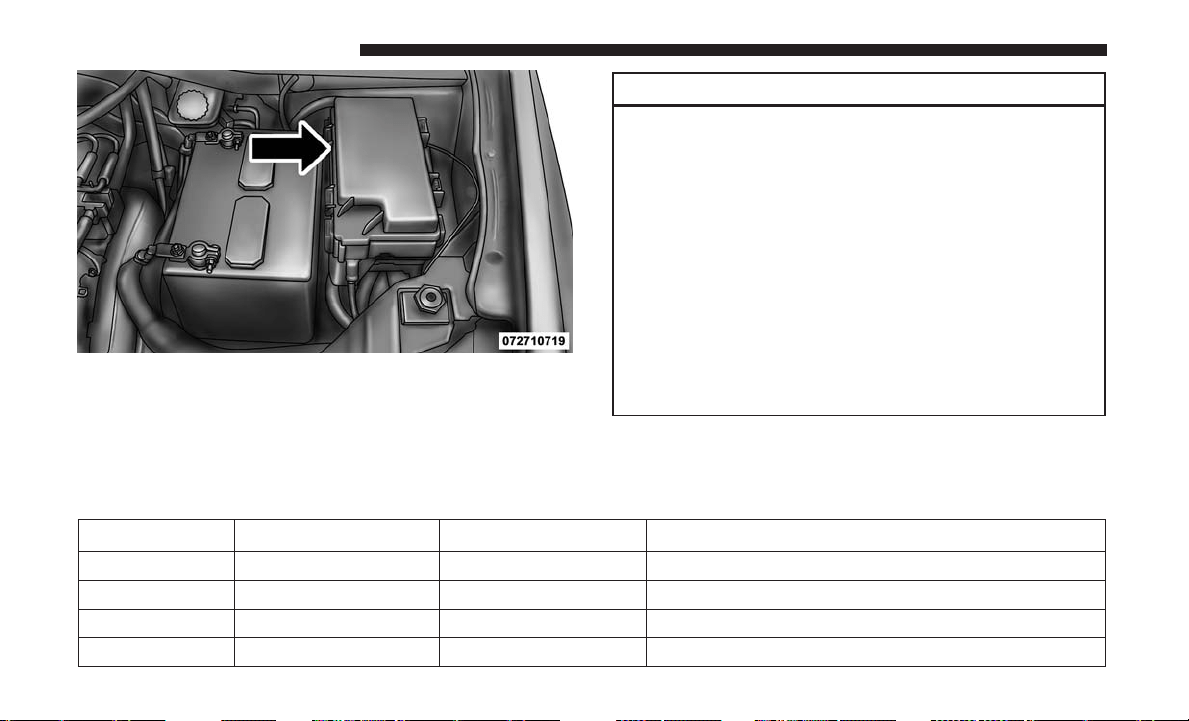
CAUTION!
• When installing the Totally Integrated Power Mod-
ule cover, it is important to ensure the cover is
properly positioned and fully latched. Failure to do
so may allow water to get into the Integrated Power
Module, and possibly result in a electrical system
failure.
• When replacing a blown fuse, it is important to use
only a fuse having the correct amperage rating. The
use of a fuse with a rating other than indicated may
result in a dangerous electrical system overload. If a
properly rated fuse continues to blow, it indicates a
problem in the circuit that must be corrected.
The numbers inside the TIPM cover correspond to the
following table.
Cavity Cartridge Fuse Mini-Fuse Description
J1 40 Amp Green – Power Folding Seat
J2 30 Amp Pink – Power Liftgate Module
J3 30 Amp Pink – Rear Door Module
J4 25 Amp Clear – Driver Door Node
Totally Integrated Power Module
486 MAINTAINING YOUR VEHICLE

Cavity Cartridge Fuse Mini-Fuse Description
J5 25 Amp Clear – Passenger Door Node
J6 40 Amp Green – Antilock Brakes Pump/Stability Control System
J7 30 Amp Pink – Antilock Brakes Valve/Stability Control System
J8 40 Amp Green – Power Memory Seat – If Equipped
J9 – – Not Used
J10 30 Amp Pink – Headlamp Wash/Manifold Tuning Valve –
If Equipped
J11 30 Amp Pink – Power Sliding Door Module/Anti–Theft Module –
If Equipped
J12 30 Amp Pink – HVAC Rear Blower, Radiator Fan Motor
J13 60 Amp Yellow – Ignition Off Draw (IOD) – Main
J14 40 Amp Green – Rear Window Defogger
J15 40 Amp Green – Front Blower
J17 40 Amp Green – Starter Solenoid
J18 20 Amp Blue – Powertrain Control Module Trans Range
J19 60 Amp Yellow – Radiator Fan
J20 30 Amp Pink – Front Wiper LO/HI
J21 20 Amp Blue – Front/Rear Washer
J22 25 Amp Clear – Sunroof Module
7
MAINTAINING YOUR VEHICLE 487

Cavity Cartridge Fuse Mini-Fuse Description
M1 – 15 Amp Blue Rear Center Brake Lamp/Brake Switch
M2 – 20 Amp Yellow Front Fog Lamps
M3 – 20 Amp Yellow Vacuum Pump Motor
M5 – 25 Amp Clear Inverter
M6 – 20 Amp Yellow Power Outlet #1 (ACC), Rain Sensor, Cigar Lighter
(Instrument Panel or with Console Rear)
M7 – 20 Amp Yellow Power Outlet #2 (BATT/ACC SELECT) – Center
Seat or with Console Rear
M8 – 20 Amp Yellow Front Heated Seat — If Equipped
M9 – 20 Amp Yellow Rear Heated Seat — If Equipped
M10 – 15 Amp Blue Ignition Off Draw — Video System, Satellite Radio,
DVD, Hands-Free Module, Universal Garage Door
Opener, Vanity Lamp, Streaming Video Module —
If Equipped
M11 – 10 Amp Red Climate Control System
M12 – 30 Amp Green Amplifier/Radio
M13 – 20 Amp Yellow Instrument Cluster, SIREN, Clock Module, Multi-
function Control Switch – If Equipped
M14 – 20 Amp Yellow Trailer Tow — If Equipped
M15 – 20 Amp Yellow Rear View Mirror, Instrument Cluster, Multifunc-
tion Control Switch, Tire Pressure Monitor
488 MAINTAINING YOUR VEHICLE

Cavity Cartridge Fuse Mini-Fuse Description
M16 – 10 Amp Red Airbag Module/Occupant Classification Module
M17 – 15 Amp Blue Left Tail/License/Park Lamp, Running Lamps
M18 – 15 Amp Blue Right Tail/Park/Run Lamp
M19 – 25 Amp Clear Powertrain
M20 – 15 Amp Blue Instrument Cluster Interior Light, Switch Bank,
Steering Column Module, Switch Steering Wheel
M21 – 20 Amp Yellow Powertrain
M22 – 10 Amp Red Horn
M23 – 10 Amp Red Horn
M24 – 25 Amp Clear Rear Wiper
M25 – 20 Amp Yellow Fuel Pump
M26 – 10 Amp Red Power Mirror Switch, Driver Window Switch
M27 – 10 Amp Red Wireless Control Module, Keyless Entry Module
M28 – 10 Amp Red Powertrain, Transmission Control Module
M29 – 10 Amp Red Occupant Classification Module
M30 – 15 Amp Blue Diagnostic Feed
M31 – 20 Amp Yellow Back-Up Lamps
M32 – 10 Amp Red Airbag Module, THATCHUM — If Equipped
M33 – 10 Amp Red Powertrain
7
MAINTAINING YOUR VEHICLE 489
Cavity Cartridge Fuse Mini-Fuse Description
M34 – 10 Amp Red Park Assist, Heater Climate Control Module,
Headlamp Wash, Compass, Rear Camera, Door
Lamps, Flashlight, Relay Diesel Cabin Heater
M35 – 10 Amp Red Heated Mirrors
M36 – 20 Amp Yellow Power Outlet #3 (Instrument Panel or with
Console Center)
M37 – 10 Amp Red Antilock Brakes, Stability Control, Stop Lamp,
Fuel Pump
M38 – 25 Amp Clear Door Lock/Unlock Motors, Liftgate Lock/Unlock
Motors
The power windows are fused by a 25 Amp circuit breaker
located in the Totally Integrated Power Module.
VEHICLE STORAGE
If you are leaving your vehicle dormant for more than 21
days, you may want to take steps to protect your battery.
You may do the following:
• Remove the 60 Amp cartridge in the Totally Integrated
Power Module (TIPM) labeled Ignition-Off Draw (IOD).
• Or, disconnect the negative cable from the battery.
• Anytime you store your vehicle, or keep it out of service
for two weeks or more, run the air conditioning system
at idle for about five minutes in the fresh air and high
blower setting. This will ensure adequate system lubri-
cation to minimize the possibility of compressor damage
when the system is started again.
490 MAINTAINING YOUR VEHICLE
REPLACEMENT BULBS
Interior Bulbs
Bulb Number
Center & Rear Dome
Lamp
578
Center & Rear Reading
Lamps
578
Front Door Courtesy
Lamp
578
Front Header Reading
Lamps – If Equipped
578
Instrument Cluster Lamps PC74
Liftgate Lamp(s) 578
Overhead Console Reading
Lamps
PC579
Removable Console Lamp
– If Equipped
194
Visor Vanity Lamps 6501966
NOTE: For lighted switches, see your authorized dealer for
replacement instructions.
Exterior Bulbs
Bulb Number
Headlamp H11LL
Fog Lamp – If Equipped PSX24W
Front Side Marker,
Park/Turn Signal
3757A or PY27/7W
Rear Tail, Stop,
Turn Signal Lamp
LED (Serviced at autho-
rized dealer)
Center High-Mounted
Stop Lamp
LED (Serviced at autho-
rized dealer)
Backup Lamp 3157
License 168
NOTE: All of the interior bulbs are glass wedge base or
glass cartridge types. Aluminum base bulbs are not ap-
proved and should not be used for replacement.
BULB REPLACEMENT
NOTE: Lens fogging can occur under certain atmospheric
conditions. This will usually clear as atmospheric condi-
tions change to allow the condensation to change back into
a vapor. Turning the lamps on will usually accelerate the
clearing process.
7
MAINTAINING YOUR VEHICLE 491
Headlamps
1. Raise the hood to access the rear of the headlamp
housing.
2. Slide the red lock tab rearward on the connector, then
depress the tab and remove the connector from the bulb.
3. Twist the headlamp bulb and pull the bulb from the
headlamp housing.
4. Install the new headlamp bulb and twist until locked
into the headlamp housing.
CAUTION!
Do not touch the new bulb with your fingers. Oil
contamination will severely shorten bulb life. If the
bulb comes in contact with an oily surface, clean the
bulb with rubbing alcohol.
5. Connect the wiring connector to bulb and slide red lock
tab forward.
Front Park/Turn Signal Lamps
1. Raise the hood to access the rear of the headlamp
housing.
2. Twist the turn signal socket and remove from the
headlamp housing, then pull the bulb out.
3. Push the new bulb into the socket and reinstall the
socket by twisting until locked into the headlamp hous-
ing.
Fog Lamps
NOTE: Access to the fog lamp bulb is from the rear of the
fascia. On the left rear side of the fascia, remove the push
pin and lower the hinged access door on the air dam.
1. From behind the bumper fascia, or the access panel on
the air dam, squeeze the two tabs on the side of the bulb
socket and pull straight out from the fog lamp.
492 MAINTAINING YOUR VEHICLE
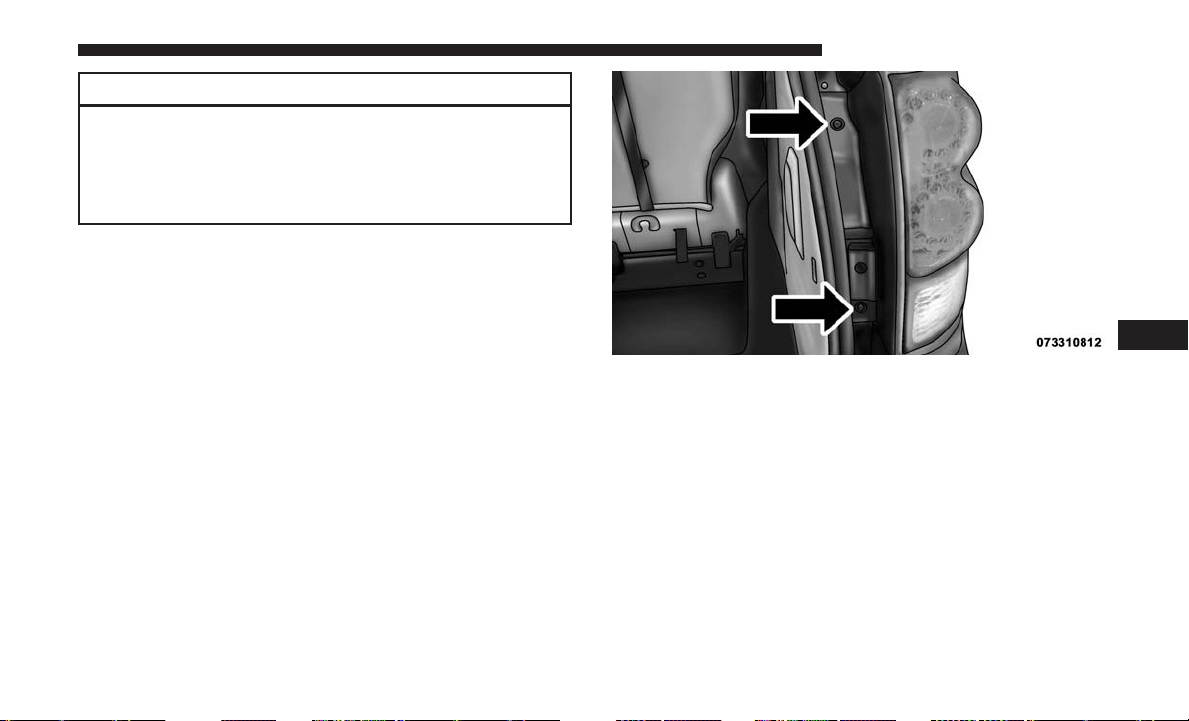
CAUTION!
Do not touch the new bulb with your fingers. Oil
contamination will severely shorten bulb life. If the
bulb comes in contact with an oily surface, clean the
bulb with rubbing alcohol.
2. Disconnect the wire harness from the bulb.
3. Reconnect the wiring harness to the new bulb and
reinstall by inserting the new bulb straight into the fog
lamp until it locks into place.
Rear Tail, Stop, Turn Signal, Side Marker And
Backup Lamps
1. Raise the liftgate.
2. Remove the tail lamp assembly by removing the two
screws from the inboard side. Use a fiber stick or similar
tool to gently pry the light on the outboard side to
disengage the two ball studs.
NOTE:
• If a screwdriver is used, make sure a soft material is
placed between the vehicle body and tool so not to
scratch the paint.
• The PRY location is best closest to the studs while
dislodging them separately.
3. Twist the socket and remove from the lamp assembly.
4. Pull the bulb to remove it from the socket.
5. Replace the bulb, reinstall the socket, and reattach the
lamp assembly.
Tail Lamp Assembly Screws
7
MAINTAINING YOUR VEHICLE 493
Center High-Mounted Stop Lamp (CHMSL)
The CHMSL uses LED lamps that are not serviceable
separately. The CHMSL must be replaced as an assembly.
See your authorized dealer.
License Lamp
The license plate lamp is located under the tailgate light
bar and above the license plate.
1. Using a small screwdriver, press inward the locking tab
on the outboard side of the lamp assembly and pull
down on the lamp assembly for removal.
2. Twist and remove the socket from the lamp assembly
and pull the bulb out to remove.
3. Push the bulb into the socket, twist the socket into the
lamp assembly and reinstall the lamp assembly into
place ensuring the locking tab is secure.
FLUID CAPACITIES
U.S. Metric
Fuel (Approximate) 20 Gallons 76 Liters
Engine Oil with Filter
3.6L Engine (SAE 5W-20, API Certified). 6 Quarts 5.6 Liters
Cooling System *
3.6L Engine (Mopar Antifreeze/Engine Coolant 10 Year/
150,000 Mile Formula or equivalent) meeting the require-
ments of FCA Material Standard MS.90032.
13.4 Quarts 12.6 Liters
* Includes heater and coolant recovery bottle filled to MAX level. Add 2.9 Quarts (2.8 Liters) if equipped with a rear
heater.
494 MAINTAINING YOUR VEHICLE
FLUIDS, LUBRICANTS, AND GENUINE PARTS
Engine
Component Fluid, Lubricant, or Genuine Part
Engine Coolant We recommend you use Mopar Antifreeze/Coolant 10 Year/150,000 Mile Formula OAT
(Organic Additive Technology) meeting the requirements of FCA Material Standard
MS.90032.
Engine Oil We recommend you use API Certified SAE 5W-20 Engine Oil, meeting the requirements
of FCA Material Standard MS-6395 such as Mopar, Pennzoil, and Shell Helix. Refer to your
engine oil filler cap for correct SAE grade.
Engine Oil Filter We recommend you use Mopar Engine Oil Filters.
Spark Plugs We recommend you use Mopar Spark Plugs.
Fuel Selection – 3.6L Engine 87 Octane, 0-15% Ethanol.
Fuel Selection – 3.6L Flex
Fuel (E-85) Engine
87 Octane, Up to 85% Ethanol.
CAUTION!
•
Mixing of engine coolant (antifreeze) other than speci-
fied Organic Additive Technology (OAT) engine cool-
ant (antifreeze), may result in engine damage and
may decrease corrosion protection. Organic Additive
(Continued)
CAUTION! (Continued)
Technology (OAT) engine coolant is different and
should not be mixed with Hybrid Organic Additive
Technology (HOAT) engine coolant (antifreeze) or
any “globally compatible” coolant (antifreeze). If a
(Continued)
7
MAINTAINING YOUR VEHICLE 495
CAUTION! (Continued)
non-OAT engine coolant (antifreeze) is introduced into
the cooling system in an emergency, the cooling sys-
tem will need to be drained, flushed, and refilled with
fresh OAT coolant (conforming to MS.90032), by an
authorized dealer as soon as possible.
• Do not use water alone or alcohol-based engine
coolant (antifreeze) products. Do not use additional
(Continued)
CAUTION! (Continued)
rust inhibitors or antirust products, as they may not
be compatible with the radiator engine coolant and
may plug the radiator.
• This vehicle has not been designed for use with
propylene glycol-based engine coolant (antifreeze).
Use of propylene glycol-based engine coolant (anti-
freeze) is not recommended.
Chassis
Component Fluid, Lubricant, or Genuine Part
Automatic Transmission
Use only ATF+4 Automatic Transmission Fluid. Failure to use ATF+4 fluid may affect the
function or performance of your transmission. We recommend Mopar ATF+4 Fluid.
Brake Master Cylinder We recommend you use Mopar DOT 3. If DOT 3 brake fluid is not available, then
DOT 4 is acceptable.
Power Steering Reservoir We recommend you use Mopar Power Steering Fluid +4, Mopar ATF+4 Automatic
Transmission Fluid.
496 MAINTAINING YOUR VEHICLE


MAINTENANCE SCHEDULE
Your vehicle is equipped with an automatic oil change
indicator system. The oil change indicator system will
remind you that it is time to take your vehicle in for
scheduled maintenance.
Based on engine operation conditions, the oil change
indicator message will illuminate. This means that service
is required for your vehicle. Operating conditions such as
frequent short-trips, trailer tow, extremely hot or cold
ambient temperatures, and E85 fuel usage will influence
when the “Oil Change Required” message is displayed.
Severe Operating Conditions can cause the change oil
message to illuminate as early as 3,500 miles (5,600 km)
since last reset. Have your vehicle serviced as soon as
possible, within the next 500 miles (805 km).
Your authorized dealer will reset the oil change indicator
message after completing the scheduled oil change. If a
scheduled oil change is performed by someone other than
your authorized dealer, the message can be reset by
referring to the steps described under “Instrument Cluster
Display” in “Understanding Your Instrument Panel” for
further information.
NOTE: Under no circumstances should oil change inter-
vals exceed 10,000 miles (16,000 km), twelve months or
350 hours of engine run time, whichever comes first. The
350 hours of engine run or idle time is generally only a
concern for fleet customers.
Severe Duty All Models
Change engine oil at 4,000 miles (6,500 km) if the vehicle is
operated in a dusty and off road environment or is
operated predominately at idle or only very low engine
RPM’s. This type of vehicle use is considered Severe Duty.
Once A Month Or Before A Long Trip:
• Check engine oil level.
• Check windshield washer fluid level.
• Check tire pressure and look for unusual wear or
damage. Rotate tires at the first sign of irregular wear,
even if it occurs before the oil indicator system turns on.
• Check the fluid levels of the coolant reservoir, brake
master cylinder, and power steering and fill as needed.
• Check function of all interior and exterior lights.
498 MAINTENANCE SCHEDULES
Maintenance Chart
Required Maintenance Intervals.
Refer to the maintenance schedules on the following page
for the required maintenance intervals.
At Every Oil Change Interval As Indicated By Oil Change Indicator System:
• Change oil and filter.
• Rotate the tires. Rotate at the first sign of irregular wear, even if it occurs before the oil indicator system
turns on.
• Inspect battery and clean and tighten terminals as required.
• Inspect brake pads, shoes, rotors, drums, hoses and park brake.
• Inspect engine cooling system protection and hoses.
• Inspect exhaust system.
• Inspect engine air cleaner if using in dusty or off-road conditions.
8
MAINTENANCE SCHEDULES 499
Mileage or time passed
(whichever comes first)
20,000
30,000
40,000
50,000
60,000
70,000
80,000
90,000
100,000
110,000
120,000
130,000
140,000
150,000
Or Years: 2 3 4 5 6 7 8 9 10 11 12 13 14 15
Or Kilometers:
32,000
48,000
64,000
80,000
96,000
112,000
128,000
144,000
160,000
176,000
192,000
208,000
224,000
240,000
Additional Inspections
Inspect the CV joints. X X X X X
Inspect front suspension, tie rod ends, boot
seals, and replace if necessary.
XXX X X X X
Inspect the brake linings, replace as
necessary.
XXX X X X X
Additional Maintenance
Replace engine air filter. X X X X X
Replace cabin/air conditioning filter. X X X X X X X
Replace spark plugs. (**) X
Flush and replace the engine coolant at
10 years or 150,000 miles (240,000 km)
whichever comes first.
XX
500 MAINTENANCE SCHEDULES

Mileage or time passed
(whichever comes first)
20,000
30,000
40,000
50,000
60,000
70,000
80,000
90,000
100,000
110,000
120,000
130,000
140,000
150,000
Or Years: 2 3 4 5 6 7 8 9 10 11 12 13 14 15
Or Kilometers:
32,000
48,000
64,000
80,000
96,000
112,000
128,000
144,000
160,000
176,000
192,000
208,000
224,000
240,000
Change automatic transmission fluid and filter
if using your vehicle for any of the following:
police, taxi, fleet, or frequent trailer towing.
XX
Change automatic transmission fluid and filter. X
Inspect and replace PCV valve if necessary. X
(**) The spark plug change interval is mileage based only,
yearly intervals do not apply.
WARNING!
•
You can be badly injured working on or around a
motor vehicle. Do only service work for which you
have the knowledge and the right equipment. If you
(Continued)
WARNING! (Continued)
have any doubt about your ability to perform a service
job, take your vehicle to a competent mechanic.
• Failure to properly inspect and maintain your vehicle
could result in a component malfunction and effect
vehicle handling and performance. This could cause
an accident.
8
MAINTENANCE SCHEDULES 501


IF YOU NEED CONSUMER ASSISTANCE
CONTENTS
䡵 SUGGESTIONS FOR OBTAINING SERVICE
FOR YOUR VEHICLE ....................504
▫ Prepare For The Appointment ..............504
▫ Prepare A List .........................504
▫ Be Reasonable With Requests ..............504
䡵 IF YOU NEED ASSISTANCE ................504
▫ FCA US LLC Customer Center .............505
▫ FCA Canada Inc. Customer Center...........505
▫ In Mexico Contact ......................505
▫ Puerto Rico And U.S. Virgin Islands..........505
▫ Customer Assistance For The Hearing Or
Speech Impaired (TDD/TTY) ..............505
▫ Service Contract .......................506
䡵 WARRANTY INFORMATION ...............507
䡵 MOPARPARTS .........................507
䡵 REPORTING SAFETY DEFECTS .............507
▫ In The 50 United States And Washington, D.C. . .507
▫ In Canada ............................507
䡵 PUBLICATION ORDER FORMS .............508
9

SUGGESTIONS FOR OBTAINING SERVICE FOR
YOUR VEHICLE
Prepare For The Appointment
If you are having warranty work done, be sure to bring the
right papers with you, as well as your warranty folder. All
work to be performed may not be covered by the warranty.
Discuss additional charges with the service manager. Keep
a maintenance log of your vehicle’s service history, as this
can often provide a clue to the current problem.
Prepare A List
Make a written list of your vehicle’s problems or the
specific work you want done. If you’ve had an accident or
work done that is not on your maintenance log, let the
service advisor know.
Be Reasonable With Requests
If you list a number of items and you must have your
vehicle by the end of the day, discuss the situation with the
service advisor and list the items in order of priority. At
many authorized dealers, you may obtain a rental vehicle
at a minimal daily charge. If you need a rental, it is
advisable to make these arrangements when you call for an
appointment.
IF YOU NEED ASSISTANCE
The manufacturer and its authorized dealer are vitally
interested in your satisfaction. We want you to be happy
with our products and services.
Warranty service must be done by an authorized dealer. We
strongly recommend that you take the vehicle to an autho-
rized dealer. They know your vehicle the best, and are most
concerned that you get prompt and high quality service.
The manufacturer’s authorized dealer have the facilities,
factory-trained technicians, special tools, and the latest
information to ensure the vehicle is fixed correctly and in a
timely manner.
This is why you should always talk to an authorized dealer
service manager first. Most matters can be resolved with
this process.
• If for some reason you are still not satisfied, talk to the
general manager or owner of the authorized dealer.
They want to know if you need assistance.
• If an authorized dealer is unable to resolve the concern,
you may contact the manufacturer’s customer center.
504 IF YOU NEED CONSUMER ASSISTANCE

Any communication to the manufacturer’s customer center
should include the following information:
• Owner’s name and address
• Owner’s telephone number (home and office)
• Authorized dealer name
• Vehicle Identification Number (VIN)
• Vehicle delivery date and mileage
FCA US LLC Customer Center
P.O. Box 21–8004
Auburn Hills, MI 48321–8004
Phone: (800) 423-6343
FCA Canada Inc. Customer Center
P.O. Box 1621
Windsor, Ontario N9A 4H6
Phone: (800) 465-2001 English / (800) 387-9983 French
In Mexico Contact
Av. Prolongacion Paseo de la Reforma, 1240
Sante Fe C.P. 05109
Mexico, D. F.
In Mexico City: 5081-7568
Outside Mexico City: 1-800-505-1300
Puerto Rico And U.S. Virgin Islands
Customer Service Chrysler International Services LLC
P.O. Box 191857
San Juan 00919-1857
Tel.: (787) 782-5757
Fax: (787) 782-3345
Customer Assistance For The Hearing Or Speech
Impaired (TDD/TTY)
To assist customers who have hearing difficulties, the
manufacturer has installed special TDD (Telecommunica-
tion Devices for the Deaf) equipment at its customer center.
9
IF YOU NEED CONSUMER ASSISTANCE 505
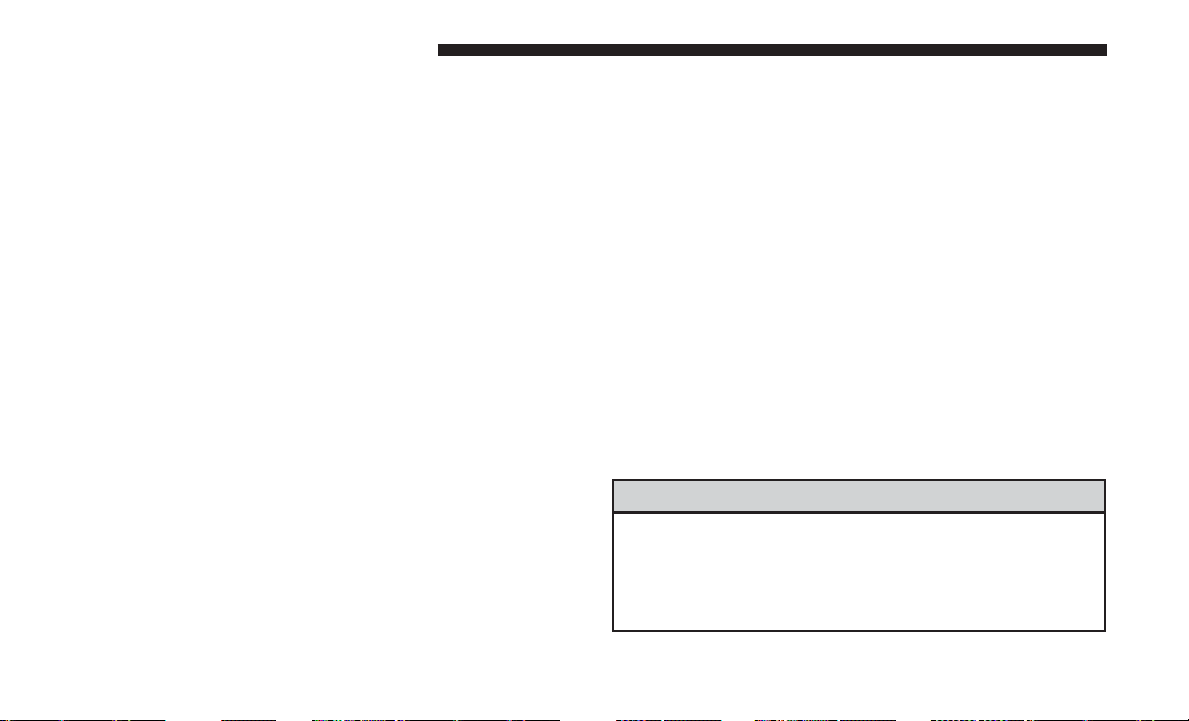
Any hearing or speech impaired customer, who has access
to a TDD or a conventional teletypewriter (TTY) in the
United States, can communicate with the manufacturer by
dialing 1-800-380-CHRY.
Canadian residents with hearing difficulties that require
assistance can use the special needs relay service offered by
Bell Canada. For TTY teletypewriter users, dial 711 and for
Voice callers, dial 1-800-855-0511 to connect with a Bell
Relay Service operator.
Service Contract
You may have purchased a service contract for a vehicle to
help protect you from the high cost of unexpected repairs
after the manufacturer’s New Vehicle Limited Warranty
expires. The manufacturer stands behind only the manu-
facturer’s service contracts. If you purchased a manufac-
turer’s service contract, you will receive Plan Provisions
and an Owner Identification Card in the mail within three
weeks of the vehicle delivery date. If you have any
questions about the service contract, call the manufac-
turer’s Service Contract National Customer Hotline at
1-800-521-9922 (Canadian residents, call (800) 465-2001
English / (800) 387-9983 French).
The manufacturer will not stand behind any service con-
tract that is not the manufacturer’s service contract. It is not
responsible for any service contract other than the manu-
facturer’s service contract. If you purchased a service
contract that is not a manufacturer’s service contract, and
you require service after the manufacturer’s New Vehicle
Limited Warranty expires, please refer to the contract
documents, and contact the person listed in those docu-
ments.
We appreciate that you have made a major investment
when you purchased the vehicle. An authorized dealer has
also made a major investment in facilities, tools, and
training to assure that you are absolutely delighted with
the ownership experience. You will be pleased with their
sincere efforts to resolve any warranty issues or related
concerns.
WARNING!
Engine exhaust (internal combustion engines only),
some of its constituents, and certain vehicle compo-
nents contain, or emit, chemicals known to the State of
California to cause cancer and birth defects, or other
(Continued)
506 IF YOU NEED CONSUMER ASSISTANCE
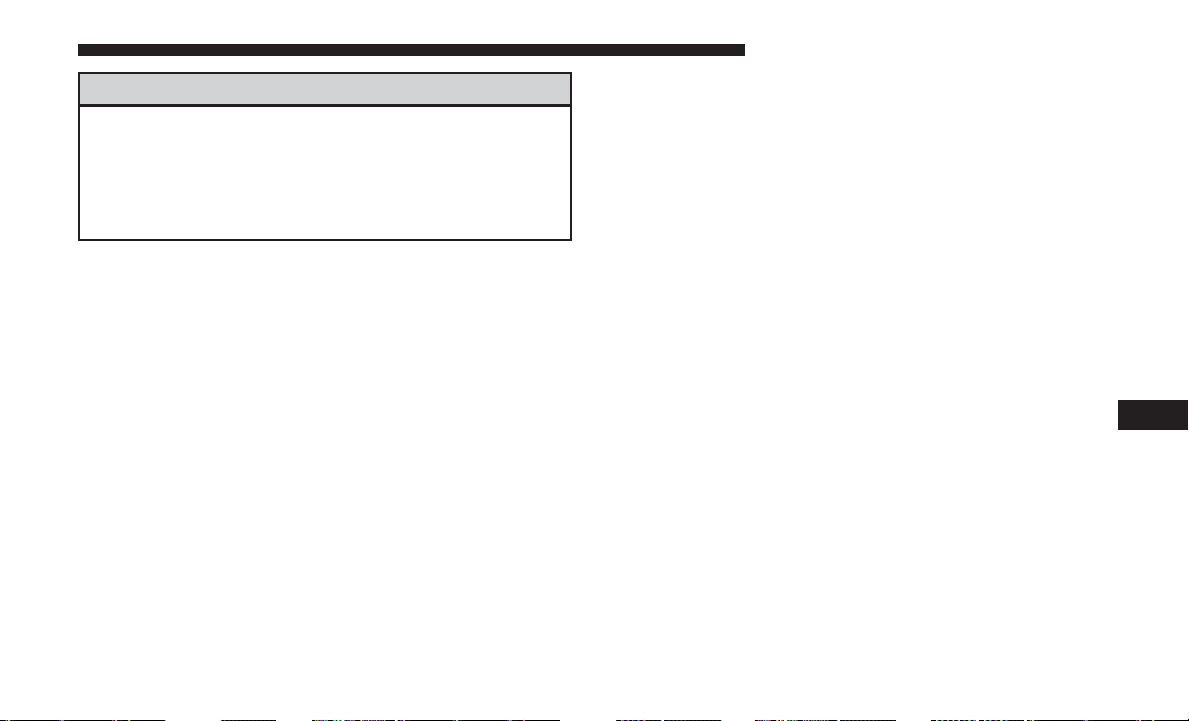
WARNING! (Continued)
reproductive harm. In addition, certain fluids con-
tained in vehicles and certain products of component
wear contain, or emit, chemicals known to the State of
California to cause cancer and birth defects, or other
reproductive harm.
WARRANTY INFORMATION
See the Warranty Information Booklet, for the terms and
provisions of FCA US LLC warranties applicable to this
vehicle and market.
MOPAR PARTS
Mopar fluids, lubricants, parts, and accessories are avail-
able from an authorized dealer. They are recommended for
your vehicle in order to help keep the vehicle operating at
its best.
REPORTING SAFETY DEFECTS
In The 50 United States And Washington, D.C.
If you believe that your vehicle has a defect that could
cause a crash or cause injury or death, you should
immediately inform the National Highway Traffic
Safety Administration (NHTSA) in addition to notifying
FCA US LLC.
If NHTSA receives similar complaints, it may open an
investigation, and if it finds that a safety defect exists in
a group of vehicles, it may order a recall and remedy
campaign. However, NHTSA cannot become involved
in individual problems between you, your authorized
dealer or FCA US LLC.
To contact NHTSA, you may call the Vehicle Safety
Hotline toll free at 1-888-327-4236 (TTY: 1-800-424-9153);
or go to http://www.safercar.gov; or write to: Admin-
istrator, NHTSA, 1200 New Jersey Avenue, SE., West
Building, Washington, D.C. 20590. You can also obtain
other information about motor vehicle safety from
http://www.safercar.gov.
In Canada
If you believe that your vehicle has a safety defect, you
should contact the Customer Service Department imme-
diately. Canadian customers who wish to report a safety
defect to the Canadian government should contact Trans-
port Canada, Motor Vehicle Defect Investigations and
Recalls at 1-800-333-0510 or go to http://www.tc.gc.ca/
roadsafety/.
9
IF YOU NEED CONSUMER ASSISTANCE 507

PUBLICATION ORDER FORMS
To order the following manuals, you may use either the
website or the phone numbers listed below. Visa, Master-
card, American Express, and Discover orders are accepted.
Service Manuals
These comprehensive Service Manuals provide the infor-
mation that students and professional technicians need in
diagnosing/troubleshooting, problem solving, maintain-
ing, servicing, and repairing FCA US LLC vehicles. A
complete working knowledge of the vehicle, system,
and/or components is written in straightforward language
with illustrations, diagrams, and charts.
Diagnostic Procedure Manuals
Diagnostic Procedure Manuals are filled with diagrams,
charts and detailed illustrations. These practical manuals
make it easy for students and technicians to find and fix
problems on computer-controlled vehicle systems and fea-
tures. They show exactly how to find and correct problems
the first time, using step-by-step troubleshooting and driv-
ability procedures, proven diagnostic tests, and a complete
list of all tools and equipment.
Owner’s Manuals
These Owner’s Manuals have been prepared with the
assistance of service and engineering specialists to acquaint
you with specific FCA US LLC vehicles. Included are
starting, operating, emergency and maintenance proce-
dures as well as specifications, capabilities and safety tips.
Call toll free at:
• 1-800-890-4038 (U.S.)
• 1-800-387-1143 (Canada)
Or
Visit us on the Worldwide Web at:
• www.techauthority.com
508 IF YOU NEED CONSUMER ASSISTANCE

INDEX
10

About Your Brakes .........................359
Adding Engine Coolant (Antifreeze) .............473
Adding Fuel ..............................405
Adding Washer Fluid........................471
Additives, Fuel ............................401
Adjust
Forward ...............................143
Rearward ..............................143
AirBag..................................61
Air Bag Operation .........................63
Air Bag Warning Light .....................60
Driver Knee Air Bag .......................64
Enhanced Accident Response ..............69, 455
Event Data Recorder (EDR) .................455
If A Deployment Occurs ....................68
Knee Impact Bolsters .......................64
Maintaining Your Air Bag System ..............70
Side Air Bags ............................64
Transporting Pets .........................94
Air Bag Light ........................60, 96, 242
Air Bag Maintenance .........................70
Air Cleaner, Engine (Engine Air Cleaner Filter)......466
Air Conditioner Maintenance ..................468
Air Conditioning ...........................321
Air Conditioning Controls ....................321
Air Conditioning Filter ...................336, 469
Air Conditioning, Operating Tips ...............335
Air Conditioning, Rear Zone ...............325, 333
Air Conditioning Refrigerant ...............468, 469
Air Conditioning System...............321, 327, 468
Air Conditioning System, Zone Control ...........321
Air Pressure, Tires ..........................380
Alarm (Security Alarm)....................15, 247
Alterations/Modifications, Vehicle ................7
Antenna, Satellite Radio ......................291
Antifreeze (Engine Coolant) ................473, 494
Disposal ...............................475
Anti-Lock Brake System (ABS) .................360
Anti-Lock Warning Light
.....................249
Appearance Care...........................479
Ashtray .................................214
Assistance Towing ..........................125
Assist, Hill Start ...........................362
Auto Down Power Windows ...................32
Automatic Dimming Mirror ...................104
Automatic Door Locks........................30
Automatic Headlights .......................172
Automatic Temperature Control (ATC) ...........327
Automatic Transmission ...............344, 478, 479
Adding Fluid ........................478, 479
510 INDEX

Fluid And Filter Changes ...................479
Fluid Change ...........................479
Fluid Level Check ........................478
Fluid Type ..........................478, 496
Gear Ranges ............................348
Special Additives .........................478
Torque Converter ........................353
Auto Up Power Windows .....................32
Battery...............................245, 468
Charging System Light ....................245
Jump Starting ...........................448
Keyless Key Fob Replacement ................22
Saving Feature (Protection) ..................177
Belts, Seat.................................96
Body Mechanism Lubrication ..................470
B-Pillar Location ...........................374
Brake Assist System.........................361
Brake Control System, Electronic................359
Brake Fluid ...............................496
Brake System ..........................359, 476
Anti-Lock (ABS) .........................359
Fluid Check ............................477
Parking ...............................357
Warning Light ...........................243
Brake/Transmission Interlock ..................346
Bulb Replacement ..........................491
Bulbs, Light ............................98, 491
Calibration, Compass........................266
Camera, Rear .............................192
Capacities, Fluid ...........................494
Caps, Filler
Fuel ..................................405
Power Steering ..........................356
Radiator (Coolant Pressure) .................474
Carbon Monoxide Warning .................95, 402
Cargo Compartment
Luggage Carrier .........................226
Cargo (Vehicle Loading) ......................219
Car Washes...............................479
Center High Mounted Stop Light ...............494
Certification Label ..........................407
Chains, Tire ..............................388
Changing A Flat Tire ........................433
Chart, Tire Sizing...........................370
Check Engine Light (Malfunction Indicator Light). . . .461
Checking Your Vehicle For Safety ................95
Checks, Safety .............................95
Child Restraint .............................71
10
INDEX 511

Child Restraints
Booster Seats ............................75
Child Restraints ..........................71
Child Seat Installation ...................87, 90
How To Stow An Unused ALR Seat Belt .........85
Infants And Child Restraints .................73
Locating The LATCH Anchorages ..............81
Lower Anchors And Tethers For Children ........77
Older Children And Child Restraints ...........74
Seating Positions ..........................76
Using The Top Tether Anchorage ..............92
Child Safety Locks ..........................38
Clean Air Gasoline .........................399
Cleaning
Wheels ................................480
Climate Control............................321
Clock................................275, 282
Coat Hook ...............................218
Coin Holder ..............................219
Cold Weather Operation......................343
Compact Disc (CD) Maintenance................320
Compact Spare Tire .........................384
Compass.................................266
Compass Calibration ........................266
Compass Variance ..........................267
Computer, Trip/Travel .......................264
Connector
UCI ..................................293
Universal Consumer Interface (UCI) ...........293
Conserving Fuel ...........................263
Console .................................219
Console, Floor .............................219
Console, Overhead .........................193
Console, Removable.........................223
Contract, Service ...........................506
Coolant Pressure Cap (Radiator Cap).............474
Cooling System ............................472
Adding Coolant (Antifreeze) .................473
Coolant Capacity .........................494
Coolant Level
........................472, 475
Disposal Of Used Coolant ..................475
Drain, Flush, And Refill ....................472
Inspection ..............................475
Points To Remember ......................476
Pressure Cap ............................474
Radiator Cap ...........................474
Selection Of Coolant (Antifreeze) .......473, 494, 495
Corrosion Protection ........................479
Cruise Light ...........................257, 258
512 INDEX

Cupholders ...........................211,484
Customer Assistance ........................504
Daytime Running Lights .....................174
Dealer Service .............................462
Defroster, Windshield ........................96
Delay (Intermittent) Wipers ...................178
Diagnostic System, Onboard...................460
Dimmer Control ...........................174
Dipsticks
Automatic Transmission ....................478
Oil (Engine) ............................463
Power Steering ..........................356
Disabled Vehicle Towing .....................453
Disposal
Antifreeze (Engine Coolant) .................475
Door Ajar ................................248
Door Ajar Light............................248
Door Locks
Door Locks ..............................27
KeyFob................................27
Remote ................................27
Remote Keyless Entry ......................27
Door Opener, Garage ........................197
Driving
Through Flowing, Rising, Or Shallow Standing
Water .................................354
Driving To Achieve Maximum Fuel Economy.......263
DVD Player (Video Entertainment System) .....298, 301
E-85 Fuel ................................403
Economy (Fuel) Mode .......................346
Electrical Power Outlets ......................207
Electric Remote Mirrors ......................106
Electronic Brake Control System ................359
Anti-Lock Brake System ....................360
Traction Control System ....................364
Electronic Speed Control (Cruise Control) .........182
Electronic Stability Control (ESC) ...............365
Electronic Throttle Control Warning Light .........246
Emergency, In Case Of
Hazard Warning Flasher ...................422
Jacking ...........................
.433, 439
Jump Starting ...........................448
Overheating ............................422
Emission Control System Maintenance............461
Engine
Air Cleaner .............................466
10
INDEX 513

Block Heater ............................344
Break-In Recommendations ..................94
Checking Oil Level .......................463
Compartment ...........................459
Compartment Identification .................459
Coolant (Antifreeze) ...................472, 495
Cooling ...............................472
Exhaust Gas Caution ...................95, 402
Flooded, Starting .........................343
Fuel Requirements ....................399, 494
Oil ............................463, 494, 495
Oil Filter ...............................465
Oil Selection .........................464, 494
Oil Synthetic ............................465
Overheating ............................422
Starting ...............................342
Engine Oil Viscosity.........................465
Engine Oil Viscosity Chart ....................465
Enhanced Accident Response Feature ..........69, 455
Entry System, Illuminated .....................16
Ethanol ..............................400, 403
Exhaust Gas Caution .....................95, 402
Exhaust System .........................95, 466
Exterior Lights ..........................98, 491
Filters
Air Cleaner .............................466
Air Conditioning .....................336, 469
Engine Oil ..........................465, 495
Engine Oil Disposal .......................465
Flashers
Hazard Warning .........................422
Turn Signal ....................98, 255, 492, 493
Flash-To-Pass .............................177
Flexible Fuel Vehicles
Cruising Range ..........................404
Engine Oil .............................404
Fuel Requirements .......................
.403
Maintenance ............................405
Replacement Parts ........................404
Starting ...............................404
Flooded Engine Starting ......................343
Floor Console .............................219
Fluid Capacities............................494
Fluid Leaks ...............................98
Fluid Level Checks
Automatic Transmission ....................478
Brake .................................477
Cooling System ..........................472
Power Steering ..........................356
514 INDEX

Fluids, Lubricants And Genuine Parts ............495
Fog Lights ............................174, 492
Fog Light Service...........................492
Fold in Floor (Stow ⬘n Go) Seating ..............151
Freeing A Stuck Vehicle ......................451
Fuel ....................................399
Adding ...............................405
Additives ..............................401
Clean Air ..............................399
Conserving .............................263
Economy Mode ..........................346
Ethanol ............................400, 403
Filler Cap (Gas Cap) ......................405
Gasoline ...............................399
Light .................................251
Materials Added .........................401
Methanol ..............................400
Octane Rating ........................399, 495
Requirements ........................399, 494
Saver Mode ............................263
Tank Capacity ...........................494
Fuel, Flexible..............................403
Fueling..................................405
Fuel Optimizer ............................263
Fuel Saver................................263
Fuses ...................................485
Garage Door Opener (HomeLink)............197, 203
Gas Cap (Fuel Filler Cap) ..............405, 406, 461
Gasoline, Clean Air .........................399
Gasoline (Fuel) ............................399
Conserving .............................263
Gasoline, Reformulated ......................399
Gear Ranges ..............................348
Gear Select Lever Override....................452
General Information.........................137
Glass Cleaning ............................483
Gross Axle Weight Rating .................407, 409
Gross Vehicle Weight Rating ...............407, 409
GVWR ..................................407
Hazard
Driving Through Flowing, Rising, Or Shallow
Standing Water ..........................354
Hazard Warning Flasher......................422
Headlights
Bulb Replacement ........................492
Cleaning ...............................483
Lights On Reminder ......................173
Passing ................................177
10
INDEX 515

Replacing ..............................492
Time Delay .............................173
Washers ...............................173
Head Restraints............................148
Heated Mirrors ............................106
Heater ..................................321
Heater, Engine Block ........................344
High Beam/Low Beam Select (Dimmer) Switch .....177
Hill Start Assist ............................362
Hitches
Trailer Towing ...........................411
HomeLink (Garage Door Opener) ...............197
Hood Release .............................170
Hook, Coat ...............................218
Ignition ..................................12
Key.................................11,12
Ignition Key Removal ........................12
Illuminated Entry ...........................16
Immobilizer (Sentry Key) ......................13
Inside Rearview Mirror ......................104
Instrument Cluster ......................237, 255
Instrument Cluster Display
Trip ..................................258
Instrument Panel And Controls.................236
Instrument Panel Lens Cleaning ................484
Integrated Power Module (Fuses) ...............485
Interior Appearance Care .....................482
Interior Lights .............................174
Intermittent Wipers (Delay Wipers) ..............178
Introduction ................................4
iPod/USB/MP3 Control
Bluetooth Streaming Audio ..............140, 297
Jack Location .............................434
Jack Operation ............................433
Jump Starting .............................448
Key Fob
Programming Additional Key Fobs .............14
Key Fob Battery Service (Remote Keyless Entry) .....22
Key Fob, Remote Keyless Entry .................17
Key-In Reminder............................13
Keyless Entry System ........................17
Key, Replacement ...........................14
Keys ....................................11
Key, Sentry (Immobilizer)......................13
Lane Change Assist .........................176
Lap/Shoulder Belts ..........................45
516 INDEX

Latches ..................................98
Hood .................................170
Lead Free Gasoline .........................399
Leaks, Fluid ...............................98
Life Of Tires ..............................387
Liftgate ..................................40
Light Bulbs................................98
Lights ................................98, 172
AirBag ..........................60, 96, 242
Automatic Headlights .....................172
Back-Up ...............................493
Battery Saver ...........................177
Brake Assist Warning ......................367
Brake Warning ..........................243
Bulb Replacement ........................491
Center Mounted Stop ......................494
Cruise .............................257, 258
Daytime Running ........................174
Dimmer Switch, Headlight ..................174
Exterior ................................98
Fog ...............................174, 492
Hazard Warning Flasher ...................422
Headlights .............................492
Headlights On Reminder ...................173
High Beam/Low Beam Select ................177
Illuminated Entry .........................16
Interior ................................174
License ................................494
Lights On Reminder ......................173
Low Fuel ..............................251
Malfunction Indicator (Check Engine) ..........252
Park ..............................256, 492
Passing ................................177
Reading ...............................194
Rear Servicing ...........................493
Rear Tail Lamps .........................493
Seat Belt Reminder
.......................242
Security Alarm ..........................247
Service ................................491
Side Marker ............................493
Tire Pressure Monitoring (TPMS) .............253
Traction Control .........................367
Turn Signal ....................98, 255, 492, 493
Warning (Instrument Cluster Description) .......255
Loading Vehicle .....................219, 407, 408
Capacities ..............................408
Tires..................................374
Load Leveling System .......................226
Locks....................................27
Door ..................................27
10
INDEX 517

Lubrication, Body ..........................470
Luggage Rack (Roof Rack) ....................226
Lug Nuts ................................432
Maintenance Free Battery .....................468
Maintenance Procedures......................463
Maintenance Schedule .......................498
Malfunction Indicator Light (Check Engine) . . . .252, 461
Manual, Service............................508
Map/Reading Lights ........................194
Memory Feature (Memory Seat) ................167
Memory Seat ..........................106, 167
Methanol ................................400
Mini-Trip Computer.........................264
Mirrors..................................104
Automatic Dimming ......................104
Electric Remote ..........................106
Exterior Folding .........................105
Heated ................................106
Memory ...............................167
Outside ...............................105
Rearview ..............................104
Vanity ................................107
Mode
Fuel Saver .............................263
Modifications/Alterations, Vehicle ................7
Monitor, Tire Pressure System..................391
Mopar Parts ...........................462, 507
MTBE/ETBE ..............................400
Multi-Function Control Lever ..................176
New Vehicle Break-In Period ...................94
Occupant Restraints .........................42
Octane Rating, Gasoline (Fuel) .................399
Oil, Engine............................463, 495
Capacity ...............................494
Change Interval .........................464
Checking .............................
.463
Disposal ...............................465
Filter ..............................465, 495
Filter Disposal ...........................465
Identification Logo .......................464
Materials Added To .......................465
Pressure Warning Light ....................246
Recommendation .....................464, 494
Synthetic ..............................465
Viscosity ...........................465, 494
Oil Filter, Change ..........................465
Oil Filter, Selection..........................465
518 INDEX

Oil Pressure Light ..........................246
Onboard Diagnostic System ...................460
Opener, Garage Door (HomeLink)...............197
Operator Manual (Owner’s Manual) ...............4
Outside Rearview Mirrors .................104, 105
Overhead Console ..........................193
Overhead Travel Information Center .............193
Overheating, Engine ........................422
Owner’s Manual (Operator Manual) ...........4,508
Paint Care................................479
Panic Alarm ...............................20
Parking Brake .............................357
ParkSense System, Rear ......................185
Personal Settings ...........................268
Pets .....................................94
Placard, Tire And Loading Information ........374, 375
Power
Brakes ................................359
Door Locks ..............................28
Lift Gate ...............................40
Mirrors ................................106
Outlet (Auxiliary Electrical Outlet) ............207
Seats .................................142
Sliding Door .............................35
Steering ...............................356
Sunroof ...............................204
Windows ...............................31
Power Seats
Forward ...............................143
Rearward ..............................143
Recline ................................143
Power Steering Fluid ........................496
Pregnant Women And Seat Belts.................55
Preparation For Jacking ......................439
Pretensioners
Seat Belts ...............................55
Programmable Electronic Features...............268
Radial Ply Tires ............................381
Radiator Cap (Coolant Pressure Cap).............474
Radio 130
Operating Instructions Radio Mode ............275
Radio 130 With Satellite Radio
Operating Instructions Radio Mode ............281
Radio Frequency
General Information .....................24, 27
Radio Operation ...........................321
Radio Remote Controls ......................319
Rear Air Conditioning ....................325, 333
10
INDEX 519

Rear Camera ..............................192
Rear Cross Path ............................112
Rear Heater ..............................325
Rear ParkSense System ......................185
Rearview Mirrors ..........................104
Rear Window Features .......................225
Reclining Front Seats ........................147
Recreational Towing.........................418
Reformulated Gasoline.......................399
Refrigerant ...............................469
Reminder, Seat Belt ..........................44
Remote Keyless Entry ........................17
Programming Additional Key Fobs .............14
Remote Sound System (Radio) Controls...........319
Remote Starting System .......................24
Removable Floor Console .....................223
Replacement Bulbs .........................491
Replacement Keys ...........................14
Replacement Parts ..........................462
Replacement Tires ..........................387
Reporting Safety Defects .....................507
Restraint, Head ............................148
Restraints, Child ............................71
Rocking Vehicle When Stuck...................451
Roof Rack (Luggage Rack) ....................226
Rotation, Tires.............................389
Safety Checks Inside Vehicle ...................96
Safety Checks Outside Vehicle ..................98
Safety Defects, Reporting .....................507
Safety, Exhaust Gas ..........................95
Safety Information, Tire ......................369
Safety Tips ................................95
Satellite Radio Antenna ......................291
Schedule, Maintenance.......................498
Seat Belt
Adjustable Upper Shoulder Belt Anchorage .......50
Automatic Locking Retractor (ALR) ............56
Energy Management Feature .................55
Lap/Shoulder Belt Operation .................47
Lap/Shoulder Belts
........................45
Lap/Shoulder Belt Untwisting ................49
Pregnant Women .........................55
Seat Belt Extender .........................54
Seat Belt Pretensioner ......................55
Seat Belt Reminder ........................44
Seat Belt Maintenance .......................484
Seat Belt Reminder ..........................44
Seat Belts ..............................44, 96
Adjustable Shoulder Belt ....................50
520 INDEX

Adjustable Upper Shoulder Anchorage ..........50
Child Restraint ...........................71
Extender ...............................54
Front Seat .........................44, 45, 47
Inspection ..............................96
Operating Instructions ......................47
Pregnant Women .........................55
Pretensioners ............................55
Rear Seat ...............................45
Reminder ..............................242
Untwisting Procedure ......................49
Seats ................................142, 143
Adjustment ......................142, 143, 146
Fold in Floor (Stow ⬘nGo) ..................151
Memory ...............................167
Power ................................142
Reclining ..............................147
Stow ⬘n Go (Fold in Floor) ..................151
Security Alarm ..........................15, 247
Selection Of Coolant (Antifreeze) ...............495
Sentry Key
Key Programming .........................14
Sentry Key (Immobilizer) ......................13
Sentry Key Replacement ......................14
Service Assistance ..........................504
Service Contract ...........................506
Service Manuals ...........................508
Settings, Personal ..........................268
Setting The Clock .......................275, 282
Shift Lever Override ........................452
Shoulder Belts .............................45
Signals, Turn .................98, 176, 255, 492, 493
Sliding Door...............................34
Snow Chains (Tire Chains) ....................388
Snow Tires ...............................382
Spare Tire ......................383, 384, 385, 434
Spark Plugs ..............................495
Speed Control
Accel/Decel ...........................
.184
Resume ...............................183
Speed Control (Cruise Control) .................182
Starting .................................342
Automatic Transmission ....................342
Cold Weather ...........................343
Engine Fails To Start ......................343
Remote ................................24
Starting And Operating ......................342
Starting Procedures .........................342
Steering
Power ................................356
10
INDEX 521

Tilt Column ............................180
Wheel, Heated ..........................181
Wheel, Tilt .............................180
Steering Wheel Audio Controls .................319
Steering Wheel Mounted Sound System Controls . . . .319
Storage ..................................490
Storage Bin ...............................214
Storage, Vehicle ........................336, 490
Storing Your Vehicle ........................490
Stow ⬘n Go (Fold in Floor) Seats ................151
Sunglasses Storage..........................194
Sun Roof ................................204
Supplemental Restraint System - Air Bag...........61
Sway Control, Trailer ........................368
Synthetic Engine Oil ........................465
System, Remote Starting ......................24
Telescoping Steering Column ..................180
Temperature Control, Automatic (ATC) ...........327
Tilt Steering Column ........................180
Tire And Loading Information Placard ........374, 375
Tire Markings .............................369
Tires...........................98, 379, 383, 390
Aging (Life Of Tires) ......................387
Air Pressure .........................374, 379
Chains ................................388
Changing ..............................433
Compact Spare ..........................384
General Information ...................379, 383
High Speed .............................381
Inflation Pressures ........................380
Jacking ............................433, 439
Life Of Tires ............................387
Load Capacity .......................374, 376
Pressure Monitor System (TPMS) .............391
Pressure Warning Light
....................253
Quality Grading .........................390
Radial ................................381
Replacement ............................387
Rotation ...............................389
Safety .............................369, 379
Sizes .................................370
Snow Tires .............................382
Spare Tire .......................383, 385, 434
Spinning ...............................386
Trailer Towing ...........................415
Tread Wear Indicators .....................386
Tire Safety Information.......................369
Tire Service Kit............423, 425, 426, 428, 430, 431
Tongue Weight/Trailer Weight .................413
522 INDEX

Torque Converter Clutch .....................353
Towing ..................................409
24-Hour Towing Assistance .................125
Disabled Vehicle .........................453
Guide .................................412
Recreational ............................418
Weight ................................412
Towing Assistance ..........................125
Towing Vehicle Behind A Motorhome ............418
Traction .................................354
Traction Control ...........................364
Trailer Sway Control (TSC) ....................368
Trailer Towing.............................409
Cooling System Tips ......................418
Hitches ................................411
Minimum Requirements ....................413
Tips ..................................417
Trailer And Tongue Weight ..................413
Wiring ................................416
Trailer Towing Guide ........................412
Trailer Weight .............................412
Transmission..............................478
Automatic ..........................344, 478
Fluid ..............................478, 496
Transmitter, Garage Door Opener (HomeLink) ......197
Transporting Pets ...........................94
Tread Wear Indicators .......................386
Turn Signals........................255, 492, 493
UCI Connector ............................293
Uconnect
Advanced Phone Connectivity ...............128
Uconnect 130
Operating Instructions Auxiliary Mode .........281
Operating Instructions CD Mode .............277
Operating Instructions Radio Mode ............275
Playing MP3 Files ........................279
Uconnect 130 With Satellite Radio
Multimedia Satellite Radio ..................290
Uconnect Phone ...........................124
Umbrella Holder ...........................216
Uniform Tire Quality Grades ..................390
Universal Consumer Interface (UCI) Connector .....293
Universal Transmitter........................197
Unleaded Gasoline .........................399
Untwisting Procedure, Seat Belt .................49
Vanity Mirrors.............................107
Variance, Compass..........................267
Vehicle Certification Label ....................407
10
INDEX 523

Vehicle Identification Number (VIN)...............6
Vehicle Loading .....................376, 407, 408
Vehicle Modifications/Alterations.................7
Vehicle Storage .........................336, 490
Viscosity, Engine Oil ........................465
Voice Command
Commands .............................138
System Operation ........................137
Voice Training ...........................141
Voice Recognition System (VR) .................137
Warning Flasher, Hazard .....................422
Warnings And Cautions .......................6
Warranty Information .......................507
Washer
Adding Fluid ...........................471
Washing Vehicle ...........................479
Water
Driving Through .........................354
Wheel And Wheel Trim ......................480
Wheel And Wheel Trim Care ..................480
Wind Buffeting..........................34, 206
Window Fogging...........................336
Windows .................................30
Power .................................31
Rear Vent ...............................30
Windshield Defroster.........................96
Windshield Washers .....................177, 471
Windshield Wiper Blades .....................471
Wiper Blade Replacement.....................471
Wipers, Intermittent .....................177, 178
Zone Control (Temperature Control) .............321
524 INDEX

INSTALLATION OF RADIO TRANSMITTING
EQUIPMENT
Special design considerations are incorporated into this
vehicle’s electronic system to provide immunity to radio
frequency signals. Mobile two-way radios and telephone
equipment must be installed properly by trained person-
nel. The following must be observed during installation.
The positive power connection should be made directly
to the battery and fused as close to the battery as possible.
The negative power connection should be made to body
sheet metal adjacent to the negative battery connection.
This connection should not be fused.
Antennas for two-way radios should be mounted on the
roof or the rear area of the vehicle. Care should be used
in mounting antennas with magnet bases. Magnets may
affect the accuracy or operation of the compass on
vehicles so equipped.
The antenna cable should be as short as practical and
routed away from the vehicle wiring when possible. Use
only fully shielded coaxial cable.
Carefully match the antenna and cable to the radio to
ensure a low Standing Wave Ratio (SWR).
Mobile radio equipment with output power greater than
normal may require special precautions.
All installations should be checked for possible interfer-
ence between the communications equipment and the
vehicle’s electronic systems.
Fifth Edition
Printed in U.S.A.
17Y532-126-AE
©2016 FCA US LLC. All Rights Reserved.
Dodge is a registered trademark of FCA US LLC.
STICK WITH THE SPECIALISTS
®