3. Use Guide
3.1 Initial Setup and Charging
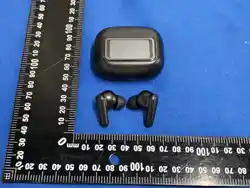
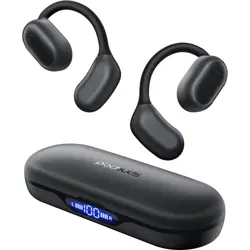
- Fully charge the earbuds and the charging case before first use. Place the earbuds in the case and connect the case to a power source using the provided cable.
- The LED display on the case will indicate the charging status.
- Remove the earbuds from the case to power them on.
3.2 Pairing with a Smartphone
- Enable Bluetooth on your smartphone.
- With the earbuds out of the case, they will enter pairing mode automatically. Look for "H37" or a similar name in your phone's Bluetooth device list.
- Select the device to pair. Follow any additional prompts on your smartphone.

3.3 Using Translation Modes
Translation functions typically require the companion mobile application to be installed and configured. The specific app name is not provided in the source material. General steps for key modes:
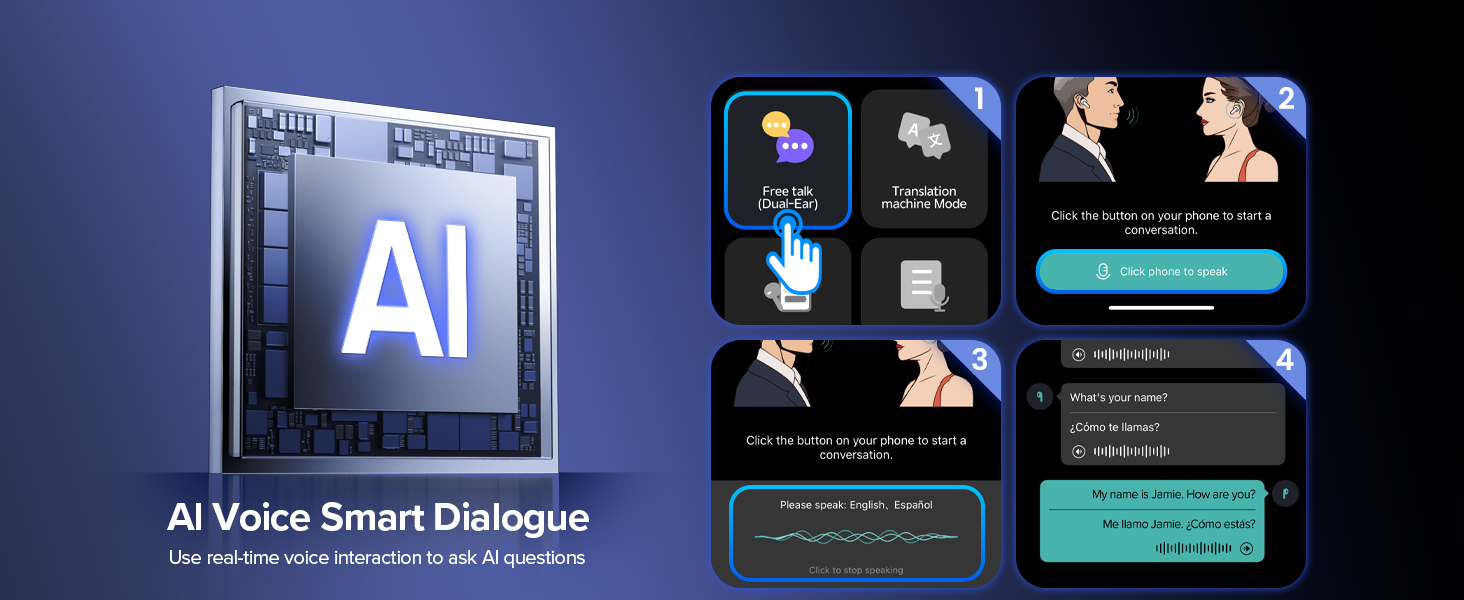
- Free-Talk Mode: Pair both earbuds to the same phone. Each user wears one earbud. Speak normally; translation will be played through the opposite earbud.
- Photo Translation: Open the app, select the photo translation mode, and capture text with your phone's camera. The translation will be displayed on your phone screen and can be read aloud via the earbuds.
- Call Translation: During an audio or video call, activate the translation feature within the app. The conversation will be translated in real-time.
3.4 Touch Controls
The touch-sensitive area on each earbud can be used for the following actions (exact mappings may vary; consult the app for definitive controls):
- Play/Pause Music: Single tap.
- Answer/End Call: Single tap.
- Volume Control: Swipe up or down on the touch surface.
- Activate Voice Assistant: Double-tap (may be configurable).
Note: For detailed instructions on touch control customization and specific mode activation, please refer to the instructions within the companion mobile application.