Geevon 238667 Weather Stations Wireless Indoor Outdoor Thermometer Hygrometer with Dew Point

Product's Documents

Below are documents related to this product, you can read online or download:
238667 photo

1. Overview

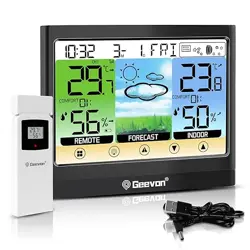
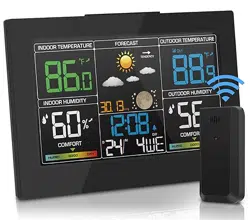
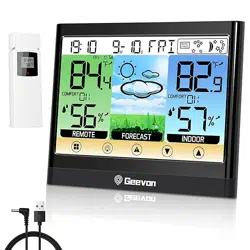
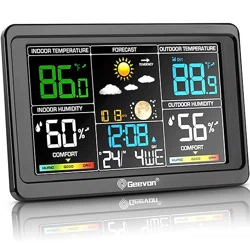
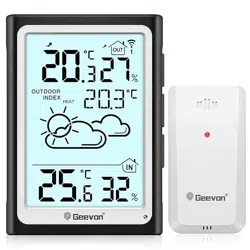
This Geevon Weather Station is a digital device that monitors indoor and outdoor temperature and humidity. It features a touchscreen LCD display, supports connection with up to three wireless outdoor sensors, and functions as an alarm clock. The unit provides data such as dew point, heat index, weather forecasts, and moon phases.

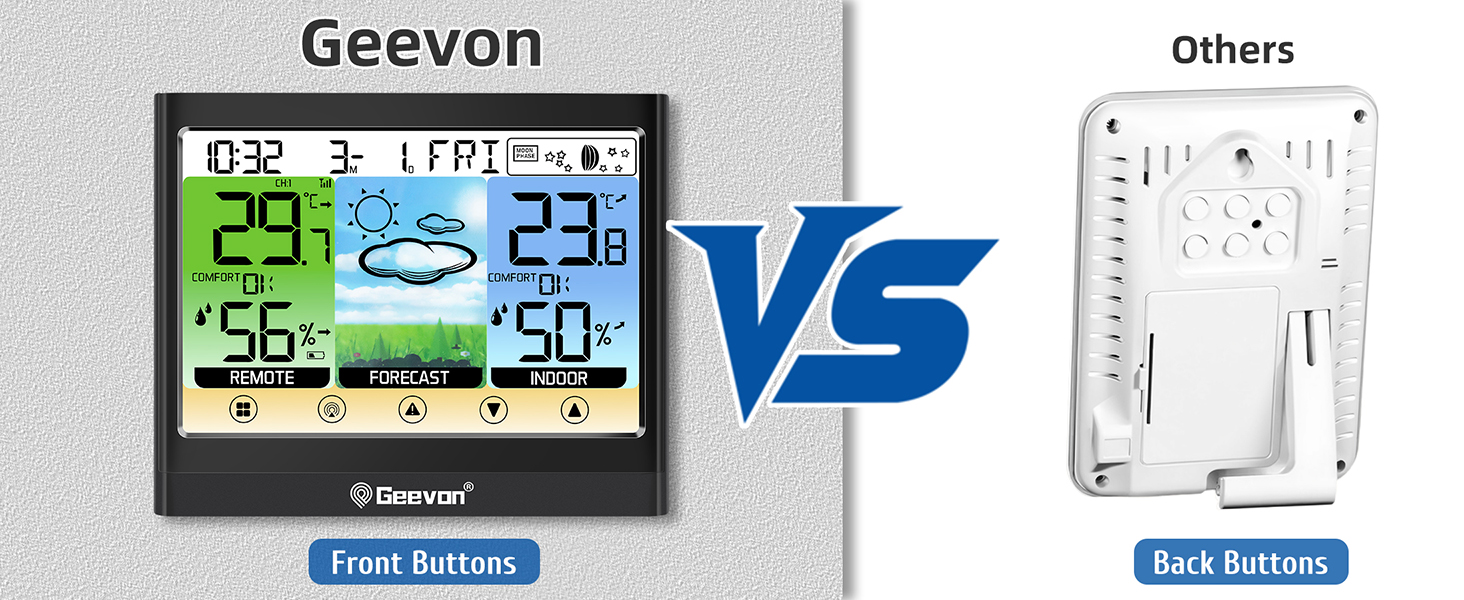
Main unit of the Geevon Weather Station showing a touchscreen LCD display with weather data Wireless indoor outdoor thermometer showing the main display and a remote sensor

2. Package Contents

  • Main Weather Station Unit (Display)
  • 1 x Wireless Outdoor Sensor
  • 1 x USB Cable
  • User Instructions

Note: 3 AAA batteries are required for the main unit and sensor but are not included. An AC power adapter is not included; power is provided via the USB cable.

3. Features and Specifications

3.1 Display and Interface

  • 5.9-inch Color LCD Touchscreen: For interacting with the device and viewing data.
  • Adjustable 3-Level Backlight: For readability in different lighting conditions. Note: Adjustable and continuous backlight requires the unit to be plugged in via the USB cable.
Weather station display with backlight on, showing various readings

3.2 Weather Monitoring

  • Indoor/Outdoor Temperature & Humidity: Displays real-time readings.
  • Dew Point & Heat Index: Calculated values are displayed (press the "UP" button to cycle to these readings).
  • Mold Risk Indicator: Shows potential for mold growth based on conditions.
  • Comfort Indicator: A visual gauge showing the current air comfort level.
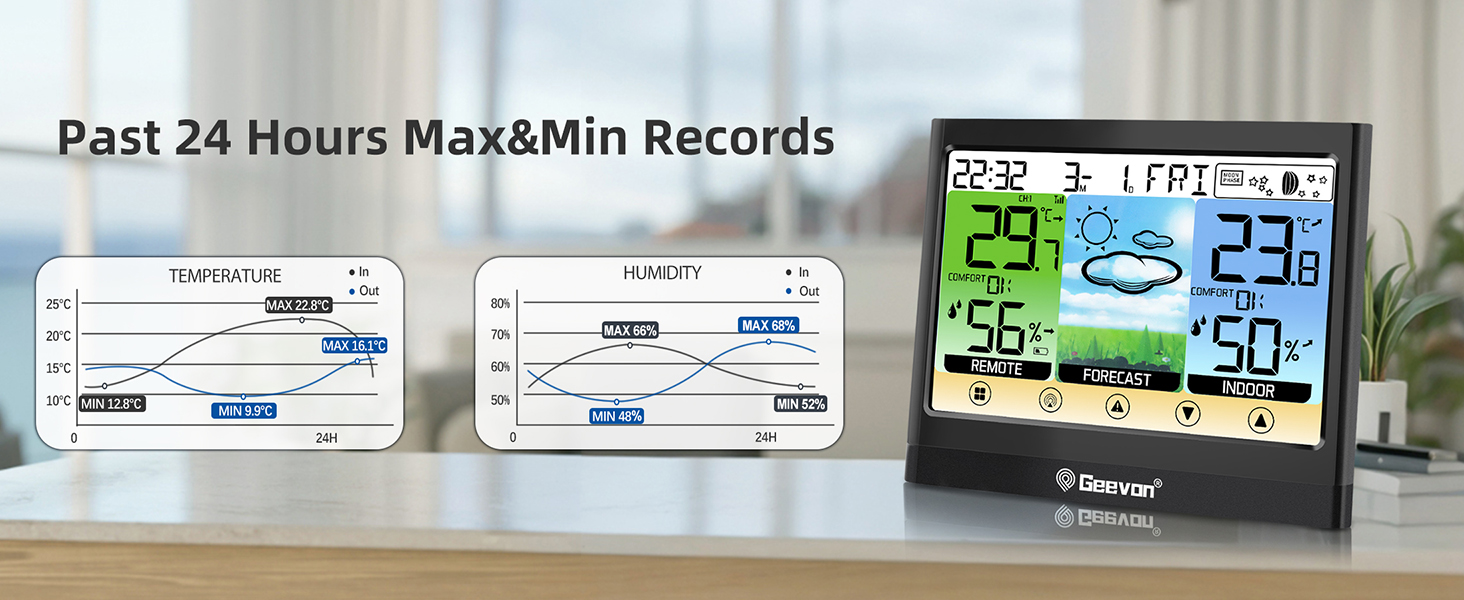
  • 24-Hour Max/Min Records: Shows the highest and lowest temperature and humidity readings from the past 24 hours.
  • 12-24 Hour Weather Forecast: Provides an icon-based prediction.
Display showing comfort indicator and various weather metrics Display showing maximum and minimum temperature and humidity records

3.3 Alerts and Alarms

  • Customizable Hi/Lo Alerts: You can set high and low thresholds for temperature and humidity. The unit will alert you when these limits are exceeded.
  • Alarm Clock: Functions as a standard alarm clock with time and date display.
Display showing temperature and humidity alert settings

3.4 Connectivity and Power

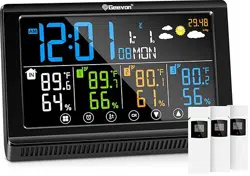
  • Multi-Channel Support: Can connect to up to 3 wireless outdoor sensors (only 1 is included).
  • 200 ft / 60 m Wireless Transmission Range: In open areas between the sensor and main unit.
  • Power Sources:
    • Main Unit: Powered by 3 AAA batteries or via the included USB cable.
    • Outdoor Sensor: Powered by batteries (type not specified in provided content).
Weather station system diagram showing one main unit connected to three remote sensors Illustration of the 200ft/60m wireless transmission range between sensor and display

3.5 Physical Specifications

  • Main Unit Dimensions: 5.5" D x 4.5" W x 1" H.
  • Weight: 11.2 ounces.
  • Mounting Options: Can be placed on a desk/tabletop or mounted on a wall using an eyelet on the back.
Weather station placed on a desk, showing its compact size Weather station powered by batteries, placed in a living room

4. Use Guide

4.1 Initial Setup

  1. Install Batteries: Insert 3 AAA batteries into the main unit and the required batteries into the outdoor sensor.
  2. Power the Main Unit: You can use batteries alone, or plug in the USB cable for continuous power and full backlight functionality.
  3. Sensor Pairing: Place the outdoor sensor within range. The main unit should automatically search for and connect to the sensor. Allow several minutes for initial synchronization.
  4. Positioning:
    • Main Unit: Place indoors away from direct heat sources, sunlight, or drafts.
    • Outdoor Sensor: Place in a shaded, ventilated area protected from direct rain. Ensure it is within the 200ft/60m wireless range with minimal obstructions.

Setup Video Reference

A customer review video titled "How to Set Geevon 208667 Weather Station" (3:22 duration) is available. It guides you through the product setup process.

4.2 Using the Touchscreen and Buttons

The primary interface is the touchscreen. Key navigation includes:

  • Touching icons/sections on the screen: To access different data screens or enter settings.
  • "UP" Button: Press to cycle through additional data screens, such as Dew Point and Heat Index.

4.3 Setting the Time, Date, and Alarm

  1. Enter the settings menu by touching the appropriate icon on the display (e.g., a gear or clock icon).
  2. Use the touchscreen to adjust hours, minutes, date format (12/24hr), month, day, and year.
  3. Navigate to the alarm settings to set the alarm time and toggle it on or off.

4.4 Setting Temperature/Humidity Alerts

  1. Enter the alert settings menu from the main display.
  2. Set the desired high and low limit values for both indoor and outdoor temperature and humidity.
  3. Save the settings. An icon or audible alert will activate when conditions exceed your set limits.

4.5 Adding Additional Sensors (Up to 3 Total)

  1. Purchase compatible wireless sensors (ASIN: B0963DKBQP or B08PNRP98G as referenced).
  2. Insert batteries into the new sensor.
  3. On the main unit, enter the sensor channel settings (usually CH2 or CH3).
  4. Follow the on-screen prompts to search for and register the new sensor.

5. Troubleshooting

  • No Data from Outdoor Sensor:
    • Check that batteries in the sensor are fresh and correctly installed.
    • Reduce the distance between the sensor and main unit, ensuring there are not too many walls or metal obstacles in between.
    • Re-initiate the sensor search from the main unit's settings menu.
  • Display is Dim or Off:
    • If running on batteries only, press any button to temporarily activate the backlight.
    • For a continuously bright display, connect the unit to a USB power source using the provided cable.
  • Inaccurate Readings:
    • Ensure the main unit is not placed near vents, windows, electronics, or other heat/cooling sources.
    • Ensure the outdoor sensor is in a properly shaded and ventilated location.
  • Touchscreen Not Responding: Ensure the screen is clean and dry. Restart the unit by removing and reinserting batteries or unplugging and replugging the USB cable.

6. Warranty and Support

The manufacturer offers a 30-day money-back guarantee, a 12-month warranty, and lifetime consulting services. For support, contact the seller through your Amazon purchase history or visit the Geevon Store page on Amazon.

Reference file: Geevon 238667 Weather Stations Wireless Indoor Outdoor Thermometer Hygrometer with Dew Point

Specifications

Geevon 238667 Questions and Answers