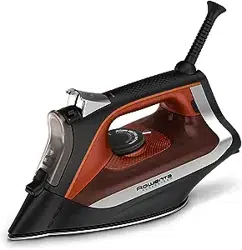
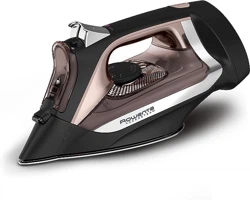
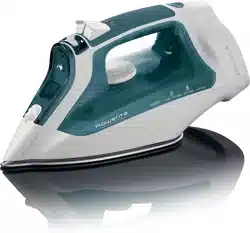
User Manual Iron
PRODUCT DESCRIPTION

- Thermostat pilot light
- Auto off indicator light*
- Burst of steam button
- Spray button
- Steam lever
- Filling inlet
- Precision tip
- Anti calc valve
- Anti drip
- Temperature control dial
- Cord rewinder*
- Calc Collector*
SET UP
Remove the soleplate cover.
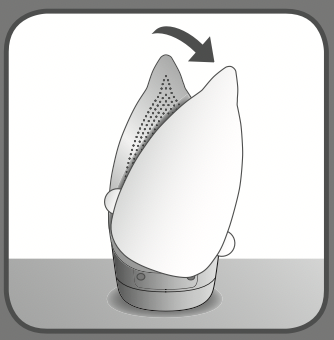
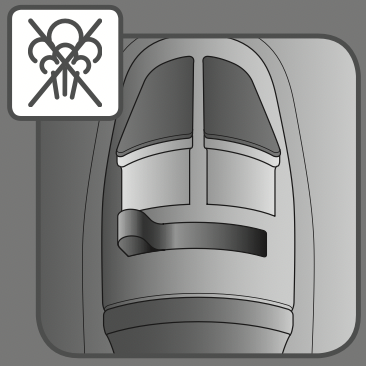
Set the steam lever on  position.
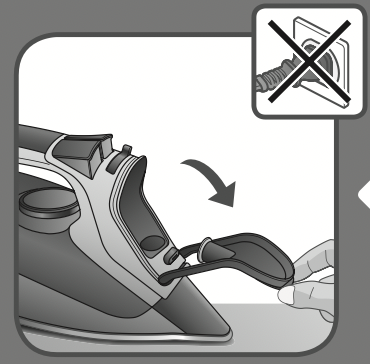
Open the filling inlet door (the iron is unplugged).
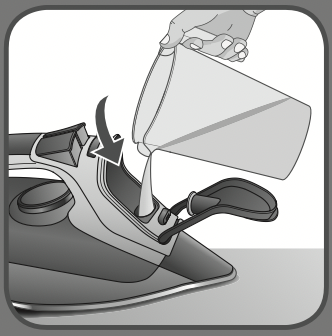
Fill in the water tank.
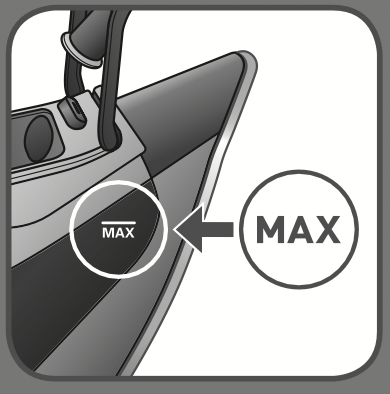
Stop filling water when MAX level is reached.
Close the filling inlet door.
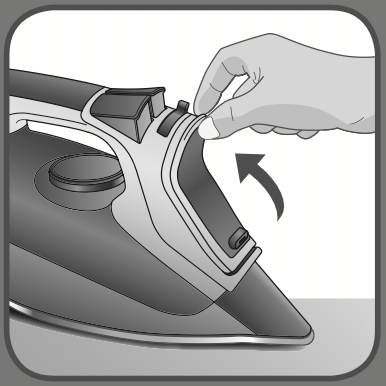
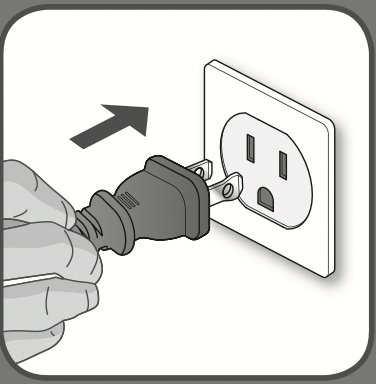
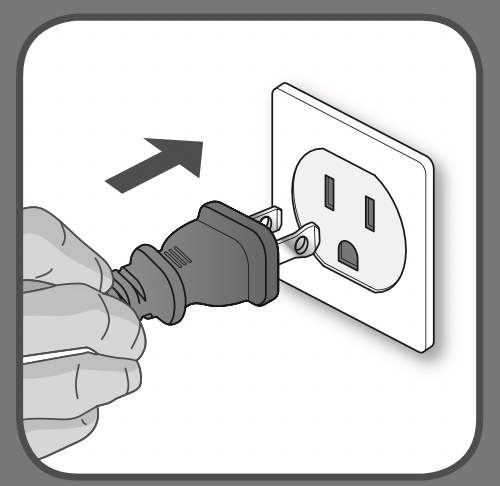
Place the iron on the heel and plug the iron.
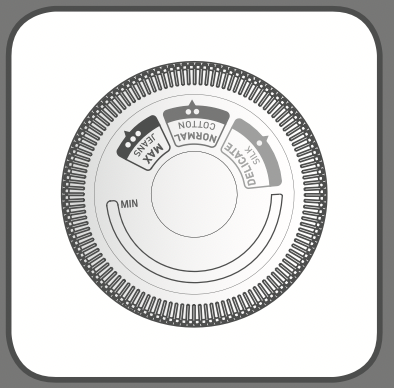
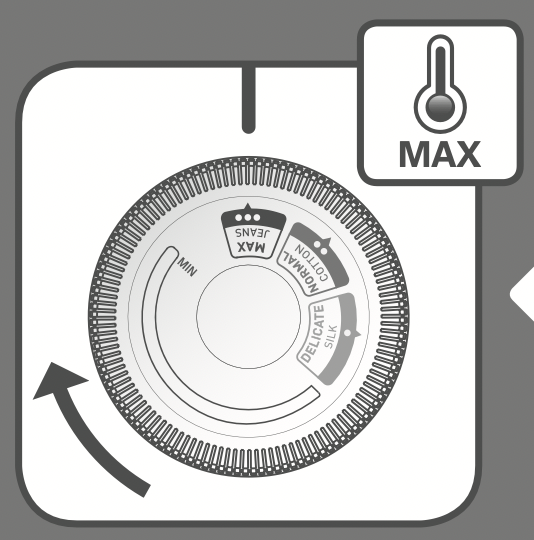
Set the thermostat knob on the desired setting.
The pilot light is switched on when the iron is heating up.
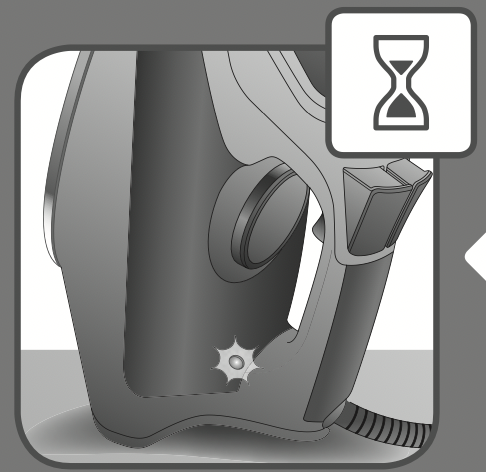
Once the pilot light is switched off the iron is ready to be used and steam can be activated.
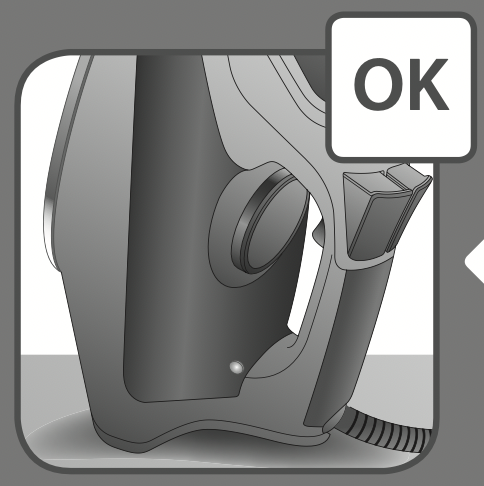
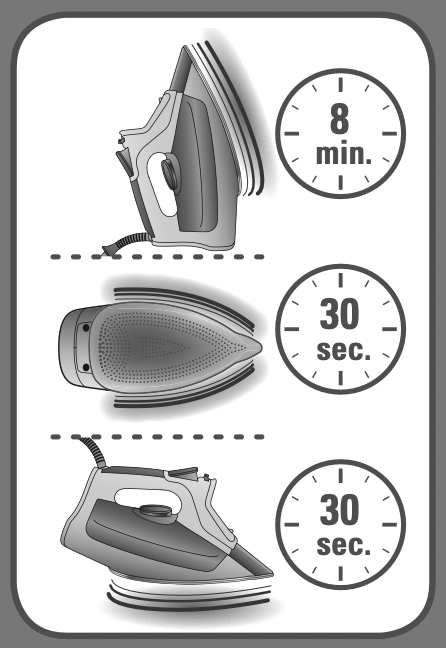
AUTO OFF
When plugged, the iron will automatically switch off after: 30 seconds when left on the soleplate or side; 8 minutes when left on its heel.
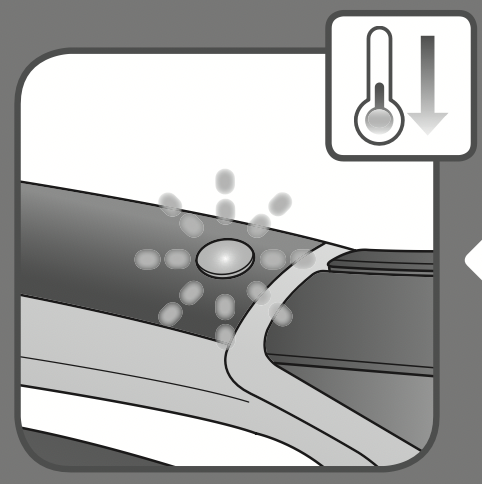
When Auto Off function is on the Auto Off indicator light blinks and the iron starts to cool down.
Move the iron back and forth to reactivate it.
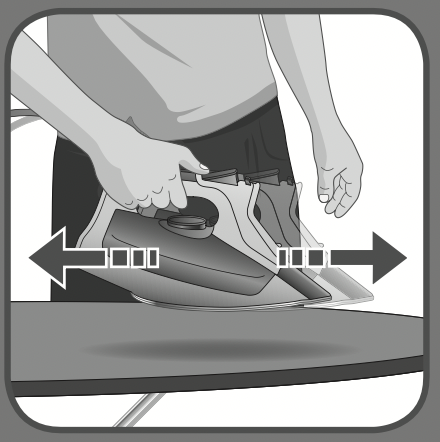
When Auto Off function is off the Auto Off indicator light stops blinking and the iron heats up again.
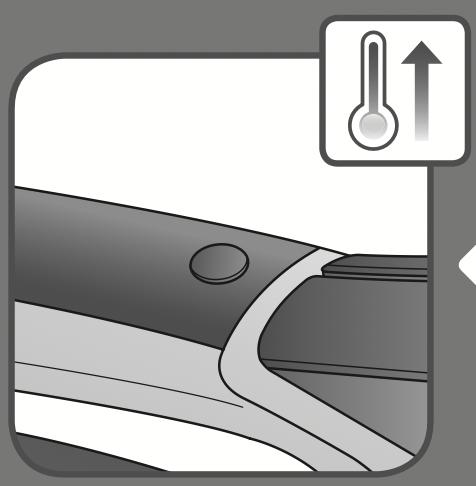
SETTING THE TEMPERATURE
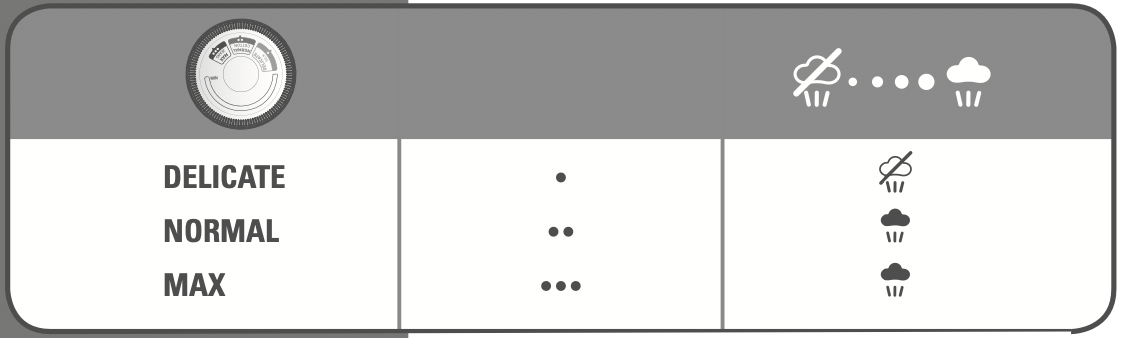
DRY IRONING
Set the steam lever on  position.
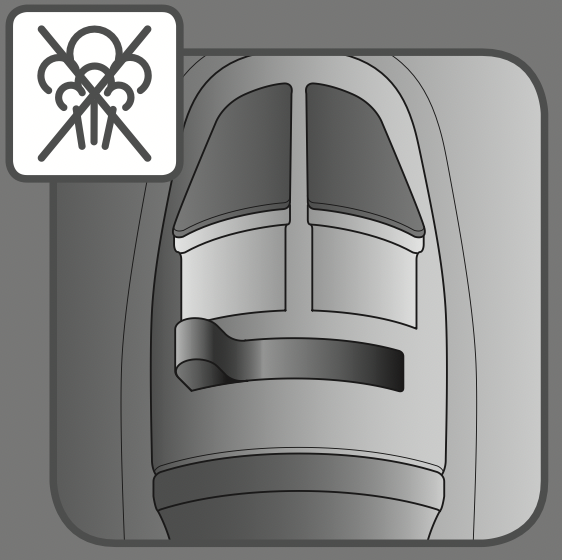
SPRAY
Press the spray button.
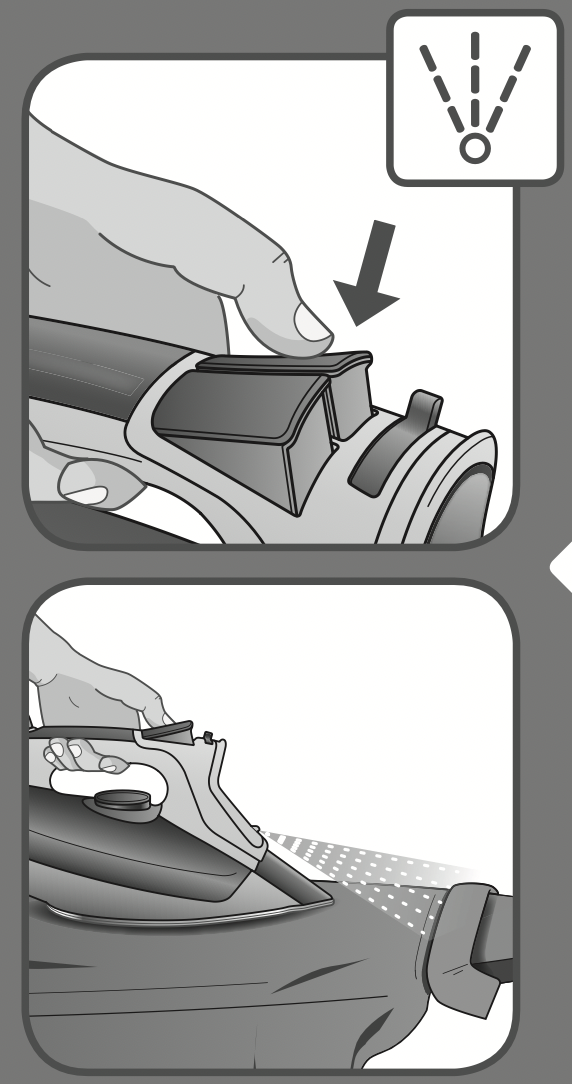
SHOT OF STEAM
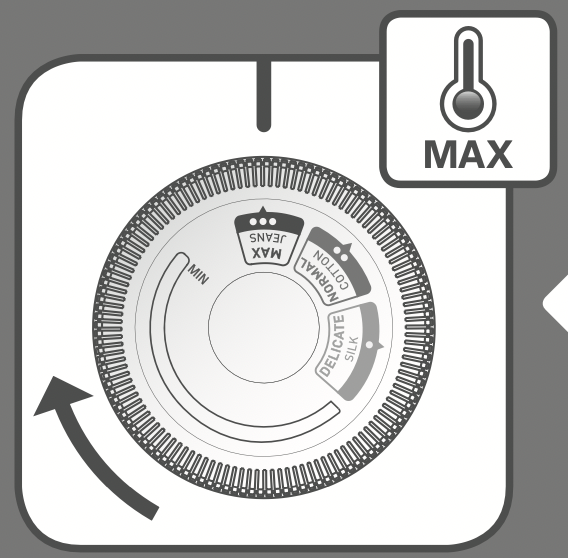
Set the thermostat knob on MAX position.
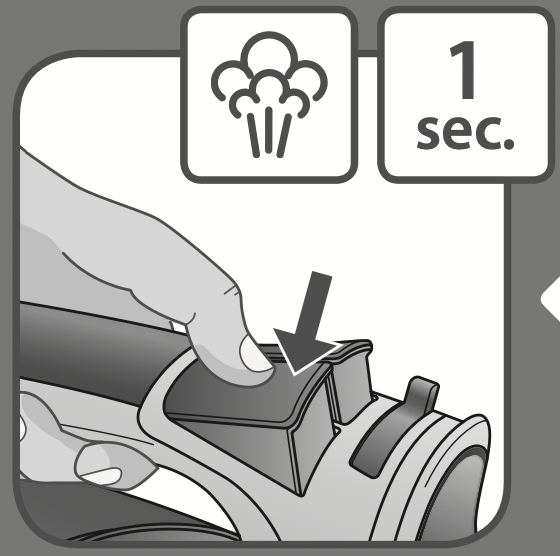
Press the burst of steam button for 1 second.
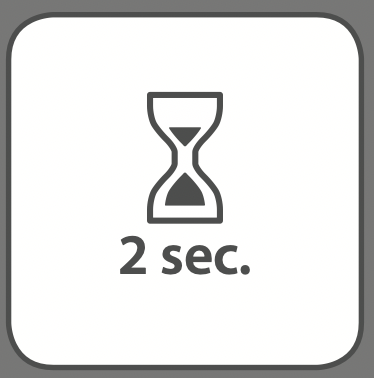
Wait for 2 seconds and repeat the operation if necessary.
VERTICAL STEAM
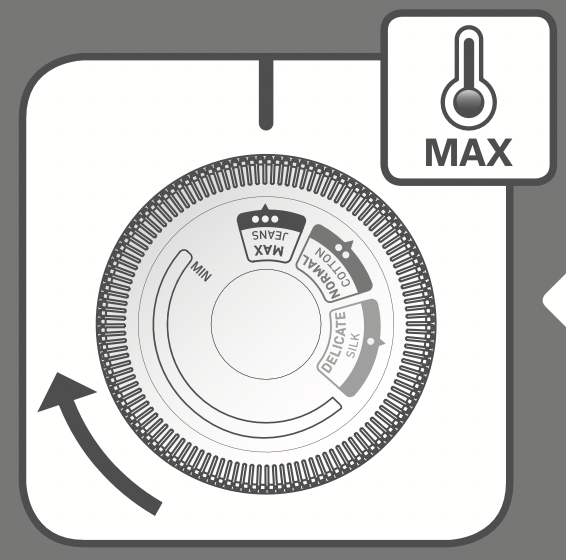
Set the thermostat knob on MAX position.
Hold the iron vertically and press the shot of steam button for 1 second.
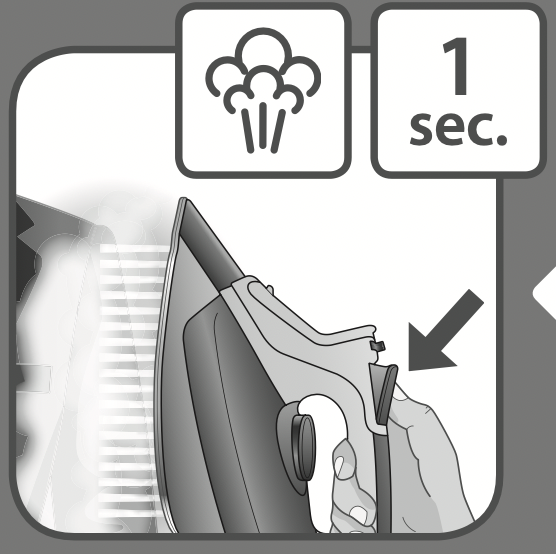
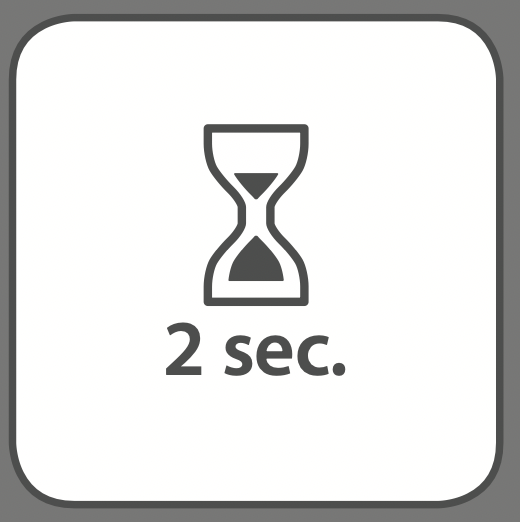
Wait for 2 seconds before repeating the operation if necessary.
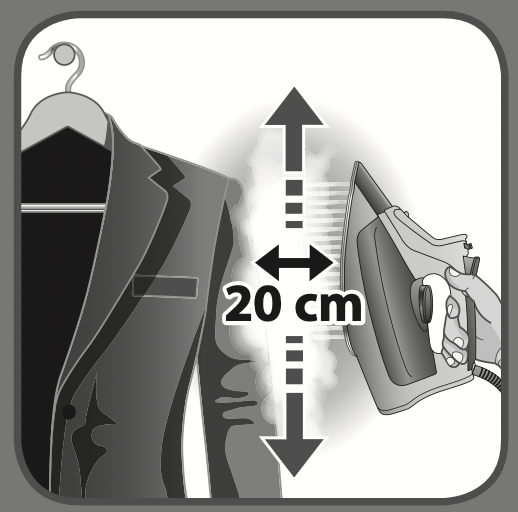
The iron has to be held 8 inches/20cm away from the garment.
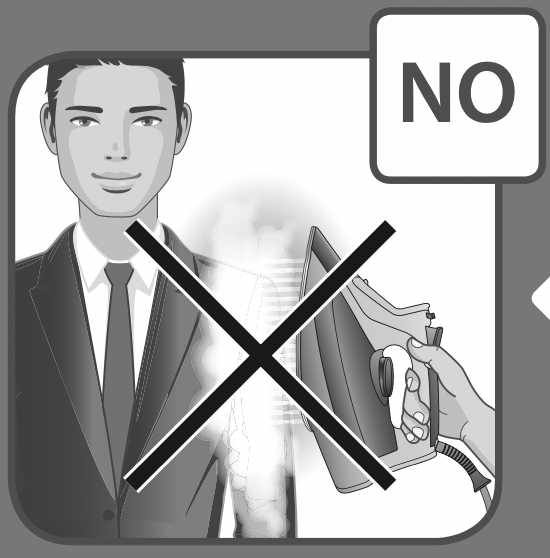
Do not do vertical steaming on yourself or on others.
WARNING
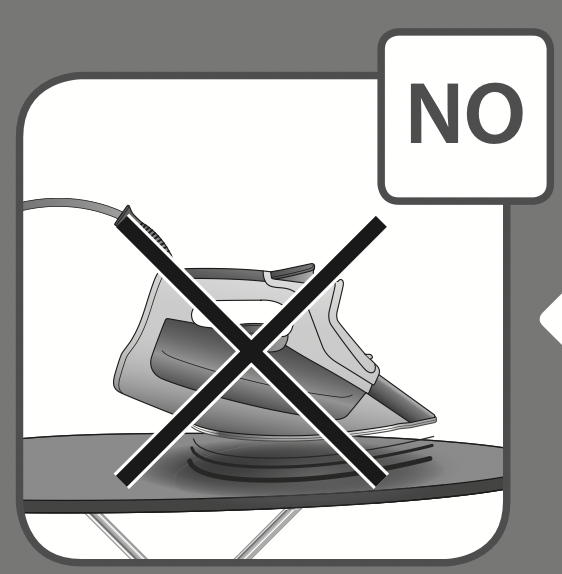
When the iron is plugged put it on its heel.
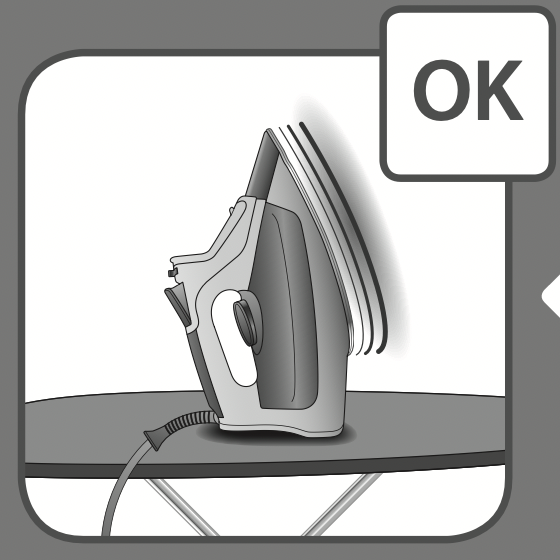
Do not leave the iron on the soleplate when plugged.
SOLEPLATE CLEANING
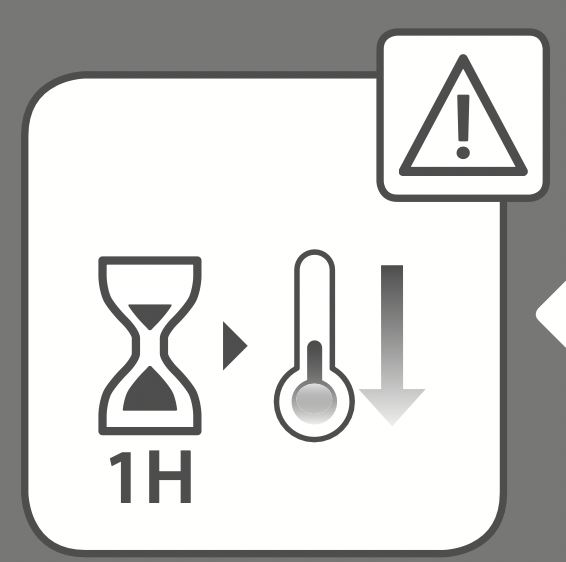
Let the iron cool down for 1 hour after unplugging it.
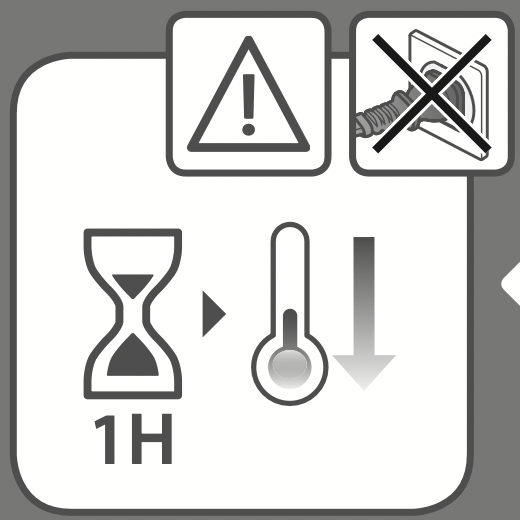
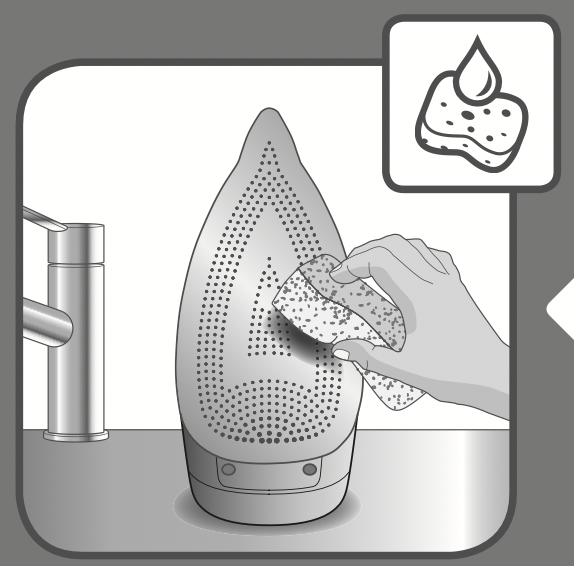
Once the soleplate has cooled down you can wipe it with a damp cloth or sponge.
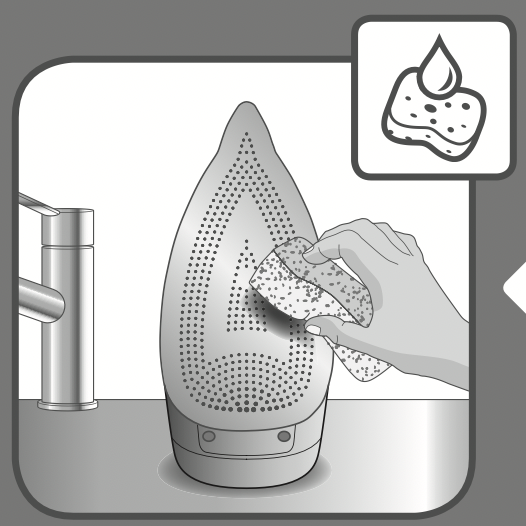
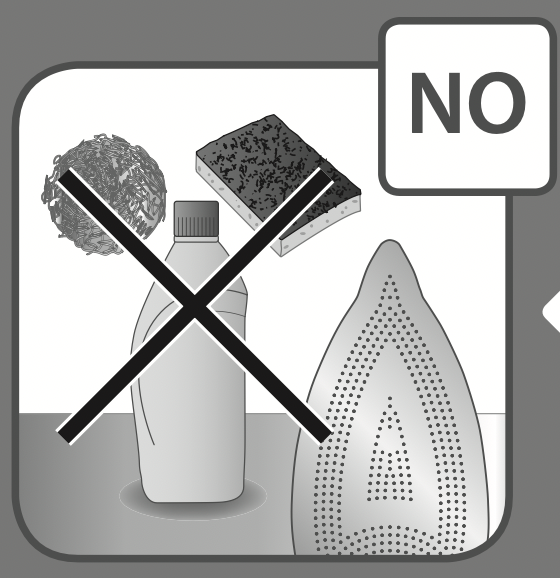
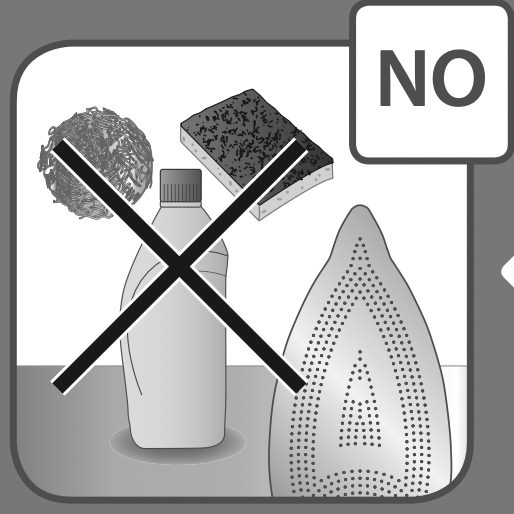
Do not use detergent to clean the soleplate. We recommend the Rowenta soleplate cleaning kit. Do not use sharp or abrasive cleaning accessories to clean the soleplate.
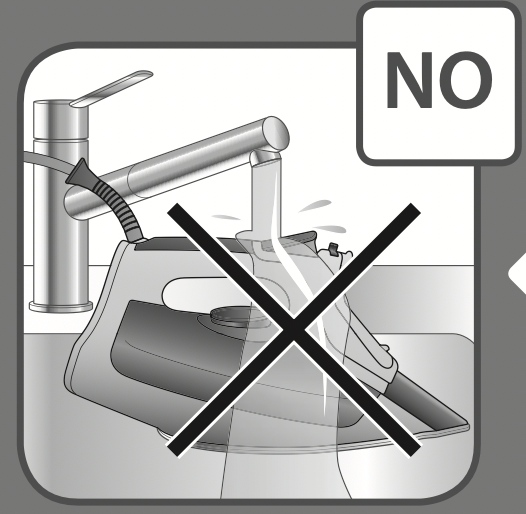
Do not pour water onto the iron.
IRON STORAGE
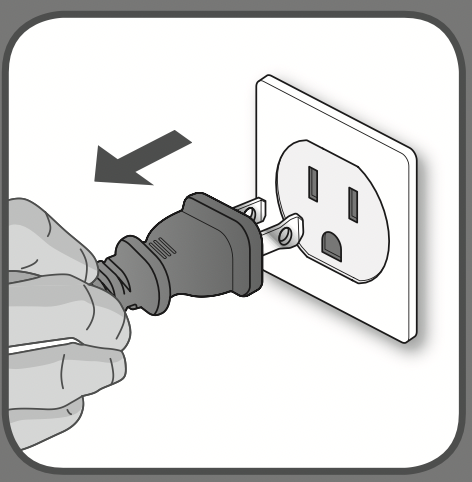
Unplug the iron.
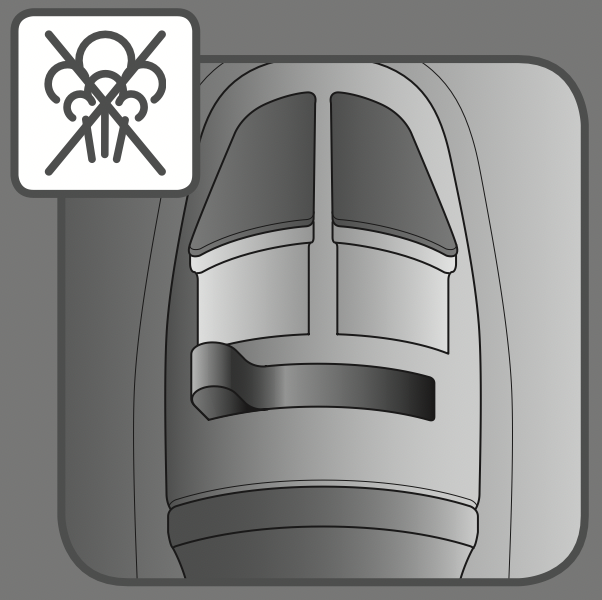
Switch the steam lever  / STORE or iron may leak if some water remains in the iron.
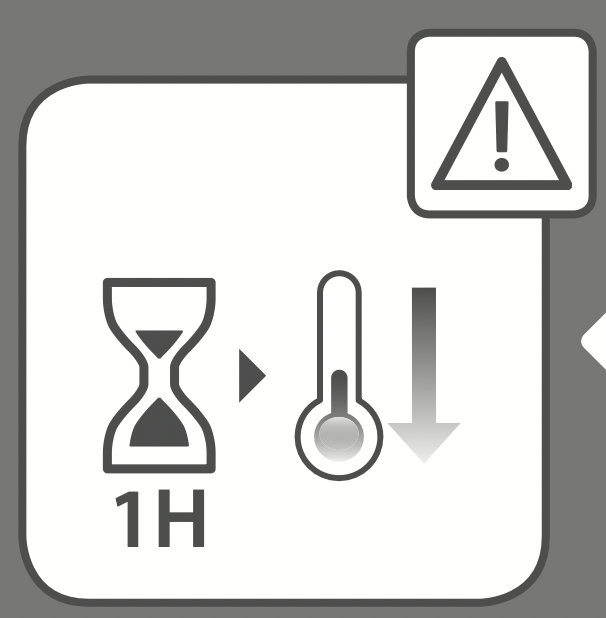
Let the iron cool down for 1 hour after unplugging it.
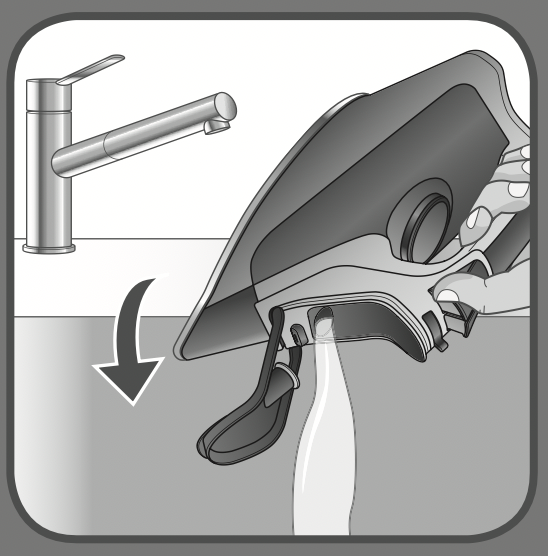
Empty the water tank over a sink (the iron is unplugged).
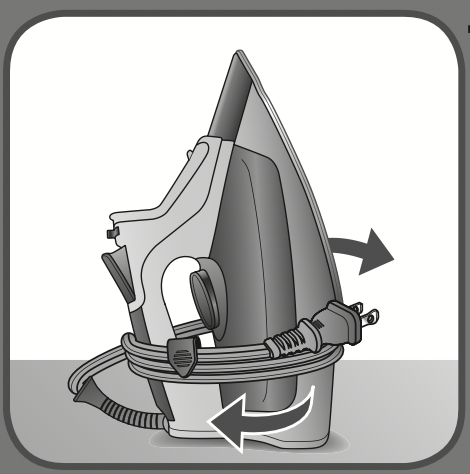
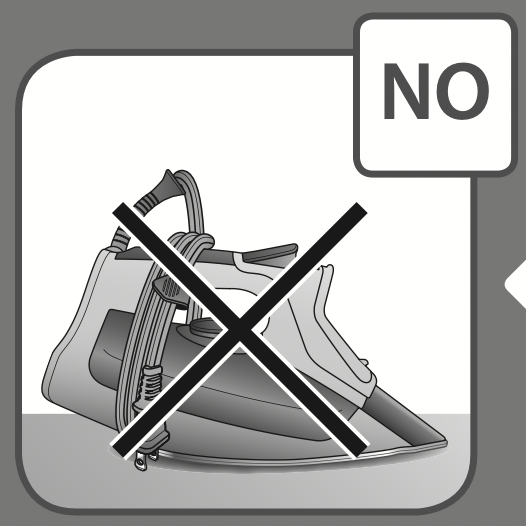
Wrap the cord around the iron’s heel and store it in vertical position.
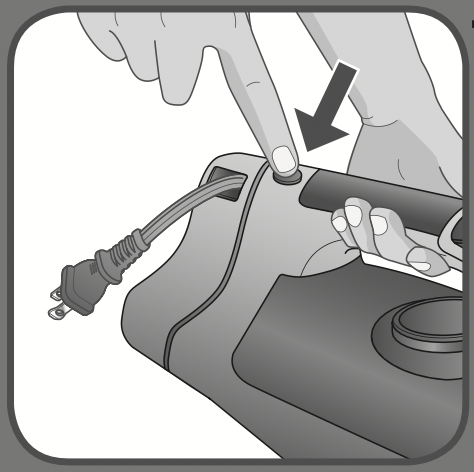
Press the cordreel button, the cord will automatically be rewinded.
Do not store the iron in horizontal position.
CLEANING THE CALC COLLECTOR
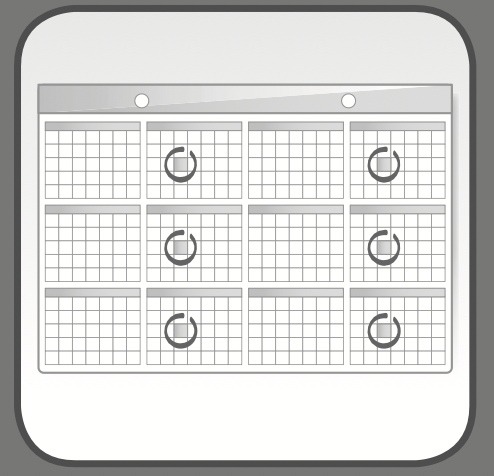
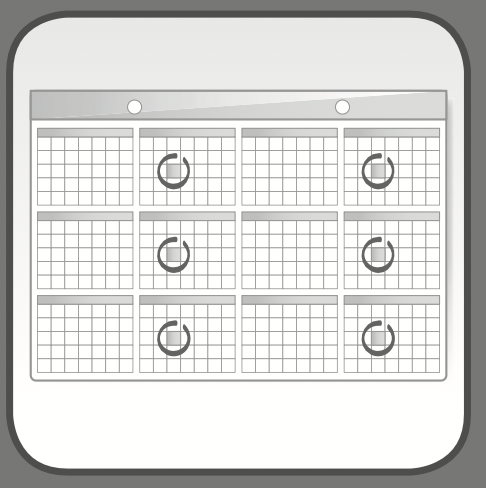
We recommend to clean the calc collector every 2 months
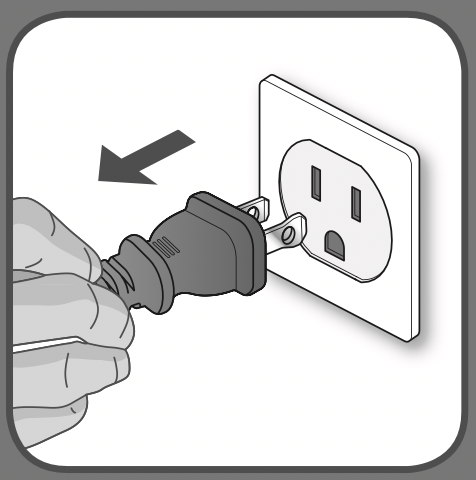
Unplug the iron.
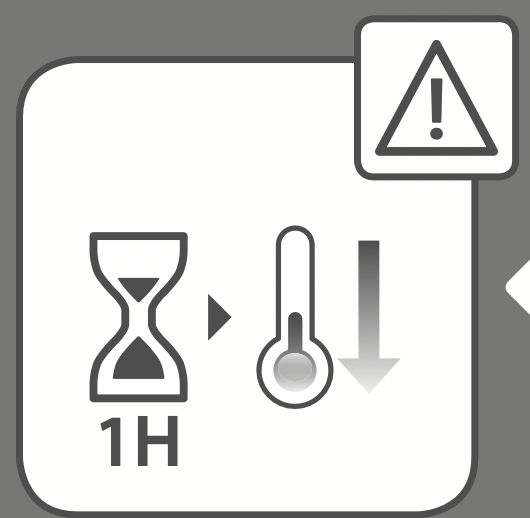
Let the iron cool down for 1 hour after unplugging it.
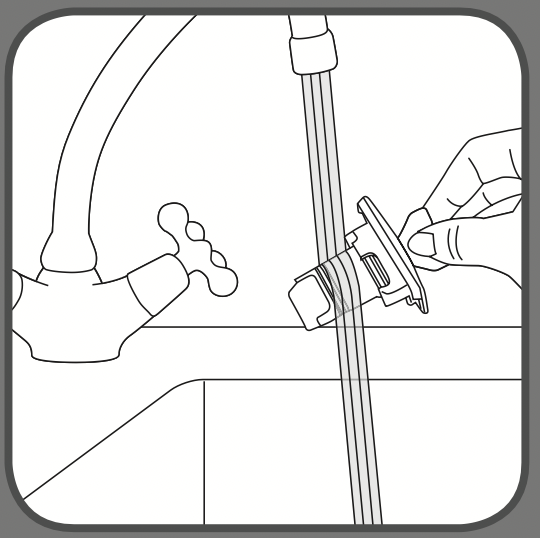
Empty the water tank over a sink (the iron is unplugged).
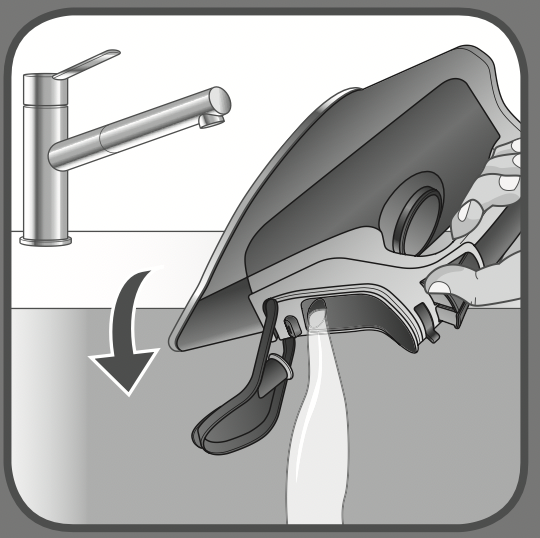
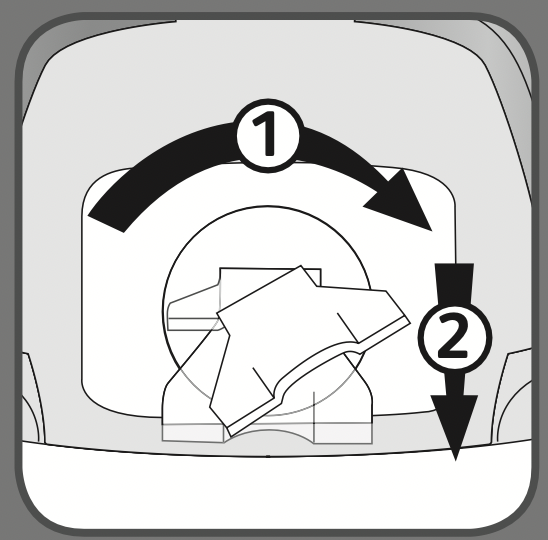
Lift the latch.
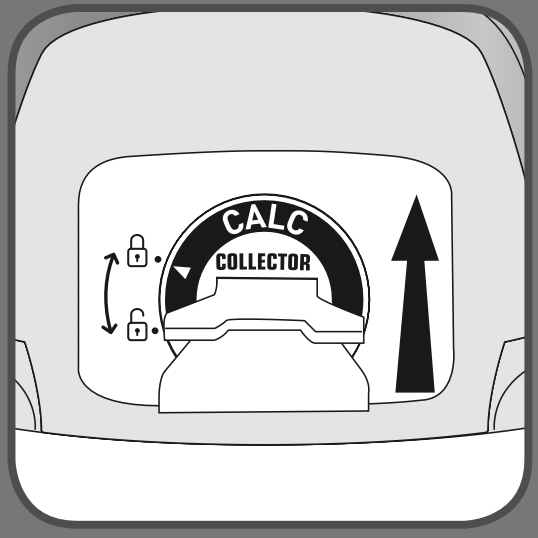
Turn the latch to the left.
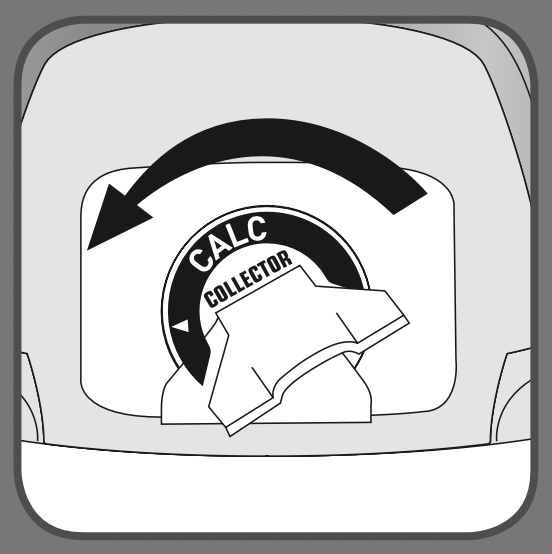
Remove the calc collector
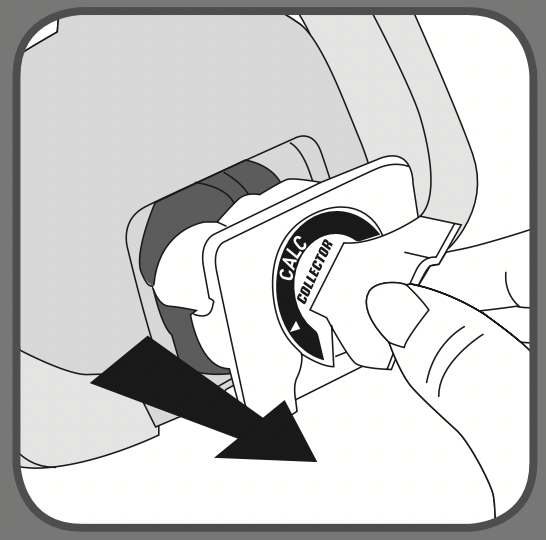
Clean the calc collector
Replace the calc collector. Turn the latch to the right and push it down.
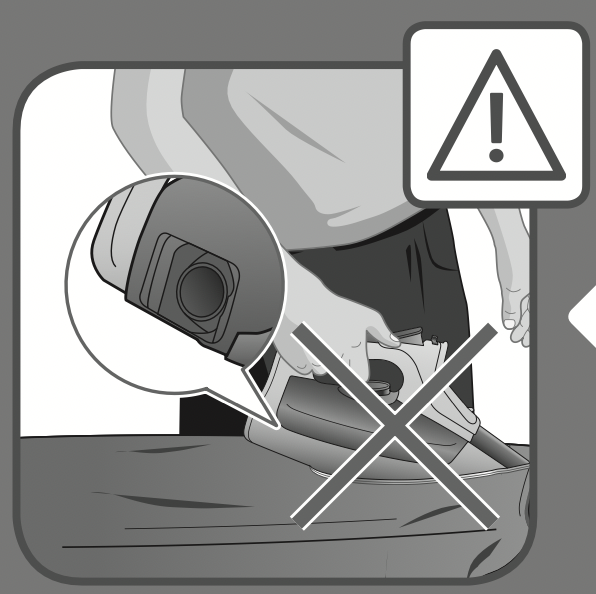
Do not iron without the calc collector.
CLEANING THE ANTI CALC VALVE (every two months)
We recommend to clean the calc collector every 2 months
Empty the water tank over a sink (the iron is unplugged).
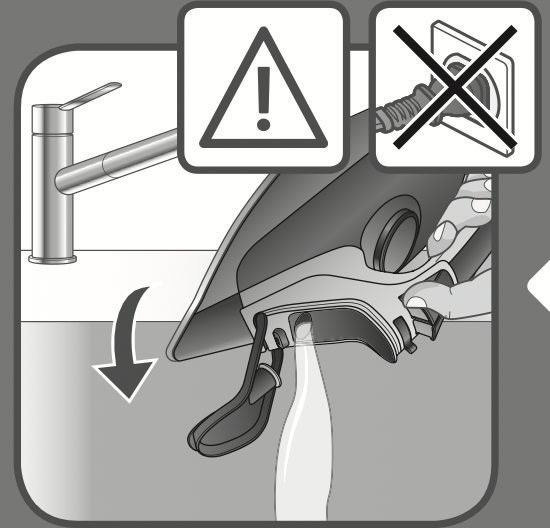
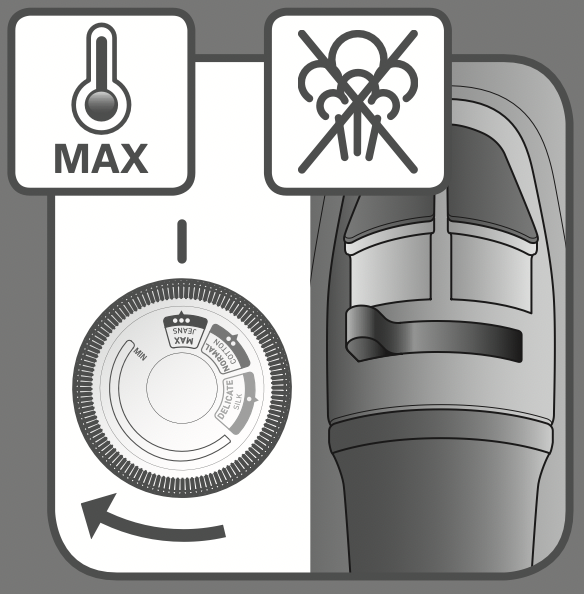
Set the thermostat knob on MAX position and the steam lever on  .
.
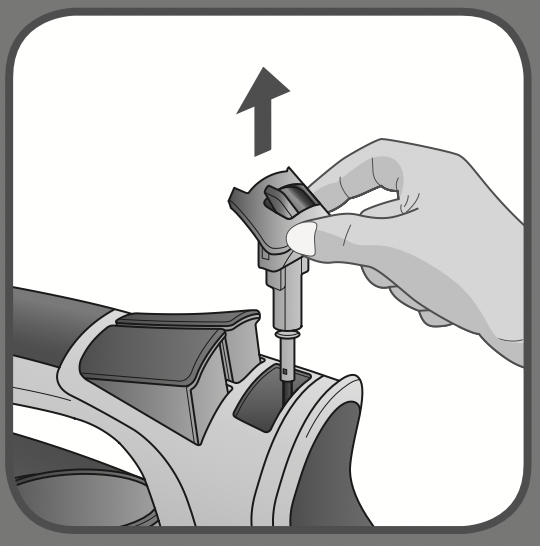
Remove the anti calc valve.
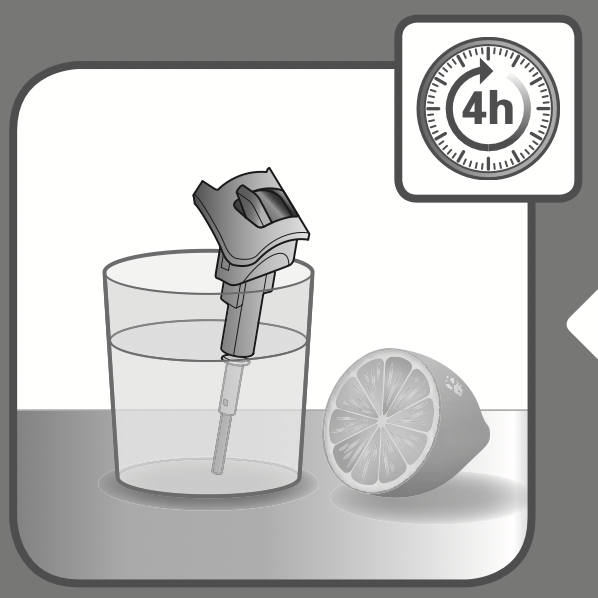
Soak the anti calc valve in a cup of plain lemon juice or a cup of white vinegar for 4 hours.
WARNING: never touch the end of the valve.
Rinse the anti calc valve under running water.
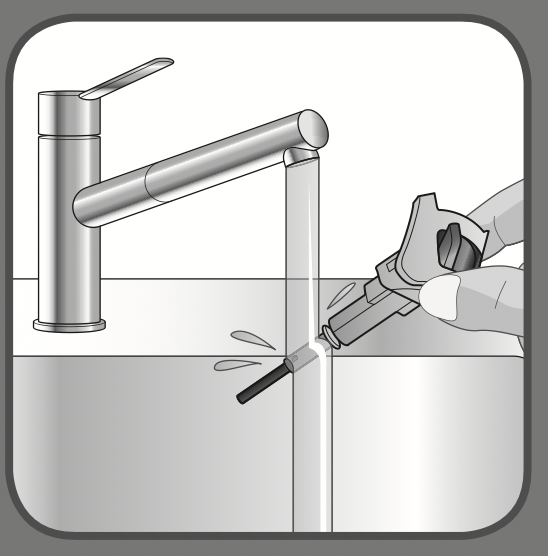
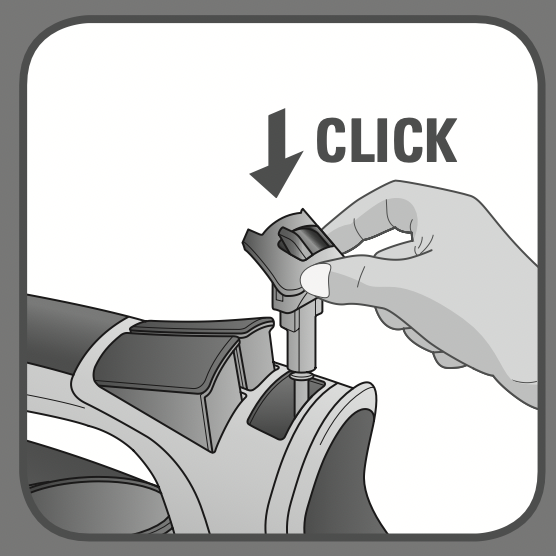
Replace the anti calc valve.
WARNING: the iron will not function without the anti calc valve.
SELF CLEANING (every 2 weeks)
We recommend to perform self cleaning operation every 2 weeks.

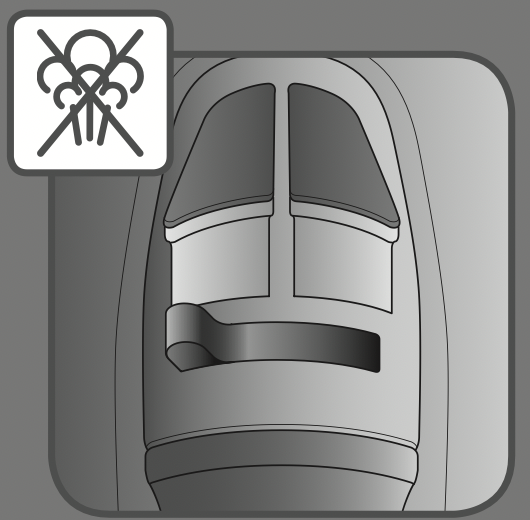
Set the steam lever on  position.
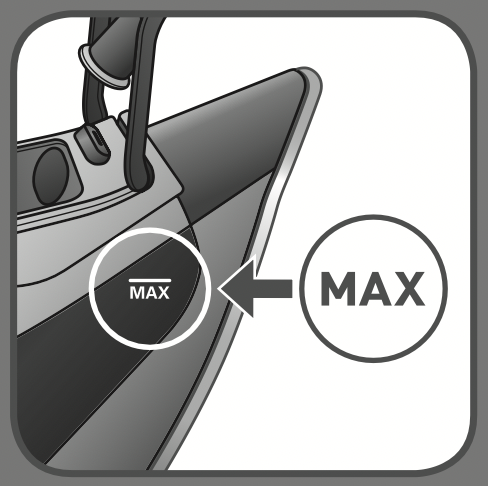
Fill in the water tank until MAX level is reached.
Plug the iron.
Set the thermostat knob on MAX position.
The pilot light is switched on when the iron is heating up.
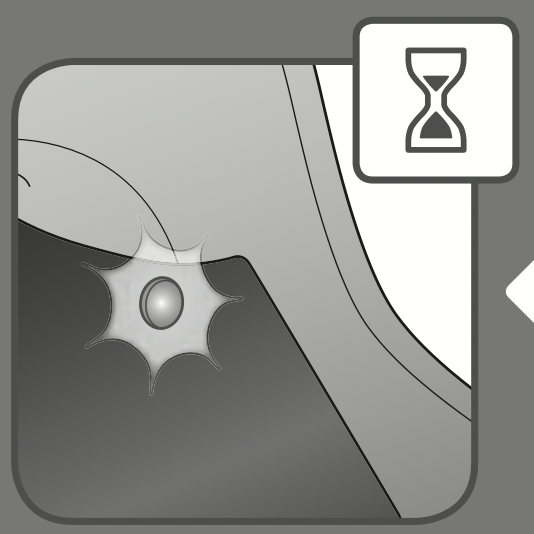
Once the pilot light is switched off the iron is ready to be used.
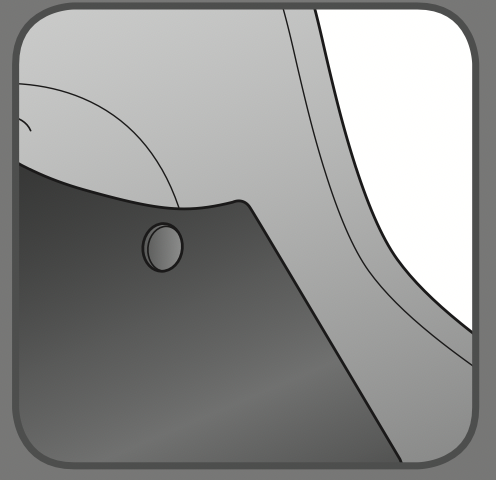
Unplug the iron.
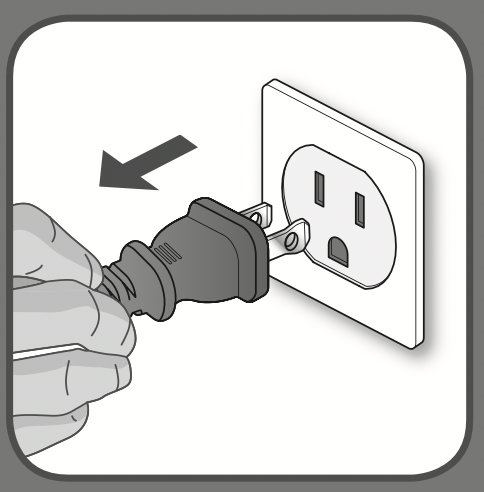
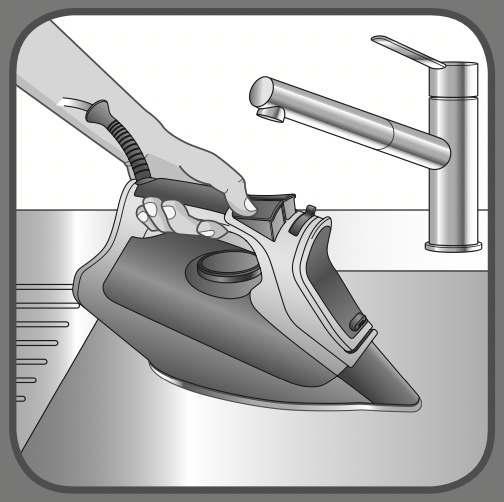
Hold the iron over a sink.
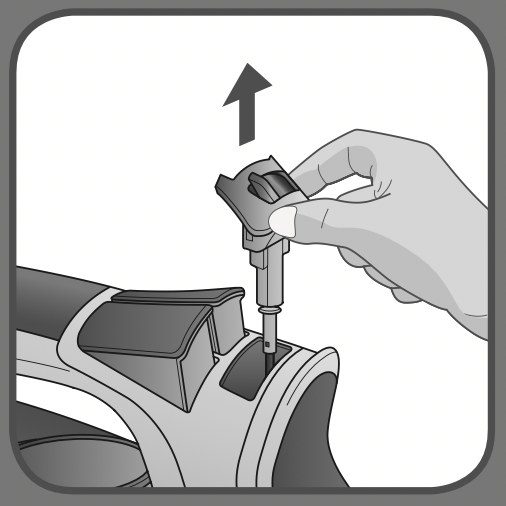
Remove the anti calc valve (the thermostat knob is on MAX position).
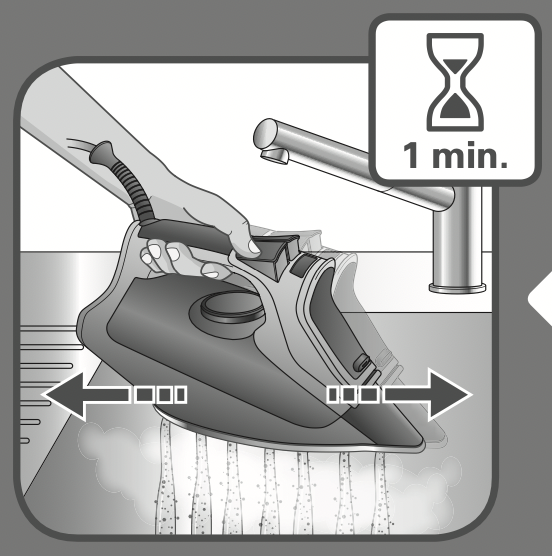
Gently shake the iron over the sink for 1 minute.
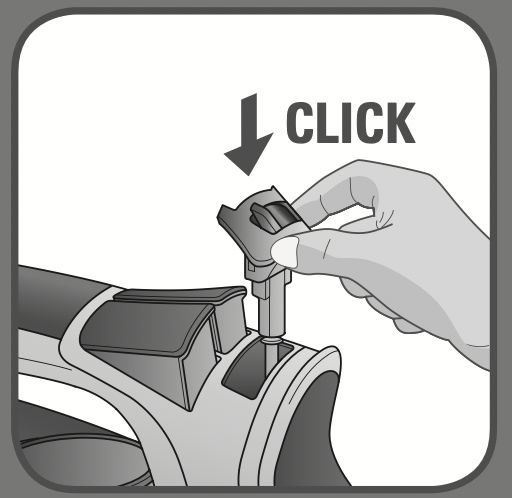
Replace the anti calc valve into position.
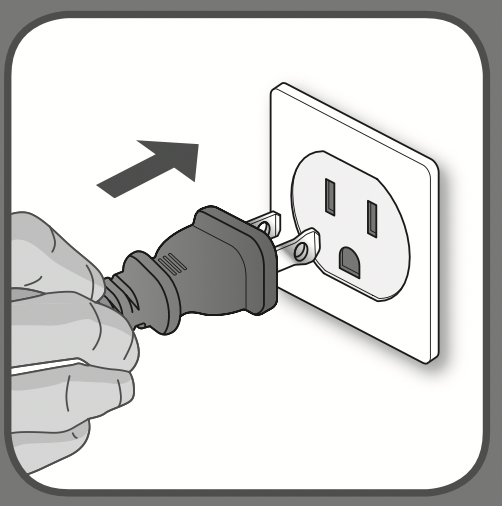
Plug the iron.
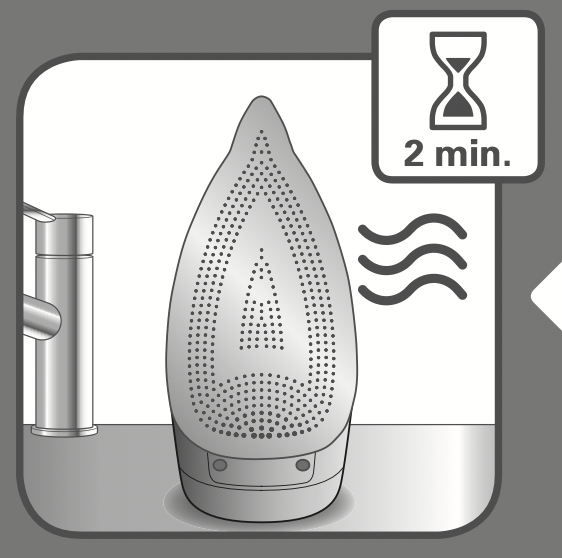
Let the iron heat up for 2 minutes to dry the soleplate.
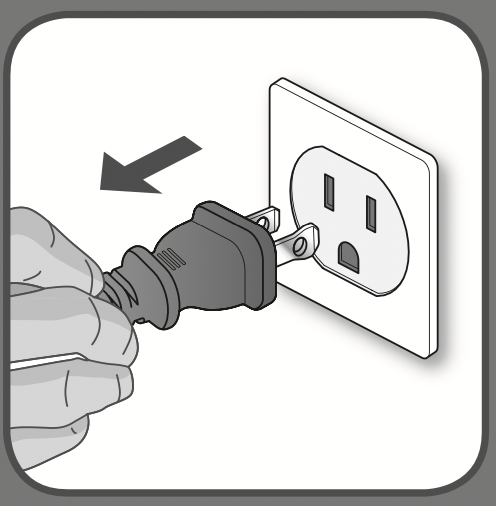
Unplug the iron.
Let the iron cool down for 1 hour after unplugging it.
Once the soleplate has cooled down you can wipe it with a damp cloth or sponge.
Do not use detergent to clean the soleplate. We recommend the Rowenta soleplate cleaning kit. Do not use sharp or abrasive cleaning accessories to clean the soleplate.