Simple User Manual
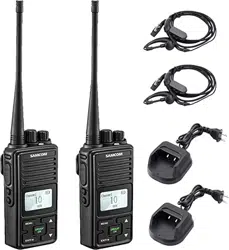
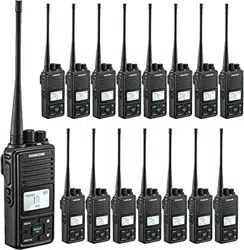
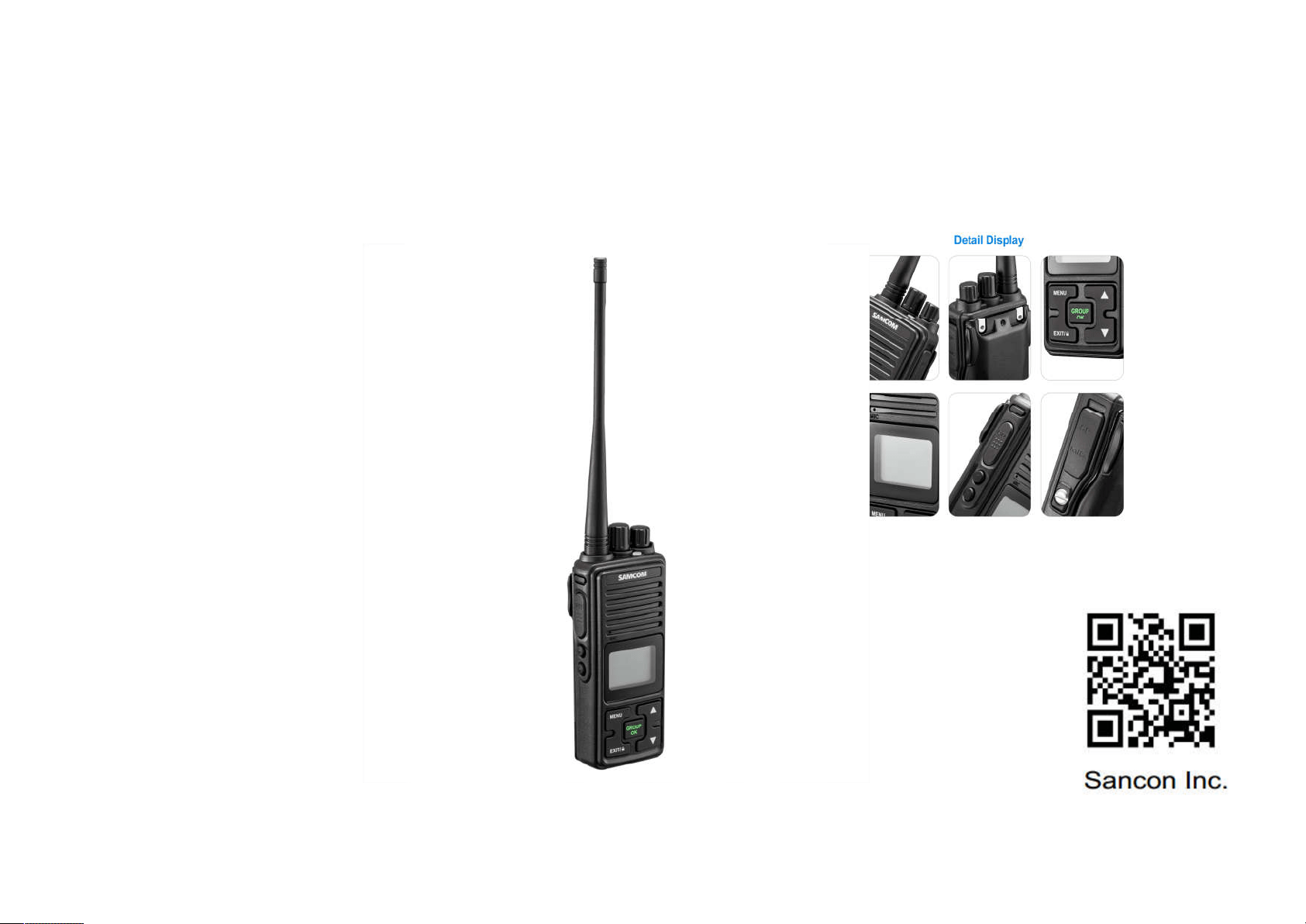
SAMCOM FPCN10A
Features
■
With GROUP button
■
Voice commander/scrambler
■
VOX Sensitive settings
■
With LCD Display
■
Key Lock and Tone Setting
■
Squelch tail elimination
■
20 Memory Channel
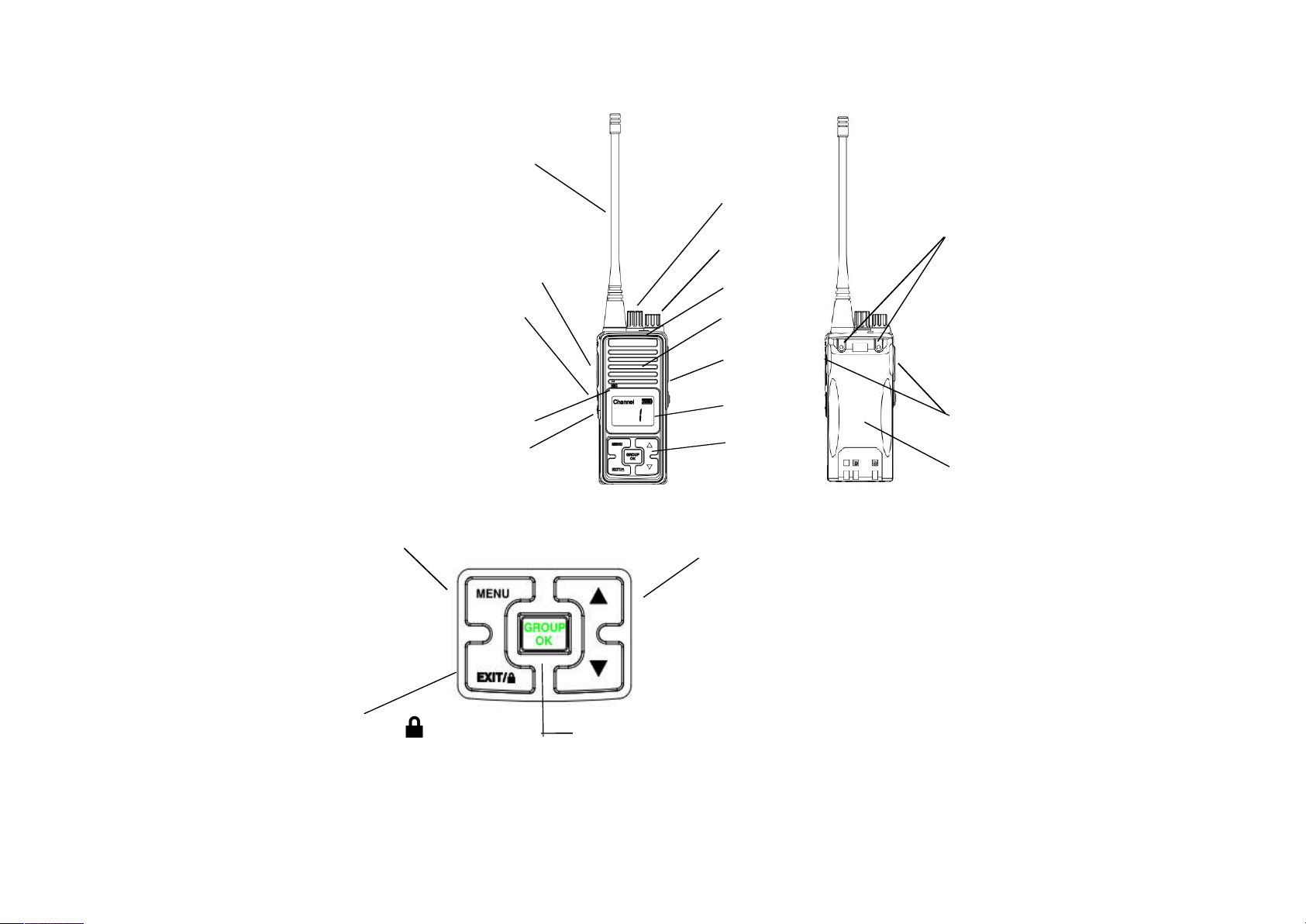
Get Familiar with the transceiver
(1) PTT Transmitting
(2) MONI (monitor) button 4
(3) Scan/call button
(4) Antenna 6
(5) Channel selection knob 15
(6) Power/volume switch 5
(7) Speaker 1
(8) Microphone 9
(9) Status indicator 2 7
(10) Battery release button
(11) Earphone cap 11
(12) LCD Display
(13) Keys 12 10
(14) Battery 8
(15) Belt screw 3 13
14
Press the MENU key
,
enter into the menu selecting mode
Press the GROUP/OK key to speak to all channel ,
open the key or Press the EXIT key to exit setting.
Press
▲
or
▼
key choice the function.
Keep press 3 seconds the key to lock/
press the OK
key to confirm the function
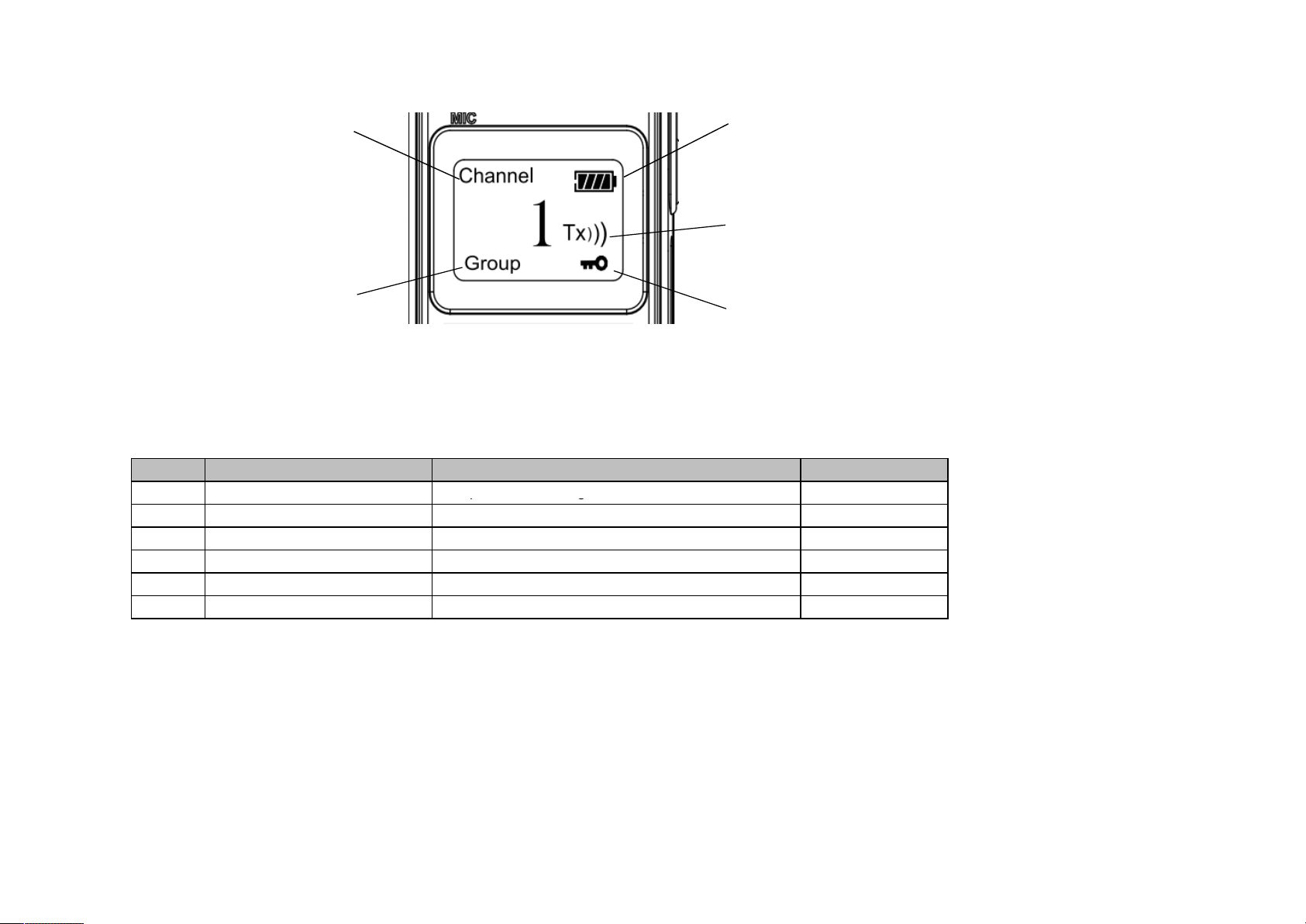
Channel Number Battery Capacity
Status
Group Number Key tone Status
Operation Guide
Item
1
b.Meun Selecting List
Setting contentDisplay
GRP
Description
0-19Group channel setting
1
2
3
4
5
6
GRP
VOX
SQL
0-19
OFF 1-9
ON/OFF
Group channel setting
Voice Operation
Squelch Level Selection
BEP
CMP
SCA
After pressing MENU into function menu and GRP will be shown on display, press OK key then you can select 0-19
through by ▲or ▼, then press OK key again the new GRP channel is fix. press the EXIT key to give up setting
1、GRP (Group Channel) Setting
Keypad Tone
Voice Compression
Scrambler Function
ON/OFF
ON/OFF
ON/OFF

After pressing MENU into function menu and choice CMP, press OK key then you can select on/off through by ▲or
▼, then press OK key again press the EXIT key to give up setting
6. SCA ( Scrambler Function ) Setting
5、CMP ( Voice Compression Function ) Setting
After pressing MENU into function menu and choice SQL, press OK key then you can select 1-9 through by ▲or ▼,
then press OK key again, press the EXIT key to give up setting
After pressing MENU into function menu and choice BEP, press OK key then you can select on/off through by ▲or ▼,
then press OK key again press the EXIT key to give up setting
After pressing MENU into function menu and choice VOX, press OK key then you can select 1-9 and off through by
▲or ▼, then press OK key again, press the EXIT key to give up setting. Level 9 small voice can open transimt.
2、VOX Setting
3、SQL ( Squelch Level Selection ) Setting
4、BEP ( Keypad Tone ) Setting
After pressing MENU into function menu and choice SCA, press OK key then
Monitoring
To monitor, you need just hold down the MONI button and adjust the channel background noise to a comfortable level by
rotating the PWR/VOL knob. It can directly monitor the channel you care without having to wait for your call,
as long as the MONI button has been hold down.
Transmitting
First of all, hold down the MONI button and listen for a while to confirm the channel you wanted is not busy, and then speak
normally to the microphone at the front of the transceiver, while holding down the PTT button. The transmission
indicator turns red when the PTT button is pressed. If you speaks too loud or with your mouth getting too close with the
microphone, it may distort the sound and reduce the signal clarity on the receiving side. Release the PTT button to listen
6. SCA ( Scrambler Function ) Setting
you can select on/off through by ▲or ▼, then press OK key again press the EXIT key to give up setting

to the partner's voices.
Receiving
Release PTT key, transceiver enter the receiving mode, the status indicator lights green. Please adjust the volume
appropriately to achieve the best listening effect.
Scanning
This feature is designed to catch signals on all channels. Press the scan/call button (press and hold for less than 2 seconds),
the LED indicator flashes green, it will scan all the channels in the scan queue one by one in order. When a channel
receives a signal, the LED indicator will turn green for long. When the function is activated, the transceiver will check whether
there are calls on the channels that are set to be scanned. If a channel is tested to have signals on it, it will switch to
this channel in order to receive voices (which channels can be scanned is programmed and set by Users).
Low Battery Warning
Low battery warning happens at the time when the battery needs charging or replacement. If the battery is low, the
transceiver indicator light turns red and blinks, and a beep sound can be heard every 5 seconds. At this time, please
replace the battery.
Voice Operated Transmitting (VOX)
Voice Operated Transmitting (VOX)
This feature is designed to trigger the transmitting of voice by voice itself. Users can choose to turn on or off the VOX
feature, and set the sensitivity of VOX through Meun. With this feature, transmitting operation is launched by the
voice you said without having to press the PTT button. The transmitting operation stops as soon as the end of the talk.
Call function
Hold down the scan/call button for 2 seconds, the transceiver will send out a specific sub-tone that your companion
transceiver will ring prompted a call.
Voice compression and expansion
This feature ensures the user in a variety of noisy environments can get a clear call. Set by the Users in the channel
through Meun
Scrambler
This feature is voice encryption, user no such feature can not receive the real voice, so makes your call be kept confidential.
This feature may be set by Users in the channel through Meun