2019
OWNER’S MANUAL

Event Data Recorders
This vehicle is equipped with an event data recorder (EDR).
The main purpose of an EDR is to record, in certain crash or near
crash-like situations, such as an air bag deployment or hitting a
road obstacle, data that will assist in understanding how a vehicle’s
systems performed. The EDR is designed to record data related
to vehicle dynamics and safety systems for a short period of
time, typically 30 seconds or less. The EDR in this vehicle is
designed to record such data as:
• How various systems in your vehicle were operating;
• Whether or not the driver and passenger safety belts were
buckled/fastened;
3
WARNING
California Proposition 65 Warning
Operating, servicing and maintaining a
passenger vehicle or off-highway motor
vehicle can expose you to chemicals including
engine exhaust, carbon monoxide,
phthalates, and lead, which are known to the
State of California to cause cancer and birth
defects or other reproductive harm. To
minimize exposure, avoid breathing exhaust,
do not idle the engine except as necessary,
service your vehicle in a well-ventilated area
and wear gloves or wash your hands
frequently when servicing your vehicle. For
more information go to
www.P65Warnings.ca.gov/passenger-vehicle
.
• How far (if at all) the driver was depressing the accelerator
and/or brake pedal; and,
• How fast the vehicle was traveling.
These data can help provide a better understanding of the
circumstances in which crashes and injuries occur. NOTE: EDR data
are recorded by your vehicle only if a non-trivial crash situation
occurs; no data are recorded by the EDR under normal driving
conditions and no personal data (e.g., name, gender, age, and
crash location) are recorded. However, other parties, such as law
enforcement, could combine the EDR data with the type of
personally identifying data routinely acquired during a crash
investigation.
To read data recorded by an EDR, special equipment is required,
and access to the vehicle or the EDR is needed. In addition to the
vehicle manufacturer, other parties, such as law enforcement, that
have the special equipment, can read the information if they have
access to the vehicle or the EDR.
The data belongs to the vehicle owner and may not be accessed by
anyone else except as legally required or with the permission of the
vehicle owner.
Service Diagnostic Recorders
This vehicle is equipped with service-related devices that record
information about powertrain performance. The data can be used
to verify emissions law requirements and/or help technicians
diagnose and solve service problems. It may also be combined with
data from other sources for research purposes, but it remains
confidential. Some diagnostic and maintenance information is
uploaded to Acura upon vehicle start up.
19 NSX-31T6N6200.book 0 ページ 2018年8月9日 木曜日 午前11時12分

California Perchlorate Contamination Prevention Act
The airbags, seat belt tensioners, and CR type batteries in this
vehicle may contain perchlorate materials - special handling may
apply. See www.dtsc.ca.gov/hazardouswaste/perchlorate/
As you read this manual, you will find information that is preceded
by a symbol. This information is intended to help you avoid
damage to your vehicle, other property, or the environment.
Software End User License Agreement
Your vehicle comes equipped with software, which is governed by
the End User License Agreement in Owner’s Manual, and which
contains a binding arbitration clause. Please refer to the End User
License Agreement for the terms and conditions governing your
use of the installed software, as well as the applications, services,
functions, and content provided through the software. Your use of
the installed software will serve as your consent to the terms and
conditions of the End User License Agreement.
You may opt out within 30 days of your initial use of the Software
by sending a signed, written notice to ACURA at American Honda
Motor Co., Inc. Acura Client Relations Mail Stop 100-5E-8F, 1919
Torrance Blvd. Torrance, CA 90501-2746.
Privacy Notice
This vehicle may share location and usage information. To manage
this setting, visit www.acuralink.com/vehicle-data-choices.
A Few Words About Safety
Your safety, and the safety of others, is very important. And
operating this vehicle safely is an important responsibility.
NOTICE
To help you make informed decisions about safety, we have
provided operating procedures and other information on labels and
in this manual. This information alerts you to potential hazards that
could hurt you or others.
Of course, it is not practical or possible to warn you about all the
hazards associated with operating or maintaining your vehicle. You
must use your own good judgment.
You will find this important safety information in a variety of forms,
including:
● Safety Labels - on the vehicle.
● Safety Messages - preceded by a safety alert symbol
3 and
one of three signal words: DANGER, WARNING, or CAUTION.
These signal words mean:
● Safety Headings - such as Important Safety Precautions.
● Safety Section - such as Safe Driving.
● Instructions - how to use this vehicle correctly and safely.
This entire book is filled with important safety information - please
read it carefully.
3DANGER
You WILL be KILLED or SERIOUSLY HURT if
you don’t follow instructions.
3WARNING
You CAN be KILLED or SERIOUSLY HURT if
you don’t follow instructions.
3CAUTION
You CAN be HURT if you don’t follow
instructions.
19 NSX-31T6N6200.book 1 ページ 2018年8月9日 木曜日 午前11時12分

Contents
This owner’s manual should be considered a permanent part of the
vehicle and should remain with the vehicle when it is sold.
This owner’s manual covers all models of your vehicle. You may find
descriptions of equipment and features that are not on your
particular model.
Images throughout this owner’s manual (including the front cover)
represent features and equipment that are available on some, but
not all, models. Your particular model may not have some of these
features.
This owner’s manual is for vehicles sold in the United States and
Canada.
The information and specifications included in this publication were
in effect at the time of approval for printing. Honda Motor Co., Ltd.
reserves the right, however, to discontinue or change specifications
or design at any time without notice and without incurring any
obligation.
2 Safe Driving P. 31
For Safe Driving P. 32 Seat Belts P. 36 Airbags P. 43
2 Instrument Panel P. 69
Indicators P. 70 Gauges and Displays P. 95
2 Controls P. 103
Clock P. 104 Locking and Unlocking the Doors P. 105
Operating the Switches Around the Steering Wheel P. 127
Interior Lights/Interior Convenience Items P. 149
2 Features P. 159
Audio System P. 160 Audio System Basic Operation P. 164
Customized Features P. 242 HomeLink® Universal Transceiver P. 265
2 Driving P. 307
Before Driving P. 308 Towing a Trailer P. 318
Multi-View Rear Camera P. 366
2 Maintenance P. 373
Before Performing Maintenance P. 374 Maintenance Minder
TM
P. 377
Checking and Maintaining Wiper Blades P. 402
Climate Control System Maintenance P. 417
2 Handling the Unexpected P. 429
Tools P. 430 If a Tire Goes Flat P. 431
Overheating P. 448 Indicator, Coming On/Blinking P. 450
When You Cannot Open the Hatch P. 462
2 Information P. 465
Specifications P. 466 Identification Numbers P. 468
Emissions Testing P. 471 Warranty Coverages P. 473
19 NSX-31T6N6200.book 2 ページ 2018年8月9日 木曜日 午前11時12分
Contents
Child Safety P. 58 Exhaust Gas Hazard P. 67 Safety Labels P. 68
Opening and Closing the Hatch P. 119 Security System P. 122 Opening and Closing the Windows P. 125
Adjusting the Mirrors P. 141 Adjusting the Seats P. 144
Climate Control System P. 154
Audio Error Messages P. 221 General Information on the Audio System P. 224
Bluetooth® HandsFreeLink® P. 268 AcuraLink®
*
P. 302
When Driving P. 319 Braking P. 354 Parking Your Vehicle P. 361
Refueling P. 368 Fuel Economy and CO
2
Emissions P. 370
Maintenance Under the Hood and Hatch P. 383 Replacing Light Bulbs P. 399
Checking and Maintaining Tires P. 405 12-Volt Battery P. 415 Remote Transmitter Care P. 416
Cleaning P. 418 Accessories and Modifications P. 424 Storage P. 426
Power System Won’t Start P. 443 Jump Starting P. 446
Fuses P. 455 Emergency Towing P. 460 When You Cannot Unlock the Fuel Fill Door P. 461
Refueling P. 463
Devices that Emit Radio Waves P. 469 Reporting Safety Defects P. 470
Authorized Manuals P. 475 Client Service Information P. 476
Quick Reference Guide
P. 4
Safe Driving
P. 31
Instrument Panel
P. 69
Controls
P. 103
Features
P. 159
Driving
P. 307
Maintenance
P. 373
Handling the Unexpected
P. 429
Information
P. 465
Index
P. 477
19 NSX-31T6N6200.book 3 ページ 2018年8月9日 木曜日 午前11時12分
4
Quick Reference Guide
Quick Reference Guide
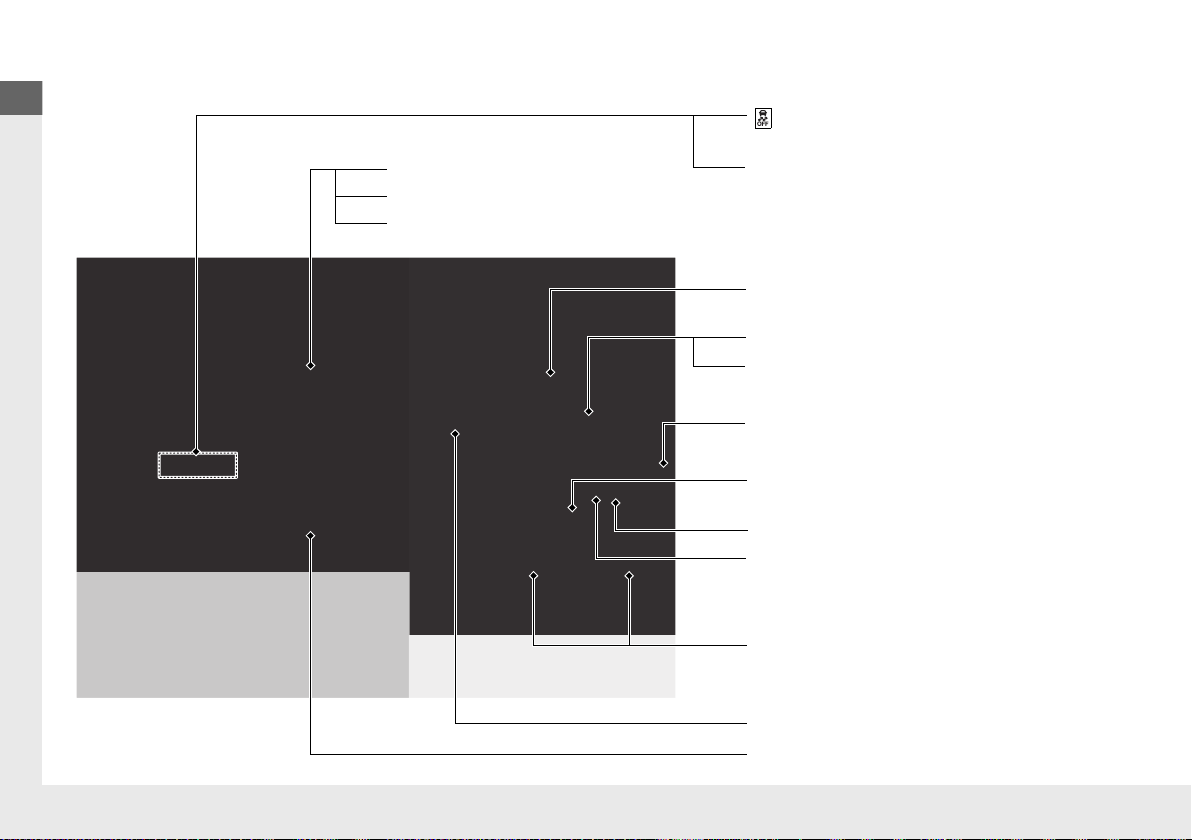
Visual Index
❙ Steering Wheel Adjustments (P 140)
❙ ENGINE START/STOP Button (P 127)
❙ (Vehicle Stability Assist® (VSA®)
System OFF) Button
(P 344)
❙ System Indicators (P 70)
❙ Gauges (P 95)
❙ Driver Information Interface (P 98)
❙ Rear Defogger/Heated Mirror Button
(P 137)
❙ Parking Sensor System Button
*
(P 363)
❙ Hazard Warning Button
❙ Seat Heater Buttons
*
(P 153)
❙ Audio System (P 160)
❙ Climate Control System (P 154)
❙ MID Vents (P 20, 154)
❙ Navigation System
*
() See the Navigation System Manual
❙ Integrated Dynamics System Mode
Switch
(P 333)
19 NSX-31T6N6200.book 4 ページ 2018年8月9日 木曜日 午前11時12分
5
Quick Reference Guide
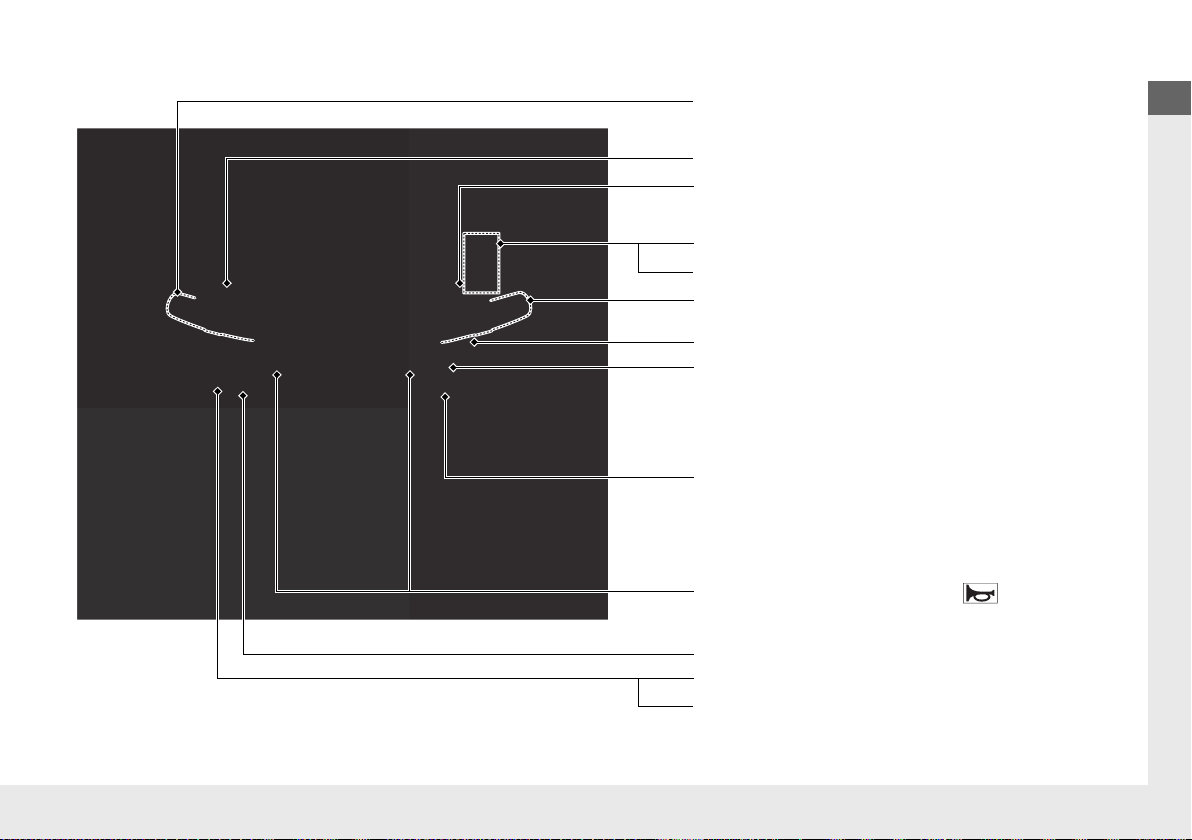
❙ Wipers/Washers (P 135)
❙ Headlights/Turn Signals (P 130, 131)
❙ Paddle Shifter (Shift down) (P 332)
❙ Paddle Shifter (Shift up) (P 332)
❙ Horn (Press an area around .)
❙ Voice Control Buttons (P 182)
❙ Bluetooth® HandsFreeLink® System
Voice Control Buttons
(P 268)
❙ TRIP Button (P 99, 100)
❙ Right Selector Wheel (P 98)
❙ Audio Remote Controls (P 163)
❙ Brightness Control (P 136)
❙ Mph/Km/h Change Button (P 95)
❙ Cruise Control Buttons (P 340)
* Not available on all models
19 NSX-31T6N6200.book 5 ページ 2018年8月9日 木曜日 午前11時12分
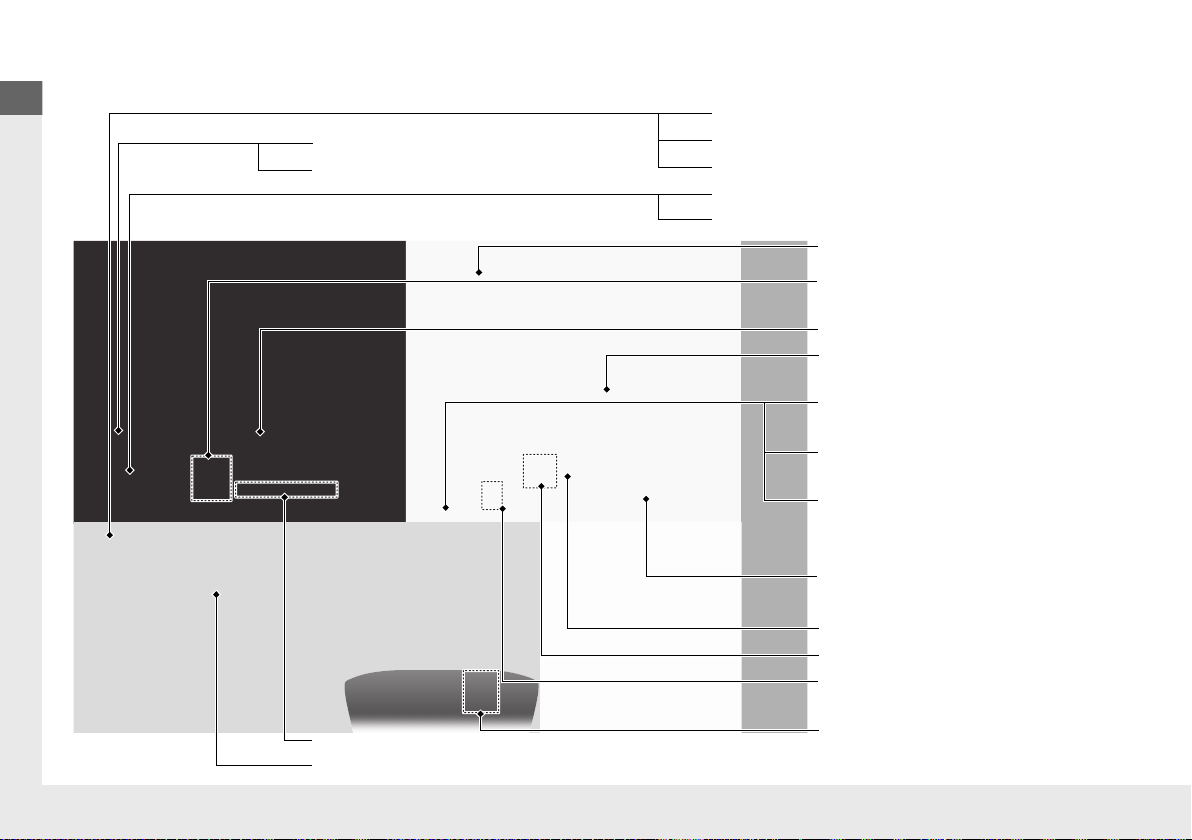
Visual Index
6
Quick Reference Guide
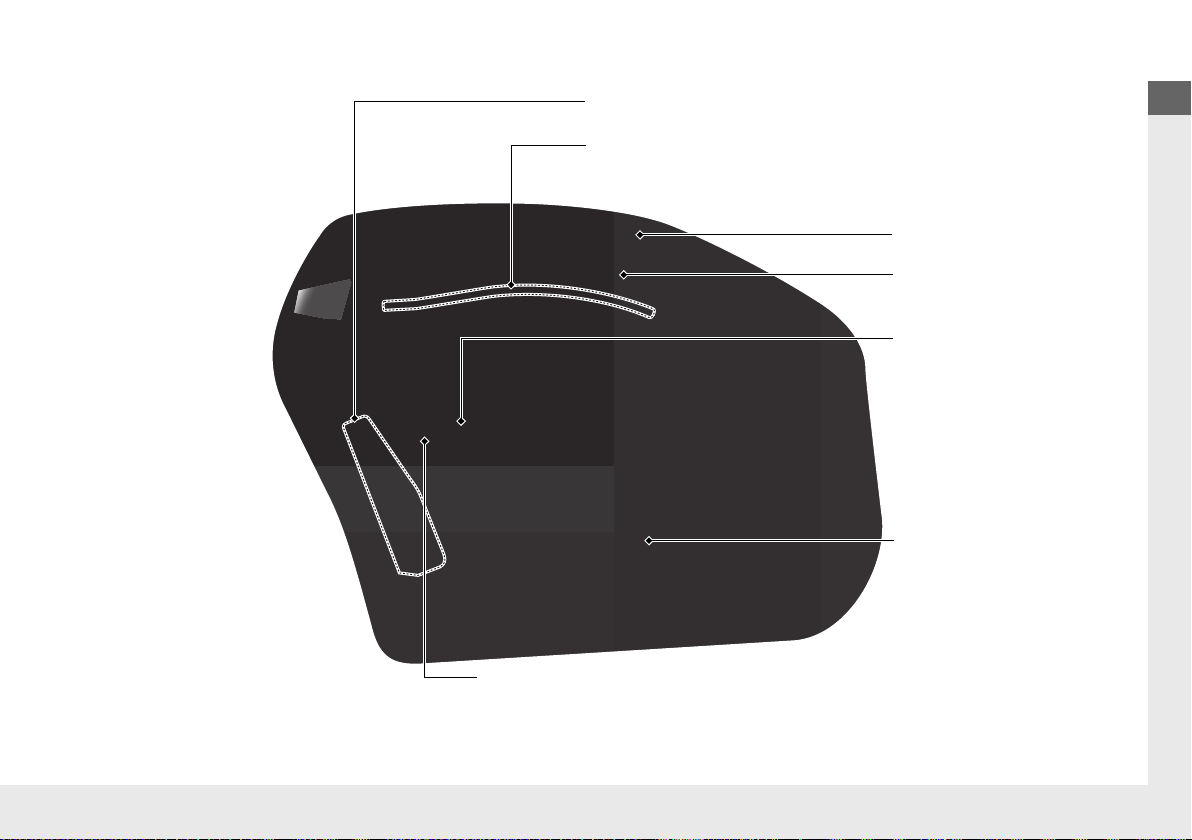
❙ Power Window Switches (P 125)
❙ Driver’s Front Airbag (P 46)
❙ Hatch Release Button (P 119)
❙ Hood Release Handle (P 386)
❙ Passenger’s Front Airbag
(P 46)
❙ Glove Box (P 151)
❙ Driver’s Knee Airbag (P 50)
❙ Door Mirror Controls (P 142)
❙ Power Door Lock Master Switch (P 117)
❙ Fuel Fill Door Release Button (P 369)
❙ USB Port (P 161)
❙ Memory Buttons
*
(P 139)
❙ SET Button
*
(P 139)
❙ Rearview Mirror (P 141)
❙ Driver’s Side Interior Fuse
Boxes
(P 457)
❙ Passenger’s Side Interior Fuse
Box
(P 458)
❙ USB Port (P 161)
❙ Accessory Power Socket
(P 152)
❙ Electric Parking Brake Switch
(P 354)
❙ Automatic Brake Hold Button
(P 357)
❙ Shift Button
Electronic Gear Selector
(P 324)
19 NSX-31T6N6200.book 6 ページ 2018年8月9日 木曜日 午前11時12分
Visual Index
8
Quick Reference Guide
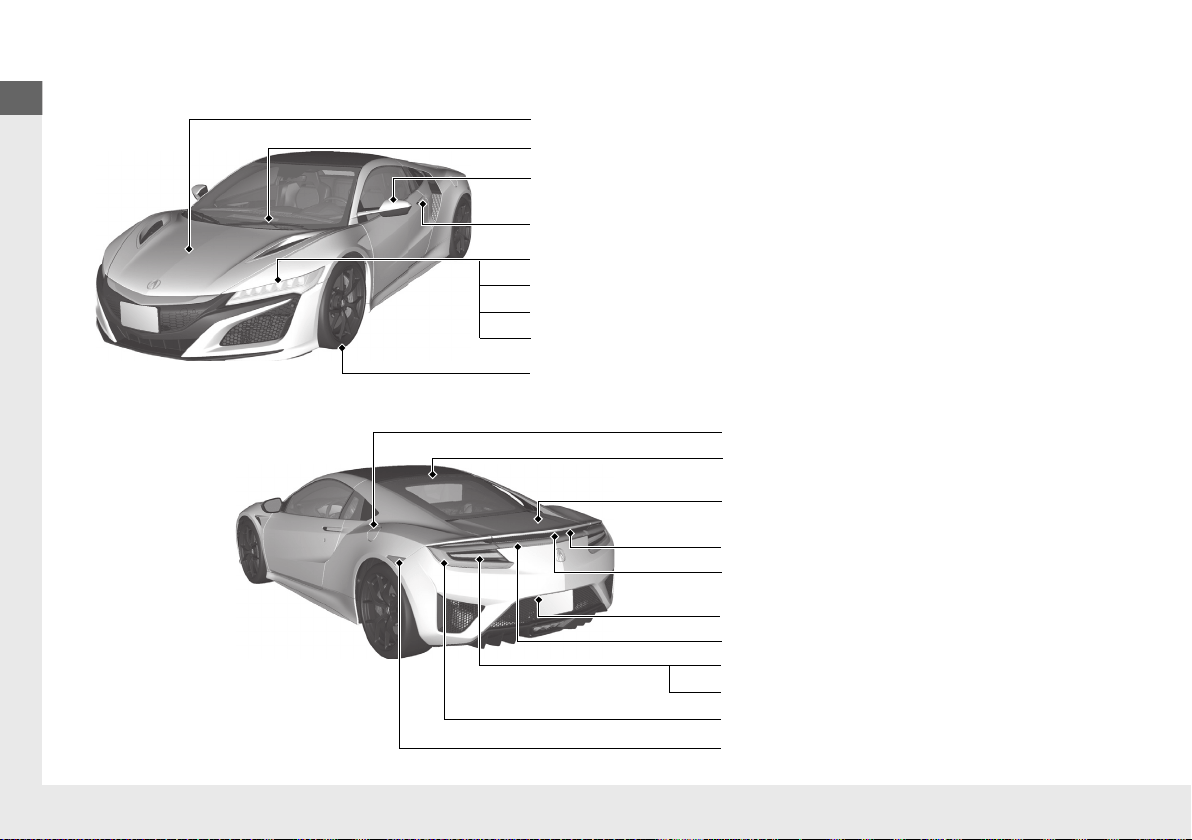
❙ Maintenance Under the Hood (P 383)
❙ Windshield Wipers (P 135, 402)
❙ Power Door Mirrors (P 142)
❙ Headlights (P 131, 399)
❙ How to Refuel (P 369)
❙ High-Mount Brake Light (P 401)
❙ Opening/Closing the Hatch (P 119)
❙ Brake/Taillights (P 400)
❙ Front Turn Signal/Parking Lights (P 130, 131, 399)
❙ Back-Up Lights (P 400)
❙ Rear License Plate Lights (P 401)
❙ Hatch Release Button (P 119)
❙ Door Lock/Unlock Control (P 107)
❙ Front Side Marker Lights (P 131, 399)
❙ Daytime Running Lights (P 134, 399)
❙ Tires (P 405, 431)
❙ Taillights (P 400)
❙ Rear Turn Signal Lights (P 400)
❙ Rear Side Marker Lights (P 400)
❙ Multi-View Rear Camera (P 366)
19 NSX-31T6N6200.book 8 ページ 2018年8月9日 木曜日 午前11時12分

9
Quick Reference Guide
SPORT HYBRID Super Handling-All Wheel Drive
TM
(SPORT HYBRID SH-AWD®)
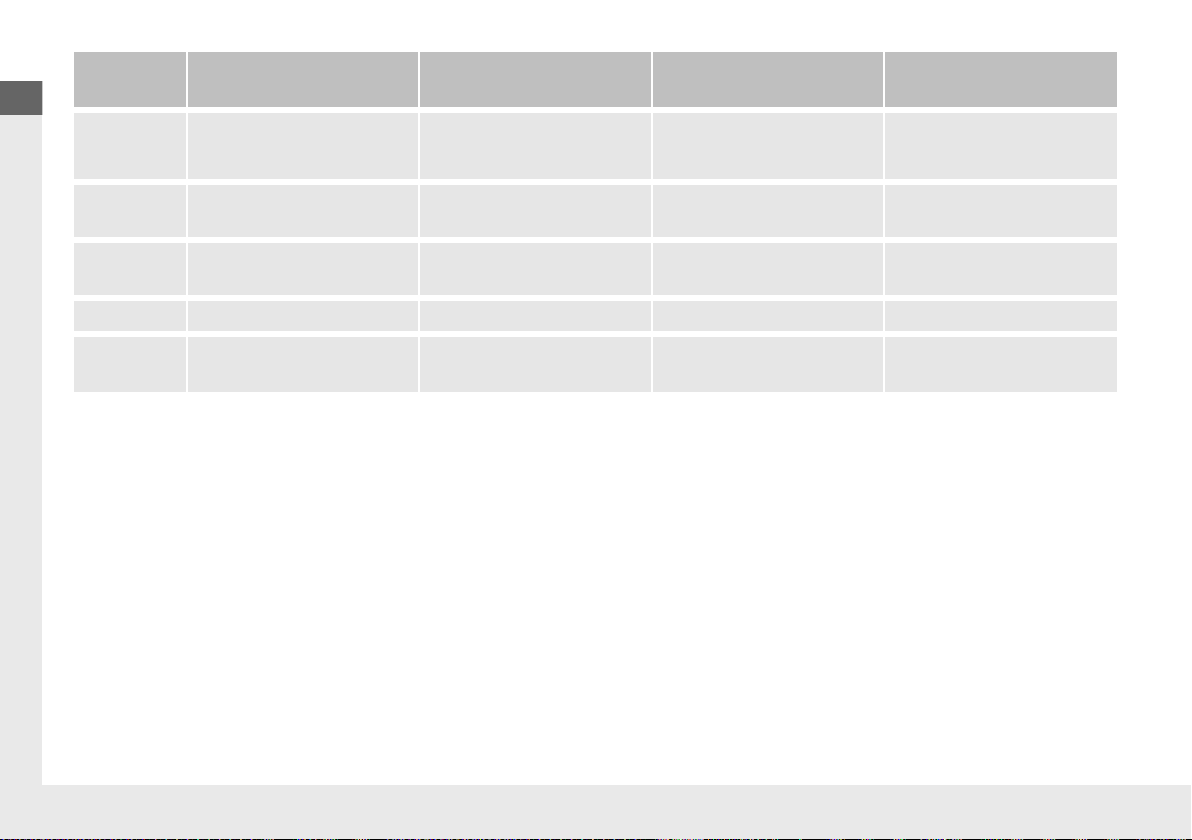
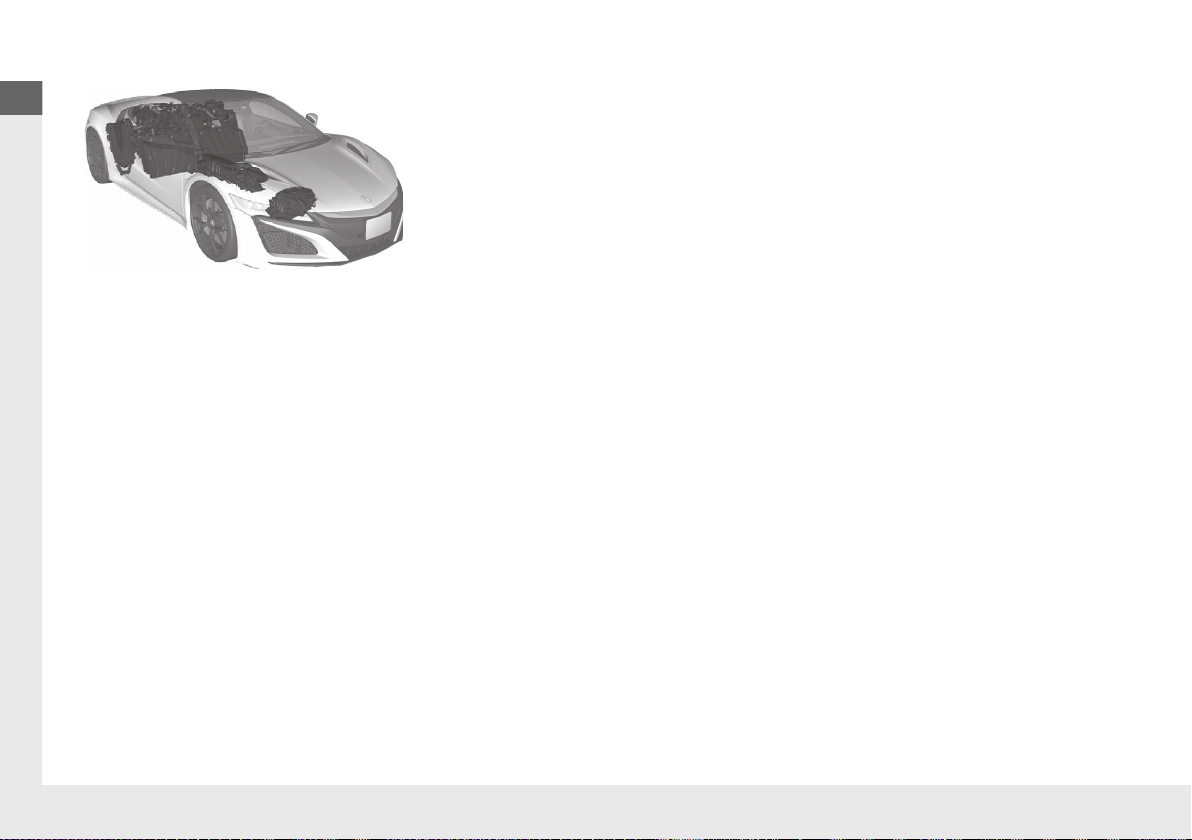
Your SPORT HYBRID SH-AWD® vehicle uses a Twin Motor Unit, Direct Drive Motor, and a gasoline engine as propulsion sources, with electric
motors receiving electricity from an internal High Voltage battery.
19 NSX-31T6N6200.book 9 ページ 2018年8月9日 木曜日 午前11時12分
10
Quick Reference Guide
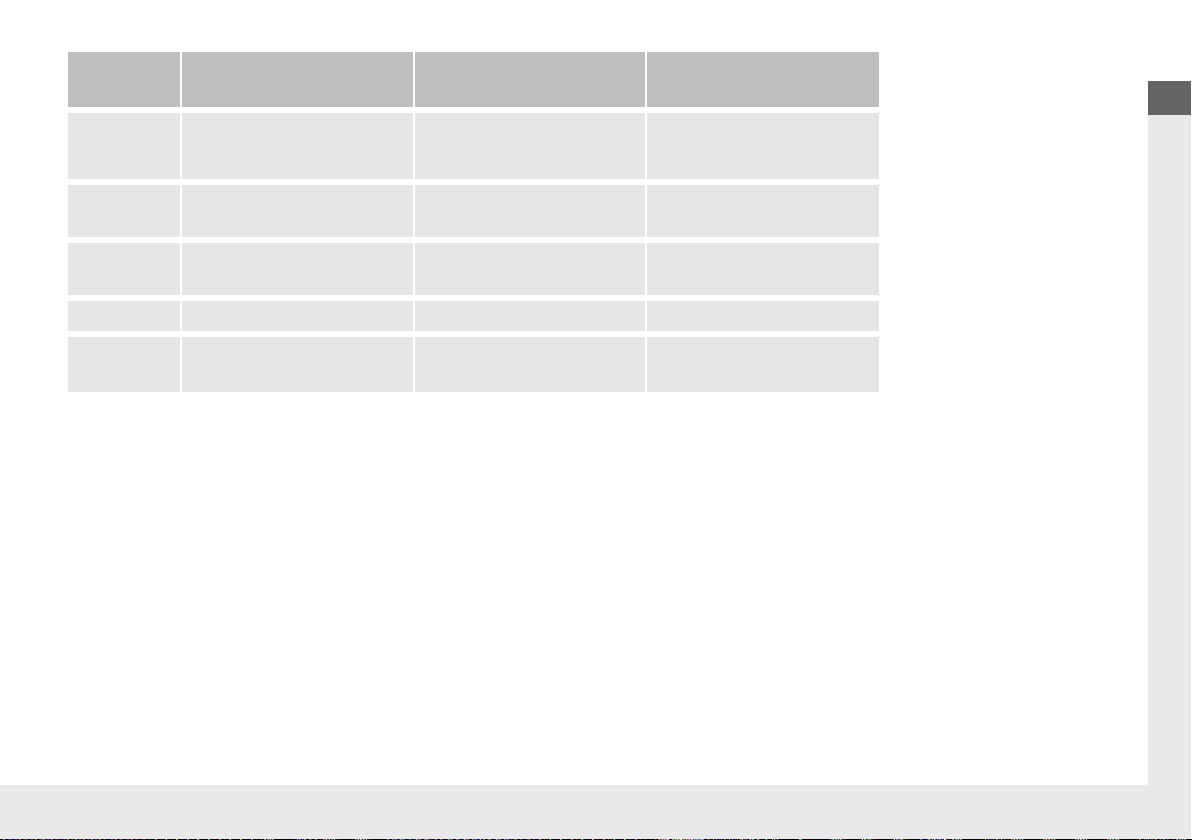
*: When Integrated Dynamics System is in SPORT+ mode or TRACK mode, EV Launch and EV Cruising cannot be operated.
*: Operating paddle shifters when the gear position is in
(D cancels EV Launch and EV Cruising.
Operating
mode
EV Launch
*
Engine Drive EV Cruising
*
Power Acceleration
Vehicle
Speed
Launch Acceleration:
●
Front Motor Drive
Gentle Acceleration:
●
Engine Drive
Low Speed Cruise:
●
Front Motor Drive
Aggressive Acceleration:
●
Engine Drive
●
Motor Assist
Twin Motor
Unit
Drive - Drive Drive
Direct Drive
Motor
Stopped Generate / - Stopped Generate / Drive
Engine Stopped Running Stopped Running
High Voltage
battery
Discharges Charges/Discharges Discharges Discharges
19 NSX-31T6N6200.book 10 ページ 2018年8月9日 木曜日 午前11時12分
11
Quick Reference Guide
Operating
mode
Engine Cruising Regeneration AWD Mode
Vehicle
Speed
High Speed Cruise:
●
Engine Drive
Deceleration:
●
Front & Rear Regeneration
Slippery Condition:
●
Engine Drive
●
Front Motor Drive
Twin Motor
Unit
- Regenerate Drive
Direct Drive
Motor
Generate/Drive Stopped Generate/Drive
Engine Running Running/Stopped Running
High Voltage
battery
Charges/Discharges Charges Charges/Discharges
19 NSX-31T6N6200.book 11 ページ 2018年8月9日 木曜日 午前11時12分

12
Quick Reference Guide
Energy Efficiency
As with a gasoline-powered vehicle, hybrid vehicle fuel efficiency and driving range is most impacted by your driving style. Aggressive
acceleration and high-speed driving can easily trigger the system to switch the propulsion source to the gasoline-powered engine.
In addition, heavy climate control system use negatively affects vehicle range and efficiency. Either of these use patterns will more quickly
reduce the High Voltage battery's state of charge.
Battery Types
There are two types of batteries used in this vehicle; a standard 12-volt battery that powers the airbags, the interior and exterior lights, and
other standard 12-volt systems; and a High Voltage battery that is used to power the propulsion motors and recharge the 12-volt battery.
Regenerative Energy and Regenerative Braking
When decelerating without the accelerator being depressed or the brake pedal being applied, or while driving downhill, the electric motors
act as generators that a portion of the electrical energy that was used to accelerate the vehicle. This regenerative braking slows the vehicle
in a manner similar to engine braking in a gasoline-powered vehicle.
19 NSX-31T6N6200.book 12 ページ 2018年8月9日 木曜日 午前11時12分

13
Quick Reference Guide
Auto Engine Stop/Start
Your vehicle’s gasoline engine will automatically stop and start during vehicle operation as needed to meet driving and battery conditions.
These are some examples that could cause the gasoline engine to automatically start.
In the following cases, however, Auto Engine Stop may not activate.
● When the Integrated Dynamics System is in SPORT+ mode or TRACK mode.
● The vehicle momentarily needs additional power for aggressive acceleration, or driving uphill or at high speed.
● The climate control system is in heavy use.
● The High Voltage battery temperature is high or low.
● The High Voltage battery state of charge is low.
● The engine coolant temperature is low.
● When the door is opened after releasing seatbelt.
● When the shift position is in M (Manual) mode.
About Your Vehicle’s Limited Operating Temperature
If the outside temperature is about -4°F (-20°C), some operation might be limited.
The limited operation is listed below:
2 High Voltage Battery (P90)
2 Dual Clutch Transmission (P323)
2 Shifting (P324)
Sounds Unique to the SPORT HYBRID SH-AWD® System
When you first start driving this vehicle, you likely will hear some unfamiliar sounds, particularly when you first turn on the power system,
while driving, and just after parking. Some of these sounds are unique to this vehicle‘s powertrain, fuel, and climate control systems; others
are similar to sounds generated by conventional automobiles that typically are masked by louder noises absent from a vehicle of this design.
These sounds are not a cause for concern, and you will soon recognize them as normal and thus be able to detect any new or unusual noise
should one develop.
About a system to cool the High Voltage battery using the climate control system.
● The system will not be activated when the defroster is ON.
● When the outside temperature is in extreme hot or cold condition, the system may not provide sufficient cooling performance to the
High Voltage battery due to the protection of the electric A/C compressor.
● When the system is active, the climate control system may not work sufficiently.
19 NSX-31T6N6200.book 13 ページ 2018年8月9日 木曜日 午前11時12分
14
Quick Reference Guide
Safety Precautions
Do not touch the High Voltage system
Attempting to take a High Voltage system component apart or disconnect one of its wires
can cause severe electrical shock. If the High Voltage system needs maintenance or repair, it
should be performed at an authorized Acura NSX dealer.
If a crash occurs
●Be careful of electric shock hazard.
uIf a severe crash damages your vehicle’s High Voltage system, there is a possibility of electrical shock
due to exposed High Voltage components or wires. If this happens, do not touch any of the High
Voltage system components or any of its orange wires.
●Avoid contact with High Voltage battery fluid.
uThe High Voltage battery contains a flammable electrolyte that could leak as a result of a severe
crash. Avoid any skin or eye contact with the electrolyte as it is corrosive. If you accidentally touch it,
flush your eyes or skin with a large quantity of water for at least five minutes, and seek medical
attention immediately.
●Use a fire extinguisher for an electrical fire.
uAttempting to extinguish an electrical fire with a small quantity of water, from a garden hose for
instance, can be dangerous.
●Anytime the vehicle is damaged in an accident, have it repaired by an authorized Acura
NSX dealer.
Emergency Shutdown System for the High Voltage System
The emergency shutdown system may activate when the vehicle is impacted by some
incident such as a crash. When this system activates, the High Voltage system automatically
shuts down, and your vehicle no longer will move under its own power. To return the High
Voltage system back to normal operation, consult an authorized Acura NSX dealer.
Acura collects and recycles High Voltage batteries used in its vehicles – consult an
authorized Acura NSX dealer for more information.
19 NSX-31T6N6200.book 14 ページ 2018年8月9日 木曜日 午前11時12分
15
Quick Reference Guide
Safe Driving (P 31)
Airbags (P 43)
● Your vehicle is fitted with airbags to help protect you and
your passenger during a moderate-to-severe collision.
Child Safety (P 58)
● Your vehicle is not recommended for child passengers. If you decide to
disregard our recommendations and transport a child passenger, the child
should be properly restrained.
Never put a rear-facing child seat in the passenger’s seat.
Exhaust Gas Hazard (P 67)
● Your vehicle emits dangerous exhaust gases that contain carbon
monoxide. Do not run the engine in confined spaces where carbon
monoxide gas can accumulate.
Before Driving Checklist (P 35)
● Before driving, check that the seats, steering wheel,
and mirrors have been properly adjusted.
Seat Belts (P 36)
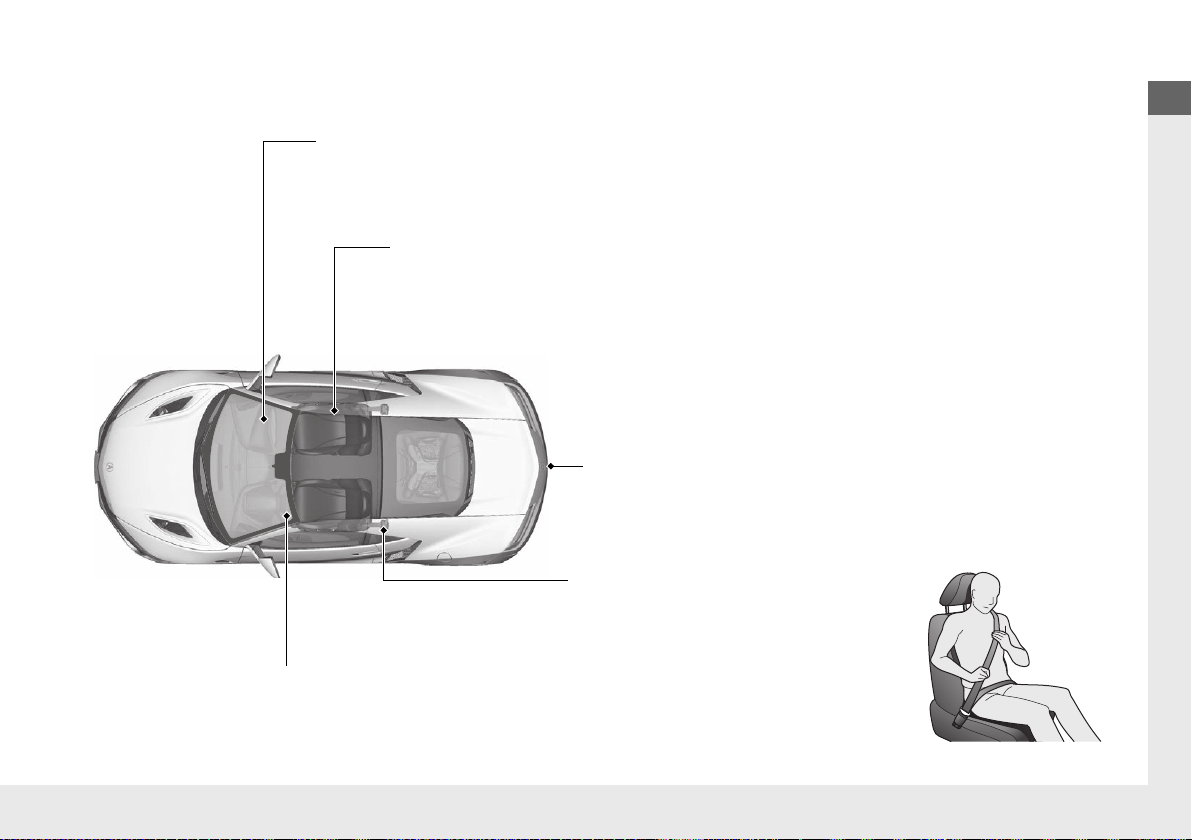
● Fasten your seat belt and sit upright well
back in the seat.
● Check that your passenger is wearing their
seat belt correctly.
Fasten your lap belt as
low as possible.
19 NSX-31T6N6200.book 15 ページ 2018年8月9日 木曜日 午前11時12分
16
Quick Reference Guide
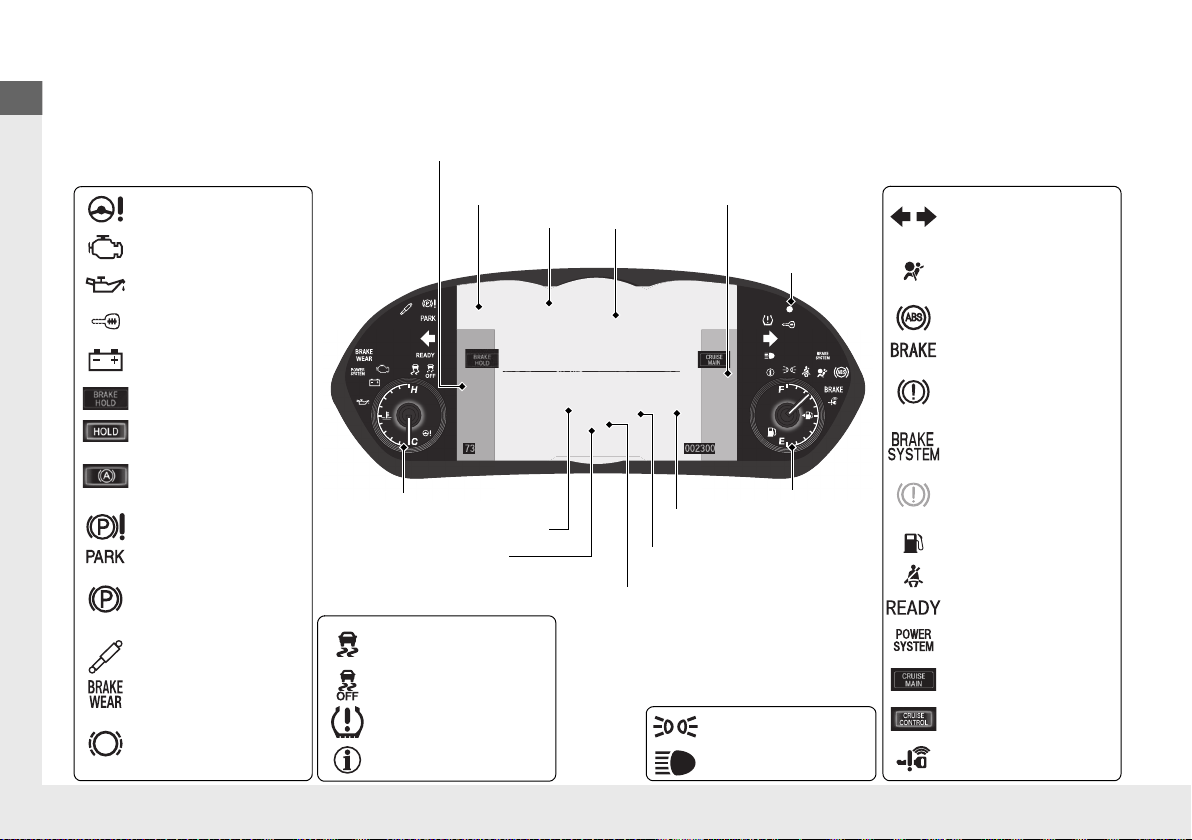
Instrument Panel (P 69)
System Indicators
Malfunction Indicator
Lamp
Low Oil Pressure
Indicator
12-Volt Battery Charging
System Indicator
Anti-lock Brake System
(ABS) Indicator
Vehicle Stability Assist®
(VSA®) System
Indicator
VSA® OFF Indicator
Electric Power Steering
(EPS) System Indicator
Lights Indicators
Lights On Indicator
High Beam Indicator
Immobilizer System
Indicator
Seat Belt Reminder
Indicator
System Indicators
System Message
Indicator
Brake System
Indicator (Red)
Supplemental
Restraint System
Indicator
Low Fuel Indicator
Gauges (P 95)/Driver Information Interface (P 98)/System Indicators (P 70)
Low Tire Pressure/
TPMS Indicator
Turn Signal and
Hazard Warning
Indicators
Keyless Access System
Indicator
High Voltage Battery
Charge Level Gauge
Security System
Alarm Indicator
Fuel Gauge
Tachometer
Driver Information Interface
Speedometer
Gear Position Indicator
Gear Selection Indicator
Electric Parking Brake
System Indicator
Electric Parking Brake
Indicator
Automatic Brake Hold
System Indicator
Brake System
Indicator (Amber)
System Indicators
Automatic Brake Hold
Indicator
U.S.
Canada
U.S.
Canada
U.S.
Canada
U.S.
Canada
READY Indicator
POWER SYSTEM
Indicator
Temperature Gauge
ASSIST/CHARGE Gauge
U.S.
Canada
Active Damper System
Indicator
Brake Wear Indicator
*
CRUISE MAIN
Indicator
CRUISE CONTROL
Indicator
Engine Oil Temperature
Gauge
Integrated Dynamics System
Mode
SH-AWD® Temperature
Gauge
19 NSX-31T6N6200.book 16 ページ 2018年8月9日 木曜日 午前11時12分
17
Quick Reference Guide
Controls (P 103)
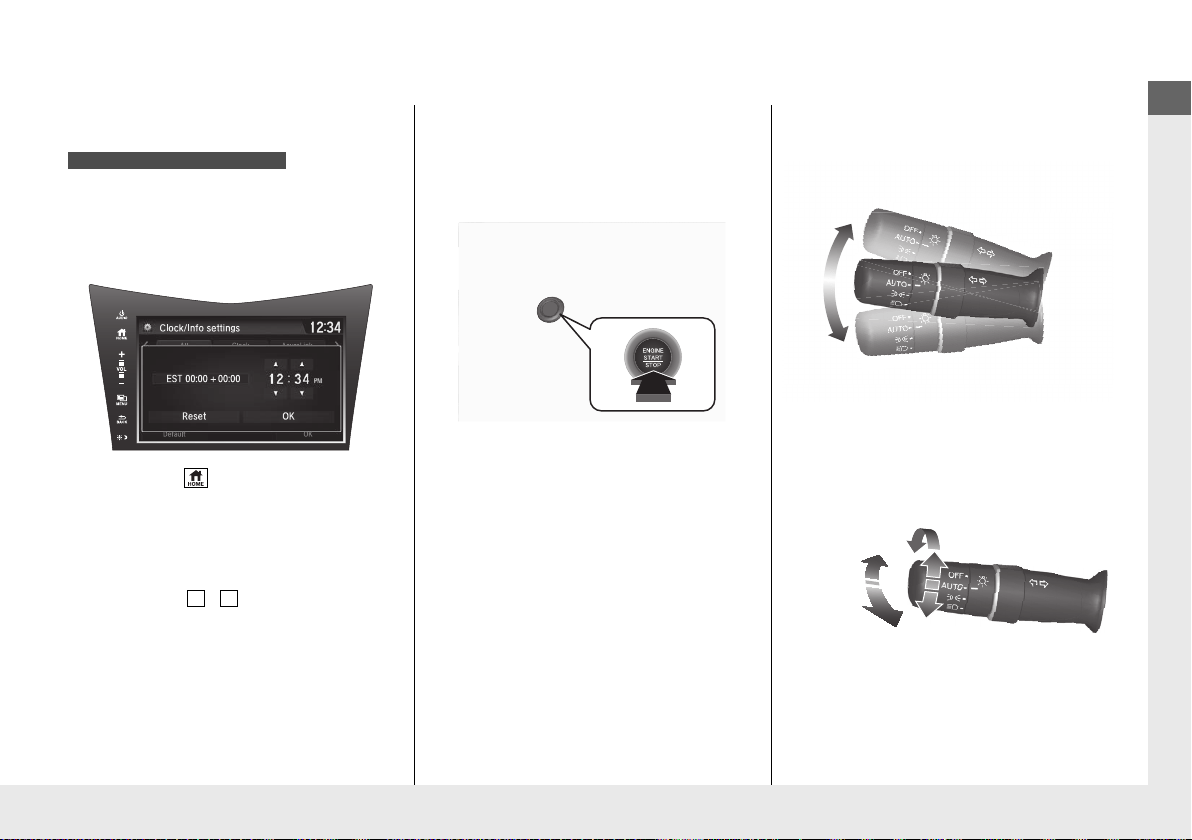
Clock (P 104)
The navigation system receives signals from
GPS satellites, updating the clock
automatically.
You can also adjust the time manually.
a Select the (HOME) icon, then select
Settings.
b Select Clock/Info, then Clock
Adjustment.
c Touch the / icon to adjust the
numbers up or down.
d Select OK.
Models with navigation system
3
4
ENGINE START/STOP
Button
(P 127)
Press the button to changes the vehicle’s
power mode.
Turn Signals (P 130)
Lights (P 131)
Turn Signal Control Lever
Right
Left
Light Control Switches
Low Beam
High Beam
Flashing
* Not available on all models
19 NSX-31T6N6200.book 17 ページ 2018年8月9日 木曜日 午前11時12分
18
Quick Reference Guide
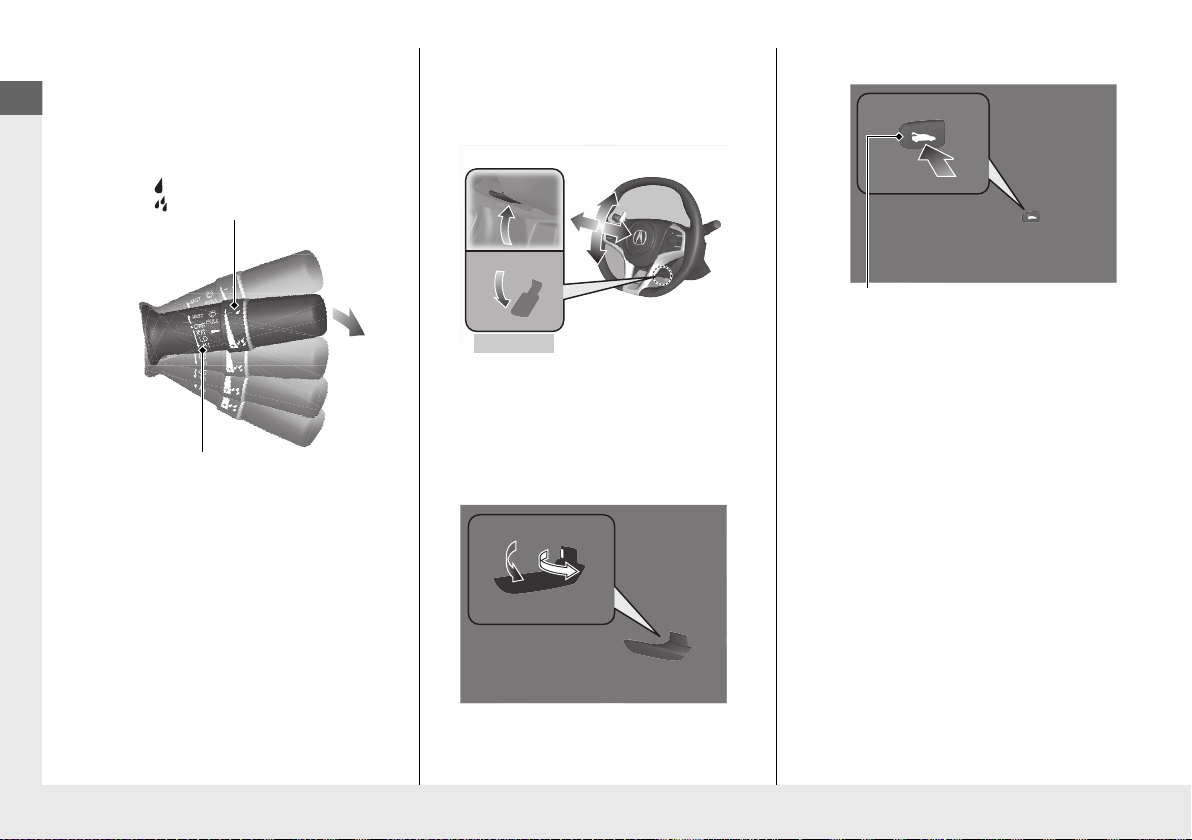
Wipers and Washers
(P 135)
Wiper/Washer Control Lever
Adjustment Ring
: Lower speed, fewer sweeps
: Higher speed, more sweeps
MIST
OFF
INT: Low speed with intermittent
LO: Low speed wipe
HI: High speed wipe
Pull
toward
you to
spray
washer
fluid.
Steering Wheel (P 140)
● To adjust, push the adjustment lever
down, adjust to the desired position, then
lock the lever back in place.
Unlocking the Doors
from the Inside
(P 115)
● Pull either inner door handle to unlock
and open it in one motion.
● Unlocking and opening the driver’s door
from the inner handle unlocks the
passenger’s door.
To adjust
To lock
Hatch (P 119)
● To unlock and open the hatch:
• Press the hatch release button on the
driver’s door.
• Press the hatch release button on the
keyless access remote.
• Press the hatch release button on the
hatch.
Hatch Release Button
19 NSX-31T6N6200.book 18 ページ 2018年8月9日 木曜日 午前11時12分
19
Quick Reference Guide
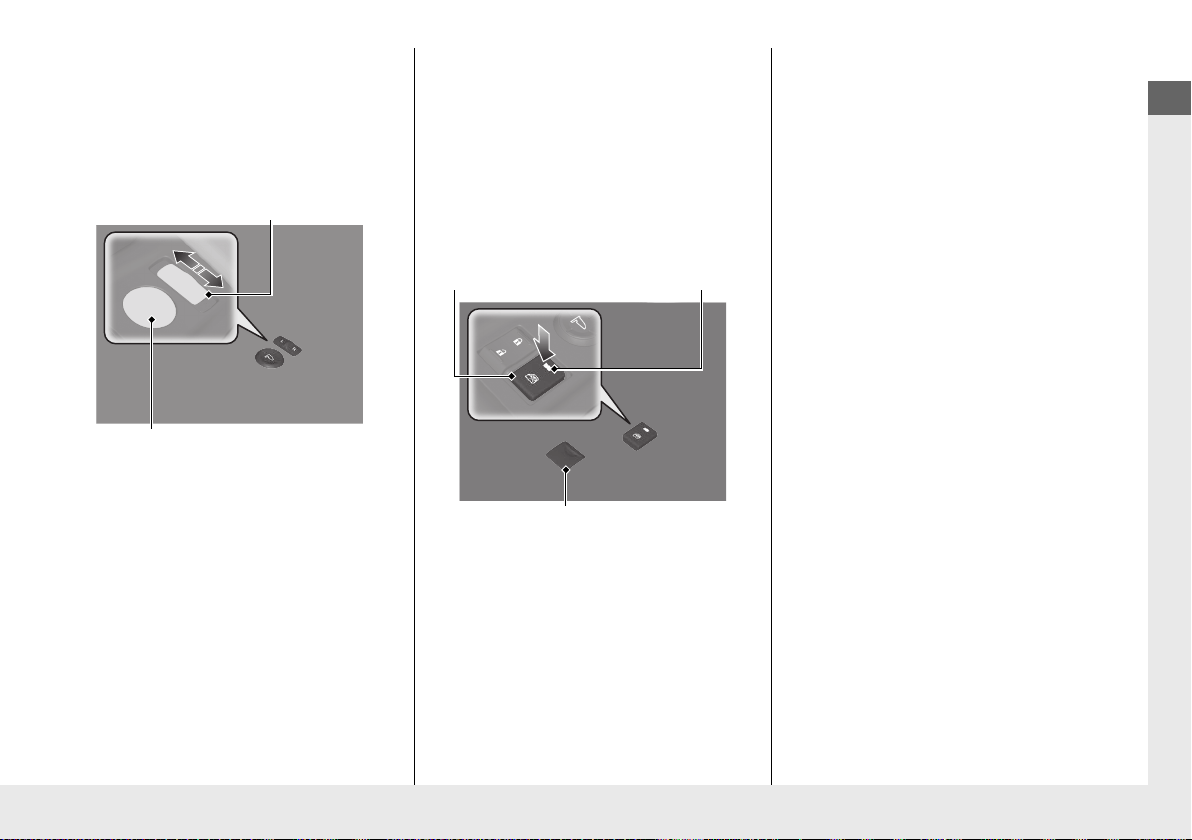
Power Door Mirrors
(P 142)
● With the power mode in ON, move the
selector switch to L or R.
● Push the appropriate edge of the
adjustment switch to adjust the mirror.
Selector Switch
Adjustment Switch
Power Windows (P 125)
● With the power mode in ON, open and
close the power windows.
● If the power window lock button is in the
off position, the passenger’s window can
be opened and closed with its own
switch.
● If the power window lock button is in the
on position (indicator on), the passenger’s
window switch is disabled.
Power Window Lock Button
Window Switch
Indicator
19 NSX-31T6N6200.book 19 ページ 2018年8月9日 木曜日 午前11時12分
20
Quick Reference Guide
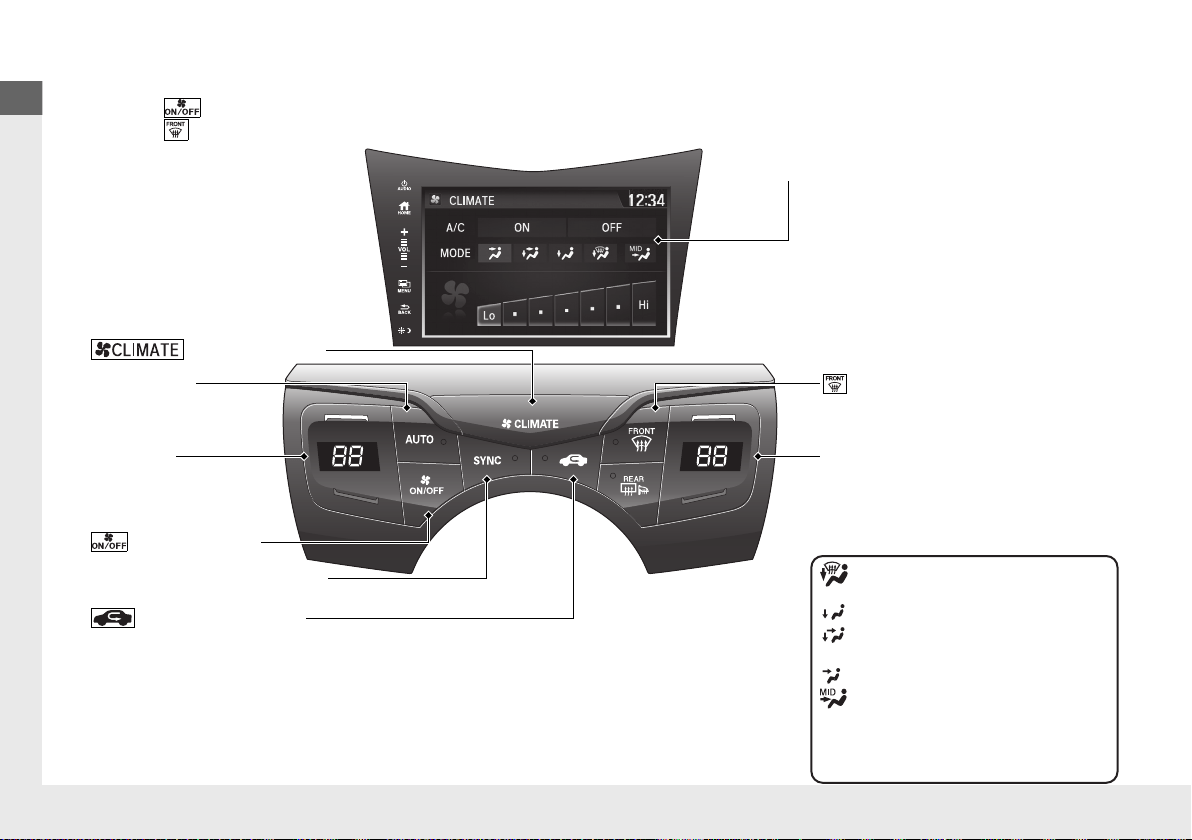
Climate Control System (P 154)
● Press the AUTO button to activate the climate control system.
● Press the button to turn the system on or off.
● Press the button to defrost the windshield.
Passenger side Temperature Control
Buttons
(Windshield Defroster) Button
Driver side
Temperature Control
Buttons
(Recirculation) Button
(CLIMATE) Button
(ON/OFF) Button
AUTO Button
Audio/Information Touch Screen
SYNC (Synchronization) Button
Air flows from floor and
windshield defroster vents.
Air flows from floor vents.
Air flows from floor and
dashboard vents.
Air flows from dashboard vents.
MID vents provide supplemental
air to the lower body of the
occupant(s). MID vents can be
used together with any other
vent mode.
19 NSX-31T6N6200.book 20 ページ 2018年8月9日 木曜日 午前11時12分
21
Quick Reference Guide
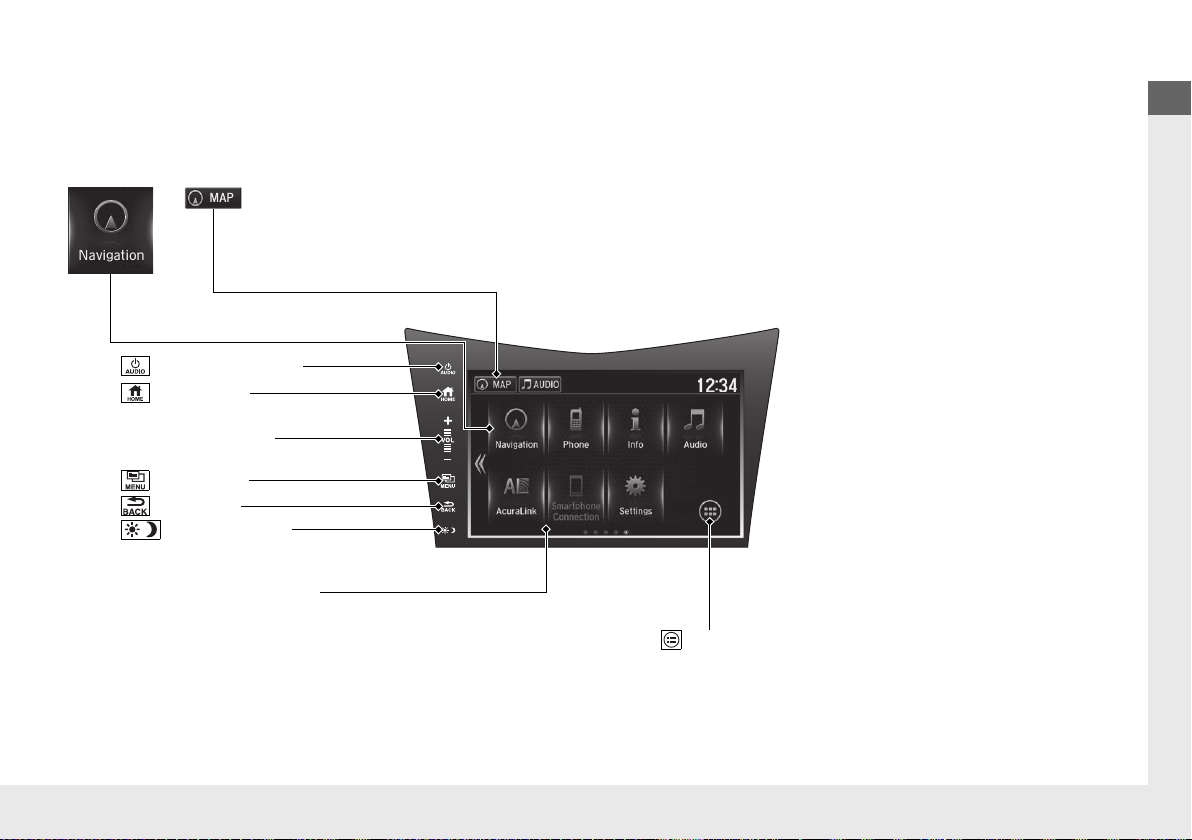
Features (P 159)
Audio system (P 164)
Audio/Information Screen
(Power/Audio) Icon
VOL (Volume) Icons
(Day/Night) Icon
For navigation system operation () See the Navigation System Manual
(Home) Icon
(Menu) Icon
(Back) Icon
(App List) Icon
**
* Not available on all models
19 NSX-31T6N6200.book 21 ページ 2018年8月9日 木曜日 午前11時12分
22
Quick Reference Guide
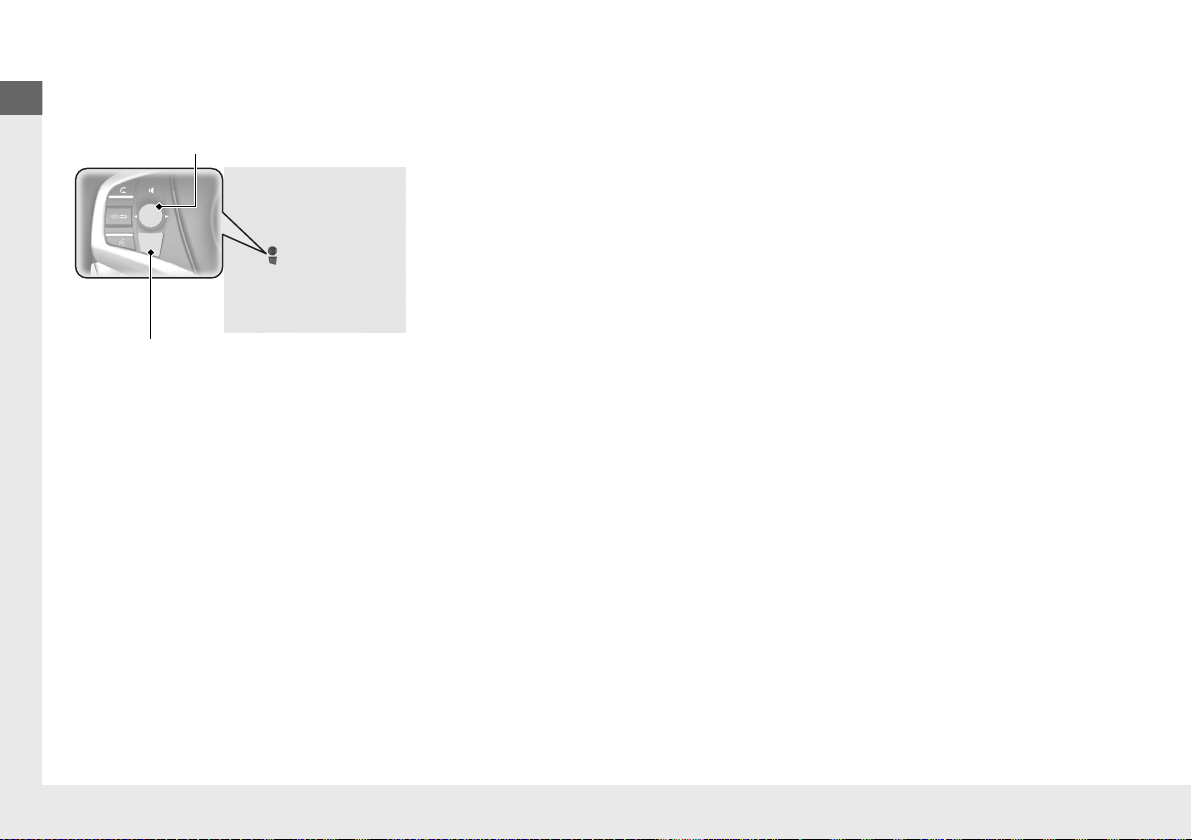
Audio Remote Controls
(P 163)
● SOURCE Button
Press to change the audio mode: FM/
SiriusXM®
*
/USB/iPod/Pandora®
*
/Apps
*
/
Bluetooth® Audio/Audio Apps
*
.
● Left Selector Wheel
Roll to adjust the volume up/down.
Radio:Move right or left to change the
preset station.
Move and hold to select the next
or previous strong station.
USB device:
Move right or left to skip to the
beginning of the next song or
return to the beginning of the
current song.
Move and hold to change a folder.
Left Selector Wheel
SOURCE Button
19 NSX-31T6N6200.book 22 ページ 2018年8月9日 木曜日 午前11時12分
23
Quick Reference Guide
Driving (P 307)
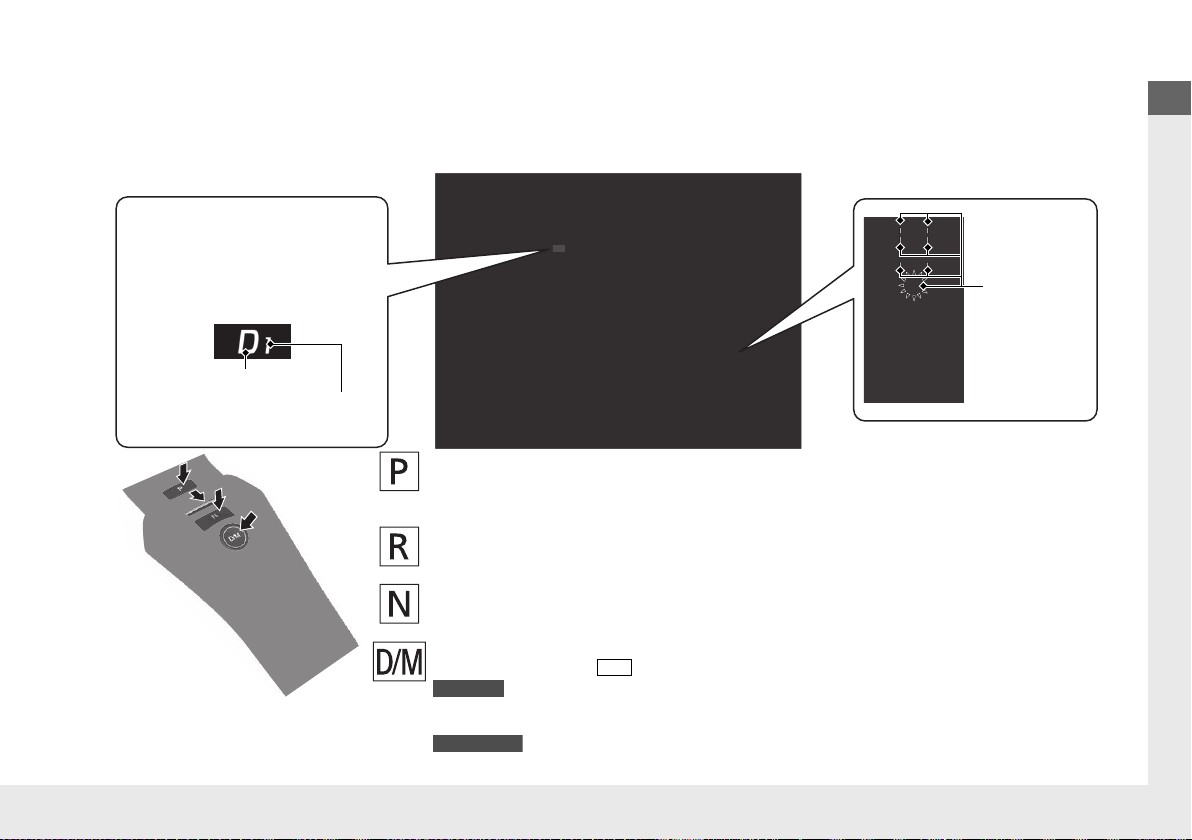
Electronic Gear Selector (P 324)
● Select
(P and depress the brake pedal when turning on the power.
Park
Press the
(P button.
Used when parking or before turning the power on or off.
Transmission is locked.
Reverse
Press back the
(R button.
Used when reversing.
Neutral
Press the
(N button.
Used to keep the transmission disengaged from the engine and motor.
Drive/Manual
Each time you press the button, the mode switches between D (drive) and M (manual) mode.
●
Normal driving (gears change between 1st and 9th automatically)
●
Temporarily driving in the sequential mode
●
Driving in the sequential mode
D/M
D (Drive)
M (Manual)
Gear Position Indicator/Gear
Selection Indicator
The gear position indicator, the
gear selection indicator and the
shift button indicator indicate
the current gear selection.
Gear Position Indicator
Shift Button
Indicator
● Gear selection
Gear Selection Indicator
* Not available on all models
19 NSX-31T6N6200.book 23 ページ 2018年8月9日 木曜日 午前11時12分

24
Quick Reference Guide
Paddle Shifters (P332)
Paddle shifters allow you to shift gears much like a manual transmission (1st through 9th). This is useful for regenerative braking.
You cannot shift up or down while in EV mode.
When the transmission is in (D (D-paddle shift mode)
The vehicle will go into the sequential mode momentarily, and the gear selection
indicator becomes more prominent.
The sequential mode is automatically canceled and the gear selection indicator
returns to ordinary display under the following conditions.
• Hold the (+ paddle shifter for a few seconds.
• Once you start traveling at a constant speed.
• The vehicle comes to a complete stop.
• When you change to another Integrated Dynamics System mode.
The sequential mode automatically shifts under following condition
• Accelerator pedal depressed beyond the click.
• Engine speed reaches near the tachometer’s red zone.
• Engine speed reaches idle speed while deceleration.
When the transmission is in M (Manual) mode
The vehicle will go into the sequential mode, and the gear position indicator goes
off and only the gear selection indicator is displayed.
You can cancel this mode by pressing the button, pulling the
(+ paddle
shifter for a few seconds or changing Integrated Dynamics System mode to
QUIET. When the sequential mode is canceled, the display is changed from only
the gear selection indicator to both of the gear position indicator and the gear
selection indicator.
The transmission automatically shifts up from 1st to 2nd and does not
automatically shift up between 2nd and 9th gear.
D/M
Gear Position Indicator
Shift Down
(-
Paddle Shifter
Shift Up (+
Paddle Shifter
Gear Selection Indicator
Gear Selection Indicator
Gear Selection Indicator
Gear Position Indicator
D (Drive)
D-Paddle
M (Manual)
19 NSX-31T6N6200.book 24 ページ 2018年8月9日 木曜日 午前11時12分
25
Quick Reference Guide
VSA® On and Off (P 344)
● The Vehicle Stability Assist® (VSA®) system
helps stabilize the vehicle during
cornering, and helps maintain traction
while accelerating on loose or slippery
road surfaces.
● VSA® comes on automatically every time
you turn on the power system.
Tire Pressure Monitoring
System (TPMS)
(P 349)
● The TPMS monitors tire pressure.
● The TPMS is turned on automatically
every time you turn on the power system.
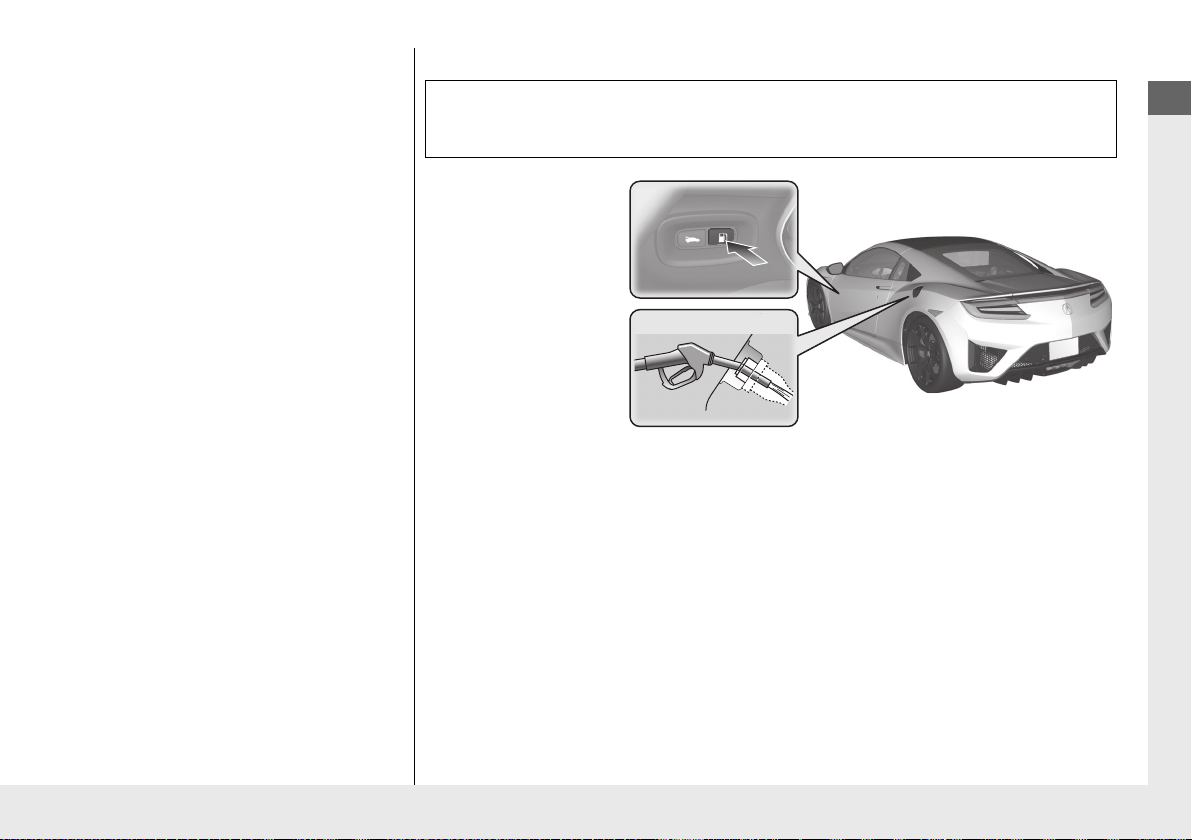
Refueling (P 368)
a Press the fuel fill
door release button.
b After refueling,
wait for about five
seconds before
removing the filler
nozzle.
Fuel requirement: Unleaded premium gasoline with a pump octane
number 91 or higher
Fuel tank capacity: 15.6 US gal (59.0 liters)
Wait for five seconds
19 NSX-31T6N6200.book 25 ページ 2018年8月9日 木曜日 午前11時12分
26
Quick Reference Guide
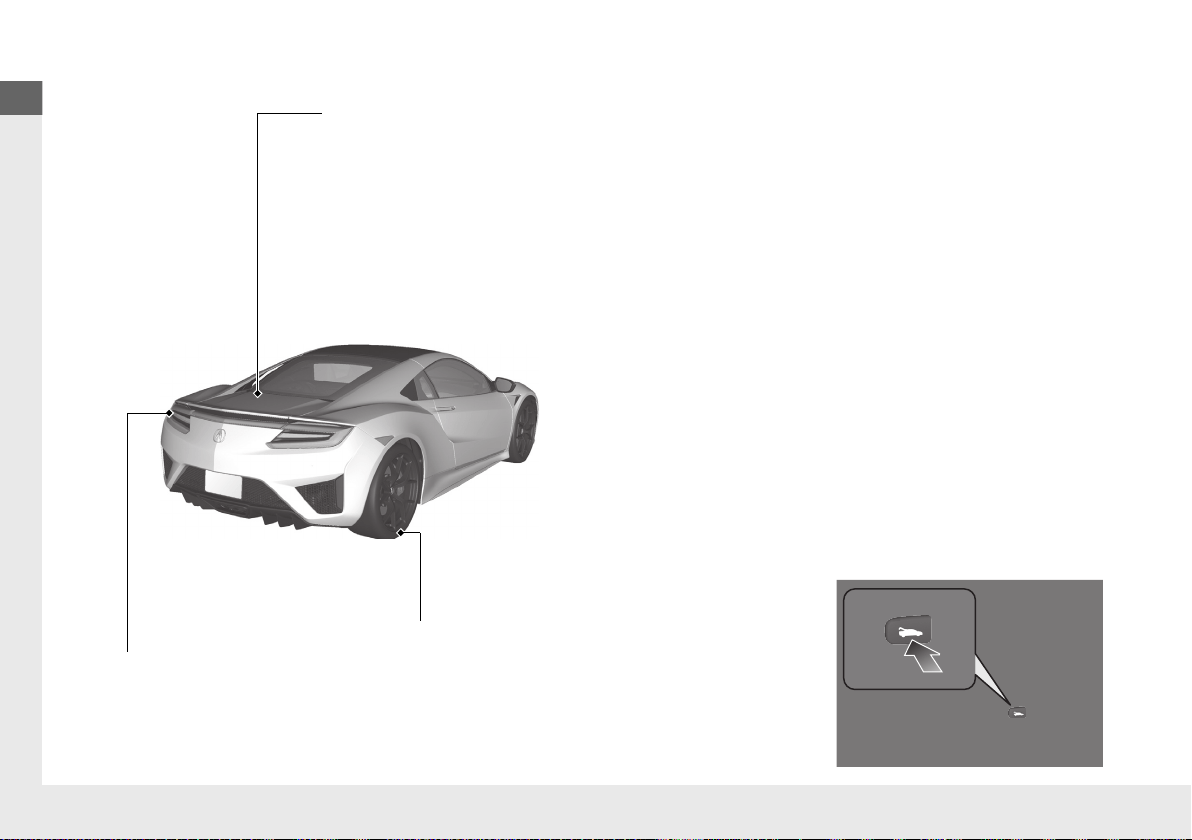
Maintenance (P 373)
Press the hatch release button on the
driver’s door.
Lights (P399)
● Inspect all lights regularly.
Under the Hatch (P384)
● Check engine oil and engine coolant.
Add when necessary.
Tires (P405)
● Inspect tires and wheels regularly.
● Check tire pressures regularly.
● Install winter tires for winter driving.
Handling Summer Only tires and Ultra High Performance
(UHP) tires in low ambient temperatures.
2 Cold Weather Driving (P414)
19 NSX-31T6N6200.book 26 ページ 2018年8月9日 木曜日 午前11時12分
27
Quick Reference Guide
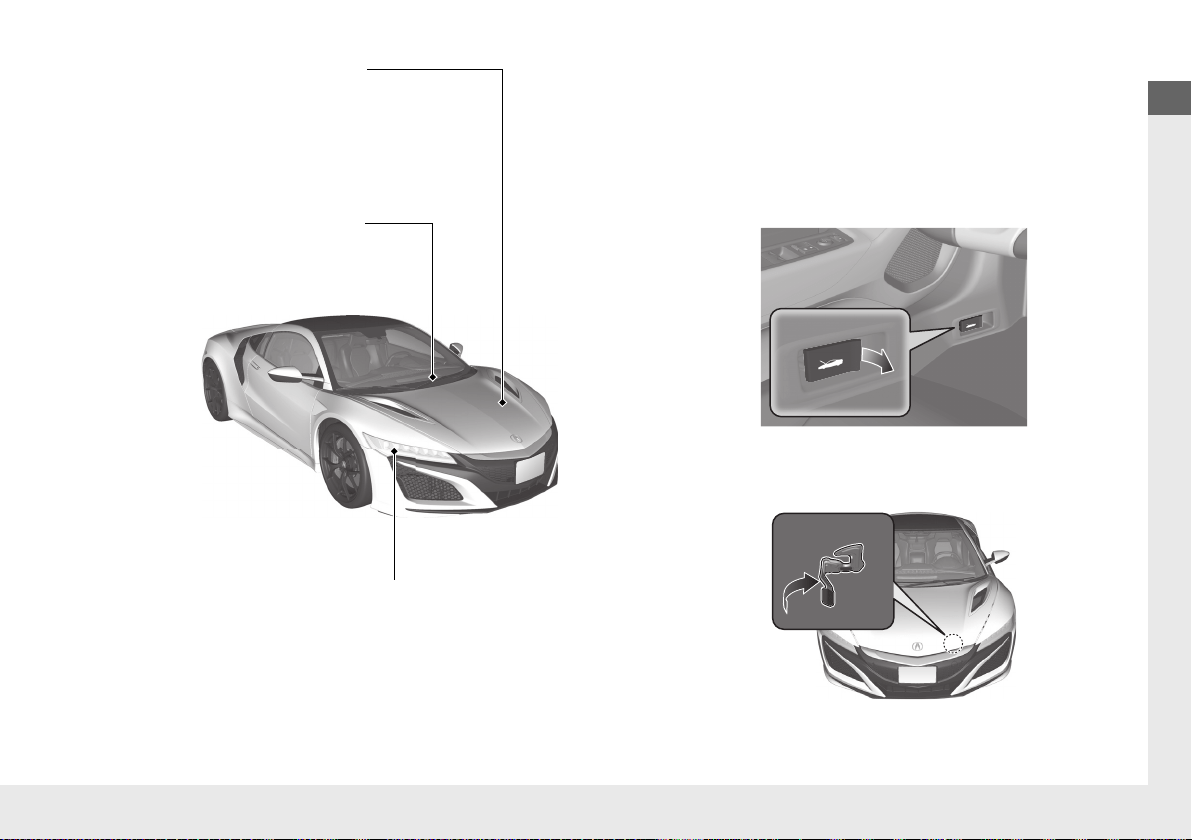
Under the Hood (P383)
● Check inverter coolant.
● Check brake fluid.
● Check the 12-volt battery condition monthly.
Lights (P399)
● Inspect all lights regularly.
Wiper Blades (P402)
● Replace blades if they leave
streaks across the windshield.
a Pull the hood release handle under the corner of the
dashboard.
b Locate the hood latch lever, pull it up, and then raise
the hood. Once you have raised the hood slightly,
you can release the lever.
c When finished, close the hood and make sure both
right and left latches are firmly locked in place.
19 NSX-31T6N6200.book 27 ページ 2018年8月9日 木曜日 午前11時12分
28
Quick Reference Guide
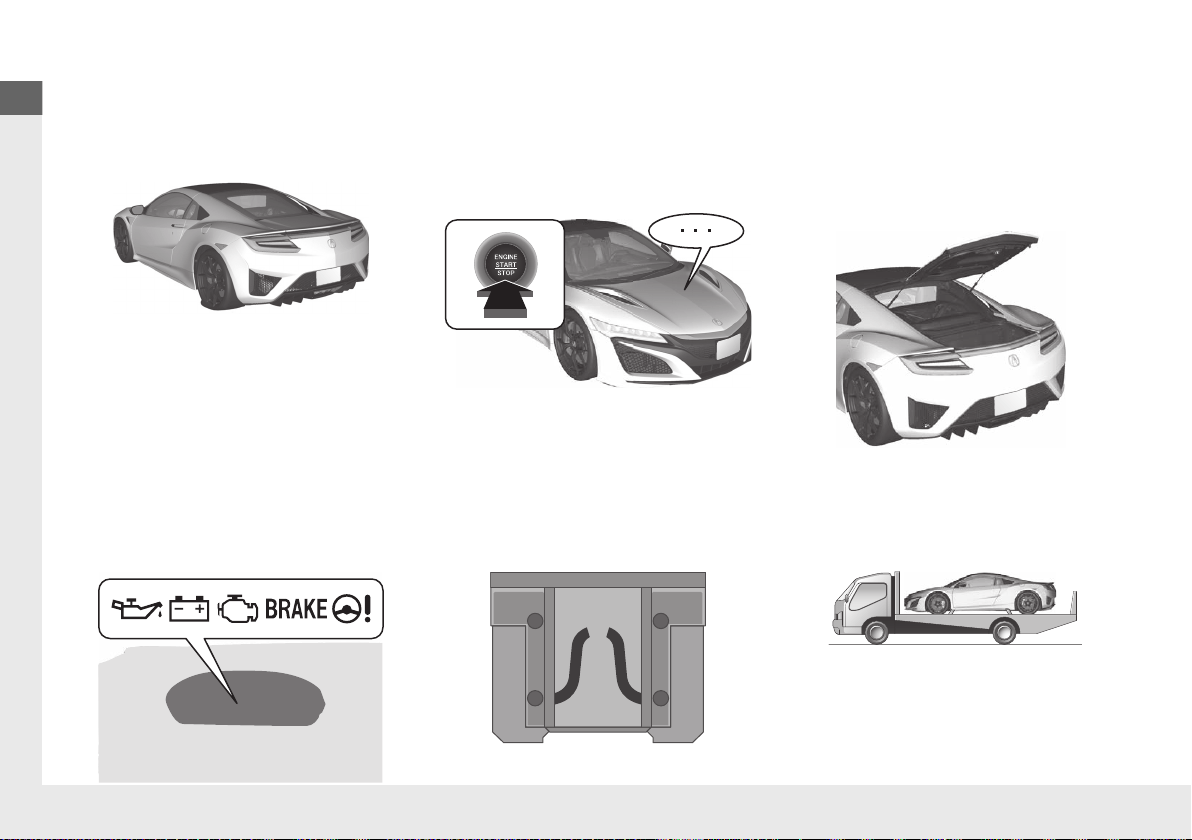
Handling the Unexpected (P 429)
Flat Tire (P 431)
● Park in a safe location and repair the flat
tire using the temporary tire repair kit.
Indicators Come On
(P 450)
● Identify the indicator and consult the
owner’s manual.
Power System Won’t Start
(P 443)
● If the 12-volt battery is dead, jump start
using a booster battery.
Blown Fuse
(P 455)
● Check for a blown fuse if an electrical
device does not operate.
Overheating (P 448)
● Park in a safe location. If you do not see
steam under the hatch, open the hatch,
and let the power system and the engine
cool down.
Emergency Towing
(P 460)
● Call a professional towing service if you
need to tow your vehicle.
19 NSX-31T6N6200.book 28 ページ 2018年8月9日 木曜日 午前11時12分
29
Quick Reference Guide
What to Do If
Why do the doors lock
after I unlocked the doors?
If you do not open the doors within 30 seconds, the doors are
relocked automatically for security.
Why does the beeper
sound when I open the
driver’s door?
The beeper sounds when:
●
The power mode is in ACCESSORY.
●
The exterior lights are left on.
Why does the beeper
sound when I start driving?
The beeper sounds when the driver and/or passenger are not
wearing their seat belts.
Why do I hear a screeching
sound when I apply the
brake pedal?
The brake pads may need to be replaced. Have your vehicle
inspected by an authorized Acura NSX dealer.
Pressing the electric
parking brake switch does
not release the parking
brake. Why?
Press the electric parking brake switch with the brake pedal
depressed.
Models with iron brake discs
19 NSX-31T6N6200.book 29 ページ 2018年8月9日 木曜日 午前11時12分
30
Quick Reference Guide
Depressing the accelerator
pedal does not release the
parking brake
automatically. Why?
●
Fasten the driver’s seat belt.
●
Check if the transmission is in (P or (N. If so, select any other
position.
Why does the gear position
automatically change to
(P
when I open the driver’s
door to check for parking
space lines when
reversing?
●
Fasten the driver’s seat belt.
●
Close the driver’s door and manually change the gear
position.
u
When opening the driver’s door (P 327)
I’m seeing an amber
indicator of a tire with an
exclamation point. What is
that?
The Tire Pressure Monitoring System (TPMS) needs attention.
Check tire pressure.
2 If the Low Tire Pressure/TPMS Indicator Comes On or Blinks (P 453)
19 NSX-31T6N6200.book 30 ページ 2018年8月9日 木曜日 午前11時12分

31
Safe Driving
You can find many safety recommendations throughout this chapter, and throughout this manual.
For Safe Driving
Important Safety Precautions.............. 32
Your Vehicle’s Safety Features............ 34
Safety Checklist ................................. 35
Seat Belts
About Your Seat Belts........................ 36
Fastening a Seat Belt.......................... 39
Seat Belt Inspection............................ 42
Airbags
Airbag System Components............... 43
Types of Airbags ................................ 46
Front Airbags (SRS) ............................ 46
Driver’s Knee Airbag .......................... 50
Side Airbags....................................... 52
Side Curtain Airbags .......................... 54
Airbag System Indicators.................... 55
Airbag Care ....................................... 57
Child Safety
Protecting Child Passengers ............... 58
Safety of Infants and Small Children... 60
Safety of Larger Children ................... 65
Exhaust Gas Hazard
Carbon Monoxide Gas....................... 67
Safety Labels
Label Locations .................................. 68
19 NSX-31T6N6200.book 31 ページ 2018年8月9日 木曜日 午前11時12分
32
Safe Driving
For Safe Driving
The following pages explain your vehicle’s safety features and how to use them
properly. The safety precautions below are ones that we consider to be among the
most important.
Important Safety Precautions
■ Always wear your seat belt
A seat belt is your best protection in all types of collisions. Airbags are designed to
supplement seat belts, not replace them. So even though your vehicle is equipped
with airbags, make sure you and your passenger always wear your seat belts, and
wear them properly.
■ Your vehicle is not recommended for child passengers
The National Highway Traffic Safety Administration and Transport Canada
recommend that all children ages 12 and under be properly restrained in a back
seat. Since this vehicle does not have a back seat, we strongly recommend that you
do not carry any child who is not large enough and mature enough to ride in front.
■ Be aware of airbag hazards
While airbags can save lives, they can cause serious or fatal injuries to occupants
who sit too close to them, or are not properly restrained. Infants, young children,
and short adults are at the greatest risk. Be sure to follow all instructions and
warnings in this manual.
■ Don’t drink and drive
Alcohol and driving don’t mix. Even one drink can reduce your ability to respond to
changing conditions, and your reaction time gets worse with every additional drink.
So don’t drink and drive, and don’t let your friends drink and drive, either.
1Important Safety Precautions
Some states, provinces and territories prohibit the use
of cell phones other than hands-free devices by the
driver while driving.
Never carry an infant in a rear-facing child seat in this
vehicle.
If an older child must ride in this vehicle, follow all
child safety instructions and warnings in this manual.
2 Child Safety P. 58
19 NSX-31T6N6200.book 32 ページ 2018年8月9日 木曜日 午前11時12分

33
uuFor Safe DrivinguImportant Safety Precautions
Safe Driving
■ Pay appropriate attention to the task of driving safely
Engaging in cell phone conversation or other activities that keep you from paying
close attention to the road, other vehicles, and pedestrians could lead to a crash.
Remember, situations can change quickly, and only you can decide when it is safe to
divert some attention away from driving.
■ Control your speed
Excessive speed is a major factor in crash injuries and deaths. Generally, the higher
the speed, the greater the risk, but serious injuries can also occur at lower speeds.
Never drive faster than is safe for current conditions, regardless of the maximum
speed posted.
■ Keep your vehicle in safe condition
Having a tire blowout or a mechanical failure can be extremely hazardous.
To reduce the possibility of such problems, check your tire pressures and condition
frequently, and perform all regularly scheduled maintenance.
■ Do not leave children unattended in the vehicle
Children, pets and people needing assistance left unattended in the vehicle may be
injured if they activate one or more of the vehicle controls. They may also cause the
vehicle to move, resulting in a crash in which they and/or another person(s) can be
injured or killed. Also, depending on the ambient temperature, the temperature of
the interior may reach extreme levels, which can result in harm or death.
Even if the climate control system is on, never leave them in the vehicle unattended
as the climate control system can shut off at any time.
19 NSX-31T6N6200.book 33 ページ 2018年8月9日 木曜日 午前11時12分
34
uuFor Safe DrivinguYour Vehicle’s Safety Features
Safe Driving
Your Vehicle’s Safety Features
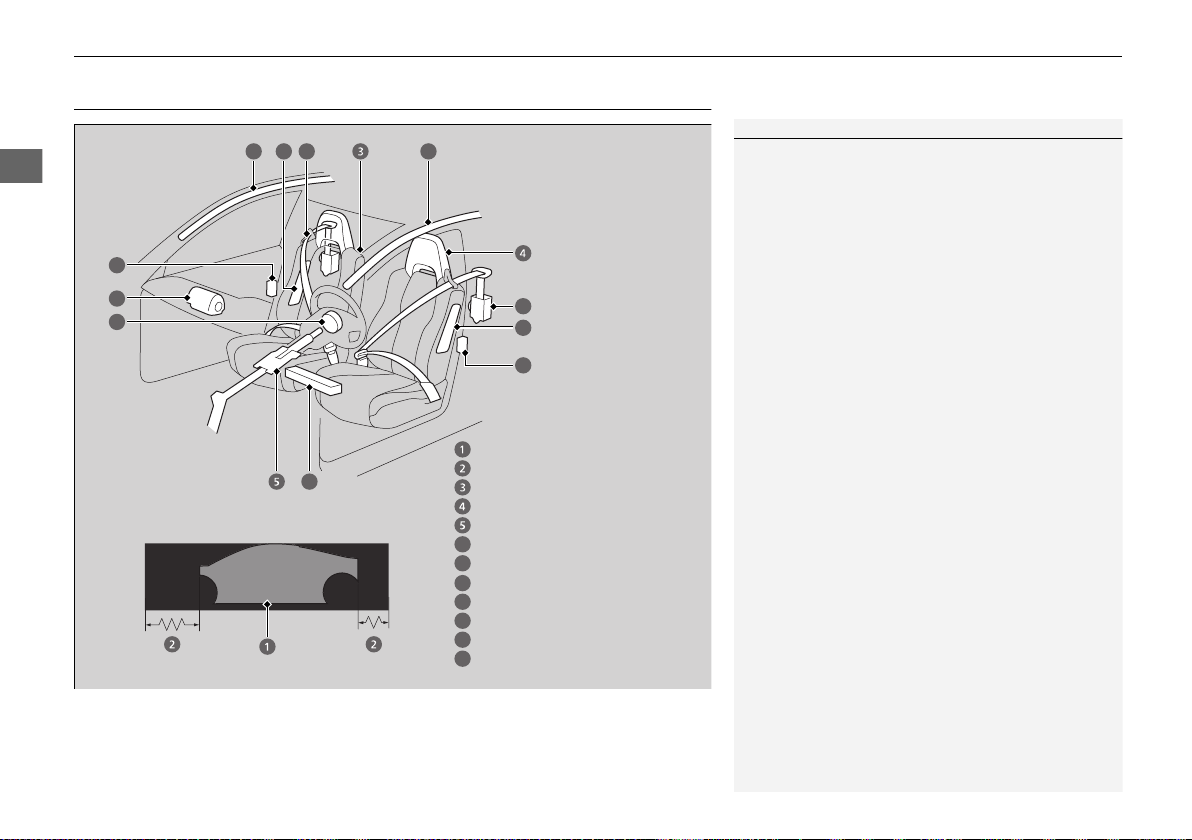
The following checklist will help you take an active role in protecting yourself and
your passenger.
1Your Vehicle’s Safety Features
Your vehicle is equipped with many features that
work together to help protect you and your
passenger during a crash.
Some features do not require any action on your part.
These include a strong framework that forms a safety
cage around the passenger compartment, front and
rear crush zones, a collapsible steering column, and
tensioners that tighten the seat belts in a sufficient
crash.
However, you and your passenger cannot take full
advantage of these features unless you remain seated
in the correct position and always wear your seat
belts. In fact, some safety features can contribute to
injuries if they are not used properly.
6
7
9
10
11
12
Safety Cage
Crush Zones
Seats and Seat-Backs
Head Restraints
Collapsible Steering Column
Seat Belts
Front Airbags
Side Curtain Airbags
Door Locks
Side Airbags
Seat Belt Tensioners
7
7
10
10
9
9
11
11
6
12
8
Knee Airbag
8
19 NSX-31T6N6200.book 34 ページ 2018年8月9日 木曜日 午前11時12分

35
uuFor Safe DrivinguSafety Checklist
Safe Driving
Safety Checklist
For the safety of you and your passenger make a habit of checking these items each
time before you drive.
• After everyone has entered the vehicle, be sure both doors are closed and locked.
Locking the doors helps prevent an occupant from being ejected and an outsider
from unexpectedly opening a door.
2 Locking/Unlocking the Doors from the Inside P. 115
• Adjust your seat to a position suitable for driving. Be sure the seats are adjusted
as far to the rear as possible while allowing the driver to control the vehicle.
Sitting too close to a front airbag can result in serious or fatal injury in a crash.
2 Adjusting the Seats P. 144
• Always wear your seat belt, and make sure you wear it properly. Confirm that any
passenger is properly belted as well.
2 Fastening a Seat Belt P. 39
• If you choose to ignore our warnings and carry a child in this vehicle, make every
effort to protect them by properly using a seat belt or a child seat according to the
child’s age, height, and weight.
2 Child Safety P. 58
1Safety Checklist
If the Door Open or Door And Trunk Open
message appears on the driver information interface,
a door and/or the trunk (hatch) is not completely
closed. Close both doors and the trunk (hatch) tightly
until the message disappears.
2 Driver Information Interface Warning and
Information Messages P. 88
19 NSX-31T6N6200.book 35 ページ 2018年8月9日 木曜日 午前11時12分
36
Safe Driving
Seat Belts
About Your Seat Belts
Seat belts are the single most effective safety device because they keep you
connected to the vehicle so that you can take advantage of many built-in safety
features. They also help keep you from being thrown against the inside of the
vehicle, against any passenger, or out of the vehicle. When worn properly, seat belts
also keep your body properly positioned in a crash so that you can take full
advantage of the additional protection provided by the airbags.
In addition, seat belts help protect you in almost every type of crash, including:
- frontal impacts
- side impacts
- rear impacts
- rollovers
■ Lap/shoulder seat belts
Both seating positions are equipped with lap/shoulder seat belts with emergency
locking retractors. In normal driving the retractor lets you move freely while keeping
some tension on the belt. During a collision or sudden stop the retractor locks to
restrain your body. The passenger’s seat belt has a lockable retractor that must be
properly activated when using a forward-facing child seat, should you choose to
disregard our recommendations and install one.
2 Installing a Child Seat P. 63
1About Your Seat Belts
Seat belts cannot completely protect you in every
crash. But in most cases, seat belts can reduce your
risk of serious injury.
Most states and all Canadian provinces and territories
require you to wear seat belts.
If you extend the seat belt too quickly, it will lock in
place. If this happens, slightly retract the seat belt,
then extend it slowly.
3
WARNING
Not wearing a seat belt properly increases
the chance of serious injury or death in a
crash, even though your vehicle has
airbags.
Be sure you and your passenger always
wear seat belts and wear them properly.
19 NSX-31T6N6200.book 36 ページ 2018年8月9日 木曜日 午前11時12分

Continued
37
uuSeat BeltsuAbout Your Seat Belts
Safe Driving
■ Proper use of seat belts
Follow these guidelines for proper use:
• All occupants should sit upright, well back in the seat, and remain in that position
for the duration of the trip. Slouching and leaning reduce the effectiveness of the
belt and can increase the chance of serious injury in a crash.
• Never place the shoulder part of a lap/shoulder seat belt under your arm or
behind your back. This could cause very serious injuries in a crash.
• Two people should never use the same seat belt. If they do, they could be very
seriously injured in a crash.
• Do not put any accessories on the seat belts. Devices intended to improve comfort
or reposition the shoulder part of a seat belt can reduce the protective capability
and increase the chance of serious injury in a crash.
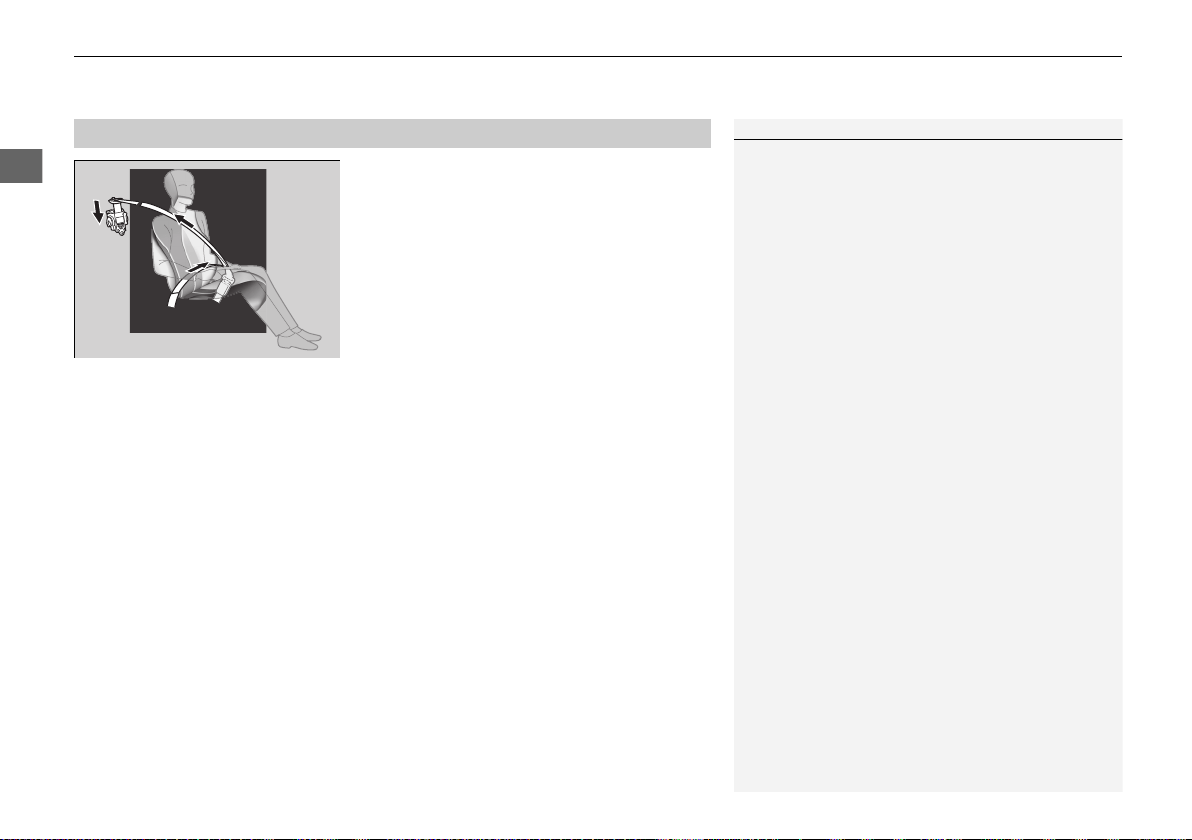
The seat belt system includes an indicator on
the instrument panel to remind the driver or a
passenger or both to fasten their seat belts.
If you set the power mode to ON and a seat
belt is not fastened, a beeper will sound and
the indicator will blink. After a few seconds,
the beeper will stop and the indicator will
come on and remain illuminated until the seat
belt is fastened.
The beeper will periodically sound and the
indicator will blink while the vehicle is moving
until the seat belt is fastened.
■
Seat Belt Reminder
1About Your Seat Belts
If your passenger moves around and extends the seat
belt, the lockable retractor may activate. If this
happens, release the retractor by unfastening the
seat belt and allow the belt to retract completely.
Then refasten the belt.
1Seat Belt Reminder
The indicator will also come on if a passenger does
not fasten their seat belt within six seconds after the
power mode is set to ON.
When no one is sitting in the passenger’s seat, or a
child is riding there, the indicator will not come on
and the beeper will not sound.
19 NSX-31T6N6200.book 37 ページ 2018年8月9日 木曜日 午前11時12分
uuSeat BeltsuAbout Your Seat Belts
38
Safe Driving
The driver’s and passenger’s seats are
equipped with automatic seat belt tensioners
to enhance safety.
The tensioners automatically tighten the seat
belts during a moderate-to-severe frontal
collision, sometimes even if the collision is not
severe enough to inflate the front airbags or
the driver’s knee airbag.
■
Automatic Seat Belt Tensioners
1Automatic Seat Belt Tensioners
The seat belt tensioners can only operate once.
If a tensioner is activated, the SRS indicator will come
on. Have an authorized Acura NSX dealer replace the
tensioner and thoroughly inspect the seat belt system
as it may not offer protection in a subsequent crash.
During a moderate-to-severe side impact, the
tensioner on that side of the vehicle also activates.
19 NSX-31T6N6200.book 38 ページ 2018年8月9日 木曜日 午前11時12分
39
uuSeat BeltsuFastening a Seat Belt
Continued
Safe Driving
Fastening a Seat Belt
After adjusting your seat to the proper position, and while sitting upright and well
back in the seat:
2 Adjusting the Seats P. 144
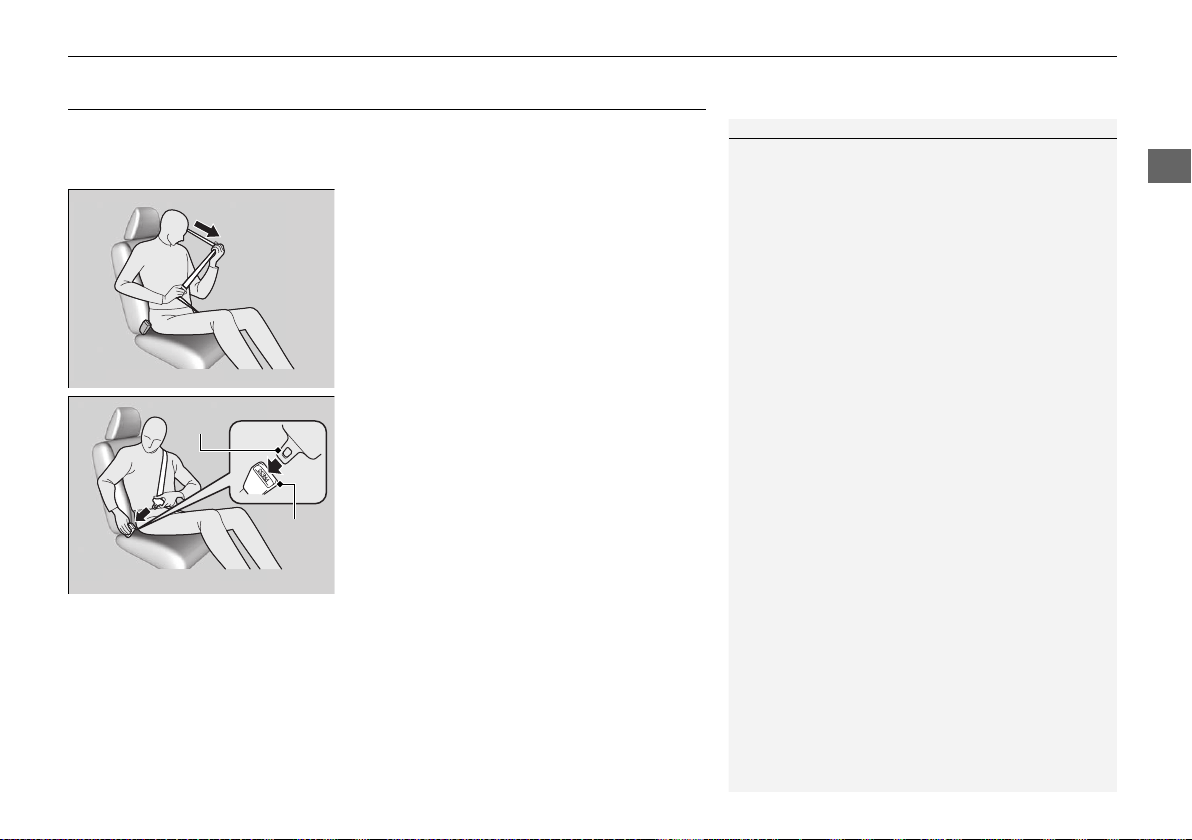
1. Pull the seat belt out slowly.
2. Insert the latch plate into the buckle, then
tug on the belt to make sure the buckle is
secure.
u Make sure that the belt is not twisted or
caught on anything.
1Fastening a Seat Belt
No one should sit in a seat with an inoperative seat
belt or one that does not appear to be working
correctly. Using a seat belt that is not working
properly may not protect the occupant in a crash.
Have an authorized Acura NSX dealer check the belt
as soon as possible.
Never insert any foreign objects into the buckle or
retractor mechanism.
Pull out slowly.
Correct
Seated
Posture.
Latch
Plate
Buckle
19 NSX-31T6N6200.book 39 ページ 2018年8月9日 木曜日 午前11時12分
uuSeat BeltsuFastening a Seat Belt
40
Safe Driving
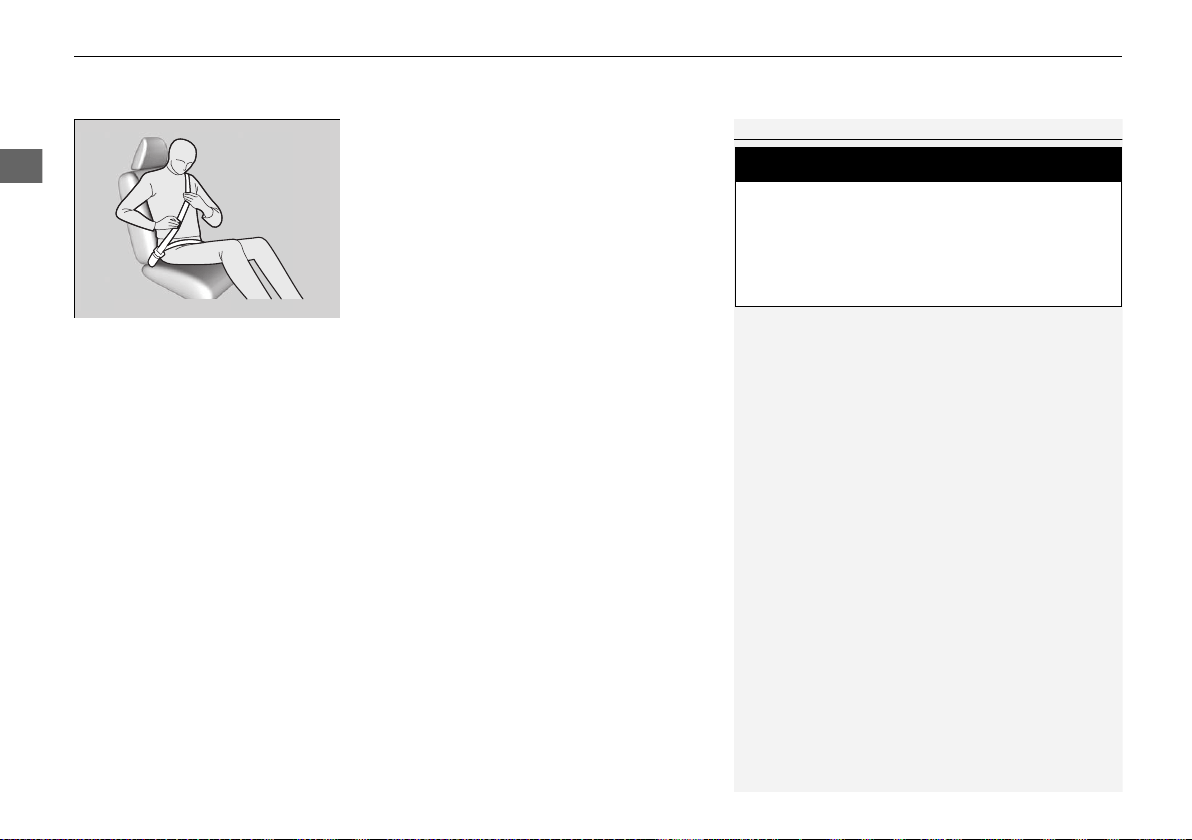
3. Position the lap part of the belt as low as
possible across your hips, then pull up on
the shoulder part of the belt so the lap part
fits snugly. This lets your strong pelvic
bones take the force of a crash and reduces
the chance of internal injuries.
4. If necessary, pull up on the belt again to
remove any slack, then check that the belt
rests across the center of your chest and
over your shoulder. This spreads the forces
of a crash over the strongest bones in your
upper body.
1Fastening a Seat Belt
To release the belt, push the red PRESS button and
then guide the belt by hand until it has retracted
completely.
When exiting the vehicle, be sure the belt is properly
stowed so that it will not get caught in the closing
door.
3
WARNING
Improperly positioning the seat belts can
cause serious injury or death in a crash.
Make sure all seat belts are properly
positioned before driving.
Lap belt
as low as
possible
19 NSX-31T6N6200.book 40 ページ 2018年8月9日 木曜日 午前11時12分
41
uuSeat BeltsuFastening a Seat Belt
Safe Driving
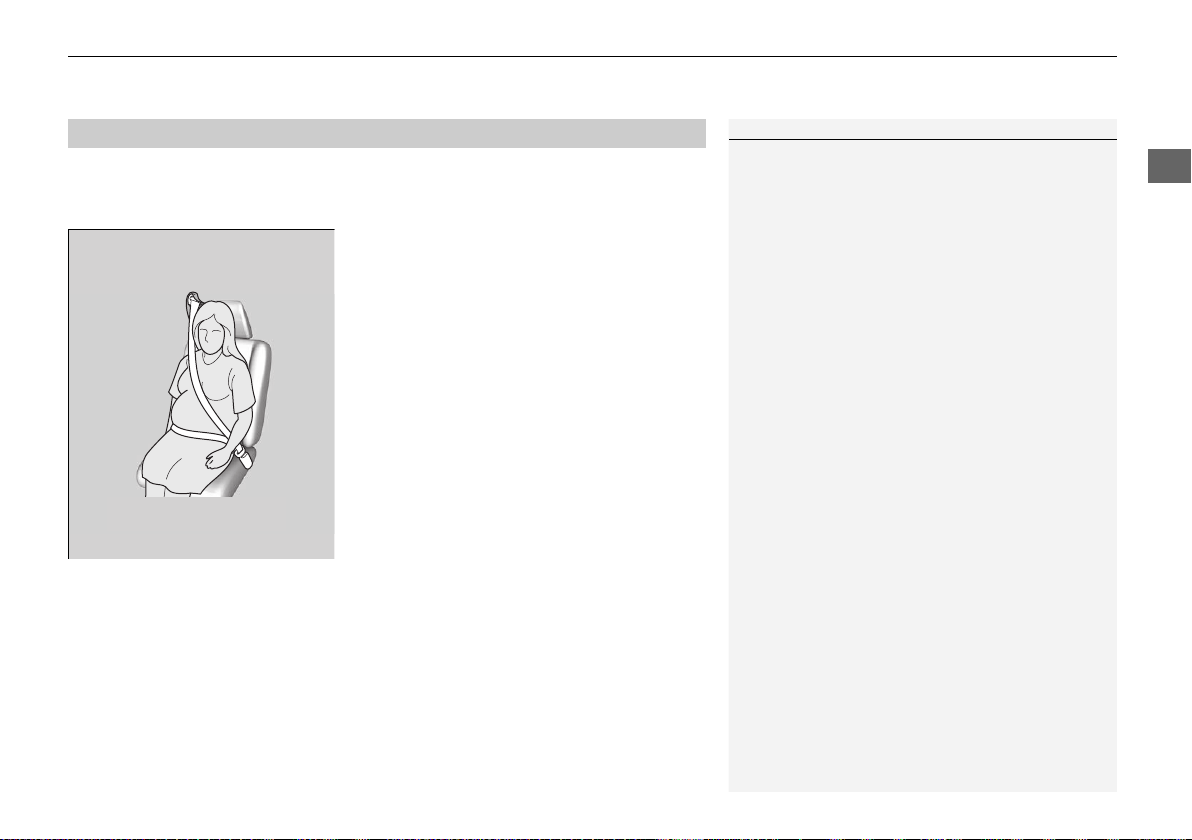
If you are pregnant, the best way to protect yourself and your unborn child when
driving or riding in a vehicle is to always wear a seat belt and keep the lap part of the
belt as low as possible across the hips.
■
Advice for Pregnant Women
1Advice for Pregnant Women
Each time you have a checkup, ask your doctor if it is
okay for you to drive.
To reduce the risk of injuries to both you and your
unborn child that can be caused by an inflating front
airbag:
• When driving, sit upright and adjust the seat as far
back as possible while allowing full control of the
vehicle.
• When sitting in the passenger’s seat, adjust the
seat as far back as possible.
Wear the shoulder belt
across the chest avoiding
the abdomen.
Wear the lap part of the
belt as low as possible
across the hips.
19 NSX-31T6N6200.book 41 ページ 2018年8月9日 木曜日 午前11時12分
42
uuSeat BeltsuSeat Belt Inspection
Safe Driving
Seat Belt Inspection
Regularly check the condition of your seat belts as follows:
• Pull each belt out fully, and look for frays, cuts, burns, and wear.
• Check that the latch plates and buckles work smoothly and the belts retract
easily.
u If a belt does not retract easily, cleaning the belt may correct the problem. Only
use a mild soap and warm water. Do not use bleach or cleaning solvents. Make
sure the belt is completely dry before allowing it to retract.
Any belt that is not in good condition or working properly will not provide proper
protection and should be replaced as soon as possible.
A belt that has been worn during a crash may not provide the same level of
protection in a subsequent crash. Have your seat belts inspected by an authorized
Acura NSX dealer after any collision.
1Seat Belt Inspection
3
WARNING
Not checking or maintaining seat belts can
result in serious injury or death if the seat
belts do not work properly when needed.
Check your seat belts regularly and have
any problem corrected as soon as possible.
19 NSX-31T6N6200.book 42 ページ 2018年8月9日 木曜日 午前11時12分
43
Continued
Safe Driving
Airbags
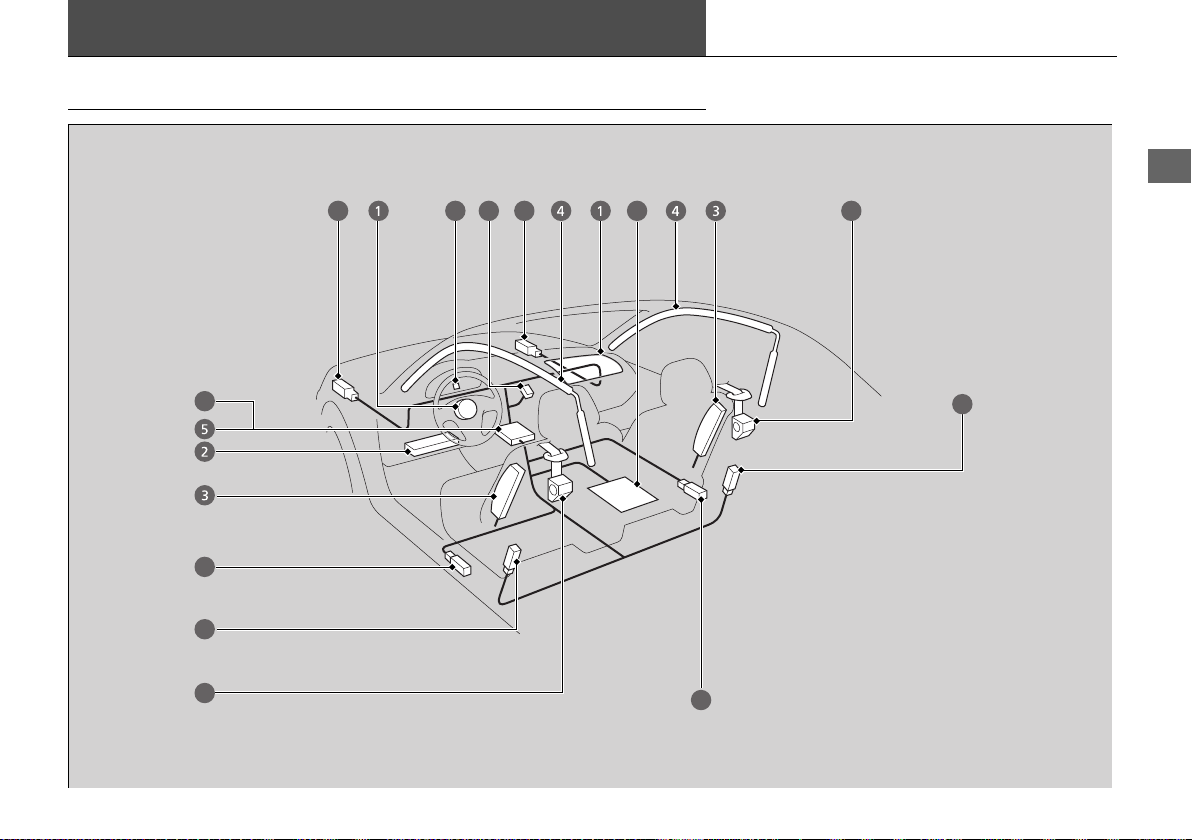
Airbag System Components
8
8
8
8
10
9
8
7
6
6
8
11
19 NSX-31T6N6200.book 43 ページ 2018年8月9日 木曜日 午前11時12分

44
uuAirbagsuAirbag System Components
Safe Driving
The front, driver’s knee, side, and side
curtain airbags are deployed according to
the direction and severity of impact. Both
side curtain airbags are deployed in a
rollover. The airbag system includes:
a Two SRS (Supplemental Restraint System)
front airbags. The driver’s airbag is stored
in the center of the steering wheel; the
passenger’s airbag is stored in the
dashboard. Both are marked SRS
AIRBAG.
b Driver’s knee airbag. The knee airbag is
stored under the steering column. It is
marked SRS AIRBAG.
c Two side airbags, one for the driver and
one for a passenger. The airbags are
stored in the outer edges of the seat-
backs. Both are marked SIDE AIRBAG.
d Two side curtain airbags, one for each
side of the vehicle. The airbags are stored
in the ceiling, above the side windows.
The front and rear pillars are marked
SIDE CURTAIN AIRBAG.
e An electronic control unit that, when the
power system is on, continually monitors
information about the various impact
sensors, seat and buckle sensors, rollover
sensor, airbag activators, seat belt
tensioners, and other vehicle
information. During a crash event the
unit can record such information.
f Automatic seat belt tensioners. In
addition, the driver’s and passenger’s
seat belt buckles incorporate sensors that
detect whether or not the belts are
fastened.
g Weight sensors in the passenger’s seat.
The passenger’s airbag will be turned off
if the weight on the seat is 65 lbs (29 kg)
or less (the weight of an infant or small
child).
h Impact sensors that can detect a
moderate-to-severe front or side impact.
i An indicator on the dashboard that alerts
you that the passenger’s front airbag has
been turned off.
j An indicator on the instrument panel that
alerts you to a possible problem with your
airbag system or seat belt tensioners.
k A rollover sensor that can detect if your
vehicle is about to roll over and signal the
control unit to deploy both side curtain
airbag.
19 NSX-31T6N6200.book 44 ページ 2018年8月9日 木曜日 午前11時12分
45
uuAirbagsuAirbag System Components
Safe Driving
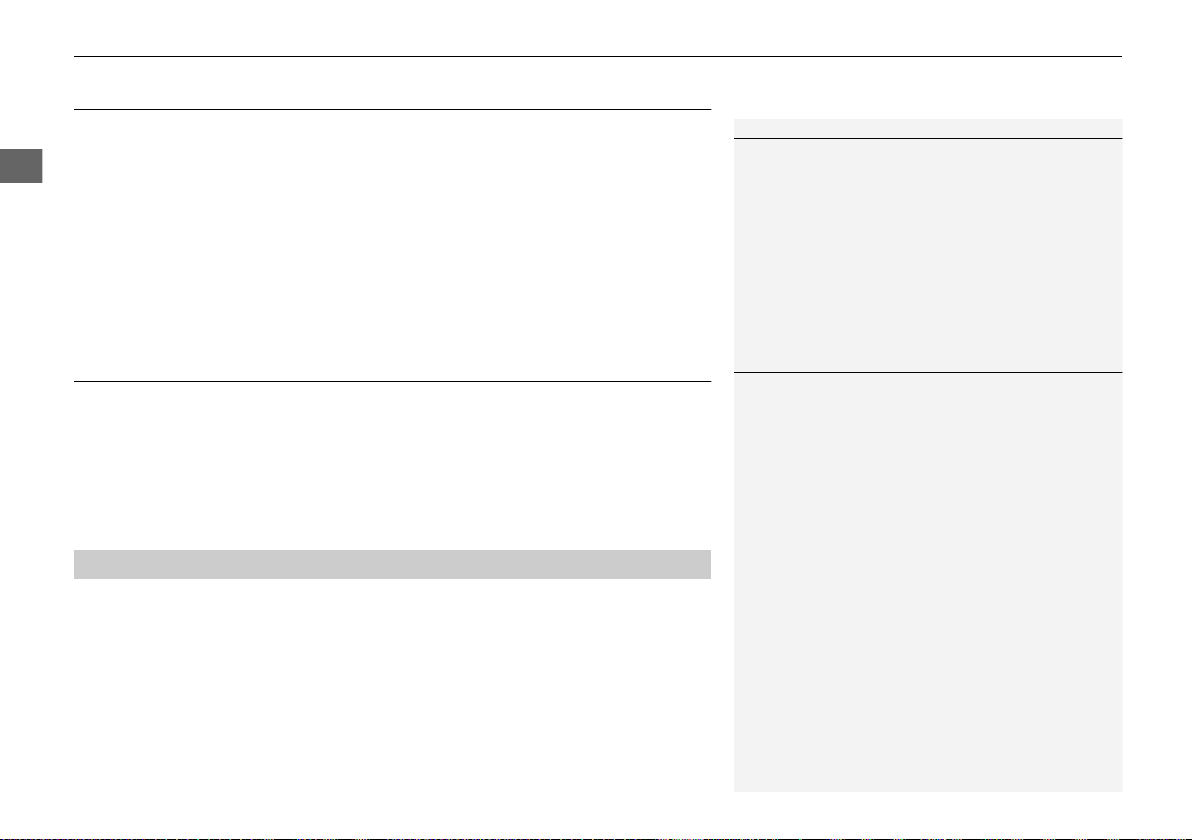
Airbags can pose serious hazards. To do their job, airbags must inflate with
tremendous force. So, while airbags help to save lives, they can cause burns, bruises,
and other minor injuries, sometimes even fatal ones if occupants are not wearing
their seat belts properly and sitting correctly.
What you should do: Always wear your seat belt properly, and sit upright and as
far back from the steering wheel as possible while allowing full control of the
vehicle. A passenger should move their seat as far back from the dashboard as
possible.
Remember, however, that no safety system can prevent all injuries or deaths that
can occur in a severe crash, even when seat belts are properly worn and the airbags
deploy.
Do not place hard or sharp objects between yourself and a front airbag.
Carrying hard or sharp objects on your lap, or driving with a pipe or other sharp
object in your mouth, can result in injuries if your front airbag inflates.
Do not attach or place objects on the front and driver’s knee airbag covers.
Objects on the covers marked SRS AIRBAG could interfere with the proper
operation of the airbags or be propelled inside the vehicle and hurt someone if the
airbags inflate.
■
Important Facts About Your Airbags
1Important Facts About Your Airbags
Do not attempt to deactivate your airbags. Together,
airbags and seat belts provide the best protection.
When driving, keep hands and arms out of the
deployment path of the front airbag by holding each
side of the steering wheel. Do not cross an arm over
the airbag cover.
19 NSX-31T6N6200.book 45 ページ 2018年8月9日 木曜日 午前11時12分
46
uuAirbagsuTypes of Airbags
Safe Driving
Types of Airbags
Your vehicle is equipped with four types of airbags:
• Front airbags: Airbags in front of the driver’s and passenger’s seats.
• Driver’s knee airbag: Airbag under the steering column.
• Side airbags: Airbags in the driver’s and passenger’s seat-backs.
• Side curtain airbags: Airbags above the side windows.
Each is discussed in the following pages.
Front Airbags (SRS)
The front SRS airbags inflate in a moderate-to-severe frontal collision to help protect
the head and chest of the driver and/or passenger.
SRS (Supplemental Restraint System) indicates that the airbags are designed to
supplement seat belts, not replace them. Seat belts are the occupant’s primary
restraint system.
The front airbags are housed in the center of the steering wheel for the driver, and
in the dashboard for the passenger. Both airbags are marked SRS AIRBAG.
■
Housing Locations
1Types of Airbags
The airbags can inflate whenever the power mode is
in ON.
After an airbag inflates in a crash, you may see a
small amount of smoke. This is from the combustion
process of the inflator material and is not harmful.
People with respiratory problems may experience
some temporary discomfort. If this occurs, get out of
the vehicle as soon as it is safe to do so.
1Front Airbags (SRS)
During a frontal crash severe enough to cause one or
both front airbags to deploy, the airbags can inflate
at different rates, depending on the severity of the
crash, whether or not the seat belts are latched, and/
or other factors. Frontal airbags are designed to
supplement the seat belts to help to reduce the
likelihood of head and chest injuries in frontal
crashes.
19 NSX-31T6N6200.book 46 ページ 2018年8月9日 木曜日 午前11時12分
Continued
47
uuAirbagsuFront Airbags (SRS)
Safe Driving
Front airbags are designed to inflate during moderate-to-severe frontal collisions.
When the vehicle decelerates suddenly, the sensors send information to the control
unit which signals one or both front airbags to inflate.
A frontal collision can be either head-on or angled between two vehicles, or when a
vehicle crashes into a stationary object, such as a concrete wall.
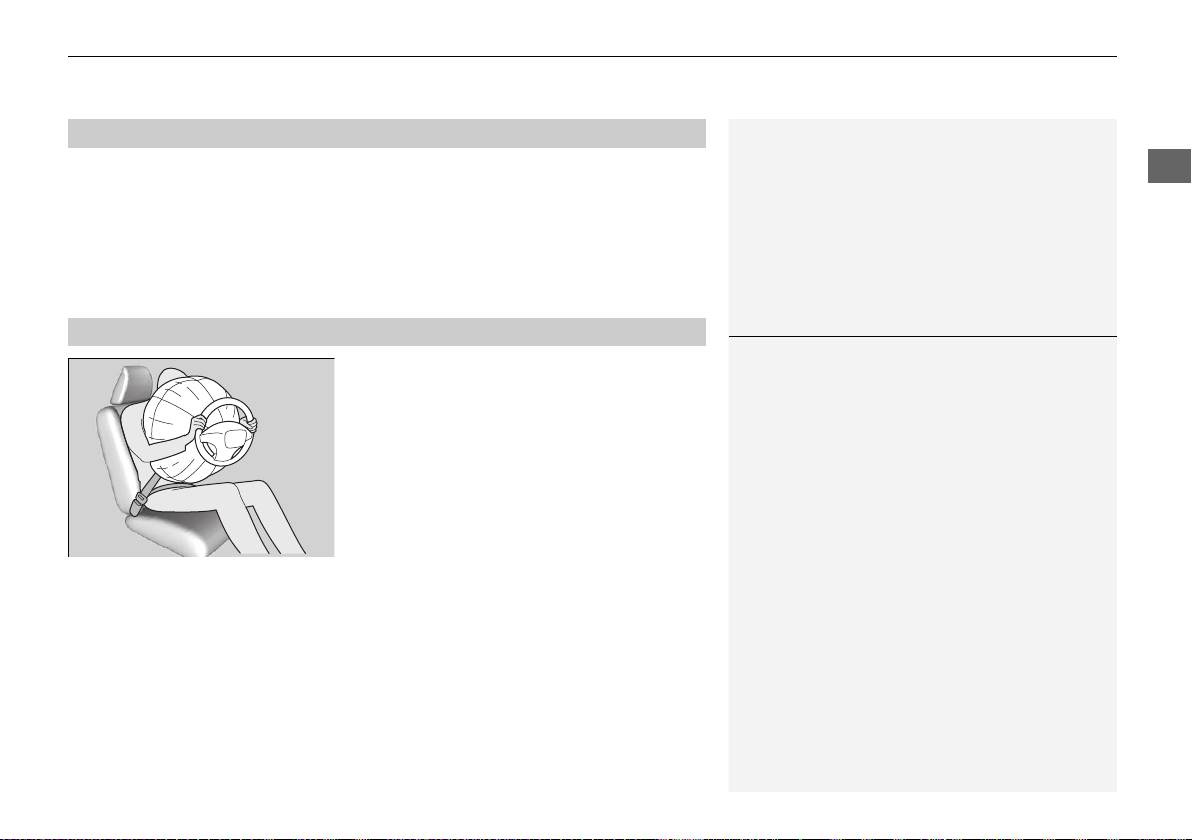
While your seat belt restrains your torso, the
front airbag provides supplemental protection
for your head and chest.
The front airbags deflate immediately so that
they won’t interfere with the driver’s visibility
or the ability to steer or operate other
controls.
The total time for inflation and deflation is so fast that most occupants are not
aware that the airbags deployed until they see them lying in front of them.
■
Operation
■
How the Front Airbags Work
1How the Front Airbags Work
Although the driver’s and passenger’s airbags
normally inflate within a split second of each other, it
is possible for only one airbag to deploy. This can
happen if the severity of a collision is at the margin,
or threshold that determines whether or not the
airbags will deploy. In such cases, the seat belt will
provide sufficient protection, and the supplemental
protection offered by the airbag would be minimal.
19 NSX-31T6N6200.book 47 ページ 2018年8月9日 木曜日 午前11時12分

48
uuAirbagsuFront Airbags (SRS)
Safe Driving
■ When front airbags should not deploy
Minor frontal crashes: Front airbags were designed to supplement seat belts and
help save lives, not to prevent minor scrapes, or even broken bones that might occur
during a less than moderate-to-severe frontal crash.
Side impacts: Front airbags can provide protection when a sudden deceleration
causes a driver or passenger to move toward the front of the vehicle. Side airbags
and side curtain airbags have been specifically designed to help reduce the severity
of injuries that can occur during a moderate-to-severe side impact which can cause
the driver or passenger to move toward the side of the vehicle.
Rear impacts: Head restraints and seat belts are your best protection during a rear
impact. Front airbags cannot provide any significant protection and are not designed
to deploy in such collisions.
Rollovers: In a rollover, your best form of protection is a seat belt or, if your vehicle
is equipped with a rollover sensor, both a seat belt and a side curtain airbag. Front
airbags, however, are not designed to deploy in a rollover as they would provide
little if any protection.
■ When front airbags deploy with little or no visible damage
Because the airbag system senses sudden deceleration, a strong impact to the
vehicle framework or suspension might cause one or more of the airbags to deploy.
Examples include running into a curb, the edge of a hole, or other low fixed object
that causes a sudden deceleration in the vehicle chassis. Since the impact is
underneath the vehicle, damage may not be readily apparent.
■ When front airbags may not deploy, even though exterior damage
appears severe
Since crushable body parts absorb crash energy during an impact, the amount of
visible damage does not always indicate proper airbag operation. In fact, some
collisions can result in severe damage but no airbag deployment because the airbags
would not have been needed or would not have provided protection even if they
had deployed.
19 NSX-31T6N6200.book 48 ページ 2018年8月9日 木曜日 午前11時12分
49
uuAirbagsuFront Airbags (SRS)
Safe Driving
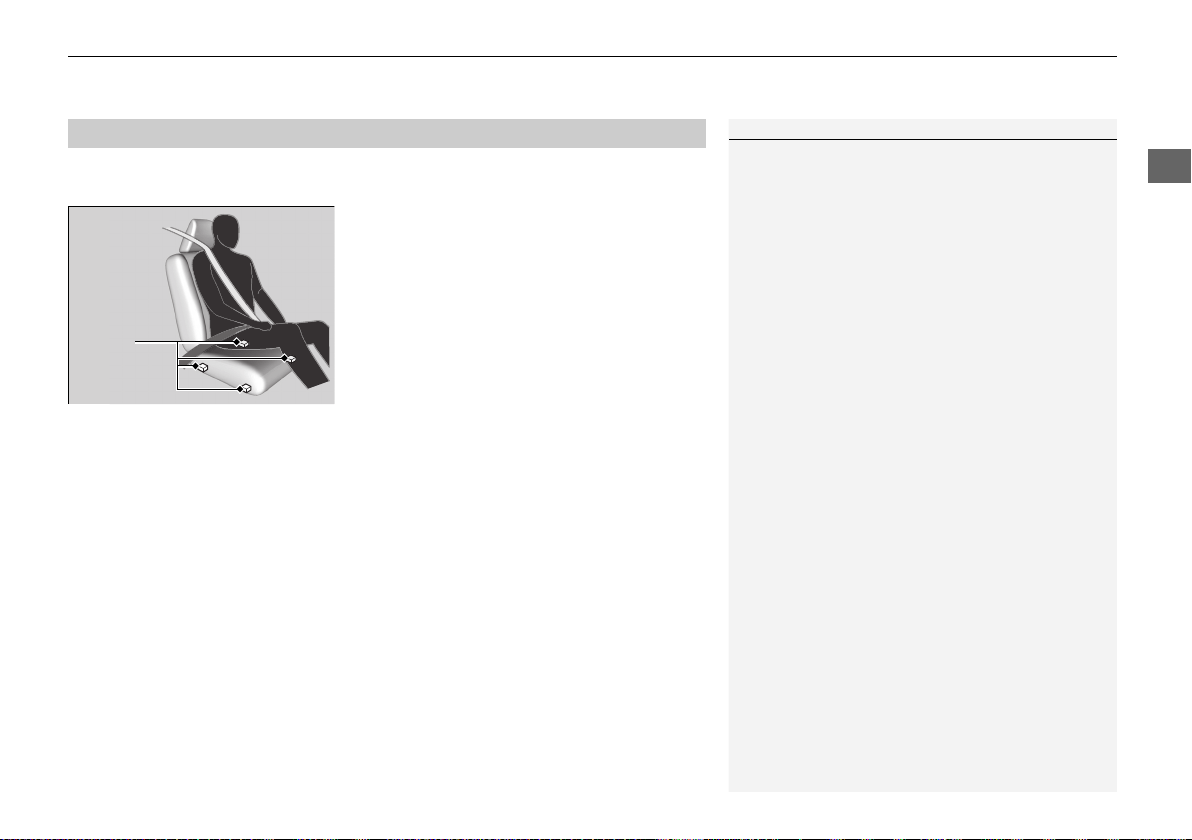
The passenger’s airbag have advanced features to help reduce the likelihood of
airbag related injuries to a smaller occupant.
The passenger’s advanced airbag system has
weight sensors.
We advise against allowing a child age 12 or
under to ride in the passenger’s seat.
However, if you do allow a child age 12 or
under to ride in the passenger’s seat, note
that the system will automatically turn off the
passenger’s airbag if the sensors detect that
the child is approximately 65 lbs (29 kg) or
less.
■
Advanced Airbags
1Advanced Airbags
For the passenger’s advanced front airbag to work
properly:
• Do not spill any liquid on or under the seat.
• Do not put any object under the passenger’s seat.
• Make sure any objects are positioned properly on
the floor. Improperly positioned objects can
interfere with the advanced airbag sensors.
• An occupant should sit upright and wear their seat
belts properly.
• Do not place any cover over the passenger side
dashboard.
2 Passenger Airbag Off Indicator P. 56
Passenger’s
Seat
Weight
Sensors
19 NSX-31T6N6200.book 49 ページ 2018年8月9日 木曜日 午前11時12分
50
uuAirbagsuDriver’s Knee Airbag
Safe Driving
Driver’s Knee Airbag
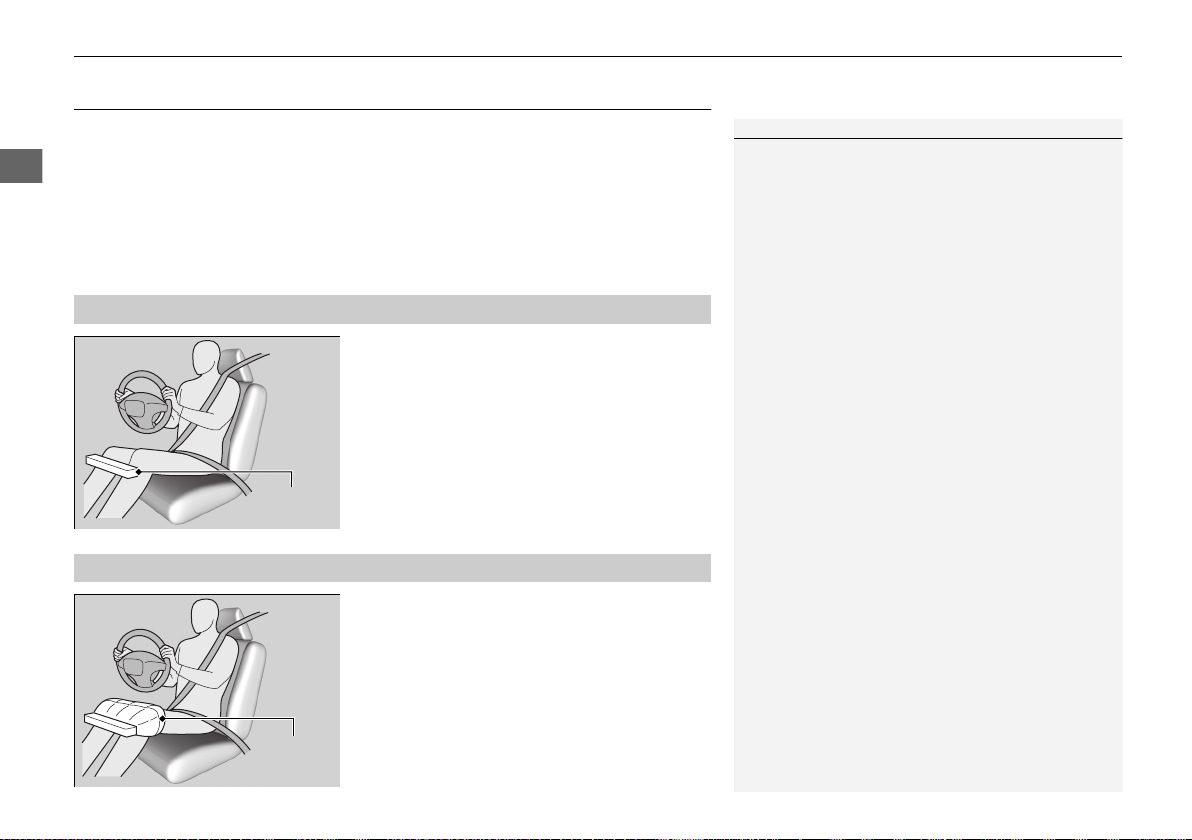
The driver’s knee SRS airbag inflates in a moderate to severe frontal collision to help
keep the driver in the proper position and to help to maximize the benefit provided
by the vehicle’s other safety features.
SRS (Supplemental Restraint System) indicates that the airbag is designed to
supplement seat belts, not replace them. Seat belts are the occupant’s primary
restraint system.
The driver’s knee airbag is housed under the
steering column.
The airbag is marked SRS AIRBAG.
When the driver’s front airbag inflates, the
driver’s knee airbag also inflates.
Even if the collision is not severe enough to
deploy the front airbag, the knee airbag may
inflate alone.
■
Housing Locations
1Driver’s Knee Airbag
Do not attach accessories on or near the driver’s knee
airbag. They can interfere with the proper operation
of the airbag, or hurt someone if an airbag inflates.
Housing
Location
■
Operation
When
inflated
Knee
Airbag
19 NSX-31T6N6200.book 50 ページ 2018年8月9日 木曜日 午前11時12分

51
uuAirbagsuDriver’s Knee Airbag
Safe Driving
■ When driver’s knee airbag deploys with little or no visible damage
Because the airbag system senses sudden deceleration, a strong impact to the
vehicle framework or suspension might cause one or more of the airbags to deploy.
Examples include running into a curb, the edge of a hole, or other low fixed object
that causes a sudden deceleration in the vehicle chassis. Since the impact is
underneath the vehicle, damage may not be readily apparent.
■ When driver’s knee airbag may not deploy, even though exterior damage
appears severe
Since crushable body parts absorb crash energy during an impact, the amount of
visible damage does not always indicate proper airbag operation. In fact, some
collisions can result in severe damage but no airbag deployment because the airbags
would not have been needed or would not have provided protection even if they
had deployed.
19 NSX-31T6N6200.book 51 ページ 2018年8月9日 木曜日 午前11時12分
52
uuAirbagsuSide Airbags
Safe Driving
Side Airbags
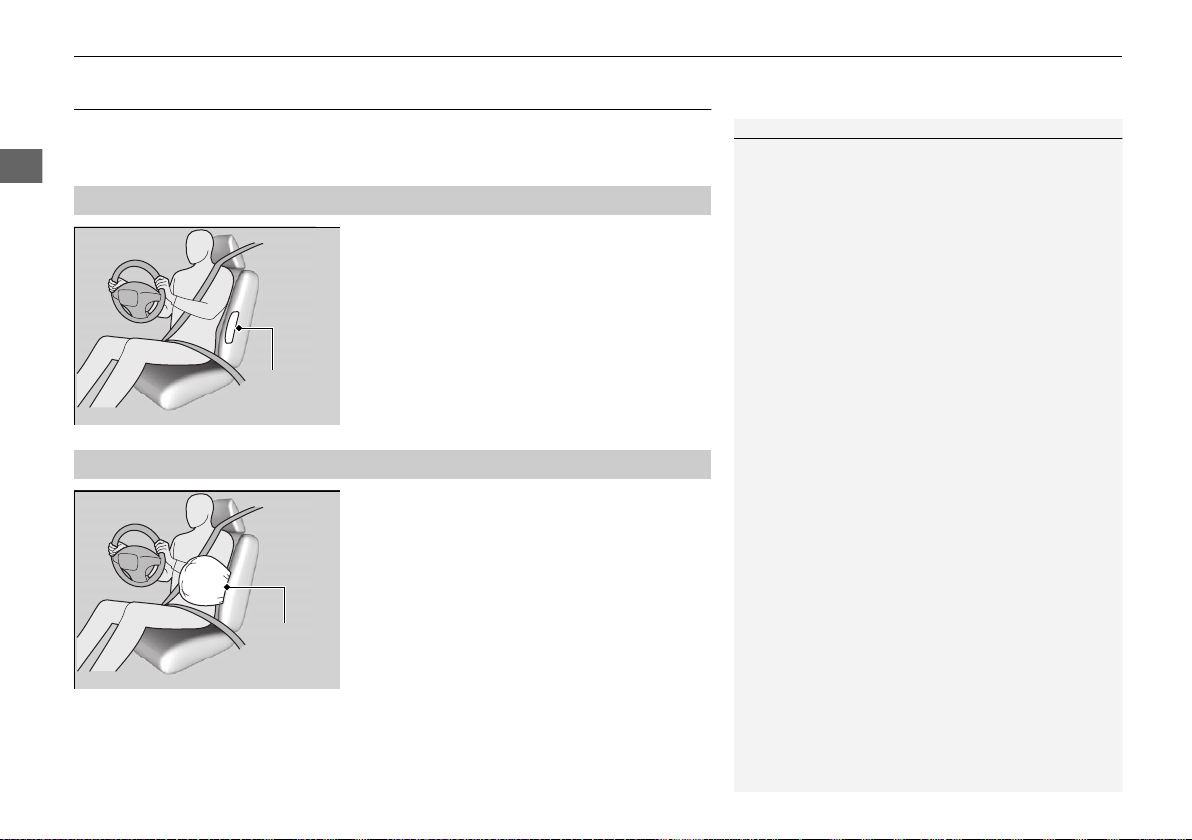
The side airbags help protect the torso and pelvis of the driver or a passenger during
a moderate-to-severe side impact.
The side airbags are housed in the outside
edge of the driver’s and passenger’s seat-
backs.
Both are marked SIDE AIRBAG.
When the sensors detect a moderate-to-
severe side impact, the control unit signals the
side airbag on the impact side to immediately
inflate.
■
Housing Locations
1Side Airbags
Make sure you and your passenger always sit upright.
Leaning into the path of a side airbag can prevent the
airbag from deploying properly and increases your
risk of serious injury.
Do not attach accessories on or near the side airbags.
They can interfere with the proper operation of the
airbags, or hurt someone if an airbag inflates.
Do not cover or replace the seat-back covers without
consulting an authorized Acura NSX dealer.
Improperly replacing or covering seat-back covers can
prevent your side airbags from properly deploying
during a side impact.
Housing
Location
■
Operation
When
inflated
Side
Airbag
19 NSX-31T6N6200.book 52 ページ 2018年8月9日 木曜日 午前11時12分

53
uuAirbagsuSide Airbags
Safe Driving
■ When a side airbag deploys with little or no visible damage
Because the airbag system senses sudden acceleration, a strong impact to the side
of the vehicle’s framework can cause a side airbag to deploy. In such cases, there
may be little or no damage, but the side impact sensors detected a severe enough
impact to deploy the airbag.
■ When a side airbag may not deploy, even though visible damage appears
severe
It is possible for a side airbag to not deploy during an impact that results in
apparently severe damage. This can occur when the point of impact was toward the
far front or rear of the vehicle, or when the vehicle’s crushable body parts absorbed
most of the crash energy. In either case, the side airbag would not have been
needed nor provided protection even if it had deployed.
19 NSX-31T6N6200.book 53 ページ 2018年8月9日 木曜日 午前11時12分
54
uuAirbagsuSide Curtain Airbags
Safe Driving
Side Curtain Airbags
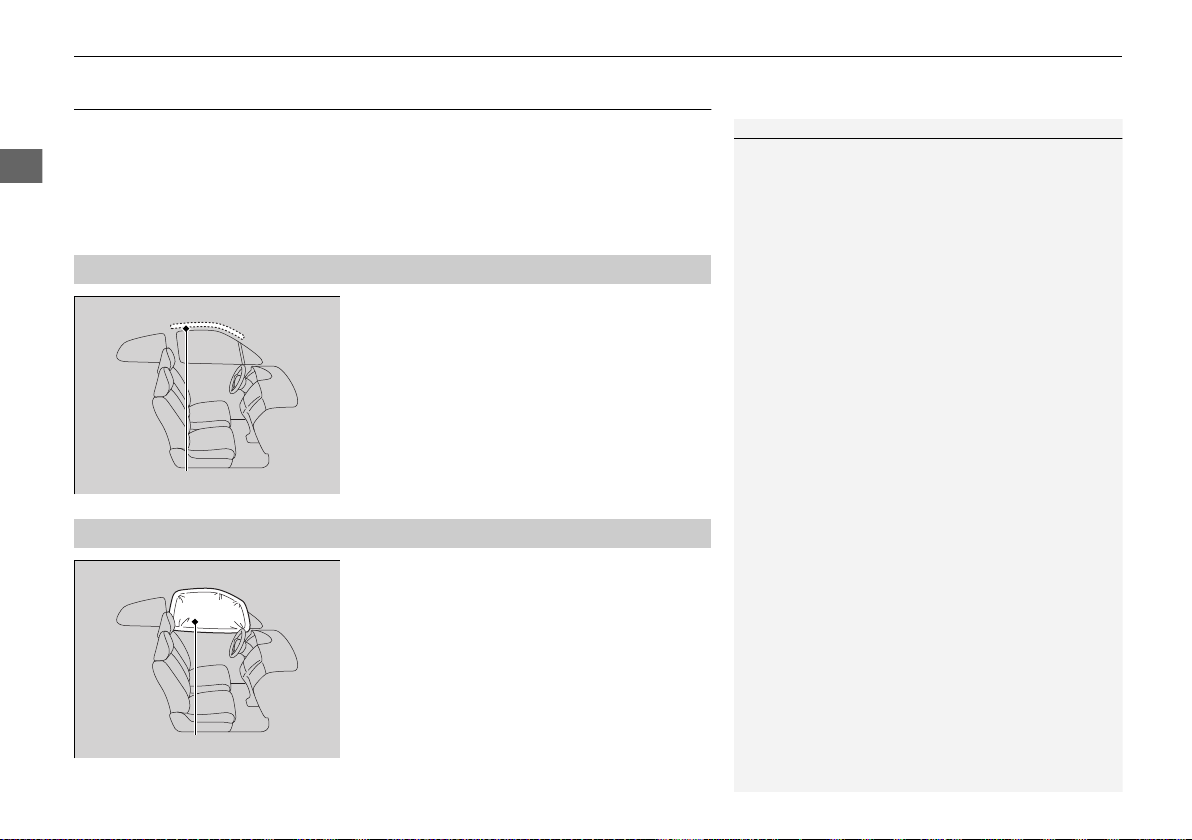
The side curtain airbags help protect the heads of the driver and any passengers
during a moderate-to-severe side impact. The side curtain airbags equipped in this
vehicle are also designed to help reduce the likelihood of partial and complete
ejection of vehicle occupants through side windows in crashes, particularly rollover
crashes.
The side curtain airbags are located in the
ceiling above the side windows on both sides
of the vehicle.
The side curtain airbag is designed to deploy
in a rollover or a moderate-to-severe side
impact.
■
Housing Locations
1Side Curtain Airbags
If the SRS control unit senses that your vehicle is
about to rollover, it immediately deploys both side
curtain airbags and activates both seat belt
tensioners.
If the impact is on the passenger’s side, the
passenger’s side curtain airbag deploys even if there
is no occupant on that side of the vehicle.
To get the best protection from the side curtain
airbags, occupants should wear their seat belts
properly and sit upright and well back in their seats.
Do not attach any objects to the side windows or roof
pillars as they can interfere with the proper operation
of the side curtain airbags.
Side Curtain Airbag Storage
■
Operation
Deployed Side Curtain Airbag
19 NSX-31T6N6200.book 54 ページ 2018年8月9日 木曜日 午前11時12分
Continued
55
uuAirbagsuAirbag System Indicators
Safe Driving
■ When side curtain airbags deploy in a frontal collision
One or both side curtain airbags may also inflate in a moderate-to-severe angled
frontal collision.
Airbag System Indicators
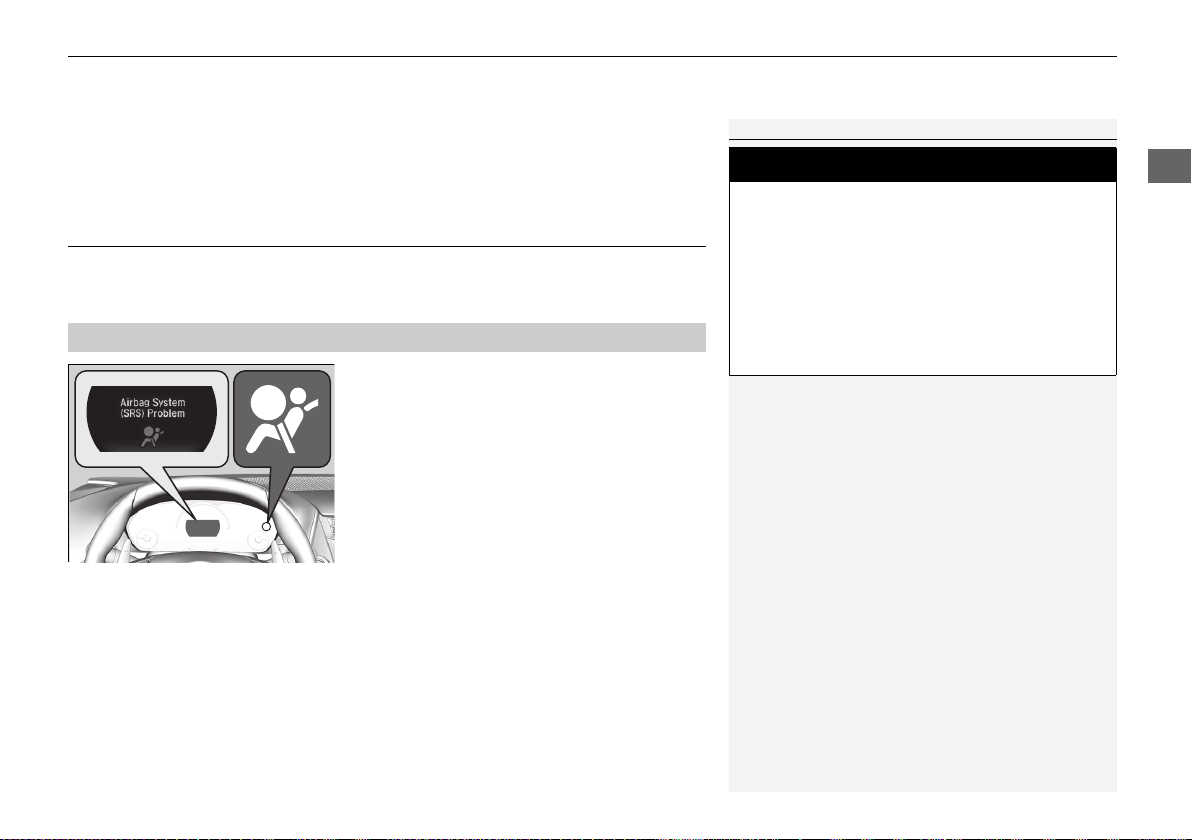
If a problem occurs in the airbag system, the SRS indicator will come on and a
message appears on the driver information interface.
■ When the power mode is set to ON
The indicator comes on for a few seconds,
then goes off. This tells you the system is
working properly.
If the indicator comes on at any other time, or does not come on at all, have the
system checked by an authorized Acura NSX dealer as soon as possible. If you don’t,
your airbags and seat belt tensioners may not work properly when they are needed.
■
Supplemental Restraint System (SRS) Indicator
1Supplemental Restraint System (SRS) Indicator
3
WARNING
Ignoring the SRS indicator can result in
serious injury or death if the airbag systems
or tensioners do not work properly.
Have your vehicle checked by an
authorized Acura NSX dealer as soon as
possible if the SRS indicator alerts you to a
possible problem.
19 NSX-31T6N6200.book 55 ページ 2018年8月9日 木曜日 午前11時12分
uuAirbagsuAirbag System Indicators
56
Safe Driving
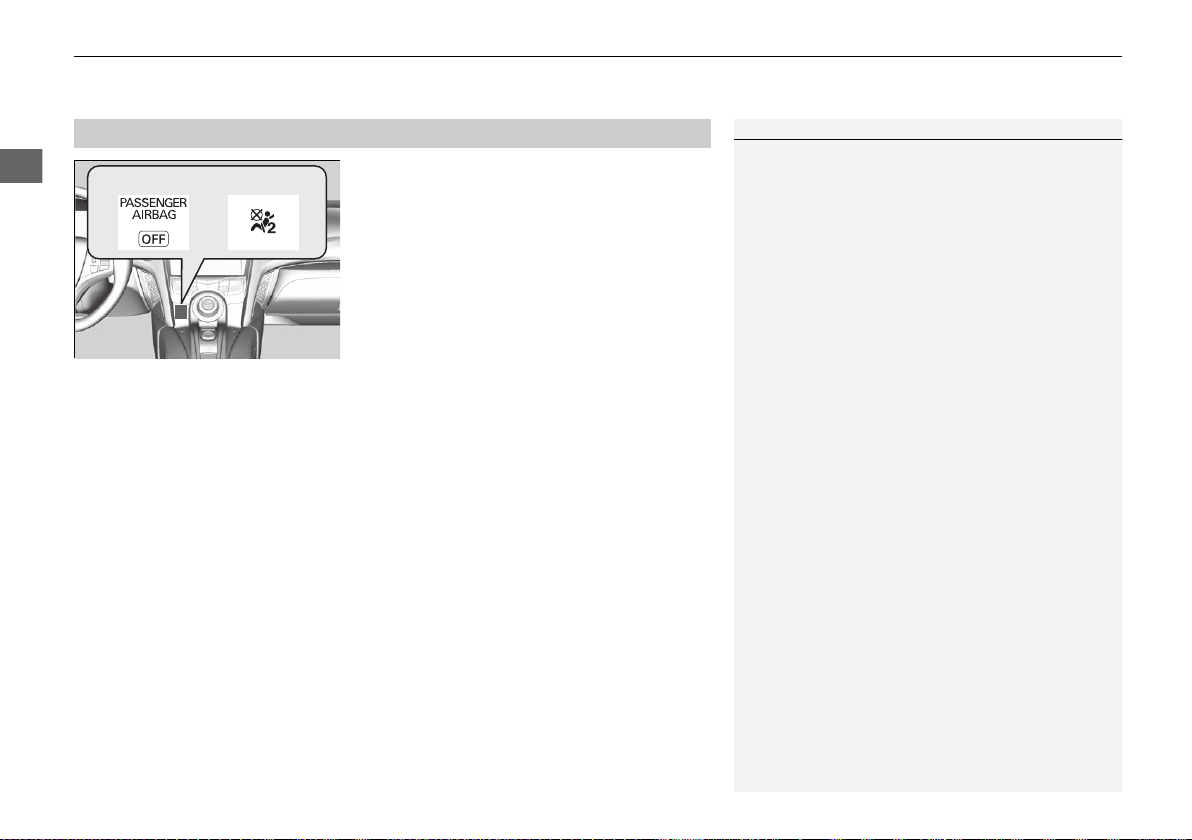
■ When the passenger airbag off
indicator comes on
The indicator comes on to alert you that the
passenger’s front airbag has been turned off.
This occurs when the weight sensors detect
about 65 lbs (29 kg) or less, the weight of an
infant or small child, on the seat.
Your vehicle is not recommended for child passengers. Never put a rear-facing child
seat in this vehicle.
If you decided to disregard our recommendations and transport a small child, they
should be properly restrained.
2 Child Safety P. 58
Objects placed on the seat can also cause the indicator to come on.
If the passenger seat is empty, the passenger’s front airbag will not deploy and the
indicator will not come on.
■
Passenger Airbag Off Indicator
1Passenger Airbag Off Indicator
To ensure the passenger is detected properly,
confirm that:
• There is no object pressing against the rear of the
seat-back.
• The passenger’s seat or seat-back is not forced
back against the rear wall of the vehicle.
• There is no object placed under or beside the
passenger’s seat.
• The occupant is sitting in an upright position and
the seat back is not excessively reclined.
• The occupant is not leaning against the door or
center console.
• The occupant’s feet are placed on the floor in front
of them.
• There are no objects hanging from the passenger’s
seat.
The passenger airbag off indicator may come on and
go off periodically if the total weight on the seat is
near the airbag cutoff threshold.
Have your vehicle checked by an authorized Acura
NSX dealer as soon as possible if:
• All of the above conditions are met, and the
indicator comes on with an adult riding there.
• All of the above conditions are met, and the
indicator goes off with a small child riding there.
(See Child Safety.)
• If the seat is empty and the indicator is on.
Do not allow an adult passenger to ride in the seat
when the indicator is on.
U.S. Canada
19 NSX-31T6N6200.book 56 ページ 2018年8月9日 木曜日 午前11時12分
57
uuAirbagsuAirbag Care
Safe Driving
Airbag Care
You do not need to, and should not, perform any maintenance on or replace any
airbag system components yourself. However, you should have your vehicle
inspected by an authorized Acura NSX dealer in the following situations:
■ When the airbags have deployed
If an airbag has inflated, the control unit and other related parts must be replaced.
Similarly, once an automatic seat belt tensioner has been activated, it must be
replaced.
■ When the vehicle has been in a moderate-to-severe collision
Even if the airbags did not inflate, have an authorized Acura NSX dealer inspect the
following: the weight sensors in the passenger’s seat, seat belt tensioners, and each
seat belt that was worn during the crash.
■ Do not remove or modify a seat without consulting an authorized Acura
NSX dealer
This would likely disable or affect the proper operation of the weight sensors in the
passenger’s seat. If it is necessary to remove or modify a seat to accommodate a
person with disabilities, contact an authorized Acura NSX dealer, or for U.S. vehicles,
Acura Client Service at 1-844-682-2872 and for Canadian vehicles, Acura Client
Service at 1-888-9-ACURA-9 or 1-844-9-MYNSX-9 (NSX-specific).
1Airbag Care
We recommend against the use of salvaged airbag
system components, including the airbag, tensioners,
sensors, and control unit.
19 NSX-31T6N6200.book 57 ページ 2018年8月9日 木曜日 午前11時12分
58
Safe Driving
Child Safety
Protecting Child Passengers
Each year, many children are injured or killed in vehicle crashes because they are
either unrestrained or not properly restrained. In fact, vehicle crashes are the
number one cause of death of children ages 12 and under.
To reduce the number of child deaths and injuries, every state, Canadian province
and territory requires that children be properly restrained when they ride in a vehicle.
Since this vehicle does not have a back seat, we recommend that you do not
carry a child, age 12 or under, as a passenger. This is because:
• An inflating front or side airbag can injure or kill a child sitting in the passenger’s
seat.
• A child in the passenger’s seat is more likely to interfere with the driver’s ability to
safely control the vehicle.
• Statistics show that children of all sizes and ages are safer when they are properly
restrained in a rear seat. Because this vehicle does not have a rear seat, we
recommend that you do not carry a child age 12 or under in this vehicle.
1Protecting Child Passengers
The National Highway Traffic Safety Administration
and Transport Canada recommend that all children
ages 12 and under be properly restrained in a rear
seat. Some states or provinces/territories have laws
restricting where children may ride.
Never put a rear-facing child seat in this vehicle.
3
WARNING
Children who are unrestrained or
improperly restrained can be seriously
injured or killed in a crash.
Any child too small for a seat belt should be
properly restrained in a child seat. A larger
child should be properly restrained with a
seat belt, using a booster seat if necessary.
19 NSX-31T6N6200.book 58 ページ 2018年8月9日 木曜日 午前11時12分
59
uuChild SafetyuProtecting Child Passengers
Safe Driving
• Any child who is too small to wear a seat belt correctly must be restrained in an
approved child seat that is properly secured to the vehicle using the lap belt
portion of the lap/shoulder belt.
• Never hold a child on your lap because it is impossible to protect them in the
event of a collision.
• Never put a seat belt over yourself and a child. During a crash, the belt would
likely press deep into the child and cause serious or fatal injuries.
• Never let two children use the same seat belt. Both children could be very
seriously injured in a crash.
• Do not allow children to operate the doors, windows or seat adjustments.
• Do not leave children in the vehicle unattended, especially in hot weather when
the inside of the vehicle can get hot enough to kill them. They could also activate
vehicle controls causing it to move unexpectedly.
1Protecting Child Passengers
To deactivate a lockable retractor, release the buckle
and allow the seat belt to wind up all the way.
To remind you of the passenger’s front airbag
hazards and child safety, your vehicle has warning
labels on the dashboard (U.S. models) and on the
front visors. Please read and follow the instructions
on these labels.
2 Safety Labels P. 68
3
WARNING
Allowing a child to play with a seat belt or
wrap one around their neck can result in
serious injury or death.
Instruct children not to play with any seat
belt.
19 NSX-31T6N6200.book 59 ページ 2018年8月9日 木曜日 午前11時12分
60
uuChild SafetyuSafety of Infants and Small Children
Safe Driving
Safety of Infants and Small Children
An infant must be properly restrained in a rear-facing, reclining child seat until the
infant reaches the seat manufacturer’s weight or height limit for the seat, and the
infant is at least one year old. Because rear-facing child seats should not be
used in this vehicle, you should never carry an infant in this vehicle.
■
Protecting Infants
1Protecting Infants
Rear-facing child seats should never be installed in a
forward facing position.
3
WARNING
Placing a rear-facing child seat in the
passenger’s seat can result in serious injury
or death during a crash.
Never install a rear-facing child seat in this
vehicle.
19 NSX-31T6N6200.book 60 ページ 2018年8月9日 木曜日 午前11時12分
Continued
61
uuChild SafetyuSafety of Infants and Small Children
Safe Driving
Since this vehicle does not have a back seat, we recommend that you do not carry a
child, age 12 or under, as a passenger.
This is because placing a forward-facing child seat in the passenger’s seat can be
hazardous, even with advanced front airbags that automatically turn the
passenger’s front airbag off.
If you choose to ignore our warnings and transport a small child in this vehicle, be
sure to move the passenger seat as far to the rear as possible, and follow the
instructions and guidelines in the following pages.
■
Protecting Smaller Children
1Protecting Smaller Children
Educate yourself about the laws and regulations
regarding child seat use where you are driving, and
follow the child seat manufacturer’s instructions.
A child seat must be secured to the vehicle with the
lap part of a lap/shoulder belt. A child whose seat is
not properly secured to the vehicle can be
endangered in a crash.
3
WARNING
Placing a forward-facing child seat in the
passenger’s seat can result in serious injury
or death if the front airbag inflates.
If you must place a forward-facing child
seat in passenger’s seat, move the vehicle
seat as far back as possible, and properly
restrain the child.
19 NSX-31T6N6200.book 61 ページ 2018年8月9日 木曜日 午前11時12分
62
uuChild SafetyuSafety of Infants and Small Children
Safe Driving
■ Important consideration when selecting a child seat
Make sure the child seat meets the following three requirements:
• The child seat is the correct type and size for the child.
• The child seat is the correct type for the seating position.
• The child seat is compliant with Federal Motor Vehicle Safety Standard 213 or
Canadian Motor Vehicle Safety Standard 213.
■
Selecting a Forward-facing Child Seat
19 NSX-31T6N6200.book 62 ページ 2018年8月9日 木曜日 午前11時12分
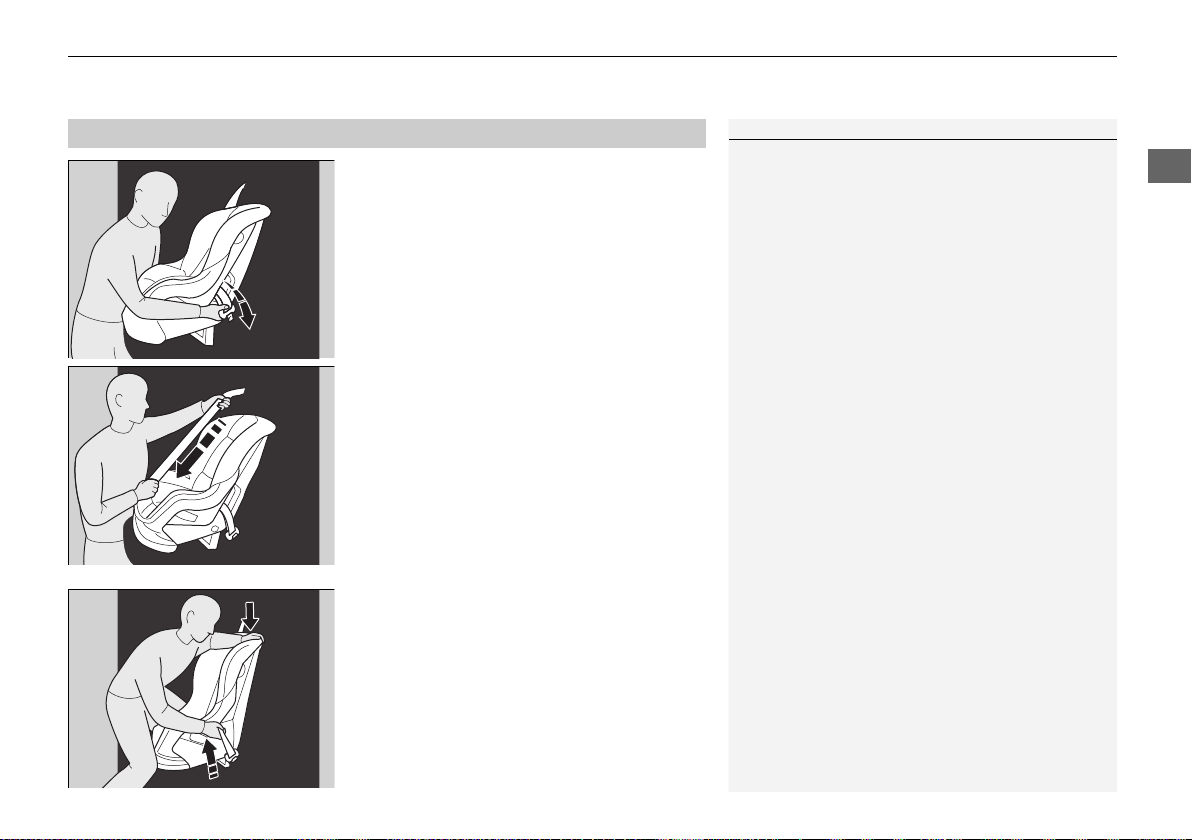
Continued
63
uuChild SafetyuSafety of Infants and Small Children
Safe Driving
1. Move the passenger seat to the rearmost
position.
2. Place the child seat on the passenger seat.
3. Route the seat belt through the child seat
according to the seat manufacturer’s
instructions, and insert the latch plate into
the buckle.
u Insert the latch plate fully until it clicks.
4. Slowly pull the shoulder part of the belt all
the way out until it stops. This activates the
lockable retractor.
5. Let the seat belt completely wind up into
the retractor, then try to pull it out to make
sure the retractor is locked.
u If you are able to pull the shoulder belt
out, the lockable retractor is not
activated. Pull the seat belt all the way
out, and repeat steps 3 – 5.
6. Grab the shoulder part of the seat belt near
the buckle, and pull up to remove any slack
from the lap part of the belt.
u When doing this, place your weight on
the child seat and push it into the vehicle
seat.
■
Installing a Child Seat
1Installing a Child Seat
A child seat must be secured to the vehicle with the
lap part of a lap/shoulder belt.
For your child’s safety, when using a child seat
installed using the vehicle’s seat belt system, check
that the seat is properly secured to the vehicle.
19 NSX-31T6N6200.book 63 ページ 2018年8月9日 木曜日 午前11時12分
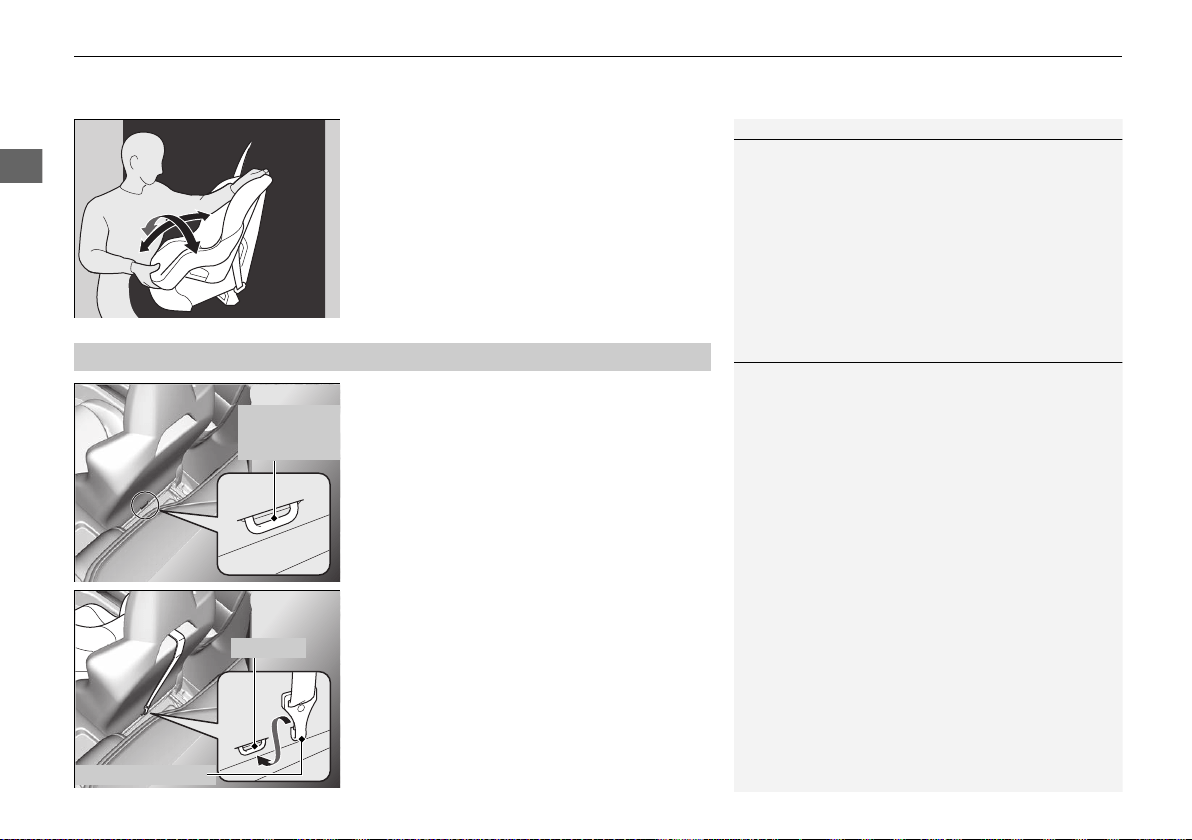
uuChild SafetyuSafety of Infants and Small Children
64
Safe Driving
7. Make sure the child seat is firmly secured by
rocking it forward and back and side to
side; less than one inch of movement
should occur near the seat belt.
A tether anchorage point is provided behind
the passenger seat. A child seat with a tether
can be installed, so long as the base of the
child seat is secured using a seat belt.
1. Move the seat forward.
2 Adjusting the Seat Positions P. 144
2. Route the tether strap through the hole
between head restraint and seat-back.
Make sure the strap is not twisted.
3. Secure the tether strap hook to the anchor.
4. Tighten the tether strap as instructed by the
child seat manufacturer.
5. Move the seat to the rearmost position.
1Installing a Child Seat
A child seat that is not properly secured will not
adequately protect a child in a crash and may cause
injury to the child or another vehicle occupant.
To deactivate a lockable retractor, release the buckle
and allow the seat belt to wind up all the way.
■
Adding Security with a Tether
1Adding Security with a Tether
Since a tether can provide additional security to the
lap/shoulder seat belt installation, we recommend
using a tether whenever one is available.
Tether
Anchorage
Point
Tether Strap Hook
Anchor
19 NSX-31T6N6200.book 64 ページ 2018年8月9日 木曜日 午前11時12分
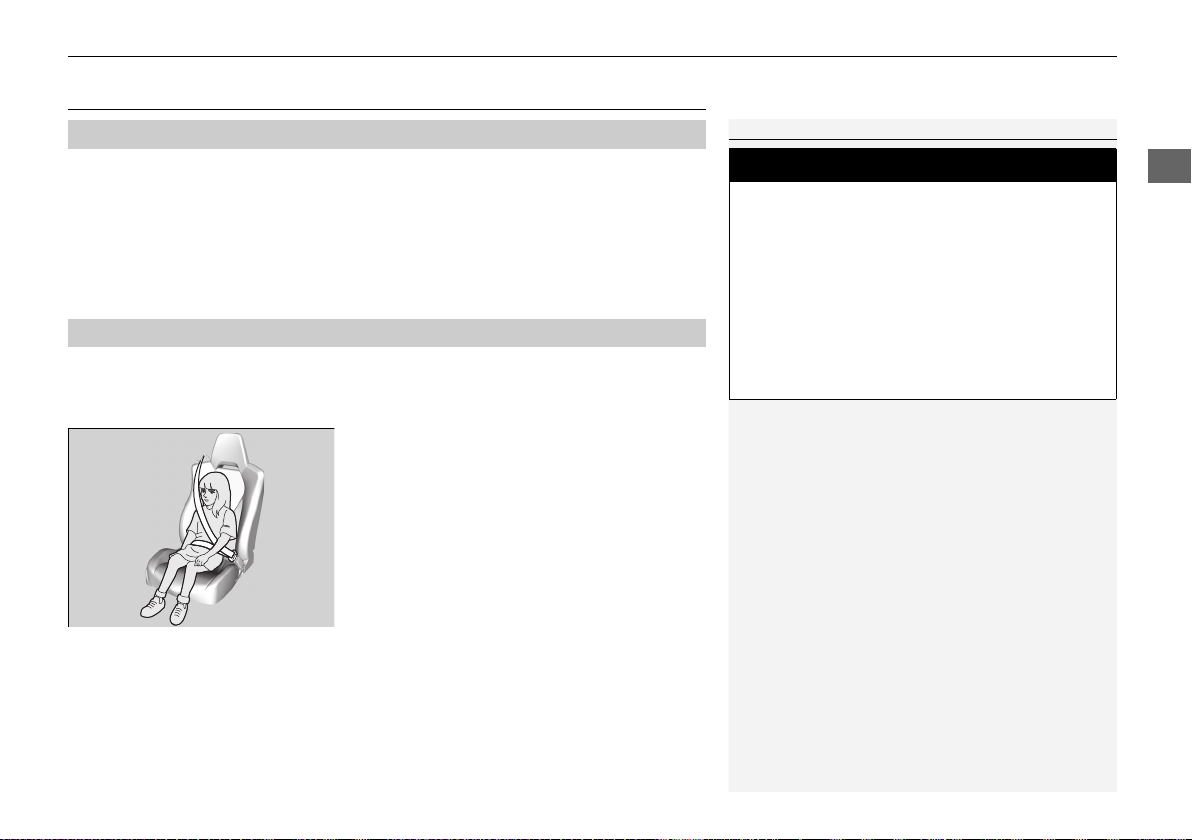
65
uuChild SafetyuSafety of Larger Children
Continued
Safe Driving
Safety of Larger Children
Since this vehicle does not have a back seat, we recommend that you do not
carry a child age 12 or under as a passenger. This is because children who
have outgrown child seats are also at risk of being injured or killed by an
inflating passenger’s front airbag. If a larger child must ride in this vehicle, the
information in the following pages provides guidelines to help you decide when a
given child may ride in this vehicle, and how to properly protect the child.
When a child is too big for a child seat, secure the child in the passenger’s seat using
the lap/shoulder seat belt. Have the child sit upright and all the way back, then
answer the following questions.
■ Checklist
• Do the child’s knees bend comfortably over
the edge of the seat?
• Does the shoulder belt cross between the
child’s neck and arm?
• Is the lap part of the seat belt as low as
possible, touching the child’s thighs?
• Will the child be able to stay seated like this
for the whole trip?
If you answer yes to all these questions, the child is ready to wear the lap/shoulder
seat belt correctly. If you answer no to any question, the child needs to ride on a
booster seat until the seat belt fits properly without a booster seat.
■
Protecting Larger Children
■
Checking Seat Belt Fit
1Safety of Larger Children
3
WARNING
Allowing a child age 12 or under to sit in
the vehicle can result in injury or death if
the passenger’s front airbag inflates.
If a larger child must ride in the vehicle,
move the vehicle seat as far to the rear as
possible, have the child sit up properly and
wear the seat belt properly, using a booster
seat if needed.
19 NSX-31T6N6200.book 65 ページ 2018年8月9日 木曜日 午前11時12分
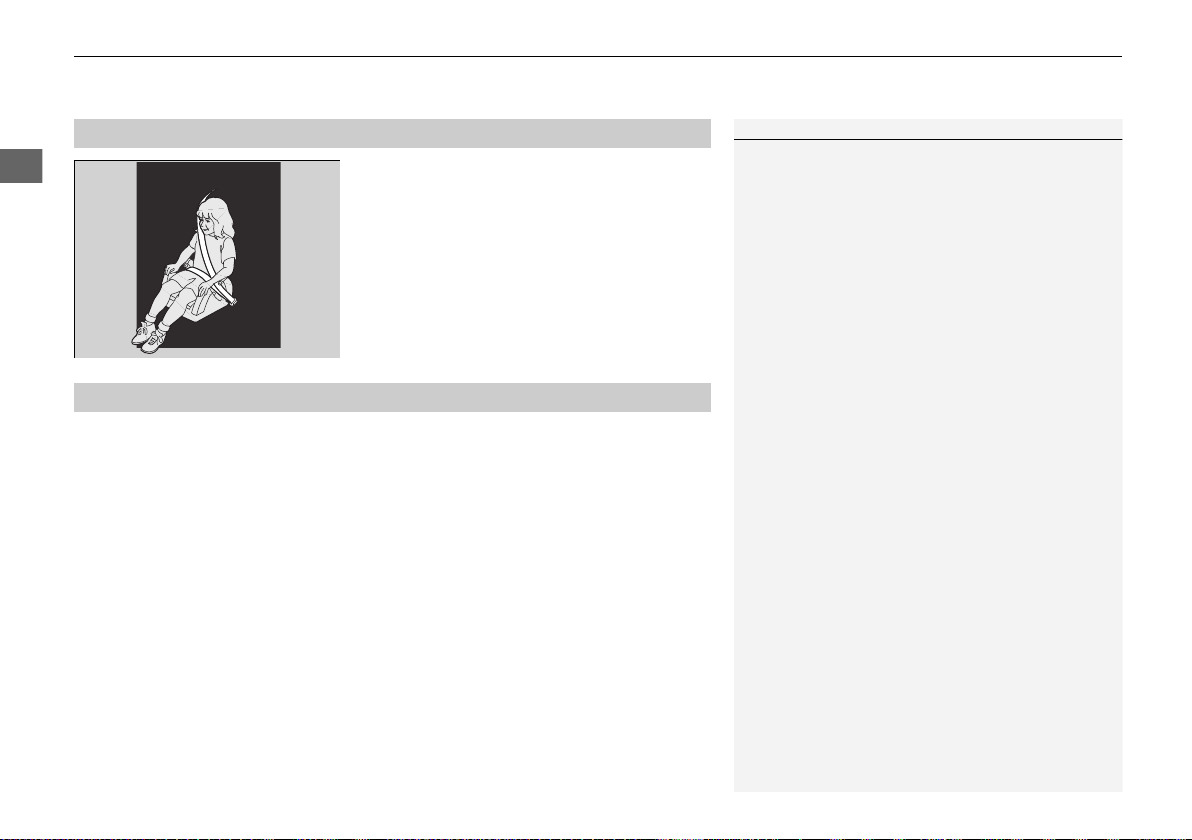
uuChild SafetyuSafety of Larger Children
66
Safe Driving
If a lap/shoulder seat belt cannot be used
properly, position the child in a booster seat in
the passenger’s seating position. For the
child’s safety, check that the child meets the
booster seat manufacturer’s
recommendations.
If you decide that a child can safely ride in this vehicle:
• Make sure you read and fully understand the instructions and safety information
in this manual.
• Move the passenger seat as far back as possible.
• Have the child sit upright and well back in the seat.
• Check that the seat belt is properly positioned so that the child is secure in the
seat.
■ Monitoring a child passenger
We strongly recommend that you keep an eye on a child passenger. Even older,
more mature children sometimes need to be reminded to fasten their seat belts and
sit up properly.
■
Booster Seats
1Booster Seats
When installing a booster seat, make sure to read the
instructions that came with it, and install the seat
accordingly.
There are high- and low-type booster seats. Choose a
booster seat that allows the child to wear the seat
belt correctly.
Some U.S. states, and Canadian provinces and
territories require children to use a booster seat until
they reach a given age or weight (e.g. six years or 60
lbs). Be sure to check current laws in the state or
province, or territory where you intend to drive.
■
Protecting Larger Children-Final Checks
19 NSX-31T6N6200.book 66 ページ 2018年8月9日 木曜日 午前11時12分
67
Safe Driving
Exhaust Gas Hazard
Carbon Monoxide Gas
The engine exhaust from this vehicle contains carbon monoxide, a colorless,
odorless, and highly toxic gas. As long as you properly maintain your vehicle, carbon
monoxide gas will not get into the interior.
■ Have the exhaust system inspected for leaks whenever
• The exhaust system is making an unusual noise.
• The exhaust system may have been damaged.
• The vehicle is raised for an oil change.
1Carbon Monoxide Gas
An enclosed area such as a garage can quickly fill up
with carbon monoxide gas.
Do not turn the power system on with the garage
door closed. Even when the garage door is open,
drive out of the garage immediately after turning the
power system on.
3
WARNING
Carbon monoxide gas is toxic.
Breathing it can cause unconsciousness and
even kill you.
Avoid any enclosed areas or activities that
expose you to carbon monoxide.
19 NSX-31T6N6200.book 67 ページ 2018年8月9日 木曜日 午前11時12分
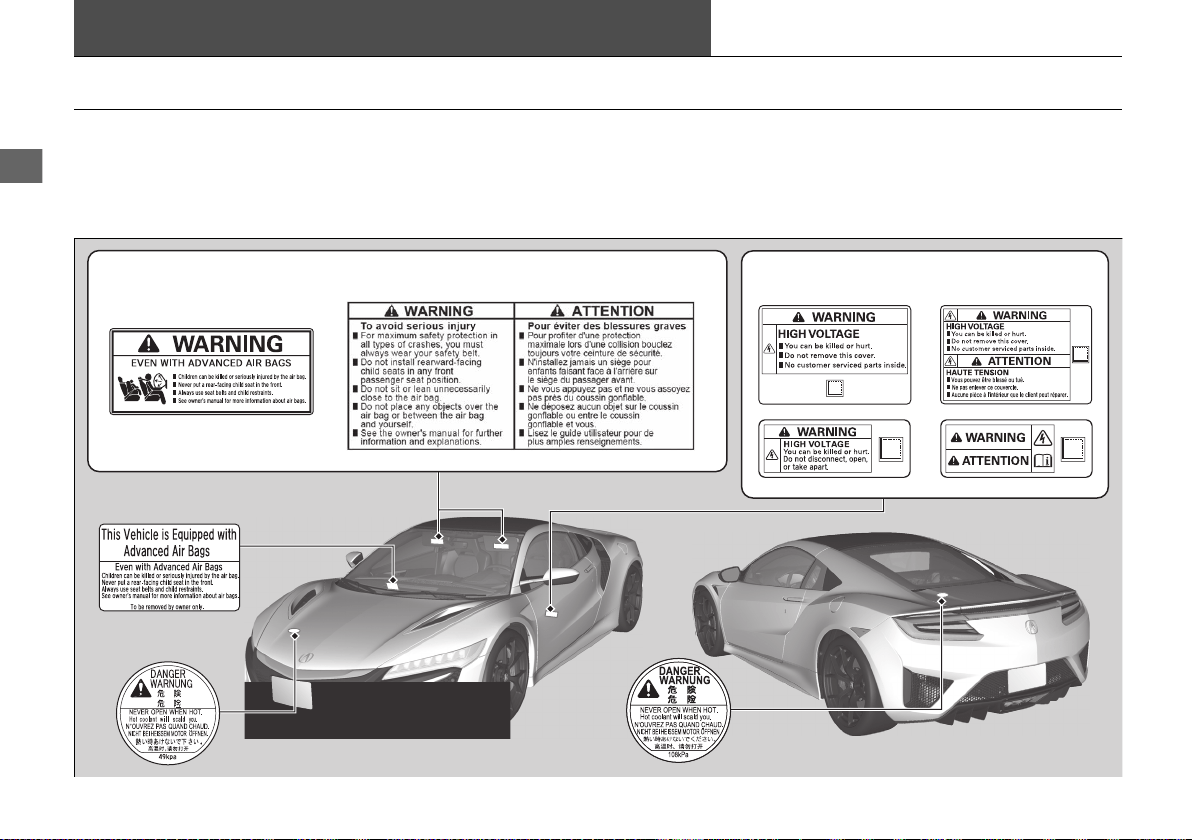
68
Safe Driving
Safety Labels
Label Locations
These labels are in the locations shown. They warn you of potential hazards that can cause serious injury or death. Read these labels
carefully.
If a label comes off or becomes hard to read (except for the U.S. dashboard label which may be removed by the owner), contact an
authorized Acura NSX dealer for a replacement.
Inverter Coolant Filler
Tank Cap
Sun Visors
U.S. models
Canadian models
Engine Coolant Reserve Tank Cap
High Voltage System Components
U.S. models Canadian models
Dashboard
U.S. models only
19 NSX-31T6N6200.book 68 ページ 2018年8月9日 木曜日 午前11時12分
69
Instrument Panel
This chapter describes the buttons, indicators, and gauges that are used while driving.
Indicators ............................................ 70
Driver Information Interface Warning and
Information Messages...................... 83
Gauges and Displays .......................... 95
Gauges.............................................. 95
Driver Information Interface ............... 98
19 NSX-31T6N6200.book 69 ページ 2018年8月9日 木曜日 午前11時12分
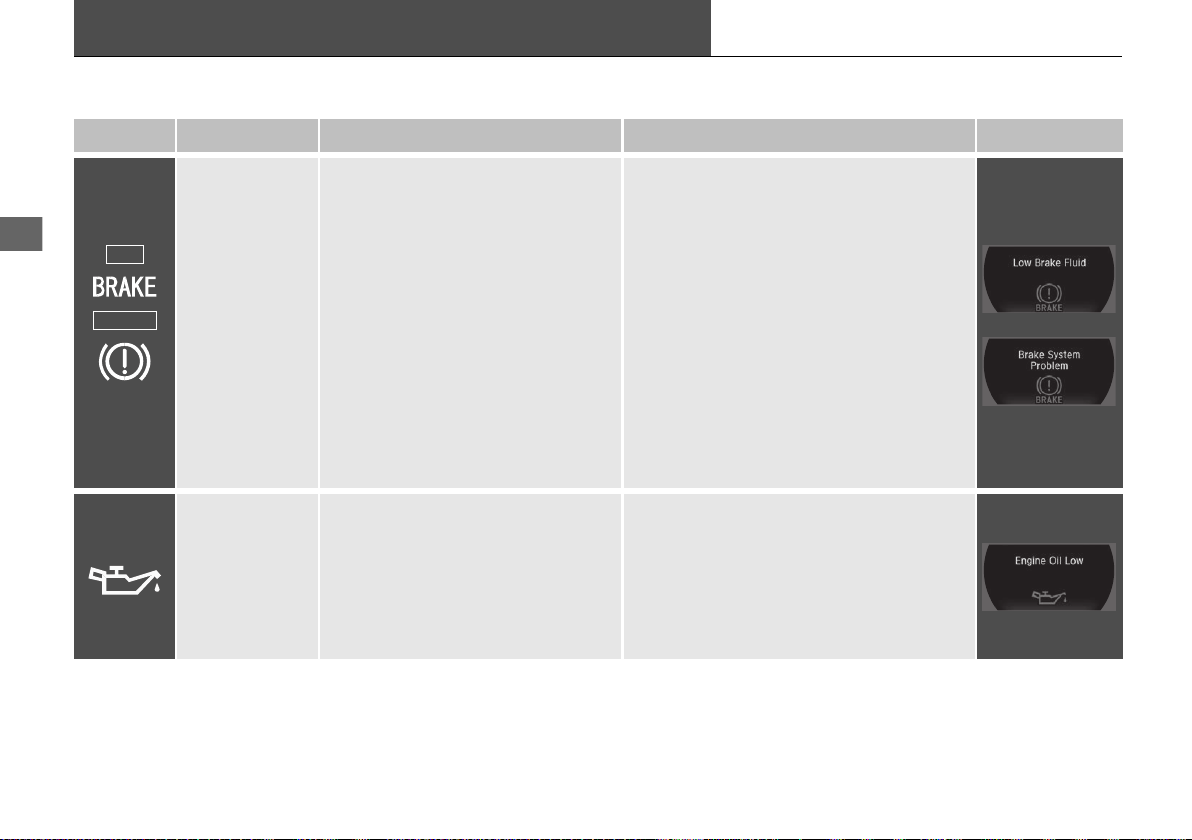
70
Instrument Panel
Indicators
Indicator Name On/Blinking Explanation Message
Brake System
Indicator (Red)
●
Comes on for a few seconds when
you set the power mode to ON,
then goes off.
●
Comes on when the brake fluid
level is low.
●
Comes on if there is a problem with
the brake system.
●
Comes on while driving - Check the
brake fluid level.
2 What to do when the indicator comes
on while driving P. 451
●
Comes on along with the brake system
indicator (amber) - Immediately stop in a
safe place. Contact an authorized Acura
NSX dealer for repair. The brake pedal
becomes harder to operate. Depress the
pedal further than you normally do.
●
Comes on along with the ABS
indicator - Have your vehicle checked by
an authorized Acura NSX dealer.
2 If the Brake System Indicator (Red)
Comes On P. 451
Low Oil Pressure
Indicator
●
Comes on when you set the power
mode to ON, and goes off when the
power system starts.
●
Comes on when the engine oil
pressure is low.
●
Comes on if there is a problem with
the engine oil pressure system.
●
Comes on while driving - Immediately
stop in a safe place and set the power
mode to VEHICLE OFF, then contact an
authorized Acura NSX dealer.
U.S.
Canada
(Red)
19 NSX-31T6N6200.book 70 ページ 2018年8月9日 木曜日 午前11時12分
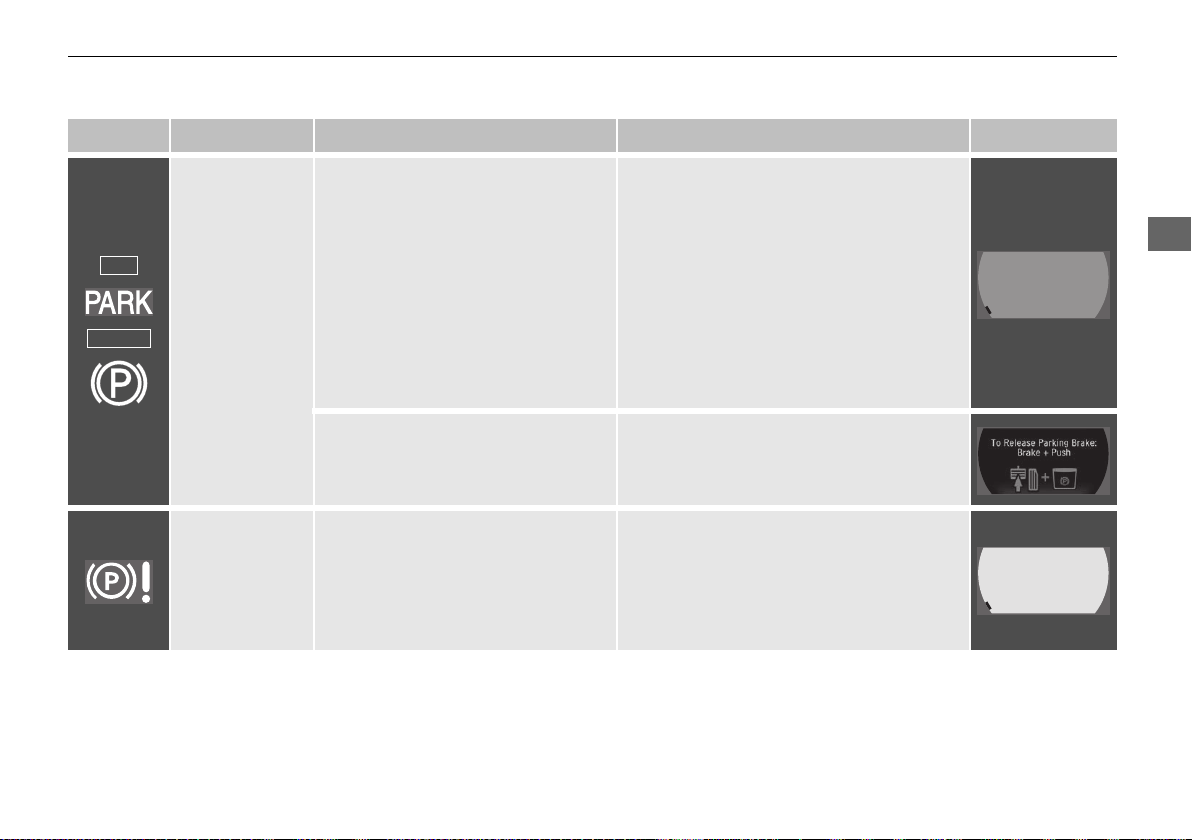
71
uuIndicatorsu
Continued
Instrument Panel
Indicator Name On/Blinking Explanation Message
Electric Parking
Brake Indicator
●
Comes on when the parking brake
is applied, and goes off when it is
released.
●
Comes on for about 15 seconds
then goes off when you pull the
electric parking brake switch with
the power mode in OFF.
●
Comes on for about 15 seconds
then goes off when you set the
power mode to OFF with the
parking brake applied.
●
Blinks and the electric parking brake
system indicator comes on at the same
time - There is a problem with the electric
parking brake system. The parking brake
may not be set.
●
Comes on when you press the
electric parking brake switch
without depressing the brake pedal.
●
Depress the brake pedal to release the
parking brake.
2 Parking Brake P. 354
Electric Parking
Brake System
Indicator
●
Comes on for a few seconds when
you set the power mode to ON,
then goes off.
●
Comes on if there is a problem with
the electric parking brake system.
●
Comes on while driving - Avoid using
the parking brake and have your vehicle
checked by an authorized Acura NSX
dealer immediately.
2 If the Electric Parking Brake System
Indicator Comes On P. 452
U.S.
Canada
19 NSX-31T6N6200.book 71 ページ 2018年8月9日 木曜日 午前11時12分
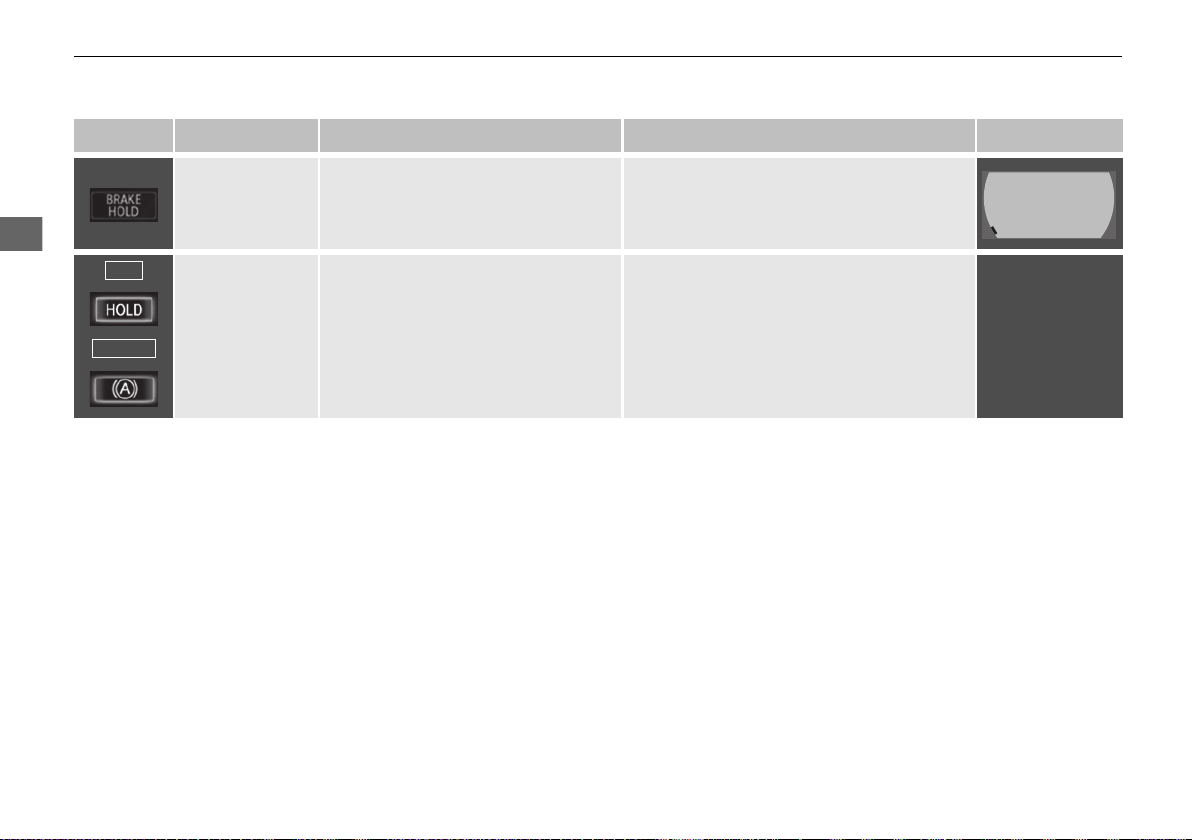
72
uuIndicatorsu
Instrument Panel
Indicator Name On/Blinking Explanation Message
Automatic Brake
Hold System
Indicator
●
Comes on when the automatic
brake hold system is on.
2 Automatic Brake Hold P. 357
Automatic Brake
Hold Indicator
●
Comes on for a few seconds when
you set the power mode to ON,
then goes off.
●
Comes on when the automatic
brake hold is activated.
2 Automatic Brake Hold P. 357
—
U.S.
Canada
19 NSX-31T6N6200.book 72 ページ 2018年8月9日 木曜日 午前11時12分
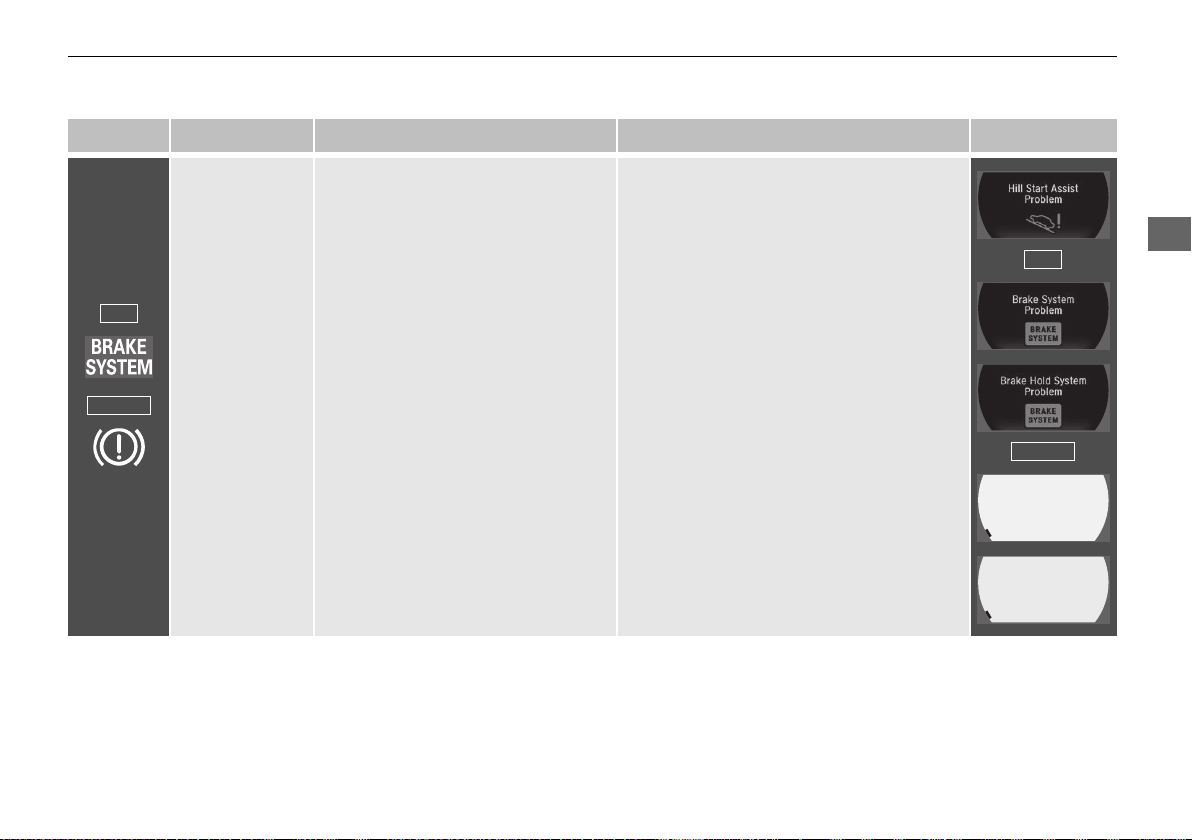
73
uuIndicatorsu
Continued
Instrument Panel
Indicator Name On/Blinking Explanation Message
Brake System
Indicator
(Amber)
●
Comes on for a few seconds when
you set the power mode to ON,
then goes off.
●
Comes on if there is a problem with
a system related to braking other
than the conventional brake system.
●
Comes on if there is a problem with
the cooperative control with
regenerative braking, the electric
servo brake system, or the hill start
assist system.
●
Comes on while driving - Have your
vehicle checked by an authorized Acura
NSX dealer.
●
Stays on constantly - Avoid high speeds
and sudden braking. Take the vehicle to an
authorized Acura NSX dealer immediately.
●
With this indicator on, your vehicle still has
normal braking ability.
U.S.
Canada
(Amber)
U.S.
Canada
19 NSX-31T6N6200.book 73 ページ 2018年8月9日 木曜日 午前11時12分
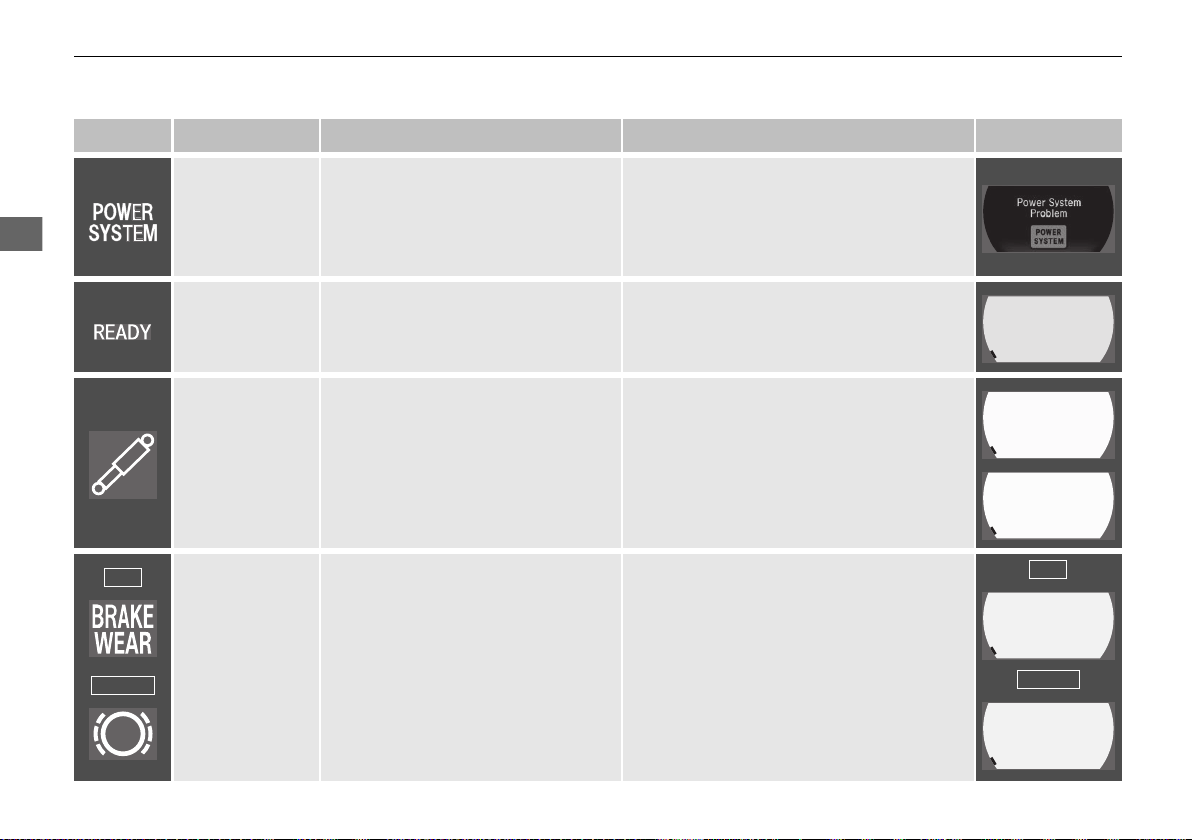
74
uuIndicatorsu
Instrument Panel
Indicator Name On/Blinking Explanation Message
POWER
SYSTEM
Indicator
●
Comes on for a few seconds when
you set the power mode to ON,
then goes off.
●
Comes on if there is a problem with
the electric vehicle system.
●
Comes on while driving - Have your
vehicle checked by an authorized Acura
NSX dealer immediately.
READY Indicator
●
Comes on when the vehicle is ready
to drive.
2 Turning on the Power P. 319
Active Damper
System Indicator
●
Comes on for a few seconds when
you change the power mode to ON,
then goes off.
●
Comes on if there is a problem with
the Active Damper System. The
speed of the vehicle will be limited.
●
Stays on constantly - Have the vehicle
checked by an authorized Acura NSX
dealer. With this indicator on, your vehicle
has normal damping ability without the
active damper feature.
2 Integrated Dynamics System P. 333
Brake Wear
Indicator
*
●
Comes on for a few seconds when
you change the power mode to ON,
then goes off.
●
Comes on if a worn brake pad is
detected.
●
Comes on while driving - The brake
pads may need to be replaced. Have your
vehicle inspected by an authorized Acura
NSX dealer.
U.S.
Canada
U.S.
Canada
* Not available on all models
19 NSX-31T6N6200.book 74 ページ 2018年8月9日 木曜日 午前11時12分
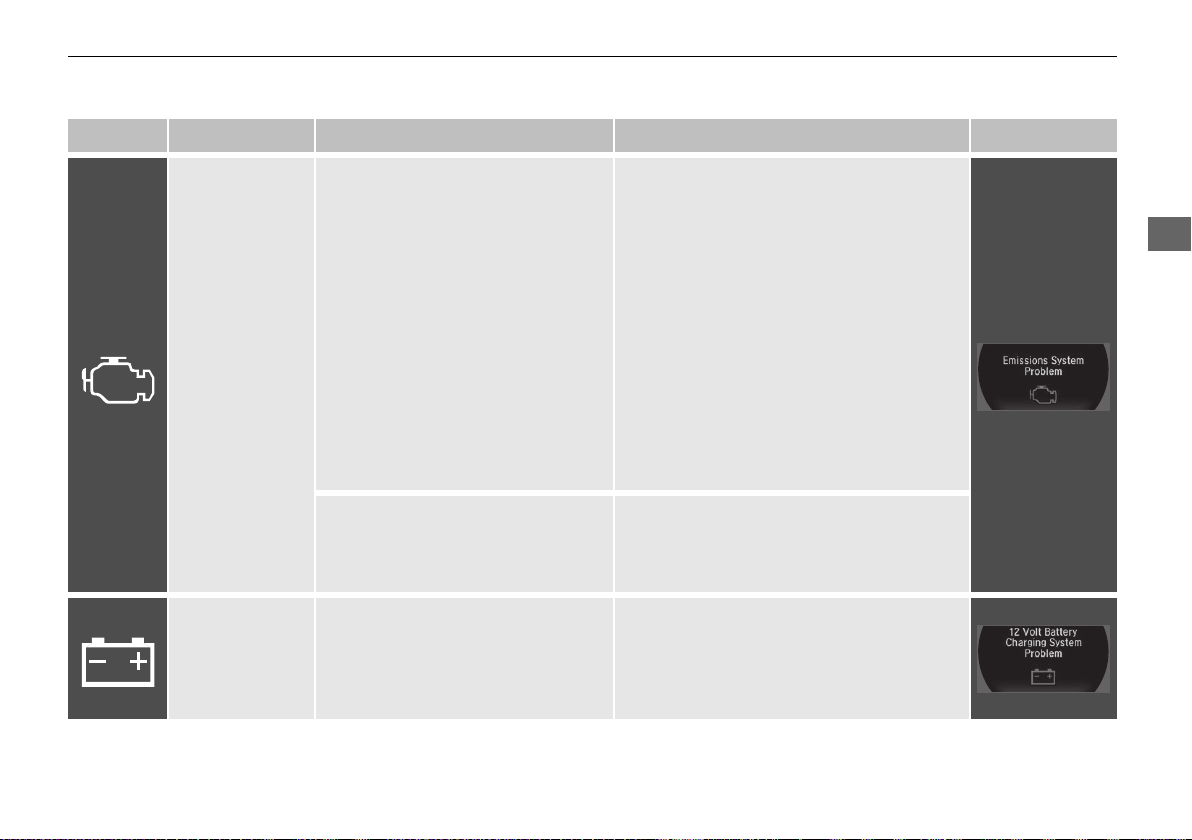
75
uuIndicatorsu
Continued
Instrument Panel
Indicator Name On/Blinking Explanation Message
Malfunction
Indicator Lamp
●
Comes on when you set the power
mode to ON, and goes off either
when the power system is on or
after several seconds if the power
system did not turn on. If
“readiness codes” have not been
set, it blinks five times before it
goes off.
●
Comes on if there is a problem with
the emissions control system.
●
Blinks when a misfire in the
engine’s cylinders is detected.
●
Readiness codes are part of the on board
diagnostics for the emissions control
systems.
2 Testing of Readiness Codes P. 471
●
Comes on while driving - Have your
vehicle checked by an authorized Acura
NSX dealer.
●
Blinks while driving - Stop in a safe place
where there are no flammable objects.
Stop the power system for 10 minutes or
more, and wait for it to cool down. Then,
take the vehicle to an authorized Acura
NSX dealer.
2 If the Malfunction Indicator Lamp
Comes On or Blinks P. 450
●
Comes on if there is a problem with
the gear shift mechanism.
●
Comes on and gear position indicator
blinks at the same time - Have your
vehicle checked by an authorized Acura
NSX dealer.
12-Volt Battery
Charging System
Indicator
●
Comes on when you set the power
mode to ON, and goes off when
the power system is on.
●
Comes on when the 12-volt battery
is not charging.
●
Comes on while driving - Turn off the
climate control system and rear defogger
in order to reduce electricity consumption.
2 If the 12-Volt Battery Charging
System Indicator Comes On P. 450
19 NSX-31T6N6200.book 75 ページ 2018年8月9日 木曜日 午前11時12分
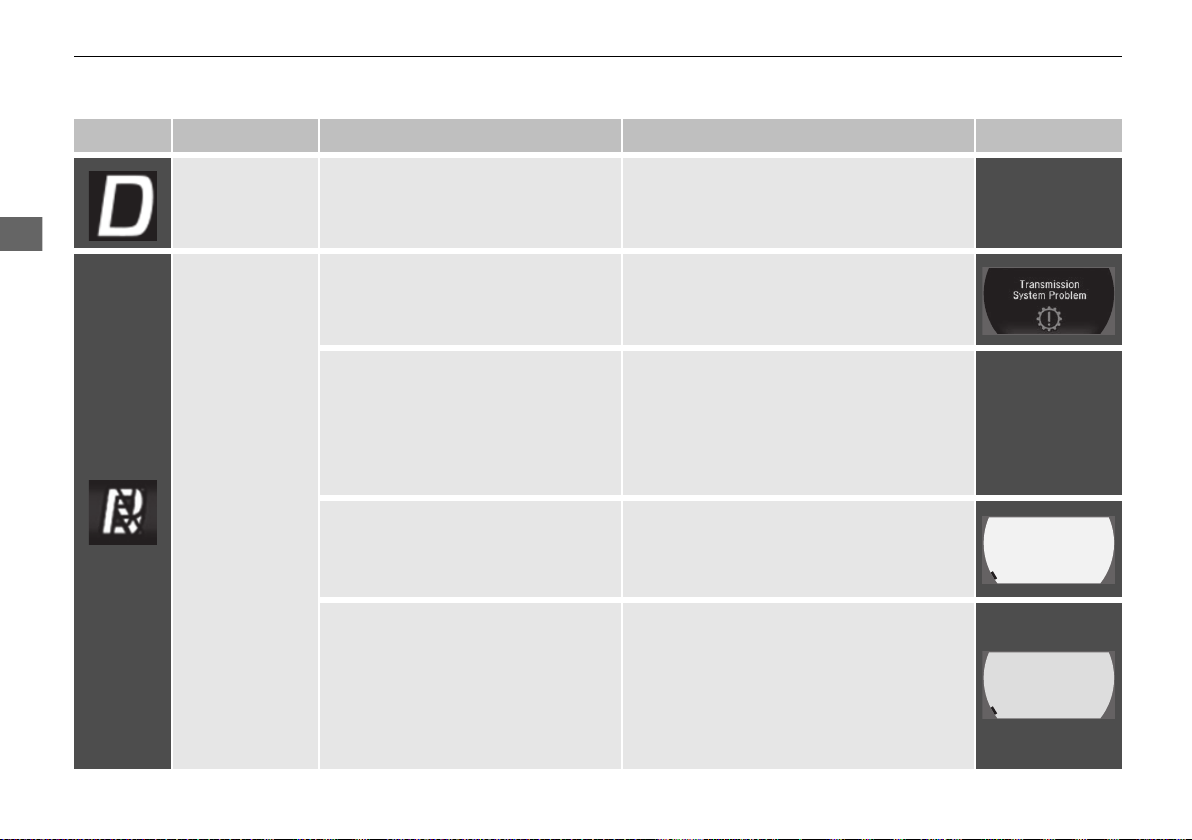
76
uuIndicatorsu
Instrument Panel
Indicator Name On/Blinking Explanation Message
Gear Position
Indicator
●
Indicates the current gear selection.
2 Shifting P. 324
—
Transmission
System Indicator
●
The indicated current gear selection
blinks if there is a problem with the
transmission system.
●
Avoid sudden start and acceleration, and
stop in a safe place immediately.
Have your vehicle checked by an
authorized Acura NSX dealer.
●
All the gear positions may light for
several seconds, and go off.
●
When all the gear positions light,
immediately stop your vehicle in a safe
place.
●
Indicators go off if there is no problem.
However, even if they go off, take your
vehicle to an authorized Acura NSX dealer
for inspection.
—
●
The indicated current gear selection
or all the gear positions blink if there
is a problem with the transmission
system.
●
Immediately stop in a safe place.
2 Emergency Towing P. 460
●
Have your vehicle checked by an
authorized Acura NSX dealer.
●
The indicated current gear selection
or all the gear positions blink if you
cannot select
(P due to the
transmission system failure.
●
The power system can be activated as a
temporary measure.
2 If the Transmission System Indicator
Blinks along with the Warning
Message P. 454
●
Set the parking brake when parking.
●
Have your vehicle checked by an
authorized Acura NSX dealer immediately.
19 NSX-31T6N6200.book 76 ページ 2018年8月9日 木曜日 午前11時12分
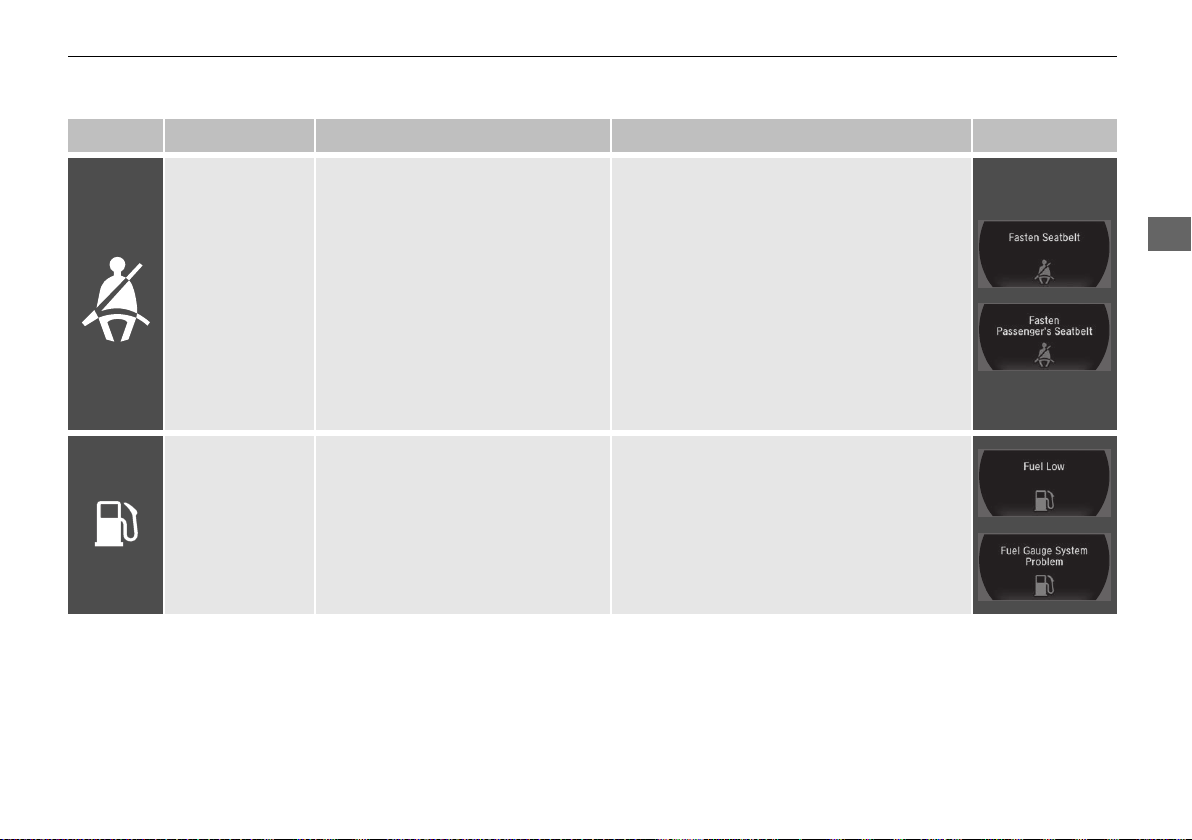
77
uuIndicatorsu
Continued
Instrument Panel
Indicator Name On/Blinking Explanation Message
Seat Belt
Reminder
Indicator
●
Comes on and the beeper sounds if
you are not wearing a seat belt
when you set the power mode to
ON.
●
If the passenger is not wearing a
seat belt, the indicator comes on a
few seconds later.
●
Blinks while driving if either you or
the passenger has not fastened a
seat belt. The beeper sounds and
the indicator blinks at regular
intervals.
●
The beeper stops and the indicator goes off
when you and the passenger fasten their
seat belts.
●
Stays on after you or the passenger has
fastened the seat belt - A detection error
may have occurred in the sensor. Have your
vehicle checked by an authorized Acura
NSX dealer.
2 Seat Belt Reminder P. 37
Low Fuel Indicator
●
Comes on when the fuel reserve is
running low (approximately 2.4
U.S. gal/8.9 Liter left).
●
Blinks if there is a problem with the
fuel gauge.
●
Comes on - Refuel your vehicle as soon as
possible.
●
Blinks - Have your vehicle checked by an
authorized Acura NSX dealer.
19 NSX-31T6N6200.book 77 ページ 2018年8月9日 木曜日 午前11時12分
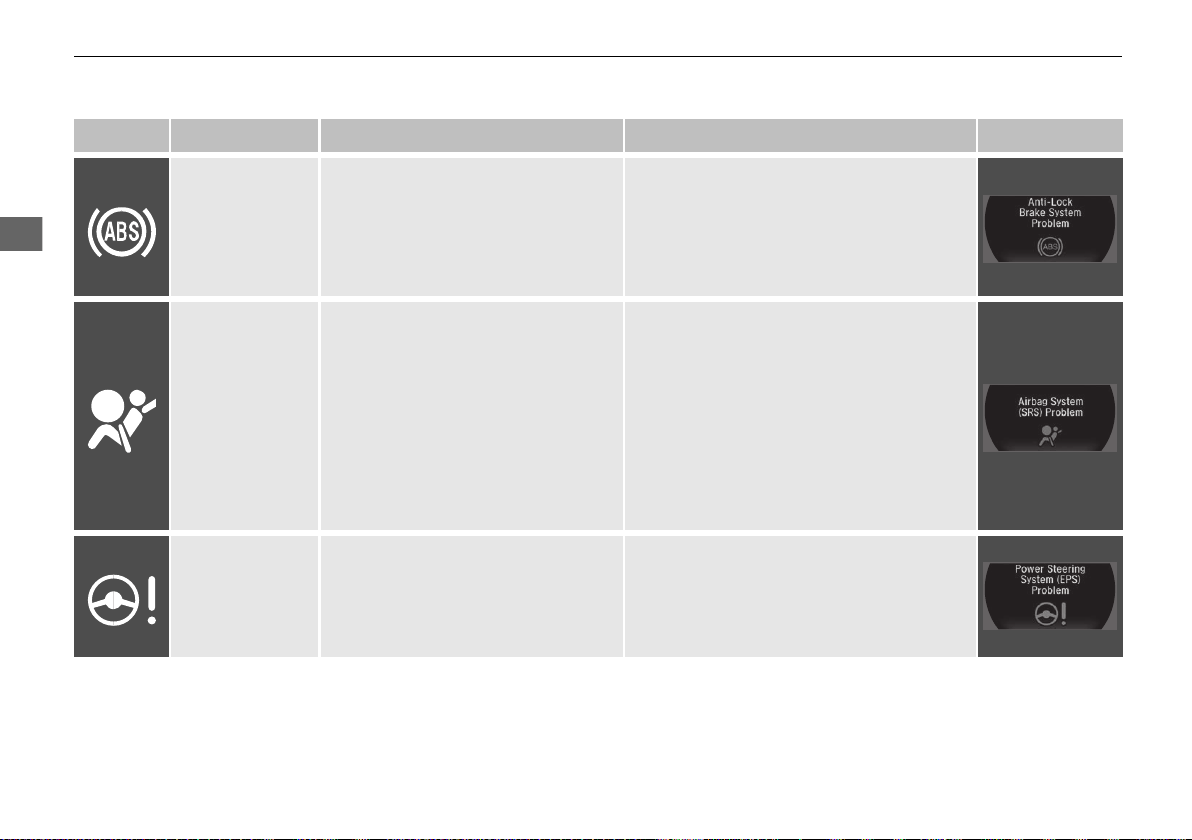
78
uuIndicatorsu
Instrument Panel
Indicator Name On/Blinking Explanation Message
Anti-lock Brake
System (ABS)
Indicator
●
Comes on for a few seconds when
you set the power mode to ON,
then goes off.
●
If it comes on at any other time,
there is a problem with the ABS.
●
Stays on constantly - Have your vehicle
checked by an authorized Acura NSX
dealer. With this indicator on, your vehicle
still has normal braking ability but no
anti-lock function.
2 Anti-lock Brake System (ABS) P. 359
Supplemental
Restraint System
Indicator
●
Comes on for a few seconds when
you set the power mode to ON,
then goes off.
●
Comes on if a problem with any of
the following is detected:
- Supplemental restraint system
- Side airbag system
- Side curtain airbag system
- Knee airbag system
- Seat belt tensioner
●
Stays on constantly or does not come
on at all - Have your vehicle checked by
an authorized Acura NSX dealer.
Electric Power
Steering (EPS)
System Indicator
●
Comes on when you set the power
mode to ON, and goes off when the
power system is on.
●
Comes on if there is a problem with
the EPS system.
●
Stays on constantly or does not come
on at all - Have your vehicle checked by
an authorized Acura NSX dealer.
2 If the Electric Power Steering (EPS)
System Indicator Comes On P. 451
19 NSX-31T6N6200.book 78 ページ 2018年8月9日 木曜日 午前11時12分
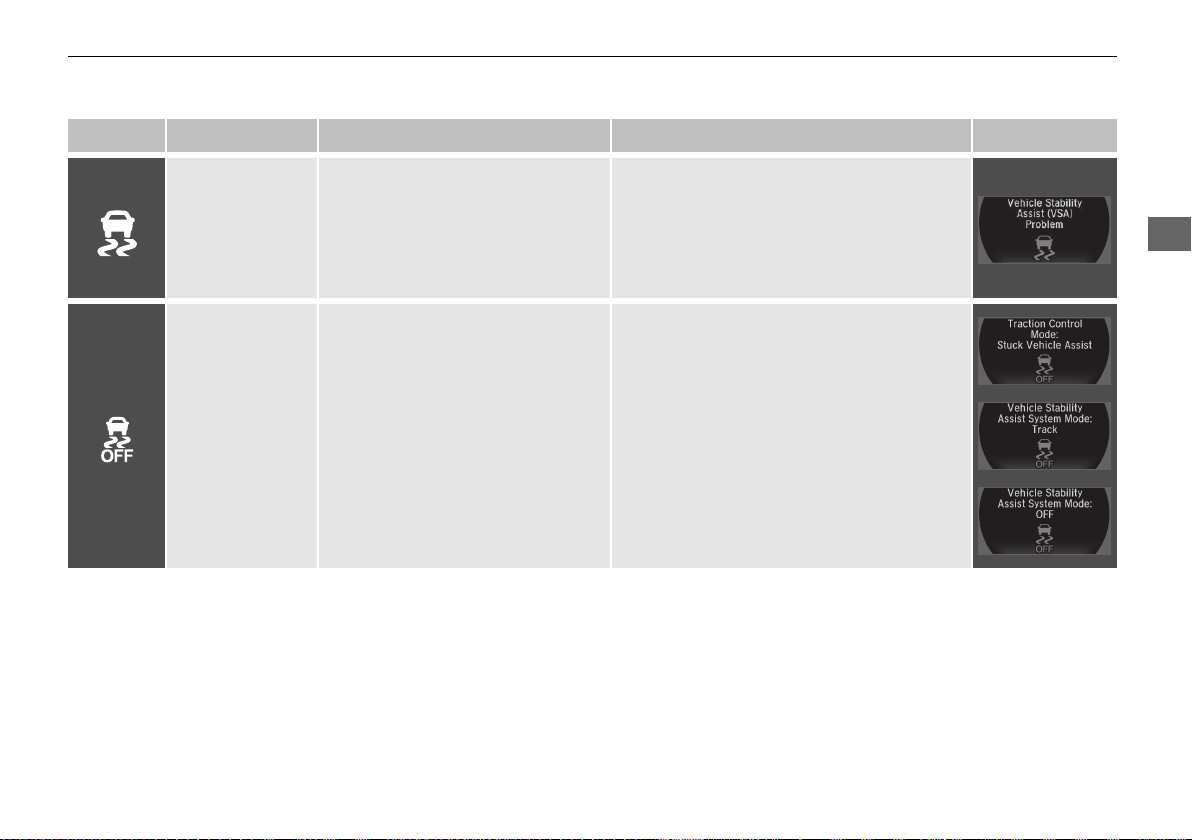
79
uuIndicatorsu
Continued
Instrument Panel
Indicator Name On/Blinking Explanation Message
Vehicle Stability
Assist® (VSA®)
System Indicator
●
Comes on for a few seconds when
you set the power mode to ON,
then goes off.
●
Blinks when VSA® is active.
●
Comes on if there is a problem
with the VSA® system.
●
Stays on constantly - Have your vehicle
checked by an authorized Acura NSX
dealer.
2 Vehicle Stability Assist® (VSA®), aka
Electronic Stability Control (ESC),
System P. 343
Vehicle Stability
Assist® (VSA®) OFF
Indicator
●
Comes on for a few seconds when
you set the power mode to ON,
then goes off.
●
Comes on when you press the
VSA® OFF button to change VSA®
mode.
●
Comes on when you select TRACK
mode by the Integrated Dynamics
System mode switch.
2 VSA® On and Off P. 344
2 Integrated Dynamics System P. 333
19 NSX-31T6N6200.book 79 ページ 2018年8月9日 木曜日 午前11時12分
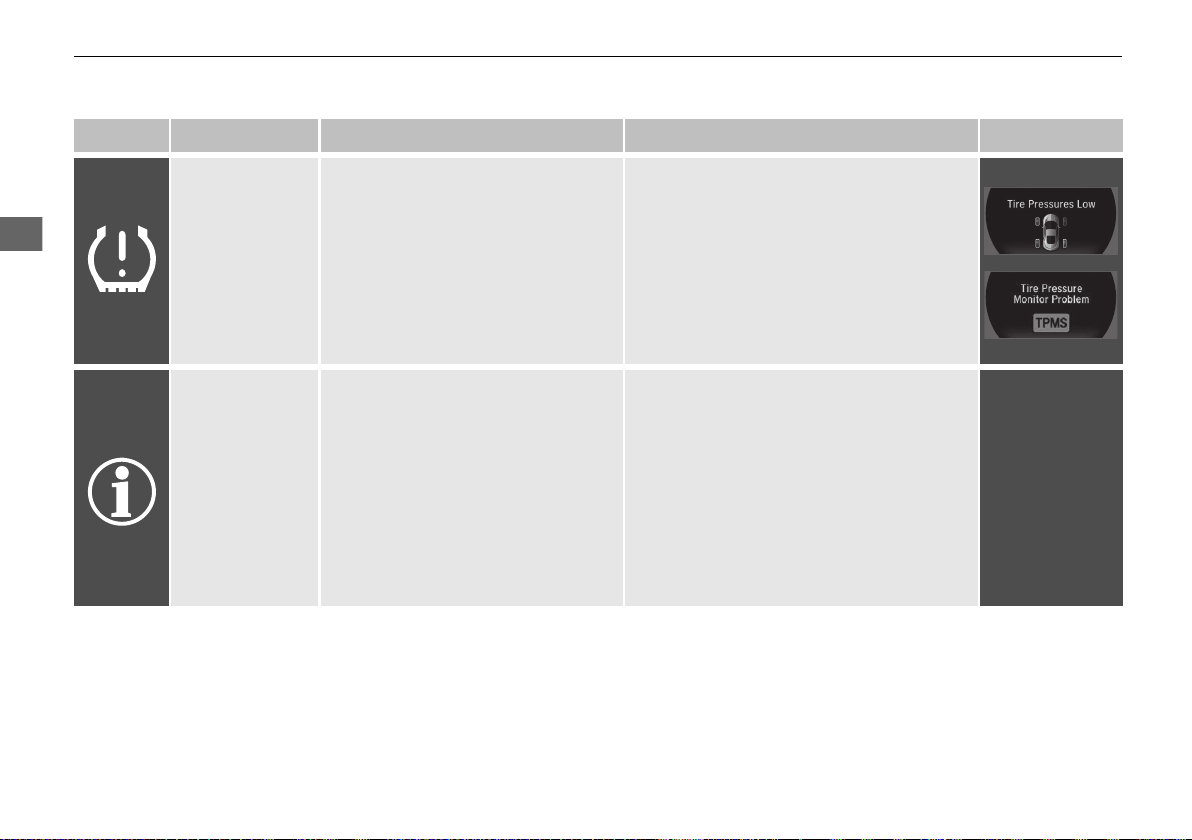
80
uuIndicatorsu
Instrument Panel
Indicator Name On/Blinking Explanation Message
Low Tire Pressure/
TPMS Indicator
●
Comes on for a few seconds when
you set the power mode to ON,
then goes off.
●
Comes on if the tire pressure of any
of the tires becomes significantly
low.
●
Blinks for about one minute, and
then stays on if there is a problem
with the TPMS.
●
Comes on while driving - Stop in a safe
place, check tire pressures, and inflate the
tire(s) if necessary.
●
Blinks and remains on - Have your
vehicle checked by an authorized Acura
NSX dealer.
System Message
Indicator
●
Comes on for a few seconds when
you set the power mode to ON,
then goes off.
●
Comes on along with a beep when
a problem is detected. A system
message on the driver information
interface appears at the same time.
●
While the indicator is on, roll the right
selector wheel to see the message again.
●
Refer to the Indicators information in this
chapter when a system message appears
on the driver information interface. Take
the appropriate action for the message.
●
The driver information interface does not
return to the normal screen unless the
warning is canceled, or the right selector
wheel is rolled.
—
19 NSX-31T6N6200.book 80 ページ 2018年8月9日 木曜日 午前11時12分
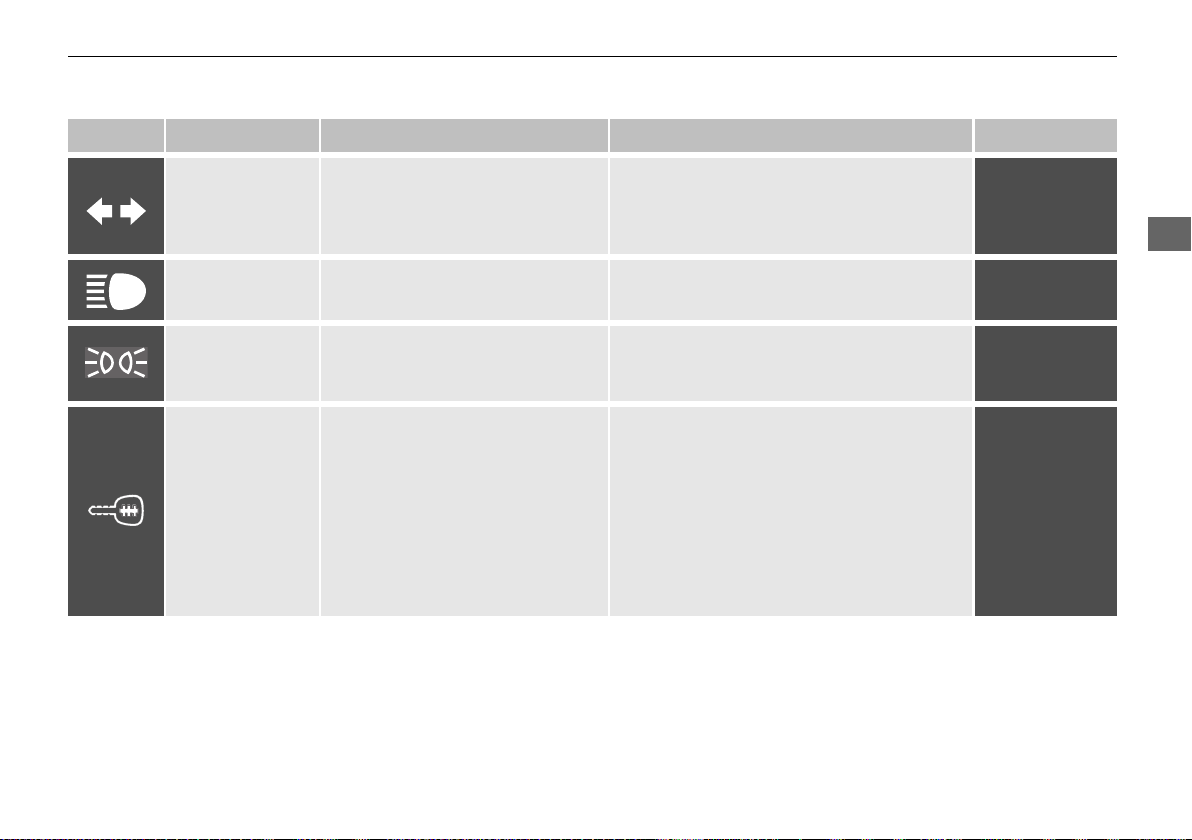
81
uuIndicatorsu
Continued
Instrument Panel
Indicator Name On/Blinking Explanation Message
Turn Signal and
Hazard Warning
Indicators
●
Blinks when you operate the turn
signal lever.
●
Blink if you press the hazard
warning button.
●
Does not blink or blinks rapidly - Have
your vehicle checked by an authorized
Acura NSX dealer.
2 Replacing Light Bulbs P. 399, 400
—
High Beam
Indicator
●
Comes on when the high beam
headlights are on.
— —
Lights On Indicator
●
Comes on whenever the light
switch is on, or in AUTO when the
exterior lights are on.
●
If you set the power mode to VEHICLE OFF
while the exterior lights are on, a chime
sounds when the driver’s door is opened.
—
Immobilizer
System Indicator
●
Comes on briefly when you set
the power mode to ON, then goes
off.
●
Comes on if the immobilizer
system cannot recognize the key
information.
●
Blinks - You cannot start the power system.
Set the power mode to VEHICLE OFF, then
select the ON mode again.
●
Repeatedly blinks - The system may be
malfunctioning. Have your vehicle checked
by an authorized Acura NSX dealer.
●
Do not attempt to alter this system or add
other devices to it. Electrical problems can
occur.
—
19 NSX-31T6N6200.book 81 ページ 2018年8月9日 木曜日 午前11時12分
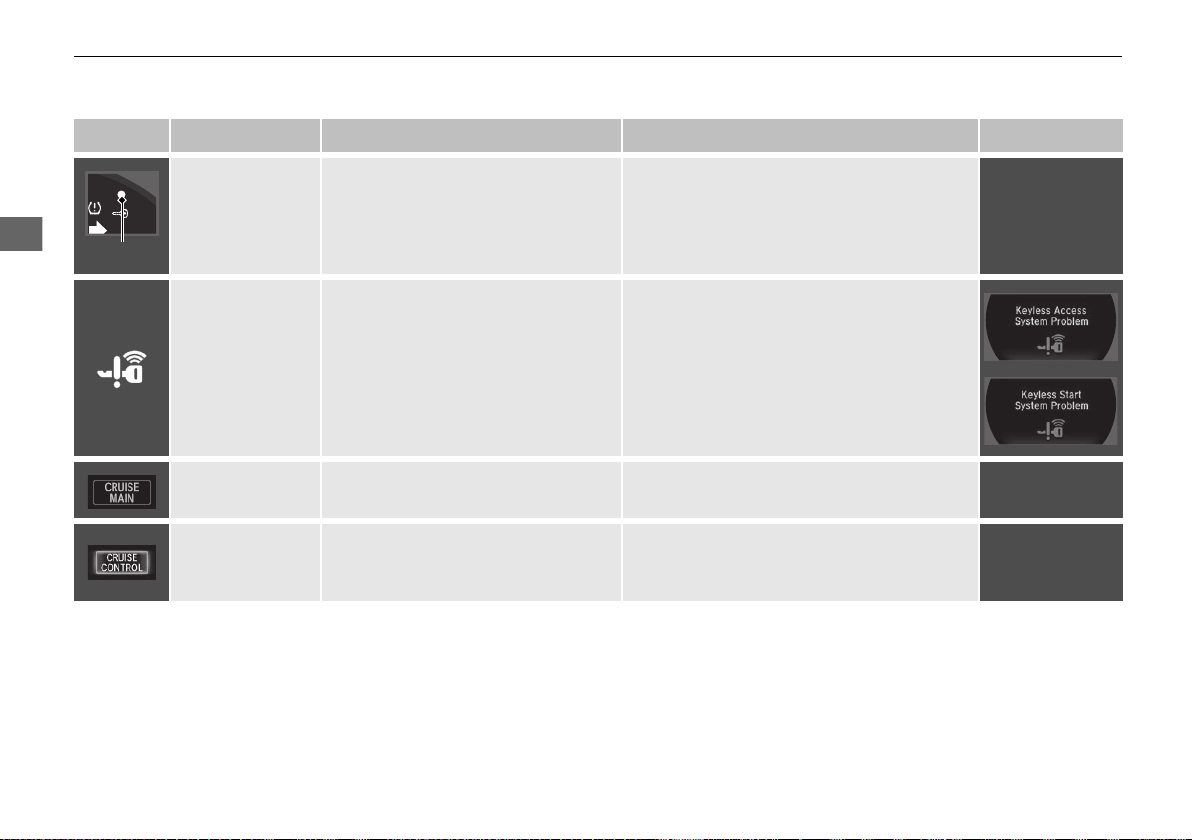
82
uuIndicatorsu
Instrument Panel
Indicator Name On/Blinking Explanation Message
Security System
Alarm Indicator
●
Blinks when the security system
alarm has been set.
2 Security System Alarm P. 122
—
Keyless Access
System Indicator
●
Comes on for a few seconds when
you set the power mode to ON,
then goes off.
●
Comes on as soon as a problem is
detected in the keyless access
system or keyless starting system.
●
Have your vehicle checked by an
authorized Acura NSX dealer.
CRUISE MAIN
Indicator
●
Comes on when you press the
CRUISE button.
2 Cruise Control P. 340
—
CRUISE
CONTROL
Indicator
●
Comes on if you have set a speed
for cruise control.
2 Cruise Control P. 340
—
Indicator
19 NSX-31T6N6200.book 82 ページ 2018年8月9日 木曜日 午前11時12分
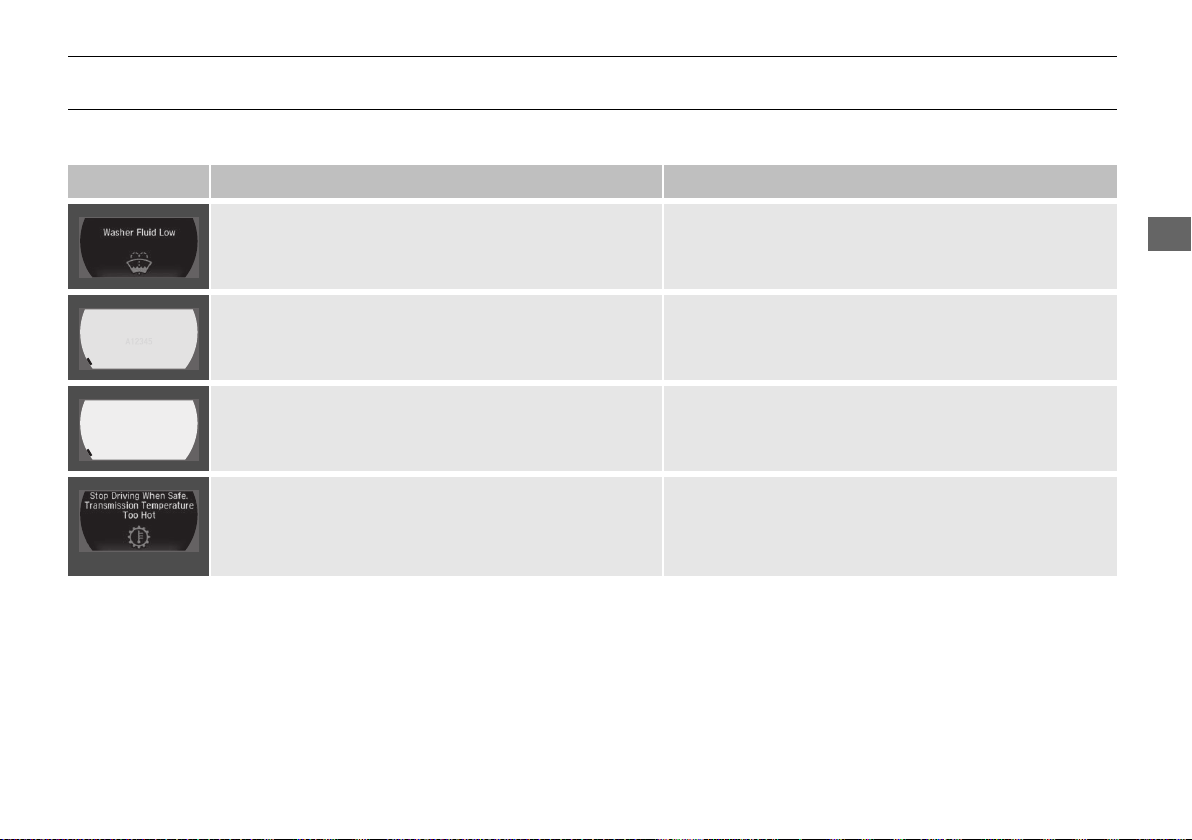
83
uuIndicatorsuDriver Information Interface Warning and Information Messages
Continued
Instrument Panel
Driver Information Interface Warning and Information Messages
The following messages appear only on the driver information interface. Roll the right selector wheel to see the message again with the
system message indicator on.
Message Condition Explanation
●
Appears when the washer fluid is low.
●
Refill the washer fluid.
2 Refilling Window Washer Fluid P. 398
●
Appears when the scheduled maintenance is due soon.
●
Consequently, Service Due Now and Service Past
Due follow.
2 Maintenance Minder Messages on the Driver
Information Interface P. 379
●
Appears when the temperature of the transmission is
starting to get too hot.
●
The performance of the vehicle may be reduced.
●
It may not be possible to use the paddle shifters.
●
Until the message disappears, reduce your speed and
allow the system to cool down.
●
Appears when the transmission system temperature is
too high. The vehicle does not operate properly.
●
You may find it difficult to accelerate, or to start the
vehicle on uphill.
●
Immediately stop in a safe place in (P.
●
Let the engine idle until the message disappears.
19 NSX-31T6N6200.book 83 ページ 2018年8月9日 木曜日 午前11時12分
84
uuIndicatorsuDriver Information Interface Warning and Information Messages
Instrument Panel
Message Condition Explanation
●
Appears when there is a problem with the sensor on the
12-volt battery.
●
Have your vehicle checked by an authorized Acura NSX
dealer.
2 Checking the 12-Volt Battery P. 415
●
Appears after the driver’s door is opened when the
power mode is in ACCESSORY.
●
Press the ENGINE START/STOP button twice with your
foot off the brake pedal to change the power mode to
VEHICLE OFF.
●
Appears when the power mode is in ACCESSORY.
—
19 NSX-31T6N6200.book 84 ページ 2018年8月9日 木曜日 午前11時12分

85
uuIndicatorsuDriver Information Interface Warning and Information Messages
Continued
Instrument Panel
Message Condition Explanation
●
Appears when you close the door with the power mode
in ON without the keyless access remote inside the
vehicle.
●
Disappears when you bring the keyless access remote
back inside the vehicle and close the door.
2 Keyless Access Remote Reminder P. 129
●
Appears when the keyless access remote battery
becomes weak.
●
Replace the battery as soon as possible.
2 Replacing the Button Battery P. 416
●
Appears if the keyless access remote battery is too weak
to turn on the power system or the key is not within
operating range to turn on the power system.
A beeper sounds six times.
●
Bring the keyless access remote in front of the ENGINE
START/STOP button to be touched with.
2 If the Keyless Access Remote Battery is Weak P. 444
●
Appears three seconds after you bring the keyless
access remote in front of the ENGINE START/STOP
button when To Start, Hold Remote Near Start
Button appears. To Start Engine: Brake + Push
appears sequentially.
●
Unless you bring the keyless access remote in front of
the ENGINE START/STOP button, this message does
not appear.
2 If the Keyless Access Remote Battery is Weak P. 444
●
Appears when you set the power mode to ACCESSORY
or ON.
2 Turning on the Power P. 319
●
Appears if you press the ENGINE START/STOP button
while the vehicle is moving.
●
The message will disappear after six seconds or when
the power mode is set to VEHICLE OFF.
19 NSX-31T6N6200.book 85 ページ 2018年8月9日 木曜日 午前11時12分
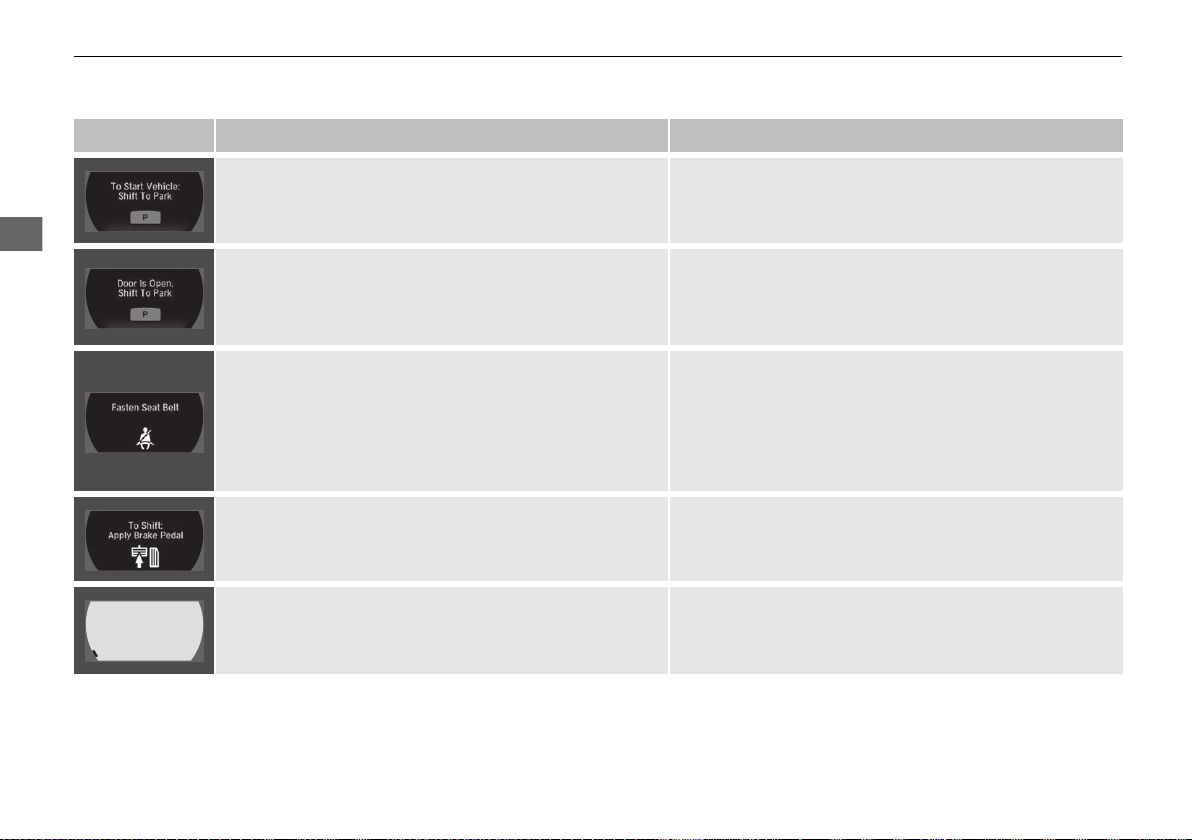
86
uuIndicatorsuDriver Information Interface Warning and Information Messages
Instrument Panel
Message Condition Explanation
●
Appears when you turn the power system on with the
transmission not in (P.
●
Press the (P button.
●
Appears when you try to change the gear position after
the position has automatically been changed to
(P with
the driver’s door open and the driver’s seat belt
unfastened.
●
Press the (P button if you leave the vehicle.
●
Appears when you set the power mode to ON without
fastening the driver’s seat belt.
●
Appears when you change the gear position after (P
has been automatically selected with the driver’s door
open, the driver’s seat belt unfastened, then the brake
pedal is released.
●
Fasten the seat belt properly before you start to drive.
2 Shift Operation P. 326
●
Appears when you try to change the gear position
without depressing the brake pedal.
●
Depress the brake pedal, then select a shift button.
●
Appears when you try to change the gear position
without releasing your foot off the accelerator pedal.
●
Release your foot from the accelerator pedal, depress
the brake pedal, then select a gear.
19 NSX-31T6N6200.book 86 ページ 2018年8月9日 木曜日 午前11時12分
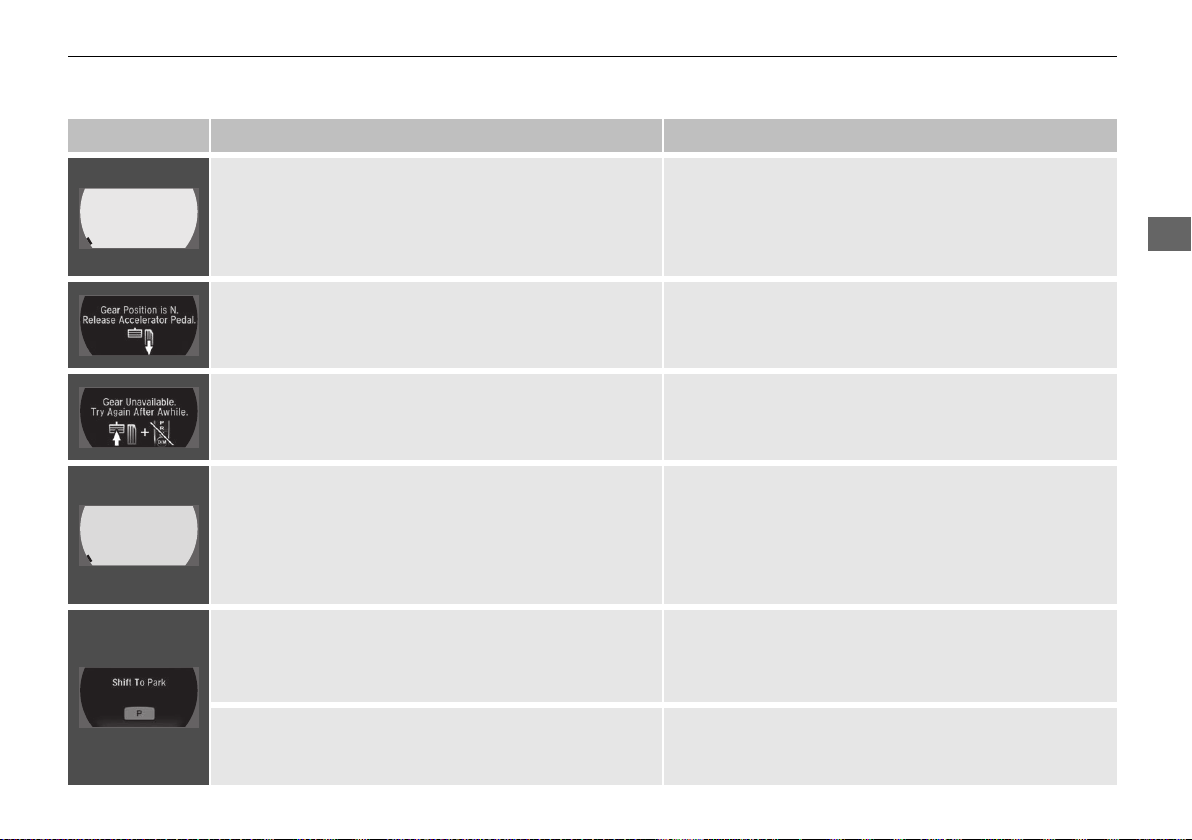
87
uuIndicatorsuDriver Information Interface Warning and Information Messages
Continued
Instrument Panel
Message Condition Explanation
●
Appears when the park button is pressed while the
vehicle is moving.
●
Appears if you change the gear position to (R while the
vehicle is moving forward, or to D or M while the vehicle
is reversing.
●
Make sure that the vehicle comes to a stop before
operating the select button.
●
Appears if you depress the accelerator pedal when the
transmission is in
(N.
●
Release the accelerator pedal. After that, depress the
brake pedal and change the transmission position.
●
Appears when the shift is repeatedly changed between
(P and any other position.
●
Wait for a while then change the shift position.
●
Appears if there is a problem with the electric system.
●
Appears when you set the power mode to OFF while
driving.
●
Immediately stop in a safe place and set the parking
brake.
●
Continue driving if the message goes off soon after.
●
If there is a problem with the transmission system, the
transmission system indicator comes on.
2 Transmission System Indicator P. 76
●
Appears when you change to (N, and press the
ENGINE START/STOP button within five seconds.
●
The gear position remains in (N for 15 minutes, then
automatically switches to (P.
2 If you want to keep the transmission in (N
position (car wash mode) P. 327
●
Appears when the vehicle is stopped with the driver’s
seat belt unfastened and there is a chance that the
vehicle may roll unintentionally.
●
Press the (P button before release the brake pedal
when idling, parking or exiting the vehicle.
2 Shift Operation P. 326
19 NSX-31T6N6200.book 87 ページ 2018年8月9日 木曜日 午前11時12分
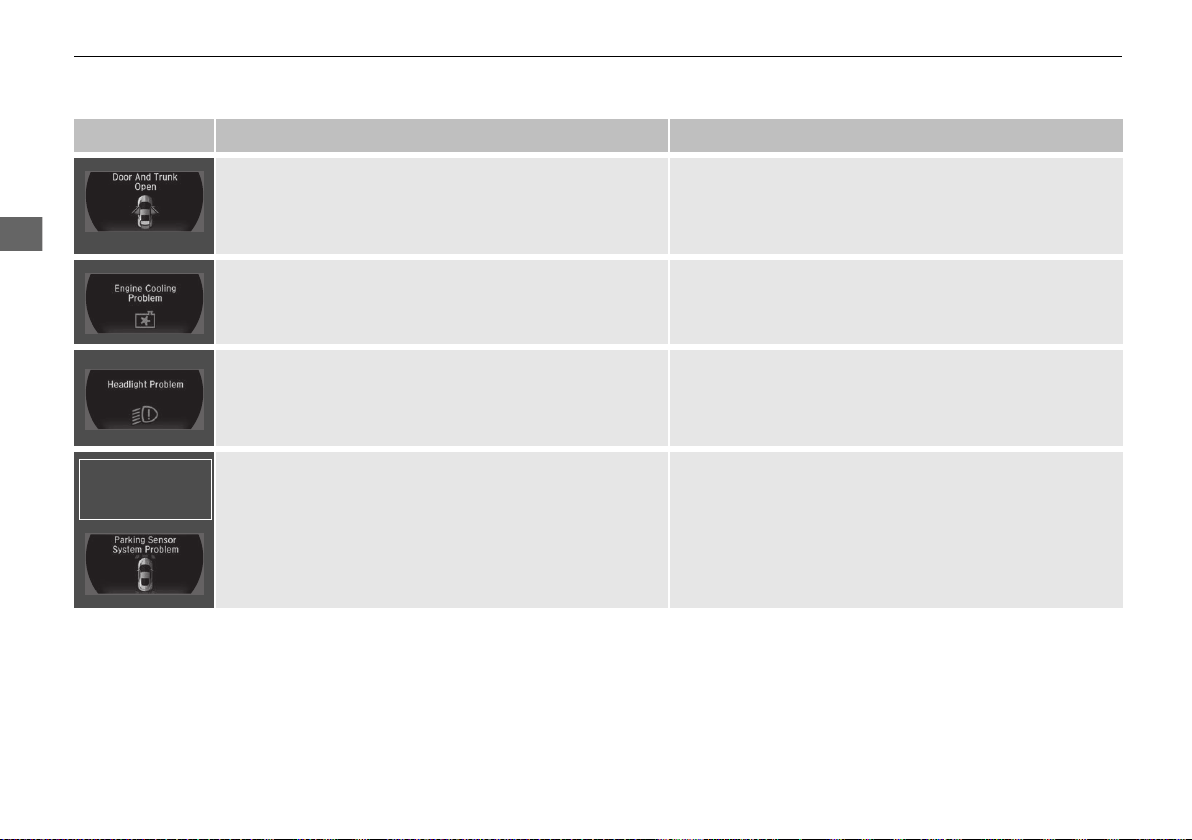
88
uuIndicatorsuDriver Information Interface Warning and Information Messages
Instrument Panel
Message Condition Explanation
●
Appears if any door or the trunk (hatch) is not
completely closed.
●
Appears if any door or the trunk (hatch) is opened while
driving. The beeper sounds.
●
Goes off when all doors and the trunk (hatch) are
closed.
●
Appears if there is a problem with the radiator system.
●
Drive slowly to prevent overheating and have your
vehicle checked by an authorized Acura NSX dealer as
soon as possible.
●
Appears when there is a problem with the headlights.
●
Appears while driving - The low beam headlights
may not be on. When conditions allow you to drive
safely, have your vehicle checked by an authorized
Acura NSX dealer as soon as possible.
●
Appears if there is a problem with the parking sensor
system.
●
Check if the area around the sensor(s) is covered with
mud, ice, snow, etc. If the indicator(s) stays on even
after you clean the area, have the system checked by an
authorized Acura NSX dealer.
Models with
parking sensor
system
19 NSX-31T6N6200.book 88 ページ 2018年8月9日 木曜日 午前11時12分
89
uuIndicatorsuDriver Information Interface Warning and Information Messages
Continued
Instrument Panel
Message Condition Explanation
●
Appears if the automatic brake hold is automatically
canceled while it is in operation.
●
Immediately depress the brake pedal.
●
Appears when the automatic brake hold system is
turned off.
2 Automatic Brake Hold P. 357
●
Appears when the automatic brake hold button is
pressed without wearing the driver’s seat belt.
●
Fasten the driver’s seat belt.
2 Automatic Brake Hold P. 357
●
Appears when the automatic brake hold button is
pressed without depressing the brake pedal while the
automatic brake hold is in operation.
●
Press the automatic brake hold button with the brake
pedal depressed.
2 Automatic Brake Hold P. 357
●
Appears when the parking brake is applied
automatically while it is in operation.
2 Automatic Brake Hold P. 357
2 Parking Brake P. 354
19 NSX-31T6N6200.book 89 ページ 2018年8月9日 木曜日 午前11時12分
90
uuIndicatorsuDriver Information Interface Warning and Information Messages
Instrument Panel
Message Condition Explanation
●
Appears after the 12-volt battery charging system
indicator comes on.
●
Your vehicle has less ability to accelerate and may be
harder to start on an incline.
●
Contact an authorized Acura NSX dealer immediately.
●
Appears when the transmission temperature is too low
to operate (approx. -13°F [-25°C] or below).
●
You can start the engine and use the climate control
system to warm up the interior, which will also warm
the transmission enough for you to drive the vehicle.
●
The engine speed does not increase even if you fully
depress the accelerator pedal.
●
Appears when the High Voltage battery temperature is
extremely low (-4°F [-20°C]).
●
Contact an authorized Acura NSX dealer immediately.
●
To prevent the message to come on, store the vehicle in
the garage or drive in advance to warm up the High
Voltage battery.
●
The minimum operation guarantee environmental
temperature is -4°F [-20°C].
●
Appears when the twin motor unit fluid temperature is
extremely low.
●
Vehicle speed is limited to 109 mph (175 km/h) until
twin motor unit fluid warms up.
●
Appears if the AWD system has a problem due to a
hybrid system or power distribution control failure.
●
Drives with the rear wheels only in this state.
Have your vehicle checked by an authorized Acura NSX
dealer.
19 NSX-31T6N6200.book 90 ページ 2018年8月9日 木曜日 午前11時12分
91
uuIndicatorsuDriver Information Interface Warning and Information Messages
Continued
Instrument Panel
Message Condition Explanation
●
Appears when the engine is running and indicates that
the engine oil level is low.
●
Appears while driving - Immediately stop in a safe
place.
2 If the Low Oil Level Symbol Appears P. 454
●
Appears when the engine is running and indicates that
there is a problem with the oil level sensor.
●
Have your vehicle checked by an authorized Acura NSX
dealer as soon as possible.
●
Appears if the engine coolant temperature is
abnormally high.
2 Overheating P. 448
●
Appears if there is a problem with the fuel system.
Engine performance will be limited.
●
Immediately stop in a safe place and set the power
mode to VEHICLE OFF, then select the ON mode again.
Have your vehicle checked by an authorized Acura NSX
dealer if the message appears again.
●
Appears if there is a temporary problem with the gear
shift mechanism and initialization is necessary.
●
Depress the brake pedal and shift to (P.
●
Appears when the transmission is undergoing
initialization.
●
Keep the brake pedal depressed.
●
Appears when a temporary problem is fixed.
●
Initialization will be completed when the engine is
restarted.
19 NSX-31T6N6200.book 91 ページ 2018年8月9日 木曜日 午前11時12分
92
uuIndicatorsuDriver Information Interface Warning and Information Messages
Instrument Panel
Message Condition Explanation
●
Appears when a problem with the transmission
prevents a gear from changing to (R.
●
Have your vehicle checked by an authorized Acura NSX
dealer.
●
Appears when the High Voltage battery is extremely low
and cannot start the power system.
●
Have your vehicle checked by an authorized Acura NSX
dealer.
●
Appears when the vehicle cannot be driven by the
engine.
●
Stop your vehicle in a safe place and contact an
authorized Acura NSX dealer.
●
Appears when the engine speed exceeds reduced REV
LIMIT while engine temperature is low.
●
Continue driving at a low engine speed until the engine
temperature becomes warm.
●
Appears when braking ability is reduced due to
increased fluid consumption in the braking system.
●
Slow Down and drive carefully. The message will
disappear once the brakes have cooled and the system
has returned to normal operating condition.
●
Appears if you are driving at an extremely high speed
and one or more tires are underinflated.
●
Decelerate and drive your vehicle until the message
disappears.
19 NSX-31T6N6200.book 92 ページ 2018年8月9日 木曜日 午前11時12分
93
uuIndicatorsuDriver Information Interface Warning and Information Messages
Continued
Instrument Panel
Message Condition Explanation
●
Appears for a few seconds if you have not pressed the
(N button long enough to initiate Neutral-Hold mode.
2 If you want to keep the transmission in (N position
(car wash mode) P. 327
●
Appears when you press and hold (N button for more
than 2 seconds.
●
Disappears when you set the gear position to other than
(N.
2 If you want to keep the transmission in (N position
(car wash mode) P. 327
●
Appears when the device for starting the vehicle is too
hot.
●
Wait until message disappears.
19 NSX-31T6N6200.book 93 ページ 2018年8月9日 木曜日 午前11時12分
94
uuIndicatorsuDriver Information Interface Warning and Information Messages
Instrument Panel
Message Condition Explanation
●
Appears when launch control cannot be used due to the
condition of your vehicle.
2 Launch Control P. 338
●
Appears if you shift the gear or do anything else after
Launch Mode is ready.
2 Launch Control P. 338
●
Appears when Launch Mode is ready.
2 Launch Control P. 338
●
Appears when the temperature of the transmission is
not in the operable range for launch control.
2 Launch Control P. 338
●
Appears if the Integrated Dynamics System mode
cannot be changed due to certain situations, such as a
system error or adverse driving conditions.
2 Integrated Dynamics System P. 333
19 NSX-31T6N6200.book 94 ページ 2018年8月9日 木曜日 午前11時12分
95
Continued
Instrument Panel
Gauges and Displays
Gauges
Gauges include the speedometer, tachometer, fuel gauge, temperature gauge, High
Voltage battery charge level gauge, ASSIST/CHARGE gauge, SH-AWD®
temperature gauge, and related indicators. They are displayed when the power
mode is in ON.
Displays your driving speed in mph or km/h.
Shows the number of engine revolutions per minute.
■ Engine speed red-zone indication
Alerts you when the engine speed is near the tachometer’s red zone.
When the engine speed exceeds 7,000 rpm, the outer ring of the tachometer flashes
in red.
To protect the engine from damage, never drive with the tachometer in its red zone.
Displays the amount of fuel left in the fuel tank.
■
Speedometer
■
Tachometer
■
Fuel Gauge
1Speedometer
Press and hold the mph/km/h change button until
you hear a beep.
The speedometer reading and the displayed
measurements switch between mph and km/h.
1Fuel Gauge
NOTICE
You should refuel when the needle approaches .
Running out of fuel can cause the engine to misfire,
damaging the catalytic converter.
The actual amount of remaining fuel may differ from
the fuel gauge reading.
E
19 NSX-31T6N6200.book 95 ページ 2018年8月9日 木曜日 午前11時12分
uuGauges and DisplaysuGauges
96
Instrument Panel
Displays the temperature of the engine coolant.
Shows the remaining High Voltage battery charge level.
■ Electric motor
The degree to which the electric motor is being powered is displayed by the readings
on the ASSIST side.
■ Battery charge in progress
The degree to which the High Voltage battery is being charged is displayed by the
readings on the CHARGE side.
■
Temperature Gauge
■
High Voltage Battery Charge Level Gauge
■
ASSIST/CHARGE Gauge
1Temperature Gauge
Driving with the temperature gauge pointer in the
upper zone can cause serious engine damage. Pull
safely to the side of the road and allow engine
temperature to return to normal.
2 Overheating P. 448
1High Voltage Battery Charge Level Gauge
The High Voltage battery charge level may decrease
under the following conditions:
• When the 12-volt battery has been replaced.
• When the 12-volt battery has been disconnected.
• When the High Voltage battery control system
corrects its reading.
The charge level reading will be corrected
automatically while driving.
Changes in the temperature of the High Voltage
battery can increase or decrease the battery’s
charging capacity. If temperature changes cause the
battery’s capacity to change, the number of
indicators in the battery charge level gauge may also
change, even if the amount of charging remains the
same.
19 NSX-31T6N6200.book 96 ページ 2018年8月9日 木曜日 午前11時12分
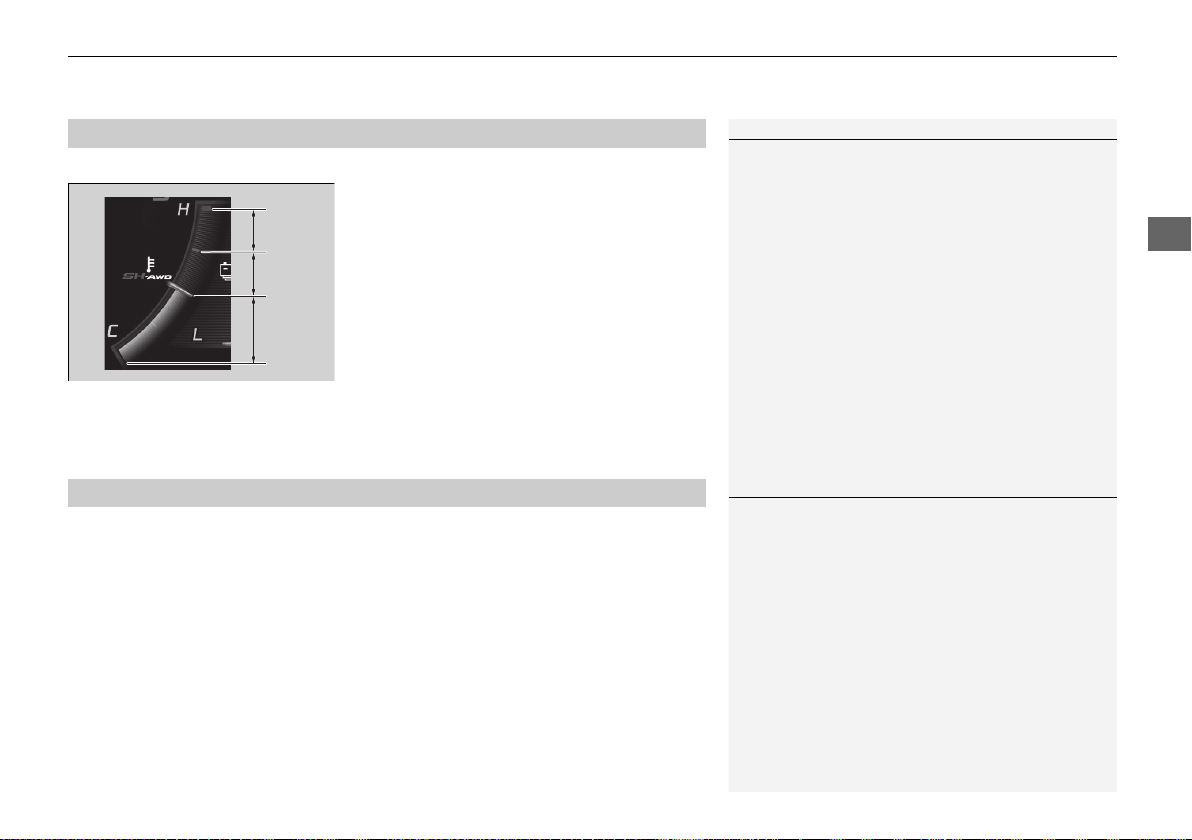
97
uuGauges and DisplaysuGauges
Instrument Panel
Displays the temperature of the SH-AWD® system.
A: System performance is severely limited
due to extreme operating temperature. Stop
your vehicle in a safe place and contact an
authorized Acura NSX dealer.
B: System performance is limited due to high
operating temperature.
C: System is operating at optimum
performance.
D: System performance is limited due to low
operating temperature.
E: System is not warm enough for vehicle to
drive.
Displays the temperature of the engine oil when the Integrated Dynamics System is
in SPORT+ mode and TRACK mode.
Since the actual oil temperature is not measured, the temperature displayed here
may differ from the actual temperature.
2 Integrated Dynamics System P. 333
■
SH-AWD® Temperature Gauge
1SH-AWD® Temperature Gauge
If the temperature reaches the red zone, stop your
vehicle in a safe place and allow the system to cool
down. After that, change the power mode to
VEHICLE OFF and set the power mode to ON again.
Even though the system has cooled down, the
POWER SYSTEM indicator will stay on. Have your
vehicle inspected by an authorized Acura NSX dealer.
A
B
C
D
E
■
Engine Oil Temperature Gauge
1Engine Oil Temperature Gauge
Driving with the temperature gauge pointer in the
upper zone can cause serious engine damage. Pull
safely to the side of the road and allow engine
temperature to return to normal.
19 NSX-31T6N6200.book 97 ページ 2018年8月9日 木曜日 午前11時12分
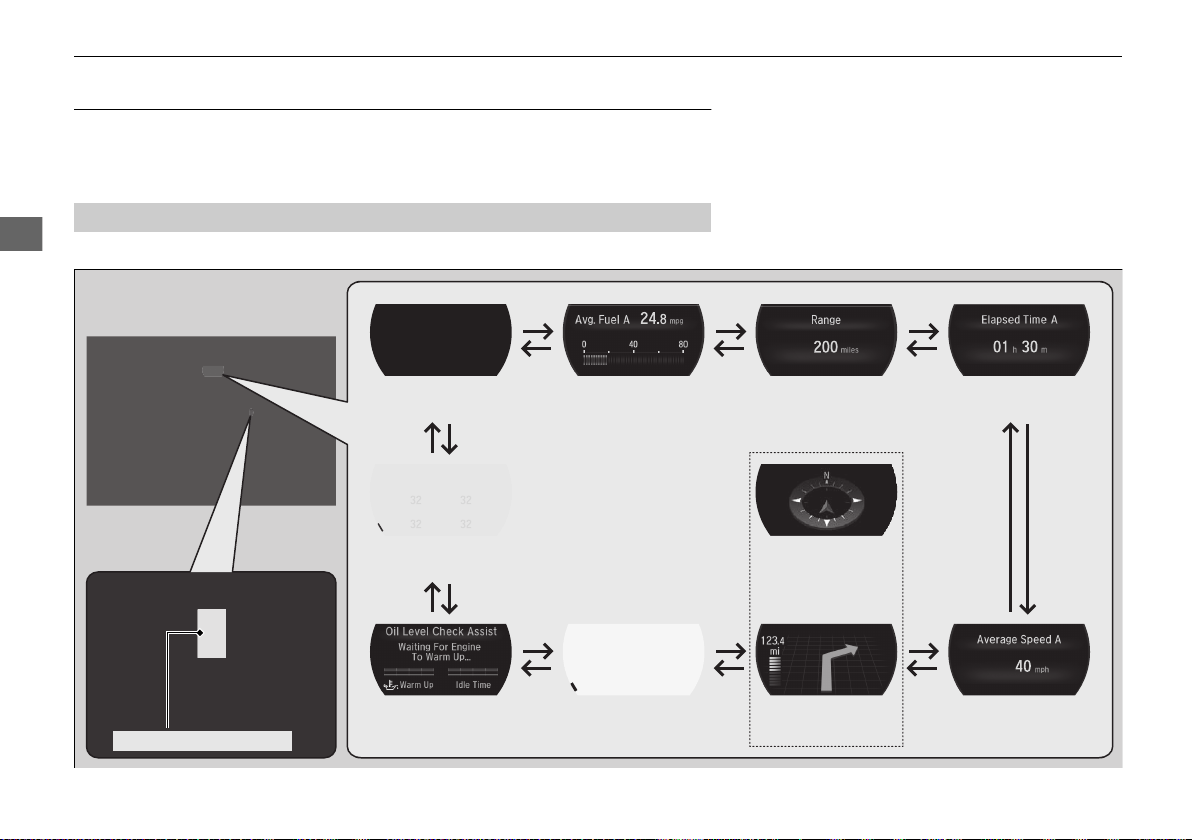
98
uuGauges and DisplaysuDriver Information Interface
Instrument Panel
Driver Information Interface
The driver information interface shows the odometer, trip meter, outside
temperature indicator, and other gauges. It also displays important messages such
as warnings and other helpful information.
Roll the right selector wheel to change the display.
■
Switching the Display
Right Selector Wheel
Engine Oil Life
Elapsed Time
Blank Screen
Average Speed
RangeAverage Fuel Economy/
Instant Fuel Economy
Tire Pressure for
Each Tire
Turn-by-Turn
Directions
*
Oil Level Check Assist
Compass
*
* Not available on all models
19 NSX-31T6N6200.book 98 ページ 2018年8月9日 木曜日 午前11時12分
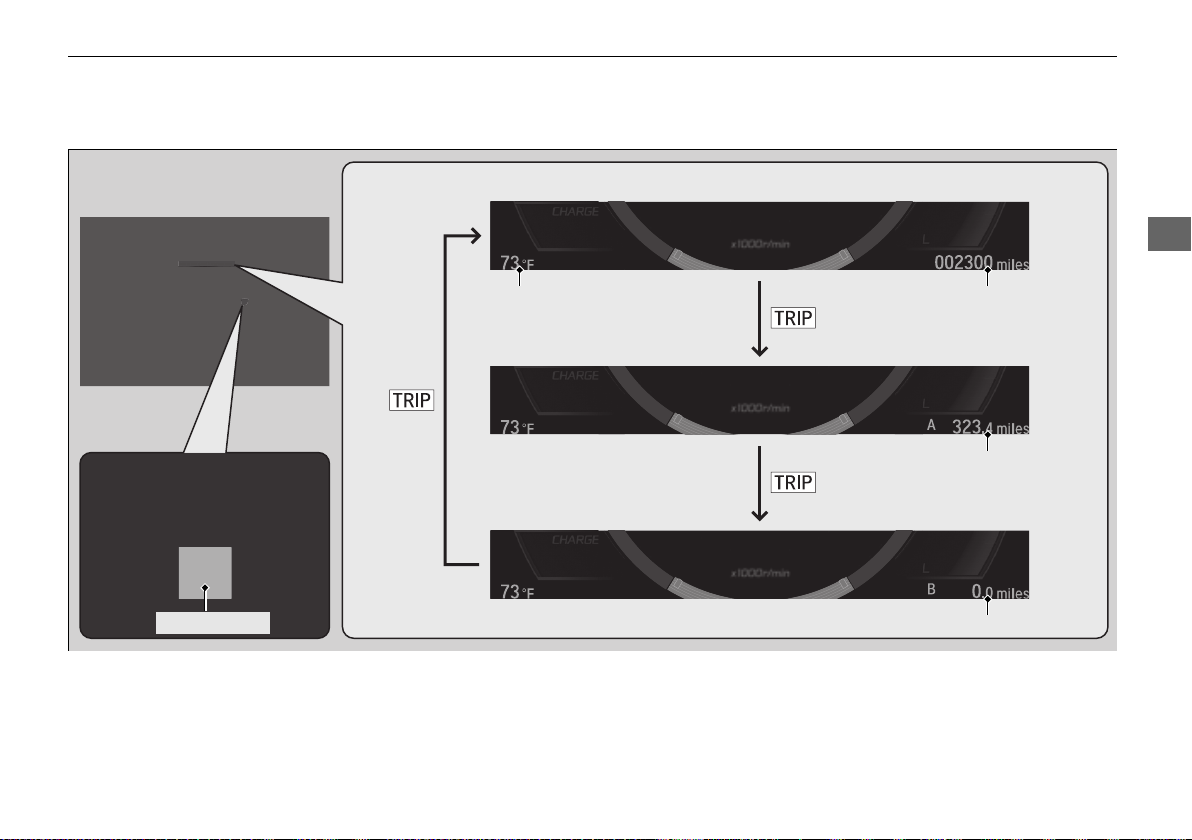
99
uuGauges and DisplaysuDriver Information Interface
Continued
Instrument Panel
Press the TRIP button to change the display.
Odometer
Trip A
Trip B
TRIP Button
Outside Temperature
19 NSX-31T6N6200.book 99 ページ 2018年8月9日 木曜日 午前11時12分
uuGauges and DisplaysuDriver Information Interface
100
Instrument Panel
Shows the total number of miles or kilometers that your vehicle has accumulated.
Shows the total number of miles or kilometers driven since the last reset. Meters A
and B can be used to measure two separate trips.
■ Resetting a trip meter
To reset a trip meter, display it, then press and hold the TRIP button. The trip meter
is reset to 0.0.
When a trip meter is reset, the average fuel economy, the elapsed time, and the
average speed are also reset.
Shows the outside temperature in Fahrenheit (U.S.) or Celsius (Canada).
■ Adjusting the outside temperature display
Adjust the temperature reading up to ± 5°F or ± 3°C if the temperature reading
seems incorrect.
■
Odometer
■
Trip Meter
■
Outside Temperature
1Trip Meter
Switch between trip meter A and trip meter B by
pressing the TRIP button.
1Outside Temperature
The temperature sensor is in the front bumper.
Road heat and exhaust from another vehicle can
affect the temperature reading when your vehicle
speed is less than 19 mph (30 km/h).
It may take several minutes for the display to be
updated after the temperature reading has stabilized.
Use the audio system’s customized features to
correct the temperature.
2 Customized Features P. 242
19 NSX-31T6N6200.book 100 ページ 2018年8月9日 木曜日 午前11時12分
Continued
101
uuGauges and DisplaysuDriver Information Interface
Instrument Panel
Shows the estimated average fuel economy of each trip meter in mpg or l/100 km.
The display is updated at set intervals. When a trip meter is reset, the average fuel
economy is also reset.
Shows the instant fuel economy as a bar graph in mpg or l/100 km.
Shows the estimated distance you can travel on the remaining power and fuel. This
distance is estimated from the fuel economy of your previous trips.
Shows the time elapsed since Trip A or Trip B was reset.
Shows the average speed in mph or km/h since Trip A or Trip B was reset.
■
Average Fuel Economy
■
Instant Fuel Economy
■
Range
■
Elapsed Time
■
Average Speed
1Average Fuel Economy
You can change when to reset the average fuel
economy.
2 Customized Features P. 242
1Range
The displayed range may change even when the
vehicle is stationary.
1Elapsed Time
You can change when to reset the elapsed time.
2 Customized Features P. 242
1Average Speed
You can change when to reset the average speed.
2 Customized Features P. 242
19 NSX-31T6N6200.book 101 ページ 2018年8月9日 木曜日 午前11時12分
uuGauges and DisplaysuDriver Information Interface
102
Instrument Panel
Shows you turn-by-turn driving directions to your destination linked with the
navigation system.
2 Refer to the Navigation System Manual
Shows the remaining oil life and Maintenance Minder
TM
.
2 Maintenance Minder
TM
P. 377
Shows the engine oil level check assist display.
2 Oil Check P. 389
Shows each tire’s pressure.
2 Tire Pressure Monitoring System (TPMS) P. 349
■
Turn-by-Turn Directions
*
■
Engine Oil Life
■
Oil Level Check Assist
■
Tire Pressure Monitor
1Turn-by-Turn Directions
*
The driver information interface shows a compass
when the route guidance is not in use.
You can select whether the turn-by-turn display
comes on or not during the route guidance.
2 Customized Features P. 242
* Not available on all models
19 NSX-31T6N6200.book 102 ページ 2018年8月9日 木曜日 午前11時12分

103
Controls
This chapter explains how to operate the various controls necessary for driving.
Clock .................................................. 104
Locking and Unlocking the Doors
Key Type and Functions ................... 105
Low Keyless Access Remote Signal
Strength......................................... 106
Locking/Unlocking the Doors from the
Outside .......................................... 107
Locking/Unlocking the Doors from the
Inside ............................................. 115
Auto Door Locking/Unlocking .......... 118
Opening and Closing the Hatch....... 119
Security System ................................ 122
Immobilizer System .......................... 122
Security System Alarm...................... 122
Opening and Closing the Windows
.... 125
Operating the Switches Around the
Steering Wheel
ENGINE START/STOP Button............. 127
Turn Signals..................................... 130
Light Switches.................................. 131
Daytime Running Lights ................... 134
Wipers and Washers ........................ 135
Brightness Control ........................... 136
Rear Defogger/Heated Door Mirror Button.....137
Driving Position Memory System
*
.... 138
Adjusting the Steering Wheel........... 140
Adjusting the Mirrors....................... 141
Interior Rearview Mirror ................... 141
Power Door Mirrors ......................... 142
Adjusting the Seats .......................... 144
Interior Lights/Interior Convenience
Items ................................................ 149
Interior Lights .................................. 149
Interior Convenience Items .............. 151
Climate Control System ................... 154
Using Automatic Climate Control .... 154
Automatic Climate Control Sensors......158
* Not available on all models
19 NSX-31T6N6200.book 103 ページ 2018年8月9日 木曜日 午前11時12分
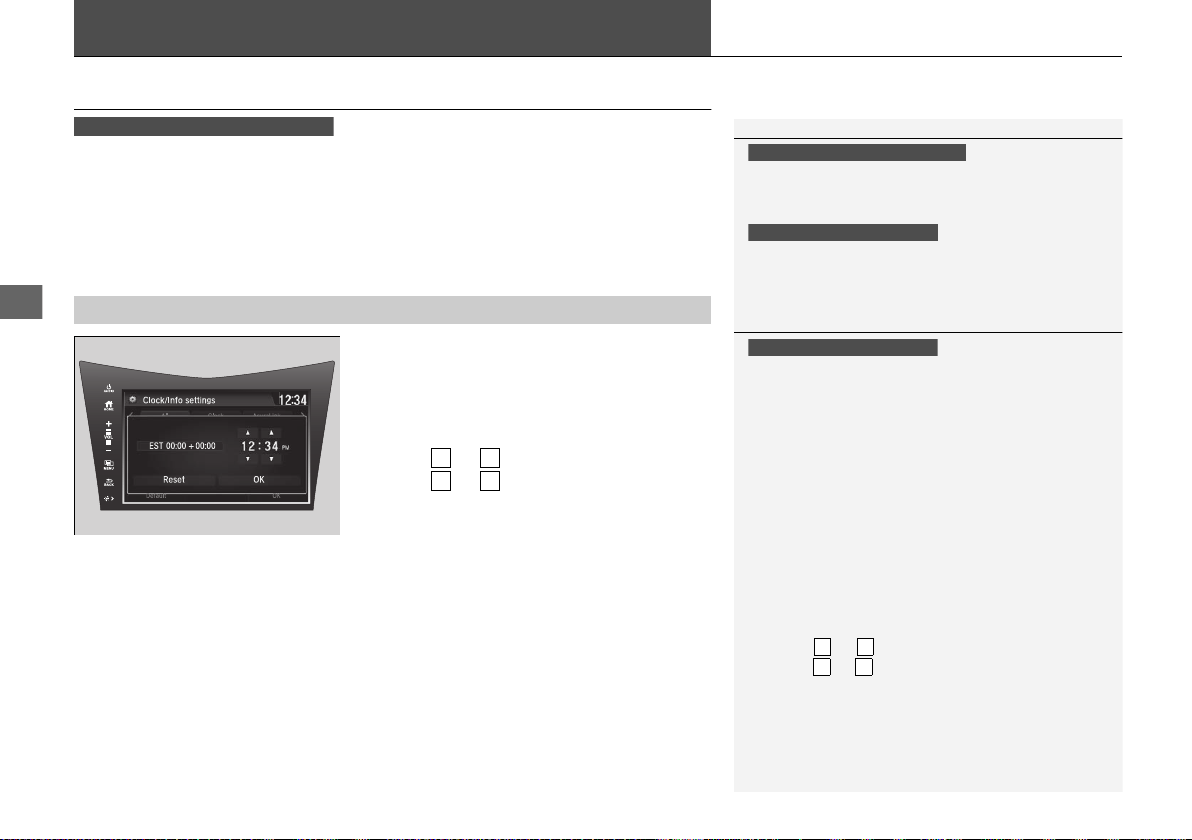
104
Controls
Clock
Adjusting the Clock
You can adjust the time in the clock display with the power mode in ON.
■ Using the Settings menu on the audio/
information screen
1. Select Settings.
2. Select Clock/Info.
3. Select Clock Adjustment.
4. Select or to change hour.
5. Select or to change minute, then
select OK.
■
Adjusting the Time
1Adjusting the Clock
The clock is automatically updated through the audio
system, so the time does not need to be adjusted.
You cannot adjust the time while the vehicle is
moving.
Models with navigation system
Models with Display Audio
Models without navigation system
1Using the Settings menu on the audio/information screen
You can customize the clock display to show the 12
hour clock or 24 hour clock.
2 Customized Features P. 242
The clock display is set to on by factory default.
You can turn the clock display on and off.
2 Customized Features P. 242
The clock is automatically updated when your
smartphone is connected to the audio system.
You can also adjust the clock by touching the clock
displayed on the upper right corner of the display.
1. Touch the clock on the display for a few seconds.
2. Select Clock Adjustment.
3. Select or to change hour.
4. Select or to change minute, then select OK.
Models with Display Audio
3
4
3
4
3
4
3
4
19 NSX-31T6N6200.book 104 ページ 2018年8月9日 木曜日 午前11時12分
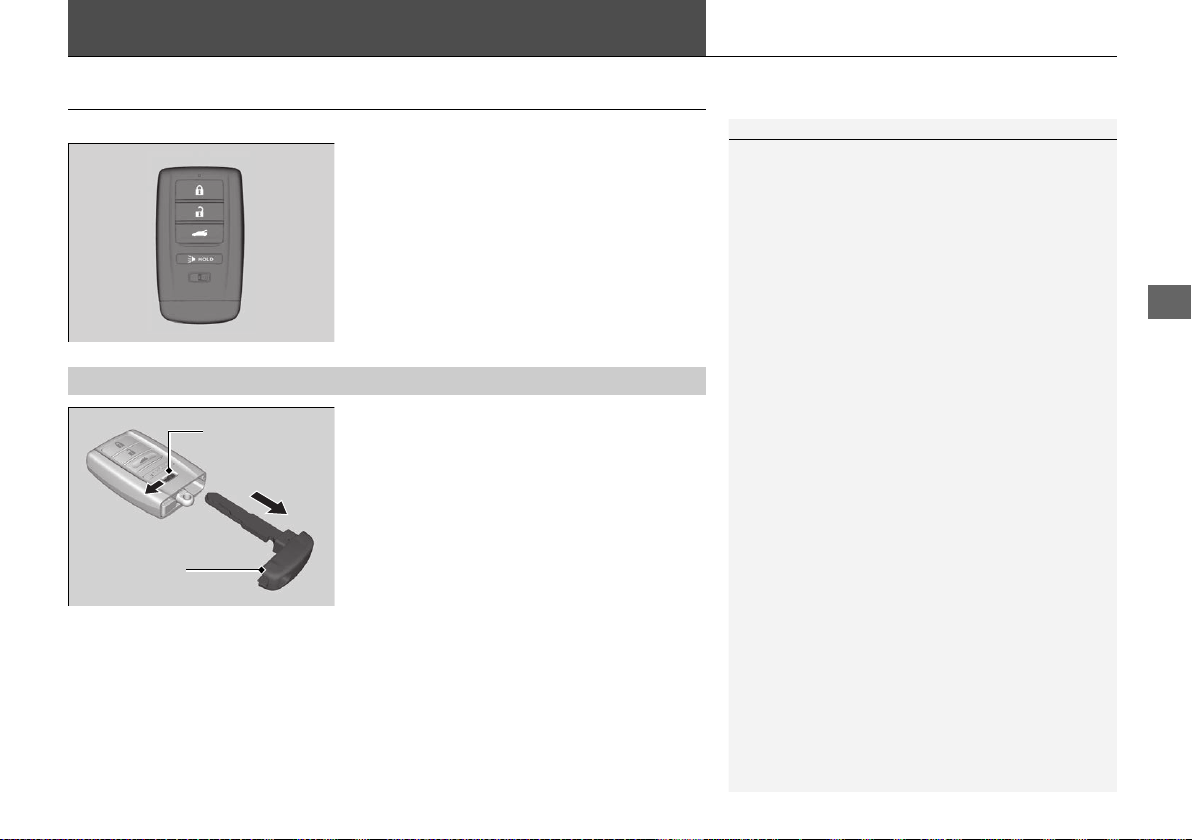
105
Continued
Controls
Locking and Unlocking the Doors
Key Type and Functions
This vehicle comes with the following key:
Use the keyless access remote to turn on and
off the power system, to lock and unlock the
doors and to open the hatch. You can also use
the keyless access system to lock and unlock
the doors and hatch.
The built-in key can be used to lock or unlock
the doors when the keyless access remote
battery becomes weak and the power door
lock/unlock operation is disabled.
To remove the built-in key, slide the release
knob and then pull out the key. To reinstall
the built-in key, push the built-in key into the
keyless access remote until it clicks.
1Key Type and Functions
All the keys have an immobilizer system. The
immobilizer system helps to protect against vehicle
theft.
2 Immobilizer System P. 122
Follow the advice below to prevent damage to the
keys:
• Do not leave the keys in direct sunlight, or in
locations with high temperature or high humidity.
• Do not drop the keys or set heavy objects on them.
• Keep the keys away from liquids, dust and sand.
• Do not take the keys apart except for replacing the
battery.
If the circuits in the keys are damaged, the power
system may not activate, and the keyless access
system may not work.
If the keys do not work properly, have them
inspected by an authorized Acura NSX dealer.
■
Built-in Key
Built-in Key
Release Knob
19 NSX-31T6N6200.book 105 ページ 2018年8月9日 木曜日 午前11時12分
uuLocking and Unlocking the DoorsuLow Keyless Access Remote Signal Strength
106
Controls
Contains a number that you will need if you
purchase a replacement key.
Low Keyless Access Remote Signal Strength
The vehicle transmits radio waves to locate the keyless access remote when locking/
unlocking the doors, opening the hatch, or to activate the power system.
In the following cases, locking/unlocking the doors, opening the hatch, or activating
the power system may be inhibited or operation may be unstable:
• Strong radio waves are being transmitted by nearby equipment.
• You are carrying the keyless access remote together with telecommunications
equipment, laptop computers, cell phones, or wireless devices.
• A metallic object is touching or covering the keyless access remote.
■
Key Number Tag
1Key Number Tag
Keep the key number tag separate from the key in a
safe place outside of your vehicle.
If you wish to purchase an additional key, contact an
authorized Acura NSX dealer.
If you lose your key and you cannot activate the
power system, contact an authorized Acura NSX
dealer.
1Low Keyless Access Remote Signal Strength
Communication between the keyless access remote
and the vehicle consumes the keyless access remote’s
battery.
Battery life is about two years, but this varies
depending on regularity of use.
The battery is consumed whenever the keyless access
remote is receiving strong radio waves. Avoid placing
it near electrical appliances such as televisions and
personal computers.
19 NSX-31T6N6200.book 106 ページ 2018年8月9日 木曜日 午前11時12分
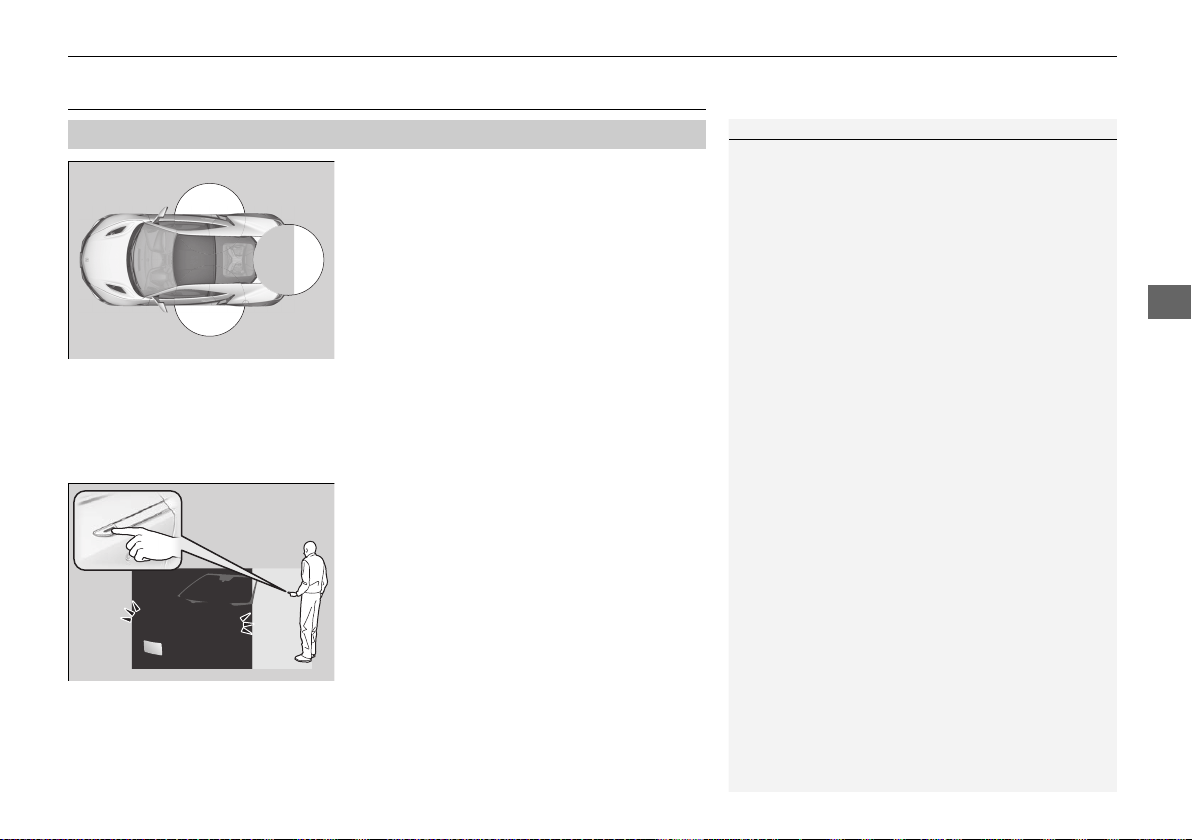
107
uuLocking and Unlocking the DoorsuLocking/Unlocking the Doors from the Outside
Continued
Controls
Locking/Unlocking the Doors from the Outside
When you carry the keyless access remote, the
outer door handles automatically pop in/out
and you can lock/unlock the doors and open
the hatch.
Outer door handles automatically pop in/out
within about 6 feet (2 m) radius of the outside
door handle.
You can lock/unlock the doors within a radius
of about 32 inches (80 cm) of the outside door
handle. You can open the hatch within about
32 inches (80 cm) radius from the hatch
release button.
■ Locking the vehicle
Press the door lock button on either door.
u Some exterior lights flash; the beeper
sounds; both doors lock; both outer door
handles pop in if they are popped out;
and the security system sets.
■
Using the Keyless Access System
1Using the Keyless Access System
If you do not open a door within 30 seconds of
unlocking the vehicle, the doors will automatically
relock and the outer handles of the doors will
automatically pop back in.
You can lock or unlock doors using the remote
transmitter or keyless access system only when the
power mode is in VEHICLE OFF.
• Do not leave the keyless access remote in the
vehicle when you get out. Carry it with you.
• Even if you are not carrying the keyless access
remote, you can lock/unlock the doors while
someone else with the remote is within range.
• The door may be unlocked if the door handle is
covered with water in heavy rain or in a car wash if
the keyless access remote is within range.
• If you grip either door handle wearing gloves, the
door sensor may be slow to respond or may not
respond by unlocking the doors.
• The door may not open if you pull it immediately
after gripping the door handle. Grip the handle
again and confirm that the door is unlocked before
pulling the handle.
• Even within the 32 inches (80 cm) radius, you may
not be able to lock/unlock the doors with the
keyless access remote if it is above or below the
outside handle.
• The keyless access remote may not operate if it is
too close to the door and door glass.
19 NSX-31T6N6200.book 107 ページ 2018年8月9日 木曜日 午前11時12分
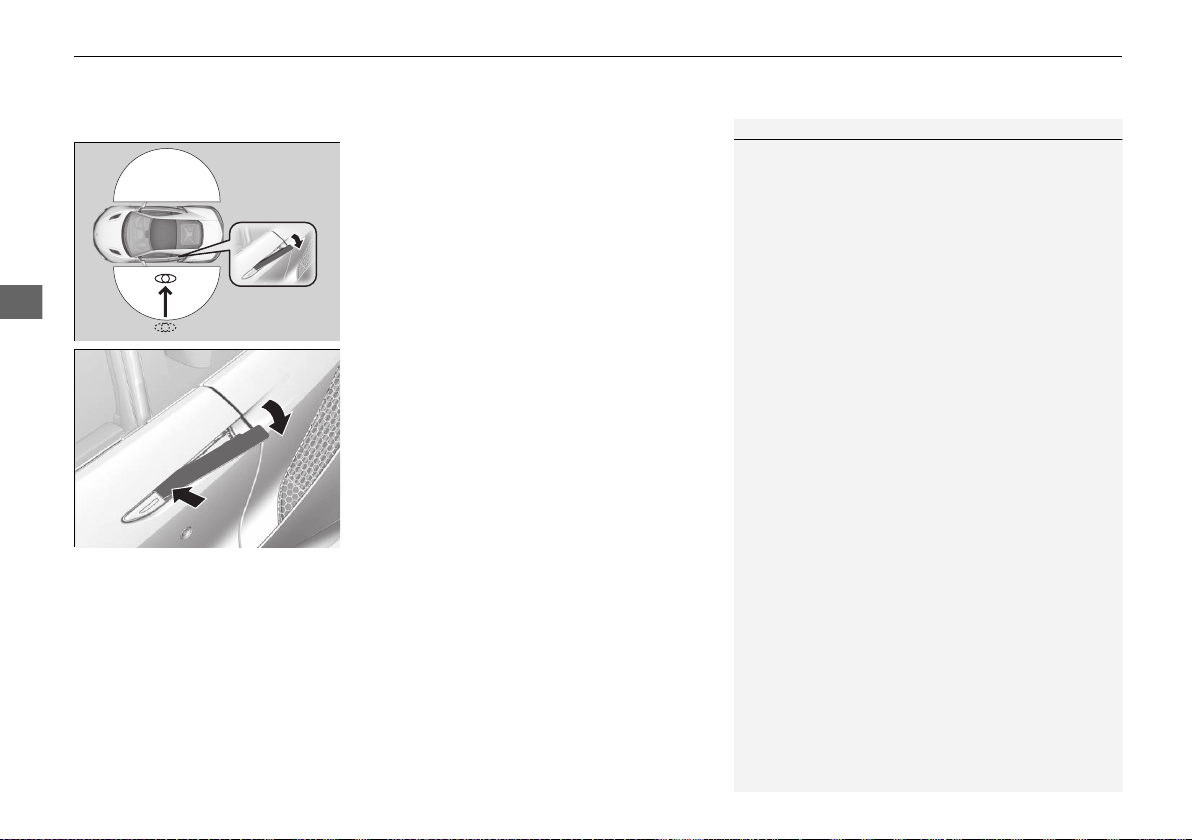
uuLocking and Unlocking the DoorsuLocking/Unlocking the Doors from the Outside
108
Controls
■ Unlocking the vehicle
When you walk to the vehicle while carrying
the keyless access remote, the outer door
handles will automatically pop out.
The auto pop-out function activates when
both doors are closed, and the keyless access
remote is within a 6-foot (2 m) radius of the
outside door handle.
Pushing out the door handle
To push out the outer door handle manually,
push the front side inwards.
1Using the Keyless Access System
If you lock the doors and then keep the keyless
remote within the detection range for more than 2
minutes, the auto pop-out function will be disabled.
If the function is disabled, pop out the handle
manually or use the unlock button on the keyless
access remote.
If you walk away from the vehicle when the power
system is on, the auto pop-out function will not
work.
If you close the doors and take the keyless access
remote out of the 6-foot (2m) detection range and
then bring it back into the range within 10 seconds,
the pop-out function will not work. In this case, pop
out the door handle manually or use the remote
transmitter.
If, however, you bring the remote back into range
after 10 seconds, the handles will automatically pop
out.
19 NSX-31T6N6200.book 108 ページ 2018年8月9日 木曜日 午前11時12分
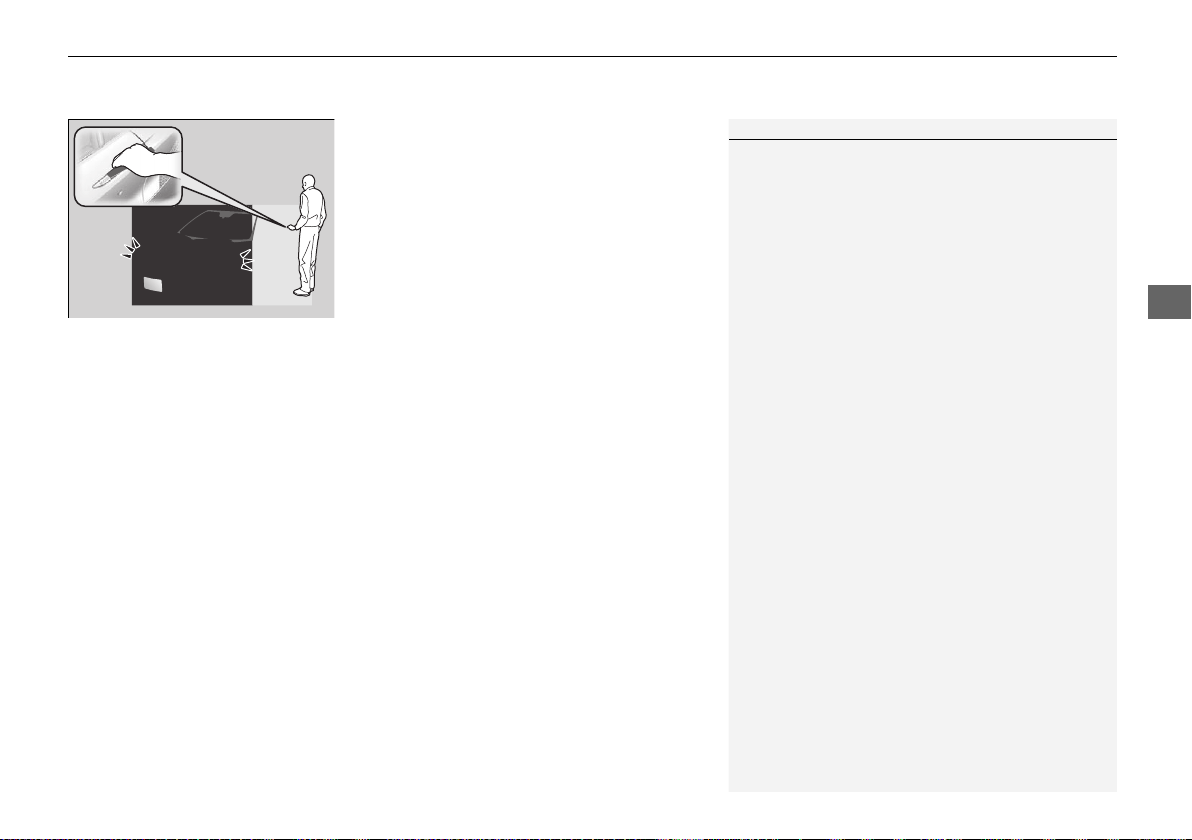
Continued
109
uuLocking and Unlocking the DoorsuLocking/Unlocking the Doors from the Outside
Controls
Grab the driver’s door handle:
u The driver’s door unlocks.
u Some exterior lights flash twice and the
beeper sounds twice.
Grab the front passenger’s door handle:
u Both doors unlock.
u Some exterior lights flash twice and the
beeper sounds twice.
1Using the Keyless Access System
If the passenger’s door is not opened, the outer
handle of the passenger’s door will pop back in 30
seconds after the driver’s door is closed or when the
gear position is moved out of
(P.
If the vehicle is left for more than 8 days, the auto
pop-out function will not work. In this case, unlock
the vehicle using the remote transmitter.
2 Auto Pop-Out Main Switch P. 111
If the outer handle of a door is popped out and the
keyless access remote is taken out of the 6-feet (2m)
detection range, the handle will pop back in after 18
to 30 seconds.
The light flash, beep and unlock settings can be
customized using the audio/information screen.
2 Customized Features P. 242
19 NSX-31T6N6200.book 109 ページ 2018年8月9日 木曜日 午前11時12分
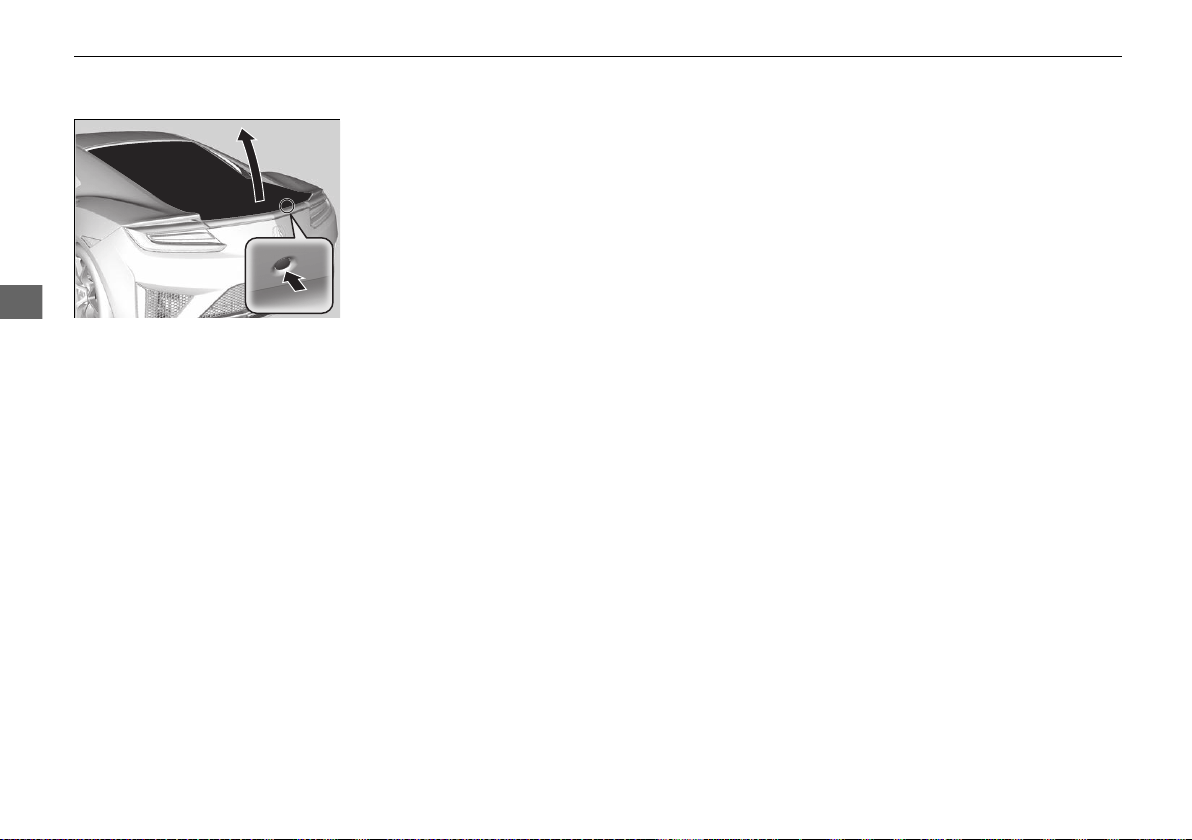
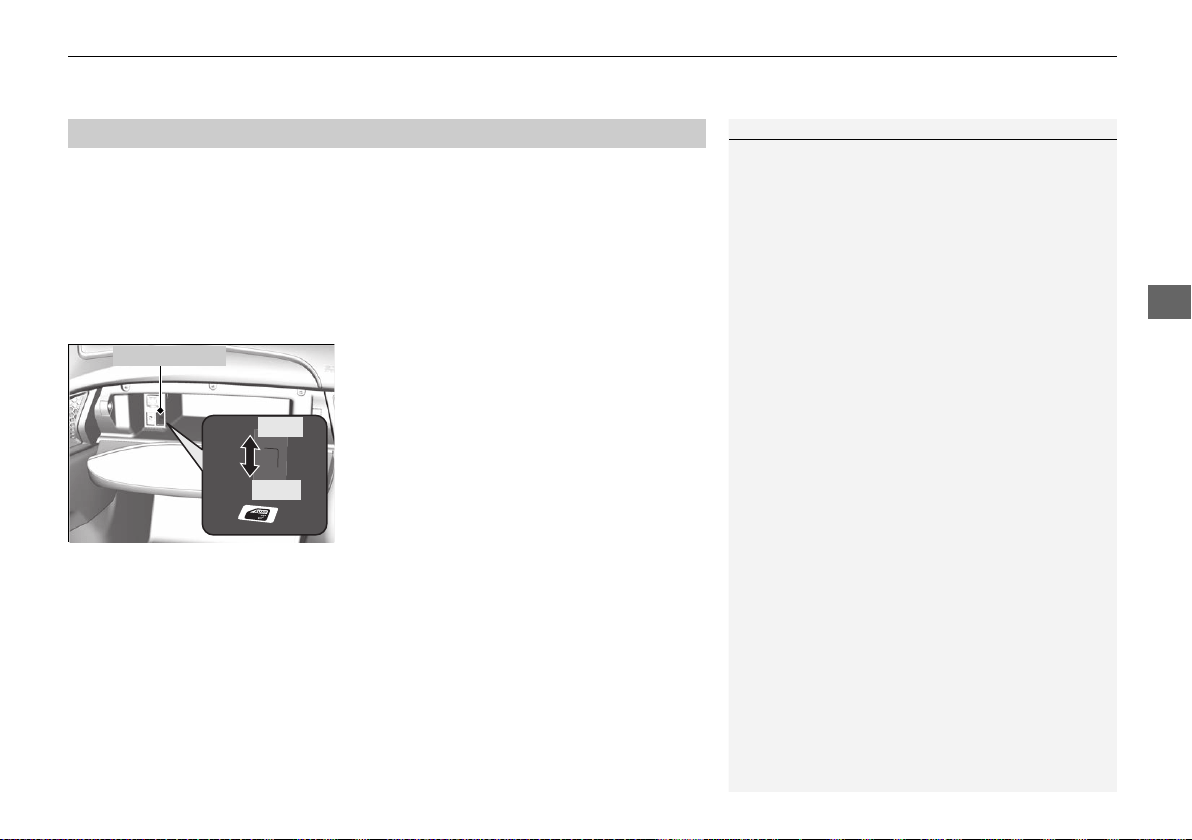
Continued
111
uuLocking and Unlocking the DoorsuLocking/Unlocking the Doors from the Outside
Controls
By switching the auto pop-out main switch to OFF, you can disable the auto pop-out
function. For the purpose of safety and to prevent damaging the vehicle, disable this
function and manually operate the handle, especially when the vehicle is:
• being shipped by train, truck, or boat.
• going through a car wash.
• having maintenance performed on it.
■ To temporarily deactivate the auto pop-out function:
Turn off the auto pop-out main switch in the
glove box.
■
Auto Pop-Out Main Switch
1Auto Pop-Out Main Switch
The auto pop-out function is deactivated in the
following situations:
• The auto pop-out main switch is turned off.
• The keyless access remote is not within a 6-foot
(2m) radius of the outside door handle.
• The keyless access remote is in the vehicle.
• The power mode is in ACCESSORY or ON.
Main Switch
ON
OFF
19 NSX-31T6N6200.book 111 ページ 2018年8月9日 木曜日 午前11時12分
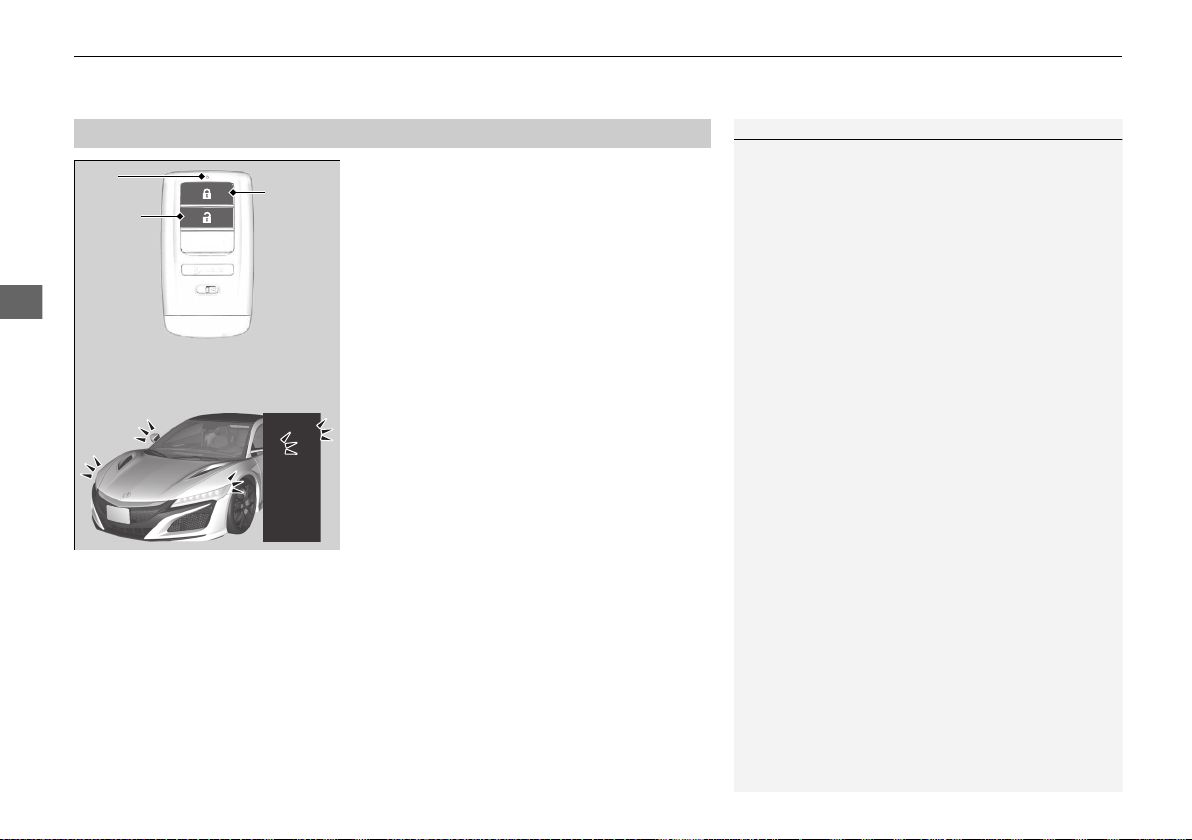
uuLocking and Unlocking the DoorsuLocking/Unlocking the Doors from the Outside
112
Controls
■ Locking the doors
Press the lock button.
Once:
u Some exterior lights flash, both doors
lock, both outer door handles pop in,
and the security system sets.
Twice (within five seconds after the first
push):
u The beeper sounds and verifies the
security system is set.
■
Using the Remote Transmitter
1Using the Remote Transmitter
If you do not open a door within 30 seconds of
unlocking the vehicle with the remote transmitter,
the doors will automatically relock and the outer
handles of the doors will automatically pop back in.
You can change the relock timer setting.
2 Customized Features P. 242
If the interior light switch is in the door activated
position, the interior lights come on when you press
the unlock button.
No doors opened: The lights fade out after 30
seconds.
Doors relocked with the remote: The lights go off
immediately.
2 Interior Lights P. 149
The remote transmitter uses low-power signals, so
the operating range may vary depending on the
surroundings.
The remote will not lock the vehicle when a door is
open.
LED
Unlock
Button
Lock
Button
19 NSX-31T6N6200.book 112 ページ 2018年8月9日 木曜日 午前11時12分
Continued
113
uuLocking and Unlocking the DoorsuLocking/Unlocking the Doors from the Outside
Controls
■ Unlocking the doors
Press the unlock button.
Once:
u Some exterior lights flash twice, the driver’s door unlocks and the driver’s outer
door handle pops out.
Twice:
u The passenger’s door unlocks and the passenger’s outer door handle pops out.
1Using the Remote Transmitter
If the distance at which the remote transmitter works
varies, the battery is probably low.
If the LED does not come on when you press a
button, the battery is dead.
2 Replacing the Button Battery P. 416
You can customize the door unlock mode setting.
2 Customized Features P. 242
If the passenger’s door is not opened, the outer
handle of the passenger’s door will pop back in 30
seconds after the driver’s door is closed or when the
gear position is moved out of
(P.
To pop out the outer handle of the passenger’s door
when the gear position is in
(P, press the unlock
button on the remote transmitter or press the master
door unlock switch.
19 NSX-31T6N6200.book 113 ページ 2018年8月9日 木曜日 午前11時12分
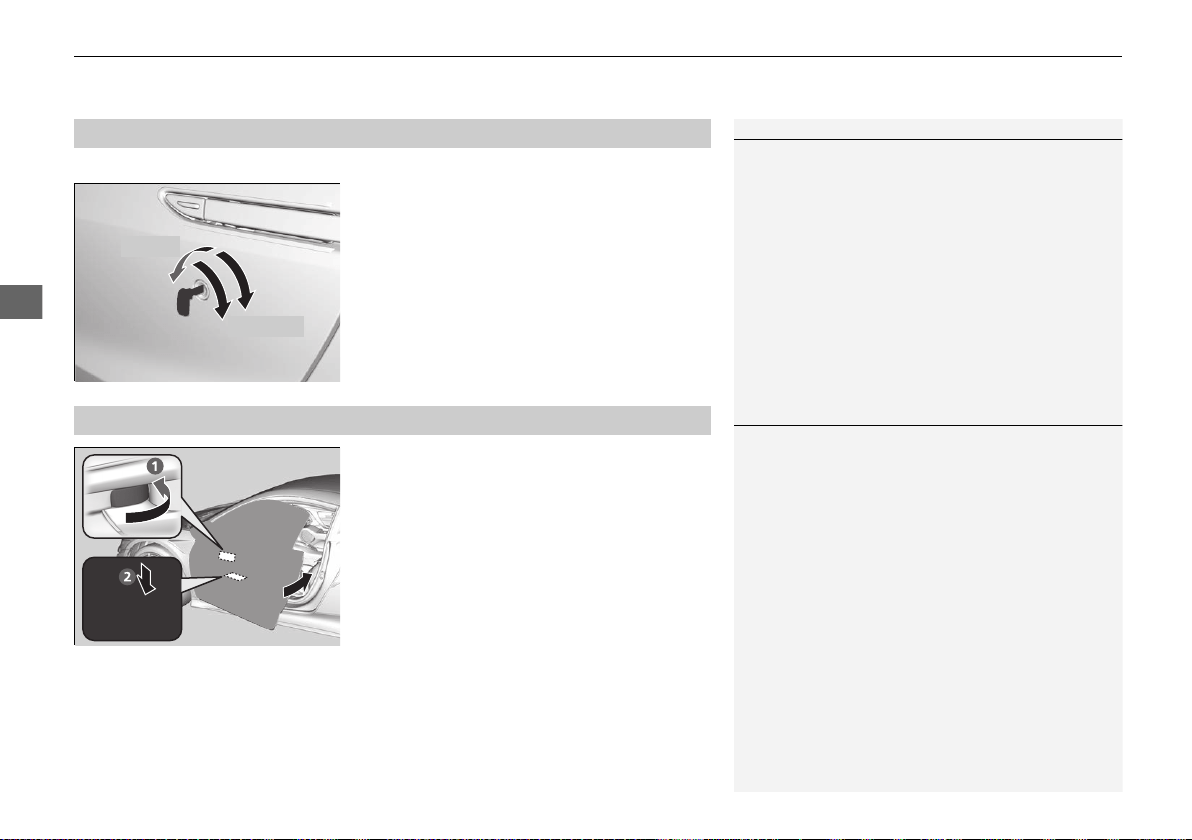
uuLocking and Unlocking the DoorsuLocking/Unlocking the Doors from the Outside
114
Controls
If the lock or unlock button of the remote does not work, use the key instead.
Fully insert the key and turn it.
If you do not have the key on you, or if for
some reason you cannot lock a door using the
key, you can lock the door without it.
■ Locking the doors
Push the lock tab forward a or push the
master door lock switch in the lock direction
b, and close the door.
■ Lockout prevention system
The doors cannot be locked when the keyless access remote is inside the vehicle.
■
Locking/Unlocking the Doors Using a Key
1Locking/Unlocking the Doors Using a Key
When you lock the driver’s door with a key, the
passenger’s door locks at the same time. When
unlocking, the driver’s door unlocks first. Turn the
key a second time within a few seconds to unlock the
passenger’s door.
If you unlock the doors with the key, the alarm goes
off when you open the hood or select other than
(P
before the power mode is set to ON.
You can customize the door unlock mode setting.
2 Customized Features P. 242
Lock
Unlock
■
Locking a Door Without Using a Key
1Locking a Door Without Using a Key
When you lock the driver’s door, the passenger’s
door locks at the same time.
Before locking a door, make sure that the key is not
inside the vehicle.
19 NSX-31T6N6200.book 114 ページ 2018年8月9日 木曜日 午前11時12分
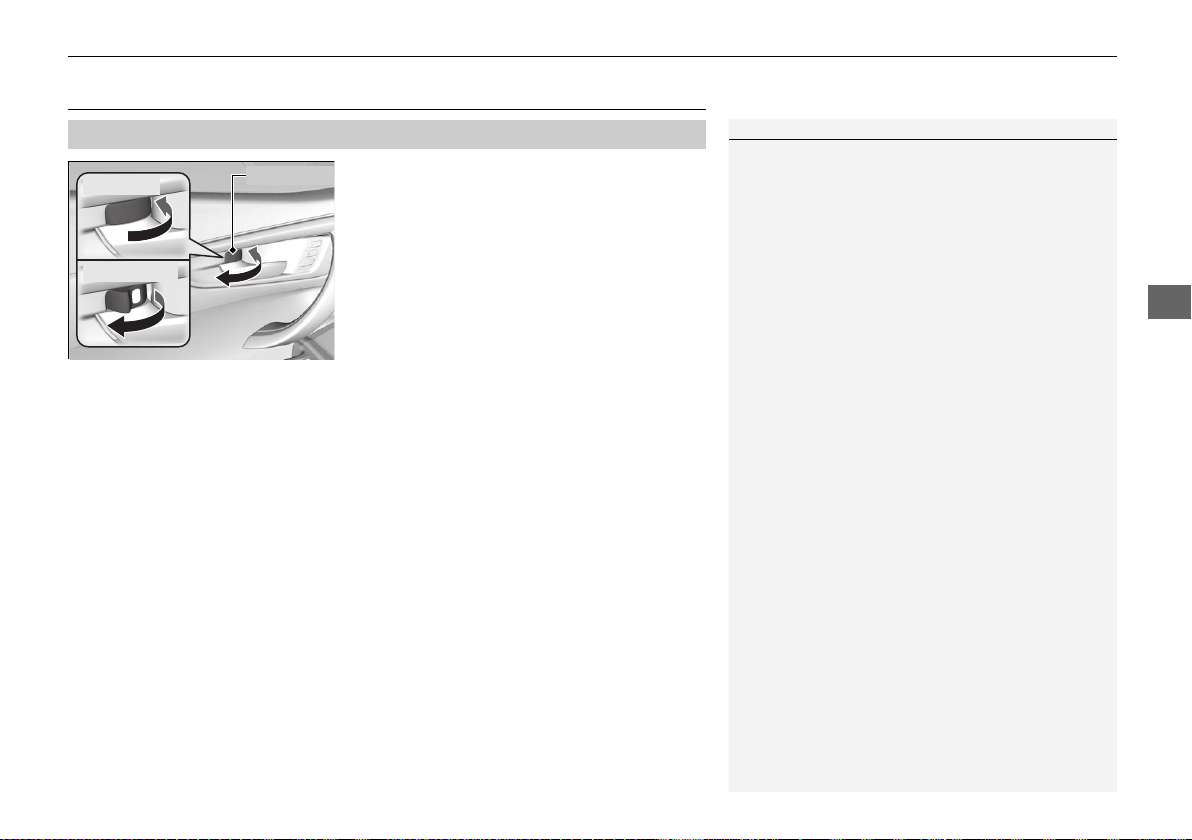
115
uuLocking and Unlocking the DoorsuLocking/Unlocking the Doors from the Inside
Continued
Controls
Locking/Unlocking the Doors from the Inside
■ Locking a door
Push the lock tab forward.
■ Unlocking a door
Pull the lock tab rearward.
■
Using the Lock Tab
1Using the Lock Tab
When you lock the door using the lock tab on the
driver's door, both doors lock at the same time.
When you unlock the door using the lock tab on the
driver’s door, only the driver’s door will unlock.
To Unlock
Lock Tab
To Lock
19 NSX-31T6N6200.book 115 ページ 2018年8月9日 木曜日 午前11時12分
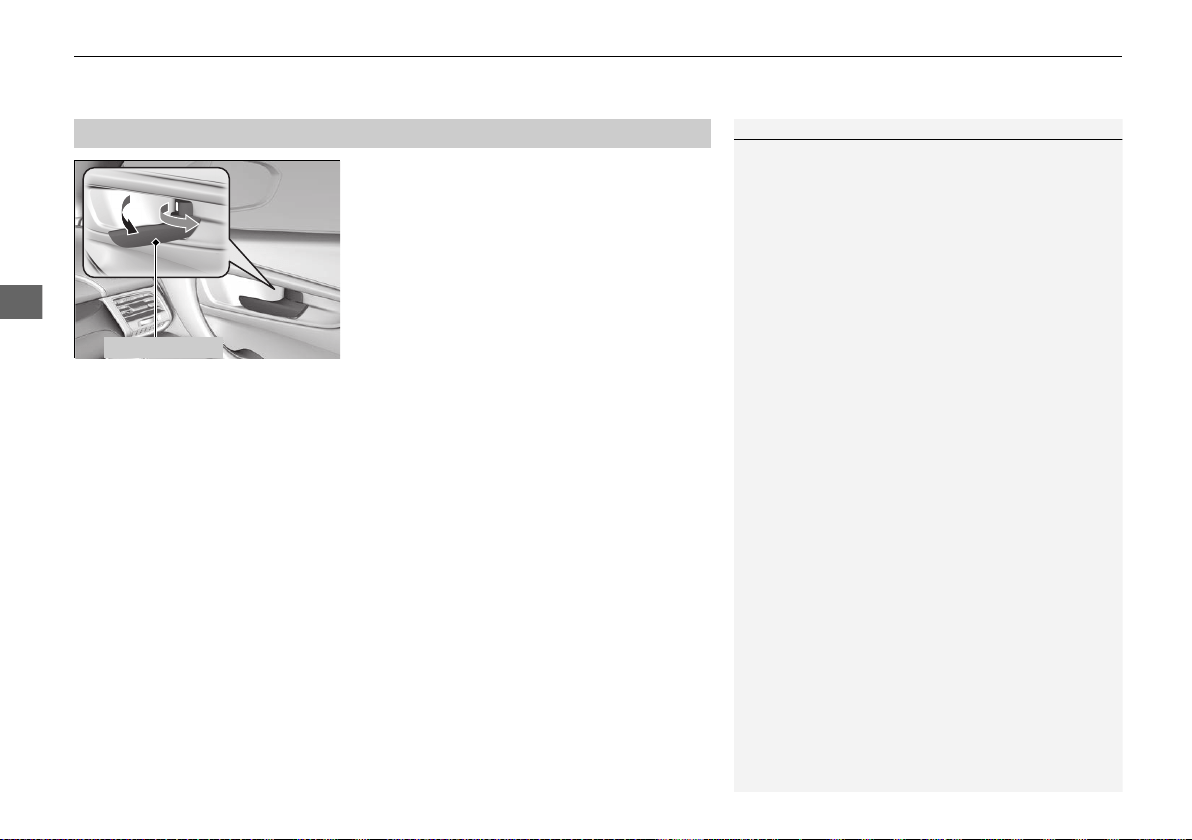
uuLocking and Unlocking the DoorsuLocking/Unlocking the Doors from the Inside
116
Controls
Pull the inner handle.
u The door unlocks and opens in one
motion.
Unlocking and opening the driver’s door with the inner handle unlocks both doors.
To avoid both doors to be unlocking, use the lock tab on the driver’s door to unlock,
then lock again before opening the door.
u This setting works for one time only. If you do not want both doors to be
unlocked all the time, customize the Auto Door Unlock setting to Off using
the audio/information screen.
■
Unlocking Using the Inner Handle
1Unlocking Using the Inner Handle
The inner door handles are designed to allow
occupants to open the door in one motion. However,
this feature requires that occupants never pull an
inner handle while the vehicle is in motion.
Inner Handle
19 NSX-31T6N6200.book 116 ページ 2018年8月9日 木曜日 午前11時12分
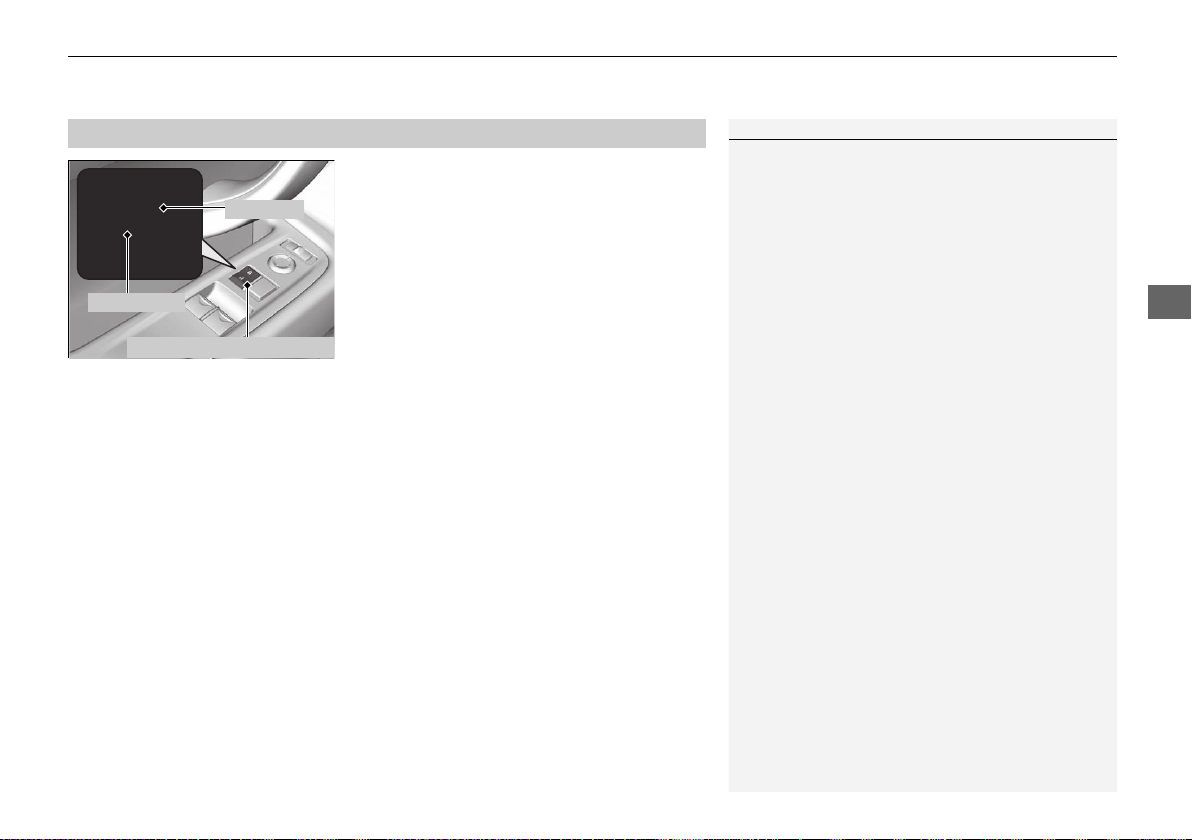
117
uuLocking and Unlocking the DoorsuLocking/Unlocking the Doors from the Inside
Controls
Press the master door lock switch in as shown
to lock or unlock both doors.
■
Using the Master Door Lock Switch
1Using the Master Door Lock Switch
When you lock/unlock the driver’s door using the
master door lock switch, the passenger’s door locks/
unlocks at the same time.
To Unlock
To Lock
Master Door Lock Switch
19 NSX-31T6N6200.book 117 ページ 2018年8月9日 木曜日 午前11時12分
118
uuLocking and Unlocking the DoorsuAuto Door Locking/Unlocking
Controls
Auto Door Locking/Unlocking
Your vehicle locks and unlocks both doors automatically when a certain condition is
met.
■ Drive lock mode
Both doors lock when the vehicle’s speed reaches about 10 mph (15 km/h).
■ Driver’s door open mode
Both doors unlock when the driver’s door is opened.
■
Auto Door Locking
■
Auto Door Unlocking
1Auto Door Locking/Unlocking
You can turn off or change to another auto door
locking/unlocking setting using the audio/
information screen.
2 Customized Features P. 242
19 NSX-31T6N6200.book 118 ページ 2018年8月9日 木曜日 午前11時12分
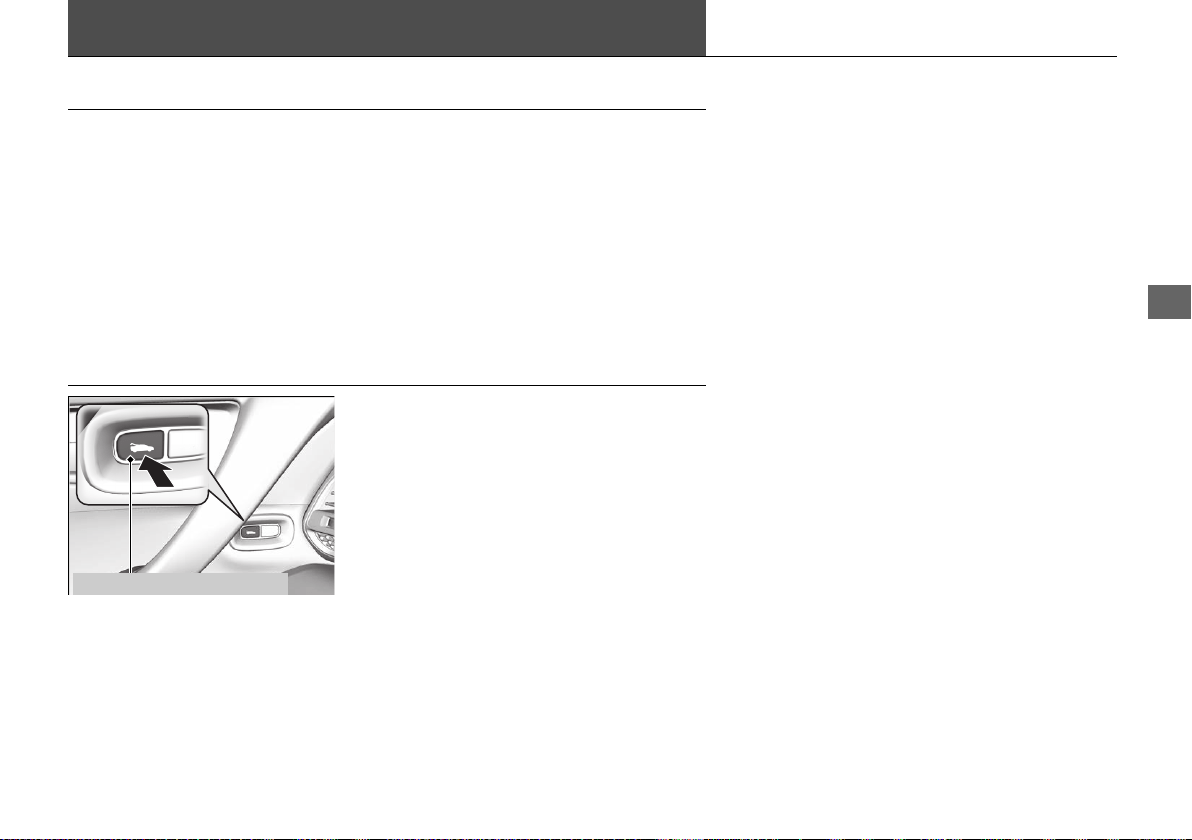
119
Continued
Controls
Opening and Closing the Hatch
Precautions for Opening/Closing the Hatch
■ Opening the hatch
Open the hatch all the way.
u If it is not fully opened, the hatch may begin to close under its own weight.
■ Closing the hatch
Keep the hatch closed while driving to:
u Avoid possible damage.
u Prevent exhaust gas from leaking into the vehicle.
2 Exhaust Gas Hazard P. 67
Using the Hatch Release Button
Press the hatch release button on the driver’s
door unlocks and opens the hatch.
2 When You Cannot Open the Hatch P. 462
Hatch Release Button
19 NSX-31T6N6200.book 119 ページ 2018年8月9日 木曜日 午前11時12分
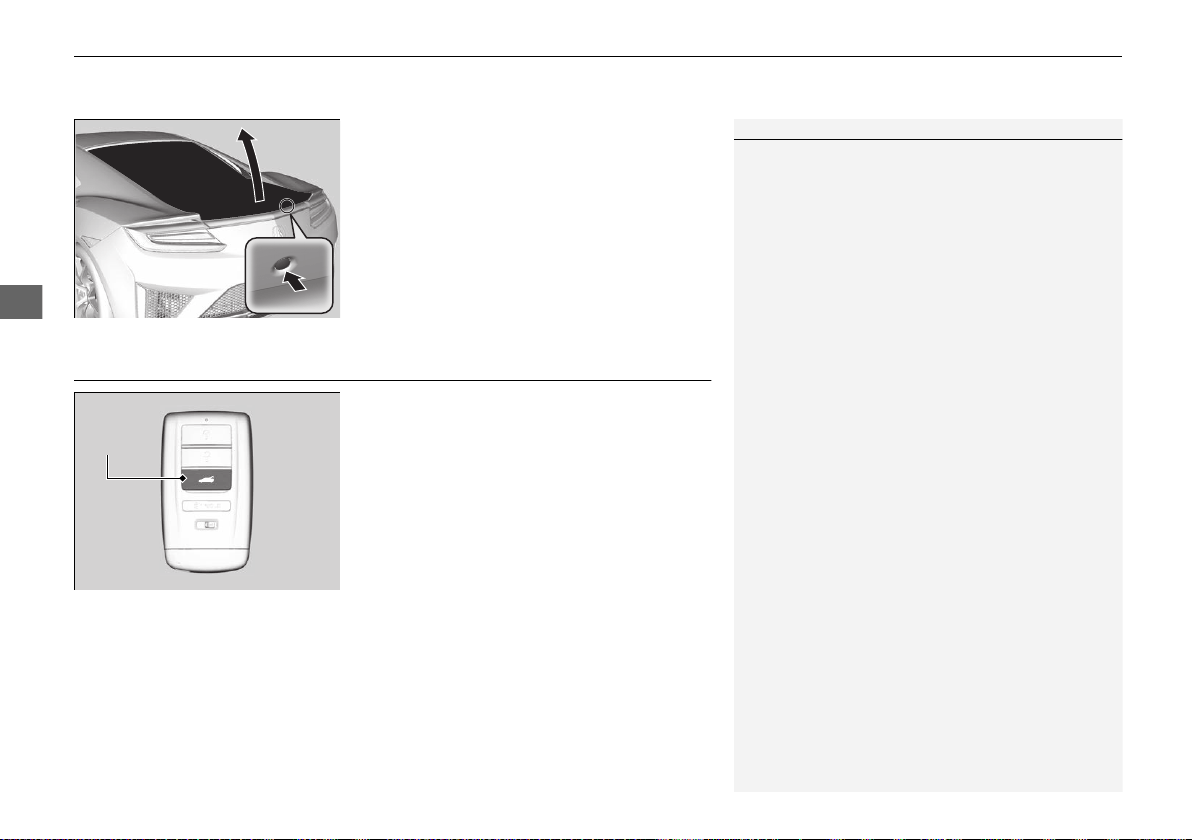
uuOpening and Closing the HatchuUsing the Remote Transmitter
120
Controls
Push the release button on the hatch after the
doors are unlocked.
2 When You Cannot Open the Hatch P. 462
Even if the hatch is locked, you can open the
hatch if you carry the keyless access remote.
u The beeper sounds.
Using the Remote Transmitter
Press the hatch release button for
approximately one second to unlock and open
the hatch.
1Using the Hatch Release Button
• If you forget the remote inside, the beeper will
sound and the hatch will not close.
• A person who is not carrying the keyless access
remote can unlock the hatch if a person who is
carrying it is within range.
• If the beeper sounds after close the hatch, move
the keyless access remote away from the trunk and
close again.
• The keyless access remote may not operate if it is
too close to the hatch.
Hatch
Release
Button
19 NSX-31T6N6200.book 120 ページ 2018年8月9日 木曜日 午前11時12分
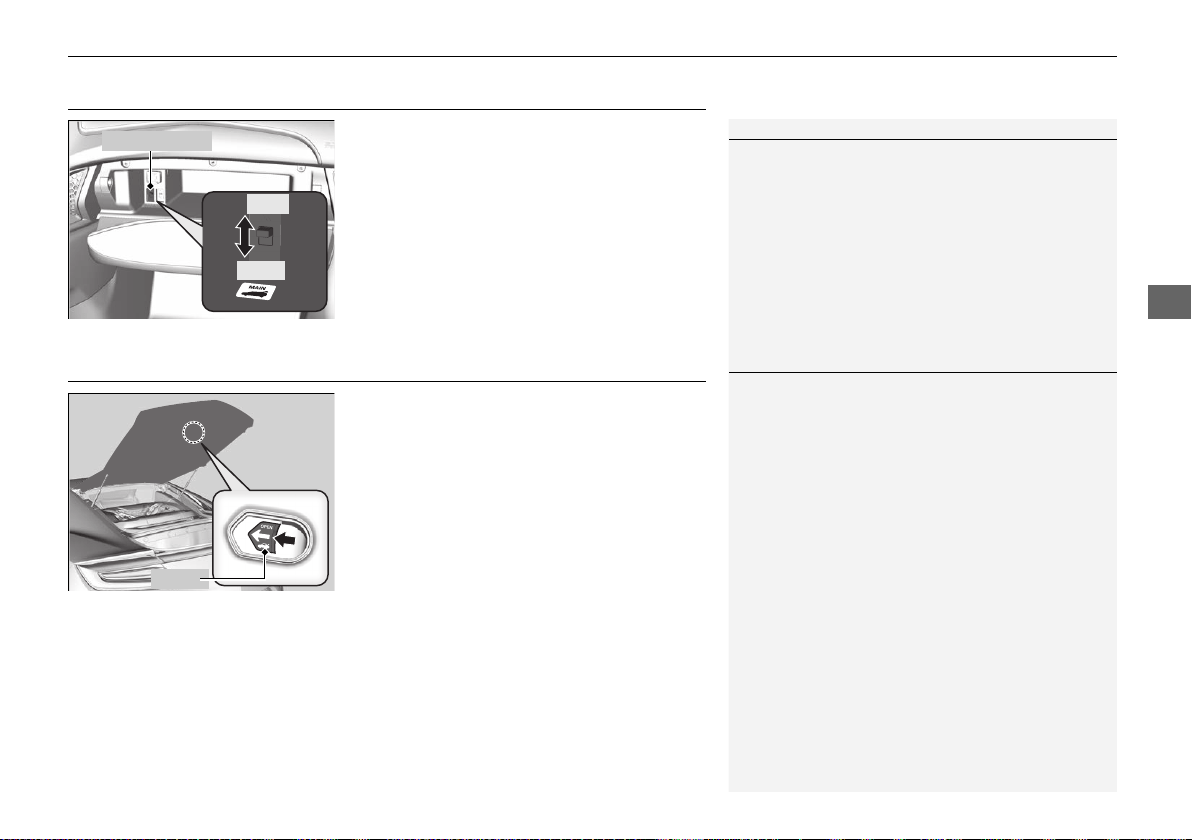
121
uuOpening and Closing the HatchuHatch Main Switch
Controls
Hatch Main Switch
The hatch main switch disables the hatch
release button on the remote transmitter, the
hatch release button on the hatch and the
hatch release button on the driver’s door to
protect luggage in the trunk.
1. Turn off the hatch main switch in the glove
box.
2. Lock the glove box.
Emergency Hatch Opener
The hatch release lever allows you to open the
hatch from inside for your safety.
Slide the release lever in the direction of the
arrow.
1Hatch Main Switch
If you need to give the key to someone else, remove
the built-in key from the keyless access remote by
sliding the release knob, and give the remote as a
valet key.
Main Switch
ON
OFF
1Emergency Hatch Opener
Parents should decide if their children should be
shown how to use this feature.
Lever
19 NSX-31T6N6200.book 121 ページ 2018年8月9日 木曜日 午前11時12分
122
Controls
Security System
Immobilizer System
The immobilizer system prevents a key that has not been pre-registered from
starting the power system. Each key contains electronic transmitters that use
electronic signals to verify the key.
Pay attention to the following when pressing the ENGINE START/STOP button:
• Do not allow objects that emit strong radio waves near the ENGINE START/
STOP button.
• Make sure the key is not covered by or touching a metal object.
• Do not bring a key from another vehicle’s immobilizer system near the ENGINE
START/STOP button.
• Do not put the key near magnetic items. Electronic devices, such as a televisions
and audio systems emit strong magnetic fields. Note that even a key chain can
become magnetic.
Security System Alarm
The security system alarm activates when the hood, hatch or doors are forcibly
opened. The alarm does not go off if the hatch or doors are opened with the key,
remote transmitter or keyless access system.
However, the alarm goes off when a door is opened with the key, then select other
than
(P or the hood is opened before the power mode is set to ON.
■ When the security system alarm activates
The horn sounds intermittently, and some exterior lights flash.
■ To deactivate the security system alarm
Unlock the vehicle using the remote transmitter or keyless access system, or the
power mode is set to ON. The system, along with the horn and flashing lights, is
deactivated.
1Immobilizer System
NOTICE
Leaving the keyless access remote in the vehicle can
result in theft or accidental movement of the vehicle.
Always take the remote with you whenever you leave
the vehicle unattended.
Do not alter the system or add other devices to it.
Doing so may damage the system and make your
vehicle inoperable.
1Security System Alarm
The security alarm continues for a maximum of two
minutes until the security system deactivates.
19 NSX-31T6N6200.book 122 ページ 2018年8月9日 木曜日 午前11時12分
Continued
123
uuSecurity SystemuSecurity System Alarm
Controls
■ Setting the security system alarm
The security system alarm automatically sets when the following conditions have
been met:
• The power mode is set to VEHICLE OFF.
• The hood and hatch are closed.
• Both doors are locked from outside with the key, remote transmitter or keyless
access system.
■ When the security system alarm sets
The security system indicator in the instrument panel blinks. When the blinking
interval changes after about 15 seconds, the security system is set.
■ To cancel the security system alarm
The security system is canceled when the vehicle is unlocked using the remote
transmitter, keyless access system, or the power mode is set to ON. The security
system indicator goes off at the same time.
1Security System Alarm
Do not set the security system alarm when someone
is in the vehicle or a window is open. The system can
accidentally activate when:
• The door is unlocked with the lock tab.
• The hatch is opened with the hatch release button
on the driver’s door or with the emergency hatch
opener.
• The gear position is shifted out of (P.
• The hood is opened with the hood release.
If the 12-volt battery goes dead after you have set the
security system alarm, the security alarm may go off
once the 12-volt battery is recharged or replaced.
If this occurs, deactivate the security system alarm by
unlocking a door using the remote transmitter or
keyless access system.
Do not alter the system or add other devices to it.
Doing so may damage the system and make your
vehicle inoperable.
Do not open the hatch with the key unless it is an
emergency.
Opening the hatch with the key will trigger the
security system.
2 When You Cannot Open the Hatch P. 462
19 NSX-31T6N6200.book 123 ページ 2018年8月9日 木曜日 午前11時12分
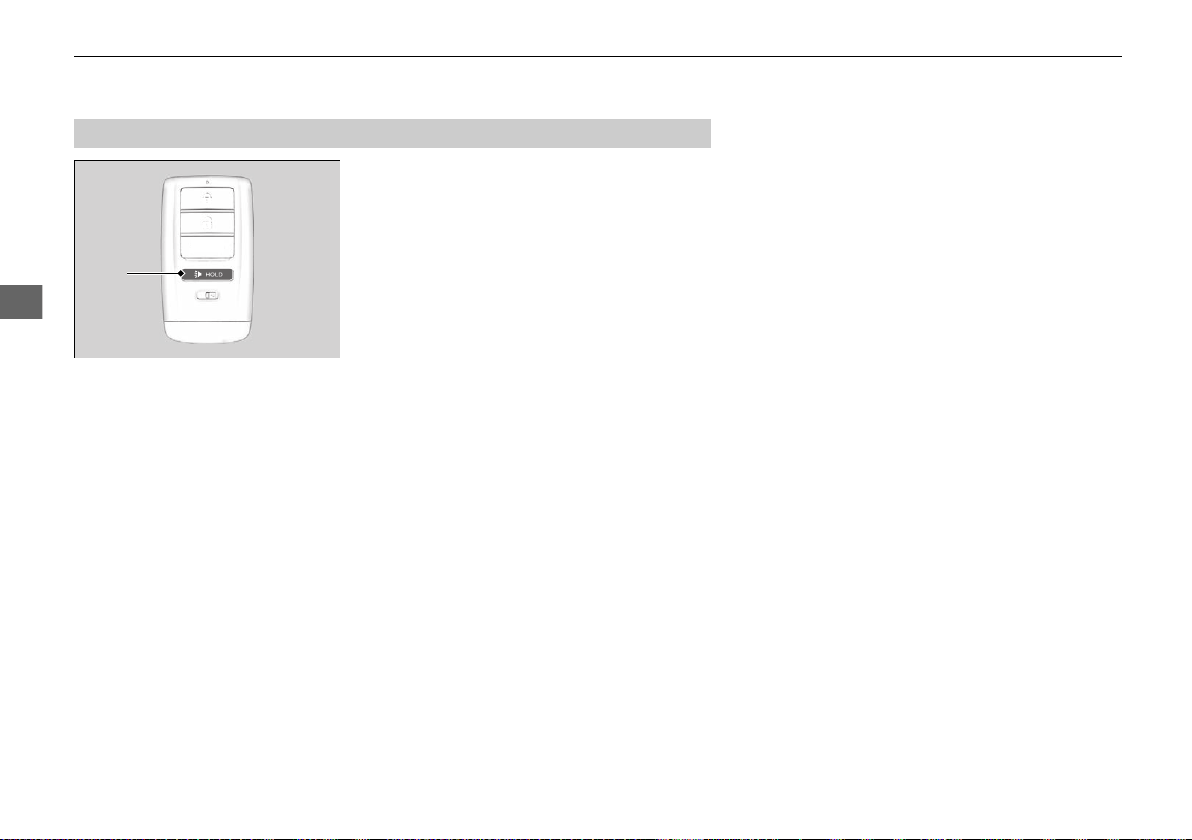
124
uuSecurity SystemuSecurity System Alarm
Controls
■ The panic button on the remote
transmitter
If you press the panic button for
approximately one second, the following will
occur for about 30 seconds:
• The horn sounds.
• Some exterior lights flash.
■ Canceling panic mode
Press any button on the remote transmitter, or set the power mode to ON.
■
Panic Mode
Panic
Button
19 NSX-31T6N6200.book 124 ページ 2018年8月9日 木曜日 午前11時12分

125
Continued
Controls
Opening and Closing the Windows
Opening/Closing the Power Windows
The power windows can be opened and closed when the power mode is in ON,
using the switches on the doors. The driver’s side switches can be used to open and
close both windows.
The power window lock button on the driver’s side must be switched off (not
pushed in, indicator off) to open and close the passenger’s window from the
passenger’s side.
When the power window lock button is pushed in, the indicator comes on and you
can only operate the driver’s window. Turn the power window lock button on if a
child is in the vehicle.
■ Automatic operation
To open: Push the switch down firmly.
To close: Pull the switch up firmly.
The window opens or closes completely. To
stop the window at any time, push or pull the
switch briefly.
■ Manual operation
To open: Push the switch down lightly, and
hold it until the desired position is reached.
To close: Pull the switch up lightly, and hold it
until the desired position is reached.
■
Opening/Closing the Windows with Auto-Open/Close Function
1Opening/Closing the Power Windows
The power windows can be operated for up to 10
minutes after you set the power mode to VEHICLE
OFF.
Opening either door cancels this function.
Auto Reverse
If a power window senses resistance when closing
automatically, it stops closing and reverses direction.
The driver’s window auto reverse function is disabled
when you continuously pull up the switch.
The auto reverse function stops sensing when the
window is almost closed to ensure that it fully closes.
3
WARNING
Closing a power window on someone’s
hands or fingers can cause serious injury.
Make sure your passenger is away from the
windows before closing them.
ON
OFF
Power Window
Lock Button
Indicator
Driver’s
Window
Switch
Passenger’s
Window Switch
19 NSX-31T6N6200.book 125 ページ 2018年8月9日 木曜日 午前11時12分
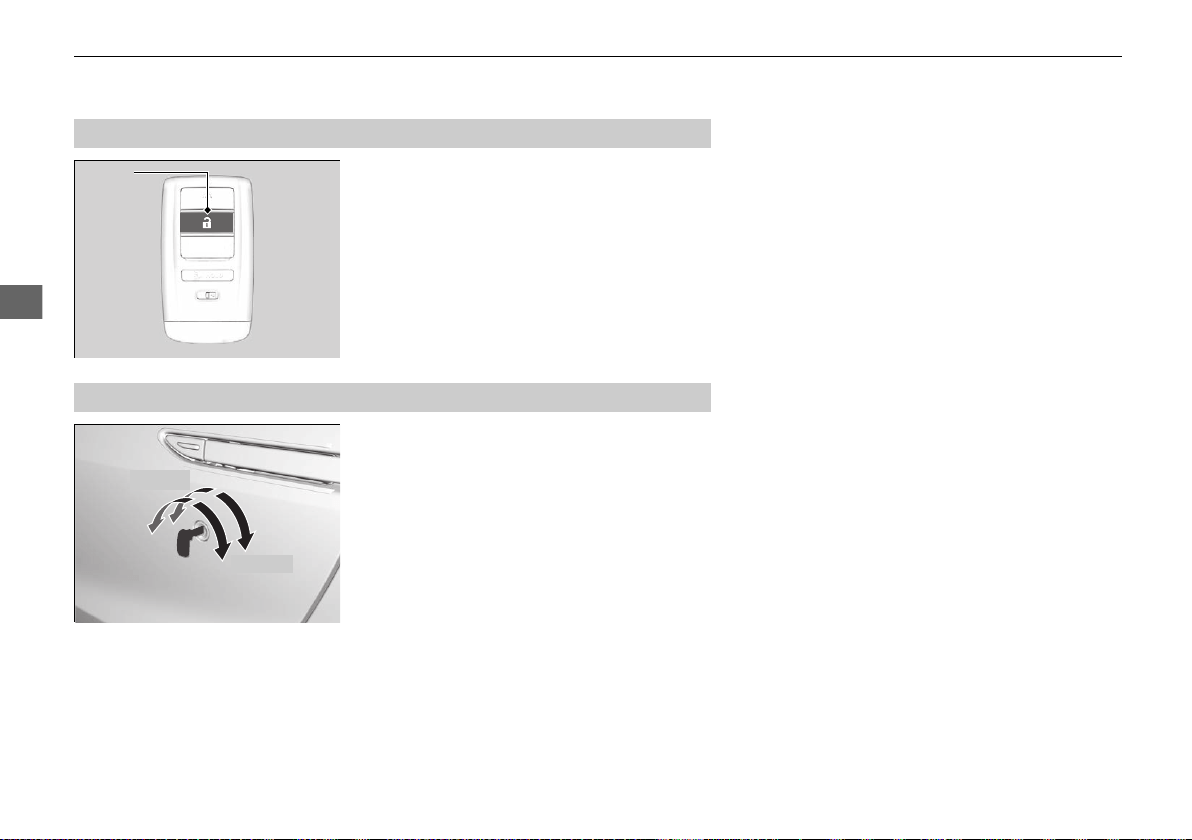
126
uuOpening and Closing the WindowsuOpening/Closing the Power Windows
Controls
To open: Press the unlock button, and then
within 10 seconds, press it again and hold it. If
the windows stop midway, repeat the
procedure.
To open: Unlock the driver’s door with the
key. Within 10 seconds of returning the key to
the central position, turn the key in the unlock
direction and hold it there.
To close: Lock the driver’s door with the key.
Within 10 seconds of returning the key to the
central position, turn the key in the lock
direction and hold it there.
Release the key to stop the windows at the
desired position. If you want further
adjustment, repeat the same operation.
■
Opening the Windows with the Remote
Unlock
Button
■
Opening/Closing the Windows with the Key
Close
Open
19 NSX-31T6N6200.book 126 ページ 2018年8月9日 木曜日 午前11時12分
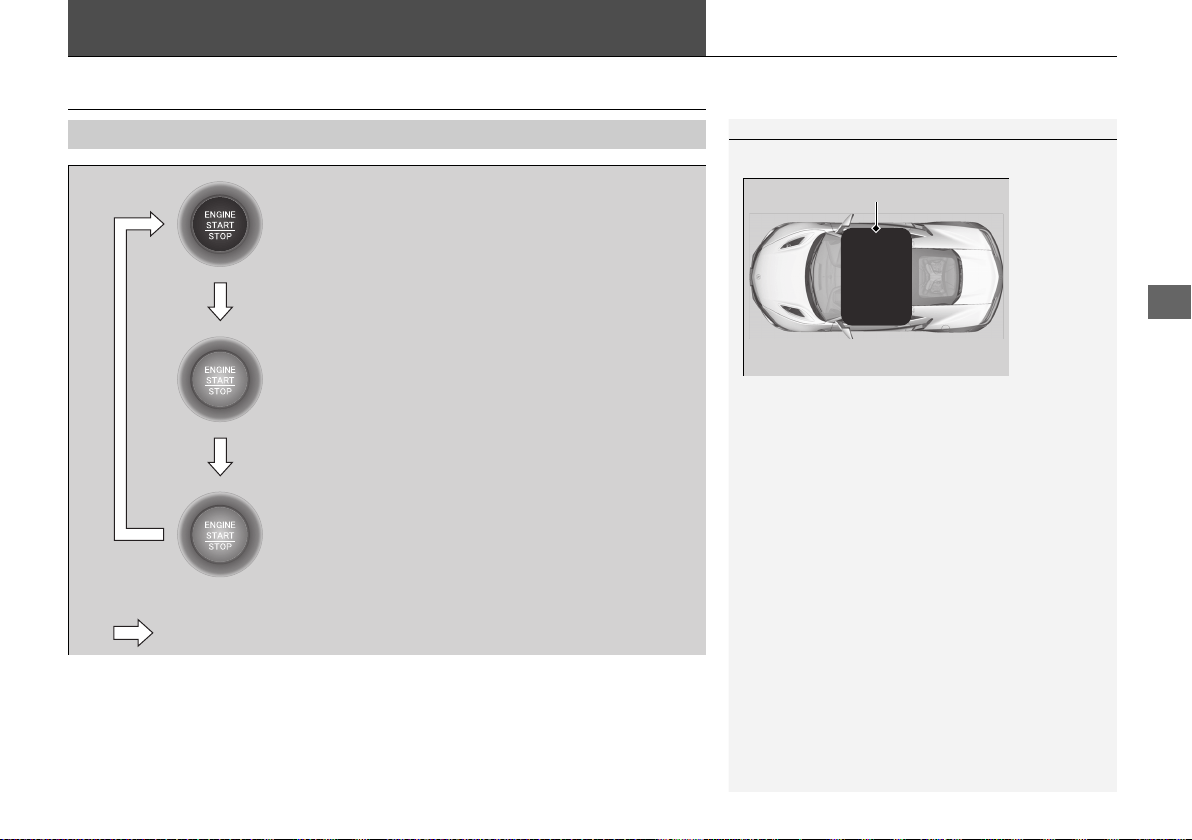
127
Continued
Controls
Operating the Switches Around the Steering Wheel
ENGINE START/STOP Button
■
Changing the Power Mode
1ENGINE START/STOP Button
ENGINE START/STOP Button Operating Range
You can start the power system when the keyless
access remote is inside the vehicle.
The power system may also start if the keyless access
remote is close to the door or window, even if it is
outside the vehicle.
If the battery of the keyless access remote is getting
low, the power system may not start when you press
the ENGINE START/STOP button. If the power
system does not start, refer to the following link.
2 If the Keyless Access Remote Battery is
Weak P. 444
Do not leave the power mode in ACCESSORY or ON
when you get out.
Operating Range
VEHICLE OFF (LOCK)
The button is off.
The power to all electrical components is turned off.
Press the button.
Without pressing
the brake pedal
ACCESSORY
The button blinks (in red).
Operate the audio system and other accessories in
this position.
ON
The button blinks (in red).
All electrical components can be used.
19 NSX-31T6N6200.book 127 ページ 2018年8月9日 木曜日 午前11時12分
128
uuOperating the Switches Around the Steering WheeluENGINE START/STOP Button
Controls
If you leave the vehicle for more than 30 minutes with the transmission in (P and
the power mode in ACCESSORY, the vehicle will automatically go into VEHICLE OFF
(LOCK) mode to prevent draining the 12-volt battery.
If you open the driver’s door when the power mode is set to ACCESSORY, a warning
buzzer will sounds.
■
Automatic Power Off
■
Power Mode Reminder
19 NSX-31T6N6200.book 128 ページ 2018年8月9日 木曜日 午前11時12分
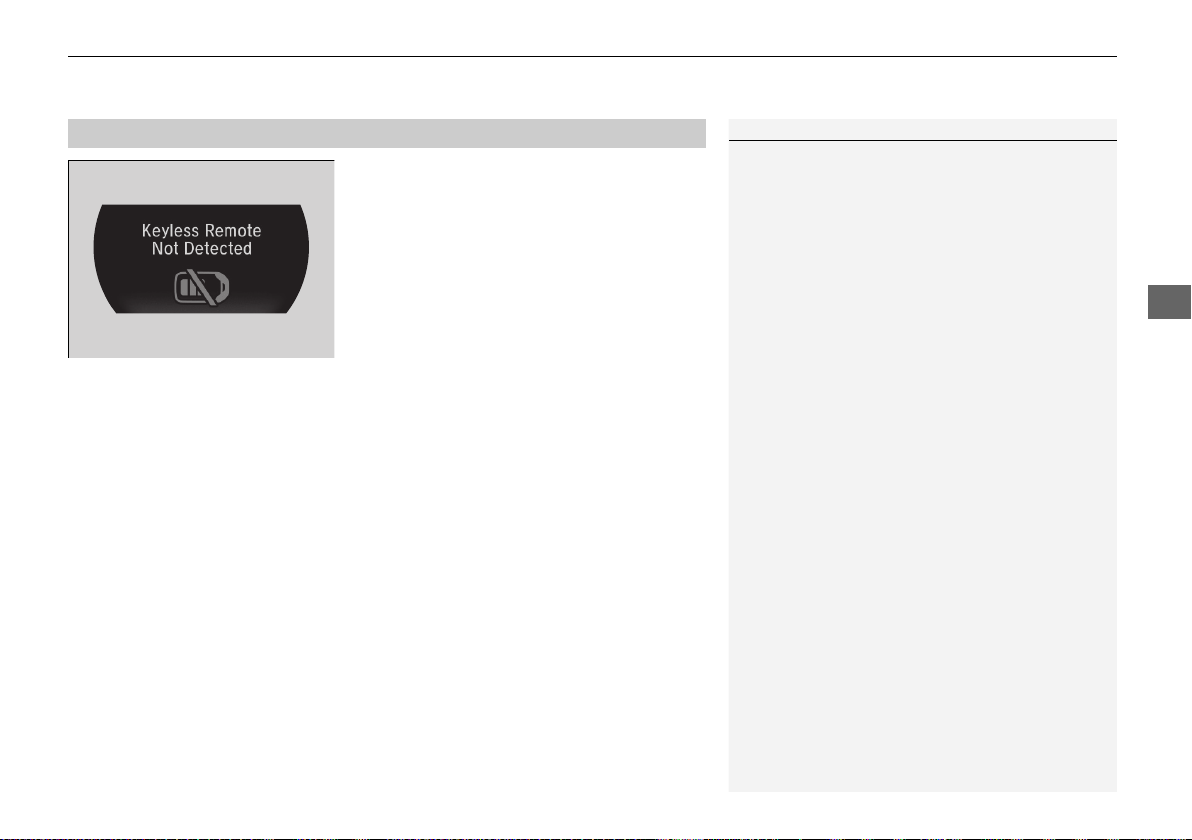
129
uuOperating the Switches Around the Steering WheeluENGINE START/STOP Button
Controls
Warning buzzers may sound from inside and/
or outside the vehicle to remind you that the
keyless access remote is out of the vehicle. If
the buzzer continues even after the remote is
put back inside, place it to be within its
operational range.
■ When the power mode is in ON
If the keyless access remote is taken out of the
vehicle, and the driver’s door is closed,
warning buzzers sound from both inside and
outside the vehicle. A warning message on
the driver information interface notifies the
driver inside that the remote is out.
■ When the power mode is in
ACCESSORY
If the keyless access remote is taken out of the
vehicle, and the driver’s door is closed, a
warning buzzer sounds from outside the
vehicle.
■
Keyless Access Remote Reminder
1Keyless Access Remote Reminder
When the keyless access remote is within the
system’s operational range, and the driver’s door is
closed, the warning function cancels.
If the keyless access remote is taken out of the vehicle
after the power system has been turned on, you can
no longer change the ENGINE START/STOP button
mode or restart the power system. Always make sure
if the remote is in your vehicle when you operate the
ENGINE START/STOP button.
Removing the keyless access remote from the vehicle
through a window does not activate the warning
buzzer.
Do not put the keyless access remote on the
dashboard or in the glove box. It may cause the
warning buzzer to go off. Under some other
conditions that can prevent the vehicle from locating
the remote, the warning buzzer may also go off even
if the remote is within the system’s operational
range.
19 NSX-31T6N6200.book 129 ページ 2018年8月9日 木曜日 午前11時12分
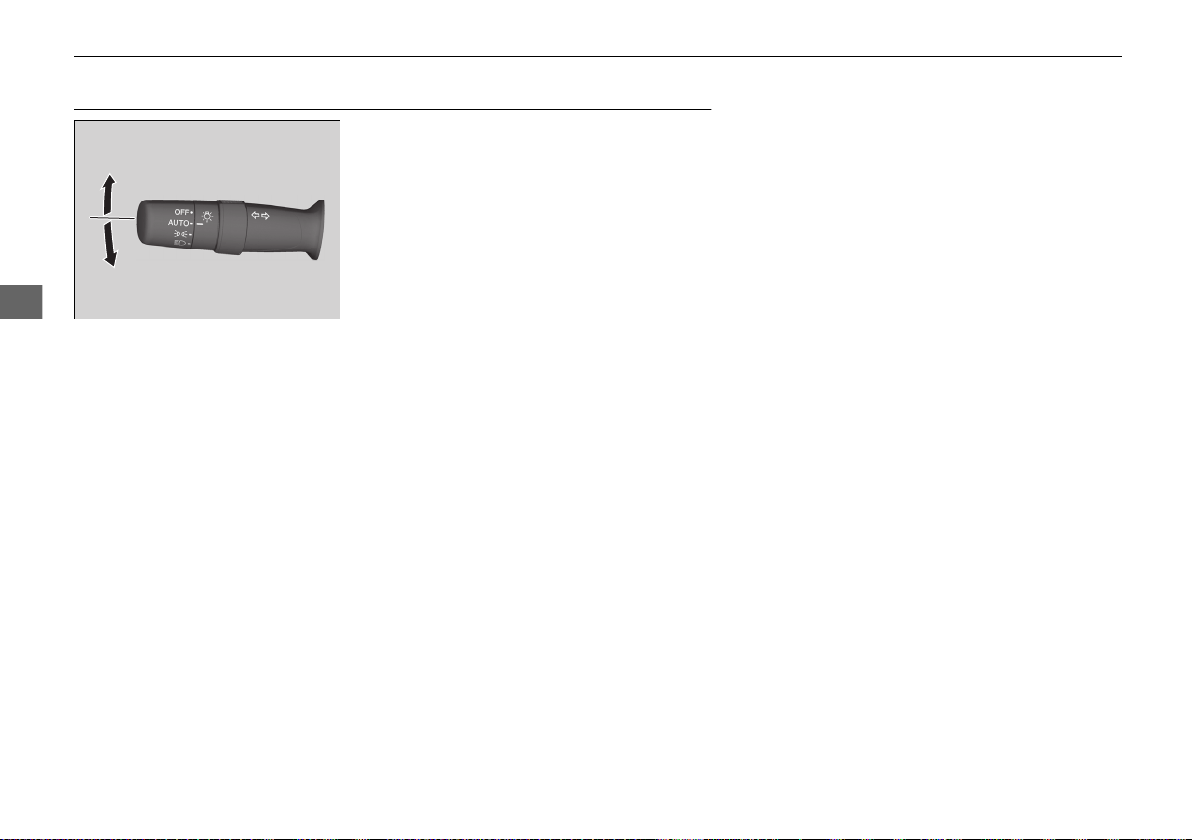
130
uuOperating the Switches Around the Steering WheeluTurn Signals
Controls
Turn Signals
The turn signals can be used when the power
mode is in ON.
■ One-touch turn signal
When you lightly push up or down and release
the turn signal lever, the exterior turn signals
and turn signal indicator blink three times.
This feature can be used when signaling for a
lane change.
Right Turn
Left Turn
19 NSX-31T6N6200.book 130 ページ 2018年8月9日 木曜日 午前11時12分
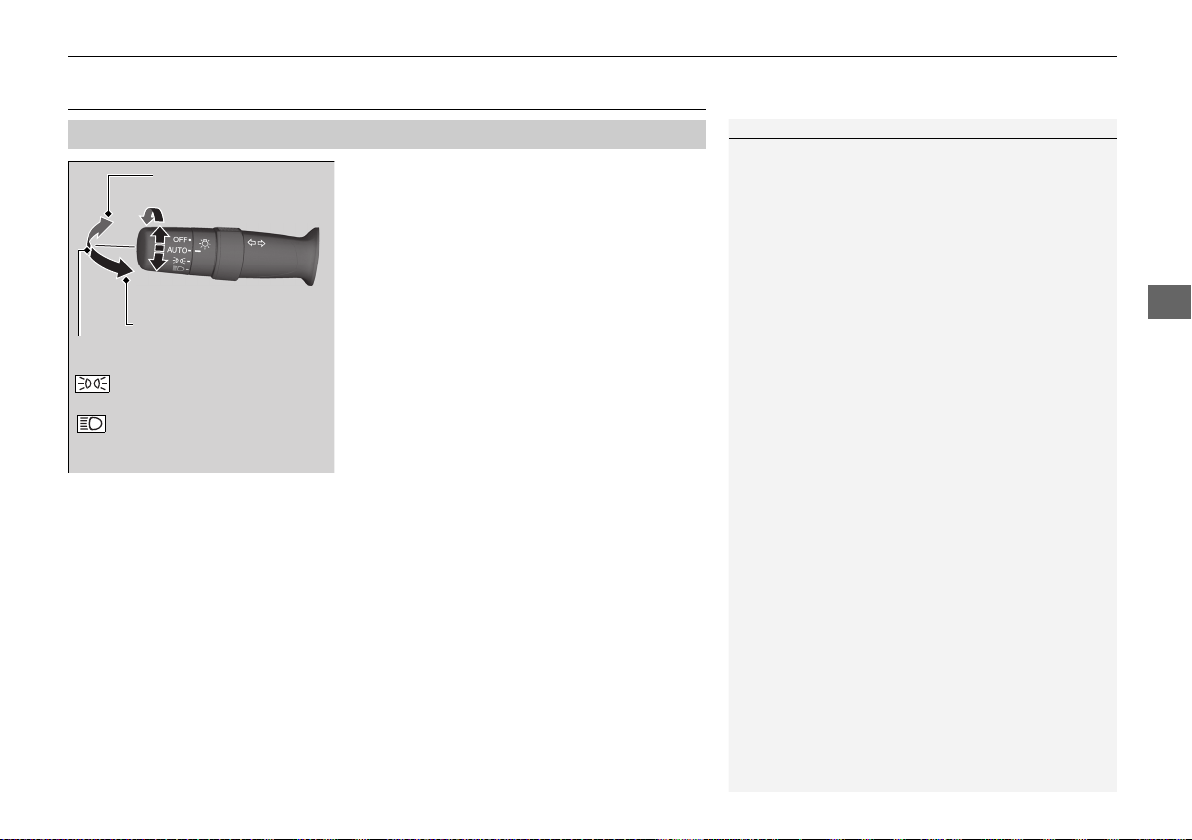
131
uuOperating the Switches Around the Steering WheeluLight Switches
Continued
Controls
Light Switches
Rotating the light switch turns the lights on
and off, regardless of the power mode
setting.
■ High beams
Push the lever forward until you hear a click.
■ Low beams
When in high beams, pull the lever back to
return to low beams.
■ Flashing the high beams
Pull the lever back, and release it.
■ Lights off
Turn the lever to OFF either when:
• The transmission is in
(P.
• The parking brake is applied.
To turn the lights on again, turn the lever to
OFF to cancel the lights off mode. Even if you
do not cancel the lights off mode, the lights
come on automatically when:
• The gear position is changed out of
(P.
• The parking brake is released.
• The vehicle starts to move.
■
Manual Operation
1Light Switches
If you leave the power mode in VEHICLE OFF while
the lights are on, a chime sounds when the driver’s
door is opened.
When the lights are on, the lights on indicator in the
instrument panel will be on.
2 Lights On Indicator P. 81
If you sense that the level of the headlights is
abnormal, have your vehicle inspected by an
authorized Acura NSX dealer.
Do not leave the lights on when the power system is
off because it will cause the 12-volt battery to
discharge.
High Beams
Flashing the high beams
Low Beams
Turns on parking, side marker,
tail, and rear license plate lights
Turns on headlights, parking,
side marker, tail, and rear license
plate lights
19 NSX-31T6N6200.book 131 ページ 2018年8月9日 木曜日 午前11時12分
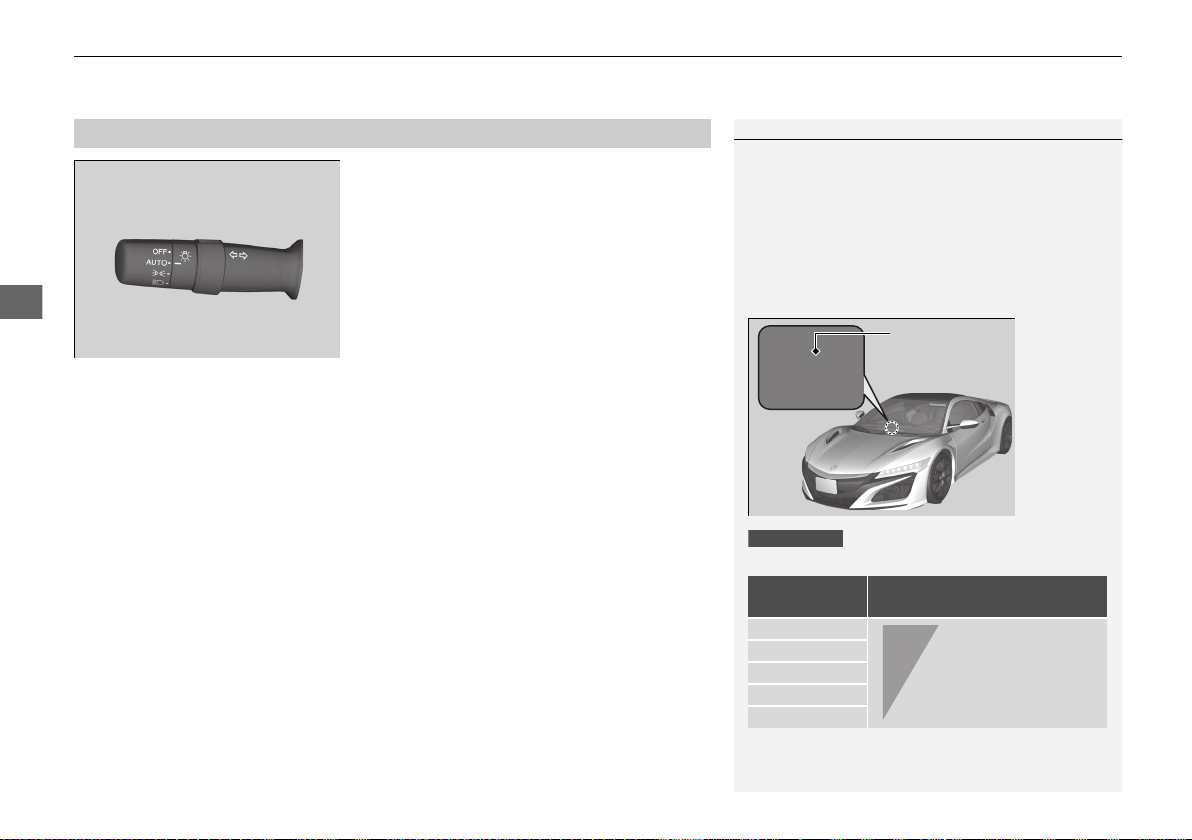
uuOperating the Switches Around the Steering WheeluLight Switches
132
Controls
Automatic lighting control can be used when
the power mode is in ON.
When the light switch is in AUTO, the
headlights and other exterior lights will switch
on and off automatically depending on the
ambient brightness.
The headlights come on when you unlock a
door in dark areas with the headlight switch in
AUTO.
u Once you lock the door, the headlights
will go off.
■
Automatic Operation (automatic lighting control)
1Automatic Operation (automatic lighting control)
We recommend that you turn on the lights manually
when driving at night, in a dense fog, or in dark areas
such as long tunnels or parking facilities.
The light sensor is in the location shown below.
Do not cover this light sensor with anything;
otherwise, the automatic lighting system may not
work properly.
Adjust the auto light sensitivity as follows:
2 Customized Features P. 242
Setting
The exterior lights come on
when the ambient light is at
MAX
HIGH
MID
LOW
MIN
Light Sensor
U.S. models
Bright
Dark
19 NSX-31T6N6200.book 132 ページ 2018年8月9日 木曜日 午前11時12分
133
uuOperating the Switches Around the Steering WheeluLight Switches
Controls
The headlights automatically come on when the wipers are used several times within
a certain interval with the headlight switch in AUTO.
The headlights automatically go off a few minutes later if the wipers are stopped.
The headlights, all other exterior lights, and the instrument panel lights turn off 15
seconds after you set the power mode to VEHICLE OFF, take the remote with you,
and close the driver’s door.
If you set the power mode to VEHICLE OFF with the headlight switch on, but do not
open the door, the lights turn off after 10 minutes (3 minutes, if the switch is in the
AUTO position).
The lights turn on again when you unlock or open the driver’s door. If you unlock
the door, but do not open it within 15 seconds, the lights go off. If you open the
driver’s door, you will hear a lights on reminder chime.
■
Headlight Integration with Wipers
■
Automatic Lighting Off Feature
1Headlight Integration with Wipers
This feature activates when the headlights are off in
AUTO.
The instrument panel brightness does not change
when the headlights come on.
At dark ambient light levels, the automatic lighting
control feature turns on the headlights, regardless of
the number of wiper sweeps.
You can turn the headlight integration with wipers
function on and off.
2 Customized Features P. 242
1Automatic Lighting Off Feature
You can change the headlight auto off timer setting.
2 Customized Features P. 242
19 NSX-31T6N6200.book 133 ページ 2018年8月9日 木曜日 午前11時12分
134
uuOperating the Switches Around the Steering WheeluDaytime Running Lights
Controls
Daytime Running Lights
The daytime running lights come on when the following conditions have been met:
• The power mode is in ON.
• The headlight switch is in AUTO or .
• The parking brake is released.
The daytime running lights are off the headlight switch is turned on, or when the
headlight switch is in AUTO and it is getting darker outside.
1Daytime Running Lights
The brightness of the daytime running lights is lower
when the headlight switch is in than when it is
in AUTO. When it is in AUTO, the low-beam
headlights come on once the level of ambient light is
very low.
U.S. models
19 NSX-31T6N6200.book 134 ページ 2018年8月9日 木曜日 午前11時12分
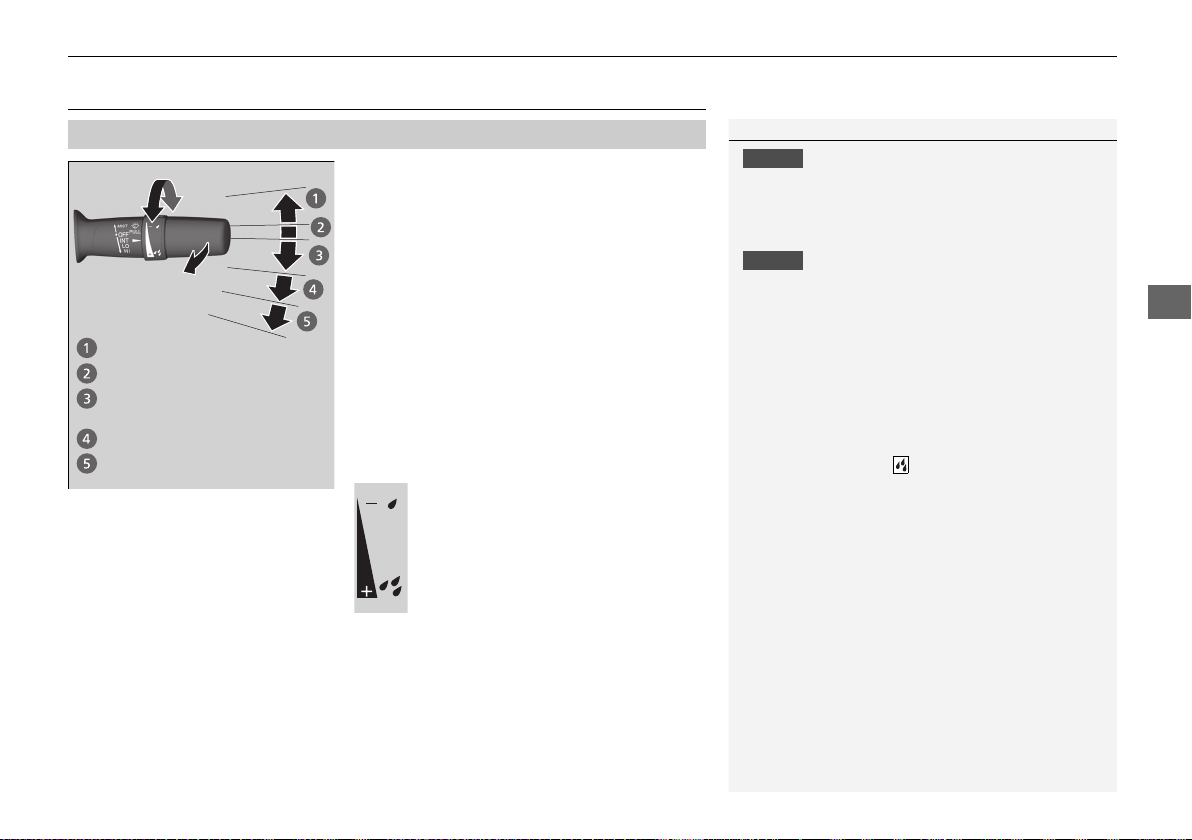
135
uuOperating the Switches Around the Steering WheeluWipers and Washers
Controls
Wipers and Washers
The windshield wipers and washers can be
used when the power mode is in ON.
■ MIST
The wipers run at high speed until you release
the lever.
■ Wiper switch (OFF, INT, LO, HI)
Change the wiper switch setting according to
the amount of rain.
■ Adjusting wiper operation
Turn the adjustment ring to adjust wiper
operation.
■ Washer
Sprays while you pull the lever toward you.
When you release the lever for more than one
second, the spray stops, the wipers sweep two
or three more times to clear the windshield,
then stop.
■
Windshield Wiper/Washer
1Wipers and Washers
NOTICE
Do not use the wipers when the windshield is dry.
The windshield will get scratched, or the rubber
blades will get damaged.
NOTICE
In cold weather, the blades may freeze to the
windshield.
Operating the wipers in this condition may damage
wipers. Use the defroster to warm the windshield,
then turn the wipers on.
If the vehicle speeds up while the wipers are
operating intermittently, the length of the wipe
interval shortens.
When the vehicle speeds up, the wiper operation’s
shortest delay setting ( ) and the LO setting become
the same.
Turn the washers off if no washer fluid comes out.
The pump may get damaged.
The wiper motor may stop motor operation
temporarily to prevent an overload. Wiper operation
will return to normal within a few minutes, once the
circuit has returned to normal.
If the wipers stop operating due to any obstacle such
as the build-up of snow, park the vehicle in a safe
place.
Rotate the wiper switch to OFF, and set the power
mode to ACCESSORY or VEHICLE OFF, then remove
the obstacle.
MIST
OFF
LO: Low speed wipe
HI: High speed wipe
Pull to
use
washer.
INT: Low speed with
intermittent
Lower speed, fewer sweeps
Higher speed, more sweeps
19 NSX-31T6N6200.book 135 ページ 2018年8月9日 木曜日 午前11時12分
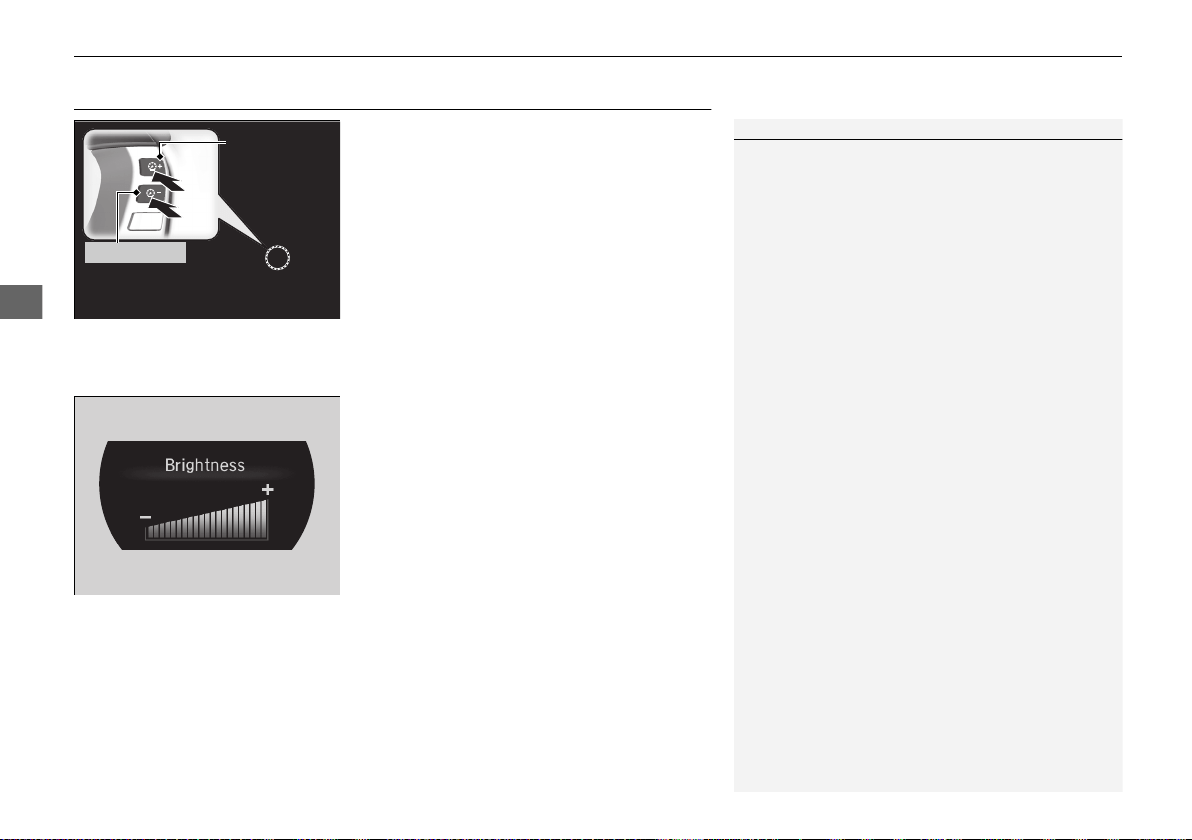
136
uuOperating the Switches Around the Steering WheeluBrightness Control
Controls
Brightness Control
When the power mode is in ON, you can use
the (+ or (- button to adjust instrument
panel brightness.
To brighten: Press the
(+ button.
To dim: Press the (- button.
You will hear a beep when the brightness
reaches minimum or maximum. Several
seconds after you have adjusted the
brightness, you will be returned to the
previous screen.
■ Brightness level indicator
The brightness level is shown on the driver
information interface while you are adjusting
it.
1Brightness Control
Instrument panel brightness varies, depending on
whether the exterior lights are on or off. The
instrument panel dims to reduce glare when they are
on.
When it is bright outside and the headlight
integration with the wiper is activated, the
instrument panel brightness does not change.
If you press the
(+ button until the brightness display
is up to max, the beeper sounds. This cancels the
reduced instrument panel brightness when the
exterior lights are on.
The brightness can be set differently for when the
exterior lights are on, and when they are off.
(+ Button
(- Button
19 NSX-31T6N6200.book 136 ページ 2018年8月9日 木曜日 午前11時12分
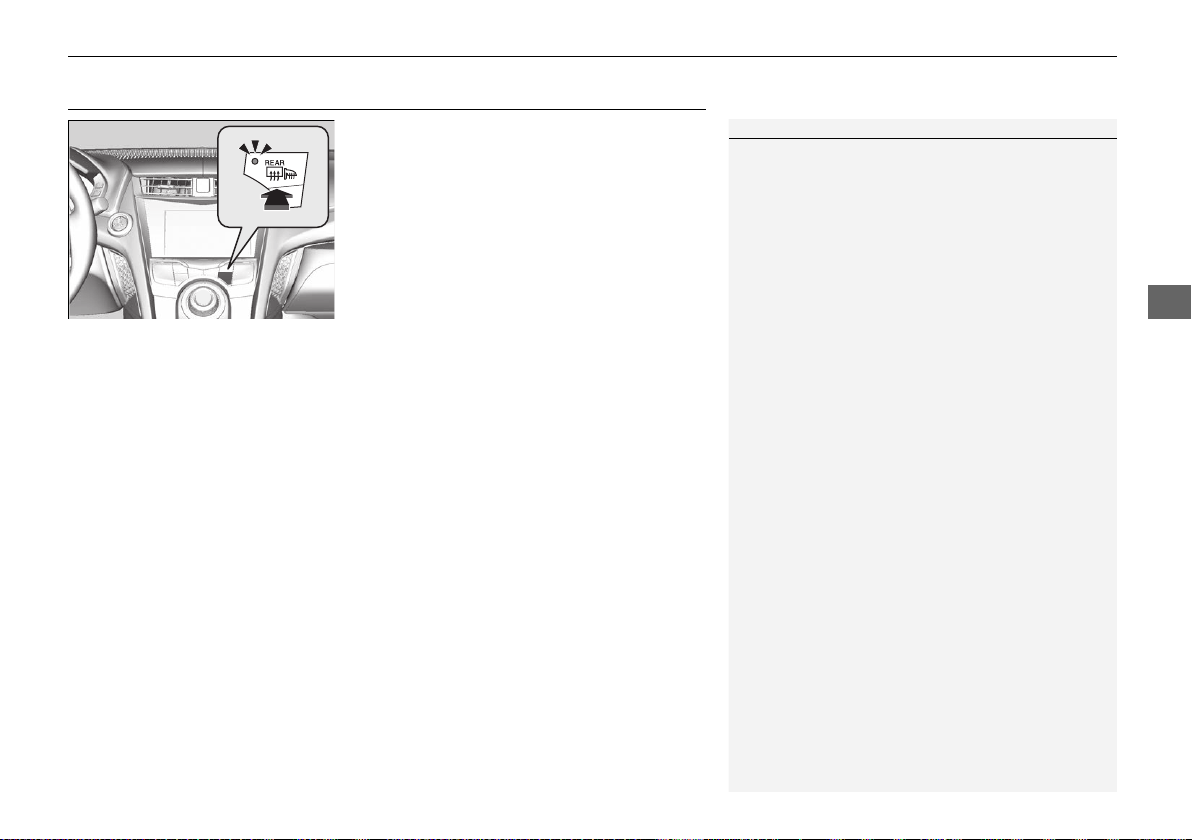
137
uuOperating the Switches Around the Steering WheeluRear Defogger/Heated Door Mirror Button
Controls
Rear Defogger/Heated Door Mirror Button
Press the rear defogger and heated door
mirror button to defog the rear window and
mirrors when the power mode is in ON.
The rear defogger and heated door mirrors
automatically switch off after 10-30 minutes
depending on the outside temperature.
However, if the outside temperature is 32°F
(0°C) or below, they do not automatically
switch off.
1Rear Defogger/Heated Door Mirror Button
This system consumes a lot of power, so turn it off
when the window has been defogged.
Also, do not use the system for a long time while the
power system is stopped. This may weaken the 12-
volt battery, making it difficult to turn the power
system on.
When the outside temperature is below 41°F (5°C),
the heated door mirror may activate automatically for
10 minutes when you set the power mode to ON.
19 NSX-31T6N6200.book 137 ページ 2018年8月9日 木曜日 午前11時12分

138
uuOperating the Switches Around the Steering WheeluDriving Position Memory System
*
Controls
Driving Position Memory System
*
You can store two driver’s seat (except for power lumbar) and outside door mirrors
position with the driving position memory system.
When you unlock and open the driver’s door with a remote transmitter, or keyless
access system, door mirrors adjust to one of the two preset positions and the seat
adjusts to retracted positions of one of the two preset positions automatically.
The seat will move to the stored position when you set the power mode to
ACCESSORY.
When you enter the vehicle, the driver information interface briefly shows you which
remote transmitter you used to unlock the vehicle.
• DRIVER 1 transmitter is linked to memory button 1.
• DRIVER 2 transmitter is linked to memory button 2.
The driver’s seat moves rearward depending
on the set seating position once you
• Stop the vehicle.
• Put the transmission in
(P.
• Set the power mode to VEHICLE OFF.
• Then open the driver’s door.
Once the power mode is in the ACCESSORY
position, the driver’s seat moves to the
DRIVER 1 or 2 preset position.
1Driving Position Memory System
*
Using the audio/information screen, you can disable
the automatic seat and door mirrors adjustment
function.
2 Customized Features P. 242
The driver’s seat easy exit feature:
• Will tilt slightly forward and then move rearward to
allow you to more easily exit the vehicle.
• Can be turned ON/OFF.
2 Customized Features P. 242
System Operation
The system will not operate if:
• The vehicle speed is above 3 mph (5 km/h).
• Either memory position button is pressed while the
seat or the outside mirror is in motion.
• The seat or the outside mirror position is adjusted
while in operation.
• The memory 1 or 2 position is set fully to the rear.
DRIVER 1 DRIVER 2
* Not available on all models
19 NSX-31T6N6200.book 138 ページ 2018年8月9日 木曜日 午前11時12分
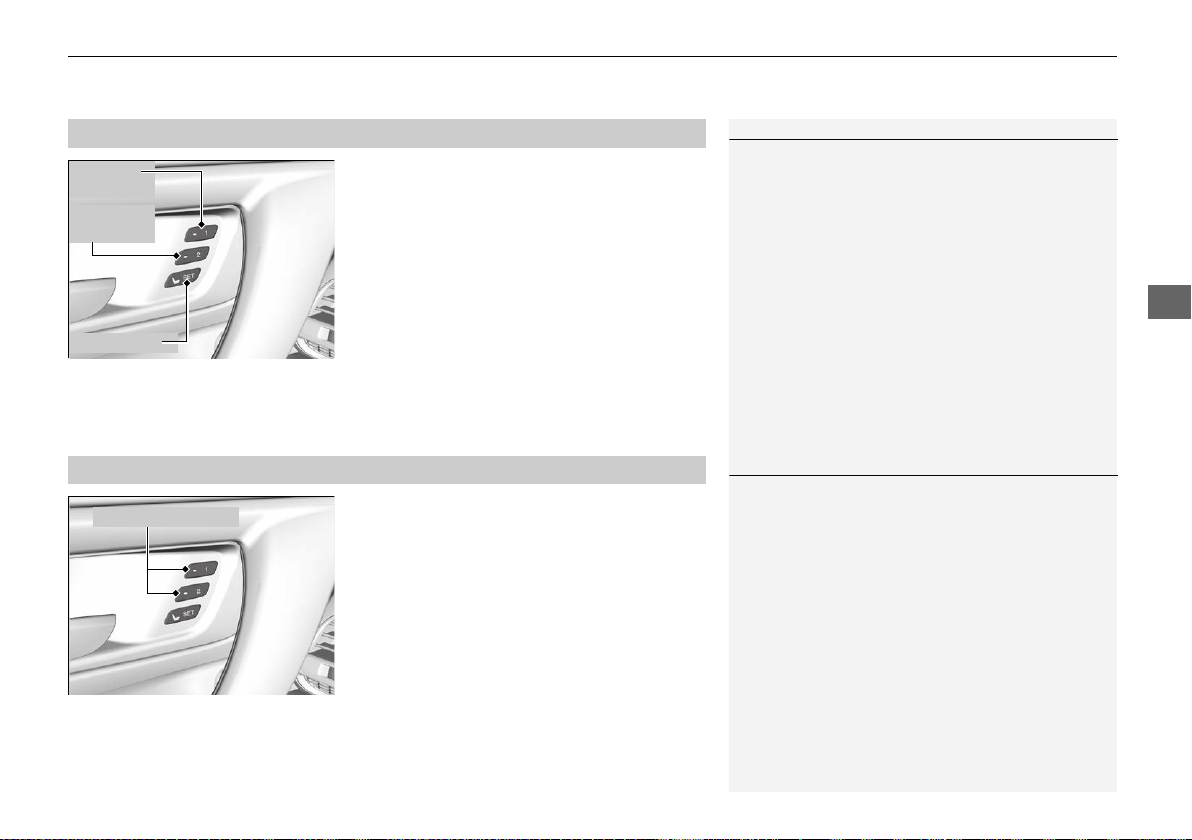
139
uuOperating the Switches Around the Steering WheeluDriving Position Memory System
*
Controls
1. Set the power mode to ON. Adjust the
driver’s seat and the door mirrors to the
desired position.
2. Press the SET button.
u You will hear the beeper, and the
memory button indicator light will blink.
3. Press memory button
(1 or (2 within five
seconds of pressing the SET button.
u Once the seat and the outside mirrors
position have been memorized, you will
hear the beeper twice, and the indicator
light on the button you pressed stays on.
1. Put the transmission into
(P.
2. Apply the parking brake.
3. Press a memory button (
(1 or (2).
u You will hear the beep, and the indicator
light will blink.
The seat and the door mirrors will
automatically move to the memorized
positions. When it has finished moving, you
will hear the beeper twice, and the indicator
light stays on.
■
Storing a Position in Memory
1Storing a Position in Memory
After you press the SET button, the storing operation
will be canceled when:
• You do not press the memory button within five
seconds.
• You readjust the seat or the outside mirror position
before the double-beep.
• You set the power mode to any position except
ON.
SET Button
Memory
Button 1
Memory
Button 2
■
Recalling the Stored Position
1Recalling the Stored Position
The seat and door mirrors will stop moving if you:
• Press the SET button, or a memory button ((1 or
(2).
• Adjust the seat position or door mirrors.
• Put the transmission into a position other than (P.
Memory Buttons
19 NSX-31T6N6200.book 139 ページ 2018年8月9日 木曜日 午前11時12分
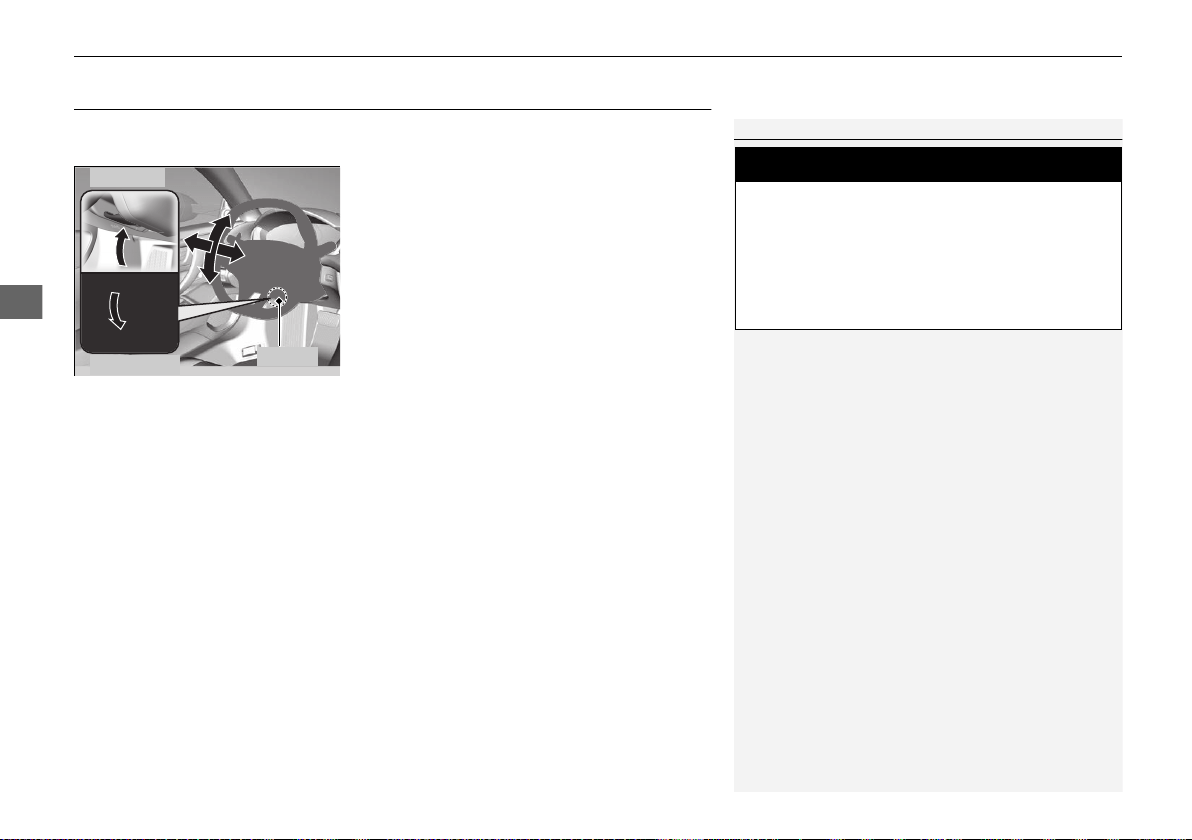
140
uuOperating the Switches Around the Steering WheeluAdjusting the Steering Wheel
Controls
Adjusting the Steering Wheel
The steering wheel height and distance from your body can be adjusted so that you
can comfortably grip the steering wheel in an appropriate driving posture.
1. Push the steering wheel adjustment lever
down.
u The steering wheel adjustment lever is
under the steering column.
2. Move the steering wheel up or down, and
in or out.
u Make sure you can see the instrument
panel gauges and indicators.
3. Pull the steering wheel adjustment lever up
to lock the steering wheel in position.
u After adjusting the position, make sure
you have securely locked the steering
wheel in place by trying to move it up,
down, in, and out.
1Adjusting the Steering Wheel
3
WARNING
Adjusting the steering wheel position while
driving may cause you to lose control of the
vehicle and be seriously injured in a crash.
Adjust the steering wheel only when the
vehicle is stopped.
To adjust
To lock
Lever
19 NSX-31T6N6200.book 140 ページ 2018年8月9日 木曜日 午前11時12分
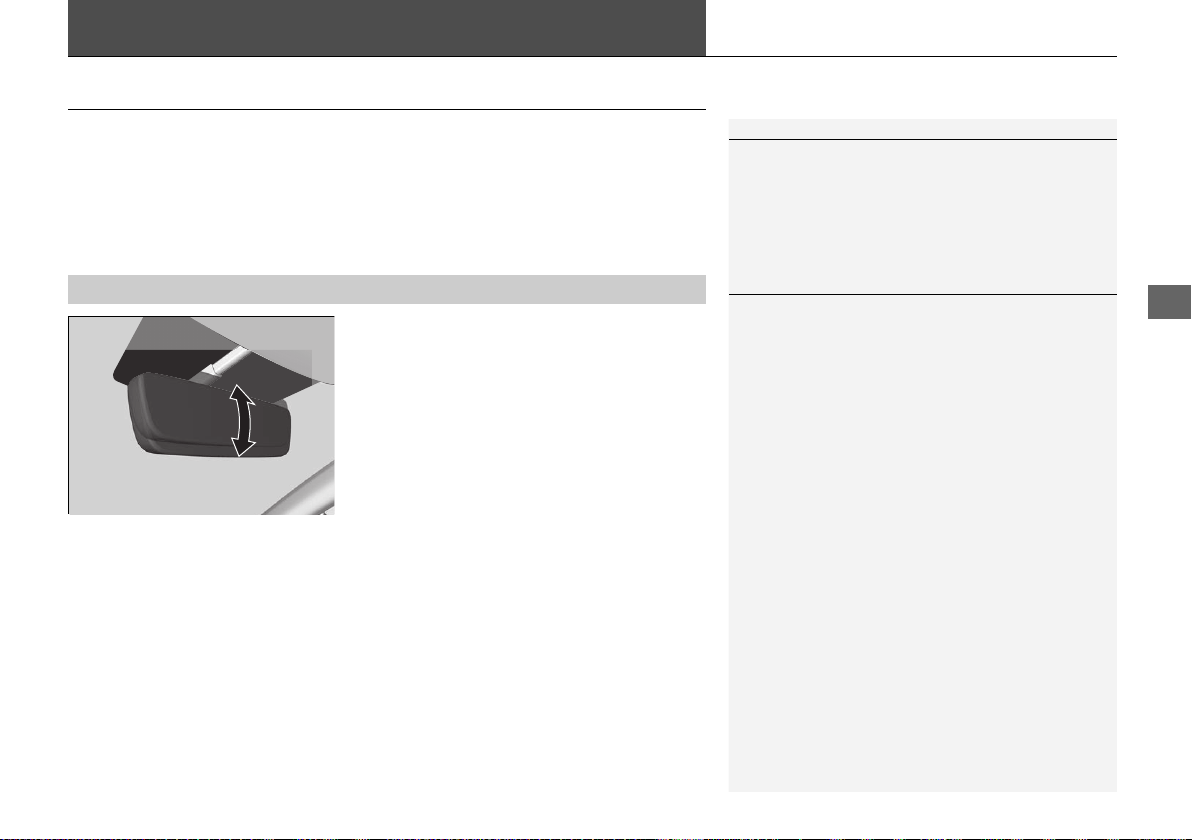
141
Controls
Adjusting the Mirrors
Interior Rearview Mirror
Adjust the angle of the rearview mirror when you are sitting in the correct driving
position.
When you are driving after dark, the
automatic dimming rearview mirror reduces
the glare from headlights behind you, based
in inputs from the mirror sensor. This feature
is always active.
■
Automatic Dimming Rearview Mirror
1Adjusting the Mirrors
Keep the inside and outside mirrors clean and
adjusted for best visibility.
Adjust the mirrors before you start driving.
2 Adjusting the Seat Positions P. 144
1Automatic Dimming Rearview Mirror
The auto dimming function cancels when the
transmission is in
(R.
19 NSX-31T6N6200.book 141 ページ 2018年8月9日 木曜日 午前11時12分
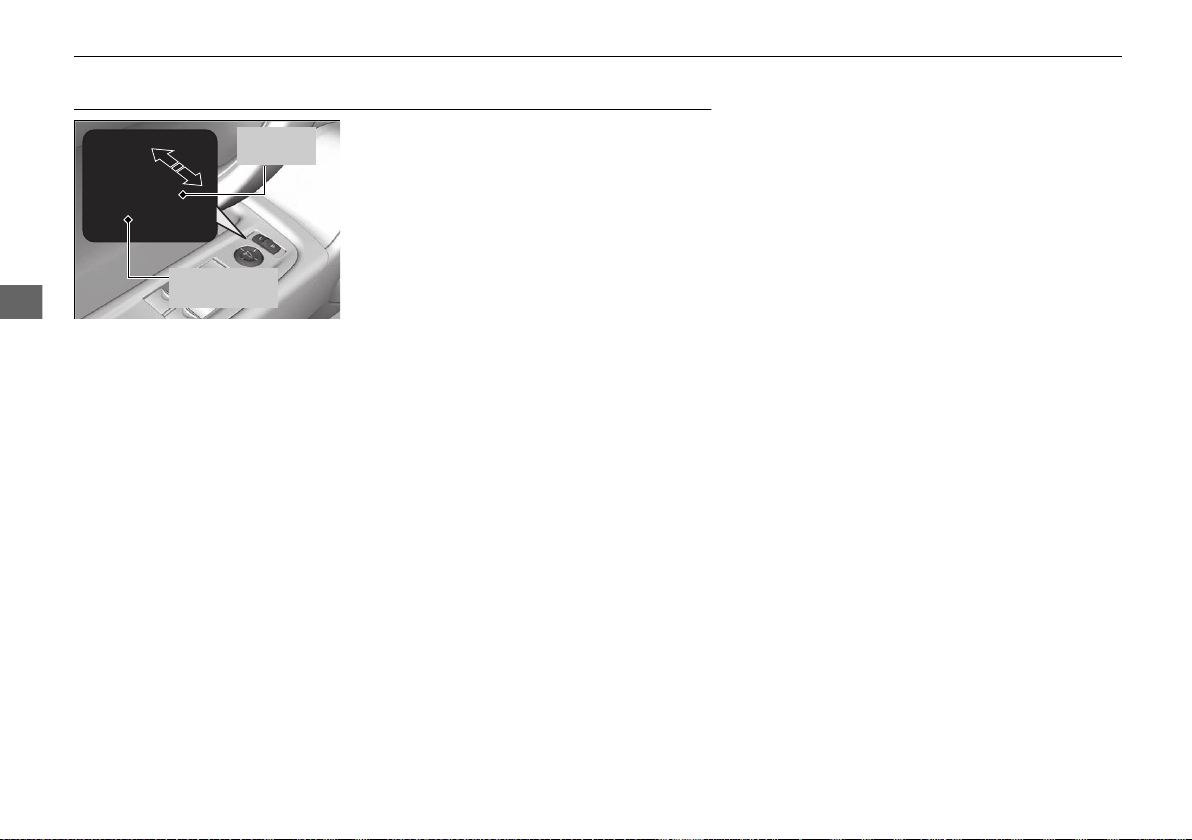
142
uuAdjusting the MirrorsuPower Door Mirrors
Controls
Power Door Mirrors
You can adjust the door mirrors when the
power mode is in ON.
■ Mirror position adjustment
L/R selector switch: Select the left or right
mirror. After adjusting the mirror, return the
switch to the center position.
Mirror position adjustment switch: Press
the switch left, right, up, or down to move the
mirror.
Selector
Switch
Adjustment
Switch
19 NSX-31T6N6200.book 142 ページ 2018年8月9日 木曜日 午前11時12分

143
uuAdjusting the MirrorsuPower Door Mirrors
Controls
If activated, either side door mirror
automatically tilts downward when you press
back the (R button; this improves close-in
visibility on the selected side of the vehicle
when backing up. The mirror automatically
returns to its original position when you take
the transmission out of
(R.
To activate this feature, set the power mode
to ON and slide the selector switch to the left
or right side.
If activated, passenger side door mirror
automatically tilts downward when you press
back the
(R button; this improves close-in
visibility on the passenger side of the vehicle
when backing up. The mirror automatically
returns to its original position when you take
the transmission out of
(R.
To activate this feature, set the power mode
to ON and slide the selector switch to the
passenger side.
■
Reverse Tilt Door Mirror
Slide the selector switch to left
or right to tilt down either side
door mirror.
Models with driving position memory system
Selector Switch
Models without driving position memory system
19 NSX-31T6N6200.book 143 ページ 2018年8月9日 木曜日 午前11時12分
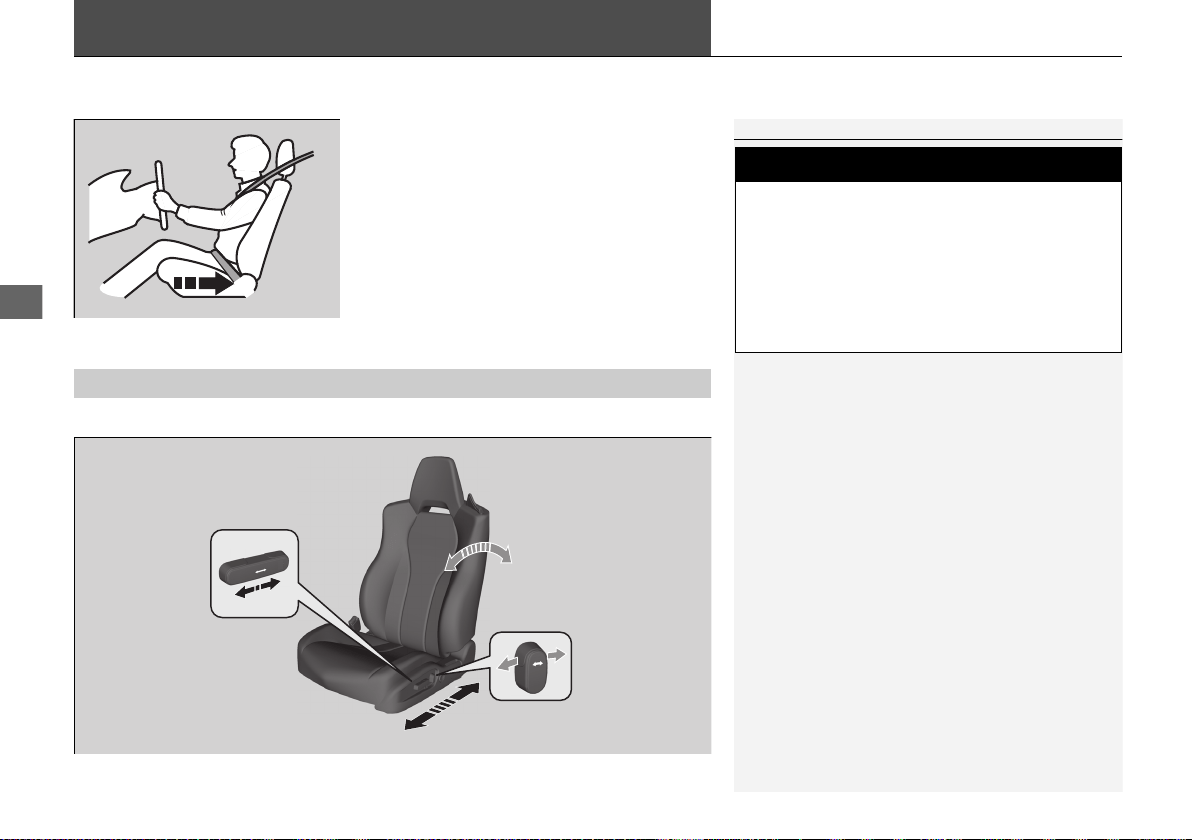
144
Controls
Adjusting the Seats
Adjust the driver’s seat as far back as possible
while allowing you to maintain full control of
the vehicle. You should be able to sit upright,
well back in the seat and be able to
adequately depress the pedals without
leaning forward, and grip the steering wheel
comfortably. The passenger’s seat should be
adjusted in a similar manner, so that it is as far
back from the front airbag in the dashboard
as possible.
■ Adjusting the power seats
*
1Adjusting the Seats
The National Highway Traffic Safety Administration
and Transport Canada recommend that drivers allow
at least 10 inches (25 cm) between the center of the
steering wheel and the chest.
Always make seat adjustments before driving.
3
WARNING
Sitting too close to a front airbag can result
in serious injury or death if the front
airbags inflate.
Always sit as far back from the front
airbags as possible while maintaining
control of the vehicle.
Move back.
Allow sufficient
space.
■
Adjusting the Seat Positions
Horizontal
Position
Adjustment
Seat-back Angle
Adjustment
Driver’s seat is shown.
* Not available on all models
19 NSX-31T6N6200.book 144 ページ 2018年8月9日 木曜日 午前11時12分
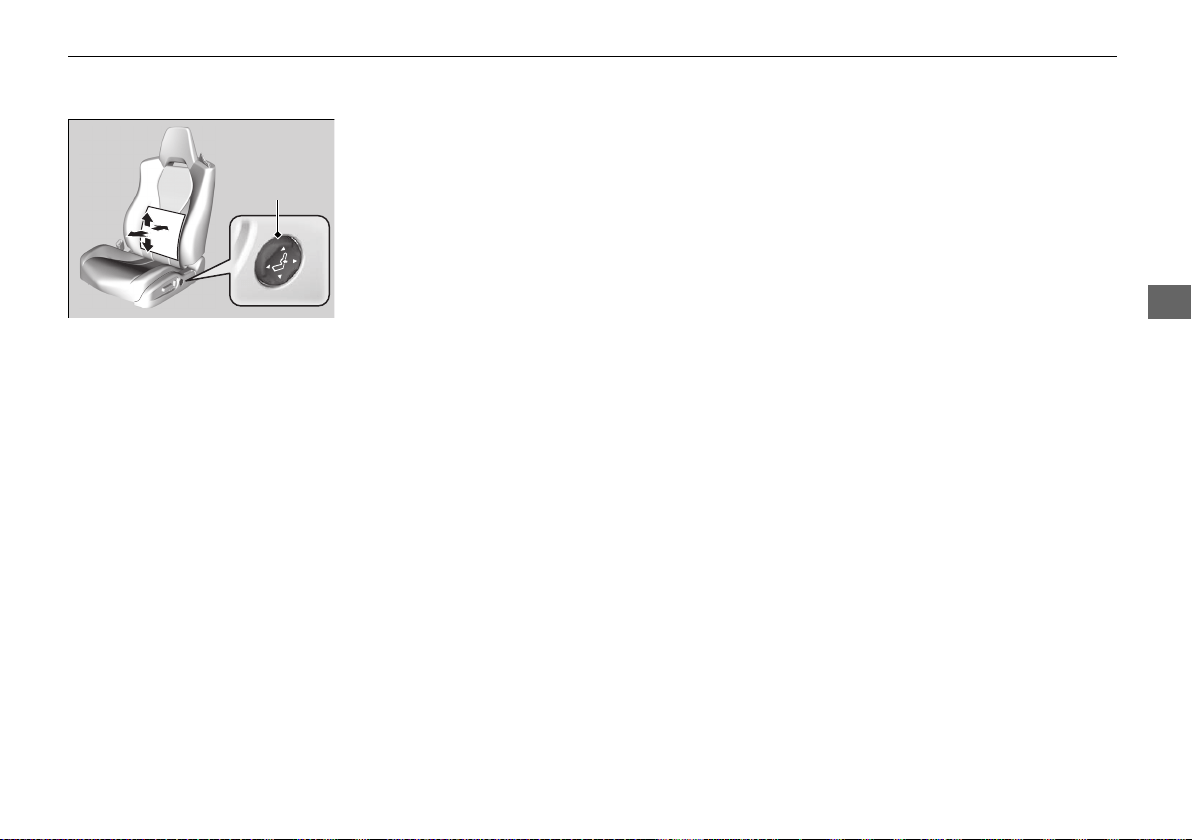
145
uuAdjusting the Seatsu
Continued
Controls
■ Lumbar Support Adjustment Switch
*
Press the top: To move the lumbar support
up.
Press the bottom: To move the lumbar
support down.
Press the front: To increase the entire
lumbar support.
Press the rear: To decrease the entire lumbar
support.
Lumbar
Support
Adjustment
Switch
* Not available on all models
19 NSX-31T6N6200.book 145 ページ 2018年8月9日 木曜日 午前11時12分
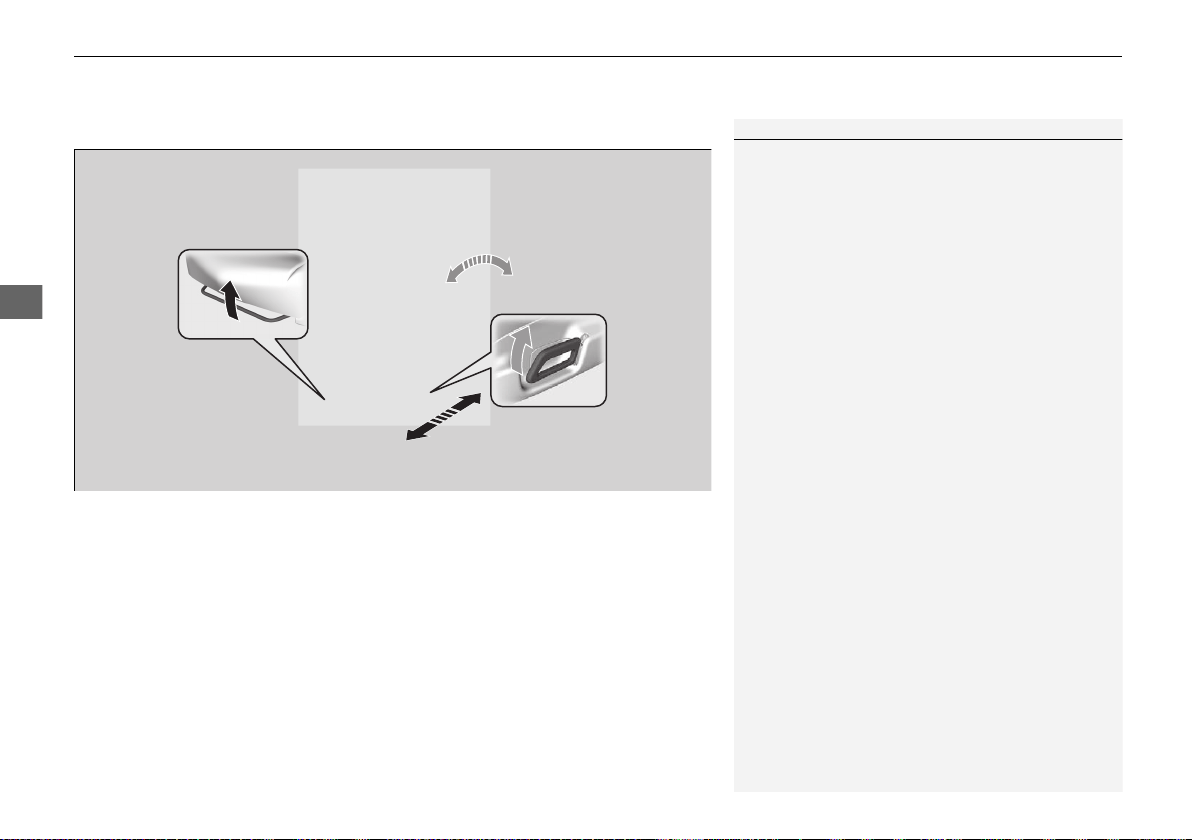
uuAdjusting the Seatsu
146
Controls
■ Adjusting the manual seats
*
1Adjusting the manual seats
*
Once a seat is adjusted correctly, rock it back and
forth to make sure it is locked in position.
Horizontal Position
Adjustment
Pull up on the bar to move the
seat, then release the bar.
Seat-back Angle
Adjustment
Pull up the lever to
change the angle.
Driver’s seat is shown.
* Not available on all models
19 NSX-31T6N6200.book 146 ページ 2018年8月9日 木曜日 午前11時12分
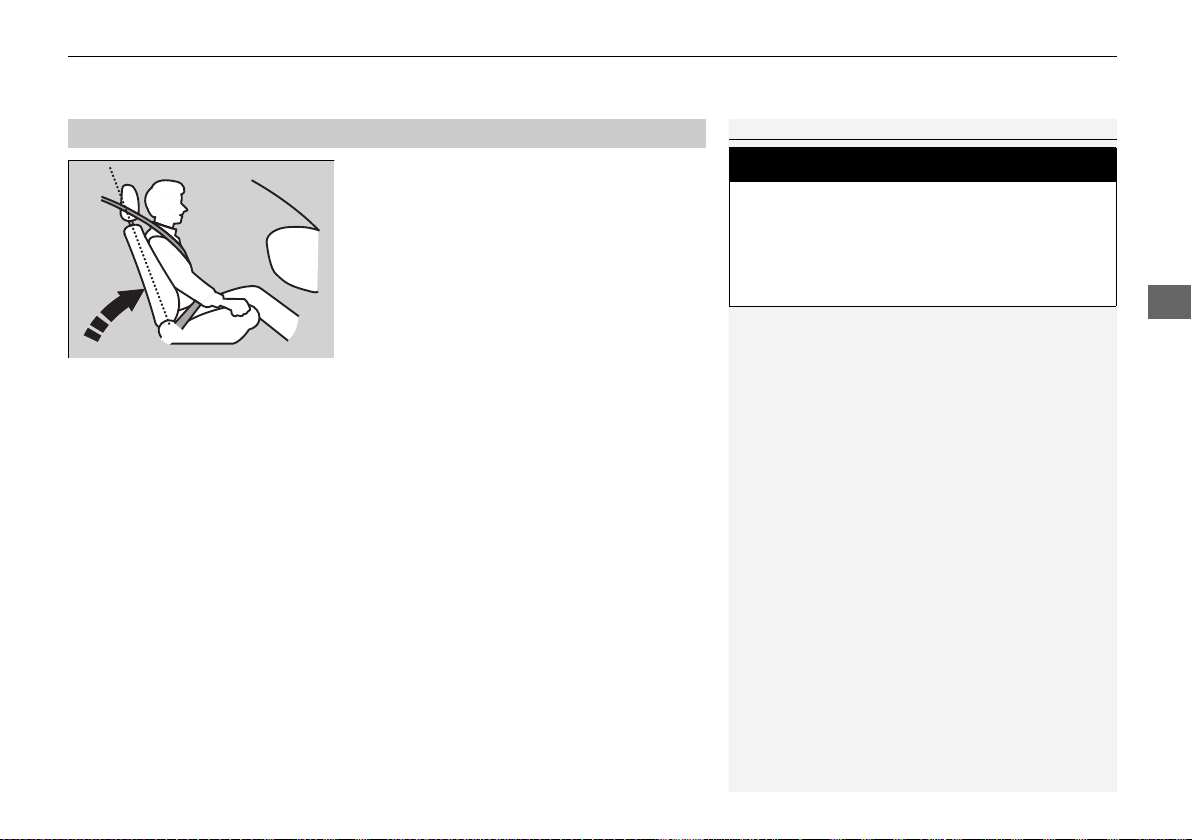
147
uuAdjusting the Seatsu
Controls
Adjust the driver’s seat-back to a comfortable,
upright position, leaving ample space
between your chest and the airbag cover in
the center of the steering wheel.
The passenger should also adjust their seat-
back to a comfortable, upright position.
Reclining a seat-back so that the shoulder part of the belt no longer rests against the
occupant’s chest reduces the protective capability of the belt. It also increases the
chance of sliding under the belt in a crash and being seriously injured. The farther a
seat-back is reclined, the greater the risk of injury.
■
Adjusting the Seat-Backs
1Adjusting the Seat-Backs
Do not put a cushion, or other object, between the
seat-back and your back. Doing so may interfere with
proper seat belt or airbag operation.
If you cannot get far enough away from the steering
wheel and still reach the controls, we recommend
that you investigate whether some type of adaptive
equipment may help.
3
WARNING
Reclining the seat-back too far can result in
serious injury or death in a crash.
Adjust the seat-back to an upright position,
and sit well back in the seat.
19 NSX-31T6N6200.book 147 ページ 2018年8月9日 木曜日 午前11時12分
148
uuAdjusting the SeatsuMaintain a Sitting Proper Position
Controls
Maintain a Sitting Proper Position
After all occupants have adjusted their seats and put on their seat belts, it is very
important that they continue to sit upright, well back in their seats, with their feet
on the floor, until the vehicle is safely parked and the power system is off.
Sitting improperly can increase the chance of injury during a crash. For example, if
an occupant slouches, lies down, turns sideways, sits forward, leans forward or
sideways, or puts one or both feet up, the chance of injury during a crash is greatly
increased.
In addition, an occupant who is out of position in the seat can be seriously or fatally
injured in a crash by striking interior parts of the vehicle or being struck by an
inflating front airbag.
1Maintain a Sitting Proper Position
3
WARNING
Sitting improperly or out of position can
result in serious injury or death in a crash.
Always sit upright, well back in the seat,
with your feet on the floor.
19 NSX-31T6N6200.book 148 ページ 2018年8月9日 木曜日 午前11時12分
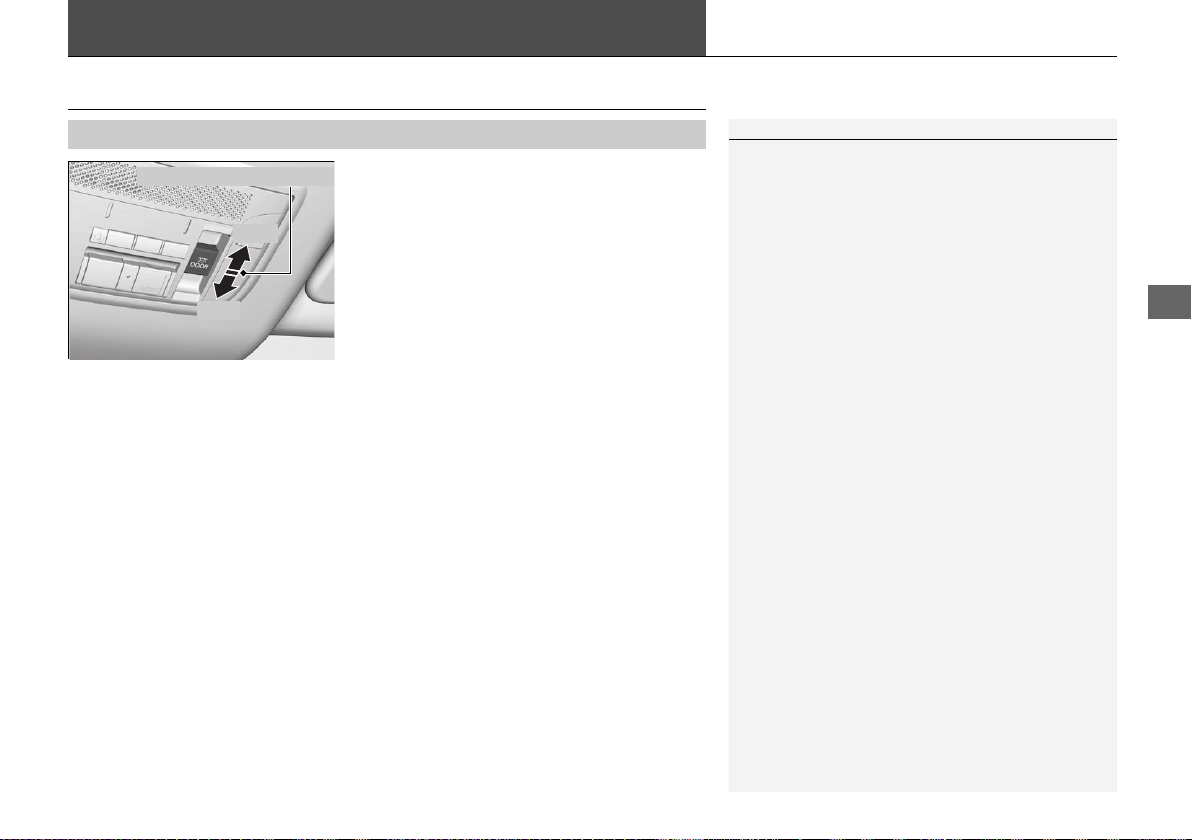
149
Continued
Controls
Interior Lights/Interior Convenience Items
Interior Lights
■ ON
The interior lights come on regardless whether
the doors are open or closed.
■ Door activated
The interior lights come on in the following
situations:
• When either of the doors are opened.
• You unlock the driver’s door.
• When the power mode is set to VEHICLE
OFF.
■ OFF
The interior lights remain off regardless
whether the doors are open or closed.
■
Interior Light Switches
1Interior Light Switches
In the door activated position, the interior lights fade
out and go off about 30 seconds after the doors are
closed.
The lights go off after about 30 seconds in the
following situations:
• When you unlock the driver’s door but do not open
it.
• When you set the power mode to VEHICLE OFF but
do not open a door.
You can change the interior lights dimming time.
2 Customized Features P. 242
The interior lights go off immediately in the following
situations:
• When you lock the driver’s door.
• When you close the driver’s door in ACCESSORY
mode.
• When you set the power mode to ON.
To avoid draining the 12-volt battery, do not leave
the interior light on for an extended length of time
when the power system off.
If you leave either door open in VEHICLE OFF mode,
the interior lights go off after about 15 minutes.
Door Activated Position
Off
On
19 NSX-31T6N6200.book 149 ページ 2018年8月9日 木曜日 午前11時12分
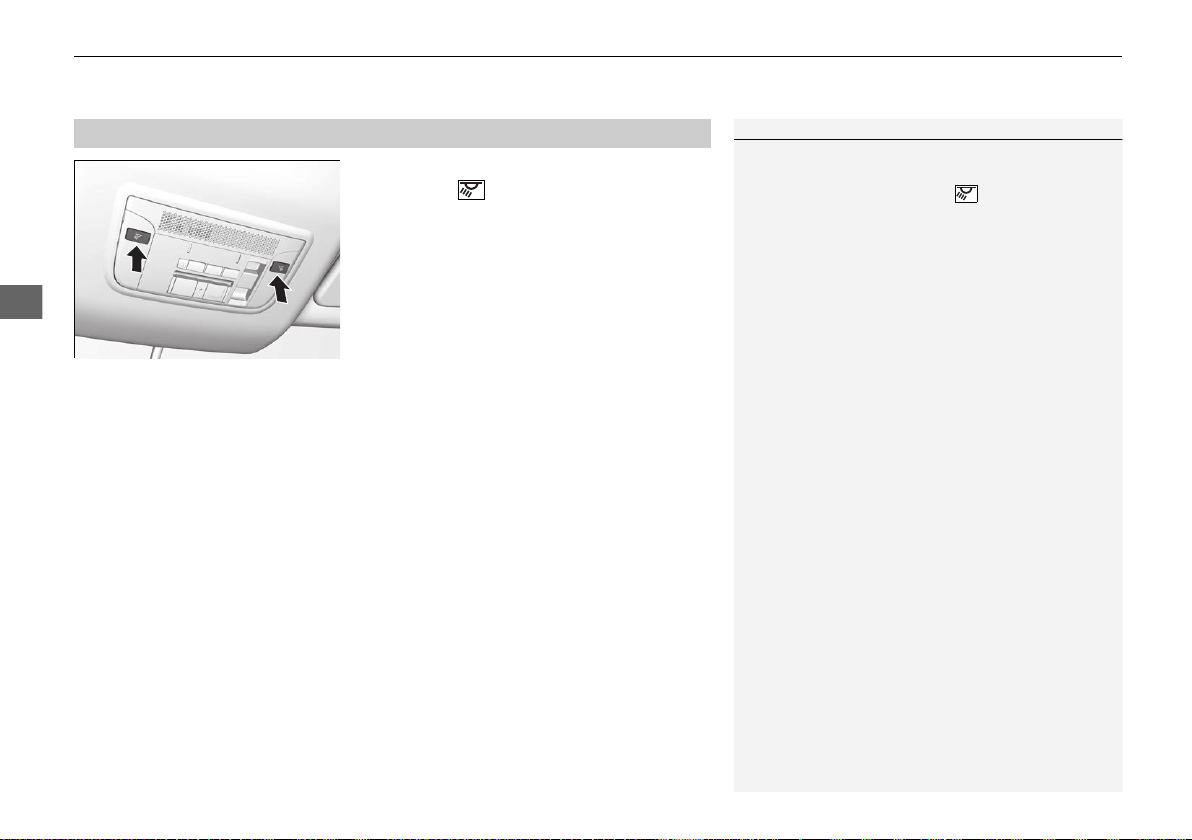
uuInterior Lights/Interior Convenience ItemsuInterior Lights
150
Controls
The map lights can be turned on and off by
pressing the (map light) button.
■
Map Lights
1Map Lights
When the ceiling light switch is in the door activated
position and either door is open, the map light will
not go off when you press the (map light) button.
19 NSX-31T6N6200.book 150 ページ 2018年8月9日 木曜日 午前11時12分
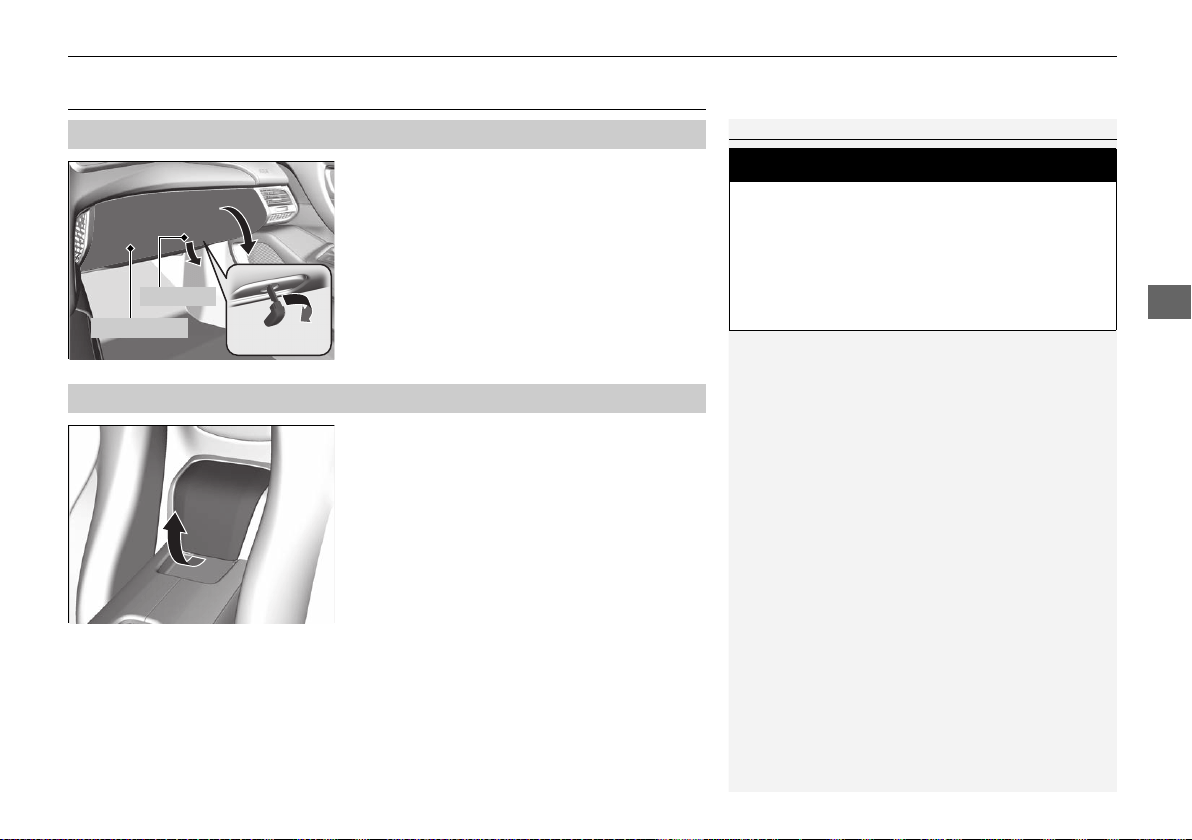
151
uuInterior Lights/Interior Convenience ItemsuInterior Convenience Items
Continued
Controls
Interior Convenience Items
Pull the handle to open the glove box.
You can lock the glove box with the built-in
key.
Pull the lid to open the console compartment.
■
Glove Box
1Glove Box
3
WARNING
An open glove box can cause serious injury
to your passenger in a crash, even if the
passenger is wearing the seat belt.
Always keep the glove box closed while
driving.
Glove Box
Handle
■
Console Compartment
19 NSX-31T6N6200.book 151 ページ 2018年8月9日 木曜日 午前11時12分
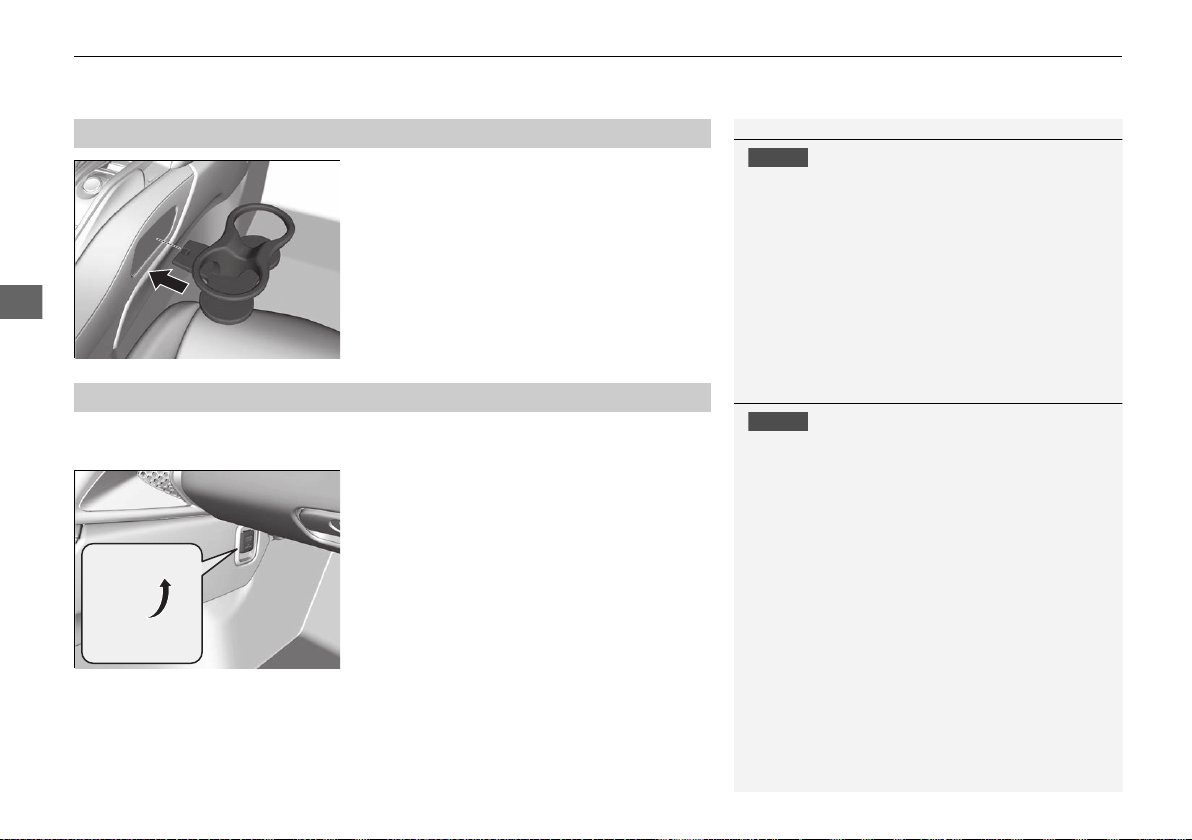
uuInterior Lights/Interior Convenience ItemsuInterior Convenience Items
152
Controls
Insert the beverage holders into the passenger
side of the center console.
The accessory power socket can be used when the power mode is in ACCESSORY or
ON.
■ Accessory power socket
Open the cover to use it.
■
Beverage Holders
1Beverage Holders
NOTICE
Spilled liquids damage the upholstery, carpeting, and
electrical components in the interior.
■
Accessory Power Socket
1Accessory Power Socket
NOTICE
Do not insert an automotive type cigarette lighter
element.
The power socket can overheat.
The accessory power socket is designed to supply
power for 12-volt DC accessories that are rated 180
watts (15 amps) or less.
To prevent draining the 12-volt battery, use the
power socket only when the power system on.
19 NSX-31T6N6200.book 152 ページ 2018年8月9日 木曜日 午前11時12分
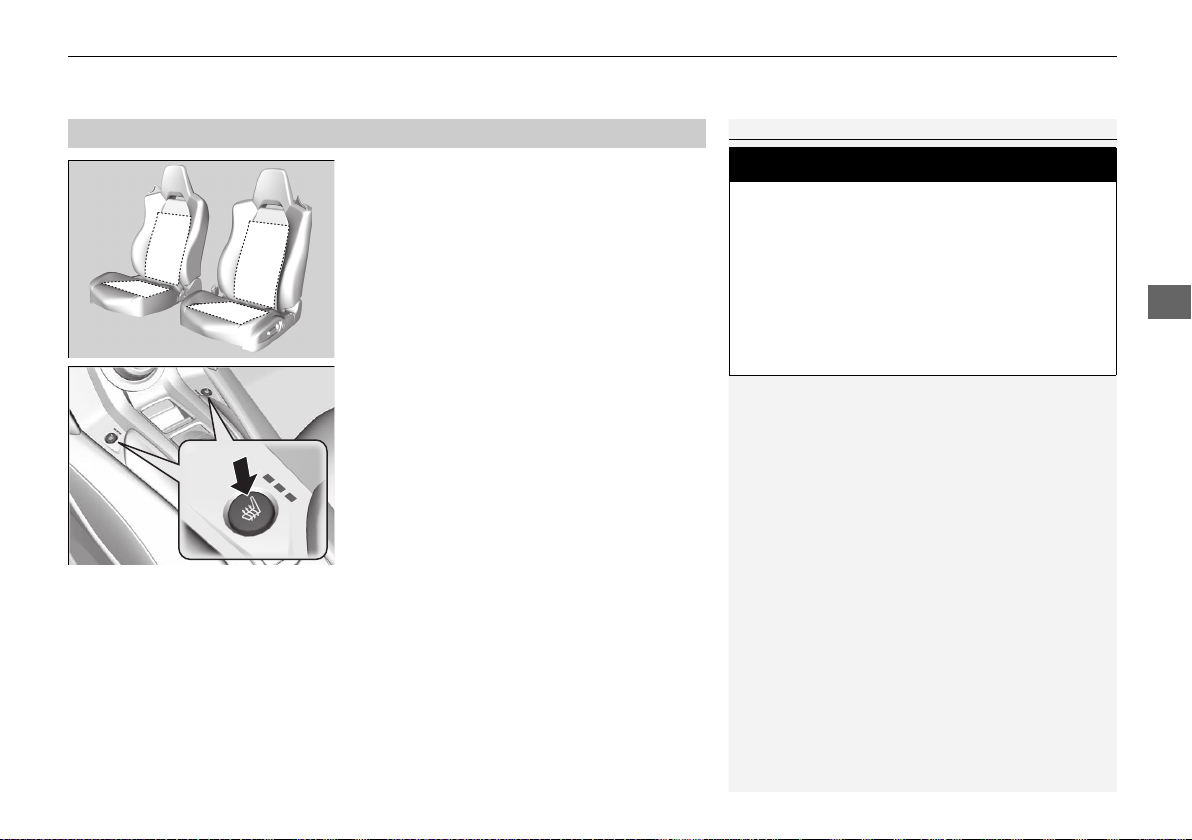
153
uuInterior Lights/Interior Convenience ItemsuInterior Convenience Items
Controls
The power mode must be in ON to use the
seat heaters.
Press the seat heater button:
Once - The HI setting (three indicators on)
Twice - The MID setting (two indicators on)
Three times - The LO setting (one indicator on)
Four times - The OFF setting (no indicators on)
■
Seat Heaters
*
1Seat Heaters
*
Do not use the seat heaters even in LO when the
power system is off. Under such conditions, the 12-
volt battery may be weakened, making the power
system difficult to start.
3
WARNING
Heat induced burns are possible when
using seat heaters.
Persons with a diminished ability to sense
temperature (e.g., persons with diabetes,
lower-limb nerve damage, or paralysis) or
with sensitive skin should not use seat
heaters.
* Not available on all models
19 NSX-31T6N6200.book 153 ページ 2018年8月9日 木曜日 午前11時12分
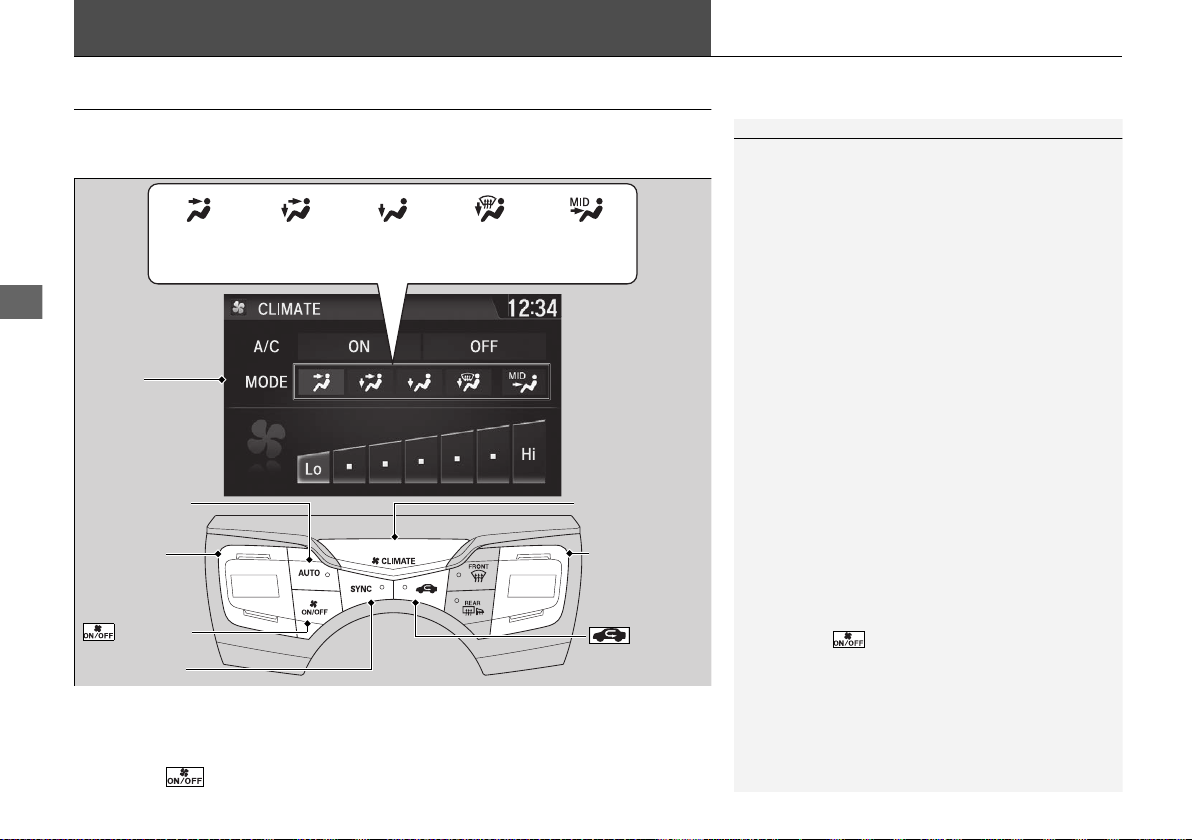
154
Controls
Climate Control System
Using Automatic Climate Control
The automatic climate control system maintains the interior temperature you select.
The system also selects the proper mix of heated or cooled air to raise or lower the
interior temperature to your preference as quickly as possible.
Use the system when the power mode is ON.
1. Press the AUTO button.
2. Adjust the interior temperature using the driver’s side or passenger’s side control
buttons.
3. Press the button to cancel.
1Using Automatic Climate Control
Press the CLIMATE button to display A/C, MODE, fan
control information on the audio/information screen
for several seconds. Select icon to turn on or off A/C,
change the vent mode, or change the fan speed.
If any buttons are pressed while using the climate
control system in auto, the function of the button
that was pressed will take priority.
The AUTO indicator will go off, but functions
unrelated to the button that was pressed will be
controlled automatically.
To prevent cold air from blowing in from outside, the
fan may not start immediately when the AUTO
button is pressed.
If the interior is very warm, you can cool it down
more rapidly by partially opening the windows,
turning the system to AUTO, and setting the
temperature to low. Change the fresh mode to
recirculation mode until the temperature cools down.
When you set the temperature to the lower or upper
limit, Lo or Hi is displayed.
Pressing the button switches the climate control
system on or off. When turned on, the system returns
to your last selection.
*1: MID vents provide supplemental air to the lower
body of the occupant(s). MID vents can be used
together with any other vent mode.
Dashboard
vents
Dashboard
and floor
vents
Floor vents Floor and
defroster
vents
MID vents
*1
SYNC Button
AUTO Button
CLIMATE Button
Driver Side
Temperature
Control
Buttons
Passenger Side
Temperature
Control
Buttons
(ON/OFF)
Button
(Recirculation)
Button
Audio/
Information
Touch Screen
19 NSX-31T6N6200.book 154 ページ 2018年8月9日 木曜日 午前11時12分
155
uuClimate Control SystemuUsing Automatic Climate Control
Continued
Controls
■ Switching between the recirculation and fresh air modes
Press the (recirculation) button and switch the mode depending on
environmental conditions.
Recirculation mode (indicator on): Recirculates air from the vehicle’s interior through
the system.
Fresh air mode (indicator off): Maintains outside ventilation. Keep the system in
fresh air mode in normal situations.
19 NSX-31T6N6200.book 155 ページ 2018年8月9日 木曜日 午前11時12分
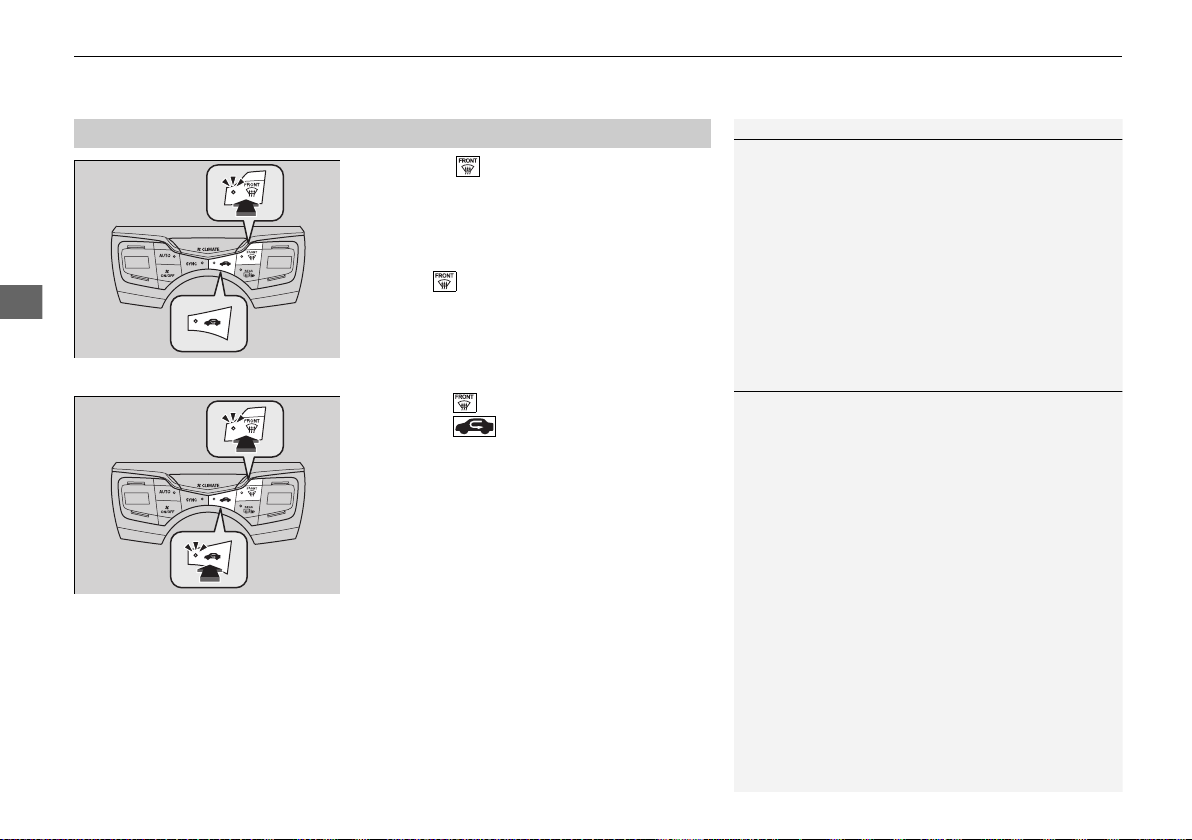
uuClimate Control Systemu
156
Controls
Pressing the (windshield defroster) button
turns the air conditioning system on and
automatically switches the system to fresh air
mode.
Press the button again to turn off, the
system returns to the previous settings.
■ To rapidly defrost the windows
1. Press the button.
2. Press the button.
■
Defrosting the Windshield and Windows
1Defrosting the Windshield and Windows
For your safety, make sure you have a clear view
through all the windows before driving.
Do not set the temperature near the upper or lower
limit.
When cold air hits the windshield, the outside of the
windshield may fog up.
If the side windows fog up, adjust the vents so that
the air hits the side windows.
1To rapidly defrost the windows
After defrosting the windows, switch over to fresh air
mode. If you keep the system in recirculation mode,
the windows may fog up from humidity. This
impedes visibility.
19 NSX-31T6N6200.book 156 ページ 2018年8月9日 木曜日 午前11時12分
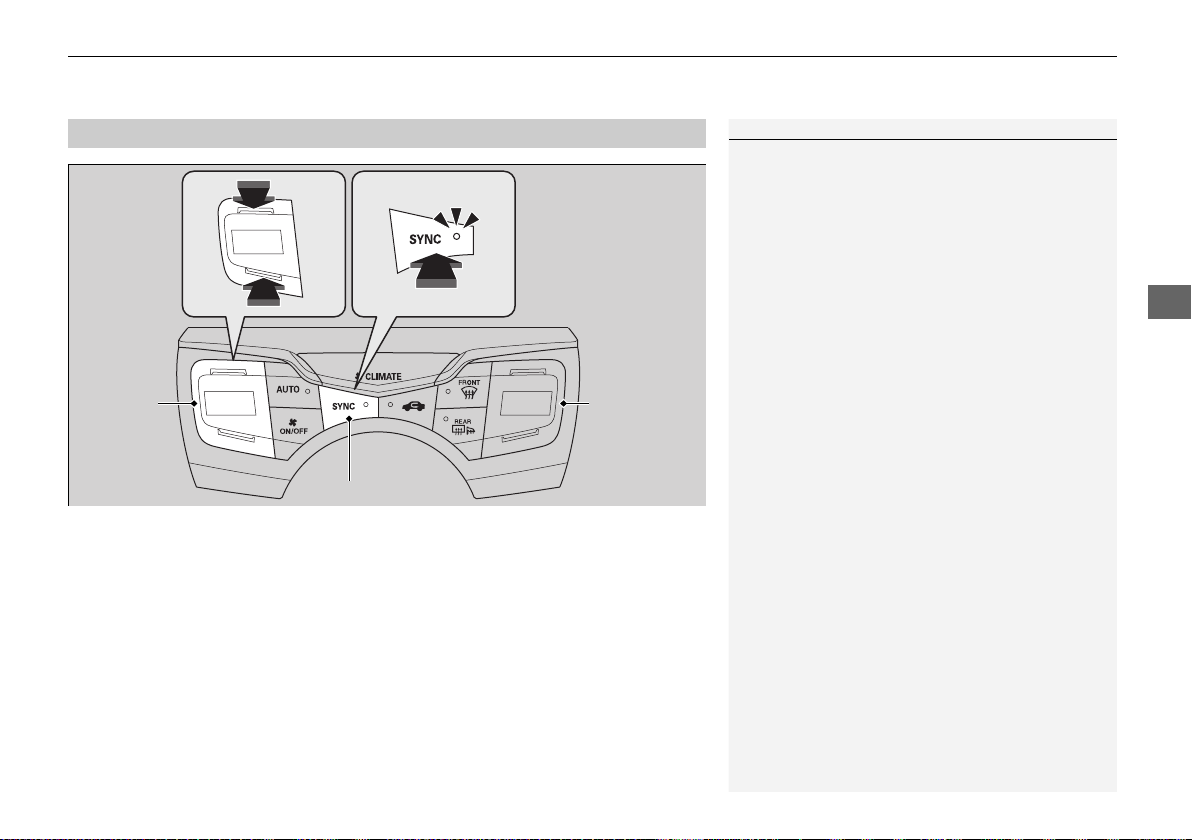
157
uuClimate Control Systemu
Controls
You can set the temperature synchronously for the driver’s side and the passenger’s
side in synchronization mode.
1. Press the SYNC button.
u The system switches to synchronization mode.
2. Adjust the temperature using the driver’s side temperature control buttons.
Press the SYNC button to return to dual mode.
■
Synchronization Mode
1Synchronization Mode
When the system is in dual mode, the driver’s side
temperature and the passenger’s side temperature
can be set separately.
SYNC Button
Driver Side
Temperature
Control
Buttons
Passenger Side
Temperature
Control
Buttons
19 NSX-31T6N6200.book 157 ページ 2018年8月9日 木曜日 午前11時12分
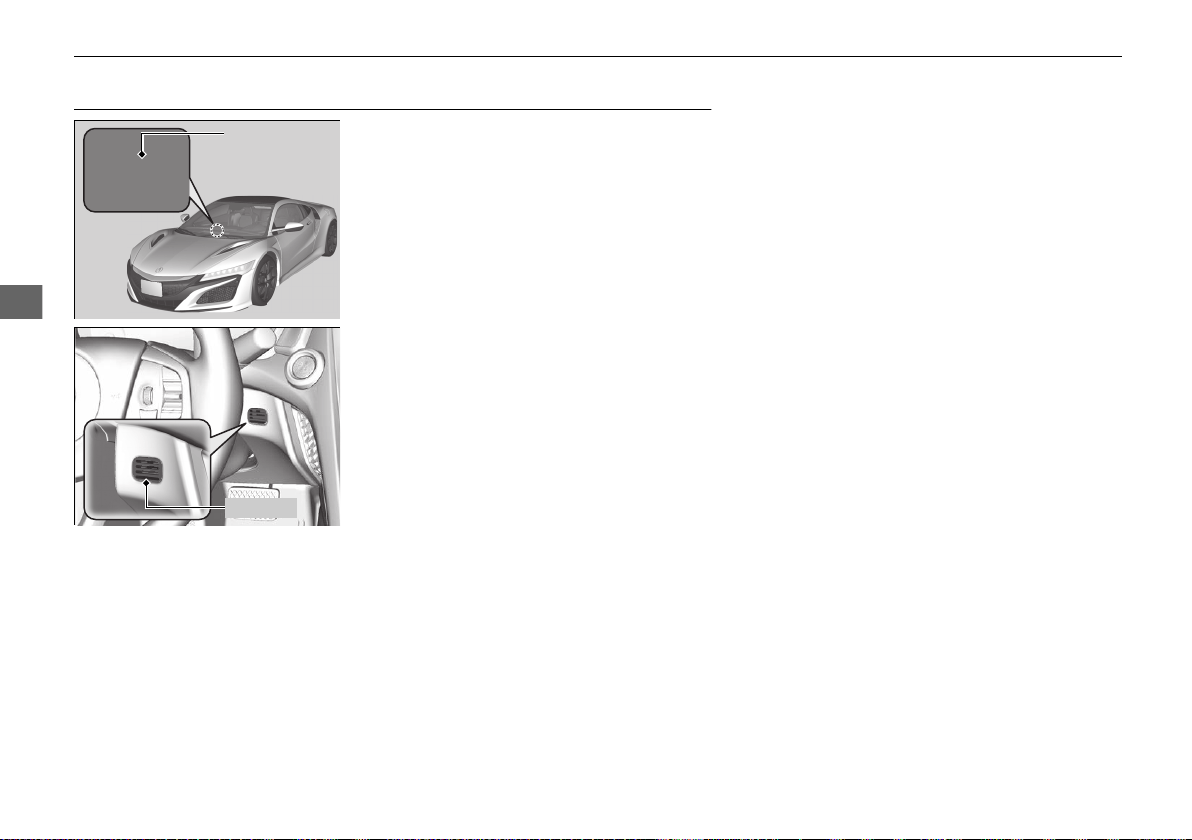
158
uuClimate Control SystemuAutomatic Climate Control Sensors
Controls
Automatic Climate Control Sensors
The automatic climate control system is
equipped with sensors. Do not cover or spill
any liquid on them.
Sensor
Sensor
19 NSX-31T6N6200.book 158 ページ 2018年8月9日 木曜日 午前11時12分

159
Features
This chapter describes how to operate technology features.
Audio System
About Your Audio System................ 160
USB Ports......................................... 161
Audio System Theft Protection ......... 162
Audio Remote Controls.................... 163
Audio System Basic Operation ........ 164
Audio/Information Screen ................ 165
Adjusting the Sound ........................ 179
Display Setup ................................... 180
Voice Control Operation .................. 182
Playing FM Radio ............................. 186
Playing SiriusXM® Radio
*
................. 190
Playing an iPod ................................ 197
Song By Voice
TM
(SBV)...................... 200
Playing Pandora®
*1
........................... 204
Playing a USB Flash Drive ................. 206
Playing Bluetooth® Audio................. 209
Wi-Fi Connection............................. 211
Siri® Eyes Free .................................. 213
Apple CarPlay
TM
............................... 214
Android Auto
TM
................................ 217
Audio Error Messages
iPod/USB Flash Drive ........................ 221
Pandora®
*1
....................................... 222
Android/Apps .................................. 223
General Information on the Audio System
SiriusXM® Radio Service
*
................. 224
Compatible iPod, iPhone, and USB Flash
Drives ............................................ 225
Honda App License Agreement........ 226
Legal Information on Apple CarPlay/
Android Auto................................. 238
About Open Source Licenses............ 240
License Information ......................... 241
Customized Features........................ 242
Defaulting All the Settings ............... 264
HomeLink® Universal Transceiver ... 265
Bluetooth® HandsFreeLink®
Using HFL ........................................ 268
HFL Menus ...................................... 271
AcuraLink®
*
....................................... 302
*1:Available only on U.S. models.
* Not available on all models
19 NSX-31T6N6200.book 159 ページ 2018年8月9日 木曜日 午前11時12分
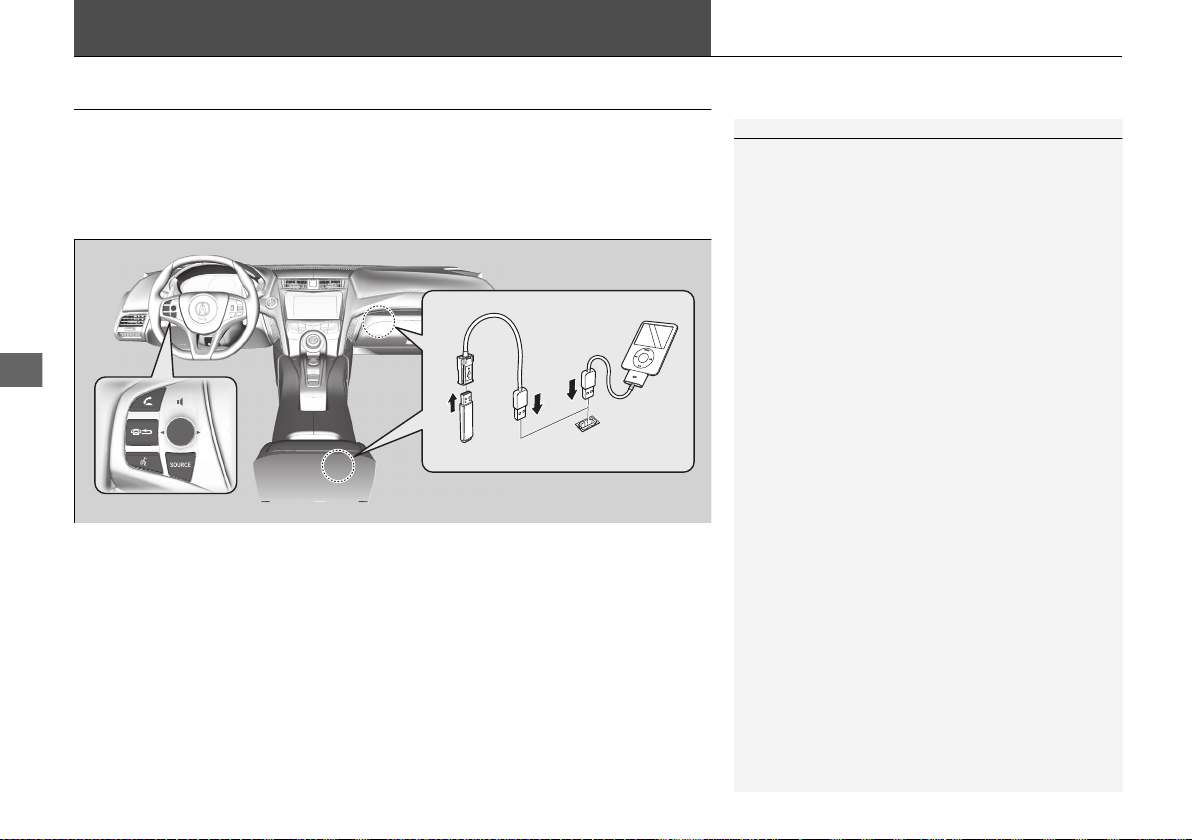
160
Features
Audio System
About Your Audio System
The audio system features FM radio and SiriusXM® Radio service
*
. It can also play
USB flash drives, and iPod, iPhone and Bluetooth® devices.
You can operate the audio system from the icons on the touchscreen interface or
the remote controls on the steering wheel.
1About Your Audio System
SiriusXM® Radio
*
is available on a subscription basis
only. For more information on SiriusXM® Radio,
contact an authorized Acura NSX dealer.
2 General Information on the Audio System
P. 224
SiriusXM® Radio
*
is available in the United States and
Canada, except Hawaii, Alaska, and Puerto Rico.
SiriusXM®
*
is a registered trademark of SiriusXM
Radio, Inc.
iPod, iPhone and iTunes are trademarks of Apple Inc.
State or local laws may prohibit the operation of
handheld electronic devices while operating a
vehicle.
Remote Controls
iPod
USB Flash Drive
* Not available on all models
19 NSX-31T6N6200.book 160 ページ 2018年8月9日 木曜日 午前11時12分
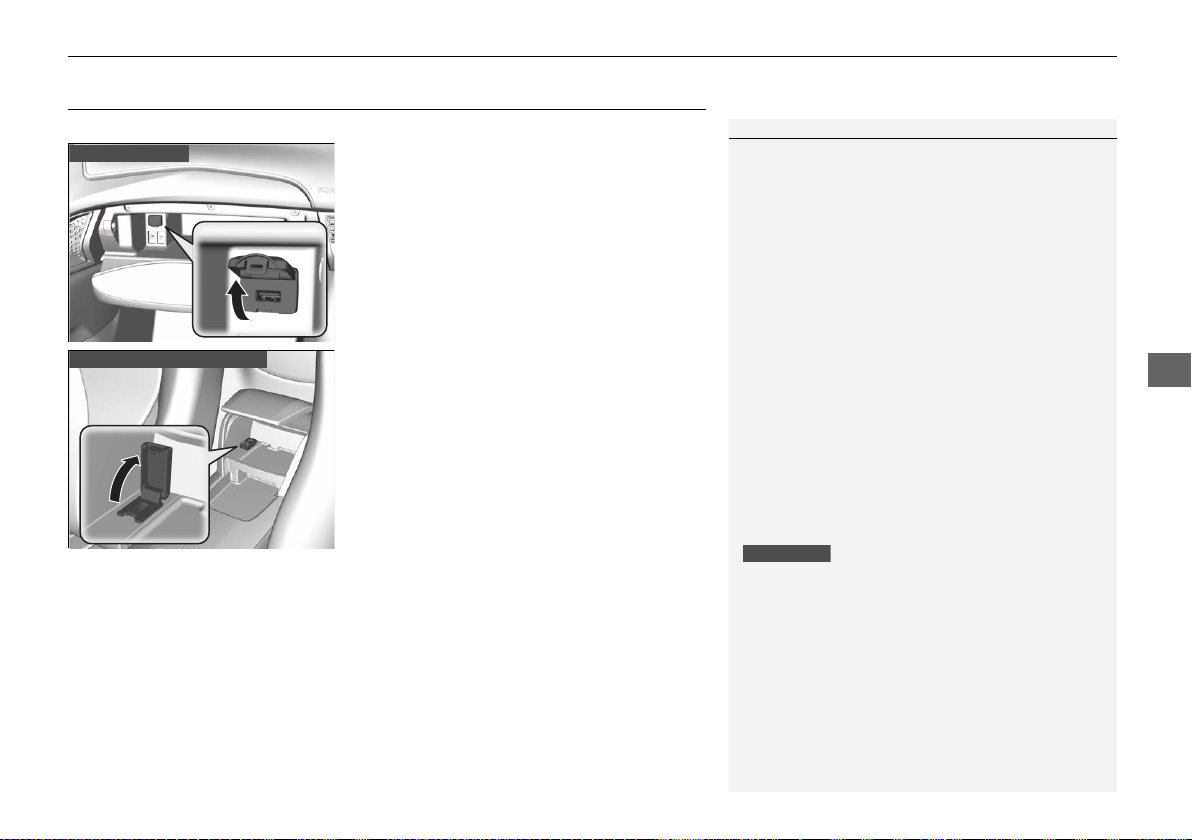
161
uuAudio SystemuUSB Ports
Features
USB Ports
Install the iPod USB connector or the USB flash drive to the USB port.
■ In the glove box
The USB port (1.0A) is for playing audio files
on a USB flash drive and connecting a cellular
phone and charging device.
■ In the console compartment
The USB port (1.5A) is for charging devices,
playing audio files and connecting compatible
phones with Apple CarPlay or Android Auto.
1USB Ports
• Do not leave the iPod or USB flash drive in the
vehicle. Direct sunlight and high temperatures may
damage it.
• We recommend using an extension cable with the
USB port.
• Do not connect the iPod or USB flash drive using a
hub.
• Do not use a device such as a card reader or hard
disk drive, as the device or your files may be
damaged.
• We recommend keeping your data backed up
before using the device in your vehicle.
• Displayed messages may vary depending on the
device model and software version.
If the audio system does not recognize the iPod, try
reconnecting it a few times or reboot the device. To
reboot, follow the manufacturer’s instructions
provided with the iPod or visit www.apple.com/ipod.
The USB port can supply up to 1.0A/1.5A of power. It
does not output 1.0A/1.5A unless requested by the
device.
For amperage details, read the operating manual of
the device that needs to be charged.
Set the power mode to ACCESSORY or ON first.
Under certain conditions, a device connected to the
port may generate noise in the radio you are listening
to.
USB charge
In the glove box
In the console compartment
19 NSX-31T6N6200.book 161 ページ 2018年8月9日 木曜日 午前11時12分
162
uuAudio SystemuAudio System Theft Protection
Features
Audio System Theft Protection
The audio system is disabled when it is disconnected from the power source, such as
when the 12-volt battery is disconnected or goes dead. In certain conditions, the
system may display a code entry screen. If this occurs, reactivate the audio system.
■ Reactivating the audio system
1. Set the power mode to ON.
2. Turn on the audio system.
3. Select and hold the (power/audio) icon for more than two seconds.
u The audio system is reactivated when the audio control unit establishes a
connection with the vehicle control unit. If the control unit fails to recognize
the audio unit, you must go to an authorized Acura NSX dealer and have the
audio unit checked.
19 NSX-31T6N6200.book 162 ページ 2018年8月9日 木曜日 午前11時12分
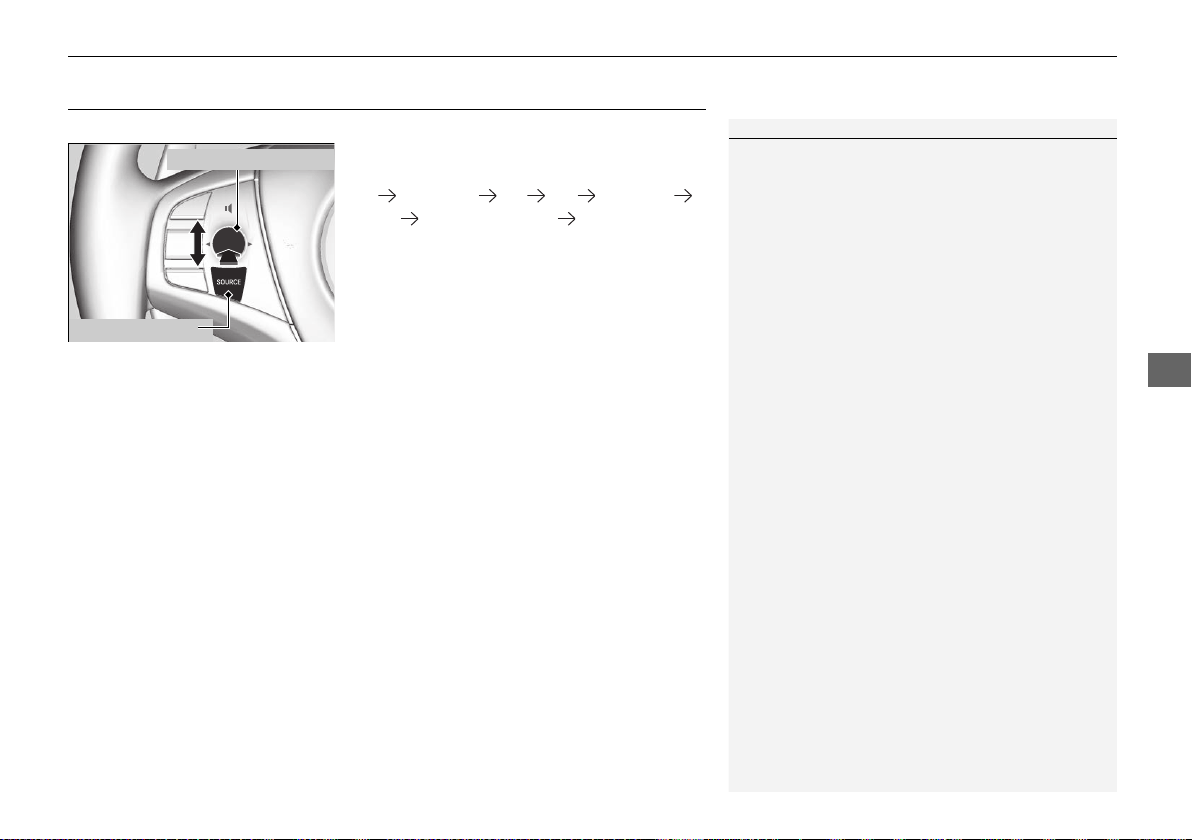
163
uuAudio SystemuAudio Remote Controls
Features
Audio Remote Controls
Allows you to operate the audio system while driving.
SOURCE Button
Cycles through the audio modes as follows:
FM SiriusXM®
*
USB iPod Pandora®
*
Apps
*
Bluetooth® Audio Audio Apps
*
Left Selector Wheel
Roll Up: To increase the volume.
Roll Down: To decrease the volume.
Push: To mute. Push again to unmute.
• When listening to the radio
Move to the right: To select the next preset radio station.
Move to the left: To select the previous preset radio station.
Move to the right and hold: To select the next strong station.
Move to the left and hold: To select the previous strong station.
• When listening to an iPod, USB flash drive, or Bluetooth® Audio
Move to the right: To skip to the next song.
Move to the left: To go back to the beginning of the current or previous song.
Move to the right and hold: To skip to the next folder.
Move to the left and hold: To go back to the previous folder.
• When listening to Pandora®
*
Move to the right: To skip to the next song.
Move to the right and hold: To select the next station.
Move to the left and hold: To select the previous station.
1Audio Remote Controls
Some mode appears only when an appropriate
device or medium is used.
Left Selector Wheel
SOURCE Button
* Not available on all models
19 NSX-31T6N6200.book 163 ページ 2018年8月9日 木曜日 午前11時12分
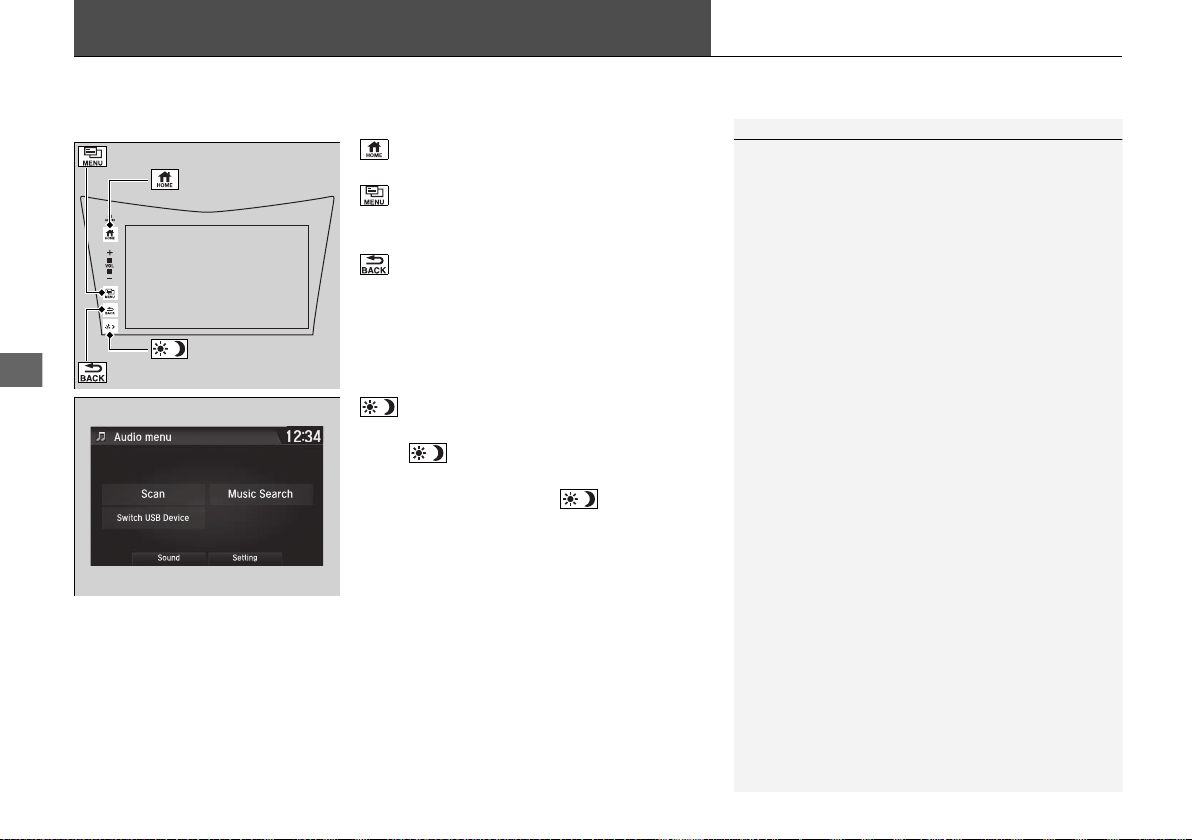
164
Features
Audio System Basic Operation
To use the audio system function, the power mode must be in ACCESSORY or ON.
: Select to go to the home screen.
2 Switching the Display P. 165
: Select to display available options
including Sound, View Radio Text, Music
Search, and playback modes.
: Select to go back to the previous screen.
: Select to change the audio/information
screen brightness.
Select once and select
(- or (+ to make
an adjustment.
u Each time you select , the mode
switches among the daytime mode,
nighttime mode and off mode.
1Audio System Basic Operation
Audio Menu Items
2 Station List P. 187, 189
2 Music Search List P. 198, 207
2 Scan P. 188, 189, 196, 208
2 Play Mode P. 199, 208
(Home) Icon
(Menu) Icon
(Day/Night) Icon
(Back) Icon
19 NSX-31T6N6200.book 164 ページ 2018年8月9日 木曜日 午前11時12分
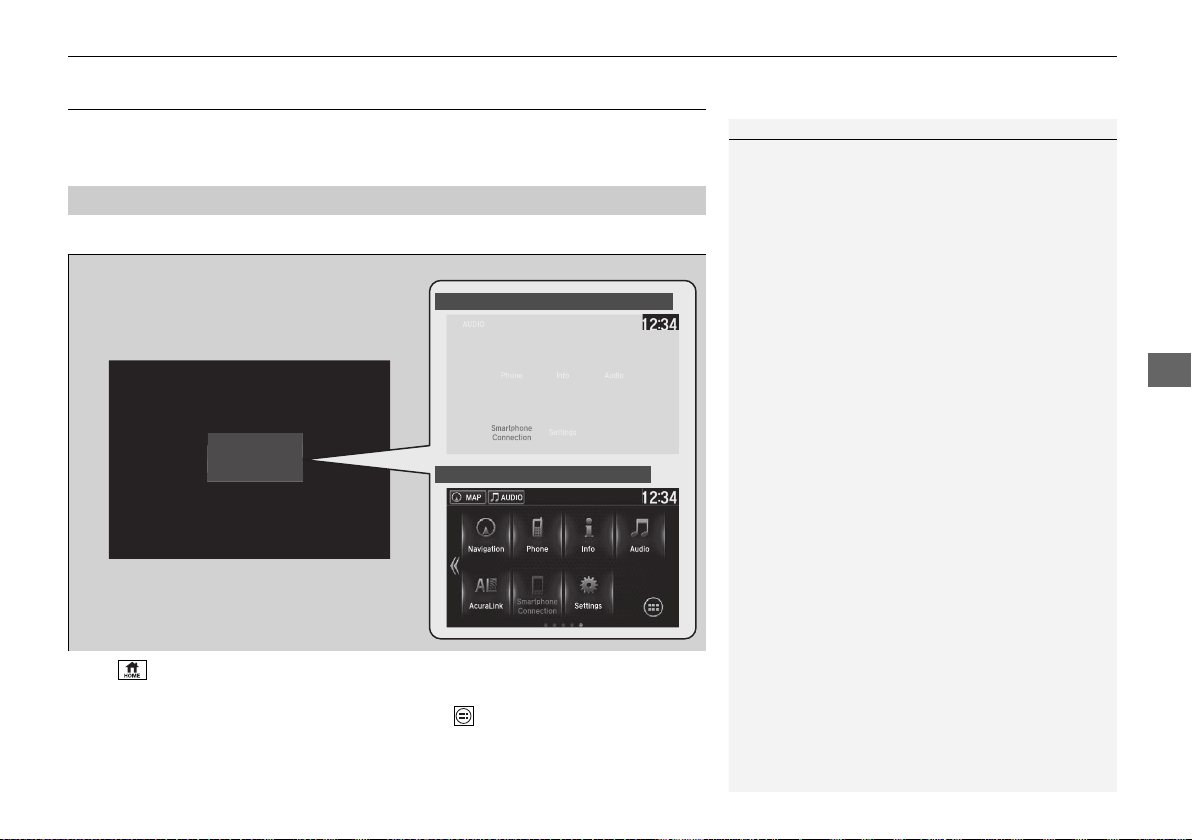
165
uuAudio System Basic OperationuAudio/Information Screen
Continued
Features
Audio/Information Screen
Displays the audio status and wallpaper. From this display, you can go to various
setup options.
■ Using the audio/information screen
Select to go to the home screen.
Select Phone, Info, Audio, Settings, Navigation
*
, AcuraLink
*
, Smartphone
Connection (Apple CarPlay, Android Auto), or (app list).
■
Switching the Display
1Using the audio/information screen
Touchscreen operation
• Use simple gestures - including touching, swiping
and scrolling - to operate certain audio functions.
• Some items may be grayed out during driving to
reduce the potential for distraction.
• You can select them when the vehicle is stopped or
use voice commands.
• Wearing gloves may limit or prevent touchscreen
response.
• You can use the microfiber cleaning cloth included
in your owner’s kit to remove dust or fingerprints
from the touchscreen.
Home Screen
Models without navigation system
Models with navigation system
* Not available on all models
19 NSX-31T6N6200.book 165 ページ 2018年8月9日 木曜日 午前11時12分
166
uuAudio System Basic OperationuAudio/Information Screen
Features
■ Phone
Displays the HFL information.
2 Bluetooth® HandsFreeLink® P. 268
■ Info
Displays Trip Computer or Clock/Wallpaper. Select on the Info Menu screen
to see all available options: Trip Computer, Voice Info, Clock/Wallpaper and
System/Device Information.
Trip Computer:
• Current Drive tab: Displays the current trip information.
• History of Trip A tab: Displays information for the three previous drives. The
information is stored every time you reset Trip A.
To delete the history manually, select Delete History on the History of Trip A
tab. The confirmation message appears on the screen, then select Yes.
Voice Info: Displays a list of all voice commands.
Clock/Wallpaper: Displays the clock and wallpaper.
System/Device Information:
• System Info: Displays the software version of the audio system.
• USB Info: Displays the memory usage of the USB device.
■ Audio
Displays the current audio information.
■ Settings
Enters the customizing menu screen.
2 Customized Features P. 242
19 NSX-31T6N6200.book 166 ページ 2018年8月9日 木曜日 午前11時12分

167
uuAudio System Basic OperationuAudio/Information Screen
Continued
Features
■ Navigation
*
Displays the navigation screen.
2 Refer to the Navigation System Manual
■ AcuraLink
*
Is a subscription-based service that can provide convenient features such as voice
communication if an airbag deploys, online security, and one-on-one operator
assistance.
2 AcuraLink®
*
P. 302
■ Smartphone Connection
Displays Apple CarPlay or Android Auto.
2 Apple CarPlay
TM
P. 214
2 Android Auto
TM
P. 217
■ App List
Adds or removes apps or widgets on the home screen.
2 Home Screen P. 171
* Not available on all models
19 NSX-31T6N6200.book 167 ページ 2018年8月9日 木曜日 午前11時12分
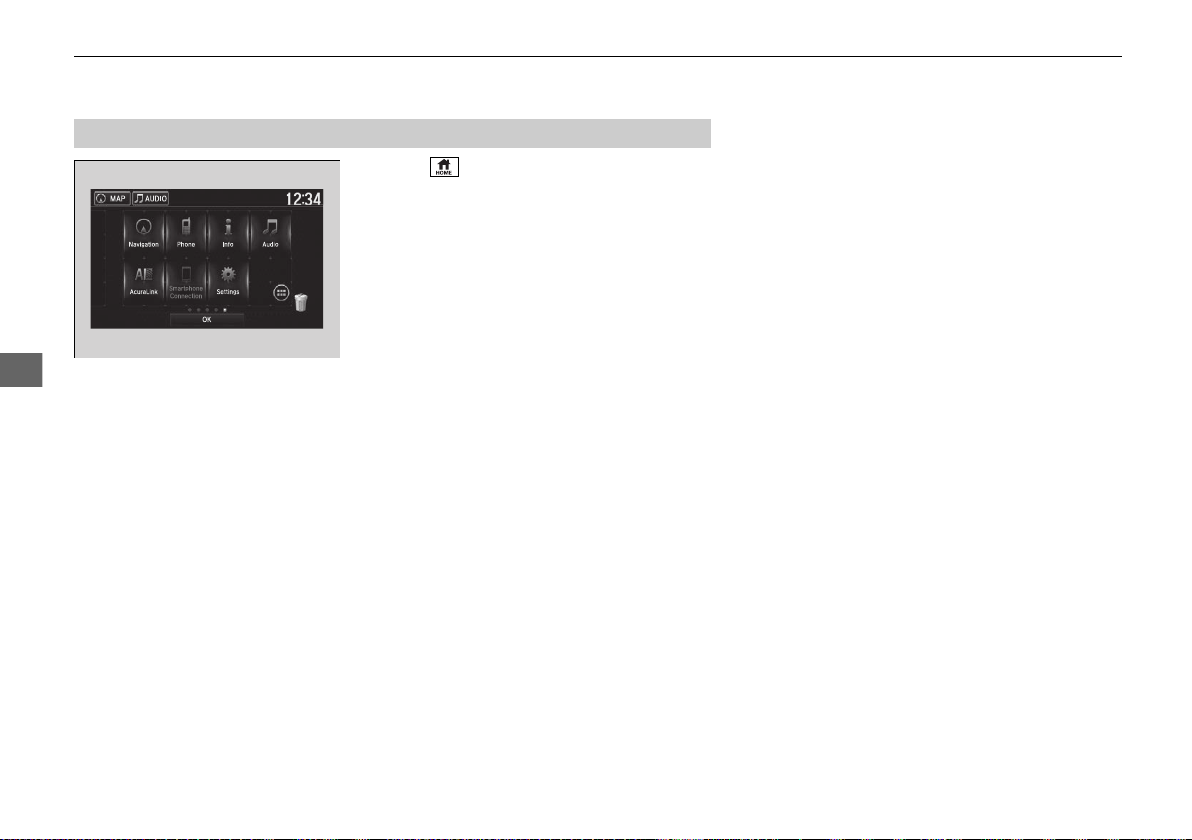
168
uuAudio System Basic OperationuAudio/Information Screen
Features
1. Select .
2. Select and hold an icon.
u The screen switches to the customization
screen.
3. Drag and drop the icon to where you want
it to be.
4. Select OK.
u The screen will return to the home
screen.
■
Changing the Home Screen Icon Layout
19 NSX-31T6N6200.book 168 ページ 2018年8月9日 木曜日 午前11時12分
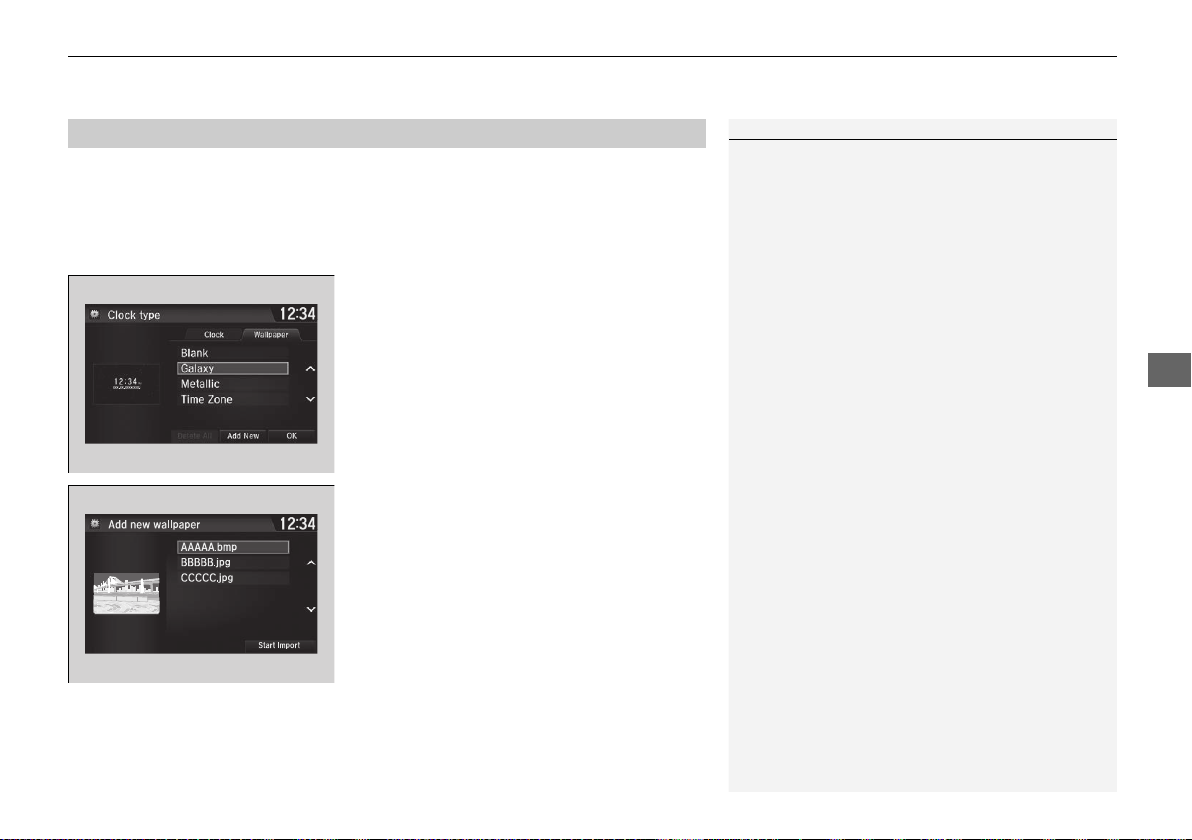
Continued
169
uuAudio System Basic OperationuAudio/Information Screen
Features
You can change, store, and delete the wallpaper on the audio/information screen.
■ Import wallpaper
You can import up to five images, one at a time, for wallpaper from a USB flash
drive.
1. Connect the USB flash drive to the USB
port.
2 USB Ports P. 161
2. Select Settings.
3. Select Clock/Info.
4. Select Clock/Wallpaper Type, then open
the Wallpaper tab.
5. Select Add New.
u The picture name is displayed on the list.
6. Select a desired picture.
u The preview is displayed on the left side
on the screen.
7. Select Start Import to save the data.
u The display will return to the wallpaper
list.
■
Wallpaper Setup
1Wallpaper Setup
The wallpaper you set up on Clock/Wallpaper Type
cannot be displayed on the driver information
interface.
• When importing wallpaper files, the image must be
in the USB flash drive’s root directory.
Images in a folder cannot be imported.
• The file name must be fewer than 64 characters.
• The file format of the image that can be imported
is BMP (bmp) or JPEG (jpg).
• The individual file size limit is 5 MB.
• The maximum image size is 4,096 × 4,096 pixels. If
the image size is less than 800 × 480 pixels, the
image is displayed in the middle of the screen with
the extra area appearing in black.
• If the USB flash drive does not have any pictures,
the No files detected message appears.
19 NSX-31T6N6200.book 169 ページ 2018年8月9日 木曜日 午前11時12分
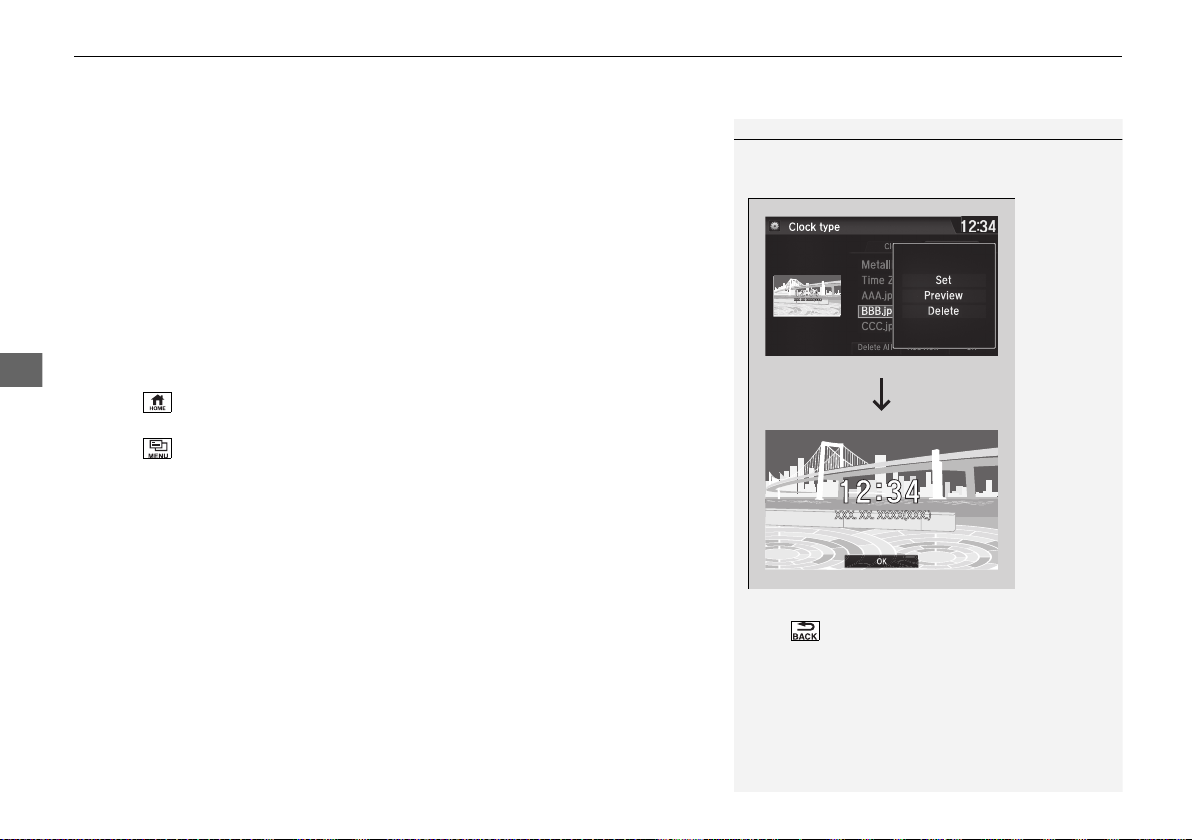
uuAudio System Basic OperationuAudio/Information Screen
170
Features
■ Select wallpaper
1. Select Settings.
2. Select Clock/Info.
3. Select Clock/Wallpaper Type, then open the Wallpaper tab.
u The screen changes to the wallpaper list.
4. Select a desired wallpaper.
u The preview is displayed on the left side on the screen.
u The pop-up menu appears on the screen.
5. Select Set.
u The display will return to the wallpaper list.
■ To view wallpaper once it is set
1. Select .
2. Select Info.
3. Select .
4. Select Clock/Wallpaper.
■ Delete wallpaper
1. Select Settings.
2. Select Clock/Info.
3. Select Clock/Wallpaper Type, then open the Wallpaper tab.
u The screen changes to the wallpaper list.
4. Select a wallpaper that you want to delete.
u The preview is displayed on the left side on the screen.
u The pop-up menu appears on the screen.
5. Select Delete.
u A confirmation message appears on the screen.
6. Select Yes to delete completely.
u The display will return to the wallpaper list.
1Wallpaper Setup
From the pop-up menu, select Preview to see a
preview at full-size screen.
To go back to the previous screen, select OK, or
select .
When the file size is large, it takes a while to be
previewed.
To delete all wallpapers you add, select Delete All,
then Yes.
19 NSX-31T6N6200.book 170 ページ 2018年8月9日 木曜日 午前11時12分
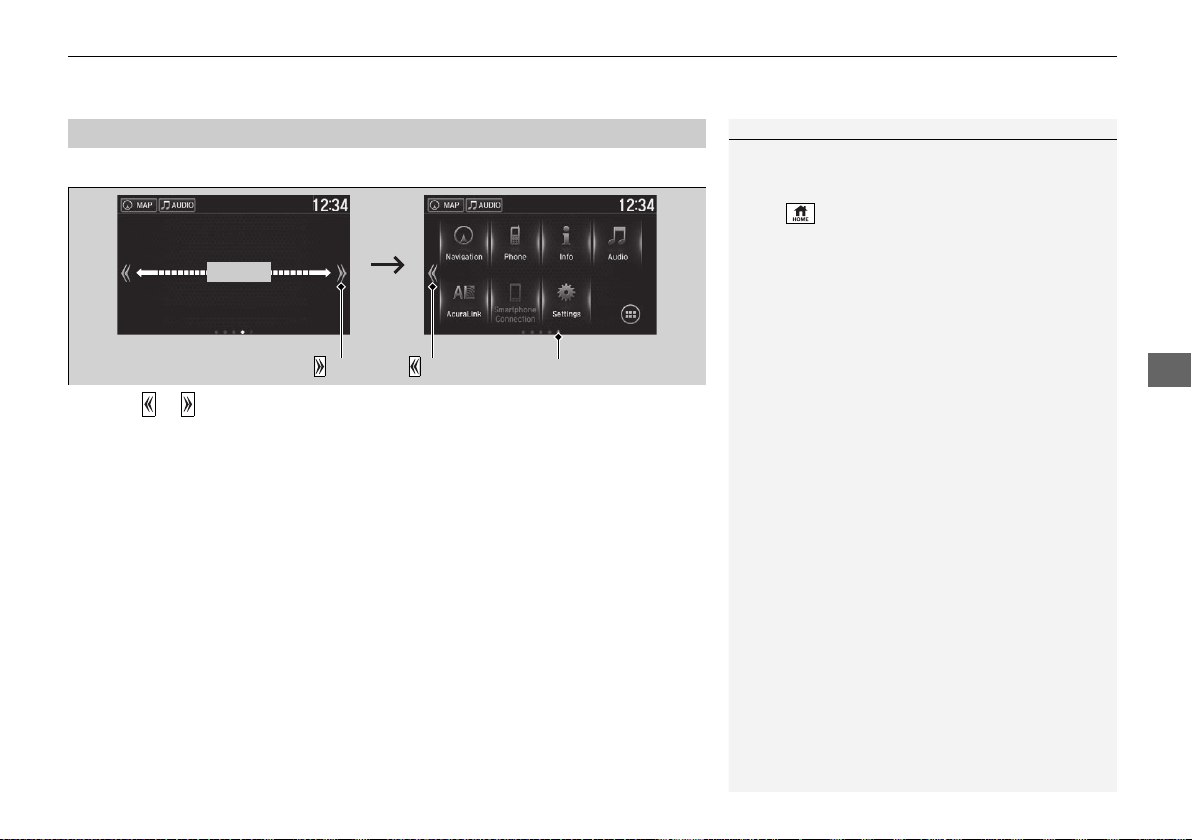
Continued
171
uuAudio System Basic OperationuAudio/Information Screen
Features
■ To change to a next screen
Selecting or , or swiping the screen left or right changes to the next screen.
■
Home Screen
1Home Screen
The home screen has 5 pages (fixed). You cannot add
any more pages.
Select to go directly back to the first page of the
home screen from any page.
Swipe
Icon
Icon
Current page position
19 NSX-31T6N6200.book 171 ページ 2018年8月9日 木曜日 午前11時12分
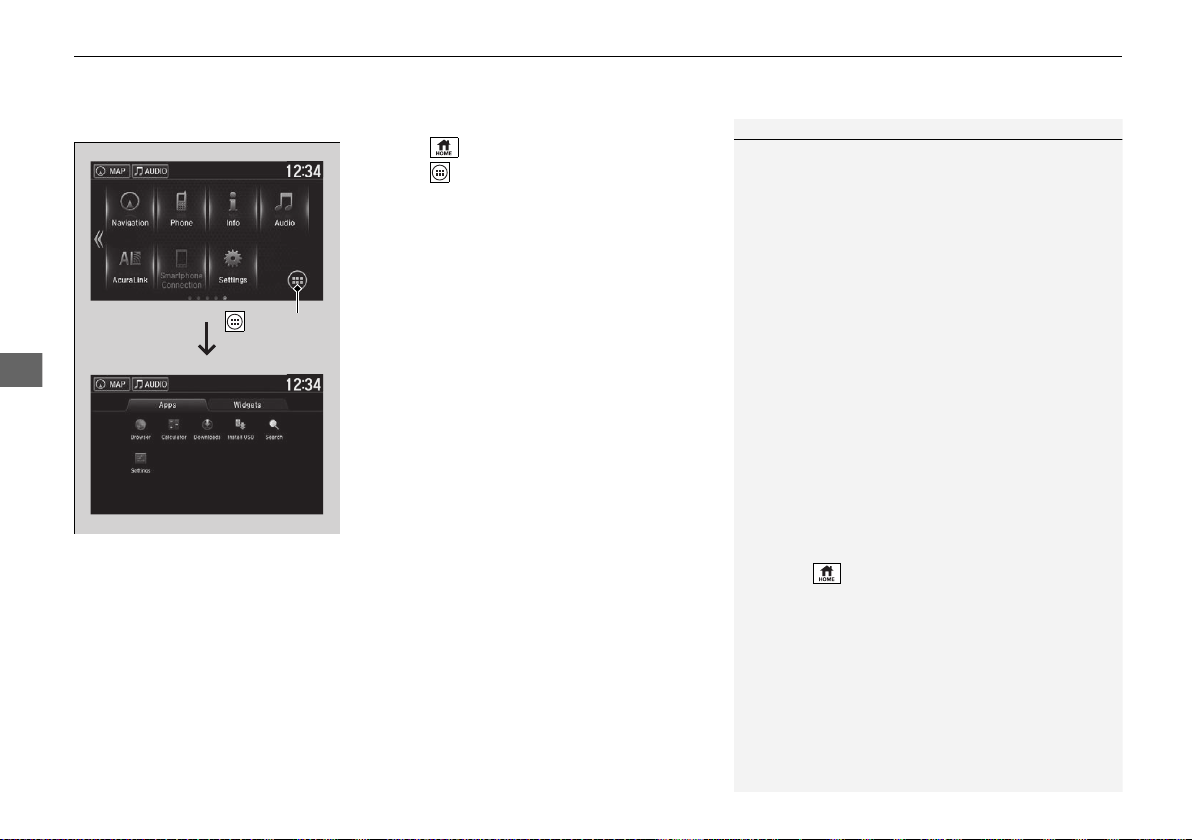
uuAudio System Basic OperationuAudio/Information Screen
172
Features
■ To use apps or widgets
1. Select .
2. Select (app list) icon.
u The Apps screen appears.
3. Select the app or widget you want to use.
Pre-installed app list:
• Browser: Displays the web browser utilized
by smartphone and Wi-Fi connection.
• Calculator: Displays Calculator.
• Downloads: Displays the data
downloaded from the web browser and so
on.
• Install USB: Installs the driver for the USB
flash drive.
• Search: Displays various retrieval screen.
• Settings: Displays the Android setting
screen.
1To use apps or widgets
Select and hold a selected app or widget to add that
app’s or widget’s shortcut on the home screen.
Pre-installed apps may not start up normally. If this
occurs, you need to reset the system.
2 Defaulting All the Settings P. 264
If you perform Factory Data Reset, it may reset all
the settings to their factory default.
2 Defaulting All the Settings P. 264
In case those apps still do not startup normally even
after Factory Data Reset, contact an authorized
Acura NSX dealer.
There is a possibility that a browser is shut down in
the situation of the use. In that situation, the screen
will return to before the browser startup.
You can delete user installed apps by the following
procedure.
1. Select .
2. Select Settings.
3. Select System.
4. Select the Others tab.
5. Select Detail Information.
6. Select Apps.
7. Select an app that you want to delete.
8. Select Delete.
Pre-installed apps cannot be deleted.
(App List)
Icon
19 NSX-31T6N6200.book 172 ページ 2018年8月9日 木曜日 午前11時12分
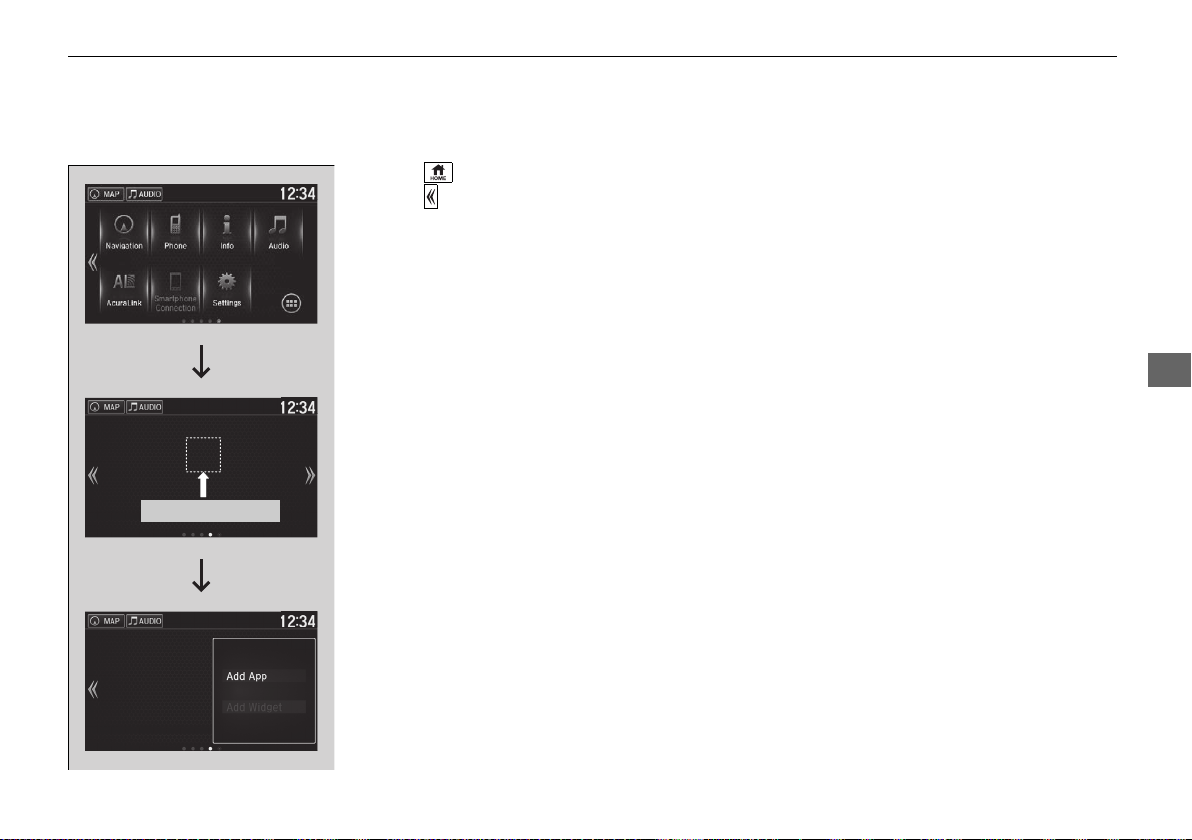
173
uuAudio System Basic OperationuAudio/Information Screen
Continued
Features
■ To add app or widget icons on the home screen
App or widget icons can be added on the home screen.
1. Select .
2. Select .
3. Select and hold empty space on the home
screen.
u The pop-up menu appears on the screen.
4. Select Add App or Add Widget.
u The Apps/Widgets screen appears.
Select and hold.
19 NSX-31T6N6200.book 173 ページ 2018年8月9日 木曜日 午前11時12分
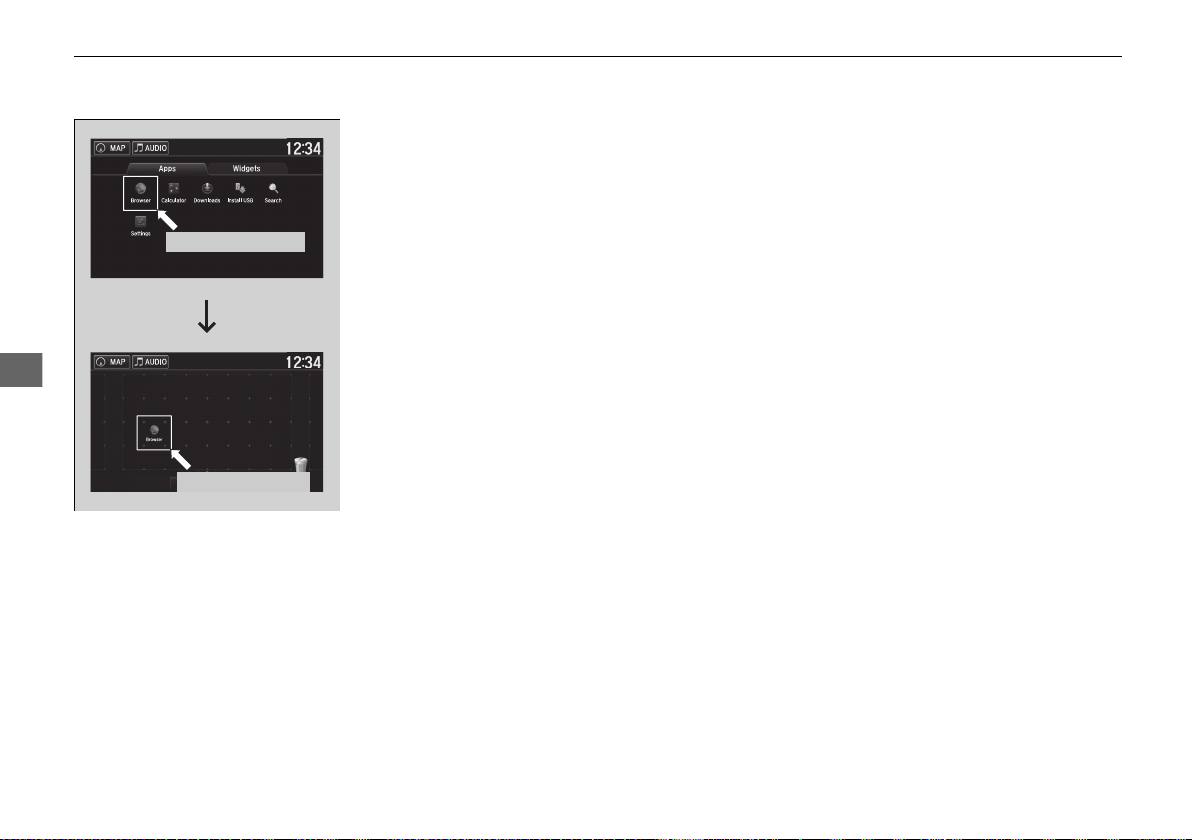
174
uuAudio System Basic OperationuAudio/Information Screen
Features
5. Select and hold an app or widget icon you
want to add.
u The screen switches to the customization
screen.
6. Drag and drop the icon to where you want
it to be.
7. Select OK.
u The screen will return to the home
screen.
Select and hold.
Drag and drop.
19 NSX-31T6N6200.book 174 ページ 2018年8月9日 木曜日 午前11時12分
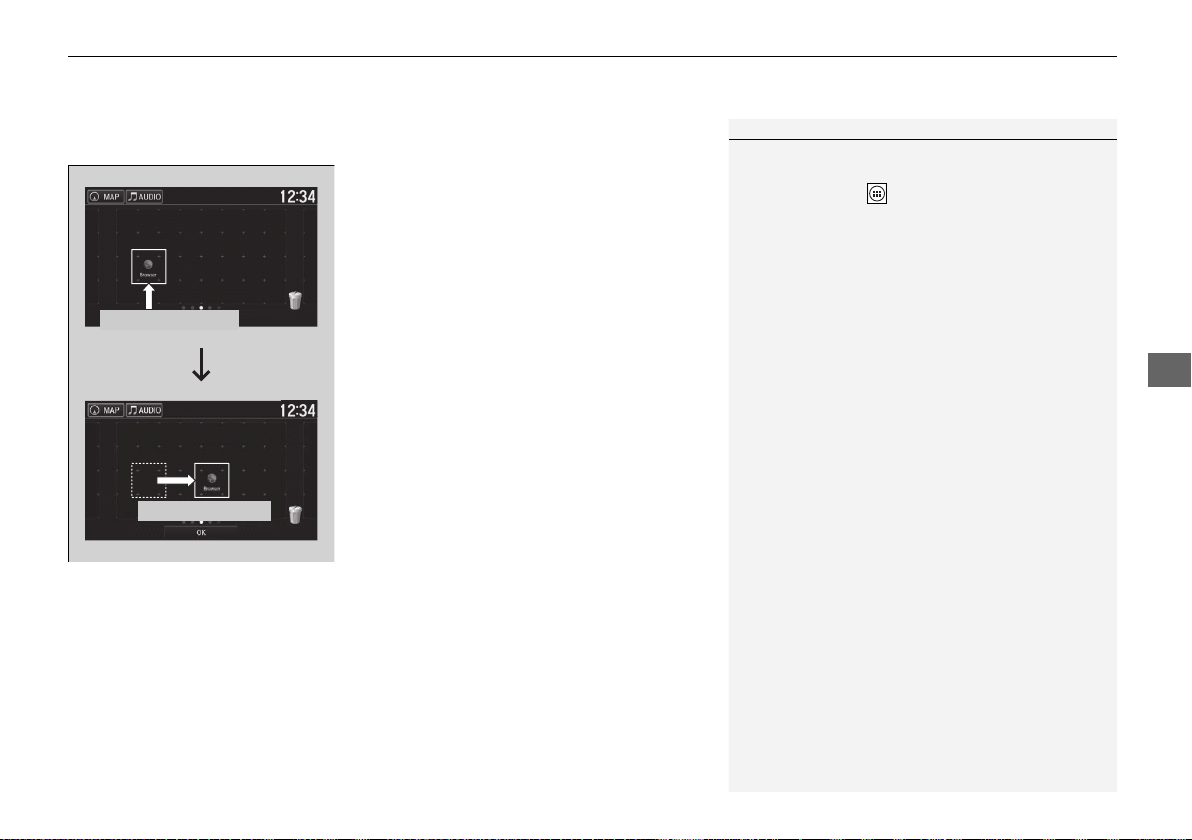
Continued
175
uuAudio System Basic OperationuAudio/Information Screen
Features
■ To move icons on the home screen
You can change location on the home screen.
1. Select and hold an icon.
u The screen switches to the customization
screen.
2. Drag and drop the icon to where you want
it to be.
3. Select OK.
u The screen will return to the home
screen.
1To move icons on the home screen
You can also move the Phone, Info, Audio,
Settings, Navigation
*
, AcuraLink
*
, Smartphone
Connection, and (app list) icons in the same
manner.
Select and hold.
Drag and drop.
* Not available on all models
19 NSX-31T6N6200.book 175 ページ 2018年8月9日 木曜日 午前11時12分
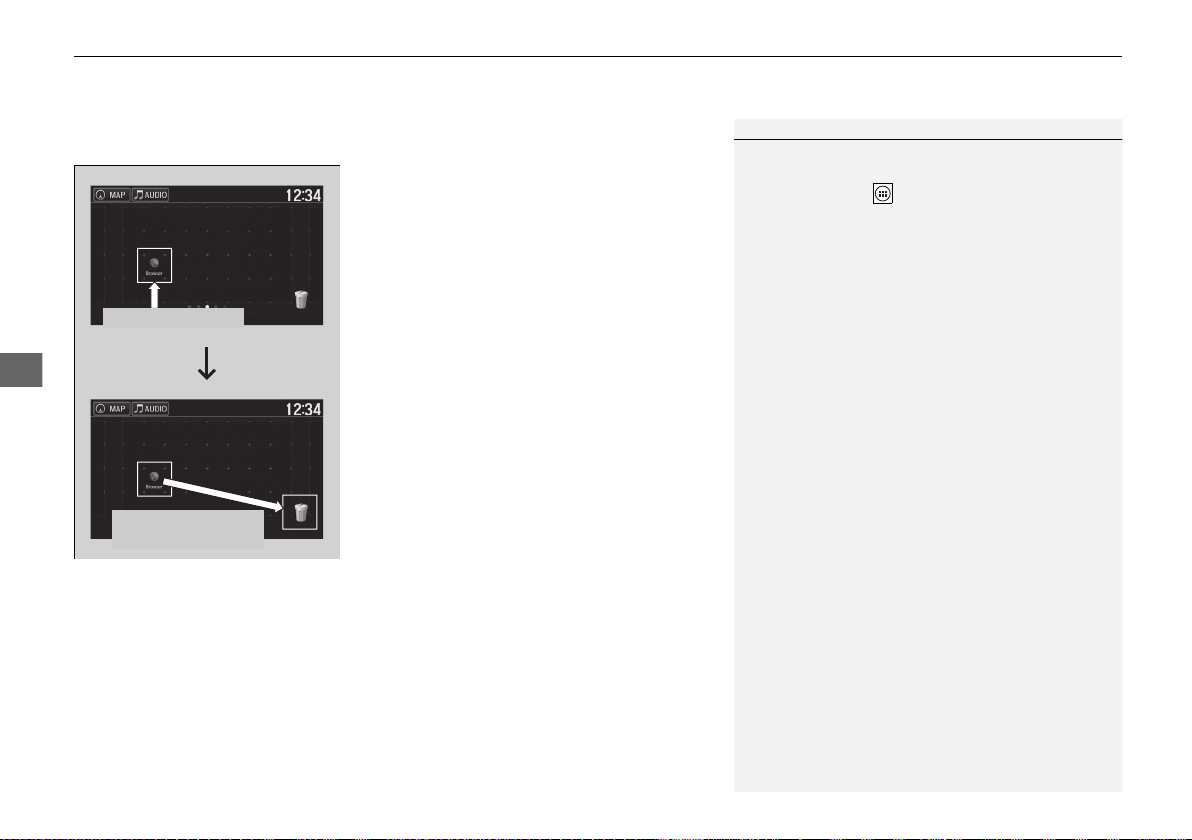
uuAudio System Basic OperationuAudio/Information Screen
176
Features
■ To remove icons from the home screen
You can delete the icons on the home screen.
1. Select and hold an icon.
u The screen switches to the customization
screen.
2. Drag and drop the icon you want to remove
to the trash icon.
u The icon is removed from the home
screen.
3. Select OK.
u The screen will return to the home
screen.
1To remove icons from the home screen
You cannot delete the Phone, Info, Audio,
Settings, Navigation
*
, AcuraLink
*
, Smartphone
Connection, and (app list) icons.
Apps or widgets will not be deleted by deleting the
icon on the home screen.
Select and hold.
Drag and drop to
trash icon.
* Not available on all models
19 NSX-31T6N6200.book 176 ページ 2018年8月9日 木曜日 午前11時12分
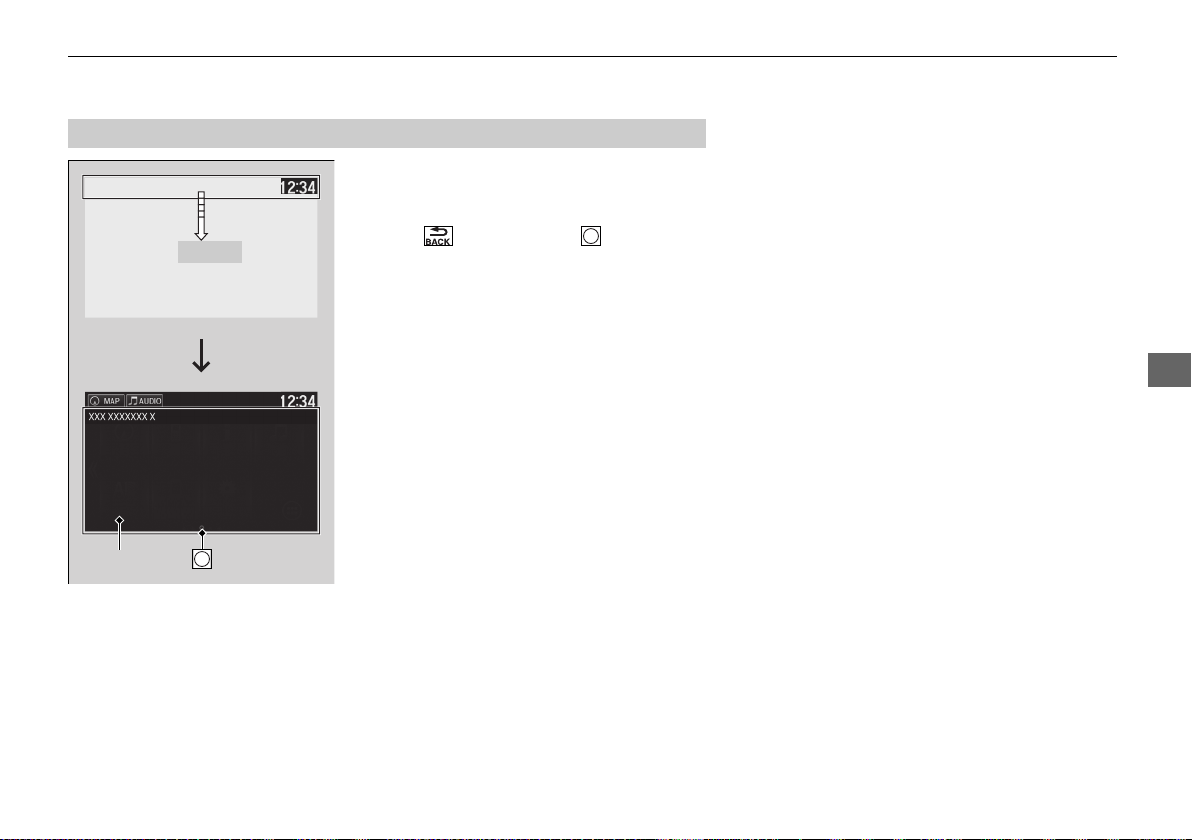
177
uuAudio System Basic OperationuAudio/Information Screen
Continued
Features
1. Swipe the upper area of the screen.
u The status area appears.
2. Select an item to see the details.
3. Select or swipe up the icon to close
the area.
■
Status Area
Swipe
Status Area Icon
19 NSX-31T6N6200.book 177 ページ 2018年8月9日 木曜日 午前11時12分
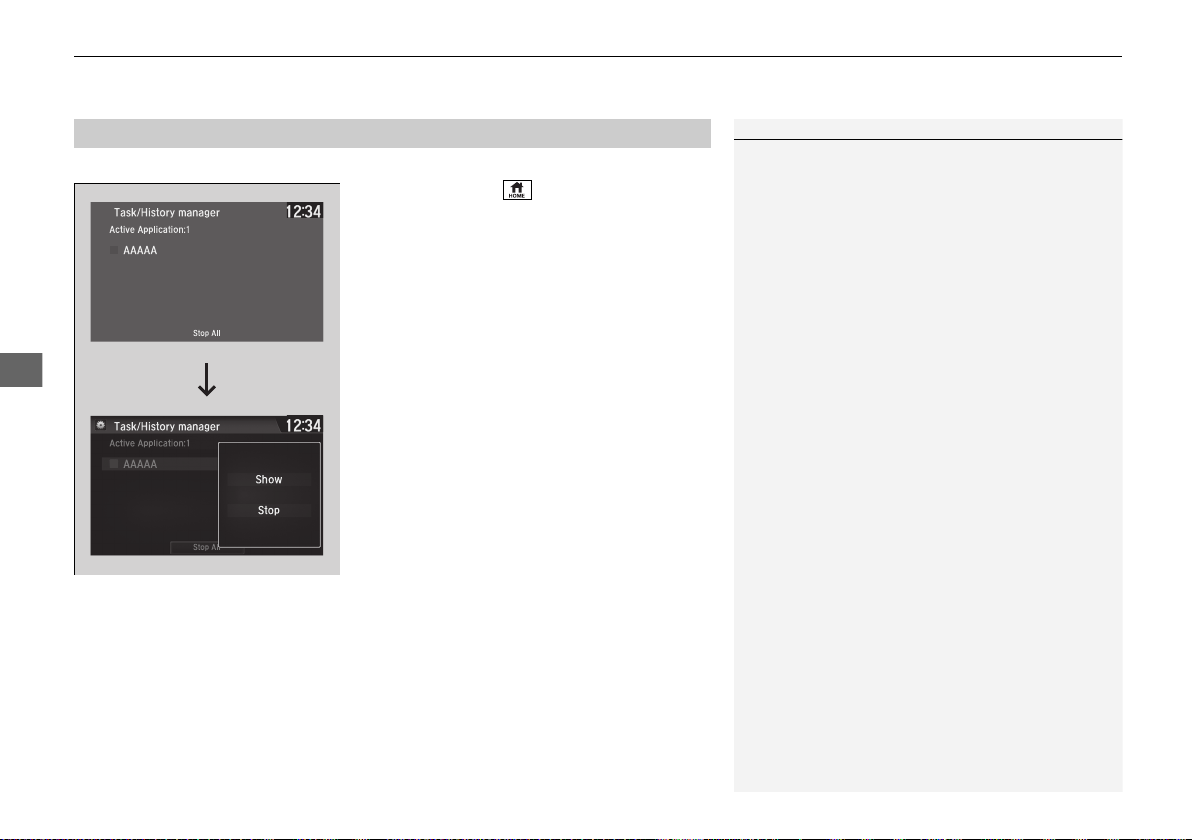
uuAudio System Basic OperationuAudio/Information Screen
178
Features
You can close specific apps running in the background on the system.
1. Select and hold .
2. Select an app you want to close.
3. Select Stop.
u The display will return to the app list.
■
Closing Apps
1Closing Apps
If you have a number of apps running in the
background and something goes wrong with the
audio system, some of those apps may not work
properly. If this happens, close all the apps and re-
launch the app/apps that you want to use.
To close all apps on the system, select Stop All, then
Yes.
You cannot close the Garmin
*
apps.
* Not available on all models
19 NSX-31T6N6200.book 178 ページ 2018年8月9日 木曜日 午前11時12分
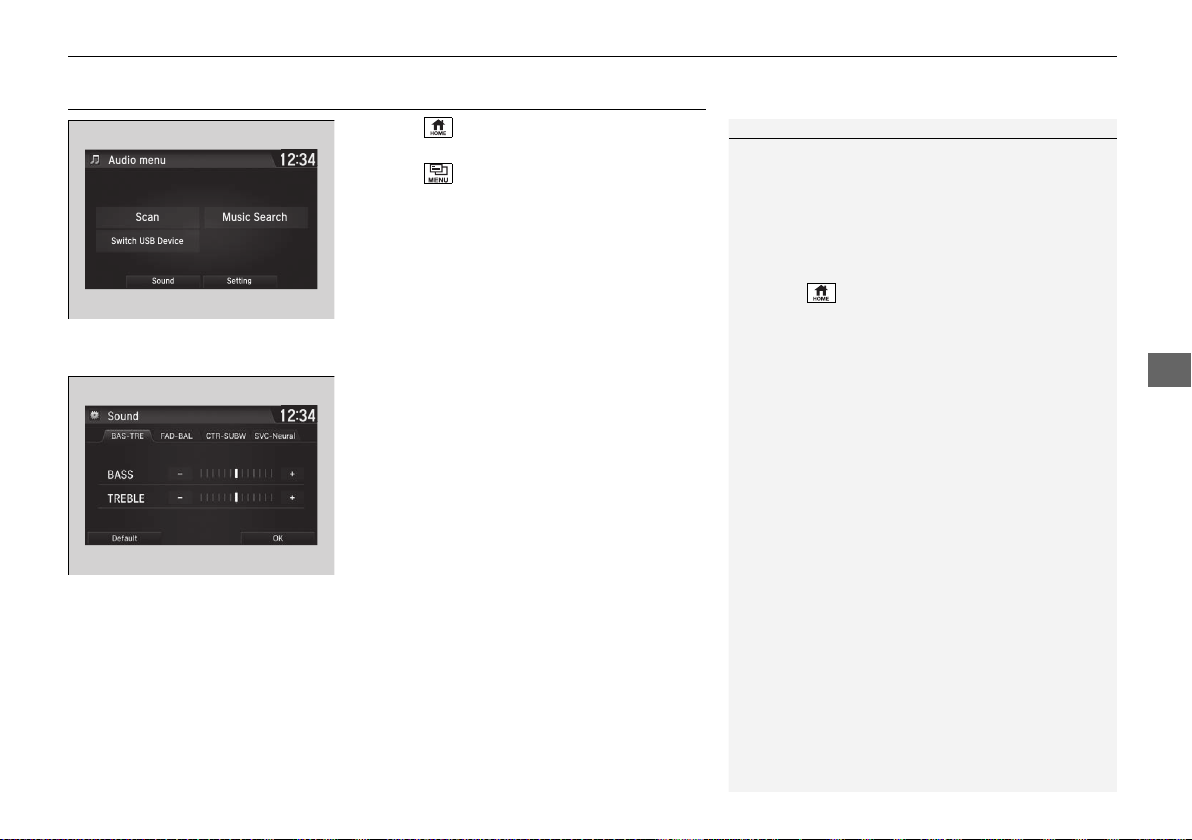
179
uuAudio System Basic OperationuAdjusting the Sound
Features
Adjusting the Sound
1. Select .
2. Select Audio.
3. Select .
4. Select Sound.
Select a tab from the following choices:
• BAS-TRE: Bass, Treble
• FAD-BAL: Fader, Balance
• CTR
*
-SUBW: Center
*
, Subwoofer
• SVC-Neural
*
: Speed Volume
Compensation, DTS Neural Surround
TM*
1Adjusting the Sound
The SVC has four modes: Off, Low, Mid, and High.
SVC adjusts the volume level based on the vehicle
speed. As you go faster, audio volume increases. As
you slow down, audio volume decreases.
You can also adjust the sound the following
procedure.
1. Select .
2. Select Settings.
3. Select Audio.
4. Select Sound.
* Not available on all models
19 NSX-31T6N6200.book 179 ページ 2018年8月9日 木曜日 午前11時12分
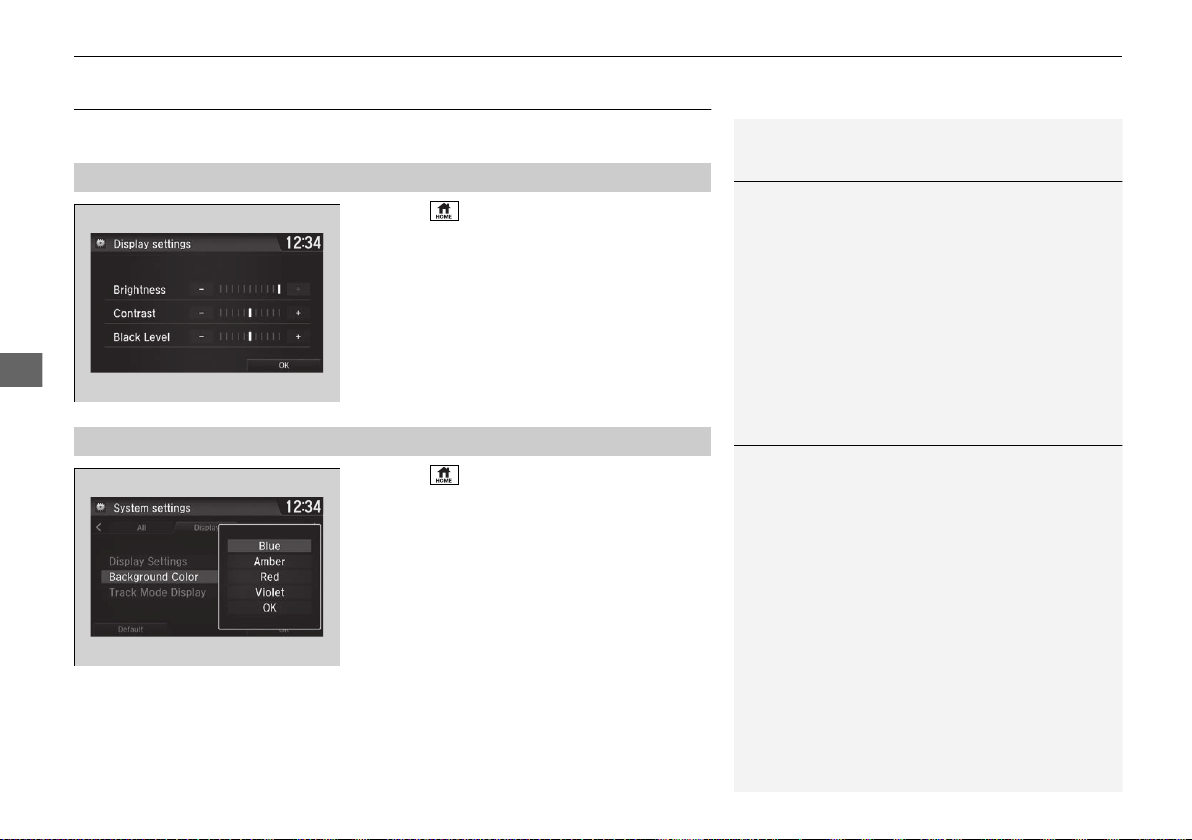
180
uuAudio System Basic OperationuDisplay Setup
Features
Display Setup
You can change the brightness or color theme of the audio/information screen.
1. Select .
2. Select Settings.
3. Select System.
4. Select the Display tab.
5. Select Display Settings.
6. Select the setting you want.
7. Select OK.
1. Select .
2. Select Settings.
3. Select System.
4. Select the Display tab.
5. Select Background Color.
6. Select the setting you want.
7. Select OK.
■
Changing the Screen Brightness
1Changing the Screen Brightness
You can change the Contrast and Black Level
settings in the same manner.
■
Changing the Screen’s Color Theme
1Changing the Screen’s Color Theme
When the vehicle is in SPORT+ or TRACK mode, the
background color of the screen automatically
changes to red.
19 NSX-31T6N6200.book 180 ページ 2018年8月9日 木曜日 午前11時12分
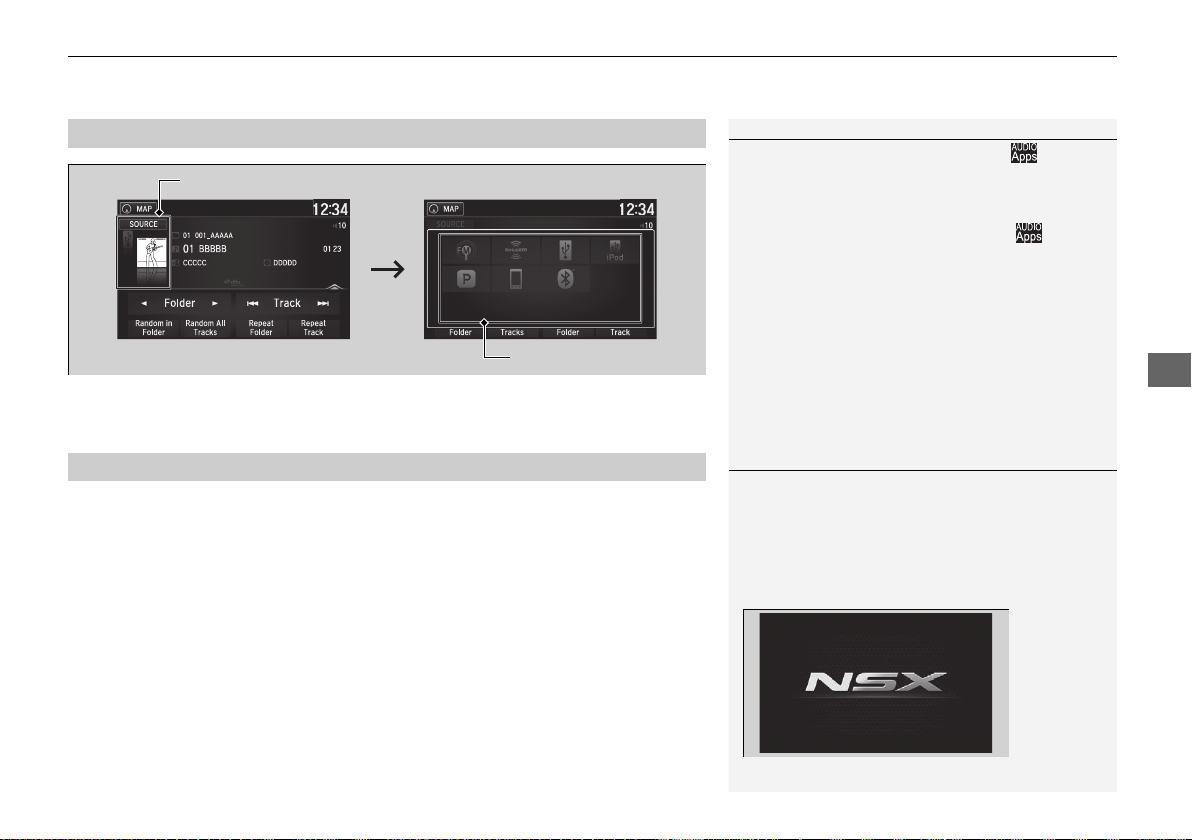
181
uuAudio System Basic OperationuDisplay Setup
Features
Select the current source icon, then select an icon on the source list to switch the
audio source.
Certain manual functions are disabled or inoperable while the vehicle is in motion.
You cannot select a grayed-out option until the vehicle is stopped.
■
Selecting an Audio Source
1Selecting an Audio Source
If you startup pre-installed audio apps, is
displayed on the lower right of the screen.
These pre-installed apps cannot be displayed on the
source select screen.
You can startup those audio apps from .
Pandora® is available only in the U.S..
■
Limitations for Manual Operation
Select the source icon.
Source Select Screen
Source List Icons
1Limitations for Manual Operation
When the vehicle is in TRACK mode, the following
screen is displayed and the audio system becomes
inoperable. To return to the normal screen, touch any
part of the audio/information screen.
You can turn the limitation on and off.
2 Customized Features P. 242
19 NSX-31T6N6200.book 181 ページ 2018年8月9日 木曜日 午前11時12分
182
uuAudio System Basic OperationuVoice Control Operation
Features
Voice Control Operation
Your vehicle has a voice control system that allows hands-free operation.
The voice control system uses the (Talk) and (hang-up/back) buttons on
the steering wheel and a microphone near the map lights on the ceiling.
To achieve optimum voice recognition when using the voice control system:
• Make sure the correct screen is displayed for the voice command that you are
using.
The system recognizes only certain commands. Available voice commands.
2 Voice Portal Screen P. 183
• Close the windows.
• Adjust the dashboard and side vents so air does not blow onto the microphone
on the ceiling.
• Speak clearly in a natural speaking voice without pausing between words.
• Reduce any background noise if possible. The system may misinterpret your
command if more than one person is speaking at the same time.
■
Voice Recognition
1Voice Control Operation
When you press the button, a helpful prompt asks
what you would like to do. Press and release the
button again to bypass this prompt and give a
command.
1Voice Recognition
The voice control system can only be used from the
driver’s seat because the microphone unit removes
noises from the front passenger’s side.
19 NSX-31T6N6200.book 182 ページ 2018年8月9日 木曜日 午前11時12分
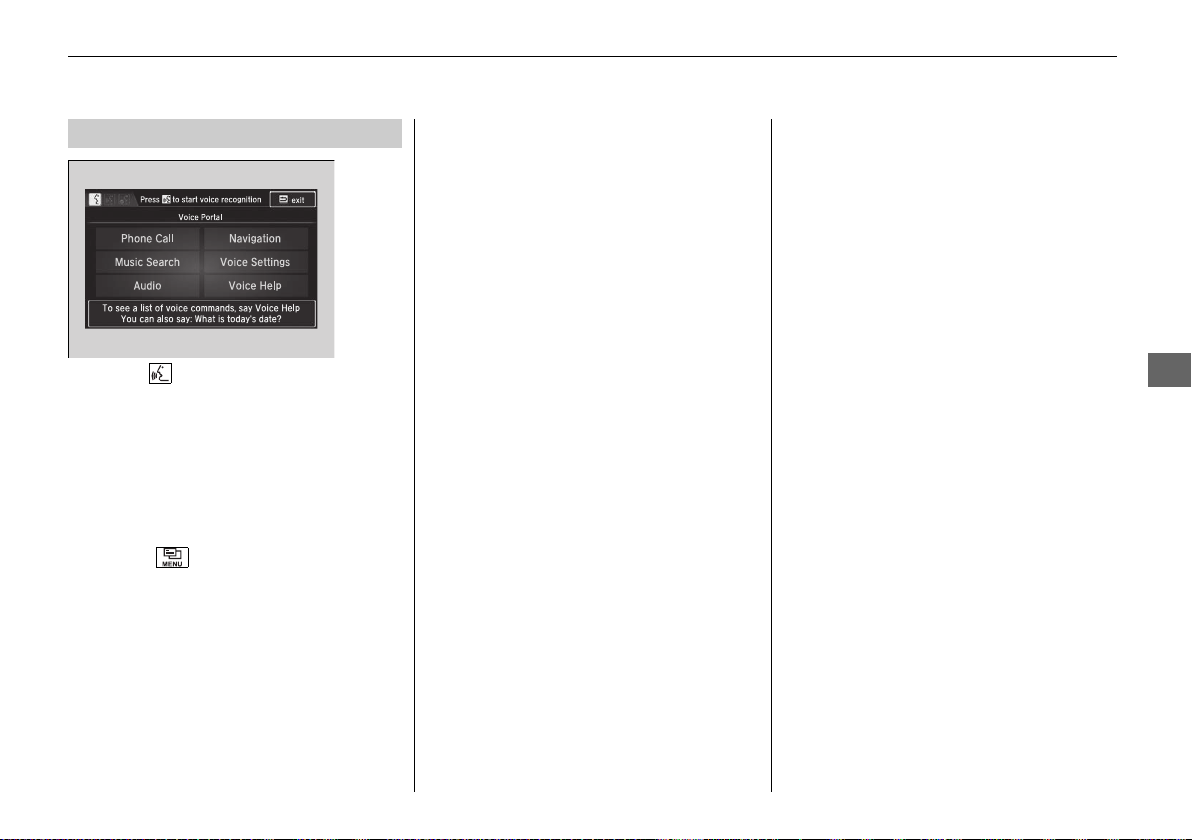
183
uuAudio System Basic OperationuVoice Control Operation
Continued
Features
When the (Talk) button is pressed,
available voice commands appear on the
screen.
For a complete list of commands, say “Voice
Help” after the beep or select Voice Help.
You can see the list of commands in Voice
Info on the Info menu screen. Select Info,
then select .
The system only recognizes the commands
on the following pages, at certain screens.
Free form voice commands are not
recognized.
*1: Models with navigation system
*2: Available only on U.S. models
.
■
Voice Portal Screen
■ Phone Call
This can be only used when the phone is
connected. When the system recognizes the
Phone call command, the screen will
change to the voice recognition screen for
phone commands.
• Dial by number
• Call history
• Redial
• Call <Your Contact Name>
• Call <Phone Number>
• Call Police
• Call 911
Phone Call commands are not available if
using Apple CarPlay.
■ Music Search
*1
This can be only used when the iPod or USB
device is connected.
■ Climate Control
*1
When the system recognizes the Climate
Control command, the screen will change
the dedicated screen to the climate control
voice recognition screen.
2 Climate Control Commands
*1
P. 185
■ Audio
*1
When the system recognizes the Audio
command, the screen will change to the
audio voice recognition screen.
• Audio On
• Audio Off
• Radio FM
• Radio SXM
*
• Pandora
*2
• iPod
• USB
• Other Sources
Pandora®
*2
cannot be used while Android
Auto is active.
■ Navigation
*1
The screen changes to the navigation
screen.
2 Refer to the Navigation System Manual
■ Voice Setting
The screen changes to the Voice Recog tab
on the System settings screen.
* Not available on all models
19 NSX-31T6N6200.book 183 ページ 2018年8月9日 木曜日 午前11時12分
184
uuAudio System Basic OperationuVoice Control Operation
Features
■ Voice Help
You can see a list of the available
commands on the screen.
• Useful Commands
• Phone Commands
• Audio Commands
*1
• On Screen Commands
• Music Search Commands
*1
• General Commands
• Climate Control Commands
*1
The system accepts these commands on the
voice portal top screen.
• Call <Phone Number>
• Call <Your Contact Name>
• What time is it?
• What is today’s date?
*1: Models with navigation system
*2: Available only on U.S. models
.
■
Useful Commands
The system accepts these commands on the
dedicated screen for the voice recognition
of the phone.
• Call by Number
• Call by Name
• Call <Phone Number>
• Call <Your Contact Name>
The system accepts these commands on the
dedicated screen for the voice recognition
of the audio.
■ Radio FM Commands
• Radio tune to <87.7-107.9> FM
• Radio tune to <87.7 -107.9> HD <1-8>
FM
• Radio FM preset <1-12>
■ Radio SXM Commands
*
• SXM channel <1-999>
• SXM channel <channel name, category
name, traffic and weather city name,
sports team name>
• Radio SXM preset <1-12>
■
Phone Commands
■
Audio Commands
*1
■ Pandora Commands
*2
• Pandora play
■ iPod Commands
• iPod play
• iPod play track <1-30>
• Music Search
• What album is this?
• What am I listening to?
■ USB Commands
• USB play
• USB play track <1-30>
• Music Search
• What album is this?
• What am I listening to?
■ Bluetooth® Audio Commands
• Bluetooth® Audio play
NOTE:
Bluetooth® Audio commands may not work
on some phones or Bluetooth® Audio
devices.
* Not available on all models
19 NSX-31T6N6200.book 184 ページ 2018年8月9日 木曜日 午前11時12分
185
uuAudio System Basic OperationuVoice Control Operation
Features
When On Screen Commands is selected,
the explanation screen is displayed.
The system accepts these commands on the
Music Search screen.
■ Using Song By Voice
Song By Voice
TM
is a feature that allows you
to select music from your iPod or USB device
using Voice Commands. To activate this
mode, you must push the talk switch and
say: “Music search”.
■ Song By Voice Commands
• What am I listening to?
• Who am I listening to?
• Who is this?
• What’s playing?
• Who’s playing?
• What album is this?
*1: Models with navigation system
■
On Screen Commands
■
Music Search Commands
*1
■ Play Commands
• Play artist <Name>
• Play track/song <Name>
• Play album <Name>
• Play genre/category <Name>
• Play playlist <Name>
• Play composer <Name>
■ List Commands
• List artist <Name>
• List album <Name>
• List genre/category <Name>
• List playlist <Name>
• List composer <Name>
• What time is it?
• What is today’s date?
■
General Commands
• Climate Control on
• Climate Control off
• Fan Speed <1-7>
• Temperature max heat
• Temperature max cool
• Temperature <57-87> degrees
• Defrost on
• Defrost off
• Air conditioner on
• Air conditioner off
• More
• Climate control automatic
• Vent
• Dash and floor
• Fan speed up
• Fan speed down
• Floor vents
• Floor and defrost
• Temperature up
• Temperature down
■
Climate Control Commands
*1
19 NSX-31T6N6200.book 185 ページ 2018年8月9日 木曜日 午前11時12分

186
uuAudio System Basic OperationuPlaying FM Radio
Features
Playing FM Radio
*1:Some or all of the lists may not be displayed.
VOL (Volume) Icons
Select to adjust the volume.
(Back) Icon
Select to go back to the previous
display.
Seek Icons
Select or to search the
selected band up or down for a
station with a strong signal.
(Power/Audio) Icon
Select to turn the audio system on
and off.
Open/Close Icon
*1
Displays/hides the detailed
information.
(Menu) Icon
Select to display the menu items.
Tune Icons
Select or to tune the radio frequency.
Audio/Information Screen
Scan Icon
Select to scan each station with a strong signal.
Preset Icons
Tune the preset radio frequency. Select and hold the
preset icon to store that station. Select to display
preset 7 onwards.
19 NSX-31T6N6200.book 186 ページ 2018年8月9日 木曜日 午前11時12分
Continued
187
uuAudio System Basic OperationuPlaying FM Radio
Features
To store a station:
1. Tune to the selected station.
2. Select and hold the preset number for the station you want to store.
You can also store a preset station by the following procedure.
1. Tune to the selected station.
2. Select the open/close icon to display a list.
3. Select the Preset tab.
4. Select and hold the preset number for the station you want to store.
Lists the strongest stations on the selected band.
1. Select the open/close icon to display a list.
2. Select the Station List tab.
3. Select the station.
■ Manual update
Updates your available station list at any time.
1. Select the open/close icon to display a list.
2. Select the Station List tab.
3. Select Refresh.
■
Preset Memory
■
Station List
1Preset Memory
The ST indicator appears on the display indicating
stereo FM broadcasts.
Switching the Audio Mode
Press the SOURCE button on the steering wheel or
select SOURCE on the screen.
2 Audio Remote Controls P. 163
You can store 12 FM stations into preset memory.
HD Radio Technology manufactured under license
from iBiquity Digital Corporation. U.S. and Foreign
Patents. HD Radio
TM
and the HD, HD Radio, and
“Arc” logos are proprietary trademarks of iBiquity
Digital Corp.
19 NSX-31T6N6200.book 187 ページ 2018年8月9日 木曜日 午前11時12分
188
uuAudio System Basic OperationuPlaying FM Radio
Features
Samples each of the strongest stations on the selected band for 10 seconds. To turn
off scan, select Cancel or .
Displays the subchannel list when an HD Radio
TM
station is selected while listening to
an FM station.
1. Select .
2. Select HD Radio Subchannel.
3. Select the channel number.
■
Scan
■
HD Subchannel
19 NSX-31T6N6200.book 188 ページ 2018年8月9日 木曜日 午前11時12分
189
uuAudio System Basic OperationuPlaying FM Radio
Features
Provides text data information related to your selected RDS-capable FM station.
■ To find an RDS station from Station List
1. Select the open/close icon to display a list while listening to an FM station.
2. Select the Station List tab.
3. Select the station.
■ Manual update
Updates your available station list at any time.
1. Select the open/close icon to display a list while listening to an FM station.
2. Select the Station List tab.
3. Select Refresh.
■ Radio text
Displays the radio text information of the selected RDS station.
1. Select .
2. Select View Radio Text.
■ Scan
Samples each of the strongest stations on the selected band for 10 seconds.
To turn off scan, select Cancel or .
■
Radio Data System (RDS)
1Radio Data System (RDS)
When you select an RDS-capable FM station, the RDS
automatically turns on, and the frequency display
changes to the station name. However, when the
signals of that station become weak, the display
changes from the station name to the frequency.
19 NSX-31T6N6200.book 189 ページ 2018年8月9日 木曜日 午前11時12分

190
uuAudio System Basic OperationuPlaying SiriusXM® Radio
*
Features
Playing SiriusXM® Radio
*
*1:Some or all of the lists may not be displayed.
VOL (Volume) Icons
Select to adjust the volume.
(Back) Icon
Select to go back to the previous
display.
Channel Icons
Select or to the previous
or next channel.
Select and hold to rapidly skip 10
channels at a time.
(Power/Audio) Icon
Press to turn the audio system on
and off.
Open/Close Icon
*1
Displays/hides the detailed
information.
(Menu) Icon
Select to display the menu items.
Category Icons
Select or to display and select a
SiriusXM® Radio category.
Audio/Information Screen
Scan Icon
Select to scan each channel.
Preset Icons
Tune the preset radio station. Select
and hold the preset icon to store that
station. Select to display preset 7
onwards.
Skip Icons
Select or to change
section in the channel.Select and
hold to move rapidly within the
section.
Station Art
* Not available on all models
19 NSX-31T6N6200.book 190 ページ 2018年8月9日 木曜日 午前11時12分
Continued
191
uuAudio System Basic OperationuPlaying SiriusXM® Radio
*
Features
1. Select .
2. Select Tune Mode.
3. Select Channel Mode or Category Mode.
■
To Change the Tune Mode
1Playing SiriusXM® Radio
*
In the channel mode, all available channels are
selectable. In the category mode, you can select a
channel within a category (Jazz, Rock, Classical, etc.).
There may be instances when SiriusXM® Radio does
not broadcast all the data fields (artist name, title).
This does not indicate a problem with your audio
system.
SiriusXM® Radio stations load in ascending order,
which can take about a minute. Once they have
loaded you will be able to scroll up or down to make
your selections.
Switching the Audio Mode
Press the SOURCE button on the steering wheel or
select SOURCE on the screen.
2 Audio Remote Controls P. 163
Tune Start:
When you change to a preset channel, a song being
played on that channel restarts from the beginning
with this function. This can be turned on or off from
the Audio settings screen.
2 Customized Features P. 242
* Not available on all models
19 NSX-31T6N6200.book 191 ページ 2018年8月9日 木曜日 午前11時12分
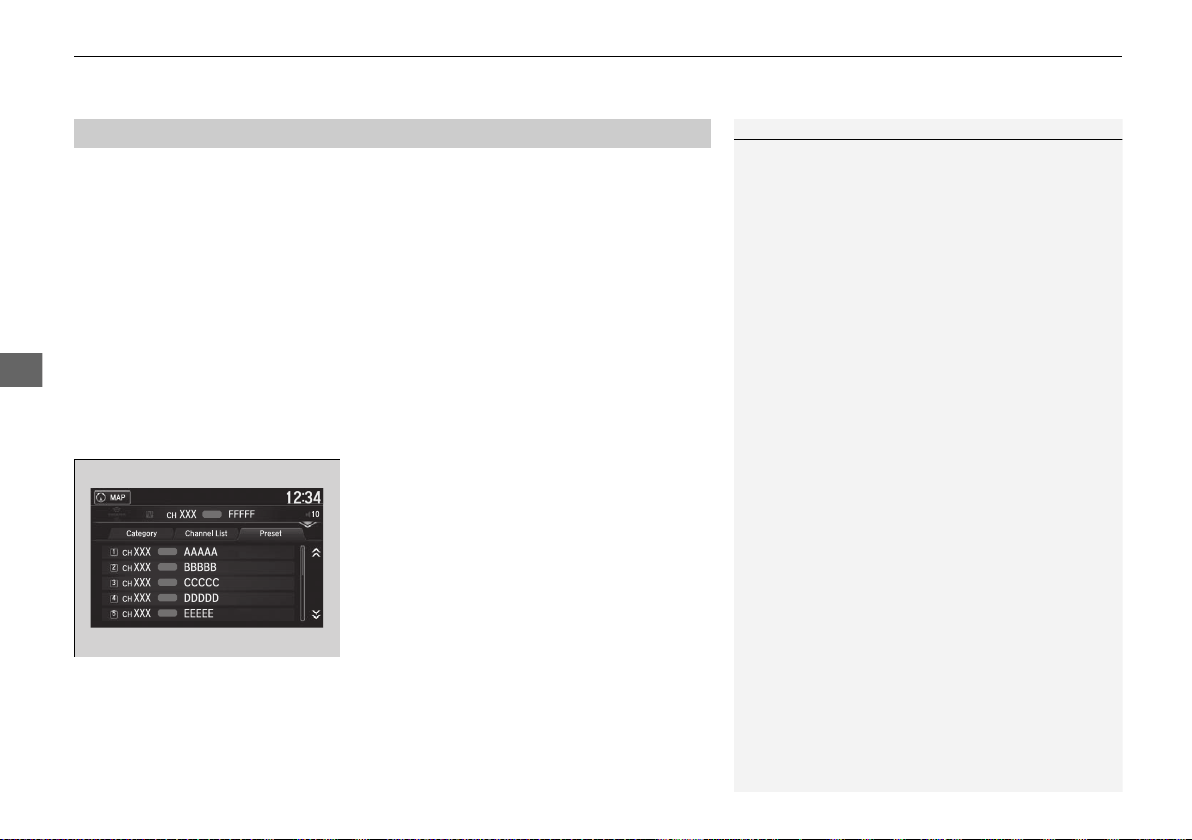
uuAudio System Basic OperationuPlaying SiriusXM® Radio
*
192
Features
To store a channel:
1. Tune to the selected channel.
2. Press and hold the preset number for the station you want to store.
3. Select Replace.
You can also store a channel by the following procedure.
1. Tune to the selected channel.
2. Select the open/close icon to display a list.
3. Select the Preset tab.
4. Select and hold the preset number for the station you want to store.
■ Multi-channel preset (for music channels only)
You can store up to five of your preferred music channels per preset.
1. Tune a station.
2. Select the open/close icon to display a list.
3. Select the Preset tab.
4. Select and hold the preset number you
want to add a music channel.
u A message appears if there are no
available presets.
5. Select Combine.
■
Preset Memory
1Playing SiriusXM® Radio
*
You can store 12 SiriusXM® channels into the preset
memory.
* Not available on all models
19 NSX-31T6N6200.book 192 ページ 2018年8月9日 木曜日 午前11時12分
Continued
193
uuAudio System Basic OperationuPlaying SiriusXM® Radio
*
Features
Suggested channel listing received from SiriusXM® can be displayed and selected.
1. Select the open/close icon to display a channel list.
2. Select the Channel List tab.
3. Select the featured channel list title you want to listen to.
u The selected channel list of the title is displayed.
4. Select the channel.
■
Listening to Featured Channels
1Listening to Featured Channels
Up to three featured channels by SiriusXM® can be
displayed.
Featured channel lists are at the top of the channel
list.
19 NSX-31T6N6200.book 193 ページ 2018年8月9日 木曜日 午前11時12分
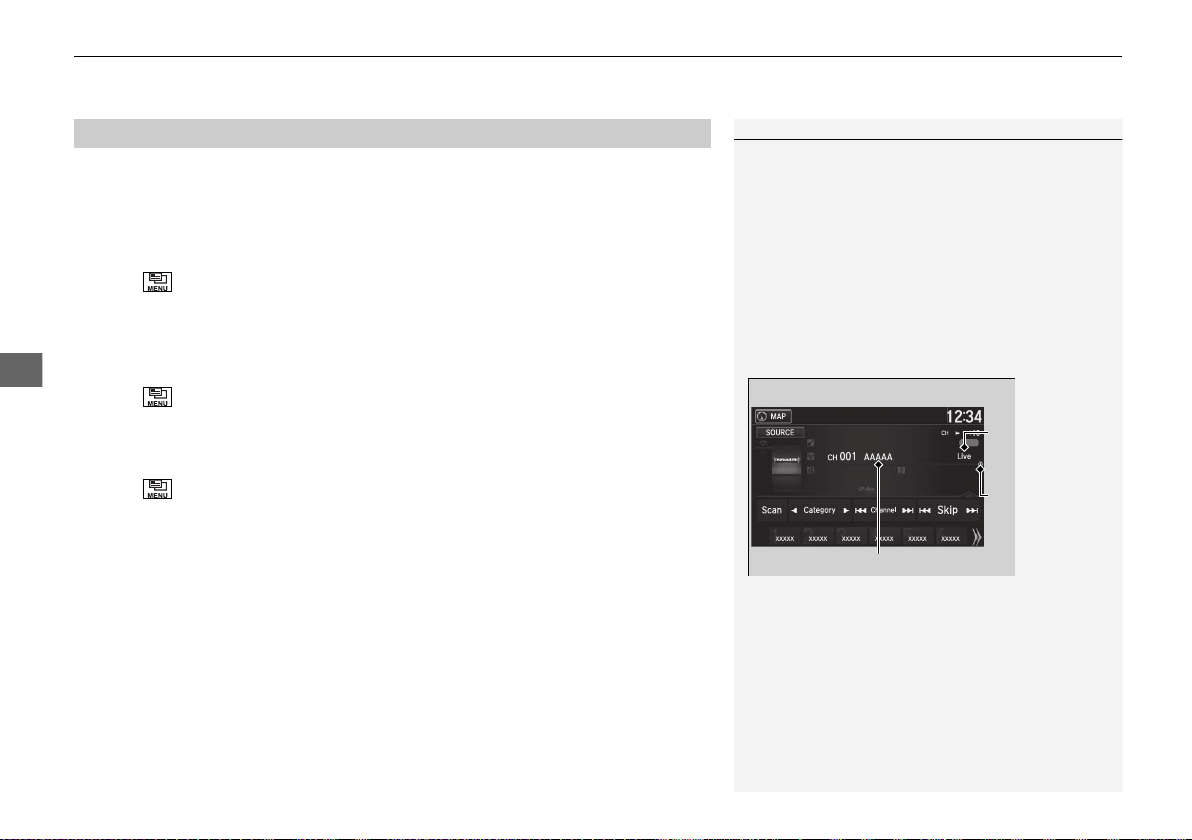
uuAudio System Basic OperationuPlaying SiriusXM® Radio
*
194
Features
The system can record up to the last 60 minutes of your currently tuned channel’s
broadcast, as well as the last 30 minutes of your preset channel’s broadcast, starting
from the moment you turn the vehicle on. If you tuned to a preset channel, the
system records up to 60 minutes of a broadcast instead of up to 30 minutes. You
can rewind and replay the last 30 or 60 minutes of a broadcast.
1. Select .
2. Select Playback Position.
3. Move the time marker to the position you want to replay.
To play or pause on playback mode:
1. Select .
2. Select Play/Pause.
■ Returning to real-time broadcast
1. Select .
2. Select Play Live Broadcast.
■
Replay Function
1Replay Function
The system starts storing broadcast in memory when
the power mode is turned ON. You can go back to
the program from that point.
You can no longer replay any program once the
power mode is turned off as it erases memory.
You can check how long the program has been
stored in memory from the audio/information screen.
After 30 or 60 minutes of recording the system will
automatically start deleting the oldest data.
(A): Shows how much time the replayed segment is
behind the real-time broadcast
(B): Replayed segment
(C): Length stored in memory
Audio/Information Screen
(C)
(B)
(A)
19 NSX-31T6N6200.book 194 ページ 2018年8月9日 木曜日 午前11時12分
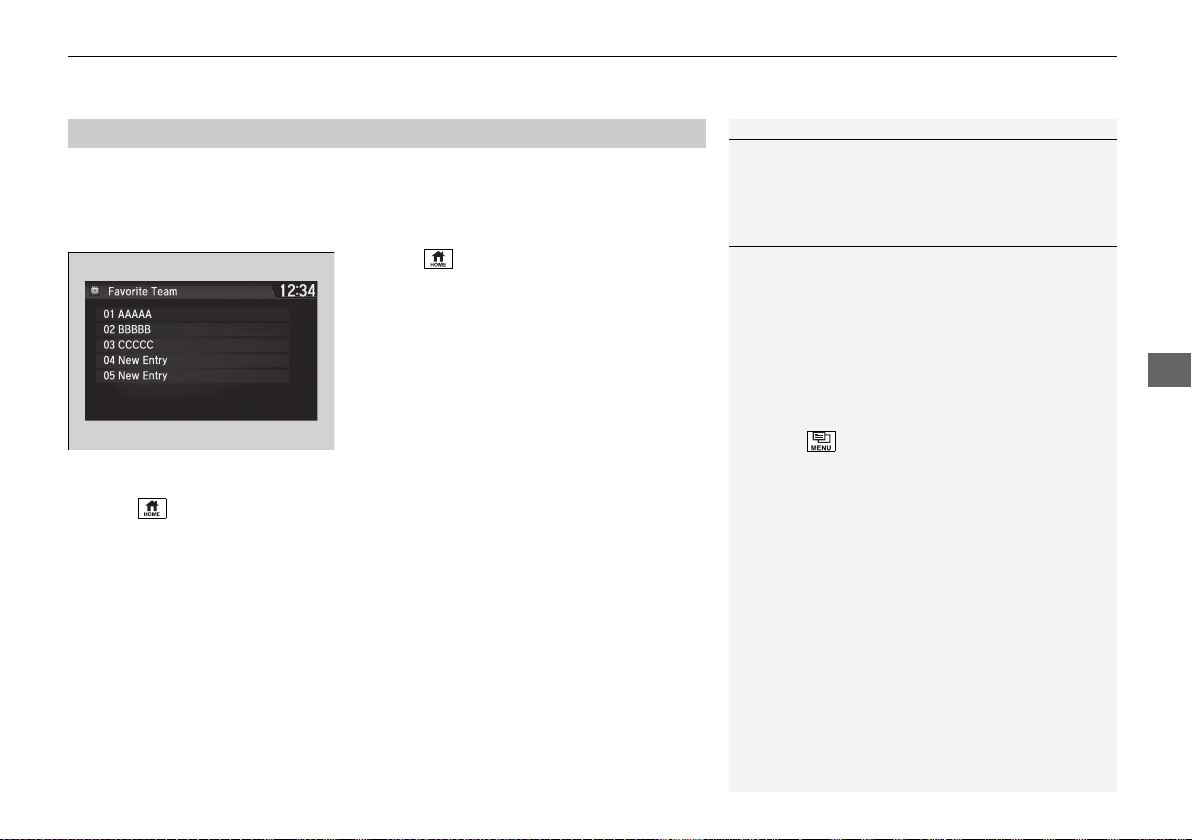
Continued
195
uuAudio System Basic OperationuPlaying SiriusXM® Radio
*
Features
While listening to other channels, you can receive sports alerts such as scores from
the games of your favorite teams.
■ To set up a favorite team
1. Select .
2. Select Settings.
3. Select Audio.
4. Select the SXM tab.
5. Select SportsFlash Setup(Favorite
Team).
6. Select a team.
■ To set up an alert message
1. Select .
2. Select Settings.
3. Select Audio.
4. Select the SXM tab.
5. Select SportsFlash Setup(Interrupt).
6. Select On(one time) or On(continue).
■
Live Sports Alert
1Live Sports Alert
The sports alert function is available in SiriusXM®
mode only.
1To set up a favorite team
Sports alerts cut in only when SiriusXM® mode is on.
Selecting On(one time) from the customized
settings disables the alert feature next time you turn
the power mode to ON.
2 Customized Features P. 242
You can also set up a favorite team by the following
procedure.
1. Select Audio.
2. Select .
3. Select Setting.
4. Select SportsFlash Setup(Favorite Team).
19 NSX-31T6N6200.book 195 ページ 2018年8月9日 木曜日 午前11時12分
uuAudio System Basic OperationuPlaying SiriusXM® Radio
*
196
Features
■ To set up an alert beep
1. Select .
2. Select Settings.
3. Select Audio.
4. Select the SXM tab.
5. Select SportsFlash Setup(Interrupt Beep).
6. Select On.
■ Traffic and Weather Information
You can receive traffic and weather information.
1. Select .
2. Select Settings.
3. Select Audio.
4. Select the SXM tab.
5. Select Traffic & Weather Setup.
6. Select the region.
u When you do not want to receive the information, select Unset.
Sample each channel on the selected mode for 10 seconds.
1. Select Scan.
2. Select Scan Channels.
u You can select the desired channel by songs using Scan Songs in Presets.
To turn off scan, select Cancel.
■
Scan
1To set up an alert beep
You can also set up a alert beep by the following
procedure.
1. Select Audio.
2. Select .
3. Select Setting.
4. Select SportsFlash Setup(Interrupt Beep).
1Traffic and Weather Information
The traffic and weather information function in
SiriusXM® mode only.
You can also set up the traffic and weather
information by the following procedure.
1. Select Audio.
2. Select .
3. Select Setting.
4. Select Traffic & Weather Setup.
1Scan
The “Scan Songs in Preset” function is based on
TuneScan
TM
technology of SiriusXM®.
The “Featured Channels” function is based on
Featured Favorites
TM
technology of SiriusXM®.
TuneScan
TM
and Featured Favorites
TM
are registered
trademarks of SiriusXM® Radio, Inc.
19 NSX-31T6N6200.book 196 ページ 2018年8月9日 木曜日 午前11時12分

197
uuAudio System Basic OperationuPlaying an iPod
Continued
Features
Playing an iPod
Connect the iPod using your dock connector to the USB port, then select the iPod
mode.
2 USB Ports P. 161
*1:Some or all of the lists may not be displayed.
VOL (Volume) Icons
Select to adjust the volume.
(Back) Icon
Select to go back to the previous
display.
Song Icons
Select or to change songs.
Select and hold to move rapidly
within a song.
(Power/Audio) Icon
Select to turn the audio system on
and off.
Open/Close Icon
*1
Displays/hides the detailed
information.
(Menu) Icon
Select to display the menu items.
Cover Art
Audio/Information Screen
Play/Pause Icon
19 NSX-31T6N6200.book 197 ページ 2018年8月9日 木曜日 午前11時12分
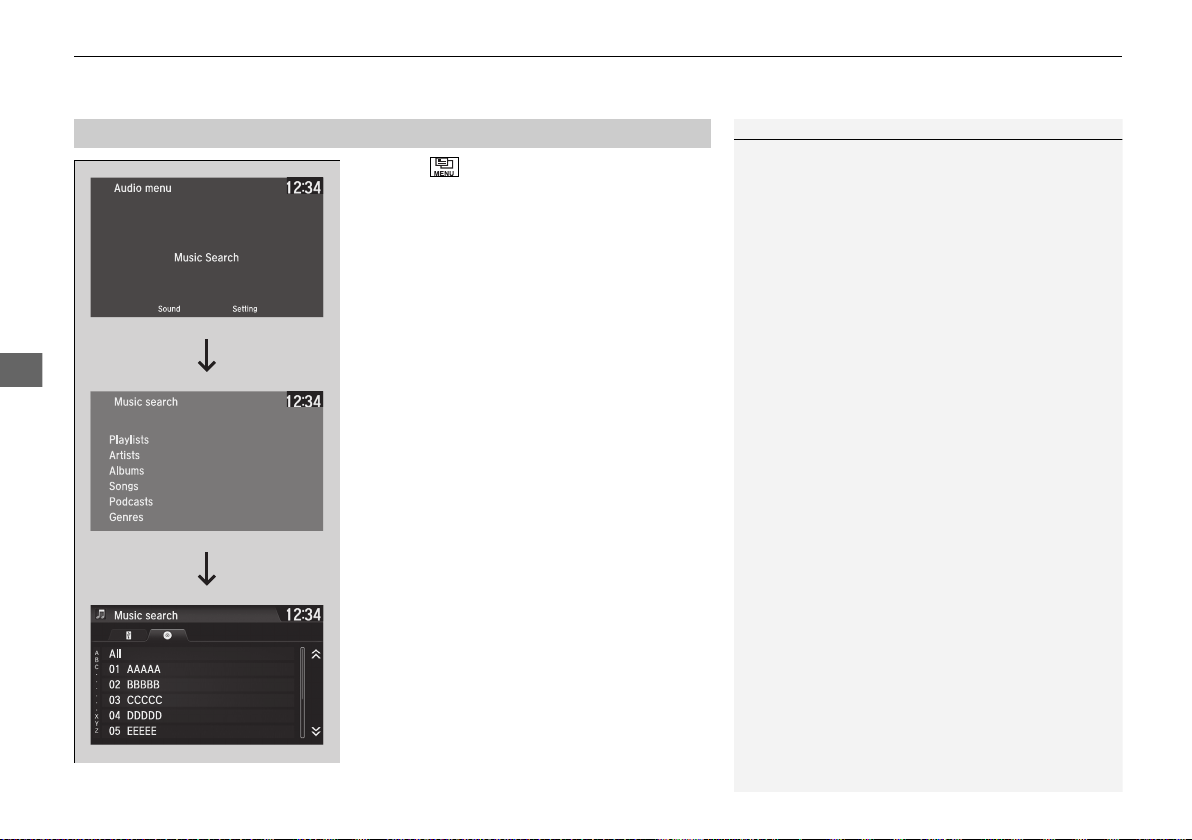
uuAudio System Basic OperationuPlaying an iPod
198
Features
1. Select and select Music Search.
2. Select the items on that menu.
■
How to Select a Song from the Music Search List
1Playing an iPod
Available operating functions vary on models or
versions. Some functions may not be available on the
vehicle’s audio system.
If there is a problem, you may see an error message
on the audio/information screen.
2 iPod/USB Flash Drive P. 221
If you operate any music app on your iPhone/iPod
while the phone is connected to the audio system,
you may no longer be able to operate the same app
on the audio/information screen.
Reconnect the device if necessary.
If an iPhone is connected via Apple CarPlay, the iPod/
USB source is unavailable and audio files on the
phone can only be played within Apple CarPlay.
Category
Selection
Item Selection
19 NSX-31T6N6200.book 198 ページ 2018年8月9日 木曜日 午前11時12分
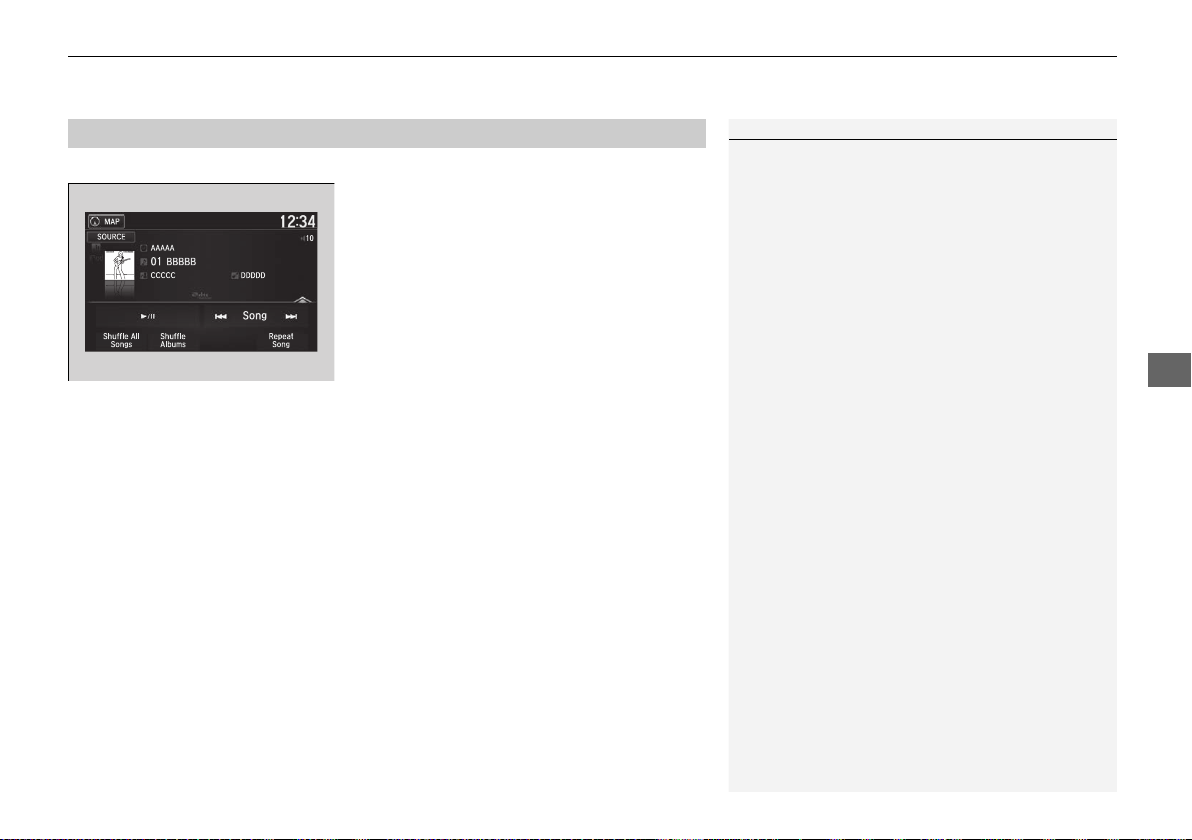
199
uuAudio System Basic OperationuPlaying an iPod
Features
You can select shuffle and repeat modes when playing a file.
Select a play mode.
■ To turn off a play mode
Select the mode you want to turn off.
■
How to Select a Play Mode
1How to Select a Play Mode
Play Mode Menu Items:
Shuffle All Songs: Plays all available files in a
selected list (playlists, artists, albums, songs,
podcasts, genres, composers, or audiobooks) in
random order.
Shuffle Albums: Plays all available albums in a
selected list (playlists, artists, albums, songs,
podcasts, genres, composers, or audiobooks) in
random order.
Repeat Song: Repeats the current track.
19 NSX-31T6N6200.book 199 ページ 2018年8月9日 木曜日 午前11時12分
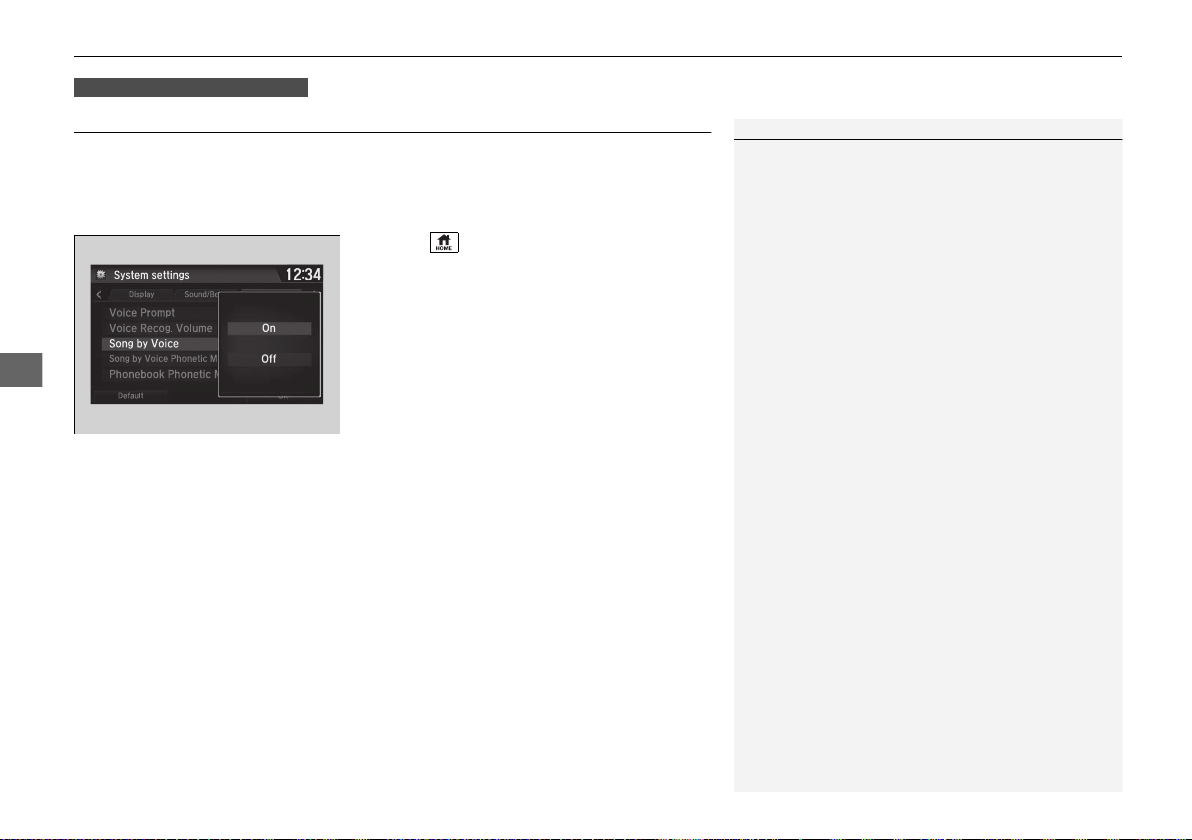
200
uuAudio System Basic OperationuSong By Voice
TM
(SBV)
Features
Song By Voice
TM
(SBV)
Use SBV to search for and play music from your USB flash drive or iPod using voice
commands.
■ To enable SBV
1. Select .
2. Select Settings.
3. Select System.
4. Select the Voice Recog tab.
5. Select Song by Voice.
6. Select On or Off.
Models with navigation system
1Song By Voice
TM
(SBV)
Setting options:
• On (factory default): Song By Voice
TM
commands
are available.
• Off: Disable the feature.
19 NSX-31T6N6200.book 200 ページ 2018年8月9日 木曜日 午前11時12分
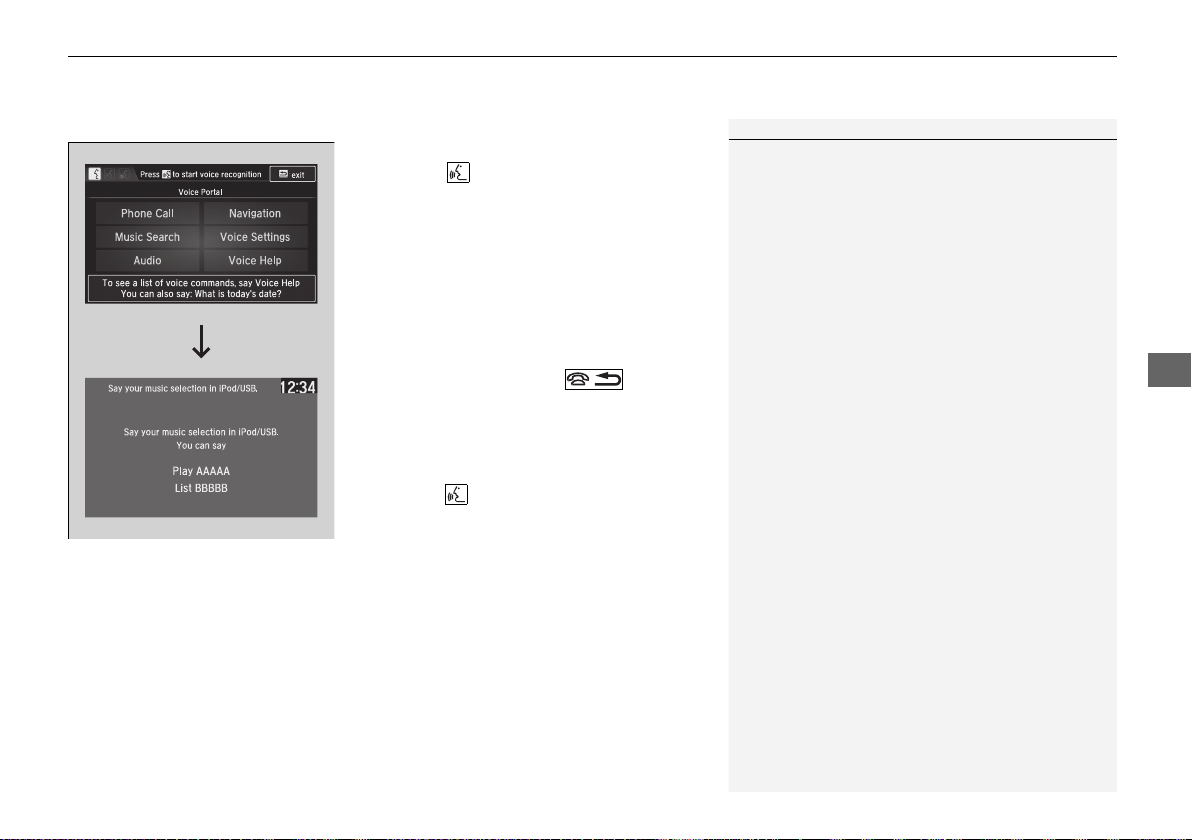
Continued
201
uuAudio System Basic OperationuSong By Voice
TM
(SBV)
Features
■ Searching for music using SBV
1. Set the Song by Voice setting to On.
2. Press the (Talk) button and say “Music
Search” to activate the SBV feature for the
USB flash drive and iPod.
3. Then, say the next command.
u Example 1: Say “(List) ‘Artist A’“ to view a
list of songs by that artist. Select the
desired song to start playing.
u Example 2: Say “Play ‘Artist A’“ to start
playing songs by that artist.
4. To cancel SBV, press the (hang-up/
back) button on the steering wheel. The
selected song continues playing.
Once you have canceled this mode, you need
to press the button and say “Music Search”
again to re-activate this mode.
1Searching for music using SBV
Song By Voice
TM
Commands List
2 Song By Voice Commands P. 185
NOTE:
Song By Voice
TM
commands are available for tracks
stored on the USB flash drive or iPod.
You can add phonetic modifications of difficult
words so that it is easier for SBV to recognize artists,
songs, albums, and composers in voice commands.
2 Phonetic Modification P. 202
SBV is not available when using Apple CarPlay. Use
Siri Eyes Free instead.
19 NSX-31T6N6200.book 201 ページ 2018年8月9日 木曜日 午前11時12分
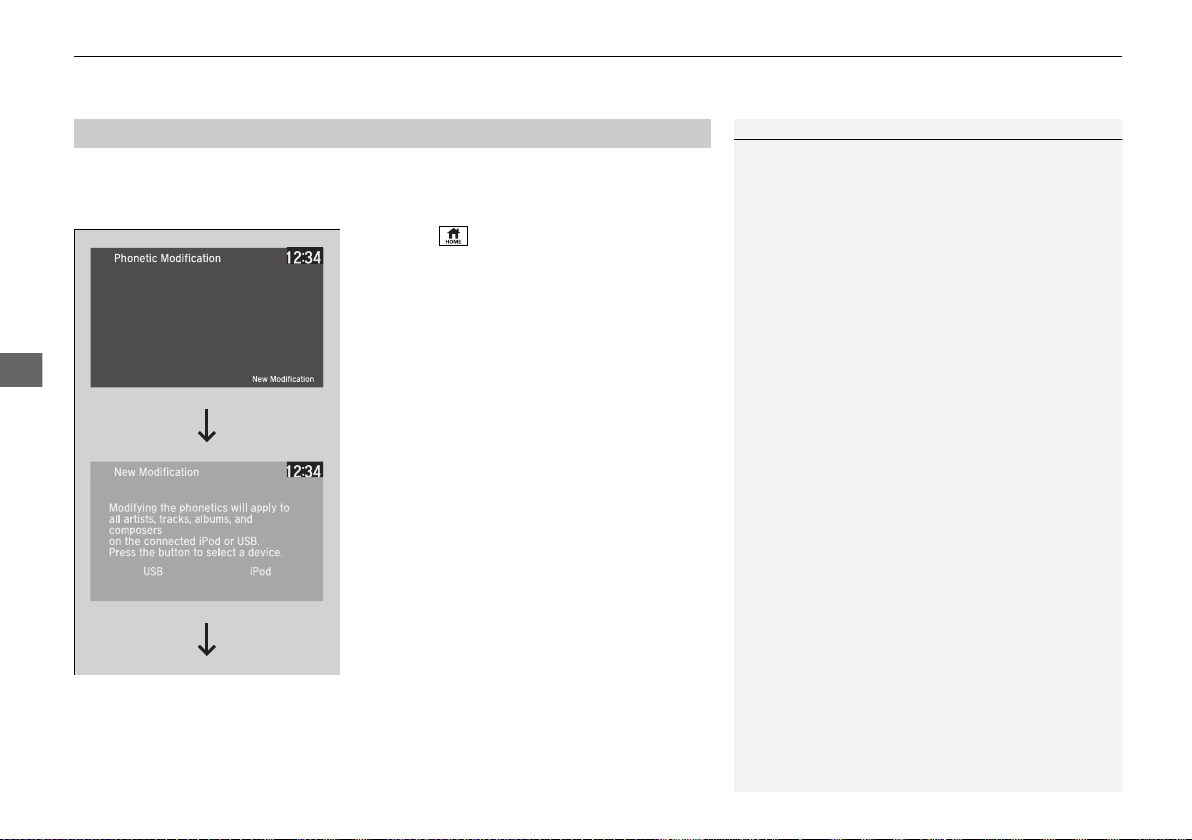
uuAudio System Basic OperationuSong By Voice
TM
(SBV)
202
Features
Add phonetic modifications of difficult or foreign words so that it is easier for SBV
to recognize artists, songs, albums, and composers in voice commands when
searching for music on the USB flash drive or iPod.
1. Select .
2. Select Settings.
3. Select System.
4. Select the Voice Recog tab.
5. Select Song by Voice Phonetic
Modification.
6. Select New Modification.
7. Select USB or iPod.
■
Phonetic Modification
1Phonetic Modification
Song by Voice Phonetic Modification is grayed
out when Song by Voice is set to Off.
You can store up to 2,000 phonetic modification
items.
19 NSX-31T6N6200.book 202 ページ 2018年8月9日 木曜日 午前11時12分
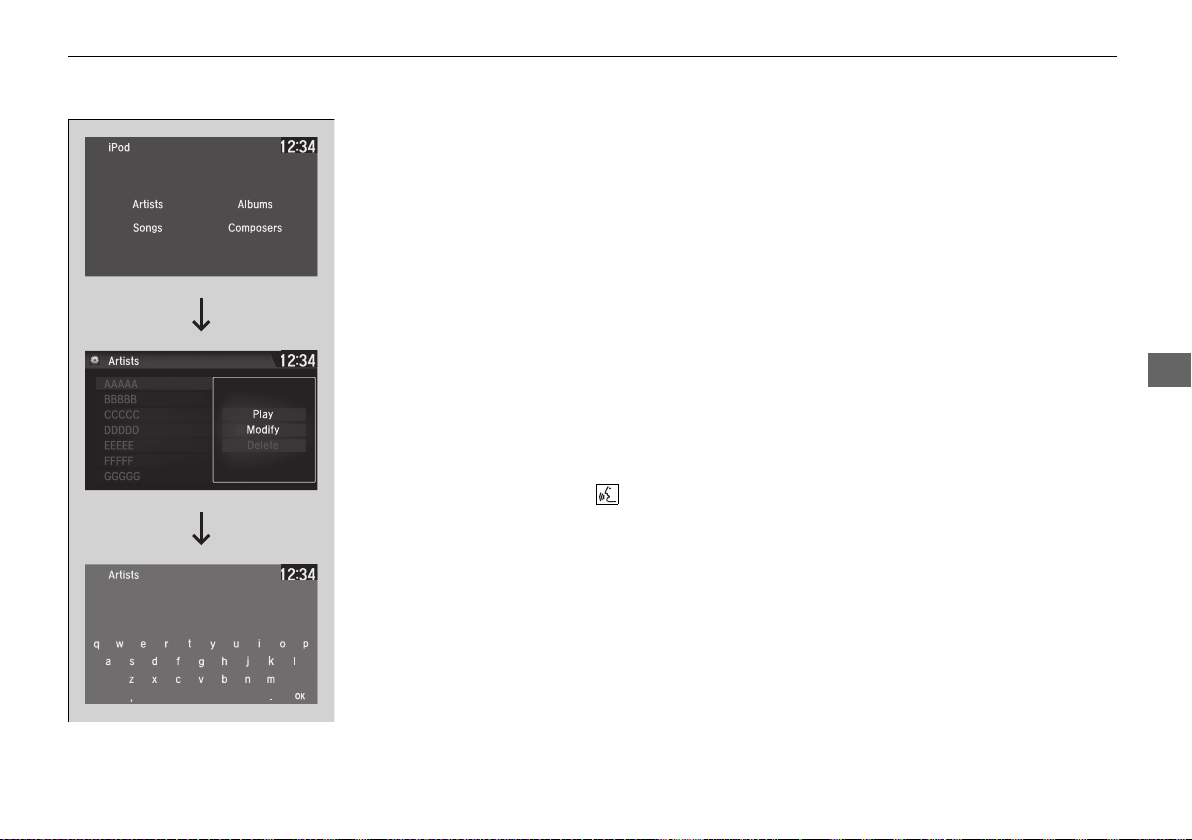
203
uuAudio System Basic OperationuSong By Voice
TM
(SBV)
Features
8. Select the item to modify (e.g., Artists).
u The list of the selected item appears on
the screen.
9. Select an entry to modify.
u The pop-up menu appears on the
screen.
u To listen to the current phonetic
modification, select Play.
u To delete the current phonetic
modification, select Delete.
10. Select Modify.
11. Select the phonetic spelling you want to
use (e.g., ”Artist A”) when prompted.
12. Select OK.
u The artist “No Name” is phonetically
modified to “Artist A.” When in the SBV
mode, you can press the (Talk)
button and use the voice command
“Play ‘Artist A’” to play songs by the
artist “No Name.”
19 NSX-31T6N6200.book 203 ページ 2018年8月9日 木曜日 午前11時12分
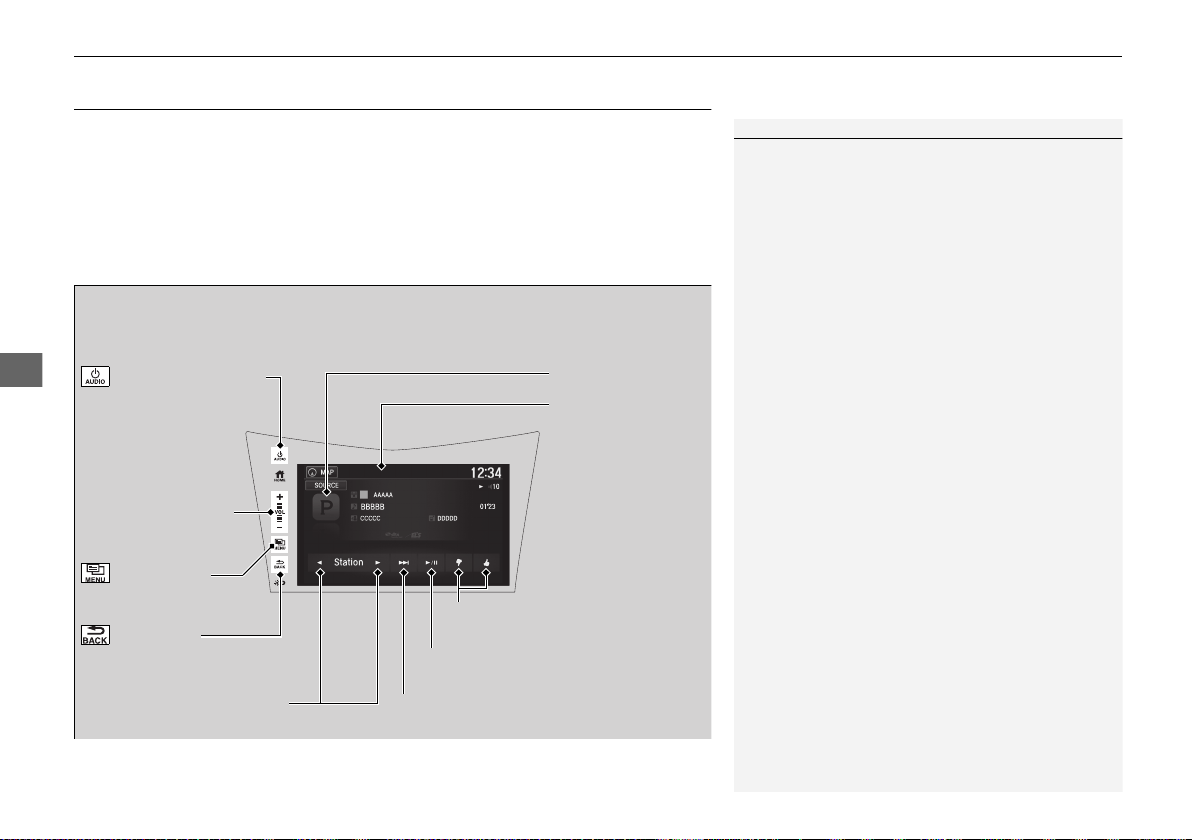
204
uuAudio System Basic OperationuPlaying Pandora®
*1
Features
Playing Pandora®
*1
Your audio system allows you to listen to music from the Pandora® app on a
compatible smartphone.
This function is available when the phone is paired and connected to the vehicle’s
Bluetooth® HandsFreeLink® (HFL) system, or with an iPhone, you can connect using
your USB cable to the USB port.
2 Phone Setup P. 276
2 USB Ports P. 161
*1:Available only on U.S. models.
1Playing Pandora®
*1
Pandora®, the Pandora logo, and the Pandora trade
dress are trademarks or registered trademarks of
Pandora Media, Inc., used with permission. Pandora
is only available in certain countries. Visit the Pandora
website for more information.
To find out if your phone is compatible with this
feature, visit www.acura.com/handsfreelink, or call
1-888-528-7876.
To use this service in your vehicle, the Pandora® app
must first be installed on your phone. Visit
www.pandora.com for more information.
Pandora® is free, personalized radio that plays music
and comedy you’ll love. Just start with the name of
one of your favorite artists, songs, comedians or
composers and Pandora® will create a custom station
that plays similar tracks. Pandora® also features
hundreds of genre stations ranging from Dubstep to
Smooth Jazz to Power Workout.
If you cannot operate Pandora® through the audio
system, it may be streaming through Bluetooth®
Audio. Make sure Pandora® mode on your audio
system is selected.
If your phone is connected to Android Auto, Pandora
is only available through the Android Auto interface.
Visit the Android Auto website to check
compatibility.
Audio/Information
Screen
Cover Art
VOL (Volume) Icons
Select to adjust the
volume.
(Back) Icon
Select to go back to the
previous display.
(Power/Audio) Icon
Select to turn the audio
system on and off.
(Menu) Icon
Select to display the
menu items.
Play/Pause Icon
Select to resume or play a song.
Station Up/Down Icons
Select to change a station.
Skip Icon
Select to skip a song.
Like/Dislike Icons
Select to evaluate a song.
19 NSX-31T6N6200.book 204 ページ 2018年8月9日 木曜日 午前11時12分
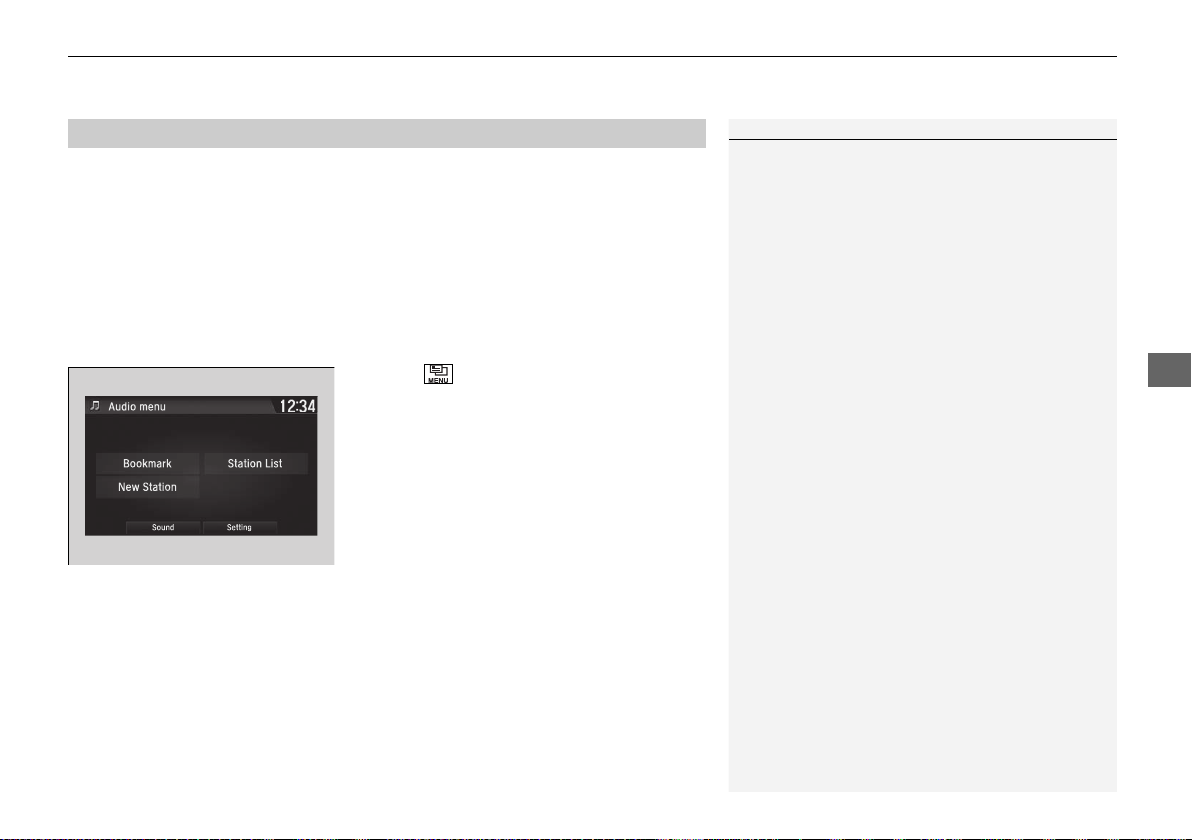
205
uuAudio System Basic OperationuPlaying Pandora®
*1
Features
You can operate some of the Pandora® menu items from your vehicle’s audio
system. The available items are:
• Bookmark
• Station List
• New Station
• Sound
• Setting
■ Operating a menu item
1. Select .
2. Select an item.
■
Pandora® Menu
1Pandora® Menu
Available operating functions vary on software
versions. Some functions may not be available on the
vehicle’s audio system.
If there is a problem, you may see an error message
on the audio/information screen.
2 Pandora®
*1
P. 222
Pandora® may limit the total number of skips allowed
on the service. If you dislike a track after the skip limit
has been reached, your feedback will be saved but
the current track will continue to play.
To change stations, activate the Pandora® menu,
select Station List, and then select a new station. It
also changes stations on the main Pandora® screen.
19 NSX-31T6N6200.book 205 ページ 2018年8月9日 木曜日 午前11時12分
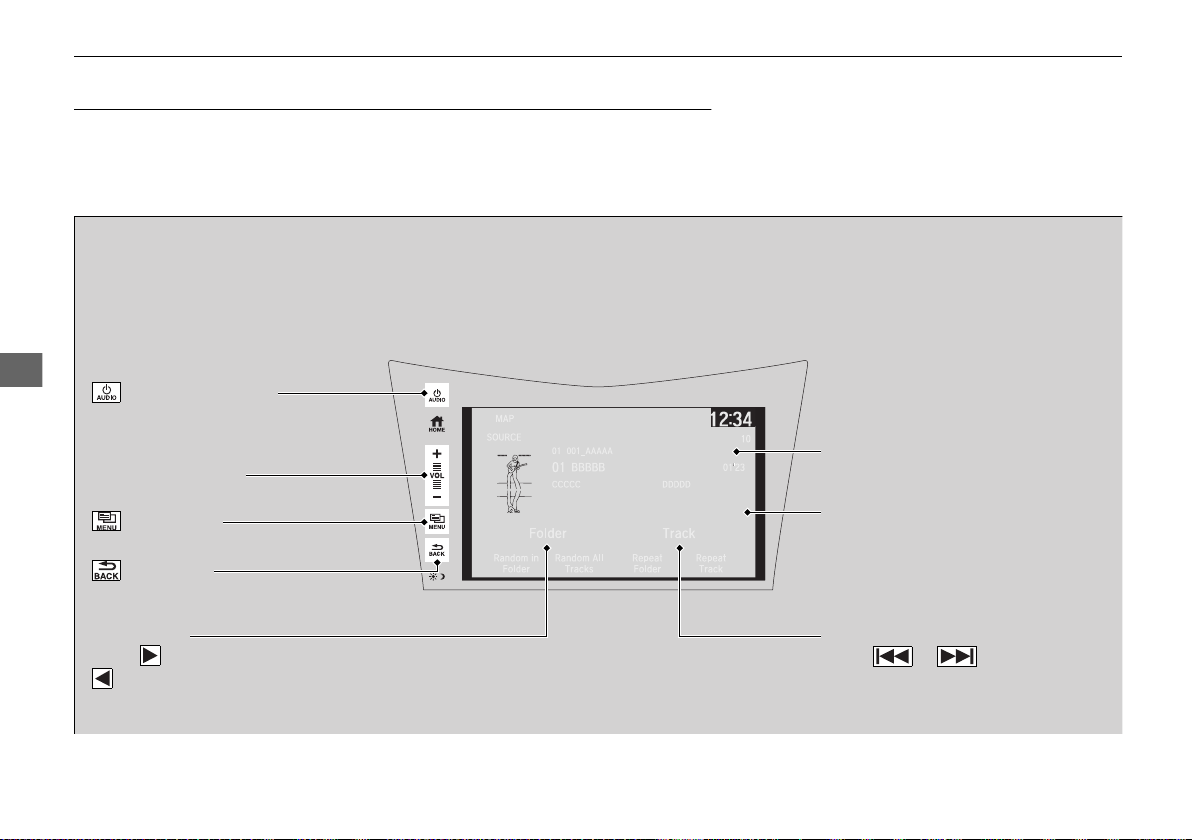
206
uuAudio System Basic OperationuPlaying a USB Flash Drive
Features
Playing a USB Flash Drive
Your audio system reads and plays sound files on a USB flash drive in either MP3,
WMA, or AAC
*1
format.
Connect your USB flash drive to the USB port, then select the USB mode.
2 USB Ports P. 161
*1:Only AAC format files recorded with iTunes are playable on this unit.
*2:Some or all of the lists may not be displayed.
VOL (Volume) Icons
Select to adjust the volume.
(Back) Icon
Select to go back to the previous
display.
Track Icons
Select or to change files.
Select and hold to move rapidly within
a track.
(Power/Audio) Icon
Select to turn the audio system on
and off.
Open/Close Icon
*2
Displays/hides the detailed
information.
(Menu) Icon
Select to display the menu items.
Folder Icons
Select to skip to the next folder, and
to skip to the beginning of the
previous folder.
Audio/Information Screen
19 NSX-31T6N6200.book 206 ページ 2018年8月9日 木曜日 午前11時12分
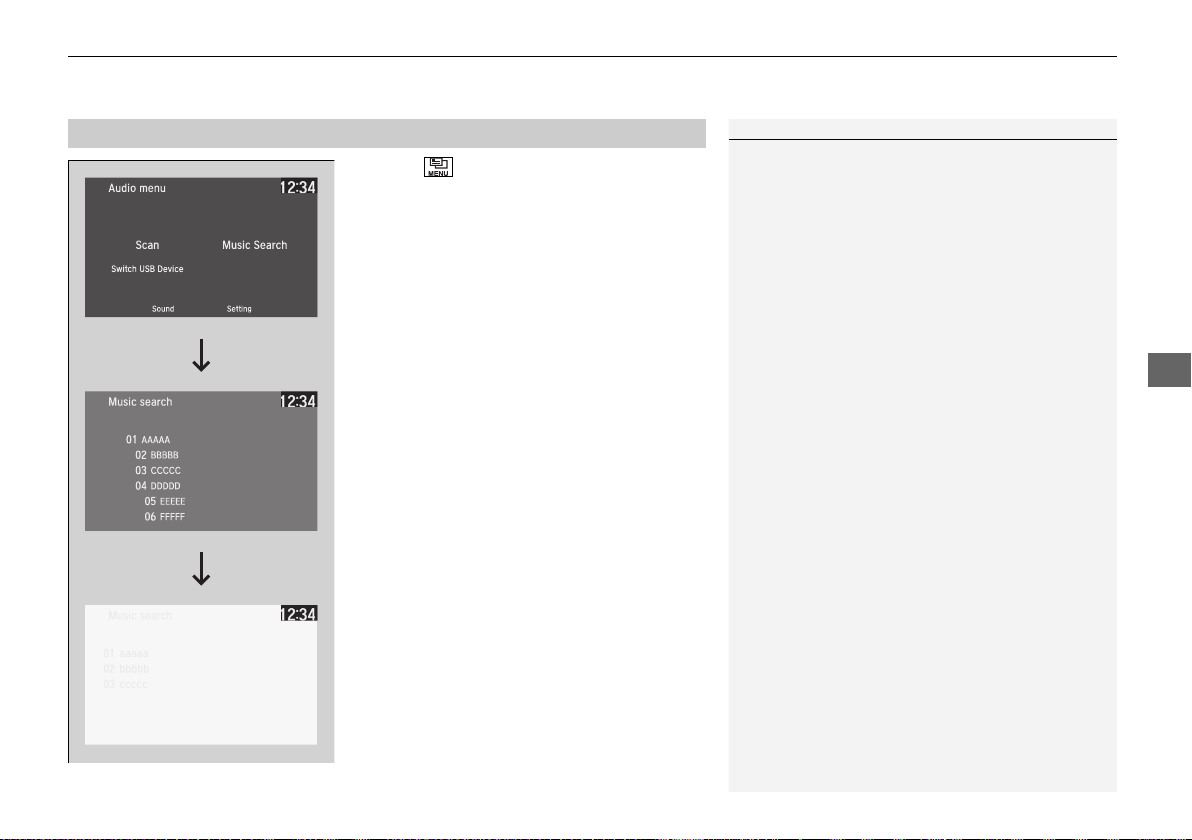
Continued
207
uuAudio System Basic OperationuPlaying a USB Flash Drive
Features
1. Select and select Music Search.
2. Select a folder.
3. Select a track.
■
How to Select a File from the Music Search List
1Playing a USB Flash Drive
Use the recommended USB flash drives.
2 General Information on the Audio System
P. 224
WMA files protected by digital rights management
(DRM) cannot be played.
The audio system displays Unplayable File, then
skips to the next file.
If there is a problem, you may see an error message
on the audio/information screen.
2 iPod/USB Flash Drive P. 221
Select Switch USB Device in the Audio menu to
switch another USB device.
Folder Selection
Track Selection
19 NSX-31T6N6200.book 207 ページ 2018年8月9日 木曜日 午前11時12分

uuAudio System Basic OperationuPlaying a USB Flash Drive
208
Features
You can select scan, repeat, and random modes when playing a file.
■ Scan
1. Select .
2. Select Scan.
3. Select a play mode.
■ Random/Repeat
Select a play mode.
■ To turn off a play mode
To turn off Scan, select or Cancel.
To turn off Random/Repeat, select the mode again.
■
How to Select a Play Mode
1How to Select a Play Mode
Play Mode Menu Items:
Scan
Scan Folders: Provides 10-second sampling of the
first file in each of the main folders.
Scan Tracks: Provides 10-second sampling of all files
in the current folder.
Random/Repeat
Random in Folder: Plays all files in the current
folder in random order.
Random All Tracks: Plays all files in random order.
Repeat Folder: Repeats all files in the current folder.
Repeat Track: Repeats the current file.
19 NSX-31T6N6200.book 208 ページ 2018年8月9日 木曜日 午前11時12分
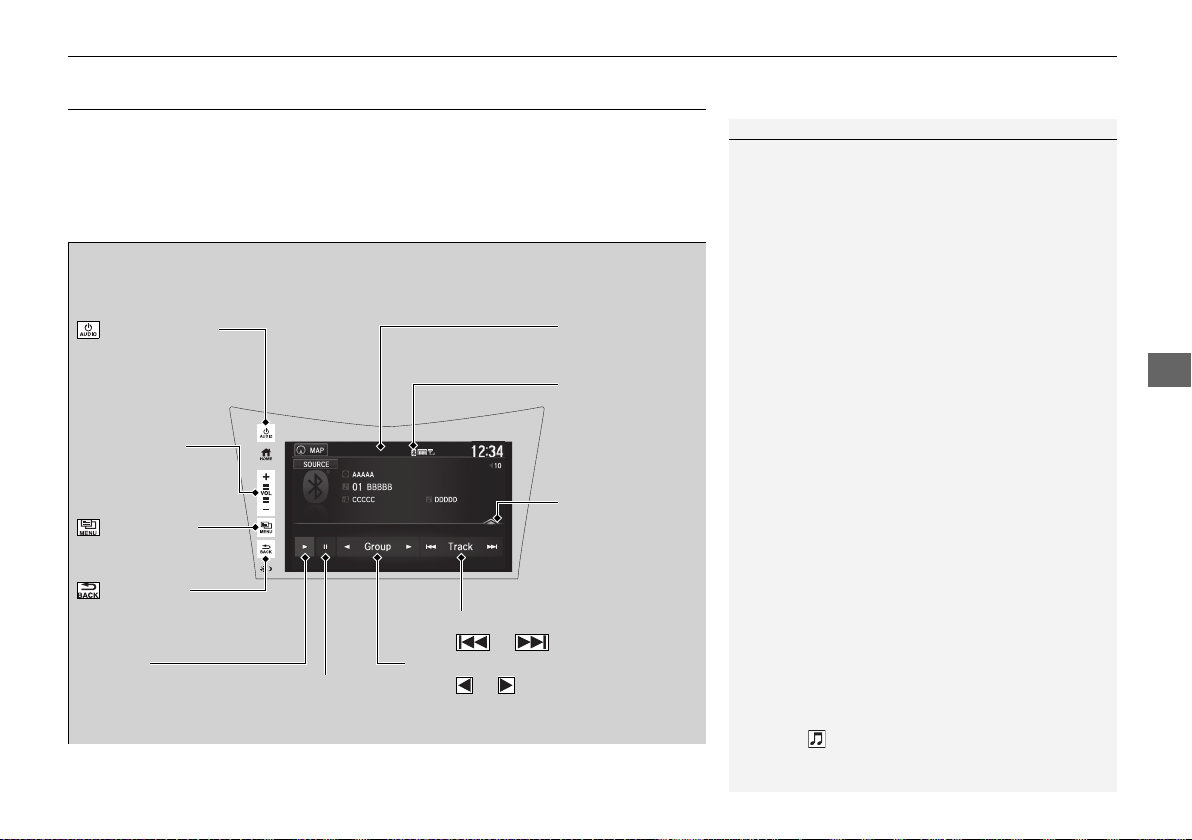
209
uuAudio System Basic OperationuPlaying Bluetooth® Audio
Continued
Features
Playing Bluetooth® Audio
Your audio system allows you to listen to music from your Bluetooth-compatible
phone.
This function is available when the phone is paired and connected to the vehicle’s
Bluetooth® HandsFreeLink® (HFL) system.
2 Phone Setup P. 276
*1:Depending on the Bluetooth® device you connect, some or all of the lists may not
be displayed.
1Playing Bluetooth® Audio
Not all Bluetooth-enabled phones with streaming
audio capabilities are compatible with the system.
For a list of compatible phones:
• U.S.: Visit www.acura.com/handsfreelink, or call 1-
888-528-7876.
• Canada: For more information on smartphone
compatibility, call 1-888-528-7876.
It may be illegal to perform some data device
functions while driving.
Only one phone can be used with HFL at a time.
When there are more than two paired phones in the
vehicle, the first paired phone the system finds is
automatically connected.
The connected phone for Bluetooth® Audio can be
different.
If more than one phone is paired to the HFL system,
there may be a delay before the system begins to
play.
In some cases, the name of the artist, album, or track
may not appear correctly.
Some functions may not be available on some
devices.
If a phone is currently connected via Apple CarPlay or
Android Auto, Bluetooth® Audio from that phone is
unavailable. However, a second previously paired
phone can stream Bluetooth® Audio by selecting
Connect from the Bluetooth Device List.
2 Phone Setup P. 276
Audio/Information
Screen
VOL (Volume)
Icons
Select to adjust
the volume.
(Back) Icon
Select to go back to
the previous display.
(Power/Audio)
Icon
Select to turn the
audio system on and
off.
(Menu) Icon
Select to display
the menu items.
Group Icons
Select or to change group.
Pause Icon
Play Icon
Bluetooth
Indicator
Appears when
your phone is
connected to HFL.
Track Icons
Select or to change tracks.
Open/Close Icon
*1
Displays/hides the
detailed
information.
19 NSX-31T6N6200.book 209 ページ 2018年8月9日 木曜日 午前11時12分
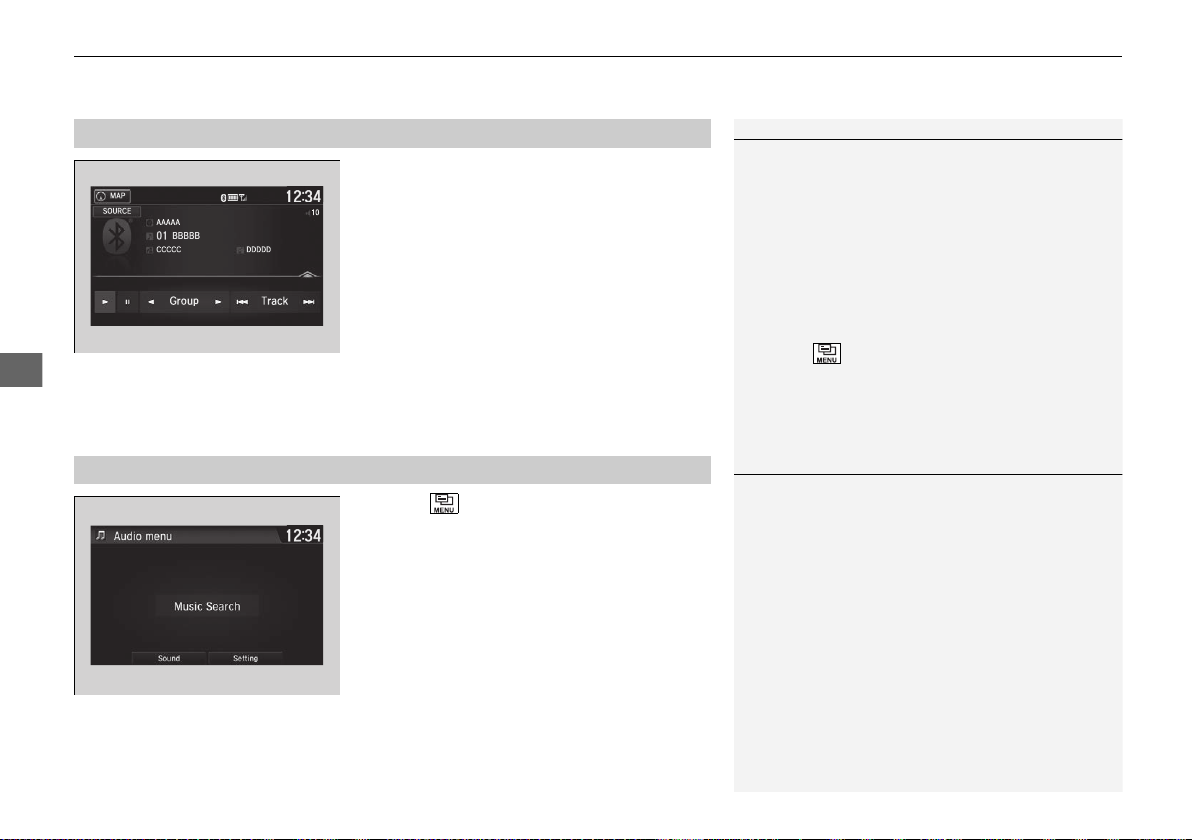
uuAudio System Basic OperationuPlaying Bluetooth® Audio
210
Features
1. Make sure that your phone is paired and
connected to the system.
2 Phone Setup P. 276
2. Select the Bluetooth® Audio mode.
If the phone is not recognized, another HFL-
compatible phone, which is not compatible
for Bluetooth® Audio, may already be
connected.
■ To pause or resume a file
Select the play icon or pause icon.
1. Select .
2. Select Music Search.
3. Select a search category (e.g., Albums).
4. Select an item.
u The selection begins playing.
■
To Play Bluetooth® Audio Files
1To Play Bluetooth® Audio Files
To play the audio files, you may need to operate your
phone. If so, follow the phone maker’s operating
instructions.
Switching to another mode pauses the music playing
from your phone.
You can change the connected phone in the
Bluetooth® settings on the Audio menu screen by
the following procedure.
1. Select .
2. Select Setting.
■
Searching for Music
1Searching for Music
Depending on the Bluetooth® device you connect,
some or all of the lists may not be displayed.
19 NSX-31T6N6200.book 210 ページ 2018年8月9日 木曜日 午前11時12分
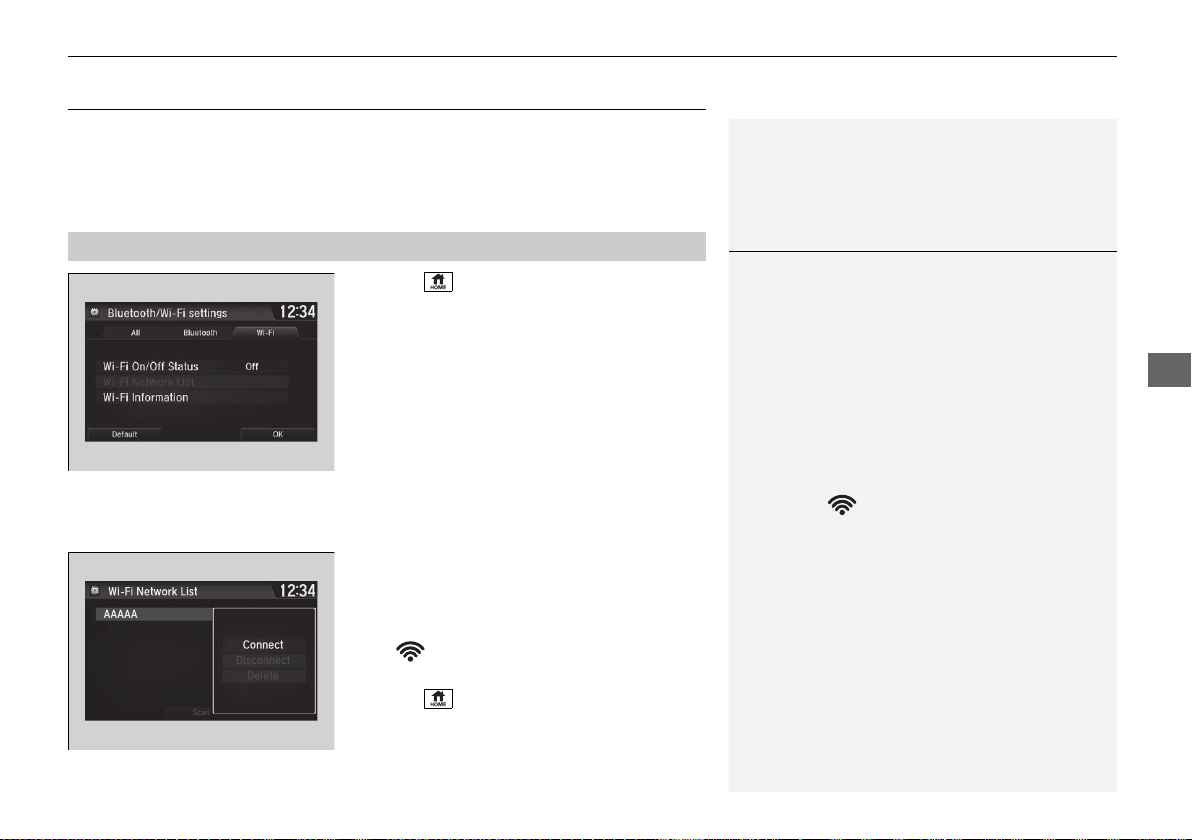
211
uuAudio System Basic OperationuWi-Fi Connection
Continued
Features
Wi-Fi Connection
You can connect the audio system to the Internet using Wi-Fi and browse websites
or use online services on the audio/information screen. If your phone has wireless
hotspot capabilities, the system can be tethered to the phone. Use the following
steps to setup.
1. Select .
2. Select Settings.
3. Select Bluetooth/Wi-Fi.
4. Select the Wi-Fi tab.
5. Select Wi-Fi On/Off Status, then On.
6. Select Wi-Fi Network List.
u Make sure your phone’s Wi-Fi setting is
in access point (tethering) mode.
u Select the phone you want to connect to
the system.
u If you do not find the phone you want to
connect in the list, select Scan.
7. Select Connect.
u If needed, enter a password for your
phone and select OK.
u When the connection is successful, the
icon is displayed on the top of the
screen.
8. Select to go back to the home screen.
■
Wi-Fi mode (setting for the first time)
1Wi-Fi mode (setting for the first time)
You cannot go through the setting procedure while a
vehicle is moving. Park in a safe place to setup the
Wi-Fi connection.
Some cell phone carriers charge for tethering and
smartphone data use. Check your phone’s data
subscription package.
Check your phone manual to find out if the phone
has Wi-Fi connectivity.
You can confirm whether Wi-Fi connection is on or
off with the icon on Wi-Fi Network List.
Network speed will not be displayed on this screen.
19 NSX-31T6N6200.book 211 ページ 2018年8月9日 木曜日 午前11時12分
uuAudio System Basic OperationuWi-Fi Connection
212
Features
Make sure your phone's Wi-Fi setting is in access point (tethering) mode.
■
Wi-Fi mode (after the initial setting has been made)
1Wi-Fi mode (after the initial setting has been made)
You may need to go through an initial setup for Wi-
Fi connection again after you boot your phone.
iPhone users
19 NSX-31T6N6200.book 212 ページ 2018年8月9日 木曜日 午前11時12分
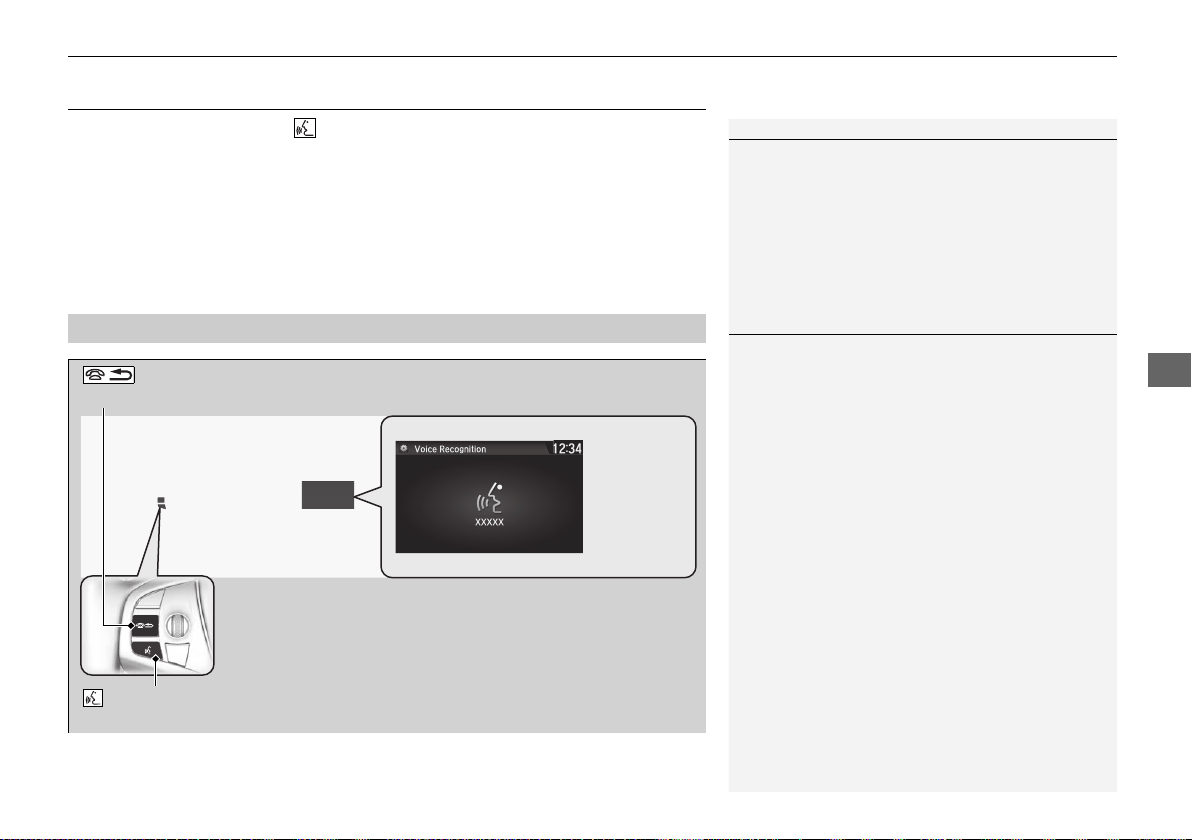
213
uuAudio System Basic OperationuSiri® Eyes Free
Features
Siri® Eyes Free
You can talk to Siri using the (Talk) button on the steering wheel when your
iPhone is paired to the Bluetooth® HandsFreeLink® (HFL) system.
2 Phone Setup P. 276
■
Using Siri Eyes Free
1Siri® Eyes Free
Siri is a trademark of Apple Inc.
Check Apple Inc. website for features available for
Siri.
We recommend against using Siri other than in Siri
Eyes Free mode while operating a vehicle.
1Using Siri Eyes Free
Some commands work only on specific phone
features or apps.
(Talk) Button
Press and hold until the display changes as shown.
(Hang-up/back) Button
Press to deactivate Siri Eyes Free.
While in Siri Eyes Free:
The display remains the same.
No feedback or commands
appear.
Appears
when Siri is
activated in
Siri Eyes Free
19 NSX-31T6N6200.book 213 ページ 2018年8月9日 木曜日 午前11時12分
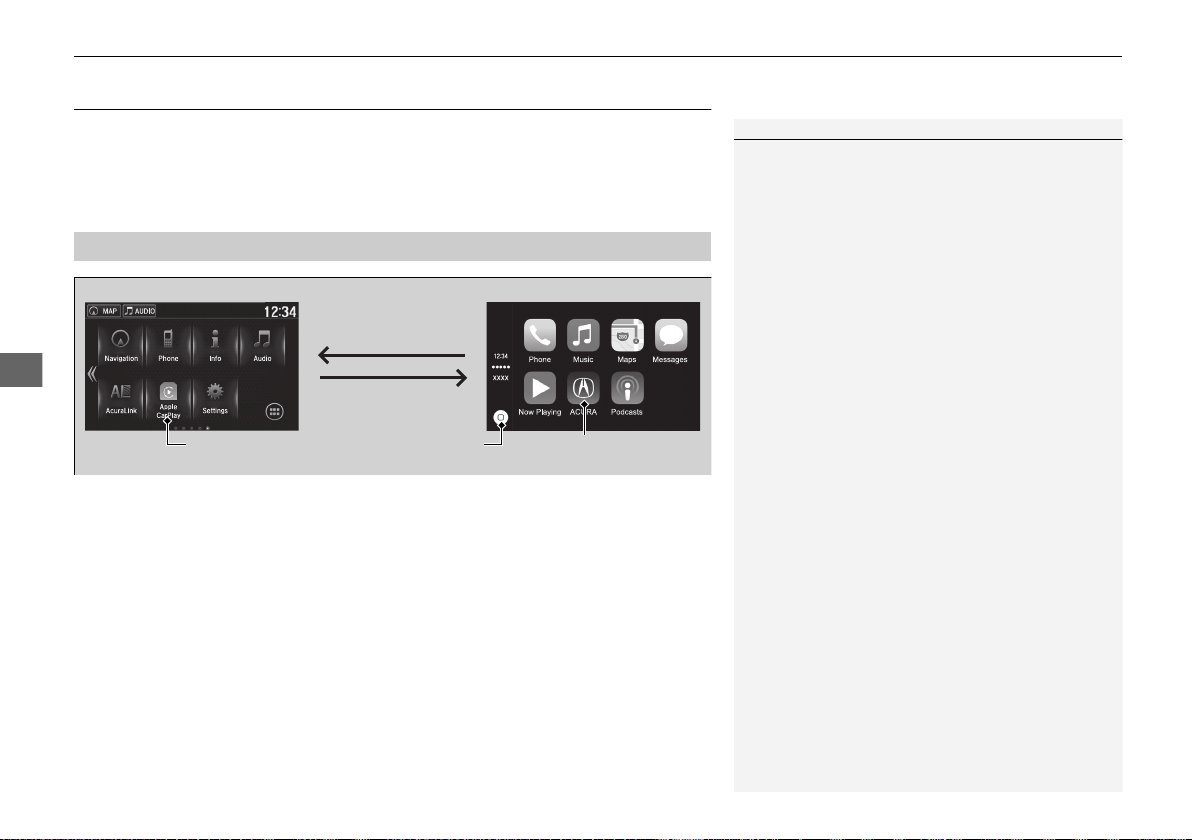
214
uuAudio System Basic OperationuApple CarPlay
TM
Features
Apple CarPlay
TM
If you connect an Apple CarPlay-compatible iPhone to the system via USB, you can
use the audio/information screen, instead of the iPhone display, to make a phone
call, listen to music, view maps (navigation), and access messages.
2 USB Ports P. 161
■ Phone
Access the contact list, make phone calls, or listen to voice mail.
■ Messages
Check and reply to text messages, or have messages read to you.
■ Music
Play music stored on your iPhone.
■
Apple CarPlay Menu
1Apple CarPlay
TM
Only iPhone 5 or newer versions with iOS 8.4 or later
are compatible with Apple CarPlay.
Park in a safe place before connecting your iPhone to
Apple CarPlay and when launching any compatible
apps.
To use Apple CarPlay, connect the USB cable to the
USB port located in the console compartment. The
USB port located in the glove box will not enable
Apple CarPlay operation.
2 USB Ports P. 161
To directly access the Apple CarPlay phone function,
select Phone on the home screen. While connected
to Apple CarPlay, calls are only made through Apple
CarPlay. If you want to make a call with
HandsFreeLink, turn Apple CarPlay OFF or detach the
USB cable from your iPhone.
2 Setting Up Apple CarPlay P. 215
When your iPhone is connected to Apple CarPlay, it is
not possible to use the Bluetooth® Audio or
Bluetooth® HandsFreeLink®. However, other
previously paired phones can stream audio via
Bluetooth® while Apple CarPlay is connected.
2 Phone Setup P. 276
For details on countries and regions where Apple
CarPlay is available, as well as information pertaining
to function, refer to the Apple homepage.
Home screen
Apple CarPlay
icon
Apple CarPlay menu screen
Go back to the Apple
CarPlay menu screen
Go back to the
home screen
19 NSX-31T6N6200.book 214 ページ 2018年8月9日 木曜日 午前11時12分
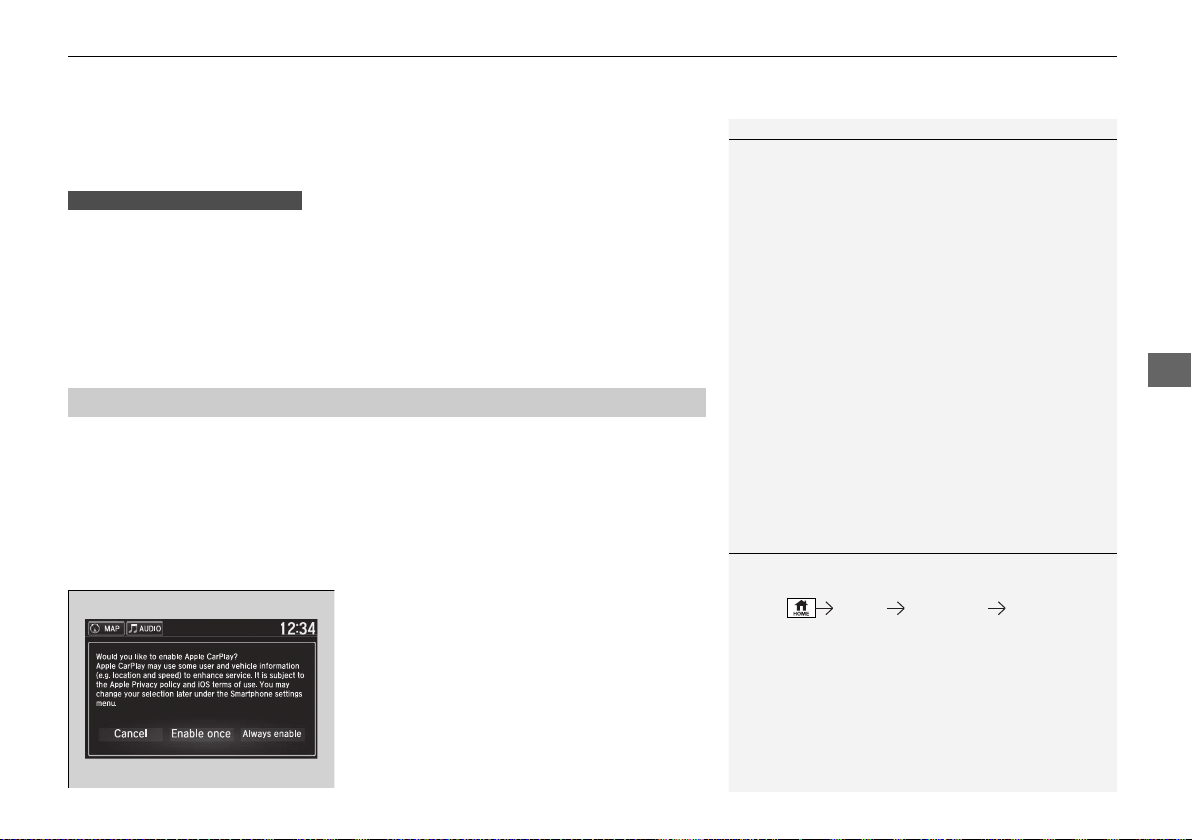
Continued
215
uuAudio System Basic OperationuApple CarPlay
TM
Features
■ Maps
Display Apple CarPlay map and use the navigation function just as you would on
your iPhone.
Only one navigation system (pre-installed navigation or Apple CarPlay) can give
directions at a time. When you are using one system, directions to any prior
destination set on the other system will be canceled, and the system you are
currently using will direct you to your destination.
After you have connected your iPhone to the system via USB, use the following
procedure to set up Apple CarPlay. Use of Apple CarPlay will result in the
transmission of certain user and vehicle information (such as vehicle location, speed,
and status) to your iPhone to enhance the Apple CarPlay experience. You will need
to consent to the sharing of this information on the audio/information screen.
■ Enabling Apple CarPlay
Enable once: Allows only once. (Prompt
shows again next time.)
Always enable: Allows anytime. (Prompt
does not show again.)
Cancel: Does not allow this consent.
You may change the consent settings under
the Smartphone settings menu.
■
Setting Up Apple CarPlay
1Apple CarPlay
TM
Apple CarPlay Operating Requirements &
Limitations
Apple CarPlay requires a compatible iPhone with an
active cellular connection and data plan. Your
carrier’s rate plans will apply.
Changes in operating systems, hardware, software,
and other technology integral to providing Apple
CarPlay functionality, as well as new or revised
governmental regulations, may result in a decrease or
cessation of Apple CarPlay functionality and services.
Acura cannot and does not provide any warranty or
guarantee of future Apple CarPlay performance or
functionality.
It is possible to use 3rd party apps if they are
compatible with Apple CarPlay. Refer to the Apple
homepage for information on compatible apps.
Models with navigation system
1Setting Up Apple CarPlay
You can also use the method below to set up Apple
CarPlay:
Select Settings Smartphone Apple CarPlay
Use of user and vehicle information
The use and handling of user and vehicle information
transmitted to/from your iPhone by Apple CarPlay is
governed by the Apple iOS terms and conditions and
Apple’s Privacy Policy.
19 NSX-31T6N6200.book 215 ページ 2018年8月9日 木曜日 午前11時12分
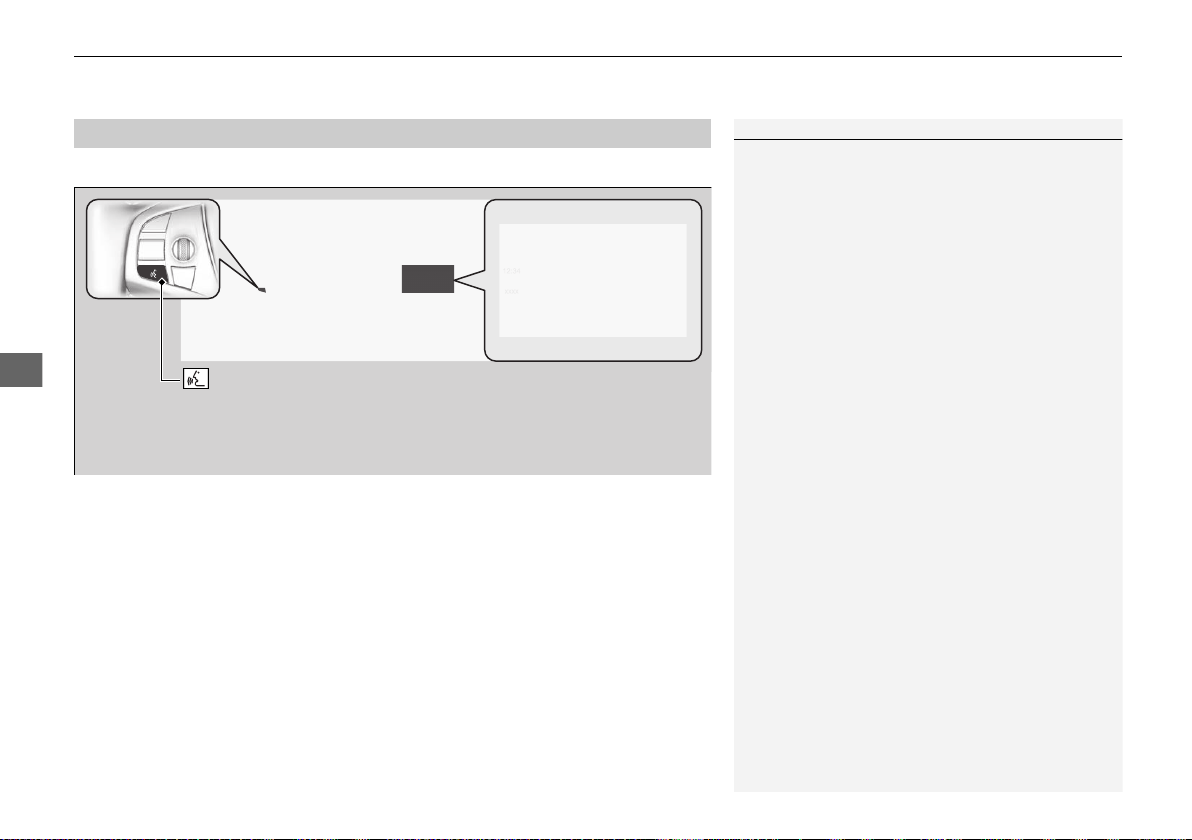
uuAudio System Basic OperationuApple CarPlay
TM
216
Features
Press and hold the talk button to activate Siri Eyes Free.
■
Operating Apple CarPlay with Siri Eyes Free
1Operating Apple CarPlay with Siri Eyes Free
Below are examples of questions and commands for
Siri Eyes Free.
• What movies are playing today?
• Call dad at work.
• What song is this?
• How’s the weather tomorrow?
• Read my latest email.
• Find a table for four tonight in Chicago.
For more information, please visit
www.apple.com/ios/siri.
(Talk) button:
Press and hold to activate Siri Eyes Free.
Press again to deactivate Siri Eyes Free.
Press and release to activate standard voice recognition system.
19 NSX-31T6N6200.book 216 ページ 2018年8月9日 木曜日 午前11時12分
217
uuAudio System Basic OperationuAndroid Auto
TM
Continued
Features
Android Auto
TM
When you connect an Android phone to the audio system via USB, Android Auto is
automatically initiated. When connected via Android Auto, you can use the audio/
information screen to access the Phone, Google Maps (Navigation), Google Play
Music, and Google Now functions. When you first use Android Auto, a tutorial will
appear on the screen.
We recommend that you complete this tutorial while safely parked before using
Android Auto.
2 USB Ports P. 161
2 Auto Pairing Connection P. 219
1Android Auto
TM
To use Android Auto, you need to download the
Android Auto app from Google Play to your
smartphone.
Only Android 5.0 (Lollipop) or later versions are
compatible with Android Auto.
Bluetooth A2DP cannot be used on your phone while
connected to Android Auto.
Park in a safe place before connecting your Android
phone to Android Auto and when launching any
compatible apps.
To use Android Auto, connect the USB cable to the
USB port located in the console compartment. The
USB port in the glove box will not enable Android
Auto operation.
2 USB Ports P. 161
When your Android phone is connected to Android
Auto, it is not possible to use the Bluetooth® Audio.
However, other previously paired phones can stream
audio via Bluetooth® while Android Auto is
connected.
2 Phone Setup P. 276
19 NSX-31T6N6200.book 217 ページ 2018年8月9日 木曜日 午前11時12分
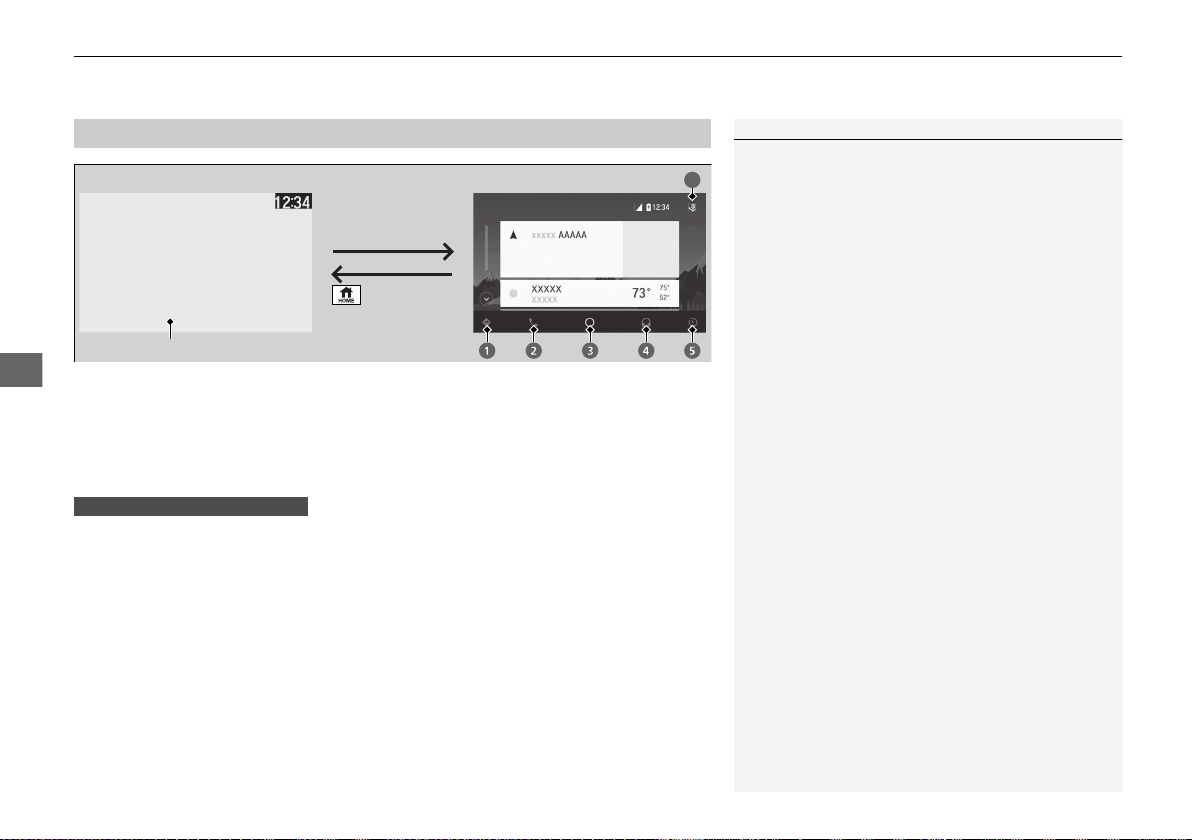
uuAudio System Basic OperationuAndroid Auto
TM
218
Features
a Maps (Navigation)
Display Google Maps and use the navigation function just as you would with your
Android phone. When the vehicle is in motion, it is not possible to make keyboard
entries. Stop the vehicle in a safe location to undertake a search or provide other
inputs.
Only one navigation system (pre-installed navigation or Android Auto) can give
directions at a time. When you are using one system, directions to any prior
destination set on the other system will be canceled, and the system you are
currently using will direct you to your destination.
The audio/information screen shows you turn-by-turn driving directions to your
destination.
b Phone (Communication)
Make and receive phone calls as well as listen to voicemail.
c Google Now (Home screen)
Display useful information organized by Android Auto into simple cards that appear
just when they’re needed.
■
Android Auto Menu
1Android Auto
TM
For details on countries and regions where Android
Auto is available, as well as information pertaining to
function, refer to the Android Auto homepage.
Android Auto Operating Requirements &
Limitations
Android Auto requires a compatible Android phone
with an active cellular connection and data plan.
Your carrier’s rate plans will apply.
Changes in operating systems, hardware, software,
and other technology integral to providing Android
Auto functionality, as well as new or revised
governmental regulations, may result in a decrease or
cessation of Android Auto functionality and services.
Acura cannot and does not provide any warranty or
guarantee of future Android Auto performance or
functionality.
It is possible to use 3rd party apps if they are
compatible with Android Auto. Refer to the Android
Auto homepage for information on compatible apps.
: Go back to
the home screen
Android Auto icon
6
Models with navigation system
19 NSX-31T6N6200.book 218 ページ 2018年8月9日 木曜日 午前11時12分
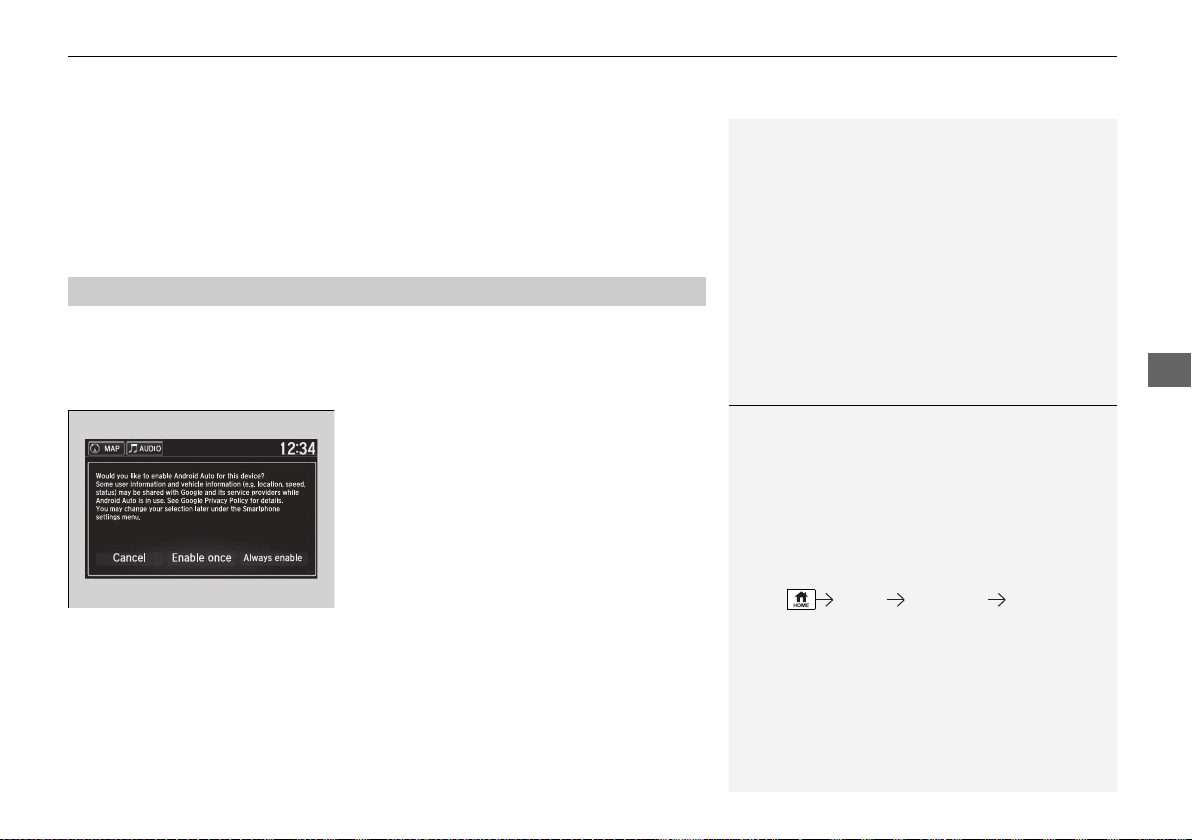
Continued
219
uuAudio System Basic OperationuAndroid Auto
TM
Features
d Music and audio
Play Google Play Music and music apps that are compatible with Android Auto.
To switch between music apps, press this icon.
e Go back to the Home Screen.
f Voice
Operate Android Auto with your voice.
When you connect an Android phone to the unit via USB, Android Auto is
automatically initiated.
■ Enabling Android Auto
Enable once: Allows only once. (Prompt
shows again next time.)
Always enable: Allows anytime. (Prompt
does not show again.)
Cancel: Does not allow this consent.
You may change the consent settings under
the Smartphone settings menu.
■
Auto Pairing Connection
1Enabling Android Auto
Only initialize Android Auto when you are safely
parked. When Android Auto first detects your phone,
you will need to set up your phone so that auto
pairing is possible. Refer to the instruction manual
that came with your phone.
You can use the method below to change Android
Auto settings after you have completed the initial
setup:
Select Settings Smartphone Android Auto
Use of user and vehicle information
The use and handling of user and vehicle information
transmitted to/from your phone by Android Auto is
governed by Google’s Privacy Policy.
19 NSX-31T6N6200.book 219 ページ 2018年8月9日 木曜日 午前11時12分
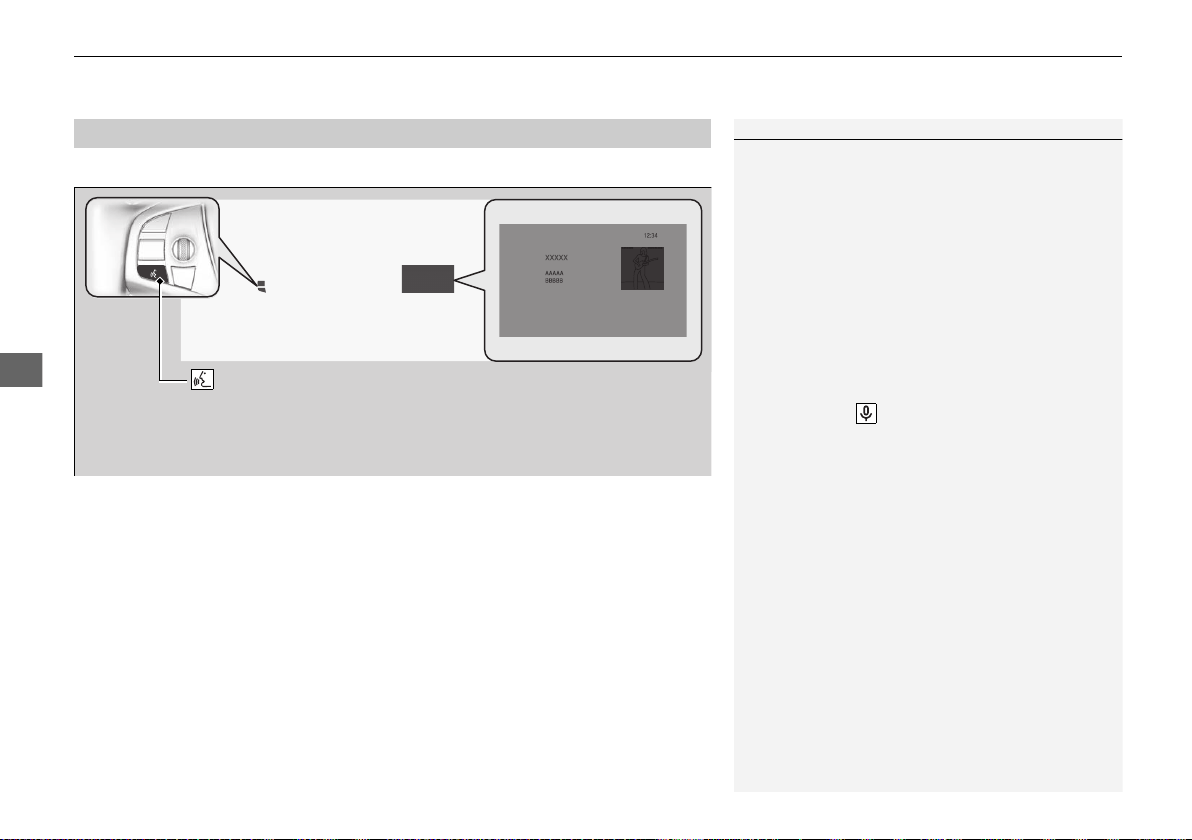
uuAudio System Basic OperationuAndroid Auto
TM
220
Features
Press and hold the talk button to operate Android Auto with your voice.
■
Operating Android Auto with Voice Recognition
1Operating Android Auto with Voice Recognition
Below are examples of commands you can give with
voice recognition:
• Reply to text.
• Call my wife.
• Navigate to Acura.
• Play my music.
• Send a text message to my wife.
• Call flower shop.
For more information, please refer to the Android
Auto homepage.
You can also activate the voice recognition function
by pressing the icon in the upper-right corner of
the screen.
(Talk) button:
Press and hold to operate Android Auto with your voice.
Press again to deactivate voice recognition.
Press and release to activate standard voice recognition system.
19 NSX-31T6N6200.book 220 ページ 2018年8月9日 木曜日 午前11時12分
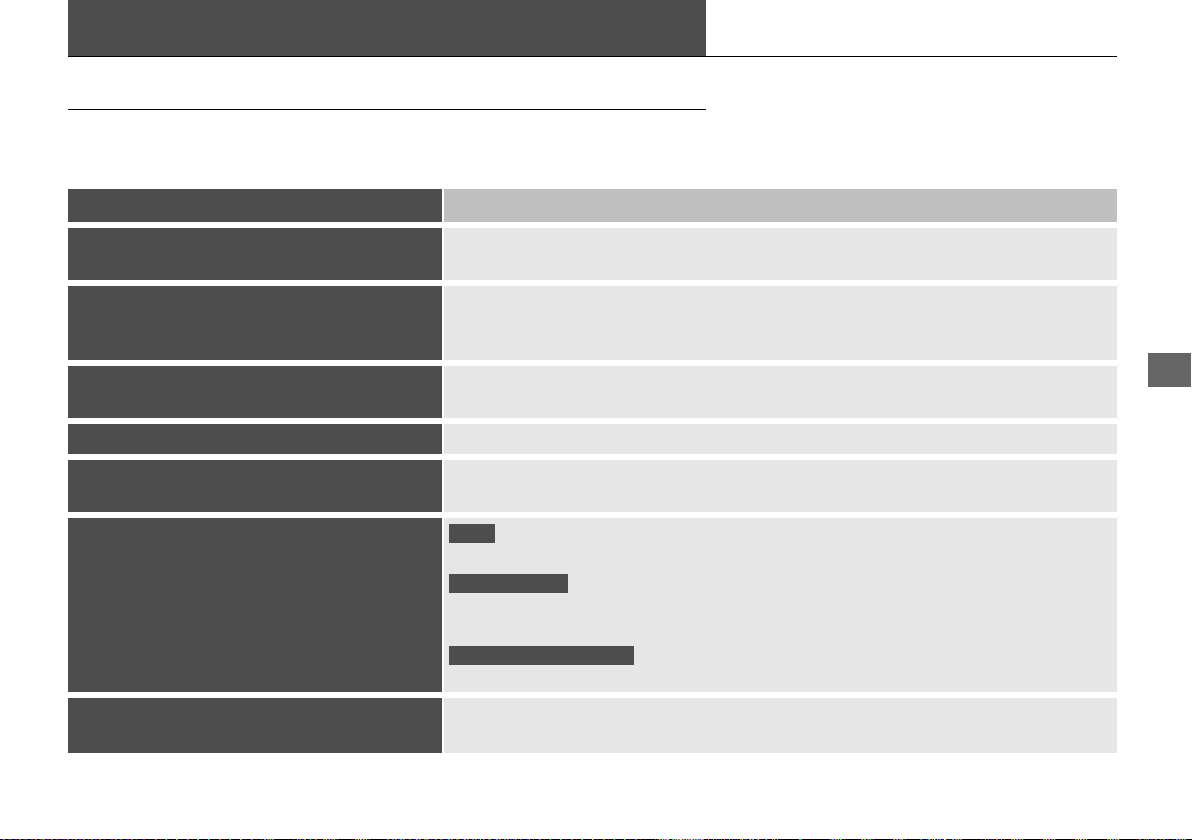
221
Features
Audio Error Messages
iPod/USB Flash Drive
If an error occurs while playing an iPod or USB flash drive, you may see the following
error messages. If you cannot clear the error message, contact an authorized Acura
NSX dealer.
Error Message Solution
USB Error
Appears when there is a problem with the audio system. Check if the device is
compatible with the audio system.
The connected USB device has a problem.
See Owner’s Manual
Appears when an incompatible device is connected. Disconnect the device. Then turn
the audio system off, and turn it on again. Do not reconnect the device that caused the
error.
Unsupported Version
Appears when an unsupported iPod is connected. If it appears when a supported iPod
is connected, update the iPod software to the newer version.
Connect Retry Appears when the system does not acknowledge the iPod. Reconnect the iPod.
Unplayable File
Appears when the files in the USB flash drive are copyright protected or an unsupported
format. This error message appears for about three seconds, then plays the next song.
No Data
Appears when the iPod is empty.
Appears when the USB flash drive is empty or there are no MP3, WMA, or AAC files in
the USB flash drive.
Check that compatible files are stored on the device.
Unsupported
Appears when an unsupported device is connected. If it appears when a supported
device is connected, reconnect the device.
iPod
USB flash drive
iPod and USB flash drive
19 NSX-31T6N6200.book 221 ページ 2018年8月9日 木曜日 午前11時12分
222
uuAudio Error MessagesuPandora®
*1
Features
Pandora®
*1
If an error occurs while playing Pandora®, you may see the following error messages.
If you cannot clear the error message, contact an authorized Acura NSX dealer.
*1:Available only on U.S. models.
Error Message Solution
To begin listening, select a station from the Stations list.
Appears when there is no station list on the device. Use the device
to create a station.
Unable to rate track. Please try again.
Skip limit reached.
Appears when you try to skip a song or select Like/Dislike over
the predetermined number of times in an hour.
Unable to play Pandora. Please try again later.
Unable to retrieve a track explanation. Please try again later.
Unable to create bookmark. Please try again later.
Appears when the commanded operation fails. Try again later.
No Data
Appears when no data is available with Pandora® activated.
Reboot the app and reconnect the device.
Pandora App version is not supported
Appears when Pandora® version is not supported. Update
Pandora® to the latest version.
Unable to complete the operation. Please try again later.
Appears when the Pandora® server is in maintenance. Try again
later.
Unable to connect Pandora. When stopped, check your
mobile phone
Appears when Pandora® is unable to play music. Check your
device.
Unable to connect Pandora. When stopped, check your
mobile phone
Appears when Pandora® app is not installed on your device. Install
Pandora® app to your device.
19 NSX-31T6N6200.book 222 ページ 2018年8月9日 木曜日 午前11時12分

223
uuAudio Error MessagesuAndroid/Apps
Features
Android/Apps
If an error occurs while using the audio system or apps, you may see the following
error messages. If you cannot clear the error message, contact an authorized Acura
NSX dealer.
*1:****part is variable characters, and will change depending upon where an error
occurs.
Error Message
*1
Solution
Unfortunately, **** has
stopped.
Error has occurred within app, select OK on the screen to close the app.
**** is not responding.
Would you like to close it?
App is not responding.
Select Wait if you can wait for a response from app a little longer. If it does not respond even if you keep
waiting, select OK to close the app and start it up. If the error message continues, perform Factory Data
Reset.
2 Defaulting All the Settings P. 264
19 NSX-31T6N6200.book 223 ページ 2018年8月9日 木曜日 午前11時12分
224
Features
General Information on the Audio System
SiriusXM® Radio Service
*
1. You need your radio ID ready before registering for subscription. To see the ID on
the screen, select Channel 0.
2. Have your radio ID ready, and either call SiriusXM® or visit the SiriusXM® website
to subscribe.
Switch to the SiriusXM® mode by using the SOURCE button on the steering wheel,
or through the audio/information screen, and stay in this mode for about 30
minutes until the service is activated. Make sure your vehicle is in an open area with
good reception.
Channel Not Subscribed:
You are not subscribed to the channel selected.
Subscription Update:
SiriusXM® radio is receiving information update from the network.
Channel Not Available:
No such channel exists, or the artist or title information is unavailable.
No Signal:
The signal is too weak in the current location.
Antenna Disconnected:
The SiriusXM® antenna is disconnected. Contact an authorized Acura NSX dealer.
■
Subscribing to SiriusXM® Radio
■
Receiving SiriusXM® Radio
■
SiriusXM® Radio Display Messages
1Subscribing to SiriusXM® Radio
Contact Information for SiriusXM® Radio:
• U.S.: SiriusXM® Radio at www.siriusxm.com/
subscribenow, or 1-877-447-0011
• Canada: SiriusXM® Canada at www.siriusxm.ca/
subscribe-now, or 1-877-209-0079
1Receiving SiriusXM® Radio
The SiriusXM® satellites are in orbit over the equator;
therefore, objects south of the vehicle may cause
satellite reception interruptions. Satellite signals are
more likely to be blocked by tall buildings and
mountains the farther north you travel from the
equator.
You may experience reception problems under the
following circumstances:
• In a location with an obstruction to the south of
your vehicle.
• In tunnels
• On the lower level of a multi-tiered road
• Large items carried on the roof rack
* Not available on all models
19 NSX-31T6N6200.book 224 ページ 2018年8月9日 木曜日 午前11時12分
225
uuGeneral Information on the Audio SystemuCompatible iPod, iPhone, and USB Flash Drives
Features
Compatible iPod, iPhone, and USB Flash Drives
• A USB flash drive of 256 MB or higher is recommended.
• Some digital audio players may not be compatible.
• Some USB flash drives (e.g., a device with security lockout) may not work.
• Some software files may not allow for audio play or text data display.
• Some versions of MP3, WMA, or AAC formats may be unsupported.
■
iPod and iPhone Model Compatibility
Model
iPod (5th generation)
iPod classic 80GB/160GB (launch in 2007)
iPod classic 120GB (launch in 2008)
iPod classic 160GB (launch in 2009)
iPod nano (1st to 7th generation) released between 2005 and 2012
iPod touch (1st to 5th generation) released between 2007 and 2012
iPhone 3G/iPhone 3GS/iPhone 4/iPhone 4S/iPhone 5/iPhone 5c/iPhone 5s/iPhone
6/iPhone 6s/iPhone 6 Plus/iPhone 6s Plus
■
USB Flash Drives
1iPod and iPhone Model Compatibility
This system may not work with all software versions
of these devices.
1USB Flash Drives
Files on the USB flash drive are played in their stored
order. This order may be different from the order
displayed on your PC or device.
19 NSX-31T6N6200.book 225 ページ 2018年8月9日 木曜日 午前11時12分
226
uuGeneral Information on the Audio SystemuHonda App License Agreement
Features
Honda App License Agreement
PLEASE CAREFULLY READ THIS END USER LICENSE AGREEMENT (THIS “AGREEMENT”) WHICH GOVERNS YOUR USE OF THE SOFTWARE
INSTALLED ON YOUR HONDA OR ACURA VEHICLE (YOUR “VEHICLE”) AS WELL AS THE APPLICATIONS, SERVICES, FUNCTIONS, AND
CONTENT PROVIDED THROUGH THE SOFTWARE (COLLECTIVELY, THE “SERVICES”). YOUR USE OF THE SOFTWARE OR SERVICES WILL
SERVE AS YOUR CONSENT TO THE TERMS OF THIS AGREEMENT. THE SOFTWARE IS OWNED (OR LICENSED), PROVIDED, AND/OR
OPERATED BY AMERICAN HONDA MOTOR CO. INC., (“HONDA,” “US,” “WE,” OR “OUR”), WITH ITS BUSINESS ADDRESS AT 1919
TORRANCE BLVD., TORRANCE, CA 90501. REFERENCE TO “HONDA” IN THIS AGREEMENT INCLUDES HONDA’S PARENT COMPANY AND
ITS AFFILIATES AND DESIGNATED AGENTS. THE SERVICES ARE OWNED (OR LICENSED), PROVIDED, AND/OR OPERATED BY HONDA OR A
THIRD-PARTY SERVICE PROVIDER (A “PROVIDER”). REFERENCE TO A “PROVIDER” IN THIS AGREEMENT INCLUDES SUCH PROVIDER’S
PARENT COMPANY, AFFILIATES, AND DESIGNATED AGENTS.
A. Description of the Software. The SOFTWARE includes the software, firmware and the like, installed and executing on your VEHICLE
during manufacture, and thereafter updated from time to time by HONDA, you or an authorized HONDA dealer (a “DEALER”). The
SOFTWARE allows you to access and use a variety of SERVICES, including but not limited to: (a) HONDA applications, services, and content
provided through the SOFTWARE (together, “HONDA SERVICES”); and (b) PROVIDER applications, services, and content provided through
the SOFTWARE (together, “PROVIDER SERVICES”), each of which may provide access to various information, media, content, and services.
B. SOFTWARE Licensing and Intellectual Property.
1. SOFTWARE. This AGREEMENT grants you a non-exclusive, limited, and revocable license to use the SOFTWARE and SERVICES solely (a)
as installed on your VEHICLE by HONDA, (b) as updated on your Vehicle by HONDA, you (but only as and when directed by HONDA), or a
DEALER and (c) as permitted under the terms of this AGREEMENT.
2. HONDA Services. The SOFTWARE may provide you with access to various HONDA SERVICES. Installation, activation, or use of HONDA
SERVICES may require your consent to additional terms, conditions, and privacy policies applicable to those HONDA SERVICES (the
“HONDA TERMS”). You acknowledge and agree that any collection, use, sharing of data generated by your VEHICLE or your use of your
VEHICLE, and your use of the HONDA SERVICES shall be subject to this AGREEMENT and any additional HONDA TERMS that may be
specifically applicable to such HONDA SERVICES or data generation. The HONDA SERVICES may collect, use, and share such data while
you are using the SOFTWARE.
■
END USER LICENSE AGREEMENT
19 NSX-31T6N6200.book 226 ページ 2018年8月9日 木曜日 午前11時12分

227
uuGeneral Information on the Audio SystemuHonda App License Agreement
Continued
Features
3. Open-Source Software. The SOFTWARE and SERVICES may incorporate software licensed to HONDA under free or open-source
licenses which govern HONDA’s distribution and your use of such software. HONDA and the third-party authors, licensors, and distributors
of such software disclaim all warranties and all liability arising from any and all use or distribution of the software. To the extent such
software is provided under terms that differ from the applicable free or open-source licenses, those terms are offered by HONDA alone.
Additional information regarding free and open-source software incorporated in the SOFTWARE and SERVICES is available in this manual
or within the SOFTWARE.
4. Provider Services. The SOFTWARE may provide you with access to various PROVIDER SERVICES. Installation or use of such PROVIDER
SERVICES may require your consent to additional terms, conditions, and privacy policies of the applicable PROVIDER (the “PROVIDER
TERMS”). This AGREEMENT restricts the manner in which you can install and use PROVIDER SERVICES but does not grant you a license or
permission to use such PROVIDER SERVICES. Your permission to use PROVIDER SERVICES is limited and subject to any license grants,
conditions, and limitations included in the PROVIDER TERMS. You acknowledge that any collection, use, sharing of your information,
targeted advertising practices by PROVIDERS, and your use of the PROVIDER SERVICES shall be subject to both this AGREEMENT and any
applicable PROVIDER TERMS. The PROVIDER SERVICES may collect, use, and share such information while you are using the SOFTWARE.
5. License Limitations and Restrictions on Use.
(a) Limited License.
You understand and agree that the SOFTWARE and SERVICES are licensed, not sold, to you solely for use in accordance
with this AGREEMENT and any applicable PROVIDER TERMS, and any documentation for the VEHICLE made available to you by HONDA
(any “DOCUMENTATION”). HONDA and its licensors reserve all rights in the SOFTWARE and HONDA SERVICES not expressly granted to
you under this AGREEMENT. PROVIDERS and their licensors reserve all rights in the PROVIDER SERVICES not expressly granted to you under
the applicable PROVIDER TERMS.
19 NSX-31T6N6200.book 227 ページ 2018年8月9日 木曜日 午前11時12分

228
uuGeneral Information on the Audio SystemuHonda App License Agreement
Features
(b) Restrictions on Use. The licenses granted under this AGREEMENT do not permit you to use the SOFTWARE or SERVICES on a device
other than your VEHICLE. As a condition of using the SOFTWARE and SERVICES, you agree that you may not and will not:
6. Intellectual Property Rights. All title and intellectual property rights in and to the SOFTWARE and SERVICES, the accompanying
DOCUMENTATION, and all copies of the SOFTWARE or SERVICES are owned by HONDA, PROVIDERS, or their suppliers or licensors. This
AGREEMENT does not grant you any rights in connection with any trademarks or service marks of HONDA, PROVIDERS, or their licensors,
affiliates, or suppliers.
(1) copy, download, distribute, modify, publish, sell, rent, lease, lend, license, sublicense, reuse, or create derivative works of the
SOFTWARE or SERVICES or any of the content or other material within the SOFTWARE or SERVICES, including without limitation,
HONDA or PROVIDER names, logos, or any other trademarks of HONDA or PROVIDERS or used in association with the SOFTWARE or
any SERVICES, except as required to use the SOFTWARE or SERVICES in accordance with this AGREEMENT, any applicable PROVIDER
TERMS, and the DOCUMENTATION;
(2) access or use the SOFTWARE or SERVICES in any manner intended to damage or impair the operation of the SOFTWARE or SERVICES
or interfere with anyone else’s use and enjoyment of the SOFTWARE or SERVICES;
(3) access or attempt to access any system or server on which the SOFTWARE or SERVICES is hosted or modify or alter the SOFTWARE
or SERVICES in any way;
(4) use the SOFTWARE or SERVICES for any unlawful purpose, or in violation of any third party rights;
(5) use the SOFTWARE or SERVICES in violation of any applicable traffic regulations, rules or laws, including but not limited to any driver
distraction laws, rules or regulations;
(6) violate the terms of this AGREEMENT, any HONDA TERMS, any PROVIDER TERMS or other applicable third-party terms, conditions,
and privacy policies; or
(7) reverse engineer, decompile, disassemble, attempt to derive the source code of, nor permit others to reverse engineer, decompile,
or disassemble, or attempt to derive the source code of the SOFTWARE or SERVICES, except and only to the extent that such activity is
expressly permitted (a) by applicable law notwithstanding this limitation or (b) the terms of applicable free or opensource software
licenses.
19 NSX-31T6N6200.book 228 ページ 2018年8月9日 木曜日 午前11時12分

229
uuGeneral Information on the Audio SystemuHonda App License Agreement
Continued
Features
7. Export Restrictions: You acknowledge that the SOFTWARE and SERVICES are subject to U.S., European Union, and other export
jurisdictions. You agree to comply with all applicable international and national laws that apply to the SOFTWARE and SERVICES, including
the U.S. Export Administration Regulations, as well as end-user, end-use, and destination restrictions issued by the U.S. and other
governments.
C. SOFTWARE Operation
1. HONDA reserves the right to suspend or terminate your access to and use of the SOFTWARE or SERVICES if you are found to be in
violation of this AGREEMENT or as reasonably deemed necessary by HONDA.
2. Eligibility/Registration/Activation.
The SOFTWARE is intended for and available to individuals who (a) are of legal age of majority in their
jurisdiction of residence (and at least 18 years of age), or are younger than 18 years of age and possess a valid driver’s license issued by
their jurisdiction of residence, and (b) own or have permissive access to a compatible VEHICLE. We do not knowingly collect any
information, including personal information, from children under 13. If we learn or are notified that we have collected personal
information of a child under 13, we will immediately take steps to delete such information.
3. Use of PROVIDER SERVICES through the SOFTWARE.
Certain PROVIDER SERVICES made available through the SOFTWARE may require
that you register or otherwise have an account with the PROVIDER and agree to PROVIDER TERMS. Any use of any of such PROVIDER
SERVICES within the SOFTWARE is subject to this AGREEMENT and the applicable PROVIDER TERMS. HONDA does not exercise control
over such PROVIDER SERVICES and is not responsible or liable for the availability, security, or content of such PROVIDER SERVICES, and the
inclusion of any PROVIDER SERVICES does not imply a referral from, the approval of, or the endorsement by HONDA of such PROVIDER
SERVICES. HONDA is not responsible or liable, directly or indirectly, for any damage relating to or resulting from your use of the PROVIDER
SERVICES.
4. Links to Third Party Sites:
The SOFTWARE may provide you with the ability to access third-party sites and content through the use of the
SOFTWARE or SERVICES. The third-party sites and content are not under the control of HONDA. HONDA is not responsible or liable,
directly or indirectly, for such third-party websites and their content or for any damage relating to or resulting from your access or use of
such websites and content.
19 NSX-31T6N6200.book 229 ページ 2018年8月9日 木曜日 午前11時12分

230
uuGeneral Information on the Audio SystemuHonda App License Agreement
Features
5. Unauthorized Use and Abuse. You are responsible for ensuring your (and any authorized third parties’) use of the SOFTWARE and
SERVICES remains in compliance with this AGREEMENT and all other applicable HONDA TERMS and PROVIDER TERMS. You acknowledge
and agree that any use of the SOFTWARE or SERVICES occurring through your VEHICLE will be deemed your actions and that HONDA and
PROVIDERS may rely upon such actions. You agree to immediately notify us if you suspect fraudulent or abusive activity involving the
SOFTWARE or SERVICES. If you so notify us or if we otherwise suspect fraudulent or abusive activity, you agree to cooperate with us in any
fraud investigation and to use any fraud prevention measures we prescribe. Your failure to immediately notify us or cooperate to use such
measures will result in your liability for all fraudulent usage or abusive activity associated with your VEHICLE.
6. SOFTWARE Updates.
The SOFTWARE and SERVICES may be updated when your VEHICLE is serviced by a DEALER or remotely, over-the-
air, by HONDA from time to time; such updates may occur with or without further notice or your future consent. The SOFTWARE may be
updated at HONDA’s discretion and for any purpose including, without limitation, to patch or otherwise improve the SOFTWARE or
SERVICES functionality, security, or stability. All updates to the SOFTWARE and SERVICES are subject to this AGREEMENT and any other
applicable HONDA TERMS and PROVIDER TERMS.
7. Uninstalling, Removing, and Replacing the SOFTWARE.
Replacing SOFTWARE or HONDA SERVICES with software or firmware not
provided and installed by HONDA or a DEALER will render all representations and warranties for the SOFTWARE, HONDA SERVICES, and
VEHICLE functionality reliant upon the SOFTWARE or HONDA SERVICES null and void.
D. SOFTWARE Operational Notices and Warnings
1. Vehicle Geolocation Information.
You acknowledge that your VEHICLE may be equipped with certain traffic and map features. The
traffic feature will automatically collect and transmit, through GPS technology, your Vehicle’s current location (longitude and latitude),
travel direction and speed (“VEHICLE GEOLOCATION INFORMATION”) to HONDA and PROVIDERS. The VEHICLE GEOLOCATION
INFORMATION is used by HONDA and PROVIDERS to provide traffic and navigation-related information to you, but may also be used to
provide other SERVICES or offers to you. HONDA will not use such VEHICLE GEOLOCATION INFORMATION for its own marketing efforts,
or provide such information to unaffiliated third parties for their own purposes, without your express consent.
19 NSX-31T6N6200.book 230 ページ 2018年8月9日 木曜日 午前11時12分

231
uuGeneral Information on the Audio SystemuHonda App License Agreement
Continued
Features
2. Potential Map Inaccuracy and Route Safety. Maps used by this system may be inaccurate because of changes in roads, traffic controls,
routing, or driving conditions. Always use good judgment and common sense when following suggested routes. Do not follow the route
suggestions if doing so would result in an unsafe or illegal driving maneuver, if you would be placed in an unsafe situation, or if you would
be directed into an area that you consider unsafe. Do not rely on any navigation features included in the system to route you to emergency
services. Not all emergency services such as police, fire stations, hospitals, or clinics are likely to be contained in the map database for such
navigation features. Ask local authorities or an emergency services operator for such locations and routes. The driver is ultimately
responsible for the safe operation of the vehicle and therefore, must evaluate whether it is safe to follow the suggested directions. Any
navigation features are provided only as an aid. Make your driving decisions based on your observations of local conditions and existing
traffic regulations. Navigation features are not a substitute for your personal judgment. Any route suggestions made by the SOFTWARE or
SERVICES should never replace any local traffic regulations or your personal judgment or knowledge of safe driving practices.
3. Speech Recognition:
You acknowledge and understand that HONDA and PROVIDERS may record, retain, and use voices commands
when you use the speech recognition components of the SOFTWARE or SERVICES. You and all VEHICLE operators and passengers (a)
consent to the recording and retention of voice commands in support of providing speech recognition components and (b) release HONDA
and PROVIDERS from all claims, liabilities, and losses that may result from any use of such recorded voice commands. Recognition errors
are inherent in speech recognition. It is your responsibility to monitor any speech recognition functions included in the system and address
any errors. Neither HONDA nor PROVIDERS will be liable for any damages arising out of errors in the speech recognition process.
4. Distraction Hazards.
Navigation features may require manual (non-verbal) input or setup. Attempting to perform such set-up or insert
data while driving can seriously distract your attention and could cause a crash or other serious consequences; the ability to undertake such
interactions may also be limited by state or local law, which laws you are responsible to know and follow. Even occasional short scans of
the screen may be hazardous if your attention has been diverted away from your driving at a critical time. Pull over and stop the vehicle in
a safe and legal manner before attempting to access a function of the system requiring prolonged attention. Do not raise the volume
excessively. Keep the volume at a level where you can still hear outside traffic and emergency signals while driving. Driving while unable
to hear these sounds could result in a crash.
19 NSX-31T6N6200.book 231 ページ 2018年8月9日 木曜日 午前11時12分

232
uuGeneral Information on the Audio SystemuHonda App License Agreement
Features
E. Information Collection and Storage
1. Information Collection, Use, Transmission and Storage of Data. Consent to Use of Data: You agree that HONDA and PROVIDERS may
collect and use your information gathered in any manner as part of product support services related to the SOFTWARE or related services.
HONDA may share such information with third parties, including, without limitation, PROVIDERS, third party software and services
suppliers, their affiliates and/or their designated agents, solely to improve their products or to provide services or technologies to you.
HONDA, third party software and systems suppliers, their affiliates and/or their designated agent may disclose this information to others,
but not in a form that personally identifies you.
2. Information Storage.
Depending on the type of multimedia system you have in your VEHICLE, certain information may be stored for ease
of use of the SOFTWARE including, without limitation, search history, location history in certain applications, previous and saved
destinations, map locations within certain applications, and device numbers and contact information.
(a) Vehicle Health Information.
Your VEHICLE may remotely transmit information regarding the status and health of your VEHICLE
(“VEHICLE INFORMATION”) to HONDA without notification to you. VEHICLE INFORMATION may contain VEHICLE maintenance and
malfunction status that is derived from VEHICLE diagnostic data and includes, but is not limited to, status of powered doors and windows,
battery life data, battery charging data, VEHICLE speed, coolant temperature, air compressor revolution, output power, warning codes,
diagnostic trouble codes, fuel injection volume, and engine rotations per minute. VEHICLE HEALTH INFORMATION may be used by HONDA
for research and development, to deliver HONDA SERVICES and information to you, and to contact you, and is retained only for a period
of time necessary to fulfill these goals.
(b) VEHICLE Geolocation Data (non-navigation/map based).
If you opt-in to geolocation-based SERVICES, your vehicle’s geolocation data
(latitude and longitude) will be automatically sent from your VEHICLE to HONDA and PROVIDERS.
(c) You understand that the inputting or uploading of information to your VEHICLE’s multimedia system or the SOFTWARE or SERVICES is
at your own risk and that HONDA is not responsible for unauthorized access to or use of any personal or other information. All information
uploaded to the SOFTWARE and SERVICES may be stored on your VEHICLES’s multimedia system and you understand that the security and
safety of your VEHICLE’s multimedia system is your sole responsibility.
19 NSX-31T6N6200.book 232 ページ 2018年8月9日 木曜日 午前11時12分

233
uuGeneral Information on the Audio SystemuHonda App License Agreement
Continued
Features
F. NO WARRANTY. You understand and agree that your use of the SOFTWARE and SERVICES are solely at your own risk and that you
will be solely responsible for any damage to your VEHICLE’s multimedia system or any other equipment or any loss of data that may result
from your use of the SOFTWARE or SERVICES. THE SOFTWARE AND SERVICES ARE PROVIDED ON AN “AS IS” AND “AS AVAILABLE” BASIS
WITHOUT ANY WARRANTY OF ANY KIND, EXPRESSED, IMPLIED OR STATUTORY. WE SPECIFICALLY DISCLAIM ANY IMPLIED WARRANTIES
OF MERCHANTABILITY, FITNESS FOR A PARTICULAR PURPOSE, AND NON-INFRINGEMENT. HONDA makes no warranties that the
SOFTWARE or SERVICES will meet your requirements, or that the SOFTWARE or SERVICES will be uninterrupted, timely, secure, non-
infringing or error free. You understand and agree that you are responsible for any and all charges, costs or expenses associated with your
use of the SOFTWARE or SERVICES. Advice or information, whether oral or written, obtained by you from us or through the SOFTWARE
or SERVICES are provided for informational purposes only and will not create any warranty not expressly made herein. You should not rely
on any such information or advice. We assume no liability or responsibility for any errors or omissions in the SOFTWARE or SERVICES. We
do not make any warranty or representation that your use of the material displayed on, or obtained through, the SOFTWARE or SERVICES
is non-infringing of any rights of any third party. Any decision or action taken by you on the basis of information or content provided via
the application is at your sole discretion and risk. HONDA and PROVIDERS are not responsible or liable for any such decision, or for the
accuracy, completeness, usefulness, or availability of any content or information displayed, transmitted, or otherwise made available via
the SOFTWARE or SERVICES. To the extent jurisdictions do not allow the exclusion of certain warranties, some of the above exclusions may
not apply to you.
G. LIMITATIONS ON LIABILITY. You and HONDA are each waiving important rights.
1. Limitations on YOUR liability.
HONDA cannot recover from you any consequential, indirect, incidental, or special damages, or attorney’s
fees in connection with your use of the SOFTWARE or HONDA SERVICES. HONDA WAIVES TO THE FULLEST EXTENT ALLOWED BY LAW
ANY CLAIM FOR DAMAGES OTHER THAN DIRECT, COMPENSATORY DAMAGES AS LIMITED IN THIS AGREEMENT.
19 NSX-31T6N6200.book 233 ページ 2018年8月9日 木曜日 午前11時12分

234
uuGeneral Information on the Audio SystemuHonda App License Agreement
Features
2. Limitation on HONDA and PROVIDER liability. Neither HONDA nor PROVIDERS will be liable to you or any other party for consequential,
indirect, incidental, special, or punitive damages (including without limitation lost profits) in connection with your use of the SOFTWARE
or SERVICES, even if HONDA or PROVIDERS are aware of the possibility of such damages. These limitations apply to all claims, including,
without limitation, claims in contract and tort (such as negligence, product liability and strict liability). To the extent that a jurisdiction does
not permit the exclusion or limitation of liability as set forth herein our liability is limited to the maximum extent permitted by law in such
states. If HONDA or PROVIDERS are found liable to you for any reason, you agree that the aggregate liability of all these parties to you for
any claim is limited to ten U.S. dollars (US $10.00). Neither HONDA nor any PROVIDER would have agreed to provide the SOFTWARE or
SERVICES to you if you did not agree to this limitation. This amount is the sole and exclusive liability of HONDA and PROVIDERS to you,
and is payable as liquidated damages and not as a penalty. Except where prohibited by law, you may not bring any claim against HONDA
or any third-party beneficiary more than two (2) years after the claim arises. We do not have any liability for SOFTWARE or SERVICES
interruptions of any length.
(a) Release of HONDA and PROVIDERS
For yourself and anyone else claiming under you, you agree to release and discharge HONDA,
PROVIDERS, their respective officers, directors, and employees, and each third-party beneficiary from all claims, liabilities and losses in
connection with the SOFTWARE or SERVICES, including, but not limited to claims for personal injury or property damage arising from the
total or partial failure of performance of the SOFTWARE or SERVICES, even if caused by or based upon the negligence, gross negligence,
strict products liability, Deceptive Trade Practices Act violations, bad faith, or breach of warranty of us or the malfunction of the SOFTWARE
or SOFTWARE SERVICES. YOU AGREE TO WAIVE TO THE FULLEST EXTENT ALLOWED BY LAW, ANY CLAIM FOR DAMAGES OTHER THAN
DIRECT, COMPENSATORY DAMAGES AS LIMITED IN THIS AGREEMENT. YOU HEREBY RELEASE AND DISCHARGE HONDA AND ITS
LICENSORS AND CONTRACTORS (INCLUDING ANY THIRD PARTIES PROVIDING ALL OR PART OF THE SOFTWARE OR SERVICES) FROM AND
AGAINST ANY CLAIMS, DAMAGES, EXPENSES AND LIABILITY ARISING FROM OR RELATED TO ANY INJURIES, DAMAGES, OR LOSSES TO
ANY PERSON (INCLUDING DEATH) OR PROPERTY OF ANY KIND RESULTING IN WHOLE OR PART, DIRECTLY OR INDIRECTLY, FROM YOUR
USE OF THE SOFTWARE OR SERVICES.
H. Survival. You agree that the limitations of liability and indemnities in this AGREEMENT will survive even after the AGREEMENT has
ended. These limitations of liability apply not only to you, but to anyone using the SOFTWARE or SERVICES via your VEHICLE, to anyone
making a claim on your behalf, and to any claims made by your family, employees, customers, or others arising out of or relating to your
VEHICLE, the SOFTWARE, or SERVICES.
19 NSX-31T6N6200.book 234 ページ 2018年8月9日 木曜日 午前11時12分

235
uuGeneral Information on the Audio SystemuHonda App License Agreement
Continued
Features
I. Availability/Interruption. The SOFTWARE and certain SERVICES are made available through your VEHICLE’s compatible multimedia
system when the VEHICLE is turned on. Certain SERVICES may be available only through your compatible mobile device when it is within
the operating range of the VEHICLE and a wireless carrier. The availability of the SOFTWARE and SERVICES may be subject to transmission
limitation or interruption, including but not limited to technical obsolesce or sunsetting of the hardware, software or firmware, inside of
or external to the Vehicle, required for data transmission or receipt. HONDA does not guarantee that the SOFTWARE, SERVICES, or any
portion thereof will be available at all times or in all areas. You acknowledge and agree that HONDA is not responsible for performance
degradation, interruption or delays. You acknowledge that HONDA shall not be liable to you if the SOFTWARE or SERVICES in a given
location are not available. If the SOFTWARE or SERVICES are not available within your intended location, you agree that your sole remedy
shall be to cease using the SOFTWARE and SERVICES.
J. PRODUCT SUPPORT: Product support for the SOFTWARE is provided by HONDA. For product support, please refer to HONDA
instructions provided in the DOCUMENTATION. Should you have any questions concerning this AGREEMENT, or if you desire to contact
HONDA for any other reason, please refer to the HONDA contact information provided in the DOCUMENTATION.
K. Termination and Transfer.
1. Termination. This AGREEMENT is effective until terminated by you or US. WE may terminate this AGREEMENT for any or no reason,
and with or without notice to you. Your rights under this AGREEMENT will terminate automatically without notice from US if you fail to
comply with any term of this AGREEMENT. Upon termination of this AGREEMENT, you shall cease all use of the SOFTWARE and SERVICES.
2. Transfer: You may permanently transfer your rights under this AGREEMENT only as part of a sale or transfer of the VEHICLE, provided
you retain no copies, you transfer all of the SOFTWARE and HONDA SERVICES (including all component parts, the media and printed
materials, and any upgrades), and the recipient agrees to the terms of this AGREEMENT. You agree to notify HONDA upon the sale or
transfer of the VEHICLE. To contact HONDA, please refer to the HONDA contact information provided in the DOCUMENTATION.
19 NSX-31T6N6200.book 235 ページ 2018年8月9日 木曜日 午前11時12分

236
uuGeneral Information on the Audio SystemuHonda App License Agreement
Features
L. Changes to the SOFTWARE or SERVICES. WE may change, modify, or update the SOFTWARE or SERVICES from time to time. Unless
explicitly stated otherwise, any new features or services that augment or enhance the SOFTWARE or SERVICES in the future shall
respectively be considered part of the SOFTWARE or SERVICES and subject to this AGREEMENT. WE reserve the right at any time and from
time to time to interrupt, restrict, modify, suspend, discontinue, temporarily or permanently, the SOFTWARE or SERVICES (or any portion
thereof), with or without notice to you, and you agree that HONDA shall not be liable to you or to any third party for any modification,
suspension or discontinuance of the SOFTWARE or SERVICES.
M. ARBITRATION:
PLEASE READ THIS ARBITRATION PROVISION CAREFULLY TO UNDERSTAND YOUR RIGHTS. YOU AGREE THAT ANY CLAIM THAT YOU
MAY HAVE IN THE FUTURE MUST BE RESOLVED THROUGH BINDING ARBITRATION. YOU WAIVE THE RIGHT TO HAVE YOUR DISPUTE
HEARD IN COURT AND WAIVE THE RIGHT TO BRING CLASS CLAIMS. YOU UNDERSTAND THAT DISCOVERY AND APPEAL RIGHTS ARE
MORE LIMITED IN ARBITRATION.
Arbitration is a method of resolving a claim, dispute or controversy without filing a lawsuit. By agreeing to arbitrate, the right to go to
court is waived and instead claims, disputes or controversies are submitted to binding arbitration. This provision sets forth the terms and
conditions of our agreement. YOU and HONDA agree and acknowledge that this Agreement affects interstate commerce and the
Federal Arbitration Act (“FAA”) applies. By using the Software, Vehicle, or Services, YOU elect to have disputes resolved by arbitration.
YOU, HONDA or any involved third party may pursue a Claim. “Claim” means any dispute between YOU, HONDA, or any involved third
party relating to your use of the Software, the Vehicle, or the Services, this Agreement, or our relationship, including any
representations, omissions or warranties. “Claim” does not include personal injury or wrongful death claims. YOU or HONDA may seek
remedies in small claims court or provisional judicial remedies without arbitrating. In addition, notwithstanding anything herein to the
contrary, YOU or HONDA may seek equitable relief in a court of competent jurisdiction.
YOU or HONDA may select arbitration with American Arbitration Association, JAMS or National Arbitration and Mediation. Contact
these sponsors for their rules. The hearing will be in the federal district where YOU reside. If agreed, it may be by telephone or written
submissions. Filing and arbitrator fees to be paid per the sponsor rules. You may contact the sponsor for a fee waiver. If no fee waivers,
HONDA will pay filing and arbitrator fees up to $5,000, unless law requires more. Each party is responsible for other fees. Arbitrator
may award costs or fees to prevailing party, if permitted by law. HONDA will not seek fees, unless the claims are frivolous.
19 NSX-31T6N6200.book 236 ページ 2018年8月9日 木曜日 午前11時12分

237
uuGeneral Information on the Audio SystemuHonda App License Agreement
Features
N. Miscellaneous: You may not assign this AGREEMENT without HONDA’s prior written consent. This AGREEMENT and any additional
HONDA TERMS and PROVIDER TERMS represents the entire agreement between you and US. HONDA may amend the terms of this
AGREEMENT by providing you with notices of such updated terms. If you do not consent to be bound by the updated terms, your sole
remedy will be to cease using the SOFTWARE and SERVICES. If any part of this AGREEMENT is found invalid, void, or unenforceable, the
balance of the AGREEMENT will remain valid and enforceable according to its terms. To the fullest extent permitted by law, and except as
explicitly provided otherwise, this AGREEMENT and any disputes arising out of or relating to it will be governed by the laws of the State of
California, except that California laws concerning choice of law or conflicts shall not apply if they would cause the substantive law of
another jurisdiction to apply. Notwithstanding the foregoing, Section M shall be governed by the Federal Arbitration Act and the laws of
the State of California, as applicable, as set forth therein. The failure to enforce any term of this AGREEMENT on one occasion shall not
prevent enforcement on any other occasion or the enforcement of any other term. Headings and captions shall not be considered included
for purposes of interpretation or application hereof, but are for convenience only.
Arbitrator shall be an attorney or current or retired judge familiar with automotive or consumer software. The arbitrator shall follow
substantive law, statute of limitations and decide all issues relating to the interpretation, construction, enforceability and applicability of
this provision. The arbitrator may order relief permitted by law. This provision is governed and enforceable by the FAA. An award shall
include a written opinion and be final, subject to appeal by the FAA.
This provision survives termination of this Agreement or relationship, bankruptcy, assignment or transfer. If part of this provision is
unenforceable, the remainder remains in effect. If unenforceability allows arbitration as a class action, then this provision is entirely
unenforceable. YOU may opt out within 30 days of your initial use of the Software by sending a signed, written notice to HONDA at
Honda Financial Services, P.O. Box 165007, Irving, TX 75016. HONDA reserves the right to make changes to this provision after
providing written notice and an opportunity to opt out.
19 NSX-31T6N6200.book 237 ページ 2018年8月9日 木曜日 午前11時12分
238
uuGeneral Information on the Audio SystemuLegal Information on Apple CarPlay/Android Auto
Features
Legal Information on Apple CarPlay/Android Auto
USE OF APPLE CARPLAY IS SUBJECT TO YOUR AGREEMENT TO THE CARPLAY TERMS OF USE, WHICH ARE INCLUDED AS PART OF THE
APPLE iOS TERMS OF USE. IN SUMMARY, THE CARPLAY TERMS OF USE DISCLAIM APPLE AND ITS SERVICE PROVIDERS’ LIABILITY IF THE
SERVICES FAIL TO PERFORM CORRECTLY OR ARE DISCONTINUED, STRICTLY LIMIT APPLE AND ITS SERVICE PROVIDERS’ OTHER
LIABILITIES, DESCRIBE THE KINDS OF USER INFORMATION (INCLUDING, FOR EXAMPLE, VEHICLE LOCATION, VEHICLE SPEED, AND
VEHICLE STATUS) BEING GATHERED AND STORED BY APPLE AND ITS SERVICE PROVIDERS, AND DISCLOSE CERTAIN POSSIBLE RISKS
ASSOCIATED WITH THE USE OF CARPLAY, INCLUDING THE POTENTIAL FOR DRIVER DISTRACTION. SEE APPLE’S PRIVACY POLICY FOR
DETAILS REGARDING APPLE'S USE AND HANDLING OF DATA UPLOADED BY CARPLAY.
USE OF ANDROID AUTO IS SUBJECT TO YOUR AGREEMENT TO THE ANDROID AUTO TERMS OF USE WHICH MUST BE AGREED TO WHEN
THE ANDROID AUTO APPLICATION IS DOWNLOADED TO YOUR ANDROID PHONE. IN SUMMARY, THE ANDROID AUTO TERMS OF USE
DISCLAIM GOOGLE AND ITS SERVICE PROVIDERS’ LIABILITY IF THE SERVICES FAIL TO PERFORM CORRECTLY OR ARE DISCONTINUED,
STRICTLY LIMIT GOOGLE AND ITS SERVICE PROVIDERS’ OTHER LIABILITIES, DESCRIBE THE KINDS OF USER INFORMATION (INCLUDING,
FOR EXAMPLE, VEHICLE LOCATION, VEHICLE SPEED, AND VEHICLE STATUS) BEING GATHERED AND STORED BY GOOGLE AND ITS
SERVICE PROVIDERS, AND DISCLOSE CERTAIN POSSIBLE RISKS ASSOCIATED WITH THE USE OF ANDROID AUTO, INCLUDING THE
POTENTIAL FOR DRIVER DISTRACTION. SEE GOOGLE’S PRIVACY POLICY FOR DETAILS REGARDING GOOGLE’S USE AND HANDLING OF
DATA UPLOADED BY ANDROID AUTO.
■
OWNER’S MANUAL LICENSE/LIABILITY STATEMENTS
19 NSX-31T6N6200.book 238 ページ 2018年8月9日 木曜日 午前11時12分

239
uuGeneral Information on the Audio SystemuLegal Information on Apple CarPlay/Android Auto
Features
YOU EXPRESSLY ACKNOWLEDGE AND AGREE THAT USE OF APPLE CARPLAY OR ANDROID AUTO (“THE APPLICATIONS”) IS AT YOUR
SOLE RISK AND THAT THE ENTIRE RISK AS TO SATISFACTORY QUALITY, PERFORMANCE, ACCURACY AND EFFORT IS WITH YOU TO THE
MAXIMUM EXTENT PERMITTED BY APPLICABLE LAW, AND THAT THE APPLICATIONS AND INFORMATION ON THE APPLICATIONS IS
PROVIDED “AS IS” AND “AS AVAILABLE,” WITH ALL FAULTS AND WITHOUT WARRANTY OF ANY KIND, AND HONDA HEREBY
DISCLAIMS ALL WARRANTIES AND CONDITIONS WITH RESPECT TO THE APPLICATIONS AND INFORMATION ON THE APPLICATIONS,
EITHER EXPRESS, IMPLIED OR STATUTORY, INCLUDING, BUT NOT LIMITED TO, THE IMPLIED WARRANTIES AND/OR CONDITIONS OF
MERCHANTABILITY, SATISFACTORY QUALITY, FITNESS FOR A PARTICULAR PURPOSE, ACCURACY, QUIET ENJOYMENT, AND NON-
INFRINGEMENT OF THIRD PARTY RIGHTS. NO ORAL OR WRITTEN INFORMATION OR ADVICE GIVEN BY HONDA OR AN AUTHORIZED
REPRESENTATIVE SHALL CREATE A WARRANTY. AS EXAMPLES, AND WITHOUT LIMITATION, HONDA DISCLAIMS ANY WARRANTY
REGARDING THE ACCURACY OF DATA PROVIDED BY THE APPLICATIONS, SUCH AS THE ACCURACY OF DIRECTIONS, ESTIMATED
TRAVEL TIME, SPEED LIMITS, ROAD CONDITIONS, NEWS, WEATHER, TRAFFIC, OR OTHER CONTENT PROVIDED BY APPLE, GOOGLE, THEIR
AFFILIATES, OR THIRD PARTY PROVIDERS; HONDA DOES NOT GUARANTEE AGAINST LOSS OF APPLICATION DATA, WHICH MAY BE LOST
AT ANY TIME; HONDA DOES NOT GUARANTEE THAT THE APPLICATIONS OR ANY SERVICES PROVIDED THROUGH THEM WILL BE
PROVIDED AT ALL TIMES OR THAT ANY OR ALL SERVICES WILL BE AVAILABLE AT ANY PARTICULAR TIME OR LOCATION. FOR EXAMPLE,
SERVICES MAY BE SUSPENDED OR INTERRUPTED WITHOUT NOTICE FOR REPAIR, MAINTENANCE, SECURITY FIXES, UPDATES, ETC.,
SERVICES MAY BE UNAVAILABLE IN YOUR AREA OR LOCATION, ETC. IN ADDITION, YOU UNDERSTAND THAT CHANGES IN THIRD PARTY
TECHNOLOGY OR GOVERNMENT REGULATION MAY RENDER THE SERVICES AND/OR APPLICATIONS OBSOLETE AND/OR UNUSABLE.
TO THE EXTENT NOT PROHIBITED BY LAW, IN NO EVENT SHALL HONDA OR ITS AFFILIATES BE LIABLE FOR PERSONAL INJURY, OR ANY
INCIDENTAL, SPECIAL, INDIRECT OR CONSEQUENTIAL DAMAGES WHATSOEVER, INCLUDING, WITHOUT LIMITATION, DAMAGES FOR
LOSS OF PROFITS, CORRUPTION OR LOSS OF DATA, FAILURE TO TRANSMIT OR RECEIVE ANY DATA, BUSINESS INTERRUPTION OR ANY
OTHER COMMERCIAL DAMAGES OR LOSSES, ARISING OUT OF OR RELATED TO THE APPLICATIONS OR YOUR USE OF OR INABILITY TO
USE THE APPLICATIONS OR INFORMATION ON THE APPLICATIONS, HOWEVER CAUSED, REGARDLESS OF THE THEORY OF LIABILITY
(CONTRACT, TORT OR OTHERWISE) AND EVEN IF HONDA WERE ADVISED OF THE POSSIBILITY OF SUCH DAMAGES. SOME STATES AND
JURISDICTIONS DISALLOW THE EXCLUSION OR LIMITATION OF LIABILITY FOR DAMAGES, SO THESE LIMITATIONS AND EXCLUSIONS MAY
NOT APPLY TO YOU. IN NO EVENT SHALL HONDA’S TOTAL LIABILITY TO YOU FOR ALL DAMAGES (OTHER THAN AS MAY BE REQUIRED
BY APPLICABLE LAW IN CASES INVOLVING PERSONAL INJURY) EXCEED THE AMOUNT OF FIVE DOLLARS ($5.00). THE FOREGOING
LIMITATIONS WILL APPLY EVEN IF THE ABOVE STATED REMEDY FAILS OF ITS ESSENTIAL PURPOSE.
■
DISCLAIMER OF WARRANTIES; LIMITATION ON LIABILITY
19 NSX-31T6N6200.book 239 ページ 2018年8月9日 木曜日 午前11時12分
240
uuGeneral Information on the Audio SystemuAbout Open Source Licenses
Features
About Open Source Licenses
To see the open source license information, follow these steps.
1. Select .
2. Select Settings.
3. Select System.
4. Select the Others tab.
5. Select Detail Information.
6. Select About device.
7. Select Legal information.
8. Select Open source licenses.
19 NSX-31T6N6200.book 240 ページ 2018年8月9日 木曜日 午前11時12分
241
uuGeneral Information on the Audio SystemuLicense Information
Features
License Information
For DTS patents, see http://patents.dts.com. Manufactured under license from DTS
Licensing Limited. DTS, the Symbol, & DTS and the Symbol together are registered
trademarks, and DTS Neural Surround is trademark of DTS, Inc. © DTS, Inc. All Rights
Reserved.
■
DTS
19 NSX-31T6N6200.book 241 ページ 2018年8月9日 木曜日 午前11時12分

242
Features
Customized Features
Use the audio/information screen to customize certain features.
■ How to customize
While the vehicle is at a complete stop with the power mode in ON, select , and
Settings, then select a setting item.
1Customized Features
When you customize settings, make sure that the
vehicle is at a complete stop and shift to
(P.
To customize other features, select Settings.
2 List of customizable options P. 250
Audio/Information
Screen
19 NSX-31T6N6200.book 242 ページ 2018年8月9日 木曜日 午前11時12分
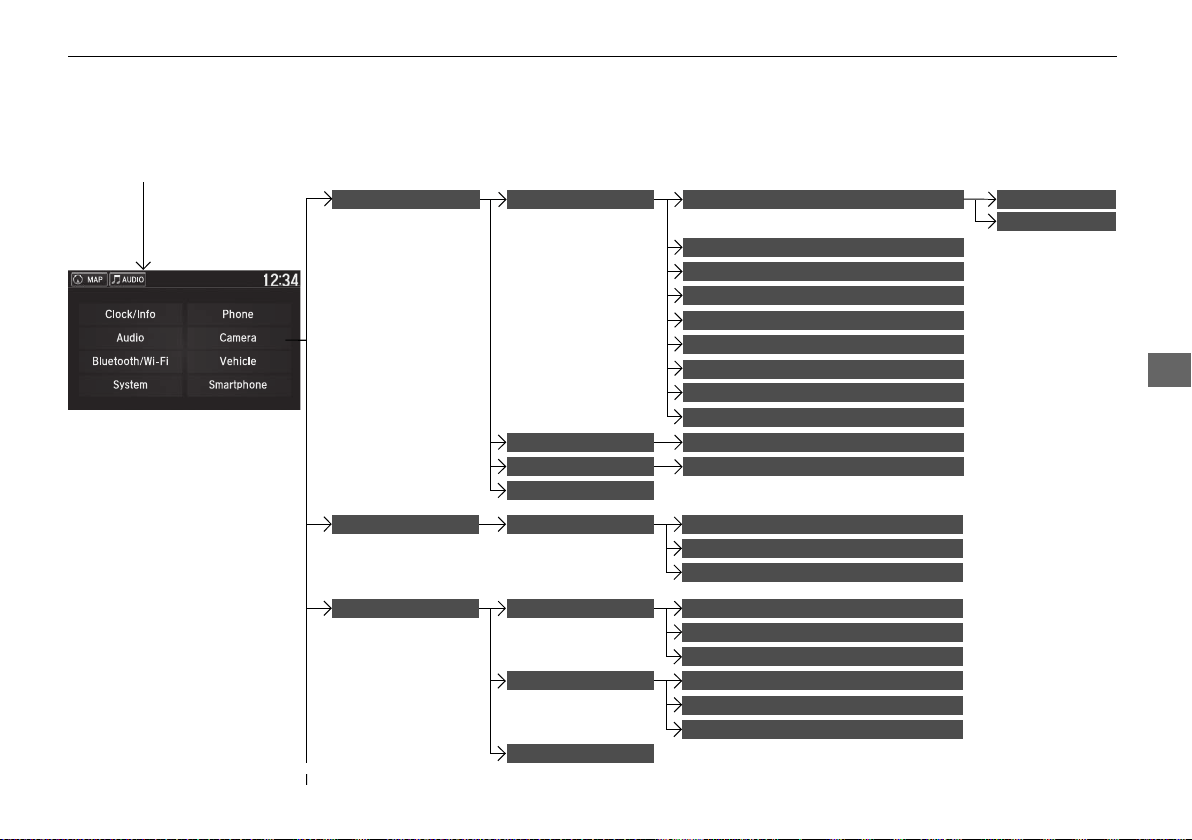
243
uuCustomized Featuresu
Continued
Features
■ Customization flow
Select Settings.
Clock
Wallpaper
Other
Clock/Wallpaper Type
Clock Adjustment
Clock Format
ClockClock/Info
Auto Time Zone
*
Manual Time Zone
*
Auto Daylight
*
Clock Display
Clock Reset
Info Screen Preference
AcuraLink
*
AcuraLink Subscription Status
Date Format
Default
Bluetooth On/Off Status
Bluetooth Device List
Edit Pairing Code
Wi-Fi On/Off Status
Wi-Fi Network List
Wi-Fi
BluetoothBluetooth/Wi-Fi
Wi-Fi Information
Fixed Guideline
Dynamic Guideline
Rear CameraCamera
Default
Default
* Not available on all models
19 NSX-31T6N6200.book 243 ページ 2018年8月9日 木曜日 午前11時12分
244
uuCustomized Featuresu
Features
Text/Email
Bluetooth Device List
Edit Speed Dial
Ring Tone
Phone
Automatic Phone Sync
Enable Text/Email
Select Account
New Message Notification
Phone
HD Radio Mode
RDS INFO
Audio
FM
Default
Sound
Audio Source Pop-Up
Common
Cover Art
Bluetooth Device List
Tune Start
SportsFlash Setup(Interrupt)
Traffic & Weather Setup
SXM
*
Default
SportsFlash Setup(Interrupt
Beep)
SportsFlash Setup(Favorite
Team)
* Not available on all models
19 NSX-31T6N6200.book 244 ページ 2018年8月9日 木曜日 午前11時12分
245
uuCustomized Featuresu
Continued
Features
Display Settings
Background Color
Display
System
Track Mode Display
Brightness
Contrast
Black Level
Blue
Amber
Red
Violet
19 NSX-31T6N6200.book 245 ページ 2018年8月9日 木曜日 午前11時12分
246
uuCustomized Featuresu
Features
Guidance Volume
*
Text Message Volume
Sound/Beep
Voice Recog. Volume
Verbal Reminder
*
Beep Volume
Voice Prompt
Voice Recog. Volume
Song by Voice
*
Song by Voice Phonetic Modification
*
Phonebook Phonetic Modification
Automatic Phone Sync
One Press Voice Operation
Voice Recog
* Not available on all models
19 NSX-31T6N6200.book 246 ページ 2018年8月9日 木曜日 午前11時12分
247
uuCustomized Featuresu
Continued
Features
Clock
Clock/Wallpaper Type
Clock Adjustment
Clock Format
Auto Time Zone
*
Manual Time Zone
*
Auto Daylight
*
Clock Display
Clock Reset
Clock
Wallpaper
Language
Touch Panel Sensitivity
Factory Data Reset
Climate Screen Timeout
Detail Information
Others
Date Format
Default
* Not available on all models
19 NSX-31T6N6200.book 247 ページ 2018年8月9日 木曜日 午前11時12分
248
uuCustomized Featuresu
Features
Adjust Outside Temp Display
“Trip A” Reset Timing
“Trip B” Reset Timing
Vehicle
Meter Setup
Display km/Miles
Language Selection
Turn by Turn Display
Easy Entry/Exit
Driving Position Setup
*
Memory Position Link
* Not available on all models
19 NSX-31T6N6200.book 248 ページ 2018年8月9日 木曜日 午前11時12分
249
uuCustomized Featuresu
Continued
Features
Lighting Setup Interior Light Dimming Time
Headlight Auto Off Timer
Auto Light Sensitivity
*
Auto Interior Illumination Sensitivity
Auto Door Lock
Key and Remote Unlock Mode
Door Setup
Apple CarPlay
Android Auto
Auto Headlight On with Wiper On
Keyless Lock Answer Back
Security Relock Timer
Keyless Access Setup Door Unlock Mode
Keyless Access Light Flash
Keyless Access Beep
Smartphone
Auto Door Unlock
Maintenance Info
Default
Default
Reset
Dynamic Mode Setup Scheduler
* Not available on all models
19 NSX-31T6N6200.book 249 ページ 2018年8月9日 木曜日 午前11時12分
250
uuCustomized Featuresu
Features
■ List of customizable options
*1:Default Setting
Setup
Group
Customizable Features Description Selectable Settings
Clock/
Info
Clock
Clock/
Wallpaper
Type
Clock Changes the clock display type.
Analog/Digital
*1
/
Small Digital/Off
Wallpaper
●
Changes the wallpaper type.
●
Imports an image file for a new wallpaper.
●
Deletes an image file for a wallpaper.
Blank/Galaxy
*1
/
Metallic/Time Zone
Clock Adjustment Adjusts Clock. —
Clock Format Selects the digital clock display from 12H to 24H. 12H
*1
/24H
Date Format Changes the date display type.
YYYY/MM/DD, MM/
DD/YYYY
*1
, DD/
MM/YYYY
Auto Time Zone
*
Automatically adjusts the clock when driving
through different time zones.
On
*1
/Off
Manual Time Zone
*
Changes the time zone manually. —
Auto Daylight
*
Select On to have the GPS automatically adjust
the clock to daylight savings time. Select Off to
cancel this function.
On
*1
/Off
Clock Display Selects whether the clock display comes on. On
*1
/Off
Clock Reset Resets the clock settings to the factory default. Yes/No
* Not available on all models
19 NSX-31T6N6200.book 250 ページ 2018年8月9日 木曜日 午前11時12分
251
uuCustomized Featuresu
Continued
Features
*1:Default Setting
Setup
Group
Customizable Features Description Selectable Settings
Clock/
Info
AcuraLink
*
AcuraLink Subscription
Status
Displays your current AcuraLink subscription
status.
—
Other Info Screen Preference
Changes the information screen type.
●
Info Top- A brief menu pops up.
●
Info Menu- A full menu pops up.
●
Off- A menu does not pop up.
Info Top/Info
Menu
*1
/Off
Default
Cancels/Resets all customized items in the Clock/
Info group as default.
Yes/No
Camera
Rear
Camera
Fixed Guideline
Selects whether the fixed guidelines come on the
rear camera monitor.
2 Multi-View Rear Camera P. 366
On
*1
/Off
Dynamic Guideline
Selects whether the guidelines adjust to the
movement of the steering wheel.
2 Multi-View Rear Camera P. 366
On
*1
/Off
Default
Cancels/Resets all customized items in the Rear
Camera setting group as default.
Yes/No
* Not available on all models
19 NSX-31T6N6200.book 251 ページ 2018年8月9日 木曜日 午前11時12分
252
uuCustomized Featuresu
Features
*1:Default Setting
Setup
Group
Customizable Features Description Selectable Settings
Bluetooth
/Wi-Fi
Bluetooth
Bluetooth On/Off Status Changes the Bluetooth® status. On
*1
/Off
Bluetooth Device List
Pairs a new phone to HFL, edits or deletes a
paired phone.
2 Phone Setup P. 276
—
Edit Pairing Code
Edits a pairing code.
2 To change the pairing code setting P. 277
Random/Fixed
*1
Wi-Fi
Wi-Fi On/Off Status Changes the Wi-Fi mode. On/Off
*1
Wi-Fi Network List
Connects, disconnects, or deletes the Wi-Fi
device.
—
Wi-Fi Information Shows the Wi-Fi information of the head unit. —
Default
Cancels/Resets all customized items in the
Bluetooth/Wi-Fi group as default.
Yes/No
19 NSX-31T6N6200.book 252 ページ 2018年8月9日 木曜日 午前11時12分

253
uuCustomized Featuresu
Continued
Features
*1:Default Setting
Setup
Group
Customizable Features Description Selectable Settings
Phone
Phone
Bluetooth Device List
Pairs a new phone to HFL, connects or
disconnects a paired phone.
2 Phone Setup P. 276
—
Edit Speed Dial
Edits, adds or deletes a speed dial entry.
2 Speed Dial P. 282
—
Ring Tone Selects the ring tone.
Fixed/Mobile
Phone
*1
Automatic Phone Sync
Sets phonebook and call history data to be
automatically imported when a phone is paired
to HFL.
On
*1
/Off
Text/Email
Enable Text/Email
Turns the text/e-mail message function on and
off.
On
*1
/Off
Select Account Selects a text or e-mail message account. —
New Message Notification
Selects whether a pop-up alert comes on the
screen when HFL receives a new text/e-mail
message.
On/Off
*1
Default
Cancels/Resets all customized items in the Phone
settings group as default.
Yes/No
19 NSX-31T6N6200.book 253 ページ 2018年8月9日 木曜日 午前11時12分
254
uuCustomized Featuresu
Features
*1:Default Setting
Setup
Group
Customizable Features Description Selectable Settings
Audio
Common
Sound
Adjusts the settings of the audio
speakers’ sound.
2 Adjusting the Sound P. 179
-6~0
*1
~+6 (BASS and TREBLE),
RR9~0
*1
~FR9 (FADER),
L9~0
*1
~R9 (BALANCE),
-6~0
*1
~+6 (Center
*
and Subwoofer),
Off/Low/Mid
*1
/High
(Speed Volume Compensation),
Off
*1
/On (Neural
*
)
Audio Source Pop-Up
Selects whether the list of
selectable audio sources comes on
when Audio is selected on the
home screen.
On/Off
*1
[Your selected media]
Cover Art
Turns the cover art display on and
off.
On
*1
/Off
Bluetooth Device List
Pairs a new phone to HFL, edits or
deletes a paired phone.
2 Phone Setup P. 276
—
FM
HD Radio Mode
Selects whether the audio system
automatically switches to the
digital radio waves or receives the
analog waves only.
Auto
*1
/Analog
RDS INFO
Turns on and off the RDS
information.
On
*1
/Off
FM mode
* Not available on all models
19 NSX-31T6N6200.book 254 ページ 2018年8月9日 木曜日 午前11時12分
255
uuCustomized Featuresu
Continued
Features
*1:Default Setting
Setup
Group
Customizable Features Description Selectable Settings
Audio
SXM
*
Tune Start
Turns on and off, starts the song from the
beginning as you change preset stations.
On
*1
/Off
SportsFlash
Setup(Interrupt)
Turns on and off the sports alert function.
Off
*1
/On(one time)/
On(continue)
SportsFlash
Setup(Interrupt Beep)
Causes the system to beep when the sports alert
is notified.
On
*1
/Off
SportsFlash
Setup(Favorite Team)
Selects your favorite sports teams.
2 Live Sports Alert P. 195
—
Traffic & Weather Setup
Selects the region you want to receive the
information.
—
Default
Cancels/Resets all customized items in the Audio
settings group as default.
Yes/No
SiriusXM
®
mode
* Not available on all models
19 NSX-31T6N6200.book 255 ページ 2018年8月9日 木曜日 午前11時12分

256
uuCustomized Featuresu
Features
*1:Default Setting
Setup
Group
Customizable Features Description Selectable Settings
System
Display
Display
Settings
Brightness
Changes the brightness of the audio/information
screen.
0~5~10
*1
(Daytime mode)
0~5
*1
~10
(Nighttime mode)
Contrast
Changes the contrast of the audio/information
screen.
-5~0
*1
~+5
Black Level
Changes the black level of the audio/information
screen.
-5~0
*1
~+5
Background Color
Changes the background color of the audio/
information screen.
Blue
*1
/Amber/Red/
Violet
Track Mode Display
Turns the limitation screen for the TRACK mode
on and off.
2 Limitations for Manual Operation P. 181
On
*1
/Off
Sound/
Beep
Guidance Volume
*
Changes the sound volume.
Adjusts the guidance volume of the navigation
system.
1~6
*1
~11
Text Message Volume
Changes the text/e-mail message reading
volume.
1~6
*1
~11
* Not available on all models
19 NSX-31T6N6200.book 256 ページ 2018年8月9日 木曜日 午前11時12分

257
uuCustomized Featuresu
Continued
Features
*1:Default Setting
Setup
Group
Customizable Features Description Selectable Settings
System
Sound
/Beep
Voice Recog. Volume Changes the volume of the voice prompt. 1~6
*1
~11
Verbal Reminder
*
Turns the verbal reminders on and off. On
*1
/Off
Beep Volume Changes the beep volume. Off
*1
/1/2/3
Voice
Recog
Voice Prompt Turns the voice prompt on and off. On
*1
/Off
Voice Recog. Volume Changes the volume of the voice prompt. 1~6
*1
~11
Song by Voice
*
Turns the Song By Voice
TM
on and off. On
*1
/Off
Song by Voice
Phonetic Modification
*
Modifies a voice command for music stored in the system or
an iPod/iPhone.
2 Phonetic Modification P. 202
—
Phonebook Phonetic
Modification
Modifies a voice command for the phonebook.
2 Phonebook Phonetic Modification P. 285
—
Automatic Phone Sync
Sets phonebook and call history data to be automatically
imported when a phone is paired to HFL.
On
*1
/Off
One Press Voice
Operation
Changes the setting of the (Talk) button operation when
using the voice operation.
On
*1
/Off
* Not available on all models
19 NSX-31T6N6200.book 257 ページ 2018年8月9日 木曜日 午前11時12分
258
uuCustomized Featuresu
Features
*1:Default Setting
Setup
Group
Customizable Features Description Selectable Settings
System
Clock
Clock/
Wallpaper
Type
Clock
See
Clock/Info on P. 250
Wallpaper
Clock Adjustment
Clock Format
Date Format
Auto Time Zone
*
Manual Time Zone
*
Auto Daylight
*
Clock Display
Clock Reset
Others
Language Change the display language.
English
*1
/Français/
Español
Touch Panel Sensitivity Sets the sensitivity of the touch panel screen. High
*1
/Low
* Not available on all models
19 NSX-31T6N6200.book 258 ページ 2018年8月9日 木曜日 午前11時12分
259
uuCustomized Featuresu
Continued
Features
*1:Default Setting
Setup
Group
Customizable Features Description Selectable Settings
System
Others
Climate Screen Timeout
Changes the length of time the climate control
display stays on when you press the CLIMATE
button.
Never/5 Seconds/10
Seconds
*1
/20
Seconds
Detail Information
Displays the details of the head unit and
operating system information.
—
Factory Data Reset
Resets all the settings to their factory default.
2 Defaulting All the Settings P. 264
Yes/No
Default
Cancels/Resets all customized items in the
System group as default.
Yes/No
19 NSX-31T6N6200.book 259 ページ 2018年8月9日 木曜日 午前11時12分
260
uuCustomized Featuresu
Features
*1:Default Setting
Setup
Group
Customizable Features Description Selectable Settings
Vehicle
Meter
Setup
Language Selection
Changes the displayed language on the driver
information interface.
English
*1
/Français/
Español
Adjust Outside Temp
Display
Adjusts the temperature reading by a few
degrees.
-5°F ~ ±0°F
*1
~ +5°F
(U.S.)
-3°C ~ ±0°C
*1
~ +3°C
(Canada)
“Trip A” Reset Timing
Changes the setting of how to reset trip meter A
and average fuel economy A.
With Refuel/IGN Off/
Manually Reset
*1
“Trip B” Reset Timing
Changes the setting of how to reset trip meter B
and average fuel economy B.
With Refuel/IGN Off/
Manually Reset
*1
Turn by Turn Display
Selects whether the turn-by-turn display comes
on during the route guidance.
On
*1
/Off
Display km/Miles Selects the trip computer units. Auto
*1
/km/Miles
19 NSX-31T6N6200.book 260 ページ 2018年8月9日 木曜日 午前11時12分
261
uuCustomized Featuresu
Continued
Features
*1:Default Setting
Setup
Group
Customizable Features Description Selectable Settings
Vehicle
Driving
Position
Setup
*
Easy Entry/Exit
Moves the seat rearward when you get in/get out
of the vehicle. Changes the setting for this
feature.
On
*1
/Off
Memory Position Link
Turns the driving position memory system on and
off.
On
*1
/Off
Keyless
Access
Setup
Door Unlock Mode
Changes which doors unlock when you grab the
driver’s door handle.
Driver Door Only
*1
/
All Doors
Keyless Access Light Flash
Causes some exterior lights to flash when you
unlock/lock the doors.
On
*1
/Off
Keyless Access Beep
Causes the beeper to sound when you unlock/
lock the doors.
On
*1
/Off
Lighting
Setup
Interior Light Dimming
Time
Changes the length of time the interior lights stay
on after you close the doors.
60 sec/30 sec
*1
/15 sec
Headlight Auto Off Timer
Changes the length of time the exterior lights
stay on after you close the driver’s door.
60 sec/30 sec/15
sec
*1
/0 sec
Auto Interior Illumination
Sensitivity
Changes the sensitivity of the brightness of the
instrument panel when the headlight switch is in
the AUTO position.
Min/Low/Mid
*1
/High/
Max
* Not available on all models
19 NSX-31T6N6200.book 261 ページ 2018年8月9日 木曜日 午前11時12分
262
uuCustomized Featuresu
Features
*1:Default Setting
Setup
Group
Customizable Features Description Selectable Settings
Vehicle
Lighting
Setup
Auto Headlight On with
Wiper On
Changes the settings for the wiper operation
when the headlights automatically come on while
the headlight switch is in the AUTO position.
On
*1
/Off
Auto Light Sensitivity
*
Changes the level of ambient light that causes
the headlights to come on in AUTO position.
Max/High/Mid
*1
/
Low/Min
Door
Setup
Auto Door Lock
Used to change the setting for when the doors
automatically lock.
With Vehicle
Speed
*1
/Shift from P/
Off
Auto Door Unlock
Changes the setting for when the doors unlock
automatically.
All Doors with
Driver’s Door
Opens
*1
/All Doors
with Shift to P/All
Doors with IGN Off/
Off
Key And Remote Unlock
Mode
Sets up the driver’s door or all the doors to unlock
on the first push of the remote.
Driver Door
*1
/All
Doors
Keyless Lock Answer Back
LOCK/UNLOCK- The exterior lights flash.
LOCK (2nd push)- The beeper sounds.
On
*1
/Off
Security Relock Timer
Changes the time it takes for the doors to relock
and the security system to set after you unlock
the vehicle without opening either door.
90 sec/60 sec/30 sec
*1
* Not available on all models
19 NSX-31T6N6200.book 262 ページ 2018年8月9日 木曜日 午前11時12分
263
uuCustomized Featuresu
Features
*1:Default Setting
Setup
Group
Customizable Features Description Selectable Settings
Vehicle
Dynamic
Mode
Setup
Scheduler
Changes the Integrated Dynamics System mode
schedule. The vehicle starts in the QUIET or
SPORT mode according to the selected item or
time schedule.
OFF/Always Sport
*1
/
Always Quiet/Last
Start/Quiet: 12am-
6am/Quiet: 12am-
8am
Maintenance
Info
Reset
Used to reset the engine oil life display when the
maintenance service has been performed.
—
Default
Cancels/Resets all customized items in the
Vehicle group as default.
Yes/No
Smart-
phone
Apple CarPlay Sets up the Apple CarPlay connection. —
Android Auto Sets up the Android Auto connection. —
Default
Cancels/Resets all customized items in the
Smartphone group as default.
Yes/No
19 NSX-31T6N6200.book 263 ページ 2018年8月9日 木曜日 午前11時12分
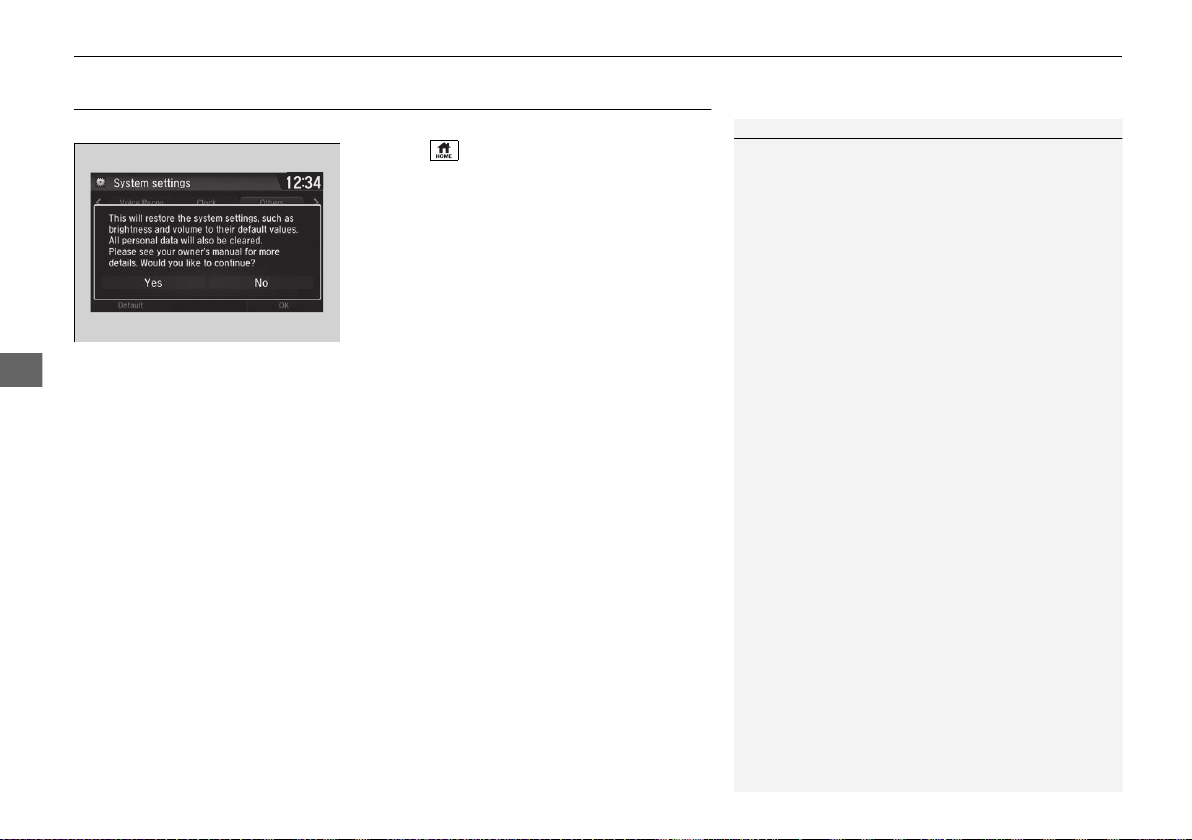
264
uuCustomized FeaturesuDefaulting All the Settings
Features
Defaulting All the Settings
Reset all the menu and customized settings as the factory defaults.
1. Select .
2. Select Settings.
3. Select System.
4. Select the Others tab.
5. Select Factory Data Reset.
u A confirmation message appears on the
screen.
6. Select Yes to reset the settings.
7. Select Yes again to reset the settings.
u A confirmation message appears on the
screen. Select OK.
u After selecting OK, the system will
reboot.
1Defaulting All the Settings
When you transfer the vehicle to a third party, reset
all settings to default and delete all personal data.
If you perform Factory Data Reset, it will reset the
pre-installed apps to their factory default.
19 NSX-31T6N6200.book 264 ページ 2018年8月9日 木曜日 午前11時12分
265
Features
HomeLink® Universal Transceiver
The HomeLink® Universal Transceiver can be programmed to operate up to three
remote controlled devices around your home, such as garage doors, lighting, or
home security systems.
Refer to the safety information that came with your garage door opener to test that
the safety features are functioning properly. If you do not have the safety
information, contact the manufacturer.
Before programming HomeLink, make sure that people and objects are out of the
way of the garage or gate to prevent potential injury or damage.
When programming a garage door opener, park just outside the garage door’s path.
■
Important Safety Precautions
1HomeLink® Universal Transceiver
Before programming HomeLink to operate a garage
door opener, confirm that the opener has an external
entrapment protection system, such as an “electronic
eye,” or other safety and reverse stop features. If it
does not, HomeLink may not be able to operate it.
19 NSX-31T6N6200.book 265 ページ 2018年8月9日 木曜日 午前11時12分
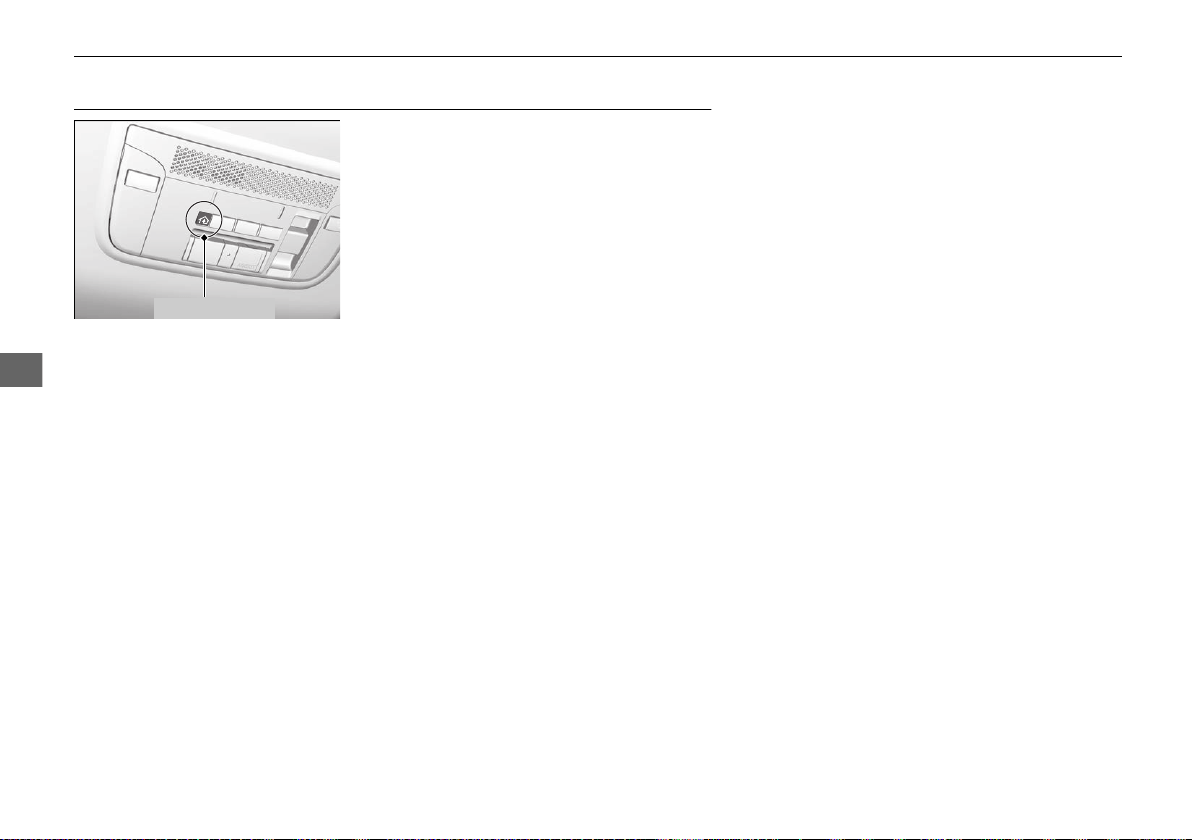
266
uuHomeLink® Universal TransceiveruTraining HomeLink
Features
Training HomeLink
If it is necessary to erase a previously entered
learned code:
• Press and hold the two outside buttons for
about 20 seconds, until the red indicator
blinks. Release the buttons, and proceed to
step 1.
• If you are training the second or third
button, go directly to step 1.
The instructions on the next page should work for most gate or garage openers, but
may not work for all. For detailed instructions about your specific remote opener,
visit http://www.homelink.com or call (800) 355-3515.
Red Indicator
19 NSX-31T6N6200.book 266 ページ 2018年8月9日 木曜日 午前11時12分
267
uuHomeLink® Universal TransceiveruTraining HomeLink
Features
■
Training a Button
1Training HomeLink
Retraining a Button
If you want to retrain a programmed button for a
new device, you do not have to erase all button
memory. You can replace the existing memory code
using this procedure:
1.
Press and hold the desired HomeLink button
until the HomeLink indicator begins to blink.
2.
Quickly release the HomeLink button and follow
steps 1 - 3 under “Training a Button.” You do not
need to press and release the HomeLink button
again in step 2.
Indicator remains on
for about 25 secs.
Standard transmitter
Indicator remains on for
about 25 secs.
Rolling code transmitter
Erasing Codes
To erase all the codes, press and hold the two outside
buttons until the HomeLink indicator begins to blink
(about 10 to 20 secs). You should erase all codes
before selling the vehicle.
If you have any problems, see the device’s
instructions, visit www.homelink.com, or call
HomeLink at (800) 355-3515.
HomeLink® is a registered trademark of Gentex
Corporation.
4.
3.
2.
5.
A.
B.
1.
Position the remote transmitter you wish to link 1 to 3 inches (3 - 8 cm) from the
HomeLink button you want to program.
Press and release the desired HomeLink button. Hold the button on the remote
transmitter. Does the HomeLink indicator (LED) change from slowly blinking to
constantly on or rapidly blinking? The process should take less than 60 seconds.
Press and hold the
programmed HomeLink
button for about a sec.
Does the device (garage
door opener) work?
Press and release the HomeLink button. Press
and release the button on the remote every 2
secs.
Does the HomeLink indicator (LED) change from
slowly blinking to constantly on or rapidly
blinking? The process should take less than 60
seconds.
Training
Complete
Press and hold the HomeLink button again.
Press and hold the HomeLink
button again.
The remote-controlled device
should operate.
Training Complete
The remote has a rolling code. Press the
“learn” button on the remote-controlled
device (e.g. garage door opener).
Within 30 secs, press and hold the
programmed HomeLink button for 2 secs.
HomeLink indicator rapidly blinks.
HomeLink LED is
constantly on.
YES
NO
YES
YES
NO
NO
19 NSX-31T6N6200.book 267 ページ 2018年8月9日 木曜日 午前11時12分
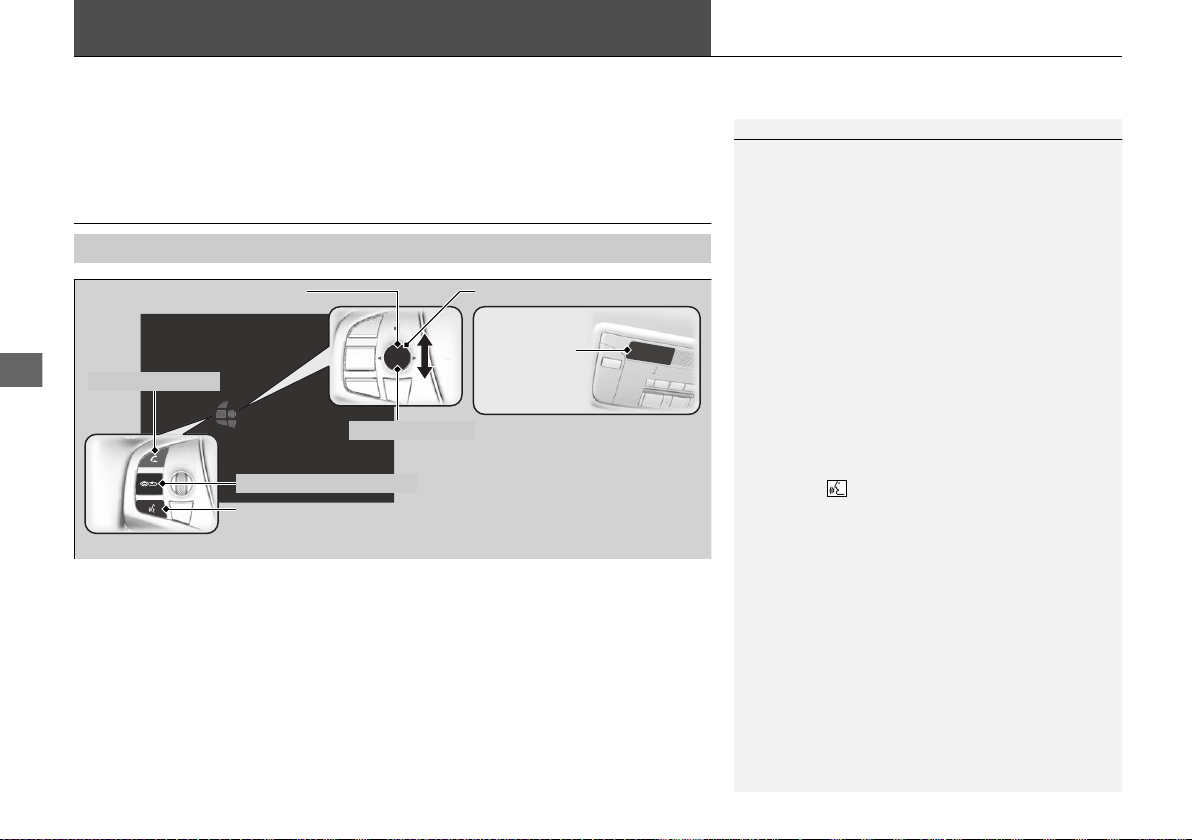
268
Features
Bluetooth® HandsFreeLink®
Bluetooth® HandsFreeLink® (HFL) allows you to place and receive phone calls using
your vehicle’s audio system, without handling your cell phone.
Using HFL
■
HFL Buttons
1Bluetooth® HandsFreeLink®
Place your phone where you can get good reception.
To use HFL, you need a Bluetooth-compatible cell
phone. For a list of compatible phones, pairing
procedures, and special feature capabilities:
• U.S.: Visit www.acura.com/handsfreelink, or call 1-
888-528-7876.
• Canada: For more information on smartphone
compatibility, call 1-888-528-7876.
To use the system, the Bluetooth On/Off Status
setting must be On. If there is an active connection to
Apple CarPlay, HFL is unavailable.
2 How to customize P. 242
Voice control tips
• Aim the vents away from the ceiling and close the
windows, as noise coming from them may interfere
with the microphone.
• Press the button when you want to call a
number using a stored voice tag, a phonebook
name, or a number. Speak clearly and naturally
after a beep.
• If the microphone picks up voices other than yours,
the command may be misinterpreted.
• To change the volume level, select the audio
system’s VOL (Volume) or use the remote audio
controls on the steering wheel.
Up to five speed dial entries can be displayed among
a total of 20 that can be entered.
2 Speed Dial P. 282
Up to five previous calls can be displayed at a time
among a total of 20 that can be entered. If there is no
call history, Call History is disabled.
Talk Button
Microphone
Hang-up/Back Button
Pick-up Button
Volume up
Volume down
Left Selector Wheel
19 NSX-31T6N6200.book 268 ページ 2018年8月9日 木曜日 午前11時12分
Continued
269
uuBluetooth® HandsFreeLink® uUsing HFL
Features
(Pick-up) button: Press to go to the Speed Dial/Call History on the driver
information interface, or to answer an incoming call.
(Hang-up/back) button: Press to end a call, go back to the previous
command, cancel a command, or clear the phone information on the driver
information interface.
(Talk) button: Press to access Voice Portal.
Left selector wheel:
Move to the right or left to select the Speed Dial or Call History on the driver
information interface.
Roll up or down to select an item displayed on the Speed Dial/Call History display.
Push to call a number listed in the selected item on the Speed Dial/Call History
display.
To go to the Phone menu screen:
1. Select .
2. Select Phone to switch the display to the phone screen.
3. Select .
1Bluetooth® HandsFreeLink®
Bluetooth® Wireless Technology
The Bluetooth® word mark and logos are registered
trademarks owned by Bluetooth SIG, Inc., and any
use of such marks by Honda Motor Co., Ltd., is under
license. Other trademarks and trade names are those
of their respective owners.
HFL Limitations
An incoming call on HFL will interrupt the audio
system when it is playing. It will resume when the call
is ended.
19 NSX-31T6N6200.book 269 ページ 2018年8月9日 木曜日 午前11時12分
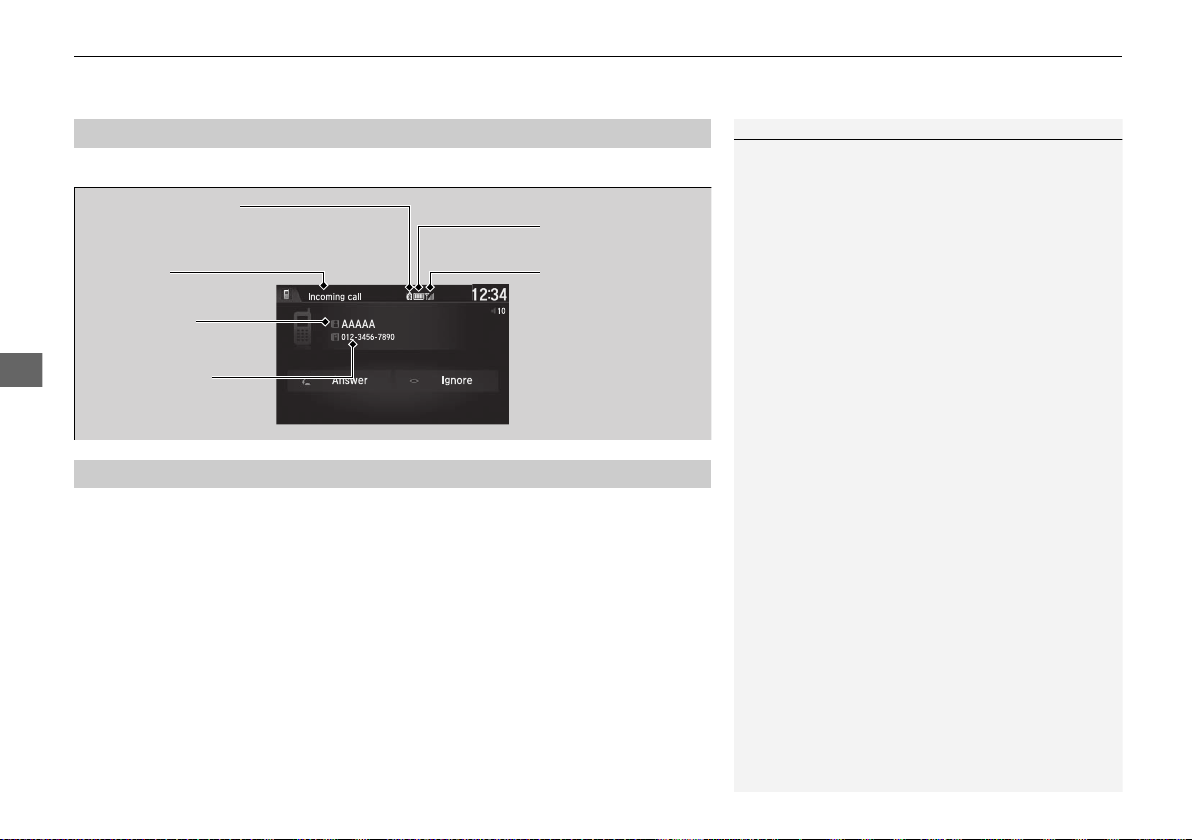
uuBluetooth® HandsFreeLink®uUsing HFL
270
Features
The audio/information screen notifies you when there is an incoming call.
Certain manual functions are disabled or inoperable while the vehicle is in motion.
You cannot select a grayed-out option until the vehicle is stopped.
Only previously stored speed dial entries with voice tags, phonebook names, or
numbers can be called using voice commands while the vehicle is in motion.
2 Speed Dial P. 282
■
HFL Status Display
1HFL Status Display
The information that appears on the audio/
information screen varies between phone models.
You can change the system language.
2 How to customize P. 242
■
Limitations for Manual Operation
Bluetooth Indicator
Appears when your phone is
connected to HFL.
Signal StrengthHFL Mode
Battery Level Status
Caller’s Name
Caller’s Number
19 NSX-31T6N6200.book 270 ページ 2018年8月9日 木曜日 午前11時12分
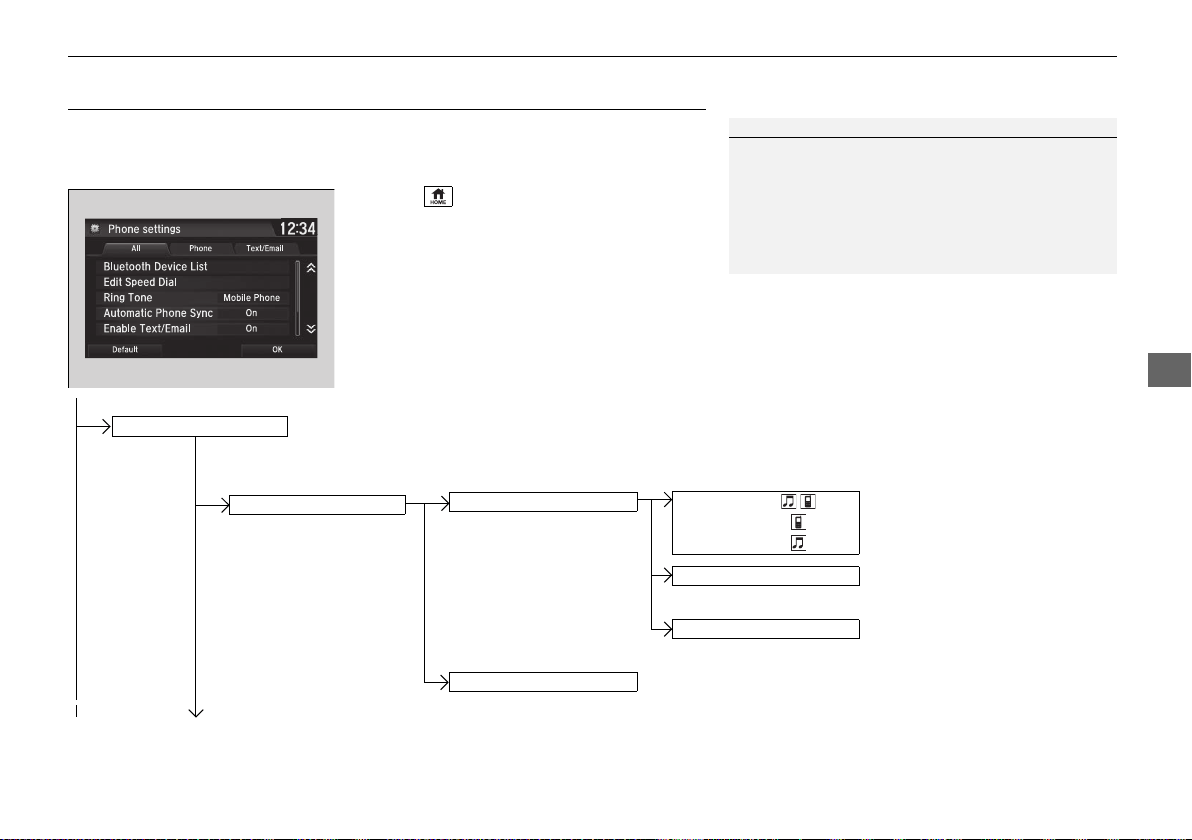
271
uuBluetooth® HandsFreeLink® uHFL Menus
Continued
Features
HFL Menus
The power mode must be in ACCESSORY or ON to use HFL.
■ Phone settings screen
1. Select .
2. Select Settings.
3. Select Phone.
1HFL Menus
To use HFL, you must first pair your Bluetooth-
compatible cell phone to the system while the vehicle
is parked.
Some functions are limited while driving.
Disconnect a paired phone
from the system.
Bluetooth Device List
(Existing entry list)
Disconnect
Delete
Delete a paired phone.
Add Bluetooth Device
Pair a new phone to the system.
Phone
Connect a paired device to
the system.
Connect
Connect
Connect
19 NSX-31T6N6200.book 271 ページ 2018年8月9日 木曜日 午前11時12分
272
uuBluetooth® HandsFreeLink®uHFL Menus
Features
Manual Input
New Entry
Import from Call History
Import from Phonebook
Edit
Delete
(Existing entry list)
Edit Speed Dial
Delete All
Enter a phone number to store as a speed
dial number.
Select a phone number from the call history
to store as a speed dial number.
Delete all of the previously stored speed dial numbers.
Select a phone number from the phonebook
to store as a speed dial number.
Edit a previously stored speed dial number.
●
Change a name.
●
Change a number.
●
Create or delete a voice tag.
Delete a previously stored speed dial number.
Ring Tone
Select a fixed ring tone or the one from the connected cell phone.
Automatic Phone Sync
Set phonebook and call history data to be automatically imported when a phone is paired to HFL.
19 NSX-31T6N6200.book 272 ページ 2018年8月9日 木曜日 午前11時12分
273
uuBluetooth® HandsFreeLink® uHFL Menus
Continued
Features
Select Account
Enable Text/Email
Text/Email
New Message Notification
Select whether a pop-up alert comes on the screen when HFL
receives a new text/e-mail message.
Turn the text/e-mail message function on and off.
Select a mail or text message account.
Default
Cancel/Reset all customized items in the Phone settings group as default.
19 NSX-31T6N6200.book 273 ページ 2018年8月9日 木曜日 午前11時12分
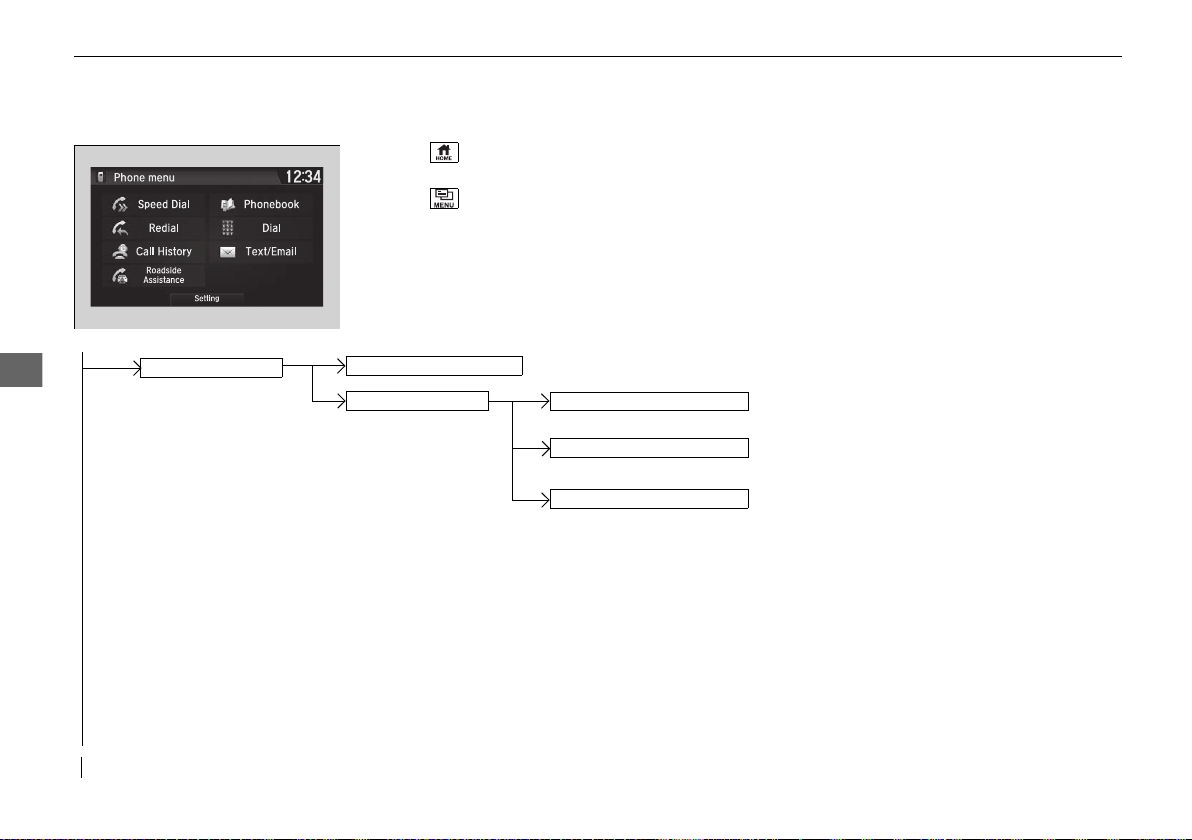
274
uuBluetooth® HandsFreeLink®uHFL Menus
Features
■ Phone menu screen
1. Select .
2. Select Phone.
3. Select .
Select a phone number from the call history to
store as a speed dial number.
Speed Dial
Manual Input
New Entry
Import from Call History
Import from Phonebook
Select a phone number from the phonebook
to store as a speed dial number.
Enter a phone number to store as a speed
dial number.
(Existing entry list) Dial the selected number in the speed dial list.
19 NSX-31T6N6200.book 274 ページ 2018年8月9日 木曜日 午前11時12分

275
uuBluetooth® HandsFreeLink® uHFL Menus
Continued
Features
See the previous message.
Text/Email
Read/Stop
(Existing message list)
See the next message.
System reads received message aloud, or
stop message from being read.
Select Account
Select a mail or text message account.
Reply to a received message using one of six
fixed phrases.
Call
Make a call to the sender.
Reply
Display the last outgoing, incoming and missed calls.
Call History
All
Dialed
Received
Display the last outgoing calls.
Display the last incoming calls.
Missed
Display the last missed calls.
Dial
Redial
Enter a phone number to dial.
Redial the last number dialed.
Phonebook
Display the paired phone’s phonebook.
Roadside
Assistance
*
Makes a call to the number for the Roadside Assistance service.
* Not available on all models
19 NSX-31T6N6200.book 275 ページ 2018年8月9日 木曜日 午前11時12分
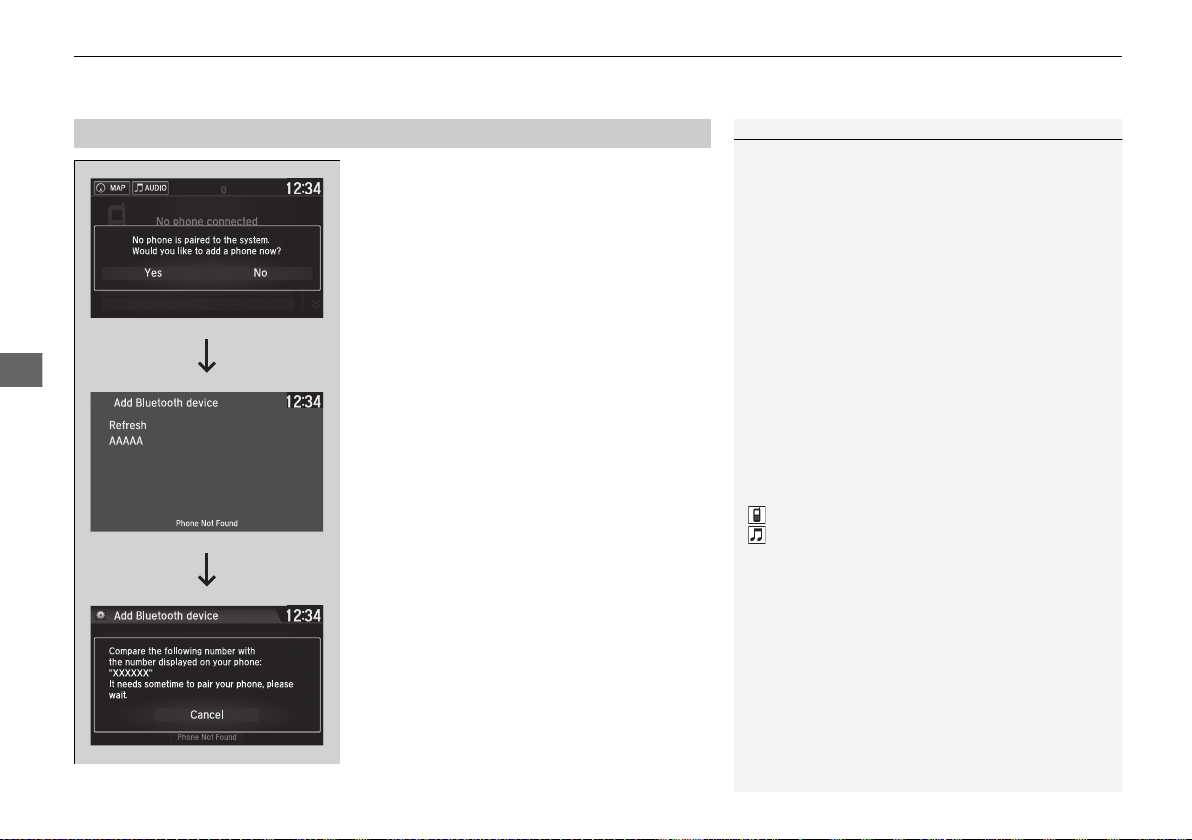
uuBluetooth® HandsFreeLink®uHFL Menus
276
Features
■ To pair a cell phone (when there is no
phone paired to the system)
1. Select Phone.
2. Select Yes.
3. Make sure your phone is in search or
discoverable mode, then select Continue.
u HFL automatically searches for a
Bluetooth® device.
4. Select your phone when it appears on the
list.
u If your phone does not appear, you can
select Refresh to search again.
u If your phone still does not appear, select
Phone Not Found and search for
Bluetooth® devices using your phone.
From your phone, search for
HandsFreeLink.
5. The system gives you a pairing code on the
audio/information screen.
u Confirm if the pairing code on the screen
and your phone match.
This may vary by phone.
■
Phone Setup
1Phone Setup
Your Bluetooth-compatible phone must be paired to
the system before you can make and receive hands-
free calls.
Phone Pairing Tips:
• You cannot pair your phone while the vehicle is
moving.
• Up to six phones can be paired.
• Your phone's battery may drain faster when it is
paired to the system.
• If your phone is not ready for pairing or not found
by the system within three minutes, the system will
time out and return to idle.
Once you have paired a phone, you can see it
displayed on the screen with one or two icons on the
right side.
These icons indicate the following:
: The phone can be used with HFL.
: The phone is compatible with Bluetooth® Audio.
If there is an active connection to Apple CarPlay,
pairing of additional Bluetooth-compatible devices is
unavailable and Add Bluetooth Device is grayed
out from the Bluetooth Device List screen.
19 NSX-31T6N6200.book 276 ページ 2018年8月9日 木曜日 午前11時12分
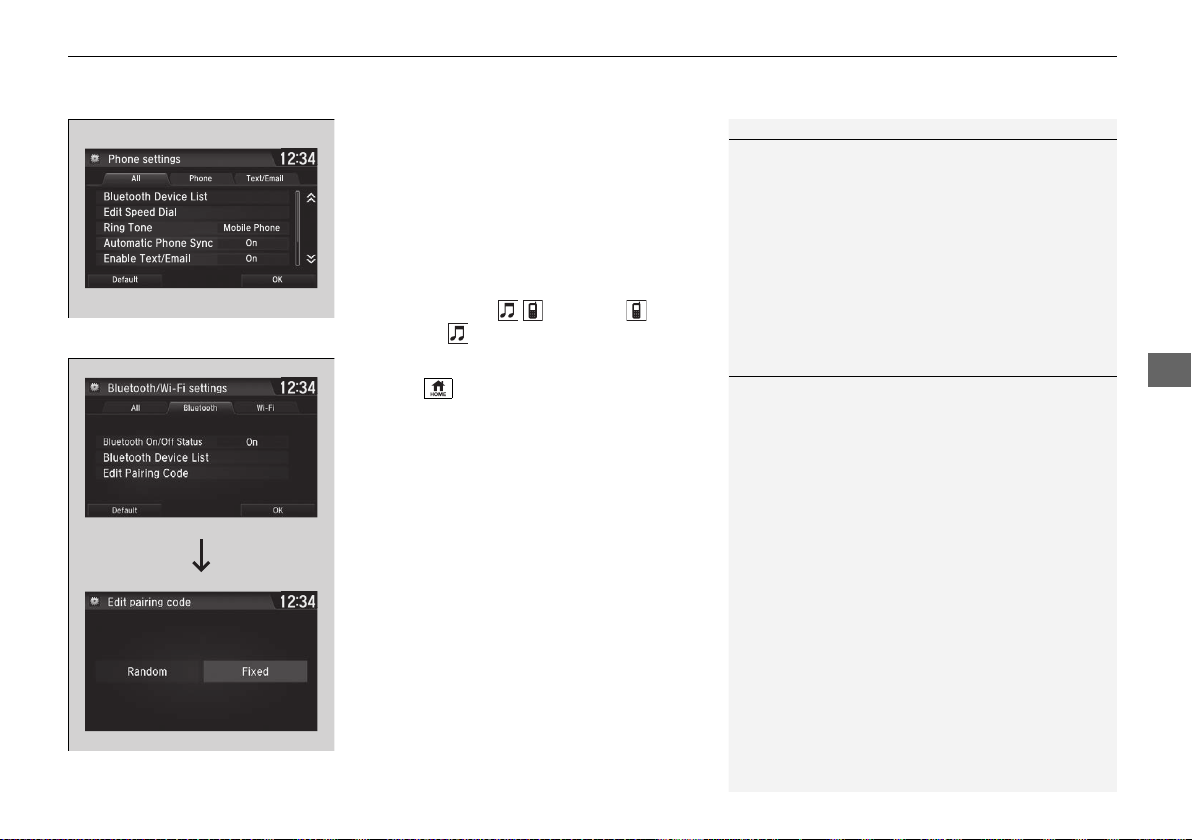
Continued
277
uuBluetooth® HandsFreeLink® uHFL Menus
Features
■ To change the currently paired phone
1. Go to the phone settings screen.
2 Phone settings screen P. 271
2. Select Bluetooth Device List.
3. Select a phone to connect.
u HFL disconnects the connected phone
and starts searching for another paired
phone.
4. Select Connect , Connect , or
Connect .
■ To change the pairing code setting
1. Select .
2. Select Settings.
3. Select Bluetooth/Wi-Fi.
4. Select the Bluetooth tab.
5. Select Edit Pairing Code.
6. Select Random or Fixed.
1To change the currently paired phone
If no other phones are found or paired when trying to
switch to another phone, HFL will inform you that the
original phone is connected again.
To pair other phones, select Add Bluetooth Device
from the Bluetooth device list screen.
1To change the pairing code setting
The default pairing code is 0000 until you change the
setting.
To create your own, select Fixed, and delete the
current code, then enter a new one.
For a randomly generated pairing code each time you
pair a phone, select Random.
19 NSX-31T6N6200.book 277 ページ 2018年8月9日 木曜日 午前11時12分
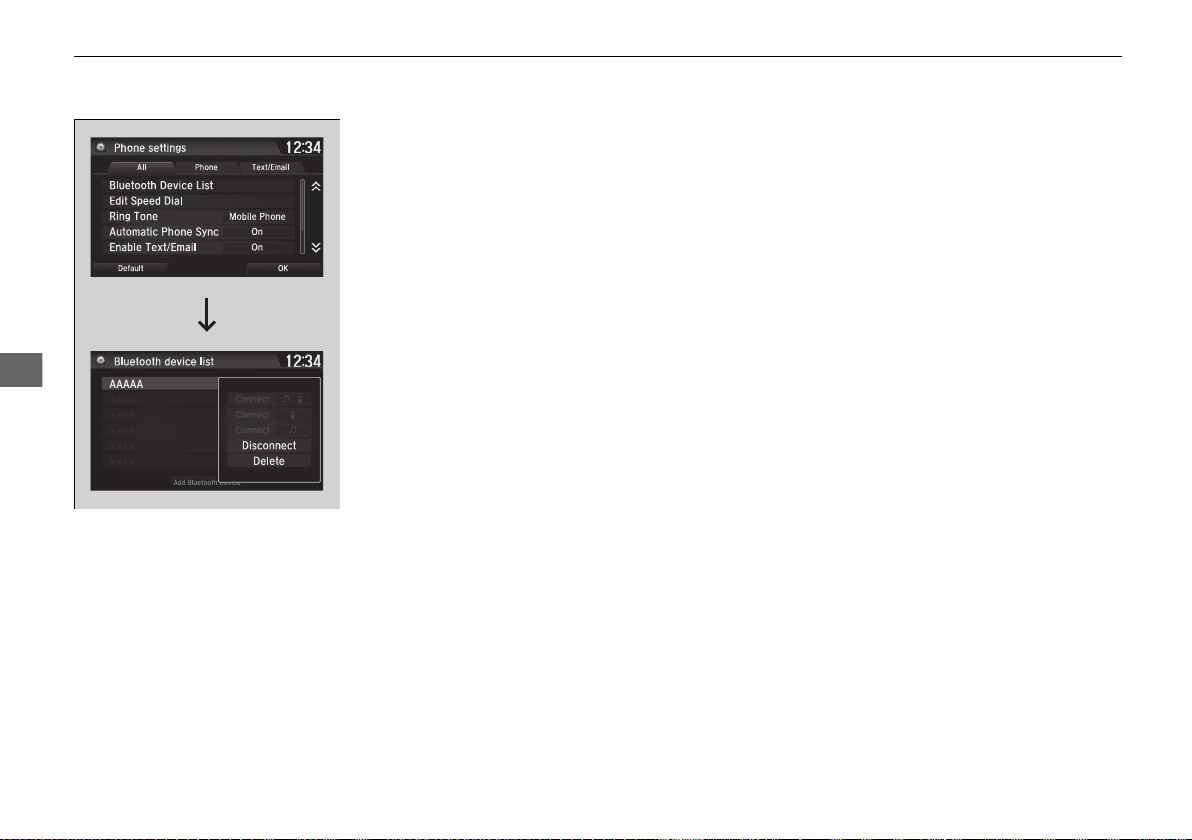
278
uuBluetooth® HandsFreeLink®uHFL Menus
Features
■ To delete a paired phone
1. Go to the phone settings screen.
2 Phone settings screen P. 271
2. Select Bluetooth Device List.
3. Select a phone you want to delete.
4. Select Delete.
5. A confirmation message appears on the
screen. Select Yes.
19 NSX-31T6N6200.book 278 ページ 2018年8月9日 木曜日 午前11時12分
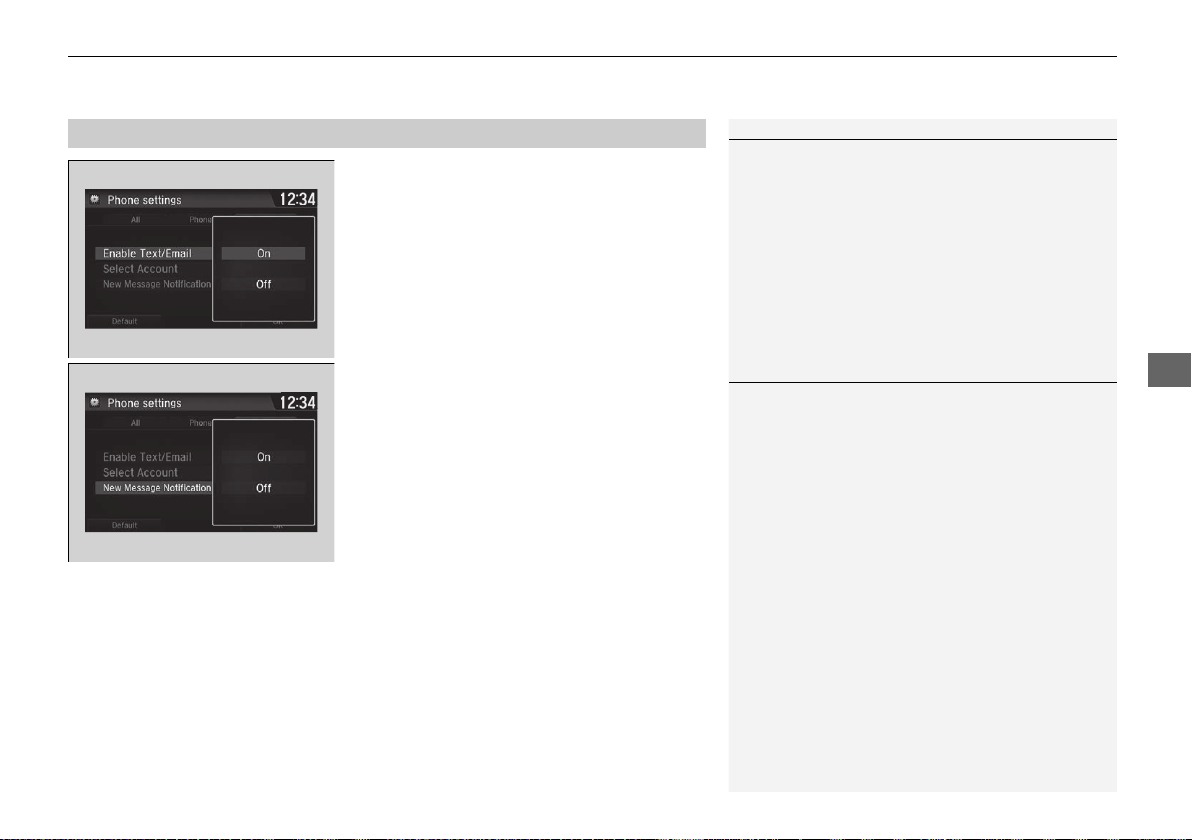
Continued
279
uuBluetooth® HandsFreeLink® uHFL Menus
Features
■ To turn on or off the text/e-mail
function
1. Go to the phone settings screen.
2 Phone settings screen P. 271
2. Select the Text/Email tab, then Enable
Text/Email.
u A pop-up menu appears on the screen.
3. Select On or Off.
■ To turn on or off the text/e-mail notice
1. Go to the phone settings screen.
2 Phone settings screen P. 271
2. Select the Text/Email tab, then New
Message Notification.
u A pop-up menu appears on the screen.
3. Select On or Off.
■
To Set Up Text/E-mail Message Options
1To Set Up Text/E-mail Message Options
To use the text/e-mail message function, it may be
necessary to set up on your phone.
1To turn on or off the text/e-mail notice
On: A pop-up notification comes on every time you
receive a new message.
Off: The message you receive is stored in the system
without notification.
19 NSX-31T6N6200.book 279 ページ 2018年8月9日 木曜日 午前11時12分
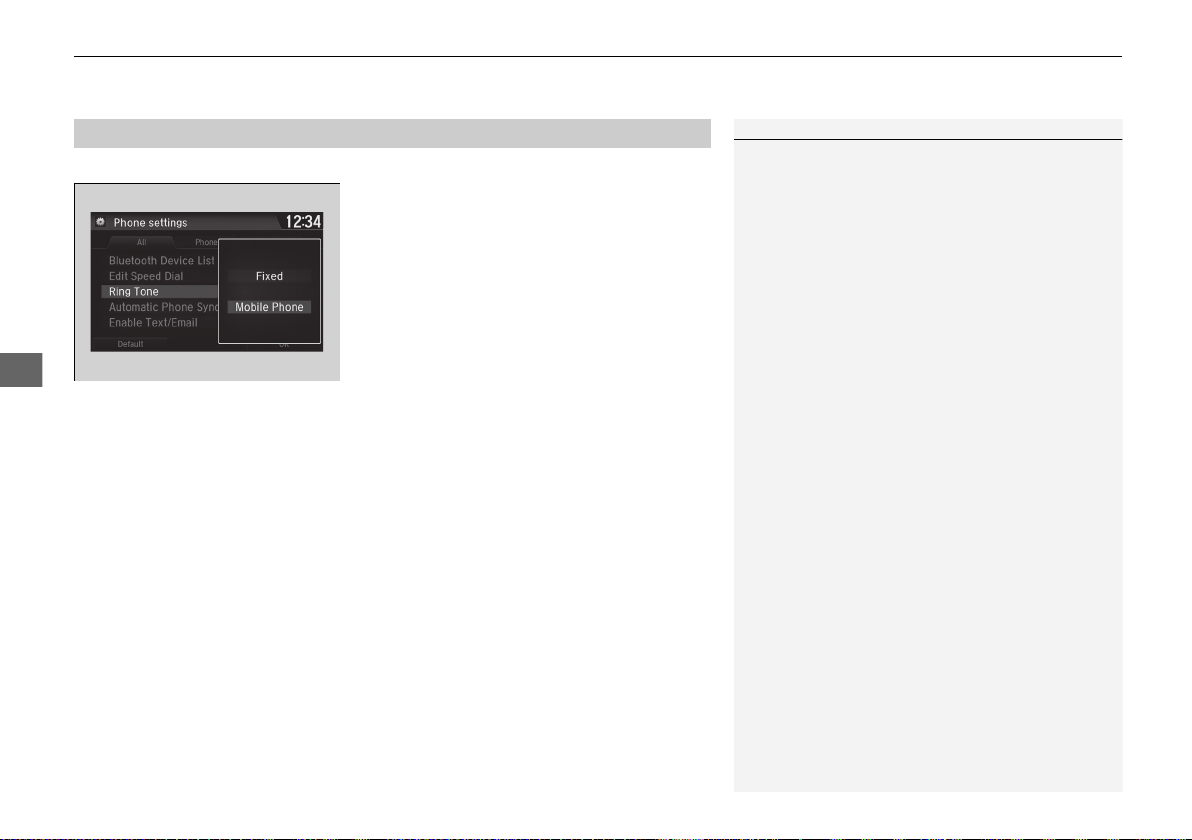
uuBluetooth® HandsFreeLink®uHFL Menus
280
Features
You can change the ring tone setting.
1. Go to the phone settings screen.
2 Phone settings screen P. 271
2. Select Ring Tone.
3. Select Fixed or Mobile Phone.
■
Ring Tone
1Ring Tone
Fixed: The fixed ring tone sounds from the speakers.
Mobile Phone: For certain connected phones, the
ring tone stored in the phone sounds from the
speakers.
19 NSX-31T6N6200.book 280 ページ 2018年8月9日 木曜日 午前11時12分
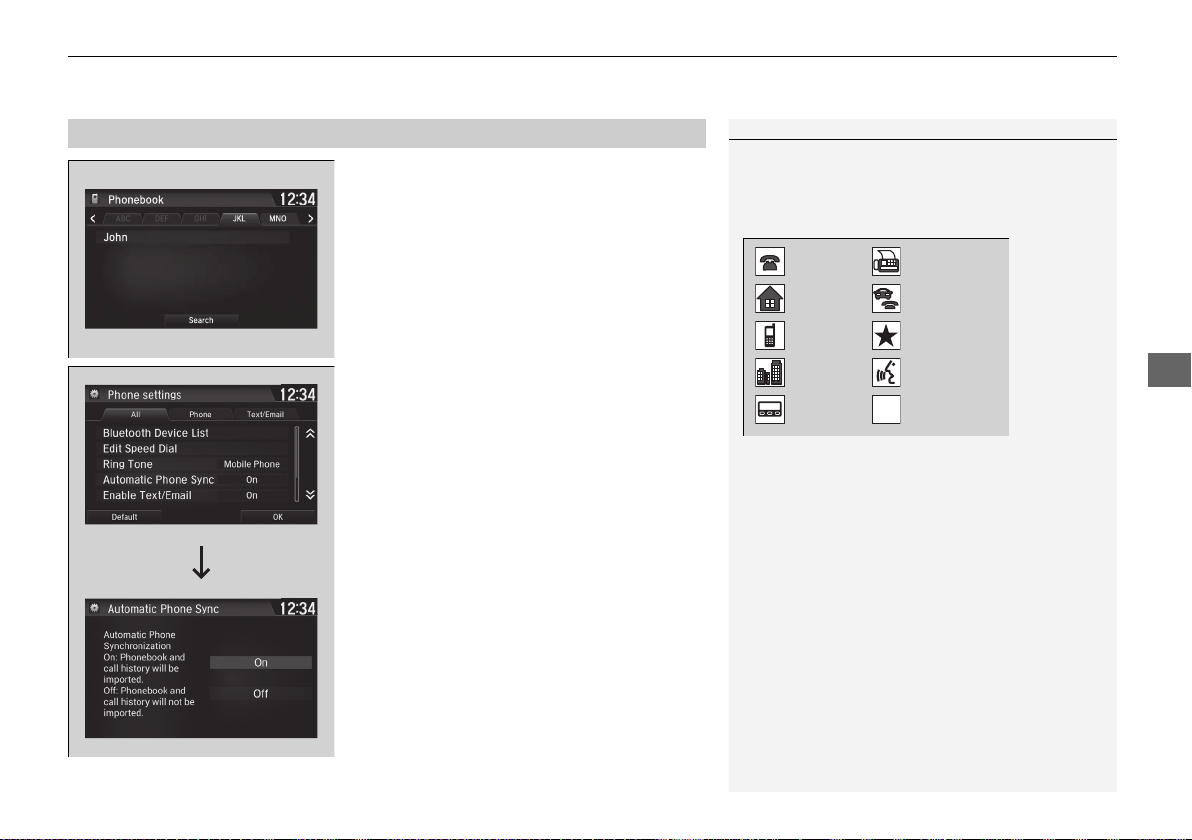
Continued
281
uuBluetooth® HandsFreeLink® uHFL Menus
Features
■ When Automatic Phone Sync is set to
On:
When your phone is paired, the contents of its
phonebook and call history are automatically
imported to the system.
■ Changing the Automatic Phone Sync
setting
1. Go to the phone settings screen.
2 Phone settings screen P. 271
2. Select Automatic Phone Sync.
3. Select On or Off.
■
Automatic Import of Cellular Phonebook and Call History
1Automatic Import of Cellular Phonebook and Call History
When you select a name from the list in the cellular
phonebook, you can see up to three category icons.
The icons indicate what types of numbers are stored
for that name.
On some phones, it may not be possible to import the
category icons to the system.
The phonebook is updated after every connection.
Call history is updated after every connection or call.
Home
Mobile
Work
Pager
Fax
Car
Other
Voice
Pref
Blank
19 NSX-31T6N6200.book 281 ページ 2018年8月9日 木曜日 午前11時12分
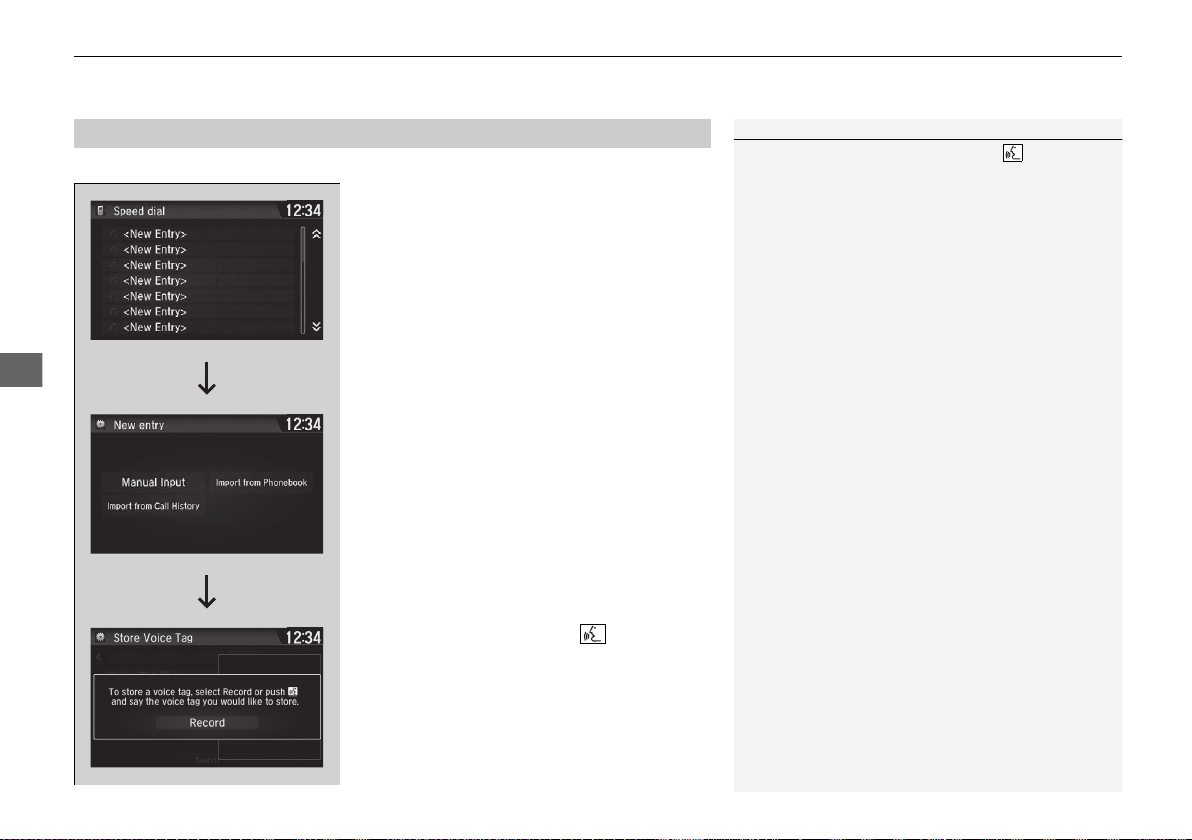
uuBluetooth® HandsFreeLink®uHFL Menus
282
Features
Up to 20 speed dial numbers can be stored per phone.
To store a speed dial number:
1. Go to the Phone menu screen.
2 Phone menu screen P. 274
2. Select Speed Dial.
3. Select New Entry.
From Import from Call History:
u Select a number from the call history.
From Manual Input:
u Input the number manually.
From Import from Phonebook:
u Select a number from the connected cell
phone’s imported phonebook.
4. When the speed dial is successfully stored,
you are asked to create a voice tag for the
number. Select Yes or No.
5. Select Record, or use the button and
follow the prompts to complete the voice
tag.
■
Speed Dial
1Speed Dial
When a voice tag is stored, press the button to
call the number using the voice tag. Say the voice tag
name.
19 NSX-31T6N6200.book 282 ページ 2018年8月9日 木曜日 午前11時12分
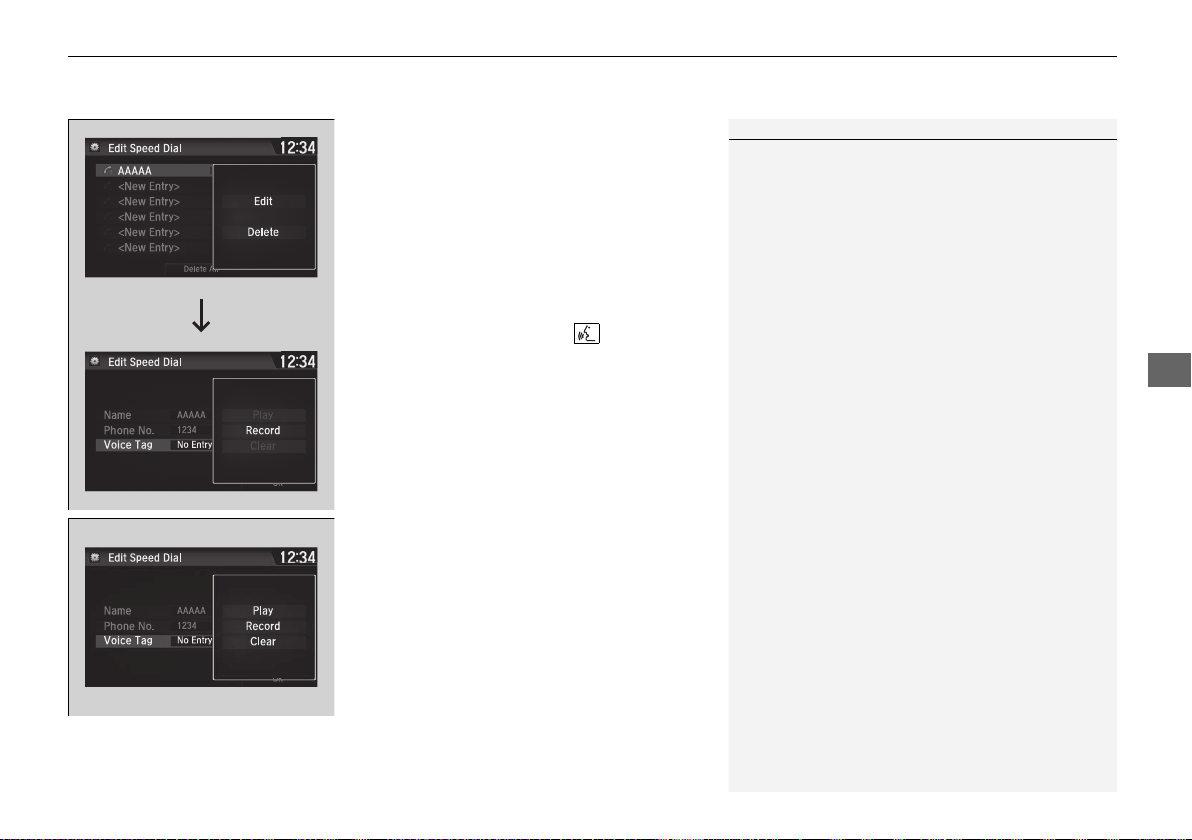
Continued
283
uuBluetooth® HandsFreeLink® uHFL Menus
Features
■ To add a voice tag to a stored speed
dial number
1. Go to the phone settings screen.
2 Phone settings screen P. 271
2. Select Edit Speed Dial.
3. Select an existing speed dial entry.
u From the pop-up menu, select Edit.
4. Select Voice Tag.
u From the pop-up menu, select Record.
5. Select Record, or use the button and
follow the prompts to complete the voice
tag.
■ To delete a voice tag
1. Go to the phone settings screen.
2 Phone settings screen P. 271
2. Select Edit Speed Dial.
3. Select an existing speed dial entry.
u From the pop-up menu, select Edit.
4. Select Voice Tag.
u From the pop-up menu, select Clear.
5. A confirmation message appears on the
screen. Select Yes.
1Speed Dial
Avoid using duplicate voice tags.
Avoid using “home” as a voice tag.
It is easier for the system to recognize a longer name.
For example, use “John Smith” instead of “John.”
19 NSX-31T6N6200.book 283 ページ 2018年8月9日 木曜日 午前11時12分
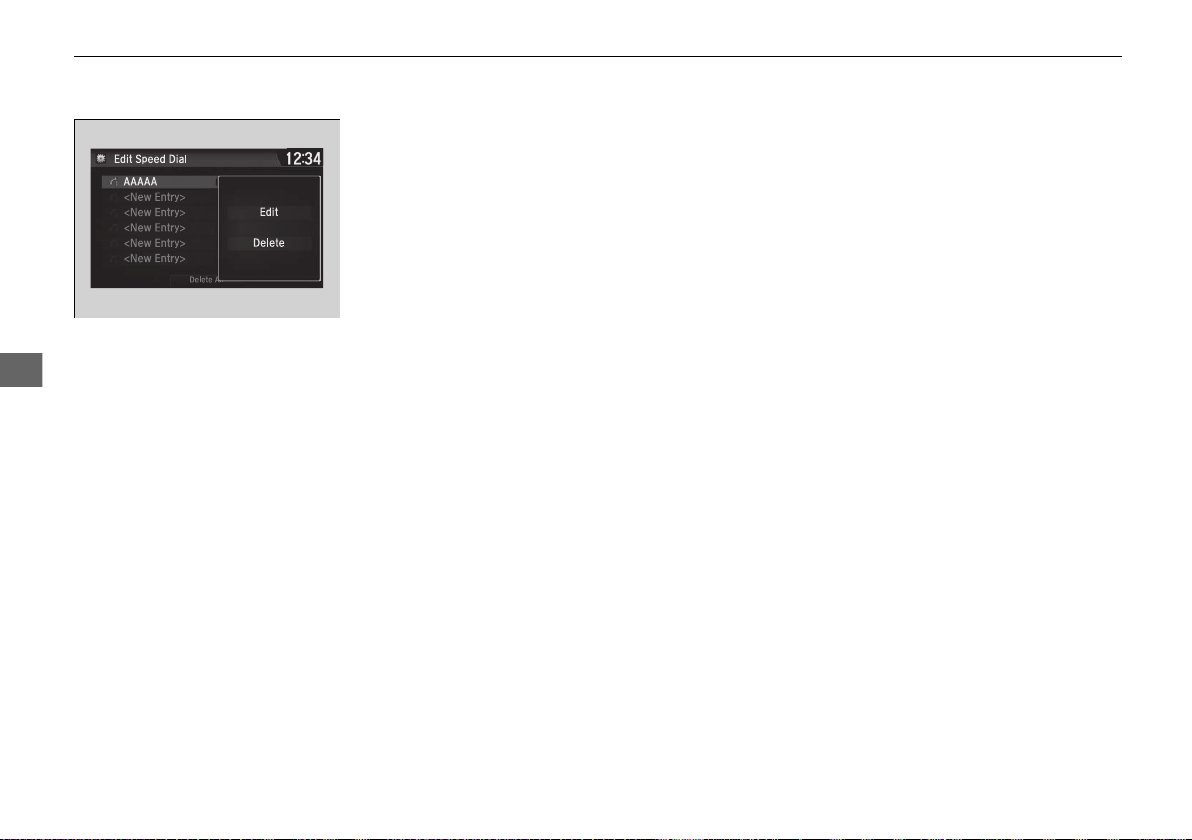
284
uuBluetooth® HandsFreeLink®uHFL Menus
Features
■ To edit a speed dial
1. Go to the phone settings screen.
2 Phone settings screen P. 271
2. Select Edit Speed Dial.
3. Select an existing speed dial entry.
u From the pop-up menu, select Edit.
4. Select a setting you want.
■ To delete a speed dial
1. Go to the phone settings screen.
2 Phone settings screen P. 271
2. Select Edit Speed Dial.
3. Select an existing speed dial entry.
u From the pop-up menu, select Delete.
4. A confirmation message appears on the
screen. Select Yes.
19 NSX-31T6N6200.book 284 ページ 2018年8月9日 木曜日 午前11時12分
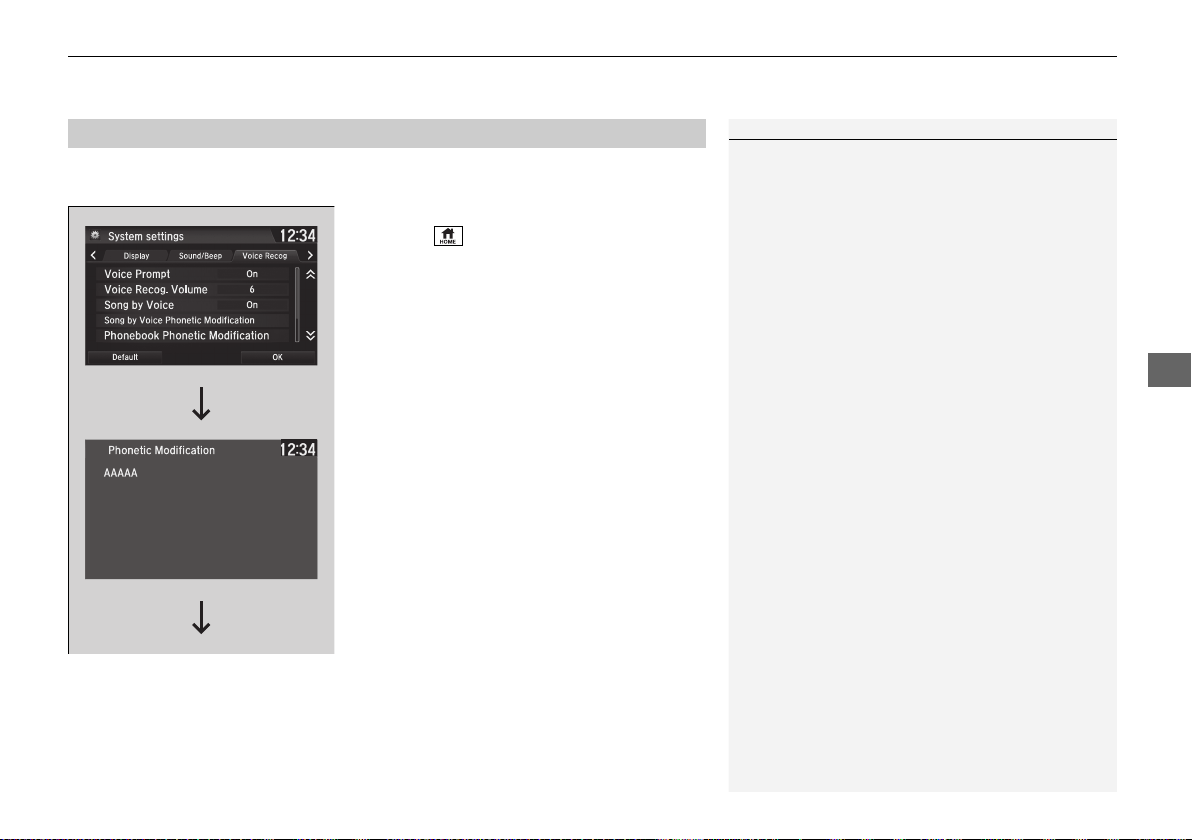
Continued
285
uuBluetooth® HandsFreeLink® uHFL Menus
Features
Add phonetic modifications or a new voice tag to the phone’s contact name so that
it is easier for HFL to recognize voice commands.
■ To add a new voice tag
1. Select .
2. Select Settings.
3. Select System.
4. Select the Voice Recog tab.
5. Select Phonebook Phonetic
Modification.
6. Select the phone you want to add the
phonetic modification to.
■
Phonebook Phonetic Modification
1Phonebook Phonetic Modification
You can store up to 20 phonetic modification items.
19 NSX-31T6N6200.book 285 ページ 2018年8月9日 木曜日 午前11時12分
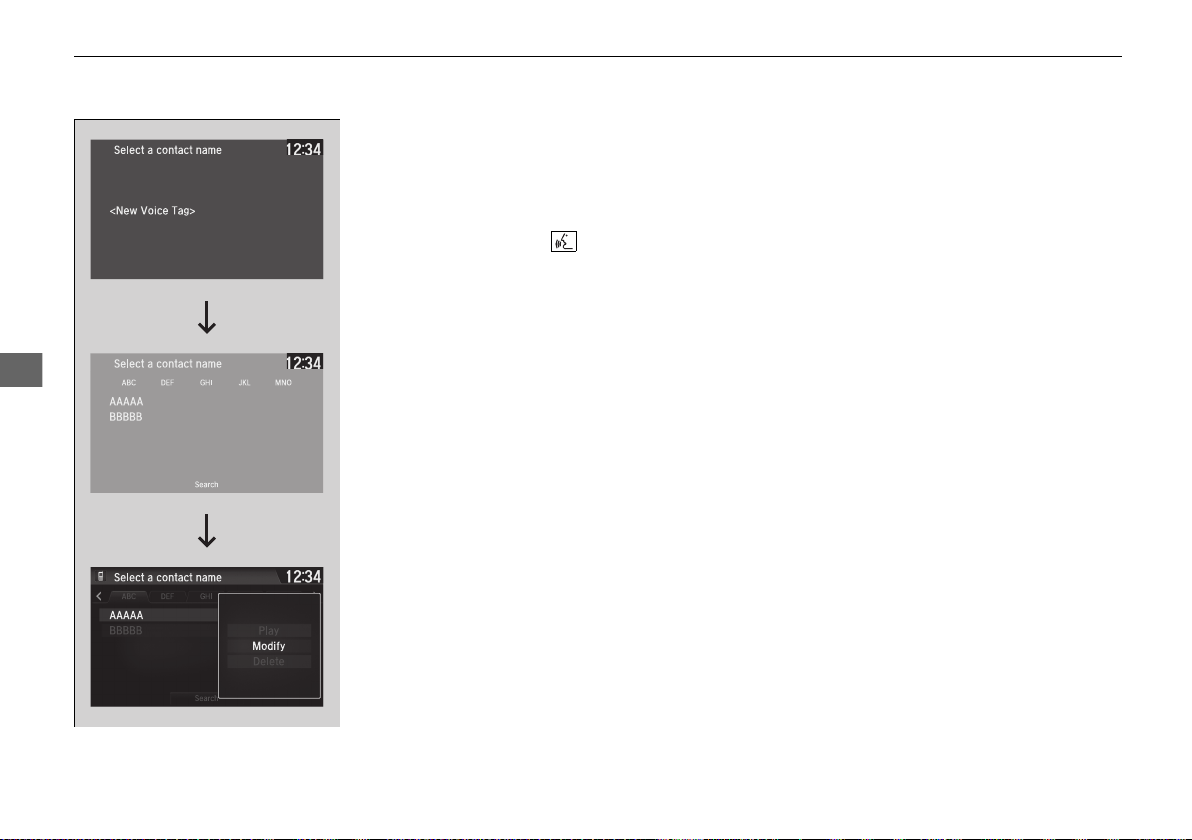
286
uuBluetooth® HandsFreeLink®uHFL Menus
Features
7. Select New Voice Tag.
8. Select a contact name you want to add to.
u The pop-up menu appears on the
screen.
9. Select Modify.
10. Using Record or the button, follow
the prompts to complete the voice tag.
11. You will receive a confirmation message
on the screen, then select OK.
19 NSX-31T6N6200.book 286 ページ 2018年8月9日 木曜日 午前11時12分
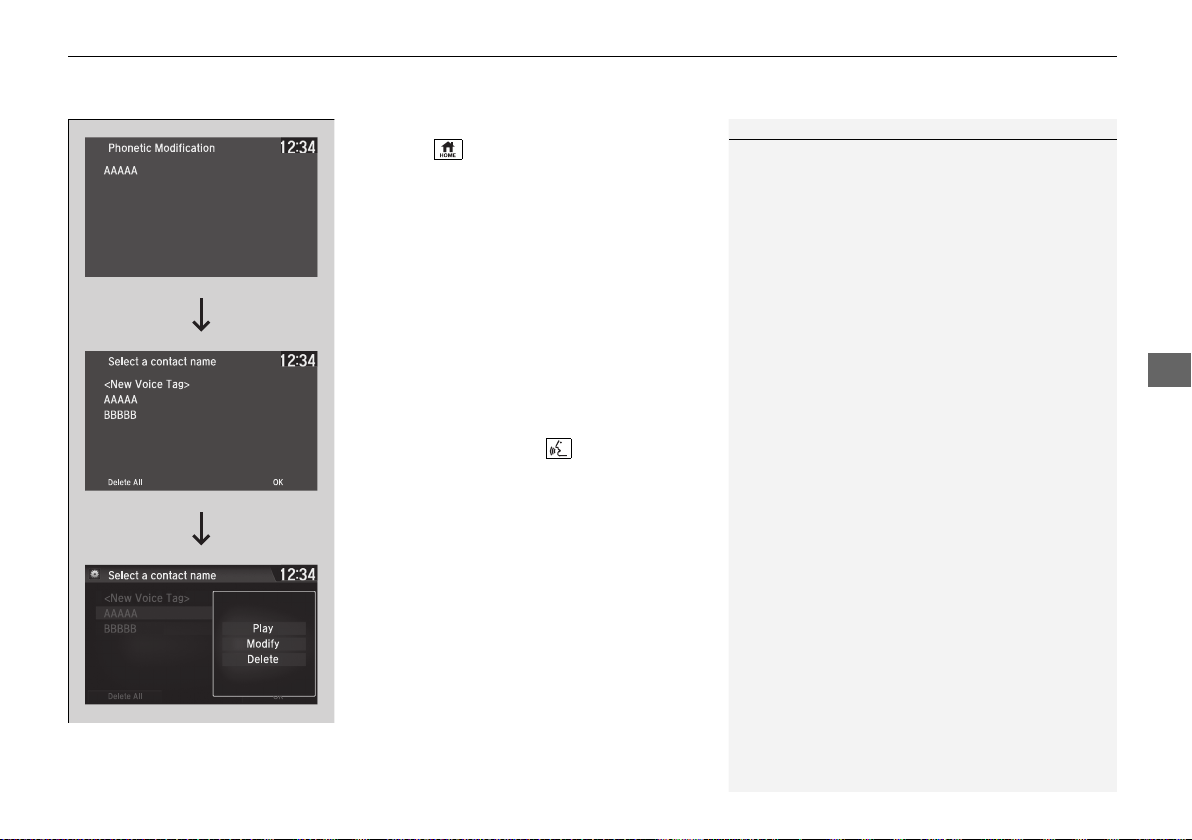
Continued
287
uuBluetooth® HandsFreeLink® uHFL Menus
Features
■ To modify a voice tag
1. Select .
2. Select Settings.
3. Select System.
4. Select the Voice Recog tab.
5. Select Phonebook Phonetic
Modification.
6. Select the phone for which you want to
modify the voice tag.
7. Select a contact name you want to
modify.
u The pop-up menu appears on the
screen.
8. Select Modify.
9. Using Record or the button, follow
the prompts to complete the voice tag.
10. You will receive a confirmation message
on the screen, then select OK.
1Phonebook Phonetic Modification
You can only modify or delete contact names for the
currently connected phone.
19 NSX-31T6N6200.book 287 ページ 2018年8月9日 木曜日 午前11時12分
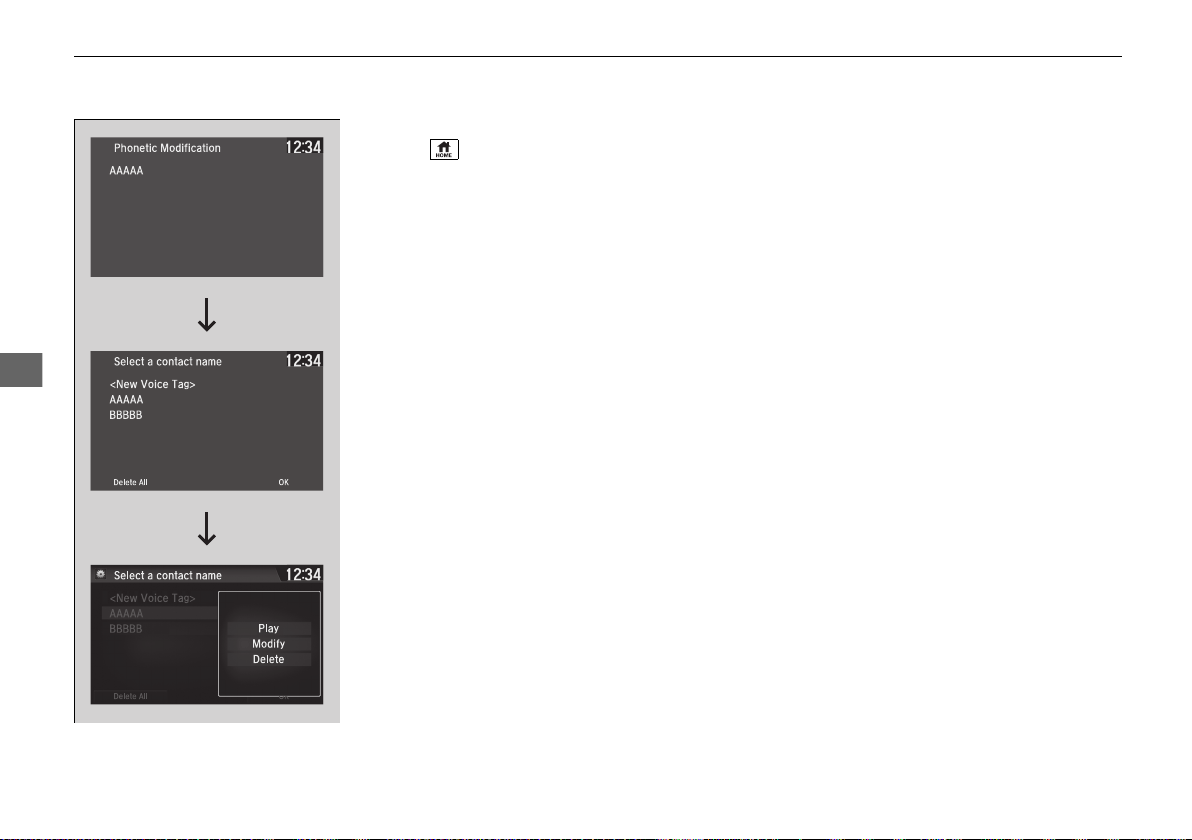
288
uuBluetooth® HandsFreeLink®uHFL Menus
Features
■ To delete a modified voice tag
1. Select .
2. Select Settings.
3. Select System.
4. Select the Voice Recog tab.
5. Select Phonebook Phonetic
Modification.
6. Select the phone from which you want to
delete the phonetic modification.
7. Select a contact name you want to delete.
u The pop-up menu appears on the screen.
8. Select Delete.
u The selected contact name has been
selected.
9. Select OK.
19 NSX-31T6N6200.book 288 ページ 2018年8月9日 木曜日 午前11時12分
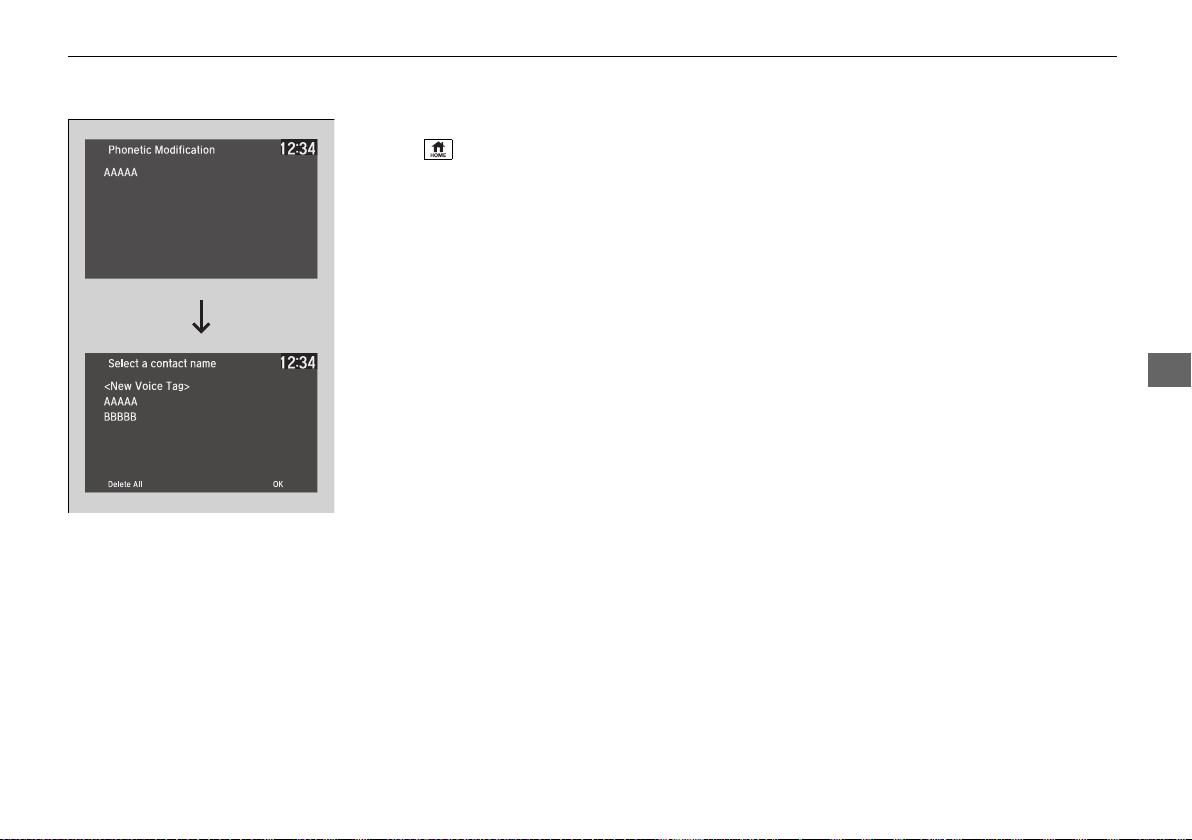
289
uuBluetooth® HandsFreeLink® uHFL Menus
Continued
Features
■ To delete all modified voice tags
1. Select .
2. Select Settings.
3. Select System.
4. Select the Voice Recog tab.
5. Select Phonebook Phonetic
Modification.
6. Select the phone from which you want to
delete the phonetic modifications.
u The contact name list appears.
7. Select Delete All.
8. You will receive a confirmation message on
the screen, then select Yes.
19 NSX-31T6N6200.book 289 ページ 2018年8月9日 木曜日 午前11時12分
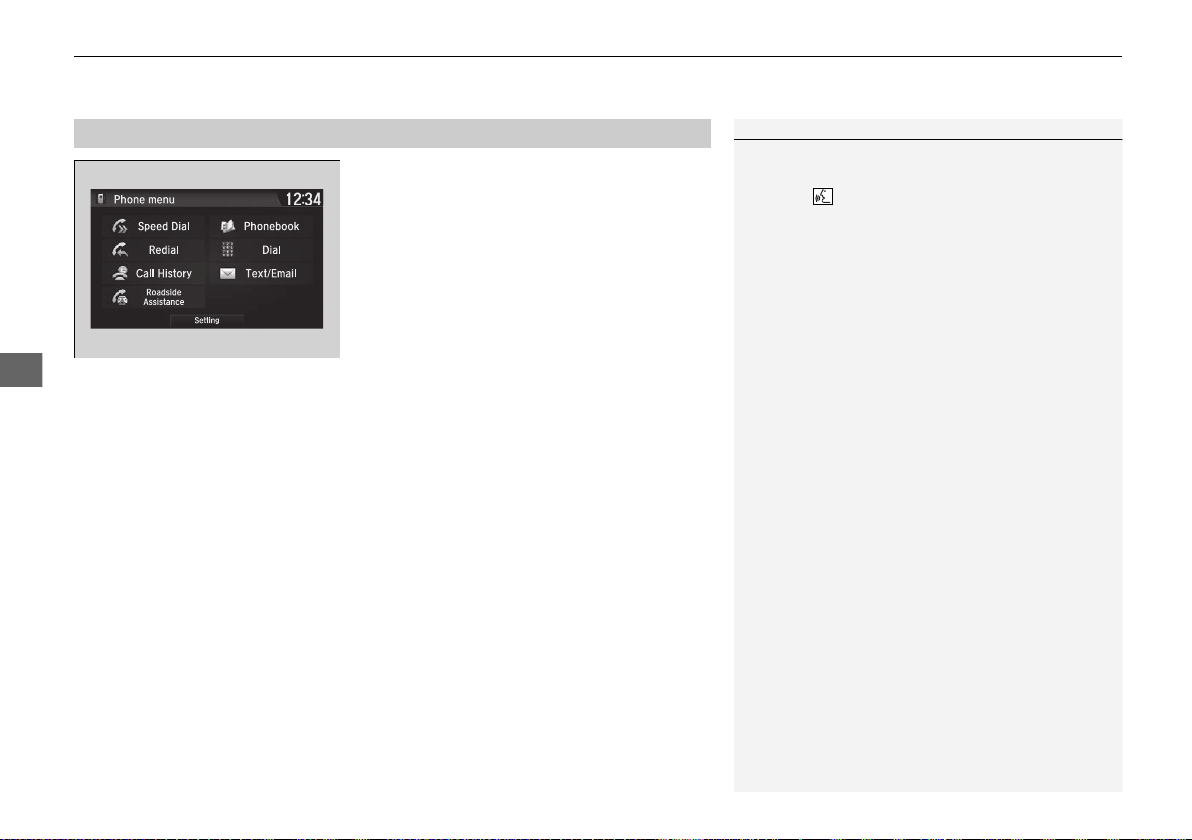
uuBluetooth® HandsFreeLink®uHFL Menus
290
Features
You can make calls by inputting any phone
number, or by using the imported
phonebook, call history, speed dial entries, or
redial.
■
Making a Call
1Making a Call
Any voice-tagged speed dial entry can be dialed by
voice from most screens.
Press the button and say the voice tag name.
Once a call is connected, you can hear the voice of
the person you are calling through the audio
speakers.
While there is an active connection with Apple
CarPlay, phone calls cannot be made with
HandsFreeLink® and are only made from Apple
CarPlay.
19 NSX-31T6N6200.book 290 ページ 2018年8月9日 木曜日 午前11時12分

291
uuBluetooth® HandsFreeLink® uHFL Menus
Continued
Features
■ To make a call using the imported
phonebook
1. Go to the Phone menu screen.
2 Phone menu screen P. 274
2. Select Phonebook.
3. Select a name.
u You can also search by letter. Select
Search.
u Use the keyboard on the touch screen for
entering a name. If multiple numbers
exist, select a number.
4. Select a number.
u Dialing starts automatically.
■ To make a call using a phone number
1. Go to the Phone menu screen.
2 Phone menu screen P. 274
2. Select Dial.
3. Select a number.
u Use the keyboard on the touch screen for
entering numbers.
4. Select Dial.
u Dialing starts automatically.
19 NSX-31T6N6200.book 291 ページ 2018年8月9日 木曜日 午前11時12分
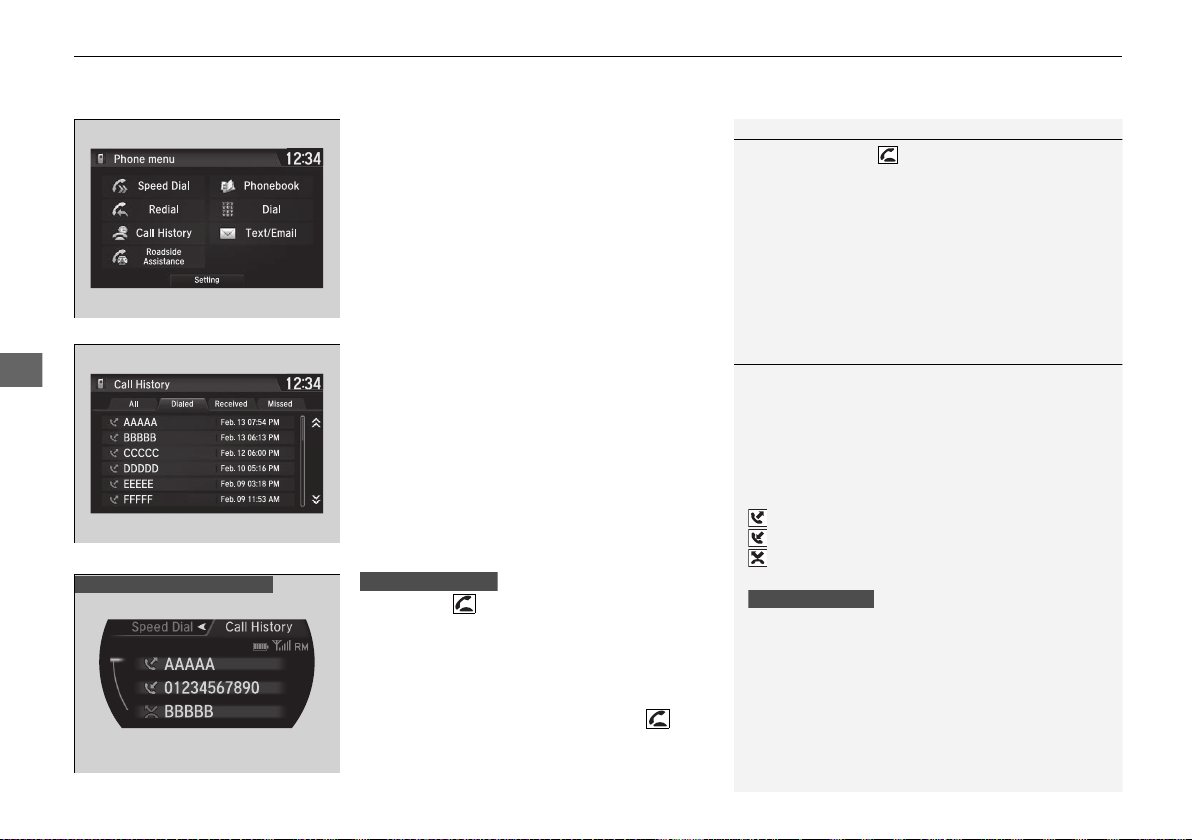
uuBluetooth® HandsFreeLink®uHFL Menus
292
Features
■ To make a call using redial
1. Go to the Phone menu screen.
2 Phone menu screen P. 274
2. Select Redial.
u Dialing starts automatically.
■ To make a call using the Call History
Call history is stored by All, Dialed,
Received, and Missed.
1. Go to the Phone menu screen.
2 Phone menu screen P. 274
2. Select Call History.
3. Select All, Dialed, Received, or Missed.
4. Select a number.
u Dialing starts automatically.
1. Press the button.
2. Move the left selector wheel right to select
Call History.
3. Roll the left selector wheel to select a
number.
4. Push the left selector wheel or the
button.
u Dialing starts automatically.
1To make a call using redial
Press and hold the button to redial the last
number dialed.
1To make a call using the Call History
The call history displays the last 20 all, dialed,
received, or missed calls.
(Appears only when a phone is connected to the
system.)
These icons next to the number indicate the
following:
: Dialed calls.
: Received calls.
: Missed calls.
The call history displays the last 12 dialed, received, or
missed calls.
Steering switches
Driver information interface
Steering switches
19 NSX-31T6N6200.book 292 ページ 2018年8月9日 木曜日 午前11時12分
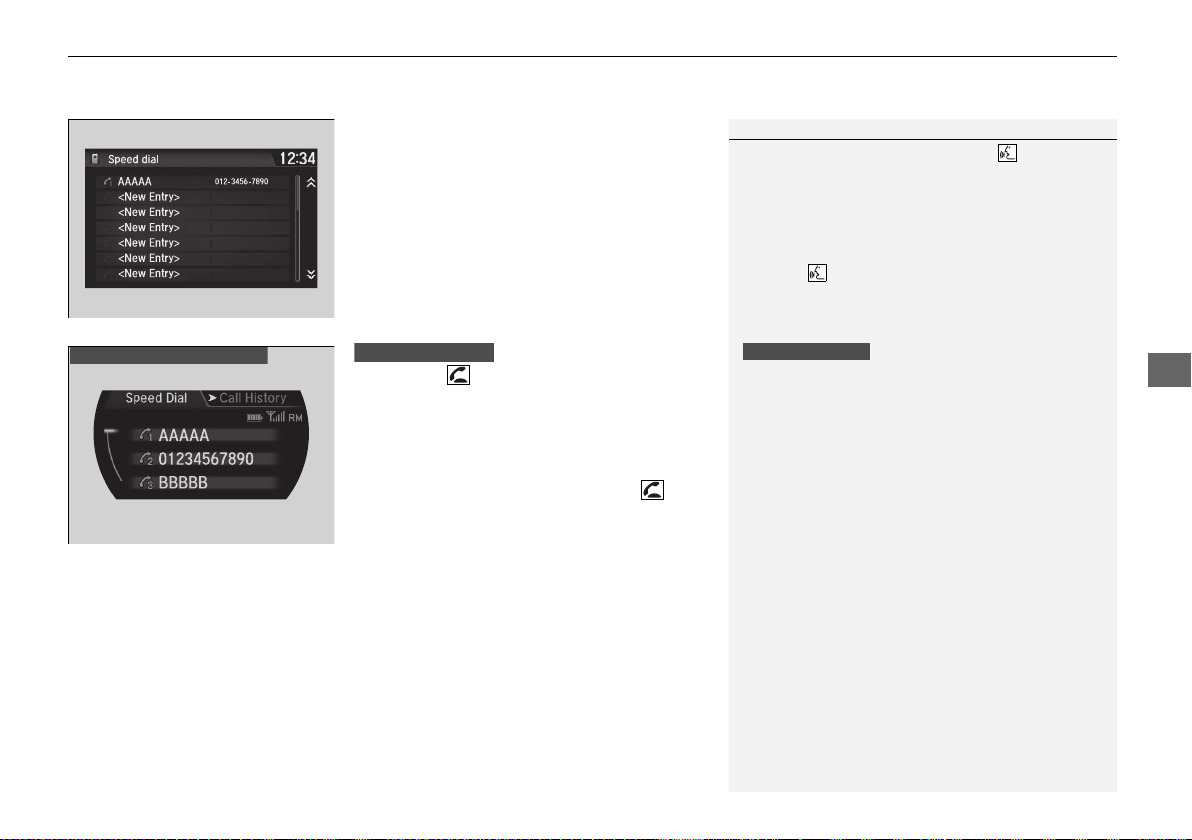
Continued
293
uuBluetooth® HandsFreeLink® uHFL Menus
Features
■ To make a call using a Speed Dial entry
1. Go to the Phone menu screen.
2 Phone menu screen P. 274
2. Select Speed Dial.
3. Select a number.
u Dialing starts automatically.
1. Press the button.
2. Move the left selector wheel left to select
Speed Dial.
3. Roll the left selector wheel to select a
number.
4. Push the left selector wheel or the
button.
u Dialing starts automatically.
1To make a call using a Speed Dial entry
When a voice tag is stored, press the button to
call the number using the voice tag.
2 Speed Dial P. 282
Any voice-tagged speed dial entry can be dialed by
voice from any screen.
Press the button and follow the prompts.
The speed dial displays the 20 speed dial entries.
Steering switches
Driver information interface
Steering switches
19 NSX-31T6N6200.book 293 ページ 2018年8月9日 木曜日 午前11時12分
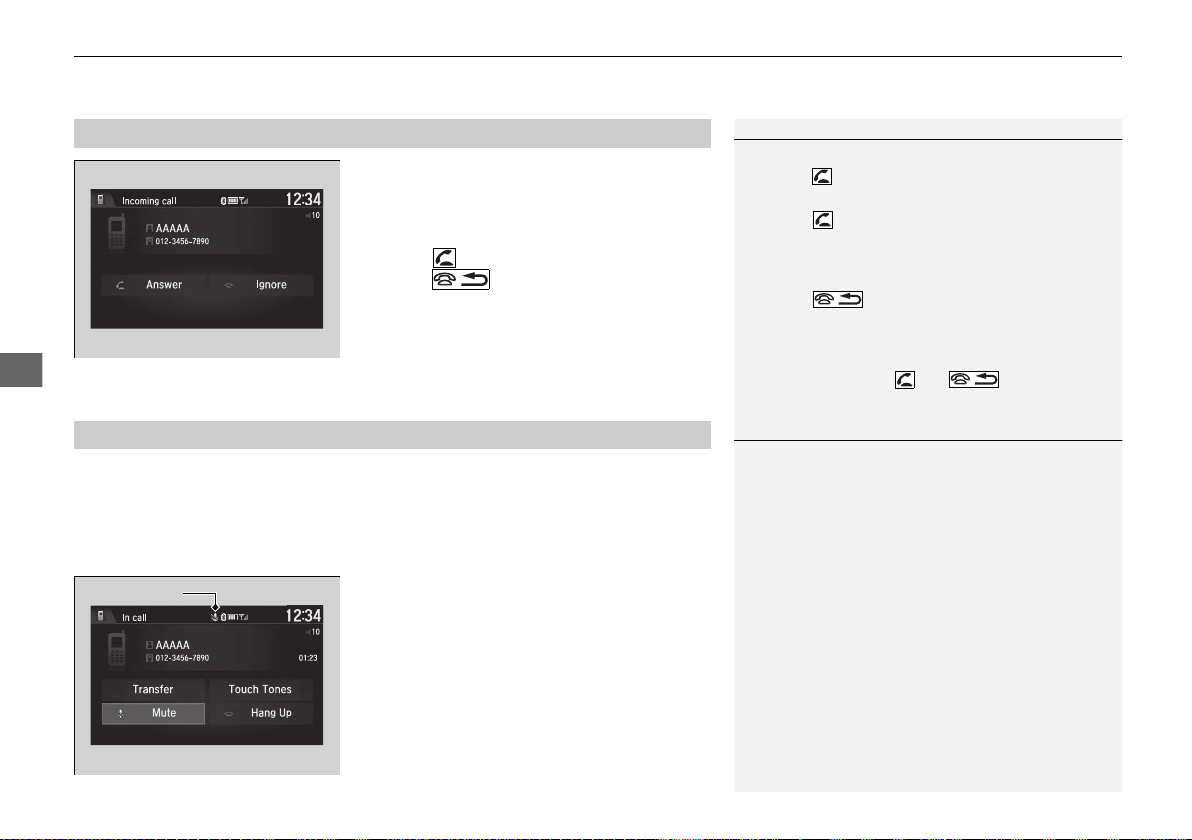
uuBluetooth® HandsFreeLink®uHFL Menus
294
Features
When there is an incoming call, an audible
notification sounds (if activated) and the
Incoming call screen appears.
Press the button to answer the call.
Press the button to decline or end the
call.
The following options are available during a call.
Mute: Mute your voice.
Transfer: Transfer a call from the system to your phone.
Touch Tones: Send numbers during a call. This is useful when you call a menu-
driven phone system.
The available options are shown on the lower
half of the screen.
Select the option.
u The mute icon blinks when Mute is
selected. Select Mute again to turn it off.
■
Receiving a Call
1Receiving a Call
Call Waiting
Press the button to put the current call on hold to
answer the incoming call.
Press the button again to return to the current
call.
Select Ignore to ignore the incoming call if you do
not want to answer it.
Press the button if you want to hang up the
current call.
You can select the icons on the audio/information
screen instead of the and buttons.
■
Options During a Call
1Options During a Call
Touch Tones: Available on some phones.
You can select the icons on the audio/information
screen.
Mute Icon
19 NSX-31T6N6200.book 294 ページ 2018年8月9日 木曜日 午前11時12分
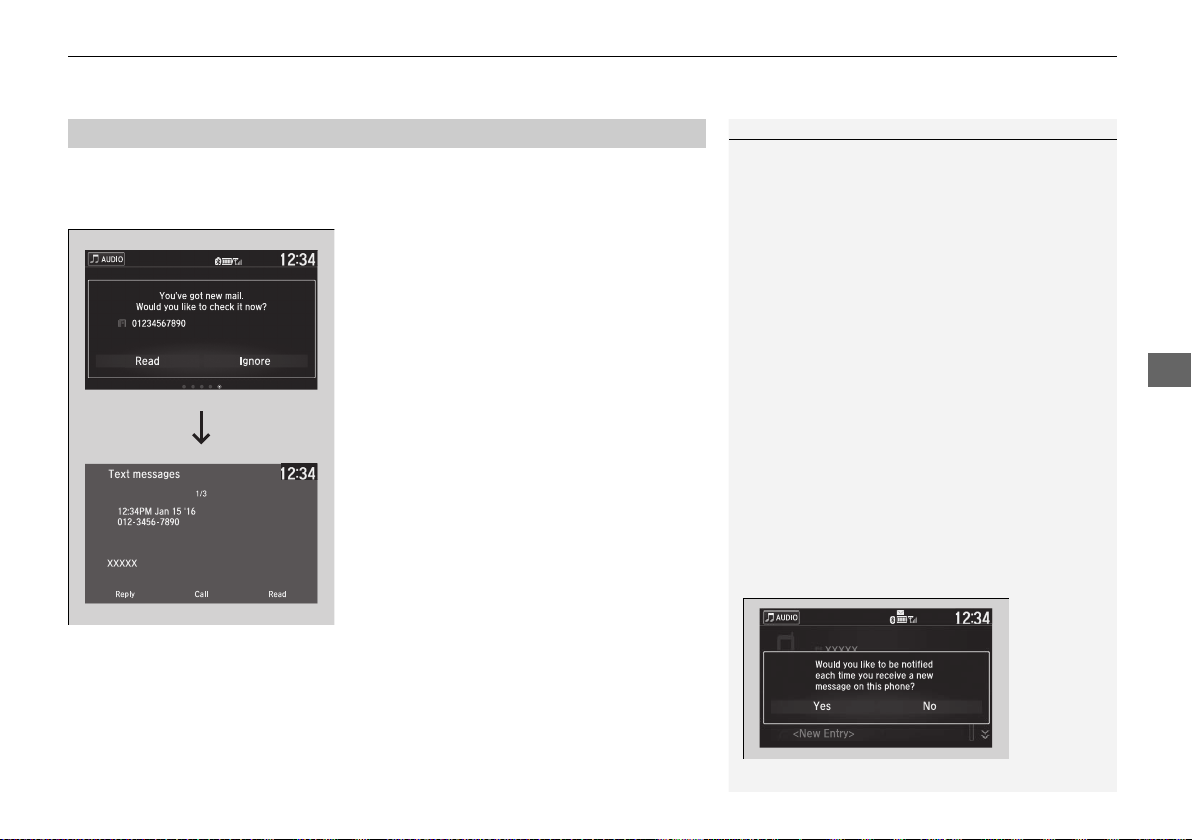
Continued
295
uuBluetooth® HandsFreeLink® uHFL Menus
Features
HFL can display newly received text or e-mail messages as well as 20 of the most
recently received messages on a linked cell phone. Each received message can be
read aloud and replied to using a fixed common phrase.
1. A pop-up appears and notifies you of a new
text or e-mail message.
2. Select Read to listen to the message.
u The text or e-mail message is displayed.
The system automatically starts reading
out the message.
3. To discontinue the message read-out, select
Stop.
■
Receiving a Text/E-mail Message
1Receiving a Text/E-mail Message
The system does not display any received messages
while you are driving. You can only hear them read
aloud.
The system can only receive messages that are sent as
text (SMS) messages. Messages sent using data
services will not be displayed in the list.
With some phones, you may be able to display up to
20 most recent text and e-mail messages.
State or local laws may limit your use of the HFL text
/e-mail message feature. Only use the text /e-mail
message feature when conditions allow you to do so
safely.
When you receive a text or e-mail message for the
first time since the phone is paired to HFL, you are
asked to turn the New Message Notification
setting to On.
2 To turn on or off the text/e-mail notice
P. 279
19 NSX-31T6N6200.book 295 ページ 2018年8月9日 木曜日 午前11時12分
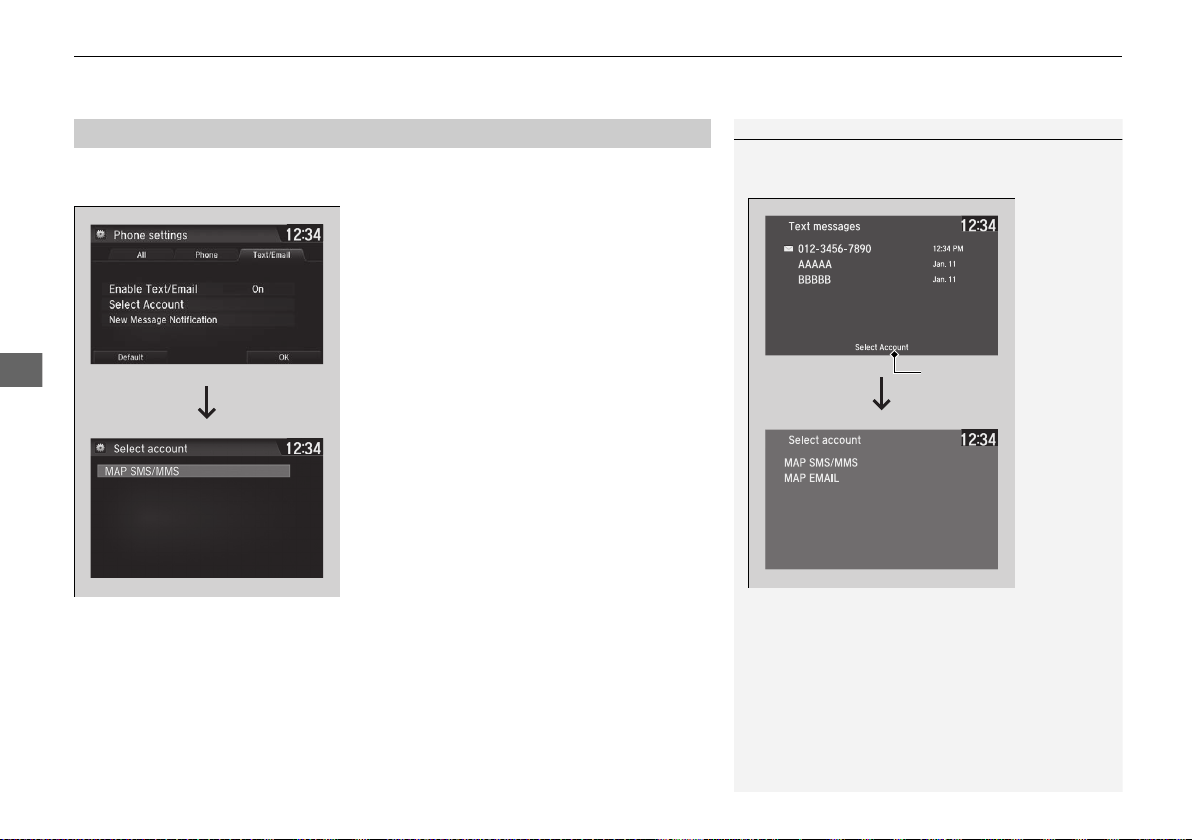
uuBluetooth® HandsFreeLink®uHFL Menus
296
Features
If a paired phone has text or mail message accounts, you can select one of them to
be active and receive notifications.
1. Go to the phone settings screen.
2 Phone settings screen P. 271
2. Select the Text/Email tab, then Select
Account.
u A pop-up menu appears on the screen.
3. Select Text Messages or an e-mail account
you want.
■
Selecting a Mail Account
1Selecting a Mail Account
You can also select a mail account from the folder list
screen or the message list screen.
You can only receive notifications from one text or
mail message account at a time.
Select
Account
19 NSX-31T6N6200.book 296 ページ 2018年8月9日 木曜日 午前11時12分
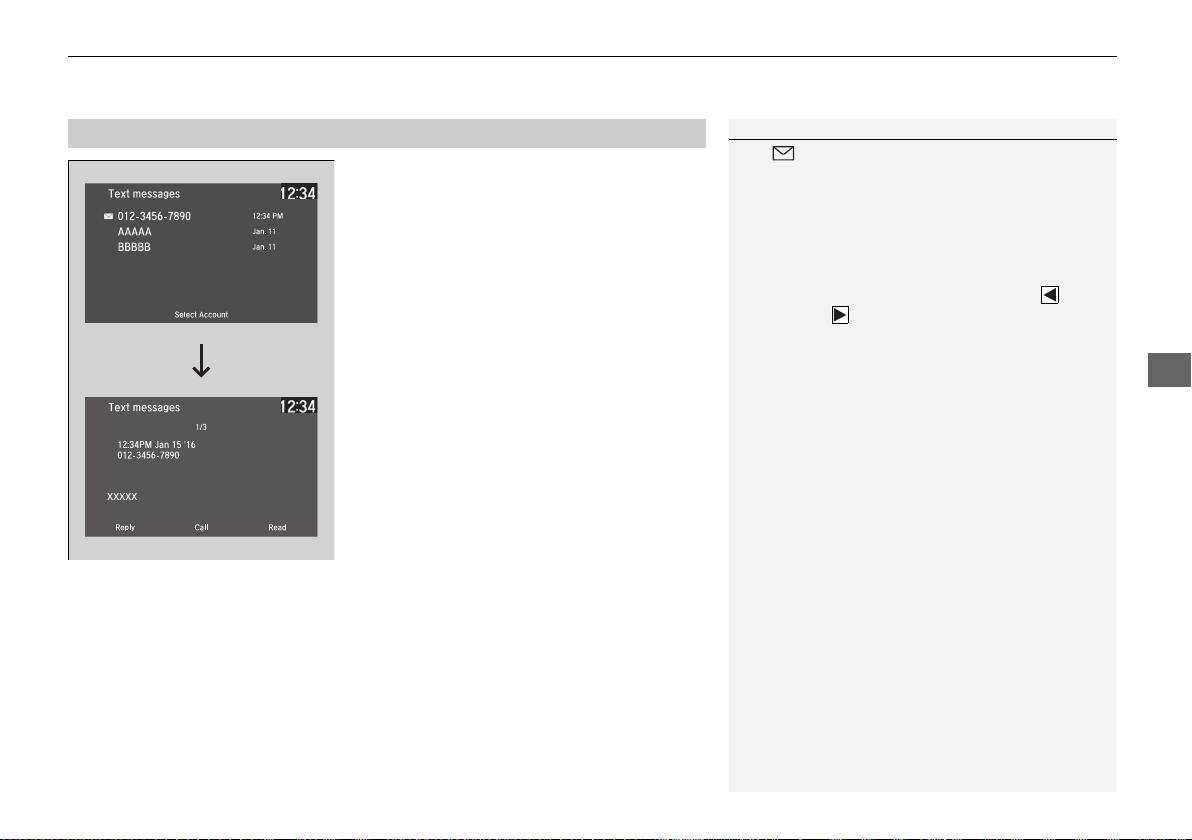
Continued
297
uuBluetooth® HandsFreeLink® uHFL Menus
Features
■ Displaying text messages
1. Go to the Phone menu screen.
2 Phone menu screen P. 274
2. Select Text/Email.
u Select account if necessary.
3. Select a message.
u The text message is displayed. The
system automatically starts reading the
message aloud.
■
Displaying Messages
1Displaying Messages
The icon appears next to an unread message.
If you delete a message on the phone, the message is
also deleted in the system. If you send a message
from the system, the message goes to your phone’s
outbox.
To see the previous or next message, select
(previous) or (next) on the message screen.
Message List
Text Message
19 NSX-31T6N6200.book 297 ページ 2018年8月9日 木曜日 午前11時12分
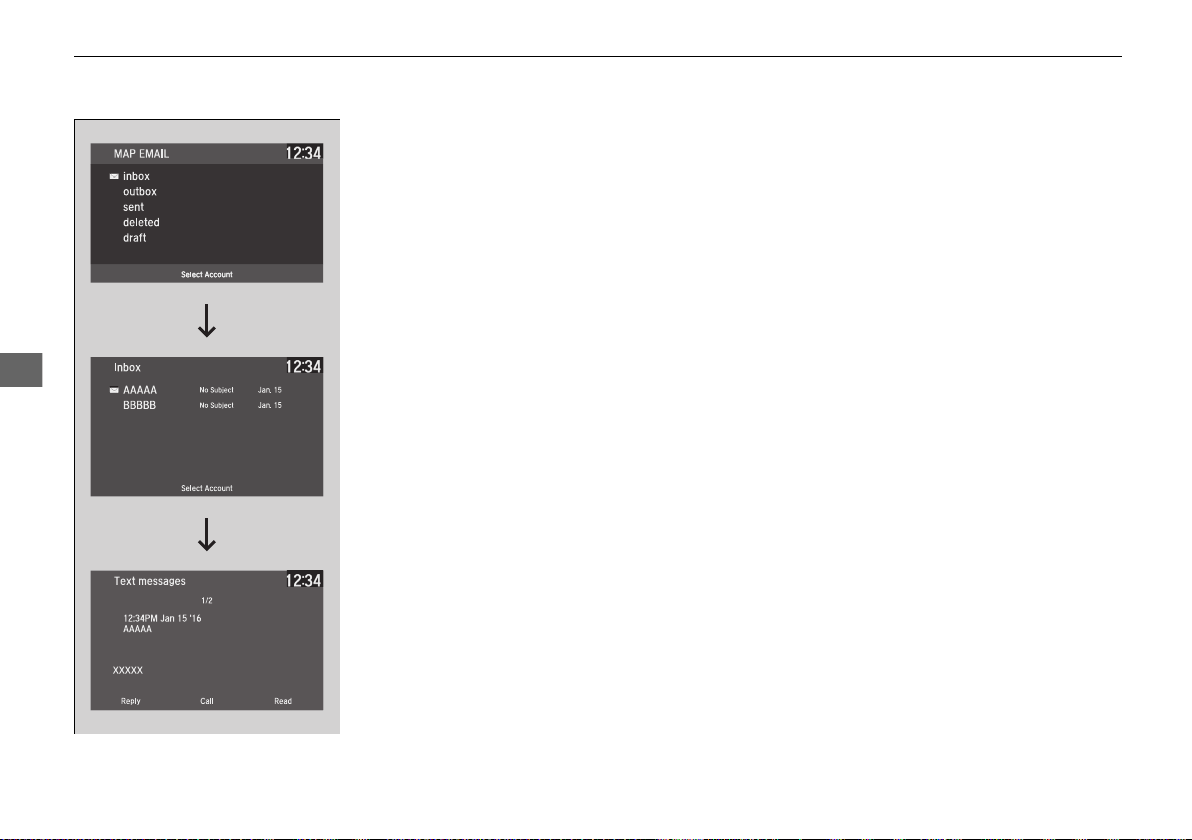
298
uuBluetooth® HandsFreeLink®uHFL Menus
Features
■ Displaying e-mail messages
1. Go to the Phone menu screen.
2 Phone menu screen P. 274
2. Select Text/Email.
u Select Select Account if necessary.
3. Select a folder.
4. Select a message.
u The e-mail message is displayed. The
system automatically starts reading the
message aloud.
Folder List
Message List
E-mail Message
19 NSX-31T6N6200.book 298 ページ 2018年8月9日 木曜日 午前11時12分
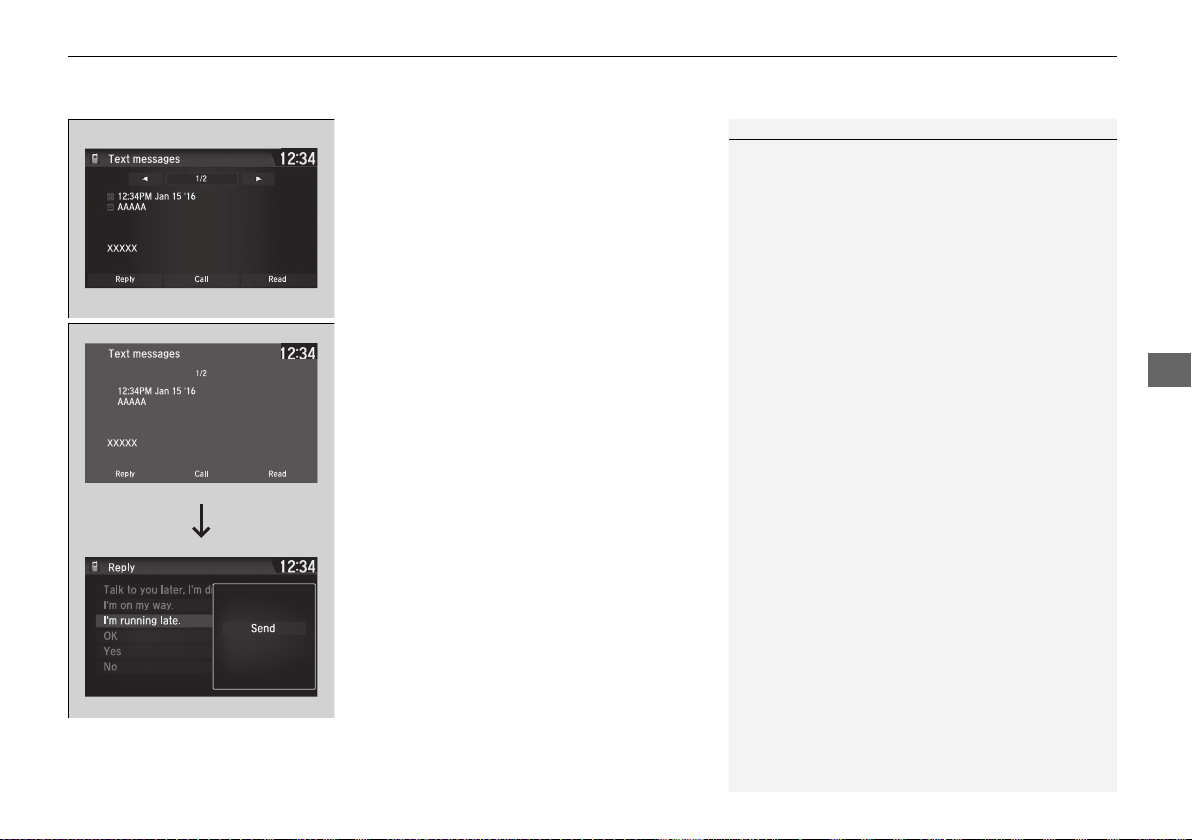
Continued
299
uuBluetooth® HandsFreeLink® uHFL Menus
Features
■ Read or Stop reading a message
1. Go to the text or e-mail message screen.
u The system automatically starts reading
the message aloud.
2 Displaying Messages P. 297
2. Select Stop to stop reading.
Select Read again to start reading the
message from the beginning.
■ Reply to a message
1. Go to the text or e-mail message screen.
u The system automatically starts reading
the message aloud.
2 Displaying Messages P. 297
2. Select Reply.
3. Select the reply message.
u The pop-up menu appears on the screen.
4. Select Send to send the message.
u Complete appears on the screen when
the reply message was successfully sent.
1Reply to a message
The available fixed reply messages are as follows:
• Talk to you later, I’m driving.
• I’m on my way.
• I’m running late.
• OK
• Yes
• No
You cannot add, edit, or delete reply messages.
Only certain phones receive and send messages when
paired and connected. For a list of compatible
phones:
• U.S.: Visit www.acura.com/handsfreelink/, or call
1-888-528-7876.
• Canada: For more information on smartphone
compatibility, call 1-888-528-7876.
19 NSX-31T6N6200.book 299 ページ 2018年8月9日 木曜日 午前11時12分
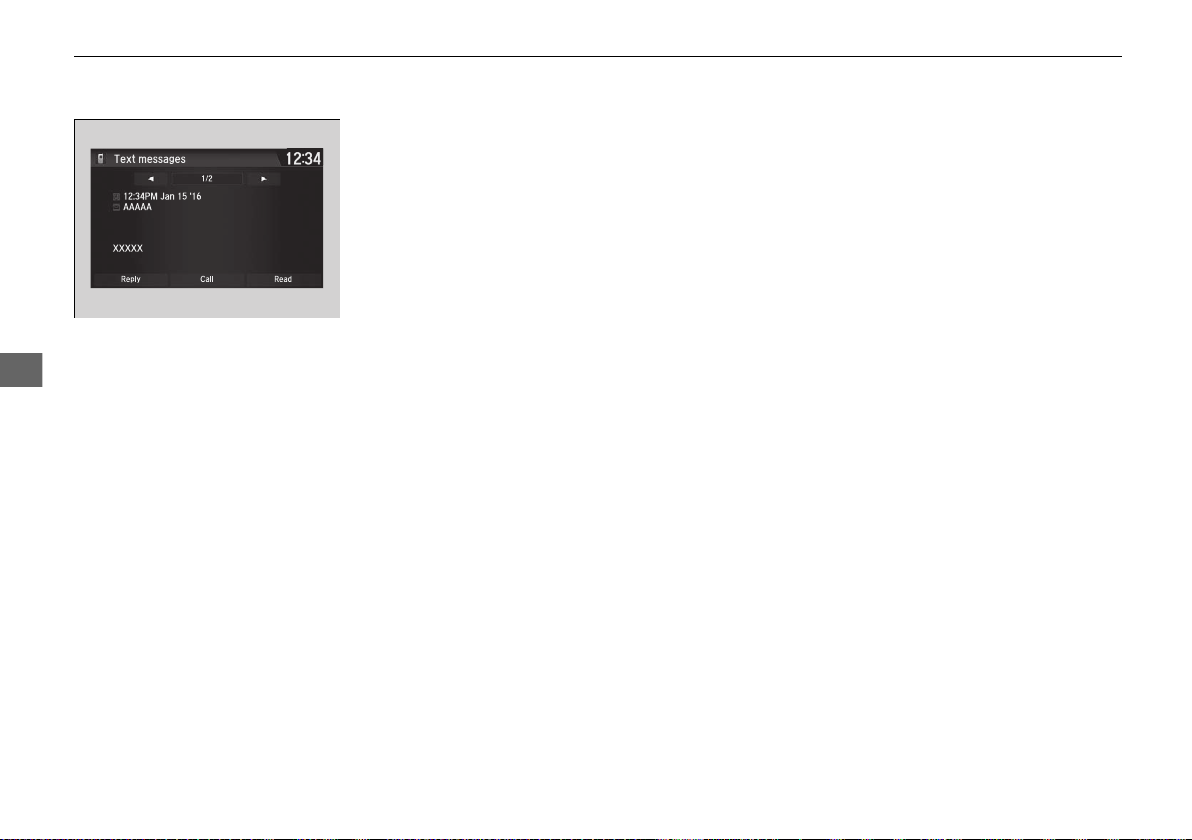
300
uuBluetooth® HandsFreeLink®uHFL Menus
Features
■ Making a call to a sender
1. Go to the text message screen.
2. Select Call.
19 NSX-31T6N6200.book 300 ページ 2018年8月9日 木曜日 午前11時12分
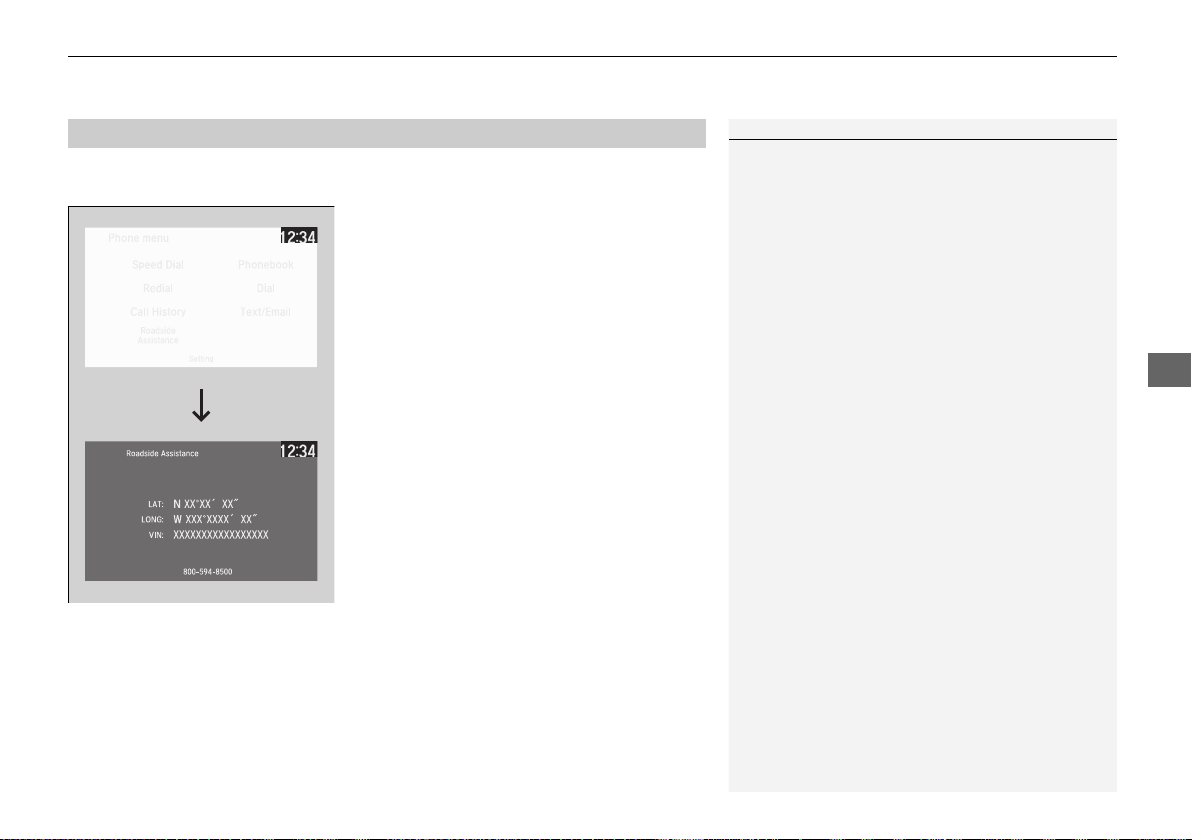
301
uuBluetooth® HandsFreeLink® uHFL Menus
Features
Provides a nationwide service for unexpected incidents. You can call for assistance
using a phone paired and connected to Bluetooth® HandsFreeLink®.
1. Go to the Phone menu screen.
2 Phone menu screen P. 274
2. Select Roadside Assistance.
3. Select a phone number.
u Dialing starts automatically.
■
Roadside Assistance
*
1Roadside Assistance
*
If you are subscribed to a paid AcuraLink package,
you can call roadside assistance (1-844-682-2872)
using the LINK button instead of your phone. If you
need to contact Acura Client Relations, call 1-800-
382-2238.
2 AcuraLink®
*
P. 302
* Not available on all models
19 NSX-31T6N6200.book 301 ページ 2018年8月9日 木曜日 午前11時12分
302
Features
AcuraLink®
*
Is a subscription-based service that provides convenient features such as voice
communication in case of an airbag deployment, online security, and one-on-one
operator assistance.
For information on traffic rerouting and traffic information updates, provided by the
AcuraLink server, see the Navigation System Manual.
■ Automatic collision notification
If your vehicle’s airbags deploy or if the unit detects that the vehicle is severely
impacted, your vehicle will automatically attempt to connect to the AcuraLink
operator. Once connected, information about your vehicle, its positioning, and its
condition will be sent to the operator; you also can speak to the operator when
connected.
■
In Case of a Crash
1AcuraLink®
*
AcuraLink also provides services you can operate
from the Internet or your smartphone.
To subscribe to AcuraLink, or to get more
information about all of its features, contact an
authorized Acura NSX dealer, or visit
owners.acura.com (in U.S.) or www.acura.ca (in
Canada).
1In Case of a Crash
Your vehicle may not be able to connect to the
operator if the battery level is low, the line is
disconnected or you do not have adequate cellular
coverage.
You cannot use the Assist services when:
• You travel outside the AcuraLink service coverage
areas.
• There is a problem with the connecting devices,
such as the ASSIST button, microphone, speakers,
or the unit itself.
• You are not subscribed to the service or your
subscription is no longer valid.
You cannot operate other navigation- or phone-
related functions using the screens while talking to
the operator.
Only the operator can terminate the connection to
your vehicle.
1Automatic collision notification
If the unit fails to connect to the operator, it
repeatedly tries until it succeeds.
* Not available on all models
19 NSX-31T6N6200.book 302 ページ 2018年8月9日 木曜日 午前11時12分
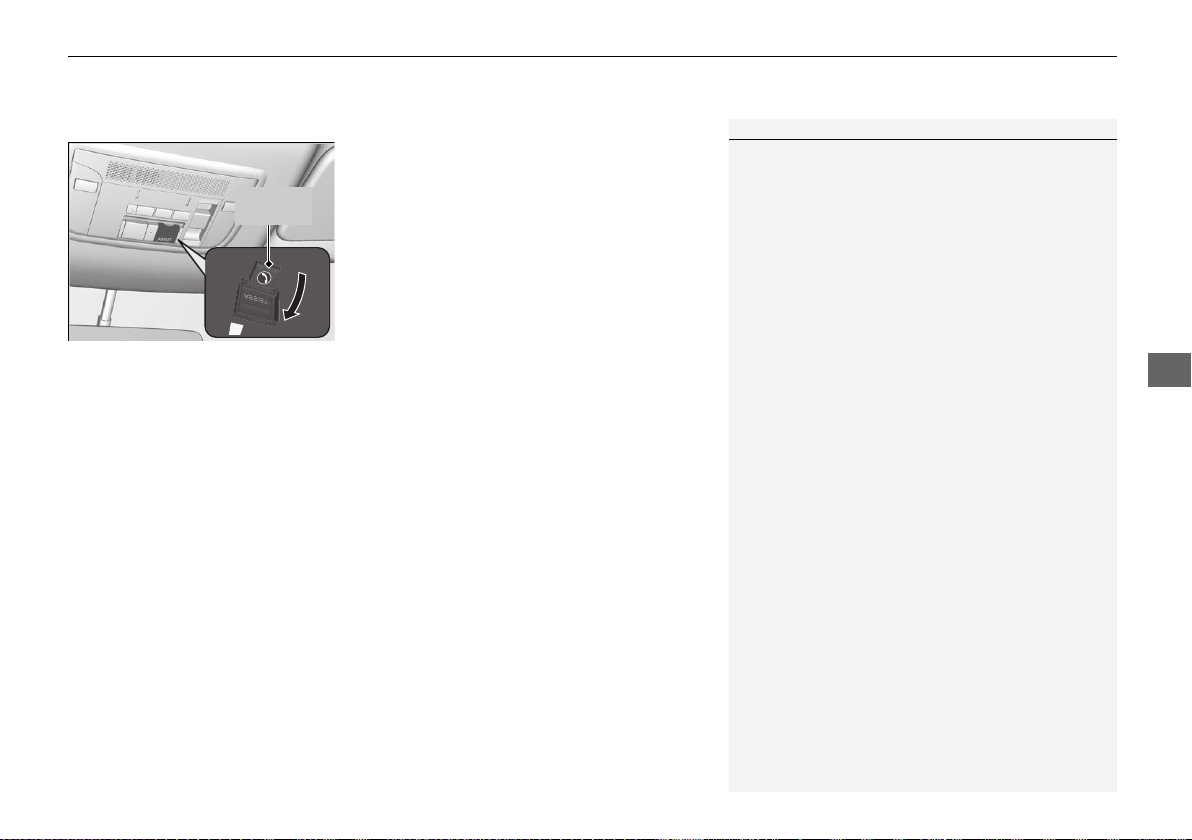
Continued
303
uuAcuraLink®
*
u
Features
■ Manual operator connection
If you need to talk to the AcuraLink operator
in a situation where no airbag has deployed,
you can manually connect to them by pressing
the ASSIST button with the power mode in
ACCESSORY or ON.
1. Open the cover attached to the ceiling
console.
2. Press the ASSIST button.
u You are connected to the AcuraLink
operator.
1Manual operator connection
Do not press the button while driving. When you
need to contact the operator, park the vehicle in a
safe place.
If the unit fails to connect to the operator, it
automatically cancels the action after three minutes.
If necessary, the cover can be broken to access the
ASSIST button.
ASSIST
Button
19 NSX-31T6N6200.book 303 ページ 2018年8月9日 木曜日 午前11時12分
uuAcuraLink®
*
u
304
Features
Your subscribed telematics service provider can track your vehicle’s location,
remotely lock or unlock doors, and help you find your vehicle.
To use these features, you need your user ID and personal identification number
(PIN).
■ Stolen vehicle tracking
This feature searches and tracks down your vehicle position even if it is on the move.
If you believe that your vehicle has been stolen, contact the police as well as the
provider. Tracking requests must be initiated by the police.
■ Remote door lock/unlock
The provider can remotely lock or unlock doors upon your request.
■ Vehicle finder
This feature is convenient to use when trying to locate your vehicle in large areas,
such as a crowded parking lot. If you cannot locate your vehicle after using the
remote transmitter’s answerback function, you can contact the provider which can
then flash your vehicle’s exterior lights and sound the horn.
■ Security alarm notification
If the security system in your vehicle detects an abnormal condition, such as
someone tampering with the lock on your vehicle, the provider notifies you by email
or SMS.
■
Security Features
1Security Features
The contact information of your provider, your user
ID and PIN will be given when you subscribe to
AcuraLink. If you forget any of the above, contact an
authorized Acura NSX dealer, or go to
owners.acura.com (in U.S.) or www.acura.ca (in
Canada).
You can also activate the remote door lock/unlock
and vehicle finder features from the Internet or using
your smartphone app. Ask an authorized Acura NSX
dealer, or visit owners.acura.com (in U.S.) or
www.acura.ca (in Canada) for details.
1Vehicle finder
The lights will stop flashing and horn will stop
sounding under the following conditions:
• When 30 seconds have elapsed.
• You unlock the doors using the remote transmitter.
• You unlock the doors using the keyless access
system.
• You unlock the doors using the built-in key.
• The power mode is set to ACCESSORY or ON.
19 NSX-31T6N6200.book 304 ページ 2018年8月9日 木曜日 午前11時12分
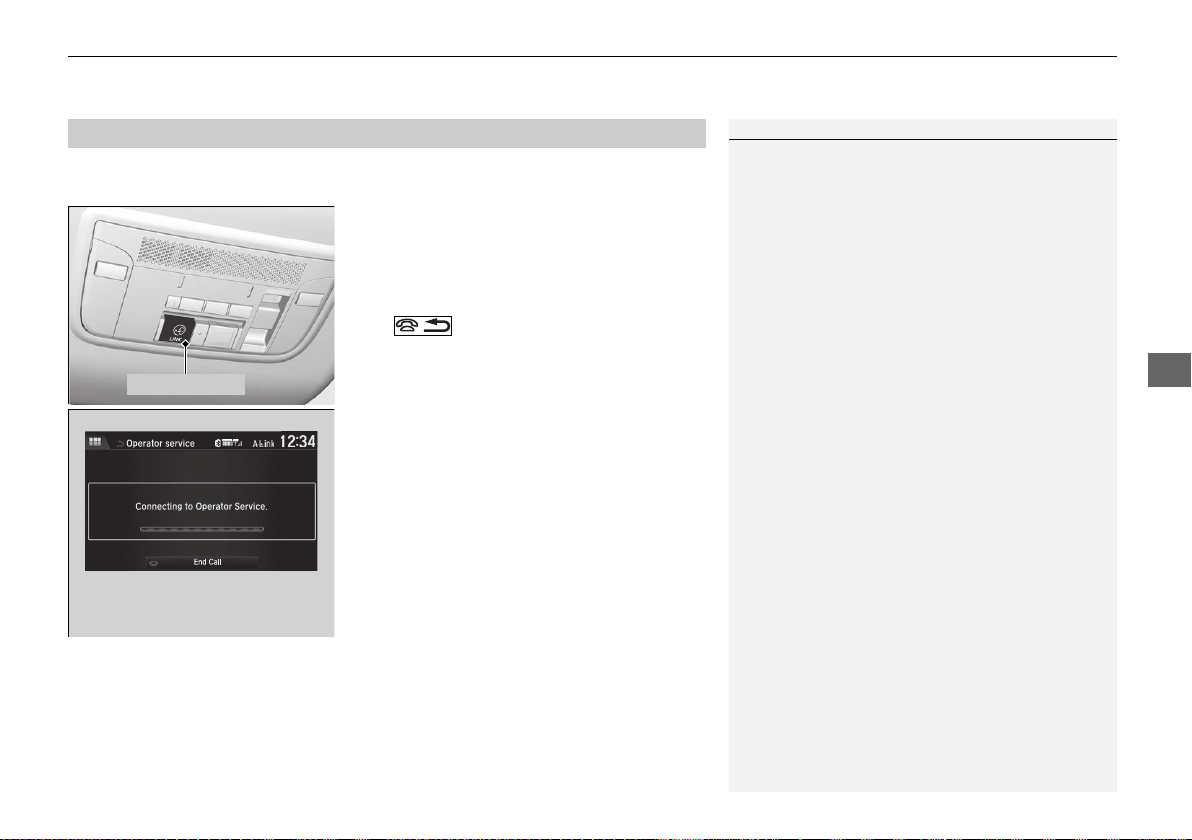
305
uuAcuraLink®
*
u
Features
Connect to the AcuraLink operator when trying to find a destination or for roadside
assistance.
1. Press the LINK button.
u Connection to the operator begins.
2. Talk to the operator.
u To disconnect, select End Call on the
audio/information screen or press the
button on the steering wheel.
■
Operator Assistance
1Operator Assistance
Remain attentive to road conditions and driving
during operator assistance.
LINK Button
Audio/information screen
when connected to the
AcuraLink operator.
19 NSX-31T6N6200.book 305 ページ 2018年8月9日 木曜日 午前11時12分

306
19 NSX-31T6N6200.book 306 ページ 2018年8月9日 木曜日 午前11時12分

307
Driving
This chapter discusses driving and refueling.
Before Driving
Driving Preparation .......................... 308
Maximum Load Limit........................ 311
High-Performance Driving ................ 313
Towing a Trailer
Towing Your Vehicle........................ 318
When Driving
Turning on the Power ...................... 319
Precautions While Driving................. 322
Dual Clutch Transmission ................. 323
Shifting............................................ 324
Integrated Dynamics System............. 333
Launch Control ................................ 338
Cruise Control ................................. 340
Vehicle Stability Assist
®
(VSA
®
), aka
Electronic Stability Control (ESC), System.
343
Agile Handling Assist ....................... 347
SPORT HYBRID Super Handling-All Wheel
Drive
TM
(SPORT HYBRID SH-AWD
®
).... 348
Tire Pressure Monitoring System (TPMS) ......349
Tire Pressure Monitoring System (TPMS) -
Required Federal Explanation ......... 351
High Voltage Battery........................ 353
Braking
Brake System ................................... 354
Anti-lock Brake System (ABS) ........... 359
Brake Assist System ......................... 360
Parking Your Vehicle
When Stopped ................................ 361
Parking Sensor System
*
................... 362
Multi-View Rear Camera.................. 366
Refueling
Fuel Information .............................. 368
How to Refuel ................................. 369
Fuel Economy and CO
2
Emissions.... 370
Turbo Engine Vehicle ....................... 371
* Not available on all models
19 NSX-31T6N6200.book 307 ページ 2018年8月9日 木曜日 午前11時12分
308
Driving
Before Driving
Driving Preparation
Check the following items before you start driving.
• Make sure there are no obstructions on the windows, door mirrors, exterior
lights, or other parts of the vehicle.
u Remove any frost, snow, or ice.
u Remove any snow on the roof, as this can slip down and obstruct your field of
vision while driving. If frozen solid, remove ice once it has softened.
u When removing ice from around the wheels, be sure not to damage the wheel
or wheel components.
• Make sure the hood is securely closed.
u If the hood opens while driving, your front view will be blocked.
• Make sure the tires are in good condition.
u Check air pressures, and check for damage and excessive wear.
2 Checking and Maintaining Tires P. 405
• Make sure there are no people or objects behind or around the vehicle.
u There are blind spots from the inside.
• Check the front bumper ducts and side intercooler ducts for mud, leaves, and
road debris that could build up and prevent proper cooling performance.
■
Exterior Checks
1Exterior Checks
NOTICE
When doors are frozen shut, use warm water around
the door edges to melt any ice. Do not try to force
them open, as this can damage the rubber trim
around the doors. When done, wipe dry to avoid
further freezing.
Do not pour warm water into the key cylinder.
You will be unable to insert the key if the water
freezes in the hole.
Heat from the engine and exhaust can ignite
flammable materials left under the hatch, causing a
fire. If you’ve parked your vehicle for an extended
period, inspect and remove any debris that may have
collected, such as dried grass and leaves that have
fallen or have been carried in for use as a nest by a
small animal.
Also check under the hatch for leftover flammable
materials after you or someone else has performed
maintenance on your vehicle.
19 NSX-31T6N6200.book 308 ページ 2018年8月9日 木曜日 午前11時12分
Continued
309
uuBefore DrivinguDriving Preparation
Driving
• Store or secure all items on board properly.
u Carrying too much cargo, or improperly storing it, can affect your vehicle’s
handling, stability, stopping distance, and tires, and make it unsafe.
2 Maximum Load Limit P. 311
• Do not pile items higher than the seat height.
u They can block your view and may be thrown forward in the event of sudden
braking.
• Do not place anything in the seat footwells. Make sure to secure the floor mat.
u An object or unsecured floor mat can interfere with your brake and accelerator
pedal operation while driving.
• If you have any animals on board, do not let them move around in the vehicle.
u They may interfere with driving and a crash could occur.
• Securely close and lock both doors and the hatch.
2 Locking/Unlocking the Doors from the Inside P. 115
• Adjust your seating position properly.
2 Adjusting the Seats P. 144
• Adjust the mirrors and steering wheel properly.
u Adjust them while sitting in the proper driving position.
2 Adjusting the Mirrors P. 141
2 Adjusting the Steering Wheel P. 140
■
Interior Checks
1Interior Checks
The headlight aim is set by the factory, and does not
need to be adjusted. However, if you regularly carry
heavy items in the trunk have the aiming readjusted
at an authorized Acura NSX dealer or by a qualified
technician.
19 NSX-31T6N6200.book 309 ページ 2018年8月9日 木曜日 午前11時12分

310
uuBefore DrivinguDriving Preparation
Driving
• Be sure items placed on the floor behind the driver’s and passenger’s seats cannot
roll under the seats.
u They can interfere with the driver’s ability to operate the pedals, the operation
of the seats, or the operation of the sensors under the seats.
• Everyone in the vehicle must fasten their seat belt.
2 Fastening a Seat Belt P. 39
• Make sure that the indicators in the instrument panel come on when you start the
vehicle, and go off soon after.
u Always have an authorized Acura NSX dealer check the vehicle if a problem is
indicated.
2 Indicators P. 70
19 NSX-31T6N6200.book 310 ページ 2018年8月9日 木曜日 午前11時12分
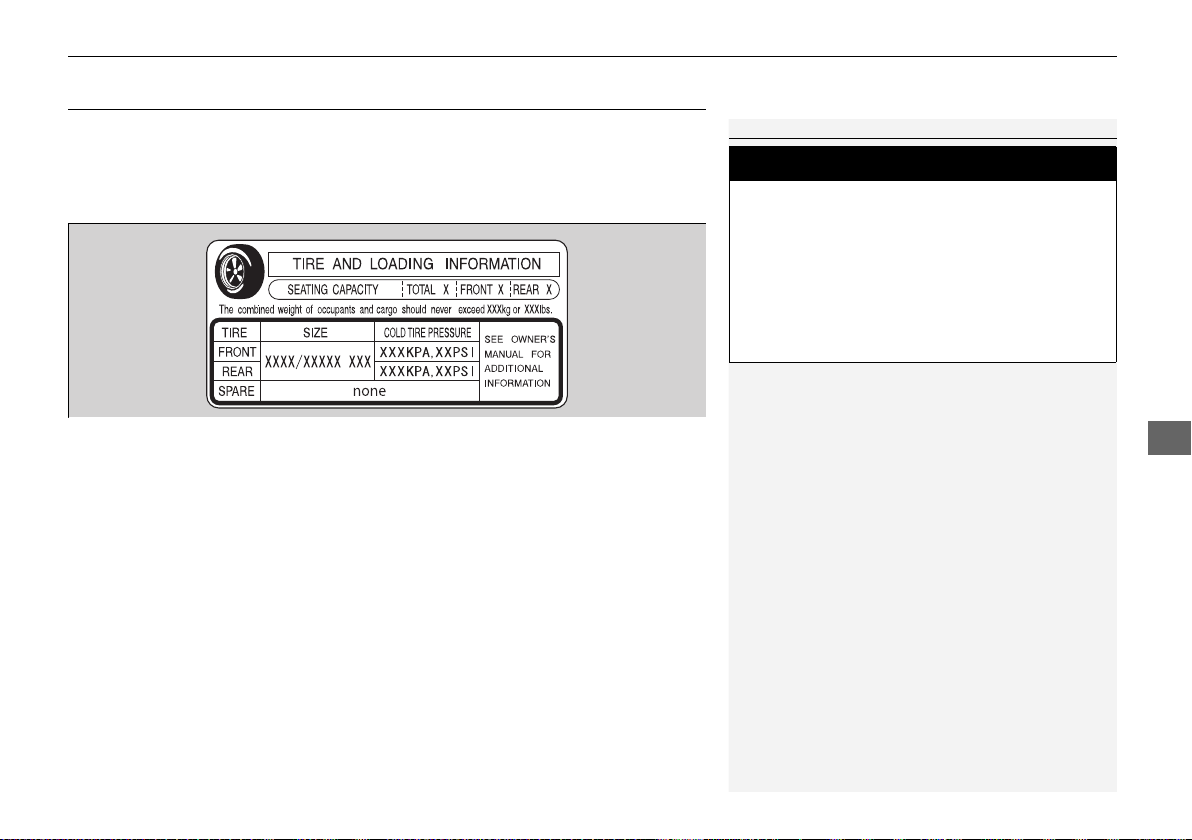
311
uuBefore DrivinguMaximum Load Limit
Continued
Driving
Maximum Load Limit
The maximum load for your vehicle is 507 lbs (230 kg).
The maximum load for the cargo area is 100 lbs (45 kg).
See the Tire and Loading Information label attached to the driver’s
doorjamb.
This figure includes the total weight of all occupants, cargo, and
accessories, and the tongue load if you are towing a trailer.
Steps for Determining Correct Load Limit -
(1)
Locate the statement “The combined weight of occupants and cargo
should never exceed XXX kg or XXX lbs.” on your vehicle’s placard.
(2) Determine the combined weight of the driver and passengers
that will be riding in your vehicle.
(3) Subtract the combined weight of the driver and passengers
from XXX kg or XXX lbs.
(4)
The resulting figure equals the available amount of cargo and
luggage load capacity. For example, if the “XXX” amount equals
1,400 lbs. and there will be five 150 lb. passengers in your vehicle, the
amount of available cargo and luggage load capacity is 650 lbs.
(1,400 - 750 (5 x 150) = 650 lbs.)
1Maximum Load Limit
Gross Vehicle Weight Rating (GVWR):
The maximum allowable weight of the vehicle, all
occupants, all accessories and all cargo.
2 Specifications P. 466
Gross Axle Weight Rating (GAWR):
The maximum allowable weight of the vehicle axle.
2 Specifications P. 466
3
WARNING
Overloading or improper loading
can affect handling and stability
and cause a crash in which you
can be hurt or killed.
Follow all load limits and other
loading guidelines in this manual.
Label Example
19 NSX-31T6N6200.book 311 ページ 2018年8月9日 木曜日 午前11時12分
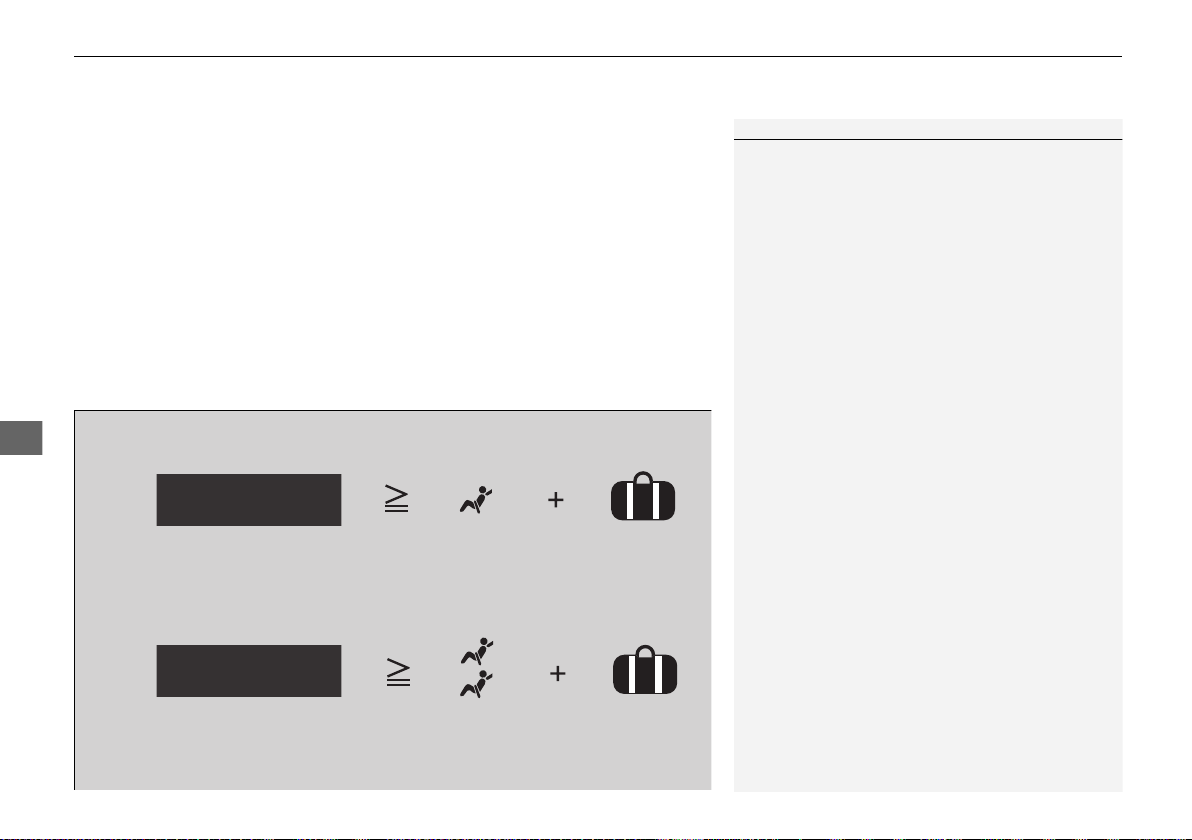
uuBefore DrivinguMaximum Load Limit
312
Driving
(5) Determine the combined weight of luggage and cargo being
loaded on the vehicle. That weight may not safely exceed the
available cargo and luggage load capacity calculated in step 4.
(6) If your vehicle will be towing a trailer, load from your trailer will
be transferred to your vehicle. Consult this manual to
determine how this reduces the available cargo and luggage
load capacity of your vehicle.
In addition, the total weight of the vehicle, all occupants,
accessories, cargo, and trailer tongue load must not exceed the
Gross Vehicle Weight Rating (GVWR) or the Gross Axle Weight
Rating (GAWR). Both are on a label on the driver’s doorjamb.
1Maximum Load Limit
Towing a Trailer:
See Towing a Trailer to determine whether your
vehicle is designed to tow a trailer.
2 Towing a Trailer P. 318
Load Limits Example
Example1
Max Load
507 lbs
(230 kg)
Passenger Weight
150 lbs x 1 + 257 lbs = 407 lbs
(68 kg x 1 + 117 kg = 185 kg)
Maximum Cargo
Weight
100 lbs
(45 kg)
Example2
Max Load
507 lbs
(230 kg)
Passenger Weight
150 lbs x 2 + 107 lbs = 407 lbs
(68 kg x 2 + 49 kg = 185 kg)
Maximum Cargo
Weight
100 lbs
(45 kg)
19 NSX-31T6N6200.book 312 ページ 2018年8月9日 木曜日 午前11時12分
313
uuBefore DrivinguHigh-Performance Driving
Continued
Driving
High-Performance Driving
Your Acura NSX is designed, built and equipped with systems and features to
provide you with exceptional driving performance, including the ability to engage in
high-performance driving. However, due to the risks to both you and other road
users, including the risk of injury or death from a high-speed loss of control or crash,
if you engage in high-performance driving, Acura recommends you only do so
where conditions are controlled, such as at a track or other closed-course venue.
When driving on public roads you should always obey the posted speed limits and
other traffic laws, reduce speed as needed for traffic and environmental conditions,
and not engage in driving behaviors (including, for instance, use of Launch Control)
that may create heightened risks for yourself and any other road users who may be
present (even if you are unaware of them).
NSX TRACK mode, Launch Control and other systems are designed for increased
performance, both in terms of acceleration and handling, up to near-performance-
limit conditions. They are most appropriately used on closed courses and they should
not be used on public roads. Use of these systems may delay the intervention of
vehicle safety systems designed to minimize the risk of a loss of traction or steering
control, and can cause the NSX to handle differently than you might expect or
would experience under normal driving conditions. Use of these systems will not
make up for a lack of appropriate driver experience and skill, and will not allow the
driver to overcome risks created by:
• A lack of proper vehicle maintenance
• Less than ideal road conditions and/or unfamiliarity with the driving environment
• Other traffic or road users
1High-Performance Driving
NOTICE
The NSX warranty does not cover any damage or
failure resulting from high-performance driving,
racing, competitive driving of any sort whatsoever, or
use on a track or similar-type venue. See warranty
book for details.
2 TRACK Mode P. 337
2 Launch Control P. 338
19 NSX-31T6N6200.book 313 ページ 2018年8月9日 木曜日 午前11時12分

314
uuBefore DrivinguHigh-Performance Driving
Driving
High-performance driving requires special skills, knowledge and experience, as the
safety risks are greatly increased when the NSX is operated at its upper performance
abilities. As a responsible NSX driver, you should not drive above your skill limits or
training, even if the NSX’s performance levels would otherwise allow you to do so.
If you intend to engage in high-performance driving, Acura strongly recommends
that:
• You first obtain appropriate, professional training
• Turn off any devices or systems that may distract you from the driving task
High-performance driving in general, and the use of TRACK mode and Launch
Control in particular, puts very high loads on the NSX and its components, and
results in greater wear and tear on the vehicle. Because of these high loads, if your
NSX is not in top condition or if certain components, such as the brakes or tires, have
undue wear, those components could experience a loss of performance, or fail,
when engaging in high-performance driving. Therefore, Acura highly recommends
that you undertake more proactive and frequent maintenance than that required
under normal use and have your vehicle inspected at an authorized Acura NSX
dealer (and all necessary repairs or adjustments made) before you engage in any
high-performance driving. In addition to any required maintenance, there are
certain NSX specific items and protocols that you should pay special attention to
before, during and after engaging in any high-performance driving. Ultimately, the
decision whether to engage in high-performance driving is yours, and depending on
your NSX’s condition and prior usage, the items and protocols listed below may or
may not be sufficient to ensure a safe driving experience.
BEFORE DRIVING
• With the vehicle parked on level ground, properly bleed brake system after
replacing with Acura Heavy Duty Brake Fluid DOT 4 or equivalent
• Inspect brake pad thickness and replace if 6.0 mm or less
19 NSX-31T6N6200.book 314 ページ 2018年8月9日 木曜日 午前11時12分
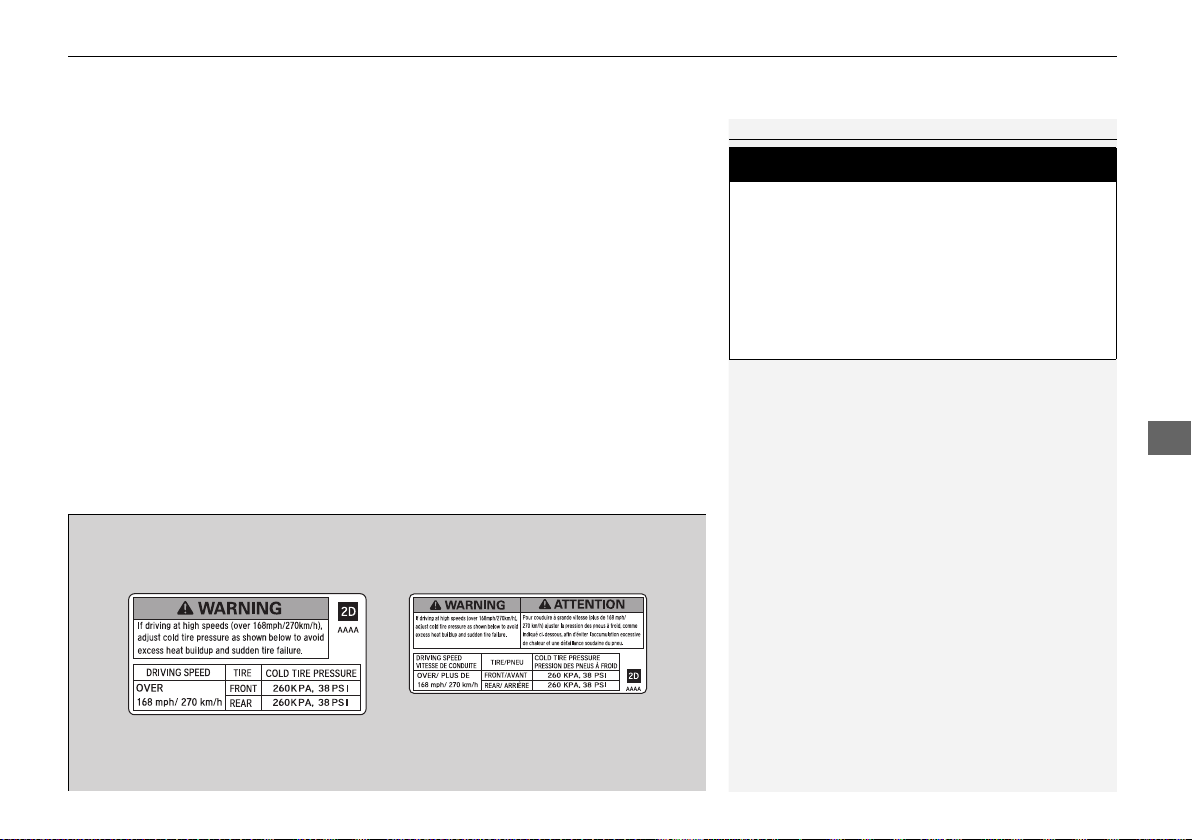
Continued
315
uuBefore DrivinguHigh-Performance Driving
Driving
• Burnish the brake pads shortly before high-performance driving so that they have
the performance characteristics necessary to repeatedly and quickly slow the NSX
when it is being operated at significantly high speeds. (While the NSX’s brake
pads are properly burnished for the demands expected in ordinary day-to-day
driving, high-performance driving puts unique demands on the brake system
which require further burnishing.)
• Inspect ALL cooling openings to confirm they are open and free of debris such as
leaves, etc. Cooling openings include engine undercover ducts, heat resistance
ducts, brake ducts, radiators, and intercoolers
• Remove Tire Repair Kit from the trunk, along with any other cargo area contents
• Check tire wear and tire pressure, and make certain wheel lug bolts are properly
torqued, as driving at high speed puts additional strain on tires and wheels. Never
use slick tires, and do not use Summer Only tires and Ultra High Performance tires
if temperatures will be lower than 45°F (7°C)
• If you anticipate sustained driving at speeds greater than 168 mph/270 km/h,
adjust the cold tire pressure as shown on the driver door jamb warning label. This
will help avoid heat build-up and sudden tire failure
1High-Performance Driving
3
WARNING
Use of slick tires/racing slicks may subject
the chassis and body components to higher
dynamic loads than they were designed for.
Higher than intended dynamic loads could
result in component failure, loss of control,
and serious injury or death to you or others.
Do not install slick tires on the NSX.
Canadian modelsU.S. models
19 NSX-31T6N6200.book 315 ページ 2018年8月9日 木曜日 午前11時12分
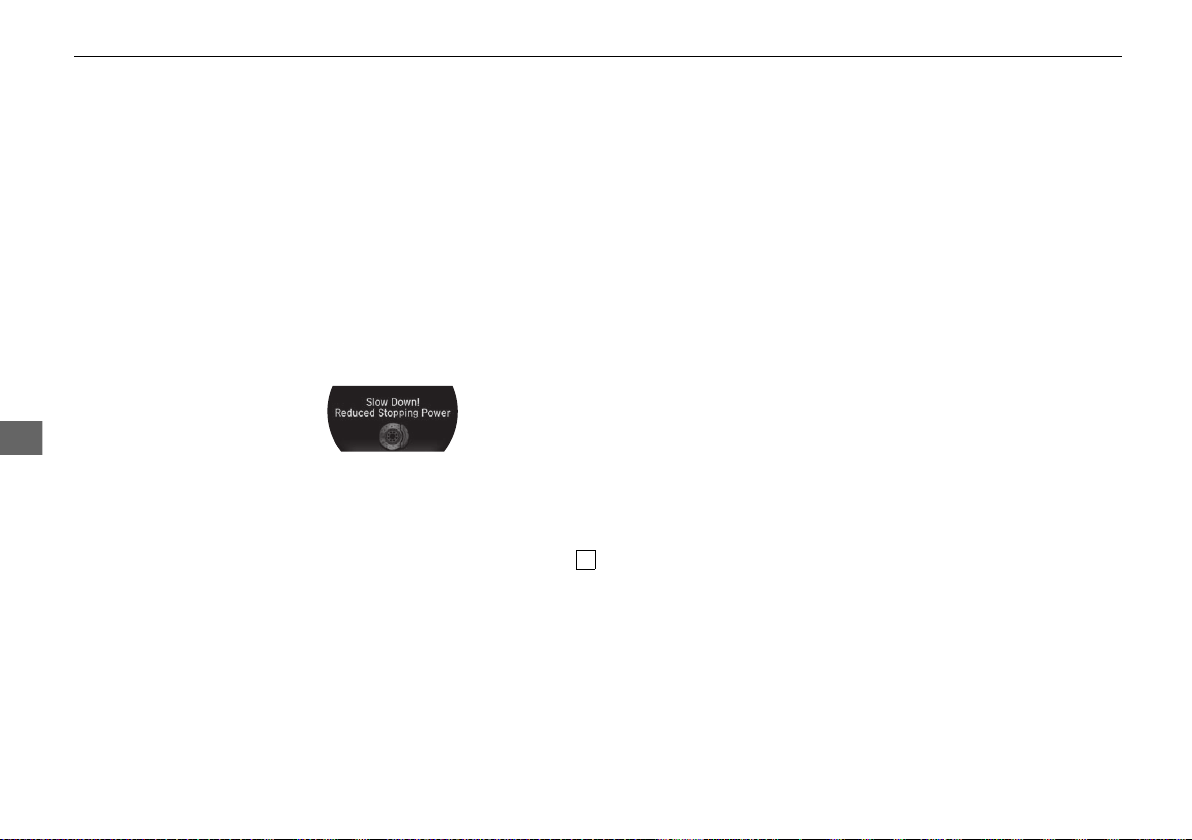
316
uuBefore DrivinguHigh-Performance Driving
Driving
• Inspect all exhaust mounts for cracks or signs of wear
• Inspect tailpipe active exhaust valves to ensure they are functioning correctly. You
can do this by cycling the Integrated Dynamics System mode switch between
SPORT and TRACK modes, while the engine is idling
WHILE DRIVING
• You may see a brake warning message in the Driver Information Interface (and
warning message chime) and/or experience increased brake pedal stroke.
If either occurs, immediately slow down and allow for increased stopping
distances. The message will disappear once the brakes have cooled and the
system has returned to normal operating condition
• After high-performance driving, it is critical to allow your vehicle to properly cool
down. Do not immediately stop your vehicle. Instead, continue driving at reduced
speeds, allowing for increased braking distances until your vehicle returns to
normal operating temperatures. Once you stop and safely park the NSX, open the
hatch to aid cooling. If the engine oil temperature reaches the mark during
high-performance driving, have your NSX inspected by an authorized Acura NSX
dealer
H
19 NSX-31T6N6200.book 316 ページ 2018年8月9日 木曜日 午前11時12分

317
uuBefore DrivinguHigh-Performance Driving
Driving
AFTER DRIVING
• Check your NSX, and each of its relevant components, to make sure that it still is
in a safe operating condition (example: wheel lug bolt torque, tire pressure, etc.).
We recommend repeating the BEFORE DRIVING protocol, and if any item shows
excessive wear or appears to be in an unusual condition, have it replaced, or
exercise appropriate caution when driving and see your authorized Acura NSX
dealer
For more information, please contact your authorized Acura NSX dealer, and/or
Acura Client Relations.
2 Client Service Information P. 476
19 NSX-31T6N6200.book 317 ページ 2018年8月9日 木曜日 午前11時12分
318
Driving
Towing a Trailer
Your vehicle is not designed to tow a trailer. Attempting to do so can void your
warranties.
Towing Your Vehicle
Your vehicle is not designed to be towed behind a motor home. If your vehicle needs
to be towed in an emergency, refer to the emergency towing information.
2 Emergency Towing P. 460
19 NSX-31T6N6200.book 318 ページ 2018年8月9日 木曜日 午前11時12分
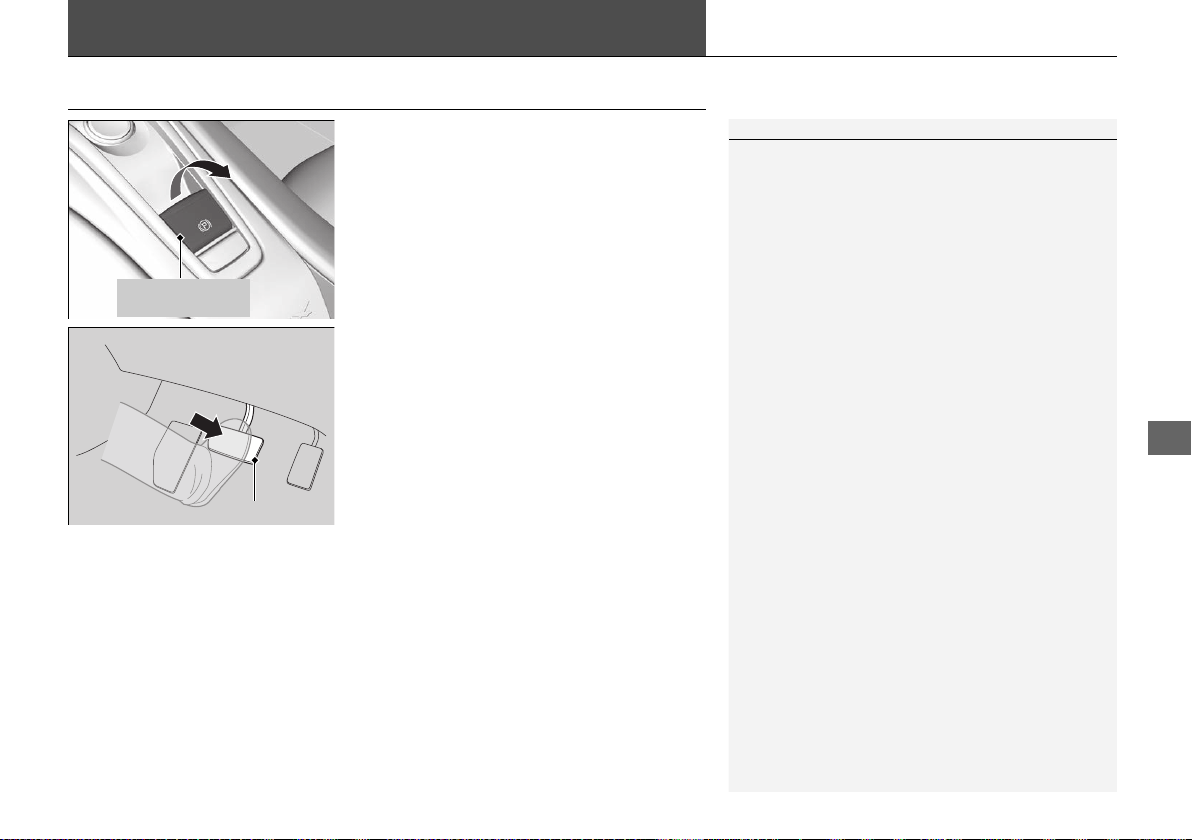
319
Continued
Driving
When Driving
Turning on the Power
1. Make sure the parking brake is applied.
u The electric parking brake indicator
comes on for 15 seconds when you pull
up the electric parking brake switch.
2. Depress the brake pedal.
1Turning on the Power
Keep your foot firmly on the brake pedal when
starting the power system.
The engine is harder to start in cold weather and in
thinner air found at altitudes above 8,000 feet (2,400
meters).
When turning on the power system in cold weather,
turn off all electrical accessories such as the lights,
climate control system, and rear defogger in order to
reduce 12-volt battery drain.
If the exhaust system sounds abnormal or you can
smell exhaust gas inside the vehicle, have your vehicle
checked by an authorized Acura NSX dealer. There
may be a problem with the engine or exhaust system.
Electric Parking
Brake Switch
Brake Pedal
19 NSX-31T6N6200.book 319 ページ 2018年8月9日 木曜日 午前11時12分
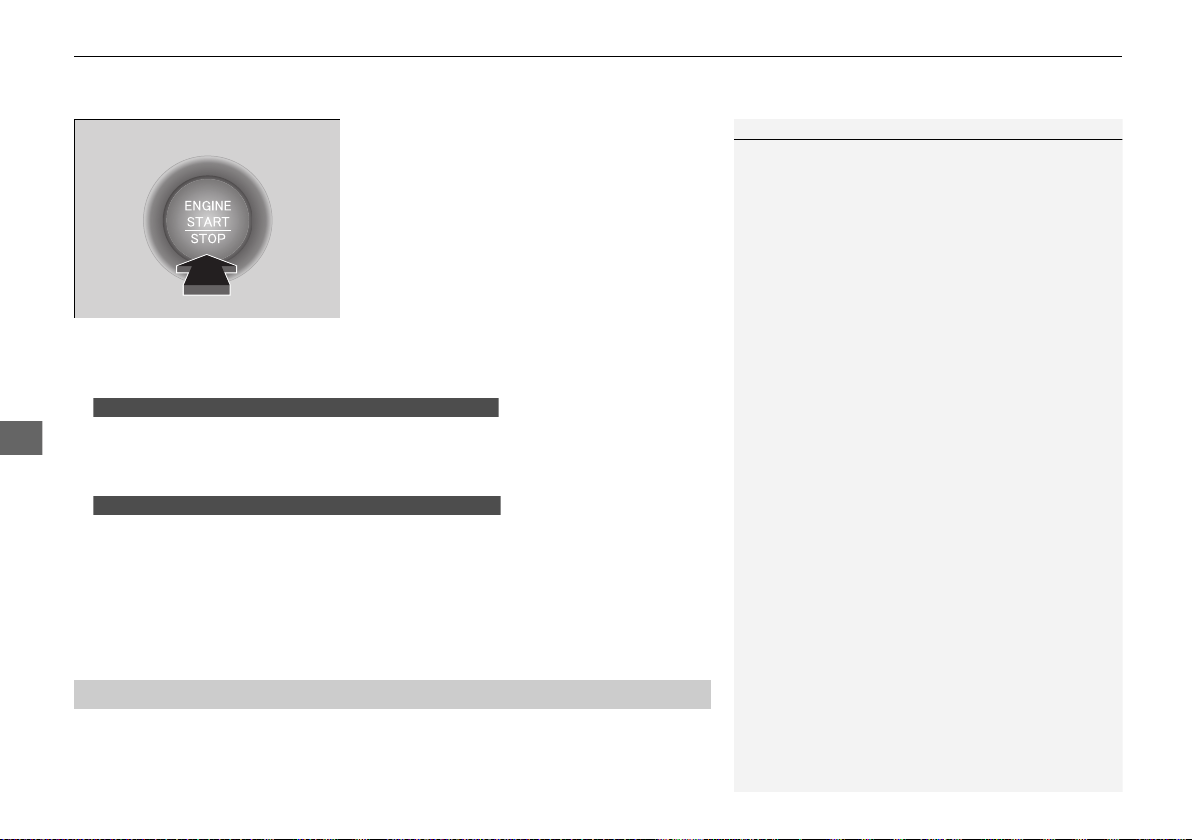
uuWhen DrivinguTurning on the Power
320
Driving
3. Press the ENGINE START/STOP button
without depressing the accelerator pedal.
u The Ready To Drive message appears
on the driver information interface.
u When the ambient temperature is
extremely low, the vehicle does not move
until certain conditions are met.
A warning message appears instead of
Ready To Drive.
2 Driver Information Interface
Warning and Information Messages
P. 90
u If the High Voltage battery is fully charged, the gasoline engine may not start.
u The gasoline engine starts either according to the temperature of the engine or
when the High Voltage battery charge level is low.
u Regardless of the High Voltage battery charge level, the gasoline engine always
starts.
u Gasoline engine starts with a louder sound than QUIET mode.
When engine temperature or High Voltage battery temperature are low, or
when High Voltage battery charge level is low, gasoline engine starts at the
same sound level as QUIET mode.
You can turn the power system off when the vehicle is completely stopped.
1. Select
(P.
2. Press the ENGINE START/STOP button.
1Turning on the Power
The immobilizer system protects your vehicle from
theft. If an improperly coded key (or other device) is
used, the power system does not activate.
2 Immobilizer System P. 122
Bring the keyless access remote close to the ENGINE
START/STOP button if the battery in the keyless
access remote is weak.
2 If the Keyless Access Remote Battery is
Weak P. 444
The power system may not activate if the keyless
access remote is subjected to strong radio waves.
Do not hold the ENGINE START/STOP button to
start the power system.
If the power system does not start, wait at least 30
seconds before trying again.
You can set the Integrated Dynamics System mode to
be selected when you set the power mode to ON.
2 Customized Features P. 242
■
Stopping the Power System
When the Integrated Dynamics System is in QUIET mode
When the Integrated Dynamics System is in SPORT mode
19 NSX-31T6N6200.book 320 ページ 2018年8月9日 木曜日 午前11時12分
321
uuWhen DrivinguTurning on the Power
Driving
1. Change the gear position to . Select (R when reversing.
2. With the parking brake applied, release the brake pedal and gently depress the
accelerator pedal.
u Make sure the electric parking brake indicator goes off.
3. Gradually release the brake pedal and gently depress the accelerator pedal to pull
away.
■ Hill Start Assist System
Hill start assist keeps the brake engaged briefly to help prevent the vehicle from
rolling on inclines as you move your foot from the brake pedal to the accelerator.
Change to when facing uphill, or
(R when facing downhill, then release the
brake pedal.
■
Starting to Drive
1Starting to Drive
You can also release the parking brake by pressing
the electric parking brake switch while depressing the
brake pedal.
When facing downhill, you can start your vehicle
more smoothly by manually releasing it with the
electric parking brake switch than by releasing it with
the accelerator pedal.
D/M
1Hill Start Assist System
Hill start assist may not prevent the vehicle from
rolling downhill on a very steep or slippery slope, and
does not operate on small inclines.
Hill start assist is not a replacement for the parking
brake.
D/M
19 NSX-31T6N6200.book 321 ページ 2018年8月9日 木曜日 午前11時12分
322
uuWhen DrivinguPrecautions While Driving
Driving
Precautions While Driving
Avoid driving in deep water and on flooded roads. This can damage the power
system or driveline, or cause electrical component failure.
The vehicle is equipped with ultra high performance summer tires that, due to their
decreased tread depth, are at greater risk of hydroplaning on wet roads compared
to regular tires. Exercise caution when driving on wet surfaces.
The vehicle is equipped with ultra high performance summer tires. These tires are
designed for optimum performance and handling in warm climates, and are not
suitable for below freezing, snowy or icy weather conditions. If you drive under
these circumstances, use of winter tires is recommended and may be mandatory,
depending on your region, province or territory.
2 Winter Tires P. 413
2 Cold Weather Driving P. 414
Due to limitations of the Lithium-ion High Voltage battery, the minimum starting
temperature for the vehicle is -4°F (-20°C).
Inability to start the vehicle and/or decreased performance is expected if the vehicle
is operated at temperatures below -4°F (-20°C).
■
In Rain
■
In Snow and Ice
1Precautions While Driving
NOTICE
Do not select a shift button while pressing the
accelerator pedal.
NOTICE
The following can damage the under spoiler, under
covers, front bumper, rear diffuser, brake cooling
components, and side sill:
• Parking the vehicle by a parking block
• Parallel parking along the road shoulder
• Driving toward the bottom of a hill
• Driving up or down to a different surface level
(such as a road shoulder)
• Driving on a rutted or bumpy road
• Driving on a road with potholes
• Driving over speed bump
NOTICE
If you repeatedly turn the steering wheel at an
extremely low speed, or hold the steering wheel in
the full left or right position for a while, the electric
power steering (EPS) system heats up. The system
goes into a protective mode, and limits its
performance. The steering wheel becomes harder
and harder to operate. Once the system cools down,
the EPS system is restored.
Repeated operation under these conditions can
eventually damage the system.
If the power mode is set to ACCESSORY while
driving, the power system will shut down and all
steering and brake power assist functions will stop,
making it difficult to control the vehicle.
Driving in snow or icy conditions may accumulate ice
on the brake disk surface, reducing braking power.
19 NSX-31T6N6200.book 322 ページ 2018年8月9日 木曜日 午前11時12分
323
uuWhen DrivinguDual Clutch Transmission
Driving
If there is a strong impact with something under the vehicle, stop in a safe location.
Check the underside of the vehicle for damage or any fluid leaks.
If any of these components are damaged or loose, the stability, handling, and
powertrain cooling performance of the vehicle may be adversely affected.
Dual Clutch Transmission
As with a conventional gasoline-powered vehicle with an automatic transmission,
this vehicle will creep.
Keep the brake pedal firmly depressed when stopped.
The accelerator pedal features a kickdown switch. Quickly depressing the
accelerator pedal while driving may cause the transmission to drop to a lower gear,
subsequently increasing vehicle speed. Depress the accelerator pedal carefully,
especially when driving uphill, on slippery roads, and curves.
■
Other Precautions
■
Creeping
■
Kickdown
1Precautions While Driving
Do not press the
(N button, as you will lose
regenerative braking (and acceleration) performance.
Avoid hard braking for the first 200 miles (300 km).
You should also follow this recommendation when
the brake pads are replaced.
Models with iron brake discs
1Dual Clutch Transmission
The DCT will not operate when it is extremely cold. If
the vehicle has been parked in extremely cold
conditions, after you start the engine, wait until it
gets warm. Keep your vehicle parked until the
READY indicator comes on.
19 NSX-31T6N6200.book 323 ページ 2018年8月9日 木曜日 午前11時12分

324
uuWhen DrivinguShifting
Driving
Shifting
Change the gear position in accordance with your driving needs.
■ Shift button positions
1Shifting
While the High Voltage battery charge level is full, or
the High Voltage battery temperature is low,
regenerative braking may become less effective.
To prevent malfunction and unintended engagement:
• Do not spill any liquids on or around shift buttons.
• Do not place or drop any objects on or around shift
buttons.
• Do not let passenger or children operate the shift
buttons.
You may occasionally find that it takes longer than
usual for the vehicle to start moving when you select
(R, release the brake pedal, and/or depress the
accelerator pedal. This may occur when the High
Voltage battery charge level is extremely low; in this
circumstance, it does not indicate a vehicle
malfunction.
3
WARNING
The vehicle can roll away if left unattended
without confirming that Park is engaged.
A vehicle that rolls away could cause a crash
resulting in serious injury or death.
Always keep your foot on the brake pedal
until you have confirmed that
(P is shown
on the gear position indicator.
Park
Used when parking or before turning the
power on or off.
Transmission is locked.
Reverse
Used when reversing
Neutral
Used to keep the transmission disengaged
from the engine and motor.
Drive/Manual
Each time you press the button, the
mode switches between D (drive) and M
(manual) mode.
Used for:
●
Normal driving (gears change between 1st
and 9th automatically)
●
Temporarily driving in the sequential
mode
●
Driving in the sequential mode
D/M
D (Drive)
M (Manual)
19 NSX-31T6N6200.book 324 ページ 2018年8月9日 木曜日 午前11時12分
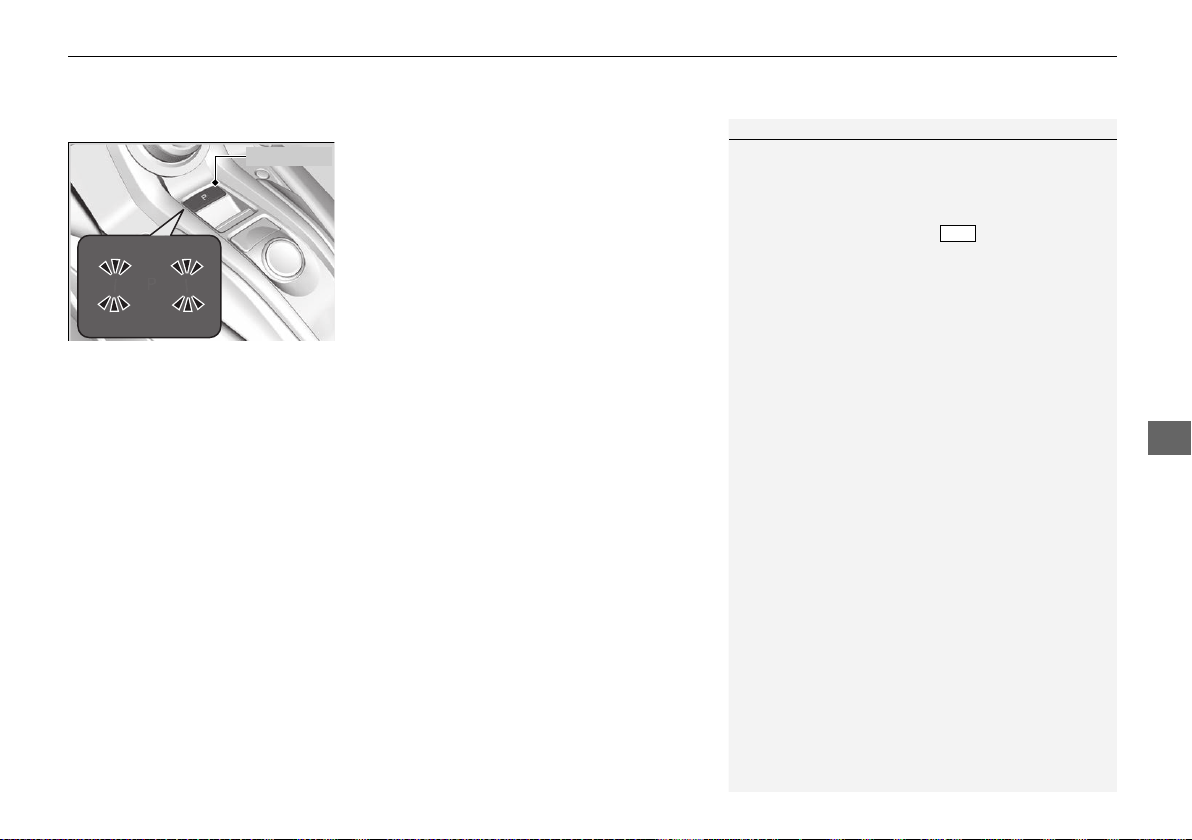
Continued
325
uuWhen DrivinguShifting
Driving
■ (P (park) button
The gear position changes to (P when you
press the
(P button while the vehicle is
parked with the power mode in ON.
The indicators on the sides of the (P button
come on.
1Shifting
The beeper sounds when you depress the accelerator
pedal with the gear position in
(N while in EV mode
or while gear position changed to
(N without direct
shifter selection in any mode.
Change the gear position to or
(R with the
brake pedal depressed.
When shifting gears in extremely low temperatures
(-22°F/-30°C), there may be a short delay before the
shift is indicated in the display. Always confirm you
are in the correct gear before driving.
D/M
(P Button
19 NSX-31T6N6200.book 325 ページ 2018年8月9日 木曜日 午前11時12分
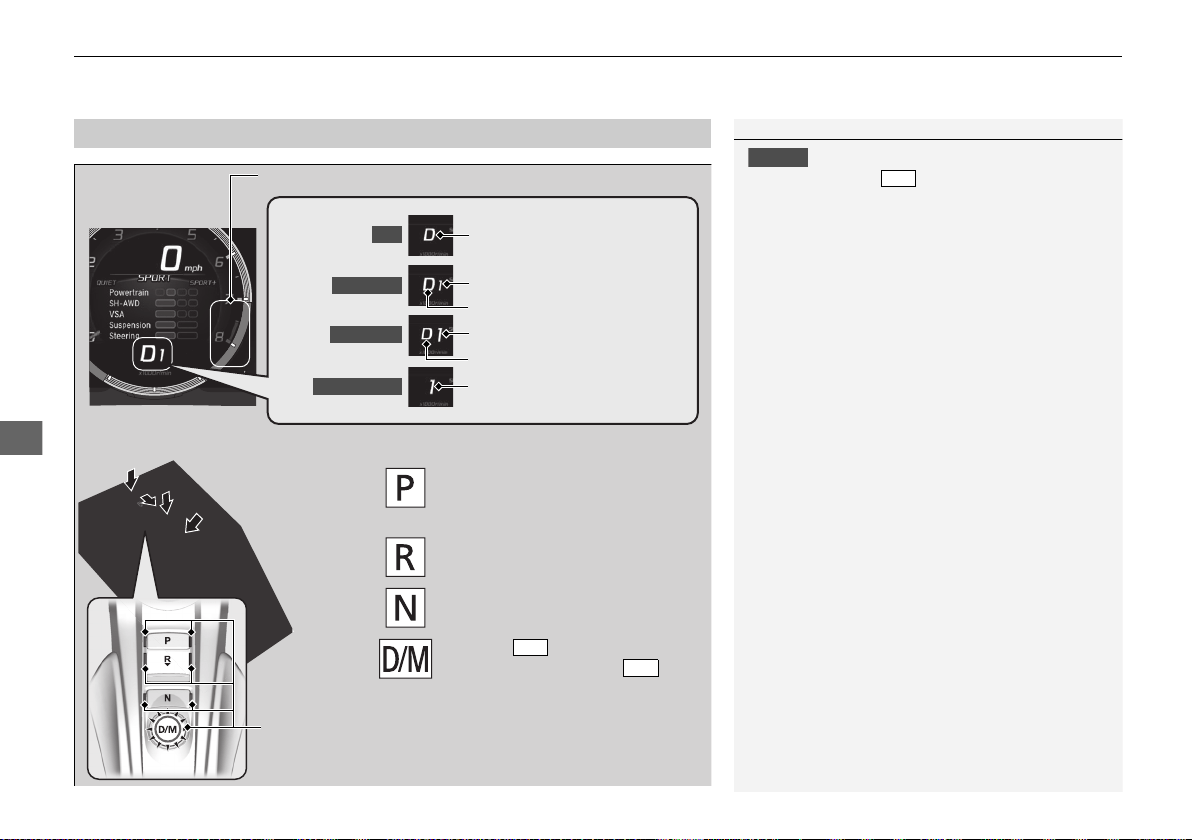
uuWhen DrivinguShifting
326
Driving
■
Shift Operation
1Shift Operation
NOTICE
Before you change to (R and vice versa, come
to a complete stop and keep the brake pedal
depressed.
Operating the shift button before the vehicle has
come to a complete standstill may damage the
transmission.
Use the gear position indicator and the shift button
indicator to check the gear position before selecting
a shift button.
If the indicator of the currently selected gear position,
or all gear position indicators, are blinking
simultaneously, there is a problem with the
transmission.
Avoid sudden acceleration and have the transmission
checked by an authorized Acura NSX dealer as soon
as possible.
The fuel supply may be cut off if you drive at engine
speeds in or over the tachometer’s red zone (engine
speed limit). If this happens, you may experience a
slight jolt.
When the engine speed is increased while the
transmission is in
(N, (P or (R, the fuel supply may
be cut off even without the engine speed entering
the tachometer’s red zone.
The beeper sounds once when you change to
(R.
D/M
Gear Position Indicator
Tachometer’s red zone
Press the (P button.
Press back the (R button.
Press the
(N button.
Press the button.
Each time you press the
button, the mode switches between
D (drive) and M (manual) mode.
D/M
D/M
Shift Button
Indicator
Gear Selection Indicator
Gear Position Indicator
Gear Selection Indicator
Gear Position Indicator
Gear Selection Indicator
EV
D (Drive)
D-Paddle
M (Manual)
19 NSX-31T6N6200.book 326 ページ 2018年8月9日 木曜日 午前11時12分
Continued
327
uuWhen DrivinguShifting
Driving
■ When opening the driver’s door
If you open the driver’s door under the following conditions, the gear position
automatically changes to
(P.
• The vehicle is in stationary with the power mode in ON, or moving at 1 mph (2
km/h) or slower.
• The transmission is in other than
(P.
• You have unfastened the driver side seat belt.
u If you manually change the gear position from (P with the brake pedal
depressed, the gear position will automatically return to
(P once you release
the brake pedal.
■ When turning off the power mode
If you turn the power system off while the vehicle is stationary, and the transmission
is in other than (P, the gear position automatically changes to (P.
■ If you want to keep the transmission in (N position (car wash mode)
With the engine running:
1. Press and hold the brake pedal.
2. Press
(N. Within two seconds press and hold (N for two seconds.
3. Within five seconds press the ENGINE START/STOP button.
u This puts the vehicle in car wash mode which must be used when your vehicle
is pulled through a conveyor type automatic car wash where you or an
attendant do not remain in the vehicle.
u The gear position remains in
(N with the power mode in ACCESSORY for 15
minutes, then, it automatically changes to (P and the power mode changes to
OFF.
Manually changing to
(P cancels ACCESSORY mode. The (P indicator comes on
and the power mode changes to OFF.
1When opening the driver’s door
While the system is designed to automatically change
the gear position to
(P under the described
conditions, in the interest of safety you should always
select
(P before opening the driver's door.
Make sure to park the vehicle in a safe place.
2 When Stopped P. 361
If you want to drive the vehicle after the gear position
has automatically changed to
(P under the described
conditions, close the door, fasten the seat belt,
depress the brake pedal, then change the gear
position.
If you leave the vehicle, turn off the power system
and lock the doors.
19 NSX-31T6N6200.book 327 ページ 2018年8月9日 木曜日 午前11時12分
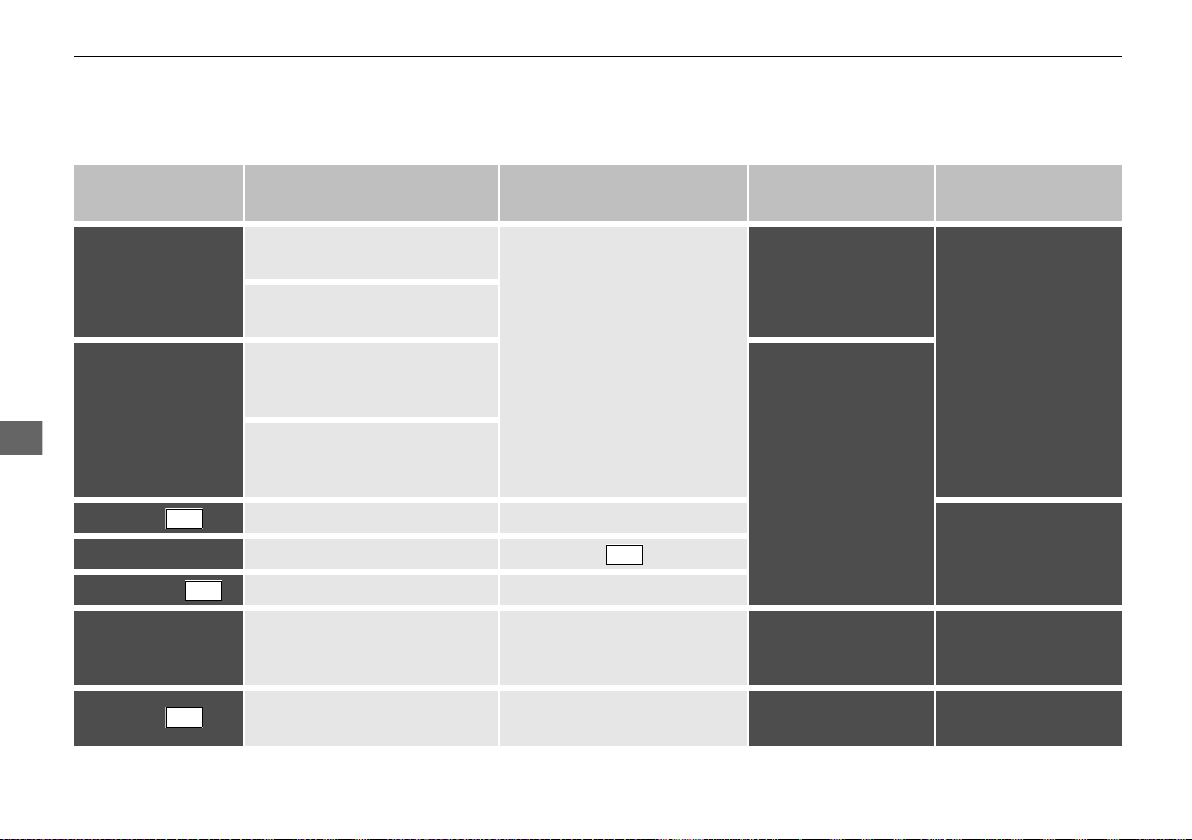
328
uuWhen DrivinguShifting
Driving
■ Restriction on selecting a gear position
You cannot select a gear position under certain circumstances that may lead to a crash.
When the
transmission is in:
1. Under the circumstances
of that:
2. You cannot select:
3. The gear position
remains in/changes to:
How to change the
gear position
(P
The brake pedal is not
depressed.
Other gear position
(P
Release the accelerator
pedal and depress the
brake pedal.
The accelerator pedal is
depressed.
(N
The vehicle is moving at low
speed without the brake pedal
depressed.
(N
The vehicle is moving at low
speed with the accelerator
pedal depressed.
(N or The vehicle is moving forward. (R
Park your vehicle in a
safe place.
(R or (N The vehicle is moving backward.
(R, (N, or The vehicle is moving. (P
(P or (N The READY indicator is not on.
A gear position other than (P
or (N
(P or (N
Make sure that the
READY indicator
comes on.
(N or
The brake pedal is not
depressed.
(R (N
Depress the brake
pedal.
D/M
D/M
D/M
D/M
19 NSX-31T6N6200.book 328 ページ 2018年8月9日 木曜日 午前11時12分
Continued
329
uuWhen DrivinguShifting
Driving
Use the paddle shifters to change between 1st and 9th gears without removing your
hands from the steering wheel. The transmission will switch to the sequential mode.
■ When the transmission is in (D (D-paddle shift mode):
The vehicle will go into the sequential mode momentarily, and the gear selection
indicator becomes more prominent.
The sequential mode is automatically canceled and the gear selection indicator
returns to ordinary display under the following conditions.
• Hold the
(+ paddle shifter for a few seconds.
• Once you start traveling at a constant speed.
• The vehicle comes to a complete stop.
• When you change to another Integrated Dynamics System mode.
The sequential mode automatically shifts under following condition
• Accelerator pedal depressed beyond the click.
• Engine speed reaches near the tachometer’s red zone.
• Engine speed reaches idle speed while deceleration.
■
Sequential Mode
1Sequential Mode
When sequential mode is selected, the gasoline
engine powers the vehicle.
19 NSX-31T6N6200.book 329 ページ 2018年8月9日 木曜日 午前11時12分
330
uuWhen DrivinguShifting
Driving
■ When the transmission is in M (Manual) mode:
The vehicle will go into the sequential mode, and the gear position indicator goes off
and only the gear selection indicator is displayed.
You can cancel this mode by pressing the button, pulling the
(+ paddle shifter
for a few seconds or changing Integrated Dynamics System mode to QUIET. When
the sequential mode is canceled, the display is changed from only the gear selection
indicator to both of the gear position indicator and the gear selection indicator.
The transmission automatically shifts up from 1st to 2nd and does not automatically
shift up between 2nd and 9th gear.
D/M
19 NSX-31T6N6200.book 330 ページ 2018年8月9日 木曜日 午前11時12分
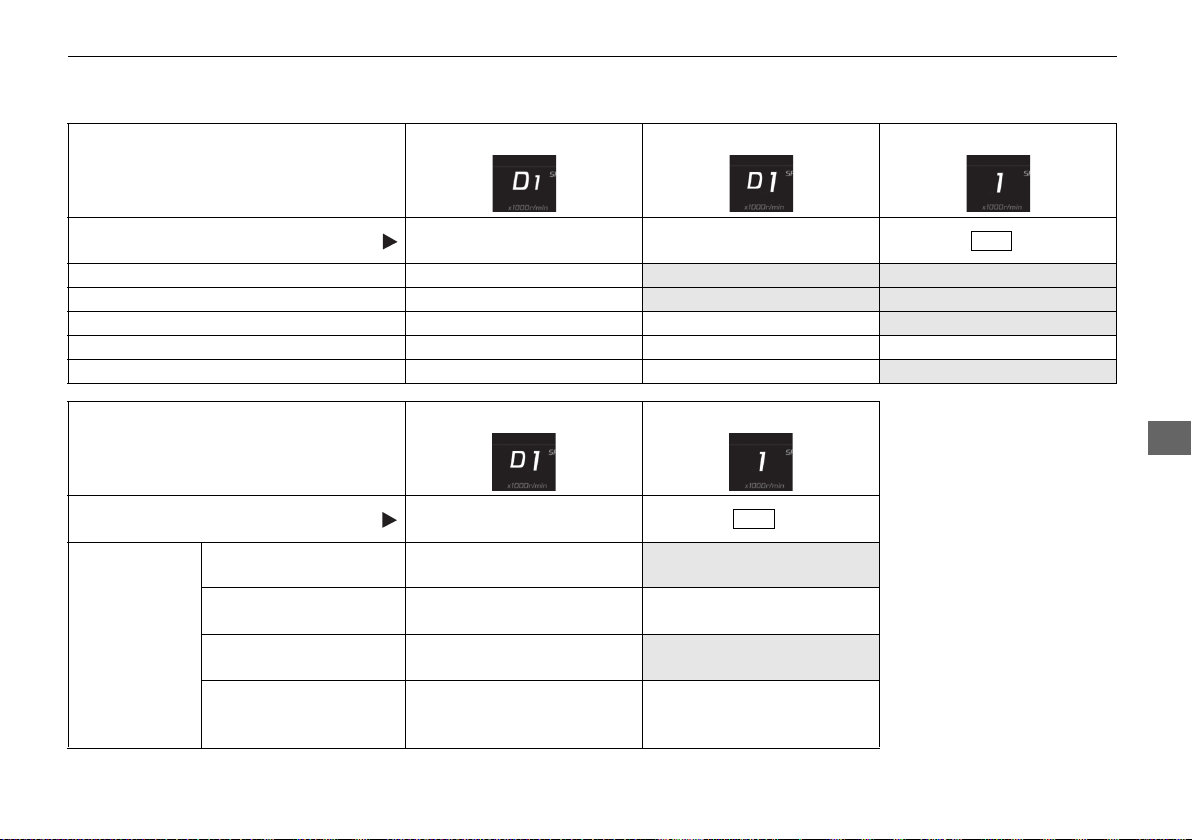
331
uuWhen DrivinguShifting
Continued
Driving
Transmission Control Mode
[Displayed on Instrument Panel]
(Y = Yes/N= No)
Auto Mode D-Paddle Mode Manual Mode
Activation Method Initial Startup
Use Shift Paddle While in EV
or Auto Mode
Press Button
Automatically Upshift Y
N N
Automatically Downshift Y
N N
Kickdown Shift beyond click Y Y
N
Deceleration Downshift Y Y Y
Automatic Upshift at Redline Y Y
N
Transmission Control Mode
[Displayed on Instrument Panel]
(Y = Yes/N= No)
D-Paddle Mode Manual Mode
Activation Method
Use Shift Paddle While in EV
or Auto Mode
Press Button
To return to
Auto Mode
Automatically after
cruising
Y
N
Pull & hold
(+ Shift
paddle for a few seconds
YY
Vehicle come to
complete stop
Y
N
Integrated Dynamics
System mode change to
other mode
Y
Return to Auto mode only
when QUIET mode is
selected.
D/M
D/M
19 NSX-31T6N6200.book 331 ページ 2018年8月9日 木曜日 午前11時12分
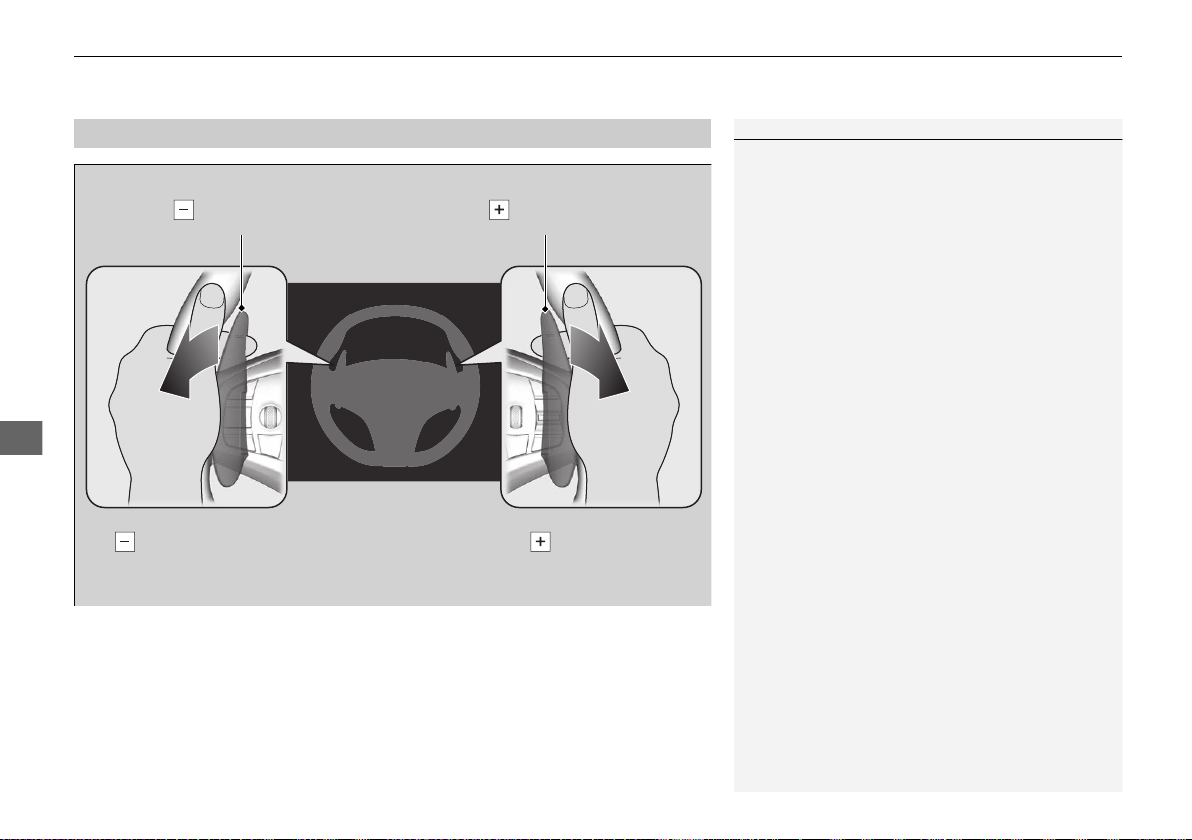
uuWhen DrivinguShifting
332
Driving
■
Sequential Mode Operation
1Sequential Mode Operation
Each paddle shift operation makes a single gear
change.
To change gears continuously, release the paddle
shifter before pulling it again for the next gear.
If the sequential mode gear selection indicator blinks
when you try to shift up or down, this means your
vehicle speed is not in its allowable gear range.
Slightly accelerate to shift up and decelerate to shift
down while the indicator is blinking.
In Manual mode, to prioritize the engine
performance enhancement, the transmission may
not allow for shifting up while the engine speed is
low.
Downshifting when pulling
the paddle shifter.
(Changes to a lower gear)
Upshifting when pulling
the paddle shifter.
(Changes to a higher gear)
Paddle Shifter
(Shift down)
Paddle Shifter
(Shift up)
19 NSX-31T6N6200.book 332 ページ 2018年8月9日 木曜日 午前11時12分
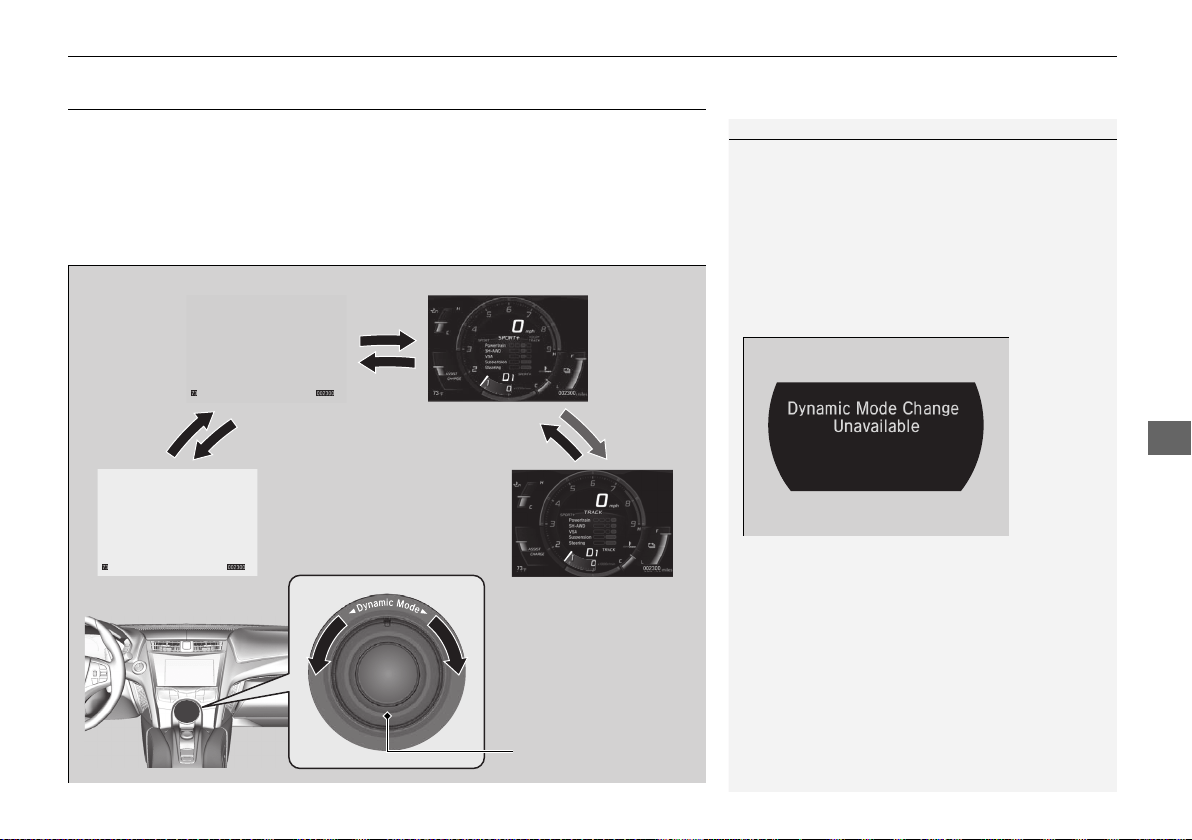
333
uuWhen DrivinguIntegrated Dynamics System
Continued
Driving
Integrated Dynamics System
Constantly controls your vehicle’s engine, transmission, High Voltage battery, EPS,
dampers, brakes, VSA® and SH-AWD® according to the mode you select.
You can choose between four modes, QUIET mode, SPORT mode, SPORT+ mode
and TRACK mode by turning the switch on the center console.
Current mode is displayed on the Driver Information Interface, and each mode will
appear differently.
1Integrated Dynamics System
You can set the mode to be selected when you set
the power mode to ON.
2 Customized Features P. 242
The mode may not be able to be changed under
some driving conditions. If mode change is necessary,
reduce speed or cornering speed.
This message will also be shown if you try to change
modes when any vehicle systems have failed.
SPORT mode SPORT+ mode
Hold
QUIET mode TRACK mode
Integrated Dynamics
System Mode Switch
19 NSX-31T6N6200.book 333 ページ 2018年8月9日 木曜日 午前11時12分
334
uuWhen DrivinguIntegrated Dynamics System
Driving
Category QUIET SPORT SPORT+ TRACK
Information
Display
Driver
Information
Interface
Minimized and not
intrusive.
Easy to read
information for every
day driving.
Information for more aggressive driving is added
(engine oil temp, SH-AWD® system temp,
tachometer position prioritizes high engine
speed).
Chassis
Control
Steering
Steering effort is balanced for city and highway
use.
Increased steering effort for driver feedback.
Suspension
Damping
Damping is set for balanced use in every day
driving.
Damping is set for higher body control and
performance in a performance driving
environment.
Braking Feel settings are balanced for operation on all public road environments.
Feel setting is
calibrated for high
temperature operation
on track.
VSA®
Balanced calibration for VSA® and Traction control
in all environments.
Enhanced control for
Agile Handling Assist,
VSA®, and Traction
Control during
performance driving.
Track oriented control
allowing increased
freedom for the driver.
19 NSX-31T6N6200.book 334 ページ 2018年8月9日 木曜日 午前11時12分
335
uuWhen DrivinguIntegrated Dynamics System
Continued
Driving
Category QUIET SPORT SPORT+ TRACK
Powertrain
Control
Powertrain
Start-up
EV operation is
prioritized, starts
quietly.
Powerful start-up sound.
Powertrain
Sound
Minimum sound for
quiet driving.
Balanced sound for city
and highway use.
Emotional sound for
increased feedback.
Maximum sound for
driving on race track
with helmet on.
Hybrid
Battery
Management
Efficiency and smooth
quiet operation are
prioritized.
Balanced management
for response and
efficiency.
Maximum electric assist
for acceleration.
Battery charge is
managed to give
consistent lap time
during track use.
Hybrid
Battery A/C
Cooling
Battery A/C cooling is
not used in this mode.
Battery A/C cooling is active however cabin
cooling is prioritized.
Battery A/C cooling is
active and may
compromise cabin
cooling.
EV Operation Available Available Not available Not available
Driving Force
Character
Ease of force
modulation for
comfortable operation.
Balanced tuning of
drive force request for
all driving scenarios.
Maximum response.
Linear response for
ease of cornering line
control.
DCT Shift
Map/
Response
Comfortable/low
engine speed priority.
Balanced tuning for all
driving scenarios.
Quick downshifts on
request, lower gears
are held for maximum
response.
Gears are held to
maximize performance
on track. Shifts are very
fast.
SH-AWD®
Quiet and comfortable
operation.
Balanced setting for
secure every day use in
any condition.
Traction and response
are prioritized for
performance on
winding roads.
Settings are optimized
for dry surface, high
cornering load with
neutral handling
attitude.
19 NSX-31T6N6200.book 335 ページ 2018年8月9日 木曜日 午前11時12分
336
uuWhen DrivinguIntegrated Dynamics System
Driving
QUIET mode prioritizes quiet and relaxed
driving. The powertrain prioritizes EV
operation, quiet sound, and low engine speed
in all driving situations including start-up.
• The engine speed is limited to 4,000rpm.
• The vehicle speed is limited to
approximately 120 mph (193 km/h).
SPORT mode gives the driver an everyday
New Sports eXperience. The dynamic systems
function to balance sport and touring driving
performance.
■
QUIET Mode
■
SPORT Mode
19 NSX-31T6N6200.book 336 ページ 2018年8月9日 木曜日 午前11時12分
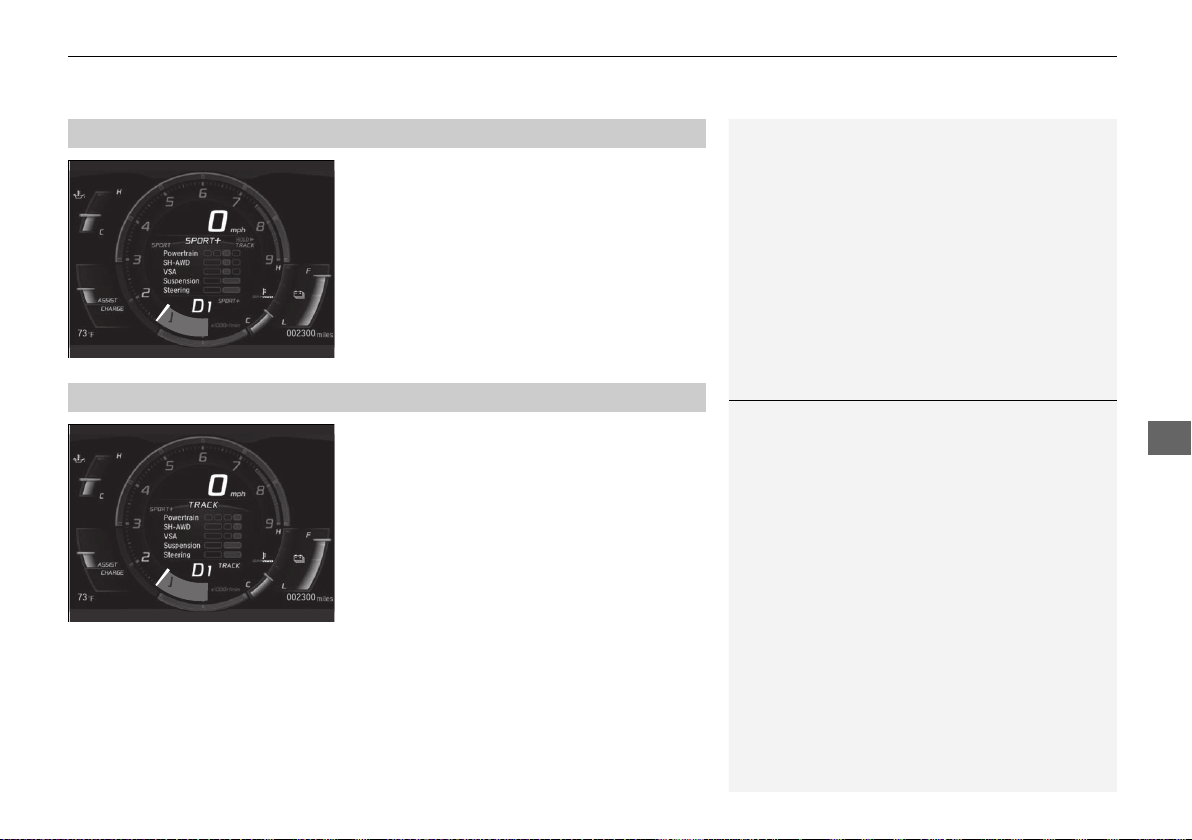
337
uuWhen DrivinguIntegrated Dynamics System
Driving
SPORT+ mode optimizes dynamic response
from all powertrain and chassis systems -
perfect for your favorite winding road.
• EV operation is eliminated while operating
in SPORT+.
TRACK mode gives maximum, consistent
performance from dynamic systems during
track day lapping sessions. Hybrid battery
charge is maintained for consistent
performance.
• VSA® OFF indicator is illuminated in TRACK
mode indicating reduced stability control.
This allows more body side slip and wheel
spin before VSA® begins to operate.
• Integrated Dynamics switch must be turned
and held to the right for several seconds to
engage TRACK mode.
■
SPORT+ Mode
■
TRACK Mode
1TRACK Mode
Before choosing the TRACK mode, carefully read the
information about high performance driving.
2 High-Performance Driving P. 313
During TRACK mode, the climate control system may
weaken its function to prioritize cooling the High
Voltage battery.
19 NSX-31T6N6200.book 337 ページ 2018年8月9日 木曜日 午前11時12分
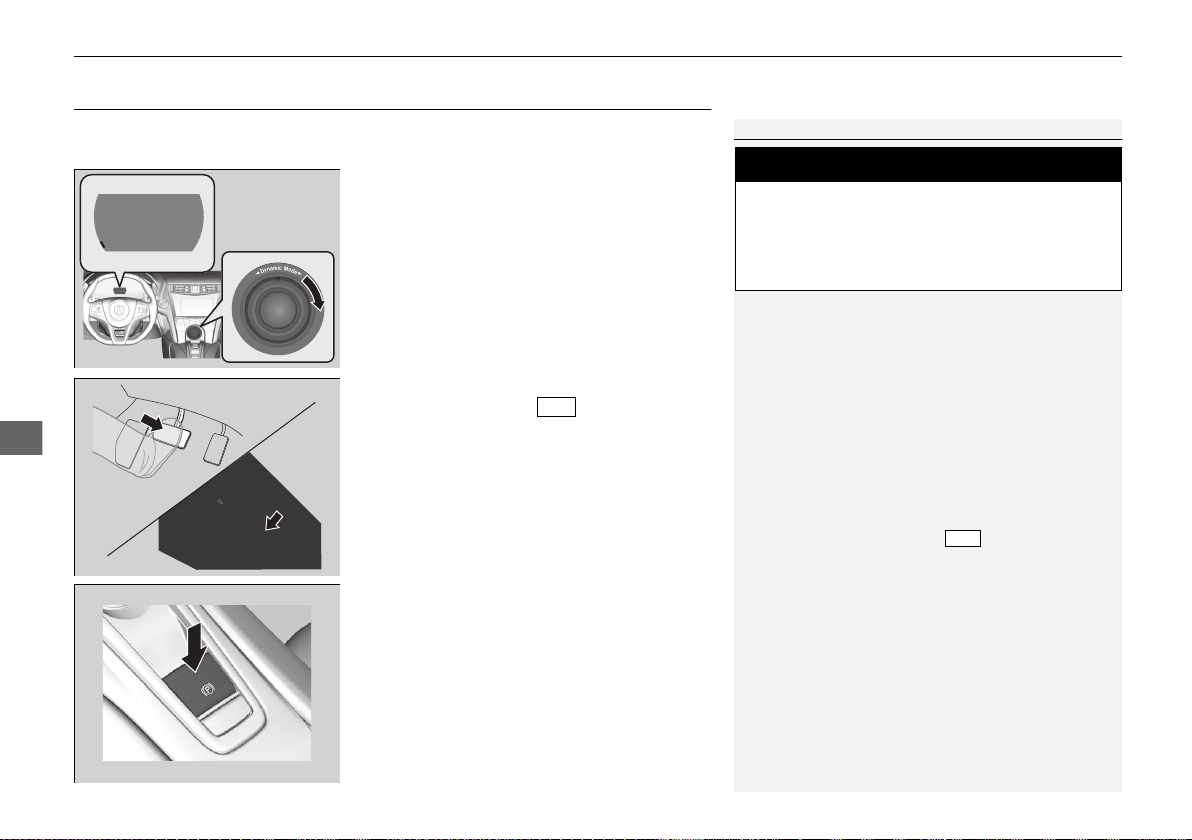
338
uuWhen DrivinguLaunch Control
Driving
Launch Control
Your vehicle controls the engine and transmission response to maximize
acceleration from standstill.
1. Use the Integrated Dynamics System mode
switch to set the Integrated Dynamics
System mode to TRACK.
2 Integrated Dynamics System P. 333
2. Depress the brake pedal firmly and change
the gear position to .
3. Release the parking brake.
1Launch Control
Do not use this system when driving on wet or
slippery surfaces as you may lose control of the
vehicle.
The system puts a tremendous load on the engine
and transmission. Frequent use of this system may
lead to reduced vehicle life.
The system does not function when:
• VSA® is off.
• The vehicle is not at standstill.
• The gear position is not in .
• A gear other than 1st gear is selected when the
system is in manual mode.
• The parking brake is applied.
• The vehicle is facing uphill or downhill on a steep
slope.
• The transmission temperature is too cold or too
hot.
• There is a problem with a vehicle system.
3
WARNING
Using this system on public roads that are
used by other vehicles and pedestrians can
result in a collision involving serious injury
or death.
D/M
D/M
19 NSX-31T6N6200.book 338 ページ 2018年8月9日 木曜日 午前11時12分
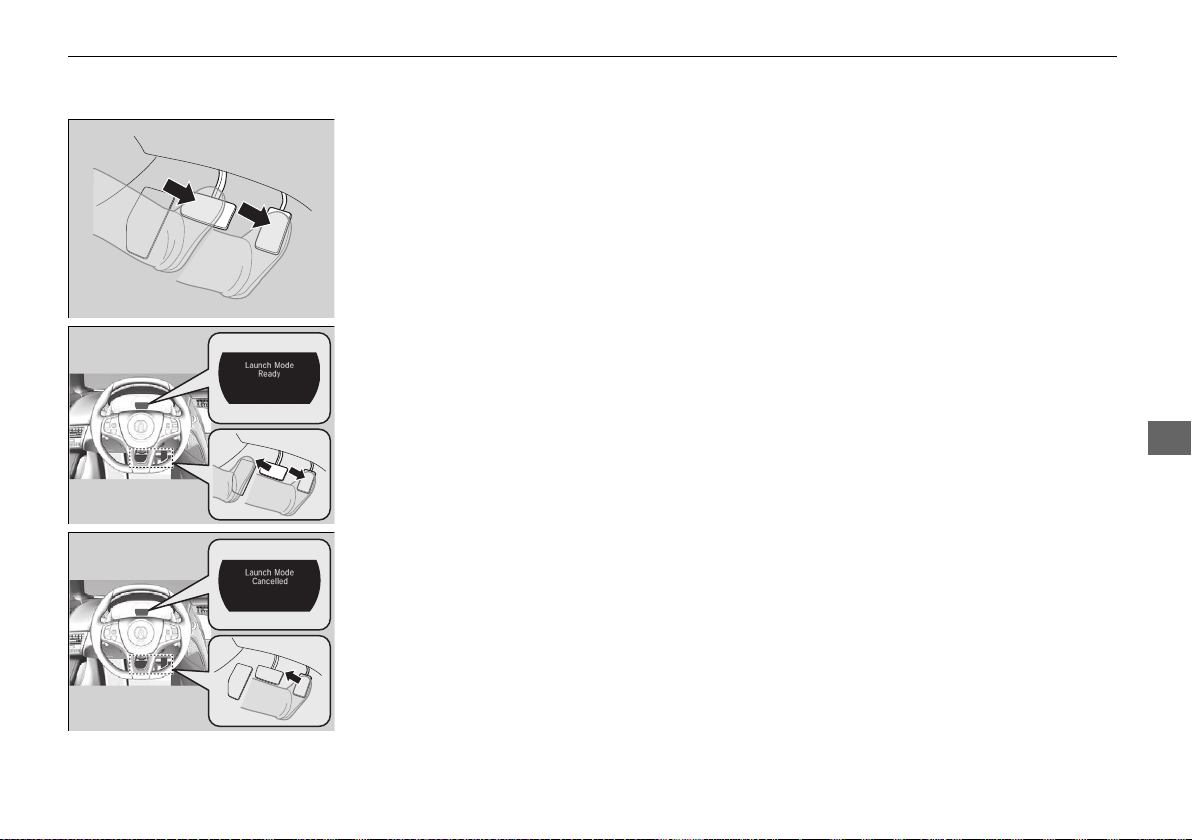
339
uuWhen DrivinguLaunch Control
Driving
4. While keeping the brake pedal firmly
depressed, depress the accelerator pedal all
the way, beyond the point when the
transmission downshifts.
5. When Launch Mode Ready is displayed in
the driver information interface, release the
brake pedal at once.
6. To cancel launch mode, take your foot off
the accelerator pedal. Launch Mode
Cancelled is displayed in the driver
information interface.
19 NSX-31T6N6200.book 339 ページ 2018年8月9日 木曜日 午前11時12分
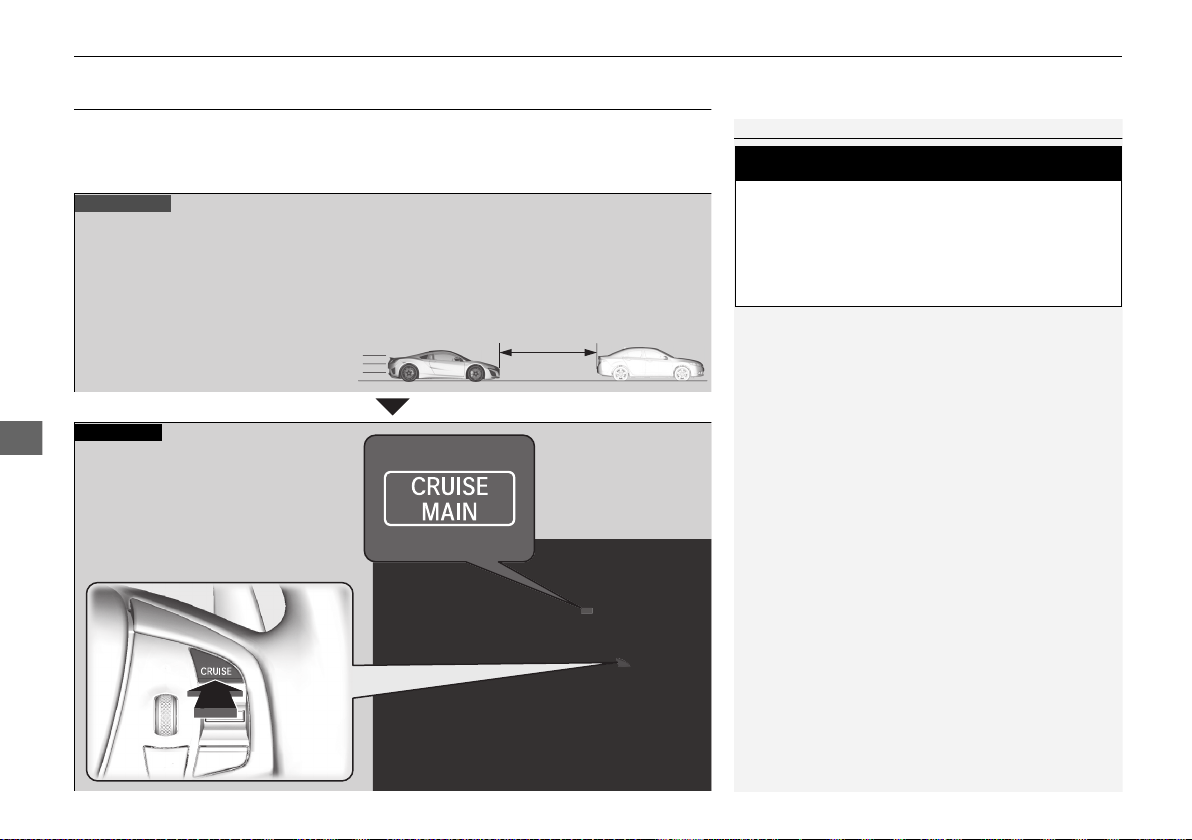
340
uuWhen DrivinguCruise Control
Driving
Cruise Control
Maintains a constant vehicle speed without having to keep your foot on the
accelerator. Use cruise control on freeways or open roads where you can travel at a
constant speed with little acceleration or deceleration.
1Cruise Control
It may not be possible to maintain a constant speed
when driving uphill or downhill.
When not using cruise control:
Turn off cruise control by pressing the CRUISE
button.
3
WARNING
Improper use of the cruise control can lead
to a crash.
Use cruise control only when traveling on
open highways in good weather.
When to use
■ Gear positions for cruise control:
In D (Drive) or M (Manual)
Always keep sufficient distance
between you and the vehicle in
front of you.
■ Vehicle speed for cruise control:
Desired speed in a range above
roughly 25 mph (40 km/h) ~
■ Integrated Dynamics System
modes for cruise control: QUIET,
SPORT, SPORT+ mode
How to use
CRUISE MAIN is on in
the instrument panel.
Cruise control is ready to
use.
■Press the CRUISE button on
the steering wheel.
19 NSX-31T6N6200.book 340 ページ 2018年8月9日 木曜日 午前11時12分

341
uuWhen DrivinguCruise Control
Continued
Driving
Take your foot off the pedal and press the RES/+/SET/– switch down when you
reach the desired speed.
The moment you release the RES/+/SET/– switch, the set speed is fixed, and cruise
control begins. The CRUISE CONTROL indicator comes on.
■
To Set the Vehicle Speed
On when cruise control
begins
RES/+/SET/− Switch
Press down and release
19 NSX-31T6N6200.book 341 ページ 2018年8月9日 木曜日 午前11時12分
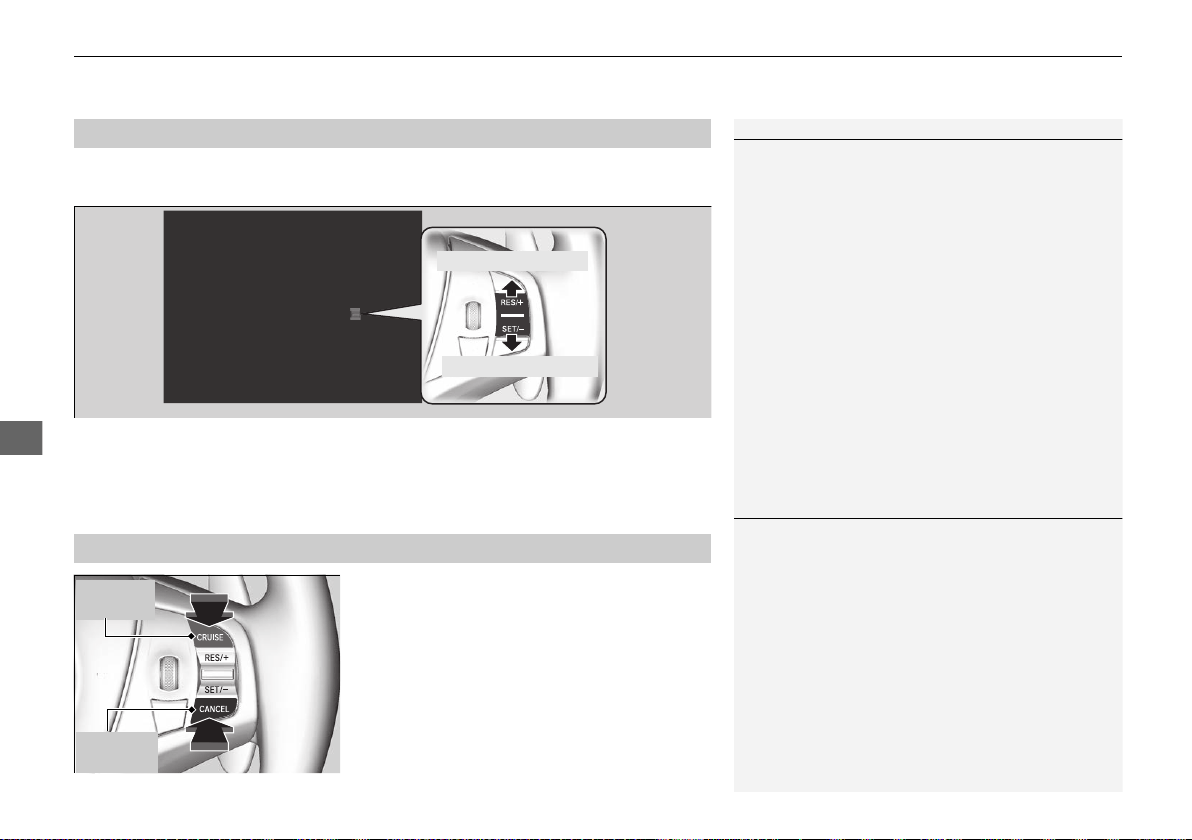
uuWhen DrivinguCruise Control
342
Driving
Increase or decrease the vehicle speed using the RES/+/SET/– switch on the steering
wheel.
• Each time you press the switch up or down, the vehicle speed is increased or
decreased by about 1 mph (1.6 km/h).
• If you keep the switch pressed up or down, the vehicle speed increases or
decreases until you release it. This speed is then set.
To cancel cruise control, do any of the
following:
• Press the CANCEL button.
• Press the CRUISE button.
• Depress the brake pedal.
The CRUISE CONTROL indicator goes off.
■
To Adjust the Vehicle Speed
1To Adjust the Vehicle Speed
You can set the vehicle speed pressing the RES/+/
SET/– switch down on the steering wheel when
adjusting the speed with the accelerator and brake
pedals.
■
To Cancel
To decrease speed
To increase speed
1To Cancel
Resuming the prior set speed:
After cruise control has been canceled, you can still
resume the prior set speed by pressing the RES/+/
SET/– switch up while driving at a speed of at least
25 mph (40 km/h) or more.
You cannot set or resume in the following situations:
• When vehicle speed is less than 25 mph (40 km/h)
• When the CRUISE button is turned off
At vehicle speeds of 22 mph (35 km/h) or less, cruise
control is canceled automatically.
CANCEL
Button
CRUISE
Button
19 NSX-31T6N6200.book 342 ページ 2018年8月9日 木曜日 午前11時12分
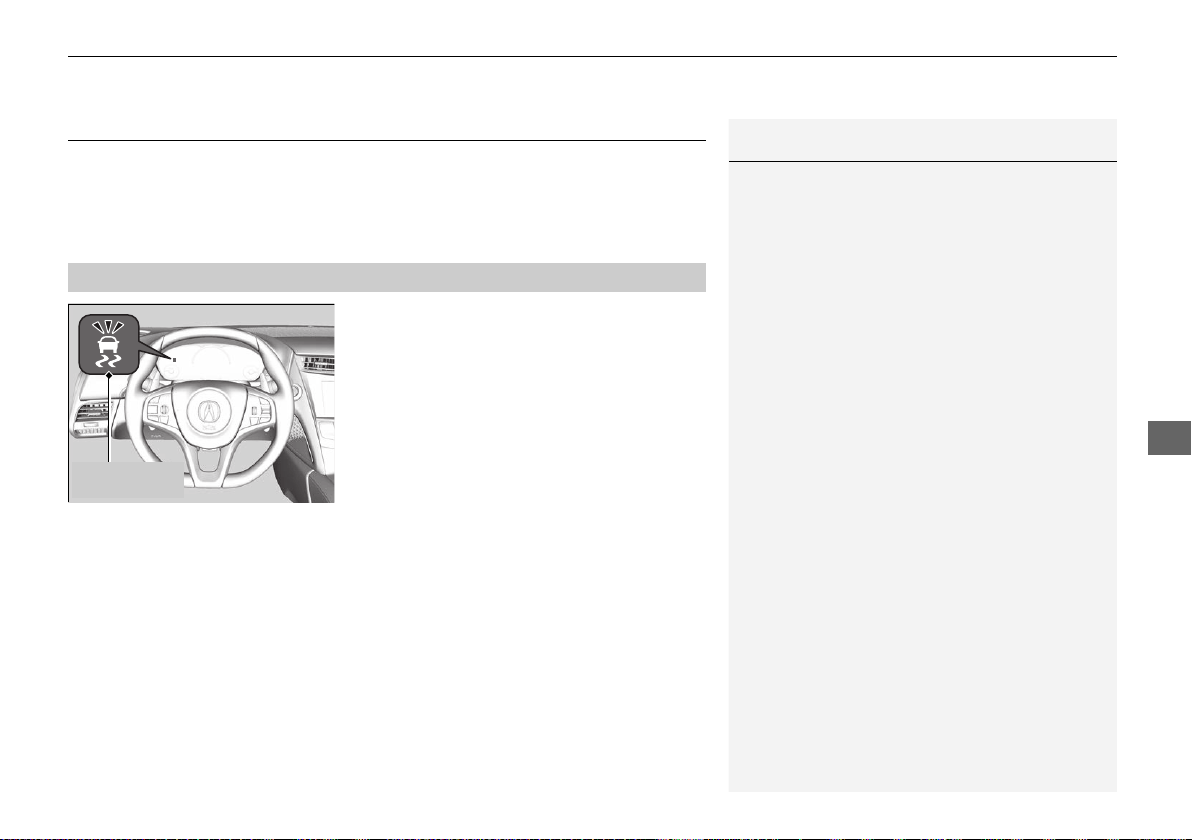
343
uuWhen DrivinguVehicle Stability Assist® (VSA®), aka Electronic Stability Control (ESC), System
Continued
Driving
Vehicle Stability Assist® (VSA®), aka Electronic
Stability Control (ESC), System
VSA® helps to stabilize the vehicle during cornering if the vehicle turns more or less
than what was intended. It also assists in maintaining traction on slippery surfaces.
It does so by regulating engine and motor output and selectively applying the
brakes.
When VSA® activates, you may notice that the
engine and motor do not respond to the
accelerator. You may also notice some noise
from the hydraulic system. You will also see
the indicator blink.
■
VSA® Operation
1Vehicle Stability Assist® (VSA®), aka Electronic Stability Control
(ESC), System
VSA® may not function properly if tire type and size
are mixed. Make sure to use the same size and type
of tire, and the air pressures as specified.
2 Tire and Wheel Replacement P. 411
When the VSA® system indicator comes on and stays
on while driving, there may be a problem with the
system. While this may not interfere with normal
driving, have your vehicle checked by an authorized
Acura NSX dealer immediately.
VSA® cannot enhance stability in all driving situations
and does not control the entire braking system. You
still need to drive and corner at speeds appropriate
for the conditions and always leave a sufficient
margin of safety.
The main function of the VSA® system is generally
known as Electronic Stability Control (ESC). The
system also includes a traction control function.
VSA® System
Indicator
19 NSX-31T6N6200.book 343 ページ 2018年8月9日 木曜日 午前11時12分
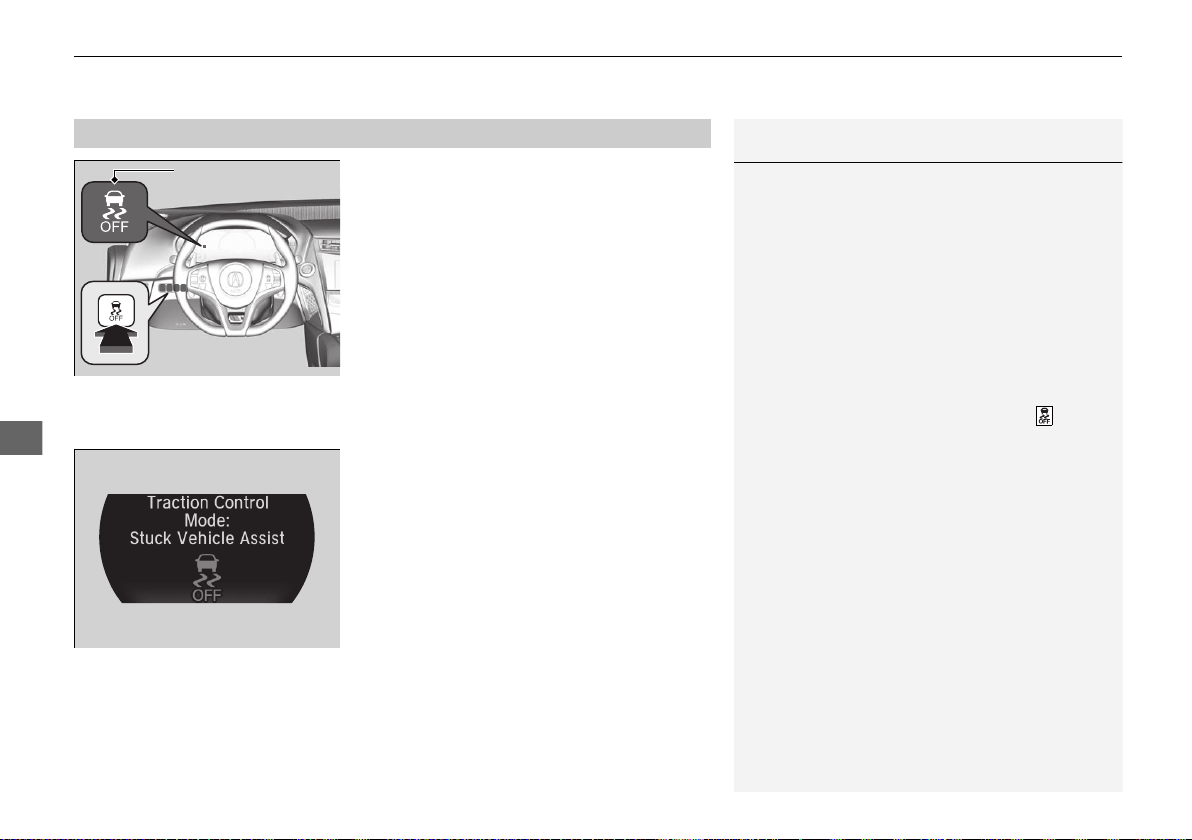
uuWhen DrivinguVehicle Stability Assist® (VSA®), aka Electronic Stability Control (ESC), System
344
Driving
This button is on the driver side control panel.
This button is used to change VSA® modes.
See below for more information.
VSA® is turned on every time you turn the
power system on, even if you press the button
the last time you drove the vehicle.
■ When the Integrated Dynamics System mode is in QUIET mode, SPORT
mode, or SPORT+ mode
To enter Stuck Vehicle Assist mode, press
the VSA® OFF button until a single beep is
heard and the VSA® OFF indicator illuminates.
u This message appears on the driver
information interface for a few seconds.
If the Integrated Dynamics System mode is
changed, VSA® will remain in Stuck Vehicle
Assist mode.
To exit Stuck Vehicle Assist mode, press the
VSA® OFF button until a single beep is heard
and the VSA® OFF indicator extinguishes.
■
VSA® On and Off
1Vehicle Stability Assist® (VSA®), aka Electronic Stability Control
(ESC), System
In Stuck Vehicle Assist mode, your vehicle will have
normal braking and cornering ability, but VSA®
traction and stability enhancement becomes less
effective.
In certain unusual conditions when your vehicle gets
stuck in shallow mud or fresh snow, it may be easier
to free it with Stuck Vehicle Assist mode.
In Stuck Vehicle Assist mode, the traction control
function becomes less effective. This allows for the
wheels to spin more freely at low speed. You should
only attempt to free your vehicle with the button
pressed if you are not able to free it without.
Immediately after freeing your vehicle, be sure to
press the button again. We do not recommend
driving your vehicle with Stuck Vehicle Assist mode.
You may hear a motor sound coming from the front
of the vehicle while system checks are being
performed immediately after turning the power
system on or while driving. This is normal.
VSA® OFF Indicator
19 NSX-31T6N6200.book 344 ページ 2018年8月9日 木曜日 午前11時12分
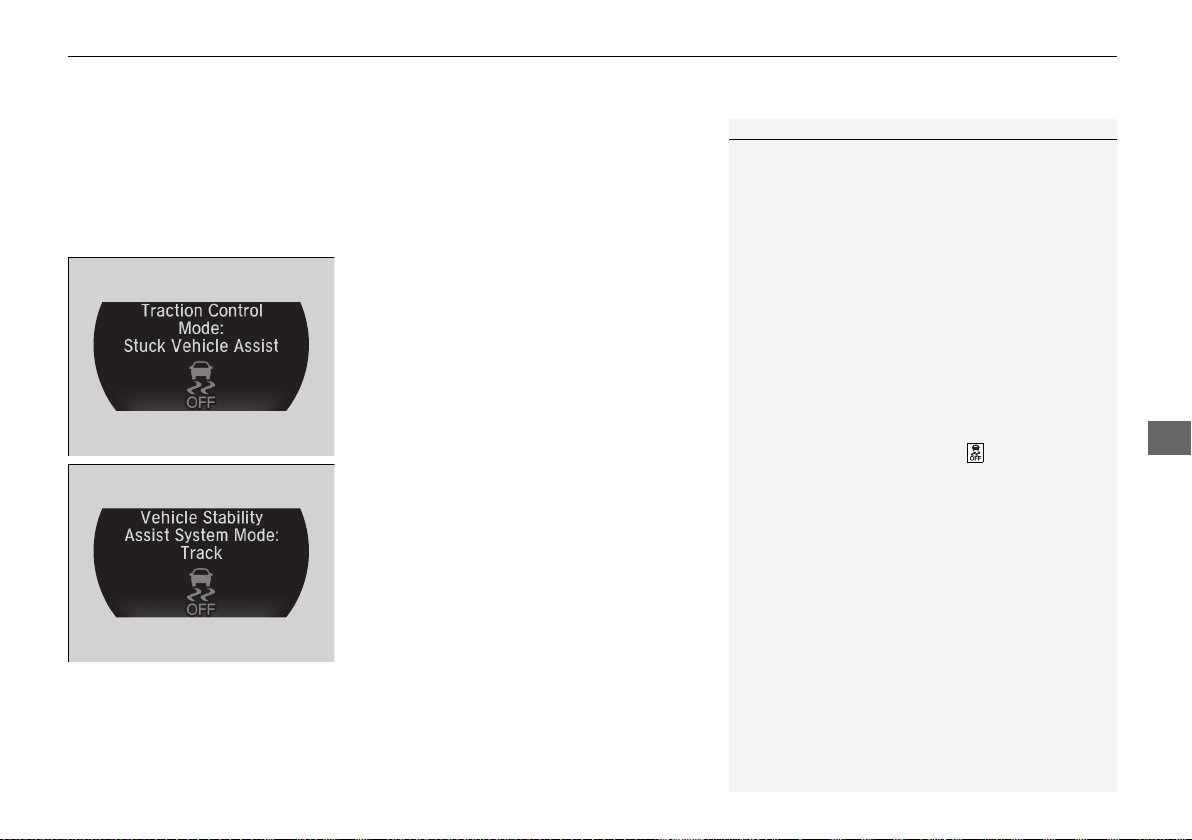
Continued
345
uuWhen DrivinguVehicle Stability Assist® (VSA®), aka Electronic Stability Control (ESC), System
Driving
■ When the Integrated Dynamics System mode is in TRACK mode
When you set the Integrated Dynamics System mode to TRACK, the VSA® system
switches to Track mode and the VSA® OFF indicator comes on. The VSA® features
do not stop, but the thresholds for them to activate become higher. Additional care
should be used while driving in TRACK mode, and TRACK mode should only be
used while driving on closed circuits.
To enter Stuck Vehicle Assist mode, press
the VSA® OFF button until a single beep is
heard.
u This message appears on the driver
information interface for a few seconds.
If the Integrated Dynamics System mode is
changed, VSA® will remain in Stuck Vehicle
Assist mode.
To exit Stuck Vehicle Assist mode, press the
VSA® OFF button until a single beep is heard.
u This message appears on the driver
information interface.
1When the Integrated Dynamics System mode is in TRACK mode
In OFF mode, your vehicle will have normal braking
and cornering ability, but it will not have VSA®
traction and stability enhancement.
When the VSA® system is off, the traction control
system and agile handling assist system are also off.
We do not recommend driving your vehicle with the
VSA®, traction control system, and agile handling
assist system switched off.
If the low tire pressure/TPMS indicator comes on or
blinks, the VSA® system comes on automatically. In
this case, you can select Stuck Vehicle Assist mode
to free a stuck vehicle, but you cannot select the
VSA® OFF mode by pressing the button.
19 NSX-31T6N6200.book 345 ページ 2018年8月9日 木曜日 午前11時12分
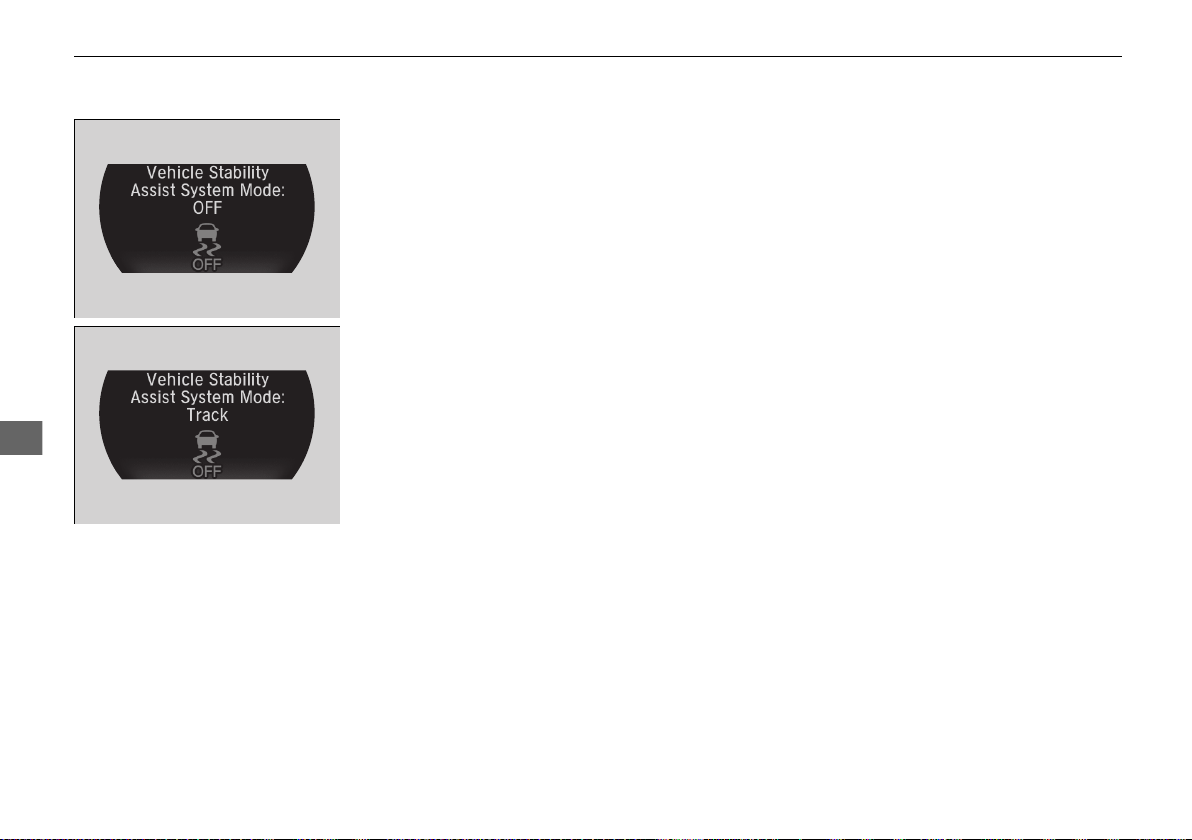
346
uuWhen DrivinguVehicle Stability Assist® (VSA®), aka Electronic Stability Control (ESC), System
Driving
To completely disable VSA®, the VSA® must be
in TRACK mode (it cannot be in Stuck
Vehicle Assist mode). Press and hold the
VSA® OFF button until you hear a single beep,
then later two more beeps.
u This message appears on the driver
information interface.
To resume VSA® full function, press the VSA®
OFF button until a single beep is heard. The
VSA® will return to Track Mode.
u This message appears on the driver
information interface.
If VSA® OFF mode is selected, and Integrated
Dynamics System is changed to a mode other
than TRACK, VSA® full function will resume,
and the VSA® OFF indicator will go off.
19 NSX-31T6N6200.book 346 ページ 2018年8月9日 木曜日 午前11時12分
347
uuWhen DrivinguAgile Handling Assist
Driving
Agile Handling Assist
Lightly brakes each of the front and rear wheels, as needed, when you turn the
steering wheel, and helps support the vehicle’s stability and performance during
cornering.
1Agile Handling Assist
The agile handling assist cannot enhance stability in
all driving situations. You still need to drive and
corner at speeds appropriate for the conditions and
always leave a sufficient margin of safety.
When the VSA® system indicator comes on and stays
on while driving, the agile handling assist does not
activate.
You may hear a sound coming from the front of the
car while the agile handling assist is activated. This is
normal.
19 NSX-31T6N6200.book 347 ページ 2018年8月9日 木曜日 午前11時12分
348
uuWhen DrivinguSPORT HYBRID Super Handling-All Wheel Drive
TM
(SPORT HYBRID SH-AWD®)
Driving
SPORT HYBRID Super Handling-All Wheel Drive
TM
(SPORT HYBRID SH-AWD®)
The system controls and transfers varying amounts of motor and/or engine torque
to each wheel in accordance with the driving conditions.
SPORT HYBRID SH-AWD® helps to enhance driving stability, and lets you handle
situations like slippery surfaces better than when driving with standard two wheel
drive. However, the system does not help to enhance braking. Be cautious about the
following:
• It is still your responsibility to drive safely when you steer, accelerate, and apply
brakes.
• Leave a sufficient margin when braking on slippery surfaces.
1SPORT HYBRID Super Handling-All Wheel Drive
TM
(SPORT
HYBRID SH-AWD®)
Do not drive through deep water.
The SPORT HYBRID SH-AWD® system may not
function properly if tire type and size are mixed.
Make sure to use the same size and type of tire, and
the air pressures as specified.
2 Tire and Wheel Replacement P. 411
19 NSX-31T6N6200.book 348 ページ 2018年8月9日 木曜日 午前11時12分
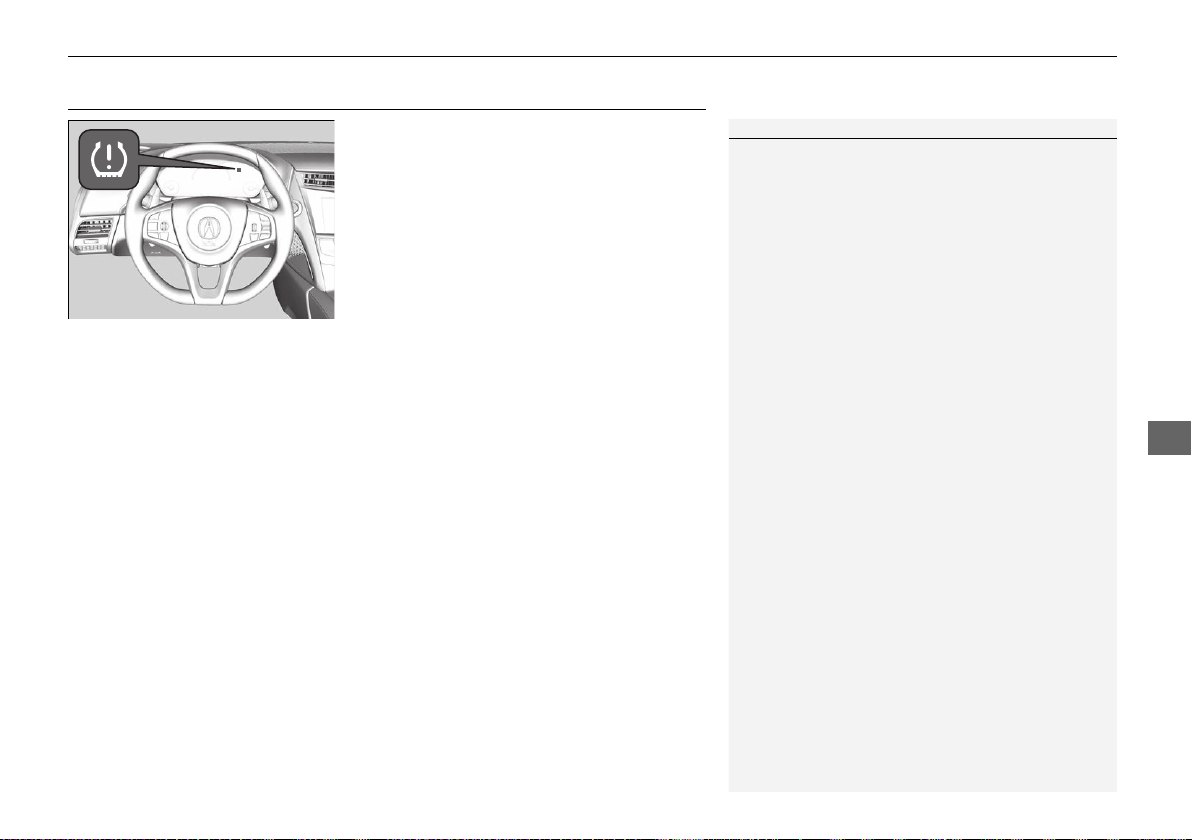
349
uuWhen DrivinguTire Pressure Monitoring System (TPMS)
Continued
Driving
Tire Pressure Monitoring System (TPMS)
Monitors the tire pressure while you are
driving. If your vehicle’s tire pressure becomes
significantly low, the low tire pressure/TPMS
indicator comes on and a message appears on
the driver information interface.
1Tire Pressure Monitoring System (TPMS)
Conditions such as low ambient temperature and
altitude change directly affect tire pressure and can
trigger the low tire pressure/TPMS indicator to come
on.
2 If the Low Tire Pressure/TPMS Indicator
Comes On or Blinks P. 453
Tire pressure checked and inflated in:
• Warm weather can become under-inflated in
colder weather.
• Cold weather can become over-inflated in warmer
weather.
The low tire pressure/TPMS indicator will not come
on as a result of over inflation.
19 NSX-31T6N6200.book 349 ページ 2018年8月9日 木曜日 午前11時12分
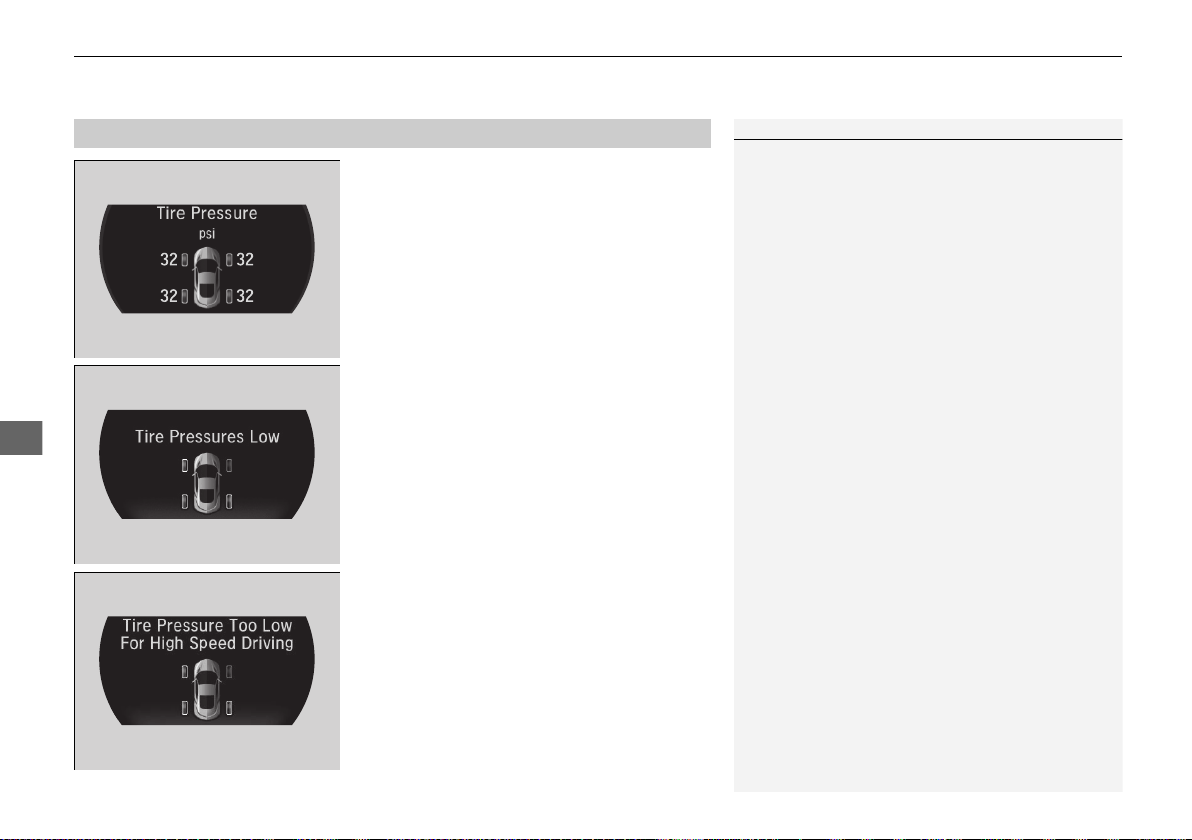
uuWhen DrivinguTire Pressure Monitoring System (TPMS)
350
Driving
To select the tire pressure monitor, set the power
mode to ON, and roll the right selector wheel
until you see the tire pressure screen.
The pressure for each tire is displayed in PSI
(U.S.) or kPa (Canada).
Tire Pressures Low is displayed when a tire
has significantly low pressure. The specific tire
is displayed on the screen.
Tire Pressure Too Low For High Speed
Driving is displayed when driving at an
extremely high speed and one or more tires
are underinflated.
u Decelerate and drive your vehicle until
the message disappears.
■
Tire Pressure Monitor
1Tire Pressure Monitor
The pressure displayed on the driver information
interface can be slightly different from the actual
pressure as measured by a gauge. If there is a
significant difference between the two values, or if
the low tire pressure/TPMS indicator and the message
on the driver information interface do not go off after
you have inflated the tire to the specified pressure,
have the system checked by an authorized Acura NSX
dealer.
Tire Pressure Monitor Problem may appear on the
driver information interface if there is a problem with
the TPMS. Please have the system checked by an
authorized Acura NSX dealer.
19 NSX-31T6N6200.book 350 ページ 2018年8月9日 木曜日 午前11時12分
351
uuWhen DrivinguTire Pressure Monitoring System (TPMS) - Required Federal Explanation
Continued
Driving
Tire Pressure Monitoring System (TPMS) - Required
Federal Explanation
Each tire, including the spare (if provided), should be checked
monthly when cold and inflated to the inflation pressure
recommended by the vehicle manufacturer on the vehicle placard
or tire inflation pressure label.
(If your vehicle has tires of a different size than the size indicated
on the vehicle placard or tire inflation pressure label, you should
determine the proper tire inflation pressure for those tires.)
As an added safety feature, your vehicle has been equipped with
a tire pressure monitoring system (TPMS) that illuminates a low
tire pressure telltale
when one or more of your tires is significantly under-inflated.
Accordingly, when the low tire pressure telltale illuminates, you
should stop and check your tires as soon as possible, and inflate
them to the proper pressure.
Driving on a significantly under-inflated tire causes the tire to
overheat and can lead to tire failure. Under-inflation also reduces
fuel efficiency and tire tread life, and may affect the vehicle’s
handling and stopping ability.
19 NSX-31T6N6200.book 351 ページ 2018年8月9日 木曜日 午前11時12分

352
uuWhen DrivinguTire Pressure Monitoring System (TPMS) - Required Federal Explanation
Driving
Please note that the TPMS is not a substitute for proper tire
maintenance, and it is the driver’s responsibility to maintain
correct tire pressure, even if under-inflation has not reached the
level to trigger illumination of the TPMS low tire pressure telltale.
Your vehicle has also been equipped with a TPMS malfunction
indicator to indicate when the system is not operating properly.
The TPMS malfunction indicator is combined with the low tire
pressure telltale. When the system detects a malfunction, the
telltale will flash for approximately one minute and then remain
continuously illuminated. This sequence will continue upon
subsequent vehicle start-ups as long as the malfunction exists.
When the malfunction indicator is illuminated, the system may
not be able to detect or signal low tire pressure as intended.
TPMS malfunctions may occur for a variety of reasons, including
the installation of replacement or alternate tires or wheels on the
vehicle that prevent the TPMS from functioning properly.
Always check the TPMS malfunction telltale after replacing one or
more tires or wheels on your vehicle to ensure that the
replacement or alternate tires and wheels allow the TPMS to
continue to function properly.
19 NSX-31T6N6200.book 352 ページ 2018年8月9日 木曜日 午前11時12分
353
uuWhen DrivinguHigh Voltage Battery
Driving
High Voltage Battery
The High Voltage battery gradually discharges when the vehicle is not in use. As a
result, if your vehicle is parked for an extended period of time, the battery level may
get low. Keeping the High Voltage battery’s charge level low can shorten its life.
To maintain the High Voltage battery, drive your vehicle for more than 30 minutes
to recharge it at least once every three months. Also, try to park in shaded areas
instead of direct sunlight.
2 Storage P. 426
19 NSX-31T6N6200.book 353 ページ 2018年8月9日 木曜日 午前11時12分
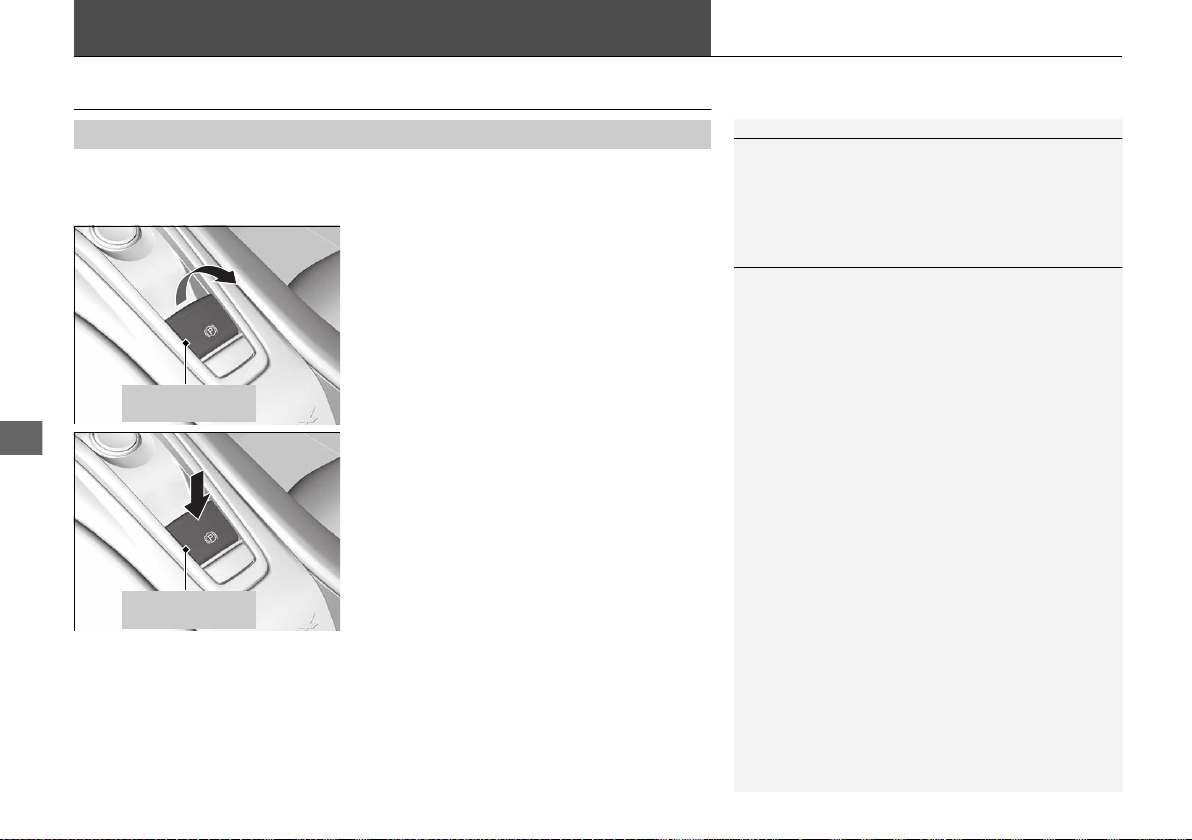
354
Driving
Braking
Brake System
Use the parking brake to keep the vehicle stationary when parked. When the
parking brake is applied, you can manually or automatically release it.
■ To apply
The electric parking brake can be applied any
time the vehicle has battery, no matter which
power mode the vehicle is in.
Pull the electric parking brake switch up gently
and securely.
u The parking brake indicator comes on.
■ To release
The power mode must be in the ON position
to release the electric parking brake.
1. Depress the brake pedal.
2. Press the electric parking brake switch.
u The parking brake indicator goes off.
Manually releasing the parking brake using
the switch helps your vehicle start slowly and
smoothly when facing downhill on steep hills.
■
Parking Brake
1Brake System
When you depress the brake pedal, you may hear a
whirring sound from the engine compartment. This is
because the brake system is in operation, and it is
normal.
1Parking Brake
You may hear the electric parking brake system
motor operating from the rear wheel area when you
apply or release the parking brake.
You cannot apply or release the parking brake if the
12-volt battery goes dead.
2 Jump Starting P. 446
If you pull up and hold the electric parking brake
switch while driving, the brakes on all four
wheels are applied by the electric servo brake
system until the vehicle comes to a stop. The
electric parking brake then applies, and the
switch should be released.
Electric Parking
Brake Switch
Electric Parking
Brake Switch
19 NSX-31T6N6200.book 354 ページ 2018年8月9日 木曜日 午前11時12分
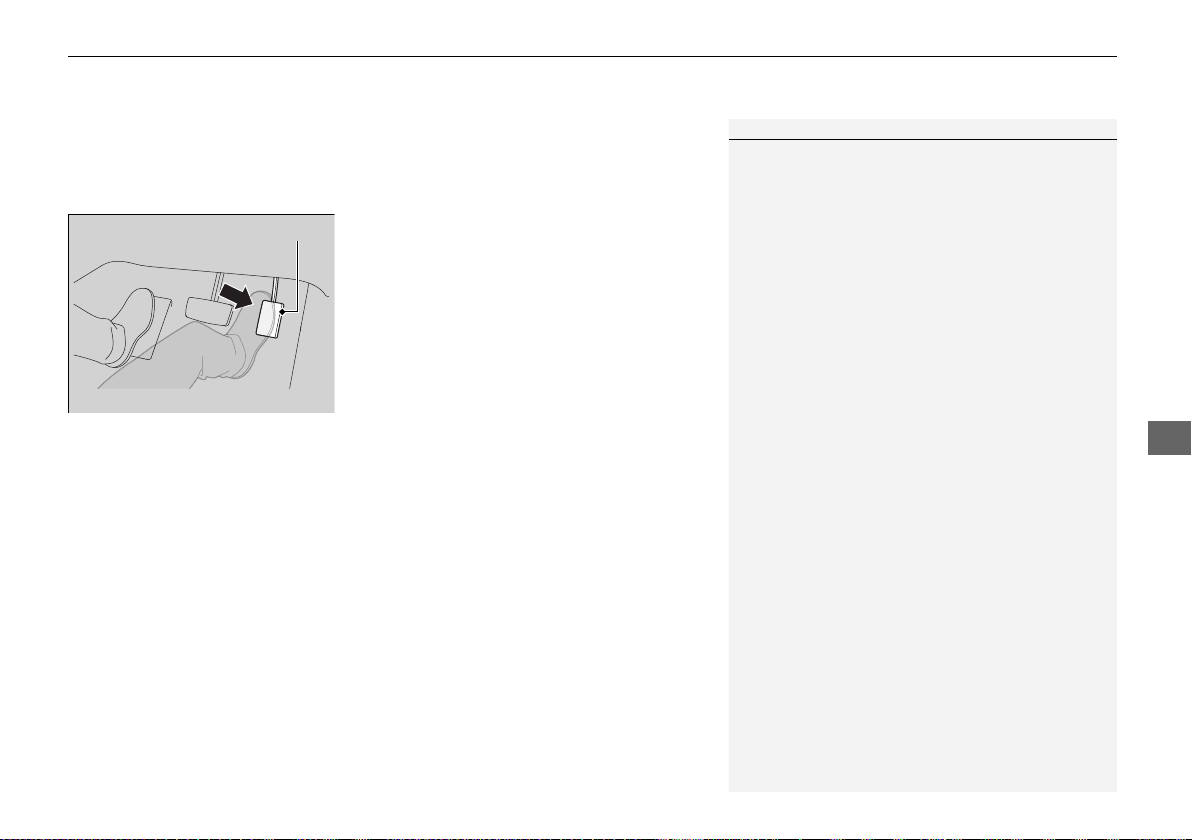
Continued
355
uuBrakinguBrake System
Driving
■ To release automatically
Depressing the accelerator pedal releases the parking brake.
Use the accelerator pedal to release the brake when you are starting the vehicle
facing uphill, or in a traffic jam.
Gently depress the accelerator pedal.
When on a hill, it may require more
accelerator input to release.
u The electric parking brake indicator goes
off.
You can release the parking brake automatically when:
• You are wearing the driver’s seat belt.
• The power system is on.
• The transmission is not in
(P or (N.
1Parking Brake
In the following situations, the parking brake
automatically operates.
• When the vehicle stops with the automatic brake
hold system activated for more than 10 minutes.
• When the driver’s seat belt is unfastened while
your vehicle is stopped and brake hold is applied.
• When the power system is turned off while brake
hold is applied.
• When there is a problem with the Brake Hold
System.
If the parking brake cannot be released
automatically, release it manually.
The parking brake cannot be released automatically
while the following indicators are on:
• Malfunction indicator lamp
• Transmission system indicator
The parking brake may not be released automatically
while the following indicators are on:
• Electric parking brake system indicator
• VSA® system indicator
• ABS indicator
• Supplemental restraint system indicator
Accelerator Pedal
19 NSX-31T6N6200.book 355 ページ 2018年8月9日 木曜日 午前11時12分
uuBrakinguBrake System
356
Driving
Your vehicle is equipped with disc brakes at all four wheels. The brake assist system
increases the stopping force when you depress the brake pedal hard in an
emergency situation. The anti-lock brake system (ABS) helps you retain steering
control when braking very hard.
2 Brake Assist System P. 360
2 Anti-lock Brake System (ABS) P. 359
■ Brake squeal
To satisfy the performance under a wide range of driving conditions, a high-
performance braking system is equipped on your vehicle. You may hear the brake
squeal under certain conditions, such as vehicle speed, deceleration, humidity, and
so on. This is not a malfunction.
■
Foot Brake
1Foot Brake
Check the brakes after driving through deep water,
or if there is a buildup of road surface water. If
necessary, dry the brakes by lightly depressing the
pedal several times.
If you hear a continuous metallic friction sound when
applying the brakes, this is caused by the brake wear
indicator rubbing on the brake rotor and indicates
that the brake pads need to replaced. Have your
vehicle checked by an authorized Acura NSX dealer.
If you hear only an occasional squeak or squeal when
you initially apply the brake pedal, this may be normal
and caused by high frequency vibration of the brake
pads against the rotating brake disc.
Constantly using the brake pedal while going down a
long hill builds up heat, which reduces the brake
effectiveness. Apply regenerative braking by taking
your foot off the accelerator pedal and downshifting
to a lower gear.
Do not rest your foot on the brake pedal while
driving, as it will lightly apply the brakes and cause
them to lose effectiveness over time and reduce pad
life. It will also confuse drivers behind you.
Models with iron brake discs
Models with iron brake discs
19 NSX-31T6N6200.book 356 ページ 2018年8月9日 木曜日 午前11時12分
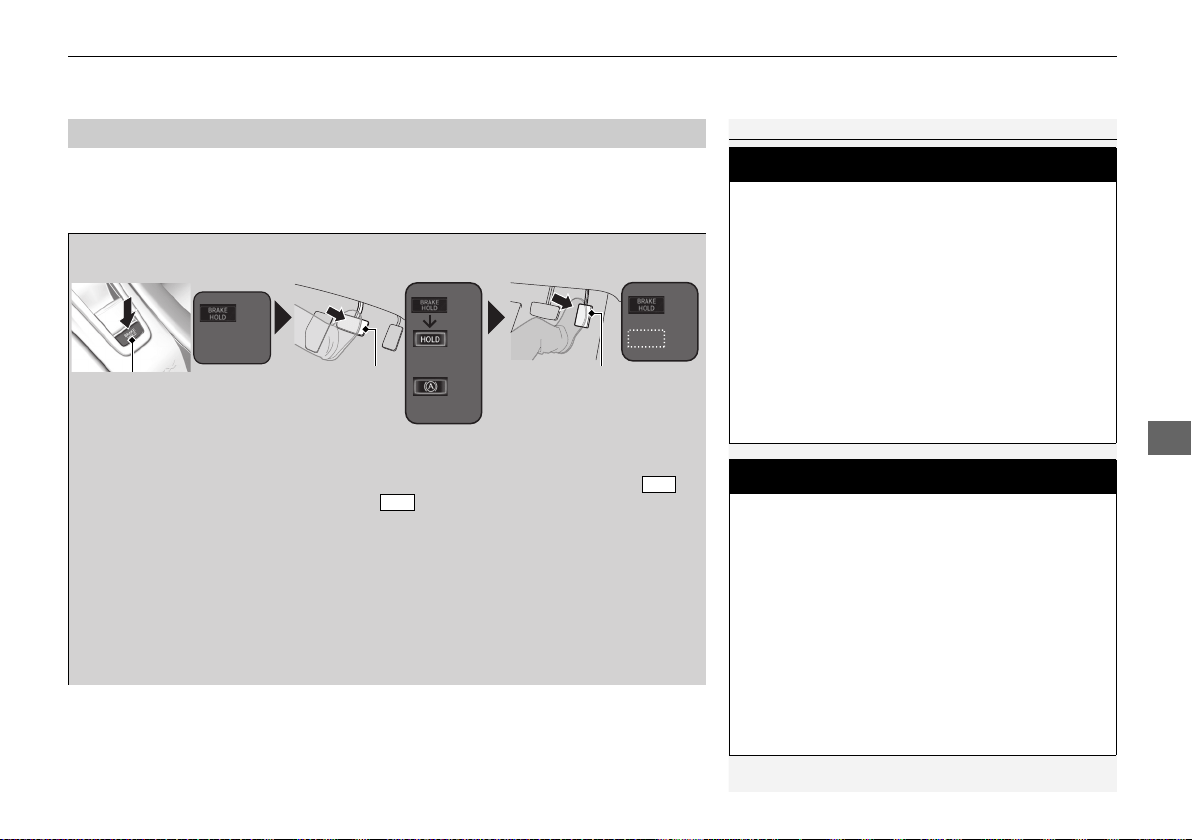
Continued
357
uuBrakinguBrake System
Driving
Keeps the brake applied after releasing the brake pedal until the accelerator pedal is
pressed. Use this system only while the vehicle is temporarily stopped, like at traffic
lights and in heavy traffic.
■
Automatic Brake Hold
1Automatic Brake Hold
3
WARNING
Activating the automatic brake hold system
on steep hills or slippery roads may still
allow the vehicle to move if you remove
your foot from the brake pedal.
If a vehicle unexpectedly moves, it may
cause a crash resulting in serious injury or
death.
Never activate the automatic brake hold
system or rely on it to keep a vehicle from
moving when stopped on a steep hill or
slippery roads.
3
WARNING
Using the automatic brake hold system to
park the vehicle may result in the vehicle
unexpectedly moving.
If a vehicle moves unexpectedly, it may
cause a crash, resulting in serious injury or
death.
Never leave the vehicle when braking is
temporarily kept by automatic brake hold
and always park the vehicle by putting the
transmission in
(P and applying the parking
brake.
■Turning on the system
Fasten your seat belt
properly, then start the
power system. Press the
automatic brake hold
button.
●
The automatic brake
hold system indicator
comes on. The system
is turned on.
■ Activating the system
Depress the brake pedal
to come to a complete
stop. The transmission
must be in or
(N.
●
The automatic brake
hold indicator comes
on. Braking is kept for
up to 10 minutes.
●
Release the brake
pedal after the
automatic brake hold
indicator comes on.
D/M
■Canceling the system
Depress the accelerator
pedal while the
transmission is in or
(R. The system is
canceled and the vehicle
starts to move.
●
The automatic brake
hold indicator goes
off. The system
continues to be on.
D/M
Accelerator Pedal
Brake Pedal
Automatic Brake
Hold Button
Goes
Off
On
On
U.S.
Canada
Comes
On
Comes
On
Comes
On
19 NSX-31T6N6200.book 357 ページ 2018年8月9日 木曜日 午前11時12分

uuBrakinguBrake System
358
Driving
■ The system automatically cancels when:
• You depress the brake pedal and change to (P or (R.
• You engage the parking brake.
Under the following conditions, the system automatically cancels, and the parking
brake is applied:
• Braking is kept for more than 10 minutes.
• The driver’s seat belt is unfastened.
• The power system is turned off.
• Brake Hold System Problem appears on the driver information interface.
■ Turning off the automatic brake hold system
While the system is on, press the automatic
brake hold button again.
u The automatic brake hold system
indicator goes off.
If you want to turn off automatic brake hold
while the system is in operation, press the
automatic brake hold button with the brake
pedal depressed.
1Automatic Brake Hold
While the system is activated, you can turn off the
power system or park the vehicle through the same
procedure as you normally do.
2 When Stopped P. 361
Whether the system is on, or the system is activated,
the automatic brake hold turns off once the power
system is off.
Make sure to turn off the automatic brake hold
system before using an automated car wash.
You may hear an operating noise if the vehicle moves
while the automatic brake hold system is in
operation. The system generates sound while holding
the vehicle and it moves.
Automatic Brake
Hold Button
Goes
Off
19 NSX-31T6N6200.book 358 ページ 2018年8月9日 木曜日 午前11時12分
359
uuBrakinguAnti-lock Brake System (ABS)
Driving
Anti-lock Brake System (ABS)
Helps prevent the wheels from locking up, and helps you retain steering control by
pumping the brakes rapidly, much faster than you.
The electronic brake distribution (EBD) system, which is part of the ABS, also
balances the front-to-rear braking distribution according to vehicle loading.
You should never pump the brake pedal. Let the ABS work for you by always
keeping firm, steady pressure on the brake pedal. This is sometimes referred to as
“stomp and steer.”
■ ABS operation
You may hear an operating noise when the ABS is working. Depress the brake pedal
and keep holding the pedal firmly down. On dry pavement, you will need to press
on the brake pedal very hard before the ABS activates. However, you may feel the
ABS activate immediately if you are trying to stop on snow or ice.
ABS may activate when you depress the brake pedal when driving on:
• Wet or snow covered roads.
• Roads paved with stone.
• Roads with uneven surfaces, such as potholes, cracks, manholes, etc.
When the vehicle speed goes under 6 mph (10 km/h), the ABS stops.
■
ABS
1Anti-lock Brake System (ABS)
NOTICE
The ABS may not function correctly if you use an
incorrect tire type and size.
When the ABS indicator comes on while driving,
there may be a problem with the system.
While normal braking is not affected, there is a
possibility of the ABS not operating. Have your
vehicle checked by an authorized Acura NSX dealer
immediately.
The ABS does not reduce the time or distance it takes
to stop the vehicle. It only helps with steering control
during hard braking.
In the following cases, your vehicle may need more
stopping distance than a vehicle without the ABS:
• When driving on rough road surfaces, including
when driving on uneven surfaces, such as gravel or
snow.
• When tire chains are installed.
The following may be observed with the ABS system:
• Motor sounds coming from the engine
compartment when the brakes are applied, or
when system checks are being performed after the
engine has been started and while vehicle is
accelerates.
These sounds are normal to ABS systems and are
no cause for concern.
19 NSX-31T6N6200.book 359 ページ 2018年8月9日 木曜日 午前11時12分
360
uuBrakinguBrake Assist System
Driving
Brake Assist System
Designed to assist the driver by generating greater braking force when you depress
the brake pedal hard during emergency braking.
■ Brake assist system operation
Press the brake pedal firmly for more powerful braking.
When brake assist operates, an operating noise may be heard. This is normal. Keep
holding the brake pedal firmly down.
■
Brake Assist System
19 NSX-31T6N6200.book 360 ページ 2018年8月9日 木曜日 午前11時12分
361
Driving
Parking Your Vehicle
When Stopped
1. Depress the brake pedal firmly.
2. With the brake pedal depressed, pull up the electric parking brake switch slowly,
but fully.
3. Change the gear position to
(P.
4. Turn off the power system.
u The electric parking brake indicator goes off in about 15 seconds.
Always confirm the electric parking brake is set, in particular if you are parked on an
incline.
During Auto Engine Stop, the gear position changes to
(P and the engine restarts
automatically under the following conditions:
• You unfasten the driver side seat belt and open the door.
1Parking Your Vehicle
Do not park your vehicle near flammable objects,
such as dry grass, oil, or timber.
Heat from the exhaust can cause a fire.
3
WARNING
The vehicle can roll away if left unattended
without confirming that Park is engaged.
A vehicle that rolls away could cause a crash
resulting in serious injury or death.
Always keep your foot on the brake pedal
until you have confirmed that (P is shown
on the gear position indicator.
1When Stopped
NOTICE
The following can damage the driveline:
• Depressing the accelerator and brake pedals
simultaneously.
• Changing to (P before the vehicle stops completely.
When facing uphill, do not hold the vehicle by
depressing the accelerator pedal.
Doing so may cause the power system to overheat
and fail.
In extremely cold temperatures, the parking brake may
freeze up if applied. If such temperatures are expected, do
not apply the parking brake. If parking on a slope, either
turn the steering wheel so one of the front tires will contact
the curb or block the wheels to keep the vehicle from
moving. If you do not take either precaution, the vehicle
may roll unexpectedly, leading to a crash.
When the Integrated Dynamics System mode is in QUIET mode or SPORT mode
19 NSX-31T6N6200.book 361 ページ 2018年8月9日 木曜日 午前11時12分

362
uuParking Your VehicleuParking Sensor System
*
Driving
Parking Sensor System
*
The corner and center sensors monitor obstacles around your vehicle, and the
beeper and audio/information screen let you know the approximate distance
between your vehicle and the obstacle.
■ The sensor location and range
1Parking Sensor System
*
Even when the system is on, always confirm if there is
no obstacle near your vehicle before parking.
The system may not work properly when:
• The sensors are covered with snow, ice, mud or
dirt.
• The vehicle is on uneven surface, such as grass,
bumps, or a hill.
• The vehicle has been out in hot or cold weather.
• The system is affected by devices that emit
ultrasonic waves.
• Driving in bad weather.
The system may not sense:
• Thin or low objects.
• Sonic-absorptive materials, such as snow, cotton,
or sponge.
• Objects directly under the bumper.
Do not put any accessories on or around the sensors.
Within about 24 in (60 cm) or less
Front Corner Sensors
Rear Corner Sensors Rear Center Sensors
Within about 43 in (110 cm) or less
Within about 39 in (100 cm) or less
Front Center Sensors
* Not available on all models
19 NSX-31T6N6200.book 362 ページ 2018年8月9日 木曜日 午前11時12分

363
uuParking Your VehicleuParking Sensor System
*
Continued
Driving
■ Parking sensor system on and off
With the power mode in ON, press the
parking sensor system button to turn the
system on or off. The indicator in the button
comes on when the system is on.
The rear center and corner sensors start to
detect an obstacle when the transmission is in
(R, and the vehicle speed is less than 5 mph
(8 km/h).
The front center and corner sensors start to
detect an obstacle when the transmission is
not in
(P, and the vehicle speed is less than 5
mph (8 km/h).
19 NSX-31T6N6200.book 363 ページ 2018年8月9日 木曜日 午前11時12分
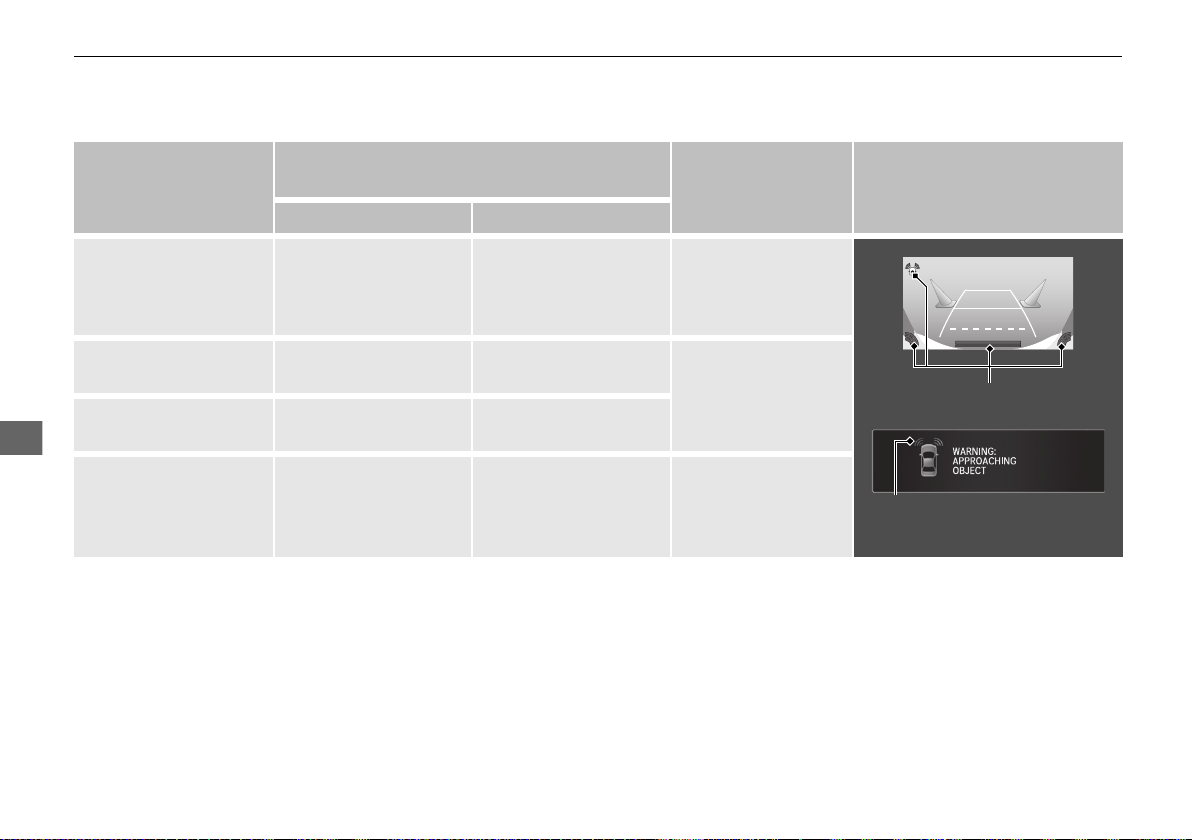
364
uuParking Your VehicleuParking Sensor System
*
Driving
■ When the distance between your vehicle and detected obstacles becomes shorter
*1: At this stage, only the center sensors detect obstacles.
Length of the
intermittent beep
Distance between the Bumper and Detected
Obstacle
Indicator Audio/information screen
Corner Sensors Center Sensors
Moderate —
Front: About 39-24 in
(100-60 cm)
Rear: About 43-24 in
(110-60 cm)
Blinks in Yellow
*1
Short
About 24-18 in
(60-45 cm)
About 24-18 in
(60-45 cm)
Blinks in Amber
Very short
About 18-14 in
(45-35 cm)
About 18-14 in
(45-35 cm)
Continuous
About 14 in
(35 cm) or less
About 14 in
(35 cm) or less
Blinks in Red
Indicators light where the
sensor detects an obstacle.
Indicators light where the
sensor detects an obstacle.
19 NSX-31T6N6200.book 364 ページ 2018年8月9日 木曜日 午前11時12分
365
uuParking Your VehicleuParking Sensor System
*
Driving
1. Make sure that the parking sensor system is not activated. Set the power mode to
VEHICLE OFF.
2. Press and hold the parking sensor system button, and set the power mode to ON.
3. Keep pressing the button for ten seconds. Release the button when the indicator
in the button blinks.
4. Press the button again. The indicator in the button goes off.
u The beeper sounds twice. The rear sensors are now turned off.
To turn the rear sensors on again, follow the above procedure. The beeper sounds
three times when the rear sensors come back on.
■
Turning Off All Rear Sensors
1Turning Off All Rear Sensors
When you select
(R, the indicator in the parking
sensor system button blinks as a reminder that the
rear sensors have been turned off.
19 NSX-31T6N6200.book 365 ページ 2018年8月9日 木曜日 午前11時12分

366
Driving
Multi-View Rear Camera
About Your Multi-View Rear Camera
The audio/information screen can display your vehicle’s rear view. The display
automatically changes to the rear view when the gear position is changed to (R.
■
Multi-View Rear Camera Display Area
1About Your Multi-View Rear Camera
The rear camera view is restricted. You cannot see
the corner ends of the bumper or what is underneath
the bumper. Its unique lens also makes objects
appear closer or farther than they actually are.
Visually confirm that it is safe to drive before backing
up. Certain conditions (such as weather, lighting, and
high temperatures) may also restrict the rear view. Do
not rely on the rearview display which does not give
you all information about conditions at the back of
your vehicle.
If the camera lens is covered with dirt or moisture,
use a soft, moist cloth to keep the lens clean and free
of debris.
You can change the Fixed Guideline and Dynamic
Guideline settings.
2 Customized Features P. 242
Fixed Guideline
On: Guidelines appear when you select
(R.
Off: Guidelines do not appear.
Dynamic Guideline
On: Guidelines move according to the steering wheel
direction.
Off: Guidelines do not move.
Top Down View Mode
Normal View Mode
Wide View Mode
Guidelines
Bumper
Camera
Approx. 39 inches (1 m)
Approx. 20 inches (50 cm)
19 NSX-31T6N6200.book 366 ページ 2018年8月9日 木曜日 午前11時12分
367
uuMulti-View Rear CamerauAbout Your Multi-View Rear Camera
Driving
You can view three different camera modes on the rearview display. Touch the
appropriate icon to switch the mode.
: Wide view mode
: Normal view mode
: Top down view mode
• If the last used viewing mode was Wide or Normal view mode, the same mode is
selected the next time you put the transmission into
(R.
• If Top down view mode was last used before you turned off the power system,
Wide view mode is selected next time you turn the power system on and put the
transmission into
(R.
• If Top down view mode was last used more than 10 seconds after you change
from
(R, Wide view mode is selected the next time you put the transmission into
(R.
19 NSX-31T6N6200.book 367 ページ 2018年8月9日 木曜日 午前11時12分
368
Driving
Refueling
Fuel Information
■ Fuel requirement
Use of lower octane gasoline can cause occasional metallic knocking noise in the
engine and will result in decreased engine performance.
We recommend that you use a pump octane of 93 or higher to maximize the
performance of the engine.
Use of gasoline with a pump octane less than 91 can lead to engine damage.
■ Top tier detergent gasoline
Because the level of detergency and additives in gasoline vary in the market, Acura
endorses the use of “TOP TIER Detergent Gasoline” where available to help
maintain the performance and reliability of your vehicle. TOP TIER Detergent
Gasoline meets a new gasoline standard jointly established by leading automotive
manufacturers to meet the needs of today’s advanced engines.
Qualifying gasoline retailers will, in most cases, identify their gasoline as having met
“TOP TIER Detergent Gasoline” standards at the retail location. This fuel is
guaranteed to contain the proper level of detergent additives and be free of metallic
additives. The proper level of detergent additives, and absence of harmful metallic
additives in gasoline, help avoid build-up of deposits in your engine and emission
control system.
For further important fuel-related information for your vehicle, or on information on
gasoline that does not contain MMT, visit Acura Owners at owners.acura.com. In
Canada, visit www.acura.ca for additional information on gasoline. For more
information on top tier gasoline, visit www.toptiergas.com.
■ Fuel tank capacity: 15.6 US gal (59.0 liters)
Unleaded premium gasoline, pump octane number 91 or higher
1Fuel Information
NOTICE
We recommend quality gasoline containing
detergent additives that help prevent fuel system and
engine deposits. In addition, in order to maintain
good performance, fuel economy, and emissions
control, we strongly recommend the use of gasoline
that does NOT contain harmful manganese-based
fuel additives such as MMT, if such gasoline is
available.
Use of gasoline with these additives may adversely
affect performance, and cause the malfunction
indicator lamp on your instrument panel to come on.
If this happens, contact an authorized Acura NSX
dealer for service.
Some gasoline today is blended with oxygenates such
as ethanol. Your vehicle is designed to operate on
oxygenated gasoline containing up to 15% ethanol
by volume. Do not use gasoline containing methanol.
If you notice any undesirable operating symptoms, try
another service station or switch to another brand of
gasoline.
19 NSX-31T6N6200.book 368 ページ 2018年8月9日 木曜日 午前11時12分
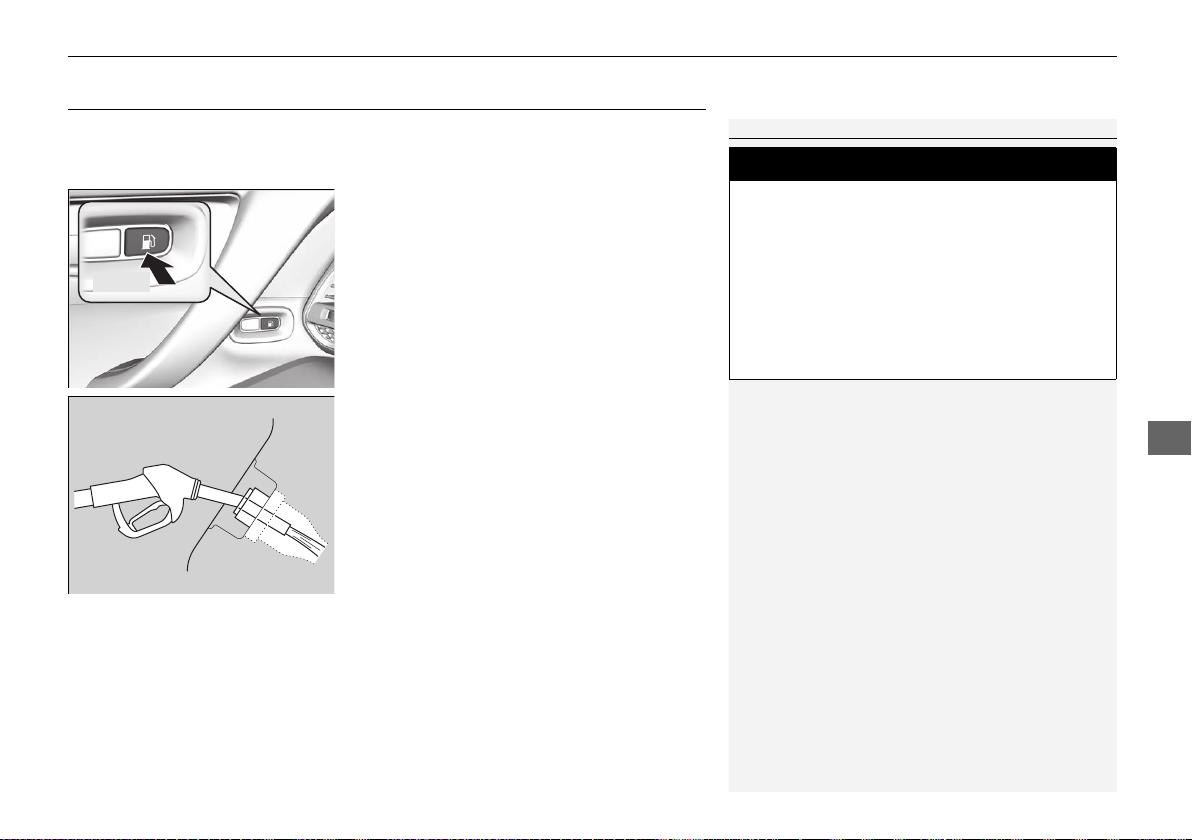
369
uuRefuelinguHow to Refuel
Driving
How to Refuel
Your fuel tank is not equipped with a fuel fill cap. You can insert the filler nozzle
directly into the filler neck. The tank seals itself again when you pull out the filler
nozzle.
1. Stop your vehicle with the service station
pump on the left side of the vehicle in the
rear.
2. Turn off the power system.
3. Press the fuel fill door release button.
u The fuel fill door opens.
4. Place the end of the filler nozzle on the
lower part of filler opening, then insert it
slowly and fully.
u Make sure that the end of the filler
nozzle goes down along with the filler
pipe.
u Keep the filler nozzle level.
u When the tank is full, the filler nozzle will
click off automatically.
u After filling, wait about five seconds
before removing the filler nozzle.
5. Shut the fuel fill door by hand.
1How to Refuel
The fuel filler opening is designed to accept only
service station filler nozzles for refueling. Use of
smaller diameter tubes (e.g., to siphon fuel for other
uses) or other non-service station devices can
damage the area in and around the filler opening.
The filler nozzle automatically stops to leave space in
the fuel tank so that fuel does not overflow as a result
of changes in air temperature.
If the fuel nozzle keeps turning off when the tank is not
full, there may be a problem with the pump’s fuel vapor
recovery system. Try filling at another pump. If this does not
fix the problem, consult an authorized Acura NSX dealer.
Do not continue to add fuel after the nozzle has
automatically stopped. Additional fuel can exceed
the full tank capacity.
If you have to refuel your vehicle from a portable
container, use the funnel provided with your vehicle.
2
Refueling from a Portable Fuel Container
P. 463
3
WARNING
Gasoline is highly flammable and explosive.
You can be burned or seriously injured
when handling fuel.
• Turn the power system off, and keep
heat, sparks, and flame away.
• Handle fuel only outdoors.
• Wipe up spills immediately.
Press
19 NSX-31T6N6200.book 369 ページ 2018年8月9日 木曜日 午前11時12分
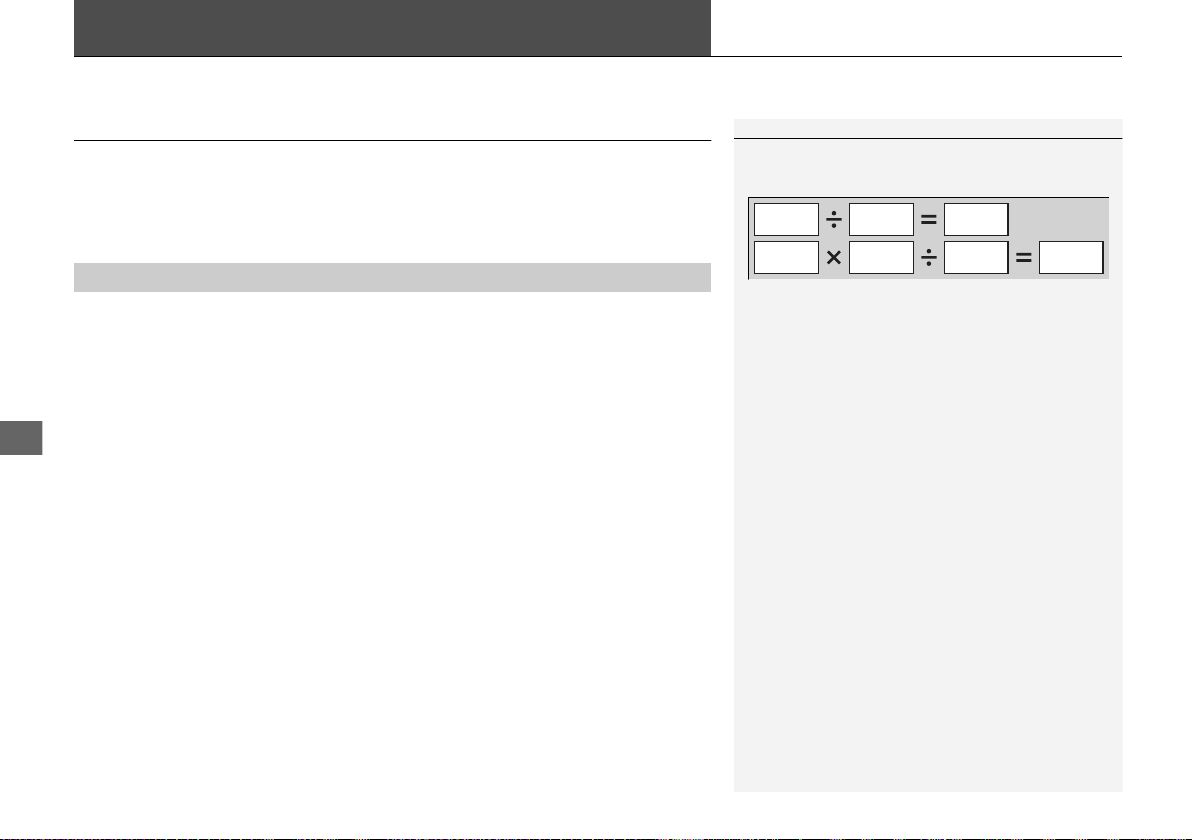
370
Driving
Fuel Economy and CO
2
Emissions
Improving Fuel Economy and Reducing CO
2
Emissions
Achieving fuel economy and reducing CO
2
emissions is dependent on several
factors, including driving conditions, load weight, idling time, driving habits, and
vehicle condition. Depending on these and other factors, you may not achieve the
rated fuel economy of this vehicle.
You can optimize your fuel economy with proper maintenance of your vehicle.
Always maintain your vehicle in accordance with the messages displayed on the
driver information interface.
• Use the recommended viscosity engine oil.
• Maintain the specified tire pressure.
• Do not load the vehicle with excess cargo.
• Keep your vehicle clean. A buildup of snow or mud on your vehicle’s underside
adds weight and increases wind resistance.
■
Maintenance and Fuel Economy
1Improving Fuel Economy and Reducing CO
2
Emissions
Direct calculation is the recommended method to
determine actual fuel consumed while driving.
In Canada, posted fuel economy numbers are
established following a simulated test. For more
information on how this test is performed, please visit
http://oee.nrcan.gc.ca/
Miles driven
Gallons of
fuel
Miles per
Gallon
100
L per 100 km
Liters of
fuel
Kilometers
driven
19 NSX-31T6N6200.book 370 ページ 2018年8月9日 木曜日 午前11時12分
371
Driving
Turbo Engine Vehicle
Handling Precautions
The turbocharger is a high-precision device designed to obtain greater horsepower
by delivering a large volume of compressed air into the engine using a turbine driven
by the engine’s exhaust gas pressure.
• When the engine is cold just after starting, avoid hard or sudden
acceleration.
• Always replace the engine oil and engine oil filter according to the
Maintenance Minder
TM
.
The turbine rotates at very high speeds over 100,000 rpm and its temperature
reaches over 1,292°F (700°C). It is lubricated and cooled by engine oil.
If you fail to replace the engine oil and filter at the scheduled distance or interval,
deteriorated engine oil may cause failure such as sticking and abnormal noise of the
turbine bearing.
1Turbo Engine Vehicle
The scheduled maintenance intervals for replacing
the engine oil and filter is indicated on the
Maintenance Minder
TM
. Follow the information of
when to replace them.
2 Maintenance Minder
TM
P. 377
2 Recommended Engine Oil P. 388
The temperature gauge needle is at the mark
when you restart the engine after driving under high
load conditions such as at high speed or in hilly
terrain. This is normal. The gauge needle goes down
after you idle or drive the vehicle for about one
minute.
H
19 NSX-31T6N6200.book 371 ページ 2018年8月9日 木曜日 午前11時12分

372
19 NSX-31T6N6200.book 372 ページ 2018年8月9日 木曜日 午前11時12分
373
Maintenance
This chapter discusses basic maintenance.
Before Performing Maintenance
Inspection and Maintenance ............ 374
Safety When Performing Maintenance .... 375
Parts and Fluids Used in Maintenance
Service ........................................... 376
Maintenance Minder
TM
..................... 377
Maintenance Under the Hood and Hatch
Maintenance Items Under the Hood and
Hatch............................................. 383
Opening the Hatch .......................... 385
Opening the Hood ........................... 386
Engine Compartment Cover............. 387
Recommended Engine Oil ................ 388
Oil Check......................................... 389
Adding Engine Oil............................ 392
Cooling System................................ 394
Inverter Coolant............................... 396
Transmission Fluids .......................... 397
Brake Fluid....................................... 398
Refilling Window Washer Fluid......... 398
Replacing Light Bulbs ....................... 399
Checking and Maintaining Wiper Blades
....402
Checking and Maintaining Tires
Checking Tires ................................. 405
Tire and Loading Information Label ..... 406
Tire Labeling .................................... 406
DOT Tire Quality Grading (U.S. Vehicles)...... 408
Wear Indicators................................ 410
Tire Service Life ................................ 410
Tire and Wheel Replacement............ 411
Tire Rotation.................................... 412
Winter Tires ..................................... 413
Cold Weather Driving ...................... 414
12-Volt Battery ................................. 415
Remote Transmitter Care
Replacing the Button Battery ........... 416
Climate Control System Maintenance
....417
Cleaning
Interior Care .................................... 418
Exterior Care.................................... 420
Accessories and Modifications
Accessories ...................................... 424
Modifications................................... 425
Storage.............................................. 426
19 NSX-31T6N6200.book 373 ページ 2018年8月9日 木曜日 午前11時12分
374
Maintenance
Before Performing Maintenance
Inspection and Maintenance
For your safety, perform all listed inspections and maintenance to keep your vehicle
in good condition. If you become aware of any abnormality (noise, smell, insufficient
brake fluid, oil residue on the ground, etc.), have your vehicle inspected by an
authorized Acura NSX dealer. (Note, however, that service at an authorized Acura
NSX dealer is not mandatory to keep your warranties in effect.) Refer to the separate
maintenance booklet for detailed maintenance and inspection information.
■ Daily inspections
Perform inspections before long distance trips, when washing the vehicle, or when
refueling.
■ Periodic inspections
• Check the brake fluid level monthly.
2 Brake Fluid P. 398
• Check the tire pressure monthly. Examine the tread for wear and foreign objects.
2 Checking and Maintaining Tires P. 405
• Check the operation of the exterior lights monthly.
2 Replacing Light Bulbs P. 399
• Check the condition of the wiper blades at least every six months.
2 Checking and Maintaining Wiper Blades P. 402
■
Types of Inspection and Maintenance
1Inspection and Maintenance
Maintenance, replacement, or repair of
emissions control devices and systems may be
done by any automotive repair establishment or
individuals using parts that are “certified” to
EPA standards.
According to state and federal regulations, failure to
perform maintenance on the maintenance main
items marked with # will not void your emissions
warranties. However, all maintenance services should
be performed in accordance with the intervals
indicated by the driver information interface.
2 Maintenance Service Items P. 380
If you want to perform complex maintenance tasks
that require more skills and tools, you can purchase a
subscription to the Service Express website at
www.techinfo.honda.com.
2 Authorized Manuals P. 475
If you want to perform maintenance yourself, make
sure that you have the necessary tools and skills first.
After performing maintenance, update the records in
the separate maintenance booklet.
U.S. models
19 NSX-31T6N6200.book 374 ページ 2018年8月9日 木曜日 午前11時12分
375
uuBefore Performing MaintenanceuSafety When Performing Maintenance
Maintenance
Safety When Performing Maintenance
Some of the most important safety precautions are given here.
However, we cannot warn you of every conceivable hazard that can arise in
performing maintenance. Only you can decide whether you should perform a given
task.
• To reduce the possibility of fire or explosion, keep cigarettes, sparks, and flames
away from the 12-volt battery, all High Voltage system, and all fuel related parts.
• Never leave rags, towels, or other flammable objects under the hood and hatch.
u Heat from the engine and exhaust can ignite them, causing a fire.
• To clean parts, use a commercially available degreaser or parts cleaner, not
gasoline.
• Wear eye protection and protective clothing when working with the 12-volt
battery or compressed air.
• Engine exhaust contains carbon monoxide, which is poisonous and can kill you.
u Only operate the engine if there is sufficient ventilation.
• The vehicle must be in a stationary condition.
u Make sure your vehicle is parked on level ground, the parking brake is set, and
the power system is turned off.
• Be aware that hot parts can burn you.
u Make sure to let the power system, including the engine and exhaust system,
cool thoroughly before touching vehicle parts.
• Be aware that moving parts can injure you.
u Do not activate the power system unless instructed, and keep your hands and
limbs away from moving parts. When the power system is on, the engine can
automatically start, or the radiator fan may start operating without the engine
running.
■
Maintenance Safety
■
Vehicle Safety
1Safety When Performing Maintenance
3
WARNING
Improperly maintaining this vehicle or
failing to correct a problem before driving
can cause a crash in which you can be
seriously hurt or killed.
Always follow the inspection and
maintenance recommendations according
to the schedules in this owner’s manual.
3
WARNING
Failure to properly follow maintenance
instructions and precautions can cause you
to be seriously hurt or killed.
Always follow the procedures and
precautions in this owner’s manual.
19 NSX-31T6N6200.book 375 ページ 2018年8月9日 木曜日 午前11時12分
376
uuBefore Performing MaintenanceuParts and Fluids Used in Maintenance Service
Maintenance
Parts and Fluids Used in Maintenance Service
The use of Acura genuine parts and fluids is recommended when maintaining and
servicing your vehicle. Acura genuine parts are manufactured according to the same
high quality standards used in Acura vehicles.
19 NSX-31T6N6200.book 376 ページ 2018年8月9日 木曜日 午前11時12分

377
Maintenance
Maintenance Minder
TM
Select the Maintenance Minder to see maintenance items that are due soon and to
see the percentage of life remaining in the engine oil.
When the engine oil life is less than 15%, a Maintenance Minder message will
appear every time you set the power mode to ON, reminding you to bring your
vehicle to an authorized Acura NSX dealer for service.
19 NSX-31T6N6200.book 377 ページ 2018年8月9日 木曜日 午前11時12分
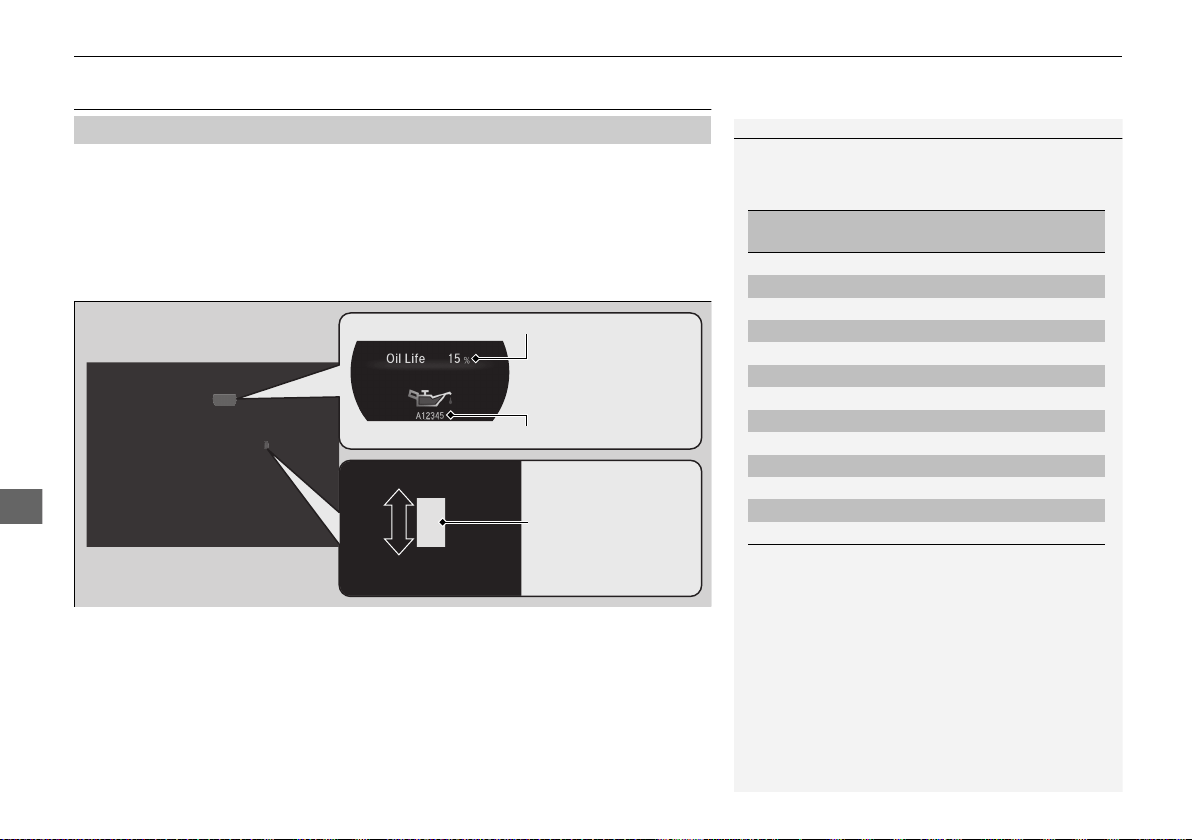
378
uuMaintenance Minder
TM
uTo Use Maintenance Minder
TM
Maintenance
To Use Maintenance Minder
TM
Certain maintenance items due soon, along with the estimated remaining oil life,
appear on the driver information interface.
You can view them on the Maintenance Minder screen at any time.
1. Set the power mode to ON.
2. Roll the right selector wheel until the engine oil life appears on the driver
information interface.
■
Displaying the Engine Oil Life and Maintenance Items
1Displaying the Engine Oil Life and Maintenance Items
Based on the engine operating conditions and oil
age, the remaining engine oil life is calculated and
displayed as a percentage.
There is a list of maintenance main and sub items you
can view on the driver information interface.
2 Maintenance Service Items P. 380
Displayed Engine Oil
Life (%)
Calculated Engine Oil
Life (%)
100 100 to 91
90 90 to 81
80 80 to 71
70 70 to 61
60 60 to 51
50 50 to 41
40 40 to 31
30 30 to 21
20 20 to 16
15 15 to 11
10 10 to 6
5 5 to 1
0 0
Remaining Engine Oil Life
Maintenance Service Items
Right Selector Wheel
19 NSX-31T6N6200.book 378 ページ 2018年8月9日 木曜日 午前11時12分
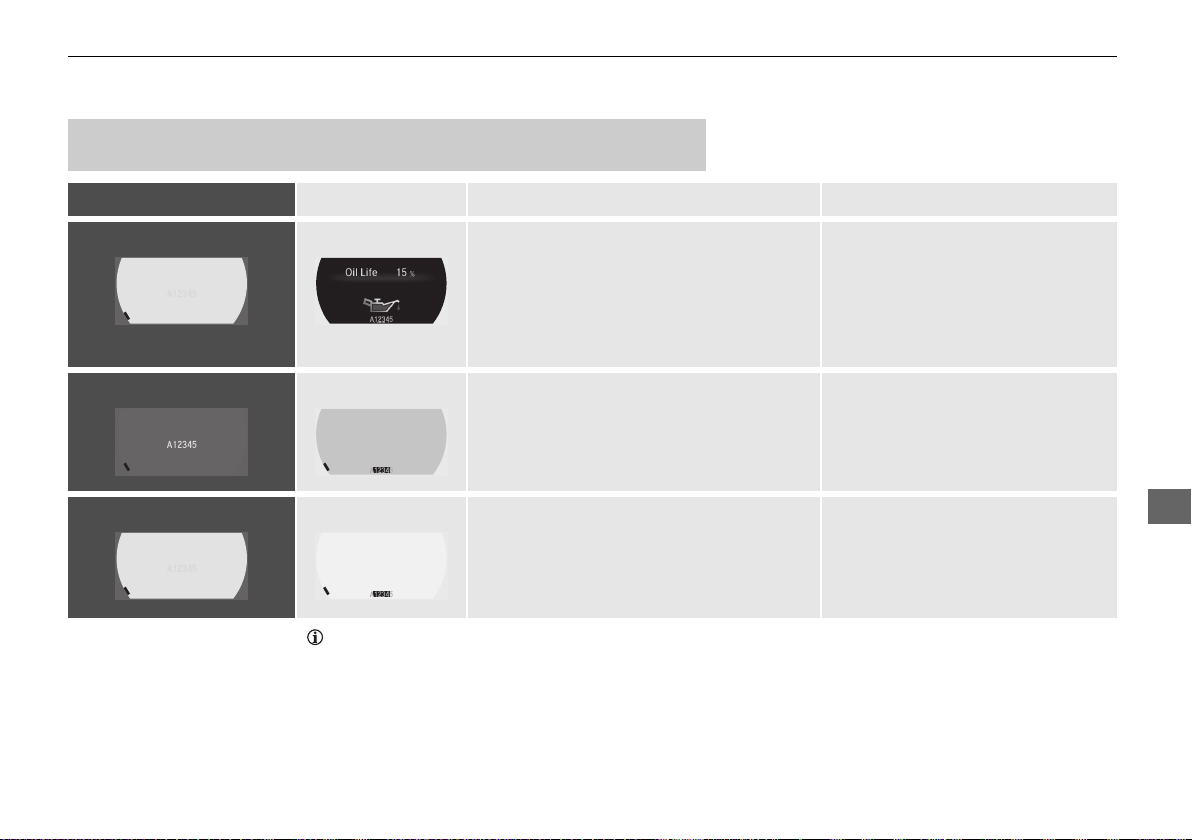
379
uuMaintenance Minder
TM
uTo Use Maintenance Minder
TM
Continued
Maintenance
The system message indicator ( ) comes on along with the Maintenance Minder message.
■
Maintenance Minder Messages on the Driver Information
Interface
Maintenance Message Oil Life Display Explanation Information
Service Due Soon 15 % The engine oil life indicator starts to appear
along with other due-soon maintenance item
codes when the remaining oil life drops to 15
percent. Once you switch the display by
rolling the right selector wheel, this message
will go off.
The engine oil is approaching the end
of its service life.
Service Due Now 5 % The remaining engine oil life is 5 to 1
percent. Roll the right selector wheel to
switch to another display.
The engine oil has almost reached
the end of its service life, and the
maintenance items should be
inspected and serviced as soon as
possible.
Service Past Due Negative Distance The engine oil life has passed its service life,
and a negative distance appears after driving
over 10 miles (U.S. models) or 10 km
(Canadian models). Roll the right selector
wheel to switch to another display.
The engine oil life has passed.
The maintenance items must be
inspected and serviced immediately.
19 NSX-31T6N6200.book 379 ページ 2018年8月9日 木曜日 午前11時12分
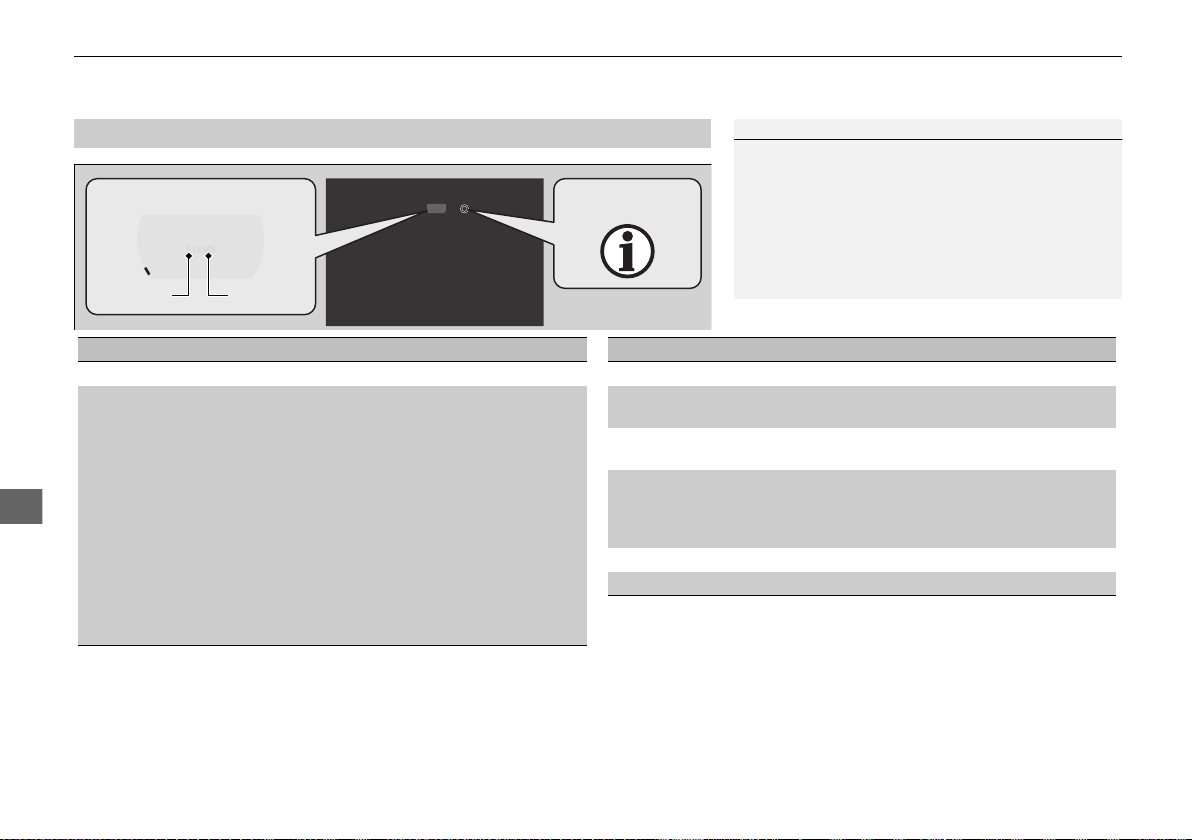
380
uuMaintenance Minder
TM
uTo Use Maintenance Minder
TM
Maintenance
■
Maintenance Service Items
1Maintenance Service Items
• Independent of the Maintenance Minder
information, replace the brake fluid every 3 years.
• Adjust the valves during services A, B, 1, 2, or 3 if
they are noisy.
• Inspect direct injection + port injection fuel system
every 3 years or service item B is indicated.
• Inspect tire condition every 3,100 miles (5,000 km).
Maintenance Minder Message
System Message
Indicator
Main Item Sub Items
*1: If a message SERVICE does not appear more than 12 months after the display is reset, change the
engine oil every year.
# : See information on maintenance and emissions warranty.
CODE Maintenance Main Items
A
●
Replace engine oil
*1
B
●
Replace engine oil
*1
and oil filter
●
Inspect front and rear brakes
●
Check expiration date for temporary tire repair kit
bottle
●
Inspect tie rod ends, steering gearbox, and boots
●
Inspect suspension components
●
Inspect driveshaft boots
●
Inspect brake hoses and lines (Including ABS/VSA®)
●
Inspect all fluid levels and condition of fluids
●
Inspect exhaust system
#
●
Inspect fuel lines and connections
#
●
Inspect direct injection + port injection fuel system
*2: If you drive in dusty conditions, replace the air cleaner element every 15,000 miles (24,000 km).
*3: If you drive primarily in urban areas that have high concentrations of soot in the air from industry and
from diesel-powered vehicles, replace the dust and pollen filters every 15,000 miles (24,000 km) or
every year.
*4: Driving in mountainous areas at very low vehicle speeds results in higher transmission temperature.
This requires transmission fluid and clutch fluid changes more frequently than recommended by the
Maintenance Minder. If you regularly drive your vehicle under this condition, have the transmission
fluid and clutch fluid changed every 20,000 miles (32,000 km).
*5: Driving in mountainous areas at very low vehicle speeds results in higher level of mechanical (Shear)
stress to fluid. This requires Twin Motor Unit fluid changes more frequently than recommended by the
Maintenance Minder. If you regularly drive your vehicle under these conditions, have the Twin Motor
Unit fluid changed at 7,500 miles (12,000 km), then every 15,000 miles (24,000 km).
CODE Maintenance Sub Items
1
●
Inspect tire condition
2
●
Replace air cleaner element
*2
●
Replace dust and pollen filters
*3
3
●
Replace transmission fluid
*4
●
Replace clutch fluid
*4
4
●
Replace spark plugs
●
Inspect valve clearance
●
Inspect Active Exhaust Valve function
●
Replace Intake Sound Control
5
●
Replace engine coolant
6
●
Replace Twin Motor Unit fluid
*5
19 NSX-31T6N6200.book 380 ページ 2018年8月9日 木曜日 午前11時12分
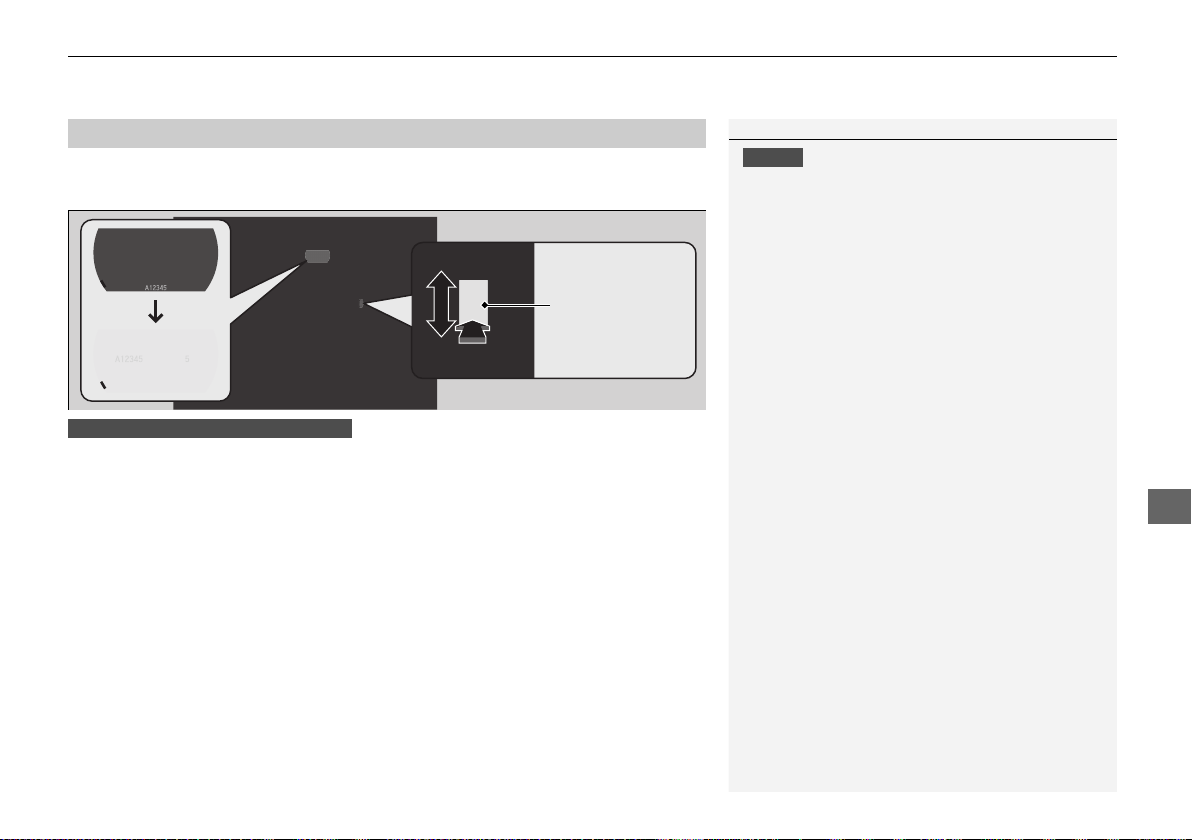
Continued
381
uuMaintenance Minder
TM
uTo Use Maintenance Minder
TM
Maintenance
Reset the Maintenance Minder display if you have performed the maintenance
service.
1. Set the power mode to ON.
2. Roll the right selector wheel until the engine oil life appears on the driver
information interface.
3. With all doors closed, press and hold the right selector wheel for more than 10
seconds to enter the reset mode.
4. Select All Due Items with the right selector wheel, then press the right selector
wheel.
u The displayed maintenance items disappear, and the engine oil life display
returns to 100%.
To cancel the oil life reset mode, select Cancel with the right selector wheel, then
press the right selector wheel.
■
Resetting the Display
1Resetting the Display
NOTICE
Failure to reset the Maintenance Minder
TM
display
after a maintenance service results in the system
showing incorrect maintenance intervals, which can
lead to serious mechanical problems.
An authorized Acura NSX dealer will reset the
Maintenance Minder
TM
display after completing the
required maintenance service. If someone other than
an authorized Acura NSX dealer performs
maintenance service, reset the Maintenance
Minder
TM
display yourself.
Right Selector
Wheel
Using the driver information interface
19 NSX-31T6N6200.book 381 ページ 2018年8月9日 木曜日 午前11時12分
382
uuMaintenance Minder
TM
uTo Use Maintenance Minder
TM
Maintenance
1. Set the power mode to ON.
2. Select on the audio/information screen.
3. Select Settings.
4. Select Vehicle, then Maintenance Info.
5. Select Reset.
u A confirmation message appears on the screen.
6. Select Reset.
u The engine oil life display returns to 100%.
To cancel the oil life reset mode, select Cancel.
Using the audio/information screen
19 NSX-31T6N6200.book 382 ページ 2018年8月9日 木曜日 午前11時12分
383
Continued
Maintenance
Maintenance Under the Hood and Hatch
Maintenance Items Under the Hood and Hatch
Hood
Brake Fluid
(Black Cap)
Washer Fluid
(Black Cap)
12-Volt Battery
Inverter Coolant
Filler Tank
19 NSX-31T6N6200.book 383 ページ 2018年8月9日 木曜日 午前11時12分
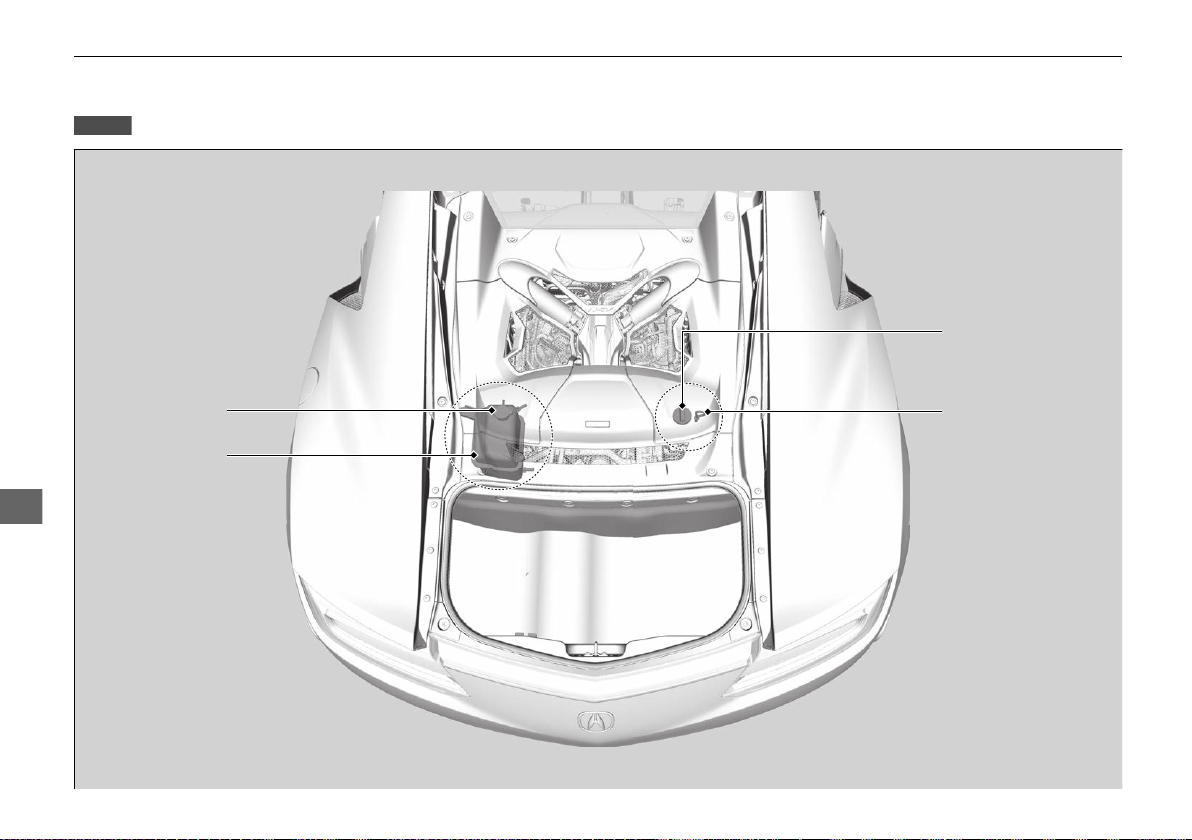
384
uuMaintenance Under the Hood and HatchuMaintenance Items Under the Hood and Hatch
Maintenance
Hatch
Engine Oil Fill Cap
Engine Coolant
Reserve Tank Cap
Engine Oil Dipstick
(Orange)
Engine Coolant
Reserve Tank
19 NSX-31T6N6200.book 384 ページ 2018年8月9日 木曜日 午前11時12分
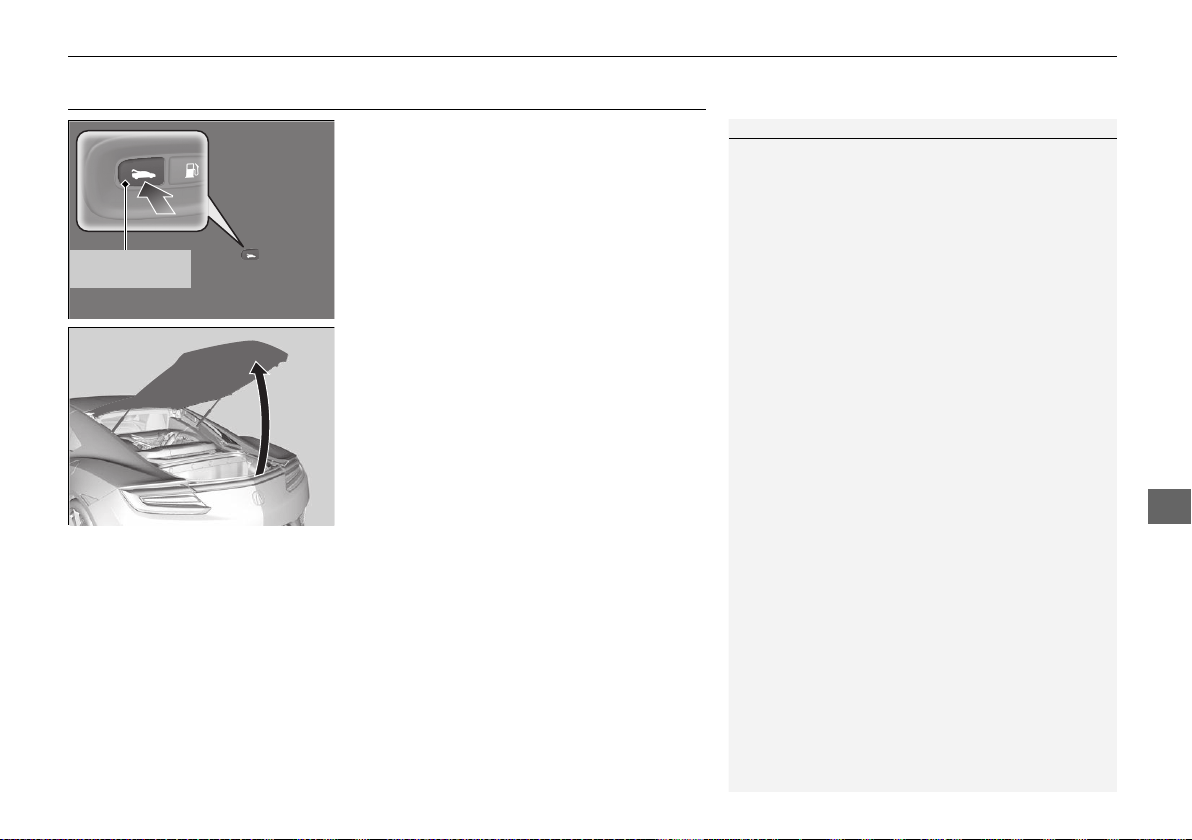
385
uuMaintenance Under the Hood and HatchuOpening the Hatch
Maintenance
Opening the Hatch
1. Park the vehicle on a level surface, and set
the parking brake.
2. Press the hatch release button on the
driver’s door.
3. Lift the hatch up most of the way.
u The hydraulic supports will lift it up the
rest of the way and hold it up.
When closing, press down firmly with your
hands.
1Opening the Hatch
When closing the hatch, check that the hatch is
securely latched.
The hatch can be opened by pressing the release
button on the hatch.
2 Using the Hatch Release Button P. 119
Hatch Release
Button
19 NSX-31T6N6200.book 385 ページ 2018年8月9日 木曜日 午前11時12分
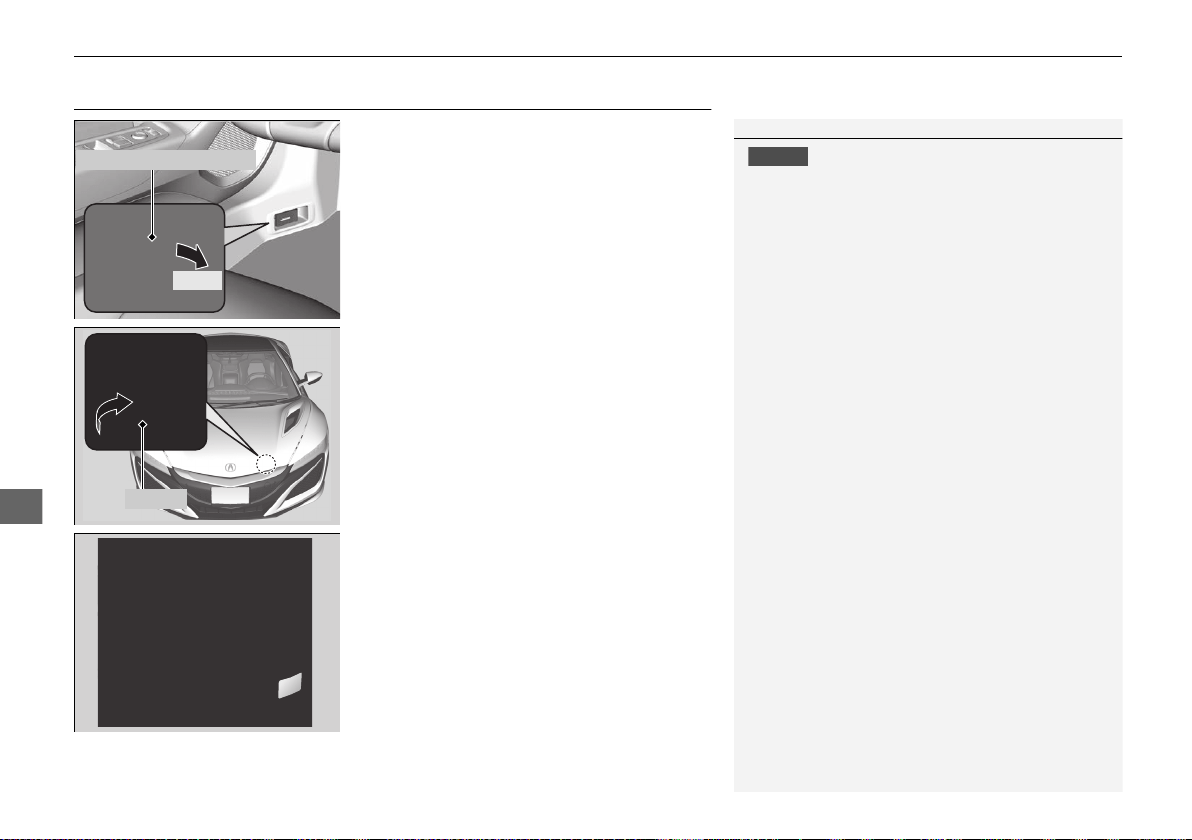
386
uuMaintenance Under the Hood and HatchuOpening the Hood
Maintenance
Opening the Hood
1. Park the vehicle on a level surface, and set
the parking brake.
2. Pull the hood release handle under the
driver’s side lower corner of the dashboard.
u The hood will pop up slightly.
3. Pull up the hood latch lever (located under
the front edge of the hood to the center)
and raise the hood. Once you have raised
the hood slightly, you can release the lever.
4. Lift the hood up most of the way.
u The hydraulic support will lift it up the
rest of the way and hold it up.
When closing, lower it to approximately 12
inches (30 cm), then press down firmly with
your hands, and make sure both right and left
latches are firmly locked in place.
1Opening the Hood
NOTICE
Do not open the hood when the wiper arms are
raised. The hood will strike the wipers, resulting in
damage to the hood and/or the wipers.
When closing the hood, check that both right and
left latches are securely latched.
If the hood latch lever moves stiffly, or if you can
open the hood without lifting the lever, the latch
mechanism should be cleaned and lubricated.
Pull
Hood Release Handle
Lever
19 NSX-31T6N6200.book 386 ページ 2018年8月9日 木曜日 午前11時12分
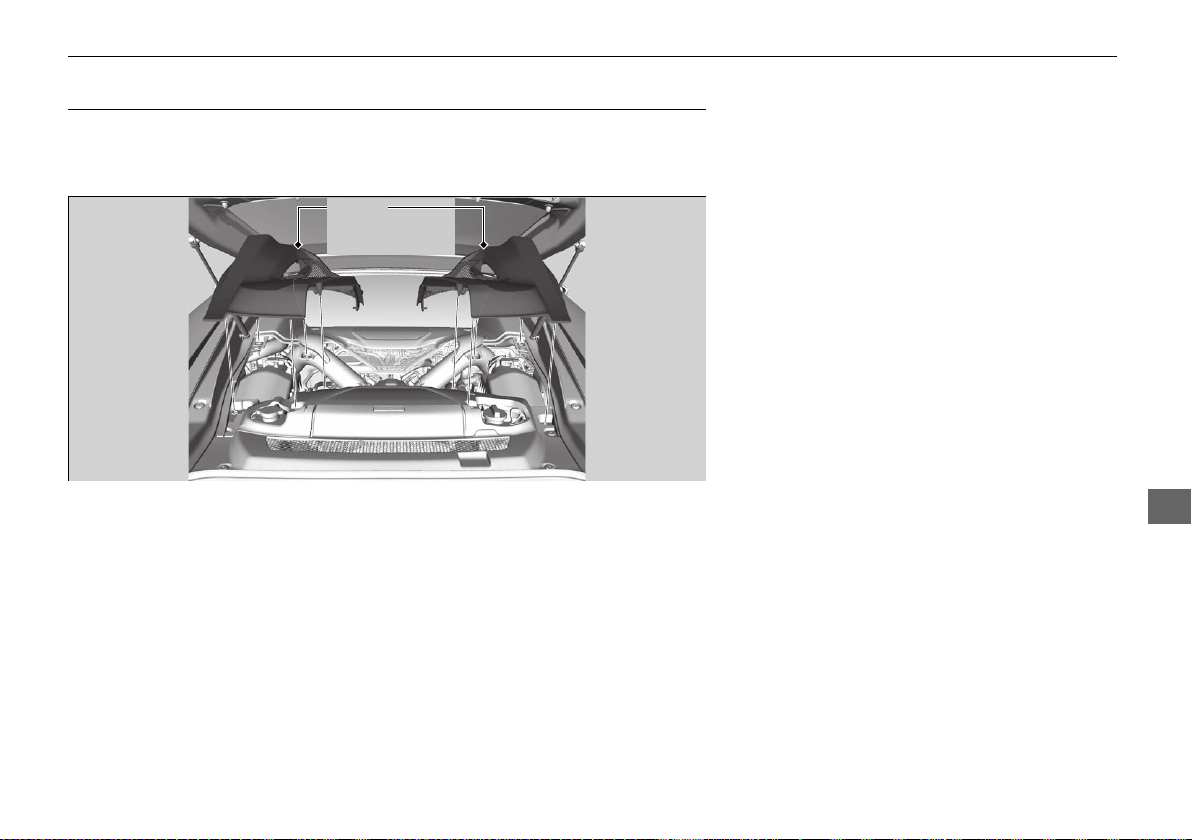
387
uuMaintenance Under the Hood and HatchuEngine Compartment Cover
Maintenance
Engine Compartment Cover
The component parts in the engine compartment are protected by covers.
You may need to remove the cover when you perform certain maintenance work.
Pull up on the engine compartment cover, remove it from the pins.
Engine
Compartment
Covers
19 NSX-31T6N6200.book 387 ページ 2018年8月9日 木曜日 午前11時12分
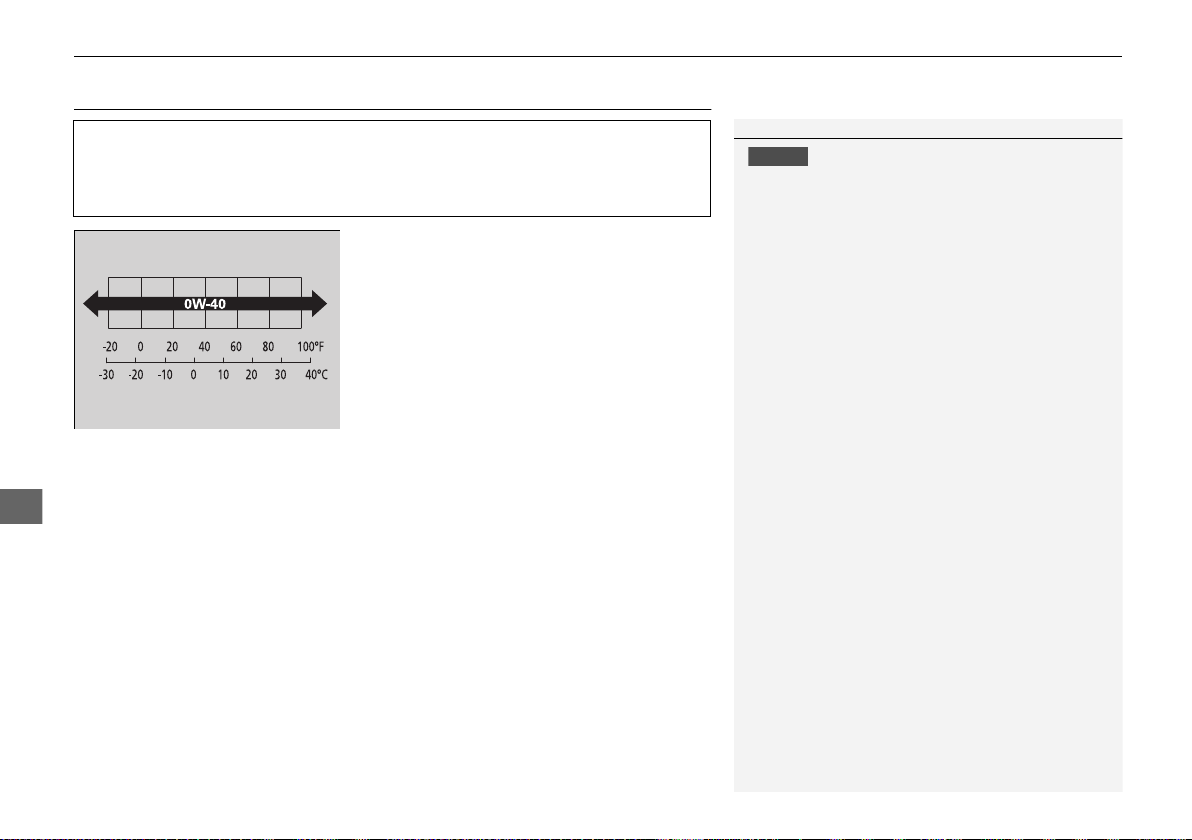
388
uuMaintenance Under the Hood and HatchuRecommended Engine Oil
Maintenance
Recommended Engine Oil
Oil is a major contributor to your engine’s
performance and longevity. If you drive the
vehicle with insufficient or deteriorated oil,
the engine may fail or be damaged.
Under normal ambient temperature and driving conditions, Acura NSX
specifications require full synthetic, 0W-40 motor oil such as Ultimate Full
Synthetic Motor Oil, Type 3, 0W-40, available at your authorized Acura
NSX dealer. Contact your authorized Acura NSX dealer for more details.
1Recommended Engine Oil
NOTICE
Acura cannot ensure proper engine operation and
durability if other engine oil is used.
Ambient Temperature
19 NSX-31T6N6200.book 388 ページ 2018年8月9日 木曜日 午前11時12分
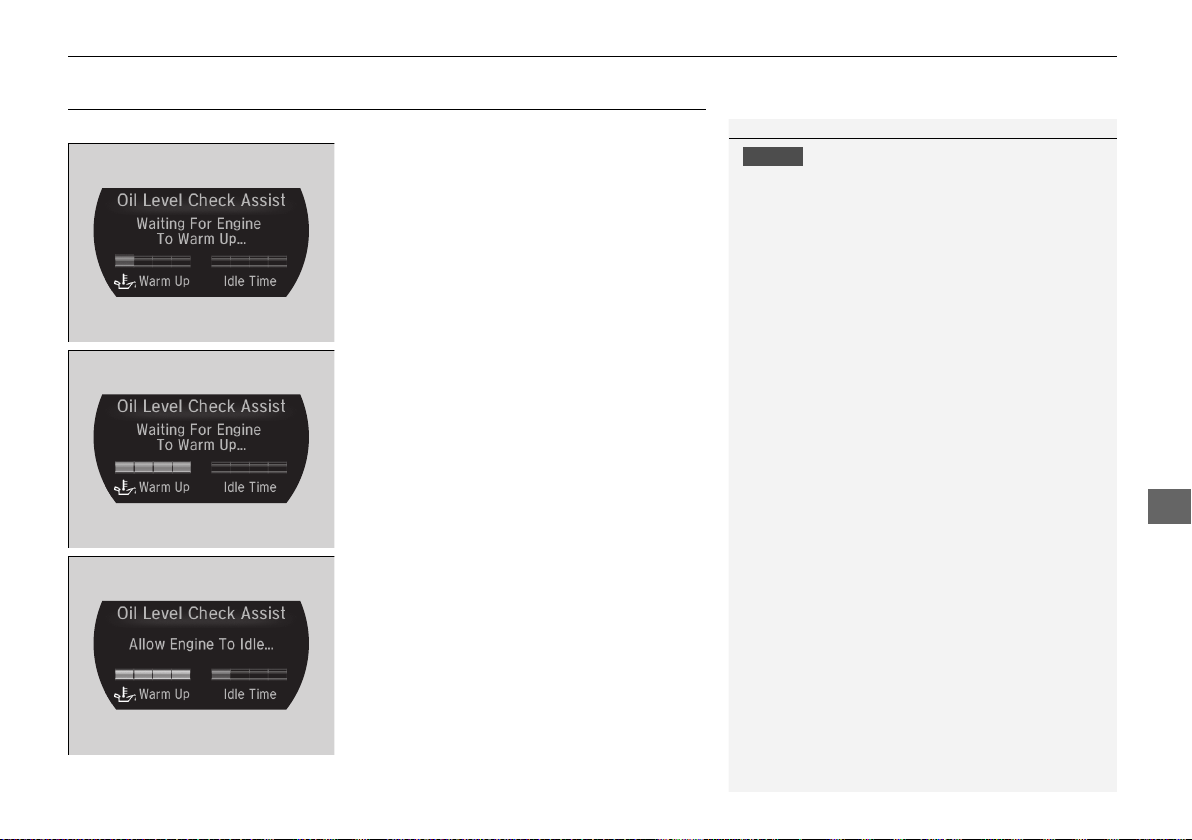
389
uuMaintenance Under the Hood and HatchuOil Check
Continued
Maintenance
Oil Check
We recommend that you check the engine oil level every time you refuel.
1. Bring up the Oil Level Check Assist
display on the driver information interface.
2 Driver Information Interface P. 98
2. Warm up the engine until all the bars in
the Warm Up gauge light up.
3. When the bars turn green, park the
vehicle on level ground and select
(P.
4. Allow the engine to continue idling until
all the bars in the Idle Time gauge in the
engine Oil Level Check Assist display
light up.
u Do not depress the accelerator pedal
while the engine is idling, as this will
reset the Idle Time.
1Oil Check
NOTICE
Do not open a door or the hatch before the Ready
To Check Oil Level message appears.
If a door or the hatch is open, the corresponding
warning message will be given priority, and the Oil
Level Check Assist will not be displayed.
19 NSX-31T6N6200.book 389 ページ 2018年8月9日 木曜日 午前11時12分
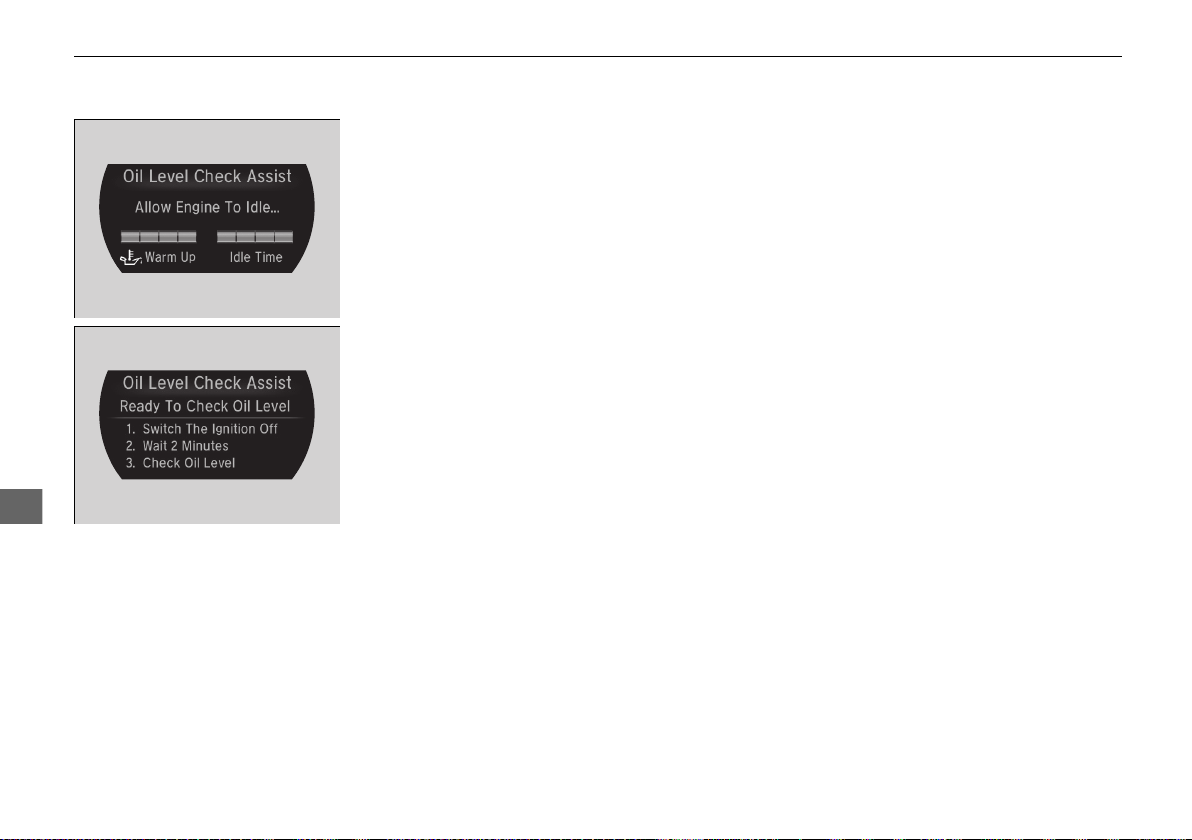
390
uuMaintenance Under the Hood and HatchuOil Check
Maintenance
5. When all the bars in the Idle Time gauge
light up, Ready To Check Oil Level
message appears.
6. Change the display in the driver
information interface to any display other
than the Oil Level Check Assist display.
2 Driver Information Interface P. 98
7. Change the power mode to VEHICLE OFF.
19 NSX-31T6N6200.book 390 ページ 2018年8月9日 木曜日 午前11時12分
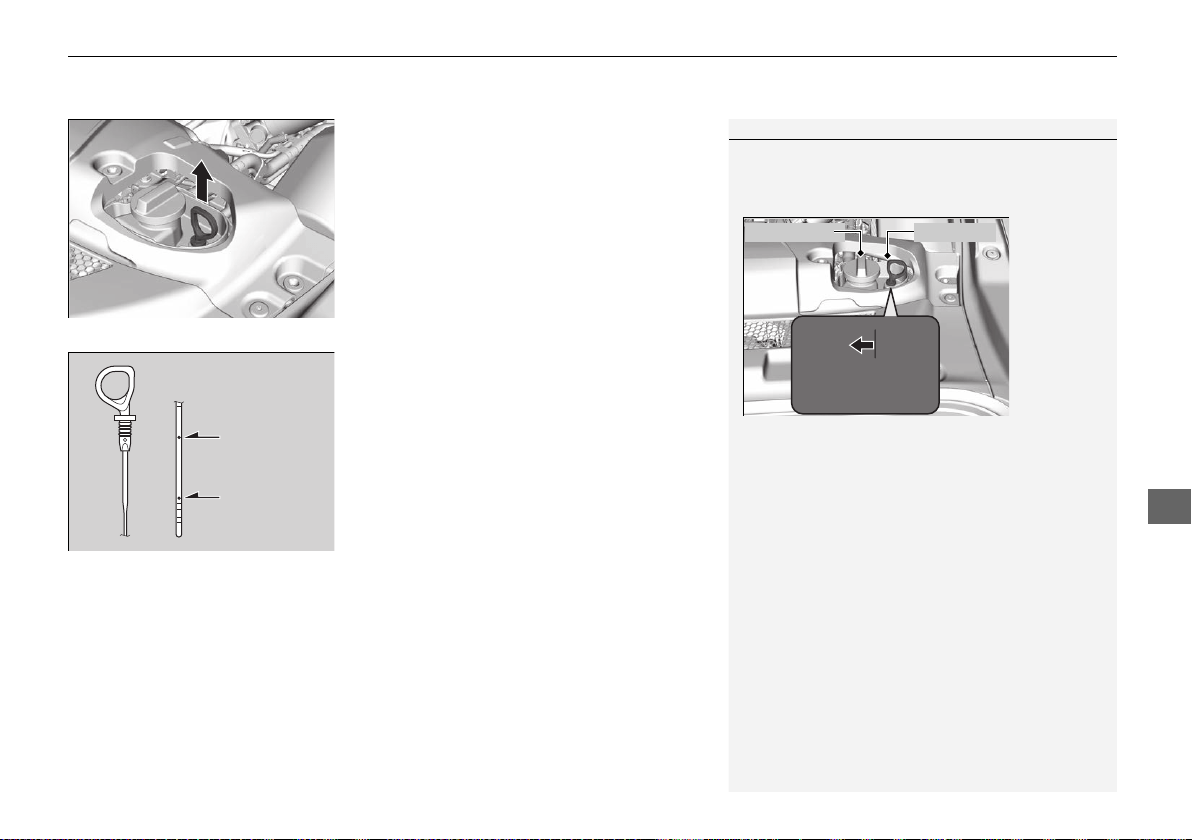
391
uuMaintenance Under the Hood and HatchuOil Check
Maintenance
8. Open the hatch.
2 Opening the Hatch P. 385
9. Remove the right engine compartment
cover.
2 Engine Compartment Cover P. 387
10. Remove the dipstick (orange).
11. Wipe the dipstick with a clean cloth or
paper towel.
12. Insert the dipstick back all the way into its
hole.
13. Remove the dipstick again, and check the
level. It should be between the upper and
lower marks.
u The engine oil level should be checked
after two minutes after changing the
power mode to VEHICLE OFF.
u Add oil if necessary.
u When engine oil is added, recheck the
engine oil level using steps 1 - 14.
14. After checking the engine oil level, make
sure to select a display other than the Oil
Level Check Assist display.
2 Driver Information Interface P. 98
1Oil Check
For a proper oil level reading, the dipstick must be
inserted with the flat side of the dipstick handle
facing the oil fill cap.
The amount of oil consumed depends on how the
vehicle is driven and the climatic and road conditions
encountered. The rate of oil consumption can be up
to 1.05 US quart (1 liter) per 625 miles (1000 km).
Consumption is likely to be higher when the engine is
new.
Oil Fill Cap Flat Side
Upper Mark
Lower Mark
19 NSX-31T6N6200.book 391 ページ 2018年8月9日 木曜日 午前11時12分
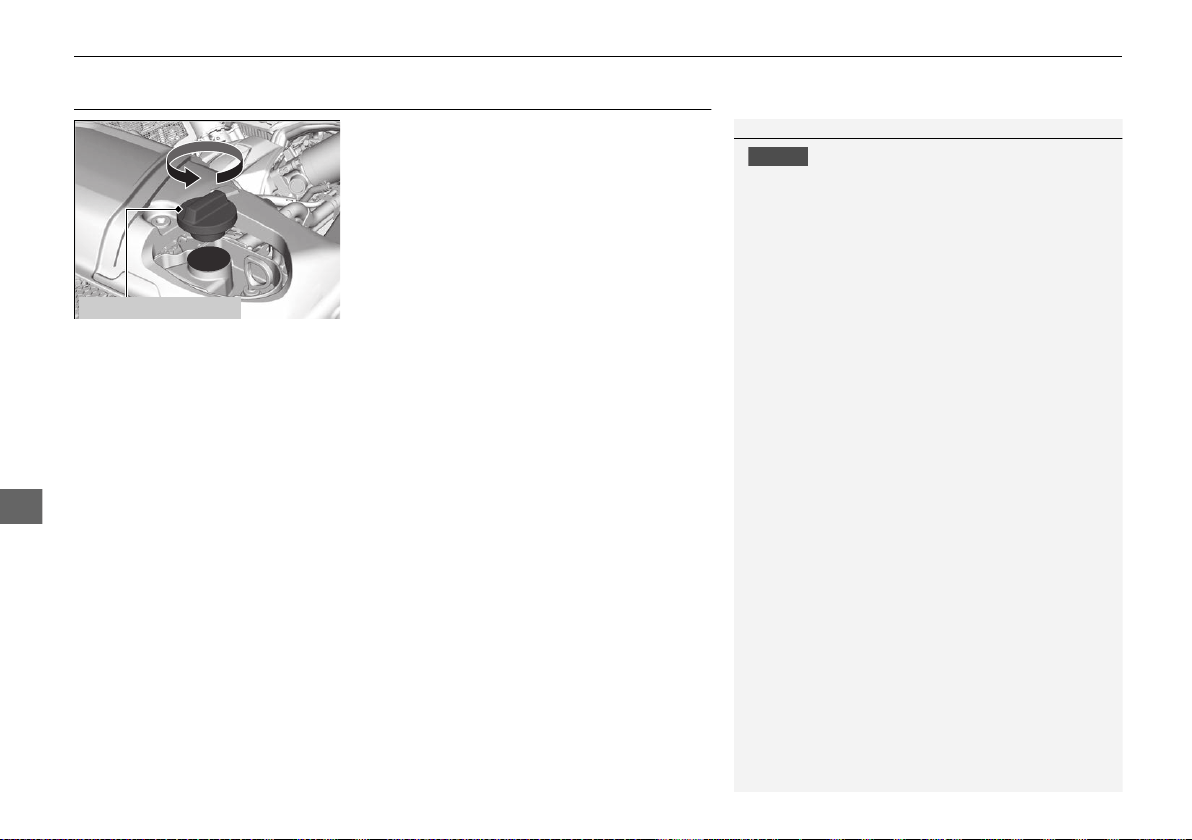
392
uuMaintenance Under the Hood and HatchuAdding Engine Oil
Maintenance
Adding Engine Oil
1. Unscrew and remove the engine oil fill cap.
2. Add oil slowly.
3. Reinstall the engine oil fill cap, and tighten
it securely.
4. Recheck the engine oil level.
2 Oil Check P. 389
1Adding Engine Oil
NOTICE
Do not fill the engine oil above the upper mark.
Overfilling the engine oil can result in leaks and
engine damage.
If any oil spills, wipe it away immediately. Spilled oil
may damage the engine compartment components.
Engine Oil Fill Cap
19 NSX-31T6N6200.book 392 ページ 2018年8月9日 木曜日 午前11時12分
393
uuMaintenance Under the Hood and HatchuChanging the Engine Oil and Oil Filter
Maintenance
Changing the Engine Oil and Oil Filter
You must change the engine oil and oil filter regularly in order to maintain the
engine’s lubrication. The engine may be damaged if they are not changed regularly.
Specialized equipment and procedures are required to change the engine oil and oil
filter. Have an authorized Acura NSX dealer replace them.
Do not attempt to change the engine oil and oil filter yourself.
19 NSX-31T6N6200.book 393 ページ 2018年8月9日 木曜日 午前11時12分

394
uuMaintenance Under the Hood and HatchuCooling System
Maintenance
Cooling System
This coolant is premixed with 50% antifreeze and 50% water. Do not add any
straight antifreeze or water.
We recommend you check the engine coolant level every time you refuel. Check the
reserve tank. Add the engine coolant accordingly.
1. Make sure the engine and radiator are
cool.
2. Open the hatch.
2 Opening the Hatch P. 385
3. Remove the left engine compartment
cover.
2 Engine Compartment Cover P. 387
4. Check the amount of coolant in the reserve
tank.
u If the coolant level is below the MIN
mark, add the specified coolant until it
reaches the MAX mark.
5. Inspect the cooling system for leaks.
Specified coolant: Acura Long Life Antifreeze/Coolant Type 2
■
Checking the Coolant
1Cooling System
NOTICE
Genuine Acura engine coolant is a 50/50 mixture of
antifreeze and water that can withstand freezing at
temperatures as low as about -31°F (-35°C). If your
vehicle is consistently subjected to temperatures
below this, the concentration of antifreeze in the
coolant should be increased. Consult an authorized
Acura NSX dealer for details.
If Acura antifreeze/coolant is not available, you may
use another major brand of non-silicate coolant as a
temporary replacement. Check that it is a high quality
coolant recommended for aluminum engines.
Continued use of any non-Acura coolant can result in
corrosion, causing the cooling system to malfunction
or fail. Have the cooling system flushed and refilled
with Acura antifreeze/coolant as soon as possible.
Do not add rust inhibitors or other additives to your
vehicle’s cooling system. They may not be compatible
with the coolant or with the engine components.
3
WARNING
Removing the reserve tank cap while the
engine is hot can cause the coolant to spray
out, seriously scalding you.
Always let the engine and radiator cool
down before removing the reserve tank
cap.
Reserve
Tank
MAX
MIN
19 NSX-31T6N6200.book 394 ページ 2018年8月9日 木曜日 午前11時12分
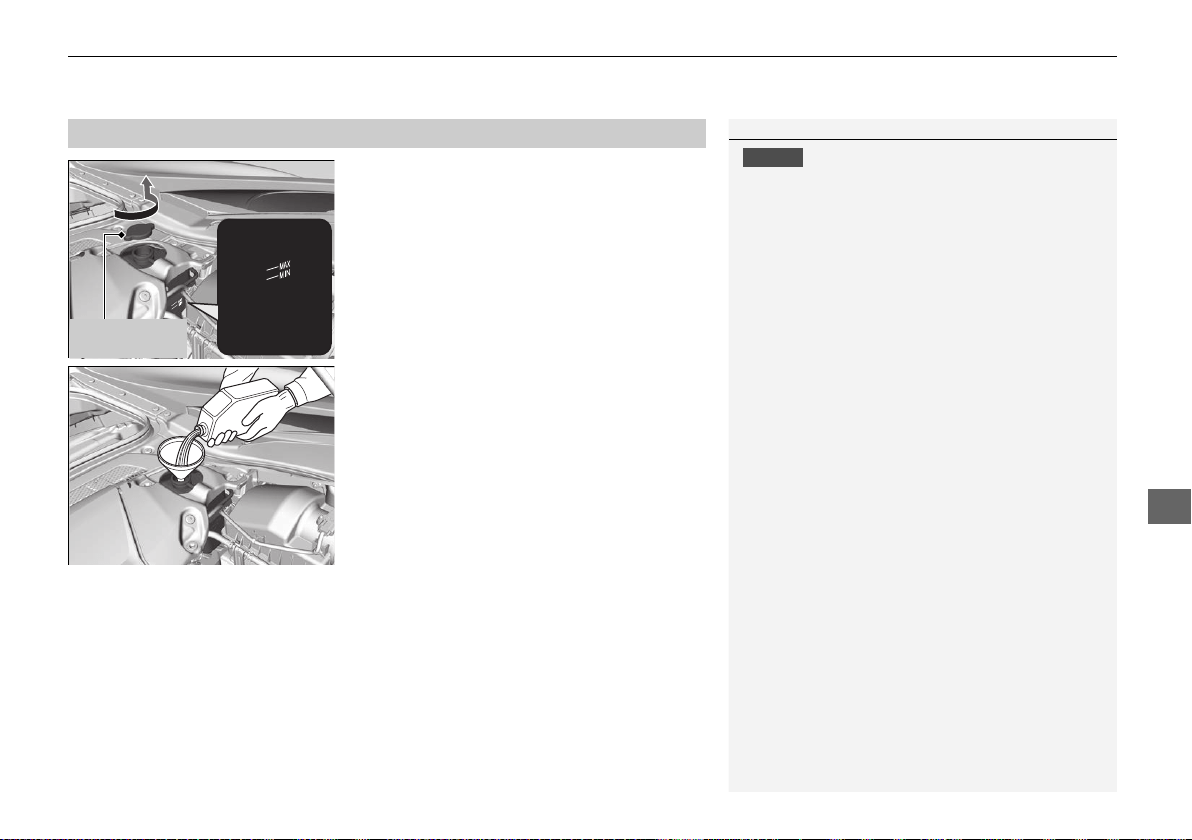
395
uuMaintenance Under the Hood and HatchuCooling System
Maintenance
1. Make sure the engine and radiator are
cool.
2. Turn the reserve tank cap 1/8 turn counter-
clockwise and relieve any pressure in the
cooling system.
3. Push down and turn the reserve tank cap
counter-clockwise to remove it.
4. Pour coolant into the reserve tank until it
reaches the MAX mark.
5. Put the reserve tank cap back on, and
tighten it fully.
■
Adding the Coolant
1Adding the Coolant
NOTICE
Pour the fluid slowly and carefully so you do not spill
any. Clean up any spills immediately; they can
damage components in the engine compartment.
Reserve Tank
Cap
19 NSX-31T6N6200.book 395 ページ 2018年8月9日 木曜日 午前11時12分
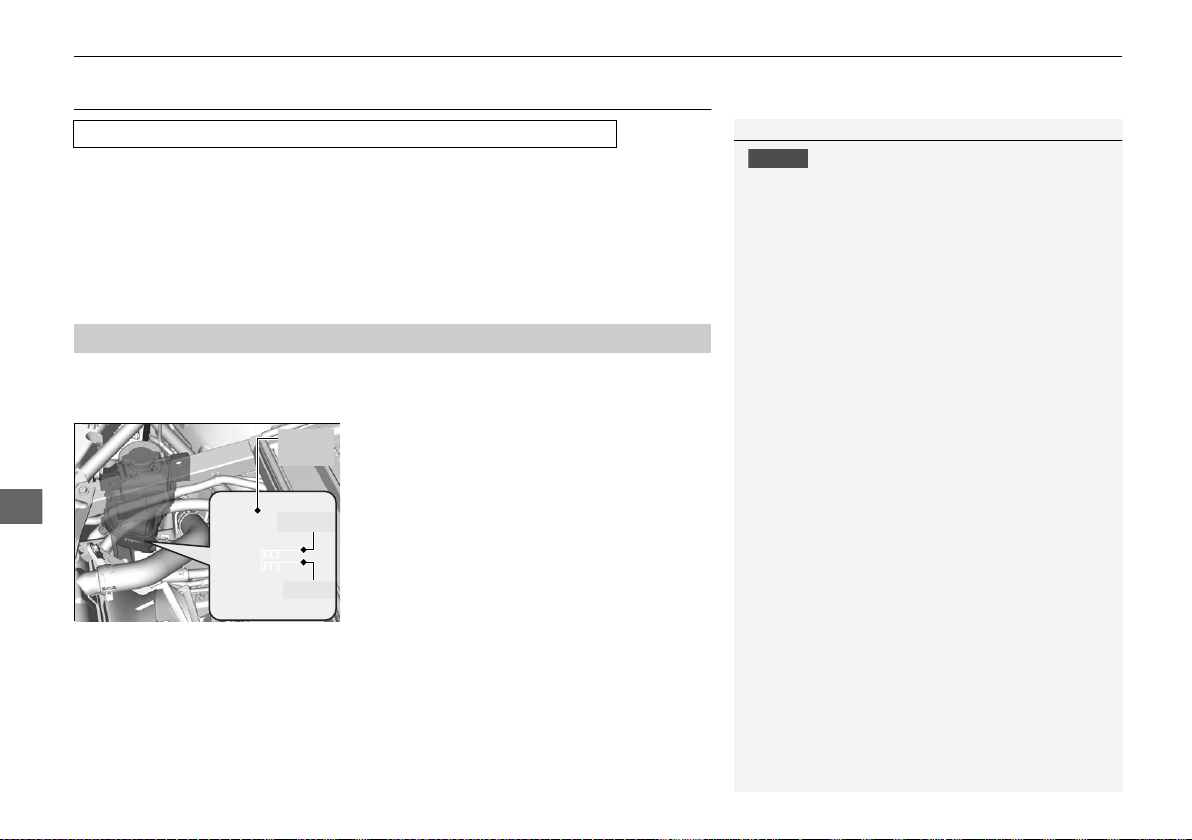
396
uuMaintenance Under the Hood and HatchuInverter Coolant
Maintenance
Inverter Coolant
This coolant is premixed with 50% antifreeze and 50% water. Do not add any
straight antifreeze or water.
We recommend you check the inverter coolant level every time you refuel.
Have an authorized Acura NSX dealer replace the inverter coolant.
1. Open the hood.
2 Opening the Hood P. 386
2. Check the fluid level in the tank.
3. If the coolant level has dropped below the
MIN level, have your vehicle serviced at an
authorized Acura NSX dealer.
u Only a properly trained technician can
refill the coolant and check the system
for leaks.
Specified coolant: Acura Long Life Antifreeze/Coolant Type 2
■
Checking the Coolant
1Inverter Coolant
NOTICE
Genuine Acura engine coolant is a 50/50 mixture of
antifreeze and water that can withstand freezing at
temperatures as low as about -31°F (-35°C). If your
vehicle is consistently subjected to temperatures
below this, the concentration of antifreeze in the
coolant should be increased. Consult an authorized
Acura NSX dealer for details.
If Acura antifreeze/coolant is not available, you may
use another major brand non-silicate coolant as a
temporary replacement. Check that it is a high quality
coolant recommended for aluminum engines.
Continued use of any non-Acura coolant can result in
corrosion, causing the cooling system to malfunction
or fail. Have the cooling system flushed and refilled
with Acura antifreeze/coolant as soon as possible.
Do not add rust inhibitors or other additives to your
vehicle’s cooling system. They may not be compatible
with the coolant or with the motor components.
MAX
MIN
Filler
Tank
19 NSX-31T6N6200.book 396 ページ 2018年8月9日 木曜日 午前11時12分

397
uuMaintenance Under the Hood and HatchuTransmission Fluids
Maintenance
Transmission Fluids
Have an authorized Acura NSX dealer check the fluid level and replace if necessary.
Do not attempt to check or change the dual clutch transmission fluids yourself.
Have an authorized Acura NSX dealer check the fluid level and replace if necessary.
Do not attempt to check or change the twin motor unit fluid yourself.
■
Dual Clutch Transmission Fluids
Specified fluids:
Acura Automatic Transmission Fluid ATF DW-1
Acura Gear Oil GO-Type 2.0
■
Twin Motor Unit Fluid
Specified fluid:
Acura Automatic Transmission Fluid ATF DW-1
1Dual Clutch Transmission Fluids
NOTICE
Do not mix Acura ATF DW-1 with other
transmission fluids.
Using a transmission fluid other than Acura ATF
DW-1 may adversely affect the operation and
durability of your vehicle’s transmission, and damage
the transmission.
Any damage caused by using a transmission fluid that
is not equivalent to Acura ATF DW-1 is not covered
by Acura’s new vehicle limited warranty.
Clutch
Transmission
1Twin Motor Unit Fluid
NOTICE
Do not mix Acura ATF Type DW-1 with other
transmission fluids.
Using a transmission fluid other than Acura ATF
DW-1 may adversely affect the operation and
durability of your vehicle’s twin motor unit, and
damage the twin motor unit.
Any damage caused by using a transmission fluid that
is not equivalent to Acura ATF DW-1 is not covered
by Acura’s new vehicle limited warranty.
19 NSX-31T6N6200.book 397 ページ 2018年8月9日 木曜日 午前11時12分
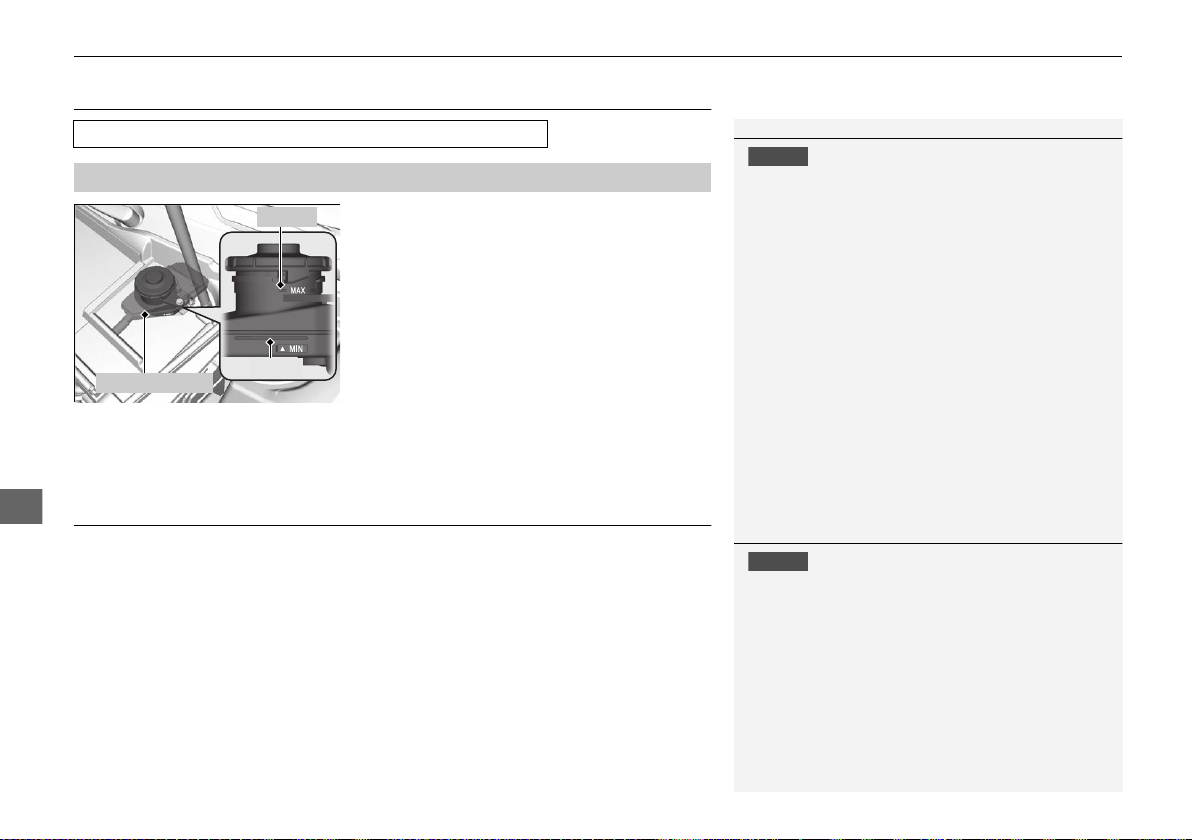
398
uuMaintenance Under the Hood and HatchuBrake Fluid
Maintenance
Brake Fluid
The fluid level should be between the MIN
and MAX marks on the side of the reserve
tank.
Refilling Window Washer Fluid
If the washer fluid is low, a message appears on the driver information interface.
Pour the washer fluid carefully. Do not overflow the reservoir.
Specified fluid: Acura Heavy Duty Brake Fluid DOT 4
■
Checking the Brake Fluid
1Brake Fluid
NOTICE
Brake fluid marked DOT 5 is not compatible with your
vehicle’s braking system and can cause extensive
damage.
If the specified brake fluid is not available, you should
use only DOT 4 fluid from a sealed container as a
temporary replacement.
Using any non-Acura brake fluid can cause corrosion
and decrease the longevity of the system. Have the
brake system flushed and refilled with Acura Heavy
Duty Brake Fluid DOT 4 as soon as possible.
If the brake fluid level is at or below the MIN mark,
have an authorized Acura NSX dealer inspect the
vehicle for leaks or worn brake pads as soon as
possible.
MIN
Reserve Tank
MAX
1Refilling Window Washer Fluid
NOTICE
Do not use engine antifreeze or a vinegar/water
solution in the windshield washer reservoir.
Antifreeze can damage your vehicle’s paint. A
vinegar/water solution can damage the windshield
washer pump.
Use only commercially available windshield washer
fluid.
Avoid prolonged use of hard water to prevent lime
scale build up.
19 NSX-31T6N6200.book 398 ページ 2018年8月9日 木曜日 午前11時12分
399
Maintenance
Replacing Light Bulbs
Headlights
Headlights are LED type. Have an authorized Acura NSX dealer inspect and replace
the light assembly.
Front Turn Signal/Parking Lights
Front turn signal/parking lights are LED type. Have an authorized Acura NSX dealer
inspect and replace the light assembly.
Front Side Marker Lights
Front side marker lights are LED type. Have an authorized Acura NSX dealer inspect
and replace the light assembly.
Side Turn Signal/Emergency Indicator Lights
Door mirror side turn lights are LED type. Have an authorized Acura NSX dealer
inspect and replace the light assembly.
Daytime Running Lights
Daytime running lights are LED type. Have an authorized Acura NSX dealer inspect
and replace the light assembly.
1Headlights
The headlight aim is set by the factory, and does not
need to be adjusted. However, if you regularly carry
heavy items in the trunk, have the aiming readjusted
at an authorized Acura NSX dealer or by a qualified
technician.
19 NSX-31T6N6200.book 399 ページ 2018年8月9日 木曜日 午前11時12分
400
uuReplacing Light BulbsuRear Turn Signal Lights
Maintenance
Rear Turn Signal Lights
Rear Turn Signal lights are LED type. Have an authorized Acura NSX dealer inspect
and replace the light assembly.
Brake/Taillights
Brake/Taillights are LED type. Have an authorized Acura NSX dealer inspect and
replace the light assembly.
Rear Side Marker Lights
Rear side marker lights are LED type. Have an authorized Acura NSX dealer inspect
and replace the light assembly.
Taillights
Taillights are LED type. Have an authorized Acura NSX dealer inspect and replace the
light assembly.
Back-Up Lights
Back-up lights are LED type. Have an authorized Acura NSX dealer inspect and
replace the light assembly.
19 NSX-31T6N6200.book 400 ページ 2018年8月9日 木曜日 午前11時12分
401
uuReplacing Light BulbsuRear License Plate Lights
Maintenance
Rear License Plate Lights
Rear license plate lights are LED type. Have an authorized Acura NSX dealer inspect
and replace the light assembly.
High-Mount Brake Light
High-mount brake light is LED type. Have an authorized Acura NSX dealer inspect
and replace the light assembly.
19 NSX-31T6N6200.book 401 ページ 2018年8月9日 木曜日 午前11時12分
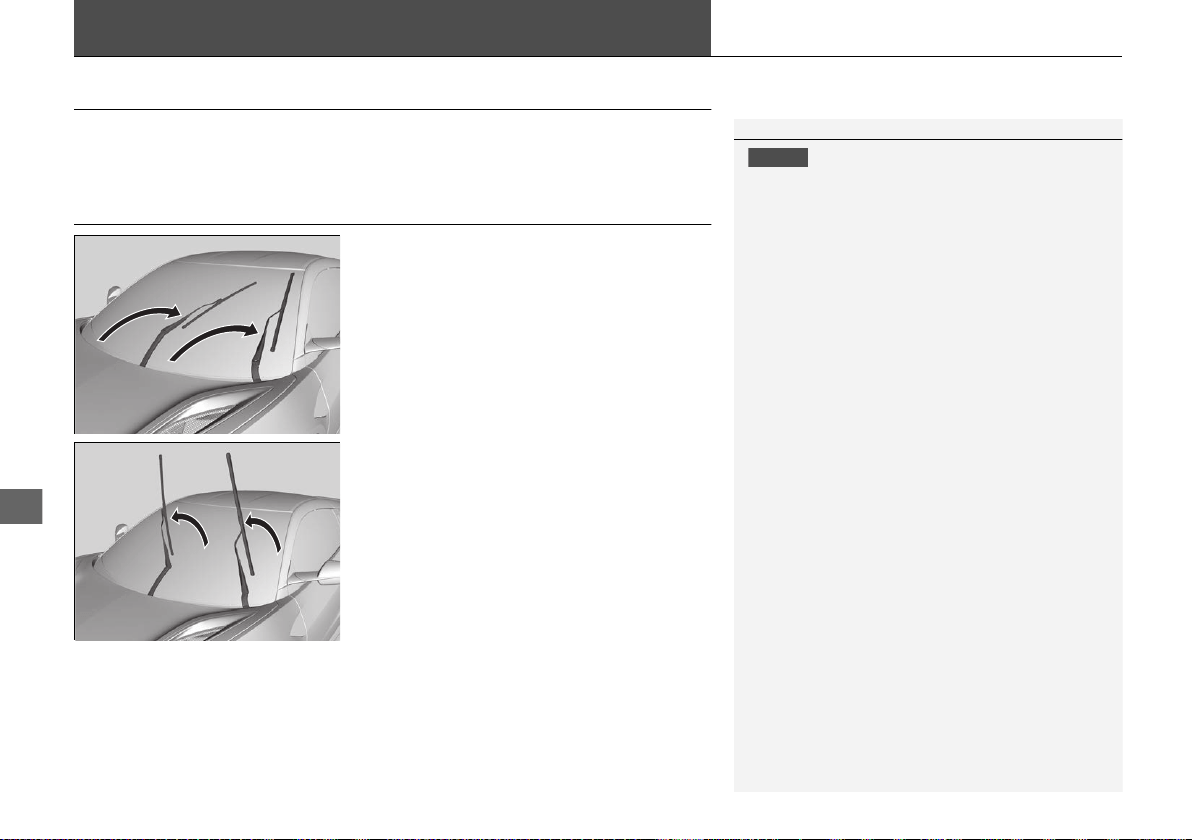
402
Maintenance
Checking and Maintaining Wiper Blades
Checking Wiper Blades
If the wiper blade rubber has deteriorated, it will leave streaks and the hard surfaces
of the blade may scratch the window glass.
Changing the Wiper Blade Rubber
1. While holding the wiper switch in the
MIST position, change the power mode to
VEHICLE OFF.
2. Wiper arms will move into service position.
3. Lift both wiper arms.
1Changing the Wiper Blade Rubber
NOTICE
Avoid dropping the wiper arm onto the windshield, it
may damage the wiper arm and/or the windshield.
19 NSX-31T6N6200.book 402 ページ 2018年8月9日 木曜日 午前11時12分
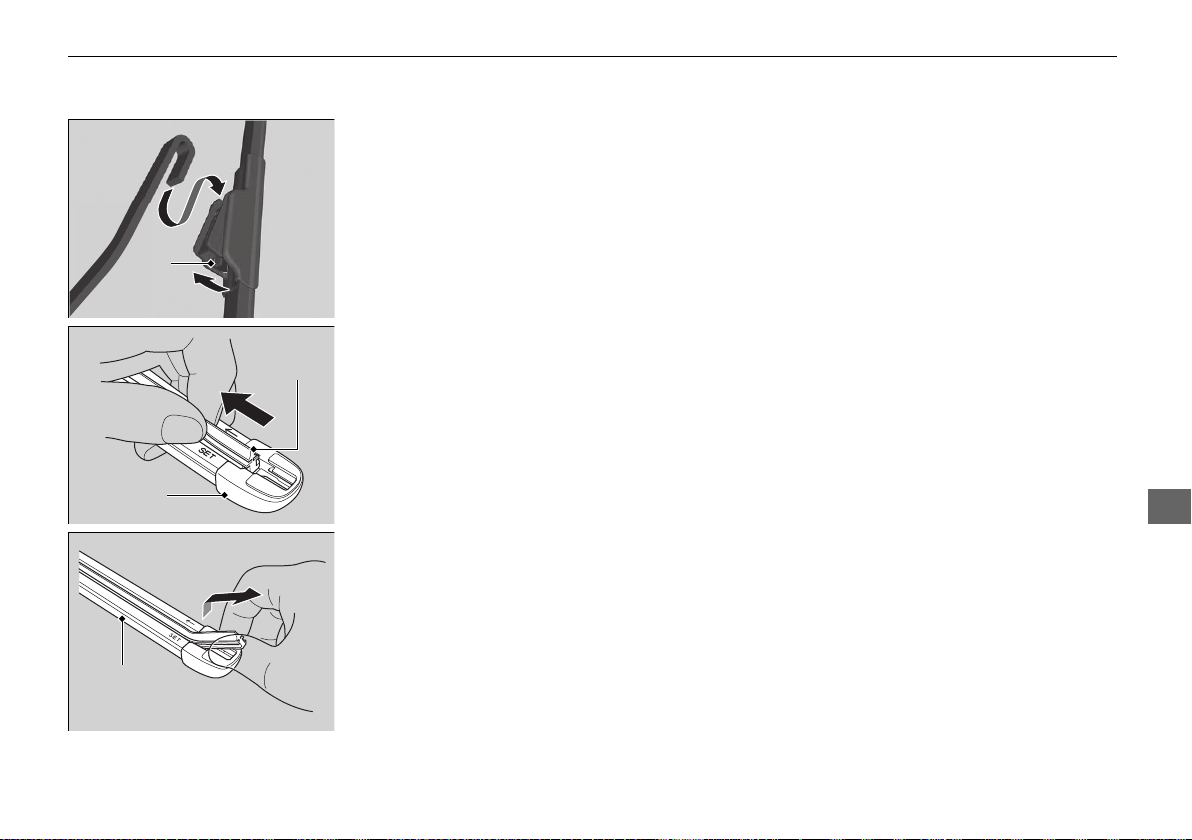
403
uuChecking and Maintaining Wiper BladesuChanging the Wiper Blade Rubber
Continued
Maintenance
4. Press and hold the tab, then slide the
holder off the wiper arm.
5. Pull the end of the wiper blade in the
direction of the arrow in the image until it
is out of the holder’s end cap.
6. Pull the wiper blade in the opposite
direction to slide it out of the holder.
Tab
Wiper
Blade
End Cap at
the bottom
Holder
19 NSX-31T6N6200.book 403 ページ 2018年8月9日 木曜日 午前11時12分
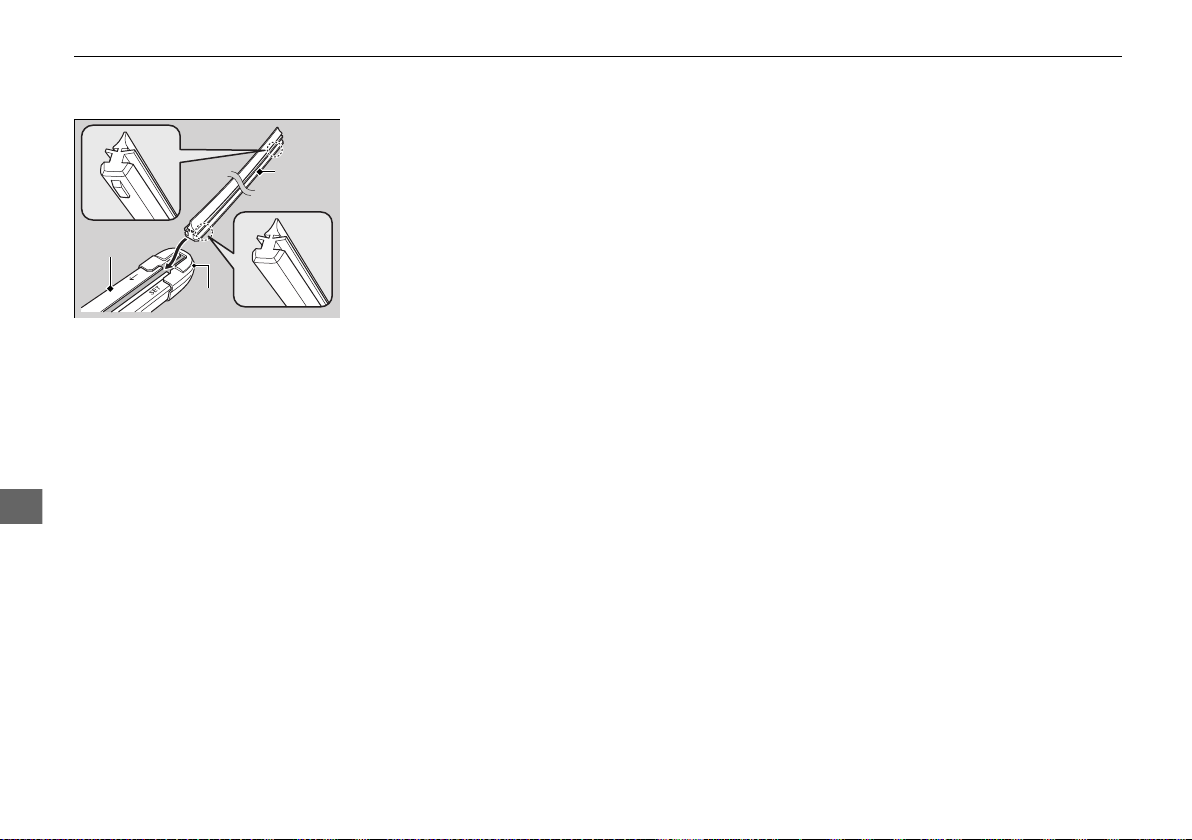
404
uuChecking and Maintaining Wiper BladesuChanging the Wiper Blade Rubber
Maintenance
7. Insert the flat side of the new wiper blade
onto the bottom part of the holder. Insert
the blade all the way.
8. Install the end of the wiper blade into the
cap.
9. Slide the wiper blade onto the wiper arm
until it locks.
10. Lower both wiper arms.
11. Set the power mode to ON and hold the
wiper switch in the MIST position until
both wiper arms return to the standard
position.
Cap
Wiper
Blade
Holder
19 NSX-31T6N6200.book 404 ページ 2018年8月9日 木曜日 午前11時12分
405
Maintenance
Checking and Maintaining Tires
Checking Tires
To safely operate your vehicle, your tires must be of the proper type and size, in
good condition with adequate tread, and properly inflated.
■ Inflation guidelines
Properly inflated tires provide the best combination of handling, tread life, and
comfort. Refer to the driver’s doorjamb label or specifications page for the specified
pressure.
Underinflated tires wear unevenly, adversely affect handling and fuel economy, and
are more likely to fail from overheating.
Overinflated tires make your vehicle ride harshly, are more prone to road hazards,
and wear unevenly.
Every day before you drive, look at each of the tires. If one looks lower than the
others, check the pressure with a tire gauge.
At least once a month or before long trips, use a gauge to measure the pressure in all
tires. Even tires in good condition can lose 1 – 2 psi (10 – 20 kPa, 0.1 – 0.2 kgf/cm
2
)
per month.
■ Inspection guidelines
Every time you check inflation, also examine the tires and valve stems. Look for:
• Bumps or bulges on the side or in the tread. Replace the tire if you find any cuts,
splits, or cracks in the side of the tire. Replace it if you see fabric or cord.
• Remove any foreign objects and inspect for air leaks.
• Uneven tread wear. Have an authorized Acura NSX dealer check the wheel
alignment.
• Excessive tread wear.
2 Wear Indicators P. 410
• Cracks or other damage around valve stem.
1Checking Tires
Measure the air pressure when tires are cold. This
means the vehicle has been parked for at least three
hours, or driven less than 1 mile (1.6 km). If
necessary, add or release air until the specified
pressure is reached.
If checked when hot, tire pressure can be as much as
4 – 6 psi (30 – 40 kPa, 0.3 – 0.4 kgf/cm
2
) higher than
if checked when cold.
Have an authorized Acura NSX dealer check the tires
if you feel a consistent vibration while driving. New
tires and any that have been removed and reinstalled
should be properly balanced.
3
WARNING
Using tires that are excessively worn or
improperly inflated can cause a crash in
which you can be seriously hurt or killed.
Follow all instructions in this owner’s
manual regarding tire inflation and
maintenance.
19 NSX-31T6N6200.book 405 ページ 2018年8月9日 木曜日 午前11時12分
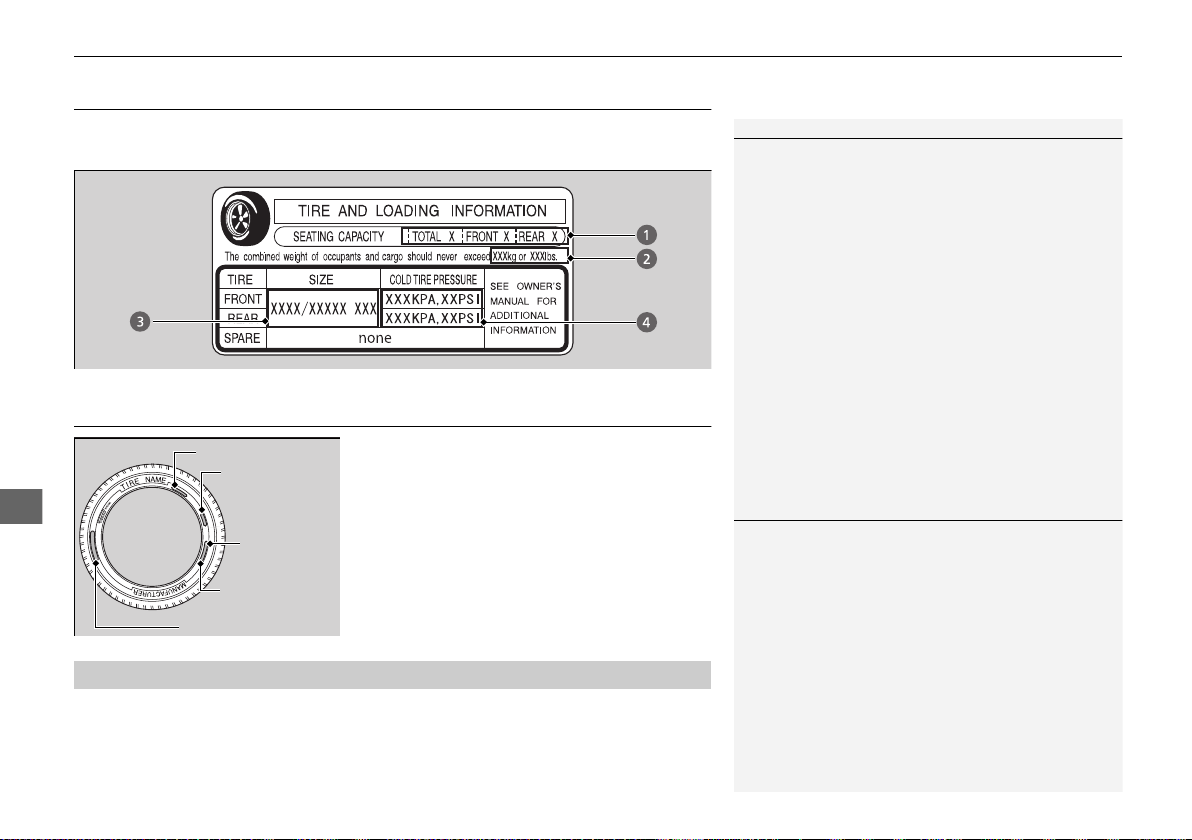
406
uuChecking and Maintaining TiresuTire and Loading Information Label
Maintenance
Tire and Loading Information Label
The label attached to the driver’s doorjamb provides necessary tire and loading
information.
Tire Labeling
The tires that came on your vehicle have a
number of markings. Those you should be
aware of are described as follows.
Whenever tires are replaced, they should be replaced with tires of the same size,
load index and speed rating.
1Tire and Loading Information Label
The tire and loading information label attached to the
driver’s doorjamb contains:
a The number of people your vehicle can carry.
b The total weight your vehicle can carry. Do not
exceed this weight.
c The original tire sizes for front, rear, and spare, if
equipped.
d The proper cold tire pressure for front, rear, and
spare, if equipped.
Label
Example
Example
Tire Size
Tire
Identification
Number (TIN)
Maximum
Tire Load
Maximum
Tire Pressure
Tire Size
■
Tire Sizes
1Tire Sizes
Following is an example of tire size with an
explanation of what each component means.
245/40R19 98W
245: Tire width in millimeters.
40: Aspect ratio (the tire’s section height as a
percentage of its width).
R: Tire construction code (R indicates radial).
19: Rim diameter in inches.
98: Load index (a numerical code associated with the
maximum load the tire can carry).
W: Speed symbol (an alphabetical code indicating the
maximum speed rating).
19 NSX-31T6N6200.book 406 ページ 2018年8月9日 木曜日 午前11時12分
407
uuChecking and Maintaining Tires uTire Labeling
Maintenance
The tire identification number (TIN) is a group of numbers and letters that look like
the example in the side column. TIN is located on the sidewall of the tire.
Cold Tire Pressure – The tire air pressure when the vehicle has been parked for at
least three hours or driven less than 1 mile (1.6 km).
Load Rating – Means the maximum load that a tire is rated to carry for a given
inflation pressure.
Maximum Inflation Pressure – The maximum tire air pressure that the tire can
hold.
Maximum Load Rating – Means the load rating for a tire at the maximum
permissible inflation pressure for that tire.
Recommended Inflation Pressure – The cold tire inflation pressure recommended
by the manufacturer.
Treadwear Indicators (TWI) – Means the projections within the principal grooves
designed to give a visual indication of the degrees of wear of the tread.
■
Tire Identification Number (TIN)
■
Glossary of Tire Terminology
1Tire Identification Number (TIN)
DOT B97R FW6X 2209
DOT: This indicates that the tire meets all
requirements of the U.S. Department of
Transportation.
B97R: Manufacturer’s identification mark.
FW6X: Tire type code.
22 09: Date of manufacture.
Year
Week
19 NSX-31T6N6200.book 407 ページ 2018年8月9日 木曜日 午前11時12分
408
uuChecking and Maintaining TiresuDOT Tire Quality Grading (U.S. Vehicles)
Maintenance
DOT Tire Quality Grading (U.S. Vehicles)
The tires on your vehicle meet all U.S. Federal Safety
Requirements. All tires are also graded for treadwear, traction,
and temperature performance according to Department of
Transportation (DOT) standards. The following explains these
gradings.
Quality grades can be found where applicable on the tire sidewall
between tread shoulder and maximum section width.
The treadwear grade is a comparative rating based on the wear
rate of the tire when tested under controlled conditions on a
specified government test course. For example, a tire graded 150
would wear one and one-half (1 1/2) times as well on the
government course as a tire graded 100. The relative performance
of tires depends upon the actual conditions of their use, however,
and may depart significantly from the norm due to variations in
driving habits, service practices and differences in road
characteristics and climate.
■
Uniform Tire Quality Grading
■
Treadwear
1Uniform Tire Quality Grading
For example:
Treadwear 200
Traction AA
Temperature A
All passenger car tires must conform
to Federal Safety Requirements in
addition to these grades.
19 NSX-31T6N6200.book 408 ページ 2018年8月9日 木曜日 午前11時12分
409
uuChecking and Maintaining TiresuDOT Tire Quality Grading (U.S. Vehicles)
Maintenance
The traction grades, from highest to lowest, are AA, A, B, and C.
Those grades represent the tire’s ability to stop on wet pavement
as measured under controlled conditions on specified
government test surfaces of asphalt and concrete. A tire marked
C may have poor traction performance.
The temperature grades are A (the highest), B, and C,
representing the tire’s resistance to the generation of heat and its
ability to dissipate heat when tested under controlled conditions
on a specified indoor laboratory test wheel. Sustained high
temperature can cause the material of the tire to degenerate and
reduce tire life, and excessive temperature can lead to sudden tire
failure. The grade C corresponds to a level of performance which
all passenger car tires must meet under the Federal Motor Vehicle
Safety Standard No. 109. Grades B and A represent higher levels
of performance on the laboratory test wheel than the minimum
required by law.
■
Traction
■
Temperature
1Traction
Warning: The traction grade
assigned to this tire is based on
straight-ahead braking traction tests,
and does not include acceleration,
cornering, hydroplaning, or peak
traction characteristics.
1Temperature
Warning: The temperature grade for
this tire is established for a tire that is
properly inflated and not
overloaded. Excessive speed,
underinflation, or excessive loading,
either separately or in combination,
can cause heat buildup and possible
tire failure.
19 NSX-31T6N6200.book 409 ページ 2018年8月9日 木曜日 午前11時12分
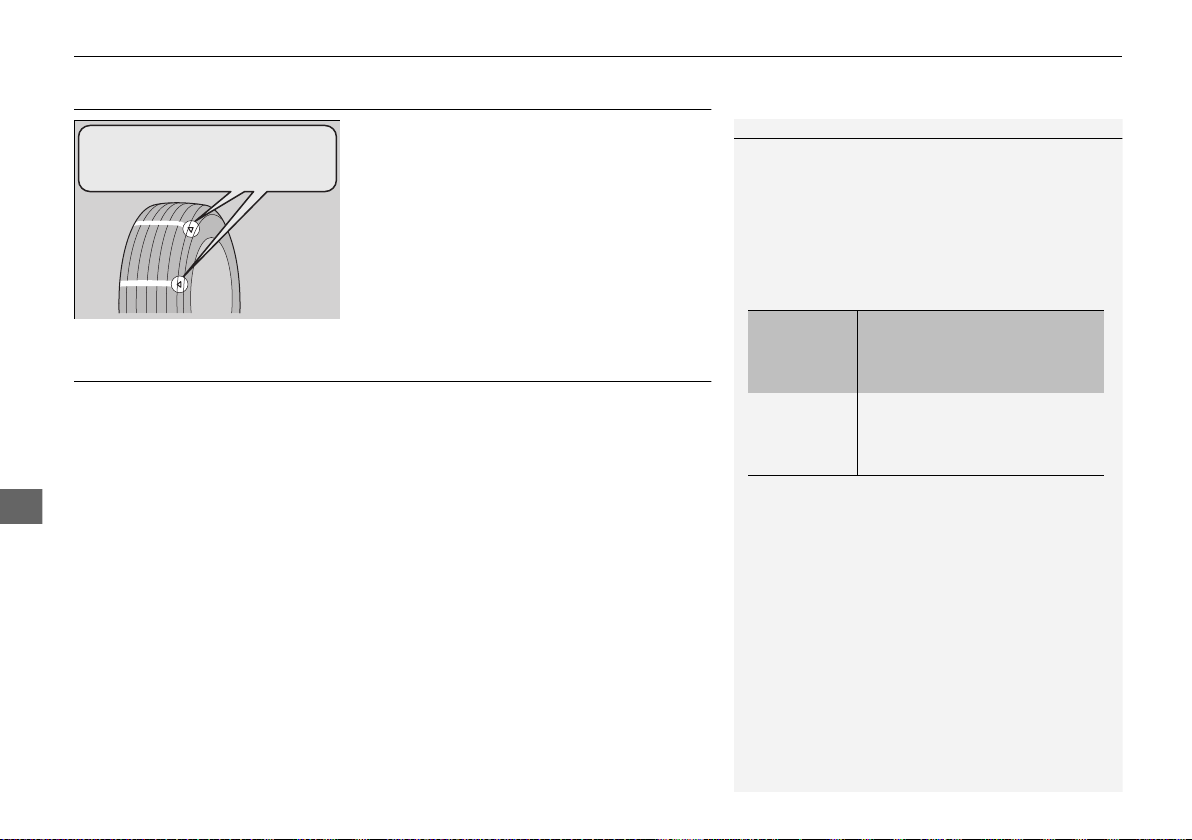
410
uuChecking and Maintaining TiresuWear Indicators
Maintenance
Wear Indicators
The groove where the wear indicator is
located is 1/16 inch (1.6 mm) shallower than
elsewhere on the tire. If the tread has worn so
that the indicator is exposed, replace the tire.
Worn out tires have poor traction on wet
roads.
Tire Service Life
The life of your tires is dependent on many factors, including driving habits, road
conditions, vehicle loading, inflation pressure, maintenance history, speed, and
environmental conditions (even when the tires are not in use).
In addition to regular inspections and inflation pressure maintenance, it is
recommended that you have annual inspections performed once the tires reach five
years old. All tires should be removed from service after 10 years from the date of
manufacture, regardless of their condition or state of wear.
1Checking Tires
High speed driving
We recommend that you do not drive on public roads
faster than the posted speed limits and conditions
allow. If you intend to drive at sustained high speeds
(over 168 mph or 270 km/h), such as at a track or
other closed course venue, adjust the cold tire
pressures as shown below to avoid excessive heat
build up and sudden tire failure.
Tire Size Front:
245/35ZR19 (93Y)
Rear:
305/30ZR20 (103Y)
Pressure Front:
38 psi (260 kPa, 2.6 kgf/cm
2
)
Rear:
38 psi (260 kPa, 2.6 kgf/cm
2
)
Example of a Wear
Indicator mark
19 NSX-31T6N6200.book 410 ページ 2018年8月9日 木曜日 午前11時12分
411
uuChecking and Maintaining TiresuTire and Wheel Replacement
Maintenance
Tire and Wheel Replacement
Replace your tires with radials of the same size, load range, speed rating, and
maximum cold tire pressure rating (as shown on the tire’s sidewall). Using tires of a
different size or construction can cause certain vehicle systems such as the ABS and
Vehicle Stability Assist® (VSA®) system to work incorrectly.
It is best to replace all four tires at the same time.
If you replace a wheel, only use TPMS specified wheels approved for your vehicle.
Make sure that the wheel’s specifications match those of the original wheels.
1Tire and Wheel Replacement
3
WARNING
Installing improper tires on your vehicle can
affect handling and stability. This can cause
a crash in which you can be seriously hurt or
killed.
Always use the size and type of tires
recommended in this owner’s manual.
19 NSX-31T6N6200.book 411 ページ 2018年8月9日 木曜日 午前11時12分
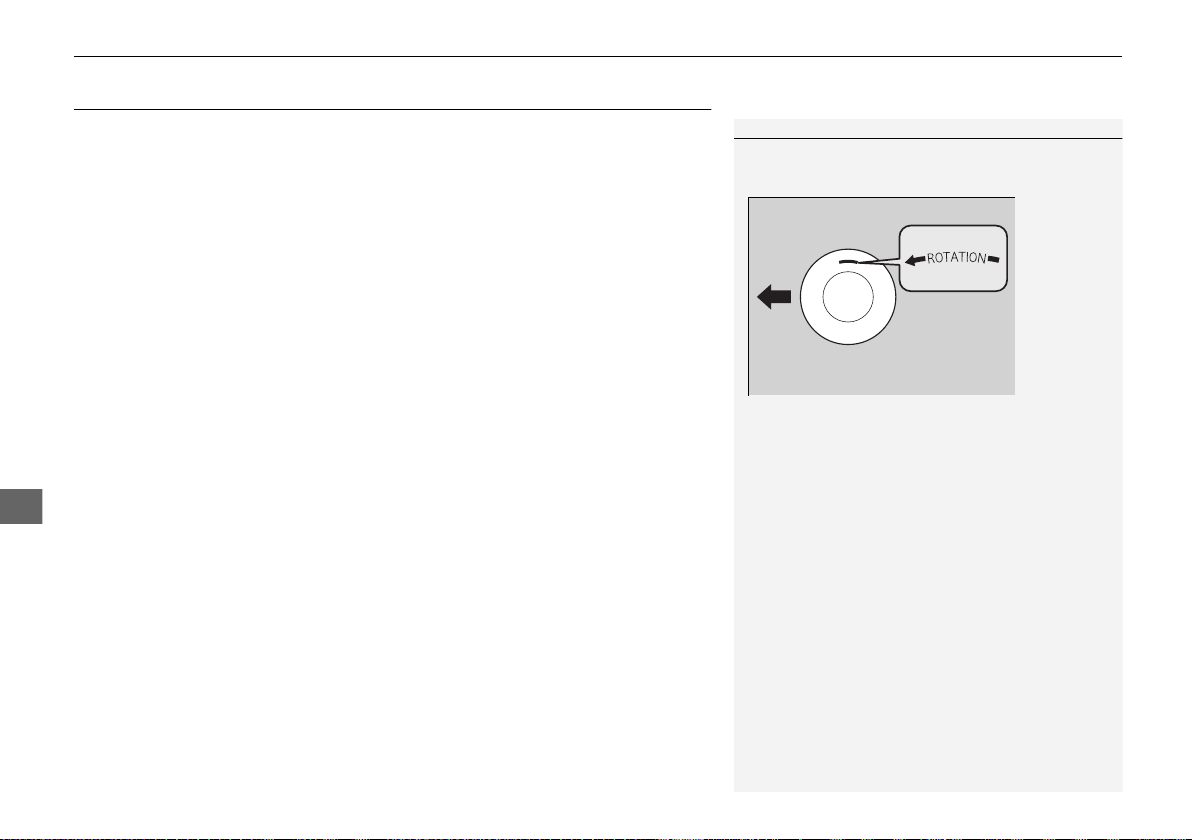
412
uuChecking and Maintaining TiresuTire Rotation
Maintenance
Tire Rotation
The front and rear tire sizes are different and they are directional tires.
Due to tire sizes and directional tires, the tires on this vehicle cannot be rotated.
1Tire Rotation
Directional tires should be mounted with the rotation
indication mark facing forward, as shown below.
FRONT
Direction Mark
19 NSX-31T6N6200.book 412 ページ 2018年8月9日 木曜日 午前11時12分
413
uuChecking and Maintaining Tires uWinter Tires
Maintenance
Winter Tires
If driving on snowy or frozen roads, mount all-season marked M+S tires, snow tires,
or tire chains; reduce speed; and maintain sufficient distance between vehicles when
driving.
Be particularly careful when operating the steering wheel or brakes to prevent skidding.
Use tire chains, snow tires, or all-season tires when necessary or according to the law.
When mounting, refer to the following points.
For winter tires:
• Mount the tires to all four wheels.
For tire chains:
• Install them on the rear tires only.
• Because your vehicle has limited tire clearance, we strongly recommend using the
chains listed below:
*1:Tire chains to be used only on optional 295/30R19 winter tires.
*2:Tire chains to be used only on optional 305/30R20 winter tires.
• Follow the chain manufacturer’s instruction when installing. Mount them as
tightly as you can.
• Check that the chains do not touch the brake lines or suspension.
• Drive slowly.
Recommended Winter Tires:
●
Michelin Alpin PA4
Front: 245/35R19 (93W)
Rear: 295/30R20 (103W)
●
Pirelli SottoZero 3
Front: 245/35R19 (93W)
Rear: 305/30R20 (103W)
●
Auto-trac 232405
*1
●
K-Summit K-44
*2
1Winter Tires
NOTICE
Traction devices that are the wrong size or improperly
installed can damage your vehicle’s brake lines,
suspension, body, and wheels. Stop driving if they are
hitting any part of the vehicle.
When tire chains are mounted, follow the chain
manufacturer’s instructions regarding vehicle
operational limits.
If your vehicle is equipped with summer tires, be
aware that these tires are not designed for winter
driving conditions. For more information, contact an
authorized Acura NSX dealer.
3
WARNING
Using the wrong chains, or not properly
installing chains, can damage the brake
lines and cause a crash in which you can be
seriously injured or killed.
Follow all instructions in this owner’s
manual regarding the selection and use of
tire chains.
19 NSX-31T6N6200.book 413 ページ 2018年8月9日 木曜日 午前11時12分
414
uuChecking and Maintaining TiresuCold Weather Driving
Maintenance
Cold Weather Driving
Summer Only tires and Ultra High Performance (UHP) tires are very sensitive to
ambient temperatures and are designed to be used at temperatures above 45°F
(7°C). If the vehicle is operated with Summer Only tires or UHP tires at temperatures
below 45°F (7°C), the tires will provide decreasing amounts of grip and other
performance attributes. If the vehicle is operated with Summer Only tires or UHP
tires at temperatures below -4°F (-20°C), the tire tread may lose their elasticity and
become brittle, resulting in permanent damage to the tread. A damaged tire may
fail during use. Therefore, if you operate the vehicle when ambient temperatures are
below 45°F (7°C), we recommend that you install other tires (e.g., mud+snow,
winter) that are designed to provide appropriate performance attributes under the
anticipated conditions.
1Cold Weather Driving
3
WARNING
Use of Summer Only tires or Ultra High
Performance tires at temperatures below
45°F (7°C) may lead to a loss of
performance and control, which could
result in a crash, serious injury or death.
19 NSX-31T6N6200.book 414 ページ 2018年8月9日 木曜日 午前11時12分
415
Maintenance
12-Volt Battery
Checking the 12-Volt Battery
Check the battery terminals for corrosion
monthly.
The battery is protected by a cover.
Remove the cover by pressing the tabs.
Slide the terminal cover on your vehicle’s 12-
volt battery positive + terminal.
The battery condition is monitored by the
sensor on the negative terminal. If there is a
problem with the sensor, the warning
message on the driver information interface
will let you know. Have your vehicle checked
by an authorized Acura NSX dealer.
If your vehicle’s battery is disconnected or goes dead:
• The audio system is disabled.
2 Reactivating the audio system P. 162
• The clock resets.
2 Clock P. 104
Charging the AGM Battery
AGM labeled batteries can be damaged if improperly charged. For more information
on how to charge an AGM battery, consult an authorized Acura NSX dealer.
112-Volt Battery
WARNING: Battery post, terminals,
and related accessories contain lead
and lead compounds.
Wash your hands after handling.
When you find corrosion, clean the battery terminals
by applying a baking powder and water solution.
Clean terminals with a damp towel. Cloth/towel dry
the battery. Coat the terminals with grease to help
prevent future corrosion.
When replacing the battery, the replacement must be
of the same specifications.
Consult an authorized Acura NSX dealer for more
information.
3
WARNING
The battery gives off explosive hydrogen
gas during normal operation.
A spark or flame can cause the battery to
explode with enough force to kill or
seriously hurt you.
When conducting any battery maintenance,
wear protective clothing and a face shield,
or have a skilled technician do it.
Tab
Cover
Terminal
Cover
19 NSX-31T6N6200.book 415 ページ 2018年8月9日 木曜日 午前11時12分
416
Maintenance
Remote Transmitter Care
Replacing the Button Battery
If the indicator does not come on when the button is pressed, replace the battery.
1. Remove the built-in key.
2. Remove the upper half of the cover by
carefully prying on the edge with a coin.
u Remove carefully to avoid losing the
buttons.
u Wrap a coin with a cloth to prevent
scratching the keyless access remote.
3. Make sure to replace the battery with the
correct polarity.
1Replacing the Button Battery
NOTICE
An improperly disposed of battery can damage the
environment. Always confirm local regulations for
battery disposal.
Replacement batteries are commercially available or
at an authorized Acura NSX dealer.
3
WARNING
CHEMICAL BURN HAZARD
The battery that powers the remote
transmitter can cause severe internal burns
and can even lead to death if swallowed.
Keep new and used batteries away from
children.
If you suspect that a child has swallowed
the battery, seek medical attention
immediately.
Battery type: CR2032
Battery
19 NSX-31T6N6200.book 416 ページ 2018年8月9日 木曜日 午前11時12分
417
Maintenance
Climate Control System Maintenance
Dust and Pollen Filters
The climate control system is equipped with dust and pollen filters that collect
pollen, dust, and other debris in the air. The Maintenance Minder
TM
messages will let
you know when to replace the filters.
We recommend that you replace the dust and pollen filters sooner when using your
vehicle in areas with high concentrations of dust.
1Dust and Pollen Filters
If the airflow from the climate control system
deteriorates noticeably, and the windows fog up
easily, the filters may need to be replaced. Please
contact an authorized Acura NSX dealer for
replacement.
19 NSX-31T6N6200.book 417 ページ 2018年8月9日 木曜日 午前11時12分
418
Maintenance
Cleaning
Interior Care
Use a damp cloth with a mixture of mild detergent and warm water to remove dirt.
Use a clean cloth to remove detergent residue.
Use a soft brush with a mixture of mild soap and warm water to clean the seat belts.
Let the belts air dry.
Wipe using a glass cleaner.
■
Cleaning Seat Belts
■
Cleaning the Window
1Interior Care
Do not spill liquids inside the vehicle. Electrical
devices and systems may malfunction if liquids are
splashed on them.
Do not use silicone based sprays on electrical devices
such as audio devices and switches. Doing so may
cause the items to malfunction or cause a fire inside
the vehicle.
If a silicone based spray is inadvertently used on
electrical devices, consult an authorized Acura NSX
dealer.
Depending on their composition, chemicals and
liquid aromatics may cause discoloration, wrinkles,
and cracking to resin-based parts and textiles.
Do not use alkali solvents or organic solvents such as
benzene or gasoline.
After using chemicals, make sure to gently wipe them
away using a dry cloth.
Do not place used cloths on top of resin based parts
or textiles for long periods of time without washing.
1Cleaning the Window
Wires are mounted to the inside of the hatch glass.
Wipe along the same direction as the wires with a
soft cloth so as not to damage them.
19 NSX-31T6N6200.book 418 ページ 2018年8月9日 木曜日 午前11時12分
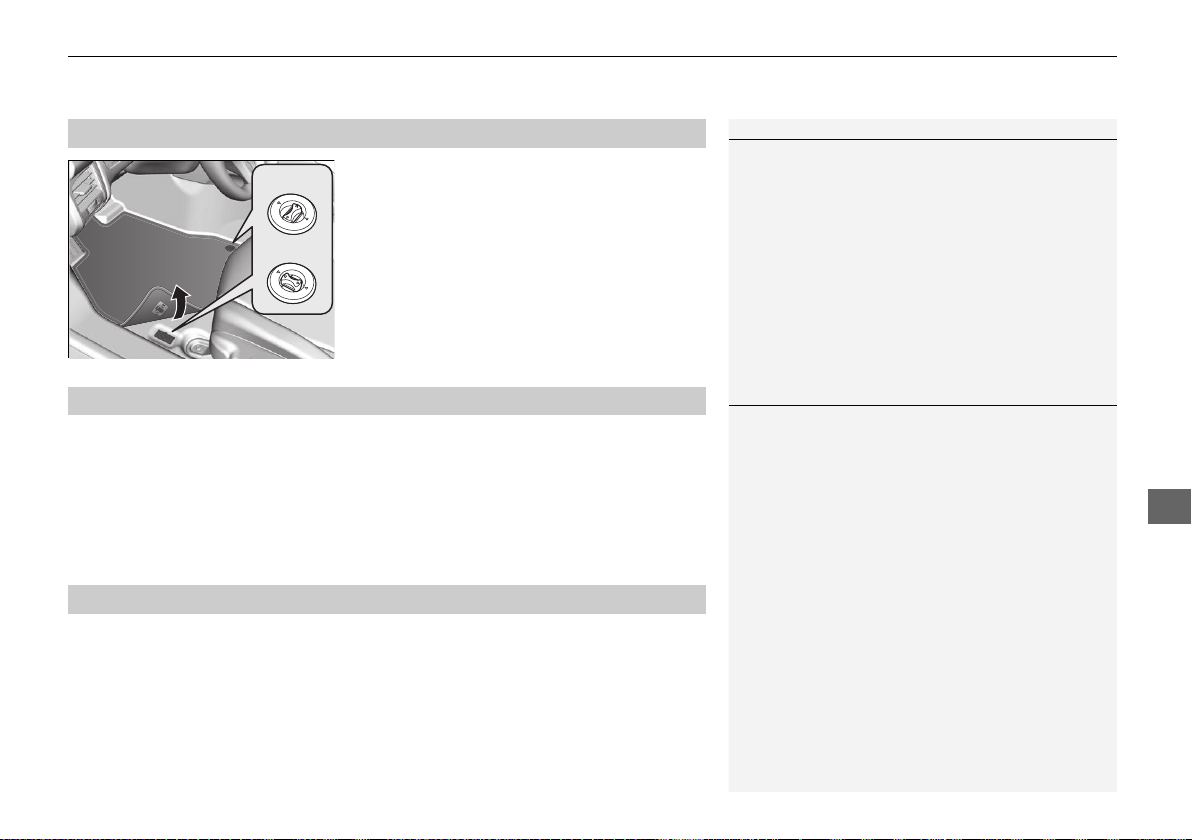
419
uuCleaninguInterior Care
Maintenance
The floor mats hook over the floor anchors,
which keep the mats from sliding forward. To
remove the mats for cleaning, turn the anchor
knobs to the unlock position. When
reinstalling the mats after cleaning, turn the
knobs to the lock position.
Do not put additional floor mats on top of
the anchored mat.
To properly clean leather:
1. Use a vacuum or soft dry cloth first to remove any dirt or dust.
2. Clean the leather with a soft cloth dampened with a solution comprised of 90%
water and 10% neutral soap.
3. Wipe away any soap residue with a clean damp cloth.
4. Wipe away residual water and allow leather to air dry in the shade.
Do not use abrasive cleaners.
■
Floor Mats
1Floor Mats
If you use any floor mats that were not originally
provided with your vehicle, make sure they are
designed for your specific vehicle, fit correctly, and
are securely anchored by the floor anchors.
Unlock
Lock
■
Maintaining Genuine Leather
■
Carbon Fiber Meter Visor and Steering Wheel
1Maintaining Genuine Leather
It is important to clean or wipe away dirt or dust as
soon as possible. Spills can soak into leather resulting
in stains. Dirt or dust can cause abrasions in the
leather. In addition, please note that some dark
colored clothing can rub onto the leather seats
resulting in discoloration or stains.
19 NSX-31T6N6200.book 419 ページ 2018年8月9日 木曜日 午前11時12分
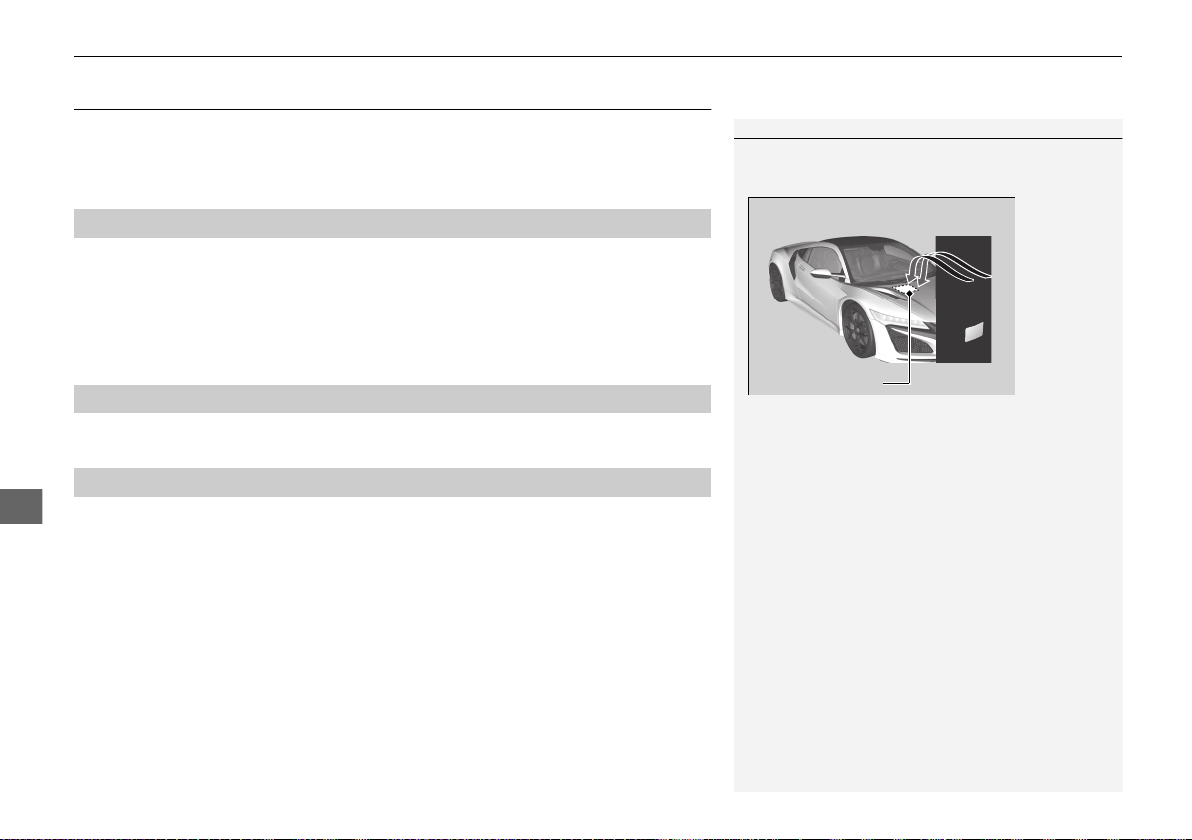
420
uuCleaninguExterior Care
Maintenance
Exterior Care
Dust off the vehicle body after you drive. Regularly inspect your vehicle for scratches
on painted surfaces. A scratch on a painted surface can result in body rust. If you
find a scratch, promptly repair it.
Wash the vehicle regularly. Wash more frequently when driving in the following
conditions:
• If driving on roads with road salt.
• If driving in coastal areas.
• If tar, soot, bird droppings, insects, or tree sap are stuck to painted surfaces.
Do not use an automated car wash.
• Keep sufficient distance between the cleaning nozzle and the vehicle body.
• Take particular care around the windows. Standing too close may cause water to
enter the vehicle interior.
• Do not spray high pressure water directly into the engine compartment. Instead,
use low pressure water and a mild detergent.
■
Washing the Vehicle
■
Using an Automated Car Wash
■
Using High Pressure Cleaners
1Washing the Vehicle
Do not spray water into the air intake vents. It can
cause a malfunction.
Do not spray water onto the capless unit when the
fuel fill door is open. It can cause damage to the fuel
system or engine.
If you need to lift the wiper arms away from the
windshield, first set the wiper arms to the
maintenance position.
2 Changing the Wiper Blade Rubber P. 402
Air Intake Vents
19 NSX-31T6N6200.book 420 ページ 2018年8月9日 木曜日 午前11時12分
Continued
421
uuCleaninguExterior Care
Maintenance
A good coat of automotive body wax helps protect your vehicle’s paint from the
elements. Wax will wear off over time and expose your vehicle’s paint to the
elements, so reapply as necessary.
If you get gasoline, oil, engine coolant, or battery fluid on resin coated parts, they
may be stained or the coating may peel. Promptly wipe it away using a soft cloth and
clean water.
Wipe using a glass cleaner.
Aluminum is susceptible to deterioration caused by salt and other road
contaminants. When necessary, as early as possible use a sponge and mild detergent
to wipe away these contaminants. Do not use a stiff brush or harsh chemicals
(including some commercial wheel cleaners). These can damage the protective finish
on aluminum alloy wheels, resulting in corrosion. Depending on the type of finish,
the wheels also may lose their luster or appear burnished. To avoid water stains,
wipe the wheels dry with a cloth while they are still wet.
■
Applying Wax
■
Maintaining the Bumpers and Other Resin Coated Parts
■
Cleaning the Window
■
Maintaining Aluminum Wheels
1Applying Wax
NOTICE
Chemical solvents and strong cleaners can damage
the paint, metal, carbon fiber
*
, and plastic on your
vehicle. Wipe away spills immediately.
1Maintaining the Bumpers and Other Resin Coated Parts
Ask an authorized Acura NSX dealer about the
correct coating material when you want to repair the
painted surface of the parts made of resin.
* Not available on all models
19 NSX-31T6N6200.book 421 ページ 2018年8月9日 木曜日 午前11時12分
uuCleaninguExterior Care
422
Maintenance
The inside lenses of exterior lights (headlights, brake lights, etc.) may fog temporarily
if you have driven in the rain. Dew condensation also may build up inside the lenses
when there is a significant enough difference between the ambient and inside lens
temperatures (similar to vehicle windows fogging up in rainy conditions). These
conditions are natural processes, not structural design problems in the exterior
lights.
Lens design characteristics may result in moisture developing on the light lens frame
surfaces. This also is not a malfunction.
However, if you see large amounts of water accumulation, or large water drops
building up inside the lenses, have your vehicle inspected by an authorized Acura
NSX dealer.
Keep brake pads and rotors free of substances that are either abrasive or oil based,
as these substances can reduce brake system performance.
NSX brake pads and disks have a high metallic content. Under certain conditions
these pad and disks may rust to varying degrees, which may cause a clunk noise or
rubbing sound if parked when brakes become wet. This is normal for brakes with
high friction pads and it does not affect operation of the brakes.
To prevent the iron contained in the brake pads and rotors from rusting and sticking,
brakes should be dried before parking the vehicle after driving on wet roads or after
washing the vehicle (especially before long-term storage). To dry the brake pads and
rotors, drive the vehicle at a low speed and apply the brakes several times.
By regularly applying strong pressure to the brakes, you can reduce corrosion
buildup on the brake pads and rotors.
■
Fogged Exterior Light Lenses
■
Cast Iron Brakes
*
1Brake Maintenance
Brake maintenance requires specialized knowledge.
We recommend maintenance to be carried out by an
authorized Acura NSX dealer.
1Maintenance of Brake Surfaces
Brakes can be dried by driving on a dry road for few
miles/kilometers, and applying the brake pedal
normally, based on traffic and road conditions. These
steps help maintain brake system performance.
* Not available on all models
19 NSX-31T6N6200.book 422 ページ 2018年8月9日 木曜日 午前11時12分
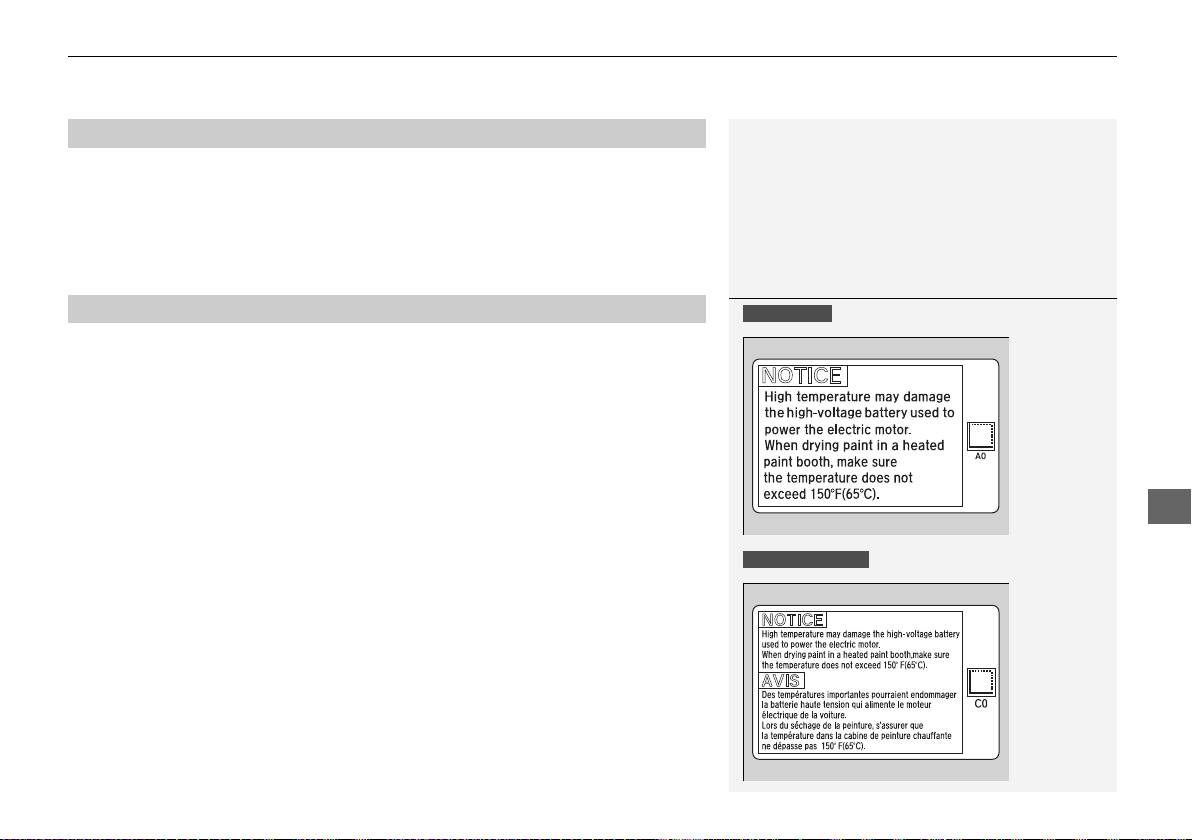
423
uuCleaninguExterior Care
Maintenance
Keep the brake pads and rotors free of substances that are either abrasive or oil
based, as these substances can reduce braking power. After driving in the presence
of salt and/or sand, briefly wash the rotor/pad surfaces with low-pressure water,
then allow the brake system to dry. To dry the brake pads and rotors, drive the
vehicle at a low speed and apply the brakes several times.
Refer to the color code label and the temperature notice label affixed to the
underside of the hood before painting the vehicle.
■
Carbon Ceramic Brakes
*
■
Painting the Vehicle
1Painting the Vehicle
U.S. models
Canadian models
* Not available on all models
19 NSX-31T6N6200.book 423 ページ 2018年8月9日 木曜日 午前11時12分
424
Maintenance
Accessories and Modifications
Accessories
When installing accessories, check the following:
• Do not install accessories on the windshield. They can obstruct your view and
delay your reaction to driving conditions.
• Do not install any accessories over areas marked SRS AIRBAG, on the sides or
backs of the seats, on front or side pillars, or near the side windows.
Accessories installed in these areas may interfere with proper operation of the
vehicle’s airbags or may be propelled into you or another occupant if the airbags
deploy.
• Be sure electronic accessories do not overload electrical circuits or interfere with
proper operation of your vehicle.
2 Fuses P. 455
• Before installing any electronic accessory, have the installer contact an authorized
Acura NSX dealer for assistance. If possible, have an authorized Acura NSX dealer
inspect the final installation.
1Accessories and Modifications
3
WARNING
Improper accessories or modifications can
affect your vehicle’s handling, stability, and
performance, and cause a crash in which
you can be seriously hurt or killed.
Follow all instructions in this owner’s
manual regarding accessories and
modifications.
3
WARNING
Use of improperly designed, engineered or
manufactured high-voltage battery
assemblies could cause a fire in your
vehicle.
A vehicle fire could result in a crash or
injury.
Only use a genuine Acura high-voltage
battery assembly, or its equivalent, in your
vehicle.
19 NSX-31T6N6200.book 424 ページ 2018年8月9日 木曜日 午前11時12分
425
uuAccessories and ModificationsuModifications
Maintenance
Modifications
Do not modify your vehicle in a manner that may affect its handling, stability, or
reliability, or install non-genuine Acura parts or accessories that may have a similar
effect.
Even minor modifications to vehicle systems can affect overall vehicle performance.
Always make sure all equipment is properly installed and maintained, and do not
make any modification to your vehicle or its systems that might cause your vehicle
to no longer meet federal, state, province, territory, and local regulations.
The on-board diagnostic port (OBD-II/SAE J1962 connector) installed on this vehicle
is intended to be used with automobile system diagnostic devices or with other
devices that Acura has approved. Use of any other type of device may adversely
affect the vehicle’s electronic systems or allow them to be compromised, possibly
resulting in a system malfunction, drained battery, or other unexpected problems.
Do not modify or attempt to repair your vehicle’s high-voltage hybrid power system
or otherwise modify vehicle electrical systems. Disassembling or modifying electrical
equipment can result in a crash or a fire.
If you ever need to replace your vehicle's high-voltage battery assembly outside of
warranty coverage, we highly recommend that you only use a genuine Acura high-
voltage battery assembly. Genuine Acura high-voltage battery assemblies are
designed to work with your vehicle's hybrid power system and have been designed,
engineered and manufactured to avoid overcharging situations. Non-genuine high-
voltage battery assemblies may not have been similarly designed, engineered and
manufactured, and installation of such assemblies could result in overcharging, fires,
loss of power, or other conditions that may increase the likelihood of a crash or
injury.
19 NSX-31T6N6200.book 425 ページ 2018年8月9日 木曜日 午前11時12分
426
Maintenance
Storage
Vehicle Storage
If you need to park your vehicle for an extended period (more than one month),
there are several things you should do to prepare it for storage. This helps reduce
possible deterioration of vehicle components and overall condition, which allows
you to get the vehicle back on the road with minimal delay. These are:
• If possible, store your NSX in a garage or enclosed area.
• Fill the fuel tank completely.
• Change the engine oil and filter.
• Wash and dry the exterior completely.
• Clean the interior. Make sure the carpeting, floor mats, etc., are completely dry.
• Put the transmission in
(P.
Release the parking brake.
• Leave one window open slightly (if the vehicle is being stored indoors).
• To maintain the low-voltage 12-volt battery, connect it to an accessory battery
charger. For more information on how to maintain your 12-volt battery, consult
an authorized Acura NSX dealer.
2 Checking the 12-Volt Battery P. 415
• If the vehicle is to be stored for a longer period of time, it should be supported on
jack stands to raise the tires off the ground to prevent tire flat spotting.
2 Handling of the Jack P. 442
• Support the front wiper blade arms with a folded towel or rag so they do not
touch the windshield.
• Cover the vehicle with a “breathable” cover, one made from a porous material
such as cotton. Nonporous materials (such as plastic sheeting) may trap moisture,
which can damage the paint.
• If possible, remove the vehicle from the garage or enclosed area, remove
covering, and periodically run the engine until it reaches full operating
temperature (the cooling fan cycles on and off twice).
Preferably, do this once a month.
19 NSX-31T6N6200.book 426 ページ 2018年8月9日 木曜日 午前11時12分

427
uuStorageuVehicle Storage
Maintenance
• To maintain the High Voltage battery, drive your vehicle for more than 30 minutes
at least once every three months.
If road conditions are not suitable or desirable for driving, the following alternate
procedure can be used to maintain the vehicle's High Voltage battery if local idling
by-laws permit:
1. Remove the vehicle from the garage or enclosed area to prevent carbon
monoxide accumulation.
2 Carbon Monoxide Gas P. 67
2. Depress the brake pedal and press the ENGINE START/STOP button as you
normally would to start the vehicle.
3. Allow the vehicle to run for 30 minutes. Time spent at idle stop still counts as part
of this 30-minute run.
19 NSX-31T6N6200.book 427 ページ 2018年8月9日 木曜日 午前11時12分

428
19 NSX-31T6N6200.book 428 ページ 2018年8月9日 木曜日 午前11時12分

429
Handling the Unexpected
This chapter explains how to handle unexpected troubles.
Tools
Types of Tools .................................. 430
If a Tire Goes Flat
Temporarily Repairing a Flat Tire....... 431
Handling of the Jack ........................ 442
Power System Won’t Start
Checking the Procedure................... 443
If the Keyless Access Remote Battery is
Weak ............................................. 444
Emergency Power System Off........... 445
Jump Starting.................................... 446
Overheating
How to Handle Overheating............. 448
Indicator, Coming On/Blinking
If the 12-Volt Battery Charging System
Indicator Comes On ....................... 450
If the Malfunction Indicator Lamp Comes
On or Blinks ................................... 450
If the Brake System Indicator (Red) Comes
On ................................................. 451
If the Electric Power Steering (EPS) System
Indicator Comes On ....................... 451
If the Electric Parking Brake System
Indicator Comes On ....................... 452
If the Low Tire Pressure/TPMS Indicator
Comes On or Blinks ....................... 453
If the Transmission System Indicator Blinks
along with the Warning Message... 454
If the Low Oil Level Symbol Appears.....454
Fuses
Fuse Locations ................................. 455
Inspecting and Changing Fuses........ 459
Emergency Towing........................... 460
When You Cannot Unlock the Fuel Fill
Door................................................. 461
When You Cannot Open the Hatch
.....462
Refueling
Refueling from a Portable Fuel Container ....463
19 NSX-31T6N6200.book 429 ページ 2018年8月9日 木曜日 午前11時12分
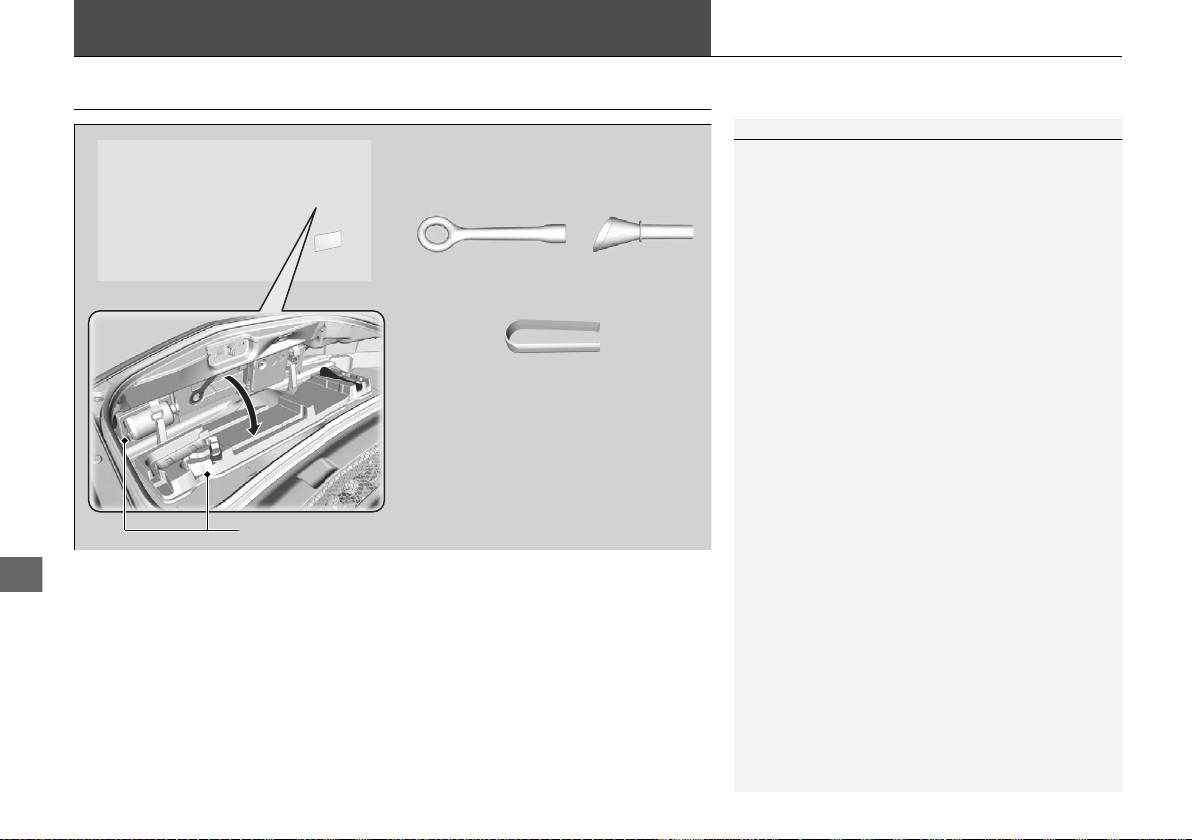
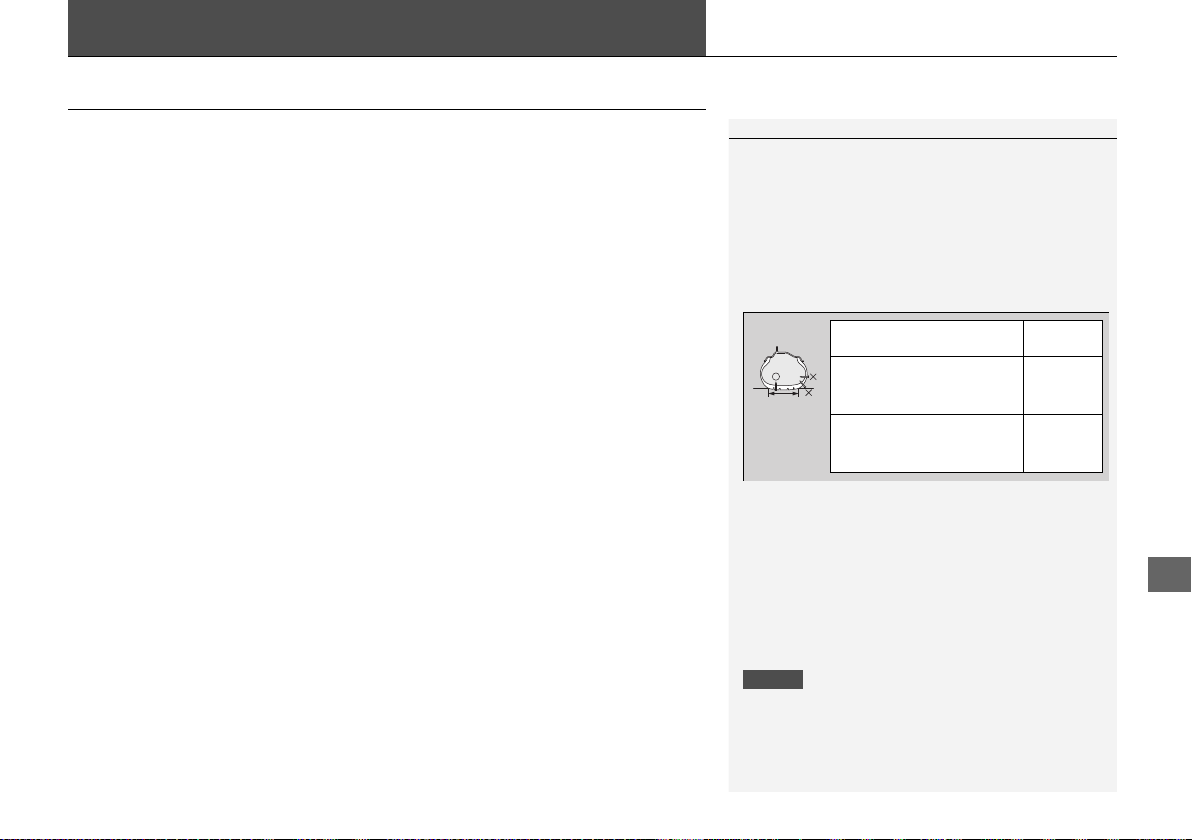
431
Continued
Handling the Unexpected
If a Tire Goes Flat
Temporarily Repairing a Flat Tire
If the tire has a large cut or is otherwise severely damaged, you will need to have the
vehicle towed. If the tire only has a small puncture, from a small nail for instance,
you can use the temporary tire repair kit so that you can drive to the nearest service
station for a more permanent repair.
If a tire goes flat while driving, grasp the steering wheel firmly, and brake gradually
to reduce speed. Then stop in a safe place.
1. Park the vehicle on a firm, level, and non-slippery surface. Apply the parking
brake.
2. Put the transmission into
(P.
3. Turn on the hazard warning lights and set the power mode to VEHICLE OFF.
1Temporarily Repairing a Flat Tire
The kit should not be used in the following situations.
Instead, contact an authorized Acura NSX dealer or a
roadside assistant to have the vehicle towed.
• The tire sealant has expired.
• More than one tire is punctured.
• The puncture or cut is larger than 3/16 inch (4 mm).
• The tire side wall is damaged or the puncture is
outside the contact area.
• Damage has been caused by driving with the tire
extremely under inflated.
• The tire bead is no longer seated.
• The rim is damaged.
Do not remove a nail or screw that punctured the
tire. If you remove it from the tire, you may not be
able to repair the puncture using the kit.
NOTICE
Do not use a puncture-repairing agent other than the
one provided in the kit that came with your vehicle. If
a different agent is used, you may permanently
damage the tire pressure sensor.
When the puncture is: Kit Use
Smaller than 3/16 inch
(4 mm)
Yes
Larger than 3/16 inch
(4 mm)
No
Contact
Area
19 NSX-31T6N6200.book 431 ページ 2018年8月9日 木曜日 午前11時12分
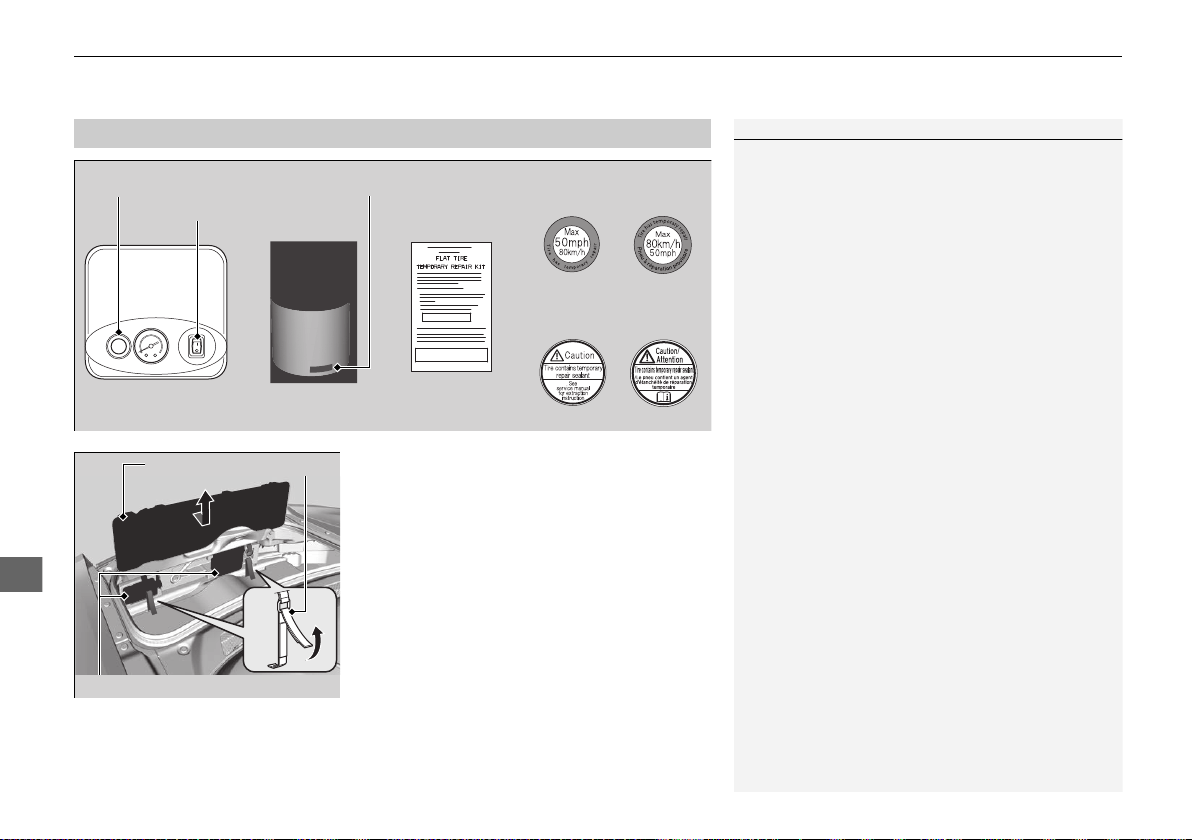
uuIf a Tire Goes FlatuTemporarily Repairing a Flat Tire
432
Handling the Unexpected
1. Open the hatch.
2. Loosen tool box tie downs.
3. Remove tool box lid.
4. Take the kit out of the tool box.
5. Place the kit face up, on flat ground near
the flat tire, and away from traffic. Do not
place the kit on its side.
■
Getting Ready to Temporarily Repair the Flat Tire
1Getting Ready to Temporarily Repair the Flat Tire
When making a temporary repair, carefully read the
instruction manual provided with the kit.
Air Compressor Instruction
Manual
Sealant Bottle
Speed Restriction
Label
Expiration DateDeflation Button
Air Compressor
Switch
Repair Notification
Label
U.S. Canada
U.S. Canada
Tie DownLid
Tire Repair Kit
19 NSX-31T6N6200.book 432 ページ 2018年8月9日 木曜日 午前11時12分
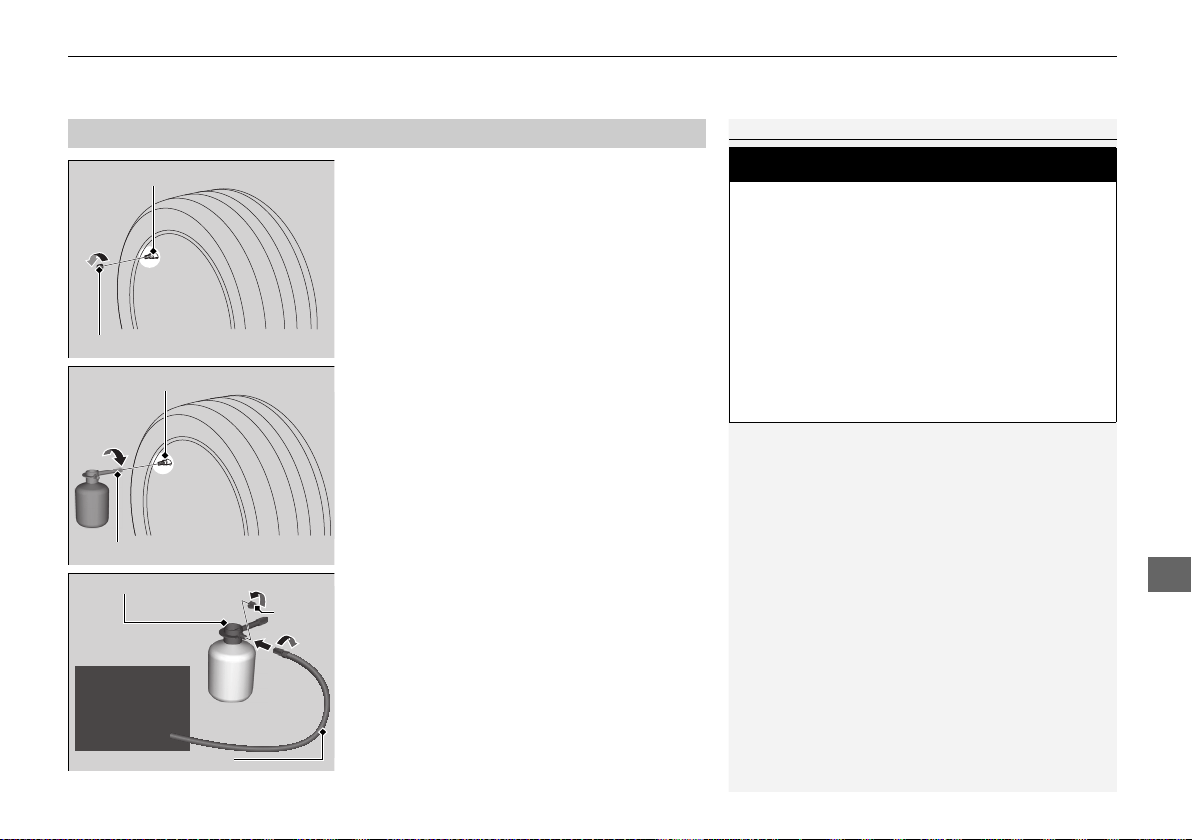
Continued
433
uuIf a Tire Goes FlatuTemporarily Repairing a Flat Tire
Handling the Unexpected
1. Remove the valve cap from the tire valve
stem.
2. Shake the sealant bottle.
3. Attach the sealant/air hose onto the tire
valve stem. Screw the sealant/air hose
until it is tightly connected to the valve
stem.
u Make sure the bottle remains upright to
ensure all the sealant flows into the tire.
4. Remove the bottle cap from the bottle
adapter.
5. Attach the air compressor hose onto the
bottle adapter. Screw the air compressor
hose until it is tightly connected to the
bottle adapter.
■
Injecting Sealant and Air
1Injecting Sealant and Air
Keep the sealant bottle out of the reach of children.
Do not shake the bottle after the bottle cap removed.
If you shake the bottle after the cap is removed, it
may spill sealant.
In cold temperatures, the sealant may not flow easily.
In this situation, warm it up for five minutes before
using.
The sealant is latex based and can permanently stain
clothing and other materials. Be careful during
handling and wipe up any spills immediately.
3
WARNING
Tire sealant contains substances that are
harmful and can be fatal if swallowed.
If accidentally swallowed, do not induce
vomiting. Drink plenty of water and get
medical attention immediately.
For skin or eye contact, flush with cool
water and get medical attention if
necessary.
Tire Valve Stem
Valve Cap
Sealant/Air Hose
Tire Valve Stem
Bottle Adapter
Air Compressor Hose
Bottle
Cap
19 NSX-31T6N6200.book 433 ページ 2018年8月9日 木曜日 午前11時12分
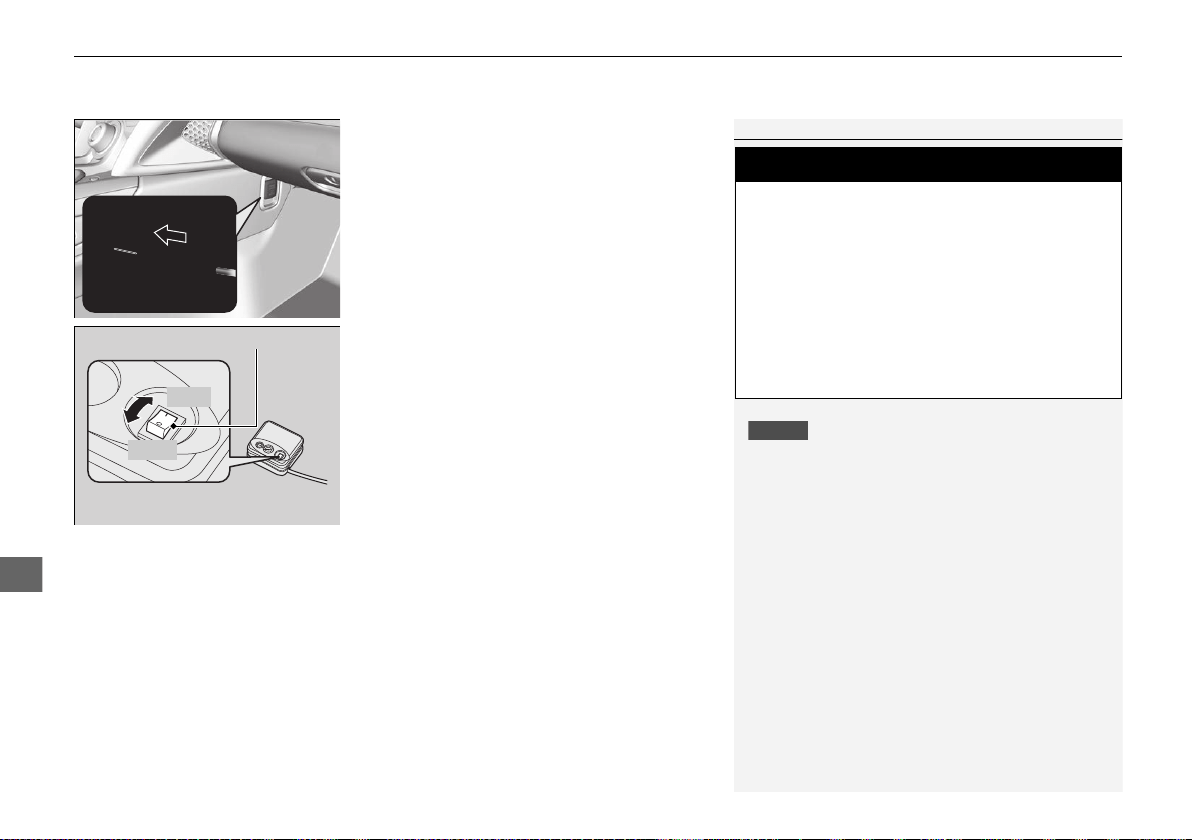
uuIf a Tire Goes FlatuTemporarily Repairing a Flat Tire
434
Handling the Unexpected
6. Plug in the compressor to the accessory
power socket.
u Be careful not to pinch the cord in a
door or window.
2 Accessory Power Socket P. 152
7. Turn the power system on.
u Keep the power system on while
injecting sealant and air.
2 Carbon Monoxide Gas P. 67
8. Turn the air compressor on to inflate the
tire.
u The compressor starts injecting sealant
and air into the tire.
9. After the air pressure reaches 32 psi (220
kPa), turn off the compressor.
1Injecting Sealant and Air
NOTICE
Do not operate the temporary tire repair kit compressor
for more than 15 minutes. The compressor can overheat
and become permanently damaged.
Until the sealant injection is complete, the pressure
shown on the pressure gauge will appear higher than
actual. After the sealant injection is complete the
pressure will drop and then begin to rise again as the tire
is inflated with air. This is normal. To accurately measure
the air pressure using the gauge, turn the air compressor
off only after the sealant injection is complete.
If the required air pressure is not reached within 15
minutes, the tire may be too severely damaged for
the kit to provide the necessary seal and your vehicle
will need to be towed.
See an authorized Acura NSX dealer for a replacement
sealant bottle and proper disposal of an empty bottle.
3
WARNING
Running the engine with the vehicle in an
enclosed or even partly enclosed area can
cause a rapid build-up of toxic carbon
monoxide.
Breathing this colorless, odorless gas can
cause unconsciousness and even death.
Only run the engine to power the air
compressor with the vehicle outdoors.
Air Compressor Switch
OFF
ON
19 NSX-31T6N6200.book 434 ページ 2018年8月9日 木曜日 午前11時12分
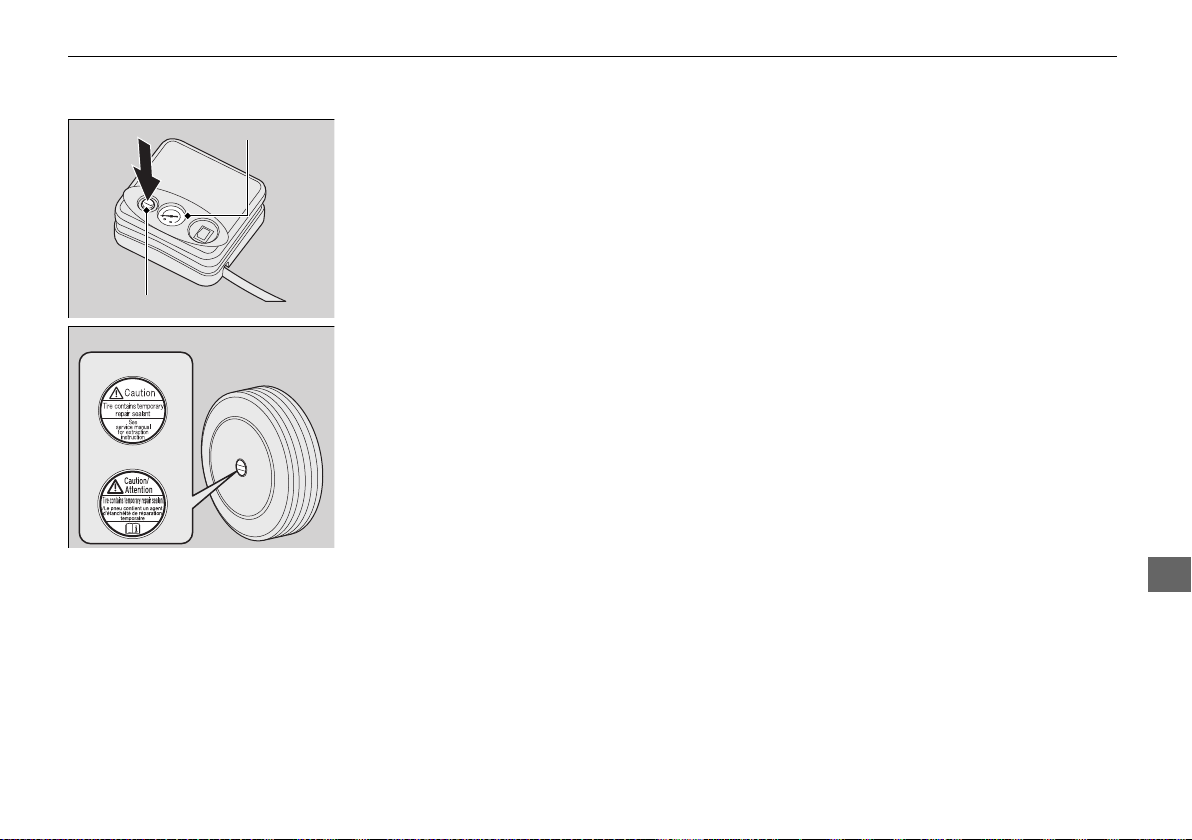
435
uuIf a Tire Goes FlatuTemporarily Repairing a Flat Tire
Continued
Handling the Unexpected
10. Unplug the kit from the accessory power
socket.
11. Unscrew the sealant/air hose from the tire
valve stem. Reinstall the valve cap.
12. Push the deflation button until the gauge
returns 0 psi (0 kPa).
13. Apply the repair notification label to the
flat surface of the wheel.
u The wheel surface must be clean to
ensure the label adheres properly.
Deflation Button
Air Pressure Gauge
Repair Notification Label
U.S.
Canada
19 NSX-31T6N6200.book 435 ページ 2018年8月9日 木曜日 午前11時12分
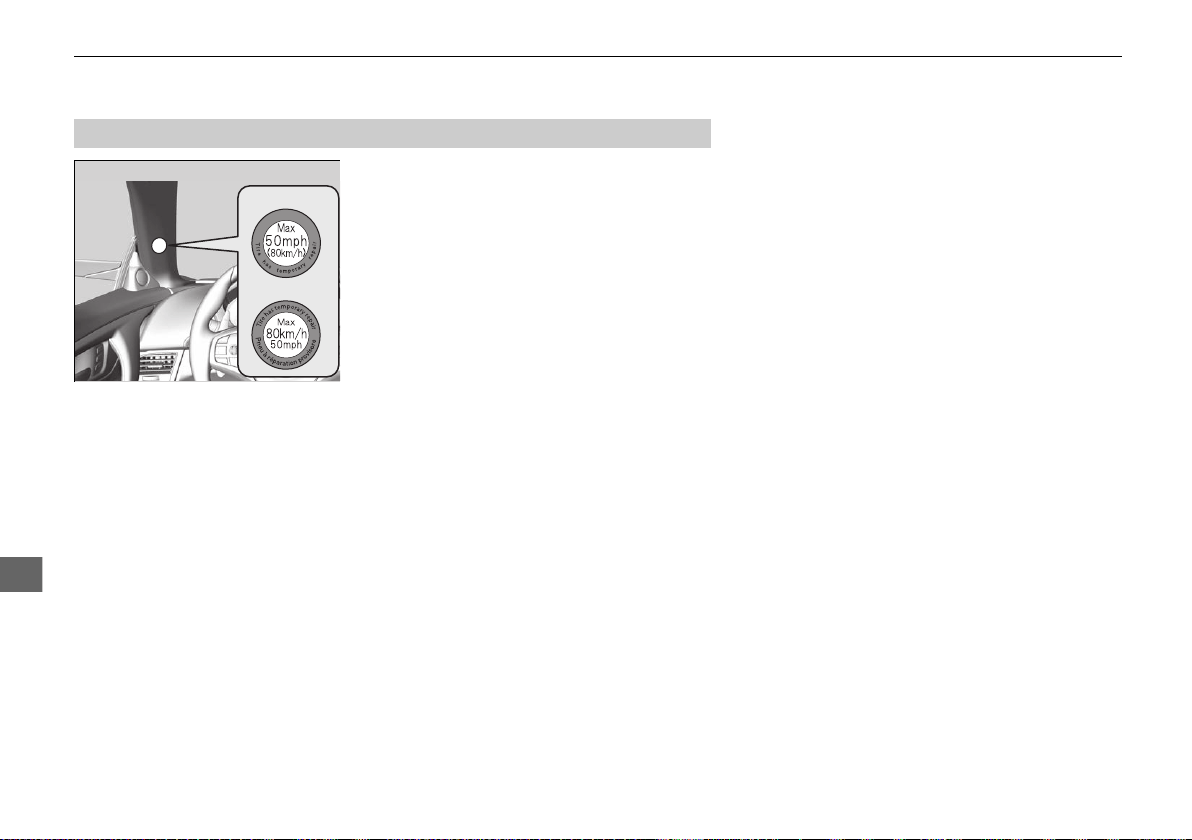
436
uuIf a Tire Goes FlatuTemporarily Repairing a Flat Tire
Handling the Unexpected
1. Apply the speed restriction label to the
location as shown.
2. Drive the vehicle for about five minutes.
u Do not exceed 50 mph (80 km/h).
3. Stop the vehicle in a safe place.
■
Distributing the Sealant in the Tire
Speed Restriction Label
U.S.
Canada
19 NSX-31T6N6200.book 436 ページ 2018年8月9日 木曜日 午前11時12分
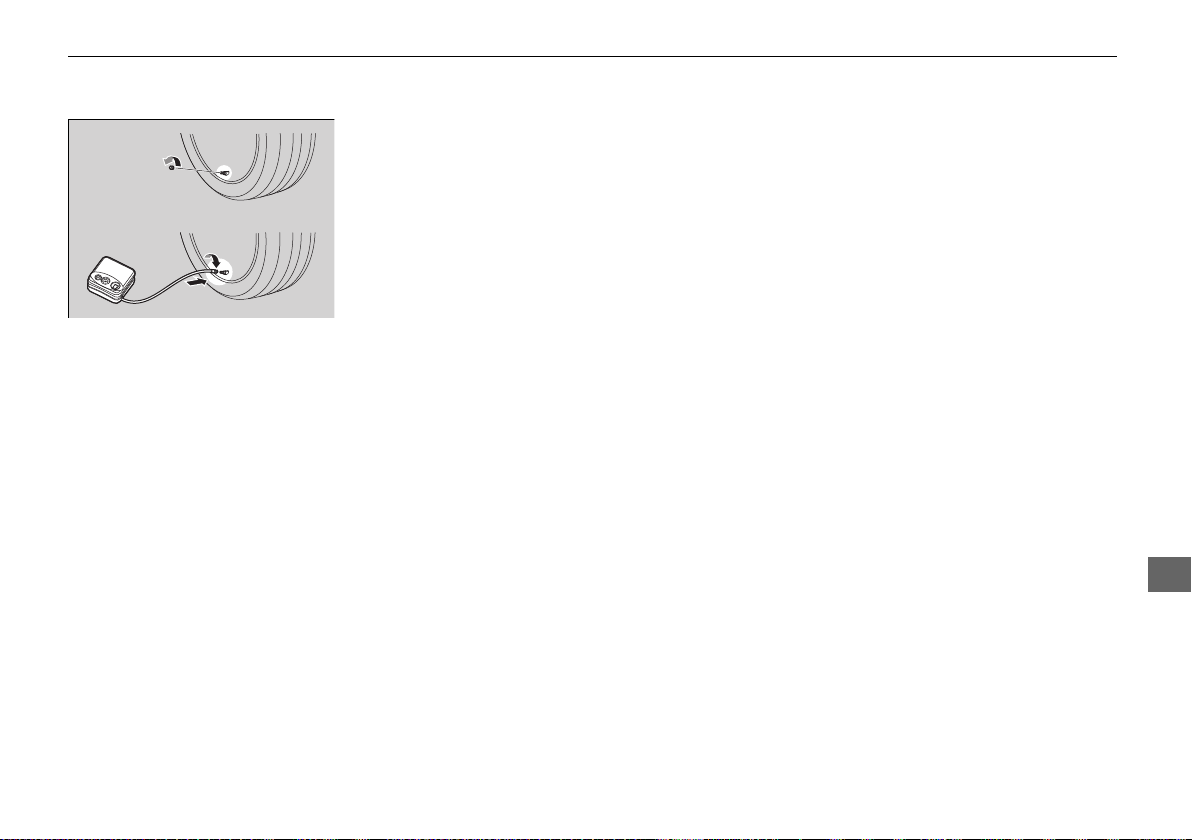
437
uuIf a Tire Goes FlatuTemporarily Repairing a Flat Tire
Continued
Handling the Unexpected
4. Recheck the air pressure using the gauge
on the air compressor.
u Do not turn the air compressor on to
check the pressure.
5. If the air pressure is:
• Less than 19 psi (130 kPa):
Do not add air or continue driving. The
leak is too severe. Call for help and have
your vehicle towed.
2 Emergency Towing P. 460
• 32 psi (220 kPa) or more:
Continue driving for another five
minutes or until you reach the nearest
service station if less than five minutes
away. Do not exceed 50 mph (80 km/h).
u Stop and check the air pressure again. If
the air pressure does not go down after
the five minute drive, you do not need to
check the pressure any more. Drive to
the nearest service station to fix or
replace the tire.
19 NSX-31T6N6200.book 437 ページ 2018年8月9日 木曜日 午前11時12分
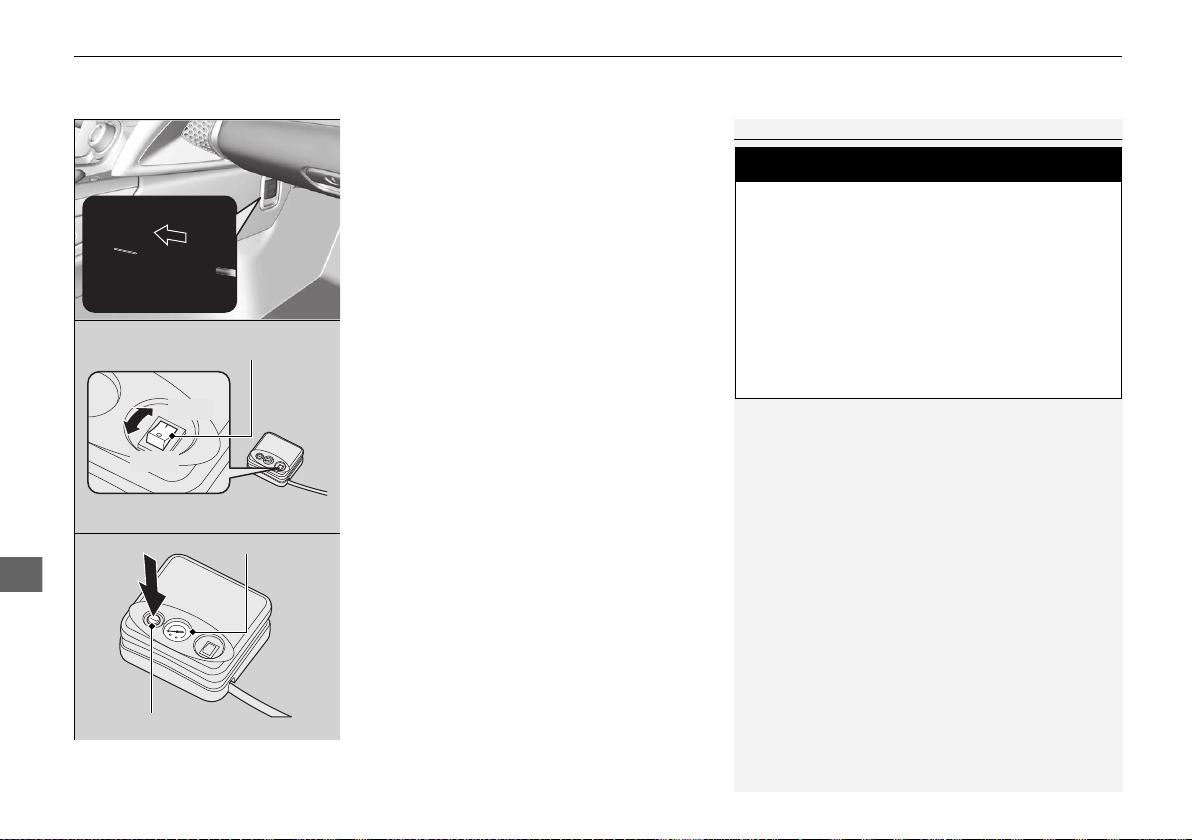
uuIf a Tire Goes FlatuTemporarily Repairing a Flat Tire
438
Handling the Unexpected
• Greater than 19 psi (130 kPa), but less than
32 psi (220 kPa):
Turn the air compressor on to inflate the
tire until the tire pressure reaches 32 psi
(220 kPa).
2 Injecting Sealant and Air P. 433
Then drive carefully for five more minutes
or until you reach the nearest service station
if less than five minutes away.
Do not exceed 50 mph (80 km/h).
u You should repeat this procedure as long
as the air pressure is within this range.
1Distributing the Sealant in the Tire
Refer to the driver’s doorjamb label for the specified
pressure.
3
WARNING
Running the engine with the vehicle in an
enclosed or even partly enclosed area can
cause a rapid build-up of toxic carbon
monoxide.
Breathing this colorless, odorless gas can
cause unconsciousness and even death.
Only run the engine to power the air
compressor with the vehicle outdoors.
Deflation Button
Air Pressure Gauge
Air Compressor Switch
OFF
ON
19 NSX-31T6N6200.book 438 ページ 2018年8月9日 木曜日 午前11時12分
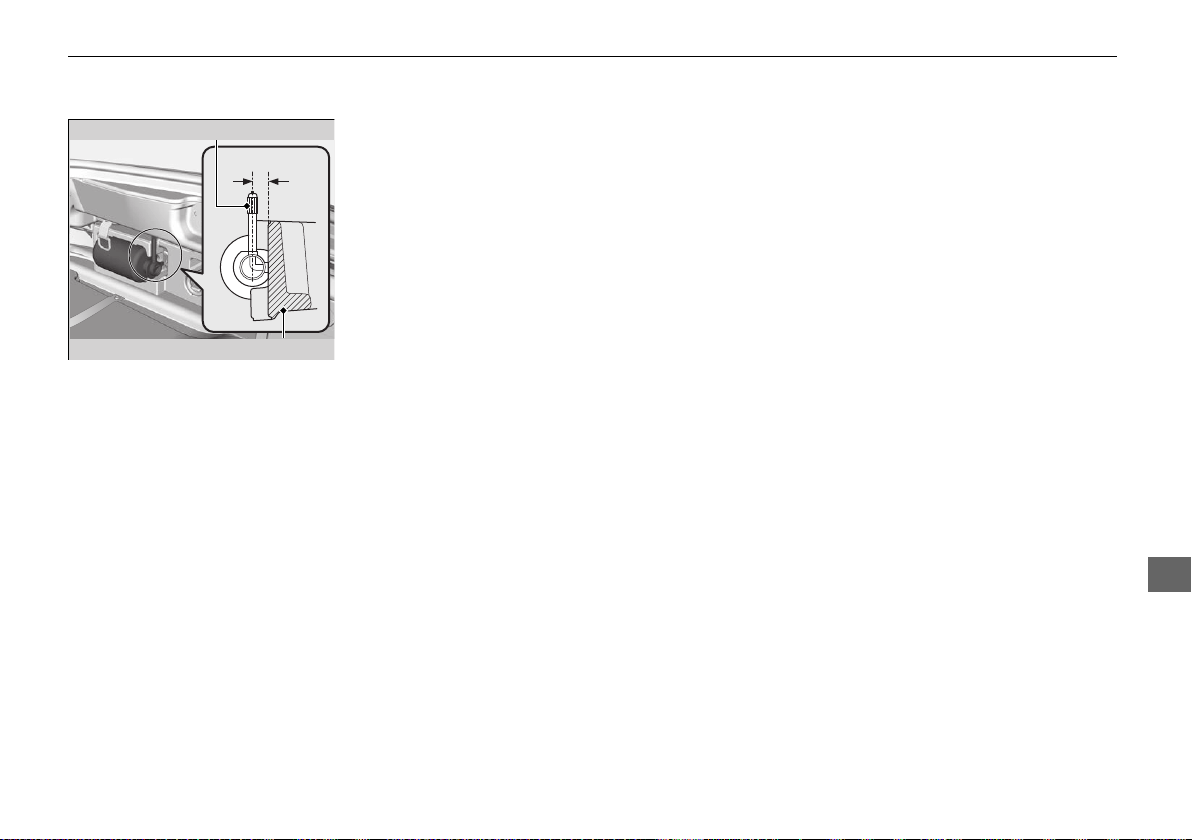
439
uuIf a Tire Goes FlatuTemporarily Repairing a Flat Tire
Continued
Handling the Unexpected
6. Repackage and properly stow the kit.
u Ensure the sealant bottle is inserted with
the sealant/air hose parallel to the tool
box to prevent the bottle/hose damage.
Sealant/Air Hose
Tool Box
19 NSX-31T6N6200.book 439 ページ 2018年8月9日 木曜日 午前11時12分
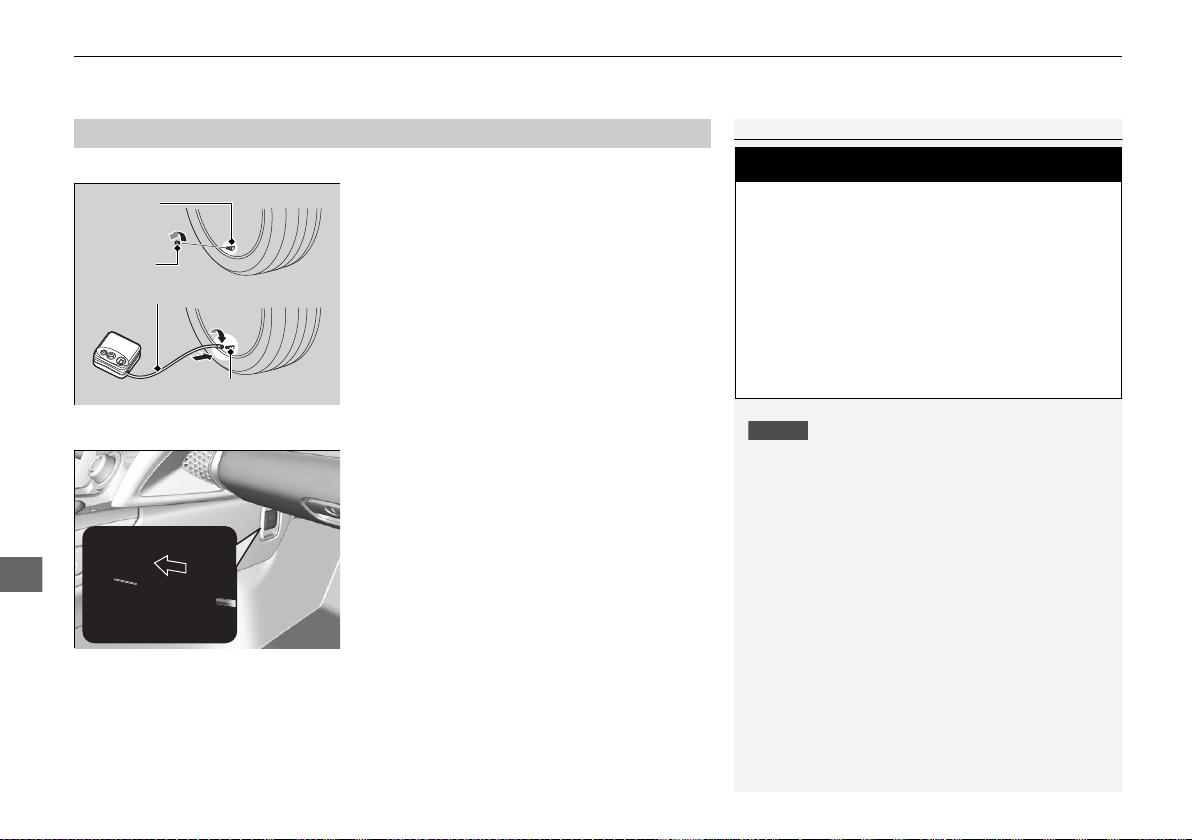
uuIf a Tire Goes FlatuTemporarily Repairing a Flat Tire
440
Handling the Unexpected
You can use the kit to inflate a non-punctured under-inflated tire.
1. Take the kit out of the box.
2 Getting Ready to Temporarily Repair
the Flat Tire P. 432
2. Place the kit, face up, on flat ground near
the flat tire, away from traffic. Do not
place the kit on its side.
3. Remove the valve cap from the tire valve
stem.
4. Attach the air compressor hose onto the
tire valve stem.
Screw the air compressor hose until it is
tightly connected to the valve stem.
5. Plug in the compressor to the accessory
power socket.
u Be careful not to pinch the cord in a
door or window.
2 Accessory Power Socket P. 152
6. Turn the power system on.
u Keep the power system on while
injecting air.
2 Carbon Monoxide Gas P. 67
■
Inflating an Under-inflated Tire
1Inflating an Under-inflated Tire
NOTICE
Do not operate the temporary tire repair kit
compressor for more than 15 minutes. The
compressor can overheat and become permanently
damaged.
3
WARNING
Running the engine with the vehicle in an
enclosed or even partly enclosed area can
cause a rapid build-up of toxic carbon
monoxide.
Breathing this colorless, odorless gas can
cause unconsciousness and even death.
Only run the engine to power the air
compressor with the vehicle outdoors.
Tire Valve
Stem
Valve Cap
Tire Valve Stem
Air Compressor
Hose
19 NSX-31T6N6200.book 440 ページ 2018年8月9日 木曜日 午前11時12分
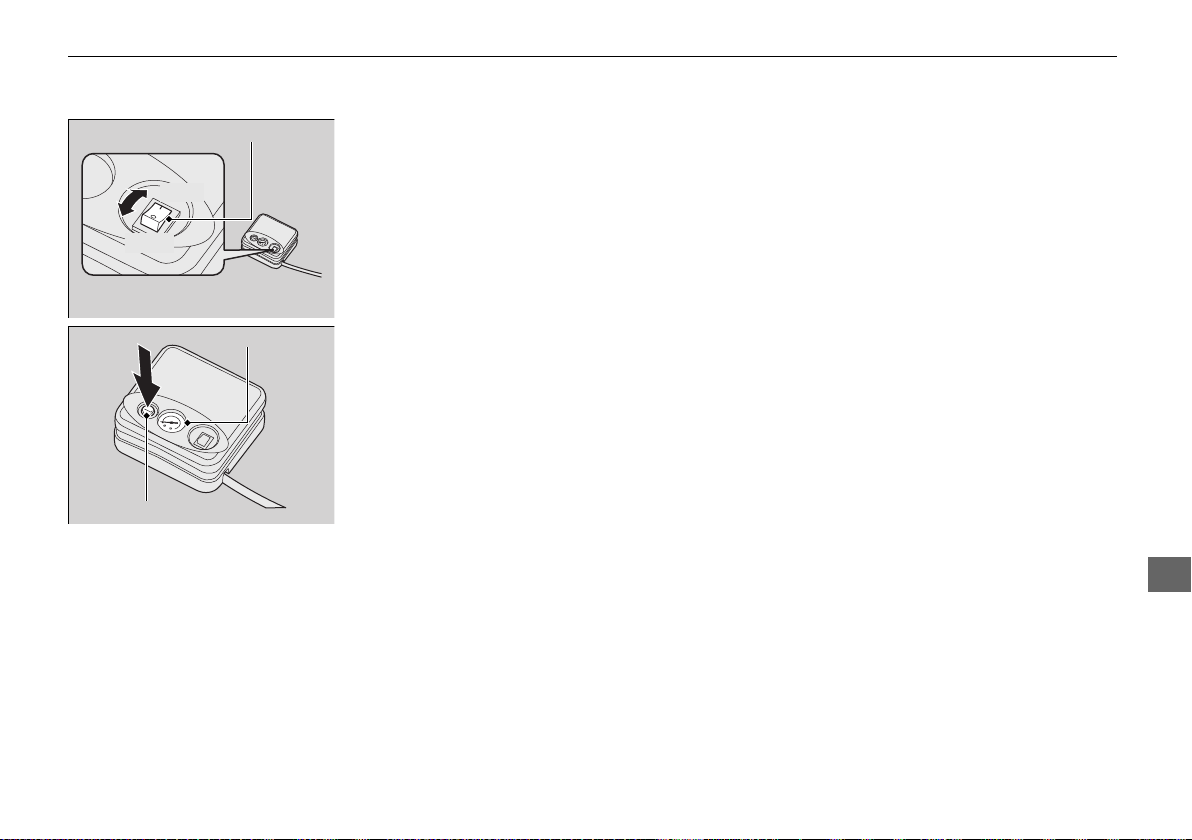
441
uuIf a Tire Goes FlatuTemporarily Repairing a Flat Tire
Handling the Unexpected
7. Turn the air compressor switch on to
inflate the tire.
u The compressor starts to inject air into
the tire.
u If you have turned the power system
on, keep the power system on while
injecting air.
8. Inflate the tire to the specified air pressure.
9. Turn off the kit.
u Check the pressure gauge on the air
compressor.
u If overinflated, press the deflation
button.
10. Unplug the kit from the accessory power
socket.
11. Unscrew the air hose from the tire valve
stem. Reinstall the valve cap.
12. Push the deflation button until the gauge
returns 0 psi (0 kPa).
13. Repackage and properly stow the kit.
Air Compressor Switch
OFF
ON
Deflation Button
Air Pressure Gauge
19 NSX-31T6N6200.book 441 ページ 2018年8月9日 木曜日 午前11時12分
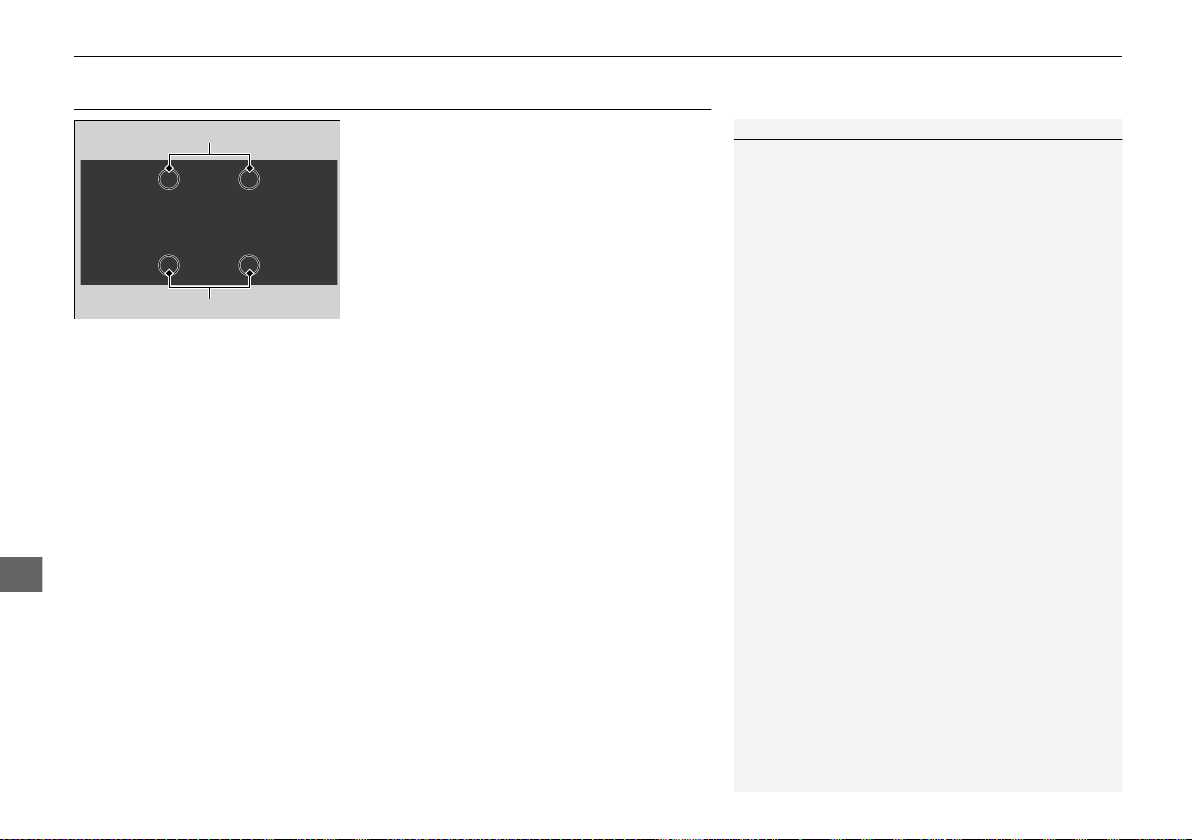
442
uuIf a Tire Goes FlatuHandling of the Jack
Handling the Unexpected
Handling of the Jack
Your vehicle has jacking points as shown.
When replacing your tires, consult an
authorized Acura NSX dealer.
1Handling of the Jack
Many types of jacks and jack stands, as well as
improper lifting procedures, may cause side sill and
underbody damage. Please consult an authorized
Acura NSX dealer about proper lifting equipment and
methods.
Jacking Points
Jacking Points
19 NSX-31T6N6200.book 442 ページ 2018年8月9日 木曜日 午前11時12分
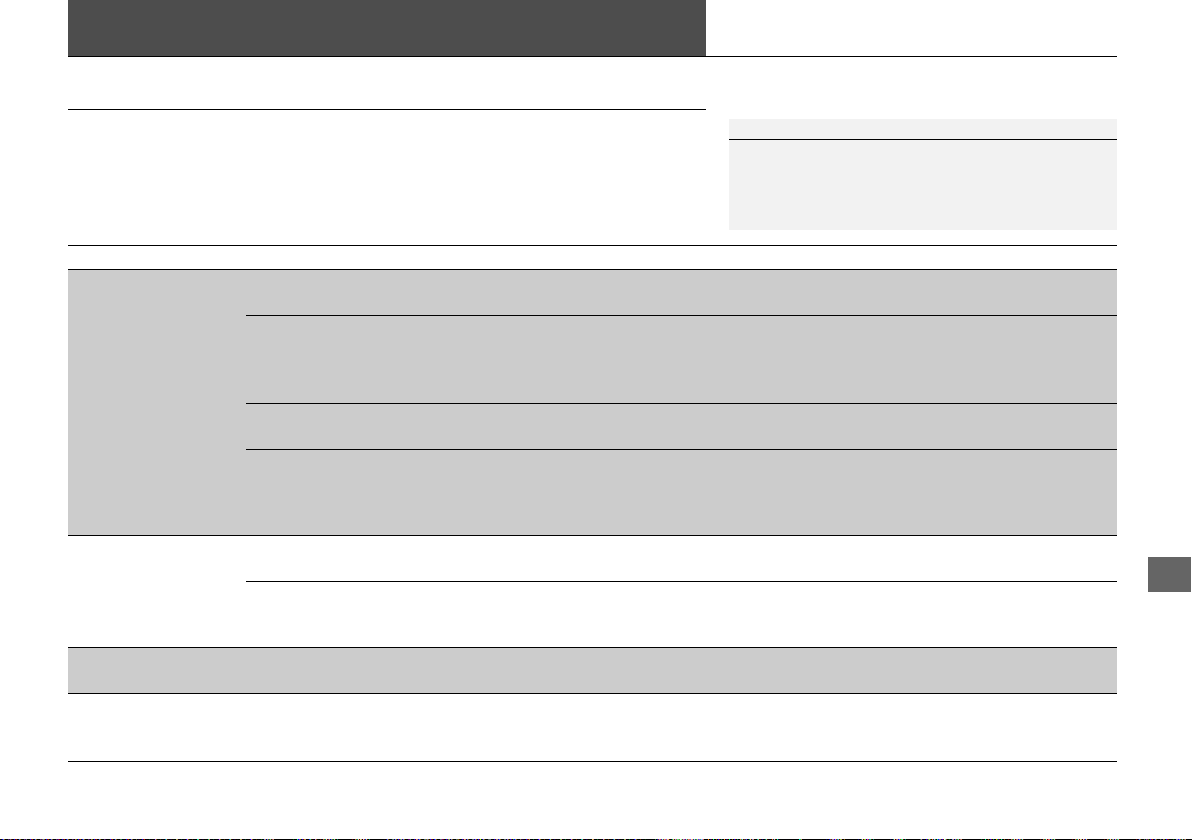
443
Handling the Unexpected
Power System Won’t Start
Checking the Procedure
When the READY indicator does not come on and the Ready To Drive message
does not appear on the driver information interface, check the following items and
take appropriate action.
Checklist Condition What to Do
Check if the related
indicator or driver
information interface
messages come on.
The Temperature Is Too Cold For Vehicle To Operate
message appears.
2 Driver Information Interface Warning and
Information Messages P. 83
The To Start, Hold Remote Near Start Button message
appears.
uMake sure the keyless access remote is in its operating range.
2 ENGINE START/STOP Button Operating Range P. 127
2 If the Keyless Access Remote Battery is
Weak P. 444
The POWER SYSTEM indicator comes on. Have your vehicle checked by an authorized
Acura NSX dealer.
The transmission system indicator blinks and Transmission
Problem Apply Parking Brake When Parked message
appears.
The power system can be activated as a
temporary measure.
2 If the Transmission System Indicator Blinks
along with the Warning Message P. 454
Check the brightness
of the interior lights.
The interior lights are dim or do not come on at all. Have the 12-volt battery checked by an
authorized Acura NSX dealer.
The interior lights come on normally. Check all fuses, or have your vehicle checked by
an authorized Acura NSX dealer.
2 Inspecting and Changing Fuses P. 459
Check the gear
position.
The transmission is not in (P. Put the transmission into (P.
Check the
immobilizer system
indicator.
When the immobilizer system indicator is blinking, the power
system cannot be turned on.
2 Immobilizer System Indicator P. 81
1Checking the Procedure
If you must start the vehicle immediately, use an
assisting vehicle to jump start it.
2 Jump Starting P. 446
19 NSX-31T6N6200.book 443 ページ 2018年8月9日 木曜日 午前11時12分
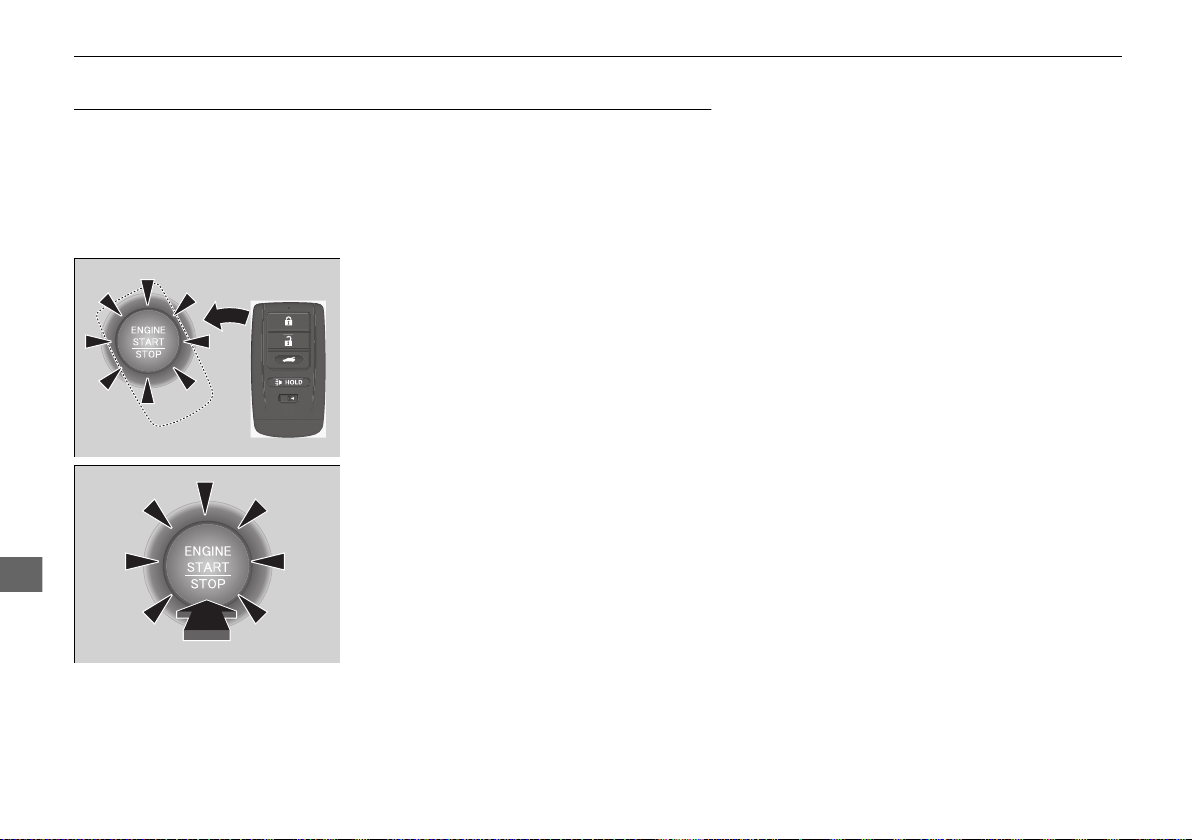
444
uuPower System Won’t StartuIf the Keyless Access Remote Battery is Weak
Handling the Unexpected
If the Keyless Access Remote Battery is Weak
If the beeper sounds, the ENGINE START/STOP button flashes, and the READY
indicator does not come on.
The To Start, Hold Remote Near Start Button message appears on the driver
information interface.
Turn on the power system as follows.
1. Touch the center of the ENGINE START/
STOP button with the A logo on the keyless
access remote while the ENGINE START/
STOP button is flashing. The buttons on
the keyless access remote should be facing
you.
u The ENGINE START/STOP button
flashes for about 30 seconds.
2. Depress the brake pedal and press the
ENGINE START/STOP button within 10
seconds after the beeper sounds and the
ENGINE START/STOP button changes
from flashing to on.
u If you don’t depress the pedal, the mode
will change to ACCESSORY.
19 NSX-31T6N6200.book 444 ページ 2018年8月9日 木曜日 午前11時12分
445
uuPower System Won’t StartuEmergency Power System Off
Handling the Unexpected
Emergency Power System Off
The ENGINE START/STOP button may be used to turn the power system off due to
an emergency situation even while driving. If you must turn the power system off,
do either of the following operations:
• Press and hold the ENGINE START/STOP button for about two seconds.
• Firmly press the ENGINE START/STOP button three times.
The steering wheel will not lock. However, because turning off the engine disables
the power assist the engine provides to the steering and braking systems, it will
require significantly more physical effort and time to steer and slow the vehicle. Use
both feet on the brake pedal to slow down the vehicle and stop immediately in a
safe place.
The gear position automatically changes to
(P after the vehicle comes to a complete
stop. Then, the power mode changes to VEHICLE OFF.
1Emergency Power System Off
Do not press the button while driving unless it is
absolutely necessary for the power system to be
turned off.
19 NSX-31T6N6200.book 445 ページ 2018年8月9日 木曜日 午前11時12分
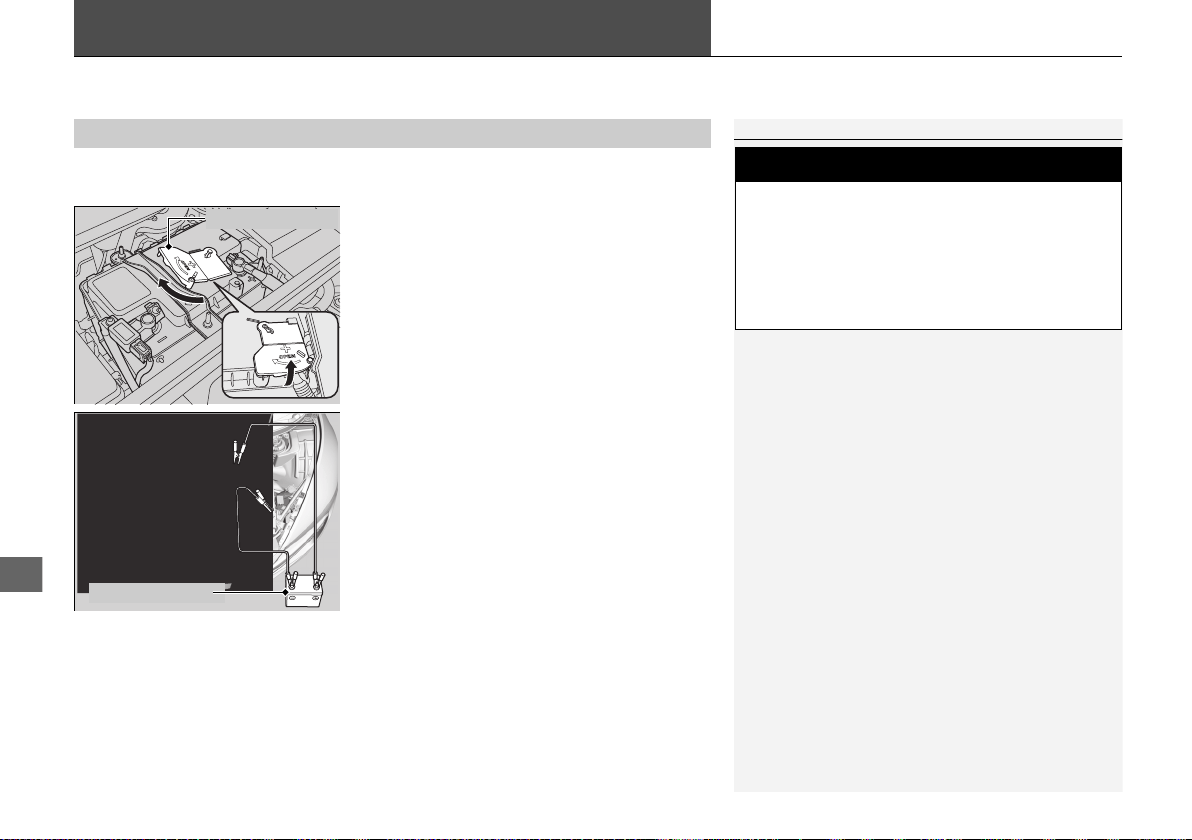
446
Handling the Unexpected
Jump Starting
Turn off the power to electric devices, such as audio and lights. Turn off the power
system, then open the hood.
1. Remove the maintenance cover.
2 Checking the 12-Volt Battery P. 415
2. Slide the terminal cover on your vehicle’s
12-volt battery positive + terminal as
shown.
3. Connect the first jumper cable to your
vehicle’s 12-volt battery + terminal.
4. Connect the other end of the first jumper
cable to the booster battery + terminal.
u If you use a booster battery, only use a
12-volt booster battery.
u When using an automotive battery
charger, select a charging voltage lower
than 15-volts. Check the charger manual
for the proper setting.
5. Connect the second jumper cable to the
booster battery - terminal.
■
Jump Starting Procedure
1Jump Starting
Securely attach the jumper cable clips so that they do
not come off when the engine vibrates. Also be
careful not to tangle the jumper cables or allow the
cable ends to touch each other while attaching or
detaching the jumper cables.
12-volt battery performance degrades in cold
conditions and may prevent the engine from starting.
3
WARNING
A 12-volt battery can explode if you do not
follow the correct procedure, seriously
injuring anyone nearby.
Keep all sparks, open flames, and smoking
materials away from the 12-volt battery.
Terminal Cover
Booster Battery
19 NSX-31T6N6200.book 446 ページ 2018年8月9日 木曜日 午前11時12分
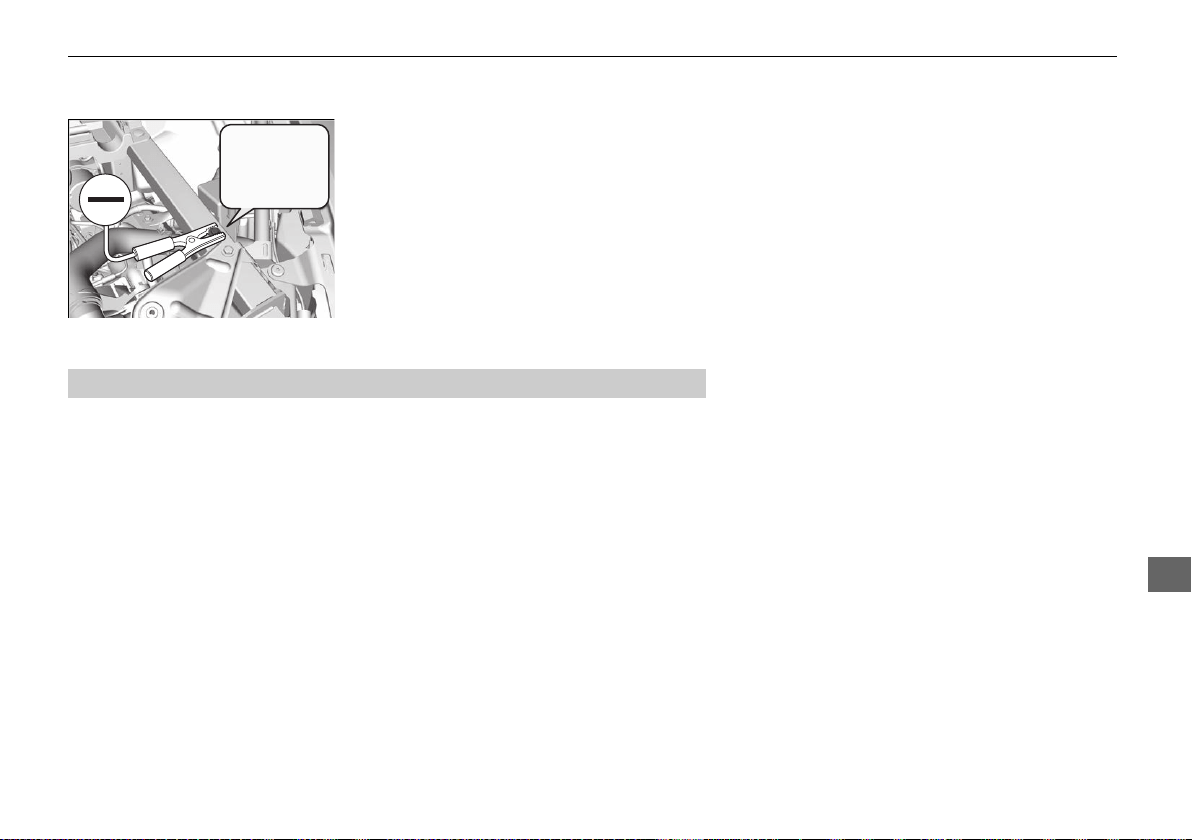
447
uuJump Startingu
Handling the Unexpected
6. Connect the other end of the second
jumper cable to the front frame as shown.
Do not connect this jumper cable to any
other part.
7. If your vehicle is connected to another
vehicle, start the assisting vehicle’s engine
and increase its rpm slightly.
8. Attempt to start your vehicle’s engine. If it
turns over slowly, check that the jumper
cables have good metal-to-metal contact.
Once your vehicle’s engine has started, remove the jumper cables in the following
order.
1. Disconnect the jumper cable from your vehicle’s ground.
2. Disconnect the other end of the jumper cable from the booster battery -
terminal.
3. Disconnect the jumper cable from your vehicle’s 12-volt battery + terminal.
4. Disconnect the other end of the jumper cable from the booster battery +
terminal.
Have your vehicle inspected by a nearby service station or an authorized Acura NSX
dealer.
■
What to Do After the Engine Starts
19 NSX-31T6N6200.book 447 ページ 2018年8月9日 木曜日 午前11時12分
448
Handling the Unexpected
Overheating
How to Handle Overheating
Overheating symptoms are as follows:
• The temperature gauge pointer is at the mark or the engine suddenly loses
power.
• Steam or spray comes out of the engine compartment.
■ First thing to do
1. Immediately park the vehicle in a safe place.
u Put the transmission into (P and set the parking brake.
2. Turn off all accessories and turn on the hazard warning lights.
u No steam or spray present: Keep the power system on and open the hatch.
u Steam or spray is present: Turn off the power system and wait until it
subsides. Then open the hatch.
1How to Handle Overheating
NOTICE
Continuing to drive with the temperature gauge
pointer at the mark may damage the engine.
3
WARNING
Steam and spray from an overheated
engine can seriously scald you.
Do not open the hatch if steam is coming
out.
H
H
19 NSX-31T6N6200.book 448 ページ 2018年8月9日 木曜日 午前11時12分
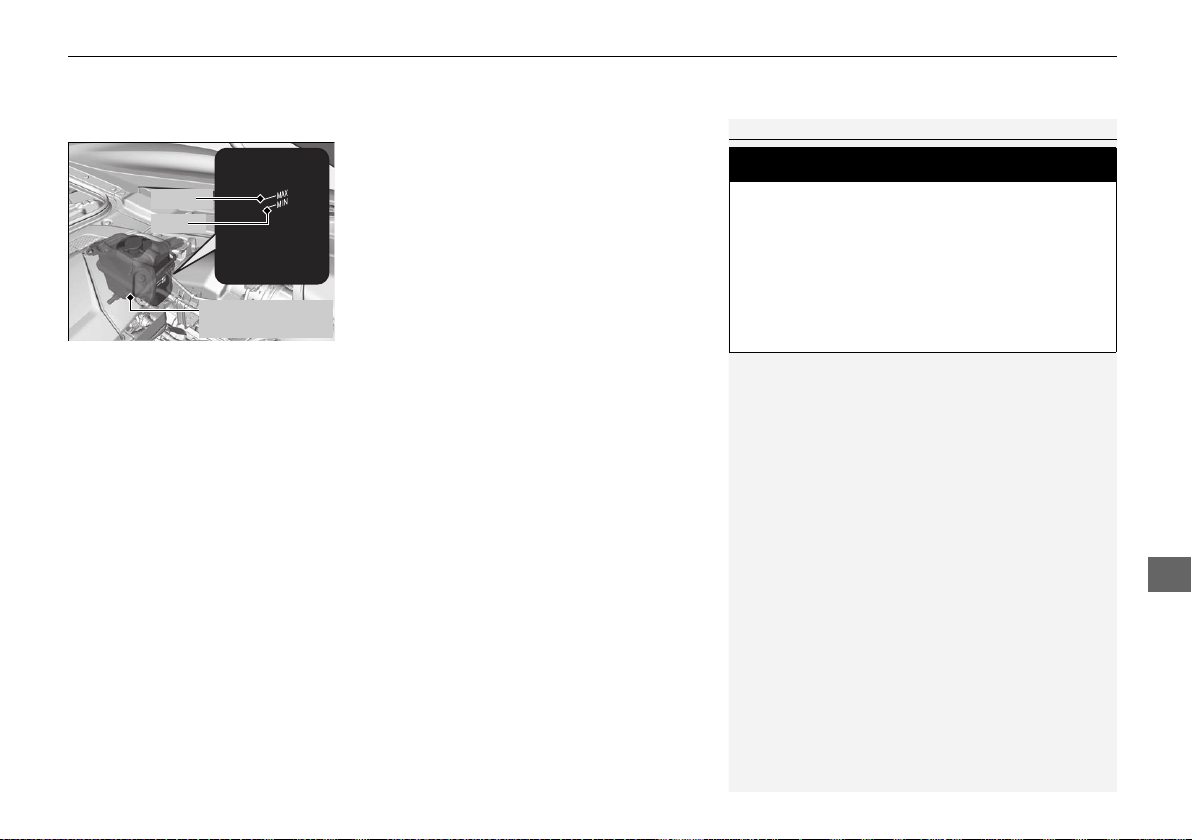
449
uuOverheatinguHow to Handle Overheating
Handling the Unexpected
■ Next thing to do
1. Check that the cooling fan is operating and
turn the power system off once the
temperature gauge pointer comes down.
u If the cooling fan is not operating,
immediately turn the power system off.
2. Once the engine has cooled down, inspect
the coolant level and check the cooling
system components for leaks.
2 Checking the Coolant P. 394
u If the coolant level in the reserve tank is
low, or no coolant in the tank, check that
the radiator is cool. Cover the reserve
tank cap with a heavy cloth and open the
cap. Add coolant until it reaches the
MAX mark, and put the cap back on.
■ Last thing to do
Once the engine has cooled sufficiently, turn the power system on and check the
temperature gauge. If the temperature gauge pointer has gone down, resume
driving. If it has not gone down, contact an authorized Acura NSX dealer for repairs.
1How to Handle Overheating
If the coolant is leaking, contact an authorized Acura
NSX dealer for repairs.
Use water as an emergency/temporary measure only.
Have an authorized Acura NSX dealer flush the
system with proper antifreeze as soon as possible.
3
WARNING
Removing the reserve tank cap while the
engine is hot can cause the coolant to spray
out, seriously scalding you.
Always let the engine and radiator cool
down before removing the reserve tank
cap.
Engine Coolant
Reserve Tank
MAX
MIN
19 NSX-31T6N6200.book 449 ページ 2018年8月9日 木曜日 午前11時12分
450
Handling the Unexpected
Indicator, Coming On/Blinking
If the 12-Volt Battery Charging System Indicator
Comes On
■ Reasons for the indicator to come on
Comes on when the 12-volt battery is not being charged.
■ What to do when the indicator comes on
Turn off the climate control system, rear defogger, and other electrical
systems, and immediately contact an authorized Acura NSX dealer for
repairs.
If the Malfunction Indicator Lamp Comes On or
Blinks
■ Reasons for the indicator lamp to come on or blink
• Comes on when there is a problem with the engine emissions control
system.
• Blinks when engine misfiring is detected.
■ What to do when the indicator lamp comes on
Avoid high speeds and immediately get your vehicle inspected at an
authorized Acura NSX dealer.
■ What to do when the indicator lamp blinks
Park the vehicle in a safe place with no flammable items and wait at least
10 minutes or more with the engine stopped until it cools.
1If the 12-Volt Battery Charging System Indicator Comes On
If you need to stop temporarily, do not turn off the
power system. Restarting the power system may
rapidly discharge the battery.
1If the Malfunction Indicator Lamp Comes On or Blinks
NOTICE
If you drive with the malfunction indicator lamp on,
the emissions control system and the engine could be
damaged.
If the malfunction indicator lamp blinks again when
restarting the engine, drive to the nearest authorized
Acura NSX dealer at 31 mph (50 km/h) or less. Have
your vehicle inspected.
19 NSX-31T6N6200.book 450 ページ 2018年8月9日 木曜日 午前11時12分

451
uuIndicator, Coming On/BlinkinguIf the Brake System Indicator (Red) Comes On
Handling the Unexpected
If the Brake System Indicator (Red) Comes On
■ Reasons for the indicator to come on
• The brake fluid is low.
• There is a malfunction in the brake system.
■ What to do when the indicator comes on while driving
Depress the brake pedal lightly to check pedal pressure.
• If normal, check the brake fluid level the next time you stop.
• If abnormal, take immediate action. If necessary, downshift the
transmission to slow the vehicle using regenerative braking.
If the Electric Power Steering (EPS) System Indicator
Comes On
■ Reasons for the indicator to come on
Comes on if there is a problem with the EPS system.
■ What to do when the indicator comes on
Stop the vehicle in a safe place and turn on the power system again.
If the indicator comes on and stays on, immediately have your vehicle
inspected by an authorized Acura NSX dealer.
1If the Brake System Indicator (Red) Comes On
Have your vehicle repaired immediately.
It is dangerous to drive with low brake fluid. If there
is no resistance from the brake pedal, stop
immediately in a safe place. If necessary, downshift
the gears.
If the brake system indicator and ABS indicator come
on simultaneously, the electronic brake distribution
system is not working. This can result in vehicle
instability under sudden braking.
Have your vehicle inspected by an authorized Acura
NSX dealer immediately.
If both red and amber brake system indicators come
on, stop the vehicle in a safe place and have it
inspected by an authorized Acura NSX dealer
immediately.
U.S.
Canada
19 NSX-31T6N6200.book 451 ページ 2018年8月9日 木曜日 午前11時12分
452
uuIndicator, Coming On/BlinkinguIf the Electric Parking Brake System Indicator Comes On
Handling the Unexpected
If the Electric Parking Brake System Indicator Comes
On
■ Reasons for the indicator to come on
Comes on when there is a problem with the electric parking brake
system.
■ What to do when the indicator comes on
Avoid using the parking brake and immediately get your vehicle
inspected at an authorized Acura NSX dealer.
■ What to do when the electric parking brake indicator comes on
or blinks at the same time.
Release the parking brake.
2 Parking Brake P. 354
• If the electric parking brake indicator remains on or blinks even after
releasing the parking brake, immediately stop the vehicle in a safe
place, and call an authorized Acura NSX dealer.
u To prevent your vehicle from moving unexpectedly, put the
transmission into
(P.
• If only the electric parking brake indicator goes off, immediately get
your vehicle inspected at an authorized Acura NSX dealer.
1If the Electric Parking Brake System Indicator Comes On
If you apply the parking brake, it may not release.
If the electric parking brake indicator turns on, the
parking brake is still applied.
When the electric parking brake indicator blinks at
the same time as the electric parking brake system
indicator, the system must be checked. The parking
brake may not operate under these conditions.
19 NSX-31T6N6200.book 452 ページ 2018年8月9日 木曜日 午前11時12分
453
uuIndicator, Coming On/BlinkinguIf the Low Tire Pressure/TPMS Indicator Comes On or Blinks
Handling the Unexpected
If the Low Tire Pressure/TPMS Indicator Comes On or
Blinks
■ Reasons for the indicator to come on or blink
Tire pressure is significantly low in one or more of the tires. If there is a
problem with the TPMS, the indicator blinks for about one minute, and
then stays on.
■ What to do when the indicator comes on
Drive carefully, avoid abrupt or sharp cornering, and hard braking.
Stop your vehicle in a safe place. Check the tire pressure and adjust the
pressure to the specified level. The specified tire pressure is on a label on
the driver’s side doorjamb.
■ What to do when the indicator blinks
Have the tire inspected by an authorized Acura NSX dealer as soon as
possible.
1If the Low Tire Pressure/TPMS Indicator Comes On or Blinks
NOTICE
Driving on an extremely underinflated tire can cause
it to overheat. An overheated tire can fail. Always
inflate your tires to the prescribed level.
19 NSX-31T6N6200.book 453 ページ 2018年8月9日 木曜日 午前11時12分

454
uuIndicator, Coming On/BlinkinguIf the Transmission System Indicator Blinks along with the Warning Message
Handling the Unexpected
If the Transmission System Indicator Blinks along
with the Warning Message
■ Reasons for the indicator to blink
The transmission is malfunctioning.
■ What to do when the indicator blinks
• Immediately have your vehicle inspected by an authorized Acura NSX
dealer.
• Put the transmission into
(N when you turn the power system on.
u Check to verify the (N position on the instrument panel is selected
and if the indicator on the (N button is illuminating or blinking.
u The power system cannot be turned on unless the parking brake is
set.
2 Turning on the Power P. 319
If the Low Oil Level Symbol Appears
■ Reasons for the symbol to appear
Appears when the engine oil level is low.
■ What to do as soon as the symbol appears
1. Immediately park the vehicle on level ground in a safe place.
2. If necessary, turn the hazard warning lights on.
■ What to do after parking the vehicle
Check the oil level.
2 Oil Check P. 389
1If the Transmission System Indicator Blinks along with the
Warning Message
You may not be able to turn on the power system.
Make sure to set the parking brake when parking
your vehicle.
Call a professional towing service if you need to tow
your vehicle.
2 Emergency Towing P. 460
1If the Low Oil Level Symbol Appears
NOTICE
Running the engine with a low oil level can cause
serious mechanical damage almost immediately.
This system activates after the engine warms up. If
the outside temperature is extremely low, you may
have to drive for a long time until the system senses
the engine oil level.
If the symbol appears again, turn the power system
off, and contact an authorized Acura NSX dealer for
repairs immediately.
19 NSX-31T6N6200.book 454 ページ 2018年8月9日 木曜日 午前11時12分
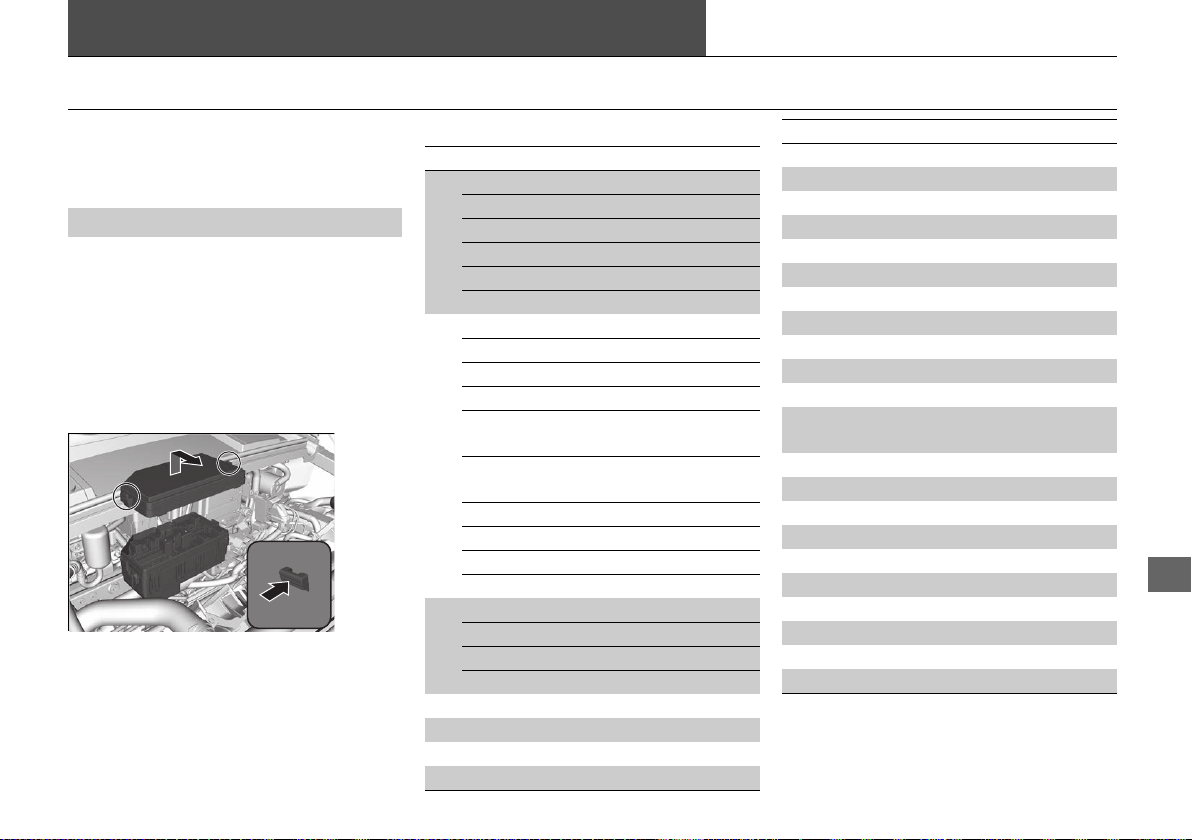
455
Continued
Handling the Unexpected
Fuses
Fuse Locations
If any electrical devices are not working, set
the power mode to VEHICLE OFF, and check
to see if any applicable fuse is blown.
There are two fuse boxes under the hood.
Fuse locations are shown on the fuse box
cover. Locate the fuse in question by the
fuse number and box cover number.
■ Fuse box A
Located near the radiator. Push the tabs to
open the box.
■
Hood Fuse Box
■ Circuit protected and fuse rating
Circuit Protected Amps
1
EPS 70 A
Cooling Fan 50 A
ABS/VSA Motor 40 A
ABS/VSA FSR 20 A
AS F/B Main 30 A
Main Fuse 200 A
2
− (50 A)
F/B Main 1 60 A
−(60A)
−(50A)
Left Electric Parking Brake
Motor
30 A
Right Electric Parking Brake
Motor
30 A
−(40A)
Heater Motor 2 30 A
Heater Motor 1 30 A
−(40A)
3
E-OP 30 A
− (30 A)
ADS 30 A
AMP
*
(30 A)
4 Parking Light 10 A
5 IGPS PCS 7.5 A
6 Left Headlight High Beam 10 A
7 VFP2 7.5 A
8 Left Headlight Low Beam 10 A
9 Right Headlight High Beam 10 A
10 Right Headlight Low Beam 10 A
11 IGPS Fan 7.5 A
12 FI Main 15 A
13 FI Sub 20 A
14 Back Up 7.5 A
15 SBW ECU 7.5 A
16 DBW1 15 A
17 IG Coil 15 A
18 DBW2 15 A
19
Parking Light & Headlight
Main
20 A
20 Rear Defroster 20 A
21 Front Washer 20 A
22 ISC 15 A
23 − −
24 ACC/IG2 Main 10 A
25 Daytime Running Lights 10 A
26 Horn 10 A
27 Interior Lights 7.5 A
28 IGP2 15 A
29 Audio 10 A
Circuit Protected Amps
* Not available on all models
19 NSX-31T6N6200.book 455 ページ 2018年8月9日 木曜日 午前11時12分

456
uuFusesuFuse Locations
Handling the Unexpected
■ Fuse box B
Located near the 12-volt battery. Remove
the maintenance cover, then push the tabs
to open the box.
2 Checking the 12-Volt Battery P. 415
■ Circuit protected and fuse rating
Circuit Protected Amps
1
SBW 60 A
− −
F/B Main 2 60 A
Wiper 30 A
Passenger Power Window 30 A
IG Main 1 30 A
Driver Power Window 30 A
ESB 40 A
2 IG Main 2 30 A
3 IMA Motor 20 A
4BMS 7.5A
5 Stop 7.5 A
6 Turbo W/G 20 A
7 Hazard 7.5 A
8A/C W/P 10A
9 − −
10 AEV 7.5 A
11 FI-ECU Backup 7.5 A
12 − −
13 − −
14 − −
15 − −
16 − −
17 IMA Motor 10 A
19 NSX-31T6N6200.book 456 ページ 2018年8月9日 木曜日 午前11時12分
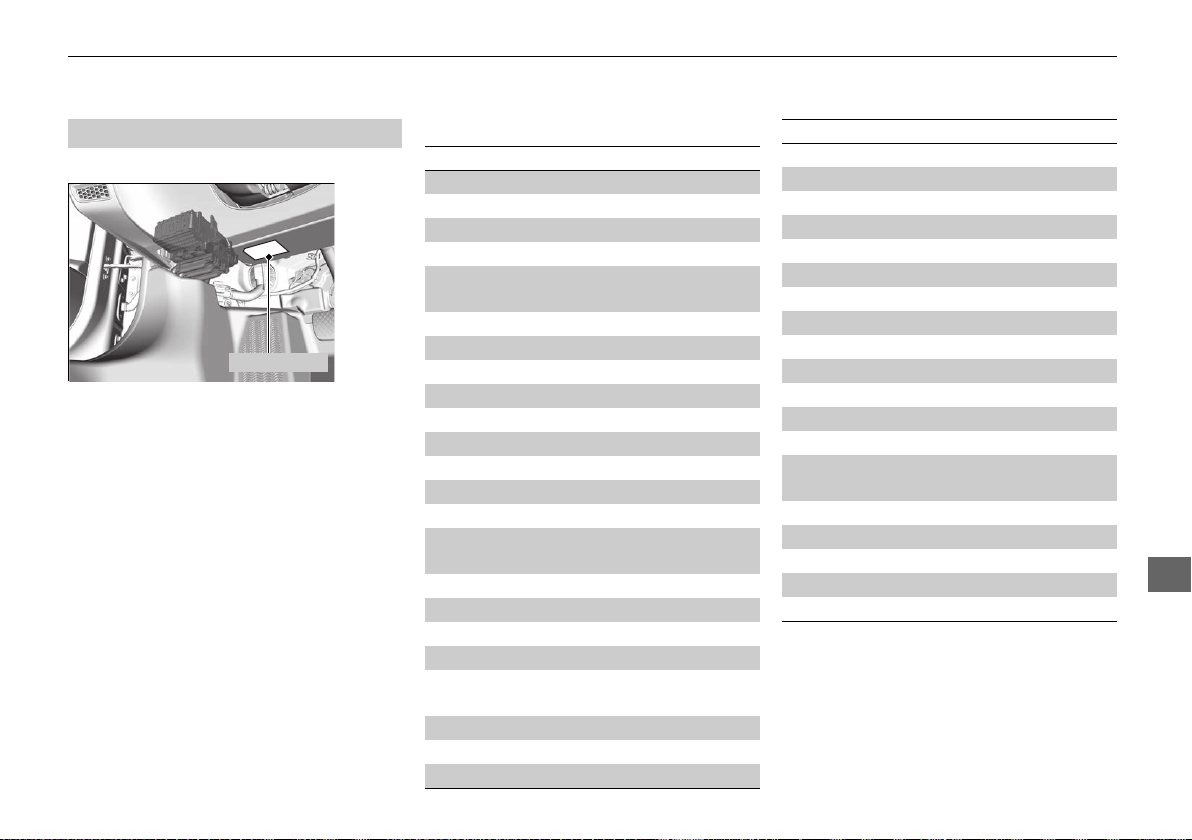
457
uuFusesuFuse Locations
Continued
Handling the Unexpected
Located under the dashboard.
Fuse locations are shown on the label on
the under panel.
Locate the fuse in question by the fuse
number and label number.
■
Driver’s Side Interior Fuse Box
Fuse Label
■ Circuit protected and fuse rating
Circuit Protected Amps
1 Passenger’s Door Handle 10 A
2 Door Lock 15 A
3 SMART 7.5 A
4 − −
5
Front Accessory Power
Socket
20 A
6 Fuel Pump 20 A
7 MISS SOL 15 A
8 ENG 7.5 A
9 VSA/ABS 7.5 A
10 SRS 10 A
11 Power System 2 10 A
12 − −
13 Power System 1 10 A
14 Fuel Lid 7.5 A
15
Driver’s Power Seat
Reclining
*
(20 A)
16 − (7.5 A)
17 Seat Heater
*
(20 A)
18 Driver’s Door Handle 10 A
19 − −
20
Passenger’s Side Door
Unlock
7.5 A
21 Daytime Running Lights 7.5 A
22 Key Lock 7.5 A
23 Air Conditioning 7.5 A
24 Feed Back IG1a 7.5 A
25 Instrument Panel Lights 7.5 A
26 Power Lumbar Support
*
(7.5 A)
27 Parking Lights 7.5 A
28 Sub Main 15 A
29 Meter 10 A
30 DR2 7.5 A
31 Sub Fuel Pump 15 A
32 SRS 10 A
33 Passenger’s Side Door Lock 7.5 A
34 Driver’s Door Lock 7.5 A
35 Driver’s Door Unlock 7.5 A
36 Driver’s Power Seat Sliding
*
(20 A)
37
Right Daytime Running
Light
7.5 A
38 Left Daytime Running Light 7.5 A
39 Feed Back IG1b 7.5 A
40 ACC 7.5 A
41 − −
42 − −
Circuit Protected Amps
* Not available on all models
19 NSX-31T6N6200.book 457 ページ 2018年8月9日 木曜日 午前11時12分
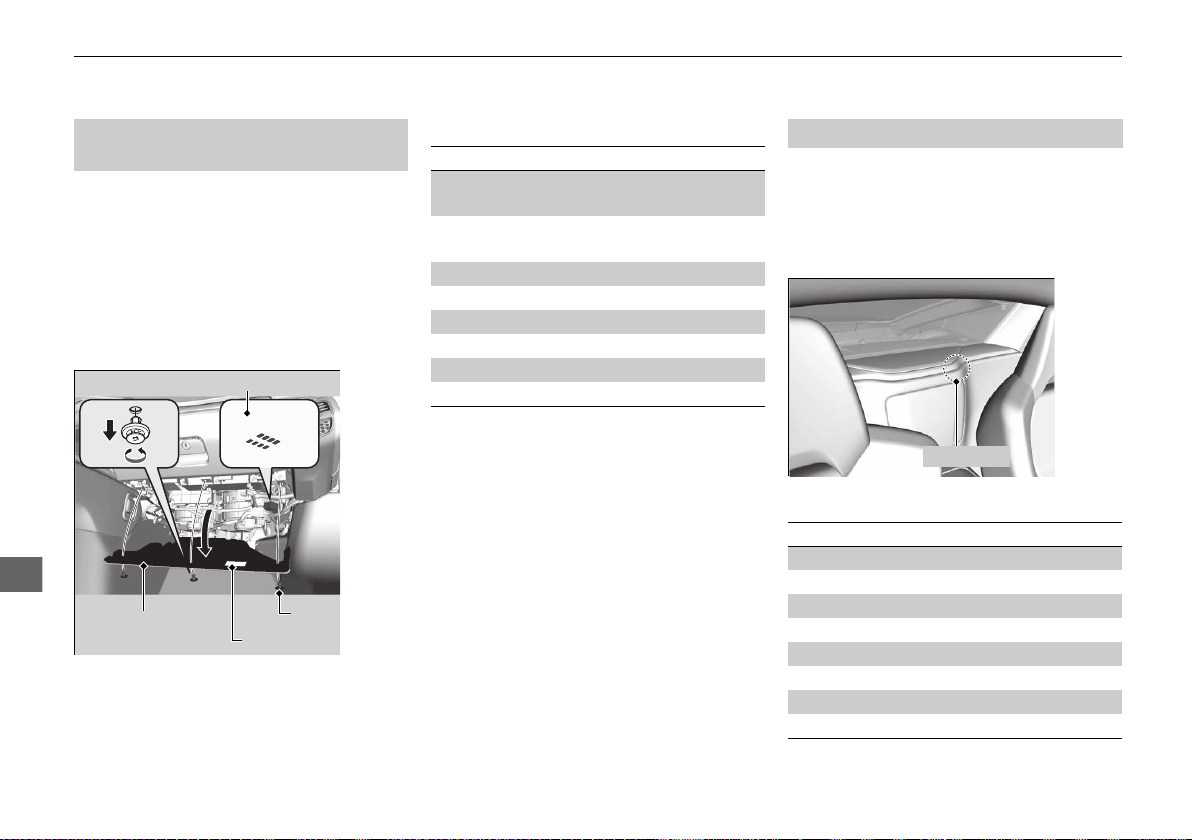
458
uuFusesuFuse Locations
Handling the Unexpected
Located inside the passenger’s side under
cover. Remove the clips using a Phillips-
head screwdriver, then open the under
cover.
Fuse locations are shown on the label on
the under cover.
Locate the fuse in question by the fuse
number and label number.
■
Passenger’s Side Interior Fuse
Box
Fuse Box
Fuse Label
Under Cover
Clip
■ Circuit protected and fuse rating
Circuit Protected Amps
a
Passenger’s Power Seat
Sliding
*
(20 A)
b
Passenger’s Power Seat
Reclining
*
(20 A)
c − (10 A)
d − −
e Wiper 7.5 A
f EPS 7.5 A
g DR1 7.5 A
h Power System 3 7.5 A
Located near the rear center speaker.
Fuse locations are shown on the hood fuse
box A cover.
Have an authorized Acura NSX dealer
inspect and replace the fuse.
■ Circuit protected and fuse rating
■
Rear Side Interior Fuse Box
Fuse Box
Circuit Protected Amps
1 HCA-2 20 A
2 − −
3 − −
4 − −
5 HCA-1 20 A
6 DI-INJ 20 A
7 − −
8 TCU 30 A
* Not available on all models
19 NSX-31T6N6200.book 458 ページ 2018年8月9日 木曜日 午前11時12分
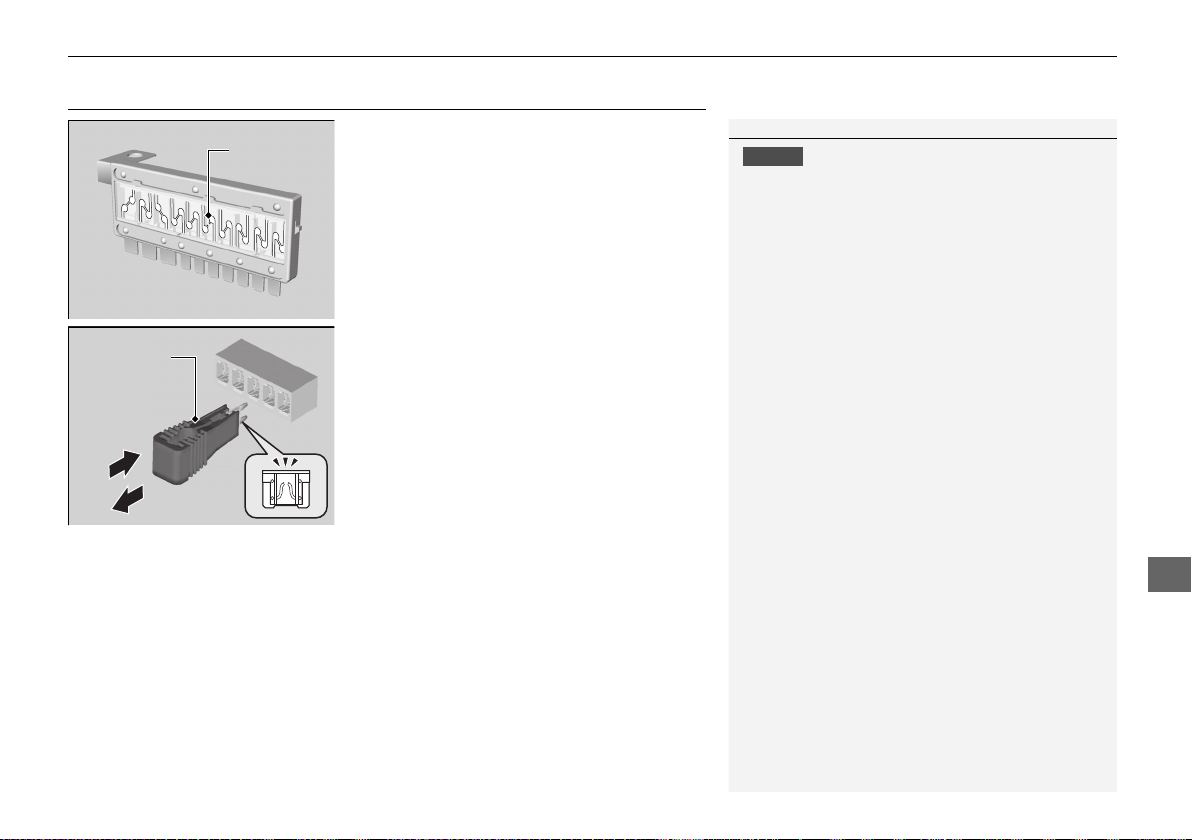
459
uuFusesuInspecting and Changing Fuses
Handling the Unexpected
Inspecting and Changing Fuses
1. Set the power mode to VEHICLE OFF. Turn
headlights and all accessories off.
2. Remove the fuse box cover.
3. Check the large fuse in the hood.
u If the fuse is blown, use a Phillips-head
screwdriver to remove the screw and
replace it with a new one.
4. Inspect the small fuses in the hood and the
vehicle interior.
u If there is a burned out fuse, remove it
with the fuse puller and replace it with a
new one.
1Inspecting and Changing Fuses
NOTICE
Replacing a fuse with one that has a higher rating
greatly increases the chances of damaging the
electrical system.
Replace fuse with a spare fuse of the same specified
amperage.
Use the charts to locate the fuse in question and
confirm the specified amperage on the fuse label.
2 Fuse Locations P. 455
There is a fuse puller on the back of the hood fuse
box A cover.
Combined
Fuse
Blown Fuse
Fuse Puller
19 NSX-31T6N6200.book 459 ページ 2018年8月9日 木曜日 午前11時12分
460
Handling the Unexpected
Emergency Towing
Call a professional towing service if you need to tow your vehicle.
■ Flat bed equipment
The operator loads your vehicle on the back of a truck.
This is the only way you can safely transport your vehicle.
Any other towing method will damage the vehicle’s drive system.
1Emergency Towing
NOTICE
Trying to lift or tow your vehicle by the bumpers will
cause serious damage. The bumpers are not designed
to support the vehicle’s weight.
NOTICE
Improper towing such as towing behind a
motorhome or other motor vehicle can damage the
transmission.
Never tow your vehicle with a rope or chain.
It is very dangerous since ropes or chains may shift
from side to side or break. You will also damage the
vehicle’s drive system.
19 NSX-31T6N6200.book 460 ページ 2018年8月9日 木曜日 午前11時12分
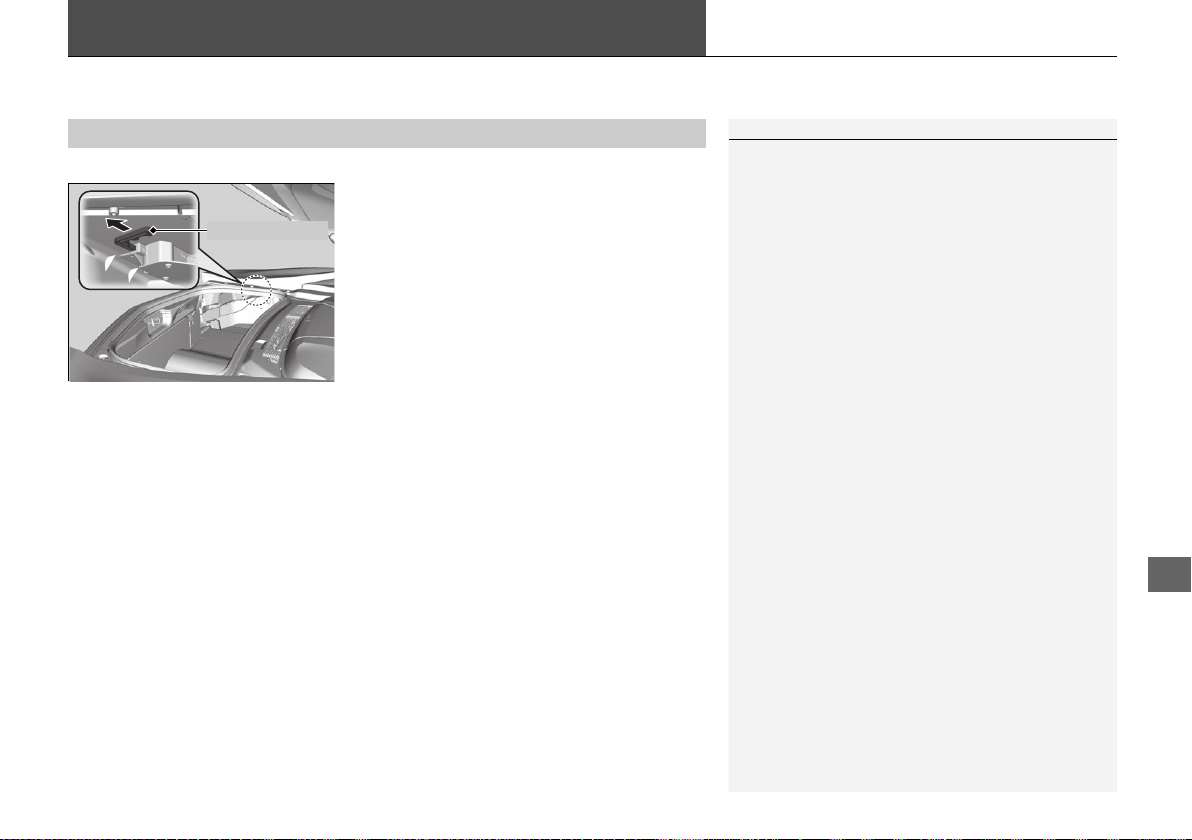
461
Handling the Unexpected
When You Cannot Unlock the Fuel Fill Door
If you cannot unlock the fuel fill door, use the following procedure.
1. Open the hatch.
2. Pull the release lever toward you.
u The release lever unlocks the fuel fill door
when it is pulled.
■
What to Do When Unable to Unlock the Fuel Fill Door
1When You Cannot Unlock the Fuel Fill Door
After taking these steps, contact an authorized Acura
NSX dealer to have your vehicle checked.
Release Lever
19 NSX-31T6N6200.book 461 ページ 2018年8月9日 木曜日 午前11時12分

462
Handling the Unexpected
When You Cannot Open the Hatch
If you cannot open the hatch, use the following procedure.
1. Remove the built-in key.
2. Fully insert the key and turn it.
■
What to Do When Unable to Open the Hatch
1When You Cannot Open the Hatch
After taking these steps, contact an authorized Acura
NSX dealer to have your vehicle checked.
If the security system alarm is set and open the hatch
with the built-in key, the alarm goes off.
2 Security System Alarm P. 122
19 NSX-31T6N6200.book 462 ページ 2018年8月9日 木曜日 午前11時12分
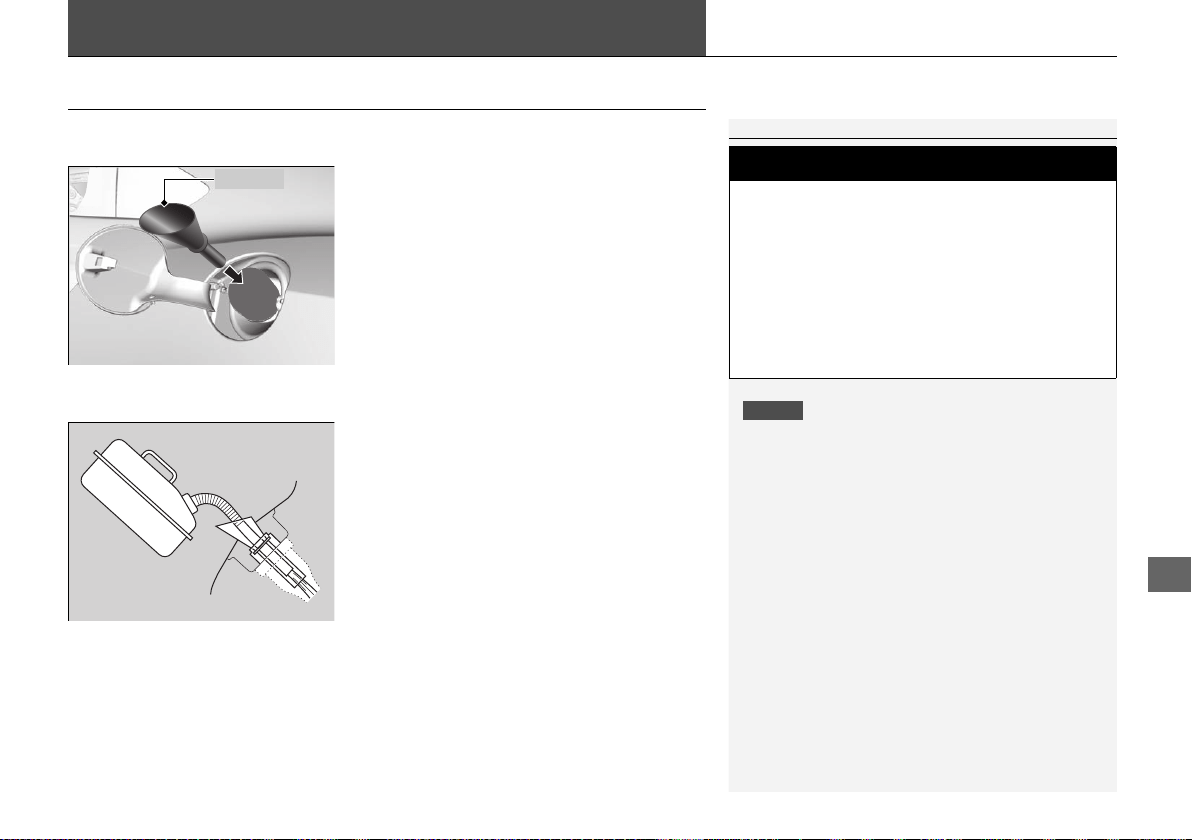
463
Handling the Unexpected
Refueling
Refueling from a Portable Fuel Container
If you have run out of fuel and need to refuel your vehicle from a portable fuel
container, use the funnel provided with your vehicle.
1. Turn off the power system.
2. Press the fuel fill door release button.
u The fuel fill door opens.
3. Take the funnel out of the tool box in the
trunk.
2 Types of Tools P. 430
4. Place the end of the funnel on the lower
part of filler opening, then insert it slowly
and completely.
u Make sure that the end of the funnel
goes down along with the filler pipe.
5. Fill the tank with fuel from the portable fuel
container.
u Pour fuel carefully so you do not spill any.
6. Remove the funnel from the filler neck.
u Wipe up any fuel from the funnel before
storing it.
7. Shut the fuel fill door by hand.
1Refueling from a Portable Fuel Container
NOTICE
Do not insert the nozzle of a portable fuel container
or any funnel other than the one provided with your
vehicle. Doing so can damage the fuel system.
Do not try to pry open or push open the filler opening
with foreign objects. This can damage the filler
opening and its seal.
Make sure the fuel in the portable fuel container is
gasoline before you refuel.
3
WARNING
Gasoline is highly flammable and explosive.
You can be burned or seriously injured
when handling fuel.
• Turn the power system off, and keep
heat, sparks, and flame away.
• Handle fuel only outdoors.
• Wipe up spills immediately.
Funnel
19 NSX-31T6N6200.book 463 ページ 2018年8月9日 木曜日 午前11時12分

464
19 NSX-31T6N6200.book 464 ページ 2018年8月9日 木曜日 午前11時12分
465
Information
This chapter includes your vehicle’s specifications, locations of identification numbers, and other
information required by regulation.
Specifications .................................... 466
Identification Numbers
Vehicle Identification Number (VIN),
Engine Number, Motor Number, and
Transmission Number..................... 468
Devices that Emit Radio Waves ....... 469
Reporting Safety Defects ................. 470
Emissions Testing
Testing of Readiness Codes.............. 471
Warranty Coverages ........................ 473
Authorized Manuals......................... 475
Client Service Information ............... 476
19 NSX-31T6N6200.book 465 ページ 2018年8月9日 木曜日 午前11時12分
466
Information
Specifications
■ Vehicle Specifications
■ Air Conditioning
Model Acura NSX
No. of Passengers:
Front 2
Rear 0
Total 2
Weights:
Gross Vehicle Weight
Rating
See the certification label on the driver’s
doorjamb
Gross Axle Weight
Rating (Front)
See the certification label on the driver’s
doorjamb
Gross Axle Weight
Rating (Rear)
See the certification label on the driver’s
doorjamb
Refrigerant Type HFC-134a (R-134a)
Charge Quantity 16.0 - 17.8 oz (455 - 505 g)
Lubricant Type ND-OIL 11
Quantity 3.72 - 4.23 fl oz (110 - 125 mL)
■ Engine Specifications
■ Fuel
■ Washer Fluid
Displacement 213 cu-in (3,493 cm
3
)
Spark Plugs NGK SILZKAR8F7S
Type
Unleaded premium gasoline, Pump octane
number of 91 or higher
Fuel Tank Capacity 15.6 US gal (59.0 L)
Tank Capacity 2.6 US qt (2.5 L)
■ Light Bulbs
Headlights (Low Beam) LED
Headlights (High Beam) LED
Front Turn Signal/Parking Lights LED
Front Side Marker Lights LED
Side Turn Signal Lights
(on Door Mirrors)
LED
Daytime Running Lights LED
Rear Turn Signal Lights LED
Brake/Taillights LED
Rear Side Marker Lights LED
Taillights LED
Back-Up Lights LED
Rear License Plate Lights LED
High-Mount Brake Light LED
Interior Lights
Map Lights LED
Ambient Lights LED
Door Courtesy Lights LED
Glove Box Light LED
Trunk Light LED
19 NSX-31T6N6200.book 466 ページ 2018年8月9日 木曜日 午前11時12分
467
uuSpecificationsu
Information
■ Brake Fluid
■ Dual Clutch Transmission Fluid
■ Twin Motor Unit Fluid
Specified Acura Heavy Duty Brake Fluid DOT 4
Specified
Acura Automatic Transmission Fluid
ATF DW-1
Capacity Change 2.75 US qt (2.6 L)
Specified Acura Gear Oil GO-Type 2.0
Capacity Change 4.86 US qt (4.6 L)
Specified
Acura Automatic Transmission Fluid
ATF DW-1
Capacity Change 2.56 US qt (2.42 L)
Clutch
Transmission
■ Engine Oil
■ Engine Coolant
■ Inverter Coolant
Recommended
Ultimate Full Synthetic Motor Oil, Type3,
0W-40
Capacity
Change 7.7 US qt (7.3 L)
Change
including
filter
8.3 US qt (7.9 L)
Specified Acura Long Life Antifreeze/Coolant Type2
Ratio 50/50 with distilled water
Capacity
4.1 US gal (15.5 L)
(change including the remaining
0.34 US gal (1.29 L) in the reserve tank and
heater)
Specified Acura Long Life Antifreeze/Coolant Type2
Ratio 50/50 with distilled water
Capacity
0.50 US gal (1.90 L)
(change including the remaining
0.12 US gal (0.46 L) in the reserve tank)
■ Tire
Regular
Size
Front
245/35ZR19 (93Y)
Rear
305/30ZR20 (103Y)
Pressure
psi (kPa [kgf/cm
2
])
Front
32 (220 [2.2])
Rear
32 (220 [2.2])
Wheel Size Regular
Front
19 X 8 1/2J
Rear
20 X 11J
19 NSX-31T6N6200.book 467 ページ 2018年8月9日 木曜日 午前11時12分
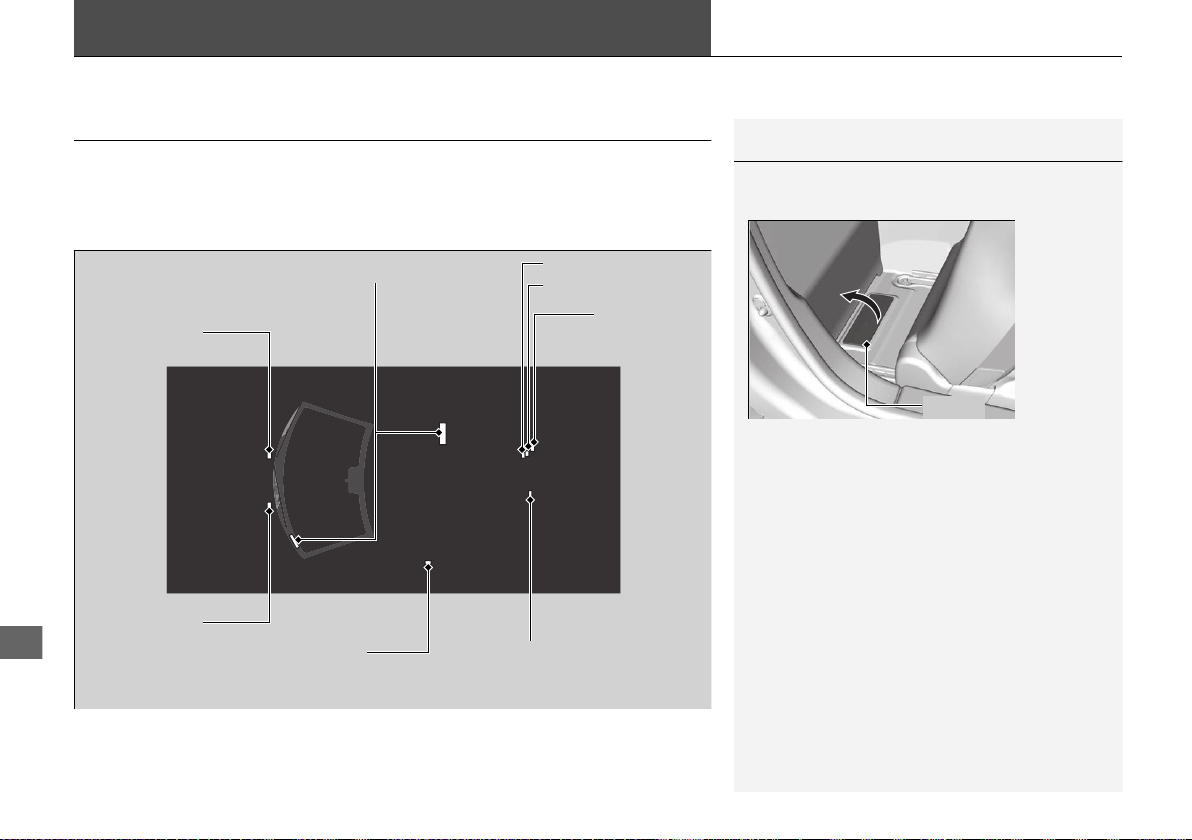
468
Information
Identification Numbers
Vehicle Identification Number (VIN), Engine Number,
Motor Number, and Transmission Number
Your vehicle has a 17-digit vehicle identification number (VIN) used to register your
vehicle for warranty purposes, and for licensing and insuring your vehicle.
The locations of your vehicle’s VIN, engine number, motor number, and
transmission number are shown as follows.
1Vehicle Identification Number (VIN), Engine Number, Motor
Number, and Transmission Number
The interior vehicle identification number (VIN) is
located under the cover.
Cover
Vehicle Identification Number
Engine Number
Dual Clutch
Transmission
Number
Certification Label/Vehicle
Identification Number
Motor Number
Motor Number
Motor Number
Dual Clutch Transmission
Number
19 NSX-31T6N6200.book 468 ページ 2018年8月9日 木曜日 午前11時12分

469
Information
Devices that Emit Radio Waves
Each radio frequency device installed in the vehicle conforms to the requirements
and standards of the regulation listed below:
As required by the FCC:
This device complies with Part 15 of the FCC rules. Operation is
subject to the following two conditions: (1) This device may not
cause harmful interference, and (2) this device must accept any
interference received, including interference that may cause
undesired operation.
Changes or modifications not expressly approved by the party
responsible for compliance could void the user’s authority to
operate the equipment.
This device complies with industry Canada licence-exempt RSS standard(s).
Operation is subject to the following two conditions: (1) this device may not cause
interference, and (2) this device must accept any interference, including interference
that may cause undesired operation of the device.
19 NSX-31T6N6200.book 469 ページ 2018年8月9日 木曜日 午前11時12分

470
Information
Reporting Safety Defects
In the U.S.
If you believe that your vehicle has a defect which could cause a crash or could cause injury or death, you
should immediately inform the National Highway Traffic Safety Administration (NHTSA) in addition to
notifying American Honda Motor Co., Inc.
If NHTSA receives similar complaints, it may open an investigation, and if it finds that a safety defect exists
in a group of vehicles, it may order a recall and remedy campaign. However, NHTSA cannot become involved
in individual problems between you, your dealer, or American Honda Motor Co., Inc.
To contact NHTSA, you may call the Vehicle Safety Hotline toll-free at 1-888-327-4236 (TTY: 1-800-424-
9153); go to http://www.safercar.gov; or write to: Administrator, NHTSA, 1200 New Jersey Avenue, SE.,
Washington, DC 20590. You can also obtain other information about motor vehicle safety from http://
www.safercar.gov.
In Canada
If you believe that your vehicle has a defect which could cause a crash or could cause injury or death, you
should immediately inform Honda Canada Inc. and you may also inform Transport Canada.
If Transport Canada receives similar complaints, it may open an investigation, and if it finds that a safety
defect exists in a group of vehicles, it may lead to a recall and remedy campaign. However, Transport Canada
cannot become involved in individual problems between you, your dealer, or Honda Canada Inc.
To contact Transport Canada’s Defect Investigations and Recalls Division, you may call 1-800-333-0510. For
more information on reporting safety defects or about motor vehicle safety, go to http://www.tc.gc.ca/
roadsafety.
19 NSX-31T6N6200.book 470 ページ 2018年8月9日 木曜日 午前11時12分
471
Continued
Information
Emissions Testing
Testing of Readiness Codes
Your vehicle has readiness codes as part of the onboard self diagnostic system.
Some States use these codes for testing to verify whether your vehicle’s emissions
components are working properly.
The codes may not be read properly if testing is performed just after the 12-volt
battery has gone dead or been disconnected.
To check if they are set, set the power mode to ON, without turning the power
system on. The malfunction indicator lamp will come on for several seconds. If it
then goes off, the readiness codes are set. If it blinks five times, the readiness codes
are not set.
If you are required to have your vehicle tested before the readiness codes are ready,
prepare the vehicle for retesting by doing the following:
1. Fill the gas tank to approximately 3/4 full.
2. Park the vehicle and leave the power system off for six hours or more.
3. Make sure the ambient temperature is between 40°F and 95°F (4°C and 35°C).
4. Start the engine without touching the accelerator pedal, and let it idle for 20
seconds.
5. Keep the vehicle in
(P. Increase the engine speed to 2,000 rpm, and hold it there
for about three minutes.
6. Let the engine idle with your foot off the accelerator for 20 seconds.
1Testing of Readiness Codes
The readiness codes are erased when the 12-volt
battery is disconnected, and set again only after
several days of driving under a variety of conditions.
If a testing facility determines that the readiness
codes are not set, you may be requested to return at
a later date to complete the test.
If the testing facility determines the readiness codes
are still not set, see an authorized Acura NSX dealer.
19 NSX-31T6N6200.book 471 ページ 2018年8月9日 木曜日 午前11時12分

472
uuEmissions TestinguTesting of Readiness Codes
Information
7. Select a nearby, lightly traveled major highway where you can maintain a speed
of 50 mph (80 km/h) over for at least 20 minutes. Drive on the highway in (D
with SPORT mode. Do not use cruise control.
8. Drive in city or suburban traffic for at least 10 minutes. When traffic conditions
allow, let the vehicle coast for several seconds without using the accelerator pedal
or the brake pedal.
9. Park the vehicle and leave the power system off for 40 minutes.
19 NSX-31T6N6200.book 472 ページ 2018年8月9日 木曜日 午前11時12分

473
Continued
Information
Warranty Coverages
■ U.S.Owners
Your new vehicle is covered by these warranties:
New Vehicle Limited Warranty – covers your new vehicle, except for the
emissions control systems and accessories, against defects in materials and
workmanship.
Emissions Control Systems Defects Warranty and Emissions Performance
Warranty – these two warranties cover your vehicle’s emissions control systems.
Time, mileage, and coverage are conditional. Please read your warranty booklet for
exact information.
Seat Belt Limited Warranty – a seat belt that fails to function properly is covered
by a limited warranty. Please read your warranty booklet for details.
Rust Perforation Limited Warranty – all exterior body panels are covered against
rusting from the inside out for the specified time period, regardless of mileage.
Accessory Limited Warranty – Acura accessories are covered under this warranty.
Time and mileage limits depend on the type of accessory and other factors. Please
read your warranty booklet for details.
Replacement Parts Limited Warranty – covers all Acura replacement parts
against defects in materials and workmanship.
19 NSX-31T6N6200.book 473 ページ 2018年8月9日 木曜日 午前11時12分

474
uuWarranty Coveragesu
Information
Replacement 12-Volt Battery Limited Warranty – provides prorated coverage
for a replacement battery purchased from an authorized Acura NSX dealer.
Replacement Muffler Lifetime Limited Warranty – provides coverage for as
long as the purchaser of the muffler owns the vehicle.
Restrictions and exclusions apply to all these warranties. Please read the Acura
warranty information booklet that came with your vehicle for precise information on
warranty coverages. Your vehicle’s original tires are covered by their manufacturer.
Tire warranty information is in a separate booklet.
■ Canadian Owners
Please refer to the warranty manual that came with your vehicle.
■ EPA Contact Information
An owner may obtain further information concerning emission warranties or report
violations of the terms of the emission warranties by contacting:
U.S. Environmental Protection Agency
Office of Transportation and Air Quality
Compliance Division, Light-Duty Vehicle Group
Attn: Warranty Complaints
2000 Traverwood Drive
Ann Arbor, MI 48105
Email: [email protected]
19 NSX-31T6N6200.book 474 ページ 2018年8月9日 木曜日 午前11時12分

475
Information
Authorized Manuals
■ Service Express
For electronic copies of service publications, you can purchase a subscription to
Service Express. Visit www.techinfo.honda.com for pricing and options.
■ For U.S. Owners
Manuals can be purchased from Helm Incorporated. You can order a manual by
phone at 1 (800) 782-4356 (credit card orders only), or online at www.helminc.com.
■ For Canadian Owners
Please contact an authorized Acura NSX dealer to order any manuals that you may
require.
19 NSX-31T6N6200.book 475 ページ 2018年8月9日 木曜日 午前11時12分
476
Information
Client Service Information
Authorized Acura NSX dealership personnel are trained professionals who should be
able to deal with any problems you may encounter with your vehicle. If, however,
you are faced with a problem that they cannot resolve to your satisfaction, contact
Acura Client Relations/Services.
U.S. Owners Canadian Owners
American Honda Motor Co., Inc. Honda Canada Inc.
Acura Client Relations Acura Client Services
Mail Stop 100-5E-8F 180 Honda Boulevard
1919 Torrance Blvd. Markham, ON
Torrance, CA 90501-2746 L6C 0H9
Tel: 1-844-68-ACURA Tel: 1-888-9-ACURA-9
(1-844-682-2872) 1-844-9-MYNSX-9 (NSX-
specific)
Fax: 1-877-939-0909
E-mail: [email protected]
In Puerto Rico and the U.S. Virgin Islands
Bella International
P.O. Box 190816
San Juan, PR 00919-0816
Tel: 1 (787) 620-7546
1Client Service Information
When you call or write, please give us the following
information:
• Vehicle Identification Number
2 Vehicle Identification Number (VIN),
Engine Number, Motor Number, and
Transmission Number P. 468
• Date of purchase
• Odometer reading of your vehicle
• Your name, address, and telephone number
• A detailed description of the problem
• Name of the authorized Acura NSX dealer who sold
the vehicle to you
19 NSX-31T6N6200.book 476 ページ 2018年8月9日 木曜日 午前11時12分

Index
477
Index
Index
Numbers
12-Volt Battery Charging System
Indicator ................................................... 75
A
AAC........................................................... 206
ABS (Anti-lock Brake System).................. 359
Accessories and Modifications ................ 424
Accessory Power Socket........................... 152
Active Damper System Indicator............... 74
AcuraLink ................................................. 302
Adding the Coolant ................................. 395
Additives
Coolant .......................................... 394, 396
Washer ................................................... 398
Adjusting
Mirrors.................................................... 141
Seats....................................................... 144
Steering Wheel ....................................... 140
Temperature ........................................... 100
Agile Handling Assist System .................. 347
Air Conditioning System (Climate Control
System).................................................... 154
Changing the Mode................................ 155
Defrosting the Windshield and
Windows ...................................... 156, 157
Dust and Pollen Filters............................. 417
Recirculation/Fresh Air Mode................... 155
Sensors ................................................... 158
Using Automatic Climate Control............ 154
Air Pressure ....................................... 406, 467
Airbags ........................................................ 43
Advanced Airbags ..................................... 49
Airbag Care............................................... 57
Driver’s Knee Airbag .................................. 50
Event Data Recorder .................................... 0
Front Airbags (SRS) .................................... 46
Indicator.............................................. 55, 78
Passenger Airbag Off Indicator .................. 56
Sensors...................................................... 43
Side Airbags .............................................. 52
Side Curtain Airbags .................................. 54
Android Auto............................................ 217
Anti-lock Brake System (ABS) .................. 359
Indicator.................................................... 78
Apple CarPlay ........................................... 214
Audio Remote Controls............................ 163
Audio System ............................................ 160
Adjusting the Sound................................ 179
Changing the Home Screen Icon Layout .. 168
Closing Apps ........................................... 178
Error Messages ........................................ 221
General Information ................................ 224
Home Screen........................................... 171
iPod......................................................... 197
Limitations for Manual Operation ............ 181
MP3/WMA/AAC ...................................... 206
Reactivating............................................. 162
Recommended Devices ............................ 225
Remote Controls ..................................... 163
Security Code .......................................... 162
Selecting an Audio Source....................... 181
Status Area ............................................. 177
Theft Protection ...................................... 162
USB Flash Drives...................................... 225
USB Ports ................................................ 161
Wallpaper Setup...................................... 169
Audio/Information Screen ....................... 165
Authorized Manuals ................................ 475
Auto Door Locking/Unlocking................. 118
Auto Engine Stop/Start.............................. 13
Automatic Brake Hold ............................. 357
Indicator............................................ 72, 357
Automatic Brake Hold System
Indicator............................................ 72, 357
Automatic Operation (automatic lighting
control).................................................... 132
Average Fuel Economy ............................ 101
Average Speed ......................................... 101
B
Battery
12-Volt.................................................... 415
12-Volt Battery Charging System
Indicator.......................................... 75, 450
Charging (AGM Battery).......................... 415
High Voltage ........................................... 353
Jump Starting.......................................... 446
Maintenance (Checking the 12-Volt
Battery) ................................................. 415
Maintenance (Replacing) ......................... 416
19 NSX-31T6N6200.book 477 ページ 2018年8月9日 木曜日 午前11時12分

478
Index
Battery Types .............................................. 12
Belts (Seat) .................................................. 36
Beverage Holders...................................... 152
Bluetooth® Audio ..................................... 209
Bluetooth® HandsFreeLink® ..................... 268
Booster Seats (For Children)....................... 66
Brake System............................................. 354
Anti-lock Brake System (ABS) ................... 359
Automatic Brake Hold.............................. 357
Brake Assist System ................................. 360
Fluid ........................................................ 398
Foot Brake ............................................... 356
Parking Brake .......................................... 354
Brake System (Amber)
Indicator.................................................... 73
Brake System (Red)
Indicator............................................ 70, 451
Brake Wear
Indicator.................................................... 74
Bulb Replacement..................................... 399
Back-Up Lights......................................... 400
Daytime Running Lights........................... 399
Front Side Marker Lights .......................... 399
Front Turn Signal/Parking Lights............... 399
Headlights ............................................... 399
High-Mount Brake Light .......................... 401
Rear License Plate Lights .......................... 401
Rear Side Marker Lights ........................... 400
Rear Turn Signal Lights ............................ 400
Side Turn Signal/Emergency Indicator
Lights..................................................... 399
Taillights.................................................. 400
Bulb Specifications ................................... 466
C
Carbon Monoxide Gas ............................... 67
Carrying Cargo ................................. 309, 311
Certification Label.................................... 468
Changing Bulbs ........................................ 399
Charging System Indicator................. 75, 450
Child Safety................................................. 58
Emergency Hatch Opener........................ 121
Child Seat.................................................... 58
Booster Seats ............................................ 66
Child Seat for Infants................................. 60
Child Seat for Small Children..................... 61
Installing a Child Seat ................................ 63
Larger Children ......................................... 65
Selecting a Forward-facing Child Seat........ 62
Using a Tether........................................... 64
Cleaning the Exterior ............................... 420
Cleaning the Interior................................ 418
Client Service Information ....................... 476
Climate Control System............................ 154
Defrosting the Windshield and
Windows....................................... 156, 157
Dust and Pollen Filters ............................. 417
Recirculation/Fresh Air Mode ................... 155
Sensors ................................................... 158
Using Automatic Climate Control ............ 154
Clock.......................................................... 104
Cold Weather ........................................... 414
Console Compartment............................. 151
Controls .................................................... 103
Coolant (Engine) ...................................... 394
Adding the Coolant ................................ 395
Checking the Coolant ............................. 394
Overheating............................................ 448
Coolant (Inverter) .................................... 396
Creeping (Dual Clutch Transmission)...... 323
Cruise Control .......................................... 340
CRUISE CONTROL Indicator ....................... 82
CRUISE MAIN Indicator.............................. 82
Cup Holders.............................................. 152
Customized Features ............................... 242
D
Daytime Running Lights .......................... 134
Dead Battery (12-Volt)............................. 446
Defrosting the Windshield and
Windows......................................... 156, 157
Devices that Emit Radio Waves............... 469
Dimming
Headlights .............................................. 131
Rearview Mirror ...................................... 141
Dipstick (Engine Oil) ........................ 384, 391
Directional Signals (Turn Signal)............. 130
Door Mirrors............................................. 142
Doors ........................................................ 105
Auto Door Locking.................................. 118
Auto Door Unlocking .............................. 118
19 NSX-31T6N6200.book 478 ページ 2018年8月9日 木曜日 午前11時12分

479
Index
Door Open Message ................................. 35
Keys........................................................ 105
Locking/Unlocking the Doors from the
Inside .............................................. 18, 115
Locking/Unlocking the Doors from the
Outside ................................................. 107
Lockout Prevention System ..................... 114
DOT Tire Quality Grading........................ 408
Driver Information Interface..................... 98
Driver’s Knee Airbag.................................. 50
Driving ...................................................... 307
Braking ................................................... 354
Cold Weather ......................................... 414
Cruise Control ........................................ 340
Dual Clutch Transmission ........................ 323
Shifting Gear .......................................... 324
Turning on the Power ............................. 319
Driving Position Memory System ............ 138
Dual Clutch Transmission ........................ 323
Creeping................................................. 323
Fluids .............................................. 397, 467
Kickdown ............................................... 323
Operating the Shift Button................ 23, 326
Shifting................................................... 324
Dust and Pollen Filters............................. 417
E
Elapsed Time ............................................ 101
Electric Parking Brake.............................. 354
Indicator ................................................... 71
Electric Parking Brake System
Indicator............................................ 71, 452
Electric Power Steering (EPS) System
Indicator............................................ 78, 451
Electronic Stability Control (ESC) ............. 343
Emergency ................................................ 460
Emergency Hatch Opener ........................ 121
Emissions Testing (Readiness Codes) ....... 471
Energy Efficiency ........................................ 12
Engine ....................................................... 468
Coolant ........................................... 394, 467
Jump Starting .......................................... 446
Oil ................................................... 388, 467
Engine Compartment Cover .................... 387
Engine Coolant ......................................... 394
Adding the Coolant................................. 395
Checking the Coolant.............................. 394
Overheating ............................................ 448
Engine Oil
Adding .................................................... 392
Changing ................................................ 393
Checking................................................. 389
Displaying Oil Life .................................... 378
Low Oil Level Symbol ............................... 454
Low Oil Pressure Indicator.......................... 70
Recommended Engine Oil........................ 388
Temperature Gauge .................................. 97
EPS (Electric Power Steering) System ........ 78
Exhaust Gas Hazard (Carbon Monoxide) .. 67
Exterior Care (Cleaning) ........................... 420
Exterior Mirrors ........................................ 142
F
Features .................................................... 159
Filters
Dust and Pollen....................................... 417
Oil........................................................... 393
Flat Tire..................................................... 431
Floor Mats................................................. 419
Fluids
Brake .............................................. 398, 467
Dual Clutch Transmission ................ 397, 467
Engine Coolant ............................... 394, 467
Inverter Coolant .............................. 396, 467
Twin Motor Unit.............................. 397, 467
Windshield Washer ......................... 398, 466
FM Radio................................................... 186
Foot Brake ................................................ 356
Front Airbags (SRS)..................................... 46
Fuel...................................................... 25, 368
Economy................................................. 370
Gauge....................................................... 95
Instant Fuel Economy .............................. 101
Low Fuel Indicator ..................................... 77
Range ..................................................... 101
Refueling................................................. 368
Requirement ................................... 368, 466
Fuel Economy ........................................... 370
Fuel Fill Door ...................................... 25, 369
Fuses.......................................................... 455
Inspecting and Changing......................... 459
Locations................................. 455, 457, 458
19 NSX-31T6N6200.book 479 ページ 2018年8月9日 木曜日 午前11時12分

480
Index
G
Gasoline (Fuel)
Economy ................................................. 370
Gauge ....................................................... 95
Information ............................................. 368
Instant Fuel Economy............................... 101
Low Fuel Indicator ..................................... 77
Refueling................................................. 368
Gauges......................................................... 95
Gear Position Indicator....................... 76, 326
Gear Shift Positions
Dual Clutch Transmission......................... 324
Glass (care) ........................................ 418, 421
Glove Box .................................................. 151
H
Handling the Unexpected ........................ 429
HandsFreeLink® (HFL)............................... 268
Automatic Import of Cellular Phonebook and
Call History ............................................ 281
Displaying Messages................................ 297
HFL Buttons ............................................. 268
HFL Menus .............................................. 271
HFL Status Display.................................... 270
Limitations for Manual Operation ............ 270
Making a Call .......................................... 290
Options During a Call .............................. 294
Phone Setup............................................ 276
Phonebook Phonetic Modification ........... 285
Receiving a Call ....................................... 294
Receiving a Text/E-mail Message.............. 295
Ring Tone................................................ 280
Roadside Assistance ................................ 301
Selecting a Mail Account ......................... 296
Speed Dial............................................... 282
To Set Up Text/E-mail Message Options... 279
Hatch......................................................... 119
Unable to Open....................................... 462
Hazard Warning Button .............................. 4
Headlights................................................. 131
Aiming .................................................... 399
Automatic Operation (automatic lighting
control) ................................................. 132
Dimming ......................................... 131, 134
Operating................................................ 131
Heaters (Seat) ........................................... 153
HFL (HandsFreeLink®)............................... 268
High Beam Indicator .................................. 81
High Voltage Battery ............................... 353
High-Performance Driving....................... 313
Hill Start Assist System ............................. 321
HomeLink® Universal Transceiver............ 265
Honda App License Agreement .............. 226
Hybrid Vehicle
SPORT HYBRID Super Handling-All Wheel
Drive
TM
(SPORT HYBRID SH-AWD®) ............ 9
I
Identification Numbers
Engine, Motor, and Transmission ............ 468
Vehicle Identification............................... 468
Immobilizer System.................................. 122
Indicator ................................................... 81
Indicators.................................................... 70
12-Volt Battery Charging System ...... 75, 450
Active Damper System .............................. 74
Anti-lock Brake System (ABS) .................... 78
Automatic Brake Hold....................... 72, 357
Automatic Brake Hold System ........... 72, 357
Brake System (Amber)............................... 73
Brake System (Red) ........................... 70, 451
Brake Wear............................................... 74
CRUISE CONTROL ............................. 82, 341
CRUISE MAIN.................................... 82, 340
Door and Trunk (Hatch) Open ................... 35
Electric Parking Brake................................ 71
Electric Parking Brake System ............ 71, 452
Electric Power Steering (EPS)
System ............................................ 78, 451
Gear Position ............................................ 76
High Beam................................................ 81
Immobilizer System ................................... 81
Keyless Access System............................... 82
Lights On .................................................. 81
Low Fuel ................................................... 77
Low Oil Pressure ....................................... 70
Low Tire Pressure/TPMS ............ 80, 349, 351
Malfunction Indicator Lamp .............. 75, 450
19 NSX-31T6N6200.book 480 ページ 2018年8月9日 木曜日 午前11時12分

481
Index
POWER SYSTEM ....................................... 74
READY...................................................... 74
Seat Belt Reminder.............................. 37, 77
Security System Alarm............................... 82
Supplemental Restraint System ........... 55, 78
System Message ....................................... 80
Transmission System ................................. 76
Turn Signal ............................................... 81
Vehicle Stability Assist® (VSA®)
System ............................................ 79, 343
VSA® OFF.......................................... 79, 344
Information .............................................. 465
Instant Fuel Economy .............................. 101
Instrument Panel........................................ 69
Integrated Dynamics System (IDS) .......... 333
QUIET Mode ........................................... 336
SPORT Mode........................................... 336
SPORT+ Mode ........................................ 337
TRACK Mode.......................................... 337
Interior Lights........................................... 149
Interior Rearview Mirror ......................... 141
Inverter Coolant............................... 396, 467
J
Jump Starting........................................... 446
K
Key Number Tag....................................... 106
Keyless Access System............................... 107
Keyless Lockout Prevention ..................... 114
Keys ........................................................... 105
Lockout Prevention.................................. 114
Number Tag ............................................ 106
Remote Transmitter ................................. 112
Types and Functions ................................ 105
Kickdown (Dual Clutch Transmission) ..... 323
L
Language (HFL)......................................... 270
Launch Control ......................................... 338
Lights................................................. 131, 399
Automatic Operation (automatic lighting
control).................................................. 132
Bulb Replacement.................................... 399
Daytime Running Lights........................... 134
High Beam Indicator .................................. 81
Interior .................................................... 149
Light Switches ......................................... 131
Lights On Indicator .................................... 81
Turn Signals............................................. 130
Load Limits................................................ 311
Locking/Unlocking .................................... 105
Auto Door Locking/Unlocking .................. 118
From Inside.............................................. 115
From Outside........................................... 107
Keys ........................................................ 105
Using a Key ............................................. 114
Lockout Prevention System ..................... 114
Low Battery Charge (12-Volt).................. 450
Low Fuel Indicator...................................... 77
Low Keyless Access Remote Signal
Strength .................................................. 106
Low Oil Level ............................................ 454
Low Oil Pressure Indicator ......................... 70
Luggage (Maximum Load Limit) ............. 311
Lumbar Support ....................................... 145
M
Maintenance............................................. 373
12-Volt Battery........................................ 415
Brake Fluid .............................................. 398
Cleaning ................................................. 418
Climate Control System........................... 417
Coolant........................................... 394, 396
Cooling System ....................................... 394
Inverter Coolant ...................................... 396
Maintenance Minder
TM
............................ 377
Oil........................................................... 389
Precautions ............................................. 374
Remote Transmitter................................. 416
Replacing Light Bulbs .............................. 399
Safety...................................................... 375
Service Items ........................................... 380
Tires........................................................ 405
Transmission Fluids.................................. 397
Under the Hood and Hatch ..................... 383
19 NSX-31T6N6200.book 481 ページ 2018年8月9日 木曜日 午前11時12分

482
Index
Malfunction Indicator Lamp .............. 75, 450
Map Lights ................................................ 150
Maximum Load Limit................................ 311
Meters, Gauges........................................... 95
Mirrors....................................................... 141
Adjusting................................................. 141
Door........................................................ 142
Exterior.................................................... 142
Interior Rearview...................................... 141
Modifications (and Accessories)............... 424
MP3............................................................ 206
Multi-View Rear Camera .......................... 366
N
Numbers (Identification) .......................... 468
O
Odometer.................................................. 100
Oil (Engine) ....................................... 388, 467
Adding .................................................... 392
Checking................................................. 389
Displaying Oil Life .................................... 378
Low Oil Level Symbol ............................... 454
Low Oil Pressure Indicator.......................... 70
Recommended Engine Oil................ 388, 467
Viscosity .......................................... 388, 467
Open Source Licenses ............................... 240
Opening
Hatch ...................................... 119, 385, 462
Opening/Closing
Hatch .............................................. 119, 385
Hood....................................................... 386
Power Windows ...................................... 125
Operating the Switches Around the
Steering Wheel ....................................... 127
Outside Temperature Display.................. 100
Overheating.............................................. 448
P
Paddle Shifters (Sequential Mode).......... 332
Pandora® ................................................... 204
Panic Mode ............................................... 124
Parking...................................................... 361
Parking Brake ........................................... 354
Parking Sensor System ............................. 362
Passenger Airbag Off Indicator ................. 56
Passing Indicators ..................................... 131
POWER Button ......................................... 127
Power System
Turning on .............................................. 319
POWER SYSTEM Indicator.......................... 74
Power Windows ....................................... 125
Precautions While Driving
In Snow and Ice....................................... 322
Rain ........................................................ 322
Pregnant Women ....................................... 41
Puncture (Tire).......................................... 431
R
Radio (FM) ................................................ 186
Radio (SiriusXM®)..................................... 190
Radio Data System (RDS) ......................... 189
Range........................................................ 101
RDS (Radio Data System) ......................... 189
Readiness Codes (Emissions Testing) ...... 471
READY Indicator ........................................ 74
Rear Defogger/Heated Door Mirror
Button..................................................... 137
Rearview Mirror ....................................... 141
Refueling .................................................. 368
Fuel Gauge ............................................... 95
Gasoline ......................................... 368, 466
Low Fuel Indicator..................................... 77
Regenerative Energy and Regenerative
Braking ..................................................... 12
Regulations .............................. 351, 408, 469
Remote Transmitter................................. 112
Replacement
Battery.................................................... 416
Bulbs ...................................................... 399
Fuses ...................................... 455, 457, 458
Tires........................................................ 411
Wiper Blade Rubber ................................ 402
Reporting Safety Defects......................... 470
Resetting a Trip Meter............................. 100
Reverse Tilt Door Mirror.......................... 143
Right Selector Wheel ................................. 98
19 NSX-31T6N6200.book 482 ページ 2018年8月9日 木曜日 午前11時12分

483
Index
S
Safe Driving................................................ 31
Safety Check............................................... 35
Safety Labels .............................................. 68
Safety Message ............................................ 1
Seat Belts .................................................... 36
Automatic Seat Belt Tensioners ................. 38
Checking .................................................. 42
Fastening .................................................. 39
Installing a Child Seat................................ 63
Pregnant Women...................................... 41
Reminder ............................................ 37, 77
Warning Indicator ............................... 37, 77
Seat Heaters ............................................. 153
Seats.......................................................... 144
Adjusting ................................................ 144
Seat Heaters ........................................... 153
Security System ........................................ 122
Immobilizer System Indicator..................... 81
Security System Alarm Indicator ................ 82
Selecting a Forward-facing Child Seat...... 62
Sequential Mode...................................... 329
Sequential Mode Operation ................... 332
Setting the Clock...................................... 104
Shift Button........................................ 23, 324
Operation ............................................... 326
Shifting (Transmission) ...................... 23, 324
Side Airbags ............................................... 52
Side Curtain Airbags .................................. 54
Siri Eyes Free............................................. 213
SiriusXM® Radio ....................................... 190
Snow Tires................................................. 413
Sounds Unique to the SPORT HYBRID
SH-AWD® System ...................................... 13
Spark Plugs................................................ 466
Specifications ............................................ 466
Specified Fuel.................................... 368, 466
SPORT HYBRID Super Handling-All Wheel
Drive
TM
(SPORT HYBRID SH-AWD®)........ 348
SRS Airbags (Airbags) ................................. 46
Steering Wheel
Adjusting................................................. 140
Stopping.................................................... 361
Storage...................................................... 426
Summer Tires ............................................ 413
Supplemental Restraint System (SRS)........ 46
Switches (Around the Steering
Wheel) ............................................. 4, 5, 127
System Message Indicator.......................... 80
T
Temperature
Gauge ....................................................... 96
Temperature Sensor ................................. 158
Temporary Tire Repair Kit........................ 431
Time (Setting) ........................................... 104
Tire Pressure Monitoring System
(TPMS) ..................................................... 349
Indicator............................................ 80, 453
Tires ........................................................... 405
Air Pressure ..................................... 406, 467
Chains..................................................... 413
Checking and Maintaining ...................... 405
Flat Tire (Puncture) .................................. 431
Inspection ............................................... 405
Labeling .................................................. 406
Regulations ............................................. 408
Rotation .................................................. 412
Summer .................................................. 413
Temporary Tire Repair Kit ........................ 431
Wear Indicators....................................... 410
Winter..................................................... 413
Tools.......................................................... 430
Towing a Trailer ....................................... 318
Towing Your Vehicle................................ 318
Emergency .............................................. 460
TPMS (Tire Pressure Monitoring
System).................................................... 349
Transmission ....................................... 23, 324
Dual Clutch............................... 23, 323, 324
Fluids .............................................. 397, 467
Gear Position Indicator ...................... 76, 326
Number................................................... 468
Sequential Mode ..................................... 329
TRIP Button................................................. 99
Trip Meter................................................. 100
Troubleshooting....................................... 429
Blown Fuse.............................. 455, 457, 458
Buzzer Sounds When Opening Door.......... 29
Emergency Towing.................................. 460
Flat Tire/Puncture .................................... 431
Noise When Braking.................................. 29
19 NSX-31T6N6200.book 483 ページ 2018年8月9日 木曜日 午前11時12分

484
Index
Overheating............................................. 448
Power System Won’t Start ....................... 443
Premium Gasoline............................ 368, 466
Warning Indicators .................................... 70
Trunk
Light Bulb ................................................ 466
Turn Signals............................................... 130
Indicators (Instrument Panel)...................... 81
Turn-by-Turn Directions ........................... 102
Turning on the Power .............................. 319
Does Not Activate.................................... 443
Jump Starting .......................................... 446
Twin Motor Unit
Fluid ................................................ 397, 467
U
Unlocking the Doors................................. 107
Unlocking the Doors from the
Inside ................................................. 18, 115
USB Flash Drives........................................ 225
USB Ports................................................... 161
Using the Keyless Access System.............. 107
V
Vehicle Identification Number................. 468
Vehicle Stability Assist® (VSA®) ................ 343
Off Button ............................................... 344
Off Indicator ...................................... 79, 344
System Indicator ................................ 79, 343
Vehicle Storage ........................................ 426
Viscosity (Oil) .................................... 388, 467
Voice Control Operation
Audio Commands ................................... 184
Climate Control Commands .................... 185
General Commands ................................ 185
Music Search Commands ........................ 185
On Screen Commands............................. 185
Phone Commands................................... 184
Useful Commands................................... 184
Voice Portal Screen.................................. 183
Voice Recognition ................................... 182
VSA® (Vehicle Stability Assist®)................ 343
W
Wallpaper ................................................. 169
Warning and Information Messages......... 83
Warning Indicator On/Blinking ............... 450
Warning Labels........................................... 68
Warranties (Warranty Manual provided
separately) .............................................. 473
Watts......................................................... 466
Wear Indicators (Tire) .............................. 410
Wi-Fi Connection...................................... 211
Window Washers ..................................... 135
Adding/Refilling Fluid .............................. 398
Switch..................................................... 135
Windows (Opening and Closing) ............ 125
Windshield
Cleaning ......................................... 418, 421
Defrosting/Defogging ..................... 156, 157
Washer Fluid................................... 398, 466
Wiper Blades........................................... 402
Wipers and Washers ............................... 135
Winter Tires
Snow Tires .............................................. 413
Tire Chains.............................................. 413
Wipers and Washers ................................ 135
Checking and Replacing Wiper Blades..... 402
WMA......................................................... 206
Worn Tires ................................................ 405
19 NSX-31T6N6200.book 484 ページ 2018年8月9日 木曜日 午前11時12分

owners.acura.com (U.S.)
myacura.ca (Canada)
2019 Acura NSX Owner’s Manual
©2018 Honda Motor Co., Ltd. — All Rights Reserved
31T6N620
OM-08379
00X31-T6N-6200 Printed in U.S.A.