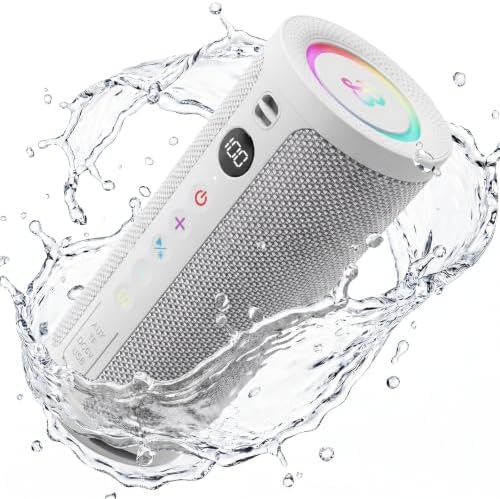
BassBloom ROAR 3 Portable Bluetooth Speaker

Product's Documents

Below are documents related to this product, you can read online or download:

Overview

The BassBloom Roar 3 is a portable Bluetooth speaker designed for indoor and outdoor use. It features a compact, lightweight body with a carry strap for easy transport. The speaker delivers audio through a 20W driver and dual passive radiators, and includes a front-facing LED power display, RGB lighting, and tactile control buttons.
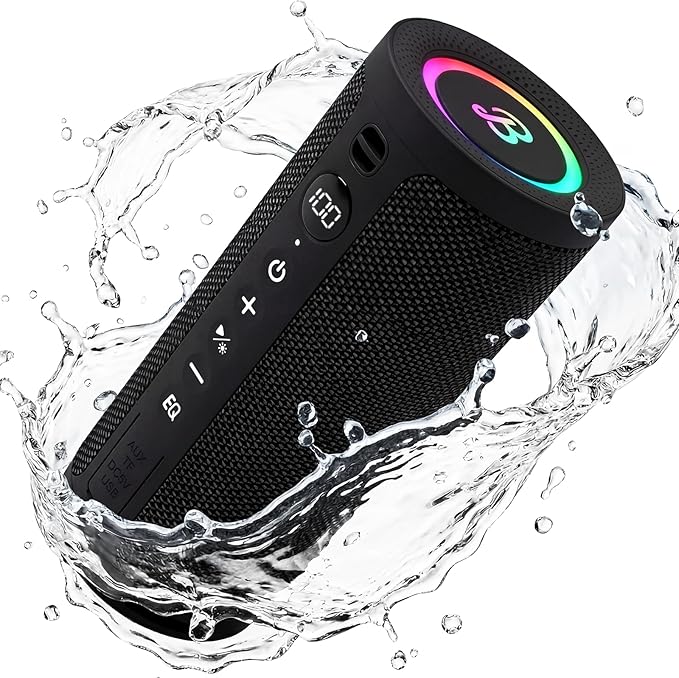
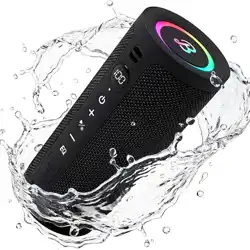
BassBloom Roar 3 Portable Bluetooth Speaker in Black, front view showing speaker grille, LED display, and carry strap

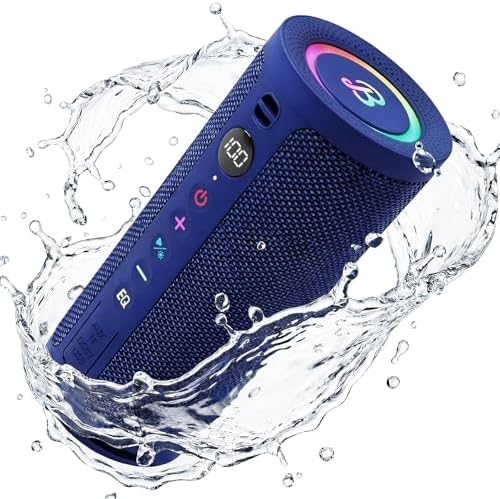
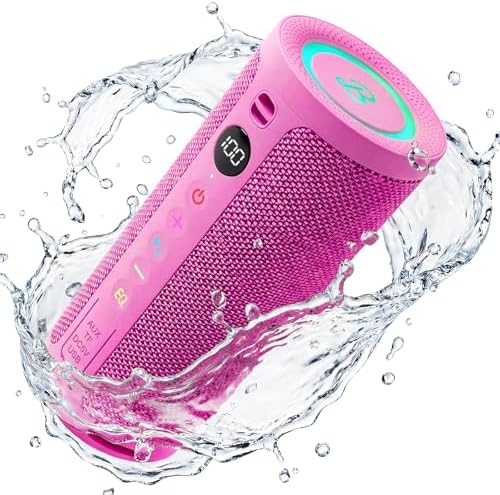
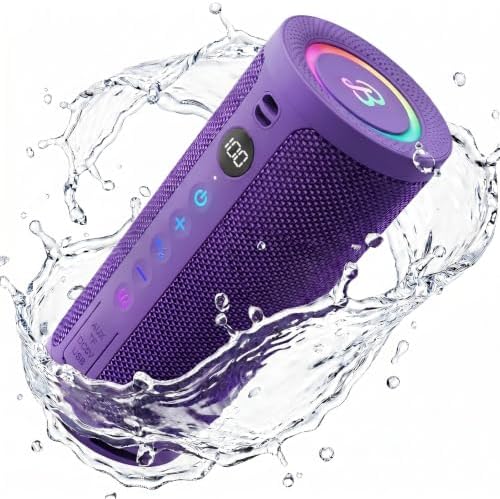
The speaker is available in multiple colors: Black, Blue, Pink, Purple, and White.

Thumbnail of the Black color option for the BassBloom Roar 3 Thumbnail of the Blue color option for the BassBloom Roar 3 Thumbnail of the Pink color option for the BassBloom Roar 3 Thumbnail of the Purple color option for the BassBloom Roar 3 Thumbnail of the White color option for the BassBloom Roar 3

Features

Audio and Sound

  • 20W Driver & Dual Passive Radiators: The speaker uses a 20W driver with passive radiators on the top and bottom to enhance low-frequency performance.
  • JIKE Bass Enhancement Algorithm: A proprietary algorithm that processes audio to deliver deeper bass, particularly at lower volumes.
  • Dual EQ Modes: Two equalizer presets are available: one for clear vocals and one for enhanced bass.
  • Maximum Output Power: 30 watts peak.
  • Audio Output Mode: Stereo.
Graphic illustrating the 20W deep bass feature of the speaker

Connectivity

  • Bluetooth 5.4: Provides a stable wireless connection with low power consumption. The effective range is up to 10 meters (33 feet).
  • True Wireless Stereo (TWS) Pairing: Allows two Roar 3 speakers to be paired wirelessly for a left-right stereo soundstage.
Graphic showing two BassBloom speakers paired via TWS for stereo sound

Power and Battery

  • Battery Capacity: 2400mAh rechargeable battery.
  • Playtime: Up to 24 hours of playback at 50% volume with the RGB lights turned off.
  • LED Power Display: A clear percentage display on the front of the speaker shows the remaining battery level.
Graphic highlighting the battery display feature on the speaker

Durability and Portability

  • IPX6 Waterproof Rating: The speaker is protected against powerful water jets, making it resistant to rain, splashes, and faucet rinsing. It is not designed for submersion.
  • Portable Design: Weighs 480g and includes a built-in carry strap for easy attachment to bags or gear.
Graphic showing the IPX6 waterproof protection feature, with water splashing on the speaker

Lighting

  • RGB Lights: Built-in RGB lighting that can create a visual light show synchronized with the music.
Graphic showing the RGB lighting feature on the speaker in a dark outdoor setting

What's in the Box

  • BassBloom Roar 3 Speaker (1 unit)
  • Power Cable (USB-C, for charging)
Graphic showing the packing list including the speaker and power cable

Use Guide

Powering On/Off

Press and hold the power button located on the top panel of the speaker to turn it on or off.

Graphic showing the button layout and instructions on the speaker

Bluetooth Pairing

  1. Turn on the speaker. It will automatically enter pairing mode.
  2. On your device (smartphone, tablet, or laptop), enable Bluetooth and search for available devices.
  3. Select "BassBloom Roar 3" from the list of discovered devices.
  4. Once connected, the speaker will play a confirmation tone.

Selecting EQ Modes

Press the EQ button on the speaker to toggle between the two sound modes:

  • Vocal Mode: For clear, crisp vocals.
  • Bass Mode: For enhanced, punchy bass.

Using TWS Pairing (Stereo Mode)

  1. Ensure both speakers are powered on and not connected to any device.
  2. Press the TWS button on one speaker. The speakers will automatically pair with each other.
  3. Once paired, connect to your audio source via Bluetooth. The speakers will output left and right stereo channels.

Charging the Speaker

  1. Connect the included power cable to the USB-C charging port on the speaker.
  2. Connect the other end to a USB power source (e.g., a wall charger or computer).
  3. The LED display will show the current battery percentage while charging.

Waterproofing Precautions

  • The IPX6 rating allows the speaker to withstand powerful water jets. It is suitable for use in rain, near pools, or for rinsing under a faucet.
  • Do not submerge the speaker in water or other liquids.
  • Ensure the charging port cover is securely closed before exposing the speaker to water.
Graphic showing the portable size of the speaker, suitable for outdoor use

Specifications

BrandBassBloom
ModelRoar 3
Speaker Maximum Output Power30 Watts
Audio DriverDynamic Driver (5.2 cm)
Connectivity TechnologyBluetooth 5.4
Bluetooth Range10 Meters (33 Feet)
Audio Output ModeStereo
Battery Capacity2400 mAh
Battery LifeUp to 24 Hours (at 50% volume, lights off)
Water Resistance LevelIPX6 (Waterproof against powerful jets)
Weight480 g (1.06 lbs)
Dimensions (D x W x H)7 x 3 x 3 Inches
Mounting TypeTabletop Mount
Compatible DevicesLaptop, Smartphone, Tablet
Signal-to-Noise Ratio80 dB
Color OptionsBlack, Blue, Pink, Purple, White

Troubleshooting

Speaker will not turn on

  • Ensure the speaker is charged. Connect it to a power source and wait a few minutes before trying again.

Cannot connect via Bluetooth

  • Make sure the speaker is in pairing mode (indicated by a blinking light or tone).
  • Move the speaker and your device closer together (within 10 meters).
  • Turn off Bluetooth on your device, then turn it back on and search again.
  • If the speaker was previously connected to another device, disconnect it from that device first.

No sound or low volume

  • Increase the volume on both your connected device and the speaker.
  • Check that the audio source is playing music.
  • Try switching the EQ mode.

Distorted sound

  • Reduce the volume on your connected device or the speaker.
  • Ensure the speaker is not placed on a surface that vibrates excessively.

Safety and Care

  • Do not expose the speaker to extreme temperatures or direct sunlight for extended periods.
  • Do not attempt to disassemble the speaker. There are no user-serviceable parts inside.
  • Clean the speaker with a soft, dry cloth. Do not use harsh chemicals or abrasive cleaners.
  • When not in use for an extended period, store the speaker in a cool, dry place.
  • Use only the provided charging cable or a compatible USB-C cable to charge the speaker.

Reference file: BassBloom ROAR 3 Portable Bluetooth Speaker

Specifications

Indexed Terms: Portable Speaker, Bluetooth

BassBloom ROAR 3 Questions and Answers

Related Products