Overview
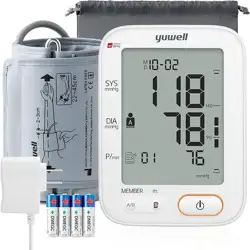
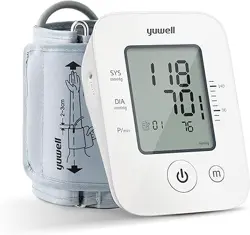
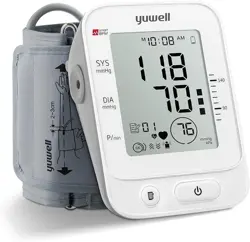
The yuwell YE670A is a digital upper arm blood pressure monitor designed for home use. It features a large display, an extra-large adjustable cuff, and dual power options (batteries or USB). This manual provides instructions for setup, operation, and maintenance.

Package Contents
- Blood pressure monitor (main unit)
- Upper arm cuff (22-45 cm)
- USB cable
- 4 x AA batteries
- User manual
- Storage bag
Features and Specifications
Device Overview
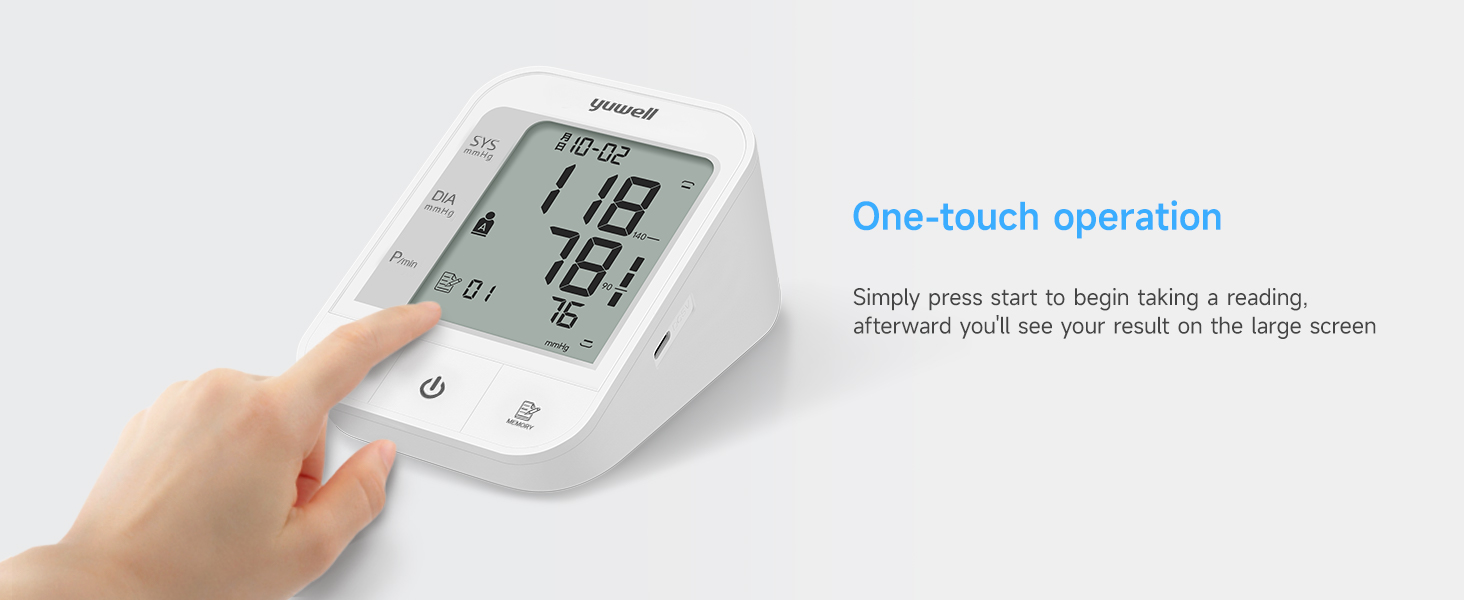
- Model: YE670A
- Display: 3.8-inch LCD screen
- Measurement Method: Oscillometric
- Measurement Range:
- Pressure: 0-299 mmHg
- Pulse: 40-180 beats per minute
- Accuracy: ±3 mmHg
- Memory: 2 x 74 sets (supports two users)
- Cuff Size: 22 cm to 45 cm (upper arm circumference)
- Power Supply: 4 x AA batteries (included) or via USB cable (power adapter not included)
- Automatic Shut-off: Approximately 1 minute after measurement
Display and Indicators
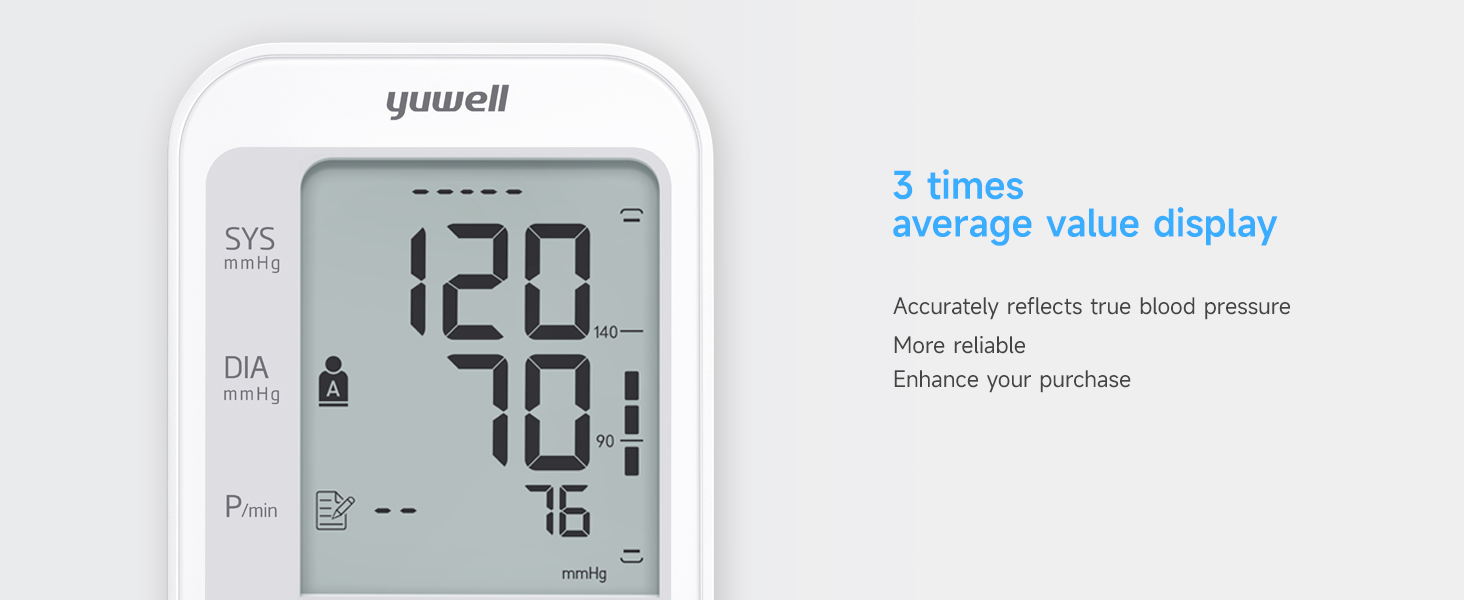
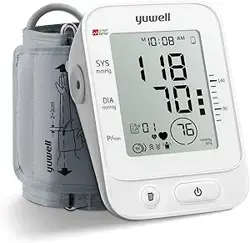
The large LCD screen shows the following information:
- Systolic Pressure: Displayed in mmHg (larger number).
- Diastolic Pressure: Displayed in mmHg (smaller number).
- Pulse Rate: Displayed in beats per minute (BPM).
- User Indicator (1 or 2): Shows which user's memory is active.
- Memory Index Number: Indicates the position of the current reading in memory.
- Average Value Icon: Appears when displaying the average of the last three measurements.
- Hypertension Indicator: A symbol may appear if the reading is classified as hypertensive.
- Irregular Heartbeat Symbol: Appears if an irregular pulse is detected.
- Low Battery Indicator.
- Date and Time.
Control Buttons
- Start/Stop Button (Single Button): Initiates and stops the measurement. Also used to turn the device on/off and navigate memory.
- Memory Button (M): Recalls stored measurements and switches between User 1 and User 2 memory.
- Date/Time Set Button: Used to set the clock.
Use Guide
Initial Setup
- Insert the 4 AA batteries into the compartment on the back of the monitor. Ensure correct polarity (+/-).
- Alternatively, connect the provided USB cable to the port on the side of the monitor and to a USB power source (5V, 1A adapter recommended, not included).
- Set the date and time using the Date/Time Set button. Accurate time is required for proper memory function.
Applying the Cuff

- Sit comfortably on a chair with your feet flat on the floor. Rest for 5 minutes before measuring.
- Remove any tight clothing from your upper arm.
- Pass the end of the cuff through the metal D-ring to form a loop. The air tube should run down the center of your inner arm.
- Wrap the cuff snugly around your bare upper arm. The lower edge of the cuff should be 2-3 cm above your elbow.
- Ensure the cuff is neither too tight nor too loose. You should be able to fit one finger between the cuff and your arm.
- Rest your arm on a table so the cuff is at the same level as your heart. Relax your hand with palm facing up.
Taking a Measurement
- Press the Start/Stop button. The display will show all segments briefly, then "0".
- The cuff will inflate automatically. Remain still and do not talk during inflation and measurement.
- The cuff will deflate automatically. Your systolic pressure, diastolic pressure, and pulse rate will be displayed.
- The reading is automatically saved to the memory of the current user.
- The monitor will turn off automatically after about one minute.
Note: If an error occurs (e.g., "Err" appears), the cuff may be incorrectly positioned, or there was excessive movement. Reposition the cuff and remain still before trying again.
Using the Memory Function
- Selecting a User: Press the Memory (M) button to toggle between User 1 and User 2. The user icon (1 or 2) will appear on the display.
- Viewing Stored Readings: Press the Memory (M)
- Average Reading: The device can calculate and display the average value of the last three measurements for the selected user.
- Clearing Memory: To clear all memory for the current user, press and hold the Memory (M) button for approximately 5 seconds while in memory review mode until the display resets.
Understanding the Results
- Normal: Systolic < 120 mmHg and Diastolic < 80 mmHg.
- Elevated: Systolic 120-129 mmHg and Diastolic < 80 mmHg.
- Hypertension Stage 1: Systolic 130-139 mmHg or Diastolic 80-89 mmHg.
- Hypertension Stage 2: Systolic ≥140 mmHg or Diastolic ≥90 mmHg.
The device's hypertension indicator is based on common guidelines. Always consult a healthcare professional for diagnosis and interpretation of your readings.
Care and Maintenance
- Do not immerse the monitor or cuff in water. Clean the surface with a soft, slightly damp cloth. Do not use solvents.
- Store the device in the provided storage bag in a cool, dry place away from direct sunlight and extreme temperatures.
- Do not disassemble or attempt to repair the device.
- Remove the batteries if the device will not be used for an extended period.
- Replace the batteries when the low battery icon appears on the display.
- The cuff is durable but avoid twisting or kinking the air tube.
Troubleshooting
| Problem | Possible Cause | Solution |
|---|---|---|
| Display is blank. | Batteries are depleted, inserted incorrectly, or device is not powered via USB. | Replace or insert batteries correctly. Ensure USB connection is secure and power source is active. |
| Error code "Err" appears. | Cuff not connected, leaking, or wrapped incorrectly. Excessive movement during measurement. | Check cuff connection. Re-wrap cuff correctly. Remain still and silent during measurement. |
| Reading seems unusually high or low. | Incorrect body position, cuff position, or recent activity. | Rest for 5 minutes in a seated position. Ensure cuff is at heart level. Repeat measurement. |
| Memory does not store readings. | Date and time not set. | Set the correct date and time using the Set button. |
| Irregular heartbeat symbol flashes. | An irregular pulse pattern was detected during measurement. | Remain calm and take another measurement. If the symbol appears frequently, consult your doctor. |
Product Information
- Manufacturer: Jiangsu Yuyue Medical Equipment & Supply Co., Ltd.
- Model Number: YE670A
- Item Weight: 391 g
- Product Dimensions: 14.2 x 9.2 x 18 cm